Cyberpunk ray tracing doesn't work with latest update
Not sure, but these lines from nvapi logs might be related:
NvAPI_QueryInterface NvAPI_D3D12_GetRaytracingCaps: Not implemented method
NvAPI_QueryInterface NvAPI_D3D12_GetRaytracingAccelerationStructurePrebuildInfoEx: Not implemented method
NvAPI_QueryInterface NvAPI_D3D12_BuildRaytracingAccelerationStructureEx: Not implemented method
@rogerizo Try with PROTON_ENABLE_NVAPI=0.
VKD3D_CONFIG=dxr11,dxr,force_static_cbv PROTON_ENABLE_NVAPI=0 PROTON_HIDE_NVIDIA_GPU=0 VKD3D_FEATURE_LEVEL=12_2 %command% --intro-skip -skipStartScreen --launcher-skip
Runs on proton Experimental , but DLSS is not working
@Kamynsky it works now with that disabled thanks, although performance is a lot worse than windows with around 50% performance loss from what i have tested unfortunately.
NvAPI_QueryInterface NvAPI_D3D12_GetRaytracingCaps: Not implemented method
NvAPI_QueryInterface NvAPI_D3D12_GetRaytracingAccelerationStructurePrebuildInfoEx: Not implemented method
NvAPI_QueryInterface NvAPI_D3D12_BuildRaytracingAccelerationStructureEx: Not implemented method
Some of these might be tough to implement fully and quickly, so I'm hoping the app can be appeased with at least declaring minimal caps. But I suspect not. :( I'll have a hack and see...
VKD3D_CONFIG=dxr11,dxr,force_static_cbv PROTON_ENABLE_NVAPI=0 PROTON_HIDE_NVIDIA_GPU=0 VKD3D_FEATURE_LEVEL=12_2 %command% --intro-skip -skipStartScreen --launcher-skip
Runs on proton Experimental , but DLSS is not working
Yeah that's because DLSS working is entirely dependent on DXVK_NVAPI, so when you disable it with PROTON_ENABLE_NVAPI=0, DLSS can't work.
@adamnv I made an attempt that is supposed to implement them and claim that OMM-related stuff is unsupported but I probably made some not-so-obvious mistake, or it's not enough to get the game working again: https://github.com/Saancreed/dxvk-nvapi/pull/2
@adamnv I made an attempt that is supposed to implement them and claim that OMM-related stuff is unsupported but I probably made some not-so-obvious mistake, or it's not enough to get the game working again: Saancreed/dxvk-nvapi#2
From a quick read of those diffs, that looks fine :(
According to this patch note on Cyberpunk 2077 official website:
Added a Ray Tracing: Overdrive preset which includes the Path Tracing technology. You can enable the Ray Tracing: Overdrive preset in Settings > Graphics > Quick Preset, or just Path Tracing separately in Settings > Graphics in the Ray Tracing section. To make sure Ray Tracing: Overdrive Mode works correctly on your PC, update your NVIDIA Game Ready Driver to version 531.41 at minimum.
Maybe you should just wait for your distro to release the NVIDIA graphics driver update...?
I do recommend a driver update just on principle, but that won't solve this issue sadly.
Actually, I got another report that it does let Cyberpunk 2077 work again after latest update. I'll just cleanup the log spam and send a proper PR to upstream repo.
That's great news! I'll give it a test myself.
Seems to work great - good work @Saancreed !
I can confirm with the latest dxvk-nvapi it works ... but it strongly 'presses' RTX 4070 Ti - in DLSS 2.x mode Performance ... e.g. 27 fps :P
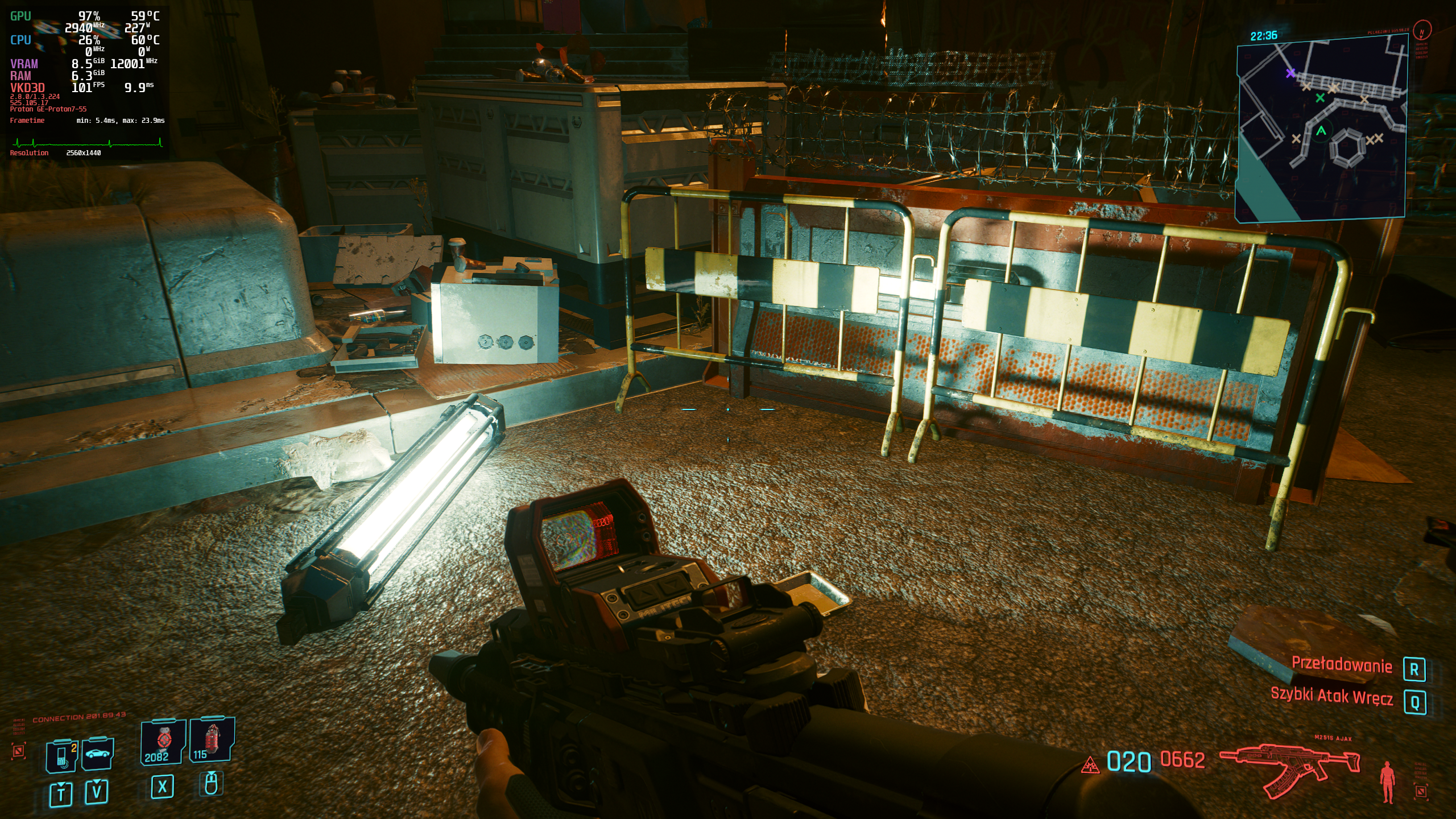
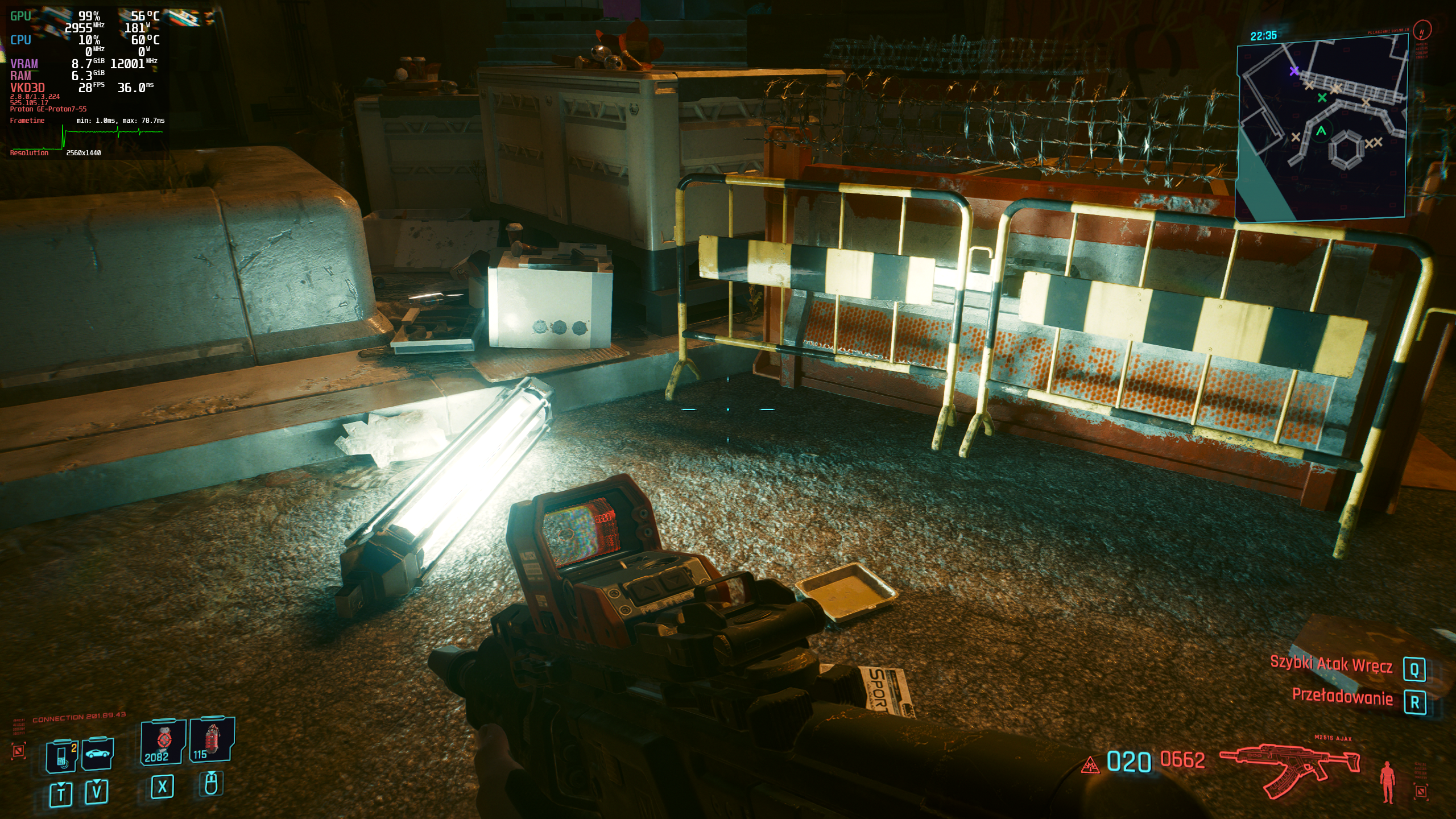
@eXt73 Hi, I'm curious to test it on my 4090 - could you please specify exactly what Proton version you are using, the drivers and the command line when executing the game?
Thanks!
Should just work with Proton bleeding edge and launching the game with VKD3D_CONFIG=dxr11 %command% afaik.
@Blisto91 Can confirm , all working nicely including DLSS , RT and PT
https://i.imgur.com/uZqusb1.jpg

Should just work with Proton bleeding edge and launching the game with
VKD3D_CONFIG=dxr11 %command%afaik.
With which Proton version would it work?
The bleeding edge beta of Proton Experimental only for now.
Should arrive in regular experimental or GE next update
what's the best way of installing that one?
In steam you can find Proton experimental in your library by searching for Proton. If you then go in to the properties of that one then under the beta tab you should be able to select Bleeding edge.
Be aware that bleeding edge means that its updated automatically each hour or so if there is new upstream commits in some of the Proton included projects. That means it haven't received much practical testing and have a higher chance of breaking from time to time than regular experimental. So i do not recommend it for regular usage unless you don't mind testing all the newest changes all the time.
Oh I see thanks for the reply - I will use it for testing and then wait for the GE version
Sorry for the necro-posting but this doesn't seem to be working with the latest Wine-GE-Proton8-14 and bleeding edge vkd3d build that I grabbed from GitHub actions.
Should I make a new bug report with all the details?
I was supposed to report a new post but I think I'll write here - now for about a month + the latest Nvidia drivers 535.98 Path Tracing doesn't work - trying to activate it results in the game crashing, turning it off and the debugging window appearing.
Proton versions
ge-proton8-14x1 2023-08proton experimentalx4 2023-04proton hotfixx1 2023-04
Launch options
VKD3D_CONFIG=dxr11x2 2023-04PROTON_ENABLE_NVAPI=0x3 2023-04PROTON_HIDE_NVIDIA_GPU=0x2 2023-04VKD3D_CONFIG=dxr11,dxr,force_static_cbvx2 2023-04VKD3D_FEATURE_LEVEL=12_2x2 2023-04DXVK_NVAPIx1 2023-04
I crash either before making it past the splash screen or during the loading screen.
Software information
Cyberpunk 2077
Only experience crashes when enabling any ray tracing settings e.g psycho or the new path tracing toggle option.
System information
Log files
trace.log
steam-1091500.log