Death Stranding character models vertex explosions
I have also compiled master and put d3d12.dll in my proton prefix at: steamapps/compatdata/STEAM_ID/pfx/drive_c/windows/system32/d3d12.dll and the issue still occurs.
It does not reproduce on Turing or AMD.
I’m running it using the steam flatpak but that shouldn’t make a difference. It depends on the cutscenes. It doesn’t happen during normal gameplay just during cutscenes.
My GPU is also Turing (GTX1650). This issue is really hard to reproduce because it only happen sometime when you access the in-game Terminal which trigger a cutscene.
If I remember correctly this issue only happen to me after https://github.com/HansKristian-Work/vkd3d-proton/issues/398 is fixed.
My build is currently at commit 6886bb7f1153a62b54aea5a99196962b190041be and this issue is not happen anymore.
This is confusing, is the issue reproducable on Turing on master? You said it's fixed by 6886bb7?
I think they mean that they are on build 6886bb7 and it doesn’t happen but it does happen for them on newer builds. This means that something after 6886bb7 is causing the issue.
That makes even less sense because we've had reports about that issue before the black icon problem was fixed.
Hmm not sure then. What I do know is that it seems to happen when models quality is set to default or higher. If set to medium the issue seems to go away or at least happen significantly less often.
Happens on medium too. It seems to happen as the shader cache builds up. If you refresh the shader cache it seems to go again for some time. I could be completely wrong though.
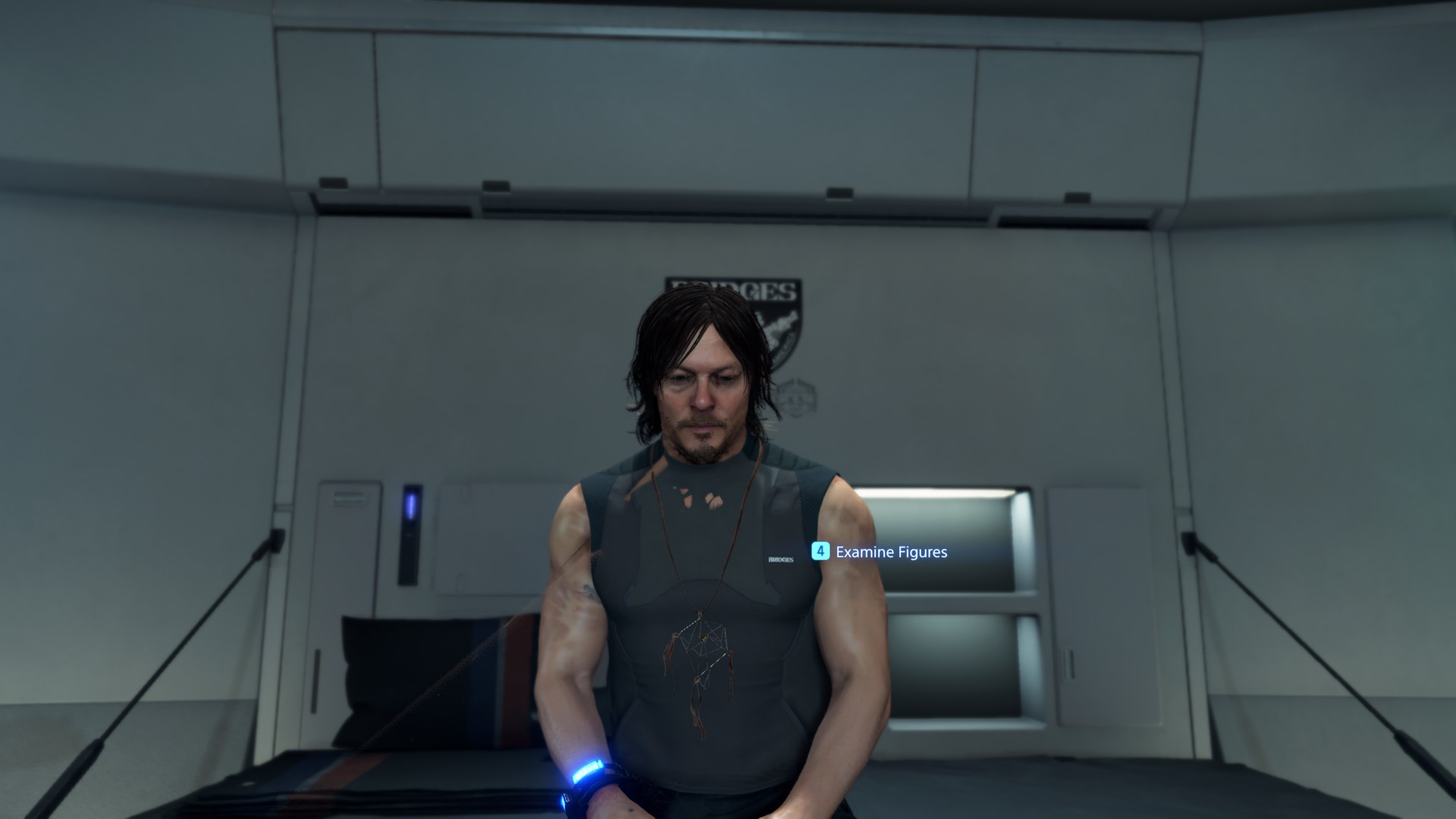
Also happening in the private room which isn't a cutscene. Restarting the game fixes it for a short period.
@TheGreatestJannet Can you make a clean build of vkd3d (reclone the project) then test it again? May be there are updates from vkd3d submodules that fix this issue (that you may have not updated), because I cannot reproduce this issue anymore.
Here is my build d3d12.zip with current master (e0382cc451772fc063a5863e2c4a9f62644e874b) if you don't mind to use.
Just to be sure where do I put the dll? Next to the .exe or in system32?
Both options should work fine.
Next to exe is OK.
Both options should work fine.
When using proton, the launch script will overwrite the dxvk and vkd3d-proton dlls in the prefix' system32 on every launch, so both options are not fine. Either place it next to the .exe or overwrite the d3d12.dll shipped by proton in dist/lib64/wine/vkd3d-proton
I've a played a bit with @ngoquang2708 version and so far it hasn't happened (model detail was on very high) but I'll need to play longer to confirm it is gone. I'll update back tomorrow or a couple days later to let you know.
After playing for while this issue seems fixed in the latest master. Something after release 2.0 has fixed it.
I am getting vertex explosions with character models in certain scenes. It seems to only happen in cutscenes. I am running a GTX 1060 6GB with the 455.45.01 drivers.
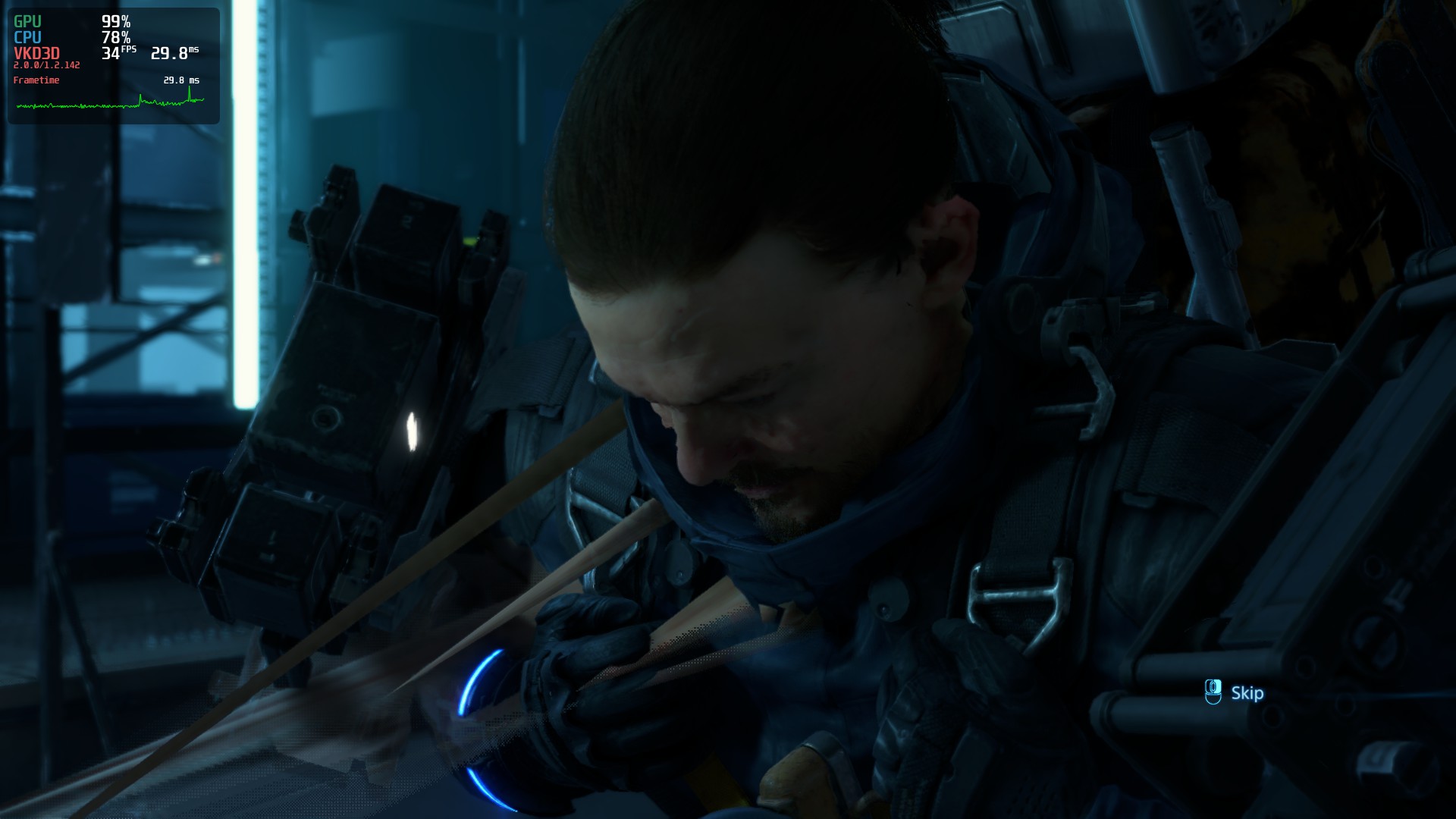
Screenshot: