Deep Rock Galactic
game: Deep Rock Galactic [548430] ver:1.34.52623.0
my spec
- core i7 4790K / 16 gb ddr3
- nvidia proprietary driver: 455.50.14; gtx nvidia 1080ti
- arch linux, kernel: 5.10.31-tkg-upds
- Proton-6.1-GE-2 (local build*)
- vkd3d-proton 2.3 https://github.com/HansKristian-Work/vkd3d-proton/commit/26584b4d7cee899b5fa367d5f3fb9d0845113197
*also I usesprotonfixes/gamefixes/548430.py
""" Deep Rock Galactic
"""
#pylint: disable=C0103

from protonfixes import util

def main():
    """
    """
    util.winedll_override('d3d12', 'n')
In-game screenshots
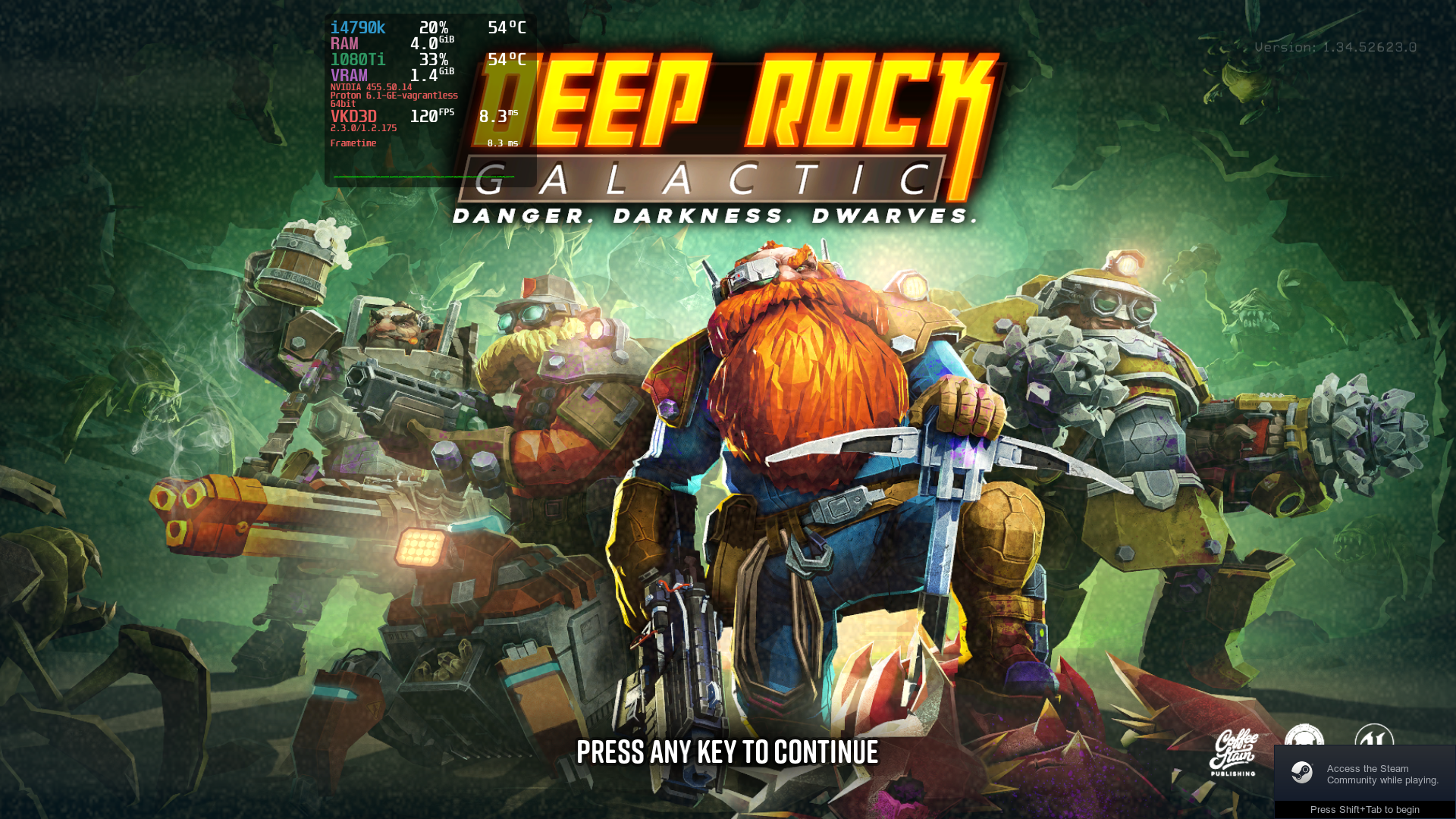
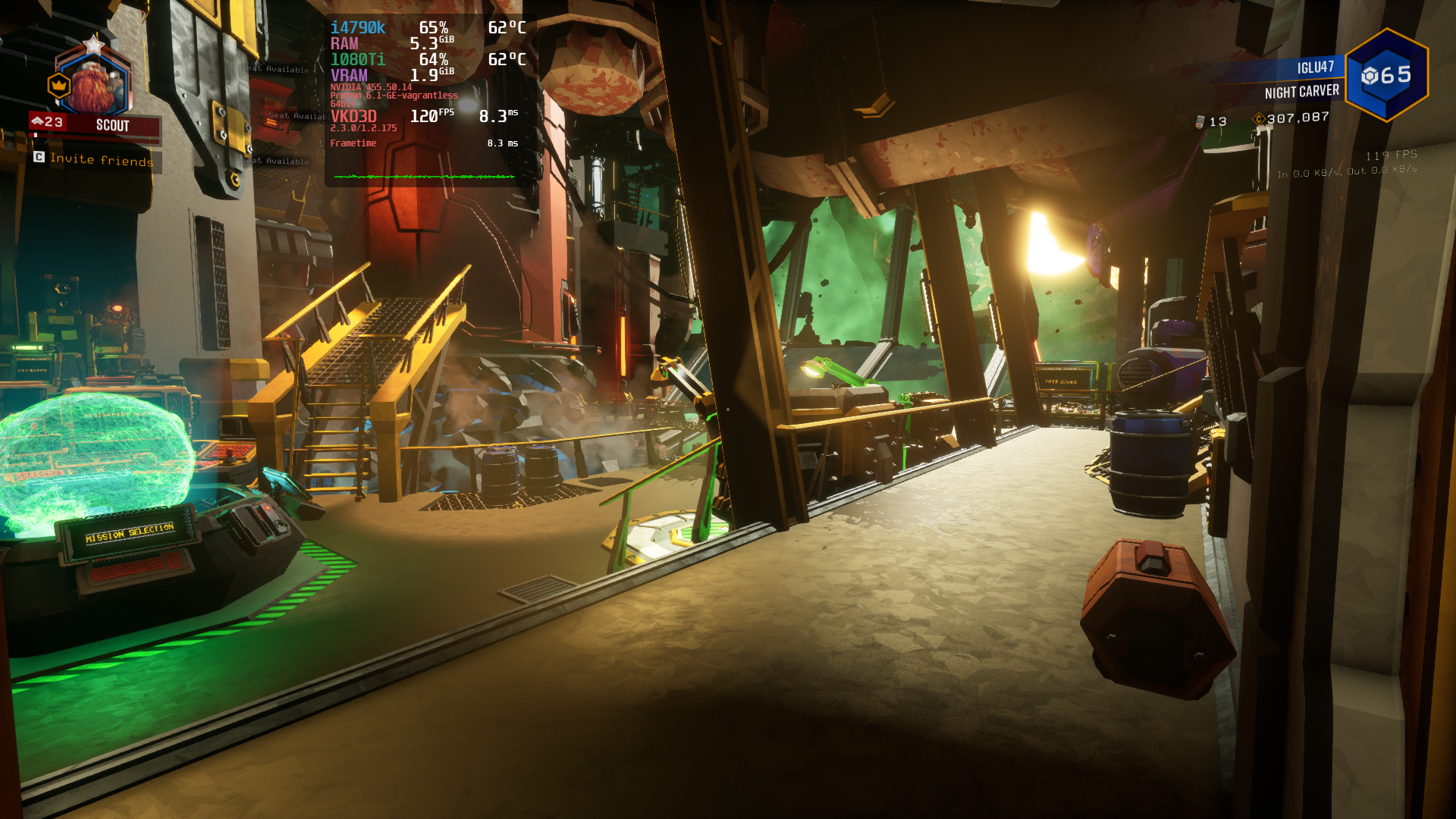
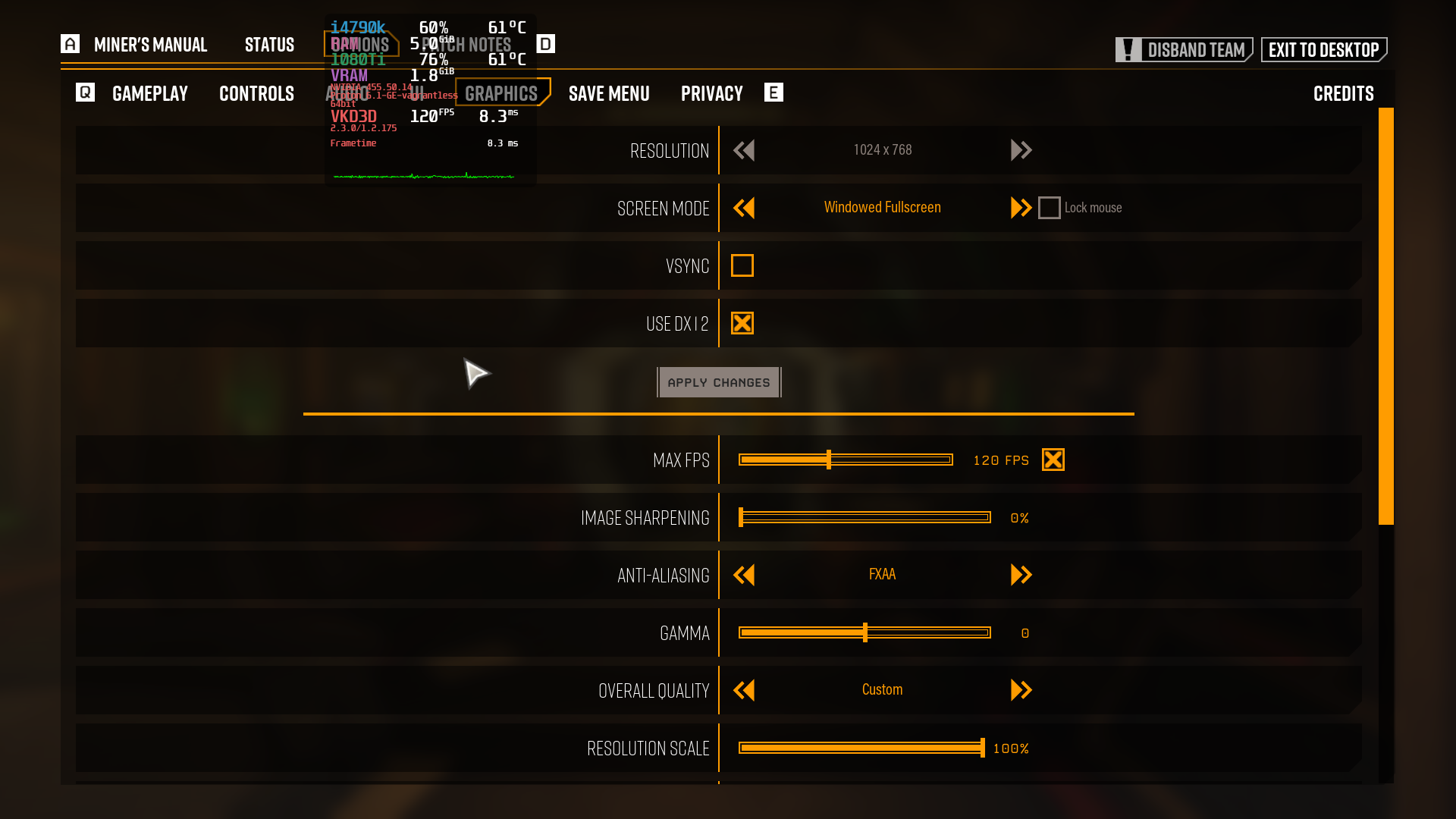
FSD-Win64-Shipping_d3d12.txt
add. comment: the game works fine in windowed borderless mode. I tried switching to fullscreen mode also - it does not freeze.
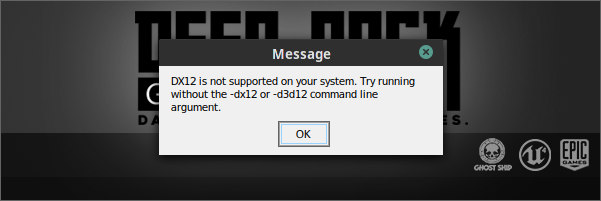
Without wine dll override of d3d12 set to native I get the same message:
@Rhiyo could you try WINEDLLOVERRIDES="d3d12=n" %command%?
Thanks lglu47, I was having trouble, but I deleted my old prefix, added that fix to my proton-ge, reran the game on steam to regenerate the prefix, readded the dlls from this repository, and it now works! Not sure why my old prefix had issues.
For future reference, I assume all games would need to use native dlls for this to work?
Yes apparently. I use this for Monster Hunter: World and then I can switch between the graphic renders inside the game. It is possible today it is already safe to change this default behavior of the Proton, but such issues should not be solved with this repository's tracker.
You can also update vkd3d-proton directly in Proton-GE Steam/compatibilitytools.d/Proton-6.5-GE-2/dist/lib[,64]/wine/vkd3d-proton/d3d12.dll (so that new prefixes already used these new versions of files automatically).
Thanks for the tip. Considering everything seems to be working I'll close this issue!
Update:
My bad, I tried with a newer mesa version and now it works.
@Rhiyo I get the DX12 not supported message since the last few protonge and proton-experimental versions. I tried it with a clean prefix and the ddl overwrite but I still get that error message.
Does the game still work for you ?
Proton versions
proton experimentalx1 2022-05proton 6.5-ge-2x2 2021-04proton 2.3x1 2021-04proton 6.1-ge-2x1 2021-04
Launch options
WINEDLLOVERRIDES="d3d12=n"x1 2021-04
Launch lines
WINEDLLOVERRIDES="d3d12=n" %command%x1 2021-04
DLLs
d3d12.dllx1 2021-04
The game is set to DX12 by default now, I think. However I think it silently fails when lauching and reverts back to DX11. I tried to see if this patch works be letting steam generate a prefix using PROTON-6.5-GE-2 with this patch installed to it, while adding the -dx12 launch parameter to force it to launch it DX12, however I get the error "DX12 is not supported on your system."