LEGO Jurassic World
Hello @bjb1959, please copy your system information from steam (Steam -> Help -> System Information) and put it in a gist, then include a link to the gist in this issue report.
Lego Jurassic World (352400): stopped working after Proton 4.2
Issue transferred from https://github.com/ValveSoftware/Proton/issues/3494.
@brauliobo posted on 2020-02-08T00:05:15:
Compatibility Report
- Name of the game with compatibility issues: Lego Jurassic World
- Steam AppID of the game: 352400
System Information
- GPU: RX 590
- Driver/LLVM version: mesa 19.3.3
- Kernel version: 5.5.1
- Link to full system information report as Gist:
- Proton version: 5.0 or 4.11 don't work, 4.2 works
I confirm:
- [ ] that I haven't found an existing compatibility report for this game.
- [x] that I have checked whether there are updates for my system available.
Symptoms
Don't launch on Proton 5.0 or 4.11
Reproduction
Select Proton 5.0 or 4.11 and try to launch game. Works fine with Proton 4.2
Hello @brauliobo, please add PROTON_LOG=1 %command% to the game's launch options, reproduce the regression, and drag and drop the generated $HOME/steam-$APPID.log into the comment box.
@brauliobo could you please also repost your system information? The Gist link seems to not be working anymore.
sorry for the big delay, attached are the logs for both proton 4.11 and 5.0 that aren't working
steam-4.11-352400.log
steam-5.0-352400.log
Following other tickets I installed https://www.archlinux.org/packages/multilib-testing/x86_64/lib32-vulkan-radeon/ and it then worked with proton 5.0. Maybe the Steam package should require and/or inform about that?
One very annoying issue is that the bluetooth PS4 controller - first or second - can't be connected or reconnected during the game and using the Change device configuration is useless. The controller is selected but after you Accept and go back to the Control setup again the control selection is lost.
The only solution is to restart the game and sometimes restarting Steam itself is necessary!
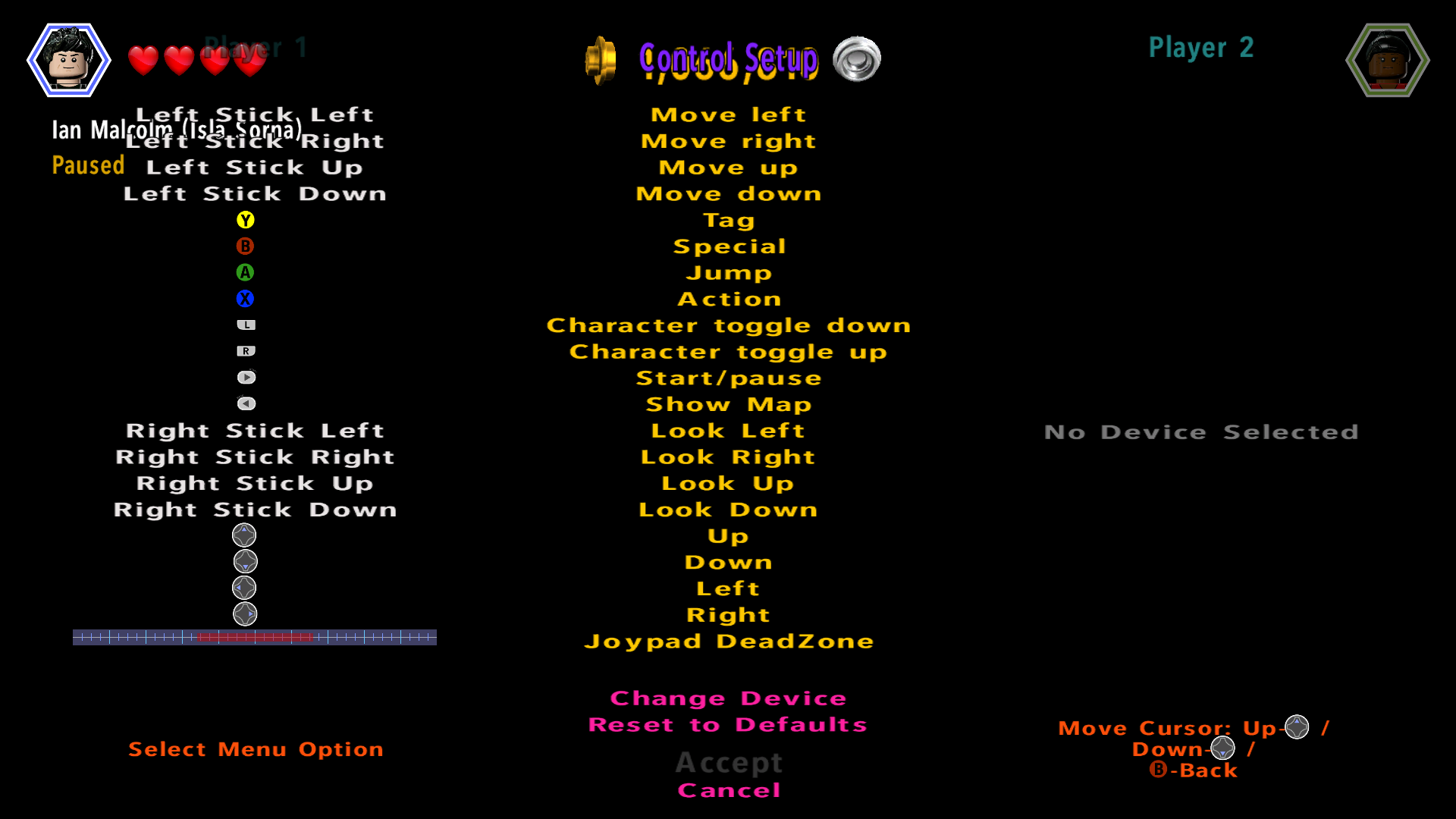
something new with proton 5.0: the game freezes if the controller stops working (e.g. due to low battery) and Steam freezes as well. A kill signal needs to be sent to have your system back.
Hello @brauliobo, have you had the same situation happen with older Proton and seen it handled gracefully?
@kisak-valve with proton 4.2 the reconnect issue was present, but not the freezing issue. With proton 5.0 both issues happens.
Please add PROTON_LOG=1 %command% to the game's launch options, reproduce the freeze, and drag and drop the generated $HOME/steam-$APPID.log into the comment box.
The game seems to work almost perfectly, but my Xbox 360 controllers won't rumble - may be related to ValveSoftware/steam-for-linux#4338. I can play a lot of other games with rumble working, so I'm not sure what the issue is.
Related threads
- Lego Jurassic World: stopped working after Proton 4.2protonclosed same game
Proton versions
proton 5.0x4 2020-02proton 4.2x2 2020-02proton 4.11x1 2020-02
Launch options
PROTON_LOG=1x2 2020-02
Upstream links
- ValveSoftware/Proton/issues/3494x1 2020-02
everything works perfectly as far as I can tell. Will play on steam link if started on PC in big picture mode with USB xbox controller and then starting steam link. doesn't work on steam link with wireless controller, the game won't start using big picture on steam link, only when started on PC using big picture mode.