VRChat
I've found a couple workarounds for various issues listed here.
Crash on loading hub world: Setting launch option vrchat://launch?id= with another world id will load that world rather than the hub world. Been using wrld_8ef393c0-a985-4d7e-90f0-33ab10d41ee3:2822 here for the avatar testing world.
Mouse escape in windowed mode: Just set the -screen-fullscreen 1 -screen-width w -screen-height h launch options with the resolution of your screen as w and h.
Mouse sensitivity maxing out when opening/closing game menu: It's pretty annoying but it's fixed temporarily by switching focus from then back to the game by alt-tabbing or using a volume key so a popup showing the current volume quickly grabs and releases focus.
Game locks on exit: Just keep a command line open with killall VRChat.exe to bop the process after exiting :/
System: Ubuntu 18.04.1 LTS | Intel Pentium G3258 | GeForce GTX 750 Ti | Proton 3.7-7 Beta | VRChat 2018.3.1
I have a problem with VRChat even with Stream Output support, the characters and everything on tutorial works fine but you can't load any map after that, the game just freezes.
Hardware/Software info:
Proton 3.16-1
GTX: 750 2 GB Driver 396.54.09
CPU: Intel Core 2 Quad Q9550
RAM: 7 GB
Here is the proton log file:
steam-438100.log.zip
How have things changed with VRChat 2018.4.3? They just performed an engine upgrade along with upgrading various libraries they use.
@owlboy Not for the better unfortunately. VRChat 2018.4.3 segfaults now before even showing for me.
Edit 1: because this maybe related to my old cpu's lack of AVX support. Will update once try it on a supported cpu.
Edit 2: I upgraded to an i7 cpu with AVX support but had the same crashing issue until switching from proton 3.16-6 Beta to 3.16-4. Everything's back to working as well as it did before.
System: Ubuntu 18.04.1 LTS | Intel i7 4790 | GeForce GTX 750 Ti | Nvidia 396.54.09 | Proton 3.16-4 | VRChat 2018.4.4
3.16-6 beta works fine for me at home, the menu and at a 40mb room, but a 220 or so mb would not work, using the tv hangs it, certain characters cause hangs. some of the avatars at 'loli's world' seemed to break it as well (one of the top results for avatar worlds) oh! also -force-d3d11 allegedly helps.
System: Gentoo 17.1 | AMD Ryzen 7 1800X | GeForce GTX 1070 | Nvidia 415.25 | Proton 3.16-6 | VRChat 2018.4.4
I just tested it with 3.16-6 beta and can confirm that it works to some extent now-- Turning on the TV hangs it though. Going through several avatar worlds, the game seems to work just fine. I did notice a lot of hangs-- the hangs would cause some nasty mouse wackyness. Except for the TV, however, none of the hangs lasted more than a few seconds and the game resumed working after that. The exit button does appear to hang the game, but I don't see that as a huge issue (it is the Exit button....)
ohhhh this reminds me of a few things i forgot to mention! yeah you have to externally end the process to exit. having any sort of controller plugged in seems to make the mouse 'stick'. however the hangs kept going for me. all hangs were related to certain avatars or to certain worlds (i reattempted the 220mb one A LOT and it always hanged seemingly permanently) i also have a terminal log, but i feel like there's not much useful info to obtain from it, the hangs don't SEEM to create any output
vrchat-log.txt
VRChat has issues closing properly without hanging in some cases on its own on Windows. So that is not surprising.
Since there isn't an issue for the VRChat VR version, and I believe that they are the same App ID (correct me if I'm wrong), I'm gonna add this here:
Once I got SteamVR working and happy, I was able to play several hours of VRChat in VR with my Vive with almost zero issues. There were 1 or 2 models that didn't render correctly, but that was an issue in desktop as well. Performance is about what I would expect from playing some VR games on Windows ~a year ago (last time I booted into Windows). I DID have Direct Mode working, and everything seemed to "just work" other than the Exit button in VRChat. All of the other bugs I hit seem to be actual bugs in the game itself, and weren't the fault of Proton.
Since my initial report was ~5 months ago, here is a new System Info gist to reflect the software changes that have occurred in that time: System Info. I'll add this to the OP as well.
In desktop mode the map "The Great Pug" crashes after ~10 seconds after you join.
Proton 3.16-6 Beta
sysinfo.txt
steam-438100.zip
I've had that issue with the same map as well. I thought it was an avatar, but the map makes more sense because I kept crashing after turning Safety all the way up to max.
In VR, however, the map seems to be fine.
UPDATE: After posting this, I've tried to go to The Great Pug a few times, and it now crashes the game in VR. I'm not really sure what changed, if anything.
I've put over 100 hours into the game at this point, and can say that it works pretty well. Since my last system specs post, I think I've bumped to Mesa 18.3.x, but that is about the only notable change.
So far the game has been working fine with Proton 3.16-7 Beta.
The only things I've found that consistently crashes me 100% of the time is the ingame embedded web player and some shader-heavy worlds. Any world that has an auto-activated web player will crash me within a minute, hitting the button to turn it on in any world where it must be activated will crash right away. Worlds with lots of really fancy shaders also seem to crash the game, but it could also just be something like shader (re)compilation taking so long that I think the game died.
The game hangs on exit 100% of the time. Sometimes when killing the game (clicking the X until KDE prompts to kill wine), it will completely or partially crash SteamVR. I've noticed this happens more when the game has locked up/crashed; however it handles it perfectly fine sometimes. Restarting SteamVR fixes the issue.
I've also noticed that opening and closing the SteamVR Dashboard overlay too many times too quickly can crash the game as well. I started noticing that with 1.2.10, but that could just be because I've spent many many more hours using 1.2.10 than using any other version.
Other than that, the only crashes I experience are usually things that crash other users as well (IE avatars with just insane shaders, lots of resource-intensive avatars in a small area). If anything I've found that I crash less than some other users who run on Windows, as the game seems to handle extremely resource-intensive avatar shaders "well" (The game drops to 1-2 FPS but keeps rendering which allows me to use the menu to leave the world). It isn't pleasant, but the game does survive.
I've also noticed an issue (although I don't know that I've seen it since Proton 3.16-7 Beta activated) where shaders or something seem to keep running. When avatars have really demanding shaders, if I leave the world to other (empty, decently optimized) worlds, I'll often keep having terrible performance. If I go to a world where I usually get 45 FPS, it will be consistently dropping below 30 despite me being the only person there. Restarting the game (and SteamVR, if SteamVR crashes) will fix this. I'll see if I can reproduce this with Proton 3.16-7 Beta; it may have been fixed.
Overall, I'd say that with decently powerful hardware (see my system specs), the game is absolutely playable and a pretty good experience. It isn't perfect (see above for the issues), but most of the issues are usually avoidable and manageable. I absolutely plan to keep playing the game for the foreseeable future, so long as it stays in the current state (or gets better).
I may have found a fix for the video player crash (also fixes The Great Pug):
Browse to the VRChat folder in steamapps/common.
Browse to VRChat_Data, StreamingAssets, and rename youtube-dl.exe to something other than youtube-dl.exe (for example, youtube-dl.exe.no). This will disable the ingame streaming video player completely, but also fix the crashes. You won't be able to watch videos in maps anymore, but at least the game won't crash.
hmmm.... youtube-dl has a linux version, i wonder if it is possible to redirect it so it uses the native one. considering it's a command line application i imagine the commands are the same on both OSes
youtube-dl requires Microsoft Visual C++ 2010 Redistributable Package (x86) per their homepage.
https://www.microsoft.com/en-US/download/details.aspx?id=5555
https://rg3.github.io/youtube-dl/download.html
@Goofybud16 Can you confirm this is installed and available for youtube-dl?
@Goofybud16 Here is a test world that has a Unity Video Player component in it, but it does not use any VRChat video scripts, so it should not call youtube-dl:
https://vrchat.com/home/world/wrld_f994e95a-8c0e-42b2-b894-f9cf6f1c6387
Upon loading, it should autoplay a video from a direct URL. This video should also loop.
If it could be used to test to see if this world also crashes VRChat under Proton, that might help confirm whether youtube-dl is specifically the issue or if it is the video player alone.
Thanks for continuing to test this.
youtube-dl requires
Microsoft Visual C++ 2010 Redistributable Package (x86)per their homepage.
https://www.microsoft.com/en-US/download/details.aspx?id=5555@Goofybud16 Can you confirm this is installed and available for youtube-dl?
As far as what is installed: I just told Steam to use Proton 3.16-6 Beta (and now it uses 3.16-7 Beta after an auto update). I don't see anything for it in the Program Files or Program Files (x86) folders. Whatever Proton and VRChat installed as part of initial setup is all that is installed. What is the best way to install that/check for it?
@Goofybud16 Here is a test world that has a Unity Video Player component in it, but it does not use any VRChat video scripts, so it should not call youtube-dl:
https://vrchat.com/home/world/wrld_f994e95a-8c0e-42b2-b894-f9cf6f1c6387
Upon loading, it should autoplay a video from a direct URL. This video should also loop.
If it could be used to test to see if this world also crashes VRChat under Proton, that might help confirm whether youtube-dl is specifically the issue or if it is the video player alone.
Without Youtube-dl, that world doesn't crash, however it doesn't play a video either.
With Youtube-dl, the same exact thing happens. The video screen is just blank. In the console, I do get the line
Unloading 1 Unused Serialized files (Serialized files now loaded: 2)
UnloadTime: 1.459000 ms
WindowsVideoMedia error 0x80004001 while reading http://thegreatpug.com/video/other/dev_update-1.mp4

Context: Turning DXVA off
Error details: <Empty>
Track types:


(Filename:  Line: 2456)
Thanks for continuing to test this.
Not a problem. I'm just playing the game, most of the testing I've done comes as a result of trying to do something with friends and having it crash me.
As far as "what is the actual problem with the video subsystem", I suspect something on the VRChat side. The first time I go to The Great Pug after an update to the game/map (with youtube-dl), it works. However, all network connectivity outside of other player's movement and voice stops working. Portals don't load, avatars don't load, the menus are broken, and the game log gets filled with NullReferenceExceptions. Trying to Go Home will result in the game loading nothing forever. The second time I join the world, it will crash almost exactly at the 1 minute mark, hanging and maxing out 1 CPU core. Prior to hanging, the game breaks in pretty much the same way. I've had this in other worlds as well. In worlds without an auto-activated video player, the game seems to work fine until it gets turned on. Once it gets turned on, the game instantly hangs.
@Goofybud16 Here is a build of a very basic Unity scene that has a video player configured as it is in my test world in VRC and is playing the same video. The version of Unity used is the same that VRC currently uses. No VRChat code or youtube-dl is involved in this build.
I tested on Windows 10 in VMware to confirm the build runs and plays the video as expected.
http://thegreatpug.com/share/test_video_player.zip
(This has Windows, and macOS builds in it. But no Linux build as I don't have the package installed in Unity right now)
Re: How to install Microsoft Visual C++ 2010 Redistributable Package (x86) for a Proton install.
I am not sure. I actually don't have a Linux box running Proton, and I have never used Proton myself. I am just interested in VRChat, and it running on other platforms. And am trying to help the best I can.
@Goofybud16 Here is a build of a very basic Unity scene that has a video player configured as it is in my test world in VRC and is playing the same video. The version of Unity used is the same that VRC currently uses. No VRChat code or youtube-dl is involved in this build.
I tested on Windows 10 in VMware to confirm the build runs and plays the video as expected.http://thegreatpug.com/share/test_video_player.zip
(This has Windows, and macOS builds in it. But no Linux build as I don't have the package installed in Unity right now)
I temporarily replaced VRChat with Test Video Player (to replicate as close as possible the environment in use [same wine prefix]) and while it does load up, the video never plays. The video player just stays solid white. If I run with konsole -e %command% (to get a debug log) there isn't really any useful info in the output.
I suspect the problem is that Proton is missing some Windows Media components (or maybe has a bug in some implementation?), and that causes the video to fail to play, which VRChat does not handle well causing it to lock up as it tries to sync playback or something with a video player that isn't playing.
If we could figure out how to make and exe that is called by vrchat (youtube-dl.exe) to run a native linux application, we could have that just redirect the command to native youtube-dl.
I have tinkered a little bit with that, but unforunately just renaming an sh script to youtube-dl.exe and making it executeable doesn't work.
In my case i tried putting cmd /c start /unix /usr/bin/glxgears in to see if glxgears would run instead of youtube-dl.
On the other hand, looking at the proton logs when running owlboys testworld and the test_video_player shows that "mfplat.dll" is being loaded. "mfplat.dll" is part of the windows media feature pack. I tried replacing the builtin mfplat.dll with a windows native mfplat.dll from the windows media feature pack for windows 7. Unforutnately it fails to load.
Could very well be VRChat embeds some config in their exe? I don't have a windows build environment atm. Testing in proton with a local file I get:
Z:\home\vrvm2\.local\share\Steam\steamapps\common\VRChat\VRChat_Data\Syoutube-dl --print-traffic asdf.mp4
Traceback (most recent call last):
  File "__main__.py", line 19, in <module>
  File "C:\Users\dst\AppData\Roaming\Build archive\youtube-dl\ytdl-org\tmpcs52imf5\build\youtube_dl\__init__.py", line 472, in main
  File "C:\Users\dst\AppData\Roaming\Build archive\youtube-dl\ytdl-org\tmpcs52imf5\build\youtube_dl\__init__.py", line 439, in _real_main
  File "C:\Users\dst\AppData\Roaming\Build archive\youtube-dl\ytdl-org\tmpcs52imf5\build\youtube_dl\YoutubeDL.py", line 416, in __init__
  File "C:\Users\dst\AppData\Roaming\Build archive\youtube-dl\ytdl-org\tmpcs52imf5\build\youtube_dl\YoutubeDL.py", line 2332, in _setup_opener
  File "C:\Users\dst\AppData\Roaming\Build archive\youtube-dl\ytdl-org\tmpcs52imf5\build\youtube_dl\utils.py", line 700, in make_HTTPS_handler
  File "C:\Python\Python34\lib\ssl.py", line 439, in create_default_context
  File "C:\Python\Python34\lib\ssl.py", line 390, in load_default_certs
  File "C:\Python\Python34\lib\ssl.py", line 382, in _load_windows_store_certs
ValueError: Empty certificate data
Semi related, appears to be a bug upstream in Python itself:
if sys.platform == "win32":
    from _ssl import enum_certificates, enum_crls

[...]

def _load_windows_store_certs(self, storename, purpose):
        certs = bytearray()
        for cert, encoding, trust in enum_certificates(storename):
            # CA certs are never PKCS#7 encoded
I'm having an issue where it just kind of lingers at the login screen.
Currently using Proton 4.2-2, has anyone experienced this before?
Hello @Casuallynoted, please add PROTON_LOG=1 %command% to the game's launch options and drag and drop the generated $HOME/steam-$APPID.log into the comment box.
Oh wait! I left it running in the background and it seems to have done it. I've had this issue once on windows with the latest update so maybe it's a VRChat thing! Nevermind!
Tried it again now after a break, so... I was correct that it did load me into a world but everything else is taking centuries to load, including my avatar, social menu, and eventually the app does crash before loading anything aside from the home world. Logs included:
After upgrading to 4-2.2, I haven't had any issues playing VRChat in VR. I haven't tested desktop mode yet.
After upgrading to 4-2.2, I haven't had any issues playing VRChat in VR. I haven't tested desktop mode yet.
That's really good to hear, are the video panel issues also resolved?
This is what I'm looking at atm, for some reason things don't load and inevitably hang. I can say I use VRC on the windows side of my PC and it's quite fast in terms of loading content.
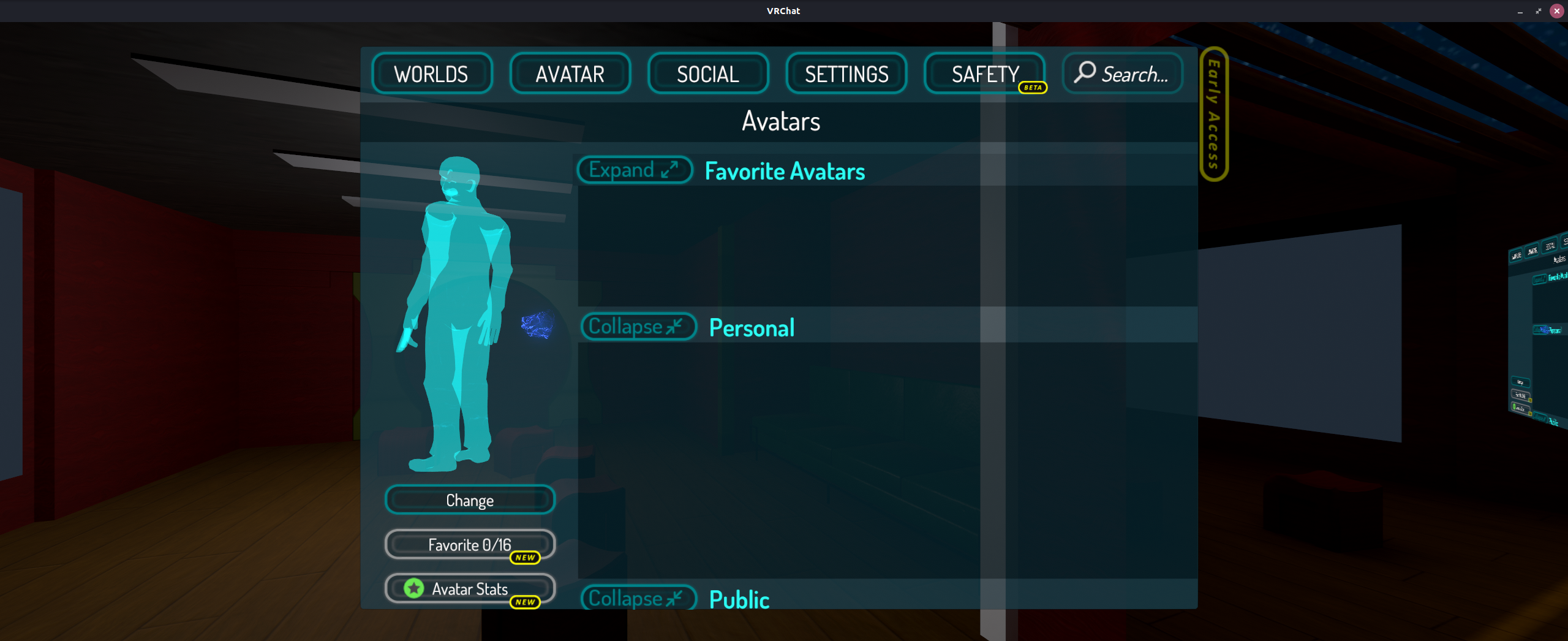
I guess I should clarify that I have seen no new issues in 4.2-2. I have not tested a video panel, I will try that.
Earlier I was able to load into both new worlds and worlds I had already loaded into in addition to loading new and existing avatars.
Update: Tried a world with a video player, immediately crashed me when I had the youtube-dl exe in place.
After upgrading to 4-2.2, I haven't had any issues playing VRChat in VR. I haven't tested desktop mode yet.
That's really good to hear, are the video panel issues also resolved?
This is what I'm looking at atm, for some reason things don't load and inevitably hang. I can say I use VRC on the windows side of my PC and it's quite fast in terms of loading content.
VRChat saves a log in AppData. Maybe that shows something useful (even if I doubt it).
I just tested Desktop and was successfully able to load into a world and talk with someone. It seems to work fine for me.
Try disabling the video player (remove the youtube-dl executable) as your issues sound similar to mine when I had the video player enabled.
If anything, the mouse input issues I've had in the past appear to be fixed (which I believe was actually part of some Wine version between 3.16 and 4.2)
I just tested Desktop and was successfully able to load into a world and talk with someone. It seems to work fine for me.
Try disabling the video player (remove the youtube-dl executable) as your issues sound similar to mine when I had the video player enabled.
Disabled video player and it worked for eliminating the crashing! However, everything was still slow to load so I realized my linux machine was connected to both wifi and ethernet. I disconnected from Wifi and now everything loads as it should. I'm wondering if somehow the game gets confused when two internet connections are present. Either way, this looks fantastic so far. I want to hopefully help see if we can't find a solution for Youtube-DL because if so, for all intents and purposes VRChat has a Linux port.

There is still a good amount of worlds that crash the game. At least on nvidia.
Oh no :O What are some examples of worlds that crash? Maybe I can get some logs and post them
Sent with GitHawk
I suspect the video player related crashes may be related to Windows Media Player issues in Wine. When I was doing testing earlier in the thread, I did notice Windows Media Player errors. I wonder if installing Windows Media Player or DLLs in the Proton instance would fix the crashes related to the video player?
I suspect the video player related crashes may be related to Windows Media Player issues in Wine. When I was doing testing earlier in the thread, I did notice Windows Media Player errors. I wonder if installing Windows Media Player or DLLs in the Proton instance would fix the crashes related to the video player?
@Goofybud16 That’s a really good question! Do you happen to have the windows media player errors on hand? I’m away from my PC atm but I can try to see if I can do anything. :)
Sent with GitHawk
Do you happen to have the windows media player errors on hand? I’m away from my PC atm but I can try to see if I can do anything. :)
https://github.com/ValveSoftware/Proton/issues/1199#issuecomment-468069940
Check the second half of that comment. That was really the only useful log output I got IIRC
Do you happen to have the windows media player errors on hand? I’m away from my PC atm but I can try to see if I can do anything. :) ...
@Goofybud16
Sweet! Thank you so much, did some research and it appears the same error occurred for the game listed here when loaded in Proton:
https://github.com/ValveSoftware/Proton/issues/1102#issuecomment-419660570
Wondering if perhaps their solution may work here as well. May have to contact the person who got it working and get a general idea as to how they did it :)
Sent with GitHawk
I wasn't able to get it to work. Here is what I tried to do:
Copy
mf.dll
mferror.dll
mfplat.dll
mfreadwrite.dll
msmpeg2adec.dll
msmpeg2vdec.dll
sqmapi.dll
from a Windows 7 install from System32 and SysWOW64 to the respective locations in the Wine Prefix.
Export the entire HKEY_LOCAL_MACHINE\SOFTWARE\Microsoft\Windows Media Foundation from a Windows install registry to a file called wmf.reg.
Put
REGEDIT4

[HKEY_LOCAL_MACHINE\Software\Wine\LicenseInformation]
"msmpeg2adec-AACDecoderV2AddInEnable"=dword:00000001
"msmpeg2adec-AACDecoderV2InSKU"=dword:00000001
"msmpeg2adec-DolbyDigitalDecoderV2AddInEnable"=dword:00000001
"msmpeg2adec-DolbyDigitalDecoderV2InSKU"=dword:00000001
"msmpeg2vdec-H264VideoDecoderV2AddInEnable"=dword:00000001
"msmpeg2vdec-H264VideoDecoderV2InSKU"=dword:00000001
"msmpeg2vdec-MPEG2VideoDecoderV2AddInEnable"=dword:00000001
"msmpeg2vdec-MPEG2VideoDecoderV2InSKU"=dword:00000001

[HKEY_CLASSES_ROOT\CLSID\{271C3902-6095-4c45-A22F-20091816EE9E}]
@="MPEG4 Byte Stream Handler"

[HKEY_CLASSES_ROOT\CLSID\{271C3902-6095-4c45-A22F-20091816EE9E}\InprocServer32]
@="mf.dll"
"ThreadingModel"="Both"

[HKEY_CLASSES_ROOT\CLSID\{477EC299-1421-4bdd-971F-7CCB933F21AD}]
@="File Scheme Handler"

[HKEY_CLASSES_ROOT\CLSID\{477EC299-1421-4bdd-971F-7CCB933F21AD}\InprocServer32]
@="mf.dll"
"ThreadingModel"="Both"

[HKEY_CLASSES_ROOT\CLSID\{48e2ed0f-98c2-4a37-bed5-166312ddd83f}]
@="MFReadWrite Class Factory"

[HKEY_CLASSES_ROOT\CLSID\{48e2ed0f-98c2-4a37-bed5-166312ddd83f}\InprocServer32]
@="mfreadwrite.dll"
"ThreadingModel"="Both"
into a file called mf.reg.
Then, run the following:
export WINEPREFIX=/path/to/SteamLibrary/steamapps/compatdata/438100/pfx
wine start regedit.exe mf.reg
wine64 start regedit.exe mf.reg
wine start regedit.exe wmf.reg
wine64 start regedit.exe wmf.reg
wine regsvr32 msmpeg2vdec.dll
wine regsvr32 msmpeg2adec.dll
wine64 regsvr32 msmpeg2vdec.dll
wine64 regsvr32 msmpeg2adec.dll
This did seem to eliminate the DXVA errors, but the game still doesn't work. When I put a video in the video player in Room of the Rain, it seemed like it wanted to work, but eventually crashed.
The only relevant log section I could see with an error was:
2019.04.07 11:54:39 Log        -  [Network Processing] RPC invoked _SendOnSpawn on SceneEventHandlerAndInstantiator for goofybud


2019.04.07 11:54:39 Exception  -  NullReferenceException: Object reference not set to an instance of an object
VideoSpeaker+PICMIJKCDDD.MoveNext ()
UnityEngine.SetupCoroutine.InvokeMoveNext (IEnumerator enumerator, IntPtr returnValueAddress)


2019.04.07 11:54:39 Warning    -  [VRC_TriggerInternal] SpawnVideo (Dynamic Clone 1312513:100003) deferred event Unnamed type OnSpawn because ScreenAnchor to ready
Issues relating to lack of Media Foundation support appears to be tracked here https://github.com/ValveSoftware/Proton/issues/1464 (The issue focused on wmv support, but issues with other video formats are also tracked)
Also, worth noting that the dlls from windows 7 dosn't support all of the MF features required by VRChat, see http://help.vrchat.com/kb/article/21-video-players-arent-working/ (Not sure how many worlds this effects), but is seems proton might not support the newer versions, based on https://github.com/ValveSoftware/Proton/issues/1102#issuecomment-421484508
Really appreciate your insight TheLastRar! Man that’s a shame, so ultimately it comes down to supporting not only Media Foundation but also the latest Media Foundation from Win10.
I have a friend that plays VRChat using windows 7, and most(?) video panels seem work for them, but they have crashed in the "Back to the Future The Ride" map in the past (which says it needs win10).
So the windows 7 version does provide a good amount of support, But yeah, support of the for latest version seems to be required for everything VRChat can do.
Issues relating to lack of Media Foundation support appears to be tracked here #1464 (The issue focused on wmv support, but issues with other video formats are also tracked)
Also, worth noting that the dlls from windows 7 dosn't support all of the MF features required by VRChat, see http://help.vrchat.com/kb/article/21-video-players-arent-working/ (Not sure how many worlds this effects), but is seems proton might not support the newer versions, based on [#1102 (comment)](https://github.com/ValveSoftware/Proton/issues/1102#issuecomment-421484508)
I tried the DLLs from Windows 8.1 originally and they didn't work, so I went back and got the ones from Windows 7, which also didn't appear to work.
I used process explore to see what dlls are loaded by unity to see if any where missed in the workarounds (I used the test scene posted earlier)
These dlls seem Media foundation related, so might be worth looking into (I'm using windows 10, Windows 7 might not have/need all of these)
- MSAudDecMFT.dll
- mfcore.dll
- mferror.dll
- mferror.dll.mui
- mfmp4srcsnk.dll
- mfnetcore.dll
- mfnetsrc.dll
- mfplat.dll
- mfreadwrite.dll
- mfperfhelper.dll
- msacm32.dll
- msmpeg2vdec.dll
Looking further at the test scene, (using a ubuntu VM and wine 4.5)
Adding the following to the mf.reg now has the video player display grey (after 1-2 seconds) instead of white
[HKEY_CLASSES_ROOT\CLSID\{2EEEED04-0908-4cdb-AF8F-AC5B768A34C9}]
@="Drm Scheme Handler"

[HKEY_CLASSES_ROOT\CLSID\{2EEEED04-0908-4cdb-AF8F-AC5B768A34C9}\InprocServer32]
@="mf.dll"
"ThreadingModel"="Both"

[HKEY_CLASSES_ROOT\CLSID\{37A61C8B-7F8E-4d08-B12B-248D73E9AB4F}]
@="Secure Http Scheme Handler"

[HKEY_CLASSES_ROOT\CLSID\{37A61C8B-7F8E-4d08-B12B-248D73E9AB4F}\InprocServer32]
@="mf.dll"
"ThreadingModel"="Both"

[HKEY_CLASSES_ROOT\CLSID\{44CB442B-9DA9-49df-B3FD-023777B16E50}]
@="Http Scheme Handler"

[HKEY_CLASSES_ROOT\CLSID\{44CB442B-9DA9-49df-B3FD-023777B16E50}]
@="Http Scheme Handler"

[HKEY_CLASSES_ROOT\CLSID\{44CB442B-9DA9-49df-B3FD-023777B16E50}\InprocServer32]
@="mf.dll"
"ThreadingModel"="Both"

[HKEY_CLASSES_ROOT\CLSID\{477EC299-1421-4bdd-971F-7CCB933F21AD}]
@="File Scheme Handler"

[HKEY_CLASSES_ROOT\CLSID\{477EC299-1421-4bdd-971F-7CCB933F21AD}\InprocServer32]
@="mf.dll"
"ThreadingModel"="Both"

[HKEY_CLASSES_ROOT\CLSID\{9EC4B4F9-3029-45ad-947B-344DE2A249E2}]
@="Urlmon Scheme Handler"

[HKEY_CLASSES_ROOT\CLSID\{9EC4B4F9-3029-45ad-947B-344DE2A249E2}\InprocServer32]
@="mf.dll"
"ThreadingModel"="Both"

[HKEY_CLASSES_ROOT\CLSID\{E9F4EBAB-D97B-463e-A2B1-C54EE3F9414D}]
@="Net Scheme Handler"

[HKEY_CLASSES_ROOT\CLSID\{E9F4EBAB-D97B-463e-A2B1-C54EE3F9414D}\InprocServer32]
@="mf.dll"
"ThreadingModel"="Both"
The video fails to play further, showing the following error in the console
0050:fixme:urlmon:InternetBindInfo_GetBindString not supported string type 20
0050:fixme:urlmon:ProtocolStream_Seek no cache file, not supported
So it seems that even the windows 7 dlls can run into unimplemented functions
Omg hell yeah!! A grey screen is better than a crash!
Sent with GitHawk
So the crashes when joining maps have been gone for a while now for me.
My game only crashes from vrchat bugs now and somewhat often when a new avatar gets loaded.
Anyone else experiencing this? It feels like my graphics card hangs. The game freezes, and my whole system is EXTREMELY slow, until VRChat, SteamVR and Steam get terminated.
This only happens to me in VR. I have used multiple Nvidia graphics driver versions and use 430 right now, with this happening.
@jug007 It would be interesting to know what avatars cause this. I know that will be hard to track down though. I do know that avatars with high res textures or a lot of large resources cause a hitch still on Windows, so there is a chance it's related to that stress.
If you could collect the Output logs when these crashes happen, they might by chance have an error output in them that would at least point in the right direction.
On Windows they are located here:
C:\Program Files (x86)\Steam\steamapps\common\VRChat
The crashes don't seem to be linked to specific avatars. It seems like the game doesn't "crash" if I have it load one person at a time rather than enabling two people's avatars at once.
Also people changing avatars also doesn't seem to "crash" it. Only enabling avatars of people that are disabled by the safety settings seems to cause this fairly reliably.
Though loading a ton of avatars, because the safety settings allow it also seems to crash the game fairly often.
I think the idea about this being stress related might be somewhat of a thing. Proton seems to amplify already existing bugs in VRChat in some cases. Like VRChat never exiting properly, where as it sometimes exits properly on windows.
Made a thread on the Nvidia forums for the "crashes"/hangs I am experiencing.
https://forums.geforce.com/default/topic/1118701/geforce-drivers/-driver-430-14-system-sometimes-hangs-when-playing-vrchat-with-proton-on-linux-mint-64bit/
Apparently this issue doesn't have much to do with VRChat:
https://devtalk.nvidia.com/default/topic/1051300/linux/inconsistent-but-frequent-freeze-caused-by-steamvr
Updating to 418.52.07 fixed this issue for me.
https://devtalk.nvidia.com/default/topic/1051300/linux/inconsistent-but-frequent-freeze-caused-by-steamvr/post/5342522/#5342522
VRChat avatars with >1 skinned meshes render only the first mesh (the one named "Body" in Unity), and not others
Issue transferred from https://github.com/ValveSoftware/Proton/issues/2764.
@Icekhaos posted on 2019-06-01T20:39:29:
Compatibility Report
- Name of the game with compatibility issues: VRChat
- Steam AppID of the game:438100
System Information
- GPU: RX480
- Driver/LLVM version: Mesa 18.2.8, DRM 3.32.0, LLVM 7.0.0
- Kernel version: 5.2.0-050200rc2-generic
- Link to full system information report as Gist: Gist
- Proton version: 4.2-5
I confirm:
- [Y] that I haven't found an existing compatibility report for this game.
- [Y] that I have checked whether there are updates for my system available.
Symptoms
Player models with more than one skinned mesh (confirmed secondhand by an Unity avatar creator) do not render any skinned meshes besides the only one required by the game, that is, the one named "Body".
Here is the list of meshes, the first group (Mishe) is the unoptimized avatar that does not render properly, and the latter one (MisheOptimized) is an optimized avatar that correctly renders.

Here is what Mishe looks like:

Here is what MisheOptimized looks like:

Reproduction
1: Launch VRChat
2: Enter a hub world
3: Wait for an avatar with multiple skinned meshes
4: Compare screenshots
VRChat avatars with >1 skinned meshes render only the first mesh (the one named "Body" in Unity), and not others
Issue transferred from https://github.com/ValveSoftware/Proton/issues/2764.
@Icekhaos posted on 2019-06-01T20:39:29:
Compatibility Report
- Name of the game with compatibility issues: VRChat
- Steam AppID of the game:438100
System Information
- GPU: RX480
- Driver/LLVM version: Mesa 18.2.8, DRM 3.32.0, LLVM 7.0.0
- Kernel version: 5.2.0-050200rc2-generic
- Link to full system information report as Gist: Gist
- Proton version: 4.2-5
I confirm:
- [Y] that I haven't found an existing compatibility report for this game.
- [Y] that I have checked whether there are updates for my system available.
Symptoms
Player models with more than one skinned mesh (confirmed secondhand by an Unity avatar creator) do not render any skinned meshes besides the only one required by the game, that is, the one named "Body".
Here is the list of meshes, the first group (Mishe) is the unoptimized avatar that does not render properly, and the latter one (MisheOptimized) is an optimized avatar that correctly renders.
Here is what Mishe looks like:
Here is what MisheOptimized looks like:
Reproduction
1: Launch VRChat
2: Enter a hub world
3: Wait for an avatar with multiple skinned meshes
4: Compare screenshots
Originally reported by me, thanks for moving.
This happenes on Nvidia if you don't use dxvk (e.g. use just wine instead of proton).
I would definetly take the drivers into scrope, as Vulkan is a fairly new technology and Amd and Nvidia had problems with it in their drivers until just recently (or apparently maybe still).
Actually, if that is cubed shader, you might want to try if the problem occurs with a different shader, as there has been a bug in the AMD graphics drivers in the past where cubed's shader turned invisible (not looking exaclty like these screenshots).
Actually, if that is cubed shader, you might want to try if the problem occurs with a different shader, as there has been a bug in the AMD graphics drivers in the past where cubed's shader turned invisible (not looking exaclty like these screenshots).
I used arktoon shader(That was my unity project, and helped out)
https://gyazo.com/1f798002e30cb0228176b13edd65e317
We originally thought it was the rimlighting or shaders, but he excluded those afaict.
Oh; I have shaders disabled for random people, and those are exhibitng this problem as well. Hope this helps.
I have about 750 hours on VRChat at this point. Other than random graphical corruption issues (which are solved by restarting the game), I haven't noticed any issues like this.
I've got an R9 Fury, and I'm running on Mesa 18.3.4 with Proton 4.2-5 (although I've been playing regularly since Mesa 18.2.x + Proton 3.16 betas).
@Icekhaos Can you try using one of the Mesa PPAs to install a newer version of Mesa (eg 18.3.x or 19.x) and see if that resolves the issue?
Any PPAs you recommend? Does Oibaf's work?
I'd recommend Padoka Stable over Obiaf because Obiaf seems to build git latest mesa instead of stable. Sometimes git latest mesa has bugs that don't make it to a release.
If you have the time, it wouldn't hurt to test both though.
19.0 fixed it. I wonder why that happened though...
19.0 fixed it. I wonder why that happened though...
Likely a bug in Mesa 18.2.x that is fixed in 18.x.3 and newer.
Does anyone know how to get asian characters working?
Does anyone know how to get asian characters working?
I've noticed non-ASCII characters not rendering as well.
I suspect it is a missing font issue because I've heard reports from some of my friends on Windows that they have the same problem.
Cyrillic (Russian) characters are working fine. So there are at least some other fonts that work.
So apparently some of the fonts are "missing":
https://wiki.winehq.org/Font_Replacements
https://bugs.winehq.org/show_bug.cgi?id=13829
https://wiki.winehq.org/Useful_Registry_Keys
According to these resources, wine needs to have font replacements set, for some of the fonts to work.
Proton seems to not have these set. These resources also state the fedora and ubuntu versions of wine, as well as crossover have these replacements in place. So a fairly easy way to test if VRChat is actualy affected by this, would be to run it in wine or crossover and check if japanese characters are showing there.
Apparently you can set these replacements using regedit. To run regedit in proton, just replace its path in the following startup settings: "/mnt/e7b6ce9b-f952-4ee7-9061-34b5f3f5e028/SteamLibrary/steamapps/common/Proton 4.2/proton" waitforexitandrun regedit && echo %command% >/dev/null
I feel like the easiest way to get the right replacements, would be to just copy them from the version of wine that comes from the systems repository.
I've tried to figure out the fonts issue, here's what I learned so far.
VRC uses the fonts BankGothic (nameplates) and Dosis (menus). Which indeed are missing lots of international glyphs. Running notepad with proton in the same environment as the game, you can see this happening.
See a sample

To try it for yourself
English: Rome is a beautiful city
Italian: Roma è una bella città
Arabic: روما مدينة جميلة
Chinese (Simplified): 罗马是一座美丽的城市
Chinese (Traditional): 羅馬是一座美麗的城市
Czech: Řím je krásné město
Greek: Ρώμη είναι μια πανέμορφη πόλη
Hebrew: רומא היא עיר יפה
Hindi: रोम एक सुंदर शहर है
German: Rom ist eine schöne Stadt
Japanese: ローマの美しい街です
Korean: 로마는 아름다운 도시입니다
Russian: Рим очень красивый город
Thai: โรมเป็นเมืองที่สวยงาม
Turkish: Roma güzel bir şehir olduğunu
Ukrainian: Рим дуже красиве місто
Vietnamese: Rome là một thành phố xinh đẹp
- by Andrea Denzler for Wine
I found that following the guide on font replacements and the bugreport can resolve the issue in notepad. But the game does not reflect this.
I've tried to link both core fonts (arial, courier, times, etc.) and the fonts used (BankGothic, Dosis) to use TakaoPGothic and DroidSansFallbackFull as fallbacks. Again works fine in notepad to show Japanese text, but no change in the game.
My thinking is that the Unity engine handles fonts differently from regular windows applications. As this https://docs.unity3d.com/Manual/class-Font.html seems to reflect.
For good measure I also tried winetricks corefonts and cjkfonts. So far haven't found a fix.
Opened a feature request for the fonts issue.
https://vrchat.canny.io/feature-requests/p/add-font-fallbacks-for-compatiblity
Also the Dosis font is actually available on linux. At least it is in the ubuntu package repository "fonts-dosis".
Does anyone know a way to make Steam not override the youtube-dl.exe with every VRChat update?
Even when root doesn't have rights to modify the file, Steam still overrides it..
Also the Font issue is gone for me. I don't know if it was a Proton update, a VRChat update, or whatever, but I can see japanese names fine now.
It's fixed in Proton 4.11-3. https://github.com/ValveSoftware/Proton/releases/tag/proton-4.11-3
Add missing Chinese, Japanese, and Korean language font.
It looks like though, my method of manually adding it before was possibly incomplete then.
Some world do freeze up when trying to load for me though.
Can you try for example https://www.vrchat.net/home/launch?worldId=wrld_06021428-e14b-4c02-9f57-f5c28f6d6efe
It hangs on a black screen just when loading in the world. Then eventually ubuntu asks me if I want to force kill it.
Hi,
Some world do freeze up when trying to load for me though.
Can you try for example https://www.vrchat.net/home/launch?worldId=wrld_06021428-e14b-4c02-9f57-f5c28f6d6efeIt hangs on a black screen just when loading in the world. Then eventually ubuntu asks me if I want to force kill it.
Does it also hang on an older version of Proton? Or it is a regression of Proton 4.11-3?
Could you test it with an older Proton, such as 4.11-2?
Thanks.
Hey @jzengc I've run through the options available through the steam settings.
- [ ] Proton 3.7-8
- [ ] Proton 3.16-9
- [ ] Proton 4.2-9
- [ ] Proton 4.11-3
- [x] Windows
TL;DR all of them don't work. So it isn't a regression between these.
I did the following:
Pre-populate cache and user login by logging in and attempting to join a cushy instance.
- Start VRChat (in windowed, desktop mode) and load to the default home world.
- Open menu and search for "cushy" in the worlds tab. Then join a public instance.
- Loading screen appears, press "Go" when ready.
- Now either freezes on black screen or loads into the world.
I've attached the VRChat logs of each of these runs, including just the 4 steps (not the cache pre-populating part). For each proton version and windows.
You can find these in:
- Proton:
<your-steam-library>/steamapps/compatdata/438100/pfx/drive_c/users/steamuser/AppData/LocalLow/VRChat/VRChat/output_log_<timestamp>.txt - Windows:
C:\Users\<username>\AppData\LocalLow\VRChat\VRChat\output_log_<timestamp>.txt
The logs are not super detailed, but what I found interesting isn't what's there in the proton ones. But what's not there compared to the windows one.
All of the proton logs end at the same point (trimming some whitespace for clarity):
...
2019.09.10 11:57:56 Log - [VRCFlowManagerVRC] Switching active scene:  => megs house
2019.09.10 11:57:56 Log - [VRCFlowManagerVRC] Instantiating VRC_OBJECTS
2019.09.10 11:57:56 Log - [VRCFlowManagerVRC] Hard max is 40

EOF
While the windows version continues like so:
...
2019.09.10 12:07:01 Log - [VRCFlowManagerVRC] Switching active scene:  => megs house
2019.09.10 12:07:01 Log - [VRCFlowManagerVRC] Instantiating VRC_OBJECTS
2019.09.10 12:07:01 Log - [VRCFlowManagerVRC] Hard max is 40
2019.09.10 12:07:02 Log - LoadLevelAsync took 1.531513s
2019.09.10 12:07:02 Log - Loaded asset bundle: megs house
2019.09.10 12:07:02 Log - [VRCFlowManagerVRC] Room instantiate took 22.35867s
2019.09.10 12:07:02 Log - [VRCFlowManagerVRC] Spent 0.06311417s initializing VRC Objects and level
2019.09.10 12:07:02 Log - [VRCFlowManagerVRC] Doing some house-keeping.
2019.09.10 12:07:02 Log - [VRCFlowManagerVRC] Assigning IDs to scene
2019.09.10 12:07:02 Log - [VRCFlowManagerVRC] Spent 0.004928589s assigning network IDs.
2019.09.10 12:07:02 Log - [VRCFlowManagerVRC] Processing scene objects
2019.09.10 12:07:02 Log - [Always] Loading scene's render settings.
2019.09.10 12:07:02 Log - [Always] Creating Scene Dynamic Bone Controller.
2019.09.10 12:07:02 Log - [VRCFlowManagerVRC] Spent 0.09152603s processing scene objects.
2019.09.10 12:07:02 Log - [VRCFlowManagerVRC] Fixing materials
2019.09.10 12:07:02 Log - [VRCFlowManagerVRC] Spent 0.0006790161s fixing materials.
2019.09.10 12:07:02 Log - [VRCFlowManagerVRC] Finalizing scene
2019.09.10 12:07:02 Log - [VRCFlowManagerVRC] Spent 0.01531219s finalizing scene.
2019.09.10 12:07:02 Log - [VRCFlowManagerVRC] Entering world
2019.09.10 12:07:02 Log - [RoomManager] Entering Room: Cushy
2019.09.10 12:07:02 Log - [RoomManager] Joining wrld_06021428-e14b-4c02-9f57-f5c28f6d6efe:82696
2019.09.10 12:07:02 Log - [RoomManager] Joining or Creating Room: Cushy
2019.09.10 12:07:02 Log - [RoomManager] Successfully joined room
2019.09.10 12:07:02 Log - [VRCFlowManagerVRC] Spent 4.959106E-05s entering world.
...
This seems to suggest we're pretty early on in the loading process and it's this LoadLevelAsync function that freezes.
Some world do freeze up when trying to load for me though.
Can you try for example https://www.vrchat.net/home/launch?worldId=wrld_06021428-e14b-4c02-9f57-f5c28f6d6efeIt hangs on a black screen just when loading in the world. Then eventually ubuntu asks me if I want to force kill it.
Have you tried replacing youtube-dl.exe with an empty file? VRChat currently freezes, when a video player gets loaded (like a lot of worlds do). Replacing youtube-dl.exe "fixes" that. Keep in mind that Steam overrides the file on every update; Apparently even if it is read only.
I've not yet @jug007 and I can test later. Bit caught up with other work atm. Perhaps you can test the world I linked and see if the youtube-dl workaround fixes it for you?
@jug007 youtube-dl file was indeed the problem.
Something along these lines let's me load into the world.
#!/usr/bin/env sh
# blank out youtube-dl.exe for VRChat

# Set this to where you've installed VRC.
game_steam_library=${GAME_STEAM_LIBRARY:-"$HOME/.steam/steam"}

ytdl_dir="$game_steam_library/steamapps/common/VRChat/VRChat_Data/StreamingAssets"
mv $ytdl_dir/youtube-dl.exe $ytdl_dir/youtube-dl.exe.bak
echo "" > $ytdl_dir/youtube-dl.exe
I am myself encountering an issue with my mouse. KDE workspaces and some swapping between them can bug out the mouse in a fashion that, when it moves, it will not reset its relative positioning to where it was; this means that, on one frame, it moves, say, 5X and 5Y. If you move the mouse the same amount on the next frame, then, instead of 5:5, it is now 10:10. Move it 25 in the opposite direction, and it becomes -15:-15.
On 4.2, you can reset this by opening and closing the menu. This no longer works in 4.11, but it does go away when the menu is open.
Same mouse issue with Gnome after switching windows in any fashion.
I think when regaining focus VRChat is supposed to "capture" the mouse so it will actually be centred. Moving up or to the sides enough after losing focus once, will move you outside the VRChat window. While normally that should only be possible when you have the menu open.
Hey @jzengc I've run through the options available through the steam settings.
* [ ]  Proton 3.7-8

* [ ]  Proton 3.16-9

* [ ]  Proton 4.2-9

* [ ]  Proton 4.11-3

* [x]  Windows
Thanks for testing! I can reproduce this bug, too.
It should be an issue of Python 3.4 on Wine at first. It can be reproduced by running this .py script on Python 3.4 with Wine:
No, this is another Wine issue.
import ssl

ssl.create_default_context(ssl.Purpose.SERVER_AUTH)
I will take a look at it.
Hi there, I am having an issue on VRChat (my microphone while working with other games, is not listed in settings).
My experience with GitHub is limited and I don't want to risk making a thread if this is a sort of 'unofficial' support page (similarly I don't want to post on this thread and it be off-topic, so I'm sorry if it is).
here is a screenshot of the two options I have for my microphone, neither of which work;
If anyone can point me in the right direction, or even offer some practical advice on how to fix such issue I would be very grateful.
@jzengc
Thanks for testing! I can reproduce this bug, too.
~It should be an issue of Python 3.4 on Wine at first. It can be reproduced by running this .py script on Python 3.4 with Wine:~
No, this is another Wine issue.
The script you ran doesn't look like anything that would be specific to python. Although youtube-dl is built from that. As I doubt python has a custom SSL implementation and probably defers to openssl. Maybe it's an issue with something like obtaining root CA certificates from the emulated environment? Although I'd expect that sort of issue to cause trouble all over the place.
@tunanachos, the screenshot you linked shows the options are both "Pulseaudio".
Pulseaudio in a sense is a very general purpose mixer running on your host machine.
Have you tried configuring pulseaudio to use your mic? Using for example Ubuntu's sound options if you're on Ubuntu. Or a utility like pavucontrol?
Note: pulseaudio is also the only available option for me, in spite of having a couple of different mics. And I too need to set them in some pulseaudio control panel.
On a recent OS reinstall, I'm getting:
Failed to initialize graphics.
Make sure you have DirectX 11 installed, have up to date
drivers for your graphics card and have not disabled
3D acceleration in display settings.
InitializeEngineGraphics failed
I wonder if this is a recent change or me just missing some dependency.
Edit I tried the previous OS again with the same VRChat and proton version, which runs fine. Wonder what the problem is. I've tried having steam reinstall the game and proton without success.
Edit2: Aaand that dependency turned out to be vulkan.
sudo apt install libvulkan1 mesa-vulkan-drivers vulkan-utils
@tunanachos, the screenshot you linked shows the options are both "Pulseaudio".
Pulseaudio in a sense is a very general purpose mixer running on your host machine.Have you tried configuring pulseaudio to use your mic? Using for example Ubuntu's sound options if you're on Ubuntu. Or a utility like
pavucontrol?
Note: pulseaudio is also the only available option for me, in spite of having a couple of different mics. And I too need to set them in some pulseaudio control panel.
Hi there, @Beanow thanks for taking time to help me and reply.
If you look closely they are both 'different' (at least, there are two different options)
While checking PulseAudio I can see my microphone bounce up and down when I talk, so why VRChat isn't picking it up is beyond me (as mentioned, other games don't have this issue; CS:S, CS:GO, TF2 etc)
Is there a path or somewhere the microphone inputs are set for this game? It's hopeless being able to use this without communication lol :-)
Thanks again for your time and reply, hopefully it'll be solved soon.
@tunanachos I have the same two options. The difference is that one of them is "Default", meaning it will use "Windows" default recording device. Which will point to pulseaudio as it's the only device.
Then there's just Pulseaudio, which is to manually select it (regardless of "Windows" recording device settings).
The only additional routing of audio it does is the in-game settings. You can try cranking up your mic volume everywhere and messing with the mute / push-to-talk V button.
I see, thank-you for clarifying that for me.
While I do enjoy having Linux as my OS almost always it goes over my head when trying to understand it's workings so I'm grateful.
I will give it another go, admittedly I've only played it for an hour or two and it would be hilarious if this whole time I wasn't doing something right.
I'll give it a go soon, turn everything up and see if I can't deafen a few people while asking if my microphone is working or not >:-)
@tunanachos to be safe, you can look for the VRChat mic indicator lighting up first :smile:
Just quickly, should it be red or translucent when you're talking? I press V (I think) and it turns red, I try and talk but nobody seems to hear me. (this is going from memory, I wan't to make sure I wasn't muting myself the entire time lol).
When red it's muted. When translucent the mic should be open. When speaking you can see the translucent one get more opaque when there's enough sound for voice activation.
 Muted
Muted
 Open, no voice activation
 Open, voice activated
Okay, so I'm really quite sure something weird is going on..
I jumped on and went to a hub? There were a group of people not doing much, I asked them "Can anyone hear me?" several times with the volume on the pavcontrol and in-game on microphone up to 100% and got no answer.
however when they were talking to themselves (and they seemed pleasant enough) they complained "Why can I hear myself??" several times when I was pushing down V to talk at the same time.
I don't know why, how or why again, but I really think for some reason it's picking up and using my output and my input? It's the only thing I can think as to why that would be happening....
Well, so far I don't think it's a problem with Proton + VRChat compatibility. Just a matter of getting your Pulseaudio configuration right.
The other games you mentioned CS:S, CS:GO, TF2 have a native Linux build from what I can tell. So their configuration is probably easier. Unless you're running their windows versions through Proton for some reason.
Perhaps you can test your setup some more, or try running the windows version of Audacity using Wine and/or Proton to get a better idea of what's going on. But to avoid spamming everyone else in this thread, please try to isolate whether the problem is with Proton :]
That's a fair point to make and I'm totally not disagreeing it could be something with me.. It's just I've never had this issue before - in fact I recall playing MW2 and the voice working, I'm sure I've played other non-linux games (either through wine or with Steam+Proton) and not had the same issue.
With that said and at risk of repeating myself I absolutely agree there is something I could be doing wrong.. I'm just lost as to what and how to address the issue.
I am sorry to both you and anyone else suffering email notification spam - didn't even cross my mind until you mentioned it.
With all that said, is there anywhere I could post elsewhere I might be able to get help? As I originally said I don't want to post in the wrong place or waste peoples time, just want to have fun but I'm totally lost on where or how to start :-)
Thanks and sorry again. I won't reply or post again unless it's something more pertinent.
Seems the Open Beta [for Unity 2018] instantly crashes upon startup.
Renders a few frames and then crashes.
Managed to capture the game log and a Proton log.
Not sure if it's a VRC issue [it is the beta, although the beta should be the release... soon], a Proton issue, SteamVR, etc. Seems to explode when the game log is writing SteamVR stuff.
Okay, so I'm really quite sure something weird is going on..
I jumped on and went to a hub? There were a group of people not doing much, I asked them "Can anyone hear me?" several times with the volume on the
pavcontroland in-game on microphone up to 100% and got no answer.however when they were talking to themselves (and they seemed pleasant enough) they complained "Why can I hear myself??" several times when I was pushing down V to talk at the same time.
I don't know why, how or why again, but I really think for some reason it's picking up and using my output and my input? It's the only thing I can think as to why that would be happening....
There is also a bug in vrchat that makes avatars repeat your microphone input. No idea how they got that happening, but if people say "why can i hear myself" it could be that. Pulseaudio doesn't just use your output as input if you don't tell it to. Or rather it cannot even do that until you enable that.
Just tested the open beta again, and wanted to report that it works now. The game successfully loads into a world.
So there is a new mmd dance map called "MMD DANCE STAGE(PV) 0․3A" that crashes the client when you try to play a promotional video. It doesn't seem to use youtube-dl.exe but just an internal video. Because of this the client still crashes, even with youtube-dl.exe removed.
Normally it writes an error message about Media Foundation missing to the proton log.
I have tried <Workaround removed by moderator>, but that only makes it crash in a different way..
Edit: Just made a bug report. Maybe they will do something eventually ¯_(ツ)_/¯
https://vrchat.canny.io/bug-reports/p/client-closes-with-missing-media-foundation
I also just stumbled across two other issues.
The world "Just moved in" has pens, which seem to work for everyone, but me.
There appears to be a video memory leak present. https://vrchat.canny.io/bug-reports/p/video-memory-leak
Does the vrchat camera not save the images for anyone else?
Does the vrchat camera not save the images for anyone else?
They should be in ~/.local/share/Steam/steamapps/compatdata/438100/pfx/drive_c/users/steamuser/My Pictures/VRChat
youtube-dl.exe support
Issue transferred from https://github.com/ValveSoftware/Proton/issues/3798.
@XLPhere posted on 2020-04-25T11:52:38:
Hey,
youtube-dl.exe still seems to have issues, has anyone found an workaround to it on getting it working? The thing is VRChat runs pretty well at the time of writing this (SteamPlay: Proton 5.0-6). The only issue is that you have to delete or rename/move youtube-dl.exe (at least thats the only way that works for me right now, which obviously consequently disables every youtube-dl powered function in VRC though).
In the thread dedicated to VRChat i also heard something that the (missing?) Microsoft Visual C++ 2010 Redistributable Package (x86) (https://github.com/ValveSoftware/Proton/issues/1199#issuecomment-468045658) is the issue, even though i didn't felt confident enough to tinker with it yet, since i have rather limited knowledge about wine and proton myself.
Anyone has an idea how to fix this? (or maybe even get a global patch on proton for this?)
Why is this a separate issue and not inside the VRChat-thread?
- Having a separate issue for this problem is probably more organized then having this issue together with several other issues in the VRC's main issue-thread
- Even though my point of view right now is only related to VRC, this might also be effecting other apps/games that use youtube-dl.exe
Thanks for helping!
@XLPhere I would think that youtube-dl works.
What crashes the client isn't youtube-dl, but trying to play videos. Fortunately almost all videos are accessed through youtube-dl, rather than being integrated into the world.
@jug007 well i have a world, which crashes after a few seconds - renaming youtube-dl.exe prevents the crashing, but then there is no music playing in the background though, like it does on windows -so it looks like an issue with youtube-dl, or am i getting something wrong there?
(EDIT: I just read a bit more in the thread and i saw that it seems to be missing functionality of the windows media foundation on wine? Is there already a ticket open on wine for those features, so we might get support soon?)
@XLPhere there is plenty of tickets for that. Someone at codeweavers is currently doing some work on that as far as I know, but I don't think it will be anywhere close to finished soon, as this has been an issue for years.
VRChat post udon update (438100)
Issue transferred from https://github.com/ValveSoftware/Proton/issues/3934.
@jaydenhawkes123 posted on 2020-06-04T05:52:46:
Compatibility Report
- Name of the game with compatibility issues: VRChat
- Steam AppID of the game: 438100
System Information
- GPU: RX 580
- Driver/LLVM version: Mesa 20.1.0-rc3 ... aco compiler instead of llvm
- Kernel version: Linux 5.6.15-1
- Link to full system information report as Gist:
- Proton version: Proton 5.0-8 RC testing, Proton 5.*, 4.11, 4.3 and all versions of glorious egroll proton in desktop mode (Could not test glorious egroll proton in vr mode as no vr games seem to launch with glorious egroll proton).
VR SYSTEM: Valve index full kit
I confirm:
- [x] that I haven't found an existing compatibility report for this game. (Found one for an older version, game worked fine on proton until its last major update April 2nd)
- [x] that I have checked whether there are updates for my system available.
Log ended up being half a gig after 5mins of gameplay.... Gist didnt seemt to like it and you can only upload 10M files to github issues. Ended up uploading it to Mega
https://mega.nz/file/3SxxiJIR#jVtIb80nkLFQ8QW2eiIu_rLyxhHQKMdyFNaA-ZyUFGk
Symptoms
(Same problems appear in both desktop mode and vr mode)
Some player avatars dont load in and instead display an error avatar (This was not an issue before the last major update)
Some worlds have broken lighting (e.g japan shrine if you walk forward) giant rays of binding light appear (Also dont think this was an issue before the update) Tried d9vk, same problem, game doesnt seem to work with d3d.
Video players do not play (Both with <Workaround removed by moderator> script and glorious egroll proton)
Users at protondb rename youtube-dl.exe in the game files to something else to avoid a crash in worlds with media players but running <Workaround removed by moderator> seems to also help avoid that crash (Tho the players still don't work)
Reproduction
Start vrchat (Either vr or desktop)
For Error ed models
Join a public world thats almost full, mots of time time you will get a few errored models after the most of the models successfully load in... does seem to depend on luck tho, may need to try a couple worlds
For lighiting bug
Go to Japan shrine and walk forward, Go to black cat world and go upstairs to the bar.
For media player.
Join a world that says you can watch things here and attempt to play a video, nothing will happen if you renamed youtube-dl or you did <Workaround removed by moderator>. You will most likely freeze and crash if you didnt to either of these things.
I can confirm that I have the same issue with avatars failing to load in certain cases, and issues with the video player; but despite not doing any workarounds for it I have no video player related crashes or lighting bugs in any world.
Haven't noticed broken lighting (Nvidia 440.82).
Videoplayers are known to not work, but like dotWAVE the game has not been crashing for me anymore.
Avatars failing to load and general slow loading has been a thing for me since the UDON update.
The avatar thing doesn't happen for me on Windows, but is definetly tied to the update.
I may have potentially found a solution for the errored-out models.
For one, the "zero-modification fix" is just re-join the world again. If you go to the worlds tab, you can find the instance you're in, and hit "Go." Every time I've done that, the avatars that failed to load the first time loaded successfully. That's, at the very least, a temporary, if inconvenient, fix. Once an avatar has been downloaded and stored in the cache, it loads correctly 100% of the time in my experience.
Recently, while debugging some other stuff, I did the following in my VRChat Proton environment:
https://github.com/ValveSoftware/Proton/issues/3706#issuecomment-606068829 (used Winetricks to install vcrun2015 and vcrun2017)
followed by
https://github.com/ValveSoftware/Proton/issues/3706#issuecomment-606307808 (extracting some dlls from a vc_redist runtime into the Windows directory)
Since then, I don't think I've seen any error avatars that failed to load-- and, generally speaking, things seemed to be running all-around better. I haven't had issues with worlds hanging for 5-30 seconds when I try to load in before they would actually download, haven't had avatars hanging on load, haven't had new avatars erroring out when trying to download....
Since those issues don't occur 100% of the time anyways, it could just be I've been lucky and haven't visited enough/cbusy enough worlds yet, or possibly some other changes I made at the same time did it.
Not entirely sure why that fixes it, but I do know that VRChat ships some runtime libraries with it, and I believe using winetricks vcrun[2015,2017] applies some DLL overrides, and that may be what fixes it.
I tried the solution above by running the following commands.
protontricks 438100 vcrun2015
protontricks 438100 --force vcrun2017
cd /home/$USER/.steam/steam/steamapps/compatdata/438100/pfx/drive_c/windows/system32/
wget "https://aka.ms/vs/16/release/vc_redist.x64.exe"
cabextract vc_redist.x64.exe
cabextract a10
Seems to greatly reduce the rate in which avatars spawn as errors (And some avatars that never worked before even after reloading the world... do now), but doesn't completely solve it.
Reloading the current world seems to most of the time successfully load the rest of the avatars though breaks can still happen when people switch avatars.
Lighting bug still present in some worlds for me.
After further playtime, I can confirm the same results. Error avatars vastly reduced, but still present occasionally.
Still, it makes the game much more playable, I can load a world of 30+ avatars now and usually they all load successfully. I went from like 1 in 3 avatars erroring out to probably closer to 1 in 30 or 1 in 60.
As for the lighting bug, are we talking about the one that looks like this?

Whatever it is, it's something related to how the game implements bloom. It only appears in worlds that use bloom, and if you can turn bloom off in the world, it fixes the problem. I'm not sure what causes it, and it hasn't always been an issue, but it has been an issue for a little while. I think I've seen it all the way back to maybe October or November, but I don't remember seeing it too much before that [although I may just have not run into worlds that caused it].
I've never seen this bug. Are you on AMD or Nvidia?
I have seen this lighting bug a lot too (just a few days ago too), playing on AMD. Haven't tried turning off bloom in the worlds yet but Japan Shrine was also the first map where I saw this issue occur. In VR view it's flickering a lot and pretty bad to look at.
Otherwise the only issues I had was error avatars and no video playback as well, as reported by others already. Though I never had problems with worlds crashing because of youtube-dl. Youtube-dl always worked flawlessly for me, (checked using a small wrapper logging invocation) it was just playing back which was the issue.
The errored models might actually be a windows problem being made worse through proton, Recently I have found that all the models in the first large public world I join load fine, but then get a 30% error rate in every world after. I found some (I assume windows users) posting about the same issue.
https://steamcommunity.com/app/438100/discussions/5/1643171537287950325/
https://www.reddit.com/r/VRchat/comments/bujbdj/help_metal_error_robots_as_avatars/
https://vrchat.canny.io/bug-reports/p/some-avatars-just-become-error-avatars
Can also confirm that the VR view seems to be flickering alot now, though I think the same is happening in the normal SteamVR home world so it might be steamvr related.
The lighting bug is definitely not a DXVK issue, tried using dxvk on the same hardware while duel booting windows (Dropping the 32bit dxvk ddl's into the vrchat exe folder) and the lighting bugs did not persist (Also seemed to make the game in general run smoother).
Maybe its a problem with amdgpu's implementation of vulkan?
The lighting bug is definately a mesa/AMD issue, it isn't present on Nvidia.
Are you using anything like ACO or other mesa patches?
In my case, I'm running all stock Debian Testing packages. The only change I've made is I grabbed a more recent copy of linux-firmware from upstream, since Debian's package is coming on a year out-of-date.
I just tested with RADV_PERFTEST=aco and the "Summer Solitude" map, and it still has the exact same issue.
I've found both shaders on avatars and objects in worlds can trigger it. I can provide a link to one of the avatar shaders that causes the issue if it'll help.
I tried the solution above by running the following commands.
protontricks 438100 vcrun2015
protontricks 438100 --force vcrun2017
cd /home/$USER/.steam/steam/steamapps/compatdata/438100/pfx/drive_c/windows/system32/
wget "https://aka.ms/vs/16/release/vc_redist.x64.exe"
cabextract vc_redist.x64.exe
cabextract a10
Are there any extra steps to using fix? When I the vcrun2015 and --force vcrun2017 an installer appears, but when I click "install" I get error "0x80070666 Another version is installed".
I also tried deleting the prefix, running the game once and then running those commands again, but I still get the same error.
I thought if I interrupt the first time setup it might prevent Steam from automatically installing "Microsoft VC redist package". If I close the progress window while it's running first time setup and try protontricks again, instead I get error:
/home/theo/.cache/protontricks/proton/Proton 5.0/bin/wine cmd.exe /c echo '%AppData%' returned empty string, error message ""
Any thoughts?
I am using mesa-git and the aco compiler, though if I remember correctly I had the same lighting problem back with standard mesa no aco...
Also the commands
protontricks 438100 vcrun2015
protontricks 438100 --force vcrun2017
Worked back in the proton-08 beta but not in the release, now does give the error "Another version is installed" though when I first run vrchat with the released proton 5.8 it said it was installing vcrun... so maybe those dependencies are automatically installed now.
it said it was installing vcrun... so maybe those dependencies are automatically installed now.
Could be, although the avatars problem persists. Even if I run the wget and cabextract commands alone I get a lot of errored avatars.
To add to this issue, I also get the lighting problem being discussed. With a 5700XT on kernel 5.7.5, mesa 20.1.1-2 and aco enabled.
I believe VRC does include versions of VCRUN.
The protontricks/winetricks commands still set some DLL Overrides that aren't set by default.
Whatever the graphics/bloom bug is, Half-Life: Alyx - Final Hours seems to reproduce it on the Y and X in the title screen [where there's the "BEGIN" button].
In certain maps I get strange looking colours. Attached screenshot:

The world I took this screenshot in was called I think Meroom. I also had the problem in Murder 2.
Installed versions:
local/mesa 20.1.4-1
local/linux-zen 5.7.10.zen1-1
Proton 5.0-9.
using the ACO compiler.
Also to add, the latest VRChat release has a fix that disabled video playback in worlds for Proton users: https://docs.vrchat.com/docs/latest-release so renaming youtube-dl should not be necessary anymore.
The latest vrchat fix seems to be made with outdated information, ever since we got partial windows-mf support in proton the video players didn't seem to cause instability/crashing (renaming youtube-dl was old news before this update). I do worry that this will "fix" will cause problems after we get full windows-mf support with evr biult into proton. Can confirm that avatars still sometimes fail to load in after the latest update. I do appreciate that the devs are attempting to give us linux users some support tho, hopefully this means a linux port or proper proton support is on its way.
the video players didn't seem to cause instability/crashing
IIRC, a while ago, VRChat pushed an update that was supposed to address crashing on platforms without proper Media Foundation support.
The crash also effected some versions of Windows 10 and Windows 7 [specifically, I believe it was the N versions].
That seemed to fix it for the most part, although there was still occasionally crashes until the latest update. The latest update seems to have been made with the thought being "it doesn't work anyways-- just turn the entire system off for now." I'm assuming that it's trivial to turn it back on at a later date if Proton gets Media Foundation support that is functional enough to make VRC work properly.
linux port
The way they worded that update gives me hope.
We don't officially support Linux as a platform just yet, but we hope this will hold you over 🐧
The way they worded that update gives me hope.
It would be so great if it was native. I don't have much hope because there was a canny post a while ago that Tupper made suggesting they would one day try to switch to Vulkan. Eventually he closed it because it was impractical.
https://vrchat.canny.io/feature-requests/p/vulkan-support
Using Vulkan would offer very few benefits for a huge amount of work, including (but not limited to) the requirement of re-uploading every single bit of content that has ever existed on VRChat.
I'm guessing for similar reasons it would also make switching to opengl impractical so being forced to stay with directx means never any native port.
I mean, a Linux port bundled with dxvk would be fine and easy to do. I run the game on my windows duel boot using dxvk, purely out of spite for DirectX
The latest vrchat fix seems to be made with outdated information, ever since we got partial windows-mf support in proton the video players didn't seem to cause instability/crashing (renaming youtube-dl was old news before this update). I do worry that this will "fix" will cause problems after we get full windows-mf support with evr biult into proton. Can confirm that avatars still sometimes fail to load in after the latest update. I do appreciate that the devs are attempting to give us linux users some support tho, hopefully this means a linux port or proper proton support is on its way.
I based disabling the Stream Player around recent reports from Linux users in the community and confirming by directly testing VRChat in Proton itself in Linux (I installed Pop OS onto a spare ssd specifically for the purpose). My testing actually shows that Youtube-DL operates properly through Proton, successfully returning the URL needed to play a video, the video players themselves are what fails. The Unity Video player fails gracefully, simply not playing the video. Meanwhile, the stream player (based on Unity plugin AVPro) crashes VRChat due to the failure, thus I opted to add a check that disables it when running through Proton. This effectively makes it easy for me to know when I can re-enable it, as when Windows MF starts working in Proton, the Unity Player will start working, and thus I'll know to test if the stream player also started working.
I have looked far into the youtube-dl issue; running it with the same Proton context as VRChat gives me an error, which I presume is the one stopping VRChat; I'd have to re-do the entire thing to actually figure out what it is. A more proper method is probably to not crash when it is encountered (ie check for the youtube-dl console output).
On the other hand, if one were to rebuild youtube-dl somehow (i tried to do this but could not for the life of me figure out how) it could be made to work without requiring MF, and it would also completely bypass the issue you were having on a few W7 machines.
There is some chatter on youtube-dl's Github about Python 3 wrappers, and if you wanna go the distance, maybe packing the executable in-house would help.
That, or figure out how to tell the .exe in Proton to call native youtube-dl.
I, frankly, have no idea what you are talking about. Youtube-DL does not utilize Windows Media Foundation, as it does not play videos, it merely resolves the true URL of the video and downloads it. The download functionality is not even used in VRChat. VRChat simply passes the result URL to either the Unity Video Player or the AVPro Video Player. Again, in my testing, this operation is performed without a hitch: a result URL is generated and passed back to VRChat, with the VRChat debug logs showing the result. Errors show up at the point that the Unity Video Player or the AVPro Video Player attempt to use the URL to play a video, with AVPro generating a crashing exception that I ultimately was unable to try-catch.
Also, VRChat is designed around the fact that Youtube-DL can be unreliable. If Youtube-DL has a problem, Youtube-DL should crash, and the video players will not be get a url, which they have a case programmed for that simply skips even initializing in the first place. Thus, if Youtube-DL was crashing, VRChat would not. This is why deleting Youtube-DL would appear to stop the crashes on Linux: its absence results in no url, which results in the video players never initializing in the first place.
@Icekhaos Youtube-DL is definitely not the issue, I made a small wrapper which I had running instead of the bundled Youtube-DL to see what the input and output was, there were no issues there at all and it was functionally working fine. I also tried injecting different options to download different encodings / video sizes which didn't change anything. The only thing I noticed was that Youtube-DL wasn't called with youtube-dl.exe as argv[0], but youtube-dl doesn't seem to care about that. I also manually built youtube-dl as exe with a newer python 3.7 version, which also did not change anything.
The only problem there is is the video playback. (which is probably MF related) Though for myself I had never actually the game crash, I suppose it's just some rare worlds which use that other video player that crashes the game which MehStrongBadMeh mentioned. When I played I just had the video never load.
Has anyone tried the video player with GE proton? it has a couple of MF patches which might help
No dice, from my testing.
I did test a couple months ago and it didn't work, however that was only in desktop as for some reason I can't seem to launch any VR game in GE proton, game just closes straight after launch and steam says its "Validating".
In relation to the bloom/lighting bug, DXVK 1.7.2's changelog notes:
Added workarounds for rendering issues on AMD drivers in some Unity Engine games.
I wonder if this fixes the bug?
Screenshots


Doesn't seem to have made a difference sadly.
Incidentally I'm running with:
~/.local/share/Steam/steamapps/common/Proton\ 4.2/proton
not 5.0 as it seems to crash it.
This issue sounds familiar.
Can someone try with d3d11.enableRtOutputNanFixup = True in dxvk.conf ?
Tried dxvk.conf in the installation directory with d3d11.enableRtOutputNanFixup = True
Can confirm it fixes the bright light issue in worlds with bloom. Thanks.
It hasn't helped with the weird colours issue.
Just confirmed that d3d11.enableRtOutputNanFixup = True in dxvk.conf, placed alongside the VRChat executable, does seem to fix the bloom bug.
Tested with Proton 5.13-2.
Mesa info:
Device: AMD Radeon RX 5700 XT (NAVI10, DRM 3.39.0, 5.9.0-1-amd64, LLVM 11.0.0) (0x731f)
Version: 20.2.2
Also seems that the broken colors in Midnight Rooftop are fixed, but that could be from upgrading my Mesa, upgrading Proton, or the nanfix line.
Hi There,
I'd like to file the following report/issue for this game.
System Information
- CPU: AMD Ryzen 9 5950X 16-Core
- GPU: Radeon RX 580 Series
- Driver/LLVM version: Mesa 20.2.2 - Kisak-mesa PPA
- Kernel version: 5.9.8-xanmod1
- Proton version: 5.13-2
- OS: Ubuntu 20.04.1 LTS
2020.11.17 04:46:56 Error      -  Error fetching favorite worlds: Response was null.
handshake_failure(40)


2020.11.17 04:46:56 Error      -  [Always] The response was null. State: Error
Exception: BestHTTP.SecureProtocol.Org.BouncyCastle.Crypto.Tls.TlsFatalAlert: handshake_failure(40)
  at BestHTTP.SecureProtocol.Org.BouncyCastle.Crypto.Tls.TlsProtocol.SafeReadRecord () [0x00000] in <00000000000000000000000000000000>:0
  at BestHTTP.SecureProtocol.Org.BouncyCastle.Crypto.Tls.TlsProtocol.BlockForHandshake () [0x00000] in <00000000000000000000000000000000>:0
  at BestHTTP.HTTPConnection.Connect () [0x00000] in <00000000000000000000000000000000>:0
  at BestHTTP.HTTPConnection.ThreadFunc () [0x00000] in <00000000000000000000000000000000>:0
  at System.Console+InternalCancelHandler.Invoke () [0x00000] in <00000000000000000000000000000000>:0
  at System.Threading.ExecutionContext.RunInternal (System.Threading.ExecutionContext executionContext, System.Threading.ContextCallback callback, System.Object state, System.Boolean preserveSyncCtx) [0x00000] in <00000000000000000000000000000000>:0
  at System.Threading.ExecutionContext.Run (System.Threading.ExecutionContext executionContext, System.Threading.ContextCallback callback, System.Object state) [0x00000] in <00000000000000000000000000000000>:0
Exception: BestHTTP.SecureProtocol.Org.BouncyCastle.Crypto.Tls.TlsFatalAlert: handshake_failure(40)
  at BestHTTP.SecureProtocol.Org.BouncyCastle.Crypto.Tls.TlsProtocol.SafeReadRecord () [0x00000] in <00000000000000000000000000000000>:0
  at BestHTTP.SecureProtocol.Org.BouncyCastle.Crypto.Tls.TlsProtocol.BlockForHandshake () [0x00000] in <00000000000000000000000000000000>:0
  at BestHTTP.HTTPConnection.Connect () [0x00000] in <00000000000000000000000000000000>:0
  at BestHTTP.HTTPConnection.ThreadFunc () [0x00000] in <00000000000000000000000000000000>:0
  at System.Console+InternalCancelHandler.Invoke () [0x00000] in <00000000000000000000000000000000>:0
  at System.Threading.ExecutionContext.RunInternal (System.Threading.ExecutionContext executionContext, System.Threading.ContextCallback callback, System.Object state, System.Boolean preserveSyncCtx) [0x00000] in <00000000000000000000000000000000>:0
  at System.Threading.ExecutionContext.Run (System.Threading.ExecutionContext executionContext, System.Threading.ContextCallback callback, System.Object state) [0x00000] in <00000000000000000000000000000000>:0
Network Reachability: Reachable via Local Area Network.
I'm unclear as to what's happening here. To reproduce, simply log in as normal, wonder around or stay where you are for a while and eventually the websocket's will start closing. The signs to look out for is the menu no longer refreshing worlds, social, etc and no longer being able to jump worlds. You'll also appear as offline in-game for some.
As far as I know, my system is fully updated as I've recently ran sudo apt update; sudo apt upgrade while writing this post. Any help would be greatly appreciated.
I think I've seen that offline issue happen for Windows users as well.
Recently, Lipsync stopped working for me. It seems to be an error loading the OVRLipSync.dll, and the game log reports:
Plugins: Failed to load 'Z:/opt/steamapps/steamapps/common/VRChat/VRChat_Data/Plugins/OVRLipSync.dll' with error 'No access to memory location.'
Checking the Proton Log [PROTON_LOG=1], it seems to be loading every DLL correctly. It does seem to get hung up on an exception, code c0000005,
4295.203:00c4:00c8:trace:loaddll:build_module Loaded L"C:\\windows\\system32\\MSVCP140.dll" at 00000000511F0000: native
4295.204:00c4:00c8:trace:loaddll:build_module Loaded L"C:\\windows\\system32\\dbghelp.dll" at 0000000066200000: builtin
4295.204:00c4:00c8:trace:loaddll:build_module Loaded L"Z:\\opt\\steamapps\\steamapps\\common\\VRChat\\VRChat_Data\\Plugins\\OVRLipSync.dll" at 000000004F560000: native
4295.204:00c4:00c8:trace:seh:dispatch_exception code=c0000005 flags=0 addr=000000007BC314B4 ip=7bc314b4 tid=00c8
4295.204:00c4:00c8:trace:seh:dispatch_exception  info[0]=0000000000000000
4295.204:00c4:00c8:trace:seh:dispatch_exception  info[1]=0000000000000000
4295.204:00c4:00c8:trace:seh:dispatch_exception  rax=0000000000000000 rbx=00000000c0000135 rcx=000000000021da20 rdx=000000000021e6b0
4295.204:00c4:00c8:trace:seh:dispatch_exception  rsi=000000001af605b8 rdi=0000000000000800 rbp=000000000021ddf8 rsp=000000000021d9e0
4295.204:00c4:00c8:trace:seh:dispatch_exception   r8=000000000021ddf8  r9=000000000021de40 r10=0000000000000000 r11=0000000000000000
4295.204:00c4:00c8:trace:seh:dispatch_exception  r12=00000000187261c0 r13=000000000021de10 r14=000000000021de20 r15=000000000021ddf8
I've tried re-installing the game, as well as completely deleting and re-creating the Wine prefix, and it didn't help. The game was previously working fine on Proton 5.13-2.
I did notice, at one point while playing, lip-sync was working for me, but broken for other people, irrespective of their avatars. After the next launch of the game, it just won't work at all.
I'm having the same issue re: lipsync, with the latest version.
I've noticed one or two avatars seem to do okay, but I think they're just using jawflap animations.
I'm having the same issue re: lipsync, with the latest version.
I've noticed one or two avatars seem to do okay, but I think they're just using jawflap animations.
If anyone else runs into this problem, the issue is OVRLipSync.dll
Head to
steamapps/common/VRChat/VRChat_Data/Plugins/
and replace OVRLipSync.dll with the one found here:
Start up vrchat and everything should be working!
Thanks for the workaround! The size difference is pretty enormous:
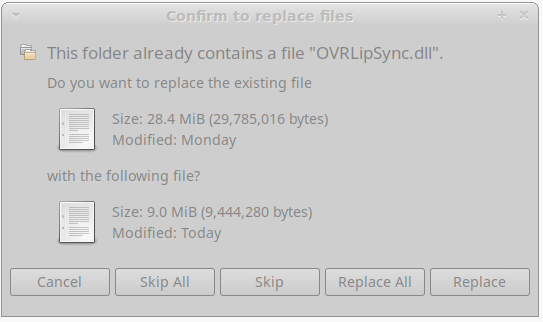
That caught my eye as well.
@ComputerMaster1st I had the same issue (at least, I think the same?) after 20 minutes or so of gameplay: avatars would stop loading, trying to hop worlds would despawn everyone else but not load me in, etc. Disabling IPv6 fixed it, at least so far (for me anyway).
@ComputerMaster1st I had the same issue (at least, I think the same?) after 20 minutes or so of gameplay: avatars would stop loading, trying to hop worlds would despawn everyone else but not load me in, etc. Disabling IPv6 fixed it, at least so far (for me anyway).
alas, this only partially solved my issues
@ComputerMaster1st I had the same issue (at least, I think the same?) after 20 minutes or so of gameplay: avatars would stop loading, trying to hop worlds would despawn everyone else but not load me in, etc. Disabling IPv6 fixed it, at least so far (for me anyway).
alas, this only partially solved my issues
What else are you seeing?
Edit: Disabled ipv6 on both of my vr rigs. The avatar despawn issue still exists on both.
What else are you seeing?
Hi There,
From everything I've been seeing so far and what I'm aware of, avatars do indeed stop loading and sometimes when jumping to a different world, you're stuck in the "disconnecting" phase. Meaning, you're stuck in the world you want to leave but everyone has disappeared and you have no controls. To make avatars load, you'd have to jump into the social tab and wait for it to refresh. That seems to be a temp. fix to get avatars loading again. However, it has to be done like every few minutes.
Now, as for the networking side, that's a VRChat issue and not really proton's issue (except for the TLS Fatal Error: Handshake error (40), I'm not sure if it's because linux is more strict on security now). What I've heard is the sockets are borked on their side which is causing overseas players to constantly disconnect and reconnect every 5-10 minutes. Sometimes they might not reconnect at all and they won't know about it until they try something that involves contacting their API over websockets.
It sounds like they've got a "keep-alive" parameter set too low or something. I have no clue. It'll probably be some time till they fix this.
I've looked a bit into the OVRLipSync.dll issue and it turned out that it fails to initialize due to GetMaximumProcessorGroupCountnot being implemented in Proton. After applying the related patch from wine-staging to Proton 5.13.2, it started working again.
@Icekhaos Youtube-DL is definitely not the issue, I made a small wrapper which I had running instead of the bundled Youtube-DL to see what the input and output was, there were no issues there at all and it was functionally working fine. I also tried injecting different options to download different encodings / video sizes which didn't change anything. The only thing I noticed was that Youtube-DL wasn't called with youtube-dl.exe as argv[0], but youtube-dl doesn't seem to care about that. I also manually built youtube-dl as exe with a newer python 3.7 version, which also did not change anything.
The only problem there is is the video playback. (which is probably MF related) Though for myself I had never actually the game crash, I suppose it's just some rare worlds which use that other video player that crashes the game which MehStrongBadMeh mentioned. When I played I just had the video never load.
Thanks for going through all the trouble! I'm curious, were you able to confirm that "injecting different options" produced the expected encoding? I tried doing the same, but changes to the url didn't produce the expected outcomes.
I don't have the time nor programming expertise to dive in, unfortunately, but I have a theory the unity player is choking on the encoding of the video it's receiving from youtube.
Was going through logs trying to debug other issues and came across the failure point for playing video, thought I'd post it here to get more eyes. Youtube-dl seems to be doing it's job correctly as far as I can tell, but SyncVideoPlayer is choking.
Here's the error in it's entirety, newlines mine to make it somewhat human-readable:
2020.12.13 00:46:00 Error - [SyncVideoPlayer] VideoPlayer cannot play url :
https://r3---sn-ab5szn7r.googlevideo.com/videoplayback?expire=1607859958
&ei=lqrVX8joFJDnhwbi5rHAAw
&ip=
&id=o-ALtDrrFGxFQE_S6hQvruzPHzz_MwNPlpqq4VKuT0ykMM
&itag=18
&source=youtube
&requiressl=yes
&mh=v_
&mm=31%2C26
&mn=sn-ab5szn7r%2Csn-p5qs7nek
&ms=au%2Conr
&mv=m
&mvi=3
&pl=24
&gcr=us
&initcwndbps=532500
&vprv=1
&mime=video%2Fmp4
&ns=0Lo-NzHWTEWidSLwOkwfQkEF
&gir=yes
&clen=196494818
&ratebypass=yes
&dur=7283.054
&lmt=1593253642658349
&mt=1607838048
&fvip=3
&c=WEB
&txp=5316222
&n=kFHV1nv8LrIk42fn1
&sparams=expire%2Cei%2Cip%2Cid%2Citag%2Csource%2Crequiressl%2Cgcr%2Cvprv%2Cmime%2Cns%2Cgir%2Cclen%2Cratebypass%2Cdur%2Clmt
&lsparams=mh%2Cmm%2Cmn%2Cms%2Cmv%2Cmvi%2Cpl%2Cinitcwndbps
&lsig=AG3C_xAwRQIgHRFiNyvSCZr_dWB3GzfJhf4Lc1YzQ5_vbREGd1BcSvYCIQC36h9PbPccUSTnjYtW8mmaooNNAfK-NlTilgFnndeU8w%3D%3D
&sig=AOq0QJ8wRQIgTgHATf1StNA6EAFnHKO_p-MA2l6sfGVg8SiBhsbQ7zoCIQCWVvRrD4dF4WV5VZdLm9VbaAbKdx7IQSrn3nkF8KLkoA==
[...]
Thanks for going through all the trouble! I'm curious, were you able to confirm that "injecting different options" produced the expected encoding? I tried doing the same, but changes to the url didn't produce the expected outcomes.
[...]
@earldbjr Check --list-formats on youtube-dl, not all videos have the same available formats though and on youtube you will probably only get one or two available video formats.
If you can get some particular video encoding to work inside VRChat by maybe replacing the video output completely to some local test file or something running on localhost, it would probably be possible to transcode streams with ffmpeg / gstreamer / etc. on the fly to something working, with some additional introduced delay. I wouldn't bet on it working, but I read that other games, especially with Proton GE releases, could read some codecs.
From everything I've been seeing so far and what I'm aware of, avatars do indeed stop loading and sometimes when jumping to a different world, you're stuck in the "disconnecting" phase. Meaning, you're stuck in the world you want to leave but everyone has disappeared and you have no controls. To make avatars load, you'd have to jump into the social tab and wait for it to refresh. That seems to be a temp. fix to get avatars loading again. However, it has to be done like every few minutes.
Seems to be the same issue I've been having. Bizarrely, it seems to be pretty dependent on my IO (when vrchat is run with gamemode, it gets worse, but the situation gets overall better with the deadline scheduler). Maybe it kicks in with some deadlock internally?
In any case, I haven't seen any friends having the same issue but I've heard similar issues referenced online for windows users, it just seems to be more of a problem here.
2020.12.13 22:42:28 Log        -  Websockets API lost connection: Socket closed
2020.12.13 22:42:28 Log        -  Websockets API lost connection: Websocket exploded! An error has occurred in closing the connection. : WebSocketSharp.ErrorEventArgs
Seeing a lot of these, not sure if it's significant.
Similarly:
2020.12.11 19:45:50 Error      -  Error fetching favorite avatar groups: Response was null.
Connection timed out!


2020.12.11 19:45:50 Error      -  [Always] The response was null. State: ConnectionTimedOut
Exception: System.TimeoutException: Connection timed out!
  at BestHTTP.PlatformSupport.TcpClient.General.TcpClient.Connect (System.Net.IPEndPoint remoteEP) [0x00000] in <00000000000000000000000000000000>:0
  at BestHTTP.PlatformSupport.TcpClient.General.TcpClient.Connect (System.Net.IPAddress[] ipAddresses, System.Int32 port) [0x00000] in <00000000000000000000000000000000>:0
  at BestHTTP.PlatformSupport.TcpClient.General.TcpClient.Connect (System.String hostname, System.Int32 port) [0x00000] in <00000000000000000000000000000000>:0
  at BestHTTP.HTTPConnection.Connect () [0x00000] in <00000000000000000000000000000000>:0
  at BestHTTP.HTTPConnection.ThreadFunc () [0x00000] in <00000000000000000000000000000000>:0
  at OVR.OpenVR.IVRCompositor+_CompositorBringToFront.Invoke () [0x00000] in <00000000000000000000000000000000>:0
  at System.Threading.ExecutionContext.RunInternal (System.Threading.ExecutionContext executionContext, System.Threading.ContextCallback callback, System.Object state, System.Boolean preserveSyncCtx) [0x00000] in <00000000000000000000000000000000>:0
  at System.Threading.ExecutionContext.Run (System.Threading.ExecutionContext executionContext, System.Threading.ContextCallback callback, System.Object state) [0x00000] in <00000000000000000000000000000000>:0
Exception: System.TimeoutException: Connection timed out!
  at BestHTTP.PlatformSupport.TcpClient.General.TcpClient.Connect (System.Net.IPEndPoint remoteEP) [0x00000] in <00000000000000000000000000000000>:0
  at BestHTTP.PlatformSupport.TcpClient.General.TcpClient.Connect (System.Net.IPAddress[] ipAddresses, System.Int32 port) [0x00000] in <00000000000000000000000000000000>:0
  at BestHTTP.PlatformSupport.TcpClient.General.TcpClient.Connect (System.String hostname, System.Int32 port) [0x00000] in <00000000000000000000000000000000>:0
  at BestHTTP.HTTPConnection.Connect () [0x00000] in <00000000000000000000000000000000>:0
  at BestHTTP.HTTPConnection.ThreadFunc () [0x00000] in <00000000000000000000000000000000>:0
  at OVR.OpenVR.IVRCompositor+_CompositorBringToFront.Invoke () [0x00000] in <00000000000000000000000000000000>:0
  at System.Threading.ExecutionContext.RunInternal (System.Threading.ExecutionContext executionContext, System.Threading.ContextCallback callback, System.Object state, System.Boolean preserveSyncCtx) [0x00000] in <00000000000000000000000000000000>:0
  at System.Threading.ExecutionContext.Run (System.Threading.ExecutionContext executionContext, System.Threading.ContextCallback callback, System.Object state) [0x00000] in <00000000000000000000000000000000>:0
Network Reachability: Reachable via Local Area Network.


2020.12.11 19:45:50 Log        -  [Always] Could not fetch avatars with error - Response was null.
Connection timed out!


2020.12.11 19:45:50 Warning    -  Failed to fetch Mine avatars - Response was null.
Connection timed out!
Also, perhaps someone else can make use of this, I threw together a script to at least sorta let you see media, just by launching whatever's shows up as not playing in the logs. Requires vlc and python3-vlc.
Click to expand
#!/usr/bin/env python3
import time
import os
import vlc
import subprocess
import sys
from pathlib import Path


def follow(thefile):
    '''generator function that yields new lines in a file
    '''
    # seek the end of the file
    thefile.seek(0, os.SEEK_END)

    # start infinite loop
    count = 0
    while True:
        # read last line of file
        line = thefile.readline()        # sleep if file hasn't been updated
        if not line:
            count += 1
            time.sleep(0.1)
            if count >= 50:
                count = 0
                yield ""
            continue

        yield line

if __name__ == '__main__':
    instance = vlc.Instance()
    player = instance.media_player_new()

    vrchat = None
    if len(sys.argv) > 1:
        print("Launching: {}".format(" ".join(sys.argv)))
        vrchat = subprocess.Popen(sys.argv[1:])
        # Wait for VRChat
        print("Waiting for VRChat to launch...")
        time.sleep(10)

    print("Looking over logs")
    files = sorted(Path("/home/USER/.steam/steam/steamapps/compatdata/438100/pfx/drive_c/users/steamuser/AppData/LocalLow/VRChat/VRChat").iterdir(), key=os.path.getmtime, reverse=True)
    logfilepath = next(fi for fi in files if "output_log_" in fi.name)
    print("Following a file: {}".format(logfilepath.name))
    logfile = open(logfilepath.resolve(), "r")
    loglines = follow(logfile)    # iterate over the generator

    for line in loglines:
        #print(line)
        if vrchat is not None and vrchat.poll() is not None:
            quit()
        if 'Finished entering world.' in line and player.is_playing():
            print("Switching worlds, stopping player")
            player.stop()
        if 'WindowsVideoMedia error' in line:
            if player.is_playing():
                player.stop()
            url = line[line.index("while reading ") + len("while reading "):].strip()
            print("Found media, launching: vlc {}".format(url))
            media = instance.media_new(url)
            player.set_media(media)
            player.play()
Doesn't seem to work when run like script.py %command% as I'd intended, but you can launch it independently.
Make sure to run it after VRChat is already running.
https://github.com/doitsujin/dxvk/pull/1872 this should fix the bloom issue.
I have run into the weird colors issue that someone else was having. This time on the loading scren, and after no visible changes.
RX480, Kubuntu 20.10, stock drivers (Mesa 20.2.6), kernel 5.9.6.
On the latest Proton, the video player seems to be starting to be functional on some worlds.
The screen at least lights up grey in Room of the Rain, but the video still fails to play.
On the latest Proton, the video player seems to be starting to be functional on some worlds.
The screen at least lights up grey in Room of the Rain, but the video still fails to play.
First half of your post got me excited... then the second half lol.
Are all screens behaving differently?
Isn't the video player still disabled for Proton users in the client anyway? I don't think it's possible to test it out until the restriction gets removed by the devs.
https://github.com/ValveSoftware/Proton/issues/1199#issuecomment-667321515
From the way the dev worded it, both the video and stream players crash due to a half implemented windows media foundation in wine The video player is still enabled and crashes gracefully, its just the stream player that is disabled because it wasn't crashing gracefully / causing all of vrchat to crash, And once the video players work we should let the dev know so he can try enabling the stream players. For now i think we just have to wait for more complete windows mf support in upstream wine.
Hey @kisak-valve,
d3d11.enableRtOutputNanFixup has been enabled by default in DXVK 1.8 (https://github.com/doitsujin/dxvk/commit/1478011822435e5f52addebf4e1c0b6e4bc6c6bc) and should be included in a future Proton release. No further action is required on the Mesa front. The AMD RADV / Mesa drivers labels can most likely be removed or can once 1.8 is available in Proton. I leave it at your discretion.
Thanks.
Thanks @ZereoX, I think it makes sense here to drop the labels because we've scoped that issue to DXVK instead of the driver.
Further update:
I tested with Proton-GE-6.1 and Proton-GE-6.4, they did not fix the video player. Out-of-the-box, the most I'd get was a "Video player error"
I tested with Proton 5.13, and used <Workaround removed by moderator>. I didn't get "Video Player Error" anymore, but I still got "Failed to load video." Maybe that's due to the video player being forcefully disabled on Proton unconditionally? I don't know how you'd bypass that, though.
I also tried a different world or two, and tried one that said it supported the "New VRC video player" and the "Old VRC video player"-- neither worked. The "new" player was solid white, the old player was solid black.
I also upgraded youtube-dl to the latest exe, and confirmed that the video player still did not work; however youtube-dl definitely worked with the URL I provided it when run from cmd within the Proton environment.
Replying to https://github.com/ValveSoftware/Proton/issues/1199#issuecomment-804540318
With the Dev saying "Meanwhile, the stream player (based on Unity plugin AVPro) crashes VRChat due to the failure, thus I opted to add a check that disables it when running through Proton. This effectively makes it easy for me to know when I can re-enable it, as when Windows MF starts working in Proton, the Unity Player will start working, and thus I'll know to test if the stream player also started working." essentially, the video player is still enabled as it crashes properly, where as the AVPro based stream player causes the entire game to crash.... so its only live streams disabled on proton, When Proton completes its Windows MF implementation the videos should start working. We can then ask for the dev to test the stream player.
Hello @Goofybud16, the workaround you mentioned is legally problematic and has been removed.
Hello @Goofybud16, the workaround you mentioned is legally problematic and has been removed.
Oh, Sorry! I didn't realize that was the case; I'll keep that in mind going forwards.
@MehStrongBadMeh
Stream player disabled in the short run was a good choice but now that various solutions are becoming available as Proton develops will we be receiving a method to toggle the function back on manually in the upcoming 2019 LTS update?
@SpookySkeletons I haven't heard any methods yet of making Windows MF work. Not clear why I am re-enabling the Stream Player when the Unity Player still doesn't work.
@MehStrongBadMeh Was hoping there would be some use in giving the user the option (off by default) to enable the stream player so we can experiment with other options than mainline proton releases until the official work is done.
There's a world called "Pool parlor | 8 ball pool" It has a video player that works on quest, given that quest users probably don't have an implementation of windows mf, Maybe this world has a video player with a different backend and might work on Linux too (Assuming the desktop version uses the same backend as the quest version). I don't currently have a Linux machine set up to test it though.
The VRChat Unity player and Stream player both work on Quest (though youtube-dl is unavailable). This is because they both utilize the Android MediaCodec API. The backend utilized by the video players per platform is determined by Unity, VRChat worlds cannot change that.
I haven't been able to launch VRChat in VR mode with proton newer than 5.13.
Launching in non-VR mode works with latest proton experimental, but VR mode crashes immediately after launch (after game window appears)
Hello @yshui, please add PROTON_LOG=1 %command% to the game's launch options, reproduce the regression, and attach the generated $HOME/steam-$APPID.log to this issue report as a file. (Proton logs compress well if needed.) Also, please copy your system information from Steam (Steam -> Help -> System Information) and put it in a gist, then include a link to the gist in this issue report.
trying to launch the game in via steam makes it crash instantly at the beginning there really should be a native linux client as it should be possible
@sparky4 @yshui Is it still crashing right after launch for you with 6.3-6c or the newest experimental (currently experimental-6.3-20210825)? Also, what SteamVR version are you using?
I just learnt from https://github.com/ValveSoftware/Proton/issues/3408#issuecomment-910436626, that steamvr 1.14 doesn't work with proton 6.3. And indeed VRChat started to work after I stopped using steamvr [linux_1.14].
@sparky4 Maybe you are using 1.14 as well?
I tested VRChat in desktop mode using Proton version 6.3-6. For me at least, the crash that (if I recall correctly) I used to get on application start when running a Proton version above 5.13-6 does not occur; normal VRChat gameplay was possible using version 6.3-6. I'm guessing the "Need Retest" label was applied because a fix that could fix the crash regression was applied? If so, that fix seems to have worked (though additional confirmation from others would be useful).
With that said, I wasn't able to get any in-world video players to work as expected (namely, to play any videos), so it appears that the issue relating to youtube-dl might still be present.
As of the latest update, the game seems to be continuously crashing. Not sure why.
Tried re-installing the game, restarting PC, re-applying the LipSync DLL fix from above.
It works for a few moments, then crashes.
Doing a little bit of debugging and system observation, it seems like even just sitting at the "Go" screen, VRAM usage increases continuously.
When the game finally crashes, the Proton log says
A crash has been intercepted by the crash handler. For call stack and other details, see the latest crash report generated in:
 * C:/users/steamuser/Temp/VRChat/VRChat/Crashes
1673.391:012c:0238:err:virtual:try_map_free_area mmap() error Cannot allocate memory, range 0x7e470000-0x7e471000, unix_prot 0x1.
1673.391:012c:0238:err:virtual:alloc_area_in_reserved_or_between_callback Could not map in reserved area.
1673.391:012c:0238:trace:seh:handle_syscall_fault code=c00000fd flags=0 addr=0x7f6eca701ee8 ip=7f6eca701ee8 tid=0238
1673.391:012c:0238:trace:seh:handle_syscall_fault  info[0]=0000000000000001
1673.391:012c:0238:trace:seh:handle_syscall_fault  info[1]=0000000125af1b70
1673.391:012c:0238:trace:seh:handle_syscall_fault  rax=0000000125af1b90 rbx=00007f6eca8545c0 rcx=0000000000000000 rdx=0000000125af41c0
1673.391:012c:0238:trace:seh:handle_syscall_fault  rsi=00007f6eca821a53 rdi=0000000125af1a90 rbp=0000000125af4120 rsp=0000000125af1a70
1673.391:012c:0238:trace:seh:handle_syscall_fault   r8=0000000000000001  r9=0000000000000072 r10=0000000000000000 r11=0000000000000000
1673.391:012c:0238:trace:seh:handle_syscall_fault  r12=00007f6eca8545c0 r13=00007f6eca821a53 r14=0000000125af41c0 r15=00000000fbad2887
1673.391:012c:0238:trace:seh:handle_syscall_fault returning to user mode ip=000000007bc0c2f4 ret=c00000fd
1673.391:012c:0238:err:winstation:map_shared_memory_section failed to map view of section L"__wine_desktop_mappings\\WinSta0\\Default": c00000fd
Tested various Proton builds between 5.0 and Experimental, did not seem to fix the issue.
EDIT: I've noticed a trend: VRAM usage (measured by RADEONTOP) gets to ~8000MB used, game crashes, then drops down to 3600MB afterwards... Watching VRAM usage, it caps around 65% (so not out of VRAM) and system RAM has 27.53GB free (not out of system RAM)... But, 8000MiB - 3600MiB = 4400MiB. 2^32 bytes is 4294967296 or +/- 4295 MiB... Throw in a little overhead for submitting frames and such... Is the game hitting a 32-bit limit somehow? It's a 64-bit executable.... Also, since the memory usage continuously increases while just sitting (even at the login screen!) is there maybe a memory leak of some kind? I checked with Beat Saber in the same version of Proton and it didn't seem to have any issues...
I tried in Desktop mode, and the game seems to run fine. I was able to go from ~3000MiB VRAM used up to 8300MiB VRAM used with no problems by loading into some larger worlds. The problem seems to be isolated to running the game in SteamVR mode.
Unsure what exactly it is that I did, but I no longer seem to be able to reproduce the crashing.
Did a lot more testing, including re-installing SteamVR, and now the game is behaving properly. The VRAM usage, when loading into an intensive world in VR now goes up normally, then stops as it should, and does not continuously climb like it was last night. Haven't rebooted the system or changed anything significant beyond mucking around with Steam and Proton (IE re-installing Proton, re-installing SteamVR, moving between different library folders...) None of which seems it should matter, but something seems to have corrected the issue.
@Goofybud16 I heard that there is a bug in VRChat effecting all users that consumes VRAM until a crash. Apparently it's linked to video player emissions in worlds.
If you're watching a video in a world, disable video light emission if you can.
As of the latest update, the game seems to be continuously crashing. Not sure why.
Tried re-installing the game, restarting PC, re-applying the LipSync DLL fix from above.
It works for a few moments, then crashes.
Having the exact same issue. Tried with most versions of Proton (including the latest GE), uninstalling/reinstalling and rebooting but no luck. Desktop mode runs fine; only the VR mode is affected.
Unsure what exactly it is that I did, but I no longer seem to be able to reproduce the crashing.
Did a lot more testing, including re-installing SteamVR, and now the game is behaving properly. The VRAM usage, when loading into an intensive world in VR now goes up normally, then stops as it should, and does not continuously climb like it was last night. Haven't rebooted the system or changed anything significant beyond mucking around with Steam and Proton (IE re-installing Proton, re-installing SteamVR, moving between different library folders...) None of which seems it should matter, but something seems to have corrected the issue.
I've not tried moving the libraries to different locations. But your comment is definitely a ray of hope for me. Thank you! @Goofybud16
@Goofybud16 I heard that there is a bug in VRChat effecting all users that consumes VRAM until a crash. Apparently it's linked to video player emissions in worlds.
If you're watching a video in a world, disable video light emission if you can.
The VRAM issue I was having would kill me even sitting at the login screen. As in fresh install of the game, before even signing in once, it was crashing.
I've not tried moving the libraries to different locations. But your comment is definitely a ray of hope for me. Thank you!
Good to know I'm not the only one; I thought I was going crazy after it just resolved itself magically. I would advise, if you haven't, uninstalling SteamVR and VRChat, completely removing the folders for them in steamapps, and reinstalling them. That's my best guess as to what I did that fixed it, since I completely wiped Proton 6.3 off my system and re-installed; switched versions... Nothing else seemed to fix it. That's just my best guess though, I was taking random shots in the dark and then found "hey it works now" and didn't question it too much.
I'm experiencing this problem too. VRChat apparently fixed their VRAM bug I mentioned so I guess it is unrelated.
Uninstalling and reinstalling SteamVR and VRChat didn't help. I also tested with both SteamVR beta and non-beta and had the same problem. VRAM usage increases until around 80% and the game crashes.
I've not tried moving the libraries to different locations. But your comment is definitely a ray of hope for me. Thank you!
Good to know I'm not the only one; I thought I was going crazy after it just resolved itself magically. I would advise, if you haven't, uninstalling SteamVR and VRChat, completely removing the folders for them in steamapps, and reinstalling them. That's my best guess as to what I did that fixed it, since I completely wiped Proton 6.3 off my system and re-installed; switched versions... Nothing else seemed to fix it. That's just my best guess though, I was taking random shots in the dark and then found "hey it works now" and didn't question it too much.
Holy fudge it actually started to work again.
Basically I uninstalled both SteamVR and VRChat and reinstalled them fresh but this time into a different location. I had VRChat installed in my external HDD /media/storage/SteamLibrary/steamapps/compatdata/438100 before, but after uninstalling I've decided to reinstall VRChat back into my local SSD again to /home/kawanerio/.steam/debian-installation/steamapps/compatdata/438100.
Other than that I didn't have to change much (well, obviously SteamVR on linux_v1.14 build and VRChat on Proton 5.13-6). Heck, I didn't even have to reboot. It just magically started to work again.
Thank you so very much for your solution. I get to live yet another day on the other side. @Goofybud16
I found an old install on external NTFS drive with VRChat build 1128. I ran it through the terminal and the bug isn't there. If I run build 1132 which is the most current on Steam, the bug happens.
I've tried uninstalling it and reinstalling it in different places (including said external drive) but sadly the bug doesn't go away for me. @Goofybud16 @KawaneRio are you both using build 1132?
I've tried uninstalling it and reinstalling it in different places (including said external drive) but sadly the bug doesn't go away for me. @Goofybud16 @KawaneRio are you both using build 1132?
Yes, I'm on build 1132. The latest distributed by Steam.
Build 1133 just launched. Did a brief test and it seems to still work; the prior issue did not reoccur on my system after updating.
Well this is strange now.
If I run VRChat 1133 in the command line there is no problem. The VRAM doesn't fill up. But if I launch it from Steam it has the bug and crashes. On build 1132 I'm pretty sure the bug happened if I ran it from the command line or from Steam.
I ran it from the command line using the same prefix that Steam generated itself to get this result (the one in compatdata).
Unfortunately while running in the command line my controllers and bindings don't work (index controller, the fingers don't move and bindings to mute or toggle gesture don't work) so it isn't a good workaround for now.
Yeah I was on Build 1132 yesterday and on Build 1133 today. @duckbytes
I do have an unfortunate news as well. After I got that working yesterday, I slept, woke up, and now it has the same bug again. Whilst, thanks to Goofybud16, I know the solution to my problem now (uninstall/reinstall to different library), I tried fixing it without uninstalling and reinstalling everything all over again...but with no luck. So I had to uninstall both SteamVR and VRChat again, and had to reinstall SteamVR and VRChat, again, and, thankfully, VRChat was working again.
That was the backstory and now here's the unfortunate news: VRChat is indeed crashing again for me. It's 22:30 in JST now and I have to sit another 30 min (with my terrible internet speed) and work with reinstalling VRChat again. にゃー・・・・・・
And the worst part is that I didn't do anything! Well, I did swap out that OVRLipSync.dll in /home/kawanerio/.steam/debian-installation/steamapps/common/VRChat/VRChat_Data/Plugins/x86_64/OVRLipSync.dll with the 9.0MiB one, but other then that, nothing!
I believe I had this issue occur again today. I went to launch the game and got the Steam "update pending" dialog; the game launched and crashed.
I updated to SteamVR 1.20.1 Beta, and the game seems to have begun running normally.
I think I am seeing this issue as well; radeontop reports GTT usage constantly growing until it hits 100%, even at the login screen.
It seems to manage to recover a little memory, dropping to ~98% a couple times before climbing again, but then crashes for good. (VRAM stays at around 60% the whole time.)
I tried uninstalling and reinstalling SteamVR and VRChat, with no success.
I think I am seeing this issue as well; radeontop reports GTT usage constantly growing until it hits 100%, even at the login screen.
It seems to manage to recover a little memory, dropping to ~98% a couple times before climbing again, but then crashes for good. (VRAM stays at around 60% the whole time.)
I tried uninstalling and reinstalling SteamVR and VRChat, with no success.
When you uninstalled SteamVR, did you ensure that the SteamVR folder was completely removed from the steamapps/common folder?
Also, did you try switching on to/off of the SteamVR Beta channel?
I think I started seeing maybe the same crash. But after a couple crashes, the behavior now evolved into a hang, i.e. the Unity crash window didn't show up.
Basically the game just freezes after me sitting in the "Go" screen for a while. VRAM usage did go up, but it didn't reach 100% at the time of the hang (it was ~8.5G/16G).
In the proton log:
282651.192:0104:0248:trace:seh:dispatch_exception code=c0000005 flags=0 addr=00007F9CD3C18CE0 ip=00007F9CD3C18CE0 tid=0248
282651.192:0104:0248:trace:seh:dispatch_exception  info[0]=0000000000000000
282651.192:0104:0248:trace:seh:dispatch_exception  info[1]=0000000000000000
282651.192:0104:0248:warn:seh:dispatch_exception EXCEPTION_ACCESS_VIOLATION exception (code=c0000005) raised
282651.192:0104:0248:trace:seh:dispatch_exception  rax=000000000000002b rbx=0000000076b166b0 rcx=0000000000000023 rdx=0000000000000000
282651.192:0104:0248:trace:seh:dispatch_exception  rsi=00000000015fd9c0 rdi=0000000076b166b0 rbp=0000000076b163a0 rsp=0000000076b139c0
282651.192:0104:0248:trace:seh:dispatch_exception   r8=0000000000000000  r9=000000003c7d1d06 r10=000000003c7d1d01 r11=0000000000000293
282651.192:0104:0248:trace:seh:dispatch_exception  r12=00000000d3c49430 r13=000000003c7d646d r14=000000000000002b r15=0000000000000003
282651.192:0104:0248:trace:seh:call_vectored_handlers calling handler at 0000000072141C50 code=c0000005 flags=0
282651.192:0104:0248:trace:seh:call_vectored_handlers handler at 0000000072141C50 returned 0
282651.192:0104:0248:trace:seh:call_vectored_handlers calling handler at 00000002EDF7FE50 code=c0000005 flags=0
282651.192:0104:0248:trace:seh:call_vectored_handlers handler at 00000002EDF7FE50 returned 0
282651.192:0104:0248:trace:seh:call_vectored_handlers calling handler at 000000007B00C660 code=c0000005 flags=0
282651.192:0104:0248:trace:seh:call_vectored_handlers handler at 000000007B00C660 returned 0
282651.192:0104:0248:err:virtual:virtual_setup_exception stack overflow 5328 bytes in thread 0248 addr 0x7f9cd3c18d67 stack 0x76b0fb30 (0x76b10000-0x76b12000-0x76c10000)
Looks like this is still a crash, it's just the crash window failed to show up. If this is the same crash, then the VRAM usage is probably a red herring?
Something that may or may not help; I'm not sure.
I've noticed sometimes the game will crash at the "Go" screen, but if I restart SteamVR it seems to work properly.
Is it maybe an issue with leaving SteamVR running for too long with no game running?
I have SteamVR Home disabled (just use the big empty background + the Dashboard when a game exits), does anyone else who has this issue also have SteamVR Home disabled?
Is it maybe an issue with leaving SteamVR running for too long with no game running?
I started VRChat right after I started SteamVR, so probably not?
With the latest update, this issue has recurred again. Going to see if I can't find a specific action that resolves it.
I have attempted:
- System restart
- Rename dxvk cache file (and, when it didn't resolve the issue, put it back afterwards)
- Rename mesa_shader_cache (and, when it didn't resolve the issue, put it back afterwards)
- Completely uninstalling VRChat (ensuring that the VRChat directory in steamapps/common was completely removed; as was compatdata/438100)
- Re-enabling Vulkan Async Reprojection in SteamVR (Re-disabled afterwards)
- Completely un-install SteamVR and re-install SteamVR
- Switch from SteamVR Beta back to SteamVR Release Branch
- Re-start Steam
- Uninstall VRChat and SteamVR; re-start Steam; re-install both to the default library
- Moved them both back to my SSD game library
- Launch the game in Desktop mode (works)
- Launch with no controllers connected
- Re-enable SteamVR Home
- Putting the VR headset on my head so as to trigger the proximity sensor
- Ensuring my Vive Trackers are not powered on when starting SteamVR (most previous attempts they were on prior to starting the game)
- Adjust date + time forwards 1 day (since before it seemed like "wait until the next day" would magically resolve it) -- of note; restoring system time back 1 day seems to freeze radeontop
- Switch back to SteamVR Beta
None of that worked; and honestly, a lot of it was just blind shots in the dark and hoping that maybe something would work. I'll try again tomorrow and see if I can't get it to work; assuming the game doesn't just magically start to work again as it has in the past.
I'm wondering if this might be a problem with VRChat itself. I've been running it in a Windows VM with my 5700XT passed through.
It works ok for a while but eventually it'll almost lock up the VM and I have to force shut it down. "Almost" lock it up because it is still running. The Windows desktop and game becomes incredibly slow to the point you can't interact with anything, but is still just about moving.
I'm not sure if it's because of VRAM use. I do have a VRAM monitor on OVRToolkit which I haven't noticed any high values, but I don't think it's accurate. I've heard about AMD cards not reporting VRAM use properly and since OVRToolkit often shows my VRAM use as 2% while in VRChat, I don't believe it's showing the correct value.
This problem also comes on the tail of a bug VRChat fixed recently where VRAM was being consumed to full when a world had video emission. I only heard about this from friends though, I can't find a bug report about it.
This problem also comes on the tail of a bug VRChat fixed recently where VRAM was being consumed to full when a world had video emission. I only heard about this from friends though, I can't find a bug report about it.
I believe that was related to this changelog:
Updated VRChat to Unity 2019.4.30f1. This upgrade is minor, and is aimed at addressing some known issues; content uploaded on 2019 does not need to be updated. This Unity upgrade fixes some issues, namely a VRAM bug with Realtime GI as well as the "Unity crashes with multiple monitors with different scaling values" issue
https://store.steampowered.com/news/app/438100/view/2881730560232097345
That is the release where this issue first occurred.
On the first day of the last engine update this issue was a problem for me. For unknown reasons, the next day, the issue resolved itself. What really throws me off with this issue is that it seems to come and go. Sometimes I'd start the game and it'd crash after a few minutes (indicating this issue), and then on the next restart, it'd be fine. I did manage to play at least a little bit just about every day, though, so the game was definitely working fine most of the time.
With the latest VRC update (which bumped Unity versions again to 2019.4.31f1) the issue seems to be even worse than before; as before it still seemed to work in some cases; whereas now it seems to be broken 100% of the time.
I wonder, if anyone still has the old build before this issue occurred, do they use the same OpenVR_API DLL? I tried and failed to track down an older one; but in removing some Plugin DLLs (to attempt to isolate if it was a seemingly unrelated Unity plugin causing issues), I found that the game has the issue even just sitting at the very first "Loading" screen. Whatever this problem is, it seems to be pretty core to the game or the game's rendering pipeline. (Removed the video player related DLLs to force the game to get stuck that early in startup)
For now, though, I think I've given up on trying to fix it; it's possibly a game bug. I tried Proton Experimental, that didn't seem to improve it. Hopefully the next update will resolve the issue.
I've opened an issue on the VRChat Client Bug Report form; hopefully it'll get a better response than "Sorry, we don't support anything but Windows." https://feedback.vrchat.com/bug-reports/p/game-crashes-after-a-short-period-when-playing-via-steam-play
I wonder, if anyone still has the old build before this issue occurred, do they use the same OpenVR_API DLL?
I haven't played for a bit (got tired of always having to fix something), my openvr_api.dll is 586.8kB and was downloaded on 2/9/21, if that helps.
my openvr_api.dll is 586.8kB and was downloaded on 2/9/21, if that helps.
Looks like the fresh latest version is 586.8KiB as well. Just in case (minor changes, same size of .dll, but new version), the MD5 of the current version is e85622ffa2fc95b618f86a5b8e2d15b8, does that match yours?
Yep, identical MD5. Well, at least that's one thing we can rule out.
Went into vrchat to see if I could reproduce the issue and it's working out of the box for me right now. Weirdly I got a steamvr 203 error while shaders were compiling, but otherwise it just worked. I ran around the home world for a bit, then went to the Japan shrine world and walked around there for a while.
System ram 11.8GB used out of 31.3.
Vram 5GB used of 11
Kubuntu
5.11.0-37-generic
Nvidia 2080ti on driver 470.63.01
Proton 5.13-6
Non-beta SteamVR
I just tested it again and it still has the issue; even sitting at the login screen.
For anyone else with the game having the consuming VRAM issue, are you on AMD or NVidia? I'm on a Radeon 6700XT with Mesa 21.2.2.
I forgot to mention it took an excessive amount of time building shaders (talking like 20 minutes on an i9 9900), so I left for breakfast. I came back and it had been idle on the login screen for most of an hour before I did the walk around.
@Goofybud16 I have 6800XT with Mesa
@Goofybud16 I have 6800XT with Mesa
@yshui Can you grab the output of
vulkaninfo | grep Mesa
or, if that fails,
glxinfo | grep Mesa
Since it seems to work on NVidia and break on AMD, I adjusted my game command line as follows (requires Konsole to be installed; you may have to adjust it for your preferred terminal emulator):
konsole --hold -e /bin/bash -c "RADV_DEBUG=errors %command%"
I then got a lot of
../src/amd/vulkan/radv_descriptor_set.c:556: VK_ERROR_OUT_OF_POOL_MEMORY
lines in the Konsole window (as the VRAM seemed to leak alongside the messages).
I tried some various other RADV_DEBUG flags as well, but none seemed to make much difference to the VRAM leak.
Hello @Goofybud16, it should be noted that VK_ERROR_OUT_OF_POOL_MEMORY can happen a bunch during normal operation of any game that touches Vulkan and that shouldn't be used as a hint by itself.
Hello @Goofybud16, it should be noted that VK_ERROR_OUT_OF_POOL_MEMORY can happen a bunch during normal operation of any game that touches Vulkan and that shouldn't be used as a hint by itself.
Noted.
I may have found a clue...
If I set the launch options to
RADV_PERFTEST=nosam %command%
VRAM usage no longer grows, instead GTT grows like Tangent128 had seen:
I think I am seeing this issue as well; radeontop reports GTT usage constantly growing until it hits 100%, even at the login screen.
If I set it to
RADV_PERFTEST=sam %command%
(which is the default on my system) it restores the original behavior of eating VRAM and crashing.
I tried to dig through Mesa sources a bit, but definitely am in over my head a little bit; however my best guess is that somehow the game is leaking command buffers...
Turning on RADV_DEBUG=allbos, the FPS of the game will continuously drop the longer it runs; as does the rate of VRAM/GTT being leaked.
Turning on RADV_DEBUG=noibs, the rate of the leak seems to be greatly reduced, however the game seems to also crash at a lower VRAM usage.
What's the best way to get a useful recording of this? Just PROTON_LOG=1, or is there a better way?
Has anyone tested VRChat with AMDVLK?
I rolled back to Mesa 20.3.5 and the issue still occurs, GTT fills up slowly (but not completely) followed by a game crash.
Has anyone tested VRChat with AMDVLK?
Hmm, during my short test, AMDVLK worked fine. Can someone confirm my results?
To test, you need to install amdvlk, version at least 2021.Q3.4. Then start steam with AMD_VULKAN_ICD=AMDVLK steam, then start VRChat from there.
(Although this could be a workaround, AMDVLK's performance is really terrible here)
Hmm, during my short test, AMDVLK worked fine. Can someone confirm my results?
I'll try to as soon as I get my system straightened out-- looks like Debian is currently in a strange transitional period where testing has Mesa 20.3.5 (doesn't play nice with the 6700XT) and Unstable has 21.2.3 on amd64 and 21.2.2 on i386 (which means either I have a buggy graphical environment or can't have both my DE and Steam installed [requires 32-bit Mesa] until they sort out 21.2.3 on i386/I figure out exactly the packages I need to roll back to go back to 21.2.2).
Surprisingly, VRChat is working fine for me.
It seems that in my environment, VRChat only freezes few minutes in only when I swap out that OVRLipSync.dll in /home/kawanerio/.steam/debian-installation/steamapps/common/VRChat/VRChat_Data/Plugins/x86_64/OVRLipSync.dll with the modified dll; but actually ran fine after re-swapping the OVRLipSync.dll with the original one VRChat shipped it with.
I am on the latest UbuntuStudio LTS (Ubuntu 20.04.3 LTS x86_64; 5.4.0-84-lowlatency) with AMDCPU (AMD Ryzen 5 3600) and AMDGPU (AMD Radeon RX 580 8GB), running SteamVR on [linux_v1.14] and VRChat with Proton 5.13-6 (with WINEDEBUG="+timestamp,+pid,+tid,+seh,+debugstr,+module" %command% for launch option).
Oh, and I launch CoreCtrl before playing the game. CoreCtrl is set to Advanced Performance with Virtual Reality Power Profile.
I also have four monitors connected to my PC, all set to 60Hz if that means anything.
It should also be noted that I had to uninstall both SteamVR and VRChat from my external HDD and then reinstalled VRChat back into my home SSD before I got it to work again. LipSyncs don't work, but hey. "It's a small price to pay for salvation":innocent:
Sorry I can't be of any help here.
Sorry I can't be of any help here.
Actually, this was extremely helpful.
I tested with SteamVR 1.14.16 (the linux_1.14 branch) + Proton 5.13-6 and the memory leak seems to have stopped.
I've also fully updated my system to Mesa 21.2.3.
I updated back to SteamVR 1.19.7, and the memory leak still seemed to have stopped.
Rolling forwards to Proton 6.3-7, the memory leak came back.
Rolling back to Proton 5.13-6, the memory leak returned.
So it seems that something between Proton 5.13-6 and Proton 6.3-7 (which has persisted into Proton Experimental as of today, Oct 7 2021) is related to or the cause of the memory leak. That leak is also possibly related specifically to RADV, and other drivers (that probably behave differently or hit a different code path) don't hit this bug.
@yshui, can you test this as well? Roll back to Proton 5.13-6 and see if it resolves the crash when using RADV.
I did some further testing and found that if I removed the OVRLipSync DLL, then the game would work on Proton 6.3-6. Unsure why exactly (maybe a race condition or something?)
@Goofybud16 did you repeat your test several times with each setup?
@Goofybud16 did you repeat your test several times with each setup?
I tested swapping to the old DLL that worked with old Proton versions (and re-introduced the bug on 5.13, same as KawaneRio saw) then put the new one (that doesn't work on 5.13) back, and the game worked again.
I then rolled forwards to the latest Proton (6.3), which caused the issue to return even with the new DLL (I believe it added the missing function call that broke the DLL before), and then renamed the dll (changed the file extension) and that caused the game to begin behaving itself again.
While I don't expect that the OVRLipSync DLL is the direct cause of the issue (because it worked fine until the last few updates) I do suspect that it may be somehow altering a race condition or something within driver or game code (and this may also be why AMDVLK and NVidia don't exhibit the behavior; slightly different timing)
With the new VRChat open beta (VRChat 2021.4.1 build 1137) running in VR mode hangs at a black screen on the desktop view and the "Next Up" screen in VR. Starting the client in desktop mode loads correctly. Tested with Proton 6.3-7, 6.16-GE-1, and Experimental. Both normal SteamVR 1.19 and beta (1.20.3) have this issue. At one point a crash reporting window appeared and seemed to send a report.
I reproduce the same behavior as the public branch of VRChat on the Open Beta. OVRLipSync DLL loads = game leaks VRAM/GTT, crashes after a period of time. OVRLipSync DLL fails to load and it gets to the "Go" screen and waits as it should. Tested on Proton 6.3-7 + SteamVR 1.19.7.
@mpnordland, what are your system specs? CPU, GPU, and Distro
@Goofybud16 Here's my specs. After installing some updates (including a kernel update) and rebooting I was able to get the Open Beta to run successfully in VR as well.
OS: Arch Linux x86_64
Kernel: 5.14.8-arch1-1
Resolution: 3840x2160
DE: GNOME 40.5
CPU: AMD Ryzen 9 5950X (32) @ 3.400GHz
GPU: NVIDIA GeForce GTX 1070
Memory: 64229MiB
I just tried with 5.13-6 and that fixes it for me too. Played a couple of hours on it and no crashes.
Hmm, I think you are on to something @Goofybud16 .
Yes, deleting OVRLispSync.dll does seem to correlate with the game working properly. I tested proton 6.3-7 back-and-forth several times. Deleting OVRLispSync.dll does seem to make the game work, and putting it back makes the game crash again. (I was simply waiting at the "Go" screen, maybe the game still crashes when in world. I need to do more testing)
Would be nice if more people can confirm this.
I can confirm that removing OVRLipSync.dll stops the memory leak for me too on proton experimental.
Shame I can't see anyone talking now.
From the sounds of things, it sounds like this only happens on DXVK + RADV.
What would be the best way to record the differences? Since just adding and removing that DLL allows reproducing the issue on-demand, it seems like it should be possible to record twice and then diff the calls made. See if maybe it's the game itself (a race condition or something internal causing the game to misbehave) or maybe a bug in DXVK/RADV? We've gotta hope the devs will fix the game if it's a game bug, but it's conceivable that if we could trace down an issue in DXVK/RADV, it would be fixable.
@Goofybud16 did you manage to try AMDVLK?
@Goofybud16 did you manage to try AMDVLK?
I just did. Turns out, you can use the Ubuntu 20.04 and 18.04 AMDVLK debs on Debian Testing, which simplified things a lot.
SteamVR definitely does not seem to like AMDVLK in the slightest; as even though it reports 6.4-6.5ms frame times, the "frame timing graph" is solid pink and it stutters like crazy, despite the game holding 100+FPS as reported by DXVK_HUD. That's likely an issue for the SteamVR-On-Linux repository, though.
I was, however, able to verify that the game does not leak VRAM on AMDVLK v-2021.Q3.7 with lip sync working in VR mode.
DXVK_HUD=FULL reports as follows:
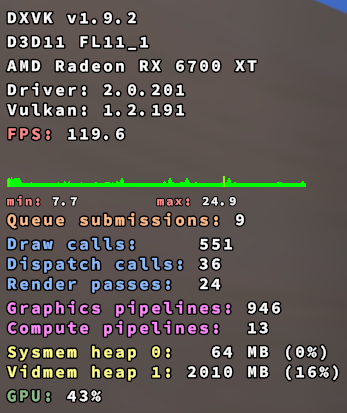
just sitting in the default VRChat Homeworld.
That, to me, indicates that there's either possibly some race condition somewhere, or maybe a bug in RADV?
@Goofybud16 Thanks!
Really interesting. I can't imagine how lip sync and mesa could have this kind of problem when put together :thinking:
Should we report this to mesa?
Edit: https://gitlab.freedesktop.org/mesa/mesa/-/issues/5538
Interestingly I have had the same overall behavior but it fills my system ram and not my vram (Arch, 5700xt). I also didn't find this thread until just now and have been investigating in parallel. I found this after I deleted the lipsync dll, thinking I broke it by replacing it with the updated version. Very very frustrating experience.
Interestingly I have had the same overall behavior but it fills my system ram and not my vram (Arch, 5700xt). I also didn't find this thread until just now and have been investigating in parallel. I found this after I deleted the lipsync dll, thinking I broke it by replacing it with the updated version. Very very frustrating experience.
VRAM vs System RAM depends on if your system has Smart Access Memory enabled. I have resizable BAR enabled, so RADV defaults to SAM=on. In that condition, it will eat VRAM. If I force it off using the environment variable, it will fill GTT (as seen in radeontop) which is in System RAM.
Doing some digging in the Mesa sourcecode, to the best of my ability, it looks like the difference is mostly where Vulkan command buffers are stored, but I could be completely incorrect on that statement. That leads me to believe that command buffers are being leaked, but I'm not sure why the lipsync DLL would make it start leaking command buffers as soon as the game renders frames, before it's even handled voices. That also makes me wonder if it's a VRC bug (does the game itself leak DX11 structures that translate to command buffers through DXVK?), a DXVK bug (DXVK itself is leaking the command buffers), or a RADV bug (RADV is leaking VRAM). I'm not really sure how to determine that, which is why I haven't created a bug report to DXVK or Mesa, because I'm not quite sure who actually has the code that causes the leak.
Just tested with the latest game update, the issue is still present.
Mesa 21.2.5.
From the sounds of things, it sounds like this only happens on DXVK + RADV.
I have the exact same issue with NVIDIA by the way.
That is, the issue that VRChat won't start into VR mode anymore since the most recent VRChat update from last Tuesday, just a black screen.
Small update:
Going back to Proton 5.0 or 5.13 allows getting back into VR again (although rather unreliably, sometimes it doesn't work and ends with the same frozen screen). This brings back the issue though that quite often worlds won't load or other connection issues (basically their web sockets timing out and not reconnecting automatically).
I've noticed that it seems like the game might have some strange persistent VRAM leak. I've noticed that after going to large worlds with a lot of people, when I go to another world afterwards, my VRAM will still stay maxed out (and seeming to overflow into GTT), and the next world will run poorly (especially poorly if I enable a mirror). Restarting the game and visiting the second instance, it seems to run fine (and VRAM utilization massively drops as soon as the game exits.)
When playing with friends on Windows, even if they go to the same worlds at around the same time as I do, they do not have this issue.
Is it possible that maybe the game does something unusual to deallocate VRAM, and that isn't working? Or possibly it's the same bug that is causing the initial crash due to the game for some reason rapidly allocating and de-allocating VRAM for some process related to lip sync.
I did some further investigation (since the connection issues on Proton 5.x are really terrible, plus the OVRLipSync.dll hack didn't work anymore for some reason):
As others had suggested here, I deleted the OVRLipSync.dll file, and now VRChat is working in VR again (as in, no frozen window when VRChat is starting). Although since I'm on NVIDIA, I doubt this is a Mesa-exclusive issue.
Here's my Proton log (6.3-7) running VRChat in VR mode with OVRLipSync.dll in place:
https://gist.github.com/DASPRiD/0da8086390f6bc0fe87802a50997f9bf
Proton Experimental updated, I added back in the original OVRLipSync.dll that shipped with the game, and now I'm holding steady at ~6862-6863MB VRAM usage (and 2408 MB GTT) while loaded into the default home world with working lip sync.
Can anybody else reproduce this with the latest Proton Experimental?
Can anybody else reproduce this with the latest Proton Experimental?
Are you running experimental on no beta or on bleeding-edge?
It seems to be fixed for me too on Experimental.
Can confirm as well, nice!
Me, watching at others having a working LipSync in VRChat while I just stick to my Proton 5.13-6 with a working VRChat:
Experimental
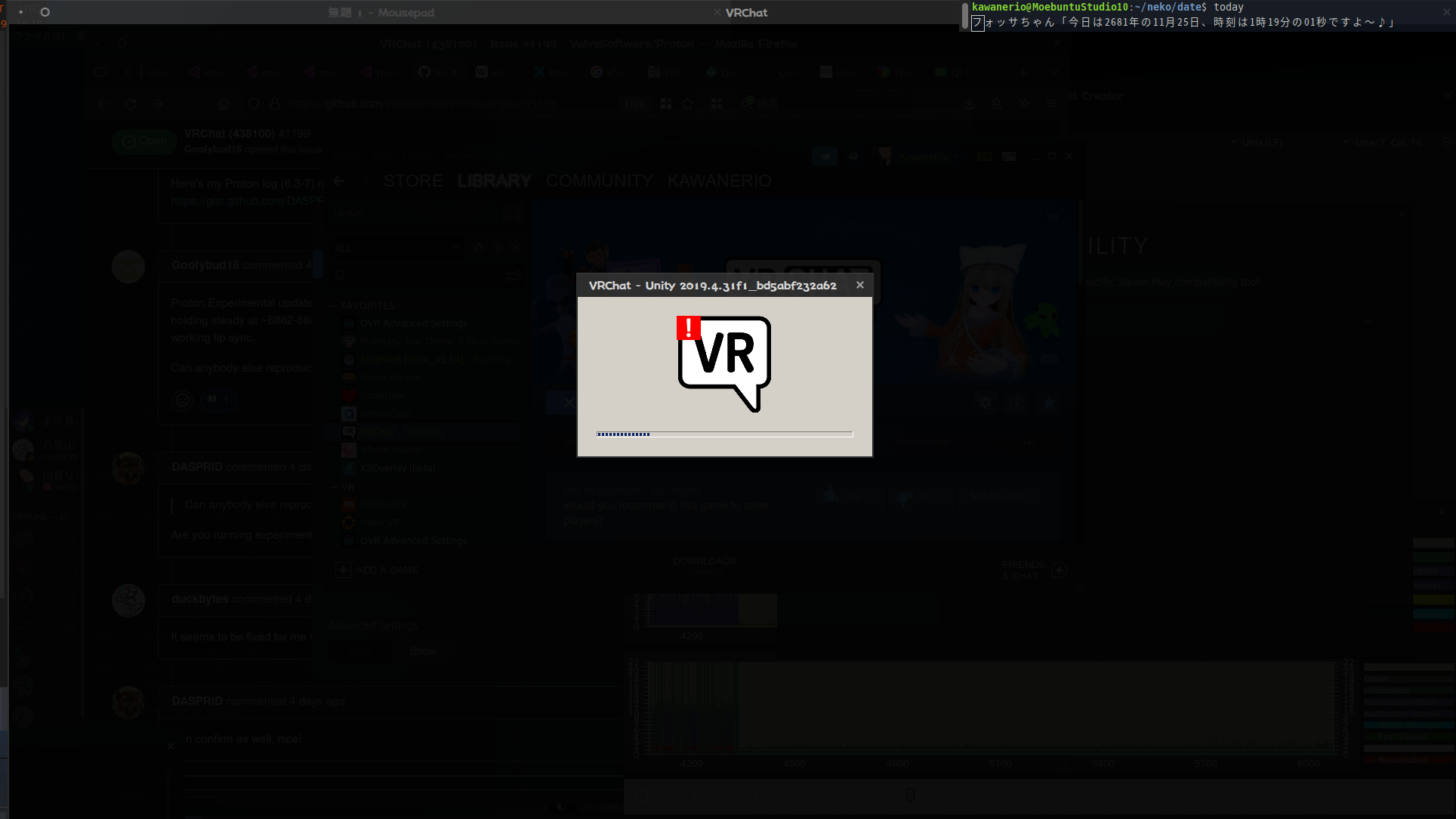
6.37
5.13-6
inxi -Gz
Graphics:
  Device-1: AMD Ellesmere [Radeon RX 470/480/570/570X/580/580X/590]
  driver: amdgpu v: 5.11.32.21.40
  Display: x11 server: X.Org 1.20.11 driver: amdgpu,ati
  unloaded: fbdev,modesetting,vesa tty: N/A
  OpenGL: renderer: Radeon RX 580 Series (POLARIS10 DRM 3.43.0
  5.11.0-40-lowlatency LLVM 12.0.1)
  v: 4.6 Mesa 21.3.0-devel
Thank you kisak, I didn't know this function existed:bow:
@KawaneRio have you tried SteamVR stable or beta? The 1.14 branch is super old now.
I'm on the beta but didn't test on 1.14.
It should be noted that the SteamVR 1.14 legacy branch is known to be incompatible with VR games run with Proton 6.3 or newer. That is not game-specific.
Steam beta Update, on SteamVR beta 1.21.2... holy tupper, VRChat not only launched with the latest Proton Experimental, but the Lipsync is ACTUALLY WORKING!!
Whoever's behind this Proton/SteamVR is doing God's work. Thank you so much...:sob:
Since I was so happy, I decided to save my SteamVR System Report here along with my Environment Info.
SteamVR System Report: https://gist.github.com/KawaneRio/04b2b5ff91723a876228e9b94dfbfa12
My Environment: https://gist.github.com/KawaneRio/80e5eaec7d332ae8b63b64ee353669ad
まどつきちゃん is Kawaii: 
Tracking note: Regression label dropped because we figured out that's the general SteamVR [linux_v1.14] plus Proton 6.3+ incompatibility. SteamVR's runtime is expected to be equal or newer than the applications which use it, and that expectation is broken by use of the legacy branch. Mesa and RADV labels dropped due to the recent comments that hint the issue was not in the video driver.
With the latest VRChat, it seems that the video player will crash the game when in a world with a video playing in some cases. The old fix of removing read, write, and execute permissions on yt-dlp.exe in the folder steamapps/compatdata/438100/pfx/drive_c/users/steamuser/AppData/LocalLow/VRChat/VRChat/Tools/ seems to fix the issue for now, though.
Oh weird, I removed the disabler I had on the AVPro video player because my latest testing regarding video players on Proton suggested it was no longer causing crashes. Unfortunately, both still don't work, even with a variety of alternative methods attempted. Given that there are apparently some scenarios where AVPro player still causes crashes in Proton, I will re-apply the disabler in the next update, until Valve is able to fix the compatibility issues with video players.
Some worlds (eg Room of the Rain) seemed to be fine, even when trying to play a video. (It didn't work, but didn't crash either)
If it's useful, this was the specific world that caused a (repeated) crash, although I'm not sure what the URL was in the player: https://vrchat.com/home/world/wrld_860bdea8-0499-4c16-8170-5683a3a3ab8a (I suspect it was one of the playlists included in the world itself)
Keep in mind that there are two video players useable in VRChat worlds:
- Unity Video Player: The video player built in to Unity, uses the Windows Media Foundation (WMF) library on Windows (and Proton). Doesn't work in Proton
- AVPro "Stream" Player: A powerful video player asset capable of playing streams, as well as regular videos. Some worlds only use the stream player, because it can handle both. Uses WMF by default on Windows/Proton, though it is also capable of using the old DirectShow and newer WinRT libraries. None of them work in Proton (tried them all). Appeared it wasn't crashing VRChat anymore in my testing, though it is likely still causing crashes for some people, as you mentioned.
As I mentioned, I will be reinstating the code that disables AVPro "stream" player if Proton is detected, that will stop the crashing.
This post is kinda off topic, but...
are there any video players supported for Linux users in VRChat? The only ones I've seen are the ones where the video is embedded to the World so that it doesn't use any of the WMF to begin with, usually seen around Quest-user aimed worlds (example: Daily Quest Radio Gymnastics).
Oh weird, I removed the disabler I had on the AVPro video player because my latest testing regarding video players on Proton suggested it was no longer causing crashes. Unfortunately, both still don't work, even with a variety of alternative methods attempted. Given that there are apparently some scenarios where AVPro player still causes crashes in Proton, I will re-apply the disabler in the next update, until Valve is able to fix the compatibility issues with video players.
For testing purposes, how does one remove the disabler?
This post is kinda off topic, but...
are there any video players supported for Linux users in VRChat? The only ones I've seen are the ones where the video is embedded to the World so that it doesn't use any of the WMF to begin with, usually seen around Quest-user aimed worlds (example: Daily Quest Radio Gymnastics).
There are two problems that render both video players unusable in VRChat on Proton:
- Lack of WMF codecs: can be manually solved on the user's end by adding the codecs themselves, albeit doing this is questionable from a licensing perspective, depending on the codecs installed
- Proton incompatibility with loading videos from URLs: This cannot be worked around, Proton does not presently work with loading a video from a URL. Likely requires work on Valve's end to fix.
There are no video players in Windows builds of VRChat that don't use WMF, they all use WMF to play the videos, it is literally the codecs needed to play them. Worlds cannot do anything about that.
The Oculus Quest runs Android and uses the Android MediaCodec API and is not relevant to this conversation.
A native Linux build would allow VRChat to use the native Linux Codec Interface, fixing these video problems. But all existing worlds and avatars would be incompatible with the Linux build, so that is presently not an option.
For testing purposes, how does one remove the disabler?
I hard-coded it in. I removed that hard coding in the latest update. I could add it back with some kind of switch. But I have never disabled the standard Unity Video Player only the AVPro "Stream" player. I, frankly, am realizing there is no pleasing people in regards to that. If I hard disable AVPro, everyone will act like I disabled all video players. If I add a switch, everyone will complain the switch makes the game crash.
But all existing worlds and avatars would be incompatible with the Linux build, so that is presently not an option.
Just curious but could something like https://github.com/Joshua-Ashton/dxvk-native be used to make a native version that can still display worlds and avatars?
Realise it might not be too much different from running in proton right now. On the other hand if it means videos could be made to work it might attract future SteamDeck users and get a jump start on the (only rumoured) Valve standalone HMD using SteamOS.
Thanks for your work so far.
Just curious but could something like https://github.com/Joshua-Ashton/dxvk-native be used to make a native version that can still display worlds and avatars?
I doubt it, looks like it would need to be implemented at the engine-level. Which, in this case, would require modifying the source code of Unity itself, something that is not presently feasible. That is clever thinking though.
But all existing worlds and avatars would be incompatible with the Linux build, so that is presently not an option.
Am I assuming correctly that this wouldn't be an issue if the Windows version would be using Vulkan instead of Direct3D? (and obviously all worlds compiled for it).
Am I assuming correctly that this wouldn't be an issue if the Windows version would be using Vulkan instead of Direct3D? (and obviously all worlds compiled for it).
From what I have heard, probably no. There are still differences between a Windows asset bundle and a Linux asset bundle, even if they are both using the same rendering API.
Am I assuming correctly that this wouldn't be an issue if the Windows version would be using Vulkan instead of Direct3D? (and obviously all worlds compiled for it).
From what I have heard, probably no. There are still differences between a Windows asset bundle and a Linux asset bundle, even if they are both using the same rendering API.
Ironically, I can prove this is true. I was trying my hand at uploading an avatar from unity 2018 on Linux once and didn't have the Windows build target set up correctly, but I didn't realize it at the time. I was laughing when I saw neither the PC or Quest icon light up and realized that I probably uploaded the world's first Linux-only VRChat avatar 😂
So yes, definitely different at the core.
There are two problems that render both video players unusable in VRChat on Proton:
* Lack of WMF codecs: can be manually solved on the user's end by adding the codecs themselves, albeit doing this is questionable from a licensing perspective, depending on the codecs installed
I wonder if this could be mitigated by letting the video player use e.g. libvpx instead of WMF, or potentially use libvpx as fallback when Proton is detected, as recommended in the Proton dev talk (considering that YouTube videos all use VP9 or AV1 by now anyway):
https://youtu.be/AF_AY--EEJc?t=136
* Proton incompatibility with loading videos from URLs: This cannot be worked around, Proton does not presently work with loading a video from a URL. Likely requires work on Valve's end to fix.
What exactly is the issue here? Isn't VRChat just using youtube-dl to download the video and then play it on-the-fly while it is being written to the disk?
Edit: I was wrong, see below.
initially I thought the issue was with youtbe-dl (now yt-dlp) simply path failing but that's not the case.
The issue is the path to yt-dlp.exe not working on linux for the vast majority
That is blatantly false. The yt-dlp.exe works properly on every distro of Linux I have tested it on. The problem is that Unity is unable handle the web URL yt-dlp throws back when in a Proton context. Unity normally directly plays the video url straight from the web, but that does not work in Proton.
you're absolutely right, I'm sorry, allow me to retract that. Previously, it seemed like video players were simply not firing because it would fail to query yt-dlp, and that's no longer the case.
2021.12.07 23:38:35 Log - NativeProcess.HasExited: process exited with code 0, took 11554 ms. Command line: C:/users/steamuser/AppData/LocalLow/VRChat/VRChat\Tools/yt-dlp.exe (...)
2021.12.07 23:38:35 Log - [Video Playback] URL 'https://www.twitch.tv/djlostmelody' resolved to 'https://video-weaver.vie02.hls.ttvnw.net/v1/playlist/CrgEnNftC4_zv_DKXwu588936qhSbqLNG9W5Fn-B_n1HcygdlyFtQDan18Z78OFu73G2HkjwcoDxwxUk5MBRtaOh_3ab-qCXGZJR_4yI2-_hyy0ap3cmTmqBexQoexcSfCL-tXP_YJnJ_M9Cu71s5ft7aMDdzGl0KmqP4-v86Kja4wI18zTSmn17id7rj8G9VubGrBbQMtlwTn1nmLljoEQotx9O5IgdZ-O411-dwAMPvb8DiHinGsQaC3Msh_NmH2UVjUFTNoGN6CqMwGvAQEpPOOfMZr-N4IlJaCAxIdFkTCTeYDnsXNY7lflFoUYcGynZ3J5lPj-mbUhDCNgS9EBgpL5AjOfKB5n7yz2bGL6qK11oIkVLRhYSjhGrERJxIYd4M_mSw5FeyS_TUnHA-oyySdiWn94S5oHzR-5EvymmiauSfKoW4kdGhH-rFmtiksylbwtLyk0CTT_NhREWztffXe_Upff-q0s2QpBkfZ3AcqAHwMdq4DnRoqFiyItoFdLiMmD9Ay7tlSZRoImdf4gmGbRGJHoeZNTrb1hbb2-U4PIJ4F02d3pEK7rvunPe9PXSQWWAdBFYNrN08gunbJ7Vsnmni0jpX2tjIhdPf3jfLjguutsVhzkf7F3AMtDIEreOtVLgbeefzrgrdvKvcuV3jnPsuGIYTvaSsPn3vZ6gCuX_oXJtKb-AGEJoSi01noUnuOHXOyPUsJFXjGmYpCU6xyaGlQRrjrWxESzHJ5S7LZxh4T-qeHplVhoMl-5jkNpCqHB9v-T8IAEqCXVzLWVhc3QtMjC8Ag.m3u8'
But all existing worlds and avatars would be incompatible with the Linux build, so that is presently not an option.
Is it possible to release an SDK that uploads Linux builds too, so in the future maybe a Linux native build will be possible?
Is it possible to release an SDK that uploads Linux builds too, so in the future maybe a Linux native build will be possible?
Based on what Semperverus said a few weeks ago,
Ironically, I can prove this is true. I was trying my hand at uploading an avatar from unity 2018 on Linux once and didn't have the Windows build target set up correctly, but I didn't realize it at the time. I was laughing when I saw neither the PC or Quest icon light up and realized that I probably uploaded the world's first Linux-only VRChat avatar
It sounds like the current SDK is capable of it, but the way it's set up (possibly as an result of how the Unity SDK works) it's only able to export for a certain platform at a given time. I know when developing VRC content for Quest, you have to "switch" to the Android SDK at the Unity level, and re-build your avatar. That can be buggy, and so at least at some point, it was recommended to have to different Unity projects with the same avatar (but modified differently for lower powered hardware as required).
So I'm guessing that the current SDK could do it assuming there was a "Linux" build of VRC-- you just build it the same way you do for Quest.
So, with the current system of uploading the platform-dependent asset bundles, I'm guessing every new platform that gets added adds extra work on the side of the content creator (they have to manually upload to each platform, because the switch between Unity platform SDKs was slow and prone to issues from experience and what I've heard).
There are other similar VR games that allow content creation that works across platforms, including uploading it to the cloud and restoring it into the current instance. My educated guess is that on a technological level, it can be done, but it'd likely require a massive change in how VRChat handles user generated content (possibly abandoning the current asset bundle system completely).
Am I the only one crashing as soon as VRChat tries to open [AVProVideo] https://url... (offset 0) with API MediaFoundation? I don't recall this happening two days ago...
Steam Beta Update (Built: Dec 16 2021, at 22:39:26)
Using SteamVR 1.20.4
VRChat running with Proton Experimental.
My System Info
SteamVR System Report (SteamVR-2021-12-22-PM_11_05_15.txt)
Output Log 1: output_log_22-49-44.txt
Output Log 2: output_log_22-38-45.txt
Screenshot Preview of the VRChat Output Log
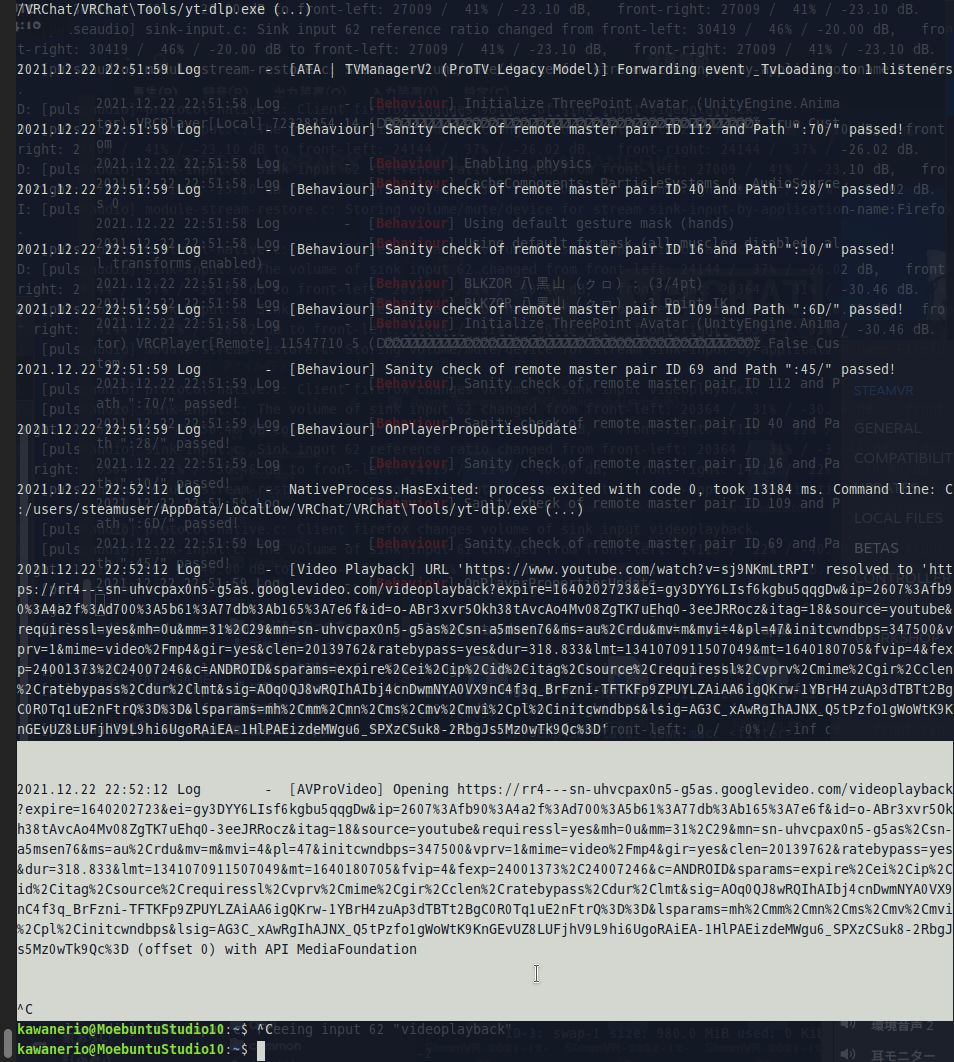
@KawaneRio chmod 000 the ytdl.exe file.
Again, my testing on Steam Deck, suggested that AVPro no longer caused hard crashes. Evidently, that is still not the case for other distros so I'll be returning it to be disabled in the next update until such time that it is possible for me to make it actually work. Sorry for the inconvenience caused there. I know this part will be ignored, but the Unity Video player will remain not disabled as it does not crash the app on failure.
I'm not sure if it has been mentioned already or not, but after some testing I found that the Unity video player works great on Proton 6.3-8 with the following video criteria: webm containers with vorbis as audio codec, and vp8 as video codec.
I'm not sure if it has been mentioned already or not, but after some testing I found that the Unity video player works great on Proton 6.3-8 with the following video criteria: webm containers with vorbis as audio codec, and vp8 as video codec.
Is this in a VRChat context? If so, please post all the details regarding your distro, packages you installed, etc.
Can confirm, this was the same codec combo we discussed over dms a
few weeks ago that I knew to work.
On Wed., Dec. 22, 2021, 6:59 p.m. MehStrongBadMeh, @.***>
wrote:
I'm not sure if it has been mentioned already or not, but after some
testing I found that the Unity video player works great on Proton 6.3-8
with the following video criteria: webm containers with vorbis as audio
codec, and vp8 as video codec.Is this in a VRChat context? If so, please post all the details regarding
your distro, packages you installed, etc.—
Reply to this email directly, view it on GitHub
https://github.com/ValveSoftware/Proton/issues/1199#issuecomment-999948057,
or unsubscribe
https://github.com/notifications/unsubscribe-auth/AFQNHWT3Y7PCES3PTZCFABTUSJQ7PANCNFSM4FS34H6A
.
Triage notifications on the go with GitHub Mobile for iOS
https://apps.apple.com/app/apple-store/id1477376905?ct=notification-email&mt=8&pt=524675
or Android
https://play.google.com/store/apps/details?id=com.github.android&referrer=utm_campaign%3Dnotification-email%26utm_medium%3Demail%26utm_source%3Dgithub.You are receiving this because you commented.Message ID:
@.***>
I'm not sure if it has been mentioned already or not, but after some testing I found that the Unity video player works great on Proton 6.3-8 with the following video criteria: webm containers with vorbis as audio codec, and vp8 as video codec.
Is this in a VRChat context? If so, please post all the details regarding your distro, packages you installed, etc.
I can confirm as well, I was able to make a video play. I encoded it with ffmpeg using ffmpeg -i 'my-video-file.mp4' -c:v libvpx -b:v 1M -c:a libvorbis myoutputfile.webm, hosted myoutputfile.webm where VRChat could access it (and it wouldn't get transcoded), allowed access to yt-dlp.exe again, and it works!
I'm running on Debian Testing + Proton Experimental.
Looks to me like it's probably just a codec issue with Proton, possibly requiring some non-free codecs that can't be implemented?
I tried to play the same URL with the Stream player and the game crashed.
I'm not sure if it has been mentioned already or not, but after some testing, I found that the Unity video player works great on Proton 6.3-8 with the following video criteria: webm containers with vorbis as audio codec, and vp8 as video codec.
Is this in a VRChat context? If so, please post all the details regarding your distro, packages you installed, etc.
Yes, it is in a VRChat context (Viewing videos on a vrchat video player inside a world, I can confirm that the Udonsharp video player in the 'CBC in Pajamas' world works flawlessly with the combo vp8/vorbis in a webm container.
I use Gentoo Linux, And my packages should not affect the result as I tested with the bundled (with steam) steam runtime; But I've attached a package list regardless since you asked for itinstalled-pages.txt.
Theory/Speculation:
I believe the reason this works is since VP8 and Vorbis are both listed as natively supported by Unity on all platforms, and are both open source and royalty free, It seems feasible they might be built into unity itself.
Edit:
Also for the record I've not experienced any crashes with AVPro or ytdl
Two questions @Goofybud16 and @FrostbyteVR
- Are you playing the videos hosted via a webserver (I.E. an http or https link)?
- Could you also test this with a VP9+Opus webm just for reference (you may already have done so, if so, confirm your results)?
I'll take a look at this after the team break, does open up some interesting possibilities.
I can also confirm that vp8 works. I tested that out some time ago when trying to figure out how to get the video player to work but gave up because I couldn't think of a reliable way to transcode literally everything as it comes in.
Two questions @Goofybud16 and FrostbyteVR
1. Are you playing the videos hosted via a webserver (I.E. an http or https link)?
Yes. I stuck the video file on an internet-facing webserver with HTTPS. In my case, I transcoded a 1 minute segment of an old Youtube video I had laying around. I can send the link (or the file) directly if you're interested, but I'd rather not post it publicly.
2. Could you also test this with a VP9+Opus webm just for reference (you may already have done so, if so, confirm your results)?
I used almost the exact same transcode command, but switched to VP9 (ffmpeg -i 'input-file.mp4' -c:v libvpx-vp9 -b:v 1M -c:a libvorbis test-vp9.webm) and it did not work. After attempting to play it, I pasted in the old VP8 URL, and the VP8 video did work.
Two questions @Goofybud16 and @FrostbyteVR
1. Are you playing the videos hosted via a webserver (I.E. an http or https link)?
Yes I've tested on both a local and remote web server (specifically nginx)
2. Could you also test this with a VP9+Opus webm just for reference (you may already have done so, if so, confirm your results)?
I tried some different combos for you, the only one that fully works is VP8 + vorbis, VP8 + opus produces a video but with no audio. VP9 does not produce a video at all, no matter the audio codec is used.
I'll take a look at this after the team break, does open up some interesting possibilities.
Great, by the way if you do re-disable the avpro player can you please make it a switch / launch argument to reenable it? I've personally not had any issues with avpro players in these latest builds
Vp8 has native decode support in unity itself, and they reccomend it: which
is a big reason why it "just works" without windows media foundations.
It's a handy format that doesn't low latency livestream the greatest but if
a certain cdn was running it as a dedicated output it would be pretty
awesome for upcoming devices running Linux natively. (Also the quest's soc
likes it a lot)
On Wed., Dec. 22, 2021, 9:12 p.m. FrostbyteVR, @.***>
wrote:
I'm not sure if it has been mentioned already or not, but after some
testing, I found that the Unity video player works great on Proton 6.3-8
with the following video criteria: webm containers with vorbis as audio
codec, and vp8 as video codec.Is this in a VRChat context? If so, please post all the details regarding
your distro, packages you installed, etc.Yes, it is in a VRChat context (Viewing videos on a vrchat video player
inside a world, I can confirm that the Udonsharp video player in the CBC
world works flawlessly with the combo vp8/vorbis in a webm container.I use Gentoo Linux, And my packages should not affect the result as I
tested with the bundled (with steam) steam runtime; But I've attached a
package list regardless since you asked for itinstalled-pages.txt
https://github.com/ValveSoftware/Proton/files/7766195/installed-pages.txt
.Theory/Speculation:
I believe the reason this works is because VP8 and Vorbis are both listed
as natively supported by Unity on all platforms
https://docs.unity3d.com/Manual/VideoSources-FileCompatibility.html,
due to the fact these codecs are open source and royalty free, It seems
feasible they might be built into unity itself.—
Reply to this email directly, view it on GitHub
https://github.com/ValveSoftware/Proton/issues/1199#issuecomment-999991713,
or unsubscribe
https://github.com/notifications/unsubscribe-auth/AFQNHWUBAGRX3JKX4YPRLWTUSKAR5ANCNFSM4FS34H6A
.
Triage notifications on the go with GitHub Mobile for iOS
https://apps.apple.com/app/apple-store/id1477376905?ct=notification-email&mt=8&pt=524675
or Android
https://play.google.com/store/apps/details?id=com.github.android&referrer=utm_campaign%3Dnotification-email%26utm_medium%3Demail%26utm_source%3Dgithub.You are receiving this because you commented.Message ID:
@.***>
Great, by the way if you do re-disable the avpro player can you please make it a switch / launch argument to reenable it?
I want to second this request. While I understand the need for disabling it, there's a small army of tinkerers here looking to try to get this working. Please create a way to force enable it, we understand the consequences.
I have an issue with VRChat. I'm running it on an ancient ThinkPad, an X230T with an Intel HD 4000 GPU. As such, it just barely supports DX11 on Windows, and Vulkan on Linux. Running this with DXVK gives an error about window resizing, so I have to run it with WINED3D. I'm using Debian Sid and WindowMaker.
When I do that, it runs, pretty much, but the lighting is very, VERY dark. Not quite a black screen, but about as close as you can get without being a black screen.
However, when I mouse over anything, like a mirror, or a menu, or any interactive object… let there be light.
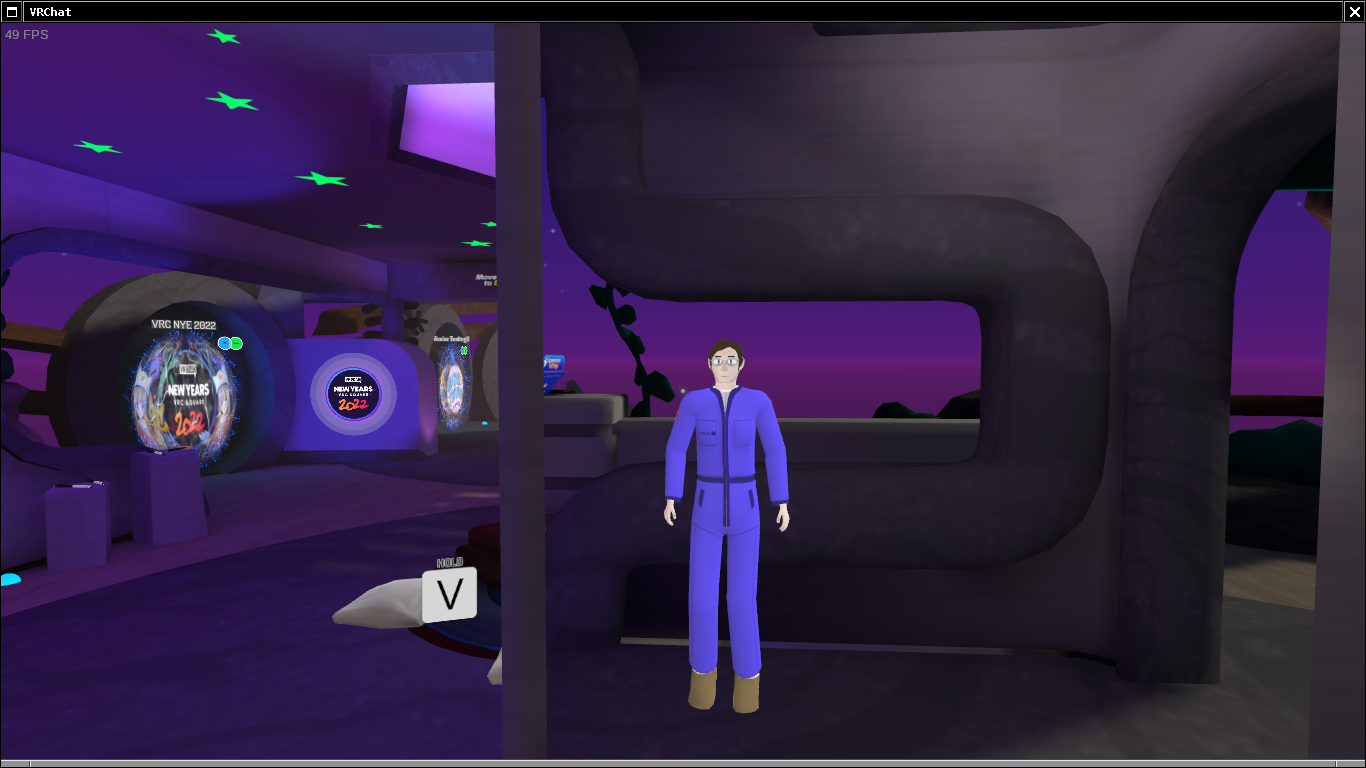
Interestingly, the Proton log repeats the same messages over and over again.
6189.648:010c:033c:fixme:combase:RoGetActivationFactory (L"Windows.System.DispatcherQueue", {00000035-0000-0000-c000-000000000046}, 00000001C539F940): semi-stub
6189.657:010c:033c:err:combase:RoGetActivationFactory Failed to find library for L"Windows.System.DispatcherQueue"
6189.658:010c:0180:fixme:d3d:wined3d_device_resolve_sub_resource Multisample resolve is not fully supported for typeless formats (dst_format WINED3DFMT_R16G16B16A16_TYPELESS, src_format WINED3DFMT_R16G16B16A16_TYPELESS, format WINED3DFMT_R16G16B16A16_FLOAT).
6189.668:010c:0180:fixme:d3d:wined3d_device_resolve_sub_resource Multisample resolve is not fully supported for typeless formats (dst_format WINED3DFMT_R8G8B8A8_TYPELESS, src_format WINED3DFMT_R8G8B8A8_TYPELESS, format WINED3DFMT_R8G8B8A8_UNORM).
Here's what Steam thinks the machine has:
STEAMCPU.TXT
@roryyamm Your GPU seems to have a missing texture format
I don't think VRChat is compatible with integrated GPUs
I don't think VRChat is compatible with integrated GPUs
It should be, though. After getting DXVK to work (I had to explicitly enable DRI3 in my xorg.conf) it works just fine… until DXVK runs out of memory and brings VRC down with it, because it isn't content with 1.5 GB. Haswell GPUs do support OpenGL 4 and DirectX 11, which should be more than adequate for VRChat. I think it's a problem with the wined3d implementation.
I've noticed a trend that it seems like VRChat on DXVK uses a lot of VRAM-- short sessions can easily eat up 4GB and longer sessions can eat up 8-10GB. Not sure if that's the same on native Windows, but I'm not surprised at all that 1.5GB of VRAM isn't enough.
I wonder if there's a significantly observable difference in VRAM usage when using DXVK on Windows vs native DirectX?
Noticed a new issue since upgrading to Kernel 5.16.0: It seems that the game's audio thread will lock up. Mouths stop moving, I can no longer say anything or hear anyone, and the game starts to stutter really bad. It requires a restart of the game to fix. Seems to happen about once every hour or so.
Tested on v5.15.14, and there were no issues after several hours. Going to boot back into v5.16.0 tomorrow and see if the issue happens again.
If it's any use, I use Pipewire + WirePlumber, and the game is recording from a USB device (a Yamaha MG-10XU) and outputting sound directly to the Index via Displayport audio.
Hello @Goofybud16, it might be interesting to test if setting the game's launch options to PROTON_NO_FSYNC=1 %command% and using the 5.16 kernel behaves as you expected.
@Goofybud16 are you using wireplumber 0.4.6-1?
I updated wireplumber the other day and it completely broke my USB audio interface. I couldn't get any sound. Not exactly the same problem you're having but it indicates there might be problems with USB audio. I ended up downgrading to 0.4.5-2. and it's working fine again.
Hello @Goofybud16, it might be interesting to test if setting the game's launch options to
PROTON_NO_FSYNC=1 %command%and using the 5.16 kernel behaves as you expected.
I'll try that! It was my understanding that current Proton versions still used an older incompatible revision of the futex2 call present in v5.16, so I didn't think to disable it, as I didn't think it would have enabled in the first place.
@Goofybud16 are you using wireplumber 0.4.6-1?
I updated wireplumber the other day and it completely broke my USB audio interface. I couldn't get any sound. Not exactly the same problem you're having but it indicates there might be problems with USB audio. I ended up downgrading to 0.4.5-2. and it's working fine again.
I still have wireplumber:amd64/testing 0.4.5-1 from Debian. Good to know that, though! I'll keep an eye out.
With PROTON_NO_FSYNC=1 %command% the game ran properly for several hours straight on 5.16.0 without the previously experienced audio bug.
Thanks for testing @Goofybud16, it would be a good idea to also leave a note with your findings on #4568.
I've noted it on that issue.
Another issue I observed, but didn't realize until just now, was that there was a broken world as well-- Sketchu Spring has a Helicopter-style flying device. I was unable to enter it (the "chair" was broken) and when other people would ride it, it would not animate properly.
I tested it briefly in desktop (With NO_FSYNC set) and it seems to work properly now. I'll test it again in VR tonight.
For anyone else who wants to test it, when you spawn into the world, there is a somewhat T-shaped dock that you spawn on. To one side, there is a blue orb, "clicking" it will spawn in the helicopter. In my case, I couldn't even it in it, and when someone else flew in it, I would see them moving, but the "helicopter" would just go straight forwards.
For anyone else who wants to test it, when you spawn into the world, there is a somewhat T-shaped dock that you spawn on. To one side, there is a blue orb, "clicking" it will spawn in the helicopter. In my case, I couldn't even it in it, and when someone else flew in it, I would see them moving, but the "helicopter" would just go straight forwards.
That's an extremely bizarre issue to happen based on a Linux client alone, that's fascinating. Can you speculate what it is about the translation to proton that would prevent network object sync from working correctly?
I can also confirm that vp8 works. I tested that out some time ago when trying to figure out how to get the video player to work but gave up because I couldn't think of a reliable way to transcode literally everything as it comes in.
Holy Tupper, this... this works!?
Screenshot
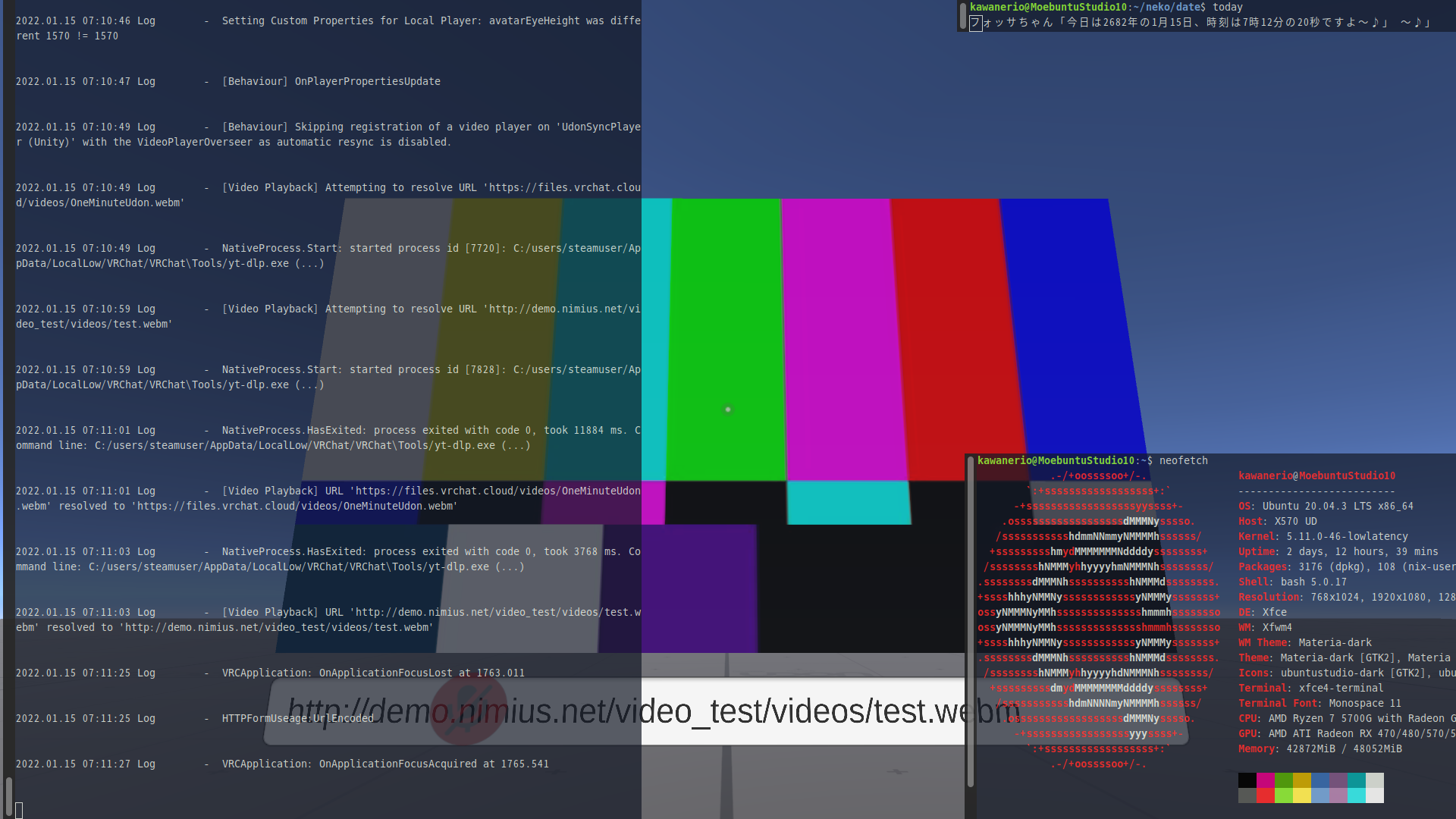
I can also confirm that vp8 works. I tested that out some time ago when trying to figure out how to get the video player to work but gave up because I couldn't think of a reliable way to transcode literally everything as it comes in.
I guess one way to do that would be to run a local transcoding service, and then compile a custom version of youtube-dl which reports URLs back which proxy over the local transcoding service. Of course, this would take up system resources, but since VRChat is only using a limited number of cores anyway, this might actually work, hmmm…
indeed
I can also confirm that vp8 works. I tested that out some time ago when trying to figure out how to get the video player to work but gave up because I couldn't think of a reliable way to transcode literally everything as it comes in.
Holy Tupper, this... this works!?
Screenshot
URL used: http://demo.nimius.net/video_test/videos/test.webm
I can also confirm that vp8 works. I tested that out some time ago when trying to figure out how to get the video player to work but gave up because I couldn't think of a reliable way to transcode literally everything as it comes in.
I guess one way to do that would be to run a local transcoding service, and then compile a custom version of youtube-dl which reports URLs back which proxy over the local transcoding service. Of course, this would take up system resources, but since VRChat is only using a limited number of cores anyway, this might actually work, hmmm…
This is a misconception, VRChat will use many cores for many things, it's quite threaded. Basically anything 2019.4.31f1 that unity can do in the standard pipeline, vrchat does, and then some including custom optimizations that they do for things like garbage collection. The team works hard over there.
But indeed, webm vp8 does work, as it's native to unity. Realtime encoding is heavy work, but if you have a processor that supports it, it can even be used to do things like stream to your quest 2 in virtual desktop ;) VP8 and VP9 are natively supported on the Quest, as well.
A local transcoding service isn't a bad idea, something that would pass all currently playing video to unity's video player as a https://localhost:8888/video.webm or something.
Lots of people stream the game and having something that runs in the background to handle video streams from players in game has been a desire of mine even on windows: because I want to be able to do things like have the output source of the video player at a separate physical volume from the in game audio for accessories like a woojer, or mirroring to subwoofers and whatnot. Being able to control the bitrate and other performance considerations would be neat too. Video recording from the in game camera would be nice, lots of things like that would be great on a companion app.
I was able to check it again-- the Sketchu world does work properly now.
My best guesstimate as to "why" is that there is logic related to chairs or some other function in VRC's SDK2 that is used which runs in another thread, and for some reason, that thread wasn't running or wasn't running properly.
That may or may not be related to the audio bug that was experienced.
@KawaneRio
chmod 000the ytdl.exe file.
@DASPRiD https://github.com/ValveSoftware/Proton/issues/1199#issuecomment-999618131
This worked! Thank you!! :sob::sob::sob::pray:
For later reference for anyone having the same issue:
chmod 000 ~/.steam/debian-installation/steamapps/compatdata/438100/pfx/drive_c/users/steamuser/AppData/LocalLow/VRChat/VRChat/Tools/yt-dlp.exe
I started seeing this crash:
Shader 'Standard': fallback shader 'VertexLit' not found
Shader 'Particles/Standard Unlit': fallback shader 'VertexLit' not found
Shader 'PPPen/Trail_Toon_Cutout': fallback shader 'Fallback/Toon/Cutout' not found
Shader 'Hirabiki/VRCLens/Standard VR-Only Object': fallback shader 'Diffuse' not found
Shader 'UnityChanToonShader/Toon_DoubleShadeWithFeather': fallback shader 'Legacy Shaders/VertexLit' not found
Shader 'UnityChanToonShader/Toon_DoubleShadeWithFeather_TransClipping': fallback shader 'Legacy Shaders/VertexLit' not found
Shader 'Sunao Shader/Opaque': fallback shader 'Diffuse' not found
terminate called after throwing an instance of 'std::out_of_range'
  what():  bitset::set: __position (which is 512) >= _Nb (which is 512)
Crash!!!
in some cases (maybe when certain avatar is present? unsure). Does anyone have similar experiences?
This crash message looks like something from libstdc++, so it's likely something on the Proton side crashed. Maybe it's dxvk?
@yshui, when does that crash occur? Game startup, in randomly when in a world, consistently in specific worlds?
I've found that there were some specific worlds that would consistently crash my game when trying to load in, but haven't been able to reproduce it in a little while.
What kernel, Mesa, and Proton version are you using currently to achieve that crash?
@Goofybud16 this happened right after i joined a world, after the "initialize world" screen. I can see the world and other players for like a second, then the game crashed. I tried multiple times with the same instance and it happens consistently.
But if I create another instance of the same world just for myself, I can join fine.
kernel: 5.16, mesa: git commit 7440fbd596a, proton experimental or proton 6.3-8
That sounds very similar to the issue I was having intermittently as well.
@yshui I noticed that as well – from what I could see, it has to do with a video player running (even with ytdl disabled).
@DASPRiD I tried using the video player in the world, it just failed normally, without causing a crash. So I am inclined to think it's not related to the video player.
maybe not related to the video player issue, I had chmod 000 yt-dlp.exe, but my game crashed while joining a world anyway. (tried twice) It was probably either related to it being in VR mode or it was some other user in that world when I tried in VR. (Haven't retried it in VR, but it doesn't crash in a new instance in desktop. The world was The Station (Channel 1) for reference)
Unsure if this is related to proton, but there were a lot of other players on Windows in VR so it probably is.
Crash log
2022.01.21 22:58:10 Log        -  HTTPFormUseage:UrlEncoded


2022.01.21 22:58:13 Exception  -  Object has not been locked by this thread.
  at DžDžDžDžDŽDžDžDžDŽDŽDžDžDŽDŽDŽDŽDŽDŽDžDŽDžDŽDŽDžDŽDŽDžDŽDžDžDžDžDžDŽDŽDŽDŽDžDŽDžDŽDŽDŽDŽDŽDžDž.DžDžDžDŽDžDžDžDžDžDŽDžDžDŽDŽDžDŽDžDŽDŽDžDžDžDžDžDŽDŽDžDžDŽDŽDžDžDŽDŽDŽDŽDŽDŽDŽDžDžDŽDŽDŽDžDŽDž () [0x00000] in <00000000000000000000000000000000>:0
  at DžDžDŽDŽDŽDžDžDŽDžDŽDŽDžDžDžDžDŽDŽDžDŽDŽDŽDŽDŽDžDžDžDžDžDžDžDžDŽDžDžDžDŽDŽDžDžDŽDžDŽDŽDŽDžDžDŽ.DŽDžDŽDžDŽDŽDžDžDžDŽDŽDŽDŽDŽDžDžDžDžDžDŽDŽDŽDžDŽDžDŽDžDžDŽDŽDŽDŽDžDŽDŽDŽDŽDžDŽDŽDžDžDŽDŽDŽDŽDŽ (System.Int32 DŽDŽDŽDŽDžDŽDžDžDžDŽDŽDžDžDžDžDžDžDžDžDŽDžDžDŽDžDŽDŽDŽDŽDžDžDŽDžDžDžDŽDŽDžDžDžDŽDŽDžDžDžDŽDŽDŽ) [0x00000] in <00000000000000000000000000000000>:0
  at DžDžDŽDŽDŽDžDžDŽDžDŽDŽDžDžDžDžDŽDŽDžDŽDŽDŽDŽDŽDžDžDžDžDžDžDžDžDŽDžDžDžDŽDŽDžDžDŽDžDŽDŽDŽDžDžDŽ.DžDŽDŽDžDžDžDŽDŽDžDŽDŽDžDŽDŽDŽDŽDŽDžDŽDžDžDžDŽDŽDŽDŽDžDžDŽDŽDžDŽDžDŽDŽDžDŽDžDžDžDžDŽDŽDžDžDŽDŽ (System.Object DŽDŽDžDžDžDŽDžDŽDžDžDžDžDžDŽDŽDŽDžDŽDžDžDžDŽDžDžDŽDžDžDŽDŽDžDžDŽDžDžDŽDŽDŽDžDžDŽDžDžDžDžDŽDžDŽ) [0x00000] in <00000000000000000000000000000000>:0
  at DŽDŽDŽDŽDžDŽDŽDŽDŽDžDŽDŽDŽDŽDžDŽDŽDžDŽDŽDžDžDžDžDŽDŽDŽDžDŽDŽDžDžDžDžDžDžDŽDžDžDŽDžDŽDžDžDžDžDž+DŽDŽDŽDžDžDŽDžDŽDŽDŽDžDŽDŽDŽDžDŽDŽDŽDŽDŽDžDžDžDžDžDŽDžDžDŽDžDžDžDŽDžDŽDŽDžDžDžDŽDžDžDžDžDžDžDŽ.Invoke (System.String DŽDŽDžDŽDžDŽDžDŽDŽDžDžDŽDŽDŽDŽDŽDŽDŽDŽDŽDžDžDžDŽDžDŽDžDŽDžDžDŽDŽDŽDžDŽDŽDžDžDŽDžDžDŽDžDžDžDžDž) [0x00000] in <00000000000000000000000000000000>:0
  at System.Action`1[T].Invoke (T obj) [0x00000] in <00000000000000000000000000000000>:0
  at System.Threading.ExecutionContext.RunInternal (System.Threading.ExecutionContext executionContext, System.Threading.ContextCallback callback, System.Object state, System.Boolean preserveSyncCtx) [0x00000] in <00000000000000000000000000000000>:0
  at System.Threading.ExecutionContext.Run (System.Threading.ExecutionContext executionContext, System.Threading.ContextCallback callback, System.Object state) [0x00000] in <00000000000000000000000000000000>:0
  at DŽDŽDŽDŽDžDŽDŽDŽDŽDžDŽDŽDŽDŽDžDŽDŽDžDŽDŽDžDžDžDžDŽDŽDŽDžDŽDŽDžDžDžDžDžDžDŽDžDžDŽDžDŽDžDžDžDžDž+DŽDŽDŽDžDžDŽDžDŽDŽDŽDžDŽDŽDŽDžDŽDŽDŽDŽDŽDžDžDžDžDžDŽDžDžDŽDžDžDžDŽDžDŽDŽDžDžDžDŽDžDžDžDžDžDžDŽ.Invoke (System.String DŽDŽDžDŽDžDŽDžDŽDŽDžDžDŽDŽDŽDŽDŽDŽDŽDŽDŽDžDžDžDŽDžDŽDžDŽDžDžDŽDŽDŽDžDŽDŽDžDžDŽDžDžDŽDžDžDžDžDž) [0x00000] in <00000000000000000000000000000000>:0


2022.01.21 22:58:13 Exception  -  Object has not been locked by this thread.
  at DžDžDžDžDŽDžDžDžDŽDŽDžDžDŽDŽDŽDŽDŽDŽDžDŽDžDŽDŽDžDŽDŽDžDŽDžDžDžDžDžDŽDŽDŽDŽDžDŽDžDŽDŽDŽDŽDŽDžDž.DžDžDžDŽDžDžDžDžDžDŽDžDžDŽDŽDžDŽDžDŽDŽDžDžDžDžDžDŽDŽDžDžDŽDŽDžDžDŽDŽDŽDŽDŽDŽDŽDžDžDŽDŽDŽDžDŽDž () [0x00000] in <00000000000000000000000000000000>:0
  at DžDžDŽDŽDŽDžDžDŽDžDŽDŽDžDžDžDžDŽDŽDžDŽDŽDŽDŽDŽDžDžDžDžDžDžDžDžDŽDžDžDžDŽDŽDžDžDŽDžDŽDŽDŽDžDžDŽ.DŽDžDŽDžDŽDŽDžDžDžDŽDŽDŽDŽDŽDžDžDžDžDžDŽDŽDŽDžDŽDžDŽDžDžDŽDŽDŽDŽDžDŽDŽDŽDŽDžDŽDŽDžDžDŽDŽDŽDŽDŽ (System.Int32 DŽDŽDŽDŽDžDŽDžDžDžDŽDŽDžDžDžDžDžDžDžDžDŽDžDžDŽDžDŽDŽDŽDŽDžDžDŽDžDžDžDŽDŽDžDžDžDŽDŽDžDžDžDŽDŽDŽ) [0x00000] in <00000000000000000000000000000000>:0
  at DžDžDŽDŽDŽDžDžDŽDžDŽDŽDžDžDžDžDŽDŽDžDŽDŽDŽDŽDŽDžDžDžDžDžDžDžDžDŽDžDžDžDŽDŽDžDžDŽDžDŽDŽDŽDžDžDŽ.DžDŽDŽDžDžDžDŽDŽDžDŽDŽDžDŽDŽDŽDŽDŽDžDŽDžDžDžDŽDŽDŽDŽDžDžDŽDŽDžDŽDžDŽDŽDžDŽDžDžDžDžDŽDŽDžDžDŽDŽ (System.Object DŽDŽDžDžDžDŽDžDŽDžDžDžDžDžDŽDŽDŽDžDŽDžDžDžDŽDžDžDŽDžDžDŽDŽDžDžDŽDžDžDŽDŽDŽDžDžDŽDžDžDžDžDŽDžDŽ) [0x00000] in <00000000000000000000000000000000>:0
  at DŽDŽDŽDŽDžDŽDŽDŽDŽDžDŽDŽDŽDŽDžDŽDŽDžDŽDŽDžDžDžDžDŽDŽDŽDžDŽDŽDžDžDžDžDžDžDŽDžDžDŽDžDŽDžDžDžDžDž+DŽDŽDŽDžDžDŽDžDŽDŽDŽDžDŽDŽDŽDžDŽDŽDŽDŽDŽDžDžDžDžDžDŽDžDžDŽDžDžDžDŽDžDŽDŽDžDžDžDŽDžDžDžDžDžDžDŽ.Invoke (System.String DŽDŽDžDŽDžDŽDžDŽDŽDžDžDŽDŽDŽDŽDŽDŽDŽDŽDŽDžDžDžDŽDžDŽDžDŽDžDžDŽDŽDŽDžDŽDŽDžDžDŽDžDžDŽDžDžDžDžDž) [0x00000] in <00000000000000000000000000000000>:0
  at System.Action`1[T].Invoke (T obj) [0x00000] in <00000000000000000000000000000000>:0
  at System.Threading.ExecutionContext.RunInternal (System.Threading.ExecutionContext executionContext, System.Threading.ContextCallback callback, System.Object state, System.Boolean preserveSyncCtx) [0x00000] in <00000000000000000000000000000000>:0
  at System.Threading.ExecutionContext.Run (System.Threading.ExecutionContext executionContext, System.Threading.ContextCallback callback, System.Object state) [0x00000] in <00000000000000000000000000000000>:0
  at DŽDŽDŽDŽDžDŽDŽDŽDŽDžDŽDŽDŽDŽDžDŽDŽDžDŽDŽDžDžDžDžDŽDŽDŽDžDŽDŽDžDžDžDžDžDžDŽDžDžDŽDžDŽDžDžDžDžDž+DŽDŽDŽDžDžDŽDžDŽDŽDŽDžDŽDŽDŽDžDŽDŽDŽDŽDŽDžDžDžDžDžDŽDžDžDŽDžDžDžDŽDžDŽDŽDžDžDžDŽDžDžDžDžDžDžDŽ.Invoke (System.String DŽDŽDžDŽDžDŽDžDŽDŽDžDžDŽDŽDŽDŽDŽDŽDŽDŽDŽDžDžDžDŽDžDŽDžDŽDžDžDŽDŽDŽDžDŽDŽDžDžDŽDžDžDŽDžDžDžDžDž) [0x00000] in <00000000000000000000000000000000>:0


2022.01.21 22:58:24 Log        -  VRCApplication: OnApplicationQuit at 47.27266


2022.01.21 22:58:24 Log        -  NativeProcess.Start: started process id [2780]: Z:/home/webfreak/.local/share/Steam/steamapps/common/VRChat/VRChat_Data/../install.exe


2022.01.21 22:58:24 Log        -  [Behaviour] OnLeftRoom


2022.01.21 22:58:24 Log        -  [Behaviour] OnDisconnected: DisconnectByClientLogic


2022.01.21 22:58:24 Log        -  [Behaviour] Client invoked disconnect.


2022.01.21 22:58:24 Log        -  [Behaviour] Unregistering WebFreak


2022.01.21 22:58:24 Log        -  Connected to lighthouse:LHR-6E50B063


2022.01.21 22:58:24 Log        -  HTTPFormUseage:UrlEncoded

2022.01.21 22:58:24 Error      -  [UdonBehaviour] An exception occurred during Udon execution, this UdonBehaviour will be halted.
VRC.Udon.VM.UdonVMException: An exception occurred in an UdonVM, execution will be halted. ---> VRC.Udon.VM.UdonVMException: An exception occurred during EXTERN to 'VRCSDKBaseVRCPlayerApi.__GetPosition__UnityEngineVector3'. ---> System.NullReferenceException: Object reference not set to an instance of an object.
  at VRC.Udon.Wrapper.Modules.ExternVRCSDKBaseVRCPlayerApi.__GetPosition__UnityEngineVector3 (VRC.Udon.Common.Interfaces.IUdonHeap heap, System.Span`1[T] parameterAddresses) [0x00000] in <00000000000000000000000000000000>:0
  at DžDžDŽDŽDžDŽDžDžDžDŽDŽDŽDžDŽDŽDŽDžDžDžDŽDŽDžDžDŽDžDŽDžDŽDžDŽDŽDŽDŽDŽDžDžDŽDŽDŽDžDŽDŽDŽDŽDžDŽDŽ.Invoke (System.Object DžDŽDŽDžDžDŽDžDŽDŽDžDŽDžDžDžDŽDŽDŽDžDžDžDžDŽDŽDŽDžDžDžDŽDžDŽDŽDžDžDžDŽDžDŽDžDžDžDžDŽDŽDŽDŽDžDž, DžDžDžDžDžDŽDžDžDžDŽDŽDžDžDŽDŽDŽDŽDŽDžDžDŽDŽDŽDžDžDŽDžDžDŽDžDŽDžDŽDžDžDžDžDžDžDžDŽDŽDŽDžDŽDžDž DžDžDžDžDžDŽDŽDŽDžDžDŽDžDŽDžDžDŽDŽDŽDŽDžDžDŽDŽDŽDŽDŽDžDŽDŽDžDŽDžDžDŽDŽDŽDŽDŽDŽDŽDŽDžDŽDŽDŽDžDž) [0x00000] in <00000000000000000000000000000000>:0
  at VRC.Udon.VM.UdonVM.Interpret () [0x00000] in <00000000000000000000000000000000>:0
  at VRC.Udon.UdonBehaviour.RunProgram (System.UInt32 entryPoint) [0x00000] in <00000000000000000000000000000000>:0
  at VRC.Udon.UdonBehaviour.RunEvent (System.String eventName, System.ValueTuple`2[System.String,System.Object][] programVariables) [0x00000] in <00000000000000000000000000000000>:0
  at VRC.Udon.UdonBehaviour.ManagedUpdate () [0x00000] in <00000000000000000000000000000000>:0
  at VRC.Udon.UdonManager.Update () [0x00000] in <00000000000000000000000000000000>:0
   --- End of inner exception stack trace ---
  at VRC.Udon.VM.UdonVM.Interpret () [0x00000] in <00000000000000000000000000000000>:0
  at VRC.Udon.UdonBehaviour.RunProgram (System.UInt32 entryPoint) [0x00000] in <00000000000000000000000000000000>:0
  at VRC.Udon.UdonBehaviour.RunEvent (System.String eventName, System.ValueTuple`2[System.String,System.Object][] programVariables) [0x00000] in <00000000000000000000000000000000>:0
  at VRC.Udon.UdonBehaviour.ManagedUpdate () [0x00000] in <00000000000000000000000000000000>:0
  at VRC.Udon.UdonManager.Update () [0x00000] in <00000000000000000000000000000000>:0
   --- End of inner exception stack trace ---
  at VRC.Udon.VM.UdonVM.Interpret () [0x00000] in <00000000000000000000000000000000>:0
  at VRC.Udon.UdonBehaviour.RunProgram (System.UInt32 entryPoint) [0x00000] in <00000000000000000000000000000000>:0
  at VRC.Udon.UdonBehaviour.RunEvent (System.String eventName, System.ValueTuple`2[System.String,System.Object][] programVariables) [0x00000] in <00000000000000000000000000000000>:0
  at VRC.Udon.UdonBehaviour.ManagedUpdate () [0x00000] in <00000000000000000000000000000000>:0
  at VRC.Udon.UdonManager.Update () [0x00000] in <00000000000000000000000000000000>:0


2022.01.21 22:58:26 Exception  -  Object has not been locked by this thread.
  at DžDžDžDžDŽDžDžDžDŽDŽDžDžDŽDŽDŽDŽDŽDŽDžDŽDžDŽDŽDžDŽDŽDžDŽDžDžDžDžDžDŽDŽDŽDŽDžDŽDžDŽDŽDŽDŽDŽDžDž.DžDžDžDŽDžDžDžDžDžDŽDžDžDŽDŽDžDŽDžDŽDŽDžDžDžDžDžDŽDŽDžDžDŽDŽDžDžDŽDŽDŽDŽDŽDŽDŽDžDžDŽDŽDŽDžDŽDž () [0x00000] in <00000000000000000000000000000000>:0
  at DžDžDŽDŽDŽDžDžDŽDžDŽDŽDžDžDžDžDŽDŽDžDŽDŽDŽDŽDŽDžDžDžDžDžDžDžDžDŽDžDžDžDŽDŽDžDžDŽDžDŽDŽDŽDžDžDŽ.DŽDžDŽDžDŽDŽDžDžDžDŽDŽDŽDŽDŽDžDžDžDžDžDŽDŽDŽDžDŽDžDŽDžDžDŽDŽDŽDŽDžDŽDŽDŽDŽDžDŽDŽDžDžDŽDŽDŽDŽDŽ (System.Int32 DŽDŽDŽDŽDžDŽDžDžDžDŽDŽDžDžDžDžDžDžDžDžDŽDžDžDŽDžDŽDŽDŽDŽDžDžDŽDžDžDžDŽDŽDžDžDžDŽDŽDžDžDžDŽDŽDŽ) [0x00000] in <00000000000000000000000000000000>:0
  at DžDžDŽDŽDŽDžDžDŽDžDŽDŽDžDžDžDžDŽDŽDžDŽDŽDŽDŽDŽDžDžDžDžDžDžDžDžDŽDžDžDžDŽDŽDžDžDŽDžDŽDŽDŽDžDžDŽ.DžDŽDŽDžDžDžDŽDŽDžDŽDŽDžDŽDŽDŽDŽDŽDžDŽDžDžDžDŽDŽDŽDŽDžDžDŽDŽDžDŽDžDŽDŽDžDŽDžDžDžDžDŽDŽDžDžDŽDŽ (System.Object DŽDŽDžDžDžDŽDžDŽDžDžDžDžDžDŽDŽDŽDžDŽDžDžDžDŽDžDžDŽDžDžDŽDŽDžDžDŽDžDžDŽDŽDŽDžDžDŽDžDžDžDžDŽDžDŽ) [0x00000] in <00000000000000000000000000000000>:0
  at DŽDŽDŽDŽDžDŽDŽDŽDŽDžDŽDŽDŽDŽDžDŽDŽDžDŽDŽDžDžDžDžDŽDŽDŽDžDŽDŽDžDžDžDžDžDžDŽDžDžDŽDžDŽDžDžDžDžDž+DŽDŽDŽDžDžDŽDžDŽDŽDŽDžDŽDŽDŽDžDŽDŽDŽDŽDŽDžDžDžDžDžDŽDžDžDŽDžDžDžDŽDžDŽDŽDžDžDžDŽDžDžDžDžDžDžDŽ.Invoke (System.String DŽDŽDžDŽDžDŽDžDŽDŽDžDžDŽDŽDŽDŽDŽDŽDŽDŽDŽDžDžDžDŽDžDŽDžDŽDžDžDŽDŽDŽDžDŽDŽDžDžDŽDžDžDŽDžDžDžDžDž) [0x00000] in <00000000000000000000000000000000>:0
  at System.Action`1[T].Invoke (T obj) [0x00000] in <00000000000000000000000000000000>:0
  at System.Threading.ExecutionContext.RunInternal (System.Threading.ExecutionContext executionContext, System.Threading.ContextCallback callback, System.Object state, System.Boolean preserveSyncCtx) [0x00000] in <00000000000000000000000000000000>:0
  at System.Threading.ExecutionContext.Run (System.Threading.ExecutionContext executionContext, System.Threading.ContextCallback callback, System.Object state) [0x00000] in <00000000000000000000000000000000>:0
  at DŽDŽDŽDŽDžDŽDŽDŽDŽDžDŽDŽDŽDŽDžDŽDŽDžDŽDŽDžDžDžDžDŽDŽDŽDžDŽDŽDžDžDžDžDžDžDŽDžDžDŽDžDŽDžDžDžDžDž+DŽDŽDŽDžDžDŽDžDŽDŽDŽDžDŽDŽDŽDžDŽDŽDŽDŽDŽDžDžDžDžDžDŽDžDžDŽDžDžDžDŽDžDŽDŽDžDžDžDŽDžDžDžDžDžDžDŽ.Invoke (System.String DŽDŽDžDŽDžDŽDžDŽDŽDžDžDŽDŽDŽDŽDŽDŽDŽDŽDŽDžDžDžDŽDžDŽDžDŽDžDžDŽDŽDŽDžDŽDŽDžDžDŽDžDžDŽDžDžDžDžDž) [0x00000] in <00000000000000000000000000000000>:0


2022.01.21 22:58:26 Exception  -  Object has not been locked by this thread.
  at DžDžDžDžDŽDžDžDžDŽDŽDžDžDŽDŽDŽDŽDŽDŽDžDŽDžDŽDŽDžDŽDŽDžDŽDžDžDžDžDžDŽDŽDŽDŽDžDŽDžDŽDŽDŽDŽDŽDžDž.DžDžDžDŽDžDžDžDžDžDŽDžDžDŽDŽDžDŽDžDŽDŽDžDžDžDžDžDŽDŽDžDžDŽDŽDžDžDŽDŽDŽDŽDŽDŽDŽDžDžDŽDŽDŽDžDŽDž () [0x00000] in <00000000000000000000000000000000>:0
  at DžDžDŽDŽDŽDžDžDŽDžDŽDŽDžDžDžDžDŽDŽDžDŽDŽDŽDŽDŽDžDžDžDžDžDžDžDžDŽDžDžDžDŽDŽDžDžDŽDžDŽDŽDŽDžDžDŽ.DŽDžDŽDžDŽDŽDžDžDžDŽDŽDŽDŽDŽDžDžDžDžDžDŽDŽDŽDžDŽDžDŽDžDžDŽDŽDŽDŽDžDŽDŽDŽDŽDžDŽDŽDžDžDŽDŽDŽDŽDŽ (System.Int32 DŽDŽDŽDŽDžDŽDžDžDžDŽDŽDžDžDžDžDžDžDžDžDŽDžDžDŽDžDŽDŽDŽDŽDžDžDŽDžDžDžDŽDŽDžDžDžDŽDŽDžDžDžDŽDŽDŽ) [0x00000] in <00000000000000000000000000000000>:0
  at DžDžDŽDŽDŽDžDžDŽDžDŽDŽDžDžDžDžDŽDŽDžDŽDŽDŽDŽDŽDžDžDžDžDžDžDžDžDŽDžDžDžDŽDŽDžDžDŽDžDŽDŽDŽDžDžDŽ.DžDŽDŽDžDžDžDŽDŽDžDŽDŽDžDŽDŽDŽDŽDŽDžDŽDžDžDžDŽDŽDŽDŽDžDžDŽDŽDžDŽDžDŽDŽDžDŽDžDžDžDžDŽDŽDžDžDŽDŽ (System.Object DŽDŽDžDžDžDŽDžDŽDžDžDžDžDžDŽDŽDŽDžDŽDžDžDžDŽDžDžDŽDžDžDŽDŽDžDžDŽDžDžDŽDŽDŽDžDžDŽDžDžDžDžDŽDžDŽ) [0x00000] in <00000000000000000000000000000000>:0
  at DŽDŽDŽDŽDžDŽDŽDŽDŽDžDŽDŽDŽDŽDžDŽDŽDžDŽDŽDžDžDžDžDŽDŽDŽDžDŽDŽDžDžDžDžDžDžDŽDžDžDŽDžDŽDžDžDžDžDž+DŽDŽDŽDžDžDŽDžDŽDŽDŽDžDŽDŽDŽDžDŽDŽDŽDŽDŽDžDžDžDžDžDŽDžDžDŽDžDžDžDŽDžDŽDŽDžDžDžDŽDžDžDžDžDžDžDŽ.Invoke (System.String DŽDŽDžDŽDžDŽDžDŽDŽDžDžDŽDŽDŽDŽDŽDŽDŽDŽDŽDžDžDžDŽDžDŽDžDŽDžDžDŽDŽDŽDžDŽDŽDžDžDŽDžDžDŽDžDžDžDžDž) [0x00000] in <00000000000000000000000000000000>:0
  at System.Action`1[T].Invoke (T obj) [0x00000] in <00000000000000000000000000000000>:0
  at System.Threading.ExecutionContext.RunInternal (System.Threading.ExecutionContext executionContext, System.Threading.ContextCallback callback, System.Object state, System.Boolean preserveSyncCtx) [0x00000] in <00000000000000000000000000000000>:0
  at System.Threading.ExecutionContext.Run (System.Threading.ExecutionContext executionContext, System.Threading.ContextCallback callback, System.Object state) [0x00000] in <00000000000000000000000000000000>:0
  at DŽDŽDŽDŽDžDŽDŽDŽDŽDžDŽDŽDŽDŽDžDŽDŽDžDŽDŽDžDžDžDžDŽDŽDŽDžDŽDŽDžDžDžDžDžDžDŽDžDžDŽDžDŽDžDžDžDžDž+DŽDŽDŽDžDžDŽDžDŽDŽDŽDžDŽDŽDŽDžDŽDŽDŽDŽDŽDžDžDžDžDžDŽDžDžDŽDžDžDžDŽDžDŽDŽDžDžDžDŽDžDžDžDžDžDžDŽ.Invoke (System.String DŽDŽDžDŽDžDŽDžDŽDŽDžDžDŽDŽDŽDŽDŽDŽDŽDŽDŽDžDžDžDŽDžDŽDžDŽDžDžDŽDŽDŽDžDŽDŽDžDžDŽDžDžDŽDžDžDžDžDž) [0x00000] in <00000000000000000000000000000000>:0


2022.01.21 22:58:26 Log        -  VRCApplication: OnApplicationQuit at 49.28649


2022.01.21 22:58:26 Log        -  UserInterface destroyed
@WebFreak001 well there is your error right there:
2022.01.21 22:58:24 Error - [UdonBehaviour] An exception occurred during Udon execution
it's a different error from mine so not the same problem.
I guess one way to do that would be to run a local transcoding service, and then compile a custom version of youtube-dl which reports URLs back which proxy over the local transcoding service. Of course, this would take up system resources, but since VRChat is only using a limited number of cores anyway, this might actually work, hmmm…
I made something that live transcode videos to vp8 and it's taking 10 of my cores to reach 1x speed... seems somewhat unrealistic.
some points from my observation:
- video must be played with unity internal player, trying to play it with AVPro crashes the game
- the transcoded video must have a duration, otherwise it doesn't play
- unity player can't stream the video, it downloads the whole video then plays it.
Crash backtrace:
Backtrace:
=>0 0x00000001e683474a EntryPoint+0xfffa88da() in avprovideo (0x00000001d0c73384)
  1 0x00000001e683aa24 EntryPoint+0xfffaebb3() in avprovideo (0x000000000062ec89)
  2 0x000000006ca4f3c6 EntryPoint+0x458fc3d() in gameassembly (0x000000000062ec89)
  3 0x000000006a6e228d EntryPoint+0x2222b04() in gameassembly (0x0000000065584f40)
  4 0x000000006994e049 EntryPoint+0x148e8c0() in gameassembly (0x000000006994e020)
  5 0x0000000068b9c073 EntryPoint+0x6dc8ea() in gameassembly (0x000000006994e020)
  6 0x000000006a66b1f4 EntryPoint+0x21aba6b() in gameassembly (0x000000000062ee20)
  7 0x0000000068b9c073 EntryPoint+0x6dc8ea() in gameassembly (0x000000006a66aea0)
  8 0x000000006a66ae2f EntryPoint+0x21ab6a6() in gameassembly (0x0000000000000002)
  9 0x000000006b4f934e EntryPoint+0x3039bc5() in gameassembly (0x0000000000000002)
  10 0x00000000680f2d96 EntryPoint+0xffffffffffffffff() in gameassembly (0x0000000000000002)
  11 0x0000000068484c10 EntryPoint+0xffffffffffffffff() in gameassembly (0x0000000000000002)
  12 0x00000001808b92e0 EntryPoint+0xff4d6107() in unityplayer (0x0000000000000002)
  13 0x00000001808ca563 EntryPoint+0xff4e738a() in unityplayer (0x0000000000000000)
  14 0x00000001808d2150 EntryPoint+0xff4eef77() in unityplayer (0x000000000062f1c0)
  15 0x00000001808d21c5 EntryPoint+0xff4eefec() in unityplayer (0x000000000062f380)
  16 0x00000001808d21c5 EntryPoint+0xff4eefec() in unityplayer (0x000000000062f540)
  17 0x00000001806505dd EntryPoint+0xff26d404() in unityplayer (0x00000001808d1680)
  18 0x000000018079a717 EntryPoint+0xff3b753e() in unityplayer (0x0000000000000000)
  19 0x000000018079a7b3 EntryPoint+0xff3b75da() in unityplayer (0x0000000000000000)
  20 0x000000018079cc0c EntryPoint+0xff3b9a33() in unityplayer (0x0000000000000000)
  21 0x000000018054b89e EntryPoint+0xff1686c5() in unityplayer (0x0000000000000000)
  22 0x000000018054a5fa EntryPoint+0xff167421() in unityplayer (0x0000000000000000)
  23 0x000000018054e7d8 EntryPoint+0xff16b5ff() in unityplayer (0x0000000000000000)
  24 0x00000001805522db EntryPoint+0xff16f102() in unityplayer (0x0000000000000000)
  25 0x00000001400011f2 EntryPoint+0xffffff91() in vrchat (0x0000000000000000)
  26 0x000000007b62c9e9 EntryPoint+0xffffffffffffffff() in kernel32 (0x0000000000000000)
  27 0x000000007bc5e603 EntryPoint+0xffffffffffffffff() in ntdll (0x0000000000000000)
0x00000001e683474a EntryPoint+0xfffa88da in avprovideo: movq    (%rcx),%rax
As noted before, I will be returning AVPro to disabled in Proton in our next update, which will fix the crashing issues. The ability to play VP8+Vorbis in the Unity Player is interesting. Doing a system that could automatically transcode the videos into vp8+vorbis locally is a possibility, albeit there is a significant amount of code involved in handling it a proper manner, so I cannot guarantee a system like that being implemented in the short term.
I made something that live transcode videos to vp8 and it's taking 10 of my cores to reach 1x speed... seems somewhat unrealistic.
Would it be easier to, say, halve the resolution before transcoding? Doesn't have to be half, but gets the point across. Watching at all is a great stopgap between all and nothing.
Another option might be to try GPU accelerated transcoding. I'm sure ffmpeg has the option. It'll still kill some in game frames but won't be as bad as maxing out all CPU cores.
Keep in mind that any solution that isn't performant enough to run on the Steam Deck isn't worth considering, as far as I am concerned. Lowering resolution is definitely an option though, being able to watch the video at 480p or 360p is better than not at all.
I'd suggest making it configurable so Deckers can use whatever works, and pcs aren't so limited.
being able to watch the video at 480p or 360p is better than not at all.
Very true, and something I'd love to see. Plus, down the road, toggles could be made to take user input for target transcode sizes buried in a text file or launch flags somewhere, so the people who are technical enough to care about it would find it and use it but wouldn't hurt your average user. I've got a 5900x with 64gb of RAM which could chew on a video transcode fairly easily, but most people don't.
Keep in mind that any solution that isn't performant enough to run on the Steam Deck isn't worth considering, as far as I am concerned. Lowering resolution is definitely an option though, being able to watch the video at 480p or 360p is better than not at all.
That does make a lot of sense. As for YouTube links, doesn't ytdl also report webm formats as well, so that could be used without any transcoding on the local machine?
So I dug into the options of vp8 encode a little bit, and by setting -deadline realtime, performance is accept at 480p (30~40% of one core), although quality is significantly lowered. Hardware encoding isn't an option for me, looks like hardware vp8 encoding is only available on Intel platforms.
Also is the unity player capable of playing videos as it comes in? The loading time will be way too long if the entire video has to be transcoded first.
@DASPRiD most of the youtube videos do have webm format, but they are usually encoded with vp9+opus. I wasn't able to find a single video that's vp8+vorbis.
I made something that live transcode videos to vp8 and it's taking 10 of my cores to reach 1x speed... seems somewhat unrealistic.
. Hardware encoding isn't an option for me
That's surprising to me. You have an AMD or Intel processor and Nvidia or AMD gpu, I presume? Hardware realtime encoding and decoding for vp8/vp9 is built in to one of your devices, you're just not using the encoder at the moment I would imagine
OBS by default (and even oculus airlink and virtual desktop) all have access to those features, even on linux, and blender too, even android directly on the XR2 chip in the oculus quest (which is how it does streaming and recording) and your cell phone all have dedicated SoC's to accelerate encoding off software mode, and linux is the primary OS where the majority of these encode servers in major distribution services like Amazon's Twitch use. See if you can do accelerated recording in OBS, if you can, you should be able to do it with a piped function too.
Here's some documentation:
For Intel, it's called QSV. Here's how to use it with ffmpeg: https://www.intel.com/content/dam/www/public/emea/xe/en/documents/white-papers/quicksync-video-ffmpeg-install-valid.pdf
For AMD, it's called AME.
https://obsproject.com/forum/threads/experimental-ffmpeg-vaapi-plugin.61529/page-2 here's a thead on OBS with none other than gloriouseggroll discussing integration into OBS back in 2018.
https://github.com/GPUOpen-LibrariesAndSDKs/AMF/tree/master/amf/public/samples/CPPSamples/SimpleEncoder here's a basic AMF standalone encoder you could play with.
For Nvidia, it's NVENC. https://docs.nvidia.com/video-technologies/video-codec-sdk/ffmpeg-with-nvidia-gpu/ here's the docs for that.
As of the end of 2021, the open source standard for Vulkan Video has been published by Khronos group, which is another neat step in the right direction.
https://www.khronos.org/blog/an-introduction-to-vulkan-video
Finally, there's another option that takes the burden off your system entirely - a dedicated hardware encoder/decoder box, with an internal OS. (usually tinylinux)
My favorite at the moment is the TBS2603au, a little box that can take any streaming service (rtmp,rtspt etc) and even NDI|HX2 and HDMI sources and straight up process it out to any server, even with modern standards like SRT And webrtc just like it was vrcdn or obs, all by itself.
So to use one of those, you would take the streamURL into it, have it spit out NDI ideally for quality, then run a local vp8 encode off the NDI in OBS or something like that.
The hardware encoder in this device to make it transcode is only H.265/H.264 as far as I know but there's a lot of other companies out there making similar products.
Also is the unity player capable of playing videos as it comes in? The loading time will be way too long if the entire video has to be transcoded first.
Usually that's done using something like DASH with vp8, or fragMP4. Basically you give the file a header, load it locally and as long as you can write and read faster than you're playing out with about a 5-10second or more "running start" you're good to go. I have done it with TS and MKV/vp8 on my Oculus quest 1 a couple years back even using Unity's native video player and pointing it at a local webserver resource.
@Lhun
That's surprising to me.
You'd be surprised. From my vainfo:
...
      VAProfileVP9Profile0            : VAEntrypointVLD
      VAProfileVP9Profile2            : VAEntrypointVLD
...
So decoding only for vp9. No mention of vp8 even, meaning it can't even decode vp8.
NVENC only does h264 or h265. Only Intel can do vp8 (or so I heard, I don't have an Intel CPU).
@Lhun
Usually that's done using something like DASH with vp8,
Thanks for the pointer, I will look into it.
So the Unity VideoPlayer doesn't do DASH / HLS, AVPro does. But as AVPro crashes the game when trying to play the webm, I am not holding my breath.
So the Unity VideoPlayer doesn't do DASH / HLS, AVPro does. But as AVPro crashes the game when trying to play the webm, I am not holding my breath.
Yes, typically it would be dash, my apologies. But we're looking at a workaround for avpro here.
Effectively you need to point the unity web player at a mkv/webm that it can read, with a long length. Something like _http://localhost:8888/video.mkv_
If you're writing to it faster then you're reading it (like, by giving yourself a seconds buffer) it'll continue along as you would expect. MKV/webm specifically supports resume, and doesn't use a MOOV header like mp4, so I suspect it should just work.
A good way to do a simple test would be to just open OBS and start recording to mkv and stick that in a local web server you can read with a hardcoded link like above.
I always recommend MKV it when you're recording in OBS too, because if it crashes, you don't have a junk unreadable file.
https://github.com/obsproject/obs-amd-encoder
Here's a version of OBS with AMD encoder support.
@Lhun So I have already tested and know that the Unity VideoPlayer (not AVPro) doesn't start playing the video until it's fully downloaded.
I am not sure I understand what you are suggesting and what the goal is.
If we take a step back, it looks like the issue is:
There are two problems that render both video players unusable in VRChat on Proton:
Lack of WMF codecs: can be manually solved on the user's end by adding the codecs themselves, albeit doing this is questionable from a licensing perspective, depending on the codecs installed
Proton incompatibility with loading videos from URLs: This cannot be worked around, Proton does not presently work with loading a video from a URL. Likely requires work on Valve's end to fix.
Looking into the codec support in Proton, I found that Proton's WMF implementation already looks to have a transcoding functionality built in: https://github.com/ValveSoftware/Proton/tree/proton_6.3/media-converter
Looks to me like it uses gstreamer (thus supports anything gstreamer supports?), so I'd assume it'd take the average mp4 video from Youtube without too much hassle. If Proton's WMF support can't handle a specific codec, it seems to me like the result should simply be the color bars pattern being displayed, which is not what currently happens (anywhere from "nothing" to "crashing.")
In that case, is the issue just that the WMF implementation within Proton can't handle videos from a URL? In that case, would it make sense to use yt-dlp to download the file to disk? Obviously that wouldn't necessarily fix watching livestreams, but it could work for fixed-length video sources.
Is it known/documented that Proton can't handle a web URL, but Windows can? The only comment I see about it on #1464 is from Jul 2, 2019, mentioning the missing implementation of mfplat:mfsourceresolver_CreateObjectFromURL. That was 2019, though, so it could have been implemented since.
My completely uninformed guess is to say that it wouldn't be a terribly hard thing to implement, although maybe it isn't a priority, since I don't know how many games outside of VRChat would even make use of such a functionality. I'd assume most ship the video files as part of the game itself.
I found that Proton's WMF implementation already looks to have a transcoding functionality built in: https://github.com/ValveSoftware/Proton/tree/proton_6.3/media-converter
A quick explanation of the situation: Proton can't ship with proprietary codecs, so it includes this media-converter, which submit the video file to Valve's server for transcoding, when the game wants to play a video. If the video isn't already transcoded and cached, a test pattern will be displayed. This only happens for local video files.
the media-converter is a gstreamer plugin, and Proton uses gstreamer to play videos.
mentioning the missing implementation of mfplat:mfsourceresolver_CreateObjectFromURL
It is still not implemented. If you try to play a youtube video in VRChat you will see it in the log. And I suspect you are right about it not being a priority. I can't comment on how hard would this be to implement.
I was hoping the unity videoplayer would support playing videos as it is coming in (i.e. HTTP progressive download), and since it doesn't use MF this would mean we would have usable solution. But alas. I guess it still is usable if you can accept waiting the equivalent of the length of the video for the video to play.
I am still curious why AVPro crashes, normally it just fails with MF errors.
I've done some experimenting with vp8 and dash:
ffmpeg -re -i somevideo.m4v -map 0:0 -c:v libvpx -keyint_min 24 -g 24 -b:v 2000k -f webm_chunk -header webm_live_video.hdr -chunk_start_index 1 webm_live_video_%d.chk
ffmpeg -f webm_dash_manifest -live 1 -i webm_live_video.hdr -c copy -map 0 -f webm_dash_manifest -live 1 -adaptation_sets "id=0,streams=0" -chunk_start_index 1 -chunk_duration_ms 1000 manifest.xml
With nginx, the commands are run together in /usr/share/nginx/html/webm_live
and then the command:
ffplay -allowed_extensions ALL http://localhost/webm_live/manifest.xml
plays a vp8 live stream of somevideo.m4v
I get some stuttering in video, changing keyint_min and -g seems to help with it. 24 is closest I got to smooth video (which almost matches the framerate of the source video I'm testing - 23.98).
There is no sound, but I imagine that will be a matter of splitting off two streams from the same file and mapping both of them instead of the one single map at the moment.
It uses a fair chunk of CPU, maybe 40% of each core. I haven't experimented yet with hardware acceleration.
I did try loading that URL in game. It didn't play, but reading above about the unity player not supporting dash I guess there isn't a way to test this in game unless AVPro starts working. It might also be necessary to generate an m3u file somehow before the URL will be accepted.
I wonder if it would be possible for VRChat developers to implement DASH support on top of the existing Unity VideoPlayer. IIUC on a high level the process would be parsing the manifest, then downloading and playing video chunks one by one?
I wonder if it would be possible for VRChat developers to implement DASH support on top of the existing Unity VideoPlayer. IIUC on a high level the process would be parsing the manifest, then downloading and playing video chunks one by one?
That's probably outside our wheelhouse, certainly outside mine.
A quick explanation of the situation: Proton can't ship with proprietary codecs, so it includes this media-converter, which submit the video file to Valve's server for transcoding, when the game wants to play a video. If the video isn't already transcoded and cached, a test pattern will be displayed. This only happens for local video files.
This seemed strange to me, so I dug into how this actually works a little, and I think it explains some potential problems.
It looks like what happens within the game process is (my best understanding):
- If it has support for a codec, it will play that video locally. If not, it will use the media converter utility.
- The mentioned media converter rust code will take the incoming audio and video from the media foundation APIs, hash it, and then use a Fossilize database to attempt to retrieve the pre-transcoded video file that is distributed via some part of Steam or a related service.
- If the matching piece of pre-transcoded content is not present, it will store the hash into the database with no transcoded content, and eventually that makes it back to Valve's servers, and gets transcoded, and then a new database (containing new transcoded video pieces) is eventually downloaded to all clients.
That sounds like it could be a huge headache if trying to play a video via web URL, which is possibly why it isn't implemented. For example, if it was implemented, every video that anyone ever tried to play using an unsupported codec (such as mp4/mpeg, which are rather common in my experience) in a VRChat world with a Proton user in the world would potentially be added to VRChat's transcoded video Fossilize database...
Looks like Proton has the 'base' and 'good' gstreamer plugins, and uses this system in place of the 'bad' and 'ugly' gstreamer plugins. Unfortunately, 'ugly' includes x264 and mpeg. Possibly fortunately, it includes libvpx for vp8 and vp9, so for some sources (like Youtube) that sounds like it may be helpful (maybe can just download in vp9 to disk somehow instead of streaming it?) For other formats (like mp4) it looks like some kind of transcoding would be required, unfortunately.
Since VP8 and VP9 are both open source and freely available (even look to be implemented in the same library which Unity uses-- libvpx) it's unfortunate that Unity hasn't enabled support for VP9. Since vp8 video seems to playback just fine, that seems like it'd allow at least certain sources (eg Youtube) to work without a huge hassle.
Since vp8 video seems to playback just fine, that seems like it'd allow at least certain sources (eg Youtube) to work without a huge hassle.
You still need MF URL playback support.
It isn't really a matter of enabled. It is a matter of building it in. VP9 actually works in Unity on Windows, relying on the Windows MF codec to do so. Doesn't work in Proton due to the issue of Windows MF and URL playback, something Unity's built in VP8 and Vorbis codecs sidestep entirely.
You still need MF URL playback support.
Not exactly. On Linux anyway, you could /etc/hosts the source url (after prebuffering to your HDD) a localhost url the transcoded vp8 MKV/webm so that unity plays it natively from your own disk or server.
I did try loading that URL in game. It didn't play, but reading above about the unity player not supporting dash I guess there isn't a way to test this in game unless AVPro starts working. It might also be necessary to generate an m3u file somehow before the URL will be accepted.
For this to work you can't do any url manifest based stuff: that's why AVPro is a solution VRCHat uses in the first place.
You CAN, however, play a direct on your local disk (or a remote, DIRECT url to the file!) vp8 encoded video file using the unity native video player in linux. Dash has a manifest too, so you can't use that either.
So, for it to "stream" (much like telling a torrent to download a movie in sequential mode, or how "webtorrent" video works), you can wait a few seconds and then play it from your "beginning" - whenever you started caching the livestream and saving it.
As long as you're downloading and writing to disk faster than you're playing and reading the file, it'll "stream".
The file will of course grow in size the longer the stream is. A clever person could cull the file now and then.
Here's a caveman lowtech way to do it yourself with VRCDN or a Twitch stream or whatever using OBS Studio (for acceleration possibly) or ffmpeg and a web server on linux:
Get a web server running on a machine, maybe make sure the httpd.conf only accepts connections from the local lan.
Make a vrchat world that points at http://127.0.0.1/somepath/somefilehere.mkv in the unity video player (the one that works for vp8)
Install https://github.com/xaymar/obs-streamfx/wiki
The reason why you need to install streamFX is because it includes the ffmpeg custom output plugin for OBS Studio. It supports ubuntu, at least.
Go into output, and make your recording settings like the attached picture but set the file path to /somepath/somefilehere.mkv so you're overwriting the one on your little webserver.
Alternately manually paste whatever the filename ends up being into the video player.
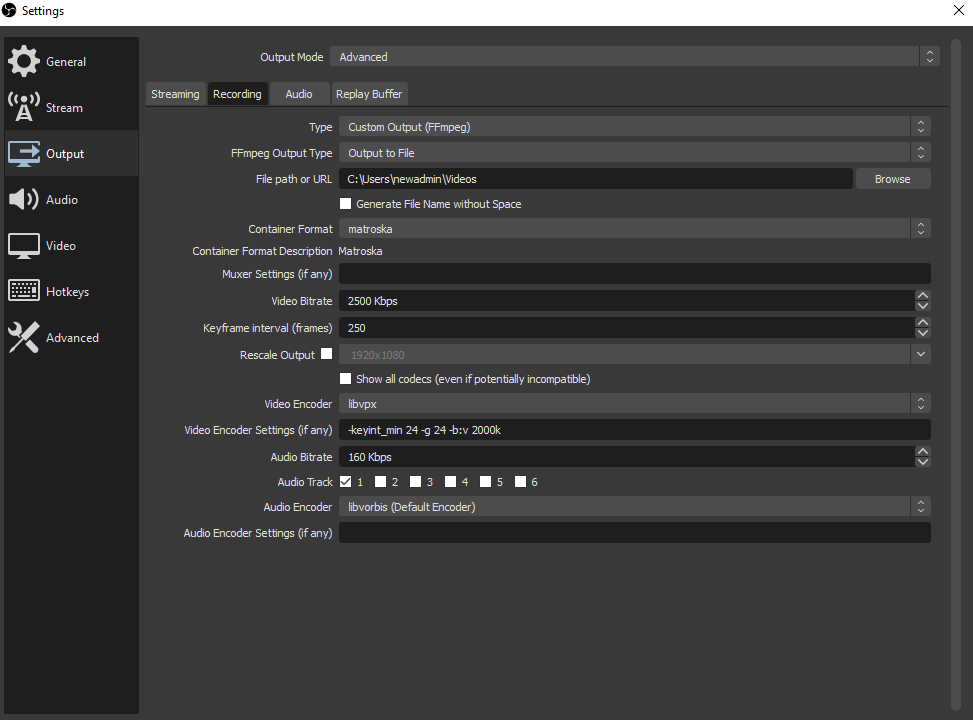
not like this, but maybe something like this.
Find your favorite vrcdn DJ 's rtmp url (or yt-dlp -g a twitch url)
Open OBS, and create a VLC projector SOURCE. Pop in the h3u8 url (or rtmp from vrcdn).
Hit "start recording" in obs.
Note: StreamFX's implementation of Matroska tends to fail on libvpx and libopus for but maybe not for you. This is really niche (it shouldn't be niche, but that's on the streamfx guys). Alternately you could also use VLC and save the network stream to a file with that too. Lots of options.
Wait a lilbit, stop recording, then load/reload the url. If you can reach the url, you should start to see the video.
You could also automate this with a vm or docker or something using ffmpeg with a script that's listening to your vrchat log. If it was standardized to a certain url in some way, you could probably make a button that made a local player for Linux users willing to go this far.
Have you gotten that working ingame?
This comment https://github.com/ValveSoftware/Proton/issues/1199#issuecomment-1020489259 suggests that it won't work as the native unity player waits until the video is fully downloaded
You've got to trick it into thinking it is. You could, for example, create an udon script that that emulates the behavior of a m3u8 and provide a looping playlist of files that self-replaces from an ffmpeg script.
Edit: actually, maybe not?
Does it really wait until fully downloaded? I know I've played videos gigabytes in size from a plain http .mp4 link that started playing immediately. It definitely didn't download the file completely first.
This is playing in Fancy Cat Theater which lets you select between stream and normal. I always pick "normal" which I think is the Unity player?
Edited to add:
This is the command I always use to make a video that can be played immediately from an http server -
ffmpeg -y -i input.mkv -preset slow -c:v libx264 -b:v 2500k -pass 1 -an -f mp4 /dev/null ; ffmpeg -y -i input.mkv -vf "scale=1280:720:force_original_aspect_ratio=decrease,pad=1280:720:(ow-iw)/2:(oh-ih)/2,setsar=1" -map_chapters -1 -preset slow -c:v libx264 -b:v 2500k -pix_fmt yuv420p -pass 2 -ac 2 -c:a aac -b:a 192k output.mp4
Taking another look (at the VRC docs0, it seems that the normal player is the native unity one, while the stream player is AVPro, although AVPro can be used for 'normal' videos, I recall at least one world doing that.
The only documented limitation is that livestreams aren't supported in the normal player, which I suspect is a lack of DASH support
Maybe the video tested in https://github.com/ValveSoftware/Proton/issues/1199#issuecomment-1020489259 was not web optimised? (much like how MP4 needs to be encoded with -faststart), maybe Unity's native playback isn't able to play vp8 mid download, (but can using MF for MP4 playback), or it could be something else that triggered a full download?
@TheLastRar That's very possible, but I can't seem to find any information on whether the native player can play the media as it is being downloaded, or in what scenario will it try to download it first.
If anyone is able to make it play a webm/vp8/vorbis video as it is being downloaded, on Proton, I will be very interested to know the encoding settings.
Given that the built-in VP8 and Vorbis codecs are likely primarily meant for video clips and audio clips (which unity transocdes into vp8+vorbis and vorbis respectively). It is possible they aren't designed to be able to handle playing in progress like the windows codecs can.
It's helpful to know how this works in normal situations to devise solutions that are platform agnostic.
For example, this problem may become more relevant and pressing to @MehStrongBadMeh as the Valve Steam Deck is likely to be quite popular, will have this same issue.
I'm going to provide a small rundown here you can skip if you want for the benefit of people finding this thread down the line.
--startrant
AVPro Video is a unity package made by a company called RenderHeads that VRChat utilizes for playback of video in worlds. It's wrapped in a vrchat created custom script to utilize a subset of it's features with it's programming language Udon. It's specially not supported in Linux, but it is supported in Android and Apple, and UWP apps for Windows and VR.
https://www.renderheads.com/content/docs/AVProVideo/articles/requirements.html
https://github.com/RenderHeads/UnityPlugin-AVProVideo/releases
In addition, VRChat also supports via unity's "standard video player" via a wrapper for Udon. Unity's standard video player
itself usually transcodes all video in the project folder used in a scene to vp8+vorbis since it's low impact for 99% of target devices, since most have hardware decoders for the format for many years. VP8+Vorbis codecs are typically in an MKV container, and is comparable to mp4, but designed with the erweb in mind by Google and YouTube teams.
There's several streaming schema formats that AVPro supports, as well as providing accelerated playback of esoteric codecs and render modes like sbs 3d - IF your operating system or android SoC reports DECODING support for the codec is installed for it via a now standardized abstraction.
It's important to understand that Containers and Codecs are not the same thing. An "MP4" can contain h.264, x.265, h.265 (HEVC) video, or even vp8 if you're feeling spicy, but it's not "made for it". h.264 and HEVC are a LICENCED and not open source codec, and while you can play them on linux, it's not Libre. Similarly, MP4 can use all kinds of audio codecs, though most people use AAC.
MKV on the other hand is also a container: designed to be future proof, and can contain several media streams and formats (including h.264!). Webm is USUALLY (but not always) really just a renamed mkv, for example (this is important for later)
With the following package: https://github.com/Nevcairiel/LAVFilters/releases you can play pretty much all formats... in DirectShow. This a "legacy" "natively by the OS" function. Microsoft has decided to replace it in Windows with MediaFoundation step by step but both are still widely in use by various player software.
In Unity, hardware acceleration is made possible by OS native custom APIs (like mediafoundation), which vary from platform to platform. Unity’s video architecture hides these differences by providing a common UI and Scripting API in order to access these capabilities, in it's "native" player. In windows, by using LAVFilters, you can decide if you want to use hardware or software decoding for each.
Importantly, Unity is also capable of software-based video decoding, which is where this conversation has led us. This is ONLY possible with the VP8 video codec and Vorbis audio codec, and is useful for situations where a platform’s hardware decoding results in unwanted restrictions in terms of resolution, the presence of multiple audio tracks, or support of alpha channel (which is variably supported in hardware chips, like the video decoder on your GPU or Arm based system).
Software decoding is "purely on the cpu". It can be slow or "heavy", though not always. You certainly wouldn't want it on your main thread. Ideally, you shunt the rendering off to a chip that can do it with 0 load, which is one reason why AVPro is popular and why mediafoundation is so useful.
Unity's Native Video player as detailed here: https://docs.unity3d.com/2019.4/Documentation/Manual/Video.html Supports "URL Source". It really should say "path", but yeah. This is where things get weird.
For most platforms, H.264 (typically in a .mp4, .m4v, or .mov format) is the optimal supported video codec because it offers the best cross-platform compatibility (and hardware decoding).
Linux is the notable exception. For Linux, the optimal encoding is usually a .webm container with video tracks encoded using the VP8 codec, and audio encoded using the Vorbis codec.
Personally, I think VP8 works fantastically in windows, and I wish more focus was put on it. I would like to see vp8 and later AV1 completely take over as it would solve this problem once and for all, and Unity is starting work on WebRTC as well.
Setting the Video Player component source to URL can also be used to read videos from web sources via http:// and https://. In these cases, Unity performs the necessary pre-buffering and error management. - so, from https://, it should prebuffer webm, even on linux.
Of course, MKV (webm) is supported in mediafoundation too:
https://docs.microsoft.com/en-us/windows/win32/medfound/mkv-support
---endrant
Now, one issue here is that AVPro is configured to (usually) use mediafoundation, because it wouldn't make sense not to accelerate media.
RTMP streaming in AVPro uses DIRECTSHOW believe it or not, which is why it doesn't work on Android or PC in the default configuration. We used to workaround this by using sdk2 video players, and overwriting avpro to be directshow WITH OUR OWN COPY OF APVPRO ;)
RTSP on AVPro uses Exoplayer (a mediafoundation like abstraction) and is well supported for Android, but doesn't work on windows except in h.264 via a shunt to mfnetsrc.dll that AVpro made.
Unity's native video player does not support streaming schema at all, like HLS, RTSP, RTMP or DASH, but AVpro does.
Unity's native player does support buffered url playback of .webm vp8+vorbis on all os.
Clubs with live DJs in vrchat tend to use rtmp and rtspt via vrcdn, or HLS (M3u8) via youtube live and twitch. Believe it or not, some HLS streams (on youtube at least) are using VP8 codec. :)
It's not like Linux can't play those encapsulations in various ways: software like VLC and OBS can open that stream directly just fine. You could even open it up and pop the url in while playing VRChat in Linux to at least hear the music in clubs, and you can of course stream it in your browser.
So, this is a Unity+Avpro problem. Not a VRChat problem or Valve problem or even Linux problem.
in short, AVPro doesn't support Linux and Unity's player doesn't natively support HLS which you could stick a vp8 stream in.
VRCDN on the other hand does not currently support vp8+vorbis webm in HLS because that would require constant realtime transcoding and would be a nightmare in server costs, and we wouldn't be able to open it on Linux. It's nice for Android though. However, the quest 2 supports h.264 codecs natively anyway, so there's no pressure since everything else "just works" for users.
How AVPro gets HLS url in VRChat from twitch/yt/others is done by "yt-dlp.exe -g" and shunting that result to the player. It also gets direct files, like .mp4, for non-streaming video in that way to the unity native player, so support for it in Linux would be helpful sometimes if it didn't crash.
The only really viable format for "streaming" for all three targets therefore is webm vp8 + vorbis ... or a "shunt".
So what do we do?
You could try https://github.com/vbence/stream-m + OBS. Capture the incoming stream from vrcdn/twitch/whatever and point it to that server locally, and point your unity video player at it's webm url.
This might "justwork(tm)" with minimal delay with a long enough running start.
I can't test it personally today though. I'll see if I can find someone who wants to.
This could be built into a companion app for vrchat on linux or you could override the host url in yt-dl or something etc etc.
All that being said for actually well supported LIVE Streaming WebM is currently quite problematic even though it was designed for it. http://wiki.webmproject.org/adaptive-streaming/instructions-to-do-webm-live-streaming-via-dash
As mentioned by others, DASH is the currently accepted way to do it because of tools like https://github.com/google/shaka-player/releases/tag/v3.3.1 from google.
Future Solutions for VP8/Dash/Live video done by devs?
-
VRChat could Add VLC for unity as an optional video player source on all platforms with an Udon wrapper and VRChat's SDK. https://code.videolan.org/videolan/vlc-unity . It could be hardcoded to use this by default in linux or something
-
Valve could make a video "shunt" to unity using some kind of local or remote shakaplayer implementation or something
-
Interestingly, there is one solution for WEBM-DASH in Unity, made just for vr, using mpd was tucked away that has been around since the days of google cardboard... https://github.com/googlevr/gvr-unity-sdk/releases
But support would have to be programmed in house and adapted for Linux and Windows: since it uses Exoplayer/iOS only. -
Since unity 2019.4 unity has newly added support for webrtc, something could be built around that.
https://docs.unity3d.com/Packages/[email protected]/manual/videostreaming.html
if VRChat added support for this package in a limited way, you could abstract to something like a virtual camera in Linux or steamVR plugin for video receiving purposes onto a texture.
On Linux desktop, manually, you would create a render texture from your virtual camera stream that is pulling into OBS or something. -
Valve or VRChat could make some kind of "spout-like" implementation that just takes the output of an external video player or app like ffplay and dumps it onto a render texture in unity, or something like that.
Note: I'm curious if someone with Linux could try BigscreenVR lately on Linux. If it works, there is a proven implementation right there since it's unity. I suspect it might not work at all for everything. https://github.com/ValveSoftware/Proton/issues/3676
I should note that including the VLC plugin is likely not an option due to including license-restricted codecs built-in. Paying for the licenses for those codecs is strictly off the table for the foreseeable future.
@Lhun thanks for the write-up! some points I noticed:
Capture the incoming stream from vrcdn/twitch/whatever and point it to that server locally, and point your unity video player at it's webm url. This might "justwork(tm)" with minimal delay with a long enough running start.
Interesting, if this works, which path way would it go through? Unity native player can't play video without downloading, as you've noted too in your comment. Can AVPro play this without using MF?
RTMP streaming in AVPro uses DIRECTSHOW believe it or not
Hmm, I wonder what's DirectShow support like in Proton, will VRChat be able to play a RTMP vp8 stream?
- Since unity 2019.4 unity has newly added support for webrtc
Personally I think this solution probably has the most potential.
@yshui unity's documentation disagrees with that, but it could be wrong. It says that if you use https:// it should pre-buffer and then play. you would use something like https://localhost/server/stream.webm
Check that the .webm you're pointing at is set up with the "1 frame" timing in the format as per that server documentation linked in the /vbence/stream-m repo, perhaps it's just a formatting thing.
@Lhun I read the readme but can't find the setting you mentioned, and i can't find any other documentation in the repo. can you give me a pointer?
unity's documentation disagrees with that
yeah but my testing disagrees with that :) have you tried this yourself?
I have, we built a linux crossplatform video world many months ago. We didn't dig super deep into it, however. Sorry I can't do this interactively with you, I can only offer advice off the top of my head right now.
I'll say this, for live streaming WebM files (like with dash) the video and audio streams have to be non-muxed and chunked.
For VOD adaptive streaming you do Non-Chunked and Non-muxed.
You could try maybe:
ffmpeg -i ${SOURCE} -vcodec libvpx -vb 250k -keyint_min 150 -g 150 -acodec libvorbis -ab 128k ${FFMPEG_VIDEO}.webm
I have no idea how yours was encoded, and the documentation on Unity's implementation of webm vp8 software mode playback is nonexistant :( I imagine it would behave differently depending on how it was encoded.
Replying to https://github.com/ValveSoftware/Proton/issues/1199#issuecomment-1025057385
You said you have a working video world? could you give me the name of it so i can do some testing? Unless it's private
I've tried a few combinations of ffmpeg commands (including Lhun's) in Fancy Cat, but I can't get the player to play without downloading first either. It must be technically possible because playing the same file in Firefox it streams it fine, but not in the Unity player.
ffmpeg -i input.mkv -ss 0 -t 600 -c:v libvpx -b:v 3000k -keyint_min 150 -g 150 -c:a libvorbis -f webm -reserve_index_space 1048576 -cluster_size_limit 4096 -cluster_time_limit 1000 test.webm
ffmpeg -i input.mkv -ss 0 -t 600 -c:v libvpx -b:v 3000k -keyint_min 150 -g 150 -c:a libvorbis -f webm test.webm
ffmpeg -i input.mkv -ss 0 -t 600 -c:v libvpx -b:v 3000k -c:a libvorbis -f webm -reserve_index_space 1048576 -cluster_size_limit 4096 -cluster_time_limit 1000 test.webm
none of these combinations worked for me before downloading fully (verified with tcpdump).
Edited to add: I am using https for these tests too, from an https only remote server.
I should note that I do not find these hacks very interesting. Creating a super-complicated setup that requires a specially-designed world and specially-design servers serving content in a super specific way offers very little value to broader userbase. My focus is on methods that will allow existing content services to work in Proton with little to no work needed on the user's end, even if a drop in quality is required. Although I should also note that, on top of that, my even bigger focus is getting a Deck Verified designation, which the video players aren't actually a requirement for (been fixing gamepad input).
Not to be that guy, but the first solution is rarely the most elegant. Lets see what actually does work first, then we can focus on how to work around arbitrary parameters.
Worst case scenario the technically inclined gain a valuable tool, best case it leads to the elegant solution you're after.
If this discussion is going to upset the devs, any recommendations on where we should take it?
I totally understand where you're coming from here, and I wonder what Valve has done in the past.
Existing content sources is key. Personally, the solution with the most potential in my opinion is shuttling the video playback itself into a standalone video player executable (maybe one that comes with the vast majority of operating systems targeted, like some playback service on the steamdeck itself) and then it'll be running parallel to the client to take advantage of threading and and full support for hardware decoding and encoding.
Unity's webrtc would also allow shuttling of that video and audio to render textures and unity audio sources too, which would be nice.
Video content delivery for unity is a tricky egg to crack with very few people working on it for linux until valve.
Toying around today (i'm in the office on windows unfortunately), and here's something easy you might want to try @duckbytes
VLC has a server built into it that'll host things for you, and HTTP is possible with Webm direct streaming since 1.1.0 or something
But: you can attempt it to see if it just buffers forever (maybe!) or is treated as "downloaded" in vrchat and just plays the bit it had then stops (I suspect maybe it'll do this), or maybe it just works? Try setting the video player to "loop" if it just plays a short bit then stops, and in that case on the video player, maybe there's a solution with udon.
If this works at all you can ingest anything with vlc and output with webm on the same system with one binary since vlc (at least on windows) makes it's own little webserver.
I'll attach images with the steps.
What makes this curious to me is that VLC creates a webm with a "duration" of something like 403 hours, which is what I would expect for one encoded properly to run "buffered play" webm streaming. How chrome treats the file is interesting, basically it sees it as "downloaded" fully with a huge duration and no chapters, then starts playing it. You can test it directly in a browser if you would like first.
On this test I edited the stream to be 24fps and 320px wide just to see if I could get realtime encoding. It seems to be able to keep up with realtime (at least on this i7-7700) if you go really low resolution and 1000kbps bitrate. You CAN adjust vlc to not use every core on your system too if you want, but in this case for me on windows with these settings, leaving it unrestricted, it's using 4 cores in 66 threads, which averages about 26% of available cpu.
This is the VLC command line option it creates more or less:
:sout=#transcode{vcodec=VP80,vb=1000,fps=24,scale=Auto,width=320,acodec=vorb,ab=128,channels=2,samplerate=44100,scodec=none}:http{mux=webm,dst=:8080/stream.webm} :no-sout-all :sout-keep
Click to expand
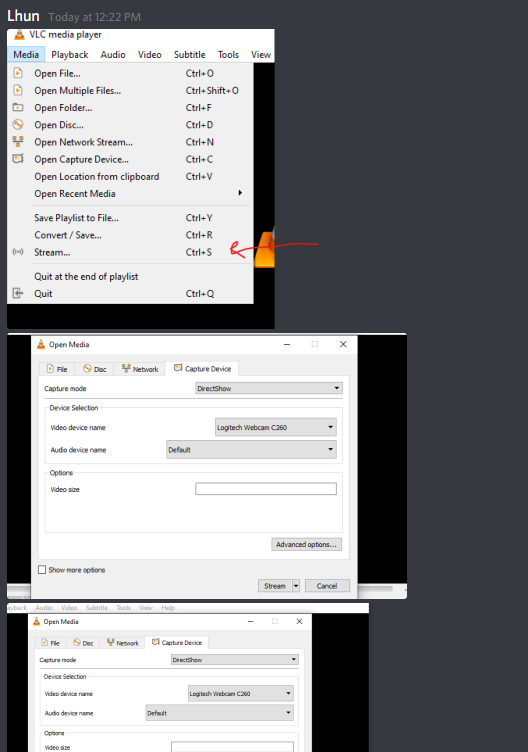
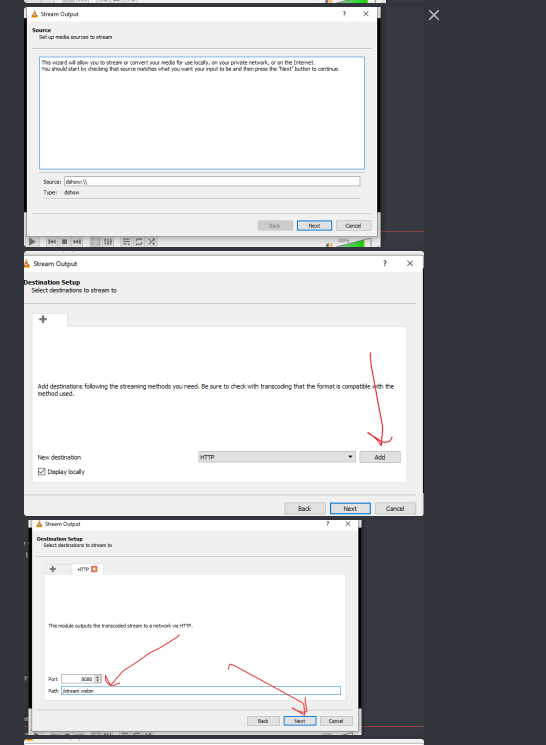
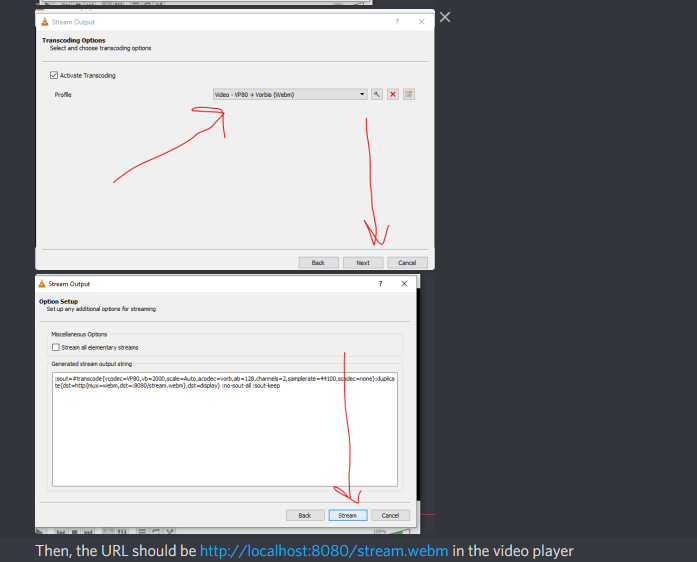
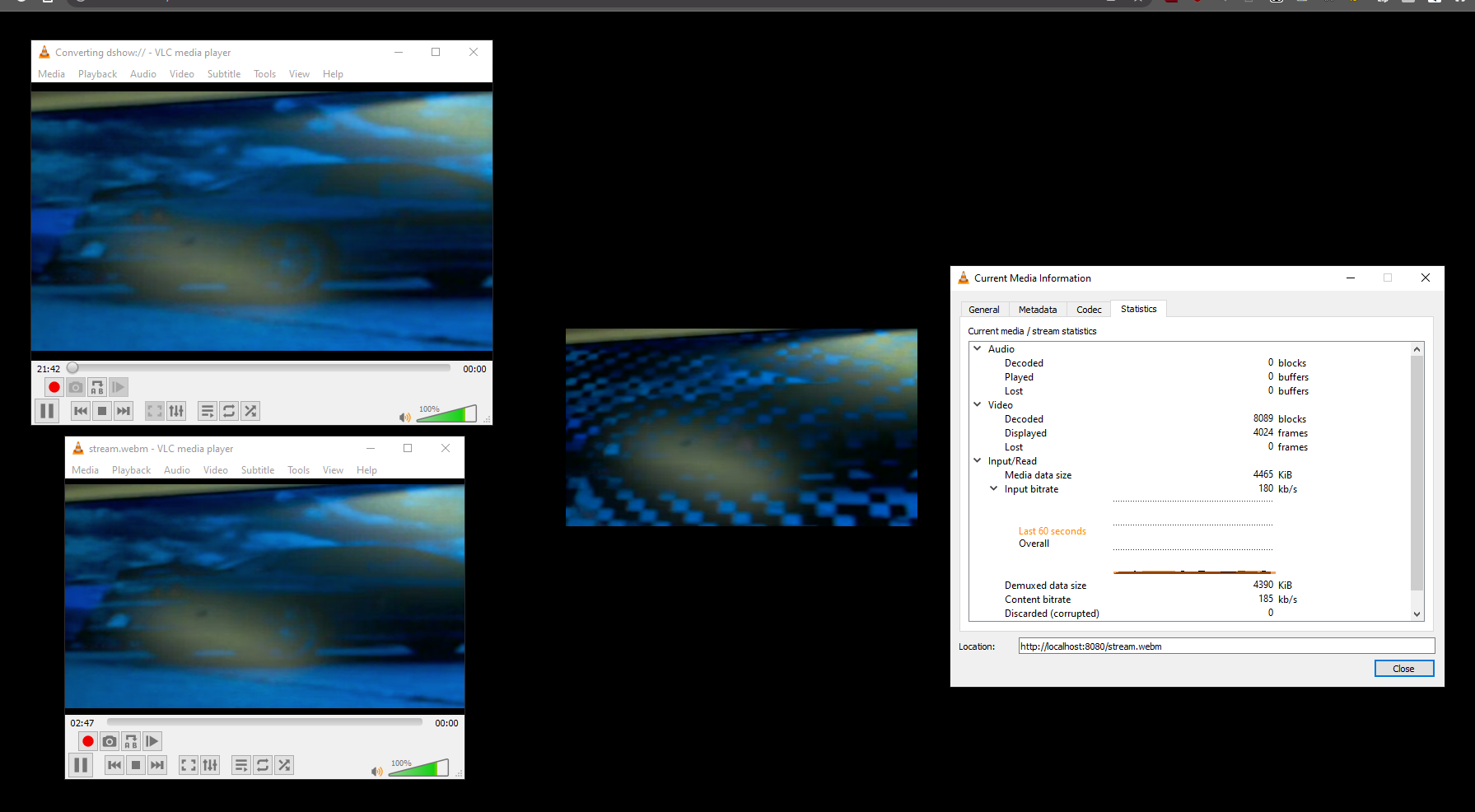
last image is it running in a browser and vlc at the same time, if you were to try to to do a save-as on the webpage, it'll download basically forever at whatever bitrate you're encoding at, so chrome is just making a little handler page internally for it.
Thanks @Lhun for the idea. I gave it a try. The player continually downloads the stream and doesn't play it. I can see traffic flowing with tcpdump but it seems like it's waiting for the "download" to finish.
I had tried something similar before using ffmpeg, a named pipe and flask:
while true; do; ffmpeg -i video.m4v -c:v libvpx -c:a libvorbis -f webm pipe:1 > fifo.webm; done;
and the flask route:
from flask import Flask, request, Response

app = Flask(__name__)

@app.route("/test.webm", methods=['GET'])
def hello_world():
    fifo_read = open("fifo.webm", "rb")
    def generate():
        while True:
            data = fifo_read.read(1024)
            if not data:
                break
            yield data
    return app.response_class(generate(), mimetype="video/webm")
but got the same result. The data is flowing but the video never plays. It does stream properly in a browser.
One thing I noticed is that the client does two requests, one first for the header and one for the content. The only relevant thing in the header is the Content-Type which returns video/webm. I thought there was a chance the player was using this to decide what to do with the file, but if I pretend it's an mp4 with video/mp4 it doesn't make the player act any differently.
However none of these tests are using https, but I was also not successful in playing a statically hosted video by https from a remote server.
It really seems like we are beholden to Unity adding support to stream webms.
@duckbytes
I thought there was a chance the player was using this to decide what to do with the file, but if I pretend it's an mp4 with video/mp4 it doesn't make the player act any differently.
I've done the same thing. I didn't even set a Content-Type and it still plays fine.
Edit:
https://forum.unity.com/threads/vp8-vorbis-encoded-webm-files-from-url-do-not-prebuffer-and-play-via-url.1238488/
made a unity forum post about this. Not sure I'm ready to call it a bug before we get a second opinion.

So I wrote a little script to try and figure out what was going on here with url webms.
It's happening in the editor too, not just in game, even in windows.
The setup is just a standard unity video player not set to play on awake, with a url pointing at a vlc setup like the above.
This might be something to take to Unity and try to resolve, which would fix some things and provide an automated solution to shunt videos on linux or non-supported platforms via on the fly transcoding.
public class videoplayer : MonoBehaviour
{
    public VideoPlayer vid;
    void Start()
    {
       vid.Prepare();
    }
    void Update()
    {
        ulong stats = vid.frameCount;
        bool vidprepped;
        vidprepped = vid.isPrepared;

        if (vidprepped == true)
        {
            vid.Play();
        }
        if (vid.isPlaying == true)
        {
            float fr = vid.frameRate;
            Debug.Log(fr);
        }

        Debug.Log("Is the videoplayer prepped? "+vidprepped);
        Debug.Log("Detected video Length "+stats);

    }
You can see from the console log here that unity at least is actually saying the video is prepared and is actually "playing" (I wait to play until the videoplayer reports that it's prepped)
Unity is doing something really unusual here with these webms.
New in Proton 7.0:
"Added support for local decoding of H264 videos"
New in Proton 7.0: "Added support for local decoding of H264 videos"
I saw that too and gave it a try, but I couldn't get an h264 video to play.
I still don't fully understand the legalities behind not being able to play videos. I thought it was because it was patent encumbered but it looks like h264 support has been added anyway?
It's free to use for non-commercial. Unlike Youtube or Netflix Streaming video is not the primary business of Steam nor VRC.
Just want to chime in here that Neos is somewhat unity based and they use libvlc.
From the Proton 7 change log:
Added support for local decoding of H264 videos
This may be useful...
EDIT: My bad, browser wasn't showing new comments that had happened... Noted, refresh the page before commenting.
From the Proton 7 change log:
Added support for local decoding of H264 videos
This may be useful...
You dont say lol.
Can Neos stream youtube over proton already?
Neos has been able to stream everything including esoteric new codecs like AV1 due to leveraging the LibVLC system, probably and specifically this one: https://github.com/videolan/vlc-unity
New in Proton 7.0: "Added support for local decoding of H264 videos"
It would really help me out if someone could give specific steps of how to test a feature in this game that you think should benefit from h264 decoding :)
Edit: A log with GST_DEBUG set to "2,GST_CAPS:5" of a run where h264 video should be playing on 7.0-1 would go a long way too :) This variable is in user_settings.py, but you will have to change GST_CAPS to 5 to capture the necessary info.
@alasky17
Here is a gist that has a log output with the GST_DEBUG flag you suggested and ffprobe output of the video I'm testing:
https://gist.github.com/duckbytes/ce025ecb59eec8710af26382dbc68089
Hopefully this is what you meant. I set the launch options to PROTON_LOG=1 GST_DEBUG=2,GST_CAPS:5 %command% and copied the log file. I couldn't find any file called user_settings.py on my system.
The output is a bit huge but I grepped for the part that mentions the URL I was using to test with:
WindowsVideoMedia error 0x80070003 while reading https://ducky.ovh/test.mp4

Context: MFCreateSourceReaderFromURL
Error details: Path not found.

Track types:

GI: material 'Standard' does not have Meta pass, and could not find default material. Object 'lights' will not be affecting GI.
GI: material 'Standard' does not have Meta pass, and could not find default material. Object 'lights' will not be affecting GI.
GI: material 'Standard' does not have Meta pass, and could not find default material. Object 'lights' will not be affecting GI.
GI: material 'Standard' does not have Meta pass, and could not find default material. Object 'lights' will not be affecting GI.
WindowsVideoMedia error 0x80070003 while reading https://ducky.ovh/test.mp4

Context: MFCreateSourceReaderFromURL
Error details: Path not found.

Track types:

WindowsVideoMedia error 0x80070003 while reading https://ducky.ovh/test.mp4

Context: MFCreateSourceReaderFromURL
Error details: Path not found.

Track types:

WindowsVideoMedia error 0x80070003 while reading https://ducky.ovh/test.mp4

Context: MFCreateSourceReaderFromURL
Error details: Path not found.
The specific steps are:
- hit escape
- click Worlds
- search for Fancy Cat Theater
- click New Instance and Invite Only
- click Go
- go downstairs to the theater room
- select "normal player"
- enter the URL to an mp4 hosted on a web server
- hit enter
@duckbytes Thank you for the steps to repro! And sorry about the confusing user_settings.py instructions ... unfortunately that log did not have the variable I need. To get a log with user_settings.py, you just need to go into ~/.steam/steam/steamapps/common/Proton\ 7.0 and cp user_settings.sample.py user_settings.py first.. that is why the file name didn't show up on your computer yet - we ship it as user_settings.sample.py so it isn't on by default :) Then you can edit user_settings.py and change the GST_DEBUG line. I also have a simpler edit for user_settings.py -- if you uncomment out the verbose GST_DEBUG line, you can just change the first "4" to "5", and that should do the trick.
@alasky17 Ah no worries, I think I've got it now. I uncommented the verbose line like you suggested.
The gist link is updated with the new log.
From the open beta notes:
EXPERIMENTAL: Added the
--enable-avpro-in-protonlaunch option, which will allow Proton users to re-enable AVPro for video playback. This may cause crashes!
For anyone who wants to experiment. It crashed VRChat for me when I tested it out.
Context: MFCreateSourceReaderFromURL
Error details: Path not found.
Is MFCreateSourceReaderFromURL still not fully implemented, even though h264 playing works for local files?
When I load Big Buck Bunny 1080p 60 fps, also on my own server so I can log the request, in Video Player Showroom (https://vrchat.com/home/world/wrld_985acb34-cc17-4b5a-85ae-04ade5195059), VRChat does a HEAD request from my server when loading in the Unity default player, and crashes immediately when using the AVPro based one. Other video players now crash as well when they didn't before, despite me never using --enable-avpro-in-proton. I am guessing the AVPro-based video players are now using the new code, but that it is not working properly.
The disabled AVPro code change is currently in the Open Beta, live presently still has it is enabled until the current open beta is released as live.
Does Whirligig work ? It's a media player I've used for a long time without much issue. Might help to narrow down.
As far as I can see, the MFCreateSourceReaderFromURL issue continues to be a blocker to properly useful working video players. As part of testing the H.264 Proton update, I tried making a test build where I set AVPro to use DirectShow instead of Media Foundation, but it still hit the MFCreateSourceReaderFromURL error (though it didn't crash, which is something).
Perhaps Valve may be more inclined to fix the MFCreateSourceReaderFromURL error now that H.264 incompatibility had been resolved.
For shits'n giggles I noticed https://vrchat.com/home/world/wrld_985acb34-cc17-4b5a-85ae-04ade5195059 is backed by cloudfucked's crapatcha.. wonder if that is what's causing vrchat to barf?
Regarding ducky.ovh, it's using Let's Encrypt. Their (LE) root CA expired last year, wonder if something is still looking at the old cert.
fwiw:
49573.701:0484:0488:fixme:crypt:CRYPT_SysRegOpenStoreW CERT_SYSTEM_STORE_LOCAL_MACHINE_ENTERPRISE, L"ROOT": stub
49573.711:0484:0488:fixme:crypt:CRYPT_SysRegOpenStoreW CERT_SYSTEM_STORE_SERVICES, L"ROOT": stub
49573.711:0484:0488:fixme:crypt:CRYPT_SysRegOpenStoreW CERT_SYSTEM_STORE_USERS, L"ROOT": stub

49580.959:0518:051c:fixme:crypt:CRYPT_SysRegOpenStoreW CERT_SYSTEM_STORE_LOCAL_MACHINE_ENTERPRISE, L"CA": stub
49580.959:0518:051c:fixme:crypt:CRYPT_SysRegOpenStoreW CERT_SYSTEM_STORE_SERVICES, L"CA": stub
49580.959:0518:051c:fixme:crypt:CRYPT_SysRegOpenStoreW CERT_SYSTEM_STORE_USERS, L"CA": stub
Besides the dispatch queue spam being annoying AF - There's another odd error in the gist above re Youtube?
@duckbytes Not including it here .. you REALLY should edit the gist to remove parts of the url .. search for googlevideo.
Without symbols of any kind those stack traces are basically useless to anyone but Valve sigh.
Some other errors from that gist
WARNING: Shader Unsupported: 'Hidden/PostProcessing/DeferredFog' - All passes removed
WARNING: Shader Did you use #pragma only_renderers and omit this platform?
Shader 'Particles/Standard Unlit': fallback shader 'VertexLit' not found
WARNING: Shader Unsupported: 'Hidden/PostProcessing/Bloom' - All passes removed
WARNING: Shader Did you use #pragma only_renderers and omit this platform?
WARNING: Shader Unsupported: 'Hidden/PostProcessing/DepthOfField' - All passes removed
ERROR: Shader Hidden/PostProcessing/FinalPass shader is not supported on this GPU (none of subshaders/fallbacks are suitable)
Shader 'Autodesk Interactive': fallback shader 'VertexLit' not found
etc
Regarding ducky.ovh, it's using Let's Encrypt. Their (LE) root CA expired last year, wonder if something is still looking at the old cert.
According to Firefox it expires on the 4th of May. I'm not sure why you're seeing an expired certificate.
I have hosted other videos successfully to Windows using that server over https (it only support https).
Not including it here .. you REALLY should edit the gist to remove parts of the url .. search for googlevideo.
I've removed the gist. Can you let me know what the problem is with those URLs? I don't understand the risk.
Edit: I just realised why, thanks for the heads up.
I didn't actually try to play a video from Google or YouTube, so I can only guess those URLs were generated in my home world which does try to play a music video, before I went to Fancy Cat.
According to Firefox it expires on the 4th of May. I'm not sure why you're seeing an expired certificate.
I think h1z1 might be talking about the DST Root CA X3 expiration where Let's Encrypt's root certificate (ISRG Root X1) was, when they started out, cross signed with that one. When an (older) device does not have the ISRG Root X1 in their trusted certificate store, they won't accept it as root CA.
Additionally, there was a bug with older OpenSSL versions, (1.0.x and below) that the certificates won't be accepted, even if ISRG Root X1 is trusted. This is an issue I still often see right now with apps that use deprecated OpenSSL versions.
It's not so much the root cert won't be trusted but the servers cert can't be verified because it can't determine the trust chain.
There's a LOT of broken software out there (and libraries), that refuse to allow exceptions either especially when hsts and pinning are used. Browsers are horrible for it. Even worse is the number of "things" that trust mozilla to maintain a global default trust store. Mozilla is .. wayyy too "woke" and I'll leave it at that (bet you didn't know you're trusting Honkong Post).
It's possibly related because not everything uses the system certificates.. CEF, python, firefox, curl etc, they all have different behaviours.
VRChat has huge shader precache on Steam
Issue transferred from https://github.com/ValveSoftware/Proton/issues/5656.
@tamara-schmitz posted on 2022-03-08T17:26:32:
Compatibility Report
- Name of the game with compatibility issues: VRChat
- Steam AppID of the game: 438100
System Information
- GPU: AMD Custom GPU 0405 Vangogh
- Driver/LLVM version: Mesa 22.0.0-devel (git-676ccacebc) LLVM 13.0.0
- Kernel version: 5.13.0-valve10.1-1-neptune-02144-g7fffaf925dfb
- HW: Steam Deck. Reproducible on other AMD hardware
- Proton version: Experimental
I confirm:
- [X] that I haven't found an existing compatibility report for this game.
- [X] that I have checked whether there are updates for my system available.
Symptoms
The shader download size is at least 5 GB. This is due to the huge plethora of content available in the game.
This game thrives on user generated content which is downloaded on demand and is very individual. Therefore having a shared shader cache seems useless as apart from a small set of content the fast majority of cached shader mutations, other players will never get to see.
This also slows down the preprocessing of Vulkan shaders.
Reproduction
Check the Proton 7.0 or Experimental branch.
I would have to agree that the shader precaching is of essentially no use to VRChat. If Valve can disable shader precaching for VRChat, that would definitely be optimal.
3398.711:0130:01a8:trace:unwind:RtlCaptureStackBackTrace captured 25 frames
WindowsVideoMedia error 0x8007007b while reading https://rr3---sn-aigzrnld.googlevideo.com/videoplayback?[shortened this due to long url]

Context: MFCreateSourceReaderFromURL
Error details: Invalid name.

Track types:

(Filename:  Line: 3872)

3398.714:0130:018c:trace:unwind:RtlCaptureStackBackTrace (0, 128, 0000000076A988B0, 0000000000000000)
On VRChat [open-beta] with --enable-avpro-in-proton and Proton 7.0-1 on Arch/Linux 5.15. Tried to play a YouTube URL in a vrc video player, crashed and produced log above. Hopefully MFCreateSourceReaderFromURL will be worked on. I'd love to see working video players, it'd just be another blocker between me and migrating more stuff to linux.
@elliot5 that url unfortunately contains the format it was trying to use.
fwiw https://github.com/ValveSoftware/Proton/search?q=MFCreateSourceReaderFromURL&type=issues
Did some research into the Windows API. Maybe this is already common knowledge, but I am writing it down in case this saves somebody some time.
So MFCreateSourceReaderFromURL uses what's called "Scheme Handlers" to create media source objects (details here: https://docs.microsoft.com/en-us/windows/win32/medfound/scheme-handlers-and-byte-stream-handlers).
Scheme handlers are registered in the Windows registry, located at Software\Microsoft\Windows Media Foundation\SchemeHandlers\. If you look at wine/proton, you would only see a file: entry there, basically means proton can only handle file:// URLs.
If someone wants to add support for http:// and https://, they don't even have to touch wine/proton's codebase. They need to write a COM object that implements this interface, register the object's CLSID, and finally add an entry to Software\Microsoft\Windows Media Foundation\SchemeHandlers\. Maybe use curl if implementing HTTP is too much work.
This would be the first step. Maybe things would just work after this, or there could be more problems.
Update: Looks like on native Windows, the scheme handlers we want is located in mfnetsrc.dll and mfnetcore.dll. Some one should try copy those dlls from a Windows install and see if that helps. You would need to add these to the registry:
Windows Registry Editor Version 5.00

[HKEY_CLASSES_ROOT\CLSID\{37A61C8B-7F8E-4d08-B12B-248D73E9AB4F}]
@="Secure Http Scheme Handler"

[HKEY_CLASSES_ROOT\CLSID\{37A61C8B-7F8E-4d08-B12B-248D73E9AB4F}\InprocServer32]
@="mfnetcore.dll"
"ThreadingModel"="Both"

[HKEY_LOCAL_MACHINE\SOFTWARE\Microsoft\Windows Media Foundation\SchemeHandlers\https:]
"{37A61C8B-7F8E-4d08-B12B-248D73E9AB4F}"="Secure Http Scheme Handler"
This should make https:// work. I might try this myself later.
Update2: Unfortunately didn't work, got this error:
wine: Call from 000000007B01390E to unimplemented function MFPlat.DLL.MFGetCallStackTracingWeakReference, aborting
I think Windows 7's mfplat.dll doesn't have MFGetCallStackTracingWeakReference either, maybe if someone find an old enough mfnetcore.dll, this could still work?
What's the purpose of that call and why would it be found in an older mfnetcore lib as opposed to a newer one?
@SpookySkeletons mfnetcore is using that call, so I was think maybe an older one wouldn't use that call.
No idea what that call does, it's not documented anywhere.
Think it's unrelated but triggered because it was trying to print a stacktrace? Only places I could find references were complaints after Micro$oft removed it.
FWIW this issue is now one of the few results on ddg and if you can scroll past the crap Github's search returns (seriously .. 40+ pages from the same retarded repo .. I triggered a ratelimit lockout by Github just trying) - you'll find no other references to it either.
mingw added it as a stub 15 months ago https://github.com/mirror/mingw-w64/commit/1f56b42e08fb513ad1bb3b0fbb12c64700966de3
Maybe I could add a stub to wine's mfplat.dll and see what happens? I am not familiar with wine's codebase though
Yeah just stub it and see if it works. It really just dies because it cant print a stacktrace??
EDIT: Does valve wine repo ship an mfplat.dll now to stub in?
Need a quick patch and build or already tried that? Will be home soon
EDIT: Spec patch and build process underway on my cruddy net, give it time
Sorry about the delay, I was missing some python packages on my Gentoo install and I wasn't too familiar with what was needed from pip.
Proton bin here: https://drive.google.com/file/d/10DP7tEFnXp5EuHkQewJi0FoKYM_7npYg/view?usp=sharing
Drop this in your wine directory, apply patch, and build if you don't trust my build.
commit 75816bab7d2a562f1c420be1970ad93a5a7a07e0
Author: BabbleBones <[email protected]>
Date:   Sun Mar 27 23:57:56 2022 -0400

    Stub MFGetCallStackTracingWeakReference in mfplat spec

diff --git a/dlls/mfplat/mfplat.spec b/dlls/mfplat/mfplat.spec
index 44d98a957e2..46340d9608d 100644
--- a/dlls/mfplat/mfplat.spec
+++ b/dlls/mfplat/mfplat.spec
@@ -3,6 +3,7 @@
 @ stub MFGetIoPortHandle
 @ stub MFGetPlatformVersion
 @ stub MFGetRandomNumber
+@ stub MFGetCallStackTracingWeakReference
 @ stub MFIsFeatureEnabled
 @ stub MFIsQueueThread
 @ stub MFPlatformBigEndian
Sorry about the delay, I was missing some python packages on my Gentoo install and I wasn't too familiar with what was needed from pip.
Does it make video players work?
Does it make video players work?
I'm not sure I dont have the time atm but if h1z1 is still up to test his configured prefix with this modded proton, please do.
A simple stub isn't enough, looks like the caller uses the return value of the function for something. Not sure which would be easier, reverse engineering or reimplementing the handler.
Update: returning NULL from the stub seems to get me past that point. Now it's missing mfplat.dll.MFGetConfigurationDWORD
Update2: there just seems to be a chain of unimplemented function there, i think this is not worth it.
After re-evaluating options, I think the easiest way to move forward is to reimplement the handler using either libavformat (see how mpv uses it, seems relatively simple), or gstreamer's httpsrc (wine is already using gstreamer, so this is a plus). Should save a lot of time comparing to using libcurl directly.
gstreamer implementation would be much easier to upstream but given the circumstances anything would be good! Do you have any inclination or time to work this?
I should note that, if you manage to make the Unity Video player work but the AVPro Stream Player still doesn't, let me know. There is an alternate media api mode I can set AVPro to that might help in that scenario (presently neither mode works without those scene handlers).
It may be better to preemptively add a startup flag for API selection given the length of your build cycle beside the speed of proton development, can always be reverted later if confirmed functional.
P.S. A deep thanks for strongly engaging on the git here before even the allure of the steam deck, cant wait for the day we can plat on protondb. I just wish I had more dev skills to attempt what yshui is sketching out myself
Seriously, just to echo what Spooky said, it's awesome to have involvement from the devs themselves like this. Thanks for setting the bar!
It may be better to preemptively add a startup flag for API selection given the length of your build cycle beside the speed of proton development, can always be reverted later if confirmed functional.
I'd rather not if it proves not necessary. Having to run another startup flag through the QA process is quite a pain, (then having to go through it again when I inevitably remove it) while making an internal test build is easy.
I should also note that VRChat needs the http: https: rtsp: and rtspt: scene handlers for the video players
(latter two for streaming specifically).
Hey, just want to say I am making some progress on this. Just in case someone else also picks this up and ended up doing duplicated work.
Can you expand on your progress?
Hmm I don't know why I am getting an "[Invalid URL] parsing error?" from the player. I have --enable-avpro-in-proton, and looking in the log I don't think it even called MFCreateSourceReaderFromURL yet.
Update: OK, I had to delete and recreate the proton prefix so the registry entries are added. Now the video player is stuck loading the video. Still nothing useful in the logs...
BTW things seem to work outside VRChat. I am using this example: https://docs.microsoft.com/en-us/windows/win32/medfound/how-to-play-unprotected-media-files
This example uses video rendering feature (EVR) that's not implemented yet in wine, so video doesn't show. But audio players fine so I think my code works.
What happens when you try to use the standard unity player in vrchat, instead of the AVPro Stream player?
I will link my patches here: https://gist.github.com/yshui/6625f4537dd9a7d0b28a59a9a3a79967
It doesn't work for VRChat, but feel free to test it out. It however fixed the intro video issue here: #5195, which is at least something.
@yshui Did you test with the Unity Video Player, or only AVPro?
@MehStrongBadMeh Sorry! I forgot to test the Unity Player. I just did that, and it actually works!
... to an extent at least, the video plays, but it is distorted. I will upload a screen capture.
@yshui How's the sound playback? Does it work?
@roryyamm yes.
@yshui If you can send me a pre-compiled build, that would save me a lot of time. I want to try running through playing with various settings on our Unity and AVPro players while using your build.
@MehStrongBadMeh The build is about 1GB, and is compiled against libraries on my system, so I am not certain if it will work. Is there any ArchLinux users on the VRChat team? It's relatively easy to make a build.
Observations on the distortion:
- a seam running from top left to bottom right. Maybe the video has an unexpected pitch (more pixels in every row than expected)?
- another seam in the middle, which doesn't seem to break the video?
- different planes of the video appears to be separated, distorted differently.
I think either the game took the video frame and did something weird with it, or maybe there is some postprocessing pipeline on wine side that did something wrong.
The issue reminds me of the analog/film days, there's a timing mismatch and your screen is updating progressively but not in sync with the frames of the video. Explains the half/half frames and the top to bottom skew.
@yshui if it seems like a sane change, please submit to wine-staging. This will make it much more accessible for testing.
@jp-bennett I tried wine upstream, but was told this is not how they would like it to be implemented. So wine-staging probably won't take it.
I will try to get it into Valve's fork of wine instead. But I'd like to do a bit more investigation first.
Ill see if I can produce another public build with your patch.
The scene issue is wacky! how's wined3d look?
Seems to be a black and white layer, with a color layer, sliced at slightly different angles.
Do the MS docs reference anything that splits chroma or applies a layer rotation? Post the original video container to dissect.
@SpookySkeletons yeah, basically the Y plane and UV plane are separated and have different distortions. I wonder if the pixel format is correct.
@SpookySkeletons yeah, basically the Y plane and UV plane are separated and have different distortions. I wonder if the pixel format is correct.
Haha, we had this exact issue with space engineers png heightmaps. The 10bit formatting was incorrect turning the planets into colossus spike maps. Might be another one.
Wheres the format listings at?
I should note that we aren't doing anything particularly special when it comes to the Unity Video player. It renders to material like normal and works essentially works like a vanilla Unity Video Component.
Once I get a chance to compile and try out the build. I will test out the different modes for the AVPro player. If I get it operating, I wonder if it will have the same render issues.
I gave the patches a try and got some weirdness and some MF errors. No working videos.
Screenshots
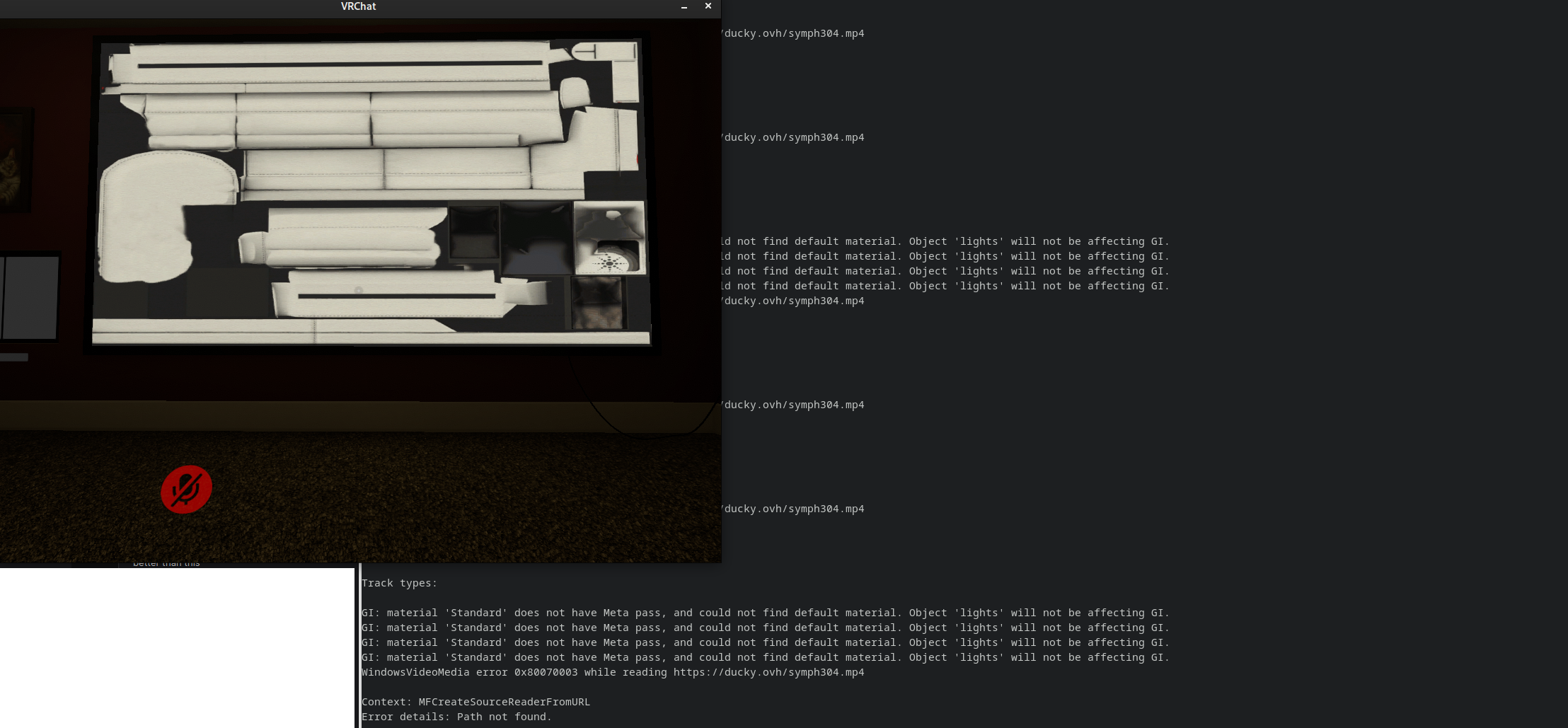
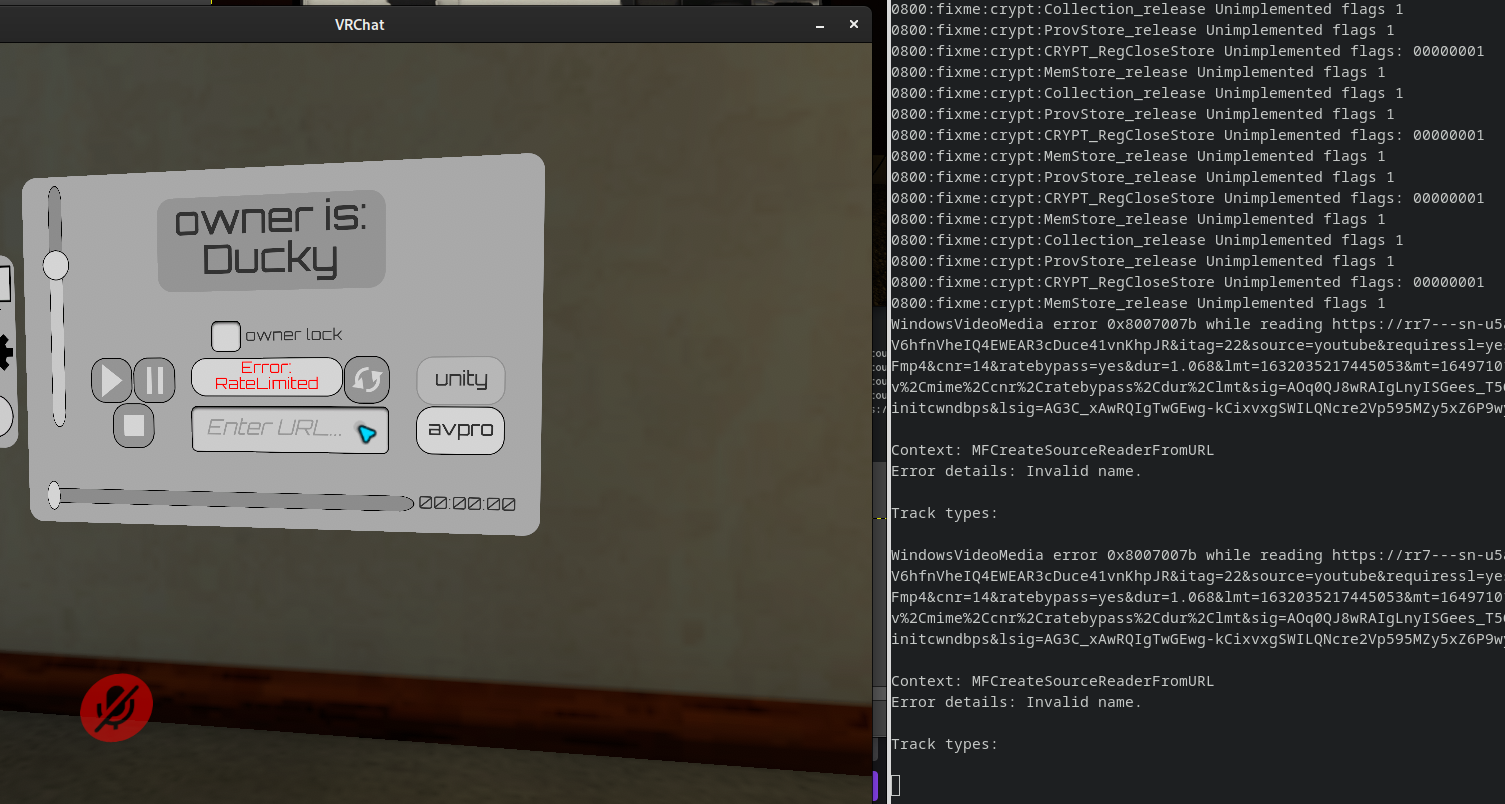
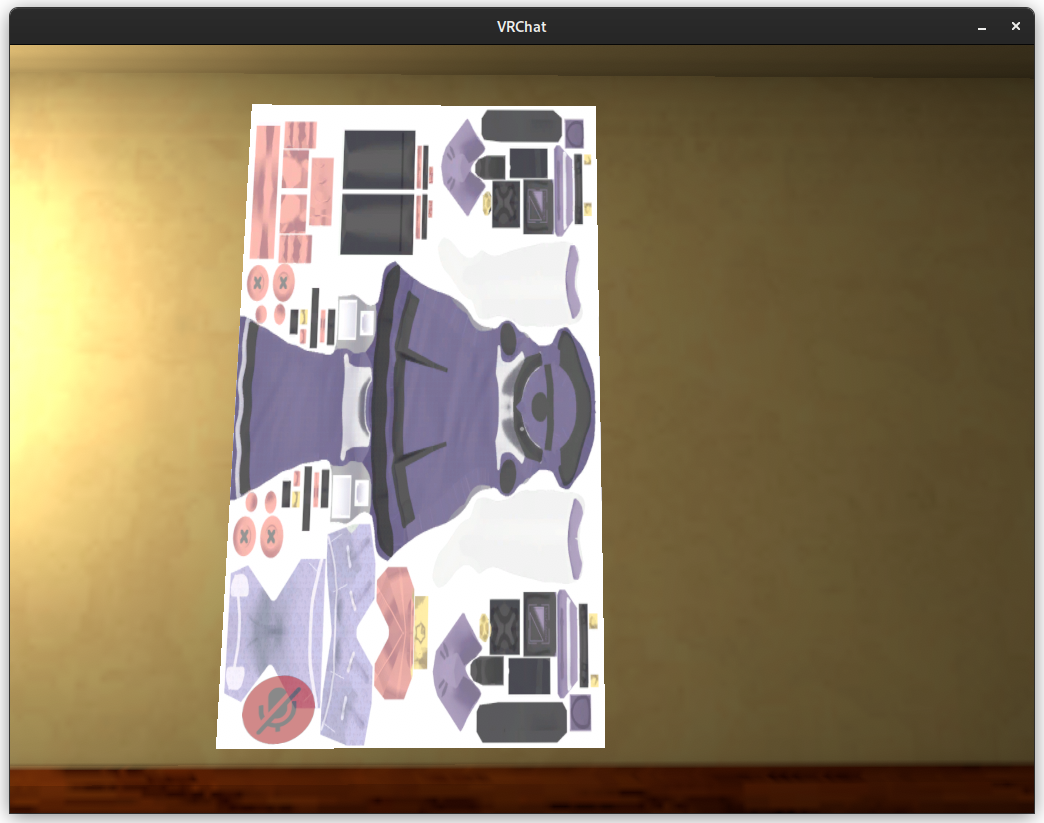
In Fancy Cat (Unity player) I get Error details: Path not found and in Udon Theater (AVPro player) Error details: Invalid name
Some of the output is visible in the screenshots.
Also very strange is that I could see random textures appearing in places depending on the angle I was looking at it.
In Fancy Cat I could see textures from the world where the video player should be. In Udon Theater I could see textures from my own avatar on the wall at spawn. There was also missing text in some parts of the UI.
I used wine-tkg to build and patch wine.
@duckbytes try delete your proton prefix and recreate it.
I want to use renderdoc on VRChat, but I am not sure if there will be intellectual property issues...
Trying to see if results will be different with wined3d, but VRChat doesn't even start with wined3d. :cry:
Update: switched to d3d12 and it looks the same. so likely the problem is at somewhere before the image reaches d3d. (or could it be inside dxgi? i am not familiar with this stuff).
I created a Unity project which has a single plane with a video player component attached. And I was able to reproduce the problem there too. I thought this would be something I can 100% legally attach renderdoc to, but alas renderdoc crashes it.
Interestingly the crash happens with Proton 7.0 and Proton-tkg, but Proton Experimental is fine. So I guess I should get this patch into Proton Experimental first, which should hopefully make further investigation easier.
Caught your merge request. Early build, if valve isn't gonna be up late, incoming; If my net is faster than they are.
Edit:
https://drive.google.com/file/d/1m-PZwhclExuUF3tFJeaMKS-u7X4G4tL3/view?usp=sharing
Download here but please note, this binary did not seem to work for me. The wine has all three patches from the MR included, latest experimental.
@SpookySkeletons does it crash? does it not play the videos? did you start from a fresh proton prefix?
Edit: I might have made some mistakes porting to proton experimental's version of wine:
03d0:warn:mfplat:media_source_init_from_parser Failed to construct MFMediaSource, hr 0x80004005.
allow me some time to fix it.
Edit2: proton's gstreamer didn't come with the httpsrc element needed.
Yep fresh prefix. Waiting for fix.
I think my code is fine. it's just proton's gstreamer missing some plugins.
I got
winegstreamer warning: uridecodebin9: No decoder available for type 'video/x-h264...
I thought proton is not shipping the h264 decoder now?
@SpookySkeletons I needed to enable http support in gstreamer while building Proton, I will create a branch of proton you should be able to build from. Or just stick to proton-tkg?
Looks different in Proton Experimental:
https://user-images.githubusercontent.com/366851/163185089-6a23b564-8ab3-41bc-a2d0-bf8940a15ef8.mp4
Not on an arch system but could probably just chroot one if necessary.
Used GE with your forked wine submodule. Send a gstreamer patch for what tree(s) need it and ill pullto enable on my GE build.
EDIT: Realized I applied this patch to my stock Proton experimental tree instead of GE so as you say its missing the gstreamer checkboxes.
@SpookySkeletons @MehStrongBadMeh Here is a proton build you can test with: https://drive.google.com/file/d/1M-h_OT5DkDLdD5nNYB9r34pKtCbJ8JjB/view?usp=sharing
Here is my hack on top of Proton to get http & h264 support: https://github.com/yshui/Proton/tree/urlhack
@SpookySkeletons @MehStrongBadMeh Here is a proton build you can test with: https://drive.google.com/file/d/1M-h_OT5DkDLdD5nNYB9r34pKtCbJ8JjB/view?usp=sharing
Here is my hack on top of Proton to get http & h264 support: https://github.com/yshui/Proton/tree/urlhack
Cool, I should be able to squeeze in a chance to test out some AVPro modes to see if that can be made operational. If so, I may be able to put out a beta that is just live vrchat with those tweaks. As for rendering issues currently being seen in the Unity player, I doubt there is anything I can on my end for that. Looks like that needs to be fixed Proton-side.
@MehStrongBadMeh
Looks like that needs to be fixed Proton-side.
Yeah, most likely. The issue I saw with proton-tkg I am not sure, but the rendering issue seen with Proton Experimental definitely looks like pixel format mismatch. I am trying to investigate but don't hold your breath.
Any likely candidates? Where do they keep the pixel formats? Can we play video with varying format to see what happens?
With information from #4433, if I set WINE_DO_NOT_CREATE_DXGI_DEVICE_MANAGER=1, it reverts to the type of distortion seen with 7.0.
This hack entirely fixes the distortion?
@SpookySkeletons @MehStrongBadMeh Here is a proton build you can test with: https://drive.google.com/file/d/1M-h_OT5DkDLdD5nNYB9r34pKtCbJ8JjB/view?usp=sharing
Here is my hack on top of Proton to get http & h264 support: https://github.com/yshui/Proton/tree/urlhack
I tried using the google drive build, but I couldn't get it to play h264 videos - only webms from 4chan. I'm running Debian, however, so that might be the issue. Will compiling your github version work better?
@roryyamm Can you run with GST_DEBUG=5 WINEDEBUG=+mfplat and upload the proton log file? And what h264 video were you trying to play?
@yshui Here we go. This is using the Unity player.
steam-438100.log
The part you want starts at line 1656.
01a0:trace:mfplat:resolver_create_scheme_handler L"https", 0x1, 00000000782EF4A0.
The handler should be "https:", it was "https" before part of my patch fixed it. So looks like you are not running a proton build with my patch. @roryyamm
01a0:trace:mfplat:resolver_create_scheme_handler L"https", 0x1, 00000000782EF4A0.
The handler should be "https:", it was "https" before part of my patch fixed it. So looks like you are not running a proton build with my patch. @roryyamm
Ah. So do I have to compile a new build or simply patch on top of the GDrive build?
Can confirm that the GDrive build didn't work for me either.
Hmm, weird, let me verify I did upload the right thing. Or maybe you can build from my Proton repo? You just need to install docker and run make redist. @MehStrongBadMeh
It's weird, the gdrive build works for me... @MehStrongBadMeh can you also upload your proton log with GST_DEBUG=5 WINEDEBUG=+mfplat ? Did you make sure to delete your old proton prefix?
@yshui
using:
your google drive build
the same vrchat world you showed "working"
the same URL
in-world player selection of unity 720p as well as avpro 480p
launch options:
PROTON_LOG=1 GST_DEBUG=5 WINEDEBUG=+mfplat %command% --enable-avpro-in-proton
results: unity fails without crashing vrchat, ingame text mentions a failure to load; selecting avpro 480p fails and crashes vrchat
resolver_create_scheme_handler seems to indicate the patch working as expected for me
my log contains both attempts at playing the url with unity, and with avpro
steam-438100.log
@RestlessCavy Looks like the code is working correctly from your log file, but:
0:00:00.113072827 771175 0x7fbde8089c00 INFO GST_ERROR_SYSTEM gstelement.c:2261:gst_element_message_full_with_details:<typefindelement0> posted error message: Stream doesn't contain enough data.
So maybe a network problem?
And yes, avpro player doesn't work.
Finally had a chance to make the log, still doesn't work in the Unity Player. Won't be attempting any work with the AVPro player until it is working (at least partially) on the Unity Player
steam-438100.zip
@MehStrongBadMeh
0:00:00.168157306 17647 0x7f1e9807d800 WARN souphttpsrc gstsouphttpsrc.c:1382:gst_soup_http_src_parse_status: error: Secure connection setup failed.
0:00:00.168165236 17647 0x7f1e9807d800 WARN souphttpsrc gstsouphttpsrc.c:1382:gst_soup_http_src_parse_status: error: TLS/SSL support not available; install glib-networking (6), URL: ..., Redirect to: (NULL)
Interesting, I could swear I tested https URIs. In the meantime can you test something that's http only? And can you also try installing glib-networking?
I noticed the same "tls/ssl support not available" in my log, but I already have glib-networking installed, at least through apt.
I also tested the same trailer.mp4 but through a local http server (which needs to support range requests) and got the same format errors yshui showed before; regardless it would seem http works for me.
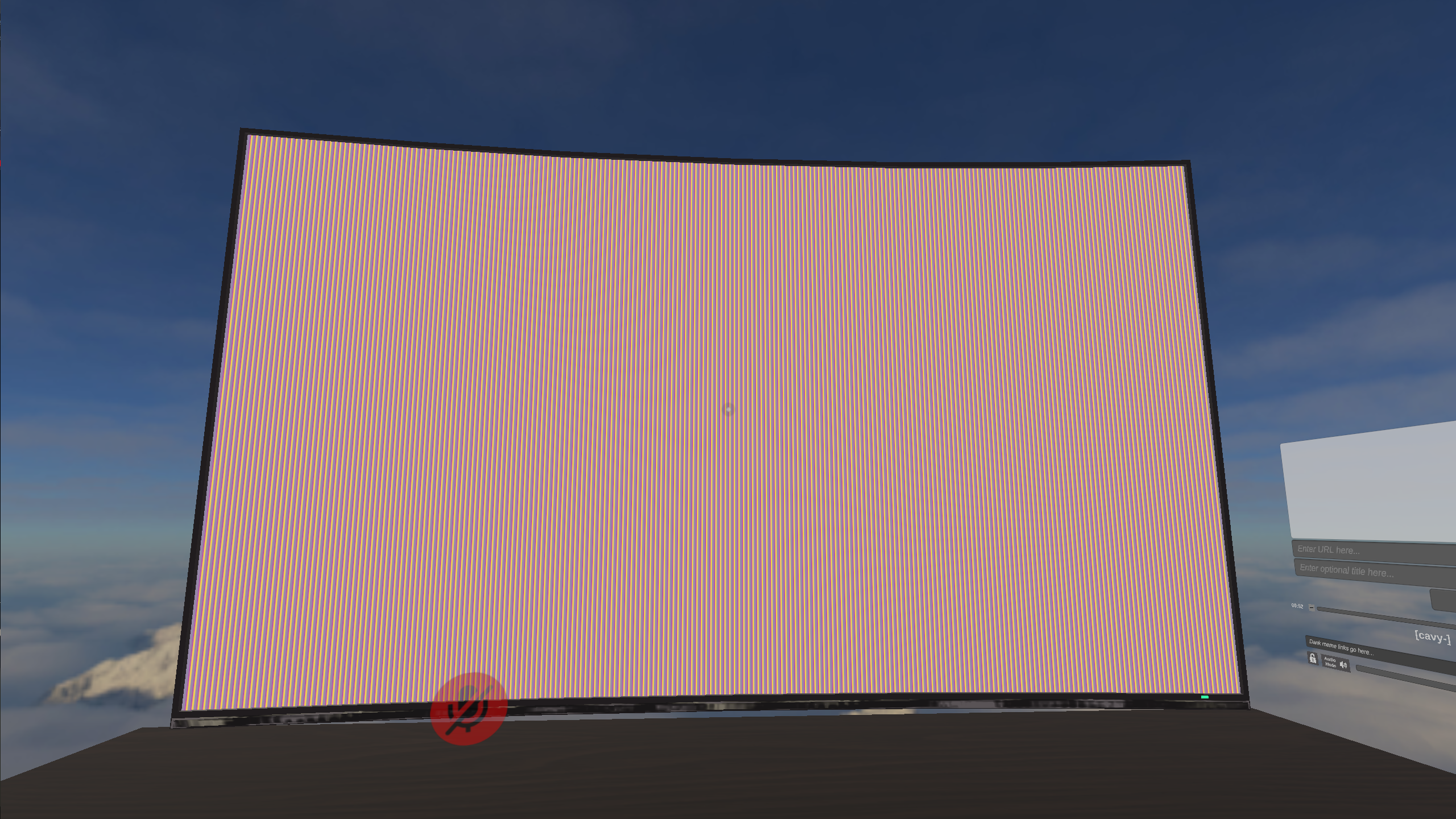
@MehStrongBadMeh
0:00:00.168157306 17647 0x7f1e9807d800 WARN souphttpsrc gstsouphttpsrc.c:1382:gst_soup_http_src_parse_status: error: Secure connection setup failed.
0:00:00.168165236 17647 0x7f1e9807d800 WARN souphttpsrc gstsouphttpsrc.c:1382:gst_soup_http_src_parse_status: error: TLS/SSL support not available; install glib-networking (6), URL: ..., Redirect to: (NULL)
Interesting, I could swear I tested https URIs. In the meantime can you test something that's http only? And can you also try installing
glib-networking?
I could have sworn there was a hard requirement to use HTTPS now at least in avpro.
Remember: the Unity native player is EXTREMELY limited in the formats it supports without mediafoundations support Unity's native "go to" transcode format is vp8.
On linux, literally the only formats that work in the unity player (And i've had this working on live in the past) is webm/mkv vp8 encoded (and it's very specific to your linux build!) and sometimes good ol' mpeg 2, but this is proton, doing weird mediafoundation-ey bridgey things.
Would it be helpful to give you all a bunch of hosted urls with https on a hardcoded and reliable server, where the video content is encoded in a variety of ways: clearly described in the video data and encoded in ways that I believe should work based on which codec you want to try?
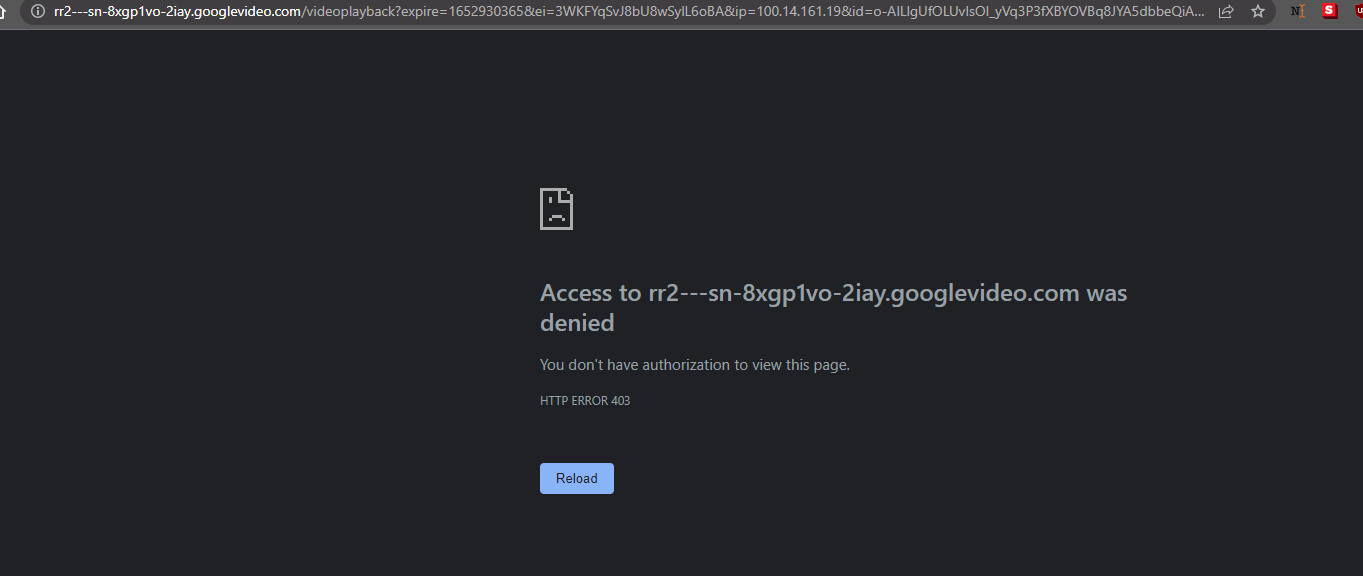
Also I'll note that the url in your logs here @MehStrongBadMeh is of course locked to the IP, due to the gsturi.c, gstsouphttpsrc.c,
And also it appears that you are indeed missing glib-networking here. which for this method is necessary.

The urls are unusually long and are locked to various user specific ips on googlevideo.com (likely due to yt-dlp) and this is a monkey wrench that we should be avoiding while we test, because it's entirely unpredictable when it's wrapped in proton.

I could have sworn there was a hard requirement to use HTTPS now at least in avpro.
There is no such thing, please cease spreading misinformation in this thread.
Remember: the Unity native player is EXTREMELY limited in the formats it supports without mediafoundations support Unity's native "go to" transcode format is vp8.
We know that, that's the entire point of what @yshui and the rest of us have been working on. Valve added H.264 codecs to proton and we're trying to take advantage of them.
Would it be helpful to give you all a bunch of hosted urls with https on a hardcoded and reliable server, where the video content is encoded in a variety of ways: clearly described in the video data and encoded in ways that I believe should work based on which codec you want to try?
No, because we are all perfectly capable of setting up those servers ourselves. The test request wasn't to test on a hardcoded url. And we successfully discovered an issue via this testing in the current implementation that prevents https urls from working. The fact that you can't view that url yourself is irrelevant.

Actually, I was right, there is a hard requirement for https. It was just on android. Since I build cross platform compatible stuff, it's just become my headcannon that it's always required. (and imho it should be your headcannon too)
excessively long uri strings with characters that often need to be escaped in various libraries are generally not conducive to an effective test of something so unusual as this when you have an application that thinks it's on one operating system architecture trying to get data from another. Use a short url. Why you gotta be so sharp strongbad, we're all trying to help here.
I don't mean to be rude here but I've been doing cross platform media codec playback professionally for government agencies and major international corporations on linux/windows/android for a decade and a half professionally, iterating across operating systems since windows XP and android 2.0 on a unique, award winning SaaS platform from the days when you needed to run your own red5 and cassandra servers.
You should probably enable glib-networking.
@yshui I can confirm that your proton build works with the Unity Player on http videos, with the previously mentioned rendering issue. glib-networking is pre-installed on Steam Deck. I tried compiling builds of VRChat that set AVPro to other video apis, but none of them made AVPro work, as it seems they only implemented H.264 via MediaFoundation. We are going to be updating to a newer version of AVPro soon, so that might help (apparently, it will at least stop the crashing in Proton)
@MehStrongBadMeh the https issue is weird because it worked out of the box for me. And Steam Deck would be using Arch Linux as well, so it would be the same environment as my tests. I wonder what exactly is missing here.
@MehStrongBadMeh does https work outside Proton? e.g. does this command work:
gst-launch-1.0 -v souphttpsrc location=https://google.com '!' filesink location=/tmp/google.html
This command should download the Google homepage and save it at /tmp/google.html. You need to install gstreamer if gst-launch-1.0 is not found.
@yshui
It barks out the following:
WARNING: erroneous pipeline: no element "souphttpsrc"
It appears that gst-plugins-good is not installed on Steam Deck.
You cannot install any packages via pacman to Steam Deck in a persistent manner. Thus, the only options here are to either convince Valve to start including it in SteamOS or to find a different way to access https content.
It's probably worth giving a reminder that Proton 5.13 and newer is intended to be run inside the Steam Linux Runtime - Soldier container environment. It might not be relevant for the one-off test build of Proton being used, but I'm mentioning it because the majority of players wouldn't be using a build of Proton which shares gstreamer plugins with the host system and SteamOS packages aren't relevant.
If using libraries from glib-networking is the direction the Proton devs want to go to solve this particular riddle, then they'll work with a Steam runtime container maintainer to make sure that is available for everyone inside the container.
@kisak-valve That is good to know. Is there a way to set up test Proton builds to run inside the Steam Linux Runtime - Soldier environment? In addition, is there any way VRChat can work with the Proton and/or Steam Runtime Container devs on adding the capabilities needed to make web video players work? We are interested in bringing VRChat on Proton up to full feature parity with running on native Windows, the video players are the last piece of the puzzle to do that.
@kisak-valve BTW, the review of the PR to Proton: https://github.com/ValveSoftware/wine/pull/142, seem to have staled. Maybe @zfigura is currently occupied with other work and don't have time. Can you help me find other people who would be interested to give this PR a look?
Latest update to VRChat (IK 2.0, 2022.2.1 update) seems to have broken VR support for SteamVR (build linux_1.14), since it's no longer compatible with Proton 5.13-6, which was previously the latest version that supported it.
I can play it on the current/beta build of SteamVR (Using Proton builds 6.3 or 7.0), but that means having the flickering overlay issues (as described here: https://github.com/ValveSoftware/SteamVR-for-Linux/issues/395)
For me VRChat has suddenly started to crash with:
380158.677:0144:0288:err:virtual:alloc_area_in_reserved_or_between_callback Could not map in reserved area.
../src-wine/dlls/ntdll/unix/virtual.c:1442: create_view: Assertion `!((UINT_PTR)base & page_mask)' failed.
Tested Experimental and 7.0-2. I don't know what changed, first few days after the 2022.2.1 update there was no such problem.
Update: removing VRChat's compdata folder and start over made the crash go away.
Within the past few days, it appears that VRChat has a seemingly random, but rare, chance of crashing every time it makes a BestHTTP request. This can be anything from loading the "Worlds" tab, "Social" tab, requesting world info upon viewing a player's profile, or simply loading the avatar/image of a player. Tested with Proton Experimental and 7.0-3rc, both on a clean prefix.
Here's the vrchat log at the time of a crash:
2022.06.07 12:58:56 Error      -  Caught SystemException in UpdateDelegator Job: Thread creation failed.
  at System.Threading.Thread.Start (System.Threading.StackCrawlMark& stackMark) [0x00000] in <00000000000000000000000000000000>:0
  at System.Threading.Thread.Start () [0x00000] in <00000000000000000000000000000000>:0
  at BestHTTP.HTTPManager.SendRequestImpl (BestHTTP.HTTPRequest request) [0x00000] in <00000000000000000000000000000000>:0
  at BestHTTP.HTTPManager.SendRequest (BestHTTP.HTTPRequest request) [0x00000] in <00000000000000000000000000000000>:0
  at VRC.Core.API+<>c__DisplayClass36_0.<SendRequestInternal>g__FinishSendingRequest|0 () [0x00000] in <00000000000000000000000000000000>:0
  at VRC.Core.API.SendRequestInternal (System.String endpoint, BestHTTP.HTTPMethods method, VRC.Core.ApiContainer responseContainer, System.Collections.Generic.IReadOnlyDictionary`2[TKey,TValue] requestParams, System.Boolean authenticationRequired, System.Boolean disableCache, System.Single cacheLifetime, System.Int32 retryCount, VRC.Core.API+CredentialsBundle credentials, BestHTTP.Forms.HTTPFormBase formData) [0x00000] in <00000000000000000000000000000000>:0
  at VRC.Core.API+<>c__DisplayClass35_0.<SendRequest>b__0 () [0x00000] in <00000000000000000000000000000000>:0
  at OVR.OpenVR.IVRSystem+_AcknowledgeQuit_Exiting.Invoke () [0x00000] in <00000000000000000000000000000000>:0
  at VRC.Core.UpdateDelegator.Update () [0x00000] in <00000000000000000000000000000000>:0
UPDATE: After crashing a bit more in different ways and digging through some more logs, I figured out that I just had to increase my hard open file limit in /etc/security/limits.conf by adding the line * hard nofile 1048576
If you use a systemd distro (I was not), you'll have to also change that in sysctl.
I've got an intermittent issue where the game will crash a minute or three after startup. If I watch radeontop after launching the game, it will continuously eat VRAM until it crashes. Restarting the game once or twice usually fixes the issue. Seems similar to the issue that used to effect the game a while back (which required removing the lipsync dll to fix).
This has been an issue for a while, but I haven't been able to find any particular cause for it. There might be some correlation between > 4096MB of VRAM being used at launch (as reported by radeontop) and the crash, but I can't say for certain.
VRAM is not reported to be full when the game crashes, so I don't believe that is the source of the crash.
I have the same issue, and could not find a fix other than having a script detect it and restart steamvr when it crashes.
It seems to be quite consistent with timing, usually at the 2 minute mark for me.
The proton debug logs are hard to navigate since it generates almost 10MB of logs in the 2 minutes until the crash, but looking at the end of them it does seem to be memory related since it fails to allocate a bunch of times then crashes.

anyone know how to fix these errors please help
usr_84ad354b-5ff1-48e8-b5f6-33f49d783bb9 is not an owner of usr_ef31bbcd-fe34-4354-a6d7-ea83d0820433
UnityEngine.Debug:LogErrorFormat (string,object[])
VRCSDK2.RuntimeWorldCreation:SetupUI (bool,bool) (at Assets/VRCSDK/Dependencies/VRChat/Scripts/RuntimeWorldCreation.cs:293)
VRCSDK2.RuntimeWorldCreation/<>c__DisplayClass38_0:b__1 (System.Collections.Generic.Dictionary`2<string, object>) (at Assets/VRCSDK/Dependencies/VRChat/Scripts/RuntimeWorldCreation.cs:197)
VRC.Core.APIUser/<>c__DisplayClass375_0:b__0 (VRC.Core.ApiContainer)
VRC.Core.APIResponseHandler:HandleResponse (int,BestHTTP.HTTPRequest,BestHTTP.HTTPResponse,VRC.Core.ApiContainer,int,bool)
VRC.Core.API/<>c__DisplayClass35_3:b__4 (BestHTTP.HTTPRequest,BestHTTP.HTTPResponse)
BestHTTP.HTTPRequest:CallCallback ()
BestHTTP.ConnectionBase:HandleCallback ()
BestHTTP.HTTPManager:OnUpdate ()
BestHTTP.HTTPUpdateDelegator:Update ()
I've tried with the above mentioned methods of doing WINEDEBUG=+mfplat and --enable-avpro-in-proton along with adding mfplat native DLL, but the result is that Unity crashes.. I had also tried this https://github.com/Natsumi-sama/VRChat-YouTube-dl-stub to self-build a stub for VRChat with YouTube-DL to cache the stream URL directing with a PHP script to a local server, but the result ends up being Access Denied and URL Encode Error.
https://github.com/ValveSoftware/wine/pull/142#issuecomment-1167303650
@MehStrongBadMeh The unity video player now work but you need to use (AVPro still crash)
Steam Linux Runtime - Soldier app client_beta branch
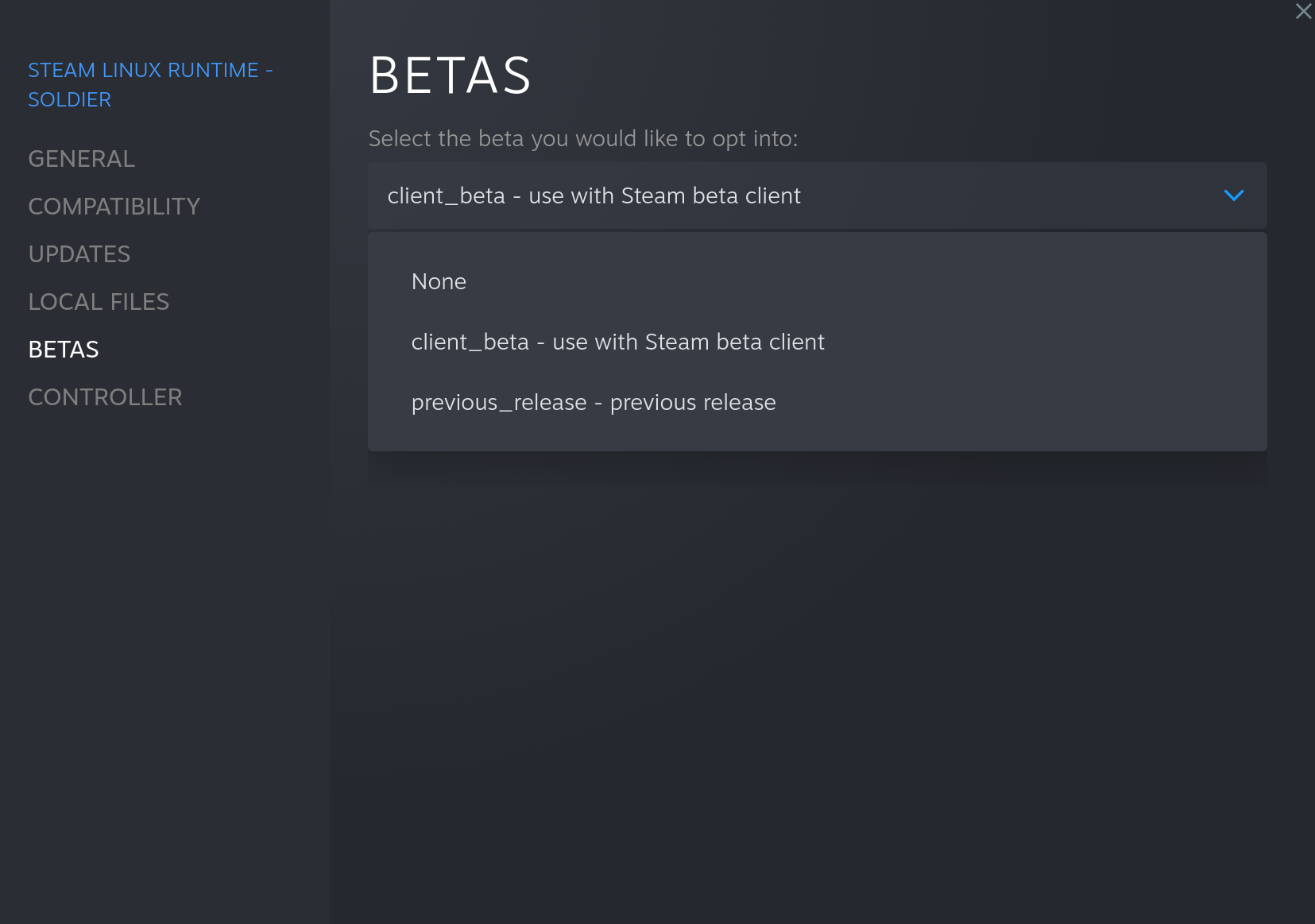
Proton Experimental bleeding-edge branch
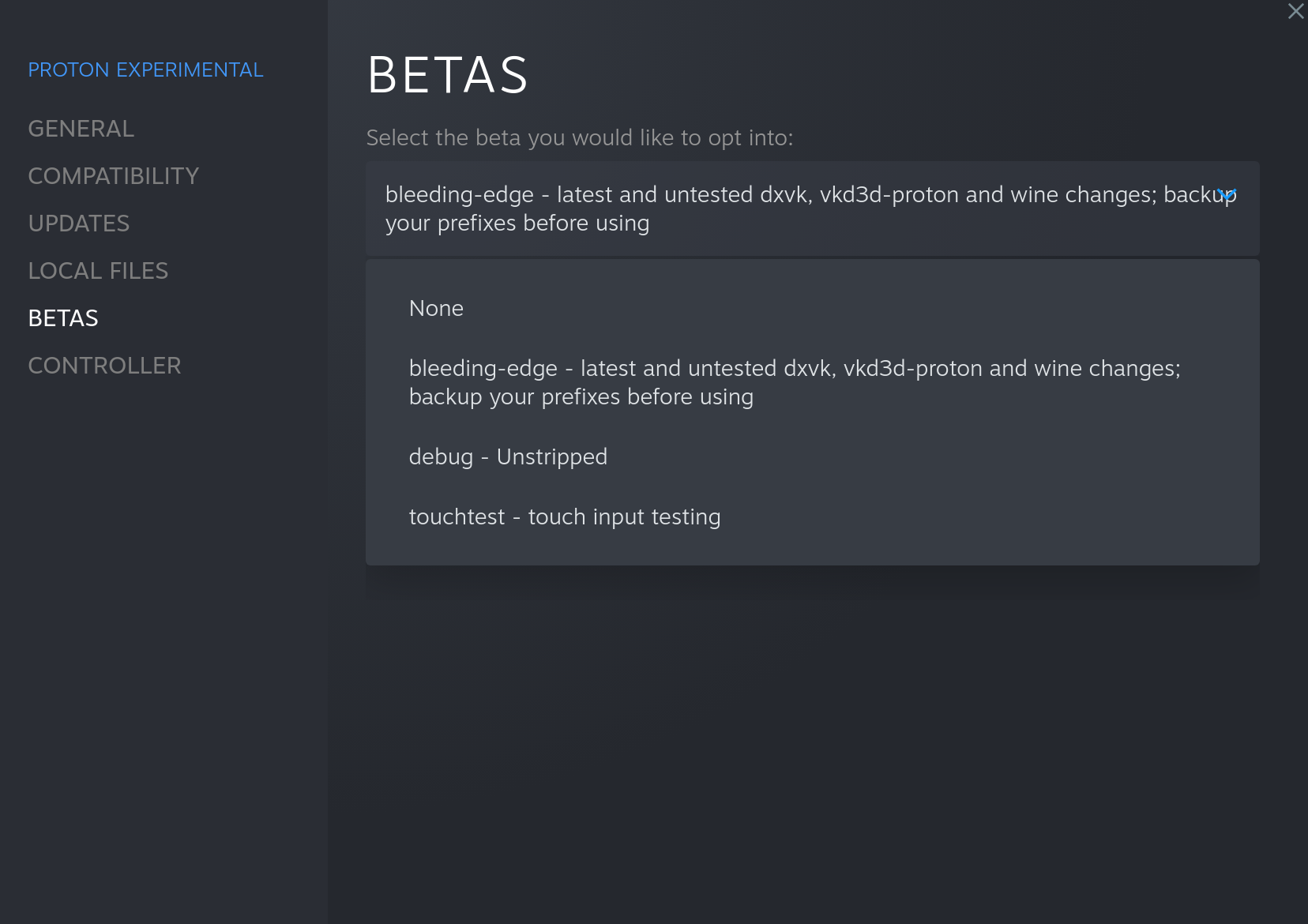
Replying to https://github.com/ValveSoftware/Proton/issues/1199#issuecomment-1168874788
Have you checked this yourself?
Checking this with an MP4 catbox link and the standard Unity player, removing all possible ways for Youtube-DL to mess with things, produces this result:
WindowsVideoMedia error 0x80070003 while reading https://files.catbox.moe/frp5e4.mp4

Context: MFCreateSourceReaderFromURL
Error details: Path not found.

Track types:

(Filename:  Line: 3872)
Have you checked this yourself?
Of course
Screenshot
World: https://vrchat.com/home/launch?worldId=wrld_fac11e5f-1c73-4436-8936-a70b80961c5a
Video: https://youtu.be/QRqY_20ti9A
Checking this with an MP4 catbox link and the standard Unity player, removing all possible ways for Youtube-DL to mess with things, produces this result:
Screenshot
Trying with that video produces this result:
WindowsVideoMedia error 0x8007007b while reading https://rr1---sn-jp3uxa-tt1s.googlevideo.com/videoplayback?expire=1656465230&ei=7lK7YtLWJLST2LYPjIuQsAE&ip=135.0.230.68&id=o-ADWd5f9TVIef3GUGhWCpGaEejpR_qZU2294rIQA0mOIk&itag=22&source=youtube&requiressl=yes&mh=aA&mm=31%2C29&mn=sn-jp3uxa-tt1s%2Csn-cxaaj5o5q5-t0ad&ms=au%2Crdu&mv=m&mvi=1&pl=24&initcwndbps=1193750&vprv=1&mime=video%2Fmp4&cnr=14&ratebypass=yes&dur=83.220&lmt=1630167075337849&mt=1656443132&fvip=1&fexp=24001373%2C24007246&c=ANDROID&txp=5311224&sparams=expire%2Cei%2Cip%2Cid%2Citag%2Csource%2Crequiressl%2Cvprv%2Cmime%2Ccnr%2Cratebypass%2Cdur%2Clmt&sig=AOq0QJ8wRQIgbjKzULkrGZCmsRI0_pJS_ZW702kXoLpFTybJ7hNQnbkCIQD2ce6OiNicvGGscuJVEZZveI216c7HGevxeQLn2JssCA%3D%3D&lsparams=mh%2Cmm%2Cmn%2Cms%2Cmv%2Cmvi%2Cpl%2Cinitcwndbps&lsig=AG3C_xAwRQIhANzfDiNQouJ5z4KnSECOPfC7GyYt-ASmKM0wVYek4dC3AiBUMpdp_ZtHxvEsfb39YLgm_rTnZinEiSUCM0T5q-j36Q%3D%3D

Context: MFCreateSourceReaderFromURL
Error details: Invalid name.

Track types:

(Filename:  Line: 3872)
Trying with another video (https://www.youtube.com/watch?v=AqChXQj-w5I) produces this result:
WindowsVideoMedia error 0x8007007b while reading https://rr1---sn-jp3uxa-tt1s.googlevideo.com/videoplayback?expire=1656465325&ei=TFO7YurkN46d2_gP6NChyAc&ip=135.0.230.68&id=o-APWt9elNN_aas_4HnW_Am-ay9qg2bi9OCTNfxp18nIH2&itag=22&source=youtube&requiressl=yes&mh=aA&mm=31%2C29&mn=sn-jp3uxa-tt1s%2Csn-cxaaj5o5q5-t0ad&ms=au%2Crdu&mv=m&mvi=1&pcm2cms=yes&pl=24&initcwndbps=1236250&vprv=1&mime=video%2Fmp4&cnr=14&ratebypass=yes&dur=83.220&lmt=1630167075337849&mt=1656443362&fvip=1&fexp=24001373%2C24007246&c=ANDROID&txp=5311224&sparams=expire%2Cei%2Cip%2Cid%2Citag%2Csource%2Crequiressl%2Cvprv%2Cmime%2Ccnr%2Cratebypass%2Cdur%2Clmt&sig=AOq0QJ8wRgIhANrUiKvbhisHuOCrS0BMH9n46R4eAN7OnQlqsO6_LVAXAiEApeWYNfqioum89bW7v-KOa3UYEp-DEcK1-Z3prFCiCJU%3D&lsparams=mh%2Cmm%2Cmn%2Cms%2Cmv%2Cmvi%2Cpcm2cms%2Cpl%2Cinitcwndbps&lsig=AG3C_xAwRAIgaFll2Vvqlk7EiT5RXggLvLUNEGdH_hLU10MZxO9p8HsCICklsbQ5F5DhwjAWke6yTB0L-GElGdrTUQZocbKPzi0G

Context: MFCreateSourceReaderFromURL
Error details: Invalid name.

Track types:

(Filename:  Line: 3872)
The only thing that properly works is https://files.catbox.moe/j3bno7.webm. That one works like a dream, with only a few possible skips:
https://github.com/ValveSoftware/Proton/issues/1199#issuecomment-1169127338
Can you post the name or the url of the world you are using to test ?
Hi There,
The only thing that properly works is https://files.catbox.moe/j3bno7.webm.
I too tested this while running Steam Linux Runtime - Soldier on beta and Proton Experimental on bleeding edge. Can confirm video players (USharpVideo) does work with WEBM file formats.
World Tested In: https://vrchat.com/home/world/wrld_6ebfc3e2-3553-4cd3-9aca-1ee5e84f7811
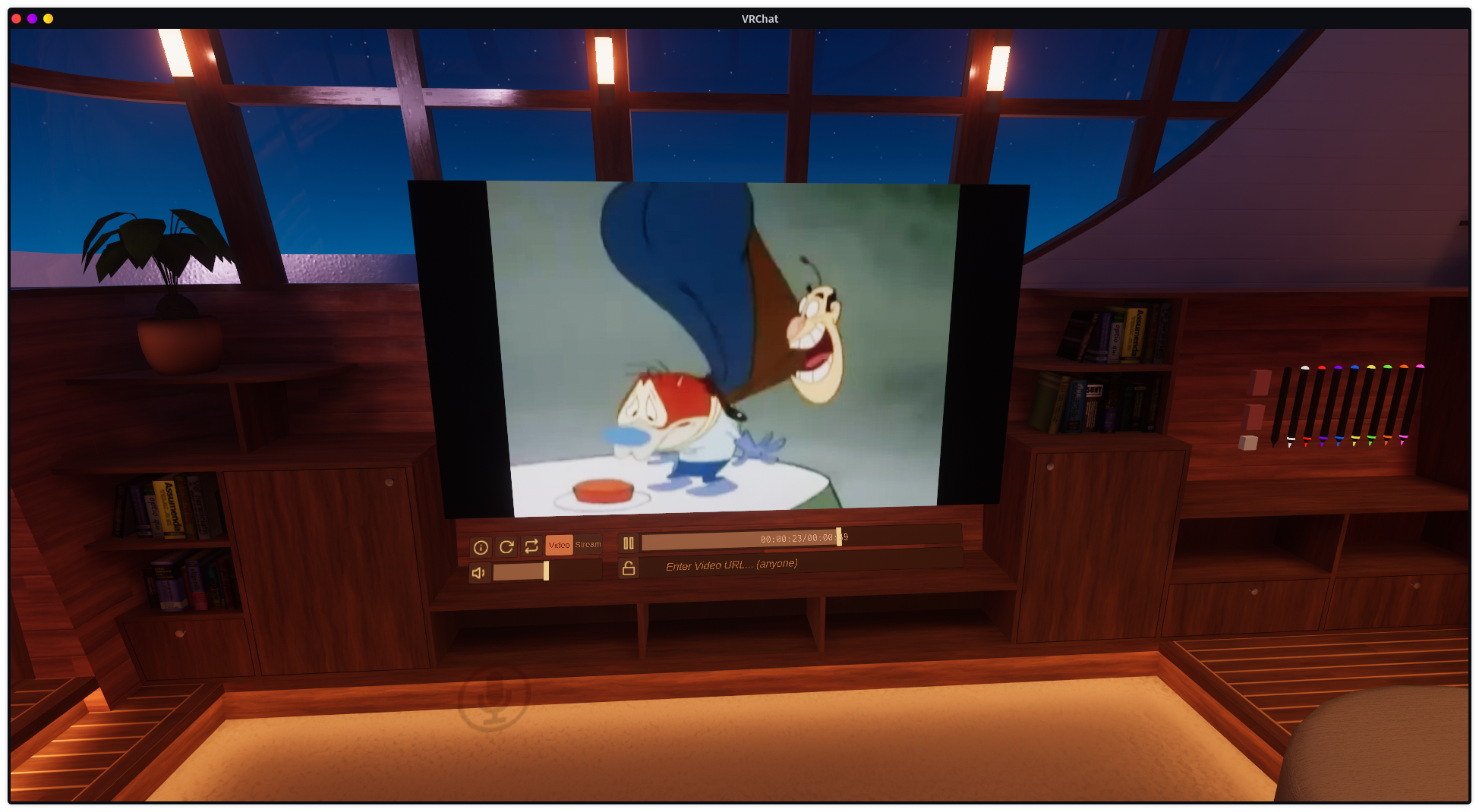
I have tested with MP4 and standard youtube links to no luck sadly.
Do note: I am using VRC ytdl stub from natsumi-sama
https://github.com/ValveSoftware/Proton/issues/1199#issuecomment-1169135449
I used the video you used to demonstrate that it's working. https://youtu.be/QRqY_20ti9A
I figured out I was on the wrong Proton version, but with all the right systems - Proton Experimental on bleeding_edge, Soldier on client_beta - it still doesn't work. Although now, it fails in a different way.
steam-438100.log
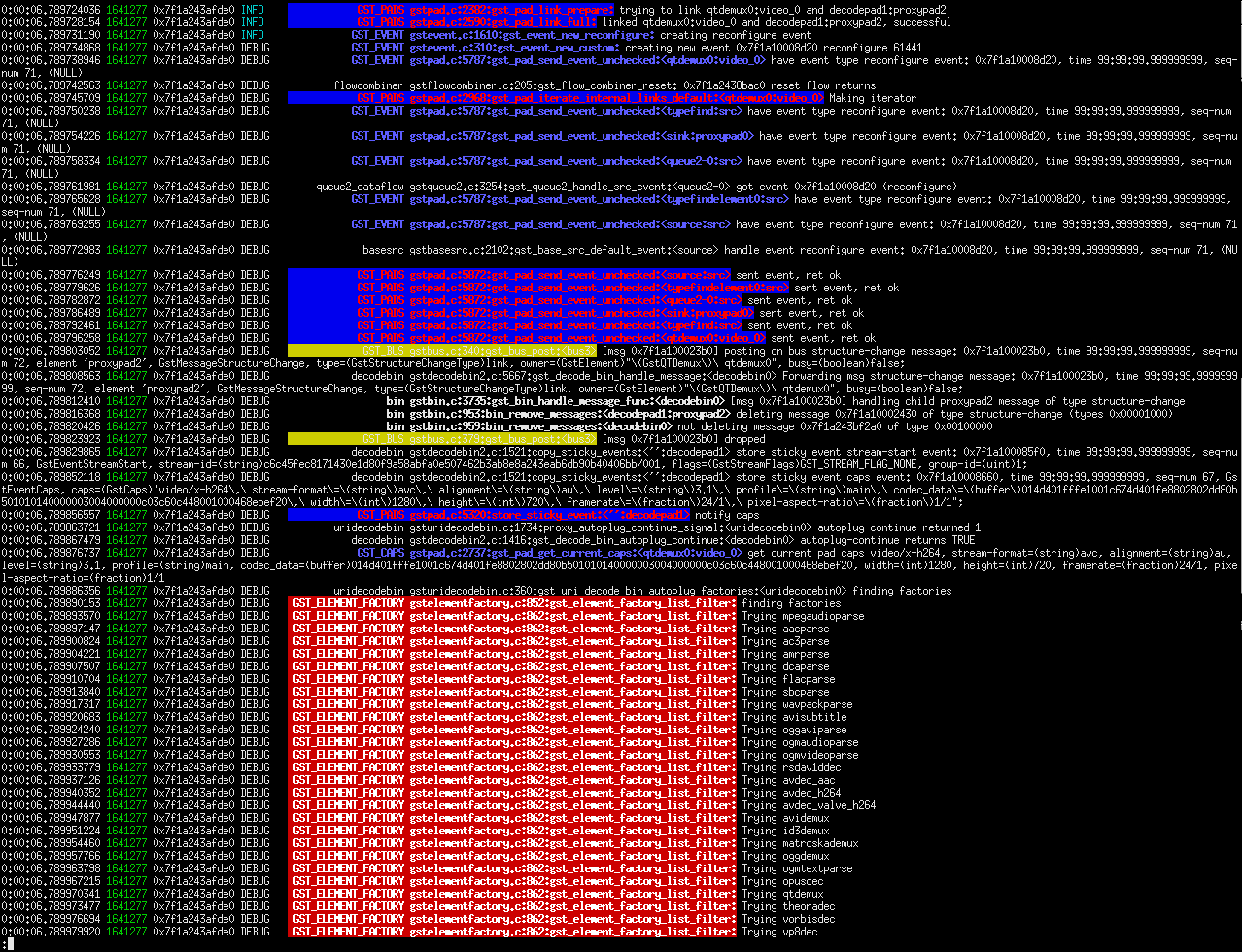
I've never seen such a colorful error log.
It looks like GStreamer is having a field day trying to decode the videos. The WebM still works fine.
Hi There,
I may have a possible suggestion, but it's a real hacky way of solving this problem. If WebM formats work, perhaps make a temporary yt-dlp executable that can download & convert to webm and stream it to file while giving VRC client the local file path for the .webm file?
It's just a thought atm. Definitely not the best solution out there, hence "being hacky".
I tested with an h264 mp4 and it worked great.
If it's of any interest this is the ffprobe output for the file:
Input #0, mov,mp4,m4a,3gp,3g2,mj2, from 'symph501.mp4':
  Metadata:
    major_brand     : isom
    minor_version   : 512
    compatible_brands: isomiso2avc1mp41
    title           : Symphogear XV - 01
    encoder         : Lavf59.16.100
  Duration: 00:23:40.05, start: 0.000000, bitrate: 2700 kb/s
  Stream #0:0[0x1](und): Video: h264 (High) (avc1 / 0x31637661), yuv420p(tv, bt709/unknown/unknown, progressive), 1280x720 [SAR 1:1 DAR 16:9], 2499 kb/s, 23.98 fps, 23.98 tbr, 24k tbn (default)
    Metadata:
      handler_name    : VideoHandler
      vendor_id       : [0][0][0][0]
  Stream #0:1[0x2](jpn): Audio: aac (LC) (mp4a / 0x6134706D), 48000 Hz, stereo, fltp, 194 kb/s (default)
    Metadata:
      handler_name    : SoundHandler
      vendor_id       : [0][0][0][0]
Which h264 MP4 video?
Here's one encoded in the same way @roryyamm
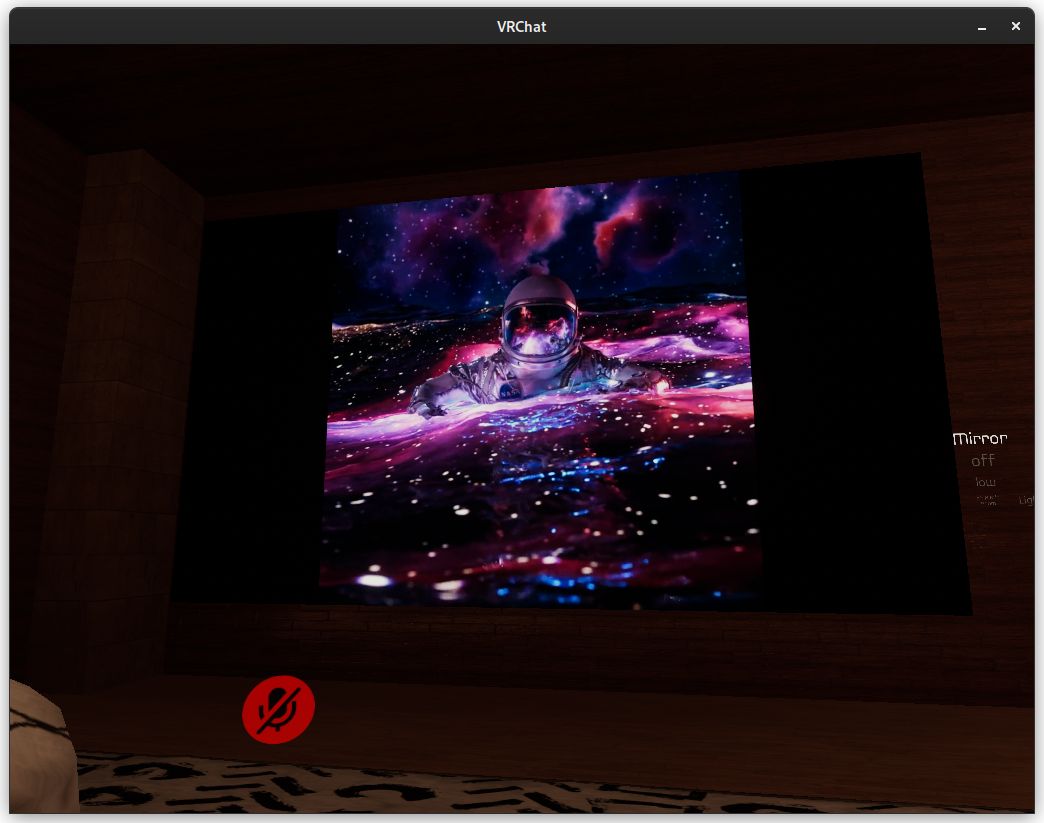
transcoded with this command:
ffmpeg -y -i Y064cQ6.mp4 -preset slow -pix_fmt yuv420p -vf "scale=1280:720:force_original_aspect_ratio=decrease,pad=1280:720:(ow-iw)/2:(oh-ih)/2,setsar=1" -c:v libx264 -b:v 2500k -pass 1 -an -f mp4 /dev/null ; ffmpeg -y -i Y064cQ6.mp4 -vf "scale=1280:720:force_original_aspect_ratio=decrease,pad=1280:720:(ow-iw)/2:(oh-ih)/2,setsar=1" -map_chapters -1 -preset slow -c:v libx264 -b:v 2500k -pix_fmt yuv420p -pass 2 -ac 2 -c:a aac -b:a 192k space.mp4
@duckbytes Unfortunately, it doesn't work. Same issue as the YouTube videos.
I made an effort to annotate this log with announcements of what I was doing. If you see something surrounded by '---', that's me.
In order, I tested:
https://ducky.ovh/space.mp4 (Did not work)
https://files.catbox.moe/j3bno7.webm (Played twice)
https://www.youtube.com/watch?v=QRqY_20ti9A (Did not work)
https://www.youtube.com/watch?v=1GvV0UkVq20 (Did not work)
steam-438100.log
I am presently on vacation, so I can't investigate these video developments in great detail until I get back. That being said the j3bno7.webm file uses VP8 video and Vorbis audio, which has always worked in proton, due to those codecs being built into unity (scroll up much higher in thread for that conversation).
As for offline transcoding into a compatible format, I have completely thrown out the concept as it is too hard for most computers to run VRChat, transcode the video, and play the video at the same time. Especially while maintaining sync.
I think I might have figured out why people are having trouble with h264 playback. It seems to be affected by what version of libavcodec.so.58 gets used - the one in the old Steam runtime under steam/ubuntu12_64 seems to be getting picked for me and that definitely doesn't work at least on my system, whereas the system-wide version obviously does. Unfortunately this doesn't work when launching from within Steam and I can't even figure out what's in Steam's version of libavcodec.so.58 - it seems to have a load of references to valve_h264 that don't correspond to anything public and easily found.
Nice, I've been out of the loop for a couple days, glad to see the patch got into bleeding edge and is working! :smile:
Interested to see why AVPro is crashing
@roryyamm can you remove your proton prefix and try again?
webm has always worked, even before this patch.
There are a couple of things we can investigate regarding AVPro. Including an updated version that may fix the crashing issue. No promises there. Also, still on vacation.
I think I might have figured out why people are having trouble with h264 playback. It seems to be affected by what version of libavcodec.so.58 gets used - the one in the old Steam runtime under steam/ubuntu12_64 seems to be getting picked for me and that definitely doesn't work at least on my system, whereas the system-wide version obviously does. Unfortunately this doesn't work when launching from within Steam and I can't even figure out what's in Steam's version of libavcodec.so.58 - it seems to have a load of references to valve_h264 that don't correspond to anything public and easily found.
That's interesting, actually. If it's embedded in steamworks for that path that's really interesting. The important thing is knowing exactly how unity and avpro are routing mediafoundation.
TL;DR for the love of god use vaapi hardware acceleration.
I want to bring up an important discussion regarding decoding paths for the sake of VRChat's overall performance on deck as we get closer to a viable playback method. The short bit is that we want to make sure the method by which mediafoundations routes the play request is going through the most efficient path for encoding/decoding, which is the dedicated silicon that exists on the deck.
Long thing you can skip if you know a a lot about video encode/decode
H.264 is not included on linux arch by default. However, there is an embedded DSP and of course it has 8 RDNA 2 CUs.
It IS no doubt part of the proton stack, because the steam deck fully includes **Steam's Remote Play On Steam Deck**, which is fully realtime, fully hardware accelerated, near zero latency video encoding over a local network without slowing the deck down. That being said, decoding should ALSO be done as close to that method as possible, using AMdec, otherwise the deck will occupy an entire cpu core just to play video, and will probably occupy the hardware DSP as well, which isn't good. There's dedicated SoC silicon for this. We want to make sure it's being utilized.
I know live encoding seems like a bad idea on the surface (and should be avoided whenever possible) but actually, if it comes down to it there may be reasons why doing the same kind of encoding via the same path that Steam Remote Play is using is fine. (which is near or is actually realtime with no cpu load for 720p and 1080p) via AME which is included on the Deck much like your cell phone. It's the same reason why steam link is so cool (I've got one of those too).
In any case, let's hope we're doing something accelerated for the decoding here. There's an interesting tidbit about gaming mode however:
In 'Gaming Mode' Kodi and plex and other things can't detect VAAPI. In desktop mode, VAAPI detected just fine.
In 'Gaming Mode'+: software decoding only. This is bad.
If you have sshd running on your Steam Deck, you can do something fun with native encoding and decoding that might give you some insight. This is close to how the steamdeck does it's own Steam Remote Play.
Gstreamer first off is where it's at, and looks at native, internal hardware codecs.
(deck@steamdeck ~)$ sudo steamos-readonly disable
(deck@steamdeck ~)$ sudo pacman -S gstreamer-vaapi gst-plugin-pipewire
The important, fiddly bit is this: alsa_output.pci-0000_04_00.5-platform-acp5x_mach.0.HiFi__hw_acp5x_1__sink.monitor
You can use the vaapi plugins if you want hardware accelerated encoding, then the pipewire plugin for fetching the video itself. You then take pipewiresrc and convert it to a h264 stream (no actual load to do this really).
gst-launch-1.0 -e \
    pipewiresrc do-timestamp=True \
        ! queue \
        ! videoconvert \
        ! queue \
        ! vaapih264enc \
        ! h264parse \
        ! mux. \
    pulsesrc device="alsa_output.pci-0000_04_00.5-platform-acp5x_mach.0.HiFi__hw_acp5x_1__sink.monitor" \
        ! queue \
        ! fdkaacenc bitrate=2300\
        ! mux. \
    flvmux name=mux streamable=True \
        ! rtmpsink location='rtmp://YOURIPGOESHERE/stream/hwinc live=1'
You could also mux this into webm and be done with it but obviously we should be focusing on just doing decoding, not encoding.
https://github.com/matanui159/ReplaySorcery here's another project that does something similar to mimic nvidia/amd instant replay.
Anyway, I'll leave my comments at that. Hopefully valve fixes this issue with vaapi on gaming mode, becasue avpro could play very nice with this in vrchat.
I'm going to page @pema99 since this is also sorta a unity issue
(note: the steam deck also makes a really dope dedicated streaming server box, but it's a bit pricy and overkill for that purpose compared to a TBS2603au or something)
last edit: found a steam forum discussion on hardware decoding
https://steamcommunity.com/app/1675200/discussions/1/6117591738156361243/
and this gist by robert kirkman has some really good stuff (but I would suggest using gstreamer over ffmpeg whenever possible) https://gist.github.com/robertkirkman/753922262259486ec417e5ff8b5b924b
@kisak-valve
hey there, I'm not sure how focused you are on this effort since may, but it extends well beyond just VRChat, of course. This is somewhat fundamental to Unity and video playback in a few ways for things like RTSPT, and unless groups are using ffmpeg or VLC addons for unity, they're generally using RenderHead's AVPro or relying on system codec playback support and multichannel.
AVPro is extraordinarily popular for vr video for a number of reasons, especially for things like the ability to pipe it into audio game objects with steamaudio HRTF attached and other things like that. They are an incredibly talented group that unfortunately hasn't focused on Linux much. If we could make them aware of this perhaps things could change.
@ComputerMaster1st @roryyamm
Can you check if you have libx264.so.142 in ~/.local/share/Steam/ubuntu12_32/ ?
If not, this was the cause of the issue after I reinstalled steam.
@guerryer I have libx264.so.142.crypt and libx264.so.142.md5, but no libx264.so.142.
@guerryer I have libx264.so.142.crypt and libx264.so.142.md5, but no libx264.so.142.
Here's the file https://drive.google.com/file/d/13GGVzflaa8ASG--On52YpYsf-ReD1Azy/view
MD5: 21ac1673b87bbb895fda049c306b3268
@guerryer Nope. Didn't work. It's there, but I get the same GST errors.
steam-438100.log
@roryyamm After digging further, go to steam://unlockh264 and restart the Steam client afterwards.
It should add this line "UnlockedH264Feature" "1" in ~/.local/share/Steam/userdata/ Your User ID /config/localconfig.vdf
Away from my setup on vacation as well. Anyone got a quick ytdl wrapper for transcode right now?
Well, that seems to have made it work, but now it's hanging for long periods every once in a while.
Log was too big for GitHub, even after I removed the unending error messages about Windows.System.DispatcherQueue not being found
Holy hell H264 unlocked. Videos fully work on regular player! This is like a dream no transcode!
Hi There,
@roryyamm After digging further, go to steam://unlockh264 and restart the Steam client afterwards. It should add this line "UnlockedH264Feature" "1" in ~/.local/share/Steam/userdata/133076828/config/localconfig.vdf
I have just executed this on my system and I am pleased to announce that YouTube videos now work successfully as long as you set yt-dlp to do -f b[ext=mp4] filtering.
As far as I know from my own testing, only the worlds that use USharpVideo or similar (any world that doesn't use AVPRO basically) can play videos as mp4 with minor issues. I've only tested with newer videos and some new videos (uploaded within 24 hours) might not work properly. It's very hit & miss. With older videos I've tested, it's been mostly successful. Your mileage may vary.
World Used: https://vrchat.com/home/world/wrld_af0b87c4-8c50-4678-a697-887088013c72
Other Github Project Used: https://github.com/Natsumi-sama/VRChat-YouTube-dl-stub
Proton: Experimental (Bleeding-Edge)
Steam Linux Runtime - Soldier: client_beta
I do have a "proxy/fake" yt-dlp.exe program compiled using source from the youtube-dl-stub project I linked just above as well as put a php script onto a server I own. NETFramework 4.7.2 is required for compiling a yt-dlp.exe for yourself to link to webserver that hosts the php script. YT-DLP will also need to be installed on the system you're hosting the php script from.
Please perform testing of your own to confirm the results.
EDIT: Worlds like "LS Media" won't work still as it seems they're using fmp4 or some form of fragmented streaming and I'm unable to figure out how to solve this.
Just wanted to confirm that with unlockh264 + Experimental Bleeding Edge + Soldier client_beta, I was able to paste a Youtube video into the Room of the Rain video player, and it played the video.
~Might be a good idea to have VRChat pass -f b[ext=mp4] to yt-dlp when Proton is detected? At least for the time being.~
~Actually, Proton should be able to play vp9 as well IIUC. So webm should be accepted too.~
Edit: actually, most of the videos on YouTube would be either h264, vp9 or av1. I don't know if Proton can play av1 (although Proton Experimental ships with libdav1d), but it should play vp9. So your result might actually be better if you don't filter for mp4 @ComputerMaster1st
This is amazing! I have waited for this so long and it is FINALLY HERE!!!
That said, when playing various versions of Big Buck Bunny, it will go for 3-5 seconds then freeze, and become unresponsive (in the world mentioned earlier https://vrchat.com/home/world/wrld_6ebfc3e2-3553-4cd3-9aca-1ee5e84f7811). Does anyone have any idea why this happens?
Looks like different versions of USharpVideo preform differently
The version in Sovren's Chill home:https://vrchat.com/home/launch?worldId=wrld_1b482eca-bede-4de8-88a8-bbb6ca7e24cd) 1.0.0 And will have poppy audio and lagging video
While Room Of The Rain:https://vrchat.com/home/launch?worldId=wrld_fae3fa95-bc18-46f0-af57-f0c97c0ca90a) plays back just fine Version 0.3.0
@happysmash27 I just tested that world, i have the same issue as well. looks to be the same version as Sovren's USharpVideo 1.0.0
Is there some sort of feature set that came out between 0.3.0 and 1.0.0? USharpVideo https://github.com/MerlinVR/USharpVideo/releases
I am on Manjaro with a
AMD 3900x
Nvidia 2080TI
32gb of Memory
This is amazing! I have waited for this so long and it is FINALLY HERE!!!
That said, when playing various versions of Big Buck Bunny, it will go for 3-5 seconds then freeze, and become unresponsive (in the world mentioned earlier https://vrchat.com/home/world/wrld_6ebfc3e2-3553-4cd3-9aca-1ee5e84f7811). Does anyone have any idea why this happens?
It seems to work fine in the player in Midnight Rooftop! Either that, or it just started to work for unrelated reasons. Amazing!
I do have a similar issue. With a bog-standard Unity player, playing Youtube videos has random hiccups. It freezes, but then it skips.
https://www.youtube.com/watch?v=buBuAWsXdhs
I don't know how to upload a 400 MB log file.
Where is the log stored anyway? Maybe could find something interesting looking through mine, to see why the other players don't work.
You have to enable logging in Proton by adding PROTON_LOG=1 to your launch command.
Already have that, but where is it actually stored? stdout?
you'll usually find it as steam-APPID.log. I usually see it in my home directory. I don't know if that's the default - there are a lot of things on my system that I've changed and since forgotten about - but if you're doing debugging on the video players, just look for a steam-438100.log that's a couple hundred megabytes in size somewhere.
Wow! That is a very verbose log. Lots and lots of unwinded functions in assembly and and messages of being unable to find library for L"Windows.System.DispatcherQueue". Wonder what a good way to sort through it would be. Maybe some kind of grep or regex which removes these specific messages?
My usual solution is to do grep -vwE "Windows.System.DispatcherQueue" steam-438100.log > holy-shit-why-is-the-dispatcher-queue-throwing-up-so-many-issues-where-is-it.log
I've ended up doing a:
cat steam-438100.log |grep -v "trace:unwind"|grep -v "Windows.System.DispatcherQueue"|less
Which seems to make the log a great deal more readable at only 60512 lines instead of 1675072.
Ooh, this part looks relevent:
(wine:16868): GLib-GObject-WARNING **: 20:03:07.778: g_object_set_is_valid_property: object class 'GstURIDecodeBin' has no property named 'max-size-bytes'
winegstreamer warning: uridecodebin0: No decoder available for type 'audio/x-ac3, framed=(boolean)true, rate=(int)48000, channels=(int)6, alignment=(string)frame'.
winegstreamer warning: uridecodebin0: ../src-gst_base/gst/playback/gsturidecodebin.c(959): unknown_type_cb (): /GstBin:bin0/GstURIDecodeBin:uridecodebin0
winegstreamer warning: videoconvert1: not negotiated
winegstreamer warning: videoconvert1: ../src-gstreamer/libs/gst/base/gstbasetransform.c(1431): gst_base_transform_reconfigure_unlocked (): /GstBin:bin0/GstVideoConvert:videoconvert1:
not negotiated
First video frame not zero: 2 (0.033333s). Result may be out of sync. Please make sure tracks all start at 0 in https://happysmash27.me/Upload/Movies/bbb_sunflower_1080p_60fps_normal.mp4
(Filename:  Line: 0)

1244374.823:0124:01a4:fixme:mfplat:src_reader_QueryInterface ({7b981cf0-560e-4116-9875-b099895f23d7}, 000000007952F4E0)
1244374.825:0124:01a4:trace:loaddll:build_module Loaded L"C:\\windows\\system32\\mpr.dll" at 000000024F470000: builtin
1244374.825:0124:01a4:trace:loaddll:build_module Loaded L"C:\\windows\\system32\\wininet.dll" at 00000003A0440000: builtin
1244374.827:0124:01a4:trace:loaddll:build_module Loaded L"C:\\windows\\system32\\mferror.dll" at 000000023D7E0000: builtin
WindowsVideoMedia error 0xc00d36e6 while reading https://happysmash27.me/Upload/Movies/bbb_sunflower_1080p_60fps_normal.mp4

Context: Get video transform output sample count
Error details: Attribute is not found.

Track types:
   Audio Track, type: %01
   Audio Track, type: %03
   Video Track [1920 x 1080], type: I420
   Video Track [1920 x 1080], type: NV12
   Video Track [1920 x 1080], type: YV12
   Video Track [1920 x 1080], type: YUY2
   Video Track [1920 x 1080], type: IYUV
   Video Track [1920 x 1080], type: %15
   Video Track [1920 x 1080], type: %16
   Video Track [1920 x 1080], type:

(Filename:  Line: 3872)
Pretty sure that was the first one I tested where it would play for 4 seconds then stop.
Then it says a bunch of:
warn: D3D11Texture2D::QueryInterface: Unknown interface query
And some "warn:" then some ID that I am not sure is safe to post here.
For a couple thousand lines.
Then it says:
1244389.368:0108:012c:fixme:oleacc:find_class_data unhandled window class: L"[#32769](/issue/ValveSoftware/Proton/32769)"
1244394.364:0124:0380:fixme:mfplat:passthrough_transform_ProcessMessage 0000000079600BF0, 0, 0.
1244394.364:0124:0380:fixme:mfplat:passthrough_transform_ProcessMessage 0000000079600890, 0, 0.
WindowsVideoMedia error 0x80004004 while reading https://happysmash27.me/Upload/Movies/bbb_sunflower_1080p_60fps_normal.mp4

Context: WindowsVideoMedia::DiscardSamples ReadSample
Error details: <Empty>
Track types:
   Audio Track, type: %01
   Audio Track, type: %03
   Video Track [1920 x 1080], type: I420
   Video Track [1920 x 1080], type: NV12
   Video Track [1920 x 1080], type: YV12
   Video Track [1920 x 1080], type: YUY2
   Video Track [1920 x 1080], type: IYUV
   Video Track [1920 x 1080], type: %15
   Video Track [1920 x 1080], type: %16
   Video Track [1920 x 1080], type:

(Filename:  Line: 3872)

<Transmtn.Get GET api/1/time>
Some random base64-like nonsense, then something starting with "authcookie_"
Then this:
PostOffice SystemTime=07/03/2022 03:04:06 UTC
PostOffice ServerTime=07/03/2022 03:03:24 UTC
SystemTimeToServerTimeAdjustment=-00:00:42.5805063
1244440.619:0108:012c:fixme:oleacc:find_class_data unhandled window class: L"[#32769](/issue/ValveSoftware/Proton/32769)"
1244448.379:0370:0374:trace:seh:sigsys_handler SIGSYS, rax 0xffff, rip 0x600000000005.
1244448.379:0370:0374:trace:seh:install_bpf Seccomp filters already installed.
1244448.381:0370:0374:trace:loaddll:build_module Loaded L"C:\\users\\steamuser\\AppData\\LocalLow\\VRChat\\VRChat\\Tools\\yt-dlp.exe" at 0000000140000000: native
1244448.382:0370:0374:trace:loaddll:build_module Loaded L"C:\\windows\\system32\\kernelbase.dll" at 000000007B000000: builtin
1244448.382:0370:0374:trace:loaddll:build_module Loaded L"C:\\windows\\system32\\kernel32.dll" at 000000007B600000: builtin
1244448.385:0370:0374:trace:loaddll:build_module Loaded L"C:\\windows\\system32\\msvcrt.dll" at 00000001C8DB0000: builtin
And it lists a ton of different libraries, which also occurred before the video message.
After that it lists the same thing again, just with my video on fast.happysmash27.me instead, so I think that's about where the video log for the non-working video (probably the one in the boat?) ends.
This other "Pro" video player which I'm guessing used AVPro didn't even seem to try to download the video as far as I could tell from my web logs, which is interesting.
In the beginning, before the first log, there is also:
1244371.750:0344:0340:fixme:crypt:ProvStore_release Unimplemented flags 1
1244371.750:0344:0340:fixme:crypt:CRYPT_RegCloseStore Unimplemented flags: 00000001
1244371.750:0344:0340:fixme:crypt:MemStore_release Unimplemented flags 1
1244371.750:0344:0340:fixme:crypt:Collection_release Unimplemented flags 1
1244371.750:0344:0340:fixme:crypt:ProvStore_release Unimplemented flags 1
1244371.750:0344:0340:fixme:crypt:CRYPT_RegCloseStore Unimplemented flags: 00000001
1244371.750:0344:0340:fixme:crypt:MemStore_release Unimplemented flags 1
1244371.750:0344:0340:fixme:crypt:ProvStore_release Unimplemented flags 1
1244371.750:0344:0340:fixme:crypt:CRYPT_RegCloseStore Unimplemented flags: 00000001
1244371.750:0344:0340:fixme:crypt:MemStore_release Unimplemented flags 1
1244371.750:0344:0340:fixme:crypt:Collection_release Unimplemented flags 1
1244371.750:0344:0340:fixme:crypt:ProvStore_release Unimplemented flags 1
1244371.750:0344:0340:fixme:crypt:CRYPT_RegCloseStore Unimplemented flags: 00000001
1244371.751:0344:0340:fixme:crypt:MemStore_release Unimplemented flags 1
1244371.963:0344:0340:fixme:crypt:CRYPT_SysRegOpenStoreW CERT_SYSTEM_STORE_LOCAL_MACHINE_ENTERPRISE, L"ROOT": stub
1244371.986:0344:0340:fixme:crypt:CRYPT_SysRegOpenStoreW CERT_SYSTEM_STORE_SERVICES, L"ROOT": stub
1244371.986:0344:0340:fixme:crypt:CRYPT_SysRegOpenStoreW CERT_SYSTEM_STORE_USERS, L"ROOT": stub
1244371.986:0344:0340:fixme:crypt:Collection_release Unimplemented flags 1
1244371.986:0344:0340:fixme:crypt:Collection_release Unimplemented flags 1
1244371.986:0344:0340:fixme:crypt:ProvStore_release Unimplemented flags 1
1244371.986:0344:0340:fixme:crypt:CRYPT_RegCloseStore Unimplemented flags: 00000001
1244371.987:0344:0340:fixme:crypt:MemStore_release Unimplemented flags 1
1244371.987:0344:0340:fixme:crypt:Collection_release Unimplemented flags 1
1244371.987:0344:0340:fixme:crypt:ProvStore_release Unimplemented flags 1
1244371.987:0344:0340:fixme:crypt:CRYPT_RegCloseStore Unimplemented flags: 00000001
1244371.988:0344:0340:fixme:crypt:MemStore_release Unimplemented flags 1
1244371.988:0344:0340:fixme:crypt:Collection_release Unimplemented flags 1
1244371.988:0344:0340:fixme:crypt:ProvStore_release Unimplemented flags 1
1244371.988:0344:0340:fixme:crypt:CRYPT_RegCloseStore Unimplemented flags: 00000001
1244371.988:0344:0340:fixme:crypt:MemStore_release Unimplemented flags 1
1244371.988:0344:0340:fixme:crypt:ProvStore_release Unimplemented flags 1
1244371.988:0344:0340:fixme:crypt:CRYPT_RegCloseStore Unimplemented flags: 00000001
1244371.988:0344:0340:fixme:crypt:MemStore_release Unimplemented flags 1
1244371.988:0344:0340:fixme:crypt:Collection_release Unimplemented flags 1
1244371.988:0344:0340:fixme:crypt:ProvStore_release Unimplemented flags 1
1244371.988:0344:0340:fixme:crypt:CRYPT_RegCloseStore Unimplemented flags: 00000001
1244371.988:0344:0340:fixme:crypt:MemStore_release Unimplemented flags 1
Hi There,
After more testing, a few worlds for me appear to have audio at x2 speed while others work fine. Can confirm that "Room of the rain" should work fine. Sovren's chill world did have mixed results. It worked for a bit... but then did the audio x2 speed. The rooftop world that was used for movies works aswell along with the movies in there.
I've also tested a few other movie worlds but not much luck due to either m3u8 issue or audio at x2 speed.
Yup, can also confirm that I got it working with Proton Experimental + Steam Beta + Steam Linux Runtime Soldier Beta + steam://unlockh264. Don't know if all of those are required, but for first time in my life I've seen a video player in VRChat on Linux.
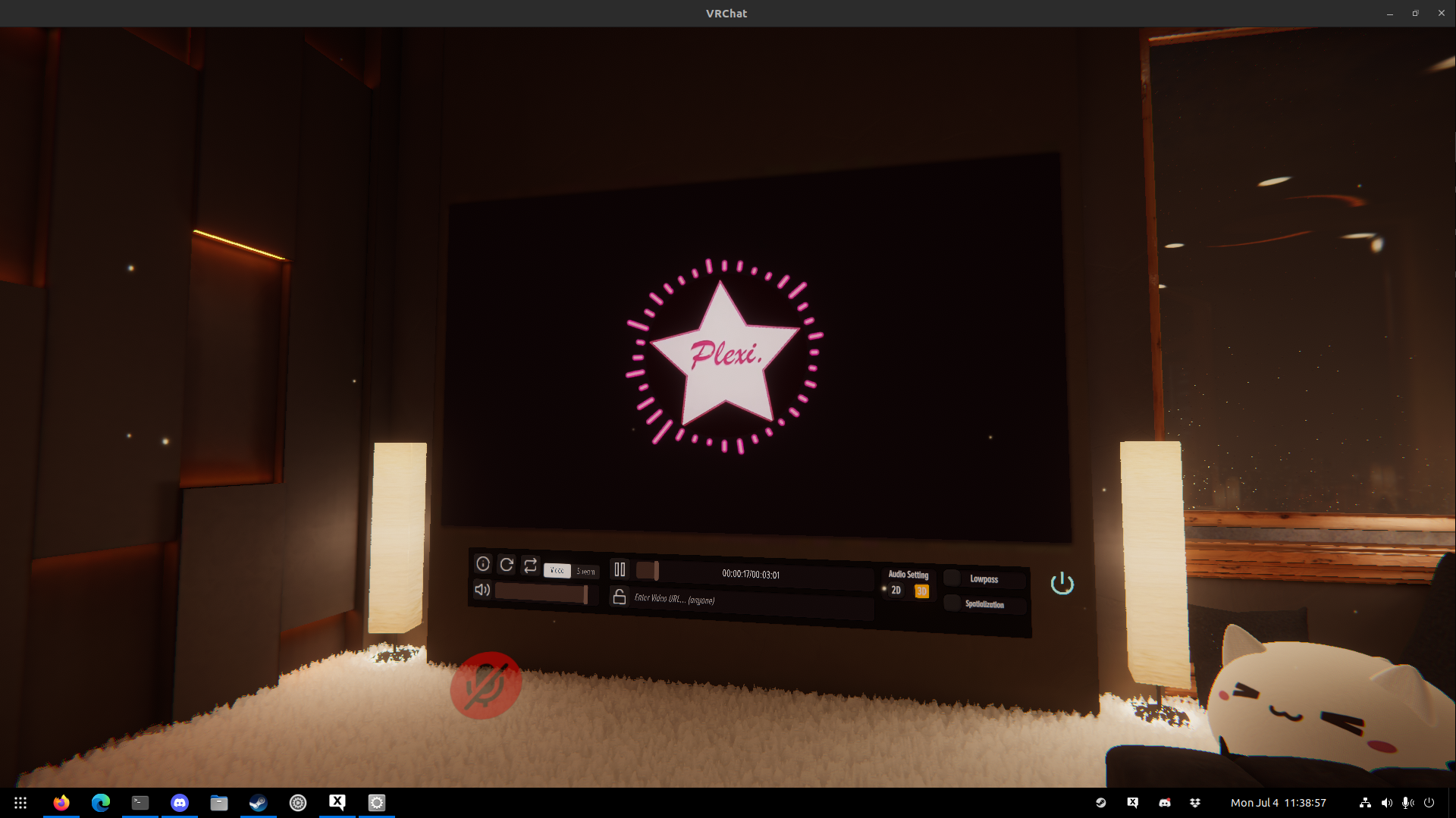
Midnight Rooftop works perfect!
Cozy Boat plays the audio at double speed, but the video plays fine. This can be confirmed by playing a time sync video, where the beats happen exactly twice as fast as in the video.
Also, the video player stops preemptively. The YouTube clip is 30 minutes long, but the video dies after 53 seconds. Even with the double-speed audio, that only accounts for 106 seconds, barely 2 minutes.
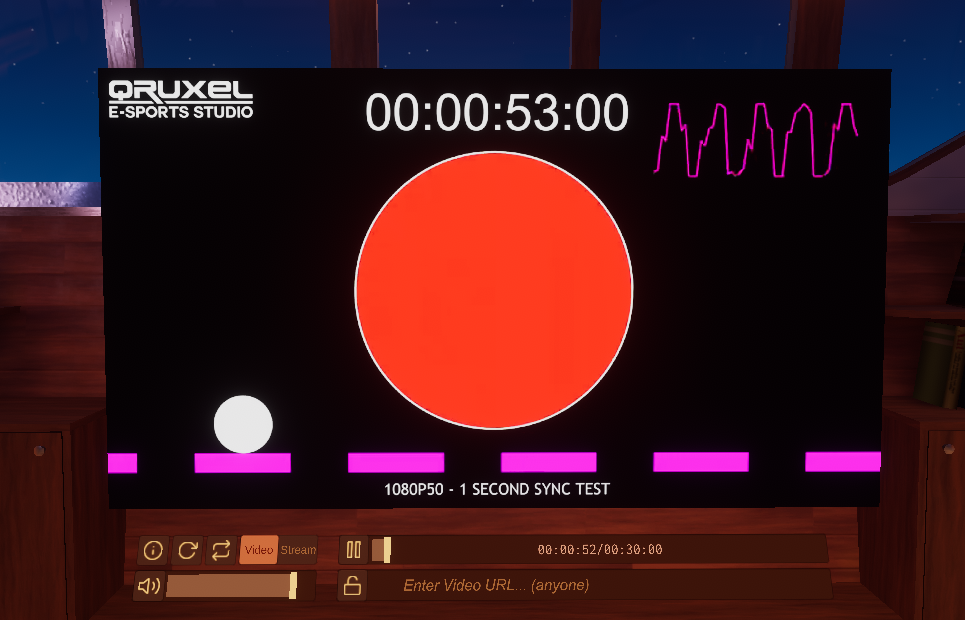
The video is completely stopped/crashed, even though the player says it's only 53 seconds in and still "playing".
Awesome progress :clap:
Does it work with live streams?
Example stream: https://www.youtube.com/watch?v=5qap5aO4i9A
I tried that, but VRChat is crashing when I tried to play live streams.
However, I was able to play some YouTube videos perfectly with same settings too.
While Youtube and licensed codec statically hosted videos are pretty great, you're going to want to test it with a low latency livestream like the whitelisted provider VRCDN, as that's the major use case here in VRChat lately.
(This is due to the bustling concert and limited time events scene that has events daily, but especially on weekends).
There's other creative uses of realtime video that worlds rely on too. Typically if you want the best latency and streaming quality, it's an RTSP(t) source in Avpro's "low latency mode".
Just a reminder to observers that YT-DLP is used in VRChat to get a "media player friendly" url locally when a call is made from the client via udon sync to tell each user in the room to play a video. That url is not synchronized, but resolved locally, which is why you'll sometimes get inconsistent results in a group of users.
AVpro is one of two ways video is played in VRChat, and video players will be "set" in one or the other way, synchronized to the master of the room or current owner of the gameobject. If AVpro can't be made to work and you can only use Unity video player, there's a few tricks you have to do to make a player that is compatible to both. Mainly, you need to use a render texture that will give you the same video on the same canvas or swap the "screen" out entirely depending on which "mode" the player is in.
A creative player could theoretically put a local only toggle that swaps the user to use Unity Video Player while copying the rest of the settings from the person playing the stream.
That being said some livestreams historically worked in unity's native video player in windows, like mpeg2 and other formats.
I have a couple of maps where Lox's videoRT custom render texture material is being used that allows for this, and the video player seamlessly swaps between avpro and unity video player, and I could host a stream for anyone on VRCDN if you're testing.
@MehStrongBadMeh This is a bit of a nonsequiter and probably just about as useful as the "Why not Vulkan" comments... But how non-trivial is it to switch/ introduce the engine to openXR?
We have stuff like the Monado stack coming up https://gitlab.freedesktop.org/monado/monado which opens the door to all sorts of crazy VR configs and a huge amount of devices all platform independent such as box64 proton on ARM!
Is there any internal will to swap out or introduce new APIs?
Recently I started to see my whole game freeze up (not crashing), last few lines of logs on the console always looks like:
<Transmtn.Get GET api/1/time>

authcookie_
PostOffice SystemTime=07/07/2022 20:56:38 UTC
PostOffice ServerTime=07/07/2022 20:56:38 UTC
SystemTimeToServerTimeAdjustment=-00:00:00.3199220
<Transmtn.Get GET api/1/time>

authcookie_
PostOffice SystemTime=07/07/2022 20:57:38 UTC
PostOffice ServerTime=07/07/2022 20:57:38 UTC
SystemTimeToServerTimeAdjustment=-00:00:00.3163484
<Transmtn.Get GET api/1/time>

authcookie_
PostOffice SystemTime=07/07/2022 20:58:38 UTC
PostOffice ServerTime=07/07/2022 20:58:38 UTC
SystemTimeToServerTimeAdjustment=-00:00:00.3217522
Warning: The game hasn't rendered a frame from us in over 10 seconds
Warning: The game hasn't rendered a frame from us in over 10 seconds
Edit: Look at the timestamp the log doesn't seem to be relevant to the freeze. There's nothing in the log file either.
But how non-trivial is it to switch/ introduce the engine to openXR?
Pretty dang non-trivial. It is being investigated though. Can't really discuss much further there.
Recently I started to see my whole game freeze up (not crashing), last few lines of logs on the console always looks like:
Having a similar issue. Found that reverting from Proton Experimental Bleeding Edge back to just Experimental fixed the issue.
I can confirm that updating to the latest build of AVPro fixes it (and, by extension, the stream player) entirely in Proton and Steam Deck. Expect to see it in the next major VRChat update.
@MehStrongBadMeh Awesome news!
Nevermind to my answered openXR question as it appears that Monado actually has a little shim layer to provide an OpenVR interface. I'm using it right now while out and about with the QWERTY driver to pull up the VRC OpenVR virtual HMD on screen!
Holy damn!
For any of those suffering from the dreaded steamVR double vision & stutter give Monado an install and test out your headset and controllers with the vive or libsurvive physical drivers, **you may find the game playable on the open stack as of today. **
Nevermind to my answered openXR question as it appears that Monado actually has a little shim layer to provide an OpenVR interface. I'm using it right now while out and about with the QWERTY driver to pull up the VRC OpenVR virtual HMD on screen!
Are you referring to https://gitlab.com/znixian/OpenOVR/-/tree/openxr? That looks like Windows only at the moment.
or is it the SteamVR plugin that lets you use the monado hardware drivers? https://monado.freedesktop.org/steamvr.html
Either way I'm interested in trying this out if you have the time to write up how you did it.
Sounds really interesting to me too. I suffer really badly from the double vision problem. I'm giving it a try following https://monado.freedesktop.org/getting-started.html and https://monado.freedesktop.org/steamvr.html
While I can get the monado service running, SteamVR outputs my vive display to my main monitor instead of the headset. The headset stays grey, but I can see that tracking is affecting the output on the monitor.
I am using X11 with AMD 5700XT.
@duckbytes I found a wiki page for running OpenComposite on Linux: https://gitlab.com/znixian/OpenOVR/-/wikis/OpenXR-Linux-Setup. I think that's required to actually replace SteamVR with monado.
OpenComposite currently does not work with the openxr branch or the input branch for VRC, pavlov might work last I heard. Might be cool for legacy performance reasons but no real use yet...
However, Monado appears to actually have a steamvr state tracker now that works as an official OpenVR lib that VRC can use! I got the game to output visually in the QWERTY driver on my end. The Monado Discord confirms that the website is out of date and they actually ship functioning OpenVR now.
The appeal of using the Monado stack is it cuts out the steamvr abandonware issues so we can actually collaborate on making a working software stack and VR compositor that talks to the firmware on all these devices. Hell even WMR is starting to come up, just missing some drift compensation and controller support so basically 80% there.
You MUST add Monado as a plugin to your steamvr stack and enable the monado addon in your settings for it to work with steamvr.
https://monado.freedesktop.org/steamvr.html
@SpookySkeletons I don't want to lead this thread off-topic, so I keep it short: I gave monado a try, but I ran into the issue that it spawns the VR view on the desktop instead on the HMD (also, monado-service spams the console with [vive_sensors_read_lighthouse_msg] Unexpected sensor report type Unknown while steamvr is running).
Are you using the vive driver? Check the support matrix for devices/ drivers you will need to use libsurvive with v1 lighthouses
@SpookySkeletons I'm on Index with v2 lighthouses. Not sure which driver it is using.
@DASPRiD Addon installed and enabled in steamvr?
I can confirm that updating to the latest build of AVPro fixes it (and, by extension, the stream player) entirely in Proton and Steam Deck. Expect to see it in the next major VRChat update.
Ooh, this is fantastic news! I am super excited! This is the best thing that's happened related to VRChat for me since getting VR!!
OpenComposite currently does not work with the openxr branch or the input branch for VRC, pavlov might work last I heard. Might be cool for legacy performance reasons but no real use yet...
However, Monado appears to actually have a steamvr state tracker now that works as an official OpenVR lib that VRC can use! I got the game to output visually in the QWERTY driver on my end. The Monado Discord confirms that the website is out of date and they actually ship functioning OpenVR now. The appeal of using the Monado stack is it cuts out the steamvr abandonware issues so we can actually collaborate on making a working software stack and VR compositor that talks to the firmware on all these devices. Hell even WMR is starting to come up, just missing some drift compensation and controller support so basically 80% there.
You MUST add Monado as a plugin to your steamvr stack and enable the monado addon in your settings for it to work with steamvr. https://monado.freedesktop.org/steamvr.html
How to I ensure that it uses Monado instead of detecting my Vive first and trying to drive it directly? And how would I configure which Vive tracker goes where?
@happysmash27 You need to add it as a steamvr driver from that guide and make sure the "monado" addon is enabled in settings. steamvr crashes can disable it by accident so make sure to reenable it if it ever does.
I have NOT tested my HMD yet on account of being on vacation. Only able to test the virtual QWERTY driver and saw that openvr lib worked.
@SpookySkeletons Hm, the website did not say anything about an addon, where does one find it?
@DASPRiD Go here and register your plugin then make sure the addon is enabled.
https://monado.freedesktop.org/steamvr.html
@SpookySkeletons I got the plugin registered, but where can I enable the addon? I looked through the steamvr settings and didn't find anything.
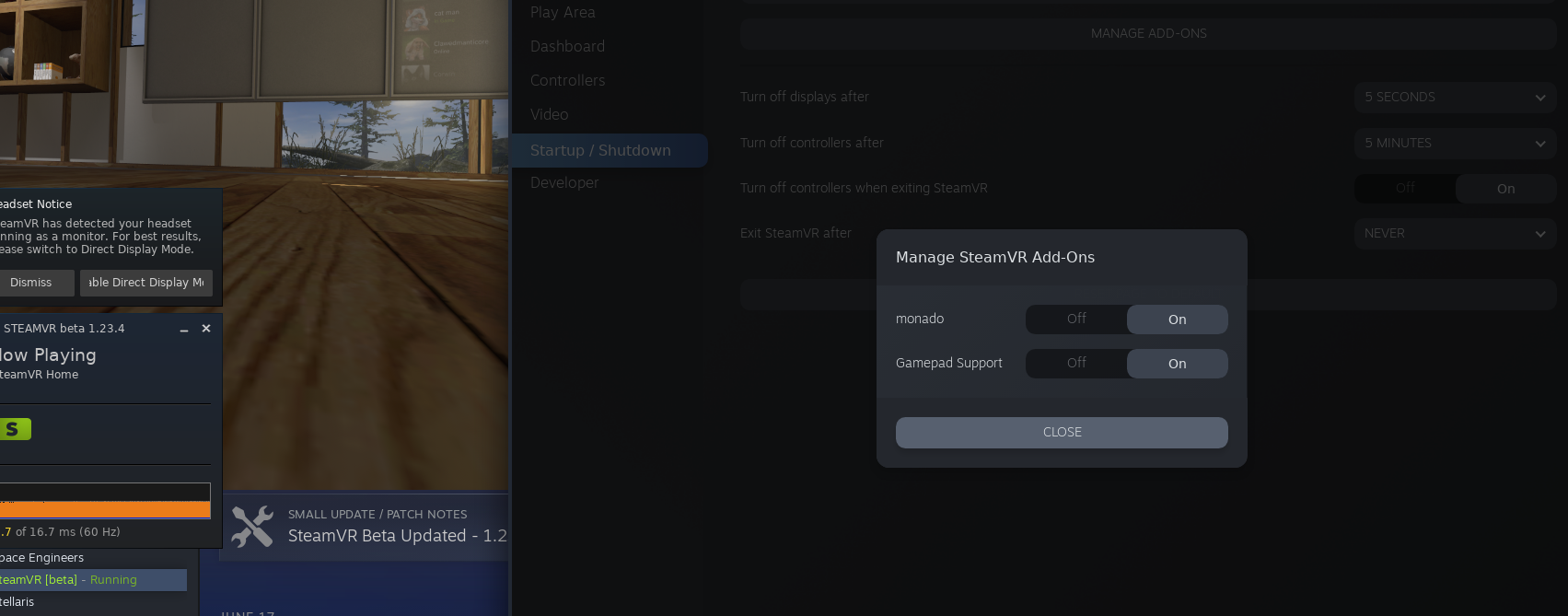
Try here. The Monado service must be started beforehand on my machine as I'm running openRC without the fancy systemd autostart stuff.
Recently I started to see my whole game freeze up (not crashing), last few lines of logs on the console always looks like:
Started having this issue on regular Proton Experimental (but also the video player worked, so guessing Bleeding Edge became experimental)
Found that PROTON_NO_FSYNC=1 seems to fix it.
I found this page about needing libsurvive to be installed before compiling monado - https://monado.freedesktop.org/libsurvive.html
But I've tried a few different combinations of installing libsurvive, libsurvive-git, monado-git, installing libsurvive from source and monado from source, but for some reason libsurvive never appears in the list under "Regular built in drivers" when running monado-cli probe.
However when compiling monado it does say DRIVER_SURVIVE: ON and DRIVER_VIVE: ON in the output.
Not sure if this is the key to getting monado to work or not. I can't see any steps I've missed in the documentation.
On my QWERTY here, I'm running Monado as a regular user executable with monao-service using the specific environment vars to force the QWERTY driver but it should automatically select survive for your hardware even if it doesnt pick up on it in the probe (mine's not there either, I think it exists in the vive driver as a sublibrary).
- Run monado-service and ensure it's happy and your headset should light up with a white BG
- Run steamvr ensuring that the monado addon is active and installed, steamvr will show the home
- Fire up VRC as regular
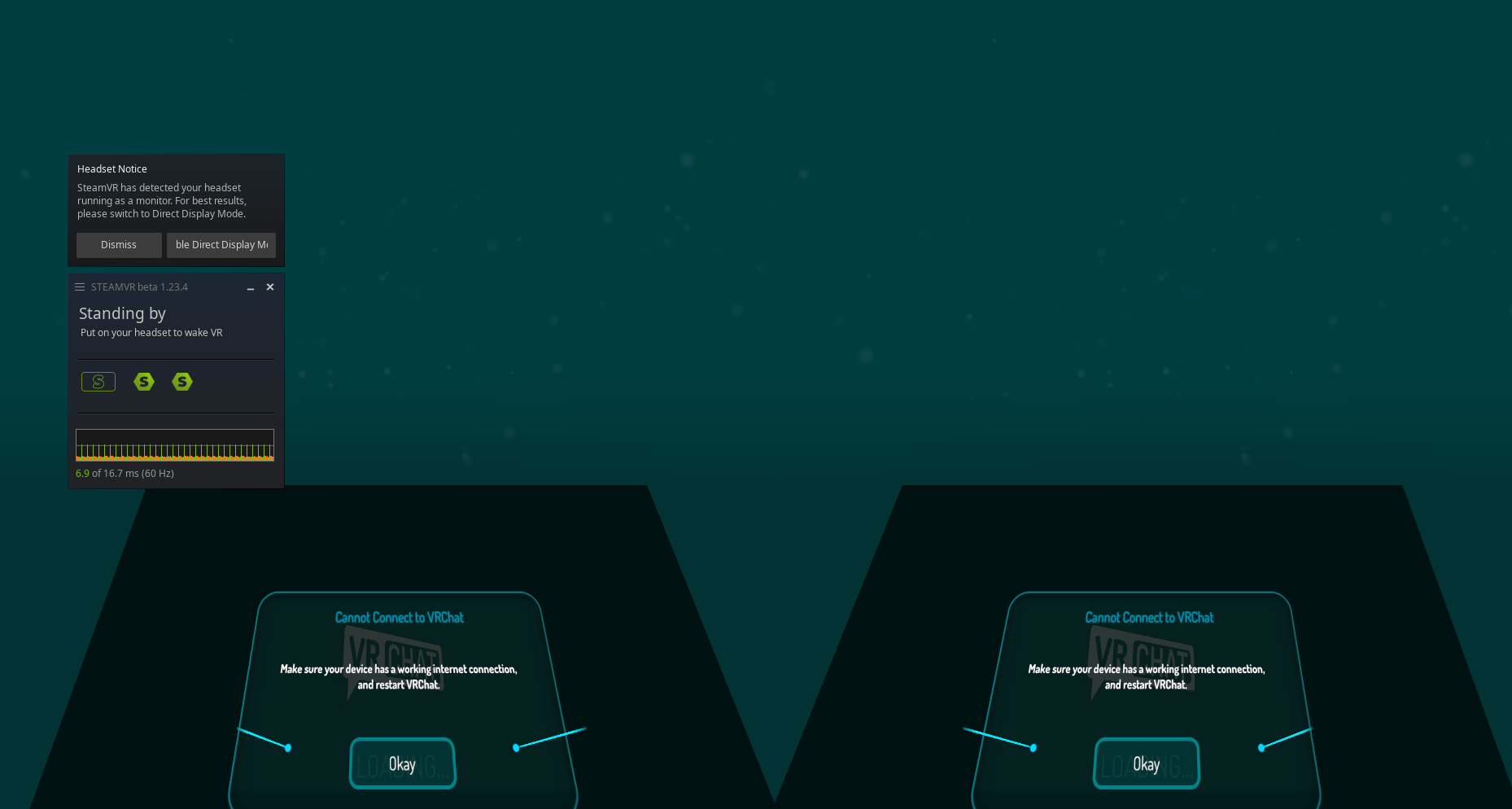
On further investigation, it appears AVPro isn't working nearly as well as I thought. Turns out the player I was using automatically switches to Unity Player for non-streams. Switching to a different player I can manually control reveals the true situation:
- All AVPro videos play flipped upside down - I have no idea why, possibly needs to be fixed in Proton or possibly needs to be fixed in AVPro. It is theoretically possible for us to work around it in Unity, but that would be a hack. Will ask AVPro about it.
- Streams don't work - I am pretty sure this is a Proton issue, I don't think Proton has any handling for dealing with m3u8 files. Perhaps @yshui might be able to assist there.
We'll still be releasing the updated AVPro in our next release, as it makes it possible for people to develop and test potential Proton fixes for it.
Recently I started to see my whole game freeze up (not crashing), last few lines of logs on the console always looks like:Started having this issue on regular Proton Experimental (but also the video player worked, so guessing Bleeding Edge became experimental)
Found that PROTON_NO_FSYNC=1 seems to fix it.
@Goofybud16 How long would you generally be playing before getting the freeze?
Also, could you compare current experimental (20220706) and the build I uploaded here (unlock code "proton"): https://www.codeweavers.com/xfer/alasky/proton-test/ to confirm that the regression is between those two? (and also Bleeding Edge just to make sure it isn't already fixed?). You can test that build by:
- Put build in ~/.steam/steam/compatibilitytools.d/. (you might need to create the compatibilitytools.d directory there if you don't already have one).
- Untar build
- Reboot Steam
- Build should show up under drop-down menu when selecting proton versions.
The flipping part is normal for AVPro by itself. Most media players out there now are using some variant of Lox's videoRT which is a custom render texture which accounts for the flip, or we force it to only use Avpro, ignoring unity video player.
Changing this in VRChat would immediately break pretty much every world that has a video player using AVPro, this UV flip is totally expected by anyone building this out (many of our custom shaders for things like the huge alternate world show need the xy 0 position for avpro in the UV to be predictable, please don't change this.)
As for m3u8 - that's half the battle. Youtube live and Twitch use m3u8, but a more pressing soft target would be RTSPT and mpeg2 as that's what is used for VRCDN. For all of the major live events with 500-2000+ attendees every weekend across several instances use vrcdn's rtspt stream and just mirror the output to twitch. Twitch/yt/vimeo/etc is less often used in the more popular worlds these days if we're being honest, but it's still a thing from time to time.
Best Regards/どうぞよろしくお願いいたします。
Dylan Brown
tw: @dylhun
On Tue, Jul 12, 2022 at 8:03 AM MehStrongBadMeh @.***>
wrote:
On further investigation, it appears AVPro isn't working nearly as well as
I thought. Turns out the player I was using automatically switches to Unity
Player for non-streams. Switching to a different player I can manually
control reveals the true situation:
- All AVPro videos play flipped upside down - I have no idea why,
possibly needs to be fixed in Proton or possibly needs to be fixed in
AVPro. It is theoretically possible for us to work around it in Unity, but
that would be a hack. Will ask AVPro about it.- Streams don't work - I am pretty sure this is a Proton issue, I
don't think Proton has any handling for dealing with m3u8 files. Perhaps
@yshui https://github.com/yshui might be able to assist there.We'll still be releasing the updated AVPro in our next release, as it
makes it possible for people to develop and test potential Proton fixes for
it.—
Reply to this email directly, view it on GitHub
https://github.com/ValveSoftware/Proton/issues/1199#issuecomment-1181675104,
or unsubscribe
https://github.com/notifications/unsubscribe-auth/AFQNHWULRN4OEHCIM2OOCHLVTVNHVANCNFSM4FS34H6A
.
You are receiving this because you were mentioned.Message ID:
@.***>
Once again, you are not correct.
This flip is a disparity from trying the same players in Windows which do not experience this issue.
Strongbad, I promise you I am not talking out of my ass here. We do this every single day for an internationally recognized company.
https://github.com/RenderHeads/UnityPlugin-AVProVideo/issues/284 <-
This is a commonly known thing. Avpro intentionally doesn't flip to save overhead in vr you're expected to flip the UV itself.
I promise all the players you're using are accounting for that. Use it raw on windows and you'll see it's the same.
@MehStrongBadMeh
What API does AVPro use to play m3u8? Does MF support playing directly from m3u8?
As for RTSP, gstreamer should already be able to handle that. Do RTSP streams not work either?
@yshui I am no longer convinced the issue is related to m3u8. Although I also have no idea what is going on. I tried the example RTSP stream on this page: https://www.wowza.com/developer/rtsp-stream-test but it failed to play in Proton (works fine in Windows). We'll be releasing the update pretty soon, so you'll have an opportunity to try it out for yourself and see what is going on.
Sidenote: one of my co-workers mentioned that most of our users who set up RTSP streams actually use RTSPT, which was left out of the added scheme handlers for some reason.
which was left out of the added scheme handlers for some reason.
I think it's just neglect on my part. It would be pretty easy for Proton dev to add them, hopefully they will see this comment...
How long would you generally be playing before getting the freeze?
@alasky17, it was usually within around 10 minutes that I'd see the freeze. Sometimes it was right away (joined a world and the game crashed); sometimes it was while sitting in a world talking with someone. Tried multiple worlds, none seemed to really help much (originally thought it was related to the video player, hence changing worlds).
Looking at chat logs, I believe the first day I observed the issue was July 6 towards the end of the day, and fixed it by rolling back to Proton Experimental non-bleeding edge. I had been running Bleeding Edge to get the Video player to work, seems like one of the last changes to Experimental Bleeding Edge prior to Experimental updating may have been related.
Testing in Desktop mode I wasn't able to reproduce the issue after about 20 minutes.
Testing results in VR mode (SteamVR 1.22.13, Index, Index Controllers, 3x Vive Tracker 2.0, 3x Basestation 2.0) :
Kernel 5.18.10 (Mainline + Debian 5.18 config + 1000Hz)
| Proton Version | PROTON_NO_FSYNC | Crash |
|---|---|---|
| Experimental | Unset | Freeze (at startup) |
| Experimental 20220628 | Unset | Perfectly fine for 20-30 minutes |
| Experimental Bleeding Edge (as of Jul 13) | Unset | Freeze (At startup) |
| Experimental | 1 | Works for hours, no problems |
| Experimental Bleeding Edge | 1 | Runs fine for 20-30 minutes |
I also get a freezing issue. Usually it happens within the first few minutes or so, but once or twice it also happened after a much longer time – more than 30 minutes IIRC. Sometimes VRChat also just randomly and very suddenly crashes. The freezes are more common than the crashes though.
Rtspt and rtsp are generally interchangeable for the purpose of vrcdn.
For example, rtsp, (dropping the t), will work in vlc projector in obs
using vrcdn relay.
Rtspt will not (edit for clarity) work in OBS At the moment, but it's required for VRCDN in VRChat with AVPRO for low latency mode, but the rtsp address isn't even listed as a supporting stream format (in vrcdn, but it does work in OBS!).
To be spicific, the Real Time Streaming Protocol itself is split into three:
Rtspu is udp, rtspt is tcp, and rtsp is unspecified, or "autonegotiating"
basically.
Again if you need a proven working stream type hit me up. I can broadcast
from anywhere in the world to any format vrcdn supports (you'll probably want rtspt!) from multiple sources simultaniously, including fmp4 or m3u8 or rtsp or etc, though I reccomend reaching out to them and working with them directly. Great group of people over there.
For the purposes of Concerts in vrchat we always use rtspt and mpeg2 for quest as that's what they recommend for their service.
For twitch it's m3u8 mp4 h.264 main 6000kbps 4.1 or so.
For YouTube it's usually identical, except when it's occasionally vp8 or
vp9, but iirc vrchat forces the quest compatible selection from static
video and m3u8 for streams.
Vimeo is identical.
SoundCloud is audio only but probably doing something unusual like aac
alone or vorbis.
Topazchat in Japan uses rtsp straight up.
On Wed., Jul. 13, 2022, 3:58 p.m. MehStrongBadMeh, @.***>
wrote:
@yshui https://github.com/yshui I am no longer convinced the issue is
related to m3u8. Although I also have no idea what is going on. I tried the
example RTSP stream on this page:
https://www.wowza.com/developer/rtsp-stream-test but it failed to play in
Proton (works fine in Windows). We'll be releasing the update pretty soon,
so you'll have an opportunity to try it out for yourself and see what is
going on.Sidenote: one of my co-workers mentioned that most of our users who set up
RTSP streams actually use RTSPT, which was left out of the added scheme
handlers for some reason.—
Reply to this email directly, view it on GitHub
https://github.com/ValveSoftware/Proton/issues/1199#issuecomment-1183621006,
or unsubscribe
https://github.com/notifications/unsubscribe-auth/AFQNHWT5FEI3PMXDQH56WJ3VT4NVTANCNFSM4FS34H6A
.
You are receiving this because you were mentioned.Message ID:
@.***>
Anyone else reading this thread. Don't let Lhun discourage you from adding rtspt support to the scheme handlers.
Also getting the freezing issue here on proton experimental. It was definitely there in the previous experimental version also, since I remember it freezing there too while testing the video-fixes.
Anyone else reading this thread. Don't let Lhun discourage you from adding rtspt support to the scheme handlers.
I'm not sure where you thought I was discouraging anyone, i'm saying precicely the opposate. RTSPT followed by HLS m3u8 in h.264 [email protected] in that order, everything else is fairly miniscule. You need all three! RTSPT is the -most- required protocol encapsulation and delivery if you want the "full monty" vrchat clubbing experience on linux with low latency, like it is for windows.
I hope it's available soon, because i've got plenty of people who would jump to linux full time if that one thing worked (myself included, probably!)
Replying to https://github.com/ValveSoftware/Proton/issues/1199#issuecomment-1184773129
Edit 2: removing the comment as a whole, please delete if you can, moderators.
@Semperverus I invite you to reserve comments that don't contribute anything to the discussion altogether. Everyone is waiting for these problems to be fixed like you but I don't know where you got that idea when he's been openly discussing about this for a long time. You rarely see this much engagement from the developer side.
@Semperverus I invite you to reserve comments that don't contribute anything to the discussion altogether. Everyone is waiting for these problems to be fixed like you but I don't know where you got that idea when he's been openly discussing about this for a long time. You rarely see this much engagement from the developer side.
I realized that about an hour after I wrote it, but GitHub does not let you delete your own comments, or at least it isn't letting me. Still though, communication styles matter, even if it is rare. A better way to phrase what they said would have been "please don't let the discussion discourage you." How they addressed Lhun was not professional.
@ZarathustraDK @happysmash27 @Goofybud16 We are currently looking into the experimental freeze. My recommendation is to use PROTON_NO_FSYNC=1 %command% for now while we work on solving the problem.
We have been having trouble reproducing the issue -- could y'all get logs of the freeze? You can just add this to the launch options (without nofsync of course): PROTON_LOG=+pid,+loaddll,+timestamp,+seh,+unwind,+vrclient,+openxr,+vulkan,+fsync,+server %command%
That actually cropped up when I had QA test the updated AVPro (to ensure we were clear to merge it into the codebase). Seems to be totally random, though it strikes more commonly on a fresh install of VRChat, so it may be worth uninstalling and reinstalling VRChat to try to bait it out.
VRChat also seem to trigger a bug in Wine, see: https://github.com/ValveSoftware/Proton/issues/1199#issuecomment-1145092279 Hope this can get some attention...
I said it went away with wiping compdata. This is true to some extent, before I did that, VRChat crashes so often it's unplayable. Now it still happens but it way less often, maybe once every 30 hours of play time?
@Goofybud16
Experimental 20220628 Unset Perfectly fine for 20-30 minutes
Experimental 1 Works for hours, no problems
Experimental Bleeding Edge 1 Runs fine for 20-30 minutes
Could you clarify what you mean here? Did you have trouble with either build after 20-30 min? Or did you just only test those proton versions for 20-30 min whereas you tested the other version for many hours? If there is a problem after 20-30 min, a log with just PROTON_LOG=1 of that problem would be helpful.
Also, logs of the freeze with the logging channels I mentioned above (PROTON_LOG=+pid,+loaddll,+timestamp,+seh,+unwind,+vrclient,+openxr,+vulkan,+fsync,+server %command%) would be greatly appreciated if you get time :)
Did you have trouble with either build after 20-30 min?
No issues, to clarify, that is just how long I ran them for before moving on. The one I tested for hours is my usual play configuration.
I further tested Experimental Bleeding Edge after that comment for a few hours, and it seems to hold up find as well with PROTON_NO_FSYNC=1.
20220628 build also ran fine back when I was using it (before it updated) but I didn't test it for a longer period this time.
My VRChat logs with PROTON_LOG=1 often have a series of base-64-esque characters, a newline, then a string beginning with authcookie_ that contains a series of numbers and characters delineated by - afterwards. Are logs with these safe to publish publicly, or should one remove any lines containing these beforehand?
@ZarathustraDK @happysmash27 @Goofybud16 We are currently looking into the experimental freeze. My recommendation is to use
PROTON_NO_FSYNC=1 %command%for now while we work on solving the problem.We have been having trouble reproducing the issue -- could y'all get logs of the freeze? You can just add this to the launch options (without nofsync of course):
PROTON_LOG=+pid,+loaddll,+timestamp,+seh,+unwind,+vrclient,+openxr,+vulkan,+fsync,+server %command%
Attached is my Proton log from last night with PROTON_LOG=1 which I generally leave on, passed through |grep -v "Windows.System.DispatcherQueue"|grep -v "authcookie_"|grep -v "<that random string of characters>". The random string of characters then string starting with "authcookie" seems to always start after the message that starts with <Transmtn.Get GET and which ends with something it is trying to retrieve, e.g, api/1/auth/user/notifications?type=friendRequest&n=100&offset=0, and then a >.
Since your log command includes unwind I have opted to not include the grep -v "trace:unwind", which raises the file size from 260K to 8.4M. Removing the redundant dispatcher queue messages (and authcookie things) lowered the size from 27M to 8.4M.
Since I was only running it to test an avatar and it only worked for a bit before crashing the file size is quite a bit more reasonable than normal so can be uploaded to Github without issue:
steam-438100_2_no_dispatch_queue_etc.log
It should be noted that what caused it to quit fully was most likely me closings SteamVR, after the freeze lasted long enough that it did not look like it would recover.
I will also use the requested log options in the future, but in case it is of any use I am sending a currently available log now in order to get a log out more quickly.
Please mind that logs are compressed very well, even a several GB log can be compressed and uploaded somewhere. Unfortunately the basic log gives no clue what it is waiting for, chances are that the log with suggested channels will tell more.
Also, is it possible to check if the hang is there or not with PROTON_NO_FSYNC=1 PROTON_NO_ESYNC=1 (that is, with server sync)?
Also, I actually do see something in the log, the game is probably hung in its main thread while holding a ctitical section from GameAssembly.dll (no clue why though). If it is maybe possible to guess from some game logs what it is waiting for maybe it can give some clue what is going wrong.
https://github.com/ValveSoftware/Proton/issues/1199#issuecomment-1185776786 @alasky17
Here's a log of VRChat after it crashed
steam-438100.zip
I was finally able to get a freeze log after many tries, but my log is 52MB even after compression and cannot be uploaded because of that. And the crazy thing, is that this is one of my smallest logs! I had tried doing the same thing earlier but just didn't crash for so long, and ended up with a log of 50GB or so before I restarted VRChat without the logging. This logging format uses data like crazy enough to tank my framerate, so I couldn't just leave it on all the time... but then VRChat started crashing again so I was able to get it to happen shortly after launch and capture it in the log, which again, is still too big for Github.
VRChat is implementing EAC. @MehStrongBadMeh, has the checkbox that makes it work on Linux been checked? Worried that I may get banned despite not using any mods.
Also wonder if this effects YouTube-DL or not. I had swapped it out before and would need to double-check it is original if it is doing EAC on YouTube-DL too.
I have ensured and tested that EAC has been set to be Linux, Proton, and Steam Deck compatible. No worries there.
I was finally able to get a freeze log after many tries, but my log is 52MB even after compression and cannot be uploaded because of that. And the crazy thing, is that this is one of my smallest logs! I had tried doing the same thing earlier but just didn't crash for so long, and ended up with a log of 50GB or so before I restarted VRChat without the logging. This logging format uses data like crazy enough to tank my framerate, so I couldn't just leave it on all the time... but then VRChat started crashing again so I was able to get it to happen shortly after launch and capture it in the log, which again, is still too big for Github.
There should be a way to upload 52MB somewhere. E. g., dropbox?
Video players now works on Linux since the first EAC update launched on live. It's is mentioned on the patch notes. https://docs.vrchat.com/docs/latest-release#fixes 🎉🎉🎉
I hope this fix affects everyone, but at least it works now on PopOS 22.04 (tested using desktop mode).
Yes, this update contains the updated AVPro that fixes it on Proton. As a result, I have removed the --enable-avpro-in-proton launch option as it is no longer needed. That being said, AVPro still isn't fully working, last I checked. That being said the path should now be clear for additional Proton updates to fix the remaining issues.
Interestingly, I tried setting AVPro to the other codec modes, to see if they ran if they ran any different. The result, they don't work at all. The default MediaFoundation mode is the only one that works in Proton. Which is good to know.
Unity Player seems to be fully operational, which is nice.
Yes, this update contains the updated AVPro that fixes it on Proton. As a result, I have removed the --enable-avpro-in-proton launch option as it is no longer needed. That being said, AVPro still isn't fully working, last I checked. That being said the path should now be clear for additional Proton updates to fix the remaining issues.
Yep you are right, it depends on the video player, I tested AVPro and it flips the video upside down and sound controls don't work, but with the Unity player it works great. Even with that issues that's a very big step.
Looks like the EAC update broke VRC for me..
Attached is my log.
I did a verify integrity of files before trying to run it.
Using proton experimental.
Edit: I tried a clean prefix and now it doesn't show not responding, but it is stuck on a blank loading screen.
For some reason github won't let me upload this log, but I'll try to upload it again a bit later.
Final edit: Switching to proton 7 seemed to fix it and going back to experimental it still keeps working, so not sure what happened really.
Random freezes that use 100% CPU are happening.
I needed to use proton-ge in the last version, the last proton from Steam did not start the game.
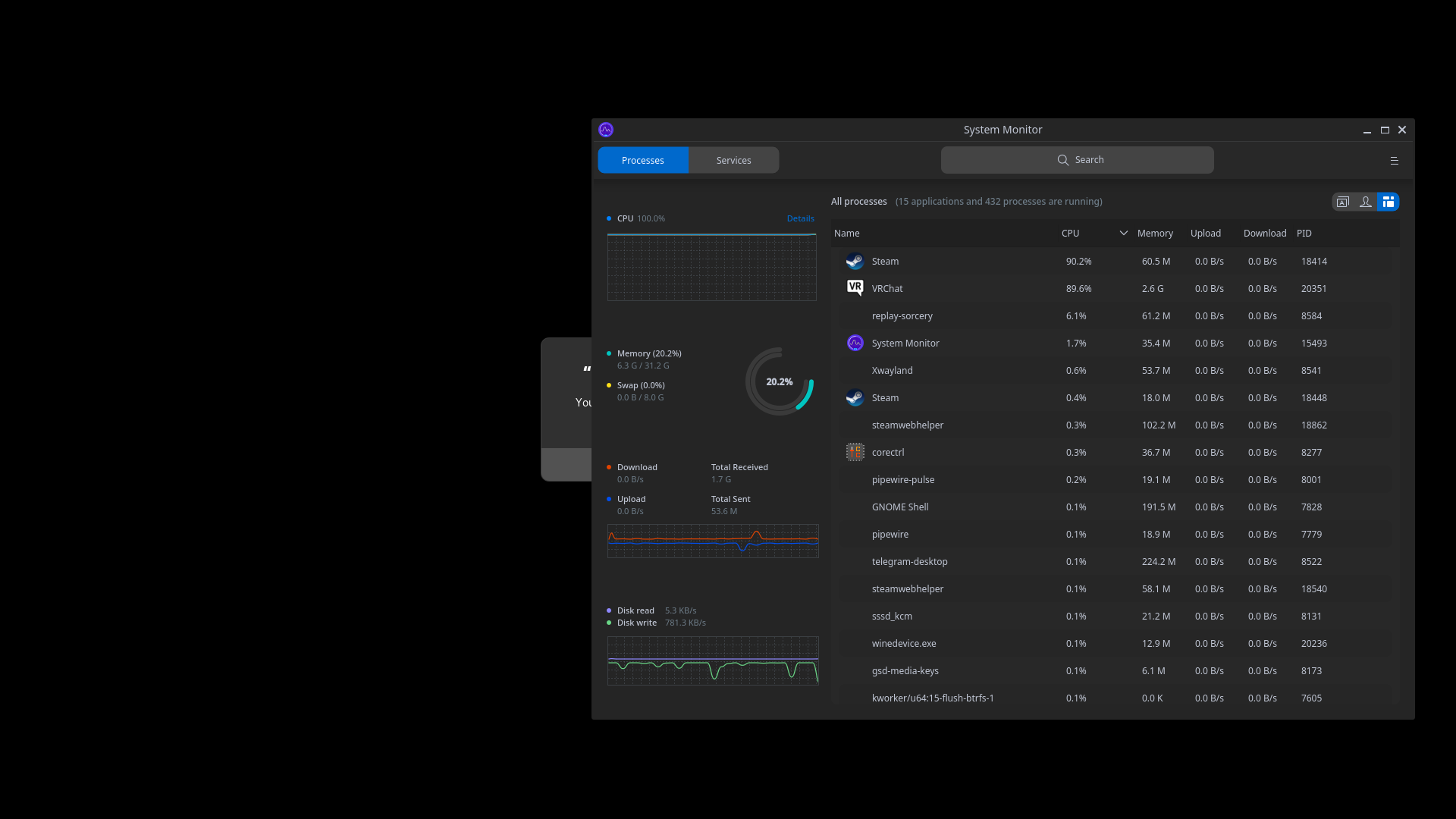
Running Proton experimental on manjaro
the game wont connect to steam compositor for me. launching from both within steamvr and steam desktop app.
Steamvr is running I can do more tests and grab logs tomorrow
But this EAC rootkit update has been a big botch job for me. even on my windows drive it failed. and I had to reinstall windows as all recovery tools (dism/sfc) failed to repair windows and I lost the ability to launch other apps (some how killed chocolatey gui on my windows side)
I am also experiencing the same issue as noideaman. Can provide logs if told where to find them.
For me, VRChat can start and run with EAC, but it refuse to launch in VR mode. If I choose the VR mode, it still starts in desktop mode.
From log:
2022.07.27 17:59:15 Error      -  XR: OpenVR Error! OpenVR failed initialization with error code VRInitError_Init_InterfaceNotFound: "Interface Not Found (105)"!

...

2022.07.27 17:59:15 Error      -  InitVRSDK failed: failed to load 'OpenVR'!


2022.07.27 17:59:15 Log        -  VR Disabled
Other VR games seems to work fine.
@MehStrongBadMeh
Hello @yshui, please add PROTON_LOG=1 %command% to the game's launch options and attach the generated $HOME/steam-$APPID.log to this issue report as a file. (Proton logs compress well if needed.)
@kisak-valve do you want me to set any additional WINEDEBUG flags?
My experience:
- On first run (reinstalled VRChat) it installs the dependencies first.
- It starts what I assume is the EAC installer (black window with a blinking cursor), this goes away after about 10 seconds without any sign of success or failure.
- The EAC-loader pops up for a split second. This seems to me a very short time (maybe an EAC-installation problem?)
- VRChat starts, I login to my VRChat-account.
- It warns me that it's about to drop me into a tutorial world, I click OK, and I get stuck on an empty, animated loading background with music playing like in @duckbytes screenshot. It never gets any further.
- I kill the program and restart it.
- Now it assumes I've already gone through the tutorial and starts loading my home world like normal
- Black screen for a somewhat long time (~10 sec)
- Controls "cheat sheet" pops in first.
- Then
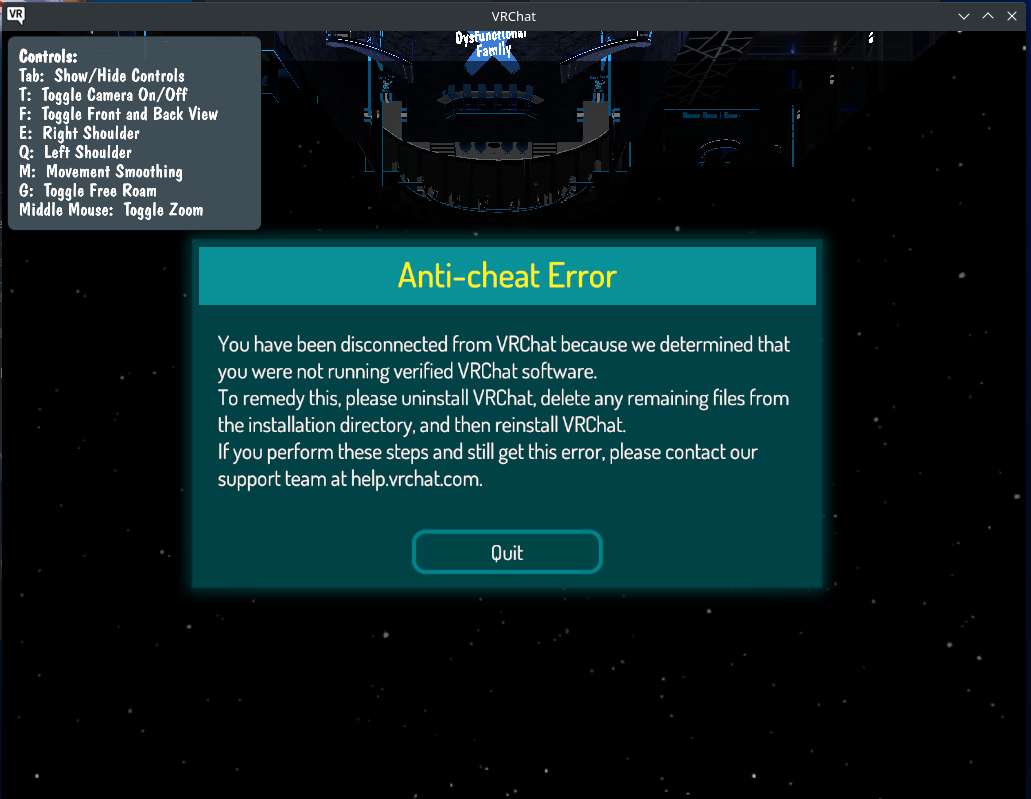
Clicking Quit closes the program.
@yshui Could you please attach the log with PROTON_LOG=+vrclient,+openxr if possible? Normally the VR interfaces plainly missing in Proton's vrclient are seen in the default log, but nothing here, probably something less obvious is going on.
@gofman
steam-438100.log.gz
maybe the relevant part:
123443.826:01c0:01c4:trace:loaddll:build_module Loaded L"Z:\\mnt\\local_storage\\shui\\SteamLibrary\\steamapps\\common\\VRChat\\VRChat_Data\\Plugins\\x86_64\\openvr_api.dll" at 00000001C4540000: native
123443.858:01c0:01c4:trace:loaddll:build_module Loaded L"C:\\windows\\system32\\api-ms-win-core-file-l2-1-1.dll" at 000000039F580000: builtin
123443.863:01c0:01c4:trace:loaddll:build_module Loaded L"C:\\vrclient\\bin\\vrclient_x64.dll" at 00007F8F24400000: builtin
123443.864:01c0:01c4:trace:vrclient:DllMain (0x7f8f24400000, 1, (nil))
123443.864:01c0:01c4:trace:vrclient:VRClientCoreFactory name: IVRClientCore_003, return_code: 0x10f2d0
123443.864:01c0:01c4:trace:vrclient:load_vrclient Linux OpenVR runtime is not available
123443.864:01c0:01c4:trace:vrclient:DllMain (0x7f8f24400000, 0, (nil))
123443.864:01c0:01c4:trace:loaddll:free_modref Unloaded module L"C:\\vrclient\\bin\\vrclient_x64.dll" : builtin
I think this means vrclient_x64 was not able to read the PROTON_VR_RUNTIME environment variable? Maybe EAC cleared it?
Update:
Steam helper is able to find vr runtime:
124310.447:0020:00cc:trace:steam:initialize_vr_data Starting VR info initialization.
124310.447:0020:00cc:trace:steam:load_vrclient got openvr runtime path: /home/shui/.local/share/Steam/steamapps/common/SteamVR/bin/linux64/vrclient.so
Update:
PROTON_VR_RUNTIME was not changed :thinking: , these are all the SetEnvironmentVariableW calls:
124726.953:0020:0024:trace:process:SetEnvironmentVariableW (L"PROTON_VR_RUNTIME" L"/home/shui/.local/share/Steam/steamapps/common/SteamVR")
124726.953:0020:0024:trace:process:SetEnvironmentVariableW (L"VR_PATHREG_OVERRIDE" (null))
124726.953:0020:0024:trace:process:SetEnvironmentVariableW (L"VR_OVERRIDE" (null))
124727.635:014c:0150:trace:process:SetEnvironmentVariableW (L"SteamNoOverlayUIDrawing" L"1")
124730.695:01c8:01cc:trace:process:SetEnvironmentVariableW (L"MONO_REFLECTION_SERIALIZER" L"yes")
124730.695:01c8:01cc:trace:process:SetEnvironmentVariableW (L"MONO_XMLSERIALIZER_THS" L"no")
124738.070:01c8:01cc:trace:process:SetEnvironmentVariableW (L"SteamAppId" L"438100")
124738.070:01c8:01cc:trace:process:SetEnvironmentVariableW (L"SteamGameId" L"438100")
GetEnvironmentVariable is not logged unfortunately logged, but only the call not the result of the environment variable, so:
124738.386:01c8:01cc:trace:process:GetEnvironmentVariableW (L"PROTON_VR_RUNTIME" 000000000010D0D0 4096)
not very useful.
At least if I hard code the VR runtime path in vrclient and recompile it, VR works. This means we just need to sort out the environment variable problem.
Hopefully I don't get banned for using a modified vrclient_x64.dll? 😕
Maybe not the best idea to discuss EAC circumvention here... @ZarathustraDK
Weirdly, for me the bug manifests in another way. When I try to start the game in VR mode, it just boots into desktop mode instead.
@DASPRiD
... manifests in another way. When I try to start the game in VR mode, it just boots into desktop mode instead.
no no, this is exactly the same as what i got.
@yshui Ah, good to know, thanks. I'll keep an eye on this thread then for possible solutions. Until then I'll be out of VRChat I guess.
@yshui
no no, this is exactly the same as what i got.
I'm as far as well. The EAC-circumvention didn't work. In fact I was being a dumb-dumb, I already had the EAC-circumvention installed for Star Citizen (thought I had it removed long ago), and that was what was getting me booted in VRChat. After removing it I can enter in pancake-mode, but VR-mode bugs out and enters pancake-mode instead.
Lessons were learned I suppose ^^'
I guess VRChat's QA just didn't test with VR mode at all then, when they said EAC works with Linux?
Probably only tested for Steam Deck-compatibility I imagine.
Well, we did test other Linux platforms. But not in VR. If there is something we can do on our end to get it working in VR on Linux, I am happy to implement that. I was going to contact Valve about this issue, but it looks like @kisak-valve is already investigating the issue. May still shoot out a message anyways.
The problem (at least the initial one observed with VR now) is clear, it is the way EOS EAC starts game process so that all the Windows environment variables are lost on the way. I am going to fix this part soon in Proton so we don't rely on Win env vars preserved to get that path.
@gofman Ah, excellent! Thanks for your help there.
Hello @MehStrongBadMeh, friendly reminder that I'm a moderator for Valve's issue trackers on Github and not a Proton developer myself. That said, I do regularly request for common information that's helpful for the folks that do fix the issues. Objectively to raise the quality of the feedback and to cut down on some of the communication lag that can happen. Credit should always go to the folks making the improvements.
@kisak-valve good to know. Your assistance in the communication is helpful and appreciated regardless.
I am going to fix this part soon in Proton so we don't rely on Win env vars preserved to get that path.
Good to hear. If only this was tested and discovered before launch...
VR should hopefully work with the just updated Proton Experimental [bleeding-edge] branch (the branch for Proton can be selected by opening Properties for Proton Experimental and going to "BETAS" page.
@gofman Thank you! Amazing how quickly you fixed it.
@gofman Confirmed working here, you just saved my friday. Thanks a million :D
Me: :cry:crying because running VRChat on Proton Experimental (bleeding-edge) is not working Update: Wow was I stupid. I forgot to push the blue update button on the Proton Experimental page in order to make it bleeding-edge! Please forgive my halfmindedness.
@gofman Thank you so much for saving my life.
I'm still keeping the logs here in just case anyone wants to see what I did.
Problem
VRChat will either not show up after starting or will start but in Desktop mode, not in VR. I've tried following duckbyte's https://github.com/ValveSoftware/Proton/issues/1199#issuecomment-1196192263 change to Proton 7 advice with no avail.
I then rebooted my system (because that does fix things up sometimes), and recorded myself starting SteamVR on beta and starting VRChat on Proton Experimental. Here's the footage.
Logs
【PROTON_LOG=1 %command%】
/home/kawanerio/steam-438100.log
【VRChat Output log】
/home/kawanerio/.steam/debian-installation/steamapps/compatdata/438100/pfx/drive_c/users/steamuser/AppData/LocalLow/VRChat/VRChat/output_log_05-02-39.txt
Environment
kawanerio@MoebuntuStudio11:~$ inxi -Gz
Graphics:
  Device-1: AMD Ellesmere [Radeon RX 470/480/570/570X/580/580X/590]
  driver: amdgpu v: kernel
  Display: x11 server: X.Org 1.20.13 driver: amdgpu,ati
  unloaded: fbdev,modesetting,vesa
  resolution: 1680x1050~60Hz, 1280x1024~60Hz, 1920x1080~60Hz, 1920x1080~60Hz
  OpenGL: renderer: AMD Radeon RX 580 Series (polaris10 LLVM 12.0.0 DRM 3.44
  5.16.9-051609-lowlatency)
  v: 4.6 Mesa 22.1.3
After gofman's fix
VRChat still won't load after starting. Even after changing Proton to bleeding-edge. vid.
Log
【PROTON_LOG=1 %command%】
/home/kawanerio/steam-438100.log
Although this is rather minute, VRChat do tend to not start in my environment sometimes. However, this can easily be fixed with a restart of SteamVR. Just wanted to know if I was the only one with this problem.
@KawaneRio I did experience that issue with a few VR games. Basically the first time it starts fine, then when I quit it and try to start it again, it won't come up at all until I restart SteamVR. Haven't figured out the cause of that yet.
@KawaneRio @DASPRiD Have you tried launching it while still in VR but from the desktop view by interacting with Steam's tray icon and/or window? I've found some weirdness around SteamVR always wanting to enter Room Setup mode even when it doesn't need to, and once it does, specifically launching games through the SteamVR UI is nonresponsive for at least a good few minutes.
So I tested out Bleeding Edge today, and I was able to play for 50 minutes, at which point it crashed. I then tried to restart the game but it immediately froze on the login window. I restarted the game again, and VRChat reported that my client was modified and kicked me out.
@KawaneRio I did experience that issue with a few VR games. Basically the first time it starts fine, then when I quit it and try to start it again, it won't come up at all until I restart SteamVR. Haven't figured out the cause of that yet.
Sounds like this bug: https://github.com/ValveSoftware/SteamVR-for-Linux/issues/479
afaik there is no fix beyond restarting vr
Launching doesn't work. Log file is so short I can put it in a comment
======================
Proton: 1659216786 experimental-bleeding-edge-7.0-21243-20220730-pf97544-wf05d1d-d0eaad2-vd00d03
SteamGameId: 438100
Command: ['/home/rory/.local/share/Steam/steamapps/common/VRChat/launch.exe', '--no-vr']
Options: {'forcelgadd'}
depot: 0.20220727.64
pressure-vessel: 0.20220726.0
scripts: v0.20220726.0-0-ga110829
soldier: 0.20220726.0 soldier 0.20220726.0
Kernel: Linux 5.18.0-2-amd64 #1 SMP PREEMPT_DYNAMIC Debian 5.18.5-1 (2022-06-16) x86_64
System WINEDEBUG: +mfplat
======================
fsync: up and running.
wine: RLIMIT_NICE is <= 20, unable to use setpriority safely
src/common/pipes.cpp (883) : fatal stalled cross-thread pipe.
src/common/pipes.cpp (883) : fatal stalled cross-thread pipe.
src/common/pipes.cpp (883) : Fatal assert; application exiting
src/common/pipes.cpp (883) : Fatal assert; application exiting
assert_20220730201709_3.dmp[1554198]: Uploading dump (out-of-process)
/tmp/dumps/assert_20220730201709_3.dmp
_ExitOnFatalAssert
pid 1553609 != 1553608, skipping destruction (fork without exec?)
assert_20220730201709_3.dmp[1554198]: Finished uploading minidump (out-of-process): success = yes
assert_20220730201709_3.dmp[1554198]: response: Discarded=1
assert_20220730201709_3.dmp[1554198]: file ''/tmp/dumps/assert_20220730201709_3.dmp'', upload yes: ''Discarded=1''
pid 1554198 != 1554197, skipping destruction (fork without exec?)
Deletion of prefix hasn't helped. Updating Proton Experimental hasn't helped.
Does anyone know if the EAC fix will be backported to the stable Proton branch?
Does anyone know if the EAC fix will be backported to the stable Proton branch?
Not exactly sure what do you mean by EAC fix, if that is about non functioning VR with EOS EAC which is fixed in Proton Experimental then the fix is proton-7.0.4 release candidate, so should normally appear in 7.0.4.
@gofman That's what I'm referring to, yes. Experimental has the above mentioned (in)frequent crashing issue (that and VRChat randomly reporting one would use a modified client and kicking you out), which is why I'm waiting for the stable release. Is there a release date for 7.0.4 known?
No, there is no known date. You can follow it here: https://github.com/ValveSoftware/Proton/issues/6062, release candidate should be available at this point.
I wonder if the random hang issue is still happening with the very latest Experimental? I was under impression I found and fixed the reason for that in fsync.
As for modified client, can't say anything, this is probably on EAC side. Not sure that is directly related to stable vs Experimental. Does it happen with proton-7.0-rc branch?
Great questions. The random hangs were definitely happening seven days ago on Bleeding Edge, I haven't tested again since then. I gonna test with the RC and Experimental a little bit this weekend and report back.
I am mostly curious about latest Experimental (7 days ago the fix wasn't there). Stable -rc doesn't have the commit which introduced the regression and neither the follow up which fixed it.
@gofman I just had a three hour session without any crashes on latest Experimental.
@DASPRiD may i inquire how did you manage such a feat, im running pop os(1) here and i havvent been able to run the game on steam vr after the EAC update i tried many versions of proton, also may i also get the hardware info your running?
(1)
OS: Pop!_OS 22.04 LTS x86_64
Kernel: 5.18.10-76051810-generic
MB: B450 AORUS M
CPU: AMD Ryzen 7 3700X (16) @ 3.600GH
GPU: NVIDIA GeForce RTX 3060
RAM: 64Gb
@Teru-dot-png I'm using Proton Experimental (Standard, not Bleeding Edge). I initially had an issue with EAC game file mismatches, which was resolved by verifying the game files through steam. Booted up SteamVR and then started the game in VR mode via the Steam desktop app.
Note that starting the game took about 1 minute for me, meanwhile it just looked like it wouldn't start (loading screen on desktop pops up for a moment, then disappears and game window only comes back up after a minute).
Here's my sys info:
OS: Pop!_OS 22.04 LTS
KERNEL: 5.18.10-76051810-generic
CPU: Intel Core i7-5930K @ 3.50GHz
GPU: NVIDIA GeForce RTX 2070
GPU DRIVER: NVIDIA 510.85.02
RAM: 32 GB
Does not work after EAC update
Getting this message in log:
wine: Unhandled page fault on read access to 00000004 at address F7FD1F5D (thread 0138), starting debugger...
How to debug it" gdb_run only launches launch.exe under debugger
EAC has stopped working for me too on experimental:
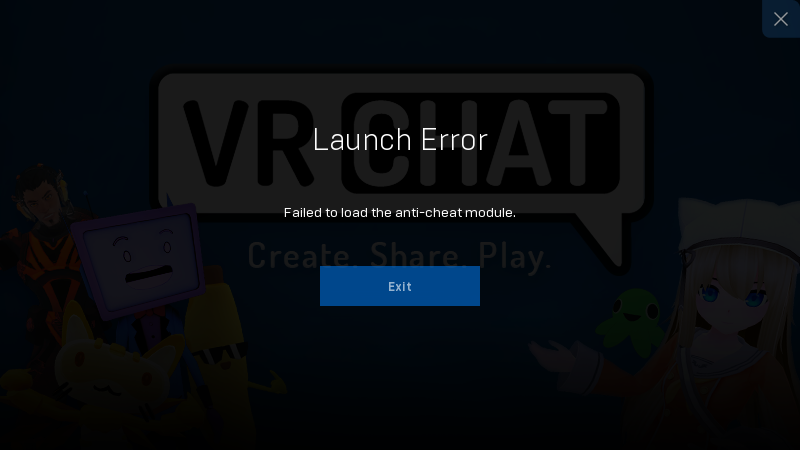
I did a verify integrity of files too before trying again.
It seems to crash after unloading vrclient.dll, when running start_protected_process directly
Maybe EAC is trying to destroy process?
00d8:00dc: loads DLL C:\vrclient\bin\vrclient.dll @00000000F7480000 (0<0>)
000000d8:000000dc: unload DLL @00000000F7480000
[New Thread 228]
[New Thread 224]

Thread 1 "00dc" received signal SIGSEGV, Segmentation fault.
0xf7fd1f5d in ?? ()
Wine-gdb> bt
#0  0xf7fd1f5d in ?? ()
#1  0xf7fd9b90 in ?? ()
BTW, launcher binary does not crash under vanilla wine, showing anticheat module error.
But under proton it crashes before show any window
with PROTON_USE_WINED3D=1 launch screen appears, but says it cannot load anti-cheat module. It seems, EAC breaks my 32 bit vulkan implementation, previous crash was caused by dlopen'ing 32 bit libvulkan_radeon,so
after downgrading mesa to 22.0 launcher popup shows, but says that failed to load anticheat module. How to load it manually? Proton version does not matter, all from 5.0 to experimental BE shows same error
Enabling cv-style DT_HASH fixed it:
https://forums.gentoo.org/viewtopic-p-8703494.html?sid=3b7962eda125b7eefef3e7212343885d#8703494
From what I understand, video players should be working without extra configuration, right? I've had no luck getting players to play. Latest pop os. Tried on proton 7.0-3 and experimental.
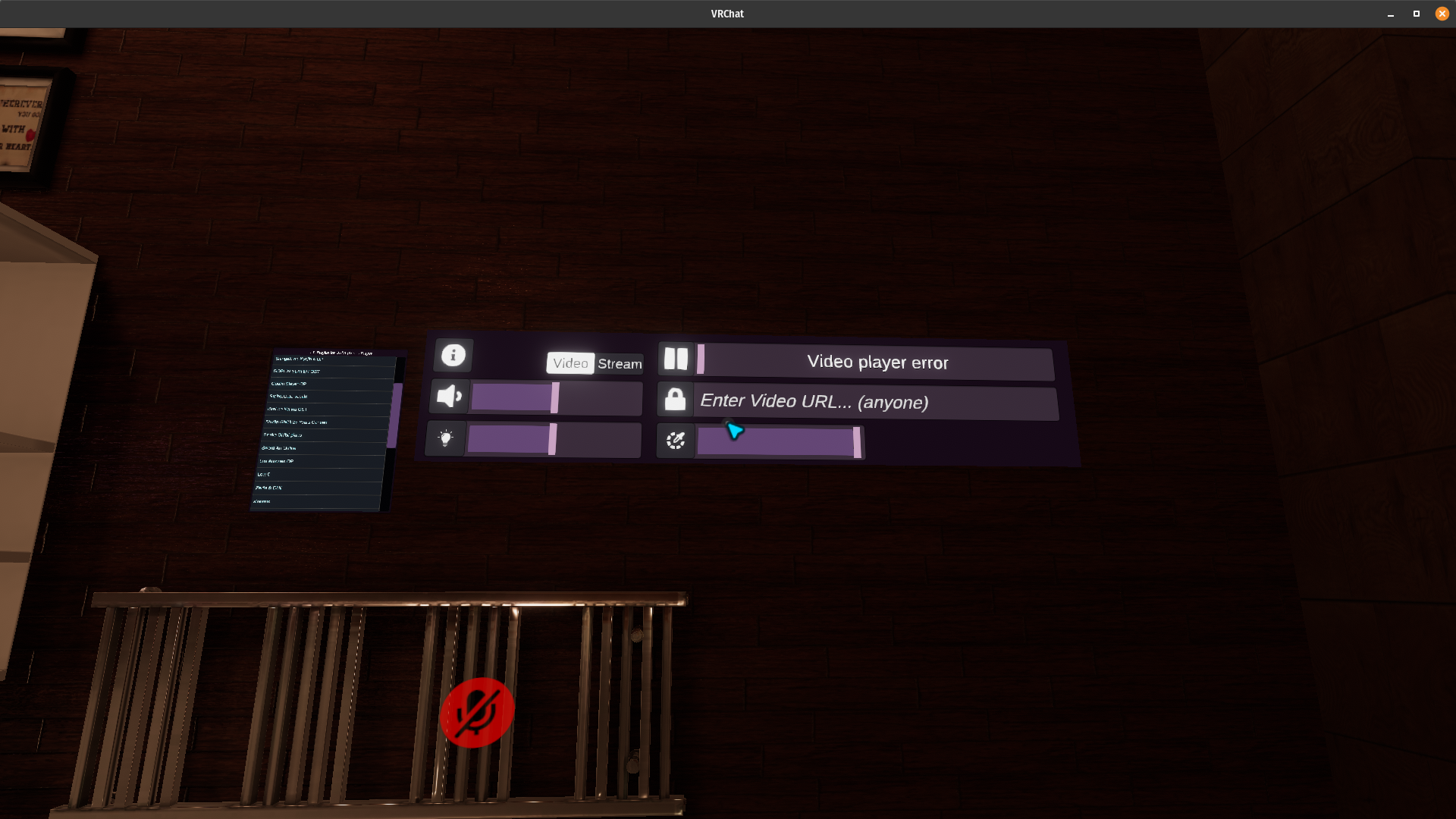
From what I understand, video players should be working without extra configuration, right? I've had no luck getting players to play. Latest pop os. Tried on proton 7.0-3 and experimental.
Sadly no.[^note]
Here is a list of all the issues related to video players that I know with a list of fix/patch
-
You must use Proton Experimental or ProtonGE
-
H264 Codec are not enabled by default (All of the solutions below will do the same thing)
https://github.com/ValveSoftware/steam-for-linux/issues/6780- Open the Broadcasts page on steam
- Put
steam://unlockh264in your browser and restart steam afterwards - Add
"UnlockedH264Feature" "1"in~/.local/share/Steam/userdata/Your User ID/config/localconfig.vdf
-
AVPro videos play upside down
- Fixed with Experimental or ProtonGE 7-29 or newer
-
AVPro videos Media Controls (Pause, Stop, Volume) doesn't work but you can play a video and stop it by changing world or video player if the world has an option to do so (AVPro -> Unity).
- You can change the volume on the secondary audio track it creates
-
Streams don't work
- Use ProtonGE (Tested with Youtube & Twitch live stream)
*Might not work with every video player or link
[^note]:
Comments from a VRChat Dev
https://github.com/ValveSoftware/Proton/issues/1199#issuecomment-1181675104
https://github.com/ValveSoftware/Proton/issues/1199#issuecomment-1183621006
https://github.com/ValveSoftware/Proton/issues/1199#issuecomment-1196146054
- Use ProtonGE (Tested with Youtube & Twitch live stream)
Here is a list of all the issues related to video players that I know with a list of fix/patch
I see! After enabling H264 it's now working with proton experimental! Thank you very much ^^
VRChat is crashing with the latest Proton Experimental bleeding edge. The EAC window doesn't even properly show up.
wine: Unhandled page fault on read access to 00000000 at address F4626E3A (thread 0170), starting debugger...
No stack trace...
@yshui should be fixed now.
Is there any way to disable avpro for now? Or could we have that flag re-added?
I just tried to join someone but had to give up because the world was using avpro to play music and since none of the media controls worked I couldn't stop it from blasting my ears. Even the world volume and master volume made no difference to it.
So, when that happens, it turns out that VRchat is opening up a second audio channel in Pulse Audio, which is not subject to any in-world controls.
Workaround is to load up Pavucontrol, find the second VRchat audio playback, and then turn it down manually.
I do not have pulseaudio BTW
How volume control works in AVPro on windows? It's just applies it before output?
This was what I was talking about a few months back btw, it seems like topazchat stumbled upon the rtsp (minus t, minus u) avpro trick to make it work on linux based systems like the quest.
It looks like there's a new Video player problem. Proton experimental (bleeding edge) does not show video players.
Proton experimental (standard, ie: not bleeding edge) shows video players.
Both have audiolink as non-functional which I believe was working in a previous release on Linux after the EAC update.
It looks like there's a new Video player problem. Proton experimental (bleeding edge) does not show video players. Proton experimental (standard, ie: not bleeding edge) shows video players.
Both have audiolink as non-functional which I believe was working in a previous release on Linux after the EAC update.
@AngriestSCV Do you have a World name I can search to test this in? I've tried a few different worlds and they all seemed to work well, minus the upside down video seen with AVpro at the moment. I had a few instances where some URLs wouldn't work, but that was consistent across the current BE Experimental, normal Experimental release, Proton 7.0-4 and Windows.
I tried to play live stream with ProtonGE but it doesn't work when I use iwaSync.
When I use USharpVideo, it's correctly working.
And when I used USharpVideo, VRChat open second pulseaudio channel and that volume don't control from world's volume slider.
This problem does not occur in the world that used iwaSync and it occurs with both ProtonGE and Proton Experimental.
Also, this is another issue.
When I use Jinnai system (that make it possible to play YouTube video on Quest and enable to play any other video share services unable to play normally like niconico), video player doesn't work correctly and console said the error message below.
I'm using Proton Experimental and ProtonGE with the native version of Steam on Arch Linux.
(wine:425334): GLib-GObject-WARNING **: 22:29:48.841: g_object_set_is_valid_property: object class 'GstURIDecodeBin' has no property named 'max-size-bytes'
winegstreamer warning: uridecodebin21: No decoder available for type 'text/html'.
winegstreamer warning: uridecodebin21: ../src-gst_base/gst/playback/gsturidecodebin.c(959): unknown_type_cb (): /GstBin:bin21/GstURIDecodeBin:uridecodebin21
winegstreamer error: uridecodebin21: Your GStreamer installation is missing a plug-in.
winegstreamer error: uridecodebin21: ../src-gst_base/gst/playback/gsturidecodebin.c(1026): no_more_pads_full (): /GstBin:bin21/GstURIDecodeBin:uridecodebin21:
no suitable plugins found:
../src-gst_base/gst/playback/gstdecodebin2.c(4719): gst_decode_bin_expose (): /GstBin:bin21/GstURIDecodeBin:uridecodebin21/GstDecodeBin:decodebin21:
no suitable plugins found:
Missing decoder: text/html (text/html)
@YTJVDCM seems like you are trying to play a web page? maybe the player failed to resolve the youtube url to a video url.
@yshui
After checking, Jinnai system seems to be changing the response according to a client header information.
So probably, I think this problem is due to Jinnai system side, not proton.
And now, I'm currently contacting Jinnai system's developer and looking for a solution.
Thank you.
Added on 2022/09/09 :
Jinnai system's developer whitelisted User Agent of VRChat on Proton so that is correctly working now.
Do any OSC functions work on Linux? I'm not aware of where/ how this API works especially as it relates to Linux.
@SpookySkeletons
OSC is working fine on Proton just like you use it in Windows even if that messages from Linux native program.
In fact, I've succeeded in run the clock with OSC on Linux (that using osc-ruby).
https://twitter.com/Virtecam/status/1513488377038839810
I recently started experiencing random crashes of the Steam client when starting VRChat.
Specifically, VRChat loading screen pops up, disapears, and as soon as the VRChat main window opens up, it crashes together with the Steam client, though SteamVR itself keeps running. Has anyone else experienced this symptom? I haven't looked at console output of the Steam client yet, but will keep an eye on it.
It happens relatively randomly since about 3 days or so.
Next time this happens, see if you can immediately get the vrchat log so the crash can be timestamped. Maybe get the steamvr compositor log too.
VRChat's logs usually extremely informative unless the crash or forceclose isn't the application's fault, and in a platform with so many variables due to user created content it's extremely welcome.
You can make them even MORE informative with the steam library command line options:
--enable-udon-debug-logging
--enable-sdk-log-levels
--enable-debug-gui
These make logs big, however, so these are only reccomended on if you're making content or debugging crashes.
The debug-gui is optional but sometimes useful if you're in a world and you find you can replicate the crash by performing an action, you can often see what part of vrchat's "stack" or a player's udon might be causing it.
Given that this is happening on Proton and gnu/linux and potentially a steamdeck (?) i'm a bit unsure what it could be off the cuff, but here's some ideas:
Something that reliably causes this exact described behavior is Nvidia's VRSS(2): this is an option you can find at the very bottom of the Nvidia Control panel, I believe on most Linux flavors too): but this only sometimes causes crashes (related to avpro video players coincidentially).
Otherwise, it's an awesome vr feature and VRChat is on Nvidia's official implementers list: https://developer.nvidia.com/blog/delivering-dynamic-foveated-rendering-with-nvidia-vrss-2/
At the risk of giving you a different rabbit hole to fall in, if all that fails technology like Hardware Accelerated GPU Scheduling in combonation with video players using their implementation of AVpro causes this exact described behavior (sometimes) on Windows 11. There are linux distros with access to some of these features (named differently of course, or directly enabled in the kernel pci-e and gpu driver).
Timidly: I suggest that if you are using a desktop pc and have "Resizable Bar" and PCI-E 4 (or even 5) enabled in your UEFI(sp. bios) on a 3000 series RTX or 6000+ series Radeon, you might also want to try toggling it off back to 3.0 to see if it makes a difference. In the past this solved some random unity application crashes when Intel's 12th gen and Amd's Ryzen 3 released: but only if the above logs are fruitless. Because otherwise those are all good things to have on for everything other than VRChat, and improve performance on newer Vulkan and DX12 Ultimate games.
@Lhun I experienced it today again, although this time only the Steam client crashed:
Game Exit Event signaled.
Saw last dispatch client leave, deleting self
ThreadGetProcessExitCode: no such process 75967
DeleteFBOFreeList: Removing 8 FBO objects, total 0
crash_20220923233043_74.dmp[76048]: Uploading dump (out-of-process)
/tmp/dumps/crash_20220923233043_74.dmp
crash_20220923233043_74.dmp[76048]: Finished uploading minidump (out-of-process): success = yes
crash_20220923233043_74.dmp[76048]: response: CrashID=bp-81d6da43-1d32-4b40-9601-1a0842220923
crash_20220923233043_74.dmp[76048]: file ''/tmp/dumps/crash_20220923233043_74.dmp'', upload yes: ''CrashID=bp-81d6da43-1d32-4b40-9601-1a0842220923''
/home/dasprid/.steam/debian-installation/steam.sh: line 796: 72190 Segmentation fault      (core dumped) "$STEAMROOT/$STEAMEXEPATH" "$@"
src/common/pipes.cpp (885) : stalled cross-thread pipe.
src/common/pipes.cpp (885) : stalled cross-thread pipe.
assert_20220923233052_4.dmp[76238]: Uploading dump (out-of-process)
/tmp/dumps/assert_20220923233052_4.dmp
src/clientdll/steamclient.cpp (874) : bufRet.TellPut() == sizeof(uint8)
src/clientdll/steamclient.cpp (874) : bufRet.TellPut() == sizeof(uint8)
src/common/pipes.cpp (885) : stalled cross-thread pipe.
src/common/pipes.cpp (885) : stalled cross-thread pipe.
No minidump written, nothing to upload.
src/clientdll/steamclient.cpp (874) : bufRet.TellPut() == sizeof(uint8)
src/clientdll/steamclient.cpp (874) : bufRet.TellPut() == sizeof(uint8)
src/common/pipes.cpp (885) : stalled cross-thread pipe.
src/common/pipes.cpp (885) : stalled cross-thread pipe.
No minidump written, nothing to upload.
src/clientdll/steamclient.cpp (874) : bufRet.TellPut() == sizeof(uint8)
src/clientdll/steamclient.cpp (874) : bufRet.TellPut() == sizeof(uint8)
assert_20220923233052_4.dmp[76238]: Finished uploading minidump (out-of-process): success = yes
assert_20220923233052_4.dmp[76238]: response: Discarded=1
assert_20220923233052_4.dmp[76238]: file ''/tmp/dumps/assert_20220923233052_4.dmp'', upload yes: ''Discarded=1''
pid 75874 != 75873, skipping destruction (fork without exec?)
I have the crash dump files stored in case they'd help.
@DASPRiD at the very beginning you're getting "Game Exit Event signaled." Please try to upload the VRChat logs.
can proton discover my midi devices in linux pop os?
i been trying to make my midi piano work in a world in vr chat and it wont work
;w;
This is a broader question... does Proton support real time messaging
(similar to mouse and keyboard) for other protocols?
On Wed, Oct 12, 2022 at 7:26 PM Teru.png @.***> wrote:
can proton discover my midi devices in linux pop os?
i been trying to make my midi piano work in a world in vr chat and it wont
work
;w;—
Reply to this email directly, view it on GitHub
https://github.com/ValveSoftware/Proton/issues/1199#issuecomment-1276941651,
or unsubscribe
https://github.com/notifications/unsubscribe-auth/AWOIRPXXSKEGN3SIMTM7EULWC5XOXANCNFSM4FS34H6A
.
You are receiving this because you are subscribed to this thread.Message
ID: @.***>
By the way, what's the current state of video playback? I did test it recently with the latest stable Proton version, and it didn't work.
@DASPRiD I got video players to work with youtube/soundcloud with the launch options PROTON_USE_WINED3D=1 %command% --enable-avpro-in-proton and proton GE 7-37. Should work similarly with proton experimental. Movies don't appear to work. PROTON_USE_WINED3D=1 was only to work around DXVK not working on experimental ("failed to initialize graphics" error), but it seems to perform the same.
No streams, Youtube works, Movie & Chill works, LS Media No.
Hello @2l47, double check that your video driver is new enough to be used with the DXVK build inside of Proton Experimental. Proton Experimental only: DirectX 9/10/11/12 games now require Mesa 22 / Nvidia drivers 510.47 or newer. (https://github.com/ValveSoftware/Proton/wiki/Changelog)
No streams, Youtube works, Movie & Chill works, LS Media No.
Anything special you did set up? I did try with the --enable-avpro-in-proton flag, but that alone didn't work. Do I need to run Proton Experimental, or should it work in Stable?
@DASPRiD
It could be that you need to do this too https://github.com/ValveSoftware/Proton/issues/1199#issuecomment-1214202488
The enable avpro flag doesn't do anything any more as far as I know.
I only use VR mode, never desktop mode. For me it was the opposite. The movies in the two prominent movie worlds did not play, but inputting a URL into the youtube player worked fine. I'll try the h264 enable thing and see if that fixes it. I'm using Proton experimental to run the game.
I tried joining a world with 28 users in it and after being in the world for about 30 seconds the game crashed. Trying to reopen it would get to the point where the client window pops up, but then it would close before the game showed up unless I restarted SteamVR too. I hid players' animations, shaders, particles, etc in safety figuring it was that and had the same result. I'll see if I can find logs somewhere, but again I had to restart SteamVR in order for the game to successfully launch after the crash.
The final line in the log for each crash just looks like it was doing its own thing and got interrupted. VRC is closing because something else is crashing, then. However when attempting to open the game without restarting SteamVR, the logs all stop after this line which is where the game fails to open:
[Behaviour] waiting for UI Manager
It could be that you need to do this too [#1199 (comment)](https://github.com/ValveSoftware/Proton/issues/1199#issuecomment-1214202488)
The enable avpro flag doesn't do anything any more as far as I know.
I just went to do that and that line already existed in the aforementioned file. The location was also in ~/.steam/steam, not ~/.local.
Anyone got any ideas on how to get the game to display on the Index HMD or to run with a decent framerate? I tried some launch parameters as suggested on ProtonDB, and while the game boots with them, nothing shows up on my Index headset while head turning and the controllers work, alongside the framerate being incredibly poor. Just as I got SteamVR working in XOrg and Wayland without judder and with direct mode too.
PROTON_USE_WINED3D=1 PROTON_USE_D12VK=1 gamemoderun %command%
@KingKrouch You should likely get better performance if you don't use PROTON_USE_WINED3D=1. WINED3D tends to be slower in general than DXVK which is used without this variable.
You can also drop PROTON_USE_D12VK=1 as that isn't a real thing :slightly_smiling_face:
@Blisto91 Yeah, that's the thing, I'm aware that WINED3D is significantly slower than DXVK, but for some strange reason, Easy Anti-Cheat's launcher refuses to launch without the WINED3D launch parameter. I've tried different versions of Proton, alongside Proton-GE and haven't had any luck with being able to launch VRChat.
Hello @KingKrouch, that sounds like #6262. Are you using Steam's client beta, and if you are, does opting out of it have any effect on the game?
@KingKrouch this is because you do not have x86 vulkan support. EAC launcher uses d3d for drawing launch animation and it is win32 application, wined3d works because 32 bit opengl seems to work in your setup. It can be solved by registry patch to disable dxgi/d3d* overrides for start_protected_game.exe if it's possible in Proton.
@kisak-value is it possible to fallback to wined3d when there is no vulkan support automatically? Add some simple tests to wineprefix setup procedure for example? Or just add option to disable dxvk only for 32 bits?
And when I used USharpVideo, VRChat open second pulseaudio channel and that volume don't control from world's volume slider. This problem does not occur in the world that used iwaSync and it occurs with both ProtonGE and Proton Experimental.
I noticed the same thing, which was really bad, as it blasted through my headphones at full volume in a world using it to play background music.
@MehStrongBadMeh Might this issue be on VRChat's side that the audio of some video players doesn't get routed through its own sound mixer, or is this rather an issue of Proton? Maybe related to the VRC AVPro Video Speaker component?
Replying to https://github.com/ValveSoftware/Proton/issues/1199#issuecomment-1289878050
Had this one happen too in the Infinite Night world.
@MehStrongBadMeh Might this issue be on VRChat's side that the audio of some video players doesn't get routed through its own sound mixer, or is this rather an issue of Proton? Maybe related to the VRC AVPro Video Speaker component?
It is an issue with Proton's handling of the AVPro component. The crux of it is that something breaks in Proton regarding AVPro's ability to transmit sound via Unity audio sources, resulting in it falling back on transmitting sound straight to your audio output instead, which is AVPro's default behavior. This could theoretically be bandaged a bit by using code to control that direct audio output (if Proton is detected) but it is a bunch of work that will ultimately be thrown out if Proton fixes the issue.
Using ProtonGE 7-37 I had the exact same issue of video controls not working and sound playing on its own channel. The weirdest thing is that a friend who was with me on Windows could not use their video controls either. I had them create a instance and when I joined it they could use the video controls on their end but when I pressed sync nothing happened. When they pressed sync my video would restart. We were trying to watch a movie in the Movies and Chill world, movies in the LS Movies world do not play and just say video error or failed to load video or something similar.
Edit: I'm on Ubuntu 22.10 and I use no launch options. I just run it with Proton and everything works fine aside from the general bugs that everyone else faces as well such as what I mentioned above.
It is an issue with Proton's handling of the AVPro component. The crux of it is that something breaks in Proton regarding AVPro's ability to transmit sound via Unity audio sources, resulting in it falling back on transmitting sound straight to your audio output instead, which is AVPro's default behavior. This could theoretically be bandaged a bit by using code to control that direct audio output (if Proton is detected) but it is a bunch of work that will ultimately be thrown out if Proton fixes the issue.
I took a quick glance at the issue ( so I could very well be wrong ) and it seems like AVPro uses MfMediaEngine to play the videos. Doing so, apparently it tries to set a custom MFTransform with this unimplemented function in Wine to probably stream the audio data back into Unity or something like that (you mentioned audio sources) to then further use it there.
This is also further backed by the fact that AVPro sets the output volume of MediaEngine to 0, but this function has no effect in Wine. 01a8:trace:mfplat:media_engine_SetVolume 00000001744FEE50, 0.000000.
Cheers
Bernhard
I took a quick glance at the issue ( so I could very well be wrong ) and it seems like AVPro uses MfMediaEngine to play the videos. Doing so, apparently it tries to set a custom MFTransform with this unimplemented function in Wine to probably stream the audio data back into Unity or something like that (you mentioned audio sources) to then further use it there. This is also further backed by the fact that AVPro sets the output volume of MediaEngine to 0, but this function has no effect in Wine.
01a8:trace:mfplat:media_engine_SetVolume 00000001744FEE50, 0.000000.Cheers Bernhard
AVPro does indeed use Windows Media Foundation (or MfMediaEngine or MFPlat as I have also heard it called). It definitely sounds like you have pinpointed the exact causes of the problem. The former preventing the audio from coming from Unity Audio Sources while the latter causes the audio to blast at full volume straight through the output.
Using ProtonGE 7-38, movies freeze at about five minutes in and stop playing. Restarting the movie produced the same result once again between four and five minutes in. Launching the game with ProtonGE 7-37 corrected the issue. Video controls still did not work on 7-38, however Bluetooth audio lag of about half a second became present in the video when I moved back to 7-37. That wasn't present on 7-38.
Video seeking is generally not working in Wine afaik.
I've updated GE to 7-41 from 7-29 and the media player is working within the Movies and Chill world, at least whilst on Pop!_OS 22.04 using Gnome on Xorg.
On my system (R9-3950X+RX5600XT) has the audio out of sync sync by ~500ms. Perhaps this could be resolved with some extra ENV properties, as I'm running it without any launch options.
Using Proton Experimental (7.0-20221102) and GE-7-41 didn't work on FC36. Maybe my FC36 install is lacking some codecs?
FC37 won't load into Gnome on Xorg, and VRChat hasn't been working on FC36 with Wayland.
I am not getting any video playback unless it is a standard youtube url using the new proton 7.0.5 next, or any other version of proton. I have also moved the 438100 compdata folder to let steam build a new one to see if that was the issue.
I get
2022.11.26 19:00:17 Error - [AVProVideo] Error: Loading failed. File not found, codec not supported, video resolution too high or insufficient system resources.
I am not getting any video playback unless it is a standard youtube url
Mind sharing, what kind of URL you did try?
I have tested twitch streams, and personal rtsp streams on my server using simple-rtsp server
output_log_18-50-34.txt.gz
attached is a gziped log output of vrc
and of proton
steam-438100.log.gz
@noideaman
There are two remaining major bugs when it comes to the AVPro video player in Proton:
- Livestreams as a whole don't work, only regular videos (this is the problem you are running into)
- AVPro's ability to output sound via Unity Audio Sources is broken in Proton, instead it falls back on outputting straight to the speakers. Which results in no spatialization and no ability to control their volume (this is the problem we were recently talking about above).
Both of these issues need to be fixed Proton-side, there is nothing I can do on the VRChat-end. Unfortunately, I haven't heard any news on the Proton end. I am concerned I may need to return to disabling AVPro if Proton is detected, as the latter issue is proving too disruptive.
If you decide to disable avpro by default, please keep some way to enable it, else it's going to be annoying/impossible to fix in Proton.
I'm currently looking into it, but it won't be fixed until at least the big Proton 8.0 rebase, because I'm working on it upstream and that diverges a lot from Proton codebase by right now.
@MehStrongBadMeh Also, do you have any idea why I might get this error in when I try to play something back?
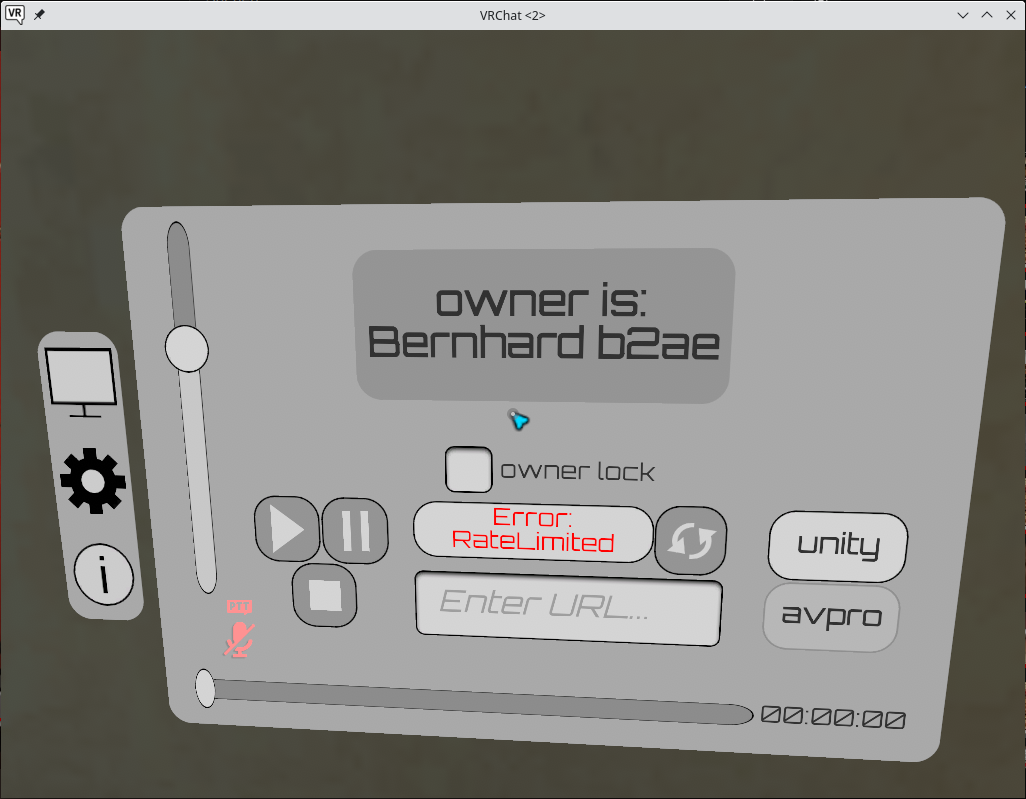
I'm seeing EAC errors trying to run with Proton Next. Each try errored on a different file.
Client Violation with Type: 5 Message: Unknown file version (VRChat_Data/Plugins/x86_64/nnnoiseless.dll), len: 66
Client Violation with Type: 5 Message: Unknown file version (VRChat_Data/Plugins/x86_64/AVProMovieCapture.dll), len: 72
Client Violation with Type: 5 Message: Unknown file version (VRChat_Data/Plugins/x86_64/AVProVideoWinRT.dll), len: 70
If you decide to disable avpro by default, please keep some way to enable it, else it's going to be annoying/impossible to fix in Proton.
I'm currently looking into it, but it won't be fixed until at least the big Proton 8.0 rebase, because I'm working on it upstream and that diverges a lot from Proton codebase by right now.
@MehStrongBadMeh Also, do you have any idea why I might get this error in when I try to play something back?
If we do end up disabling it by default, I'll return it to the previous state of using the --enable-avpro-in-proton launch command, so testing solutions will be unaffected as long as you use that command.
That error crops up as protection against people trying to rapidly enter urls to cause lag and other issues. You are likely running into it due to trying to play something that isn't working inside Proton, and the player responding by retrying repeatedly, slamming into the rate limiter. The VRChat output logs, available in ~/.local/share/Steam/steamapps/compatdata/438100/pfx/drive_c/users/steamuser/AppData/LocalLow/VRChat/VRChat in a Proton environment, may have more information.
@MehStrongBadMeh
So this line from proton next is just the start?
Implement network video support for VRChat.
https://github.com/ValveSoftware/Proton/wiki/Changelog#available-in-proton-next
@MehStrongBadMeh So this line from proton next is just the start?
Implement network video support for VRChat.https://github.com/ValveSoftware/Proton/wiki/Changelog#available-in-proton-next
That refers to the fixes that were added a while ago in Proton Experimental (now making it to next and release). It is indeed just the start. It fully fixes videos that play via the Unity video player, but the problems discussed above remain in the AVPro video player (which has extra functionality, like live stream support). Given that both of these video playing components are used across VRChat, video playing in VRChat is effectively only partially working in Proton.
Ok understood
@besentv and anyone else working to develop solutions to the AVPro problems in Proton.
We have released the update that disables AVPro in Proton, due to the uncontrollable volume issue. To continue testing solutions for AVPro, use the --enable-avpro-in-proton launch command to re-enable AVPro.
@MehStrongBadMeh
Alright I'll keep it in mind. The current status is that I'm facing an out of memory issue I can't really get the gist of. I plan to upstream a bunch of changes including network support, which is currently proton only and the solution doesn't seem ideal.
@besentv Fair enough. Let me know if you have any additional questions or need any special builds of VRChat (including builds that switch AVPro to using the DirectShow or WinRT backends). Thanks for your help!
@MehStrongBadMeh Yeah WinRT will probably still be unsupported for a while, as that whole API is in its pretty early stages in Wine.
@besentv Well, don't add WinRT for our benefit. It is literally a separate mode I have to manually switch AVPro to, so we effectively have no need for it as long as we stick to leaving it in the default Media Foundation mode.
@besentv do you plan to make your changes public? let more people look at it/try it out might be a good idea.
@yshui Sure but at this point I'm mostly trying to figure out what Avpro is doing and how our implementation of Media Foundation works (or rather not). There are currently open questions like: How are m3u8 files played? Does MF support that or is it implemented by Avpro? Next issue is that Wine mf isn't built for streaming at all so we need some rework. And next week is holiday season and I'll be out for about 10 days.
I'd be surprised if m3u8 is implemented by MF, but I could be wrong.
What do you think is missing from wine mf to handle streaming? my impression is that it should work :thinking: (well, besides missing actual implementation of streaming. what I am trying to say is the architecture seems to be able to handle streaming)
I'd be surprised if m3u8 is implemented by MF, but I could be wrong.
Well it would be really useful to certainly know if Avpro does m3u8 (HLS) in an own implementation or somehow via Mf.
I did some simple tests on windows and it seems like MF cannot resolve these files to a valid media source, so that would suggest MF doesn't support it but the documentation of AvPro says it sorta different.
What do you think is missing from wine mf to handle streaming? my impression is that it should work 🤔 (well, besides missing actual implementation of streaming. what I am trying to say is the architecture seems to be able to handle streaming)
Well upstream Wine definitely can't handle it. There is an implementation in Proton-Wine but that one uses the Gstreamer networking backend and we'd try to avoid that as we won't have enough control over it. Additionaly upstream is currently bugged with m3u8 as it just feeds these files into the gstreamer Parser and that ends up creating the Gstreamer network stack, which is to be avoided. Instead we need to filter these out manually and return an error for media source resoution like Windows does.
Ultimately we probably want to do streaming over the mfnetcore DLL (like Windows does it)
There is an implementation in Proton-Wine but that one uses the Gstreamer networking backend and we'd try to avoid that as we won't have enough control over it.
Yeah it wasn't meant to be the final solution, but it was done so we can get video playing in VRChat quickly. But I don't think this means the architecture fundamentally can't handle it.
upstream is currently bugged with m3u8
Ah interesting. I have a hunch this might just be the fix we need to get m3u8 playing in avpro.
Ultimately we probably want to do streaming over the mfnetcore DLL (like Windows does it)
Yeah that would be ideal.
But I don't think this means the architecture fundamentally can't handle it.
Yeah, that's not what I meant to say. I meant the upstream Wine can't handle it from a feature perspective right now.
upstream is currently bugged with m3u8
Ah interesting. I have a hunch this might just be the fix we need to get m3u8 playing in avpro.
Exactly, that's why finding out if Avpro implements HLS by itself is interesting. Because if so we just need to prevent Gstreamer from playing them directly.
Ultimately we probably want to do streaming over the mfnetcore DLL (like Windows does it)
Yeah that would be ideal.
Basically mfnetcore does everything regarding http streaming. So even proxy configuration or password storage.
The idea is to pass the network buffer into the existing wine Gstreamer backend and let that read the files over mfnetcore from the network.
VRChat fails to start at all for me with an error saying "Failed to initialize dependencies"
Running the game executable directly using WINEPREFIX=~/.local/share/Steam/steamapps/compatdata/438100/pfx wine ~/.local/share/Steam/steamapps/common/VRChat/VRChat.exe starts the game and lets me login, then complains about not being able to travel due to EAC not being loaded.

You need to run the game through Proton, not Wine.
You need to run the game through Proton, not Wine.
I am aware, however if I run it through Steam I get the error message saying it can't initialize dependencies
Not sure if it helps but I always get the EAC message on the first try and then it usually works on the 2nd or 3rd.
I tried about ~15 times, I keep getting the "Failed to initialize dependencies" message. I also recently reinstalled Arch and switched to Hyprland so it might be a Wayland-related issue or an issue specific to my current install.
For what it's worth, I run VRChat under Wayland (KDE and sway) and I don't have this issue.
Good to know, must be something with my system then
Would be nice to know what dependency it's complaining about...
On my system EAC errors with "failed to initialize dependencies" when the environment variable SDL_VIDEODRIVER is set to anything. I had set it to wayland to get other SDL applications to use Wayland. Note that I really mean "anything". Setting it to "x11" or "" also causes the error. You need to completely unset it. This is a bug in EAC or VRC.
This fixed it, thank you so much!!
then complains about not being able to travel due to EAC not being loaded.
I get the same "Can't Travel" message, but just by running the game normally with Proton Experimental. I've tried deleting the game cache, reinstalling, and rebooting. Is this error message even related to EAC for sure? It barely exists anywhere on google lol
You have to run the game through Steam, otherwise EAC won't work. And yes, the error is definitely related to EAC.
I am running the game from Steam, that's the weird thing.
Try installing the "Proton EasyAntiCheat Runtime" in Steam
weird that it wasn't installed by default - unfortunately I get the same error though, even with a reinstall
There seems to be something with Void Linux that's preventing EAC from loading properly. I'm also on Void and semilin's README says they're on Void. Have had friends on Void that can replicate being stuck on "Can't Travel".
I haven't tried any other EAC enabled games as of yet to see if the difference between Linux EAC (Proton EasyAntiCheat Runtime) and directly using Windows EAC, or if its a deeper distro issue.
That's really, really unfortunate timing. I tested on arch linux and everything is running well. I know that doesn't help your case but maybe running the game with the glorious eggrolls proton may work (that's what I'm running, GE-Proton7-43).
Tried with GE-Proton7-42 with no change. I still need to test what I said at the end of my other comment.
Good to know that it might be a problem with Void. I've also tried with GE-Proton7-43 with no luck.
I have confirmed that Proton EasyAntiCheat Runtime enabled games do not work with Void. Getting "Easy Anti-Cheat Hash Catalogue not found" on Apex Legends, meaning its probably a deeper seated issue that needs to be brought up to the Void devs.
Sorry for not really adding anything to the conversation, but I wanted to summarize the changes needed to get AVPro working as discussed above:
- Implementation of
IMFMediaEngineEx::InsertAudioEffect(comment) - Implementation of
IMFMediaEngine::SetVolume(comment) - Implementation of proper network streaming (comment)
- Implementation of seeking, play/pause
Not sure if I missed anything. Does anyone know if any of these are currently being worked on?
@MehStrongBadMeh Hey it seems the Monado software stack is actually just beginning to mature!
The game is fully playable with ATW for motion smoothing (albeit some medium issues still) from inside a headset on a native XR runtime.
Got one major issue VRC side if we could have your ear, launching VRChat native from Steam itself using Monado paired with OpenComposite to translate your OpenVR bindings to native OpenXR, crashes. However dumping the raw proton commands and running those in a desktop terminal instead work fully.
I have no idea why this occurs.
Would appreciate a little help here if you could help speculate, test, or tweak on your end. Willing to help setup Monado with OpenComposite on your end linux testrig, thanks!
For any other casual users looking to follow:
It runs, appears stable, frames are decent.
You MUST use XRT_COMPOSITOR_COMPUTE=1 when you launch your monado-service to activate ATW so you dont barf.
OpenComposite's controllers/ hands are offset right now, expect them to be a hand's length lower down than your hands.
Finger tracking on index controllers are broken, appears to be VRC does not use skeletal input which is fully functional and instead emulates some of this which does not work. (Paging Strongbad)
Setting up Monado with opencomposite is full of pitfalls, read very carefully or stop by any of the discords if you please.
@MehStrongBadMeh
Demonstration of open source VR stack: https://www.youtube.com/watch?v=RbOR74DFJBk
If you're there strong, do lend a hand. I'll have a tough time looking into how to get the game running native from steam by myself and video players remain broken if you launch outside of steam itself.
The other issues we're handling but I wouldn't mind asking you some questions about how VRC polls some controller input values to accelerate the development there.
@SpookySkeletons You need to get STEAMVIDEOTOKEN env from steam-launched process to get video work. It's 3-line env var, so you may need to escape it, for example i using:
STEAMVIDEOTOKEN='XXX
YYY
'
(last line is empty, but still needed)
This is because steam runtime and proton use patched ffmpeg version (WHERE PATCHES, VALVE???? IT IS LGPL!) which does not allow h264 playback without this token
@mittorn Thankyou!
It appears the steam video token alone does not help me however.
May I present you some debug later today you could address and see what I'm missing?
@SpookySkeletons
Yes, i may test something.
It is strange that STEAMVIDEOTOKEN does not help
And video is working in steam? if not, maybe need to open steam://unlockh264 link
You may replace launch options in steam with xterm hack:
xterm -e sh -c "echo %command%;bash"
to get shell instead of game and find what envs are missing (env > env1.txt, env > env2.txt, diff /path/to/env1 /path/to/env2)
/tmp/proton_$USER scripts does not launch steam runtime container, so maybe gstreamer cannot load some needed libraries for ffmpeg, but usually it's easily debuggable
also i replacing launch.exe with start_protected_game.exe in proton script to get actual process output, launch.exe eats it.
@SpookySkeletons Sorry, been busy with various work projects. Not sure I can help much with whatever is going on with Monado. The finger tracking situation is a result of essentially there being a hacked in crappy finger tracking solution that was added to allow VRChat to have some degree of finger tracking despite still being on Legacy VR Input (not SteamVR Input 2.0) the fix there is for us to upgrade to SteamVR Input 2.0. That is easier said than done, so no timeline there. Though keep in mind we did upgrade our non-vr input stack right after the Steam Deck launch, so also upgrading the SteamVR Input Stack is on the table.
@MehStrongBadMeh Hey no prob! We've got the hand offsets fixed, finger tracking is a WIP after we found the /input/finger/* source paths and will be done as soon as I understand what I'm doing or someone else beats me to the punch in the OpenComposite repo.
There's even promise of midterm full body should Monado be able to work out some prereqs of the vive trackers under openxr, even though VRC doesn't query any body info.
The less solvable big piece is that the game crashes inside of steam when you launch with OpenComposite under Monado but runs fine outside using a proton debug dump command if you do get a moment to take a look at this single issue.
Willing to help you setup an opencomposite Monado stack if you do have any time to spare and help test.
@mittorn Video works in steam but even with the properly applied token I still can't get anything in the video player outside, seems to be throwing errors in shell about being unable to decode the codecs presented to it in gstreamer. Sorry about the absence been a busy week.
@MehStrongBadMeh Actually scratch that if you're using legacy inputs, need a bit of info about the fingers, how do you actually poll the finger curl data from the openvr driver?
OpenComposite has a skeletal summary data struct containing finger curl floats which is updated to the openxr pose already, we just need to know what interface you use, to expose these values to.
Not gonna be able to play with Opencomposite Monado in the near future. I technically don't even presently consider Linux VR, as a whole, a supported use case at the moment, given how janky the whole situation is.
As for the legacy finger tracking method, I'll have dig through our code to see what I can find that could be of use. It was implemented well before I worked at VRC, so I don't know much about it. I do know it is essentially undocumented.
Not gonna be able to play with Opencomposite Monado in the near future. I technically don't even presently consider Linux VR, as a whole, a supported use case at the moment, given how janky the whole situation is.
Janky? Isn't it only the video players not working 100%? At least I had no other issues beside that.
@DASPRiD Completely different driver stack.
OpenVR works as expected.
We're translating the game from openvr to openxr then handling all the tracking data through Monado, cutting steamvr out entirely.
https://gitlab.freedesktop.org/monado/monado
Demo video up above
@SpookySkeletons Ah, I see. I thought the "Janky" in his post was referred to VR on Linux in general :)
Replying to https://github.com/ValveSoftware/Proton/issues/1199#issuecomment-1387043858
Sorry, I needed to take a break from working on these as I wanted to finish thes speech recognition for Phasmophobia. I'm now back on track for this.
Hm, I'm not entirely sure what's going on but it either seems like
--enable-avpro-in-protondoes not work- AvPro changed how it works internally, as no MfMediaEngine features are called by VrChat.
@besentv --enable-avpro-in-proton work for me
Here's the world I use to test it
https://vrchat.com/home/world/wrld_985acb34-cc17-4b5a-85ae-04ade5195059
@besentv
--enable-avpro-in-protonwork for meHere's the world I use to test it https://vrchat.com/home/world/wrld_985acb34-cc17-4b5a-85ae-04ade5195059
How do I open this world in game?
@besentv
--enable-avpro-in-protonwork for me
Here's the world I use to test it https://vrchat.com/home/world/wrld_985acb34-cc17-4b5a-85ae-04ade5195059How do I open this world in game?
Here's another link for the same world but now you can click on the button "Invite Me" if you login with your vrchat account
Name of the world: Video Player Showroom (ビデオプレーヤーショールーム)
https://vrchat.com/home/launch?worldId=wrld_985acb34-cc17-4b5a-85ae-04ade5195059
Okay I tested a few players saying AVPro next to their name and got the following results:
- AVPro Standard: No reaction to entering a URL.
- AVPro Low Latency: No reaction to entering a URL.
- Udon Sync Player: No reaction to entering a URL.
EDIT: Avpro is crashing Proton now.
EDIT2: Seems like Avpro changed from MediaEngine to Quartz ... jedejejjdjed
EDIT2: Seems like Avpro changed from MediaEngine to Quartz ... jedejejjdjed
Did you try to play an H.265? AVPro has a thing where it falls back on DirectShow (Quartz) for H.265 if Windows doesn't have the Media Foundation codec for H.265 installed. Otherwise, I am not sure what you are running into.
Thanks for the hint, it was in fact a problem in AvPro's setup routine, where AvPro wants a Windows version higher than 6.2 and Proton was set to Windows 7 (6.1)
@MehStrongBadMeh Might your team have any interest in opencomposite for more native uses as well?
Don't see why a system with a Valve Index steamvr on windows, which has its own openxr driver, couldn't be used as a testbed for a number of headsets with preference for XR bindings now.
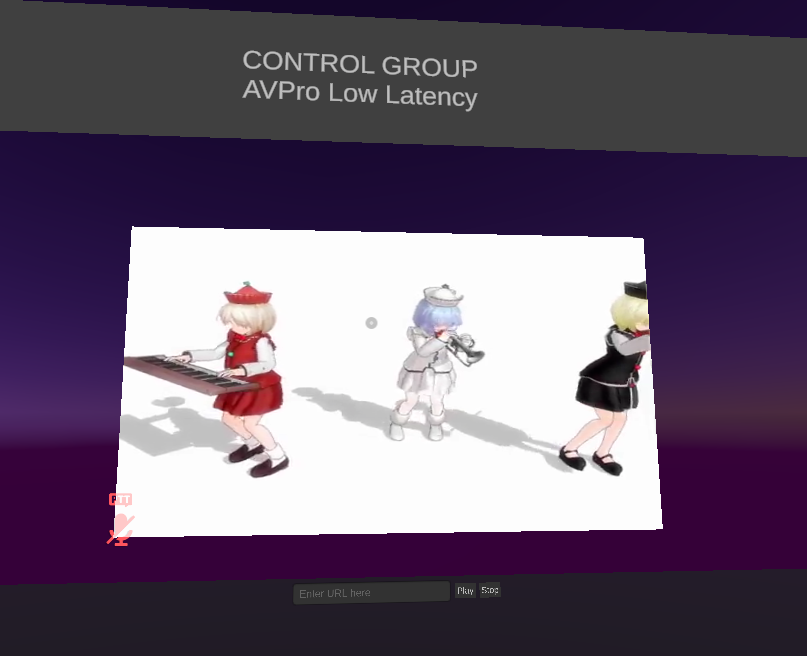
:thinking:
Thanks for the hint, it was in fact a problem in AvPro's setup routine, where AvPro wants a Windows version higher than 6.2 and Proton was set to Windows 7 (6.1)
That is correct, AVPro falls back to DirectShow across the board when using Windows 7, as it uses features of Media Foundation that weren't introduced until Windows 8. I would recommend having Proton pretend to be Windows 10.
I'm kinda dumb with this stuff, but I've been following this thread for a little bit. Are there any steps I can follow to get these (presumably) AVPro players working? I specifically just want to watch things in that Movies & Chill world.
--enable-avpro-in-proton currently doesn't seem to do anything at all in Proton GE or experimental.
I've been using that vrc-mpv workaround which has the problem of causing movies to restart after 5-10 minutes for anyone watching them with me.
Are there any steps I can follow to get these (presumably) AVPro players working?
No, the --enable-avpro-in-proton flag is specifically there for Proton devs to develop and test solutions for getting AVPro working in Proton. As it stands presently, there is no method of getting AVPro/VRChat Sync players working properly in Proton. Once there is a publicly available version of Proton that does work with AVPro, we will remotely enable AVPro for all Proton users.
Oh, I see. Thanks for the response!
Normal YouTube streaming with working audio (not blowing your ears off) and video in game could land in Proton 8, but livestreams is still an issue and I need to dig through a bunch of code I have no idea of. :smile:
Fixed audio is good enough to re-enable AVPro. The audio issue is the primary reason AVPro is disabled right now. Having them fully working would be ideal, but as long as they don't do anything bad (like blast out people's ears), then we don't need to disable them.
@MehStrongBadMeh Any of those finger details untangled?
In other news it looks like the steam pressure vessel runtime is breaking the detection of non-steamvr runtimes.
Run the game with pressure vessel with appropriately set pressure vessel env vars: Desktop mode
Run the game without pressure vessel and appropriately modified env vars: Game runs in VR mode but lacks video players due to the gstreamer decode stuff requiring pressure vessel to work.
SpookySkeletons Can you put gsteamer errors log here? When launching start_protected_game, not launch.exe it's in stdout
It works form me even without gstreamer installed in my system, so maybe it just cannot load needed libraries. But you always can copy libraries from steam runtime. Maybe proton's gstreamer conflicts with your setup? There is another reason of forced pressure-vessel: bundled libraries search plugins/configs in system, which may result in unexpected errors/crashes
Also, can you watch /proc/$(pidof VRChat.exe)/maps when trying to play video? It should be possible to see which libraries are loaded and what gst/ffmpeg implementations are used. Proton's gst may not work with system ffmpeg, etc...
Is there any reason, why wine/proton uses gstreamer, but not ffmpeg directly? Legal issues? Anyway, in proton gstreamer uses ffmpeg to decode video (and ffmpeg is patched to respect STEAMVIDEOTOKEN, WHERE IS THE PATCH, VALVE??? IT IS GPL/LGPL)
Hello @SpookySkeletons, can you make an issue report in https://github.com/ValveSoftware/steam-runtime explaining to the Steam Linux Runtime devs what you're trying to do and how it's having a hard time?
@kisak-valve Of course, thankyou, I'll spin up an issue.
@mittorn Don't happen to have any logs on me until i get home but it appears, without the modified gstreamer and Valve's ffmpeg branch, the game is just unable to decode even with the VIDEOTOKEN in the startup script.
VIDEOTOKEN decode works perfectly fine when running with pressure vessel though. iirc gstreamer was the one complaining in stdout.
I believe valve's approach is to reach compliance with codec royalties dished out per user, hence the token and ffmpeg patches, correct me if I'm wrong there.
@SpookySkeletons isn't gstreamer/ffmpeg bundled with proton? My proton-generated script uses gst from proton, not from runtime, so it checks STEAMVIDEOTOKEN (it can be found via "strings" on binaries in proton dist)
@mittorn I can provide some results tonight, an errant AMDVLK package pull rolled my VR & XR runtimes the last two days until I figured it out.
It definitely needs the steam runtime to decode anything for the video players.
Perhaps the non-royalty codecs would work?? Got a vp8/9 link I could test?
@SpookySkeletons
My configuration:
#!/bin/bash
export WINE_CPU_TOPOLOGY=4:1,3,5,7
#Run winedbg in gdb mode and prepare to run game or given program
#export LD_LIBRARY_PATH=/home/mittorn/OpenOVR/build/bin/linux64/:$LD_LIBRARY_PATH
#export LIBVA_DRIVERS_PATH=/mnt/data2/mesa-vr3/build-llvm15/src/gallium/targets/va/
export VK_ICD_FILENAMES=/mnt/data2/mesa-vr3/build-llvm15/src/amd/vulkan/radeon_devenv_icd.x86_64.json:/usr/share/vulkan/icd.d/radeon_icd.i686.json
#export LIBGL_DRIVERS_PATH=/mnt/data2/mesa-vr3/build-llvm15/src/gallium/targets/dri
export PROTON_NO_FSYNC=1
export DXVK_FRAME_RATE=0
export PROTON_NO_WRITE_WATCH=1
#export DXVK_STATE_CACHE=0
export DXVK_LOG_LEVEL=info
export DXVK_CONFIG_FILE="/home/mittorn/dxvk.conf"
export RADV_FORCE_VRS=2x2
export FFR_X=-1.9
export FFR_Y=-1.9
export FFR_X2=0.9
export FFR_Y2=0.9
export WINEFSYNC=0
export STEAMVIDEOTOKEN='5634
32f5h290gXXXXXgv5034nbvt923b
'

cd "/mnt/btrfs/SteamLibrary/steamapps/common/VRChat"
DEF_CMD=("/mnt/btrfs/SteamLibrary/steamapps/common/VRChat/launch.exe" "--no-vr")
PATH="/mnt/nvme/SteamLibrary/steamapps/common/Proton - Experimental/files/bin/:/usr/bin:/bin" \
        TERM="xterm" \
        WINEDEBUG="-all" \
        WINEDLLPATH="/mnt/nvme/SteamLibrary/steamapps/common/Proton - Experimental/files/lib64//wine:/mnt/nvme/SteamLibrary/steamapps/common/Proton - Experimental/files/lib//wine" \
        LD_LIBRARY_PATH="/home/mittorn/.local/share/Steam/ubuntu12_64/video/:/home/mittorn/.local/share/Steam/ubuntu12_32/video/:/mnt/nvme/SteamLibrary/steamapps/common/Proton - Experimental/files/lib64/:/mnt/nvme/SteamLibrary/steamapps/common/Proton - Experimental/files/lib/:/usr/lib/pressure-vessel/overrides/lib/x86_64-linux-gnu/aliases:/usr/lib/pressure-vessel/overrides/lib/i386-linux-gnu/aliases" \
        WINEPREFIX="/mnt/btrfs/SteamLibrary/steamapps/compatdata/438100/pfx/" \
        WINEESYNC="1" \
        SteamGameId="438100" \
        SteamAppId="438100" \
        WINEDLLOVERRIDES="steam.exe=b;dotnetfx35.exe=b;dotnetfx35setup.exe=b;beclient.dll=b,n;beclient_x64.dll=b,n;d3d11=n;d3d10core=n;d3d9=n;dxgi=n;d3d12=n" \
        STEAM_COMPAT_CLIENT_INSTALL_PATH="/home/mittorn/.local/share/Steam" \
        WINE_LARGE_ADDRESS_AWARE="1" \
        GST_PLUGIN_SYSTEM_PATH_1_0="/mnt/nvme/SteamLibrary/steamapps/common/Proton - Experimental/files/lib64/gstreamer-1.0:/mnt/nvme/SteamLibrary/steamapps/common/Proton - Experimental/files/lib/gstreamer-1.0" \
        WINE_GST_REGISTRY_DIR="/mnt/btrfs/SteamLibrary/steamapps/compatdata/438100/gstreamer-1.0/" \
        "/mnt/nvme/SteamLibrary/steamapps/common/Proton - Experimental/files/bin/wine64" c:\\windows\\system32\\steam.exe /mnt/btrfs/SteamLibrary/steamapps/common/VRChat/start_protected_game.exe $*
gst is bundled with Proton, but ffmpeg from steam runtime (not pressure-vessel, just basic runtime)
https://pastebin.com/dXwnitGV
VRChat doesn't work on the AUR version of Proton GE 7.53-1 due to an Anti-Cheat Error (but it works on Proton Experimental).
Does anyone know how to fix this?
@YTJVDCM Verifying integrity of game files resolved the Anti-Cheat error for me with that Proton build.
@mittorn I've been testing your startup script and it genuinely works for videos in desktop mode but now my entire monado setup w/ opencomposite is destabilized and launches desktop mode every time.
Don't know what's going on at this point.
@SpookySkeletons My setup worked with OpenComposite. Check if LD_LIBRARY_PATHS breaks OpenOVR vrclient or OpenXR runtime. I used configs in ~/.config/openvr/ to specify monado runtime, but changing LD_LIBRARY_PATH should also work.
You may try to launch shell in last line instead of wine and test if hello openvr/xr apps break, check ldd of libopenvr_api.so and vrclient.so
~/.local/share/Steam/ubuntu12_64/video/ contains simplified steam-runtime for video, but you may copy it to different place and remove libraries breaking monado setup
Also note that 32 bit libraries used by anticheat launcher, but it is not video-related
@mittorn Do you have a working version you use for opencomposite specifically?
My old opencomp scrip is nonfunctional now
Not now, i tested it half-a-year ago and binaries are incompatible with updated system libraries, but it only needed to specify different runtime in openvrpaths to make it work with VRChat
@mittorn Should the --no-vr flag be removed? Curious if applying this to the launcher is part of your method
Modified the script where it made sense and ran under Monado with QWERTY while I'm away from my hardware.
XR: OpenVR Error! OpenVR failed initialization with error code VRInitError_Init_HmdNotFound: "Hmd Not Found (108)"!
Appears we have something, XR backend lights up! But it looks like I'll need to get home to use the hardware.
@SpookySkeletons It is defined for DEF_CMD, which is unused now.
Also your setup seems to use SteamVR as OpenXR backend, maybe you need specify XR_RUNTIME_JSON to make it load coorrectly. Anticheat launcher may load 32 bit steamvr runtime and confuse you by steamvr error messages (or you need to build 32 bit opencomposite/monado stop it from loading steamvr), also it loads 32 bit vrclient which may rewrite openvrpaths
No way, just 32 bit???
I use a system install of OpenComp driver structure in my /usr/lib64 so I'll need to add a 32 bit build to my /usr/lib.
Got a cmake/make command for a 32 bit build handy?
My Monado is definitely 64 bit only too. Produced by ebuild so I could modify this to be a multilib...
@SpookySkeletons It is only anticheat launcher, so you really do not need working 32 bit vr setup, but it loads libraries, which can made some side effect (like crashing, error messages or writing configs). For example, loading vrclient.so may start steamvr's vrserver in headless mode, it may rewrite openvrpaths and give steamvr error like "HMD not found"
Verrrry interesting :D
I add a VR_OVERRIDE="/usr/lib64"
and I get a
XR: OpenVR Error! OpenVR failed initialization with error code VRInitError_Init_VRClientDLLNotFound: "vrclient Shared Lib Not Found (102)"!
In response. Almost as if it can't find that 32 bit lib there.
bin/linux64/vrclient.so
&
bin/linux32/vrclient.so
Should make it happy
Hello @SpookySkeletons, @mittorn, your troubleshooting discussion has drifted fairly far away from the purpose of this compatibility report, which is running VRChat with Proton. Please use a different medium to discuss your general VR setup issue.
Verrrry interesting :D
I add a VR_OVERRIDE="/usr/lib64" and I get a
XR: OpenVR Error! OpenVR failed initialization with error code VRInitError_Init_VRClientDLLNotFound: "vrclient Shared Lib Not Found (102)"!In response. Almost as if it can't find that 32 bit lib there. bin/linux64/vrclient.so & bin/linux32/vrclient.so Should make it happy
@SpookySkeletons Could you please provide a link to wherever you move your conversation to? Very interested to see if you guys can get more video player links working with no additional bugs.
@MehStrongBadMeh Would it be possible to add playback support for plain m3u8 files? E.g. http://devimages.apple.com/iphone/samples/bipbop/gear4/prog_index.m3u8
(Would be neat for debugging :D)
@besentv m3u8 urls play properly in VRChat in AVPro on Windows. I specifically tested the url you linked and it played fine (on WIndows).
The Unity player doesn't support m3u8, so make sure you weren't accidentally trying to play it on a Unity player.
@MehStrongBadMeh That is quite interesting because in Proton, the link isn't even popping up anywhere in the Logs, meaning AVPro just refuses to work with it...
@besentv Here's what I got when I tried your link with Proton Experimental (The video work with GE-Proton7-55)
(wine:27141): GLib-GObject-WARNING **: 17:16:41.174: g_object_set_is_valid_property: object class 'GstURIDecodeBin' has no property named 'max-size-bytes'
winegstreamer warning: uridecodebin4: No decoder available for type 'application/x-hls'.
winegstreamer warning: uridecodebin4: ../src-gst_base/gst/playback/gsturidecodebin.c(959): unknown_type_cb (): /GstBin:bin4/GstURIDecodeBin:uridecodebin4
winegstreamer error: uridecodebin4: Your GStreamer installation is missing a plug-in.
winegstreamer error: uridecodebin4: ../src-gst_base/gst/playback/gsturidecodebin.c(1026): no_more_pads_full (): /GstBin:bin4/GstURIDecodeBin:uridecodebin4:
no suitable plugins found:
../src-gst_base/gst/playback/gstdecodebin2.c(4719): gst_decode_bin_expose (): /GstBin:bin4/GstURIDecodeBin:uridecodebin4/GstDecodeBin:decodebin4:
no suitable plugins found:
Missing decoder: application/x-hls (application/x-hls)
That's completely unrelated, but interesting that at least something is coming up.
That's completely unrelated, but interesting that at least something is coming up.
To play m3u8 video you need gst-plugins-bad and Proton does not include it.
Exactly, we don't want to include gst-bad/ugly, that's why I said it's unrelated.
Launching the latest VRC update from yesterday on GE-Proton7-55 launches to a black window and crashes SteamVR. I'm guessing the EAC bug isn't fixed.
Why even gst used? ffmpeg has everything needed and used now anyway
VRChat (438100)
Issue transferred from https://github.com/ValveSoftware/Proton/issues/6687.
@illusioon posted on 2023-04-15T08:38:13:
System Information
- GPU: RTX 2070S
- Driver/LLVM version: NVIDIA 525.105.17
- Kernel version: 6.1.21_1 (VOID LINUX)
- Proton version: Default/Experimental doesn't matter.
VRCHAT gui shows:
You are in offline testing mode and cannot travel to online worlds.
If you are trying to use VRCHAT normally, please ensure you start VRChat by starting launch.exe. You may need to update your shortcut.
Can't play VRCHAT anymore it won't let me join world.
When I start the game after installing, it logs me in through my Steam account as usual and then gives me the above message. If I click "okay", it comes back a second later. I can't use my account or do anything.
The game launches fine on GE-Proton7-52, the version before the Star Citizen EAC bork, in case anyone was wondering. However I do occasionally experience a SteamVR crash when hopping between worlds that's extremely annoying. It'll happen between the 100% download progress screen and the next screen that shows the initializing, connecting, and joining messages.
Here is the proton log file:
steam-438100.log
Today when I tried to play suddenly VRChat would crash after just a few minutes of playtime. I can only guess that the most recent VRChat update (2023.2.1, build 1294) has broken something. I've tried running on Proton 7.0-6, GE-Proton-52, GE-Proton-55, Proton Experimental, with and without gamemoderun.
Here's a proton log file, the pertinent bit seems to be a whole bunch of lines like
2480.716:0190:022c:err:virtual:try_map_free_area mmap() error Cannot allocate memory, range 0x225350000-0x225750000, unix_prot 0x3.
With gradually increasing memory addresses until finally
2480.716:0190:022c:err:virtual:alloc_area_in_reserved_or_between_callback Could not map in reserved area, alloc_start 0x7ffffe000000, size 0x400000.
The only fix I've found so far is to run VRChat in desktop mode... which is a shame because being in VR is half the fun.
I'm having similar issues to @Jibodeah, ever since the eye tracking update a couple of days ago VR mode is very unstable. It only rarely (10%<) runs without issues. Desktop mode seems OK.
I was able to reliably extend the time it takes for VRChat to crash by setting the sysctl vm.max_map_count=1000000, which I got from this Proton issue comment. Before, VRChat itself would crash after a minute or two and print the message from this person's comment (Assertion `!((UINT_PTR)base & page_mask)' failed.) It no longer prints that message after applying the fix, and now it reliably takes around 10 minutes to crash every time.
I'm trying out PROTON_LOG=1 and will update if I find a better fix.
I crashed a couple of times last friday on the SteamVR beta as well. More importantly though, my index-controllers were borked in VRChat. I couldn't jump, fingertracking didn't work, and for some reason the touchpads mirrored the joysticks' input so I couldn't rest my thumbs there lest I'd be moving all over the place.
I tried rolling back to the last stable version of SteamVR, and everything worked as intended again, so it seems to be a beta-problem that maybe/maybe not got expressed when the latest VRChat-update landed.
This is what catches my eye in the minute prior to VRChat.exe exiting, but it really doesn't tell me much:
102626.735:019c:02d8:fixme:combase:RoGetActivationFactory (L"Windows.System.DispatcherQueue", {00000035-0000-0000-c000-000000000046}, 0000000175A1EC60): semi-stub
102626.735:019c:02d8:err:combase:RoGetActivationFactory Failed to find library for L"Windows.System.DispatcherQueue"
102626.738:01a8:01ac:fixme:file:CancelSynchronousIo (0000000000000080): stub
102627.732:01a8:01ac:fixme:file:CancelSynchronousIo (0000000000000080): stub
102627.956:0150:01a4:trace:seh:sigsys_handler SIGSYS, rax 0xffff, rip 0x600000000005.
102627.956:0150:01a4:trace:seh:install_bpf Seccomp filters already installed.
102627.967:0150:01a4:trace:loaddll:build_module Loaded L"C:\\windows\\system32\\winedbg.exe" at 0000000140000000: builtin
102627.969:0150:01a4:trace:loaddll:build_module Loaded L"C:\\windows\\system32\\kernelbase.dll" at 000000007B000000: builtin
102627.969:0150:01a4:trace:loaddll:build_module Loaded L"C:\\windows\\system32\\kernel32.dll" at 000000007B600000: builtin
102627.970:0150:01a4:trace:loaddll:build_module Loaded L"C:\\windows\\system32\\msvcrt.dll" at 00000001C8DB0000: builtin
102627.970:0150:01a4:trace:loaddll:build_module Loaded L"C:\\windows\\system32\\ucrtbase.dll" at 00000003AF670000: builtin
102627.970:0150:01a4:trace:loaddll:build_module Loaded L"C:\\windows\\system32\\sechost.dll" at 000000032A700000: builtin
102627.970:0150:01a4:trace:loaddll:build_module Loaded L"C:\\windows\\system32\\advapi32.dll" at 0000000330260000: builtin
102627.971:0150:01a4:trace:loaddll:build_module Loaded L"C:\\windows\\system32\\dbghelp.dll" at 00000003BE590000: builtin
102628.080:019c:0288:trace:seh:call_handler handler at 00000001700605A0 returned 1
Unhandled exception: page fault on read access to 0x0000000000000000 in 64-bit code (0x00007fa7ca886e87).
There are also tens of thousands of lines of spam about failing to find Windows.System.DispatcherQueue.
These are the only logs that look even slightly relevant before the crash and spam, but it's a minute+ long gap between them:
102520.236:019c:02d4:fixme:ntdll:NtQuerySystemInformation stub info_class SYSTEM_PROCESSOR_PERFORMANCE_INFORMATION
102526.006:019c:0258:fixme:winsock:WSAIoctl unimplemented ioctl SIO_IDEAL_SEND_BACKLOG_QUERY
102526.006:019c:0258:fixme:winsock:server_ioctl_sock Unsupported ioctl 0x120348 (device=0x12 access=0 func=0xd2 method=0)
And this is the very first mention of the crash after that:
102616.438:019c:0288:warn:seh:dispatch_exception backtrace: --- Exception 0xc0000005.
102616.438:019c:0288:trace:seh:dispatch_exception code=c0000005 flags=0 addr=00007FA7CA886E87 ip=00007FA7CA886E87 tid=0288
102616.438:019c:0288:trace:unwind:dispatch_exception  info[0]=0000000000000000
102616.438:019c:0288:trace:unwind:dispatch_exception  info[1]=0000000000000000
102616.438:019c:0288:warn:seh:dispatch_exception EXCEPTION_ACCESS_VIOLATION exception (code=c0000005) raised
I'm on SteamVR 1.25.7. I've tried Proton 7.0-6, Proton Experimental, GE-Proton7-52, and GE-Proton7-55. Neither PROTON_NO_FSYNC=1 nor PROTON_NO_ESYNC=1 have made a difference. I'm using Linux kernel 6.2.6-76060206-generic.
It also doesn't matter what world I'm in, nor what avatars I use; this happens no matter what.
I tried vm.max_map_count 999999999
After 30 minutes, the ram utilization of vrchat reached 30GB, using up 40GB of swap memory.
It's not solution.
Nice catch, @Kieaer. I see now that there's a massive memory leak. I tried to give my system a ton of swap, but it just caused X11 and GDM to lock up once VRChat exhausted system memory.
The leak seems to affect (almost?) every thread of VRChat.exe equally. At least, that's how htop shows it.
I've run into the memory leak issue as well. You don't even need to load into a world - launching VRChat in VR and waiting at the "Go" screen (after auto-login) will trigger the problem, as indicated by the virtual memory quickly rising in htop.
As noted, bumping vm.max_map_count from the default (65530 on Kubuntu 22.04) will delay VRChat closing, but it happens fast enough that it's better to just re-launch VRChat until you're lucky and the memory leak doesn't happen. Sometimes Steam itself gets taken out, so I usually wind up relaunching Steam (if needed), restarting SteamVR, then starting VRChat.
It took somewhere around 25 attempts this evening to get a second launch that avoided the leak. Other times I've managed the first launch or two.
- Proton version: Proton 7.0 stable (build ID: 10459689), Proton-GE-55, Proton-GE-53, and Proton-GE-51
- OS: Ubuntu 22.04.2 LTS
- KERNEL: 5.19.0-38-generic
- CPU: AMD Ryzen 5 5600X 6-Core
- GPU: AMD Radeon RX 5600 XT (navi10, LLVM 15.0.6, DRM 3.47, 5.19.0-38-generic)
- GPU DRIVER: 4.6 Mesa 22.2.5
- RAM: 32 GB

Proton 8.0 released.
It's been 28 minutes since I set vm.max_map_count to 20000 and started VRChat in VR mode.
Memory usage is also stable and this bug seems to have been fixed.
@pink-fluffy-proto @digitalf0x
The new proton-8.0-1 does not seem to contain the AVPro audio fixes based on my testing on my Steam Deck, so I'll be continuing to leave AVPro disabled by default for now.
@Kieaer (CC @pink-fluffy-proto)
It's been 28 minutes since I set
vm.max_map_countto 20000 and started VRChat in VR mode. Memory usage is also stable and this bug seems to have been fixed.
Does it work for you even if you re-launch VRChat in VR several times? I've been lucky enough to have VRChat work on the first try of a given day in the past.
Unfortunately for me, my first two attempts at VRChat in VR with Proton 8.0-1 (build ID: 11030361) exhibit the same issue as with Proton 7.x - virtual memory continues to climb in htop, reaching around 23 GB of virtual RAM before VRChat closes. This is with Ubuntu's default vm.max_map_count = 65530.
(With the recent VRChat update, sometimes Steam itself crashes on launching VRChat, confusing SteamVR, but that might be unrelated.)
EDIT 2023-4-20: One time it took me 14 attempts. The 5th attempt Steam crashed, the 11th attempt worked but Steam crashed, 13th attempt Steam crashed, then on the 14th attempt it worked. The second time I tried, it took me 2 attempts for it to work.
@digitalf0x, @Kieaer, I still have the same issue on Proton 8. I also have the same experience, where sometimes I'll get lucky and VRChat won't express this memory leak. But it usually only happens every 1 in 10 attempts.
I'm going to try putting VRChat into a cgroup with limits on physical memory but no limits on swap usage. I'll update when I have the time.
The new proton-8.0-1 does not seem to contain the AVPro audio fixes based on my testing on my Steam Deck, so I'll be continuing to leave AVPro disabled by default for now.
It was still in QA until recently, will be in experimental.
It was still in QA until recently, will be in experimental.
Do you have a link for these patches and/or a link to a branch? I would love to test these
I've gotten a lot closer to the cause of this "memory leak."
Most of the time, VRChat.exe is mapping /dev/dri/render* device nodes into memory nonstop until it hits the vm.max_map_count. You can see this by following these instructions:
- Start VRChat in VR mode.
- Run
pgrep -af VRChat.exeto get the process ID forVRChat.exe. cd /proc/$pidgrep -e /dev/dri/render maps | wc -lto get the number of times a rendering device is memory mapped.
That's why boosting the vm.max_map_count delays the crash. However, after a certain point, your system will no longer be able to keep up with the excessive memory mappings and everything will slow to a halt, killing either VRChat or your computer.
/dev/dri devices are used to interface with the GPU on Linux computers. That this issue only occurs when VR mode is enabled implies that this could be some kind of new, inconsistent problem with VR rendering.
@MehStrongBadMeh, were any VRChat dependencies related to rendering or VR updated last Thursday?
It was still in QA until recently, will be in experimental.
Do you have a link for these patches and/or a link to a branch? I would love to test these
This is now live as experimental-8.0-20230417 :)
I wrote a script to restart VRChat until it doesn't leak memory in this way. Sometimes you'll need to restart SteamVR, too (unrelated bug.)
Save this script to a file and chmod u+x it. Then edit your VRChat options in Steam to include /script %command% to use it (/script needs to be the actual path.)
#!/bin/bash

while true
	do
		retry=
		"$@" &
		sleep 9
		pid=
		while [ -z "$pid" ]
			do
				sleep 1
				pid=$(pgrep -x VRChat.exe)
		done
		k=0
		c=0
		g=0
		while [ -n "$(jobs -rp)" ]
			do
				m=$(cat /proc/$pid/maps | wc -l)
				if [ $m -gt 3000 ]
					then
						if [ $m -gt $g ]
							then
								if [ $c -gt 15 ]
									then
										kill -9 $pid
										retry=1
										break
								fi
								((c=c+1))
								g=$m
						else
								c=0
						fi
						k=0
				elif [ $k -gt 30 ]
					then
						wait -nf
						exit $?
				else
						((k=k+1))
						c=0
						m=0
				fi
				sleep 1
		done
		if [ -z "$retry" ]
			then
				break
		fi
		retry=
done
@MehStrongBadMeh, were any VRChat dependencies related to rendering or VR updated last Thursday?
Not that I'm aware of
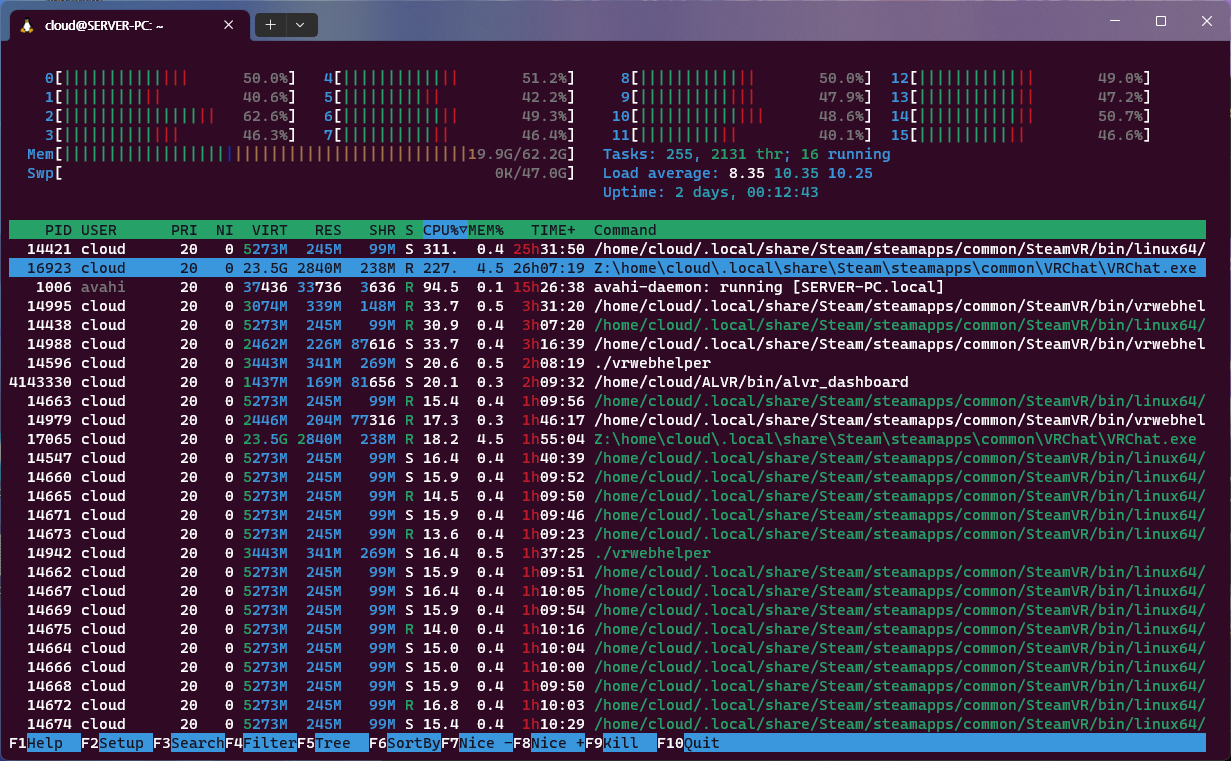
@digitalf0x @pink-fluffy-proto Use proton 8.0-1
@pink-fluffy-proto The /dev/dri/render* node is actually mostly related to video decode. vaapi and such fopen these devices when they decode or encode video content on the GPU.
Video decode request memory leak?
@SpookySkeletons no, it is rendernode, it is related to any rendering.
Old dri2 protocol used /dev/dri/cardX and shared fd's with unix sockets, but this requires display server or master node access to use GPU
dri3 invented render nodes, which can be used separately from display servers and mesa uses it direclty now
How to disable avpro again? Still getting EARRAPE in proton 8
@mittorn
How to disable avpro again? Still getting EARRAPE in proton 8
It should be disabled by default last I checked, so you can remove --enable-avpro-in-proton from VRChat's Properties… → General, then the Launch options section.
Alternatively, if you don't mind the risk of crashing/deleting local VRChat configuration, you can switch VRChat to Proton Experimental. For me, that enables AVPro volume control inside VRChat, likely due to the mfmediaengine changes.
@Kieaer 's comment
Use proton 8.0-1
Even with Proton 8.0-1, I had issues.
However, after recent VRChat updates and the latest Proton Experimental… I still have issues, but it seems to occur less frequently. A couple evenings VRChat will work first try, some other times I need to try 2-5 times. I haven't yet had to try 11 times or so like a few weeks ago.
I noticed one new issue which I couldn't find reported yet:
With Proton 8 VRChat does see all input devices now in the settings instead of just "PulseAudio" (though it's PipeWire via the PA interface).
This in itself is not an issue, but now PipeWire does not default the application to its previous input and output device anymore. Means every time I boot up VRChat, I have to go to the volume control panel and change the output of VRChat to my Index headphones. Input isn't an issue as I can select that specifically within VRChat.
digitalf0x it seems to be enabled now without any options.
chmod 000 on AVPro plugin helps.
Also experimental seems to fix sound (but it seems to have wrong world positioning)
I didn't flip the switch to re-enable AVPro by default, so that is weird,
Imagine my surprise when movies suddenly worked! It seems to work perfectly
as well, except for the fact that I can't move the seek bar; unsure if
someone else in-game can adjust that in my world. Still, very happy to see
it working at all.
On Wed, May 3, 2023 at 3:39 AM MehStrongBadMeh @.***>
wrote:
I didn't flip the switch to re-enable AVPro by default, so that is weird,
—
Reply to this email directly, view it on GitHub
https://github.com/ValveSoftware/Proton/issues/1199#issuecomment-1532581622,
or unsubscribe
https://github.com/notifications/unsubscribe-auth/AJEKNG6OITJVTQXBP3UWQEDXEIDRLANCNFSM4FS34H6A
.
You are receiving this because you are subscribed to this thread.Message
ID: @.***>
Afaik we generally don't support seeking for videos in Proton, yet.
@MehStrongBadMeh could it be cached somewhere? I running VRChat with proton run script (from PROTON_DUMP_DEBUG_COMMANDS), and added it to test AVPro. Removing option not disabled avpro. Maybe it's some world-specific issue?
Also experiencing the memory leak here. Can play for around 5-10 minutes, then things just get progressively worse and slows to a halt. Tried a lot of permutations of proton/SteamVR version/beta combinations yesterday evening, nothing seemed to make a difference, and I crashed a bunch of times, never hitting the "golden" launch. Things I've noticed:
- Going outside the tracking area / having the headset not be tracked for a while seems to exacerbate the problem. I've tried several times leaving the playspace for ~20 seconds to get a drink, then come back to a slideshow. I might just be unlucky and hit the memory-cap at those exact moments, it's just...well... a lot of coincidences now.
- When I spawn in in my home world initially there doesn't seem to be a problem, everything is butter-smooth. However, if I (still by myself) go turn on a mirror to sync my FBT there's a noticeable degradation in performance (this wasn't the case before), which makes me wonder if it's the ovrlipsync.dll memory leak issue that is back to haunt us, considering it seems to first really start to kick into high gear when you observe your own or someone else's avatar.
I don't even manage to get into the game at all, the vrchat window just insta-freezes for me, just showing a copy of the desktop behind it. Apart from that same things. Using lots of virtual memory (although thanks to 64 gigs of RAM, it never hits swap).
Killing that process also makes SteamVR goes wonkers and has to be restarted. After usually 2-3 restarts (thought it was 30 yesterday), VRChat works fine, although still with high virtual usage of around 29 GB (though it's stable around that). Real usage is around 4 GB in the beginning.
Replying to https://github.com/ValveSoftware/Proton/issues/1199#issuecomment-1518941439
I tried it after reinstalling Ubuntu because I had to replace the disk, but there was a serious memory leak.
This seems to have been done normally simply by some condition or coincidence.
Yeah, im not gonna read all these messages xD I'm trying to watch video's and i guess people are moving to AVPro? but i can't watch anything. Ideas?
Ever since the eye tracking update, it gets stuck on futex_waitv at launch (after EAC popup) with main window completely black. It launches on maybe 1 out of 20 attempts. Same behavior on proton 7/8 and with FSYNC/ESYNC/none.
Hello @galister, please test how the game behaves with Proton Experimental (#6740).
@kisak-valve
I'm afraid the futex deadlock is still there. This is likely not an issue with EAC, as the game launches fine every time in desktop mode. The deadlock only appears when launching in VR mode. Logs indicate that the game successfully initializes OpenVR and then stops, with the last few log messages being:
[Behaviour] waiting for UI Manager
[Always] Comfort mode set to: Standard
HTTPFormUseage:UrlEncoded
I cannot properly strace / debug where the deadlock comes from because of EAC.
I can confirm that the deadlock has been happening on both Proton 7 and 8, and the game launched fine before VRC's eye tracking update.
Hello @galister, please test how the game behaves with Proton Experimental (#6740).
Doesn't that ticket state that Proton 7 should not be affected by that issue?
Since I couldn't find anything, I opened a canny report for this:
https://feedback.vrchat.com/bug-reports/p/vrchat-deadlocks-with-memory-leak-when-starting-in-vr
I tested Proton Experimental just now, and while the volume issue is fixed, I cannot fast-forward or rewind videos.
I just tested with OpenComposite (instead of SteamVR) and the game starts and runs fine on the first attempt 10/10 times. Those sporting a wired headset might want to give Monado+OpenComposite a try in the meantime.
@galister After much testing and configuration. I am happy to report the game runs well on the open stack!
For anyone looking to follow we have a setup guide here:
https://gitlab.freedesktop.org/monado/webpage/-/blob/f6fef5a7a11c472b76d75176796e9e23d769c3d8/setup_guide.md?plain=0
Please do not hesitate to pull request if anything in this guide is unclear or you would like to help improve the quality in any fashion.
VRChat in Proton causes system lockups on my laptop when the internal display is active, no matter whether Intel Hybrid or NVIDIA-only driver is installed. I've tried with kernel versions 6.1.29-1 and 5.15.112-1, and was able to replicate this issue. The system does not respond to any input other than the panic key sequence when it locks up. This issue does not occur with any other game.
Current hardware/software configuration:
Hardware: Razer Blade 15” Base - GTX1660 Ti (2019), model number RZ09-03009
Distro: Manjaro Linux w/ KDE Plasma 5
Kernel version: 5.15.112-1-MANJARO
Video Driver: video-hybrid-intel-nvidia-prime
Output of sudo journalctl --priority=0..4, filtered by time of crash:
May 28 21:36:46 gabriel-blade15mid2019base plasmashell[1174]: Checking screens: available: (QScreen(0x7f51ec00bd70, name="eDP-1")) redundant: QHash((QScreen(0x7f51ec004680, name="HDMI-1-0"), QScreen(0x7f51ec00bd70, name="eDP-1"))) fake: QSet() all: (QScreen(0x7f51ec00bd70, name="eDP-1"), QScreen(0x7f51ec004680, name="HDMI-1-0"))
May 28 21:36:46 gabriel-blade15mid2019base plasmashell[1174]: file:///usr/share/plasma/wallpapers/org.kde.image/contents/ui/main.qml:20: TypeError: Cannot read property 'pluginName' of null
May 28 21:36:46 gabriel-blade15mid2019base plasmashell[1174]: file:///usr/share/plasma/wallpapers/org.kde.image/contents/ui/main.qml:75: TypeError: Cannot read property 'configuration' of null
May 28 21:36:46 gabriel-blade15mid2019base plasmashell[1174]: file:///usr/share/plasma/wallpapers/org.kde.image/contents/ui/main.qml:78: TypeError: Cannot read property 'pluginName' of null
May 28 21:36:46 gabriel-blade15mid2019base plasmashell[1174]: file:///usr/share/plasma/wallpapers/org.kde.image/contents/ui/main.qml:80: TypeError: Cannot read property 'configuration' of null
May 28 21:36:46 gabriel-blade15mid2019base plasmashell[1174]: file:///usr/share/plasma/wallpapers/org.kde.image/contents/ui/main.qml:81: TypeError: Cannot read property 'configuration' of null
May 28 21:36:46 gabriel-blade15mid2019base plasmashell[1174]: file:///usr/share/plasma/wallpapers/org.kde.image/contents/ui/main.qml:82: TypeError: Cannot read property 'configuration' of null
May 28 21:36:46 gabriel-blade15mid2019base plasmashell[1174]: file:///usr/share/plasma/wallpapers/org.kde.image/contents/ui/main.qml:83: TypeError: Cannot read property 'configuration' of null
May 28 21:36:46 gabriel-blade15mid2019base plasmashell[1174]: file:///usr/share/plasma/wallpapers/org.kde.image/contents/ui/main.qml:84: TypeError: Cannot read property 'configuration' of null
May 28 21:36:46 gabriel-blade15mid2019base plasmashell[1174]: file:///usr/share/plasma/wallpapers/org.kde.image/contents/ui/main.qml:16: TypeError: Cannot read property 'configuration' of null
May 28 21:36:46 gabriel-blade15mid2019base plasmashell[1174]: file:///usr/share/plasma/wallpapers/org.kde.image/contents/ui/main.qml:17: TypeError: Cannot read property 'configuration' of null
May 28 21:36:46 gabriel-blade15mid2019base plasmashell[1174]: file:///usr/share/plasma/wallpapers/org.kde.image/contents/ui/main.qml:18: TypeError: Cannot read property 'configuration' of null
May 28 21:36:46 gabriel-blade15mid2019base plasmashell[1174]: file:///usr/share/plasma/plasmoids/org.kde.plasma.kickoff/contents/ui/Footer.qml:155:5: QML LeaveButtons: Binding loop detected for property "shouldCollapseButtons"
May 28 21:36:46 gabriel-blade15mid2019base plasmashell[1174]: org.kde.plasma.pulseaudio: No object for name "alsa_output.usb-Macronix_Razer_Barracuda_X_2.4_1234-00.pro-output-0"
May 28 21:36:46 gabriel-blade15mid2019base plasmashell[1174]: file:///usr/share/plasma/plasmoids/org.kde.plasma.volume/contents/ui/ListItemBase.qml:119: TypeError: Value is undefined and could not be converted to an object
May 28 21:36:46 gabriel-blade15mid2019base plasmashell[1174]: org.kde.plasma.pulseaudio: No object for name "alsa_output.usb-Macronix_Razer_Barracuda_X_2.4_1234-00.pro-output-0"
May 28 21:36:46 gabriel-blade15mid2019base plasmashell[1174]: org.kde.plasma.pulseaudio: No object for name "alsa_input.usb-Macronix_Razer_Barracuda_X_2.4_1234-00.pro-input-0"
May 28 21:36:46 gabriel-blade15mid2019base plasmashell[1174]: file:///usr/share/plasma/plasmoids/org.kde.plasma.volume/contents/ui/ListItemBase.qml:119: TypeError: Value is undefined and could not be converted to an object
May 28 21:36:46 gabriel-blade15mid2019base plasmashell[1174]: org.kde.plasma.pulseaudio: No object for name "alsa_output.usb-Macronix_Razer_Barracuda_X_2.4_1234-00.pro-output-0"
May 28 21:36:46 gabriel-blade15mid2019base plasmashell[1174]: org.kde.plasma.pulseaudio: No object for name "alsa_input.usb-Macronix_Razer_Barracuda_X_2.4_1234-00.pro-input-0"
May 28 21:36:46 gabriel-blade15mid2019base plasmashell[1174]: org.kde.plasma.pulseaudio: No object for name "alsa_output.usb-Macronix_Razer_Barracuda_X_2.4_1234-00.pro-output-0"
May 28 21:36:46 gabriel-blade15mid2019base plasmashell[1174]: org.kde.plasma.pulseaudio: No object for name "alsa_input.usb-Macronix_Razer_Barracuda_X_2.4_1234-00.pro-input-0"
May 28 21:36:46 gabriel-blade15mid2019base plasmashell[1174]: org.kde.plasma.pulseaudio: No object for name "alsa_output.usb-Macronix_Razer_Barracuda_X_2.4_1234-00.pro-output-0"
May 28 21:36:46 gabriel-blade15mid2019base plasmashell[1174]: org.kde.plasma.pulseaudio: No object for name "alsa_input.usb-Macronix_Razer_Barracuda_X_2.4_1234-00.pro-input-0"
May 28 21:36:46 gabriel-blade15mid2019base plasmashell[1174]: org.kde.plasma.pulseaudio: No object for name "alsa_output.usb-Macronix_Razer_Barracuda_X_2.4_1234-00.pro-output-0"
May 28 21:36:46 gabriel-blade15mid2019base plasmashell[1174]: org.kde.plasma.pulseaudio: No object for name "alsa_input.usb-Macronix_Razer_Barracuda_X_2.4_1234-00.pro-input-0"
May 28 21:36:46 gabriel-blade15mid2019base plasmashell[1174]: org.kde.plasma.pulseaudio: No object for name "alsa_output.usb-Macronix_Razer_Barracuda_X_2.4_1234-00.pro-output-0"
May 28 21:36:46 gabriel-blade15mid2019base plasmashell[1174]: org.kde.plasma.pulseaudio: No object for name "alsa_input.usb-Macronix_Razer_Barracuda_X_2.4_1234-00.pro-input-0"
May 28 21:36:46 gabriel-blade15mid2019base plasmashell[1174]: org.kde.plasma.pulseaudio: No object for name "alsa_output.usb-Macronix_Razer_Barracuda_X_2.4_1234-00.pro-output-0"
May 28 21:36:46 gabriel-blade15mid2019base plasmashell[1174]: org.kde.plasma.pulseaudio: No object for name "alsa_input.usb-Macronix_Razer_Barracuda_X_2.4_1234-00.pro-input-0"
May 28 21:36:46 gabriel-blade15mid2019base plasmashell[1174]: org.kde.plasma.pulseaudio: No object for name "alsa_output.usb-Macronix_Razer_Barracuda_X_2.4_1234-00.pro-output-0"
May 28 21:36:46 gabriel-blade15mid2019base plasmashell[1174]: org.kde.plasma.pulseaudio: No object for name "alsa_input.usb-Macronix_Razer_Barracuda_X_2.4_1234-00.pro-input-0"
May 28 21:36:46 gabriel-blade15mid2019base plasmashell[1174]: org.kde.plasma.pulseaudio: No object for name "alsa_output.usb-Macronix_Razer_Barracuda_X_2.4_1234-00.pro-output-0"
May 28 21:36:46 gabriel-blade15mid2019base plasmashell[1174]: org.kde.plasma.pulseaudio: No object for name "alsa_input.usb-Macronix_Razer_Barracuda_X_2.4_1234-00.pro-input-0"
May 28 21:36:46 gabriel-blade15mid2019base plasmashell[1174]: org.kde.plasma.pulseaudio: No object for name "alsa_input.usb-Macronix_Razer_Barracuda_X_2.4_1234-00.pro-input-0"
May 28 21:37:09 gabriel-blade15mid2019base kwin_x11[1104]: kwin_core: Failed to focus 0x3e00141 (error 8)
May 28 21:37:09 gabriel-blade15mid2019base kwin_x11[1104]: kwin_core: Failed to restore focus. Activating 0x3e0002b
May 28 21:37:16 gabriel-blade15mid2019base kmix[1435]: org.kde.kmix: Thou shalt not delete any GUI profile. This message is only OK, when quitting KMix
May 28 21:37:16 gabriel-blade15mid2019base kmix[1435]: org.kde.kmix: Thou shalt not delete any GUI profile. This message is only OK, when quitting KMix
May 28 21:37:16 gabriel-blade15mid2019base kmix[1435]: org.kde.kmix: Thou shalt not delete any GUI profile. This message is only OK, when quitting KMix
May 28 21:37:16 gabriel-blade15mid2019base kmix[1435]: org.kde.kmix: Thou shalt not delete any GUI profile. This message is only OK, when quitting KMix
@Flimsy-Fox I've had the same with nvidia driver version 530. downgrading to the stable branch (525x) fixed it for me.
@Flimsy-Fox I've had the same with nvidia driver version 530. downgrading to the stable branch (525x) fixed it for me.
Changing kernel version to 5.10 seems to also resolve my issue. I was unable to install driver version 525. The short of it is that Manjaro seems to be atypical both in how it installs drivers and the directory structure of the kernel build files.
For what it's worth, I also tried the Nouveau driver. It does seem that driver still needs a lot more work to be functional. I did manage to install NVIDIA driver version 470, but was unable to launch the game (largely due to the driver's age).
Launching the game from Flatpak Steam does not result in any freezes in kernel 6.1.
We have flipped the switch to enable the AVPro stream player by default in Proton. Let me know if that causes any problems.
Launching the game from Flatpak Steam does not result in any freezes in kernel 6.1.
Flatpack has own nvidia drivers
I'm seeing consistent crashes running the latest / experimental proton version when joining worlds that use yt-dlp for media streaming.
Random mesa version info:
extra/glu 9.0.2-3 [installed]
extra/mesa-utils 9.0.0-2 [installed]
extra/vulkan-radeon 23.1.1-1 [installed]
multilib/lib32-glu 9.0.2-3 [installed]
multilib/lib32-mesa 23.1.1-1 [installed]
multilib/lib32-vulkan-radeon 23.1.1-1 [installed]
mesa-git/lib32-llvm-libs-git 17.0.0_r462588.6130c9df99a7-1 (mesagit) [installed]
mesa-git/llvm-libs-git 17.0.0_r462587.c7592c7714c2-1 (mesagit) [installed]
mesa-git/mesa-git 1:23.2.0_devel.172271.e2927dd5e76-1 (mesagit) [installed: 1:23.2.0_devel.171611.613eb64011a-1]
VRchat logs:
2023.06.08 21:00:15 Log        -  NativeProcess.HasExited: process exited with code 0, took 940 ms. Command line: C:/users/steamuser/AppData/LocalLow/VRChat/VRChat\Tools/yt-dlp.exe (...)


2023.06.08 21:00:15 Log        -  [Video Playback] URL 'https://vid.kemocade.com/21422.mp4' resolved to 'https://vid.kemocade.com/21422.mp4'


2023.06.08 21:00:15 Log        -  [Behaviour] RPC called Elevator:UdonSyncRunProgramAsRPC:Owner and 16 bytes
Similar behavior for proton 8.x and experimental.
Here the players are running fine for playing normal videos and livestreams, but sometimes on twitch livestreams it just stops playing it, suddenly. After that, if I try to resync, my game freezes completely and I have to relaunch it.
OS: Arch Linux
Mesa: 23.1.2-1 (with vulkan-radeon)
Proton 8 (experimental doesn't work with videos for me)
GPU: AMD Radeon RX 5500XT 8GB
Sometimes, using proton-ge 8-3 seems to work better
The latest VRChat release seems to have resolved the freezing issue. I was able to get into VRChat yesterday twice and again today without freezing.
Broken for me after trying many different versions of steam. Conty, flatpak, & native. I get the following error:
I've also tried many different versions of Proton. Only the ones that don't support EAC work until I get to the login screen.
Other EAC titles work fine.
OS: Gentoo Linux
GPU: AMD 7900 XTX
Mesa: 23.1.1
Proton: Tried them all.
@Nasanian just guessing, but how many cores does your CPU have? You might be affected by #5927
@Nasanian just guessing, but how many cores does your CPU have? You might be affected by #5927
This fixed it! Thanks!
If you could note in the linked issue how many threads you can maximum use with the game that would be great for tracking 🙂
@Nasanian just guessing, but how many cores does your CPU have? You might be affected by #5927
This fixed it! Thanks!
Interesting…
I recently helped someone else deal with Launch Error: Unexpected error (#1) with VRChat on a system with 64 cores, and for them, updating the EasyAntiCheat bootstrapper to the 64-bit version direct from Epic Games' EOS SDK fixed it:
- EOS developer help thread I opened on this: EOS SDK's 64-bit Linux anti-cheat module fails under Proton with "Unexpected error. (#1)", yet 32-bit Linux module works fine on same system
- (I created my own EAC test app to have a reason for contacting Epic Games' developer support directly)
Testingsteps for updating EOS launcher, documented on a fixed regression in Proton 8.x- You can't just directly overwrite
start_protected_game.exeas it is verified, but you can save and launch a separatestart_protected_game.new.exeor such
- You can't just directly overwrite
I'll check with this friend if limiting cores to something below 64 also works for them, so I can then inform Epic Games' support team (so they can inform any game devs who haven't upgraded their EOS SDK yet).
@Nasanian If you'd like, you can try following the steps to update the EAC bootstrapper instead of limiting threads. I don't know for sure if it's the same problem.
@Nasanian @Blisto91 Good news - the thread count launch error issue should be fixed by the updated 64-bit EAC bootstrapper!
Folks getting EAC Unexpected error #1 - limit to 40 threads or update bootstrapper
NOTE: If you do not have more than 40 threads on your system (e.g. running nproc shows 40 or less), it is probably a different issue!
Limiting to 40 threads
In testing with my aforementioned friend (with a 64-core AMD CPU, 128 threads), using the VRChat-provided start_protected_game.exe they had a successful launch with 40 threads, and the launch error with 41 threads.
You just need to put the following in the VRChat launch options:
WINE_CPU_TOPOLOGY="40:0,1,2,3,4,5,6,7,8,9,10,11,12,13,14,15,16,17,18,19,20,21,22,23,24,25,26,27,28,29,30,31,32,33,34,35,36,37,38,39" %command%
Updating bootstrapper
Updating start_protected_game.exe (as start_protected_game.new.exe and a custom Steam shortcut, see Testing on this issue) to the Epic Games' EOS SDK v1.15.5 C# download also fixes this launch error, no thread limit needed!
I've shared the details with Epic Games' developer support - I pinned my comment as the best answer, or search for Quick good news update.
VRChat devs - update boostrapper to EOS SDK v1.15.5?
To those on the VRChat team (@MehStrongBadMeh and/or others):
When convenient, please look into updating to the latest Epic Games' EOS SDK (1.15.5, 2023-feb-16 or newer) to bundle the new 64-bit start_protected_game.exe bootstrapper as part of your anti-cheat signing and build process.
That said, I realize this is a critical, risky part of VRChat to update, it's potentially a bug in Proton/Wine, and this issue can be worked around in two ways (WINE_CPU_TOPOLOGY or locally upgrading the bootstrapper as mentioned before). And I get that most folks playing VRChat on Linux probably don't have more than 40 CPU threads (e.g. 20 cores + hyperthreading).
Hmm, it seems stream playback is broken again. I've been testing with the LS Media. I'm running on Proton Experimental but I've also tried Proton 8.0-2 and Proton GE 8.0-3 and 8.0-6. I've verified my system can otherwise play the files/streams. I have attached the VRChat output log and proton logs while run under Proton Experimental with PROTON_LOG=1.
vrchat-video-player-logs.zip
Very often VRChat will be fine but the game will close because SteamVR failed in some way. Sometimes Steam itself is what closes. If VRC crashes, SteamVR has to be restarted or VRChat will crash immediately after launching. It's obnoxious.
We have flipped the switch to enable the AVPro stream player by default in Proton. Let me know if that causes any problems.
@MehStrongBadMeh been experiencing memory leaks with AVPro in VRChat in the past, and I just re-enabled it to check how it is. I'm getting the same results with GE-Proton8-6 as well as current Experimental:
- Leaks 2-4 MB/s while a video is playing.
- Still leaks while paused (!)
- When video player is stopped/reset, the leak stops but the accumulated memory is not freed.
- Changing worlds/rejoining does not free the memory.
I've identified some mem leaks in Proton media foundations session lately, two are already fixed upstream, but one is still left. We aren't really sure how to fix that one right now. Also the patches need to be imported into Proton.
For me, both GE-Proton8-7 and the new Experimental now hard crash the game in <5 minutes when an AVPro player is playing. GE-Proton8-6 works fine apart from the leak (crashes after ~2h of watching)
Updated to proton-ge 8-7 here and it's still the same situation for me: normal video works fine, livestreams still leaks memory but works and twitch specific livestreams crashes the game.
OS: Arch Linux
Mesa: 23.1.3-2 (with vulkan-radeon)
Proton-ge 8-7 (normal proton doesn't work with livestreams, just throws "video error")
GPU: AMD Radeon RX 5500XT 8GB
I'm getting a VRChat freeze when initializing most worlds. I suspect it's worlds with video players.
Is there a way to completely disable AVPro player? If there isn't, can we have one? And can we keep it around forever so we can use it the next time an update breaks video players on Linux? (because let's be honest, it will break again at some point)
I've tried blocking yt-dlp.exe with a non-readable, non-writable, non-executable file taking it's place but VRChat still freezes trying to initialize most worlds.
I've tried various Proton versions. Verifying file integrity. Removing the compatdata folder for VRChat. Basically every trick I know and it cannot be fixed. My only option right now is to completely avoid worlds with video players (so much fun guessing which worlds don't have some video player hidden somewhere >_>)
In the past there was --enable-avpro-in-proton. IDK if this works, but you might try adding--enable-avpro-in-proton=false to your launch options.
This did the trick (removing read-write-execute permissions from the AVPro plugin files):
SteamLibrary/steamapps/common/VRChat/VRChat_Data/Plugins/x86_64$ chmod a-rwx AVProMovieCapture.dll AVProVideo.dll AudioPluginAVProMovieCapture.dll AVProVideoWinRT.dll
And that also confirms the freezes are because of AVPro video player
@yoyobuae be warned though that some video players with automatic sync will keep trying to start AvPro, causing the game to constantly try and load the dlls. This can lead to severe lag spikes at few-second intervals.
I'm also not getting crashes with either GE-Proton8-6 or GE-Proton8-9, so can recommend trying those.
@galister Seems to be working fine so far. If there's any lag spikes, then it's not significant compared to my normal lag spikes xD
I've tried Proton 8.0-3, GE-Proton7-55, GE-Proton8-3 and GE-Proton8-6 and they all had the same behavior: VRChat freezes completely whenever trying to initialize a world with a AVPro player. It happens before the world loads, in the empty space while world is loading.
VRChat no longer launches at all after latest update. It just closes silently after EAC loading splash screen. >.<
It was working yesterday.
@yoyobuae I think you have to delete your prefix folder and maybe restart your computer, because here it's working just fine
@yoyobuae I think you have to delete your prefix folder and maybe restart your computer, because here it's working just fine
I've already tried deleting the prefix several times and tried 3 different Proton versions, all with same result.
EDIT: Full reinstall fixed it (video players still makes it freeze on Initializing World, tho >.>)
New update --> VRChat is broken again. It's like clockwork at this point...
And this time even full reinstall doesn't fix it. In VRChat Discord other Linux users are having the same problem.
EDIT: to specify this is the problem I'm having:
VRChat no longer launches at all after latest update. It just closes silently after EAC loading splash screen.
New update --> VRChat is broken again. It's like clockwork at this point...
And this time even full reinstall doesn't fix it. In VRChat Discord other Linux users are having the same problem.
EDIT: to specify this is the problem I'm having:
VRChat no longer launches at all after latest update. It just closes silently after EAC loading splash screen.
I found a solution but it requires hotswapping the ~/.local/share/Steam/steamapps/common/VRChat/start_protected_game.exe
Restore an older version of it and back up the current, name it something like start_protected_game.exe.bad
This will get it to launch but not pass EAC. To fool EAC replace it as soon as the splash screen appears. cp start_protected_game.exe.bad start_protected_game.exe Now it works!
I found a solution but it requires hotswapping the ~/.local/share/Steam/steamapps/common/VRChat/start_protected_game.exe Restore an older version of it and back up the current, name it something like start_protected_game.exe.bad This will get it to launch but not pass EAC. To fool EAC replace it as soon as the splash screen appears.
cp start_protected_game.exe.bad start_protected_game.exeNow it works!
A bit silly but hey, it works. xD
I took your idea and turned it into an automated script:
#!/bin/bash

LOG_FILE=
PATH_TO_VRCHAT_FOLDER=/path/to/steam/steamapps/common/VRChat
OLD_START_GAME_PROTECTED=start_protected_game.exe.old
NEW_START_GAME_PROTECTED=start_protected_game.exe.new
START_GAME_PROTECTED=start_protected_game.exe

log () {
    if [ -n "$LOG_FILE" ] ; then
        echo "$@" >> $LOG_FILE
    fi
}

log "Replacing start_protected_game.exe by old version"
cp $PATH_TO_VRCHAT_FOLDER/$OLD_START_GAME_PROTECTED $PATH_TO_VRCHAT_FOLDER/$START_GAME_PROTECTED
log "Replaced start_protected_game.exe by old version"
log "Starting VRChat. Command line: $@"
"$@" &
sleep 1
pid=
log "Waiting for start_protected_game.exe to start"
while [ -z "$pid" ]
do
    sleep 0.2
    pid=$(pgrep -x start_protected)
done
log "start_protected_game.exe start detected"
log "Waiting for start_protected_game.exe to end"
while [ -n "$pid" ]
do
    sleep 0.2
    pid=$(pgrep -x start_protected)
done
log "start_protected_game.exe end detected"
log "Replacing start_protected_game.exe by new version"
cp $PATH_TO_VRCHAT_FOLDER/$NEW_START_GAME_PROTECTED $PATH_TO_VRCHAT_FOLDER/$START_GAME_PROTECTED
log "Replaced start_protected_game.exe by new version"
log "Waiting for VRChat to exit"
wait -nf
log "VRChat to exited"
exit $?
Save the script somewhere it can be executed (like ~/.local/bin) and give it executable permissions. Then use it as part of the launch options for VRChat on Steam like so:
vrchat_eac_fix.sh %command%
The script expects you to provide the path to the VRChat folder (the one that contains start_protected_game.exe). That folder should also contain the old and new versions of start_protected_game.exe, the ones that will be swapped over. You can customize the variables at the top of the script if you want to use different names for the files (tho start_protected_game.exe needs to keep the original name).
Enjoy. :)
For anyone who wants install older versions, follow this guide on r/Steam. The appid is 438100.
Thanks for taking this further @yoyobuae and pointing out a way to find older versions @KisaragiEffective!
@MalikuMane @yoyobuae
I found a solution but it requires hotswapping the ~/.local/share/Steam/steamapps/common/VRChat/start_protected_game.exe Restore an older version of it and back up the current, name it something like start_protected_game.exe.bad This will get it to launch but not pass EAC. To fool EAC replace it as soon as the splash screen appears.
cp start_protected_game.exe.bad start_protected_game.exeNow it works!
It looks like VRChat updated start_protected_game.exe to the 64-bit version currently shipped by the February 2023 Epic Online Services SDK. You may be having issues with the new all-64-bit launcher process as compared to the old launch process (64-bit Steam, 32-bit start_protected_game.exe, 64-bit Linux anti-cheat module, 64-bit VRChat.exe).
From what I understand, this is not unique to VRChat and will apply to all EasyAntiCheat protected games that use the February 2023+ EOS SDK.
I encourage filing a new issue on this repository with your system details. You might find it helpful to look at an older issue I filed where the new start_protected_game.exe was previously broken after a Proton 8.x update.
Meanwhile, instead of launching a script to rename files, you probably can do the inverse of what I had to and place the older version of the EAC launcher called start_protected_game.old.exe inside the VRChat directory, add a non-Steam shortcut to this, and ensure that Proton is selected as the compatibility tool. The older bootstrapper will still use the latest Linux anti-cheat module, so this does not bypass EAC.
For anyone who wants install older versions, follow this guide on r/Steam. The appid is
438100.
I have solution with following steps (thanks @digitalcircuit and r/Steam post):
- Go to steam://nav/console.
- type
download_depot 438100 438101 5779996596649873410to the console. This installs build 1320. - It will take a while. After installation, the installed directory will be shown. Copy it to somewhere.
- Add the
start_protected_game.exein there as non-Steam game from your library menu. - Force usage of Proton ;)
- It should be ran
Tried @KisaragiEffective workaround, and it works. A couple of things to add:
- In order to get the steam-console you have to go
steam steam://nav/consolein a terminal. - If you're using VR, you need to toggle "Include in VR library" on, and "Use Desktop Game Theatrewhile SteamVR is active" off in the new entry's properties to have it start in VR-mode instead of desktop mode.
So can we get a way to fully disable AVpro video players?
Video players are crashing my game again, and my previous workaround no longer works.
What I'm currently doing is chmod 000 the yt-dl.exe file, though that disables all video players.
Hi folks - in our testing, it appears that at this point, fresh installs of VRChat seem to be working. Verify integrity of files is not enough to "fix" the EAC error, but a complete reinstall seems to do the trick. Could folks let me know if that does not work for them so we can find out if there is some intermittent bug lingering around VRChat launch?
I have not touched my vrchat or proton installation in like month, im using flatpak steam with flatpak alvr, rx 6600 xt, vrchat has been working reliably (aside from reliable avpro playback that is)
Just wanted to spill this out as a weird thing that these bugs did not seem to affect me at all?...
Does not fix issue with EAC:
- Verifying files
- Removing Proton prefix and verifying files
- Switching Proton version, removing Proton prefix and verifying files
- Full uninstall and reinstall
Does fix issues with EAC:
- Use older start_protected_game.exe
Does not fix issue with AVPro:
- chmod 000 yt-dlp.exe (freeze during Initializing World)
- chmod 000 AVProMovieCapture.dll AVProVideo.dll AudioPluginAVProMovieCapture.dll AVProVideoWinRT.dll (crash a few seconds after world loads)
- --disable-hw-video-decoding launch option (does nothing)
- Every kind of verify files and reinstalling and clearing cache (does nothing)
No current known way to fix issue with AVPro.
Note that I do not care about videos. I've used VRChat without videos for a long time now. But not being able to use like 70% of the worlds due to this issue is quite game breaking.
Being able to disable AVPro would be a solution to the current problem. And it would also be a solution to any future problems with AVPro (because at this point its almost guaranteed there will be future problems with AVPro)
I'm having issues getting Discord Rich Presence working with the following project:
https://github.com/0e4ef622/wine-discord-ipc-bridge
I can get it working in other games like Deep Rock Galactic, does VRChat disable Discord Rich Presence if it's run through proton?
My working setup for AVPro uses GE-Proton8-6. It broke when I installed a newer version of GE-Proton, so I explicitly installed GE-Proton8-6 and has worked for me.
Also, in case this causes changes in application behavior, I launch the game with systemd-run:
systemd-run --user --scope -u VRChat -p MemoryHigh=12G -p MemoryMax=20G -E MANGOHUD=1 -E OBS_VKCAPTURE=1 /opt/wine-discord-ipc-bridge/winediscordipcbridge-steam.sh gamemoderun %command% --enable-avpro-in-proton
I have not touched my vrchat or proton installation in like month, im using flatpak steam with flatpak alvr, rx 6600 xt, vrchat has been working reliably (aside from reliable avpro playback that is) Just wanted to spill this out as a weird thing that these bugs did not seem to affect me at all?...
That one was already fixed in the lastet update.
So can we now get a way to fully disable AVpro video players?
It's been two weeks and worlds with video players are still crashing/freezing on load...
I've managed to trace the issue to the point where AVProVideo.dll loads:
2023.08.22 13:39:52 Warning    -  Only custom filters can be played. Please add a custom filter or an audioclip to the audiosource (World_Music).
2023.08.22 13:39:52 Log        -  [Always] UdonManager.OnSceneLoaded took '0.297'
2023.08.22 13:39:53 Log        -  [Behaviour] Skipping registration of a video player on 'Udon (VideoCore)' with the VideoPlayerOverseer as automatic resync is disabled.
2023.08.22 13:39:53 Log        -  [Behaviour] Skipping registration of a video player on 'Udon (VideoCore)' with the VideoPlayerOverseer as automatic resync is disabled.
>>>>>> Game freezes here
For comparison these are the logs if I block AVProVideo.dll from loading (via file permissions):
2023.08.22 13:17:31 Warning    -  Only custom filters can be played. Please add a custom filter or an audioclip to the audiosource (World_Music).
2023.08.22 13:17:31 Log        -  [Always] UdonManager.OnSceneLoaded took '0.301'
2023.08.22 13:17:31 Log        -  [Behaviour] Skipping registration of a video player on 'Udon (VideoCore)' with the VideoPlayerOverseer as automatic resync is disabled.
2023.08.22 13:17:31 Log        -  [Behaviour] Skipping registration of a video player on 'Udon (VideoCore)' with the VideoPlayerOverseer as automatic resync is disabled.
2023.08.22 13:17:31 Error      -  Failed to load 'Z:/media/Media2/Downloads/SteamLibrary/steamapps/common/VRChat/VRChat_Data/Plugins\x86_64/AVProVideo.dll', expected x64 architecture, but was Unknown architecture.
 You must recompile your plugin for x64 architecture.
RenderHeads.Media.AVProVideo.WindowsMediaPlayer:InitialisePlatform()
RenderHeads.Media.AVProVideo.MediaPlayer:CreateMediaPlayer()
RenderHeads.Media.AVProVideo.MediaPlayer:Initialise()
RenderHeads.Media.AVProVideo.MediaPlayer:Start()
2023.08.22 13:17:31 Error      -  [AVProVideo] Failed to load DLL. Unable to load DLL 'AVProVideo': The specified module could not be found.
2023.08.22 13:17:31 Error      -  [AVProVideo] Not supported on this platform WindowsPlayer X570 GAMING X (Gigabyte Technology Co., Ltd.) AMD Ryzen 9 3900X 12-Core Processor Windows 10  (10.0.19043) 64bit.  Using
null media player!
2023.08.22 13:17:31 Log        -  [AVProVideo] Initialising AVPro Video v2.5.6 (native plugin v0.0.0) on AMD RADV NAVI10/Direct3D 11.0 [level 11.1] (MT False) on WindowsPlayer
2023.08.22 13:17:31 Error      -  [AVProVideo] No MediaReference specified
2023.08.22 13:17:31 Error      -  [AVProVideo] No file path specified
2023.08.22 13:17:31 Log        -  Loaded asset bundle: Thad Magic Mirrors
Blocking AVProVideo.dll is not a solution since game will freeze anyway later on in the process.
Follow-up to my previous comment on start_protected_game.exe - VRChat has rolled back the EasyAntiCheat bootstrapper to the older, 32-bit version from the prior EOS SDK.
I'm guessing this is due to this prominent warning on the Epic Games' Developer Support site:
⚠ EAC Installer Issue ⚠
There is an issue with the EOS EAC service setup, EasyAntiCheat_EOS_Setup.exe, included in EOS SDK v1.16.
This causes launch error 20006 with Windows error code 1053. The latest release (v1.16.1) fixes this issue. Please update to this version if you are on v1.16.
For anyone who had launch issues with the previously-new 64-bit bootstrapper
If you have not yet confirmed that the issue itself is fixed for you (by updating the bootstrapper again to the very latest version, potentially by following the Testing steps here and going for the custom shortcut route with start_protected_game.new.exe), I encourage you to still look for or file an issue on Proton if you have not already.
VRChat will likely eventually roll out this newer bootstrapper later on, so if you solve whatever compatibility issues you're having now, you won't have to deal with temporary workarounds to roll back later.
For VRChat developers
I have confirmed that the updated bootstrapper in the v1.16.1 EOS SDK still fixes the unexpected launch error for a friend's system with more than 40 CPU threads.
SHA1 hash of the tested new bootstrapper: 23a1bf4d0088755baecf99fbfb6273399dc6cf4f.
Every so often i get an EAC error about a specific cache file or dll that comes back after restarting. I'm guessing it's some weird timing issue and found it goes away after dropping caches. sync; echo 3 > /proc/sys/vm/drop_caches
`
Do you mind sharing a bit of insight on things?
I've found that proton-ge 8-6 and higher does work, but right now I'm having problems with any video player other than the iwasync or base udon one, basicall video players such as movie & chill and LS Media, don't allow themselves to be synced, rewound, or fastforwarded in the timeline:
https://github.com/ValveSoftware/Proton/assets/71310187/0a845f53-3063-4410-8885-f5f22be6e202
Do you mind sharing a bit of insight on things?
I've found that proton-ge 8-6 and higher does work, but right now I'm having problems with any video player other than the iwasync or base udon one, basicall video players such as movie & chill and LS Media, don't allow themselves to be synced, rewound, or fastforwarded in the timeline:
2023-09-09.19-33-18.mp4
It does seem like the action is being sent but no response happens.
world problem? but how would it be specific to linux.
2023.09.09 21:20:43 Log - [Behaviour] RPC called ProTV Hangout:UdonSyncRunProgramAsRPC:All and 21 bytes
2023.09.09 21:20:46 Log - [Behaviour] RPC called ProTV Hangout:UdonSyncRunProgramAsRPC:All and 21 bytes
2023.09.09 21:20:48 Log - [Behaviour] RPC called ProTV Hangout:UdonSyncRunProgramAsRPC:All and 21 bytes
@ItsLynix avpro uses the windows media foundation internally, and the wine implementation of wmf doesn't support seeking yet.
There has to be other use cases of wmf besides viewing pirated media. I imagine there really isn't much motivation for the wine team to work on that right now.
@ItsLynix avpro uses the windows media foundation internally, and the wine implementation of wmf doesn't support seeking yet.
I'm not quite sure that is true, given that video players like IWASync work fine to seek.
@MalikuMane
There has to be other use cases of wmf besides viewing pirated media. I imagine there really isn't much motivation for the wine team to work on that right now.
AVPro (in streaming mode) which uses WMF is used extensively by the Furality VR convention, and probably other VR conventions with live music, shows, etc.
When I wrote to Furality's help email in February…
At present, it's necessary for us to use AVPro for our streaming infrastructure in the worlds and will continue to be used for the foreseeable future.
While we understand that Linux gaming has come a long way with Proton, I'm afraid Linux currently isn't an operating system that is supported by VRChat. Our best recommendation for attending our events would be to boot into Windows if the option is available to you.
My first time going to Furality earlier this year required setting up a temporary Windows installation for Club F.Y.N.N., live panels, etc to function. (The closing fireworks show did work on Linux though, as that was not a live stream.) I am hopeful that by next Furality, Wine/Proton's WMF implementation will be in a state where this isn't necessary.
There has to be other use cases of wmf besides viewing pirated media. I imagine there really isn't much motivation for the wine team to work on that right now.
Anytime there's a real time music event or otherwise, I have to tell my friends that I can't go because it simply doesn't work for me. There's a weekly social event that has a DJ and the stream just doesn't load. I can't do anything about it and I miss out on those experiences. I don't have the time or energy to get windows setup for one off events.
Replying to https://github.com/ValveSoftware/Proton/issues/1199#issuecomment-1712941167
Seems you're in luck.
Is there some specific patch applied by proton-ge at avpro? because I also went to Furality Sylva and I was able to see all videos and streams without a problem on linux, with proton-ge 8. Btw, official proton 8 just throws "video error" and Twitch Livestreams usually crashes the game with proton-ge while trying to reload.
Can confirm that using "Proton Experimental" and "Proton 8" did not work for AVPro (Sound played but no video from Youtube other media locations seems to work?)
Unity Player did not work at all and would throw an error.
When switching to Proton GE AVPro seems to now work with sound and video including Twitch live streams however Unity Player is still broken for me
I was at an event today and twitch streams were working with Proton GE 8-14. A vrcdn.live stream did not work. I was able to grab the URL. Format was rtspt://stream.vrcdn.live/live/stream-id (anonymized because I was asked not to share the exact stream url). mpv was not able to load the stream at first so I switched it to the MPEG-TS stream and that played fine. Having the music play via mpv was sufficient to experience the event.
I left the event mid way through, and tried to figure out what rtspt:// meant. Eventually I figured out that it was just specifying RTSP over TCP. I dropped the t from the end and mpv was able to play the stream. I have a suspicion that if I modified the youtube-dl script to drop that t I could get the stream to work inside VRChat. It's a bit too late here to try that.
On the other hand, as I write this comment, I see there's a 8-15 release of Proton GE so I might install that and queue back into the event to test if it works now.
I see there's a 8-15 release of Proton GE so I might install that and queue back into the event to test if it works now.
I installed it and the event was full so I used the VRCDN testing world and pasted in the url with rtspt:// and rtsp:// and neither worked.
Regarding AVPro, Proton GE 8-6 and Proton Experimental seem to have working audio, but the video never changes from the initial splash screen. Proton GE 8-14 and 8-15 crash the game when the video tries to load.
For reference, my launch options are: PROTON_LOG=1 %command% --fps=144 --disable-hw-video-decoding --enable-avpro-in-proton
Unfortunately, the proton log doesn't reveal much in the name of triaging the issue.
been experiencing memory leaks with AVPro in VRChat in the past, and I just re-enabled it to check how it is. I'm getting the same results with GE-Proton8-6 as well as current Experimental:
* Leaks 2-4 MB/s while a video is playing.

* Still leaks while paused (!)

* When video player is stopped/reset, the leak stops but the accumulated memory is not freed.

* Changing worlds/rejoining does not free the memory.
Hey, I think I figured out why avpro is leaking. Am looking into how to fix it.
⚠️ Replaced by more recent test results - 2023-10-19
Please see my newer comment here, with more up-to-date test results and debug logs.
Tap/click to show old test results
After last week's open beta update (2023-9-19), AVPro's behavior changes between VRChat on Unity 2019 (stable) and VRChat on Unity 2022 (the open beta), and it changes between desktop mode and SteamVR.
In short, Proton Experimental (not 8.x) works with VRChat stable (not open beta) in desktop and in VR. Every other combination has downsides.
As this appears to be a race condition, I'm guessing this might be related to this Wine merge request:
Wine Gitlab: "mf: Avoid a double free of presentation clock timers."
EDIT 2023-9-25: I tried the SteamVR beta 2.0.1 with Steam client beta, and the crash in VR still happens, so I don't think that fixes it.
EDIT 2023-9-28: VRChat's release notes for the 2023-9-19 release of VRChat 2023.3.3 on Open Beta (Unity 2022) specifically mention AVPro changes:
Unity 2022
- AVPro audio should now work as expected on Quest.
This probably had smaller changes to the Windows code path and thus impacted Proton Experimental, too.
EDIT 2023-9-30: This also appears to happen in desktop mode when my system is sufficiently loaded, such as being in the above world with music playing while also uploading a new avatar version inside Unity (e.g. testing Audio Link). With this in mind, it might impact Steam Deck users as well.
I've updated the table below with the debug logs for Desktop mode.
EDIT 2023-10-4: Steam by default does NOT enable h264/MP4 video playback! If you have not previously unlocked h264 playback, you will need to do this first (included in below steps).
Testing
Versions
- VRChat
- Stable: build ID
12126361 - Open beta: build ID
12239855(VRChat Quick Menu build number:1348) - EDIT 2023-9-26: crash is not fixed with Open beta build ID
12289793(VRChat QM build:1350) - EDIT 2023-9-30: crash is not fixed with Open beta build ID
12320711(VRChat QM build:1351) - EDIT 2023-10-6: crash is not fixed with Open beta build ID
12375890(VRChat QM build:1354) - EDIT 2023-10-11: crash is not fixed with Open beta build ID
12417952(VRChat QM build:1357)
- Stable: build ID
- Proton
8.0-3: build ID11723527(note:8.0-4release candidate appears to behave the same)- Experimental: build ID
12320676 - EDIT 2023-10-14: crash is not fixed with Experimental build ID
12436065
- System
- Kubuntu 22.04 LTS with HWE updates
- Steam stable (
1694466342) - SteamVR 1.27.5 (
12081735) - AMD Radeon RX 5600 XT
- HTC Vive (original) VR headset with latest firmware updates
Steps
- Make sure the
h264video codec is unlocked in Steam- E.g. run the following:
# Unlock h264 video codec in Steam
steam steam://unlockh264
- Restart Steam if
h264was not previously unlocked - Launch VRChat in relevant mode (VR or desktop)
- Get to your home world
- Create an Invite+ instance of Show Talents game show world
- In VR, with VRChat open beta and Proton Experimental, this reliably triggers AVPro crash
- Has Audio Link, currently plays "Martin Garrix - Animals" on approaching the show stage
- Join instance, pressing
Goon loading if needed - Walk out the elevator towards the show stage (opening door with button if needed)
- Wait for the video to load and play as shown on the media controls at the back of the stage (VRChat may need to download the YouTube-DL executable)
- If on desktop, force a desynchronization between audio and video with anything that causes VRChat to briefly stutter - any or all of the following steps might work
- Toggling on the Personal Mirror (R → Tools → Personal Mirror)
- Switching avatars
- Temporarily using some or all CPU threads in the load test, e.g. the following script from SuperUser:
# Usage: lc [number_of_cpus_to_load [number_of_seconds] ]
# Credit: https://superuser.com/questions/443406/how-can-i-produce-high-cpu-load-on-a-linux-server
lc() {
  (
    pids=""
    cpus=${1:-1}
    seconds=${2:-60}
    echo loading $cpus CPUs for $seconds seconds
    trap 'for p in $pids; do kill $p; done' 0
    for ((i=0;i<cpus;i++)); do while : ; do : ; done & pids="$pids $!"; done
    sleep $seconds
  )
}

# Save 1 thread for VRChat
# You may need to adjust this for your system; I have 12 threads
lc $(nproc --ignore=1) 300
Alternatively, tell the Unity Editor to start uploading an avatar (doing the compression and bundling).
For VRChat to crash in desktop mode with the video playing, on a performant 12 thread AMD system, I had to load the CPU and toggle mirror and/or change avatars. On a less-powerful 4 thread AMD system, merely toggling on the personal mirror was enough, no extra CPU load needed.
Results
| Desktop/VR | Proton version | VRChat | Result | Logs |
|---|---|---|---|---|
| 🖥️ Desktop | 📦 8.0-3¹ |
🏁 stable | ❌ No crash, audio blasts external to VRChat² | |
| 🖥️ Desktop | 📦 8.0-3¹ |
🚧 beta | ❌ No crash, audio blasts external to VRChat² | |
| 🖥️ Desktop | ☢️ Experimental | 🏁 stable | ✅ No crash, audio inside VRChat | |
| 🖥️ Desktop | ☢️ Experimental | 🚧 beta | ✅ No crash, audio inside VRChat | Proton & VRChat |
| 🆕 🖥️ Desktop | ☢️ Experimental | 🚧 beta | ❌ Crashes w/CPU load⁴, audio inside VRChat³ | Proton & VRChat |
| 🕶 VR | 📦 8.0-3¹ |
🏁 stable | ❌ No crash, audio blasts external to VRChat² | |
| 🕶 VR | 📦 8.0-3¹ |
🚧 beta | ❌ No crash, audio blasts external to VRChat² | |
| 🕶 VR | ☢️ Experimental | 🏁 stable | ✅ No crash, audio inside VRChat | Proton & VRChat |
| 🕶 VR | ☢️ Experimental | 🚧 beta | ❌ Crashes, audio inside VRChat³ | Proton & VRChat |
¹ This seems to be the default Proton version for VRChat if you don't force a compatibility tool.
² When audio is external to VRChat, it shows up as a separate stream outside of VRChat's volume control, Audio Link doesn't process it, etc.
³ In some worlds VRChat survives long enough to let you play with volume control, test Audio Link, etc. Other times it crashes as soon as the playback begins.
⁴ With sufficient CPU load, desktop mode will crash as well. I suspect VR mode on my system is simply more CPU heavy than desktop mode. Considering the Steam Deck is a less powerful computer, crashes may be more likely there.
I skipped gathering logs for the other situations as Proton Experimental and VRChat open beta represents the future.
Fix for avpro leak merged: https://gitlab.winehq.org/wine/wine/-/merge_requests/3950
Hopefully it will make its way into proton soon.
Built and confirmed that the patch fixes the memory and thread pool leak over time.
It doesn't fix the memory leak which occurs when rejoining AVPro worlds, however. I think the patch is a huge QoL improvement overall.
Those who want to test can grab the build from here:
https://github.com/galister/proton-ge-custom-avpro/releases/tag/GE-Proton8-16-avpro
Notable update to my prior comment on VRChat Open Beta, AVPro, and Proton Experimental crashing - it appears desktop mode (and therefore the Steam Deck) is impacted as well with sufficient CPU load, e.g. the Unity Editor bundling a new avatar version for upload. I've added debug logs.
As this appears to be a race condition, I'm guessing this might be related to this Wine merge request:
Wine Gitlab: "mf: Avoid a double free of presentation clock timers."
Built and confirmed that the patch fixes the memory and thread pool leak over time.
It doesn't fix the memory leak which occurs when rejoining AVPro worlds, however. I think the patch is a huge QoL improvement overall.
Those who want to test can grab the build from here: https://github.com/galister/proton-ge-custom-avpro/releases/tag/GE-Proton8-16-avpro
I was using this build, but VRChat (stable) crashes when trying to play stream.
@YTJVDCM the current state of AVPro live streams, in my experience:
rtsp/rtspt: Does not play, does not crash
hls/dash: Plays, but crashes within a few minutes.
mpeg-ts (Option on VRCDN): Plays fine and doesn't crash.
Some events actually use the mpeg-ts option due to it supporting more audio channels than rtsp, and one can sit in those events for 2 hours without crashing.
Notable update to my prior comment on VRChat Open Beta, AVPro, and Proton Experimental crashing - it appears desktop mode (and therefore the Steam Deck) is impacted as well with sufficient CPU load, e.g. the Unity Editor bundling a new avatar version for upload. I've added debug logs.
As this appears to be a race condition, I'm guessing this might be related to this Wine merge request: Wine Gitlab: "mf: Avoid a double free of presentation clock timers."
Hi @digitalf0x, I've been trying to look into the original issue you mentioned above with the AVpro video player and couldn't repro the original issue on a Steam Deck or on my Desktop setup. I'd like to try and repro this one about the Unity Editor but admittedly I do not know VRchat super well. Can you give me some steps on how to reproduce that?
Hi @digitalf0x, I've been trying to look into the original issue you mentioned above with the AVpro video player and couldn't repro the original issue on a Steam Deck or on my Desktop setup. I'd like to try and repro this one about the Unity Editor but admittedly I do not know VRchat super well. Can you give me some steps on how to reproduce that?
Thank you for looking into this @AJuujarvi!
The Unity Editor situation appears to just be a non-artificial way of loading up all CPU cores on my system. Whenever the Unity Editor is bundling an avatar to upload (which requires a VRChat account with "New" or higher Trust Rank), all 12 threads hit 100% utilization for tens of seconds. I do not think this is meaningfully different from the artificial Bash load I shared (as that triggers the crash, too).
Unfortunately, the mystery deepens - on a different system I have not been able to recreate the AVPro Desktop mode crash using the artificial Bash load, the same load that will crash VRChat on my original computer.
I booted into Pop!_OS's Recovery/Demo Mode to have a completely clean setup, installed Steam, VRChat on Open Beta, set it to Proton Experimental, and.. maximizing CPU load didn't seem to have an impact.
As I have time, I will revisit my desktop setup and see if I can recreate the issue if I wipe (move aside) my VRChat Proton prefix, if I use a LiveUSB environment, and such. I'm sharing this meanwhile in case it helps with your investigation.
Potential differences off the top of my head as I continue investigation:
- Working desktop (System76
thelio-r1, no crash in desktop)- 4 CPU threads (AMD Ryzen 3 3200G with Radeon Vega Graphics)
- 2×8 GB 2400 MHz DDR4 RAM
- Problematic desktop (original computer, AVPro crashes in desktop with CPU load)
- 12 CPU threads
- 4×16 GB 3200 MHz DDR4 RAM (XMP is enabled)
amd_pstateCPU frequency driver manually enabled inpassivemode- Precision Boost Overdrive enabled in firmware (maintains full boost frequency due to strong cooling)
The AVPro in VR crash has impacted a friend with a beefy AMD processor and NVIDIA graphics on VRChat Open Beta, too. If they have time, I may ask them to test the desktop mode CPU load crash.
Good news @AJuujarvi - turns out I missed a crucial step when setting Steam up from scratch, and didn't provide enough options for recreating the crash. Now I can cause the crash on my other system, too!
See my original comment for the up-to-date testing steps.
No h264 by default
By default, Steam does not unlock the h264 codec necessary for VRChat to play the video portion of the YouTube video, preventing the crash from happening. steam steam://unlockh264, then restarting Steam is necessary.
AVPro audio/video brief desync is what causes crash
I also overlooked that what causes VRChat to crash is if the audio/video ever gets desynced, e.g. a brief stutter. On my good desktop, that can sometimes require loading the CPU and toggling personal mirror, switching avatar, etc. On a slower desktop, all I had to do was toggle on personal mirror after the video was playing - no need to separately load the CPU.
It appears the crash is specifically when the audio and video components get even slightly desynced, reinforcing my suspicions about the race condition.
I've updated the steps in my original comment to share more details.
Hello.
I am experiencing a problem with Intel GPUs (possibly including iGPUs) where some pens do not depict what you write with them.
I have confirmed the problem with the following pens. These pens are frequently used, especially for worlds created by Japanese users.
https://65536.booth.pm/items/1555789
For example, they are installed in the following worlds.
https://vrchat.com/home/world/wrld_0c21908e-9302-4838-8c89-78a5a5d2f1cc
Sorry for my bad english.
- CPU:AMD Ryzen 5 5600 6-Core Processor
- GPU:Intel Arc A770 16GB
- RAM:32GB
- Steam:Flatpak
Loads audio (but not video) on Proton 8. Proton Experimental works almost flawlessly for video playing; YouTube videos load, but movies in all but one world fail to load. It does crash when loading into one world (not listed here), but I have yet to reproduce it in other worlds.
What worlds work with YouTube, and their issues:
- KareedaFlix & Chill (Livestreams fail to load)
- Sovren's Chill Home (Livestreams fail to load)
- Cozy Cabin (Livestreams fail to load)
- VOLT Dance Club (Livestreams fail to load)
- The Afterdark Plaza (Livestreams fail to load)
- MOVIE & CHILL (Movies, livestreams fail to load)
- Gen's Chill World (Movies, livestreams fail to load. 1X video speed, 2X audio speed)
Hardware/driver setup:
Razer Blade 15 Mid-2019 Base Model (Model number RZ09-03009)
- OS: Manjaro Linux, Kernel 6.1.53-1-MANJARO
- GPU Driver:
video-nvidia, version 535.104.05 - GPU 0: Intel® UHD Graphics 630 (rendered non-functional by driver selection)
- GPU 1: NVIDIA® GeForce GTX 1660 Ti (display GPU)
- CPU: 9th Gen Intel® Core™ i7-9750H
Loads audio (but not video) on Proton 8. Proton Experimental works almost flawlessly for video playing […]
@Flimsy-Fox - just to confirm, you're on the VRChat stable release (Unity 2019), correct?
For me, VRChat stable with Proton Experimental generally works fine as you've described (including Sovren's Chill Home, but confusingly not Sov's Cosy Club from the same world author, where playback glitches then stops). Proton 8.x will play audio, but at 100% volume outside of VRChat's control (also meaning no Audio Link).
Optionally - and no obligation! - if you are on stable, you could test the VRChat Open Beta to try the Unity 2022 builds. That's where I've been having VR and even Desktop mode crashing issues I described previously in worlds that use AVPro (with Audio Link seemingly triggering the crash sooner).
Loads audio (but not video) on Proton 8. Proton Experimental works almost flawlessly for video playing […]
@Flimsy-Fox - just to confirm, you're on the VRChat stable release (Unity 2019), correct?
For me, VRChat stable with Proton Experimental generally works fine as you've described (including
Sovren's Chill Home, but confusingly notSov's Cosy Clubfrom the same world author, where playback glitches then stops). Proton 8.x will play audio, but at 100% volume outside of VRChat's control (also meaning no Audio Link).Optionally - and no obligation! - if you are on stable, you could test the VRChat Open Beta to try the Unity 2022 builds. That's where I've been having VR and even Desktop mode crashing issues I described previously in worlds that use AVPro (with Audio Link seemingly triggering the crash sooner).
I am on VRChat stable. I believe I am experiencing the same issue as you are in Proton 8 with volume control in some worlds. I should test out Sov's Cosy Club later today to see if I experience your issue with Proton Experimental.
Since 2023.3.3, I'm getting the same crashes on stable that used to only happen on open-beta.
With both recent VRChat stable (Quick Menu build 1355) and Open Beta updates (Q.M. build 1357), I now experience crashes if launching into VR with Proton Experimental. It only started happening sometime in the past two days.
VRChat will get past the EAC splash screen, it opens main window and starts to fade in the loading world, then sometimes it crashes with the crash report dialog popping up (which does appear to send a crash report), other times it doesn't even get to the crash report dialog.
While I can play in VR without crashing using Proton 8.x, that brings back the "AVPro players blast at 100%/outside of VRChat control" bug, as noted previously.
Has this impacted others?
Replying to https://github.com/ValveSoftware/Proton/issues/1199#issuecomment-1759086220
It has indeed - I am seeing the same!
Crashing at startup here as well. Proton experimental/VRChat open beta
Saw the same as of yesterday. Considering there was no VRChat update since the day before, I feel this must be a Proton Experimental update. Proton 8 stable works fine.
@galister
It doesn't fix the memory leak which occurs when rejoining AVPro worlds.
There is another leak fix coming up! Should fix the leak that occurs when you stop and start a new video in avpro (i.e. it's a leak that happens per video playback).
I now experience crashes if launching into VR with Proton Experimental.
Since 2023.3.3, I'm getting the same crashes on stable that used to only happen on open-beta.
Do you have proton logs of this happening?
For what its worth yesterday (possibly before VRChat update?) I played several hours in VR on the open-beta with Proton-GE 8-16 and --enable-avpro-in-proton launch option. FPS was better than in stable and video playback, including seeking, seemed to work fine in the world I tested. When I used Proton experimental 1-2 weeks ago seeking definitely did not work.
I do note that changing the Proton tool or perhaps updates in general VRChat can refuse to boot. You get to the splash screen and then it just quits, or perhaps Easy Anti-Cheat complains about integrity when it does launch. For both these cases deleting the wine prefix fully ~/.steam/debian-installation/steamapps/compatdata/438100 fixed it for me, you may need to try multiple times. (Warning Camera pictures and settings are inside the prefix so make backup if needed!)
Debian kernel 6.5.6-1 and Mesa 23.2.1 with OpenGL renderer string: AMD Radeon Graphics (gfx1100, LLVM 16.0.6, DRM 3.54, 6.5.0-2-amd64).
Edit: Tested again just now with latest VRChat beta, boots up fine loads into home world without issue.
@yshui this is current Proton Experimental with VRChat stable, VR mode. VRC crash window shows before anything is visible in VR.
output_log_2023-10-13_08-31-47.txt
@galister can you run with WINEDEBUG=+vrclient? it would give me a bit more info.
@yshui here you go
steam-438100.log
Proton experimental is working for me in monado just fine
EDIT: Open-beta + proton experimental produces a crash.
EDIT 2: We have a backtrace
Backtrace:
=>0 0x007f89d0ede1d2 cppIVRCompositor_IVRCompositor_022_SubmitExplicitTimingData+0x12() in vrclient_x64 (0x0000007479a0b0)
0x007f89d0ede1d2 cppIVRCompositor_IVRCompositor_022_SubmitExplicitTimingData+0x12 in vrclient_x64: calll *0x00000000000150(%rax)
EDIT3:
Galister's backtrace of native steamvr proton:
Backtrace:
=>0 0x007f1f9998a931 load_into_texture_d3d11+0x41() in vrclient_x64 (0x0000000084ec70)
0x007f1f9998a931 load_into_texture_d3d11+0x41 in vrclient_x64: movzwl (%rbx),%eax
My exp+beta crash above seems unrelated.
With both recent VRChat stable (Quick Menu build
1355) and Open Beta updates (Q.M. build1357), I now experience crashes if launching into VR with Proton Experimental. It only started happening sometime in the past two days.VRChat will get past the EAC splash screen, it opens main window and starts to fade in the loading world, then sometimes it crashes with the crash report dialog popping up (which does appear to send a crash report), other times it doesn't even get to the crash report dialog.
While I can play in VR without crashing using Proton 8.x, that brings back the "AVPro players blast at 100%/outside of VRChat control" bug, as noted previously.
Has this impacted others?
This should be fixed with the most recent experimental-8.0-20231011b release.
Got GE-Proton8-16-AVPro. Desktop mode VRChat (stable, not open-beta). I join a world with a video player (specifically, ProTV v3.0.0-beta.4 with AVPro1080p selected). After 30 minutes, the video pauses suddenly, then a few seconds later the game hard freezes. Then KDE prompts me to kill the process.
Tried again with --enable-avpro-in-proton enabled, and attempting to seek (or re-sync to video owner) does not do anything.
⚠️ Replaced by more recent test results - 2023-10-26
Please see my newer comment here, with more up-to-date test results and debug logs.
Tap/click to show old test results
The recent release of VRChat 2023.3.3p1 (combined with the Steam Linux 3.0 runtime update) has brought about more exciting crashes!
Because I've extensively edited my past comment on AVPro crashes, I opted to rewrite this comment with the new crashes and quirks. Check my past comment for more context.
From my testing, this means AVPro can crash VRChat in VR regardless of VRChat and official Proton versions, and it crashes desktop VRChat in higher load/lower-end system situations.
As an added bonus, in VR mode now Open Beta with Proton Experimental crashes while logging in, too, no need for AVPro.
Testing
Versions
- VRChat
- Note: build number is in the Quick Menu settings tab, scrolling down to
Debug - Stable: QM build #:
1358 - Stable 2023-10-20 retest: QM build #:
1359(with launch option--enable-avpro-in-proton) - Open Beta: QM build #:
1370
- Note: build number is in the Quick Menu settings tab, scrolling down to
- Proton
- Note: find the version in e.g.
$HOME/.local/share/Steam/steamapps/common/Proton 8.0/version 8.0-4:1696584680 proton-8.0-4b- Experimental:
1697215757 experimental-8.0-20231011b - Experimental 2023-10-20 retest:
1697709592 experimental-8.0-20231019
- Note: find the version in e.g.
- Steam
- Steam client (beta):
1697508377(Help → About Steam) - Steam client (beta) 2023-10-20 retest:
1697843490 - SteamVR (stable):
1.27.5(in the SteamVR window title)
- Steam client (beta):
- Steam Linux Runtime (sniper)
- Note: find version in
$HOME/.local/share/Steam/steamapps/common/SteamLinuxRuntime_sniper/VERSIONS.txt - Depot (overall) version:
0.20231005.62324
- Note: find version in
Steps
- Make sure the
h264video codec is unlocked in Steam- E.g. run the following:
# Unlock h264 video codec in Steam
steam steam://unlockh264
- Restart Steam if
h264was not previously unlocked - Set VRChat's launch options to
--enable-avpro-in-proton- AVPro
was disabled by default in VRChat 2023.3.3p2 (build 1359)is supposed to be disabled by default?
- AVPro
- Launch VRChat in relevant mode (VR or desktop)
- Get to your home world
- Create an Invite+ instance of Show Talents game show world
- Has an AVPro media player with Audio Link on by default
- Currently plays "Martin Garrix - Animals" on approaching the show stage
- Join instance, pressing
Goon loading if needed - Walk out the elevator towards the show stage (opening door with button if needed)
- Wait for the video to load and play as shown on the media controls at the back of the stage (VRChat may need to download the YouTube-DL executable)
- If on desktop, force a desynchronization between audio and video with anything that causes VRChat to briefly stutter - any or all of the following steps might work
- Take a high-res photo with the camera (e.g. 4K photo on Steam Deck, as tested by a friend)
- Toggling on the Personal Mirror (R → Tools → Personal Mirror)
- Switching avatars
- Running some other intensive task (e.g. Unity Editor bundling an avatar for upload)
- Temporarily using some or all CPU threads in the load test, e.g. the following script from SuperUser:
# Usage: lc [number_of_cpus_to_load [number_of_seconds] ]
# Credit: https://superuser.com/questions/443406/how-can-i-produce-high-cpu-load-on-a-linux-server
lc() {
  (
    pids=""
    cpus=${1:-1}
    seconds=${2:-60}
    echo loading $cpus CPUs for $seconds seconds
    trap 'for p in $pids; do kill $p; done' 0
    for ((i=0;i<cpus;i++)); do while : ; do : ; done & pids="$pids $!"; done
    sleep $seconds
  )
}

# Save 1 thread for VRChat
# You may need to adjust this for your system; I have 12 threads
lc $(nproc --ignore=1) 300
For VRChat to crash in desktop mode with the video playing, on a performant 12 thread AMD system, I had to load the CPU and potentially toggle mirror and/or change avatars. On a less-powerful 4 thread AMD system, merely toggling on the personal mirror was enough, no extra CPU load needed.
Results
NOTE: VRChat 2023.3.3p2 now requires --enable-avpro-in-proton as a launch option to enable AVPro and get these crashes.
| Desktop/VR | Proton version | VRChat | Result | |
|---|---|---|---|---|
| 🖥️ Desktop | 📦 8.0-4 |
🏁 stable | ❌ Crashes w/desync¹, audio outside VRChat² | |
| 🖥️ Desktop | 📦 8.0-4 |
🚧 beta | ❌ Crashes w/desync¹, audio outside VRChat² | |
| 🖥️ Desktop | ☢️ Experimental | 🏁 stable | ❌ Crashes w/desync¹, audio in VRChat | |
| 🖥️ Desktop | ☢️ Experimental | 🚧 beta | ❌ Crashes w/desync¹, audio in VRChat | |
| 🕶 VR | 📦 8.0-4 |
🏁 stable | ❌ Crashes, audio outside VRChat² | |
| 🕶 VR | 📦 8.0-4 |
🚧 beta | ❌ Crashes, audio outside VRChat² | |
| 🕶 VR | ☢️ Experimental | 🏁 stable | ❌ Crashes⁵, audio in VRChat³ | |
| 🕶 VR | ☢️ Experimental | 🚧 beta | ❌ Crashes while logging in⁴ |
🛑 NOTE: Outdated crash logs have been archived. Mention me on this bug report if you need them for reference.
¹ Anything that causes the video to sufficiently stutter or desync triggers the crash.
² When audio is external to VRChat, it blasts at 100% volume in a separate stream outside of VRChat's volume control, Audio Link doesn't process it, etc.
³ In some worlds VRChat survives long enough to let you play with volume control, test Audio Link, etc. Other times it crashes as soon as the playback begins.
⁴ This crash happens after the EAC splash screen when the main window opens, before VRChat has started to load your home world.
⁵ Most times, this will crash without any special effort. One time, it did require more load on my CPU (causing a brief media desync) to trigger the crash.
Given the increase in avpro crashes with the new update, we have once again returned to disabling AVPro by default in Proton. As was the case before, you'll need to use the --enable-avpro-in-proton launch option to test solutions for making AVPro work. I really had hoped that this wouldn't be necessary anymore, but here we are.
@MehStrongBadMeh As for the future: Next time when you enable it by default again, could you add a --disable-avpro-in-proton option, so that for the case that Proton introduces a regression, people have the option to disable it then manually to avoid crashes?
@MehStrongBadMeh This may be a bit to ask but is it currently feasible to replace media foundation?
@MehStrongBadMeh This may be a bit to ask but is it currently feasible to replace media foundation?
AVPro supports three runtimes: MediaFoundation, DirectShow, and WinRT. In my experience the other two modes haven't worked at all in Proton.
If you are suggesting that VRChat code its own video playing solution that doesn't rely on MediaFoundation, that is off the table. We don't have the resources for such a massive undertaking.
Is there any combination that doesn't crash on startup now?
I just tried stable in vr with experimental, and 8.0.4 and both crashed after EAC and the main window opening (but not rendering anything).
Ignore, restart of steam fixed it.
@MehStrongBadMeh would it be possible to change the behavior for when AVPro is disabled? Instead of making AVPro players disappear, turning them into Unity players at runtime? Sounds like a relatively small undertaking, but could potentially make the Deck/Linux experience much more polished.
@MehStrongBadMeh Unfortunately, AVPro does not appear to be disabled by default with VRChat 2023.3.3p2 stable from today.
Pardon if this is expected (i.e. update not yet pushed out).
Details showing how AVPro continues to load even with VRChat 2023.3.3p2 stable update
Following my testing steps (without specifying the --enable-[…] launch option) and joining the Show Talent world, I get the following in VR:
2023.10.20 23:29:56 Log        -  Launching with args: 1
2023.10.20 23:29:56 Log        -  Arg: Z:\home\dfox\.local\share\Steam\steamapps\common\VRChat\VRChat.exe
2023.10.20 23:29:56 Log        -  InitVRSDK: OpenVR
[…]
2023.10.20 23:30:04 Log        -  [EOSManager] [Info][LogEOS] [Boot] EOSSDK Platform Properties [OS=Wine/8.0, [...] ProductName=VRChat, ProductVersion=w_2023.3.3p2-10134516e9, IsServer=false, Flags=DisableOverlay]
[…]
2023.10.20 23:30:37 Log        -  [AVProVideo] Initialising AVPro Video v2.8.5 (native plugin v2.8.5f1-ultra) on […]
And when visiting the Show Talent world in desktop, I get the following…
2023.10.20 23:26:15 Log        -  Launching with args: 2
2023.10.20 23:26:15 Log        -  Arg: Z:\home\dfox\.local\share\Steam\steamapps\common\VRChat\VRChat.exe
2023.10.20 23:26:15 Log        -  Arg: --no-vr
2023.10.20 23:26:15 Log        -  VR Disabled
[…]
2023.10.20 23:26:22 Log        -  [EOSManager] [Info][LogEOS] [Boot] EOSSDK Platform Properties [OS=Wine/8.0, […] ProductName=VRChat, ProductVersion=w_2023.3.3p2-10134516e9, IsServer=false, Flags=DisableOverlay]
[…]
2023.10.20 23:26:56 Log        -  [AVProVideo] Initialising AVPro Video v2.8.5 (native plugin v2.8.5f1-ultra) on […]
I also tried specifying --disable-avpro-in-proton just in case the logic was flipped, but that still loaded AVPro, too.
Switching between Proton 8.0-4 and Proton Experimental had no impact on AVPro loading when it should be disabled.
- VRChat stable without
--enable-avpro-in-protonstill crashesAll 4 VRChat stable combinations (desktop/VR, Proton 8.x/Experimental) work- Skipped VRChat Open Beta as it did not appear to get the launch option
- VRChat with
--enable-avpro-in-protoncontinues to crash like before- All 8 combinations (desktop/VR, Proton 8.x/Experimental, stable/Open Beta) crash like before
- Today's Proton Experimental update (
1697709592 experimental-8.0-20231019) did not fix any crashes, not even the launch-into-VR crash with VRChat Open Beta (seemingly unrelated to AVPro)
(I have updated my original comment documenting the new test setup, though I have not re-collected crash logs.)
Let me know if there's any testing or debugging that would help!
2023-10-22 UPDATE: I've noticed there was a new Media Foundation merge request for Wine that was merged 2023-10-19 at 3 pm EDT, but the 2023-10-19 Proton Experimental update's latest Wine submodule merges (as of this edit) were from 2023-10-19 at 6 am EDT.
I will retest as soon as a new Proton Experimental build is published (and I have time to test it).
@MehStrongBadMeh Unfortunately, the logic that you used with Proton 7.0-x to disable avpro videos does not work with Proton 8.0-x. We found this with the initial 8.0-x testing, so it seems that the hack you added does not work after the 8.0-x wine rebase, rather than some bug when you re-enabled the disabling by default.
So, regarding AVPro not being able to be disabled, I did find a way to disable it, though to me it doesn't seem like a thing that should have worked?
What I did was I launched VRChat with the option --disable-hw-video-decoding to see if that stopped the crashes (since I am also on an AMD card), and that disabled the AVPro players (maybe because it just broke them?)
I don't know if this will work for anyone else, or if its something that only works on my particular system. In case any of it matters, I am running on Arch Linux with an AMD RX-6600 graphics card, and am using Proton Glorious Eggroll 8-21
@zauberparacelsus
What I did was I launched VRChat with the option
--disable-hw-video-decodingto see if that stopped the crashes (since I am also on an AMD card), and that disabled the AVPro players (maybe because it just broke them?)
While I'm also on an AMD GPU, I can confirm that --disable-hw-video-decoding successfully breaks AVPro video players as in the Show Talents world that I've been testing (so VRChat doesn't crash), but it seems to leave Unity default media players intact and working (e.g. iY MMD World and Luminescent Ledge).
Ideally AVPro itself will be fixed soon as it was working fairly well for the past few months (at least for me), but this is a good, short-term workaround to stop crashing.
Tap/click for VRChat debug log, filtering for AVProVideo when specifying --disable-hw-video-decoding:
2023.10.23 23:26:24 Log        -  Launching with args: 3
2023.10.23 23:26:24 Log        -  Arg: Z:\home\dfox\.local\share\Steam\steamapps\common\VRChat\VRChat.exe
2023.10.23 23:26:24 Log        -  Arg: --no-vr
2023.10.23 23:26:24 Log        -  Arg: --disable-hw-video-decoding
[…]
2023.10.23 23:28:07 Log        -  [AVProVideo] Initialising AVPro Video v2.8.5 (native plugin v2.8.5f1-ultra) on […]
2023.10.23 23:28:07 Error      -  [AVProVideo] No MediaReference specified
2023.10.23 23:28:07 Error      -  [AVProVideo] No file path specified
[…]
2023.10.23 23:28:16 Log        -  [AVProVideo] Opening https://rr3---sn-5uaeznss.googlevideo.com/[…]
[…]
2023.10.23 23:28:17 Log        -  [AVProVideo] Using playback path: MF-MediaEngine-Software ([email protected])
[…]
2023.10.23 23:28:17 Error      -  [AVProVideo] Error: Decode failed.  Possible codec not supported, video resolution/bit-depth too high, or insufficient system resources.
What I did was I launched VRChat with the option
--disable-hw-video-decodingto see if that stopped the crashes (since I am also on an AMD card), and that disabled the AVPro players (maybe because it just broke them?)I don't know if this will work for anyone else, or if its something that only works on my particular system. In case any of it matters, I am running on Arch Linux with an AMD RX-6600 graphics card, and am using Proton Glorious Eggroll 8-21
Can confirm that this launch option workaround works on my NVIDIA system (GTX 1660 Ti). Will be documenting this on the protondb page.
This mostly worked for me when AVPro while was default-enabled:
cd ~/.steam/steam/steamapps/common/VRChat/VRChat_Data/Plugins/x86_64
chmod a-rwx AudioPluginAVProMovieCapture.dll AVProMovieCapture.dll AVProVideo.dll AVProVideoWinRT.dll
cd ~/.steam/steam/steamapps/compatdata/438100/pfx/drive_c/users/steamuser/AppData/LocalLow/VRChat/VRChat/Tools/
chmod a-rwx yt-dlp.exe
Still, we really need an official way to disable AVPro if it will ever become default-enabled again. It's really, really dumb for the game to be forced into crashing for something that's so optional like video players.
What I did was I launched VRChat with the option --disable-hw-video-decoding to see if that stopped the crashes (since I am also on an AMD card), and that disabled the AVPro players (maybe because it just broke them?)
That option did absolutely nothing for me during the peak of the AVPro crashes.
chmod works, but if the player is configured to retry indefinitely then VRC will keep trying to load the DLL's and that can cause severe lag spikes.
I have yet to experience those lag spikes
Brief update - today's release of VRChat 2023.3.3p3 did not disable AVPro by default in Proton, however, the --disable-hw-video-decoding launch option still successfully breaks/disables AVPro for me.
As usual, more details in my prior comment.
Has anyone seen this EAC error recently? Rather than a bunch of comment spam, thinking maybe thumbs up 👍 for "yes, the EAC failure is still plaguing me" and thumbs down 👎 for "no, I haven't seen that in ages"?
@MehStrongBadMeh We've since figured out the fingerflexes in opencomposite I've mentioned a while back and we've actually got an implementation merged into official tree now so knuckles work as expected for finger curl.
https://gitlab.com/znixian/OpenOVR/-/commit/c7f92e18d4789b3f3bef45b63e7046eaa71dce85
New issue with the open beta and I'm not quite sure where to turn so I'm inquiring here before it hits mainline.
Open beta is treating the head pose and avatar head as invalid on the game's base layer but all of the steam starfield overlay loading screens actually still utilize the HMD openVR pose as if it's perfectly valid.
Head is effectively stuck to 0,0,0 and no rotation even if offered a hard coded OpenVR pose. Controllers still track perfectly fine.
Was handling of the HMD changed in any particular way which we can account for?
OpenComposite may be tested perfectly fine under steamvr, on windows natively, if you can help.
Edit: This also affects a number of the native ecosystem running XR headsets who translate VRChat to OpenXR to bypass running through steam's extra vr compositor and improve performance or compatibility.
It looks like the latest update to Unity 2022 broke VR for me completely. I first thought it's the SteamVR 2.0 update which came out today, but after rolling back to 1.27, VRChat still showed this error:
@DASPRiD Try with exactly Proton-GE 8-16 from https://github.com/GloriousEggroll/proton-ge-custom/releases/tag/GE-Proton8-16, that version still works for me with new update. Newer version I get this same crash popup almost instantly, but only in VR mode (desktop works with 8-21).
Edit: You may need to delete the prefix also (backup picture etc) as I wrote in https://github.com/ValveSoftware/Proton/issues/1199#issuecomment-1759487894.
@vermeeren I tested first without clearing the Proton Prefix, but yes, With Proton-GE 8.16 it does seem to work, thanks a lot for that hint.
⚠️ Replaced by more recent test results - 2023-11-1
Please see my newer comment here, with more up-to-date test results and debug logs.
Tap/click to show old test results
Sadly, VRChat 2023.4.1 has no positive impact on the AVPro crash, nor does it fix the crash on launch into VR with Proton Experimental. But on the upside, now I only have to run half as many tests thanks to Open Beta being pushed to stable. 😅
This replaces my previous comment on AVPro crashes with updated debug logs.
You might be able to workaround the AVPro crashes by passing --disable-hw-video-decoding in as a launch option.
Tangent: Answering @alasky17 's feedback request, I've seen the Anti-cheat Error multiple times, even this evening. I generally just have to re-launch VRChat, sometimes multiple re-launches in a row (the supposedly invalid/missing file changes every time).
Testing
Versions
- VRChat
- Note: build number is in the Quick Menu settings tab, scrolling down to
Debug - Stable: QM build #:
1373(2023.4.1-1373-a0a75dc3e2-Release) - No more Open Beta, Unity 2022 is deployed to stable with VRChat 2023.4.1
- Note: build number is in the Quick Menu settings tab, scrolling down to
- Proton
- Note: find the version in e.g.
$HOME/.local/share/Steam/steamapps/common/Proton 8.0/version 8.0-4:1696584680 proton-8.0-4b- Experimental:
1697709592 experimental-8.0-20231019
- Note: find the version in e.g.
- Steam
- Steam client:
1698260427(Help → About Steam) - SteamVR (stable):
2.0.8(in the SteamVR window title)
- Steam client:
- Steam Linux Runtime (sniper)
- Note: find version in
$HOME/.local/share/Steam/steamapps/common/SteamLinuxRuntime_sniper/VERSIONS.txt - Depot (overall) version:
0.20231005.62324
- Note: find version in
Steps
- Make sure the
h264video codec is unlocked in Steam- E.g. run the following:
# Unlock h264 video codec in Steam
steam steam://unlockh264
- Restart Steam if
h264was not previously unlocked - Set VRChat's launch options to
--enable-avpro-in-proton- AVPro
was disabled by defaultis supposed to be disabled by default..?
- AVPro
- Launch VRChat in relevant mode (VR or desktop)
- Get to your home world
- Create an Invite+ instance of Show Talents game show world
- Has an AVPro media player with Audio Link on by default
- Currently plays "Martin Garrix - Animals" on approaching the show stage
- Join instance, pressing
Goon loading if needed - Walk out the elevator towards the show stage (opening door with button if needed)
- Wait for the video to load and play as shown on the media controls at the back of the stage (VRChat may need to download the YouTube-DL executable)
- If on desktop, force a desynchronization between audio and video with anything that causes VRChat to briefly stutter - any or all of the following steps might work
- Take a high-res photo with the camera (e.g. 4K photo on Steam Deck, as tested by a friend)
- Toggling on the Personal Mirror (R → Tools → Personal Mirror)
- Switching avatars
- Running some other intensive task (e.g. Unity Editor bundling an avatar for upload)
- Temporarily using some or all CPU threads in the load test, e.g. the following script from SuperUser:
# Usage: lc [number_of_cpus_to_load [number_of_seconds] ]
# Credit: https://superuser.com/questions/443406/how-can-i-produce-high-cpu-load-on-a-linux-server
lc() {
  (
    pids=""
    cpus=${1:-1}
    seconds=${2:-60}
    echo loading $cpus CPUs for $seconds seconds
    trap 'for p in $pids; do kill $p; done' 0
    for ((i=0;i<cpus;i++)); do while : ; do : ; done & pids="$pids $!"; done
    sleep $seconds
  )
}

# Save 1 thread for VRChat
# You may need to adjust this for your system; I have 12 threads
lc $(nproc --ignore=1) 300
For VRChat to crash in desktop mode with the video playing, on a performant 12 thread AMD system, I had to load the CPU and potentially toggle mirror and/or change avatars. On a less-powerful 4 thread AMD system, merely toggling on the personal mirror was enough, no extra CPU load needed.
Results
NOTE: VRChat might require --enable-avpro-in-proton as a launch option to enable AVPro and get these crashes. I did not need to use that launch option myself.
| Desktop/VR | Proton version | VRChat | Result | |
|---|---|---|---|---|
| 🖥️ Desktop | 📦 8.0-4 |
🏁 stable | ❌ Crashes w/desync¹, audio outside VRChat² | |
| 🖥️ Desktop | ☢️ Experimental | 🏁 stable | ❌ Crashes w/desync¹, audio inside VRChat | |
| 🕶 VR | 📦 8.0-4 |
🏁 stable | ❌ Crashes⁴, audio outside VRChat² | |
| 🕶 VR | ☢️ Experimental | 🏁 stable | ❌ Crashes while logging in³ |
🛑 NOTE: Outdated crash logs have been archived. Mention me on this bug report if you need them for reference.
¹ Anything that causes the video to sufficiently stutter or desync triggers the crash.
² When audio is external to VRChat, it blasts at 100% volume in a separate stream outside of VRChat's volume control, Audio Link doesn't process it, etc.
³ This crash happens after the EAC splash screen when the main window opens, before VRChat has started to load your home world.
⁴ Most times, this will crash without any special effort. Rarely, it requires more load on my CPU (causing a brief media desync) to trigger the crash.
Good news, I figured out both the cause of the AVPro crash and the cause of our Proton detection no longer working. Fixes for both of these will be making their way into our next update. AVPro will work again as a result (though only as well as it did prior to these problems, it won't magically work better than it did).
That being said, not sure if that is related to the desync crash you are talking about.
Back to baseline is still better than nothing. Thanks for looking into it!
Good news, I figured out both the cause of the AVPro crash and the cause of our Proton detection no longer working. […]
Thank you for your time! I'll redo my testing when I see the update.
The AVPro desync crash with desktop appears to be the same as the AVPro VR crash - both seem to be caused by the AVPro player needing to synchronize or "catch up" audio/video playback, and both crashes started happening with the same VRChat update. You can probably re-enable AVPro by default on Proton in the upcoming update, but if you'd prefer to wait for results, that's fine.
Well, we already flipped the switch to re-enable AVPro, as it presently doesn't do anything either way with the Proton detection broken, if we need to disable again, we can.
Ever since the 2023.4 release, I've been getting EAC errors when launching the game. Sometimes the game launches just fine, other times it will show some random file having an issue. The file indicated is different every time I start the game, and sometimes it just says failed to verify integrity, without any file name. Completely reinstalling the game and using a clean wine prefix did not fix the issue. Is anybody else having these? This issue was non-existent before the 2023.4 release for me, now I can only launch the game maybe 1 out of 4 times.
@galister I've been having it around 1 in 10 logins getting past EAC. As MehStrongBadMeh mentioned above, Proton detection is broken right now, so that probably means the compatibility code for keeping EAC in check isn't working by extension.
@galister Unfortunately, on my Kubuntu 22.04 system, I've been having that EAC issue for months, hence my remark on @alasky17's feedback request. I haven't yet noticed a pattern as to what causes it to happen more or less, but if I keep trying re-launching it'll eventually work.
VRChat 2023.4.1 maybe has resulted in the issue happening more often, but I can't say for sure. It did not touch the EAC bootstrapper version; start_protected_game.exe is the same 'ol file.
Looking at my Epic Games' developer dashboard (personal, not VRChat), I see a new Linux anti-cheat client module was published in the past half hour, so maybe that'll help once VRChat tests and rolls it out?
Build ID
4159, Oct 30, 2023, 06:16 AM EDT, "v2310: New anti-cheat measures and bugfixes."
@zauberparacelsus I think EOS Anti-cheat (EAC) entirely handles the validation before VRChat even launches, and VRChat probably just uses EAC APIs to ask EAC what failed to validate to give a nicer error message.
VRChat in SteamVR mode results in a Unity crash when running in Proton Experimental, but not in Proton 8.0. This is the "Crashes while logging in³" scenario described above.
My settings:
- AMD GPU
- Wayland
- SteamVR (rolled back to 1.27.5)
- VRChat latest stable (2023.4.1)
- Proton Experimental - Unity crash
- Proton 8.0 - works fine
I bisected Proton, this is the first bad commit.
"vrclient: Wrap parameters in structures."
b60757e37189fc7b5eae5c7f54d5bd59bcf82a87
@MehStrongBadMeh OpenComposite issue identified. The game polls GetStringTrackedDeviceProperty for enum 7000, Prop_ControllerType_String from the HMD.
If this value returns null for the HMD the engine fails to attach the camera and avatar head to the HMD device and defaults to placing them idle at the tracking space origin. Quick patch now in latest OpenComposite master.
New proton GE in the works to revert https://github.com/ValveSoftware/Proton/commit/b60757e37189fc7b5eae5c7f54d5bd59bcf82a87
Give it some time
I managed to get into a populated world (without getting EAC warning) using:
- SteamVR 1.27.5
- VRChat latest beta
- Proton 8.0.4
VRChat 2023.4.1p1, alas, does not solve the AVPro crashes for me. I don't doubt that some crashes were fixed (thank you for your time, MehStrongBadMeh!), just not the crashes I've run into.
Tangential good news, though - since last test, @libjared has found the likely reason for the unrelated Proton Experimental crash on entering VR. I don't yet have a Proton build environment set up to test this myself. This is separate from the AVPro crash.
(Aside, I did not notice any EasyAntiCheat validation errors while testing. Perhaps VRChat updated the Linux anti-cheat module in their Epic Online Services dashboard?)
This replaces my previous comment on AVPro crashes with updated debug logs.
You might be able to workaround the AVPro crashes by passing --disable-hw-video-decoding in as a launch option.
Testing
Versions
- VRChat
- Note: build number is in the Quick Menu settings tab, scrolling down to
Debug - Stable: QM build #: 🆕
1374(2023.4.1p1-1374-c753c11f46-Release)
- Note: build number is in the Quick Menu settings tab, scrolling down to
- Proton
- Note: find the version in e.g.
$HOME/.local/share/Steam/steamapps/common/Proton 8.0/version 8.0-4: 🆕1697712483 proton-8.0-4c- Experimental:
1697709592 experimental-8.0-20231019
- Note: find the version in e.g.
- Steam
- Steam client:
1698777785(Help → About Steam) - SteamVR (beta): 🆕
2.0.10(in the SteamVR window title)
- Steam client:
- Steam Linux Runtime (sniper)
- Note: find version in
$HOME/.local/share/Steam/steamapps/common/SteamLinuxRuntime_sniper/VERSIONS.txt - Depot (overall) version:
0.20231005.62324
- Note: find version in
Steps
📝🔢 Tap/click to show the steps to recreate this issue
- Make sure the
h264video codec is unlocked in Steam- E.g. run the following:
# Unlock h264 video codec in Steam
steam steam://unlockh264
- Restart Steam if
h264was not previously unlocked - Make sure VRChat's launch options do not include
--disable-hw-video-decoding- Disabling HW video decoding breaks AVPro players, avoiding the crash
- Launch VRChat in relevant mode (VR or desktop)
- Get to your home world
- Create an Invite+ instance of Show Talents game show world
- Has an AVPro media player with Audio Link on by default
- Currently plays "Martin Garrix - Animals" on approaching the show stage
- Join instance, pressing
Goon loading if needed - Walk out the elevator towards the show stage (opening door with button if needed)
- Wait for the video to load and play as shown on the media controls at the back of the stage (VRChat may need to download the YouTube-DL executable)
- If on desktop, force a desynchronization between audio and video with anything that causes VRChat to briefly stutter - any or all of the following steps might work (and might require waiting a few minutes)
- Take a high-res photo with the camera (e.g. 4K photo on Steam Deck, as tested by a friend)
- Toggling on the Personal Mirror (R → Tools → Personal Mirror)
- Switching avatars
- Running some other intensive task (e.g. Unity Editor bundling an avatar for upload)
- Temporarily using some or all CPU threads in the load test, e.g. the following script from SuperUser:
# Usage: lc [number_of_cpus_to_load [number_of_seconds] ]
# Credit: https://superuser.com/questions/443406/how-can-i-produce-high-cpu-load-on-a-linux-server
lc() {
  (
    pids=""
    cpus=${1:-1}
    seconds=${2:-60}
    echo loading $cpus CPUs for $seconds seconds
    trap 'for p in $pids; do kill $p; done' 0
    for ((i=0;i<cpus;i++)); do while : ; do : ; done & pids="$pids $!"; done
    sleep $seconds
  )
}

# Save 1 thread for VRChat
# You may need to adjust this for your system; I have 12 threads
lc $(nproc --ignore=1) 300
For VRChat to crash in desktop mode with the video playing, on a performant 12 thread AMD system, I had to load the CPU and potentially toggle mirror and/or change avatars, plus sometimes waiting a few minutes. On a less-powerful 4 thread AMD system, merely toggling on the personal mirror was enough, no extra CPU load needed.
Results
| Desktop/VR | Proton version | VRChat | Result | |
|---|---|---|---|---|
| 🖥️ Desktop | 📦 8.0-4 |
🏁 stable | ❌ Crashes w/desync¹, audio outside VRChat² | |
| 🖥️ Desktop | ☢️ Experimental | 🏁 stable | ❌ Crashes w/desync¹, audio inside VRChat | |
| 🕶 VR | 📦 8.0-4 |
🏁 stable | ❌ Crashes⁴, audio outside VRChat² | |
| 🕶 VR | ☢️ Experimental | 🏁 stable | ❌ Crashes while logging in³ |
🛑 NOTE: Outdated crash logs have been archived. Mention me on this bug report if you need them for reference.
¹ Anything that causes the video to sufficiently stutter or desync triggers the crash.
² When audio is external to VRChat, it blasts at 100% volume in a separate stream outside of VRChat's volume control, Audio Link doesn't process it, etc.
³ This crash happens after the EAC splash screen when the main window opens, before VRChat has started to load your home world. @libjared has found the likely reason for this.
⁴ Most times, this will crash without any special effort. Rarely, it requires more load on my CPU (causing a brief media desync) to trigger the crash.
EAC issues are gone for me on 2023.4.1p1.
EAC issues are gone for me on 2023.4.1p1.
Still getting them here, but it's more like 50/50 whether it gets busted or not.
EAC issues seem to be resolved. AVPro disabling via --no-hw-video-decoding means I can load worlds with video players (although the videos themselves will not play) It seems that AVPro is a big frame killer, at least on my 6900XT. With it disabled I can get substantial FPS increases in VR.
Latest Proton Experimental bleeding edge should have gotten rid of all the currently reported AVPro memory leaks. :rocket:
@yshui Do you know if the VRC crashes have been fixed in that latest Proton experimental?
@yshui Do you know if the VRC crashes have been fixed in that latest Proton experimental?
Doesn't seem like it. Still crashes with SteamVR (pancake mode works fine). If I want to do VR I still have to use Proton 8.0-4 and roll the luck-dice on EAC not booting me when starting VRChat beta up.
I've been using GE-Proton 8-16, later versions also crash on startup.
@mpnordland there is another crash on startup? i thought one was just fixed :face_exhaling:
do you have a log for that crash?
I most recently tested with GE-Proton 8-22 and got a crash on start up in VR mode. I do not have a log for that crash. I intend to test with Proton Experimental this evening.
VRChat in VR mode crashes on startup -- proton experimental regression
Issue transferred from https://github.com/ValveSoftware/Proton/issues/7241.
@libjared posted on 2023-11-08T00:18:24:
VRChat in SteamVR mode results in a Unity crash when running in Proton Experimental, but not in Proton 8.0. This is the "Crashes while logging in³" scenario described in @digitalf0x 's testing reports from the main issue thread for VRChat.
My settings:
- AMD GPU
- Wayland
- SteamVR (rolled back to 1.27.5)
- VRChat latest stable (2023.4.1)
- Proton Experimental - Unity crash
- Proton 8.0 - works fine
I bisected Proton, this is the first bad commit.
"vrclient: Wrap parameters in structures."
https://github.com/ValveSoftware/Proton/commit/b60757e37189fc7b5eae5c7f54d5bd59bcf82a87
Logs here
steam-438100.zip
@yshui The comment from @libjared is pretty much my issue, with the exception that I'm using the latest SteamVR beta. All other details are the same. I've included the proton logs, not sure how to enable the VRChat logs. I knew how to do it once but I've forgotten and didn't find an obvious way to enable them before starting the app.
Logs:
steam-438100.log
We are investigating the VRChat crash in VR mode. Thanks to everyone for informing us of this regression :)
We are investigating the VRChat crash in VR mode. Thanks to everyone for informing us of this regression :)
I was able to reproduce the crash. Reverting b60757e37189fc7b5eae5c7f54d5bd59bcf82a87 alone is not enough to resolve it. I reset the vrclient_x64 folder in bleeding edge to Sept 27 0e921c189e97f255516cc6debaa67757d912fb86 and it resolved the issue. It appears something in the commits on Sept 28 in current bleeding edge triggered the breakage. b60757e37189fc7b5eae5c7f54d5bd59bcf82a87 was part of those commits.
I'll see if I can further bisect the commits from Sept 28
@GloriousEggroll If you have any luck with a bisect, that would be great, but I'm not sure how much time it is worth. That bundle of commits is all so interconnected that it has been impossible for me to run any kind of sane bisect :( The commits made some major changes to vrclient, and at least one VR regression has been fixed already (I honestly forgot how many because this has been such a major and complex change and I've been banging my head against various VR issues with it for a while now). This is one instance of experimental being truly experimental :)
For what it is worth, in my testing, the regression is caused by the changes between the 0929 and 1011 experimental releases. Unfortunately, as far as I can tell it is one batch of changes and it is impossible to bisect further :/ If you are getting a failure all the way back from the first series of changes that was introduced in the 0929 release, that would be interesting, as I've gotten successful VRChat launches with the 0929 build.
All I know is that b60757e3 crashes, while 1f57edc2 -- its immediate parent -- does not. (For me.)
Replying to https://github.com/ValveSoftware/Proton/issues/1199#issuecomment-1800949187
An official fix landed in Bleeding Edge this morning :tada: :
https://github.com/ValveSoftware/Proton/commit/2c67ac8872f99e404b612118381dcae4915e0c4c
Tested and confirmed working here.
Tested working (as in "getting into a populated instance without any vrchat-crashboxes", EAC is still eating 2 out of 3 attempts.:
- Steam stable (current version)
- SteamVR 2.0.10 (didn't work before for me, had to use 1.27.5 before)
- Proton Bleeding Edge
- VRChat beta
Observations:
- The above is the "newest" of their respective kind I managed to get into a populated instance with.
- SteamVR beta required Steam beta, which led to VRChat doing quick StartRunninGStart-crashes when launching.
- Testing in quick succession is unreliable, seems like there are sometimes leftovers from previous attempts that can trip up new attempts, like if you switch between SteamVR- or proton-versions you might get a quick StartRunningStart crash or a black VRChat-window that closes before even seeing the green loading background. Restarting Steam and SteamVR between attempts seems to fix this.
- Not sure if my launch-parameters make a difference but it's env --unset=SDL_VIDEODRIVER DXVK_ASYNC=1 %command% --disable-hw-video-decoding --enable-avpro-in-proton".
Good news - bleeding-edge VR works!
VRChat launches with Proton Experimental bleeding-edge! :tada:
As noted by @GloriousEggroll (thank you), Proton Experimental 1699470666 experimental-bleeding-edge-8.0-62655-20231108-p2c67ac-w05383d-d2ed177-v4a92d2 lets VRChat launch into VR without issue!
(Tested with Steam stable, SteamVR 2.0.10, VRChat stable, Steam Linux Runtime 3.0, all current versions as of this comment. No new issues discovered so far.)
Not good news - AVPro crashes remain
The AVPro crash in desktop and VR that I've been documenting persists with Proton Experimental "stable" experimental-8.0-20231107 and Proton Experimental bleeding edge 1699470666 experimental-bleeding-edge-8.0-62655-20231108-p2c67ac-w05383d-d2ed177-v4a92d2. Given this, I'll keep --disable-hw-video-decoding in my Launch Options when actually playing VRChat.
I'm happy to redo my test logs if it would help anyone investigating. Otherwise, I'll update them once Proton Experimental "stable" (not bleeding edge) no longer crashes on launching VRChat in VR.
So good news, games that worked before now work again! Bad news, the same image is displayed in both eyes!
@Bitwolfies I'm not seeing this with the Index headset. Are you using anything special? Headset, beta version of steamvr, etc? Honestly, this smells more like a SteamVR bug to me that could be fixed by the classic unplug/replug, reboot, etc. If that doesn't work, could you please also copy your system information from Steam (Steam -> Help -> System Information and Steam -> Help -> Steam Runtime Diagnostics) and put each in a gist, then include a link to the gists in this issue report?
@digitalf0x AVPro works fine for me. Are there particular steps I need to take to trigger the crash? If I was just watching a video everything seems to work fine.
@yshui
AVPro works fine for me. Are there particular steps I need to take to trigger the crash? If I was just watching a video everything seems to work fine.
Recreating crashes
First, thank you for helping investigate this! I've listed all of the test steps in my previous comment - expanding the "Steps" section.
For my main computer, in VR the crash generally happens with no special effort. However, sometimes I need to have another CPU-heavy load running (artificial as in the provided CPU loading Bash script, or "real" such as Unity importing assets, Blender rendering, etc).
In desktop mode, I usually need to have another program heavily loading the CPU to trigger the crash, and it may take a minute or so of VRChat running below normal FPS (60 for my monitor).
I haven't recently retested another lower-power computer I have, but on that one, it crashed in desktop mode just by opening the VRChat camera.
Thoughts / next steps
My hunch so far is when VRChat falls behind or varies in FPS (desktop with CPU load, VR at all since my computer usually can't sustain 90 FPS), AVPro eventually crashes.
Please let me know if anything else would help, e.g. writing out more details, gathering extra debug logs, trying different options, a screen recording of myself triggering the crash, etc.
@digitalf0x hi, i followed your steps but unfortunately wasn't able to recreate the crash.
I started video playing and then ran the load test shell script. I can see the player visibly struggles, but it didn't crash. once I stopped the load test script I also didn't notice any a/v desync.
maybe i should left it playing for longer?
Edit: I think I got it.
I've narrowed it down to a simple race condition in dxvk, let's see if they accept my patch
I compiled Proton with the patch. Anyone who wants to test the patch but doesn't want to patch and build it by yourself can use my pre-built one.
At least for me, it solved the problem.
Some worlds instantly crashed me when I entered (i.e. single blue room) but after the patch, I didn't experience crash yet.
Here is the link to the GitHub release of my build
https://github.com/perillamint/proton-ge-custom/releases/tag/GE-Proton8-23-vrchat
Note: you may have to clear your wineprefix to make it work properly. (or manually copy the DXVK binaries into the wineprefix)
🎉 Good news - dxvk patch fixes AVPro!
I've built my own local test build of bleeding-edge on commit 0a87cdc, where the only change from Valve's official source was to apply the dxvk patch, and it worked!
NOTE: If you're looking for the fix yourself, you may want to use @perillamint's custom GE build. I built my own mainly to confirm that this fix wasn't impacted by unrelated Glorious Eggroll patches.
EDIT 2023-11-16: Proton Experimental bleeding-edge should now have this fix as of the latest build! This will likely need to go through QA before being promoted to Proton Experimental non-beta.
Steps
- Build Proton
bleeding-edgewith patch, add to Steam (tested on Kubuntu 22.04 LTS)
# 1. Set up rootless Podman
sudo apt install podman
# 2. Clone Proton, switch to `bleeding-edge`
git clone --recurse-submodules https://github.com/ValveSoftware/Proton.git proton
cd proton
git checkout bleeding-edge
git submodule update --init --recursive
# 3. Apply dxvk patch
cd dxvk
wget "https://github.com/doitsujin/dxvk/pull/3718.patch"
git am 3718.patch # You might need to set git username and email first
cd ../ # up to "proton"
# 4. Make Proton build
make build_name=bleeding-edge-avpro-fix redist
# 5. Copy build into Steam local compatibility folder
cp --recursive build/bleeding-edge-avpro-fix "$HOME/.local/share/Steam/compatibilitytools.d/"
- Relaunch Steam if already running
- Set VRChat's Proton version to
bleeding-edge-avpro-fix- You might also need to create a new prefix - I was fine using my old Proton prefix
- Launch into an AVPro world and check for crash (see the "Steps" section of my past comment)
Results - ✅ success
This patched build of Proton appears to fix the AVPro crashing issue for me in desktop and VR!
When hitting my CPU with an all-core all-thread artificial load, I have never been happier to hear horribly stuttering audio/video.. because it didn't crash! And it recovered after the CPU load was removed!
Valve now needs to merge in the (EDIT 2023-11-16: done!) then ship a Proton Experimental build with the fixed dxvk patch (with the usual QA/etc process),dxvk submodule. Once Proton Experimental is updated, I'll redo my full test suite.
Thank you @yshui for spending the time to look into this. 🧡
I'm currently running the Proton Experimental bleeding edge build ID 12724984.
I updated Proton Experimental about half an hour ago. I do see that Valve tagged a new bleeding edge version containing the changes from @yshui 's patch, but I cannot be certain the build I have installed contains those changes.
VRChat crashes in VR mode when the headset moves. I started it up with the headset sat on my desk and it got to the login screen but when I picked up the headset to click buttons, the game immediately froze and then after a pause the crash reporter window appeared. Here are my proton logs:
steam-438100.log
Edit: I discovered the build tag is included in the logs, I am running the version with @yshui 's patch: experimental-bleeding-edge-8.0-63895-20231116-p5d3865-w61198d-dd998de-v5deb87
@mpnordland I should clarify the scope of my remark - I was referring specifically to AVPro media players causing crashes, and I think that's all the dxvk patch was expected to fix. That patch might fix other issues, but no promises.
Unfortunately, since VRChat is crashing for you at the login screen (long before any in-world media players would activate), that is probably an entirely different problem. Hopefully folks can investigate your reported crash soon.
(I did just re-test with Proton Experimental on the bleeding-edge branch, and I can confirm the dxvk patch is still working for me. Looking forward to when QA can push a "stable" Proton Experimental build!)
@mpnordland Thanks for the log! Could you please try with the just updated Experimental bleeding edge (if you have Steam running you might need to restart it to make sure update gets pick up)? In case of further issues with VR, could you please attach PROTON_LOG=+vrclient %command%?
@gofman experimental-bleeding-edge-8.0-63916-20231117-p0e3d4d-w61198d-dd998de-v5deb87 loads into VR and with --enable-avpro-in-proton AVPro video players load and play just fine where before they would hang/crash immediately.
You should't need --enable-avpro-in-proton we presently have that enabled globally.
All I can say is I tried it without the flag and video players didn't work and then I quit, added it, and started back up and then they did. I didn't do rigorous testing around it so there could be a different reason.
AVPro works almost fine on the version of Proton that includes a fix, but live streams only fail when using iwaSync as far as I know.
When that using USharpVideo, KineLVideoPlayer, YamaPlayer, and VizVid, the live streams work fine.
AVPro works almost fine on the version of Proton that includes a fix, but live streams only fail when using iwaSync as far as I know. When that using USharpVideo, KineLVideoPlayer, YamaPlayer, and VizVid, the live streams work fine.
Livestream works, but it is... quite unstable for now.
For example, if you are streaming HLS stream and if the client experiences underrun (source failed to supply the video in time or client failed to retrieve HLS chunk in time, or the server stops streaming, etc.) the stream freezes and does not recover from that state. Also in that state, any attempt to stop the stream (switching the URL, pressing the stop button, leaving the world, etc.) will immediately freeze the VRChat.
@perillamint hey, does HLS stream work on vanilla proton? or were you using like proton-ge?
AVPro works almost fine on the version of Proton that includes a fix, but live streams only fail when using iwaSync as far as I know. When that using USharpVideo, KineLVideoPlayer, YamaPlayer, and VizVid, the live streams work fine.
In addition to the above, there is a issue when using iwaSync in Proton.
If we use Video mode (which uses UnityVideoPlayer) and if there are multiple audio sources which attached to the video player, the audio will cracks and crash the client after a few minutes.
This issue did not occur when using Live mode (which uses AVPro).
For example, this issue occurs in MEROOM and CosmoPlace, etc.
iwaSync is used in many worlds because it's very lightweight and simple, so this issue occurs in many other worlds as well.
It is quite odd that one specific video player prefab would be causing more problems than the rest. The actual video playing backends themself (Unity Video Player and AVPro) are exactly the same for all video players.
@yshui I did not try vanilla proton recently. I'm currently on the Proton-GE
I was able to stream to VRC using mediamtx with the following parameters:
hlsVariant: mpegts
hlsSegmentCount: 3
hlsSegmentDuration: 5s
@MehStrongBadMeh @YTJVDCM It seems they have some... different sync strategy and I guess it causes the problem.
Before the commit 0a87cdc, some worlds crashed VRC immediately after the join (the player attempts to seek / change video after I join (and player is already playing the default video) and it killed the client immediately.
AVPro seems to again crash on vrc openbeta only, while working fine on stable. this is with the recent dxvk patch already applied. will look into it further.
@galister Interesting…
I cannot recreate an AVPro crash with the VRChat Open Beta if following my previously reliable testing steps. When running the 100% CPU stress test at an even more aggressive level (all cores, nothing reserved), audio and video stutters excessively as expected, but VRChat does not crash, even after 10 minutes. N Arcade was fine, too.
That said, I can cause a crash in LS Media (Fixed) with a heavy CPU load and sometimes even without loading the CPU, but that impacts VRChat stable and Open Beta.
I suspect the crash you found is a new issue, unrelated to the dxvk race condition fix.
- VRChat (stable)
- Build #:
1377
- Build #:
- VRChat (Open Beta)
- Build #:
1385(released while I was testing, initially tested on1384as fine, too)
- Build #:
- Proton Experimental (
bleeding-edge)- Version:
experimental-bleeding-edge-8.0-65952-20231128-pb6bf0c-wd8766d-d91f7f4-v04eb45
- Version:
NOTE: I only tested desktop mode.
For me, SteamVR beta 2.1.7 (and the entire SteamVR 2.1.x series) won't launch any VR game (but 2D games in the new theater mode kind of work), so I can't test anything in VR. This impacts some other folks, too, as someone else already filed an issue.
@digitalf0x after further testing in the world Voxel Islands NIGHT on GE-Proton8-24
Both stable and open-beta crashes during video playback. stable seems to crash less often, that's why I initially thought it's unaffected
I tested the patched Proton Experimental bleeding-edge. I just pulled the latest version and it already had the patch.
AVPro cannot seek in the videos.
iwaSync can seek in videos.
Live streams don't work. What live streams should it be able to play I don't even know since I only ever have run VRChat on Linux.
I have zero idea about which world is AVPro, iwasync and whatnot, and I'm probably not the only one. So, to clear any confusion, a small list of worlds and their respective type of players that we're testing against would be appreciated. It would streamline feedback and confirmation a bit for those of us not actively hacking away at the problem.
For me, SteamVR beta 2.1.7 (and the entire SteamVR 2.1.x series) won't launch any VR game (but 2D games in the new theater mode kind of work), so I can't test anything in VR. This impacts some other folks, too, as someone else already filed an issue.
That was a known issue, and a rollback fixed that. The latest SteamVR version released yesterday fixed that issue.
I have zero idea about which world is AVPro, iwasync and whatnot, and I'm probably not the only one. So, to clear any confusion, a small list of worlds and their respective type of players that we're testing against would be appreciated. It would streamline feedback and confirmation a bit for those of us not actively hacking away at the problem.
This one has a bunch of players, good for testing: Video Player Showroom
Something to keep in mind when using the video player showroom, is that some of the players will automatically switch between Unity and AVPro based the type of content being played in them (Unity for regular videos, AVPro for Streams). When explicitly testing bugs with one or the other it is best to use a player lets you manually switch between Unity and AVPro (often referred to as "Stream").
Well, now I'm getting booted by EAC because they've made an update that require me to logon again to VRChat in the "pre-world"-menu, and EAC catches me before I get a chance to type in the login. It doesn't seem to care about proton-versions as far as I can tell. You guys?
@ZarathustraDK Ran into this this morning. Log in from desktop mode, then things should work OK.
Guess I'll post it since it's not mentioned anywhere else on the thread and might prove useful for anyone running into the same problem: The issue with EAC constantly booting people upon startup stems from having an up-to-date glibc, and as such, will affect everyone using the runtime and native version of steam. The Flatpak-version of steam bundles the "correct" version of glibc that EAC allows, and thus completely solves the problem of having to login multiple times to sidestep anticheat.
As for video: Flipping the "allow untrusted urls" inside VRChat and using specifically GE-Proton 23 seems to do it for me on a fresh Nobara install.
Note that Steam Flatpak isn't perfect for Valve Index/Vive users. The bwrap sandbox doesn't allow any capabilities so SteamVR won't be able to make use of its CAP_SYS_NICE and therefore asynchronous reprojection will not work.
You can work around this issue, by removing the CAP_SYS_NICE requirement from the amdgpu kernel driver like here: https://github.com/Frogging-Family/community-patches/blob/master/linux61-tkg/cap_sys_nice_begone.mypatch
@Scrumplex well that's kind of a "plague or cholera"-choice ^^. Either fight with EAC on runtime or compile your own kernel on flatpak for async reprojection.
There wouldn't happen to be an up-to-date kernel out there that includes the patch?
There wouldn't happen to be an up-to-date kernel out there that includes the patch?
I don't think so. Note that this patch allows all applications to make use of high priority render queues. So it's not something you usually want all apps to use.
Edit: check the issues tracking this here: https://github.com/NixOS/nixpkgs/issues/217119 https://github.com/flathub/com.valvesoftware.Steam/issues/898
On my system, when EAC kick in, I stop VRChat from Steam, then restart it and it's fine. I am running ArchLinux with default kernel/glibc, Steam-native and Proton-GE from AUR, I don't own a VR headset so I only use desktop mode.
I feel lucky to run VRChat without that much hassle, so here is my setup if that can help.
For the last few weeks, I've had audio issues with some video players that used to work perfectly. It appears that a VRC update broke them; I tried older Proton versions on 2 separate machines and the problem was still there on both.
Pocket Rain: The video that plays by default has choppy audio. You might need to turn off the rain sounds to hear it.
Tile Gun: Any of the videos played in the video player will have the audio sped up while the video plays at normal speed. After a few minutes, the video will stop altogether. If you navigate through the settings panel near the back of the room you can see this with one of the built-in mahjong tutorial videos.
The issues in both of these worlds appeared around the same time; if it was a VRC update that introduced the issue, it would have been either the January 10 or 11 update.
Pocket Rain (and some of the same author's other worlds) have been broken for a long while.
The issue comes from the specific video player (iwaSync) being used and its sync threshold being set to an unrealistically low value, causing the player to try and seek the video every frame. What I'm not sure about is why the stutters only happen when running under Proton.
Either way, I saw other worlds having the same issue and it was an easy enough fix where I could get the creator to listen to me.
Could the sped up audio be caused by the same issue? I just happened to notice both issues appeared around the same time so I assumed they were related, but they might not be.
I'm not sure, I saw that happen in MEROOM 336, which also uses iwaSync. However, I only really looked into the stutter issue.
This issue occurs when multiple audio sources are attached to the same iwaSync.
If iwaSync has only one audio source attached, this problem doesn't occur.
In addition, a similar issue occurs in native Windows when the video speed is set to later than x1.0 (but this also crashes VRChat).
(iwaSync is not allowed to set the speed lower than x1.0 by default, so we need to modify the source code and Animator)
Thanks to some work by openglfreak we have some preliminary patches which can occasionally manage to load live stream video content. Highly unstable and not reliable but if you get a stream after a ton of resync usually it sticks!
https://github.com/SpookySkeletons/proton-ge-rtsp/releases/tag/GE-Proton8-30-rtsp-1
@SpookySkeletons I experienced a VRChat crash running with that proton. I wasn't able to grab the logs right then but I'm willing to try to reproduce it. Would those logs be useful to openglfreak and how can I submit them?
@mpnordland I'll contact you if we could use some logs coming up here
New release, significantly more stable, https://github.com/SpookySkeletons/proton-ge-rtsp/releases/tag/GE-Proton8-30-rtsp-2
Live video in one or less resyncs or your money back
New release, significantly more stable, https://github.com/SpookySkeletons/proton-ge-rtsp/releases/tag/GE-Proton8-30-rtsp-2
Live video in one or less resyncs or your money back
Impressive work! Just tried it out and it indeed seems to work quite well on video player prefabs that auto-retry on failure to load the first time. It definitely seems like we are close to having full functionality of VRChat on Steam Deck.
hmm, im not able to get a trstp stream from vrcdn towork in the DDVR - Hollow world using GE-Proton8-30-rtsp-2. i don't get a video error message in world, but nothing plays. theres this avpro error in the logs:
2024.02.21 16:33:48 Log        -  [AVProVideo] Opening rtspt://stream.vrcdn.live/live/lumani (offset 0) with API MediaFoundation


2024.02.21 16:33:48 Log        -  [PlayerHeightDetector] Finished updating all components.


2024.02.21 16:33:48 Error      -  [AVProVideo] Error: Loading failed.  File not found, codec not supported, video resolution too high or insufficient system resources.


2024.02.21 16:33:48 Log        -  [VideoTXL:SyncPlayer] Video stream failed: rtspt://stream.vrcdn.live/live/lumani


2024.02.21 16:33:48 Log        -  [VideoTXL:SyncPlayer] Error code: Player Error
@MehStrongBadMeh Not just Steam Deck but a full dual OpenVR and OpenXR stack.
You are quite welcome to stop into LVRA, we are organizing a FOSS runtime for VRChat and more and would love to sneak your team a peek on community development activity.
If you like what you see please stop in and check us out, all activity is hosted here:
update on my issue with DDVR - Hollow, I had the wrong log file open. This is the actual output. There actually isn't an error, it just doesn't get any content. This is after multiple re-syncs btw. I also have proton debug logs for tonight if those would help.
2024.02.21 18:25:01 Log        -  [Video Playback] Resolving URL 'rtspt://stream.vrcdn.live/live/fallen'


2024.02.21 18:25:01 Log        -  [AVProVideo] Opening rtspt://stream.vrcdn.live/live/fallen (offset 0) with API MediaFoundation


2024.02.21 18:25:04 Log        -  [AVProVideo] Using playback path: MF-MediaEngine-Hardware ([email protected])


2024.02.21 18:25:04 Log        -  [VideoTXL:SyncPlayer] Video ready, duration: 0, position: 0


2024.02.21 18:25:04 Log        -  Video end encountered at start of stream, ignoring
Something in Proton broke I believe starting yesterday or somewhere close thereto.
My mouse movement has gone down the drain; Sensitivity is way up, I have no control over it, as well as only being able to access less than a quarter of the top left of the VRC window due to my monitor arrangement. I get the feeling that the underlying Proton "window" is tied to 0,0 on my desktop, but I can't move it. I feel like its size inherits from the size of the Steam window, which I've got a window rule on to enforce a size of 2048x1280 on launch, and resizing it across all of my monitors would cut large chunks out of it.
Hello @CheetahPixie, please add PROTON_LOG=1 %command% to the game's launch options and attach the generated $HOME/steam-$APPID.log to this issue report as a file. (Proton logs compress well if needed.) Also, please copy the contents of Steam Runtime Diagnostics from Steam (Steam -> Help -> Steam Runtime Diagnostics) and put it in a gist, then include a link to the gist in this issue report.
I know that both Proton 9 and experimental don't work, but 8 works fine. I might do the log later when I can be bothered.
Brief good news - the current Glorious Eggroll build (GE-Proton8-32) works with the Furality Luma replay world livestream, both audio and video (and thus custom lighting as well)!
Official Proton Experimental (experimental-9.0-20240301) does not work, unfortunately. I didn't test the RTSP build as the base GE build worked.
@digitalf0x likely it's using the MPEG-TS option from VRCDN, which has worked for quite some time and has some advantages over RTSP. one example that live events tend to utilize is the increased number of audio channels.
up-to-date info here: https://lvra.gitlab.io/docs/vrchat/video_players/
Since about a week I'm running into a strange problem. About every second or third time when loading into a world, VRChat completes freezes (last log entry is just "Loaded asset bundle: ".
I'm basically in the cyan waiting area with the world image and the text stuck on "Connecting". I was running Proton GE 8.16 for a long time without issues. Tried upgrading to the latest Proton GE, but without any improvement.
@galister
likely it's using the MPEG-TS option from VRCDN, which has worked for quite some time and has some advantages over RTSP. one example that live events tend to utilize is the increased number of audio channels.
Quick and final follow up (to minimize noise here) - I emailed Furality's support team, and they confirmed your suspicions:
Yes, Furality uses MPEG-TS for streaming video during the main conventions. The streaming method used for replays is the same as our standard method, so you should expect a similar experience during the event. We appreciate your feedback and concerns for the event as a Linux VR user.
Future events we will continue to use MPEG-TS and hope to hear no issues with Linux users moving forward!
(Standard disclaimer: they don't officially support Linux, you're on your own, maybe have a copy of Windows available in case something somewhere breaks on those days.)
Looks like a new issue started popping up yesterday (April 23): In my home world (Ancient Sakura) there is a video player which plays a playlist of songs. Each time one song ends and the next song loads, VRChat freezes for 3-5 seconds.
When I stay in an instance that has a lot of people more than 50, FPS slow down over time and VRAM usage value that show in radeontop keep about maximum.
When I move an instance, VRAM usage does not decrease, and when I quit VRChat, that decrease.
From the above, it looks like Proton or VRChat isn't freeing VRAM correctly.
I can't believe this is just happening to me, but this problem hasn't been reported until now.
Does anyone else have this problem?
Stranger still, on a 32GB card I have never seen VRAM of the game exceed 24GB even when it very clearly should due to unhidden player/ avatar count.
Something is odd about VRAM util.
@DASPRiD
Looks like a new issue started popping up yesterday (April 23): In my home world (Ancient Sakura) there is a video player which plays a playlist of songs. Each time one song ends and the next song loads, VRChat freezes for 3-5 seconds.
I'm experiencing this with any media player I've tried (known to at least be AVPro, maybe also Unity default), using Proton Experimental experimental-9.0-20240419b with VRChat Open Beta build 2024.2.1-1446-4e35ef12c2-Release in SteamVR 2.4.4 (stable).
It's especially killer if the video player keeps retrying a failed video (e.g. once someone put in a TikTok link), because it'll freeze another 3-5 seconds every retry. During this visual freeze, the audio buffer will either go silent, repeat the most recent few seconds, or even repeat what was said up to 30 seconds ago.
I've gotta get some sleep right now, but if there's any special debugging, let me know. Otherwise, I've set PROTON_LOG=1 %command% so I'll have a Proton log next time.
I'm fairly sure it is caused by a recent VRChat and/or Steam runtime-thingy update, as I've been using the exact same Proton-GE (8) version for at least a month and am getting these freezes for a few seconds only since a week or so. Tried changing to Proton-GE 9 but there is no difference. My SteamVR version is also not changed, I'm using 1.x old version for async reprojection.
I also observe much longer initialisation times before the VRChat ambience logging in screen shows up in VR and an immediate multi-second freeze/lagspike during the login process. Before the update there was absolutely no lag here as well.
As it also happens in the login screen rather consistently, I do not think this is strictly video player related. Perhaps the video player problems happen as a result of the main issue causing the lag spikes in the first place, which then cause video player sync to fail as a result.
I also observe much longer initialisation times before the VRChat ambience logging in screen shows up in VR and an immediate multi-second freeze/lagspike during the login process. Before the update there was absolutely no lag here as well.
I can confirm this as well. On Proton latest stable by the way, and I don't think there was a Proton update?
Looks like a new issue started popping up yesterday (April 23): In my home world (Ancient Sakura) there is a video player which plays a playlist of songs. Each time one song ends and the next song loads, VRChat freezes for 3-5 seconds.
@SpookySkeletons We also saw the same behavior on Windows after the game update. Since Windows had the same behavior, we also suspect it is something with the game update.
[BUG] disconnection from vrchat
Issue transferred from https://github.com/ValveSoftware/SteamVR-for-Linux/issues/695.
@MochaHusky92 posted on 2024-05-09T00:52:03:
when I'm on Vrchat i will only be on for 15 minutes it will say " your connection to Vrchat has been interrupted please verify your connection I've checked everything
The VRChat freezes for a few seconds problem has also happened when clicking an open website button like Social Links in a user profile.
So I think this problem is caused by URL requests rather than using the video player.
I sometimes get a continuous SteamVR waiting thing while VRChat is running like 10FPS. Any idea what might cause that? It doesn't seem to be correlated with world. Most times I can get 30-60fps with the exception of video players (which knock it down to around 20fps).
I went ahead and reported the video playback hang as a Canny ticket, posting this here as well for the people tracking this that aren't in LVRA
https://feedback.vrchat.com/bug-reports/p/vrchat-proton-video-playback-freezes-for-a-few-seconds
Another strange issue I am encountering is that on experimental or 8-30-GE-RTSP I can open the input fields for video players, but when I try to load the video it just prompts me to input a URL again.
World: RØDREVEN _ Scandinavian Island Home
Example Url: PainKiller
@RedlineTriad Not sure why you're using this release but you're about 7 versions out of date
Try https://github.com/SpookySkeletons/proton-ge-rtsp/releases/tag/GE-Proton9-4-rtsp7
Hi! Any fix for this kind of error? I've tried different Proton versions:
Official Proton 9.0-1
GE-Proton9-4-rtsp7
GE-Proton9-5
2024.05.17 19:30:52 Log - NativeProcess.HasExited: process exited with code 0, took 316 ms. Command line: C:/users/steamuser/AppData/LocalLow/VRChat/VRChat\Tools/yt-dlp.exe (...)
2024.05.17 19:30:52 Exception - Object reference not set to an instance of an object.
at VRC.SDKBase.VRCUrl.IsAllowlistedUri (System.Uri uri) [0x00000] in <00000000000000000000000000000000>:0
at ÃŒÃÃÃÌÌÃÃŽÃÃÃŽÃÃÃÌÎÃÃÃÃŒÃÃŒÃ.ÃÃŽÃÃÃÃŽÃÃÃÃÃŽÃŽÃÃŒÃÎÌÎÎÃÃÃà (System.Uri ÃŒÃÃŽÃŽÃŽÃÌÌÎÌÃÌÌÌÃÃŒÃÃÃÃŽÃÃÃ, ÌÎÃÃÃŒÃÃŽÃŒÃÃŽÃŽÃÃÌÎÎÃÃŽÃŒÃÃŽÃÃŒ ÃÃŽÃŽÃŒÃÃÃŽÃÃŽÃŒÃÌÎÃÃŽÃŽÃÃÃÃÃÌÎ) [0x00000] in <00000000000000000000000000000000>:0
at ÃÃÃŽÃÃŽÃÃÃŒÃÃÃŽÃÃÃŽÃÃÃŒÃÌÌÎÃÃ.ÃŒÃÃŽÃÌÌÃÃÌÌÌÎÃÃÃÌÎÃÃÃÃŒÃà (System.String ÃŒÃÃŽÃŽÃŽÃÌÌÎÌÃÌÌÌÃÃŒÃÃÃÃŽÃÃÃ, System.String ÃŽÃŒÃÃŒÃÃÃÌÎÃÌÌÃÃŽÃÃÃÃÃŽÃÎÌÎ, System.Action`1[T] ÃÃŒÃÃÃÃŒÃÃÃŽÃŒÃÃŒÃÃŽÃŒÃÃÃÃÃÃÌÌ, System.Action`1[T] ÃÃŽÃŽÃÃÃŽÃÃŒÃÃŽÃŽÃŽÃÃŒÃÃÃÃŒÃÃÃÃÃŒ, System.Action`1[T] ÃŽÃŒÃÃÃŽÃŒÃÃŒÃÌÌÌÌÎÌÃÃŒÃÃŒÃÌÎÃ) [0x00000] in <00000000000000000000000000000000>:0
at Cysharp.Threading.Tasks.Internal.ContinuationQueue.RunCore () [0x00000] in <00000000000000000000000000000000>:0
--- End of stack trace from previous location where exception was thrown ---
at Cysharp.Threading.Tasks.UniTaskCompletionSourceCore`1[TResult].GetResult (System.Int16 token) [0x00000] in <00000000000000000000000000000000>:0
at Cysharp.Threading.Tasks.CompilerServices.AsyncUniTask`1[TStateMachine].GetResult (System.Int16 token) [0x00000] in <00000000000000000000000000000000>:0
at ÃŽÃŽÃŽÃÃÃÃŒÃÃÃÃÃŽÃÌÌÃÌÎÃÌÎÎÃ.ÌÌÎÎÃÃÃÃÃŽÃÎÌÎÃÃŽÃŒÃÃŽÃŽÃÃÃÃŽ (System.String ÃŒÃÃÃŒÃÃÃÃÃŽÃŽÃÌÌÃÃŒÃÃÃÃÃÃŽÃÃŽ, System.Int32 ÌÌÃÃÃŽÃŽÃŽÃŒÃÃÃŽÃŒÃÃŽÃŽÃÌÌÌÃÃÃÃ, UnityEngine.Object ÃŽÃŽÃŽÃÃŽÃÌÎÌÃÃŒÃÃÃÃÃÌÎÃÃÃÃÃŒ, System.Action`1[T] ÃŽÃŽÃŽÃŽÃŽÃÃÃŒÃÃÃÃŽÃÃÃÌÎÎÌÌÎÃÃŒ, System.Boolean ÃŽÃŽÃÃŽÃÃŒÃÌÎÌÃÃŒÃÃÃÌÎÌÎÃÃŽÃŒÃ) [0x00000] in <00000000000000000000000000000000>:0
at Cysharp.Threading.Tasks.UniTaskCompletionSourceCore`1[TResult].TrySetException (System.Exception error) [0x00000] in <00000000000000000000000000000000>:0
at ÃÃÃŽÃÃŽÃÃÃŒÃÃÃŽÃÃÃŽÃÃÃŒÃÌÌÎÃÃ.ÃŒÃÃŽÃÌÌÃÃÌÌÌÎÃÃÃÌÎÃÃÃÃŒÃà (System.String ÃŒÃÃŽÃŽÃŽÃÌÌÎÌÃÌÌÌÃÃŒÃÃÃÃŽÃÃÃ, System.String ÃŽÃŒÃÃŒÃÃÃÌÎÃÌÌÃÃŽÃÃÃÃÃŽÃÎÌÎ, System.Action`1[T] ÃÃŒÃÃÃÃŒÃÃÃŽÃŒÃÃŒÃÃŽÃŒÃÃÃÃÃÃÌÌ, System.Action`1[T] ÃÃŽÃŽÃÃÃŽÃÃŒÃÃŽÃŽÃŽÃÃŒÃÃÃÃŒÃÃÃÃÃŒ, System.Action`1[T] ÃŽÃŒÃÃÃŽÃŒÃÃŒÃÌÌÌÌÎÌÃÃŒÃÃŒÃÌÎÃ) [0x00000] in <00000000000000000000000000000000>:0
at Cysharp.Threading.Tasks.Internal.ContinuationQueue.RunCore () [0x00000] in <00000000000000000000000000000000>:0
@RedlineTriad Not sure why you're using this release but you're about 7 versions out of date
Try https://github.com/SpookySkeletons/proton-ge-rtsp/releases/tag/GE-Proton9-4-rtsp7
I took it from the link you (@SpookySkeletons) commented in february, but I just checked again on disk and I am using 9-4-rtsp7, I must have clicked through to the updated version without remembering.
It seems to have been confirmed by LVRA members that these freezes when opening an URL (load a video in a video player or try to open someone's profile in browser) are caused by EasyAntiCheat.
Easy anticheat now reportedly patched to resolve this problem.
can confirm, fixed 👍🏻
Hmmm... I'm getting stuck on the login-screen now. Aquamarine background just keeps going for a while, then the login fails. If I let it run it eventually tries to connect to default home world, errors out with EAC, and then keeps reconnecting and failing with EAC.
Doesn't seem like any permutation of proton (normal, GE, rtsp), VRC (normal, beta) and mode (steamvr, desktop, Monado) makes any difference.
Up-to-date EndeavourOS here.
Can confirm, EAC errors are back.
Appears to be fixed on experimental bleeding edge.
Appears to be fixed on experimental bleeding edge.
Doesn't seem to make a difference here.
[APPID:438100] VRChat with anti aliasing causes microstutering with ALVR/SteamVR
Issue transferred from https://github.com/ValveSoftware/Proton/issues/7765.
@OzzyHelix posted on 2024-05-26T19:14:21:
Compatibility Report
- Name of the game with compatibility issues: VRChat
- Steam AppID of the game: 438100
System Information
- GPU: 7800 XT
- Video driver version: Mesa 24.0.8
- Kernel version: 6.9.1 Zen Kernel
- Link to full system information report as Gist: https://gist.github.com/OzzyHelix/5bf35f2a77008446adae2827a938b72c
- Steam Runtime Infomation: https://gist.github.com/OzzyHelix/4f334c82e7c48d44b0ad5fb2fb7af86c
- Proton version: Proton 9 GE
I confirm:
- [x] that I haven't found an existing compatibility report for this game.
- [x] that I have checked whether there are updates for my system available.
Symptoms
VRChat's Anti Aliasing setting when enabled causes microstuttering on SteamVR/ALVR
Reproduction
load up SteamVR on AMD RX 7800 XT
launch VRChat with Proton
enable anti aliasing and disable anti aliasing
it occurs at 90hz and 120hz
I am having a problem where enabling the anti aliasing settings in VRChat causes micro stuttering in SteamVR and possibly ALVR
idk if that is a proton problem but I reported it because it seemed like weird behavior that could be explained by a compatibility problem with VRChat and Proton
Seems to be caused by the latest release, 2024.2.2. I tried the beta branch back when it was still unreleased, experienced the stutters, went back to stable and the stutters were gone.
Compatibility Report
- Name of the game with compatibility issues: VRChat
- Steam AppID of the game: 438100
System Information
- GPU: RTX 4080
- Video driver version: Nvidia 550.67
- Kernel version: Linux 6.8.0-76060800daily20240311-generic x86_64
- Link to full system information report as Gist: Gist file
- Proton version: Proton 9.0-1, Proton Experimental
I confirm:
- [x] that I haven't found an existing compatibility report for this game.
- [x] that I have checked whether there are updates for my system available.
Symptoms
Loading videos using AV1 and AAC encoding causes the game to crash.
Reproduction
Load up game
Enter world with video player
Have world with inbuilt videos linking to AV1/AAC videos, or have external link to your own videos
Load the video in an appropriate video player (AVPro video players accept AV1/AAC)
Attempt to load movie
Replying to https://github.com/ValveSoftware/Proton/issues/1199#issuecomment-2132369444
VRChat AA has always resulted in stuttering on my NVIDIA laptop whenever I forgot to disable it. Any heavy shaders would make the problem much more pronounced. Behavior would be the same regardless if VRChat was launched in Desktop or VR mode. I've always chalked it up to "well it's VRChat," but it seems I could be wrong.
Is anyone else crashing using the latest open beta (Build 1468)?
When I first connect to a world the game crashes. I've tried it using Proton 9.0-1, GE-Proton9-5, and GE-Proton-9-4-rtsp7 which all yield the same results. Live doesn't experience this though.
I can provide a proton log if that helps.
Is anyone else crashing using the latest open beta (Build 1468)?
Apparently I am not the only one with that issue. Game launch and crash right after joining a world
Is anyone else crashing using the latest open beta (Build 1468)?
We have discovered the cause of this issue, it will be fixed prior to the beta being released to live.
Is anyone else crashing using the latest open beta (Build 1468)?
We have discovered the cause of this issue, it will be fixed prior to the beta being released to live.
Nice. Thanks for the update on the matter :+1:
@TreeOnFire
System Information
...
- Proton version: Proton 9.0-1, Proton Experimental
...
Symptoms
Loading videos using AV1 and AAC encoding causes the game to crash.
Does the issue still exist?
Does GloriousEggroll/proton-ge-custom or SpookySkeletons/proton-ge-rtsp work?
What specific world(s) or video(s) is causing this issue?
Can you link/upload an example video?
@TreeOnFire Do you have a video we could test that's AV1?
@SpookySkeletons is there any issue where the video frames stop showing? I loaded up your current proton release in VRChat and it hung up the frames after about 5 minutes. I see you've implemented seeking. I half wonder if there is some sort of issue, I can provide logs, I was going to open an issue on your repo but I'll post here.
It will be worked out in time, we are aware, pre-release builds are not rated as stable.
@CobaltSpace
@SpookySkeletons
Does the issue still exist? Does GloriousEggroll/proton-ge-custom or SpookySkeletons/proton-ge-rtsp work? What specific world(s) or video(s) is causing this issue? Can you link/upload an example video?
Issue still persists with both of those Proton/Wine versions.
The worlds I tried were "Rest and Sleep 寝る", "Polyworld (Beta)", "Midnight Rooftop", "BACKROOMS N' CHILL" - when loading the video, no matter the world I was in, everything crashed.
Example video:
https://dragon.theater/tmp/av1test.mp4
Is anyone else crashing using the latest open beta (Build 1468)?
We have discovered the cause of this issue, it will be fixed prior to the beta being released to live.
Nice. Thanks for the update on the matter 👍
This is fixed in the newest open-beta build 1469 that just released not too long ago :)
Anyone know how to bypass a issue on linux?
System Kubuntu 24.04
Snap version of Steam installed
/home/XXXX/snap/steam/common/.steam/root/compatibilitytools.d/GE-Proton9-10-rtsp12/ installed
On startup of steamvr in desktop mode the splashscreen starts with the avatars in the back, but it just keeps on initializing.
How to troubleshoot / see if i miss any dependencies?
Replying to https://github.com/ValveSoftware/Proton/issues/1199#issuecomment-2241577860
Snap version of steam is very broken. Install the native deb version
@MrM3ph
Try uninstall snap steam and install native or at least flatpak version
(not sure if flatpak ver works correctly)
Snap version is custom-packaged and unlikely to support VR and
anticheats normally.
Compatibility Report
- Name of the game with compatibility issues: VRChat
- Steam AppID of the game: 438100
System Information
- GPU: AMD Ryzen 5 PRO 2400G (iGPU)
- Video driver version: Mesa 24.1.3-2
- Kernel version: 6.7.12-amd64
- Link to full system information report as Gist: link
- Proton version: Experimental [2024-08-14], every steam released version, as well as GE.
I confirm:
- [x] that I have checked whether there are updates for my system available.
Symptoms
- Game doesn't launch at all (window doesn't ever appear, game is automatically closed after a short while).
steam-438100.log
Other
- Tried choosing various versions of "Proton EasyAntiCheat Runtime" via properties.
- Tried running with PROTON_USE_WINED3D=1 instead.
- Steam is from official debian testing repo, under sway (wayland).
- Other games under proton work fine.
Seemingly I'm the only one unable to launch this game, any ideas?
Hello @Sx1Fl0NdqlkM6N4s2pswXKUI0k9FKTaOckLbNXu, please clear any launch options and retest.
From your Proton log: System WINEDLLOVERRIDES: mscoree=d;mshtml=d and err:module:fixup_imports_ilonly mscoree.dll not found, IL-only binary L"launch.exe" cannot be loaded hints that you shot yourself in the foot.
Fair enough, it was one of my old and forgotten global environment variables in .zshenv.
Never considered those would affect proton, thank you @kisak-valve 👍
@TreeOnFire
Issue still persists with both of those Proton/Wine versions.
The worlds I tried were "Rest and Sleep 寝る", "Polyworld (Beta)", "Midnight Rooftop", "BACKROOMS N' CHILL" - when loading the video, no matter the world I was in, everything crashed.
Example video: https://dragon.theater/tmp/av1test.mp4
I was able to resolve the crashing problem by using the RTSP fork by @SpookySkeletons
Spooky's build is specifically trying to solve this kind of video streaming problem, hence the RTSP name.
Notably, it appears that the README on Spooky's GitHub page is not modified from the text written by @GloriousEggroll - so it directs you to GE's discord server and it's listing the installation instructions for GE's original repository. This had me a fairly confused at first when trying to install Spooky's fork.
I was able to install Spooky's newest release GE-Proton9-10-rtsp14 via the ProtonPlus utility, which can be installed from flatpak via flatpak install protonplus.
That made it very convenient and accessible. In ProtonPlus this version listed under "Proton-GE RTSP".
I tested with GE-Proton-rtsp-12 and GE-Proton-rtsp-14. These versions behaved identically.
TESTING IN VRCHAT:
In Polyworld, there is an area called "Blue Dragon Theater" which plays streamed videos.
In this place they have a test video to make sure you can handle the AV1 codec.
This test video works in Proton Experimental as well as GE-Proton9-11 and Spooky's GE-Proton9-10-rtsp14.
The world features a video player that allows for streaming of external URLs to be rendered in-world on a virtual screen.
The test video clip appears to be an embedded asset in the VRChat world data, or it may be otherwise loaded differently vs the streaming video player.
For this test, we are using the same sample provided by TreeOnFire ( https://dragon.theater/tmp/av1test.mp4 ) as well as a few longer, larger video files for comparison.
When the world attempts to load the streaming video, VRChat crashes immediately when using Proton Experimental or GE's regular GE-Proton-11 (not Spooky's fork).
The VRChat client does not crash when the world loads the streaming video using Spooky's GE-Proton-rtsp-14, but something is going wrong.
The audio from the AV1 stream will play as expected at first, but the video does not render.
The audio (and presumably the whole stream), cuts off after a few seconds. Without video feedback it's hard to tell if it's freezing/buffering or some other problem.
The cutoff is consistent with each replay of the same media, but it's not consistent between videos. It does not seem to be related to the video filesize/length.
Here is a breakdown of some tests of various AV1 samples, with (media total length) @ (frame size/res) cut off at X seconds:
- 10m @ 1920x1080 cuts off at ~16 seconds (Big Buck Bunny, av1test.mp4)
- 1h17m @ 1920x1080 cuts off at ~18 seconds
- 2h05m @ 640x480(?) cuts off at ~38 seconds
- 2h08m @ 3840x2160 cuts off at ~23 seconds
- 1h48m @ 3840x2160 cuts off at ~44 seconds
This is strictly observed from audio since video is not rendering.
Any time the media cuts off, it can be paused, then played again for roughly the same number of additional seconds before it cuts again. This may imply buffering, but without video it's hard to tell.
Other tests:
Successfully played a YouTube video using the same player that supports the streamed AV1 media. For YouTube videos, video and audio play as expected without interruption.
I am also unable to use the "sync" feature which is meant to re-align streamed media playback position between multiple VRChat clients. This fails with YouTube videos as well as AV1 file streaming.
I have confirmed that the AV1 streaming works normally in this world under Windows running VRChat with the correct AV1 codec installed.
New (forced now) update breaks old steamvr versions and some input
configurations. This even is not proton/linux related, but it does not
work with OpenComposite correctly (which only useful with vrchat under
proton), but fix is upcoming... only after they forced everybody to update
Also, last versions (including pre-skeletal-update versions) locks
http/download thread every 15-30 minutes, making content stop to
download and rejoing/exit to hang, which may be connected with proton,
this is very annoying as i need kill process manually every time
Has anyone found way to skip version check? Maybe even hack (ok, it's
prohibited, but people need workaround...)
Users anyway update to new versions when it will be really stable, but
release branch in VRChat pushes unstable things like memory leaks,
hangs, lags or broken input. OK, old version was availiable almost 2
weeks. Why it is not selectable like beta in steam? Why only 2 weeks
while protocol is still compatible (It usually keeps partially
compatible half-a-year)? Just keep it month, allowing people to fix them
configurations....
Now developers just testing beta stuff on production... again (early
access, hehe)!
Try to update SteamVR maybe, it seems that Valve fixed things with community bindings recently in the beta. Also I strongly beware against skipping VRChat version check unless you want to get your account banned, they recently put mitigation to asset ripping and VRChat will see that you are not using a genuine VRChat.
Also why they locked people out of the older VRChat version is explained shortly in their last release notes : https://docs.vrchat.com/docs/vrchat-202431p5, they spotted a security issue they fixed in hurry.
@Draccy New version 15 is out, try it
Heya everynyan, it has been a while since I was last here!
I just wanted to leave a small comment here for either myself or anyone that finds it useful. Aside from the annoyance from the EAC that tells you that game file/version is mismatched every single time I boot up VRChat, it seems that my VRChat client always crashes when there's UnaSlides v0.9 loaded with the latest Proton Experimental on the latest version of VRChat (both on open-beta and non-beta). This problem was fixed, thankfully, by using Proton 9.0-2 instead of Proton-experimental.
After examining the logs, it seems that VRChat client tend to crash when the AVProVideo is loaded using the latest Proton Experimental.
I did not experience this issue yesterday.
Logs
VRChat Client Crashes when AVProVideo is loaded with Proton Experimental: output_log_2024-09-06_21-40-21.txt
Other Logs (either EAC throwing a tantrum or AVProVideo crashing the client): output_log_2024-09-07_01-05-06.txt (11 files)
My Environment
inxi --basic
System:
  Host: MoebuntuStudio11 Kernel: 5.16.9-051609-lowlatency x86_64 bits: 64
    Desktop: KDE Plasma 5.24.7 Distro: Ubuntu 22.04.4 LTS (Jammy Jellyfish)
Machine:
  Type: Desktop System: Gigabyte product: X570 UD v: N/A
    serial: <superuser required>
  Mobo: Gigabyte model: X570 UD serial: <superuser required>
    UEFI: American Megatrends LLC. v: F36e date: 10/13/2021
CPU:
  Info: 12-core AMD Ryzen 9 5900X [MT MCP] speed (MHz): avg: 3785
    min/max: 2200/4950
Graphics:
  Device-1: AMD Navi 23 [Radeon RX 6600/6600 XT/6600M] driver: amdgpu
    v: kernel
  Device-2: AMD Ellesmere [Radeon RX 470/480/570/570X/580/580X/590]
    driver: amdgpu v: kernel
  Display: x11 server: X.Org v: 1.21.1.4 driver: X: loaded: ati,modesetting
    unloaded: fbdev,radeon,vesa failed: amdgpu gpu: amdgpu
    resolution: 1920x1080
  OpenGL: renderer: AMD Radeon RX 580 Series (radeonsi polaris10 LLVM
    15.0.7 DRM 3.44 5.16.9-051609-lowlatency)
    v: 4.6 Mesa 24.2.0 - SteamVR PPA
About Steam
Steamベータブランチ:  Steam Beta Update
Steamバージョン:  1724878532
Steamクライアントビルド日:  8月28日(水) 11:09 UTC +09:00
Steam Webビルド日:  8月28日(水) 10:05 UTC +09:00
Steam APIバージョン:  SteamClient021
Screenshot
Image of UnaSlide v0.9 in Babilturo with "Player Error" displayed
Anyone else's microphone not working on vrchat? everyone reports my mic keeps cutting out a LOT and no other game or recording software has this issue.
i have voice activation at 0%
Using a custom proton (proton-ge-rtsp 9-22-rtsp17) I'm able to watch most livestreams at any kind on VRChat, but I noticed that AVPro hurts my FPS very hard. Pausing a video running on AVPro or using Unity Video instead gives me extra 30 frames per second on VR mode.
Using SteamVR (Abandonware!), this results in terrible double vision and very unplayable experience, so I'm using WiVRn instead to deal with this situation.
Software: Arch Linux with Plasma Wayland, WiVRn and proton-ge-rtsp 9-22-rtsp17
Hardware: Ryzen 7 5700X3D + RX 7800XT + 32GB RAM
I tried proton-ge-rtsp 9-22-rtsp17-1 but for some reason launchign vrchat in desktop mode with this, its like it tried to launch it, but no window opens, and the steam thing just says close game as if its running... wierd... maybe I will try 9-22-rtsp17 instead, the -1 was only just released after all
I tried proton-ge-rtsp 9-22-rtsp17-1 but for some reason launchign vrchat in desktop mode with this, its like it tried to launch it, but no window opens, and the steam thing just says close game as if its running... wierd... maybe I will try 9-22-rtsp17 instead, the -1 was only just released after all
Proton GE (and related forks) are unsupported by Valve. You should report this bug to the GE-rtsp GitHub instead.
With that being said, I have had better luck running VRChat with GE-rtsp than both vanilla GE and regular Proton.
Try toggle async reprojection in steamvr, it improves experience with low fps
For avpro, only way to fix it is not using avpro at all, it's buggy itself
[BUG] VRChat Flickering in Stable and Beta
Issue transferred from https://github.com/ValveSoftware/SteamVR-for-Linux/issues/777.
@LexiBigCheese posted on 2025-03-25T18:57:56:
Describe the bug
VRChat is Flickering/Alternating between the Game and a Black Frame.
The SteamVR Overlay does not flicker.
To Reproduce
Steps to reproduce the behavior:
- Launch VRChat
Expected behavior
A more stable image that isn't flickering between the Game and Nothing.
System Information (please complete the following information):
Please use the latest Steam beta client and SteamVR beta for your bug reports!
- Steam client version (build number or date): 1741737356
- SteamVR version: 2.10.1
- Distribution (e.g. Ubuntu): Fedora
- Steam runtime diagnostics: srsi_redact.json
- Steam and SteamVR logs: steamlogs.tar.gz
- Minidumps: minidumps.tar.gz
Screenshots
N/A
Additional context
GPU: Intel Arc B580.
Using ALVR.
Tried fiddling with "enableLinuxVulkanAsync": false to no avail.
Tried fiddling with ALVR's corresponding option, also to no avail.
Issue does not exist on previous.
Hello @LexiBigCheese, it may be worthwhile to also mention your issue to your video driver vendor.
I'm experiencing an issue where VRChat crashes immediately after the EAC screen disappears. This happens when using Proton Experimental, Hotfix, and Experimental Bleeding Edge. However, it works fine with Proton 9. The crash only occurs in VR mode. Desktop mode works without any problems. Here's my Proton log file for reference:
setup:
CPU: r7 7735hs
RAM: 24GB DDR5
GPU: rtx4050(570.133.07 driver)
distro: arch linux(btw)
DE: hyprland
kernel: Linux 6.14.1-arch1-1
Hello @kgncengiz, warn:seh:handle_syscall_fault backtrace: --- Exception 0xc0000005 at 0x73e3829e8c93: /usr/lib/pressure-vessel/overrides/lib/x86_64-linux-gnu/libnvidia-glcore.so.570.133.07 + 0xde8c93. in your Proton log hints towards an issue in the NVIDIA driver.
Hello @kgncengiz,
warn:seh:handle_syscall_fault backtrace: --- Exception 0xc0000005 at 0x73e3829e8c93: /usr/lib/pressure-vessel/overrides/lib/x86_64-linux-gnu/libnvidia-glcore.so.570.133.07 + 0xde8c93.in your Proton log hints towards an issue in the NVIDIA driver.
Yeah, but proton 9 works just fine.
@kgncengiz I've looked into this a tiny bit. I've found it does also happen with Proton 9.0-4e and 8.0-5d. It's intermittent for me with those Proton version, Experimental and Experimental Bleeding Edge. But I was only able to reproduce on a single Nvidia machine, I tried with others and could not reproduce. All machines were tested with x11 and wayland. It does not seem to happen on my AMD machines at all.
Would you be able to check with x11 and wayland to see if it consistently happens for you with Proton Experimental?
@kgncengiz I've looked into this a tiny bit. I've found it does also happen with Proton 9.0-4e and 8.0-5d. It's intermittent for me with those Proton version, Experimental and Experimental Bleeding Edge. But I was only able to reproduce on a single Nvidia machine, I tried with others and could not reproduce. All machines were tested with x11 and wayland. It does not seem to happen on my AMD machines at all.
Would you be able to check with x11 and wayland to see if it consistently happens for you with Proton Experimental?
I tried X11, but it still crashes.
in your Proton log hints towards an issue in the NVIDIA driver.
I'll throw my hat in the ring and say I was observing this as well, and I've got an all-AMD system.
Ryzen 9 9900X
Radeon 6700XT
Same fix-- Roll back to Proton 9.
Notably, I did notice that the microphone icon spazzes out in the KDE System Tray. Maybe that has some relation?
If I roll back to Proton 9.0-4, it works without any issues. EAC screen pops up, game window pops up, never renders a frame, and crashes.
I tested the Steam Flatpak version and, surprisingly, it works without any problems. @CarbonNotes can you verify this as well?
Probably not on the table, but webcam selfie expression does not work.
Probably not on the table, but webcam selfie expression does not work.
Getting this working would be an issue at the level of WINE (what proton is based on). Over the years I've heard bits and bobs about USB support coming to WINE, nothing much has come of it though and I don't know if that's changed as of recent.
Probably not on the table, but webcam selfie expression does not work.
Getting this working would be an issue at the level of WINE (what proton is based on). Over the years I've heard bits and bobs about USB support coming to WINE, nothing much has come of it though and I don't know if that's changed as of recent.
You don't fiddle with USB when accessing the webcam in either Windows or Linux, this is the host OS job.
The issue is probably that Wine/Proton does not implement the capture part of the Media Foundation API.
Until someone work on a complete support of Media Foundation, webcams and video players won't works in VRChat.
Replying to https://github.com/ValveSoftware/Proton/issues/1199#issuecomment-2167771957
At some point within the last 2-3 months, Proton Hotfix and Proton Experimental fixed the issue all of a sudden, (and I still couldn't get RTSP to run the videos), but videos were working well enough so I didn't end up mentioning anything post Draccy's comment.
But now it seems Experimental/Hotfix updated sometime recently to remove the video playing features.
I understand the next major Proton drop to feature a lot more bug fixes for videos in games, but they seemed to have fixed something then broke it soon after in this case.
Hello @TreeOnFire, please add PROTON_LOG=1 %command% to the game's launch options and attach the generated $HOME/steam-$APPID.log to this issue report as a file. (Proton logs compress well if needed.)
@TreeOnFire Also - could you give some more details about which "video playing features" are missing? There are so many worlds, types of video players, etc ... could you give an example of exactly which world you are using and which video(s) you are trying to run?
We also have experimental-9 (the old version that recently got replaced) uploaded as a beta option on the Proton - Experimental tool - you can go in and select the last proton 9 version from the beta dropdown list (where bleeding-edge also lives) to compare against and to use while we fix regressions with 10 :)
As a note - hotfix is a very shortlived branch and within 24 hours it will be stale and bleeding-edge will be newer. We only update the build there when we need to, so it can get very old and is generally not useful for testing. See full details about various proton versions here: https://github.com/ValveSoftware/Proton/wiki/Proton-Versions
Replying to https://github.com/ValveSoftware/Proton/issues/1199#issuecomment-2863152924
When the video players were working, those formats of videos would load, and I could both play and stop a video. Likewise I could also pause the video, however it ended up leaving the video stuck as paused and the only way it could continue playing was completely restarting the video, the video on resume would play for other people (Windows users) and not me. The place where I mostly played videos when they worked was in a world called Polyworld, directly across the street there's a video player. Also in addition, seeking/scrubbing on the videos don't work even when the videos work. And would only still keep playing the initial play despite constant attempts to scrub.
I can confirm the videos play on multiple players in Experimental-9, though not all video players. I tried out Polyworld, Midnight Rooftop and Idle Home. There is a difference between this and what I used to use, as I can pause and play at any point in the video now. So I probably was using an older experimental version when it first started to work. Still can't scrub however. It causes the video to increase speed, but the audio still remains the same, so it just desyncs the video completely.
Hello @TreeOnFire, please add
PROTON_LOG=1 %command%to the game's launch options and attach the generated $HOME/steam-$APPID.log to this issue report as a file. (Proton logs compress well if needed.)
I've tried a few times to condense the log file. The smallest I could get it was to 463 MB, or 40.6MB zipped. I have no idea how to upload this filesize to GitHub.
Also to add, the latest Experimental build has given VRChat a Windows bar up across the top, blue and with empty minimize/maximize/exit icons. I'm not sure if that is intended either.
Replying to https://github.com/ValveSoftware/Proton/issues/1199#issuecomment-2863152924
Just as an aside, if it hasn't been said already it's worth speaking to the basics of vrchat video players as this thread is really long and it's good to have a recent comment about it.
All video players in VRChat utilize https://github.com/RenderHeads/UnityPlugin-AVProVideo/ plugin for Unity and all video players are a wrapper for this plugin in "stream" mode. VRChat's default prefab for "sync stream video player" is a simplified wrapper for this plugin and Unity's default class, and all community made video players to extend this function also wrap this abstracted implementations.
When a url is requested, a separate call to a custom fork of https://github.com/yt-dlp/yt-dlp living on device is made to sanitize the url before feeding it to AVProVideo with significant secret sauce on VRChat's end that they work very hard on I'm sure. In addition, video players will not load URLS not in their internal whitelist of trusted sites in public world instances.
The other "non-stream" video player mode is unity's default video player class, which works for direct URLS if you enable untrusted sources in private-type world instances for media formats that your device supports.
https://docs.unity3d.com/2022.3/Documentation/Manual/class-VideoPlayer.html Public worlds will not load video with this method very often as very few sites have raw .mp4 or .mkv or whatever on the whitelist. But private worlds it works fine.
AVPro supports some really advanced things (like audio source components being 7.1 channel in world which is really nice), but Unity's video player class is quite limited as both it and AVPro rely on a render texture supporting Microsoft MediaFoundation in some cases and whatnot, limiting codec support.
Streaming video sources in VRChat is incredibly important not just for entertainment: as it's become a way to create realtime live Visuals with a variety of community made tools, extending things like multi-instance avatar performances (shadermotion/holospace) and realtime DMX compatible lighting rigs.
Something worth mentioning, I've discovered that some servers hosting content check User-Agent string to validate "VRChat" is playing the video. Linux shows up differently when connecting to those servers, as far as User-Agent string is concerned. A workaround is to patch proton to basically lie about what it is. So that's another issues to contend with as well.
Hello @TreeOnFire, please add
PROTON_LOG=1 %command%to the game's launch options and attach the generated $HOME/steam-$APPID.log to this issue report as a file. (Proton logs compress well if needed.)
I couldn't find an easy way to upload 7zip or tar files, and the regular zip wasn't sufficient enough, so I uploaded it on a repo:
https://github.com/TreeOnFire/Bug-Report/blob/main/steam-438100.7z
Hope this is sufficient
I have also been having media playback issues similar to @TreeOnFire in VRChat, using Proton Experimental (beta last release of experimental 9.0) resolves this issue currently, but want to make sure to not lose it when it is inevitably updated.
Same codec/format as this: https://dragon.theater/tmp/av1test.mp4
@nehmianehmia Thank you for the video link! I was able to reproduce your issue by using this video url, that was exactly what I needed. Hopefully it is the same as others mentioned recently.
This might be a duplicate, but just in case…
As of 2025-5-20, I've found that what the Luminescent Ledge world calls AVPro is consistently broken in Proton 10.0-1 beta (1746803265) and Proton Experimental bleeding-edge (1747779190), whereas the Unity player setting works for both.
Proton 9.0-4 (1742490093) works with both AVPro and Unity media player settings.
(Aside - it looks like the current Proton 10.x/Experimental series builds fail to maximize VRChat with Kubuntu 24.04/KWin X11, immediately reverting back to unmaximized. I have to manually resize the corners. I'll file a report when I find the energy/time.)
- VRChat
steam-audio-beta(build1629) - Proton
- ✅ Proton 9.0-4 (
1742490093 proton-9.0-4e) - ❌ Proton 10.0-1 beta (
1746803265 proton-10.0-1f) - ❌ Proton Experimental
bleeding-edge(1747779190 experimental-bleeding-edge-10.0-199840-20250520-p6aacad-wc6f6bd-d61b91e-v7e829e)
- ✅ Proton 9.0-4 (
- Test world: Luminescent Ledge
- Kubuntu 24.04 LTS, KWin with X11,
amdgpudriver
Log files
Here's one .tar.zst file that contains all three log files
41.2 MiB, SHA1 checksum: d615559ee5dc9311d0527944be341aea7faf6dd3
Contents:
- Proton 9.0-4:
steam-438100-Proton-9.x.log - Proton 10.0-1 beta:
steam-438100-Proton-10.x.log - Proton Experimental:
steam-438100-Proton-Experiment-be-1747795404.log
Testing
Switching compat tools might corrupt/wipe your VRChat settings. I had to re-set-up VRChat from scratch (if I had renamed my prefix before testing, I wouldn't be in this position).
- Make sure Proton Experimental is set to
bleeding-edgein the Betas tab - Make sure VRChat is set to
steam-audio-betain the Betas tab - Set VRChat's
Compatibilitytool to…
A. Proton 9.0-4
B. Proton 10.0-1 beta
C. Proton Experimental (bleeding-edge) - Launch into desktop mode
- Navigate into a new private instance of the Luminescent Ledge world
- Go down the walkway to the media player on the lower ledge.
- Make sure the video player is set to what it calls
AVPro - Paste in
https://www.youtube.com/watch?v=ZEkDuw9xJEY, or some other video you know for certain should work - Try to play the video in
AVPromode (default), observe results
A. Proton 9.0-4: works
B. Proton 10.0-1 beta: video seek bar starts counting up, no audio/video playback detected, seek bar goes past the end of the video
C. Proton Experimental: video seek bar starts counting up, no audio/video playback detected, seek bar goes past the end of the video - In the VRChat Quick Menu, scroll down to
Debugand clickReport Bugto add a marker to your debug log for later reference - Switch video player to
Unitymode - Paste in the same video from the previous step, e.g.
https://www.youtube.com/watch?v=ZEkDuw9xJEY - Try to play the video in
Unitymode, observe results
A. Proton 9.0-4: works
B. Proton 10.0-1 beta: works
C. Proton Experimental: works
@digitalf0x Wow - thank you for the details!!! Hopefully it is the same bug - we will investigate either way :) . Also - wrt the maximize issue ... congratulations (non-sarcastically!) -- you are only the second person I've seen actually report this :D I was just looking at this today -- it is a known bug due to a hack we needed to workaround a KDE bug. The good news is that the KDE bug has been fixed upstream, and we are hoping to remove the hack which breaks maximization via the KDE task bar. The bad news is that it will take some time for the fixed KDE version to ship widely enough to feel confident removing the hack without causing greater harm. I figured I could save you a bit of time by letting you know now :)
The bad news is that it will take some time for the fixed KDE version to ship widely enough to feel confident removing the hack without causing greater harm.
Which version of KDE contains the fix? (Or, is it still unreleased?)
Could it be worth hiding it behind an env var? IE, "PROTON_KDE_MINIMIZE_HACK=1" or something like that? Can be enabled by default for now (override with =0), disabled by default later (override with =1), and eventually phased out. That way, anyone with a new enough KDE can disable the hack so they don't have the undesirable behavior... Anyone lagging a bit behind in the future can re-enable it if needed, and once we're far enough into the future, it just goes away.
I also want to say, seeing the positive feedback from collaborators (even just "Thanks for the logs" and "I can reproduce that consistently now") is very nice. It's a lot more motivating to actually check in and provide updated feedback when I know someone's actually looking; otherwise it can feel a bit like throwing things into the void and hoping that a fix shows up eventually. It's very much appreciated!
With the latest Proton 10.0 Beta / Experimental, I've been observing video players (AVPro) causing the game to hang with the last few seconds of audio looping over and over [at least in VR mode]. I'll see if I can reproduce and grab some logs in Desktop mode.
Stealing @/digitalf0x's message as a useful template
As of 2025-5-20, I've found that the way that the Northern Lodge world calls AVPro is consistently broken in Proton 10.0-1 beta and Proton Experimental bleeding-edge. The video will play initially, however seeking around seems to cause the game to lock up and play the last half second of audio on loop. Seeking to the end of the song seems to do it most reliably in this world, however some other worlds any seeking at all can trigger it.
Proton 9.0-4 works with both AVPro and Unity media player settings, however seeking does not work with AVPro.
- VRChat (no beta, build 1629)
- Proton
- ✅ Proton 9.0-4 (1742490093 proton-9.0-4e)
- ❌ Proton 10.0-1 beta (1746803265 proton-10.0-1f)
- ❌ Proton Experimental (1747795404 experimental-bleeding-edge-10.0-199865-20250521-p6aacad-wb91b86-d61b91e-v7e829e)
- Test world: Northern Lodge
- Debian Testing, KWin with X11, amdgpu driver, mainline 6.14.5 kernel w/ Debian derived config
Log files
steam-438100-Proton-videohang.tar.zst
12MB, direct download link
Contents:
Proton 9.0-4: steam-438100-Proton-9.x.log
Proton 10.0-1 beta: steam-438100-Proton-10.0-beta.log
Proton Experimental: steam-438100-Proton-experimental.log
Testing
Important! Switching compat tools might corrupt/wipe your VRChat settings (Rename your prefix before testing!).
- Set VRChat's Compatibility tool to…
A. Proton 9.0-4
B. Proton 10.0-1 beta
C. Proton Experimental (bleeding-edge) - Launch into desktop mode
- Navigate into a new private instance of Northern Lodge
- Walk to the TV
- Click on the TV to bring up the interface
- Seek through the video with the playback bar. Seeking to the end of a song seems to have the highest chance of a hang.
- If that doesn't hang the game, skip to the next song and seek again.
- Observe results
A. Proton 9.0-4: Plays, no seeking
B. Proton 10.0-1 beta: Video seek sometimes works, sometimes causes game to crash and start replaying audio
C. Proton Experimental: Video seek sometimes works, sometimes causes game to crash and start replaying audio
@CarbonNotes Thank you for the feedback and logs (haha - endless positive feedback loop :D). And especially for listing the room you are seeing the problem -- for video playback issues with VRChat, listing the room where you see the problem and linking to a specific video URL with the problem is critical to us being able to investigate. For what it is worth, we do read through issues, but we are a small team and don't always have the time to respond. Of course there are some bugs that scream "fixable" and other bugs that take years of dedicated effort to implement the features required in Wine.
WRT the KDE bug - theoretically the KDE fix is in KDE Plasma 6.3.90 but there are some packaging issues currently, so I cannot recommend that in good conscience - not to mention, it won't help until we also make changes in Proton. It is (of course) quite a bit more complicated than the gate you are describing, but that is an interesting idea :) The hack was not intended to break maximization - it was an unintended consequence to avoid a lot of other behavior that was making games quite unplayable.
@digitalf0x I was able to reproduce your issue. The VRChat beta branch steam-audio-beta is not required as I reproduced it on the VRChat stable version. The world Luminescent Ledge was required however, I am indeed having AVPro video not work in that world. I checked a few other worlds like Video Player Showroom and was having AVPro work properly. So it does seem to be tied to whatever Luminescent Ledge has currently for its video player. We can look into this one more deeply.
@AJuujarvi Thank you for looking into this, and for the heads up!
I didn't realize the video player problems could be that world-specific. Going forward, I'll keep track of each world I run into issues with. E.g. I had run into what seemed like the same issue as described above with The Twisted Whisker Karaoke Bar, but I didn't realize I ought to test that last night.
For what it is worth, we do read through issues, but we are a small team and don't always have the time to respond
I'm a software dev, I definitely get that... Maybe a small team, but it's a small team that has achieved a lot! Early versions of Proton struggled to run VRChat at all without straight up crashing or having major visual artifacts; these days it seems the issues are almost entirely contained down to the WMF APIs having a lot of surface area and edge cases that are difficult to nail down. Definitely some amazing work! For all the user-generated content with custom shaders and other complexities, Proton (and DXVK) seems to handle everything just about perfectly these days. On my end, though, it's a lot more motivating to spend time reproducing issues and collecting logs if I see someone is actually looking at it... Generally, I typically get in VRChat in VR as a "Winding down at the end of the day after hours of meetings and debugging broken software." I'll admit to sometimes just doing a workaround to make the game work if it means I can get in and hang out with friends.
listing the room where you see the problem and linking to a specific video URL with the problem is critical to us being able to investigate.
The Northern Lodge world has a video player that auto-plays a playlist of Youtube videos. As I was testing, I was able to consistently reproduce the hang with multiple videos (they're randomized), so it doesn't seem too specific to a single video. I highly suspect pretty much any Youtube video that will play in that world will cause the hang if you play with seeking enough (and seeking to the very end seemed to crash it consistently first-try on any video.) If it's not possible to reproduce it (I could consistently do it within ~10s of being in the world), I can pick a specific video to play where I can consistently reproduce the issue. Using the integrated playlist seems to make things easier, though, since the video is already playing by the time you walk to the video player. Load in, click the video player to bring up the UI, seek to the end of the video, game hangs.
I was also able to reproduce the issue in some other worlds as well (sometimes any seeking at all would cause a hang), however a lot of those worlds are larger and more difficult to test in, so it seems like it's not overly specific to that specific world.
Additionally, to expand on what @Lhun said, while VRChat has standardized video components for use in the world (split between AVPro and Unity video players), there's a lot of user scripts and prefabs that build on top of those integrations, providing various levels of user interfaces, customization options, video effects such as stereoscopic 3D, playlists, and other things. A few common examples are USharpVideo and ProTV I suspect a lot of these odd behaviors are actually tied to the specific video player utilities moreso than specific worlds. Both Luminescent Ledge and Northern Lodge use AVPro, but there's clearly a difference in behavior. (I could reproduce @/digitalf0x's issues with AVPro playing nothing in that world using the world music player on the rock near spawn as well, and then go to Northern Lodge and hang the game.)
If someone is more familiar with VRChat content creation, it might be useful to create a series of worlds that consist of little more than a video player prefab in a box; possibly with a simple toggle to enable it (disabled by default) to make testing as easy as possible. I suspect that might even be a useful as a set of integration tests to run after making Media Foundation API changes in Proton; jump through the worlds, play and seek though a couple of videos in each, and make sure everything works.
@CarbonNotes I've reproduced this issue with The Northern Lodge. We are investigating it at the moment. Udon Theater was also one we were able to reproduce this in. Thank you for the detailed report. And thank you @digitalf0x for a great template, I meant to say that with my previous comment. :)
@CarbonNotes At the risk of an "off-topic" warning - thank you for the feedback. I definitely hear you and 100% agree as a casual user :) And yes - it is true that some bugs are more universal. However, some bugs with videos can be quite specific - either specific to a URL (which happened recently), specific to videos of a certain time length (we had at least one bug which only ocured with videos that were several hours long), etc. I definitely am not asking anyone to check a bunch of worlds to see if a problem is universal or not - simply reporting a world and a particular video where you happen to spot an issue can save us massive amounts of time :)
If someone is more familiar with VRChat content creation, it might be useful to create a series of worlds that consist of little more than a video player prefab in a box; possibly with a simple toggle to enable it (disabled by default) to make testing as easy as possible.
I quickly made a Media Player Portals world to six minimal player worlds.
Player worlds currently are USharpVideo, ProTV, VizVid, Yama, iwaSync, and KineL. More can be added if asked. Hopefully this can assist with testing.
Hey everyone! Great news:
An old friend of mine and fellow VRChat/SteamVR on Linux fan I've worked with for over half a decade now on this very problem has finally (I feel) "solved" the Renderheads AVPro Video issue in Linux for Unity Game Engine 2022+ games, INCLUDING support for the YT-DLP url sanitation used in VRChat for sync streaming video from sources such as Twitch in worlds: with a combination of newly available fixes... INCLUDING on AMD GPU hardware (a RX 6800) which is fantastic. Many of you probably already know about the "GloriousEggroll" Proton, but the fork package by spookyskeletons adds RTSP fixes not present in that build. This is the first time I've seen it on the current build of VRChat just straight up work for everything.
Keep in mind that this issue extends to EVERY unity engine game on dx11 using AVPro in this method, not just VRChat: any time you want to have streaming video in a Unity social VR game, of which there are MANY, like Bigscreen, CVR, Resonite, and many more (sidequestVR's thing, etc)
This was done on official Arch, (6.14.7-arch2-1), KDE Plasma 6.3.5, Kwin Wayland.
This was done with the following combination of fixes.
First, https://github.com/SpookySkeletons/proton-ge-rtsp
GE-Proton9.22-rtsp17-1
This of course means that:
B. Proton 10.0-1 beta
C. Proton Experimental (bleeding-edge)
Needs the RTSP fixes implemented in GE-Proton9.22-rtsp17-1 by default. Merging this into proton's build itself or making it an optional package will be what people need for this kind of functionality, I imagine, as it will keep a lot of people using older 9.xx proton builds to make it work, at the risk of encountering other bugs and DRM issues with other games as a result.
The following VRChat Launch Options, with explanation:
PROTON_LOG=0 AMD_VULKAN_ICD=RADV mangohud %command% --enable-hw-video-decoding --affinity=FFFF --process-priority=2 --main-thread-priority=2 -screen-width 1920 -screen-height 1080
PROTON_LOG as of now it is disable due to some bug that causes the Log file getting GIGABYTES in size in like a few minutes
AMD_VULKAN_ICD=RADV forces the Proton (pre-initialization) to use the RADV Drivers of the mesa drivers (since Arch Linux allows to have 3 different AMDGPU Drivers installed simultaneously, allowing me to have 3 switchable (RADV, AMDVLK and AMDPRO, more info: https://wiki.archlinux.org/title/Vulkan#Switching options (via the vulkan-mesa-layers and amd-vulkan-prefixes packages)
mangohud Performance Monitor & Logging Overlay
and everything after the %command% is normal VRC launch stuff
Club Orion running a current dota2 tournament livestream on twitch:
Pocopea Land used to immediately crash most users on linux/steamdeck:
The really important stuff happens around line 860 and 965 of the attached log, in particular:
[Video Playback] URL 'https://www.youtube.com/watch?v=pIIov9xNFNg' resolved to 'https://rr1---sn-h0jeenl6.googlevideo.com/videoplayback?
and
2025.05.28 18:16:54 Debug      -  [<color=#9C6994>USharpVideo</color>] Started video load for URL: https://www.twitch.tv/esl_dota2, requested by Үukі
2025.05.28 18:16:54 Debug      -  [Video Playback] Attempting to resolve URL 'https://www.twitch.tv/esl_dota2'
2025.05.28 18:16:54 Debug      -  NativeProcess.Start: started process id [20812]: C:/users/steamuser/AppData/LocalLow/VRChat/VRChat\Tools/yt-dlp.exe (...)
2025.05.28 18:16:57 Debug      -  NativeProcess.HasExited: process exited with code 0, took 2650 ms. Command line: C:/users/steamuser/AppData/LocalLow/VRChat/VRChat\Tools/yt-dlp.exe (...)
2025.05.28 18:16:57 Debug      -  [Video Playback] URL 'https://www.twitch.tv/esl_dota2' resolved to 'https://urlgoeshere/yMLEM.m3u8'
2025.05.28 18:16:57 Debug      -  [AVProVideo] Opening https://urlgoeshere/MLEM.m3u8 (offset 0) with API MediaFoundation
Which is an absolute success.
I've been playing around with pulling in the proton 10 patches in, but I need to spend some more time on it. I have Proton 10 somewhat working with RTSP patches, but I can't decide how to reconcile the whole video seeking issue in the players. It's either I allow the seeking to work as it did prior to the most recent spooky rtsp patches. @Lhun
There are two "issues," Video seeking in the spooky rtsp version is broken since that should be fixed in gstreamer, and certain vrchat worlds using content servers that check for user-agent strings.
It seems video seeking support (synchronization) has been disabled in the current version spooky created. I do understand why now after digging into it, it seems the way it was working is "incorrect" since gstreamer itself needs to handle it correctly and the rtsp fork is doing it differently than Windows.
Some VRChat worlds check for User Agent string, from the media player library. It seems the best approach there is to spoof it, @meir created a patched version of RTSP to solve that issue for the worlds checking user-agent string.
https://github.com/meir/proton-ge-rtsp - this only resolves the user-agent string spoofing business.
@fang64 That's really interesting that some of the issue seems to be due to checking user-agent, vrc's url input system is really sanitized. Thanks for your reply.
I would say seeking itself is exceptionally secondary as long as play "starts" for live events. Seeking "catch up" when it's significantly behind the viewer honestly should be done locally and not by checking against the gameobject owner, but I digress.
Streaming video via RTSP/RTSPT/TS/m3u8 rarely needs seeking unless the source hosts the entire historical livestream, as the main concern is that people on linux can attend live events by djs, performers, and other entities with low latency.
Even on Windows, Twitch Livestreams only buffer and start, really.
Seek play for shared static video watching experiences is I'm guessing what you're concerned about, but it's a distant second to the importance of true low latency minimally buffered livestreams.
This is something that could potentially be fixed with udon sync video player logic, maybe, by detecting the user platform and behaving differently.
I should note that seeking of statically hosted videos can be handled in a completely different way than the video player does natively with sneaky tricks that do work on linux: but it involves loading the duration into a double variable and writing the logic ourselves. That's way outside the scope of this and it doesn't work with vrchat's own native scripts on linux, so, hopefully some industrious folks fix up gstreamer too.
@Lhun I mean VRChat identifies itself as "NSPlayer/12.00.22621.4746 WMFSDK/12.00.22621.4746" which I believe is Windows Media Framework producing the user-agent string. I suppose some VRChat content creators are paranoid that people might be leeching their videos.
Today VRChat stopped work with EAC enabled:
Initialize engine version: 2022.3.22f1-DWR (af45f25e5fe3)
[Subsystems] Discovering subsystems at path
Z:/mnt/nvme/VRChat-2/VRChat_Data/UnitySubsystems
[Subsystems] No descriptors matched for examples in
UnitySubsystems/XRSDKOpenVR/UnitySubsystemsManifest.json.
[Subsystems] 1 'inputs' descriptors matched in
UnitySubsystems/XRSDKOpenVR/UnitySubsystemsManifest.json
[Subsystems] 1 'displays' descriptors matched in
UnitySubsystems/XRSDKOpenVR/UnitySubsystemsManifest.json
[Subsystems] No descriptors matched for meshings in
UnitySubsystems/XRSDKOpenVR/UnitySubsystemsManifest.json.
GfxDevice: creating device client; threaded=1; jobified=1
Crash!!!
...
x00006FFFFFF9140D (ntdll) (function-name not available)
ERROR: SymGetSymFromAddr64, GetLastError: 'Выполнено успешно.'
(Address: 00006FFFFFF53C9F)
0x00006FFFFFF53C9F (ntdll) (function-name not available)
ERROR: SymGetSymFromAddr64, GetLastError: 'Выполнено успешно.'
(Address: 00006FFFFFC947A9)
0x00006FFFFFC947A9 (kernelbase) (function-name not available)
ERROR: SymGetSymFromAddr64, GetLastError: 'Выполнено успешно.'
(Address: 00006FFFFFC4C0B3)
0x00006FFFFFC4C0B3 (kernelbase) (function-name not available)
ERROR: SymGetSymFromAddr64, GetLastError: 'Неверный дескриптор.'
(Address: 00006FFFFC6BF51A)
0x00006FFFFC6BF51A (unityplayer) (function-name not available)
ERROR: SymGetSymFromAddr64, GetLastError: 'Выполнено успешно.'
(Address: 00006FFFFC4D014F)
0x00006FFFFC4D014F (unityplayer) (function-name not available)
ERROR: SymGetSymFromAddr64, GetLastError: 'Выполнено успешно.'
(Address: 00006FFFFC4D16C6)
0x00006FFFFC4D16C6 (unityplayer) (function-name not available)
ERROR: SymGetSymFromAddr64, GetLastError: 'Выполнено успешно.'
(Address: 00006FFFFC4D1A97)
0x00006FFFFC4D1A97 (unityplayer) (function-name not available)
ERROR: SymGetSymFromAddr64, GetLastError: 'Выполнено успешно.'
(Address: 00006FFFFC36E44A)
0x00006FFFFC36E44A (unityplayer) (function-name not available)
ERROR: SymGetSymFromAddr64, GetLastError: 'Выполнено успешно.'
(Address: 00006FFFFC5CE875)
0x00006FFFFC5CE875 (unityplayer) (function-name not available)
ERROR: SymGetSymFromAddr64, GetLastError: 'Выполнено успешно.'
(Address: 00006FFFFC5CF29B)
0x00006FFFFC5CF29B (unityplayer) (function-name not available)
ERROR: SymGetSymFromAddr64, GetLastError: 'Неверный дескриптор.'
(Address: 00000001400011F2)
0x00000001400011F2 (vrchat) (function-name not available)
ERROR: SymGetSymFromAddr64, GetLastError: 'Выполнено успешно.'
(Address: 00006FFFFFED482D)
0x00006FFFFFED482D (kernel32) (function-name not available)
ERROR: SymGetSymFromAddr64, GetLastError: 'Выполнено успешно.'
(Address: 00006FFFFFF4F44F)
0x00006FFFFFF4F44F (ntdll) (function-name not available)
It launches successfully without EAC launcher, so i cannot debug this
crash. Also, with EAC it crashes immediately, so i cannot attach
debugger between VRChat.exe launch and crash
I did not update anything, everything worked weak ago, so it seems
somehow related to downloaded EAC blobs
I was messing around trying to find a fix/workaround for the stuttering when the AVPro player plays while in VR and figured out that (at least on my machine) adding --disable-amd-stutter-workaround to the launch flags of VRChat fixes it.
Arch Linux
Ryzen 9 3900X
RX7600
Tried a couple Proton versions, didn't make a difference in my few tests except Proton 10 causing a crash, but that's unrelated to what I wanted to test
For me, --disable-amd-stutter-workaround breaking sound at all, vrchat just cannot open alsa-jack audiodevice...
If someone is more familiar with VRChat content creation, it might be useful to create a series of worlds that consist of little more than a video player prefab in a box; possibly with a simple toggle to enable it (disabled by default) to make testing as easy as possible.
I quickly made a Media Player Portals world to six minimal player worlds. Player worlds currently are USharpVideo, ProTV, VizVid, Yama, iwaSync, and KineL. More can be added if asked. Hopefully this can assist with testing.
For reference, there's only really two video players: Unity and AVPro.
USharpVideo alone should be enough to test everything as it can switch between the two though they aren't obviously named.
It can switch between "Video" (Unity) and "Stream" (AVPro). All the other video players should be doing the exact same thing under the hood as far as outbound connections and actual under-the-hood playback go.
@Lhun I mean VRChat identifies itself as "NSPlayer/12.00.22621.4746 WMFSDK/12.00.22621.4746" which I believe is Windows Media Framework producing the user-agent string. I suppose some VRChat content creators are paranoid that people might be leeching their videos.
VRChat (as far as Video remote connections outbound go) has 5 different identification strings (may be more now with iOS but that's not out yet so I'm not officially counting that).
There's:
The fake Chrome(?) agent that yt-dlp first sends out (this can fail without issue).
Windows Unity - "UnityPlayer/2022.3.22f1-DWR (UnityWebRequest/1.0, libcurl/8.5.0-DEV)"
Windows AVPro - "NSPlayer/12.00.22621.4455 WMFSDK/12.00.22621.4455"
Android Unity - "stagefright/1.2 (Linux;Android 12)"
Android AVPro - "AVProMobileVideo/2024.4.1p4-1538-c5eb5d8aff-Release (Linux;Android 12) ExoPlayerLib/2.19.0"
And then I'm seeing some like this which I assume are Linux users so these are non-standard:
"GStreamer souphttpsrc 1.22.5 libsoup/3.6.1" (GStreamer)
"Lavf/60.16.100" (FFMpeg)
All 5 of those strings are different. If it would be helpful I could track down what they all are in my server logs. Added them anyway to assist with debugging.
@Enverex I wasn't aware of the additional user agent strings, it seems this is a deeper rabbit hole than I expected. I do think the web servers shouldn't be using user-agent strings, but that's up to the people and how they host their content. It shouldn't actually matter.
Replying to https://github.com/ValveSoftware/Proton/issues/1199#issuecomment-2916953152
As @Lhun mentioned, that release of GE-Proton9.22-rtsp17-1 is required to stream media encoded in h264, aac, etc. The current release of "proton-experimental" maintained by valve was recently updated I believe, and now supports av1 streaming media, but
not h264 and/or aac it seems from a smoke test I performed just now.
If "proton-experimental" (bleeding edge or the primary branch) could add additional support for other codecs to stream from the scenario that lhun described, that would be very welcomed.
As a general reminder for folks, we have found that specific video players can fail with either Unity/AVPro and yet some other video players will work with either Unity/AVPro. Listing the world you had a failure on is extremely helpful and has allowed us to solve some recent fixes as they were world specific. Also mentioning if you used the Desktop launch option or SteamVR launch option is important, as we have found issues unique to one or the other as well.
@CarbonNotes @digitalf0x We just put out a new Experimental that should improve some VRChat playback behavior, including seeking on AVPro. Luminescent Lodge was a world we made sure to check and AVPro video was working + had seeking to some degree.
Unfortunately it appears Unity players weren't working on Windows or Linux while we were doing our testing. Ideally we didn't break anything there but please let us know if we did once Unity is working on Windows of course :)
@AJuujarvi
We just put out a new Experimental that should improve some VRChat playback behavior, including seeking on AVPro […]
Huzzah! On Proton Experimental bleeding-edge branch, I can confirm Luminescent Ledge works with AVPro, including a limited form of seeking (struggles with seeking too quickly, but it eventually syncs up). Thank you! 🧡
Sadly, Furality Somna ended before this update so I can't test those worlds (I used GE-Proton9-22-rtsp17-1 instead), but I'll stay on the bleeding-edge train alongside the Steam/SteamVR/VRChat betas and watch for future problems.
Also tentative good news - something has changed in recent weeks to get a notable VRChat performance boost on Proton Experimental (possibly in contrast to the old RTSP fork), achieving 70+ FPS on my HTC Vive in scenarios where I might previously get 30-45. I'll keep an eye on this, especially if it regresses.
VRChat Video Player Blank
Issue transferred from https://github.com/ValveSoftware/Proton/issues/8826.
@peq42 posted on 2025-06-17T21:27:26:
Compatibility Report
- Name of the game with compatibility issues: VRChat
- Steam AppID of the game: 438100
System Information
- GPU: RTX 4070 ti
- Video driver version: 575.64 (Happens in earlier versions)
- Kernel version: 6.11
- Link to full system information report as Gist: https://gist.githubusercontent.com/peq42/393183abd33859e4731c3a14140bf0ca/raw/1984b0cb3352694d92a96f1fc59b59221f12f689/gistfile1.txt
- Proton version: 9.0-4
I confirm:
- [X] that I haven't found an existing compatibility report for this game.
- [X] that I have checked whether there are updates for my system available.
Symptoms
Upon openning VRChat and going to any world with a video player, audio plays but no video is shown. It works fine on my other AMD system but not my main NVidia one. There seems to be a custom proton version that fixes it, but the one offered by valve doesn't work.
Custom version in question: https://github.com/SpookySkeletons/proton-ge-rtsp/releases
More about it: https://lvra.gitlab.io/docs/vrchat/
Reproduction
- Open VRChat and login
- Go to any world with a video player(Such as popcorn palace)
- Input a youtube video
- Audio plays, but no video is shown(if you have Nvidia)
I tested proton 10.0-1 beta(latest) to see if it'd fix the video blank issue(same machine listed right above)...
Trying to load videos(and livestreams) crashes vrchat with it.
@peq42 Can you try with Proton Experimental and let us know if it works or fails? If it fails, can you set PROTON_LOG=+quartz,+strmbase,+strmbase_qc,+gstreamer,+amstream,+qcap,+qcap_v4l,+qedit,+mciqtz,+mci,+mfplat,+evr,+dxva2,+wmvcore,+dmo %command% as a launch option for the game and try again please please? You can find the spot to input launch options by opening the games Properties in Steam and looking in the "General" section of the menu. This will create a log file in your home directory called "steam-438100.log". Can you upload that if you get the failure with Proton Experimental please?
@peq42 I suspect you do not have h264 unlocked yet. To unlock, you can run this command in a terminal with no quotes: "steam steam://unlockh264/". In general, I'd suggest using Proton - Experimental for VRChat as the game is constantly updating and we are constantly working on improving functionality, especially video playback :)
Changed to experimental and ran the "steam steam://unlockh264/" command and now it seems to work!
terminal:
steam steam://unlockh264/
steam.sh[3597]: Running Steam on linuxmint 22.1 64-bit
steam.sh[3597]: STEAM_RUNTIME is enabled automatically
setup.sh[3632]: Steam runtime environment up-to-date!
steam.sh[3597]: Using supervisor /home/peq42/.steam/debian-installation/ubuntu12_32/steam-runtime/amd64/usr/bin/steam-runtime-supervisor
steam.sh[3597]: Steam client's requirements are satisfied
CProcessEnvironmentManager is ready, 6 preallocated environment variables.
Steam is already running, exiting (command line was forwarded).
I'd like to say 2 things however:
- Performance wasn't that great. Definitely had some loss when comparing to windows(small stutters and about 10fps lower)
- I hope whatever in experimental allowed things to work comes to the official version soon.
As I always say, it should NOT fall on the user to make tweaks and fixes for products they consume, specially when it comes to games.
Sorry for the late response, life has been hectic in the last few weeks. I tested again last night with Proton Experimental and could no longer reproduce any crashes or issues in the Northern Lodge world. There was a stutter when the video ended and moved to the next one, but I'm hesitant to blame Proton (and am more likely to blame either VRChat, the world itself, or both for misbehaving-- I can't say this -isn't- what happens on Windows since I don't have a Windows machine to test with) Other than the brief stutter, everything seemed to be working perfectly, even in VR mode!
Thanks a ton to the Proton team!
Video playback seems to be almost perfect on Experimental, there are only 2 issues I can notice now:
- In some worlds, e.g. Rainy Cliffside Shack, if you seek more than a few seconds ahead it'll seek really slowly (2-3 seconds at a time seemingly)
- When loading a new video, at least in Popcorn Palace, there's a big stutter that might last several seconds, plus audio may be ahead by 1-2 seconds until you pause and play the video
Contrary to what others experienced, I can't get any video player working with Proton Experimental. The one bit of good news is that, unlike all other Proton implementations, it doesn't freeze my game whenever it's attempting to load a video, so at least there was noticeable progress on that front.
@Vex-jolty I suspect you do not have h264 unlocked yet. To unlock, you can run this command in a terminal with no quotes: "steam steam://unlockh264/". Let me know if that doesn't work.
Based on your comment, there is a chance it might freeze your game when attempting to load a video after running that command. If so, please let me know what world you were using to see if I can replicate this failure as these issues can be world specific. Additionally, grabbing a log and uploading it can be beneficial. To generate a log, go to the games Properties -> General -> Launch Options and type in PROTON_LOG=+quartz,+strmbase,+strmbase_qc,+gstreamer,+amstream,+qcap,+qcap_v4l,+qedit,+mciqtz,+mci,+mfplat,+evr,+dxva2,+wmvcore,+dmo %command%. Then replicate the freeze and close the game. You can find the log in your home directory named steam-438100.log, and that can be uploaded here. It might be a large log, but it will compress very well if you need to compress it before uploading.
@AJuujarvi thank you, running that command fixed it! I do still experience some freezing when videos start playing, but they seem to last much less than before.
Unfortunately, I'm unable to upload the log, likely because it ended up over 1GB in size.
@Vex-jolty I'm glad that worked for you minus the intermittent freezing.
Is the log 1GB after compressing it to a .zip file? If you compress it, it should get significantly smaller. Just wanting to confirm as I also wouldn't be surprised if it was large after compressing since I've had my own logs get to several GB before compressing.
What worlds are you experiencing the freezing on?
@AJuujarvi, sorry, somehow I missed the part about compression, but uploading still fails even after compression. As for the worlds I tested in, they included a private world a friend of mine made, as well as Garden Therapy and A Simple Fishing World (which has a hidden video player, from what I saw in the VRChat output logs).
I should note that, even with these small freezes, performance improved significantly. Previously, with custom Proton solutions, if I joined a world with multiple other people and a working video player, the game would freeze for up to several seconds, often more than once. While I haven't tested this in a filled instance yet, I'm planning to do so tonight. I'll let you know if I have any major freezes again.
After a Proton Experimental update there seems to be a new issue when playing videos for a while (usually ~5-10 minutes). At some point the audio completely stops while the video plays at about 1fps or less, this happens in Popcorn Palace for me (Desktop and VR, doesn't seem to matter). I wasn't able to grab a proton log as by the time it happens, the proton log will have filled my entire disk space long ago
I just tested the latest proton, vrchat version and nvidia drivers(575, available on Linux Mint 22.1)
It seems pretty stable, and performance is okay, but it STUTTERS a LOT when loading avatars.
When joining a world with about 25 people, the game was unresponsive for a whole 5-10s multiple times when avatars finished downloading and were about to be displayed.
The same does not happen on windows(stutters, when they happen, last about 1-2s). Tested on the same PC, same world, same amount of people.
Re-tested today after updating the kernel(from 6.11 to 6.14, still on linux mint 22.1) and the issue seems ever so slightly better?
The stutters dont seem to last as long as last time(lasting maybe 3-5 seconds) but nowhere near as good as on Windows still
I just wanted to update my situation regarding freezing with video playback or when there were multiple people in a world.
As it turns out, it's completely unrelated to Proton. It was a storage bottleneck, of all things. I had VRChat installed in a SATA SSD with no DRAM, and once I moved it to a different drive, the issue went away completely.
Figured I'd leave this comment in case anyone else ever comes across the same issue.
With Proton Experimental as of 2025-07-25 video players work pretty much fine for me, except there seems to be aproblem with RTSPT streams.
Relevant output log:
2025.07.27 15:19:03 Debug      -  [<color=#1F84A9>A</color><color=#A3A3A3>T</color><color=#2861B4>A</color> | <color=#cccc44>TVManagerV2ManualSync (ProTV Standard)</color>] Deserialization: ownerState 1 | locked False | urlRevision 3 | videoPlayer 0
2025.07.27 15:19:03 Debug      -  [<color=#1F84A9>A</color><color=#A3A3A3>T</color><color=#2861B4>A</color> | <color=#cccc44>TVManagerV2ManualSync (ProTV Standard)</color>] Main URL rtspt://stream.vrcdn.live/live/uzugu | Alt URL  | Error/Retry False
2025.07.27 15:19:03 Debug      -  [<color=#1F84A9>A</color><color=#A3A3A3>T</color><color=#2861B4>A</color> | <color=#00ff00>TVManagerV2 (ProTV Standard)</color>] State change via deserialization 0 -> 1
2025.07.27 15:19:03 Debug      -  [<color=#1F84A9>A</color><color=#A3A3A3>T</color><color=#2861B4>A</color> | <color=#00ff00>TVManagerV2 (ProTV Standard)</color>] Refresh video via Play
2025.07.27 15:19:03 Debug      -  [<color=#1F84A9>A</color><color=#A3A3A3>T</color><color=#2861B4>A</color> | <color=#00ff00>TVManagerV2 (ProTV Standard)</color>] Checking user privilege (Fell). Are they allowed? False
Is the user the Master? False
Is the user on the whitelist? False
Is user is instance owner? False

2025.07.27 15:19:03 Debug      -  [<color=#1F84A9>A</color><color=#A3A3A3>T</color><color=#2861B4>A</color> | <color=#00ff00>TVManagerV2 (ProTV Standard)</color>] [AVPro1080p] loading URL: rtspt://stream.vrcdn.live/live/uzugu
2025.07.27 15:19:03 Debug      -  [<color=#1F84A9>A</color><color=#A3A3A3>T</color><color=#2861B4>A</color> | <color=#00ff00>TVManagerV2 (ProTV Standard)</color>] Forwarding event _TvLoading to 3 listeners
2025.07.27 15:19:03 Debug      -  [Video Playback] Resolving URL 'rtspt://stream.vrcdn.live/live/uzugu'
2025.07.27 15:19:03 Debug      -  [AVProVideo] Opening rtspt://stream.vrcdn.live/live/uzugu (offset 0) with API MediaFoundation
2025.07.27 15:19:03 Debug      -  [<color=#1F84A9>A</color><color=#A3A3A3>T</color><color=#2861B4>A</color> | <color=#00ff00>TVManagerV2 (ProTV Standard)</color>] Forwarding event _TvMediaChange to 3 listeners
2025.07.27 15:19:03 Error      -  [AVProVideo] Error: Loading failed.  File not found, codec not supported, video resolution too high or insufficient system resources.
2025.07.27 15:19:03 Error      -  [<color=#1F84A9>A</color><color=#A3A3A3>T</color><color=#2861B4>A</color> | <color=#00ff00>TVManagerV2 (ProTV Standard)</color>] Video Error: PlayerError
2025.07.27 15:19:03 Warning    -  [<color=#1F84A9>A</color><color=#A3A3A3>T</color><color=#2861B4>A</color> | <color=#00ff00>TVManagerV2 (ProTV Standard)</color>] Unexpected error with the media playback.
2025.07.27 15:19:03 Debug      -  [<color=#1F84A9>A</color><color=#A3A3A3>T</color><color=#2861B4>A</color> | <color=#00ff00>TVManagerV2 (ProTV Standard)</color>] Forwarding event _TvLoadingEnd to 3 listeners
2025.07.27 15:19:03 Debug      -  [<color=#1F84A9>A</color><color=#A3A3A3>T</color><color=#2861B4>A</color> | <color=#00ff00>TVManagerV2 (ProTV Standard)</color>] Forwarding variable OUT_ERROR to 3 listeners
2025.07.27 15:19:03 Debug      -  [<color=#1F84A9>A</color><color=#A3A3A3>T</color><color=#2861B4>A</color> | <color=#00ff00>TVManagerV2 (ProTV Standard)</color>] Forwarding event _TvVideoPlayerError to 3 listeners
vrchat crashes within a minute of loading into my home world with proton 10.0-2 beta. All I did was load in, click further ahead on the video then move around for a few seconds
its an idle afk world with a video screen called "idle home". Tested on Linux mint 22.1 with kernel 6.14 and nvidia drivers 575
Taking a long time to get one VRC lately, videoplayers in karaoke-worlds been acting up taking about 30-40 seconds before stuff syncs up. Extraordinary load times on everything it seems. Definite degradation from what used to be.
vrchat crashes within a minute of loading into my home world with proton 10.0-2 beta. All I did was load in, click further ahead on the video then move around for a few seconds
its an idle afk world with a video screen called "idle home". Tested on Linux mint 22.1 with kernel 6.14 and nvidia drivers 575
same here, amd GPU on my end w arch
Proton-GE rtsp
radv drivers and 32gb of ram and swap
As of 2025-9-1, I've found a YouTube video that results in diagonal‽ video playback with AVPro, having a green line and grayscale stripe cut through it, while Unity media playback works fine.
Someone originally put the video on in the Idle Cube world, but to spare any tester the temptation of an idle game, I've confirmed this in the Luminescent Ledge world.
- VRChat
steam-audio-beta(build1695) - Proton Experimental
bleeding-edge(1756773845 experimental-bleeding-edge-10.0-236975-20250902-p362093-w927d12-dc3dd74-v954724) - Test world: Luminescent Ledge
- Kubuntu 24.04 LTS, KWin with X11,
amdgpudriver
Log files
Here's one .tar.zst file that contains the log file
13.3 MiB, SHA1 checksum: 7efbad47d2d1e7e458c1166167883165279bd53a
Contents:
- Proton Experimental:
steam-438100-Proton-Experiment-be-1756773845.log
Testing
- Make sure Proton Experimental is set to
bleeding-edgein the Betas tab - Make sure VRChat is set to
steam-audio-betain the Betas tab - Set VRChat's
Compatibilitytool to Proton Experimental (bleeding-edge) - Launch into desktop mode
- Navigate into a new private instance of the Luminescent Ledge world
- Go down the walkway to the media player on the lower ledge.
- Paste in
https://www.youtube.com/watch?v=VThGA2_DDtU("Average Sofa Commercial", 47sec) - Try to play the video in both
Unity(not the default) andAVPromode
A. Unity: plays normally
B. AVPro: plays diagonally, with a green line and partial grayscale stripe
Screenshots
Unity
AVPro
Replying to https://github.com/ValveSoftware/Proton/issues/1199#issuecomment-3124412626
I have similar.
Proton GE RTPS allows the streams to work but I've noticed video playback for non rtsp things isn't as good as it is on experimental.
So I am still having to swap between the two when I go to dj worlds or not.
Webcams cannot be used in VRChat
Issue transferred from https://github.com/ValveSoftware/Proton/issues/9124.
@Axiaobo7788 posted on 2025-10-22T00:23:17:
Compatibility Report
- Name of the game with compatibility issues: Vrchat
- Steam AppID of the game: 438100
System Information
- GPU: Nvidia RTX 2060
- Video driver version: 580.82.09
- Kernel version: 6.12.48-1
- Link to full system information report as Gist:
- Proton version: proton experimental
I confirm:
- [✅] that I haven't found an existing compatibility report for this game.
- [✅] that I have checked whether there are updates for my system available.
Symptoms
Any webcam cannot be enabled in VRChat, displaying selfie expression disabled webcam incompatible or in use by another app,however, the camera is detected normally.
Reproduction
proton log:
Onedrive
it appears proton is AGAIN having issues with vrchat's video player(either going black or not loading anything at all for some people)
Two friends of mine were reporting having issues on Arch
it appears proton is AGAIN having issues with vrchat's video player(either going black or not loading anything at all for some people) Two friends of mine were reporting having issues on Arch
Also what version of Proton are you running I'm using: GE-Proton10-15 rtsp18-1
What world's have they tested this in? I can confirm it's still working for:
Popcorn Palace and LSM
I have seen issues in ALVR/SteamVR on Archlinux with that version of proton if you press the buttons too fast, it doesn't seem to happen for me on desktop VRchat in Proton.
I've been using video playback in Winter Company successfully even as recently as this week. I haven't gone out to test this specifically, but the only sources that have issues are usually livestreams (which I believe is known).
When using Youtube as a source, it is common to get video playback failures caused by Youtube itself. I regularly have friends on Windows unable to watch a video from Youtube, but an alternate video from a different hosting source will work just fine. I'm sometimes effected, but it seems to happen less often for me. If you're having playback issues, first thing to check is that the video is not hosted on Youtube, as that failure is very possibly not Proton's fault nor within Proton's control.
Video player uses yt-dlp to get the video file. See https://github.com/yt-dlp/yt-dlp/issues/14680. We're just waiting on the game to bundle the update.
This is not a Proton issue, unless you are having issues with some other sites that aren't youtube, in which case it may be a Proton issue. Also, keep in mind that sites that aren't whitelisted are blocked in public instances, so if you are testing, make sure the instance isn't public.
Looks this issue may have been fixed on or before 10-23.
REGRESSION:
As of 2025-11-30 (retested: 2025-12-1), Proton Experimental bleeding-edge causes VRChat to freeze on AVPro media playback. Regular Proton Experimental works fine for AVPro, and Unity playback works fine in both.
@AJuujarvi - a ping as you handled the previous AVPro crash.
- VRChat
open-beta(build1766) - Proton Experimental
- ✅ WORKING: No beta selected (
1764086823 experimental-10.0-20251125) - ❌ BROKEN:
bleeding-edge(1764618427 experimental-bleeding-edge-10.0-277288-20251201-p2e8510-w8c621ba-d8b2f6b-vc5ea3f)
- ✅ WORKING: No beta selected (
- Test world: Luminescent Ledge
- Kubuntu 24.04 LTS, KWin with X11,
amdgpudriver
Log files
Here's a .tar.zst file with log files for both working and broken Proton Experimental
35.9 MiB, SHA1 checksum: 38a3b74df1b4e97e279cdbca56bf5d4ae00fc3fa
Contents:
- Proton Experimental (no beta) - working:
steam-438100-Proton-Experiment-WORKING-nobeta-1764086823.log - Proton Experimental (
bleeding-edge) - broken:steam-438100-Proton-Experiment-BROKEN-be-1764618427.log
Testing
- Make sure Proton Experimental is set to either
None(working) orbleeding-edge(broken) in the Betas tab - Make sure VRChat is set to
open-betain the Betas tab - Set VRChat's
Compatibilitytool to Proton Experimental - Launch into desktop mode
- Navigate into a new private instance of the Luminescent Ledge world
- Go down the walkway to the media player on the lower ledge.
- Make sure the video player is set to
AVPro, which should be default (and notUnity) - Paste in a YouTube video, e.g.
https://www.youtube.com/watch?v=ZEkDuw9xJEY("portal 3 leek", 1min31sec) - Observe results
A. No beta: plays normally, video cleanly stops at end
B.bleeding-edge: VRChat crashes within seconds
@digitalf0x Thank you for the report! I can reproduce this on my AMD Desktop. I found that this one is not world specific for this one. I'll be narrowing down the issue shortly. Thanks again, the detailed reports are very helpful!
@AJuujarvi As of retesting the latest Proton Experimental bleeding-edge (1765618034 experimental-bleeding-edge-10.0-282468-20251213-p19c197-w87e9a9-dfa6b08-v734bca), the crashing appears fixed! 🎉
And I've confirmed this via the Valve Index now, too, thanks to a friend. Now I just need to solve why Pipewire tries to renegotiate DisplayPort audio on every new audio stream, periodically causing 0.5-1sec of silence… That's way outside the scope of Proton though.
@digitalf0x Pipewire audio cutting out on Valve Index thru DisplayPort? We have info on that issue here on the LVRA wiki. Feel free to ask in the LVRA discord or matrix for more details.
@hypevhs For me it was an issue with AMD specifically after switching over from NVIDIA – basically the GPU audio device getting starved on higher load – and my fix was raising the Quantum limit.
Further testing with Proton Experimental bleeding-edge confirms no crashes with encountered media players, both AVPro or Unity - huzzah!
I tried the LVRA wiki suggestion first, but @DASPRiD had the working fix for my Valve Index DisplayPort audio issue - raising the Quantum limit. Thank you both! Now I have more places to look. (I'll keep any future remarks off this thread, I just wanted to confirm which fix worked for me in case this thread winds up on search engines.)
I noticed there is specific video player in VRchat which doesn't work well.
In two worlds, Pocket Storm and Pocket Rain by Silyataru. There is video player which i was not able to find on google, so no idea what it uses. And with every proton i tried, this player have audio crackling and sometimes video can freeze.
Proton versions i tried:
Proton Ge 10-27
Proton Ge 10-26 rtsp
Proton 10.0-3
OS: Arch Linux | KERNEL: 6.18.2-arch2-1| CPU: AMD Ryzen 7 7800X3D 8-C
GPU: NVIDIA GeForce RTX 3090 | GPU DRIVER: NVIDIA 590.48.01
video players NEED a more permanent solution. EVERY update of both proton and vrchat breaks them on linux
I just got done using the video player in Popcorn Palace on GE-Proton10-27 without any issues. Video players I encountered in other worlds also seemed to work fine.
With video player in Popcorn Palace and in other places i also do not have issues, even video player which gives me option to choose between Unity player and AVpro, works nicely.
It is just that one specific video player, which have options for resolution and also speed and no information about version. And changing resolution to lower one, does nothing with sound.
Tested again, and the video players dont load any videos. Performance is a bit meh, specially with more than 20 avatars loaded, and in VR(With Steam Link, on a Quest 2) things have a weird red outline
Playing on:
- Linux Mint 22.3
- Kernel 6.17
- Nvidia 4070 ti (Running drivers 590)
- Ryzen 7 7800x3D
- 2x16GB of RAM
- Using Proton Experimental
Replying to https://github.com/ValveSoftware/Proton/issues/1199#issuecomment-3430018575
Update: Experimental fix for VRChat webcam/face-tracking issue
I have developed a set of patches to address the webcam compatibility issues in VRChat (where the camera is detected but fails to start or shuts down immediately).
Current Status:
- Completed: I have successfully integrated the patches into a
proton-ge-custombuild. - Verified: Testing confirms that the camera now initializes correctly in VRChat, and face-tracking via DirectShow is functional. (See screenshots below)
Technical Highlights:
- Media Foundation (MF): Implemented a V4L2-based video capture source (
dlls/mf/svc.c). This allows MF-based apps like VRChat to enumerate and activate Linux cameras. - DirectShow (qcap/qedit): - Fixed
RenderStreamreturn value handling to treatVFW_S_NOPREVIEWPINas success.- Improved
SmartTeeandSampleGrabbernegotiation. - Added a fallback RGB24 to RGB32 conversion logic to satisfy VRChat's preview requirements.
- Improved
- AI Assistance Disclosure: During development, I utilized AI (LLMs) to help scaffold the V4L2 abstraction layer and media type conversion logic. All AI-generated code has been manually reviewed, refined, and functionally tested.
Testing & Binaries:
- Wine Branch: LilFishyChan/wine
- Custom Build (Release): LilFishyChan/proton-ge-custom/releases/
Merged into proton-ge-custom
Screenshots:
Replying to [#1199 (comment)](https://github.com/ValveSoftware/Proton/issues/1199#issuecomment-3430018575)
This is working perfectly on my machine!
The game has updated and now it doesn't work with Proton 10, neither Proton Experimental. It only works on Proton-GE for some reason.
EDIT 2026-6-12: Tentatively fixed!
REGRESSION:
As of 2026-4-25, Proton Experimental bleeding-edge causes VRChat to fail to play seemingly any media with Unity or AVPro. Proton 11 (beta) is broken as well. Proton 10.0-4 works fine for both Unity and AVPro.
EDIT 2026-5-4: Still happens: 1777847739 experimental-bleeding-edge-11.0-354524-20260503-pd242cf-w355387-dd1b015-v497357
EDIT 2026-5-7: Still happens, 1778192742 experimental-bleeding-edge-11.0-357265-20260507-pfccc61-wef7ff6-d2097f5-vddcda0
EDIT 2026-5-17: Unity playback is fixed. AVPro breaks in a new way - should I make a new comment? 1779064634 experimental-bleeding-edge-11.0-362998-20260518-p0e017a-wef771e-d2bfdc8-vd27571
EDIT 2026-5-26: AVPro remains broken as per previous update. 1779846017 experimental-bleeding-edge-11.0-367822-20260527-p0a0f62-wb769cc-d053c1c-v84a46a
Proton Experimental (possibly non-bleeding edge, my beta opt-in got reset) was working as of 2026-4-18. Afterwards, an update pulled in the Steam Runtime 4.0, around when video playback broke. I didn't have the energy/time to report the bug right when it broke, sorry.
(Are most folks using Proton 10 stable or community Proton forks, e.g. RTSP? I'm surprised nobody else has spoken up by now.)
@AJuujarvi - a ping as you handled the previous media problems.
- VRChat
open-beta(build1833) - Proton 10.0-4
- ✅ WORKING: (
1769167055 proton-10.0-4)
- ✅ WORKING: (
- Proton Experimental
- ❌ BROKEN:
bleeding-edge(1777131352 experimental-bleeding-edge-11.0-349759-20260425-pbd319b-w8bb4e7-de3d3f6-v7373c8)
- ❌ BROKEN:
- Test world: Luminescent Ledge
- Kubuntu 24.04 LTS, KWin with X11,
amdgpudriver
Log files
Here's a .tar.zst file with log files for working and broken Proton
33.9 MiB, SHA1 checksum: 8352db503101f4734a6098aed1115045eed61816
Contents:
- Proton 10.0-4 - working:
steam-438100-Proton-10-WORKING-1769167055.log - Proton Experimental (
bleeding-edge) - broken:steam-438100-Proton-Experiment-BROKEN-be-1777131352.log
Testing
- Make sure Proton Experimental is set to
bleeding-edgein the Betas tab - Make sure VRChat is set to
open-betain the Betas tab - Set VRChat's
Compatibilitytool to Proton Experimental - Launch into desktop mode
- Make sure VRChat is set to allow untrusted URLs for things like Blender's Big Buck Bunny
- Expand to full-size Settings menu,
Comfort & Safety, underSafetycheckAllow Untrusted URLs(must be on before loading into world)
- Expand to full-size Settings menu,
- Navigate into a new private instance of the Luminescent Ledge world
- Go down the walkway to the media player on the lower ledge.
- Paste in any video, YouTube or otherwise
- Big Buck Bunny video (allow untrusted URLs in VRChat):
https://download.blender.org/peach/bigbuckbunny_movies/BigBuckBunny_320x180.mp4
- Big Buck Bunny video (allow untrusted URLs in VRChat):
- Observe results
After something updated, the game would black screen with both prime-run and PROTON_USE_NTSYNC=1, I had to remove one of them for it to work correctly. (I previously added NTSYNC to get the game TO work with prime-run)
I tried multiple proton versions (stable, experimental, ge, ge-rtsp, ge-dcam-fixes).
Replying to https://github.com/ValveSoftware/Proton/issues/1199#issuecomment-4324077991
i concur, following all of these steps exactly reproduce the issue & bug
but switching to
* Proton 10.0-4

  * ✅ WORKING: (`1769167055 proton-10.0-4`)
works flawlessly
@BarkBarklington Could you try Proton - Experimental and make sure you are not on the bleeding-edge branch? True to its name, the bleeding-edge branch has an AVPro regression right now that we are working to fix :)
Probably already reported, but on proton experimental(and previous latest, 10.x version) VRChat stutters a LOT during avatar load(but becomes stable after)
I'm talking about ~2 second freezes for each and every avatar that loads(When they're about to be displayed, not during download/unpackaging nor after)
This has been an issue for a few months now, and I've tried multiple different versions of proton(official and custom) since version 10.
My System:
- Ryzen 7 7800x3D
- Nvidia RTX 4070 ti(Driver 595 but also happens on 580)
- Linux Mint 22.3(Tried on Kernels 6.17 and 7.0)
- Game running on a SSD
- 2x16GB of DDR5(6000Mhz, CL32)
@BarkBarklington Could you try Proton - Experimental and make sure you are not on the bleeding-edge branch? True to its name, the bleeding-edge branch has an AVPro regression right now that we are working to fix :)
@alasky17
The only thing that works is switching to the SPOOKY RTSP fork
https://github.com/SpookySkeletons/proton-ge-rtsp
Or using the Proton 10.0-4 I mentioned above
Good news! As of the latest Proton Experimental bleeding-edge (version 1781229700 experimental-bleeding-edge-11.0-377521-20260612-pa07fb7-w1c84c3-d9aa4e3-vc15008), AVPro videos tentatively appear to work correctly! 🎉
I've switched away from GE-Proton10-33-rtsp23-4 back to official Proton Experimental (bleeding-edge) for my normal usage so I can help with testing. If I face more issues, I'll do the full routine of collecting debug logs and such.
@digitalf0x That fix should also be in the latest Proton Experimental release, experimental-11.0-20260609. We've been keeping it out of it until now. So if there are any issues with it, we would be interested as it would affect the tagged build as well. :)
Good news! As of the latest Proton Experimental
bleeding-edge(version1781229700 experimental-bleeding-edge-11.0-377521-20260612-pa07fb7-w1c84c3-d9aa4e3-vc15008), AVPro videos tentatively appear to work correctly! 🎉I've switched away from
GE-Proton10-33-rtsp23-4back to officialProton Experimental (bleeding-edge)for my normal usage so I can help with testing. If I face more issues, I'll do the full routine of collecting debug logs and such.
works perfectly
thanks so much @AJuujarvi @alasky17
in addition, I am using:
https://github.com/EllyVR/VRCVideoCacher
https://store.steampowered.com/app/4296960/VRCVideoCacher/
& I am also using:
https://github.com/SpookySkeletons/proton-ge-rtsp/releases
Arch Linux (AUR)

yay -S proton-ge-custom-rtsp-bin

https://aur.archlinux.org/packages/proton-rtsp-bin
Manual install

    Download proton-rtsp-11.0-20260609-1.tar.gz from the release assets below

    Extract it to your Steam compatibility tools folder:

     tar -xf proton-rtsp-11.0-20260609-1.tar.gz -C ~/.steam/steam/compatibilitytools.d/

    Restart Steam

    Right-click VRChat → Properties → Compatibility → select proton-rtsp-11.0-20260609-1

    Launch the game

Flatpak Steam

Same steps but extract to:

~/.var/app/com.valvesoftware.Steam/data/Steam/compatibilitytools.d/
tested again recently
Replying to https://github.com/ValveSoftware/Proton/issues/1199#issuecomment-4644004996
While it is a bit better with recent updates(2s stutter to 1s), its still extremely annoying and doesn't happen on Windows.
The stutter is so problematic that it breaks videos when it happens.
I'd like to comment just to mention that avatar loading hitches are present on Windows too. And that VRChat is aware of them being an issue.
One of the culprits is crunch compressed textures. Others are complex avatar configurations, I believe.
Their impact may be different on Linux, but they are not unique to Linux.
I'd like to comment just to mention that avatar loading hitches are present on Windows too. And that VRChat is aware of them being an issue.
One of the culprits is crunch compressed textures. Others are complex avatar configurations, I believe.
Their impact may be different on Linux, but they are not unique to Linux.
the amount on linux is crazy though. Any instance with 15+ users causes the game to be unresponsive for a solid 10 seconds as each avatar load stutter adds to the previous
I'm unsure if it is related to NVidia's horrible drivers
That's a lot higher than the 1s you just mentioned. It's also not something I've heard of from my friends who use Linux as their main VR PCs.
It sounds like your issue might need more context and details to help support investigation. Maybe you shared that farther back in the thread.
Beware arch proton rtsp users: the proton-ge-custom-rtsp-bin aur package will be orphaned soon. Switch to proton-rtsp-bin and enable steam h264 as oriented on the rtsp release page.
Just a note, the current Steam Beta
Steam Version: 1784145295
Steam Client Build Date: Tue, Jul 14, 2026 3:53 PM UTC -08:00
Steam Web Build Date: Wed, Jul 15, 2026 12:40 PM UTC -08:00
seems to break video players. Tried with VRChat Stable and Unity 6 as well as Proton 11, Proton Experimental, Proton Experimental Bleeding Edge, and Proton-rtsp 11.0-20260609-1, and video playback would not work in any world, desktop or VR. Switching back to the Steam non-beta client or re-running steam steam://unlockh264/ once the Beta client is open fixes the issue.
I had another friend reproduce it, and they're the one who found that re-running steam steam://unlockh264/ after the Beta client is open resolves the issue, and I was able to confirm this fixes it on my system as well.
Definitely seems like an issue with the Steam client and not Proton, but it does have a notable effect on Proton / VRChat (especially seeing as the latest Beta client has a shiny new VR UI that I imagine VR users may want to try).
On an unrelated note, the Unity 6 build of VRChat gives me a lot of "SuspendThread Loop Failed" crashes, but I'm hesitant to blame Proton seeing as it's still a Beta branch.
I am using Google Translate.
The steam steam://unlockh264/ command addresses an issue on the Steam client side, so it is influenced by the client's environment.
Since it is clearly not a Proton-related issue, I hesitated to post this here, but I decided to share it as I thought the information might be useful.
The Snap version of Steam was fixed immediately by this command (yes, the latest Snap version of Steam can launch VRChat in desktop mode), whereas the Flatpak version was not resolved right away.
I was investigating the cause, but the issue where playback failed completely after some time seemed to resolve itself; ultimately, I never figured out exactly what the problem was.
The quickest way to verify if this command worked correctly is to test the Steam client's broadcast feature. It didn't work with the Flatpak version of Steam previously, but it does now.
Tested again using the vanilla proton(Experimental) just today:
- The stutter is still there. About 0.5s per avatar loaded(so in big instances with many avatars, the game freezes for seconds). Seems related to shader compilation? It seems a tiny bit better on unity-6 beta, but still horrible.
- If too many players, the game sometimes crashes on world load/a little after.
- Video players sometimes works? In my home world, with just me, videos worked fine(youtube and direct file links) but when I go to a public instance with a few other players it just refuses to work at all(both youtube and other sources, such as direct links to videos. Tests done on Popcorn Palace and "A game about crates")
- Game Stutters on video load(same amount as when an avatar load, about 0.5s) even if it fails.
I ran team steam://unlockh264/ before running the game.
My Configs:
- Proton Experimental(from Steam itself, latest)
- Linux Mint 22.3 (x11, not Wayland)
- Kernel 7.0
- Nvidia Driver 610.43.02
- Ryzen 7 7800x3D
- 2x16GB DDR5 @ 6400MT/s (CL36)
- RTX 4070 ti
- Game is installed on a NVMe SSD(a generic one)
This is absolutely not a hardware issue, as none of this happened under windows about ~5months ago when I last used it
EDIT:
With https://github.com/SpookySkeletons/proton-ge-rtsp video players work but the stutter is still easily noticeable/crashes still happen. Maybe implement some of their changes?
Replying to https://github.com/ValveSoftware/Proton/issues/1199#issuecomment-5096174790
@peq42
Just an observation
So this is one of the reasons why I don't like to recommend Linux, Mint or any of the other beginner Linux distributions that are most commonly recommended
You really need to be using a Linux distribution that is really focused on and optimized for gaming
Distributions that go out of their way to use custom purpose built gaming schedulers
In addition to having very specific optimizations, tweaks and gaming specific kernels
My recommendation has always been
- Nobara
- PikaOS
- POPOS!
- CachyOS (only for people who are very familiar with using Linux and not for beginners)
- Bazzite (unfortunately, bazzite is currently in the state of a civil war and bazzite because it is an atomic immutable distribution makes installing niche pieces of software really unnecessarily difficult and can cause lots of problems with beginners as well)
I would be curious to see if you experience the same type of stuttering with
- Nobara
- PikaOS
- CachyOS
Because those are all purpose built specifically for gaming and they have very particular gaming optimizations tweaks, schedulers and kernels
Where Linux Mint is just another Debian derivative...
And Debian derivatives actually go out of their way to be be incompatible. They choose to use old outdated software specifically because Debian derivatives prioritize LTS, stability and Enterprise compatibility above anything else
And because Debian Ubuntu and all other Debian derivatives
EXCEPT FOR POPOS! & PIKAOS
Have this issue with really old ancient out-of-date, libraries, software and other parts of their tool chain
That's why lots of people encounter problems is because they're using a distribution whose main focus is production ready Enterprise servers
And to maintain compatibility with Enterprise software and to maximize server software and Enterprise software compatibility
They have to use really old out-of-date software
Whereas if you're trying to get the latest games to work properly
You have to be on bleeding Edge developer branch builds
You have to have the newest of the new nightly builds bleeding-edge software developer and beta channels
Just to ensure that you're receiving the most up-to-date patches and fixes and everything of that nature
So it's completely understandable that you're encountering these difficulties, especially because you're using Linux Mint
So that's why I'm curious to see if you use a purpose-based purpose-built gaming distribution if you still encounter these issues
It's also strange that you're using x11 instead of Wayland
Replying to https://github.com/ValveSoftware/Proton/issues/1199#issuecomment-5097000809
your observation should be kept outside of a post about reporting issues with vrchat. But just as a response:
- I do more than gaming, so I require a distro for more than just gaming
- If a game doesn't run well on a popular, well known, stable distribution such as mint, on x11(old, stablish tech), using a stable modern kernel(7.0) then the issue is NOT the distribution. Its the game, driver or proton itself.
- I am using the most up-to-date drivers and proton. A modified kernel would not fix either video player nor the 0.5s freeze. Its either a vrchat issue, proton issue, nvidia driver issue or all of the above.
Replying to [#1199 (comment)](https://github.com/ValveSoftware/Proton/issues/1199#issuecomment-5097000809)
your observation should be kept outside of a post about reporting issues with vrchat. But just as a response:
→Correcting some harmful misinformation←
- I do more than gaming, so I require a distro for more than just gaming
→ gaming distributions can do more than just gaming←
- If a game doesn't run well on a popular, well known, stable distribution such as mint, on x11(old, stablish tech), using a stable modern kernel(7.0) then the issue is NOT the distribution. Its the game, driver or proton itself.
→ there's no way of actually knowing that unless you do a KNOWN GOOD TROUBLESHOOTING TEST←
→ THIS ACTUALLY RULES OUT QUANTITATIVELY instead of subjectively←
- I am using the most up-to-date drivers and proton. A modified kernel would not fix either video player nor the 0.5s freeze. Its either a vrchat issue, proton issue, nvidia driver issue or all of the above.
→ that's why I kept mentioning scheduler, but as we all know the Nvidia driver is in the kernel that is if you're running the open version←
→Good troubleshooting practices will never outright dismiss a suggestion, especially if it's to rule out issues and to quantitatively prove KNOWN GOOD operations←
That's why containerization and Docker exists to prevent " well it works on mine " type of incongruencies in troubleshooting
Tested again using the vanilla proton(Experimental) just today:
1. The stutter is still there. About 0.5s per avatar loaded(so in big instances with many avatars, the game freezes for seconds). Seems related to shader compilation? It seems a **tiny bit better on unity-6 beta,** but still horrible.

2. If too many players, the game sometimes crashes on world load/a little after.

3. Video players sometimes works? In my home world, with just me, videos worked fine(youtube and direct file links) but when I go to a public instance with a few other players it just refuses to work at all(both youtube and other sources, such as direct links to videos. Tests done on Popcorn Palace and "A game about crates")

4. Game Stutters on video load(same amount as when an avatar load, about 0.5s) even if it fails.
I ran team steam://unlockh264/ before running the game.
I do not have any of these issues and never have, but I always run the game with the latest version of GE Proton. Try using GE-Proton11-3. I am also on kernel 7 (HWE) using Ubuntu 24.04 on X11. Popcorn Palace is definitely working on instances with other players present.
Replying to https://github.com/ValveSoftware/Proton/issues/1199#issuecomment-5099439546
tried proton-ge yesterday. It somewhat fixes the video player but not the stutters. RTSP fixed videos properly but not the stutter.
Maybe its the nvidia drivers? both 595 and 610 have the issue, so we may need valve to yell at them to fix something...
Maybe its the nvidia drivers? both 595 and 610 have the issue, so we may need valve to yell at them to fix something...
I am using 595. It's not the driver.
after digging quite a bit and with some friends' help, I think I found out the source of most my issues
https://bugs.launchpad.net/ubuntu/+source/linux/+bug/1585434
Nvidia has problems with the kernel module used to encrypt the home folder. After running “sudo dmesg” I run into the SAME types of error messages as listed above:
ecryptfs_decrypt_page: Error attempting to read lower page; rc = [-4]
ecryptfs_read_folio: Error decrypting page; err = [-4]
re-installed Linux mint without the home folder being encrypted and both the error messages and the stutter(so far) are gone.
For me, vrchat simply refuses to let me connect to other lobbies without crashing. Ive tried all fixes. Only proton-cachy works. I looked at proton logs, they show nothing.
Proton versions
ge-proton11-3x1 2026-07proton experimentalx125 2026-07ge-proton10-33x2 2026-06proton 10.0-4x3 2026-06ge-proton10-27x1 2025-12proton 10.0-3x1 2025-12ge-proton10-15x1 2025-10proton 10.0-2x2 2025-08proton 10.0-1x4 2025-06proton 9.0-4x4 2025-06ge-proton9-22x1 2025-06proton9.22x2 2025-06proton 9.0-4ex4 2025-05proton 10.0x2 2025-05proton 10.0-1fx2 2025-05
Launch options
PROTON_USE_NTSYNC=1`,x1 2026-05PROTON_LOG=+quartz,+strmbase,+strmbase_qc,+gstreamer,+amstream,+qcap,+qcap_v4l,+qedit,+mciqtz,+mci,+mfplat,+evr,+dxva2,+wmvcore,+dmox2 2025-07PROTON_LOGx1 2025-05PROTON_LOG=0x1 2025-05PROTON_KDE_MINIMIZE_HACK=1"x1 2025-05PROTON_LOG=1x15 2025-05WINEDLLOVERRIDESx1 2024-08PROTON_USE_WINED3D=1x4 2024-08PROTON_LOG=+vrclientx1 2023-11SDL_VIDEODRIVERx2 2023-11DXVK_ASYNC=1x1 2023-11WINEDEBUG=+vrclient`?x1 2023-10MANGOHUD=1x1 2023-08PROTON_LOG=1`.x1 2023-07WINE_CPU_TOPOLOGYx1 2023-07
Launch lines
PROTON_LOG=0 AMD_VULKAN_ICD=RADV mangohud %command% --enable-hw-video-decoding --affinity=FFFF --process-priority=2 --main-thread-priority=2 -screen-widthx1 2025-05unset=SDL_VIDEODRIVER DXVK_ASYNC=1 %command% --disable-hw-video-decoding --enable-avpro-in-protonx1 2023-11gamemoderun %command% --enable-avpro-in-protonx1 2023-08WINE_CPU_TOPOLOGY="40:0,1,2,3,4,5,6,7,8,9,10,11,12,13,14,15,16,17,18,19,20,21,22,23,24,25,26,27,28,29,30,31,32,33,34,35,36,37,38,39" %command%x1 2023-07PROTON_USE_WINED3D=1 PROTON_USE_D12VK=1 gamemoderun %command%x1 2022-10PROTON_USE_WINED3D=1 %command% --enable-avpro-in-protonx1 2022-10PROTON_NO_FSYNC=1 %command%x5 2022-07PROTON_LOG=1 GST_DEBUG=5 WINEDEBUG=+mfplat %command% --enable-avpro-in-protonx1 2022-05PROTON_LOG=1 GST_DEBUG=2,GST_CAPS:5 %command%x1 2022-02RADV_PERFTEST=nosam %command%x1 2021-10RADV_PERFTEST=sam %command%x1 2021-10RADV_DEBUG=errors %command%x1 2021-10
Upstream links
- GloriousEggroll/proton-ge-custom/pull/496x1 2026-03
- ValveSoftware/Proton/issues/9124x1 2025-10
- ValveSoftware/Proton/issues/8826x1 2025-06
- ValveSoftware/Proton/issues/7765x1 2024-05
- doitsujin/dxvk/pull/3718x2 2023-11
- ValveSoftware/Proton/issues/7241x1 2023-11
- ValveSoftware/steam-for-linux/issues/6780x6 2023-11
- ValveSoftware/Proton/issues/6740x4 2023-09
- ValveSoftware/Proton/issues/6510x1 2023-04
- ValveSoftware/Proton/issues/6687x1 2023-04
- ValveSoftware/Proton/issues/6062x1 2022-08
- ValveSoftware/wine/pull/142x2 2022-06
- ValveSoftware/Proton/issues/5656x1 2022-03
- ValveSoftware/Proton/issues/3676x1 2022-01
- ValveSoftware/Proton/issues/3408x1 2021-09
DLLs
mscoree.dllx1 2024-08avpromoviecapture.dllx4 2023-10avprovideo.dllx4 2023-10avprovideowinrt.dllx4 2023-10audiopluginavpromoviecapture.dllx3 2023-10ovrlipsync.dllx9 2023-05dbghelp.dllx2 2023-04kernel32.dllx2 2023-04kernelbase.dllx2 2023-04msvcrt.dllx2 2023-04advapi32.dllx1 2023-04sechost.dllx1 2023-04ucrtbase.dllx1 2023-04beclient.dllx1 2023-03beclient_x64.dllx1 2023-03
Error codes
0xc0000005x3 2025-040x80004004x1 2022-070xc00d36e6x1 2022-070x8007007bx2 2022-060x80070003x2 2022-060x80004005x1 2022-040x80070666x1 2020-060x80004001x1 2019-02
System Information Original
System Information - Updated Jan 27, 2019
Problem:
Was able to load into the hub successfully after going through tutorial, but most other player models did not render correctly, if at all.
Upon restarting the game, it crashes upon loading into the hub.
Mouse keeps pulling towards the bottom right.
Game locked up on exit with a black screen.
All other behavior appeared to be correct.