Little Nightmares
This starts for me when ran with the "-onethread" argument.
If anyone else is getting crackling noises while playing, installing xact with winetricks will sort those out.
Yep, can confirm @lucifertdark. With -onethread and "protontricks 424840 xact" it runs perfectly for me.
From debugging it, seems like there's a threading issue that results in a null pointer in the render thread during startup. After looking around the internet it also seems to affect Windows, so it might even be a genuine bug in the game that just happens to affect wine more reliably. Not sure if we're losing any performance due to running it with -onethread, still at 60 fps for me.
Using -onethread works for me as well, however I do have crackling audio, even with xact installed.
Setting xaudio2_6 & xaudio2_7 to Native may help to fix the crackling.
This works, thank you!
On my setup game immediately crashes after start.
steam-424840.log
Fresh proton 8.0-3 prefix, the game launched fine without extra launch arguments, music worked fine too. There was however an issue with the aspect ratio (my monitor is 16:10)
Turning off fullscreen fixed this issue, and after doing that and turning it on back again the issue didn't resurface
Weirdly enough, I wasn't able to reproduce the aspect ratio issue, I tried deleting the configuration folder, and later deleting the prefix, but the game started normally both times.
Not an issue, just something that happened:
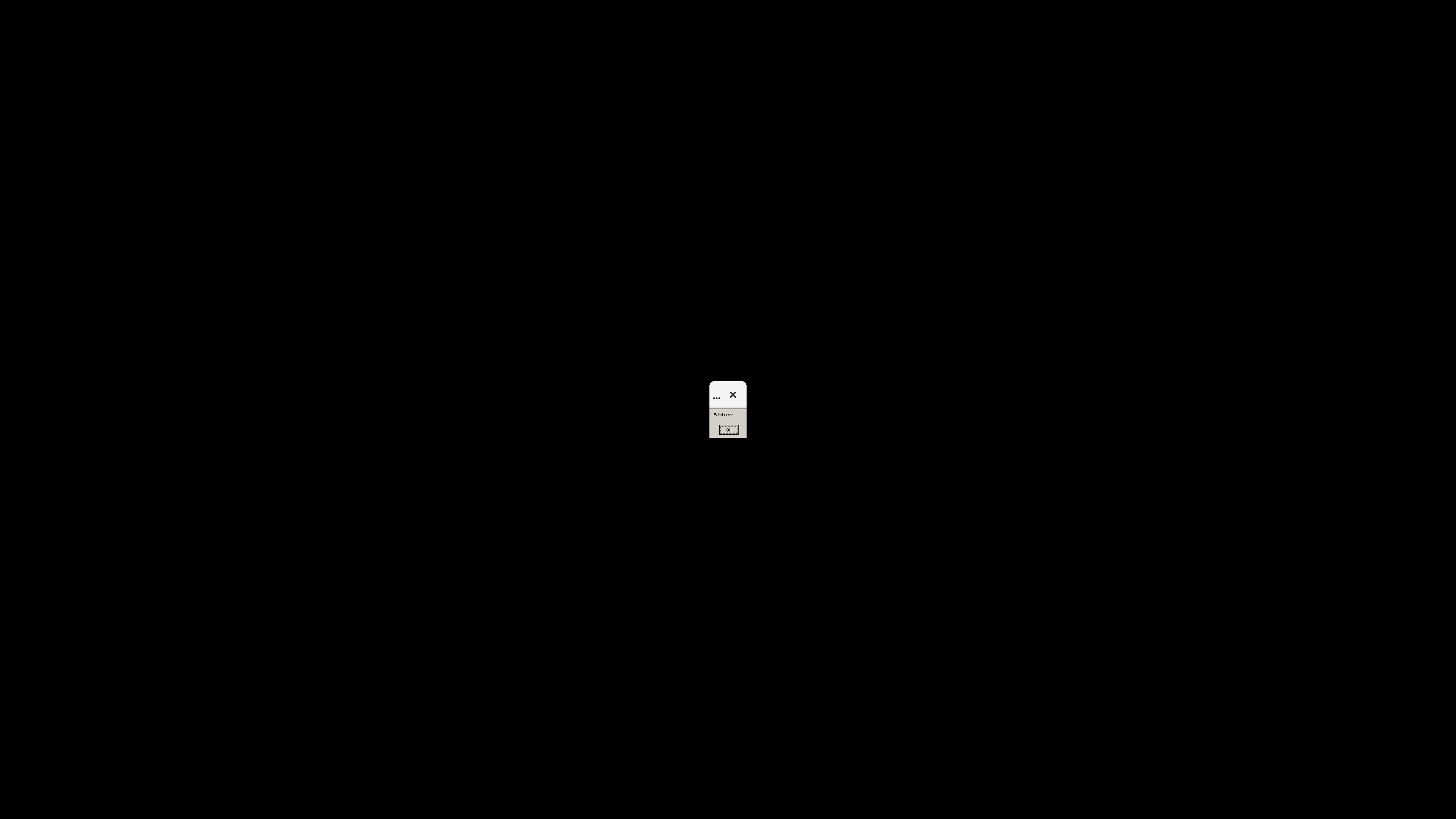
After biting the ghost's neck, half way through the next cutscene I got a popup saying "fatal error", then I rebooted the deck and now when I start the game, I see this.
Trying again, I managed to resume my game, but had to do the ghost/mirror level all over again.
Managed to complete the game after that.
Proton versions
proton 8.0-3x1 2023-09
Compatibility Report
System Information
I confirm:
steam-424840.log
Symptoms
Shows that when trying to load the game.
Reproduction
Try to load the game.