Elite Dangerous
- Navigate to
<steam>/steamapps/common/Proton 3.7 - Rename
user_settings.sample.pytouser_settings.pyand try to run the game again. - Now go to your home directory and you will find
steam-<appid>.logfile in there.
At the bottom of the log, I get this:
pid 30513 != 30512, skipping destruction (fork without exec?)
I think the terminal is asking a question and expecting a response. I tried running Steam in a terminal, but it didn't render this. I'm also not sure how to directly run the game itself in a terminal.
Somehow, I think I just need to answer this question. Adding -y to the launch options doesn't help.
This simply means that the game didn't fork, spawn a new process to continue, so wine/steam didn't need to kill the child process. This almost always shows up once a game using proton closes, successful or not. A sort of rhetorical question for anyone reading the logs.
also, Elite: Dangerous still doesn't correctly run inside wine environments. It's mostly there, but so-far only one of the tutorials has actually been run using wine. Unfortunately, it appears that the launcher for Elite is still not successfully running, which is what is crashing. In general, if a game doesn't launch with Steam Play enabled, there is a good chance it just doesn't work in a wine environment yet.
I tried it with proton and lots of standalone wine setups with and without dxvk. None have worked, sadly... Hopefully, this will change some day.
Here is a complete log file.
steam-359320.log
Running Proton 3.7-5 Beta.
Steam System Info
Probably the most important part of that log, idk just trying to be useful
`15872.052:0008:0009:trace:module:load_dll Loaded module L"Z:\home\neo\.local\share\Steam\SteamApps\common\Elite Dangerous\EDLaunch.exe" (native) at 0x400000
15872.052:0008:0009:err:module:LdrInitializeThunk Main exe initialization for L"Z:\home\neo\.local\share\Steam\SteamApps\common\Elite Dangerous\EDLaunch.exe" failed, status c0000017
15872.054:000c:0026:trace:module:MODULE_InitDLL (0x7feca1c40000 L"rpcrt4.dll",THREAD_ATTACH,(nil)) - CALL
15872.054:000c:0026:trace:module:MODULE_InitDLL (0x7feca1c40000,THREAD_ATTACH,(nil)) - RETURN 1
15872.054:000c:0027:trace:module:MODULE_InitDLL (0x7feca1c40000 L"rpcrt4.dll",THREAD_ATTACH,(nil)) - CALL
15872.054:000c:0027:trace:module:MODULE_InitDLL (0x7feca1c40000,THREAD_ATTACH,(nil)) - RETURN 1
15872.071:000c:0025:trace:module:MODULE_InitDLL (0x7feca1c40000 L"rpcrt4.dll",THREAD_ATTACH,(nil)) - CALL
15872.071:000c:0025:trace:module:MODULE_InitDLL (0x7feca1c40000,THREAD_ATTACH,(nil)) - RETURN 1
15872.072:000c:0028:trace:module:MODULE_InitDLL (0x7feca1c40000 L"rpcrt4.dll",THREAD_ATTACH,(nil)) - CALL
15872.072:000c:0028:trace:module:MODULE_InitDLL (0x7feca1c40000,THREAD_ATTACH,(nil)) - RETURN 1
15872.072:0018:001c:trace:module:LdrShutdownThread ()`
I'd like to add some update on this, with latest Proton versions dotnet installing is fixed so using winetricks/protontricks with a version of wine where dotnet40 doesn't fail (in my case I got 3.17 staging as my system wine) you can install dotnet40 into the Proton prefix.
i.e.
1/ cd to the 359320 compatdata folder
2/ WINEPREFIX=$PWD/pfx winetricks corefonts dotnet40 vcrun2012 quartz
3/ WINEPREFIX=$PWD/pfx winecfg - then set mode back to win7
After doing that launcher should open,but that's only the first half of the battle. There are a number of issues, first is openvr_api_dxvk.dll prevents the main game from displaying the splash screen. Second is a problem previously a roadblock in wine where the CRC check fails making the main game unplayable. Third is another new issue where even the previously playable combat demo would freeze despite working perfectly in standard wine.
Update: Game is now working in wine but not proton, here's my compatibility report.
Compatibility Report
- Name of the game with compatibility issues: Elite Dangerous
- Steam AppID of the game: 359320
System Information
- GPU: GTX 1070
- Driver/LLVM version: Nvidia 396.54.09
- Kernel version: 4.18
- Proton version: 3.16-3
Symptoms
Game now works in Wine staging 3.18 with DXVK using a simple registry fix listed here: https://forums.frontier.co.uk/showthread.php/366894-How-to-install-ED-on-Linux-using-Wine-EXPERIMENTAL-NOT-OFFICIALLY-SUPPORTED?p=7082698&viewfull=1#post7082698
However game still freezes in Proton even after applying the same fixes, the login issue has been resolved but something "Proton specific" causes the game to freeze a minute after starting up.
Here's it running under Wine staging: https://youtu.be/JcDY4WFENug
Reproduction
Similar to the steps in this video: https://youtu.be/jG7TUOXZhng
1/ winetricks corefonts dotnet40 vcrun2012 quartz into the 359320 pfx.
2/ regedit the 359320 pfx and do the following to match the machineGuid of both keys:
Navigate to HKLM/Software/Microsoft/Cryptography
Copy Value
Navigate to HKLM/Software/Wow6432Node/Microsoft/Cryptography
Paste Value
3/ winecfg and set mode to Win7
The above will make the launcher and game start in Steam/Proton and will also fix the authentication error, however game will freeze in about a minute (sometimes sooner). This doesn't happen under Wine staging therefore issue is to do with Proton.
Also @byte1024 post from other thread:
From the log
159005.320:0008:0034:trace:module:LdrUnloadDll (L"rsaenh.dll") - START
159005.320:0008:0034:trace:module:MODULE_DecRefCount (L"rsaenh.dll") ldr.LoadCount: 2
159005.320:0008:0034:trace:module:LdrUnloadDll END
159005.320:0008:0034:fixme:ole:Context_CC_ContextCallback (0x3aadd80/0x3aadd84)->(0x791c8272, 0x30ecc38, {d7174f82-36b8-4aa8-800a-e963ab2dfab9}, 2, (nil))
159005.320:0008:0034:fixme:ole:Context_CC_ContextCallback (0x3aadd80/0x3aadd84)->(0x791c8272, 0x30ecbc4, {d7174f82-36b8-4aa8-800a-e963ab2dfab9}, 2, (nil))
159005.320:0008:0034:fixme:ole:Context_CC_ContextCallback (0x3aadd80/0x3aadd84)->(0x791c8272, 0x30ecbc4, {d7174f82-36b8-4aa8-800a-e963ab2dfab9}, 2, (nil))
159005.320:0008:0034:trace:seh:raise_exception code=c0000005 flags=0 addr=0x15de5665 ip=15de5665 tid=0034
159005.320:0008:0034:trace:seh:raise_exception  info[0]=00000000
159005.320:0008:0034:trace:seh:raise_exception  info[1]=00000000
159005.320:0008:0034:trace:seh:raise_exception  eax=00000000 ebx=000000d5 ecx=030eca20 edx=1d4d94a0 esi=03eda098 edi=03ab3a1c
159005.320:0008:0034:trace:seh:raise_exception  ebp=030ecae8 esp=030eca80 cs=0023 ds=002b es=002b fs=0063 gs=006b flags=00010206
rsaenh.dll is Microsoft Enhanced Cryptographic Provider. Must have to do with the registry change. Not sure why it works differently with Wine VS Proton though.
Wine 3.18 does have two changes however, so not sure if that makes a difference here:
  rsaenh: Move PKCS1 padding and unpadding functions.
  rsaenh: Implement RSA OAEP.
https://www.winehq.org/announce/3.18
Would have to see where the exception is going to.
Wonder if the dll provided with Wine would solve it with Proton?
I've tried this and it doesn't work, it seems Proton itself uses a builtin rsaenh library and doesn't launch when you try to use a native version.
Also I'm not sure Cryptography is the issue anymore as this freeze occurs even on the combat demo which was working perfectly fine in wine before the registry fix.
Another update: Thanks to RedMcG again on the frontier forums I have now got into the game in Steam Proton... BUT using anymore than one CPU core will freeze the game.

Simply follow the winetricks, regedit & winecfg steps in the post above, to get into the game without it crashing "taskset -c 0 %command%" needs to be set in the launch options. Obviously not very playable but it works.
Bu the question is why using more than one thread cause issues with this game in Proton yet not with Wine Staging?
The esync patch set is probably the first diff that comes to mind..
The esync patch set is probably the first diff that comes to mind..
I'be already tried PROTON_NO_ESYNC=1 %command% , tried older versions of Proton too no difference. Tried WineD3D instead of DXVK still freezes up.
Maybe some implementation Wine has which Proton's missing?
I'm having trouble with your solution. I feel like I could be missing something obvious, considering I'm new at troubleshooting Proton, but perhaps this may come in useful anyways.
I tried the following on two distributions (Solus 3.9 & Ubuntu 18.04):
- Run
winetricks corefonts dotnet40 vcrun2012 quartzin the pfx regeditthe pfx, copying the key from/HKEY_LOCAL_MACHINE/Software/Microsoft/Cryptography/to/HKEY_LOCAL_MACHINE/Software/Wow6432Node/Microsoft/Cryptography- Set the mode to
Windows 7inwinecfgwithin the pfx - Set the launch options to
taskset -c 0 %command%(as well as trying without)
After doing that, launching the game has no effect. There is no launcher, and no game. Here are the log files:
I'm having trouble with your solution. I feel like I could be missing something obvious, considering I'm new at troubleshooting Proton, but perhaps this may come in useful anyways.
I tried the following on two distributions (Solus 3.9 & Ubuntu 18.04):
1. Run `winetricks corefonts dotnet40 vcrun2012 quartz` in the pfx

2. `regedit` the pfx, copying the key from `/HKEY_LOCAL_MACHINE/Software/Microsoft/Cryptography/` to `/HKEY_LOCAL_MACHINE/Software/Wow6432Node/Microsoft/Cryptography`

3. Set the mode to `Windows 7` in `winecfg` within the pfx

4. Set the launch options to `taskset -c 0 %command%` (as well as trying without)
After doing that, launching the game has no effect. There is no launcher, and no game. Here are the log files:
At least with Ubuntu you're getting:
13053.551:0008:0009:err:module:LdrInitializeThunk Main exe initialization for L"Z:\\media\\bigboy\\SteamLibrary\\steamapps\\common\\Elite Dangerous\\EDLaunch.exe" failed, status c0000017
I'm not sure why though. The log doesn't have anything immediately noticeable to me. Comparing it to Solus is the only difference I notice:
"19373.147:0008:0009:trace:module:load_dll Loaded module L"Z:\\home\\light\\.local\\share\\Steam\\steamapps\\common\\Elite Dangerous\\EDLaunch.exe" (native) at 0x400000" ... continues on ...
Perhaps bad exe on Ubuntu or the storage location doesn't work well? If there's something else in the log, I don't feel like trying to find it =)
With Solus:
19373.233:0008:0009:err:mscoree:CLRRuntimeInfo_GetRuntimeHost Wine Mono is not installed
So that's self explanatory.
I'm having trouble with your solution. I feel like I could be missing something obvious, considering I'm new at troubleshooting Proton, but perhaps this may come in useful anyways.
I tried the following on two distributions (Solus 3.9 & Ubuntu 18.04):
- Run
winetricks corefonts dotnet40 vcrun2012 quartzin the pfxregeditthe pfx, copying the key from/HKEY_LOCAL_MACHINE/Software/Microsoft/Cryptography/to/HKEY_LOCAL_MACHINE/Software/Wow6432Node/Microsoft/Cryptography- Set the mode to
Windows 7inwinecfgwithin the pfx- Set the launch options to
taskset -c 0 %command%(as well as trying without)After doing that, launching the game has no effect. There is no launcher, and no game. Here are the log files:
I should be clearer as you don't appear to have mscoree listed in your log.
First thing needed is having at least wine staging 3.17 or higher installed on your system to install dotnet40, along with installing winetricks.
Assuming you have steam installed in the default place open terminal and type (replacing yourusernamehere with yours):
WINEPREFIX=/home/yourusernamehere/.steam/steam/steamapps/compatdata/359320/pfx winetricks corefonts dotnet40 vcrun2012 quartz
Install those clicking on the accept when installers pop up then:
WINEPREFIX=/home/yourusernamehere/.steam/steam/steamapps/compatdata/359320/pfx regedit
Edit the keys as stated above then:
WINEPREFIX=/home/yourusernamehere/.steam/steam/steamapps/compatdata/359320/pfx winecfg
Change to win7.
All done the launcher should work, you might get rundll32.exe errors but just continue on.
I'm having trouble with your solution. I feel like I could be missing something obvious, considering I'm new at troubleshooting Proton, but perhaps this may come in useful anyways.
I tried the following on two distributions (Solus 3.9 & Ubuntu 18.04):
- Run
winetricks corefonts dotnet40 vcrun2012 quartzin the pfxregeditthe pfx, copying the key from/HKEY_LOCAL_MACHINE/Software/Microsoft/Cryptography/to/HKEY_LOCAL_MACHINE/Software/Wow6432Node/Microsoft/Cryptography- Set the mode to
Windows 7inwinecfgwithin the pfx- Set the launch options to
taskset -c 0 %command%(as well as trying without)After doing that, launching the game has no effect. There is no launcher, and no game. Here are the log files:
steam-359320-ubuntu.log
steam-359320-solus.logI should be clearer as you don't appear to have mscoree listed in your log.
First thing needed is having at least wine staging 3.17 or higher installed on your system to install dotnet40, along with installing winetricks.
Assuming you have steam installed in the default place open terminal and type (replacing yourusernamehere with yours):
WINEPREFIX=/home/yourusernamehere/.steam/steam/steamapps/compatdata/359320/pfx winetricks corefonts dotnet40 vcrun2012 quartz
Install those clicking on the accept when installers pop up then:
WINEPREFIX=/home/yourusernamehere/.steam/steam/steamapps/compatdata/359320/pfx regedit
Edit the keys as stated above then:
WINEPREFIX=/home/yourusernamehere/.steam/steam/steamapps/compatdata/359320/pfx winecfg
Change to win7.
All done the launcher should work, you might get rundll32.exe errors but just continue on.
This was a full fix. Thank you.
After using all the winetricks and changing the values in regedit as proposed here, the game crashes in the shader loading stage. When I'm lucky I can see the shaders loading until 10% and then the game crashes. I tried both with DXVK and with Wine D3D11, tried setting video memory in regedit to 128 MB and to 2048 MB but had no luck.
The errors using DXVK and Wine D3D11 are different but seem related:
Wine D3D11:
2851.011:00ab:00c8:err:seh:call_stack_handlers invalid frame 58a3c478 (0x58b02000-0x58c00000)
2851.011:00ab:00c8:err:seh:NtRaiseException Exception frame is not in stack limits => unable to dispatch exception.
DXVK
2169.251:00aa:00d3:err:seh:setup_exception stack overflow 3760 bytes in thread 00d3 eip 00007f85128ef532 esp 0000000058ed0760 stack 0x58ed0000-0x58ed2000-0x58fd0000
The complete logs:
steam-359320-d3d11.log
steam-359320-dxvk.log
On Windows, both host and iGVT-g guest, shader loading takes 1 or 2 seconds.
Wine D3D11:
2851.011:00ab:00c8:err:seh:call_stack_handlers invalid frame 58a3c478 (0x58b02000-0x58c00000)
2851.011:00ab:00c8:err:seh:NtRaiseException Exception frame is not in stack limits => unable to dispatch exception.
DXVK
2169.251:00aa:00d3:err:seh:setup_exception stack overflow 3760 bytes in thread 00d3 eip 00007f85128ef532 esp 0000000058ed0760 stack 0x58ed0000-0x58ed2000-0x58fd0000
I get the same thing with Haswell desktop integrated graphics:
cpuinfo:
model name : Intel(R) Core(TM) i7-4790 CPU @ 3.60GHz
vulkaninfo:
apiVersion = 0x401050 (1.1.80)
driverVersion = 75505668 (0x4802004)
vendorID = 0x8086
deviceID = 0x0412
deviceType = INTEGRATED_GPU
deviceName = Intel(R) Haswell Desktop
glxinfo:
Vendor: Intel Open Source Technology Center (0x8086)
Device: Mesa DRI Intel(R) Haswell Desktop (0x412)
Version: 18.2.4
I had put it down to being Intel graphics specific (there's a warning about the vulkan driver being incomplete), which you also appear to be using.
I don't think it's Vulkan, more specifically Intel ANV, the problem. If it was, the bug that happened when using Wine D3D11 translation to OpenGL would be different. Notice how the addresses from the error messages are very close, it seems to be some common code between i965 and ANV or even the i915 kernel driver.
But the question is why using more than one thread cause issues with this game in Proton yet not with Wine Staging?
I looked in to that and found the answer lies with a single patch in wine-staging:
https://github.com/wine-staging/wine-staging/blob/master/patches/ntdll-futex-condition-var/0001-ntdll-Add-a-futex-based-condition-variable-implement.patch
I patched Proton 3.16-4 Beta with this patch and now it runs fine without needing any tweaks to the launch options.
I just created a fork which, in addition to the above, fixes a few other things with ED in Proton 3.16:
- key-bindings (and presets)
- intro videos (
winetricks quartznot needed) - CRC Error (no work-around required - it runs launcher with
wine64)
I'm happy to share the binaries if anyone knows a decent place to upload them. I haven't tested them on another machine yet, but I compiled against the Steam Runtime - so I think they should work on distros other than Ubuntu 18.04 (on which I compiled).
In case anyone comes here with "preparing planet generation system" issues on Horizons, there are some AMD-specific DXVK issues along with some work arounds. Check out doitsujin/dxvk#36.
This game apparently can run pretty well but it requires wine 3.19 staging. Requires dotnet452 vcrun2012 to run correctly.
https://www.youtube.com/watch?v=XsirDkR6ZQw
@redmcg why don't you create a pull request for proton's wine with that patch?
@redmcg why don't you create a pull request for proton's wine with that patch?
I have now (see https://github.com/ValveSoftware/wine/pull/33) - but taking a look at the ones that are there I don't see much success (after all - these patches are for one game tested on a single machine).
But I do think Valve cherry-pick the ones that interest them from upstream - so this may bring the individual patches some attention.
@redmcg why don't you create a pull request for proton's wine with that patch?
I have now (see ValveSoftware/wine#33) - but taking a look at the ones that are there I don't see much success (after all - these patches are for one game tested on a single machine).
But I do think Valve cherry-pick the ones that interest them from upstream - so this may bring the individual patches some attention.
This patch was upstream in wine staging right? They'll probably apply it then, if it was good enough for wine-staging, it's probably good enough for proton.
I've created a Git 'release' that includes a tarball with the binaries from my fork. It's compiled on Ubuntu 18.04.1 but against the steam runtime - so I think it should be fine on other distros. I'd be interested to hear how it goes (on other machines and potentially with other games). You can find instructions and the release here:
https://github.com/redmcg/wine/releases/tag/ED_Proton_3.16-4_Beta
I've created a Git 'release' that includes a tarball with the binaries from my fork. It's compiled on Ubuntu 18.04.1 but against the steam runtime - so I think it should be fine on other distros. I'd be interested to hear how it goes (on other machines and potentially with other games). You can find instructions and the release here:
https://github.com/redmcg/wine/releases/tag/ED_Proton_3.16-4_Beta
I've tried this and it works brilliantly. Keybinds/Fdev presets/joystick works as it should, intro video is loading, no freezing or crashing. My own custom Windows presets didn't translate very well (some issues with joystick axis) although that's not a huge deal.
AMD shaders issue looks like it's getting resolved in DXVK with spoofing. If Valve pick up these patches up this game will literally be the .Net issue away from becoming a probable whitelist.
@redmcg
Works for me also ! Had to make sure the prefix was still in Windows 7 compatibility (winetricks changed it when installing dotnet40 somehow...).
However VR mode doesn't work... :/ It's almost perfect !
Have any of you seen this error when running EDLauncher.exe? (this happens with dotnet40 or dotnet452).

Have any of you seen this error when running EDLauncher.exe? (this happens with dotnet40 or dotnet452).
I have seen it - but I unfortunately I don't recall the solution. I'll see if I can recreate it and provide the solution. But you might also want to provide your logs. You can enable logging by adding PROTON_LOG=1 %command% to your launch options.
Have any of you seen this error when running EDLauncher.exe? (this happens with dotnet40 or dotnet452).
Did you switch your compatibility mode back to win 7 after installing .Net to the prefix?
@fls2018 This is with it set back to Win 7 after installing DotNet via Winetricks.
@redmcg This is actually with Wine Staging 3.19 (+ESync, etc) rather than Proton. I was just curious to see if Proton had the same issue or not (I'm not sure what Proton is doing differently here for it to work which is what I'm trying to figure out). I didn't want to derail the topic entirely in the process though.
I managed to create a different error - but I'm using dotnet40 and think I recall the error was displayed differently with dotnet452.
Do you see the following in your log:
err:winediag:SECUR32_initNTLMSP ntlm_auth was not found or is outdated. Make sure that ntlm_auth >= 3.0.25 is in your path. Usually, you can find it in the winbind package of your distribution.
If so, the fix is easy. Install winbind (and confirm ntlm_auth >= 3.0.25).
I've created a Git 'release' that includes a tarball with the binaries from my fork. It's compiled on Ubuntu 18.04.1 but against the steam runtime - so I think it should be fine on other distros. I'd be interested to hear how it goes (on other machines and potentially with other games). You can find instructions and the release here:
https://github.com/redmcg/wine/releases/tag/ED_Proton_3.16-4_Beta
This doesn't seem to be working on Solus 3.9, but I can confirm it is working on Ubuntu 18.04. After extracting Proton_3.16-4_Beta_ED.tar.gz into ~/.steam/compatibilitytools.d and restarting the client, the compatibility tool dropdown does not show the new version. Solus has some strange workarounds to get Steam running that I'm not familiar with, I feel it's possible they may be the cause of the issue.
@redmcg No mention of ntlm_auth in the logs. Winbind installed version is 4.8.5 anyway so that shouldn't be the issue.
I've created a Git 'release' that includes a tarball with the binaries from my fork. It's compiled on Ubuntu 18.04.1 but against the steam runtime - so I think it should be fine on other distros. I'd be interested to hear how it goes (on other machines and potentially with other games). You can find instructions and the release here:
https://github.com/redmcg/wine/releases/tag/ED_Proton_3.16-4_BetaThis doesn't seem to be working on Solus 3.9, but I can confirm it is working on Ubuntu 18.04. After extracting
Proton_3.16-4_Beta_ED.tar.gzinto~/.steam/compatibilitytools.dand restarting the client, the compatibility tool dropdown does not show the new version. Solus has some strange workarounds to get Steam running that I'm not familiar with, I feel it's possible they may be the cause of the issue.
Try moving that folder from .steam to /.steam/steam . Also in Solus make sure linux steam integration is disabled as you want proton to be using the steam runtime not native.
@redmcg No mention of ntlm_auth in the logs. Winbind installed version is 4.8.5 anyway so that shouldn't be the issue.
Does it do the same thing if you run with wine instead of wine64?
Elite Dangerous switched to 64bit only a while ago so it's installed in a 64bit prefix, so it'll always be using 64bit Wine.
@enverex yes but the wine64 command is still needed for some reason. I was thinking the same as you and might've had a similar error until I ran it with wine64. Something about how it loads libraries.
The launcher is 32-bit Mono/.NET. You'll get the CRC error if you use wine (as it uses the WoW6432 branch of the registry).
Edit: Actually you'll get a different error during login now as the WoW6432 MachineGUID entry has been removed
I've created a Git 'release' that includes a tarball with the binaries from my fork. It's compiled on Ubuntu 18.04.1 but against the steam runtime - so I think it should be fine on other distros. I'd be interested to hear how it goes (on other machines and potentially with other games). You can find instructions and the release here:
https://github.com/redmcg/wine/releases/tag/ED_Proton_3.16-4_BetaThis doesn't seem to be working on Solus 3.9, but I can confirm it is working on Ubuntu 18.04. After extracting
Proton_3.16-4_Beta_ED.tar.gzinto~/.steam/compatibilitytools.dand restarting the client, the compatibility tool dropdown does not show the new version. Solus has some strange workarounds to get Steam running that I'm not familiar with, I feel it's possible they may be the cause of the issue.Try moving that folder from .steam to /.steam/steam . Also in Solus make sure linux steam integration is disabled as you want proton to be using the steam runtime not native.
Thanks for the help - moving it to /.steam/steam got it working. Changing the runtime didn't seem to have an effect either way.
The game is now launching properly without crashing, but it's now having some pretty severe control issues. For whatever reason the mouse cursor seems to be pulling to the bottom right of the screen. I've tried manipulating the control options to no avail. There is no joystick plugged into the system.
@agates I'm not sure it is, I've literally never used it and apparently it's not needed on a proper 64bit prefix with WoW64 working properly. That said, I tried it anyway and got exactly the same results.
@redmcg It is, but as the game is 64bit there wasn't much point using a 32bit process. I'd love for it to get that far (the CRC error or such), but I'm still getting the proxy error. It's odd because I cannot see anyone else anywhere on the net (on Wine or Proton) actually getting this specific error.
I did get this error as well - I was thinking it was during my work in wine to fix the CRC error (which involved converting the launcher PE32 header to PE32+). But maybe it was just when I forgot to install vcrun2012 (I would test this myself instead of just throwing out ideas but I'm not currently at a computer).
Edit: Sorry for yet another idea - but I also recall a problem involving IPv6. I think I just needed to reboot my router
VCRun2012 is installed, if it's not then it spits out a load of MCSVR errors in the terminal and doesn't get this far. IPv6 is an interesting thought. It's disabled on that machine so I'll enable it and see what happens.
@redmcg Nice memory. Turns out that error is related to IPv6. If you disable IPv6 in the kernel (which I had off due to misc program issues in various tools) it breaks the EliteDangerous launcher.
Ugh - yes. That's what it was. I could remember the error but not the solution. Glad you found it - it was driving me nuts trying to remember.
I'm guessing the logs don't provide a clear indication that that was the problem. In which case I might submit a patch to wine to at least put a WARN that the application wants an IPv6 stack (but one is not available).
Or (and I don't even know if it's possible to disable the IPv6 stack on Windows) it could be Windows returns a different error code and this can be handled.
Nope, no errors in the logs at all (just your usual flurry of FIXMEs) and none of the notices or warnings were even remotely related. The only one that showed up networking related was the one saying not to use Dialup/RAS, but that shows up even when the issue is fixed so also not likely related.
I have IPv6 force disabled on Windows and it doesn't create issues there so it seems to be Wine specific.
Nope, no errors in the logs at all (just your usual flurry of FIXMEs) and none of the notices or warnings were even remotely related. The only one that showed up networking related was the one saying not to use Dialup/RAS, but that shows up even when the issue is fixed so also not likely related.
I have IPv6 force disabled on Windows and it doesn't create issues there so it seems to be Wine specific.
I can confirm I just had this issue with the latest 4.19.1-1 Kernel update in Manjaro, downgrading to 4.18 fixes it.
Edit: Strange thing I rebooted back into 4.19 and all was fine again. My ISP hasn't implemented IPv6 yet (it's on trials) so I'm not even using that.
Well the problem is easy to reproduce with the following gist:
https://gist.github.com/redmcg/7d81ef833c77bee6965b5f441006f697
It's only a problem with dotnet native (when using wine-mono - or even mono itself - this gist works).
So I think this is a case of dotnet native making an assumption about the underlying OS which is not compatible with Linux. Therefore I think the correct fix is to get the Launcher working without dotnet native.
Having said that - I did create a patch for wine that did allow the Launcher to run with dotnet native and IPv6 disabled - but it's pretty horrible (it just covers up the error and returns a fake/broken socket). I did very minimal testing as I figured it was going nowhere - but I've shared in case someone is desperate.
Hello @redmcg, you should send your patch to upstream wine if you have not already.
Not this patch. It really is a horrible hack that only considers this scenario and may very well break others. I think the root of the problem is the assumption from dotnet native that an IPv6 stack is available. That's probably a safe assumption on Windows - but doesn't work on Linux.
There may be a way to disable IPv6 in .NET, but I tried a couple of things without success. If only I had access to the source code.
@Enverex This bug is fixed for 3.21. In the end they went with a mild redesign (as it was lumping a bunch of kernel error codes together - thus losing granularity). If you're interested it was fixed with a patchset of 5 patches ending here.
Great, thanks @redmcg
By the way, for anyone having any trouble getting the launcher to work (as I have), delete the games compatdata folder, and create an empty new one with an empty pfx inside it. Then use winetricks to install dotnet45 and vcrun2012, THEN launch Elite in Steam, it should work then.
Took me a little while, but I think I have a rebuild of redmcg's proton branch with the -5 release changes included as well.
MD5SUM: b8e2f6a5dc43bee7906176c7a8322262 'Proton 3.16-5 Beta ED.tar.gz'
Hosted on my own server because I can't quite figure out git+github releases with all these submodules abound, and it is already getting late. Same instructions as his release notes.
EDIT: removed my hacky copy, please prefer someone who knows things and see redmcg's post below.
@admalledd
Appears to be working however the "proton" file needs the wine_path flipped to wine64 in order to avert the CRC error. Easy enough to do though.
Just an anecdotal note...
If you see a crash from dxvk EntryPoint (for me, it involves a completely spurious call to GetFirmwareEnvironmentVariableW), for me it seems to be linked to if Vulkan is working or not. If Vulkan isn't working, it crashes in a pretty weird-to-debug way.
That said, it working again was tested after I exhausted a lot of options, so it was under wine-staging 4.0-rc1 + winetricks dotnet45 vcrun2012 vcrun2017 dxvk + cryptography regedit, but I was getting similar crashes under Proton.
(As for why I'm posting that here: this seems to be the most current E:D on Wine debugging guide, and I figure I should chip in my own notes.)
EDIT: xact seems also necessary to prevent audio popping.
Yeah - I ran in to the same issue with nvidia-driver-410 and xorg 1.19. See here:
https://devtalk.nvidia.com/default/topic/1044851/linux/fyi-nvidia-410-78-driver-fails-with-segmentation-fault-on-fedora-fc29-workstation-with-nvs-510-card/post/5301522/#5301522
Easiest way to test Vulkan is to run vulkaninfo
I've created a new Git 'release' for Proton 3.16-5 Beta. The focus of this release is to allow easy install of dotnet40 and vcrun2015. It also fixes the crash when IPv6 is disabled. Download and instructions can be found here:
https://github.com/redmcg/wine/releases/tag/ED_Proton_3.16-5_Beta
I've tried everything upthread, I've got everything installed. Installing winbind managed to get me to the loading shaders screen, but the text is just white blocks and then it crashes.
Edit: Oh wow I completely forgot my system information.
Ubuntu 18.04 with redmcg's patched Proton, wine 3.0
I've created a new Git 'release' for Proton 3.16-5 Beta. The focus of this release is to allow easy install of dotnet40 and vcrun2015. It also fixes the crash when IPv6 is disabled. Download and instructions can be found here:
https://github.com/redmcg/wine/releases/tag/ED_Proton_3.16-5_Beta
EDLauncher and plain Elite Dangerous are working great with this new Proton build. Even though your scripts don't support "/.steam/compatibilitytools.d/compatibilitytool.vdf" variety of installation and it looks like "compatibilitytools.d" folder doesn't support symlinks. I had ensure VC runtime and dotNet 4.0 are installed and fixed scripts manually.
I also had to delete "steamapps/compatdata/359320/" folder and rebuild it with this new Proton build.
However, Elite Dangerous: Horizons is not working for me.
I'm experiencing infinite loop of EliteDangerous64.exe process and a screen freeze at initial startup, after shader generation is complete and at the beginning (0% completion) of planet shader generation. Music is playing during freeze and system continues going in background. I let it run for a 40 minutes, but that did nothing and I had to kill it from Ctrl+Alt+F1 console with # kill -9 $(pgrep EliteDangerous)
I had the same problem and same behaviour with latest wine-devel 4.0-rc2 + dxvk 0.94 and fresh prefix, so my guess it is the problem with nvidia driver and dxvk.
My Specs:
CPU: i5-6600
MEM: 16Gb
OS: GNU\Linux Debian 9 'stretch' x86_64 (kernel 4.15)
VGA: Nvidia GTX1060 6Gb (proprietary driver 390.87)
DE: Xfce 4.12 (lightdm+xfwm4 with compositor enabled)
VGA: Nvidia GTX1060 6Gb (proprietary driver 390.87)
I don't know if you've tried the 396.54 driver - but it's listed as a minimum requirement for Proton. 410 and 415 drivers are also available but:
- I've had issues with 410 and xorg-server 1.19 (Proton would freeze and
vulkaninfowould segfault); and - 415 has a problem rendering engineering bases.
your scripts don't support "/.steam/compatibilitytools.d/compatibilitytool.vdf" variety of installation
Ooops - you're right. I completely overlooked that possibility. I just enabled the issues section on my Wine repo. If there's something usable in your local modifications - would you mind opening an issue there and pasting them in?
Or you might prefer to wait until I add my Proton fork to GitHub and you can create a pull request. It currently has a bunch of local build edits I need to remove.
Just to give my own experience: I switched from the old method to the new script. This ended up triggering the game to redownload, but it worked fine afterwards. Running a script is certainly easier than using winetricks.
Previously I had already installed vcrun2015 though to play the new update, so I can't confirm if that part worked correctly or not.
This ended up triggering the game to redownload
Ooops - that's not an intended consequence. I've had this occur to me when I deleted a custom proton build whilst Steam was still configured to use it (in fact it deleted every game installed for Proton). Is this a possible cause for you?
Yes, that sounds very likely. I updated the Proton build in Steam after I completed the install process.
I've tried everything upthread, I've got everything installed. Installing winbind managed to get me to the loading shaders screen, but the text is just white blocks and then it crashes.
Edit: Oh wow I completely forgot my system information.
Ubuntu 18.04 with redmcg's patched Proton, wine 3.0
Sounds like a graphics card/driver issue. Could you elaborate on what you're running? You might also want to test without Horizons (as some problems seem to be specific to Horizons).
your scripts don't support "/.steam/compatibilitytools.d/compatibilitytool.vdf" variety of installation
I've added my Proton changes to GitHub and created an issue there for this.
I don't know if you've tried the 396.54 driver - but it's listed as a minimum requirement for Proton. 410 and 415 drivers are also available but:
* I've had issues with 410 and xorg-server 1.19 (Proton would freeze and `vulkaninfo` would segfault); and

* 415 has a problem [rendering engineering bases](https://github.com/doitsujin/dxvk/issues/267#issuecomment-446808778).
There is a lot going on with Nvidia driver development right now and there is ongoing process of SPIR-V implementation, which currently in beta state and dxvk depends on it. This is why dxvk requires most recent Nvidia driver available and so does Proton, since dxvk is a part of it.
I guess, I'll wait until Nvidia gets stable driver release and it hits Debian testing.
@redmcg I'm trying to launch the base game
Computer Information Video Card: Driver: Intel Open Source Technology Center Mesa DRI Intel(R) Ivybridge Mobile x86/MMX/SSE2 Driver Version: 3.0 Mesa 18.0.5 OpenGL Version: 3.0 Desktop Color Depth: 24 bits per pixel Monitor Refresh Rate: 59 Hz VendorID: 0x8086 DeviceID: 0x166 Number of Logical Video Cards: 1 Memory: RAM: 7675
@Dev-Osmium How much VRAM do you have? Based on your system info I'm guessing you have 512 MB of system memory allocated for the iGPU, which doesn't seem like a lot considering the game lists a GPU with 1 GB of VRAM as the minimum requirements.
Proton 3.16-6 Beta ED has been released. It fixes the issue identified by @sizeofbool (by installing to a new location) and a bug that would have occurred when trying to run other games. Other than that it just picks up what is in Proton 3.16-6 Beta.
I appreciate the new warning for dummies like me. :)
@fls2018 Thanks for pointing that out. I've added details in the issue as to the cause - but the work-around is to use the Steam Beta Client. Apologies to everyone for that inconvenience.
The issue is with the build environment I used - but I don't know when I'll get a chance to rebuild. Of course I'm happy for someone else to do so in my absence.
Turns out the build environment wasn't the problem. I've been able to run Skyrim under the standard Steam Client just by changing my proton script. If you wish to play one of the affected games - you can replace the proton file with the one found here.
The diff can be found here: https://github.com/redmcg/Proton/commit/09f5ea82bd5462fbd75d61a9f9e32eac01e842ea
Hi Redmcg, seens I am joining the ED party just at the right time! Build a GamePC over the holidays with my kids and am a long time Elite fan(from the first wireframe version:-) And I occationally checked if ED was already ported to Linux. Now it seems our new PC coincides with ED on linux!
One question. How do your patches trickle down into the offical Proton release? Can I wait that out, or should I move to your version for the forseeable future?
@brjhaverkamp The TLDR is that it's up to you. I don't think Proton will have quite the same support for ED that my custom version does for a little while (although a handful of patches have been merged) - but there are also alternatives to Proton (like wine-staging and Lutris).
The long version is I can't say with any real certainty what will happen with the official Proton release (as I don't have any additional insight) but I can say that in my opinion there's a good chance they will rebase on version 4.0 of Wine (as it's a stable release). 4.0 has all my patches but for:
- futex (which is required to stop the game crashing);
- normalize string (which is required for the keyboard to work correctly); and
- hacks to allow easy install of vcrun2015 and dotnet40
The first two are in wine-staging and there's a chance they will get cherry-picked. The third I don't ever see being included (as the focus is purely for Elite Dangerous) but you can use winetricks or protontricks to manually install (the hope is eventually wine and wine-mono will make the need for these redundant).
The other change is that I use wine64 to avoid the need for the CRC work-around. Personally I think Proton should use wine64 as well because this more closely simulates a 64-bit version of Windows - but it wasn't until recently that wine64 had problems with 32-bit .NET launchers.
Using the @redmcg Proton build (3.16-5 Beta ED) I am able to start the offline demo, which runs beautifully, but I cannot launch the main game. When I try it, it comes back with an error "Unable to initialise network. Please check your connection". This happens no matter whether I select ED or Horizons in the launcher. My connection seems otherwise fine, and I didn't experience any networking issues whatsoever in the other title I've tried playing with Proton (Quake Champions). I've tried a manual install in Lutris with the same result. The problem persists with the 3.16-6 Beta ED build.
I've looked around on the internet but couldn't find anyone else having this problem, so I thought I should throw it out there and see if someone might be able to help.
OS: Fedora 29 (Kernel 4.19.10-300.fc29)
CPU: Ryzen 7 2700X
GPU: Vega 64 (DRM 3.27.0)
@tsahyt I get the same error with 3.16-6 Beta ED. I haven't spent any time trying to diagnose it yet.
@agates @tsahyt , this is fixed by installing vcrun2017, as several people reported in the Frontier forums thread: https://forums.frontier.co.uk/showthread.php/366894-How-to-install-ED-on-Linux-using-Wine-EXPERIMENTAL-NOT-OFFICIALLY-SUPPORTED
@mosteo, I've tried installing vcrun2017 with winetricks, still yielding the same result.
EDIT: Nevermind, I messed up the WINEPREFIX. I now get a different result, but it seems worse than before. I don't even get to the launcher anymore. Instead I get an error message saying "Internal error creating window: Add value to collection of type 'System.Windows.Control.UIElementCollection' threw an exception."
EDIT 2: Setting wine back to Win7 fixed the error above, but now I'm back to square one, with the "Unable to initialise network" error
I haven't seen this error myself - but it appears to be related to network connectivity. Here is a report from a Windows user:
https://forums.frontier.co.uk/showthread.php/436739-Unable-to-connect-to-network-in-Russia?highlight=Unable+to+initialise+network
Whilst I haven't seen this issue I have had network issues myself (although mine was from within the launcher). I'm using a dual IPv4/v6 stack and one of the IPv6 addresses being returned via DNS appeared to be down. I ended up adding a manual entry to /etc/hosts to workaround it. However, I don't know if the same work-around could be used here. You might need to take a network trace to see if you can find the problem. You could also check the ED netLog and/or the Wine log.
Edit: Just wondering if the game runs fine in Windows?
The ED logs report the following (IP removed)
{19:17:47GMT 0.058s} ClientBuild 3.3.0.402 EDH r189994 (win64)
{19:17:52GMT 5.232s} GetPortMapping(59702) failed with code 714 (NoSuchEntryInArray)
{19:17:52GMT 5.610s} GetPortMapping(59702) External xx.xx.xx.xx:59702 -> internal 192.168.0.115:59702 (0)
{19:17:53GMT 6.139s} IPv4 is enabled, but address not found
{19:18:00GMT 13.207s} Machine 1 x 2 Local Machine disconnected: shutdown
After some messing around, basically just trying things out, I found a way to at least get the game to start at all, by setting IPv4="0" and IPv6="1" in AppConfigLocal.xml. From there on things get strange. The options menu reports that IPv4 is on and IPv6 is disabled. The logs instead then state that 20:18:19GMT 0.799s} IPv6 is enabled, but address not found. Like before, everything that's offline works just fine, i.e. I can play the tutorial missions without any real issues (except for one issue with the mouse not working after tabbing out and back in). But I cannot connect to the Frontier servers. It discovers machines, tries connecting, and fails, again and again. In the logs this will look like this
{20:19:35GMT 76.602s} ConnectToServerActivity: state=Init
{20:19:35GMT 76.602s} ConnectToServerActivity: state=WaitingForLogin
{20:19:35GMT 76.607s} GET server/list?protocol=33145
{20:19:35GMT 76.607s} ConnectToServerActivity: state=GettingServerAddress
{20:19:35GMT 76.704s} [MultiCrewMatchmakingLog] AdvanceInfoRequests: Matchmaking info received: 4 (Bounty hunting, 0 ships), 8 (Piracy, 0 ships), 3 (Mentor a player, 0 ships), 16 (Xeno Hunting, 0 ships), 17 (Xeno Research, 0 ships), 1 (Further activities, 0 ships), 5 (Mining, 0 ships), 6 (Exploration, 0 ships), 9 (Smuggling, 0 ships)
{20:19:35GMT 76.704s} [MultiCrewMatchmakingLog] NotifyMatchmakingInfoUpdated
{20:19:36GMT 77.271s} Parsing servers. NumServers: 1(258355904842020,) Choice: 0
{20:19:36GMT 77.271s} -> Added New Machine! RunID : 258355904842020
{20:19:36GMT 77.271s} New machine: 258355904842020 - Cipher is NULL
{20:19:36GMT 77.271s} machineId=1 numMachines=2 numFree=0 hwm=2
{20:19:36GMT 77.271s} RxRoute[1]:258355904842020 Comp:2[IP4:52.48.177.158:19364][IP6:2a05:d018:5:a102:5295:2152:5c93:558b|19364,1500]
{20:19:36GMT 77.271s} SetRouteMtu = 1500 (using 1500) for  258355904842020 x 1 [2/2]((2a05:d018:5:a102:5295:2152:5c93:558b|19364))Name Unknown
{20:19:36GMT 77.271s} New Primary Server: 258355904842020 x 8 [2/2]((2a05:d018:5:a102:5295:2152:5c93:558b|19364))Name Unknown
{20:19:36GMT 77.271s} -> Added New Machine! RunID : 240211470924386
{20:19:36GMT 77.271s} New machine: 240211470924386 - Cipher is NULL
{20:19:36GMT 77.271s} machineId=2 numMachines=3 numFree=0 hwm=3
{20:19:36GMT 77.271s} RxRoute[1]:240211470924386 Comp:2[IP4:34.255.6.19:19364][IP6:2a05:d018:5:a102:25d3:129a:a707:e42d|19364,1500]
{20:19:36GMT 77.271s} SetRouteMtu = 1500 (using 1500) for  240211470924386 x 1 [2/2]((2a05:d018:5:a102:25d3:129a:a707:e42d|19364))Name Unknown
{20:19:36GMT 77.271s} New Mission Server: 240211470924386 x 4 [2/2]((2a05:d018:5:a102:25d3:129a:a707:e42d|19364))Name Unknown
{20:19:36GMT 77.271s} ConnectToServerActivity: state=WaitingForConnection
{20:19:46GMT 87.276s} ConnectToServerActivity: state=Init
{20:19:46GMT 87.293s} ConnectToServerActivity: state=WaitingForLogin
{20:19:46GMT 87.309s} GET server/list?protocol=33145&failCount=1&lastPrimaryServerRunID=258355904842020&lastSecondServerRunID=240211470924386
{20:19:46GMT 87.309s} ConnectToServerActivity: state=GettingServerAddress
{20:19:46GMT 87.876s} Parsing servers. NumServers: 1(256583460643104,) Choice: 0
{20:19:46GMT 87.876s} -> Added New Machine! RunID : 256583460643104
{20:19:46GMT 87.876s} New machine: 256583460643104 - Cipher is NULL
{20:19:46GMT 87.876s} machineId=3 numMachines=4 numFree=0 hwm=4
{20:19:46GMT 87.876s} RxRoute[1]:256583460643104 Comp:2[IP4:34.251.219.79:19364][IP6:2a05:d018:5:a100:4537:4c45:3418:ca64|19364,1500]
{20:19:46GMT 87.876s} SetRouteMtu = 1500 (using 1500) for  256583460643104 x 1 [2/2]((2a05:d018:5:a100:4537:4c45:3418:ca64|19364))Name Unknown
{20:19:46GMT 87.876s} New Primary Server: 256583460643104 x 8 [2/2]((2a05:d018:5:a100:4537:4c45:3418:ca64|19364))Name Unknown
{20:19:46GMT 87.876s} RxRoute[1]:240211470924386 Comp:2[IP4:34.255.6.19:19364][IP6:2a05:d018:5:a102:25d3:129a:a707:e42d|19364,1500]
{20:19:46GMT 87.876s} New Mission Server: 240211470924386 x 5 [2/2]((2a05:d018:5:a102:25d3:129a:a707:e42d|19364))Name Unknown
{20:19:46GMT 87.876s} Machine::ConnectDirectly:unexpected state: state=0, m_attempt=11.605941, fdis=0: Y Disconnected ** Comp:UDP LastRx=10.61s LastTx=10.61s SyncSent=0.00s  [0] Timeout Disc=0.00s Hold=19.39 srtt=1000ms rttvar=0 drc=Unknown
{20:19:46GMT 87.876s} ConnectToServerActivity: state=WaitingForConnection
{20:19:57GMT 98.881s} ConnectToServerActivity: state=Init
{20:19:57GMT 98.898s} ConnectToServerActivity: state=WaitingForLogin
{20:19:57GMT 98.915s} GET server/list?protocol=33145&failCount=2&lastPrimaryServerRunID=256583460643104&lastSecondServerRunID=240211470924386
{20:19:57GMT 98.915s} ConnectToServerActivity: state=GettingServerAddress
{20:19:58GMT 99.499s} Parsing servers. NumServers: 1(254496286725356,) Choice: 0
{20:19:58GMT 99.499s} -> Added New Machine! RunID : 254496286725356
{20:19:58GMT 99.499s} New machine: 254496286725356 - Cipher is NULL
{20:19:58GMT 99.499s} machineId=4 numMachines=5 numFree=0 hwm=5
{20:19:58GMT 99.499s} RxRoute[1]:254496286725356 Comp:2[IP4:54.229.231.159:19364][IP6:2a05:d018:5:a100:5cc3:4933:fae7:e633|19364,1500]
{20:19:58GMT 99.499s} SetRouteMtu = 1500 (using 1500) for  254496286725356 x 1 [2/2]((2a05:d018:5:a100:5cc3:4933:fae7:e633|19364))Name Unknown
{20:19:58GMT 99.499s} New Primary Server: 254496286725356 x 8 [2/2]((2a05:d018:5:a100:5cc3:4933:fae7:e633|19364))Name Unknown
{20:19:58GMT 99.499s} RxRoute[1]:240211470924386 Comp:2[IP4:34.255.6.19:19364][IP6:2a05:d018:5:a102:25d3:129a:a707:e42d|19364,1500]
{20:19:58GMT 99.499s} New Mission Server: 240211470924386 x 5 [2/2]((2a05:d018:5:a102:25d3:129a:a707:e42d|19364))Name Unknown
{20:19:58GMT 99.499s} Machine::ConnectDirectly:unexpected state: state=0, m_attempt=23.227995, fdis=0: Y Disconnected ** Comp:UDP LastRx=22.23s LastTx=22.23s SyncSent=0.00s  [0] Timeout Disc=0.00s Hold=7.77 srtt=1000ms rttvar=0 drc=Unknown
{20:19:58GMT 99.499s} ConnectToServerActivity: state=WaitingForConnection
As to whether the game works in Windows, I don't know, I don't have a Windows install. I've tried disabling UPnP and setting up Port Forwarding on my Router (and ED), but behaviour is the same as before. The fact that it can't connect may be related to the config setting I used to get it running at all, but it seems to use IPv4 regardless. I've also tried just disabling both protocols (because why not, this stopped making sense a while ago), but with the same result.
{19:17:47GMT 0.058s} ClientBuild 3.3.0.402 EDH r189994 (win64)
{19:17:52GMT 5.232s} GetPortMapping(59702) failed with code 714 (NoSuchEntryInArray)
{19:17:52GMT 5.610s} GetPortMapping(59702) External xx.xx.xx.xx:59702 -> internal 192.168.0.115:59702 (0)
{19:17:53GMT 6.139s} IPv4 is enabled, but address not found
{19:18:00GMT 13.207s} Machine 1 x 2 Local Machine disconnected: shutdown
Can you post more information about your distro, DE, what firewall do you use locally (ufw, iptables)?
What connection type your ISP provides for you to access Internet? (Ethernet, xDSL)
Also does it requires additional connection via PPPoE, L2TP\PPTP?
Do you have "white" IP address assigned by your ISP? (white as in public ip address range, not private ip address range)
Your local network private ip address is assigned by DHCP or is it static?
I play ED without any additional setup like UPnP or Port Forwarding. Check your local firewall ruleset and ensure it has rules for unrestricted outbound connections and restricted unknown inbound connections.
...
{20:19:36GMT 77.271s} New machine: 258355904842020 - *Cipher is NULL*
...
My logs don't have this line, so I think you could also have some dependency problem. Check if you have "gnutls" libraries installed. I'm not sure if having Steam Runtime is enough.
Could be the reason why you can't establish a secure connection with game servers, except the ones with HTTP 80\443 connections.
It could help (in fact I had to do it myself) if you delete and rebuild prefix for Elite Dangerous. (it is located here "steamapps/compatdata/359320"). Close Steam client before deleting prefix folder.
Be sure to backup all Frontier folders in proton user's folders (C:\Users\steamuser...) or at least your keybinds for the game, before you delete prefix folder.
@sizeofbool I use Fedora 29, mostly default setup, using GNOME as a DE. Fedora uses firewalld as a frontend for management for iptables (netfilter). I use a fibre connection to the curb, coaxial cable from there into the Modem, to which I connect via Ethernet. It's always been pretty much plug and play on Linux.
From what I understand I do have a "white" IP address, though not a static one from my ISP. Locally, I get an IP address from the modem via DHCP, but it's always the same one.
Firewall settings should be fine, but to be sure I tried opening everything up to see whether it changes anything and it didn't. gnutls is installed, both the 32 and 64 bit version. Note that I get the same problem installing the game through Lutris (followin https://www.youtube.com/watch?v=jG7TUOXZhng).
In the process of trying things I've deleted and rebuilt the prefix several times already, it never changed anything.
@tsahyt Just a shot in the dark, I remember that I had to add my machine name to my /etc/hosts file on my Fedora 29 box before ED wanted to start. So my /etc/hosts looks now like:
cat /etc/hosts
127.0.0.1   localhost localhost.localdomain localhost4 localhost4.localdomain4
::1         localhost localhost.localdomain localhost6 localhost6.localdomain6
127.0.1.1   lnx-desktop lnx-desktop.lan
The ED wine logs were complaining before that addition that my local ip could not be resolved (or similar, don't remember exactly)
Edit: Sorry, I'm seeing just now that extending /etc/hosts was already suggested.
@jp7677 I haven't tested it fully yet, i.e. I've only checked whether the menu shows up correctly now, but this seems to have worked, the buttons are no longer grayed out and the debug message at the bottom disappeared! Thank you!
@tsahyt Did that resolve your issue? If so I'll update my troubleshooting guide (with thanks to @jp7677)
@redmcg I've now played the game for several hours, and started it several times. I had no more connection problems and the game always started without fail, so yes my issue seems to be resolved fully. I added 127.0.1.1 myhostname.fullyqualified myhostname to /etc/hosts just like @jp7677 posted above.
The only thing that remains is one or two problems with the mouse. The mouse cursor flickers in menus (it disappears more often than not, but reappears when hovering over some UI element again), and when tabbing out to some other application and tabbing back in, the game doesn't receive any mouse input anymore until I restart it. Those are easy enough to avoid for now though, I just thought I'd mention them regardless.
@redmcg I wonder what the root cause of the work around with /etc/hosts is. Unfortunately I lack the knowledge about dns, nsswitch and friends to fill a proper bug report in wine. I remember seeing "Failed to resolve your host name IP" (https://github.com/wine-mirror/wine/blob/master/dlls/ws2_32/socket.c#L6787) in the wine logs. The comment in the source was the reason that I tried modifying my hosts file.
@tsahyt Which window mode did you use? I couldn't switch to full screen and ended up using borderless window which worked really well. I can't remember any mouse issues. Note that this was a test with wine staging that comes with Fedora, not Proton.
@jp7677 I've got it set to full screen. I remember having some issues with it initially (back when I could only access the combat demo), and I think setting the resolution first and then switching to full screen did the trick.
I've tried it with borderless window now, the mouse problems are gone.
EDIT: The flickering part still happens sometimes, but the focus issues are resolved in borderless window mode.
@jp7677 The code you linked is within the getaddrinfo function.
It looks like the job of that function is just to convert a host name to an address. Wine doesn't do the translation itself - it calls on the underlying OS. If the underlying OS can't do it then it fails.
I'm curious though, before adding the '/etc/hosts' entry - could you ping your hostname? If so - I might take a look at the source code for ping and see if it's doing something that could be added to wine.
@redmcg Just tested your suggestion. No, when reverting my modification I cannot ping my host name. So I guess wine isn't doing anything wrong. No idea what the philosophy of the host name in Fedora is. I hadn't experienced any issues before my modifications, so I guess Fedora itself just doesn't rely on the host name. May be Fedora expects that any name resolution should always come from an external DNS server. Though as stated, my knowledge of nsswitch and similar things is rather limited.
My keyboard doesnt seem to work in game, on the main menu it seems to be working fine though. Running the latest version of the ED proton build. The mouse doesnt seem to work either, oddly.
@JamesHealdUK Check that you have bindings, on my first run it was all cleared.
A different issue is that sometimes the keyboard doesn't work at all, not even in the main menu. When this happens a restart does the trick. In my case I estimate it at <20% chance.
I noticed the same thing. Keyboard sometimes is completely non-responsive. Only restart works
I'm very satisfied with the current state of Elite und Proton except with one thing:
Thrustmaster Hotas X is only recognized when mapped via Steam as Gamepad or Xbox Controller. Afaik this only gives me the possibility to use 4 Axis where the Joystick has 5. It's not mapping Start and Select buttons.
Starting Elite via proton_run without Steam running lets Elite correctly DETECT a Thrustmaster Hotas X, but I cannot map any joystick activity to any Elite function.
"wine control" in the wineprefix shows the windows control dialogue with a perfectly working Thrustmaster with 5 Axis (with and without Steam). No idea, what else I can try.
Distribution used: Arch Linux.
Proton 3.16-7 Beta ED has been released. It just merges the changes made in Proton 3.16-7 Beta. It also includes a fix for the issue found in Proton 3.16-6 Beta ED that prevented running Skyrim & Fallout 4.
Thanks for keeping this maintained @redmcg. Hopefully we'll eventually see the fixes merged in with WINE or Proton directly, but this'll do for now.
@kaiarne Did you ever get your Thrustmaster Hotas X working correctly? Another user has the same device and has raised an issue. I've made some suggestions there - but your issue sounds a bit like the one users were having with their Logitech Extreme 3D Pro. So you might also want to try the steps that seems to work for that.
@kaiarne Did you ever get your Thrustmaster Hotas X working correctly? Another user has the same device and has raised an issue. I've made some suggestions there - but your issue sounds a bit like the one users were having with their Logitech Extreme 3D Pro. So you might also want to try the steps that seems to work for that.
I have a Hotas X and it works fine, although I needed to delete the .binds in the control schemes folder (to avoid conflicts) and start with remapping from a blank preset.
Proton 3.16-8 Beta ED has been released. It merges the changes made in Proton 3.16-8 Beta and includes a fix so vcrun2015 is no longer required.
I thought I would update that all patches used in this build are now in wine-devel 4.4 (except for the hack to allow vcrun2015 to install - but that is no longer required). So for those looking forward to an official Proton release with ED support, then any version based on 4.4 or later will only need dotnet40 installed.
Thanks to recent wine fixes as of Proton 4.2 the game is working with just a .Net install, strangely I didn't even need to change the wine path to wine64 so I assume that's fixed.
I don't know what tweaks it's missing from RedMcG's custom version but on my end it runs pretty well.
The unofficial Proton-TKG also works well (but needs the wine path changing to fix CRC error).
Yes! That's very good news. I've updated the wiki with instructions on how to get ED going with 4.2 (using winetricks).
I found that manually installing vcrun2015 is still required. The patch that makes vcrun2015 unnecessary was only added to 4.4.
I too was surprised that wine64 wasn't required - but I found that it's because Proton now launches a steam.exe which makes a CreateProcessW call to launch the game. CreateProcessW was fixed with this patch (which fortunately only just made it in to 4.2).
Hi folks,
It doesn't seem to fix all issues, when I try running it (even with the 3.16 patched version you made @redmcg). Let me start with my system as snipped from Steam:
Operating System Version:
    Debian GNU/Linux 9.8 (stretch) (64 bit)
    Kernel Name:  Linux
    Kernel Version:  4.19.0-0.bpo.2-amd64
    X Server Vendor:  The X.Org Foundation
    X Server Release:  11902000
    X Window Manager:  Xfwm4
    Steam Runtime Version:  jenkins-steam-runtime-beta-release_0.20190320.2
Video Card:
    Driver:  NVIDIA Corporation GeForce GT 1030/PCIe/SSE2
    Driver Version:  4.6.0 NVIDIA 390.87
    OpenGL Version: 4.6
I have installed steam with the package from the repo and I'm running the following stuff from backports:
- kernel (4.19)
- nvidia-driver (390)
- wine (4.0)
- winetricks
When I try running the game, nothing happens. When I run the following commands in my terminal:
WINEPREFIX=/games/steam/steamapps//compatdata/359320/pfx
WINEPREFIX=$WINEPREFIX /games/steam/steamapps/common/Proton\ 4.2/dist/bin/wine64 /games/steam/steamapps/common/Elite\ Dangerous/EDLaunch.exe /novr /steam
I get the following output:
wine: cannot find L"C:\\windows\\system32\\winemenubuilder.exe"
000b:err:wineboot:ProcessRunKeys Error running cmd L"C:\\windows\\system32\\winemenubuilder.exe -a -r" (2)
0021:err:module:load_builtin_dll failed to load .so lib for builtin L"winebus.sys": libudev.so.0: cannot open shared object file: No such file or directory
0021:err:ntoskrnl:ZwLoadDriver failed to create driver L"\\Registry\\Machine\\System\\CurrentControlSet\\Services\\WineBus": c0000142
0014:err:service:process_send_command service protocol error - failed to write pipe!
000f:fixme:service:scmdatabase_autostart_services Auto-start service L"WineBus" failed to start: 1114
wine: configuration in '/games/steam/steamapps//compatdata/359320/pfx' has been updated.
0009:fixme:mscoree:ConfigFileHandler_startElement Unknown element L"configSections" in state 2
0009:fixme:mscoree:ConfigFileHandler_startElement Unknown element L"sectionGroup" in state 6
0009:fixme:mscoree:ConfigFileHandler_startElement Unknown element L"section" in state 6
0009:fixme:mscoree:ConfigFileHandler_startElement Unknown element L"enforceFIPSPolicy" in state 4
0009:fixme:mscoree:ConfigFileHandler_startElement Unknown element L"userSettings" in state 2
0009:fixme:mscoree:ConfigFileHandler_startElement Unknown element L"CobraBay.Properties.Settings" in state 6
0009:fixme:mscoree:ConfigFileHandler_startElement Unknown element L"setting" in state 6
0009:fixme:mscoree:ConfigFileHandler_startElement Unknown element L"value" in state 6
The entry point method could not be loaded due to Could not load file or assembly 'PresentationFramework, Version=3.0.0.0, Culture=neutral, PublicKeyToken=31bf3856ad364e35' or one of its dependencies. assembly:PresentationFramework, Version=3.0.0.0, Culture=neutral, PublicKeyToken=31bf3856ad364e35 type:<unknown type> member:<none>
Do you have any clue what is missing from my setup?
Thanks!
I have installed steam with the package from the repo and I'm running the following stuff from backports:
* kernel (4.19)

* nvidia-driver (390)
Minimal requirements for Proton with dxvk is nvidia-driver 415 or later.
https://github.com/doitsujin/dxvk/wiki/Driver-support
You can try and run it with 410 which is available in stretch-backports suite. ED runs on my Debian stretch system with GTX1060 6G and nvidia-driver version 410.104
When I try running the game, nothing happens. When I run the following commands in my terminal:
WINEPREFIX=/games/steam/steamapps//compatdata/359320/pfx
WINEPREFIX=$WINEPREFIX /games/steam/steamapps/common/Proton\ 4.2/dist/bin/wine64 /games/steam/steamapps/common/Elite\ Dangerous/EDLaunch.exe /novr /steam
After you've selected compatibility tool in properties of the game and set it to "Proton 3.16-8 Beta ED", restart steam client and run ED from Steam Client as any normal game.
You should get at least to a launcher and will be able to sign-in into ED account and launch the game.
@sizeofbool You sir, are a hero! Thanks for the tip, I've got it running on my system! Thanks! :-)
Another step closer to putting Windows in the ditch where it belongs... ;-)
I've run into one problem, and I'm assuming I did something wrong. I can't find the Elite player journal anywhere. I looked in the compatdata/359320/pfx directory for Steam and I can find the "Saved Games" directory, but where there should be "Frontier Developments/Elite Dangerous/" the Saved Games directory is empty. It doesn't appear that E:D is even saving a captain's log anywhere, as when I plot a course in the Galmap and exit the game, I have to replot the whole course as opposed to just accessing galmap and having it replot automatically.
I think this was just asked and answered over on the Frontier Forums:
https://forums.frontier.co.uk/threads/how-to-install-ed-on-linux-using-wine-experimental-not-officially-supported.366894/post-7715541
I think this was just asked and answered over on the Frontier Forums:
https://forums.frontier.co.uk/threads/how-to-install-ed-on-linux-using-wine-experimental-not-officially-supported.366894/post-7715541
Thank you for pointing that out!
If anyone else is googling for this, the solution in the forum post is to create the "drive_c/users/steamuser/Saved Games/Frontier Developments/Elite Dangerous" folder in your prefix folder.
Hi guys, thanks for this thread. It helped me setting up the game to the point where the launcher appears, but then it seems to bug out. If I launch the game in the terminal, the launcher is a weird black and white box(see screenshot below), and the terminal is just a endless loop(I waited for at least 10 minutes) of the same messages:
Log snippet
0037:fixme:seh:RtlCaptureStackBackTrace (1, 3, 0x551d7858, (nil)) stub!
0037:fixme:seh:RtlCaptureStackBackTrace (1, 3, 0x551d7880, (nil)) stub!
0037:fixme:seh:RtlCaptureStackBackTrace (1, 3, 0x551d78a8, (nil)) stub!
0037:fixme:seh:RtlCaptureStackBackTrace (1, 3, 0x551d78d0, (nil)) stub!
0037:fixme:seh:RtlCaptureStackBackTrace (1, 3, 0x551d78f8, (nil)) stub!
0037:fixme:win:EnumDisplayDevicesW ((null),0,0x2418f560,0x00000000), stub!
0037:fixme:win:EnumDisplayDevicesW ((null),0,0x2418f7e0,0x00000000), stub!
0037:fixme:win:EnumDisplayDevicesW ((null),1,0x2418f7e0,0x00000000), stub!
0037:fixme:seh:RtlCaptureStackBackTrace (1, 3, 0x551d7920, (nil)) stub!
0037:fixme:seh:RtlCaptureStackBackTrace (1, 3, 0x551d7948, (nil)) stub!
0037:fixme:seh:RtlCaptureStackBackTrace (1, 3, 0x551d7970, (nil)) stub!
0037:fixme:seh:RtlCaptureStackBackTrace (1, 3, 0x551d7998, (nil)) stub!
0037:fixme:seh:RtlCaptureStackBackTrace (1, 3, 0x551d79c0, (nil)) stub!
0037:fixme:seh:RtlCaptureStackBackTrace (1, 3, 0x551d79e8, (nil)) stub!
0037:fixme:seh:RtlCaptureStackBackTrace (1, 3, 0x551d7a10, (nil)) stub!
0037:fixme:seh:RtlCaptureStackBackTrace (1, 3, 0x551d7a38, (nil)) stub!
0037:fixme:seh:RtlCaptureStackBackTrace (1, 3, 0x551d7a60, (nil)) stub!
0037:fixme:win:EnumDisplayDevicesW ((null),0,0x2418f560,0x00000000), stub!
0037:fixme:win:EnumDisplayDevicesW ((null),0,0x2418f7e0,0x00000000), stub!
0037:fixme:win:EnumDisplayDevicesW ((null),1,0x2418f7e0,0x00000000), stub!
0037:fixme:seh:RtlCaptureStackBackTrace (1, 3, 0x551d7a88, (nil)) stub!
0037:fixme:seh:RtlCaptureStackBackTrace (1, 3, 0x551d7ab0, (nil)) stub!
0037:fixme:seh:RtlCaptureStackBackTrace (1, 3, 0x551d7ad8, (nil)) stub!
0037:fixme:seh:RtlCaptureStackBackTrace (1, 3, 0x551d7b00, (nil)) stub!
0037:fixme:seh:RtlCaptureStackBackTrace (1, 3, 0x551d7b28, (nil)) stub!
0037:fixme:win:EnumDisplayDevicesW ((null),0,0x2418f560,0x00000000), stub!
0037:fixme:win:EnumDisplayDevicesW ((null),0,0x2418f7e0,0x00000000), stub!
0037:fixme:win:EnumDisplayDevicesW ((null),1,0x2418f7e0,0x00000000), stub!
0037:fixme:seh:RtlCaptureStackBackTrace (1, 3, 0x551d7b50, (nil)) stub!
0037:fixme:seh:RtlCaptureStackBackTrace (1, 3, 0x551d7b78, (nil)) stub!
0037:fixme:seh:RtlCaptureStackBackTrace (1, 3, 0x551d7ba0, (nil)) stub!
0037:fixme:seh:RtlCaptureStackBackTrace (1, 3, 0x551d7bc8, (nil)) stub!
0037:fixme:seh:RtlCaptureStackBackTrace (1, 3, 0x551d7bf0, (nil)) stub!
0037:fixme:win:EnumDisplayDevicesW ((null),0,0x2418f560,0x00000000), stub!
0037:fixme:win:EnumDisplayDevicesW ((null),0,0x2418f7e0,0x00000000), stub!
0037:fixme:win:EnumDisplayDevicesW ((null),1,0x2418f7e0,0x00000000), stub!
0037:fixme:seh:RtlCaptureStackBackTrace (1, 3, 0x551d7c18, (nil)) stub!
0037:fixme:seh:RtlCaptureStackBackTrace (1, 3, 0x551d7c40, (nil)) stub!
0037:fixme:seh:RtlCaptureStackBackTrace (1, 3, 0x551d7c68, (nil)) stub!
0037:fixme:seh:RtlCaptureStackBackTrace (1, 3, 0x551d7c90, (nil)) stub!
0037:fixme:seh:RtlCaptureStackBackTrace (1, 3, 0x551d7cb8, (nil)) stub!
0037:fixme:win:EnumDisplayDevicesW ((null),0,0x2418f560,0x00000000), stub!
0037:fixme:win:EnumDisplayDevicesW ((null),0,0x2418f7e0,0x00000000), stub!
0037:fixme:win:EnumDisplayDevicesW ((null),1,0x2418f7e0,0x00000000), stub!
0037:fixme:seh:RtlCaptureStackBackTrace (1, 3, 0x551d7ce0, (nil)) stub!
0037:fixme:seh:RtlCaptureStackBackTrace (1, 3, 0x551d7d08, (nil)) stub!
0037:fixme:seh:RtlCaptureStackBackTrace (1, 3, 0x551d7d30, (nil)) stub!
0037:fixme:seh:RtlCaptureStackBackTrace (1, 3, 0x551d7d58, (nil)) stub!
0037:fixme:seh:RtlCaptureStackBackTrace (1, 3, 0x551d7d80, (nil)) stub!
0037:fixme:win:EnumDisplayDevicesW ((null),0,0x2418f560,0x00000000), stub!
0037:fixme:win:EnumDisplayDevicesW ((null),0,0x2418f7e0,0x00000000), stub!
0037:fixme:win:EnumDisplayDevicesW ((null),1,0x2418f7e0,0x00000000), stub!
0037:fixme:seh:RtlCaptureStackBackTrace (1, 3, 0x551d7da8, (nil)) stub!
0037:fixme:seh:RtlCaptureStackBackTrace (1, 3, 0x551d7dd0, (nil)) stub!
0037:fixme:seh:RtlCaptureStackBackTrace (1, 3, 0x551d7df8, (nil)) stub!
0037:fixme:seh:RtlCaptureStackBackTrace (1, 3, 0x551d7e20, (nil)) stub!
0037:fixme:seh:RtlCaptureStackBackTrace (1, 3, 0x551d7e48, (nil)) stub!
0037:fixme:seh:RtlCaptureStackBackTrace (1, 3, 0x551d7e70, (nil)) stub!
0037:fixme:seh:RtlCaptureStackBackTrace (1, 3, 0x551d7e98, (nil)) stub!
0037:fixme:seh:RtlCaptureStackBackTrace (1, 3, 0x551d7ec0, (nil)) stub!
0037:fixme:seh:RtlCaptureStackBackTrace (1, 3, 0x551d7ee8, (nil)) stub!
0037:fixme:win:EnumDisplayDevicesW ((null),0,0x2418f560,0x00000000), stub!
0037:fixme:win:EnumDisplayDevicesW ((null),0,0x2418f7e0,0x00000000), stub!
0037:fixme:win:EnumDisplayDevicesW ((null),1,0x2418f7e0,0x00000000), stub!
0037:fixme:seh:RtlCaptureStackBackTrace (1, 3, 0x551d7f10, (nil)) stub!
0037:fixme:seh:RtlCaptureStackBackTrace (1, 3, 0x551d7f38, (nil)) stub!
0037:fixme:seh:RtlCaptureStackBackTrace (1, 3, 0x551d7f60, (nil)) stub!
0037:fixme:seh:RtlCaptureStackBackTrace (1, 3, 0x551d7f88, (nil)) stub!
0037:fixme:seh:RtlCaptureStackBackTrace (1, 3, 0x551d7fb0, (nil)) stub!
0037:fixme:win:EnumDisplayDevicesW ((null),0,0x2418f560,0x00000000), stub!
0037:fixme:win:EnumDisplayDevicesW ((null),0,0x2418f7e0,0x00000000), stub!
0037:fixme:win:EnumDisplayDevicesW ((null),1,0x2418f7e0,0x00000000), stub!
0037:fixme:seh:RtlCaptureStackBackTrace (1, 3, 0x551d7fd8, (nil)) stub!
0037:fixme:seh:RtlCaptureStackBackTrace (1, 3, 0x551d8000, (nil)) stub!
0037:fixme:seh:RtlCaptureStackBackTrace (1, 3, 0x551d8028, (nil)) stub!
0037:fixme:seh:RtlCaptureStackBackTrace (1, 3, 0x551d8050, (nil)) stub!
0037:fixme:seh:RtlCaptureStackBackTrace (1, 3, 0x551d8078, (nil)) stub!
0037:fixme:win:EnumDisplayDevicesW ((null),0,0x2418f560,0x00000000), stub!
0037:fixme:win:EnumDisplayDevicesW ((null),0,0x2418f7e0,0x00000000), stub!
0037:fixme:win:EnumDisplayDevicesW ((null),1,0x2418f7e0,0x00000000), stub!
0037:fixme:seh:RtlCaptureStackBackTrace (1, 3, 0x551d80a0, (nil)) stub!
0037:fixme:seh:RtlCaptureStackBackTrace (1, 3, 0x551d80c8, (nil)) stub!
0037:fixme:seh:RtlCaptureStackBackTrace (1, 3, 0x551d80f0, (nil)) stub!
0037:fixme:seh:RtlCaptureStackBackTrace (1, 3, 0x551d8118, (nil)) stub!
0037:fixme:seh:RtlCaptureStackBackTrace (1, 3, 0x551d8140, (nil)) stub!
0037:fixme:win:EnumDisplayDevicesW ((null),0,0x2418f560,0x00000000), stub!
0037:fixme:win:EnumDisplayDevicesW ((null),0,0x2418f7e0,0x00000000), stub!
0037:fixme:win:EnumDisplayDevicesW ((null),1,0x2418f7e0,0x00000000), stub!
0037:fixme:seh:RtlCaptureStackBackTrace (1, 3, 0x551d8168, (nil)) stub!
0037:fixme:seh:RtlCaptureStackBackTrace (1, 3, 0x551d8190, (nil)) stub!
0037:fixme:seh:RtlCaptureStackBackTrace (1, 3, 0x551d81b8, (nil)) stub!
0037:fixme:seh:RtlCaptureStackBackTrace (1, 3, 0x551d81e0, (nil)) stub!
0037:fixme:seh:RtlCaptureStackBackTrace (1, 3, 0x551d8208, (nil)) stub!
0037:fixme:win:EnumDisplayDevicesW ((null),0,0x2418f560,0x00000000), stub!
0037:fixme:win:EnumDisplayDevicesW ((null),0,0x2418f7e0,0x00000000), stub!
0037:fixme:win:EnumDisplayDevicesW ((null),1,0x2418f7e0,0x00000000), stub!
0037:fixme:seh:RtlCaptureStackBackTrace (1, 3, 0x551d5a30, (nil)) stub!
0037:fixme:seh:RtlCaptureStackBackTrace (1, 3, 0x551d5a58, (nil)) stub!
0037:fixme:seh:RtlCaptureStackBackTrace (1, 3, 0x551d5a80, (nil)) stub!
0037:fixme:seh:RtlCaptureStackBackTrace (1, 3, 0x551d5aa8, (nil)) stub!
0037:fixme:seh:RtlCaptureStackBackTrace (1, 3, 0x551d5ad0, (nil)) stub!
0037:fixme:seh:RtlCaptureStackBackTrace (1, 3, 0x551d5af8, (nil)) stub!
0037:fixme:seh:RtlCaptureStackBackTrace (1, 3, 0x551d5b20, (nil)) stub!
0037:fixme:seh:RtlCaptureStackBackTrace (1, 3, 0x551d5b48, (nil)) stub!
0037:fixme:seh:RtlCaptureStackBackTrace (1, 3, 0x551d5b70, (nil)) stub!
0037:fixme:win:EnumDisplayDevicesW ((null),0,0x2418f560,0x00000000), stub!
0037:fixme:win:EnumDisplayDevicesW ((null),0,0x2418f7e0,0x00000000), stub!
0037:fixme:win:EnumDisplayDevicesW ((null),1,0x2418f7e0,0x00000000), stub!
0037:fixme:seh:RtlCaptureStackBackTrace (1, 3, 0x551d5b98, (nil)) stub!
0037:fixme:seh:RtlCaptureStackBackTrace (1, 3, 0x551d5bc0, (nil)) stub!
0037:fixme:seh:RtlCaptureStackBackTrace (1, 3, 0x551d5be8, (nil)) stub!
0037:fixme:seh:RtlCaptureStackBackTrace (1, 3, 0x551d5c10, (nil)) stub!
0037:fixme:seh:RtlCaptureStackBackTrace (1, 3, 0x551d5c38, (nil)) stub!
0037:fixme:win:EnumDisplayDevicesW ((null),0,0x2418f560,0x00000000), stub!
0037:fixme:win:EnumDisplayDevicesW ((null),0,0x2418f7e0,0x00000000), stub!
0037:fixme:win:EnumDisplayDevicesW ((null),1,0x2418f7e0,0x00000000), stub!
0037:fixme:seh:RtlCaptureStackBackTrace (1, 3, 0x551d5c60, (nil)) stub!
0037:fixme:seh:RtlCaptureStackBackTrace (1, 3, 0x551d5c88, (nil)) stub!
0037:fixme:seh:RtlCaptureStackBackTrace (1, 3, 0x551d5cb0, (nil)) stub!
0037:fixme:seh:RtlCaptureStackBackTrace (1, 3, 0x551d5cd8, (nil)) stub!
0037:fixme:seh:RtlCaptureStackBackTrace (1, 3, 0x551d5d00, (nil)) stub!
0037:fixme:win:EnumDisplayDevicesW ((null),0,0x2418f560,0x00000000), stub!
0037:fixme:win:EnumDisplayDevicesW ((null),0,0x2418f7e0,0x00000000), stub!
0037:fixme:win:EnumDisplayDevicesW ((null),1,0x2418f7e0,0x00000000), stub!
0037:fixme:seh:RtlCaptureStackBackTrace (1, 3, 0x551d5d28, (nil)) stub!
0037:fixme:seh:RtlCaptureStackBackTrace (1, 3, 0x551d5d50, (nil)) stub!
0037:fixme:seh:RtlCaptureStackBackTrace (1, 3, 0x551d5d78, (nil)) stub!
0037:fixme:seh:RtlCaptureStackBackTrace (1, 3, 0x551d5da0, (nil)) stub!
0037:fixme:seh:RtlCaptureStackBackTrace (1, 3, 0x551d5dc8, (nil)) stub!
0037:fixme:win:EnumDisplayDevicesW ((null),0,0x2418f560,0x00000000), stub!
It seems like it's stuck because I have multiple monitors, but when I turn off a monitor the same error occurs. Can anyone help me with this problem?
This is the command I run to start ED:
WINEPREFIX=~/.steam/steam/steamapps/compatdata/359320/pfx wine64 ~/.steam/steam/steamapps/common/Elite\ Dangerous/EDLaunch.exe /steam /novr
Operating System Version:
    Debian GNU/Linux buster/sid (64 bit)
    Kernel Name:  Linux
    Kernel Version:  4.19.0-4-amd64
    X Server Vendor:  The X.Org Foundation
    X Server Release:  12004000
    X Window Manager:  i3
    Steam Runtime Version:  jenkins-steam-runtime-beta-release_0.20190320.2

Video Card:
    Driver:  X.Org AMD Radeon R9 200 Series (HAWAII, DRM 3.27.0, 4.19.0-4-amd64, LLVM 7.0.1)
    Driver Version:  4.5 (Compatibility Profile) Mesa 18.3.4
    OpenGL Version: 4.5

Running ED via:
WINEPREFIX=~/.steam/steam/steamapps/compatdata/359320/pfx wine64 ~/.steam/steam/steamapps/common/Elite\ Dangerous/EDLaunch.exe /steam /novr
will launch it via the wine version you have installed (not via Proton). To launch via Proton, just press 'Play' on your steam client.
Can you please verify the versions of wine and winetricks you have installed by running:
wine64 --version
winetricks --version
Also check out the DXVK driver recommendations and run vulkaninfo and make sure it doesn't return any errors.
I'm not using AMD or multi-monitor - but hopefully someone using one or both can comment on their experience.
@redmcg Thank you for your response. I must've done something wrong because I didn't change anything but it's working perfectly now :)
I've been trying to get this to work for a while now. So far I'm stuck on launching the game itself, after logging into the launcher.
I've tried both using proton 4.2 and 3.16-8 Beta ED. I've also tried multiple nvidia driver versions to no avail.
After clicking play in the elite dangerous launcher the game will open a black window, then promptly close and open the crash reporter (picture)

I am running Ubuntu 18.04.2 with:
Kernel: 4.15.0-47-generic
CPU: AMD Ryzen 7 1700X
GPU: NVIDIA GeForce GTX 1080
Graphics driver: nvidia 410.104 (also tried 418)
Wine: 4.0 stable (also tried 4.5 staging)
Winetricks: 20190310-next
I have followed the instructions on redmcg wine's wiki: https://github.com/redmcg/wine/wiki
I have tried both the 4.2 instructions and the custom build.
I have tried some of the proton flags like no esync as well.
Have a debug log: [log] (44 MB, been having issues getting a paste site to just take it)
@ebbit1q The usual cause of an early crash in the client is Vulkan related. Looking in your logs - I don't see DXVK initialising - so I'd say this is your problem.
You can quickly test Vulkan is working by running vulkaninfo. If you see an error like VK_ERROR_INITIALIZATION_FAILED - then Vulkan isn't working.
To use nvidia 4.10 you need X.Org X Server version 1.20.1 or higher. With 18.04.2 - this means upgrading the X HWE via:
sudo apt install linux-generic-hwe-18.04 xserver-xorg-hwe-18.04
You can find more info here:
https://github.com/redmcg/wine/wiki/NVidia#ubuntu
I couldn't find a stacktrace to find the exact cause - so if this isn't it - then you might want to provide the MiniDump. In you logs I can see one was created here:
"C:\\users\\steamuser\\Local Settings\\Application Data\\Temp\\Frontier Developments\\EliteDangerous\\CrashDumps\\20190414_193942_MiniDump.dmp.detailed"
vulkaninfo returns a whole bunch of output but no errors. I can run other games with vulkan just fine.
I followed your advice and I am now running X Server version 1.20.1 instead of 1.19, but I still have the exact same issue.
Now when digging through these minidumps myself I noticed it complaining about something:
>>>>>>>> Can't find input device mapping. Device details:
>>>>>>>>     Device name: ckb1: CORSAIR M65 RGB ELITE Gaming Mouse vKB
Simply unplugging my corsair mouse and using an old one instead allowed me to start the game and everything just fine! Even the vr version seems to be in working order.
I'm not sure if this is an issue with ckb next or with the mouse itself. Plugging the mouse back in causes the game to hang, requiring me to kill it manually. I might try if uninstalling ckb next fixes the issue. (update: it doesn't hang when I try to replug it now)
Thanks for the advice, if you want I can still give you the crashdump to see why the mouse would cause this.
Great to hear you got it going. I must admit - I didn't predict that to be the problem.
Re: crashdump - without access to the map file(s) produced by the build, I can only get a real high level view from the mini-dump. So I suspect we wouldn't learn any more than we already know (although I'm happy to take a quick look if you do put it up somewhere).
@madewokherd Thanks for your work on wine-mono. It's good to see it now in Proton.
I'm wondering what the plan is for WPF? I see it's being made open source with .NET Core - but they're only targeting the Windows platform. Is the plan to port this (when it's finally compiling) to wine-mono? I assume the mono project won't pick it up (given it targets just the Windows platform).
Yes, we're expecting to be able to port it. More information here: https://bugs.winehq.org/show_bug.cgi?id=24501#c16
Excellent - thanks for the link
Elite Dangerous on Vega 56 has shader problems
Issue transferred from https://github.com/ValveSoftware/Proton/issues/2701.
@Byter09 posted on 2019-05-17T14:32:29:
Compatibility Report
- Name of the game with compatibility issues: Elite Dangerous
- Steam AppID of the game: 359320
System Information
- GPU: Advanced Micro Devices, Inc. [AMD/ATI] Vega 10 XL/XT [Radeon RX Vega 56/64] (rev c3)
- Driver/LLVM version: Mesa 19.0.4-1 / amdgpu
- Kernel version: 5.0.15-1-MANJARO
- full system information report
- Proton version: 4.2-4
I confirm:
- [x] that I haven't found an existing compatibility report for this game.
- [x] that I have checked whether there are updates for my system available.
Symptoms
- when in game, the lighting is way to bright

Reproduction
Create a new prefix with:
export WINEPREFIX=~/SteamLibrary/steamapps/compatdata/359320/pfx
rm -rf $WINEPREFIX
winetricks -q dotnet40 vcrun2015 win7 dxvk
The reason for this can be found here: https://github.com/redmcg/wine/wiki#the-official-build-of-proton-42-runs-ed
After that start Elite Dangerous with VK_ICD_FILENAMES="/usr/share/vulkan/icd.d/amd_icd64.json" PROTON_NO_ESYNC=1 %command%
The VK_ICD part is supposedly workaround to use radv instead of amdvlk as reported here to prevent exactly the problem I'm facing.
It does not matter though, even without any modified launch options the same problem occurs.
I believe, that the VK_ICD_FILENAMES variable is not being passed to the Elite Dangerous process itself from the launcher. I already used it in X4: Foundations and that worked great.
Hello @Byter09, amd_icd64.json doesn't sounds like a mesa/radv icd. I think you're explicitly asking for amdvlk which as you've noted has a driver issue. I'd expect radv's icd to be something like radeon_icd.i686.json or radeon_icd.x86_64.json.
The video driver issue should also be mentioned to the video driver vendor if it hasn't been already.
@kisak-valve Oh I'm sorry I posted this as a new issue. Also, I used amd_icd64.json in X4: Foundations which worked fine. I'll try radeon_icd.x86_64.json. I'll edit this comment after testing.
EDIT:
YES. It worked. Thank you SO much. I have no idea though why the amd file worked in X4... weird.
Also, why are no issues allowed for the same game if the title of this issue is not even close to what I'm experiencing? Whatever the case, see you in the void commanders!
I can confirm this issue only exists when using the amdvlk driver, if you use radv the game renders and performs as intended.
With Proton 4.2-5, Elite Dangerous is working on Intel HD Graphics 520! :tada:
The first game loading is still very dramatic, taking very long to load: took 2 hours the first time ever, without the shader pre-caching, with the pre-cache it takes around 20 minutes only. The window saying the application crashed appears, but ignoring that window makes the shader loading finish. After it finishes, the game must be closed because of the crash window. Opening it again the game works.
As DXVK tries to allocate large amounts of video memory (up to 4,3 GB) the game may crash due to heavy swapping on my system after playing for some time. As my system has only 8 GB of memory, I set a DXVK configuration file with the following:
dxgi.maxDeviceMemory = 1536
dxgi.maxSharedMemory = 128
d3d11.maxFeatureLevel = 11_1
Fortunately Elite Dangeours respects that values (unlike most other games) and while the amount of allocated memory is 2,8 GB, the amount used is 1,9 GB. There are some notorious graphical glitches using that configuration file close to large stations, as if the textures disappeared for a brief moment. I would say this bug is somehow affecting Elite Dangerous too.
Another notorious graphical bug is that the photos of the characters don't finish loading and are always pixelated. Not a terrible bug, but it exists.

First it worked very well for me. I followed these instructions:
https://github.com/redmcg/wine/wiki
That worked like I said. I could play Elite with good performance. But since today I only get the following error message when I try to start Elite: " Server Unavailable - Failed to Synchronise Time with Server". Complete message window:

Nothing helps. Not even a complete reinstallation. I found this:
https://appuals.com/fix-elite-dangerous-failed-to-synchronize-time-with-server/
But the proposed solutions do not help either.
Does anyone have that problem too?
My System:
Computer Information:
    Manufacturer:  Unknown
    Model:  Unknown
    Form Factor: Desktop
    No Touch Input Detected

Processor Information:
    CPU Vendor:  GenuineIntel
    CPU Brand:  Intel(R) Core(TM) i7-6700K CPU @ 4.00GHz
    CPU Family:  0x6
    CPU Model:  0x5e
    CPU Stepping:  0x3
    CPU Type:  0x0
    Speed:  4200 Mhz
    8 logical processors
    4 physical processors
    HyperThreading:  Supported
    FCMOV:  Supported
    SSE2:  Supported
    SSE3:  Supported
    SSSE3:  Supported
    SSE4a:  Unsupported
    SSE41:  Supported
    SSE42:  Supported
    AES:  Supported
    AVX:  Supported
    CMPXCHG16B:  Supported
    LAHF/SAHF:  Supported
    PrefetchW:  Unsupported

Operating System Version:
    Ubuntu 18.04.2 LTS (64 bit)
    Kernel Name:  Linux
    Kernel Version:  4.18.0-25-generic
    X Server Vendor:  The X.Org Foundation
    X Server Release:  11906000
    X Window Manager:  Xfwm4
    Steam Runtime Version:  steam-runtime_0.20190626.0

Video Card:
    Driver:  NVIDIA Corporation GeForce GTX 970/PCIe/SSE2
    Driver Version:  4.6.0 NVIDIA 430.26
    OpenGL Version: 4.6
    Desktop Color Depth: 24 bits per pixel
    Monitor Refresh Rate: 59 Hz
    VendorID:  0x10de
    DeviceID:  0x13c2
    Revision Not Detected
    Number of Monitors:  2
    Number of Logical Video Cards:  1
    Primary Display Resolution:  1920 x 1200
    Desktop Resolution: 3840 x 1200
    Primary Display Size: 20.43" x 12.76" (24.06" diag)
                                            51.9cm x 32.4cm (61.1cm diag)
    Primary Bus: PCI Express 16x
    Primary VRAM: 4096 MB
    Supported MSAA Modes:  2x 4x 8x 16x

Sound card:
    Audio device: Realtek ALC1150

Memory:
    RAM:  15979 Mb

Miscellaneous:
    UI Language:  English
    LANG:  en_US.UTF-8
    Total Hard Disk Space Available:  1877664 Mb
    Largest Free Hard Disk Block:  401850 Mb
    VR Headset: None detected

Recent Failure Reports:
@Oliver-1xok have you tried the VPN? I'm not sure about this case, but for me there was a similar problem because of my ISP or something else (network related) and VPN helped me to connect.
@Oliver-1xok have you tried the VPN? I'm not sure about this case, but for me there was a similar problem because of my ISP or something else (network related) and VPN helped me to connect.
You're close. It just seems to be a problem with IPv6 on Frontier's side. If I disable IPv6, the launcher will work again and the game will start correctly. See:
https://steamcommunity.com/app/359320/discussions/0/1642042464738387811/#c1642042464739749875
So it's very likely not a proton problem.
Elite Dangerous on Vega 56 has shader problems
Issue transferred from #2701.
@Byter09 posted on 2019-05-17T14:32:29:Compatibility Report
* Name of the game with compatibility issues: Elite Dangerous

* Steam AppID of the game: 359320
System Information
* GPU: Advanced Micro Devices, Inc. [AMD/ATI] Vega 10 XL/XT [Radeon RX Vega 56/64] (rev c3)

* Driver/LLVM version: Mesa 19.0.4-1 / amdgpu

* Kernel version: 5.0.15-1-MANJARO

* [full system information report](https://gist.github.com/Byter09/fc8f00ede19a42d32f67963a09b55c6b)

* Proton version: 4.2-4
I confirm:
* [x] that I haven't found an existing compatibility report for this game. * [x] that I have checked whether there are updates for my system available.Symptoms
* when in game, the lighting is way to bright Reproduction
Create a new prefix with:
export WINEPREFIX=~/SteamLibrary/steamapps/compatdata/359320/pfx
rm -rf $WINEPREFIX
winetricks -q dotnet40 vcrun2015 win7 dxvk
The reason for this can be found here: https://github.com/redmcg/wine/wiki#the-official-build-of-proton-42-runs-ed
After that start Elite Dangerous with
VK_ICD_FILENAMES="/usr/share/vulkan/icd.d/amd_icd64.json" PROTON_NO_ESYNC=1 %command%
The VK_ICD part is supposedly workaround to use radv instead of amdvlk as reported here to prevent exactly the problem I'm facing.
It does not matter though, even without any modified launch options the same problem occurs.I believe, that the
VK_ICD_FILENAMESvariable is not being passed to the Elite Dangerous process itself from the launcher. I already used it in X4: Foundations and that worked great.
With latest git RADV both ACO and LLVM backends also fail with the perhaps the same shader, but instead of being really bright, the colours appear inverted by the shader. I get the same output as the screenshot above and machine hangs with amdgpu-pro.
Update:
I had to go back to Mesa18 to get this to work properly. Mesa19.1.x at least also shows the same problem. Going to try 19.0.x... (This is with a POLARIS10)
Update2:
Confirmed 19.0.x also demonstrates the bug. I'm using Gentoo, and the Mesa ebuilds use by default llvm7 for Mesa18, and 8/9 for 19.x. I'm going to see if I can build a 19.x mesa with llvm7...
Update3:
llvm7+Mesa19.0.8 shows the defective shader. I'm going to try to find the last release that works then bisect to find when/where it broke.
Running the lastest Steam + Proton on Arch Linux.
I was getting the mscoree.dll error when starting ED:
err:module:fixup_imports_ilonly mscoree.dll not found, IL-only binary L"EDLaunch.exe" cannot be loaded
I tried running protontricks 359320 dotnet40 but it was telling me it was already installed. I tried completely removing the prefix & relaunching ED but the error was still occurring and I again got the message that dotnet40 was already installed.
The solution is to first uninstall the mono-support from the prefix, then run the dotnet40 installer:
export WINEARCH=win64 WINEESYNC=1 \
    WINEPREFIX=/home/$(whoami)/.steam/steam/SteamApps/compatdata/359320/pfx
cd ~/.steam/steam/SteamApps/common/Proton\ 4.2/dist/bin
wine64 uninstaller  # Uninstall the mono package from the window that pops up
protontricks 359320 dotnet40
That let me run the launcher and the game :heart:
That sounds like a winetricks bug, but I'd expect this sort of bug to affect anyone using winetricks to install .NET. Maybe you have an old version of winetricks?
Maybe you have an old version of winetricks?
It's pretty recent, I'm on Arch & updated a couple days ago:
$ pacman -Qs winetricks
local/protontricks 1.2.2-1
    A simple wrapper that does winetricks things for Proton enabled games.
local/winetricks 20190615-1
    Script to install various redistributable runtime libraries in Wine.
Although I didn't try directly using winetricks instead of protontricks.
Update3:
llvm7+Mesa19.0.8 shows the defective shader. I'm going to try to find the last release that works then bisect to find when/where it broke.
3b3081479163475f25b908008250d83c31716c34
nir/algebraic: Optimize 1-bit Booleans
It's the conversion to 1-bit Booleans in NIR. The following commit optimizes the D3D case, but obviously something has been missed. I've left a comment on the commit in the mesa Gitlab repo.
Hello @sjnewbury, that sounds like an irregular method of feedback. Perhaps using their bug tracker would be easier for them (https://www.mesa3d.org/bugs.html).
Using Mesa git today, the very bright environment happens with Intel HD Graphics 520 too.

When I tested with Mesa git (the comment I did previously) it was still OK. However, now I am using 19.0.2 with a patch (specified using the custom launch command) and I stopped following Mesa git for this particular game because of the shader loading.
How long do you have to wait for the shaders loading? Here the shader loading takes at least 30 minutes now, which greatly discourages doing bisects for Elite Dangerous, as bisecting a regression can easily take 7 hours.
If you report a new bug, could you send the link here?
I am using a vega 56, and I do not get this graphical bug. However, I do have some memory of this happening a while ago. I run the latest mesa drivers (debian/sid, with bits from xorg-edgers, and with the AMD staging kernel)
The only way I can get it to work is by installing in a 3.16 prefix, and then (optionally) upgrading to a 4.9. See if that works for you.
I'm not sure if I should be worried, but I did the bisect for Intel anyway. The bisect gave a different result here, it was:
[65df6122da9d171bc44f9ca969825478543b5384] intel/compiler: Use compare rematerialization pass
I reported the bug at Freedesktop Bugzilla.
Edit: the bug was fixed and the character photos are loading correctly now.
After playing for long enough and docking on some different stations, the game may crash with a message it failed to lock a buffer.
When the computer had 8 GB of memory that was understandable, as it barely had enough to run the game alone. Now the computer has 20 GB of memory and this crash takes a bit longer, but still is happening. When it crashes it opens the following window:

steam-359320.log.gz
EliteDangerous64_d3d11.log
EliteDangerous64_dxgi.log
The log files get pretty interesting, the log fileEliteDangerous64_d3d11.log has the following:
err:   DxvkMemoryAllocator: Memory allocation failed
  Size:      1000960
  Alignment: 16
  Mem flags: 0x1
  Mem types: 0x2
err:   DxvkMemoryAllocator: Memory allocation failed
In the moment of the crash, intel-gpu-overlay was showing 3868 MB of memory used by Elite Dangerous and htop was showing the system had 10 GB of total memory used while having nearly 10 GB free. Here are the new system specifications.
There is one workaround for this, that is setting a DXVK configuration file with the following:
dxgi.maxDeviceMemory = 128
dxgi.maxSharedMemory = 1536
d3d11.maxFeatureLevel = 11_1
There should be more than enough free memory to allocate, but this workaround is still required. :frowning_face:
I seem to have a variation on the brightness bug albeit with a bit more colors in the main menu.
System Info
OS: Manjaro Linux x86_64
Host: Z87X-D3H
Kernel: 5.2.1-1-MANJARO
DE: Xfce
CPU: Intel i5-4590 (4) @ 3.700GHz
GPU: Intel HD Graphics
GPU: AMD ATI Radeon R9 290X/390X
Memory: 4695MiB / 7865MiB
The output of glxinfo | grep -i opengl
OpenGL vendor string: X.Org
OpenGL renderer string: AMD HAWAII (DRM 2.50.0, 5.2.1-1-MANJARO, LLVM 8.0.0)
OpenGL core profile version string: 4.5 (Core Profile) Mesa 19.1.2
OpenGL core profile shading language version string: 4.50
OpenGL core profile context flags: (none)
OpenGL core profile profile mask: core profile
OpenGL core profile extensions:
OpenGL version string: 4.5 (Compatibility Profile) Mesa 19.1.2
OpenGL shading language version string: 4.50
OpenGL context flags: (none)
OpenGL profile mask: compatibility profile
OpenGL extensions:
OpenGL ES profile version string: OpenGL ES 3.2 Mesa 19.1.2
OpenGL ES profile shading language version string: OpenGL ES GLSL ES 3.20
OpenGL ES profile extensions:
Screenshots
The main menu has a bit more color.

When starting the second tutorial.

Set up
I followed instructions from https://github.com/redmcg/wine/wiki to get it running. Here are the exact commands I ran. I'm using proton 4.2-9.
STEAMAPPS=/mnt/datadrive/SteamLibrary/steamapps
export WINEPREFIX=$STEAMAPPS/compatdata/359320/pfx
mv $WINEPREFIX $WINEPREFIX.backup
winetricks -q dotnet40 win7
This is how I start steam to get into ED.
export PROTON_USE_WINED3D=1
export PROTON_NO_ESYNC=1
/usr/bin/steam %U
Today, the bug that made Elite Dangerous: Horizons crash while loading shader on Intel HD Graphics was fixed. Here is the bug report, now RESOLVED FIXED.
I tested the initial patch and the final, merged version. Both were able to load shaders successfully and I was able to land in planets.
Here is a video with me landing in a planet for the first time:
https://www.youtube.com/watch?v=aBGA5gVZVTw
The remaining Linux-only bug I can notice is the blinking elements. Another thing is the dust particles which create some strange vertical lines, which is present on Windows too.

I retried with Mesa 19.1.3 hoping the brightness fix for Intel HD might make a difference on my platform but it doesn't. The color and brightness issue remains for me.
For NVIDIA + "Ubuntu MATE 18.04 LTS" and "Linux Mint 19.2" users. I've created a guide here. And to install "dotnet" and "vcrun" via Lutris here.
You can do the same "dotnet" and "vcrun" install as my Lutris patch by using protontricks, but you will need to install it first. Details on doing that are also in the Google Doc.
This guide assumes you have the following correctly installed on your Linux distro.
Graphics Drivers
Vulkan
WINE See my Google Doc for installing WINE 4.13 (staging)
winetricks (Ubuntu)
sudo apt install winetricks
Tried the new 4.11-1 version, game still requires the prefix to be modified. Per Redmcg's wiki:
Make sure Wine and winetricks are installed, then run
STEAMAPPS=~/.steam/steam/steamapps
export WINEPREFIX=$STEAMAPPS/compatdata/359320/pfx
rm -rf $WINEPREFIX
winetricks -q dotnet40 win7
Tried the new 4.11-1 version, game still requires the prefix to be modified. Per Redmcg's wiki:
Make sure Wine and winetricks are installed, then run
STEAMAPPS=~/.steam/steam/steamapps
export WINEPREFIX=$STEAMAPPS/compatdata/359320/pfx
rm -rf $WINEPREFIX
winetricks -q dotnet40 win7
Reason being is that mono does not support WPF, which is needed for the launcher.
I also have fixed the issue by removing the prefix that comes with the bundled mono dotnet that doesn't work and created a new one with manual dotnet40 install.
At the moment I just started the configuration screen and the demo. One caveat: the demo (which is the actual game) only runs if my controller is disconnected. There's a HID error in case I leave it connected, and it simply exits on start.
Unhandled exception: unimplemented function hid.dll.HidD_GetHidGuid called in 32-bit code (0x000000007b43d65d).
The blinking elements problem was solved on Mesa Git, so it's no longer needed to add patches to fix Linux specific issues on Intel. I'm using Mesa 19.2.0-devel (git-d7eb40962b).
The game got in a so stable state that I was fighting Thargoids with graphics set to Ultra on Intel HD Graphics 520. Of course the frame rate was not stellar (15 FPS), but it didn't crash and no rendering bug or any other problem happened.
The graphical problems currently noticed are the vertical lines when dust is present (planetary rings, Guardian ruins, damaged stations and others) and the crash after visiting a few stations due to failure to lock a buffer. As both problems happen on Windows too, there is a workaround to avoid the crash on Linux, Windows refuses to detect my controller and I got "sticky keys" on Elite Dangerous on Windows (losing 2 Imperial Cutter and 1 Python due to problems leaving the station), playing on Linux is the best option.
One year ago I wouldn't believe Elite Dangerous would be playable at all. It's impressive how Proton and Mesa evolved.
The development pace is impressive. Mesa 19.2.0-devel (git-16edd02bfa) has the dust bug fixed. Probably some other application had a related bug, as I just commented about this in another bug report and never opened a specific bug report or sent a relevant apitrace.
Now the vertical lines no longer exists in environments with dust, which makes better to see them.

Elite Dangerous doesn't load: "Add value to collection of type System.Windows.Controls.UIElementCollection’ threw an exception\
Issue transferred from https://github.com/ValveSoftware/Proton/issues/3027.
@kingo55 posted on 2019-08-31T06:19:37:
Compatibility Report
- Name of the game with compatibility issues: Elite Dangerous
- Steam AppID: 359320
System Information
- GPU: NVIDIA GeForce GTX 970
- Driver/LLVM version: nvidia 435.21
- Kernel version: 5.2.11
- Link to full system information report: https://gist.github.com/kingo55/750b0151c1f46d0bfa3785c9ab239371
- Proton version: 4.11-3
I confirm:
- [ y ] that I haven't found an existing compatibility report for this game.
- [ y ] that I have checked whether there are updates for my system available.
Proton logs: https://gist.github.com/kingo55/8f5048c79a05dca708f1ece063074593
Symptoms
When I start the game, it fails with the following message:

Internal error creating window:

Add value to collection of type ‘System.Windows.Controls.UIElementCollection’ threw an exception.
And there are lines from the log which look suspicious:
11309.473:0037:0038:fixme:dbghelp:elf_search_auxv can't find symbol in module
11309.474:0030:0031:trace:seh:NtRaiseException code=80000003 flags=0 addr=0x7bcab604 ip=7bcab605 tid=0031
Proton logs: https://gist.github.com/kingo55/8f5048c79a05dca708f1ece063074593
Reproduction
I installed ED via Steam and originally the game would not start or show any messages.
Scouring the internet, I found I could use Winetricks to install certain dependencies: https://github.com/redmcg/wine/wiki
E.g. like:
STEAMAPPS=~/.steam/steam/steamapps
export WINEPREFIX=$STEAMAPPS/compatdata/359320/pfx
rm -rf $WINEPREFIX
winetricks -q dotnet40 vcrun2015 win7
After this, ED stays active for longer but it now shows the prompt with the System.Windows.Controls.UIElementCollection message.
Sorry @kisak-valve - I misunderstood what was meant by compatibility report. Cheers for adding it in here.
@kingo55 Have you tried the suggestions here:
https://github.com/redmcg/wine/wiki#internal-error-creating-window
If you ran winetricks -q dotnet40 vcrun2015 win7, then the win7 bit should have already configured your prefix for win7, but it might be worth double checking (in case it didn't work).
Also note that the order of the winetricks parameters is important, so win7 must be at the end.
@redmcg - Thanks, that solved it! Feeling a bit stupid now...
I'm in the game and everything is working perfectly... Just had to run win7 at the end of those commands.
Compatibility Report
- Name of the game with compatibility issues: Elite: Dangerous
- Steam AppID of the game: 359320
System Information
- GPU: GTX 960
- Driver/LLVM version: nvidia 435.21
- Kernel version: 5.2.14
- Distribution: Arch Linux
- Window manager: i3 + compton
- Link to full system information report as Gist:
- Proton version: 4.11-5
I confirm:
- [ ] that I haven't found an existing compatibility report for this game.
- [x] that I have checked whether there are updates for my system available.
Proton log:
https://we.tl/t-SImpxpj7F5 (log is over 10Mo so I used WeTransfer, I can resend it if needed)
Symptoms
Before 4.11-4, Elite was running fine. I followed instructions https://github.com/redmcg/wine/wiki#manual-install, cleaning up my wineprefix every time there was a proton update.
Since 4.11-4, I am not able to log in anymore. After I click on "Play" on the launcher, a black screen opens then my game crashes.
Upgrading from 4.11-4 to 4.11-5, I was able to successfully load everything once and play a little bit. When I logged out and logged back, the game started to crash again.
I contacted Frontier Support, they told me that it may come from two files unsuccessfully loaded:
_Thanks for getting back to us. I've been able to dig into the crash reports you've submitted and it looks like the game is having some problems loading a couple of files.
First up is ntdll.dll, a common Windows file. Failure to load usually means Windows needs updating or System File Checker running for errors.
The other is winepulse.drv. We don't support Linux so my knowledge is limited but it looks to be an element of PulseAudio?_
I may have PulseAudio issues but I do not know where to look at. Does anyone know where to look?
Reproduction
Launch the game in the steam library
steam beta won't allow me to login to Elite Dangerous
Issue transferred from https://github.com/ValveSoftware/steam-for-linux/issues/6624.
@DickThomas posted on 2019-10-30T07:43:43:
Your system information
system info https://gist.github.com/DickThomas/42019539b39614e4ccc5d95a04b9e8ab
- Steam client version (build number or date): build version 1572416120
- Distribution (e.g. Ubuntu): ArchLinux
- Opted into Steam client beta?: [Yes]
- Have you checked for system updates?: [Yes]
Please describe your issue in as much detail as possible:
sign up to Steam Client Beta.
when I sign in I expect my name to show on the top right of the Elite Dangerous launcher.
I get a sign-in window that fails with both Steam and Elite Dangerous user names and passwords.
Exit Steam Client Beta and try again and it works.
Steps for reproducing this issue:
- Opt in to Steam Beta
- Enable Proton for Elite Dangerous and then follow the guide at https://github.com/redmcg/wine/wiki for installing missing dependencies
- Elite Dangerous expects me to sign-in
sorry I'm not sure what else to add.
I'm seeing something similar (the steamworks seemingly related issues since the library update) with other games: https://github.com/ValveSoftware/steam-for-linux/issues/6628
Compatibility Report
- Name of the game with compatibility issues: Elite Dangerous
- Steam AppID of the game: 359320
System Information
- GPU: GTX 1070
- Driver/LLVM version: nvidia 435.21
- Kernel version: 4.19.21
- Link to full system information report as Gist: https://gist.github.com/lboklin/817f24b7e16fce9f9f3248e179fcfc5f
- Proton version: 4.11-7
I confirm:
- [ ] that I haven't found an existing compatibility report for this game.
- [x] that I have checked whether there are updates for my system available.
Log file: steam-359320.tar.gz
Symptoms
When running I get a popup saying:
rundll32.exe - .NET ...Initialization Error
Unable to find a version of the runtime to run this application
but the launcher still loads and lets me launch the game.
After the splash screen and shader preloading stage I'm greeted by:
LOGIN FAILURE
The game failed to communicate with the authentication server. Check your connection blah blah...
I have also on occasion been let through all the way to the main menu, but anything online-related is disabled. I've managed to play through some tutorials offline.
Update: When I disable my VPN I am able to connect in-game and the online-related stuff is no longer greyed out. However if I attempt to enter Open Play I get:
LOAD FAILED
There was a problem retrieving Commander data from the server. Try again in a few minutes. Blah blah
So something is still not right.
Another update: Back to "LOGIN FAILURE" again after simply restarting the game..
Reproduction
- Launched it once (it would crash before anything was displayed), creating the prefix.
- Installed dotnet40:
WINEPREFIX=$HOME/.steam/steam/steamapps/compatdata/359320/pfx WINESERVER=$(where wineserver) WINE=$(where wine64) WINEARCH=win64 winetricks -q dotnet40 win7 - (Created an account and) logged in and clicked Play.
I restarted the computer and I no longer get the login failure..
Edit: However I still have no connection to Frontier servers and the Social menu entry is greyed out.
Edit 2: It seems to alternate between "Login Failure" and just failing to connect at main menu.
Edit 3: I think it's an issue with dotnet as after redoing the steps above I'm now getting a popup:
rundll32.exe - .NET ...Initialization Error
Unable to find a version of the runtime to run this application
I saw it a while back too but didn't pay attention to it at the time.
Edit 4: Cleaned up my report to focus on the central issue.
Can you still reproduce that lighting issue which seems like to have been introduced with the 1-bit NIR boolean change? I would like Intel and AMD users to report if it's fixed or not. Thanks!
After updating to Mesa 19.3 I noticed a lot of corruption was introduced.
Before 19.3 it had no issues. The system is:
CPU: AMD Ryzen 5 1600X
GPU: Vega 56
RAM: 64Gb
OS: ArchLinux
@NeoTheFox Can you please record a capture with renderdoc?
@hakzsam Here are the captures. I hope these are helpful.
I am having the exact same issue as NeoTheFox,
Unsure if it's DXVK or Mesa
Ryzen 1800X
Vega 64
Manjaro Testing branch
Kernel 5.4.3
Mesa 19.3.0-1 with ACO flag set on.
Proton 4.11-10
Testing the game with AMDVLK, and the issue is not present. I'm assuming it is strictly Mesa/RADV/ACO related. I've opened an issue on Mesa bugracker. Also tested without ACO, this solves it as well.
Disabling ACO corrected as you stated, thanks for sharing the link to the Mesa bug report. I also had the global ACO flag set.
Thanks for checking! One more thing I would like you to confirm:
Are you able to reproduce the issue explained here https://gitlab.freedesktop.org/mesa/mesa/issues/867 ?
Tracking note: Marking Need Retest for the Mesa drivers label and the 1 bit boolean regression on Intel.
https://github.com/ValveSoftware/Proton/issues/150#issuecomment-565760815 is being tracked properly upstream at https://gitlab.freedesktop.org/mesa/mesa/issues/2236 and radv/aco is not the default render path, so let's continue discussing that on the mesa issue tracker.
About Intel GPUs using Mesa:
The brightness regression on Intel was reported back when it appeared and was fixed after two days, long ago.
I upgraded to 20.04 Daily and have to do some configuration, as my system still uses my 18.04 custom Mesa git builds (and they are still working!), as I have to upgrade the build containers.
I have serious troubles with disk space right now, but if there is nobody else to test on Intel, I may test, but have to get some disk space (goodbye again, Space Engineers) and download Elite Dangerous.
After the worrisome silence, I decided to try Elite Dangerous again, using Mesa git 20.0.0-devel (git-dcba7731e6) and drm-tip (103086964d18ac22a8e333b9ea7649f67c468f7b) on Xubuntu 20.04 Daily.
It started with the typical 32 minutes shader loading, the window saying the game crashed appeared that can safely be ignored, and then game opened.
I started playing and noticed around 17 FPS in the station. Not really bad, but I noticed the game was automatically set to the High graphics preset. When setting to Low, the game ran at 30 FPS with spare graphics processing. All this with an 1366x768 resolution.
One bug I found was the regression on asteroid fields: the vertical lines are back.
I didn't test the problem with memory management, because I would have to visit many stations, and I don't want to keep playing this game.
I have to say I'm no longer interested in Elite Dangerous and I'm only posting here to say what is the current technical state of Elite Dangerous on Proton with Intel GPUs , which I have to recognize it's good. I won't bisect the vertical lines regression and won't create an apitrace to try to reproduce the crash due to memory management, because this game does not make me feel anything good anymore.
I am having trouble getting Elite Dangerous to start with version 5.0 of steam proton.
Symptoms
The game shows it starts on steam then about a second later it exits without a single window showing up.
I looked through this thread and I did not see any clear guides to fix the problem for proton 5.0.
System Information
Operating System: Linux Mint 19.3
GPU: GTX 660
- Driver/LLVM version: nvidia 435.21
- Kernel version: 4.15.0-76-generic
- Link to full system information report as Gist:
- Proton version:5.0-2
Steam App log
@Vormgear I just want to confirm you've installed dotnet40 in to your Wine prefix?
If not, you can follow the instructions here on how to do so.
Actually - I just noticed you uploaded a log. I found this in there:
[S_API] SteamAPI_Init(): SteamAPI_IsSteamRunning() did not locate a running instance of Steam.
[S_API FAIL] SteamAPI_Init() failed
5964.020:0008:0009:err:steam:setup_steam_registry SteamAPI_Init failed
5964.026:0008:002c:err:winediag:nodrv_CreateWindow Application tried to create a window, but no driver could be loaded.
5964.026:0008:002c:err:winediag:nodrv_CreateWindow The explorer process failed to start.
5964.026:0008:0009:err:steam:run_process Failed to create process L"\"Z:\\home\\hex\\.steam\\steam\\steamapps\\common\\Elite Dangerous\\EDLaunch.exe\" /Steam /novr": 1115
I've not seen that before, hopefully someone else can provide some insight.
I got it working.
So I followed the guide you posted.
The version of winetricks I had installed was old. I got it from the default Linux Mint repos.
I followed the update guide on the winetricks git hub repo to get the latest version installed and working.
After that I set the ED to launch with steam proton version 4.0.
I had to set it to 4.0 because the version of wine available in the Linux Mint repos laggs behind the latest Ubuntu versions.
I then ran ED once. It crashed as expected
set the prefix and ran winetricks . the launcher started and I can get in game.
Thank you for pointing out the guide.
I don't know If ED works with proton 5.0 but I can say I got It running with version 4.0.
In the networking options, I see that IPv6 is disabled.
In the network config/status panel, where the interface selection should be (given multiple interfaces), I see only “eth0” (which is correct), but to the right I see listed:
eth0
eth0
0.0.0.0
2001
The log file says this (addresses replaced):
{16:05:29GMT 2.570s} Description: eth0
{16:05:29GMT 2.570s} Friendly name: eth0
{16:05:29GMT 2.570s} Guid: {00000002-0000-0000-0000-000000000000}
{16:05:29GMT 2.570s}    DNS:192.168.0.1:53
{16:05:29GMT 2.570s}    DNS: 2001:db8:1234:5678::1|53
{16:05:29GMT 2.570s}    IP6: 2001:db8:1234:5678:1234:56ff:fe78:9abc|0
{16:05:29GMT 2.570s} Fail allowIP6
{16:05:29GMT 2.570s}    IP6: fe80::1234:56ff:fe78:9abc|0
{16:05:29GMT 2.570s}    Flags: 256
{16:05:29GMT 2.570s}    Mtu: 1500
{16:05:29GMT 2.570s}    ifType: 6
{16:05:29GMT 2.570s}    Transmit link speed: 0
{16:05:29GMT 2.570s}    Receive link speed: 0
{16:05:29GMT 2.570s} ===
{16:05:29GMT 2.570s} selected #-1 based on FoundWifi
{16:05:29GMT 2.570s} failed to select a suitable adapter
{16:05:29GMT 2.570s} IPv6 is enabled, but address not found
At the moment, I can't tell whether this is a problem with Proton or the game.
Running current Proton 5.0 on Devuan beowulf. I installed dotnet40 via protontricks.
In the networking options, I see that IPv6 is disabled.
In the network config/status panel, where the interface selection should be (given multiple interfaces), I see only “eth0” (which is correct), but to the right I see listed:
eth0
eth0
0.0.0.0
2001
The log file says this (addresses replaced):
{16:05:29GMT 2.570s} Description: eth0
{16:05:29GMT 2.570s} Friendly name: eth0
{16:05:29GMT 2.570s} Guid: {00000002-0000-0000-0000-000000000000}
{16:05:29GMT 2.570s}    DNS:192.168.0.1:53
{16:05:29GMT 2.570s}    DNS: 2001:db8:1234:5678::1|53
{16:05:29GMT 2.570s}    IP6: 2001:db8:1234:5678:1234:56ff:fe78:9abc|0
{16:05:29GMT 2.570s} Fail allowIP6
{16:05:29GMT 2.570s}    IP6: fe80::1234:56ff:fe78:9abc|0
{16:05:29GMT 2.570s}    Flags: 256
{16:05:29GMT 2.570s}    Mtu: 1500
{16:05:29GMT 2.570s}    ifType: 6
{16:05:29GMT 2.570s}    Transmit link speed: 0
{16:05:29GMT 2.570s}    Receive link speed: 0
{16:05:29GMT 2.570s} ===
{16:05:29GMT 2.570s} selected #-1 based on FoundWifi
{16:05:29GMT 2.570s} failed to select a suitable adapter
{16:05:29GMT 2.570s} IPv6 is enabled, but address not found
At the moment, I can't tell whether this is a problem with Proton or the game.
Running current Proton 5.0 on Devuan beowulf. I installed dotnet40 via protontricks.
This is an issue with the game... There have been a couple of bugs posted on the Frontier website.
For anyone who might be interested. With Proton version 5.13, you can run Elite Dangerous with a custom version of wine-mono instead of dotnet.
Instructions for install can be found here: https://github.com/redmcg/wine-mono/wiki.
It's pretty experimental at the moment (I've done limited testing myself), but please feel free to try it out and raise any issues you find.
Hi @redmcg Thanks a lot for your work to get rid of the .Net installation, very cool! With your msi I can start the launcher, but when trying to log-in, since I started with a fresh prefix, I get an unhandled exception:
Unhandled Exception: Managed.TextFormatting.FullTextLine.GetRunMetrics for Ms.Internal.Text.TextSpanModifier
Please let me know if you need more info.
@jp7677 Thanks for taking the time to test. That's a known issue actually. I guess this launcher is only useful if your steam account is linked to your frontier account (so a manual login isn't required). I'll update my Wiki and list it as a known issue. I'll need to investigate when time permits.
But all credit for the progress with wine-mono should go to @madewokherd. They did all the work in porting WPF.
@jp7677 This should now be fixed in wine-mono-5.1.1.1_ED. In the end I just had to stub some missing functions - so it was easy to resolve. Apologies for not looking in to it before my original release.
Edit: Again I've only done limited testing - so I'd be interested if this works for you.
Aww, thanks for the shoutout, but it's clear you've put in real work yourself tracking down multiple issues and hacking around them.
And yeah, WPF needs a lot of love still, particularly in the text formatting area where a lot of the upstream code can't be used due to its reliance on the closed-source PresentationNative.
Thanks a lot @redmcg @madewokherd You both are magic! I could now get through the login procedure and now I'm able to launch the actual game (even in VR). Very cool!
2 minor annoyances are left imho:
- During startup of the launcher I'm seeing an .Net unhandled exception error message box saying
See the end of this message for details on invoking \njust-in-time (JIT) debugging instead of this dialog box.\n\n************** Exception Text **************\nSystem.UnauthorizedAccessException: Access to the path "Z:\home\user\.local\share\Steam\steamapps\common\Elite Dangerous\[Unknown]" is denied.
  at System.IO.FileStream.WriteInternal (System.Byte[] src, System.Int32 offset, System.Int32 count) [0x00077] in <74592df2fac6420eaf884f690234d902>:0 ...
The actual launcher does not seem to be affected by this. I just have to close or continue to close the message box.
- Closing the launcher does not really exists the launcher, I have to use Stop in Steam to really finish it.
With Proton 5.13-1, I get this funky error message:
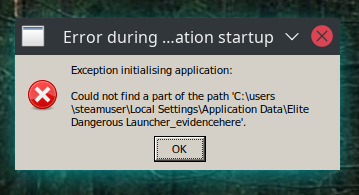
- It didn't work at all with 5.0-9.
- I am not using wine-mono-5.1.1.1_ED (because I have yet to figure out how to install it in the wine environment specific to Steam)
I remember the [Unknown] message has something to do with standard in/out/err streams, but I don't remember the details. It might behave differently depending on whether WINEDEBUG is set.
- I am not using wine-mono-5.1.1.1_ED (because I have yet to figure out how to install it in the wine environment specific to Steam)
I installed wine-mono-5.1.1.1_ED by following the instructions, and this got me past the launcher. After I click "Play", the game opens a fullscreen window, then switches to windowed mode and hangs there.
Has anyone succeeded in running ED with Proton 5.13-1 and wine-mono-5.1.1.1_ED?
- I am not using wine-mono-5.1.1.1_ED (because I have yet to figure out how to install it in the wine environment specific to Steam)
I installed
wine-mono-5.1.1.1_EDby following the instructions, and this got me past the launcher. After I click "Play", the game opens a fullscreen window, then switches to windowed mode and hangs there.Has anyone succeeded in running ED with
Proton 5.13-1andwine-mono-5.1.1.1_ED?
I got it working... I deleted my proton prefix. /home/l33tlinuxh4x0r/.steam/steam/steamapps/compatdata/359320 and ran the game with proton 5.13-1 (it didn't work) I installed wine-mono-5.1.1.1_ED using these instructions https://github.com/redmcg/wine-mono/wiki#with-protontricks (in terminal there were a bunch of error looking messages) then I ran Elite Dangerous... I received the same error as jp7677 but other than that it is working correctly... One note though the "Options" menu in the launcher doesn't work. This is broken in .net as well unless you run version 4.0 any other version it doesn't work. Also for what it is worth I removed the default mono installation although this is not necessary. As far as the graphics changing size (windowed) when I setup my graphics it went windowed but I could still click exit so I did and relaunched and everything is fine now. Hope that this helps.
EDIT: As stated by others above the launcher doesn't actually close when you close it... However the steam Quit button works to close it.
EDIT: It was working but it broke so I tried everything the same way except I left the default wine mono installed. All is good now.
EDIT: I noticed that I can't change colors anymore... I put the color file in the directory that it used to use for them but maybe mono uses a different directory? Also I have to reset up my keybinds even though I copied that file as well.
With wine mono instead of .net the Options directory is now ~/.local/share/Steam/steamapps/compatdata/359320/pfx/drive_c/users/steamuser/Local Settings/Application Data/Frontier Developments/Elite Dangerous/Options
instead of the old directory of ~/.local/share/Steam/steamapps/compatdata/359320/pfx/drive_c/users/steamuser/Application Data/Frontier Developments/Elite Dangerous/Options
might be a proton update too. I just switched to 5.13 was on 5.0 before.
Thanks a lot @redmcg @madewokherd You both are magic! I could now get through the login procedure and now I'm able to launch the actual game (even in VR). Very cool!
2 minor annoyances are left imho:
- During startup of the launcher I'm seeing an .Net unhandled exception error message box saying
See the end of this message for details on invoking \njust-in-time (JIT) debugging instead of this dialog box.\n\n************** Exception Text **************\nSystem.UnauthorizedAccessException: Access to the path "Z:\home\user\.local\share\Steam\steamapps\common\Elite Dangerous\[Unknown]" is denied.
  at System.IO.FileStream.WriteInternal (System.Byte[] src, System.Int32 offset, System.Int32 count) [0x00077] in <74592df2fac6420eaf884f690234d902>:0 ...
The actual launcher does not seem to be affected by this. I just have to
closeorcontinueto close the message box.
- Closing the launcher does not really exists the launcher, I have to use Stop in Steam to really finish it.
The launcher failing to close is listed as a known issue on the wiki. And I'm pretty sure I've seen the '.Net unhandled exception error' message box before too. I'll look in to both as time permits (and I'll take Esme's lead on the latter).
Aww, thanks for the shoutout, but it's clear you've put in real work yourself tracking down multiple issues and hacking around them.
At the moment I've just hacked in the quickest thing that will work for Elite Dangerous. There's only been four hacks, and they're all pretty simple changes - but because I don't understand all the surrounding code, they may be terrible for upstreaming.
@madewokherd I will start sending you pull requests; one at a time. Starting with what I think is the easiest. The two hardest ones are in mono itself - and may or may not be better pushed to the mono/mono repo. But I wouldn't mind getting your guidence (if your time permits).
I've just noticed that after going to Fedora 33 (currently in beta), Elite Dangerous won't let me pass the login screen. If I try to login, I get "No or empty response from server : The request was aborted: Could not create SSL/TLS secure channel."
From some previous results, looks like some problem with gnutls, so I was able to duct tape in the libraries from gnutls 3.6.2 (the last version without TLS 1.3), and then I'm just getting a black screen trying to load the game.
Another user has reported to protondb the same error on Fedora 33. I'll be checking the Discord server and trying more things. I get the same issue on 5.0-9, 5.13-1, and 5.8-GE-8-ST.
If there's any way I can provide more useful information or log files, please tell me how and I'll do what I can.
I've just noticed that after going to Fedora 33 (currently in beta), Elite Dangerous won't let me pass the login screen. If I try to login, I get "No or empty response from server : The request was aborted: Could not create SSL/TLS secure channel."
From some previous results, looks like some problem with gnutls, so I was able to duct tape in the libraries from gnutls 3.6.2 (the last version without TLS 1.3), and then I'm just getting a black screen trying to load the game.
Another user has reported to protondb the same error on Fedora 33. I'll be checking the Discord server and trying more things. I get the same issue on 5.0-9, 5.13-1, and 5.8-GE-8-ST.
If there's any way I can provide more useful information or log files, please tell me how and I'll do what I can.
run steam in a terminal... when you launch the game you should see some errors in terminal... also you can use the proton debug options as a launch option in steam. I forget the exact syntax but if you set the launch options in steam for elite dangerous to debug it should give even more info... PROTON_LOG=1 %command%
"Convenience method for dumping a useful debug log to $HOME/steam-$APPID.log. For more thorough logging, use user_settings.py."
@Hubok I've updated today to Fedora 33, ED still starts just fine on my machine. That said, I didn't had to log in, I had my Steam account linked to my Frontier account recently.
I've been struggling to get Elite Dangerous working, the launcher is coming up but it's ignoring my mouse inputs.
Game is driving me crazy. runs fine for hours, crashes after 5 minutes, doesnt start anymore. 5.9 proton is gone.
wtf
- I am not using wine-mono-5.1.1.1_ED (because I have yet to figure out how to install it in the wine environment specific to Steam)
I installed
wine-mono-5.1.1.1_EDby following the instructions, and this got me past the launcher. After I click "Play", the game opens a fullscreen window, then switches to windowed mode and hangs there.
Has anyone succeeded in running ED withProton 5.13-1andwine-mono-5.1.1.1_ED?I got it working... I deleted my proton prefix.
/home/l33tlinuxh4x0r/.steam/steam/steamapps/compatdata/359320and ran the game with proton 5.13-1 (it didn't work) I installed wine-mono-5.1.1.1_ED using these instructions https://github.com/redmcg/wine-mono/wiki#with-protontricks (in terminal there were a bunch of error looking messages) then I ran Elite Dangerous... I received the same error as jp7677 but other than that it is working correctly... One note though the "Options" menu in the launcher doesn't work. This is broken in .net as well unless you run version 4.0 any other version it doesn't work. Also for what it is worth I removed the default mono installation although this is not necessary. As far as the graphics changing size (windowed) when I setup my graphics it went windowed but I could still click exit so I did and relaunched and everything is fine now. Hope that this helps.EDIT: As stated by others above the launcher doesn't actually close when you close it... However the steam Quit button works to close it.
EDIT: It was working but it broke so I tried everything the same way except I left the default wine mono installed. All is good now.
EDIT: I noticed that I can't change colors anymore... I put the color file in the directory that it used to use for them but maybe mono uses a different directory? Also I have to reset up my keybinds even though I copied that file as well.
I had the same problem, game worked fine. Suddenly it doesnt start anymore. Switched to 5.13, kinda worked for a while. Now it doesnt start anymore.
I followed the procedure with 5.13_1 and https://github.com/redmcg/wine-mono/wiki#with-protontricks
And got the game to start again.
I assume after some time it will stop starting again. Will report.
Again game doesnt start all of a sudden.
======================
Proton: 1602709129 proton-5.13-1b
SteamGameId: 359320
Command: ['/home/dino/gaming/steam/steamapps/common/Elite Dangerous/EDLaunch.exe', '/EDH', '/steamid', '441340', '/novr']
Options: {'forcelgadd'}
======================
ERROR: ld.so: object 'libgamemodeauto.so.0' from LD_PRELOAD cannot be preloaded (cannot open shared object file): ignored.
ERROR: ld.so: object '/home/dino/.local/share/Steam/ubuntu12_32/gameoverlayrenderer.so' from LD_PRELOAD cannot be preloaded (wrong ELF class: ELFCLASS32): ignored.
ERROR: ld.so: object 'libMangoHud.so' from LD_PRELOAD cannot be preloaded (cannot open shared object file): ignored.
"Error during application startup"
Exception initialising application
Could not find a part of the path "C:\users\steamuser\Local Settings\Application Data\Elite Dangerous Launcher_evidencehere"
[OK]
Linux Mint 20, Nvidia drivers 390, Proton 5.13
Stop paying game companies money if they do not support Linux natively, simple way to get it fixed, no sense in paying only to be shown the back entrance and then told to f off when you want support, or worse, ban you for not using Windows and accuse you of hacking/cheating by using Linux
Hello @flibblewibble, the nVidia 390 driver series is older than the minimum requirements for Proton. Please confirm you have a Kepler or newer generation of nVidia video card and update to a newer video driver series.
If it's not clear what generation of video card you have, then copy your system information from Steam (Steam -> Help -> System Information) and put it in a gist, then include a link to the gist in this issue report and we can ponder it together.
I had an issue or two launching (.NET magic it appeared--couldnt get a decent log before the issues magically disappeared.) Not sure what changed between proton versions
Here the error when the launcher actually starts working again for no obvious reason:
See the end of this message for details on invoking \njust-in-time (JIT) debugging instead of this dialog box.\n\n************** Exception Text **************\nSystem.UnauthorizedAccessException: Access to the path "Z:\home\dino\gaming\steam\steamapps\common\Elite Dangerous\[Unknown]" is denied.
  at System.IO.FileStream.WriteInternal (System.Byte[] src, System.Int32 offset, System.Int32 count) [0x00077] in <74592df2fac6420eaf884f690234d902>:0
  at System.IO.FileStream.Write (System.Byte[] array, System.Int32 offset, System.Int32 count) [0x00090] in <74592df2fac6420eaf884f690234d902>:0
  at System.IO.StreamWriter.Flush (System.Boolean flushStream, System.Boolean flushEncoder) [0x00080] in <74592df2fac6420eaf884f690234d902>:0
  at System.IO.StreamWriter.WriteSpan (System.ReadOnlySpan`1[T] buffer, System.Boolean appendNewLine) [0x0016b] in <74592df2fac6420eaf884f690234d902>:0
  at System.IO.StreamWriter.WriteLine (System.String value) [0x0000d] in <74592df2fac6420eaf884f690234d902>:0
  at System.IO.TextWriter+SyncTextWriter.WriteLine (System.String value) [0x00000] in <74592df2fac6420eaf884f690234d902>:0
  at (wrapper synchronized) System.IO.TextWriter+SyncTextWriter.WriteLine(string)
  at System.Console.WriteLine (System.String value) [0x00000] in <74592df2fac6420eaf884f690234d902>:0
  at HardwareReporter.MainWindow.<OnProcessResults>b__40_0 () [0x000f8] in <2cdec7ec5db24b62bba5abdf913325de>:0
  at (wrapper managed-to-native) System.Reflection.RuntimeMethodInfo.InternalInvoke(System.Reflection.RuntimeMethodInfo,object,object[],System.Exception&)
  at System.Reflection.RuntimeMethodInfo.Invoke (System.Object obj, S
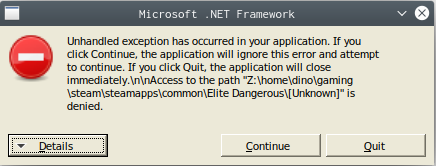
Hello @flibblewibble, the nVidia 390 driver series is older than the minimum requirements for Proton. Please confirm you have a Kepler or newer generation of nVidia video card and update to a newer video driver series.
If it's not clear what generation of video card you have, then copy your system information from Steam (
Steam->Help->System Information) and put it in a gist, then include a link to the gist in this issue report and we can ponder it together.
It is supported by the game itself, let's just say I will NEVER hand out money for a product that is depending on Proton to run
Proton is basically to get what I have working, if not then so be it, but NEVER EVER will I purchase a game just to run it on Proton
Do as you wish; I am giving this information out so you can improve your stuff, that's up to you, but don't come asking money for it
Given Elite Dangerous is an ONLINE game with after market ingame sales, they just lost a customer if I cannot get it working and no future ingame purchases, anyway, I see no compelling reason to pay for this kind of thing if they don't natively support my platform, hopefully this will impact their sales
I don't pay or subscribe to use "back doors" "work arounds" "hackjobs" and then have "no support"
Do as you wish, it's your service, but it's my money
The problem here it seems is they use dotnet and I have to resort to protontricks, which I am not going to do
My hardware runs the game on Windows fine, I left windows, and my money left with me
Okay second update for me today,. after some arguments to get things to behave, I ended up grabbing GE proton and using that for the moment, hoping you guys have a fix for this at some point. Thanks for everything you do!
I haven't used linux/proton for a while so I don't know what's changed however I'm experiencing the same issues as above with the game not starting with Proton 5.13-1. Also using 5.13-1 breaks the prefix meaning the game will not start with other Proton's without a fresh prefix (which is usually recommended however a pain with this game configuring game bindings and storing logs etc).
I haven't tried redmcg's mono yet, however I understand mono is still WIP with some functionality.
Also non proton related but my distros wine 5.21 staging seems to have an issue installing dotnet, seems a lot of dotnet related issues atm with wine in general.
@redmcg
I've tried your wine mono, it appears to be working with 5.13-1 however each launch I get the following error pop up:
See the end of this message for details on invoking \njust-in-time (JIT) debugging instead of this dialog box.\n\n************** Exception Text **************\nSystem.UnauthorizedAccessException: Access to the path "Z:\run\media\a\Games\SteamGames\steamapps\common\Elite Dangerous\[Unknown]" is denied.
  at System.IO.FileStream.WriteInternal (System.Byte[] src, System.Int32 offset, System.Int32 count) [0x00077] in <74592df2fac6420eaf884f690234d902>:0
  at System.IO.FileStream.Write (System.Byte[] array, System.Int32 offset, System.Int32 count) [0x00090] in <74592df2fac6420eaf884f690234d902>:0
  at System.IO.StreamWriter.Flush (System.Boolean flushStream, System.Boolean flushEncoder) [0x00080] in <74592df2fac6420eaf884f690234d902>:0
  at System.IO.StreamWriter.WriteSpan (System.ReadOnlySpan`1[T] buffer, System.Boolean appendNewLine) [0x0016b] in <74592df2fac6420eaf884f690234d902>:0
  at System.IO.StreamWriter.WriteLine (System.String value) [0x0000d] in <74592df2fac6420eaf884f690234d902>:0
  at System.IO.TextWriter+SyncTextWriter.WriteLine (System.String value) [0x00000] in <74592df2fac6420eaf884f690234d902>:0
  at (wrapper synchronized) System.IO.TextWriter+SyncTextWriter.WriteLine(string)
  at System.Console.WriteLine (System.String value) [0x00000] in <74592df2fac6420eaf884f690234d902>:0
  at HardwareReporter.MainWindow.<OnProcessResults>b__40_0 () [0x000f8] in <2cdec7ec5db24b62bba5abdf913325de>:0
  at (wrapper managed-to-native) System.Reflection.RuntimeMethodInfo.InternalInvoke(System.Reflection.RuntimeMethodInfo,object,object[],System.Exception&)
  at System.Reflection.RuntimeMethodInfo.Invoke (System.Object obj, System.Reflection.BindingFlags invokeAttr, System.Reflection.Binder binder, System.Object[] parameters, System.Globalization.CultureInfo culture) [0x0006a] in <74592df2fac6420eaf884f690234d902>:0

\n************** Loaded Assemblies **************\nmscorlib\n    Assembly Version: 4.0.0.0\n    Win32 Version: 4.6.57.0\n    CodeBase: file:///C:/windows/mono/mono-2.0/lib/mono/4.5/mscorlib.dll\n----------------------------------------\nHardwareReporter\n    Assembly Version: 0.4.6600.0\n    Win32 Version: 0.4.6600.0\n    CodeBase: file:///Z:/run/media/ash/Games/SteamGames/steamapps/common/Elite%20Dangerous/HardwareReporter.exe\n----------------------------------------\nSystem.Windows.Forms\n    Assembly Version: 4.0.0.0\n    Win32 Version: 4.6.57.0\n    CodeBase: file:///C:/windows/mono/mono-2.0/lib/mono/gac/System.Windows.Forms/4.0.0.0__b77a5c561934e089/System.Windows.Forms.dll\n----------------------------------------\nSystem\n    Assembly Version: 4.0.0.0\n    Win32 Version: 4.6.57.0\n    CodeBase: file:///C:/windows/mono/mono-2.0/lib/mono/gac/System/4.0.0.0__b77a5c561934e089/System.dll\n----------------------------------------\nSystem.Drawing\n    Assembly Version: 4.0.0.0\n    Win32 Version: 4.6.57.0\n    CodeBase: file:///C:/windows/mono/mono-2.0/lib/mono/gac/System.Drawing/4.0.0.0__b03f5f7f11d50a3a/System.Drawing.dll\n----------------------------------------\nAccessibility\n    Assembly Version: 4.0.0.0\n    Win32 Version: \n    CodeBase: file:///C:/windows/mono/mono-2.0/lib/mono/gac/Accessibility/4.0.0.0__b03f5f7f11d50a3a/Accessibility.dll\n----------------------------------------\nClientSupport\n    Assembly Version: 0.4.6600.0\n    Win32 Version: 0.4.6600.0\n    CodeBase: file:///Z:/run/media/ash/Games/SteamGames/steamapps/common/Elite%20Dangerous/ClientSupport.dll\n----------------------------------------\nSystem.Configuration\n    Assembly Version: 4.0.0.0\n    Win32 Version: 4.6.57.0\n    CodeBase: file:///C:/windows/mono/mono-2.0/lib/mono/gac/System.Configuration/4.0.0.0__b03f5f7f11d50a3a/System.Configuration.dll\n----------------------------------------\nLocalResources\n    Assembly Version: 0.4.6600.0\n    Win32 Version: 0.4.6600.0\n    CodeBase: file:///Z:/run/media/ash/Games/SteamGames/steamapps/common/Elite%20Dangerous/LocalResources.dll\n----------------------------------------\nSystem.Core\n    Assembly Version: 4.0.0.0\n    Win32 Version: 4.6.57.0\n    CodeBase: file:///C:/windows/mono/mono-2.0/lib/mono/gac/System.Core/4.0.0.0__b77a5c561934e089/System.Core.dll\n----------------------------------------\nSystem.Xml\n    Assembly Version: 4.0.0.0\n    Win32 Version: 4.6.57.0\n    CodeBase: file:///C:/windows/mono/mono-2.0/lib/mono/gac/System.Xml/4.0.0.0__b77a5c561934e089/System.Xml.dll\n----------------------------------------\nSystem.Xml.Linq\n    Assembly Version: 4.0.0.0\n    Win32 Version: 4.6.57.0\n    CodeBase: file:///C:/windows/mono/mono-2.0/lib/mono/gac/System.Xml.Linq/4.0.0.0__b77a5c561934e089/System.Xml.Linq.dll\n----------------------------------------\nI18N\n    Assembly Version: 4.0.0.0\n    Win32 Version: 4.0.0.0\n    CodeBase: file:///C:/windows/mono/mono-2.0/lib/mono/gac/I18N/4.0.0.0__0738eb9f132ed756/I18N.dll\n----------------------------------------\nI18N.West\n    Assembly Version: 4.0.0.0\n    Win32 Version: 4.0.0.0\n    CodeBase: file:///C:/windows/mono/mono-2.0/lib/mono/gac/I18N.West/4.0.0.0__0738eb9f132ed756/I18N.West.dll\n----------------------------------------\n\n************** JIT Debugging **************\n
It still allows me into the launcher though if I press continue, a lot like EDDiscovery behaves when trying to run it in wine.
Also with mono the game doesn't save flight logs.
@fls2018 I just created a new release (wine-mono-5.1.1.2_ED-x86.msi) which fixes the error pop up (by catching and ignoring the exception).
I've also updated the wiki with new instructions for installation using protontricks:
https://github.com/redmcg/wine-mono/wiki#with-protontricks
I found the previous method didn't always seem to succeed with the installation (this may be the cause for some of the other errors folks on here are seeing).
If you've got time - can you please raise an issue about the flight logs over here: https://github.com/redmcg/wine-mono/issues
It'd be helpful if you could throw some details in there about where they would normally be found (unfortunately I've never made use of them myself - but I might be able to find what's going on with a few details).
Recently my ED just stopped working. Launcher boots up but when I hit PLAY nothing happens, only singleplayer demo works as it should. I didn't touch anything in my installation, is it possible that FDev changed something during last rebalance ?
Elite Dangerous (Exception initializing application)
Issue transferred from https://github.com/ValveSoftware/Proton/issues/4415.
@daxime posted on 2020-11-25T01:59:29:
Compatibility Report
- Name of the game with compatibility issues: Elite Dangerous
- Steam AppID of the game:359320
System Information
- GPU: Radeon HD7850
- Driver/LLVM version: Mesa 20.3.0-rc2 / LLVM 11.0.0
- Kernel version: 5.4.0-54-generic
- Link to full system information: https://gist.github.com/daxime/f1cd1b0e488e8985e0994949006d432a
- Proton version: 5.13-2 ; 5.0-10
I confirm:
- [*] that I haven't found an existing compatibility report for this game.
- [*] that I have checked whether there are updates for my system available.
steam-359320.log
Symptoms
It's been 3-4 days since I've been trying to launch Elite Dangerous (which worked very well). But now I have an error window:
Exception initializing application:
Could not find a part of the path 'C:\users\steamuser\Local Settings\Application Data\Elite Dangerous Launcher_evidencehere'.
I tried with Proton 5.13-2 and 5.0-10. I also deleted the folder "359320" in "compatdata". Still nothing same problem...
Reproduction
Just launch the game
@SirNiczeK I just tried launching the game now and had no problems.
@daxime The "Could not find a part of the path 'C:\users\steamuser\Local Settings\Application Data\Elite Dangerous Launcher_evidencehere'." occurs with the default wine-mono. There is a custom version which fixes this. You can find installation instructions here:
https://github.com/redmcg/wine-mono/wiki#with-protontricks
Alternatively you can use dotnet40; but I've heard people are having trouble installing this under 5.13 (but I haven't tried myself).
So it must be on my side. I can see both launcher and game processes running but nothing pops up on my desktop.
Arch Linux 5.9.10
Plasma 5.20.3
Intel i5-9300H
GeForce GTX 1650
Proton log attached for anyone interested
steam-359320.log
EDIT:
It turns out that game actually appeared 5 minutes after pressing play in launcher. What is the cause of this delay?
It was near instant just a few days ago.
More logs, this time from SteamCMD
SteamCMDlogfile.txt
Thx, i will try this :) :+1:
Edit: It Work :D
It works really well with no-runtime custom optimized proton build. Even at 4K with high quality (-motion blur) on AMD FX9370 + AMD Radeon RX470 (GamingX)
Using a custom no-runtime build seems to solve any issues I had with dotnet too, but maybe that's a co-incidence. I was having to use the "VR mode" in the Steam launcher to bypass clicking on the PLAY icon in EDLauncher since it was crashing previously.
So the game just stopped launching for me. I wanted to try re-applying the dotnet fix but I'm getting some weird errors in the console when trying to run the uninstall dialog. The window also never appears.
The errors.
There is a "No driver could be loaded" but it doesn't seem related to #4266
Nevermind, after closing Steam the window popped-up and now after restarting steam it's working.
The "Could not find a part of the path 'C:\users\steamuser\Local Settings\Application Data\Elite Dangerous Launcher_evidencehere'." occurs with the default wine-mono. There is a custom version which fixes this. You can find installation instructions here:
If this is the only thing the custom version fixes, then Proton should probably create proper symlinks in the wine prefixes it creates: With the patched custom version, we end up with multiple places in the profile where local application settings are stored. We have at least "AppData/Local" and "Local Settings/Application Data" which should point to the same location, and "AppData/Roaming" and "Application Data" which should point to the same location, not sure about "AppData/LocalLow". Windows solves this in a similar matter by creating directory junktions in the profile and migrating data to the current layout on login, and setting %LocalAppData% and %AppData% to the proper real directories. I think Proton (and Wine) should do the same by creating symlinks and moving folder contents to the proper location when migrating prefixes to a new version.
Example dir listing what it would look like in a real Windows environment:
C:\Users\steamuser> dir /a
... (some lines omitted)
29.01.2019  10:16    <DIR>          .
29.01.2019  10:16    <DIR>          ..
18.02.2015  17:05    <JUNCTION>     Application Data [C:\Users\steamuser\AppData\Roaming]
18.02.2015  17:05    <DIR>          AppData
18.02.2015  17:05    <JUNCTION>     Cookies [C:\Users\steamuser\AppData\Local\Microsoft\Windows\INetCookies]
31.08.2015  08:47    <DIR>          Desktop
17.03.2021  11:02    <DIR>          Downloads
18.02.2015  17:05    <JUNCTION>     Printer Shortcuts [C:\Users\steamuser\AppData\Roaming\Microsoft\Windows\Printer Shortcuts]
18.02.2015  17:05    <JUNCTION>     My Documents [C:\Users\steamuser\Documents]
17.03.2021  10:58    <DIR>          Links
18.02.2015  17:05    <JUNCTION>     Local Settings [C:\Users\steamuser\AppData\Local]
18.02.2015  17:05    <JUNCTION>     Network Shortcuts [C:\Users\steamuser\AppData\Roaming\Microsoft\Windows\Network Shortcuts]
18.02.2015  17:05    <JUNCTION>     Recent [C:\Users\steamuser\AppData\Roaming\Microsoft\Windows\Recent]
17.03.2021  10:58    <DIR>          Saved Games
17.03.2021  10:58    <DIR>          Searches
18.02.2015  17:05    <JUNCTION>     SendTo [C:\Users\steamuser\AppData\Roaming\Microsoft\Windows\SendTo]
18.02.2015  17:05    <JUNCTION>     Start Menu [C:\Users\steamuser\AppData\Roaming\Microsoft\Windows\Start Menu]
18.02.2015  17:05    <JUNCTION>     Templates [C:\Users\steamuser\AppData\Roaming\Microsoft\Windows\Templates]
Wine does not create all those junctions (which should probably be emulated by symlinks), and it also doesn't create localized aliases of the folders in the profile root but some software actually tries to access the localized folder name and you end up with an English folder side-by-side with a localized folder (e.g. in German, "My Documents" vs. "Eigene Dateien"). I don't think we necessarily need localized folders in Proton, that's a minor issue if any at all, but we need proper symlinks of the various well-known standard folder locations, that is everything that has junctions to locations below "AppData".
A temporary fix would be manually moving the directories in the prefix and then creating the missing symlinks.
Looks like the alpha 100% chokes on my system. Using proton experimental
Looking for more info now
I am trying to purchase the Alpha but I accidentally bought the non-alpha version and I am currently waiting for a Refund. I will test it on Ubuntu when I Can tho :)
I also just noticed I completely forgot about this issue since I created 2 years ago.
It launches and gets past preparing shaders, but tanks as soon as it hits the planetary generation stuff. If someone can use a PROTON_LOG out of this, I do have it
Confirmed also broken on 5.16-6
steam-359320.log
Full proton log file
https://issues.frontierstore.net/issue-detail/23971 Have an issue open with FDev, tested on 5.0-10 with the .net version instead of wine-mono, same crash same way.
steam-359320.log
Additional proton log. This one includes both a successful start of Elite Dangerous: Horizons (to mess with settings), and a failed launch of Elite Dangerous: Odyssey
https://issues.frontierstore.net/issue-detail/23971 Have an issue open with FDev, tested on 5.0-10 with the .net version instead of wine-mono, same crash same way.
I see in that report that X crashes subsequently. That isn't a game bug nor is it a bug in Proton; it's a X bug, and possibly caused by a graphics driver bug. I see also that you're using an AMD GPU, so presumably you're using Mesa – which version? Have you tried any newer versions? Anything interesting in the kernel log?
Mesa 21.0.1, which is the latest at the time of writing -- sorry, I rewrote the frontier issue a few times trying to get creating it to take, so I evidently didnt include it here. Yeah an AMD GPU, reasonably recent kernel (5.11.8 -- Looks like I can get 5.11.10 if I want)
I tend to agree on that its a mesa bug, I'd say X but it also killed wayland, and a few times it made a godawful mess of dumping video memory to the screen while trying to render things afterwards. It also appears to often leave the machine softlocked, where I cannot login post-recovery (driver recovery, not a reboot, which fixes the issue)
Unfortunately zero interesting info in the kernel log that I could find, just X stopping, then standard login stuff from when I logged back in. 0 mentions of drm or mesa.
On the plus side if I do report this to mesa (which I probably should, but I'll wait on feedback here) the reproduction (at least for me) is 100%.
Whoops I am wrong that there was nothing in syslog, just retested because it didnt make sense that there wouldnt be anything. GPU fault log from the amdgpu driver.
Mar 30 07:39:18 battlestar-galactica kernel: [30176.557044] gmc_v8_0_process_interrupt: 162 callbacks suppressed
Mar 30 07:39:18 battlestar-galactica kernel: [30176.557050] amdgpu 0000:01:00.0: amdgpu: GPU fault detected: 147 0x0d720401 for process EliteDangerous6 pid 22849 thread EliteDange:cs0 pid 22851
Mar 30 07:39:18 battlestar-galactica kernel: [30176.557056] amdgpu 0000:01:00.0: amdgpu:   VM_CONTEXT1_PROTECTION_FAULT_ADDR   0x09C5BFAE
Mar 30 07:39:18 battlestar-galactica kernel: [30176.557058] amdgpu 0000:01:00.0: amdgpu:   VM_CONTEXT1_PROTECTION_FAULT_STATUS 0x0F004001
Mar 30 07:39:18 battlestar-galactica kernel: [30176.557059] amdgpu 0000:01:00.0: amdgpu: VM fault (0x01, vmid 7, pasid 32785) at page 163954606, write from 'TC1' (0x54433100) (4)
Mar 30 07:39:18 battlestar-galactica kernel: [30176.557066] amdgpu 0000:01:00.0: amdgpu: GPU fault detected: 147 0x0d6ac801 for process EliteDangerous6 pid 22849 thread EliteDange:cs0 pid 22851
Mar 30 07:39:18 battlestar-galactica kernel: [30176.557069] amdgpu 0000:01:00.0: amdgpu:   VM_CONTEXT1_PROTECTION_FAULT_ADDR   0x09C5BFAE
Mar 30 07:39:18 battlestar-galactica kernel: [30176.557070] amdgpu 0000:01:00.0: amdgpu:   VM_CONTEXT1_PROTECTION_FAULT_STATUS 0x0F008001
Mar 30 07:39:18 battlestar-galactica kernel: [30176.557072] amdgpu 0000:01:00.0: amdgpu: VM fault (0x01, vmid 7, pasid 32785) at page 163954606, write from 'TC0' (0x54433000) (8)
Mar 30 07:39:28 battlestar-galactica kernel: [30181.647915] [drm:amdgpu_dm_commit_planes [amdgpu]] *ERROR* Waiting for fences timed out!
Mar 30 07:39:28 battlestar-galactica kernel: [30186.512084] [drm:amdgpu_job_timedout [amdgpu]] *ERROR* ring gfx timeout, but soft recovered
Mar 30 07:39:28 battlestar-galactica gnome-shell[4021]: [GFX1-]: GFX: RenderThread detected a device reset in PostUpdate
Mar 30 07:39:35 battlestar-galactica systemd[2506]: tracker-extract.service: Succeeded.
Mar 30 07:39:40 battlestar-galactica kernel: [30197.624660] gnome-shell[2902]: segfault at 80 ip 0000000000000080 sp 00007fffd516c6f8 error 14
Mar 30 07:39:40 battlestar-galactica kernel: [30197.624668] Code: Unable to access opcode bytes at RIP 0x56.
Mesa appears to have been the GPU hang / crash culprit, v: 4.6 Mesa 21.1.0-devel (git-812f7ec 2021-03-30 groovy-oibaf-ppa) works (but the game still crashes) mesa bug report here: https://gitlab.freedesktop.org/mesa/mesa/-/issues/4533
steam-359320.log -- just the elite crash, no GPU issue in this one
Update to that gigantic mess; I reinstalled my OS to tumbleweed from an old upgraded ubuntu. Works now. I still have no idea why or how the old version died
@redmcg Have you considered opening a PR to upstream your changes? Would be great if ED would run out of the box without installing your mono version first.
Update to that gigantic mess
@A-UNDERSCORE-D The milky way is a gigantic mess, you're just a tiny little part of it messing around ;-) //SCNR
@der-eismann I think there are actually not so many patches left that need upstreaming, maybe two at most? The rest of it seems to be cherry picked from the next version, thus already upstream by definition:
Actually, this states that it is on par with upstream, only changing the version number: https://github.com/madewokherd/wine-mono/compare/develop...redmcg:wine-mono-6.1.1_ED
This is basically official 6.1.1 plus the few patches that are already upstream: https://github.com/madewokherd/wine-mono/compare/wine-mono-6.1.1...redmcg:wine-mono-6.1.1_ED
Hi @der-eismann; @kakra is right - my latest release (wine-mono 6.1.1_ED) has zero hacks from my part - it's all from the official wine-mono (upstream) repo. The last hack that I "maintained" was fixed with the following commit:
https://github.com/madewokherd/mono/commit/210d52fbe7220087ed5170b2683c425f1e0c2200
But this commit unfortunately just missed wine-mono 6.1.1. So I made 6.1.1_ED as a bit of convenience for others (so they would not have to recompile themselves). But the next official release of wine-mono will likely run the ED launcher right out of the box - so I'm hopeful 6.1.1_ED is the last one I'll need to compile.
And all thanks goes to @madewokherd - I suspect they were aware of the hacks that I had made, as one by one they've all been addressed with proper fixes (with no effort on my part).
Actually, Gabriel Ivăncescu has been doing the real work on addressing those issues (as you can see from the author field on the commits), all I've been doing is reviewing and merging in his work. And yeah, it would've been nice to have that in 6.1.1, but we'll get it in the next one.
Incidentally, we have GitHub CI set up now, so anyone wanting to try the latest Git revision can download a build using the Actions tab on the wine-mono repo: https://github.com/madewokherd/wine-mono/actions
As of this writing the current build is: https://github.com/madewokherd/wine-mono/suites/2423119192/artifacts/51744385
Actually, Gabriel Ivăncescu has been doing the real work
Then thanks to @g-insn too.
Incidentally, we have GitHub CI set up now, so anyone wanting to try the latest Git revision can download a build using the Actions tab
Awesome - I didn't realise that; but I will make use of it now.
Thanks again.
My bad, sorry for the trouble. I didn't check the latest releases. Thanks to all involved persons for your hard work!
I'm having trouble getting odyssey to run.
Symptom:
- Game stops loading at 0% of the planet generation system "Warming phase"
- Entire DE goes blank
- X11 Session ends and I'm shunted back to the lightdm account selection page
Steps to reproduce:
- Launch game normally
- Watch fire and brimstone rain upon thy desktop
I have tried the following changes (one at a time, mostly):
- Proton 6.3-2
- Proton 5.13-6
- Proton 5.0-10
...with: - Mesa 21.0.1
- Mesa 21.1.0_devel.137732.d1f96e0c72c
...and kernels: - 5.10
- 5.11
- 5.11.11.arch1-1
- 5.12.0-rc6
I'm attaching a proton log of a crash as well as the relevant section of the dmesg output.
Unfortunately, I had to revert one of the commits because it was causing the wine tests to hang, so this may not make it into 6.2 after all.
@madewokherd Thanks for letting us know. I just tried the latest (after the revert) and fortunately you can still launch the game, but any other interaction with the launcher will generally cause it to crash.
Replying to https://github.com/ValveSoftware/Proton/issues/150#issuecomment-816333945
I just realised i forgot to tell everyone that my particular appears to have its roots in Mesa. Downgrading to resolved my problem.
Related Mesa regression issue: https://gitlab.freedesktop.org/mesa/mesa/-/issues/4533
Unfortunately, I had to revert one of the commits because it was causing the wine tests to hang, so this may not make it into 6.2 after all.
Good news, as of commit https://github.com/madewokherd/wine-mono/commit/90fd1a4d6a98fd14bedefd2f1b2ff7ecf105b7f9, this is now working again. Thanks again to @madewokherd @g-insn.
I've updated my wiki to include a link to the GitHub CI build of this commit (which is a zip with the MSI in it).
Okay Odyssey does RUN for me (with either patched or old mesa), but performance on foot is pretty awful. Hopefully something can speed it up
Looks like Im getting the wrong GPU reported in odyssey (RX 470 vs RX 570 -- people have seen similar things with NV GPUs)
Odyssey unable to even start launcher even after mkdir. Getting error initiatlizing, here is the log.
steam-359320.log
Running mesa latest on Arch
@lorddickfist It looks like you're running Proton-6.1-GE-2 and wine-mono version 5.1.1. You'll need wine-mono 6.1.1 or later - otherwise you'll get the following error:
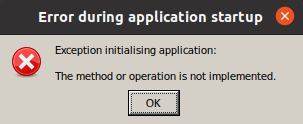
You can follow the instructions here to install a custom version of wine-mono:
https://github.com/redmcg/wine-mono/wiki#install-custom-version
But if you'd prefer to use an official wine-mono version - you can download those here:
https://github.com/madewokherd/wine-mono/releases
Looks like I'm getting the wrong GPU reported in odyssey (RX 470 vs RX 570 -- people have seen similar things with NV GPUs)
It's probably looking at the PCI ID and ignoring or not recognising the revision number (which will be 0xDF for your 570, vs. 0xCF for the 470). The same misidentification seems likely for the RX 480, 580 and 590.
Likely performance issues caused by that? someone with a 3xxx card was misidentified as a GTX 470 as well, I believe
I am having no performance troubles, RX590 with mesa git latest on arch. 40ish fps on planetside, which is ...fine... I think it's down to optimization now.
@lorddickfist It looks like you're running Proton-6.1-GE-2 and wine-mono version 5.1.1. You'll need wine-mono 6.1.1 or later - otherwise you'll get the following error:
You can follow the instructions here to install a custom version of wine-mono:
https://github.com/redmcg/wine-mono/wiki#install-custom-versionBut if you'd prefer to use an official wine-mono version - you can download those here:
https://github.com/madewokherd/wine-mono/releases
It got the launcher and the game running but odyssey isn't installed still unfortunately.
Odyssey will take a giant download etc
Elite Dangerous: Odyssey DLC performance issues
Issue transferred from https://github.com/ValveSoftware/Proton/issues/4846.
@artemantcev posted on 2021-05-23T06:35:12:
Compatibility Report
- Name of the game with compatibility issues: Elite Dangerous (only with Odyssey DLC)
- Steam AppID of the game: 359320
System Information
- GPU: NVIDIA GeForce GTX 1060 6GB
- Driver/LLVM version: NVIDIA 460.73.01
- Kernel version: 5.8.0-53-generic
- Link to full system information report as Gist:
- Proton version: Proton 6.3-4
I confirm:
- [x] that I haven't found an existing compatibility report for this game.
- [x] that I have checked whether there are updates for my system available.
Symptoms
There's a problem that makes Odyssey DLC totally unplayable for me: it's a huge FPS drop (from 30 to 1-3 FPS) that happens if I open and close the System map while being on a station or any other space-leg location. After this my VRAM is used at 100% and the only way to return the game to its normal state is to restart it completely.
Reproduction
- Start the game
- Visit any space-leg location
- Open the system or galaxy map one or multiple times while standing there
- Get a huge FPS drop after closing the map
Odyssey performance issues are an odyssey thing not a proton thing. The game is awfully optimised as it stands. People on windows with recommended specs are having awful performance.
Yeah but a drop from 30 to 1-3 fps is still quite huge. For me it started the same on a GTX 1660 Ti (which is probably a lot more powerful but still). After some testing it looks like the new engine with its new effects is a lot more sensitive to screen resolution: Previously, I was running at 4k with 0.85 scaling, I'm now using 1440p with 1.0 scaling. This makes text appear a little less sharp, the overall quality is not affected much. Next, I followed recommendation to delete the graphics settings folder in the user profile to let ED re-init the settings. I'm now going with medium profile instead of high (I think they updated the profiles to be more demanding), and now I'm back to steady 60 fps in space, and inside space stations I get around 25 fps. It's still quite poor, other games look a lot more polished at that resolution with 50+ fps, so there's still a lot to be done by Frontier. But it is a good compromise until that happens.
Yeah there are lots of things they still need to do. Someone picked apart their draw calls and found a significant lack of culling etc. as for the memory issues, thats also a known bug I believe.
It's not a Proton problem, not even slightly.
I'd like to remind to that at this point a poor experience under Proton is more and more often becoming a problem
with the game itself just generally being problematic, not Proton itself.
As was mentioned there are significant problems for all players with Odyssey, and I'm not sure any of them, at all are
Proton related.
Elite Dangerous: Odyssey DLC performance issues
Issue transferred from #4846.
@artemantcev posted on 2021-05-23T06:35:12:Symptoms
There's a problem that makes Odyssey DLC totally unplayable for me: it's a huge FPS drop (from 30 to 1-3 FPS) that happens if I open and close the System map while being on a station or any other space-leg location. After this my VRAM is used at 100% and the only way to return the game to its normal state is to restart it completely.
My specs:
- GPU: NVIDIA GeForce GTX 970
- Driver/LLVM version: NVIDIA 460.73.01
- Kernel version: 5.4.0-73-generic
- Link to full system information report as Gist
- Proton version: Proton 6.3-4
I think I have exactly the same problem with Odyssey. I just hadn't figured out how to reproduce it. When it happens, the described performance drop also happens in space as soon as you call up a map. It is permanent until restart. I have about 20 FPS in space afterwards, before that I always have 60 FPS.
My VRAM is also completely full except for a few bytes. However, this already happened under the normal Elite and did not lead to this FPS drop. I don't know why this drop happens with Odyssey, but it happens at some point during play. The last time it happened was after I was walking on a planet. I flew back into space and called up the system map. After that I only had around 20 FPS. I then quit the game after about a minute. I had the Proton log running:
steam-359320.log
Odyssey's performance is not great as we all know, but this drop goes far beyond that and really makes the game unplayable. Of course, it is possible that the problem also exists under Windows. Unfortunately, I cannot test this.
Keep in mind the 3.5GB issue of GTX 970...
Keep in mind the 3.5GB issue of GTX 970...
Yes, that's right. But then it would be likely that the problem also occurs under Horizon. The VRAM is completely full after an hour at the latest. I have over 400h in Horizon. Often up to 8h at a time without encountering this problem. And @artemantcev has a 1060 with 6GB. However, apparently these 6GB are also filled.
I have also tried to limit the memory via dxgi.maxDeviceMemory in my DXVK conf. This did not help. Elite always occupies everything that is available after a certain time. Nevertheless, the game has been playable so far. This drop is new. I cannot judge whether this is a Proton problem. It would be interesting to see if this behaviour can also be observed under Windows.
its a reported bug on frontier's issue tracker
its a reported bug on frontier's issue tracker
Thank you. Do you have a link to it?
EDIT: https://issues.frontierstore.net/issue-detail/32129
OS Linux
Are there reports that explicitly mention Windows?
This is a different problem. The point is that the FPS drop in the normal game is permanent as soon as you leave the system map or the galaxy map. And that permanent drop adds to Oddysey's already poor performance and FPS drops. The VRAM problems also exist under Horizon. They can lead to temporary FPS drops, but do not make the game unplayable. At least not until Oddysey.
I have found two tickets for the problem described here. Both mention Linux:
https://issues.frontierstore.net/issue-detail/32129
https://issues.frontierstore.net/issue-detail/25349
The ticket that has already expired also mentions Windows 10, which is the only reference to Windows that I have found for this problem so far.
If it is a problem that also exists with the supported version of the game, then it should be fixed in the next few weeks. Let's wait and see.
Once again: The performance of Oddysey is poor. But this permanent drop makes it unplayable. You have to restart the game after it. At least on my system.
That was a thing that people experienced during the alpha, though I never saw it, there were also a lot of LOD issues. But agreed, this is gonna be a few months in the making so we shall see. Personally Im still waiting for mesa 21.1.1 in repos
Can I ask for some help from people?
As we know a lot of people have been getting game crashesm Windows users and all, so I'm wondering if I have inadvertently found a game bug.
In my steam proton log I repteatedly have been getting this message before a crash.
[0000000000000714:] EXCEPTION handling: System.Security.Cryptography.CryptographicException: `MonoBtlsPkcs12.Import` failed.
[0000000000000714:] EXCEPTION handling: System.Security.Cryptography.CryptographicException: Missing private key
Can anybody else replicate this? I've discovered it happens far more frequently around players in open.
To get your proton log right click on your steam game and click on propetries
Navigate to Advanced Launch Options and fill in the STEAM_LOG=1 enviornment variable appropriately,
You will have to place in %command% after if it's empty
for example PROTON_LOG=1 %command%
The performance issue I've had in Odyssey's tutorial (did not try anything else), i.e. 20-30 FPS and massive stutters on a 6900XT and 5800X, no matter the detail level, resolution and Mesa version seems to have vanished after running it with Proton 6.9-GE-2. Getting 100 FPS now, which is more in line of what can be expected.
Unfortunately, I had to revert one of the commits because it was causing the wine tests to hang, so this may not make it into 6.2 after all.
Good news, as of commit madewokherd/wine-mono@90fd1a4, this is now working again. Thanks again to @madewokherd @g-insn.
I've updated my wiki to include a link to the GitHub CI build of this commit (which is a zip with the MSI in it).
Wine Mono 6.2.0 has been released and should work as well as that build.
@madewokherd Thanks again for your work on wine-mono. I've been using 6.2.0 and it is working well!
I remember the [Unknown] message has something to do with standard in/out/err streams, but I don't remember the details. It might behave differently depending on whether WINEDEBUG is set.
I finally took the time to investigate this '[Unknown] message' issue and found the cause to be down in kernelbase. In the end it was a one line fix that has now been commited to the wine master branch:
https://source.winehq.org/git/wine.git/commit/7539dd607b5a9840d13849a0668d9e8982e20c8c
Was having issues with a combination of Wayland and the integrated AMD Laptop GPU where the game would hang before hitting menu (however shader/plant generation/building would pass fine) -- The solution was to switch to X11 and the game started fine.
Tried to run it in PROTON_USE_WINED3D, the game passed and went to menu, however there was extreme "bloom" and the colour depth was crushed to a lower bit depth. This went away once the issue was identified as an interaction between Wayland and DXVK.
- GPU: AMD RX 6700 XT
- Driver/LLVM version: amdgpu/Navy_flounder, LLVM 12.0.0
- Mesa: 21.1.4
- Kernel version: 5.12.14-gentoo
- Proton version: Proton 5.0-10
- running under Gnome/Wayland
Odyssey: Game launches with applied tweaks with protontricks (dotnet45) inside a flatpak-installation of Steam with Proton-5.0-10, but I have lags when switching to menus/galaxy-map/system-map and sometimes when I am about to switch to the panels on the left/right/top/bottom, but otherwise 60 FPS (capped at monitor refresh-rate). I have tried newer Proton-versions, but I could not get the protontricks to work and so the game does not start at all (no launcher). Could the lags be caused by the old Proton-version or should I consider upgrading the kernel to 5.13? I did not set the graphics to Ultra, just High, and disabled AMDs Fedility sharpening, because it did not look great.
Horizons: Game works with graphics settings maxed out to Ultra at 60 FPS (capped at monitor refresh-rate). No lags.
This is why I am unsure whether the lags in Odyssey are related to the older Proton-version, the kernel-version, the fact that I am running Steam inside a flatpak-sandbox or the game itself. Any advice would help me. I hope my report helps tracking down issues for others as well.
for newer versions of proton you shouldnt* (~6.5 IIRC, I run experimental) need .net, the builtin wine-mono should work, if not you can either a, install @redmcg s fork of wine-mono (or current latest official wine-mono), or use https://github.com/Rfvgyhn/min-ed-launcher (note this does not work with latest steam and wine perfectly (it still runs, it just avoids using reaper because we have no idea how to use it)). .net is used just for the launcher so the minimal launcher works fine in its stead. Odyssey just has awful performance all round. It might be it or it might be wine.
@poinck
Odyssey runs much better for me with Proton 6.3 or Glorious Eggroll's fork (using 6.10 at the moment). Getting 144 FPS in space and 80 to 90 in stations and on planets on my 6900XT (at 1440p and "Ultra" settings with Mesa 21.1.4 and kernel 5.12.14). Proton 5.x was a literal slideshow in comparison.
You may want to start with a clean Proton prefix when ugrading from 5.0 to 6.x (don't forget to back up your E:D settings).
At least on my system E:D won't even launch with with Wayland enabled (using KDE Plasma), so try to switch to X11 if you can.
And always consider that Odyssey is not really optimized (yet), so seeing less than perfect framerates is fairly normal (at the moment).
@A-UNDERSCORE-D and @JT8D-17 Thx for the hints. My problem with newer proton-versions is, that protontricks does not find the game and I had no luck with the search option either.
How can I install the Proton-GE-fork in a flatpak-sandbox? There is Proton-GE 6.5-GE-3 availably, but with this, the launcher does not start and protontricks from ouside the sandbox does not find the game, where it does find the game, when I use Proton 5.0-10. I also installed protontricks via flatpak, but I don't know how to start it with flatpack run ....
I will try the minimal-ed-launcher route and hope that the flatpak-sandbox causes no trouble here.
so long as you can get the launcher binary into the steam flatpack container it should sit fine. As for protontricks, flatpack run python3 -m protontricks would probably work. But I am not a flatpack wizard so take that with a grain of salt.
First, I finally got it working (reproducable) with EDH and EDO and Proton-GE 6.5-GE-3, but not forcing it for ED. Instead I set i globally in Steam. It just works. I don't know why (exactly), and all the lags and stutterings in EDO are gone even for Ultra-settings (with supersampling 1.25x, but without this AMD Fidelity CAS-foo). At first start of the ED-launcher I had this weired .NET-error "This application could not be started" where I clicked "yes", but the launcher came up anyway.
So, big THX for all the suggestions that finally solved the issus for me. :+1:
This is my guess on why it is working now: I noticed, that the GE-community build of Proton does not seem to use the flatpak-pressurevessel, which Steam is using when inside a flatpak-runtime. It spits a warning that all Proton-versions 5.13+ do not support it. I thought that I already tried this combination of settings already, apparently not. Or all the configuration of Proton 5.0-10 left something behind which is helping now.
Btw., the mininmal-ed-launcher does not work for me, because I have no flatpak-sandboxed terminal available and I did not look hard enough to find one. Nice idea anyway (:
Experemental / 6.3 Elite Dangerous
Issue transferred from https://github.com/ValveSoftware/Proton/issues/5099.
@alexzk1 posted on 2021-08-21T03:59:49:
Just restarted Elite Dangerous (359320). Steam made update of proton experimental and soldier, as it was posted 5 hrs ago while I played.
Game silently do not run any more + logs are empty (PROTON_LOG=1). I guess it is some mess with python launching there.
Setting proton 5.13 runs the game.
This is a funky proton thing if its what I think it is. Try run steam in a terminal and watch its stdout, it may say something like "cannot find explorer.exe" or similar. Which is a proton (?) bug with symlinks that Ive had a few times
This is a funky proton thing if its what I think it is. Try run steam in a terminal and watch its stdout, it may say something like "cannot find explorer.exe" or similar. Which is a proton (?) bug with symlinks that Ive had a few times
Error out:
Adding process 7675 for game ID 359320
Traceback (most recent call last):
File "/home/alex/.local/share/Steam/steamapps/common/Proton - Experimental/proton", line 1276, in
g_session.init_session(sys.argv[1] != "runinprefix")
File "/home/alex/.local/share/Steam/steamapps/common/Proton - Experimental/proton", line 1090, in init_session
g_compatdata.setup_prefix()
File "/home/alex/.local/share/Steam/steamapps/common/Proton - Experimental/proton", line 655, in setup_prefix
self.migrate_user_paths()
File "/home/alex/.local/share/Steam/steamapps/common/Proton - Experimental/proton", line 629, in migrate_user_paths
merge_user_dir(src=old, dst=new)
File "/home/alex/.local/share/Steam/steamapps/common/Proton - Experimental/proton", line 102, in merge_user_dir
try_copy(src_file, dst_file, copy_metadata=True)
File "/home/alex/.local/share/Steam/steamapps/common/Proton - Experimental/proton", line 123, in try_copy
shutil.copy2(src, dst)
File "/usr/lib/python3.7/shutil.py", line 263, in copy2
copyfile(src, dst, follow_symlinks=follow_symlinks)
File "/usr/lib/python3.7/shutil.py", line 120, in copyfile
with open(src, 'rb') as fsrc:
IsADirectoryError: [Errno 21] Is a directory: '/home/alex/.local/share/Steam/steamapps/compatdata/359320/pfx/drive_c/users/steamuser/Local Settings/Application Data/Frontier Developments'
Game removed: AppID 359320 "", ProcID 7455
Uploaded AppInterfaceStats to Steam
Exiting app 359320
Okey ... maybe some mess with symlinks?
I have game installed on another SSD drive, however it has symlink to "compdata" from original drive, and link in log seems corect full path on original drive
Tried ED:H on a fresh prefix (moved my old "trick-fueled" prefix for it somewhere else and proceeded through the installation and prefix creation process this way), everything works out of box with Proton 6.3-6, confirmed.
The only issue remaining is the exit from the launcher (closing launcher window with an [x]), which hangs forever until the "exit game" button is pressed in Steam.
The only issue remaining is the exit from the launcher (closing launcher window with an [x]), which hangs forever until the "exit game" button is pressed in Steam.
FYI, I am able to work around the exit hang by using protontricks dotnet452 instead of mono, or by inserting min-ed-launcher into the launch options (thereby skipping the official launcher). A proper fix would be welcome, of course.
I don't know if this is the same issue but there was a commit recently to correct some hangs: https://github.com/madewokherd/wine-mono/commit/b106a8394ab21153bcd7f6b252c812bcb50fe22f
It has a CI build here: https://github.com/madewokherd/wine-mono/actions/runs/1140047444
I just tested that CI version and it does fix this issue (i.e. the game now closes without intervention). So thanks again to @madewokherd and @g-insn.
Guys, I have horrible low FPS on foot in the tutorial mission with any settings profile, even with low presets too, at FullHD resolution. My card is Nvidia 1660super with latest beta drivers, I have 128gb of RAM, SSD, and two not so fast, but definitely satisfying for this game XEONs E5-2667v2. I tried official proton 6.3-6, 6.15-GE-2, proton-experimental, nothing changes. Game practically unplayable, stutters, extremly low FPS. But before Odyssey I played Elite for years with good FPS and without any problem! So, its really so bad for all due horribly optimisation, or its something bad with my proton? Maybe you can give me some advises? Im ready to provide proton log, if it can help.
If you are playing on Odyssey, then chances are your perf issues are not
entirely Proton's fault -- Odyssey has been suffering performance issues
since release
On Thu, Aug 26, 2021 at 11:43 PM Optimus22Prime @.***>
wrote:
Guys, I have horrible low FPS on foot in the tutorial mission with any
settings profile, even with low presets too. My card is Nvidia 1660super
with latest beta drivers, I have 128gb of RAM, SSD, and two not so fast,
but definitely satisfying for this game two XEONs E5-2667v2. I tried
official proton 6.3-6, 6.15-GE-2, proton-experimental, nothing changes.
Game practically unplayable, stutters, extremly low FPS. But before Odyssey
I played Elite for years with good FPS and without any problem! So, its
really so bad for all due horribly optimisation, or its something bad with
my proton? Maybe you can give me some advises? Im ready to provide proton
log, if it can help.—
You are receiving this because you commented.
Reply to this email directly, view it on GitHub
https://github.com/ValveSoftware/Proton/issues/150#issuecomment-906791444,
or unsubscribe
https://github.com/notifications/unsubscribe-auth/AALPK4V5ZQJ3IBBGNGXXYD3T627SHANCNFSM4FRBHFSQ
.
Triage notifications on the go with GitHub Mobile for iOS
https://apps.apple.com/app/apple-store/id1477376905?ct=notification-email&mt=8&pt=524675
or Android
https://play.google.com/store/apps/details?id=com.github.android&referrer=utm_campaign%3Dnotification-email%26utm_medium%3Demail%26utm_source%3Dgithub.
Try change those parameters, trick is, it's enables AMD thing for 1x scaling:
File:
Frontier Developments/Elite Dangerous/Options/Graphics/Custom.4.0.fxcfg
Almost 1 but less then 1 = enabled AMD scaling:
<SSAAMultiplier>0.99</SSAAMultiplier>
Making in-ship texts sharpened:
<FFXRCASIntensity>0.725000</FFXRCASIntensity>
You should not use gui to change settings, once you modified those or it will be lost.
Also some observed rules:
- After changing setting complete reload game. Any settings change cut off about 30% of fps until reloaded.
- Do not press F10 for any reason and it's combinations like alt+F10. It's hard encoded screen shot. Makes FPS down permanent.
- Restart game complete each couple hours, it leaks.
Tnx a lot, got some improvements. Also enabling desktop emulation in winecfg helping with fullscreen game window mode, I got hangouts without it when I was trying before, only borderless window mode was works without desktop emulation and I heard that borderless may stole some FPS too. Anyway FPS not solid on the ground, especially at base during combat, that's uncomfortable. Well, will wait some patches and optimizations.
Hello, all. I've been playing EDO perfectly fine using a version of proton-tkg-6.10, but recently steam will no longer launch the game with that variant (just silently switches back to 'Ready to Play', but neither here nor there. I tried switching to Proton 6.3-6 and Proton Experimental, and have been able to get the game to run, and to recognize some parts of my HOTAS setup, but Elite through Proton Experimental does not seem to want to acknowledge the existance of my T-Flight Rudder pedals. (My Warthog at least is seen completely enough to allow me to select the default Thrustmaster Warthog presets in Elite)
I can confirm that the rudder pedals are not seeing as there's no response from it when I try and bind any in game axis to it.
I can confirm that using Proton 5.0-10 it worked fine (And of course winetricks to install dotnet 4.72 in that particular prefix), with all three pieces of my full HOTAS setup working as expected.
Thrustmaster HOTAS works perfectly fine here but I had to disable Steam Input for the game as otherwise the joystick would show up as a gamepad.
My Warthog HOTAS is acknowledged fine (Joystick and Throttle). My rudder pedals are not. Whether or not I have Steam Input enabled. I've tested also with or without my gamepad connected, so its not a number of devices issue.
Maybe post the output of evtest for each device (without generating any input events) to compare if it has an expected button and axis layout. Also, try if each button and axis generates events in evtest. If it doesn't it's probably not a Proton issue.
Hi Kai, as I mentioned, all three pieces (Thrustmaster Warthog HOTAS Joystick, Thrustmaster Warthog HOTAS Throttle, Thrustmaster T-Rudder Pedals) all work just fine in Proton 5.0-10, and Proton TKG 6.10-.r6.g876024f4. I can see all axes and buttons for all three devices in evtest and jstest-sdl2. Proton 5.13+ all has the same behavior where the pedals are just not acknowledged. Thanks.
You can test with joy.cpl (which I think is 'joystick control panel'). With protontricks, you should be able to run it with:
protontricks -c 'wine64 control.exe joy.cpl' 359320
It could be worth trying with a vanilla version of wine too (by just running wine64 control.exe joy.cpl). As proton uses SDL, whilst wine gives you the option to choose evdev or joydev.
If you have luck with vanilla wine, the solution might be to disable SDL. I've put instructions on how to do that in a Wiki here:
https://github.com/redmcg/wine/wiki/Peripherals
It's for a different device, but should work the same (although, it's been a while since I've dug through that part of the code).
Hi.
I've tried disabling SDL on Proton Experimental, my rudder pedals still don't show up.
I checked joy.cpl on a few different versions of Proton and two flavors of Wine.
Here's what sees it, and what it sees it as:
wine 6.16 wine64 - 'Thrustmaster T-Rudder (js)'
wine-staging 6.16 wine64 - 'Thrustmaster T-Rudder (js)'
Proton 5.10-6 wine64 - 'Thrustmaster T-Rudder'
Proton 5.13-6, 6.3-6 and Experimental do not detect the T-Rudder.
My point is, this feels like a regression to me.
Proton 5.13-6, 6.3-6 and Experimental do not detect the T-Rudder.
With SDL disabled, it should fall back to the js driver (like you see in Wine 6.16). Unless the regression was in Wine. Can you try Wine 6.3?
It could also be that the SDL driver pollutes the registry (describing the device for xinput instead of dinput), in which case you'll need to clean it. That's also described in the Wiki, but your VID and PID will be different. I think the VID for Thrustmaster is 044F and PID for the T-Rudder is B679.
I created the dword called 'Enable SDL' in 'HKLM\System\CurrentControlSet\Services\WineBus' with a value of zero. There were no keys for my rudder, and I left the keys for my joystick and throttle in place. I reran joy.cpl, after exiting regedit, and the pedals were still not detected. These pedals are detected by SDL2 on my system, (sdl2-jstest works with the pedals) and I have appropriate udev rules for them (SDL2 does not detect the pedals without them).
What do the udev rules look like, and what's their file name?
/etc/udev/rules.d/90-Tflight-pedals.rules
SUBSYSTEM=="input", ATTRS{idProduct}=="b678", ATTRS{idVendor}=="044f", MODE="0666", ENV{ID_INPUT_JOYSTICK}="1"
SUBSYSTEM=="input", ATTRS{idProduct}=="b679", ATTRS{idVendor}=="044f", MODE="0666", ENV{ID_INPUT_JOYSTICK}="1"
Okay, maybe change this to:
# /etc/udev/rules.d/60-Tflight-pedals.rules
ACTION=="add|change", SUBSYSTEM=="input", ATTRS{idProduct}=="b678|b679", ATTRS{idVendor}=="044f", ENV{ID_INPUT_JOYSTICK}="1", TAG+="uaccess"
Take note of the rename to position 60. It's important to set ID_INPUT_JOYSTICK at rule position 60, otherwise later rules won't properly pick it up to feed it into the Linux input system.
You may also need to add ENV{ID_INPUT_MOUSE}="" if it is accidentally identified as a mouse. You can look at udevadm monitor -p after a rule reload to check whether and how the rules are evaluated when you re-plug the devices. This may require to move the rules to position 61 to come after the built-in pos-60 rules.
No difference is observed after changing the rules in this manner. Proton 5.10-6 detects the pedals, 5.13-6, 6.3-6 and Experimental do not.
After additional tinkering, I think I've come up with a question: Why does wine not see the rudders as an event device? udev certainly creates the /dev/input/eventXX node for it, and evtest sees all the axes. However, wine does not see it as an event device, only a js device. My Thrustmaster HOTAS Joystick and throttle have both an event device and a js device listed in vanilla wine.
Is there anything I can do to globally force the T-Rudder pedals to show up as an event device?
The code for /dev/input/eventxx is here:
https://github.com/ValveSoftware/wine/blob/1f1b83506e0b896e9cd9b01a152ec2b72b7b73cb/dlls/dinput/joystick_linuxinput.c
I can see three reasons why it wouldn't find it:
- The 'xx' in /dev/input/eventxx is greater than 63;
- It can't open that file (permissions?); or
- This giant if condition evaluates to true:
        /* A true joystick has at least axis X and Y, and at least 1
         * button. copied from linux/drivers/input/joydev.c */
        if (((!test_bit(joydev.absbits, ABS_X) || !test_bit(joydev.absbits, ABS_Y)) &&
             !test_bit(joydev.absbits, ABS_WHEEL) &&
             !test_bit(joydev.absbits, ABS_GAS) &&
             !test_bit(joydev.absbits, ABS_BRAKE)) ||
            !(test_bit(joydev.keybits, BTN_TRIGGER) ||
              test_bit(joydev.keybits, BTN_A) ||
              test_bit(joydev.keybits, BTN_1) ||
              test_bit(joydev.keybits, BTN_BASE) ||
              test_bit(joydev.keybits, BTN_GEAR_UP) ||
              test_bit(joydev.keybits, BTN_GEAR_DOWN)))
        {
            close(fd);
            continue;
        }
There is also some potential error conditions; but these will be logged if you log dinput.
Maybe post the output of
evtestfor each device (without generating any input events)
@mdmallardi So let's repeat what I already asked above: Post the output of evtest for the device: It will tell all the axis and button names, and it will tell the device number.
3. This giant if condition evaluates to true:
Maybe this if condition is somewhat bogus... It still let's my joystick being detected as a gamepad in wine - so I have to add them to the SDL ignore env var. OTOH, the code you posted may totally not be the SDL code path in Proton.
Add least, the if condition is reversed in logic because it matches on the inversion (closes fd and skips the device) but maybe the author shouldn't have resolved the inversion over the whole term then. It's completely unreadable, and it doesn't even state why some of those conditions are in there, so nobody can validate that all those assumptions are actually correct. The comment says "a real joystick has" - so why not create two bools that detect exactly that:
bool has_axes_xy = test_bit(joydev.absbits, ABS_X) && test_bit(joydev.absbits, ABS_Y);
bool has_button = test_bit(joydev.keybits, BTN_TRIGGER) || ... /* you get the idea */
// not sure about this:
bool is_wheel_and_pedals = test_bit(joydev.absbits, ABS_WHEEL) && test_bit(joydev.absbits, ABS_GAS) &&
             test_bit(joydev.absbits, ABS_BRAKE);
Then create an if condition that combines just those bools.
BTW, testing for BTN_A to identify a joystick is wrong: BTN_A is equal to BTN_GAMEPAD. Joysticks don't have BTN_A, they have BTN_JOYSTICK aka BTN_TRIGGER. Actually, the kernel requires devices to have exactly such a button to be identified as that type of device: BTN_MOUSE (mouse left), BTN_JOYSTICK (button 1), BTN_GAMEPAD (button A), and maybe some more. See https://github.com/torvalds/linux/blob/master/include/uapi/linux/input-event-codes.h
If a device doesn't have BTN_JOYSTICK, it's not a joystick. So this leaves us with only telling wheels and pedals apart, and pedals should probably be counted as a joystick despite having no button because they are usually joystick extensions which appear as a secondary device, similar for throttles. But, there's also something we can test: If it has ABS_WHEEL, it's a wheel, and so on. You get the idea.
So the programming would have been smarter if the partial conditions would be in named bools.
If some Linux driver breaks those rules, I'd consider it buggy.
First, 'flight mode' (product code 0xb679), second 'drive mode' (product code 0xb678)
No device specified, trying to scan all of /dev/input/event*
Not running as root, no devices may be available.
Available devices:
/dev/input/event14:	Thrustmaster T-Rudder
Select the device event number [0-14]: 14
Input driver version is 1.0.1
Input device ID: bus 0x3 vendor 0x44f product 0xb679 version 0x110
Input device name: "Thrustmaster T-Rudder"
Supported events:
  Event type 0 (EV_SYN)
  Event type 3 (EV_ABS)
    Event code 0 (ABS_X)
      Value      0
      Min        0
      Max     1023
      Fuzz       3
      Flat      63
    Event code 1 (ABS_Y)
      Value      0
      Min        0
      Max     1023
      Fuzz       3
      Flat      63
    Event code 2 (ABS_Z)
      Value      0
      Min        0
      Max     1023
      Fuzz       3
      Flat      63
Properties:
Testing ... (interrupt to exit)


$ evtest
No device specified, trying to scan all of /dev/input/event*
Not running as root, no devices may be available.
Available devices:
/dev/input/event14:	Thrustmaster T-Pedals
Select the device event number [0-14]: 14
Input driver version is 1.0.1
Input device ID: bus 0x3 vendor 0x44f product 0xb678 version 0x110
Input device name: "Thrustmaster T-Pedals"
Supported events:
  Event type 0 (EV_SYN)
  Event type 3 (EV_ABS)
    Event code 2 (ABS_Z)
      Value      0
      Min        0
      Max     1023
      Fuzz       3
      Flat      63
    Event code 5 (ABS_RZ)
      Value      0
      Min        0
      Max     1023
      Fuzz       3
      Flat      63
    Event code 6 (ABS_THROTTLE)
      Value      0
      Min        0
      Max     1023
      Fuzz       3
      Flat      63
Properties:
Testing ... (interrupt to exit)Not running as root, no devices may be available.
When running as root, does it show more devices?
BTW: My Thrustmaster pedals are different as they connect to the throttle as a proxy to the PC. The throttle has buttons, and thus the pedals become part of a device which has buttons, finally making it possible for Proton to detect it properly. Does your device have a way to pass it through another device, e.g. joystick or throttle? Mine came with a USB adapter and a western jack but I hooked them up to the western jack of the throttle instead.
3. This giant if condition evaluates to true:
@redmcg So yes it looks like this device has no buttons - so it is skipped by the iffus giganticus.
I only have the USB adaptor for my pedals, and the two HOTAS componants do not accept the RJ11 style connector coming from the pedals. Running evtest as root only exposes more devices, like my keyboard, mouse, power buttons, etc. Nothing additional with the rudder pedals (I did not have the rest of the HOTAS connected at the time)
When connected via the USB adapter, the device then breaks Linux expectations of gaming devices having at least one button. I'm not sure how to fix it: One could patch the Linux kernel to add a fake button, or the software has to improve to look for device characteristics via libinput oder udev instead of looking at evdev directly. If the device is tagged with ID_INPUT_JOYSTICK, libinput or udev should know that and can be queried. That's probably better than hard-coding heuristics into wine.
I suspect that https://github.com/ValveSoftware/Proton/issues/5126 is related, that poster mentioned another 3 axis pedal device.
Also, thank you everyone for looking into this. It's much appreciated!
After a long time, I was convinced to play Elite: Dangerous again. I'm still playing Horizons as I'm unsure if Odyssey is going to work. The lack of benchmark/demo for Odyssey is a problem, as Odyssey isn't cheap and it seems there is no refund.
From what I tested (exploration, combat, trading, mining, all in space only), the bug of the vertical lines where dust is present (as on asteroid fields) is gone with Mesa 21.0.3 (from Ubuntu 20.04 release).
That dramatic shader compilation from the first run is now split between the Vulkan shaders and the in-game shader compilation. Previously, the process could take 2 hours, now it is much shorter. However, the Vulkan shaders can take some time even when there is no (apparent) Elite: Dangerous, Steam or Mesa update. I have to say I'm wondering what the Vulkan shaders compilation is doing for Elite: Dangerous, as I skipped it sometimes to play the game and I noticed no problem. And the progress bar goes back, it's agonizing to see that.
The performance is better: many moments where it would run at 23 or 24 FPS are reaching 30 FPS, with spare GPU load (3D/Render fluctuating between 70 and 90%). Loadings are slightly faster (as opening market, missions, jumps), CPU load is as high as before, even adding the Dangerous to the Elite.
I'm using a new prefix for the game, with no (wine/proton)tricks. There is an error on game launch, but it's possible to continue, the window that the game will to close will appear when the (first) shader compilation happen, but it's also possible to continue to the game, with no apparent impact to the experience.
I still haven't removed the dxvk.conf from the command-line:
dxgi.maxDeviceMemory = 128
dxgi.maxSharedMemory = 2048
d3d11.maxFeatureLevel = 11_1
Probably this configuration still has effect, but I want to test if the crash is gone. However, a trouble I'm having is to make a functional 32-bit build of Mesa on Ubuntu 20.04: I destroyed a container trying to install the 32-bit dependencies to build 32-bit Mesa (trying to add any of the llvm-dev packages will break the container, as it will remove python). Testing only a release version with no git test seems insufficient.
@FurretUber Just sharing some of my experience with Odyssey for your curiosity:
After a long time, I was convinced to play Elite: Dangerous again. I'm still playing Horizons as I'm unsure if Odyssey is going to work. The lack of benchmark/demo for Odyssey is a problem, as Odyssey isn't cheap and it seems there is no refund.
Well, space is working mostly the same as before. I'm still running at 60 fps 4k with a 1660 Ti. But docking into a station has lost some fps where it goes down to 25-45 fps while it was mostly stable in Horizons. That's probably due to new lighting shaders which will have most impact on performance. Using the new FidelityFX CAS option is helping a lot here. Overall looking of the game has a bit more quality now so I could turn down some of the quality settings which also helped. This is probably just the engine going forward: Be prepared to lower your quality settings a little.
If you want to use Odyssey, the most performance problems are still on-foot within stations, and the new planet tech. That means you'll see less performance on surface approach. If you just want to do biological exploration, that's just fine: On-foot is good enough here with 25-35 fps. But if you're keen on running on-foot combat missions, around 30 fps (or even lower 15-20 fps) is really not enough. A good on-foot combat experience needs at least 45 fps in my opinion, and the game is just not there yet even when I lower quality and resolution - which looks quite ugly if you're used to 4k with FidelityFX CAS, but it CAN reach 60 fps on my GPU then. But usually, fps is still quite unstable then. Let's see what improvements Update 7 brings here. Should come this or next week.
So overall, performance of Odyssey has improved a lot, and partly because of updates Proton Experimental has seen. And performance also became a lot more stable which is important. CPU load is quite high for me which probably is responsible for some of the unstable performance for me but OTOH my CPU is quite old (i7-3770K).
There is an error on game launch, but it's possible to continue
That seems to be the hardware tester and reporter of the launcher - I just click "quit". Very rarely, it managed to not crash and asks for uploading the hardware survey then. But that just sits at 0% then and does nothing, usually only crashing then.
Well, I have 1660super, and still can't play Odyssey due low FPS issue. It's barely playable with FidelityFX and low settings, looks ugly as hell and sometimes drops to <20 FPS at most important moments, inside bases during on foot combat situations. So I gave up and waiting for updates 7 and 8, because Frontiers announce some FPS related optimizations. Of course I can play Horizons, as before, with perfect FPS, or just avoid on foot activities, but I want full gameplay because I paid for this. So... I'm waiting... And damn sad with such situation.
@Optimus22Prime I hope they implement dynamic CAS, so it would auto-adjust to stay at some target fps range. It works very good for other games. That way I could have 4k in space (or at least cockpit/HUD could still render at 4k while the rest is dynamically adjusted), and just drop back to low res on-foot missions. If after all it would at least stick to a high fps range, resolution isn't that important (except that it looks ugly because Odyssey has really bad AA even with CAS). At 4k in space, the bad AA really doesn't matter a lot. And it's one of the few games that runs at 60 fps with 4k (Path of Exile being the other notable game), most other games I need to run at 1440p which used to look fine in Horizons but in Odyssey it just looks bad and even doesn't help the on-foot missions.
BTW: I needed to purge the graphics configs from the game to make settings work properly and with better performance. I sometimes need to re-do that when switching between Horizons and Odyssey, so some settings might be migrated just bad. Maybe give it a try.
Well I definitely give it a try, again, after update 7 came out. But anyway I can't understand HOW and WHY Frontiers can release such disaster DLC after long and public ALPHA test phases? Why they just broke perfectly working game? Even ppls with top videocards complain about FPS drops and stutters, are devs blind?
Why they just broke perfectly working game?
Well, I think it's time to improve an engine over time, add new stuff and light models. The previous engine - while working fine for space and the old planet-tech - would just not have worked for room interiors. It's still bad it broke experience in such a horrible way.
Even ppls with top videocards complain about FPS drops and stutters, are devs blind?
I'm pretty sure that the devs actually didn't have problems on their setups. And that's the problem with PC game development: There's just so many different setups out there that it's very hard to optimize for everyone. So asking if devs are blind is an invalid question IMO. BUT: A valid complain would be: They stated that they have a wide variety of test platforms in their pool - and this actually doesn't look like it. They definitely missed at least some variety... Maybe GPUs, maybe CPUs, maybe Windows versions, maybe driver versions. Nobody knows, and there's no transparency about that. Also, I think the pandemic just left its footprint here... (as for other games, too). Yes, it's probably a combination of bad decisions and the pandemic - which still leaves us with bad decisions. But without the pandemic, the situation would probably have been better. Let's not push the frustration over to the devs - they probably worked really hard and worked their a** off for this, and they do it for a living. They've probably done a great job no matter the outcome, and they all deserve their income which we are paying for. Bad decisions usually come from higher in the hierarchy - and that's not "the devs", or from pressure through social spaces, which, ironically, are WE. Yeah, and maybe stakeholders...
That seems to be the hardware tester and reporter of the launcher - I just click "quit". Very rarely, it managed to not crash and asks for uploading the hardware survey then. But that just sits at 0% then and does nothing, usually only crashing then.
Your right, it is the hardware reporter. It's related to a bug in Wine around the inhertance of the stdout handle to child processes. The crash occurs when the hardware reporter tries to print something like: "I did nothing".
I've submitted a fix (which is in wine 6.12):
https://github.com/wine-mirror/wine/commit/7539dd607b5a9840d13849a0668d9e8982e20c8c#diff-e5c432788b3328a62e361027e5965a3af6feb6ceb2480c0aa7c3a8bbbe58b219
@redmcg While at it, maybe also fix the launcher not properly quitting after clicking on the close icon? ;-)
BTW, https://github.com/Rfvgyhn/min-ed-launcher are really handy and fast, give it a try.
BTW, ...
Oh this looks useful, especially with the log agent integration... Thanks.
However, a trouble I'm having is to make a functional 32-bit build of Mesa on Ubuntu 20.04: I destroyed a container trying to install the 32-bit dependencies to build 32-bit Mesa (trying to add any of the llvm-dev packages will break the container, as it will remove python)
Maybe you should use pbuilder?
https://wiki.ubuntu.com/PbuilderHowto
https://wiki.debian.org/PbuilderTricks
https://pbuilder-team.pages.debian.net/pbuilder/
@redmcg ... [multiple bug fixes]
That's been fixed too. You can grab wino-mono version 6.4.0 here
Proton Experimental has https://github.com/ValveSoftware/wine/commit/e69a1fb57a9b692a1f9d27d8a8b7a99d7d7c4ede - but it still crashes. Doesn't Proton auto-update wine-mono in the prefix? Or did Valve just not yet deploy the new Proton Experimental (in the past, they did that almost instantly after push but it looks like there's a new maintainer now for that branch).
Nevermind my previous comment, latest Experimental indeed has wine-mono 6.4.0, I'd test this and share if the exit issue is fixed for me.
Nevermind my previous comment, latest Experimental indeed has
wine-mono6.4.0, I'd test this and share if the exit issue is fixed for me.
Still no luck. Proton Experimental's version: experimental-6.3-20210921
Nevermind my previous comment
I must admit that my linked commit actually didn't say anything about the Proton version that contains this wine commit. But when going through the tagged Experimental releases, you'll find https://github.com/ValveSoftware/Proton/commit/28ed82d7cff2be5c573e6e8e82a65b998c32ad88, and looking at the mscoree_private.h change shows the version bump.
I just tried switching to Proton Experimental too (experimental-6.3-20210921); and as you guys said it would: it upgraded to wine-mono version 6.4 automagically.
But when I close the launcher, the game exits for me.
I also realised there is a work-around for the crash (at least until Proton is using Wine 6.12 or higher); you can just rename the HardwareReporter.exe.
Yeah, worked for me, too, now, after the game updated to Update 7... Maybe that triggered some prefix upgrade, not sure.
I found the offending packages that caused the errors for the 32-bit Mesa: clang-10 and llvm-10-tools. As they depend on python3 and binutils, they would try to install the 32-bit versions of python3 and binutils and this would break the containers and chroots. I downloaded that packages, edited its control files and then was able to build, install and use the 32-bit Mesa.
Testing both with Mesa git (978a5ec5d2) and the 21.0.3 release from Ubuntu 20.04, the crash after playing for a while is gone: it's possible to play for hours without having to add the configuration file. Memory usage is able to go higher than 4095 MB now, it got as high as 5487 MB in one session.
At least with Horizons, I'm not finding graphical bugs anymore. However, what I have noticed is that the Steam overlay may blink when framerate is unstable, but this isn't specific to Elite: Dangerous: the same is happening with, at least, DiRT 3: Complete Edition too.
Tracking note: Dropping the Mesa drivers label due to the note at https://gitlab.freedesktop.org/mesa/mesa/-/issues/867#note_970699.
@redmcg I see you submitted https://github.com/ValveSoftware/wine/pull/125 which should fix the remaining crash. I hope that gets merged. It would be nice if we could finally submit hardware survey data to FDev.
But there seems to be another problem:

Not sure why that is, what's this [Unknown]? Is it related to your fix?
Closing the launcher doesn't any longer freeze the wine session at least. That was fixed after wine-mono was upgraded in my prefix.
This is the crash that this patch will fix. The crash occurs when the HardwareReporter has nothing to do; as when it does nothing, it tries to write a message to stdout to say that it did nothing.
However, the stdout handle is actually a directory (the reason for this is detailed in the wine bug). So the write to stdout fails and that's what causes the crash.
The crash uses 'Unknown' as the filename because it is expecting the handle to have a filename (which, being a directory, it does not).
So ironically, when the HardwareReporter does submit a report, there is no crash. Everything works fine.
The game starts, shaders are generated. Hangs on the generation of planets at 0 percent and crashes with an error. I did not find information in the logs.
neofech:
OS: Manjaro Linux x86_64
Kernel: 5.14.7-2-MANJARO
Packages: 1477 (pacman), 13 (flatpak)
Shell: bash 5.1.8
Resolution: 1920x1080, 3440x1440, 1920x1080
DE: Plasma 5.22.5
WM: KWin
Theme: Breath2 2021 Light [Plasma], Breeze [GTK2 / 3]
Icons: [Plasma], breath2 [GTK2 / 3]
Terminal: konsole
CPU: AMD Ryzen 7 1700 (16) @ 3.500GHz
GPU: AMD ATI Radeon RX 6700/6700 XT / 6800M
Memory: 7489MiB / 23972MiB
Previously, the game worked well and there were no problems before the release of Update 7 in the game.
Proton Experimental as of 4-Nov-2021 + Elite Dangerous launcher
Issue transferred from https://github.com/ValveSoftware/Proton/issues/5284.
@alexzk1 posted on 2021-11-05T02:41:42:
.NET Web-based launcher of Elite Dangerous pops some error, which when closed blocks all. That is new by today's update. Before it was ok. (using non-experimental just works too)
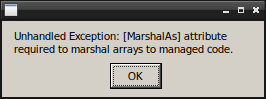
@alexzk1 could you get a log of the crash? You can just add "PROTON_LOG=1 %command%" to the launch options and the log will be saved to your ~ folder by default. Are you using the default launcher that comes with the game?
@alexzk1 could you get a log of the crash? You can just add "PROTON_LOG=1 %command%" to the launch options and the log will be saved to your ~ folder by default. Are you using the default launcher that comes with the game?
Yes, default launcher.
steam-359320.log
Also it is hard to say for Elite actually, but yday using 6.3.7 I played smoother then usually on experimental, less FPS changes.
Hello @alexzk1,
[ERROR] FATAL UNHANDLED EXCEPTION: System.Runtime.InteropServices.MarshalDirectiveException: [MarshalAs] attribute required to marshal arrays to managed code.
  at (wrapper native-to-managed) System.Windows.Automation.Provider.IRawElementProviderAdviseEvents.AdviseEventAdded(intptr,int,intptr)
  at (wrapper managed-to-native) MS.Win32.UnsafeNativeMethods.DispatchMessage(System.Windows.Interop.MSG&)
  at System.Windows.Threading.Dispatcher.TranslateAndDispatchMessage (System.Windows.Interop.MSG& msg) [0x0001a] in <e7bcb0dc337442fb9743d176777718b1>:0
  at System.Windows.Threading.Dispatcher.PushFrameImpl (System.Windows.Threading.DispatcherFrame frame) [0x0004c] in <e7bcb0dc337442fb9743d176777718b1>:0
  at System.Windows.Threading.Dispatcher.PushFrame (System.Windows.Threading.DispatcherFrame frame) [0x00077] in <e7bcb0dc337442fb9743d176777718b1>:0
  at System.Windows.Threading.Dispatcher.Run () [0x00006] in <e7bcb0dc337442fb9743d176777718b1>:0
  at System.Windows.Application.RunDispatcher (System.Object ignore) [0x00023] in <86cb770284754e778dca573709108a09>:0
  at System.Windows.Application.RunInternal (System.Windows.Window window) [0x0010d] in <86cb770284754e778dca573709108a09>:0
  at System.Windows.Application.Run (System.Windows.Window window) [0x00008] in <86cb770284754e778dca573709108a09>:0
  at System.Windows.Application.Run () [0x00009] in <86cb770284754e778dca573709108a09>:0
  at CobraBay.App.Main () [0x0000b] in <b9f504b2f2a84ce287b08b5da3007fa9>:0 (1)
and err:ole:ifproxy_release_public_refs IRemUnknown_RemRelease failed with error 0x800706ba looks like possible lines of interest from the log.
Also it is hard to say for Elite actually, but yday using 6.3.7 I played smoother
Could just be due to update 8? Since ED:O U8, it plays a lot smoother for me, most CPU spikes are gone, and CPU usage especially within stations is lower.
Also it is hard to say for Elite actually, but yday using 6.3.7 I played smoother
Could just be due to update 8? Since ED:O U8, it plays a lot smoother for me, most CPU spikes are gone, and CPU usage especially within stations is lower.
Hard to say, but update 8 didn't happen yesterday, I played it for awhile using experimental.
There was silent "nav-mesh" anti-stuttering patch from Frontiers, that's why.
https://forums.frontier.co.uk/threads/elite-dangerous-odyssey-update-fix-for-noticable-reports-of-performance-stuttering-at-settlements-and-pois.592787/
@Optimus22Prime That funny 144 bytes patch I just installed? (which wrote around 200 MB local files)
Looks like there it is
[ERROR] FATAL UNHANDLED EXCEPTION: System.Runtime.InteropServices.MarshalDirectiveException: [MarshalAs] attribute required to marshal arrays to managed code.
Hmm, that case should have been fixed in Wine Mono 6.4.0. Might be worth trying Proton Experimental?
[ERROR] FATAL UNHANDLED EXCEPTION: System.Runtime.InteropServices.MarshalDirectiveException: [MarshalAs] attribute required to marshal arrays to managed code.
Hmm, that case should have been fixed in Wine Mono 6.4.0. Might be worth trying Proton Experimental?
You wanted to say "was added" possibly. At the day of that message experimental started to make that error, main stream was OK, and day before experimental was OK too.
I think you still have custom Wine Mono in your prefix, based on this line from the log:
454.609:0114:0118:trace:loaddll:build_module Loaded L"C:\\windows\\mono\\mono-2.0\\lib\\mono\\4.5\\mscorlib.dll" at 0000000003060000: native
It should be finding that file in the shared location in Proton.
Wine is supposed to detect when it has a newer shared version and remove the msi. I'm not sure why that didn't happen.
IRawElementProviderAdviseEvents is a UI Automation interface, so this was probably triggered by recent work on that (which at the moment is only in experimental). Before that, the code in Wine Mono would've been unused.
It should be finding that file in the shared location in Proton.
Wine is supposed to detect when it has a newer shared version and remove the msi. I'm not sure why that didn't happen.
IRawElementProviderAdviseEvents is a UI Automation interface, so this was probably triggered by recent work on that (which at the moment is only in experimental). Before that, the code in Wine Mono would've been unused.
Not sure.. i did "protontricks 359320 uninstaller" and it had Mono 6.4.1 there, I deleted, re-launched. Same errors remains, running uninstaller again shows no mono at all ...something messed.
@alexzk1 Did you ever manually install a wine-mono version into the Proton Experimental default prefix? I was trying to reproduce the error you are seeing and I tried that and it is difficult to un-do -- so if you ever did it once, it probably still has the mono version that you used.
Could you try moving/renaming/deleting the Elite Dangerous prefix and seeing if you still get the error with a fresh prefix?
@alexzk1 Did you ever manually install a wine-mono version into the Proton Experimental default prefix? I was trying to reproduce the error you are seeing and I tried that and it is difficult to un-do -- so if you ever did it once, it probably still has the mono version that you used.
Could you try moving/renaming/deleting the Elite Dangerous prefix and seeing if you still get the error with a fresh prefix?
I think I was installing "patched mono for ED" long ago.
And how do I do? Just delete prefix and proton will re-create it?
I think I was installing "patched mono for ED" long ago. And how do I do? Just delete prefix and proton will re-create it?
Yep exactly :) I can't remember if Elite Dangerous has steam cloud saves or not. There is a chance your save could be deleted if you do that, so you can also just move it to 359320.bak to preserve it and Proton will create a new one.
Edit: default prefix location is ~/.steam/steam/steamapps/compatdata/ fwiw :)
Replying to https://github.com/ValveSoftware/Proton/issues/150#issuecomment-966657293
Okey, deleted prefix, now launcher load ups with experimental. Need to restore symlinks to folders yet.
Replying to https://github.com/ValveSoftware/Proton/issues/150#issuecomment-966659492
Sounds like that fixed it - awesome :)
Just delete prefix and proton will re-create it?
Yep exactly :) I can't remember if Elite Dangerous has steam cloud saves or not.
For the record, Elite Dangerous key bindings are stored in Steam's compatdata prefix, and not backed up by Steam Cloud. If you spent hours or days customizing this game's controls (like I did), you'll probably want to copy your .binds file before deleting the prefix dir.
It lives here: steamapps/compatdata/359320/pfx/drive_c/users/steamuser/Local Settings/Application Data/Frontier Developments/Elite Dangerous/Options
Related: ValveSoftware/steam-for-linux#5717
Replying to https://github.com/ValveSoftware/Proton/issues/150#issuecomment-966682035
Yes, I symlink that one and "Saved Games" too as it has visited stars cache etc. It was problem with symlinks 1-2 protons ago, it is fixed as for now.
Elite dangerous crashes before launcher loads
Issue transferred from https://github.com/ValveSoftware/Proton/issues/5353.
@ninjaijr posted on 2021-11-28T03:02:24:
Compatibility Report
- Name of the game with compatibility issues: Elite dangerous
- Steam AppID of the game:359320
System Information
-
GPU:AMD ATI Radeon R9 390
-
Driver/LLVM version:
-
Kernel version:5.14.18-1-MANJARO
-
Link to full system information report as Gist: https://gist.github.com/ninjaijr/eced37d0830c214ba04ce8e2d60b32c8
-
Proton version:6.3.8, 6.21-GE-2
I confirm:
- [ x] that I haven't found an existing compatibility report for this game.
- [ x] that I have checked whether there are updates for my system available.
Symptoms
When i launch ED it starts to run but after about 10-30 sec it quits and the play button reappears. started in the last week or so
Reproduction
install Elite dangerous
select the most recent stable proton or recent GE version
hit play.
game starts to load but then crashes
Steam log has been attached
Hello @ninjaijr, looking at your system information, you have a Sea Islands (CIK) generation AMD video card. By default, the linux kernel uses the radeon kernel module with your generation of video card, but that kernel module does not support Vulkan. Proton uses DXVK and VKD3D-Proton to translate DirectX 9 through 12 to Vulkan, and any game using that render path will fail with the radeon kernel module. Please test switching to the amdgpu kernel module with your video card. There is some info on how to do that at https://github.com/ValveSoftware/Proton/wiki/For-AMD-users-having-issues-with-non-OpenGL-games.
Hello, I had Elite working flawlessly since yesterday, now I have the same issue :
Elite dangerous crashes before launcher loads
Seems there are no logs generated for the game:
Compatibility Report
- Elite Dangerous
- Steam AppID of the game: 359320
System Information
- GPU: [AMD/ATI] Navi 14 [Radeon RX 5500/5500M / Pro 5500M]
- Driver/LLVM version: mesa 21.2.5-1
- Kernel version: 5.15.6
- Link to full system information report as Gist:
- Proton version: 6.21_GE_2
Hello @oknozor, CClientJobGatherRuntimeInformation: container read output failed at the bottom of your system information hints that there's some kind of issue with Steam Linux Runtime - Soldier on your system. Maybe try searching for that in your Steam library and verify the integrity of its files?
If that doesn't help, then please open a new issue report in https://github.com/ValveSoftware/steam-runtime/.
@kisak-valve solved clearing the cache and verifying integrity of Steam Linux Runtime - Soldier. Thank you!
Elite Dangerous was working flawlessly before update 9 (2021/12/09), now I have the same issue:
Elite Dangerous crashes before launcher loads
I get the system reporting app that starts on first run but the launcher won't load.
What is more annoying is that I see recent reports of Elite Dangerous working fine on ProtonDB with the same version of Proton.
I fixed the issue, I had to downgrade my NVIDIA driver to 470.86 and then it worked!
Fixed this error System.Windows.Automation.Peers.AutomationPeer threw an exception by deleting the prefix (~/.steam/steam/steamapps/compatdata/359320/), validating the game files, and using Proton 6.3-8.
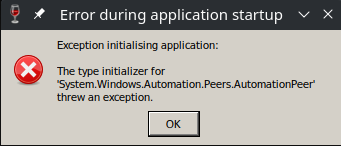
Seems there are no logs generated for the game:
Compatibility Report
- Elite Dangerous
- Steam AppID of the game: 359320
System Information
- GPU: NVIDIA GeForce GTX 1080
- Driver/LLVM version: 495.44
- Kernel version: 5.11.0-41-generic
- Link to full system information report as Gist:
- Proton version: 6.3-8
##Fixes tried:
- Tried to verify Elite Dangerous and Solder files
- Deleted the compatdata directory
- No CClientJobGatherRuntimeInformation error
- Tried Proton experimental
Elite Dangerous
Issue transferred from https://github.com/ValveSoftware/Proton/issues/5459.
@srsimon7 posted on 2021-12-30T22:21:38:
Compatibility Report
- Name of the game with compatibility issues: Elite Dangerous Horizons
- Steam AppID of the game: 359320
System Information
- GPU: AMD Radeon RX 580 Series
- Driver/LLVM version: Mesa 21.3.2
- Kernel version: 5.10.88-2-lts
- Link to full system information report as Gist:
srsimon7/gist:ff0674e9c173b0fcf4c77378ed17f180 - Proton version: 5.0.10
I confirm:
- [x] that I haven't found an existing compatibility report for this game.
- [x] that I have checked whether there are updates for my system available.
Symptoms
This game has been working flawlessly since June, 2020. After the last Steam update it stopped launching. Pressing the Play button will attempt to launch the game then it stops and the Play button comes back on.
In looking through the Proton Log File, this came up as a potential problem... The entry point method could not be loaded due to Could not load file or assembly 'PresentationFramework, Version=4.0.0.0, Culture=neutral, PublicKeyToken=31bf3856ad364e35' or one of its dependencies.
Any help you can provide is much appreciated.
Thanks, S
Reproduction
@srsimon7 commented on 2021-12-30T22:25:48:
Here's the gist link for the Proton Log file... gist:27a13fccbedd60f8fb8ee16390d305f8
Got it, thanks
Here are the fixes that I tried...
##Fixes tried:
Verified Elite Dangerous, Proton and Solder files
Cleared the Download Cache
Tried Proton versions above 5.0.10 including Experimental
Similar thing happens to me. Tried validating the game files and removing the compatdata directory for a clean wine prefix. None of that helped. This specific log is from a clean wine prefix on first launch with Proton Experimental. Hope this helps :)
Full Log (quite a large file): steam-359320.log
System Information: system-2022-01-01.txt
Some extracts:
The the log contains these lines:
24343.717:0120:0124:trace:mscoree:mono_assembly_preload_hook_fn "PresentationFramework.classic, Version=4.0.0.0, Culture=neutral, PublicKeyToken=31bf3856ad364e35"
24343.730:0120:0124:trace:loaddll:build_module Loaded L"Z:\\mnt\\Legacy\\Games\\SteamLibrary\\steamapps\\common\\Proton - Experimental\\files\\share\\wine\\mono\\wine-mono-7.0.0\\lib\\mono\\gac\\PresentationFramework.classic\\4.0.0.0__31bf3856ad364e35\\PresentationFramework.classic.dll" at 0000000006EC0000: native

24343.730:0120:0124:trace:mscoree:_CorDllMain (0000000006EC0000, 1, 0000000000000000)
24343.731:0120:0124:trace:seh:RtlGrowFunctionTable 0000000006009230, 95
24343.731:0120:0124:trace:seh:RtlGrowFunctionTable 0000000006009230, 96
24343.731:0120:0124:trace:seh:RtlGrowFunctionTable 0000000006009230, 97
24343.731:0120:0124:trace:seh:RtlGrowFunctionTable 0000000006009230, 98
24343.731:0120:0124:trace:seh:RtlGrowFunctionTable 0000000006009230, 99
24343.732:0120:0124:trace:seh:RtlGrowFunctionTable 0000000006009230, 100
24343.732:0120:0124:trace:seh:RtlGrowFunctionTable 0000000006009230, 101
24343.732:0120:0124:trace:seh:RtlGrowFunctionTable 0000000006009230, 102
24343.732:0120:0124:trace:seh:RtlGrowFunctionTable 0000000006009230, 103
24343.732:0120:0124:trace:seh:RtlGrowFunctionTable 0000000006009230, 104
24343.732:0120:0124:trace:mscoree:mono_assembly_preload_hook_fn "PresentationFramework.Classic.resources, Version=4.0.0.0, Culture=en-US, PublicKeyToken=31bf3856ad364e35"
[0000000000000124:] EXCEPTION handling: System.IO.FileNotFoundException: Could not load file or assembly 'Z:\mnt\Legacy\Games\SteamLibrary\steamapps\common\Proton - Experimental\files\share\wine\mono\wine-mono-7.0.0\lib\mono\gac\PresentationFramework.classic\4.0.0.0__31bf3856ad364e35\en-US\PresentationFramework.Classic.resources.dll' or one of
It also complains about
24343.987:0120:0124:trace:mscoree:mono_assembly_preload_hook_fn "WindowsBase.resources, Version=4.0.0.0, Culture=en-US, PublicKeyToken=31bf3856ad364e35"
[0000000000000124:] EXCEPTION handling: System.IO.FileNotFoundException: Could not load file or assembly 'Z:\mnt\Legacy\Games\SteamLibrary\steamapps\common\Proton - Experimental\files\share\wine\mono\wine-mono-7.0.0\lib\mono\gac\WindowsBase\4.0.0.0__31bf3856ad364e35\en-US\WindowsBase.resources.dll' or one of its dependencies.
24343.988:0120:0124:trace:mscoree:mono_assembly_preload_hook_fn "WindowsBase.resources, Version=4.0.0.0, Culture=en, PublicKeyToken=31bf3856ad364e35"
[0000000000000124:] EXCEPTION handling: System.IO.FileNotFoundException: Could not load file or assembly 'Z:\mnt\Legacy\Games\SteamLibrary\steamapps\common\Proton - Experimental\files\share\wine\mono\wine-mono-7.0.0\lib\mono\gac\WindowsBase\4.0.0.0__31bf3856ad364e35\en\WindowsBase.resources.dll' or one of its dependencies.
It looks like that leads to a bunch of cryptography errors later:
[000000000000014c:] EXCEPTION handling: System.Security.Cryptography.CryptographicException: `MonoBtlsPkcs12.Import` failed.
[000000000000014c:] EXCEPTION handling: System.Security.Cryptography.CryptographicException: `MonoBtlsPkcs12.Import` failed.
[000000000000014c:] EXCEPTION handling: System.Security.Cryptography.CryptographicException: Missing private key
[000000000000014c:] EXCEPTION handling: System.Security.Cryptography.CryptographicException: `MonoBtlsPkcs12.Import` failed.
[000000000000014c:] EXCEPTION handling: System.Security.Cryptography.CryptographicException: `MonoBtlsPkcs12.Import` failed.
[000000000000014c:] EXCEPTION handling: System.Security.Cryptography.CryptographicException: Missing private key
Pressing the Play button will attempt to launch the game then it stops and the Play button comes back on.
TLS 1.3 (system wide library) and expired keys were making problems for me in Elite and SWTOR.
I had to find expired root cert for swtor and install it. 7 months later Elite got additional problems with TLS 1.3. System wide library were failing to accept data from wine, so I downgraded it that time. Can't recall details for sure.
So, check there Elite's network logs, if it is about connections, then you could get some problems with SSL.
Forcing wined3d makes the launcher work, but launching Odyssey crashes the game. Horizons starts, but quality is miserable (probably bc of forcing OpenGL). Unplayable out of the box.
- ProtonDB
So it isn't a SSL/network issue?
Edit: it is not! I fixed the issue, I had to downgrade my NVIDIA driver to 470.86 and then it worked!
So getting back on the performance issues with the Odyssey DLC: I tried a few DXVK options, and it seems to work quite well for me if I use:
# dxvk.conf
dxgi.emulateUMA = True
But apparently, I can make it crash now sometimes.
But the results were promising:
- Starting in the livery, around 50 fps (it always works fine on start)
- Going to the hangar, around 50-60 fps (usually, it's still fine here)
- Board the ship, around 70-90 fps (lower inside station)
- Jump to a different system, land on a planet (fps stayed at 60-80 fps with the setting, while it would drop to 40-50 fps without that setting)
- Get out into the SRV (fps stayed at 70-60 fps with the setting, while it would drop to 30-40 fps without it and start to lag a lot)
- I wasn't able to get out on foot (crashed while still in SRV), will try that now
- Tried again: on foot is mostly usable now but performance still degrades
- Performance degradation is much less prominent, and with that setting in-space actually recovers to sane framerates
- frame times are much more consistent although on average it still degrades (down to 20 fps instead of 10 previously)
I just wanted to share that quickly, maybe others can confirm?
If this is repeatable, it mostly looks like a texture memory budget issue. Currently with that setting, it feels like it's running better than in Windows.
I wonder if that can be generally better optimized in the DXVK memory allocator? The EmulateUMA setting reduces announced heap budget to 80%. I think going even lower may improve the situation more for ED:O. Maybe it would be worth adding a patch to make this percentage configurable in dxvk.conf.
The code looks like this:
      /* Target 80% of a heap on systems where we want
       * to avoid oversubscribing memory heaps */
      if ((m_memProps.memoryHeaps[i].flags & VK_MEMORY_HEAP_DEVICE_LOCAL_BIT)
       && (m_device->isUnifiedMemoryArchitecture()))
        m_memHeaps[i].budget = (8 * m_memProps.memoryHeaps[i].size) / 10;
So it affects heaps in device-local memory - which is probably texture memory or shadow maps most of the times (if I understand this correctly).
If this is repeatable, it mostly looks like a texture memory budget issue. Currently with that setting, it feels like it's running better than in Windows.
Where is this file, can't find it?
First patch to Ody was allowing to use shared memory, so game could run on gtx 1050 with 2 GB VRAM, and well, current FPS drops can be treated as it does not use system memory on newer cards at all. Because I see same issues, like not loaded textures on 2060 as it was prior any patch on 1050.
Okey, made this change:
# dxvk.conf
dxgi.emulateUMA = True
dxgi.nvapiHack = False
And deleted "GpuWorkTable.xml" to re-measure GPU. Looks better in short 15 mins play. I did all classic FPS killers - opened suits view change, maps, landed planet.
Update: just wow. 150 fps looking to the sky from planet, 65 fps looking on flowers - all Ultras. Awesome finding.
Classic bug when I had relaunch the game after quitting the station is gone. FPS restores to 200 when in space.
Where is this file, can't find it?
You put it side-by-side with the EliteDangerous.exe
Update: just wow. 150 fps looking to the sky from planet, 65 fps looking on flowers - all Ultras. Awesome finding.
Well then this could mean two things: Either ED:O does a bad job of managing and streaming textures (this is likely because Windows sees very similar performance patterns), or the way it works with VRAM allocations is especially hostile to the DXVK chunk allocator (which is also a possibility because it's different from how it works on Windows, and while it frees used memory, it never frees allocated memory and keeps the chunks allocated even when those are empty - which is usually fine but unexpected because the driver reports full VRAM while from the game's perspective it isn't). I haven't looked into what the budget property actually does in DXVK but if we are seeing the latter case, this may be a chunk fragmentation problem, and lowering the memory budget per chunk/heap just relaxes things enough for ED:O to properly stay at high performance.
I'd like to see some more confirmations before involving the DXVK devs...
I'd like to see some more confirmations before involving the DXVK devs...
I've sent original link to post to community manager of frontiers, asked to show to devs. Maybe they will do some fixes too.
After some more testing, I can confirm that the game performance still degrades but it also recovers to sane framerates when I get back into the ship (and into space). Also, performance degradation now happens over a longer period of time, I actually can switch 3-4 times between cockpit and exteriors (planet surface, SRV, foot, station, hangar) before the performance drops to still somewhat usable 25 fps (before this, 25 fps was more like rendering half a second at 50 fps, and then freeze for half a second) but if I continue, I'm still able to get down to 12 fps or even lower. But this is an improvement over the previous situation where I dropped to below 10 fps once disembarking at a settlement - and it would never recover.
With that setting, ED:O seems to allocate around 500 MB less memory from DXVK (3800-400 MB vs. 4400-4600 MB), usually when it hit the 4500 MB watermark, performance would drop to abysmal rates and never recover. That's around the amount of free VRAM after subtracting 1500 MB (which the desktop uses) from my 6 GB VRAM. It also somewhat fits into "80% of 4500 is 3600 MB" - so it allocates a little more than 80% of the previous amount but that's probably expected for a chunk allocator.
So I'd guess that ED:O overshoots VRAM allocations (which is usually fine if you clean up properly later), that means some important rendering stuff resides in slow memory, and ED:O caches that forever, reusing it in the render path until you quit the game. It should probably cleanup its texture cache (or whatever that is) more aggressively so there's a higher chance of important render stuff ending up in fast memory again after changing scene (like disembarking/embarking, going from orbital to glide, likely whenever we see some sort of "loading screen").
Well, I still don't have usual lock to 8-10 fps which was happening after leaving the station.
However, usual "map" drop still happens. I.e. when you open map, do something there, close -> fps drops to a half. Then open - close map with 15s pause fixes it. Though I got 1 not fixable drop too, i.e. "degraded fps" to 55 in space and had to reload game.
Similar thing happens to me. Tried validating the game files and removing the compatdata directory for a clean wine prefix. None of that helped. This specific log is from a clean wine prefix on first launch with Proton Experimental. Hope this helps :)
Those are all very common exceptions so they're not likely to be the cause.
I am wondering about these lines:
free(): invalid pointer
24358.343:0120:0138:err:seh:dispatch_exception Fatal EXCEPTION_WINE_ASSERTION exception (code=80000101) raised
That makes me suspect memory corruption, which tends to be difficult to track down.
Hello @lmichaelis, since @madewokherd pointed out the free(): invalid pointer in your log, I took another look at your system information and your system is configured to use AMDVLK. We've seen that specific failure before with the current AMDVLK package on Arch. Please downgrade the amdvlk and lib32-amdvlk packages on your system or remove them so that the system uses mesa/RADV.
Please downgrade the amdvlk and lib32-amdvlk packages on your system or remove them so that the system uses mesa/RADV.
Yes, removing amdvlk did actually help! Thanks @kisak-valve!
Well, I still don't have usual lock to 8-10 fps which was happening after leaving the station.
I did some more tests. Actually, there's a new DXVK version with improved memory management. It now frees empty memory chunks on memory pressure, enabling games to reuse those for a different purpose (simply speaking, turn texture memory into shader memory, or vice versa). It works like magic for some games where changing just one graphic setting or switching resolutions turned the game into a "seconds per frame" slideshow disaster. So I put some more effort into checking this for Elite Dangerous and discovered some interesting patterns:
- Elite Dangerous (probably Odyssey only) seems to allocate new resources first (and a lot of them) when embarking or disembarking, or getting near planet surfaces, this usually uses sysmem allocations in DXVK then if VRAM is already full. Just a blink of an eye later it then frees VRAM resources, freeing up around the same amount of memory it just allocated before
- This would probably work fine while you still have lots of VRAM free, the new DXVK memory optimizations only have a minor impact here because the game does it in the wrong order in the first place
- After multiple such incidents, DXVK reports around the same size of sysmem allocations as the size of your VRAM, and the game runs at below 10 fps when it reaches this state, most important GPU resources seem to come from sysmem now while I'm seeing free VRAM
- Over time, more and more resources migrate to sysmem due to how ED:O allocates and de-allocates resources, it seems quite aware of the memory budget, it just allocates first, then frees resources, not the other way around
- I wonder if DXVK could deploy some methods to migrate sysmem resources back to VRAM when a certain threshold of VRAM is free, or if this should be a driver thing
- FDev should change how they allocate resources during in-game transitions which need a very different set of GPU resources but that should probably be supported by some API traces and diagrams which I don't know how to create properly, or at least it should re-order some allocations so no semi-permanent allocations accumulate in sysmem over time
- FDev probably has tested the game only under very optimal conditions (vast amounts of VRAM, no other VRAM-intensive background tasks besides the game itself)
- You probably need to turn your graphics settings down to a point where the game can never ever exceed a VRAM-budget of 50% so its allocate-first-then-deallocate patterns never need to fall back to sysmem allocations (I have 6GB, with around 1.5 GB allocated by the desktop already, which leaves me with around 2 GB the game may use at most)
- Maybe it's a deficiency in the GPU driver as DirectX 11 specs seem to suggest that the graphic driver itself should migrate shared resources to wherever it fits best, maybe DXVK needs to manage this being an intermediate layer building on a different technology (Vulkan)
- DX memory management will always be worse than native Windows because Windows seems to have some integration with the OS-scheduler to swap GPU memory for background and foreground processes, something that DXVK cannot provide
However, usual "map" drop still happens. I.e. when you open map, do something there, close -> fps drops to a half. Then open - close map with 15s pause fixes it. Though I got 1 not fixable drop too, i.e. "degraded fps" to 55 in space and had to reload game.
This could be fixed by DXVK's new memory management strategies present in Proton Experimental. You know the feature is there when DXVK_HUD=memory shows two numbers again (used AND allocated). Also, maybe just reduce each setting which is about texture memory, even the lowest quality textures don't look too bad in ED although the texture streamer may take a lot more time to finally load high-res textures (so your cockpit is a low-res pixel soup for some time until high-res textures are streamed in).
But even with potato settings the game is able to completely use all of the available VRAM (or, after some time and degrading performance, it uses VRAM+sysram which sum up to the amount of VRAM).
I wasn't able to maintain high fps and stop the game from eating more and more sysmem unless I've gone down to 1080p resolution with FXAA and no scaling (except Proton's native upscaling to 4k). If I change a single setting, e.g. using 1440p instead, or using SMAA instead of FXAA (and FSR for that matter), sysmem usage starts to spike and performance degrades. The more sysmem the game uses, the longer the frametimes are, frametimes seem to be a direct function of sysmem allocations in this game. GPUs with reBAR support may show better performance here but mine doesn't support it (and that's probably a driver limitation by NVIDIA and not a GPU limitation, the feature exists since like 2012?).
With FXAA-1080p I was even able to bump up some of the other quality settings without negative consequences, so the problem may be limited to some of the new render modes or changed AA methods.
I have 1080p monitor with 6Gb VRAM...so I just set to "medium textures" from "high" and MSAA x8 ...now walking on planet is even better. 80 fps looking on my feet on rocky ground.
UPD: MSAA ->MLAA x4 - my typo.
so I just set to "medium textures" from "high" and MSAA x8
I guess you mean MLAA? I tried that quickly, and MLAA looks a lot better (really a lot) than FXAA when the Proton upscaler is also involved. So I'll be going with that. A quick test shows that it doesn't seem to come with the same VRAM budget problems as SMAA but I just ran a short test without planetary landing.
BTW: There are different texture quality settings, the old one for space and ships, and the new one for terrain surfaces. I switched both to lowest settings to overcome the VRAM budget issues but it may be sufficient to just switch the terrain texture quality to lower settings. The visual quality doesn't change much (especially with 1080p) which may be part of the problem.
same VRAM budget problems as SMAA but I just ran a short test without planetary landing.
Guess I know what they did ... SMAA is only option if you use AMD things like scaler, so it reserves memory for it, then detects "no amd scale" and drops memory. While MLAA is more CPU bound I think.
SMAA and MLAA are similar (both morphological anti-alias) but SMAA operates on sub-pixels: it will use more GPU and more VRAM. For AMD-FSR to work best, you need good anti-aliasing - not sure if there's a restriction to SMAA, other games seem to support other methods for FSR but ED needs SMAA as a requirement to implement FSR. While some AA methods can be implemented in CPU, I don't think many of those will be these days. The observation of higher CPU usage may simply come from the fact that more fps are rendered, and thus the CPU needs to work harder generating render data. After all, the game bottlenecks the GPU most of the times (although it shouldn't, at least not to that extent).
Compatibility Report
- Name of the game with compatibility issues: Elite Dangerous
- Steam AppID of the game: 359320
System Information
- Environment: Freedesktop.org 21.08.9 (Flatpak runtime)
- GPU: AMD Radeon RX 560
- Driver/LLVM version: Mesa 21.3.3 (git-a65ad66c47)
- Kernel version: 5.15.15-gentoo-dist
- Link to full system information report as Gist: https://gist.github.com/devurandom/e9ba5672fb9b9f44ed358650d41f2dea
- Proton version: 6.3-8
The SteamLibrary is on an external Btrfs drive. To get the game to start at all, I have to first copy the dosdevices symlinks from another game's dosdevices' directory: https://github.com/ValveSoftware/Proton/issues/4330#issuecomment-1007628183
I confirm:
- [ ] that I haven't found an existing compatibility report for this game.
- [x] that I have checked whether there are updates for my system available.
Symptoms
After installation I click "Play". The usual "preparing to launch" window appears. On the 1st run, a Windows dialogue asked me to submit hardware information. The game launcher did not come up, so I pressed "Stop" and then "Play" again. On the 2nd run, a Steam window informed me that VC Redist and DirectX are being installed. Then again the game launcher did not appear. In both cases, 1st and 2nd run, a dialogue "Unhandled Exception: Invalid URI: The hostname could not be parsed." appears. When I click "OK" nothing happens. Throughout the whole time I can see EDLaunch.exe /Steam /novr is running with minimal CPU time consumption. No GUI / window appears.
Reproduction
I tried uninstalling Elite Dangerous and installed it again. The behaviour was the same. I tried with Proton 6.3-8 and Proton Experimental. There was not visible difference in behaviour.
I made the game launch by following the instructions by @redmcg:
- Create
Elite\ Dangerous\ Launcher_evidenceheredirectory: https://github.com/redmcg/wine-mono/wiki#legacy-instructions - Install wine-mono: https://github.com/redmcg/wine-mono/wiki#with-protontricks
- The uninstaller showed that version 7.0.0 of "Wine Mono Windows Support" was already installed, but "Wine Mono Runtime" was missing (any version).
- I removed "Wine Mono Windows Support" as instructed.
- I installed version 7.1.1 from https://dl.winehq.org/wine/wine-mono/7.1.1/
- Afterwards "Wine Mono Runtime" and "Wine Mono Windows Support" were both listed at version 7.1.1.
- Afterwards the launcher launched when I clicked "Play" in Steam.
Hi, I just wanted to post a quick follow up to a joystick issue I raised back last September now that proton 7.0-1 is out.
The conditional noted in this comment: https://github.com/ValveSoftware/Proton/issues/150#issuecomment-919906764
Must not yet have been corrected to allow rudder pedals without a button on an independent USB connection from to work. Is there any chance another look could be taken? Thanks!
As commented back then: Proton 5.0-X works, but anything past that only will detect my joystick and throttle, not my pedals.
@mdmallardi There's been quite a bit changed in 7.0 since 6.3. From the ANNOUNCE file, I can see the following:
There's a new DirectInput joystick backend using the improved HID stack to
communicate with winebus.sys and host devices. This backend supports
force-feedback effects using the standard HID Physical Interface Device
reports, and is also compatible with pass-through HID device which implement
it. The SDL and evdev winebus.sys Linux backends are also supported as they
implement it too. This replaces and deprecates the legacy Linux js and evdev,
and macOS IOHID backends.
So the code (and in fact the entire source file) with that giant if statement is gone. And I believe so has support for the js linux driver.
I'd be curious to know what you see when running protontricks -c 'wine64 control.exe joy.cpl' 359320 now. Note that it could be worth trying this with a newly created prefix (which can be created by renaming the existing one and starting the game at least once).
I'd also be curious to see what the output is when you run with hid under the WINEDEBUG env var (you can add it to user_settings.py). Namely if there is a bus_create_hid_device entry with your device's vid and pid.
Edit: You'll also likely need to disable SDL. You can do that with:
protontricks -c "wine64 reg add 'HKLM\System\CurrentControlSet\Services\winebus' /v 'Enable SDL' /t REG_DWORD /d 0 /f" 359320
and verify the value with:
protontricks -c "wine64 reg query 'HKLM\System\CurrentControlSet\Services\winebus' /v 'Enable SDL'" 359320
$ grep bus_create_hid_device steam-359320-nosdl.log
006c:trace:hid:bus_create_hid_device desc {vid 845e, pid 0001, version 0000, input -1, uid 00000000, is_gamepad 0}, unix_device 00007F8924004A50
006c:trace:hid:bus_create_hid_device created device 00000000011A0060/00007F8924004A50
006c:trace:hid:bus_create_hid_device desc {vid 845e, pid 0002, version 0000, input -1, uid 00000000, is_gamepad 0}, unix_device 00007F89240F5C70
006c:trace:hid:bus_create_hid_device created device 00000000011A1260/00007F89240F5C70
008c:trace:hid:bus_create_hid_device desc {vid 045e, pid 028e, version 0001, input -1, uid 00000000, is_gamepad 1}, unix_device 00007F8910052FB0
008c:trace:hid:bus_create_hid_device created device 0000000003CE0060/00007F8910052FB0
After disabling SDL, my pedals connected (and are detectable by proton-tkg-6.20-XXXX) I'm still not seeing vid 044f, pid b679 here.
steam-359320-nosdl.log
I must apologise, it looks like that 'Enable SDL' registry setting is only in vanilla wine (not proton); proton seems to load all three bus drivers by default.
But I noticed that by default, proton disables /dev/input devices:
https://github.com/ValveSoftware/wine/blob/bdb21c72edcccc71416c399ed432ed5eab426e26/dlls/winebus.sys/main.c#L773
But we can manually enable that with:
protontricks -c "wine64 reg add 'HKLM\System\CurrentControlSet\Services\winebus' /v 'DisableInput' /t REG_DWORD /d 0 /f" 359320
You should then hopefully see (in the logs) an attempt to access the /dev/input/eventXX entry for your device.
0084:trace:hid:bus_create_hid_device desc {vid 044f, pid b679, version 0110, input 0, uid 00000000, is_gamepad 0}, unix_device 00007FF7700155D0
There it is! That said, even though it is detected in the logs now, it's still not showing up in joy.cpl as I was expecting, nor is its input getting passed on to ED.
That line of debug is here:
https://github.com/ValveSoftware/wine/blob/bdb21c72edcccc71416c399ed432ed5eab426e26/dlls/winebus.sys/main.c#L296
So hopefully you also see a "created device" entry in the log too (and not the FIXME entry).
If the device showed up in joy.cpl with proton-tkg-6.20, it might be worth comparing the logs to see if there is any obvious difference.
I'd be curious to know what you see when running
protontricks -c 'wine64 control.exe joy.cpl' 359320now. Note that it could be worth trying this with a newly created prefix (which can be created by renaming the existing one and starting the game at least once).
When I run that command, I see:
❯ protontricks -c 'wine64 control.exe joy.cpl' 359320
/bin/bash: /usr/lib/pressure-vessel/overrides/lib/x86_64-linux-gnu/libtinfo.so.6: no version information available (required by /bin/bash)
wineserver: using server-side synchronization.
wine: RLIMIT_NICE is <= 20, unable to use setpriority safely
0034:fixme:service:scmdatabase_autostart_services Auto-start service L"MountMgr" failed to start: 2
0034:fixme:service:scmdatabase_autostart_services Auto-start service L"wineusb" failed to start: 2
0034:fixme:service:scmdatabase_autostart_services Auto-start service L"winebus" failed to start: 2
0034:fixme:service:scmdatabase_autostart_services Auto-start service L"PlugPlay" failed to start: 2
0034:fixme:service:scmdatabase_autostart_services Auto-start service L"Eventlog" failed to start: 2
0034:fixme:service:scmdatabase_autostart_services Auto-start service L"nsiproxy" failed to start: 2
0034:fixme:service:scmdatabase_autostart_services Auto-start service L"NDIS" failed to start: 2
wine: could not load kernel32.dll, status c0000135
However, I cannot find much information on the cause of this issue or how to fix it. Do I have to do something, before I can execute that command successfully?
@devurandom
The first line mentions pressure-vessel; which is the steam runtime. So you could try the command with the runtime disabled.
The status reported on the last line is STATUS_DLL_NOT_FOUND:
https://github.com/ValveSoftware/wine/blob/bdb21c72edcccc71416c399ed432ed5eab426e26/dlls/ntdll/error.h#L589
To disable the runtime (and to print verbose logging, which might help solve the issue), you can run:
protontricks -c 'wine64 control.exe joy.cpl' --no-bwrap --no-runtime --verbose 359320
Replying to https://github.com/ValveSoftware/Proton/issues/150#issuecomment-1047643289
Thanks for that hint! Sadly there is not much additional information:
protontricks (INFO): Found a valid Steam installation at /home/USER/.var/app/com.valvesoftware.Steam/data/Steam.
protontricks (INFO): Steam Runtime disabled.
protontricks (INFO): WINETRICKS environment variable is not available. Searching from $PATH.
protontricks (INFO): Found 2 Steam library folders
protontricks (WARNING): Steam library folder /home/USER/.local/share/Steam not found. Protontricks might not have access to the directory.
protontricks (INFO): Multiple compatdata directories found for app 20900
protontricks (INFO): Multiple compatdata directories found for app 409710
protontricks (INFO): Multiple compatdata directories found for app 411300
protontricks (INFO): Currently logged-in Steam user: [REDACTED]
protontricks (INFO): Couldn't find custom shortcuts. Maybe none have been created yet?
protontricks (INFO): Found active compatibility tool: Proton 7.0
protontricks (INFO): Active compatibility tool is a Proton installation
protontricks (INFO): WINE environment variable is not available. Setting WINE environment variable to Proton bundled version
protontricks (INFO): WINESERVER environment variable is not available. Setting WINESERVER environment variable to Proton bundled version
protontricks (INFO): Attempting to run command wine64 control.exe joy.cpl
wineserver: using server-side synchronization.
wine: RLIMIT_NICE is <= 20, unable to use setpriority safely
0034:fixme:service:scmdatabase_autostart_services Auto-start service L"MountMgr" failed to start: 2
0034:fixme:service:scmdatabase_autostart_services Auto-start service L"wineusb" failed to start: 2
0034:fixme:service:scmdatabase_autostart_services Auto-start service L"winebus" failed to start: 2
0034:fixme:service:scmdatabase_autostart_services Auto-start service L"PlugPlay" failed to start: 2
0034:fixme:service:scmdatabase_autostart_services Auto-start service L"Eventlog" failed to start: 2
0034:fixme:service:scmdatabase_autostart_services Auto-start service L"nsiproxy" failed to start: 2
0034:fixme:service:scmdatabase_autostart_services Auto-start service L"NDIS" failed to start: 2
wine: could not load kernel32.dll, status c0000135
Replacing /home/USER/.local/share/Steam with /home/USER/.var/app/com.valvesoftware.Steam/data/Steam in /home/USER/.var/app/com.valvesoftware.Steam/data/Steam/config/libraryfolders.vdf and /home/USER/.var/app/com.valvesoftware.Steam/data/Steam/steamapps/libraryfolders.vdf does not change the result (except for the warning being gone).
I do see the device created line for my pedals, but still nothing in joy.cpl. I'll try getting some debug from proton-tkg this evening. That said, it's my understanding from speaking with folks in tkg's discord, that proton-tkg uses the vanilla wine input stack for handling gamepads and joysticks.
@mdmallardi I'm thinking proton-tkg can use udev, where as udev is disabled by Valve's Proton when it detects a container (and Valve's Proton will by default run in Valve 'pressure-vessel' container).
It looks like a device with 3 axes and no buttons will be treated as an accelerometer:
https://github.com/ValveSoftware/wine/blob/bdb21c72edcccc71416c399ed432ed5eab426e26/dlls/winebus.sys/bus_udev.c#L732
Which is ultimately treated as an 'unknown' device.
If that's the case, the only fix might be to modify the code to use pid and vid to recognise the device.
Since switching to the wine 7.0 branch, the Elite Dangerous launcher no longer displays window controls nor the launch button:

Since switching to the wine 7.0 branch, the Elite Dangerous launcher no longer displays window controls nor the launch button:
No, it's there for me. I think I had similar year ago. Try to delete wine profile used for the game (don't forget to backup every settings of the game which are in /Users folder there) and let steam create fresh new.
@kakra I had this a while back; it was due to the following (now fixed) issue:
https://github.com/doitsujin/dxvk/issues/1459
Just wondering if you have any more luck with the following launch option:
PROTON_USE_WINED3D=1 %command%
@redmcg No, it doesn't help. I also tried removing PROTON_ENABLE_NVAPI=1 PROTON_HIDE_NVIDIA_GPU=0 from my default gaming environment but it didn't change anything. It was fine before the Proton 7.0 branches. Also, I don't have a dual-GPU situation, so the DXVK issue probably doesn't apply here?
BTW: The buttons are still there and can be clicked, they are just not rendered.
I don't have a dual-GPU situation, so the DXVK issue probably doesn't apply here?
That issue did impact some people with a single GPU due to Vulkan configuration:
https://github.com/doitsujin/dxvk/issues/1408#issuecomment-585994929
But given your issue still occurs with Wine's DirectX implementation, this doesn't appear related to Vulkan or DXVK.
Okay, so there are actually multiple ICD files:
# ls -al /usr/share/vulkan/icd.d
insgesamt 12
drwxr-xr-x 1 root root 110 26. Feb 20:10 .
drwxr-xr-x 1 root root  90 22. Mai 2021  ..
-rw-r--r-- 1 root root 146 10. Feb 20:09 intel_icd.i686.json
-rw-r--r-- 1 root root 148 10. Feb 20:11 intel_icd.x86_64.json
-rw-r--r-- 1 root root 140 26. Feb 20:08 nvidia_icd.json
I actually have an iGPU with no monitor attached. But according to xorg.log, the intel driver wasn't able to load.
As far as I can tell, vulkaninfo sees just one GPU (attached: vulkaninfo.txt).
I see that the flatpak ships multiple ICD files but I don't think pressure vessel makes use of these.
BTW: Running with PROTON_USE_WINED3D=1 sometimes crashes the whole Steam client instead of running the ED launcher.
Also, since Proton 7.0 branch, multiple launchers don't run anymore: UPlay launcher just doesn't start but it doesn't crash either - the game just sits in "running" mode according to the Steam client but no window opens. The CP77 launcher shows the same behavior, I can run the game just fine when skipping the launcher. OTOH, the Origin launchers seem to be reliable now (but this has already been the case since the last 6.3 versions). The TESO launcher has some problems downloading data. It seems like something essential is broken that all the launchers have in common, with the exception of the ED launcher which seems to be a separate issue.
Can anyone confirm that latest DXVK 0.10 results in a much more stable performance of Elite Dangerous Odyssey? I've been playing quite a lot since latest Proton Experimental which switched to DXVK 0.10, and performance was stable for hours. While I still see massive drops of performance in certain situations (like going on-foot from the hangar to the bar), performance usually returns when I go back to the ship. The same holds true for switching between ship and SRV. I'm still seeing an increasing amount of stutter over time but much less severe, and with less impact on average FPS.
I even fear brave enough for bumping up the resolution again from 1080p to 1440p (and then maybe even 4k). But it will take a few days to test it. Just wanted to put a quick note asking if other people have the same observation. Thanks.
Tagging @rbernon and @ivyl
As suggested after a chat with @ivyl, I'll post a bug report here:
Probably since Proton 7, my TWCS throttle is no longer fully detected by the game, it misses the small dial at the left of the throttle in the game. It's still present and works in evtest (logs attached, the axis is called ABS_RUDDER). The T16000M joystick still fully works, it also has an ABS_RUDDER, I've also attached those logs.
The Proton logs have been created with WINEDEBUG as recommended by @ivyl, I've started into the game main menu from the launcher and moved all axes to eventually generate some input event log data.
I've also attached pedals to my throttle but this makes no difference for the available axes: Without pedals, some of the axes are just dead, they are always mapped in evtest.
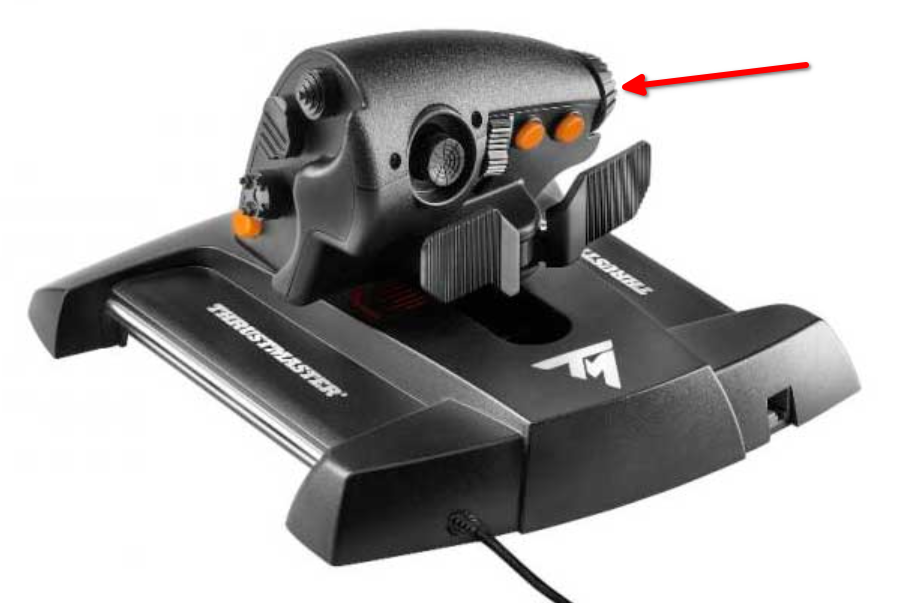
steam-359320-evtest-t16000m.log
steam-359320-evtest-twsc.log
steam-359320.log
@kakra
Probably since Proton 7, ...
I am now 100% certain that this problem with the missing/non-working axes on joysticks was introduced in Wine 6.18, by enabling the new HID joystick backend by default. The initial support for this new HID backend was introduced in 6.16, but was not enabled by default.
I am using Thrustmaster T.Flight Hotas One, and by using Proton-GE (which's version number always corresponds to the Wine version) I have discovered that the last version where my throttle's rudder axis works is unsurprisingly Proton-6.16-GE-1 (6.17 was never released). Since version Proton-6.18-GE-1 and up the throttle's rudder axis is no longer detected in-game nor in the buit-in Control Panel (control.exe).
I cannot say for certain if Valve's Proton 7.0 is also using this new HID joystick backend, but it would make sense if they are basing it off Wine 7.0. I will personally stay on 6.16-GE until this issue is resolved upstream, propitiously I can easily use the newest DXVK without changing the Proton version.
It looks like a device with 3 axes and no buttons will be treated as an accelerometer: https://github.com/ValveSoftware/wine/blob/bdb21c72edcccc71416c399ed432ed5eab426e26/dlls/winebus.sys/bus_udev.c#L732
Which is ultimately treated as an 'unknown' device.
If that's the case, the only fix might be to modify the code to use pid and vid to recognise the device.
@mdmallardi Looks like code to do the above was added to 7.0-2:
https://github.com/ValveSoftware/Proton/issues/5749#issuecomment-1103845440
Note you may need to modify your udev rules as described by @hefax in the comment above the one I've linked.
On one of my systems this works perfectly, but the other, with the same udev rules, proton can see all of my devices, but Elite cannot. On that system I've tried with a completely fresh compatdata profile as well.
Looking more into this. On the rig where my pedals (and indeed my entire HOTAS setup) are not working.
I am seeing this line in the steam-359320.log (with +hid in WINEDEBUG)
0084:trace:hid:udev_add_device ignoring {vid 044f, pid b679, version 0110, input 0, uid 00000000, is_gamepad 0}, in SDL blacklist
This line is NOT present on the system where proton-7.0-2 is passing input on to Elite.
Note: All my devices are now present and working in control joy.cpl
So, uh.... I'm slightly confused. ;-)
Have you tried running this:
protontricks -c "wine64 reg add 'HKLM\System\CurrentControlSet\Services\winebus' /v 'DisableInput' /t REG_DWORD /d 0 /f" 359320
This makes no change, proton still reports my device as being in the SDL blacklist. The only practical effect I see in game of turning this off is that my custom GamePad bindings are unusable due to my gamepad changing IDs.
gamepad changing IDs
You can edit the custom profile xml to match the new IDs to get your bindings back - as long as you didn't change anything. If you rename the custom profile file name and the name with the xml, you can make it permanent and available as an additional drop down item in the game.
I was able to restore my gamepad bindings without too much trouble. However, for some reason, input turned on or off in proton my thrustmaster devices are all being blacklisted by SDL in Proton on this machine. On my laptop, this works fine now with a default Proton 7.0-2 profile, but on my gaming rig, I'm still not getting any joysticks. Where can I find and manipulate the SDL blacklist?
Looks like it's setup via env variables:
https://github.com/ValveSoftware/wine/blob/df982e6865c2041ae994ee20ed2a2075ae7ddfb7/dlls/winebus.sys/unixlib.c#L48
I'm not seeing any evidence that any of these environment variables are being set within any of my login sessions on this machine. Do you know of any other methods that may be getting populated?
I can see SDL_GAMECONTROLLER_IGNORE_DEVICES is set when I launch a game from Steam; so I suspect the steam client itself. Maybe see if your Steam controller settings are the same on the Desktop vs Laptop.
You can check the env variables yourself with:
< /proc/<pid>/environ tr '\0' '\n' | grep SDL
where pid = EDs process id
I had the same thought on my way home from work. On the gaming rig, I had generic gamepad support enabled in BPM Controller settings. When I disabled that, Proton allowed input from the HOTAS to pass through to the game! My personal issues have been resolved. Thanks so much, all!
Hello! Can anybody help me? The game doesn't start. It just shows a window below and shuts down after a button is pressed.
I can't even read the text because of rectangles instead letters, to know what the reason is...
Arch Linux (Linux 5.17.9-zen1-1-zen), Steam, NVIDIA GeForce GTX 1660 Ti (nvidia-dkms 515.43.04).
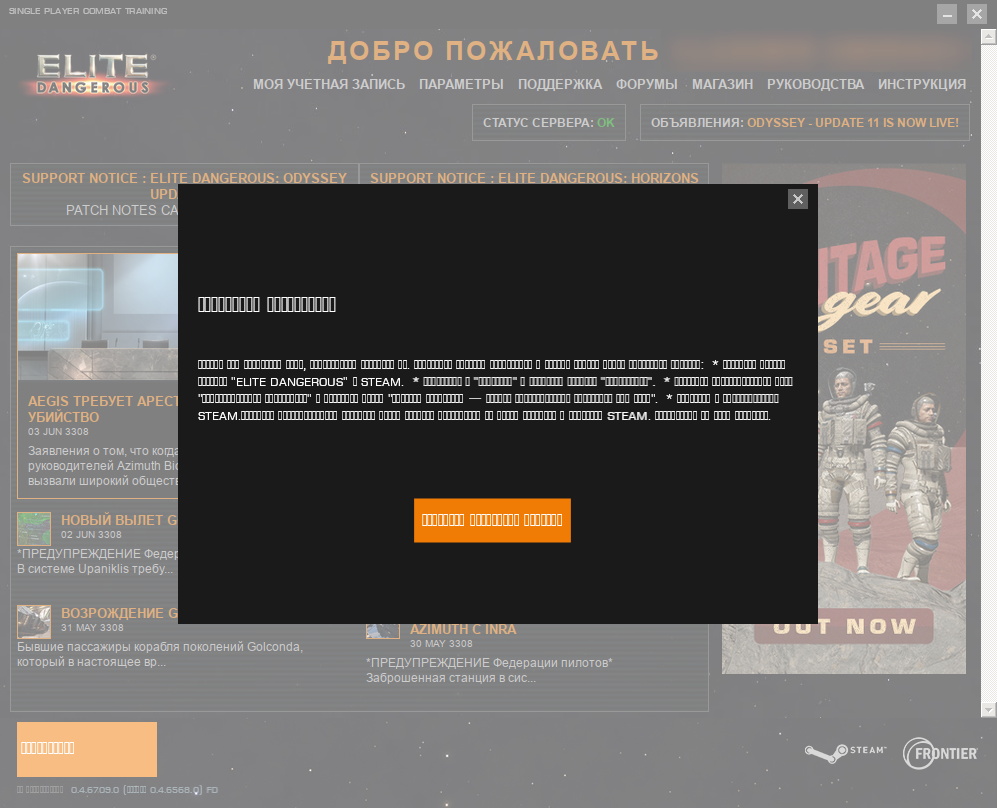
Yellow button in launcher means it was not logged in. Usually that may mean it was no connection, usual solution - restart until game logs in and button is blue (in case of steam).
Set "English" language to see normal text in steam.
Yellow button in launcher means it was not logged in. Usually that may mean it was no connection, usual solution - restart until game logs in and button is blue (in case of steam). Set "English" language to see normal text in steam.
Language is changed, also tried via VPN, I've done things which are spoken about in the message window, but it's still no luck...

Tried VPN one more time:
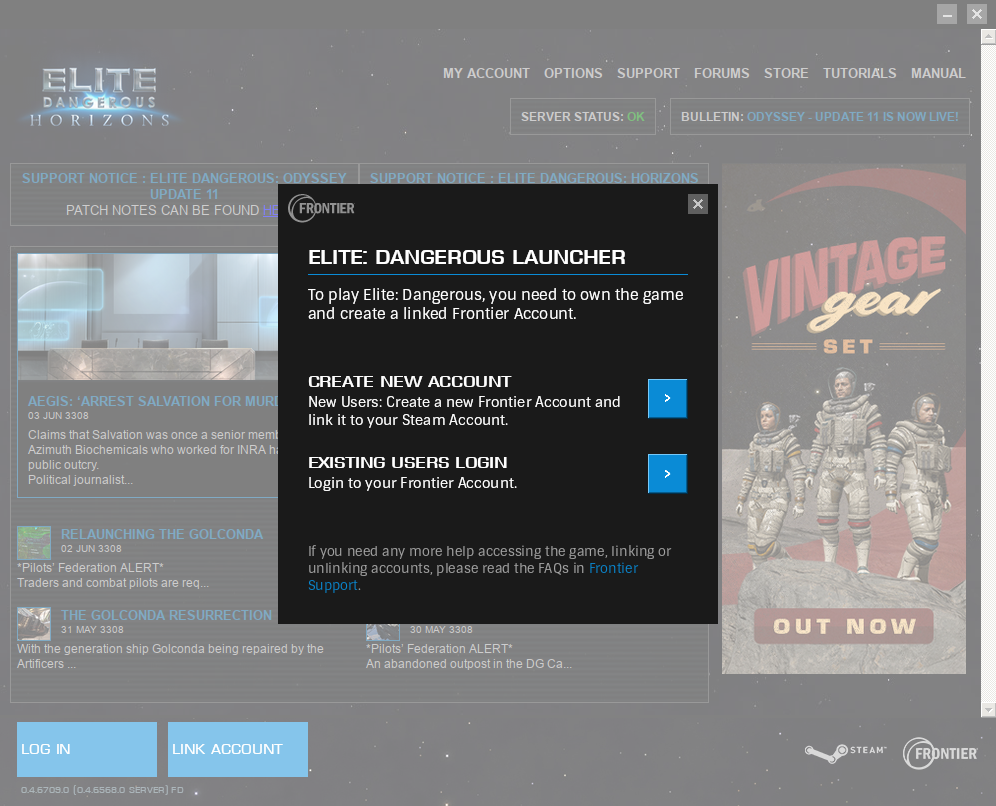
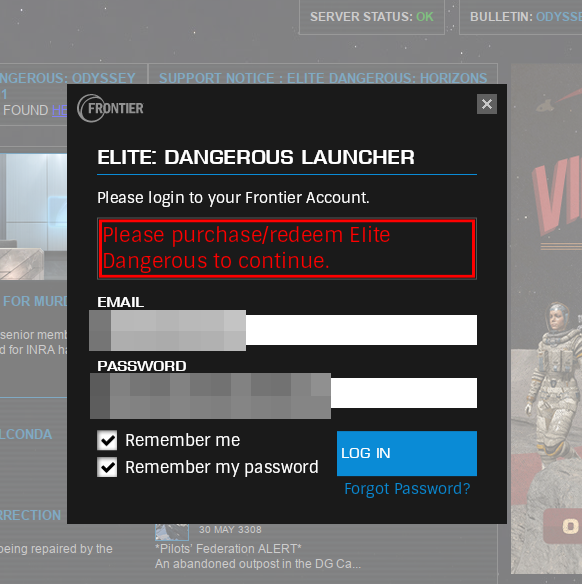
The last one is when my credentials and verification code have entered.
The game was bought in Steam long ago (but I've never tried it before), what happens? And why I forced to use VPN???
Just have written to Frontier support...
DOn't mess with those things.
If you have steam version, you must create account (or login ) on frontier store. There find option to bind steam account to frontier store, do it.
If it is already bound - try unbind and bind again. Once I had to do that during last 4 years too.
find option to bind steam account to frontier store, do it.
It's done, my Steam account is binded already...
vlig, your profile says that you're in Russia. Given Dictator Putin's invasion of Ukraine, you needing to use a VPN is most likely a consequence of sanctions against your government and people associated with it. Basically, you're caught in the fall-out from that.
vlig ... Given Dictator Putin's invasion of Ukraine ... sanctions ... you're caught in the fall-out from that.
Oh, come on... ))) I just want to play the game! And OK, even with the VPN it isn't possible to do that, so I guess the problem is other. Moreover, there is no any of Ukraine supporting info on Frontier's site.
vlig ... Given Dictator Putin's invasion of Ukraine ... sanctions ... you're caught in the fall-out from that.
Oh, come on... ))) I just want to play the game! And OK, even with the VPN it isn't possible to do that, so I guess the problem is other. Moreover, there is no any of Ukraine supporting info on Frontier's site.
Yeh well.. I want to play too, just can't. My new computer burned with my home in Mariupol. Any way, as I said it is connection problem. When I could play I was reloading launcher 4-5-6-7 times until it is "blue button".
If your Steam account is already linked in the Frontier store, try deleting the prefix before starting the game. It should now auto-login through Steam. But it won't replace any login you may have tried manually before (thus, deleting the prefix should completely purge the login session). You can rename the prefix directory "359320" to "359320.old" if you want to transfer any files over afterwards (like keybindings, journal, or screenshots). It should work then. I've had a similar issue once where my Arx purchases in the Steam store would not show up in the game, and basically the support told me to make sure I'm logged in through Steam. While they didn't support Linux, they recommended to make sure that I am not logged in with the launcher, then basically restart Steam and the launcher, and it should log you in automatically and correctly.
You may also try an alternative launcher: https://github.com/rfvgyhn/min-ed-launcher
Yeh well.. I want to play too, just can't. My new computer burned with my home in Mariupol. Any way, as I said it is connection problem. When I could play I was reloading launcher 4-5-6-7 times until it is "blue button".
Anyway, thanks for your help, and I strongly wish this nightmare will come over soon...
If your Steam account is already linked in the Frontier store, try deleting the prefix ...>
Thanks! I'll try it tomorrow!
I can't confirm that Frontier did any filtering, just checked, game can start and I have connect to Frontier servers from Russia without VPN. I'm using ED Launcher BTW, but anyway its connection process are similar to official game launcher. So it's not political, its technical issue at your side.
It works at last! The part of the answer from Frontier support:
The reason why you're receiving the Update Required message, is because the Frontier account you're trying to log in with does not have game access.
The key you sent over has not actually been redeemed either.
In this case, to help you out, I have manually expired the key and added the game access to your account. You should now be able to log in and get into the game.
I guess the reason is that the game was bought really long ago (prior 2019), and has been never tried since.
Thanks for your cooperation, folks!
It works at last! The part of the answer from Frontier support:
I'm glad it was just a mistake! I apologize on behalf of those who made sarcastic comments on your nationality. We're all just here to play Elite Dangerous on Linux, and online gaming should promote international friendship, not discrimination.
@kakra
Probably since Proton 7, my TWCS throttle is no longer fully detected by the game, it misses the small dial at the left of the throttle in the game. It's still present and works in evtest (logs attached, the axis is called ABS_RUDDER). The T16000M joystick still fully works, it also has an ABS_RUDDER, I've also attached those logs.
This should be now fixed. The upstream commits:
https://gitlab.winehq.org/wine/wine/-/merge_requests/507
https://gitlab.winehq.org/wine/wine/-/merge_requests/573
The first one is already in experimental and requires udev rules to make the controller accessible via hidraw, see https://github.com/ValveSoftware/steam-devices/pull/36 which is still pending.
The second fix is in bleeding-edge and should make it in into the next experimental. It makes it so that we can support up to 8 absolute axes even without hidraw access. However, with this approach mapping / naming of axes may be a bit different compared to Windows so if game knows the controllers the default mapping may be a bit weird and it may require some tinkering.
@ivyl I can confirm this working (minus the second patch), ED needed a mapping adjustment for the Rz axis which according to our chat was expected, and it's easy to fix. I'm happy with how it works, and hidraw mode should actually bypass the double-deadzone problem which is important in this game.
But here's a new problem (non-input):
I've installed the game on the Steam Deck. It runs really well (but I had to change the graphics from high to medium and disable FSR otherwise on-foot terminals are unreadable), I mean REALLY well, it actually runs better than my i7-12900K with 1660 Ti, no frame latency spikes, feels very smooth.
BUT: The game defaults to English (like many other titles) which seems to primarily result from SteamOS not supporting non-english locales even when "German" is selected in the Steam Deck client (desktop mode defaults to English, I cannot add other languages. Usually this can be fixed for games by manually switching the language in the game options. In ED, this is done from the launcher but even with the language changed, the game itself stays English. I've also tried LANG=de %command% without success (btw, adding /autorun /autoquit to the command will bypass the launcher). Maybe something else is missing in SteamOS?
Elite Dangerous (359320) Black screen, and an error message.
Issue transferred from https://github.com/ValveSoftware/Proton/issues/6111.
@ketronixdev posted on 2022-08-21T12:44:13:
When trying to load the game first appears a black screen, starts playing intro music, and later appears an error message.
System Information
- GPU: AMD Radeon R5 340X
- Driver/LLVM version: Mesa 22.1.4
- Kernel version: 5.19.1
- Distro: openSUSE Tumbleweed
- Link to full system information report as Pastebin:
- Proton version: 7.0.4
Hello @ketronixdev, your video card is part of the Southern Island generation of AMD video cards. By default, the Linux kernel uses the radeon kernel module by default, but that kernel module is not compatible with Vulkan. It's not clear in your system information if this is the snafu which you've encountered, but it might be worthwhile to give https://github.com/ValveSoftware/Proton/wiki/For-AMD-users-having-issues-with-non-OpenGL-games a read.
is not compatible with Vulkan.
Oh right, then he needs USE_DIRECT3D=1 flag set.
USE_DIRECT3D=1
I set it in the startup parameters - nothing has changed
USE_DIRECT3D=1
I set it in the startup parameters - nothing has changed
Sorry:
PROTON_USE_WINED3D=1 %command%
1st version, I think, is from user_settings.py if you change it there, it will be applied for all titles.
Привет@ketronixdev, ваша видеокарта относится к поколению видеокарт AMD Southern Island. По умолчанию ядро Linux использует
radeonмодуль ядра по умолчанию, но этот модуль ядра несовместим с Vulkan. В вашей системной информации неясно, является ли это путаницей, с которой вы столкнулись, но, возможно, стоит дать https://github.com/ValveSoftware/Proton/wiki/For-AMD-users-having-issues-with -не-OpenGL-игры читать.
Well at least the video card has support for Vulkan, and I also followed the instructions you sent me. I will try it now, but there is no manual for my particular distribution (openSUSE Tumbleweed).
Привет@ketronixdev, ваша видеокарта относится к поколению видеокарт AMD Southern Island. По умолчанию ядро Linux использует
radeonмодуль ядра по умолчанию, но этот модуль ядра несовместим с Vulkan. В вашей системной информации неясно, является ли это путаницей, с которой вы столкнулись, но, возможно, стоит дать https://github.com/ValveSoftware/Proton/wiki/For-AMD-users-having-issues-with -не-OpenGL-игры читать.Well at least the video card has support for Vulkan, and I also followed the instructions you sent me. I will try it now, but there is no manual for my particular distribution (openSUSE Tumbleweed).
Didn't work for me with old radeon too, amdgpu can be installed separated from their website. However it brings more problems then solve in my case (I had double video - intel + radeon). WIth wineD3D option I could play old games prior 2012 and Elite was launching till main menu.
This is the error I have.
This is the error I have.
That is server error, like anything can be like broken cable, game server issue, banned. Any way, game was launched itself ok. Later on maybe problem with not enough of VRAM/RAM when it fully loads. 2Gb VRAM is like barely starts.
If you believe several sources, this error is related to video card drivers... Do I really have to buy Nvidia...
If you believe several sources, this error is related to video card drivers... Do I really have to buy Nvidia...
Not sure. I used radeon for 3 months. I'm happy to have new nvidia again. nvidia is much better/easier on Linux for my personal taste.
I have a problem launching the game, it gets to the point when the launcher shows and when I click on the "Play" button, the button goes away for a few seconds, then it comes back and it can go like that for who knows how long, nothing happens, no message of any kind, nothing. Tried to launch a Steam via terminal in order to see if there's any output message, but there was nothing special, no errors of any kind. What's going on here ? amdgpu drivers, vulkan is working fine etc.
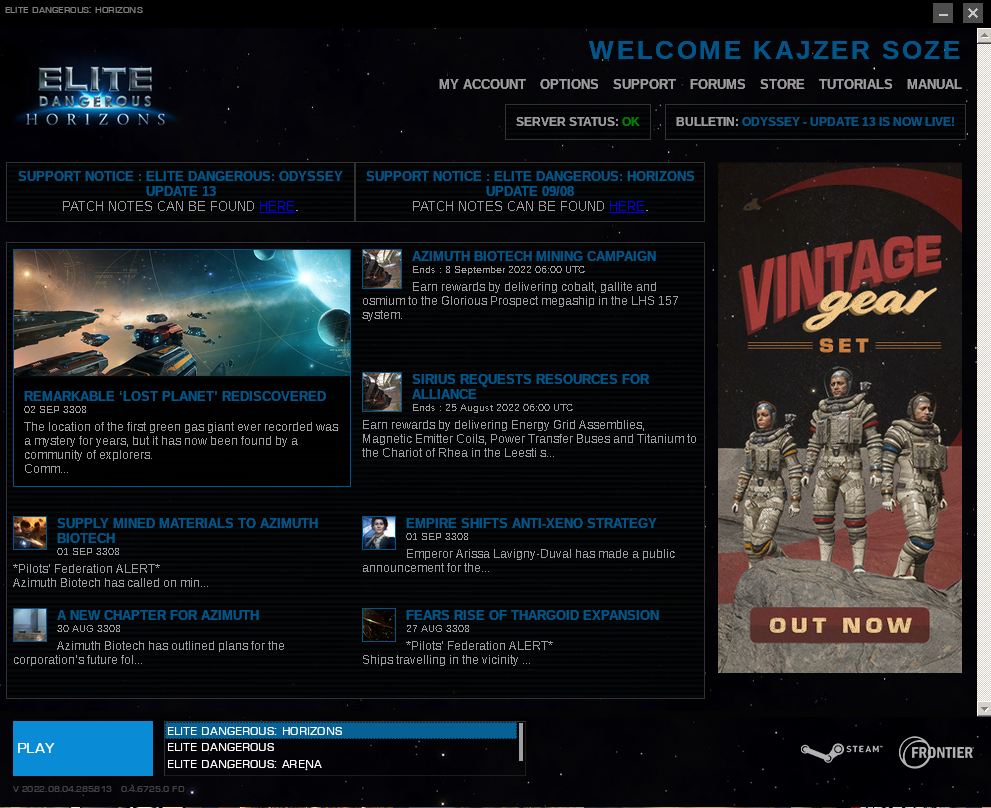
amdgpu drivers, vulkan is working fine etc.
There are 2-3 topics about amd drivers on Windows. Latest 3 months updates break the game. Maybe related:
https://forums.frontier.co.uk/threads/anyone-with-an-rx-6000-series-card-able-to-get-odyssey-to-run-with-the-22-5-2-drivers.603678/page-14#post-9932519
amdgpu drivers, vulkan is working fine etc.
There are 2-3 topics about amd drivers on Windows. Latest 3 months updates break the game. Maybe related: https://forums.frontier.co.uk/threads/anyone-with-an-rx-6000-series-card-able-to-get-odyssey-to-run-with-the-22-5-2-drivers.603678/page-14#post-9932519
Thanks, I wasn't aware of that.
Seems like Workaround 2 (from the link you provided) is a way to go, but that's for Odyssey, it might work though for the plain version, I'll try.
Edit: nah, that doesn't work
I'm not sure if the Windows driver bug even applies to Proton as the game passes through DXVK, then to Vulkan, which is a different code path. You could try deleting the GpuWorktable.xml file and start the game: It should re-create the file and you should observe the game taking a lot longer to start.
Well, I got it finally to work, with Proton version 5.13-6 in combination with MinEdLauncher, bizarre combo I must say :) It is what it is.
Well, I got it finally to work, with Proton version 5.13-6 in combination with
MinEdLauncher, bizarre combo I must say :) It is what it is.
Hmm..looks like .NET/Mono issue then. Year ago I had to delete proton's profile and allow it to recreate so launcher could work again (don't forget to backup game logs, settings, etc which are stored in profile).
Well, I got it finally to work, with Proton version 5.13-6 in combination with
MinEdLauncher, bizarre combo I must say :) It is what it is.Hmm..looks like .NET/Mono issue then. Year ago I had to delete proton's profile and allow it to recreate so launcher could work again (don't forget to backup game logs, settings, etc which are stored in profile).
I don't know what is it, without that other launcher, official launcher with that proton version was crashing, didn't even want to start, there was an error message but I forgot what it said, it can't find something I think, anyway ... what I've noticed is that with this Proton version shaders were building for a long time, like maybe 30 mins, with other proton versions that I've tried it was 5 mins, maybe 10 tops.
I don't know what is it, without that other launcher, official launcher with that proton version was crashing, didn't even want to start, there was an error message but I forgot what it said, it can't find something I think, anyway ...
With Proton 5.13:
“Exception initialising application:
“Could not find a part of the path 'C:\users\steamuser\Local Settings\Application Data\Elite Dangerous Launcher_evidencehere'.”
7.0 – the launcher works, but trying to start the game proper results in the ‘Play’ button disappearing for a short time and nothing else.
6.3 – seems to work fine, though I didn't test beyond the main menu.
Yes, all those weird things - broken wine profile (proton's one). It was many updates on how to .net/mono works and if you have years old profile better to delete it now. And let it create new (backup game's data).
Also swapping major proton version does many changes to profile, I wouldn't jump too much between majors. Just stay with what works.
Yep, with the switch to newer Proton versions, the prefix should be cleared for two reasons:
- native and compatible mono runtime is now available
- profile paths are properly symlinked which fixes a few more issues the previous hacked mono runtime worked around
You probably want to backup your input bindings file, flight journal, and maybe also graphics settings, then purge the prefix and restore the files.
That being said, it works just fine for me with Proton 7 Experimental.
Replying to https://github.com/ValveSoftware/Proton/issues/150#issuecomment-1237501839
Yeah that was it, the error message I mean, I just tried 6.3 and you're right, that one works with default launcher, I didn't try that one because when Proton experimental and 7 failed, then I tried the v4 and when that one failed as well, I was looking for answers and first thing I found was that Proton 6.3 broke something and that it doesn't work anymore, so I didn't try that one. That said, even though the default launcher works now, I will use that other launcher, because the default one is clunky, bloated, I guess there's no really need for it, except to maybe see some news or something like that, could be wrong though.
Hello @dsalt, @TheMainMMan, can one of you please add PROTON_LOG=1 %command% to the game's launch options, reproduce the Proton 7.0 regression with the vanilla launcher, and attach the generated $HOME/steam-$APPID.log to this issue report as a file. (Proton logs compress well if needed.)
Hello @dsalt, @TheMainMMan, can one of you please add
PROTON_LOG=1 %command%to the game's launch options, reproduce the Proton 7.0 regression with the vanilla launcher, and attach the generated $HOME/steam-$APPID.log to this issue report as a file. (Proton logs compress well if needed.)
Sure, here it is.
So, the launcher starts, you press 'Play' button and nothing happens.
Hello @dsalt, @TheMainMMan, can one of you please add
PROTON_LOG=1 %command%to the game's launch options, reproduce the Proton 7.0 regression with the vanilla launcher, and attach the generated $HOME/steam-$APPID.log to this issue report as a file. (Proton logs compress well if needed.)Sure, here it is. So, the launcher starts, you press 'Play' button and nothing happens.
I took a glance at the log to see if it's a launcher issue, but it doesn't seem to be. The game just crashes immediately.
Relevant part of the log:
25550.366:0314:031c:trace:loaddll:build_module Loaded L"C:\\windows\\system32\\NETAPI32.DLL" at 00000003673D0000: builtin
25550.367:0314:031c:trace:loaddll:free_modref Unloaded module L"C:\\windows\\system32\\NETAPI32.DLL" : builtin
25550.408:0314:031c:fixme:file:errno_to_status Converting errno 38 to STATUS_UNSUCCESSFUL
25550.408:0314:031c:trace:seh:dispatch_exception code=c0000005 flags=0 addr=0000000142EEBC78 ip=0000000142EEBC78 tid=031c
25550.408:0314:031c:trace:unwind:dispatch_exception  info[0]=0000000000000000
25550.408:0314:031c:trace:unwind:dispatch_exception  info[1]=0000000000000008
25550.408:0314:031c:warn:seh:dispatch_exception EXCEPTION_ACCESS_VIOLATION exception (code=c0000005) raised
25550.408:0314:031c:trace:seh:dispatch_exception  rax=0000000000000020 rbx=000000000158f150 rcx=0000000000000000 rdx=000000000158f190
25550.408:0314:031c:trace:seh:dispatch_exception  rsi=0000000003693890 rdi=0000000000000000 rbp=000000005655fd10 rsp=000000005655fbe0
25550.408:0314:031c:trace:seh:dispatch_exception   r8=0000000000000000  r9=000000000158f190 r10=000000000158f190 r11=000000005655fbf0
25550.408:0314:031c:trace:seh:dispatch_exception  r12=0000000000000006 r13=000000000158f190 r14=0000000056615f90 r15=0000000056616110
25550.408:0314:031c:trace:seh:call_vectored_handlers calling handler at 0000000359153BA0 code=c0000005 flags=0
25550.408:0314:031c:trace:seh:call_vectored_handlers handler at 0000000359153BA0 returned 0
25550.408:0314:031c:trace:seh:call_vectored_handlers calling handler at 00000002EDF87A40 code=c0000005 flags=0
25550.408:0314:031c:trace:seh:call_vectored_handlers handler at 00000002EDF87A40 returned 0
That's likely access violation in game code somewhere. EliteDangerous64.exe is loaded at 0000000140000000 with pid 0314.
I think the only version where default launcher crashes is 5.13, on the same version alternative launcher works, so the launcher is not the problem but the main executable.
btw spent several hours with the game and no issues at all, the only thing that bothers me is that there is no 5.1 surround sound, though game supports it and my system has 5.1 sound configured and it works very well. So I don't even know where to begin searching for a fix for that & Proton. And for this game is really a shame not to have that working.
For users on Arch Linux who recently updated and can no longer run elite, it seems the culprit was the fmt package. Note that spdlog requires fmt version 9.x so you may also have to downgrade that package alongside it. The console was throwing errors that it could not find libfmt.so.8 and downgrading from fmt 9.x to fmt 8.x made the game run flawlessly once again.
Mostly sharing this since it may also be affecting everyone else with the recent issues regardless of distro. Hope it helps!
@AirstrikeIvanov , with Proton 7 ?
I'm on Gentoo and I don't even have fmt package installed, I do have lubfmt and it's v8.x, when I was testing it console didn't say anything. Same system, same everything, I just change the proton version and it works.
I'm on Gentoo, too. And it works absolutely fine here... Also, 5.1 sound is supported here (and shown in the game, I'm running pipewire). Did you try to recreate a prefix from scratch?
I'm on Gentoo, too. And it works absolutely fine here... Also, 5.1 sound is supported here (and shown in the game, I'm running pipewire). Did you try to recreate a prefix from scratch?
Hmm, very interesting. Can you please tell me which version of Proton are you running ? I'm not running pipewire but apart from this game I don't have any 5.1 problems, using Jack server with pulseaudio sink, of course 5.1 sound works and is configured both in Alsa and Pulseaudio. btw what do you mean by "shown in the game" , where exactly and what does it say ? Yes I did try to recreate prefix from scratch many times, since I had problems even launching the game, but I got that part.
Today's update broke the default launcher with 6.3
btw I solved the 5.1 sound, by editing AudioConfiguration.xml, and changing <AudioAPI>0</AudioAPI> to <AudioAPI>1</AudioAPI>
I'm experiencing an audio issue on steamdeck (unrelated to @TheMainMMan 's 5.1 sound issue.) Audio seems to cut out moments after the initial load animation. I've tried various versions of Proton (6.3-8, 7.0-4, Experimental) without any improvement. Starting in desktop mode and switching to audio settings seems to show that the game is attempting to output to the "echo-cancel sync" device. Manually changing the device to another (valid) output device fixes the issue on desktop, but this approach isn't feasible on the steamdeck in game mode. This has been reported by at least one other user on ProtonDB.
Hello @FirbyKirby, that reads like you've encountered https://github.com/ValveSoftware/SteamOS/issues/822.
Thanks @kisak-valve , I think you may be right. The way the bug is manifesting for me is a bit different, but it's close enough that you are probably right. For me, no amount of restarts solves the issue. It's also entirely limited to Elite Dangerous. But it certainly involves that audio device. Somethings up with it, that's for sure.
I will add that I was finally able to get sound to output from the Elite Dangerous in Game Mode. I'm not 100% sure what changed, but toggling the audio device back and fourth between a few options other then "echo-cancel sync" got it to output properly from a pair of attached bluetooth headphones. I was able to play for about an hour with no issues at all.
I have Bluetooth headphones on regular Linux. Sometimes for no reason it just silent and 30s later audio is switched to speakers. I fix that by power off/on head phones. Happens in any game.
My current idea is, it is not enough CPU for those bt/usb audio systems, as they purely relay on CPU. If you have hardware jack-jack on device, use wired headphones. Wired never failed for me before.
Compatibility Report
- Name of the game with compatibility issues: Elite Dangerous
- Steam AppID of the game: 359320
System Information
- GPU: NVIDIA GeForce RTX 2060
- Driver/LLVM version: nvidia 515.76
- Kernel version: 6.0.2-1-default
- Link to full system information report as Gist: https://gist.github.com/cudla100/99e13d51c10787718d17b750919742ee
- Proton version: All proton versions do not work. Proton Experimental [bleeding-edge] and Proton 7.0-4
I confirm:
- [ ] that I haven't found an existing compatibility report for this game.
- [x] that I have checked whether there are updates for my system available.
Proton experimental [bleeding-edge] steam-359320.log
Proton 7.0-4 steam-359320.log
Symptoms
Game does not launch. I tried flags
"/edo /autoquit /autorun",
"gamemoderun %command%",
"gamemoderun %command% /edo /autoquit /autorun",
"PROTON_ENABLE_NVAPI=1 DXVK_ASYNC=1 PROTON_NO_ESYNCH=1 %command%",
but it does not solve the issue.
Reproduction
Start the game through Steam.
Hello @cudla100, looking at your system information, the NVIDIA driver install on your system is broken and falling back to mesa/llvmpipe to work at all by rendering Steam on the CPU.
Compatibility Report
- Name of the game with compatibility issues: Elite Dangerous
- Steam AppID of the game: 359320
System Information
- GPU: RTX 2070
- Driver/LLVM version: Nvidia 515.65.01
- Kernel version: 5.15.0-52-generic
- Link to full system information report as Gist: https://gist.github.com/Johnnii360/a8a99d133ec88c6ae12f6673bb55c6f5
- Proton version: 7.0-4 (but GE Versions same issue)
I confirm:
- [x] that I haven't found an existing compatibility report for this game.
- [x] that I have checked whether there are updates for my system available.
Symptoms
Either I get the ED Odyssee Launcher and when I try to login I get the error message that I have to purchase the game, when I try to link Steam it say's "Forbidden" on the page but Steam IS linked or I get the normal ED Launcher and I get the message that the Launcher needs an update and I have to set high priority to the auto updates.
I also did some "special" commands but nothing worked. When I try the ED Mini Launcher I get the message that there is no product.
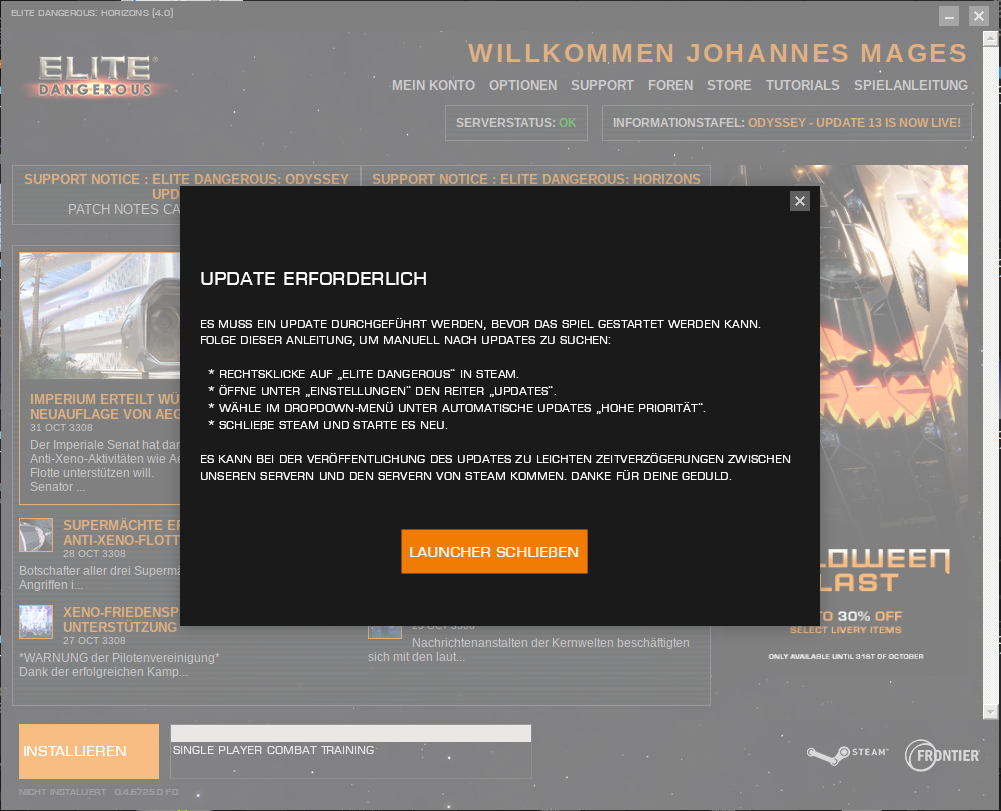
This is the launcher with the update message I get every start.
PSA for anyone that has problems with the launcher: There is a third party launcher that works well and comes with Steam account integration (Epic and Frontier as well): https://github.com/rfvgyhn/min-ed-launcher
PSA for anyone that has problems with the launcher: There is a third party launcher that works well and comes with Steam account integration (Epic and Frontier as well): https://github.com/rfvgyhn/min-ed-launcher
If it would work...
ERROR: ld.so: object '/home/johannes/.local/share/Steam/ubuntu12_32/gameoverlayrenderer.so' from LD_PRELOAD cannot be preloaded (wrong ELF class: ELFCLASS32): ignored.
[17:10:00 INF] Elite Dangerous: Minimal Launcher - v0.7.3+486163a7
[17:10:01 INF] Elite Runtime
    Platform: Steam
    CobraBay Version: 0.4.6725.0
    Products Dir: /mnt/Multidata/steam/steamapps/common/Elite Dangerous/Products
[17:10:01 INF] Logging in
[S_API] SteamAPI_Init(): Loaded '/home/johannes/.local/share/Steam/linux64/steamclient.so' OK.
Setting breakpad minidump AppID = 359320
SteamInternal_SetMinidumpSteamID:  Caching Steam ID:  76561197992399602 [API loaded no]
[17:10:02 INF] Logged in via Steam as: Johannes Mages
[17:10:04 INF] Checking for updates
[17:10:04 INF] Available Products:
	None
[17:10:04 ERR] No selected project
Press any key to quit...
Used the command gnome-terminal -- ./MinEdLauncher %command% /autorun /autoquit /EDH.
If accounts (Steam/Frontier) was properly linked and you're sure on this (like game worked yesterday) then just keep restatr launcher until blue button appears, that server / network issue.
Also I had similar problems couple years ago after system update, once update removed outdated certificates and TSL was not working so I had to find and install them manually. Another time it was update of some library to TSL 1.3 and that broke SSL for games too, I had to rollback.
Replying to https://github.com/ValveSoftware/Proton/issues/150#issuecomment-1298779894
The funny is I want to play the game the first time. :) Got it long time in my library and finally want to play it.
Ehm, and how do you reinstalled the certificates? Where are they located?
Replying to https://github.com/ValveSoftware/Proton/issues/150#issuecomment-1298785207
Google where and how ;)
If it is 1st time - make sure you created frontier account and linked steam to it inside frontier account. Let steam do all downloads then.
It is linked:

Then ask their support.
I think it looks like this is the key: https://github.com/rfvgyhn/min-ed-launcher/discussions/54
You may need to log out of the launcher, then quit it, restart from Steam, and it should automatically log you in with your Steam credentials. This fixes a few issues, especially out of date messages and problems with syncing arx purchases with the game.
I've had a similar issue last year and support recommended to not log into the Frontier account manually from the launcher but let Steam do it instead if running the Steam version. Otherwise the game will not properly sync to the Steam library.
so, I don't know if I should open a new issue, but I installed Elite: Dangerous on Ubuntu 22.10 with Proton Experimental, 7.0-5 and 6.3-8 with arguments /autorun, /autoquit /EDH and /edh4 respectively, every time it stuck in Updating Elite: Dangerous - Ready to launch as seen in the picture
any help?
any help?
Don't use VPN with steam for example. It's steam's window, not related to ED.
Don't use VPN
I do not use VPN.
do you have any ideas on how to fix it? I actually have no idea what is causing this.
Don't use VPN
I do not use VPN. do you have any ideas on how to fix it? I actually have no idea what is causing this.
if no updates are going, just right click steam icon and run game from there. "Play game" button on this window was never working.
Have you tried launching the game without the arguments? You can launch Steam via a console to monitor the output of what happens after you press the Play button. Please paste the whole Launch Options string.
But as alexzk1 already said, this is a Steam-related issue, not ED-related.
Just use Valves Proton Version 7.0-5 and use the Min-ED-Launcher.
I use the following command for ED 4.x string:
gamemoderun gnome-terminal -- ./MinEdLauncher %command% /edh4 /autorun /autoquit
@MagicD3VIL I ran it now with Proton Experimental, no launch Options, this is the output when I pressed "Play":
GameAction [AppID 359320, ActionID 1] : LaunchApp continues with user response "0"
GameAction [AppID 359320, ActionID 1] : LaunchApp changed task to DownloadingDepots with ""
GameAction [AppID 359320, ActionID 1] : LaunchApp changed task to DownloadingDepots with ""
@Johnnii360, as said above, this is appearing to be a stem issue, not related to how ED launches. but thx anyways.
@MagicD3VIL I ran it now with Proton Experimental, no launch Options, this is the output when I pressed "Play":
GameAction [AppID 359320, ActionID 1] : LaunchApp continues with user response "0"GameAction [AppID 359320, ActionID 1] : LaunchApp changed task to DownloadingDepots with ""GameAction [AppID 359320, ActionID 1] : LaunchApp changed task to DownloadingDepots with ""@Johnnii360, as said above, this is appearing to be a stem issue, not related to how ED launches. but thx anyways.
Did you change proton version from very old to latest ? Like from 4.x or 5.x to 7.x ?
It was folders naming issues year ago. Like "steamapps" now and "Steamapps" before - which are different on Linux. Also profile update can be incompatible (that folder where "drive c:" is). As for Elite try to back up current, which will have all game settings and log, then delete and let proton create new. See if this do a fix. If not - just restore backup, if yes - restore elite settings from backup. (this is inside "compatdata" with elite number).
Also before that moving game between drives was NOT moving compatdata, so I was doing symlink old to new drive. Now it DOES move.
That what I recall I had mess with files.
@Johnnii360, as said above, this is appearing to be a stem issue, not related to how ED launches. but thx anyways.
Just give it a try. Steam only downloads the "basic" files. The Mini-ED-Launcher does do the most. Please also notice this post https://github.com/rfvgyhn/min-ed-launcher/discussions/54 .
@Windgott1910 Try verifying game files. If it still does not work, switch to Proton Experimental, rename the prefix directory compatdata/359320 to something else (or move it to a backup folder), then launch the game once (so it recreates the directories in your wine profile and documents folders), quit, put your keybindings and journal back from the previously saved directory, and launch again, set your graphics settings (you should not import those from the old directory). It may be a folder issue inside the wine prefix which prevents the game silently from launching (as @alexzk1 wrote).
Sometimes, Steam needs a restart. I had situations when it would no longer launch a lot of games except a very few. But I'm pretty sure you already did that.
So there is bug, possibly there. For many years. I played thargoid's WZs 2 years ago, year ago, now - on different machines.
Sound becomes crackling then disappears and lately FPS drops to 0 then crash handler pops while game still working then disconnect. Finally I asked people on forum ...and well, that looks like some bug. During those 3 years I've changed 3 computers (all NVIDIA though). Also common part is - I use radio headphones. 1st time it had own USB dongle, now it is Bluetooth. Can it be related to USB audio?
Here is my question on froum:
https://forums.frontier.co.uk/threads/tested-ax-fight-they-wipe-their-rangers-on-my-jacket.612017/post-10037469
And here is the answer:
https://forums.frontier.co.uk/threads/tested-ax-fight-they-wipe-their-rangers-on-my-jacket.612017/post-10037484
Sound becomes crackling then disappears and lately FPS drops to 0 then crash handler pops while game still working then disconnect.
No such issues here, it works fine. Also, what you describe on the forum does not happen here.
BUT: If you run the game for extended hours (like 12+ hours), the fps will slowly degrade and the sound starts crackling - but it won't crash. The fps degrade can be seen on Windows, too. It happens when VRAM fills up, the game seems to have bad memory management. Reducing resolution and texture quality can work around this, limiting DXVK memory announcement to about 50-80% of your VRAM also helped a lot for me.
There may also appear graphical glitches (on Windows, too) where shadow casting goes completely wild, or funny colored triangle flicker appears (usually blue, red, and pink). Eventually, the graphics engine will crash after a while then. Sound is not affected by this. If you start seeing such glitches, you should quit the game at your next opportunity and log back in.
Dropping from the game on entering war zones can be caused by network issues: Check the network settings within the game to see if it properly identified the correct network adapter (for me, it defaulted to my work VPN), and also check if switching to IPv6 helps (useful if your provider uses CGNAT), try enabling UPnP otherwise on your router and in the game - wine supports it.
But connection dropping on entering an instance is also a game bug currently: It happens more often if you're using the nav link feature to enter an instance. Jump in manually, and it should work better.
Sound becomes crackling then disappears and lately FPS drops to 0 then crash handler pops while game still working then disconnect.
No such issues here, it works fine. Also, what you describe on the forum does not happen here.
Do you use default voice ? I have Celeste. So it can be problem here.
Do you use default voice ? I have Celeste. So it can be problem here.
I'm using the German "Gerhard" voice.
Do you use default voice ? I have Celeste. So it can be problem here.
I'm using the German "Gerhard" voice.
Default one, not payed?
Default one, not payed?
Default one, I don't use payed voices. But this brings another idea to the table: I had problems with a lot of games back when using pulseaudio (crackling a lot). This is fixed since switching to pipewire.
BTW: Maybe shorten the full-quote above before Valve does it. ;-)
Default one, not payed?
Default one, I don't use payed voices. But this brings another idea to the table: I had problems with a lot of games back when using pulseaudio (crackling a lot). This is fixed since switching to pipewire.
BTW: Maybe shorten the full-quote above before Valve does it. ;-)
yep, used before 2 years pulse, now I have pipewire as it is new laptop and new installation - thargs problem is still here.
when using pulseaudio (crackling a lot).
You see, i always though it is thargoids special effect - like all is in fire, all is broken bla-bla.
When new thargs jump in WZ sound starts to crackle -effect, but this never ends. It keeps crackle for long then no sound at all, then game lags and done now. Before war it was working without crash yet though and without sound at all. I never fought tharg having full cycle sound.
So as I had 3 different PCs ... I suppose that is most likely Celeste. Bringing ships back now 2000ly to try.
I somehow get worse frame time consistency when my game is focused.
Unfocused:
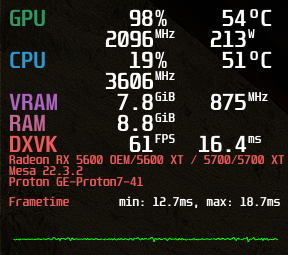
Focused:
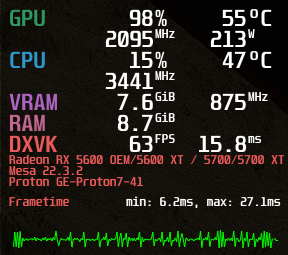
Running it with
MANGOHUD=1 gamemoderun rxvt -e ./MinEdLauncher %command% /autoquit
What can it be?
When new thargs jump in WZ sound starts to crackle -effect, but this never ends. It keeps crackle for long then no sound at all, then game lags and done now. Before war it was working without crash yet though and without sound at all. I never fought tharg having full cycle sound.
Meanwhile, I can observe similar sound problems. But for me it does not depend on something happening in the game, I'm just out in the black exploring. It seems to be caused by background activity of either the game or the system (I see IO going on in htop, usually from wine or a specific system daemon). Usually, the game starts to crackle for a few seconds, then sound may drop out for a few seconds. If unlucky, the sound doesn't return, otherwise it goes back to normal with some sound channels playing first (e.g., the ship sounds come back first but the music still takes a few more seconds). So I think this may be an issue of the game itself, or some priorities in wine. I've had partial sound dropouts before without crackling.
The sound crackling seems to be quite new since I switched to kernel 6.1 (previously 5.15). The dropouts got worse since then. Pipewire is running with realtime priority, and when crackling appears, also other sound sources of the system (e.g. Youtube or Twitch) crackle - so the crackling really comes from outside of wine or the game. But evidence shows that these situations really causes audio dropouts in the game.
OTOH, other games are not affected. So maybe something in the game is overwhelming pipewire sound mixing? I cannot see CPU core exhaustion, tho, in pipewire.
OTOH, other games are not affected. So maybe something in the game is overwhelming pipewire sound mixing? I cannot see CPU core exhaustion, tho, in pipewire.
Do you use USB connected device ? I have Bluetooth headphones and now start to think they could be a problem, as sometimes yourtube stops to work until phones are off. Sort of now enough of bandwidth or CPU to copy data there.
Internal speakers are USB connected too on this laptop, so not sure if I can check :/
Do you use USB connected device ? I have Bluetooth headphones and now start to think they could be a problem
It's the same issue on both internal HD audio and USB headset. I didn't test Bluetooth headphones, tho.
Since I turned off memory cgroup controllers, I no longer observed audio crackling in this game, but partial audio dropouts (e.g. delayed sound effects, music skips some seconds although game audio still plays) are still there. But I must also say: Since turning off memory cgroup controllers, I didn't play the game that much, and my system doesn't yet have the same uptime as it used to have.
turning off memory cgroup controllers,
I made
GRUB_CMDLINE_LINUX_DEFAULT="cgroup_disable=cpuset,cpu,memory,rdma,misc,pids,io,hugetlb"
AND turning off bluetooth headphones makes AX combat zone playable somehow without guaranteed 1fps + disconnect.
You probably don't want to disable the cpu controller as that is needed for autogroup scheduling which improves desktop interactivity.
Does it work better if you don't use Bluetooth audio at all? Maybe your Bluetooth chipset is somehow quirky, that may increase CPU usage or high sys CPU usage. I've seen that while developing the xpadneo driver.
So, sadly it looks as though some time between Proton 7.0-2 and now (With latest 7.0-6) support for my Thrustmaster T-Flight rudder pedals (3 axes, no buttons) has broken again. This still runs fine, and I'm basically seeing all the same erroneous behaviors I was seeing back in April/May of 2022. (Resolution came with 7.0-2, and me turning generic controller support off in steam input, here at https://github.com/ValveSoftware/Proton/issues/150#issuecomment-1116672120)
Is there any chance that the change between 7.0-1 and 7.0-2 that fixed the edge case on a game controller with axes and no buttons was reverted or regressed? Thanks!
I have once again been playing with Proton-tkg, but I'd like to move back to official Proton for better compatibility with VR moving forward. Thanks!
I have severe artifacts going on in Elite Dangerous, if I had seen someone show me this my first reaction would be: "Your GPU is frilled"
This is not the case, my GPU is 100% fine.
Attached you will find a video and apitrace of the events, funny enough with apitrace going it always takes a bit longer for the artifacts to show up. Eventually when I enter the drop ship during the tutorial mission you will see white artifacts appear that are not shown in the apitrace when replayed on Windows and from there on the viewport is basically unusable.
I'm running on a 3080, game runs fine on Windows and this is the only occurrence with visual artifacts on Linux.
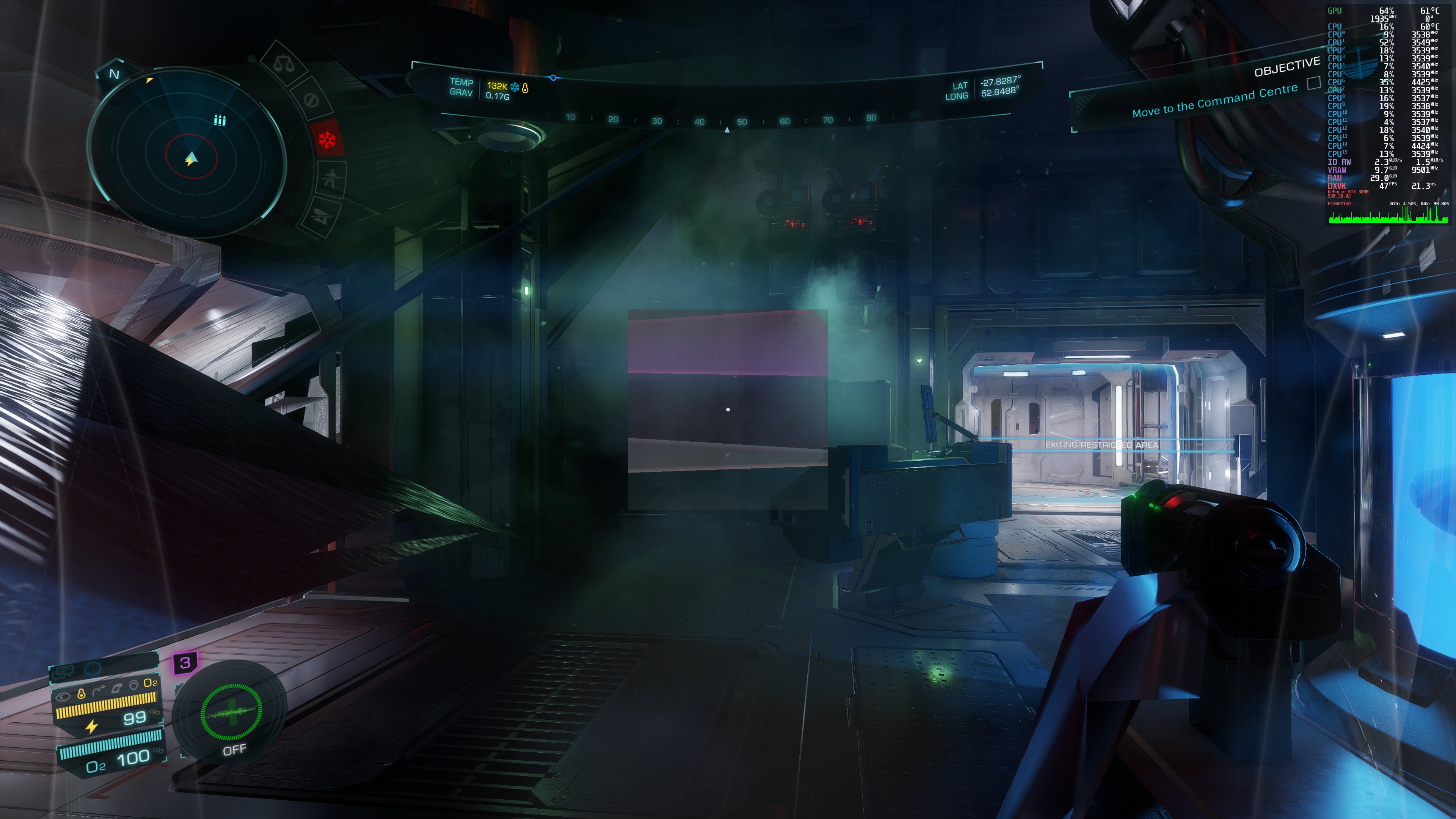
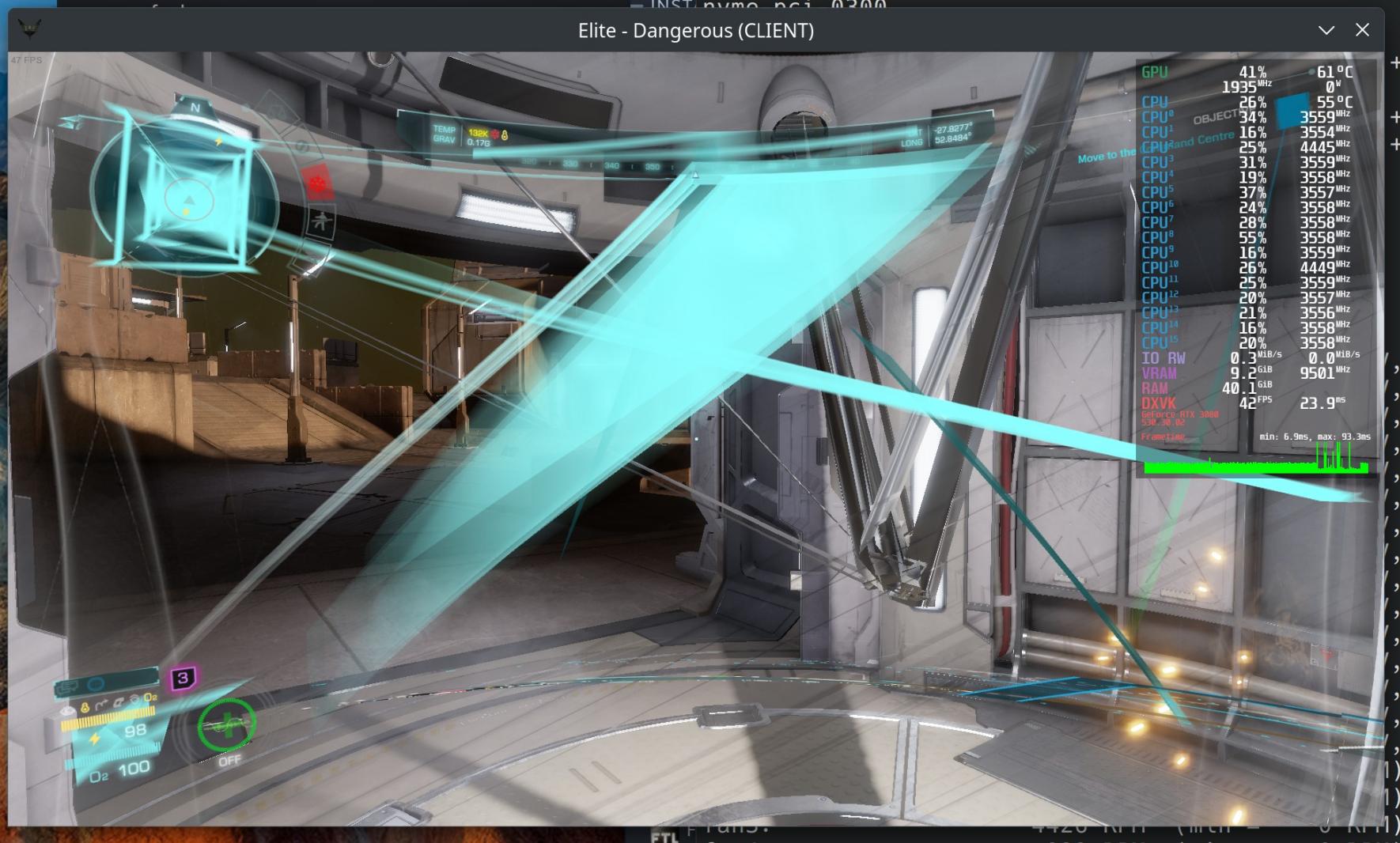
I have also tested older proton builds, with different DXVK versions as well. Game won't run on WINED3D.
edit: this seems te be caused by the 530 nvidia driver.
I have the exact same artifacting issues, also on nvidia 530.41.03-1 on Arch Linux. Anyone found a fix? It's entirely unplayable currently.
I've been faced with the same terrible artifacts on as described above. Too much work these days, no time for gaming and sorting out. Arch Linux, nvidia.
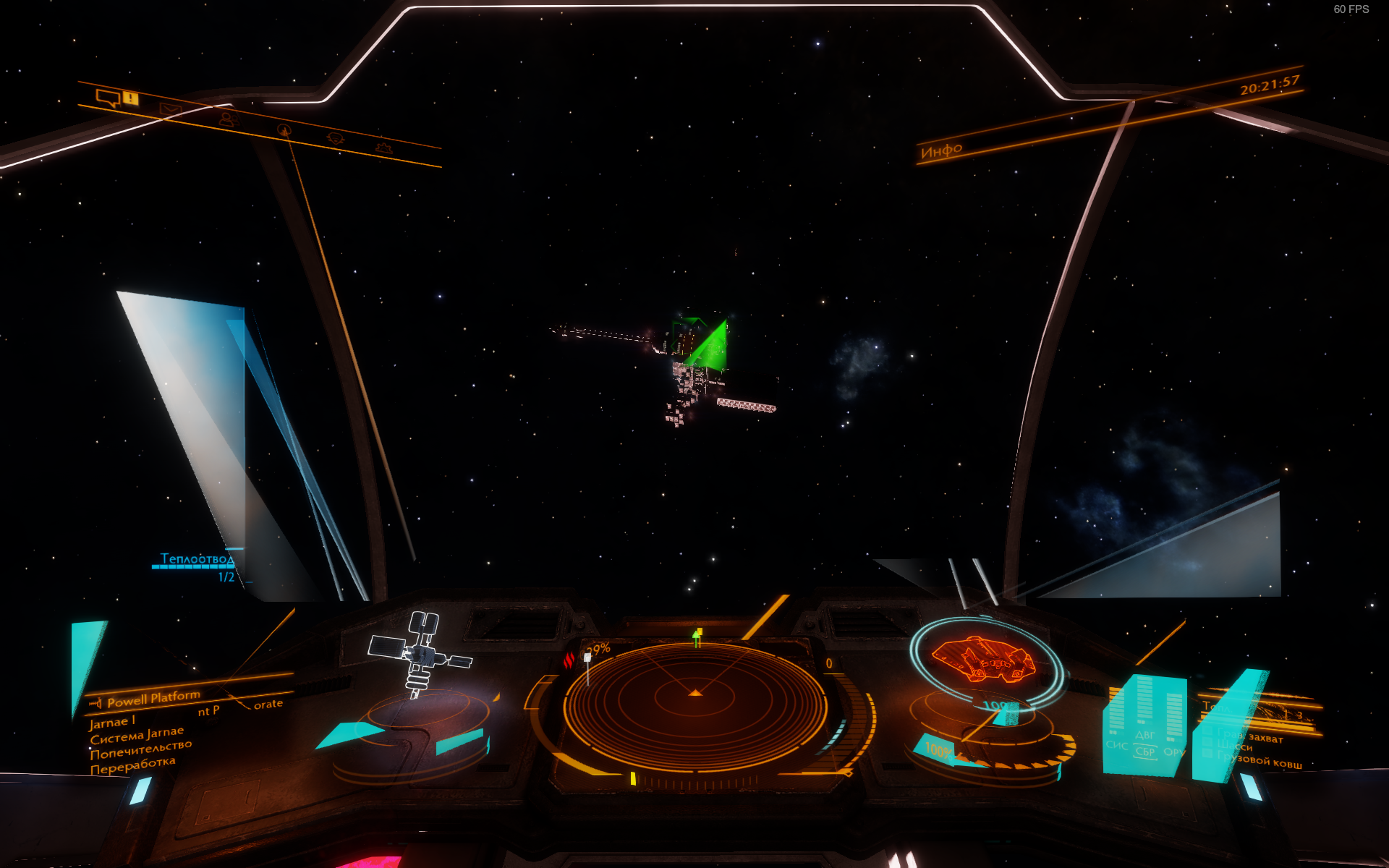
I think the game itself is not using DirectX 100% perfectly, this looks like glitching due to improper locking. Testing 530 with other games shows no such problems, and e.g. Hogwards Legacy performance improved from 60-70 fps to 90 fps (framerate locked), also other games seemed to have improved somewhat, heck, even ED seems to show more fps and less stutter, which supports my theory that NVIDIA optimized some render paths by removing locking constraints but that messes up the ED rendering engine. Maybe DXVK should implement a work-around? Maybe some DXVK setting could already work around that?
Going back to 525 fixes it. So it's really not the GPU being toast or overclocked, although at a first glance it looks like that.
I wonder if some future NVIDIA Windows update would show the same problems in ED (unless NVIDIA ships with a hack/work-around for known bad games, which on the Proton side would have to be implemented by DXVK because the NVIDIA driver doesn't see the game but only wine processes).
On a sidenote: These glitches CAN be observed in ED very very rarely even with older NVIDIA versions. But usually, they only last a blink of an eye, and can be seen as blue and purple triangular flashes. This also happens in Windows, and it happens in space usually after jumping or during dogfights. This is another indicator that the render engine is doing something obscure which is being worked around (more or less effective) on the driver side in Windows.
Can confirm. Nvidia 525 was not working AT ALL for me. RDR2 was not starting, Elite had low FPS.
So I was using 520 branch. Today tried to upgrade to 530. Immediate after closing galaxy map, just logged in:
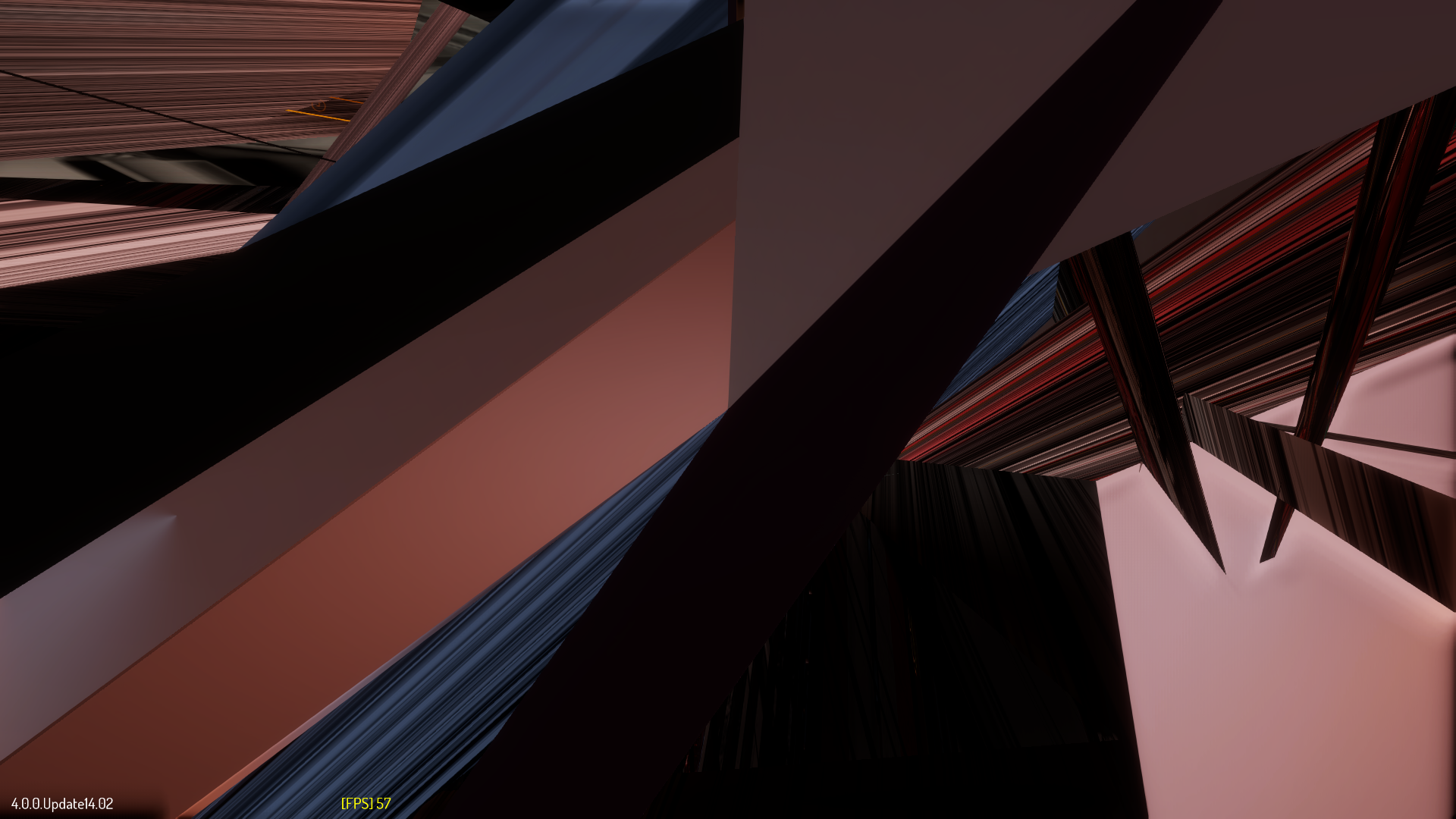
Made couple experiments with different versions, Elite is doing the best (40FPS+ walking on carrier and getting back to ship) with
6.1.12-arch1-1 #1 SMP PREEMPT_DYNAMIC Tue, 14 Feb 2023 22:08:08 +0000 x86_64 GNU/Linux
and
Nvidia 520.56.06
Other combinations do not work, do issues as on picture, or do twice lower fps.
@alexzk1 Yeah, NVIDIA/DXVK memory management and ED seem to be archenemies. For me, 520 and 525 work equally well with 520 just taking longer before performance crawls. Could you try creating a file Products/elite-dangerous-odyssey-64/dxvk.conf with the following contents (assuming you're running Odyssey):
dxgi.maxDeviceMemory = <yourGpuMemory in MB minus 2048>
and see if it improves performance, even across elongated play sessions. It will probably slow down texture and LOD loading but the performance should stay the same throughout the game. It won't fix 530 problems, tho.
Replying to https://github.com/ValveSoftware/Proton/issues/150#issuecomment-1498073230
Well, I have 3050 inside laptop with 4Gb only. So limiting further will be kill switch :D, in my case this is needed:
dxgi.emulateUMA = True
And this makes better fps:
d3d11.relaxedBarriers = True
Does not fix 530 too, I tried disabling it 1st.
Yeah, relaxedBarriers improves performance but caused flickering geometry, especially shadow casting is affected. At least in the first-person combat zones, this could be considered cheating. And it also quite heavily impacts immersion for me. So I stopped using it.
emulateUMA never really fixed it for me, it just extended the period before the fps drop happened.
You may try only removing 512MB of reported VRAM and close all other application windows instead before starting the game. 512MB is around the amount of memory Windows reserves for desktop compositing (with the added ability that native Windows can swap DirectX buffers back to VRAM).
Well, I have 3050 inside laptop with 4Gb only. So limiting further will be kill switch
BTW: The game can (and will) still allocate more than 2 GB, so maybe it's not as bad as it sounds. You can try different amounts like 3 GB or 3.5 GB.
That's one of the reasons why I've gone with a 3060 12 GB version. Even with that amount of VRAM, the game suffers a lot of performance, I've limited reported VRAM to 9 GB for this game - and it works well even with a lot of windows open and OBS running.
Also, I've seen even people running Windows seeing a sudden fps drop in this game (going from 60 fps to like 12 fps) during long play session, so it's even an issue in Windows. But it's very hard to hit this problem there, so it's probably something the game does wrong (and becomes terribly wrong with DXVK because memory management works very different).
Been trying to downgrade my packages but it seems I am missing some/I run into issues of display manager not starting at all, is there no other way to fix this issue with the 530 drivers?
Been trying to downgrade my packages but it seems I am missing some/I run into issues of display manager not starting at all, is there no other way to fix this issue with the 530 drivers?
yaourt downgrade
downgrade nvidia nvidia-utils lib32-nvidia-utils
make sure u select exact same version for all 3.
You may need to use nvidia-dkms instead nvidia, as nvidia is bound to exact kernel version.
Elite Dangerous broke in recent update
Issue transferred from https://github.com/ValveSoftware/Proton/issues/6667.
@cschalle posted on 2023-04-07T13:42:38:
A recent update to Elite Dangerous broke the rendering of the game on Proton (using NVidia graphics). The game used to work perfectly, but now there are rendering issues all over the place. Attaching screenshot of how even the game menu mis-renders.

Having the same glitches, RTX 2080 on NVIDIA drivers 530.41.03
Really don't feel like downgrading, if that even works, for just this game.
Hopefully someone with a bigger brain than mine can come up with a fix haha
Just thought to mention that I ended up filing a bug about this to [email protected], since it does seem clear it is a 525 to 530 regression, so hopefully they be willing to take a look.
Well, I have 3050 inside laptop with 4Gb only. So limiting further will be kill switch :D, in my case this is needed: dxgi.emulateUMA = True
@alexzk1 Okay, so looking at the (older) DXVK code, it looks like emulateUMA is limiting the memory budget to 80% - coincidentally, I limit my VRAM to just about that amount. So, this is effectively the same for my current GPU. For my previous GPU with less VRAM, the 80% rule didn't work well, it needed more like 60%, because we need to adjust by an absolute difference not a relative one (as the desktop and background applications use a "fixed" amount of VRAM).
Newer DXVK code implements that differently, I could no longer spot the 80% rule. It now moves the reported dedicated memory to reported system shared memory, and then sets 128MB reported dedicated memory statically. I wonder if it should subtract these 128MB from the reported shared memory as allocations will probably go to dedicated memory anyways.
So I wonder if just using emulateUMA still fixes the issue for you with modern DXVK versions.
@kakra Proton Experimental works fine. Without it was not working so smooth on summer. So I just keep setting. I thought it allows to use system memory as VRAM, and Elite has 1st or 2nd patch explicit enabled it after release. Meaning I had 1050 that time.Till that patch game was not working at all.
And yes, to do sysram <--> vram transfer you must reserve some vram as buffer.
@alasky17 Well, yes, the driver/GPU can use resources from sysmem. But performance tanks on the PCIe bus in this case because DXVK is not able to swap sysmem render resources back to VRAM (Windows DirectX can partially do that). So some reserve VRAM doesn't work as a buffer, it only allows the game to still allocate some resources from VRAM if it frees other resources first before loading new resources - that way, resources could slowly migrate back to VRAM (and I believe this is why limiting the VRAM budget actually works for some games). Unfortunately, this game seems to first load resources for a new scene before discarding resources from the previous scene - thus relying on Windows behavior to magically swap things back into VRAM. So this only reliably works by reserving a big enough buffer using "maxDeviceMemory".
Tried full update kernel / nvidia again today (I still use 6.1 /520 for everyday).
This time I removed kernel parameters mitigation = off.
Well, it worked fine like 5 minutes unlike prev time when image was broken in 10s. Then image still got broken.
Just leaving it here, maybe somebody will find relation.
@kakra
Tried to play with those 3 lines only on 4Gb VRAM:
d3d11.samplerAnisotropy = 16 dxgi.nvapiHack = False d3d11.maxImplicitDiscardSize = 4194304
In/out ship on carrier was better, then fight in space was better again - both without short drops to 0 of the fps.
Next landed on carrier, 8 fps in ship. 60 fps on system map. And now weird thing: on ship, 4% of VRAM used, 100% GPU in hangar, on map 14% VRAM used 10% GPU
Guess it has never-ending loop somewhere in shaders and this makes all the problems.
@alexzk1 No, when the game switches scene, it looks like it first loads the new scene data, overflowing the VRAM, then releasing the previous resources, freeing VRAM. But as a result, important render resources sit in system RAM now and are accessed via PCIe bus which is very slow compared to VRAM. This creates high bus bandwidth (you should be able to see it in the nvidia-settings app on the GPU page: Bandwidth should hover around 3-5% normally), and probably also high GPU usage. Linux is not able to move important render resources back to VRAM when memory pressure goes down, although there seems to be a new Vulkan extension now which could allow it (in theory, not sure, if DXVK could use it the way it's designed).
If you use KDE Plasma, try running kcmshell5 qtquicksettings and set "output module" to "software", then reboot. This will release a lot of VRAM because many background KDE components actually initialize the Qt graphics stack even if they don't display dialogs or graphics. I've tried this for some time now and it doesn't seem it slows down the desktop, maybe some effects won't render but I didn't find anything like that. There's a bug report about that: https://bugs.kde.org/show_bug.cgi?id=469279. There will be a permanent notification about that setting, tho.
@kakra I don't use KDE. I use lxqt based on qt5-widgets binary compiled. IMHO interpreters cannot be used as base for most used applications.
So if your idea is correct, then limiting VRAM avail to 50% could help, to try to trick exe. Will try later.
With NVIDIA 535 the game still renders wrong but seems a little less extreme compared to the screenshot in https://github.com/ValveSoftware/Proton/issues/150#issuecomment-1500308733 for NVIDIA 530:
Additionally, with 535 the Steam Client doesn't even open (steamwebhelper traps, see below) but I can start games from right-clicking the systray icon. Even desktop windows now show some triangle flickers. Someone please should sort this out with NVIDIA, it's getting worse and worse with each new driver version.
[ 1361.845655] traps: steamwebhelper[131687] trap invalid opcode ip:7f5bdd7db794 sp:7ffdbdaaaa80 error:0 in libcef.so[7f5bdaeef000+7770000]
[ 1371.771328] traps: steamwebhelper[133344] trap invalid opcode ip:7f69ad9db794 sp:7ffc2a269790 error:0 in libcef.so[7f69ab0ef000+7770000]
[ 1382.003464] traps: steamwebhelper[135000] trap invalid opcode ip:7f1b7d7db794 sp:7fffc61c10b0 error:0 in libcef.so[7f1b7aeef000+7770000]
(and many more)
With NVIDIA 535 the game still renders wrong but seems a little less extreme compared to the screenshot in [#150 (comment)](https://github.com/ValveSoftware/Proton/issues/150#issuecomment-1500308733) for NVIDIA 530:
Hi Kakra, maybe you could email this screenshot to [email protected] and let them know it is still broken with 535, hopefully if enough people keep reporting it then they will take a look.
Disabled VSYNC, FPS limiter in game, added to launch string:
DXVK_FRAME_RATE=60 %command%
As I have laptop with 60 Hz screen.
I feel like GUI elements are much more responsive now, no jittering even with FPS spike.
I feel like GUI elements are much more responsive now, no jittering even with FPS spike.
Yeah, ED has very bad frame pacing. But for me, 90 fps limit on a 60 fps monitor works better.
I just tried yday release 535.54.03
Pity, it has 2 years old memory leak fix (since 515).
Setting __GL_b5f2b3=0xFFFFFFFF %command% fixed the problems for me with 535. See also: https://forums.developer.nvidia.com/t/graphical-regression-in-elite-dangerous/247010
Setting
__GL_b5f2b3=0xFFFFFFFF %command%fixed the problems for me with 535. See also: https://forums.developer.nvidia.com/t/graphical-regression-in-elite-dangerous/247010
Works with 535.54.03, VRAM use is less then 2Gb running on carrier, jumping back to ship lowers up-to 3%. Feel like really fixed memory leaks.
I feel like GUI elements are much more responsive now, no jittering even with FPS spike.
Yeah, ED has very bad frame pacing. But for me, 90 fps limit on a 60 fps monitor works better.
Yep, 90 limit is better. Fun thing, with 60 limit, docking FC drops FPS to 35-40. With 90 limit it is dropped to 75-80. This is weird, like game reserves part of "maximum fps" for something instead relay on actual HW.
With 90 limit it is dropped to 75-80. This is weird, like game reserves part of "maximum fps" for something instead relay on actual HW.
I feel like the DXVK limiter works better than the in-game limiter - so I've turned in-game off.
Elite: Dangerous Assertion failed: !status, file ../src-wine/dlls/winevulkan/loader.c, line 664
Issue transferred from https://github.com/ValveSoftware/Proton/issues/7323.
@VortexAcherontic posted on 2023-12-09T12:45:41:
Compatibility Report
- Name of the game with compatibility issues: Elite: Dangerous
- Steam AppID of the game: 359320
System Information
- GPU: RTX 3080
- Video driver version: NVIDIA 545.29.6
- Kernel version: 6.6.3-1-default
- Link to full system information report as Gist:
- Proton version: 1701933636 experimental-8.0-20231207
I confirm:
- [x] that I haven't found an existing compatibility report for this game.
- [x] that I have checked whether there are updates for my system available.
Symptoms
The game does not start and claims do have ran into an Assertion failed: !status, file ../src-wine/dlls/winevulkan/loader.c, line 664
Looking up the specified line in winevulkan revealed it's an issue which is present on nvidia + Wayland by choosing the wrong swap chain?
663: status = UNIX_CALL(vkCreateSwapchainKHR, ¶ms);
664: assert(!status);
Looking up this error revealed an nvidia bug report which is marked as closed and is over a year old.
I run Steam from flatpak with runtime 23.08 with the latest nvidia driver runtime which ships libnvidia-egl-wayland.so.1.1.12 according to the report this issue should be fixed with 1.1.10.
Since I have no clue about any of this I start reporting it here. If it is not an issue by Proton but something else, please let me know and I'll pass the issue to the correct people.
Reproduction
- Install Elite: Dangerous
- Have a nVidia GPU with the latest proprietary driver
- Run a Wayland session
- Launch the game
Side note: Game runs fine on Steam Deck btw. But no surprise as this seems only be an issue with nvidia + wayland.
Hello @VortexAcherontic, warn:seh:handle_syscall_fault backtrace: --- Exception 0xc0000005 at 0x7f5409d394ed: /usr/lib/pressure-vessel/overrides/lib/x86_64-linux-gnu/libnvidia-glcore.so.545.29.06 + 0xf394ed. in your Proton log hints towards an access violation (c0000005) in your video driver which should also be mentioned to your video driver vendor.
Hello @VortexAcherontic,
warn:seh:handle_syscall_fault backtrace: --- Exception 0xc0000005 at 0x7f5409d394ed: /usr/lib/pressure-vessel/overrides/lib/x86_64-linux-gnu/libnvidia-glcore.so.545.29.06 + 0xf394ed.in your Proton log hints towards an access violation (c0000005) in your video driver which should also be mentioned to your video driver vendor.
Turns out setting __GL_THREADED_OPTIMIZATIONS=0 for the game as launch option solved the issue. Thank you for spotting that line otherwise I wouldn’t found a related nvidia bug report :D
Edit: No it wasn't the root cause, turns out it's an issue on dual monitor setups running Wayland on nvidia ... I had only one display connected to my PC as I testes the Thredded Optimisation but actually it stopped working as I connected my 2nd display again x.x
Anyhow, it seem to be the responsibility of nvidia to me as of now.
Would it be SOMEWHERE IN TIME Unicode support at last??
Arch Linux.
@vlig This may simply be a problem of the selected default font in Proton.
Would it be SOMEWHERE IN TIME Unicode support at last?? Arch Linux.
This is broken game itself. They don't use UNICODE. You must set proton itself to desired language.
Like
"LANG=ru_RU.UTF-8 %command%"
And this locale must be present / generated in system wide (see "arch install, locales" article).
@kakra How to find out what is the font used? Is it possible to force the launcher is showed in English, but then the game is started in the native language?
@alexzk1 I guess there's only Latin symbols presented in the font, so thanks, but your advice wasn't helpful. Do you have native letters in your case here?
And Happy New Year, of course! )))
@kakra How to find out what is the font used? Is it possible to force the launcher is showed in English, but then the game is started in the native language? @alexzk1 I guess there's only Latin symbols presented in the font, so thanks, but your advice wasn't helpful. Do you have native letters in your case here?
I used russian prior Ody with that trick. You must switch whole wine (proton) to support lang.
But I used it for 2-3 days then switched back to English and never tried again. For example when russians talk in chat I see the same squares because proton is not switched to russian locale. It is possible they added new issue exclusively to the launcher. Any way, that is not proton's problem. That is how game made.
Running Proton 8.0-4 on Linux 6.2.0-39 with an RX580 on Mesa 23.0.4-0ubuntu1~23.04.1 and Elite's performance for me is dreadful for some reason. Even on low I'm barely getting 40fps, and mouse camera lag is almost nauseating in high combat periods.
Running Proton 8.0-4 on Linux 6.2.0-39 with an RX580 on Mesa 23.0.4-0ubuntu1~23.04.1 and Elite's performance for me is dreadful for some reason. Even on low I'm barely getting 40fps, and mouse camera lag is almost nauseating in high combat periods.
I hard learned couple ticks.
- Disable in-game vsync AND fps limiter. Set FPS limit outside game like that DXVK_FRAME_RATE=90.
- Use more fps limit then you have monitor, on 60Hz monitor I set 90 limit, that reduces mouse lag in UI.
- Make sure your cooling is okey. "Gaming laptops" on Linux tend to not use fans correctly. For example, MSI never boosts fan to x2 speed which causes throttling & lags.
- Use "gamemode" program. It must be separately installed and it changes kernel's settings when game starts. Latest kernels has many hackers prevention which break gaming completely. You can disable it over grub or just use "gamemode".
- You may experiment with VK_BASALT (separated installed). For example I disable smoothing in game, and enable it over Basalt, smooths better and faster.
My steam command is like this now:
ENABLE_VKBASALT=1 DXVK_FRAME_RATE=90 gamemoderun %command% /EDO /AUTORUN
Can't add more, as I'm nvidia fan :)
- Disable in-game vsync AND fps limiter. Set FPS limit outside game like that DXVK_FRAME_RATE=90.
I found that using Mangohud to limit fps to 60 fps with the early limiter makes this (and many other) games even more smooth. To properly sync to the monitors, you still need NVIDIAs force full composition pipeline enabled. But yes, with DXVK limiter, 90 fps is the way to go for this game on a 60 fps monitor. With mangohud it's just a lot smoother, driving SRV on a planet never felt better:
MANGOHUD_CONFIG="fps_limit=60+30+0,fps_limit_method=early" %command%
(the default late limiter tends to drop frames in this game and thus stutters, especially on planet surfaces, which is probably why with DXVK, 90 fps is needed... 60+30+0 just means, I can switch between 60/30/unlimited fps with a hotkey in game)
I feel like GUI elements are much more responsive now, no jittering even with FPS spike.
Yeah, ED has very bad frame pacing. But for me, 90 fps limit on a 60 fps monitor works better.
Yep, 90 limit is better. Fun thing, with 60 limit, docking FC drops FPS to 35-40. With 90 limit it is dropped to 75-80. This is weird, like game reserves part of "maximum fps" for something instead relay on actual HW.
@alexzk1 I think this "reservation" comes from both the game and DXVK implementing "late limiters" which try to delay the limiting as far as possible to minimize input lag - and the game itself does this especially bad as it somehow actually introduces input lag, probably because it pre-renders frames in advance (which you can do to reduce jitter at the cost of input lag).
MANGOHUD_CONFIG="fps_limit=60+30+0,fps_limit_method=early" %command%
This is crafted full line, limits to 60 fps:
ENABLE_VKBASALT=1 MANGOHUD_CONFIG="fps_limit=60,fps_limit_method=early,no_display" mangohud gamemoderun %command% /EDO /AUTORUN
I need couple hours to check if it will be better.
Upd: ok, menus remain at least the same as DXVK = 90. There is no cursor lag.
Upd: ok, menus remain at least the same as DXVK = 90. There is no cursor lag.
Probably depends on the system a lot. For me, under background load, there's a higher chance of framedrops which result in visible stutter but without background load, my frame times are nailed at 16.6ms which makes a very smooth experience. For me, this can be better perceived driving SRV on planet surfaces, flying in space is not much different although in fights, enemy flybys look smoother.
I hope NVIDIA finally fixes multi-monitor VRR/vsync when switching to wayland (Xorg cannot really support it, and "force full composition pipeline" seems to be a way around it but needs vsync in games off otherwise it stutters a lot). I'll wait for Plasma 6 in February before trying it.
Reinstalled my OS for something unrelated and it's now using Proton 8.0-5 with kernel Linux archlinux 6.7.1-arch1-1, which has regressed significantly and i'm stuck with the same awful performance. Around 15fps on Medium on the menu. Windows hits 165fps no problem. Experimental doesn't resolve it either
Reinstalled my OS for something unrelated and it's now using Proton 8.0-5 with kernel
Linux archlinux 6.7.1-arch1-1, which has regressed significantly and i'm stuck with the same awful performance. Around 15fps on Medium on the menu. Windows hits 165fps no problem. Experimental doesn't resolve it either
Use proton-experimental. 8.0-5 has issues with couple games I play here. Use "gamemode" program, must be installed separated. make sure you properly uses GPU if you have couple.
You must use "gamemode" or configure kernel manually to disable new "securities". Those mitigations break gaming hard.
Reinstalled my OS for something unrelated and it's now using Proton 8.0-5 with kernel
Linux archlinux 6.7.1-arch1-1, which has regressed significantly and i'm stuck with the same awful performance. Around 15fps on Medium on the menu. Windows hits 165fps no problem. Experimental doesn't resolve it eitherUse proton-experimental. 8.0-5 has issues with couple games I play here. Use "gamemode" program, must be installed separated. make sure you properly uses GPU if you have couple.
Did nothing. Still stuck at 15fps max
configure kernel manually to disable new "securities".
This is a 7950X system with 64gb of RAM. There is no way security mitigations are affecting performance, and there is certainly no way that i'm turning them off manually.
Replying to https://github.com/ValveSoftware/Proton/issues/150#issuecomment-1915654974
Is it Elite only problem? It has file "GpuTable ..... xml" like that, in folder, where exe is. Delete it.
P.S. yes you must. Mitigations cannot work with modern games. Basically they downgrade CPU to the year 2004. Use "gamemode", it turns off mitigation for the game only.
P.S. yes you must. Mitigations cannot work with modern games. Basically they downgrade CPU to the year 2004. Use "gamemode", it turns off mitigation for the game only.
Ah not really, it turns off this kernel-based mitigation for the system while the game is running. But actually, exactly that one you're talking about (probably "split locks") should be a no-brainer to turn off permanently for desktop systems which mostly run a single process in the foreground - because this "mitigation" exists to reduce the negative performance impact it could cause to processes running in parallel if allowing unthrottled use of split locks. Thus, it's actually not a security mitigation, it's a performance penalty for the misbehaving process, and games often are such processes.
@dev-sda1 So just turn it off: split_lock_detect=off (kernel cmdline, add to grub), otherwise the kernel penalizes the games by forcing them to pause execution in the milliseconds range every so often - downgrading your gaming performance like running on an old processor, thus reducing split lock penalty on other processes. Also, some future kernel version may probably switch from "penalty" to "killing" the processes using split locks - thus killing the game. These are binary, closed-source games, often years old. Nobody will fix them. Adjust your system instead.
All the other security mitigation should be mostly fine on modern CPUs with modern kernels, they consume maybe less than 10% of performance which should be barely noticeable during usual gaming.
BTW, off-topic: If you asked me, most other "security mitigations" are at least questionable on single-user and/or desktop systems, too: These are mostly side-channel attacks allowing to potentially guess memory contents of neighboring VMs or isolated processes. Yes, there is a risk that an attacker could read password contents of an isolated process but this is very unlikely on your desktop system. I personally build my desktop kernel without all these mitigations and turn off split lock detection.
Replying to https://github.com/ValveSoftware/Proton/issues/150#issuecomment-1915789601
Alright that's fair enough, thanks for the input. Didn't seem like stuff such as GameMode made a difference anyway. Still not sure why the massive performance drop all of a sudden seems to have happened though, considering for a while it was actually alright, with just slowdown spikes when moving the mouse about on foot.
Didn't seem like stuff such as GameMode made a difference anyway.
@dev-sda1 You can see if you're affected by split lock penalty by running dmesg after running the game: If it says something about split locks, disable split lock detection via kernel cmdline in grub (or whatever boot loader you're using). The other mitigations can be ignored, they should not cause a performance drop like yours.
If split locks are not your issue, chances are that your video memory is full and spilling into sysmem allocations, ED really drops to very low fps if that happens, and then never recovers from it. It looks like this game is bad with vram budget accounting. Create a file dxvk.conf with this content:
dxgi.maxDeviceMemory = 8192
This tells DXVK to report at most 8 GB of vram to the game (it will actually still use more). This works for me on a 12 GB gpu, so you should probably use about 2/3rds as a starting point, too. If using desktop compositing, I'd go with a formula of 25% less or 2 GB less vram than installed (whatever is the lower result value). I did go a bit lower for better results with long gaming sessions, ED temporarily leaks vram during transitioning from cockpit to on-foot and vice versa, and DXVK doesn't support migrating video memory allocation between system memory and video memory (in contrast, Windows does, so it's not that much of a problem there). As a result, you will sometimes see washed out textures for some seconds.
Place this file alongside the game exe, i.e. common/Elite Dangerous/Products/elite-dangerous-odyssey-64 for Odyssey. You can use DXVK HUD to watch video memory usage to verify if performance drops when vram becomes filled.
@kakra, so I have 4Gb card here. Logging on carrier in ship, walk, back to ship causes 60 to 40 fps drop permanent and all 4Gb is used despite I set 3Gb limit.
Next I added those line to dxvk.conf (which looks like related for me):
d3d11.maxImplicitDiscardSize = -1
d3d11.zeroWorkgroupMemory=True
d3d11.cachedDynamicResources="a"
And now I just did 10 time in ship-out ship, FPS restores to 60. However I got 1 extra Gb of RAM allocated.
and all 4Gb is used despite I set 3Gb limit.
@alexzk1 Yes because ED surpasses the VRAM budget when switching between different playing modes (on-foot, ship, ... my best guess is: it first loads the new scene and textures, starts to render, and only then discards the old data, I can see it spike above the physical limit for brief moments, which means it allocates render resources from slower non-local system memory). So it will always over-allocate VRAM. The next problem seems to be that ED ignores how much VRAM is allocated by the desktop (easily up to 2 GB if using Plasma with default renderer, maybe even more for long-running systems) but it seems to account for only 512 MB (which is what Windows seems to reserve for desktop rendering).
So setting the limit to 2 or 2.5 GB may work better for you. ED will always go over the VRAM budget at some point (even over the physical limit) but that's okay as long as only non-render data is allocated there. The important thing is to find a limit that keeps important render resources (like textures) within the VRAM budget for ED.
If using KDE Plasma, try running kcmshell5 qtquicksettings and set render output from "auto" to "software". This stops a lot of Plasma widgets from allocating render surfaces in VRAM but it may prevent window previews in the icon bar, and it stops the new system monitor from rendering widgets, also, a permanent systray icon will show that render performance is reduced. But for me, it lowered VRAM usage of Plasma by 2 GB. (here's a bug report I made: https://bugs.kde.org/show_bug.cgi?id=469279, there's a merge request linked as a proof of concept)
If you're using NVIDIA, you can use nvidia-settings and watch the bus bandwidth: It should hover at 5% during gameplay, and once the FPS drop happens in ED, bandwidth will go to 30-50% or even higher - which means it will render partially from system memory, and that causes the FPS drop.
So setting the limit to 2 or 2.5 GB may work better for you. ED will always go over the VRAM budget at some point (even over the physical limit) but that's okay as long as only non-render data is allocated there. The important thing is to find a limit that keeps important render resources (like textures) within the VRAM budget for ED.
Not a problem for me, I have 2 GPUs. Desktop is rendered on Intel. NVIDIA is OFF while game is not started. So it gets full vram. But yes, I found exact border on carrier, stepping over causes drop to 30 fps, then 40 permanent.
But best results (until step on this border) is with
d3d11.zeroWorkgroupMemory=True
d3d11.cachedDynamicResources="a"
But best results (until step on this border) is with
Interesting find. I'll try this later when I'm back home. Maybe I can then raise the vram budget a little again.
Windows screwed something up with my game drive which ended up forcing me to reinstall steam and the Linux runtime. Opted to select a different version of Vulkan when prompted (iirc the 3rd option), reinstalled the runtime and with Proton Experimental I'm getting a stable 100 or so fps in most areas, 165 in flight, and the weird slowdown / lag when moving the camera on foot is completely gone.
Not too sure what might've fixed it. Maybe the default version of vulkan it preselects has some issues?
After upgrading GPU from RX 6800 to RX 7900 GRE I no longer can start Elite Dangerous, the game just crashes (exits or crashes the whole Steam client depending on used Proton version). The crash always happens at 50% of "Preparing planetary generation".
Specs:
os: arch linux (up to date)
gpu: AMD RX 7900 GRE (using open source amdgpu driver + mesa)
cpu: AMD Ryzen 5800x
ram: 32 GB
drive: SSD 2T
Hello @jgacas, from your Proton log:
radv: GPUVM fault detected at address 0x80015c8a0000.
GCVM_L2_PROTECTION_FAULT_STATUS: 0x641051
	 CLIENT_ID: (TCP) 0x8
	 MORE_FAULTS: 1
	 WALKER_ERROR: 0
	 PERMISSION_FAULTS: 5
	 MAPPING_ERROR: 0
	 RW: 1
err:   DxvkSubmissionQueue: Command submission failed: VK_ERROR_DEVICE_LOST
This looks like a video driver issue which should be mentioned to your video driver vendor if it hasn't been already.
Thanks for the tip @kisak-valve , I'll search bug trackers to see if there is similar issue already reported.
Had Elite working well ~6 months ago, came back to it recently and having a lot of trouble with it. Frequent crashes, especially when flying close to planetary surfaces. Could be something in one of the recent updates, or my system could have updated since then. System info:
Distro:EndeavourOS Linux
Kernel:6.8.9-zen1-2-zen
RAM:32 GB
GPU Driver:4.6 Mesa 24.0.6-arch1.2
GPU:AMD Radeon RX 6700 XT (radeonsi, navi22, LLVM 17.0.6, DRM 3.57, 6.8.9-zen1-2-zen)
CPU:AMD Ryzen 7 5700X 8-Core
Proton log:
steam-359320.log
The issue happens with regular proton, experimental, GE, various versions. Tried a few launch flags, including switching Vulkan implementations. I have my GPU power limited so I know it is not overheating. I'm 100% open to it being a driver issue, I just can't confidently say based on the logs. If someone more knowledgeable could take a look and let me know if I'm barking up the wrong tree that would be great. Thanks!
Hello @Gyrfalcon5, check if https://gitlab.freedesktop.org/drm/amd/-/issues/3343 is relevant to your system. A quick test would be to reboot into an older kernel and see how the game behaves.
Btw, I have now 6.8.9-arch1-1 #1 SMP PREEMPT_DYNAMIC Thu, 02 May 2024 17:49:46 +0000 x86_64 GNU/Linux.
For the long time (like 2-3 months) I had to keep 6.7.9 too because playing games was making kernel panic.
Hello @Gyrfalcon5, check if https://gitlab.freedesktop.org/drm/amd/-/issues/3343 is relevant to your system. A quick test would be to reboot into an older kernel and see how the game behaves.
@kisak-valve thank you for this! I didn't have an older kernel handy but I decided to be bold and compiled 6.9 with linux-tkg. Things seem to be working much better now.
I can confirm that the game no longer crashes on Terrain Generation on Startup or when close to a planet when running on linux-mainline (Linux archlinux 6.9.0-1-mainline).
(CPU: AMD Ryzen 5 3600X, GPU: AMD Radeon 7800 XT, 16GB)
I can also confirm, that ED is running stable again with linux-6.9.6 with AMD RX 6700 XT.
Previously I had issues with planet generation on startup or near planets, too, with linux-6.6.x .
So, I have the issue wherein I can't launch the game if I have an extra monitor plugged in, I use a laptop, with my main display being external
The launcher crashes instantly
But if I unplug the monitor, open the launcher, open the game, and plug my monitor back in, I can play like normal, but the launcher just becomes a black rectangle
So, I have the issue wherein I can't launch the game if I have an extra monitor plugged in, I use a laptop, with my main display being external The launcher crashes instantly But if I unplug the monitor, open the launcher, open the game, and plug my monitor back in, I can play like normal, but the launcher just becomes a black rectangle
Try min-ed-launcher. Sometimes frontier changes something and you'll need to launch the game once via their launcher anyway, but most of the time it works normally and launches the game.
Tip: you don't need to include terminal emulator in launch options, you can see logs of launcher in journalctl. Handy when the game simply does not start due to this launcher.
I'll give it a try, the AUR version of mined didn't work, will try the .exe one
I'll give it a try, the AUR version of mined didn't work, will try the .exe one
I simply downloaded the linux binary in the game folder, near the frontier launcher itself. Startup command then looks like this: ./MinEdLauncher %command% /edo /autorun /autoquit (without all proton things for brevity).
There's a subtle requirement that took me a while: make sure that your ~/.config supports executables (has no noexec flag) - mined places their .so there. If it is not, move bundle extraction dir using DOTNET_BUNDLE_EXTRACT_BASE_DIR environment variable (example).
P.s. Today I learned there's an AUR version.
P.s.s. actually journalctl --user shows logs of min-ed-launcher. More precisely, it is steam that logs stdout of launched processes. Use that to troubleshoot your problem properly. Or just add terminal emulator to launch command.
Used the exe, worked 100%!
Elite Dangerous (359320) 2024
Issue transferred from https://github.com/ValveSoftware/Proton/issues/7861.
@vernwinkle posted on 2024-06-29T05:58:12:
Compatibility Report
- Elite: Dangerous
- App ID 359320
System Information
- GPU: embedded i7-1365U
- Video driver version: GL 4.6 - Mesa/Mesa-Vulkan 22.3.6 (Debian Bookworm up-to-date)
- Kernel version: 6.1.0-21
- Link to full system information report: https://gist.github.com/vernwinkle/6e5a3fc0d72c20fbceaa3e5e79721afc
- Proton version: Experimental (20240628)
- Launch: gamemoderun %command% (maintainer version of gamemode.ini)
I confirm:
- [N] that I haven't found an existing compatibility report for this game.
- [Y] that I have checked whether there are updates for my system available.
Symptoms
The launcher is hogging CPU except/until a game has launched and exited or possibly just a time-lapse having occurred.
I cannot enter the game with the Odyssey expansion selected. The first item on the Odyssey menu is 'Start' and it appears to be running an introduction/tutorial which terminates after three lines of green text with an Orange Sidewinder error. No 'Stuck Recovery' just permanent error. I suspect possibly some missing content in this introductory sequence but can't rule out a Proton-related or platform-related issue.
If I play the Horizons expansion, I initially couldn't get past the 'Planet Generation' step until what I believe was a 'shader update.'
I can now enter the Horizons game flawlessly except, if I attempt to enter the atmosphere of a planet, as I transition from orbital-flight to orbital glide or orbital-flight to emergency-drop, at that point I immediately get an Orange Sidewinder error with game exit to menu and upon attempting a restart I will immediately get the Orange Sidewinder until/unless I perform a 'Stuck Recovery' first. I have tried reducing my display resolution to 640x320 and minimising all of the performance settings. I normally would choose 1600x900 with the 'mid' performance profile.
I have a relatively high-latency internet connection. I don't have any reason/insight to rule latency in or out as a contributing factor.
I have the 'Optimus' dual GPU design in this laptop, with the discrete GPU being an Nvidia A500 RTX. I have the various bumblebee packages installed. I can happily run glxgears (and various native apps) with either GPU using 'optirun' but have yet to see the Steam client recognise the discrete GPU at all.
Hello @vernwinkle, please copy the contents of Steam Runtime Diagnostics from Steam (Steam -> Help -> Steam Runtime Diagnostics) and put it in a gist, then include a link to the gist in this issue report. In particular, I'm curious if your NVIDIA gpu is listed in the x11/vulkan sections.
If the game isn't choosing your NVIDIA GPU, I'd try to run the game using NVIDIA's PRIME Render Offload (https://download.nvidia.com/XFree86/Linux-x86_64/550.90.07/README/primerenderoffload.html). Try setting the game's launch options to __NV_PRIME_RENDER_OFFLOAD=1 %command% and see if that has an effect. You can also check what's using the NVIDIA gpu at any time using the nvidia-smi utility.
The GPU that's being used to render the Steam client is unrelated to what's used by the game.
@vernwinkle @kisak-valve At least I can confirm that this game has problems starting if it sees more than one GPU. I do not use render offload or anything like that, and NVIDIA is my main GPU. But my Xorg server sees both my NVIDIA GPU and my Intel iGPU (which has no monitors connected), and to make this game work, I need to use DXVK_FILTER_DEVICE_NAME="NVIDIA" otherwise the game doesn't properly start or just crashes.
Steam Runtime Diagnostics #1: https://gist.github.com/vernwinkle/6c766763daf013dca043c12cfb1a55fc
Thanks "Can't open bumblebee display." at https://gist.github.com/vernwinkle/6c766763daf013dca043c12cfb1a55fc#file-steam_runtime_diagnostics_20240629-L327 is a detail to focus on. Your bumblebee setup doesn't have a usable Vulkan render path, so the Intel GPU is the only usable option to render the game.
nvidia-vulkan-icd is already the newest version (525.147.05-7~ deb12u1).
nvidia-vulkan-icd:i386 is already the newest version (525.147.05-7~ deb12u1)
libtinfo6 is already the newest version (6.4-4).
libtinfo6:i386 is already the newest version (6.4-4)
I found and installed the missing nvidia vdpau driver, but the vulkan issue might require me to think :)
Update: vulkaninfo output may have a clue, https://gist.github.com/vernwinkle/26771fbb5813235a1f423ca1219ee2d8
Update: vulkaninfo output with overrides, https://gist.github.com/vernwinkle/9f3377f54336b21c2daf8205da5d111b
Update: steam client with overrides, https://gist.github.com/vernwinkle/a4f79cc5f2e1e260d4229bb85f2713ec
Update: vkcube, https://gist.github.com/vernwinkle/3ce1c076c5e31c6caeb0ac8593b74b8f
I'm a little out of my depth here.
Noticed this issue as it was mentioned in my old primus_vk issue (which I don't use anymore).
If I remember correctly, you need to disable/uninstall your bumblebee setup to use PRIME render offload, as it gives the same functionality anyways. If kisak-valve's recommendation for the launch options doesn't work, my distro uses a synonym for this: __NV_PRIME_RENDER_OFFLOAD=1 __VK_LAYER_NV_optimus=NVIDIA_only __GLX_VENDOR_LIBRARY_NAME=nvidia %command% .
Not ready to abandon bumblebee on my system for the sake of running steam, yet.. I don't see prime-offloading working alongside bumblebee, maybe I'm mistaken? Running the native VKCube app seems to operate flawlessly. All of the non-Proton/Wine-related testing comes up 100%.
I've had ED Odyssey running once on my NVIDIA GPU under bumblebee and am trying to get back there.
- Typically I have to launch an empty process (e.g. /bin/bash) with optirun in order to get the NVIDIA kernel module loaded and staying loaded.
- I need to launch the steam client with ENABLE_PRIMUS_LAYER=1. PrimusVK finds both GPUs but I end up with steam on the integrated GPU which is fine. If I however attempt optirun with the steam client I get a crash.
- I then launch ED with gamemoderun %command%
I had one seemingly random success playing through the Odyssey intro/tutorial (NVIDIA=525), and beyond that I get a number of launches with nothing but a black screen with eventual mouse pointer appearing.
I've now had my NVIDIA driver update from 525 to 535 and instead I'm back to the game process crashing, The 32bit training demo gives;
7406.029:058c:0630:warn:seh:handle_syscall_fault backtrace: --- Exception 0xc0000005 at 0xe6
66b0e8: /usr/lib/pressure-vessel/overrides/lib/i386-linux-gnu/libnvidia-glcore.so.535.183.01 + 0x19710e8.
The 64-bit Odyssey and Horizons seem to be back in shader-hell with the Windows crash dialog appearing at around shader-compilation time. I'm hoping when the caching expires I might see an improvement. There is a post on the NVIDIA developer forums indicating I might need to update from 535 to 550, but I'm hooked onto the nvidia-current under Debian bookworm at the moment, not sure how a forced upgrade happens.
Update: Steam Runtime Diagnostics # 2: https://gist.github.com/vernwinkle/8d5d9bed8018a9fb434b4bad0bdeea1d
As far, as I know bumblebee is old and outdated :/ I got laptop with 2 GPUs 2 years ago for the 1st time, and bumblebee was not recommended already. I used nvidia-prime package on Arch. Script is:
export GAMEMODERUNEXEC=prime-run
export PROTON_HIDE_NVIDIA_GPU=0
export PROTON_ENABLE_NVAPI=1
export VKD3D_CONFIG=dxr,dxr11
export PROTON_ENABLE_NGX_UPDATER=1
export VKD3D_FEATURE_LEVEL=12_2
export MANGOHUD_CONFIG="fps_limit=60,fps_limit_method=early,no_display"
mangohud gamemoderun "$@" &>/dev/null &
mangohud is used to change the order of when FPS is limited (limiters are off in-game). This way mouse's cursor on buttons works better in Elite.
Also I use nvidia-beta driver now. Last couple months they had many problems in stable branches. I have: 555.58. Earlier "stables" had libglcore crashes + later kernel panic in Witcher 3.
Also an Arch user here but have been on Optimus laptops from way back. I had trouble getting Vulkan atuff to even work back during the bumblebee days (see: my issue on primus_vk) and quickly abandoned it when NVIDIA first added PRIME render offload to the drivers. As far as I know, the latter is the main recommended option nowadays.
So if you insist on sticking with bumblebee, I'm not sure how many people still use that (unless they're using cards that aren't supported by driver versions that do have PRIME render offload) and can help you with this issue.
-------- Original Message --------
On 7/4/24 05:33, Alex wrote:
As far, as I know bumblebee is old and outdated :/ I got laptop with 2 GPUs 2 years ago for the 1st time, and bumblebee was not recommended already. I used nvidia-prime package on Arch. Script is:
export GAMEMODERUNEXEC=prime-run
export PROTON_HIDE_NVIDIA_GPU=0
export PROTON_ENABLE_NVAPI=1
export VKD3D_CONFIG=dxr,dxr11
export PROTON_ENABLE_NGX_UPDATER=1
export VKD3D_FEATURE_LEVEL=12_2
export MANGOHUD_CONFIG="fps_limit=60,fps_limit_method=early,no_display"
mangohud gamemoderun "$@" &>/dev/null &mangohud is used to change the order of when FPS is limited (limiters are off in-game). This way mouse's cursor on buttons works better in Elite.
—
Reply to this email directly, view it on GitHub, or unsubscribe.
You are receiving this because you commented.Message ID: @.***>
My issues don't appear to be related to bumblebee atm. I will possibly move to PRIME at some point but at present I don't want regression/complication.
Bumblebee is a unified method across different GPU hardware but is likely/probably less efficient than PRIME. If somebody would pinpoint the issue that is bumblebee-related, preventing me from running ED, I will be happy to change tack.
Try different kernel/driver version combinations.
Last most stable I recall was 6.7.9 kernel / headers/api-headers + current nvidia 535 that time.
Than it was hell with each upgrade so I had to freeze upgrades for some time.
Now kernel 6.9.7 and nvidia 555 work OK with Elite after reboot. Witcher 3 does not do kernel panic any more but still need reboot after it, as it makes intel's card lagging, for example highlight cursor starst to teleport into mc when you hold arrow scroll key. Reboot fixes.
Tried to run it, seems to be unable to get DNS resolved. I used Min-ED-Launcher as well, the game can get my cmdr, arx and creds.
Everything else is dead. Network Adapter option in settings is greyed out.
Normal Launcher just can't log me in. Putting any key results in a resolve error to the api as seen in the log.
Here's the log for the regular launcher which can't even log me in because of the aforementioned DNS issue
https://gist.github.com/alexytomi/68bf7ceb5425f80c938b0fd9e9b94e4d
Here's the log for Min-ED-Launcher which let me get into the game to take those screenshots
https://gist.github.com/alexytomi/85044702343559a5cb35947a244d8206
Am running Linux Mint 22 Cinnamon
Normal Launcher just can't log me in. Putting any key results in a resolve error to the api as seen in the log.
This happens a lot. Kill launcher. Restart again. Sometimes it takes 5-7 tries. Lately it is 1-2 tries.
Try adding this file to your system:
# /etc/sysctl.d/99-mtu-probing.conf
net.ipv4.tcp_mtu_probing=1
Then reboot. This changes the TCP stack to behave like Windows. This may resolve most of the issues (also for other games, most notably Ubisoft), tho, from time to time I'm also seeing this error, but I'm seeing it on Windows, too. If this happens, just close the launcher, wait a few seconds, then start again. Don't click any buttons, otherwise the launcher may disconnect from your Steam account and you need to relink it (this will lead to Arx bought via Steam not become available in the game until linked again).
If the game launches, go to settings, then network, check that the game binds to the correct network adapter. For me, it sometimes switches over to one of my VPN connections. Use your local network connection instead, and also check if UPnP is available and enabled for reliable multiplayer instances. If UPnP does not work, you may want to setup a static port and forward it on your router. If IPv6 is available for your provider, enable that, too.
With this, launcher and multiplayer should work reliable.
For me, lately the game takes a long time to connect. I have to wait 30-60s in the main menu. Not sure if this is related to running under Linux.
This happens a lot. Kill launcher. Restart again. Sometimes it takes 5-7 tries. Lately it is 1-2 tries.
I've done this over 10 times now. I don't think it's that
Replying to https://github.com/ValveSoftware/Proton/issues/150#issuecomment-2554009178
The network adapter is still non-existent. Also I forgot to add this but I am also getting this error. I have to press OK or else Elite wont launch and it just stays there.
The network adapter is still non-existent
Do you run Steam from flatpak or another tool which may jail network? Do you use something different than ethernet or wifi? Or something special like an external adapter?
The network adapter is still non-existent
Do you run Steam from flatpak or another tool which may jail network? Do you use something different than ethernet or wifi? Or something special like an external adapter?
Steam was installed from ubuntu multiverse/games
My PC is directly connected to a router via ethernet
It's also not as if it doesn't have internet access. It can access my cmdr, arx, and cred info. It just can't find a network adapter. The launcher also fails to resolve the DNS for the api it uses.
It just can't find a network adapter. The launcher also fails to resolve the DNS for the api it uses.
Hmm, I'll look if I see the same issue later today. Maybe something changed with the latest Proton update and a rollback would fix it?
It's also not as if it doesn't have internet access. It can access my cmdr, arx, and cred info. It just can't find a network adapter. The launcher also fails to resolve the DNS for the api it uses.
Check logs/Client.log, looks like it is the log of the launcher.
I recall, couple years ago, it was TLS update to 1.3 on Linux and it broke all launchers, it was messages in log it cannot establish secured connection. That time I had to rollback native TLS library on Linux.
I recall, couple years ago, it was TLS update to 1.3 on Linux and it broke all launchers
Interesting... This would mean that such distributions excluded openssl from the Steam runtime so Proton uses the native version. I'm pretty sure that openssl is part of the Steam runtime due to various ABI incompatibilities between versions.
I recall, couple years ago, it was TLS update to 1.3 on Linux and it broke all launchers
Interesting... This would mean that such distributions excluded openssl from the Steam runtime so Proton uses the native version. I'm pretty sure that openssl is part of the Steam runtime due to various ABI incompatibilities between versions.
Yes, I can select. I periodically change which mode I use most, Steam or native runtimes. I think, old days I had no steam's installed at all.
Right now I use native, because it lags less.
Upd. Sorry, this time I switched to native trying to ban Steam from power-on Nvidia GPU on double GPU laptop. So I figured to ban by using apparmor, but shortcut remains "native" :)
It just can't find a network adapter. The launcher also fails to resolve the DNS for the api it uses.
Hmm, I'll look if I see the same issue later today. Maybe something changed with the latest Proton update and a rollback would fix it?
I've tried various proton versions, GE-21, Hotfix, 9.0-4, 7.0-6 and I forgot the rest. Either way, all of them gave me the same result.
Check logs/Client.log, looks like it is the log of the launcher.
Here's the log. I didn't find anything of use. I edited it a bit for my own privacy.
Client.log
However, the Vulkan shaders can take some time even when there is no (apparent) Elite: Dangerous, Steam or Mesa update. I have to say I'm wondering what the Vulkan shaders compilation is doing for Elite: Dangerous, as I skipped it sometimes to play the game and I noticed no problem. And the progress bar goes back, it's agonizing to see that.
This superfluous Processing Vulkan Shaders step is still a problem in Proton 9.
It doesn't happen on every launch, but happens fairly often, even in the same day when there were no game updates. It's annoying and tedious, and is presumably putting unnecessary wear on our SSDs.
I found some network logs that may be of some use. It's just these lines repeating again and again.
{14:16:12GMT 661.201s} New Primary Server: 34771842873081 x 8 [2/2]((2a05:d018:5:a100:11a5:e399:6372:78bf|19364))Name Unknown
{14:16:12GMT 661.201s} Added new Machine - RunID: 43848562597192
{14:16:12GMT 661.201s} machineId=13 numMachines=14 numFree=0 hwm=14
{14:16:12GMT 661.201s} RxRoute[1]:43848562597192 Comp:2[IP4:34.247.214.125:19364,1500][IP6:2a05:d018:5:a100:6496:3490:8ff2:1079|19364,1500]
{14:16:12GMT 661.201s} SetRouteMtu = 1500 (using 1500) for  43848562597192 x 1 [2/2]((2a05:d018:5:a100:6496:3490:8ff2:1079|19364))Name Unknown
{14:16:12GMT 661.201s} New Mission Server: 43848562597192 x 4 [2/2]((2a05:d018:5:a100:6496:3490:8ff2:1079|19364))Name Unknown
{14:16:12GMT 661.202s} ConnectToServerActivity: state=WaitingForConnection
{14:16:42GMT 690.916s} ConnectToServerActivity: state=Init
{14:16:42GMT 690.919s} ConnectToServerActivity: state=WaitingForLogin
{14:16:42GMT 690.955s} GET server/list?protocol=33747&runID=176085067273988&wine=1&failCount=5&lastPrimaryServerRunID=34771842873081&lastSecondServerRunID=43848562597192
{14:16:42GMT 690.955s} ConnectToServerActivity: state=GettingServerAddress
{14:16:43GMT 692.435s} Parsing servers. NumServers: 1(14088135039567,) Choice: 0
{14:16:43GMT 692.435s} RxRoute[1]:14088135039567 Comp:2[IP4:63.33.209.183:19364,1500][IP6:2a05:d018:5:a103:1107:a63d:a179:e472|19364,1500]
{14:16:43GMT 692.435s} Machine::ConnectDirectly:unexpected state: state=0, m_attempt=582.209778, fdis=0: Y Disconnected ** Comp:UDP LastRx=581.21s LastTx=581.21s SyncSent=0.00s  [0] Timeout Disc=0.00s Hold=-0.05 srtt=1000ms rttvar=0 drc=Unknown
{14:16:43GMT 692.435s} New Primary Server: 14088135039567 x 8 [2/2]((2a05:d018:5:a103:1107:a63d:a179:e472|19364))Name Unknown
{14:16:43GMT 692.435s} RxRoute[1]:36923959219362 Comp:2[IP4:54.75.88.249:19364,1500][IP6:2a05:d018:5:a102:1473:9e42:bf57:b376|19364,1500]
{14:16:43GMT 692.435s} New Mission Server: 36923959219362 x 5 [2/2]((2a05:d018:5:a102:1473:9e42:bf57:b376|19364))Name Unknown
{14:16:43GMT 692.435s} Machine::ConnectDirectly:unexpected state: state=0, m_attempt=582.209778, fdis=0: Y Disconnected ** Comp:UDP LastRx=581.21s LastTx=581.21s SyncSent=0.00s  [0] Timeout Disc=0.00s Hold=-0.05 srtt=1000ms rttvar=0 drc=Unknown
I found some network logs that may be of some use. It's just these lines repeating again and again.
Follow the AXI guide on how to configure your router correctly for uPnP, NAT, port forwarding and IPv6. Then check your network settings inside the game to see if IPv6 is online, the correct adapter is selected, and if uPnP is available. If not, set a static port forwarding on your router:
https://wiki.antixenoinitiative.com/en/port_fwd_guide
In case of IPv6, you may need to open the port used by ED (so it can get through ingress on your router, no forwarding needed with IPv6). If uPnP is available, this should work automatically. Also, check your desktop firewall, if you're using one.
Check logs/Client.log, looks like it is the log of the launcher.
Here's the log. I didn't find anything of use. I edited it a bit for my own privacy. Client.log
I fixed my issue by installing arch linux EndeavorOS and using that instead. Oh my god is it so much easier.
Check logs/Client.log, looks like it is the log of the launcher.
Here's the log. I didn't find anything of use. I edited it a bit for my own privacy. Client.log
I fixed my issue by installing ~arch linux~ EndeavorOS and using that instead. Oh my god is it so much easier.
Welcome to the "Arch" club :D
P.S. I use pure Arch + LxQt, because this DE is binary compiled. I have 400Mb RAM used on boot, which is important for the gaming.
It doesn't happen on every launch, but happens fairly often, even in the same day when there were no game updates. It's annoying and tedious, and is presumably putting unnecessary wear on our SSDs.
@foresto It's highly recommended you turn off shader caching in the steam settings.
@foresto It's highly recommended you turn off shader caching in the steam settings.
Do you mean shader pre-caching, in the global Downloads section?
Recommended by whom?
Thanks for the suggestion. I'll give it a try as a workaround, but I think this still ought to be fixed, since the problem is only affecting one game and it would be nice to take advantage of shader pre-caching in other games.
Do you mean shader pre-caching, in the global Downloads section?
Yes.
It affects many games, not just Elite. I forgot who recommended it to me exactly, a YouTuber if memory serves, but modern hardware compiles the shaders so quickly pre-caching is just not needed, it uses a ton of space and it makes you wait to play the game.
but modern hardware compiles the shaders so quickly pre-caching is just not needed
I don't think this is true. But modern drivers provide a way to handle shaders differently for caching, so DXVK and vkd3d can more efficiently cache the shaders by themselves instead of relying on a collect/distribute/replay system like fossilize to pre-compile shaders. Pre-compiling is still able to prevent stutters happening the first time.
For me, ED does only precompile shaders if the drivers or the kernel changed. If it does it more often for you, and also creates more than twice the amount of shader cache than expected, your cache may be broken an you should delete it. Stop Steam completely, then:
rm -Rf ~/.steam/steam/steamapps/shadercache/359320 # <- this is the Steam ID of Elite Dangerous
Then start Steam again, check for game downloads, it should download the shader files, and re-compile those once when you start the game. It may do another round of pre-compiling after the next start of the game but then it should not happen again until you update your drivers or kernel.
For me, this directory holds 2.5GB of shader cache data:
# du -sh ~/.steam/steam/steamapps/shadercache/359320/*
20K     .steam/steam/steamapps/shadercache/359320/DXVK_state_cache
0       .steam/steam/steamapps/shadercache/359320/fozmediav1
1,3G    .steam/steam/steamapps/shadercache/359320/fozpipelinesv6
3,8M    .steam/steam/steamapps/shadercache/359320/mesa_shader_cache_sf
1,3G    .steam/steam/steamapps/shadercache/359320/nvidiav1
0       .steam/steam/steamapps/shadercache/359320/pipeline_cache
0       .steam/steam/steamapps/shadercache/359320/steam_shader_cache
fozpipelinesv6 is the source cache crowd-downloaded, nvidiav1 is the driver cache with the compiled shaders. Both directories should have about the same size. With an AMD GPU, you probably find the driver cache in one of the mesa* directories. If you turn off shader pre-compiling, you're most likely finding more data in DXVK_state_cache if I understand correctly.
You can purge old stale shader cache data with this command (not touched in the last 180 days):
find ~/.steam/steam/steamapps/shadercache/* -type f -mtime +180 -delete
If you want to preview the list first, drop -delete from the command. This probably also fixes some problems people have with this cache.
Elite Dangerous crashes (again) on Planetary Generation (359320)
Issue transferred from https://github.com/ValveSoftware/Proton/issues/8427.
@AZRAEL-III posted on 2025-01-29T20:30:21:
System Information
- Operating System : Linux Mint 22.1 (Xia)
- GPU: Acer Bifrost Intel Arc A750
- Video driver version: Mesa 24.3.1 - kisak-mesa PPA
- Kernel version: 6.12.11-x64v3-xanmod1
- Link to full system information report as System Infos:
- Proton version: Every version of Proton
I confirm:
- [x] that I have checked whether there are updates for my system available.
Symptoms
The game immediately freezes or crashes at the "Planetary Generation" screen.
Reproduction
link to the Steam system infos
- Launch the game
- In the dedicated Frontier launcher, launch the game
- After the "Elite Dangerous logo" and animation, the game will do the cache
- The game will attempt to do the "Planetary Generation System" screen and it will freeze or crash immediately (it's random, it freezes or crashes but the problem is the same, the game does not load)
I tested with Proton 6.x and older, the game WILL load but within 3 minutes into the game, it will freeze my entire X session, i need to switch tty to kill the process.
I already tried the Epic Games version (as i have a legacy version of elite dangerous that's obsolete since almost 3 years and it works)
Hello @AZRAEL-III, warn:seh:handle_syscall_fault backtrace: --- Exception 0xc0000005 at 0x7acb8663ccd9: /usr/lib/pressure-vessel/overrides/lib/x86_64-linux-gnu/vulkan/00/libvulkan_intel.so + 0x63ccd9 in your proton log hints towards a mesa/ANV driver issue. https://gitlab.freedesktop.org/mesa/mesa/-/issues/9489 looks like the same issue tracked on the video driver's side.
Hello @AZRAEL-III,
warn:seh:handle_syscall_fault backtrace: --- Exception 0xc0000005 at 0x7acb8663ccd9: /usr/lib/pressure-vessel/overrides/lib/x86_64-linux-gnu/vulkan/00/libvulkan_intel.so + 0x63ccd9in your proton log hints towards a mesa/ANV driver issue. https://gitlab.freedesktop.org/mesa/mesa/-/issues/9489 looks like the same issue tracked on the video driver's side.
I know, but the issue is still here, i tried, i mean i TRIED very hard (for the last 3 months) to make the game works, and it doesn't.
So how can i solve this mesa issue, because this is the same issue for EVERY user on protondb who uses an Arc GPU on Elite Dangerous
With Proton 10 (and its experimental branch), my joysticks are no longer recognized. The games binding error log file states:
Failed to find GUID for device: 231D0200
Failed to find GUID for device: 231D0201
Switching back to Proton 9 fixes this.
I'm not sure if this is an artifact from earlier version of Proton which cached the joysticks as gamepad in system.reg but a switch to Proton 10 should clean that up as it works with Proton 9. I'm still seeing entries like this in system.reg which point to WINEXINPUT instead of WINEHID:
[System\\CurrentControlSet\\Enum\\WINEXINPUT\\VID_231D&PID_0201&IG_00\\273&03004FDD1D2300000102000011010000.0&0&0&1] 1746387592
#time=1dbbd2c4e2093d2
"Class"="HIDClass"
"ClassGUID"="{745A17A0-74D3-11D0-B6FE-00A0C90F57DA}"
"CompatibleIds"=str(7):"WINEBUS\\WINE_COMP_HID\0"
"ConfigFlags"=dword:00000000
"DeviceDesc"="Wine HID compatible device"
"Driver"="{745A17A0-74D3-11D0-B6FE-00A0C90F57DA}\\0011"
"HardwareID"=str(7):"WINEXINPUT\\VID_231D&PID_0201&IG_00\0"
"Service"="winehid"

[System\\CurrentControlSet\\Enum\\WINEXINPUT\\VID_231D&PID_0201&IG_00\\273&03004FDD1D2300000102000011010000.0&0&0&1\\Device Parameters] 1746387592
#time=1dbbd2c4e1fd4e2

[System\\CurrentControlSet\\Enum\\WINEXINPUT\\VID_231D&PID_0201&XI_00\\273&03004FDD1D2300000102000011010000.0&0&0&1] 1746387592
#time=1dbbd2c4e1da7ee
"Class"="HIDClass"
"ClassGUID"="{745A17A0-74D3-11D0-B6FE-00A0C90F57DA}"
"CompatibleIds"=str(7):"WINEBUS\\WINE_COMP_HID\0"
"ConfigFlags"=dword:00000000
"DeviceDesc"="Wine HID compatible device"
"Driver"="{745A17A0-74D3-11D0-B6FE-00A0C90F57DA}\\0009"
"HardwareID"=str(7):"WINEXINPUT\\VID_231D&PID_0201&XI_00\0"
"Service"="winehid"

[System\\CurrentControlSet\\Enum\\WINEXINPUT\\VID_231D&PID_0201&XI_00\\273&03004FDD1D2300000102000011010000.0&0&0&1\\Device Parameters] 1746387592
#time=1dbbd2c4e1cc82e
I've created a backup copy of system.reg and purged all sections which referenced VID_231D. Then I started the game with Proton 9 again, and the XINPUT references didn't show up again. Now, the game also properly detects the joysticks with Proton 10.
So there's clearly a problem with old stray xinput references in system.reg which now seem to be preferred with Proton 10.
I'm running with PROTON_ENABLE_HIDRAW=0x044F/0xB10A,0x044F/0xB687,0x231D/0x0200,0x231D/0x0201 to specifically enable the hidraw driver for these devices because with SDL, they would be detected as gamepads. I'm not sure if this is still needed, probably not...
The patch for properly handling those and similar joysticks has been added here:
https://github.com/ValveSoftware/wine/pull/197
@rbernon Do you want to take a look if you are still working on that subsystem? I can send the backup copy of the "broken" system.reg.
According to https://github.com/ValveSoftware/wine/commit/c5a726e8a3ac20a242c27123abb4970c9a477dc7, the proper checks are still in place.
Update: Cleaning system.reg is a one-time fix only. After starting the game again, the joysticks are not detected again - but the xinput references in system.reg didn't appear either. Something seems very broken here...
So how can i solve this mesa issue, because this is the same issue for EVERY user on protondb who uses an Arc GPU on Elite Dangerous
@AZRAEL-III From a friend, I know that the game also crashed on Arc with Windows. Lately, it seems to be fixed there (although, the performance is exceptionally bad sometimes, especially when entering the mail slot or during various effects while fighting).
Also, I've seen this game (and others) crash, if DXVK also sees the iGPU, so I'm using DXVK_FILTER_DEVICE_NAME="NVIDIA".
With Proton 10, mangohud is showing on the launcher while it initializes.
@kakra Could you attach a log with PROTON_LOG=+hid,+setupapi,+plugplay log with Proton 10 with the old prefix where it doesn't work, and another one with Proton 9 with the same prefix where it works?
@rbernon Okay, now things become strange: it was hard to reproduce today. I've created a log at each testing step. In case order matters, I've prefixed each log file with a number. Here's what I did:
- It worked with Proton 9 yesterday, so I started the game to verify it is working: 00_steam-359320.proton-9.clean-systemreg.working.log.gz
- I switched to Proton 10 which reliably did not work yesterday, the HOTAS wasn't detected and showed the error "GUID not found" in the game binding logs, but it worked today: 01_steam-359320.proton-10.clean-systemreg.working.log.gz
- I now tried again with the backup copy of
system.regwhich still contains the xinput references, and - as expected - it works with Proton 9: 02_steam-359320.proton-9.xinput-systemreg.working.log.gz - So now I switched to Proton 10 which originally caused the problems yesterday, and to my surprise, it just worked: 03_steam-359320.proton-10.xinput-systemreg.working.log.gz
The system hasn't been rebooted since yesterday. So I wondered what has been different yesterday. Actually, there's a difference: I'm playing Elite Dangerous with opentrack to track my head movement via webcam and reflect that into the game. That's immersive and a great enhancement, btw...
Opentrack works by detecting EDLauncher.exe running (so the prefix has been launched). It then prepares to call the proper Proton version (configured within opentrack which I did correctly), and injects a driver service into the running prefix by calling wine ... with a small PE helper binary, launching it as part of the same prefix (it sets up the environment and calls the wine binary of the corresponding Proton installation).
Now I can reproduce the problem!
- With opentrack running, it starts the tracker right after
EDLauncher.exestarted, my HOTAS does not work in the game: 04_steam-359320.proton-10.clean-systemreg.broken.with_opentrack.log.gz - So I tried again, quit the game and launcher, opentrack automatically stopped. I tried again, without closing opentrack, nothing else changed, and now it does work again: 05_steam-359320.proton-10.clean-systemreg.working.with_opentrack.log.gz
I repeated step 6 a few times and can confirm it is now working.
Confused? Yes, me too. :-D
So this feels like a race condition. I'm not even sure if opentrack is causing this (as I'm not sure if it was started during all the tests yesterday). Maybe opentrack starts a bit too early and causes race conditions in wine booting? It watches PIDs and checks for the cmdline name EDLaunch.exe. So if that appears very early, it may start another wine process while Proton is still booting the prefix?
Maybe something is initializing/loading slower right after launching with another Proton version? Maybe that's causing a race?
Or has there been an update to Proton 10 Experimental since yesterday?
But this is pure speculation. Whatever it is, it worked reliably with Proton 9 throughout multiple minor versions...
I just tried again, my HOTAS still works, and I actually launched into a game session: head tracking is also working.
There was another issue yesterday: Sometimes, head tracking with Proton 10 would not work in the game (ignoring the HOTAS problem). But it reliably worked with Proton 9 (including my HOTAS). I did multiple rounds of testing yesterday, about 2 hours probably, switching back and forth different combinations of system.reg and Proton versions (9, 10, and 10 Experimental).
Thanks for investigating. I'll let you know if it happens again and stick to Proton 10 Experimental for now.
BTW: mangohud still shows its overlay with Proton 10 within the ED launcher while it initializes...
Proton Hotfix/Experimental suddenly doesn't work with VKB Gladiator NXT EVO R
Issue transferred from https://github.com/ValveSoftware/Proton/issues/8662.
@romner-set posted on 2025-05-06T19:30:40:
Compatibility Report
- Name of the game with compatibility issues: Elite Dangerous (though I also tested another program within the same wine prefix and ran into the same problem, so it seems to be an issue with Proton itself)
- Steam AppID of the game: 359320
System Information
- GPU: RTX 3080 12GB
- Video driver version: 4.6.0 NVIDIA 570.124.04
- Kernel version: 6.12.19
- Link to full system information report as Gist: here
- Proton version: latest Hotfix and Experimental as of 2025-05-06
Symptoms
I use a VKB NXT EVO Omnithrottle L with an NXT EVO R (Premium version), and after updating Proton my right stick stopped working completely (anything inside the wine prefix was unable to receive any axis or button input from it, even if it was connected without the left stick). Reverting to Proton 9.0-4 fixed the issue.
I also checked the registry with protontricks 359320 regedit, and although both joysticks were identified and in their respective HKEY_LOCAL_MACHINE/System/CurrentControlSet/Enum/WINEBUS/VID_.../0&... both had Service correctly set to winehid, for some reason the right joystick's 0&... dir was named 0&0000&0&0&0. I also noticed that a new VID_... dir with the correct 0&... popped up after changing the Proton version to 9.0-4 or lower.
I also tried completely rm -rf-ing the wine prefix and reinstalling the game to no avail.
Reproduction
Attempt to use a VKB NXT EVO R Premium on the latest Proton Hotfix/Experimental version.
Hello @romner-set, can you see if you can gather a Proton log with the launch config requested at https://github.com/ValveSoftware/Proton/issues/150#issuecomment-2851124267?
@kisak-valve Thanks for the quick response!
Clean prefix (rm -rf ~/.steam/steam/steamapps/compatdata/359320/) on Experimental: steam-359320.clean-experimental.log.gz
After switching to 9.0-4: steam-359320.9.0-4.log.gz
Both logs are of starting up the launcher and clicking a few buttons first on the left joystick (detected) and then on the right one (not detected on Experimental).
Clean prefix
@romner-set If you clean the prefix, all bindings in ED will be lost and you have to reassign the bindings to your NXT EVO. That's why I keep a backup (via snapper snapshots) of my wine prefixes, additionally I've copied the custom.X.Y.binds to VKB.X.Y.binds and renamed it inside the file using a text editor, too (those files are actually xml files). This way, your custom bindings never get overwritten or discard by the game, and it switches to this preset if it finds all the needed devices connected.
So if you start from a clean prefix, your joysticks would no longer work in ED until you reconfigure them in the game. Did you take that into account?
@kakra I'm aware, I backed up the whole Bindings dir before deleting the prefix and tested the joysticks by trying to assign them to some controls in ED (+ opentrack in the same prefix, which resulted in the same behavior and pretty much confirms it's not a game issue).
opentrack in the same prefix, which resulted in the same behavior
@romner-set Ah okay, so you are using opentrack, too. But you couldn't confirm any correlation between using opentrack and the joysticks missing? I'm using the exact same joystick models you're using.
For me, it somehow started working during the tests I did. This looks like a race condition. Let me try again now to see if it still works for me.
Ah okay, so you are using opentrack, too. But you couldn't confirm any correlation between using opentrack and the joysticks missing? I'm using the exact same joystick models you're using.
@kakra Nope, whether opentrack was running or not didn't change anything for me. It's weird how my omnithrottle worked fine even on Experimental though.
I also use the Windows version of opentrack inside Proton with opentrack-launch while (if I understand correctly) you're using the native version, so both of us using opentrack might just be a coincidence (especially since my problem occurs even with a clean, opentrack-less prefix).
I also checked the registry on my side and couldn't find any references to WINEXINPUT, so I'm not even sure we're facing the same problem.
@romner-set Yes, I'm using the native version which maps the TrackIR driver into the prefix. So I think we can rule out opentrack.
You could try unplugging both joysticks, then plug either of them back in first. This changes the order in which the game and/or wine see the joysticks, and see if this changes behavior... If it does, there's probably really some weird race condition going on. I don't think it's a problem with the game itself but rather something inside wine.
There's also an issue (already present in Proton 9) where all the new Ubisoft games won't detect my gamepad unless I disconnect and connect it again while the game is running. Some people fixed this by adding a second "fake" controller via software emulation. So that sounds strangely similar but it's probably unrelated because it was already present in Proton 9.
couldn't find any references to WINEXINPUT, so I'm not even sure we're facing the same problem
This is an artifact of an earlier bug in Proton 9 where VKB has been detected as a gamepad and wasn't preferred as a hidraw device inside wine. I actually created the patches which fix this, they have been squashed (along with patches for other joysticks) as a similar patch in Proton 10. After this recent incident, I cleaned the system.reg from all those artifacts. So we are now seeing the same issue. If you never ran ED with the affected Proton versions seeing the joysticks as gamepads, you won't have those artifacts in your prefix.
You could try unplugging both joysticks, then plug either of them back in first. This changes the order in which the game and/or wine see the joysticks, and see if this changes behavior... If it does, there's probably really some weird race condition going on.
@kakra I tried that before reporting the issue, I also tried completely unplugging either the left or right stick, swapping the ports around, using motherboard ports instead of the front panel ones, pretty much everything I could think of, restarting the game every time... and nothing ever changed. Omnithrottle works fine on any version, right stick only works on 9.0-4 or lower.
Almost makes me think it's a hardware issue, but the sticks are practically identical and should be running pretty much the same firmware, so that feels unlikely. Both are also pretty much brand new (~1 month old) so I doubt it could be a malfunction.
Almost makes me think it's a hardware issue, but the sticks are practically identical and should be running pretty much the same firmware, so that feels unlikely.
After saying that I decided to try and flash the firmware version made for the omnithrottle (_Gladiator_EVO_OTA_v2_19_6.vkb) to the right stick and voila, suddenly it works just fine. Flashing the right stick's firmware (_Gladiator_EVO_v2_19_6.vkb, note the missing _OTA) to the omnithrottle also caused it to stop working on Experimental, so I can confirm this is the problem. I still think whatever's causing this should be fixed in Proton though, since upgrading to Experimental is what broke things.
@kakra Try flashing both sticks with the latest omnithrottle firmware, might fix your problem as well.
@rbernon After the latest Proton Experimental update, my HOTAS stopped working again. Switching to Proton Hotfix did not help this time. My HOTAS worked again after I removed all VID/PID entries for my HOTAS from system.reg. I'm yet to confirm that it works with Proton Experimental again, too.
Update: I switched back to Proton Experimental, and the joysticks still work. So maybe it's enough to remove the registry entries...
Fails to run with NVIDIA 580.65.06
mangohud is missing, too. And obs-vkcapture also shows errors. However, some other titles run.
Elite Dangerous crashes on Planetary Generation on AMD CPU+GPU
Issue transferred from https://github.com/ValveSoftware/Proton/issues/8972.
@ansorg posted on 2025-08-13T14:39:42:
Compatibility Report
- Name of the game with compatibility issues: Elite Dangerous
- Steam AppID of the game: 359320
System Information
- GPU: AMD Radeon RX 5600 XT (gfx1010)
- Video driver version: Mesa 25.1.7-arch1.1
- Kernel version: 6.15.9-arch1-1
- Link to full system information report as Gist:
- Proton version: ProtonGE10-10
- https://gist.github.com/ansorg/ac19f33eee9dab6ee976f8caca3304b9
I confirm:
- [X] that I haven't found an existing compatibility report for this game.
- [X] that I have checked whether there are updates for my system available.
Symptoms
After starting the game, the shader step works fine and then the next step about "Planetary Generation" crashes the game immediately.
I have found other reports but they were all for Intel ARC graphics. This here is with an AMD GPU and I wonder what's wrong on my end?
Reproduction
Start the game, wait for it to go through initialization, crash
Replying to https://github.com/ValveSoftware/Proton/issues/150#issuecomment-3184238854
Found an old reddit post with the solution for my AMD issue
Install vulkan-radeon lib32-vulkan-radeon and uninstall amdvlk lib32-amdvlk
Game starts now
Elite Dangerous (359320) : Corrupted planet surfaces with proton experimental and hotfix
Issue transferred from https://github.com/ValveSoftware/Proton/issues/9341.
@Kawazu0 posted on 2025-12-27T18:04:03:
Compatibility Report
- Name of the game with compatibility issues: Elite Dangerous
- Steam AppID of the game: 359320
System Information
- GPU: NVidia RTX 4070 Super
- Video driver version: Proprietary 580.119.02
- Kernel version: Debian 6.17.8-1~bpo13+1 (2025-11-23) x86_64 GNU/Linux
- Link to full system information report as Gist:
- Proton version: Tested with 9.0-4 ; 10.0-3 ; experimental ; hotfix
I confirm:
- [ X] that I haven't found an existing compatibility report for this game.
- [ X] that I have checked whether there are updates for my system available.
steam-359320-10.0-3.log.gz
steam-359320-experimental.log.gz
Symptoms
The easiest way to describe the corruption of planet surface generator is to show it
The right surface under Windows, proton 9.0-4 and 10.0-3
The wrong surface under proton experimental and hotfix
Reproduction
Just land on a planet with relatively straight surface to get sine waves, and "not enough floating point precision" altitudes
Just land on a planet with relatively straight surface to get sine waves, and "not enough floating point precision" altitudes
@Kawazu0 Oh wow, that explains why all those planets I'm currently exploring are so bumpy... :-D Interestingly, that's not only a render glitch: driving the SRV over these bumps makes your vehicle shake around like crazy.
Oh wow, I can confirm, Proton GE 10-24 dated 29 Oct 2025 has issue, Proton GE 10-10, dated 19-Jul -2025 does NOT have issue with "terrain sine waves".
Also I noticed, 10-10 takes much longer on "preparing planet generation" step. It is possible, that newer versions just fail and exit earlier.
@Kawazu0 @kakra @alexzk1 I have a couple of questions:
- Could someone please check if this happens on 10.0-4-rc2? You can test this build by selecting the "release-candidate" beta branch in the Proton 10 tool.
- Are there some specific planet names that have this texture? Giving some more specific coordinates would save a lot of time :) Thanks for reporting!
@alasky17 It can be any surface where it is expected to be flat.
Planet Scorpii Sector GW-W c1-20 12 a, coords are on screen:
Proton GE 10-10, sure working:
Proton GE 10-28 (latest):
Sorry, I'm not sure how to select your version requested in Steam. Should I build it from scratch ? Because I just download GE.
PS. If you have Windows I would check the sample place on Windows as well ;)
@alexzk1 Thank you for the coordinates and planet! "Proton 10" should be one of the default compatibility options in the same dropdown where you select the GE version to play. If you have only used Proton-GE versions, I think it would still be there? And once it is selected, it should force the tool to download, and then you can select the "release-candidate" beta option (the same way people select bleeding-edge for Proton - Experimental). I'm asking for you to check this mainly to make sure that we don't ship the final release with the regression -- thank you for testing to make proton-stable more stable :D
@alasky17 Sorry, I use proton plus tool, it does not have installation of standard things.
You can make required release here on github and give a link, so I can download, unzip and try.
@alexzk1 Interesting ... I uploaded it here :) https://www.codeweavers.com/xfer/alasky/proton-10/ with the unlock code "elite"
@alasky17 Looks good:
FPS and loading time are worse than on GE though. You should consider to use async (threads) and ntsync features, those are critical for low memory cards (I have 4 Gb).
@Kawazu0 @kakra @alexzk1 I have a couple of questions:
1. Could someone please check if this happens on 10.0-4-rc2?  You can test this build by selecting the "release-candidate" beta branch in the Proton 10 tool.

2. Are there some specific planet names that have this texture? Giving some more specific coordinates would save a lot of time :) Thanks for reporting!
Hello,
I selected beta on 10.0 and set it in game compatibility panel.
I noticed texture repetitions (checkered board) while approaching (forgot capturing) and got this when I reached the ground.
(protocol used for testing is : delete compatdata/359320 ; restore bindings for joystick ; set graphics to max quality ; change FSR to Normal and set supersampling to x2.0
@Kawazu0 Interesting - with the specific planet info, we were able to reproduce the problem shown in @alexzk1 screenshot (thank you for the details btw!) ... but we only are reproducing on Proton - Experimental and not Proton 10.0-3 or Proton 10.0-4-rc.
Could you please attach a log with PROTON_LOG=1 %command% of the planet that you took the screenshot of, as well as give more details about which planet this is, coordinates, etc? Thank you!
@Kawazu0 Interesting - with the specific planet info, we were able to reproduce the problem shown in @alexzk1 screenshot (thank you for the details btw!) ... but we only are reproducing on Proton - Experimental and not Proton 10.0-3 or Proton 10.0-4-rc.
Could you please attach a log with PROTON_LOG=1 %command% of the planet that you took the screenshot of, as well as give more details about which planet this is, coordinates, etc? Thank you!
I may have found something "interesting" : I disabled shader pre-computation yesterday to give a try (I didn't play).
Today, I switched back to proton 9 but the issue remained. Then I booted Windows and the bug was still there ! I Jumped to Alpha Centauri, went back to force update of surfaces and the bug disappeared.
Sol/Callisto ; (-73.5918 ; 1.0804) as shown on left and center-right. That's why I took a capture from the ship
You saying you can't reproduce the bug with proton 10.0-3 and 4-rc ?
Ok, I need some minutes to try that. (activate proton 10.0-3, do double jump etc then .4-rc and double jump)
Edit : I forgot : a file is created when the game creates graphics card profile in the exe directory. GpuWorkTable.xml . I'll also remove it to be sure this cristal card castle of a game is recreating necessary files (Shader caches are all disabled on my machine, even Steam's)
You saying you can't reproduce the bug with proton 10.0-3 and 4-rc ? Ok, I need some minutes to try that. (activate proton 10.0-3, do double jump etc then .4-rc and double jump)
The side I used before is in the night. I jumped to Barnard's Star and this time the game behaved as expected.
(game files check again, reinstalled proton 10 and re-switched to beta, cleared files and system directories, etc)
ok in 10.0-4rc, bug in experimental, exactly as you said. (10.0-3 is also ok). I used a few more times to check hotfix too ^^
Experimental (same in Hotfix)
10.0-4rc, (same in 10.0-3, 9.0-4)
@Kawazu0 If you are seeing the same problem on Windows, that sounds like a different rendering issue ... as far as I'm aware, any rendering issue caused by Proton wouldn't be reproducible on Windows. Did the force update of surfaces also fix the bug on Proton?
@Kawazu0 Funny timing! Sounds like what you are seeing now is the exact same render issue we are looking into - thank you for confirming that! I don't have an ETA on when this will be fixed, but it has been reported and feel free to use Proton 10.0 (stable) in the meantime :)
@Kawazu0 Funny timing! Sounds like what you are seeing now is the exact same render issue we are looking into - thank you for confirming that! I don't have an ETA on when this will be fixed, but it has been reported and feel free to use Proton 10.0 (stable) in the meantime :)
@alasky17 Yes, that's why I said we need to check on Windows. We are NOT sure what is correct actually. I saw this for months, but couldn't think it was a bug :/ My point is, we have 2 options now, and Windows or game dev should say how is correct.
@Kawazu0 If you are seeing the same problem on Windows, that sounds like a different rendering issue ... as far as I'm aware, any rendering issue caused by Proton wouldn't be reproducible on Windows. Did the force update of surfaces also fix the bug on Proton?
I was desperate when 9.0 didn't react as expected even with files removal. That why I just closed everything and booted Windows with even more desperation when I saw the surface bug. I jumped to Centauri to be sure the system was updated and everything behaved as expected.
Even weirder : this doesn't happen in Barnard's Star system. I only changed instance (Solo, PG and back) when I changed proton and surface was updated. Sol is weird. There also were orbit visual bugs (flickering) in Sol when being far (beyond Pluto) but I gaved up on this one 😆
I was desperate when 9.0 didn't react as expected even with files removal. That why I just closed everything and booted Windows with even more desperation when I saw the surface bug. I jumped to Centauri to be sure the system was updated and everything behaved as expected.
Hmm...could it be that "flat surface" is the bug then ? :D
@alexzk1 Thank you for the reminder! Checked Windows and it has same behavior as 10.0-3/4, and not experimental. I think the weirdness @Kawazu0 saw was separate because that fixed itself on both Windows and Proton and then there was the remaining diff with Proton - Experimental specifically.
@alexzk1 Thank you for the reminder! Checked Windows and it has same behavior as 10.0-3/4, and not experimental. I think the weirdness @Kawazu0 saw was separate because that fixed itself on both Windows and Proton and then there was the remaining diff with Proton - Experimental specifically.
Ok, cool. I never played Elite on Windows, so had no idea actually how it goes there.
Elite Dangerous (359320) Graphical Glitches while moving
Issue transferred from https://github.com/ValveSoftware/Proton/issues/9516.
@cortanainstaller posted on 2026-02-22T18:11:25:
Compatibility Report
- Name of the game with compatibility issues: Elite Dangerous
- Steam AppID of the game: 359320
System Information
- GPU: AMD Radeon RX 7800 XT
- Video driver version: 4.6 (Compatibility Profile) Mesa 25.3.5-arch1.2
- Kernel version: 6.19.3-2-cachyos
- Link to full system information report as https://gist.github.com/cortanainstaller/493b553d4da559c650e5e6fa9544ed7d
- Proton version: proton-cachyos-slr, tested with GE-Proton, proton experimental same result
I confirm:
- [X] that I haven't found an existing compatibility report for this game.
- [X] that I have checked whether there are updates for my system available.
Symptoms
Elite Dangerous renders large colored rectangular/triangular artifacts that bleed from HUD info panels across the center of the screen. The rectangle/triangular color matches the navigation/system info panel background exactly, indicating the HUD panel background texture is rendering outside its intended bounds.
This is reoccurs more in or nearby affected areas:
Cockpit view (especially when viewing stations and planetary bodies through the canopy)
Galaxy map
Reproduction
- Launch Elite Dangerous in Linux w/ AMD hardware using latest proton experimental, and/or other based proton flavors
- Fly to any station or approach a planetary body
- Observe large rectangle/triangular bleeding from the HUD info panels across the center of the screen
- Open the Galaxy Map — same artifact appears
@cortanainstaller commented on 2026-02-22T18:14:17:
What was ruled out
Shader cache cleared (both DXVK and Steam)
All graphics settings tested individually (Ambient Occlusion, Anti-Aliasing, Bloom, FSR — all on/off combinations)
Supersampling tested at 1.0x, 1.25x, 1.5x
Game file verification via Steam
GraphicsConfigurationOverride.xml is clean/empty
No EDHM or 3Dmigoto shader mods installed
No DLL injections — only mod is SRV Survey via MinEdLauncher (separate .NET process, does not touch rendering pipeline)
Additional context
Frontier Issue Tracker: This bug is tracked as [Issue #82739](https://issues.frontierstore.net/issue-detail/82739) and appears to affect Linux users
Onset: Approximately January 31st, 2026 (coincides with Frontier's launcher update of the same month)
Accessibility concern: The flashing/flickering colored rectangle/triangular artifact could potentially trigger photosensitive epilepsy episodes in susceptible individuals
Switched to proton hotfix and bug disappeared.
I also have AMD hardware and had this issue with latest proton ge builds (proton10-32).
Noticed, that this bug doesn't appear on steam deck.
@cortanainstaller @arne-fuchs thank you for the reports. The issue should be gone again on Proton Bleeding Edge
Can also confirm proton hotfix got rid of the flashing artifacts issue.
Operating System: KDE Linux 2026-03-10
KDE Plasma Version: 6.6.80
KDE Frameworks Version: 6.25.0
Qt Version: 6.10.2
Kernel Version: 6.19.6-zen1-1-zen (64-bit)
Graphics Platform: Wayland
Processors: 12 × AMD Ryzen 5 3600 6-Core Processor
Memory: 16 GiB of RAM (15.5 GiB usable)
Graphics Processor: AMD Radeon RX 6600
Got a bit of a weird bug to report, if you have tailscale installed and running with tailscale dns set in your /etc/resolv.conf the game will fail to connect to it's servers, setting the dns servers to anything else in /etc/resolv.conf fixes this and the game connects to it's servers now, but im pretty sure it's not supposed to be affected by tailscale 😅
Got a bit of a weird bug to report, if you have tailscale installed and running with tailscale dns set in your
/etc/resolv.confthe game will fail to connect to it's servers, setting the dns servers to anything else in/etc/resolv.conffixes this and the game connects to it's servers now, but im pretty sure it's not supposed to be affected by tailscale 😅
Sounds more of a DNS issue.
I would ensure Tailscale has split tunneling enabled to let Elite Dangerous go thru native internet connection.
I have noticed massive FPS drops whenever the character visor is on, likely due to the reflection effects on the side of the screen
Got a bit of a weird bug to report, if you have tailscale installed and running with tailscale dns set in your
/etc/resolv.confthe game will fail to connect to it's servers, setting the dns servers to anything else in/etc/resolv.conffixes this and the game connects to it's servers now, but im pretty sure it's not supposed to be affected by tailscale 😅Sounds more of a DNS issue. I would ensure Tailscale has split tunneling enabled to let Elite Dangerous go thru native internet connection.
Yea it looks like a DNS issue, and my tailnet is setup to resolve DNS entries not related to my tailnet with google's and cloud flare's DNS, this causes literally no issues with any other application i run, only Elite Dangerous
After further testing, turns out that it's not related to tailscale, i just need to:
- start the game, it doesn't connect to servers
- go to settings -> network -> and switch the network adapter to my wifi
- exit the game and launch it from the launcher again, it still doesn't connect to servers
- go to network settings again -> switch back to my wired connection adapter
- go back to the main menu, it finally connects to servers
I taught it was related to tailscale before, because i was changing resolv.conf settings in between this restarts and network adapter changes in settings and got it mixed up x)
Been playing it like this (tailnet still connected running fine, resolv.conf populated by tailscale, etc), just jumping through these hoops when i start the game to get it to connect (tested last time on proton 10.0-4, works great, experimental crashes sometimes on approach to planets tho) x)
With Proton 11, my VKB Gladiator joysticks no longer work in the game. The game behaves strange tho:
- Usually, if the joystick is not detected, my custom binding profile won't load: it's clearly loaded, and the game logged no binding errors except for my non-connected Thrustmaster HOTAS
- The game still sees the mappings in the settings but instead of axis and button names, it shows
[] - The joystick is still visible in
evtestand works there
I'm using PROTON_ENABLE_HIDRAW=0x044F/0xB10A,0x044F/0xB687,0x231D/0x0200,0x231D/0x0201 to enable HID raw mode for the joysticks. This has been needed in the past, I'm not sure if it still applies or if Proton ignores that since a few version.
Generated with PROTON_LOG=+xinput,+plugplay,+dinput,+hid,+rawinput:
steam-359320.log.gz
If there's a patch I could try, please let me know. I can try building Proton from source then.
Maybe another instance of the XINPUT driver binding to the joystick although it shouldn't? I've seen it when Proton switched from 9 to 10, and had to manually clean the registry file. It has been eventually been fixed in Proton at some time because that problem never randomly occurred again.
PS: Yes, it's that xinput instance bug in the registry again. After cleaning all VID = 231D entries from the registry and running the game again, joystick input now works again.
Here's the diff system-xinput-broken-v11.reg system-cleaned.reg:
system.reg.diff.txt.gz
The registry has been migrated from Proton Experimental 10. Cleaned registry has been diffed after starting the game, so Proton 11 has already added my joysticks back.
With Proton 11, my VKB Gladiator joysticks no longer work in the game. The game behaves strange tho:
I just checked, Joystick (VKB Gladiator NXT ) perfectly works here (Debian Linux 6.19.11, 1776414442 experimental-11.0-20260417). No parameters, no environment variables, no proton-ge, no nothing. This works since proton 10 experimental.
conditions : basic security says never be root unless doing admin tasks
1/ read/write access to raw device
ls -l /dev/hidraw6
crw-rw---- 1 root plugdev 241, 6  10:15:50 22/04/26 /dev/hidraw6
2/ in plugdev group
groups | grep plugdev
plugdev
3/ disabled XInput in game controller properties (since I play Elite on Linux, years ago)
I'm not skilled enough to understand how to trigger only the right one so I broke security a bit by giving me all access to USB instead of only joystick.
4/ read and write access to hidraw for plugdev group members
cat /etc/udev/rules.d/99-hidraw-permissions.rules
KERNEL=="hidraw*", SUBSYSTEM=="hidraw", MODE="0660", GROUP="plugdev"
regards
With Proton 11, my VKB Gladiator joysticks no longer work in the game. The game behaves strange tho:
I just checked, Joystick (VKB Gladiator NXT ) perfectly works here (Debian Linux 6.19.11, 1776414442 experimental-11.0-20260417). No parameters, no environment variables, no proton-ge, no nothing. This works since proton 10 experimental.
As I previously mentioned, it's a problem with the driver instancing in the registry files. There have been bugs in early Proton 10 versions which instanced the hidraw joysticks for both xinput and winesdl/winehid drivers. It seems that Proton 10 had a work-around or quirk to properly ignore the wrong instance but with Proton 11, the behavior seems to have returned, with the difference that it now no longer creates an xinput driver binding in the registry.
I know how to set the Linux device properties correctly, I actually developed the Proton patch so it will handle joystick detection correctly for VKB (read: not detect it as a gamepad) and can use it via hidraw. This worked fine in Proton 9 but it became unreliable in Proton 10, when my patch still correctly said "this is not a gamepad" but Proton would still tell the game "this is an xinput device". And this seems to have partially been a race condition: Depending on if the xinput instances already existed and in which order wine enumerated the devices, the joystick would either properly be a joystick, or it would show up as a gamepad in Elite Dangerous.
And prove is that just removing all driver/device instances of VID = 23D1 from the registry, then launching the game again, properly fixed the issue: The permissions are thus correct. The actual issue is much more complicated than simple permission settings, trust me. ;-) As we can see, it even hasn't been fixed yet.
BTW: I just wondered if PROTON_ENABLE_HIDRAW is even still needed. It seems not: Right after posting, I retried without that and the joystick still worked. I just wasn't sure if the wine patches that automatically enabled hidraw have been merged.
Another BTW for my own post:
With Proton 11, my VKB Gladiator joysticks no longer work in the game. The game behaves strange tho:
If the wine xinput driver hijacked the VKB due to conflicting registry settings, this clearly explains why the game no longer could show any button labels: The Joy XX labels clearly don't exist on xinput devices (Xbox controllers).
I hope, my registry diff and response is detailed enough for anyone else observing this behavior, and where the problem cannot be fixed with proper hidraw permissions. If help is needed with fixing the registry, just tag me in a reply.
For Valve: Maybe the Proton launcher script (or wine itself) should try to automatically remove such broken instances from system.reg: Proton 11 now seems to work correctly. At a first quick glance looking at the diff, the VKB devices are now enumerated in the HID und USB busses, and not HID and XINPUT (the latter has been clearly wrong).
Now let's move on to the next issue:
Newly observed behavior with Proton 11 compared to v10 or v9:
While driving the SRV on a planet, my gamepad suddenly seized to respond, I could no longer control the vehicle. But pressing the gamepad menu button to enter the game menu still worked, and navigating the game menu with the gamepad also still worked. Trying to access the vehicle menu panels did not work, tho. Unplugging and replugging the gamepad fixed this issue. The issue occurred after some severe framedrops (which probably happened because my background backup job finished and synced the file system). This has never ever happend in older Proton versions, even if framedrops had been even worse. I hope this won't happen for VKB input, it could have some very unfortunate consequences... ;-)
KERNEL=="hidraw*", SUBSYSTEM=="hidraw", MODE="0660", GROUP="plugdev"
@Kawazu0 BTW, you probably don't want to do this - it opens up your keyboard for keyloggers, bypassing session security and isolation. It allows every local user of the plugdev group to eavesdrop on any input device, no matter their current session (including keyboards and any key that is pressed). There's a reason why distributions don't allow full read access to non-session users, or any user for that matter, by default. You should instead use session based permissions or specifically add the VKB vendor ID to the filters. Something like:
KERNEL=="hidraw*", ATTRS{idVendor}=="231d", MODE="0660", TAG+="uaccess"
(I'm using vendor ID filtering for simplicity, you could probably go with other filters if the udev rules DB is recent enough, my rule is quite old)
Replying to https://github.com/ValveSoftware/Proton/issues/150#issuecomment-4295148507
Thanks ! ATTRS made my day.
@kakra Thank you for the report and investigation! We'll look into this :)
Thank you for the report and investigation! We'll look into this :)
[...] While driving the SRV on a planet, my gamepad suddenly seized to respond, I could no longer control the vehicle. But pressing the gamepad menu button to enter the game menu still worked, and navigating the game menu with the gamepad also still worked. [...] [fps drops] [...]
@alasky17 I wonder if the latter quoted observed behavior exists because the XINPUT instances for the actual gamepad device also have instancing conflicts in the registry? In that case, the binding definition in ED may get a different ID (sometimes I've seen "045E:xxxx", sometimes "GAMEPAD" as an ID in the bindings file, and if you connect multiple Xbox controllers at once, it will even number the instances and forget the "single Xbox controller" mapping). That would perfectly explain why menus could still be navigated (they use a default mapping fallback) while the SRV mappings were no longer recognized.
If you need more info, I still have the older (broken) system.reg files.
@kakra For now, I have a few starter questions/requests ...
- What controller are you using exactly? Is it one sold here? https://vkbsimcontrollers.com/collections/gladiator-nxt-joysticks
- How do you know that the controller(s) are xinput and only use the xinput API? I was looking for some way to test this but didn't find anything yet that would be 100% confirmation proof.
- Could you get a couple of logs with extra logging channels -- one log capturing the regression you reported
"While driving the SRV on a planet, my gamepad suddenly seized to respond", and then one log capturing you doing the same behavior in-game on Proton 10 where there is no failure?PROTON_LOG=+hid,+hidp,+hid_report,+plugplay,+rawinput,+dinput,+xinput,+joystick,+setupapi,+input %command%
1. Devices
@alasky17 I'm using these controllers:
- https://vkbsimcontrollers.com/products/gladiator-nxt-evo-omni-throttle-left-hand-us (for vertical/lateral thrusters and throttle)
- https://vkbsimcontrollers.com/products/gladiator-nxt-evo-space-combat-edition-right-hand-us (for rotational thrusters and combat)
- Xbox One S controller connected via USB for driving the SRV and walking on foot
- (and keyboard and mouse for other parts of the game but this probably doesn't matter)
2. History
In Proton 9, everything worked fine (after my submitted patches which you aka someone at Valve merged) if hidraw was enabled (I think this still needed PROTON_ENABLE_HIDRAW back then). If hidraw hasn't been enabled, the joysticks have been detected as Xbox controllers.
In Proton 10, behavior changed. I could still see device instances of VKB being bound to the XINPUT wine drivers but also HID wine drivers. This worked most of the times if I manually deleted all VKB instances from the registry but they were still inserted for both driver instances. Eventually, this has been fixed later because it worked stable for a long time. If the XINPUT instance took precedency, the joysticks won't work at all in the game and have been invisible (resulting in the custom binding not even shown in the game). BUT: If I tried to rebind the joysticks, they would show up with Xbox controller glyphs, and looking into the resulting binding file, I could confirm that the game saw the joysticks as gamepads. No matter if the joystick worked or didn't, Proton always recreated the "broken" driver instances in the registry.
With Proton 11, I had to manually remove all the VKB driver instances from the registry again. The XINPUT driver bindings were still there, additionally to the HID driver bindings. Before I removed all the VKB instances from the registry, the game would still "see" the joysticks - this is different from Proton 10 behavior - but it no longer could resolve any button or axis names (it showed [] as labels). So the joystick was technically there, it hasn't been detected as a gamepad by the game, but it wouldn't react to any button presses to rebind the "broken" mappings. I then removed all VKB bindings from the registry, restarted the game, and my still existing input bindings were back to normal and working. Looking at the registry again, it doesn't look like Proton 11 recreated the "broken" XINPUT driver instances for my VKB device VIDs. So something is working correctly now, but registries migrated from Proton 10 will be completely broken.
3. Logging
I'm not sure if I will be able to recreate the incident of the controller input dropping out, let alone while logging. It may happen hours into gameplay. But I never had such an incident before with Proton 10 or Proton 9 (in almost 5000 hours of gameplay). It happened only once for now, over a period of maybe 10-15 hours of gameplay with most of the time driving my SRV around on planet surfaces. I even had some stutters again when my backup started while driving the SRV, but SRV controls didn't drop out this time. What is strange is that only SRV controls were affected, the gamepad continued to work just fine in the game menus.
I hope this will answer your questions and is helpful.
[Proton 11.0 Beta] Elite Dangerous dont start
Issue transferred from https://github.com/ValveSoftware/Proton/issues/9710.
@daxime posted on 2026-04-24T11:00:01:
Compatibility Report
- Name of the game with compatibility issues: Elite Dangerous
- Steam AppID of the game: 359320
System Information
- GPU: RX 5500 XT
- Video driver version: Mesa 25.0.0-devel
- Kernel version: 6.17.0-22-generic
- Link to full system information report as Gist: the log
- Proton version: 11.0 (beta)
I confirm:
- [*] that I haven't found an existing compatibility report for this game.
- [*] that I have checked whether there are updates for my system available.
Symptoms
The launcher start, but the game never start.
Reproduction
Try to launch the game.
Log & Steam Runtime Diagnostics
@daxime What is the most recent version where the game works for you? Could you please also get a log of the game working on that Proton version so that we can compare the logs? Thank you!
@alasky17 I work with Proton 10.0-4
The log: steam-359320.zip
[Proton 11.0 Beta] Elite Dangerous dont start
I can at least say it works with Proton Experimental (v11) for me, and it previously worked with Proton Experimental (v10) for me. I didn't try any other non-experimental version.
What I can say is that the game never starts for me unless I filter my GPUs:
DXVK_FILTER_DEVICE_NAME="NVIDIA" VKD3D_FILTER_DEVICE_NAME="NVIDIA" %command%
If I should guess, I would say that the game tries to run the planet and shader pre-compilation on my Intel iGPU, and that fails. The filtering prevents that.
Proton 11 Experimental currently doesn't work on my system as well.
Game attempts to launch, then fails and quits immediately. Adding in the GPU filter doesn't work as well on my single GPU system.
System Information:
GPU: RTX 3080
Video driver version: nvidia-open 595.71.05
Kernel version: 7.0.8-1-cachyos
Link to full system information report as Gist: steam-sysinfo
Proton version: 11.0 (beta)
Proton Log with MinEdLauncher:
steam-359320-MinEdLauncher.zip
Proton Log with native launcher:
steam-359320-native_launcher.zip
Steam Runtime Diagnostics:
steam-runtime-diagnostics
I can confirm, that the latest experimental version still doesn't work. Last working version seems to be anything other than Proton 11?
I was unable to reproduce any launch issues, but there's some... weirdness in the logs.
Everyone with launch issues, please try clearing your prefixes and removing any extra launch options or gamemodes. The prefix should be ~/.steam/steam/steamapps/compatdata/359320 by default, though it depends on where your Steam library is.
Also, from the logs, it looks like most of you have dlls (specifically d3d11.dll) in the game directory that aren't from Proton or Elite Dangerous, so you may want to try a clean install as well.
Let me know how that goes.
it looks like most of you have dlls (specifically d3d11.dll) in the game directory that aren't from Proton or Elite Dangerous
It seems to come from EDHM, a popular HUD-theming mod. I can confirm this as since I removed d3d11.dll, the mod no longer works, but the game does launch.
Confirmed that after uninstalling EDHM the game now launches normally under Proton 11.
@LemonHeadOnGit @Mihaynd Try using the launch option DXVK_NVAPI_DISABLE_ENTRYPOINTS=NvAPI_SYS_GetDriverAndBranchVersion %command% on Proton Experimental Bleeding Edge.
There's an upstream fix that will make it down to Proton eventually, but the launch option seemed to resolve the issue on my end for now.
Proton versions
proton experimentalx38 2026-07proton 11.0x2 2026-04proton 10.0-4x4 2026-04proton hotfixx4 2026-03proton 10.0x2 2026-01proton 10.0-3x3 2026-01proton 9.0-4x2 2025-12proton 8.0-5x3 2024-01proton 8.0-4x2 2024-01proton 7.0-2x3 2023-02proton 7.0-4x1 2022-10proton 7.0x7 2022-09proton 6.3x2 2022-09proton 5.13x4 2022-09proton 6.16-ge-1x1 2022-04
Launch options
DXVK_NVAPI_DISABLE_ENTRYPOINTS=NvAPI_SYS_GetDriverAndBranchVersionx1 2026-07DXVK_FILTER_DEVICE_NAME="NVIDIA"x3 2026-04VKD3D_FILTER_DEVICE_NAME="NVIDIA"x1 2026-04PROTON_ENABLE_HIDRAWx2 2026-04PROTON_LOG=+hid,+hidp,+hid_report,+plugplay,+rawinput,+dinput,+xinput,+joystick,+setupapi,+inputx1 2026-04PROTON_ENABLE_HIDRAW=0x044F/0xB10A,0x044F/0xB687,0x231D/0x0200,0x231D/0x0201`x2 2026-04PROTON_LOG=+xinput,+plugplay,+dinput,+hid,+rawinput`:x1 2026-04PROTON_LOG=1x10 2026-01PROTON_LOG=+hid,+setupapi,+plugplayx1 2025-05WINE_COMP_HIDx1 2025-05MANGOHUDx4 2024-07PROTON_ENABLE_NVAPI=1x4 2024-07PROTON_ENABLE_NGX_UPDATER=1x2 2024-07PROTON_HIDE_NVIDIA_GPU=0x2 2024-07VKD3D_CONFIG=dxr,dxr11x2 2024-07
Launch lines
DXVK_NVAPI_DISABLE_ENTRYPOINTS=NvAPI_SYS_GetDriverAndBranchVersion %command%x1 2026-07DXVK_FILTER_DEVICE_NAME="NVIDIA" VKD3D_FILTER_DEVICE_NAME="NVIDIA" %command%x1 2026-04gamemoderun %command%x3 2024-07__NV_PRIME_RENDER_OFFLOAD=1 __VK_LAYER_NV_optimus=NVIDIA_only __GLX_VENDOR_LIBRARY_NAME=nvidia %command%x1 2024-07__NV_PRIME_RENDER_OFFLOAD=1 %command%x1 2024-06MANGOHUD_CONFIG="fps_limit=60+30+0,fps_limit_method=early" %command%x2 2024-01ENABLE_VKBASALT=1 MANGOHUD_CONFIG="fps_limit=60,fps_limit_method=early,no_display" mangohud gamemoderun %command%x1 2024-01ENABLE_VKBASALT=1 DXVK_FRAME_RATE=90 gamemoderun %command%x1 2024-01LANG=ru_RU.UTF-8 %command%x1 2023-12__GL_b5f2b3=0xFFFFFFFF %command%x2 2023-06DXVK_FRAME_RATE=60 %command%x1 2023-06PROTON_ENABLE_NVAPI=1 DXVK_ASYNC=1 PROTON_NO_ESYNCH=1 %command%x1 2022-10PROTON_USE_WINED3D=1 %command%x2 2022-08LANG=de %command%x1 2022-08VK_ICD_FILENAMES="/usr/share/vulkan/icd.d/amd_icd64.json" PROTON_NO_ESYNC=1 %command%x2 2019-07
Upstream links
- ValveSoftware/Proton/issues/9710x1 2026-04
- ValveSoftware/Proton/issues/9516x1 2026-02
- ValveSoftware/Proton/issues/9341x1 2025-12
- ValveSoftware/Proton/issues/8972x1 2025-08
- ValveSoftware/Proton/issues/8662x1 2025-05
- ValveSoftware/wine/pull/197x1 2025-05
- ValveSoftware/Proton/issues/8427x1 2025-01
- ValveSoftware/Proton/issues/7861x1 2024-06
- ValveSoftware/Proton/issues/7323x1 2023-12
- ValveSoftware/Proton/issues/6667x1 2023-04
- ValveSoftware/SteamOS/issues/822x1 2022-09
- ValveSoftware/Proton/issues/6111x1 2022-08
- ValveSoftware/Proton/issues/5749x1 2022-04
- doitsujin/dxvk/issues/1408x1 2022-02
- doitsujin/dxvk/issues/1459x1 2022-02
DLLs
d3d11.dllx2 2026-06netapi32.dllx1 2022-09kernel32.dllx2 2022-02classic.dllx1 2022-01resources.dllx1 2022-01mscorlib.dllx2 2021-11accessibility.dllx1 2020-11clientsupport.dllx1 2020-11configuration.dllx1 2020-11core.dllx1 2020-11drawing.dllx1 2020-11forms.dllx1 2020-11i18n.dllx1 2020-11linq.dllx1 2020-11localresources.dllx1 2020-11
Error codes
0xc0000005x5 2025-010x800706bax1 2021-11
I've just tried starting Elite Dangerous and it seems to not even display the game at all. It just starts and 1 second later it shuts down
I don't know how would I debug it so I would be glad if someone could instruct me on how to enable verbose for Proton Games
OS: Ubuntu 18.04
CPU: AMD Ryzen 5 1600X
GPU: Nvidia GeForce 1050 Ti 3GB
Driver Version: Nvidia Driver 396