The Path
I can confirm this problem, I also get the purple flickering, this on:
Proton version: 3.7-6 Beta
Operating System Version:
elementary OS 5.0 Juno (64 bit)
Kernel Name: Linux
Kernel Version: 4.19.0-041900rc5-generic
X Server Vendor: The X.Org Foundation
X Server Release: 11906000
X Window Manager: Mutter(Gala)
Steam Runtime Version: steam-runtime-beta-release_2018-09-03
Video Card:
Driver: X.Org Radeon RX Vega (VEGA10, DRM 3.27.0, 4.19.0-041900rc5-generic, LLVM 8.0.0)
Driver Version: 4.5 (Compatibility Profile) Mesa 18.3.0-devel - padoka PPA
OpenGL Version: 4.5
Desktop Color Depth: 24 bits per pixel
System Information
- GPU: RX VEGA 56
- GPU Driver: Mesa ACO 19.1.0+aco+git1564747450-10690f8d9e6-1bionic1 (Valves PPA)
- Kernel version: 5.2.5-050205-lowlatency
- Distro version: Linux Mint 19.1 Tessa (64 bit) (Cinnamon Desktop)
- Proton version: 4.11-1
- System information: system_info.txt
Retest Report
With D9VK the purple flickering is gone, but other aspects of the graphics are not accurate. Without D9VK the flickering remains.
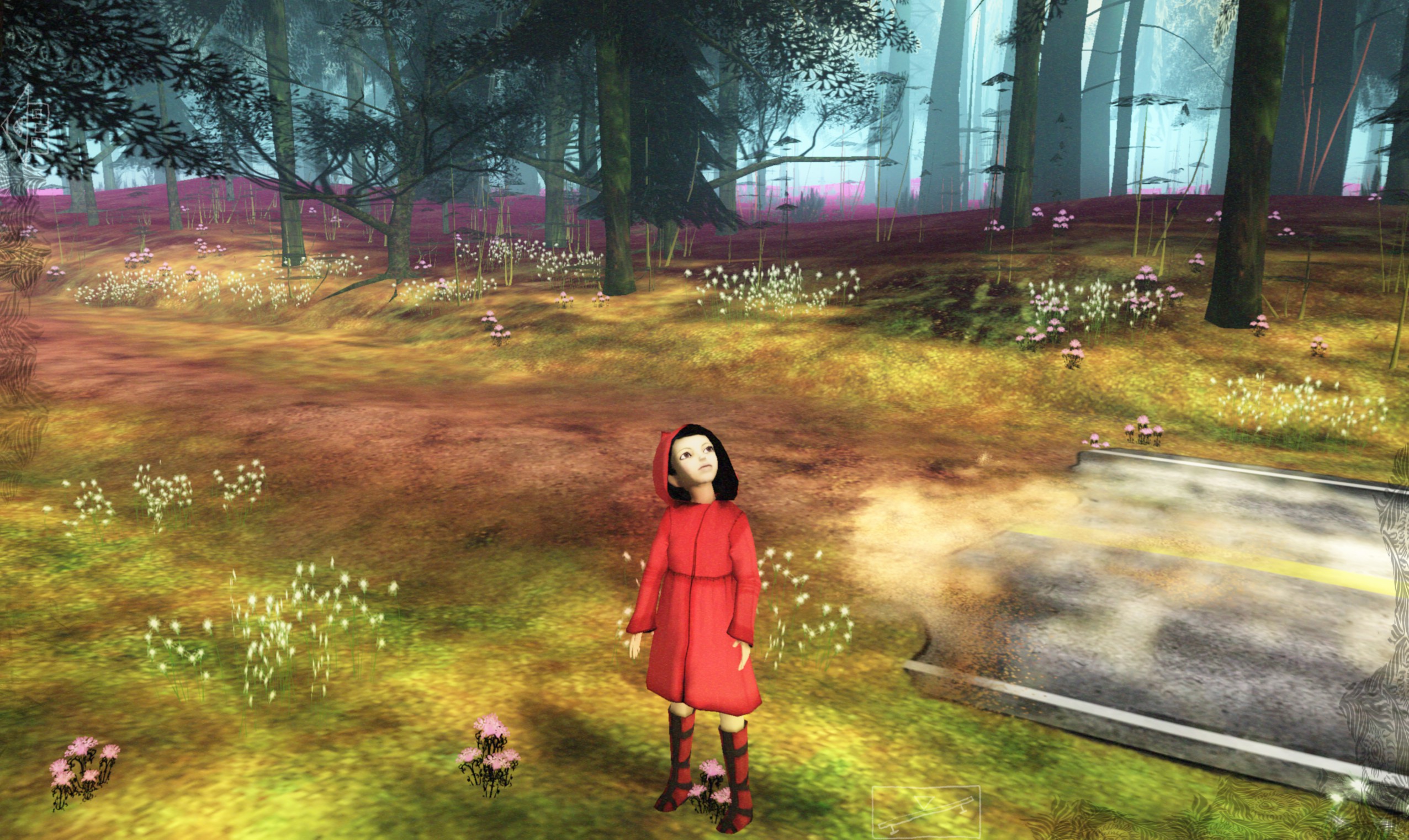
Without D9VK - Background fading is flickering purple
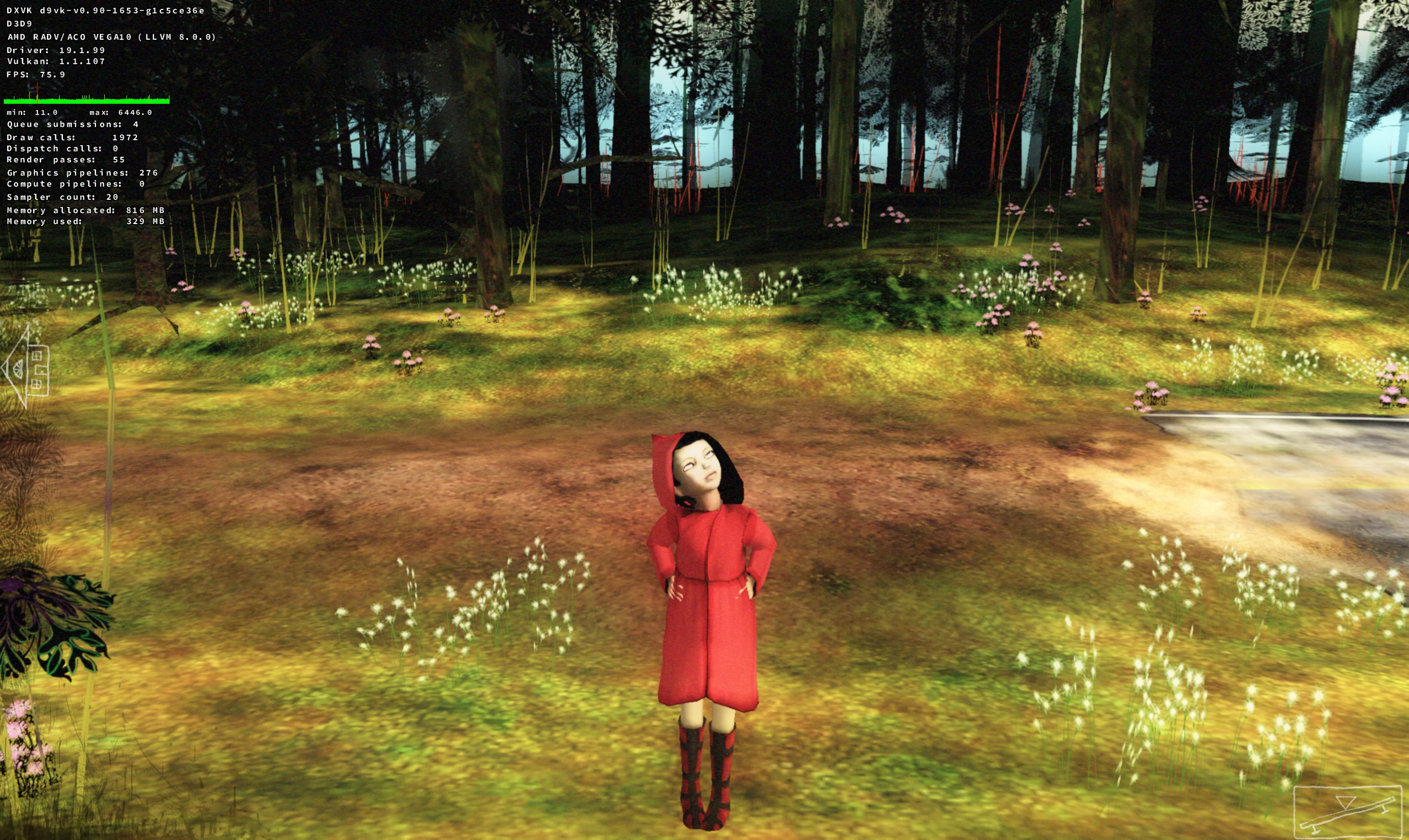
With D9VK - Background fades to black, but it should fade to the same colour as the background sky.
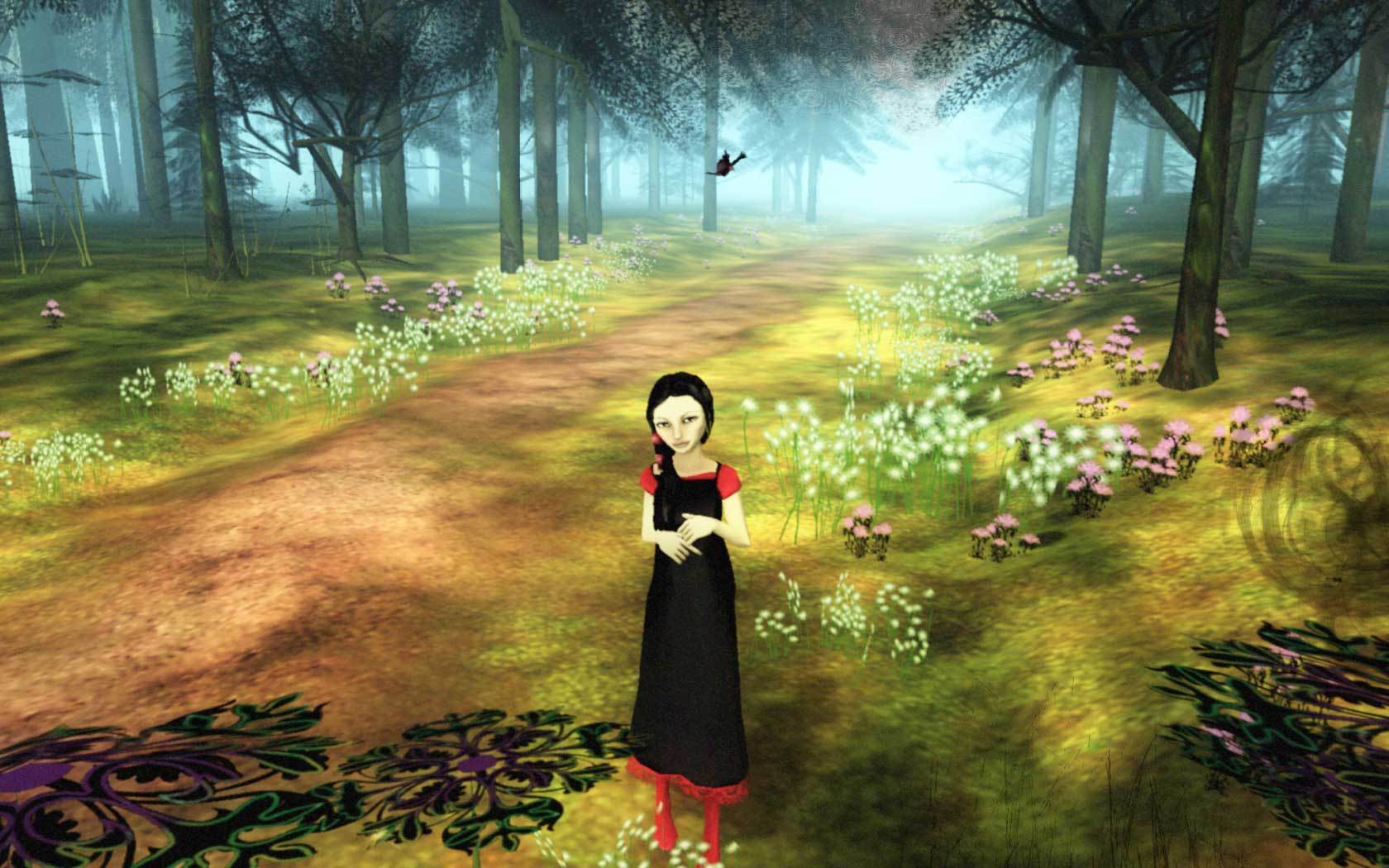
For reference this is how the game looks on Windows
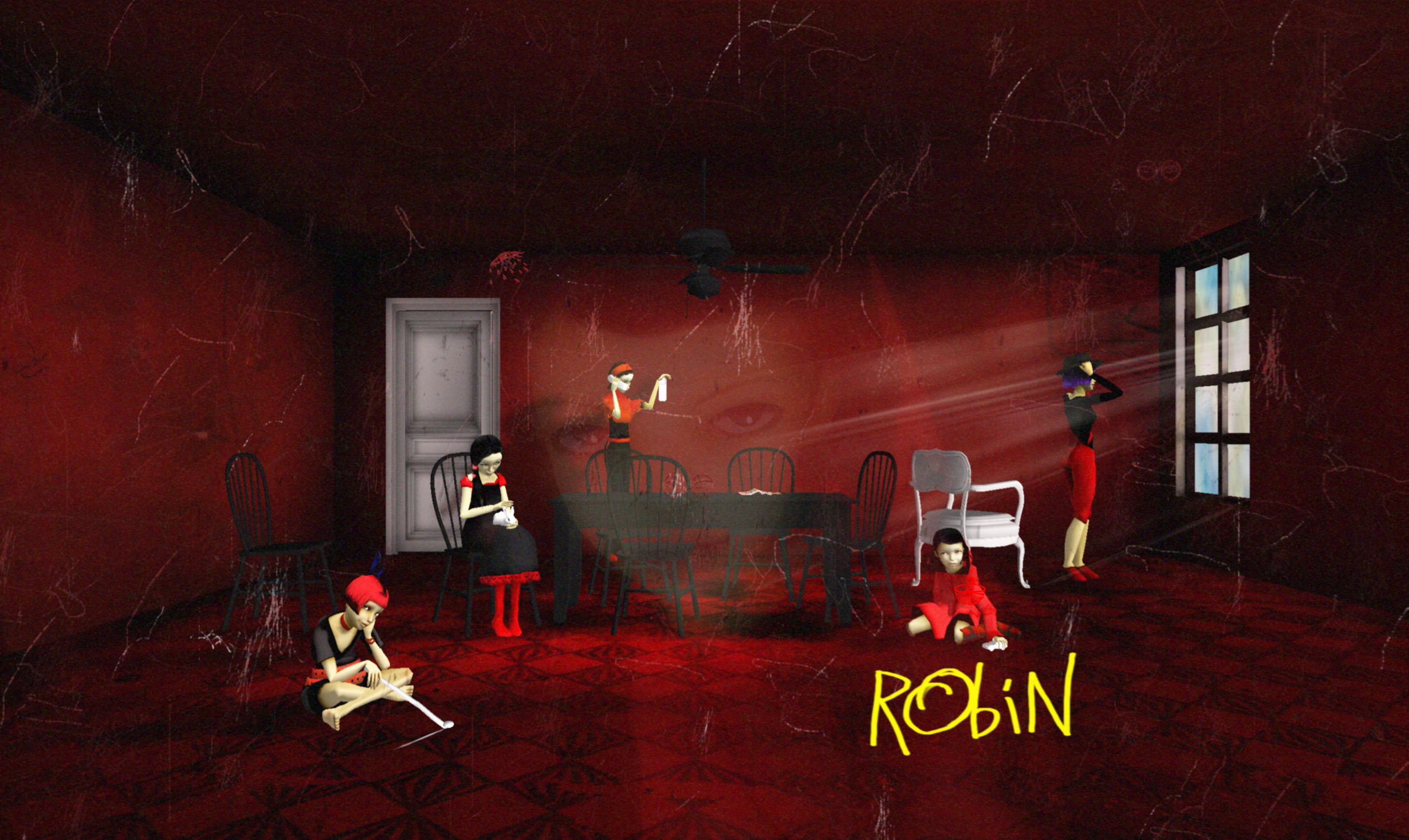
Without D9VK - The main menu looks correct.
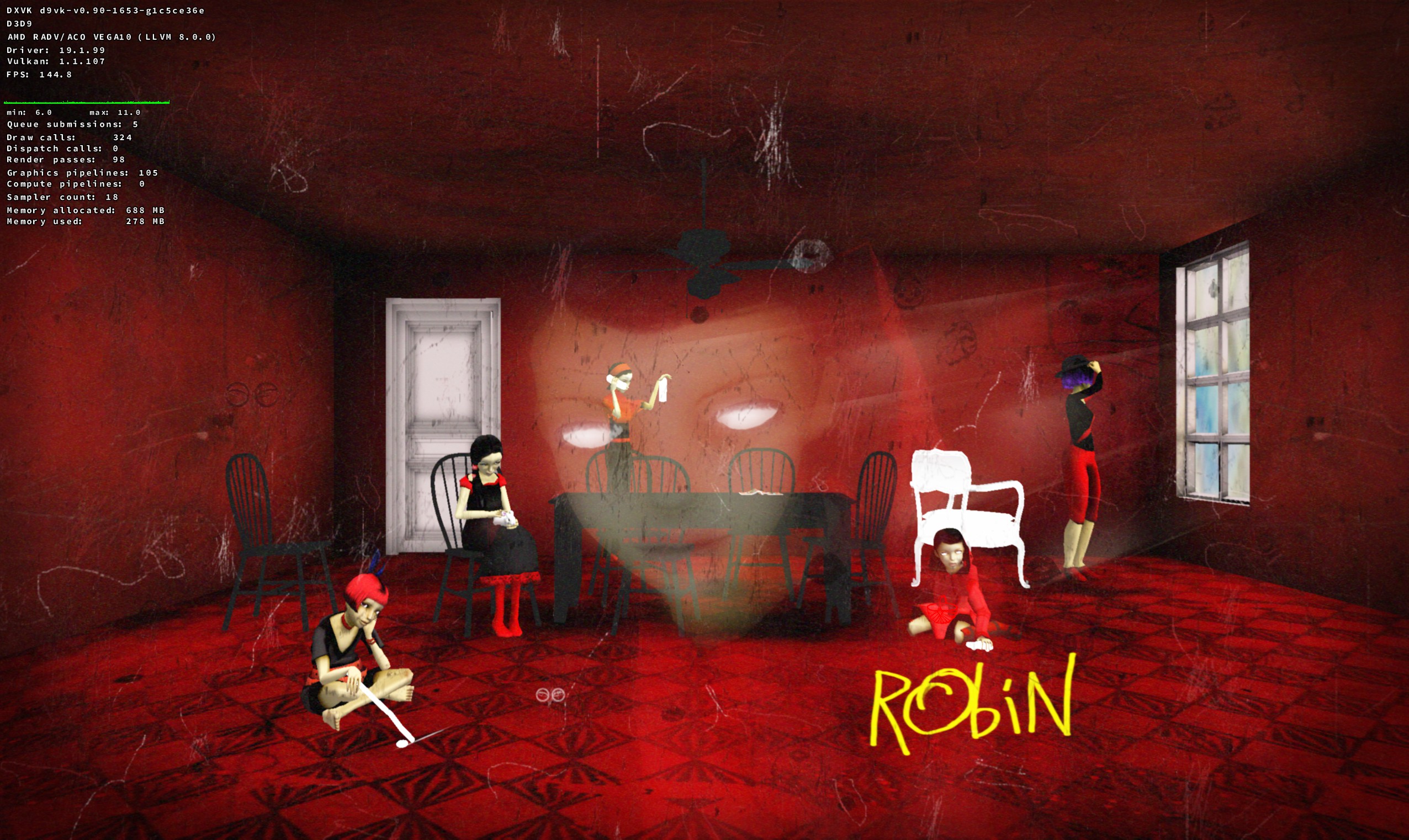
With D9VK - Notice the facial details, the eyes of the character Robin are missing pupils.
Logs of testing with D9VK and without:
steam-27000.log
steam-27000-d9vk.log
System Information
- GPU: RX VEGA 56
- GPU Driver: 19.1.0+aco+git1566739320-db73bde35cc-1bionic1 (Valves PPA)
- Kernel version: 5.2.10-050210-lowlatency
- Distro version: Linux Mint 19.2 Tina (64 bit) (Cinnamon)
- Proton version: 4.11-3
Retest Compatibility Report
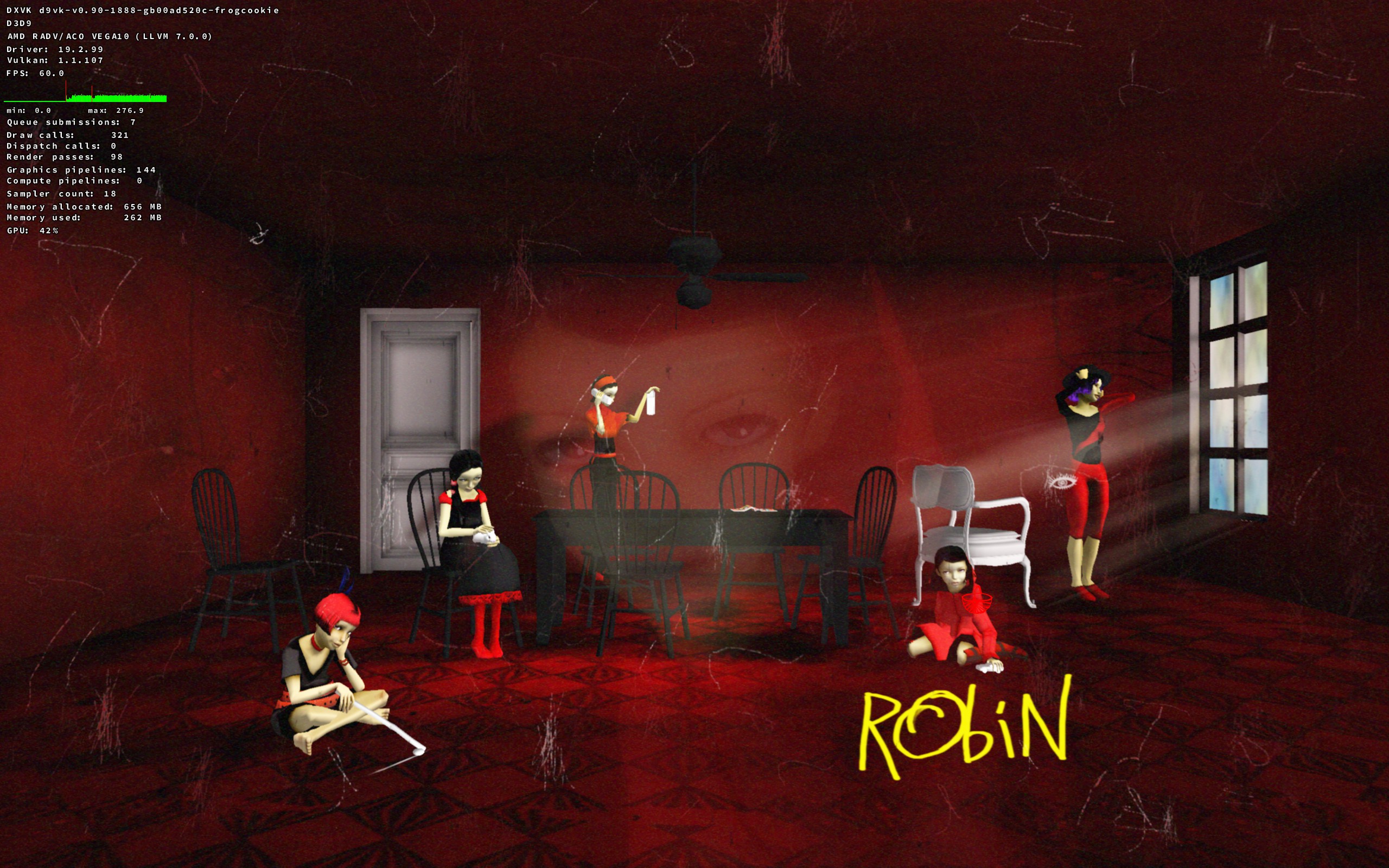
With D9VK - Main screen looks correct, the eyes are rendered correctly on Robin
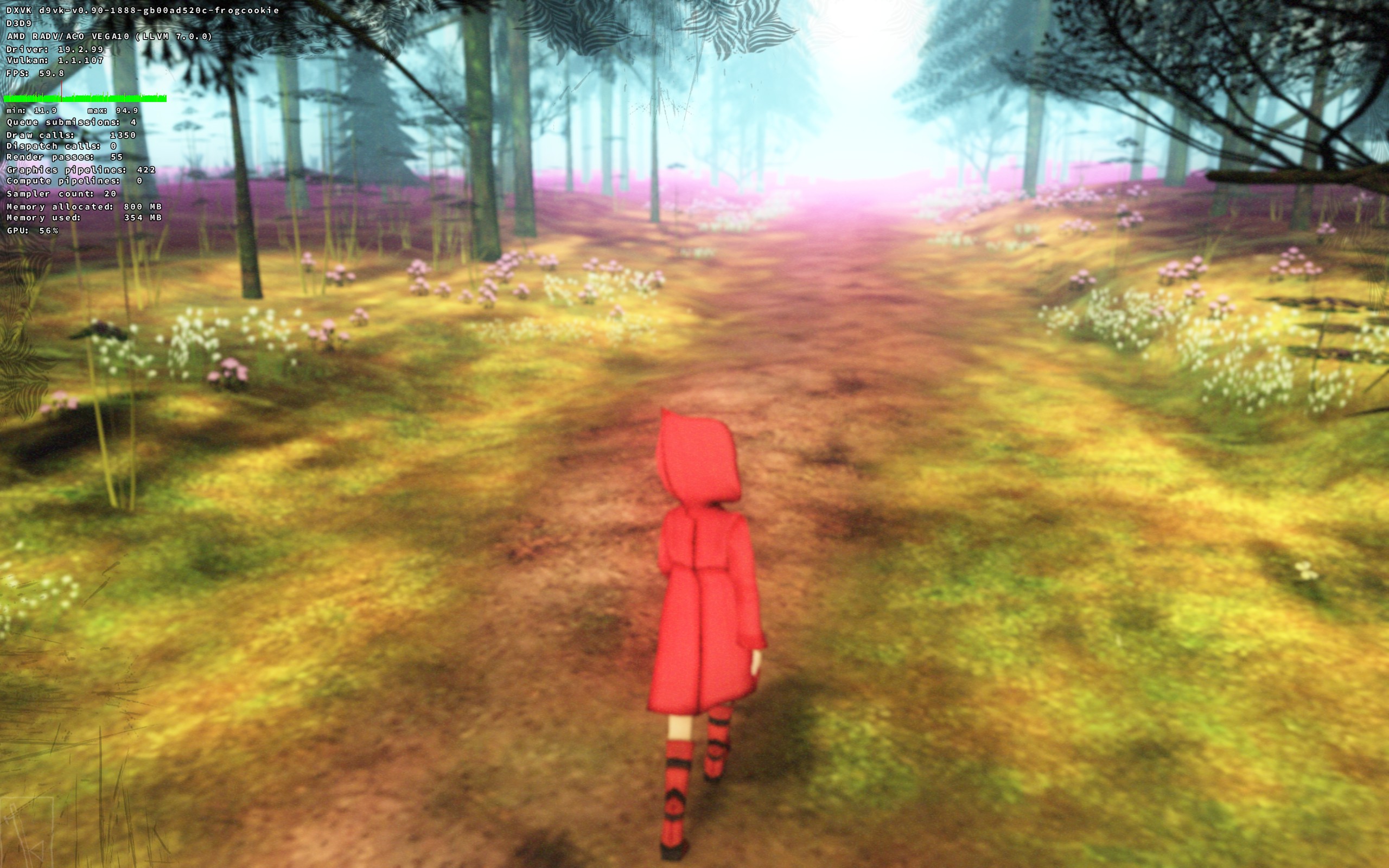
With D9VK - The background fading is now more accurate, but still flickers purple as without D9VK.
I could not spot any graphical difference between ACO and LLVM, and with D9VK and without.
steam-27000-proton-4.11-3-aco-d9vk.log
steam-27000-proton-4.11-3-standard.log
system_info.txt
Possible new issue(?) When controller is connected the controls keep pushing to the left all the time. I'm not sure if I properly tested controller support before (Nintendo Switch Pro Controller over bluetooth).
System Information
- GPU: RX 5700
- GPU Driver: Mesa 20.3.0-devel
- Kernel version: 5.8.11-050811-lowlatency
- Distro version: Mint 20 (64 bit) (Cinnamon)
- Proton version:
Retest Compatibility Report
There appears to be a regression with Proton 5.0,
Proton 4.2-9 and 4.11-13: Game works but with the same graphical issue as previously reported
Proton 5.0-9 and 5.0-10-rc4: Game launches a window that is just black and nothing happens
I tried also Proton 5.0-9 with older DXVK 1.5.1, but it made no difference
steam-27000-proton-4.2-9.log
steam-27000-proton-4.11-13.log
steam-27000-proton-5.0-9.log
steam-27000-proton-5.0-10-rc4.log
system_info.txt
Hello @AwesamLinux, does setting the game's launch options to PROTON_USE_WINED3D=1 %command% and running it with Proton 5.0 have an effect?
@kisak-valve There was no difference with the "PROTON_USE_WINED3D=1 %command%" launch option. Game just launches to a black window and nothing happens.
Tried out the demo on my oled deck with Proton Experimental. I still notice the red and purple flashing in the background playing after a bit (haven't checked for any other visual disparities compared to windows)
Swapping to wined3d didn't fix it, but instead introduced a new issue that broke the main characters animation.
Proton log using WineD3D:
steam-27040.log
Proton log without WineD3D:
steam-27040.log
Proton versions
proton experimentalx1 2024-03proton 5.0x2 2020-10proton 4.11-13x1 2020-10proton 4.2-9x1 2020-10proton 5.0-10x1 2020-10proton 5.0-9x1 2020-10proton 4.11-3x1 2019-08
Launch options
PROTON_USE_WINED3D=1x2 2020-10PROTON_LOG=1x1 2018-09
Launch lines
PROTON_USE_WINED3D=1 %command%x2 2020-10
I tried running The Path through Proton and it does launch and allow me to begin a game but there is a weird flickering where the green terrain will flicker to a reddish purple color every few seconds. The Steam AppID of the game is 27000. I added PROTON_LOG=1 %command% to the game's launch options and received the following log:
steam-27000.log
I have checked whether there are updates for my system available and I am up to date
System Information:
OS: Solus
GPU: RX 580 8GB
Driver/LLVM version: Mesa 18.1.6
Kernel version: 4.18.9-92.current
Proton version: 3.7-6
https://gist.github.com/Simmonz/e10682cde6b31de6fc4e4365b9fd4bda