Quantum Conundrum
Hello @kode54, I've been seeing this issue for years with wine. It roughly lines up with my transition from Tesla to Fermi nVidia generations.
My memory seems to recall this has something to do with a fixed function hardware feature that is being hit that does not exist in newer GPUs, but I'm not finding the corresponding winehq bug report to confirm.
Pretty interesting, considering actual published wine tests against this game date back to 1.8.3, back in 2012. Nothing more recent, aside from this.
Would an APITrace Direct3D 9 log from Windows be useful to anyone?
Okay, I've tested the apitrace with MSVC apitrace in Wine 3.15 d3d9 staging, both with and without Gallium Nine, and it plays just fine. I'm going to try the game in a fully Wine'd install of Steam.
E: Okay, the game itself is broken in Wine Staging too.
E2: Here are APITrace logs of the game running in Windows, and running in Linux under Wine Gallium Nine.
https://f.losno.co/qc.trace.7z (212MB)
https://f.losno.co/qc_linux.trace.7z (60MB)
Any updates on this? I get the same issue.
Mesa 18.2.6
Proton 3.16-6 beta
Radeon RX Vega M GH (Polaris 22)
Intel(R) Core(TM) i7-8809G CPU @ 3.10GHz
Kernel: 4.20.5-arch1-1-ARCH
https://steamcommunity.com/app/221410/discussions/8/3220528325740122313/#c3220528325740630311 apparently this fixes it. Tested here, works for me. Perhaps it's just a missing component in the install script?
I'll have to export a correct WINEPREFIX for ~/.local/share/Steam/steamapps/compatdata/200010/pfx (where 200010 is the app ID number when opening steam from the command line) and once I run winetricks vcrun2008, I have resolved my issue.
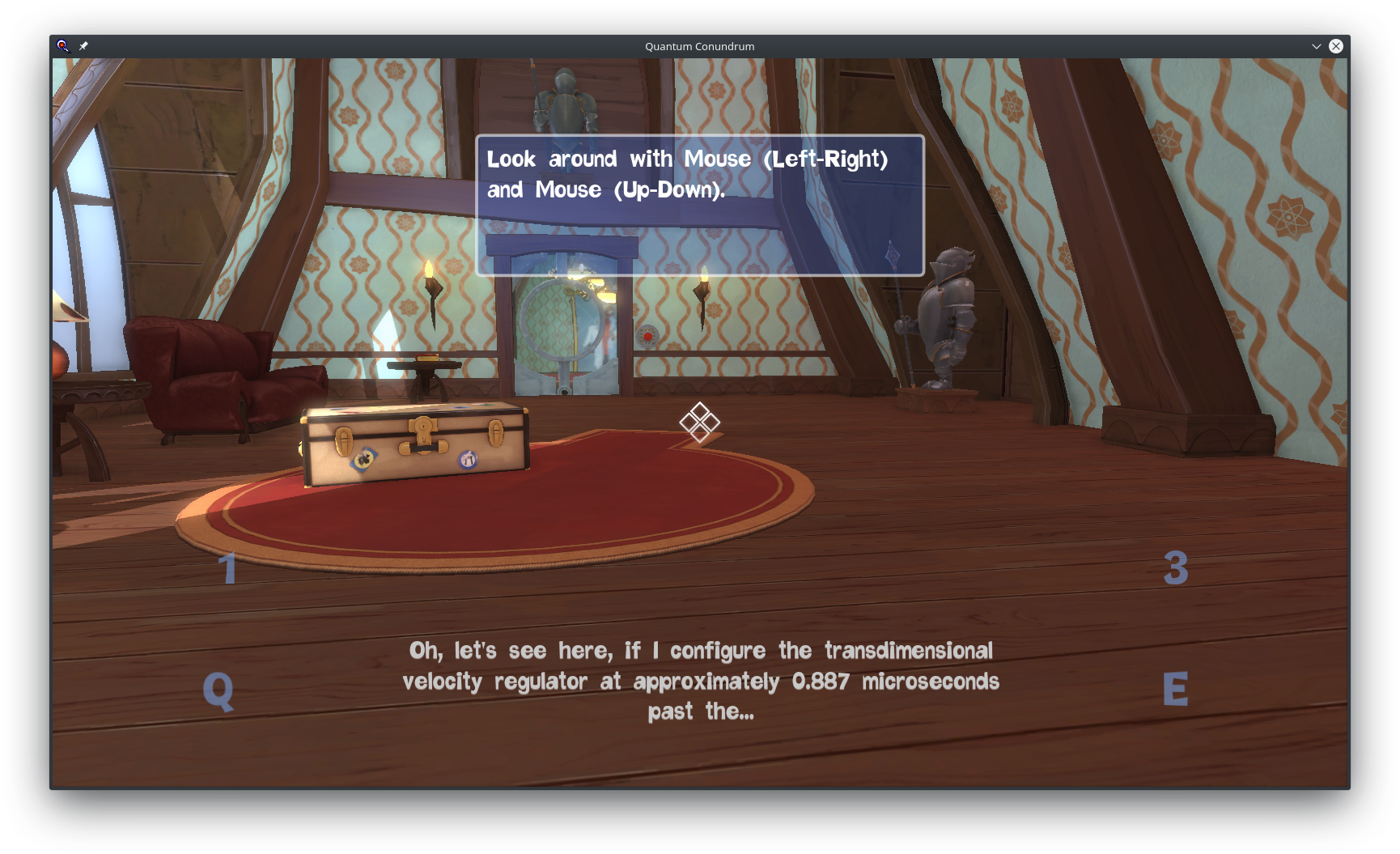
It appears the game's first time setup is installing some sort of VC runtime, not sure which, so maybe it's not getting marked for "native" in the Wine prefix on install?
Lighting seems fixed over here with Proton 9.0 (rc2) and a GTX 1060.
As I found a long time ago, this game back then required the correct MSVC runtime to be installed in the prefix to have correct texture/lighting instead of mostly blank solid black polygons. I don't know if this is still the case for Proton 9.0. I can check, but I don't know if Proton just installs the MSVC runtime regardless.
Edit: Verified, works with Proton 9.0 (Beta) without any extra steps.
On my end, proton 9 just opens and then closes with a warning about gameoverlay.so's ELF format. Same with 8 and experimental, 7 works out of the box. Haven't tried GloriousEggroll's stuff.
Compatibility Report
System Information
I confirm:
steam-200010.log
Symptoms
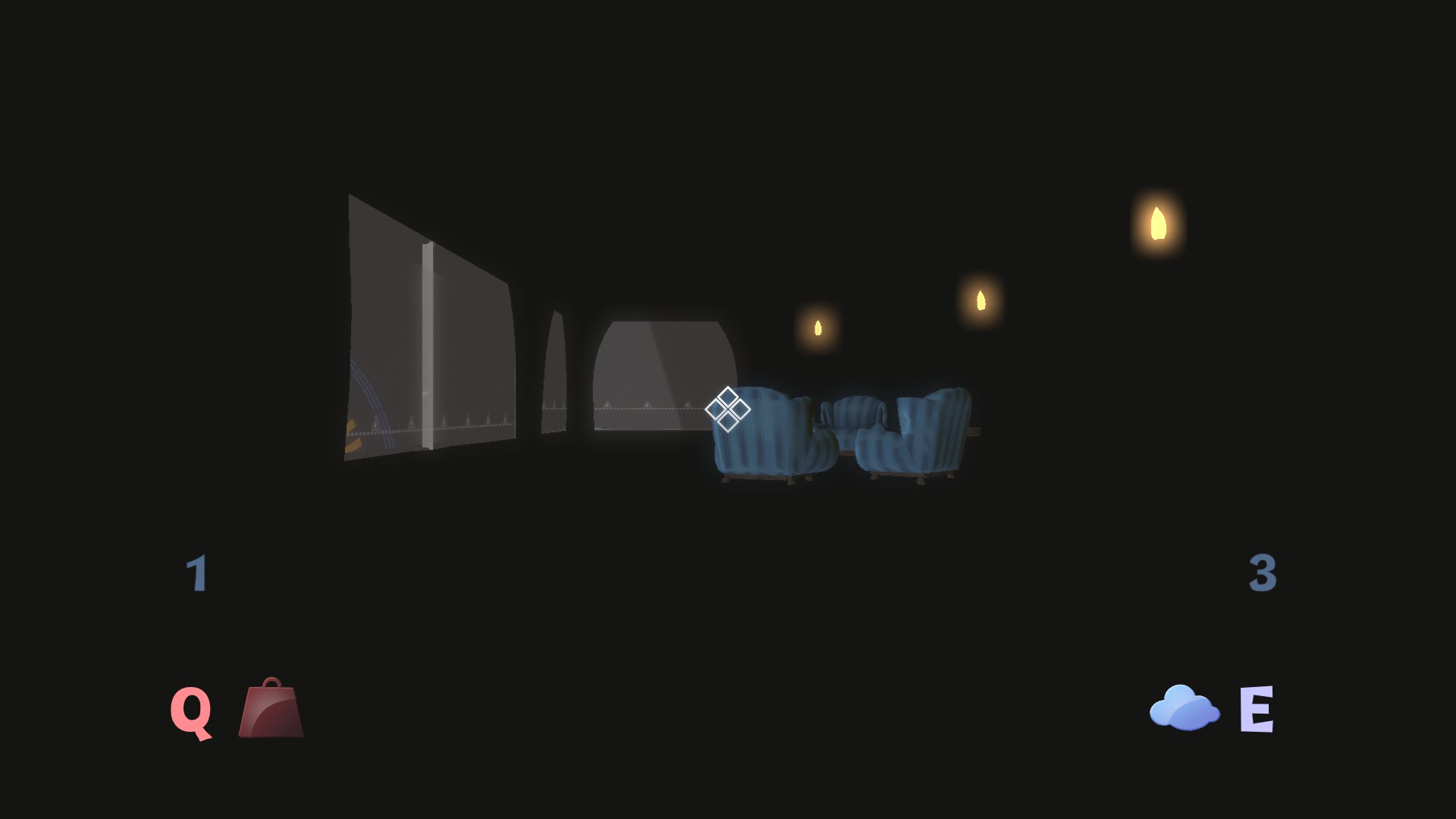
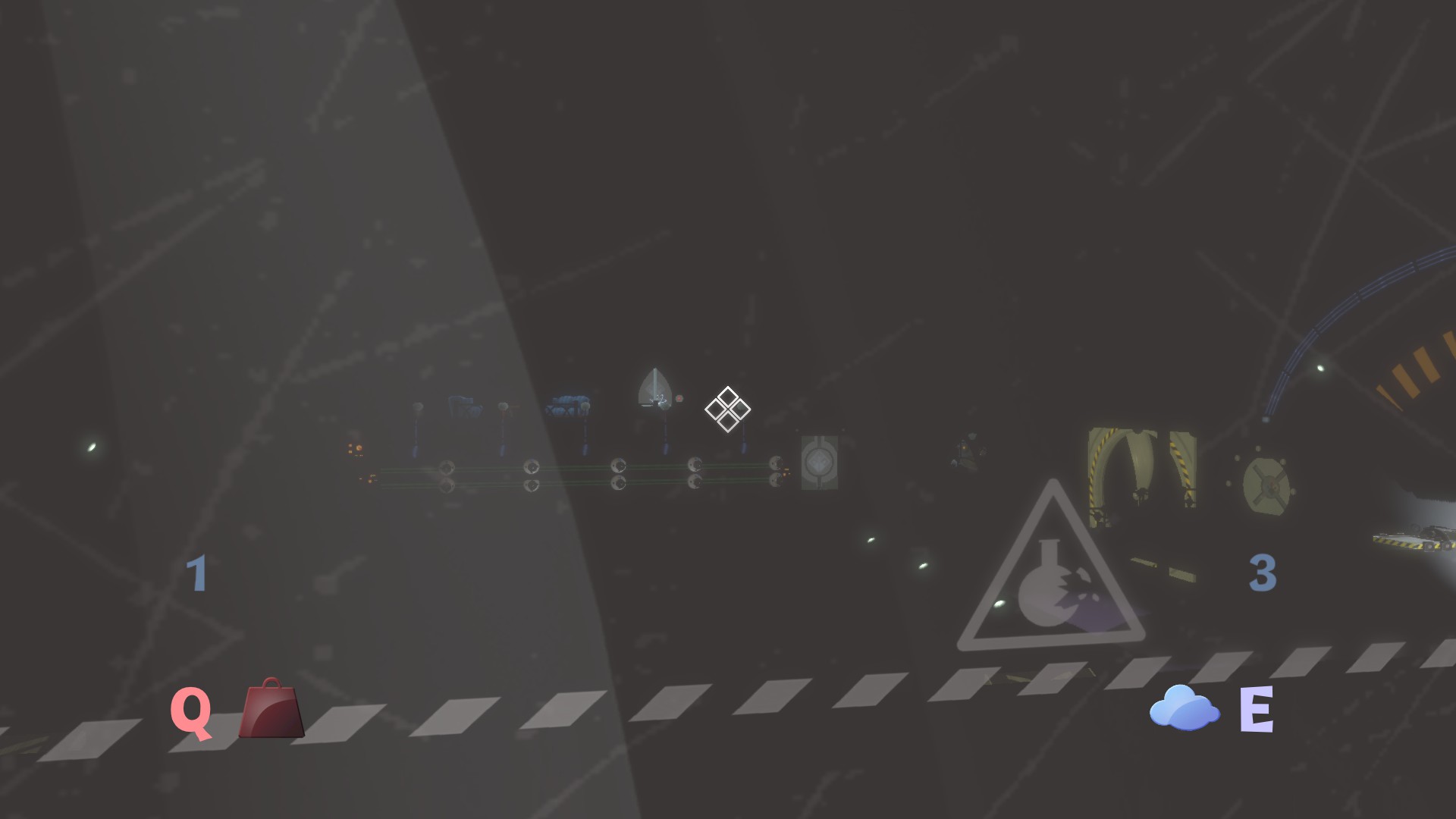
The graphics render incorrectly, at least on the level with the first generator. I haven't tried a new game yet, I only resumed where my last Windows save left off.
Reproduction
It happens every time I load my save and Continue.