DCS World Steam Edition
I got it to start (Proton 4.2-2, Nvidia 418.56) and authenticate by installing corefonts and vcrun2015 via protontricks. It came up in windowed mode, then I set it to fullscreen and all graphics options to the highest I could. So far so good, then I started a mission with A10-C. It loaded ok, but once it reached 100% it didn't continue. I had to SIGKILL the whole thing. It didn't start again after that so I removed the Config directory from the compatdata prefix. More humble in iteration two, I left everything as is (windowed, no graphics change), now the mission loaded fine, but then the whole process crashed when it tried to switch to in-flight.
@mlassnig I followed your instructions and got it running with proton 4.2-4. Everything is purple/pink (see attached screenshot) and I'm currently messing with the settings to see if I can fix it.
My System:
- Ubuntu 19.04, kernel 5.0.0-15
- GTX-1070, driver 418.56
What I did to get it running:
- installed corefonts and vcrun2015 using winetricks. I used these instructions: https://github.com/redmcg/wine/wiki. DCS-World steam ID is 223750
- ensured I have the latest release of proton enabled in Steam 4.2-4

I got rid of the pink hue by turning off MSSA but no combination of settings seems to allow this to render correctly. I upgraded to nvidia-drivers-430 with the same results. See screenshots:


Tried it with proton 4.2-7 mesa/radv and DXVK. Had to manually install corefonts using protontricks.
That did work, even in fullscreen and with MSAA activated. Also the activation and usage of DLC does work.
Performance was ok (35-40 fps on high profile with my RX Vega 64), but a bit worse than on Windows.
Also tried it with WINED3D, but there I get the same visual glitches as @h54.
Using protontricks
protontricks 223750 vcrun2017 corefonts xact d3dcompiler_43
seemed to fix nearly all the issues I was having. Everything renders beautifully at 60fps with very high settings.
The only things I'm unsure about:
- is the mouse supposed to control the camera inside/outside the aircraft? If so, it doesn't work.
- Pressing for the map freezes the game. I have to use ALT+F4 and restart Steam but the game restarts just fine.
* is the mouse supposed to control the camera inside/outside the aircraft? If so, it doesn't work.
Inside the aircraft, no.
The aircraft usually have a clickable cockpit, so moving the mouse moves a cursor you can use to flip switches etc.
Not sure about outside of the cockpit from the top of my head.
It runs really nicely!

@h54 did you get TrackIR and HOTAS working?
@Preisschild not as of yet. LinuxTrack recognizes the device and is able to create a working profile for X-Plane but I'm not sure where to go for DCS.
@h54 What is your joystick setup? Do you have one, if so how well does it work?
@MrMinimal currently using a Gladiator Mk II and it worked out of the box with no issues. I just had to map buttons to where I wanted them.
https://store.x-plane.org/Gladiator-MK-II_p_595.html
Anyone have any luck getting the F10 map working? The game freezes (alt + F4 fixes that) and restarting Steam fixes it. To restart Steam, I have to kill 9 a bunch of steam processes.
@h54 reopen the issue please
Anyone have any luck getting the F10 map working? The game freezes (alt + F4 fixes that) and restarting Steam fixes it. To restart Steam, I have to kill 9 a bunch of steam processes.
Actually that works fine for me, no issues. Without applying any additional tricks, just what is mentioned above already.
btw, in my test yesterday I found that the performance is now significantly better and around the same as on Windows 7.
As I mentioned before, I had around 35-40 fps on high profile (just did a short test flight with the T51D and the Huey). Now I get 60-80 fps on high profile in the T51D.
Don't know what caused the improvement, might be a new kernel version, new mesa version, new wine/proton, DXVK or something else, but it's definitely better.
It still crashes on launch for me :/
Only thing that caught my eye during protontricks installation was a lot of lines like this:
Executing cabextract -q -d /media/data/Spiele/Steam/steamapps/compatdata/223750/pfx/dosdevices/c:/windows/syswow64 -L -F xapofx*.dll /media/data/Spiele/Steam/steamapps/compatdata/223750/pfx/dosdevices/c:/windows/temp/_xact/oct2006_xact_x86.cab /media/data/Spiele/Steam/steamapps/compatdata/223750/pfx/dosdevices/c:/windows/temp/_xact/oct2006_xact_x86.cab: WARNING; possible 5960 extra bytes at end of file.
The Proton-Log states a pagefault, but nothing i can read anything out of. It doesn't create a subfolder "dcs" in "steamapps/compatdata/223750/pfx/dosdevices/c:/users/steamuser/Saved Games/" where the gamelog normaly should be iirc.
Happens both with ACO and RADV_PERFTEST=llvm
Maybe someone has any suggestion?
Maybe something went wrong during the installation of the packages?
Did you try with a clean wine prefix?
i just quit steam, deleted /steamapps/compatdata/223750/ and /steamapps/common/Proton 4.11/, restarted steam and verified proton 4.11 to download it again, started DCS (crash), ran "protontricks 223750 vcrun2013 corefonts xact d3dcompiler_43" and still got a crash :/
Is there any way to make proton "more clean"?
No I think that'll do. I don't think it's proton then.
Maybe drivers or some part of the system or maybe a bad download for DCS or something else.
@Termuellinator
Try adding dxvk
protontricks 223750 dxvk
@berniyh
I started with a clean wine prefix and can't get the F10 map to work. The game still crashes for me. Can you show me the output of the following?
protontricks 223750 list-installed
@h54 didn't help either.
Seems to still be the same error if i read the log correctly:
1993.470:0033:0034:trace:seh:call_stack_handlers found wine frame 0x22fdf0 rsp 22ffe0 handler 0x7b4c0fe0
1993.470:0033:0034:trace:seh:call_teb_handler calling TEB handler 0x7b4c0fe0 (rec=0x22f7d0, frame=0x22fdf0 context=0x22eca0, dispatch=0x22ea40)
wine: Unhandled page fault on read access to 0x00000004 at address 0x1407024fa (thread 0034), starting debugger...
1993.470:0033:0034:trace:seh:start_debugger Starting debugger "winedbg --auto 51 232"
ERROR: ld.so: object '/home/termy/.local/share/Steam/ubuntu12_32/gameoverlayrenderer.so' from LD_PRELOAD cannot be preloaded (wrong ELF class: ELFCLASS32): ignored.
i disabled the steam overlay (because of the gameoverlayrenderer.se error), but still the same
Have you checked out what other AMD users did on ProtonDB?
https://www.protondb.com/app/223750
@h54 didn't help either.
Seems to still be the same error if i read the log correctly:1993.470:0033:0034:trace:seh:call_stack_handlers found wine frame 0x22fdf0 rsp 22ffe0 handler 0x7b4c0fe0 1993.470:0033:0034:trace:seh:call_teb_handler calling TEB handler 0x7b4c0fe0 (rec=0x22f7d0, frame=0x22fdf0 context=0x22eca0, dispatch=0x22ea40) wine: Unhandled page fault on read access to 0x00000004 at address 0x1407024fa (thread 0034), starting debugger... 1993.470:0033:0034:trace:seh:start_debugger Starting debugger "winedbg --auto 51 232" ERROR: ld.so: object '/home/termy/.local/share/Steam/ubuntu12_32/gameoverlayrenderer.so' from LD_PRELOAD cannot be preloaded (wrong ELF class: ELFCLASS32): ignored.i disabled the steam overlay (because of the gameoverlayrenderer.se error), but still the same
@Termuellinator , have you checked out what other AMD users did on ProtonDB?
https://www.protondb.com/app/223750
i disabled the steam overlay (because of the gameoverlayrenderer.se error), but still the same
That error you can ignore, it's just normal on 64bit systems.
Have you checked out what other AMD users did on ProtonDB?
I was the first here to report success with this game and I'm running an AMD CPU (FX 4350) and GPU (RX Vega). ;)
Also on Mesa and RADV.
I upgraded to Ubuntu 19.10 with the packaged Nvidia 435 drivers and was getting frequent freezes. I had to start over with a clean Steam prefix every time afterwards. Downgrading to the 430 drivers (graphics drivers PPA) fixed it. Anyone else experience this? Also, the F10 map still crashes the game.
The game runs pretty much flawlessly on 4.11.7 for me. The one annoying issue is the F10 map crash which I don't seem to be alone in experiencing. What makes it even worse is that I have to remove and re-create the whole prefix after it happens.
@berniyh You said the F10 map works fine for you. Would you mind posting more info about your setup?
Update: I found a very simple solution to the problem. The map isn't the issue, it's the F10 key itself. Try pressing it in the main menu and it will still crash the game. So, the solution is to just rebind the key to anything else.
Also, I ran a diff of a working and non-working prefix, and it looks like the crash causes two files to appear:
pfx/drive_c/windows/system32/wbemprox.dll
pfx/drive_c/windows/system32/lsteamclient.dll
The latter is the one that is causing the game to not start again, so removing it saves you from having to reset your whole prefix after a crash.
@TheZoq2
Both of your solutions work for me, amazing work!
Previously, I was backing up the entire prefix dir just in case but removing that file is pretty simple.
Glad to hear the fix is reproducible. At least something about this bug makes sense :P It would be really interesting to know what causes the issue in the first place. I've never heard of a single key permanently crashing a game :D
Proton Version 4.11 - DCS World, GTR - FIA Racing Game do not launch
Issue transferred from https://github.com/ValveSoftware/Proton/issues/3282.
@Jeducious posted on 2019-12-03T07:42:09:
Hi,
So I have followed the instructions here to install the necessary drivers. I have a attached a dump of the output of steam after trying to launch DCS World. There is a crash with a stack trace near the end of the game, see DSC WORLD STEAM stdout/stderr.txt
This happens also for GTR. Though I can try to start the game, it never loads and I get similar output from GTR also.
My hardware is nothing out of the ordinary, software is Ubuntu 19.04. For the exact setup I have, see steam_system_info.txt
Also in the system info file I see a lot of errors related to steam trying to list the items in the "graphics-details" section of "architectures".
Any help would be appreciated, but I am not holding my breath there, this information is for the devs to hopefully make things work for average linux users like me. Gaming on linux would be nice, but so far I feel I have spent so much time trying to get this to work that its a bit of a turn off, and I am going to try and find a way to get a windows box up and running instead since I know I can run all these games on win 10 platform.
@Jeducious
For DCS, did you follow the instructions at proton-db? Without it the game probaly won't run.
I also notice you're using a fairly old AMD GPU (from 2013 if wikipedia is to be trusted). Unfortunately, I think AMDs linux drivers weren't great back then, and I'm not sure if that has been fixed, so that might cause your issues.
OK, I can see some instructions there to install protontricks and winetricks. But the instructions just tell me I have to install them, not how to.
So, question, why am I having to install these extra packages in the first place? How come the steam client doesn't install all the necessary components to run the games?
Also can't install winetricks, apparently this is needed to complete the protontricks command that gets DCS working so until I can install winetricks I think I am boned?
Here's the output of me trying to do the protontricks command and then trying to install winetricks....
james@james-xubuntu:~/.local/pipx/venvs/protontricks/bin$ ./protontricks 223750 vcrun2017 corefonts xact protontricks (ERROR): 'winetricks' executable could not be found automatically. Winetricks isn't installed, please install winetricks in order to use this script! james@james-xubuntu:~/.local/pipx/venvs/protontricks/bin$ pipx install winetricks Cache entry deserialization failed, entry ignored ERROR: Could not find a version that satisfies the requirement winetricks (from versions: none) ERROR: No matching distribution found for winetricks '/home/james/.local/pipx/venvs/winetricks/bin/python -m pip install winetricks -q' failed james@james-xubuntu:~/.local/pipx/venvs/protontricks/bin$
So, question, why am I having to install these extra packages in the first place? How come the steam client doesn't install all the necessary components to run the games?
DCS isn't officially supported by steam/proton
pipx install winetricks
I don't believe winetricks can be installed using pip
See https://github.com/Winetricks/winetricks for installation instructions
Yeah, turns out winetricks is installed using apt, its a package. So can someone explain what is the deal with steam's support of linux then? It appears to the casual user (me at least) that there are various ways to support their titles on linux, either using steam's own linux client/runtime/thingy, or proton.
Each of these options appears in steam as if it were some kind of app. They even have launch buttons. All of them fail to launch with an error btw, yes, I tried to launch them :( guessing you're not supposed to launch them?
So can someone explain what is the deal with steam's support of linux then? It appears to the casual user (me at least) that there are various ways to support their titles on linux, either using steam's own linux client/runtime/thingy, or proton.
There are essentially three tiers of linux support:
- Games with native linux versions
- Games without native linux versions but that are officially supported by proton
- Games without native linux versions and without official support, like DCS
Games in the last category can work, but there are no guarantees. They often require tweaking, and in cases where there are issues in proton, you can report them here. A community-maintained list of games is https://www.protondb.com/ where players can report game status and workarounds.
Also can't install winetricks, apparently this is needed to complete the protontricks command that gets DCS working so until I can install winetricks I think I am boned?
Yes. The thing is that proton is in a test phase and officially only supports selected games.
However, many other games do work even without official support.
DCS is not one of them as some part of setting up the wine config. This is what you fix using winetricks.
Once the proper procedure was established and tested, there is a chance that it will be included in a future proton release (meaning that it's done automatically or is obsolete) and the support status might change to being officially supported.
Unfortunately the list of games is very long so it'll take them a long time to get there.
Thankfully winetricks (or even better protontricks) makes it rather easy to apply the appropriate fixes, so … could be worse. ;)
btw, protontricks is just a frontend to winetricks making it easier to apply corresponding fixes to a specific game.
Yeah, turns out winetricks is installed using apt, its a package. So can someone explain what is the deal with steam's support of linux then? It appears to the casual user (me at least) that there are various ways to support their titles on linux, either using steam's own linux client/runtime/thingy, or proton.
Just ignore the steam runtime thing for the moment.
On an unrelated note, do smoke particle effects behave weirdly for anyone else. For me, it kind of looks like they don't move, they just animate.
This is most obvious with chimneys where there are just three white dots spaced out evenly above the chimney. It also makes flares and missile trails look really strange.
As far as I can tell, not all particle effects are broken though. Explosions, and the black smoke from engines look like they work fine
@TheZoq2 I experience the same thing. Contrails, missile exhaust, chimney smoke, and any other white smoke has gaps and doesn't seem to be animated. Black exhaust smoke while using MIL power and explosion and fire smoke seems to be fine.
As of the 2.5.6 open beta patch, I can no longer log into the game. Both standalone and steam crash on pressing login, though the steam version works fine if canceling the login.
The relevant parts of the game log seem to be
2020-02-29 09:06:43.698 INFO    EDCORE: # -------------- 20200229-090644 --------------
2020-02-29 09:06:43.698 INFO    EDCORE: DCS/2.5.6.43931 (x86_64; Windows NT 5.2.3790)
2020-02-29 09:06:43.698 INFO    EDCORE: C:\Program Files\Eagle Dynamics\DCS World OpenBeta\bin\DCS.exe
2020-02-29 09:06:43.698 INFO    EDCORE: # C0000005 ACCESS_VIOLATION at 40831C13 00:00000000
2020-02-29 09:06:43.698 INFO    EDCORE: SymInit: Symbol-SearchPath: '.;C:\Program Files\Eagle Dynamics\DCS World OpenBeta;C:\Program Files\Eagle Dynamics\DCS World OpenBeta\bin;C:\windows;C:\windows\system32;SRV*c:\websymbols*http://msdl.microsoft.com/download/symbols;', symOptions: 530, UserName: 'frans'
2020-02-29 09:06:43.698 INFO    EDCORE: OS-Version: 5.2.3790 (Service Pack 2) 0x0-0x1
2020-02-29 09:06:44.054 INFO    EDCORE: 0x0000000000831C13 (dcs): (function-name not available) + 0x0
2020-02-29 09:06:44.054 INFO    EDCORE: 0x00000000008315CE (dcs): (function-name not available) + 0x0
2020-02-29 09:06:44.055 INFO    EDCORE: 0x000000000167F196 (dcs): (function-name not available) + 0x0
2020-02-29 09:06:44.055 INFO    EDCORE: 0x00000000008513DF (dcs): (function-name not available) + 0x0
2020-02-29 09:06:44.056 INFO    EDCORE: 0x000000000085325C (dcs): (function-name not available) + 0x0
2020-02-29 09:06:44.056 INFO    EDCORE: 0x00000000008545E0 (dcs): (function-name not available) + 0x0
2020-02-29 09:06:44.056 INFO    EDCORE: 0x000000000084F88F (dcs): (function-name not available) + 0x0
2020-02-29 09:06:44.057 INFO    EDCORE: 0x000000000167E92B (dcs): (function-name not available) + 0x0
2020-02-29 09:06:44.057 INFO    EDCORE: 0x00000000006DFACF (dcs): (function-name not available) + 0x0
I have not seen any reports of windows users experiencing this, so I'm suspecting it's a wine issue. Has anyone else experienced it?
@TheZoq2 I have the same issue with the latest open beta versions. 2.5.5 and the first 2.5.6 patch are working, but any later 2.5.6 patch (including the current one) crash with that same log output.
I have the same issues with 2.5.6, i cant get it to work on Proton, please fix!
It seems there was an update today (03/19/2020) and I can no longer launch the game with any version of Proton. Anyone else having issues? I'd pause the update if possible.
Looks like I have similar issues.
For reference, this is the terminal output after the crash:
wine: Unhandled page fault on read access to 000000000000000C at address 000000014030B99A (thread 0035), starting debugger...
ERROR: ld.so: object '/home/frans/.local/share/Steam/ubuntu12_32/gameoverlayrenderer.so' from LD_PRELOAD cannot be preloaded (wrong ELF class: ELFCLASS32): ignored.
>>> Adding process 9195 for game ID 223750
Process of pid=0034 has terminated
No process loaded, cannot execute 'echo Modules:'
Cannot get info on module while no process is loaded
No process loaded, cannot execute 'echo Threads:'
process  tid      prio (all id:s are in hex)
00000008 steam.exe
	0000002a    0
	00000009    0
0000000c services.exe
	00000026    0
	00000020    0
	00000018    0
	00000013    0
	00000012    0
	00000011    0
	0000000e    0
	0000000d    0
0000000f plugplay.exe
	00000015    0
	00000014    0
	00000010    0
00000016 winedevice.exe
	0000001d    0
	0000001c    0
	0000001b    0
	0000001a    0
	00000019    0
	00000017    0
0000001e winedevice.exe
	00000023    0
	00000022    0
	00000021    0
	0000001f    0
00000024 winedevice.exe
	00000029    0
	00000028    0
	00000027    0
	00000025    0
0000002b explorer.exe
	00000031    0
	00000030    0
	0000002d    0
	0000002c    0
pid 9148 != 9147, skipping destruction (fork without exec?)
The latest patch (2.5.6.45317) seems to have fixed the login problems that occurred on the previous versions (see the comments above). So that's at least good news.
However, now the game crashes on a different stage (after login) with this message:
2020-03-20 14:40:45.903 INFO    EDCORE: DCS/2.5.6.45317 (x86_64; Windows NT 6.0.6002)
2020-03-20 14:40:45.903 INFO    EDCORE: C:\Program Files\Eagle Dynamics\DCS World OpenBeta\bin\webrtc_plugin.dll
2020-03-20 14:40:45.903 INFO    EDCORE: # C0000005 ACCESS_VIOLATION at 2AA02CDD 02:00002CDD
2020-03-20 14:40:46.218 INFO    EDCORE: SymInit: Symbol-SearchPath: '.;C:\Program Files\Eagle Dynamics\DCS World OpenBeta;C:\Program Files\Eagle Dynamics\DCS World OpenBeta\bin;C:\windows;C:\windows\system32;SRV*c:\websymbols*http://msdl.microsoft.com/download/symbols;', symOptions: 530, UserName: 'ape'
2020-03-20 14:40:46.218 INFO    EDCORE: OS-Version: 6.0.6002 (Service Pack 2) 0x0-0x1
2020-03-20 14:40:47.780 INFO    EDCORE: 0x0000000000002CDD (webrtc_plugin): (function-name not available) + 0x0
2020-03-20 14:40:47.781 INFO    EDCORE: 0x00000000002888E9 (webrtc_plugin): (function-name not available) + 0x0
2020-03-20 14:40:47.781 INFO    EDCORE: 0x00000000001A7070 (webrtc_plugin): (function-name not available) + 0x0
This seems to be related to webrtc_plugin.dll. Maybe there is something we can do to workaround the crash..
EDIT: This is probably an issue with the voice chat feature. WebRTC is probably used for that and the last log line from DCS is
SECURITYCONTROL: Loaded ./CoreMods/services/VoiceChat/bin/VoiceChat.dll
Disregard my last comment, I forgot to run protontricks after creating a new prefix. I am getting the same error as @Ape now, I wonder if there is something we can do to skip loading WebRTC.
Also, are you sure the login issues are fixed, mine crashes during the splash screen, before login. Or are you running the non-steam version which shows login early?
Looks like disabling voice chat in the options file does not solve the problem either :(
@TheZoq2 In the previous version, both Steam and standalone versions crashed with the same stack trace on login. In the standalone version the login happens before the splash screen and on Steam it happens ingame. In this new version I cannot test login on Steam version, but it has definitely been fixed on the standalone version. And since the login crash was previously identical I am expecting that the problem has been fixed on the Steam version, too.
Yea, that was my experience too, so that's good news. I'm going to try and see if I can get it to stop loading that DLL somehow. Unfortunately, disabling voice chat in the options file doesn't work
Some good news and some bad news:
Bad news: After getting the game running, I get another crash just after loading seems to be done:
020-03-20 17:56:33.183 INFO    UIBASERENDERER: Cannot load font [C:\windows\Fonts\Arial.ttf]!
2020-03-20 17:56:33.183 INFO    EDCORE: try to write dump information
2020-03-20 17:56:33.183 INFO    EDCORE: # -------------- 20200320-175634 --------------
2020-03-20 17:56:33.183 INFO    EDCORE: DCS/2.5.6.45317 (x86_64; Windows NT 5.2.3790)
2020-03-20 17:56:33.183 INFO    EDCORE: Z:\home\frans\.local\share\Steam\steamapps\common\DCSWorld\bin\DCS.exe
2020-03-20 17:56:33.183 INFO    EDCORE: # C0000005 ACCESS_VIOLATION at 407C9C1F 00:00000000
2020-03-20 17:56:34.053 INFO    EDCORE: SymInit: Symbol-SearchPath: '.;Z:\home\frans\.local\share\Steam\steamapps\common\DCSWorld;Z:\home\frans\.local\share\Steam\steamapps\common\DCSWorld\bin;C:\windows;C:\windows\system32;SRV*c:\websymbols*http://msdl.microsoft.com/download/symbols;', symOptions: 530, UserName: 'steamuser'
2020-03-20 17:56:34.053 INFO    EDCORE: OS-Version: 5.2.3790 (Service Pack 2) 0x0-0x1
2020-03-20 17:56:36.100 INFO    EDCORE: 0x00000000007C9C1F (dcs): (function-name not available) + 0x0
2020-03-20 17:56:36.100 INFO    EDCORE: 0x00000000007BCD4D (dcs): (function-name not available) + 0x0
2020-03-20 17:56:37.132 INFO    EDCORE: Minidump created.
Good news: The game seems to start and get to the main menu by commenting out a bunch of stuff in the lua files. Stupidly enough, I didn't write this down, but this is what I think I did:
- Comment out the
'VoiceChat'line incoreMods/entry.lua. This causes more issues since the module doesn't exist - To fix those: comment out all of
MissionEditor/modules/mul_voiceChat.luaapart from the following line:
local base = _G

module('mul_voicechat')
Finally, fix the last error by changing getVoiceChatDevices in MissionEditor/modules/Options/optionsDb.lua to
local function getVoiceChatDevices(dev_type)
	-- local devices = mod_sound.getVoiceChatDevices(dev_type)
	local result = {}
	-- if not devices then
	-- 	table.insert(result,Name(_('Undefined')):Value(""))
	-- else
	-- 	for k,v in ipairs(devices) do
	-- 		table.insert(result,Name(v[2]):Value(v[1]))
	-- 	end
	-- end

	return result
end
Success!
Looks like the clue was in the first line of the last log file I posted. Something was wrong with my arial font which is symlinked to something in proton. Replacing it with the arial font from the standalone version works :tada: If anyone wants a copy of that file, let me know and I'll upload it here
Edit: the login button in the steam version does nothing. But standalone seems to work. I'm currently downloading all my modules to it
Ok, looks like we're not out of the water yet. The game now fails integrity check, so most multiplayer servers are unavailable
Thanks for the guide. I was able to reproduce your workaround and get the game working. But you are right, the integrity check fails.
BTW, the entry.lua file you mentioned is in CoreMods/services/VoiceChat/entry.lua.
I'm not sure how integrity check works, but mine only complains about entry.lua. I'm thinking we may be able to replace the unloadable dll with something else if we don't call anything from it. For example, the capto glove dll, or a voice dll from an older version
I already tried to use the dll from older versions, but seems like they are not compatible. The dll must have some specific functions that are used by the latest version of the game.
I think we could use tools like stubgen, but that one seems to require visual studio to run it.
I tried copying the CaptoGlove dll to replace the VoiceChat dll. The game starts fine after my modifications, but unfortunately, integrity check now fails on VoiceChat.dll. This also leads me to believe that we won't fix this with something like stubgen either :/
I'm not very familiar with wine, but perhaps we can modify it to do something when loading that dll
Do you think the integrity check also checks webrtc_plugin.dll and not just VoiceChat.dll?
That's a good question, might be worth a shot to test that
Good news: I have IC working, and can join servers without crashing.
Luckily for us, integritycheck does not check webrtc_plugin.dll as you suggested. Using radare2, I found two relevant functions in that dll which I suspected caused the crash. First: webrtc_plugin.dll_CreatePlugin, then on server join webrtc_plugin.dll_CreatePeerConnection. By just making those return right away, the game now works.
Here is a modified dll for those interested. Of course, this could break horribly at any time ;)
https://drive.google.com/file/d/1k7Ij79K3YnUkjb3iKGNSutokY3zkPrJx/view?usp=sharing
I have noticed that this latest version (2.5.6.45317) has some problems with the game audio. Sometimes the audio is completely silent from the launch and only gets fixed by restarting the game. Seems like this problem occurs more often than it doesn't.
I guess it's related to the new audio DRM changes (audio file encryption) that is also causing some issues for Windows players.
I haven't noticed anything like that in ~2 hours of game time. The closest I got was some missing voice line for the B1b for Jester in the F14
truncated.txt
I'm not having any luck getting DCS to launch. The game just hangs.
I've tried
- rebuilding prefix several times for both proton 4.11 and proton 5
- deleting all game data and downloading again
- following what @TheZoq2 and @Ape suggested
Edited CoreMods/services/VoiceChat/entry.lua to look like this
local voicechat_disp  = _("VoiceChat")
declare_plugin("VoiceChat",
{
    dirName       = current_mod_path,
    displayName   = voicechat_disp,
    shortName     = "VoiceChat",
    fileMenuName  = "VoiceChat",
    version       = __DCS_VERSION__,
    state         = "installed",
    developerName = "Eagle Dynamics",
    info          = "VoiceChat",
    binaries      =
    {
    --  'VoiceChat',
    },
})
plugin_done()
In MissionEditor/modules/mul_voicechat.lua
Everything commented out except for:
local base = _G

module('mul_voicechat')
Edited fucntion getVoiceChatDevices() in MissionEditor/modules/Options/optionsDb.lua edit to look like this:
local function getVoiceChatDevices(dev_type)
    -- local devices = mod_sound.getVoiceChatDevices(dev_type)
    --local result = {Name(_('Default')):Value("")}
    local result = {}
--
--  for k,v in ipairs(devices) do
--      table.insert(result,Name(v[2]):Value(v[1]))
--  end

    return result
end
I turned on logging for proton with PROTON_LOG=1 %command% but my logs look completely different.
Log is attached
I don't see the log you attached, did you forget to do that?
Also, the dll modification is less intrusive than the modifications you did and also allows multiplayer, so you may want to give that a try
@TheZoq2 for some reason, the link to the log is at the top of the post. Included only the last 1000 lines as the full is larger than max attachment size. It's called truncated.txt https://github.com/ValveSoftware/Proton/files/4384954/truncated.txt.
I'm assuming bin/webrtc_dcs_plugin.dll is the .dll to be replaced? I can't find any other webrtc related dll...
Oh, that looks like the proton log, check the Saved\ Games/DCS.../Logs/dcs.log file which contains more actionable info in this case.
And yes, I think that that is the file to replace, though I believe it's called webrtc_plugin.dll on my system
@h54, which DCS version are you trying to run? These workarounds are intended for the latest open beta patch (2.5.6.45317).
@TheZoq2 thanks, please see attached log
@Ape I was attempting with the latest stable. I'll give the beta a try if necessary.
dcs.log
Hmm, there are a lot of messages in that log I haven't seen before. Could you creating a new clean prefix for the game. As @Ape said, the modifications I did recently were only to get open beta running, stable has worked fine for me every time I've tried it (which isn't often mind you)
@TheZoq2 could you please upload your Arial font from the standalone version?
I could start the game with your modified dll but when loading into a mission DCS is complaining when loading the font.
Sure, here it is <Link removed by moderator>
Thanks a lot :+1:
Hello @TheZoq2, the link you posted was removed because redistribution of the Arial font is legally problematic. (https://law.stackexchange.com/a/14834)
Oops, thanks for letting me know. I wonder if we could use the linked Arimo font from that stackexchange post
@TheZoq2 , here is a log from a fresh proton 5 prefix:
=== Log opened UTC 2020-03-28 20:48:11
2020-03-28 20:48:10.317 INFO    DCS: Command line: "Z:\home\chris\.steam\steam\steamapps\common\DCSWorld\bin\DCS.exe"
2020-03-28 20:48:10.317 INFO    DCS: DCS/2.5.5.41371 (x86_64; Windows NT 5.2.3790)
2020-03-28 20:48:10.339 INFO    DCS: Hwid: sy2oOw6o89taJtxM8bKaNWUf8fyv7RWXinUTRQ
2020-03-28 20:48:10.339 INFO    DCS: DCS revision: 161370
2020-03-28 20:48:10.339 INFO    DCS: Renderer revision: 19709
2020-03-28 20:48:10.339 INFO    DCS: Terrain revision: 19859
2020-03-28 20:48:10.349 INFO    DCS: CPU cores: 8, threads: 16, System RAM: 47666 MB, Pagefile: 0 MB
2020-03-28 20:48:10.359 INFO    EDCORE: (dDispatcher)enterToState_:0
2020-03-28 20:48:10.366 INFO    Dispatcher: 2020/3/28 15:48 V1803061700
2020-03-28 20:48:10.366 INFO    INPUT: Device [Keyboard] created deviceId = -1
2020-03-28 20:48:10.822 INFO    INPUT: Device [Thrustmaster TWCS Throttle {001E36B7-5DBA-0000-A8C9-CFC8689DB403}] created deviceId = -1
2020-03-28 20:48:10.822 INFO    INPUT: Joystick created[Thrustmaster TWCS Throttle {001E36B7-5DBA-0000-A8C9-CFC8689DB403}], ForceFeedBack: no
2020-03-28 20:48:10.822 INFO    INPUT: Device [www.vkb-sim.pro www.forum.vkb-sim.pro © Alex Oz 2012-2017 VKBsim Gladiator  {001E36B7-5DBA-0001-A8C9-CFC8689DB403}] created deviceId = -1
2020-03-28 20:48:10.822 INFO    INPUT: Joystick created[www.vkb-sim.pro www.forum.vkb-sim.pro © Alex Oz 2012-2017 VKBsim Gladiator  {001E36B7-5DBA-0001-A8C9-CFC8689DB403}], ForceFeedBack: no
2020-03-28 20:48:10.822 INFO    INPUT: Device [Mouse] created deviceId = -1
2020-03-28 20:48:10.834 INFO    SOUND: Using driver: xaudio29
2020-03-28 20:48:10.834 ERROR   SOUND: GetActivationFactory failed with: 0x80040150
2020-03-28 20:48:10.834 INFO    SOUND: Found 0 available audio device(s):
2020-03-28 20:48:11.132 INFO    SOUND: loaded 1578 sdefs from "sounds\sdef\"
2020-03-28 20:48:11.132 INFO    SOUNDER: Preloading Sounders from Sounds\Sounders
2020-03-28 20:48:11.151 INFO    Dispatcher: InitLow
2020-03-28 20:48:11.155 INFO    Dispatcher: Loading installed modules...
2020-03-28 20:48:12.451 INFO    Scripting: OBSOLETE mount_vfs_sound_path() used in ./CoreMods/aircraft/AJS37/entry.lua
2020-03-28 20:48:12.575 INFO    Scripting: OBSOLETE mount_vfs_sound_path() used in ./Mods/aircraft/F14/entry.lua
2020-03-28 20:48:12.584 INFO    Scripting: PLUGINS START-------------------------------------------------
2020-03-28 20:48:12.606 INFO    SOUNDER: Preloading Sounders from .\CoreMods\tech\TechWeaponPack\Sounds\Sounders
2020-03-28 20:48:12.630 INFO    SOUNDER: Preloading Sounders from .\CoreMods\tech\USS John C Stennis\Sounds\Sounders
2020-03-28 20:48:12.640 INFO    SOUND: loaded 26 sdefs from ".\coremods\aircraft\ajs37\sounds\sdef\"
2020-03-28 20:48:12.657 INFO    SOUND: loaded 15 sdefs from ".\coremods\aircraft\av8bna\sounds\sdef\"
2020-03-28 20:48:12.657 INFO    SOUNDER: Preloading Sounders from .\CoreMods\aircraft\AV8BNA\Sounds\Sounders
2020-03-28 20:48:12.665 WARNING EDCORE: Source ./CoreMods/aircraft/AV8BNA/Shapes is already mounted to the same mount /models/.
2020-03-28 20:48:12.690 INFO    SOUND: loaded 11 sdefs from ".\coremods\aircraft\c-101\sounds\sdef\"
2020-03-28 20:48:12.712 WARNING EDCORE: Source ./CoreMods/aircraft/C-101/Liveries is already mounted to the same mount /textures//liveries/.
2020-03-28 20:48:12.718 INFO    SOUND: loaded 28 sdefs from ".\coremods\aircraft\chinaassetpack\sounds\sdef\"
2020-03-28 20:48:12.718 INFO    SOUNDER: Preloading Sounders from .\CoreMods\aircraft\ChinaAssetPack\Sounds\Sounders
2020-03-28 20:48:12.780 INFO    SOUND: loaded 5 sdefs from ".\coremods\aircraft\christen eagle ii\sounds\sdef\"
2020-03-28 20:48:12.798 ERROR   EDCORE: Can't mount coremods/aircraft/christen eagle ii/textures2. Drivers errors:
2020-03-28 20:48:12.798 ERROR   EDCORE: 	EDCDriver: there is no directory coremods/aircraft/christen eagle ii/textures2.edc
2020-03-28 20:48:12.798 ERROR   EDCORE: 	FSDriver: there is no directory coremods/aircraft/christen eagle ii/textures2
2020-03-28 20:48:12.798 ERROR   EDCORE: 	ZipDriver: Can't open zip archive coremods/aircraft/christen eagle ii/textures2.zip.
2020-03-28 20:48:12.857 INFO    SOUND: loaded 26 sdefs from ".\coremods\aircraft\f14\sounds\sdef\"
2020-03-28 20:48:12.857 INFO    SOUNDER: Preloading Sounders from .\CoreMods\aircraft\F14\Sounds\Sounders
2020-03-28 20:48:12.869 ERROR   EDCORE: Can't mount coremods/aircraft/f14/textures/lns_f14_exterior. Drivers errors:
2020-03-28 20:48:12.869 ERROR   EDCORE: 	EDCDriver: there is no directory coremods/aircraft/f14/textures/lns_f14_exterior.edc
2020-03-28 20:48:12.869 ERROR   EDCORE: 	FSDriver: there is no directory coremods/aircraft/f14/textures/lns_f14_exterior
2020-03-28 20:48:12.869 ERROR   EDCORE: 	ZipDriver: Can't open zip archive coremods/aircraft/f14/textures/lns_f14_exterior.zip.
2020-03-28 20:48:12.949 INFO    SOUND: loaded 30 sdefs from ".\coremods\aircraft\i-16\sounds\sdef\"
2020-03-28 20:48:12.967 INFO    SOUND: loaded 19 sdefs from ".\coremods\aircraft\m-2000c\sounds\sdef\"
2020-03-28 20:48:13.012 INFO    SOUND: loaded 7 sdefs from ".\coremods\aircraft\mig-21bis\sounds\sdef\"
2020-03-28 20:48:13.030 INFO    SOUND: loaded 2 sdefs from ".\coremods\aircraft\sa342\sounds\sdef\"
2020-03-28 20:48:13.076 INFO    SOUND: loaded 50 sdefs from ".\mods\aircraft\av8bna\sounds\sdef\"
2020-03-28 20:48:13.095 INFO    Scripting: plugin: SKIPPED 'F-15C': disabled by 'Flaming Cliffs by Eagle Dynamics'
2020-03-28 20:48:13.110 INFO    SOUND: loaded 71 sdefs from ".\mods\aircraft\f-5e\sounds\sdef\"
2020-03-28 20:48:13.123 INFO    SOUND: loaded 53 sdefs from ".\mods\aircraft\f-86\sounds\sdef\"
2020-03-28 20:48:15.412 INFO    SOUND: loaded 8889 sdefs from ".\mods\aircraft\f14\sounds\sdef\"
2020-03-28 20:48:15.435 ERROR   EDCORE: Can't mount mods/aircraft/f14/textures/color/dynamic. Drivers errors:
2020-03-28 20:48:15.435 ERROR   EDCORE: 	EDCDriver: there is no directory mods/aircraft/f14/textures/color/dynamic.edc
2020-03-28 20:48:15.435 ERROR   EDCORE: 	FSDriver: there is no directory mods/aircraft/f14/textures/color/dynamic
2020-03-28 20:48:15.435 ERROR   EDCORE: 	ZipDriver: Can't open zip archive mods/aircraft/f14/textures/color/dynamic.zip.
2020-03-28 20:48:15.440 ERROR   EDCORE: Can't mount mods/aircraft/f14/textures/chromecatlegacy. Drivers errors:
2020-03-28 20:48:15.440 ERROR   EDCORE: 	EDCDriver: there is no directory mods/aircraft/f14/textures/chromecatlegacy.edc
2020-03-28 20:48:15.440 ERROR   EDCORE: 	FSDriver: there is no directory mods/aircraft/f14/textures/chromecatlegacy
2020-03-28 20:48:15.440 ERROR   EDCORE: 	ZipDriver: Can't open zip archive mods/aircraft/f14/textures/chromecatlegacy.zip.
2020-03-28 20:48:15.469 INFO    SOUND: loaded 103 sdefs from ".\mods\aircraft\fa-18c\sounds\sdef\"
2020-03-28 20:48:15.475 INFO    Scripting: plugin: SKIPPED 'Su-27 Flanker by Eagle Dynamics': disabled by 'Flaming Cliffs by Eagle Dynamics'
2020-03-28 20:48:15.475 INFO    Scripting: plugin: SKIPPED 'Su-33 Flanker by Eagle Dynamics': disabled by 'Flaming Cliffs by Eagle Dynamics'
2020-03-28 20:48:15.478 INFO    Scripting: plugin: SKIPPED 'A-10A by Eagle Dynamics': disabled by 'Flaming Cliffs by Eagle Dynamics'
2020-03-28 20:48:15.480 INFO    Scripting: plugin: SKIPPED 'MiG-29 Fulcrum by Eagle Dynamics': disabled by 'Flaming Cliffs by Eagle Dynamics'
2020-03-28 20:48:15.480 INFO    Scripting: plugin: SKIPPED 'Su-25A by Eagle Dynamics': disabled by 'Flaming Cliffs by Eagle Dynamics'
2020-03-28 20:48:15.483 INFO    Scripting: PLUGINS DONE--------------------------------------------------
2020-03-28 20:48:15.855 INFO    SECURITYCONTROL: Loaded ./CoreMods/aircraft/AV8BNA/bin/AV8B_AI.dll
2020-03-28 20:48:15.857 INFO    SECURITYCONTROL: Loaded ./CoreMods/aircraft/C-101/bin/C101Core.dll
2020-03-28 20:48:15.859 INFO    SECURITYCONTROL: Loaded ./CoreMods/aircraft/ChinaAssetPack/bin/JF-17_AI.dll
2020-03-28 20:48:15.860 INFO    CE2_AI: Loading CE AI
2020-03-28 20:48:15.860 INFO    SECURITYCONTROL: Loaded ./CoreMods/aircraft/Christen Eagle II/bin/CE2_AI.dll
2020-03-28 20:48:15.862 INFO    SECURITYCONTROL: Loaded ./CoreMods/aircraft/F14/bin/F14-AI.dll
2020-03-28 20:48:15.864 INFO    MiG21_AI: Loading CE AI
2020-03-28 20:48:15.864 INFO    SECURITYCONTROL: Loaded ./CoreMods/aircraft/MiG-21bis/bin/MiG21_AI.dll
2020-03-28 20:48:15.868 INFO    SECURITYCONTROL: Loaded ./CoreMods/services/CaptoGlove/bin/edCaptoGlove.dll
2020-03-28 20:48:15.888 INFO    SECURITYCONTROL: Loaded ./CoreMods/services/VoiceChat/bin/VoiceChat.dll
2020-03-28 20:48:19.572 ERROR   EDCORE: LoadLibrary failed for ./Mods/aircraft/A-10C/bin/A10.dll: (1114) DLL initialization failed.


2020-03-28 20:48:19.572 ERROR   SECURITYCONTROL: Failed to load ./Mods/aircraft/A-10C/bin/A10.dll: (1114) DLL initialization failed.


2020-03-28 20:48:19.572 ERROR   WorldPlugIns: Can't load plugin module A10.dll
2020-03-28 20:48:19.591 INFO    SECURITYCONTROL: Loaded (mm) ./Mods/aircraft/AV8BNA/bin/AV8B_CPT.dll.crypt
2020-03-28 20:48:19.593 INFO    SECURITYCONTROL: Loaded (mm) ./Mods/aircraft/AV8BNA/bin/AV8B_FM.dll.crypt
Oops, thanks for letting me know. I wonder if we could use the linked Arimo font from that stackexchange post
I tried it just now and it looks like it works!
I didn't need that patched DLL you guys were using to be able to launch the game. What is it for?
@h54 Looks like an issue with the A10 module to me. I don't own it, so I wouldn't have seen that issue. Can you try uninstalling it to see if that improves things?
@FrozenDroid good news. The web_rtc dll replacement is needed if the game crashes at startup (just after login on standalone). Out of curiosity, what game version and proton version are you using?
@TheZoq2 I'm on version 2.5.5.41371 with Proton 5.0-5. I do use the Steam version of the game. I hadn't tried logging in yet but, I tried that just now and that too looks to be working just fine.
I've also tried a few modules like the A-10C and Mig-21 and it seems to be running pretty smoothly!
Ah right, the DLL stuff is only needed for 2.5.6.(something) open beta.
I also haven't noticed any issues with modules, apart from some rendering issues on the rwr in the f16
Someone else has problems with the Harrier Tpod having rendering issues when sometimes part of it is black??
I have had no issues with the harrier, though I haven't flow it much in the latest patch so I may have missed that
I actually flew the Harrier a couple of days ago with the newest patch (2.5.6) and the dll fix from TheZoq2.
Had zero issues so far.
The Tpod was working fine as well
A new patch was released today, it seems to have changed some things but I got the game working again.
The standalone version does not let me log in, it gives a 500 error and crashes.
Steam version now allows me to log in, at least after I do the webrtc_plugin.dll fix. It also looks like webrtc was updated, so we will need to re-patch it. I also realised that distributing the file might be against the EULA, I contacted support to ask, but for now I'll just tell you how to do it.
To make it work, I opened the file in https://github.com/radareorg/cutter (make sure to tick Load in write mode)
Then you need to jump to sym.webrtc_plugin.dll_CreatePlugin and edit the instruction after it to ret.
Same thing with sym.webrtc_plugin.dll_CreatePeerConnection
And you should be good to go
500 error looks to be issue with wbemprox.dll, overriding it lets game start eg:
WINEDLLOVERRIDES="wbemprox=""" wine bin/DCS.exe
Now it looks like:
'0069:err:ole:COMPOBJ_DllList_Add couldn't load in-process dll L"C:\windows\system32\wbem\wbemprox.dll"
0069:err:ole:CoGetClassObject no class object {4590f811-1d3a-11d0-891f-00aa004b2e24} could be created for context 0x1
2020-04-05 22:26:54.993 INFO NET: Got auth data.
2020-04-05 22:26:55.201 INFO DCS: Successfully got authorization data.'
When I start the game, with proton 5.0-5, it says my operating system is not supported (Linux Mint 19.3)
Did you apply the protontricks "vcrun2017 corefonts xact d3dcompiler_43"?
Did you apply the protontricks "vcrun2017 corefonts xact d3dcompiler_43"?
Yes, not until after I did that, would the game even start.
Can you maybe check your dcs.log in Saved\ Games/DCS.../Logs/
Can you maybe check your dcs.log in Saved\ Games/DCS.../Logs/
I will have to install the game again (in progress)
To be specific I followed this post over at protondb.com
https://www.protondb.com/app/223750#apuXmc_-c
But I had to manually download some packages from Ubuntu 16.04 (which is not ideal/recommended) and add them to my system, because these are for some reason not available in Linux Mint 19.3 (Ubuntu 18.04), in order to get the protontricks command to work, otherwise it would complain about missing libudev0 and libpng1.2 libs.
https://www.linuxuprising.com/2018/05/fix-libpng12-0-missing-in-ubuntu-1804.html
https://linuxconfig.org/how-to-fix-cannot-open-shared-object-file-libudev-so-0-error-on-ubuntu-18-04-bionic-beaver-linux
Can you maybe check your dcs.log in Saved\ Games/DCS.../Logs/
Installed the game, and executed protontricks 223750 vcrun2017 corefonts xact d3dcompiler_43 and started the game again. But same error

The Saved Games folder is empty, am I looking the right place ?
~/.steam/steam/steamapps/compatdata/223750/pfx/drive_c/users/steamuser/Saved Games$ ls -la
total 8
drwxrwxr-x  2 kimse kimse 4096 Apr  8 17:07 .
drwxrwxr-x 24 kimse kimse 4096 Apr  8 17:07 ..
I have attached protontricks output
Yes the folder is correct. I guess DCS didn't create those files yet because of the fatal error that happened before. Your protontricks.log seem to look fine for me.
Maybe one of the more experienced users can have a look at it.
Can you check the launch logs from Proton by enabling PROTON_LOG=1 %command% as mentioned in the FAQ: https://github.com/ValveSoftware/Proton/wiki/Proton-FAQ
@ipimpat Promblem could be that vcrun2017 changes prefix's windows version to winxp and updater checks for it at least to download game files as far as i know
I reinstalled the game, applied the protontrick fixes, changed the Windows version to Windows 10 per @MAD-BUG comments, but the game fails start.
I then switch the Windows version back to Windows XP, and tried to start it again - to my surprise it actually started - I then started an instant game, but then the game crashed while loading.
I then tried to start then game again, but then it refuses to start.
I have attached proton logs from the attempts
- First run Windows 10 (game not starting): 1-steam-223750.win10.log
- Second run Windows XP (game starts): 2-steam-223750-winxp.log.gz and dcs.log + dcs.crash
- Third run Windows XP (game not starting): 3-steam-223750-winxp.log

My steam version has never worked without winXP, and standalone I think requires win10.
The refusing to start problem is documented quite far back, but to fix it, you need to go to your prefix and remove the file drive_c/windows/system32/lsteamclient.dll for some reason that gets created when the game crashes, and prevents the game from starting.
Once you've done that, you should look in the log file (roughly drive_c/users/steamuser/Saved Games/DCS/Logs/dcs.log). It should talk about a bunch of DLLs (which is fromthe crash reporter), and then give you a backtrace which most likely contains information about what went wrong. Either in the trace itself or just above it.
Since this thread is getting long and solutions to issues are kind of getting buried, I figured I would create a list of known issues and fixes. I'll try to keep it up to date as we find and fix more issues
A new patch was just released, the game starts normally for me, but it also didn't replace my modified webrtc_plugin.dll so my guess is that the same workaround is still required
The current open beta seems to be working (still requires the webrtc workaround), but the main issue I'm having now is missing audio. DCS log is filled with this:
ERROR SOUND: bufferEvent has timed out.
That's strange, audio works perfectly for me in the current version (and has in previous versions too)
I figured out my audio issues. I had previously set PULSE_LATENCY_MSEC=20 because I had crackling audio and this fixed it. Now, later versions of DCS don't really like it if the value is too high. I lowered to value to 5 milliseconds and now I have audio again. I still have to set the variable to fix audio crackles.
New patch, new issues.
Good news:
The game still stars and loads fine in single player, and login is working.
However, the server browser does not work, and neither does connect by IP. The server browser does not show anything and connect by IP says "address unavailable" (though only after you go back to the main menu).
The DCS logs mention no errors and I can't see anything blatantly wrong in the wine logs either. The most worrying messages I can see are
006e:warn:winsock:WS2_recv_base  -> ERROR 10035
006e:fixme:ntdll:server_ioctl_file Unsupported ioctl 4004747b (device=4004 access=1 func=d1e method=3)
006e:fixme:winsock:server_ioctl_sock Unsupported ioctl 4004747b (device=4004 access=1 func=d1e method=3)
006e:fixme:winsock:WSAIoctl unsupported WS_IOCTL cmd (_IOR('t', 123, 4))
006e:fixme:ntdll:server_ioctl_file Unsupported ioctl 4004747b (device=4004 access=1 func=d1e method=3)
006e:fixme:winsock:server_ioctl_sock Unsupported ioctl 4004747b (device=4004 access=1 func=d1e method=3)
006e:fixme:winsock:WSAIoctl unsupported WS_IOCTL cmd (_IOR('t', 123, 4))
006e:fixme:ntdll:server_ioctl_file Unsupported ioctl 4004747b (device=4004 access=1 func=d1e method=3)
006e:fixme:winsock:server_ioctl_sock Unsupported ioctl 4004747b (device=4004 access=1 func=d1e method=3)
006e:fixme:winsock:WSAIoctl unsupported WS_IOCTL cmd (_IOR('t', 123, 4))
and a bunch of these:
0036:fixme:rawinput:GetRawInputBuffer data 0xcc46250, data_size 0x22ebf0, header_size 24 stub!
0036:fixme:rawinput:GetRawInputBuffer data 0xcc46250, data_size 0x22ebf0, header_size 24 stub!
0036:fixme:rawinput:GetRawInputBuffer data 0xcc46250, data_size 0x22ebf0, header_size 24 stub!
0036:fixme:rawinput:GetRawInputBuffer data 0xcc46250, data_size 0x22ebf0, header_size 24 stub!
0036:fixme:rawinput:GetRawInputBuffer data 0xcc46250, data_size 0x22ebf0, header_size 24 stub!
0036:fixme:rawinput:GetRawInputBuffer data 0xcc46250, data_size 0x22ebf0, header_size 24 stub!
Tested on both wine through lutris, and proton through steam
Update:
I dug around in the game lua files for a bit and made some discoveries:
The game successfully gets servers from the master server list, but they are in a pending state. As far as I can tell, the function that would bring them out of this pending state is called net.serverinfo_get(<ip address>) but that's where my search has ended for now. The net module seems to be included by require('net'), but I have no idea where that is defined. Various grep searches through the game files have yielded no results. My best guess is that this function is defined in some DLL somewhere.
I also tried to investigate the direct connect issue, which fails at the same pending check. However, I did notice through wireshark that no attempts are made to connect to the remote server, which seems... odd, but also explains why it's pending.
I guess some more investigation is required
So I followed the Guide to the best of my ability
https://github.com/TheZoq2/dcs_on_linux.
Starting with:
-
protontricks 223750 vcrun2017 corefonts xact d3dcompiler_43 -
Launched the game in which it crashed
-
Removed
drive_c/windows/system32/lsteamclient.dll
This launched the game, but starting a mission crashed it.
Logs:
dcs.log
steam-223750.log.tar.gz
You're on the right track. I think you missed this part:
If the steam version crashes when done loading a game, check $LOG. If it says something about the arial font missing, you need to replace it with a working version. Arial can not be distributed see https://law.stackexchange.com/a/14834. However, as linked in that stackexchange post, you can replace it with Arimo in drive_c/windows/Fonts
@TheZoq2 game still crashed
dcs.log
voice_chat.log
I don't know anything about debugging, but looking at the logs I can see that DXVK can't load the textures.
Hmm. Those texture load errors are "normal", the game should work anyway. The line just before the crash
2020-05-27 16:20:21.360 INFO UIBASERENDERER: Cannot load font [C:\windows\Fonts\Arial.ttf].
Indicates that the font still isn't installed properly...
Oh, I guess the instructions are a bit unclear. You rename your downloaded font to arial.ttf so that the game will load that instead of trying to load arial.
I guess steam detects the missing font and replaces it with the one that doesn't work
Proton provides replacements for some fonts, and yes, symlinks are recreated by startup script every time. For testing purposes you can suppress that by modifying 'proton' script. However is there any evidence font is a problem, besides game log message? Could you attach +file,+dwrite,+font,+seh log please, with clean prefix. If external packages are necessary, try excluding corefonts from the list when getting those logs.
However is there any evidence font is a problem, besides game log message?
Yes, the game crashes with that error message if the default font is used, and replacing the symlink with the alternative font solves that crash.
However is there any evidence font is a problem, besides game log message?
I don't remember, I can have a look later today or tomorrow
with clean prefix
A purely clean prefix won't work as some modifications are required to get the game starting at all.
It's worth noting that this is not a problem when running the standalone version of the game through lutris, and copying the arial font from that also solves the issues with the steam version.
My game starts up but never loads to the main menu, it used to work perfectly before the most recent hotfix and I already have the patched webrtc_plugin.dll.
I have the open beta standalone version of the game.
dcs.log
dcs.20200528-133331.txt
I have the same issue. Access violations inside DCS itself are very tricky to debug.
I just reverted to the previous hotfix which does work, and seems to be MP compatible with the one before
How do I revert to the previous hotfix?
I found this https://forums.eagle.ru/showthread.php?t=114030 but that only works for Windows I think.
That does work for linux too, it's how I reverted. But it requires running the standalone version of the game rather than the steam version
Lutris has a nice almost working config for it https://lutris.net/games/dcs-world/
Oh right, while we're on the topic:
The previous hotfix has one major issue: the server browser and connecting to multiplayer servers does not work. From looking around in the LUA files, it looks like the master server sends a list of MP servers to the client, but the client is unable/unwilling to query those server, meaning that they all end up in a pending state. Wireshark does not detect any traffic going to the server which is odd.
Anyway, there is a somewhat hacky fix for it: in the game files: steamapps/common/DcsWorld/ and Program Files/Eagle Dynamics/DCS openbeta (or something similar) there is a lua file at MissionEditor/modules/mul_password.lua. Add the line onlyConnect = true in the function onChange_btnOk. This allows you to direct connect to servers using the IP.
I have yet to find a fix for the server browser.
Tomek problem doesn't happen to me. DCS 2.5.6.49798, using Proton-5.8-GE-2-MF and DXVK 1.7L-84bb768 from lutris. CPU AMD Ruzen 3700x and GPU NVIDIA GTX 970.
But the server list still doesn't work.
I have reverted my game back to the previous version and it works again, I'm also using Lutris and I'm on the openbeta branch of the game.
CPU: I5 6500
GPU: GTX 1050TI
Looks like 5.8-GE-2-MF, with DXVK 1.7L-84bb768 fixes that problem for me (on standalone), but causes another:
It crashes later during start up, my best guess for what causes it are these errors:
2020-05-27 19:25:01.871 ERROR   DX11BACKEND: Can't load image '/textures/uh1_tail_airam_spec.bmp'. Reason: Invalid parameter.
2020-05-27 19:25:01.913 ERROR   DX11BACKEND: Can't load image '/textures/uh1_airam_spec.bmp'. Reason: Invalid parameter.
2020-05-27 19:29:59.056 ERROR   Lua::Config: Call error world.onEvent:[string "./Scripts/UI/RadioCommandDialogPanel/CommandDialogsPanel.lua"]:475: table index is nil
stack traceback:
        [C]: ?
        [string "./Scripts/UI/RadioCommandDialogPanel/CommandDialogsPanel.lua"]:475: in function 'openDialog'
        [string "Scripts/UI/RadioCommandDialogPanel/RadioCommandDialogsPanel.lua"]:1217: in function 'run'
        [string "./Scripts/UI/RadioCommandDialogPanel/CommandDialogsPanel.lua"]:427: in function 'onEvent'
        [string "Scripts/UI/RadioCommandDialogPanel/RadioCommandDialogsPanel.lua"]:1318: in function 'onEvent'
        [string "Scripts/World/EventHandlers.lua"]:13: in function <[string "Scripts/World/EventHandlers.lua"]:11>.
Full log:
dcs.log
After recent upgrade:
2020-06-06 17:39:24.266 INFO    EDCORE: OS-Version: 5.2.3790 (Service Pack 2) 0x0-0x1
2020-06-06 17:39:25.433 INFO    EDCORE: 0x000000000078B763 (dcs): (function-name not available) + 0x0
2020-06-06 17:39:25.433 INFO    EDCORE: 0x000000000078BF70 (dcs): (function-name not available) + 0x0
2020-06-06 17:39:25.434 INFO    EDCORE: 0x00000000007894D9 (dcs): (function-name not available) + 0x0
2020-06-06 17:39:25.434 INFO    EDCORE: 0x00000000006E4694 (dcs): (function-name not available) + 0x0
2020-06-06 17:39:25.435 INFO    EDCORE: 0x00000000003511AA (dcs): (function-name not available) + 0x0
2020-06-06 17:39:25.435 INFO    EDCORE: 0x000000000011CED3 (edcore): (function-name not available) + 0x0
2020-06-06 17:39:25.436 INFO    EDCORE: 0x00000000000BFB14 (edcore): (function-name not available) + 0x0
2020-06-06 17:39:25.436 INFO    EDCORE: 0x000000000001202D (kernelbase): (function-name not available) + 0x0
2020-06-06 17:39:25.939 INFO    EDCORE: Minidump created.
2020-06-06 17:39:25.942 INFO    EDCORE: try to write dump information
2020-06-06 17:39:25.942 INFO    EDCORE: # -------------- 20200606-173926 --------------
2020-06-06 17:39:25.942 INFO    EDCORE: DCS/2.5.6.49798 (x86_64; Windows NT 5.2.3790)
2020-06-06 17:39:25.942 INFO    EDCORE: Z:\home\tommyq\.steam\steam\steamapps\common\DCSWorld\bin\DCS.exe
2020-06-06 17:39:25.942 INFO    EDCORE: # C0000005 ACCESS_VIOLATION at 4078B763 00:00000000
2020-06-06 17:39:26.233 INFO    EDCORE: SymInit: Symbol-SearchPath: '.;Z:\home\tommyq\.steam\steam\steamapps\common\DCSWorld;Z:\home\tommyq\.steam\steam\steamapps\common\DCSWorld\bin;C:\windows;C:\windows\system32;SRV*c:\websymbols*http://msdl.microsoft.com/download/symbols;', symOptions: 530, UserName: 'steamuser'
Odd, the game works fine for me using the latest game and proton version
winetricks sound=alsa
Switching to ALSA gets rid of the crackling issues completely for me. PULSE_LATENCY_MSEC regardless of value is ineffective.
Tried to reinstall it as did't find any clever way. Noticed the last log was without removing the lsteamclient.dll after crash. So currently have build 5098885. I've got a feeling it's related to the voicechat plugin, but dunno how to avoid the failure in this build.
2020-06-11 14:08:21.801 INFO    EDCORE: try to write dump information
2020-06-11 14:08:21.801 INFO    EDCORE: # -------------- 20200611-140822 --------------
2020-06-11 14:08:21.801 INFO    EDCORE: DCS/2.5.6.49798 (x86_64; Windows NT 5.2.3790)
2020-06-11 14:08:21.801 INFO    EDCORE: Z:\home\tommyq\.steam\steam\steamapps\common\DCSWorld\bin\webrtc_plugin.dll
2020-06-11 14:08:21.801 INFO    EDCORE: # C0000005 ACCESS_VIOLATION at 2F1D2CDD 02:00002CDD
2020-06-11 14:08:22.099 INFO    EDCORE: SymInit: Symbol-SearchPath: '.;Z:\home\tommyq\.steam\steam\steamapps\common\DCSWorld;Z:\home\tommyq\.steam\steam\steamapps\common\DCSWorld\bin;C:\windows;C:\windows\system32;SRV*c:\websymbols*http://msdl.microsoft.com/download/symbols;', symOptions: 530, UserName: 'steamuser'
2020-06-11 14:08:22.099 INFO    EDCORE: OS-Version: 5.2.3790 (Service Pack 2) 0x0-0x1
2020-06-11 14:08:23.486 INFO    EDCORE: 0x0000000000002CDD (webrtc_plugin): (function-name not available) + 0x0
2020-06-11 14:08:23.487 INFO    EDCORE: 0x00000000002888E9 (webrtc_plugin): (function-name not available) + 0x0
2020-06-11 14:08:23.487 INFO    EDCORE: 0x00000000001A7070 (webrtc_plugin): (function-name not available) + 0x0
2020-06-11 14:08:24.158 INFO    EDCORE: Minidump created.
Yep, that's definitively the voicechat plugin. See https://github.com/ValveSoftware/Proton/issues/1722#issuecomment-606780304 for a fix :)
Well, dunno if I edited the dll correctly and now I'm getting this # C0000005 ACCESS_VIOLATION at 407EF0BF 00:0000000
dcs.log
Right, now you need to do the font replacement mentioned at the end of this section https://github.com/thezoq2/dcs_on_linux#open-beta-updated-for-25645915
You're right. I didn't want to beleive it, since previously I used the arial from Windows without any problem. But after I replace it by the Arimo, it works. Thx a lot for your help
Happy to help, and I agree, it's a really strange bug. It also doesn't happen with standalone so it's something strange with the one that is bundled with proton
Hi,
at first many thanks for your work.
I managed to get DCS 2.5.6 running again after fixing wbemprox and VoiceChat.
Now the only issue I have is the new supercarrier.
Whenever it is on the map DCS crashes at 50%.
The log is telling something about "animation not found".
Any ideas about that ?
2020-06-13 16:40:35.391 INFO    Config: netview started
2020-06-13 16:40:35.509 INFO    VISUALIZER: CameraIndependedPreload()
2020-06-13 16:40:35.513 INFO    VISUALIZER: CameraIndependedPreload() finished
2020-06-13 16:40:35.513 INFO    DCS: use_xRay: no
2020-06-13 16:40:37.148 INFO    DCS: MissionSpawn:spawnShips 2
2020-06-13 16:40:37.163 ERROR   DX11BACKEND: Can't load image 'fui/common/F10PathTex2.png'. Reason: Invalid parameter.

2020-06-13 16:40:37.184 INFO    ANIMATOR: load_basic() started
2020-06-13 16:40:37.810 ERROR   ANIMATOR: animation '' not found
2020-06-13 16:40:38.031 INFO    ANIMATOR: Loading graphs:
2020-06-13 16:40:38.035 ERROR   ANIMATOR: animation '' not found
2020-06-13 16:40:38.037 INFO    EDCORE: try to write dump information
2020-06-13 16:40:38.037 INFO    EDCORE: # -------------- 20200613-164038 --------------
I don't have this issue. Try verifying your installation for missing files.
wine DCS_Updater.exe repair
I haven't seen that issue before, but I also don't own the super carrier. I did have some weird crashes with the SC in the map, where whenever I would look at it, the GPU drivers crashed. Upgrading llvm and mesa fixed that, maybe worth a shot?
I think i've seen "animation x" not found before without any crashes, but I could be miss-remembering.
Doing a repair is also worth a shot, but note that it will reset your modified webrtc plugin
hello.
I am on the latest version 2.5.6.50793 open beta standalone version.
Im using proton 5.9 GE with lutris and the game just hangs when I start the game.
I have the webrtc_plugin modified according to the instructions.
The version 2.5.6.50321was working for me no issues.
Can someone help me? thanks you!!
The log is:
dcs.log
I have that same issue on the steam version with the latest patch, but it works on standalone
what proton version are you using?
For standalone: lutris-5.7
ok, i was using lutris-5.6, I updated to 5.7 and now it works!! thanks you!!!
for some reason i cant use the mouse wheel to change the zoom level on external views, do you have this issue?
I didn't even know mouse wheel view change was a thing, which probably means it doesn't work for me. In fact, external view changes using the mouse in general isn't great for me, so I usually do it using the numpad
K the supercarrier doesn't want to work, but nevermind.
The bigger issue is the MP.
I don't have a server list and can't log in to any ip.
Where exactly do I have to put in the "onlyConnect = true"
function onChange_btnOk()
	if onlyConnect == true then
		pError:setVisible(false)
		if callback then
			if callback(eIP:getText() ,ePassword:getText(), serverName, serverAdvanced) == true then
				--show(false)
			else
				pError:setVisible(true)
			end
		else
			show(false)
		end
	else
		addrServer = net.serverinfo_request(eIP:getText())
		startGetServInfo()
	end
end
At the top of the function, basically, you want to trick it into trying to connect to the server without checking if it works.
The full function would be
function onChange_btnOk()
        onlyConnect = true
	if onlyConnect == true then
		pError:setVisible(false)
		if callback then
			if callback(eIP:getText() ,ePassword:getText(), serverName, serverAdvanced) == true then
				--show(false)
			else
				pError:setVisible(true)
			end
		else
			show(false)
		end
	else
		addrServer = net.serverinfo_request(eIP:getText())
		startGetServInfo()
	end
end
Perfect, thank you again!
My game refuses to start with some error on dinput8
log:
2020-07-04 18:21:22.330 INFO EDCORE: (dDispatcher)enterToState_:1
2020-07-04 18:21:22.331 INFO EDCORE: try to write dump information
2020-07-04 18:21:22.331 INFO EDCORE: # -------------- 20200704-182123 --------------
2020-07-04 18:21:22.331 INFO EDCORE: DCS/2.5.6.50979 (x86_64; Windows NT 6.2.9200)
2020-07-04 18:21:22.331 INFO EDCORE: C:\Program Files\Eagle Dynamics\DCS World OpenBeta\bin\DINPUT8.dll
2020-07-04 18:21:22.331 INFO EDCORE: # C0000005 ACCESS_VIOLATION at 7B8006EF 00:00000000
2020-07-04 18:21:22.345 INFO EDCORE: SymInit: Symbol-SearchPath: '.;C:\Program Files\Eagle Dynamics\DCS World OpenBeta;C:\Program Files\Eagle Dynamics\DCS World OpenBeta\bin;C:\windows;C:\windows\system32;SRVc:\websymbolshttp://msdl.microsoft.com/download/symbols;', symOptions: 530, UserName: 'alberto'
2020-07-04 18:21:22.345 INFO EDCORE: OS-Version: 6.2.9200 () 0x0-0x1
2020-07-04 18:21:22.346 ERROR DX11BACKEND: Can't load image '/textures/teni.bmp'. Reason: Invalid parameter.
2020-07-04 18:21:22.825 INFO EDCORE: 0x00000000000206EF (dinput8): (function-name not available) + 0x0
2020-07-04 18:21:22.840 INFO EDCORE: MiniDumpWriteDump failed. Error: 87
It started fine once but then i always encounter that error, i think it has to do with the joysticks
Can someone help me? thanks you!
I get that to some of the time, if you keep retrying just works probably some race condition going on there
I've applied all the patches in this https://github.com/TheZoq2/dcs_on_linux for the steam editon, the game crashes on start up. log file attached, please help!
dcs.log
I probably should update that repo a bit soon.
Either way, Unfortunately, I have not got the steam version working in a few patches. Standalone still works fine (apart from the MP server browser), however
Looks like server browser started to work again with 2.5.6.55363 patch
Hi guys, are you able to get the 2.5.6.55363 patch working on standalone? Did you have to reapply or do anything after the update to get it to work? My DCS just hangs on startup after updating.
Actually did a full reinstall of everything still the same issue: log attached. Any ideas? :/
dcs (2).log
Works fine for me. Though I had to do the webrtc plugin disabling thing that has been required since ingame voice chat was introduced
Though looking at your log, that does not seem to be the issue... Is this steam or standalone?
Its standalone. It worked just before the update. After updating I did the webrtc plugin fix but the game keeps hanging and spamming the .log file with the access violations above :/ I reinstalled fully and same thing. Then I downgraded to the previous patch using DCS Updater and redid webrtc.. it works again.. Using most up to date Lutris 0.5.7.1.
Hmm interesting, what wine version are you using? I'm using 5.17(staging) from the arch repos aparently
I was running wine 5.7. When I switch to 5.17(dont have staging but either stable or development) I get the same looping access violation. testing different wine versions always ends up in the same access violation. every time I downgrade it magically works.
That is very strange. I feel like I've had similar issues in the past, but I don't remember the details or solution.
Is this after logging in? Do you get the crash reporter that usually pops up after crashes?
No, no login prompt and no crash reporter. Its not really a crash its stuck looping on that Access Violation and on splash screen. I could let it run forever and it would just spam the log out. I also noticed its always stuck at 4.15% of RAM utilization not moving forward.
I cant log in on the latest patch either on standalone. I got an error.
I did the webrtc.dll modifications
That's curious, sounds like you have similar symptoms, does your game also freeze or does it crash? @paju1986
I remember having a similar issue as you a while back @SomethingSimpl. Out of curiosity, what files do you have in $prefix/drive_c/users/users/$username/Saved Games/DCS.openbeta/Config. Do you have a file called authdata.bin? If so, what happens if you remove it.
Also, random thought, do you have ipv6 working and enabled?
Do you get any further info if you run the game in a terminal? You should be able to get that if you start lutris from one.
Also, given that this is a login issue, I'd suggest trying the steam version.
It crashes when login, its a new installation just in another profile, i have still the anterior patch witch works completally fine. its something with this last patch.
Hmm, worrying, and strange considering it works for me on the latest patch. What proton version are you on?
i have tried proton 5.0 4.9 5.11 egdroll, wine-staging 5.17 and lutris 5.7 none of those work.
you say it works for you? are you sure you are on version 2.5.6.55363 Open Beta standalone ?

Yep. Very strange that it's not working for you two. Maybe one of my configs is causing this. Here are my lutris settings


Thanks you! i copied your exact config and it works now!! :)
Oh awesome! How much differed? it would be nice to find which setting made the difference for documentation purposes :)
I think it was because i didnt have the wbemprox dll override
Oh yea, tried removing that and now I have the issue @SomethingSimpl reported. Restoring it fixes the problem for me :)
Glad I had that left laying around there, would have been quite hard to track down otherwise :D
Updated the dcs-on-linux repo to reflect this change :)
Oh my god dude! It worked! Thank you muchly you DCS wizard :D
@TheZoq2 i'm myself and atleast one more guy are having a problem building your srs implementation based on DATIS. There is an opened issue on gitlub. Your help will be much appreciated.
Hey I have an issue with latest Open Beta... I cant seem to find the issue... Also I don't understand what is wrong..
Here are my logs:
=== Log opened UTC 2020-10-17 18:43:13
2020-10-17 18:43:13.779 INFO    DCS: Command line: "C:\Program Files\Eagle Dynamics\DCS World OpenBeta\bin/DCS.exe"
2020-10-17 18:43:13.779 INFO    DCS: DCS/2.5.6.55960 (x86_64; Windows NT 10.0.17763)
2020-10-17 18:43:13.779 INFO    DCS: DCS revision: 175957
2020-10-17 18:43:13.779 INFO    DCS: Renderer revision: 20900
2020-10-17 18:43:13.779 INFO    DCS: Terrain revision: 20771
2020-10-17 18:43:13.781 INFO    DCS: CPU cores: 4, threads: 8, System RAM: 25694 MB, Pagefile: 0 MB
2020-10-17 18:43:13.822 INFO    EDCORE: (dDispatcher)enterToState_:0
2020-10-17 18:43:13.838 INFO    Dispatcher: 2020/10/17 20:43 V1803061700
2020-10-17 18:43:13.839 INFO    INPUT: Device [Keyboard] created deviceId = -1
2020-10-17 18:43:13.840 INFO    INPUT: Device [Mouse] created deviceId = -1
2020-10-17 18:43:13.920 INFO    SOUND: Using driver: wasapi
2020-10-17 18:43:13.920 INFO    SOUND: Found 3 available audio device(s):
2020-10-17 18:43:13.920 INFO    SOUND:   0: ID: "{0.0.0.00000000}.{5413F51C-2A4D-47FC-B074-34EDDD0DD0B3}", Name: "Sennheiser SC60 for Lync Analog Stereo"
2020-10-17 18:43:13.920 INFO    SOUND:   1: ID: "{0.0.0.00000000}.{F0CF0F82-41D0-4417-AE09-80D356C41AB6}", Name: "Built-in Audio Analog Stereo"
2020-10-17 18:43:13.920 INFO    SOUND:   2: ID: "{0.0.0.00000000}.{FD47D9CC-4218-4135-9CE2-0C195C87405B}", Name: "Pulseaudio"
2020-10-17 18:43:18.948 INFO    SOUND: Added sound path: Sounds
2020-10-17 18:43:18.975 INFO    SOUNDER: Loaded 207 packed sounders.
2020-10-17 18:43:18.975 INFO    Dispatcher: InitLow
2020-10-17 18:43:53.102 INFO    EDCORE: try to write dump information
2020-10-17 18:43:53.102 INFO    EDCORE: # -------------- 20201017-184353 --------------
2020-10-17 18:43:53.102 INFO    EDCORE: DCS/2.5.6.55960 (x86_64; Windows NT 10.0.17763)
2020-10-17 18:43:53.102 INFO    EDCORE: C:\Program Files\Eagle Dynamics\DCS World OpenBeta\bin\DCS.exe
2020-10-17 18:43:53.102 INFO    EDCORE: # C0000005 ACCESS_VIOLATION at 40872913 00:00000000
2020-10-17 18:43:53.104 INFO    EDCORE: SymInit: Symbol-SearchPath: '.;C:\Program Files\Eagle Dynamics\DCS World OpenBeta;C:\Program Files\Eagle Dynamics\DCS World OpenBeta\bin;C:\windows;C:\windows\system32;SRV*c:\websymbols*http://msdl.microsoft.com/download/symbols;', symOptions: 530, UserName: 'alexandru'
2020-10-17 18:43:53.104 INFO    EDCORE: OS-Version: 10.0.17763 () 0x0-0x1
2020-10-17 18:43:53.749 INFO    EDCORE: 0x0000000000872913 (dcs): (function-name not available) + 0x0
2020-10-17 18:43:53.749 INFO    EDCORE: 0x00000000008722CE (dcs): (function-name not available) + 0x0
2020-10-17 18:43:53.750 INFO    EDCORE: 0x00000000016EBE92 (dcs): (function-name not available) + 0x0
2020-10-17 18:43:53.750 INFO    EDCORE: 0x000000000089345D (dcs): (function-name not available) + 0x0
2020-10-17 18:43:53.751 INFO    EDCORE: 0x000000000089555D (dcs): (function-name not available) + 0x0
2020-10-17 18:43:53.751 INFO    EDCORE: 0x0000000000896730 (dcs): (function-name not available) + 0x0
2020-10-17 18:43:53.752 INFO    EDCORE: 0x000000000089181F (dcs): (function-name not available) + 0x0
2020-10-17 18:43:53.752 INFO    EDCORE: 0x00000000016EAC0D (dcs): (function-name not available) + 0x0
2020-10-17 18:43:53.753 INFO    EDCORE: 0x0000000000715778 (dcs): (function-name not available) + 0x0
2020-10-17 18:43:53.756 INFO    EDCORE: MiniDumpWriteDump failed. Error: 87
2020-10-17 18:43:53.831 INFO    DCS: enumerating loaded modules
2020-10-17 18:43:53.832 INFO    DCS: C:\Program Files\Eagle Dynamics\DCS World OpenBeta\bin\DCS.exe, 17098240 bytes, created 17:10:2020-17.53.36, written 17:10:2020-17.53.36, accessed 17:10:2020-18.32.4
2020-10-17 18:43:53.832 INFO    DCS: C:\windows\system32\ntdll.dll, 72620 bytes, created 17:10:2020-17.8.5, written 17:10:2020-17.8.5, accessed 17:10:2020-18.32.12
2020-10-17 18:43:53.833 INFO    DCS: C:\windows\system32\kernel32.dll, 1865880 bytes, created 17:10:2020-17.8.4, written 17:10:2020-17.8.4, accessed 17:10:2020-18.33.13
2020-10-17 18:43:53.833 INFO    DCS: C:\windows\system32\kernelbase.dll, 78988 bytes, created 17:10:2020-17.8.4, written 17:10:2020-17.8.4, accessed 17:10:2020-17.8.9
2020-10-17 18:43:53.833 INFO    DCS: C:\windows\system32\wow64cpu.dll, 1032 bytes, created 17:10:2020-17.8.6, written 17:10:2020-17.8.6, accessed 17:10:2020-18.33.13
2020-10-17 18:43:53.834 INFO    DCS: C:\Program Files\Eagle Dynamics\DCS World OpenBeta\bin\edCore.dll, 4817920 bytes, created 17:10:2020-18.4.0, written 17:10:2020-18.4.0, accessed 17:10:2020-18.32.4
2020-10-17 18:43:53.834 INFO    DCS: C:\Program Files\Eagle Dynamics\DCS World OpenBeta\bin\lua.dll, 262656 bytes, created 10:10:2020-16.24.37, written 10:10:2020-16.24.37, accessed 17:10:2020-18.32.4
2020-10-17 18:43:53.835 INFO    DCS: C:\windows\system32\VCRUNTIME140.dll, 85784 bytes, created 19:7:2019-10.58.4, written 19:7:2019-10.58.4, accessed 17:10:2020-17.8.6
2020-10-17 18:43:53.836 INFO    DCS: C:\windows\system32\api-ms-win-crt-runtime-l1-1-0.dll, 24344 bytes, created 19:7:2019-10.58.8, written 19:7:2019-10.58.8, accessed 17:10:2020-17.8.3
2020-10-17 18:43:53.836 INFO    DCS: C:\windows\system32\ucrtbase.dll, 107464 bytes, created 17:10:2020-17.8.6, written 17:10:2020-17.8.6, accessed 17:10:2020-17.8.9
2020-10-17 18:43:53.836 INFO    DCS: C:\windows\system32\api-ms-win-crt-heap-l1-1-0.dll, 20760 bytes, created 19:7:2019-10.58.4, written 19:7:2019-10.58.4, accessed 17:10:2020-17.8.3
2020-10-17 18:43:53.837 INFO    DCS: C:\windows\system32\api-ms-win-crt-string-l1-1-0.dll, 25880 bytes, created 19:7:2019-10.58.10, written 19:7:2019-10.58.10, accessed 17:10:2020-17.8.3
2020-10-17 18:43:53.838 INFO    DCS: C:\windows\system32\api-ms-win-crt-stdio-l1-1-0.dll, 25880 bytes, created 19:7:2019-10.58.10, written 19:7:2019-10.58.10, accessed 17:10:2020-17.8.3
2020-10-17 18:43:53.838 INFO    DCS: C:\windows\system32\api-ms-win-crt-convert-l1-1-0.dll, 23832 bytes, created 19:7:2019-10.58.2, written 19:7:2019-10.58.2, accessed 17:10:2020-17.8.3
2020-10-17 18:43:53.839 INFO    DCS: C:\windows\system32\api-ms-win-crt-locale-l1-1-0.dll, 20248 bytes, created 19:7:2019-10.58.6, written 19:7:2019-10.58.6, accessed 17:10:2020-17.8.3
2020-10-17 18:43:53.839 INFO    DCS: C:\windows\system32\api-ms-win-crt-math-l1-1-0.dll, 28952 bytes, created 19:7:2019-10.58.4, written 19:7:2019-10.58.4, accessed 17:10:2020-17.8.3
2020-10-17 18:43:53.840 INFO    DCS: C:\windows\system32\api-ms-win-crt-utility-l1-1-0.dll, 20248 bytes, created 19:7:2019-10.58.10, written 19:7:2019-10.58.10, accessed 17:10:2020-17.8.3
2020-10-17 18:43:53.841 INFO    DCS: C:\windows\system32\api-ms-win-crt-time-l1-1-0.dll, 22296 bytes, created 19:7:2019-10.58.10, written 19:7:2019-10.58.10, accessed 17:10:2020-17.8.3
2020-10-17 18:43:53.841 INFO    DCS: C:\windows\system32\api-ms-win-crt-filesystem-l1-1-0.dll, 21784 bytes, created 19:7:2019-10.58.10, written 19:7:2019-10.58.10, accessed 17:10:2020-17.8.3
2020-10-17 18:43:53.842 INFO    DCS: C:\windows\system32\api-ms-win-crt-environment-l1-1-0.dll, 20248 bytes, created 19:7:2019-10.58.10, written 19:7:2019-10.58.10, accessed 17:10:2020-17.8.3
2020-10-17 18:43:53.843 INFO    DCS: C:\Program Files\Eagle Dynamics\DCS World OpenBeta\bin\zlib.dll, 135680 bytes, created 10:10:2020-16.26.36, written 10:10:2020-16.26.36, accessed 17:10:2020-18.32.4
2020-10-17 18:43:53.844 INFO    DCS: C:\windows\system32\USER32.dll, 974872 bytes, created 17:10:2020-17.8.6, written 17:10:2020-17.8.6, accessed 17:10:2020-17.8.9
2020-10-17 18:43:53.844 INFO    DCS: C:\windows\system32\setupapi.dll, 83688 bytes, created 17:10:2020-17.8.5, written 17:10:2020-17.8.5, accessed 17:10:2020-17.8.9
2020-10-17 18:43:53.845 INFO    DCS: C:\windows\system32\version.dll, 4020 bytes, created 17:10:2020-17.8.6, written 17:10:2020-17.8.6, accessed 17:10:2020-17.8.9
2020-10-17 18:43:53.846 INFO    DCS: C:\windows\system32\advapi32.dll, 31672 bytes, created 17:10:2020-17.8.3, written 17:10:2020-17.8.3, accessed 17:10:2020-17.8.9
2020-10-17 18:43:53.846 INFO    DCS: C:\windows\system32\rpcrt4.dll, 31144 bytes, created 17:10:2020-17.8.5, written 17:10:2020-17.8.5, accessed 17:10:2020-17.8.9
2020-10-17 18:43:53.847 INFO    DCS: C:\windows\system32\gdi32.dll, 39904 bytes, created 17:10:2020-17.8.4, written 17:10:2020-17.8.4, accessed 17:10:2020-17.8.9
2020-10-17 18:43:53.848 INFO    DCS: C:\windows\system32\SHELL32.dll, 9403708 bytes, created 17:10:2020-17.8.5, written 17:10:2020-17.8.5, accessed 17:10:2020-17.8.9
2020-10-17 18:43:53.849 INFO    DCS: C:\windows\system32\shlwapi.dll, 50376 bytes, created 17:10:2020-17.8.6, written 17:10:2020-17.8.6, accessed 17:10:2020-17.8.9
2020-10-17 18:43:53.850 INFO    DCS: C:\windows\system32\shcore.dll, 8200 bytes, created 17:10:2020-17.8.5, written 17:10:2020-17.8.5, accessed 17:10:2020-17.8.9
2020-10-17 18:43:53.851 INFO    DCS: C:\windows\system32\ole32.dll, 167372 bytes, created 17:10:2020-17.8.5, written 17:10:2020-17.8.5, accessed 17:10:2020-17.8.9
2020-10-17 18:43:53.852 INFO    DCS: C:\windows\system32\aclui.dll, 26108 bytes, created 17:10:2020-17.8.3, written 17:10:2020-17.8.3, accessed 17:10:2020-17.8.9
2020-10-17 18:43:53.853 INFO    DCS: C:\windows\winsxs\amd64_microsoft.windows.common-controls_6595b64144ccf1df_6.0.2600.2982_none_deadbeef\comctl32.dll, 337628 bytes, created 17:10:2020-17.8.3, written 17:10:2020-17.8.3, accessed 17:10:2020-17.8.38
2020-10-17 18:43:53.854 INFO    DCS: C:\windows\system32\usp10.dll, 3592 bytes, created 17:10:2020-17.8.6, written 17:10:2020-17.8.6, accessed 17:10:2020-17.8.9
2020-10-17 18:43:53.855 INFO    DCS: C:\windows\system32\imm32.dll, 8612 bytes, created 17:10:2020-17.8.4, written 17:10:2020-17.8.4, accessed 17:10:2020-17.8.9
2020-10-17 18:43:53.856 INFO    DCS: C:\windows\system32\MSVCP140.dll, 627992 bytes, created 19:7:2019-10.58.2, written 19:7:2019-10.58.2, accessed 17:10:2020-17.8.4
2020-10-17 18:43:53.857 INFO    DCS: C:\windows\system32\dbghelp.dll, 12220 bytes, created 17:10:2020-17.8.3, written 17:10:2020-17.8.3, accessed 17:10:2020-17.8.7
2020-10-17 18:43:53.859 INFO    DCS: C:\windows\system32\WTSAPI32.dll, 4104 bytes, created 17:10:2020-17.8.6, written 17:10:2020-17.8.6, accessed 17:10:2020-18.32.4
2020-10-17 18:43:53.860 INFO    DCS: C:\Program Files\Eagle Dynamics\DCS World OpenBeta\bin\edObjects.dll, 285696 bytes, created 17:10:2020-18.25.5, written 17:10:2020-18.25.5, accessed 17:10:2020-18.32.4
2020-10-17 18:43:53.861 INFO    DCS: C:\Program Files\Eagle Dynamics\DCS World OpenBeta\bin\Inter.dll, 91648 bytes, created 17:10:2020-18.26.51, written 17:10:2020-18.26.51, accessed 17:10:2020-18.32.4
2020-10-17 18:43:53.862 INFO    DCS: C:\Program Files\Eagle Dynamics\DCS World OpenBeta\bin\GraphicsCore.dll, 509440 bytes, created 17:10:2020-18.23.55, written 17:10:2020-18.23.55, accessed 17:10:2020-18.32.4
2020-10-17 18:43:53.863 INFO    DCS: C:\Program Files\Eagle Dynamics\DCS World OpenBeta\bin\renderer.dll, 101376 bytes, created 17:10:2020-18.26.51, written 17:10:2020-18.26.51, accessed 17:10:2020-18.32.4
2020-10-17 18:43:53.864 INFO    DCS: C:\Program Files\Eagle Dynamics\DCS World OpenBeta\bin\GraphicsVista.dll, 399872 bytes, created 17:10:2020-18.24.39, written 17:10:2020-18.24.39, accessed 17:10:2020-18.32.4
2020-10-17 18:43:53.865 INFO    DCS: C:\Program Files\Eagle Dynamics\DCS World OpenBeta\bin\metaShader.dll, 1324032 bytes, created 17:10:2020-18.22.50, written 17:10:2020-18.22.50, accessed 17:10:2020-18.32.4
2020-10-17 18:43:53.866 INFO    DCS: C:\Program Files\Eagle Dynamics\DCS World OpenBeta\bin\rendererUtils.dll, 263680 bytes, created 17:10:2020-18.25.5, written 17:10:2020-18.25.5, accessed 17:10:2020-18.32.4
2020-10-17 18:43:53.867 INFO    DCS: C:\Program Files\Eagle Dynamics\DCS World OpenBeta\bin\freetype.dll, 789504 bytes, created 10:10:2020-16.17.47, written 10:10:2020-16.17.47, accessed 17:10:2020-18.32.4
2020-10-17 18:43:53.868 INFO    DCS: C:\Program Files\Eagle Dynamics\DCS World OpenBeta\bin\World.dll, 4096000 bytes, created 17:10:2020-18.5.36, written 17:10:2020-18.5.36, accessed 17:10:2020-18.32.5
2020-10-17 18:43:53.869 INFO    DCS: C:\Program Files\Eagle Dynamics\DCS World OpenBeta\bin\animator.dll, 539136 bytes, created 17:10:2020-18.23.52, written 17:10:2020-18.23.52, accessed 17:10:2020-18.32.5
2020-10-17 18:43:53.871 INFO    DCS: C:\Program Files\Eagle Dynamics\DCS World OpenBeta\bin\ImGui.dll, 612352 bytes, created 17:10:2020-18.23.48, written 17:10:2020-18.23.48, accessed 17:10:2020-18.32.5
2020-10-17 18:43:53.872 INFO    DCS: C:\Program Files\Eagle Dynamics\DCS World OpenBeta\bin\D3DCOMPILER_47.dll, 4158464 bytes, created 10:10:2020-16.12.18, written 10:10:2020-16.12.18, accessed 17:10:2020-18.32.5
2020-10-17 18:43:53.874 INFO    DCS: C:\windows\system32\msvcrt.dll, 49048 bytes, created 17:10:2020-17.8.4, written 17:10:2020-17.8.4, accessed 17:10:2020-18.30.26
2020-10-17 18:43:53.875 INFO    DCS: C:\Program Files\Eagle Dynamics\DCS World OpenBeta\bin\assimp-vc140-mt.dll, 7136768 bytes, created 17:10:2020-18.7.45, written 17:10:2020-18.7.45, accessed 17:10:2020-18.32.5
2020-10-17 18:43:53.876 INFO    DCS: C:\Program Files\Eagle Dynamics\DCS World OpenBeta\bin\Terrain.dll, 284672 bytes, created 17:10:2020-18.25.19, written 17:10:2020-18.25.19, accessed 17:10:2020-18.32.5
2020-10-17 18:43:53.878 INFO    DCS: C:\Program Files\Eagle Dynamics\DCS World OpenBeta\bin\Space.dll, 1512960 bytes, created 17:10:2020-18.20.50, written 17:10:2020-18.20.50, accessed 17:10:2020-18.32.5
2020-10-17 18:43:53.879 INFO    DCS: C:\Program Files\Eagle Dynamics\DCS World OpenBeta\bin\WorldGeneral.dll, 5134848 bytes, created 17:10:2020-18.3.27, written 17:10:2020-18.3.27, accessed 17:10:2020-18.32.5
2020-10-17 18:43:53.880 INFO    DCS: C:\Program Files\Eagle Dynamics\DCS World OpenBeta\bin\ed_sound.dll, 128512 bytes, created 17:10:2020-18.26.12, written 17:10:2020-18.26.12, accessed 17:10:2020-18.32.5
2020-10-17 18:43:53.882 INFO    DCS: C:\Program Files\Eagle Dynamics\DCS World OpenBeta\bin\libsndfile-1.dll, 2311168 bytes, created 10:10:2020-16.17.33, written 10:10:2020-16.17.33, accessed 17:10:2020-18.32.5
2020-10-17 18:43:53.883 INFO    DCS: C:\windows\system32\AVRT.dll, 2056 bytes, created 17:10:2020-17.8.3, written 17:10:2020-17.8.3, accessed 17:10:2020-18.32.5
2020-10-17 18:43:53.885 INFO    DCS: C:\Program Files\Eagle Dynamics\DCS World OpenBeta\bin\ed_api.dll, 10240 bytes, created 17:10:2020-18.28.27, written 17:10:2020-18.28.27, accessed 17:10:2020-18.32.5
2020-10-17 18:43:53.886 INFO    DCS: C:\Program Files\Eagle Dynamics\DCS World OpenBeta\bin\Input.dll, 620544 bytes, created 17:10:2020-18.24.26, written 17:10:2020-18.24.26, accessed 17:10:2020-18.32.5
2020-10-17 18:43:53.888 INFO    DCS: C:\windows\system32\DINPUT8.dll, 34220 bytes, created 17:10:2020-17.8.4, written 17:10:2020-17.8.4, accessed 17:10:2020-18.32.5
2020-10-17 18:43:53.890 INFO    DCS: C:\Program Files\Eagle Dynamics\DCS World OpenBeta\bin\Effects.dll, 490496 bytes, created 17:10:2020-18.24.21, written 17:10:2020-18.24.21, accessed 17:10:2020-18.32.5
2020-10-17 18:43:53.891 INFO    DCS: C:\Program Files\Eagle Dynamics\DCS World OpenBeta\bin\Effects2.dll, 903168 bytes, created 17:10:2020-18.23.16, written 17:10:2020-18.23.16, accessed 17:10:2020-18.32.5
2020-10-17 18:43:53.893 INFO    DCS: C:\Program Files\Eagle Dynamics\DCS World OpenBeta\bin\Flight.dll, 4726272 bytes, created 17:10:2020-18.4.5, written 17:10:2020-18.4.5, accessed 17:10:2020-18.32.5
2020-10-17 18:43:53.894 INFO    DCS: C:\Program Files\Eagle Dynamics\DCS World OpenBeta\bin\wRadio.dll, 637440 bytes, created 17:10:2020-18.24.11, written 17:10:2020-18.24.11, accessed 17:10:2020-18.32.6
2020-10-17 18:43:53.896 INFO    DCS: C:\Program Files\Eagle Dynamics\DCS World OpenBeta\bin\Weather.dll, 229376 bytes, created 17:10:2020-18.25.22, written 17:10:2020-18.25.22, accessed 17:10:2020-18.32.6
2020-10-17 18:43:53.897 INFO    DCS: C:\Program Files\Eagle Dynamics\DCS World OpenBeta\bin\ZweiBlau.dll, 122368 bytes, created 17:10:2020-18.26.21, written 17:10:2020-18.26.21, accessed 17:10:2020-18.32.6
2020-10-17 18:43:53.899 INFO    DCS: C:\Program Files\Eagle Dynamics\DCS World OpenBeta\bin\FMBase.dll, 1024000 bytes, created 17:10:2020-18.23.10, written 17:10:2020-18.23.10, accessed 17:10:2020-18.32.6
2020-10-17 18:43:53.900 INFO    DCS: C:\Program Files\Eagle Dynamics\DCS World OpenBeta\bin\enlight.dll, 160256 bytes, created 17:10:2020-18.26.9, written 17:10:2020-18.26.9, accessed 17:10:2020-18.32.6
2020-10-17 18:43:53.902 INFO    DCS: C:\Program Files\Eagle Dynamics\DCS World OpenBeta\bin\Weapons.dll, 1500672 bytes, created 17:10:2020-18.22.21, written 17:10:2020-18.22.21, accessed 17:10:2020-18.32.6
2020-10-17 18:43:53.904 INFO    DCS: C:\Program Files\Eagle Dynamics\DCS World OpenBeta\bin\WeaponsBase.dll, 600064 bytes, created 17:10:2020-18.24.28, written 17:10:2020-18.24.28, accessed 17:10:2020-18.32.6
2020-10-17 18:43:53.906 INFO    DCS: C:\Program Files\Eagle Dynamics\DCS World OpenBeta\bin\blocksim.dll, 884736 bytes, created 17:10:2020-18.23.50, written 17:10:2020-18.23.50, accessed 17:10:2020-18.32.6
2020-10-17 18:43:53.907 INFO    DCS: C:\Program Files\Eagle Dynamics\DCS World OpenBeta\bin\WeaponBlocks.dll, 2979328 bytes, created 17:10:2020-18.19.47, written 17:10:2020-18.19.47, accessed 17:10:2020-18.32.6
2020-10-17 18:43:53.910 INFO    DCS: C:\windows\system32\WS2_32.dll, 11692 bytes, created 17:10:2020-17.8.6, written 17:10:2020-17.8.6, accessed 17:10:2020-17.8.7
2020-10-17 18:43:53.912 INFO    DCS: C:\windows\system32\IPHLPAPI.DLL, 11696 bytes, created 17:10:2020-17.8.4, written 17:10:2020-17.8.4, accessed 17:10:2020-17.8.41
2020-10-17 18:43:53.914 INFO    DCS: C:\windows\system32\WLDAP32.dll, 109304 bytes, created 17:10:2020-17.8.6, written 17:10:2020-17.8.6, accessed 17:10:2020-17.8.41
2020-10-17 18:43:53.916 INFO    DCS: C:\Program Files\Eagle Dynamics\DCS World OpenBeta\bin\dxgui.dll, 953344 bytes, created 17:10:2020-18.23.48, written 17:10:2020-18.23.48, accessed 17:10:2020-18.32.6
2020-10-17 18:43:53.917 INFO    DCS: C:\Program Files\Eagle Dynamics\DCS World OpenBeta\bin\uiBaseRenderer.dll, 85504 bytes, created 17:10:2020-18.27.18, written 17:10:2020-18.27.18, accessed 17:10:2020-18.32.6
2020-10-17 18:43:53.919 INFO    DCS: C:\Program Files\Eagle Dynamics\DCS World OpenBeta\bin\dxgui_win_adapter.dll, 54272 bytes, created 17:10:2020-18.27.44, written 17:10:2020-18.27.44, accessed 17:10:2020-18.32.6
2020-10-17 18:43:53.921 INFO    DCS: C:\Program Files\Eagle Dynamics\DCS World OpenBeta\bin\Scripting.dll, 4262400 bytes, created 17:10:2020-18.5.7, written 17:10:2020-18.5.7, accessed 17:10:2020-18.32.6
2020-10-17 18:43:53.923 INFO    DCS: C:\Program Files\Eagle Dynamics\DCS World OpenBeta\bin\CockpitBase.dll, 4082176 bytes, created 17:10:2020-18.14.51, written 17:10:2020-18.14.51, accessed 17:10:2020-18.32.6
2020-10-17 18:43:53.925 INFO    DCS: C:\Program Files\Eagle Dynamics\DCS World OpenBeta\bin\Visualizer.dll, 2089472 bytes, created 17:10:2020-18.19.57, written 17:10:2020-18.19.57, accessed 17:10:2020-18.32.6
2020-10-17 18:43:53.927 INFO    DCS: C:\Program Files\Eagle Dynamics\DCS World OpenBeta\bin\offshore.dll, 951296 bytes, created 17:10:2020-18.22.57, written 17:10:2020-18.22.57, accessed 17:10:2020-18.32.6
2020-10-17 18:43:53.929 INFO    DCS: C:\Program Files\Eagle Dynamics\DCS World OpenBeta\bin\SpaceRenderer.dll, 50688 bytes, created 17:10:2020-18.27.45, written 17:10:2020-18.27.45, accessed 17:10:2020-18.32.6
2020-10-17 18:43:53.930 INFO    DCS: C:\Program Files\Eagle Dynamics\DCS World OpenBeta\bin\PostEffects.dll, 283136 bytes, created 17:10:2020-18.25.47, written 17:10:2020-18.25.47, accessed 17:10:2020-18.32.6
2020-10-17 18:43:53.932 INFO    DCS: C:\Program Files\Eagle Dynamics\DCS World OpenBeta\bin\Transport.dll, 1289728 bytes, created 17:10:2020-18.22.30, written 17:10:2020-18.22.30, accessed 17:10:2020-18.32.6
2020-10-17 18:43:53.934 INFO    DCS: C:\Program Files\Eagle Dynamics\DCS World OpenBeta\bin\Pathfinder.dll, 89600 bytes, created 17:10:2020-18.27.19, written 17:10:2020-18.27.19, accessed 17:10:2020-18.32.6
2020-10-17 18:43:53.936 INFO    DCS: C:\Program Files\Eagle Dynamics\DCS World OpenBeta\bin\LandVehicle.dll, 86016 bytes, created 17:10:2020-18.27.25, written 17:10:2020-18.27.25, accessed 17:10:2020-18.32.6
2020-10-17 18:43:53.938 INFO    DCS: C:\Program Files\Eagle Dynamics\DCS World OpenBeta\bin\openvr_api.dll, 598816 bytes, created 10:10:2020-16.18.50, written 10:10:2020-16.18.50, accessed 17:10:2020-18.32.6
2020-10-17 18:43:53.941 INFO    DCS: C:\Program Files\Eagle Dynamics\DCS World OpenBeta\bin\VarjoLib.dll, 88064 bytes, created 17:10:2020-18.27.23, written 17:10:2020-18.27.23, accessed 17:10:2020-18.32.6
2020-10-17 18:43:53.943 INFO    DCS: C:\windows\system32\OLEAUT32.dll, 41184 bytes, created 17:10:2020-17.8.5, written 17:10:2020-17.8.5, accessed 17:10:2020-17.8.9
2020-10-17 18:43:53.945 INFO    DCS: C:\Program Files\Eagle Dynamics\DCS World OpenBeta\bin\IngameOverlay.dll, 125952 bytes, created 17:10:2020-18.26.25, written 17:10:2020-18.26.25, accessed 17:10:2020-18.32.6
2020-10-17 18:43:53.947 INFO    DCS: C:\Program Files\Eagle Dynamics\DCS World OpenBeta\bin\JConfigurator.dll, 238592 bytes, created 17:10:2020-18.25.16, written 17:10:2020-18.25.16, accessed 17:10:2020-18.32.6
2020-10-17 18:43:53.949 INFO    DCS: C:\Program Files\Eagle Dynamics\DCS World OpenBeta\bin\Legacy_AFM_Base.dll, 762368 bytes, created 17:10:2020-18.24.7, written 17:10:2020-18.24.7, accessed 17:10:2020-18.32.6
2020-10-17 18:43:53.951 INFO    DCS: C:\Program Files\Eagle Dynamics\DCS World OpenBeta\bin\Legacy_AFM_Su25.dll, 33280 bytes, created 17:10:2020-18.27.54, written 17:10:2020-18.27.54, accessed 17:10:2020-18.32.6
2020-10-17 18:43:53.953 INFO    DCS: C:\Program Files\Eagle Dynamics\DCS World OpenBeta\bin\Legacy_AFM_Su39.dll, 33280 bytes, created 17:10:2020-18.27.54, written 17:10:2020-18.27.54, accessed 17:10:2020-18.32.6
2020-10-17 18:43:53.956 INFO    DCS: C:\Program Files\Eagle Dynamics\DCS World OpenBeta\bin\AIFM.dll, 235008 bytes, created 17:10:2020-18.25.27, written 17:10:2020-18.25.27, accessed 17:10:2020-18.32.6
2020-10-17 18:43:53.958 INFO    DCS: C:\Program Files\Eagle Dynamics\DCS World OpenBeta\bin\edWebviewBrowser.dll, 323072 bytes, created 17:10:2020-18.25.20, written 17:10:2020-18.25.20, accessed 17:10:2020-18.32.6
2020-10-17 18:43:53.960 INFO    DCS: C:\Program Files\Eagle Dynamics\DCS World OpenBeta\bin\libcef.dll, 108853248 bytes, created 17:10:2020-17.51.29, written 17:10:2020-17.51.29, accessed 17:10:2020-18.32.6
2020-10-17 18:43:53.963 INFO    DCS: C:\windows\system32\WINMM.dll, 509240 bytes, created 17:10:2020-17.8.6, written 17:10:2020-17.8.6, accessed 17:10:2020-17.8.6
2020-10-17 18:43:53.965 INFO    DCS: C:\windows\system32\Secur32.dll, 5128 bytes, created 17:10:2020-17.8.5, written 17:10:2020-17.8.5, accessed 17:10:2020-18.32.8
2020-10-17 18:43:53.968 INFO    DCS: C:\windows\system32\netapi32.dll, 15880 bytes, created 17:10:2020-17.8.5, written 17:10:2020-17.8.5, accessed 17:10:2020-18.32.8
2020-10-17 18:43:53.970 INFO    DCS: C:\windows\system32\dnsapi.dll, 10132 bytes, created 17:10:2020-17.8.4, written 17:10:2020-17.8.4, accessed 17:10:2020-18.32.8
2020-10-17 18:43:53.973 INFO    DCS: C:\windows\system32\OLEACC.dll, 84412 bytes, created 17:10:2020-17.8.5, written 17:10:2020-17.8.5, accessed 17:10:2020-18.32.8
2020-10-17 18:43:53.976 INFO    DCS: C:\windows\system32\PSAPI.DLL, 4548 bytes, created 17:10:2020-17.8.5, written 17:10:2020-17.8.5, accessed 17:10:2020-18.32.8
2020-10-17 18:43:53.979 INFO    DCS: C:\windows\system32\HID.DLL, 5512 bytes, created 17:10:2020-17.8.4, written 17:10:2020-17.8.4, accessed 17:10:2020-18.31.55
2020-10-17 18:43:53.981 INFO    DCS: C:\Program Files\Eagle Dynamics\DCS World OpenBeta\bin\chrome_elf.dll, 799744 bytes, created 10:10:2020-16.17.55, written 10:10:2020-16.17.55, accessed 17:10:2020-18.32.8
2020-10-17 18:43:53.984 INFO    DCS: C:\windows\system32\USERENV.dll, 2568 bytes, created 17:10:2020-17.8.6, written 17:10:2020-17.8.6, accessed 17:10:2020-18.31.54
2020-10-17 18:43:53.987 INFO    DCS: C:\windows\system32\PROPSYS.dll, 15268 bytes, created 17:10:2020-17.8.5, written 17:10:2020-17.8.5, accessed 17:10:2020-17.8.8
2020-10-17 18:43:53.990 INFO    DCS: C:\windows\system32\dwmapi.dll, 6096 bytes, created 17:10:2020-17.8.4, written 17:10:2020-17.8.4, accessed 17:10:2020-17.8.8
2020-10-17 18:43:53.993 INFO    DCS: C:\windows\system32\DWrite.dll, 1544 bytes, created 17:10:2020-17.8.4, written 17:10:2020-17.8.4, accessed 17:10:2020-18.32.8
2020-10-17 18:43:53.996 INFO    DCS: C:\windows\system32\dxgi.dll, 1917966 bytes, created 17:8:2020-21.34.57, written 17:8:2020-21.34.57, accessed 17:10:2020-18.32.8
2020-10-17 18:43:53.998 INFO    DCS: C:\windows\system32\vulkan-1.dll, 14240 bytes, created 17:10:2020-17.8.6, written 17:10:2020-17.8.6, accessed 17:10:2020-18.32.8
2020-10-17 18:43:54.000 INFO    DCS: C:\windows\system32\winevulkan.dll, 15504 bytes, created 17:10:2020-17.8.6, written 17:10:2020-17.8.6, accessed 17:10:2020-17.8.8
2020-10-17 18:43:54.003 INFO    DCS: C:\windows\system32\d3d9.dll, 2645006 bytes, created 17:8:2020-21.34.57, written 17:8:2020-21.34.57, accessed 17:10:2020-18.32.8
2020-10-17 18:43:54.005 INFO    DCS: C:\windows\system32\dxva2.dll, 3592 bytes, created 17:10:2020-17.8.4, written 17:10:2020-17.8.4, accessed 17:10:2020-18.32.8
2020-10-17 18:43:54.008 INFO    DCS: C:\windows\system32\d3d11.dll, 2863630 bytes, created 17:8:2020-21.34.57, written 17:8:2020-21.34.57, accessed 17:10:2020-18.32.8
2020-10-17 18:43:54.011 INFO    DCS: C:\windows\system32\CRYPT32.dll, 280800 bytes, created 17:10:2020-17.8.3, written 17:10:2020-17.8.3, accessed 17:10:2020-17.8.7
2020-10-17 18:43:54.013 INFO    DCS: C:\windows\system32\bcrypt.dll, 6080 bytes, created 17:10:2020-17.8.3, written 17:10:2020-17.8.3, accessed 17:10:2020-17.8.7
2020-10-17 18:43:54.016 INFO    DCS: C:\windows\system32\WINHTTP.dll, 12704 bytes, created 17:10:2020-17.8.6, written 17:10:2020-17.8.6, accessed 17:10:2020-18.32.8
2020-10-17 18:43:54.019 INFO    DCS: C:\windows\system32\jsproxy.dll, 9752 bytes, created 17:10:2020-17.8.4, written 17:10:2020-17.8.4, accessed 17:10:2020-18.32.8
2020-10-17 18:43:54.021 INFO    DCS: C:\windows\system32\urlmon.dll, 67896 bytes, created 17:10:2020-17.8.6, written 17:10:2020-17.8.6, accessed 17:10:2020-17.8.7
2020-10-17 18:43:54.024 INFO    DCS: C:\windows\system32\wininet.dll, 127032 bytes, created 17:10:2020-17.8.6, written 17:10:2020-17.8.6, accessed 17:10:2020-17.8.7
2020-10-17 18:43:54.027 INFO    DCS: C:\windows\system32\mpr.dll, 37824 bytes, created 17:10:2020-17.8.4, written 17:10:2020-17.8.4, accessed 17:10:2020-17.8.7
2020-10-17 18:43:54.029 INFO    DCS: C:\windows\system32\credui.dll, 103440 bytes, created 17:10:2020-17.8.3, written 17:10:2020-17.8.3, accessed 17:10:2020-18.32.8
2020-10-17 18:43:54.032 INFO    DCS: C:\windows\system32\WINSPOOL.DRV, 41160 bytes, created 17:10:2020-17.8.6, written 17:10:2020-17.8.6, accessed 17:10:2020-17.8.7
2020-10-17 18:43:54.036 INFO    DCS: C:\windows\system32\COMDLG32.dll, 693468 bytes, created 17:10:2020-17.8.3, written 17:10:2020-17.8.3, accessed 17:10:2020-17.8.7
2020-10-17 18:43:54.039 INFO    DCS: C:\windows\system32\CRYPTUI.dll, 886936 bytes, created 17:10:2020-17.8.3, written 17:10:2020-17.8.3, accessed 17:10:2020-17.8.7
2020-10-17 18:43:54.042 INFO    DCS: C:\windows\system32\ncrypt.dll, 8712 bytes, created 17:10:2020-17.8.5, written 17:10:2020-17.8.5, accessed 17:10:2020-18.32.8
2020-10-17 18:43:54.045 INFO    DCS: C:\windows\system32\dhcpcsvc.DLL, 3592 bytes, created 17:10:2020-17.8.4, written 17:10:2020-17.8.4, accessed 17:10:2020-18.32.8
2020-10-17 18:43:54.048 INFO    DCS: C:\Program Files\Eagle Dynamics\DCS World OpenBeta\bin\rts.dll, 687104 bytes, created 17:10:2020-18.23.49, written 17:10:2020-18.23.49, accessed 17:10:2020-18.32.8
2020-10-17 18:43:54.051 INFO    DCS: C:\Program Files\Eagle Dynamics\DCS World OpenBeta\bin\Sound.dll, 1250304 bytes, created 17:10:2020-18.23.28, written 17:10:2020-18.23.28, accessed 17:10:2020-18.32.8
2020-10-17 18:43:54.053 INFO    DCS: C:\windows\system32\gdiplus.dll, 37088 bytes, created 17:10:2020-17.8.4, written 17:10:2020-17.8.4, accessed 17:10:2020-18.32.8
2020-10-17 18:43:54.057 INFO    DCS: C:\windows\system32\WINTRUST.dll, 9656 bytes, created 17:10:2020-17.8.6, written 17:10:2020-17.8.6, accessed 17:10:2020-17.8.7
2020-10-17 18:43:54.060 INFO    DCS: C:\windows\system32\imagehlp.dll, 6152 bytes, created 17:10:2020-17.8.4, written 17:10:2020-17.8.4, accessed 17:10:2020-17.8.7
2020-10-17 18:43:54.063 INFO    DCS: C:\windows\system32\api-ms-win-core-synch-l1-2-0.dll, 20248 bytes, created 19:7:2019-10.58.2, written 19:7:2019-10.58.2, accessed 17:10:2020-17.8.3
2020-10-17 18:43:54.066 INFO    DCS: C:\windows\system32\api-ms-win-core-fibers-l1-1-1.dll, 1544 bytes, created 17:10:2020-17.8.3, written 17:10:2020-17.8.3, accessed 17:10:2020-17.8.41
2020-10-17 18:43:54.069 INFO    DCS: C:\windows\system32\winex11.drv, 6036 bytes, created 17:10:2020-17.8.6, written 17:10:2020-17.8.6, accessed 17:10:2020-17.8.9
2020-10-17 18:43:54.072 INFO    DCS: C:\windows\system32\uxtheme.dll, 7056 bytes, created 17:10:2020-17.8.6, written 17:10:2020-17.8.6, accessed 17:10:2020-17.8.9
2020-10-17 18:43:54.075 INFO    DCS: C:\windows\system32\api-ms-win-core-localization-l1-2-1.dll, 4104 bytes, created 17:10:2020-17.8.3, written 17:10:2020-17.8.3, accessed 17:10:2020-17.8.41
2020-10-17 18:43:54.078 INFO    DCS: C:\windows\system32\Kerberos.dll, 2056 bytes, created 17:10:2020-17.8.4, written 17:10:2020-17.8.4, accessed 17:10:2020-17.8.8
2020-10-17 18:43:54.081 INFO    DCS: C:\windows\system32\api-ms-win-core-string-l1-1-0.dll, 19736 bytes, created 19:7:2019-10.58.34, written 19:7:2019-10.58.34, accessed 17:10:2020-17.8.3
2020-10-17 18:43:54.084 INFO    DCS: C:\windows\system32\api-ms-win-core-datetime-l1-1-1.dll, 1544 bytes, created 17:10:2020-17.8.3, written 17:10:2020-17.8.3, accessed 17:10:2020-17.8.46
2020-10-17 18:43:54.087 INFO    DCS: C:\windows\system32\api-ms-win-core-localization-obsolete-l1-2-0.dll, 2056 bytes, created 17:10:2020-17.8.3, written 17:10:2020-17.8.3, accessed 17:10:2020-17.8.46
2020-10-17 18:43:54.090 INFO    DCS: C:\Program Files\Eagle Dynamics\DCS World OpenBeta\bin\lua-socket.dll, 52736 bytes, created 10:10:2020-16.30.10, written 10:10:2020-16.30.10, accessed 17:10:2020-18.32.13
2020-10-17 18:43:54.093 INFO    DCS: C:\windows\system32\mmdevapi.dll, 3488 bytes, created 17:10:2020-17.8.4, written 17:10:2020-17.8.4, accessed 17:10:2020-18.32.13
2020-10-17 18:43:54.096 INFO    DCS: C:\windows\system32\winepulse.drv, 1544 bytes, created 17:10:2020-17.8.6, written 17:10:2020-17.8.6, accessed 17:10:2020-18.32.13
2020-10-17 18:43:54.100 INFO    DCS: C:\windows\system32\Riched20.dll, 65580 bytes, created 17:10:2020-17.8.5, written 17:10:2020-17.8.5, accessed 17:10:2020-18.32.18
2020-10-17 18:43:54.103 INFO    DCS: C:\windows\system32\windowscodecs.dll, 21428 bytes, created 17:10:2020-17.8.6, written 17:10:2020-17.8.6, accessed 17:10:2020-17.8.8
2020-10-17 18:43:54.106 INFO    DCS: C:\windows\system32\wbem\wbemprox.dll, 3128 bytes, created 17:10:2020-17.8.2, written 17:10:2020-17.8.2, accessed 17:10:2020-18.33.13
2020-10-17 18:43:54.106 INFO    DCS: try to write track file
2020-10-17 18:43:54.107 INFO    DCS: 'C:\users\alexandru\Saved Games\DCS.openbeta\Logs\dcs.20201017-184353.crash' deleted successfully
2020-10-17 18:43:54.107 INFO    DCS: 'C:\users\alexandru\Saved Games\DCS.openbeta\Logs\dcs.20201017-184353.dmp' deleted successfully
2020-10-17 18:43:54.107 WARNING DCS: track file empty
2020-10-17 18:43:54.107 WARNING DCS: mission file empty
=== Log closed.
That looks similar to what was discussed above, did you add the wbemprox dll override? @Soldat56
Hi,
Maybe i got a workaround, that i want to share, for webrtc_plugin.dll patch without cutter (maybe easier ?) with multiplayer "enabled". I "just" replace the webrtc_plugin.dll from the standalone stable version with the webrtc_plugin.dll from the Steam openbeta version (didn't try with the dll from the stable steam version).
The game launch, i can fly, i try multiplayer : the game validation pass and i can join a "secured" server.
Details :
- DCS stable version used : 2.5.6.55960 ($INSTALL_DIR)
- DCS open beta (Steam) version used : 2.5.6.57264 (from steam) ( $STEAM_DCS_INSTALL_DIR)
First of all, i follow the guide there : https://github.com/TheZoq2/dcs_on_linux for the standalone version (2.5.6). By the way thanks a lot @TheZoq2 for this !
I got the game crash on startup with in the log VoiceChat or webrtc_plugin.dll errors stuff. For this webrtc_plugin.dll load problem, i didn"t used the cutter workaround https://github.com/ValveSoftware/Proton/issues/1722#issuecomment-606780304) i do this :
I replace the $INSTALL_DIR/bin/webrtc_plugin.dll (DCS release version 2.5.6.57264) with the $STEAM_DCS_INSTALL_DIR/bin/webrtc_plugin.dll from the OpenBeta Version (Steam) : 2.5.6.57264
As said, the game validation pass in the multiplayer lobby and i can join server.
Oh nice!
I believe that means the new OB (2.5.6.57264) does not need the workaround at all. I was able to launch it out of the box without issues, but because the settings still looked weird I figured it just hadn't updated the dll. Does anoyone else have the same experience or are the crashes gone for everyone on the latest OB?
I can confirm that on current OB on Lutris that the webrtc_plugin.dll workaround isn't needed - discovered by accident as it worked after an upgrade & I discovered the dll had been updated so didn't bother to patch it again.
On Steam version, I'm getting crashes at splashscreen:
2020-11-21 01:19:54.432 INFO    EDCORE: try to write dump information
2020-11-21 01:19:54.432 INFO    EDCORE: # -------------- 20201121-011955 --------------
2020-11-21 01:19:54.433 INFO    EDCORE: DCS/2.5.6.57949 (x86_64; Windows NT 5.2.3790)
2020-11-21 01:19:54.433 INFO    EDCORE: Z:\media\storage\Steam\steamapps\common\DCSWorld\bin\DCS.exe
2020-11-21 01:19:54.433 INFO    EDCORE: # C0000005 ACCESS_VIOLATION at 4093E233 00:00000000
2020-11-21 01:19:54.700 INFO    EDCORE: SymInit: Symbol-SearchPath: '.;Z:\media\storage\Steam\steamapps\common\DCSWorld;Z:\media\storage\Steam\steamapps\common\DCSWorld\bin;C:\windows;C:\windows\system32;SRV*c:\websymbols*http://msdl.microsoft.com/download/symbols;', symO
ptions: 530, UserName: 'steamuser'
2020-11-21 01:19:54.700 INFO    EDCORE: OS-Version: 5.2.3790 (Service Pack 2) 0x0-0x1
2020-11-21 01:19:56.010 INFO    EDCORE: 0x000000000093E233 (dcs): (function-name not available) + 0x0
2020-11-21 01:19:56.011 INFO    EDCORE: 0x000000000093DBEE (dcs): (function-name not available) + 0x0
2020-11-21 01:19:56.012 INFO    EDCORE: 0x00000000017CB24B (dcs): (function-name not available) + 0x0
2020-11-21 01:19:56.012 INFO    EDCORE: 0x000000000095FE3E (dcs): (function-name not available) + 0x0
2020-11-21 01:19:56.013 INFO    EDCORE: 0x000000000096101D (dcs): (function-name not available) + 0x0
2020-11-21 01:19:56.013 INFO    EDCORE: 0x00000000009621F0 (dcs): (function-name not available) + 0x0
2020-11-21 01:19:56.014 INFO    EDCORE: 0x00000000017CAC37 (dcs): (function-name not available) + 0x0
2020-11-21 01:19:56.014 INFO    EDCORE: 0x00000000017C9CD7 (dcs): (function-name not available) + 0x0
2020-11-21 01:19:56.015 INFO    EDCORE: 0x00000000007E0788 (dcs): (function-name not available) + 0x0
2020-11-21 01:19:56.576 INFO    EDCORE: Minidump created.
Interesting. Is there any more info above that message? Sometimes the last few messages can give the actual cause of the crash.
Nothing conclusive:
=== Log opened UTC 2020-11-21 01:19:49
2020-11-21 01:19:49.134 INFO    DCS: Command line: "Z:\media\storage\Steam\steamapps\common\DCSWorld\bin\DCS.exe"
2020-11-21 01:19:49.135 INFO    DCS: DCS/2.5.6.57949 (x86_64; Windows NT 5.2.3790)
2020-11-21 01:19:49.135 INFO    DCS: DCS revision: 177930
2020-11-21 01:19:49.135 INFO    DCS: Renderer revision: 21069
2020-11-21 01:19:49.135 INFO    DCS: Terrain revision: 21165
2020-11-21 01:19:49.138 INFO    DCS: CPU cores: 6, threads: 12, System RAM: 32126 MB, Pagefile: 0 MB
2020-11-21 01:19:49.184 INFO    EDCORE: (dDispatcher)enterToState_:0
2020-11-21 01:19:49.192 INFO    Dispatcher: 2020/11/21 02:19 V1803061700
2020-11-21 01:19:49.202 INFO    INPUT: Device [Keyboard] created deviceId = -1
2020-11-21 01:19:49.236 INFO    INPUT: Device [Mouse] created deviceId = -1
2020-11-21 01:19:49.262 INFO    SOUND: Using driver: wasapi
2020-11-21 01:19:49.262 INFO    SOUND: Found 1 available audio device(s):
2020-11-21 01:19:49.262 INFO    SOUND:   0: ID: "{0.0.0.00000000}.{FD47D9CC-4218-4135-9CE2-0C195C87405B}", Name: "Pulseaudio"
2020-11-21 01:19:54.274 INFO    SOUND: Added sound path: Sounds
2020-11-21 01:19:54.299 INFO    SOUNDER: Loaded 207 packed sounders.
2020-11-21 01:19:54.299 INFO    Dispatcher: InitLow
2020-11-21 01:19:54.432 INFO    EDCORE: try to write dump information
2020-11-21 01:19:54.432 INFO    EDCORE: # -------------- 20201121-011955 --------------
That's odd. I haven't tried the steam version in a while, so maybe something has broken. Maybe you'll have more luck with the standalone version
The steam version seems to be definitely broken, however, I have yet another issue:
=== Log opened UTC
2020-12-06 17:37:40.030 ALERT   SECURITYCONTROL: Can't run Steam!
2020-12-06 17:37:40.033 INFO    DCS: Command line: .\DCS.exe
2020-12-06 17:37:40.033 INFO    DCS: DCS/2.5.6.55960 (x86_64; Windows NT 5.2.3790)
2020-12-06 17:37:40.033 INFO    DCS: DCS revision: 175957
2020-12-06 17:37:40.033 INFO    DCS: Renderer revision: 20900
2020-12-06 17:37:40.033 INFO    DCS: Terrain revision: 20771
2020-12-06 17:37:40.048 INFO    DCS: CPU cores: 16, threads: 32, System RAM: 64229 MB, Pagefile: 114472 MB
=== Log closed.
I also get a popup saying that the files are corrupted and I should repair the game. Since the steam version has no DCS_updater.exe which could be used, I tried to use the steam repair feature (on a fresh install), but this did not do anything.
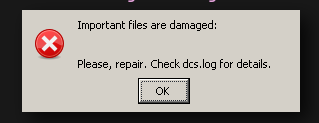
I wonder where this SECURITYCONTROL error comes from.
Update:
Upgrading to the openbeta version and Proton 4.11-13 made the game start. It renders fine on high settings with high FPS (I'm using a NVIDIA GTX 1080), just the F10 crashes the game as known.
The error with the corrupted files appeared again, but only after the game crashed. This time it could be solved (as mentioned before) using rm ~/.steam/steam/steamapps/compatdata/223750/pfx/drive_c/windows/system32/lsteamclient.dll.
I'm running standalone open beta with Wine-tkg 6.0rc1 and F10 works without crashing. Mouse camera controls are working although they don't seem to be as smooth as on windows.
Oh nice, just tested it and F10 seems to work on my end as well with lutris-6.0rc1
Yep F10 is fine for me, mouse camera controls seem good everything looks to be working there, only issues remaining are some modules crash for me like F16 module which used to work in the past.
Interesting, I have only tried the tomcat and harrier on 6.0, but no crashes so far.
Also, does missile smoke trails and contrails work for you? they render strangely for me and have since I started playing
Yes everyone gets the weird smoke rendering issue, im hopeful we will see that resolved with vulkan renderer when ever that comes .
Have not tried all the modules i own, will go through them see if i only have a problem with the f16.
I tried the f16 yesterday and it loaded up fine. Or do you have to do anything other than having it turned off on the ground to make it crash?
The F-16 is fine for me too. I've been trying to find a workaround for the RWR texture issue. It's hardly perfect but this is what I've got so far.
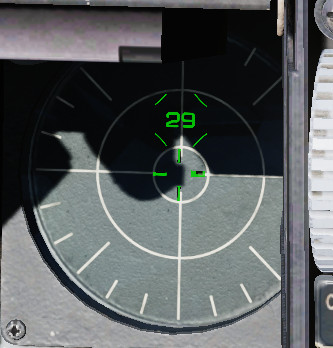
- Open
/DCS World/Mods/aircraft/F-16C/Cockpit/Scripts/EWS/RWR/indicator/RWR_ALR56_definitions.lua - Comment out the AddPrimaryThreatSymbol function starting on line 101.
- Replace it with this:
function AddPrimaryThreatSymbol(Number, Controllers)
	local symbol		= CreateElement "ceTexPoly"
	symbol.name		= "PrimaryThreatSymbol" .. string.format("%d", Number)
	symbol.material		= "INDICATION_RWR_LINE"
	local side		= 0.2
	symbol.vertices		= {{-side, -side}, {-side, side}, {side, side}, {side, -side}}
	symbol.indices		= default_box_indices
	symbol.tex_params		= {2.26 / TextureSize, 2.12 / TextureSize, TextureScale, TextureScale}
	if Controllers ~= nil then
		symbol.controllers	= Controllers
	end
	symbol.parent_element =  "ThreatPlacer" .. string.format("%d", Number)
	use_mipfilter(symbol)
	Add(symbol)
endOh nice, that's one of my big annoyances with that plane! Does integrity check pass with that fix enabled?
It passes integrity check apparently.
Interesting, I'll have to give it a try!
Sidenote: I did some testing on the smoke issues a while back. It seems to me like they are doing something geometry-shader-like. I wonder if they are the same issue, because that rwr thing also looks like it's doing something geometry shader like (though perhaps not a shader)
I did some testing and documented what I found in https://github.com/TheZoq2/dcs_on_linux/issues/1, most of it was just me playing around discovering random stuff about how the texture loading works. However, I did make 2 significant discoveries.
1: The RWR issue can also be fixed by importing the file drive_c/Program Files/Eagle Dynamics/DCS World OpenBeta/Mods/aircraft/F-16C/Cockpit/IndicationResources/RWR/indication_RWR.tga in gimp and re-exporting it without changing anything.
2: Doing this not only fixes the rendering issue, but also takes care of the Invalid Parameter messages we get in the logs when its trying to load some textures. I believe this might be related to the smoke rendering issues, because we see those errors there as well.
However, we also see those errors for files which seem to render fine. The texture that gets used for the rwr with @lakp 's fix is also throwing such an error, but renders fine from what I can tell.
I think the next step towards trying to solve this issue more permanently might be to look into what fails in the TGA loading and if that can be fixed
Edit: These invalid parameter log entries are also present for PNG images, so it's not a TGA loader related issue, probably.
Reexporting indication_RWR.tga with krita works too!
DCS 2.5.6.59398 Open Beta
Voice chat causing black screen on startup again. Neither editing webrtc_plugin.dll with cutter nor replacing CoreMods/services/VoiceChat/bin/VoiceChat.dll with CoreMods/services/CaptoGlove/bin/CaptoGlove.dll works.
Editing the LUA files as per https://github.com/ValveSoftware/Proton/issues/1722#issuecomment-601839315 still works.
Patch notes: A high polling rate on your mouse results in a poor response time in the game - fixed.
As a sidenote, mouse controls are much smoother now!
Oh that's bad news. IIRC that LUA fix breaks integrity check. Going to do some testing
Managed to reproduce the issue. Looking at the logs, it seems like this is not the same issue as last time where there was a crash inside the DLL. This time it's a file not being found:
2020-12-18 10:43:06.296 ALERT   Dispatcher: Error starting Game GUI: [string "./MissionEditor/modules/mul_voicechat.lua"]:17: module 'VoiceChat' not found:
	no field package.preload['VoiceChat']
	no file './dxgui/bind/VoiceChat.lua'
	no file './dxgui/loader/VoiceChat.lua'
	no file './dxgui/skins/skinME/VoiceChat.lua'
	no file './dxgui/skins/common/VoiceChat.lua'
	no file './MissionEditor/VoiceChat.lua'
	no file './MissionEditor/modules/VoiceChat.lua'
	no file './Scripts/VoiceChat.lua'
	no file './LuaSocket/VoiceChat.lua'
	no file './Scripts/UI/VoiceChat.lua'
	no file './Scripts/UI/Multiplayer/VoiceChat.lua'
	no file './Scripts/DemoScenes/VoiceChat.lua'
	no file './MAC_Gui/VoiceChat.lua'
	no file './dxgui/skins/skinME/VoiceChat.lua'
	no file './dxgui/skins/common/VoiceChat.lua'
	no file './dxgui/skins/skinME/VoiceChat.lua'
	no file './dxgui/skins/common/VoiceChat.lua'VoiceChat
	no file '.\lua-VoiceChat.dll'
	no file '.\VoiceChat.dll'
	no file 'C:\Program Files\Eagle Dynamics\DCS World OpenBeta\bin\lua-VoiceChat.dll'
	no file 'C:\Program Files\Eagle Dynamics\DCS World OpenBeta\bin\VoiceChat.dll'
My VoiceChat.dll is in ./Program Files/Eagle Dynamics/DCS World OpenBeta/CoreMods/services/VoiceChat/bin/VoiceChat.dll which is not present in that list unless that path is in package.preload.
Everything works for me with wine: lutris-6.0-rc1
I only have a small problem in that i need to set ground to low (110 fps empty syria) instead of high (3 fps)
Interesting hearing that it works for you, I pressume that's on the latest open beta?
The FPS issues sound familiar, check your GPU RAM usage. I get drops from perfect performance to ~3 whenever the game over-allocates RAM.
This is a dxvk issue which the devs have said is hard/impossible to fix. See https://github.com/doitsujin/dxvk/issues/958. Based on my experience, VRAM usage seems to be over-allocated by the game, nearly filling it up. I wonder if we could make it lie to the game about the amount of VRAM available, to make the over-allocation still end up in VRAM.
For now, it seems like things that would eat a lot of vram on low is a workaround. for me, water quality to low makes a big difference
I will check water quality and yes my version is 2.6.8.59398
Cool, then there is hope for an easy fix, is this standalone or steam?
I'm on standalone and i was not changing in files last two updates but i will point out that my profile was reset.
Interesting, what do you mean by your profile was reset? Do you have any special flags/configurations for wine?
I tried doing a startup repair and I still get a freeze/black screen on startup
About profile i think something changed in how wine 6 or latest Lutris uses windows profiles, but that just a guess.
For flags i only got a "wbemprox=n"
On new prefix game crashes for me on mission load. Looks like it can't load world.
Wait, i forgot about Fonts. Ater coping them from working prefix everything works great again
My VoiceChat.dll is in
./Program Files/Eagle Dynamics/DCS World OpenBeta/CoreMods/services/VoiceChat/bin/VoiceChat.dllwhich is not present in that list unless that path is in package.preload.
I have Same Issue seems to be this
2020-12-19 05:35:20.048 ERROR EDCORE: Failed to load Z:/mnt/btrfs/Games/DCS World OpenBeta/CoreMods/services/VoiceChat/bin/VoiceChat.dll: (126) Module not found.
File is there.
I have this
webrtc_plugin.zip <Link removed by moderator>
By placing it from working installation to root folder of new installation it just started to work.
it dates from 5 of april and i don't know why it works.
Ahh... as usual with me. You can just use your own webrtc_plugin from bin folder. Just copy it to root of game installation.
Can confirm copying webrtc_plugin from bin to root game folder fixed issue, f16 modules is also working for me now after a full repair
To draw the line on current state of things:
- Game works mostly out of the box with wine 6.0 for version 2.5.6.59398 Open Beta
- Game hangs on launch with webrtc_plugin error. Fixes by coping it from bin folder to root.
- After that game reaches menu and crashes on mission load.
- To fix this you need to substitute Arial fonts and place them to drive_c/windows/Fonts in game prefix renaming them to Arial variants.
- After that game works mostly perfect not counting small visual and performance bugs.
EDIT: in addition to first point: and DXVK 1.7.3
All this was tested on standalone version with lutris for ease of use.
Hello @MAD-BUG, it's unclear if the plugin you linked has legal restrictions because there's several things called "webrtc_plugin" and they're not all free to distribute, so I've removed the link. In general, please do not link game content.
@MAD-BUG What file did you copy? I tried copying VoiceChat.dll which is the one it was complaining about, but now I get C:\Program Files\Eagle Dynamics\DCS World OpenBeta\bin\VoiceChat.dll
Never mind, I ended up copying both VoiceChat.dll from the core mods folder and webrtc_plugin from bin to the root of the install and it works.
A symlink to /bin/webrtc_plugin.dll in the root folder is sufficient.
This might be useful for https://github.com/TheZoq2/dcs_on_linux
Using opentrack with standalone/steam DCS:
https://github.com/opentrack/opentrack
Opentrack works out of the box with libevdev joystick output, however this requires you to bind headtracking for every aircraft (and doesn't play well with Il-2 BoX or Falcon BMS).
A better option is to enable wine (freetrack and npclient) output instead of joystick axis output.
https://aur.archlinux.org/packages/opentrack/
If you are building opentrack from the AUR, you can modify the PKGBUILD.
Replace line 34 -DSDK_WINE_PREFIX=/ \ with -DSDK_WINE=ON/ \
Otherwise, download the source code from the github and follow these instructions:
https://github.com/opentrack/opentrack/wiki/Building-on-Linux
After you cd into the directory, run ccmake ., press c to configure, turn ON SDK_WINE, c to configure and g to generate.
DCS still requires HeadTracker.dll in the bin directory for opentrack to function.
Download Eagle Dynamics API interface DLL (64-bit) from http://facetracknoir.sourceforge.net/information_links/download.htm
You must open opentrack and start tracking before you launch DCS. Be sure to point the output to the correct wine/proton prefix. In addition, you'll need to launch DCS with WINEESYNC=1 or WINEFSYNC=1 if you enable those in the wine output settings.
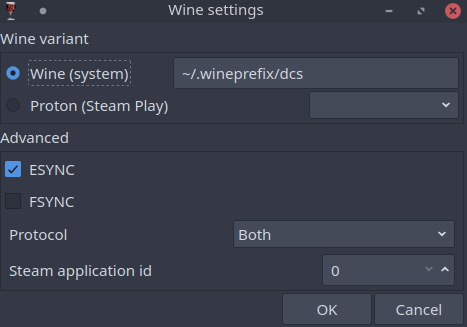
Side note: Some good news. Unlike 4.34, Falcon BMS 4.35 seems to be working great on linux.
This might be useful for https://github.com/TheZoq2/dcs_on_linux
Ah yes, docs on opentrack would be very helpful (Feel free to make a PR if you feel like you have the time). I've been just been using opentrack as a joystick emulator with good results though
yes, i created an appimage of opentrack because i had to recompile it from time to time when my arch linux updated, i uploaded the appimage i created on here but its only tested on arch linux and manjaro: https://www.pling.com/p/1440394/
I updated the dcs-on-linux repo to the latest version now. However, I had to leave out the font configuration step since I don't remember exactly what needs to be done to make it work and my install still works.
To those of you experiencing that issue, did you do install corefonts through winetricks? My intuition says that might fix it but I'm not sure
My fix was to move arial.ttf (which is a symlink) & to copy ariblk.ttf to arial.ttf - don't know about corefonts sorry
The latest update (stable & openbeta) has caused an issue with some aircraft - they are no longer useable as the dll won't load. So far the Yak-52 (which I own) & F-14 (which I tried testing via the free trial on at the moment) are affected - possibly more. tested with Lutris 5.7-11 (DCS OB standalone) & Proton 5.0-10 (DCS Steam Edition stable) - also affected are all the WWII aicraft except the I-16, TF-51 & P-51D
log file contains this (as an example from the Spitfire):
2020-12-29 17:01:20.094 INFO DCS: MissionSpawn:spawnLocalPlayer 1,SpitfireLFMkIX
2020-12-29 17:01:20.142 ERROR EDCORE: Failed to load C:/Program Files/Eagle Dynamics/DCS World OpenBeta/Mods/aircraft/SpitfireLFMkIX/bin/SpitfireLFMkIX.dll: (126) Module not found.
Huh, that's interesting and not ideal. I can reproduce the issue with the F-14. Logs give the following error:
2020-12-29 17:02:46.601 ERROR EDCORE: Failed to load C:/Program Files/Eagle Dynamics/DCS World OpenBeta/Mods/aircraft/F14/bin/F14-Avionics.dll: (126) Module not found.
This is with lutris-6.0-rc1
I know the viper, harrier and A-10 work
I was wondering if it was due to another dll dependency not loading/being found (like the webrtc issue) - any idea how to debug it?
It could be, though that did give a slightly different error message (still module not found though).
I'm not sure what the best way to debug it is, a first step might be to symlink the offending dll to the root of the game dir and seeing if the module loads or you get a different error message.
If that doesn't work, you may need to look into some debug flags for DLL loading in wine
Just tried copying a dll into the root & it doesn't work - I think that like Voicechat.dll it needs a dll that it can't find - pity it doesn't tell us which one it is. I will try with WINEDEBUG=+loaddll
This from the logs of the P-47:
010c:err:module:import_dll Library DCSWWII.dll (which is needed by L"C:\Program Files\Eagle Dynamics\DCS World OpenBeta\Mods\aircraft\P-47D-30\bin\P47D30.dll") not found
010c:err:module:import_dll Library DCSWWII.dll (which is needed by L"C:\Program Files\Eagle Dynamics\DCS World OpenBeta\Mods\aircraft\P-47D-30\bin\P47D30.dll") not found
Copying the dll into the game root fixes the problem for the P-47, which should fix all the WWII aircraft. I'll check what is needed for the Yak-52 & F-14
The Yak is fixed by bin/DCSWWII.dll
The F-14 needs bin/vorbisfile.dll
Not all aircraft are fixed however... still checking
The FW-190 both need bin/FW190Base.dll in the base dir. All aircraft now work (I can control them at least)
symlinking works for all the above dlls
I have that issue with the NS430.
ERROR EDCORE: Failed to load C:/Program Files/Eagle Dynamics/DCS World/CoreMods/services/jsAvionics/bin/jsAvionics.dll: (126) Modul nicht gefunden.
ERROR EDCORE: Failed to load C:/Program Files/Eagle Dynamics/DCS World/Mods/aircraft/NS430/bin/NS430.dll: (126) Modul nicht gefunden.
Tried to copy jsAvionics.dll and NS430.dll to root but that doesn't help.
Hi gents,
Quick question: anyone else having trouble with long press commands for A10C in linux? It seems like some functions on my stick "pulse" when I hold them down and not really stay pressed to trigger the A10C long press detection. Any suggestions or workarounds potentially? Anyone experiencing the same?
I've had no such issues with my joystick. How rapid is this pulsing? Is it also present in jstest?
Same, I don't have this issue.
hello.
On the latest version when i get into de jf-17 and i get shut down or crash the game crashes.
For people wanting to check a failed DLL loading in DCS, you need the following environment variable:
WINEDEBUG=+loaddll
you will see in the wine log (lutris has the options to show logs, on steam I'm not sure) - this isn't in the DCS log
you'll get output like my report above:
010c:err:module:import_dll Library DCSWWII.dll (which is needed by L"C:\Program Files\Eagle Dynamics\DCS World OpenBeta\Mods\aircraft\P-47D-30\bin\P47D30.dll") not found
010c:err:module:import_dll Library DCSWWII.dll (which is needed by L"C:\Program Files\Eagle Dynamics\DCS World OpenBeta\Mods\aircraft\P-47D-30\bin\P47D30.dll") not found
This tells you that (in this case) P47D30.dll is trying to find DCSWWII.dll as it is linked to it, but can't find it
Got it, thanks.
For the N430 the following files have to be in the root directory:
jsAvionics.dll
v8.dll
v8_libbase.dll
v8_libplatform.dll
NS430.dll
Working now flawlessly.
Investigating the jf17 issue i found there are several images that it cant find and a access violation error:
Hmm. The image invalid parameter errors are pretty common and seem to not cause any (or almost any issues, the viper RWR is broken because of it). You could try opening the offending file in gimp/krita and re-exporting it. That fixed the viper error at least
4\. need to substitute Arial fonts and place them to drive_c/windows/Fonts in game prefix renaming them to Arial variants.
Can you explain exactly what you did exactly for the arial fonts ? I have the issue where the game hang at 50% on loading a mission, but I already installed the corefont, and I have arial fonts in my windows/Fonts folder...
In mine, Proton creates a symlink for arial.ttf to LiberationSans-Regular.ttf which DCS doesn't like so I move arial.ttf out of the way an copy ariblk.ttf to arial.ttf (this is in steamapps/compatdata/223750/pfx/drive_c/windows/Fonts)
I am using Proton 5.13 as 6.3 crashes a lot
2.7 clouds are working just fine. Contrails are still broken.
Just came here to report this too, praise the linux gods and everyone who has worked on wine and proton :). The only change I had to make was to set the windows version to 8.1. The game no longer supports 7 and refuses to start, and with 10 set, I get stuck before the login prompt.
Edit: It looks like the windows 10 thing was a fluke, most of the time, the login window seems to appear outside my monitors on my somewhat strange monitor configuration. Pressing enter once the splash screen is visible logs me in correctly
I am trying to ged DCS 2.7 to run on my system (Arch linux, kernel 5.11.7-139-tkg-pds, CPU: Intel i5-4670, GPU: Nvidia GTX 1050 2GB. RAM: 16GB ddr3).
I managed to run the game using Proton 4.11-13 and DXVK enabled (I'm on the Steam version). However, the cpu usage would not go above 10% and the game was unplayable at 6fps. Disabling DXVK with PROTON_USE_WINED3D increased the cpu usage but gave me the same rendering issues as the ones described in the 4th post (all pink with MSAA enabled, and other rendering issues with it disabled). The framerates did not improve either. I have instaled vcrun2017 corefonts xact, and d3dcompiler_43 with protontricks (vcrun2017 would only install properly with Proton 4.11-13). I also have the Windows version set to win10.
After trying with other Proton versions, the game got to a point where i can only see a black screen, windowed and at 720p after the splash screen, despite having created the symlink for webrtc_plugin.dll.
I don't understand what happened to go from a game that loaded fine but was underperforming, to just a black screen, if all I was doing was changing the proton versions from the steam settings. Any help is appreciated.
Unfortunately, I think it might be difficult to get it running for you with that graphics card. DCS is quite VRAM-hungry, and dxvk has some issues with VRAM handling which means that by the time it's full, it will slow to a crawl as you noticed.
No idea what would cause the black screen, could you check the game logs?
A couple of things with 2.7 I've found (Lutris Wine 6.4 - non steam version, YMMV with Steam/Proton):
- Along with the clouds a few of the shader settings appear to have been turned up/changed (water reflection for one)
- Whether its the clouds or the shader changes, the fps impact varies from 25-50% for me
- My 4GB ram card sometimes just hits a wall with VRAM & drops to 12fps, I'm hoping that settings clouds to LOW will stop this (they still look great on low & there are just a few artefacts - the settings seems to affect the cell size for the volumes)
- The login window issue is that the splash is forced to the front & the login window is forced behind it - on my window manager I can see it's contents (Ubuntu) & re-enter username & password
- I now need to have at a minimum v8.dll symlinked to the DCS directory from bin in addition to webrtc_plugin.dll (WINEDEBUG=+loaddll didn't say anything, this is was from trial & error... sigh)
I normally have the following dlls symlinked (from previous testing of aircraft during a free fly period):
webrtc_plugin.dll
v8.dll
v8_libbase.dll
v8_libplatform.dll
vorbisfile.dll
DCSWWII.dll
FW190base.dll
I have checked the DCS log and it does indeed looks weird. I can't tell if it's an issue with my prefix, or with the gamefiles. I will attach the log here.
As for the framerate, i haven't tested DCS 2.7 yet, but past versions of 2.6 run at a stable 50-60fps on a Windows installation with settings similar to those i am trying to use (not the ones shown in the attached log). I can see how my VRAM can be a huge problem but, is this related to the cpu usage being always below 10%? Thanks for the help.
Your log indicates that Voicechat.dll & jsAvionics.dll aren't loading or it can't find something that they're linked to - it knows where they are, so it's probably the linking issue
to look at windows dll loading you have turn on a Wine debug option & look at the wine log
In Steam you add the following to the Launch Options:
WINEDEBUG="fixme-all,+loaddll" %command%
(Gear Icon -> Properties -> General)
When you run it will create a log file called steam-223750.log in your home directory - this will show what dlls are loaded by Wine
Out of interest what dlls have you symlinked to the DCSWorld directory?
jsAvionics.dll was not loading for me due to the v8*.dlls not being found, linking those to DCS root folder fixed that.
P47 module was not working due to DCSWWII.dll.
0134:err:module:import_dll Library DCSWWII.dll (which is needed by L"Z:\mnt\btrfs\Games\DCS World OpenBeta\Mods\aircraft\P-47D-30\bin\P47D30.dll") not found
0134:err:module:import_dll Library DCSWWII.dll (which is needed by L"Z:\mnt\btrfs\Games\DCS World OpenBeta\Mods\aircraft\P-47D-30\bin\P47D30.dll") not found
Linking that to DCS root also fixed it.
@alexeijd Sorry for the late reply. Here is the log created with the launch options you gave.
Out of interest what dlls have you symlinked to the DCSWorld directory?
I have only one symlink from ./bin/webrtc_plugin.dll as it was sugested on protondb. It was the only thing i needed to do (besides installing vcrun2017, corefonts, xact, and d3dcompiler_43) in order to run the game, so there are no other symlinks in the game's root folder as far as i know.
Your log indicates that Voicechat.dll & jsAvionics.dll aren't loading or it can't find something that they're linked to - it knows where they are, so it's probably the linking issue
I don't think i understand this, but making symlinks for both dll's did not fix the problem.
The first lines in that second log (the ones about gameoverlayrenderer.so) seem to be the same with the steam game overlay enabled or disabled, if that's worth mentioning...
Thanks again for the help.
Out of curiosity, does anyone run dcs in VR through proton?
@JebKerm The key parts of your log are here:
0033:err:module:import_dll Library webrtc_plugin.dll (which is needed by L"Z:\home\fab\.local\share\Steam\steamapps\common\DCSWorld\CoreMods\services\VoiceChat\bin\VoiceChat.dll") not found
0033:err:module:import_dll Library webrtc_plugin.dll (which is needed by L"Z:\home\fab\.local\share\Steam\steamapps\common\DCSWorld\CoreMods\services\VoiceChat\bin\VoiceChat.dll") not found
0033:err:module:import_dll Library v8.dll (which is needed by L"Z:\home\fab\.local\share\Steam\steamapps\common\DCSWorld\CoreMods\services\jsAvionics\bin\jsAvionics.dll") not found
0033:err:module:import_dll Library v8_libplatform.dll (which is needed by L"Z:\home\fab\.local\share\Steam\steamapps\common\DCSWorld\CoreMods\services\jsAvionics\bin\jsAvionics.dll") not found
0033:err:module:import_dll Library v8.dll (which is needed by L"Z:\home\fab\.local\share\Steam\steamapps\common\DCSWorld\CoreMods\services\jsAvionics\bin\jsAvionics.dll") not found
0033:err:module:import_dll Library v8_libplatform.dll (which is needed by L"Z:\home\fab\.local\share\Steam\steamapps\common\DCSWorld\CoreMods\services\jsAvionics\bin\jsAvionics.dll") not found
So you need symlinks in the DCS World directory to the webrtc_plugin.dll, v8.dll, v8_libplatform.dll dlls that exist in the bin directory - mine looks like this:
DCSWorld$ ls -go *.dll
lrwxrwxrwx 1 15 Dec 29 19:05 DCSWWII.dll -> bin/DCSWWII.dll
lrwxrwxrwx 1 17 Dec 29 19:05 FW190Base.dll -> bin/FW190Base.dll
lrwxrwxrwx 1 10 Dec 29 19:07 v8.dll -> bin/v8.dll
lrwxrwxrwx 1 18 Dec 29 19:17 v8_libbase.dll -> bin/v8_libbase.dll
lrwxrwxrwx 1 22 Dec 29 19:09 v8_libplatform.dll -> bin/v8_libplatform.dll
lrwxrwxrwx 1 18 Dec 29 19:05 vorbisfile.dll -> bin/vorbisfile.dll
lrwxrwxrwx 1 21 Dec 29 19:05 webrtc_plugin.dll -> bin/webrtc_plugin.dll
Thanks for pointing me to the relevant lines on the log. If i get a black screen again, i know where to check. Changing proton versions wasn't the issue. Instead, looks like at some point i moved from beta to stable. Weirdly enough, webrtc_plugin.dll had a symlink but it still wasn't loaded. I had to delete it and re-do it.
Now i'll try to see what can be done about the low cpu usage before giving up on it because of my low VRAM.
It looks like wine 6.7 breaks dcs_update.exe atleast for standalone version in that it no longer recognises your selected windows version, win 8.1 is min required for latest version so refuses to download any updates.
I created for issue.
https://bugs.winehq.org/show_bug.cgi?id=51080
Replying to https://github.com/ValveSoftware/Proton/issues/1722#issuecomment-823601349
If you wouldn't mind helping me out... here's my log. Thanks in advance.
(Click to expand)
=== Log opened UTC
2021-05-07 22:22:47.788 INFO    DCS: Command line: "Z:\Apps\LinuxSteamLibrary\steamapps\common\DCSWorld\bin\DCS.exe"
2021-05-07 22:22:47.788 INFO    DCS: DCS/2.5.6.61527 (x86_64; Windows NT 6.1.7601)
2021-05-07 22:22:47.788 INFO    DCS: DCS revision: 181514
2021-05-07 22:22:47.788 INFO    DCS: Renderer revision: 21314
2021-05-07 22:22:47.788 INFO    DCS: Terrain revision: 21287
2021-05-07 22:22:47.794 INFO    DCS: CPU cores: 4, threads: 8, System RAM: 15903 MB, Pagefile: 0 MB
2021-05-07 22:22:47.984 INFO    EDCORE: (dDispatcher)enterToState_:0
2021-05-07 22:22:49.272 INFO    Dispatcher: 2021/5/7 17:22 V1803061700
2021-05-07 22:22:49.276 INFO    INPUT: Device [Keyboard] created deviceId = -1
2021-05-07 22:22:49.670 INFO    INPUT: Device [Logitech Extreme 3D Pro {001E36B7-5DBA-0000-A8C9-CFC8689DB403}] created deviceId = -1
2021-05-07 22:22:49.670 INFO    INPUT: Joystick created[Logitech Extreme 3D Pro {001E36B7-5DBA-0000-A8C9-CFC8689DB403}], ForceFeedBack: no
2021-05-07 22:22:49.670 INFO    INPUT: Device [Mouse] created deviceId = -1
2021-05-07 22:22:49.937 INFO    SOUND: Using driver: wasapi
2021-05-07 22:22:49.937 INFO    SOUND: Found 1 available audio device(s):
2021-05-07 22:22:49.937 INFO    SOUND:   0: ID: "{0.0.0.00000000}.{FD47D9CC-4218-4135-9CE2-0C195C87405B}", Name: "Pulseaudio"
2021-05-07 22:22:56.381 INFO    SOUND: Added sound path: Sounds
2021-05-07 22:22:56.429 INFO    SOUNDER: Loaded 207 packed sounders.
2021-05-07 22:22:56.429 INFO    Dispatcher: InitLow
2021-05-07 22:22:56.580 INFO    EDCORE: Loaded Z:/Apps/LinuxSteamLibrary/steamapps/common/DCSWorld/bin/CockpitBase.dll
2021-05-07 22:22:59.260 INFO    NET: Got Steam auth data.
2021-05-07 22:22:59.594 INFO    DCS: Successfully got Steam authorization data.
2021-05-07 22:22:59.594 INFO    Dispatcher: Loading installed modules...
2021-05-07 22:23:02.829 INFO    Scripting: OBSOLETE mount_vfs_sound_path() used in ./CoreMods/aircraft/AJS37/entry.lua
2021-05-07 22:23:03.073 INFO    Scripting: PLUGINS START-------------------------------------------------
2021-05-07 22:23:03.140 INFO    SOUND: Added sound path: ./CoreMods/tech/Animals/Sounds
2021-05-07 22:23:03.187 INFO    SOUND: Added sound path: ./CoreMods/tech/TechWeaponPack/Sounds
2021-05-07 22:23:03.190 INFO    SOUNDER: Loaded 24 packed sounders.
2021-05-07 22:23:03.307 INFO    SOUND: Added sound path: ./CoreMods/tech/USS John C Stennis/Sounds
2021-05-07 22:23:03.308 INFO    SOUNDER: Loaded 1 packed sounders.
2021-05-07 22:23:03.321 INFO    SOUND: Added sound path: ./CoreMods/tech/USS_Nimitz/Sounds
2021-05-07 22:23:03.323 INFO    SOUNDER: Loaded 5 packed sounders.
2021-05-07 22:23:03.805 INFO    SOUND: Added sound path: ./CoreMods/aircraft/AJS37/Sounds
2021-05-07 22:23:03.829 INFO    SOUND: Added sound path: ./CoreMods/aircraft/AV8BNA/Sounds
2021-05-07 22:23:03.840 INFO    SOUNDER: Loaded 1 sounders.
2021-05-07 22:23:03.845 WARNING EDCORE: Source ./CoreMods/aircraft/AV8BNA/Shapes is already mounted to the same mount /models/.
2021-05-07 22:23:03.881 INFO    SOUND: Added sound path: ./CoreMods/aircraft/C-101/Sounds
2021-05-07 22:23:03.931 INFO    SOUND: Added sound path: ./CoreMods/aircraft/ChinaAssetPack/Sounds
2021-05-07 22:23:03.953 INFO    SOUNDER: Loaded 11 sounders.
2021-05-07 22:23:04.021 INFO    SOUND: Added sound path: ./CoreMods/aircraft/Christen Eagle II/Sounds
2021-05-07 22:23:04.208 INFO    SOUND: Added sound path: ./CoreMods/aircraft/F14/Sounds
2021-05-07 22:23:04.227 INFO    SOUNDER: Loaded 1 sounders.
2021-05-07 22:23:04.336 INFO    SOUND: Added sound path: ./CoreMods/aircraft/Hawk/Sounds
2021-05-07 22:23:04.362 INFO    SOUND: Added sound path: ./CoreMods/aircraft/I-16/Sounds
2021-05-07 22:23:04.413 INFO    SOUND: Added sound path: ./CoreMods/aircraft/M-2000C/Sounds
2021-05-07 22:23:04.471 INFO    SOUND: Added sound path: ./CoreMods/aircraft/MiG-21bis/Sounds
2021-05-07 22:23:04.511 INFO    SOUND: Added sound path: ./CoreMods/aircraft/SA342/Sounds
2021-05-07 22:23:04.583 INFO    SOUND: Added sound path: ./Mods/aircraft/TF-51D/Sounds
2021-05-07 22:23:04.656 INFO    Scripting: PLUGINS DONE--------------------------------------------------
2021-05-07 22:23:05.305 INFO    EDCORE: Loaded Z:/Apps/LinuxSteamLibrary/steamapps/common/DCSWorld/CoreMods/aircraft/AV8BNA/bin/AV8B_AI.dll
2021-05-07 22:23:05.311 INFO    EDCORE: Loaded Z:/Apps/LinuxSteamLibrary/steamapps/common/DCSWorld/CoreMods/aircraft/C-101/bin/C101Core.dll
2021-05-07 22:23:05.317 INFO    EDCORE: Loaded Z:/Apps/LinuxSteamLibrary/steamapps/common/DCSWorld/CoreMods/aircraft/ChinaAssetPack/bin/CAP_AI.dll
2021-05-07 22:23:05.322 INFO    EDCORE: Loaded Z:/Apps/LinuxSteamLibrary/steamapps/common/DCSWorld/CoreMods/aircraft/ChinaAssetPack/bin/JF-17_AI.dll
2021-05-07 22:23:05.327 INFO    CE2_AI: Loading CE AI
2021-05-07 22:23:05.327 INFO    EDCORE: Loaded Z:/Apps/LinuxSteamLibrary/steamapps/common/DCSWorld/CoreMods/aircraft/Christen Eagle II/bin/CE2_AI.dll
2021-05-07 22:23:05.335 INFO    EDCORE: Loaded Z:/Apps/LinuxSteamLibrary/steamapps/common/DCSWorld/CoreMods/aircraft/F14/bin/F14-AI.dll
2021-05-07 22:23:05.342 INFO    MiG21_AI: Loading Mig21 AI
2021-05-07 22:23:05.342 INFO    EDCORE: Loaded Z:/Apps/LinuxSteamLibrary/steamapps/common/DCSWorld/CoreMods/aircraft/MiG-21bis/bin/MiG21_AI.dll
2021-05-07 22:23:05.389 INFO    EDCORE: Loaded Z:/Apps/LinuxSteamLibrary/steamapps/common/DCSWorld/CoreMods/services/CaptoGlove/bin/edCaptoGlove.dll
2021-05-07 22:23:05.389 INFO    EDCAPTOGLOVE: [2021-05-07, 17:23:05] [Debug] Constructed board central
2021-05-07 22:23:05.389 INFO    EDCAPTOGLOVE: [2021-05-07, 17:23:05] [Info] Discovering peripherals...
2021-05-07 22:23:05.417 ERROR   EDCORE: Failed to load Z:/Apps/LinuxSteamLibrary/steamapps/common/DCSWorld/CoreMods/services/VoiceChat/bin/VoiceChat.dll: (126) Module not found.

2021-05-07 22:23:05.439 ERROR   EDCORE: Failed to load Z:/Apps/LinuxSteamLibrary/steamapps/common/DCSWorld/CoreMods/services/jsAvionics/bin/jsAvionics.dll: (126) Module not found.

2021-05-07 22:23:05.761 INFO    DCS: options.graphics =
{
	['messagesFontScale'] = 1;
	['LensEffects'] = 3;
	['heatBlr'] = 0;
	['anisotropy'] = 4;
	['water'] = 2;
	['scaleGui'] = 1;
	['visibRange'] = 'High';
	['treesVisibility'] = 6000;
	['aspect'] = 1.6666666666;
	['lights'] = 2;
	['shadows'] = 2;
	['MSAA'] = 2;
	['SSAA'] = 0;
	['civTraffic'] = '';
	['clutterMaxDistance'] = 0;
	['cockpitGI'] = 1;
	['terrainTextures'] = 'min';
	['multiMonitorSetup'] = '1camera';
	['shadowTree'] = false;
	['chimneySmokeDensity'] = 4;
	['fullScreen'] = false;
	['DOF'] = 0;
	['clouds'] = 1;
	['flatTerrainShadows'] = 0;
	['height'] = 768;
	['SSLR'] = 0;
	['effects'] = 3;
	['outputGamma'] = 2.2;
	['useDeferredShading'] = 1;
	['sync'] = false;
	['width'] = 1280;
	['forestDistanceFactor'] = 0.5;
	['textures'] = 0;
	['preloadRadius'] = 150000;
	['terrainMapMFD'] =
	{
		['distance'] =
		{
			['mapLodDistance3'] = 200000;
			['mapLodDistance2'] = 100000;
			['mapLodDistance0'] = 25000;
			['mapLodDistance1'] = 50000;
		};
	};
};
2021-05-07 22:23:05.804 INFO    GRAPHICSVISTA: renderer: 'dx11backend.dll'
2021-05-07 22:23:06.142 INFO    DX11BACKEND: DX11Renderer initialization (w:1280 h:768 fullscrn:0 vsync:0 adapter:0 monitor:0 shaderErrors:1)
2021-05-07 22:23:07.003 INFO    DX11BACKEND: Driver Concurrent Creates - 1
2021-05-07 22:23:07.004 INFO    DX11BACKEND: Driver Command Lists - 1
2021-05-07 22:23:07.064 INFO    DX11BACKEND: NvAPI_Initialize Error:
2021-05-07 22:23:07.070 INFO    DX11BACKEND: AtiAPI_Initialize Error
2021-05-07 22:23:07.070 INFO    DX11BACKEND: GPU count:1
2021-05-07 22:23:07.107 ERROR   DX11BACKEND: Can't load image 'bazar/temptextures/missing_texture.bmp'. Reason: Invalid parameter.

2021-05-07 22:23:07.138 ERROR   DX11BACKEND: Can't load image 'bazar/temptextures/missing_texture_NM.bmp'. Reason: Invalid parameter.

2021-05-07 22:23:07.141 INFO    DX11BACKEND: commonPool: 68-128, cbPool: 4-14, samplerPool: 5-16
2021-05-07 22:23:07.147 INFO    DX11BACKEND: DX11ShaderBinaries::loadCache Bazar/shaders/fxo/fxo.zip
2021-05-07 22:23:07.563 ERROR   EDCORE: Can't open file 'bazar/shaders/posteffects/slot.fx.' from fs
2021-05-07 22:23:07.563 WARNING DX11BACKEND: Shader posteffects/slot.fx:DIRECTX11=true;USE_DCS_DEFERRED=1; is outdated as file bazar/shaders/posteffects/slot.fx is modified.
2021-05-07 22:23:08.659 INFO    DX11BACKEND: DX11ShaderBinaries::loadCache done. Loaded 1132/1133.
2021-05-07 22:23:08.663 INFO    DX11BACKEND: DX11ShaderBinaries::loadCache C:\users\steamuser\Saved Games\DCS\fxo
2021-05-07 22:23:08.671 INFO    DX11BACKEND: DX11ShaderBinaries::loadCache done. Loaded 24/24.
2021-05-07 22:23:09.001 INFO    VISUALIZER: SceneManager initialization
2021-05-07 22:23:09.131 ERROR   DX11BACKEND: Can't load image 'bazar/effects/lut/colorLUT_tealOrange.png'. Reason: Invalid parameter.

2021-05-07 22:23:09.187 ERROR   DX11BACKEND: Can't load image 'bazar/effects/lut/colorLUT_tealOrange2.png'. Reason: Invalid parameter.

2021-05-07 22:23:09.189 ERROR   DX11BACKEND: Can't load image 'bazar/effects/lut/colorLUT_tealOrange3.png'. Reason: Invalid parameter.

2021-05-07 22:23:09.191 ERROR   DX11BACKEND: Can't load image 'bazar/effects/lut/colorLUT_tealOrange4.png'. Reason: Invalid parameter.

2021-05-07 22:23:09.192 ERROR   DX11BACKEND: Can't load image 'bazar/effects/lut/colorLUT_tealOrange5.png'. Reason: Invalid parameter.

2021-05-07 22:23:09.194 ERROR   DX11BACKEND: Can't load image 'bazar/effects/lut/colorLUT_tealOrange6.png'. Reason: Invalid parameter.

2021-05-07 22:23:09.196 ERROR   DX11BACKEND: Can't load image 'bazar/effects/lut/colorLUT_redTint.png'. Reason: Invalid parameter.

2021-05-07 22:23:09.198 ERROR   DX11BACKEND: Can't load image 'bazar/effects/lut/colorLUT_blueTint.png'. Reason: Invalid parameter.

2021-05-07 22:23:09.200 ERROR   DX11BACKEND: Can't load image 'bazar/effects/lut/colorLUT_sepia.png'. Reason: Invalid parameter.

2021-05-07 22:23:09.266 ERROR   DX11BACKEND: Can't load image 'bazar/effects/posteffects/rays.png'. Reason: Invalid parameter.

2021-05-07 22:23:09.269 INFO    VISUALIZER: cascade shadows init (preset:'default' quality:2 layers:4 size:1024)
2021-05-07 22:23:09.290 ERROR   DX11BACKEND: Can't load image 'bazar/effects/particlesystem2/normalSemiSphere2.tga'. Reason: Invalid parameter.

2021-05-07 22:23:09.302 ERROR   DX11BACKEND: Can't load image 'bazar/effects/overcast/ovrcast_lo.bmp'. Reason: Invalid parameter.

2021-05-07 22:23:09.311 INFO    SOUND: Opening default audio device.
2021-05-07 22:23:09.311 INFO    SOUND: Driver reports 2 channels with mask 0x3
2021-05-07 22:23:09.311 INFO    SOUND: Using 2 channels at 44100 Hz
2021-05-07 22:23:09.311 INFO    SOUND: Channel layout: Headphones/Stereo
2021-05-07 22:23:09.355 INFO    DCS: gDescription: "NVIDIA GeForce GTX 1050" gVendorId: 4098 gDeviceId: 26591 gMemory: 4096 MB
2021-05-07 22:23:09.379 ERROR   EDOBJECTS: Destruction shape not found AVIASHTAB_CRASH
2021-05-07 22:23:09.383 ERROR   EDOBJECTS: Object HB_F14_EXT_PHX_ALU with id=320 already declared in table MissileTable
2021-05-07 22:23:09.587 ERROR   WEAPONSBASE: invalid cx data <weapons.missiles.MBDA_Mistral><./CoreMods/aircraft/SA342/SA342_Weapons.lua>
2021-05-07 22:23:11.222 WARNING LOG: 1 duplicate message(s) skipped.
2021-05-07 22:23:11.222 ERROR   DX11BACKEND: Can't load image '/textures/teni.bmp'. Reason: Invalid parameter.

2021-05-07 22:23:11.399 INFO    EDCORE: (dDispatcher)enterToState_:1
2021-05-07 22:23:11.845 ALERT   Dispatcher: Error starting Game GUI: [string "./MissionEditor/modules/mul_voicechat.lua"]:17: module 'VoiceChat' not found:
	no field package.preload['VoiceChat']
	no file './dxgui/bind/VoiceChat.lua'
	no file './dxgui/loader/VoiceChat.lua'
	no file './dxgui/skins/skinME/VoiceChat.lua'
	no file './dxgui/skins/common/VoiceChat.lua'
	no file './MissionEditor/VoiceChat.lua'
	no file './MissionEditor/modules/VoiceChat.lua'
	no file './Scripts/VoiceChat.lua'
	no file './LuaSocket/VoiceChat.lua'
	no file './Scripts/UI/VoiceChat.lua'
	no file './Scripts/UI/Multiplayer/VoiceChat.lua'
	no file './Scripts/DemoScenes/VoiceChat.lua'
	no file './MAC_Gui/VoiceChat.lua'
	no file './dxgui/skins/skinME/VoiceChat.lua'
	no file './dxgui/skins/common/VoiceChat.lua'
	no file './dxgui/skins/skinME/VoiceChat.lua'
	no file './dxgui/skins/common/VoiceChat.lua'VoiceChat
	no file '.\lua-VoiceChat.dll'
	no file '.\VoiceChat.dll'
	no file 'Z:\Apps\LinuxSteamLibrary\steamapps\common\DCSWorld\bin\lua-VoiceChat.dll'
	no file 'Z:\Apps\LinuxSteamLibrary\steamapps\common\DCSWorld\bin\VoiceChat.dll'
2021-05-07 22:23:11.845 INFO    EDCORE: (dDispatcher)enterToState_:2
2021-05-07 23:06:22.418 INFO    DCS: application shutdown
2021-05-07 23:06:23.235 INFO    EDOBJECTS: lTypeObjectManagerImpl::clear 0
2021-05-07 23:06:23.248 INFO    EDOBJECTS: lTypeObjectManagerImpl::clear 1
2021-05-07 23:06:23.250 INFO    EDOBJECTS: lTypeObjectManagerImpl::clear 2
2021-05-07 23:06:23.444 INFO    EDOBJECTS: lTypeObjectManagerImpl::clear 3
2021-05-07 23:06:23.588 INFO    EDOBJECTS: lTypeObjectManagerImpl::clear 4
2021-05-07 23:06:23.596 INFO    EDOBJECTS: lTypeObjectManagerImpl::clear 5
2021-05-07 23:06:23.599 INFO    EDOBJECTS: lTypeObjectManagerImpl::clear 6
2021-05-07 23:06:23.600 INFO    EDOBJECTS: lTypeObjectManagerImpl::clear 7
2021-05-07 23:06:23.601 INFO    EDOBJECTS: lTypeObjectManagerImpl::clear 8
2021-05-07 23:06:23.602 INFO    EDOBJECTS: lTypeObjectManagerImpl::clear 9
2021-05-07 23:06:23.602 INFO    EDOBJECTS: lTypeObjectManagerImpl::clear 10
2021-05-07 23:06:23.602 INFO    EDOBJECTS: lTypeObjectManagerImpl::clear 11
2021-05-07 23:06:23.602 INFO    EDOBJECTS: lTypeObjectManagerImpl::clear 12
2021-05-07 23:06:23.606 INFO    EDCAPTOGLOVE: [2021-05-07, 18:06:24] [Info] Stopping discovering peripherals
2021-05-07 23:06:23.606 INFO    EDCAPTOGLOVE: [2021-05-07, 18:06:24] [Debug] Disposed board central
2021-05-07 23:06:23.606 INFO    EDCAPTOGLOVE: [2021-05-07, 18:06:24] [Info] [Win] Disposed adapter
2021-05-07 23:06:23.766 INFO    VISUALIZER: SceneManager_Implement::~SceneManager_Implement()
2021-05-07 23:06:23.767 INFO    VISUALIZER: TerrainRenderer::release
2021-05-07 23:06:23.781 WARNING LOG: 1 duplicate message(s) skipped.
2021-05-07 23:06:23.781 INFO    TERRAIN: lSystem::exit()
2021-05-07 23:06:23.781 INFO    TERRAIN: lSystem::CleanScenes()
2021-05-07 23:06:23.790 INFO    DX11BACKEND: DX11Renderer::shutdown()
2021-05-07 23:06:23.823 INFO    DX11BACKEND: textures_count: 0
2021-05-07 23:06:23.823 INFO    DX11BACKEND: textures_size: 0
2021-05-07 23:06:23.823 INFO    DX11BACKEND: buffers_count: 0
2021-05-07 23:06:23.823 INFO    DX11BACKEND: buffers_size: 0
2021-05-07 23:06:23.823 INFO    DX11BACKEND: CB_count: 0
2021-05-07 23:06:23.823 INFO    DX11BACKEND: CB_size: 0
2021-05-07 23:06:23.823 INFO    DX11BACKEND: SB_count: 0
2021-05-07 23:06:23.823 INFO    DX11BACKEND: SB_size: 0
2021-05-07 23:06:23.823 INFO    DX11BACKEND: IB_count: 0
2021-05-07 23:06:23.823 INFO    DX11BACKEND: IB_size: 0
2021-05-07 23:06:23.823 INFO    DX11BACKEND: VB_count: 0
2021-05-07 23:06:23.823 INFO    DX11BACKEND: VB_size: 0
2021-05-07 23:06:23.823 INFO    DX11BACKEND: total_buffers_size: 0
2021-05-07 23:06:23.823 INFO    DX11BACKEND: total_size: 0
=== Log closed.
It looks like wine 6.7 breaks dcs_update.exe atleast for standalone version in that it no longer recognises your selected windows version, win 8.1 is min required for latest version so refuses to download any updates.
Seems fixed in wine 6.8.
Yep fixed by
https://source.winehq.org/git/wine.git/commit/ea50d41b3f5f9b3565bfa2831f8f37aeb1824424
kernelbase: Fix alignment of compatibility context elements.
When i try to use the T45 free mod, the mfds textures doesnt work properly.
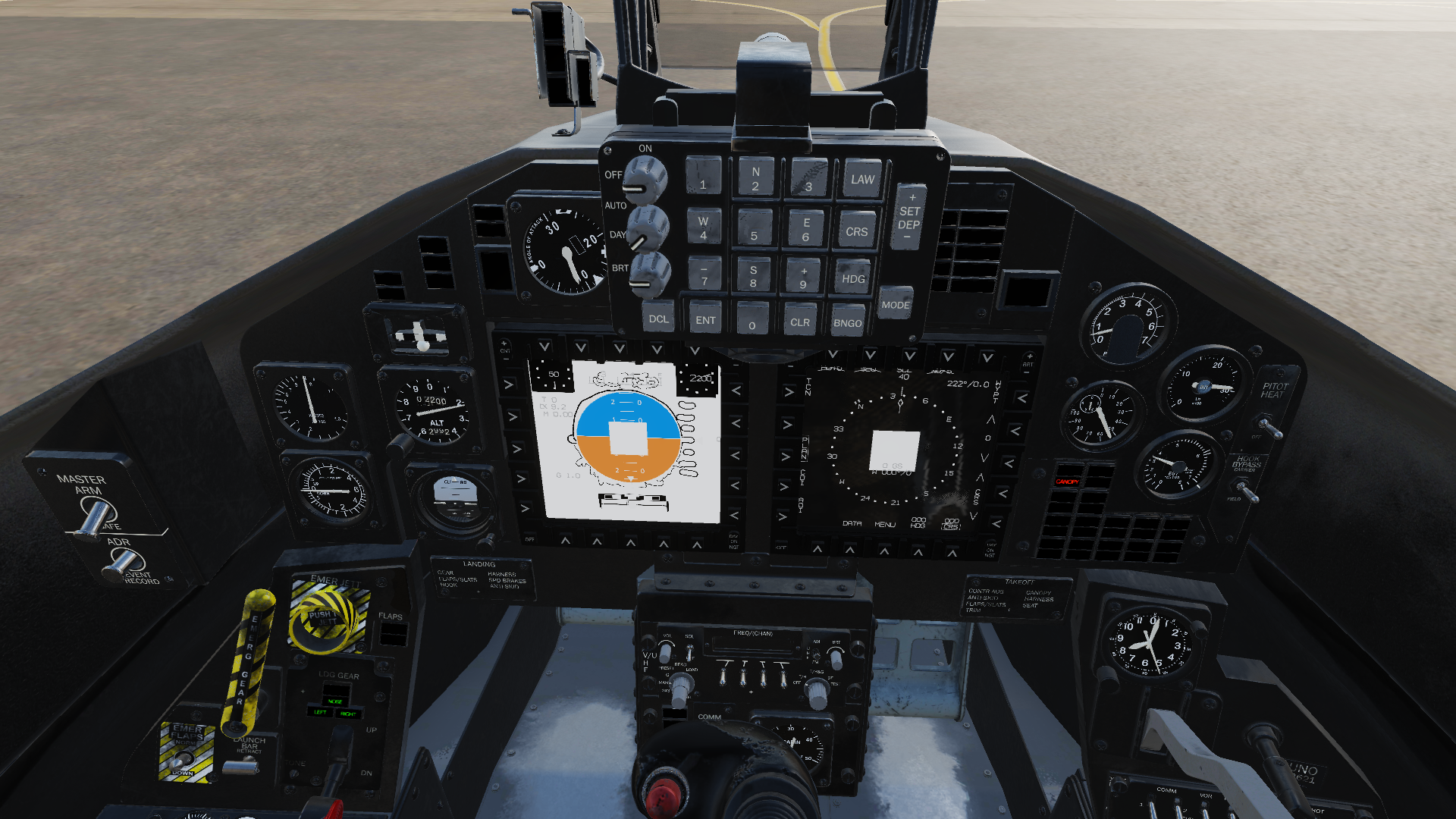
Looking to the logs looks like DCS cant load serveral images:
When i try to use the T45 free mod, the mfds textures doesnt work properly.
2021-05-09 11:36:48.869 ERROR DX11BACKEND: Can't load image 'c:/users/alberto/saved games/dcs.openbeta/mods/aircraft/vnao_t45/cockpit/avionicstextures/T45HSI_plane.tga'. Reason: Invalid parameter. 2021-05-09 11:36:50.028 ERROR DX11BACKEND: Can't load image 'c:/users/alberto/saved games/dcs.openbeta/mods/aircraft/vnao_t45/cockpit/avionicstextures/T45spinInd.tga'. Reason: Invalid parameter. 2021-05-09 11:36:50.031 ERROR DX11BACKEND: Can't load image 'c:/users/alberto/saved games/dcs.openbeta/mods/aircraft/vnao_t45/cockpit/avionicstextures/T45Waterline.tga'. Reason: Invalid parameter.
Could you try the same method used to fix the F-16 RWR issue? Open the .tga files in GIMP/Krita and save them again.
That fixed it!! thanks @lakp
I have been playing around with getting DCS working in VR with my valve index, unfortunately without success.
As far as I can tell, it's probably easier to run the steam version than the standalone, because steamVR is tightly integrated with steam.
The desktop version seems to work fine after applying roughly the same fixes as standalone, but VR fails.
Starting in steamVR mode gives me a splash screen, while showing the "Next up: DCS" thing in the VR headset, however, after a while the game starts in desktop mode like normal. Nothing in the DCS settings seem to have an effect.
From the proton log, I get the following:
0100:err:module:import_dll Library v8_libbase.dll (which is needed by L"Z:\\mnt\\ssd1\\steam\\steamapps\\common\\DCSWorld\\v8.dll") not found
0100:err:module:import_dll Library v8.dll (which is needed by L"Z:\\mnt\\ssd1\\steam\\steamapps\\common\\DCSWorld\\CoreMods\\services\\jsAvionics\\bin\\jsAvionics.dll") not found
0100:err:module:import_dll Library v8_libbase.dll (which is needed by L"Z:\\mnt\\ssd1\\steam\\steamapps\\common\\DCSWorld\\v8_libplatform.dll") not found
0100:err:module:import_dll Library v8_libplatform.dll (which is needed by L"Z:\\mnt\\ssd1\\steam\\steamapps\\common\\DCSWorld\\CoreMods\\services\\jsAvionics\\bin\\jsAvionics.dll") not found
0100:err:module:import_dll Library v8.dll (which is needed by L"Z:\\mnt\\ssd1\\steam\\steamapps\\common\\DCSWorld\\CoreMods\\services\\jsAvionics\\bin\\jsAvionics.dll") not found
0100:err:module:import_dll Library v8_libplatform.dll (which is needed by L"Z:\\mnt\\ssd1\\steam\\steamapps\\common\\DCSWorld\\CoreMods\\services\\jsAvionics\\bin\\jsAvionics.dll") not found
0100:trace:loaddll:build_module Loaded L"C:\\vrclient\\bin\\vrclient_x64.dll" at 00007FAE30FD0000: builtin
ERROR: ld.so: object '/home/frans/.local/share/Steam/ubuntu12_32/gameoverlayrenderer.so' from LD_PRELOAD cannot be preloaded (wrong ELF class: ELFCLASS32): ignored.
ERROR: ld.so: object '/home/frans/.local/share/Steam/ubuntu12_32/gameoverlayrenderer.so' from LD_PRELOAD cannot be preloaded (wrong ELF class: ELFCLASS32): ignored.
Inconsistency detected by ld.so: dl-call-libc-early-init.c: 37: _dl_call_libc_early_init: Assertion `sym != NULL' failed!
ERROR: ld.so: object '/home/frans/.local/share/Steam/ubuntu12_32/gameoverlayrenderer.so' from LD_PRELOAD cannot be preloaded (wrong ELF class: ELFCLASS32): ignored.
sh: 1: lsusb: not found
ERROR: ld.so: object '/home/frans/.local/share/Steam/ubuntu12_32/gameoverlayrenderer.so' from LD_PRELOAD cannot be preloaded (wrong ELF class: ELFCLASS32): ignored.
sh: 1: lsusb: not found
ERROR: ld.so: object '/home/frans/.local/share/Steam/ubuntu12_32/gameoverlayrenderer.so' from LD_PRELOAD cannot be preloaded (wrong ELF class: ELFCLASS32): ignored.
sh: 1: lsusb: not found
ERROR: ld.so: object '/home/frans/.local/share/Steam/ubuntu12_32/gameoverlayrenderer.so' from LD_PRELOAD cannot be preloaded (wrong ELF class: ELFCLASS32): ignored.
sh: 1: lsusb: not found
ERROR: ld.so: object '/home/frans/.local/share/Steam/ubuntu12_32/gameoverlayrenderer.so' from LD_PRELOAD cannot be preloaded (wrong ELF class: ELFCLASS32): ignored.
sh: 1: lsusb: not found
ERROR: ld.so: object '/home/frans/.local/share/Steam/ubuntu12_32/gameoverlayrenderer.so' from LD_PRELOAD cannot be preloaded (wrong ELF class: ELFCLASS32): ignored.
sh: 1: lsusb: not found
ERROR: ld.so: object '/home/frans/.local/share/Steam/ubuntu12_32/gameoverlayrenderer.so' from LD_PRELOAD cannot be preloaded (wrong ELF class: ELFCLASS32): ignored.
sh: 1: lsusb: not found
0100:trace:loaddll:free_modref Unloaded module L"C:\\vrclient\\bin\\vrclient_x64.dll" : builtin
0100:fixme:service:I_ScRegisterDeviceNotification Notification filters are not yet implemented.
0100:trace:loaddll:build_module Loaded L"Z:\\mnt\\ssd1\\steam\\steamapps\\common\\DCSWorld\\bin\\amd_ags_x64.dll" at 0000000064DC0000: builtin
0100:trace:loaddll:free_modref Unloaded module L"Z:\\mnt\\ssd1\\steam\\steamapps\\common\\DCSWorld\\bin\\amd_ags_x64.dll" : builtin
0100:trace:loaddll:build_module Loaded L"Z:\\mnt\\ssd1\\steam\\steamapps\\common\\DCSWorld\\bin\\amd_ags_x64.dll" at 000000002D5C0000: native
0100:trace:loaddll:build_module Loaded L"Z:\\mnt\\ssd1\\steam\\steamapps\\common\\DCSWorld\\bin\\dx11backend.dll" at 0000000030600000: native
0100:trace:loaddll:build_module Loaded L"C:\\windows\\system32\\dxvk_config.dll" at 0000000069040000: native
0100:trace:loaddll:build_module Loaded L"C:\\vrclient\\bin\\vrclient_x64.dll" at 00007FADE41A0000: builtin
0100:trace:loaddll:build_module Loaded L"C:\\windows\\system32\\wineopenxr.dll" at 00007FAE04150000: builtin
WARNING: radv is not a conformant vulkan implementation, testing use only.
WARNING: radv is not a conformant vulkan implementation, testing use only.
0100:trace:loaddll:free_modref Unloaded module L"C:\\vrclient\\bin\\vrclient_x64.dll" : builtin
0100:trace:loaddll:free_modref Unloaded module L"C:\\windows\\system32\\wineopenxr.dll" : builtin
Looks to me like it's attempting to load vrclient_x64.dll, then fails to do something. (the inconsistency error looks interesting) as does the "lsusb: not found". lsusb is installed, so I'm not sure what it's trying to do.
After that it looks like it unloads vrclient, loads openxr and then promptly unloads it.
Has anyone else got it working or have some ideas for what I could try?
EDIT: Launching the game without VR enabled only shows the openxr dll being loaded and unloaded
EDIT2: Elite dangerous which works in VR also loads vrclient (though it loads and unloads several times according to the logs. However, it does not show any of the errors I saw above.
Made a new prefix for Wine 6.9 and I only needed corefonts to get standalone DCS working.
Using the JF-17 when i receive damage or i try to exit the simulation back to main menu, the entire DCS crashes
For those who might be struggling to get DCS World 2.7 (including Mi-24P) running in Steam, here's my experience:
- Used Proton-6.10-GE-1. As mentioned above, Wine 6.9 should also work.
- Removed the symlinks that provide Liberation Sans as a replacement for Arial. This is very important for Wine Staging and Proton GE, as otherwise the next step will not update
arial.ttf. This replacement via symlinks is one of the patches that Staging provides. Therefore, this step is likely not needed for the "plain" Wine.
rm ~/.local/share/Steam/steamapps/compatdata/223750/pfx/drive_c/windows/Fonts/arial*.ttf
- Installed Arial. Actually, I didn't need to install the rest of corefonts.
protontricks 223750 arial
- Symlinked a few DLLs in the DCS World directory as mentioned above (thanks for the tips!):
cd ~/.local/share/Steam/steamapps/common/DCSWorld
ln -s bin/v8.dll
ln -s bin/v8_libbase.dll
ln -s bin/v8_libplatform.dll
ln -s bin/VRfreeC.dll
ln -s bin/webrtc_plugin.dll
ln -s bin/DCSWWII.dll  # Required for the Mosquito and other warbirds.
As mentioned too, depending on the DCS modules installed, you might need to create additional symlinks.
Overall, I was very pleasantly surprised in terms of performance and stability. In the first two Su-25T training missions I got ~50-60 fps on "High" with the rear-view mirrors enabled on my RTX 2070 Max-Q (just a reminder: the Max-Qs are quite crippled in terms of frequency compared to the desktop and even "Laptop"-labeled variants). These missions include some complex clouds and somewhat densely built up areas, though I don't have experience to tell if there aren't more taxing environments in terms of pure GPU. Also, in the first Mi-24P training mission I got ~45-50 fps, which may be due to the more complex geometry of the cabin (the outside views ran with 50-60 fps). Of course, the training missions likely don't have many AI-controlled entities, so performance in other missions may be worse, when the CPU and memory also get more taxed (at least that's my experience in Arma 3).
In terms of input, Saitek X52 was recognized, though it may need some tweaking from the default config. The hat switch in particular was moving the view diagonally instead of horizontally/vertically. Haven't tested VR as I don't have a headset.
A simple hint: if the game still crashes for you, make sure to also check the log file in drive_c/users/steamuser/Saved Games/DCS/Logs in the Proton prefix. Only when I looked at it, did I recognize the problem with step 2 above.
Edit: The only problem that I noticed was a minor and very infrequent flickering of textures around the dashboard instruments and on rivers. Maybe Z-fighting, or maybe something shadow-related as it seems to happen only in certain light conditions.
Issue i have with mi-24 is waypoints on the moving map and the gunners atgm sight are solid black, looks to be issues loading.
2021-06-17 06:50:38.573 ERROR DX11BACKEND: Can't load image './Mods/aircraft/Mi-24P/Cockpit/Scripts/../IndicationTextures/PKV_Grid.tga'. Reason: Invalid parameter.
2021-06-17 06:50:38.676 ERROR DX11BACKEND: Can't load image './Mods/aircraft/Mi-24P/Cockpit/Scripts/../IndicationTextures/ASP17_flex_sight.tga'. Reason: Invalid parameter.
2021-06-17 06:50:38.687 ERROR DX11BACKEND: Can't load image 'fui/fonts/font_dejavu_lgc_sans_22.tga'. Reason: Invalid parameter.
2021-06-17 06:52:06.405 ERROR DX11BACKEND: Can't load image 'Bazar/Textures/AvionicsCommon/Cursors.tga'. Reason: Invalid parameter.
2021-06-17 06:52:06.421 ERROR DX11BACKEND: Can't load image './Mods/aircraft/Mi-24P/Cockpit/Scripts/../IndicationTextures/9K113_Fixed_Grid.tga'. Reason: Invalid parameter.
2021-06-17 06:52:06.422 ERROR DX11BACKEND: Can't load image './Mods/aircraft/Mi-24P/Cockpit/Scripts/../IndicationTextures/9K113_Grid_3x.tga'. Reason: Invalid parameter.
2021-06-17 06:52:06.424 ERROR DX11BACKEND: Can't load image './Mods/aircraft/Mi-24P/Cockpit/Scripts/../IndicationTextures/9K113_bg.tga'. Reason: Invalid parameter.
Tried opening and saving them again like with the f-16 rwr issue but didnt help
Regarding the gaming crashing on the F17 when taking damage or exiting i got this log.
dcs.log
Hello all, I am having issues loading past 23% when starting the sim. I symlinked v8.dll, v8_libbase.dll, v8_libplatform.dll, VRfreeC.dll, webrtc_plugin.dll and edLeapMotion.dll but I am still getting the following messages in the log (ctrl+f Failed)
2021-06-19 02:19:54.349 ERROR EDCORE: Failed to load Z:/home/caleb/.steam/debian-installation/steamapps/common/DCSWorld/CoreMods/services/LeapMotion/bin/edLeapMotion.dll: (126) Module not found.
2021-06-19 02:20:20.417 INFO DCS: failed to open 'C:\users\steamuser\Saved Games\DCS\Logs\dxdiag.txt' for reading
2021-06-19 02:20:20.894 INFO DCS: failed to open 'C:\users\steamuser\Temp\dxdiag.txt' for reading
2021-06-19 02:20:20.896 INFO DCS: failed to open 'C:\users\steamuser\Saved Games\DCS\Logs\voice_chat.log' for reading
Not sure why it's not seeing edLeapMotion.dll
Shouldn't be it as i get that to and it still loads
2021-06-19 01:12:23.565 ERROR EDCORE: Failed to load Z:/mnt/btrfs/Games/DCS World OpenBeta/CoreMods/services/LeapMotion/bin/edLeapMotion.dll: (126) Module not found.
But i do not get those failed to open for reading errors so i would look into those, permissions etc
Shouldn't be it as i get that to and it still loads
2021-06-19 01:12:23.565 ERROR EDCORE: Failed to load Z:/mnt/btrfs/Games/DCS World OpenBeta/CoreMods/services/LeapMotion/bin/edLeapMotion.dll: (126) Module not found.
But i do not get those failed to open for reading errors so i would look into those, permissions etc
Got it working, instead of removing arial using arial*.ttf, I used arial.ttf per kerberizer then did the protontricks command again. Thank you.
I'm having a strange issue, I have a pretty steady 30fps on average. But when I crash (not if) and reload, it's around 10fps on average. This is always occurs even when switching to another aircraft, I have to reload the sim to get back to 30fps but I have to never crash in game or I have to restart it. Any ideas?
Check your VRAM usage, proton and DXVK are bad at (or never) unload assets, leading to large frame drops once the memory is filled up. It could be that when you crash and load another plane, it re-loads some texturers etc. which causes it to fill up
Check your VRAM usage, proton and DXVK are bad at (or never) unload assets, leading to large frame drops once the memory is filled up. It could be that when you crash and load another plane, it re-loads some texturers etc. which causes it to fill up
This may be the case but I have now narrowed it down to the Hind. If I fly it once, FPS will be lowered after crashing or flying any other aircraft in the same session until restart. No issues with FPS dropping with any other aircraft and then loading any other aircraft multiple times in the same session.
Looks like I have some texture issues on the new marianas map
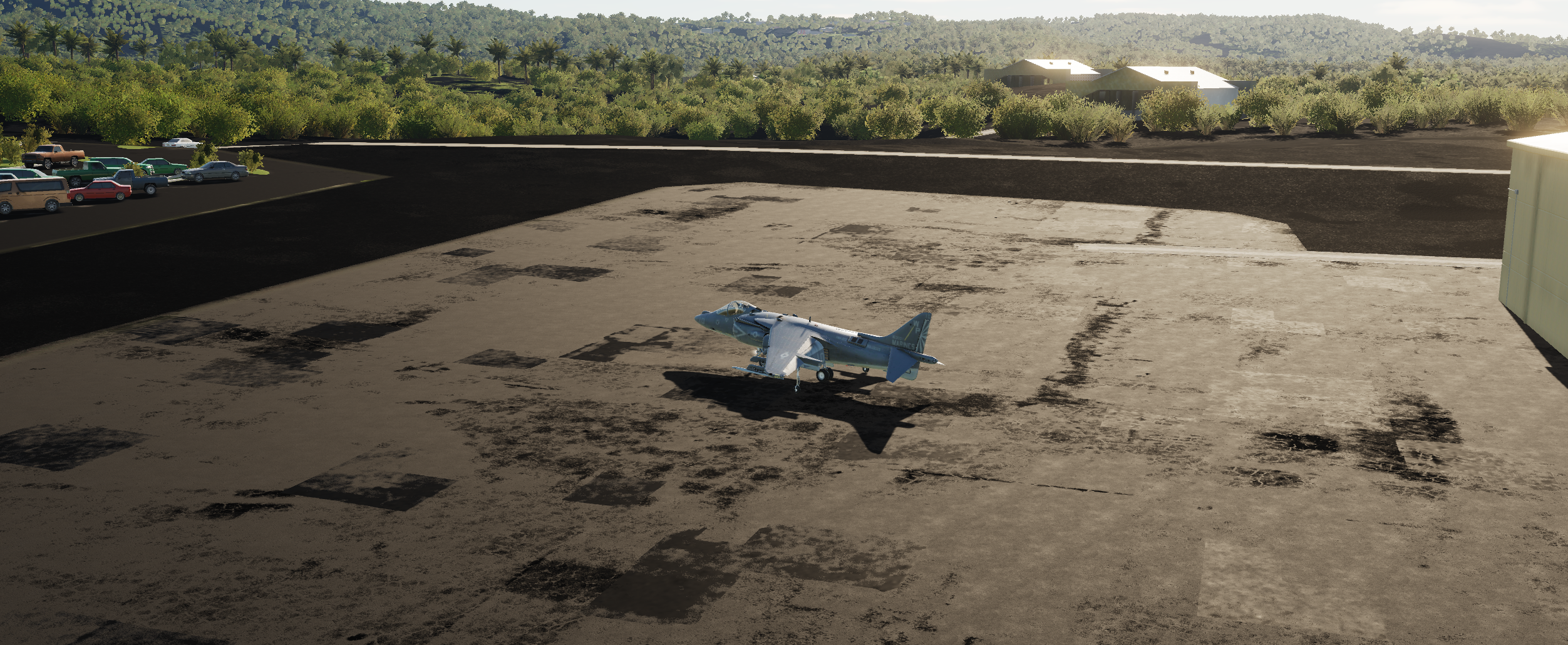
I didn't have time to look into it more yesterday, but pressumably this is similar to the issues we have with the rwr in the viper and some other textures
Replying to https://github.com/ValveSoftware/Proton/issues/1722#issuecomment-872014239
Yes, I see same texture problems with wine 6.10
Issue i have with mi-24 is waypoints on the moving map and the gunners atgm sight are solid black, looks to be issues loading.
Tried opening and saving them again like with the f-16 rwr issue but didnt help
Same Issue here. No fix is working so far.
Replying to https://github.com/ValveSoftware/Proton/issues/1722#issuecomment-872014239
I was looking if i could open those missing textures or something but i had no succes, has you found any solution for this?
Replying to [#1722 (comment)](https://github.com/ValveSoftware/Proton/issues/1722#issuecomment-872014239)
I was looking if i could open those missing textures or something but i had no succes, has you found any solution for this?
Same Issue, no fix so far.
Hi, anyone having any trouble with DCS not detecting input devices such as joysticks? This started happening after the 2.7 patch to me.
It detects all my joysticks, the issue i have is that they change randomly the order every time i connect them, messing up all my mappings... i have to unplug, replug then in different orders every time till i get them on the correct order... its very anoying....
I can't seem to get standalone past the splash screen. I set a wbemprox=n override, symlinked webrtc_plugin.dll, and reinstalled Arial , but it gets stuck at the splash screen anyway. I did get the login screen.
I waited for an hour, seeing as some people report that it would sometimes take up to 30 minutes to load past this point.
The steam version runs, but has abhorrent performance. 2-3fps vs 60fps on Windows, same settings and hardware.
This happened to me as well, go to the top in thebutton mapping config page and save the Lua profile so that you can just reload that, you need to save separate profiles for each device.
-------- Original Message --------
On Aug 26, 2021, 7:15 AM, paju1986 wrote:
It detects all my joysticks, the issue i have is that hey change randomly the order every time i connect them, messing up all my mappings... i have to unplug, replug then in different orders every time till i get them on the correct order... its very anoying....
—
You are receiving this because you commented.
Reply to this email directly, view it on GitHub, or unsubscribe.
Triage notifications on the go with GitHub Mobile for iOS or Android.
DCS auto saves the config changes you make so you don't even have to manually save. The configs are stored in $(GAME_DIR)/config/input/<plane>/<joystick name>.diff.lua (or something) @calhix @paju1986
@mkaito That's interesting, can you have a look at the log files, might show something interesting
The performance of the steam version sounds strange, what kind of hardware do you have (specifically what GPU and how much VRAM) proton tends to use more VRAM than windows, and when it runs out, performance becomes awful
@TheZoq2 Vega 64 with 8Gb. I'll try lowering the settings.
But I'd rather get the standalone version working. That's where I have spent money. I wonder what the difference is. Either way, the logs are pretty short: link
Ah didn't know that, thanks.
-------- Original Message --------
On Aug 26, 2021, 8:41 AM, Frans Skarman wrote:
DCS auto saves the config changes you make so you don't even have to manually save. The configs are stored in $(GAME_DIR)/config/input//.diff.lua (or something) @.(https://github.com/calhix) @.(https://github.com/paju1986)
@.***(https://github.com/mkaito) That's interesting, can you have a look at the log files, might show something interesting
The performance of the steam version sounds strange, what kind of hardware do you have (specifically what GPU and how much VRAM) proton tends to use more VRAM than windows, and when it runs out, performance becomes awful
—
You are receiving this because you were mentioned.
Reply to this email directly, view it on GitHub, or unsubscribe.
Triage notifications on the go with GitHub Mobile for iOS or Android.
Hmm, that should work alright, I played with a rx 580 for a long time, and at least with low/medium texture settings it was fine IIRC.
That looks like wine logs (which do look unusually short), could you also check the game logs, they should be located in $(wineprefix)/drive_c/users/your_username/Games/DCS.openbeta/Logs/dcs.log (or something simliar)
Yep, here you go: https://gist.github.com/mkaito/0c70850650203bad9fd71db75bd539bc
Huh, that's really short. I don't think I've seen that happen before. And you said it shows the login screen, then gets stuck on the splash screen?
Yep. Out of curiosity, what version of wine are you using? The Lutris installers don't seem to set one, defaulting to lutris-fshack-6.14. Perhaps an older version might work better? Although fshack with FSR support would be nice and a huge performance boost, and that's 6.12+
I'm using lutris-6.0-rc1 apparently, checking that is certainly worth a shot!
In the standalone version I had the problem that the login window was hidden behind the splash screen. I had to simulate a virtual screen the first time to be able to log in.
Yes, that's a good point. I found that I can use keybinds to make the login window full screen, or just press enter while it's focused, usually after moving it to an empty workspace
I also have joystick mapping issue when they change order. Work around i have is i make a link under $WINEPREFIX/drive_c/users/[user]/Saved Games/DCS/Config/Input/, for both possiblities since the only thing that changes is the part "11d2" eg changes to "11d3"
I have 2 devices a joystick and throttle which change order randomly, so i just make a symbolic link say for mi-24p
under /Config/Input/Mi-24P/joystick/
'© Alex Oz 2012-2019 VKB-Sim Gunfighter Modern Combat Pro (event) {9E573EDA-7734-11d3-8D4A-23903FB6BDF7}.diff.lua' -> '© Alex Oz 2012-2019 VKB-Sim Gunfighter Modern Combat Pro (event) {9E573EDA-7734-11d2-8D4A-23903FB6BDF7}.diff.lua'
'VIRPIL Controls_20210102 L-VPC Throttle MT-50CM3 (event) {9E573EDA-7734-11d2-8D4A-23903FB6BDF7}.diff.lua' -> 'VIRPIL Controls_20210102 L-VPC Throttle MT-50CM3 (event) {9E573EDA-7734-11d3-8D4A-23903FB6BDF7}.diff.lua'
I'm using
lutris-6.0-rc1apparently, checking that is certainly worth a shot!
I've tried 6.0, 6.3, 6.6. Doesn't seem to make a difference.
I'm not sure what I did, but it runs fine now, on a custom wine staging 6.14 build based on TKG. I'll see if I can figure out what fixed it.
It runs. Not even that badly. But trying to install any modules crashes the updater.
That's very odd... I've had no issues like that I think
... And now it works fine. This thing is haunted, I swear. Debugging intermittent issues is a pain. Sorry for the noise.
Other than getting somewhat worse performance than windows, it runs fine. Although there seems to be something lingering after the game exits, even if I clean up any stale processes manually. If I run the game immediately after closing it, it crashes. Wait 30 minutes and it runs fine again. :man_shrugging:
Some exciting news: Through random fiddling, my game now works in VR. I'm not entirely sure what changed, but now I'm running the steam version proton 6.3-6 with the command line string
AMD_VULKAN_ICD=RADV PRESSURE_VESSEL_VERBOSE=1 WINEDLLOVERRIDES='wbemprox=n' WINEDEBUG=+loaddll %command%
Almost none of those should be essential, but I haven't tried remiving them. the AMD_VULKAN thing is because I have 2 vulkan drivers or something, and only RADV plays nice with VR. The rest of the "new ones" are just debug log stuff.
For the new Mosquito, in case anyone wonders why they get only the map and it seems impossible to get into Mossie's cockpit—it requires a symlink in .../steamapps/common/DCSWorld to bin/DCSWWII.dll as well. Unsurprising.
And speaking of the input devices, just to note for the force feedback lovers that this driver works perfectly with the Saitek Cyborg Evo Force. In fact, it seems to work even better than on Windows. The downside, of course, is that you need to compile it.
Having issues getting a winwing button box to recognize in DCS. I've got it working natively, IE evdev sees it, but DCS doesnt see it, even if its the only thing plugged in. Any ideas?
Edit: Interestingly, it works on 4.11. This isn't an ideal solution, as this makes VR a lot harder, but it's a clue to as what might be going on.
Is this on steam version or standalone? I had a button box that when I increased the number of buttons past 32 (I think) it stopped working in standalone, but kept working on steam. I haven't tried it in a long time though...
Steam version. I don't think it's due to that, since it works fine in proton 4.11, but not beyond that. There's something changed about how proton handles input from that version to more modern ones that it doesn't like
Yeah, starts for me on 4.11, too. F10 crashes the game, but apart from that it seems to work so far.
With latest wine their new Joystick HID driver seems to have issues, in the wine control panel under game controllers it detects my virpil throttle as an xinput device, i have to override that to get it working normally.
DCS World for Steam was updated Thursday (4 NOV) and since then I've been unable to start the game. It throws a dialog/error:
Steam authorization failed Failed to get authorization data. Error code is: 500 No saved authorization found
Everything was fine up until this update (albeit with an older version of Proton). DCS Support only replies by insisting that my system's time is incorrect. The time is being sync'd to network time and matches within a few seconds the time my cell phone reports (set by my provider).
Edit to add: This is without any betas. DCS Stable, Steam stable.
2021-11-18: “Failed to get authorization data” and “Important files are damaged” have been fixed by 2.7.8.16140 Open Beta.
@FergleFFergleson The open beta has been broken the same way for some time, so, unfortunately, that was expected to happen. And both DCS open beta and stable have been broken on Steam Beta for some time, too.
The latter problem is this and this, so I wonder if it isn't connected to the changes for #753. Just in case, I did test the bleeding-edge beta of Proton Experimental a few days ago, but it made no difference (probably as expected, not to mention that it might still be missing other important bits needed for DCS, which Proton-GE and Wine Staging already have).
On a side note, while the game still had worked, the new 495.44 driver from NVIDIA also managed to introduce two problems:
- The terrain textures become invisible a few seconds after start of the mission or, more rarely, disappear intermittently during missions. This is most readily reproducible with all textures set to High, but sometimes happens with Low textures too.
Textures set to High. Notice as well that the textures are not missing from the mirrors view.
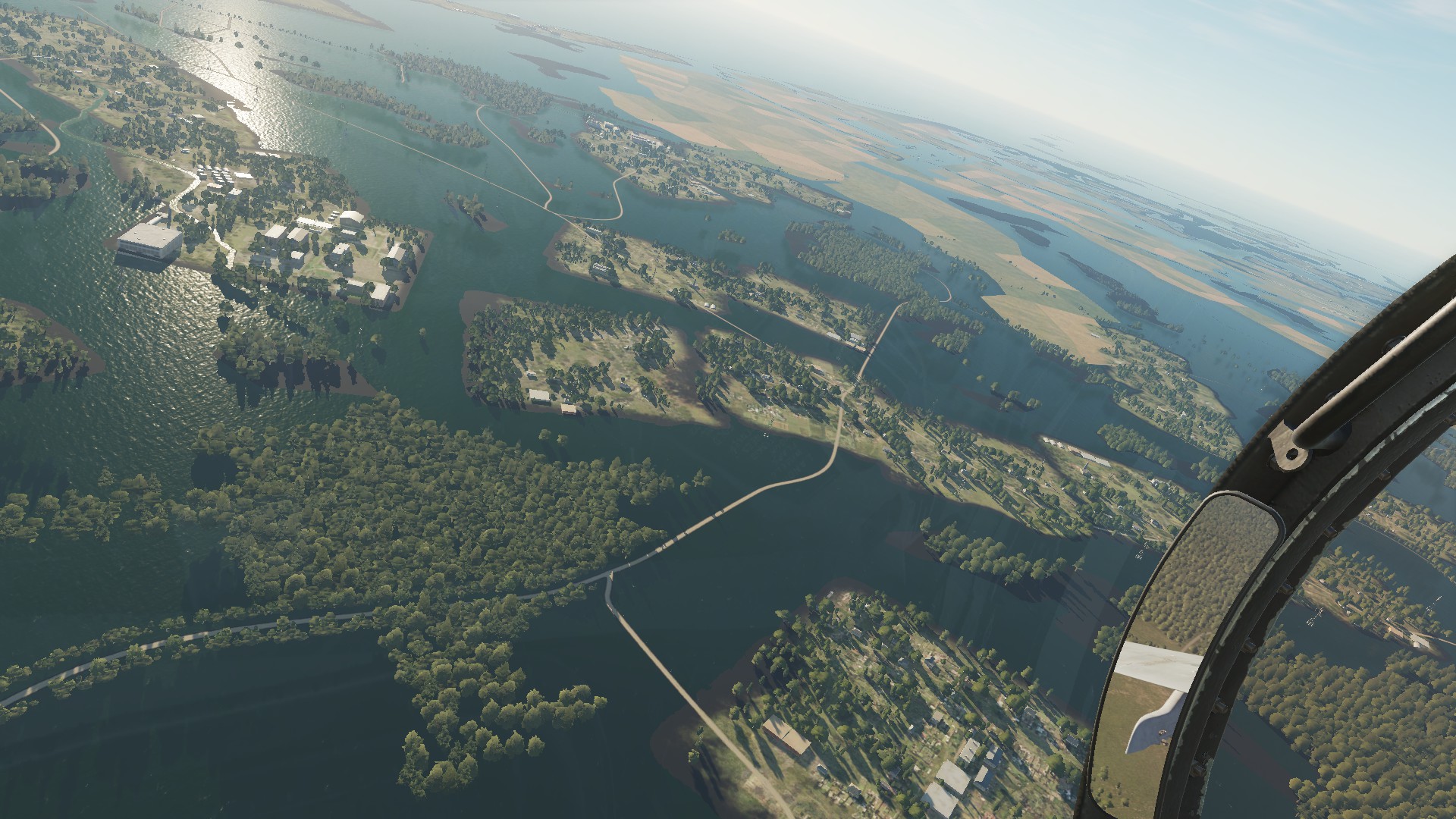
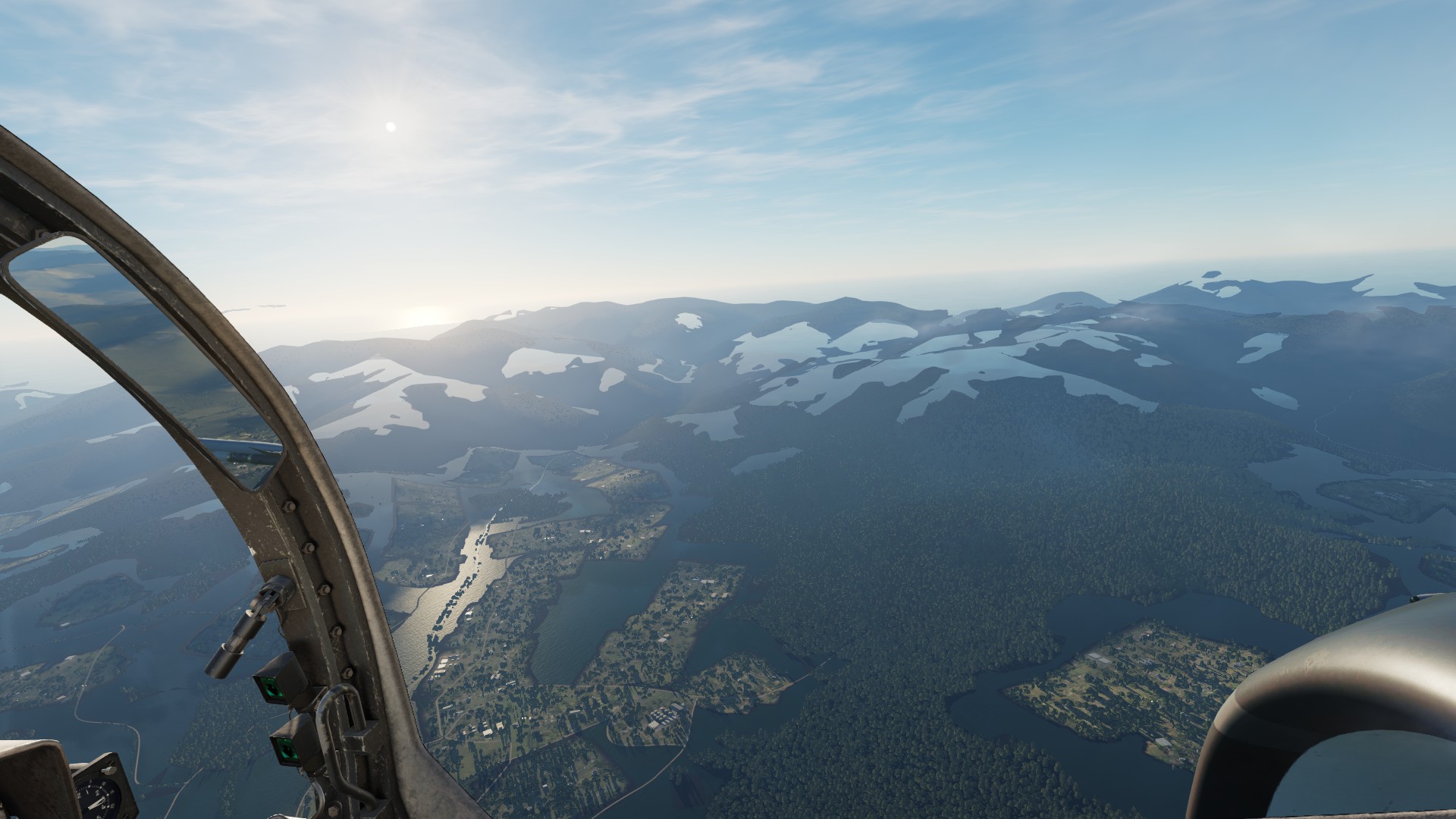
Textures set to Low. Also visible is the problem with the clouds, explained below.
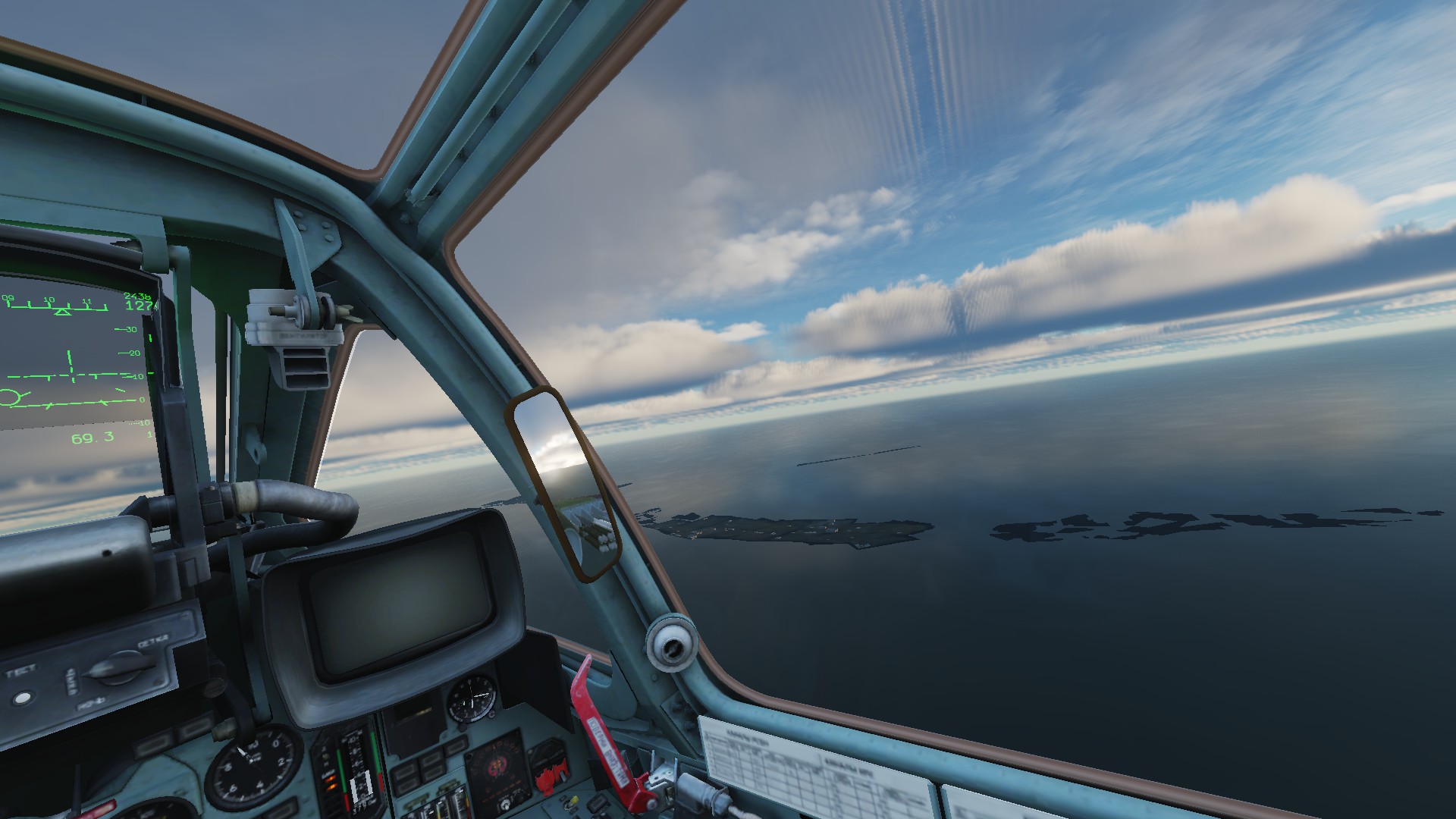
- There is a distortion in the clouds layer that goes diagonally through the whole sky in a strict North-South line. For me it is reliably reproducible in both the default Low and High graphics presets.
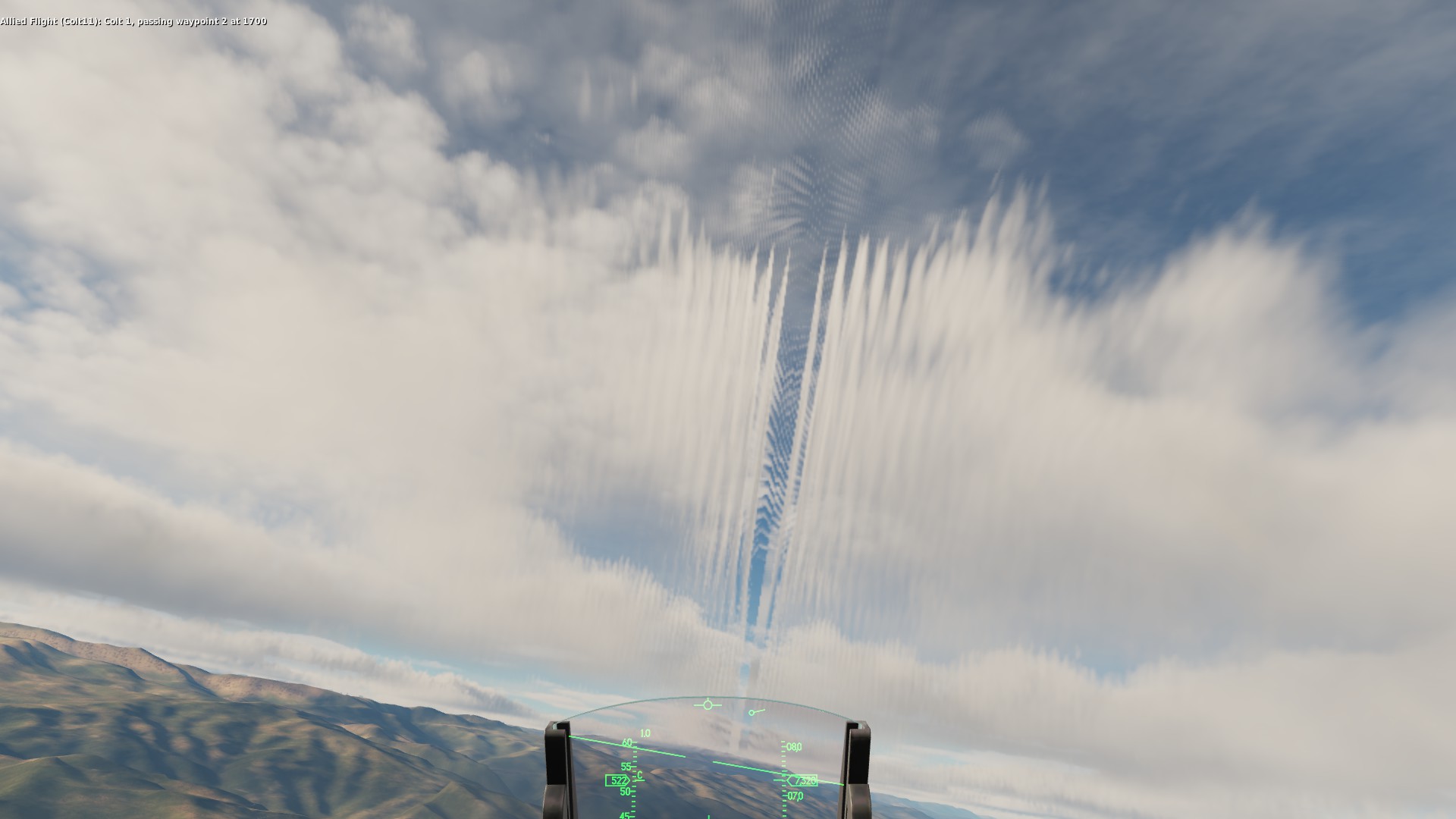
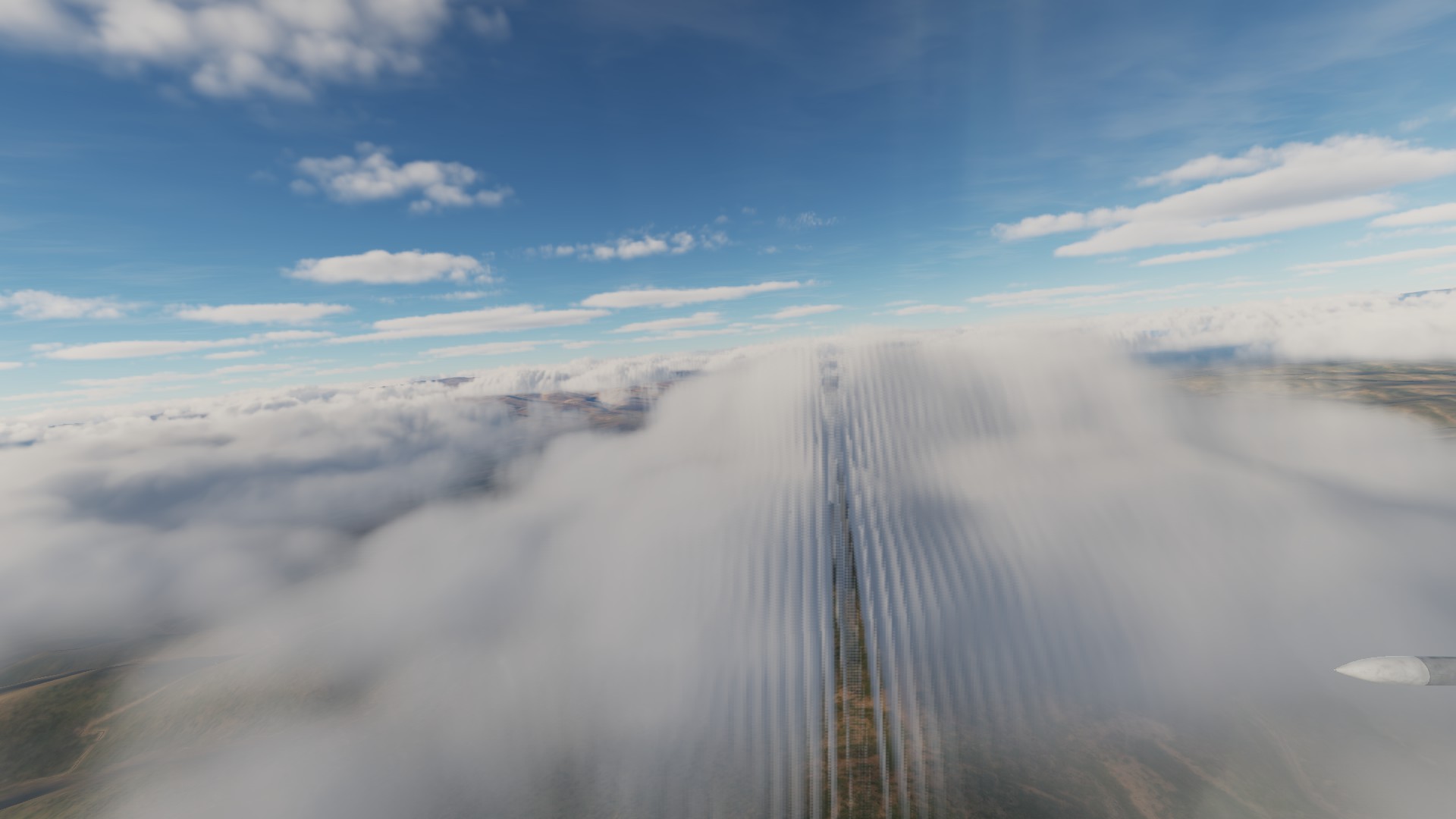
Both these problems disappear when downgrading to NVIDIA 470.74.
Sadly, I couldn't notice anything that was better with the new driver (again, probably to be expected anyway). In particular, the "chemtrails" (sorry, couldn't help it), chimney smoke and other similar effects were still pretty much broken.
Edit 2021-11-12: updated with information from subsequent posts.
I have DCS Stable 2.7.7.15038 running on Steam with Proton 5.13 - but it required a complete reinstall - no idea why.
current launch options:
DRI_PRIME=0 DXVK_HUD=1 WINEDLLOVERRIDES="wbemprox=n,riched20=n" WINEDEBUG="fixme-all,+loaddll" %command%
I have DCS open beta running on steam and have not experienced the issues you're describing. Have you guys tried open beta too?
CLI params: AMD_VULKAN_ICD=RADV PRESSURE_VESSEL_VERBOSE=1 WINEDEBUG=+loaddll WINEDLLOVERRIDES='wbemprox=n' %command% (A lot of these are not needed and/or there for debug purposes)
Using proton 6.3.7
Thank you very much for the feedback, guys!
@TheZoq2 I think that right now DCS stable and open beta are essentially the same. Indeed, when switching between them, Steam doesn't download anything.
I've so far had pretty good experience with Proton-GE following this initial setup. A few days ago I also tested GE 6.20 from a clean prefix and the same procedure worked well (that was before the DCS open beta got pushed as stable).
Now I decided to start again with a clean prefix, but with the Proton version you use (that is, Valve's current stable Proton). Because it's missing some bits, I'm following your docs (btw, thank you very much for compiling these!).
But there's a problem right away with <tricks command> vcrun2017 corefonts xact d3dcompiler_43. vcrun2017 ends prematurely with (...) c:/windows/syswow64/ucrtbase.dll: Permission denied. This file is actually a symlink to Proton's dist Wine, so the error maybe makes sense. Are those VC++ redistributables still needed for Valve's Proton, actually?
Small update: <tricks command> corefonts xact d3dcompiler_43 (i.e. without vcrun2017) went fine, but I'm still getting Important files are damaged: Please, repair. (just to be clear: despite what the message says, file verification does not help).
Will continue testing to see if I manage to get a working setup.
I tested again a clean prefix with Proton-GE: apart from the problems above, only Arial and the symlinks (haven't tested without them) likely were needed as described here.
I wasn't able to get it running with Valve's Proton—apparently it needs more steps and time, which, sadly, I couldn't afford right now. But it seems possible from my testing that the current instructions on setting Valve's Proton (as opposed to a customized Proton like Proton-GE) from a clean prefix might be somewhat outdated.
Edit 2021-11-12: Previous content integrated into other relevant posts for better issue readability.
Re: vcrun2017 I noticed last time I tried that it doesn't work, but vcrun2019 does. I should probably update the document, and with some luck, that might be the cause of the errors you're seeing
@TheZoq2 Thank you very much again.
Well, I decided to burn a bit more time and test Proton 6.3-7 with your suggestion about vcrun2019. So, <tricks command> vcrun2019 corefonts xact d3dcompiler_43 does work (though it required --force because of a checksum mismatch on vc_redist.x64.exe). Unfortunately:
- the "Failed to get authorization data" error is still there;
- DCS crashes right after this error (unlike with Proton-GE where it just continues with any paid modules disabled).
Removingdrive_c/windows/system32/lsteamclient.dllsadly doesn't fix the crash either.
I did also test again Proton Experimental with its "bleeding-edge" branch, but the result was the same.
Edit 2021-11-12: Removed outdated information for better readability.
And a curious observation about the NVIDIA 495.44 glitches: the missing textures are rendered correctly in the mirrors.
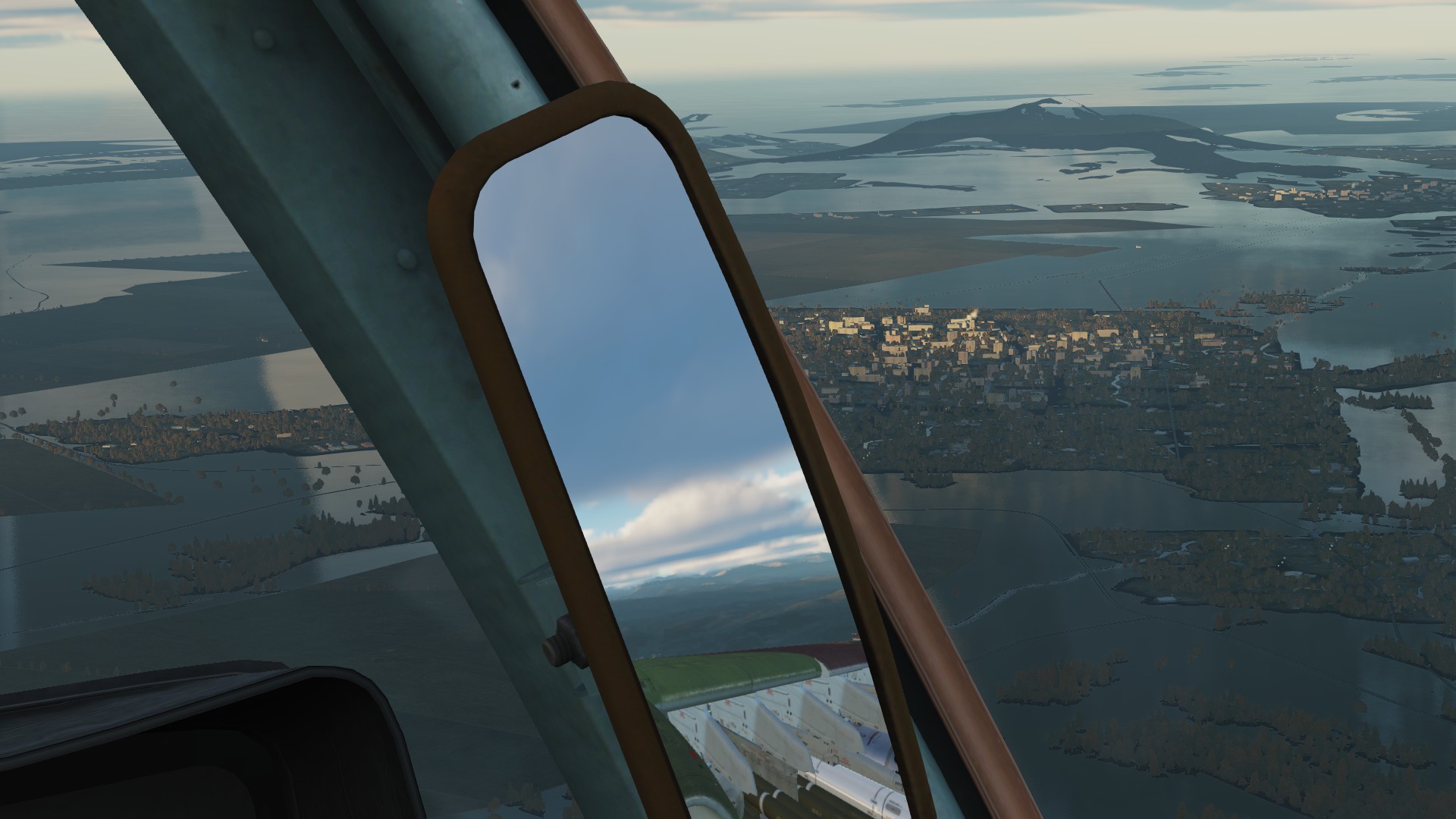
The clouds distortion, on the other hand, was also present in the mirrors, but only at specific conditions that I couldn't determine—it wasn't enough to have the mirrors "reflect" the direction in which the distortion was visible in the main scene.
The weird thing is that the game works without issue for me and has for a while. I wonder if there is some config I have set bug forgot about :thinking:
DCS crashes right after this error (unlike with Proton-GE where it just continues with any paid modules disabled).
Removing drive_c/windows/system32/lsteamclient.dll sadly doesn't fix the crash either.
Ok, I think this is a long standing bug that has been fixed then. It used to be that the game would crash if you tried to start it in offline mode, which is what it does when you can't authenticate. I suppose that bug is fixed now which is why i works.
And a curious observation about the NVIDIA 495.44 glitches: the missing textures are rendered correctly in the mirrors.
Interesting, though not completely unsurprising. The game renders mirrors at a lower quality, so probably with way less shader magic...
The weird thing is that the game works without issue for me and has for a while. I wonder if there is some config I have set bug forgot about thinking
Very strange, indeed.
Just bear in mind that everything had also worked fine for me for several months—before one of the Steam betas brought the “Important files are damaged” problem, then DCS open beta began to manifest the "Failed to get authorization data" for the paid modules, and until finally, with the DCS open beta being promoted to stable, everything got broken.
This is a stupid question, but are you sure Steam has updated your DCS to the latest stable? I'm thinking if we shouldn't warn people to refuse the update. But if the latest stable works for you, then, as you say, something else must also be involved.
And a curious observation about the NVIDIA 495.44 glitches: the missing textures are rendered correctly in the mirrors.
Interesting, though not completely unsurprising. The game renders mirrors at a lower quality, so probably with way less shader magic...
Yup, makes sense. In the most typical case, the textures do load in the beginning of the mission, only to disappear a couple of seconds later. Or, more rarely, they are present most of the time, but disappear temporarily at certain moments. So it isn't, indeed, as if the textures do not "load" completely, but rather that their rendering breaks at certain points.
Actually, I might have noticed also another change that might be connected to the textures. Previously, if I started a second mission without first quitting DCS completely, the framerate would often (though not always) drop drastically: from 45-50 to 15-20 fps. When I did the testing today, I got a bit lazy and ran a second mission several times—and at no time did I notice the same problem. I wonder if this isn't somehow connected to the textures (and assets in general), as you suggested here.
Oh, well, as I really know very little about the matter here, I'm afraid I can hardly be of much help with my speculations.
This is a stupid question, but are you sure Steam has updated your DCS to the latest stable? I'm thinking if we shouldn't warn people to refuse the update. But if the latest stable works for you, then, as you say, something else must also be involved.
I don't think it has, but no, I'm not sure.
I'm still not sure I understand what the relationship between steam beta and this issue is though. Did it stop working permanently after a steam beta update? I'll have to check once I get home, but I might be running steam stable.
2021-11-18: “Failed to get authorization data” and “Important files are damaged” have been fixed by 2.7.8.16140 Open Beta.
I'm still not sure I understand what the relationship between steam beta and this issue is though. Did it stop working permanently after a steam beta update? I'll have to check once I get home, but I might be running steam stable.
It is indeed a bit confusing, especially since I don't play that often and can't be certain of when exactly has one thing or another broken. But with the help of some relevant posts on Google and based on my experience, here's what likely has happened:
| Steam | DCS | timeframe | Result |
|---|---|---|---|
| any | any | before October | OK |
| Beta | Open Beta | at some point in October, might actually be this rolled back beta, considering this post and the comments about EAC | “Important files are damaged: Please, repair.” Many Windows DCS users report that they needed to switch to the stable Steam client. Eagle Dynamics' Bignewy hints that it was “a binary issue with steam beta client and DCS” |
| Beta | Stable | October | Can't recall if I tested this |
| Stable | Open Beta | October, before 20th when this DCS open beta came out | OK |
| Stable | Open Beta | October, after this DCS open beta, coinciding with this complaint. | “Failed to get authorization data. Error code is: 500” Bignewy comments it “looks like (...) a steam API issue”. Apparently fixed for Windows—either by ED or Valve. |
| Stable | Stable | October | OK |
| Stable | Stable | after DCS open beta was promoted to stable | “Failed to get authorization data. Error code is: 500” |
The current situation:
| Steam | DCS | Result |
|---|---|---|
| Beta | Stable == Open Beta | “Important files are damaged: Please, repair.” |
| Stable | Stable == Open Beta | “Failed to get authorization data. Error code is: 500” |
While I had previously mentioned several times the CEG DRM changes in #753, now that I have checked the Steam Beta history, that Beta from 6 October seems more like the cause of the problems on Steam's side. The thread on Reddit explicitly mentioned the EAC changes to be the culprit for the “Important files are damaged: Please, repair.” message. Is it possible that the EAC problem was fixed for Windows, but somehow remained broken for Proton?
Now, I know that we still don't have support for EAC in Proton, but the point is that the game had outright refused to start even for Windows users, with the same error message. And while this was fixed for Windows, the same error message remains for Linux/Proton. I can imagine there being some integrity check (i.e. whether EAC or other executables had been tampered with) and if that check fails for any reason, DCS refuses to start. And this integrity check might be completely independent of the “anti-cheat“ functionality per se. That is, multiplayer might still not work on Proton and that just means you can't do multiplayer, but if the integrity check also fails, you won't be able to start the game at all. Again, having extremely little experience in the field, I might be talking nonsense, but I'm trying to explain to myself the chain of events.
In any case, some of the Steam Betas did at some point break all versions of DCS with the error “Important files are damaged”.
DCS remained playable on Steam Stable, but only until, apparently, Eagle Dynamics introduced some changes on their own around the end of October, very likely with the open beta from 20th of October, as, again, evident from this post.
This meant that by the end of October DCS was only playable on Steam Stable with DCS Stable, as both didn't yet have the breaking changes discussed above. Until finally, as reported by @FergleFFergleson, DCS beta got pushed as stable.
Edit 2021-11-12: Updated and rewritten the table for better readability.
Ok that clarifies things a lot. As far as I know, DCS does not use CEG DRM or EAC, however.
Like I said, I have no issues with current Open Beta and what I think is stable steam (though I haven't seen a steam update recently). That at least gives hope that there is some configuration that works still.
Also, from that thread: "As a work around you can launch DCS using the DCS.exe and bypass the steam library." Perhaps that might be a workaround for you
That is, multiplayer might still not work on Proton and that just means you can't do multiplayer, but if the integrity check also fails, you won't be able to start the game at all. Again, having extremely little experience in the field, I might be talking nonsense, but I'm trying to explain to myself the chain of events.
As I understand it, there are 4 kinds of authentication/integrity checks going on here:
- Authentication which if it fails gives the Error code 500. This is against ED servers unless I'm mistaken
- "Startup check" which causes the "important files are damaged error". This seems to be a fairly generic error that the game throws when something goes wrong in the startup process (for example, when the lsteamclient.dll file is there (have you tried removing it after going steam Beta + Open Beta?))
- Integrity check: This is EDs check for modifications of game files which prevents you from playing multiplayer on IC enabled servers if it fails. This seems to be mostly checksum based, and triggers if you mess around too much in the game files
- EAC: External anti cheat software. I don't think DCS uses it so it shouldn't be a problem.
Thank you very much again for your comments.
- "Startup check" which causes the "important files are damaged error". This seems to be a fairly generic error that the game throws when something goes wrong in the startup process (for example, when the lsteamclient.dll file is there (have you tried removing it after going steam Beta + Open Beta?))
That was an interesting check.
For Steam Stable + DCS (Stable == Open Beta):
- Leaving
lsteamclient.dll -> (...)/Proton-6.20-GE-1/files/lib64/wine/x86_64-windows/lsteamclient.dllas it is gives the “Failed to get authorization data” error explained above: only free-to-play, no paid modules. - Removing
lsteamclient.dllchanges the error to “Important files are damaged”—the one from Steam Beta.
For Steam Beta + DCS (Stable == Open Beta) the error is “Important files are damaged”, with or without lsteamclient.dll.
Also, from that thread: "As a work around you can launch DCS using the DCS.exe and bypass the steam library." Perhaps that might be a workaround for you
I've also been thinking about this, but I'm not sure how should one do it in Linux. The steam %command% is this:
${HOME}/.local/share/Steam/ubuntu12_32/reaper \
    SteamLaunch AppId=223750 -- \
  ${HOME}/.local/share/Steam/steamapps/common/SteamLinuxRuntime_soldier/_v2-entry-point \
    --verb=waitforexitandrun -- \
  ${HOME}/.local/share/Steam/compatibilitytools.d/Proton-6.20-GE-1/proton \
    waitforexitandrun \
  ${HOME}/.local/share/Steam/steamapps/common/DCSWorld/bin/DCS.exe
Running this directly with the appropriate STEAM_COMPAT_DATA_PATH and STEAM_COMPAT_CLIENT_INSTALL_PATH likely unsurprisingly doesn't produce a different result. Dropping first the reaper and then also the soldier entry point commands (thus running Proton directly) doesn't make any change either.
To be honest, with Proton getting more and more complex, I've begun losing track of what piece of it is doing what, so I'm not really sure how to “bypass the steam library”.
I should perhaps try these things again with Valve's Proton, but installing those corefonts is painfully slow so I'll have to leave it for the weekend at best. And I'm not terribly optimistic anyway—it hasn't worked the two previous times I tried from clean prefixes.
As I understand it, there are 4 kinds of authentication/integrity checks going on here:
- Authentication which if it fails gives the Error code 500. This is against ED servers unless I'm mistaken
There is indeed communication with digitalcombatsimulator.com. I should probably try running a MitM proxy to see what exactly is happening there.
It's a bit crazy, but I wonder if the fact that I'm using ZFS couldn't be part of the problem if file integrity checks are involved. I might also try running strace, though I'm not particularly good at interpreting its extensive syscall logs.
I might also try testing on another filesystem, but that certainly will require quite some time to set up properly.
2021-11-18: “Failed to get authorization data” and “Important files are damaged” have been fixed by 2.7.8.16140 Open Beta.
Two more tests and observations:
-
Because removing
lsteamclient.dllresulted in “Important files are damaged” on Steam Stable, I decided to also test replacing the symlink with a copy of the library. It didn't change anything. -
I think that the “Error code 500” is actually a check against Steam—not against the ED servers. The message before the error is "Getting Steam authorization data...” Also “Failed to get authorization data” problem is likely “a steam API issue”.
dcs.log actually has a bit more data—namely the first two lines here—that got scrolled up by other unrelated messages:
2021-11-08 13:35:03.163 ERROR   NET: Failed to decode network.vault: either hardware ID or OS username are different. Saved login data will be reset.
2021-11-08 13:35:03.163 INFO    NET: ProtocolVersion: 272
2021-11-08 13:35:10.158 ERROR   NET: Bad auth data: Gunzip: header decoding error
2021-11-08 13:35:10.162 ERROR   NET: Getting auth data failed becase server returned invalid reply.
2021-11-08 13:35:10.616 ERROR   APP: Failed to get authorization data. Error code is: 500
2021-11-08 13:35:10.616 INFO    APP: Loading cached Steam auth data...
2021-11-08 13:35:10.628 INFO    APP: Nope
There is, indeed, a pfx/drive_c/users/steamuser/Saved Games/DCS/Config/network.vault file.
Apparently, it keeps the saved Steam authorization data. But it gets invalidated with certain changes (“either hardware ID or OS username are different”) and DCS then tries to get the data directly from Steam through the Steam API. For one reason or another, this fails (“Failed to get authorization data. Error code is: 500”) and thus all paid modules get disabled. Obviously, this file does not exist at all in clean prefixes, so the problem will be present there from the very start.
@TheZoq2 I strongly suspect that if your network.vault file becomes somehow invalidated as well, you'll begin experiencing the same “Failed to get authorization data. Error code is: 500” problem on Steam Stable.
And all this still doesn't explain the “Important files are damaged: Please, repair.” error with Steam Beta. Again, if you were to switch to it, I very much expect that you will also start seeing this specific problem.
Now, I wouldn't suggest that you actually do those tests—at least if you want to be able to continue playing—as it's not unlikely that your network.vault also becomes invalid for good (I don't know how they do the validation, but it might indeed include some combination of system time clock, hardware information, etc.)
But I also feel that it might only be a matter of time before DCS gets broken for everyone—once all those individual network.vault files become invalid—or once the current Steam Beta gets promoted to Steam Stable.
Edit: removed some duplicated info.
I switched to the standalone version which does not have these problems. In the ED account page you can bind your steam modules to use them in the standalone version.
I used Lutris, but this didn't work OOTB either:
- winetricks was not able to install the D3D compilier. I removed this entry in the script which is no longer required. Installation of updated script: "lutris -i script".
- symlinks missing (same as steam version)
- login window hidden behind splash screen. You can simulate a virtual screen.
@kisak-valve Do you happen to know if the authorization problems with DCS are a (known) regression in Steam?
The possible timeline of the problems is here.
Should we open a separate issue, maybe on steam-for-linux? Or are these authorization issues already tracked elsewhere? Some rudimentary experiments might be hinting towards lsteamclient.dll as a culprit. Isn't it a wrapper over the closed-source steamclient.dll? Could it be that the latter had been fixed, but the Linux wrapper had not been updated accordingly?
Edit: rewritten to be more concise.
Hello @kerberizer, friendly reminder that I'm a moderator for Valve's issue trackers on Github, and not a Valve developer myself. I don't any insight to share on where this particular gremlin is hiding.
This is the right place for discussion of all issues with this game title. Also, you don't need to repeatedly repost summaries of the current situation, it's added pages of duplicate information for anyone who whats to reads through this compatibility report. You can just as easily link back to the previous comments.
@kisak-valve Appreciate your tactful remarks. You do have a point: this is an issue tracker—not a forum. I've edited my comments to be more concise and with less duplicated or unimportant information. Point taken for the future as well. Thank you!
Todays hotfix mentions "Steam. User unable to launch DCS due to binary issue in steam - fixed" perhaps this fixes your issues?
With today's update (18/11/2021) the "Failed to get authorization data. Error code is: 500" error seems to be gone on Steam stable + DCS Open Beta (2.7.8.16140).
I'm using Proton 6.20-GE-1 (6.21-GE-2 does not seem to work) + the fixes mentioned by @kerberizer here.
Glad to hear 2.7.8.16140 Open Beta works with Steam Stable. It does with Steam Beta too. I'll add a note to my comments.
The texture problems with the latest NVIDIA stable driver remain, but that was to be expected.
Seems like it.
I can only testify for the distortion in the clouds, though.
The terrain textures were fine for me (unlike yesterday), but I use the low preset, so that might be why.
Seems like it. I can only testify for the distortion in the clouds, though. The terrain textures were fine for me (unlike yesterday), but I use the low preset, so that might be why.
Yes, with the low preset the terrain texture problem is much rarer. But I seem to get it 100% of the time even with the low preset in the Su-25T “Free Flight at Mineralnye Vody” mission in Caucasus. Have you tried this one?
The terrain and clouds issues with NVIDIA 495.44 did turn out to be interconnected. Further, none of them is present not only upon the initial loading of the 3D world, but also after switching back from the F10 map. The two problems appear simultaneously—after a small delay. Finally, they can, indeed, also continue vanishing and popping up again with no apparent stable pattern or cause.
Here's a video that demonstrates these new findings (Su-25T “Free Flight” in Caucasus, default Low graphics preset).
https://user-images.githubusercontent.com/1084155/142502100-47a458cc-14d3-4540-8008-d23ab9318176.mp4
The flashing black lines are a recording artefact (likely because of flipping) and not present in the game.
Edit: To be absolutely precise, the terrain and clouds problems are still present upon resuming the 3D world after the map is closed, but they very quickly disappear—only to reappear again at some later point, of course.
Have you tried this one?
No, I did not :P
However, I couldn't find the mission you mentioned (I'm new to DCS) so I made something similar to it in the mission editor.
But I didn't encounter any texture glitching during my 10-minute-long flight.
The only graphical issue is the cloud distortion.
So it probably has to do with the mission you mentioned.
I'm dumb. I found the free flight mission. Results didn't change, though. Still no glitches for me.
Maybe it's the clouds? I have mine set to Standard.
Edit: I have a Nvidia GeForce GTX 1070 if that can help.
I'm dumb. I found the free flight mission.
I should've explained that I was referring to the Instant missions, so that was my fault, sorry :)
Results didn't change, though. Still no glitches for me.
Maybe it's the clouds? I have mine set to Standard.
Clouds could also play a role, I guess, but it seems more complex than that. I've actually managed to pull off several runs at every graphics settings apart from SSAA completely maxed out—with only the clouds problem, just like you—so there is something else at play besides the texture or other graphics settings per se. And this is also in sync with the observation that the rendering in the mirrors never seems to exhibit the terrain texture vanishing, but only the clouds problem.
“Clouds in mirrors are also distorted” (Su-25T “Free Flight” instant mission in Caucasus, all graphics settings except SSAA to max)
Another thing that I notice is that in certain views the color of the textures that remain changes. I might be wrong, but this also seems to hint at some shader problems as TheZoq2 has suggested earlier. Also, if the switch to the map is very brief—perhaps 1 second or less—the temporary return to normal does not happen. This is probably in line with that was discussed about the DCS memory manager in this thread: maybe the textures get reloaded after a long enough pause in F10 and, just like in the beginning of a mission, the rendering works for some time, until something leads to some shader (or something else) failing.
Anyway, to me this looks like a clear regression in the NVIDIA driver that should be reported to them, but I want to make sure I'm not missing something else, e.g. some patch in Proton GE that might be somehow contributing to the problem as well.
I've managed to get DCS working on Proton 6.3-7 from a clean prefix. It's actually almost as simple as with Proton GE.
- This step is important! Remove the symlinks that provide Liberation Sans as a replacement for Arial. Just like it has been needed for Wine Staging and Proton GE, аpparently it's now also necessary for Valve's uncustomized Proton. Omitting this step means DCS will crash at about 25% on initial loading and the logs will contain messages like
UIBASERENDERER: Cannot load font [C:\windows\Fonts\arial.ttf]!, even though you will have had installedarialwith protontricks.
rm ~/.local/share/Steam/steamapps/compatdata/223750/pfx/drive_c/windows/Fonts/arial*.ttf
- Install the stuff mentioned in https://github.com/TheZoq2/dcs_on_linux with the following differences:
- as discussed here,
vcrun2017is replaced byvcrun2019; arialis enough as a replacement for the completecorefonts(it saves quite a lot of time);--forceis needed because of a checksum mismatch onvc_redist.x64.exe(one should, of course, always be mindful that such problems might not only be just a matter of harmless stale checksum, but a security risk as well, so be careful).
protontricks 223750 --force vcrun2019 arial xact d3dcompiler_43
I haven't tested if xact or d3dcompiler_43 are still really needed. I might do another test for these.
Notably, the NVIDIA 495.44 glitches are present here too, which all but confirms it's their regression.
Some new things I've discovered: The hind map markers can be fixed by the same fix as the F16 RWR: opening and re-exporting mods/Aircraft/MI-24P/Cockpit/IndicatorTexutres/font.tga and font_arcade.tga
The m-2000 recently had an update to make the VTB more realistic, however the rendering for that doesn't work, the VTB remains black. This can be fixed by setting the VTB realistic mode to off in the special options
EDIT: And the same is true for all the textures in that directory in order to fix the copilot gunner sight
Some bad news again: DCS was updated to 2.7.9 today which unfortunately (for us) adds more stuff to the voice chat system that seems to be broken.
We're back to the voice chat plugin not loading again. I can get the game to start and run by commenting out all the stuff in CoreMods/services/VoiceChat/entry.lua. Unfortunately, this file is behind the integrity check system so doing so means you can not play on most MP servers.
In previous versions, I was able to modify the webrtc_plugin.dll file to avoid loading the plugin in the first place, but that has not yielded any success this time, neither has modifying the VoiceChat.dll file, though I might be doing something wrong there.
I have a fix - add msdmo the same way you add wbemprox & I can get into the game (not tested MP though)
EDIT - tested on Lutris & I seem to be able to get on servers with protecttion on
Oh that's good news, though it doesn't seem to work for me. I added WINEDLLOVERRIDES='wbemprox=n,msdmo=n' to my launch arguments but still get the webrtc crash
2021-12-25 19:17:19.666 INFO    EDCORE: Loaded Z:/home/frans/.local/share/Steam/steamapps/common/DCSWorld/CoreMods/services/VoiceChat/bin/VoiceChat.dll
2021-12-25 19:17:19.675 INFO    EDCORE: try to write dump information
2021-12-25 19:17:19.675 INFO    EDCORE: # -------------- 20211225-191720 --------------
2021-12-25 19:17:19.675 INFO    EDCORE: DCS/2.7.9.17830 (x86_64; Windows NT 10.0.18363)
2021-12-25 19:17:19.675 INFO    EDCORE: C:\windows\system32\ntdll.dll
2021-12-25 19:17:19.675 INFO    EDCORE: # 80000003 BREAKPOINT at 7BC5842C 00:00000000
2021-12-25 19:17:19.679 INFO    EDCORE: SymInit: Symbol-SearchPath: '.;Z:\home\frans\.local\share\Steam\steamapps\common\DCSWorld;Z:\home\frans\.local\share\Steam\steamapps\common\DCSWorld\bin;C:\windows;C:\windows\system32;SRV*c:\websymbols*https://msdl.microsoft.com/download/symbols;', symOptions: 528, UserName: 'steamuser'
2021-12-25 19:17:19.679 INFO    EDCORE: OS-Version: 10.0.18363 () 0x0-0x1
2021-12-25 19:17:20.261 INFO    EDCORE: 0x000000000005842C (ntdll): (function-name not available) + 0x0
2021-12-25 19:17:20.261 INFO    EDCORE: 0x0000000000241567 (webrtc_plugin): (function-name not available) + 0x0
2021-12-25 19:17:20.261 INFO    EDCORE: 0x00000000007168B9 (webrtc_plugin): (function-name not available) + 0x0
2021-12-25 19:17:20.261 INFO    EDCORE: 0x000000000058E9B5 (webrtc_plugin): (function-name not available) + 0x0
2021-12-25 19:17:20.261 INFO    EDCORE: 0x00000000005ADE43 (webrtc_plugin): (function-name not available) + 0x0
2021-12-25 19:17:20.261 INFO    EDCORE: 0x0000000000014AAE (webrtc_plugin): (function-name not available) + 0x0
2021-12-25 19:17:20.262 INFO    EDCORE: 0x000000000023F5E2 (webrtc_plugin): (function-name not available) + 0x0
2021-12-25 19:17:20.262 INFO    EDCORE: 0x000000000023EAA8 (webrtc_plugin): (function-name not available) + 0x0
2021-12-25 19:17:20.262 INFO    EDCORE: 0x000000000023E3ED (webrtc_plugin): (function-name not available) + 0x0
2021-12-25 19:17:20.262 INFO    EDCORE: 0x000000000023D08D (webrtc_plugin): (function-name not available) + 0x0
2021-12-25 19:17:20.262 INFO    EDCORE: 0x000000000023E63C (webrtc_plugin): (function-name not available) + 0x0
2021-12-25 19:17:20.262 INFO    EDCORE: 0x000000000002C9A9 (kernel32): (function-name not available) + 0x0
2021-12-25 19:17:20.263 INFO    EDCORE: 0x000000000005E5F3 (ntdll): (function-name not available) + 0x0
2021-12-25 19:17:21.045 INFO    EDCORE: Minidump created.
2021-12-25 19:17:21.045 INFO    Lua::Config: stack traceback:
What wine version are you running? This is with proton 6.3.8, perhaps that's the problem
Edit: It seems to run with only the wbemprox DLL override on lutris-6.21. Now to get it running on steam so I can run VR I suppose
Never mind, looks like I'm just an idiot and don't know the syntax of the dll override stuff. For reference: it should be WINEDLLOVERRIDES='wbemprox=n;msdmo=n' (note the semicolon, that one cost me 2 hours of trying random proton versions :D)
Some more detail would be appreciated, since I have not been able to run DCS since this latest update.
While I've tried a lot of combinations, all seem to end up with similar errors:
2021-12-28 16:21:09.620 INFO    EDCORE: try to write dump information
2021-12-28 16:21:09.620 INFO    EDCORE: # -------------- 20211228-162109 --------------
2021-12-28 16:21:09.620 INFO    EDCORE: DCS/2.7.9.17830 (x86_64; Windows NT 6.1.7601)
2021-12-28 16:21:09.620 INFO    EDCORE: Z:\home\chris\SteamLib2\Steam\steamapps\common\DCSWorld\bin\DCS.exe
2021-12-28 16:21:09.620 INFO    EDCORE: # C0000005 ACCESS_VIOLATION at 41C2C667 00:00000000
2021-12-28 16:21:09.625 INFO    EDCORE: SymInit: Symbol-SearchPath: '.;Z:\home\chris\SteamLib2\Steam\steamapps\common\DCSWorld;Z:\home\chris\SteamLib2\Steam\steamapps\common\DCSWorld\bin;C:\windows;C:\windows\system32;SRV*c:\websymbols*https://msdl.microsoft.com/download/symbols;', symOptions: 528, UserName: 'steamuser'
2021-12-28 16:21:09.625 INFO    EDCORE: OS-Version: 6.1.7601 (Service Pack 1) 0x0-0x1
2021-12-28 16:21:10.098 INFO    EDCORE: 0x0000000001C2C667 (dcs): (function-name not available) + 0x0
2021-12-28 16:21:10.098 INFO    EDCORE: 0x0000000001CF892C (dcs): (function-name not available) + 0x0
2021-12-28 16:21:10.103 WARNING LOG: 36 duplicate message(s) skipped.
2021-12-28 16:21:10.103 INFO    EDCORE: 0x0000000000A27856 (dcs): (function-name not available) + 0x0
2021-12-28 16:21:10.103 INFO    EDCORE: 0x0000000001D06797 (dcs): (function-name not available) + 0x0
2021-12-28 16:21:10.103 INFO    EDCORE: 0x0000000001D061ED (dcs): (function-name not available) + 0x0
2021-12-28 16:21:10.103 INFO    EDCORE: 0x0000000001CFF149 (dcs): (function-name not available) + 0x0
2021-12-28 16:21:10.103 INFO    EDCORE: 0x0000000001CFFD6C (dcs): (function-name not available) + 0x0
2021-12-28 16:21:10.103 INFO    EDCORE: 0x00000000009C62E8 (dcs): (function-name not available) + 0x0
2021-12-28 16:21:10.104 INFO    EDCORE: 0x00000000000D96E4 (edcore): (function-name not available) + 0x0
2021-12-28 16:21:10.104 INFO    EDCORE: 0x00000000000D94E1 (edcore): (function-name not available) + 0x0
2021-12-28 16:21:10.104 INFO    EDCORE: 0x00000000000D7818 (edcore): (function-name not available) + 0x0
2021-12-28 16:21:10.104 INFO    EDCORE: 0x000000000006591B (ucrtbase): (function-name not available) + 0x0
2021-12-28 16:21:10.104 INFO    EDCORE: 0x000000000002C9A9 (kernel32): (function-name not available) + 0x0
2021-12-28 16:21:10.105 INFO    EDCORE: 0x000000000005E5F3 (ntdll): (function-name not available) + 0x0
2021-12-28 16:21:10.918 INFO    EDCORE: Minidump created.
To get to this point I did the following:
- starting from a clean prefix
- using Proton 6.3-8
rm <PREFIX>/drive_c/windows/Fonts/arial*.ttfprotontricks 223750 --force vcrun2019 arial xact d3dcompiler_43WINEDLLOVERRIDES='wbemprox=n;msdmo=n'in Launch options
Am I missing anything?
Is this the steam or standalone version? Is there an error just before the dump in the log? How far does it get before crashing (splash screen, loading screen, main menu etc.)
@broekema Have you tried creating those symlinks?
@broekema Have you tried creating those symlinks?
Yes, these have been created.
Is this the steam or standalone version? Is there an error just before the dump in the log? How far does it get before crashing (splash screen, loading screen, main menu etc.)
This is the steam version. I see the splash screen, underneath of which a error dialog pops up asking whether to collect debug information using dxdiags (which is not installed I believe). The crash may happen during Steam authentication, but I can't back that up with proof.
No errors are shown just before the dump in the log:
2021-12-28 16:21:04.208 INFO    APP: Command line: "Z:\home\chris\SteamLib2\Steam\steamapps\common\DCSWorld\bin\DCS.exe" WINEDLLOVERRIDES=wbemprox=n;msdmo=n
2021-12-28 16:21:04.210 INFO    APP: DCS/2.7.9.17830 (x86_64; Windows NT 6.1.7601)
2021-12-28 16:21:04.210 INFO    APP: Application revision: 197815
2021-12-28 16:21:04.210 INFO    APP: Renderer revision: 22490
2021-12-28 16:21:04.210 INFO    APP: Terrain revision: 22613
2021-12-28 16:21:04.210 INFO    APP: Build number: 14
2021-12-28 16:21:04.214 INFO    APP: CPU cores: 8, threads: 16, System RAM: 32023 MB, Pagefile: 0 MB
2021-12-28 16:21:04.358 INFO    EDCORE: (dDispatcher)enterToState_:0
2021-12-28 16:21:04.369 INFO    Dispatcher: 2021/12/28 17:21 V1803061700
2021-12-28 16:21:04.375 INFO    NET: ProtocolVersion: 274
2021-12-28 16:21:04.431 INFO    SOUND: Using driver: wasapi
2021-12-28 16:21:04.431 INFO    SOUND: Found 1 available audio device(s):
2021-12-28 16:21:04.431 INFO    SOUND:   0: ID: "{0.0.0.00000000}.{FD47D9CC-4218-4135-9CE2-0C195C87405B}", Name: "Pulseaudio"
2021-12-28 16:21:07.406 INFO    SOUND: Added sound path: Sounds
2021-12-28 16:21:07.435 INFO    SOUNDER: Loaded 209 packed sounders.
2021-12-28 16:21:07.435 INFO    Dispatcher: InitLow
2021-12-28 16:21:07.562 INFO    EDCORE: Loaded Z:/home/chris/SteamLib2/Steam/steamapps/common/DCSWorld/bin/CockpitBase.dll
2021-12-28 16:21:09.620 INFO    EDCORE: try to write dump information
2021-12-28 16:21:09.620 INFO    EDCORE: # -------------- 20211228-162109 --------------
2021-12-28 16:21:09.620 INFO    EDCORE: DCS/2.7.9.17830 (x86_64; Windows NT 6.1.7601)
2021-12-28 16:21:09.620 INFO    EDCORE: Z:\home\chris\SteamLib2\Steam\steamapps\common\DCSWorld\bin\DCS.exe
2021-12-28 16:21:09.620 INFO    EDCORE: # C0000005 ACCESS_VIOLATION at 41C2C667 00:00000000
The steam console log seems to spam quite a bit of information about excluded modules, but also shows an unhandled page fault:
wine: Unhandled page fault on read access to FFFFFFFFFFFFFFFF at address 0000000141C2C667 (thread 017c), starting debugger...
Process of pid=0120 has terminated
No process loaded, cannot execute 'echo Modules:'
Cannot get info on module while no process is loaded
No process loaded, cannot execute 'echo Threads:'
process  tid      prio (all id:s are in hex)
Interesting, could you try adding WINEDEBUG=+loaddll to your steam launch options and seeing if there is something interesting in there?
I've added WINEDEBUG=+loaddll but I don't see any additional information. I'm assuming this would be expected on the console where steam is running?
The unhandled page fault I mentioned above may offer a bit more insight though.
[.....]
Excluding module: C:\windows\system32\winepulse.drv
Excluding module: C:\windows\system32\Riched20.dll
Excluding module: C:\windows\system32\wbem\wbemprox.dll
wine: Unhandled page fault on read access to FFFFFFFFFFFFFFFF at address 0000000141C2C667 (thread 017c), starting debugger...
Process of pid=0124 has terminated
No process loaded, cannot execute 'echo Modules:'
Cannot get info on module while no process is loaded
No process loaded, cannot execute 'echo Threads:'
process  tid      prio (all id:s are in hex)
00000020 steam.exe
        00000024    0
        0000011c    0
        0000012c    0
00000030 services.exe
        00000034    0
        00000038    0
        00000044    0
        00000054    0
        00000064    0
        0000007c    0
        00000088    0
        000000b4    0
        000000e8    0
0000003c winedevice.exe
        00000040    0
        0000004c    0
        00000050    0
        00000058    0
0000005c plugplay.exe
        00000060    0
        00000068    0
        0000006c    0
        00000070    0
        00000090    0
00000074 winedevice.exe
        00000078    0
        00000080    0
        00000084    0
        0000008c    0
        00000098    0
        0000009c    0
        000000a0    0
        000000a4    0
        000000a8    0
        000000d0    0
        00000118    0
000000ac svchost.exe
        000000b0    0
        000000b8    0
        000000bc    0
000000c0 tabtip.exe
        000000c4    0
        00000108    0
        0000010c    0
000000c8 explorer.exe
        000000cc    0
        000000d4    0
        000000d8    0
000000e0 rpcss.exe
        000000e4    0
        000000f0    0
        000000f4    0
        000000f8    0
        000000fc    0
        00000100    0
00000110 conhost.exe
        00000114    0
winedbg: Internal crash at 0x7f95b01f989a
pid 8726 != 8725, skipping destruction (fork without exec?)
Game process removed: AppID 223750 "/home/chris/.local/share/Steam/ubuntu12_32/reaper SteamLaunch AppId=223750 -- '/home/chris/SteamLib/Steam/steamapps/common/SteamLinuxRuntime_soldier'/_v2-entry-point --verb=waitforexitandrun -- '/home/chris/SteamLib2/Steam/steamapps/common/Proton 6.3'/proton waitforexitandrun  '/home/chris/SteamLib2/Steam/steamapps/common/DCSWorld/bin/DCS.exe' WINEDLLOVERRIDES='wbemprox=n;msdmo=n' WINEDEBUG=+loaddll", ProcID 8822
Game 223750 created interface STEAMAPPS_INTERFACE_VERSION008 / Apps
Game 223750 created interface SteamController007 / Controller
Game 223750 created interface SteamFriends017 / Friends
Game 223750 created interface SteamInput001 / Controller
Game 223750 created interface SteamUser020 / User
Game 223750 created interface SteamUtils009 / Utils
Game 223750 method call count for IClientAppManager::GetActiveBeta : 1
Game 223750 method call count for IClientUtils::RecordSteamInterfaceCreation : 8
Game 223750 method call count for IClientUtils::GetAppID : 10
Game 223750 method call count for IClientUser::GetAuthSessionTicket : 1
Game 223750 method call count for IClientUser::GetSteamID : 3
Uploaded AppInterfaceStats to Steam
No cached sticky mapping in ActivateActionSet.
Oh right, I forgot to mention one part. The winedebug output goes into a file called steam-223750.log in your home directory
The standalone version did also crash after the update. I had to remove "DCS World/CoreMods/services/VoiceChat" to make it run again. Maybe I need some further symlinks if voicechat is not able to load the webrtc_plugin:
2021-12-30 18:58:07.550 INFO    EDCORE: Loaded C:/Program Files/Eagle Dynamics/DCS World/CoreMods/services/VoiceChat/bin/VoiceChat.dll
2021-12-30 18:58:07.558 INFO    EDCORE: try to write dump information
2021-12-30 18:58:07.558 INFO    EDCORE: # -------------- 20211230-185808 --------------
2021-12-30 18:58:07.558 INFO    EDCORE: DCS/2.7.9.18080 (x86_64; Windows NT 10.0.18363)
2021-12-30 18:58:07.558 INFO    EDCORE: C:\windows\system32\ntdll.dll
2021-12-30 18:58:07.558 INFO    EDCORE: # 80000003 BREAKPOINT at 7BC56398 00:00000000
2021-12-30 18:58:07.559 INFO    EDCORE: SymInit: Symbol-SearchPath: '.;C:\Program Files\Eagle Dynamics\DCS World;C:\Program Files\Eagle Dynamics\DCS World\bin;C:\windows;C:\windows\system32;SRV*C:\websymbols*https://msdl.microsoft.com/download/symbols;', symOptions: 528, UserName: 'daniel'
2021-12-30 18:58:07.559 INFO    EDCORE: OS-Version: 10.0.18363 () 0x0-0x1
2021-12-30 18:58:08.325 INFO    EDCORE: 0x0000000000056398 (ntdll): (function-name not available) + 0x0
2021-12-30 18:58:08.325 INFO    EDCORE: 0x0000000000241567 (webrtc_plugin): (function-name not available) + 0x0
2021-12-30 18:58:08.325 INFO    EDCORE: 0x00000000007168B9 (webrtc_plugin): (function-name not available) + 0x0
2021-12-30 18:58:08.325 INFO    EDCORE: 0x000000000058E9B5 (webrtc_plugin): (function-name not available) + 0x0
2021-12-30 18:58:08.326 INFO    EDCORE: 0x00000000005ADE43 (webrtc_plugin): (function-name not available) + 0x0
2021-12-30 18:58:08.326 INFO    EDCORE: 0x0000000000014AAE (webrtc_plugin): (function-name not available) + 0x0
2021-12-30 18:58:08.326 INFO    EDCORE: 0x000000000023F5E2 (webrtc_plugin): (function-name not available) + 0x0
2021-12-30 18:58:08.326 INFO    EDCORE: 0x000000000023EAA8 (webrtc_plugin): (function-name not available) + 0x0
2021-12-30 18:58:08.326 INFO    EDCORE: 0x000000000023E3ED (webrtc_plugin): (function-name not available) + 0x0
2021-12-30 18:58:08.327 INFO    EDCORE: 0x000000000023D08D (webrtc_plugin): (function-name not available) + 0x0
2021-12-30 18:58:08.327 INFO    EDCORE: 0x000000000023E63C (webrtc_plugin): (function-name not available) + 0x0
2021-12-30 18:58:08.327 INFO    EDCORE: 0x000000000002C8E9 (kernel32): (function-name not available) + 0x0
2021-12-30 18:58:08.327 INFO    EDCORE: 0x000000000005DB73 (ntdll): (function-name not available) + 0x0
2021-12-30 18:58:10.120 INFO    EDCORE: Minidump created.
Did you do the new dlloverride? WINEDLLOVERRIDES='wbemprox=n;msdmo=n'
Quick update: I got my DCS working again. It turned out that my launch options caused the crash. For future reference:
WINEDLLOVERRIDES='wbemprox=n;msdmo=n'causes a crash and also does not create the steam log file @TheZoq2 was referring to aboveWINEDLLOVERRIDES='wbemprox=n;msdmo=n' %command%works as expected.
Hello there, this is my new try at running DCS from Steam.
I have the game installed: v2.7.9.18080
I set manual proton 6.3-8
I ran protontricks 223750 --force vcrun2019 arial xact d3dcompiler_43
I set WINEDLLOVERRIDES='wbemprox=n;msdmo=n' %command% in the launch parameter
Nvidia drivers 470 / Ubuntu 20.04 / 24 Go / GTX1060
The game launched but crashed (popup unfortunately DCS Crashed...) with the following log:
dcs.log
I then run
rm <PREFIX>/drive_c/windows/Fonts/arial*.ttf and
protontricks 223750 arial
and the creation of symlinks mentioned in one of the posts above in my prefix dir all failed except the last one
xxx/steamapps/common/DCSWorld$ ln -s bin/v8.dll
ln: failed to create symbolic link './v8.dll': File exists
xxx/steamapps/common/DCSWorld$ ln -s bin/v8_libbase.dll
ln: failed to create symbolic link './v8_libbase.dll': File exists
xxx/steamapps/common/DCSWorld$ ln -s bin/v8_libplatform.dll
ln: failed to create symbolic link './v8_libplatform.dll': File exists
xxx/steamapps/common/DCSWorld$ ln -s bin/VRfreeC.dll
ln: failed to create symbolic link './VRfreeC.dll': File exists
xxx/steamapps/common/DCSWorld$ ln -s bin/DCSWWII.dll  # Required for the Mosquito and other warbirds.
And when I relaunched from Steam it worked !!! Good FPS and Joystick working (some button and axis to reassign but flyable).
I should add that VR is great!
https://github.com/ValveSoftware/Proton/wiki/Changelog
Proton 7 was released recently and lists DCS as playable. I wonder if the remaining graphical issues (missile trails, some black textures have been fixed)
Proton 7 was released recently and lists DCS as playable. I wonder if the remaining graphical issues (missile trails, some black textures have been fixed)
Hey, thanks for the notice! Here are my impressions from a brief test:
- The game starts and runs flawlessly from a clean prefix with no workarounds required.
- I used to have a problem with alt-tabbing (e.g. for copy-pasting the DCS login credentials), where DCS' window would vanish, unless I had set a virtual desktop in winecfg. No need for that workaround either.
- The problem where exiting a mission and starting a new mission without first exiting DCS "to desktop" would make it run very sluggishly
seems to be gone as well.That was a huge nuisance. And it remains, but still seems better than before. - On the first mission that I tested I got the NVIDIA-specific distorted clouds.
But all subsequent tests were fine (stale shaders?). More importantly, the textures that used to vanish previously were fine in all tests. That wasn't the case yesterday, when I tested the new 510.54 driver with Proton 6.3. So, it seems Proton 7 fixes this too, which is pretty amazing.Actually, no. - The only problem that I noticed is the good old one with the smoke and vapor effects. Putting some screenshots here as I can't remember if the topic has ever been brought up explicitly—with examples, at least.
Overall, mighty impressive work from Valve and friends! Kudos to everyone who have contributed!
Spoke too soon. A clean prefix resets the graphics settings and the default is rather low. Switching to the High preset brings the NVIDIA problems back. Not surprising, since we know this is a regression in their driver (FWIW, might be the same as this one).
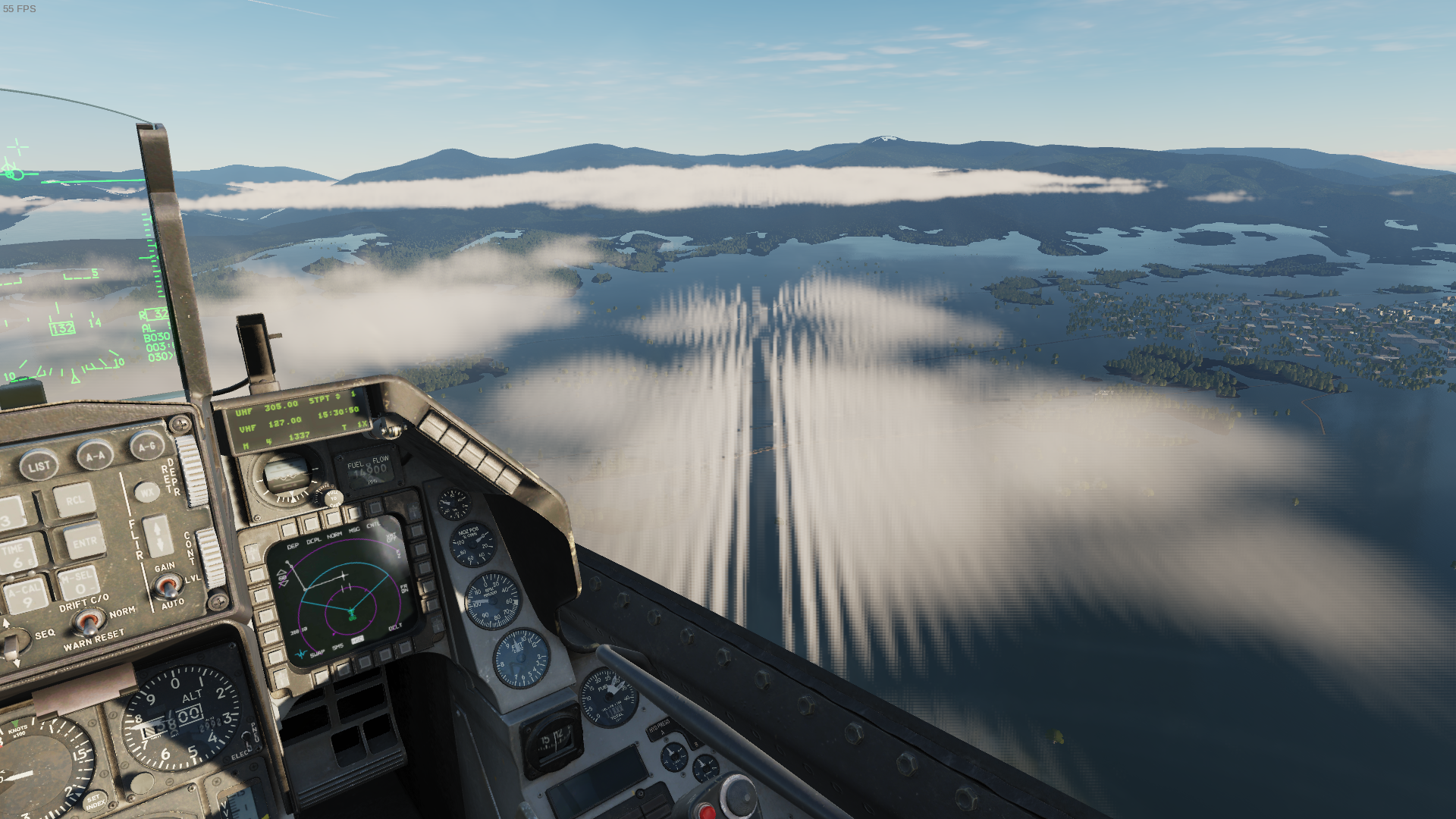
So, this at least seems to confirm once again the hypothesis that the problems are affected by the complexity of the scene.
Another problem that persists (not just with NVIDIA) is the Marianas map.
In spite of these issues, I'm still quite impressed (not to mention that the NVIDIA-related problems are on, well, NVIDIA to fix).
After playing for a few hours, I've encountered a few issues which are pretty game breaking
I had 2 full on GPU crashes. VR froze, then my displays shut off and I had to force shut down the computer
I had logging enabled, and that created a huge log file, causing me to run out of disk space and having the game crash
The second time I started up the game, it froze after the loading screen. The logs showed a nil error in the menu code which turned out to be caused by an empty file called disabled.lua in my controls folder
Every time I "restarted" the game, my joystick and key bindings were reset. However, I never had a clean exit from the game, so that might be a partial cause
I also saw a graphical artifact on one of the harrier MFDs, probably a bad reflection at specific light conditions.
All in all, 6.3.8 seems way better for me
All in all, 6.3.8 seems way better for me
Sorry to hear about your problems with 7.
On the positive side, I just double-checked that the symlinks are also not needed anymore, so, really, no workarounds needed.
On the not so positive side, the significant drop in performance after the first mission if you don't "exit to desktop" and restart the game isn't gone entirely—it just seems to happen after a few missions, not immediately on the second one.
My opinion remains that it's a remarkable progress, but, yeah, a lot of problems remain.
I had a go at this. Cleaned out the prefix, set to Proton 7.0, hit start. Game works out of the box, aside from the appallingly bad performance compared to Windows. I don't actually own any modules in the Steam version, so I'll be trying to replicate for standalone.
For comparison, I have a Vega 64. I can play in 4k on medium-ish settings and get 60 fps on Windows. On Linux, I had to run the game at 1080p with very low settings to get 50 fps while cooking the GPU alive.
For comparison, I have a Vega 64. I can play in 4k on medium-ish settings and get 60 fps on Windows. On Linux, I had to run the game at 1080p with very low settings to get 50 fps while cooking the GPU alive.
This doesn't sound right, indeed. Here's my experience for reference (hope I'm not missing anything important):
- i7-9750H, 32 GB DDR4-2666, RTX 2070 Max-Q 8GB (80W TDP in Legion Y740 15")
- 5.16.9-arch1-1, GNOME/X11, NVIDIA 510.54, Proton 7.0-1
- DCS settings: 1080p, "High" preset
- Instant action -> Su-25T -> Caucasus -> Free Flight at Mineralnye Vody: ~70–75 fps
- Instant action -> Mi-24P -> Caucasus -> Free Flight: ~30–35 fps
Mi-24P seems particularly demanding, and flying low also doesn't quite help with performance.
Edit: Should probably point out that 30–35 fps already feels sluggish and unpleasant.
In proton 6, six axis joysticks work. In proton 7, one axis appears to be missing. Unsure if this is DCS specific or a proton wide thing.
In my case this is a fake joystick, the opentrack evdev reciever, with six axes for headtracking.
In DCS it shows up as RX, RY, RZ, X, Y, Z bindable in proton 6, but RZ is missing in proton 7.
Hello @DanielKinsman, please add PROTON_LOG=1 %command% to the game's launch options, reproduce the regression, and attach the generated $HOME/steam-$APPID.log to this issue report as a file. (Proton logs compress well if needed.) Also, please copy your system information from Steam (Steam -> Help -> System Information) and put it in a gist, then include a link to the gist in this issue report. Proton versions should not be generalized to part of their version. Please clarify exactly what is the newest version of Proton which is not affected by the regression you're experiencing.
I had the same issue with an opentrack virtual joystick output. DCS running under latest proton experimental cannot see one of the axes.
@dmitry64 @DanielKinsman I have a workaround for this. Sorry @kisak-valve I don't know what proton version the issue came in at but this workaround might point at the issue: If you go into the wine control panel->Game controllers (There may be a better way but I tun taskmgr from protontricks & run control.exe from there) You'll see that the opentrack headpose device is detected as a Connected (xinput device) - if you hit the override button next to the list box it will get pushed up to the Connected list box, then press ok to exit Game Controllers & Control Panel etc you should see all 6 axes again.
If you go into the wine control panel->Game controllers (There may be a better way but I tun taskmgr from protontricks & run control.exe from there)
protontricks -c 'wine control' 223750 😉
With an update yesterday (openbeta) and today (stable), the game wasn't starting anymore, I just got the splashscreen, even if I waited like 10 minutes, the game would not start. I then looked into this thread and found some DLL-overrides, so my launch options look like this now:
WINEDLLOVERRIDES='wbemprox=n;msdmo=n' %command% --old-login
Also I'm using GE-Proton7-17, otherwise I can't log in...
Maybe someone has similar problems
I played the openbeta on wedensday. Steam edition with proton 7. Not 100% sure what tweaks I'm using at the moment
What I get is the game failing on some updates - usually due to a mod that has a modified weapon attribute that ED disallows, so I have to disable all the mods & re-enable one at a time to see which one breaks it (this update was the Chinese Aircraft Pack Mod). I'm not sure what the issue is if the game is just sitting there not logging in though - mine is working fine with Proton 7.0-2. My launch options are:
PROTON_LOG=1 WINEDLLOVERRIDES="wbemprox=n;msdmo=n" WINEDEBUG="fixme-all,+loaddll" %command%
@LuFlo's launch options got it working for me again on Proton experimental. Thanks for confirming that.
Initially I had trouble logging in, but I believe that's the same annoying login bug I've seen many times on Windows. After a few logout tries I was able to log back in and join a multiplayer server.
I have now an issue that the memory is filling up, after around 2 hours the game takes like 20GB or so, it's insane, so i have to reset it from time to time
I think that's normal, even for windows users. DCS is not a well optimised game, and from what I've seen, switching maps and/or planes does not flush the RAM
I had over 100 hours of playing DCS world steam edition on Fedora and Ubuntu using proton with no issues. However, with the latest update of DCS World (2.7.14.24228) it crashes at the splash screen with an unreadable crash dialog behind it.
I've gone so far as to do a complete delete and reinstall of everything, tried every combination of newer older versions and dirvers and nothing works.
Any recommendations?
TIA
Interesting, the game still works for me (on steam edition at least).
I would have a look at the logs in <prefix>/<user folder>/Game Data/DCS <possibly open beta>/Logs/dcs.log
You'll probably have crash dump there that might tell you more
Interesting, the game still works for me (on steam edition at least).
I would have a look at the logs in
<prefix>/<user folder>/Game Data/DCS <possibly open beta>/Logs/dcs.logYou'll probably have crash dump there that might tell you more
Thank you TheZoq2.
I have looked at the crash dumps, but I don't know enough about windows stuff to know what is good and what is not (I'm an old UNIX guy). I don't see anything with "error" or "fail" in it. ED and Valve are no help since "Linux is no supported."
Could you send the logs here. Generally they'll have something towards the end that looks like this:
2021-12-30 18:58:07.550 INFO    EDCORE: Loaded C:/Program Files/Eagle Dynamics/DCS World/CoreMods/services/VoiceChat/bin/VoiceChat.dll
2021-12-30 18:58:07.558 INFO    EDCORE: try to write dump information
2021-12-30 18:58:07.558 INFO    EDCORE: # -------------- 20211230-185808 --------------
2021-12-30 18:58:07.558 INFO    EDCORE: DCS/2.7.9.18080 (x86_64; Windows NT 10.0.18363)
2021-12-30 18:58:07.558 INFO    EDCORE: C:\windows\system32\ntdll.dll
2021-12-30 18:58:07.558 INFO    EDCORE: # 80000003 BREAKPOINT at 7BC56398 00:00000000
2021-12-30 18:58:07.559 INFO    EDCORE: SymInit: Symbol-SearchPath: '.;C:\Program Files\Eagle Dynamics\DCS World;C:\Program Files\Eagle Dynamics\DCS World\bin;C:\windows;C:\windows\system32;SRV*C:\websymbols*https://msdl.microsoft.com/download/symbols;', symOptions: 528, UserName: 'daniel'
2021-12-30 18:58:07.559 INFO    EDCORE: OS-Version: 10.0.18363 () 0x0-0x1
2021-12-30 18:58:08.325 INFO    EDCORE: 0x0000000000056398 (ntdll): (function-name not available) + 0x0
2021-12-30 18:58:08.325 INFO    EDCORE: 0x0000000000241567 (webrtc_plugin): (function-name not available) + 0x0
2021-12-30 18:58:08.325 INFO    EDCORE: 0x00000000007168B9 (webrtc_plugin): (function-name not available) + 0x0
2021-12-30 18:58:08.325 INFO    EDCORE: 0x000000000058E9B5 (webrtc_plugin): (function-name not available) + 0x0
2021-12-30 18:58:08.326 INFO    EDCORE: 0x00000000005ADE43 (webrtc_plugin): (function-name not available) + 0x0
2021-12-30 18:58:08.326 INFO    EDCORE: 0x0000000000014AAE (webrtc_plugin): (function-name not available) + 0x0
2021-12-30 18:58:08.326 INFO    EDCORE: 0x000000000023F5E2 (webrtc_plugin): (function-name not available) + 0x0
2021-12-30 18:58:08.326 INFO    EDCORE: 0x000000000023EAA8 (webrtc_plugin): (function-name not available) + 0x0
2021-12-30 18:58:08.326 INFO    EDCORE: 0x000000000023E3ED (webrtc_plugin): (function-name not available) + 0x0
2021-12-30 18:58:08.327 INFO    EDCORE: 0x000000000023D08D (webrtc_plugin): (function-name not available) + 0x0
2021-12-30 18:58:08.327 INFO    EDCORE: 0x000000000023E63C (webrtc_plugin): (function-name not available) + 0x0
2021-12-30 18:58:08.327 INFO    EDCORE: 0x000000000002C8E9 (kernel32): (function-name not available) + 0x0
2021-12-30 18:58:08.327 INFO    EDCORE: 0x000000000005DB73 (ntdll): (function-name not available) + 0x0
2021-12-30 18:58:10.120 INFO    EDCORE: Minidump created.
The interesting parts are usually the lines just above that
I had over 100 hours of playing DCS world steam edition on Fedora and Ubuntu using proton with no issues. However, with the latest update of DCS World (2.7.14.24228) it crashes at the splash screen with an unreadable crash dialog behind it. I've gone so far as to do a complete delete and reinstall of everything, tried every combination of newer older versions and dirvers and nothing works. Any recommendations? TIA
As already mentioned, you must use the following launch options (click on the gear icon->properties):
WINEDLLOVERRIDES='wbemprox=n;msdmo=n' %command%
As already mentioned, you must use the following launch options (click on the gear icon->properties):
WINEDLLOVERRIDES='wbemprox=n;msdmo=n' %command%
Thank you.
I did see that. Tried it and it made no difference (that I could tell).
Interesting, that seems to have crashed almost immediately with an error message I don't recognise. Not sure what else you can try then :(
I just wanted to report that the Open Beta Lutris installer works great after manually setting INEDLLOVERRIDES='wbemprox=n;msdmo=n'. This is the first time I've actually been able to run standalone on Linux!
DCS World Steam edition crashes very soon after launch, stuck at the ED logo screen. Nothing obvious in the crash log, but, I compared it to some peoples DCS.log files and I noticed where they have a NET: Authorization (whether on windows or linux) I have nothing in mine. Where the Authorization lines would be I just have the starting minidump messages.
Also I never get the login dialog. I even went to the DCS website and changed my login which should have made the auto-login not work and forced the login dialog. I never get that far.
Does anybody know of a lib that may be missing or an override the authentication?
TIA
@MarhekWolf do you have these DLL overrides? WINEDLLOVERRIDES='wbemprox=n;msdmo=n'
@MarhekWolf do you have these DLL overrides?
WINEDLLOVERRIDES='wbemprox=n;msdmo=n'
Yes.
I've tried it on every possible combination of DCS World Steam Edition (regular and open beta) with every version or proton from 6 up through Proton-GE 7.20 as well as the standalone versions of DCS with wine and lutris, on Fedora, Manjaro, PopOS, Ubuntu and even old SteamOS. Nothing works.
I just wanted to report that the Open Beta Lutris installer works great after manually setting
INEDLLOVERRIDES='wbemprox=n;msdmo=n'. This is the first time I've actually been able to run standalone on Linux!
When I tried to install the DCS World Open Beta using Lutris I get Exit with return code 256.
In the past you also had to set the symlinks to get the standalone version to work.
Some success.
I brought up a windows instance in a VM on another system, installed DCS on it and it authenticated and ran (slowly) so now I know it is not an authentication problem.
I then created a fresh install of PopOS (because it is less fussing with the Nvidia drivers) and installed Lutris before anything else. Set the WINEDLLOVERRIDES in the Lutris GUI and downloaded DCS World Open Beta from within Lutris. After it installed and ran I had the DCS World splash window up for 20 minutes before I noticed there is evidently a login window hiding behind it the tI can't get to. So I made the splash screen active and entered my login and password and it started. But, I don't have any of my planes because I bought them in the steam version. The steam version still crashes and trying the blind login does not work.
Thank you all for your input.
In the past you also had to set the symlinks to get the standalone version to work.
Can you be more specific about what is linked to where?
Thank you.
Can you be more specific about what is linked to where?
https://github.com/ValveSoftware/Proton/issues/1722#issuecomment-862600660
@MarhekWolf I'm sorry I have tried reproducing this with a new Steam install, but it's all working for me for a clean install:
I set compatibility to Proton 7.0-3 & deleted the 223750 directory (rm -rf ~/.local/share/Steam/steamapps/compatdata/223750/ ) so the install is completely clean.
I didn't need any protontricks or font adjustments, just the following launch options:
WINEDLLOVERRIDES='wbemprox=n;msdmo=n' %command%
If you can't get your Steam install working, then if you log into your DCS account (at https://www.digitalcombatsimulator.com not the forum) & edit your profile you can bind your Steam account & transfer DLC licenses so you can use the standalone client as well as the Steam client
I have it working on PopOS standalone and with steam.
I could log into my account on the DCS website so I assumed my credentials were fine.
To be positive, I ran an instance of Windows and installed DCS and it claimed my login was incorrect so I changed my PW on DCS and it then would run in Windows.
I removed all drives but one, installed PopOS on it, installed Lutris, set it up with the WINEDLLOVERRIDES='wbemprox=n;msdmo=n' in Lutris, ran the DCS World Open Beta Installer. Once it was downloaded I had the splash screen only, but the login window was stuck behind it. I did a blind login and it worked.
I then installed steam and the DCS steam edition and it worked as well.
I would like to stick with the standalone version but I need a way to get the login screen to be visible (at least once so I can set it to remember PW and auto login) or get pointed to a file to hack those flags.
Thank you to everybody for your support.
In the wine settings you can activate a virtual screen to get the login window into the front. You can deactivate it again once you logged in.
n the wine settings you can activate a virtual screen to get the login window into the front. You can deactivate it again once you logged in.
I did that (actually the option was virtual window) and it worked. I was able to set it to auto login, though it did hang after that, but I killed it, switched off the virtual window and restarted and DCS starts in standalone.
Thank you.
Another solution to that (that works in my WM at least) is to start the game,let it autofocus the login window and pressing the key bind to make the window full screen, before changing focus to another window
Does anyone else have rendering issues? The radar warning device on the F-16 is unusable, the icons come up as a solid green square rather than showing the symbology:
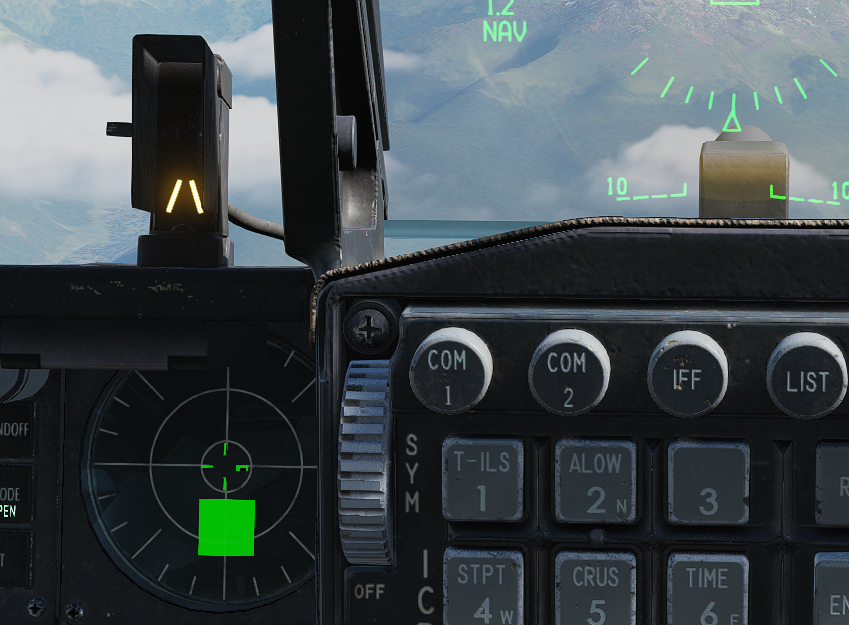
it should instead look something like this picture from chuck's guides:
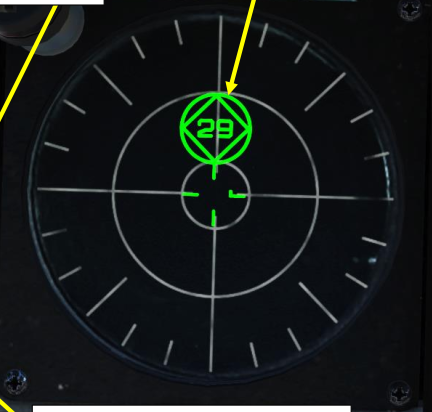
The lights on the F-15 at night are also rendered strangely.
The f16 rwr bug is a known issue with a fix. Some textures, like that one, the font for the hind map etc have some encoding that isn't supported by wine (or something). It can be easily fixed by opening the offending files in gimp and re-exporting them without any changes
I don't recall then names of the files off the top of my head, but I believe the rwr one is indicator_rwr.tga in $DCS/aircraft/.../
An easier way to find the textures is to look in the log file, searching for unknown parameter and finding the files that sound like the right thing.
if someone gets this error on the logs with the new version:
2022-07-21 19:21:59.878 ALERT Dispatcher: Error starting Game GUI: [string "./MissionEditor/modules/Options/optionsDb.lua"]:119: attempt to call field 'getVoiceChatDevices' (a nil value)
a solution i found its to comment out all inside that function on that file.
Regards!
Edit: You should better remove the references to getVoiceChatDevices and I think I actually installed d3dcompiler_47 and not d3dcompiler_43
protontricks 223750 d3dcompiler_47
That also worked for me.
I also had a shader compilation error which was not resolved with d3dcompiler_43, but was resolved by installing all the other d3d_compiler_* options. I just used protontricks --gui 223750 for that
you only need to comment out line 119:
--local devices = mod_sound.getVoiceChatDevices(dev_type)
as devices doesn't exist the if statement won't execute
The issue is caused (ultimately) by msdmo being forced out, which causes webrtc to fail - if wine had a fix for the msdmo failure then we might get further
I tested removing the blocks on wbemprox & msdmo. I found that with lutris wine fshack-7.2 at least the wbemprox block is not needed anymore
Im getting this error when i try to open the settings on the game.
2022-07-22 18:15:32.420 ALERT LUACOMMON: Error: GUI Error: [string "./MissionEditor/modules/TableUtils.lua"]:3: assertion failed!
GUI debug.traceback: stack traceback:
[C]: ?
[C]: in function 'assert'
[string "./MissionEditor/modules/TableUtils.lua"]:3: in function <[string "./MissionEditor/modules/TableUtils.lua"]:2>
(tail call): ?
[string "./MissionEditor/modules/Options\TabViewBase.lua"]:65: in function 'bindComboList'
[string "./MissionEditor/modules/Options\TabViewBase.lua"]:202: in function 'bindOptionComboList'
[string "./MissionEditor/modules/Options\TabViewBase.lua"]:302: in function 'bindContainer'
[string "./MissionEditor/modules/Options\TabViewBase.lua"]:354: in function 'bindOptionsContainer'
[string "./MissionEditor/modules/Options\TabViewSound.lua"]:170: in function 'bindControls'
[string "./MissionEditor/modules/Options\TabViewBase.lua"]:20: in function 'construct'
[string "./Scripts/Factory.lua"]:47: in function 'new'
[string "./MissionEditor/modules/Options\TabsView.lua"]:34: in function 'bindTab'
[string "./MissionEditor/modules/Options\TabsView.lua"]:114: in function 'bindTabs'
[string "./MissionEditor/modules/Options\TabsView.lua"]:192: in function 'create'
[string "./MissionEditor/modules/me_options.lua"]:183: in function 'create'
[string "./MissionEditor/modules/me_options.lua"]:216: in function 'show'
[string "./MissionEditor/modules/MainMenu.lua"]:275: in function 'onChange'
[string "./dxgui/bind/Button.lua"]:22: in function 'callback'
[string "./dxgui/bind/Widget.lua"]:368: in function <[string "./dxgui/bind/Widget.lua"]:363>
Interesting, I have successfully opened settings on this patch. However, the patch seems a bit more... unstable this time around, I've had lots of random issues.
I also found more consistent issues:
The mirage f1 radar does not seem to render correctly. The symbology is there, but the radar return is not showing up
The apache font is now broken. The same fix as for the f16 rwr and hind map applies. Look in the dcs log, find the files related to those modules which it gives an "invalid parameter" error for, and re-export them using gimp
The F1 also gives such an error, however, re-exporting that file does not work. Similarly, there are lots of other files which also give that error for which the fix does not work.
I also tried to script the re-export, unfortunately some of the files reported are under integrity check, so it would be a bit more work than I imagined
Update on the F1 issue: it seems to not render with MSAA set to on. Switching it off and it works as it should
Quick heads up on the voice chat issue:
Using Cutter to edit webrtc_plugin.dll & change the 1st instruction of both CreateAudioDeviceModule and CreatePeerConnection to ret also works as an alternative to editing MissionEditor/modules/Options/optionsDb.lua and then msdmo doesn't need to be overridden by Wine
I managed to fix being stuck on a blank screen after the splash screen here are my steps for anyone else:
- Fixed the shader compiler errors it with
protontricks 223750 d3dcompiler_47 - It would then go to a black screen which was fixed by removing
msdmo=nfrom the dll overrides.
I can confirm that with the Steam version & Proton 7.0-3 using protontricks 223750 d3dcompiler_47 then removing the msdmo=n override works.
No modification of webrtc_plugin.dll or optionsDb.lua are needed, and VoiceChat devices are enumerated (I haven't tested if they actually work yet).
The Steam version still needs the wbemprox=n override
I can also confirm that Steam version, Proton 7.0-4 works after protontricks 223750 d3dcompiler_47 and removing msdmo=n.
Run command looks like this now WINEDLLOVERRIDES='wbemprox=n' %command%.
I had DCS running for months without issue, then suddenly this error started showing up:
DX11BACKEND: Shader "/shaders/deferred/SSAO.fx" failed to compile. Reason: /shaders/deferred/SSAO.fx:23:1: E5000: syntax error, unexpected KW_SAMPLERCOMPARISONSTATE
To make it running again:
- Delete everything (backup configs of course)
- Redownload
protontricks 223750 --force vcrun2019 arial xact d3dcompiler_43(this was not enough)protontricks 223750 d3dcompiler_47- Launch command set to
WINEDLLOVERRIDES='wbemprox=n' %command%
I did no other fixes to start flying. Although I might have to add some later on, depending on modules.
In retrospective - I think steps 4 and 5 could have been enough.
Replying to https://github.com/ValveSoftware/Proton/issues/1722#issuecomment-1229157326
I had the same issue, and can confirm steps 4 and 5 were all that was needed.
I managed to get DCS kinda Working in VR on the HP Reverb G2. Thats what i did:
For who doesnt know, we had experimental support for the HP Reverb G2 with Monado since quite some time.
I installed monado and monado basalt from the AUR on arch linux and works out of the box.
The problem here is that Monado only offers OpenXR API while DCS only works with the SteamVR API, so some sort of translation layer is needed from SteamVR to OpenXR. Fortunally such project exits and its this one.
https://gitlab.com/znixian/OpenOVR
Following the instructions on their Github i got it installed and configured.
With that i can launch DCS from proton and VOILA! DCS is working on VR, sort of....
While VR works fine the problem is that the performance is absolutelly HORRIBLE, while on windows i can get 60fps in Linux on the same scene i barely get 20fps on the same settings, what of course its absolutelly unplayable...
I dont know yet where the issue is, if its something on how DXVK works, or something of the translation layer or some settings or what. I will try to investigate more. Any ideas?
To get the Shkval running in the Ka-50 III, you need to open Mods/aircraft/Ka-50_3/Cockpit/IndicationTextures/SHKVAL_MASK.bmp in gimp and re-exporte it without any changes (same procedure as for the F-16). But this leads to a tainted installation and you cannot use most MP servers anymore.
Cool, thanks for the heads up. Interesting to see it also happening to BMPs, previously I think we've only seen tga :thinking:
I rekon it's time to investigate this, because quite a few of our modules are now being affected by this issue: viper, apache, hind and now the KA-50.
This new file is good, because it's quite small. It's also a single uniform color
Diffing the 2 files sows some interesting stuff:
It looks like the original file is using a smaller color space than the new one, f773 is repeated a lot, whereas the re-exported file repeats dbffe6. It therefore looks like it's using a reduced color space
It is also a 16x16 image, with 256 copies of f773, so 16 bit color seems likely.
However, looking at a random 16 bit color picker which uses RGB565, f773 is not the same color as gimp is showing:
I wonder if we're dealing with an oddball color space
Edit: That theory can probably be thrown out: the size difference between the failing and non-failing apache images is too small...
Edit2: Never mind. those have been updated in the latest patch, I'll have to re-run my script to un-bork them
Lmao, it looks like the broken textures in the apache are not compressed.


I think - RLE here stands for run-length encoding, and the re-exported version is clearly way smaller than the original
The texture load failure issue als affects the Marianas map (recorded at Saipan) on 2.8.1:
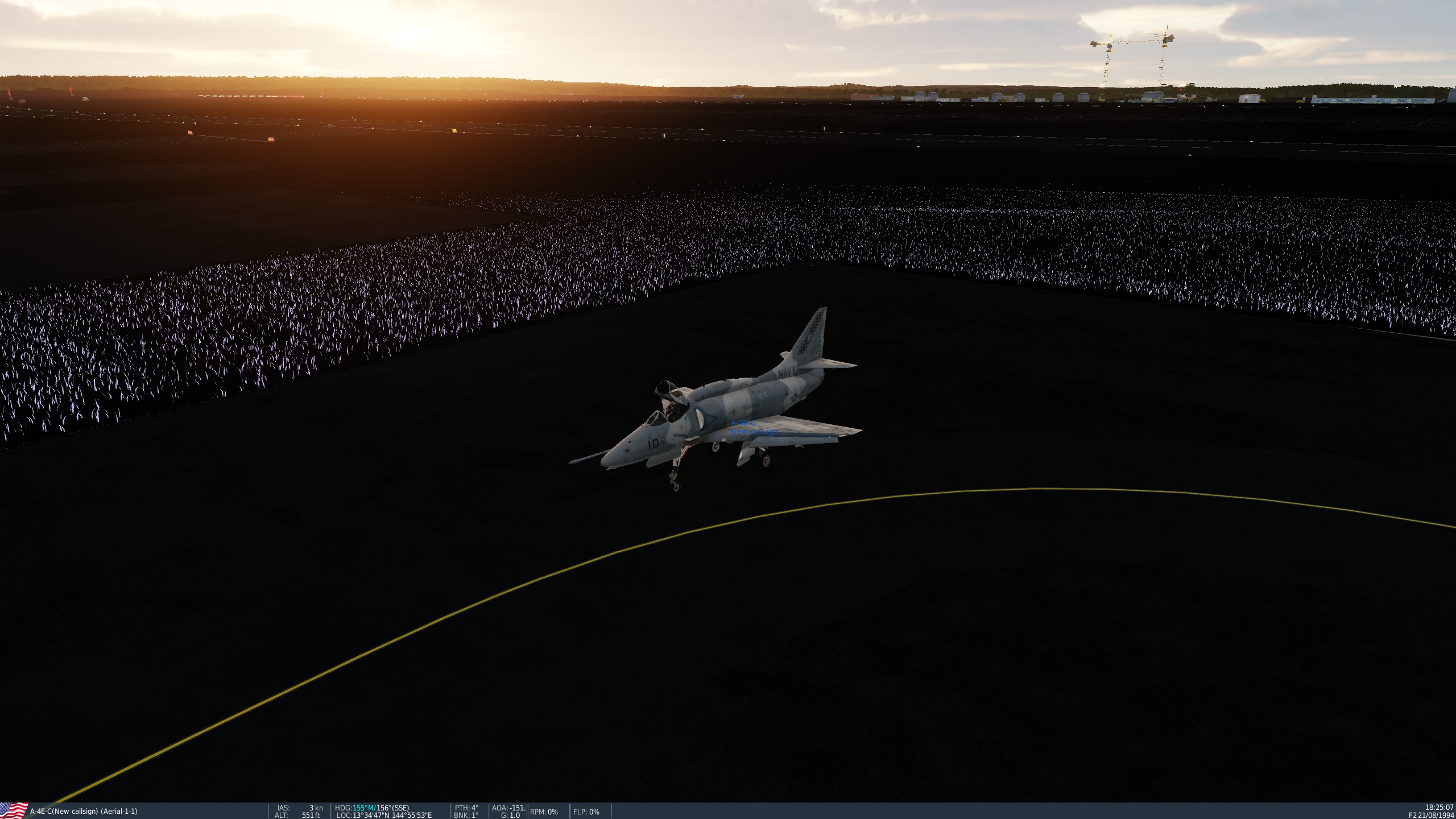
(Note: The Proton log file is extremely truncated because it was filled with millions of 31951.178:0128:0178:fixme:heap:PrefetchVirtualMemory process FFFFFFFFFFFFFFFF, count 0000000000000001, addresses 00000000345DFD00, flags 0 stub. lines.)
I've tried different graphics settings, different Proton releases (Experimental, 7.20-GE, 7.42-GE, 7.0-6), cleaning the "metashaders2" folder, verifying the installation files, but nothing helps.
Re-saving textures may work for the odd missing one, but I wouldn't even know where to start on an entire map.
The Marianas/texture issue aside, DCS runs extremely well with WINEDLLOVERRIDES='wbemprox=n' %command% on Proton Experimental for me. My Opentrack fork also works just fine, using manual Proton paths with UDP input from AITrack-linux. Zero problems with the HOTAS (TM16000M + TWCS + TFRP) as well.
Have you tried running the proton hotdog version, as at least for me that fixed the terrain issues.
The hotdog version? I've never heard of that.
My guess, re: the textures is that the terrain textures for marianas have the same issue as the cockpit textures that fail to load, but that they are not stored as individual files and therefore we get no errors from them, and can't fix them by re-exporting files
The *hotfix version
Do you mean the black terrain on marianas? I tried it now to no effect. Though now the viper RWR seems to work without manual fixes, and the mi-24 sight is a bit better, but not perfect
That's atleast what fixed my problems on the Caucasus map
Have you tried running the proton hotfix version, as at least for me that fixed the terrain issues.
I just tried that one. No improvement.
Installing DXVK (2.0) also yielded no improvements.
My guess, re: the textures is that the terrain textures for marianas have the same issue as the cockpit textures that fail to load, but that they are not stored as individual files and therefore we get no errors from them, and can't fix them by re-exporting files
Yes, it's most likely the same issue.
If this can't be fixed in Proton, the only option that's left is user-level science and brute force conversion:
- Determine any compression options that make formerly broken textures load in DCS.
- Check if a command-line tool like Imagemagick supports said compression options.
- Write a Bash script that digs through the DCS installation folder and runs every texture through Imagemagick using the aforementioned compression options. Script needs to account for zipped texture files as encountered on some modules.
Anybody with enough time and motivation up for this?
That's atleast what fixed my problems on the Caucasus map
The Caucasus map does not exhibit any texture issues for me. At least none that are easily visible.
DXVK 2.0 is part of the bleeding edge branch of Proton. If you had that, then you already had DXVK 2.0.
It's also part of Proton GE. Not sure about regular Proton Experimental.
Maybe it's actually caused by DXVK 2.0, in that case Proton 7.0-5 could be different.
I wrote a script that parses the log file and re-exports the textures which are reported as invalid parameter. Doesn't fix the marianas, but it does fix the cockpits of the aircraft I know have these issues
#!/bin/bash

DCS_INSTALL="/home/frans/.local/share/Steam/steamapps/common/DCSWorld"
DCS_USER="/home/frans/.local/share/Steam/steamapps/compatdata/223750/pfx/drive_c/users/steamuser/Saved Games/DCS"

LOG_DIR="${DCS_USER}/Logs"

BROKEN_LINES=$(grep "Can't load image" < "${LOG_DIR}/dcs.log")

BROKEN_FILES=$(perl -pe "s/.*DX11BACKEND \([^)]+\): Can't load image '([^']+)'.*/\\1/g" <<< "$BROKEN_LINES")

# for readlink -m to work, we need to be in the directory where we expect files to be
cd "$DCS_INSTALL" || (echo "failed to cd into $DCS_INSTALL" && exit 1)

while read -r file; do
    RELATIVE_FILE=$(readlink -m "$file" | sed -s "s|$(pwd)||g")
    FULL_PATH=$(find "${DCS_INSTALL}" -iwholename "*$RELATIVE_FILE")
    if [ -z "${FULL_PATH}" ]; then
        echo -e "\e[31mERROR: Failed to find '${file}' ($RELATIVE_FILE). It will not be re-exported\e[0m"
    else
        if grep "Mods/aircraft" <<< "$FULL_PATH"; then
            echo "Converting ${FULL_PATH}"
            # cp "${FULL_PATH}" "${FULL_PATH}.original"
            # convert "${FULL_PATH}" "${FULL_PATH}"
        else
            echo -e "\e[37mSkipping ${FULL_PATH}\e[0m"
        fi
    fi
done <<< "$BROKEN_FILES"
The script worked a few versions ago, but some update broke it, I think by changing the format of the log file again
Aparently ED are now supporting the steam deck, or at least has instructions for how to run it there. https://www.digitalcombatsimulator.com/en/support/faq/SteamDeck/
It says to install 3 DLLs:
d3dcompiler_43 MS d3dcompiler_43.dll
d3dcompiler_47 MS d3dcompiler_47.dll
d3dx11_43 MS d3dx11_43.dll
which I don't think I have, I wonder if that will resolve some of the graphical issues we have been seeing
Aparently ED are now supporting the steam deck, or at least has instructions for how to run it there.
(...)
It says to install (...) I wonder if that will resolve some of the graphical issues we have been seeing
@TheZoq2 Totally forgot to report it here, sorry: I no longer experience the problem with the NVIDIA drivers with the missing terrain textures and distorted clouds. That's on a clean install with only d3dcompiler_47 added.
When I find some time I might experiment with a new clean install—following the ED's instructions this time—and report back on the other problems (mostly Marianas I guess). Thanks!
@kisak-valve Just a friendly ping in case you'd want to remove the "NVIDIA drivers" label, which you added after this post of mine. Someone please correct me if I'm wrong, but I think the other graphical issues are not NVIDIA-specific.
I've tested Marianas with the S25 free flight after adding d3dcompiler_43, d3dcompiler_47 and d3dx11_43 via protontricks as recommended in the DCS FAQ, but I do still black textures, so I think the problem with this specific map still exists.
Other textures seem to work fine so far. Performance also was quite good.
Had about 60-80 fps on a 6900XT running at 5120x1440 in fullscreen on "High" preset.
6900XT unable to get past the splash screen, sub-menu crashes during "getting steam authorization data".
Steps taken:
Installed d3dcompiler_43, d3dcompiler_47, d3dx11_43 via protontricks
launch options:
WINEDLLOVERRIDES=’wbemprox=n’ %command%
Tried the following proton versions:
Experimental, GE-7-37, GE-7-41, GE-7-50.
I'm using a 6900 XT and it's working for me, so you should be able to get there. :)
Are you using the open beta?
Also works for me with an AMD gpu. What does your dcs.log say?
Can someone possibly make a list of the modules that suffer from missing textures? I think that would be interesting for those thinking about buying new modules. I only know of the Marianas map and the Blackshark 3. Are there more?
Can someone possibly make a list of the modules that suffer from missing textures? I think that would be interesting for those thinking about buying new modules. I only know of the Marianas map and the Blackshark 3. Are there more?
I don't believe a list exists but it would be a great idea to submit a PR with your list to @TheZoq2 awesome documentation
https://github.com/TheZoq2/dcs_on_linux
Maybe a new section for known issues?
This reminds me, I should post my updated texture fix script
Unfortunately, as of a few versions ago, ED removed the "invalid parameter" text from the logs, so finding which textures have issues is more difficult now.
Off the top of my head, these are the modules in my library with texture issues:
-
Mi-24: The sight is slightly broken, instead of being a section of a circle outline, it's the section of a filled circle. Reasonably flyable without fix
-
Apache: A whole lot of UI elements on the MPCDs are broken. Unusable without fix
-
KA-50: The SKWAL sensor has no image. Unusable without a fix
-
Marianas: We know about this one, and the usual trick doesn't apply
-
F16: Used to have a broken RWR where the priority target is covered in an opaque box. Last i flew it however, it was fixed. Maybe I have the fix applied from before, or maybe it's fixed in that module.
The theme here seems to be that the issue is present in newer modules, so while I don't have all modules this might be an exhaustive list
Now that I have a steam deck, I should probably try to see if it's reproducible there, and then submit a bug report to ED with the problem and our proposed fix, perhaps that will lead somewhere.
Can someone possibly make a list of the modules that suffer from missing textures? I think that would be interesting for those thinking about buying new modules. I only know of the Marianas map and the Blackshark 3. Are there more?
I don't believe a list exists but it would be a great idea to submit a PR with your list to @TheZoq2 awesome documentation https://github.com/TheZoq2/dcs_on_linux
Maybe a new section for known issues?
That is very outdated afaics.
Off the top of my head, these are the modules in my library with texture issues:
* Mi-24: The sight is slightly broken, instead of being a section of a circle outline, it's the section of a filled circle. Reasonably flyable without fix

* Apache: A whole lot of UI elements on the MPCDs are broken. Unusable without fix

* KA-50: The SKWAL sensor has no image. Unusable without a fix

* Marianas: We know about this one, and the usual trick doesn't apply

* F16: Used to have a broken RWR where the priority target is covered in an opaque box. Last i flew it however, it was fixed. Maybe I have the fix applied from before, or maybe it's fixed in that module.
Thanks, of those I only have the KA-50-3 and the Marianas. I just took a quick tour in the KA-50 and thought that I couldn't spot any issue, but I didn't look for a specific sensor. Not the most proficient KA-50 pilot anyway, I only really bought it because it was a very cheap update. (Back then when I bought v2 you only had the choice between the A-10 and the Blackshark. Didn't really fly it that much after the Huey was released.)
That is very outdated afaics.
Yep, I haven't really had the time to dedicate to updating it, especially not now that there aren't that many steps required
I just took a quick tour in the KA-50 and thought that I couldn't spot any issue, but I didn't look for a specific sensor
Hmm, the shkval is the big TV sensor, so it seems like you'd notice if it was broken. I'll have to re-test it
Ok, I think I know what you mean. It didn't occur to me that this is broken, because it's not completely black, it looks like an old TV switched off.
I did a quick comparison with v2 and v3 in free flight and in v2, there is a artificial horizon displayed there, which is missing in v3.
The Ka-50 III issue is caused by SHKVAL_MASK.bmp - copying the one from the original Ka-50 fixes it. I don't see any issues with the F-16. I'll check the others in the list.
EDIT: DCS Stable still has the Invalid parameter log entries
AH-64 complains about the following (not sure if all required to be changed):
Mods/aircraft/AH-64D/Cockpit/IndicationResources/Displays/MPD/indication_MPD_1024.tga
Mods/aircraft/AH-64D/Cockpit/IndicationResources/Displays/MPD/FontMPD_64.tga
Mods/aircraft/AH-64D/Cockpit/IndicationResources/Displays/MPD/indication_MPD.tga
Mods/aircraft/AH-64D/Cockpit/IndicationResources/Displays/MPD/TSD/MAP_CM_TT_symbols.tga
Mods/aircraft/AH-64D/Cockpit/IndicationResources/Displays/MPD/indication_MPD_WPN_fon.tga
Mods/aircraft/AH-64D/Cockpit/IndicationResources/Displays/MPD/indication_MPD_WPN.tga
Mods/aircraft/AH-64D/Cockpit/IndicationResources/CMWS/CMWS_font.tga
Mods/aircraft/AH-64D/Cockpit/IndicationResources/Displays/MPD/TSD/MAP_WP_SA_symbols.tga
Everything looks good as far as I can tell if you fix all the above tga
Mi-24P complains about the following:
Mods/aircraft/Mi-24P/Cockpit/IndicationTextures/font_general.tga
Mods/aircraft/Mi-24P/Cockpit/IndicationTextures/font_arcade.tga
Mods/aircraft/Mi-24P/Cockpit/IndicationTextures/PKV_Grid.tga
Mods/aircraft/Mi-24P/Cockpit/IndicationTextures/ASP17_flex_sight.tga
fixing these fixes the sight and the map display
Bad news:
As of the latest update, the game crashes for me when trying to run syria or normandy 2. Caucasus and marianas are fine
The crash happens during loading of "vti" and the dcs logs give a stack trace pointing to a single stack tracke
Last few log lines
2023-04-21 19:28:06.954 INFO    EDCORE (Main): 0.094 s  terrain references
2023-04-21 19:28:06.956 INFO    EDCORE (Main): 0.000 s  terrain models
2023-04-21 19:28:06.957 INFO    EDCORE (Main): 0.000 s  terrain assets
2023-04-21 19:28:07.200 INFO    EDCORE (Main): 0.241 s  terrain assets2
2023-04-21 19:28:08.026 INFO    EDCORE (Main): 0.824 s  terrain landfile
2023-04-21 19:28:08.036 INFO    EDCORE (Main): 0.009 s  terrain surfaceTile
2023-04-21 19:28:08.038 INFO    EDTERRAIN4 (Main): switchTextures (season=1, minTexture=true)
2023-04-21 19:28:08.077 ERROR   EDCORE (Main): No suitable driver found to mount mods/terrains/syria/assets/assetstextures.zip
2023-04-21 19:28:08.107 INFO    EDCORE (Main): 0.069 s  terrain vfstextures
2023-04-21 19:28:08.220 INFO    EDCORE (Main): 0.111 s  terrain scene
2023-04-21 19:28:08.221 INFO    EDCORE (Main): 0.000 s  terrain roaddetails
2023-04-21 19:28:08.222 INFO    EDCORE (Main): 0.000 s  terrain forest
2023-04-21 19:28:09.716 INFO    EDCORE (Main): 1.492 s  terrain routes
2023-04-21 19:28:09.718 INFO    EDCORE (Main): 0.000 s  terrain surfacedetails
2023-04-21 19:28:09.719 INFO    EDCORE (Main): 0.000 s  terrain blocks
2023-04-21 19:28:09.807 INFO    EDCORE (Main): 0.086 s  terrain superficials
2023-04-21 19:28:09.814 INFO    EDCORE (Main): 0.006 s  terrain lma
2023-04-21 19:28:09.816 INFO    EDCORE (Main): 0.000 s  terrain vectordatasettings
2023-04-21 19:28:12.801 INFO    EDCORE (Main): 2.984 s  terrain navgraph
2023-04-21 19:28:12.803 INFO    EDCORE (Main): 0.000 s  terrain vti
2023-04-21 19:28:13.927 INFO    EDCORE (Main): try to write dump information
2023-04-21 19:28:15.457 INFO    EDCORE (Main): # -------------- 20230421-192815 --------------
2023-04-21 19:28:15.457 INFO    EDCORE (Main): DCS/2.8.4.39259 (x86_64; MT; Windows NT 10.0.18362)
2023-04-21 19:28:15.457 INFO    EDCORE (Main): C:\windows\system32\ntdll.dll
``

That suitable driver message might be worth investigating. But I got the same on marianas which loaded fine

Edit: proton log gives this
447196.148:0114:0124:fixme:uiautomation:base_hwnd_provider_GetPatternProvider 00000000003B2BD0, 10002, 00000000021EECB0: stub
447196.302:02ac:02bc:err:sync:RtlpWaitForCriticalSection section 00000000002400D0 "../src-wine/dlls/ntdll/heap.c: main process heap section" wait timed out in thread 02bc, blocked by 02b0, retrying (60 sec)
447197.305:02ac:030c:err:sync:RtlpWaitForCriticalSection section 00000000002400D0 "../src-wine/dlls/ntdll/heap.c: main process heap section" wait timed out in thread 030c, blocked by 02b0, retrying (60 sec)
447203.018:02ac:03f8:err:sync:RtlpWaitForCriticalSection section 00000000002400D0 "../src-wine/dlls/ntdll/heap.c: main process heap section" wait timed out in thread 03f8, blocked by 02b0, retrying (60 sec)
pid 1741093 != 1741092, skipping destruction (fork without exec?)
Lutris with GE-Proton7-43 is working ok on both Syria & Normandy for me - not using MT though, I'll check the steam version on my Deck in a bit
Glad to hear it. I hopped to proton 7.0 from experimental and got a more explicit error when it crashes, something about shader miscompilation
I'll give GE a try
I removed metashaders and fxo, and now it doesn't even get past the splash screen, instead crashing with
2023-04-21 20:13:57.361 ERROR   DX11BACKEND (520): Shader "/shaders/precipitation/precipitation.fx" failed to compile. Reason:
/shaders/precipitation/precipitation.fx:40:69: E5000: syntax error, unexpected '=', expecting ')'
Strange, I removed my wineprefix and started a new one. Installed only d3dcompiler_43, d3dcompiler_47 and d3dx11_43, and now it works without issue
There was a similar issue with Il-2 recently - it needed a newer d3dcompiler_47 than was already installed but protontricks/winetricks doesn't allow you to refresh/remove/reinstall a dll
I can verify that on the Steam Deck, removing the wineprefix (Developer - > Delete Proton Files) then redoing the d3dcompiler_43, d3dcompiler_47 and d3dx11_43 works fine. I wouldn't recommend running Normandy 2.0 on the deck on anything other than minimum settings though
I can verify that on the Steam Deck, removing the wineprefix (Developer - > Delete Proton Files) then redoing the d3dcompiler_43, d3dcompiler_47 and d3dx11_43 works fine. I wouldn't recommend running Normandy 2.0 on the deck on anything other than minimum settings though
Be aware that this will remove your settings, campaign progress etc. So unless there is another way (which I'd guess there is), I'd be cautious with that. At least advice people to backup their profile data before doing so.
Can't try it myself right now, but my guess would be that reinstalling the mentioned dll packages could solve the problem.
Regarding the performance: did you try on the deck with the experimental multithreading option? It might help.
Can't try it myself right now, but my guess would be that reinstalling the mentioned dll packages could solve the problem.
I can't find a way to re-install via winetricks
Be aware that this will remove your settings, campaign progress etc. So unless there is another way (which I'd guess there is), I'd be cautious with that.
Copy pfx/drive_c/Users/steamuser/Saved Games/DCS before removing the prefix, the copy it back afterwards
Can't try it myself right now, but my guess would be that reinstalling the mentioned dll packages could solve the problem.
I can't find a way to re-install via winetricks
Something like winetricks --force d3dcompiler_47 should do the trick.
Be aware that this will remove your settings, campaign progress etc. So unless there is another way (which I'd guess there is), I'd be cautious with that.
Copy
pfx/drive_c/Users/steamuser/Saved Games/DCSbefore removing the prefix, the copy it back afterwards
Personally, I'd create a link for the steamuser folder in the prefix to another directory. Then if it is deleted, you only need to restore the link for it to work (and you're also saved from Steam deleting all your progress if you uninstall the game). But that wasn't the point. The point is that – for a game that doesn't support cloud saving – it is a very bad idea to tell people to delete their wine prefix for that game without making them aware of the fact this will happen and how to prevent it.
btw, I just tested the newest openbeta (2.8.4.39313) and for me there was no problem. But I only tried Caucasian and Normandy 2 in the Huey. So maybe with a different plane there could be problems.
Made an accidental discovery: For months I have been commenting out getVoiceChatDevices in optionsDb.lua for the game to run, but it turns out that if you remove the dll override for msdmo, it works without that!
Heyo,
I tried to run it on GE 8-15 and the game doesn't start.
I used the protontricks cmd:
protontricks 223750 d3dcompiler_43 d3dcompiler_47 d3dx11_43
And the start option:
WINEDLLOVERRIDES=wbemprox=n PROTON_LOG=1 %command%
But it just says "started" and nothing happens.. Following proton log shows that literally nothing happens:
depot: 0.20230808.56699
pressure-vessel: 0.20230804.0 scout
scripts: 0.20230804.0
sniper: 0.20230808.56699 sniper 0.20230808.56699
Kernel: Linux 6.4.6-76060406-generic #202307241739~1694621917~22.04~ac5e1a8 SMP PREEMPT_DYNAMIC Wed S x86_64
Language: LC_ALL None, LC_MESSAGES None, LC_CTYPE None
System WINEDLLOVERRIDES: wbemprox=n
Effective WINEDLLOVERRIDES: wbemprox=n
Effective WINEDEBUG: +timestamp,+pid,+tid,+seh,+unwind,+threadname,+debugstr,+loaddll,+mscoree
======================
Any ideas?
Any ideas?
Sorry, don't know what went wrong for you. But I can tell you that at least over here it still works the same as it described above, e.g. works very well with a few bugs (missing textures on some maps/some cockpits).
I tested:
System: recent Arch Linux
GPU: RX 6900 XT with the radv driver
Proton: GE 8-15.1 binary from AUR
DCS: current openbeta, SU-25T on Marianas in free flight
Do actually other games work with proton?
If it doesn't start at all, maybe you don't have a working vulkan driver? Maybe have a look at the output of vulkaninfo and try running vkcube for testing.
I do remember that for Arch the vulkan driver wasn't installed by default with mesa and had to be installed manually. No idea what kind of reasoning was behind that decision.
Amy of u tried mp on Linux/Steamdeck ? Server Browser works fine but can't connect , nor does it even attempt to connect selected /manual input servers (TCP dump)
Connect does nothing, connect by IP shows wrong password , even on servers with no passwords , and printing stuff with Lua reveals that the client returns 0 or -1 as status /error
Tried to launch this, was recommended by a friend.
What happened is it looked like it was "stuck" on the splash screen, HOWEVER, I found a message, which I could see (was in the running apps bar) but could not interact with.
I took a screenshot of the hidden window...
Bug in the DX11 translator? Bug in the data? Everything verifies as OK, even tried a reinstall, no joy.
Found the fix. Apparently it is being coupled with an outdated tool.
The solution was to install protontricks, and then install d3dcompiler_47
the version shipped is 43-- too old!
DCS World Steam Edition - Proton 8.04 - Winwing Orion2 F16EX stick
Issue transferred from https://github.com/ValveSoftware/Proton/issues/7385.
@mvrk69 posted on 2024-01-05T19:50:23:
Hi,
I'm trying to use my new Winwing Orion2 F16EX stick on DCS, the stick is detected but several buttons don't work.
I've tried with or without SDL_LINUX_JOYSTICK_CLASSIC=1 and still no good.
Directly on Linux, with https://github.com/Grumbel/sdl-jstest all buttons are detected and work.
My System:
OS: Fedora 37 (x86_64)
Proton: 8.04
Trying to get DCS World Steam Edition to work, ProtonGE 8-16 is being used with PROTON_USE_WINED3D12=1 WINEDLLOVERRIDES='wbemprox=n' WINE_FULLSCREEN_FSR_STRENGTH=1 %command% inside a Flatpak. Only the DLC, settings, and logout buttons work. Ok in settings doesn't work. If I try to go fullscreen, the game will go windowed after the first input.
Edit: tried GE 8-26 and everything looks great in the log except this last line pid 2074776 != 2074775, skipping destruction (fork without exec?)
Replying to https://github.com/ValveSoftware/Proton/issues/1722#issuecomment-1879198538
Open the wine configurator throw the device which doesn't work fully out of xinput/put it in xinput devices list if it isn't yet(forgot what the exact option is called , but moving the device to the other category fixes it ) makes every button and axis work properly
Replying to https://github.com/ValveSoftware/Proton/issues/1722#issuecomment-1882282499
Show DCs.log
PROTON_USE_WINED3D12=1 won't have affect , dcs uses dx11
I think
WINEDLLOVERRIDES='wbemprox=n isn't needed anymore (it at least isn't on edshop version anymore, might be for steam )
Replying to https://github.com/ValveSoftware/Proton/issues/1722#issuecomment-1882756578
Thank you so much, that's it, i opened wine control panel, went to game controllers and then selected the joystick from the list (Connected (xinput)) and clicked on override which moved it to the Connected list and now all buttons work.
Replying to https://github.com/ValveSoftware/Proton/issues/1722#issuecomment-1882760153
I saw those extra options on ProtonDB, latest one with those is from 2 weeks ago so I though that would fix it. It doesn't fix it though since I get this weird pid check fail.
Hello. Has anyone managed to extract Telemetry data with Linux? Seems like Export.lua has no effect on Linux.
Hello. Has anyone managed to extract Telemetry data with Linux? Seems like Export.lua has no effect on Linux.
Can u show ur export Lua and log file ?
Export Lua should run just fine
DCS stop working after DCS upgrade to 2.9.53990
Issue transferred from https://github.com/ValveSoftware/Proton/issues/7696.
@desie posted on 2024-05-04T06:14:46:
Compatibility Report
- Name of the game with compatibility issues: DCS
- Steam AppID of the game:223750
System Information
- GPU: RTX3060T
- Video driver version: nvidia 550.54.15
- Kernel version: 6.8.8-200
- Link to full system information report as Gist:
https://gist.github.com/desie/88ef202a512ead334fa72cc18bd5bb69 - Proton version:9.0.1
I confirm:
- [ x] that I haven't found an existing compatibility report for this game.
- [ x] that I have checked whether there are updates for my system available.
Symptoms
popup of a windows: Steam authorization failed
Game not starting.
dcs.log:
2024-05-03 19:10:28.467 ERROR ASYNCNET (Main): Failed to decode network.vault: either hardware ID or OS username are different. Saved login data will be reset.
2024-05-03 19:10:31.309 ERROR ASYNCNET (460): Bad auth data: Gunzip: header decoding error
2024-05-03 19:10:31.594 ERROR ASYNCNET (460): Getting auth data failed becase server returned invalid reply.
2024-05-03 19:10:31.615 ERROR APP (Main): Failed to get authorization data. Error code is: 500
Reproduction
Remove the game by 'Steam remove', reinstall, same problem.
Hm, for me it still works the same as before with Proton GE (which is what Eagle Dynamics recommends). Version is 2.9.4.53990.
Replying to https://github.com/ValveSoftware/Proton/issues/1722#issuecomment-2094152081
WINEDLLOVERRIDES='wbemprox=n' %command%
2.9.4.53990 works for me on Proton Experimental with the following arguments:
WINEDLLOVERRIDES='wbemprox=n' %command% --old-login
Not sure if it matters, but I have the Launch Options dropdown set to "Play MT Preview".
I noticed that in Wine scrolling/zooming/panning around the map (F10) too much causes it to leak graphics memory. It was occupying all 12 GB at the end. Can anyone confirm that with Proton?
Arch Linux, NVIDIA RTX 2080 Ti, proprietary drivers, Wine 9.8, DXVK 2.3.2
Compatibility Report
Name of the game with compatibility issues: DCS world
Steam AppID of the game: 223750 (non steam version)
System Information
GPU: 5700xt
Video driver version: amdgpu (not sure how to properly get the data)
Kernel version: 6.8.9-arch1-2 endeavourOS
Link to full system information report as [Gist](https://gist.github.com/): https://gist.github.com/SkippTekk/ead9f9bb34cef96ffdb51a5372f37a78
Proton version: proton experimental
I confirm:
[x ] that I haven't found an existing compatibility report for this game.
[ x] that I have checked whether there are updates for my system available.
Symptoms
Reproduction
Load DCS, trial the Apache and turn it on, gets Box's instead of text's. Hover over the box's and text shows but doesn't once the curser (monitor mouse in game) leaves it goes back into a black box.
I noticed that in Wine scrolling/zooming/panning around the map (F10) too much causes it to leak graphics memory. It was occupying all 12 GB at the end. Can anyone confirm that with Proton?
Arch Linux, NVIDIA RTX 2080 Ti, proprietary drivers, Wine 9.8, DXVK 2.3.2
Yes the game devs intentionally put the game to take up practically all VRAM resources which is outrages.
Load DCS, trial the Apache and turn it on, gets Box's instead of text's.
This problem is known and caused by weird settings on some textures. I have a script to fix it, remind me to post it tomorrow
I noticed that in Wine scrolling/zooming/panning around the map (F10) too much causes it to leak graphics memory. It was occupying all 12 GB at the end. Can anyone confirm that with Proton?
Arch Linux, NVIDIA RTX 2080 Ti, proprietary drivers, Wine 9.8, DXVK 2.3.2Yes the game devs intentionally put the game to take up practically all VRAM resources which is outrages.
Update: I have even experienced compositor crashes (kwin_wayland) due to failing VRAM allocations because the VRAM is actually full.
Note: Yes, DCS World is actually one of the few games which work nearly flawlessly with Wine's experimental Wayland support.
Load DCS, trial the Apache and turn it on, gets Box's instead of text's.
This problem is known and caused by weird settings on some textures. I have a script to fix it, remind me to post it tomorrow
Just woken up and i just saw this. Maybe it's tomorrow for you now? xD
Technically no, but I'm at my home PC :D
Here is the script
#!/bin/bash

DCS_INSTALL="/home/frans/.local/share/Steam/steamapps/common/DCSWorld"

BROKEN_FILES="Mods/aircraft/AH-64D/Cockpit/IndicationResources/Displays/MPD/FontMPD_64.tga
Mods/aircraft/AH-64D/Cockpit/IndicationResources/Displays/MPD/FontMPD_64_bold.tga
Mods/aircraft/AH-64D/Cockpit/IndicationResources/Displays/MPD/FontMPD_64_inv.tga
Mods/aircraft/AH-64D/Cockpit/IndicationResources/Displays/MPD/FontMPD_64_inv_bold.tga
Mods/aircraft/AH-64D/Cockpit/IndicationResources/Displays/MPD/indication_MPD.tga
Mods/aircraft/AH-64D/Cockpit/IndicationResources/Displays/MPD/indication_MPD_1024.tga
Mods/aircraft/AH-64D/Cockpit/IndicationResources/Displays/MPD/indication_MPD_WPN.tga
Mods/aircraft/AH-64D/Cockpit/IndicationResources/Displays/MPD/indication_MPD_WPN_fon.tga
Mods/aircraft/AH-64D/Cockpit/IndicationResources/Displays/MPD/MFD_dark_green.dds
Mods/aircraft/AH-64D/Cockpit/IndicationResources/Displays/MPD/MFD_gray.dds
Mods/aircraft/AH-64D/Cockpit/IndicationResources/Displays/MPD/MFD_green.dds
Mods/aircraft/AH-64D/Cockpit/IndicationResources/Displays/MPD/MFD_white.dds
Mods/aircraft/AH-64D/Cockpit/IndicationResources/Displays/MPD/MPD_VideoSymbology.dds
Mods/aircraft/AH-64D/Cockpit/IndicationResources/Displays/MPD/MPD_VideoSymbology_font.dds
Mods/aircraft/Mi-24P/Cockpit/IndicationTextures/9K113_bg.tga
Mods/aircraft/Mi-24P/Cockpit/IndicationTextures/9K113_Fixed_Grid.tga
Mods/aircraft/Mi-24P/Cockpit/IndicationTextures/9K113_Grid_3x.tga
Mods/aircraft/Mi-24P/Cockpit/IndicationTextures/9K113_Grid_3x_backlight.tga
Mods/aircraft/Mi-24P/Cockpit/IndicationTextures/9K113_Grid_10x.tga
Mods/aircraft/Mi-24P/Cockpit/IndicationTextures/9K113_Grid_10x_backlight.tga
Mods/aircraft/Mi-24P/Cockpit/IndicationTextures/9K113_Ready.tga
Mods/aircraft/Mi-24P/Cockpit/IndicationTextures/ASP17_flex_sight.tga
Mods/aircraft/Mi-24P/Cockpit/IndicationTextures/font_arcade.tga
Mods/aircraft/Mi-24P/Cockpit/IndicationTextures/font_general.tga
Mods/aircraft/Mi-24P/Cockpit/IndicationTextures/GOST_BU.TTF
Mods/aircraft/Mi-24P/Cockpit/IndicationTextures/HelperAI_common.dds
Mods/aircraft/Mi-24P/Cockpit/IndicationTextures/PKV_Grid.tga
Mods/aircraft/Ka-50_3/Cockpit/IndicationTextures/SHKVAL_MASK.bmp"

while read -r file; do
    FULL_PATH="$DCS_INSTALL/$file"
    echo "Converting ${FULL_PATH}"
    cp "${FULL_PATH}" "${FULL_PATH}.original"
    convert "${FULL_PATH}" "${FULL_PATH}"
done <<< "$BROKEN_FILES"
You'll need to adjust the first variable to your game install path.
The digits showing the number of chaff and flares is still broken. There is probably another texture in there that can be patched, but I haven't bothered to figure out which one.
Also, this breaks strict integrity check but only if you fly the apache. So don't slot into an apache on a server that requires pure textures, and if you try to join one after flying the apache, you'll need to restart.
It also fixes the mi-24 gunsight and ka-50-II monitor if you're into those. Same deal with IC there
@TheZoq2 Thank you that has worked! Buuuuut i can't join the servers i like but you did warn about that :P
Well, it works! Just bitches on 2 files. so gonna try and "fake" it to think it's legit....
If you do manage to fake it, let me know. Would be nice to be able to fly those aircraft on servers with strict IC
Hello. Has anyone managed to extract Telemetry data with Linux? Seems like Export.lua has no effect on Linux.
Can u show ur export Lua and log file ? Export Lua should run just fine
Hi, thank you for trying to help me. What I am trying to achieve is that data specified in Export.lua is sent over a TCP connection. I have written a cpp tcp-program that listens to ip and port, but it cannot receive anything and I cannot find any error messages in the log file.
DCS Log file: https://pastebin.com/QcFgk0Lt
Export.lua: https://pastebin.com/iXFVWnQ8
The path: /home/total/.local//share/Steam/steamapps/compatdata/223750/pfx/drive_c/users/steamuser/Saved%20Games/DCS/Export.lua
Saved Games\DCS\Scripts\Export.lua
U not in the Scripts folder
On Sat, May 18, 2024, 12:10 AM Lars Øksendal @.***>
wrote:
Hello. Has anyone managed to extract Telemetry data with Linux? Seems like
Export.lua has no effect on Linux.Can u show ur export Lua and log file ? Export Lua should run just fine
Hi, thank you for trying to help me. What I am trying to achieve is that
data specified in Export.lua is sent over a TCP connection. I have written
a cpp tcp-program that listens to ip and port, but it cannot receive
anything or find error messages in the log file.DCS Log file: https://pastebin.com/QcFgk0Lt
Export.lua: https://pastebin.com/iXFVWnQ8The path:
/home/total/.local//share/Steam/steamapps/compatdata/223750/pfx/drive_c/users/steamuser/Saved%20Games/DCS/Export.lua—
Reply to this email directly, view it on GitHub
https://github.com/ValveSoftware/Proton/issues/1722#issuecomment-2118438200,
or unsubscribe
https://github.com/notifications/unsubscribe-auth/AAISFLJJGHRKT5VLN4J5K6DZCZ54NAVCNFSM4F3H5GOKU5DIOJSWCZC7NNSXTN2JONZXKZKDN5WW2ZLOOQ5TEMJRHA2DGOBSGAYA
.
You are receiving this because you are subscribed to this thread.Message
ID: @.***>
Oh, thank you blush
The new F-4 Phantom module is unfortunately broken and gets stuck in the loading screen when using Proton on Linux.
https://steamcommunity.com/app/223750/discussions/0/4334230222054697344/
The Heatblur F-4E is not working for me - the following is showing up in the proton log:
0134:trace:loaddll:build_module Loaded L"Z:\Steam\steamapps\common\DCSWorld\Mods\aircraft\F-4E\bin\lua51.dll" at 00006FFFD1430000: native
0134:trace:loaddll:build_module Loaded L"C:\windows\system32\MSVCP140_ATOMIC_WAIT.dll" at 00006FFFD02B0000: builtin
0134:trace:loaddll:build_module Loaded L"Z:\Steam\steamapps\common\DCSWorld\Mods\aircraft\F-4E\bin\HeatblurJester.dll" at 00006FFFD02D0000: native
0134:trace:loaddll:build_module Loaded L"Z:\Steam\steamapps\common\DCSWorld\Mods\aircraft\F-4E\bin\HeatblurUiLib.dll" at 00006FFFD0240000: native
0134:err:module:import_dll Library F-4E-Nextgen.dll (which is needed by L"Z:\Steam\steamapps\common\DCSWorld\Mods\aircraft\F-4E\bin\F-4E-FlightModel.dll") not found
0134:trace:loaddll:build_module Loaded L"Z:\Steam\steamapps\common\DCSWorld\Mods\aircraft\F-4E\bin\F-4E-Nextgen.dll" at 00006FFFCD180000: native
0134:trace:loaddll:build_module Loaded L"Z:\Steam\steamapps\common\DCSWorld\Mods\aircraft\F-4E\bin\F-4E-FlightModel.dll" at 00007FFFFEDB0000: native
0134:trace:loaddll:build_module Loaded L"Z:\Steam\steamapps\common\DCSWorld\Mods\aircraft\F-4E\bin\F-4E-Avionics.dll" at 00006FFFCB7C0000: native
Symlinking F-4E-Nextgen.dll into the main DCS directory doesn't work, peldd shows the following libraries linked:
peldd F-4E-Nextgen.dll
Dependencies
HeatblurJester.dll
lua51.dll
HeatblurDCSBase.dll
CockpitBase.dll
edCore.dll
edObjects.dll
Flight.dll
GraphicsVista.dll
Inter.dll
Transport.dll
Weather.dll
WorldGeneral.dll
ImGui.dll
HeatblurComponents.dll
HeatblurCore.dll
MSVCP140.dll
VCRUNTIME140.dll
VCRUNTIME140_1.dll
api-ms-win-crt-runtime-l1-1-0.dll
api-ms-win-crt-heap-l1-1-0.dll
api-ms-win-crt-math-l1-1-0.dll
api-ms-win-crt-string-l1-1-0.dll
KERNEL32.dll
KERNEL32.dll
KERNEL32.dll
Everything else is working fine,other than the usual glitches
We have some discussion around the broken F4 in https://matrix.to/#/#dcs-on-linux:matrix.org. The working theory there is that it is a subsequent DLL load that is being loaded from the wrong directory
Symlinking the dll file in bin-mt/ does allow F-4E-Nextgen.dll to be loaded, but then there's an exception when loading/initializing F-4E-Avionics.dll.
Click to expand
0184:trace:module:load_dll looking for L"C:/Program Files/Eagle Dynamics/DCS World/Mods/aircraft/F-4E/bin/F-4E-Avionics.dll" in L"C:\\Program Files\\Eagle Dynamics\\DCS World\\bin-mt;C:\\windows\\system32;C:\\windows\\system;C:\\windows;.;C:\\windows\\system32;C:\\windows;C:\\windows\\system32\\wbem;C:\\windows\\system32\\WindowsPowershell\\v1.0"
0184:trace:module:get_load_order looking for L"C:\\Program Files\\Eagle Dynamics\\DCS World\\Mods\\aircraft\\F-4E\\bin\\F-4E-Avionics.dll"
0184:trace:module:get_load_order got hardcoded default for L"C:\\Program Files\\Eagle Dynamics\\DCS World\\Mods\\aircraft\\F-4E\\bin\\F-4E-Avionics.dll"
0184:warn:module:find_builtin_dll cannot find builtin library for L"\\??\\C:\\Program Files\\Eagle Dynamics\\DCS World\\Mods\\aircraft\\F-4E\\bin\\F-4E-Avionics.dll"
0184:trace:module:map_image_into_view mapping PE file L"\\??\\C:\\Program Files\\Eagle Dynamics\\DCS World\\Mods\\aircraft\\F-4E\\bin\\F-4E-Avionics.dll" at 0x90f150000-0x910af5000
0184:trace:module:map_image_into_view mapping L"\\??\\C:\\Program Files\\Eagle Dynamics\\DCS World\\Mods\\aircraft\\F-4E\\bin\\F-4E-Avionics.dll" section .text at 0x90f151000 off 0 size 0 virt 4b698f flags 68000020
0184:trace:module:map_image_into_view mapping L"\\??\\C:\\Program Files\\Eagle Dynamics\\DCS World\\Mods\\aircraft\\F-4E\\bin\\F-4E-Avionics.dll" section .rdata at 0x90f608000 off 0 size 0 virt 1bb7c4 flags 48000040
0184:trace:module:map_image_into_view mapping L"\\??\\C:\\Program Files\\Eagle Dynamics\\DCS World\\Mods\\aircraft\\F-4E\\bin\\F-4E-Avionics.dll" section .data at 0x90f7c4000 off 0 size 0 virt 2e7580 flags c0000040
0184:trace:module:map_image_into_view mapping L"\\??\\C:\\Program Files\\Eagle Dynamics\\DCS World\\Mods\\aircraft\\F-4E\\bin\\F-4E-Avionics.dll" section .pdata at 0x90faac000 off 0 size 0 virt 1fb6c flags 48000040
0184:trace:module:map_image_into_view mapping L"\\??\\C:\\Program Files\\Eagle Dynamics\\DCS World\\Mods\\aircraft\\F-4E\\bin\\F-4E-Avionics.dll" section .UPX0 at 0x90facc000 off 0 size 0 virt 1b4 flags 48000040
0184:trace:module:map_image_into_view mapping L"\\??\\C:\\Program Files\\Eagle Dynamics\\DCS World\\Mods\\aircraft\\F-4E\\bin\\F-4E-Avionics.dll" section .UPX1 at 0x90facd000 off 0 size 0 virt 17c00 flags 48000040
0184:trace:module:map_image_into_view mapping L"\\??\\C:\\Program Files\\Eagle Dynamics\\DCS World\\Mods\\aircraft\\F-4E\\bin\\F-4E-Avionics.dll" section .UPX2 at 0x90fae5000 off 0 size 0 virt 14d flags 68000020
0184:trace:module:map_image_into_view mapping L"\\??\\C:\\Program Files\\Eagle Dynamics\\DCS World\\Mods\\aircraft\\F-4E\\bin\\F-4E-Avionics.dll" section .UPX3 at 0x90fae6000 off 0 size 0 virt 50a flags 48000040
0184:trace:module:map_image_into_view mapping L"\\??\\C:\\Program Files\\Eagle Dynamics\\DCS World\\Mods\\aircraft\\F-4E\\bin\\F-4E-Avionics.dll" section .UPX4 at 0x90fae7000 off 0 size 0 virt 530e84 flags 68000020
0184:trace:module:map_image_into_view mapping L"\\??\\C:\\Program Files\\Eagle Dynamics\\DCS World\\Mods\\aircraft\\F-4E\\bin\\F-4E-Avionics.dll" section .UPX5 at 0x910018000 off 400 size 3200 virt 30d8 flags c0000040
0184:trace:module:map_image_into_view clearing 0x91001b200 - 0x91001c000
0184:trace:module:map_image_into_view mapping L"\\??\\C:\\Program Files\\Eagle Dynamics\\DCS World\\Mods\\aircraft\\F-4E\\bin\\F-4E-Avionics.dll" section .UPX6 at 0x91001c000 off 3600 size ad6c00 virt ad6a1c flags 68000060
0184:trace:module:map_image_into_view clearing 0x910af2c00 - 0x910af3000
0184:trace:module:map_image_into_view mapping L"\\??\\C:\\Program Files\\Eagle Dynamics\\DCS World\\Mods\\aircraft\\F-4E\\bin\\F-4E-Avionics.dll" section .reloc at 0x910af3000 off ada200 size 200 virt 128 flags 40000040
0184:trace:module:map_image_into_view clearing 0x910af3200 - 0x910af4000
0184:trace:module:map_image_into_view mapping L"\\??\\C:\\Program Files\\Eagle Dynamics\\DCS World\\Mods\\aircraft\\F-4E\\bin\\F-4E-Avionics.dll" section .rsrc at 0x910af4000 off ada400 size 200 virt 1b2 flags 40000040
0184:trace:module:map_image_into_view clearing 0x910af4200 - 0x910af5000
0184:trace:module:perform_relocations relocating from 0000000180000000-00000001819A5000 to 000000090F150000-0000000910AF5000
0184:trace:module:set_security_cookie initializing security cookie 000000090F7C5CA8
0184:trace:module:alloc_tls_slot module 000000090F150000 data 000000091001B0D0-000000091001B0D8 zerofill 0 index 000000090FAAAFA0 callback 0000000000000000 flags 300000 -> slot 82
0184:trace:module:alloc_tls_slot thread 02f4 slot 82: 8/0 bytes at 000000050CCEEC00
0184:trace:module:alloc_tls_slot thread 02f0 slot 82: 8/0 bytes at 000000050CCEEC30
0184:trace:module:alloc_tls_slot thread 02ec slot 82: 8/0 bytes at 000000050CCEEC60
0184:trace:module:alloc_tls_slot thread 02e8 slot 82: 8/0 bytes at 000000050CCEEC90
0184:trace:module:alloc_tls_slot thread 02e4 slot 82: 8/0 bytes at 000000050CCEECC0
0184:trace:module:alloc_tls_slot thread 02e0 slot 82: 8/0 bytes at 000000050CCEECF0
0184:trace:module:alloc_tls_slot thread 02dc slot 82: 8/0 bytes at 000000050CCEED20
0184:trace:module:alloc_tls_slot thread 02d8 slot 82: 8/0 bytes at 000000050CCEED50
0184:trace:module:alloc_tls_slot thread 02d4 slot 82: 8/0 bytes at 000000050CCEED80
0184:trace:module:alloc_tls_slot thread 02d0 slot 82: 8/0 bytes at 000000050CCEEDB0
0184:trace:module:alloc_tls_slot thread 02cc slot 82: 8/0 bytes at 000000050CCEEDE0
0184:trace:module:alloc_tls_slot thread 02c4 slot 82: 8/0 bytes at 000000050CCEEE10
0184:trace:module:alloc_tls_slot thread 02c0 slot 82: 8/0 bytes at 000000050CCEEE40
0184:trace:module:alloc_tls_slot thread 02bc slot 82: 8/0 bytes at 000000050CCEEE70
0184:trace:module:alloc_tls_slot thread 02b8 slot 82: 8/0 bytes at 000000050CCEEEA0
0184:trace:module:alloc_tls_slot thread 02b4 slot 82: 8/0 bytes at 000000050CCEEED0
0184:trace:module:alloc_tls_slot thread 02b0 slot 82: 8/0 bytes at 000000050CCEEF00
0184:trace:module:alloc_tls_slot thread 02ac slot 82: 8/0 bytes at 000000050CCEEF30
0184:trace:module:alloc_tls_slot thread 02a8 slot 82: 8/0 bytes at 000000050CCEEF60
0184:trace:module:alloc_tls_slot thread 02a4 slot 82: 8/0 bytes at 000000050CCEEF90
0184:trace:module:alloc_tls_slot thread 02a0 slot 82: 8/0 bytes at 000000050CCEEFC0
0184:trace:module:alloc_tls_slot thread 029c slot 82: 8/0 bytes at 000000050CCEEFF0
0184:trace:module:alloc_tls_slot thread 0298 slot 82: 8/0 bytes at 000000050CCEF020
0184:trace:module:alloc_tls_slot thread 0294 slot 82: 8/0 bytes at 000000050CCF17D0
0184:trace:module:alloc_tls_slot thread 0288 slot 82: 8/0 bytes at 000000050CCF1800
0184:trace:module:alloc_tls_slot thread 0290 slot 82: 8/0 bytes at 000000050CCF1830
0184:trace:module:alloc_tls_slot thread 028c slot 82: 8/0 bytes at 000000050CCF1860
0184:trace:module:alloc_tls_slot thread 0284 slot 82: 8/0 bytes at 000000050CCF1890
0184:trace:module:alloc_tls_slot thread 0280 slot 82: 8/0 bytes at 000000050CCF18C0
0184:trace:module:alloc_tls_slot thread 027c slot 82: 8/0 bytes at 000000050CCF18F0
0184:trace:module:alloc_tls_slot thread 0278 slot 82: 8/0 bytes at 000000050CCF1920
0184:trace:module:alloc_tls_slot thread 0274 slot 82: 8/0 bytes at 000000050CCF1950
0184:trace:module:alloc_tls_slot thread 0270 slot 82: 8/0 bytes at 000000050CCF1980
0184:trace:module:alloc_tls_slot thread 026c slot 82: 8/0 bytes at 000000050CCF19B0
0184:trace:module:alloc_tls_slot thread 0268 slot 82: 8/0 bytes at 000000050CCF19E0
0184:trace:module:alloc_tls_slot thread 0264 slot 82: 8/0 bytes at 000000050CCF1A10
0184:trace:module:alloc_tls_slot thread 0260 slot 82: 8/0 bytes at 000000050CCF1A40
0184:trace:module:alloc_tls_slot thread 025c slot 82: 8/0 bytes at 000000050CCF1A70
0184:trace:module:alloc_tls_slot thread 0258 slot 82: 8/0 bytes at 000000050CCF1AA0
0184:trace:module:alloc_tls_slot thread 0254 slot 82: 8/0 bytes at 000000050CCF1AD0
0184:trace:module:alloc_tls_slot thread 0248 slot 82: 8/0 bytes at 000000050CCF1B00
0184:trace:module:alloc_tls_slot thread 0240 slot 82: 8/0 bytes at 000000050CCF1B30
0184:trace:module:alloc_tls_slot thread 023c slot 82: 8/0 bytes at 000000050CCF1B60
0184:trace:module:alloc_tls_slot thread 0238 slot 82: 8/0 bytes at 000000050CCF1B90
0184:trace:module:alloc_tls_slot thread 0234 slot 82: 8/0 bytes at 000000050CCF1BC0
0184:trace:module:alloc_tls_slot thread 022c slot 82: 8/0 bytes at 000000050CCF1BF0
0184:trace:module:alloc_tls_slot thread 01e0 slot 82: 8/0 bytes at 000000050CCF1C20
0184:trace:module:alloc_tls_slot thread 01dc slot 82: 8/0 bytes at 000000050CCF1C50
0184:trace:module:alloc_tls_slot thread 01d8 slot 82: 8/0 bytes at 000000050CCF1C80
0184:trace:module:alloc_tls_slot thread 01d4 slot 82: 8/0 bytes at 000000050CCF1CB0
0184:trace:module:alloc_tls_slot thread 01d0 slot 82: 8/0 bytes at 000000050CCF1CE0
0184:trace:module:alloc_tls_slot thread 01cc slot 82: 8/0 bytes at 000000050CCF1D10
0184:trace:module:alloc_tls_slot thread 01c8 slot 82: 8/0 bytes at 000000050CCF1D40
0184:trace:module:alloc_tls_slot thread 01c4 slot 82: 8/0 bytes at 000000050CCF1D70
0184:trace:module:alloc_tls_slot thread 01c0 slot 82: 8/0 bytes at 000000050CCF1DC0
0184:trace:module:alloc_tls_slot thread 01bc slot 82: 8/0 bytes at 000000050CCF1DF0
0184:trace:module:alloc_tls_slot thread 01b8 slot 82: 8/0 bytes at 000000050CCF1E20
0184:trace:module:alloc_tls_slot thread 01b4 slot 82: 8/0 bytes at 000000050CCF1E50
0184:trace:module:alloc_tls_slot thread 01b0 slot 82: 8/0 bytes at 000000050CCF1E80
0184:trace:module:alloc_tls_slot thread 01ac slot 82: 8/0 bytes at 000000050CCF1EB0
0184:trace:module:alloc_tls_slot thread 01a8 slot 82: 8/0 bytes at 000000050CCF1EE0
0184:trace:module:alloc_tls_slot thread 01a4 slot 82: 8/0 bytes at 000000050CCF1F10
0184:trace:module:alloc_tls_slot thread 01a0 slot 82: 8/0 bytes at 000000050CCF1F40
0184:trace:module:alloc_tls_slot thread 019c slot 82: 8/0 bytes at 000000050CCF1F70
0184:trace:module:alloc_tls_slot thread 018c slot 82: 8/0 bytes at 000000050CCF1FA0
0184:trace:module:alloc_tls_slot thread 0188 slot 82: 8/0 bytes at 000000050CCF1FD0
0184:trace:module:alloc_tls_slot thread 0184 slot 82: 8/0 bytes at 000000050CCF2000

...

0184:trace:module:build_module loaded L"\\??\\C:\\Program Files\\Eagle Dynamics\\DCS World\\Mods\\aircraft\\F-4E\\bin\\F-4E-Avionics.dll" 0000000A3F792EA0 000000090F150000
0184:trace:loaddll:build_module Loaded L"C:\\Program Files\\Eagle Dynamics\\DCS World\\Mods\\aircraft\\F-4E\\bin\\F-4E-Avionics.dll" at 000000090F150000: native
0184:trace:module:load_dll Loaded module L"\\??\\C:\\Program Files\\Eagle Dynamics\\DCS World\\Mods\\aircraft\\F-4E\\bin\\F-4E-Avionics.dll" at 000000090F150000
0184:trace:module:process_attach (L"F-4E-Avionics.dll",0000000000000000) - START
0184:trace:module:MODULE_InitDLL (000000090F150000 L"F-4E-Avionics.dll",PROCESS_ATTACH,0000000000000000) - CALL
0184:warn:seh:dispatch_exception backtrace: --- Exception 0x80000004.
0184:trace:seh:dispatch_exception code=80000004 flags=0 addr=0000000910896DB0 ip=910896db0
0184:warn:seh:dispatch_exception EXCEPTION_SINGLE_STEP exception (code=80000004) raised
0184:trace:seh:dispatch_exception  rax=00000000dccfc378 rbx=0000000000000000 rcx=00000000deadc0de rdx=000000000000184c
0184:trace:seh:dispatch_exception  rsi=0000000000000000 rdi=0000000000000000 rbp=000000000011cec0 rsp=000000000011ce70
0184:trace:seh:dispatch_exception   r8=000000000000003c  r9=000000000003e000 r10=000000000000df48 r11=00000009100a0286
0184:trace:seh:dispatch_exception  r12=00000000ff17c09c r13=0000000000000000 r14=0000000000000040 r15=000000090f150000
0184:trace:seh:call_vectored_handlers calling handler at 000000021B4407B0 code=80000004 flags=0
0184:trace:seh:call_vectored_handlers handler at 000000021B4407B0 returned 0
0184:trace:seh:call_vectored_handlers calling handler at 000000035917ADF0 code=80000004 flags=0
0184:trace:seh:call_vectored_handlers handler at 000000035917ADF0 returned 0
0184:trace:seh:call_vectored_handlers calling handler at 000000027109CF20 code=80000004 flags=0
0184:trace:seh:call_vectored_handlers handler at 000000027109CF20 returned 0
0184:trace:seh:call_vectored_handlers calling handler at 00000002EDFCCAD0 code=80000004 flags=0
0184:trace:seh:call_vectored_handlers handler at 00000002EDFCCAD0 returned 0
0184:trace:seh:call_vectored_handlers calling handler at 0000000180007320 code=80000004 flags=0
0184:trace:seh:call_vectored_handlers handler at 0000000180007320 returned 0
0184:warn:seh:virtual_unwind backtrace: 0000000910896DB0: L"F-4E-Avionics.dll" + 0000000001746DB0.
0184:trace:unwind:RtlVirtualUnwind type 1 rip 910896db0 rsp 11ce70
0184:trace:unwind:dump_unwind_info **** func 1746b9b-1746f18
0184:trace:unwind:dump_unwind_info unwind info at 000000091002FF9C flags 1 prolog 0x19 bytes function 0000000910896B9B-0000000910896F18
0184:trace:unwind:dump_unwind_info     frame register rbp offset 0x50(%rsp)
0184:trace:unwind:dump_unwind_info     0x19: leaq 0x50(%rsp),rbp
0184:trace:unwind:dump_unwind_info     0x14: subq $0xa88,%rsp
0184:trace:unwind:dump_unwind_info     0xd: pushq %r15
0184:trace:unwind:dump_unwind_info     0xb: pushq %r14
0184:trace:unwind:dump_unwind_info     0x9: pushq %r13
0184:trace:unwind:dump_unwind_info     0x7: pushq %r12
0184:trace:unwind:dump_unwind_info     0x5: pushq %rdi
0184:trace:unwind:dump_unwind_info     0x4: pushq %rsi
0184:trace:unwind:dump_unwind_info     0x3: pushq %rbx
0184:trace:unwind:dump_unwind_info     0x2: pushq %rbp
0184:trace:unwind:dump_unwind_info     handler 000000090FB061B0 data at 000000091002FFBC
0184:trace:seh:call_handler calling handler 000000090FB061B0 (rec=000000000011CC30, frame=000000000011CE70 context=000000000011C190, dispatch=000000000011C060)
0184:trace:unwind:RtlUnwindEx code=80000004 flags=2 end_frame=000000000011CE70 target_ip=0000000910896DCB rip=000000017005c988
0184:trace:unwind:RtlUnwindEx  rax=000000007fee0000 rbx=000000091002ffd8 rcx=000000000011c190 rdx=0000000910896dcb
0184:trace:unwind:RtlUnwindEx  rsi=000000000011c190 rdi=000000000011ba30 rbp=000000000011ba30 rsp=000000000011b8d0
0184:trace:unwind:RtlUnwindEx   r8=000000000011cc30  r9=ffffffff80000004 r10=00007f0acbc37620 r11=0000000000000202
0184:trace:unwind:RtlUnwindEx  r12=000000000011cc30 r13=000000000011c190 r14=000000000011c060 r15=000000000011dac0
0184:trace:unwind:RtlVirtualUnwind type 2 rip 17005c988 rsp 11b8d0
0184:trace:unwind:dump_unwind_info **** func 5c930-5d0d6
0184:trace:unwind:dump_unwind_info unwind info at 000000017008AAA8 flags 0 prolog 0x13 bytes function 000000017005C930-000000017005D0D6
0184:trace:unwind:dump_unwind_info     0x13: subq $0x638,%rsp
0184:trace:unwind:dump_unwind_info     0xc: pushq %rbx
0184:trace:unwind:dump_unwind_info     0xb: pushq %rsi
0184:trace:unwind:dump_unwind_info     0xa: pushq %rdi
0184:trace:unwind:dump_unwind_info     0x9: pushq %rbp
0184:trace:unwind:dump_unwind_info     0x8: pushq %r12
0184:trace:unwind:dump_unwind_info     0x6: pushq %r13
0184:trace:unwind:dump_unwind_info     0x4: pushq %r14
0184:trace:unwind:dump_unwind_info     0x2: pushq %r15
0184:trace:unwind:RtlVirtualUnwind type 2 rip 90fb062b5 rsp 11bf50
0184:trace:unwind:dump_unwind_info **** func 9b61b0-9b6351
0184:trace:unwind:dump_unwind_info unwind info at 000000090FB155E8 flags 0 prolog 0x20 bytes function 000000090FB061B0-000000090FB06351
0184:trace:unwind:dump_unwind_info     0x20: movq %rsi,0x88(%rsp)
0184:trace:unwind:dump_unwind_info     0x20: movq %rbp,0x80(%rsp)
0184:trace:unwind:dump_unwind_info     0x20: movq %rbx,0x70(%rsp)
0184:trace:unwind:dump_unwind_info     0x20: subq $0x40,%rsp
0184:trace:unwind:dump_unwind_info     0x1c: pushq %r15
0184:trace:unwind:dump_unwind_info     0x1a: pushq %r14
0184:trace:unwind:dump_unwind_info     0x18: pushq %r13
0184:trace:unwind:dump_unwind_info     0x16: pushq %r12
0184:trace:unwind:dump_unwind_info     0x14: pushq %rdi
0184:trace:unwind:RtlVirtualUnwind type 2 rip 170059854 rsp 11bfc0
0184:trace:unwind:dump_unwind_info **** func 5984c-5985a
0184:trace:unwind:dump_unwind_info unwind info at 000000017008A8F0 flags 1 prolog 0x0 bytes function 000000017005984C-000000017005985A
0184:trace:unwind:dump_unwind_info     0x4: subq $0x28,%rsp
0184:trace:unwind:dump_unwind_info     handler 000000017005A010 data at 000000017008A8FC
0184:trace:unwind:RtlVirtualUnwind type 2 rip 17005bac5 rsp 11bff0
0184:trace:unwind:dump_unwind_info **** func 5b9c0-5bec1
0184:trace:unwind:dump_unwind_info unwind info at 000000017008AA50 flags 0 prolog 0x13 bytes function 000000017005B9C0-000000017005BEC1
0184:trace:unwind:dump_unwind_info     0x13: subq $0x678,%rsp
0184:trace:unwind:dump_unwind_info     0xc: pushq %rbx
0184:trace:unwind:dump_unwind_info     0xb: pushq %rsi
0184:trace:unwind:dump_unwind_info     0xa: pushq %rdi
0184:trace:unwind:dump_unwind_info     0x9: pushq %rbp
0184:trace:unwind:dump_unwind_info     0x8: pushq %r12
0184:trace:unwind:dump_unwind_info     0x6: pushq %r13
0184:trace:unwind:dump_unwind_info     0x4: pushq %r14
0184:trace:unwind:dump_unwind_info     0x2: pushq %r15
0184:trace:unwind:RtlVirtualUnwind type 2 rip 17005c1e9 rsp 11c6b0
0184:trace:unwind:dump_unwind_info **** func 5bed0-5c49e
0184:trace:unwind:dump_unwind_info unwind info at 000000017008AA68 flags 0 prolog 0x10 bytes function 000000017005BED0-000000017005C49E
0184:trace:unwind:dump_unwind_info     0x10: subq $0x48,%rsp
0184:trace:unwind:dump_unwind_info     0xc: pushq %rbx
0184:trace:unwind:dump_unwind_info     0xb: pushq %rsi
0184:trace:unwind:dump_unwind_info     0xa: pushq %rdi
0184:trace:unwind:dump_unwind_info     0x9: pushq %rbp
0184:trace:unwind:dump_unwind_info     0x8: pushq %r12
0184:trace:unwind:dump_unwind_info     0x6: pushq %r13
0184:trace:unwind:dump_unwind_info     0x4: pushq %r14
0184:trace:unwind:dump_unwind_info     0x2: pushq %r15
0184:trace:unwind:RtlVirtualUnwind type 2 rip 170059886 rsp 11c740
0184:trace:unwind:dump_unwind_info **** func 5985c-59887
0184:trace:unwind:dump_unwind_info unwind info at 000000017008A8FC flags 0 prolog 0x0 bytes function 000000017005985C-0000000170059887
0184:trace:unwind:dump_unwind_info     0x0: movq %r15,0xf0(%rsp)
0184:trace:unwind:dump_unwind_info     0x0: movq %r14,0xe8(%rsp)
0184:trace:unwind:dump_unwind_info     0x0: movq %r13,0xe0(%rsp)
0184:trace:unwind:dump_unwind_info     0x0: movq %r12,0xd8(%rsp)
0184:trace:unwind:dump_unwind_info     0x0: movq %rdi,0xb0(%rsp)
0184:trace:unwind:dump_unwind_info     0x0: movq %rsi,0xa8(%rsp)
0184:trace:unwind:dump_unwind_info     0x0: movq %rbp,0xa0(%rsp)
0184:trace:unwind:dump_unwind_info     0x0: movq %rbx,0x90(%rsp)
0184:trace:unwind:dump_unwind_info     0x0: subq $0x590,%rsp
0184:trace:unwind:dump_unwind_info     0x0: PUSH_MACHFRAME 0
0184:trace:unwind:RtlVirtualUnwind type 2 rip 910896db0 rsp 11ce70
0184:trace:unwind:dump_unwind_info **** func 1746b9b-1746f18
0184:trace:unwind:dump_unwind_info unwind info at 000000091002FF9C flags 1 prolog 0x19 bytes function 0000000910896B9B-0000000910896F18
0184:trace:unwind:dump_unwind_info     frame register rbp offset 0x50(%rsp)
0184:trace:unwind:dump_unwind_info     0x19: leaq 0x50(%rsp),rbp
0184:trace:unwind:dump_unwind_info     0x14: subq $0xa88,%rsp
0184:trace:unwind:dump_unwind_info     0xd: pushq %r15
0184:trace:unwind:dump_unwind_info     0xb: pushq %r14
0184:trace:unwind:dump_unwind_info     0x9: pushq %r13
0184:trace:unwind:dump_unwind_info     0x7: pushq %r12
0184:trace:unwind:dump_unwind_info     0x5: pushq %rdi
0184:trace:unwind:dump_unwind_info     0x4: pushq %rsi
0184:trace:unwind:dump_unwind_info     0x3: pushq %rbx
0184:trace:unwind:dump_unwind_info     0x2: pushq %rbp
0184:trace:unwind:dump_unwind_info     handler 000000090FB061B0 data at 000000091002FFBC
0184:trace:seh:RtlRestoreContext returning to 0000000910896DCB stack 000000000011CE70
0184:trace:module:LdrGetDllFullName module 0000000000000000, name 000000000011C9E0.
0184:trace:module:GetModuleFileNameW L"C:\\Program Files\\Eagle Dynamics\\DCS World\\bin-mt\\DCS.exe"
0184:trace:module:LdrGetDllHandleEx flags 0x1, load_path 0000000000000000, dll_characteristics 0000000000000000, name 000000000011D870, base 000000000011D868.
0184:trace:module:LdrGetDllHandleEx L"World" -> 0000000001F40000 (load path (null))
0184:trace:module:LdrGetDllHandleEx flags 0x1, load_path 0000000000000000, dll_characteristics 0000000000000000, name 000000000011D7E0, base 000000000011D7D8.
0184:trace:module:find_dll_file found L"C:\\windows\\system32\\kernelbase.dll" for L"api-ms-win-core-synch-l1-2-0.dll"
0184:trace:module:LdrGetDllHandleEx L"api-ms-win-core-synch-l1-2-0.dll" -> 000000007B000000 (load path (null))
0184:trace:module:MODULE_InitDLL (000000090F150000,PROCESS_ATTACH,0000000000000000) - RETURN 1
0184:trace:module:process_attach (L"F-4E-Avionics.dll",0000000000000000) - END
0184:trace:module:load_dll looking for L"F-4E-Avionics.dll" in L"C:/Program Files/Eagle Dynamics/DCS World/Mods/aircraft/F-4E/bin/"
0184:trace:module:load_dll Found L"C:\\Program Files\\Eagle Dynamics\\DCS World\\Mods\\aircraft\\F-4E\\bin\\F-4E-Avionics.dll" for L"F-4E-Avionics.dll" at 000000090F150000, count=2
0184:trace:module:LdrGetDllHandleEx flags 0x1, load_path 0000000000000000, dll_characteristics 0000000000000000, name 000000000011DD50, base 000000000011DD48.
0184:trace:module:LdrGetDllHandleEx L"F-4E-Avionics.dll" -> 000000090F150000 (load path (null))
Good day.
I hope this is the correct place to ask. I have searched and found an old discussion about it being a Linux issue. But this is from 2021 and was curious if this was still an issue as I am also experiencing the odd smoke trails as below.
Thank you for any help.
@cymax95 yep, that is a known issue that I don't think anyone has found a fix for. Last time I investigated it, it seemed to be related to tesselation
runs great for me
Getting smooth ~170 fps (all default) / ~ 120 fps (all High) in the Huey (Free flight Caucasus) (way smoother than under windooze)
System:
- guix / kernel 6.1.86
- RTX 3070
- nvda 535.54.03
- Res 2560x1440
- unbound back to steam version (steam via flatpak)
- proton experimental
protontricks 223750 vcrun2019 xact d3dcompiler_43 dxvk- No special startup options
- running the MT starter
Quite happy with it.
@cymax95 yep, that is a known issue that I don't think anyone has found a fix for. Last time I investigated it, it seemed to be related to tesselation
Thank you @TheZoq2 for your reply.
Do we know if it is being looked into? I am very happy I am able to play in Linux. This is thus far the only visual issue i have noticed since I started playing months ago. I guess I am curious if it will be resolved or if it is just one of those things.
I'm not aware of anyone looking into it. I think ED doesn't care but it might be worth reporting to the dxvk devs I guess.
Though with vulkan coming to dcs in """"two weeks :tm: """, i'm hoping it'll be resolved eventually
[BUG] xrCreateInstance failed in DCS
Issue transferred from https://github.com/ValveSoftware/SteamVR-for-Linux/issues/734.
@makerio90 posted on 2024-08-20T21:19:58:
Describe the bug
when trying to open dcs in vr mode, the game crashed instantly. viewing log files shows a xrCreateInstance failed error
To Reproduce
Steps to reproduce the behavior:
- dcs latest version,
- steamvr any beta (im using beta but still occurs on main release)
- launch dcs
- nothing happens, game crashes seconds later.
Expected behavior
game should open normally
System Information (please complete the following information):
Please use the latest Steam beta client and SteamVR beta for your bug reports!
- Steam client version (build number or date): 1721173382
- SteamVR version: 2.8.3
- Distribution (e.g. Ubuntu): arch
- Steam runtime diagnostics: pastebin
- Steam and SteamVR logs: steam-logs.tar.gz
- Minidumps: steam-minidumps.tar.gz
Screenshots
If applicable, add screenshots to help explain your problem.
Additional context
- The game worked before, its only recently that it broke.
- other vr games work
- if the logs for dcs arent in one of those tarballs lmk i can copy-paste
I've followed https://github.com/deleterium/dcs_on_linux trying to get the open beta version of the game (on Steam) to work but no matter what I try I'm getting a black screen on launch, with
ALERT Dispatcher (Main): Error starting Game GUI: [string "./MissionEditor/modules/Options/optionsDb.lua"]:119: attempt to call field 'getVoiceChatDevices' (a nil value)
in my dcs.log.
I have webrtc_plugin.dll symlinked as suggested,
❯ l /home/shaun/.local/share/Steam/steamapps/common/DCSWorld
Permissions Size User  Date Modified Name
...
lrwxrwxrwx     - shaun 31 Aug 17:23  webrtc_plugin.dll -> /home/shaun/.local/share/Steam/steamapps/common/DCSWorld/bin/webrtc_plugin.dll
but that doesn't seem to be working.
Replying to https://github.com/ValveSoftware/Proton/issues/1722#issuecomment-2323152613
Is that the launcher or the game giving you a black pop up?
Do you have wbemprox=n in your DLL override? Once you get the launcher working, don't sign in. Just start the game as normal, have the original login pop up, login, load the game fully then the configs will be generated. Once your past that let me know
Is that the launcher or the game giving you a black pop up?
It's the game, with ["launcher"] = false, in options.lua there's a "getting steam authorization data" popup before the game window opens to the black screen. Removing it, I get a different black screen, immediately.
Do you have
wbemprox=nin your DLL override?
Yeah, I have WINEDLLOVERRIDES='wbemprox=n;msdmo=n' %command% for my steam launch options.
No need to keep the msdmo=n on. But i would honestly switch over to the Official launcher and use Lutris. Easier to work with AND you get to do Trails. With steam you can't do any Trail. Plus it's really easy to swap over
No need to keep the msdmo=n on. But i would honestly switch over to the Official launcher and use Lutris. Easier to work with AND you get to do Trails. With steam you can't do any Trail. Plus it's really easy to swap over
Had the same issue - failed to start into main menu, but removing "msdmo=n" from DLLOVERRIDES helped.
Using Lutris installer from Eagle Dynamics.
Othwerise following the guide helped.
The game is marked as playable on steam for steam deck.
I have tried the proton version mentioned by ED and also tried not overriding. Not particularly versed with Proton but looking at PROTON_LOG=1 output the egl context never comes up and keeps restarting in an endless loop.
Only a black screen is seen on steam deck.
steam-223750.log
Attached the log - what else would be useful for debugging this issue?
841.656:03e8:03ec:trace:seh:RtlRestoreContext returning to 00006FFFFFED42BA stack 000000000011DC10
841.660:03e8:03ec:warn:debugstr:OutputDebugStringA "[1119/215650.616:ERROR:gl_display.cc(508)] EGL Driver message (Critical) eglInitialize: Internal Vulkan error (-3): Initialization of an object could not be completed for implementation-specific reasons, in ..\..\third_party\angle\src\libANGLE\renderer\vulkan\RendererVk.cpp, initial"...
841.660:03e8:03ec:trace:seh:dispatch_exception code=40010006 flags=0 addr=00006FFFFFC1CF07 ip=6fffffc1cf07
841.660:03e8:03ec:trace:seh:dispatch_exception info[0]=0000000000000126
841.660:03e8:03ec:trace:seh:dispatch_exception info[1]=00000d30002e4500
841.660:03e8:03ec:warn:seh:dispatch_exception "[1119/215650.616:ERROR:gl_display.cc(508)] EGL Driver message (Critical) eglInitialize: Internal Vulkan error (-3): Initialization of an object could not be completed for implementation-specific reasons, in ..\..\third_party\angle\src\libANGLE\renderer\vulkan\RendererVk.cpp, initial"...
Replying to https://github.com/ValveSoftware/Proton/issues/1722#issuecomment-2486641050
Black screen is probably the new Launcher they have created. Force close ALL activity of DCS > download the options.lua from here > Place file into 'Saved Games/DCS/Config/options.lua'(not sure for steam thingy) > then try it again.
PS i have a video for Lutris, but your using Steam directly? Not sure on how to actually get that one running.
Thanks - that worked!
Hi.
I am hoping someone can confirm. I am trialing the KA-50. But the skhval screen is broken. I have tried different graphics settings, re-installed the module, tried different proton version but it just does not appear to switch 'on'.
I am trying to determine if it is my system or if it may be a general Linux compatibility issue.
Replying to https://github.com/ValveSoftware/Proton/issues/1722#issuecomment-2505992596
This is a known issue. Some textures are stored in some format that proton doesn't seem to like.
There is a fix at https://github.com/ValveSoftware/Proton/issues/1722#issuecomment-2116194839. It works in single player and most multiplayer servers, but not ones with strict IC on
Replying to https://github.com/ValveSoftware/Proton/issues/1722#issuecomment-2506064098
I missed the part where it included the KA-50. I removed the ah-64 and mi-24p parts and ran the script. I can now see the display.
Thank you very much for the assistance!
Hi all, I've been trying to get DCS running on my setup.
I used the hoggit guide to get started and have been getting the below errors in the log while trying to get stable up and running.
dcs.log
I tried to follow up and use https://github.com/deleterium/dcs_on_linux however I've been getting another error while trying to install vcrun2019
Any ideas to get this up and running?
Hi all, I've been trying to get DCS running on my setup.
I used the hoggit guide to get started and have been getting the below errors in the log while trying to get stable up and running. dcs.log
I tried to follow up and use https://github.com/deleterium/dcs_on_linux however I've been getting another error while trying to install vcrun2019
Any ideas to get this up and running?

It should have automatically installed a newer version, vcrun2022. you can ignore that part and try doing the rest of the guide without vcrun2019
I keep having this problem when starting up the game where I get a DX11RenderError. I have tried removing the file and verifying my download. When I launched the game, still gave the same error. Does anyone know how to fix it
Currently running it under proton 9
DCS.log: https://pastebin.com/VLFCiccR
If you do manage to fake it, let me know. Would be nice to be able to fly those aircraft on servers with strict IC
F-18C targeting pods text is busted the same too. I hear apparently the F16 RWR is similar but i do not personally fly that.
EDIT: confirmed it today, "Mods/aircraft/FA-18C/Cockpit/IndicationResources/MDG/font_TGP_ATFLIR.tga" is also broken, however the f16 stuff got fixed recently.
In the KDE Software Center Discover I added read permissions to /run/udev for the Steam Flatpak and now my rudder pedals work.
I'm currently running Proton experimental and dcs.log gives me this and then black screens forever:
=== Log opened UTC 2025-05-28 20:17:30
2025-05-28 20:17:30.771 INFO    EDCORE (Main): Platform Timer Resolution: 1.13ms
2025-05-28 20:17:31.030 INFO    EDCORE (Main): Created boot pool: n:4
2025-05-28 20:17:31.032 INFO    APP (Main): Command line: "Z:\home\laura\.var\app\com.valvesoftware.Steam\.local\share\Steam\steamapps\common\DCSWorld\bin\DCS.exe"
2025-05-28 20:17:31.032 INFO    APP (Main): DCS/2.9.16.10523 (x86_64; MT; Windows NT 10.0.19045)
2025-05-28 20:17:31.032 INFO    APP (Main): Application revision: 250523
2025-05-28 20:17:31.033 INFO    APP (Main): Renderer revision: 26181
2025-05-28 20:17:31.033 INFO    APP (Main): Terrain revision: 26100
2025-05-28 20:17:31.033 INFO    APP (Main): Build number: 325
2025-05-28 20:17:31.054 INFO    APP (Main): CPU cores: 4, threads: 4, System RAM: 15303 MB, Pagefile: 0 MB
2025-05-28 20:17:31.054 INFO    APP (Main): CPU info:
system  affinity mask: 1111
process affinity mask: 1111
CPU: Intel(R) Core(TM) i3-8100 CPU @ 3.60GHz [1x L3 caches]
CPU has uniform cache size 6 MB (per cache)
all CPU cores have the same efficiency class 0
all CPU cores have the same performance class 0
common cores: {2, 3}
render cores: {0, 1}
IO cores: {}
unavailable cores: {}
pause10: 0.047024 us (std dev: 0.012801)
pause10: 4992 cycles (std dev: 5795.7)
2025-05-28 20:17:31.210 ERROR   Launcher (Main): loadUserOptions(): no file 'C:\users\steamuser\Saved Games\DCS\Config/options.lua'
2025-05-28 20:17:31.215 INFO    EDCORE (Main): Loaded Z:/home/laura/.var/app/com.valvesoftware.Steam/.local/share/Steam/steamapps/common/DCSWorld/bin/edWebViewBrowser.dll
Replying to https://github.com/ValveSoftware/Proton/issues/1722#issuecomment-2917517475
You need to do the options.lua fix
thanks :)
Updated budderpard's guide here.
https://github.com/mandle420/DCS_Standalone_on_linux
It's worth noting that the smoke issue has been fixed in upstream DXVK as of commit 6a5544f
Anyone else getting an error while loading in a mission
Doesn't matter which plane it is, this even occurs with choppers.
Seems to have been introduced in last week's patch.
Replying to https://github.com/ValveSoftware/Proton/issues/1722#issuecomment-3193727678
It's still working fine for me.
DCS: 2.9.19.13478
Proton Experimental: 10.0-20250813
Mesa: 25.3.0-devel (git-d4fdcdc13c)
Still works for me. I think shader errors sometimes happen if dx11 is broken and can sometimes be fixed by (re-)installing d3dcompiler_43, d3dcompiler_47, and d3dx11_43
Anyone else getting an error while loading in a mission
there is one on the DoL matrix server with this error. we are currently troubleshooting it there at this time. please provide info on your setup so we can drill down on this faster.
Fails to start with:
2025-10-12 20:20:09.275 INFO    DX11BACKEND (572): Compile shader: ParticleSystem2/groundPuffComp.fx
2025-10-12 20:20:09.300 ERROR   DX11BACKEND (572): Shader "/shaders/ParticleSystem2/groundPuffComp.fx" failed to compile. Reason:
/shaders/ParticleSystem2/groundPuffComp.fx:65:1: W4300: Redefinition of LIGHTING_DECAY.
/shaders/ParticleSystem2/groundPuffComp.fx:66:1: W4300: Redefinition of LIGHTING_DECAY_SECOND.
/shaders/ParticleSystem2/groundPuffComp.fx:67:1: W4300: Redefinition of LIGHTING_FLAGS.
/shaders/ParticleSystem2/groundPuffComp.fx:68:1: W4300: Redefinition of LIGHTING_SHADOW_PARTICLES_COUNT.
/shaders/ParticleSystem2/groundPuffComp.fx:69:1: W4300: Redefinition of LIGHTING_WORLD_OFFSET.
ParticleSystem2/common/clusterLighting.hlsl:77:31: W4300: Redefinition of ComputeLighting.
ParticleSystem2/common/clusterLighting.hlsl:78:39: W4300: Redefinition of ComputeLightingInternal.
ParticleSystem2/common/clusterLighting.hlsl:79:36: W4300: Redefinition of GetParticleLightInfo.
ParticleSystem2/common/clusterLighting.hlsl:80:42: W4300: Redefinition of GetShadowParticleLightInfo.
/shaders/ParticleSystem2/groundPuffComp.fx:75:1: W4300: Redefinition of LIGHTING_DECAY.
/shaders/ParticleSystem2/groundPuffComp.fx:76:1: W4300: Redefinition of LIGHTING_DECAY_SECOND.
/shaders/ParticleSystem2/groundPuffComp.fx:77:1: W4300: Redefinition of LIGHTING_FLAGS.
/shaders/ParticleSystem2/groundPuffComp.fx:78:1: W4300: Redefinition of LIGHTING_WORLD_OFFSET.
/shaders/ParticleSystem2/groundPuffComp.fx:79:1: W4300: Redefinition of LIGHTING_PARTICLE_SHADOW_GET_FUNC.
ParticleSystem2/common/clusterLighting.hlsl:77:31: W4300: Redefinition of ComputeLighting.
ParticleSystem2/common/clusterLighting.hlsl:78:39: W4300: Redefinition of ComputeLightingInternal.
ParticleSystem2/common/clusterLighting.hlsl:79:36: W4300: Redefinition of GetParticleLightInfo.
ParticleSystem2/common/clusterLighting.hlsl:80:42: W4300: Redefinition of GetShadowParticleLightInfo.
/shaders/ParticleSystem2/groundPuffComp.fx:902:20: E5017: Aborting due to not yet implemented feature: Non-direct structured resource store.```USB camera detection broken in experimental (works in Proton 10.2)
Issue transferred from https://github.com/ValveSoftware/Proton/issues/9179.
@JaCKoP619 posted on 2025-11-03T12:56:29:
Hi, i happen to opentrack for DCS and Nuclear option inside proton using opentrack-launcher, and i noticed that the camera detection fails on GE proton and experimental, works fine on basic versions
i use ubuntu 25.10, 6.17.0-6-generic kernel
I don't actually have an idea what data could i include, but I'll add any additional info if needed.
Hello @JaCKoP619, with both Proton 10 and Proton Experimental, please add PROTON_LOG=1 %command% to the game's launch options and attach the generated $HOME/steam-$APPID.log to this issue report as a file. (Proton logs compress well if needed.)
Note that the Proton log gets replaced each time, so you'll want to rename it after the first test.
Hello @JaCKoP619, with both Proton 10 and Proton Experimental, please add
PROTON_LOG=1 %command%to the game's launch options and attach the generated $HOME/steam-$APPID.log to this issue report as a file. (Proton logs compress well if needed.)Note that the Proton log gets replaced each time, so you'll want to rename it after the first test.
I ran the DCS with opentrack both on experimental, and on old GE's proton that i used previously that worked okey, now opentrack crashes on experimental, maybe because logging? Here are the logs:
proton_experimental_Crashes.log
proton_GE10.17_WorkingOK.log
Proton experimental fails to start this game on my end. Later versions of proton-ge (>10-17) fails with the same error experienced by @mSparks43
After deleting reinstalling the game and updating to the latest proton experimental, the error is gone, but the game just hangs on the splashscreen. Attached PROTON_LOG=1 and wine dll debug
Latest proton experimental update fails with a new error
Is deleting /system32/lsteamclient.dll still the method to stop permanent crashes for Steam Edition. Trying to delete and run with out it is shooting an error.
Is deleting
/system32/lsteamclient.dllstill the method to stop permanent crashes for Steam Edition. Trying to delete and run with out it is shooting an error.
as of at least a few months ago, yes, unless something changed recently
Have tried to get DCS to work for ~2 days, but I'm now at a point without any progress. Followed the guides ChaosRifle and deleterium have published on Github, used protontricks and added the recommended launch parameters. I get the nvidia and DCS splash screens, and then the process either dies after a few seconds or I get the "I'm still working on something" mouse cursor over the splash screen for a very long time without any progress in the log files. According to dcs.log the process seems to die shortly after "SceneManager initialization".
Any pointers what's wrong?
For what it is worth, it is still working on GE-Proton10-15 for me. When I tried updating to GE-Proton10-23 a little while back I ran into that issue where it just hangs with the splash screens. Going back to GE-Proton10-15 again resulted in it working again. I haven't tried bisecting the issue yet though, so I don't know which change introduced the error
GE-Proton10-17 is the last release that is working with DCS for me.
Replying to https://github.com/ValveSoftware/Proton/issues/1722#issuecomment-3559764591
Have you tried a runner like 10.17GE or older instead of experimental? many users are having issues using experimental right now.
DoL guide has been updated to now warn of newer proton versions due to the recent influx of issues for steam users.
Reinstalled the game through steam, for a clean prefix, and attempted GE-Proton10-15 this time around - still not working. Ballpark similar issue with "not yet implemented feature".
... rest of file ...
2025-11-21 14:24:24.962 ERROR   DX11BACKEND (1260): Shader "/shaders/ParticleSystem2/groundPuffComp.fx" failed to compile. Reason:
/shaders/ParticleSystem2/groundPuffComp.fx:65:1: W4300: Redefinition of LIGHTING_DECAY.
/shaders/ParticleSystem2/groundPuffComp.fx:66:1: W4300: Redefinition of LIGHTING_DECAY_SECOND.
/shaders/ParticleSystem2/groundPuffComp.fx:67:1: W4300: Redefinition of LIGHTING_FLAGS.
/shaders/ParticleSystem2/groundPuffComp.fx:68:1: W4300: Redefinition of LIGHTING_SHADOW_PARTICLES_COUNT.
/shaders/ParticleSystem2/groundPuffComp.fx:69:1: W4300: Redefinition of LIGHTING_WORLD_OFFSET.
ParticleSystem2/common/clusterLighting.hlsl:77:31: W4300: Redefinition of ComputeLighting.
ParticleSystem2/common/clusterLighting.hlsl:78:39: W4300: Redefinition of ComputeLightingInternal.
ParticleSystem2/common/clusterLighting.hlsl:79:36: W4300: Redefinition of GetParticleLightInfo.
ParticleSystem2/common/clusterLighting.hlsl:80:42: W4300: Redefinition of GetShadowParticleLightInfo.
/shaders/ParticleSystem2/groundPuffComp.fx:75:1: W4300: Redefinition of LIGHTING_DECAY.
/shaders/ParticleSystem2/groundPuffComp.fx:76:1: W4300: Redefinition of LIGHTING_DECAY_SECOND.
/shaders/ParticleSystem2/groundPuffComp.fx:77:1: W4300: Redefinition of LIGHTING_FLAGS.
/shaders/ParticleSystem2/groundPuffComp.fx:78:1: W4300: Redefinition of LIGHTING_WORLD_OFFSET.
/shaders/ParticleSystem2/groundPuffComp.fx:79:1: W4300: Redefinition of LIGHTING_PARTICLE_SHADOW_GET_FUNC.
ParticleSystem2/common/clusterLighting.hlsl:77:31: W4300: Redefinition of ComputeLighting.
ParticleSystem2/common/clusterLighting.hlsl:78:39: W4300: Redefinition of ComputeLightingInternal.
ParticleSystem2/common/clusterLighting.hlsl:79:36: W4300: Redefinition of GetParticleLightInfo.
ParticleSystem2/common/clusterLighting.hlsl:80:42: W4300: Redefinition of GetShadowParticleLightInfo.
/shaders/ParticleSystem2/groundPuffComp.fx:902:20: E5017: Aborting due to not yet implemented feature: Non-direct structured resource store.
ÝÝÝ$
Replying to https://github.com/ValveSoftware/Proton/issues/1722#issuecomment-3563269531
same here, I tested all GE 10.x versions of proton and 17 was the last working
Thanks 🙏 Got it working again by locking proton to GE-Proton10-17, and following these steps:
~/.steam/steam/steamapps/compatdata/223750/pfx/drive_c/users/steamuser/Saved Games/DCS
> ls
Config/  fxo/  Logs/  metashaders2/  Missions/  launcher.sqlite3

~/.steam/steam/steamapps/compatdata/223750/pfx/drive_c/users/steamuser/Saved Games/DCS
> cp -r fxo fxo.bak; cp -r metashaders2 metashaders2.bak
~/.steam/steam/steamapps/compatdata/223750/pfx/drive_c/users/steamuser/Saved Games/DCS
> rm -rf fxo metashaders2; mkdir fxo metashaders2
~/.steam/steam/steamapps/compatdata/223750/pfx/drive_c/users/steamuser/Saved Games/DCS

> cp ../../../../windows/system32/lsteamclient.dll ../../../../windows/system32/lsteamclient.dll.bak
~/.steam/steam/steamapps/compatdata/223750/pfx/drive_c/users/steamuser/Saved Games/DCS
> rm ../../../../windows/system32/lsteamclient.dll
In case anyone's on nixos, here's one way of locking proton-ge-bin to 10.17. From a nixpkgs overlay
  # https://github.com/ValveSoftware/Proton/issues/1722#issuecomment-3563401892
  proton-ge-bin = let v = "GE-Proton10-17"; in prev.lib.overrideDerivation prev.proton-ge-bin (old: {
    name = "proton-ge-bin";
    version = v;
    src = final.fetchzip {
      url = "https://github.com/GloriousEggroll/proton-ge-custom/releases/download/${v}/${v}.tar.gz";
      hash = "sha256-GMwAAKuaBhDv1TvAuW9DVcXSYPRM87NP6NnJfk8O8ZU=";
    };
    # fix reference to finalAttrs.version in preFix in proton-ge-bin derivation
    preFixup = ''
      substituteInPlace "$steamcompattool/compatibilitytool.vdf" \
      --replace-fail "${v}" "${v}"
    '';
  });
and in your flake
programs.steam.enable = true;
programs.steam.extraCompatPackages = [ pkgs.proton-ge-bin ];
Only tried Proton Hotfix and Experimental in my previous attempts. Installed GE 10.15 and 10.17 with ProtonUpQT and tried with those, and now I get exactly the same warnings/errors as torgeir. And on some attempts it also "sprinkled in" the additional error that Bazar/shaders/common/platforms.hlsl is missing.
Oh, and @torgeir just to mention it, the GUI of protontricks has an option to reset/clear the prefix, so that might have spared you the reinstall.
Edit: since nothing else worked, I reinstalled the game as well. Before first launch, I set it to GE 10.17 and copied the options.lua file from deleteriums repo into the user config folder. Started it, Steam compiled shaders for a while, and then it started! So I have no idea what went wrong before, but maybe the key really is to set the proper proton version before first launch...
For me, setting GE 10.17 on the first launch worked without needing the options.lua file from deleterium.
Kubuntu 25.10
Non-flatpak Steam
Has anyone else attempted to use the new C-130J module? I seem to be running into an issue where it thinks the DLL is using an invalid instruction:
ERROR EDCORE (500): Failed to load Z:/mnt/storage3/SteamLibrary/steamapps/common/DCSWorld/Mods/aircraft/C130J/bin/C130J.dll: (-1073741795) ? Error
That error code translates to 0xC000001D, aka "STATUS_ILLEGAL_INSTRUCTION". I'm not sure if this is something unique to my system (maybe it's using an instruction set extension that DCS has never used before) or some lack of a runtime.
EDIT: It looks like this is an issue with use of the AVX2 instruction set and my ancient CPU. There’s a hotfix on its way, though I really should upgrade my system as well…😬
GE-Proton10-26 seems to have fixed the splash screen hang regression
EDIT: It looks like this is an issue with use of the AVX2 instruction set and my ancient CPU. There’s a hotfix on its way, though I really should upgrade my system as well…😬
I believe this can be fixed by disabling ray tracing in the special options of the module @heliochronix
I followed the instructions but DX11 keeps crashing when compiling shaders. If it matters, I use Linux mint dcs.log
Tonight I tried GE-10.30 and the issue seems to be resolved
crash(dxvk): terminates while flying wildly
Issue transferred from https://github.com/ValveSoftware/Proton/issues/9960.
@Jysve posted on 2026-07-10T14:23:32:
Compatibility Report
- Game Title:
DCS World Steam Edition - Game AppID:
223750 - SteamDB: link
System Information
- Distro:
Fedora Workstation 44 - CPU:
AMD R9 9950x - GPU:
AMD RX 9070GRE - Video driver version:
Mesa 26.0.3 - Kernel:
7.2.0-0.rc2.260707.0e35b9b6 - Full system info gist (a little bottom)
- Proton version:
HotFix
I confirm:
- [x] that I haven't found an existing compatibility report for this game.
- [x] that I have checked whether there are updates for my system available.
Proton log maybe later, tomorrow.(GMT+8)
Symptoms
It gets triggered whenever I make even moderately large‑scale adjustments to my flight attitude within DCS.
The game shows a crash prompt, yet the voice‑over from the training‑mission instructor continues playing normally. I cannot locate any coredump or OOM‑related logs from journalctl.
Reproduction
A 100% way for myself to reproduce it.
1, You need have the F-16 DLC;
2, Select any graphics settings, both potato and everthing-full could trigger;
3, Enter a mission, like No.4 of F-16 trainings, and follow the guide;
4, At the first turn, game always crushed.
For proton log (change the suffix to .xz): proton_log.zip
For dcs log: dcs.log-20260711-014244.zip
When crashed, it looks like the scrs below:
Note1: I couldn't focus on this interaction box.
Note2: Proton Hotfix/Experimental/auto selection able to reproduce.
@Jysve can you try not using the pre-generated missions please? use multiplayer, or create your own empty mission. Some of the pre-generated missions are notorious for crashing because the lua scripts they run are just broken, even on windows.
@Jysve can you ... even on windows.
@ChaosRifle Yes it still would crash, and time points of appearing were unable to predict.
Update:
When using GE‑Proton 11‑3, the original crashes will turn into intermittent stutters. The issue persists with GE‑Proton 11‑1. I suspect there is an issue with driver resource‑state synchronization. Present mesa version is 26.1.5.
Proton versions
ge-proton11-1x1 2026-08ge-proton11-3x1 2026-08proton hotfixx3 2026-07ge-proton10-26x1 2025-12ge-proton10-17x2 2025-11ge-proton10-15x2 2025-11ge-proton10-23x1 2025-11proton experimentalx16 2025-11proton 10.2x1 2025-11proton 8.04x1 2024-01proton 7.0x2 2023-04ge-proton7-43x1 2023-04proton 7.0-5x1 2023-01proton 7.0-4x1 2022-08proton 7.0-3x2 2022-08
Launch options
PROTON_LOG=1x9 2025-11WINEDLLOVERRIDES='wbemprox=n;msdmo=n'x14 2024-09WINEDLLOVERRIDES='wbemprox=n'x7 2024-05PROTON_USE_WINED3D12=1x2 2024-01WINEDLLOVERRIDES='wbemprox=n isn'x1 2024-01WINE_FULLSCREEN_FSR_STRENGTH=1x1 2024-01SDL_LINUX_JOYSTICK_CLASSIC=1x1 2024-01WINEDLLOVERRIDESx2 2023-09WINEDEBUGx1 2023-09WINEDLLOVERRIDES=wbemprox=nx1 2023-09WINEDLLOVERRIDES=’wbemprox=n’x1 2023-03WINEDEBUG="fixme-all,+loaddll"x3 2022-05WINEDLLOVERRIDES="wbemprox=n;msdmo=n"x1 2022-05WINEDEBUG=+loaddll`x2 2021-12WINEDEBUG=+loaddll",x1 2021-12
Launch lines
WINEDLLOVERRIDES='wbemprox=n;msdmo=n' %command%x6 2024-09WINEDLLOVERRIDES='wbemprox=n' %command% --old-loginx1 2024-05WINEDLLOVERRIDES='wbemprox=n' %command%x3 2024-05PROTON_USE_WINED3D12=1 WINEDLLOVERRIDES='wbemprox=n' WINE_FULLSCREEN_FSR_STRENGTH=1 %command%x1 2024-01WINEDLLOVERRIDES=wbemprox=n PROTON_LOG=1 %command%x1 2023-09WINEDLLOVERRIDES=’wbemprox=n’ %command%x1 2023-03PROTON_LOG=1 WINEDLLOVERRIDES="wbemprox=n;msdmo=n" WINEDEBUG="fixme-all,+loaddll" %command%x1 2022-05WINEDLLOVERRIDES='wbemprox=n;msdmo=n' %command% --old-loginx1 2022-05AMD_VULKAN_ICD=RADV PRESSURE_VESSEL_VERBOSE=1 WINEDEBUG=+loaddll WINEDLLOVERRIDES='wbemprox=n' %command%x1 2021-11DRI_PRIME=0 DXVK_HUD=1 WINEDLLOVERRIDES="wbemprox=n,riched20=n" WINEDEBUG="fixme-all,+loaddll" %command%x1 2021-11AMD_VULKAN_ICD=RADV PRESSURE_VESSEL_VERBOSE=1 WINEDLLOVERRIDES='wbemprox=n' WINEDEBUG=+loaddll %command%x1 2021-09
Upstream links
- ValveSoftware/Proton/issues/9960x1 2026-07
- ValveSoftware/Proton/issues/9179x1 2025-11
- ValveSoftware/Proton/issues/7696x1 2024-05
- ValveSoftware/Proton/issues/7385x1 2024-01
- show_bug.cgi?id=51080x1 2021-04
- doitsujin/dxvk/issues/958x1 2020-12
- ValveSoftware/Proton/issues/3282x1 2019-12
DLLs
c130j.dllx1 2025-11lsteamclient.dllx14 2025-11edwebviewbrowser.dllx2 2025-05webrtc_plugin.dllx24 2024-09api-ms-win-core-synch-l1-2-0.dllx2 2024-05f-4e-avionics.dllx2 2024-05f-4e-nextgen.dllx2 2024-05kernelbase.dllx2 2024-05cockpitbase.dllx4 2024-05api-ms-win-crt-heap-l1-1-0.dllx2 2024-05api-ms-win-crt-math-l1-1-0.dllx2 2024-05api-ms-win-crt-runtime-l1-1-0.dllx2 2024-05api-ms-win-crt-string-l1-1-0.dllx2 2024-05edcore.dllx2 2024-05edobjects.dllx2 2024-05
Error codes
0xc000001dx1 2025-110x80000004x1 2024-050x80040150x1 2020-03
Compatibility Report
System Information
I confirm:
steam-223750.log
Symptoms
While using the most current, stable (non-beta) client (Proton 3.7-7), the game does not launch. The attached report shows errors.
Reproduction
Install DCS World Steam Edition, launch the game and acknowledge play via Steamplay.