Lost Planet 3
Hello @BackOrder, it may be worthwhile to give nvidia 415.22 or newer a try.
Hello @BackOrder, it may be worthwhile to give nvidia 415.22 or newer a try.
The latest beta is not yet available for my system. I will be keeping an eye on it and update this thread if necessary. Thanks.
Just wanted to update this with a report:
On Proton 5.0-7 with AMD Radeon RX-580, the game runs, as far as I can tell, essentially flawlessly with all settings on all High / Very High. Seems like there might be some minor stuttering when spawning particles / materials in for the first time (explosions, sparks, mist, etc). Maybe it's building and caching shaders each time the shader is first rendered? However, I don't think it was as bad on subsequent startups of the game, so I'm not sure if that theory is accurate.
Excellent work to the Wine and Proton development teams!
Screenshots:
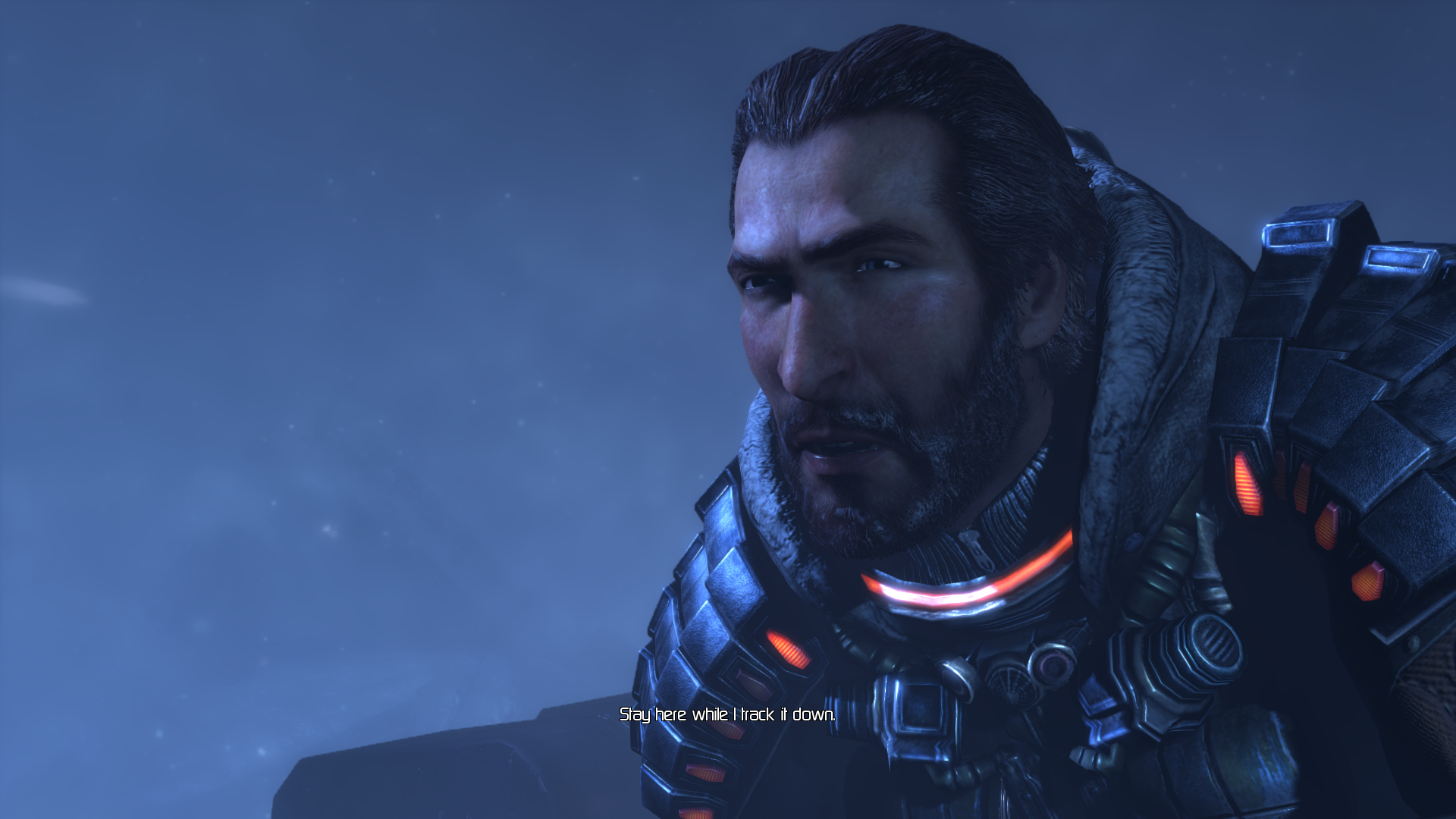

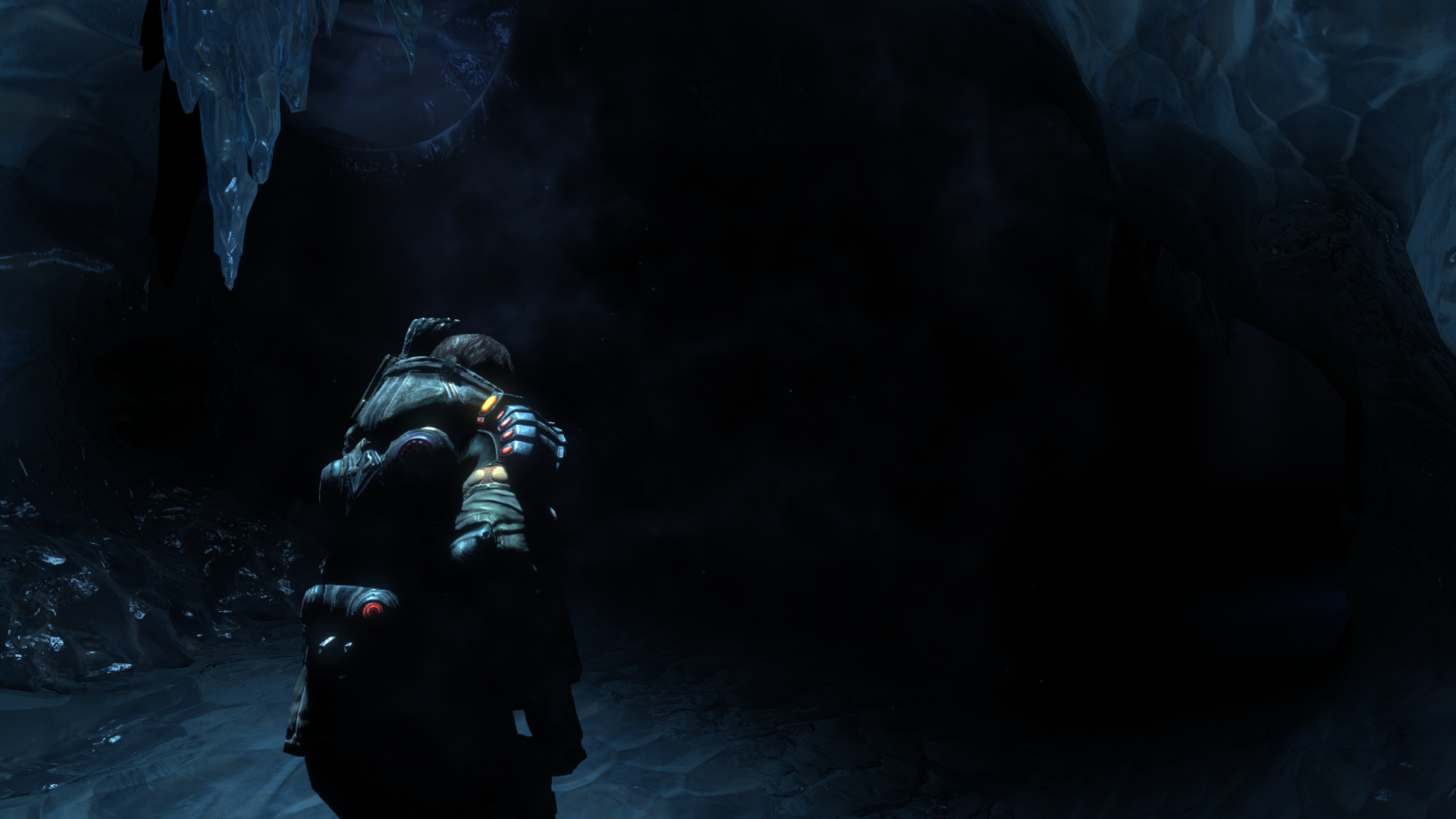
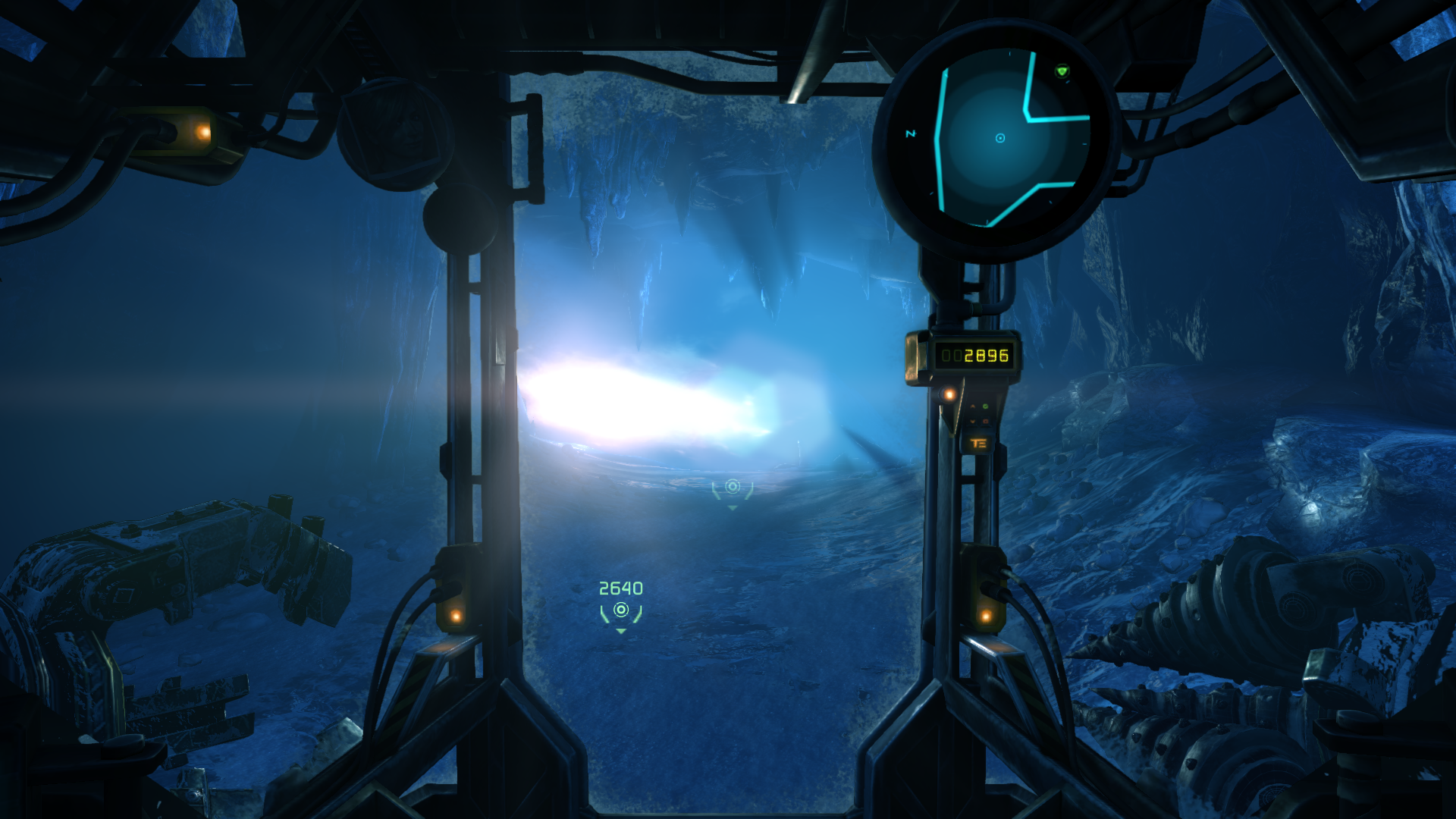
The game is randomly crashing on launch on my end with the following Proton versions: Experimental / 7.0-3 / 6.3-8.
On Kernel 5.15 (no fsync): it crashes always (disabling esync helps, but stills crashes sometimes):
On Kernel 5.18 (fsync): sometimes it crashes and sometimes not (kind of 1:1)
Log lines of interest:
Unhandled exception: page fault on read access to 0x00000014 in 32-bit code (0x021feb5e).
Register dump:
 CS:0023 SS:002b DS:002b ES:002b FS:0063 GS:006b
 EIP:021feb5e ESP:4f87fd30 EBP:4f87fd38 EFLAGS:00010202(  R- --  I   - - - )
 EAX:00000000 EBX:03f8d4d0 ECX:4f87fd90 EDX:00000000
 ESI:1e853cd0 EDI:00000000
Stack dump:
0x4f87fd30:  4f930030 00000000 4f87fd78 66741a6c
0x4f87fd40:  1e853cd0 00000000 4f87fd78 70b749d2
0x4f87fd50:  00000000 00000000 4f87fd78 70b749d2
0x4f87fd60:  05970000 00000000 04162f70 4f87fd90
0x4f87fd70:  4f8e0090 00000000 4f87fdb8 6674186f
0x4f87fd80:  00000000 00000000 4f87fdb8 6674186f
Backtrace:
=>0 0x021feb5e ??1CAkRegisteredObj@@QAE@XZ+0x3aae3e() in lostplanetgame (0x4f87fd38)
  1 0x66741a6c RtwqCancelMultipleWaitingWorkItem+0xa6c() in rtworkq (0x4f87fd78)
  2 0x6674186f RtwqCancelMultipleWaitingWorkItem+0x86f() in rtworkq (0x4f87fdb8)
  3 0x66742303 RtwqCancelMultipleWaitingWorkItem+0x1303() in rtworkq (0x4f87fe08)
  4 0x7bc604be A_SHAFinal+0x3fe9e() in ntdll (0x4f87feb8)
  5 0x7bc60927 A_SHAFinal+0x40307() in ntdll (0x4f87ff28)
  6 0x7b62ddb0 ActivateActCtx+0x23420() in kernel32 (0x4f87ff48)
  7 0x7bc5d2e7 A_SHAFinal+0x3ccc7() in ntdll (0x4f87ff5c)
  8 0x7bc5da90 A_SHAFinal+0x3d470() in ntdll (0x4f87ffec)
0x021feb5e lostplanetgame+0x1dfeb5e: movl	0x14(%edx),%eax
Specs:
- O.S: Arch Linux
- Kernel: 5.15.48 (no fsync) / 5.18.5 (fsync)
- GPU: GTX 970 4 GB (Driver: 515.48.07)
- CPU: Ryzen 7 5700G (8 cores / 16 threads)
- Desktop Enviroment: KDE Plasma 5.25
- Filesystem: BTRFS
- Sound: pipewire-pulse / wireplumber
- Display server: X11
- Display device: 1080p / 144 Hz (HDMI 2.0)
I've found out if the parameter -nostartupmovies is defined, the crash doesn't happen on my end (Launch options: %command% -nostartupmovies). It might be an issue related to video processing.
Lost Planet 3 crash after intro videos
Issue transferred from https://github.com/ValveSoftware/Proton/issues/8467.
@NGAGe13 posted on 2025-02-21T12:36:48:
Compatibility Report
- Name of the game with compatibility issues: Lost Planet 3
- Steam AppID of the game: 226720
System Information
- GPU: AMD RADV VANGOGH
- Video driver version: RADV 24.0.99
- Kernel version: 6.5.0-valve23-1
- Proton version: 9.0.4
- Steam Deck LCD with SteamOS 3.6.21
I confirm:
- [ +] that I haven't found an existing compatibility report for this game.
- [ +] that I have checked whether there are updates for my system available.
Symptoms
Game crash after intro videos.
It works correctly with Proton 7.0.6
Reproduction
Simply start game.
@NGAGe13 commented on 2025-02-21T12:41:00:
Same problem on PC.
Device-1: Advanced Micro Devices [AMD/ATI] Navi 31 [Radeon RX 7900 XT/7900
XTX/7900 GRE/7900M] driver: amdgpu v: kernel
Display: wayland server: X.Org v: 24.1.5 with: Xwayland v: 24.1.5
compositor: gnome-shell v: 47.4 driver: X: loaded: amdgpu
unloaded: modesetting dri: radeonsi gpu: amdgpu
resolution: 2560x1440~120Hz
API: EGL v: 1.5 drivers: kms_swrast,radeonsi,swrast
platforms: gbm,wayland,x11,surfaceless,device
API: OpenGL v: 4.6 compat-v: 4.5 vendor: amd mesa v: 24.3.4-arch1.1
renderer: AMD Radeon RX 7900 XT (radeonsi navi31 LLVM 19.1.7 DRM 3.60
6.13.3-zen1-1-zen)
Info: Tools: api: eglinfo,glxinfo gpu: lact x11: xdpyinfo, xprop, xrandr
Proton versions
proton 7.0x1 2025-02proton 5.0-7x1 2020-05
Launch lines
%command% -nostartupmoviesx1 2022-06
Upstream links
- ValveSoftware/Proton/issues/8467x1 2025-02
Compatibility Report
System Information
steam-226720.log
I confirm:
Instructions
The campaign, multiplayer and cinematic run smoothly. Controller is appropriately responsive. The game will however not run without the following changes.
Symptoms
Some textures (snow in particular) are missing. The cinematic is pixelated.
Reproduction
Run the game and the missing textures will show up during the playable intro (outside, in the snow). The textures are generally alright underground.