Oceanhorn: Monster of Uncharted Seas
This looks like a line of interest from the log: warn: D3D10CreateEffectFromMemory: Not implemented
I added PROTON_USE_WINED3D=1 to launch options, it starts with Black screen & mouse pointer, then for a split second it goes to a Blue screen with the start of the music, then CTD. Almost there.
steam-339200.log
Still failing in Proton 4.11.
Still failing in Proton 4.11.12
@StoneyFish you tried it with PROTON_USE_WINED3D=1 as well ?
@StoneyFish you tried it with
PROTON_USE_WINED3D=1as well ?
Yes
@StoneyFish you tried it with
PROTON_USE_WINED3D=1as well ?Yes
It does not crash. Just I have a black screen with a yellow / gold mouse pointer that I can move. There is no sound / music . The steam overlay shows 60FPS.
Still failing in Proton 6.3-6
I just found that adding windows/native d3dcompiler_47 (or d3dcompiler_43 and d3dx10_43 for fixing some font issue) allows the game to run on some custom local Wine build.
Proton probably has the same problem until implementation of wine/build-in d3dcompiler is improved.
I have GOG-version only
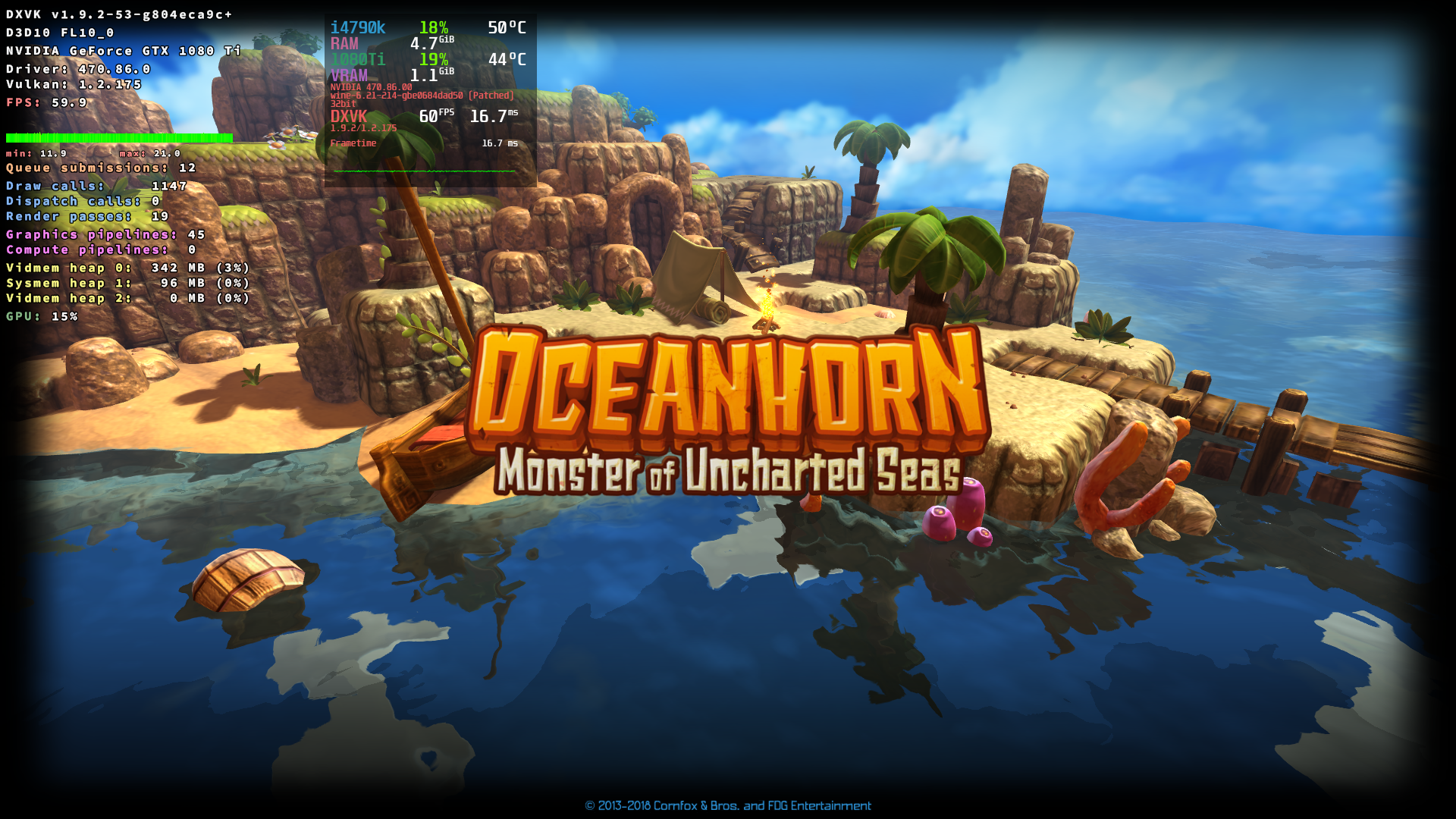
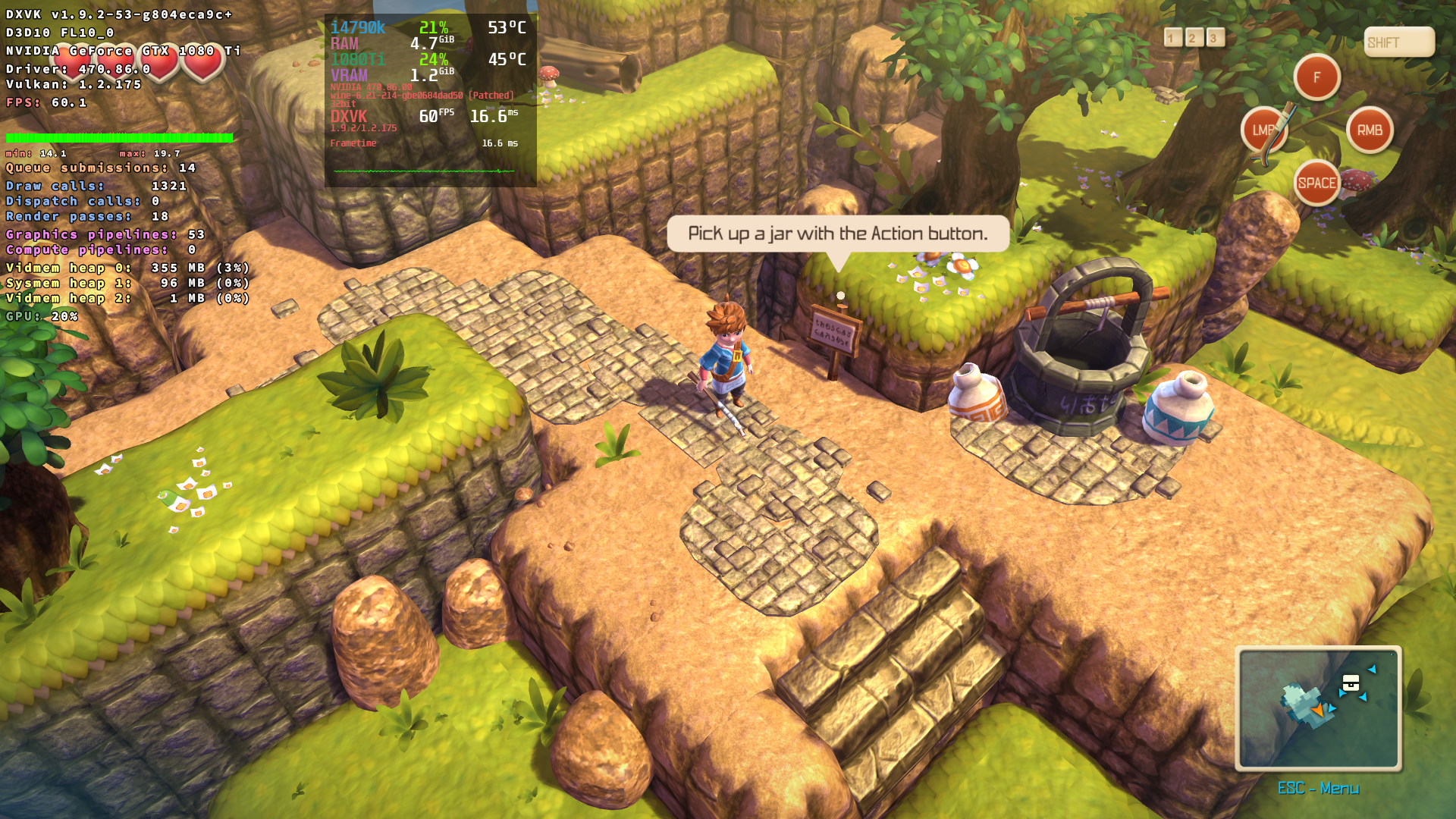
The game starts successfully with Fsync (version for working with kernel-5.16)
some game screenshots
Wine has apparently fixed launching the game in 6.22, although I haven't been able to test it.
Replying to https://github.com/ValveSoftware/Proton/issues/2556#issuecomment-983185082
I'm interested, I have a humble version, more details please?
Wine has apparently fixed launching the game in 6.22, although I haven't been able to test it.
probably https://bugs.winehq.org/show_bug.cgi?id=52051
I will try to check the commit or a fresh versions of Wine, but without d3dcompiler_43/d3dcompiler_47 the game did not work on dxvk. Also (as far as I understand the developers' explanations) the functions of these files will be assigned to vkd3d-shader and probably problems associated with d3dcompiler will start to be solved when vkd3d will be included to the Wine.
I'm interested, I have a humble version, more details please?
@perojas3 You need to use winetricks d3dcompiler_47 as temporary workaround.
Or optionally winetricks d3dcompiler_43 d3dx10_43 for the Cyrillic text to be displayed.
probably https://bugs.winehq.org/show_bug.cgi?id=52051
I will try to check the commit or a fresh versions of Wine, but withoutd3dcompiler_43/d3dcompiler_47the game did not work on dxvk.
I checked these fixes for wined3d: it looks like the game now works not only with dxvk, but it still requires d3dcompilers as workaround.
Replying to https://github.com/ValveSoftware/Proton/issues/2556#issuecomment-997161484
I cannot believe it, in lutris, using the DRM free version "oceanhorn-pc-2016-january-01", and using wine: "lutris-ge-6.16-1x86_64", the game works out of the box, without winetricks.
How is that possible?
And why does not happen in steam with proton?
another addition: since Proton uses DXVK versions of d3d10 and d3d10_1
(more info https://github.com/doitsujin/dxvk/releases/tag/v1.6),
WINEDLLOVERRIDES="d3d10,d3d10_1=b" is also required.
upd2. this part of the problem should be fixed on experimental_6.3 by https://github.com/ValveSoftware/Proton/commit/0ca077da99d3cae9f3e3049070c4c5093353ef84.
now the game works out of the box (doesn't crash on startup and text is visible) on Proton 7.0-6 and Proton 8.0-2
Hello,
on an Asus TUF FX505DY under Arch Linux and the newest wine 9.x and the common winetricks i dont't have any sound/music. All functioned but the game not register an app in the native pulse audio app manager. It starts with no soundcard requested. Under Lutrix i have tested many combinations wie protons and wine builds. No sound. All other Windows-Games has prober sound.
Proton versions
proton 7.0-6x1 2023-07proton 8.0-2x1 2023-07proton 6.3-6x1 2021-10proton 4.11x2 2020-01
Launch options
WINEDLLOVERRIDES="d3d10,d3d10_1=b"x1 2022-01PROTON_USE_WINED3D=1x4 2020-01
Upstream links
- show_bug.cgi?id=52051x2 2021-12
Compatibility Report
System Information
I confirm:
steam-339200.log
Symptoms
The game won't start. I see a black screen and a custom mouse cursor. They disappear in a fraction of a second.
Reproduction
Try to start the game.