BlackSoul: Extended Edition
System Information
- GPU: RX VEGA 56
- GPU Driver: 19.1.0+aco+git1565970353-650031018b4-1bionic1 (Valves PPA)
- Kernel version: 5.2.8-050208-lowlatency
- Distro version: Linux Mint 19.2 Tina (64 bit) (Cinnamon)
- Proton version: 4.11-2
Retest Compatibility Report
The behavior has changed with Proton 4.2-9 and 4.11-2. Clicking on Play in the games launcher, the game launches to a loading screen and then crashes.
Selecting configure, you get an option screen, but selecting any options and clicking on OK you a window pops-up with an error message "Unhandled exception":

Also note that the font on the launcher is difficult to read (compared to how it looked before).
steam-264480-proton-4.2-9-crash-play.log
steam-264480-proton-4.11-2-crash-config.log
steam-264480-proton-4.11-2-crash-play.log
system_info.txt
Proton versions
proton 4.11-2x1 2019-08proton 4.2-9x1 2019-08
Compatibility Report
System Information
Distro: Linux Mint 19.1 Tessa (64 bit)
GPU: Vega 56
Driver/LLVM version: Mesa 19.1.0-devel/9.0.0
Kernel version: 5.0.7-050007-generic
Proton version: 4.2-3
I confirm:
Symptoms
Game won't start, nothing happens when clicking on Play in the games launcher.
steam-264480.log
system_info.txt
Reproduction
launch the game in the Steam client and this launcher pops up:
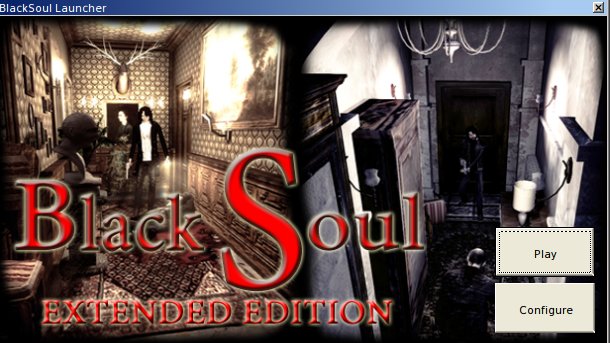
But clicking on Play or Configure does nothing. It just greys out the buttons for a few seconds.
included log is of me launching the game, and then clicking on play on the games launcher but nothing is happening.