Rocket League AA not working
Hello @Sliderpro, please copy your system information from Steam (Steam -> Help -> System Information) and put it in a gist, then include a link to the gist in this issue report. Also, please add PROTON_LOG=1 %command% to the game's launch options and drag and drop the generated $HOME/steam-$APPID.log into the comment box.
Hm. I wasnt able to find that log file... I tried both PROTON_LOG=1 %command% and without command to game launch options
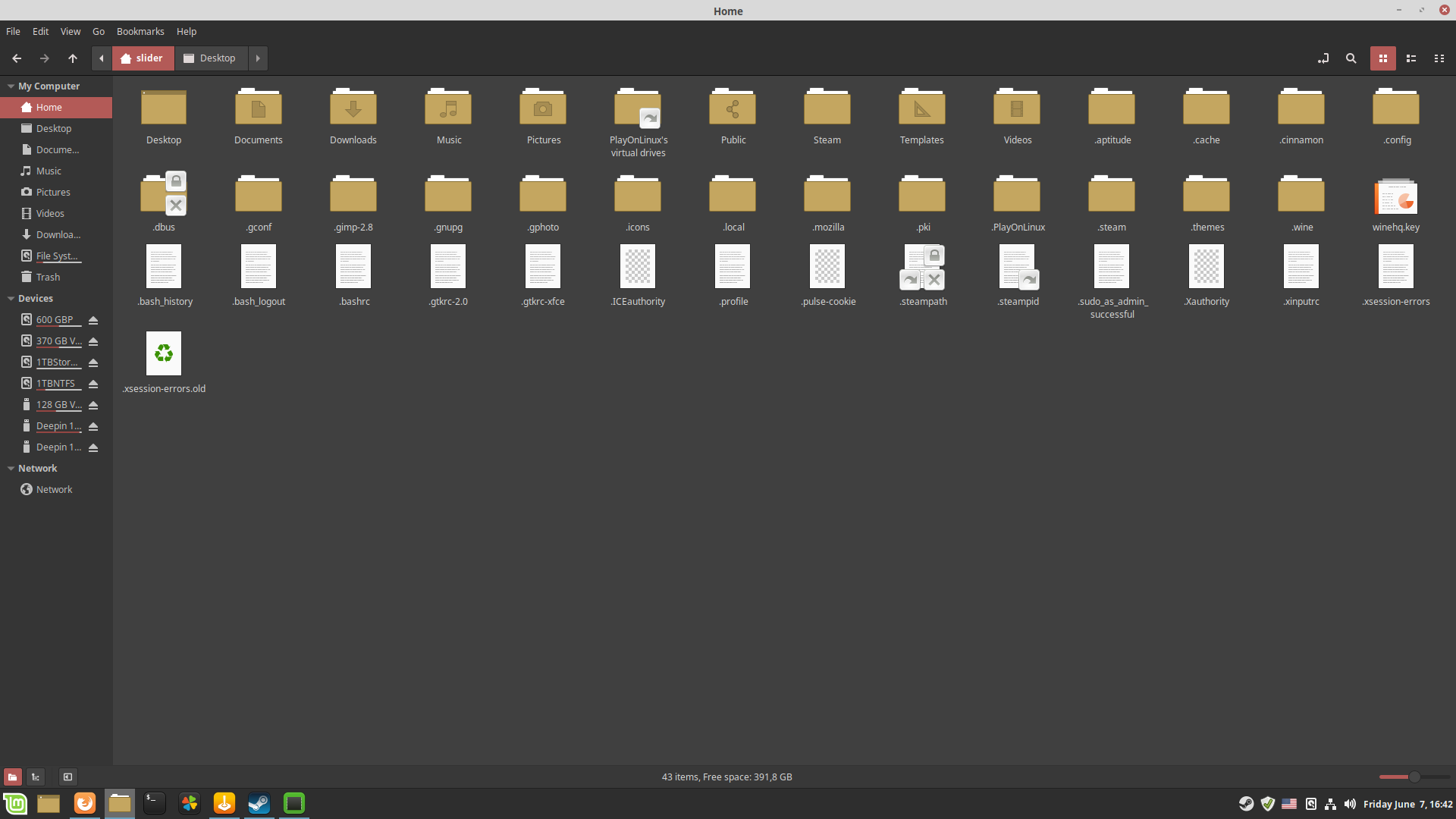
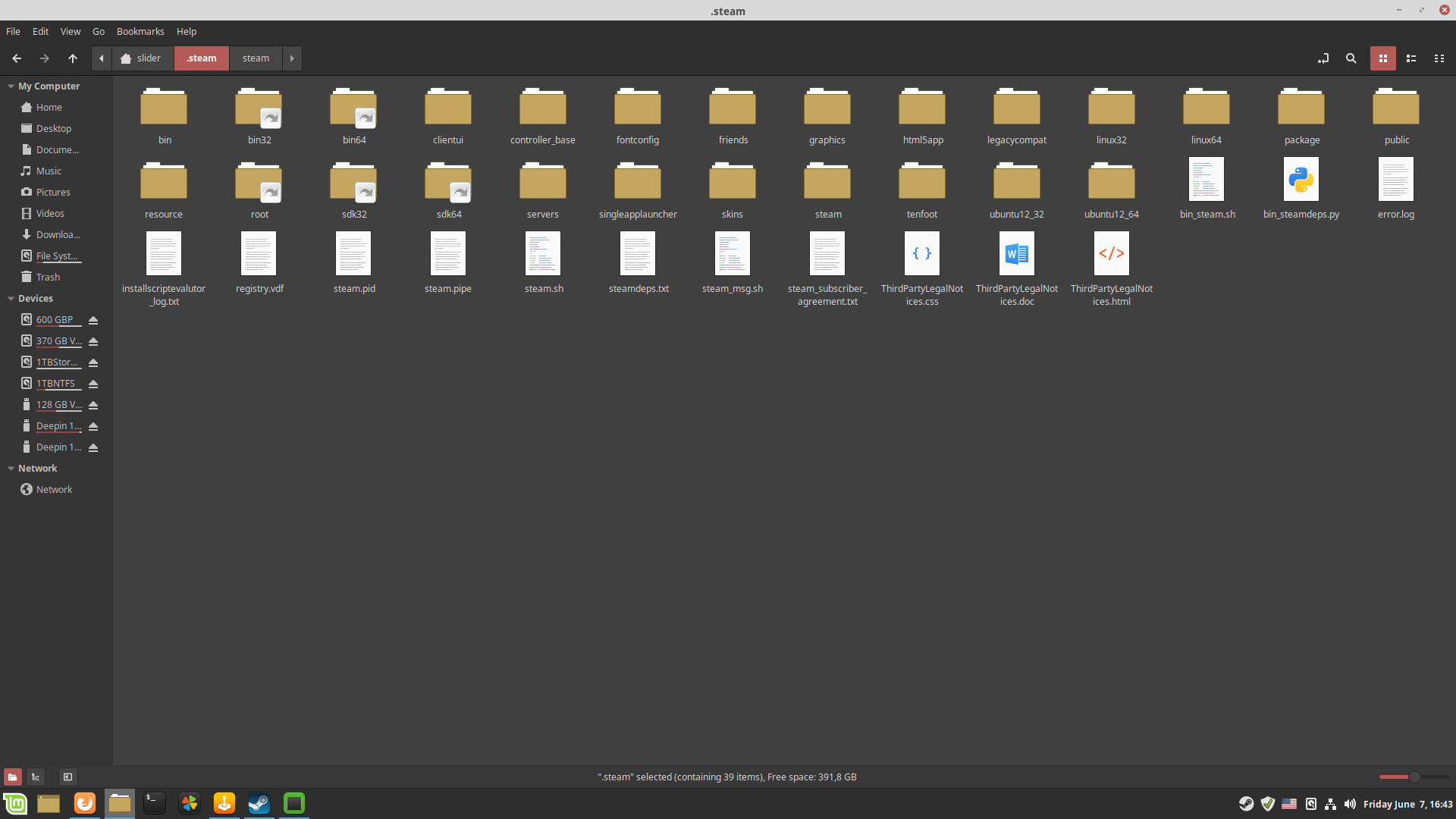
By default, Proton logs should end up in your home folder, not a subfolder. Is it hiding in plain sight?
Haha, sorry, seems like an issue on my end. Reinstalled OS to Zorin, native Rocket league from Steam really cant use FXAA. And works quite wonky with sudden flashes and stuff.
However, if you force Steam Proton, 4.2.6, game magically learns to use FXAA. The difference is noticable. Game runs much better.
The issue is closed.
Launch options
PROTON_LOG=1x2 2019-06
Hi. Game id "252950"
Antialiasing doesnt work through latest Steam Proton in any way. Proton version 4.2.6. GPU - AMD Rx570. Linux Mint 19 cinnamon. Latest updates. Tried forcing AA through game configs (MSAA and TAA) - wasnt succesfull with either. Thanks.