Cut scenes don't work. This seems to be a symptom of #1464, as the media files fit this. The first relevant error message can be found on line 3957 of the log.
At the point where you meet "kim", either that cutscene freezes the game or something else happens. (This happens after the second scene. First scene is in the night club, second in the pool hall.) You can see issues with it loading KIM.mp4 at line 19403 of the error log, followed by repeated "Has reached kim1" and "has reached kim2" messages.
The menu screen only partially displays when using dxvk
On Proton 4.11 with DXVK, the first time a punch happens (either if I dock an oke or if he docks me) the game freezes. xorg, plasmashell, and the game all start using massive amounts of resources and makes the X session basically unusable (frozen - mouse can still move, but no mouse events occur). Ctrl+Alt+Escape to open the window killer doesn't work, but SIGTERM to Boet Fighter from an SSH session restores my graphical session to normal. Log attached: proton_4.11_dxvk.log
Workarounds
Menu screen looks better (though not the same as in Windows) when using Wine's Direct3D implementation.
Compatibility Report
System Information
I confirm:
steam-1108350.log
Symptoms
proton_4.11_dxvk.log
Workarounds
Menu screen looks better (though not the same as in Windows) when using Wine's Direct3D implementation.
Without PROTON_USE_WINED3D:
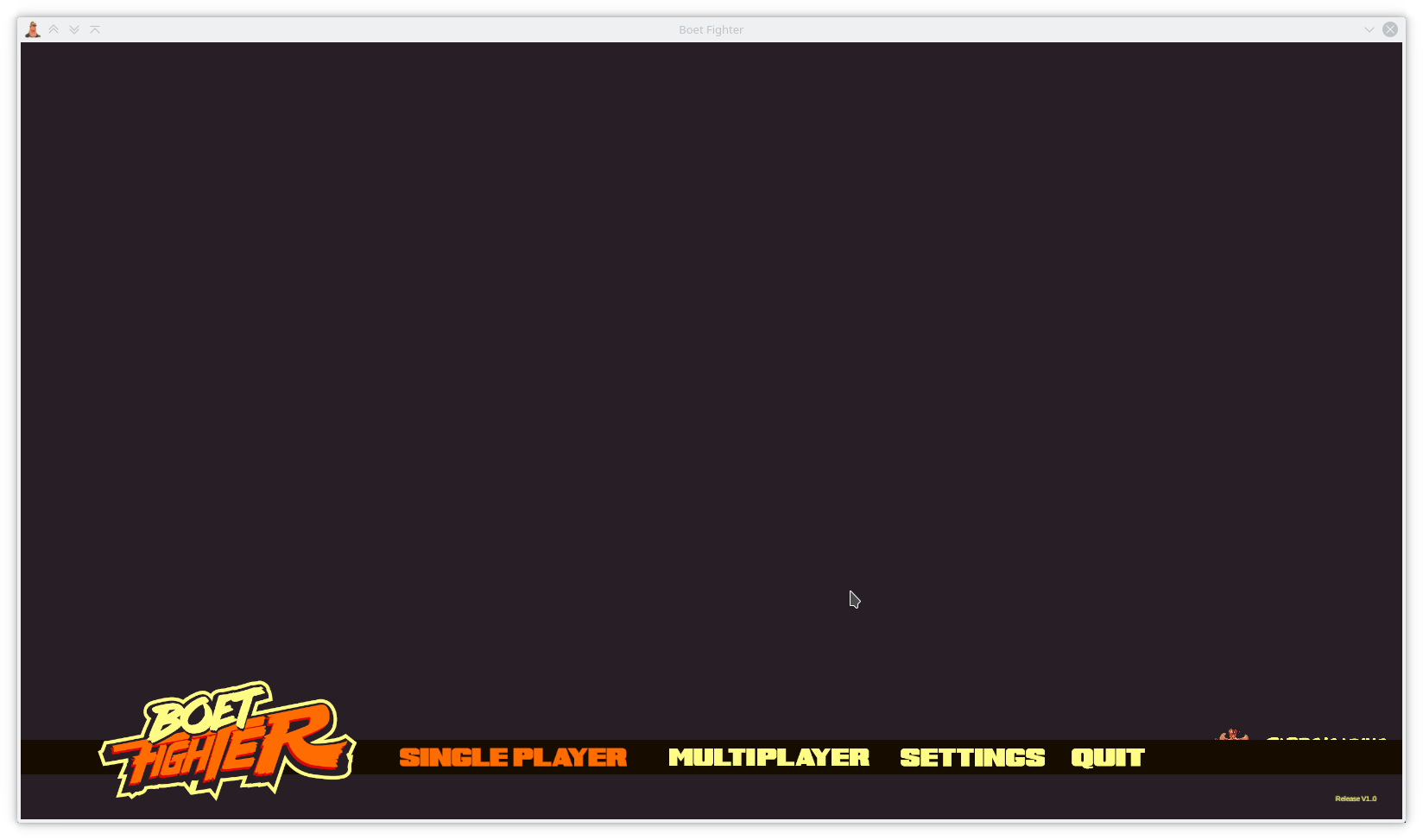
Log:
PROTON_DXVK_MENU.log
With PROTON_USE_WINED3D=1:
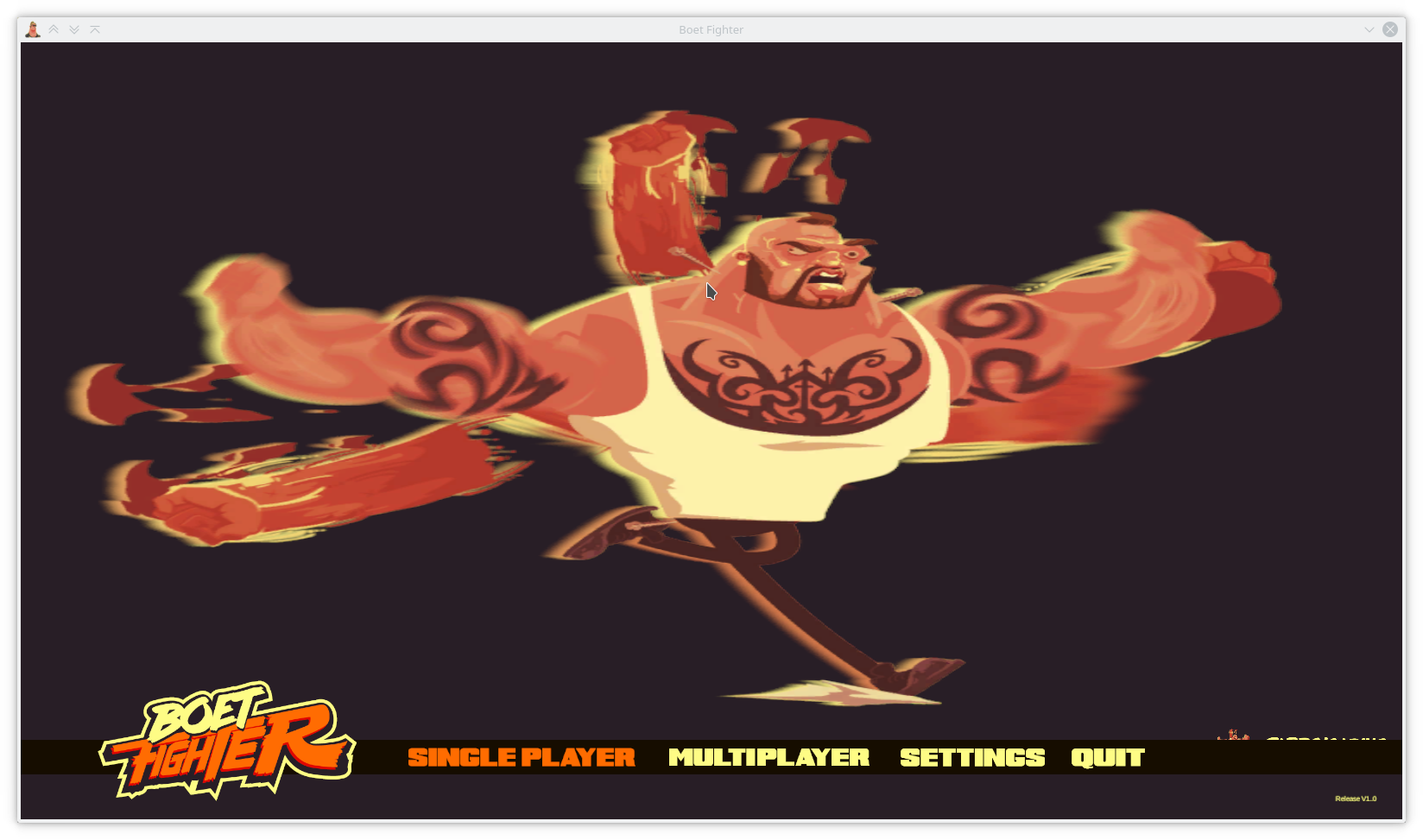
Log:
PROTON_WINED3D_MENU.log
Failed workarounds:
PROTON_NO_D3D11andPROTON_NO_D3D10make the game fail as it's only built with Direct3D 11 support.Reproduction
Menu graphical issues:
Open the game with default settings (no
PROTON_USE_WINED3D) in any version of ProtonFreeze with systemwide consequences upon punch:
NOTE: The punch needs to actually hit somebody. Punching the air does not count.
PROTON_USE_WINED3D=0or similar).Cutscenes don't occur
PROTON_USE_WINED3D)Stops working upon meeting Kim
Play through the first two levels (nightclub and pool hall). It gets stuck (indefinitely?) after the pool hall.