Need for Speed Hot Pursuit
[Whitelist] Need for Speed: Hot Pursuit (47870)
Issue transferred from https://github.com/ValveSoftware/Proton/issues/952.
@liberodark posted on 2018-08-30T03:50:47:
Distro: Manjaro XFCE 17.1.12
GPU: GTX 1060, Nvidia proprietary driver 396.54
Resolution: 1920x1080
RAM: 8GB
Proton 3.7-4 Beta
All is fine and Xbox Controller work !
No have try MP
Anyone having an issue with it not exiting? Proton 3.7-5 Beta.
@romulasry I used to have the problem with the game not exiting properly on old Proton versions. But I can't replicate the issue with Proton 4.2-3, so that issue appears to have been fixed.
Distro: Linux Mint 19.1 Tessa (64 bit)
GPU: Vega 56
Driver/LLVM version: Mesa 19.1.0-devel/9.0.0
Kernel version: 5.0.7-050007-generic
Proton version: 4.2-3
I can confirm that after 4.11 and ACO, this game now runs perfectly on AMD GPUs. It now stays at 57-60 fps.
Works flawlessy on 4.11-2 and with PROTON_USE_D9VK=1 performance are optimal.
With same settings, on 4.11-3 there are a lot of graphical artifacts on the whole game.
~Hello @toalex77, please copy your system information from Steam (Steam -> Help -> System Information) and put it in a gist, then include a link to the gist in this issue report. Also, please add PROTON_LOG=1 %command% to the game's launch options and drag and drop the generated $HOME/steam-$APPID.log into the comment box.~
Looks like the D9VK issue is being tracked at https://github.com/Joshua-Ashton/d9vk/issues/335.
Oh yes, exactly the same artifacts.
With d9vk 0.13f, solve glitchs problems,
https://github.com/Joshua-Ashton/d9vk/releases/tag/0.13f
paste "d3d9.dll x32" in the game folder and set this to the launcher
WINEDLLOVERRIDES="d3d9.dll=n,b" %command%
Default runs 34 FPS.
Setting core affinity off CPU0 (Which fixes stuttering on Windows) doesn't have any affect
taskset -pc 1-7 11047
Turning shadows off has the biggest affect. Gets it around 46 - 50 FPS.
Graphics:  Card-1: Advanced Micro Devices [AMD/ATI] Ellesmere [Radeon RX 470/480/570/570X/580/580X]
           driver: amdgpu v: kernel
           Display: x11 server: X.Org 1.20.1 driver: modesetting unloaded: vesa resolution: 1920x1080~60Hz
           OpenGL: renderer: AMD Radeon RX 480 Graphics (POLARIS10 DRM 3.26.0 4.18.3-arch1-1-ARCH LLVM 8.0.0)
           v: 4.5 Mesa 18.3.0-devel (git-aa79cc2bc8)
CPU: Topology: Quad Core model: Intel Core i7-3770K bits: 64 type: MT MCP L2 cache: 8192 KiB Speed: 3338 MHz min/max: 1600/3900 MHz Core speeds (MHz): 1: 3901 2: 2368 3: 2904 4: 2439 5: 2106 6: 1675 7: 3156 8: 1847


Default runs 34 FPS.
Setting core affinity off CPU0 (Which fixes stuttering on Windows) doesn't have any affect
taskset -pc 1-7 11047
Turning shadows off has the biggest affect. Gets it around 46 - 50 FPS.
Graphics:  Card-1: Advanced Micro Devices [AMD/ATI] Ellesmere [Radeon RX 470/480/570/570X/580/580X]
           driver: amdgpu v: kernel
           Display: x11 server: X.Org 1.20.1 driver: modesetting unloaded: vesa resolution: 1920x1080~60Hz
           OpenGL: renderer: AMD Radeon RX 480 Graphics (POLARIS10 DRM 3.26.0 4.18.3-arch1-1-ARCH LLVM 8.0.0)
           v: 4.5 Mesa 18.3.0-devel (git-aa79cc2bc8)
CPU: Topology: Quad Core model: Intel Core i7-3770K bits: 64 type: MT MCP L2 cache: 8192 KiB Speed: 3338 MHz min/max: 1600/3900 MHz Core speeds (MHz): 1: 3901 2: 2368 3: 2904 4: 2439 5: 2106 6: 1675 7: 3156 8: 1847
Do you know a way to launch the game with this affinity? maybe set this command to the launcher or other way
My CPU need to breath sometimes....
ths last update of d9vk fix glith problem, https://git.froggi.es/joshua/d9vk/-/jobs
You can use the same taskset
taskset -c 1-7 %command%
Compatibility Report
- Name of the game with compatibility issues: Need for Speed: Hot Pursuit
- Steam AppID of the game: 47870
System Information
- GPU: AMD Radeon RX 580
- Driver/LLVM version: Mesa 20.1.1
- Distro version: Arch Linux
- Link to full system information report as Gist:
- Proton version: 5.0-9
I confirm:
- [ ] that I haven't found an existing compatibility report for this game.
- [X] that I have checked whether there are updates for my system available.
Symptoms
- content in the car rear-view mirror, is not correct rendered. with both wine3d and dxvk
Reproduction
- Play the Game.
Logs:
proton-5.0-9-47870_dxkv.log
proton-5.0-9-47870_wined3d.log
proton-5.9-GE-2-MF-47870_dxvk.log
proton-5.9-GE-2-MF-47870_wined3d.log
Screenshots
proton-5 0-9-47870_dxvk: 
proton-5 0-9-47870_wined3d: 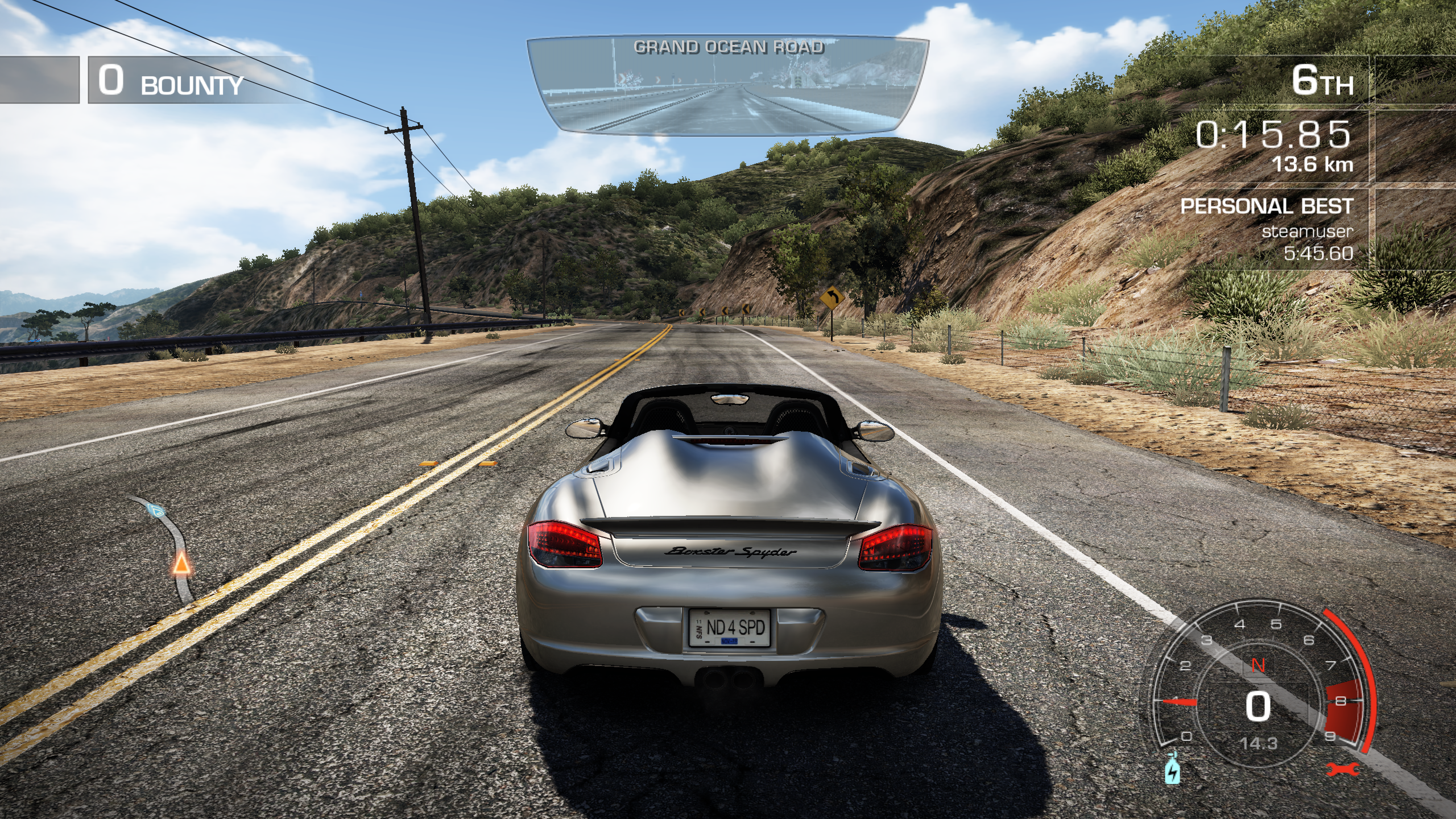
proton-5 9-GE-2-MF-47870_dxvk: 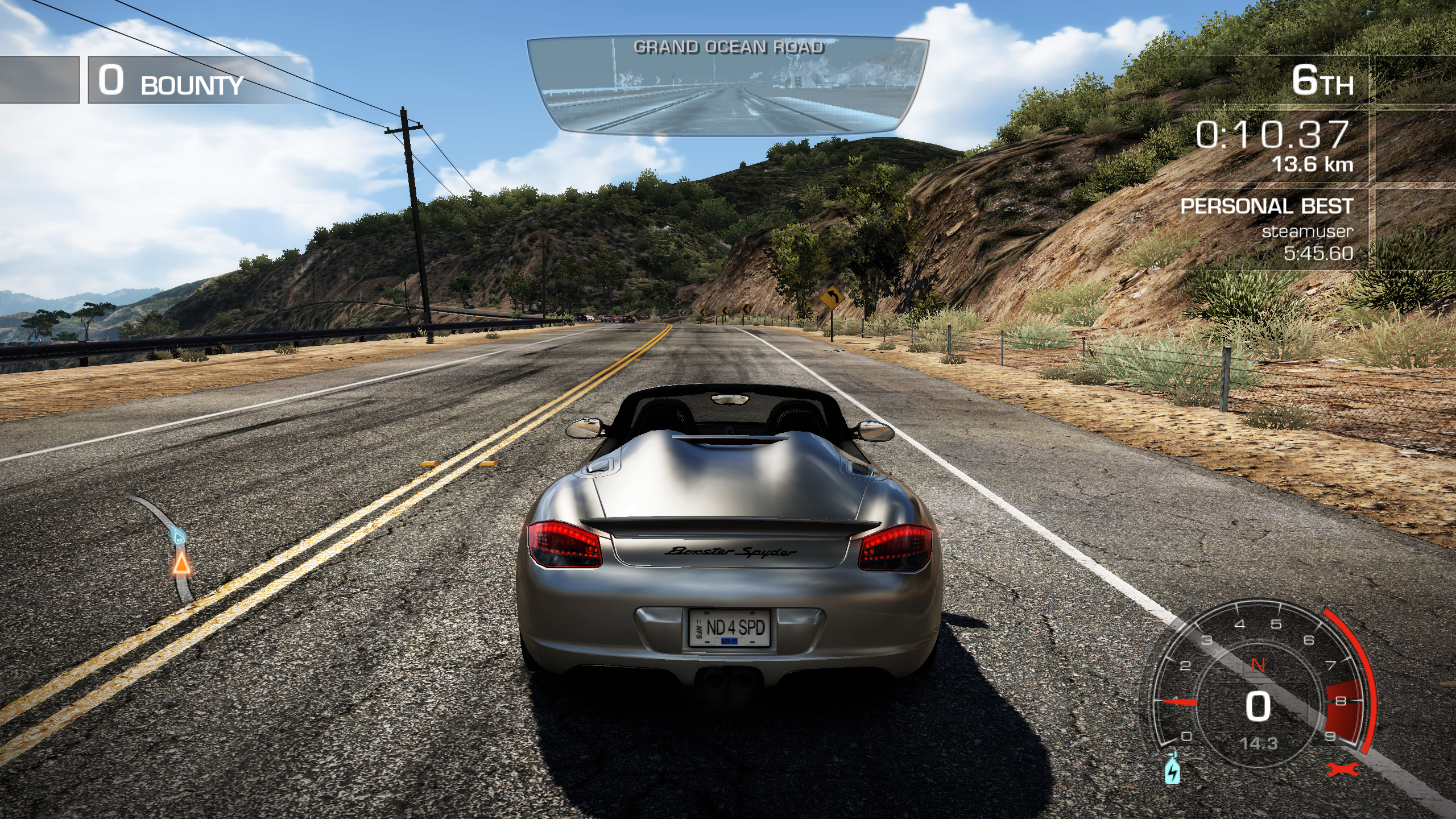
proton-5 9-GE-2-MF-47870_wined3d: 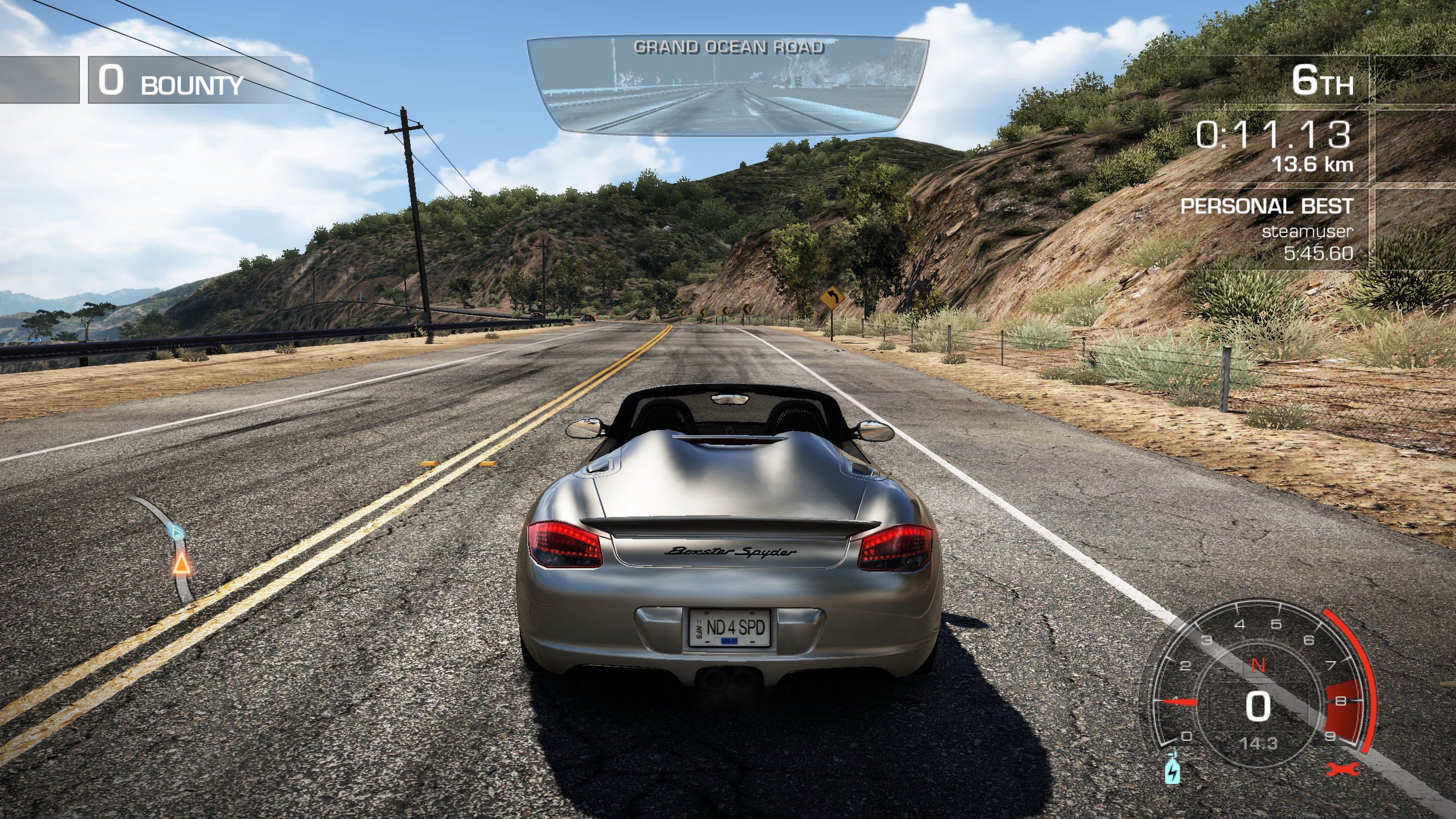
Symptoms
* content in the car rear-view mirror, is not correct rendered. with both wine3d and dxvk
I think i am wrong ;)
Here is a Screenshot from Windows 7 with a NVIDIA GeForce GTX460.

Looks like this is a Feature of the Game.
Gameplay Video: https://www.youtube.com/watch?v=e_dc5e2eFLU
I can confirm there's nothing wrong with the rear view rendering.
However this game requires PROTON_USE_WINED3D to work at least with NVidia 450.66 driver on Debian/KDE.
I have found that there's a fullscreen issue with Proton 6.3-5 and Proton Experimental. Whenever I switch a workspace and switch back, the game minimizes. The game doesn't even properly fullscreenize upon focusing it. Both Proton 5.0-10 and 5.13-6 don't have this problem.
Hello @ronneycz, please add PROTON_LOG=1 %command% to the game's launch options, reproduce the regression, and attach the generated $HOME/steam-$APPID.log to this issue report as a file. (Proton logs compress well if needed.) Also, please copy your system information from Steam (Steam -> Help -> System Information) and put it in a gist, then include a link to the gist in this issue report.
Correction: The game properly fullscreenized upon focusing on Experimental, not on 6.3-5. Still, both need to be refocused because they minimize.
Hello @kisak-valve, I'd like to mention that this minimizing fullscreen issue is present with other games too, for example Need For Speed: Undercover and Goat Simulator which doesn't have a thread. It seems to be a fullscreen behaviour change between 5.13 and 6.3 rather than a game issue.
@ronneycz The games minimizing on focus loss (which includes switching to another desktop/workspace) when in fullscreen mode is actually common Windows 10 behavior, not a regression. Need for Speed: Hot Pursuit specifically minimizes on Windows whenever focus is lost in fullscreen mode, including when changing desktops.
That's unfortunate because it's a very handy QoL feature even if it might've been a bug, some games just don't have windowed setting and it came in handy. I would like to see a Wine/Proton build that stays up to date and includes this feature, do you know about one? One can use Wine's virtual desktop but that's not as elegant...
Proton versions
proton 5.0-10x1 2021-07proton 6.3-5x1 2021-07proton experimentalx1 2021-07proton 5.0-9x1 2020-06proton 5.9-ge-2x1 2020-06proton 4.2-3x1 2019-04proton 3.7-5x1 2018-09proton 3.7-4x1 2018-08
Launch options
PROTON_LOG=1x2 2021-07PROTON_USE_WINED3Dx1 2020-10WINEDLLOVERRIDES="d3d9.dll=n,b"x1 2019-09PROTON_USE_D9VK=1x1 2019-08
Launch lines
Upstream links
- ValveSoftware/Proton/issues/4491x1 2021-08
- ValveSoftware/Proton/issues/952x1 2018-08
DLLs
d3d9.dllx1 2019-09
Default runs 34 FPS.
Setting core affinity off CPU0 (Which fixes stuttering on Windows) doesn't have any affect
Turning shadows off has the biggest affect. Gets it around 46 - 50 FPS.