Doom Eternal
I'm getting a hard crash that seems to happen after 30 minutes or so. Here's the log file:
https://send.firefox.com/download/945b855f1dd20e0d/#dP9yXbTc4PGFlF5mkZL1EQ
I have a RX 5700XT and am using ArchLinux with RADV.
Hello @PopeRigby, please copy your system information from Steam (Steam -> Help -> System Information) and put it in a gist, then include a link to the gist in this issue report.
As a side note, Proton logs are known to compress well, please consider throwing large logs into an archive.
Here's the system information gist: https://gist.github.com/PopeRigby/263d2b99e3998f99fdf4e0d222845843
So does ACO work on Mesa 20.1 now? Last I heard ACO was not working.
Is it still true that enabling the overlay causes performance issues?
My own experience shows the opposite:
https://forums.developer.nvidia.com/t/low-performance-in-doom-eternal/116394/30?u=silviu_c
@kisak-valve - You made a comment in the other thread about removing libvulkan1 in Ubuntu, which is a BIG NO NO as it will nuke your system. Is there a better way in having the vulkan included with Steam runtime take priority over the system one?
sudo apt remove libvulkan1
teg@pop-os:~$ sudo apt remove libvulkan1
Reading package lists... Done
Building dependency tree
Reading state information... Done
The following packages were automatically installed and are no longer required:
  cabextract efibootmgr evolution-data-server-common filezilla-common
  firmware-manager-notify firmware-manager-shared fonts-wine fprintd fuseiso
  gir1.2-accountsservice-1.0 gir1.2-appindicator3-0.1 gir1.2-gck-1
  gir1.2-gcr-3 gir1.2-gdm-1.0 gir1.2-gnomebluetooth-1.0 gir1.2-nm-1.0
  gir1.2-nma-1.0 gir1.2-upowerglib-1.0 gkbd-capplet glade2script
  gnome-session-common gnome-shell-extension-system76-power
  gstreamer1.0-pulseaudio gtk2-engines-murrine gvfs-libs i965-va-driver
  intel-media-va-driver libaacs0 libaom0 libasound2-dev libass9 libavcodec58
  libavfilter7 libavformat58 libavresample4 libavutil56 libbdplus0
  libblkid-dev libbluray2 libbs2b0 libcamel-1.2-62 libcapi20-3 libcapnp-0.7.0
  libcdio-cdda2 libcdio-paranoia2 libcdio18 libchromaprint1 libcodec2-0.8.1
  libcue2 libdazzle-1.0-0 libdbus-1-dev libdc1394-22 libdvdnav4 libdvdread4
  libebackend-1.2-10 libebook-1.2-20 libebook-contacts-1.2-3 libecal-2.0-1
  libedata-book-1.2-26 libedata-cal-2.0-1 libedataserver-1.2-24 libexiv2-14
  libfftw3-double3 libfilezilla0 libfirmware-manager libflite1 libfontenc1
  libfprint0 libgdm1 libgexiv2-2 libgif7 libgles1 libglib2.0-dev
  libglib2.0-dev-bin libgme0 libgnome-autoar-0-0 libgnomekbd-common
  libgnomekbd8 libgsf-1-114 libgsf-1-common libgsm1 libgsoap-2.8.75
  libibus-1.0-dev libigdgmm11 libjavascriptcoregtk-4.0-18 libldb1 liblilv-0-0
  libmikmod3 libmirclient-dev libmirclient9 libmircommon-dev libmircommon7
  libmircookie-dev libmircookie2 libmircore-dev libmircore1 libmirprotobuf3
  libmount-dev libmspack0 libmtp-common libmtp-runtime libmtp9 libmysofa0
  libnfs12 libnorm1 libodbc1 libopenal1 libopengl-dev libopengl0 libopenjp2-7
  libopenmpt0 libosmesa6 libpam-fprintd libpcre16-3 libpcre2-32-0 libpcre2-dev
  libpcre2-posix0 libpcre3-dev libpcre32-3 libpgm-5.2-0 libphonenumber7
  libpop-theme-switcher libpop-upgrade-gtk libpostproc55 libprotobuf-dev
  libprotobuf-lite17 libpugixml1v5 libpulse-dev libqt5positioning5 libqt5qml5
  libqt5sensors5 libqt5webchannel5 librubberband2 librygel-core-2.6-2
  librygel-db-2.6-2 librygel-renderer-2.6-2 librygel-server-2.6-2
  libs76-hidpi-widget libsdl-net1.2 libsdl-sound1.2 libsdl1.2debian
  libselinux1-dev libsepol1-dev libserd-0-0 libshine3 libsmbclient
  libsndio-dev libsord-0-0 libsratom-0-0 libssh-gcrypt-4 libswresample3
  libswscale5 libtalloc2 libtevent0 libtracker-control-2.0-0
  libtracker-miner-2.0-0 libudev-dev libva-drm2 libva-wayland2 libva-x11-2
  libva2 libvidstab1.1 libvncserver1 libwayland-bin libwayland-dev
  libwbclient0 libwebpdemux2 libwoff1 libwxbase3.0-0v5 libx264-155 libx265-176
  libxatracker2 libxcb-glx0 libxcb-res0 libxcb-xv0 libxcursor-dev
  libxfixes-dev libxfont2 libxi-dev libxinerama-dev libxkbcommon-dev
  libxkbfile1 libxklavier16 libxrandr-dev libxv-dev libxvidcore4 libxvmc1
  libxxf86dga1 libxxf86vm-dev libzmq5 libzvbi-common libzvbi0 mesa-va-drivers
  nautilus-data pastebinit pop-fonts pop-gnome-shell-theme pop-gtk-theme
  pop-icon-theme pop-sound-theme pop-theme python3-pyxattr python3-talloc
  rtmpdump rygel samba-libs switcheroo-control syslinux-common system76-power
  tracker tracker-extract tracker-miner-fs va-driver-all virtualbox-dkms
  x11-apps x11-session-utils x11-xkb-utils x11proto-fixes-dev
  x11proto-randr-dev x11proto-xf86vidmode-dev x11proto-xinerama-dev xbitmaps
  xfonts-base xfonts-encodings xfonts-scalable xfonts-utils xinit xinput
  xserver-common xserver-xorg-legacy yelp-xsl youtube-dl zenity-common
Use 'sudo apt autoremove' to remove them.
The following additional packages will be installed:
  libqt5gui5-gles
Suggested packages:
  qt5-image-formats-plugins qtwayland5
Recommended packages:
  libqt5svg5
The following packages will be REMOVED:
  boot-repair boot-sav boot-sav-extra chrome-gnome-shell
  com.github.tkashkin.gamehub dosbox evolution-data-server ffmpeg filezilla
  gdm3 ghostwriter gir1.2-mutter-5 gnome-calendar gnome-control-center
  gnome-getting-started-docs gnome-getting-started-docs-de
  gnome-getting-started-docs-es gnome-getting-started-docs-fr
  gnome-getting-started-docs-it gnome-getting-started-docs-ja
  gnome-getting-started-docs-pt gnome-getting-started-docs-ru
  gnome-getting-started-docs-zh-hk gnome-getting-started-docs-zh-tw gnome-mpv
  gnome-online-accounts gnome-session-bin gnome-shell
  gnome-shell-extension-alt-tab-raise-first-window
  gnome-shell-extension-always-show-workspaces
  gnome-shell-extension-desktop-icons gnome-shell-extension-do-not-disturb
  gnome-shell-extension-pop-battery-icon-fix
  gnome-shell-extension-pop-shop-details
  gnome-shell-extension-pop-suspend-button gnome-startup-applications
  gnome-user-docs gnome-user-docs-de gnome-user-docs-es gnome-user-docs-fr
  gnome-user-docs-it gnome-user-docs-ja gnome-user-docs-pt gnome-user-docs-ru
  gnome-user-docs-zh-hans gstreamer1.0-clutter-3.0 gstreamer1.0-gl gvfs
  gvfs-backends gvfs-daemons gvfs-fuse libavdevice58 libcheese-gtk25
  libcheese8 libclutter-1.0-0 libclutter-gst-3.0-0 libclutter-gtk-1.0-0
  libcogl-pango20 libcogl-path20 libcogl20 libedataserverui-1.2-2 libegl-dev
  libegl1-mesa-dev libfolks-eds25 libgl-dev libgl1 libgl1-mesa-dev
  libgl1-mesa-dri libgl1-mesa-glx libgles-dev libgles2-mesa-dev libglu1-mesa
  libglu1-mesa-dev libglvnd-dev libglx-dev libglx-mesa0 libglx0
  libgoa-backend-1.0-1 libgstreamer-gl1.0-0 libmpv1 libmutter-5-0 libqt5gui5
  libqt5opengl5 libqt5printsupport5 libqt5quick5 libqt5svg5 libqt5webkit5
  libqt5widgets5 libsdl2-dev libvdpau-va-gl1 libvkd3d1 libvulkan1
  libwebkit2gtk-4.0-37 libwine libwxgtk3.0-0v5 libyelp0 mesa-vulkan-drivers
  mpv mutter nautilus phantomjs pop-default-settings pop-session qsynth
  ubuntu-docs virtualbox virtualbox-qt wine wine64 winetricks x11-utils xorg
  xserver-xephyr xserver-xorg xserver-xorg-core xserver-xorg-input-all
  xserver-xorg-input-libinput xserver-xorg-input-wacom xserver-xorg-video-all
  xserver-xorg-video-amdgpu xserver-xorg-video-ati xserver-xorg-video-fbdev
  xserver-xorg-video-intel xserver-xorg-video-nouveau xserver-xorg-video-qxl
  xserver-xorg-video-radeon xserver-xorg-video-vesa xserver-xorg-video-vmware
  xwayland yelp zenity
The following NEW packages will be installed:
  libqt5gui5-gles
0 upgraded, 1 newly installed, 131 to remove and 0 not upgraded.
@btegs, where was this comment made?
a comment in the other thread about removing libvulkan1 in Ubuntu
@btegs, you should re-read that comment. Kisak didn't say remove, he said re-add.
a comment in the other thread about removing libvulkan1 in Ubuntu
@btegs, you should re-read that comment. Kisak didn't say remove, he said re-add.
I was referencing https://github.com/ValveSoftware/Proton/issues/3654#issuecomment-613766116 where re-adding libvulkan1 on Ubuntu 19.10 via apt would just re-install v1.1.114.
So if you leave that as the main libvulkan1 at a system level and remove pinned_libs_* from the steam install, how does this automatically make your AMD drivers under MESA use the libvulkan from Steam and not your system?
@btegs, removing the pinned_libs_* folders prompts Steam to regenerate those folders the next time Steam is started (this is literally what I said previously). The folder's contents is the result of comparing the system libraries to the Steam runtime variants and pinning the Steam runtime variant if it is newer than the host system.
Steam prioritizes libraries in the following order: Pinned libraries > Host system > Steam runtime > ld.so.conf
@btegs, removing the pinned_libs_* folders prompts Steam to regenerate those folders the next time Steam is started (this is literally what I said previously). The folder's contents is the result of comparing the system libraries to the Steam runtime variants and pinning the Steam runtime variant if it is newer than the host system.
Steam prioritizes libraries in the following order: Pinned libraries > Host system > Steam runtime > ld.so.conf
Deleted those folders and were recreated once starting Steam. I checked the directory and they were symlinking to a 1.2.135 version of Vulkan. cool.
Then I load up a random game with Proton 5.0-6 with the DXVK hud set to 1 under Ubuntu 19.10. It shows up as Mesa 20.0.99 (using the bleeding edge git version from https://launchpad.net/~oibaf/+archive/ubuntu/graphics-drivers for my RX 580. Shows Vulkan 1.2.128 for my Vulkan version. I obviously cannot start DOOM Eternal either.
What is going on and what steps are missing?
NOTE: I found an Ubuntu repo at https://packages.lunarg.com/ which gives me an updated libvulkan1 and libvulkan1:i386 without affecting my current Mesa. 1.2.135 is installed, but whenever I try a game on Steam or using GameHub with a GOG game, it is still at 1.2.128. I have no clue where this version of Vulkan is coming from!
"Alt-Tab may break the game rendering."
Arch Linux with KDE Plasma, can confirm Alt-Tabbing broke game rendering, but it also resulted in unresponsiveness to the close procedure by right clicking the process in the task bar and clicking the "Close" button..
sudo kill -SIGHUP 31117 did close the game though
System Information: https://pastebin.com/1z80Y7WG
My hard crash seems to be happening after about 20 minutes every time I start the game. Maybe I could time it to check.
Adding bugs (perhaps obvious/already known):
- have to skip initial intro logo ("+in_terminal 1 +com_skipIntroVideo 1")
- audio is crackling a little bit sometime (have to increase pulseaudio sampling to 48 kHz)
- multiplayer doesn't work (this is bad)
This game is also seems to be affected by https://github.com/ValveSoftware/Proton/issues/2927
If you're having problems, and you have a Ryzen 3xxx processor, try the workaround there ^
Doom Eternal Monitor/Resolution fail
Issue transferred from https://github.com/ValveSoftware/Proton/issues/3797.
@Kalevr1 posted on 2020-04-24T23:18:50:
Compatibility Report
- Name of the game with compatibility issues: Doom Eternal
- Steam AppID of the game: 782330
System Information
- GPU: RTX 2060 SUPER
- Driver/LLVM version: 4.6.0 NVIDIA 440.82
- Kernel version: 5.5.6
- Link to full system information report: https://gist.github.com/Kalevr1/6f5f51d29cc2e60e370c7dda858ace34
- Proton version: 5.0-6
I confirm:
- [x] that I haven't found an existing compatibility report for this game.
- [x] that I have checked whether there are updates for my system available.
Symptoms
After installing latest SteamPlay Proton 5.06 I got one perfect play session that lasted several hours. I took a break to eat and then came back to continue play. I have a 2 monitor setup. When I tried to launch the game a second time, it switched to a small window on the the secondary monitor. The lower monitor is my default screen and sits at eye level. I can see the upper left corner of the Doom Intro being rendered within the quarter-sized window on the secondary monitor. The game engine thinks it is rendering on the entire screen but I only see the portion that overlaps the window. I can see 2 buttons in the UI and I can interact with them. I Alt-F4 to exit.
Seems fixable if I can manually force the monitor and resolution for the app but I don't know if that would work. One workaround I have found is if I delete ../steamapps/compatdata/782330 the game does 'first run' again, which always runs perfectly.
I have included a screenshot of both monitors (1920x2160 pixels). Steam is fullscreen below on primary and you see the Doom Window above on the secondary.

Reproduction
@Kalevr1 commented on 2020-04-24T23:21:15:
This is my first post so I hope it is correct starting a new report rather than attaching to another. If not apologies.
I've been trying to use the 5.06 proton and 5.6 GE, the game very often crashes on both of these.
Here is the Proton GE 5.6 crash log
Here is the Proton 5.06 crash log
I've been trying to use the 5.06 proton and 5.6 GE, the game very often crashes on both of these.
Here is the Proton GE 5.6 crash log
Here is the Proton 5.06 crash log
Guess my problem is solved. I guess, this problem was caused by an AVX instability on my processor. I had overclocked my processor but hadn't checked the overclocking stability with AVX2. I had to add an AVX offset for my CPU in bios in order to pass the "Small FFTs" tests in Prime95 with AVX2 in Windows and confirm the same stability using the stress utility on my archlinux. Once I did that, I have never seen any crashes anymore. My first guess was about the RAM instability (I also overclocked it), but having turned XMP off and on, untightened timings and frequencies, I was able to confirm that it was not a ram issue.
I'm effectively in the identical scenario, same versions, cannot figure out how to get DOOM Eternal not to crash on start. :(
Did you get this figured out @btegs ?
@btegs, removing the pinned_libs_* folders prompts Steam to regenerate those folders the next time Steam is started (this is literally what I said previously). The folder's contents is the result of comparing the system libraries to the Steam runtime variants and pinning the Steam runtime variant if it is newer than the host system.
Steam prioritizes libraries in the following order: Pinned libraries > Host system > Steam runtime > ld.so.confDeleted those folders and were recreated once starting Steam. I checked the directory and they were symlinking to a 1.2.135 version of Vulkan. cool.
Then I load up a random game with Proton 5.0-6 with the DXVK hud set to 1 under Ubuntu 19.10. It shows up as Mesa 20.0.99 (using the bleeding edge git version from https://launchpad.net/~oibaf/+archive/ubuntu/graphics-drivers for my RX 580. Shows Vulkan 1.2.128 for my Vulkan version. I obviously cannot start DOOM Eternal either.
What is going on and what steps are missing?
NOTE: I found an Ubuntu repo at https://packages.lunarg.com/ which gives me an updated libvulkan1 and libvulkan1:i386 without affecting my current Mesa. 1.2.135 is installed, but whenever I try a game on Steam or using GameHub with a GOG game, it is still at 1.2.128. I have no clue where this version of Vulkan is coming from!
On the old thread a few users reported that battlemode can't find games, and I have the same issue. Nobody on that thread either suggested a cause or reported a fix, so I'd like to bring back attention to that issue.
When trying to find a match in battlemode, on any of the three choices, I simply cannot find a game, ever. There is not crash or error, though admittedly I haven't checked any log files.
I'm effectively in the identical scenario, same versions, cannot figure out how to get DOOM Eternal not to crash on start. :(
Did you get this figured out @btegs ?
@btegs, removing the pinned_libs_* folders prompts Steam to regenerate those folders the next time Steam is started (this is literally what I said previously). The folder's contents is the result of comparing the system libraries to the Steam runtime variants and pinning the Steam runtime variant if it is newer than the host system.
Steam prioritizes libraries in the following order: Pinned libraries > Host system > Steam runtime > ld.so.confDeleted those folders and were recreated once starting Steam. I checked the directory and they were symlinking to a 1.2.135 version of Vulkan. cool.
Then I load up a random game with Proton 5.0-6 with the DXVK hud set to 1 under Ubuntu 19.10. It shows up as Mesa 20.0.99 (using the bleeding edge git version from https://launchpad.net/~oibaf/+archive/ubuntu/graphics-drivers for my RX 580. Shows Vulkan 1.2.128 for my Vulkan version. I obviously cannot start DOOM Eternal either.
What is going on and what steps are missing?
NOTE: I found an Ubuntu repo at https://packages.lunarg.com/ which gives me an updated libvulkan1 and libvulkan1:i386 without affecting my current Mesa. 1.2.135 is installed, but whenever I try a game on Steam or using GameHub with a GOG game, it is still at 1.2.128. I have no clue where this version of Vulkan is coming from!
I upgraded to Ubuntu 20.04 with that Vulkan package from lunarg and I still am stuck with 1.2.128. I removed the pinned libs (Steam even warns me when its recreating it on launch) and cannot get that newer version to sync up.
@kisak-valve ignored my comment before, but I'm glad that there are other people having this issue.
The following is Ubuntu 20.04, latest Nvidia drivers 440 with a GTX 1080. After the game is started, a small black screen shows on the second monitor and stays like that.

Sometimes it would show the actual menu instead of the black screen like this

But if I try to make the game go fullscreen by pressing ALT+ENTER, then all hell breaks loose
Alright well DOOM Eternal is now launching for me. I'm unsure what has changed for me to do this. It might have been a recent MESA driver update that fixed it, unsure. Just blind tried it again, and I'm able to get in and play the game. If I observe further issues I'll report them.
The following is Ubuntu 20.04, latest Nvidia drivers 440 with a GTX 1080. After the game is started, a small black screen shows on the second monitor and stays like that.
Sometimes it would show the actual menu instead of the black screen like this
But if I try to make the game go fullscreen by pressing ALT+ENTER, then all hell breaks loose
Did it happen on first-run as well or only subsequent launch attempts? If it's like my situation you can do a workaround by deleting the folder under compdata as I explained in my report, so that every run is a "first" run. I had to dual boot my way through this game unfortunately. It was either that or delete that folder with every launch of the game. Until they fix the multi-monitor launch bug, there is no other way that I can see.
But if I try to make the game go fullscreen by pressing ALT+ENTER, then all hell breaks loose
@luisalvarado instead of pressing alt-enter, try going into settings, and changing 'windowed' mode to 'borderless windowed' first. If it works, change it to 'fullscreen' then. Or just play on borderless?
But if I try to make the game go fullscreen by pressing ALT+ENTER, then all hell breaks loose
@luisalvarado instead of pressing alt-enter, try going into settings, and changing 'windowed' mode to 'borderless windowed' first. If it works, change it to 'fullscreen' then. Or just play on borderless?
Let me test. Thank you
I am on Fedora 32 Workstation with Steam flatpak. NVIDIA 1080 Ti. DOOM Eternal crashes at start. I have a tiny blank wine window for a few seconds. The window then closes and the game is not started. System info attached. I do have NVIDIA 440.82 drivers.
I use Proton 5.0.7
@vatula I'm out of the loop when it comes to doom eternal, but could you get the stdout of wine by running doom manually? I don't think we have enough info to help you.
I was having a massive FPS drop in later stages of the arenas when a lot of monsters and particles appeared on the screen. I tried r_antialiasing 0, and the experience is greatly improved. I think there's an issue with the temporal antialiasing and particles for some reason.
Now the game feels smooth even in big battles.
@vatula I have a configuration almost exactly the same as yours (Fedora 32, GTX 1080 ti, latest released Proton). The only difference is that I don't use the Flatpak Steam. How averse would you be to trying the RPMFusion packge of Steam?
I used to use Flatpak (about a year ago or so), but I would sometimes have issues with games that I didn't have with the RPMFusion version.
DOOM Eternal runs really well for me.
@MagicRB @kisak-valve I'm attaching proton logs for the crash. It's hefty (3.7 GB), has some errors in it but because it's so large I couldn't figure out which one was critical. I have uploaded zipped log to mega.nz steam-782330.zip
@nathanjackson I confirm the game launches when Steam is installed from RPMFusion. @kisak-valve could that mean there's an issue with Steam flatpak?
Hello @vatula, possibly. Since there's a difference in behavior between the host system and flatpak, it wouldn't hurt to politely mention your experience to the flathub-provided steam package maintainers over at https://github.com/flathub/com.valvesoftware.Steam/issues.
I'm running into a weird issue after updating my OS. The intro video will freeze periodically, for almost exactly 5 seconds, then run for half a second or so, then freeze again and so on. The system is unresponsive during those freezes.
Specs:
- OS: Pop!_OS 20.04, kernel 5.4.0-7626-generic
- GPU: nVidia RTX 2070 Max-Q, driver version 440.82
- Vulkan: 1.2.140, installed manually
- Proton: happens both with 5.5-GE-1 and 5.0-7
The Proton logs show several lines that seem to repeat on each freeze:
10015.302:002d:002e:trace:seh:dwarf_virtual_unwind next function rip=0000000140325af5
10015.302:002d:002e:trace:seh:dwarf_virtual_unwind   rax=00007fffffea8000 rbx=00000000075a1cb0 rcx=00000000008fd690 rdx=000000007b475166
10015.302:002d:002e:trace:seh:dwarf_virtual_unwind   rsi=0000000000000005 rdi=0000000000000001 rbp=00000000008fee60 rsp=00000000008fed60
10015.302:002d:002e:trace:seh:dwarf_virtual_unwind    r8=00000000008fe910  r9=000000007b4751a0 r10=000000007bd225a8 r11=0000000000000000
10015.302:002d:002e:trace:seh:dwarf_virtual_unwind   r12=0000000000000001 r13=0000000000000001 r14=000000014293fd90 r15=ffffffffffffffff
10015.302:002d:002e:trace:seh:RtlRestoreContext returning to 7b475166 stack 8fe9d0
10015.432:002d:003e:trace:loaddll:load_native_dll Loaded L"C:\\windows\\system32\\dxvk_config.dll" at 0x69040000: native
10020.444:002d:002e:warn:debugstr:OutputDebugStringA "WARNING: PumpSessionAndNetworkPackets: Not called for 5.00 seconds\n"
10020.518:002d:002e:trace:seh:raise_exception code=40010006 flags=0 addr=0x7b00fdce ip=7b00fdce tid=002e
10020.518:002d:002e:trace:seh:raise_exception  info[0]=0000000000000044
10020.518:002d:002e:trace:seh:raise_exception  info[1]=00000000008fef10
10020.518:002d:002e:trace:seh:raise_exception  rax=00000000008fe930 rbx=00007fffffea8000 rcx=00000000008fe910 rdx=0000000000000000
10020.518:002d:002e:trace:seh:raise_exception  rsi=00000000008fea10 rdi=00000000008fe940 rbp=00000000008fed50 rsp=00000000008fe8f0
10020.518:002d:002e:trace:seh:raise_exception   r8=0000000000000002  r9=00000000008fea00 r10=000000007b47aa26 r11=0000000000000000
10020.518:002d:002e:trace:seh:raise_exception  r12=0000000000000001 r13=0000000000000001 r14=000000014293fd90 r15=ffffffffffffffff
10020.518:002d:002e:trace:seh:call_vectored_handlers calling handler at 0x69060d70 code=40010006 flags=0
10020.518:002d:002e:trace:seh:call_vectored_handlers handler at 0x69060d70 returned 0
10020.518:002d:002e:trace:seh:call_vectored_handlers calling handler at 0x14094ae30 code=40010006 flags=0
10020.518:002d:002e:trace:seh:call_vectored_handlers handler at 0x14094ae30 returned 0
10020.518:002d:002e:trace:seh:RtlVirtualUnwind type 1 rip 7b00fdce rsp 8fe8f0
10020.518:002d:002e:trace:seh:dump_unwind_info **** func fd80-fe07
10020.518:002d:002e:trace:seh:dump_unwind_info unwind info at 0x7b08e344 flags 0 prolog 0x11 bytes function 0x7b00fd80-0x7b00fe07
10020.518:002d:002e:trace:seh:dump_unwind_info     0x11: subq $0xc8,%rsp
10020.518:002d:002e:trace:seh:dump_unwind_info     0xa: pushq %rsi
10020.518:002d:002e:trace:seh:dump_unwind_info     0x9: pushq %rdi
10020.518:002d:002e:trace:seh:dwarf_virtual_unwind function 7b439ca1 base 0x7b439a58 cie 0x7b490710 len 14 id 0 version 1 aug 'zR' code_align 1 data_align -8 retaddr %rip
Here's a few more extracts around some of those freezes: https://gist.github.com/thebozzcl/d443097713938069abb233dabd4bba47
I'm still checking system logs to see if I find another pattern that could give me a clue.
When attempting to play Battlemode, I have not been able to connect to any games. I noticed some Bad Requests to AcceptGroupInvitation in the console, but I have been connected to Bethesda.net with no issue.

When attempting to play Battlemode, I have not been able to connect to any games. I noticed some Bad Requests to AcceptGroupInvitation in the console, but I have been connected to Bethesda.net with no issue.
I am having the same problem, this used to work on a previous Proton version.
When attempting to play Battlemode, I have not been able to connect to any games. I noticed some Bad Requests to AcceptGroupInvitation in the console, but I have been connected to Bethesda.net with no issue.
I am having the same problem, this used to work on a previous Proton version.
@nathanjackson Really? What was the version? I was never able to play Battlemode in any Proton versions :/
Battlemode worked for me when I had the following configuration:
- Proton 5.0-6 or 5.4-GE-3 (Glorious Eggroll)
- Fedora 30
- NVIDIA 440.82
However, I've recently upgraded to Fedora 32 and Battlemode stopped working, but a few variables changed:
- Proton 5.0-7
- Fedora 32
- NVIDIA 440.82
As a test, I tried Proton 5.4-GE-3 on Fedora 32 and Battlemode still did not work. So I think something about the OS upgrade has resulted in Battlemode no longer working. Although I think Bethesda pushed an update to DOOM Eternal for the Battlemode changes, so maybe that had something to do with it? It's weird because I can connect without issue to Bethesda.
Looks like the latest DOOM update broke the game on Proton. It doesn't launch at all anymore.
Yep, not launching at all with the new update. I see the id software logo in my system tray for a brief moment, and then it's gone.
Hello @libcg, looks like a WPF issue
trace:mscoree:mono_assembly_preload_hook_fn "PresentationFramework, Version=3.0.0.0, Culture=neutral, PublicKeyToken=31bf3856ad364e35"
The entry point method could not be loaded due to Could not load file or assembly 'PresentationFramework, Version=3.0.0.0, Culture=neutral, PublicKeyToken=31bf3856ad364e35' or one of its dependencies.
Stopped working after last update for me too, doesn't launch at all.
Doom Eternal Patch 14 May broke the Game.
Issue transferred from https://github.com/ValveSoftware/Proton/issues/3867.
@TheReaperUK posted on 2020-05-14T17:37:02:
Compatibility Report
- Name of the game with compatibility issues: Doom Eternal
- Steam AppID of the game:782330
System Information
- GPU: Nvida RTX 2060
- Driver/LLVM version: Nvidia 440.82
- Kernel version: 5.6
- Link to full system information report as Gist:
- Proton version: 5.0-7
I confirm:
- [ Y] that I haven't found an existing compatibility report for this game.
- [ Y] that I have checked whether there are updates for my system available.
Symptoms
Game will no longer Load at all after a Patch today 14 May 2020, No errors are shown, click Play wait a few seconds and nothing Happens and Play button returns to normal.
Reproduction
? It does not work at all, I think it may be anti cheat denuvo problem
Since last update (I think today, May 14, 2020 -- where can I see the update history?), it also does not work at all anymore. As reported before, no errors are shown, click Play, the id Software icon appears for 1-2 seconds as a tray icon, and then disappears, and Steams say it has stopped (it also says that last play time was just right now, so it looks like it doesn't get that there was some error).
Before that (a few days ago, when I last played), it ran really flawlessly, as reported here.
I installed dotnet48 into the game's prefix using protontricks, and now I get a denuvo popup when I start the game that says the game can't start.
Yeah, same with dotnet35sp1. It's likely that the WPF error is caused by the Denuvo popup itself.
@libcg I think you're right, given that this was logged before WPF was called on my end:
139193.878:00ec:00f0:trace:mscoree:_CorExeMain L"C:\\users\\steamuser\\
Temp\\denuvo-anti-cheat-crash-report.exe" "C:\\users\\steamuser\\Temp\\
denuvo-anti-cheat-crash-report.exe" "-error" "2" "-transaction"
From https://slayersclub.bethesda.net/en/article/2zHgbzsIV8gTzFUZ75ADGx/update-1:

I might have to ask for a refund if there's no DRM-free executable available.
Edit: refund requested
Edit: aaaaand refund denied :(
Consider me absolutely livid. One of my favorite games on Steam worked just fine on Linux, and then id decides to add kernel-mode anticheat, seemingly to spite me in particular.
From https://slayersclub.bethesda.net/en/article/2zHgbzsIV8gTzFUZ75ADGx/update-1:
Maybe one need uninstall the Denuvo Anti-Cheat to run the game?
@artemyto I've read that it's possible to uninstall Denuvo, but then the game won't run.
By the looks of it, this pretty much cans Doom Eternal on Linux through Proton. Proton can't actually support DAC, like, at all.
Unless id or Bethesda permits people to launch the game without DAC and play singleplayer, there really doesn't seem to be much we can do...
I urge people affected by this to send a support ticket through Bethesda's website here. Tell them to get rid of the kernel-mode anticheat. It's invasive, and quite frankly unacceptable to add this to a game that's been out for two months already.
As satisfying as that may be, I don't think it will actually change anything. A few people crying in outrage in a periphery demographic that Bethesda and id quite frankly probably don't care about isn't going to reverse a decision that was likely made quite a while ago.
And, y'know. An outpouring of bile isn't exactly endearing...
Hopefully Bethesda will remove Denuvo like they had the decency to do with Doom 2016.
It's not that simple. DAC != Denuvo.
And they probably won't remove DAC unless they shutdown the multiplayer portion of the game.
Yeah Denuvo Anti-Cheat is different from Denuvo Anti-Tamper, I hope there is an option or command line argument to skip DAC similar to EAC's -eac-nop-loaded (at least this works for DBFighterZ).
For now remove this game from my wishlist.
Same problem for me...
And I just bought the game, oh F.
Consider me absolutely livid.
This could have been me, but I've been pinching my pennies lately because of job losses, as a result of covid-19. I won't buy it now.
Bad news... It's the flagship title for Denuvo's anti-cheat. The AC is never getting removed. Valve and the Mesa devs wasted their time making it compatible and performant.
If you have an update queued but haven't installed it yet, here's how you can stick to the old version:
1.) Close Steam
2.) Extract and replace the attached file into the steamapps folder (same library as where D.E is installed.) EDIT: New manifest attached by gralco
3.) Relaunch Steam.
No update will be queued as Steam now believes you are on the current version, but you will have to avoid validating the game files.
If the referenced manifest is outdated and none are available, you can edit the attached manifest and manually match the buildid and InstalledDepots+MountedDepots to their latest versions using the steamdb.
If you already performed the update, you'll have to find another source for older game files. Keep in mind that bethesda launcher versions are unfortunately not compatible with steam save files.
I did try a method involving the steam console and older manifests, but those older manifests for Doom Eternal do not appear to be available.
Hope that helps. With some luck in the future maybe we can get Bethesda to drop Denuvo AC as a launch requirement, or at the very least provide older versions through the beta tab (could be pitched as a speedrunner argument as well).
So my understanding of the problem now is that this denuvo anticheat crap uses .NET WPF for the installer, and it just so happened that Wine 5.7 introduced support for it recently
https://www.winehq.org/announce/5.7
- Wine Mono engine updated to 5.0.0, with upstream WPF support.
On paper, Proton-GE-5.8 should work, but it didn't for me. Also @TerminalJunkie5 used protontricks to install dotnet48, but the installer still looks to be failing. Even if the installer works perfectly, there's still no guarantee that the anticheat will cooperate enough with proton to launch the game.
In other words, just AAA publishers being typical AAA publishers
is there any way to undo the update?
If you have an update queued but haven't installed it yet, here's how you can stick to the old version:
1.) Close Steam
2.) Extract and replace the attached file into the steamapps folder (same library as where D.E is installed. appmanifest_782330.acf.zip
3.) Relaunch Steam.
No update will be queued as Steam now believes you are on the current version, but you will have to avoid validating the game files. When a new update comes out, a new appmanifest will be required to stick to the old version if needed.
Your way works, i can still launch the game and no update is required after placing the acf file.
One more hint; you can disable auto update under Doom Eternal -> Properties -> Updates -> Only update this game when I launch it.
This could help those who got the update auto installed by steam yesterday, but still requires the recent acf before launching.
If the update has already started and you managed to hit the "Pause" button, delete the content under $STEAM_LIBRARY_PATH/steamapps/downloading. Then place the manifest file from above. Restart steam.
The update release notes on steam says:
Denuvo Anti-Cheat can be uninstalled at any time through the "Add or remove programs" dialog
For more information, please see https://help.bethesda.net/ or refer to Denuvo's launch day blog here
Now, how can I uninstall this under Proton?
@nuku97 I guess it only states you can only uninstall Denuvo AC. The game won't start anyway with it uninstalled. That's what I understood.
It would be pretty useless as an anti-cheat system if you could just uninstall it and the game works like it did before.
Since this was added for BATTLEMODE, I hope a future update will allow the game to play the single-player campaign without Denuvo AC requirement.
Make an anti-cheat who broke the game for those who pay after releasing a free denuvo version where anybody can play without buying it. Bethesda u did t u sons of bitch
The update release notes on steam says:
Denuvo Anti-Cheat can be uninstalled at any time through the "Add or remove programs" dialog
For more information, please see https://help.bethesda.net/ or refer to Denuvo's launch day blog hereNow, how can I uninstall this under Proton?
From what I seen, you're suppose to be able to uninstall Denuvo Anti-Cheat, but the game won't run until it's installed again
The update release notes on steam says:
Denuvo Anti-Cheat can be uninstalled at any time through the "Add or remove programs" dialog
For more information, please see https://help.bethesda.net/ or refer to Denuvo's launch day blog here
Now, how can I uninstall this under Proton?From what I seen, you're suppose to be able to uninstall Denuvo Anti-Cheat, but the game won't run until it's installed again
I will try in my dual boot Windows later if uninstalling allows at least single player games. After all, I don't care about Battlenet...
The update release notes on steam says:
Denuvo Anti-Cheat can be uninstalled at any time through the "Add or remove programs" dialog
For more information, please see https://help.bethesda.net/ or refer to Denuvo's launch day blog here
Now, how can I uninstall this under Proton?From what I seen, you're suppose to be able to uninstall Denuvo Anti-Cheat, but the game won't run until it's installed again
I think u can unistall it with protontricks
The update release notes on steam says:
Denuvo Anti-Cheat can be uninstalled at any time through the "Add or remove programs" dialog
For more information, please see https://help.bethesda.net/ or refer to Denuvo's launch day blog here
Now, how can I uninstall this under Proton?From what I seen, you're suppose to be able to uninstall Denuvo Anti-Cheat, but the game won't run until it's installed again
I think u can unistall it with protontricks
Don't see what the point of this is right now since Denuvo anticheat can't even be installed in the Wine prefix yet due to the .NET WPF issue
DAC doesn't run under Proton and probably never will.
It's trying to do one of several things that it's all-but impossible for Proton to support.
I think we should all send feedback for Bethesda like @serebit suggested. I send mine with logs and links, showing then that are a community of people who play their game in Linux. I not ask for support for Linux, but for the option of launching the game without the Denuvo anti-cheat, just for the single player campaign.
There are already Windows users on Reddit requesting the same.
The update release notes on steam says:
Denuvo Anti-Cheat can be uninstalled at any time through the "Add or remove programs" dialog
For more information, please see https://help.bethesda.net/ or refer to Denuvo's launch day blog hereNow, how can I uninstall this under Proton?
Set the game launch options to:
bash -c 'exec "$1" "$2" "uninstaller.exe"' -- %command%
and Proton will launch the "Add/Remove Programs" dialog.
DAC doesn't run under Proton and probably never will.
It's trying to do one of several things that it's all-but impossible for Proton to support.
Doesn't Wine support another kernel anti-cheat by running a virtual kernel, or does DAC do things that cannot be emulated?
To my understanding, this is not the case, and Wine doesn't support any kernel-mode anti-cheat.
I may be wrong.
To my understanding, this is not the case, and Wine doesn't support any kernel-mode anti-cheat.
I may be wrong.
Wine has supported kernel-mode drivers for some time now, but whether it implements whatever a particular anti-cheat requires is another thing entirely. For example, a bunch of them require Wine Bug 37355 to be resolved.
It would appear that Wine bug might be dependent on a kernel feature to be fixed?
My bad then. Perhaps one day DE will run again. (I wouldn't say soon)
I hate Kernel-mode Anti-cheat conceptually, but I'd feel a heck of a lot better about it in a Wineprefix where I can count on Wine to mediate between the AC and the rest of the system (and ensure that it's not sniffing about in places where it should not be...)
From techraptor.net interview:
TR: Linux gamers were previously able to play the game on Steam via Proton in singleplayer. Adding Denuvo Anti-Cheat there has blocked that - is there any way that Denuvo Anti-Cheat could allow the single-player to run on virtual machines while protecting multiplayer or removing it?
MG: We've been tracking the Proton issue immediately after launch and are committed to delivering a fix soon. This isn't a request coming to us from a publisher or anything like that - we genuinely respect such an enthusiast community and regret introducing this incompatibility on day 1.
This makes me feel warm and fuzzy inside, thanks for sharing @mgreshis !
From techraptor.net interview:
TR: Linux gamers were previously able to play the game on Steam via Proton in singleplayer. Adding Denuvo Anti-Cheat there has blocked that - is there any way that Denuvo Anti-Cheat could allow the single-player to run on virtual machines while protecting multiplayer or removing it?
MG: We've been tracking the Proton issue immediately after launch and are committed to delivering a fix soon. This isn't a request coming to us from a publisher or anything like that - we genuinely respect such an enthusiast community and regret introducing this incompatibility on day 1.
Can you provide a link to this interview?
https://techraptor.net/gaming/news/doom-eternals-latest-update-breaks-game
"MG" is the product owner of Denuvo Anti-Cheat for context.
https://techraptor.net/gaming/news/doom-eternals-latest-update-breaks-game
"MG" is the product owner of Denuvo Anti-Cheat for context.
Who is also, judging by the username, @mgreshis, who posted the interview excerpt and the link. So we have the product owner right here in the issue.
Imho, this kind of behaviour from the developers aren't acceptable. Even if I could get it working with all the mentioned workarounds I decided to request a refund. Even if the refund is denied it at least puts some (although minor) pressure on steam and hopefully Bethesda.
(As I wrote this I can tell you that Steam support granted my refund request and have given me my money back. I suggest people doing this as a sign of protest. Don't accept this. Show them that they will lose customers with this type of behaviour. Let the wallet speak. It is the only language they understand)
@SysGh-st how many hours did you have? My refund request was denied yesterday. I wonder if they are relaxing restrictions on refund requests for this game now? Other good action points are:
- Leave negative steam reviews
- Mark other negative reviews as helpeful
@lpww
I honestly can't recall the numbers of hours. I got a bit into the single-player campaign. I bought this some time ago with extra everything ( €89 or thereabout ) as a prelaunch buy.
I politely described why I requested the refund as it wasn't working under proton/Linux and I had no other computers with windows available which would turn the product completely useless for me.
I guess being polite and describe why goes a long way. The request is after all read by a human on the other end. I really hope Steam Support does relax the restrictions when there are issues like this.
Personally I don't think this will be solved any time soon. The Linux community is simply far too small to be cared for. Sad but true.
I really wish I'd opened firefox to get all the notifications about this before launching Steam today and having the game update. Now I'm screwed.
Guys, I'm pretty frustrated about this situation as well. I'm not a huge fan of Kernel level anticheat in general, and it breaking a game that was working is certainly disheartening.
We can be frustrated with Bethesda for deploying this, however, let's give Denuvo a chance to deliver, that's certainly one of the most powerful and direct statements (I've seen at least) from an anticheat development company, and it's encouraging.
Also for @kisak-valve's sake and everyone else subscribed to this issue waiting for news of how to get this game running again... Let's keep this from turning into numerous rants, and discussions of refunds. We have reddit, bethesda forums, and steam forums to discuss this broader topic in.
@mgreshis If I may ask, will your fix allow us to play the multiplayer, or will it only allow us to play singleplayer? I'm fine with either option, I'm just curious.
@serebit I would refrain from questions like that until there actually is a fix. Far too many times have we heard a game or a fix for something is coming "soon" for Linux, only for it never to materialize, and also as @DarkArc said, we should keep this thread as clean as possible for @kisak-valve's sanity, and I also apologize for my contribution to that.
That doesn't work on Linux. It requires running batch files.
On Fri, May 15, 2020 at 5:26 PM Campbell Jones [email protected]
wrote:
For everyone affected by this, until we get a fix from the developers,
you'll have to use the following process to downpatch the game:
https://docs.google.com/document/d/1iugtqVUuG8TsnZyRzBV-QamdbygdSEGJzOSkDFGpgJU/edit—
You are receiving this because you commented.
Reply to this email directly, view it on GitHub
https://github.com/ValveSoftware/Proton/issues/3773#issuecomment-629497189,
or unsubscribe
https://github.com/notifications/unsubscribe-auth/AM5Y33ZWU6ERMBYYVGE2JT3RRWXP3ANCNFSM4MI6DHIA
.
That doesn't work on Linux. It requires running batch files.
…
On Fri, May 15, 2020 at 5:26 PM Campbell Jones @.***> wrote: For everyone affected by this, until we get a fix from the developers, you'll have to use the following process to downpatch the game: https://docs.google.com/document/d/1iugtqVUuG8TsnZyRzBV-QamdbygdSEGJzOSkDFGpgJU/edit — You are receiving this because you commented. Reply to this email directly, view it on GitHub <[#3773 (comment)](https://github.com/ValveSoftware/Proton/issues/3773#issuecomment-629497189)>, or unsubscribe https://github.com/notifications/unsubscribe-auth/AM5Y33ZWU6ERMBYYVGE2JT3RRWXP3ANCNFSM4MI6DHIA .
You have the separate commands list at the end. They're useful I'd hope.
@SysGh-st you have to run them in depotdownloader. Which is a Windows .bat program. So again....
They're also Windows commands.
@gardotd426 I'm sure you can open a "windows" cmd from wine, how well it runs .bat files i dont know but it might be wortha try
It also requires dotnet core installed, which does have a Linux version,
but I imagine you'd need the Windows version installed in a wineprefix.
On Fri, May 15, 2020 at 5:38 PM MagicRB [email protected] wrote:
@gardotd426 https://github.com/gardotd426 I'm sure you can open a
"windows" cmd from wine, how well it runs .bat files i dont know but it
might be wortha try—
You are receiving this because you were mentioned.
Reply to this email directly, view it on GitHub
https://github.com/ValveSoftware/Proton/issues/3773#issuecomment-629504278,
or unsubscribe
https://github.com/notifications/unsubscribe-auth/AM5Y33ZO33Z32OO2UYHHGGLRRWY47ANCNFSM4MI6DHIA
.
Okay, well I figured out how to get it to work, you need the Linux version of dotnet core and after you follow the dotnet core installation instructions, you can run everything like it's a list of shell commands, like
./depotdownloader COMMAND1
./depotdownloader COMMAND2
But, it's not going to work, because as the instructions say, it'll only allow you to be able to run the .exe directly, which means none of the proton patches will be available, so it's very unlikely to actually work, and you'll have to install dxvk and all that inside the wineprefix, and again, I just really doubt it'll work. I'll ask TK-Glitch if maybe he has any ideas on getting it running once I download everything.
If the problem is steam not running the exe, im kind of lost, its not hard to make it run manually, just download the latest proton-ge build, or build wine using tk-glitch's scripts with protonification patches and install dxvk, it should work
Steam won't allow you to run the game because it will still say an update
is required, even in offline mode. And running games in Steam through
proton is not at all the same thing as running them with that same wine
build manually with none of the rest of proton. It's not likely to work,
but I'm going to try.
On Fri, May 15, 2020 at 6:04 PM MagicRB [email protected] wrote:
If the problem is steam not running the exe, im kind of lost, its not hard
to make it run manually, just download the latest proton-ge build, or build
wine using tk-glitch's scripts with protonification patches and install
dxvk, it should work—
You are receiving this because you were mentioned.
Reply to this email directly, view it on GitHub
https://github.com/ValveSoftware/Proton/issues/3773#issuecomment-629519573,
or unsubscribe
https://github.com/notifications/unsubscribe-auth/AM5Y337DUWQ7UHR4AEGIZLTRRW37DANCNFSM4MI6DHIA
.
On some games it does work, idk, i dont own doom eternal
https://steamdb.info/sub/235874/depots/
Looks like just another update got released...
@peterge1998 yeah it doesn't fix anything.
What's stupid is if you go to the game properties, and select the "DLC" tab, we all have the "Doom Eternal - Single Player Campaign" as DLC, which means they're separate entities, and we should be able to launch it, but we can't.
I think you'll just have to wait on this one, till id releases something
@MagicRB first of all, you don't own this game, so I don't know what you're really doing here commenting and just adding to the noise with literally nothing helpful. Second of all, iD isn't going to release anything, obviously they're the ones that broke it in the first place. Now "MG" from Denuvo says Denuvo MIGHT fix it, but that's completely up in the air right now, and we're all past our refund window, which is absolutely unacceptable and honestly probably criminal, since they conveniently waited until everyone was going to be past the refund window before doing this, and never gave any indication beforehand that this would happen.
That said, that's not whatsoever the point of this thread, the point of this thread is to try and get the game working under Proton, this is the Valve Proton issues page. So "you'll just have to wait," especially when you don't own the game, and have no stake or bearing on this whatsoever, is rather unhelpful. As people have already requested, this is for trying to get this game running. Not your thoughts.
Here's the steam log after the latest update (after the initial one) that just came through, if it's any different from before:
steam-782330.log
2.) Extract and replace the attached file into the steamapps folder (same library as where D.E is installed. appmanifest_782330.acf.zip
How did you generate the appmanifest file? Or did you just copy this after installing the latest version? Because yours isn't the latest version anymore...
Editing your manifest and overwriting the Depot 782332 manifest and MountedDepots with the current manifest id and replacing LastUpdated with the current time does not work for me...
They posted that before the latest update that you just mentioned, so obviously that won't be the correct manifest
You honestly SHOULD be able to keep your appmanifest file from after updating and then copy it after downpatching. But I honestly don't see how downpatching could work, except maybe trying to run it in Lutris DRM-free without launching Steam.
Now that I think of it, I don't know how that would work, because you can't dictate wine or proton versions. You can't enable vkd3d or dxvk that way either, but this game obviously shouldn't need it because it's native Vulkan.
Proton is fundamentally Wine. So if you have the DRM-free version, just setup a wineprefix and dump the game in.
Shouldn't be too hard to write a Lutris script...
This isn't about the DRM-free version, it's about the Steam version. And
the issue isn't DRM, it's Denuvo Anti Cheat, which is completely different.
The downpatching mentioned above just basically undoes the update, but it's
still the DRM version, and Steam itself won't let you launch it the normal
way without updating. And Proton has Wine in it, but it's not the same
thing. Proton has numerous fixes and other things OUTSIDE of the winebuild
contained within, and they're attached to the 7-digit AppID, which won't be
present when trying to run the game some other way, so you won't be getting
any of the Doom Eternal fixes (if necessary) from proton except what's been
patched in that build of Wine. "Proton" is a python script that combines
wine and numerous other tools, and it can only be used AS Proton with Steam
games launched in Steam.
Yes. But the downpatched version should be compatible with the leaked exe. You'd lose your saves, but it would probably be playable in normal wine.
If you really wanted you could build Proton yourself and use it independent of steam... but that's a lot of effort.
You can use a protonified wine outside steam, or you can use a custom
proton's wine build outside steam, but proton and all the non-wine things
that make it up, I mean not really. You could technically MANUALLY convert
everything from the python script into some other type of script, but at
that point it's no longer Proton and that's a complete philosophical
question.
And at any rate, it's not even relevant because no one should be forced to
use leaked cracked .exes to play a game they bought and paid for.
Obviously it's not the way things should be, but it is a way to play the game right now.
Only thing I can think of, anyways.
Here's the latest appmanifest_782330.acf
sounds there is a latest Doom Eternal update. does anyone with this latest update become better or worse. here I become even worse, after open system tray of wine then will close abruptly. before can launch the game, although will exit once really start a game
@gardotd426 There are ways to run downgraded versions of steam games that 'require' an update to play. Have you tried any of these solutions? https://steamcommunity.com/sharedfiles/filedetails/?id=885555151
I was able to downgrade the game using the method described by the Google Doc from earlier.
I just had to let steam re-download the game first (I had it uninstalled earlier). Then I followed the guide to download the old files, and copied those files into DOOM Eternal's installation directory. After that I was able to launch the game via steam.
@TheGreatMcPain are you on windows on linux? Did you have to do anything special to prevent steam from updating the game automatically? I'm currently downloading the downgrade
@lpww I'm on linux, and the only thing I needed to do that was linux specific was install dotnetcore.
Since I let steam fully download the game it thinks the game is already up-to-date, so as long as I don't verify the game's cache steam shouldn't re-download the update. Although, steam will probably re-update the game if a new update comes out. If that happens I'll probably let steam download the update, and then replace it with the old files again.
Just in case I did set the game's properties to "Only update this game when I launch it".
Is there any chance you'd be able to type up a quick step by step?
I'm trying to issue "wine ./script.bat" from the depotdownloader location and getting "0009:err:module:__wine_process_init failed to load L"Z:\home\petter\H\00e4mtningar\script.bat", error c000012f
"
@peppot you don't use wine, you install the linux version of dotnet core.
There is actually a linux version.
On Sat, May 16, 2020 at 2:52 PM peppot [email protected] wrote:
Is there any chance you'd be able to type up a quick step by step?
I'm trying to issue "wine ./script.bat" from the depotdownloader location
and getting "0009:err:module:__wine_process_init failed to load
L"Z:\home\petter\H\00e4mtningar\script.bat", error c000012f
"—
You are receiving this because you were mentioned.
Reply to this email directly, view it on GitHub
https://github.com/ValveSoftware/Proton/issues/3773#issuecomment-629690846,
or unsubscribe
https://github.com/notifications/unsubscribe-auth/AM5Y336YTCNK6V2NITXHQELRR3OIDANCNFSM4MI6DHIA
.
I'm getting the hang of it. Modifying the .bat script instructions to shell versions such as /depotdownloader -app 782330 -depot 782332 -manifest 4641765937586464647 -username $un -password $pw -dir .
(did export un=myusername, export pw=mypwd) and running the listed commands accordingly
Yep. that's what I did, although I haven't been able to test the game yet.
I'm copying the files now.
On Sat, May 16, 2020 at 2:57 PM peppot [email protected] wrote:
I'm getting the hang of it. Modifying the .bat script instructions to
shell versions such as /depotdownloader -app 782330 -depot 782332 -manifest
4641765937586464647 -username $un -password $pw -dir .
(did export un=myusername, export pw=mypwd) and running the listed
commands accordingly—
You are receiving this because you were mentioned.
Reply to this email directly, view it on GitHub
https://github.com/ValveSoftware/Proton/issues/3773#issuecomment-629691457,
or unsubscribe
https://github.com/notifications/unsubscribe-auth/AM5Y334NTYBEKS2REDWFAY3RR3O3NANCNFSM4MI6DHIA
.
Prerequisites
-
Install .NET Core. More details here. You need to add this to your path after installing. I added
PATH=$PATH:~/.dotnet/toolsto the end of my~/.profile -
Follow the directions to download and extract
DepotDownloaderfrom the Google doc
Download the downgraded files
I wrapped the download instructions in a script. You will need to make it executable and run it from the folder your extracted DepotDownloader into
#!/usr/bin/env bash

STEAM_USERNAME=xxx
STEAM_PASSWORD=xxx
DOWNLOAD_PATH=~/Downloads/doom_downpatch_files

./depotdownloader -app 782330 -depot 782332 -manifest 4641765937586464647 -username "$STEAM_USERNAME" -password "$STEAM_PASSWORD" -remember-password -dir "$DOWNLOAD_PATH"
./depotdownloader -app 782330 -depot 782333 -manifest 4686311672633195957 -username "$STEAM_USERNAME" -password "$STEAM_PASSWORD" -remember-password -dir "$DOWNLOAD_PATH"
./depotdownloader -app 782330 -depot 782334 -manifest 2624212357815850298 -username "$STEAM_USERNAME" -password "$STEAM_PASSWORD" -remember-password -dir "$DOWNLOAD_PATH"
./depotdownloader -app 782330 -depot 782335 -manifest 8671913471625122045 -username "$STEAM_USERNAME" -password "$STEAM_PASSWORD" -remember-password -dir "$DOWNLOAD_PATH"
./depotdownloader -app 782330 -depot 782336 -manifest 4248922069342282231 -username "$STEAM_USERNAME" -password "$STEAM_PASSWORD" -remember-password -dir "$DOWNLOAD_PATH"
./depotdownloader -app 782330 -depot 782339 -manifest 8937962102049582968 -username "$STEAM_USERNAME" -password "$STEAM_PASSWORD" -remember-password -dir "$DOWNLOAD_PATH"
Copy downgraded files to Steam
...coming soon when I get this far
@peppot, yeah I can also confirm it does work. It gives you a warning after launching that Online Rewards, XP, and other Online Progress can't be saved until the required update is installed, but it allows you to continue. For now.
did you move your old DOOM folder out of the way and replaced it with the downloaded contents and launched it from within Steam?
No, that's unnecessary. You just replace the files already there.
I would still back up the game folder first, before doing anything. But yeah you just copy the files over top the existing install.
To launch, did you go into offline mode to avoid update attemps?
@peppot I didn't need to, but it's probably recommended.
I tried to launch it using offline mode and Proton-5.6-GE-2 and I got an error message from DOOM itself, saying it needed to be online
Take a screenshot of the error message and post it here.
Wait nevermind, I was thinking you couldn't get it to launch in regular online mode. Yeah, you have to have Steam be online for the game to launch. All you have to do is keep all the downloaded files, and if a new update is forced, download it, then just copy the files back again just like this time.
You can't stop updates, but you can just re paste over the files after an update. Plus, you'll have to update to get the new appmanifest file, or else it won't let you launch the game period.
Also, an update might fix the game. Either way, you have to keep updating, just make sure to keep the downpatched files you downloaded, for every time you update. This is the best that can be done right now.
I tried to launch it using offline mode and Proton-5.6-GE-2 and I got an error message from DOOM itself, saying it needed to be online
I think you need to be online on first launch to make Denuvo's DRM happy.
Prerequisites
- Install .NET Core. More details here. You need to add this to your path after installing. I added
PATH=$PATH:~/.dotnet/toolsto the end of my~/.profile- Follow the directions to download and extract
DepotDownloaderfrom the Google docDownload the downgraded files
I wrapped the download instructions in a script. You will need to make it executable and run it from the folder your extracted DepotDownloader into
#!/usr/bin/env bash

STEAM_USERNAME=xxx
STEAM_PASSWORD=xxx
DOWNLOAD_PATH=~/Downloads/doom_downpatch_files

./depotdownloader -app 782330 -depot 782332 -manifest 4641765937586464647 -username "$STEAM_USERNAME" -password "$STEAM_PASSWORD" -remember-password -dir "$DOWNLOAD_PATH"
./depotdownloader -app 782330 -depot 782333 -manifest 4686311672633195957 -username "$STEAM_USERNAME" -password "$STEAM_PASSWORD" -remember-password -dir "$DOWNLOAD_PATH"
./depotdownloader -app 782330 -depot 782334 -manifest 2624212357815850298 -username "$STEAM_USERNAME" -password "$STEAM_PASSWORD" -remember-password -dir "$DOWNLOAD_PATH"
./depotdownloader -app 782330 -depot 782335 -manifest 8671913471625122045 -username "$STEAM_USERNAME" -password "$STEAM_PASSWORD" -remember-password -dir "$DOWNLOAD_PATH"
./depotdownloader -app 782330 -depot 782336 -manifest 4248922069342282231 -username "$STEAM_USERNAME" -password "$STEAM_PASSWORD" -remember-password -dir "$DOWNLOAD_PATH"
./depotdownloader -app 782330 -depot 782339 -manifest 8937962102049582968 -username "$STEAM_USERNAME" -password "$STEAM_PASSWORD" -remember-password -dir "$DOWNLOAD_PATH"
Copy downgraded files to Steam
...coming soon when I get this far
I tried the commands and all I get is a fail on the authentication token
Got session token!
Got AppInfo for 782330
Using app branch: 'Public'.
Got depot key for 782332 result: OK
Downloading depot 782332 - Windows Executable
Downloading depot manifest...Got CDN auth token for ctr-10075-eu-it.steam-content-dnld-1.qwilted-cds.cqloud.com result: Fail (expires 1/1/1970 12:00:00 AM)
Disconnected from Steam
I've padded out my existing script while waiting for the files to download. It handles the DepotDownloader part but not yet the copy stage as I am not that far yet. It can be found here: https://github.com/lpww/doomgrader
@giacomo-porro I don't think my extended script would help as you already have DepotDownloader and it handles downloading in the same way. It sounds like your credentials are wrong. Do you have spaces in your password by any chance? You can test what values are being passed in by echoing the variables after they have been set. Eg
STEAM_USERNAME=xxx
STEAM_PASSWORD=xxx
DOWNLOAD_PATH=~/Downloads/doom_downpatch_files

echo $STEAM_USERNAME
echo $STEAM_PASSWORD
That would let you ensure the correct values are being passed into the depotdownloader
Is anyone else getting errors downloading?
Encountered unexpected error downloading chunk 2f324f99fb0bb102d90a2dbad1d0c5f137dc77ce: The operation was canceled.
Is anyone else getting errors downloading?
Encountered unexpected error downloading chunk 2f324f99fb0bb102d90a2dbad1d0c5f137dc77ce: The operation was canceled.
This happened many times for me, but the download continued, and finished.
@btegs, removing the pinned_libs_* folders prompts Steam to regenerate those folders the next time Steam is started (this is literally what I said previously). The folder's contents is the result of comparing the system libraries to the Steam runtime variants and pinning the Steam runtime variant if it is newer than the host system.
Steam prioritizes libraries in the following order: Pinned libraries > Host system > Steam runtime > ld.so.confDeleted those folders and were recreated once starting Steam. I checked the directory and they were symlinking to a 1.2.135 version of Vulkan. cool.
Then I load up a random game with Proton 5.0-6 with the DXVK hud set to 1 under Ubuntu 19.10. It shows up as Mesa 20.0.99 (using the bleeding edge git version from https://launchpad.net/~oibaf/+archive/ubuntu/graphics-drivers for my RX 580. Shows Vulkan 1.2.128 for my Vulkan version. I obviously cannot start DOOM Eternal either.
What is going on and what steps are missing?
NOTE: I found an Ubuntu repo at https://packages.lunarg.com/ which gives me an updated libvulkan1 and libvulkan1:i386 without affecting my current Mesa. 1.2.135 is installed, but whenever I try a game on Steam or using GameHub with a GOG game, it is still at 1.2.128. I have no clue where this version of Vulkan is coming from!
@btegs could you help to be more specific about your issue, here I also meet can not launch Doom Eternal under Ubuntu 20.04. after the latest update of game, when launch the game, opens the system tray of wine, then closes abruptly. but I remember it can launch before the latest update.
@btegs, the vulkan version on the HUD is just what's reported in /usr/share/vulkan/icd.d/radeon_icd.x86_64.json. It has nothing to do with launching the game, and the game doesn't check that file. If you have the latest libvulkan, or you're using the Steam runtime, you have 1.2.135. Look for yourself, open /usr/share/vulkan/icd.d/radeon_icd_x86_64.json in nano or vim or whatever, and you'll see 1.2.128, change it to 135 and launch some game with it, you'll see it says 1.2.135. It has no bearing whatsoever on being able to launch the game.
I've padded out my existing script while waiting for the files to download. It handles the
DepotDownloaderpart but not yet the copy stage as I am not that far yet. It can be found here: https://github.com/lpww/doomgrader@giacomo-porro I don't think my extended script would help as you already have
DepotDownloaderand it handles downloading in the same way. It sounds like your credentials are wrong. Do you have spaces in your password by any chance? You can test what values are being passed in by echoing the variables after they have been set. EgSTEAM_USERNAME=xxx STEAM_PASSWORD=xxx DOWNLOAD_PATH=~/Downloads/doom_downpatch_files echo $STEAM_USERNAME echo $STEAM_PASSWORDThat would let you ensure the correct values are being passed into the
depotdownloader
Thanks for the reply, but no, there are no spaces in my password and the credentials are right since the out put of the command states that it did succeeded in logging in before giving me the error...this is the complete output
Connecting to Steam3... Done!
Logging 'myusername' into Steam3... Done!
Using Steam3 suggested CellID: 184
Got 163 licenses for account!
Got session token!
Accepted new login key for account myusername
Got AppInfo for 782330
Using app branch: 'Public'.
Got depot key for 782332 result: OK
Downloading depot 782332 - Windows Executable
Downloading depot manifest...Got CDN auth token for ctr-10075-eu-it.steam-content-dnld-1.qwilted-cds.cqloud.com result: Fail (expires 1/1/1970 12:00:00 AM)
Disconnected from Steam
I guess I'm just unlucky at this point :D
That 1/1/1970 expiration looks like the Unix Epoch bug.... what?? That
expiration date is obviously related to the issue, because mine would say
an actual correct date and time, like "expires 5/17/2020 something
something AM/PM"
@giacomo-porro I'm guessing you replaced your actual username with 'myusername' in those logs?
If so, I still think this could be an issue with your password. Does it have any other special characters? Things like ', ", {, }, \, |, $, #, etc could be causing issues with the code. You could try wrapping your password in single quotes eg STEAM_PASSWORD='xxx'. If that doesn't work you could try temporarily changing your password to remove the special characters.
Another idea I had was that it doesn't look like you have Steam Guard enabled (you didn't get prompted for a second factor in the logs). I'm not sure but it may be required for DepotDownloader. It's definitely a good idea to enable it, especially as you seem to have a lot of games in your Steam library.
Another possibility is that the issue is the server you are connecting to. If you have access to a VPN, you could try connecting to a different country. This would increase the download time. This seems less likely so if you don't have access to a VPN then don't worry about it.
Update: I just had another thought, you should probably try to debug this issue by directly calling DepotDownloader first, to simplify things and rule out any issues from the script. Eg
./depotdownloader -app 782330 -depot 782332 -manifest 4641765937586464647 -username "steam-user" -password "steam-password" -remember-password -dir "path/to/downloads"
The download took forever (6-7 hours) but I was able to get the downgraded game up and running last night! I've updated my script to also copy the downgraded games files to the steam directory, so it's now a complete solution for downgrading: https://github.com/lpww/doomgrader
@lpww I don't think it's a password issue, because I typed my password wrong the first time I tried, and it said "incorrect password," not a failure with the token. But I guess it's possible.
Ah, ok. I'm not sure then :(
@giacomo-porro I'm guessing you replaced your actual username with 'myusername' in those logs?
Yes, exactlyIf so, I still think this could be an issue with your password. Does it have any other special characters? Things like
',",{,},\,|,$,#, etc could be causing issues with the code. You could try wrapping your password in single quotes egSTEAM_PASSWORD='xxx'. If that doesn't work you could try temporarily changing your password to remove the special characters.
I tried and the issue persisted
Another idea I had was that it doesn't look like you have Steam Guard enabled (you didn't get prompted for a second factor in the logs). I'm not sure but it may be required for DepotDownloader. It's definitely a good idea to enable it, especially as you seem to have a lot of games in your Steam library.
I actually have it enabled, it asked for the verification code only the first time though, the log I posted was for a subsequent request I tried
Another possibility is that the issue is the server you are connecting to. If you have access to a VPN, you could try connecting to a different country. This would increase the download time. This seems less likely so if you don't have access to a VPN then don't worry about it.
Update: I just had another thought, you should probably try to debug this issue by directly calling DepotDownloader first, to simplify things and rule out any issues from the script. Eg
./depotdownloader -app 782330 -depot 782332 -manifest 4641765937586464647 -username "steam-user" -password "steam-password" -remember-password -dir "path/to/downloads"
I already tried also this and I still get the same error, I guess I'll have to wait then
Prerequisites
- Install .NET Core. More details here. You need to add this to your path after installing. I added
PATH=$PATH:~/.dotnet/toolsto the end of my~/.profile- Follow the directions to download and extract
DepotDownloaderfrom the Google docDownload the downgraded files
I wrapped the download instructions in a script. You will need to make it executable and run it from the folder your extracted DepotDownloader into
#!/usr/bin/env bash

STEAM_USERNAME=xxx
STEAM_PASSWORD=xxx
DOWNLOAD_PATH=~/Downloads/doom_downpatch_files

./depotdownloader -app 782330 -depot 782332 -manifest 4641765937586464647 -username "$STEAM_USERNAME" -password "$STEAM_PASSWORD" -remember-password -dir "$DOWNLOAD_PATH"
./depotdownloader -app 782330 -depot 782333 -manifest 4686311672633195957 -username "$STEAM_USERNAME" -password "$STEAM_PASSWORD" -remember-password -dir "$DOWNLOAD_PATH"
./depotdownloader -app 782330 -depot 782334 -manifest 2624212357815850298 -username "$STEAM_USERNAME" -password "$STEAM_PASSWORD" -remember-password -dir "$DOWNLOAD_PATH"
./depotdownloader -app 782330 -depot 782335 -manifest 8671913471625122045 -username "$STEAM_USERNAME" -password "$STEAM_PASSWORD" -remember-password -dir "$DOWNLOAD_PATH"
./depotdownloader -app 782330 -depot 782336 -manifest 4248922069342282231 -username "$STEAM_USERNAME" -password "$STEAM_PASSWORD" -remember-password -dir "$DOWNLOAD_PATH"
./depotdownloader -app 782330 -depot 782339 -manifest 8937962102049582968 -username "$STEAM_USERNAME" -password "$STEAM_PASSWORD" -remember-password -dir "$DOWNLOAD_PATH"
Copy downgraded files to Steam
...coming soon when I get this far
I tried the commands and all I get is a fail on the authentication token
Got session token!
Got AppInfo for 782330
Using app branch: 'Public'.
Got depot key for 782332 result: OK
Downloading depot 782332 - Windows Executable
Downloading depot manifest...Got CDN auth token for ctr-10075-eu-it.steam-content-dnld-1.qwilted-cds.cqloud.com result: Fail (expires 1/1/1970 12:00:00 AM)
Disconnected from Steam
Archive: depotdownloader_2.3.4.zip
replace depotdownloader? [y]es, [n]o, [A]ll, [N]one, [r]ename: A
extracting: depotdownloader
extracting: depotdownloader.bat
inflating: DepotDownloader.deps.json
inflating: DepotDownloader.dll
inflating: DepotDownloader.dll.config
inflating: DepotDownloader.pdb
inflating: DepotDownloader.runtimeconfig.json
inflating: LICENSE
inflating: protobuf-net.dll
inflating: README.md
inflating: SteamKit2.dll
inflating: SteamKit2.pdb
inflating: System.Reflection.DispatchProxy.dll
inflating: System.Security.Principal.Windows.dll
inflating: System.ServiceModel.dll
inflating: System.ServiceModel.Primitives.dll
No usable version of the libssl was found
./depotdownloader: riga 1: 6171 Annullato dotnet DepotDownloader.dll "$@"
I got this problem ... in my gentoo box there is only openssl ... :(
I'm scared... why I have updated the game :(
I suspect Steam simply won't allow downloading of older files. If one thinks about it it's understandable. The publisher don't want "cheatable" versions of the game to be out there.
Unless they changed something overnight, they do allow it. Multiple people in this thread have downloaded the old games files from Steam and are running the game on Linux. I downloaded them yesterday and have been playing the game today
Hello everybody, friendly note that using a third party depot downloader, older versions of the game, and the troubleshooting involved in using that tool is off topic here, however, given the current state of the game I'm not going to step in right now.
Just be aware that the troubleshooting should probably be done on some other medium and the entirety of the current digression will be hidden as off-topic if/when the situation improves.
I hope that proton will by pass this proton issue soon as possible...
From techraptor.net interview:
MG: We've been tracking the Proton issue immediately after launch and are committed to delivering a fix soon. This isn't a request coming to us from a publisher or anything like that - we genuinely respect such an enthusiast community and regret introducing this incompatibility on day 1.
@mgreshis is there any link for a progress update or anything like that? How would we know if it's ready to test? If you'll need betatesters, I'm sure lots of people will be keen to try
From techraptor.net interview:
MG: We've been tracking the Proton issue immediately after launch and are committed to delivering a fix soon. This isn't a request coming to us from a publisher or anything like that - we genuinely respect such an enthusiast community and regret introducing this incompatibility on day 1.@mgreshis is there any link for a progress update or anything like that? How would we know if it's ready to test? If you'll need betatesters, I'm sure lots of people will be keen to try
Further to this - is anything about a fix likely to come from denuvo's side? Or are you expecting heavy lifting from wine/proton to simply implement missing features that you need?
Call me sceptical, but its rare for a company to modify their product for an unsupported use case
From techraptor.net interview:
MG: We've been tracking the Proton issue immediately after launch and are committed to delivering a fix soon. This isn't a request coming to us from a publisher or anything like that - we genuinely respect such an enthusiast community and regret introducing this incompatibility on day 1.
@mgreshis is there any link for a progress update or anything like that? How would we know if it's ready to test? If you'll need betatesters, I'm sure lots of people will be keen to try
@mgreshis me either, if need some betatesters
From techraptor.net interview:
MG: We've been tracking the Proton issue immediately after launch and are committed to delivering a fix soon. This isn't a request coming to us from a publisher or anything like that - we genuinely respect such an enthusiast community and regret introducing this incompatibility on day 1.
@mgreshis is there any link for a progress update or anything like that? How would we know if it's ready to test? If you'll need betatesters, I'm sure lots of people will be keen to try
@mgreshis me either, if need some betatesters
From techraptor.net interview:
MG: We've been tracking the Proton issue immediately after launch and are committed to delivering a fix soon. This isn't a request coming to us from a publisher or anything like that - we genuinely respect such an enthusiast community and regret introducing this incompatibility on day 1.
@mgreshis is there any link for a progress update or anything like that? How would we know if it's ready to test? If you'll need betatesters, I'm sure lots of people will be keen to try
@mgreshis me either, if need some betatesters
Guys, stop tagging @mgreshis and asking questions. That article used initials instead of actual names for a reason, and there's not even any confirmation that they're the same person, at any rate, this is all a completely brand new and unforeseen issue, and asking "Denuvo" employees questions about beta testing fixes from them is objectively not what this thread is for. @kisak-valve has already said as much even for comments about ACTUALLY getting the game to run, but still outside the scope of this page, let alone begging someone who MIGHT work for Denuvo to beta-test something that doesn't exist. Seriously, it has no place here, and numerous people have done it. There's no reason to post "+1 me too!" over and over again, if they need us they'll surely ask, so stop.
Guys, stop tagging @mgreshis and asking questions. That article used initials instead of actual names for a reason, and there's not even any confirmation that they're the same person...
@gardotd426 sorry, but I disagree - the interview actually mentioned the name directly - "Before we published this article, we emailed both Bethesda and Iredeto for their comments. Michail Greshishchev, Product Owner at Denuvo Anti-Cheat, has responded. Here is their response in full".
The quote was posted from a github account with identical first and family names and with the same photo as in the linkedin profile, so it's either the man himself, or a very weird coincidence.
In any case, they have mentioned that they monitor the problem, that means they might be reading this exact issue. This is the issue where Doom Eternal compatibility with Proton is being discussed, so I think it's OK to ask for a progress update or to offer help with beta testing.
Also, please stop self-moderating the issue, you're not a Valve employee or a contributor to this repository, I don't think you have any ground to tell others what to do.
@mtb-xt Valve employees have asked numerous times for you to keep these discussions off of this thread. But I guess if you all refuse to listen to them, you're not going to listen to me either.
Valve employees have asked numerous times for you to keep these discussions off of this thread.
I only saw them mentioning downgrading will be considered off-topic. But anti-cheat is responsible for breaking current version of the game. So I, myself, would consider all info about the anti-cheat getting a Linux compatibility to be relevant. Maybe I missed something?
Valve employees have asked numerous times for you to keep these discussions off of this thread.
I only saw them mentioning downgrading will be considered off-topic. But anti-cheat is responsible for breaking current version of the game. So I, myself, would consider all info about the anti-cheat getting a Linux compatibility to be relevant. Maybe I missed something?
I guess, they will add an option like -no-dac which disables DAC, multiplayer and invasions together. Compatibility of the kernel-level anti-cheat on Linux looks like a joke. Steam on Linux runs in userspace without root privileges, so it would be a big security hole to install a proprietary kernel-level driver for user telemetry.
Has anybody else noticed some weird graphical artifacts in game? With the Heavy Cannon + Micro Missiles, I get an absolute ton of green bars showing up on my display (to the point where it's unplayable). It's definitely NOT my GPU, as it's only with this certain weapon, and it doesn't happen on Windows.
I had a similar but not identical issue. However, that was on other things, not just heavy canon/micro missiles. And it was absolutely an graphics driver issue: Switching my Vulkan implementation fixed it.
@jjbarr Out of curiosity, are you talking about AMD's Vulkan implem/loader? I wasn't super clear about it but I'm using the proprietary NVIDIA driver on Void (440.82)
The loader is the same across implementations, but I'm using AMD, yeah.
You might be experiencing a different issue, but if it is a driver problem that's not great.
Archive: depotdownloader_2.3.4.zip
replace depotdownloader? [y]es, [n]o, [A]ll, [N]one, [r]ename: A
extracting: depotdownloader
extracting: depotdownloader.bat
inflating: DepotDownloader.deps.json
inflating: DepotDownloader.dll
inflating: DepotDownloader.dll.config
inflating: DepotDownloader.pdb
inflating: DepotDownloader.runtimeconfig.json
inflating: LICENSE
inflating: protobuf-net.dll
inflating: README.md
inflating: SteamKit2.dll
inflating: SteamKit2.pdb
inflating: System.Reflection.DispatchProxy.dll
inflating: System.Security.Principal.Windows.dll
inflating: System.ServiceModel.dll
inflating: System.ServiceModel.Primitives.dll
No usable version of the libssl was found
./depotdownloader: riga 1: 6171 Annullato dotnet DepotDownloader.dll "$@"I got this problem ... in my gentoo box there is only openssl ... :(
I'm scared... why I have updated the game :(
@dylanmc1975 doomgrader has switched from dotnet to mono: https://github.com/lpww/doomgrader/pull/2 It seems mono doesn't require libssl. You can try the script again.
@hatf0 I had artifacts in strange colors for blood and other particles. The problem went away for me after resetting the ingame graphics settings. I'm guessing the artifacts I was seeing were caused by a certain combination of custom settings.
Compatibility of the kernel-level anti-cheat on Linux looks like a joke. Steam on Linux runs in userspace without root privileges, so it would be a big security hole to install a proprietary kernel-level driver for user telemetry.
I didn't know about this until recently, but it seems there is some compatibility with kernel-drivers in Wine already (I think it's emulated and doesn't have same access as real Linux kernel stuff, but I am not sure) and some might be worked on in the future when/if some feature will get added into Linux kernel. Or at least that seems to me from https://bugs.winehq.org/show_bug.cgi?id=37355. But I know almost nothing about Wine, win32 nor Linux kernel, so I may have misunderstood. (Note: That bug report is not specifically about DAC, just about kernel drivers for other anti-cheats in Wine.)
On 5/15/20 12:31 AM, Joshua Barrett wrote:
As satisfying as that may be, I don't think it will actually /change/
anything. A few people crying in outrage in a periphery demographic
that Bethesda and id quite frankly probably don't /care/ about isn't
going to reverse a decision that was likely made quite a while ago.And, y'know. An outpouring of bile isn't exactly endearing...
—
You are receiving this because you were mentioned.
Reply to this email directly, view it on GitHub
https://github.com/ValveSoftware/Proton/issues/3773#issuecomment-628919829,
or unsubscribe
https://github.com/notifications/unsubscribe-auth/AEMFAGPQXMRWMBBKYTPS45DRRRWM5ANCNFSM4MI6DHIA.
I would like to amplify this quote, "An outpouring of bile isn't exactly
endearing..."
Especially for those who were not around 20+ years ago, right around the release
of the original Doom II, John Carmack of Id Software was the face of the
"always release Linux binaries" policy of Id Software back then. Their
policy was that you bought the game at retail and then downloaded the
official Linux UI wrapper directly from their website.
We loved it. But a handful of trolls and troublemakers decided that
making us download binaries for a 'large game for its day' via 56k
modems was an insult they couldn't tolerate. So they worked themselves
into a self-righteous frenzy on a forum just like this (which I read in
dismay in real-time since I was a member), and then they posted links
for Carmack and Id Support asking for everyone to "email bomb" them to
express their outrage, which they did.
The result was a few days later, Carmack gave an interview to either PC
Magazine or one of the tech mags of the time where he said to
paraphrase, 'I thought I was doing a good thing supporting Linux. Now my
inbox is full of flame from crybabies. Never again. It's not worth the
grief.'
All these years later, Proton is the best we will do with Doom because
of that incident. Flaming Bethesda will probably get nothing more than a
"I told you so" somewhere in their headquarters. So please, if you
contact them be polite.
On 5/15/20 12:31 AM, Joshua Barrett wrote: As satisfying as that may be, I don't think it will actually /change/ anything. A few people crying in outrage in a periphery demographic that Bethesda and id quite frankly probably don't /care/ about isn't going to reverse a decision that was likely made quite a while ago. And, y'know. An outpouring of bile isn't exactly endearing... — You are receiving this because you were mentioned. Reply to this email directly, view it on GitHub <[#3773 (comment)](https://github.com/ValveSoftware/Proton/issues/3773#issuecomment-628919829)>, or unsubscribe https://github.com/notifications/unsubscribe-auth/AEMFAGPQXMRWMBBKYTPS45DRRRWM5ANCNFSM4MI6DHIA.
I would like to amplify this quote, "An outpouring of bile isn't exactly endearing..." Especially for those not around 20+ years ago, right around the release of the original Doom II, John Carmack of Id Software was the face of the "always release Linux binaries" policy of Id Software back then. Their policy was that you bought the game at retail and then downloaded the official Linux UI wrapper directly from their website. We loved it. But a handful of trolls and troublemakers decided that making us download binaries for a 'large game for its day' via 56k modems was an insult they couldn't tolerate. So they worked themselves into a self-righteous frenzy on a forum just like this (which I read in dismay in real-time since I was a member), and then they posted links for Carmack and Id Support asking for everyone to "email bomb" them to express their outrage, which they did. The result was a few days later, Carmack gave an interview to either PC Magazine or one of the tech mags of the time where he said to paraphrase, 'I thought I was doing a good thing supporting Linux. Now my inbox is full of flame from crybabies. Never again. It's not worth the grief.' All these years later, Proton is the best we will do with Doom because of that incident. Flaming Bethesda will probably get nothing more than a "I told you so" somewhere in their headquarters. So please, if you contact them be polite.
Unfortunately, this community seems absolutely dead-set on the type of behavior you describe as the defualt first response every single time anything like this happens. It happened with Rocket League, it's happening now. And no matter what anyone tries to tell them, it's all "we can't allow them to get away with this stuff, I say we file a class action lawsuit!" or other similarly ridiculous things, and then what happens? Nothing, "they" (publisher/whomever) DO get away with whatever they've done, only now there are a few hundred more people in the industry that absolutely DESPISE the Linux community and will refuse to ever go out of their way to help us ever again.
We absolutely do not have the market share to be acting like that. It will guarantee this kind of stuff continues more than it'll help anything.
Unfortunately, this community seems absolutely dead-set on the type of behavior you describe as the defualt first response every single time anything like this happens. It happened with Rocket League, it's happening now. And no matter what anyone tries to tell them, it's all "we can't allow them to get away with this stuff, I say we file a class action lawsuit!" or other similarly ridiculous things, and then what happens? Nothing, "they" (publisher/whomever) DO get away with whatever they've done, only now there are a few hundred more people in the industry that absolutely DESPISE the Linux community and will refuse to ever go out of their way to help us ever again.
We absolutely do not have the market share to be acting like that. It will guarantee this kind of stuff continues more than it'll help anything.
Indeed. In fact I read a Q & A article on a gaming site a few months ago with the CEO of Epic Games about the prospects of bringing Fortnite to Linux. He never referenced market share as I recall but did talk in vague terms about the challenges inherent to that user space. What could he have meant I wonder? Then he said basically, 'We are considering but currently have no plans...etcetera, etcetera.'
The Linux community must basically gush with praise for any large company willing to take the risk, especially for those who do it well. And for god's sake, DO NOT EVER express disrespectful rage at a developer or especially the developer's boss! As you can see, that might affect the community for decades.
Yeah, but developers don't owe you anything, and starting a bug report with "how DARE you break this game under Linux" rather than "I'm a linux user, I understand that my system configuration isn't supported, but if you could provide any help I would be thankful" won't get you far.
We're off topic. Sorry Kisak.
It's OT, sure. But I think it needs to be said from time to time that having a keyboard in front of you doesn't give you the right to be abusive to creators. If only a couple of folks that read this consider for the first time the negative impact they might have, I would think that every developer would support it being said once in a blue moon. Most of these guys have never even heard of John Carmack.
I hope this is relevant. The executive producer Marty Stratton tells that the anti-cheat requirement will be removed in an upcoming update:
https://www.reddit.com/r/Doom/comments/gnjlo7/latest_information_on_update_1_anticheat/
I hope that means the update means there's a chance of this working with proton once again without too many workarounds.
I hope this is relevant. The executive producer Marty Stratton tells that the anti-cheat requirement will be removed in an upcoming update:
https://www.reddit.com/r/Doom/comments/gnjlo7/latest_information_on_update_1_anticheat/I hope that means the update means there's a chance of this working with proton once again without too many workarounds.
Denuvo Anti-Cheat will have Proton support out-of-the-box for releases beyond DOOM: Eternal. Feel free to @ me directly with feedback once you had a chance to try it. I'm happy access is restored for you guys.
Awesome news overall. Can't wait to get back to playing (and finishing) the game.
@mgreshis
Denuvo Anti-Cheat will have Proton support out-of-the-box for releases beyond DOOM: Eternal. Feel free to @ me directly with feedback once you had a chance to try it.
Can you link to the relevant upstream patches to wine that relate to this please?
@mgreshis does this mean the anti-cheat will automatically be disabled or did you implement compatibility for Wine?
looks promising, maybe even battlemode and invasion may work. Fingers crossed, and shotgun
cocked)
@mgreshis, I hope this is true. I don't know if you mean that there will also be a Ring 0 AC for Proton use, or whether it will just make an exception for Proton, but either way if this is true, it's monumental. This would be the first real client-side anti-cheat to work on Linux through Proton, and that's the biggest hurdle left for Linux gaming. This is huge, if it's true.
I hope this is relevant. The executive producer Marty Stratton tells that the anti-cheat requirement will be removed in an upcoming update:
https://www.reddit.com/r/Doom/comments/gnjlo7/latest_information_on_update_1_anticheat/
I hope that means the update means there's a chance of this working with proton once again without too many workarounds.Denuvo Anti-Cheat will have Proton support out-of-the-box for releases beyond DOOM: Eternal. Feel free to @ me directly with feedback once you had a chance to try it. I'm happy access is restored for you guys.
@mgreshis That's fantastic news and I would love to know more about what this means or how it would work with Proton? Either way that's awesome, I'm sure many Linux gamers will appreciate it and take note, and will be hoping future Windows-only games protected by anticheat are protected by Denuvo Anti-Cheat.
If you wouldn't mind, could Denuvo make an announcement and let us know when the next Denuvo Anti-Cheat protected game comes out which includes this Proton support OOTB? I'd love to hear about it when it happens, I'd be keen to try it out and test it personally.
@mgreshis thanks for thinking about us.
If I could just provide some feedback - and this is applicable for Windows users as well - please do not provide anti-cheat solutions which run as kernel 0 level.
This precise reason is what triggered the whole community (Linux + Windows) and I'm not sure adding support for the former (Linux) would mitigate any of the feedback received so far.
Thanks again for supporting us.
@mgreshis would definitely like to see it cleared up if you mean DAT will work with Proton + Online or if you mean it will auto-detect to disable for offline play
@LiamDawe, it would seem that either he's mispeaking (or misleading), or it will include actual Proton support. Because Denuvo Anti Cheat won't just be for games that include a single player campaign. Most games with these types of anti-cheat are multiplayer only (Fortnite, Apex, Warzone, Valorant, Siege, etc.) So for the AC to support Proton it would have to mean actually supporting Proton. So either he misspoke, is misleading us, or he actually means what he says, which would by definition mean that it will actually support us. Any of which could be true, hopefully it's the latter.
EDIT: Typo.
@mgreshis This would be the first real client-side anti-cheat to work on Linux through Proton
Not true, you can run VAC and Warden Anticheat through proton no problem, the issue is this AC having a kernel driver, wine is written to handle usermode applications, not drivers, so if it's a usermode anticheat, supporting it is within the reach of the wine developers.
I hope this is relevant. The executive producer Marty Stratton tells that the anti-cheat requirement will be removed in an upcoming update:
https://www.reddit.com/r/Doom/comments/gnjlo7/latest_information_on_update_1_anticheat/
I hope that means the update means there's a chance of this working with proton once again without too many workarounds.Denuvo Anti-Cheat will have Proton support out-of-the-box for releases beyond DOOM: Eternal. Feel free to @ me directly with feedback once you had a chance to try it. I'm happy access is restored for you guys.
How do you know exactly?
@BloodyIron the dude is literally a Denuvo employee, the same one that gave the interview posted earlier in the thread when all this first went down, and said that they were working on Proton support for DE and that it would come eventually (before iD decided to remove DAC completely).
@BloodyIron the dude is literally a Denuvo employee, the same one that gave the interview posted earlier in the thread when all this first went down, and said that they were working on Proton support for DE and that it would come eventually (before iD decided to remove DAC completely).
Ahh, well I just wanted to make sure it was a credible source is all. Thanks for clarifying! :)
@BloodyIron the dude is literally a Denuvo employee, the same one that gave the interview posted earlier in the thread when all this first went down, and said that they were working on Proton support for DE and that it would come eventually (before iD decided to remove DAC completely).
Don't get too excited, the EAC dev team originally said they were working on wine compatibility and went radio silent about it for a year and a half now.
@BloodyIron here's the article https://techraptor.net/gaming/news/doom-eternals-latest-update-breaks-game
Of course that's all now out of date, but just to provide the context.
@databoose EAC responding to requests by saying "we're working on it" is a completely different situation than a Denuvo employee literally volunteering to come here and say that ALL future DAC releases WILL support Proton OOTB on day one. Those aren't even remotely comparable.
@databoose EAC responding to requests by saying "we're working on it" is a completely different situation than a Denuvo employee literally volunteering to come here and say that ALL future DAC releases WILL support Proton OOTB on day one. Those aren't even remotely comparable.
I'm pretty sure "we're working on it" implies wine compatibility is planned, stop being disingenuous for the sake of argument, doesn't make you look credible.
@databoose what are you talking about.
Denuvo Anti-Cheat will have Proton support out-of-the-box for releases beyond DOOM: Eternal. Feel free to @ me directly with feedback once you had a chance to try it. I'm happy access is restored for you guys.
Where is that "we're working on it"? That's guarantee of support OOTB on day one, not "we're working on it."
I'm literally quoting his most recent statement, that's not disingenuous, you should read all facts of the matter before accusing others of being disingenuous when you're the one operating on outdated and since modified information.
@databoose what are you talking about.
Denuvo Anti-Cheat will have Proton support out-of-the-box for releases beyond DOOM: Eternal. Feel free to @ me directly with feedback once you had a chance to try it. I'm happy access is restored for you guys.
Where is that "we're working on it"? That's guarantee of support OOTB on day one, not "we're working on it."
One employee's words != the priorities of the entire company, it may be planned and worked on now but could be thrown out the window tommorow, don't be naive and think that just because one employee says it will happen that it will.
@databoose I'm not, obviously it's not 100 percent certain, because nothing is, especially in this industry. But that's not what you said. You were going off the original interview not even aware of the new statement, and now you're trying to twist it to also fit the new statement. I literally quoted him, and you're the one being disingenuous now.
Also, he's the Project Owner, he's not just some random. Still not a 100 percent certainty, but also more than just some rando saying it for the hell of it.
You claimed that this was the same as an EAC employee responding to requests by saying they were "working on" wine compatibility without a single actual definitive statement (no "WILL happen," no "ALL future releases," no "day one," nothing like that. Just "we're working on it). That's not even remotely the same thing as what we're getting here, and just because "nothing is certain" doesn't mean that these two situations are even kind of similar or that you can use one to judge the other. Right now, we have a guarantee that all future DAC releases will support Proton on day one. Until the first DAC release comes and that doesn't happen, or until we get a new statement that hedges on the original (or completely reverses it), that's the current situation. And I honestly find it hard to believe that the Project Owner for DAC would volunteer to come here and make such an unequivocal statement just for the hell of it without any concrete plans, proprietary software companies don't generally do such things, they're normally quite the opposite.
Also, there is a precedent with Denuvo the company, in that their DRM works perfectly fine with Proton now. There's a bug or two, like detecting tweaked configs as new launch attempts from different machines, and potentially kicking in the 24-hour waiting period, but it does work.
Hello @gardotd426, @databoose, regardless of intent, you're mostly arguing for the sake of argument.
What's needed right now is time and results. Please try to avoid filling this compatibility report with what's effectively noise and bickering.
Sure thing. This thread's gone to hell the last week (I even said what
you're saying right now, only to get responses of effectively "shut up"),
so I figured what the hay. But you're right.
You claimed that this was the same as an EAC employee responding to requests by saying they were "working on" wine compatibility without a single actual definitive statement
Multiple people have emailed EAC to receive the response that work was being done on it and can easily be searched online, at no point did they say it was a possibility or that it wasn't going to happen, they simply changed their minds and went radio silent.
If you consider an EAC employee saying it's being worked on to not be credible than it's kind of weird for you to also say that you think a DAC employee saying it's being worked on is credible.
Also, there is a precedent with Denuvo the company, in that their DRM works perfectly fine with Proton now.
At this point it's becoming pretty obvious that you have no idea what you're talking about, the denuvo DRM is an entirely seperate project from DAC.
If you want to be naive and get hyped for something that has only been said by one single employee go for it, but stop acting like this is anything more than an EAC employee saying they'd provide wine compatibility as well (even though multiple EAC employees have said it was going to happen).
Since this is an issue page i'll stop here but i'm tired of people regurgitating "wine eac compatibility is being worked on!!!" when it was abandoned a long time ago.
Hello @gardotd426, @databoose, regardless of intent, you're mostly arguing for the sake of argument.
What's needed right now is time and results. Please try to avoid filling this compatibility report with what's effectively noise and bickering.
The attached work in progress patchset (on top of Proton 5.0.7) allowed me to start the game. I did not test it beyond the start screen yet. I hope that the game should work though, while that is unlikely for multiplayer.
Also, the chances are it will break on any DAC update.
Does this Proton patch allow installing and running the DAC driver or is it a bit more of a workaround to make the usermode side happy enough to start up in singleplayer?
@gofman, there won't be any more DAC updates, DAC is being removed from the game, so this patch won't be needed upon the next update. Apparently it's supposed to come within a week, and the game will work on Linux as it did before.
Does this Proton patch allow installing and running the DAC driver or is it a bit more of a workaround to make the usermode side happy enough to start up in singleplayer?
This is the former and it is confirmed working for now for single player. But it allows the driver to merely start and proceed through initial handshake sequence. The support for some facilities which are probably required to work in the "active" anticheat phase is just stubbed. I could not yet test multiplayer in DAC due to unrelated preexisting problem with multiplayer (which still fires now), but it doesn't look likely to me that it would work now.
There were some modifications of the patchset, so if anyone is interested in building and trying this I can provide an updated one.
Proton does have the framework for running kernel model drivers, and some anti-cheat drivers do work under it. The patchset adds some missing bits and pieces, stubs for some kernel API functions which are very hard to implement and other workarounds as well. However, drivers in Proton run in user mode on Linux, and certain things which kernel drivers do are just emulated. There are (and will always be) the ways the driver (or normal user space program as well) can detect that it is running under Proton and not under genuine Windows. So ultimately in the end the possibility to support for the given anti-cheat solution in Proton depends on whether the anti-cheat is willing (or can tolerate) running this way, or instead denies that.
@gofman That sounds great. Can you provide the updated patchset? Or maybe you have an updated GitHub fork with your updates?
(If possible, can you maybe provide some very brief instructions of how I would install it? I never did it. I would just git clone Proton 5.0.7, then apply your patches, then make install, and that's all, then it should work?)
(If possible, can you maybe provide some very brief instructions of how I would install it? I never did it. I would just git clone Proton 5.0.7, then apply your patches, then
make install, and that's all, then it should work?)
Building Proton make take some time if you are doing that for the first time. I guess the easiest way is to follow the instructions here:
https://github.com/ValveSoftware/Proton
Basically you need to clone the sources, switch to correct branch (proton_5.0-next), apply my patches in 'wine' submodule' (you will need to make sure everything is applied cleanly) and follow the instructions in 'Building' section of Proton github page. If your build VM (see 'Set up the build environment') gets configured right, building and installing Proton to your local steam installation is as easy as 'make install' in Proton source tree root.
@albertz, I wouldn't do it that way. It's far, far too complicated if you've never done it before. There is a much easier way, and that's using @tk-glitch's tkg build.
Just clone his repo, https://github.com/frogging-family/wine-tkg-git (it contains both wine and proton directories) and cd into wine-tkg-git/proton-tkg/. Then you'll just want to edit the configuration options to your liking (stuff like enabling certain fixes, tkg's proton builds include a ton of patches and workarounds, he was the first one to get a custom proton to get Doom Eternal up and running in the first place, his builds are very similar to Glorious Eggroll's, and they're what Lutris bases their wine builds on). Once you edit that, you just need to copy the patch into the proton-tkg directory and give it the .mypatch extension, and then run ./proton-tkg.sh. You'll get prompted during the build asking if you want to apply the patch, hit y, and that's it. His script automatically installs the proton build into the compatibilitytools.d/ directory and everything. It's far, far easier than building proton the traditional way.
That said, building proton requires a lot of dependencies you might not be aware of, regardless of which method you choose. So make sure you have everything you need.
That said again, I wouldn't even bother. It's much easier to just downpatch the game like most of the people here have done (including me), especially when DAC is being removed in a matter of days anyway.
@albertz, I wouldn't do it that way. It's far, far too complicated if you've never done it before. There is a much easier way, and that's using @Tk-Glitch's tkg build.
Just clone his repo, https://github.com/frogging-family/wine-tkg-git (it contains both wine and proton directories) and
cdintowine-tkg-git/proton-tkg/. Then you'll just want to edit the configuration options to your liking (stuff like enabling certain fixes, tkg's proton builds include a ton of patches and workarounds, he was the first one to get a custom proton to get Doom Eternal up and running in the first place, his builds are very similar to Glorious Eggroll's, and they're what Lutris bases their wine builds on). Once you edit that, you just need to copy the patch into theproton-tkgdirectory and give it the.mypatchextension, and then run./proton-tkg.sh. You'll get prompted during the build asking if you want to apply the patch, hity, and that's it. His script automatically installs the proton build into thecompatibilitytools.d/directory and everything. It's far, far easier than building proton the traditional way.That said, building proton requires a lot of dependencies you might not be aware of, regardless of which method you choose. So make sure you have everything you need.
That said again, I wouldn't even bother. It's much easier to just downpatch the game like most of the people here have done (including me), especially when DAC is being removed in a matter of days anyway.
I have done as you said, but I'm not able to get this work.
Compile was ok, but the game don't start.
I placed the proton patches into the proton-tkg directory, the only thing that I have not done is give the mypatch exension, but during the command I've seen that the patches were applied
Folks, you are wasting your time trying to do it with Tkg version. My patchset is based upon proton5.0.7-next, it won't even apply correctly on top of Tkg version. I have another version upon Wine-Staging, but I am not up to rebasing that for every custom build, that is not exactly trivial. Also, building with mainstream Proton is easier regardless if you use recommended way with Vagrant and Steam runtime.
Folks, you are wasting your time trying to do it with Tkg version. My patchset is based upon proton5.0.7-next, it won't even apply correctly on top of Tkg version. I have another version upon Wine-Staging, but I am not up to rebasing that for every custom build, that is not exactly trivial. Also, building with mainstream Proton is easier regardless if you use recommended way with Vagrant and Steam runtime.
Can you tell me how I have to apply the patches?
I was about to say, upstream/staging won't cut it. You can build stock proton with the -tkg build system but you need to enable a couple options to do it, it's not the default behavior.
@gofman I would definitely add an option to enable a 5.9-staging version of the patchset if that's something you'd be okay with. Any needed adjustment would be on me, of course.
I've read how to build proton.
Too difficult for me, I have to wait Id's denuvo remove :)
@Tk-Glitch Sure, why not if you are up for that. Those patches are not in Staging itself, it is rather long patchset and given the Doom's rollback is expected I don't think maintaining it in Staging worth it. I am hoping to upstream most of that sooner or later though. Just in case you would like to make your build with those patches, I am attaching the version based on top on latest (5.9 release) Staging, it was working for me today.
I was about to say, upstream/staging won't cut it. You can build stock proton with the -tkg build system but you need to enable a couple options to do it, it's not the default behavior.
@gofman I would definitely add an option to enable a 5.9-staging version of the patchset if that's something you'd be okay with. Any needed adjustment would be on me, of course.
Can you tell us the options to enable ?
I've built a proton version with @Tk-Glitch ... maybe with the right options the game may will work for me..
@gofman Thanks! I'll add the patchset to the "community-patches" with all due credits. It'll be fully optional/non-default so folks who want it will have to mean it.
Edit: the patchset you sent contains multiple patches already mainlined/staged in 5.9. Is it expected? It also doesn't apply cleanly to staging outside of the already merged patches.
Edit2: Yeah the patchset is clearly outdated and looks more like a 5.8 version :D
@dylanmc1975 Considering what you said earlier, I can tell the patches weren't applied if you didn't switch the extension to .mypatch. You probably saw the staging patches getting applied. That being said, I'll add Paul's patchset as an option (please give me a few minutes to do that and review) so you can enable it by adding gofman_dac.mypatch to the _community_patches array in your proton-tkg.cfg.
Edit: Since I have to do a cleanup pass and rebase the patchset, it might will take me a while :frog:
I have renamed the patches, but nothing seems to work :(
But I get the error with the DRM free binary, with the original downloaded binary no errors but it doesen't start.
I have moved the renamed patches in myhome/wine-tkg-git-master/proton-tkg/proton-tkg-userpatches/
I've launch proton-tkg.sh but I'm not able to see if the patches were applied..
@dylanmc yes you are able. You will be prompted if you want to run the patches during build time. The build process starts, all of the automatic (non-user) patches get applied, and then you will get a yes or no prompt asking whether you really want to apply whichever userpatches you've selected, and it will display the name of the patch files.
And it seems the patches aren't working at the moment, because there are some already-upstreamed patches included, which the build won't allow for, if it detects that or if a patch fails to apply for any other reason, the build immediately aborts as failed. You'll have to wait until they get the patches sorted out to apply correctly, but even then, no one's really going to be able to help you if you don't post logs. You're just telling us "Well i don't know if it worked" when the log clearly shows whether it worked or whether you even have the patch in the right place with the right extension name, etc.
How I can enable logs?
What? You don't, I'm talking about the output of the build. Like the terminal output when you run the proton-tkg.sh script.
I have fount the way to use the patches, the script ask me to apply them.
But I got errors
`` -> Applying your own plain-wine patch /home/luca/Scaricati/wine-tkg-git-master/wine-tkg-git/0001-ntdll-Fill-NumberOfPhysicalPages-field-in-user-share.mypatch
->
-> ######################################################
patching file dlls/ntdll/tests/virtual.c
Reversed (or previously applied) patch detected! Skipping patch.
4 out of 4 hunks ignored -- saving rejects to file dlls/ntdll/tests/virtual.c.rej
patching file dlls/ntdll/thread.c
Hunk #1 succeeded at 357 (offset 131 lines).
Hunk #2 FAILED at 326.
1 out of 2 hunks FAILED -- saving rejects to file dlls/ntdll/thread.c.rej
-> Removed BIG_UGLY_FROGMINER - Ribbit
-> Removed Proton-tkg token - Valve Ribbit
-> exit cleanup done
And it seems the patches aren't working at the moment, because there are some already-upstreamed patches included, which the build won't allow for, if it detects that or if a patch fails to apply for any other reason, the build immediately aborts as failed. You'll have to wait until they get the patches sorted out to apply correctly, but even then, no one's really going to be able to help you if you don't post logs. You're just telling us "Well i don't know if it worked" when the log clearly shows whether it worked or whether you even have the patch in the right place with the right extension name, etc.
I've read this.. I have to wait now.
@Tk-Glitch
Edit: the patchset you sent contains multiple patches already mainlined/staged in 5.9. Is it expected? It also doesn't apply cleanly to staging outside of the already merged patches.
Edit2: Yeah the patchset is clearly outdated and looks more like a 5.8 version :D
Are you sure you took the patches_staging.zip from my latest comment (https://github.com/ValveSoftware/Proton/issues/3773#issuecomment-633114122) and not the earlier one for proton 5.0.7-next? I redownloaded what I posted and I see clearly the patches which which I have applied and working on Staging 5.9. In case I am missing something obvious and screwed up something badly can you please link some patch from patches_staging.zip which is outdated or already upstreamed?
@gofman I redownloaded the file, and noticed the content was very different than what I had in my output folder from yesterday. It looks like I mistakenly merged both dirs, giving me huge headaches in the process. The patchset is, indeed, applying fine on 5.9-staging. I apologize for the noise, and thank you again for the patchset and all your work!
The patches is applying fine, but the games still don't start at all :(
With the downloaded steam binary, and also with the drm free version :(
There were reasons I suggested to use Proton 5.0.7-next as a base. While it can definitely work in different builds I am afraid it might be a more involved process. But since here a people who seem to know better how this should be done I am sure they can provide required troubleshooting.
@dylanmc1975 again, we can't help if you don't provide logs.
Add PROTON_LOG=1 to the launch options for the game in Steam. When it crashes, you'll get a steam-782330.log file in your home directory. Upload it.
Also, you need to tell us what launch options you're using in the first place.
I mean, the game is going to work any day now anyway, but still....
@dylanmc1975 please don't delete comments. The fact that you're not using any launch options might be the issue. Are you using an AMD or NVidia GPU? Set the launch options thus:
PROTON_LOG=1 PROTON_NO_ESYNC=1 %command% +in_terminal 1 +com_skipIntroVideo 1 +com_skipKeyPressOnLoadScreens 1 +com_skipSignInManager 1
If that doesn't help, if you're using AMD I would suggest using the AMDVLK driver instead of RADV, so you'd need to have AMDVLK installed and add it to the launch options, so your launch options would look like this:
VK_ICD_FILENAMES=/usr/share/vulkan/icd.d/amd_icd64.json:/usr/share/vulkan/icd.d/amd_icd32.json PROTON_LOG=1 PROTON_NO_ESYNC=1 %command% +in_terminal 1 +com_skipIntroVideo 1 +com_skipKeyPressOnLoadScreens 1 +com_skipSignInManager 1
@dylanmc1975 also, is there some reason you're so insistent on using these patches instead of just downpatching the game like everyone else has done in order to play? That method is known to work, so I'm confused why you insist on trying to do it this way, which absolutely isn't guaranteed to work at all.
@dylanmc1975 also, is there some reason you're so insistent on using these patches instead of just downpatching the game like everyone else has done in order to play? That method is known to work, so I'm confused why you insist on trying to do it this way, which absolutely isn't guaranteed to work at all.
The only reason Is that I wad not able ti downgrade the game.
Later I try your Launch options and maybe I try Again downgrade
PROTON_LOG=1 PROTON_NO_ESYNC=1 %command% +in_terminal 1 +com_skipIntroVideo 1 +com_skipKeyPressOnLoadScreens 1 +com_skipSignInManager 1
With this launch options, the game launches, but crash on loading slot game cause denuvo.
I will re-try to downgrade the game.
Just FYI you'll probably always need those launch options, I always have.
On Sun, May 24, 2020 at 2:37 PM dylanmc1975 [email protected]
wrote:
PROTON_LOG=1 PROTON_NO_ESYNC=1 %command% +in_terminal 1
+com_skipIntroVideo 1 +com_skipKeyPressOnLoadScreens 1
+com_skipSignInManager 1With this launch options, the game launches, but crash on loading slot
game cause denuvo.
I will re-try to downgrade the game.—
You are receiving this because you were mentioned.
Reply to this email directly, view it on GitHub
https://github.com/ValveSoftware/Proton/issues/3773#issuecomment-633274350,
or unsubscribe
https://github.com/notifications/unsubscribe-auth/AM5Y332RLB2TJXTLVBXUQ23RTFSQFANCNFSM4MI6DHIA
.
I've tryed to start another game.
The games works, but not the slot I have allways used to play.
How important is +com_skipSignInManager 1? What exactly does it do? @dylanmc1975 Maybe that causes that saved games are not compatible?
Earlier I just used +com_skipIntroVideo 1 and nothing else, and that was fine. I had a Bethesda.net account and using that (logging in) just work fine.
@albertz Maybe.
But I hope not .. I will see when Id's will remove denuvo..
@albertz it's nothing to do with signing in with Bethesda account. I have always used that flag because that's what literally everyone said was needed, and I was always able to sign in with my Bethesda account. I don't know what sign-in manager it skips, but it's not that one.
And it doesn't do anything with saved games, at least it didn't before Denuvo (and doesn't now with the downpatched game), saved games are able to be loaded for me.
And it doesn't do anything with saved games, at least it didn't before Denuvo (and doesn't now with the downpatched game), saved games are able to be loaded for me.
I hope it's only a denuvo thing
@dylanmc1975 I remember a few people said their save slots got wiped post update, so I wonder if what you experienced is just a bug that was introduced in the update.
WTF.
I was close to finish the game..
Il dom 24 mag 2020, 23:22 James McClain [email protected] ha
scritto:
@dylanmc1975 https://github.com/dylanmc1975 I remember a few people
said their save slots got wiped post update, so I wonder if what you
experienced is just a bug that was introduced in the update.—
You are receiving this because you were mentioned.
Reply to this email directly, view it on GitHub
https://github.com/ValveSoftware/Proton/issues/3773#issuecomment-633302709,
or unsubscribe
https://github.com/notifications/unsubscribe-auth/AIQDG5LRYZ6GQT2LFZ6MO3DRTGF2JANCNFSM4MI6DHIA
.
There might be an issue with saved games.
I lost my saved slots once when I changed from proton 5.6-GE-2 to native proton 5.0.6 and then again when I switched to 5.8-GE-1.
Game now runs perfectly after Update 1.1. No more Denuvo.
I'm seeing very low performance on RADV: https://gitlab.freedesktop.org/mesa/mesa/-/issues/3054
@libcg just use one of the AMD vulkan drivers. vulkan-amdgpu-pro has the best performance, but if you don't want to use a proprietary driver then AMDVLK is almost as good (and much better than RADV), is open-source, and can live alongside RADV.
The Doom Eternal performance issue with RADV is a known issue. We are working on.
EDIT: removed the tag
@hakzsam Yeah, I know. I think you meant to tag @libcg. Makes zero sense for that to be a reply to me, since my comment is telling him to use AMDVLK and his was about RADV's poor performance.
Hi, my game crashes every time, a "loading screen" appears whenever and crashes at that point. This are my launch commands: PROTON_LOG=1 PROTON_NO_ESYNC=1 %command% +in_terminal 1 +com_skipIntroVideo 1 +com_skipKeyPressOnLoadScreens 1 +com_skipSignInManager 1
My steam.log is too big to upload here, and im new to github, so i dont know how to shrae it.
I wish you can help me and thanks!
Update: it only crashes during cutscenes, it gets stuck in a sudden loading screen, but i was able to play the first level without trouble.
@libcg just use one of the AMD vulkan drivers.
vulkan-amdgpu-prohas the best performance, but if you don't want to use a proprietary driver then AMDVLK is almost as good (and much better than RADV), is open-source, and can live alongside RADV.
For me here on an RX480, radv+aco is better than both amdvlk and the closed-source amdvlk in the amdgpu-pro package. Both the min and max fps are higher and it's a serious difference. Using radv+llvm seems similar performance as amdvlk, so I'm thinking aco is what's causing the difference.
The difference in fps is seriously large. I just tried switching between the open amdvlk and radv with the same savegame and got this:
| area | amdvlk | radv+aco |
|---|---|---|
| main menu | 77 fps | 105 fps |
| in-game | 56 fps | 67 fps |
This is with mesa 20.2 and llvm 10.0.0 and amdvlk 2020.Q2.4. About the pro version of amdvlk, I remember it wasn't as good as radv when I tried it. I don't have it installed right now. Screenshots showing what those fps numbers are about are here:
Only problem I found with radv is that it needs RADV_DEBUG=zerovram to fix artifact issues that sometimes show up in particles.
Hi all,
New day, new bug. Whenever I play the game at a non-native resolution. I see weird square flickering artifacts in place of special effects. This doesn't happen at all when playing the game at my monitor's native resolution (either my laptop at 1080p or my external monitor at 4K).
Here's an example, the Archvile in the Battlemode training level. Look at the right hand: https://imgur.com/zI2kGxM . It almost looks like the flame textures are not mapped correctly to the quads that hold them.
System specs:
- Pop!_OS 20.04 (5.4.0-7634-generic)
- nVidia RTX 2070 Max-Q, driver version 440.82
- Vulkan version 1.2.140 (though I think Proton bundles its own version?)
I haven't been able to find this exact problem anywhere else.
Doom Eternal appears to freeze repeatedly when on a Paperspace V100 VM with everything on Ultra. It lets me play longer before it freezes on Ultra than it does on Nightmare. I used to be able to play through level 1 with everything on Nightmare, and it was working pretty well before the 1.1 Update after Doomgradering. I updated the nvidia drivers on the VM pretty recently but I'll try it again. Are there any instrucitons on a way to get crash logs from a frozen screen? So far I've had to manually kill the Steam process and restart it everytime.
I'll try to start Proton with PROTON_LOGS=1
Issue appears to be intermittent. I'll try to turn logging back on and catch it next time it happens.
Hello all, I have been trying to get this working on Linux Mint 19.3 since release day with no luck. Initially, on the main default Proton versions (5.0-4 to 5.0-7) it would seemingly install, then when loading it would pop up the id logo in the taskbar and then immediately crash. When using the Glorious Eggroll Proton versions (5.4-GE-3, 5.5-GE-1, 5.6-GE-2, 5.8-GE-2-MF) it puts up "processing vulkan shaders" and then "GPU driver error" dialog and list an older driver (337.88) that I wasn't actually running. Pressing play to bypass results in immediate crash (in older protons) or keeps the game listed as playing but doesn't load anything and has to be 'end process'ed. In both cases I used all the various launch options listed here and in the ProtonDB. (all my reports there are listed under taibhsear_1 in case you would like to see the exact details) I have updated both my nvidia drivers (through the nvidia ppa, to 440.82 for my GTX 1070) as well as updated vulkan drivers from the lunarg website since it wasn't included in the 440.82 driver for some reason. Steam info and vulkaninfo shows vulkan versions as 1.2.135 except for NVidia Optimus Layer as vulkan version 1.1.119 and Steam Pipeline Caching Layer and Steam Overlay Layer as vulkan version 1.1.73. Could this be a reason for it not starting? Steam info also shows "wrong ELF class" errors for steamoverlayvulkanlayer.so (listing vulkan version 1.1.119, driver 440.328.0) and libEGL.so.1. I've attempted a "steam --reset", deleting the pinned_libs, and deleting and reinstalling the game, as well as installing in a different partition, with no results. I have a 170MB steam log file with PROTON_LOGS=1 and can also share my steam info text if needed. Anyone have an idea of what to try next? Thanks!
Hi, I'm having problems running Doom Eternal post 1.1 Update Patch. For reference, this is my current Hardware setup for my Linux PC:
OS: Pop!_OS 20.04 LTS x86_64
Host: MS-7B89 1.0
Kernel : 5.4.0-7634-generic
CPU: AMD Ryzen 7 3700X
GPU: NVIDIA GeForce RTX 2070 SUPER
Here is the timeline of the problem as I've encountered them so far:
A. Mid-May (right after the 1.1 Update Patch for PC)
Initially there were problems running the game, specifically the following:
- During the Introduction chapters of the game (basically Chapter 1 & 2), the game noticeably experienced random crashes here and there when I was playing. So essentially I could be in the middle of clearing an arena with a few enemies left, but then suddenly the screen would freeze onto a 'Loading' screen and stop working entirely.
- The freeze would still weirdly allow the game's audio to continue (basically having a 'Loading' screen, with continuous play of the BGM), but all types of game logic (be it enemies movement, spawns, mouse/keyboard inputs, etc.) seem to stop functioning in the background.
- The worst part of this is that every time this happens I'm not able to stop the game via pressing the 'Stop' button on Steam, and instead needed to resort to Killing the DOOMEternalx64 PID Process from my 'System Monitor'.
However, the weird thing is that after clearing reaching levels 3 and beyond, this freezing issue seem to have stopped and I was able to finish my first 'fast' Nightmare run around a few weeks ago (sometime around end of May or early June if I recall).
B. Today (June 14, 2020):
I was trying to do a new 100% completion Nightmare run today, starting in a New Game Slot. However, to my surprise these exact same freezing issues re-surfaced during these first introductionary levels, causing me to re-try from the latest checkpoint everytime the Freeze happens. The weird part is that this time the freeze issue seems to happen more frequently (on average around the time to clear one 'arena' between each freeze instances), which made me suspect that there are some compatibility issues caused even by the 1.1 Patch (though I'm not sure whether it's connected with Denuvo or not). I've tried to run all the suggested flags in this thread as well (NO_ESYNC, skipIntroVideo, skipSignInLauncher, etc.), but to no avail.
Seeing this, I then tried different versions of Proton instead, notably the 'GE' versions of Proton, which seem to provide several additions to Proton itself. Unfortunately installing the 5.6 and 5.9 GE version of Proton didn't seem to fix the issue and instead made the Wine System Tray to throw out a GPU Driver error, saying that I have outdated NVIDIA driver version.
I've confirmed through 'nvidia-smi' command that I have the latest driver-440 version from NVIDIA. Weirdly enough, the Wine System Tray instead says my NVIDIA driver is of the driver-378 version, and asking me to update to the driver-445 version, which last time I checked, hasn't even been released for the RTX 2070 Super that I'm using.
What's worse now is that after several re-tries and even a re-installation in Steam, the Wine system now is unable to launch the game at all, stating that 'Something went wrong, and please visit https://support.codefusion.technology/de_d90127jd781/?e=88500006&l=english'. Visiting the error link seem to state that "Currently your game purchase cannot be re-validated successfully, please wait 24 hours and try again." I've then tried several suggestions on Steam on similar issues from other games, most notably this page. However, re-validating my Local Game Files seem to have not solved the issue, which brings me essentially back to pre-1.1 Patch version of the game. I'll wait for 24 hours after this, however that same page stated that waiting 24 hours didn't fix the issue for them, so I'll be updating if it somehow fixes mine.
Has anyone else over here have similar issues on the Linux version of Doom Eternal post 1.1 update so far? And For those who know how Steam's Proton works in detail, may I know what could be the main cause of such issue, and whether there is some solutions that could help me fix/alleviate some of these issues?
Any kind of replies/help is highly appreciated, and thanks for all replies in advance!
Same issues with random crashing and audio keeps playing but you have to force quit the game. Used to work fine before the updates 1.0 (anti cheat broke this completely)and 1.1 (said issues)
From: NickSadjoli [email protected]
Sent: Sunday, June 14, 2020, 8:35 AM
To: ValveSoftware/Proton
Cc: oogetyboogety; Comment
Subject: Re: [ValveSoftware/Proton] Doom Eternal (782330) (#3773)
Hi, I'm having problems running Doom Eternal post 1.1 Update Patch. For reference, this is my current Hardware setup for my Linux PC:
OS: Pop!_OS 20.04 LTS x86_64
Host: MS-7B89 1.0
Kernel : 5.4.0-7634-generic
CPU: AMD Ryzen 7 3700X
GPU: NVIDIA GeForce RTX 2070 SUPER
Here is the timeline of the problem as I've encountered them so far:
A. Mid-May (right after the 1.1 Update Patch for PC)
Initially there were problems running the game, specifically the following:
- During the Introduction chapters of the game (basically Chapter 1 & 2), the game noticeably experienced random crashes here and there when I was playing. So essentially I could be in the middle of clearing an arena with a few enemies left, but then suddenly the screen would freeze onto a 'Loading' screen and stop working entirely.
- The freeze would still weirdly allow the game's audio to continue (basically having a 'Loading' screen, with continuous play of the BGM), but all types of game logic (be it enemies movement, spawns, mouse/keyboard inputs, etc.) seem to stop functioning in the background.
- The worst part of this is that every time this happens I'm not able to stop the game via pressing the 'Stop' button on Steam, and instead needed to resort to Killing the DOOMEternalx64 PID Process from my 'System Monitor'.
However, the weird thing is that after clearing reaching levels 3 and beyond, this freezing issue seem to have stopped and I was able to finish my first 'fast' Nightmare run around a few weeks ago (sometime around end of May or early June if I recall).
B. Today (June 14, 2020):
I was trying to do a new 100% completion Nightmare run today, starting in a New Game Slot. However, to my surprise these exact same freezing issues re-surfaced during these first introductionary levels, causing me to re-try from the latest checkpoint everytime the Freeze happens. The weird part is that this time the freeze issue seems to happen more frequently (on average around the time to clear one 'arena' between each freeze instances), which made me suspect that there are some compatibility issues caused even by the 1.1 Patch (though I'm not sure whether it's connected with Denuvo or not). I've tried to run all the suggested flags in this thread as well (NO_ESYNC, skipIntroVideo, skipSignInLauncher, etc.), but to no avail.
Seeing this, I then tried different versions of Proton instead, notably the 'GE' versionshttps://github.com/GloriousEggroll/proton-ge-custom of Proton, which seem to provide several additions to Proton itself. Unfortunately installing the 5.6 and 5.9 GE version of Proton didn't seem to fix the issue and instead made the Wine System Tray to throw out a GPU Driver error, saying that I have outdated NVIDIA driver version.
I've confirmed through 'nvidia-smi' command that I have the latest driver-440 version from NVIDIA. Weirdly enough, the Wine System Tray instead says my NVIDIA driver is of the driver-378 version, and asking me to update to the driver-445 version, which last time I checkedhttps://www.nvidia.com/Download/driverResults.aspx/159360/en-us, hasn't even been released for the RTX 2070 Super that I'm using.
What's worse now is that after several re-tries and even a re-installation in Steam, the Wine system now is unable to launch the game at all, stating that 'Something went wrong, and please visit https://support.codefusion.technology/de_d90127jd781/?e=88500006&l=english'. Visiting the error linkhttps://support.codefusion.technology/de_d90127jd781/?e=88500006&l=english seem to state that "Currently your game purchase cannot be re-validated successfully, please wait 24 hours and try again." I've then tried several suggestions on Steam on similar issues from other games, most notably this pagehttps://steamcommunity.com/app/582010/discussions/0/1734339624803551854. However, re-validating my Local Game Files seem to have not solved the issue, which brings me essentially back to pre-1.1 Patch version of the game. I'll wait for 24 hours after this, however that same page stated that waiting 24 hours didn't fix the issue for them, so I'll be updating if it somehow fixes mine.
Has anyone else over here have similar issues on the Linux version of Doom Eternal post 1.1 update so far? And For those who know how Steam's Proton works in detail, may I know what could be the main cause of such issue, and whether there is some solutions that could help me fix/alleviate some of these issues?
Any kind of replies/help is highly appreciated, and thanks for all replies in advance!
—
You are receiving this because you commented.
Reply to this email directly, view it on GitHubhttps://github.com/ValveSoftware/Proton/issues/3773#issuecomment-643760832, or unsubscribehttps://github.com/notifications/unsubscribe-auth/AAZKLVQXB44S3CACP3QPQE3RWS7ZPANCNFSM4MI6DHIA.
The 24 hour message is from trying to launch it too many times, it's the
DRM kicking in. It's nothing to do with verifying files. You just have to
wait 24 hours.
On Sun, Jun 14, 2020 at 12:58 PM oogetyboogety [email protected]
wrote:
Same issues with random crashing and audio keeps playing but you have to
force quit the game. Used to work fine before the updates 1.0 (anti cheat
broke this completely)and 1.1 (said issues)
From: NickSadjoli [email protected]
Sent: Sunday, June 14, 2020, 8:35 AM
To: ValveSoftware/Proton
Cc: oogetyboogety; Comment
Subject: Re: [ValveSoftware/Proton] Doom Eternal (782330) (#3773)Hi, I'm having problems running Doom Eternal post 1.1 Update Patch. For
reference, this is my current Hardware setup for my Linux PC:OS: Pop!_OS 20.04 LTS x86_64
Host: MS-7B89 1.0
Kernel : 5.4.0-7634-generic
CPU: AMD Ryzen 7 3700X
GPU: NVIDIA GeForce RTX 2070 SUPERHere is the timeline of the problem as I've encountered them so far:
A. Mid-May (right after the 1.1 Update Patch for PC)
Initially there were problems running the game, specifically the following:
- During the Introduction chapters of the game (basically Chapter 1 & 2),
the game noticeably experienced random crashes here and there when I was
playing. So essentially I could be in the middle of clearing an arena with
a few enemies left, but then suddenly the screen would freeze onto a
'Loading' screen and stop working entirely.- The freeze would still weirdly allow the game's audio to continue
(basically having a 'Loading' screen, with continuous play of the BGM), but
all types of game logic (be it enemies movement, spawns, mouse/keyboard
inputs, etc.) seem to stop functioning in the background.- The worst part of this is that every time this happens I'm not able to
stop the game via pressing the 'Stop' button on Steam, and instead needed
to resort to Killing the DOOMEternalx64 PID Process from my 'System
Monitor'.However, the weird thing is that after clearing reaching levels 3 and
beyond, this freezing issue seem to have stopped and I was able to finish
my first 'fast' Nightmare run around a few weeks ago (sometime around end
of May or early June if I recall).B. Today (June 14, 2020):
I was trying to do a new 100% completion Nightmare run today, starting in
a New Game Slot. However, to my surprise these exact same freezing issues
re-surfaced during these first introductionary levels, causing me to re-try
from the latest checkpoint everytime the Freeze happens. The weird part is
that this time the freeze issue seems to happen more frequently (on average
around the time to clear one 'arena' between each freeze instances), which
made me suspect that there are some compatibility issues caused even by the
1.1 Patch (though I'm not sure whether it's connected with Denuvo or not).
I've tried to run all the suggested flags in this thread as well (NO_ESYNC,
skipIntroVideo, skipSignInLauncher, etc.), but to no avail.Seeing this, I then tried different versions of Proton instead, notably
the 'GE' versionshttps://github.com/GloriousEggroll/proton-ge-custom of
Proton, which seem to provide several additions to Proton itself.
Unfortunately installing the 5.6 and 5.9 GE version of Proton didn't seem
to fix the issue and instead made the Wine System Tray to throw out a GPU
Driver error, saying that I have outdated NVIDIA driver version.I've confirmed through 'nvidia-smi' command that I have the latest
driver-440 version from NVIDIA. Weirdly enough, the Wine System Tray
instead says my NVIDIA driver is of the driver-378 version, and asking me
to update to the driver-445 version, which last time I checked<
https://www.nvidia.com/Download/driverResults.aspx/159360/en-us>, hasn't
even been released for the RTX 2070 Super that I'm using.What's worse now is that after several re-tries and even a re-installation
in Steam, the Wine system now is unable to launch the game at all, stating
that 'Something went wrong, and please visit
https://support.codefusion.technology/de_d90127jd781/?e=88500006&l=english'.
Visiting the error link<
https://support.codefusion.technology/de_d90127jd781/?e=88500006&l=english>
seem to state that "Currently your game purchase cannot be re-validated
successfully, please wait 24 hours and try again." I've then tried several
suggestions on Steam on similar issues from other games, most notably this
page<
https://steamcommunity.com/app/582010/discussions/0/1734339624803551854>.
However, re-validating my Local Game Files seem to have not solved the
issue, which brings me essentially back to pre-1.1 Patch version of the
game. I'll wait for 24 hours after this, however that same page stated that
waiting 24 hours didn't fix the issue for them, so I'll be updating if it
somehow fixes mine.Has anyone else over here have similar issues on the Linux version of Doom
Eternal post 1.1 update so far? And For those who know how Steam's Proton
works in detail, may I know what could be the main cause of such issue, and
whether there is some solutions that could help me fix/alleviate some of
these issues?Any kind of replies/help is highly appreciated, and thanks for all replies
in advance!—
You are receiving this because you commented.
Reply to this email directly, view it on GitHub<
https://github.com/ValveSoftware/Proton/issues/3773#issuecomment-643760832>,
or unsubscribe<
https://github.com/notifications/unsubscribe-auth/AAZKLVQXB44S3CACP3QPQE3RWS7ZPANCNFSM4MI6DHIA.
—
You are receiving this because you were mentioned.
Reply to this email directly, view it on GitHub
https://github.com/ValveSoftware/Proton/issues/3773#issuecomment-643793392,
or unsubscribe
https://github.com/notifications/unsubscribe-auth/AM5Y336KMEDIXCK2T5N63ZDRWT6SVANCNFSM4MI6DHIA
.
Update regarding my freezing problem:
The 24 hours restriction was indeed apparently a Denuvo thingy. Please ignore my issue regarding that one.
After getting the restriction resolved, I then tried to play more of Doom Eternal. However, the freezing issues still persist. What's most annoying is how this also happens on Ultra-Nightmare (The freezing that happened right after the 1.1 patch didn't extend to Ultra-Nightmare iirc). Tweaking some graphics settings didn't seem to help either, so I'm basically stuck right now.
I do have a PROTON_LOG file that was recorded during one of the sessions for debugging, with the last few lines of the log showing this:
9118.055:00c4:00c8:trace:seh:dwarf_virtual_unwind fde 0x7b4a8280 len 8c personality (nil) lsda (nil) code 7b439968-7b439e60
9118.055:00c4:00c8:trace:seh:execute_cfa_instructions 7b439968: DW_CFA_advance_loc 1
9118.055:00c4:00c8:trace:seh:execute_cfa_instructions 7b439969: DW_CFA_def_cfa_offset 16
9118.055:00c4:00c8:trace:seh:execute_cfa_instructions 7b439969: DW_CFA_offset %rbp, -16
9118.055:00c4:00c8:trace:seh:execute_cfa_instructions 7b439969: DW_CFA_advance_loc 10
9118.055:00c4:00c8:trace:seh:execute_cfa_instructions 7b439973: DW_CFA_def_cfa_register %rbp
9118.055:00c4:00c8:trace:seh:execute_cfa_instructions 7b439973: DW_CFA_advance_loc 39
9118.055:00c4:00c8:trace:seh:execute_cfa_instructions 7b43999a: DW_CFA_expression %xmm6 7b4a829c-7b4a829f
9118.055:00c4:00c8:trace:seh:execute_cfa_instructions 7b43999a: DW_CFA_offset %r15, -24
9118.055:00c4:00c8:trace:seh:execute_cfa_instructions 7b43999a: DW_CFA_offset %r14, -32
9118.055:00c4:00c8:trace:seh:execute_cfa_instructions 7b43999a: DW_CFA_offset %r13, -40
9118.055:00c4:00c8:trace:seh:execute_cfa_instructions 7b43999a: DW_CFA_offset %r12, -48
9118.055:00c4:00c8:trace:seh:execute_cfa_instructions 7b43999a: DW_CFA_offset %rdi, -56
9118.055:00c4:00c8:trace:seh:execute_cfa_instructions 7b43999a: DW_CFA_offset %rsi, -64
9118.055:00c4:00c8:trace:seh:execute_cfa_instructions 7b43999a: DW_CFA_offset %rbx, -72
9118.055:00c4:00c8:trace:seh:execute_cfa_instructions 7b43999a: DW_CFA_advance_loc 11
9118.055:00c4:00c8:trace:seh:execute_cfa_instructions 7b4399a5: DW_CFA_expression %xmm7 7b4a82b1-7b4a82b4
9118.055:00c4:00c8:trace:seh:execute_cfa_instructions 7b4399a5: DW_CFA_advance_loc 8
9118.055:00c4:00c8:trace:seh:execute_cfa_instructions 7b4399ad: DW_CFA_expression %xmm8 7b4a82b8-7b4a82bb
9118.055:00c4:00c8:trace:seh:execute_cfa_instructions 7b4399ad: DW_CFA_advance_loc 8
9118.055:00c4:00c8:trace:seh:execute_cfa_instructions 7b4399b5: DW_CFA_expression %xmm9 7b4a82bf-7b4a82c2
9118.055:00c4:00c8:trace:seh:execute_cfa_instructions 7b4399b5: DW_CFA_advance_loc 8
9118.055:00c4:00c8:trace:seh:execute_cfa_instructions 7b4399bd: DW_CFA_expression %xmm10 7b4a82c6-7b4a82c9
9118.055:00c4:00c8:trace:seh:execute_cfa_instructions 7b4399bd: DW_CFA_advance_loc 8
9118.055:00c4:00c8:trace:seh:execute_cfa_instructions 7b4399c5: DW_CFA_expression %xmm11 7b4a82cd-7b4a82d0
9118.055:00c4:00c8:trace:seh:execute_cfa_instructions 7b4399c5: DW_CFA_advance_loc 5
9118.055:00c4:00c8:trace:seh:execute_cfa_instructions 7b4399ca: DW_CFA_expression %xmm12 7b4a82d4-7b4a82d7
9118.055:00c4:00c8:trace:seh:execute_cfa_instructions 7b4399ca: DW_CFA_advance_loc 5
9118.055:00c4:00c8:trace:seh:execute_cfa_instructions 7b4399cf: DW_CFA_expression %xmm13 7b4a82db-7b4a82de
9118.055:00c4:00c8:trace:seh:execute_cfa_instructions 7b4399cf: DW_CFA_advance_loc 5
9118.055:00c4:00c8:trace:seh:execute_cfa_instructions 7b4399d4: DW_CFA_expression %xmm14 7b4a82e2-7b4a82e5
9118.055:00c4:00c8:trace:seh:execute_cfa_instructions 7b4399d4: DW_CFA_advance_loc 5
9118.055:00c4:00c8:trace:seh:execute_cfa_instructions 7b4399d9: DW_CFA_expression %xmm15 7b4a82e9-7b4a82ec
9118.055:00c4:00c8:trace:seh:execute_cfa_instructions 7b4399d9: DW_CFA_advance_loc2 553
9118.055:00c4:00c8:trace:seh:dwarf_virtual_unwind next function rip=0000000140329405
9118.055:00c4:00c8:trace:seh:dwarf_virtual_unwind   rax=00007fffffd9c000 rbx=00000000150ad710 rcx=00000000008eb8f0 rdx=000000007b475c96
9118.055:00c4:00c8:trace:seh:dwarf_virtual_unwind   rsi=0000000000000001 rdi=00000000fffffffd rbp=00000000008ed0c0 rsp=00000000008ecfc0
9118.055:00c4:00c8:trace:seh:dwarf_virtual_unwind    r8=00000000008ecb70  r9=000000007b475cd0 r10=000000007bd1d388 r11=0000000000000000
9118.055:00c4:00c8:trace:seh:dwarf_virtual_unwind   r12=0000000000000001 r13=0000000000000001 r14=000000014269b2f8 r15=00000000008f5208
9118.055:00c4:00c8:trace:seh:RtlRestoreContext returning to 7b475c96 stack 8ecc30
9136.848:00b8:00bc:trace:loaddll:load_native_dll Loaded L"C:\\windows\\system32\\api-ms-win-appmodel-runtime-l1-1-2.dll" at 0x6c100000: PE builtin
9136.849:00b8:00bc:fixme:kernelbase:AppPolicyGetProcessTerminationMethod FFFFFFFFFFFFFFFA, 000000000091FA90
9137.895:0058:0068:trace:loaddll:free_modref Unloaded module L"C:\\windows\\system32\\drivers\\winehid.sys" : builtin
9137.895:0058:0068:trace:loaddll:free_modref Unloaded module L"C:\\windows\\system32\\hidclass.sys" : builtin
9137.896:0058:0068:trace:loaddll:free_modref Unloaded module L"C:\\windows\\system32\\drivers\\winebus.sys" : builtin
pid 127348 != 127347, skipping destruction (fork without exec?)
from LD_PRELOAD cannot be preloaded (wrong ELF class: ELFCLASS32): ignored.
These error messages leads me to believe that there might be something wrong with my Wine installation, though I'm not completely sure. Do note that the pid message might have been produced from my 'Killing' of the DoomEternal.exe process from the System Monitor though, so it might not be related to the game's crash entirely.
Any help with this would be very appreciated, and thanks in advance!
@NickSadjoli I think you're maybe a bit confused about how Steam/Proton work.
Proton doesn't use any of your system wine whatsoever. It includes its own build of wine, you could uninstall wine with sudo apt remove wine or sudo apt remove wine-staging or whatever version of wine you have installed, and the game would still run. It has nothing to do with it.
And unless you built the version of Proton you're using yourself, if you're using a prebuilt version, then it's unlikely to be a "broken" wine/proton issue.
Actually, now I see where you said you were using GE's build of Proton, which is precompiled. So yeah, this has nothing to do with anything on your system as far as WINE is concerned. You've tried multiple versions of Proton (which again, don't even remotely interact with the wine you have installed system-wide).
It could definitely be an Nvidia driver or vulkan-icd-loader issue, though.
Maybe it is this problem that when the Steam app overlays some notification (e.g. new achievement), then it freezes (audio still continues to play, but graphics stop, and it does not respond to inputs anymore). This is the same when you Ctrl+Tab out of the game, or have any other overlayed notification from any other app in the game.
I already disabled the Steam Overlay while in-game (in Steam properties) but still I sometimes get these Steam notifications for new achievements. Maybe when you are playing Nightmare mode for the first time, you would get a couple of these Steam achievements, and that will always make it freeze?
@gardotd426 I see, thanks for the correction. I was indeed under the impression that Proton uses the Wine package that is installed into my machine (I thought it would've been installed as a separate package that was installed simultaneously with Steam), so that's why I thought that something was probably wrong with my Wine installation. Apologies for this assumption, and guess I do need to read more of the documentation of Proton again.
I'm not sure whether it's a vulkan-icd-loader issue, though now that I recall, I did install the Vulkan driver packages (via apt-get install) libvulkan1 and mesa-vulkan-drivers during either the periods that Doom Eternal was bricked (prior 1.1 patch), or sometime during my initial Nightmare complete run (just after 1.11 patch). Prior to the Update 1 fiasco I recalled the game never having any issues without these packages being installed, though I was under the impression that the Proton/Wine package already has Vulkan drivers support (since I'm able to click the 'use Vulkan' option in the Doom Eternal's Graphic setting). Could the installation of these 'separate' drivers possibly be the source of issue?
Just now I tried to perform some extra tests of the game between 9 pm and 10 pm local time. I initially tried out the suggestion given by @albertz to disable the Steam Overlay (cause I was actually experiencing the same issues that he described with regards to Ctrl + Tab or Alt + Tab crashing the game), but unfortunately no luck and still experiencing the exact same freezes. I then tried to Force the BPM overlay to off as well, but no dice as well. What's weird was that this change of setting seemed to have caused the game's save system to glitch out and seemingly 'wiped out' all the Save Files I have locally on my PC (similar to peoples' reports on Save File getting removed after Update 1 earlier in this thread), recognizing all Save Slots as a "New Slot". You can see this in the traces of the first log file output that I'll be posting below for more details.
After this weird issue, my PC then somehow froze outside the game, so I then proceeded to restart my PC. Weirdly enough once I boot into the game (after the 9:13 pm crash), the game seem to have recovered all my previous Save files, and recorded whatever progress I had in the previous session (before the 9:13pm freeze) to the designated slot I chose.
I then decided to give it some try and played the game with this latest state. It seemed to have been going well (didn't experience any freeze for quite a noticeably good period of time), but alas 15 - 20 minutes in the crashes happened again (9:46 pm crash). This was notably with only some of the recommended flags turned on (only Proton Logs, skipIntro, skipKeyPressLoadingScene flags were on) though.
As a final try, I then tried to turn on all the flags that has been recommended in this thread so far (NO_ESYNC and also skipSignInManager), but unfortunately the crash still happened (see 10.03 pm crash log).
I've recorded the last few ms traces of the log files captured for these crashed sessions, however they're quite long so I'll be posting these in subsequent comments one-by-one, limiting them to only the last few hundred lines (Github cannot seem to support all of these lines at once). I've also added the timestamp of the crash logs for reference.
EDIT: Added some comments regarding the log file recordings.
1. last few ms trace from LOG file of pre-restart freeze/crash (9.13pm per my record):
12804.774:00c4:00dc:warn:debugstr:OutputDebugStringA "WARNING: Invalid checkpoint name for target layer visibility_target_change_layer_28: checkpoint save aborted!!\n"
...
12993.870:00c4:0108:trace:seh:RtlRestoreContext returning to 7b475c96 stack 9b72bb0
12993.870:00c4:0108:warn:debugstr:OutputDebugStringA "WARNING: Destructible destructible/imp/leg_severed_left piece (mesh_1) has linear velocity greater than 30.0 m/s.  Please fix decl.\n"
12993.870:00c4:0108:trace:seh:raise_exception code=40010006 flags=0 addr=0x7b00fc3e ip=7b00fc3e tid=0108
12993.870:00c4:0108:trace:seh:raise_exception  info[0]=0000000000000085
12993.870:00c4:0108:trace:seh:raise_exception  info[1]=0000000009b730f0
12993.870:00c4:0108:trace:seh:raise_exception  rax=0000000009b72b10 rbx=00007fffffc9c000 rcx=0000000009b72af0 rdx=0000000000000000
12993.870:00c4:0108:trace:seh:raise_exception  rsi=0000000009b72bf0 rdi=0000000009b72b20 rbp=0000000009b72f30 rsp=0000000009b72ad0
12993.870:00c4:0108:trace:seh:raise_exception   r8=0000000000000002  r9=0000000009b72be0 r10=000000007b47b4e6 r11=0000000000000000
12993.870:00c4:0108:trace:seh:raise_exception  r12=0000000000000001 r13=0000000000000001 r14=00000001427349d0 r15=ffffffffffffffff
...
13016.476:00c4:00fc:trace:seh:execute_cfa_instructions 7b4399d4: DW_CFA_advance_loc 5
13016.476:00c4:00fc:trace:seh:execute_cfa_instructions 7b4399d9: DW_CFA_expression %xmm15 7b4a82e9-7b4a82ec
13016.476:00c4:00fc:trace:seh:execute_cfa_instructions 7b4399d9: DW_CFA_advance_loc2 553
13016.476:00c4:00fc:trace:seh:dwarf_virtual_unwind next function rip=0000000140329405
13016.476:00c4:00fc:trace:seh:dwarf_virtual_unwind   rax=00007fffffccc000 rbx=00000000150ad5a0 rcx=00000000083462b0 rdx=000000007b475c96
13016.476:00c4:00fc:trace:seh:dwarf_virtual_unwind   rsi=0000000000000001 rdi=00000000fffffffd rbp=0000000008347a80 rsp=0000000008347980
13016.476:00c4:00fc:trace:seh:dwarf_virtual_unwind    r8=0000000008347530  r9=000000007b475cd0 r10=000000007bd1d388 r11=0000000000000000
13016.476:00c4:00fc:trace:seh:dwarf_virtual_unwind   r12=0000000000000001 r13=0000000000000000 r14=000000014266ac50 r15=000000000834fbc8
13016.476:00c4:00fc:trace:seh:RtlRestoreContext returning to 7b475c96 stack 83475f0
13027.739:00b8:00bc:trace:loaddll:load_native_dll Loaded L"C:\\windows\\system32\\api-ms-win-appmodel-runtime-l1-1-2.dll" at 0x6c100000: PE builtin
13027.740:00b8:00bc:fixme:kernelbase:AppPolicyGetProcessTerminationMethod FFFFFFFFFFFFFFFA, 000000000091FA90
13028.781:0058:0068:trace:loaddll:free_modref Unloaded module L"C:\\windows\\system32\\drivers\\winehid.sys" : builtin
13028.781:0058:0068:trace:loaddll:free_modref Unloaded module L"C:\\windows\\system32\\hidclass.sys" : builtin
13028.782:0058:0068:trace:loaddll:free_modref Unloaded module L"C:\\windows\\system32\\drivers\\winebus.sys" : builtin
pid 156633 != 156632, skipping destruction (fork without exec?)
I'd like to highlight the first recorded line of this log trace in particular, since this is the crash where the save files were somehow not recognized (almost gave me the impression that previous save files were wiped). This was noticeably happening after I adjusted the Steam Overlay option.
EDIT: Trimmed log file to avoid unnecessary cluttering
2. last few ms trace from LOG file of 9:46 pm freeze/crash
...
1458.379:00c4:00f0:trace:seh:dwarf_virtual_unwind   r12=0000000000000001 r13=0000000000000001 r14=00000001426d1cb0 r15=0000000006b1c408
1458.379:00c4:00f0:trace:seh:call_stack_handlers found wine frame 0x6b13fa0 rsp 6b141c0 handler 0x7b475d00
1458.379:00c4:00f0:trace:seh:call_teb_handler calling TEB handler 0x7b475d00 (rec=0x6b13d70, frame=0x6b13fa0 context=0x6b13210, dispatch=0x6b130e0)
1458.379:00c4:00f0:trace:seh:RtlUnwindEx code=40010006 flags=2 end_frame=0x6b13fa0 target_ip=0x7b475c96 rip=000000007bcdb792
1458.379:00c4:00f0:trace:seh:RtlUnwindEx  info[0]=000000000000002f
1458.379:00c4:00f0:trace:seh:RtlUnwindEx  info[1]=0000000006b14370
1458.379:00c4:00f0:trace:seh:RtlUnwindEx  rax=00007fffffcfc000 rbx=0000000006b13fa0 rcx=0000000006b12af0 rdx=000000007b475c96
1458.379:00c4:00f0:trace:seh:RtlUnwindEx  rsi=0000000006b13d70 rdi=0000000006b12500 rbp=0000000006b12ab0 rsp=0000000006b12380
1458.379:00c4:00f0:trace:seh:RtlUnwindEx   r8=0000000006b13d70  r9=000000007b475cd0 r10=000000007bd1d388 r11=0000000000000000
1458.379:00c4:00f0:trace:seh:RtlUnwindEx  r12=0000000006b13d70 r13=0000000006b13210 r14=0000000006b130e0 r15=0000000006b12500
...
1460.262:00c4:00fc:trace:seh:execute_cfa_instructions 7b4399d4: DW_CFA_advance_loc 5
1460.262:00c4:00fc:trace:seh:execute_cfa_instructions 7b4399d9: DW_CFA_expression %xmm15 7b4a82e9-7b4a82ec
1460.262:00c4:00fc:trace:seh:execute_cfa_instructions 7b4399d9: DW_CFA_advance_loc2 553
1460.262:00c4:00fc:trace:seh:dwarf_virtual_unwind next function rip=0000000140329405
1460.262:00c4:00fc:trace:seh:dwarf_virtual_unwind   rax=00007fffffccc000 rbx=00000000150ad620 rcx=00000000083462b0 rdx=000000007b475c96
1460.262:00c4:00fc:trace:seh:dwarf_virtual_unwind   rsi=0000000000000001 rdi=00000000fffffffd rbp=0000000008347a80 rsp=0000000008347980
1460.262:00c4:00fc:trace:seh:dwarf_virtual_unwind    r8=0000000008347530  r9=000000007b475cd0 r10=000000007bd1d388 r11=0000000000000000
1460.262:00c4:00fc:trace:seh:dwarf_virtual_unwind   r12=0000000000000001 r13=0000000000000000 r14=000000014266ac50 r15=000000000834fbc8
1460.262:00c4:00fc:trace:seh:RtlRestoreContext returning to 7b475c96 stack 83475f0
1477.637:00b8:00bc:trace:loaddll:load_native_dll Loaded L"C:\\windows\\system32\\api-ms-win-appmodel-runtime-l1-1-2.dll" at 0x6c100000: PE builtin
1477.637:00b8:00bc:fixme:kernelbase:AppPolicyGetProcessTerminationMethod FFFFFFFFFFFFFFFA, 000000000091FA90
1478.689:0058:0068:trace:loaddll:free_modref Unloaded module L"C:\\windows\\system32\\drivers\\winehid.sys" : builtin
1478.689:0058:0068:trace:loaddll:free_modref Unloaded module L"C:\\windows\\system32\\hidclass.sys" : builtin
1478.690:0058:0068:trace:loaddll:free_modref Unloaded module L"C:\\windows\\system32\\drivers\\winebus.sys" : builtin
pid 14108 != 14107, skipping destruction (fork without exec?)
EDIT: Trimmed log file output to avoid unnecessary cluttering.
3. last few ms of trace for game freeze at around 10:00 pm:
...
--------------SAVEGAME----------- time: 2219839
2355.307:00c4:00d4:warn:debugstr:OutputDebugStringA "Game saved.\n"
2355.307:00c4:00d4:trace:seh:raise_exception code=40010006 flags=0 addr=0x7b00fc3e ip=7b00fc3e tid=00d4
2355.307:00c4:00d4:trace:seh:raise_exception  info[0]=000000000000000d
2355.307:00c4:00d4:trace:seh:raise_exception  info[1]=00000000032a4140
2355.307:00c4:00d4:trace:seh:raise_exception  rax=00000000032a3b60 rbx=00007fffffd6c000 rcx=00000000032a3b40 rdx=0000000000000000
2355.307:00c4:00d4:trace:seh:raise_exception  rsi=00000000032a3c40 rdi=00000000032a3b70 rbp=00000000032a3f80 rsp=00000000032a3b20
2355.307:00c4:00d4:trace:seh:raise_exception   r8=0000000000000002  r9=00000000032a3c30 r10=000000007b47b4e6 r11=0000000000000000
2355.307:00c4:00d4:trace:seh:raise_exception  r12=0000000000000001 r13=0000000000000001 r14=00000001429ff1f8 r15=00000000032ac1d8
2355.307:00c4:00d4:trace:seh:call_vectored_handlers calling handler at 0x69060a20 code=40010006 flags=0
2355.307:00c4:00d4:trace:seh:call_vectored_handlers handler at 0x69060a20 returned 0
2355.307:00c4:00d4:trace:seh:call_vectored_handlers calling handler at 0x140952400 code=40010006 flags=0
2355.307:00c4:00d4:trace:seh:call_vectored_handlers handler at 0x140952400 returned 0
2355.307:00c4:00d4:trace:seh:RtlVirtualUnwind type 1 rip 7b00fc3e rsp 32a3b20
...
...
2360.129:00c4:0108:trace:seh:execute_cfa_instructions 7bcdb2bb: DW_CFA_expression %xmm12 7bec89a8-7bec89ab
2360.129:00c4:0108:trace:seh:execute_cfa_instructions 7bcdb2bb: DW_CFA_advance_loc 5
2360.129:00c4:0108:trace:seh:execute_cfa_instructions 7bcdb2c0: DW_CFA_expression %xmm13 7bec89af-7bec89b2
2360.129:00c4:0108:trace:seh:execute_cfa_instructions 7bcdb2c0: DW_CFA_advance_loc 5
2360.129:00c4:0108:trace:seh:execute_cfa_instructions 7bcdb2c5: DW_CFA_expression %xmm14 7bec89b6-7bec89b8
2360.129:00c4:0108:trace:seh:execute_cfa_instructions 7bcdb2c5: DW_CFA_advance_loc 5
2360.129:00c4:0108:trace:seh:execute_cfa_instructions 7bcdb2ca: DW_CFA_expression %xmm15 7bec89bc-7bec89be
2360.129:00c4:0108:trace:seh:execute_cfa_instructions 7bcdb2ca: DW_CFA_advance_loc1 116
2360.129:00c4:0108:trace:seh:dwarf_virtual_unwind next function rip=000000007bcd45f9
2360.129:00c4:0108:trace:seh:dwarf_virtual_unwind   rax=00007fffffc9c000 rbx=00007fffffc9c000 rcx=0000000009b762b0 rdx=000000007b475c96
2360.129:00c4:0108:trace:seh:dwarf_virtual_unwind   rsi=0000000009b77630 rdi=0000000009b77560 rbp=0000000009b77970 rsp=0000000009b77010
2360.129:00c4:0108:trace:seh:dwarf_virtual_unwind    r8=0000000009b77530  r9=000000007b475cd0 r10=000000007bd1d388 r11=0000000000000000
2360.129:00c4:0108:trace:seh:dwarf_virtual_unwind   r12=0000000000000001 r13=0000000000000000 r14=000000014266ac50 r15=0000000009b7fbc8
2360.129:00c4:0108:trace:seh:dwarf_virtual_unwind function 7bcd45f9 base 0x7bcd45a4 cie 0x7bea6ce0 len 14 id 0 version 1 aug 'zR' code_align 1 data_align -8 retaddr %rip
2360.129:00c4:0108:trace:seh:execute_cfa_instructions 7bcd45a4: DW_CFA_def_cfa %rsp, 8
2360.129:00c4:0108:trace:seh:execute_cfa_instructions 7bcd45a4: DW_CFA_offset %rip, -8
2360.129:00c4:0108:trace:seh:dwarf_virtual_unwind fde 0x7bec7c90 len 14 personality (nil) lsda (nil) code 7bcd45a4-7bcd4601
2360.129:00c4:0108:trace:seh:execute_cfa_instructions 7bcd45a4: DW_CFA_advance_loc 7
2360.129:00c4:0108:trace:seh:execute_cfa_instructions 7bcd45ab: DW_CFA_def_cfa_offset 1280
2360.129:00c4:0108:trace:seh:dwarf_virtual_unwind next function rip=000000007b00fc3e
2360.129:00c4:0108:trace:seh:dwarf_virtual_unwind   rax=00007fffffc9c000 rbx=00007fffffc9c000 rcx=0000000009b762b0 rdx=000000007b475c96
2360.129:00c4:0108:trace:seh:dwarf_virtual_unwind   rsi=0000000009b77630 rdi=0000000009b77560 rbp=0000000009b77970 rsp=0000000009b77510
2360.129:00c4:0108:trace:seh:dwarf_virtual_unwind    r8=0000000009b77530  r9=000000007b475cd0 r10=000000007bd1d388 r11=0000000000000000
2360.129:00c4:0108:trace:seh:dwarf_virtual_unwind   r12=0000000000000001 r13=0000000000000000 r14=000000014266ac50 r15=0000000009b7fbc8
2360.129:00c4:0108:trace:seh:RtlVirtualUnwind type 2 rip 7b00fc3e rsp 9b77510
2360.129:00c4:0108:trace:seh:dump_unwind_info **** func fbf0-fc77
2360.129:00c4:0108:trace:seh:dump_unwind_info unwind info at 0x7b09a340 flags 0 prolog 0x11 bytes function 0x7b00fbf0-0x7b00fc77
2360.129:00c4:0108:trace:seh:dump_unwind_info     0x11: subq $0xc8,%rsp
2360.129:00c4:0108:trace:seh:dump_unwind_info     0xa: pushq %rsi
2360.129:00c4:0108:trace:seh:dump_unwind_info     0x9: pushq %rdi
2360.129:00c4:0108:trace:seh:dwarf_virtual_unwind function 7b439bb1 base 0x7b439968 cie 0x7b496a90 len 14 id 0 version 1 aug 'zR' code_align 1 data_align -8 retaddr %rip
2360.129:00c4:0108:trace:seh:execute_cfa_instructions 7b439968: DW_CFA_def_cfa %rsp, 8
2360.129:00c4:0108:trace:seh:execute_cfa_instructions 7b439968: DW_CFA_offset %rip, -8
2360.129:00c4:0108:trace:seh:dwarf_virtual_unwind fde 0x7b4a8280 len 8c personality (nil) lsda (nil) code 7b439968-7b439e60
2360.129:00c4:0108:trace:seh:execute_cfa_instructions 7b439968: DW_CFA_advance_loc 1
2360.129:00c4:0108:trace:seh:execute_cfa_instructions 7b439969: DW_CFA_def_cfa_offset 16
2360.129:00c4:0108:trace:seh:execute_cfa_instructions 7b439969: DW_CFA_offset %rbp, -16
2360.129:00c4:0108:trace:seh:execute_cfa_instructions 7b439969: DW_CFA_advance_loc 10
2360.129:00c4:0108:trace:seh:execute_cfa_instructions 7b439973: DW_CFA_def_cfa_register %rbp
2360.129:00c4:0108:trace:seh:execute_cfa_instructions 7b439973: DW_CFA_advance_loc 39
2360.129:00c4:0108:trace:seh:execute_cfa_instructions 7b43999a: DW_CFA_expression %xmm6 7b4a829c-7b4a829f
2360.129:00c4:0108:trace:seh:execute_cfa_instructions 7b43999a: DW_CFA_offset %r15, -24
2360.129:00c4:0108:trace:seh:execute_cfa_instructions 7b43999a: DW_CFA_offset %r14, -32
2360.129:00c4:0108:trace:seh:execute_cfa_instructions 7b43999a: DW_CFA_offset %r13, -40
2360.129:00c4:0108:trace:seh:execute_cfa_instructions 7b43999a: DW_CFA_offset %r12, -48
2360.129:00c4:0108:trace:seh:execute_cfa_instructions 7b43999a: DW_CFA_offset %rdi, -56
2360.129:00c4:0108:trace:seh:execute_cfa_instructions 7b43999a: DW_CFA_offset %rsi, -64
2360.129:00c4:0108:trace:seh:execute_cfa_instructions 7b43999a: DW_CFA_offset %rbx, -72
2360.129:00c4:0108:trace:seh:execute_cfa_instructions 7b43999a: DW_CFA_advance_loc 11
2360.129:00c4:0108:trace:seh:execute_cfa_instructions 7b4399a5: DW_CFA_expression %xmm7 7b4a82b1-7b4a82b4
2360.129:00c4:0108:trace:seh:execute_cfa_instructions 7b4399a5: DW_CFA_advance_loc 8
2360.129:00c4:0108:trace:seh:execute_cfa_instructions 7b4399ad: DW_CFA_expression %xmm8 7b4a82b8-7b4a82bb
2360.129:00c4:0108:trace:seh:execute_cfa_instructions 7b4399ad: DW_CFA_advance_loc 8
2360.129:00c4:0108:trace:seh:execute_cfa_instructions 7b4399b5: DW_CFA_expression %xmm9 7b4a82bf-7b4a82c2
2360.129:00c4:0108:trace:seh:execute_cfa_instructions 7b4399b5: DW_CFA_advance_loc 8
2360.129:00c4:0108:trace:seh:execute_cfa_instructions 7b4399bd: DW_CFA_expression %xmm10 7b4a82c6-7b4a82c9
2360.129:00c4:0108:trace:seh:execute_cfa_instructions 7b4399bd: DW_CFA_advance_loc 8
2360.129:00c4:0108:trace:seh:execute_cfa_instructions 7b4399c5: DW_CFA_expression %xmm11 7b4a82cd-7b4a82d0
2360.129:00c4:0108:trace:seh:execute_cfa_instructions 7b4399c5: DW_CFA_advance_loc 5
2360.129:00c4:0108:trace:seh:execute_cfa_instructions 7b4399ca: DW_CFA_expression %xmm12 7b4a82d4-7b4a82d7
2360.129:00c4:0108:trace:seh:execute_cfa_instructions 7b4399ca: DW_CFA_advance_loc 5
2360.129:00c4:0108:trace:seh:execute_cfa_instructions 7b4399cf: DW_CFA_expression %xmm13 7b4a82db-7b4a82de
2360.129:00c4:0108:trace:seh:execute_cfa_instructions 7b4399cf: DW_CFA_advance_loc 5
2360.129:00c4:0108:trace:seh:execute_cfa_instructions 7b4399d4: DW_CFA_expression %xmm14 7b4a82e2-7b4a82e5
2360.129:00c4:0108:trace:seh:execute_cfa_instructions 7b4399d4: DW_CFA_advance_loc 5
2360.129:00c4:0108:trace:seh:execute_cfa_instructions 7b4399d9: DW_CFA_expression %xmm15 7b4a82e9-7b4a82ec
2360.129:00c4:0108:trace:seh:execute_cfa_instructions 7b4399d9: DW_CFA_advance_loc2 553
2360.129:00c4:0108:trace:seh:dwarf_virtual_unwind next function rip=0000000140329405
2360.129:00c4:0108:trace:seh:dwarf_virtual_unwind   rax=00007fffffc9c000 rbx=00000000150ad400 rcx=0000000009b762b0 rdx=000000007b475c96
2360.129:00c4:0108:trace:seh:dwarf_virtual_unwind   rsi=0000000000000001 rdi=00000000fffffffd rbp=0000000009b77a80 rsp=0000000009b77980
2360.129:00c4:0108:trace:seh:dwarf_virtual_unwind    r8=0000000009b77530  r9=000000007b475cd0 r10=000000007bd1d388 r11=0000000000000000
2360.129:00c4:0108:trace:seh:dwarf_virtual_unwind   r12=0000000000000001 r13=0000000000000000 r14=000000014266ac50 r15=0000000009b7fbc8
2360.129:00c4:0108:trace:seh:RtlRestoreContext returning to 7b475c96 stack 9b775f0
Flushing device resizeSwapChain: true, resizeViewDest: false, resizeImageNeedsFlush: false
2371.848:00b8:00bc:trace:loaddll:load_native_dll Loaded L"C:\\windows\\system32\\api-ms-win-appmodel-runtime-l1-1-2.dll" at 0x6c100000: PE builtin
2371.848:00b8:00bc:fixme:kernelbase:AppPolicyGetProcessTerminationMethod FFFFFFFFFFFFFFFA, 000000000091FA90
2372.862:0058:0068:trace:loaddll:free_modref Unloaded module L"C:\\windows\\system32\\drivers\\winehid.sys" : builtin
2372.862:0058:0068:trace:loaddll:free_modref Unloaded module L"C:\\windows\\system32\\hidclass.sys" : builtin
2372.862:0058:0068:trace:loaddll:free_modref Unloaded module L"C:\\windows\\system32\\drivers\\winebus.sys" : builtin
pid 20758 != 20757, skipping destruction (fork without exec?)
I'm not completely sure which of the lines could've caused the freeze (since none of the debug lines in the last ms seem to show any kind of fatal graphics error), however I do note that the RtlRestoreContext and loaddll traces seem to be the most common lines to occur prior to the process termination (which I initiated manually). Additionally, this line Flushing device resizeSwapChain: true, resizeViewDest: false, resizeImageNeedsFlush: false seem to appear quite often. I'm not so familiar with this, however, may I assume that the RtlRestoreContext and loaddll lines were indicating the game engine's attempts to load in the necessary dll packages to restore context of game scene, with the 'Flushing device' line containing the flags of actions required to be performed by the 'device' (which I'm assuming is the GPU or other resources used to render the current game scene?)
Thanks in advance for any additional help/explanations!
EDIT: Created gists containing more detailed outputs from the log files, as per recommendation of @kisak-valve . Unfortunately only gists containing the detailed output for the first (9.13 pm) and latest (I did further testing as noted in the next comment) test logs (11.18pm). However, further testing could be done and added as another gist if required.
Hello @NickSadjoli, in the future, please attach logs as a file or use a gist.
Oh apologies for that @kisak-valve! I didn't realize that the formatting of the code could be done in such a way as well.
I've provided the gists containing more detailed outputs for the first and latest instance of crashes. Unfortunately the 1MB size limit of the Gists prevented me from uploading the whole log files as well, so I just put in the log outputs right after the game has saved in the latest Checkpoint (marked by END SAVEGAME it seems).
Thanks in advance!
@NickSadjoli Check dmesg after the freeze. I've experienced similar issues that seem to be a result of issues with the AMD kernel drivers.
@jjbarr he's using the proprietary Nvidia drivers, he's not using kernel graphics drivers.
@NickSadjoli you definitely need to remove one of those packages you installed. Those are for AMD and Intel GPUs. You have an Nvidia GPU. You don't use Mesa vulkan drivers, you use the Nvidia drivers. I don't know if that's causing your problem, but it isn't helping. Remove the mesa-vulkan-drivers package. You actually do need libvulkan1 though. Not for Doom Eternal I don't believe, but definitely for any non-steam game you ever end up wanting to play that uses Vulkan or DX. Again, mesa-vulkan-drivers probably isn't causing your issue, but it's not helping either.
Also, just to make sure you have everything you need I'd install libvulkan1:i386 as well. Doom Eternal is all 64-bit, I believe, but still. Other things aren't.
After this, find a KNOWN GOOD proton configuration (whichever version of Proton you were using when it worked fine), switch to it in the game's properties on Steam, and then delete the games pfx. It'll be rm -r ~/path/to/library/steamapps/compatdata/782330/pfx.
@gardotd426 Noted. Unfortunately it seems that I cannot really un-install the mesa-vulkan-drivers directly right now since the pop-desktop environment used by PopOS seems to rely on this package. I do still recall apt-get mentioning that installing the libvulkan and mesa-vulkan-drivers did install new packages however, so what might have happened is that by default some of the sub-packages required for mesa-vulkan-drivers were already included in PopOS by default, but then additional, more optional pacakges, were installed when I asked for subsequent apt-get as well.
Also, with regards on reverting to the previously used version of Proton: I'm currently using Proton v5.0.9. The last Proton with a stable performance (pre-Update 1 and Update 1.1) that I recalled were either v5.0.7, or v5.0.8. Unfortunately it seems that Steam would automatically update the Proton 5.0 to include the latest version of Proton, and discarded the previously used ones in this case. Does the Proton Github keep a log of all previously used version of Proton that I could download and use (similar to the GE version)?
That said, I've tried further testing with the game today. For these tests, I also recorded my syslog to see what could've happened outside of the Proton/game interaction as well. I'll be providing the gists for both Proton and syslog outputs for each of these test sessions as follows:
- First session, recorded at 11.24 - 11.27 a.m. [syslog_gist ]
Unfortunately no Proton logs were recorded for this session (forgot to turn the flag on)
- Game state results: Froze after a few minutes of gameplay. Noticeably right around a Checkpoint save.
- Flags used: set 1 to all recommended non-proton related flags. no Proton flags were used
- Game Video settings: Disabled 'Present from Compute' options, which specifically stated to be turned off if having problems with external overlay softwares (which was suggested previously by @albertz)
- Second session, recorded at 11.30 - 11.32 a.m. [syslog_gist]
Unfortunately no Proton logs were recorded for this session (forgot to turn the flag on)
- Game state results: Froze after around < 1 minutes of gameplay. Noticeably right after changing theh 'Present from Compute' settings
- Flags used: set 1 to all recommended non-proton related flags. no Proton flags were used
- Game Video settings: Tried to enable 'Present from Compute' options. This time around the game froze a lot faster after enabling this option, with the freeze screen noticeably showing the 'Main Menu settings' screen, right when option was enabled.
- Third session, recorded at 11.32 a.m. - 11.37 a.m [syslog_gist] [Proton_log_gist]
- Game state results: Froze after a few minutes of gameplay. Noticeably right around a Checkpoint save.
- Flags used: set 1 to all recommended non-proton related flags. Only PROTON_LOG was enabled
- Game Video settings: Kept same settings from previous session ('Present from Compute' Enabled, no other changes)
- Last session, recorded at 11.42 - 11.46 a.m [syslog_gist] [Proton_log_gist]
- Game state results: Froze after a noticeably longer than last previous sessions of gameplay. Noticeably right around a Checkpoint save as well.
- Flags used: set 1 to all recommended non-proton related flags. Only PROTON_LOG was enabled
- Game Video settings: Kept same settings from previous session ('Present from Compute' Enabled, no other changes)
From all these log files there are a few things that I'd like to note and highlight:
- The line 'Window manager warning: Window 0xa000001 sets an MWM hint indicating it isn't resizable, but sets min size 1 x 1 and max size 2147483647 x 2147483647; this doesn't make much sense.' seems to constantly occur around the time the game froze. Is this an indication that it's a GNOME overlay issue with the game?
- The Proton log from the third session gave an interesting new type of trace error, namely '7370.996:0094:009c:err:clipboard:convert_selection Timed out waiting for SelectionNotify event'. Does this mean that the game was waiting for some sort of event, but then timed-out and causing an error (game freeze)?
Another thing to note is that I am running several background tasks when running the game (though these are mainly open Firefox tabs in the background). I believe these shouldn't really cause any kind of issue with the Game Freeze, however just a note for those who might be able to point out a possible conflict.
To ensure that the engine itself wasn't having an issue with my machine, I then tried to play Doom 2016 for a bit (which uses the previous version of the IdTech engine: IdTech 6), to see whether the current Proton version has caused any kind of problems with this title as well.
Interestingly enough, there were notably two extremely short (around 1 to 2 ms) 'screen blackout' occurences that happened during the Doom 2016 run (which for a splitsecond I thought would cause the freeze similar to Doom Eternal), however the game was able to recover from it and resume the entire gameplay smoothly. Here are the syslog and Proton Log files for the Doom 2016 testing, with a note that the 'blackout'-s seem to occur at around the similar line of 'Window manager MWM hint' warning (for the syslog file), or - in the case of the Proton Log - the 'Setting breakpad minidump' messages. Unfortunately since the Proton Log message seems to differ quite a lot from the Doom Eternal's Proton Log messages, this might not be very helpful, but nonetheless some extra information I was able to observe.
If anyone requires more testing or more information please do let me know and I'll see whether I could provide them as well.
EDIT: Unfinished comment
EDIT2: Formatting
I receiving "Unable to find any avaiable BATTLEMODE matches. Please try again later" and "Launch server failed" messages. On Win 10 everything works fine. Can anyone confirm this issue?
I wouldn't be surprised if they implemented some sort of anticheat that blocks Linux with the latest update (they always said they were bringing anticheat back but just wouldn't block the campaign for it). Obviously there probably aren't any matches going on right now because of the time in the Americas and Europe, but tomorrow (later today, technically) I'll try and see if I can reproduce the issue.
BTW @gardotd426
After this, find a KNOWN GOOD proton configuration (whichever version of Proton you were using when it worked fine).
Regarding your suggestion for this, may I know whether a pre-built version of Proton 5.0.7 or 5.0.8 is available? I understand that I could build a working version of these proton packages locally via Proton's build-guide, however I'd like to know if an already working and pre-compiled version of these could already be downloaded and put into the compatibilitytools.d/ directory for a much faster setup.
Thanks in advance!
@NickSadjoli you might also try to reset the pinned libs.
remove the pinned_libs* folders. they should be in a path like this: ~/.steam/steam/ubuntu12_32/steam-runtime
At next steam start, it'll re-add them.
I haven't tried it, but I think running steam --reset will do that too.
Hi everyone, apologies that this is quite late, however I have seem to have somehow resolved the issue on my end (for now), and managed to get Doom Eternal running smoothly from the second half of 2nd level all the way to currently 6th level without crashing once. There were some noticeable graphical glitches, but I believe that is something has sometimes happened previously as well, which I attribute more to that Proton drivers hasn't been fully optimized for some games yet (perhaps, but that isn't really bugging me too much, since it happens so rare)
TL;DR: the GNOME Extension Backslide seem to have caused some conflict with Doom Eternal. I'm not completely sure why this is happening, however there have been previous instances of GNOME having issues with games running already documented/discussed. So this could be a potential issue for other Proton users as well.
I initially tried @AllKind's suggestion to reset Steam last night. It initially seemed to have worked as I was able to get through a significant portion of the 2nd level without crashing, only to it to unfortunately crash during the transition area between the 2nd and 3rd level though. Another crash occurred when I tried running the game after that, so I think it only alleviated the issue for some time.
This morning I then looked up the syslog errors which I posted again, and noticed that the GNOME desktop apparently had previously been known to cause issues with some games before. With this, I then thought that perhaps some of the GNOME extensions on my PC that modified display-related behavior could've caused a similar conflict with the game's window when it's running.
From all extensions that were active, Backslide and Window Animations are the only extensions which stood out to me to be display-modifying extensions, so I turned off those and ran Doom Eternal again with these off.
Amazingly, the game then run smooth ever since, with only instances of crashing being when I got an incoming Steam message (which seems to relate back to the 'Alt+Tab' or 'Ctrl+Tab' issues that has been reported previously). I then managed to go through the entire 3rd level of the game this morning without any freeze or crashes in this setting, something that wasn't even possible just yesterday.
The question for me then became which extension of the 2 (Window Animation or Backslide) could've specifically caused the issue. To determine this, I then tried turning on Backslide, and ran the game again with it on.
Turned out the game froze just a few minutes after it ran with this configuration, which made me more ensured that Backslide is indeed the problem. I then turned it off, and after that managed to play the game all the way to Level 6 without any more freezes recorded.
Seeing this and the GNOME conflict thread that I linked here, has there been any other potential GNOME and Proton conflicts occurring for other games? Also, has any kind of debugging previously done on Proton to check any potential conflicts with any GNOME specific extensions (especially the ones that alter Desktop's views?). If there turns out to be multiple instances of Proton and GNOME extension conflict, a look into this would be appreciated.
For now, based on my experience I highly suggest turning off any display-modifying GNOME extension with the current state (i.e. post Update 1.1) of Doom Eternal, in the case that similar issues pop-up for anyone else I guess. If others have somehow solved similar issues with a similar kind of solution (turning off some GNOME extension), please do confirm and share it here.
EDIT: Accidentally posted before finishing comment.
I'm glad you got it fixed, but unfortunately even if it were looked into,
and discovered that a huge amount of GNOME extensions cause issues with
Proton, like you're asking about, there's nothing anyone could do. Valve
and Proton have no bearing or ability to fix that whatsoever (on the
whole). And GNOME itself doesn't even create extensions or sanction them at
all, really. They're all "unsupported." So there's nothing really that can
be done, outside of make people aware of it.
On Thu, Jun 18, 2020 at 10:49 AM NickSadjoli [email protected]
wrote:
Hi everyone, apologies that this is quite late, however I have seem to
have somehow resolved the issue on my end (for now), and managed to get
Doom Eternal running smoothly from the second half of 2nd level all the way
to currently 6th level without crashing once. There were some noticeable
graphical glitches, but I believe that is something has sometimes happened
previously as well, which I attribute more to that Proton drivers hasn't
been fully optimized for some games yet (perhaps, but that isn't really
bugging me too much, since it happens so rare)TL;DR: the GNOME Extension Backslide seem to have caused some conflict
with Doom Eternal. I'm not completely sure why this is happening, however
there have been previous instances of GNOME having issues with games
running already documented/discussed. So this could be a potential issue
for other Proton users as well.I initially tried @AllKind https://github.com/AllKind's suggestion to
reset Steam last night. It initially seemed to have worked as I was able to
get through a significant portion of the 2nd level without crashing, only
to it to unfortunately crash during the transition area between the 2nd and
3rd level though. Another crash occurred when I tried running the game
after that, so I think it only alleviated the issue for some time.This morning I then looked up the syslog errors which I posted again, and
noticed that the GNOME desktop apparently had previously been known to
cause issues with some games
https://gitlab.gnome.org/GNOME/mutter/-/issues/361 before. With this, I
then thought that perhaps some of the GNOME extensions on my PC that
modified display-related behavior could've caused a similar conflict with
the game's window when it's running.From all extensions that were active, Backslide and Window Animations are
the only extensions which stood out to me to be display-modifying
extensions, so I turned off those and ran Doom Eternal again with these off.Amazingly, the game then run smooth ever since, with only instances of
crashing being when I got an incoming Steam message (which seems to relate
back to the 'Alt+Tab' or 'Ctrl+Tab' issues that has been reported
previously). I then managed to go through the entire 3rd level of the game
this morning without any freeze or crashes in this setting, something that
wasn't even possible just yesterday.The question for me then became which extension of the 2 (Window Animation
or Backslide) could've specifically caused the issue. To determine this, I
then tried turning on Backslide, and ran the game again with it on.Turned out the game froze just a few minutes after it ran with this
configuration, which made me more ensured that Backslide is indeed the
problem. I then turned it off, and after that managed to play the game all
the way to Level 6 without any more freezes recorded.Seeing this and the GNOME conflict thread that I linked here, has there
been any other potential GNOME and Proton conflicts occurring for other
games? Also, has any kind of debugging previously done on Proton to check
any potential conflicts with any GNOME specific extensions (especially the
ones that alter Desktop's views?). If there turns out to be multiple
instances of Proton and GNOME extension conflict, a look into this would be
appreciated, andt using some additional GNOME extensions which I suspected might have
caused some conflict with the game's windows (based on the Windows
management error that I got from syslog), and tried to turn off the
extensions that was tweaking the display/appearance of the desktop - namely
turning off Animations and the Backslide extension. Turning off Backslide
specifically seemed to have worked for me, as when I tried running Doom
Eternal again this morning with Backslide turned on caused the Freeze to
happen again.So the details of how I managed to do it was as follows:
Yesterday night I tried out @AllKind https://github.com/AllKind's
suggestion to reset Steam. To my surprise, this seemed to have worked
initially as the game didn't crash for a significant amount of time, only
to then crash just as I was about to transition into the 3rd level (iirc).
Unfortunately this crash me—
You are receiving this because you were mentioned.
Reply to this email directly, view it on GitHub
https://github.com/ValveSoftware/Proton/issues/3773#issuecomment-646068897,
or unsubscribe
https://github.com/notifications/unsubscribe-auth/AM5Y33ZKKR2JEZYALJZQSADRXISQPANCNFSM4MI6DHIA
.
@gardotd426 is there a way proton could behave well with overlays? I encounter these issues even without gnome (I use enlightenment on gentoo with openrc instead of systemd), so I don't think the problem can be isolated there
What do you mean by "overlays." That word has numerous definitions when it
comes to computing/gaming/etc.
On Fri, Jun 19, 2020 at 1:00 AM oogetyboogety [email protected]
wrote:
@gardotd426 https://github.com/gardotd426 is there a way proton could
behave well with overlays? I encounter these issues even without gnome (I
use enlightenment on gentoo with openrc instead of systemd), so I don't
think the problem can be isolated there—
You are receiving this because you were mentioned.
Reply to this email directly, view it on GitHub
https://github.com/ValveSoftware/Proton/issues/3773#issuecomment-646435630,
or unsubscribe
https://github.com/notifications/unsubscribe-auth/AM5Y3346RUIEP3W2QM6QPW3RXLWGHANCNFSM4MI6DHIA
.
Referring back to this part of the previous post, where the issue appears to be correlated with some functionality where applications try to interrupt the game and the game crashes.
Amazingly, the game then run smooth ever since, with only instances of crashing being when I got an incoming Steam message (which seems to relate back to the 'Alt+Tab' or 'Ctrl+Tab' issues that has been reported previously). I then managed to go through the entire 3rd level of the game this morning without any freeze or crashes in this setting, something that wasn't even possible just yesterday.
Maybe i could dig further into what the root cause is in X or try it in Wayland. I havent looked into using proton with wayland but i thought i disabled "overlays" in terms of the one Proton shows related to the post above. Using wayland might force a different notification mechanism or something mitigating the root cause of this issue which would allow me to play continuously without crashes.
The notification popup you get from Steam while playing steam games is from
Steam itself. It's the Steam overlay. Some games have issues with it, but
not many. Using Wayland is unlikely to change anything, Steam will still be
using the same Steam overlay and even then I'm pretty sure Steam would be
running in XWayland. You could just try disabling the Steam overlay for any
games that seem to have trouble with it.
On Fri, Jun 19, 2020 at 1:08 AM oogetyboogety [email protected]
wrote:
Referring back to this part of the previous poat, where the issue appears
to be correlated with some functionality where applications try to
interrupt the game and the game crashes.Amazingly, the game then run smooth ever since, with only instances of crashing being when I got an incoming Steam message (which seems to relate back to the 'Alt+Tab' or 'Ctrl+Tab' issues that has been reported previously). I then managed to go through the entire 3rd level of the game this morning without any freeze or crashes in this setting, something that wasn't even possible just yesterday.
Maybe i could dig further into what the root cause is in X or try it in
Wayland. I havent looked into using proton with wayland but i thought i
disabled "overlays" in terms of the one Proton shows related to the post
above, but using wayland might force a different notification mechanism orm
something mitigating the root cause of this issue which would allow me to
play continuously without crashes.—
You are receiving this because you were mentioned.
Reply to this email directly, view it on GitHub
https://github.com/ValveSoftware/Proton/issues/3773#issuecomment-646437725,
or unsubscribe
https://github.com/notifications/unsubscribe-auth/AM5Y334BPA7PDJVTDHLXON3RXLXF7ANCNFSM4MI6DHIA
.
OK I disabled it but am still getting the same error. I'll try to collect some logs and see if I notice a trend.
EDIT:
Appears to work again for a while. No crashes yet
They're all "unsupported." So there's nothing really that can be done, outside of make people aware of it.
@gardotd426 Darn, that's quite unfortunate then. Glad I performed the tests and helped highlighted this issue then. Hopefully this helps people at least, and hope that this issue could be one of the focus over at the GNOME development team to work on with Valve/Proton.
EDIT: Formatting
They seem to have no real interest in anything like that. And are
absolutely barreling toward the Wayland of the future, regardless of
whether it's ready or not. Which it objectively isn't. That's just my
opinion though I guess. You could still file a bug report with GNOME, but I
don't know how far you'll get. But I mean it technically is an issue on
GNOME, if not an issue with GNOME. They'll probably just tell you not to
use the extension because they didn't write the extensions and don't
support them, though.
On Sat, Jun 20, 2020 at 11:57 AM NickSadjoli [email protected]
wrote:
They're all "unsupported." So there's nothing really that can be done,
outside of make people aware of it.
@gardotd426 https://github.com/gardotd426 Darn, that's quite
unfortunate then. Glad I performed the tests and helped highlighted this
issue then. Hopefully this helps people at least, and hope that this issue
could be one of the focus over at the GNOME development team to work on
with Valve/Proton.—
You are receiving this because you were mentioned.
Reply to this email directly, view it on GitHub
https://github.com/ValveSoftware/Proton/issues/3773#issuecomment-647013133,
or unsubscribe
https://github.com/notifications/unsubscribe-auth/AM5Y336AOGCCKSZKJIXOMP3RXTL7RANCNFSM4MI6DHIA
.
Hello @PopeRigby, are you still experiencing the hard crash you described in https://github.com/ValveSoftware/Proton/issues/3773#issuecomment-614309204? Additionally, while testing please use oibaf PPA or kisak-mesa PPA and RADV/ACO and let us know if you can reproduce the crash with that.
[782330] - Doom eternal - blinking screen after launching
Issue transferred from https://github.com/ValveSoftware/Proton/issues/4023.
@bobaxxx posted on 2020-06-26T14:01:37:
Compatibility Report
- Name of the game with compatibility issues: Doom eternal
- Steam AppID of the game: 782330
System Information
- GPU: GTX 1060 (mobile)
- Driver/LLVM version: NVIDIA 440
- Kernel version: Linux version 5.3.0-61-generic
- Link to full system information report : https://gist.github.com/bobaxxx/e453840a627188f57f4cb20851b5b0fc
- Proton version: 5.0.9
I confirm:
- [X that I haven't found an existing compatibility report for this game.
- [X] that I have checked whether there are updates for my system available.
Symptoms
Game install is OK, but when i start, i can reach the menu, but screen is blinking like hell.
Reproduction
- Install
- Launch the game (linux mint tricia)
Here is the log :
Hello @PopeRigby, are you still experiencing the hard crash you described in [#3773 (comment)](https://github.com/ValveSoftware/Proton/issues/3773#issuecomment-614309204)? Additionally, while testing please use oibaf PPA or kisak-mesa PPA and RADV/ACO and let us know if you can reproduce the crash with that.
I no longer have Doom Eternal installed, but I'll report back when I re-install it. Probably when the first DLC comes out.
It is still pretty annoying that the game does not respond anymore once there will be some notification popup by some other app (maybe Steam itself), or when you accidently hit Alt+Tab or so.
Is this a problem which can be fixed in Wine? I guess this does not happen on Windows, right? It would be nice if this could be fixed. Otherwise it runs very well for me now (with Nvidia 2070). It seems to be even more smooth since Update 2.
Hello @albertz, possibly related: "Fixed a visual glitch of Vulkan applications when they stop flipping due to a window change, such as when alt-tab is used to change window focus." in nVidia 450.51.
@albertz In the game's graphics settings, are you using "fullscreen"? Try changing to the borderless windowed setting.
Game install is OK, but when i start, i can reach the menu, but screen is blinking like hell.
I've had that multiple times. I think when changing Proton versions and when installing a new video driver.
Had to reset video defaults (by keyboard shortcuts) and restart the game.
Hello @albertz, possibly related: "Fixed a visual glitch of Vulkan applications when they stop flipping due to a window change, such as when alt-tab is used to change window focus." in nVidia 450.51.
I have that one installed now, but Alt+Tab is still not working.
Also I've lost my saved games again, after switching from Proton-GE to native 5.0.9. And after Doom Eternal update 2.
Because of that I don't play it on linux any more. Lost my games too many times.
I am also experiencing the same bug as @albertz, but in my case it also happens when the game shows steam progress awards. Is there a way to turn these off?
nvidia 2060S with nvidia 440.100
ubuntu 20.04 (5.4.0-39-generic)
edit: updating the drivers to 450.51 did not solve the issues mentioned above.
anyone play this with an intel gpu? i have a laptop with a uhd 620 and it won't start. first a window appears saying "not supported", then when i click play, the game supposedly loads for 10 or so minutes, but it never starts
P.S. I almost beat DOOM on this laptop, never had issues
Any updates on alt-tab? It's really annoying!
@Rush: Are you using "fullscreen" in the graphics settings of the game? Try setting the game to "borderless windowed" instead. That fixes the Alt-Tab crash problem here for me.
Been trying it with "borderless window". Still doesnt work, crashes on steam achievements aswell. Alt-Tab doesnt work. Im using nvidia-450.57.
Hello,
I've just tried the "borderless window" option on Fedora 32 with a GTX 1070 (driver 450.57). Game window still freezes as soon as Alt+Tab or Windows key is pressed on the Gnome desktop
Im getting a crash with the latest version of doom eternal and not sure whats going on:
Nvidia Driver: 450.57
CPU: AMD 3970x
Ubuntu: 20.04
Kernel: 5.4.0-40-generic
Proton: 5.0-9
Launch Options:
PROTON_LOG=1 %command% +com_skipIntroVideo 1
first crash in logs:
10121.137:00d0:00d4:trace:loaddll:load_native_dll Loaded L"C:\\windows\\system32\\api-ms-win-core-synch-l1-2-0.dll" at 0x6e340000: PE builtin
10121.138:00d0:00d4:trace:loaddll:load_native_dll Loaded L"C:\\windows\\system32\\api-ms-win-core-fibers-l1-1-1.dll" at 0x6b880000: PE builtin
10121.142:00d0:00d4:trace:loaddll:load_native_dll Loaded L"C:\\windows\\system32\\api-ms-win-core-localization-l1-2-1.dll" at 0x6e6c0000: PE builtin
10121.145:00d0:00d4:trace:loaddll:load_native_dll Loaded L"C:\\windows\\system32\\setupapi.dll" at 0x6a700000: PE builtin
10121.145:00d0:00d4:trace:loaddll:load_so_dll Loaded L"C:\\windows\\system32\\winex11.drv" at 0x7f35416f0000: builtin
10121.177:00d0:00d4:fixme:font:get_outline_text_metrics failed to read full_nameW for font L"Ani"!
10121.192:00d0:00d4:fixme:heap:RtlSetHeapInformation 0x10000 0 0x91c860 4 stub
10121.194:00d0:00d4:warn:debugstr:OutputDebugStringA "Winsock Initialized\n"
10121.194:00d0:00d4:trace:seh:raise_exception code=40010006 flags=0 addr=0x7b00fc3e ip=7b00fc3e tid=00d4
10121.194:00d0:00d4:trace:seh:raise_exception  info[0]=0000000000000015
10121.194:00d0:00d4:trace:seh:raise_exception  info[1]=0000000000914770
10121.194:00d0:00d4:trace:seh:raise_exception  rax=0000000000914190 rbx=00007fffffd9c000 rcx=0000000000914170 rdx=0000000000000000
10121.194:00d0:00d4:trace:seh:raise_exception  rsi=0000000000914270 rdi=00000000009141a0 rbp=00000000009145b0 rsp=0000000000914150
10121.194:00d0:00d4:trace:seh:raise_exception   r8=0000000000000002  r9=0000000000914260 r10=000000007b47b4e6 r11=0000000000000246
10121.194:00d0:00d4:trace:seh:raise_exception  r12=0000000000000001 r13=0000000000000001 r14=0000000140994838 r15=000000000091c808
10121.195:00d0:00d4:trace:seh:RtlVirtualUnwind type 1 rip 7b00fc3e rsp 914150
10121.195:00d0:00d4:trace:seh:dump_unwind_info **** func fbf0-fc77
10121.195:00d0:00d4:trace:seh:dump_unwind_info unwind info at 0x7b09a340 flags 0 prolog 0x11 bytes function 0x7b00fbf0-0x7b00fc77
10121.195:00d0:00d4:trace:seh:dump_unwind_info     0x11: subq $0xc8,%rsp
10121.195:00d0:00d4:trace:seh:dump_unwind_info     0xa: pushq %rsi
10121.195:00d0:00d4:trace:seh:dump_unwind_info     0x9: pushq %rdi
10121.195:00d0:00d4:trace:seh:dwarf_virtual_unwind function 7b439bb1 base 0x7b439968 cie 0x7b496a90 len 14 id 0 version 1 aug 'zR' code_align 1 data_align -8 retaddr %rip
10140.669:00dc:00e0:trace:seh:call_teb_handler handler at 0x7b475d00 returned 1
10140.669:00dc:00e0:warn:seh:virtual_unwind exception data not found in L"DOOMEternalx64vk.exe"
Unhandled exception: page fault on read access to 0x00000060 in 64-bit code (0x00007fd7eb4b08e3).
10140.675:0204:0208:fixme:dbghelp:elf_search_auxv can't find symbol in module
Register dump:
 rip:00007fd7eb4b08e3 rsp:00000000008d05f0 rbp:000000007f16d3c0 eflags:00010206 (  R- --  I   - -P- )
 rax:3fffffffffffffff rbx:000000007f16dd90 rcx:0000000000000009 rdx:0000000000000000
 rsi:0000000000000001 rdi:00000000008d0390  r8:0000000000000010  r9:00000000008d03a8 r10:00000000008d03a4
 r11:0000000000000001 r12:0000000000000000 r13:00000000008d0890 r14:0000000000000000 r15:0000000000000000
Stack dump:
0x00000000008d05f0:  0000000000000001 5c5c5c5c00000091
0x00000000008d0600:  000000007f16d448 8686868600000000
0x00000000008d0610:  9292929200000000 9696969600000000
0x00000000008d0620:  000000007f16d448 000000007ffffffa
0x00000000008d0630:  02b0b0b000000001 ffffffff00000001
0x00000000008d0640:  000000007dc58380 0000000000000000
0x00000000008d0650:  0000000200000002 00000367fffffc98
0x00000000008d0660:  000000007f16d301 00007fd7fab3e780
0x00000000008d0670:  0000000000000400 0000000000001000
0x00000000008d0680:  000000007fa4fb40 0000000000000000
0x00000000008d0690:  00000000000000a0 00007fd7fb391b80
0x00000000008d06a0:  000000007dc4e170 00000000008d0890
Backtrace:
=>0 0x00007fd7eb4b08e3 _nv018glcore+0xffffffffffffffff() in libnvidia-glcore.so.450.57 (0x000000007f16d3c0)
0x00007fd7eb4b08e3 _nv018glcore+0xffffffffffffffff in libnvidia-glcore.so.450.57: andq	0x0000000000000060(%rdx),%rax
Has anyone run into this ?
Been trying it with "borderless window". Still doesnt work, crashes on steam achievements aswell. Alt-Tab doesnt work. Im using nvidia-450.57.
After some more testing I have found out, alt tab seems to work on lower resolution but as soon I change it to native on borderless window it seems to freeze/black screen the game. I dunno if that helps.
nvidia 450.57-6 GTX 1060 6GB
kernel 5.7.12-arch1-1
Game is freezing whenever there is a Steam overlay popup. Now, I don't understand why because I disabled Steam overlay, yet it still shows something like achievement and freezes the game. Afterwards, game won't start anymore (black screen) and I have to reboot the PC in order to be able to play again. Also Alt+Tabbing freezes it to black screen as well, but that can be workarounded by not Alt+Tabbing.
Side-note: I play in offline mode.
EDIT: restarting X allows me to play again. Still annoying, but less so.
nvidia 450.57-6 GTX 1060 6GB
kernel 5.7.12-arch1-1Game is freezing whenever there is a Steam overlay popup. Now, I don't understand why because I disabled Steam overlay, yet it still shows something like achievement and freezes the game. Afterwards, game won't start anymore (black screen) and I have to reboot the PC in order to be able to play again. Also Alt+Tabbing freezes it to black screen as well, but that can be workarounded by not Alt+Tabbing.
Side-note: I play in offline mode.
EDIT: restarting X allows me to play again. Still annoying, but less so.
Same here, nvidia 450.57-5 / GTX1070, linux 5.7.11.arch1-1
Steam overlay cannot be disabled on Linux (which would solve the problem):
https://github.com/ValveSoftware/steam-for-linux/issues/3239
However, I don't need to restart X. $ kill $(pgrep DOOM) is enough and I can simply restart the game from steam.
You guys need to definitely bring this to Nvidia's attention. Despite their reputation, they actually do seem to do a decent job with fixing stuff like that with an update.
Because it definitely seems like this is an Nvidia-specific issue, I have an AMD GPU and I don't see this at all. I do use a custom version of Proton with fshack re-enabled, I don't know if it's disabled on vanilla Proton or not (I know it's disabled on the recent versions of GE's Proton). Maybe that's part of it, too. But that can be solved by determining whether the proton builds you all are using contains the fshack patches or not.
But yeah, I played for about 5 hours last night and got a few achievements and they all worked exactly as they were supposed to. And unless it's a big coincidence that it seems to just affect Nvidia users (at least as of late), it sounds like a driver issue. Either that, or it is the fshack thing, or potentially a desktop environment thing.
In the ProtonDB about Rage 2, I read about very similar reports that tab/overlay freezes the game. Rage 2 is based on an older idTech engine. The solution seems to be to set AsyncComputeDisable to 1 in the settings.ini. Maybe there is something equivalent in Doom Eternal?
nvidia 450.57-6 GTX 1060 6GB
kernel 5.7.12-arch1-1Game is freezing whenever there is a Steam overlay popup. Now, I don't understand why because I disabled Steam overlay, yet it still shows something like achievement and freezes the game. Afterwards, game won't start anymore (black screen) and I have to reboot the PC in order to be able to play again. Also Alt+Tabbing freezes it to black screen as well, but that can be workarounded by not Alt+Tabbing.
Side-note: I play in offline mode.
EDIT: restarting X allows me to play again. Still annoying, but less so.
Same here, kernel is 5.7.12-24-tkg-pds, Nvidia RTX 2060, any ideas how to fix alt+tab issue?
Game is literally unplayable, because any achievement will bring up steam overlay thus making game freeze. I am also using bordered window, but actually no diff between fullscreen and bordered window, freezing on both modes.
In the ProtonDB about Rage 2, I read about very similar reports that tab/overlay freezes the game. Rage 2 is based on an older idTech engine. The solution seems to be to set
AsyncComputeDisableto 1 in thesettings.ini. Maybe there is something equivalent in Doom Eternal?
There is similar option in doom, i have it disabled, so this is not the case =(
nvidia 450.57-6 GTX 1060 6GB
kernel 5.7.12-arch1-1
Game is freezing whenever there is a Steam overlay popup. Now, I don't understand why because I disabled Steam overlay, yet it still shows something like achievement and freezes the game. Afterwards, game won't start anymore (black screen) and I have to reboot the PC in order to be able to play again. Also Alt+Tabbing freezes it to black screen as well, but that can be workarounded by not Alt+Tabbing.
Side-note: I play in offline mode.
EDIT: restarting X allows me to play again. Still annoying, but less so.Same here, kernel is 5.7.12-24-tkg-pds, Nvidia RTX 2060, any ideas how to fix alt+tab issue?
Game is literally unplayable, because any achievement will bring up steam overlay thus making game freeze. I am also using bordered window, but actually no diff between fullscreen and bordered window, freezing on both modes.
Would you be kind to attempt the workaround below to disable steam overlay notifications and see how that affects Doom Eternal, I have unfortunately almost all single player achievements and cannot check if the workaround fixes anything.
https://steamcommunity.com/discussions/forum/1/617329920710103124/
Workarounds are great (if they work) for actually getting through a game,
but this is a CLEAR case of a driver issue that needs to be reported. Has
anyone reported this to Nvidia?
Would you be kind to attempt the workaround below to disable steam overlay notifications and see how that affects Doom Eternal, I have unfortunately almost all single player achievements and cannot check if the workaround fixes anything.
https://steamcommunity.com/discussions/forum/1/617329920710103124/
As I already wrote, disabling steam overlay on Linux is not possible due to this six years old bug:
https://github.com/ValveSoftware/steam-for-linux/issues/3239
This would be the easiest solution but no...
Would you be kind to attempt the workaround below to disable steam overlay notifications and see how that affects Doom Eternal, I have unfortunately almost all single player achievements and cannot check if the workaround fixes anything.
https://steamcommunity.com/discussions/forum/1/617329920710103124/As I already wrote, disabling steam overlay on Linux is not possible due to this six years old bug:
ValveSoftware/steam-for-linux#3239This would be the easiest solution but no...
It is not the overlay that's the problem, it's the notifications. The workaround above should remove the notifications from displaying, at least in theory, thus making DE at least playable for nvidia users in the meantime. However, I cannot test the effect this has on DE because I have most of the achievements anyway.
Would you be kind to attempt the workaround below to disable steam overlay notifications and see how that affects Doom Eternal, I have unfortunately almost all single player achievements and cannot check if the workaround fixes anything.
https://steamcommunity.com/discussions/forum/1/617329920710103124/As I already wrote, disabling steam overlay on Linux is not possible due to this six years old bug:
ValveSoftware/steam-for-linux#3239
This would be the easiest solution but no...It is not the overlay that's the problem, it's the notifications. The workaround above should remove the notifications from displaying, at least in theory, thus making DE at least playable for nvidia users in the meantime. However, I cannot test the effect this has on DE because I have most of the achievements anyway.
Sorry, I didn't read through your link and thought it just explains how to disable the overlay in the menu options.
I just tried it and it really works! Thank you!
Would you be kind to attempt the workaround below to disable steam overlay notifications and see how that affects Doom Eternal, I have unfortunately almost all single player achievements and cannot check if the workaround fixes anything.
https://steamcommunity.com/discussions/forum/1/617329920710103124/As I already wrote, disabling steam overlay on Linux is not possible due to this six years old bug:
ValveSoftware/steam-for-linux#3239
This would be the easiest solution but no...It is not the overlay that's the problem, it's the notifications. The workaround above should remove the notifications from displaying, at least in theory, thus making DE at least playable for nvidia users in the meantime. However, I cannot test the effect this has on DE because I have most of the achievements anyway.
Sorry, I didn't read through your link and thought it just explains how to disable the overlay in the menu options.
I just tried it and it really works! Thank you!
Now please report this to Nvidia so there's actually a chance of something being done about it.
nvidia 450.57-6 GTX 1060 6GB
kernel 5.7.12-arch1-1
Game is freezing whenever there is a Steam overlay popup. Now, I don't understand why because I disabled Steam overlay, yet it still shows something like achievement and freezes the game. Afterwards, game won't start anymore (black screen) and I have to reboot the PC in order to be able to play again. Also Alt+Tabbing freezes it to black screen as well, but that can be workarounded by not Alt+Tabbing.
Side-note: I play in offline mode.
EDIT: restarting X allows me to play again. Still annoying, but less so.Same here, kernel is 5.7.12-24-tkg-pds, Nvidia RTX 2060, any ideas how to fix alt+tab issue?
Game is literally unplayable, because any achievement will bring up steam overlay thus making game freeze. I am also using bordered window, but actually no diff between fullscreen and bordered window, freezing on both modes.Would you be kind to attempt the workaround below to disable steam overlay notifications and see how that affects Doom Eternal, I have unfortunately almost all single player achievements and cannot check if the workaround fixes anything.
https://steamcommunity.com/discussions/forum/1/617329920710103124/
Thank you, I can confirm that this workaround worked for me.
@roman-bronis & @Sha1rath
it might be wise to leave a review in protondb for DE and mention the steam notifications workaround with the link to the guide. I've already done this in hopes that it would be useful to more Linux users with nvidia gpus.
Thanks for your patience.
@roman-bronis & @Sha1rath
it might be wise to leave a review in protondb for DE and mention the steam notifications workaround with the link to the guide. I've already done this in hopes that it would be useful to more Linux users with nvidia gpus.
Thanks for your patience.
Great idea, done!
About reporting this to NVidia, I personally am not in the position to give them a proper description of the problem. It would need detailed logs or traces rather than saying "someone said it doesn't happen on his AMD".
nvidia 450.57-6 GTX 1060 6GB
kernel 5.7.12-arch1-1
Game is freezing whenever there is a Steam overlay popup. Now, I don't understand why because I disabled Steam overlay, yet it still shows something like achievement and freezes the game. Afterwards, game won't start anymore (black screen) and I have to reboot the PC in order to be able to play again. Also Alt+Tabbing freezes it to black screen as well, but that can be workarounded by not Alt+Tabbing.
Side-note: I play in offline mode.
EDIT: restarting X allows me to play again. Still annoying, but less so.Same here, kernel is 5.7.12-24-tkg-pds, Nvidia RTX 2060, any ideas how to fix alt+tab issue?
Game is literally unplayable, because any achievement will bring up steam overlay thus making game freeze. I am also using bordered window, but actually no diff between fullscreen and bordered window, freezing on both modes.Would you be kind to attempt the workaround below to disable steam overlay notifications and see how that affects Doom Eternal, I have unfortunately almost all single player achievements and cannot check if the workaround fixes anything.
https://steamcommunity.com/discussions/forum/1/617329920710103124/Thank you, I can confirm that this workaround worked for me.
U can now alt+tab out of the game? Or this just fixed the notification issue only ?
nvidia 450.57-6 GTX 1060 6GB
kernel 5.7.12-arch1-1
Game is freezing whenever there is a Steam overlay popup. Now, I don't understand why because I disabled Steam overlay, yet it still shows something like achievement and freezes the game. Afterwards, game won't start anymore (black screen) and I have to reboot the PC in order to be able to play again. Also Alt+Tabbing freezes it to black screen as well, but that can be workarounded by not Alt+Tabbing.
Side-note: I play in offline mode.
EDIT: restarting X allows me to play again. Still annoying, but less so.Same here, kernel is 5.7.12-24-tkg-pds, Nvidia RTX 2060, any ideas how to fix alt+tab issue?
Game is literally unplayable, because any achievement will bring up steam overlay thus making game freeze. I am also using bordered window, but actually no diff between fullscreen and bordered window, freezing on both modes.Would you be kind to attempt the workaround below to disable steam overlay notifications and see how that affects Doom Eternal, I have unfortunately almost all single player achievements and cannot check if the workaround fixes anything.
https://steamcommunity.com/discussions/forum/1/617329920710103124/Thank you, I can confirm that this workaround worked for me.
U can now alt+tab out of the game? Or this just fixed the notification issue only ?
I just checked the notification issue, already that was fun because I had all the "easy" achievements. I don't think this is solving Alt+Tab issue but you will need to check on your own (sorry, I'm not going to install this huge game for 3rd time ;) ).
nvidia 450.57-6 GTX 1060 6GB
kernel 5.7.12-arch1-1
Game is freezing whenever there is a Steam overlay popup. Now, I don't understand why because I disabled Steam overlay, yet it still shows something like achievement and freezes the game. Afterwards, game won't start anymore (black screen) and I have to reboot the PC in order to be able to play again. Also Alt+Tabbing freezes it to black screen as well, but that can be workarounded by not Alt+Tabbing.
Side-note: I play in offline mode.
EDIT: restarting X allows me to play again. Still annoying, but less so.Same here, kernel is 5.7.12-24-tkg-pds, Nvidia RTX 2060, any ideas how to fix alt+tab issue?
Game is literally unplayable, because any achievement will bring up steam overlay thus making game freeze. I am also using bordered window, but actually no diff between fullscreen and bordered window, freezing on both modes.Would you be kind to attempt the workaround below to disable steam overlay notifications and see how that affects Doom Eternal, I have unfortunately almost all single player achievements and cannot check if the workaround fixes anything.
https://steamcommunity.com/discussions/forum/1/617329920710103124/Thank you, I can confirm that this workaround worked for me.
U can now alt+tab out of the game? Or this just fixed the notification issue only ?
It only temporarily fixes the notification issue by removing all steam notifications in-game until nvidia deals with the bug in the drivers, assuming that it even is a driver bug. I managed to check this on my game yesterday and it works.
Hello there! Just got back into playing DOOM Eternal again and I'm facing some performance issues.
On a RX 5700 XT with Mesa 20.1.4 and ACO enabled on the launch settings, I get 70 - 120FPS playing on max settings with V-Sync on and Freesync activated.
With the same card, using the latest AMDGPU-PRO drivers and Freesync also activated I get consistent 144FPS when playing the game with V-Sync set to Triple Buffering (On and AUTO caps the frame rate at 72FPS outside of menus for some reason). But the PRO drivers makes blood looks like it have some kind of metallic rainbow effect.
From what I could found, the major performance issues with DOOM Eternal are already fixed on Mesa at least since 20.1.1, could the issue be somewhere else?
Don't know if it is worth mentioning, but I noticed that when using the PRO drivers, the Vulkan version reported by both DOOM and MangoHud is 1.2.139, while with Mesa 20.1.4, it reports 1.2.131 (my system have the latest available at Solus repos, version 1.2.141.0). Corectrl also reports the Vulkan API Version as being 1.2.131.
Hi, I've been having trouble with getting Doom Eternal to launch, after what feels like an age of it saying "Running", it eventually gives up and closes. I checked the log file from PROTON_LOG=1 %command%, was presently surprised when it said it was 3GB in size.
Looks like some script at startup is looping infinitely, eventually terminating with a StackOverflowException, so maybe recursion?
With some expert grepping for the term "exception", I found a repeating pattern of the following snippet in the log:
10394444:15734.269:002b:002c:trace:seh:NtRaiseException code=c0000005 flags=0 addr=0x7bc8ffc0 ip=7bc8ffc0 tid=002c
10394445:15734.269:002b:002c:trace:seh:NtRaiseException  info[0]=0000000000000000
10394446:15734.269:002b:002c:trace:seh:NtRaiseException  info[1]=ffffffffffffffff
10394447:15734.269:002b:002c:trace:seh:NtRaiseException  rax=000000007bc8ffc0 rbx=0000000000579aa0 rcx=fffffffffffc1bbc rdx=0010988c683ffff0
10394448:15734.269:002b:002c:trace:seh:NtRaiseException  rsi=0000000000000004 rdi=00000000005793d0 rbp=0000000000000005 rsp=0000000000577148
10394449:15734.269:002b:002c:trace:seh:NtRaiseException   r8=0000000000000000  r9=0000000000576d90 r10=0000000000000020 r11=0000000000000246
10394450:15734.269:002b:002c:trace:seh:NtRaiseException  r12=00000000005793d0 r13=0010988c68400010 r14=0000000000577198 r15=00000000005771a0
The number 10394444 is the line number, if you're wondering.
Running the command grep code=c0000005 steam-782330.log | wc -l gave me the number of times this loop happened, which was 290 (290 times too many).
System Info:
- Debian 10 Buster
- Nvidia Driver v450.66, RTX 2070
- Proton 5.0.9
I have played Doom Eternal successfully before on Linux, and then have not played in since a while (at least a month, probably longer). In the meantime, I think there were couple of updates of Doom, but also on my Ubuntu system, including new Nvidia drivers, etc.
Now I just wanted to play again, and it does not start. I see the id logo in systray, then screen gets black, and then I get back to the desktop, without any error.
This is with Proton 5.0, what I used before (just the standard installation, but with "PROTON_NO_ESYNC": "1" in the user_settings.py file).
I also tried with the new Proton 5.13, as I read some reports here that it runs even better now, and also the alt-tab issue is resolved. However, I get the same behavior, i.e. I see the id logo in systray, then black screen, then back to desktop.
From my `~/steam-782330.log` file (run with `PROTON_LOG=1 %command% +com_skipIntroVideo 1 +in_terminal 1`):
======================
Proton: 1602709129 proton-5.13-1b
SteamGameId: 782330
Command: ['/mnt/zfs/SteamLibrary/steamapps/common/DOOMEternal/idTechLauncher.exe', '+com_skipIntroVideo', '1', '+in_terminal', '1']
Options: {'noesync', 'seccomp', 'forcelgadd'}
======================
ERROR: ld.so: object '/home/az/.local/share/Steam/ubuntu12_32/gameoverlayrenderer.so' from LD_PRELOAD cannot be preloaded (wrong ELF class: ELFCLASS32): ignored.
ERROR: ld.so: object '/home/az/.local/share/Steam/ubuntu12_64/gameoverlayrenderer.so' from LD_PRELOAD cannot be preloaded (wrong ELF class: ELFCLASS64): ignored.
ERROR: ld.so: object '/home/az/.local/share/Steam/ubuntu12_64/gameoverlayrenderer.so' from LD_PRELOAD cannot be preloaded (wrong ELF class: ELFCLASS64): ignored.
ERROR: ld.so: object '/home/az/.local/share/Steam/ubuntu12_32/gameoverlayrenderer.so' from LD_PRELOAD cannot be preloaded (wrong ELF class: ELFCLASS32): ignored.
wineserver: using server-side synchronization.
ERROR: ld.so: object '/home/az/.local/share/Steam/ubuntu12_32/gameoverlayrenderer.so' from LD_PRELOAD cannot be preloaded (wrong ELF class: ELFCLASS32): ignored.
133049.882:0028:002c:trace:loaddll:build_module Loaded L"C:\\windows\\system32\\ntdll.dll" at 000000007BC00000: builtin
133049.883:0028:002c:trace:loaddll:build_module Loaded L"C:\\windows\\system32\\kernelbase.dll" at 000000007B000000: builtin
...
133050.864:00c4:00c8:trace:loaddll:build_module Loaded L"C:\\windows\\system32\\winex11.drv" at 00007FB7A2120000: builtin
133050.878:00c4:00c8:fixme:heap:RtlSetHeapInformation 0000000000010000 0 000000000091C710 4 stub
133050.879:00c4:00c8:warn:debugstr:OutputDebugStringA "Winsock Initialized\n"
133050.879:00c4:00c8:trace:seh:dispatch_exception code=40010006 flags=0 addr=000000007B010E0E ip=7b010e0e tid=00c8
133050.879:00c4:00c8:trace:seh:dispatch_exception  info[0]=0000000000000015
133050.879:00c4:00c8:trace:seh:dispatch_exception  info[1]=0000000000914640
133050.879:00c4:00c8:trace:seh:dispatch_exception  rax=0000000000914060 rbx=000000003fff8000 rcx=0000000000914040 rdx=0000000000000000
133050.879:00c4:00c8:trace:seh:dispatch_exception  rsi=0000000000914140 rdi=0000000000914070 rbp=0000000000914480 rsp=0000000000914020
133050.879:00c4:00c8:trace:seh:dispatch_exception   r8=0000000000000002  r9=0000000000914130 r10=000000007b666fb4 r11=0000000000000246
133050.879:00c4:00c8:trace:seh:dispatch_exception  r12=0000000000000001 r13=0000000000000001 r14=0000000000006e5c r15=000000000091c6d8
133050.879:00c4:00c8:trace:seh:call_vectored_handlers calling handler at 000000007B636150 code=40010006 flags=0
133050.879:00c4:00c8:trace:seh:call_vectored_handlers handler at 000000007B636150 returned 0
133050.879:00c4:00c8:trace:seh:RtlVirtualUnwind type 1 rip 7b010e0e rsp 914020
133050.879:00c4:00c8:trace:seh:dump_unwind_info **** func 10dc0-10e47
133050.879:00c4:00c8:trace:seh:dump_unwind_info unwind info at 000000007B0A1394 flags 0 prolog 0x11 bytes function 000000007B010DC0-000000007B010E47
133050.879:00c4:00c8:trace:seh:dump_unwind_info     0x11: subq $0xc8,%rsp
133050.879:00c4:00c8:trace:seh:dump_unwind_info     0xa: pushq %rsi
133050.879:00c4:00c8:trace:seh:dump_unwind_info     0x9: pushq %rdi
133050.879:00c4:00c8:trace:seh:dwarf_virtual_unwind function 7b638140 base 0x7b637e28 cie 0x7b67c810 len 14 id 0 version 1 aug 'zR' code_align 1 data_align -8 retaddr %rip
...
133057.159:00d0:00d4:trace:seh:RtlRestoreContext returning to 7b661c46 stack 8e88a0
resource invalid:image:models/customization/characters/doomslayer/set56/doomslayer_arm_left_set56_sss.tga$streamed$mtlkind=sssmask:NONE is stale: defaulting
133057.160:00d0:00d4:warn:debugstr:OutputDebugStringA "resource generated:image:models/customization/characters/doomslayer/set56/doomslayer_arm_right_set56_sss.tga$streamed$mtlkind=sssmask:NONE is stale: entry(s) not found\n"
133057.160:00d0:00d4:trace:seh:dispatch_exception code=40010006 flags=0 addr=000000007B010E0E ip=7b010e0e tid=00d4
133057.160:00d0:00d4:trace:seh:dispatch_exception  info[0]=00000000000000a9
...
WARNING: idBroadcastManager::ReleaseBroadcastEvent called with out of range system ID [65535]
Fossilize ERROR: Error: pNext in VkSamplerCreateInfo not supported. (pNext->sType chain: [1000130001])
Fossilize ERROR: Failed to record sampler.
Fossilize ERROR: Error: pNext in VkSamplerCreateInfo not supported. (pNext->sType chain: [1000130001])
Fossilize ERROR: Failed to record sampler.
Fossilize ERROR: Error: pNext in VkSamplerCreateInfo not supported. (pNext->sType chain: [1000130001])
Fossilize ERROR: Failed to record sampler.
Fossilize ERROR: Error: pNext in VkSamplerCreateInfo not supported. (pNext->sType chain: [1000130001])
Fossilize ERROR: Failed to record sampler.
133879.298:00d0:00d4:trace:seh:sigsys_handler SIGSYS, rax 0xf086, rip 0x14f92df98
....
133057.309:00d0:00d4:trace:seh:RtlRestoreContext returning to 7b661c46 stack 8e9780
WARNING: image:fonts/square721_ex_tl/64_df.tga$alpha$streamed$nomips:NONE can't generate in production while loading image:fonts/square721_ex_tl/64_df.tga$alpha$streamed$nomips from edit.Parms from material2:fontfx/square721/outline/normal/black
133057.310:00d0:00d4:warn:debugstr:OutputDebugStringA "resource invalid:image:fonts/square721_ex_tl/64_df.tga$alpha$streamed$nomips:NONE is stale: defaulting\n"
WARNING: generated/decls/material2/lights/analytical/point/point_p25.decl - ParmBlock Parse Warning : Invalid RenderParm Name lightfalloff while loading edit.Parms from material2:lights/analytical/point/point_p25
133881.461:00d0:01b8:trace:loaddll:build_module Loaded L"C:\\windows\\system32\\crypt32.dll" at 00007FA113A10000: builtin
133881.463:00d0:01b8:trace:loaddll:build_module Loaded L"C:\\windows\\system32\\dnsapi.dll" at 00007FA150020000: builtin
133881.463:00d0:01b8:trace:loaddll:build_module Loaded L"C:\\windows\\system32\\netapi32.dll" at 00007FA150050000: builtin
133881.463:00d0:01b8:trace:loaddll:build_module Loaded L"C:\\windows\\system32\\secur32.dll" at 00007FA150090000: builtin
133881.477:00d0:01b8:err:winediag:SECUR32_initNTLMSP ntlm_auth was not found or is outdated. Make sure that ntlm_auth >= 3.0.25 is in your path. Usually, you can find it in the winbind package of your distribution.
133881.488:00d0:00d4:warn:debugstr:OutputDebugStringA "WARNING: generated/decls/material2/lights/analytical/point/point_p75.decl - ParmBlock Parse Warning : Invalid RenderParm Name lightfalloff while loading edit.perkFamilies.item.base.edit.disablePerkWhenActivated.edit.upgrades.item.edit.modifiersWeapon.item.data.valueDecl.edit.weaponFX.edit.e"...
...
133058.022:01c4:01c8:fixme:wbemprox:wbem_services_CreateInstanceEnum unsupported flags 0x00000030
133058.029:01c4:01c8:fixme:wbemprox:enum_class_object_Next timeout not supported
info:  Game: dxdiag.exe
info:  DXVK: v1.7.2-4-g280cd4b4
info:  Built-in extension providers:
info:    Win32 WSI
info:    OpenVR
133058.039:01c4:01c8:trace:loaddll:build_module Loaded L"C:\\windows\\system32\\shcore.dll" at 0000000064940000: builtin
133058.039:01c4:01c8:trace:loaddll:build_module Loaded L"C:\\windows\\system32\\shlwapi.dll" at 0000000068A40000: builtin
133058.039:01c4:01c8:trace:loaddll:build_module Loaded L"C:\\windows\\system32\\SHELL32.dll" at 00007F37BE260000: builtin
133058.039:01c4:01c8:trace:loaddll:build_module Loaded L"C:\\windows\\system32\\openvr_api_dxvk.dll" at 0000000180000000: native
133058.040:01c4:01c8:trace:loaddll:build_module Loaded L"C:\\windows\\system32\\api-ms-win-core-synch-l1-2-0.dll" at 000000006E340000: builtin
133058.040:01c4:01c8:trace:loaddll:build_module Loaded L"C:\\windows\\system32\\api-ms-win-core-fibers-l1-1-1.dll" at 000000006B880000: builtin
133058.041:01c4:01c8:trace:loaddll:build_module Loaded L"C:\\windows\\system32\\api-ms-win-core-localization-l1-2-1.dll" at 000000006E6C0000: builtin
133058.041:01c4:01c8:trace:seh:NtQueryInformationThread (0xfffffffffffffffe,1,0x31c6e0,20,(nil))
warn:  OpenVR: Failed to initialize OpenVR
info:  Enabled instance extensions:
info:    VK_KHR_get_surface_capabilities2
info:    VK_KHR_surface
info:    VK_KHR_win32_surface
warn:  D3D9: VK_FORMAT_D16_UNORM_S8_UINT -> VK_FORMAT_D24_UNORM_S8_UINT
warn:  D3D9: VK_FORMAT_A4R4G4B4_UNORM_PACK16_EXT -> VK_FORMAT_B4G4R4A4_UNORM_PACK16
info:  GeForce RTX 2070:
info:    Driver: 450.80.2
info:    Vulkan: 1.2.133
info:    Memory Heap[0]:
info:      Size: 8192 MiB
info:      Flags: 0x1
info:      Memory Type[7]: Property Flags = 0x1
info:    Memory Heap[1]:
info:      Size: 24070 MiB
info:      Flags: 0x0
info:      Memory Type[0]: Property Flags = 0x0
info:      Memory Type[1]: Property Flags = 0x0
info:      Memory Type[2]: Property Flags = 0x0
info:      Memory Type[3]: Property Flags = 0x0
info:      Memory Type[4]: Property Flags = 0x0
info:      Memory Type[5]: Property Flags = 0x0
info:      Memory Type[6]: Property Flags = 0x0
info:      Memory Type[8]: Property Flags = 0x6
info:      Memory Type[9]: Property Flags = 0xe
info:    Memory Heap[2]:
info:      Size: 246 MiB
info:      Flags: 0x1
info:      Memory Type[10]: Property Flags = 0x7
info:  Process set as DPI aware
133058.165:01c4:01c8:fixme:ddraw:ddraw7_Initialize Ignoring guid {baafeb00-00eb-69ee-eba0-3c804c97f796}.
133058.166:01c4:01c8:trace:loaddll:build_module Loaded L"C:\\windows\\system32\\dxvk_config.dll" at 0000000069040000: native
133058.167:01c4:01c8:trace:seh:NtQueryInformationThread (0x98,0,0x31c8d0,30,(nil))
133058.186:01c4:01cc:trace:seh:NtQueryInformationThread (0xfffffffffffffffe,12,0xe8fc30,4,(nil))
...
133058.252:01c4:01c8:err:winediag:MIDIMAP_drvOpen No software synthesizer midi port found, Midi sound output probably won't work.
133058.254:00d0:01c0:trace:seh:NtQueryInformationThread (0xfffffffffffffffe,12,0x380afc50,4,(nil))
133058.257:01c4:01c8:trace:loaddll:free_modref Unloaded module L"C:\\windows\\system32\\dxdiagn.dll" : builtin
133058.257:01c4:01c8:trace:loaddll:free_modref Unloaded module L"C:\\windows\\system32\\d3d9.dll" : native
133058.257:01c4:01c8:trace:loaddll:free_modref Unloaded module L"C:\\windows\\system32\\vulkan-1.dll" : builtin
133058.257:01c4:01c8:trace:loaddll:free_modref Unloaded module L"C:\\windows\\system32\\devenum.dll" : builtin
133058.257:01c4:01c8:trace:loaddll:free_modref Unloaded module L"C:\\windows\\system32\\msdmo.dll" : builtin
133058.257:01c4:01c8:trace:loaddll:free_modref Unloaded module L"C:\\windows\\system32\\avicap32.dll" : builtin
133058.257:01c4:01c8:trace:loaddll:free_modref Unloaded module L"C:\\windows\\system32\\quartz.dll" : builtin
Unable to read VR Path Registry from C:\users\steamuser\Local Settings\Application Data\openvr\openvrpaths.vrpath
133058.342:00c4:00cc:trace:seh:NtQueryInformationThread (0x1c4,0,0x1c15f50,30,(nil))
133058.342:00c4:00cc:trace:seh:NtQueryInformationThread (0x1c4,0,0x1c15f50,30,(nil))
133058.343:00c4:00cc:trace:seh:NtQueryInformationThread (0x1c4,0,0x1c15f50,30,(nil))
...
133058.351:00c4:00cc:trace:seh:NtQueryInformationThread (0x1c4,0,0x1c15f50,30,(nil))
133058.351:00c4:00cc:fixme:dbghelp:fetch_thread_info Couldn't open thread 448 (87)
133063.612:00c4:00cc:trace:loaddll:build_module Loaded L"C:\\windows\\system32\\lsteamclient.dll" at 00007FB7A14C0000: builtin
133063.612:00c4:00cc:trace:loaddll:free_modref Unloaded module L"C:\\windows\\system32\\lsteamclient.dll" : builtin
133074.355:00c4:00cc:warn:debugstr:OutputDebugStringA "Wrote minidump to Crash.dmp.\n"
...
133074.950:00c4:00c8:fixme:kernelbase:AppPolicyGetProcessTerminationMethod FFFFFFFFFFFFFFFA, 000000000091F960
133075.960:003c:0070:trace:seh:NtQueryInformationThread (0xfffffffffffffffe,12,0x119fda0,4,(nil))
133075.960:0058:0080:trace:seh:NtQueryInformationThread (0xfffffffffffffffe,12,0x17dfda0,4,(nil))
133075.961:0084:0094:trace:seh:NtQueryInformationThread (0xfffffffffffffffe,12,0xf9fda0,4,(nil))
133076.062:0030:008c:trace:seh:NtQueryInformationThread (0xfffffffffffffffe,12,0x13cfda0,4,(nil))
133076.062:0030:01e8:trace:seh:NtQueryInformationThread (0xfffffffffffffffe,12,0x1c0fda0,4,(nil))
pid 103640 != 103639, skipping destruction (fork without exec?)
(I don't really know what is relevant from this. I hope it contains some relevant information...)
Edit Strangely, after a restart of my PC, it runs now correctly. I still have the alt+tab issue (i.e. alt+tab, or any overlay occurring within the game will freeze the graphics) but it runs very well otherwise. Maybe even better (smoother, faster) than before, but I don't know. But I mostly hoped that the alt+tab issue would be fixed. I'm using borderless window, as this is what I read somewhere.
Now I also have a log file in comparison from a correct run.
My `~/steam-782330.log` file:
``` ====================== Proton: 1602709129 proton-5.13-1b SteamGameId: 782330 Command: ['/mnt/zfs/SteamLibrary/steamapps/common/DOOMEternal/idTechLauncher.exe', '+com_skipIntroVideo', '1', '+in_terminal', '1'] Options: {'forcelgadd', 'seccomp', 'noesync'} ====================== ERROR: ld.so: object '/home/az/.local/share/Steam/ubuntu12_32/gameoverlayrenderer.so' from LD_PRELOAD cannot be preloaded (wrong ELF class: ELFCLASS32): ignored. ERROR: ld.so: object '/home/az/.local/share/Steam/ubuntu12_64/gameoverlayrenderer.so' from LD_PRELOAD cannot be preloaded (wrong ELF class: ELFCLASS64): ignored. ERROR: ld.so: object '/home/az/.local/share/Steam/ubuntu12_64/gameoverlayrenderer.so' from LD_PRELOAD cannot be preloaded (wrong ELF class: ELFCLASS64): ignored. ERROR: ld.so: object '/home/az/.local/share/Steam/ubuntu12_32/gameoverlayrenderer.so' from LD_PRELOAD cannot be preloaded (wrong ELF class: ELFCLASS32): ignored. wineserver: using server-side synchronization. ERROR: ld.so: object '/home/az/.local/share/Steam/ubuntu12_32/gameoverlayrenderer.so' from LD_PRELOAD cannot be preloaded (wrong ELF class: ELFCLASS32): ignored. 453.258:0028:002c:trace:loaddll:build_module Loaded L"C:\\windows\\system32\\ntdll.dll" at 000000007BC00000: builtin 453.259:0028:002c:trace:loaddll:build_module Loaded L"C:\\windows\\system32\\kernelbase.dll" at 000000007B000000: builtin 453.259:0028:002c:trace:loaddll:build_module Loaded L"C:\\windows\\system32\\kernel32.dll" at 000000007B610000: builtin 453.259:0028:002c:trace:loaddll:build_module Loaded L"C:\\windows\\system32\\wineboot.exe" at 0000000000400000: builtin 453.259:0028:002c:trace:seh:check_bpf_jit_enable enabled 0x31. 453.261:0028:002c:trace:loaddll:build_module Loaded L"C:\\windows\\system32\\ucrtbase.dll" at 00007F6EB0C90000: builtin 453.261:0028:002c:trace:loaddll:build_module Loaded L"C:\\windows\\system32\\sechost.dll" at 0000000061900000: builtin 453.261:0028:002c:trace:loaddll:build_module Loaded L"C:\\windows\\system32\\advapi32.dll" at 00007F6EB0EB0000: builtin ERROR: ld.so: object '/home/az/.local/share/Steam/ubuntu12_32/gameoverlayrenderer.so' from LD_PRELOAD cannot be preloaded (wrong ELF class: ELFCLASS32): ignored. ... 454.245:00c4:00c8:fixme:heap:RtlSetHeapInformation 0000000000010000 0 000000000091C710 4 stub 454.246:00c4:00c8:warn:debugstr:OutputDebugStringA "Winsock Initialized\n" 454.246:00c4:00c8:trace:seh:dispatch_exception code=40010006 flags=0 addr=000000007B010E0E ip=7b010e0e tid=00c8 454.246:00c4:00c8:trace:seh:dispatch_exception info[0]=0000000000000015 454.246:00c4:00c8:trace:seh:dispatch_exception info[1]=0000000000914640 454.246:00c4:00c8:trace:seh:dispatch_exception rax=0000000000914060 rbx=000000003fff8000 rcx=0000000000914040 rdx=0000000000000000 454.246:00c4:00c8:trace:seh:dispatch_exception rsi=0000000000914140 rdi=0000000000914070 rbp=0000000000914480 rsp=0000000000914020 454.246:00c4:00c8:trace:seh:dispatch_exception r8=0000000000000002 r9=0000000000914130 r10=000000007b666fb4 r11=0000000000000246 454.246:00c4:00c8:trace:seh:dispatch_exception r12=0000000000000001 r13=0000000000000001 r14=0000000000006e5c r15=000000000091c6d8 ... 460.388:00d0:00d4:trace:seh:RtlRestoreContext returning to 7b661c46 stack 8e88a0 resource invalid:image:models/customization/characters/doomslayer/set56/doomslayer_arm_left_set56_sss.tga$streamed$mtlkind=sssmask:NONE is stale: defaulting 460.389:00d0:00d4:warn:debugstr:OutputDebugStringA "resource generated:image:models/customization/characters/doomslayer/set56/doomslayer_arm_right_set56_sss.tga$streamed$mtlkind=sssmask:NONE is stale: entry(s) not found\n" 460.389:00d0:00d4:trace:seh:dispatch_exception code=40010006 flags=0 addr=000000007B010E0E ip=7b010e0e tid=00d4 ... WARNING: idBroadcastManager::ReleaseBroadcastEvent called with out of range system ID [65535] Fossilize ERROR: Error: pNext in VkSamplerCreateInfo not supported. (pNext->sType chain: [1000130001]) Fossilize ERROR: Failed to record sampler. Fossilize ERROR: Error: pNext in VkSamplerCreateInfo not supported. (pNext->sType chain: [1000130001]) Fossilize ERROR: Failed to record sampler. Fossilize ERROR: Error: pNext in VkSamplerCreateInfo not supported. (pNext->sType chain: [1000130001]) Fossilize ERROR: Failed to record sampler. Fossilize ERROR: Error: pNext in VkSamplerCreateInfo not supported. (pNext->sType chain: [1000130001]) Fossilize ERROR: Failed to record sampler. 458.024:00d0:00d4:trace:seh:sigsys_handler SIGSYS, rax 0xf086, rip 0x14f92df98. 458.119:00d0:00d4:fixme:bcrypt:BCryptCreateHash ignoring object buffer 458.289:00d0:00d4:warn:debugstr:OutputDebugStringA "Executing default.cfg for device #0...\n" ... WARNING: SWF swf/main_menu/screens/master_levels.swf CreateSWFDependencies defaulted on image textures/swf_images/milestones/hud_slayer_challenge_progbar_milestone_back.png while loading loadBinary:swf/main_menu/screens/master_levels.swf from cswf:swf/main_menu/screens/master_levels.swf 460.529:00d0:00d4:warn:debugstr:OutputDebugStringA "resource generated:image:fonts/square721_ex_tl/64_df.tga$alpha$streamed$nomips:NONE is stale: entry(s) not found\n" ... 459.711:00d0:00f4:fixme:bcrypt:BCryptCreateHash ignoring object buffer 459.711:00d0:00f4:fixme:bcrypt:BCryptCreateHash ignoring object buffer 459.717:00d0:00d4:warn:debugstr:OutputDebugStringA "WARNING: generated/decls/material2/template/light.decl - ParmBlock Parse Warning : Invalid RenderParm Name lightfalloff while loading edit.Parms from material2:template/light\n" ... 463.834:00d0:00d4:trace:seh:RtlRestoreContext returning to 7b661c46 stack 90bba0 during DOOMEternal initialization... 463.835:00d0:00d4:warn:debugstr:OutputDebugStringA "WARNING: idBroadcastManager::ReleaseBroadcastEvent called with out of range system ID [65535]\n" ... ```
From that new log, I could not find these parts from the old log:
Missing:
``` 133058.022:01c4:01c8:fixme:wbemprox:wbem_services_CreateInstanceEnum unsupported flags 0x00000030 133058.029:01c4:01c8:fixme:wbemprox:enum_class_object_Next timeout not supported info: Game: dxdiag.exe ... warn: OpenVR: Failed to initialize OpenVR ... ```
But I assume this is all already part of the error handling, the crash handler, which collects some information about my system. So this is probably not relevant. So basically I don't know which part of the (first) log is relevant for the error I had.
Hello,
Doom Eternal freezes on Loading screen.
Here's the log file. As it too big I had to zip it.
processor	: 0
vendor_id	: GenuineIntel
cpu family	: 6
model		: 94
model name	: Intel(R) Core(TM) i7-6700 CPU @ 3.40GHz
stepping	: 3

NVIDIA Corporation TU104 [GeForce RTX 2080 Rev. A] (rev a1)

nvidia 455.28-7
Vulkan Instance Version: 1.2.153
I just tried it with Proton 5.13-1 and mouse wheel tilting is not recognized by the game anymore. Works again after going back to 5.09.
Hello @Sha1rath, for clarity, are you referring to horizontal scrolling events on your mouse? What model mouse are you using?
Usually I'd ask for a Proton log to go along with the regression, but I don't think that would reveal anything interesting without some addtional logging turned on.
@kisak-valve Yes, horizontal scrolling by tilting the mouse wheel (called tilt-wheel or 4D-wheel).
I am using a Roccat Kone AIMO Remastered.
In game, the tilt buttons are recognized as "Mouse 4" and "Mouse 5", xev outputs them as "button 6" and "button 7".
I tried rebinding it in the game because I assumed maybe the keycodes just changed, but when assigning a new key in the settings menu, when I tilt the wheel it keeps showing "press new key" (or so). The game totally doesn't notice.
About the log: I also assumed that an input event not being recognized would not log anything.
By the way, as my mouse has a lot of buttons (12 if you count all wheel directions), I realized that many of the buttons don't work in proton. The mouse can bind its own buttons to keyboard inputs, which I did as a workaround. Would be nice to see all mouse buttons working without binding keyboard macros to them in the mouse itself. However, the only change I noticed was about the tilt wheel (which I don't want to assign with keyboard macros because it would disable horizontal scrolling in my Linux desktop)...
@Sha1rath Could you get a log with +x11drv,+x11settings,+event,+cursor,+win,+message as additional logging channels on both 5.0-9 where it is working and 5.13-1 where it fails?
Here are the logs:
DoomEternalProtonLogs.tar.gz
And here is what I did when logging them:
Both
- Start Game
- Go to controls customization menu
- Click right field of combat shotgun bindings
- Tilt wheel left
Proton 5.13
- Nothing happens, press new key prompt does not disappear
- Tilt wheel right
- Nothing happens, press new key prompt does not disappear
Proton 5.0-9
- Shotgun gets assigned and is shown as mouse button 4
- Click right field of heavy cannon bindings
- Tilt wheel right
- Cannon gets assigned and is shown as mouse button 5
Both
- Repeatedly press ESC to leave settings menu and exit game
Thank you very much for addressing this.
P.S.: I just tried Dying Light and there I have the same problem: Tilt wheel works in Proton 5.0-9 but not in 5.13. So it is not likely just a Doom Eternal specific problem.
Hi there! Just got the game during the sale. Tab key (For the inventory and stuff) is not working for me. I would swear it was working during the first mission but then nothing, even on the menus... Anyone else?
Hello @Sha1rath, by Proton developer request, I've transferred your recent scroll wheel input feedback to #4341 because it does not appear to be a game-specific issue.
Hi there! Just got the game during the sale. Tab key (For the inventory and stuff) is not working for me. I would swear it was working during the first mission but then nothing, even on the menus... Anyone else?
Try pressing left alt. That should also bring up that same menu, and then you should be able to use Tab again.
It happens to me when I alt-tab out while playing the game. Once I alt-tab back in, I have to use alt one time to get tab to work again.
Even if you didn't alt-tab, try it anyway.
Hello,
Doom Eternal freezes on Loading screen.
Here's the log file. As it too big I had to zip it.
processor	: 0
vendor_id	: GenuineIntel
cpu family	: 6
model		: 94
model name	: Intel(R) Core(TM) i7-6700 CPU @ 3.40GHz
stepping	: 3

NVIDIA Corporation TU104 [GeForce RTX 2080 Rev. A] (rev a1)

nvidia 455.28-7
Vulkan Instance Version: 1.2.153
I'm having this same issue, were you able to get it working? I'm also on a 2080, nvidia 455.34.01
No I have not 😔
On Tue, Nov 3, 2020, 22:45 George Gibbs [email protected] wrote:
Hello,
Doom Eternal freezes on Loading screen.
steam-782330.zip
https://github.com/ValveSoftware/Proton/files/5432527/steam-782330.zipHere's the log file. As it too big I had to zip it.
processor : 0
vendor_id : GenuineIntel
cpu family : 6
model : 94
model name : Intel(R) Core(TM) i7-6700 CPU @ 3.40GHz
stepping : 3NVIDIA Corporation TU104 [GeForce RTX 2080 Rev. A] (rev a1)
nvidia 455.28-7
Vulkan Instance Version: 1.2.153I'm having this same issue, were you able to get it working? I'm also on a
2080, nvidia 455.34.01—
You are receiving this because you commented.
Reply to this email directly, view it on GitHub
https://github.com/ValveSoftware/Proton/issues/3773#issuecomment-721245884,
or unsubscribe
https://github.com/notifications/unsubscribe-auth/AAAIQWG4SS2O2J7DNOMY7YTSOAXTPANCNFSM4MI6DHIA
.
No I have not pensive
Thanks for confirming, hoping to find a workaround. I submitted bug 1522 over on the mutter tracker as it does seem to work fine for me with KDE and disabling the compositor (which it does by default for fullscreen apps with the latest KDE). No idea if it's actually mutter at fault or something within wine/proton but I figured it couldn't hurt to try and get more eyes on it...
FWIW I run Nvidia and I'm not having any issues on Budgie, which uses GNOME and Mutter under the hood and therefore also has no way to disable the compositor.
No I have not pensive
Thanks for confirming, hoping to find a workaround. I submitted bug 1522 over on the mutter tracker as it does seem to work fine for me with KDE and disabling the compositor (which it does by default for fullscreen apps with the latest KDE). No idea if it's actually mutter at fault or something within wine/proton but I figured it couldn't hurt to try and get more eyes on it...
Interestingly, today it started working again!
Probably something to do with these updates?
[2020-11-03T16:51:12+0600] [ALPM] upgraded vulkan-icd-loader (1.2.153-2 -> 1.2.158-1)
[2020-11-03T16:51:12+0600] [ALPM] upgraded vulkan-tools (1.2.153-1 -> 1.2.158-1)
Interestingly, today it started working again!
It also did not work for me at some point, but then after I restarted my computer, it worked (but there were no updates in the meantime).
@kisak-valve Hi, it seems that because the game doesn't seem to recognize that my bethesda account is verified, I cannot access battlemode nor newer master levels because of it. Would be nice to see a fix soon.
Tested with proton 5.0.10
I'm experiencing the game freezes at "loading" (~10 seconds after launching). I've tried the nvidia 440, 450 and 455 drivers, result is the same. Tried proton versions 5.13-1, 5.0-10, and 5.9-GE, result is the same. Launch arguments used: PROTON_NO_ESYNC=1 %command% +in_terminal 1 +com_skipIntroVideo 1 +com_skipSignInManager 1 (I've tried them individually and together. Result is the same).
system info: https://gist.github.com/dymax78/24837a587c00eb59a2c68fc24c5b80da
proton log dump: steam-782330.zip
Thank you for your time and assistance.
@dymax78 have you tried playing the game with Esync enabled? I haven't had these issues on my end after doing so.
For months the game wouldn't run unless esync was disabled, so that doesn't
make much sense. I guess it might work with Esync now, but I doubt that's
the issue.
On Sun, Nov 8, 2020 at 11:46 PM Alexander Streng [email protected]
wrote:
@dymax78 https://github.com/dymax78 have you tried playing the game
with Esync enabled? I haven't had these issues on my end after doing so.—
You are receiving this because you were mentioned.
Reply to this email directly, view it on GitHub
https://github.com/ValveSoftware/Proton/issues/3773#issuecomment-723750943,
or unsubscribe
https://github.com/notifications/unsubscribe-auth/AM5Y33YMBZOHY57PSCZLOO3SO5X3TANCNFSM4MI6DHIA
.
@gardotd426 still worth trying. And the game works perfectly with esync(on nvidia hardware but that souldn't matter). In mh case if esync was disabled then 99% of the time the game would get stuck at a black screen before even booting to the main menu.
@gardotd426 still worth trying. And the game works perfectly with esync(on nvidia hardware but that souldn't matter). In mh case if esync was disabled then 99% of the time the game would get stuck at a black screen before even booting to the main menu.
Hi Warrior,
Yes, I've tried that as well. Unfortunately, it's the same result.
Doom Eternal won't load following upgrade from Ubuntu 20.04 - 20.10
Issue transferred from https://github.com/ValveSoftware/steam-for-linux/issues/7458.
@Pentastarch posted on 2020-11-09T16:08:10:
Your system information
Distro: Ubuntu 20.10
Kernel: 5.8.0-26-generic
RAM: 32 GB
GPU Driver: NVIDIA 455.28
GPU: NVIDIA GeForce RTX 2070 SUPER
CPU: AMD Ryzen 7 3700X 8-Core
Proton: 5.13-1
Steam client: Built: 4th Nov, version 1604538810
Steam Runtime Version: steam-runtime_0.20201104.0
Ubuntu 20.10
In the steam beta - yes
I upgraded from 20.04 to 20.10 and Doom Eternal stopped loading. It gets to the loading screen and hangs. Other games - Doom 2016, Metro Exodus load and run fine.
I have reinstalled steam and the game, verified the files but cant get past the load screen.
I did change the screen refresh rate to 60Hz from 144Hz, which worked prior to the upgrade, and it loads the next screen and the music starts. But then hangs there. but I haven't got any further.
Any ideas??
For everyone having it hang on the initial loading screen, try running in Windowed (I believe -window or -safe launch options) or try a different compositor (if you're on gnome, try kde or something uncomposited). I'm having a similar issue with mutter/gnome as listed in my post above which may be what you're running into.
Actually I'm seeing that Battlemode doesn't work either (I've never tried
to play it).
Idk if this is a Proton 5.13 issue or what, I'll try with another Proton
version and see what happens.
On Mon, Nov 9, 2020 at 1:21 PM George Gibbs [email protected]
wrote:
For everyone having it hang on the initial loading screen, try running in
Windowed (I believe -window or -safe launch options) or try a different
compositor (if you're on gnome, try kde or something uncomposited). I'm
having a similar issue with mutter/gnome as listed in my post above which
may be what you're running into.—
You are receiving this because you were mentioned.
Reply to this email directly, view it on GitHub
https://github.com/ValveSoftware/Proton/issues/3773#issuecomment-724188382,
or unsubscribe
https://github.com/notifications/unsubscribe-auth/AM5Y33526S7GAA3NM2AXZV3SPAXKBANCNFSM4MI6DHIA
.
Ive tried all the proton versions, including the GE versions, upgraded to the latest Nvidia drivers. Purged steam, reloaded everything.
But as all the rest of my games run it must be some kind of interaction - particular to DE and 20.10 - as Vash63 suggests, gnome?
@kisak-valve, so Doom Eternal Battlemode is confirmed not working with 5.13. Should that be in the 5.13 issues? Or just here?
Hello @gardotd426, please confirm that the issue doesn't occur with an older Proton version, then with Proton 5.13, add PROTON_LOG=1 %command% to the game's launch options, reproduce the issue, and attach the generated $HOME/steam-$APPID.log to this issue report as a file. (Proton logs compress well if needed.)
In general, this is the right place to discuss all issues you see with Doom Eternal.
For everyone having it hang on the initial loading screen, try running in Windowed (I believe
-windowor-safelaunch options) or try a different compositor (if you're on gnome, try kde or something uncomposited). I'm having a similar issue with mutter/gnome as listed in my post above which may be what you're running into.
Thanks for the suggestion. Unfortunately, the windowed launch options are being ignored (-windowed, –windowed -w 1024, -sw, or -safe) and the game keeps opening in fullscreen. Based off your response, it's pertinent to note that I recently updated Gnome to 3.38.
Hello @gardotd426, please confirm that the issue doesn't occur with an older Proton version, then with Proton 5.13, add
PROTON_LOG=1 %command%to the game's launch options, reproduce the issue, and attach the generated $HOME/steam-$APPID.log to this issue report as a file. (Proton logs compress well if needed.)In general, this is the right place to discuss all issues you see with Doom Eternal.
@kisak-valve battlemode never worked with Proton due to "unverified account" issue
@kisak-valve battlemode never worked with Proton due to "unverified account" issue
@warriormaster12 I'm sorry, this is wrong.
Battlemode does work with other versions of Proton. I tested it after my previous post, and was able to play like 5 matches in a row with no issues.
And on Proton 5.13, it's not an "unverified account" issue. It's just "Unknown error occurred. Please try again later."
@kisak-valve I'll get those logs and post them later today.
Battlemode does work with other versions of Proton. I tested it after my previous post, and was able to play like 5 matches in a row with no issues.
@gardotd426 battlemode never worked for me with any proton versions, it just says unable to find matches.
@kisak-valve battlemode never worked with Proton due to "unverified account" issue
@warriormaster12 I'm sorry, this is wrong.
Battlemode does work with other versions of Proton. I tested it after my previous post, and was able to play like 5 matches in a row with no issues.
And on Proton 5.13, it's not an "unverified account" issue. It's just "Unknown error occurred. Please try again later."
@kisak-valve I'll get those logs and post them later today.
@gardotd426
Battlemode never worked on my end. I checked bethesda.net and it says that my account is verified but in Doom Eternal it's not.
@gardotd426 battlemode never worked for me with any proton versions, it just says unable to find matches.
This is apparently sometimes an issue with Windows users as well.
But no, I was able to play 5 or 6 matches in a row just by using "Quick Match" (so not like I was invited by anyone or anything) and it worked flawlessly.
Battlemode never worked on my end. I checked bethesda.net and it says that my account is verified but in Doom Eternal it's not.
@warriormaster12 that's unfortunate, but I don't have that issue whatsoever, and it's not the issue with 5.13 either, it's something else.
@gardotd426 battlemode never worked for me with any proton versions, it just says unable to find matches.
This is apparently sometimes an issue with Windows users as well.
But no, I was able to play 5 or 6 matches in a row just by using "Quick Match" (so not like I was invited by anyone or anything) and it worked flawlessly.
Battlemode never worked on my end. I checked bethesda.net and it says that my account is verified but in Doom Eternal it's not.
@warriormaster12 that's unfortunate, but I don't have that issue whatsoever, and it's not the issue with 5.13 either, it's something else.
@gardotd426 you might be an exception not the rule but we'll see. I'll send a lig later today and also try to send a ticket to Bethesda support.
That's not likely.
You pretty much never have situations where multiplayer only works for one
person and not everyone else. You do often have situations where it will
work for most people but a few can't get it to work.
I've tested this on multiple machines.
On Tue, Nov 10, 2020, 2:57 AM Alexander Streng [email protected]
wrote:
@gardotd426 https://github.com/gardotd426 battlemode never worked for
me with any proton versions, it just says unable to find matches.This is apparently sometimes an issue with Windows users as well.
But no, I was able to play 5 or 6 matches in a row just by using "Quick
Match" (so not like I was invited by anyone or anything) and it worked
flawlessly.Battlemode never worked on my end. I checked bethesda.net and it says
that my account is verified but in Doom Eternal it's not.@warriormaster12 https://github.com/warriormaster12 that's unfortunate,
but I don't have that issue whatsoever, and it's not the issue with 5.13
either, it's something else.@gardotd426 https://github.com/gardotd426 you might be an exception not
the rule but we'll see. I'll send a lig later today and also try to send a
ticket to Bethesda support.—
You are receiving this because you were mentioned.
Reply to this email directly, view it on GitHub
https://github.com/ValveSoftware/Proton/issues/3773#issuecomment-724530867,
or unsubscribe
https://github.com/notifications/unsubscribe-auth/AM5Y332BA7TH5INNNITWL6TSPDW7JANCNFSM4MI6DHIA
.
@gardotd426 guess you are right then, I already sent a ticket to Bethesda
Hopefully they give you anything other than "Sorry, this game is for
Windows only, we can't provide any help" which is 99.9999% going to be what
they say.
On Tue, Nov 10, 2020 at 4:43 AM Alexander Streng [email protected]
wrote:
@gardotd426 https://github.com/gardotd426 guess you are right then, I
already sent a ticket to Bethesda—
You are receiving this because you were mentioned.
Reply to this email directly, view it on GitHub
https://github.com/ValveSoftware/Proton/issues/3773#issuecomment-724587166,
or unsubscribe
https://github.com/notifications/unsubscribe-auth/AM5Y33YYIFYFRLNL7ATKAUDSPEDKHANCNFSM4MI6DHIA
.
For everyone having it hang on the initial loading screen, try running in Windowed (I believe
-windowor-safelaunch options) or try a different compositor (if you're on gnome, try kde or something uncomposited). I'm having a similar issue with mutter/gnome as listed in my post above which may be what you're running into.Thanks for the suggestion. Unfortunately, the windowed launch options are being ignored (-windowed, –windowed -w 1024, -sw, or -safe) and the game keeps opening in fullscreen. Based off your response, it's pertinent to note that I recently updated Gnome to 3.38.
Its definitely Gnome. Just installed Plasma and it runs fine
For everyone having it hang on the initial loading screen, try running in Windowed (I believe
-windowor-safelaunch options) or try a different compositor (if you're on gnome, try kde or something uncomposited). I'm having a similar issue with mutter/gnome as listed in my post above which may be what you're running into.Thanks for the suggestion. Unfortunately, the windowed launch options are being ignored (-windowed, –windowed -w 1024, -sw, or -safe) and the game keeps opening in fullscreen. Based off your response, it's pertinent to note that I recently updated Gnome to 3.38.
Its definitely Gnome. Just installed Plasma and it runs fine
Thanks for confirming. I've opened an issue for this on GNOME's mutter tracker, though I'm still not sure if mutter is the fault or something not being handled right between Proton and mutter.
Denuvo was removed from the game in an update so the game should work out of the box. Proton 5.9 runs it well.
From what I've gathered reading this thread, and by personal experience:
- For the love of god do not use GNOME / MATE
- Alt-Tabbing while in full screen or changing the screen resolution can and in many cases will break the rendering and you will have to kill the game. If you need to access other programs while you are playing, play in Windowed mode. The game supports the maximize button.
- Audio crackling may occur. It can be mostly reduced using some custom Pulseaudio settings.
- GPU usage is slightly higher when playing on Proton. On Windows the absolute minimum would be a 1050 2GB, but for Proton you will need a 1060 3GB or better, which I'm pretty sure is recommended anyway.
- I tried multi-player. It doesn't work. The error message doesn't give me anything specific, it just tells me there was a connection issue, so I don't know if it's caused by some sort of anticheat. If anybody has a work-around, let me know.
Specs I've tested on:
GTX 1060 3GB
Intel Core i5 8400
16GB of HyperX Fury DDR4 Dual Channel RAM
GeForce Driver 450 LTS
Intel 660p Series 1TB (where the game is stored)
For everyone having it hang on the initial loading screen, try running in Windowed (I believe
-windowor-safelaunch options) or try a different compositor (if you're on gnome, try kde or something uncomposited). I'm having a similar issue with mutter/gnome as listed in my post above which may be what you're running into.Thanks for the suggestion. Unfortunately, the windowed launch options are being ignored (-windowed, –windowed -w 1024, -sw, or -safe) and the game keeps opening in fullscreen. Based off your response, it's pertinent to note that I recently updated Gnome to 3.38.
Its definitely Gnome. Just installed Plasma and it runs fine
Kubuntu 20.04, Proton 5.13-1 - multplayer never worked.
@gardotd426 well, I tried but they refused to fix the issue because of Proton. I should try to test the game on windows and creare a ticket afrer that.
Update, they are willing to continue to help me with account verification issue.
@kisak-valve Hi, I thought that it would be a good idea to send the same log that I sent to Bethesda here.
Here's the log
steam-782330.zip
@gardotd426 Bethesda support's conclusion was that the issue isn't with my account/account linking with steam but how Proton handles loging in to the game.
@warriormaster12 Of course, for me Battlemode works fine on Windows.
Have not tried Battlemode, but except alt+tab issue Doom Eternal runs perfectly on my Gnome setup. And it's run great! :-) Started to play the Ancient God DLC.
If anyone need anything that might help, please do ask, I will try to provide as much in my ability.
Have not tried Battlemode, but except alt+tab issue Doom Eternal runs perfectly on my Gnome setup. And it's run great! :-) Started to play the Ancient God DLC.
If anyone need anything that might help, please do ask, I will try to provide as much in my ability.
what version of Gnome?
Gnome 3.38.1
On Sun, Nov 15, 2020, 13:44 dymax78 [email protected] wrote:
Have not tried Battlemode, but except alt+tab issue Doom Eternal runs
perfectly on my Gnome setup. And it's run great! :-) Started to play the
Ancient God DLC.If anyone need anything that might help, please do ask, I will try to
provide as much in my ability.what version of Gnome?
—
You are receiving this because you commented.
Reply to this email directly, view it on GitHub
https://github.com/ValveSoftware/Proton/issues/3773#issuecomment-727529802,
or unsubscribe
https://github.com/notifications/unsubscribe-auth/AAAIQWGUK7GZKOHZJJ2S2GTSP6BE5ANCNFSM4MI6DHIA
.
Per Musenkishi at protondb: https://www.protondb.com/app/782330
Weird thing happened after upgrading Pop_OS from 20.04 to 20.10. Everything that use fullscreen has screen tearing and DOOM Eternal wont go past the loading screen. To fix this (if you use GNOME), you need to disable unredirect for display. An extension is available at GNOME Extensions. Will fix both the game loading and any screen tearing.
extension: https://extensions.gnome.org/extension/1873/disable-unredirect-fullscreen-windows/
This resolved the 'loading' freeze for me. Kernel 5.4.77-1-lts, Gnome 3.38.1
In one of the other issues someone mentioned that the game was not correctly utilising vram and instead was using system memory. I appear to have that problem with the latest nvidia driver (455.45.01):
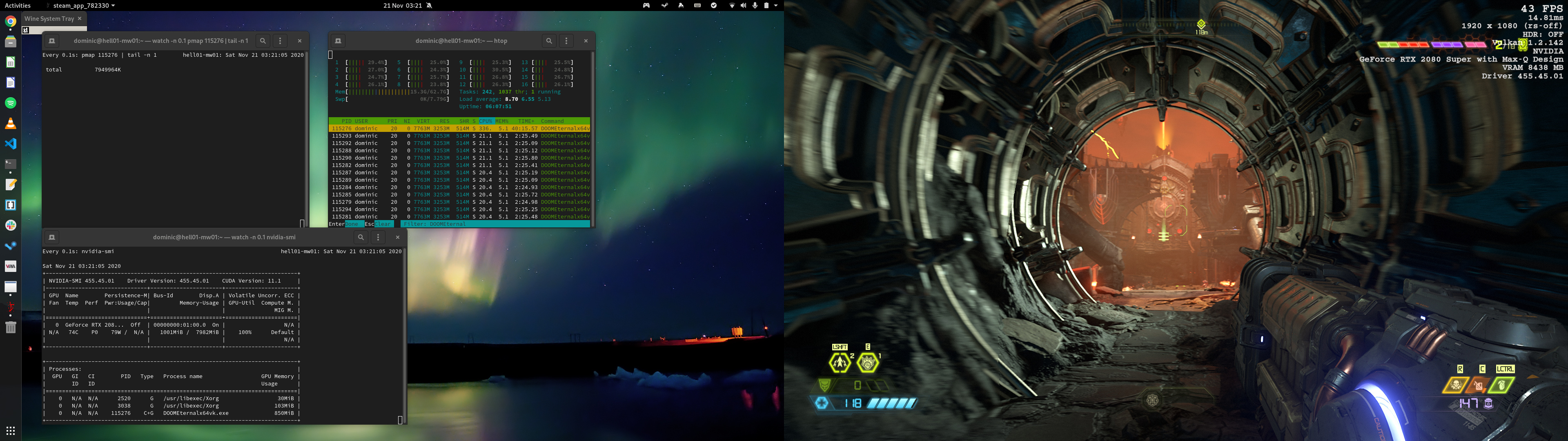
I'm getting anywhere between 25 and 65 fps with a RTX 2080 at 1080p , changing the quality settings appears to have no effect - I'll get those framerates at low and ultra nightmare. As you can see from the above screenshot the game process is using around 800mb vram and about 8gb system memory.
Proton 5.13, Kernel 5.9.8 / Fedora 33
Hello I was trying to find if this had been solved already but haven't found a solution. If there is please direct me to it.
I am getting graphical artifacts in the game on textures and some of the blood turns into brightly colored partials (honestly unsure if that is intentional or not because it looks quit cool)
But the floor artifacts are not. Sometimes they are very small and I don't notice them. And other times they are very noticeable. Depends upon the surface.
Here is some screenshot showing it
Please notice the flag where it is showing the most
Also this one
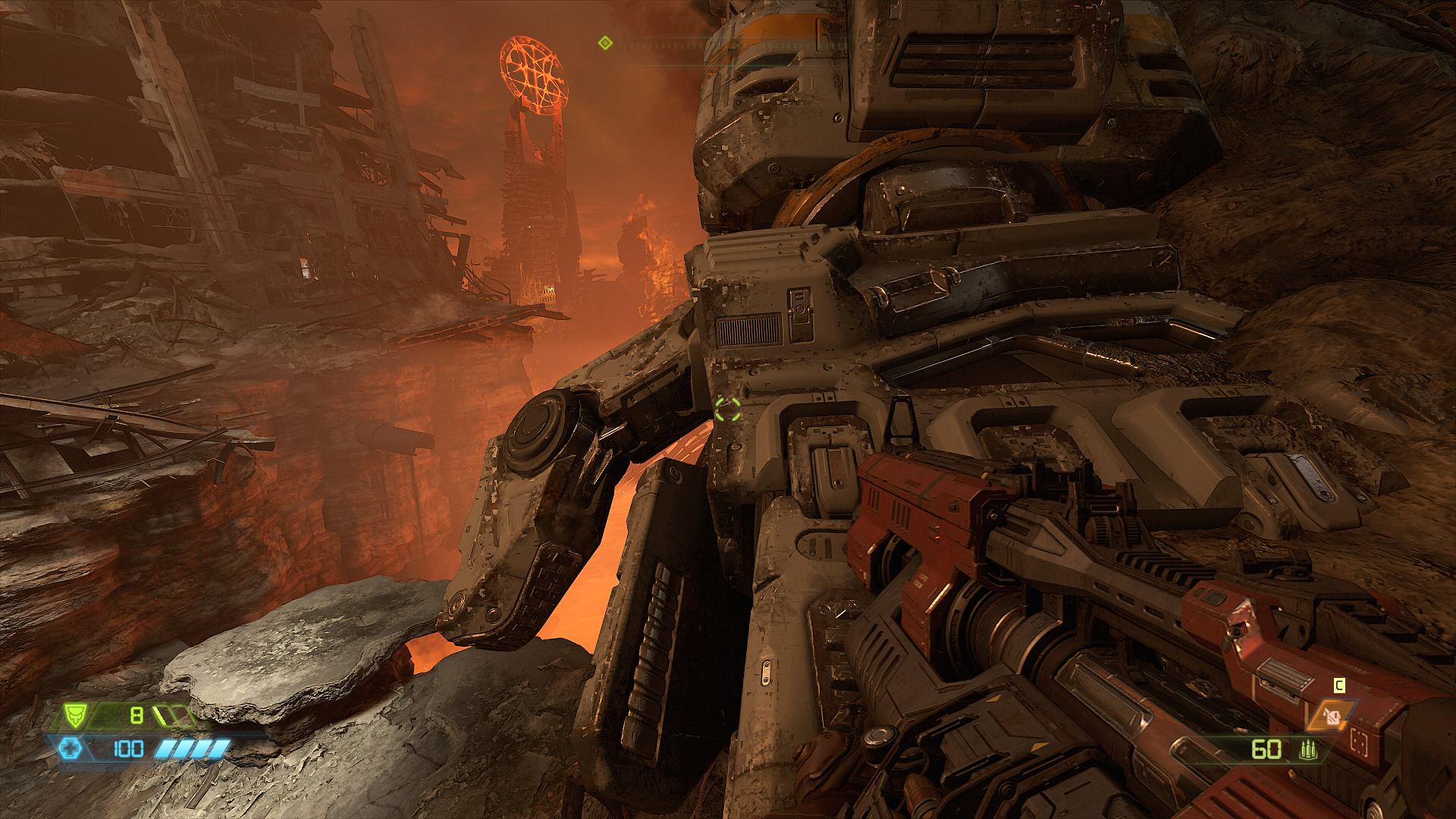
These kinds of surfaces are the worse. It may not look that bad on the screenshot but these artifacts flicker, so it's very noticeable when playing the game.
I am running kubuntu 20.04 with
CPU: Ryzen 5 1600
GPU: Radeon RX570
RAM: 16GB
As for driver using the command
spci -vnn | grep -i VGA -A 12
I said I was using Kernel driver in use: amdgpu
System information https://gist.github.com/AnimatedFreak/9639c734bb1825e516322b4d5121e7f3
Thank you in advance.
Hello @AnimatedFreak, please copy your system information from Steam (Steam -> Help -> System Information) and put it in a gist, then include a link to the gist in this issue report.
Hello @AnimatedFreak, please copy your system information from Steam (
Steam->Help->System Information) and put it in a gist, then include a link to the gist in this issue report.
Thank you, I updated my report
Here is a gist https://gist.github.com/AnimatedFreak/9639c734bb1825e516322b4d5121e7f3
Thanks, your system information tells us that you're using the padoka PPA and that's badly outdated at this point, forcing you to use an older mesa version than provided by stock Ubuntu 20.04. Rendering artifacts with a random git mesa commit from the start of the year is not particularly interesting from a troubleshooting perspective.
Unfortunately, I'm not exactly sure what steps it would take to cleanly remove that PPA in your current system configuration.
Thanks, your system information tells us that you're using the padoka PPA and that's badly outdated at this point, forcing you to use an older mesa version than provided by stock Ubuntu 20.04. Rendering artifacts with a random git mesa commit from the start of the year is not particularly interesting from a troubleshooting perspective.
Unfortunately, I'm not exactly sure what steps it would take to cleanly remove that PPA in your current system configuration.
I see, I don't remeber the reason for using padoka, I think it might have had something with 32bit games needed some other driver. Either way according to the padoka PPA one can revert to the old ubuntu driver using ppa-purge. Would you recommend me doing that? Or could that break my system.
Sorry if I wasn't clearer, there's a couple details I do know. First, yes, the normal way to cleanly remove a PPA is to ppa-purge it however ...
1> Padoka doesn't have any 20.04 packages, so you've gone through a system upgrade at some point, which disabled the PPA.
2> I think that ppa-purge requires that the ppa be enabled to work sanely.
3> The ppa has a rather aggressively selected mesa version, so it'll get used over any Ubuntu provided variant or other PPA variant.
4> I don't know what other packages were held onto past the system upgrade besides mesa.
As long as you replace packages instead of forcing them to removed, then in theory, nothing should break horribly. I'd recommend asking around your distro's community for some help where there's most likely someone else who has seen this situation before.
Sorry if I wasn't clearer, there's a couple details I do know. First, yes, the normal way to cleanly remove a PPA is to ppa-purge it however ...
1> Padoka doesn't have any 20.04 packages, so you've gone through a system upgrade at some point, which disabled the PPA.
2> I think that ppa-purge requires that the ppa be enabled to work sanely.
3> The ppa has a rather aggressively selected mesa version, so it'll get used over any Ubuntu provided variant or other PPA variant.
4> I don't know what other packages were held onto past the system upgrade besides mesa.As long as you replace packages instead of forcing them to removed, then in theory, nothing should break horribly. I'd recommend asking around your distro's community for some help where there's most likely someone else who has seen this situation before.
thank you, I am back up my system just in case. Even if it wouldn't solve the issue, I think removing an old PPA is a good idea anyways.
Hello I was trying to find if this had been solved already but haven't found a solution. If there is please direct me to it.
I am getting graphical artifacts in the game on textures and some of the blood turns into brightly colored partials (honestly unsure if that is intentional or not because it looks quit cool)
But the floor artifacts are not. Sometimes they are very small and I don't notice them. And other times they are very noticeable. Depends upon the surface.
Hello, I can confirm this issue on NVIDIA cards and Ubuntu 20.04 on KDE Plasma (basically the same software you are using). Minor floor artifacts appear for me as well, unfortunately I do not have screenshots and it doesn't seem to happen anymore. But during my first time running it on Proton, the blood puddles and decor on the final boss level had a very low render distance to what was actually intended. It's not nearly as severe as what you were experiencing but I thought it was worth noting.
EVGA GTX 1060 3GB
I just bought and installed the game, ran great for several minutes then got a hard crash while reading the codex.
OS: Arch Linux x86_64
Kernel: 5.9.10-arch1-1
Resolution: 2560x1440
DE: GNOME 3.38.1
WM: Mutter
WM Theme: Arc-Dark
Theme: Arc-Dark [GTK2/3]
Icons: Arc [GTK2/3]
CPU: AMD Ryzen 7 3800X (16) @ 3.900GHz
GPU: AMD ATI Radeon RX 5600 OEM/5600 XT / 5700/5700 XT
Memory: 1672MiB / 15989MiB
Proton: 5.13-2
log:
Nov 27 22:44:41 lh-ryzen-desktop kernel: [drm:amdgpu_job_timedout [amdgpu]] *ERROR* ring gfx_0.0.0 timeout, signaled seq=15573166, emitted seq=15573168
Nov 27 22:44:41 lh-ryzen-desktop kernel: [drm:amdgpu_job_timedout [amdgpu]] *ERROR* Process information: process DOOMEternalx64v pid 65656 thread DOOMEternalx64v pid 65656
Nov 27 22:44:41 lh-ryzen-desktop kernel: amdgpu 0000:2f:00.0: amdgpu: GPU reset begin!
Nov 27 22:44:41 lh-ryzen-desktop kernel: amdgpu 0000:2f:00.0: [drm:amdgpu_ring_test_helper [amdgpu]] *ERROR* ring kiq_2.1.0 test failed (-110)
Nov 27 22:44:41 lh-ryzen-desktop kernel: [drm:gfx_v10_0_hw_fini [amdgpu]] *ERROR* KGQ disable failed
Nov 27 22:44:41 lh-ryzen-desktop kernel: amdgpu 0000:2f:00.0: [drm:amdgpu_ring_test_helper [amdgpu]] *ERROR* ring kiq_2.1.0 test failed (-110)
Nov 27 22:44:41 lh-ryzen-desktop kernel: [drm:gfx_v10_0_hw_fini [amdgpu]] *ERROR* KCQ disable failed
Nov 27 22:44:42 lh-ryzen-desktop kernel: [drm:gfx_v10_0_hw_fini [amdgpu]] *ERROR* failed to halt cp gfx
Nov 27 22:44:42 lh-ryzen-desktop kernel: [drm] free PSP TMR buffer
Nov 27 22:44:42 lh-ryzen-desktop kernel: amdgpu 0000:2f:00.0: amdgpu: GPU BACO reset
Nov 27 22:44:45 lh-ryzen-desktop kernel: amdgpu 0000:2f:00.0: amdgpu: GPU reset succeeded, trying to resume
Nov 27 22:44:45 lh-ryzen-desktop kernel: [drm] PCIE GART of 512M enabled (table at 0x0000008000000000).
Nov 27 22:44:45 lh-ryzen-desktop kernel: [drm] VRAM is lost due to GPU reset!
Nov 27 22:44:45 lh-ryzen-desktop kernel: [drm] PSP is resuming...
Nov 27 22:44:45 lh-ryzen-desktop kernel: [drm] reserve 0x900000 from 0x8178400000 for PSP TMR
Nov 27 22:44:45 lh-ryzen-desktop kernel: amdgpu 0000:2f:00.0: amdgpu: RAS: optional ras ta ucode is not available
Nov 27 22:44:45 lh-ryzen-desktop kernel: amdgpu 0000:2f:00.0: amdgpu: SMU is resuming...
Nov 27 22:44:45 lh-ryzen-desktop kernel: amdgpu 0000:2f:00.0: amdgpu: SMU is resumed successfully!
Nov 27 22:44:45 lh-ryzen-desktop kernel: [drm] kiq ring mec 2 pipe 1 q 0
Nov 27 22:44:45 lh-ryzen-desktop kernel: [drm] VCN decode and encode initialized successfully(under DPG Mode).
Nov 27 22:44:45 lh-ryzen-desktop kernel: [drm] JPEG decode initialized successfully.
Nov 27 22:44:45 lh-ryzen-desktop kernel: amdgpu 0000:2f:00.0: amdgpu: ring gfx_0.0.0 uses VM inv eng 0 on hub 0
Nov 27 22:44:45 lh-ryzen-desktop kernel: amdgpu 0000:2f:00.0: amdgpu: ring comp_1.0.0 uses VM inv eng 1 on hub 0
Nov 27 22:44:45 lh-ryzen-desktop kernel: amdgpu 0000:2f:00.0: amdgpu: ring comp_1.1.0 uses VM inv eng 4 on hub 0
Nov 27 22:44:45 lh-ryzen-desktop kernel: amdgpu 0000:2f:00.0: amdgpu: ring comp_1.2.0 uses VM inv eng 5 on hub 0
Nov 27 22:44:45 lh-ryzen-desktop kernel: amdgpu 0000:2f:00.0: amdgpu: ring comp_1.3.0 uses VM inv eng 6 on hub 0
Nov 27 22:44:45 lh-ryzen-desktop kernel: amdgpu 0000:2f:00.0: amdgpu: ring comp_1.0.1 uses VM inv eng 7 on hub 0
Nov 27 22:44:45 lh-ryzen-desktop kernel: amdgpu 0000:2f:00.0: amdgpu: ring comp_1.1.1 uses VM inv eng 8 on hub 0
Nov 27 22:44:45 lh-ryzen-desktop kernel: amdgpu 0000:2f:00.0: amdgpu: ring comp_1.2.1 uses VM inv eng 9 on hub 0
Nov 27 22:44:45 lh-ryzen-desktop kernel: amdgpu 0000:2f:00.0: amdgpu: ring comp_1.3.1 uses VM inv eng 10 on hub 0
Nov 27 22:44:45 lh-ryzen-desktop kernel: amdgpu 0000:2f:00.0: amdgpu: ring kiq_2.1.0 uses VM inv eng 11 on hub 0
Nov 27 22:44:45 lh-ryzen-desktop kernel: amdgpu 0000:2f:00.0: amdgpu: ring sdma0 uses VM inv eng 12 on hub 0
Nov 27 22:44:45 lh-ryzen-desktop kernel: amdgpu 0000:2f:00.0: amdgpu: ring sdma1 uses VM inv eng 13 on hub 0
Nov 27 22:44:45 lh-ryzen-desktop kernel: amdgpu 0000:2f:00.0: amdgpu: ring vcn_dec uses VM inv eng 0 on hub 1
Nov 27 22:44:45 lh-ryzen-desktop kernel: amdgpu 0000:2f:00.0: amdgpu: ring vcn_enc0 uses VM inv eng 1 on hub 1
Nov 27 22:44:45 lh-ryzen-desktop kernel: amdgpu 0000:2f:00.0: amdgpu: ring vcn_enc1 uses VM inv eng 4 on hub 1
Nov 27 22:44:45 lh-ryzen-desktop kernel: amdgpu 0000:2f:00.0: amdgpu: ring jpeg_dec uses VM inv eng 5 on hub 1
Nov 27 22:44:45 lh-ryzen-desktop kernel: [drm] recover vram bo from shadow start
Nov 27 22:44:45 lh-ryzen-desktop steam.desktop[65656]: amdgpu: The CS has been cancelled because the context is lost.
Nov 27 22:44:45 lh-ryzen-desktop steam.desktop[63529]: amdgpu: amdgpu_cs_query_fence_status failed.
Nov 27 22:44:45 lh-ryzen-desktop steam.desktop[63674]: [1127/224445.849109:ERROR:raster_decoder.cc(1110)] RasterDecoder context lost via ARB/EXT_robustness. Reset status = GL_INNOCENT_CONTEXT_RESET_KHR
Nov 27 22:44:45 lh-ryzen-desktop steam.desktop[63674]: [1127/224445.849176:ERROR:raster_decoder.cc(868)]   RasterDecoderImpl: Context reset detected after MakeCurrent.
Nov 27 22:44:45 lh-ryzen-desktop steam.desktop[63674]: [1127/224445.849198:ERROR:gpu_service_impl.cc(929)] Exiting GPU process because some drivers can't recover from errors. GPU process will restart shortly.
Nov 27 22:44:45 lh-ryzen-desktop steam.desktop[63674]: [1127/224445.849437:ERROR:gles2_cmd_decoder.cc(17050)] Offscreen context lost via ARB/EXT_robustness. Reset status = GL_INNOCENT_CONTEXT_RESET_KHR
Nov 27 22:44:45 lh-ryzen-desktop steam.desktop[63674]: [1127/224445.849467:ERROR:gles2_cmd_decoder.cc(4831)]   GLES2DecoderImpl: Context reset detected after MakeCurrent.
Nov 27 22:44:45 lh-ryzen-desktop steam.desktop[63674]: [1127/224445.850626:ERROR:gpu_channel.cc(681)] ContextResult::kTransientFailure: trying to create command buffer during process shutdown.
Nov 27 22:44:45 lh-ryzen-desktop steam.desktop[63674]: [1127/224445.851137:ERROR:gles2_cmd_decoder.cc(17050)] Offscreen context lost via ARB/EXT_robustness. Reset status = GL_INNOCENT_CONTEXT_RESET_KHR
Nov 27 22:44:45 lh-ryzen-desktop steam.desktop[63674]: [1127/224445.851159:ERROR:gles2_cmd_decoder.cc(4831)]   GLES2DecoderImpl: Context reset detected after MakeCurrent.
Nov 27 22:44:45 lh-ryzen-desktop steam.desktop[63674]: [1127/224445.851190:ERROR:gpu_channel.cc(681)] ContextResult::kTransientFailure: trying to create command buffer during process shutdown.
Nov 27 22:44:45 lh-ryzen-desktop steam.desktop[63674]: [1127/224445.851345:ERROR:gles2_cmd_decoder.cc(17050)] Offscreen context lost via ARB/EXT_robustness. Reset status = GL_INNOCENT_CONTEXT_RESET_KHR
Nov 27 22:44:45 lh-ryzen-desktop steam.desktop[63674]: [1127/224445.851363:ERROR:gles2_cmd_decoder.cc(4831)]   GLES2DecoderImpl: Context reset detected after MakeCurrent.
Nov 27 22:44:45 lh-ryzen-desktop kernel: [drm] recover vram bo from shadow done
Nov 27 22:44:45 lh-ryzen-desktop kernel: [drm] Skip scheduling IBs!
Nov 27 22:44:45 lh-ryzen-desktop kernel: [drm] Skip scheduling IBs!
Nov 27 22:44:45 lh-ryzen-desktop kernel: [drm] Skip scheduling IBs!
Nov 27 22:44:45 lh-ryzen-desktop kernel: [drm] Skip scheduling IBs!
Nov 27 22:44:45 lh-ryzen-desktop kernel: [drm] Skip scheduling IBs!
Nov 27 22:44:45 lh-ryzen-desktop kernel: [drm] Skip scheduling IBs!
Nov 27 22:44:45 lh-ryzen-desktop kernel: [drm] Skip scheduling IBs!
Nov 27 22:44:45 lh-ryzen-desktop kernel: [drm] Skip scheduling IBs!
Nov 27 22:44:45 lh-ryzen-desktop kernel: [drm] Skip scheduling IBs!
Nov 27 22:44:45 lh-ryzen-desktop kernel: [drm] Skip scheduling IBs!
Nov 27 22:44:45 lh-ryzen-desktop kernel: [drm] Skip scheduling IBs!
Nov 27 22:44:45 lh-ryzen-desktop kernel: [drm] Skip scheduling IBs!
Nov 27 22:44:45 lh-ryzen-desktop kernel: [drm] Skip scheduling IBs!
Nov 27 22:44:45 lh-ryzen-desktop kernel: [drm] Skip scheduling IBs!
Nov 27 22:44:45 lh-ryzen-desktop kernel: [drm] Skip scheduling IBs!
Nov 27 22:44:45 lh-ryzen-desktop kernel: [drm] Skip scheduling IBs!
Nov 27 22:44:45 lh-ryzen-desktop kernel: [drm] Skip scheduling IBs!
Nov 27 22:44:45 lh-ryzen-desktop kernel: [drm] Skip scheduling IBs!
Nov 27 22:44:45 lh-ryzen-desktop kernel: [drm] Skip scheduling IBs!
Nov 27 22:44:45 lh-ryzen-desktop kernel: [drm] Skip scheduling IBs!
Nov 27 22:44:45 lh-ryzen-desktop kernel: [drm] Skip scheduling IBs!
Nov 27 22:44:45 lh-ryzen-desktop kernel: [drm] Skip scheduling IBs!
Nov 27 22:44:45 lh-ryzen-desktop kernel: [drm] Skip scheduling IBs!
Nov 27 22:44:45 lh-ryzen-desktop kernel: [drm] Skip scheduling IBs!
Nov 27 22:44:45 lh-ryzen-desktop kernel: [drm] Skip scheduling IBs!
Nov 27 22:44:45 lh-ryzen-desktop kernel: [drm] Skip scheduling IBs!
Nov 27 22:44:45 lh-ryzen-desktop kernel: [drm] Skip scheduling IBs!
Nov 27 22:44:45 lh-ryzen-desktop kernel: [drm] Skip scheduling IBs!
Nov 27 22:44:45 lh-ryzen-desktop kernel: [drm] Skip scheduling IBs!
Nov 27 22:44:45 lh-ryzen-desktop kernel: [drm] Skip scheduling IBs!
Nov 27 22:44:45 lh-ryzen-desktop kernel: [drm] Skip scheduling IBs!
Nov 27 22:44:45 lh-ryzen-desktop kernel: [drm] Skip scheduling IBs!
Nov 27 22:44:45 lh-ryzen-desktop kernel: [drm] Skip scheduling IBs!
Nov 27 22:44:45 lh-ryzen-desktop kernel: [drm] Skip scheduling IBs!
Nov 27 22:44:45 lh-ryzen-desktop kernel: [drm] Skip scheduling IBs!
Nov 27 22:44:45 lh-ryzen-desktop kernel: [drm] Skip scheduling IBs!
Nov 27 22:44:45 lh-ryzen-desktop kernel: [drm] Skip scheduling IBs!
Nov 27 22:44:45 lh-ryzen-desktop kernel: [drm] Skip scheduling IBs!
Nov 27 22:44:45 lh-ryzen-desktop kernel: [drm] Skip scheduling IBs!
Nov 27 22:44:45 lh-ryzen-desktop kernel: [drm] Skip scheduling IBs!
Nov 27 22:44:45 lh-ryzen-desktop kernel: [drm] Skip scheduling IBs!
Nov 27 22:44:45 lh-ryzen-desktop kernel: [drm] Skip scheduling IBs!
Nov 27 22:44:45 lh-ryzen-desktop kernel: [drm] Skip scheduling IBs!
Nov 27 22:44:45 lh-ryzen-desktop kernel: [drm] Skip scheduling IBs!
Nov 27 22:44:45 lh-ryzen-desktop kernel: [drm] Skip scheduling IBs!
Nov 27 22:44:45 lh-ryzen-desktop kernel: [drm] Skip scheduling IBs!
Nov 27 22:44:45 lh-ryzen-desktop kernel: [drm] Skip scheduling IBs!
Nov 27 22:44:45 lh-ryzen-desktop kernel: [drm] Skip scheduling IBs!
Nov 27 22:44:45 lh-ryzen-desktop kernel: [drm] Skip scheduling IBs!
Nov 27 22:44:45 lh-ryzen-desktop kernel: [drm] Skip scheduling IBs!
Nov 27 22:44:45 lh-ryzen-desktop kernel: [drm] Skip scheduling IBs!
Nov 27 22:44:45 lh-ryzen-desktop kernel: [drm] Skip scheduling IBs!
Nov 27 22:44:45 lh-ryzen-desktop kernel: [drm] Skip scheduling IBs!
Nov 27 22:44:45 lh-ryzen-desktop kernel: [drm:amdgpu_cs_ioctl [amdgpu]] *ERROR* Failed to initialize parser -125!
Nov 27 22:44:45 lh-ryzen-desktop kernel: [drm] Skip scheduling IBs!
Nov 27 22:44:45 lh-ryzen-desktop kernel: [drm] Skip scheduling IBs!
Nov 27 22:44:45 lh-ryzen-desktop kernel: amdgpu 0000:2f:00.0: amdgpu: GPU reset(2) succeeded!
Nov 27 22:44:45 lh-ryzen-desktop kernel: [drm] Skip scheduling IBs!
Nov 27 22:44:45 lh-ryzen-desktop kernel: [drm] Skip scheduling IBs!
Nov 27 22:44:45 lh-ryzen-desktop kernel: [drm] Skip scheduling IBs!
Nov 27 22:44:45 lh-ryzen-desktop kernel: [drm] Skip scheduling IBs!
Nov 27 22:44:45 lh-ryzen-desktop kernel: [drm] Skip scheduling IBs!
Nov 27 22:44:45 lh-ryzen-desktop kernel: [drm] Skip scheduling IBs!
Nov 27 22:44:45 lh-ryzen-desktop kernel: [drm] Skip scheduling IBs!
Nov 27 22:44:45 lh-ryzen-desktop kernel: [drm] Skip scheduling IBs!
Nov 27 22:44:45 lh-ryzen-desktop kernel: [drm] Skip scheduling IBs!
Nov 27 22:44:45 lh-ryzen-desktop kernel: [drm] Skip scheduling IBs!
Nov 27 22:44:45 lh-ryzen-desktop kernel: [drm] Skip scheduling IBs!
Nov 27 22:44:45 lh-ryzen-desktop kernel: [drm] Skip scheduling IBs!
Nov 27 22:44:45 lh-ryzen-desktop kernel: [drm] Skip scheduling IBs!
Nov 27 22:44:45 lh-ryzen-desktop kernel: [drm] Skip scheduling IBs!
Nov 27 22:44:45 lh-ryzen-desktop kernel: [drm] Skip scheduling IBs!
Nov 27 22:44:45 lh-ryzen-desktop kernel: [drm] Skip scheduling IBs!
Nov 27 22:44:45 lh-ryzen-desktop kernel: [drm] Skip scheduling IBs!
Nov 27 22:44:45 lh-ryzen-desktop kernel: [drm] Skip scheduling IBs!
Nov 27 22:44:45 lh-ryzen-desktop kernel: [drm] Skip scheduling IBs!
Nov 27 22:44:45 lh-ryzen-desktop kernel: [drm] Skip scheduling IBs!
Nov 27 22:44:45 lh-ryzen-desktop kernel: [drm] Skip scheduling IBs!
Nov 27 22:44:45 lh-ryzen-desktop kernel: [drm] Skip scheduling IBs!
Nov 27 22:44:45 lh-ryzen-desktop kernel: [drm] Skip scheduling IBs!
Nov 27 22:44:45 lh-ryzen-desktop kernel: [drm] Skip scheduling IBs!
Nov 27 22:44:45 lh-ryzen-desktop kernel: [drm] Skip scheduling IBs!
Nov 27 22:44:45 lh-ryzen-desktop kernel: [drm] Skip scheduling IBs!
Nov 27 22:44:45 lh-ryzen-desktop kernel: [drm] Skip scheduling IBs!
Nov 27 22:44:45 lh-ryzen-desktop kernel: [drm] Skip scheduling IBs!
Nov 27 22:44:45 lh-ryzen-desktop kernel: [drm] Skip scheduling IBs!
Nov 27 22:44:45 lh-ryzen-desktop kernel: [drm] Skip scheduling IBs!
Nov 27 22:44:45 lh-ryzen-desktop kernel: [drm] Skip scheduling IBs!
Nov 27 22:44:45 lh-ryzen-desktop kernel: [drm] Skip scheduling IBs!
Nov 27 22:44:45 lh-ryzen-desktop kernel: [drm] Skip scheduling IBs!
Nov 27 22:44:45 lh-ryzen-desktop kernel: [drm] Skip scheduling IBs!
Nov 27 22:44:45 lh-ryzen-desktop kernel: [drm] Skip scheduling IBs!
Nov 27 22:44:45 lh-ryzen-desktop kernel: [drm] Skip scheduling IBs!
Nov 27 22:44:45 lh-ryzen-desktop kernel: [drm] Skip scheduling IBs!
Nov 27 22:44:45 lh-ryzen-desktop kernel: [drm] Skip scheduling IBs!
Nov 27 22:44:45 lh-ryzen-desktop kernel: [drm] Skip scheduling IBs!
Nov 27 22:44:45 lh-ryzen-desktop kernel: [drm] Skip scheduling IBs!
Nov 27 22:44:45 lh-ryzen-desktop kernel: [drm] Skip scheduling IBs!
Nov 27 22:44:45 lh-ryzen-desktop kernel: [drm] Skip scheduling IBs!
Nov 27 22:44:45 lh-ryzen-desktop kernel: [drm] Skip scheduling IBs!
Nov 27 22:44:45 lh-ryzen-desktop kernel: [drm] Skip scheduling IBs!
Nov 27 22:44:45 lh-ryzen-desktop kernel: [drm] Skip scheduling IBs!
Nov 27 22:44:45 lh-ryzen-desktop kernel: [drm] Skip scheduling IBs!
Nov 27 22:44:45 lh-ryzen-desktop kernel: [drm] Skip scheduling IBs!
Nov 27 22:44:45 lh-ryzen-desktop steam.desktop[63674]: [1127/224445.851536:ERROR:gles2_cmd_decoder.cc(17050)] Offscreen context lost via ARB/EXT_robustness. Reset status = GL_INNOCENT_CONTEXT_RESET_KHR
Nov 27 22:44:45 lh-ryzen-desktop steam.desktop[63674]: [1127/224445.851554:ERROR:gles2_cmd_decoder.cc(4831)]   GLES2DecoderImpl: Context reset detected after MakeCurrent.
Nov 27 22:44:45 lh-ryzen-desktop steam.desktop[63674]: [1127/224445.852231:ERROR:gpu_channel.cc(681)] ContextResult::kTransientFailure: trying to create command buffer during process shutdown.
Nov 27 22:44:45 lh-ryzen-desktop steam.desktop[63674]: [1127/224445.852273:ERROR:gpu_channel.cc(681)] ContextResult::kTransientFailure: trying to create command buffer during process shutdown.
Nov 27 22:44:45 lh-ryzen-desktop steam.desktop[63674]: [1127/224445.852830:ERROR:gpu_channel.cc(681)] ContextResult::kTransientFailure: trying to create command buffer during process shutdown.
Nov 27 22:44:45 lh-ryzen-desktop steam.desktop[63674]: [1127/224445.852860:ERROR:gpu_channel.cc(681)] ContextResult::kTransientFailure: trying to create command buffer during process shutdown.
Nov 27 22:44:45 lh-ryzen-desktop steam.desktop[63674]: [1127/224445.852879:ERROR:gpu_channel.cc(681)] ContextResult::kTransientFailure: trying to create command buffer during process shutdown.
Nov 27 22:44:45 lh-ryzen-desktop steam.desktop[63674]: [1127/224445.853050:ERROR:gles2_cmd_decoder.cc(17050)] Offscreen context lost via ARB/EXT_robustness. Reset status = GL_INNOCENT_CONTEXT_RESET_KHR
Nov 27 22:44:45 lh-ryzen-desktop steam.desktop[63674]: [1127/224445.853076:ERROR:gles2_cmd_decoder.cc(4831)]   GLES2DecoderImpl: Context reset detected after MakeCurrent.
Nov 27 22:44:45 lh-ryzen-desktop steam.desktop[63674]: [1127/224445.853102:ERROR:gpu_channel.cc(681)] ContextResult::kTransientFailure: trying to create command buffer during process shutdown.
Nov 27 22:44:45 lh-ryzen-desktop steam.desktop[63674]: [1127/224445.853291:ERROR:gles2_cmd_decoder.cc(17050)] Offscreen context lost via ARB/EXT_robustness. Reset status = GL_INNOCENT_CONTEXT_RESET_KHR
Nov 27 22:44:45 lh-ryzen-desktop steam.desktop[63674]: [1127/224445.853309:ERROR:gles2_cmd_decoder.cc(4831)]   GLES2DecoderImpl: Context reset detected after MakeCurrent.
Nov 27 22:44:45 lh-ryzen-desktop steam.desktop[63674]: [1127/224445.853334:ERROR:gpu_channel.cc(681)] ContextResult::kTransientFailure: trying to create command buffer during process shutdown.
Nov 27 22:44:45 lh-ryzen-desktop steam.desktop[63674]: [1127/224445.853349:ERROR:gpu_channel.cc(681)] ContextResult::kTransientFailure: trying to create command buffer during process shutdown.
Nov 27 22:44:45 lh-ryzen-desktop steam.desktop[63674]: [1127/224445.853364:ERROR:gpu_channel.cc(681)] ContextResult::kTransientFailure: trying to create command buffer during process shutdown.
Nov 27 22:44:45 lh-ryzen-desktop steam.desktop[63674]: [1127/224445.853980:ERROR:gpu_channel.cc(681)] ContextResult::kTransientFailure: trying to create command buffer during process shutdown.
Nov 27 22:44:45 lh-ryzen-desktop steam.desktop[63674]: [1127/224445.854005:ERROR:gpu_channel.cc(681)] ContextResult::kTransientFailure: trying to create command buffer during process shutdown.
Nov 27 22:44:45 lh-ryzen-desktop steam.desktop[63674]: [1127/224445.854022:ERROR:gpu_channel.cc(681)] ContextResult::kTransientFailure: trying to create command buffer during process shutdown.
Nov 27 22:44:45 lh-ryzen-desktop steam.desktop[63674]: [1127/224445.854613:ERROR:gpu_channel.cc(681)] ContextResult::kTransientFailure: trying to create command buffer during process shutdown.
Nov 27 22:44:45 lh-ryzen-desktop steam.desktop[63674]: [1127/224445.854641:ERROR:gpu_channel.cc(681)] ContextResult::kTransientFailure: trying to create command buffer during process shutdown.
Nov 27 22:44:45 lh-ryzen-desktop steam.desktop[63674]: [1127/224445.854657:ERROR:gpu_channel.cc(681)] ContextResult::kTransientFailure: trying to create command buffer during process shutdown.
Nov 27 22:44:45 lh-ryzen-desktop steam.desktop[63674]: [1127/224445.854671:ERROR:gpu_channel.cc(681)] ContextResult::kTransientFailure: trying to create command buffer during process shutdown.
Nov 27 22:44:45 lh-ryzen-desktop steam.desktop[63674]: [1127/224445.854791:ERROR:gpu_channel.cc(681)] ContextResult::kTransientFailure: trying to create command buffer during process shutdown.
Nov 27 22:44:45 lh-ryzen-desktop steam.desktop[63674]: [1127/224445.854994:ERROR:gles2_cmd_decoder.cc(17050)] Offscreen context lost via ARB/EXT_robustness. Reset status = GL_INNOCENT_CONTEXT_RESET_KHR
Nov 27 22:44:45 lh-ryzen-desktop steam.desktop[63674]: [1127/224445.855015:ERROR:gles2_cmd_decoder.cc(4831)]   GLES2DecoderImpl: Context reset detected after MakeCurrent.
Nov 27 22:44:45 lh-ryzen-desktop steam.desktop[63674]: [1127/224445.855127:ERROR:gpu_channel.cc(681)] ContextResult::kTransientFailure: trying to create command buffer during process shutdown.
Nov 27 22:44:45 lh-ryzen-desktop steam.desktop[63674]: [1127/224445.855177:ERROR:gpu_channel.cc(681)] ContextResult::kTransientFailure: trying to create command buffer during process shutdown.
Nov 27 22:44:45 lh-ryzen-desktop steam.desktop[63674]: [1127/224445.855259:ERROR:gpu_channel.cc(681)] ContextResult::kTransientFailure: trying to create command buffer during process shutdown.
Nov 27 22:44:45 lh-ryzen-desktop steam.desktop[63674]: [1127/224445.856914:ERROR:gpu_channel.cc(681)] ContextResult::kTransientFailure: trying to create command buffer during process shutdown.
Nov 27 22:44:45 lh-ryzen-desktop steam.desktop[63674]: [1127/224445.856946:ERROR:gpu_channel.cc(681)] ContextResult::kTransientFailure: trying to create command buffer during process shutdown.
Nov 27 22:44:45 lh-ryzen-desktop steam.desktop[63674]: [1127/224445.856963:ERROR:gpu_channel.cc(681)] ContextResult::kTransientFailure: trying to create command buffer during process shutdown.
Nov 27 22:44:45 lh-ryzen-desktop steam.desktop[63674]: [1127/224445.856978:ERROR:gpu_channel.cc(681)] ContextResult::kTransientFailure: trying to create command buffer during process shutdown.
Nov 27 22:44:45 lh-ryzen-desktop steam.desktop[63674]: [1127/224445.857163:ERROR:gles2_cmd_decoder.cc(17050)] Offscreen context lost via ARB/EXT_robustness. Reset status = GL_INNOCENT_CONTEXT_RESET_KHR
Nov 27 22:44:45 lh-ryzen-desktop steam.desktop[63674]: [1127/224445.857182:ERROR:gles2_cmd_decoder.cc(4831)]   GLES2DecoderImpl: Context reset detected after MakeCurrent.
Nov 27 22:44:45 lh-ryzen-desktop steam.desktop[63674]: [1127/224445.857210:ERROR:gpu_channel.cc(681)] ContextResult::kTransientFailure: trying to create command buffer during process shutdown.
Nov 27 22:44:45 lh-ryzen-desktop steam.desktop[63674]: [1127/224445.857772:ERROR:gpu_channel.cc(681)] ContextResult::kTransientFailure: trying to create command buffer during process shutdown.
Nov 27 22:44:45 lh-ryzen-desktop steam.desktop[63674]: [1127/224445.857814:ERROR:gpu_channel.cc(681)] ContextResult::kTransientFailure: trying to create command buffer during process shutdown.
Nov 27 22:44:45 lh-ryzen-desktop steam.desktop[63674]: [1127/224445.857829:ERROR:gpu_channel.cc(681)] ContextResult::kTransientFailure: trying to create command buffer during process shutdown.
Nov 27 22:44:45 lh-ryzen-desktop steam.desktop[63674]: [1127/224445.857853:ERROR:gpu_channel.cc(681)] ContextResult::kTransientFailure: trying to create command buffer during process shutdown.
Nov 27 22:44:45 lh-ryzen-desktop steam.desktop[63674]: [1127/224445.858042:ERROR:gles2_cmd_decoder.cc(17050)] Offscreen context lost via ARB/EXT_robustness. Reset status = GL_INNOCENT_CONTEXT_RESET_KHR
Nov 27 22:44:45 lh-ryzen-desktop steam.desktop[63674]: [1127/224445.858064:ERROR:gles2_cmd_decoder.cc(4831)]   GLES2DecoderImpl: Context reset detected after MakeCurrent.
Nov 27 22:44:45 lh-ryzen-desktop steam.desktop[63674]: [1127/224445.858085:ERROR:gpu_channel.cc(681)] ContextResult::kTransientFailure: trying to create command buffer during process shutdown.
Nov 27 22:44:45 lh-ryzen-desktop steam.desktop[63674]: [1127/224445.858109:ERROR:gpu_channel.cc(681)] ContextResult::kTransientFailure: trying to create command buffer during process shutdown.
Nov 27 22:44:45 lh-ryzen-desktop steam.desktop[63674]: [1127/224445.858684:ERROR:gpu_channel.cc(681)] ContextResult::kTransientFailure: trying to create command buffer during process shutdown.
Nov 27 22:44:45 lh-ryzen-desktop steam.desktop[63674]: [1127/224445.858715:ERROR:gpu_channel.cc(681)] ContextResult::kTransientFailure: trying to create command buffer during process shutdown.
Nov 27 22:44:45 lh-ryzen-desktop steam.desktop[63674]: [1127/224445.858731:ERROR:gpu_channel.cc(681)] ContextResult::kTransientFailure: trying to create command buffer during process shutdown.
Nov 27 22:44:45 lh-ryzen-desktop steam.desktop[63674]: [1127/224445.858745:ERROR:gpu_channel.cc(681)] ContextResult::kTransientFailure: trying to create command buffer during process shutdown.
Nov 27 22:44:45 lh-ryzen-desktop steam.desktop[65725]: [1127/224445.862379:ERROR:command_buffer_proxy_impl.cc(124)] ContextResult::kTransientFailure: Failed to send GpuChannelMsg_CreateCommandBuffer.
Nov 27 22:44:45 lh-ryzen-desktop steam.desktop[63930]: [1127/224445.862502:ERROR:command_buffer_proxy_impl.cc(124)] ContextResult::kTransientFailure: Failed to send GpuChannelMsg_CreateCommandBuffer.
Nov 27 22:44:45 lh-ryzen-desktop steam.desktop[63924]: [1127/224445.863724:ERROR:command_buffer_proxy_impl.cc(124)] ContextResult::kTransientFailure: Failed to send GpuChannelMsg_CreateCommandBuffer.
Nov 27 22:44:45 lh-ryzen-desktop steam.desktop[63607]: [1127/224445.865140:ERROR:command_buffer_proxy_impl.cc(124)] ContextResult::kTransientFailure: Failed to send GpuChannelMsg_CreateCommandBuffer.
Nov 27 22:44:45 lh-ryzen-desktop steam.desktop[63674]: [1127/224445.866007:WARNING:ipc_message_attachment_set.cc(49)] MessageAttachmentSet destroyed with unconsumed attachments: 0/1
Nov 27 22:44:45 lh-ryzen-desktop steam.desktop[63674]: [1127/224445.866033:WARNING:ipc_message_attachment_set.cc(49)] MessageAttachmentSet destroyed with unconsumed attachments: 0/1
Nov 27 22:44:45 lh-ryzen-desktop steam.desktop[63674]: [1127/224445.866042:WARNING:ipc_message_attachment_set.cc(49)] MessageAttachmentSet destroyed with unconsumed attachments: 0/1
Nov 27 22:44:45 lh-ryzen-desktop steam.desktop[63674]: [1127/224445.866051:WARNING:ipc_message_attachment_set.cc(49)] MessageAttachmentSet destroyed with unconsumed attachments: 0/1
Nov 27 22:44:45 lh-ryzen-desktop steam.desktop[66191]: [1127/224445.932235:WARNING:crash_reporting.cc(286)] Failed to set crash key: UserID with value: 0
Nov 27 22:44:45 lh-ryzen-desktop steam.desktop[66191]: [1127/224445.932294:WARNING:crash_reporting.cc(286)] Failed to set crash key: BuildID with value: 1603928085
Nov 27 22:44:45 lh-ryzen-desktop steam.desktop[66191]: [1127/224445.932299:WARNING:crash_reporting.cc(286)] Failed to set crash key: SteamUniverse with value: Public
Nov 27 22:44:45 lh-ryzen-desktop steam.desktop[66191]: [1127/224445.932303:WARNING:crash_reporting.cc(286)] Failed to set crash key: Vendor with value: Valve
Nov 27 22:44:45 lh-ryzen-desktop steam.desktop[66191]: [1127/224445.933130:INFO:crash_reporting.cc(247)] Crash reporting enabled for process: gpu-process
Nov 27 22:44:46 lh-ryzen-desktop steam.desktop[66191]: [1127/224446.014884:ERROR:sandbox_linux.cc(372)] InitializeSandbox() called with multiple threads in process gpu-process.
I encountered the same graphical artifacts as @AnimatedFreak; however, I was able to work around the issue by selecting another vulkan driver through the game. I also have an RX570 and encountered the artifacts with drivers 20.30 and 20.45. A listing from vulkaninfo shows two GPUs.
Adding +r_physicalDeviceIndex 1 to launch options makes the artifacts disappear.
snippets from vulkaninfo
GPU0
VkPhysicalDeviceProperties:
===========================
        apiVersion     = 0x40105a  (1.1.90)
        driverVersion  = 79695878 (0x4c01006)
        vendorID       = 0x1002
        deviceID       = 0x67df
        deviceType     = DISCRETE_GPU
        deviceName     = AMD RADV POLARIS10 (LLVM 8.0.1)
[..snip..]
VkPhysicalDeviceDriverProperties:
=================================
        driverID   = 3
        driverName = radv
        driverInfo = Mesa 19.1.6 (LLVM 8.0.1)
        conformanceVersion:
                major    = 1
                minor    = 1
                subminor = 2
                patch    = 0

VkPhysicalDevicePCIBusInfoProperties
====================================
        pciDomain   = 0
        pciBus      = 1
        pciDevice   = 0
        pciFunction = 0
[...snip...]

GPU1
VkPhysicalDeviceProperties:
===========================
        apiVersion     = 0x402098  (1.2.152)
        driverVersion  = 8388765 (0x80009d)
        vendorID       = 0x1002
        deviceID       = 0x67df
        deviceType     = DISCRETE_GPU
        deviceName     = Radeon RX 570 Series
[...snip...]
VkPhysicalDeviceDriverProperties:
=================================
        driverID   = 2
        driverName = AMD open-source driver
        driverInfo =
        conformanceVersion:
                major    = 1
                minor    = 2
                subminor = 0
                patch    = 2
[...snip...]
VkPhysicalDevicePCIBusInfoProperties
====================================
        pciDomain   = 0
        pciBus      = 1
        pciDevice   = 0
        pciFunction = 0
Is the photo mode working for any of you?
Linux Mint 19.6, Cinnamon, 64 bit - Doom Eternal ?
Issue transferred from https://github.com/ValveSoftware/steam-for-linux/issues/7537.
@alexei-28 posted on 2020-12-12T19:31:53:
I use Linux Mint 19.6, Cinnamon, 64 bit.
Is it possible to play Doom Eternal on Steam?
Visual Particle Artifacts
Issue transferred from https://github.com/ValveSoftware/Proton/issues/4468.
@LuxLucian posted on 2020-12-13T19:47:00:
Compatibility Report
- Name of the game with compatibility issues: DOOM ETERNAL
- Steam AppID of the game:782330
System Information
- GPU: 5700 XT
- Driver/LLVM version: <amdgpu / mesa 20.3.0-3>
- Kernel version: <Linux 5.9.13-arch1-1 x86_64>
- https://gist.github.com/LuxLucian/5ef4f74d643f6a15095ad6a846f9bdf1
- Proton version: 5.13-4
I confirm:
- [ Y ] that I haven't found an existing compatibility report for this game.
- [ Y ] that I have checked whether there are updates for my system available.
Symptoms
The mega link is for the steam log.
https://mega.nz/file/xYMHAYDD#wzBl_k03oHgYgVo72mneTmandYpmrK-jjn45gF0RCk4
Certain particles glow a rainbow color. Rain and some fire effects do this, including blood in specific areas of the game. I have seen the other report mentioning this issue but wasn't able to make sense of it.
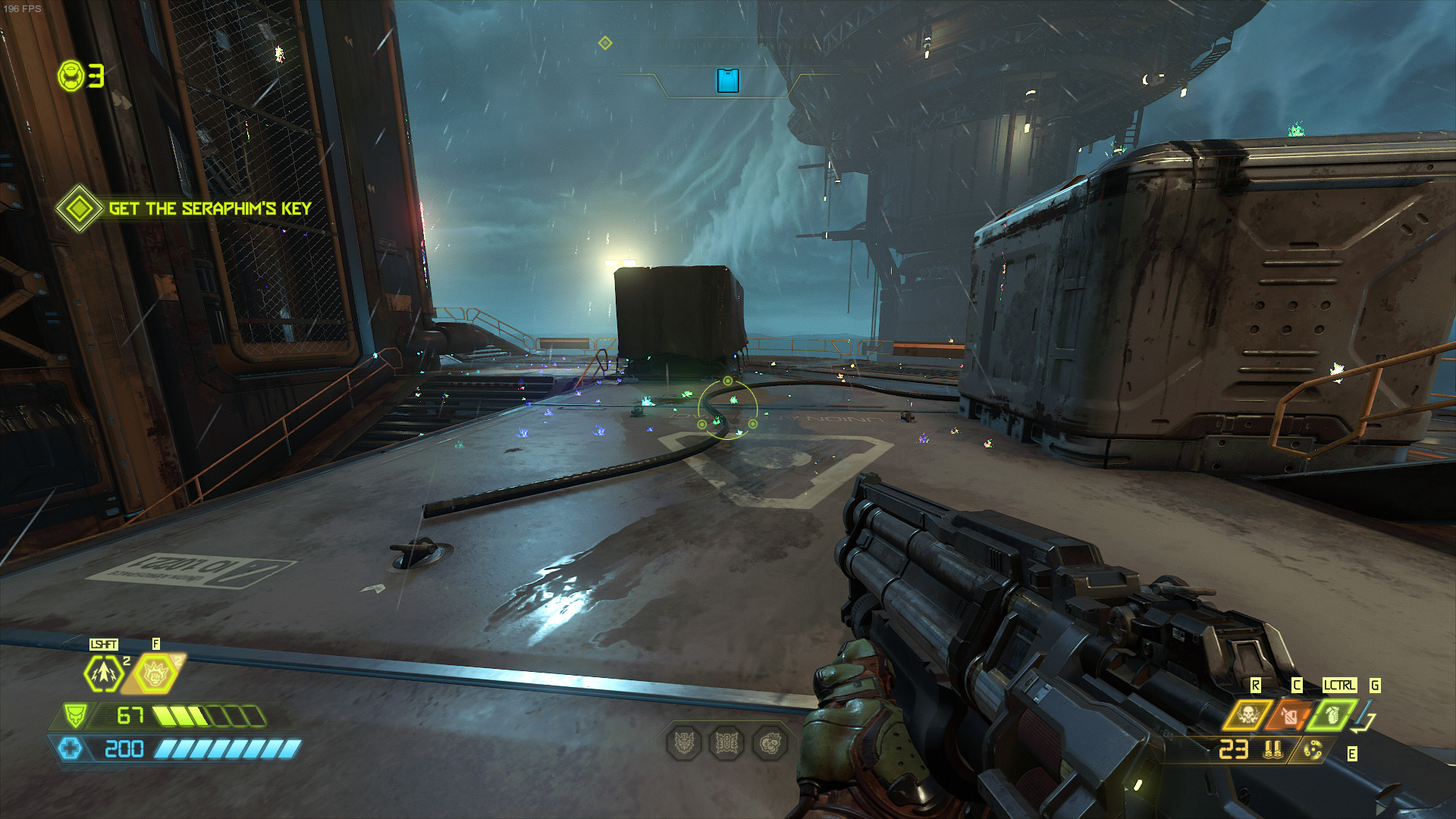
Doom eternal won't load on me. it freezes on the first "loading" screen, and what you have to do to unfreeze your system can vary from just opening steam and stopping it to having to shut your computer down forcefully.
OS: Ubuntu 20.10
KERNEL: 5.8.0-33-generic
CPU: AMD Ryzen 5 4500U with Radeon Graphics
GPU: AMD AMD RENOIR (DRM 3.38.0, 5.8.0-33-generic, LLVM 11.0.0)
GPU DRIVER: 4.6 Mesa 20.3.0 - kisak-mesa PPA
RAM: 15 GB
I use Linux Mint 19.6, Cinnamon, 64 bit.
Is it possible to play Doom Eternal?
Read this thread man, or Protondb or anywhere else you can Google "Doom
Eternal linux," of course you can play it.
On Mon, Dec 14, 2020, 8:42 AM a_subscriber [email protected] wrote:
I use Linux Mint 19.6, Cinnamon, 64 bit.
Is it possible to play Doom Eternal?—
You are receiving this because you were mentioned.
Reply to this email directly, view it on GitHub
https://github.com/ValveSoftware/Proton/issues/3773#issuecomment-744448181,
or unsubscribe
https://github.com/notifications/unsubscribe-auth/AM5Y33ZBVH4VKZTPXFZU4UDSUYI5JANCNFSM4MI6DHIA
.
Doom eternal won't load on me. it freezes on the first "loading" screen, and what you have to do to unfreeze your system can vary from just opening steam and stopping it to having to shut your computer down forcefully.
OS: Ubuntu 20.10
KERNEL: 5.8.0-33-generic
CPU: AMD Ryzen 5 4500U with Radeon Graphics
GPU: AMD AMD RENOIR (DRM 3.38.0, 5.8.0-33-generic, LLVM 11.0.0)
GPU DRIVER: 4.6 Mesa 20.3.0 - kisak-mesa PPA
RAM: 15 GB
It appears to be related to Gnome 3.38 / Mutter. There is a issue opened on the tracker (see back further in the thread). You can still play on Ubuntu 20.10 but you have to load the Plasma desktop and effectively play through Kubuntu.
Others have got it work with this:
extension: https://extensions.gnome.org/extension/1873/disable-unredirect-fullscreen-windows/
Although it doesn't appear to work for me for some reason
I've installed plasma desktop, but it still doesn't work there. same issue. I also tried on lxqt and Fluxbox. No change. Is there any way to run the game in windowed mode?
I've installed plasma desktop, but it still doesn't work there. same issue. I also tried on lxqt and Fluxbox. No change. Is there any way to run the game in windowed mode?
Did you log into KDE to play?
yes, I logged out, logged into using plasma, launched steam and then launched doom eternal. Same issue persists, although I could say the loading icon moved a tiny bit more before freezing.
Sounds like you're having some other issue then.
On Mon, Dec 14, 2020 at 1:03 PM aggelalex [email protected] wrote:
yes, I logged out, logged into using plasma, launched steam and then
launched doom eternal. Same issue persists, although I could say the
loading icon moved a tiny bit more before freezing.—
You are receiving this because you were mentioned.
Reply to this email directly, view it on GitHub
https://github.com/ValveSoftware/Proton/issues/3773#issuecomment-744611872,
or unsubscribe
https://github.com/notifications/unsubscribe-auth/AM5Y3362YW5ET63EYF57PZTSUZHO7ANCNFSM4MI6DHIA
.
Sounds like you're having some other issue then.
…
On Mon, Dec 14, 2020 at 1:03 PM aggelalex @.***> wrote: yes, I logged out, logged into using plasma, launched steam and then launched doom eternal. Same issue persists, although I could say the loading icon moved a tiny bit more before freezing. — You are receiving this because you were mentioned. Reply to this email directly, view it on GitHub <[#3773 (comment)](https://github.com/ValveSoftware/Proton/issues/3773#issuecomment-744611872)>, or unsubscribe https://github.com/notifications/unsubscribe-auth/AM5Y3362YW5ET63EYF57PZTSUZHO7ANCNFSM4MI6DHIA .
How can it be troubleshooted?
It worked on Manjaro GNOME apparently 🤷
So, for the past month or so (maybe earlier), I've noticed that the game is crashing consistently after about 2 hours of play time, without exception. Tried Proton Experimental, Proton 5.13, and proton-tkg (and I think Proton GE but IIRC it didn't quite work right with GE).
Obviously it sucks that it only ever happens after well over an hour of play time, because reproducing it means you'll have to play the game for an extended period. And what's more, there's nothing I can see in the logs, just a TON of spam. The log file is huge after two hours. It's literally 35.5 million lines:
wc -l ~/steam-782330.log
35505017 /home/matt/steam-782330.log
Even just trying to look at the last few thousand, I can't find anything of use.
It crashes the exact same way every time. I'll be playing, and then the game will just freeze completely, and I can't alt-tab out or anything, it freezes up the whole desktop, and after maybe 10 seconds I can finally alt-tab out and hit "Stop" in Steam and the game exits. I can then launch it back up and play for two or so more hours, have it freeze again, rinse and repeat.
Arch Linux
Nvidia RTX 3090
Numerous driver versions (like all three 455/460 drivers currently available, and for a few versions before that)
What I could do is try deleting the log file (obviously from ssh since you can't alt-tab out of Doom Eternal without the game breaking) after like an hour and a half, but before it crashes, and if the logging continues, maybe I'll just end up with thousands of lines instead of 35.5 damn million.
Could it be crashing because it fills up disk space or that log file and it can't log anymore? Maybe a memory leak?
Nah it's definitely not anything about disk space, I have 6TB of storage
and even 35.5M lines of text is only 3GB. I also have 32GB of RAM. Also,
I've had PROTON_LOG=1 on from the beginning (so, March), even when I only
had 16GB of RAM, and I used to be able to play for 4, 5 and 6 hours without
a crash. Obviously I'll try it with logging removed, but I highly, highly
doubt that's it.
On Tue, Dec 29, 2020 at 11:58 PM Kevin McCormack [email protected]
wrote:
Could it be crashing because it fills up disk space or that log file and
it can't log anymore? Maybe a memory leak?—
You are receiving this because you were mentioned.
Reply to this email directly, view it on GitHub
https://github.com/ValveSoftware/Proton/issues/3773#issuecomment-752327870,
or unsubscribe
https://github.com/notifications/unsubscribe-auth/AM5Y334IE5S2NZ26HR74QULSXKXQDANCNFSM4MI6DHIA
.
Yeah, I just tried it with esync and fsync off, no logging, etc. and it still froze after about an hour.
It's definitely not VRAM, I have an RTX 3090 and it never even came close to saturating it at 1440p.
It's definitely not RAM, I had a system monitor open on my other monitor and it peaked at about 9GB, and I have 32GB.
Honestly it's pretty frustrating.
Doom Eternal extreme stuttering mainly when I move my mouse.
Issue transferred from https://github.com/ValveSoftware/Proton/issues/4532.
@ufoludekxyz posted on 2021-01-06T14:40:33:
Compatibility Report
- Name of the game with compatibility issues: Doom Eternal
- Steam AppID of the game: 782330
System Information
- GPU: GTX 1070
- Driver/LLVM version: nvidia-dkms 455.45.01-1
- Kernel version: 5.10.4-arch2-1
- Link to full system information report as Gist: https://gist.github.com/ufoludekxyz/50a08d9100223364b20a649b3c6d7c29
- Proton version: 5.13-4
I confirm:
- [x] that I haven't found an existing compatibility report for this game.
- [x] that I have checked whether there are updates for my system available.
Symptoms
I played the game for 20+ hours without any issues, one day for no reason the game started stuttering, after some research I found out it was somehow related to ESYNC, disabling it helped for few days, after Linux 5.10 update the game stutters just like it did before. It stutters with both ESYNC enabled and disabled, I also noticed that even my voice and the voice of others stutters on software like Discord when the game is running and stuttering. When I somehow manage to run the game without stuttering even Discord runs perfectly. When the game is running and stutterig it somehow afflicts my whole computer. I also tried with a different mouse and changed the polling rate to 125hz and 500hz, the stuttering persists.
Reproduction
I just have to start the game. Sometimes the stuttering goes away if I switch between proton versions a bunch of times, but as soon as I reboot my computer the stuttering comes back.
I finally fixed the unusual stuttering with Doom Eternal, I figured out it was DeadBeef somehow causing the stuttering, yes I know it might sound extremely strange but it was indeed DeadBeef, after closing it the stuttering disappeared, if I opened it again the stuttering would appear again. I just uninstalled DeadBeef and replaced it with a differet music player. Hope this helps someone who might have the same issue.
Having an issue with Doom eternal failing to start at all on Fedora 33. Tried Chris Titus' workaround, no go. Here's my system info: https://gist.github.com/eponafyrefly/b368ee6c617813ad1ee53a5ffbc8c351
You got a proton log?
I've got a 5800X and also run Nvidia (3090 not 980 Ti but still) and Doom Eternal has always worked for me, I've got over 100 hours in it (though probably 15 of those were with a 5700 XT but still all the rest were with Nvidia).
Which Proton version were you using? Did it give any error message? What exactly are your launch options (we shouldn't have to go watch a whole Chris Titus video just to know)
@gardotd426 Proton v6.1-GE-2.
plog.tar.gz
I followed this bit: https://christitus.com/doom-eternal-linux/ so you don't have to watch a video. ;) Launch options are PROTON_LOG=1 %command% PROTON_NO_ESYNC=1 %command% +in_terminal 1 +com_skipIntroVideo 1 +com_skipKeyPressOnLoadScreens 1 +com_skipSignInManager 1. Upon starting, a window pops up saying Doom is launching, and then nothing happens. After turning on Proton logging, I get a pop-up saying my video driver is too old, but I am running the latest NVIDIA driver 460.39. Attaching the logs. Thanks.
Hello @eponafyrefly, %command% should not be used more than once in the game's launch options. It should be used with ENVIRONMENT_VARIABLES=foo %command% -game-options.
Well that might explain a lot. You've goofed hard.
You're only supposed to have ONE %command%. One.
All envvars and linux options/commands go before the %command%, Windows/game launch options go after.
Also just try with Proton 5.13 or Proton Experimental first, instead of trying with unofficial Protons. The game should work with GE but this is the official Proton bug tracker and the game does work with official proton, so you should be trying that first.
Removing the extra %command% didn't help but using the older Proton 5.13 did. FWIW I did also try Experimental before posting. Thanks.
Okay well both of those (Experimental and GE) do work, so there's something going on. Try switching back to Experimental (not GE yet) and see if that will work. Make sure to completely exit the game and all that first.
If it doesn't, you need to go to the Proton Experimental thread and report the issue.
FWIW, I just checked Experimental and it launched fine.
@kisak-valve, there is one problem, I thought it had gone away but I guess I just hadn't played long enough.
No matter which Proton I use, the game will freeze and then crash after about an hour or two of playtime. I've had it happen 3 times just tonight. Thing is, this last time I ran Steam from the terminal, and there wasn't much of anything right before the crash.
This is all I got:
WARNING: loot droop angular velocity higher than 12.50
WARNING: loot droop angular velocity higher than 12.50
WARNING: idWeaponEntity being deleted from idWeapon destructor: [weapon_ent/ai/soldier/plasma_6718]
WARNING: Alias handle for 'combat/idle_not_aiming_additive' not found in decl 'md6def/characters/monsters/soldier_shield/base/soldier_shield.md6'
WARNING: Alias handle for 'combat/idle_not_aiming_additive' not found in decl 'md6def/characters/monsters/soldier_shield/base/soldier_shield.md6'
WARNING: idWeaponEntity being deleted from idWeapon destructor: [weapon_ent/ai/soldier/plasma_6934]
WARNING: Alias handle for 'combat/idle_not_aiming_additive' not found in decl 'md6def/characters/monsters/soldier_shield/base/soldier_shield.md6'
WARNING: Alias handle for 'combat/idle_not_aiming_additive' not found in decl 'md6def/characters/monsters/soldier_shield/base/soldier_shield.md6'
WARNING: ai/heavy/bloodangel/javelin_hazard_682 has an invalid envDamageType
WARNING: ai/heavy/bloodangel/javelin_hazard_480 has an invalid envDamageType
WARNING: ai/heavy/bloodangel/javelin_hazard_486 has an invalid envDamageType
WARNING: max linear velocity exceeded and clamped, attempted velocity was 1289.43 -1917.95 2244.27
WARNING: idWeaponEntity being deleted from idWeapon destructor: [weapon_ent/ai/soldier/plasma_6748]
WARNING: ai/heavy/bloodangel/javelin_hazard_6677 has an invalid envDamageType
ERROR: ld.so: object '/home/matt/nvme/steamroot/ubuntu12_32/gameoverlayrenderer.so' from LD_PRELOAD cannot be preloaded (wrong ELF class: ELFCLASS32): ignored.
wine: enabling seccomp syscall filters.
>>> Adding process 83236 for game ID 782330
Unable to read VR Path Registry from C:\users\steamuser\Local Settings\Application Data\openvr\openvrpaths.vrpath
skipping config: /home/matt/.config/MangoHud/wine-dxdcf13.conf [ not found ]
skipping config: /home/matt/nvme/steamroot/compatibilitytools.d/proton_tkg_5.19.r7.g6a87f0a4.dxvk-dxgi-false/dist/bin/MangoHud.conf [ not found ]
skipping config: /home/matt/.config/MangoHud/wine64-preloader.conf [ not found ]
parsing config: /home/matt/.config/MangoHud/MangoHud.conf [ ok ]
pid 80226 != 80225, skipping destruction (fork without exec?)
Game removed: AppID 782330 "", ProcID 80286
Game 782330 created interface STEAMAPPS_INTERFACE_VERSION006 / Apps
Game 782330 created interface STEAMAPPS_INTERFACE_VERSION008 /
Game 782330 created interface STEAMREMOTESTORAGE_INTERFACE_VERSION014 /
Game 782330 created interface STEAMUSERSTATS_INTERFACE_VERSION011 /
Game 782330 created interface SteamController007 /
Game 782330 created interface SteamController007 / Controller
Game 782330 created interface SteamFriends017 /
Game 782330 created interface SteamInput001 / Controller
Game 782330 created interface SteamUser017 / User
Game 782330 created interface SteamUser020 /
Game 782330 created interface SteamUser020 / User
Game 782330 created interface SteamUtils009 /
Game 782330 created interface SteamUtils009 / Utils
Game 782330 method call count for IClientUser::CancelAuthTicket : 2
Game 782330 method call count for IClientUser::BLoggedOn : 9
Game 782330 method call count for IClientUser::BIsSubscribedApp : 3
Game 782330 method call count for IClientUser::RequestEncryptedAppTicket : 6
Game 782330 method call count for IClientUser::GetAuthSessionTicket : 2
Game 782330 method call count for IClientUser::GetEncryptedAppTicket : 6
Game 782330 method call count for IClientUser::GetSteamID : 5
Game 782330 method call count for IClientFriends::GetFriendCount : 1
Game 782330 method call count for IClientFriends::RequestUserInformation : 9
Game 782330 method call count for IClientFriends::GetFriendPersonaState : 9
Game 782330 method call count for IClientFriends::GetFriendGamePlayed : 9
Game 782330 method call count for IClientFriends::SetRichPresence : 34
Game 782330 method call count for IClientFriends::GetPersonaName : 21
Game 782330 method call count for IClientFriends::GetFriendPersonaName_Public : 9
Game 782330 method call count for IClientUtils::GetAppID : 25
Game 782330 method call count for IClientUtils::GetAPICallResult : 68
Game 782330 method call count for IClientUtils::RecordSteamInterfaceCreation : 14
Game 782330 method call count for IClientUtils::GetIPCountry : 1
Game 782330 method call count for IClientAppManager::BIsDlcEnabled : 3
Game 782330 method call count for IClientAppManager::GetCurrentLanguage : 2
Game 782330 method call count for IClientUserStats::RequestUserStats : 1
Game 782330 method call count for IClientUserStats::RequestCurrentStats : 1
Game 782330 method call count for IClientUserStats::GetAchievement : 41
Game 782330 method call count for IClientRemoteStorage::GetQuota : 37
Game 782330 method call count for IClientRemoteStorage::GetFileCount : 2
Game 782330 method call count for IClientRemoteStorage::FileReadAsyncComplete : 7
Game 782330 method call count for IClientRemoteStorage::FileReadAsync : 7
Game 782330 method call count for IClientRemoteStorage::GetFileSize : 5
Game 782330 method call count for IClientRemoteStorage::GetFileTimestamp : 2
Game 782330 method call count for IClientRemoteStorage::FileWriteAsync : 54
Game 782330 method call count for IClientRemoteStorage::GetFileNameAndSize : 18
Uploaded AppInterfaceStats to Steam
Exiting app 782330
The freeze happened right around the ELFCLASS32 error and the wine: enabling seccomp syscall filters message.
I've tried with both 5.13 and Experimental, as well as numerous GE and TKG versions.
I'm about to launch it again, and when it inevitably crashes I'll look and see if there's anything in common.
Well dammit, I got a 24-hour cooldown. Ugh.
I have just tried DOOM Eternal with default Proton settings and I have random crashes. All the crashes I have seen seem to be related to GnuTLS:
log excerpt 1
>>> Adding process 1720788 for game ID 782330
Game update: AppID 782330 "", ProcID 1720788, IP 0.0.0.0:0
RecordSteamInterfaceCreation (PID 1720788): SteamUtils009 / Utils
Setting breakpad minidump AppID = 782330
RecordSteamInterfaceCreation (PID 1720788): SteamUser020 / User
Steam_SetMinidumpSteamID:  Caching Steam ID:  76561199014623273 [API loaded no]
RecordSteamInterfaceCreation (PID 1720788): SteamUser017 / User
RecordSteamInterfaceCreation (PID 1720788): STEAMAPPS_INTERFACE_VERSION006 / Apps
Terminal support disabled. Enable with in_terminal
RecordSteamInterfaceCreation (PID 1720788): SteamFriends017 /
RecordSteamInterfaceCreation (PID 1720788): STEAMUSERSTATS_INTERFACE_VERSION011 /
RecordSteamInterfaceCreation (PID 1720788): SteamController007 /
WARNING: radv is not a conformant vulkan implementation, testing use only.
Fossilize INFO: Overriding serialization path: "/mnt/ssd-unencrypted/games/steam/steamapps/shadercache/782330/fozpipelinesv5/steamapprun_pipeline_cache".
RecordSteamInterfaceCreation (PID 1720788): STEAMAPPS_INTERFACE_VERSION008 /
RecordSteamInterfaceCreation (PID 1720788): SteamUser020 /
RecordSteamInterfaceCreation (PID 1720788): SteamUtils009 / Utils
RecordSteamInterfaceCreation (PID 1720788): SteamController007 / Controller
RecordSteamInterfaceCreation (PID 1720788): SteamInput001 / Controller
RecordSteamInterfaceCreation (PID 1720788): SteamUtils009 /
RecordSteamInterfaceCreation (PID 1720788): STEAMREMOTESTORAGE_INTERFACE_VERSION014 /
Installing breakpad exception handler for appid(steam)/version(1613176728)
GnuTLS error: An unexpected TLS handshake packet was received.
ERROR: ld.so: object '/home/claire/.steam/debian-installation/ubuntu12_32/gameoverlayrenderer.so' from LD_PRELOAD cannot be preloaded (wrong ELF class: ELFCLASS32): ignored.
>>> Adding process 1721091 for game ID 782330
Unable to read VR Path Registry from C:\users\steamuser\Local Settings\Application Data\openvr\openvrpaths.vrpath
Unable to read VR Path Registry from C:\users\steamuser\Local Settings\Application Data\openvr\openvrpaths.vrpath
WARNING: radv is not a conformant vulkan implementation, testing use only.
Unable to read VR Path Registry from C:\users\steamuser\Local Settings\Application Data\openvr\openvrpaths.vrpath
pid 1720605 != 1720604, skipping destruction (fork without exec?)
Game removed: AppID 782330 "", ProcID 1720788
log excerpt 2
WARNING: radv is not a conformant vulkan implementation, testing use only.
Fossilize INFO: Overriding serialization path: "/mnt/ssd-unencrypted/games/steam/steamapps/shadercache/782330/fozpipelinesv5/steamapprun_pipeline_cache".
RecordSteamInterfaceCreation (PID 1730953): STEAMAPPS_INTERFACE_VERSION008 /
RecordSteamInterfaceCreation (PID 1730953): SteamUser020 /
RecordSteamInterfaceCreation (PID 1730953): SteamUtils009 / Utils
RecordSteamInterfaceCreation (PID 1730953): SteamController007 / Controller
RecordSteamInterfaceCreation (PID 1730953): SteamInput001 / Controller
RecordSteamInterfaceCreation (PID 1730953): SteamUtils009 /
RecordSteamInterfaceCreation (PID 1730953): STEAMREMOTESTORAGE_INTERFACE_VERSION014 /
GnuTLS error: An unexpected TLS packet was received.
GnuTLS error: The specified session has been invalidated for some reason.
ERROR: ld.so: object '/home/claire/.steam/debian-installation/ubuntu12_32/gameoverlayrenderer.so' from LD_PRELOAD cannot be preloaded (wrong ELF class: ELFCLASS32): ignored.
>>> Adding process 1731542 for game ID 782330
Unable to read VR Path Registry from C:\users\steamuser\Local Settings\Application Data\openvr\openvrpaths.vrpath
Unable to read VR Path Registry from C:\users\steamuser\Local Settings\Application Data\openvr\openvrpaths.vrpath
WARNING: radv is not a conformant vulkan implementation, testing use only.
Unable to read VR Path Registry from C:\users\steamuser\Local Settings\Application Data\openvr\openvrpaths.vrpath
pid 1730810 != 1730809, skipping destruction (fork without exec?)
The crashes are sudden and I have seen no other issue whatsoever except occasional connection issues to the Bethesda account / Game server thing (only played the campaign so far), but this may actually be due to poor network conditions.
I am currently running Steam on up-to-date Debian testing.
(Sorry, it's my first time reporting an issue with Steam/Proton and I am not too sure where to look for logs, I simply launched steam from a console and copied relevant excerpts of the console output)
Hey Claire, make sure you always give more relevant information like CPU, GPU, distro, etc. But anyways, yeah I've been getting those too. I've actually gotten them to stop by rolling back to a custom proton 5.22 build I had, but anything after about that time will crash periodically (after about an hour or so), regardless of whether it's official Proton, Proton-GE, or Proton-TKG.
Hey Claire, make sure you always give more relevant information like CPU, GPU, distro, etc. But anyways, yeah I've been getting those too. I've actually gotten them to stop by rolling back to a custom proton 5.22 build I had, but anything after about that time will crash periodically (after about an hour or so), regardless of whether it's official Proton, Proton-GE, or Proton-TKG.
Thank you. I can confirm that after downgrading to Proton 5.13-6, I haven't experienced any crash whatsoever.
Posting here for anyone else investigating poor performance: there seems to be having some sort of regression related to the game using RAM instead of VRAM with the nvidia driver. Going off these two threads on the Nvidia forums this seems to be as early as the 440 drivers which supposedly fixed the issue. On my 2070 Super I've tried on 460 & 450 drivers, several proton & kernel versions, different nvidia settings (flipping, vblank, etc.).
My FPS stays within the 25-45 range no matter what I do across the graphics settings. nvidia-smi shows ~850mb usage despite the game stating 6GB used and system monitor reporting ~2GB used in total.
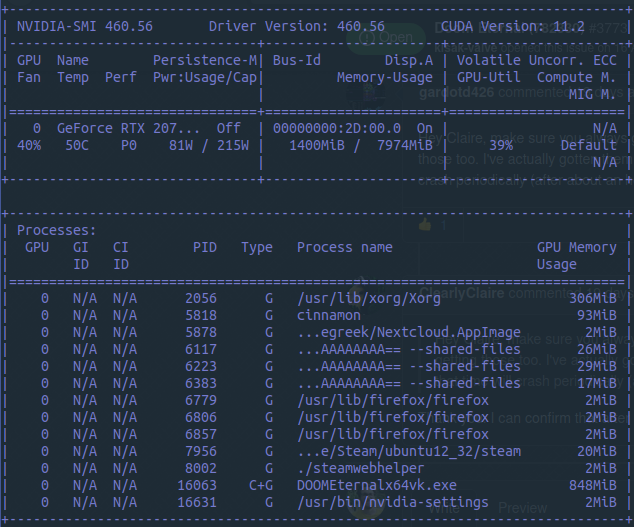
Replying to https://github.com/ValveSoftware/Proton/issues/3773#issuecomment-798914470
Yup the issue definitely still exists - have posted multiple times about it; 2080 super max-q here.
Hi @kisak-valve,
Unless users are is still reporting being affected by the rainbow particles on Mesa, I believe the RADV / Mesa labels can be removed. The issue was reported (https://gitlab.freedesktop.org/mesa/mesa/-/issues/3064) several months back and fixed (https://gitlab.freedesktop.org/mesa/mesa/-/commit/fd5ffd3a83e178f14fcc69806d3a52724f05b56c). I've confirmed the fixed should have been included in the version reported here: https://github.com/ValveSoftware/Proton/issues/3773#issuecomment-744061602.
I've confirmed the issue is not occuring on the latest mesa-git on both an RX 590 and RX 5700 XT. I however have confirmed that the issue is still present on AMDGPU-PRO, which might explain why some users are still experiencing the issue:
| Mesa 21.0-git | AMDGPU-PRO 20.45 |
|---|---|
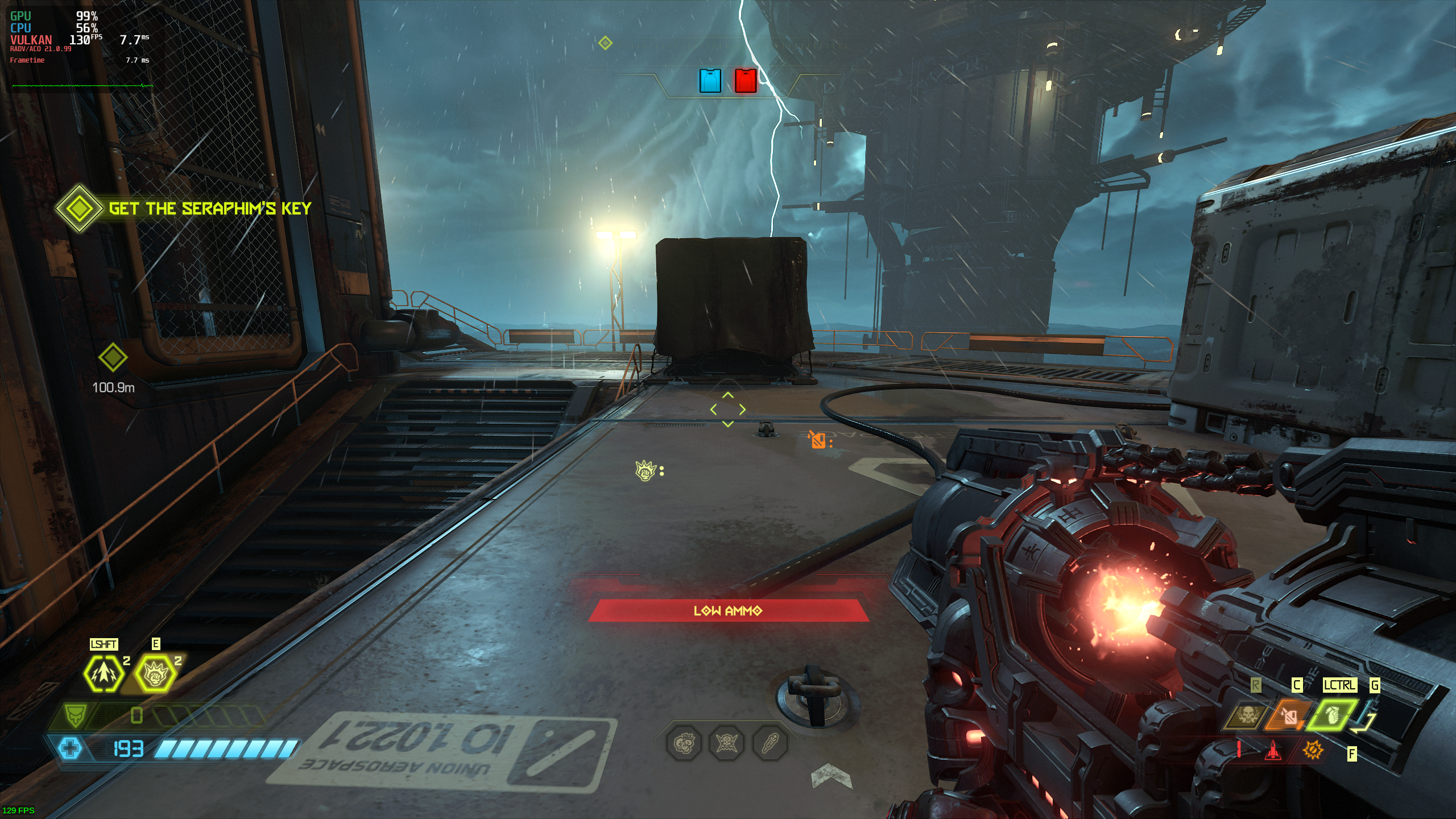 |
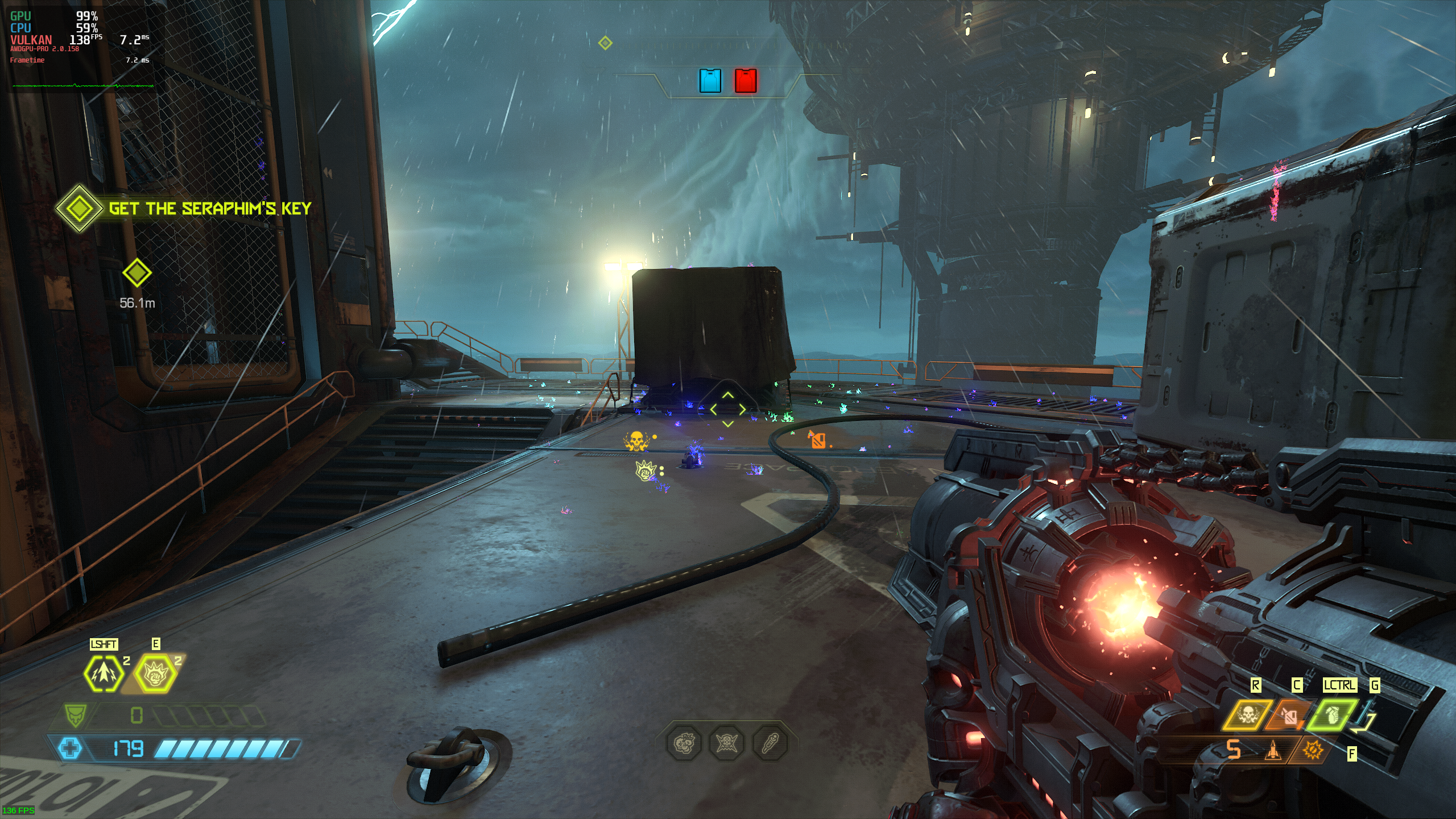 |
Thanks @ZereoX, re-reading @LuxLucian's Proton log, I've convinced myself that
warn:debugstr:OutputDebugStringA "Vendor : AMD open-source driver\n"
[...]
warn:debugstr:OutputDebugStringA "GPU    : AMD Radeon RX 5700 XT\n"
[...]
warn:debugstr:OutputDebugStringA "Driver : 2.0.167 (008000a7)\n"
[...]
warn:debugstr:OutputDebugStringA "VK API : 1.2.159\n"
is the game telling us that it was using AMDVLK when it was misrendering.
nVidia Driver Prompt Doom Eternal
Issue transferred from https://github.com/ValveSoftware/Proton/issues/4716.
@TechXero posted on 2021-04-01T13:25:52:
Hey
Using any Proton version but as of this post using Proton-GE-Custom-6.5 a keep getting prompted to update nVidia Drivers on game launch . Clicking Play I can play game but performance is less than 100%.. I already have latest drivers 460+ dunno why this has never been resolved... Proton detects v360+ of nVidia though I have 460+
Am on Arch KDE BTW...
Replying to [#3773 (comment)](https://github.com/ValveSoftware/Proton/issues/3773#issuecomment-798914470)
Yup the issue definitely still exists - have posted multiple times about it; 2080 super max-q here.
I checked back on the nvidia forums thread for any updates and noticed a suggestion that setting __GLX_VENDOR_LIBRARY_NAME=bla instead of __GLX_VENDOR_LIBRARY_NAME=nvidia fixed the issue for me, so that should help others having the VRAM issue.
Just glad it's not a Proton issue :)
Game is still broken with Nvidia and Gnome 40. Just freezes on the first intro video.
Game is still broken with Nvidia and Gnome 40. Just freezes on the first intro video.
You can get past this with the "Unredirect Fullscreen Windows" GNOME extension.
https://github.com/kazysmaster/gnome-shell-extension-disable-unredirect
The actual bug causing this is ticketed here:
https://gitlab.gnome.org/GNOME/mutter/-/issues/1522
It's unique to the NVIDIA/GNOME combination.
Does that extension harm performance?
Does that extension harm performance?
Yes, greatly, it disables Gnome's fullscreen window unredirection causing games to have to go through the compositor. For a proper fix we will need something from either the mutter or Nvidia devs I think.
Battlemode isn't working on my system. It fails to create a party, whether attempting to join/create a private match or queueing for public matches. Windows on the same system has no such issues. Happens with both 5.13 and 6.3.
When is the battlemode problem going to be fixed? Bethesda support clearly stated to me that it's not account issue, it's something with Proton.
I don't want to ask for a solution that's already been found, but it's very hard to navigate the threads.
Info
- GPU: Radeon HD 7950
- CPU: AMD FX-6300 6-Core
- Distribution: Void GNU/Linux
- Using Proton-6.8-GE-1
I'm not sure what else to include, but I have the latest version of AMDVLK, Vulkan-Headers, Vulkan-Tools, vulkan-loader, mesa, and probably other things, obtained with xbps.
As with some others, a Wine System Tray window with the id logo on it opens for a moment, then disappears.
Log
When is the battlemode problem going to be fixed? Bethesda support clearly stated to me that it's not account issue, it's something with Proton.
@serebit @warriormaster12 I'm guessing they've added back some sort of anti-cheat or something that's blocking Proton. Because Battlemode absolutely used to work with Proton, and if @serebit is saying that it's not even working with 5.13 (which I'm pretty sure is the Proton version it used to work with), then it looks like Battlemode is finished for Proton users.
EDIT: Actually it was 5.0, so you'll wanna try that. If it doesn't work even then, then there was an update to the game that either broke compatibility, or blocked us.
Hello @Sanzarote, if you haven't seen / tested something similar to https://github.com/ValveSoftware/Proton/wiki/For-AMD-users-having-issues-with-non-OpenGL-games, that would be worthwhile to give that a read for your Southern Islands (SI) generation video card.
Thank you @kisak-valve, It worked! There are graphical glitches, at least in the menu (in which nothing is visible behind a blinding light) But it's running.
@gardotd426 denuvo anti-cheat was removed after doom community's negative reception. My only issue is that the game that my account is unverified which was proven falls by Bethesda support.
@warriormaster12 Denuvo anti-cheat was removed, but Id said they would institute a different anti-cheat solution later on down the line.
And my account is absolutely verified, I have played Battlemode before (back when it was working in Proton), and it doesn't work for me now either. So something is clearly wrong.
@gardotd426 in my case it has been always like this since launch. They might have indeed added another anti-cheat solution by now but wouldn't it be easier to implement some kind of a support for it since it's not compatibility braking?
It worked near launch for me, for a while, and broke a few months back. So it's likely a change they made to the system, if others report the same thing.
Is anyone's game freezing at connecting to bethesa.net?
Is anyone's game freezing at connecting to bethesa.net?
If you're using an older proton-ge version (between 6.5 to 6.9-GE-1) please try changing to 6.9-GE-2. The staging ntdll-NtAlertThreadByThreadId was found to cause a lot of issues. My previous builds had this. TKG's and proton/proton experimental do not.
I was using standard proton 6.3.
DOOM Eternal with Nvidia graphics
Issue transferred from https://github.com/ValveSoftware/Proton/issues/4872.
@lothrond posted on 2021-05-31T09:11:01:
While attempting to launch DOOM Eternal I would get a prompt telling me that my Nvidia graphics drivers were out of date.
I just wanted to share a few fixes that allow me to play this game. These fixes can be found
here.
I made this gist in response to this open issue.
Perhaps the two can be linked together?
While attempting to launch DOOM Eternal I would get a prompt telling me that my Nvidia graphics drivers were out of date.
It's always been like that. You just click play.
@gardotd426 I build my own SteamOS. In doing so, I use the steamos-compositor-plus package. Maybe it's just me, but that does not seem to be an option.
I mean there's a play button on the Window. Yeah if you can't click the play button somehow, then you'll have to figure something else out (as in, add a real desktop environment and use that to play Doom Eternal)
Is anyone's game freezing at connecting to bethesda.net?
If you're using an older proton-ge version (between 6.5 to 6.9-GE-1) please try changing to 6.9-GE-2. The staging ntdll-NtAlertThreadByThreadId was found to cause a lot of issues. My previous builds had this. TKG's and proton/proton experimental do not.
@TheGreatestJannet @GloriousEggroll I've been having this issue a lot and now I'm locked out of the game for 24 hours because of DRM. Tried it with 6.3-4, Experimental and 6.10-GE, same result. It crashes mostly at "Connecting to Bethesda.net", sometimes in the main menu.
gist
Game is still broken with Nvidia and Gnome 40. Just freezes on the first intro video.
You can get past this with the "Unredirect Fullscreen Windows" GNOME extension.
https://github.com/kazysmaster/gnome-shell-extension-disable-unredirect
The actual bug causing this is ticketed here:
https://gitlab.gnome.org/GNOME/mutter/-/issues/1522
It's unique to the NVIDIA/GNOME combination.
Did someone also reported the issue to Nvidia ? Beside the performance hit, the extension workaround isn't really a good solution as it also breaks G-SYNC
It’s a Gnome issue though as it only happens on Gnome it seems.
It’s a Gnome issue though as it only happens on Gnome it seems.
But it also looks like it only happens with Nvidia, so maybe we should reports the issue to them too ?
Game is still broken with Nvidia and Gnome 40. Just freezes on the first intro video.
Did someone also reported the issue to Nvidia ? Beside the performance hit, the extension workaround isn't really a good solution as it also breaks G-SYNC
But it also looks like it only happens with Nvidia, so maybe we should reports the issue to them too ?
@koplo199 @TheGreatestJannet I'm sorry but you guys seem to be mistaken, maybe you're trying to run the game on Wayland?
Because Doom Eternal works perfectly on GNOME 40 with Nvidia. I've played it numerous times over the past weeks, and just tested it again today. So it sounds like an individual setup problem.
Nope I’m using Xorg. What driver and graphics card do you have? Also what extension have you installed? Finally are you playing in Windowed or Fullscreen mode?
What driver and graphics card do you have?
RTX 3090, Multiple drivers. 465, 455 (Vulkan Beta), etc.
Also what extension have you installed?
None
Finally are you playing in Windowed or Fullscreen mode?
Both work, and always have.
Hmm I have a GTX 1060 so maybe it affects some cards and not others. Regardless it seems more than just me are affected by it and thus it must be a bug somewhere in Gnome or the Nvidia Driver.
It's more than likely a bug in some extension or some nonsense like that, because Doom Eternal has worked on Nvidia since like 3 days after launch (before it even worked on AMD at all), and that included GNOME.
I only have one extension and disabling it doesn’t change anything. The game still freezes as soon as mutter disables compositing for it. There is an extension that resolves the issue but it comes with a huge performance penalty.
Game is still broken with Nvidia and Gnome 40. Just freezes on the first intro video.
Did someone also reported the issue to Nvidia ? Beside the performance hit, the extension workaround isn't really a good solution as it also breaks G-SYNC
But it also looks like it only happens with Nvidia, so maybe we should reports the issue to them too ?
@koplo199 @TheGreatestJannet I'm sorry but you guys seem to be mistaken, maybe you're trying to run the game on Wayland?
Because Doom Eternal works perfectly on GNOME 40 with Nvidia. I've played it numerous times over the past weeks, and just tested it again today. So it sounds like an individual setup problem.
Wow thanks for your feedback, I don't have any custom extension enabled and I'm on Ubuntu 21.04 (Gnome 3.38.4). May I ask what is your distribution, and if you have any particular settings/config for Nvidia or for Xorg ? Do you have G-SYNC enabled ? If you play nearly since launch, I guess it was also working for you on 3.38.X at that time, would be interesting to see what are the differences on our systems, as I have a RTX 3080 and it's not working on mine, it freeze immediatley after the game window is focused.
EDIT: No more luck after manually disabling preinstalled ubuntu gnome extensions.
I only have one extension and disabling it doesn’t change anything. The game still freezes as soon as mutter disables compositing for it. There is an extension that resolves the issue but it comes with a huge performance penalty.
I'm a little confused.... Mutter doesn't disable compositing. There's actually no way for you to disable compositing in GNOME. I guess maybe you mean fullscreen unredirect but you wouldn't be able to "see" it happening so idk how you know that's when it freezes. Anyway, with unredirect enabled and disabled (using the extension) the game launches perfectly fine. I just tested again, and earlier I played for like 4 hours straight.
Have you not bothered enabling Proton logging and checking and seeing what happens?
Do you have any weird settings in your nvidia-settings?
Wow thanks for your feedback, I don't have any custom extension enabled and I'm on Ubuntu 21.04 (Gnome 3.38.4). May I ask what is your distribution, and if you have any particular settings/config for Nvidia or for Xorg ? Do you have G-SYNC enabled ? If you play nearly since launch, I guess it was also working for you on 3.38.X at that time, would be interesting to see what are the differences on our systems, as I have a RTX 3080 and it's not working on mine, it freeze immediatley after the game window is focused.
I'm on Arch, and have no special settings. Both my monitors are GSync compatible, but since I run two monitors, obviously GSync can't run, so I don't use it (I don't need it, I have a 3090 and Doom Eternal runs at well over 165 fps which is my refresh rate at 1440p). Yes, it was working for me on 3.38 and works on 40 as well.
But when you say it freezes as soon as the window is focused, are you saying that this is after alt-tabbing or something? Or are you saying the game doesn't even work at all? Because Doom Eternal freezes if you alt-tab, it's been an issue since launch. You can't alt-tab once you launch the game. But if you're saying you can't even get the game to launch at all, then that's a problem. And like I asked @TheGreatestJannet, have you bothered actually using Proton logging or at least running Steam from a terminal?
Yes I do mean fullscreen unredirect and I know it is this as it doesn't crash when the extension to disable it is active and when ran in windowed mode. I have bothered to run steam in a terminal and there isn't much useful information here. At best I get this:
Jun 09 11:44:55 GamingPC kernel: snd_hda_intel 0000:00:1f.3: Unstable LPIB (352800 >= 176400); disabling LPIB delay counting
Jun 09 11:44:58 GamingPC com.valvesoftware.Steam.desktop[9110]: Game update: AppID 782330 "", ProcID 2762, IP 0.0.0.0:0
Jun 09 11:44:58 GamingPC com.valvesoftware.Steam.desktop[9110]: RecordSteamInterfaceCreation (PID 2762): SteamUtils009 / Utils
Jun 09 11:44:58 GamingPC com.valvesoftware.Steam.desktop[9110]: RecordSteamInterfaceCreation (PID 2762): SteamUser020 / User
Jun 09 11:44:58 GamingPC com.valvesoftware.Steam.desktop[9110]: RecordSteamInterfaceCreation (PID 2762): SteamUser017 / User
Jun 09 11:44:58 GamingPC com.valvesoftware.Steam.desktop[9110]: RecordSteamInterfaceCreation (PID 2762): STEAMAPPS_INTERFACE_VERSION006 / Apps
Jun 09 11:44:59 GamingPC com.valvesoftware.Steam.desktop[9110]: RecordSteamInterfaceCreation (PID 2762): SteamUtils009 / Utils
Jun 09 11:44:59 GamingPC com.valvesoftware.Steam.desktop[9110]: RecordSteamInterfaceCreation (PID 2762): SteamController007 / Controller
Jun 09 11:44:59 GamingPC com.valvesoftware.Steam.desktop[9110]: RecordSteamInterfaceCreation (PID 2762): SteamInput001 / Controller
Jun 09 11:45:05 GamingPC com.valvesoftware.Steam.desktop[14057]: Terminal support disabled. Enable with in_terminal
Jun 09 11:45:09 GamingPC com.valvesoftware.Steam.desktop[9110]: RecordSteamInterfaceCreation (PID 2762): SteamFriends017 /
Jun 09 11:45:09 GamingPC com.valvesoftware.Steam.desktop[9110]: RecordSteamInterfaceCreation (PID 2762): STEAMUSERSTATS_INTERFACE_VERSION011 /
Jun 09 11:45:09 GamingPC com.valvesoftware.Steam.desktop[9110]: RecordSteamInterfaceCreation (PID 2762): SteamController007 /
Jun 09 11:45:16 GamingPC com.valvesoftware.Steam.desktop[14057]: Fossilize INFO: Overriding serialization path: "/mnt/sdb1/Steam_Games_Linux/steamapps/shadercache/782330/fozpipelinesv5/steamapprun_pipeline_cache".
Jun 09 11:45:17 GamingPC com.valvesoftware.Steam.desktop[14057]: Fossilize WARN: pNext in VkSamplerCreateInfo not supported. (pNext->sType chain: [1000130001])
Jun 09 11:45:17 GamingPC com.valvesoftware.Steam.desktop[14057]: Fossilize WARN: Failed to record sampler, usually caused by unsupported pNext.
Jun 09 11:45:17 GamingPC com.valvesoftware.Steam.desktop[14057]: Fossilize WARN: pNext in VkSamplerCreateInfo not supported. (pNext->sType chain: [1000130001])
Jun 09 11:45:17 GamingPC com.valvesoftware.Steam.desktop[14057]: Fossilize WARN: Failed to record sampler, usually caused by unsupported pNext.
Jun 09 11:45:17 GamingPC com.valvesoftware.Steam.desktop[14057]: Fossilize WARN: pNext in VkSamplerCreateInfo not supported. (pNext->sType chain: [1000130001])
Jun 09 11:45:17 GamingPC com.valvesoftware.Steam.desktop[14057]: Fossilize WARN: Failed to record sampler, usually caused by unsupported pNext.
Jun 09 11:45:17 GamingPC com.valvesoftware.Steam.desktop[14057]: Fossilize WARN: pNext in VkSamplerCreateInfo not supported. (pNext->sType chain: [1000130001])
Jun 09 11:45:17 GamingPC com.valvesoftware.Steam.desktop[14057]: Fossilize WARN: Failed to record sampler, usually caused by unsupported pNext.
Jun 09 11:45:18 GamingPC com.valvesoftware.Steam.desktop[9110]: RecordSteamInterfaceCreation (PID 2762): STEAMAPPS_INTERFACE_VERSION008 /
Jun 09 11:45:22 GamingPC com.valvesoftware.Steam.desktop[9110]: RecordSteamInterfaceCreation (PID 2762): SteamUser020 /
Jun 09 11:45:24 GamingPC com.valvesoftware.Steam.desktop[14113]: Installing breakpad exception handler for appid(gameoverlayui)/version(20210608222338)
Jun 09 11:45:24 GamingPC com.valvesoftware.Steam.desktop[14113]: Installing breakpad exception handler for appid(gameoverlayui)/version(1.0)
Jun 09 11:45:24 GamingPC com.valvesoftware.Steam.desktop[14113]: Installing breakpad exception handler for appid(gameoverlayui)/version(1.0)
Jun 09 11:45:25 GamingPC com.valvesoftware.Steam.desktop[14115]: [0609/114525.661865:INFO:crash_reporting.cc(270)] Crash reporting enabled for process: renderer
Jun 09 11:45:25 GamingPC com.valvesoftware.Steam.desktop[14113]: Installing breakpad exception handler for appid(gameoverlayui)/version(1.0)
Jun 09 11:45:25 GamingPC com.valvesoftware.Steam.desktop[9137]: [0609/114525.896346:ERROR:frame_sink_video_capturer_impl.cc(206)] Invalid resolutions constraints: 0x0 must not be greater than 0x0; and also within media::limits.
Jun 09 11:45:25 GamingPC com.valvesoftware.Steam.desktop[9137]: [0609/114525.933084:ERROR:frame_sink_video_capturer_impl.cc(206)] Invalid resolutions constraints: 0x0 must not be greater than 0x0; and also within media::limits.
Jun 09 11:45:26 GamingPC com.valvesoftware.Steam.desktop[9110]: OnFocusWindowChanged to game window type: AppID 782330, 782330
Jun 09 11:45:26 GamingPC com.valvesoftware.Steam.desktop[9110]: Controller 0 mapping uses xinput : false
Jun 09 11:45:26 GamingPC com.valvesoftware.Steam.desktop[9110]: Loaded Config for Local Override Path for App ID 782330, Controller 0: /home/maxime/.local/share/Steam//controller_base/empty.vdf
Jun 09 11:45:26 GamingPC com.valvesoftware.Steam.desktop[9110]: Controller 0 mapping uses xinput : false
Jun 09 11:45:30 GamingPC com.valvesoftware.Steam.desktop[9110]: OnFocusWindowChanged to window type: k_nGameIDControllerConfigs_Desktop, AppID 413080
Jun 09 11:45:30 GamingPC com.valvesoftware.Steam.desktop[9110]: Controller 0 mapping uses xinput : false
Jun 09 11:45:30 GamingPC com.valvesoftware.Steam.desktop[9110]: Loaded Config for Local Override Path for App ID 413080, Controller 0: /home/maxime/.local/share/Steam//controller_base/empty.vdf
Jun 09 11:45:30 GamingPC com.valvesoftware.Steam.desktop[9110]: [413080]Non-Steam Controller Configs Enabled: 1
Jun 09 11:45:30 GamingPC com.valvesoftware.Steam.desktop[9110]: Controller 0 mapping uses xinput : false
Jun 09 11:45:38 GamingPC gnome-shell[3102]: Can't update stage views actor MetaWindowGroup is on because it needs an allocation.
Jun 09 11:45:38 GamingPC gnome-shell[3102]: Can't update stage views actor MetaWindowActorX11 is on because it needs an allocation.
Jun 09 11:45:38 GamingPC gnome-shell[3102]: Can't update stage views actor MetaSurfaceActorX11 is on because it needs an allocation.
Jun 09 11:46:09 GamingPC com.valvesoftware.Steam.desktop[13987]: pid 2697 != 2696, skipping destruction (fork without exec?)
Jun 09 11:46:17 GamingPC com.valvesoftware.Steam.desktop[9110]: Game removed: AppID 782330 "", ProcID 2762
Like I said, I just tried it with the extension enabled and disabled, and they both worked.
This looks relevant:
Jun 09 11:45:38 GamingPC gnome-shell[3102]: Can't update stage views actor MetaWindowGroup is on because it needs an allocation.
Jun 09 11:45:38 GamingPC gnome-shell[3102]: Can't update stage views actor MetaWindowActorX11 is on because it needs an allocation.
Jun 09 11:45:38 GamingPC gnome-shell[3102]: Can't update stage views actor MetaSurfaceActorX11 is on because it needs an allocation.
Jun 09 11:46:09 GamingPC com.valvesoftware.Steam.desktop[13987]: pid 2697 != 2696, skipping destruction (fork without exec?)
Which GPU and driver version and distro?
I have a GTX 1060 6GB running the 465.31 driver on Arch Linux. I'm not sure why it is working for you but there are multiple people with this issue who can't play the game without workarounds that harm performance.
Have you tried disabling one of your monitors? I wonder if having two monitors might mess with fullscreen unredirect.
That's super bizarre.
The only thing that even rings a bell is that Pascal doesn't support bindless UBO on an architectural level, which means that it can never run vkd3d-proton well and will always have horrible performance in vkd3d-proton titles, but Doom Eternal is native Vulkan, and if anything it would just cause poor performance (I would think), so that's not it.
I'll disable the other monitor and try real quick, and report back.
Yes I am well aware of the abysmal performance in VKD3D and have even experienced it myself (although that didn't stop me from beating Death Stranding on VKD3D). However I don't think this is related to this issue at all as Doom 2016 and Red Dead Redemption 2 both Vulkan games run just fine on my PC.
So the multimonitor thing was it.
I disabled my second monitor, and now with the extension disabled I too get the black window (and not only that, but the game freezes, because MangoHud doesn't update and there's no audio). The second I enabled the extension, it worked, and with two monitors I can run the game regardless of whether it's enabled or disabled.
This is likely a GNOME or X11 bug, but we can report it to Nvidia too. But I'm guessing GNOME.
But there's an easy workaround, just enable the extension for now. Or maybe try and create a virtual display and see if that makes a difference.
So fullscreen unredirect doesn't work with two monitors. Additionally, while the extension does work it harms performance and breaks G-Sync so a fix would be the best solution. You might want to comment on this thread https://gitlab.gnome.org/GNOME/mutter/-/issues/1522 and see if you can get anything from gdb if you know how.
So fullscreen unredirect doesn't work with two monitors.
We could check that easily, if other games work then that's not it.
And yeah I know it's just a temporary workaround.
I'll check out that thread and see what I can do.
I have had other games that freeze at the start too but work fine in borderless windowed mode which bypasses fullscreen unredirect (Doom Eternal borderless windowed mode works differently and doesn't bypass fullscreen unredirect). I'm 99% sure it has something to do with fullscreen unredirect because disabling it solves the freezing.
I have had other games that freeze at the start too but work fine in borderless windowed mode which bypasses fullscreen unredirect (Doom Eternal borderless windowed mode works differently and doesn't bypass fullscreen unredirect). I'm 99% sure it has something to do with fullscreen unredirect because disabling it solves the freezing.
So, it's not fullscreen unredirect. At least it's not only fullscreen unredirect.
I just disabled the second monitor again, and ran 4 games. A native Vulkan game (SoTTR), A native OpenGL game (Dying Light), a NON-STEAM Windows game using DXVK (Star Wars Jedi Fallen Order, Origin version), and a non-Steam DX12 game using vkd3d-proton (Control, Epic Games Store version). All 4 worked fine with fullscreen unredirect enabled and only one monitor.
Yes I know this. Some games work fine but others freeze when unredirecting. It's on a case by case basis but it definitely has something to do with fullscreen unredirect.
I've found another workaround for GNOME + Nvidia, and I may have more informations regarding the source of the bug.
I compile mutter with a change here from :
return window->override_redirect;
to
return TRUE;
With this patch Doom Eternal works just fine, and there is no more performance penalty (and in my case, I can finally use G-SYNC).
I believe the bug is caused because Mutter/Gnome doesn't immediatly unredirect the Doom Window, I read that it use some kind of heuristic to determine which window should be unredirected, but it's not applied immediatly. Doom Eternal (at least) window apparently doesn't like being redirected then unredirected. The patch force the unredirection since the beginning.
Warning: I'm 99% sure this patch will break other things so you may not want to apply it. In my case I just don't really care because I didn't yet see any of my other applications to crash.
Please post this on the mutter gitlab issue!
Done
Replying to https://github.com/ValveSoftware/Proton/issues/3773#issuecomment-858860707
This sounds extremely promising. Does it survive an alt tab and back?
It does if the game is on (full-screen) borderless window mode. If it's on plain full-screen mode it doesn't, I was already observing this behaviour when using the extension, so no change there.
Not sure what's happening here, is this a known issue?
I don't have this artifacts in other games (Proton or Native).
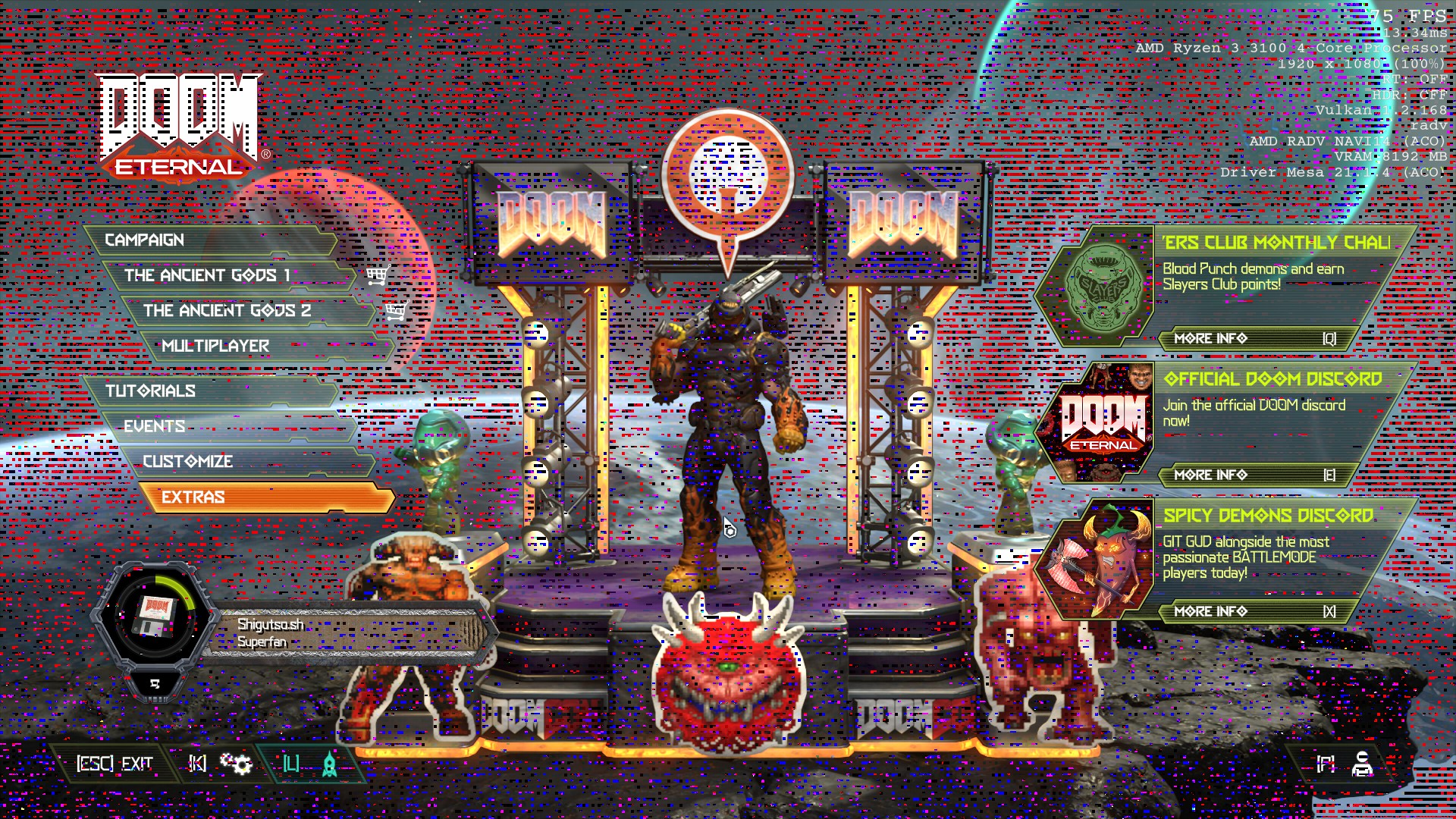
OS: Manjaro 21.1.0 Pahvo
Kernel: x86_64 Linux 5.13.1-3-MANJARO
Uptime: 3h 34m
Packages: 1262
Shell: bash 5.1.8
Resolution: 1920x1080
DE: KDE 5.84.0 / Plasma 5.22.3
WM: KWin
GTK Theme: Breath [GTK2/3]
Icon Theme: breeze-dark
Disk: 2.1T / 5.9T (37%)
CPU: AMD Ryzen 3 3100 4-Core @ 8x 3.6GHz
GPU: Radeon RX 5500 XT (NAVI14, DRM 3.41.0, 5.13.1-3-MANJARO, LLVM 12.0.0)
RAM: 5925MiB / 15925MiB
I was using earlier this week KDE Neon (Ubuntu based) and was having the exact same issue.
Tried verifying game's files and deleting the game's shader cache folder.
Also tried changing some graphics settings (Low to High, Windowed, Fullscreen)
Any help?
Thanks
~Hello @shigutso, please copy your system information from Steam (Steam -> Help -> System Information) and put it in a gist, then include a link to the gist in this issue report.~ The detail I was interested in double checking was if the game was using the video driver you expected, but that's completely obvious in the screenshot.
The detail I was interested in double checking was if the game was using the video driver you expected, but that's completely obvious in the screenshot.
Ah yes sorry for not including the mesa version, but yes it's 21.1.4.
On KDE Neon I was using mesa drivers PPA and had version 21.3 installed, but having the same issue.
Not sure what's happening here, is this a known issue?
I don't have this artifacts in other games (Proton or Native).
Make sure you're using RADV and not AMDVLK
@shigutso I know you're using AMD, but I can tell you that on NVidia, I've seen this happen in some games when I used the NVidia Control Panel to force AA or AF on.
Other things I tried:
RADV_PERFTEST=aco = same issue
RADV_PERFTEST=llvm = game doesn't open anymore (doesn't crash either, I have to click Stop from the Steam client)
Proton GE = same issue
Proton Experimental = same issue
Proton 5.13 = same issue
Proton 5.10 = same issue
Disable Steam overlay = same issue
And then... I just locked myself out for 24h due to Denuvo thinking every Proton version is a new Windows install.
Wrill try again tomorrow...
@shigutso I know you're using AMD, but I can tell you that on NVidia, I've seen this happen in some games when I used the NVidia Control Panel to force AA or AF on.
I don't know where I can change this in amdgpu drivers, and this game doesn't seem to have AA options.
Reinstalled the game (and made sure all related folders were deleted) = same issue
Tested different kernels (currently using 5.13):
Kernel 5.10 = same issue
Kernel 5.4 = same issue
The nVidia 470.57.02 driver release notes includes "Added a workaround for DOOM Eternal, which avoids an application bug where Vulkan swapchain recreation events are not properly handled. On desktops like GNOME where the window is initially redirected to the compositor, this may prevent the game from flipping (and thus enabling G-SYNC)."
Ok... just giving a last update.
I was able to find a workaround for my glitchy artifacts issue.
First, disable the option "Present From Compute". This may be already enough. If not, start changing resolutions until you find one that doesn't have the glitch particles. In my case, the highest I could go was 1600x900 (my monitor is 1920x1080). I can't play windowed, otherwise the glitch comes back. Also, alt-tabbing leaves the game on a black screen, but that might be another or known issue.
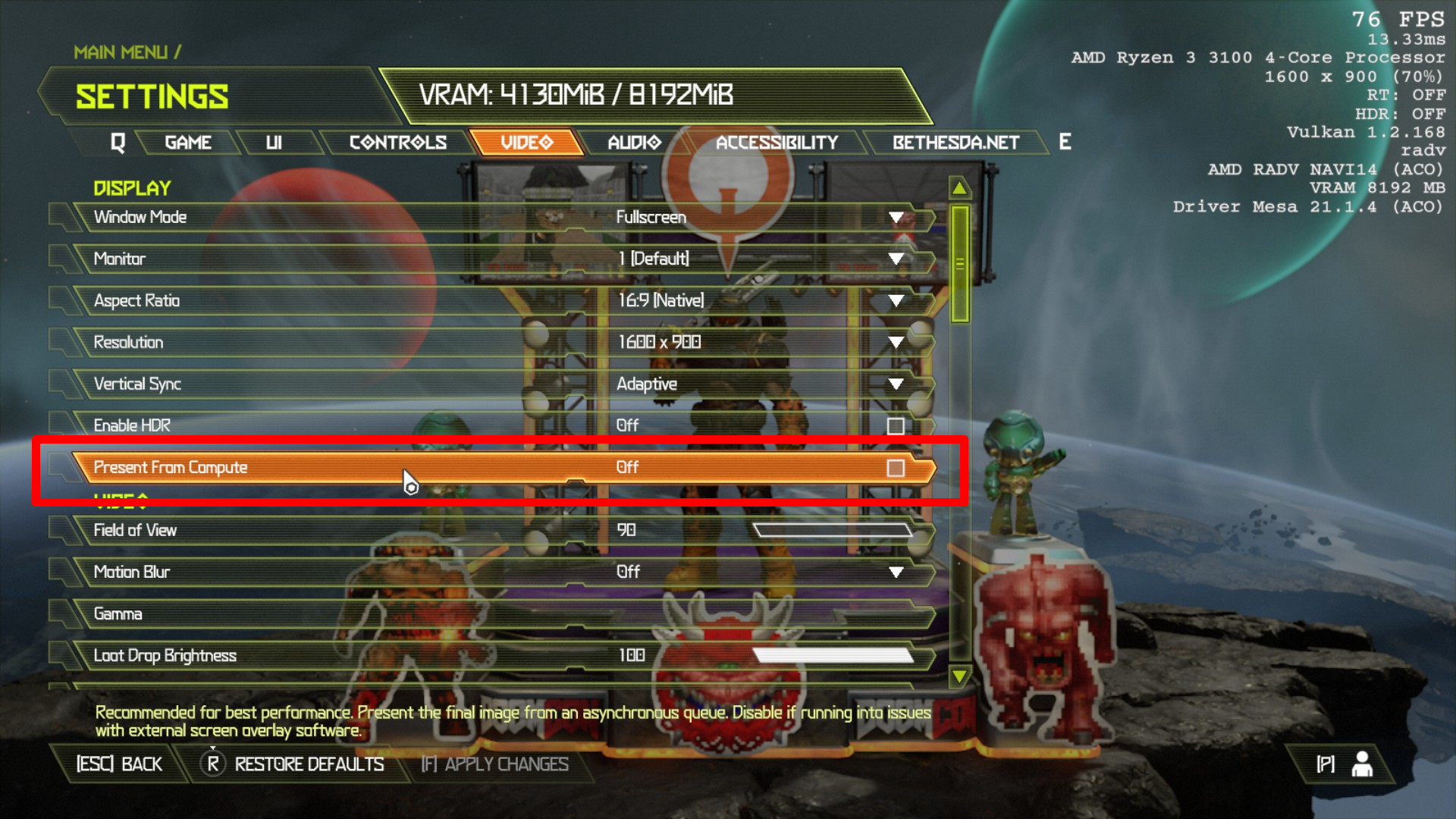
Not sure if it's a driver issue, shaders, KDE, GPU, monitor, or a combination of everything.
Hopefully this helps someone else.
@shigutso This is interesting. For your present from compute issue, could you try upgrading to mesa 21.1.5 and mesa-git to see if it was fixed? If it's still broken that sounds worth reporting directly to mesa (https://gitlab.freedesktop.org/mesa/mesa/)
The black screen issue sounds the same as the one Nvidia just worked around. It's a problem on id Software's side, maybe you could try a similar workaround such as disabling KDE's compositor before launching the game.
The nVidia 470.57.02 driver release notes includes "Added a workaround for DOOM Eternal, which avoids an application bug where Vulkan swapchain recreation events are not properly handled. On desktops like GNOME where the window is initially redirected to the compositor, this may prevent the game from flipping (and thus enabling G-SYNC)."
Have you tried it yet?
I'm still getting a crash to desktop at the "connecting to Bethesda.net" screen, before the main menu, when using Proton Experimental, Proton 6.3-5 or Proton-6.12-GE-1. Only Proton 6.1-GE-2 gets me into the main menu. RTX 2080 with 470.57.02 drivers.
Has anyone else encountered this issue?
steam-782330.log.zip
The nVidia 470.57.02 driver release notes includes "Added a workaround for DOOM Eternal, which avoids an application bug where Vulkan swapchain recreation events are not properly handled. On desktops like GNOME where the window is initially redirected to the compositor, this may prevent the game from flipping (and thus enabling G-SYNC)."
Have you tried it yet?
I have installed the newest nvidia driver and doom eternal now plays on ubuntu 20.10 with Gnome 3.8
My game is now working with the 470 driver but it is crashing at connecting to Bethesda.net.
My game is now working with the 470 driver but it is crashing at connecting to Bethesda.net.
Have you tried Proton 6.1-GE-2? It gets me past the "connecting..." error.
However DLSS doesn't work and if I try to load a level with ray tracing on and settings above low, it crashes with a video memory allocation error. Also changing settings sometimes causes the framerate to tank into the 20s for no reason.
Game causes a full system lockup with Renoir 4700U APU; built-in laptop display and external connected display turns off completely. The system is completely unresponsive and I have to restart to get back to my PC. Tested with 6.3-5 and Proton Experimental.
System specs:
- Arch Linux w/ KDE Plasma
- AMD Ryzen 4700U with Renoir GPU
- Kernal 5.13.4, but it happened on the latest 5.12 kernel I upgraded from recently
- Mesa 21.1.5
- 16GB RAM
Someone on ProtonDB mentioned it's a "kernel null pointer dereference", calling out amdgpu bo_move and ttm_copy_mem_to_mem. Not sure if it's of any help. They also mention that the game works fine on Windows and indeed I've seen people run this game on Windows on the same hardware. Likely an edge case for running this game with Proton though.
Hello @sonic2kk, please copy your system information from Steam (Steam -> Help -> System Information) and put it in a gist, then include a link to the gist in this issue report. The particular detail I'd like to confirm is which Vulkan driver you're using.
It may be worthwhile to also mention your experience to your video driver vendor if it hasn't been already.
System Information gist.
I'd be happy to report this elsewhere too, it seems like these particular errors around bo_move and ttm_copy_mem_to_mem were mentioned in closed ticket on the AMD DRM issue tracker. It seems to relate to a different case. Perhaps it would be worthwhile opening a ticket there detailing the hang.
My game is now working with the 470 driver but it is crashing at connecting to Bethesda.net.
Have you tried Proton 6.1-GE-2? It gets me past the "connecting..." error.
However DLSS doesn't work and if I try to load a level with ray tracing on and settings above low, it crashes with a video memory allocation error. Also changing settings sometimes causes the framerate to tank into the 20s for no reason.
Just block api.bethesda.net and the game works fine. No more crashes.
@jalabb are you using flatpak steam?
@jalabb are you using flatpak steam?
No.
Thanks for the tip about blocking the API, I'll try it tomorrow and report back.
What about pipewire? I see pipewire errors in my journal when running Doom Eternal but sound still works so not sure if they are related.
Here is my log: steam-782330.log
There doesn't seem to be a lot of useful information in it though. It crashes on "connecting to Bethesda.net" pretty much every time.
@jalabb are you using flatpak steam?
No.
Thanks for the tip about blocking the API, I'll try it tomorrow and report back.
@jalabb Don't bother it doesn't seem to have changed anything. Sometimes it works but most of the time it crashes.
@jalabb Steam offline mode works but you can't access your friend list if you do that... and features in the game are disabled...
@jalabb Steam offline mode works but you can't access your friend list if you do that... and features in the game are disabled...
That doesn't work for me either, instead of crashing at "connecting" it crashes at "failed to connect" :/
I'll just keep using Proton-6.1-GE-2 for now
Hey all, picked up the game for the first time in a few months and suddenly am facing absolutely abysmal performance on UN settings. The game used to almost never drop below 70 in this area. I've tried multiple versions of Proton, both mesa and mesa-tkg, and have verified radv is in use. Changing the resolution does absolutely nothing and setting quality to low gives a very low increase in framerate.
CPU: AMD Ryzen 5 2600 @ 3.6 GHz
GPU: XFX Radeon RX 580 8 GB
RAM: 32 GB DDR4
Distro: Arch Linux
Kernel: 5.13.8.zen1-1
System Information Gist.
steam-782330.log.tar.gz
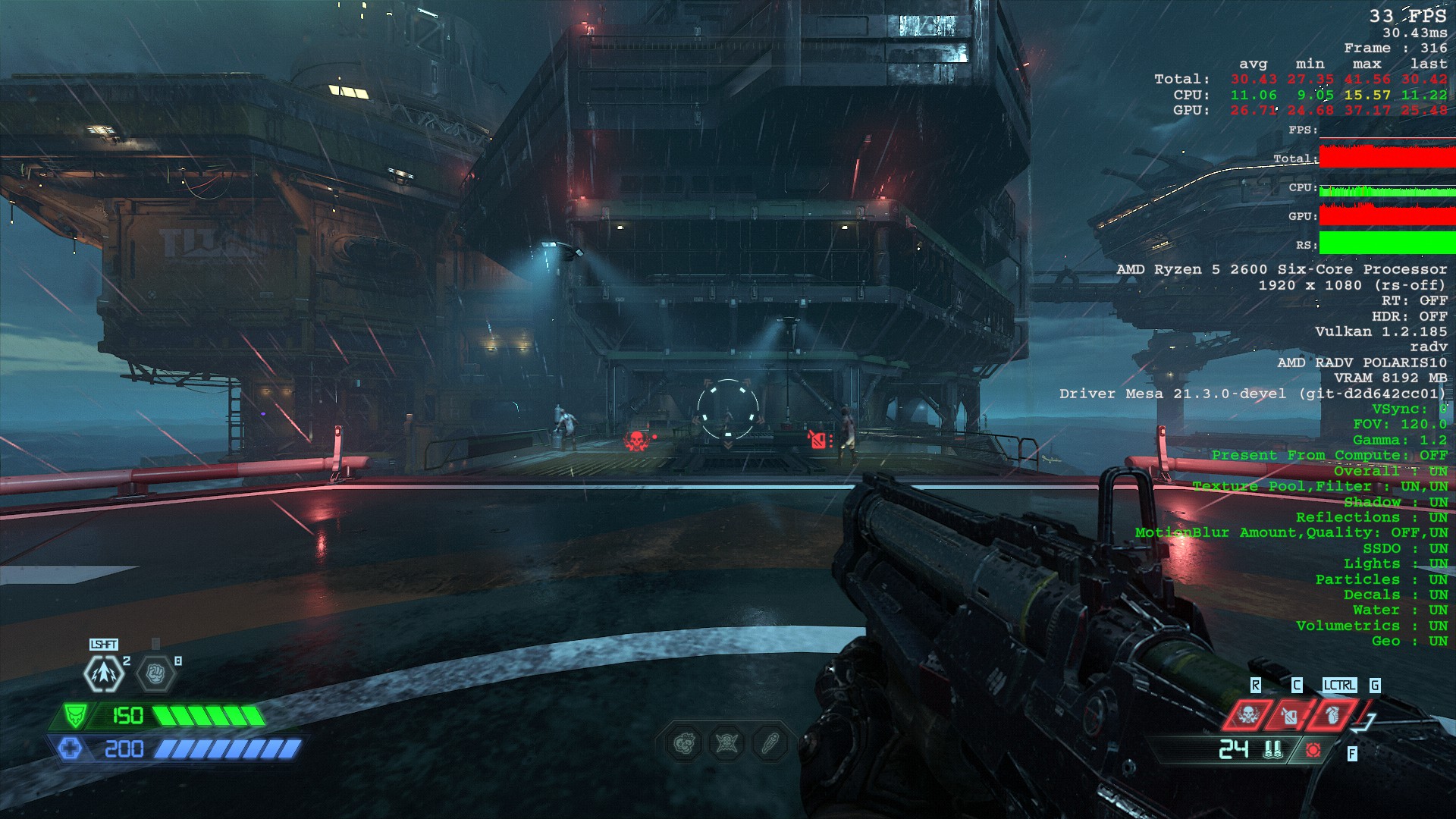
Doom Eternal goes black after alt-tabbing out of game
Issue transferred from https://github.com/ValveSoftware/Proton/issues/5059.
@MilkJug1 posted on 2021-08-10T20:36:49:
Compatibility Report
- Name of the game with compatibility issues: Doom Eternal
- Steam AppID of the game:782330
System Information
- GPU: GTX 1650
- Driver/LLVM version: nvidia-470.57.02-9
- Kernel version:5.13.9-arch1-1
- Proton version: 6.3.5
I confirm:
- [ :heavy_check_mark: ] that I haven't found an existing compatibility report for this game.
- [:heavy_check_mark: ] that I have checked whether there are updates for my system available.
Symptoms
Doom Eternal stops display game after alt-tabbing causing me to restart game,
Also has choppy performance when playing borderless
Reproduction
Go into Settings -> Video Settings -> Make Sure Fullscreen is on, then apply changes. Then alt-tab out and alt-tab back in.
I had a lot of problems, like black screen startup and lower than expected FPS, using a GTX 770.
Switching to a 2060 super seemed to have solved all issues.
So I see that you guys are having the same issue, uhhh have we found out why it doesnt work after alt-tabbing out?
@MilkJug1 This happens with a lot of games, the workaround that I use is to set wine to show the virtual desktop. So far it works with every game that has this issue.
Do you know how to set the game to use wine's virtual desktop?
Thanks for responding to me @indeedwatson I know how to show the virtual desktop in wine, but not with proton. Is there a way we can do it on proton?
Try protontricks, might help.
ah okay, I will have to check it out when I get back on my pc. Thanks @pztrn
I am having issues with colored static all over the screen in the menu and in game (see screenshot below). This is on Fedora 34 with AMD RX 5500 XT. It sounds similar to what @shigutso described above, except for me, disabling "Present from Compute" clears up the display but immediately freezes up the menu, and causes the game to hang before displaying the menu after a restart until the r_presentFromAsync option is removed from the config file.
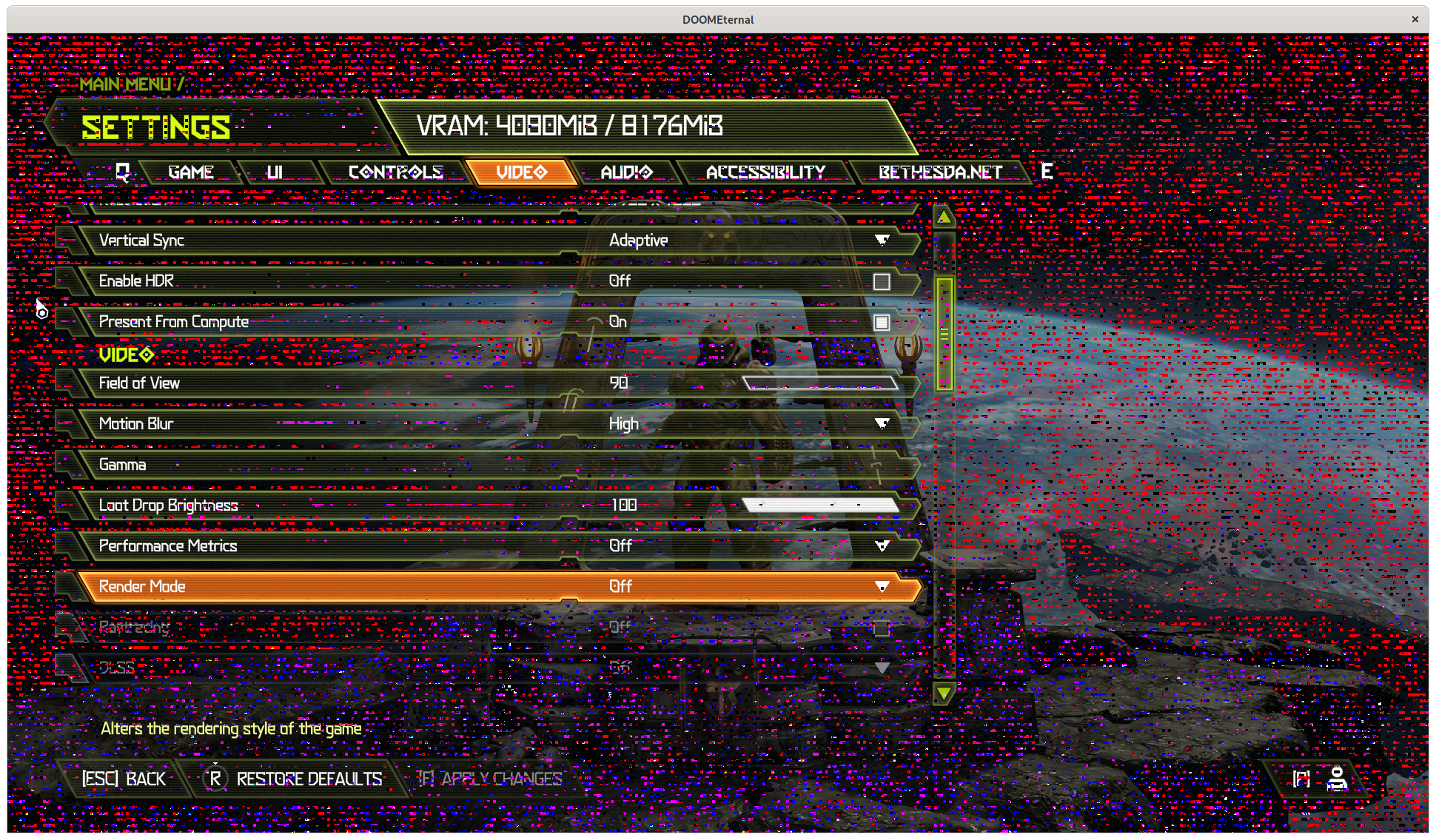
I also made a bug report under Mesa: https://gitlab.freedesktop.org/mesa/mesa/-/issues/5265
Follow-up from the above: it appears that RADV_DEBUG=nodisplaydcc as a launch option fixes the issue. This seems to only affect Navi 14 (RX 5500/5500 XT) cards .
Doom Eternal is crashing every time when launched at second time. Video mode (fullscreen, windowed, windowed borderless) and other video settings does not matter. GPU: RTX 2060 Super., Linux: Mint 20.2:
At first launch it is possible to configure video settings as desired on native monitor resolution and nothing noticeably weird happens in game. Even ray tracing works.
At second launch game crashes after logging into Bethesda. Continuing game progress further is possible only after removing saved game configuration files under game Steam/Proton pfx user directory. Eq. game must be configured again at each launch.
On every launch game ask for Nvidia driver update to 471.11 or above. Which is not possible directly because Ubuntu/Mint repositories contain only 470.57 driver. Though I believe it is not the real reason why crashes happen.
System Information
- GPU: RTX 2070
- Driver/LLVM version: Nvidia 470.63.01
- Kernel version: 5.4.0-81-generic
- Link to full system information report as Gist: https://gist.github.com/Johnnii360/e970bbf3e0930af31e21272c408966ba
- Proton version: 6.16-GE1
I confirm:
- [x] that I haven't found an existing compatibility report for this game.
- [x] that I have checked whether there are updates for my system available.
Symptoms
When I want to continue an campaign the game crash with a video memory allocation error.
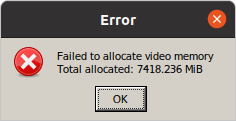
Continue an campaign in Ultra settings runs without any issue because ~6,5GB of 8GB can be allocated but Nightmare settings with ~7,4GB not. But when I change in game while playing from Ultra to Nightmare there is no issue. Strange!
Game Graphic Settings
- Resolution: 1920x1080px @ 144Hz
- Vsync: Off
- Async Compute: Off
- Raytracing: On
- DLSS: Off because it's greyed out for no reason
- Motion blur: High
- Render Mode: Off
- Quality Settings: Nightmare
Edit
Okay I think I found a workaround. I think the issue in this case or in case of all RTX with 6 and 8GB VRAM is the Texture Pool Size. To set it to Ultra fixed it for me so I can also play in Ultra Nightmare. :) Ray Tracing alone need 1,3GB of VRAM. So if you you the same Texture Pool Size level like all other detail settings the game crash and brings the video memory allocation error.
Description: The Texture Pool Size guarantees max. surface details in fast scene changes or fast movements.
DLSS: Off because it's greyed out for no reason
You have to enable DLSS with an environment variable in the launch options in Steam.
PROTON_ENABLE_NVAPI=1
set Texture Pool Size to Ultra
Thank you that did it for me! RTX 2080, Ultra Nightmare except Texture Pool Size on High.
PROTON_ENABLE_NVAPI=1
That doesn't do anything but maybe because I'm using Proton-6.1-GE-2? Anything newer and I still get a crash on the "Connecting to Bethesda.net" screen.
Got a new machine and this was the first thing I tried, but alas it doesn't work at all. Getting past connecting to bethesda.net is a dice roll and it'll still crash after that with a video memory allocation error. I've gotten in game only once and had rtx and dlss working and it ran beautifully.
I've already got other proton games running and all, Doom 2016 is flawless for example.
I've tried 6.3-6, experimental (mostly this), and 6.16-GE-1, all with the same results. I was originally on the 470.63.01 (shipped with mint 20.2) before installing the vulkan beta 470.62.02, the only difference being that the vulkan beta made dlss work.
Of course the game complains that I need 471.11 before each launch, but it doesn't look like such a version is available for linux yet.
Also, the game floods dmesg with thousands of "x86/split lock detection: #AC: DOOMEternalx64v/178871 took a split_lock trap at address: 0x14bf355cd" with various addresses, and an occasional message of how many split_lock commands it has suppressed.
Proton_Log: steam-782330.log
System Info: sysInfo.txt
Of course the game complains that I need 471.11 before each launch, but it doesn't look like such a version is available for linux yet.
Ignore that message. It's showed that message since the game released.
Also, please upload your system info and logs to (separate) gists rather than a zip file that people have to download.
Shooting in the dark here, but is anyone able to get Doom Eternal (Bethesda Launcher version) to launch at all via Lutris/Wine? Ever since update 6.4, it just all of a sudden quit working, no matter what settings I throw at it. I get the out of date driver error, click Play and no dice, no logs, nothing. Any help?
OS: Manjaro Linux
WM: Gnome
GPU: NVIDIA 2060
Lutris and Latest GE Wine Runner
It seems like it causes a full system lockup when running it on a ryzen 4th gen mobile iGPU (Ryzen 5 4500U/Vega 6 in my case). There was a report on protondb reporting a null-pointer dereference error in the kernel logs.
OS: Arch Linux
WM: AwesomeWM
GPU: Vega 6
CPU: Ryzen 5 4500U
So is anyone at all able to play Battlemode? Seems like that might be something that should be worked out before the launch of the Steam Deck. I know it worked about a year ago, but as far as I know it hasn't worked for like 10 months.
When trying to create a party, it just sits there for a few minutes and then errors out with "Unknown Error occured. Please try again later."
steam-782330.log shows some related messages:
29527.675:0114:0150:warn:debugstr:OutputDebugStringA "WARNING: NET: PartyManager::JoinNetwork: Retrying to create local endpoint in 10.00 s\n"
29527.675:0114:0150:trace:seh:dispatch_exception code=40010006 flags=0 addr=000000007B01235E ip=000000007B01235E tid=0150
29527.675:0114:0150:warn:seh:dispatch_exception "WARNING: NET: PartyManager::JoinNetwork: Retrying to create local endpoint in 10.00 s\n"
Those will show up several times, and then finally this:
29583.358:0114:0148:warn:debugstr:OutputDebugStringA "WARNING: NET: PartyManager::JoinNetwork: Time out trying to create local endpoint\n"
29583.358:0114:0148:trace:seh:dispatch_exception code=40010006 flags=0 addr=000000007B01235E ip=000000007B01235E tid=0148
29583.358:0114:0148:warn:seh:dispatch_exception "WARNING: NET: PartyManager::JoinNetwork: Time out trying to create local endpoint\n"
Battlemode worked early on, not sure what changed. However, I think the underlying issue is already known.
https://github.com/ValveSoftware/Proton/issues/4961#issuecomment-878339630
So is anyone at all able to play Battlemode? Seems like that might be something that should be worked out before the launch of the Steam Deck. I know it worked about a year ago, but as far as I know it hasn't worked for like 10 months.
One hack I picked up from someone on ProtonDB, is to replace PartyWin.dll with PartyWin7.dll - both files reside in DOOMEternal directory.
I have successfully played about 15-20 matches this way... while the game still wanted to run...
As for me - I keep running into "opens wine tray, closes without error after 4 seconds".
It would work fine on fresh reboot. If I'd put my laptop to sleep, it'd stop working, but restarting X or the machine, would make it work.
Right now, no tricks are getting it up & running. I've searched through this thread and the "initial month of feedback", but while I've noticed many people having the tray issue - it seemed to be resolved with vulcan-icd-loader version and newer proton versions.
I tested with both newest Arch kernel, and LTS version (5.10) - no dice.
Any tips?
Thanks @machinedgod! I haven't played DOOM Eternal in a bit, but I just tried out replacing PartyWin.dll with PartyWin7.dll and it seems to work!
With the recent update I gave it another shot, now on 495.44 stable driver. The only differences being that bethesda.net no longer gives me an issue (yay), and the "Failed to allocate video memory." crash happens a LOT easier now: launching campaign, changing window/fullscreen, or frequently immediately at startup. Still guaranteed to crash for me before getting into the actual game.
Edit: After a couple dozen failed attempts I finally got it working right after opening my big mouth. If I turn off ray tracing it seems stable though I didn't play but a few minutes. It did get into the campaign multiple times. So if ray tracing is on when the game launches it may or may not crash, if it's still on when I try to load a save it will crash. If it's off I can load a save and turn it back on again.
Edit 2: Disabled resizable BAR in my bios, and it seems to be working.
Edit 3: Worked great at first, but from super gore nest on, ray tracing started crashing with vram allocation errors again.
For some reason Proton Experimental is having a very bad performance compared with Proton 6.3-7 .
Internal performance metrics show that the game is bottlenecked by the CPU, no matter the graphics options I set, but in reality the actual CPU usage of all cores is about 25%.
I have an overclocked 3770k and a 2060 super, Proton stable would normally make more than 100FPS but Proton Experimental will make less than 72FPS (dipping into the 40s).
It's almost as if the game didn't see the correct core count.
I'm on an Ubuntu 20.04 and drivers 470.82.00
@sancheztavo hi, are you using kernel with futex2 patches by any chance?
New version of the kernel patchset recently got accepted upstream and the support for the downstream version was dropped from Experimental. This may cause Experimental to default to wine server sync on such kernels, which would explain the slowdown you are seeing.
Can you enable logging for the game and look for fsync: up and running., esync: up and running. or wineserver: using server-side synchronization. near the top of the log?
@ivyl Sorry I forgot to mention that I was using kernel 5.14.0-17.1-liquorix-amd64
I checked at the logs and I only saw fsync: up and running.
Edit: I've also tried the official Ubuntu 20.04 kernel 5.4.0-90-generic and performance shows the exact same behavior, even when the logs show esync: up and running. this time
Sorry I forgot to mention that I was using kernel 5.14.0-17.1-liquorix-amd64
As far as I am aware liquorix ~= linux-zen, so it should have the fsync patches and you seeing fsync: up and running. confirms that.
What's odd is that you should see this line only with one of the Protons depending on which version of the kernel patches it is using (old downstream futex2 vs the upstreamed futex_waitv()).
I've also tried the official Ubuntu 20.04 kernel 5.4.0-90-generic and performance shows the exact same behavior, even when the logs show esync: up and running. this time
Ok, that's good to know. I don't have exact same setup but I've tried with RTX 3060, i5-4690k and esync only on Linux 5.10.78 with Nvidia drivers 495.44 and I don't see any difference between 6.3-7 and current experimental. @alasky17 also did not see any performance difference.
Can you run sudo perf top while the game is running? Preferably you should start it over SSH while you are already in the game in a place that has the noticable FPS difference. You may need to compile a newer version than your distribution ships (https://github.com/torvalds/linux/tree/master/tools/perf) for PE symbol parsing. There may be something that takes significantly more time on your particular system.
One other thing worth trying is echo hpet | sudo tee /sys/bus/clocksource/devices/clocksource0/current_clocksource and check if you see any difference after it.
@ivyl Well, while I was trying to screenshot a windowed instance of Doom and perf top output I found out that this slowdown only happens when Vsync is set to on the FPS would be 72 in the main menu, if it's set to anything else I'd get ~130 FPS.
Apart from this, I have GSync enabled in a 1440p 144Hz monitor that supports FreeSync and this drop to 72 FPS only occurs when setting it to 1440p (when I can't hit 144Hz if Vsync is not on)
It seems that with Proton Experimental VSync on really forces true VSync, so since it can't achieve to 144FPS it falls back to 144FPS / 2 = 72FPS . This behavior might even be a "feature", given that this game actually has the adaptive option. But I don't know if this can affect other games where it's either on or off, I'll test others in my library.
Edit: This doesn't happen with DXVK games (I tried Witcher 3 and Cyberpunk 2077), I'm redownloading RDR2 since that one is the only other Vulkan game I have, but I won't be able to test it until tomorrow
Does anyone have a fix for the Failed to allocate video memory error for the latest Nvidia 495.44 drivers, other than downgrading to 470?
I understand this is not a Proton issue, but since it's a common issue now for those running the game with Proton, I guess it won't be a bad thing to ask here.
Does anyone have a fix for the
Failed to allocate video memoryerror for the latest Nvidia 495.44 drivers, other than downgrading to 470?I understand this is not a Proton issue, but since it's a common issue now for those running the game with Proton, I guess it won't be a bad thing to ask here.
I can't reproduce this. Using 495.44:
What Proton version are you using?
EDIT: You say it's a common issue but I've not seen it reported anywhere. What makes you say it's common?
@gardotd426 a lot of recent reports on Proton DB's page are about this error from those using Nvidia, so thought it's quite common. I'm using Proton GE 6.20 (but the same is for 'native' Proton).
My full related specs:
- Ubuntu 21.10
- GNOME 3.40 on Xorg
- GeForce GTX 1650 Ti Mobile with 495.44 drivers
On Ubuntu 21.04 with 470 drivers, everything was running perfectly.
On the internet, it's advised to lower some graphical settings if you face this error but I have no idea how to do it since I even cannot load to the settings phase, it throws right after the Bethesda logo.
UPD: Now I see some reports from those using pre-495 drivers, so it may be due to the latest Doom (patch?) update that broke the game for some (including me). The 6.66 update itself was working good though.
@gardotd426 a lot of recent reports on Proton DB's page are about this error from those using Nvidia, so thought it's quite common. I'm using Proton GE 6.20 (but the same is for 'native' Proton).
UPD: Now I see some reports from those using pre-495 drivers, so it may be due to the latest Doom (patch?) update that broke the game for some (including me). The 6.66 update itself was working good though.
Latest update? Hm, I just launched it, still can't reproduce.
@liam-middlebrook I suppose you'd be the person to contact about that?
Can confirm downgrading to 470 Nvidia drivers helped, the game now starts without issues.
I can confirm the Failed to allocate video memory error with the latest nvidia driver.
Arch with 5.15.2 kernel
i7 4710 HQ
16Go RAM
Nvidia GTX 970m, 3Go vram, with latest 495.44 drivers
I was able to play the game with the 6.66 update version, then updated my drivers from 470.74 to 495.44, and now I have the error.
I tried some proton versions: 6.21-GE-1, experimental, 6.3-7
Here are the proton logs: https://pastebin.com/DDXgAUDv
According to the logs, the game is trying to allocate more video memory than available.
If I close Firefox, the game can load 1 more chunk but I still get the allocation error.
I have no options related to the video memory size in the config file steam/steamapps/compatdata/782330/pfx/drive_c/users/steamuser/Saved Games/id Software/DOOMEternal/base/DOOMEternalConfig.local
But looks like it only store the modified values.
I tried to take a look at the console commands found on the internet, no video memory related commands:
https://pastebin.com/Vga4B4NA
https://pastebin.com/cgqQfvLr
https://pastebin.com/trb8JPBw
Does anyone knows how to limit the vram allocation ?
Is there an option on the game menu ? (which I can not see because the game crashes at launch time...)
This might actually be a problem on Windows too. When you launch the game with 495, unless you specify a reported driver version with DXVK_NVAPI_DRIVER_VERSION, then it throws a warning window saying that there are issues on drivers later than 470.whateverversionwindows had, and that a fix was being worked on.
Since the game is native Vulkan, it's obviously not a DXVK or VKD3D-Proton error, and it might not even be a Wine error.
@nmenetrier I tried to modify DOOMEternalConfig.local with different configs found on the internet (and in related game topics saying these configs will fix the error), but so far the only thing that helped is downgrading to 470.
The game just updated. Battlemode no longer works, even with replacing the PartyWin.dll with PartyWin7.dll. So RIP Battlemode on Linux. Maybe Valve can talk with id and see what's up.
I still can't reproduce this VRAM issue. I thought maybe it was because I have a 3090 and 24GB of VRAM, but I checked and the game doesn't even try to allocate more than like 4GB of VRAM at the splash screen, and that's at 1440p. So anyone with more than 5GB of VRAM shouldn't be running into this issue (the DE usually takes up about 1GB).
Can anyone check and see if it persists with the game update that hit this morning?
Can anyone check and see if it persists with the game update that hit this morning?
Yup, still run into it on my 4GB 1650 Super.
I still can't reproduce this VRAM issue. I thought maybe it was because I have a 3090 and 24GB of VRAM, but I checked and the game doesn't even try to allocate more than like 4GB of VRAM at the splash screen, and that's at 1440p. So anyone with more than 5GB of VRAM shouldn't be running into this issue (the DE usually takes up about 1GB).
Looks like it. Some people on Windows have the same issue with 4GB cards (link).
Seems Battlemode is back online. Was just able to play. Requires replacing PartyWin.dll with PartyWin7.dll again.
@sancheztavo With the extra details you have provided (vsync, gsync) I was able to reproduce the problem locally and fix it.
https://github.com/ValveSoftware/wine/commit/3c78d21cee10312d63806594c7ecde4c2b000830
This should be included in the next experimental update. Thanks for the report!
For anyone who is experiencing the game crashing.
If you set the Texture Pool to Ultra, does it fix the problem?
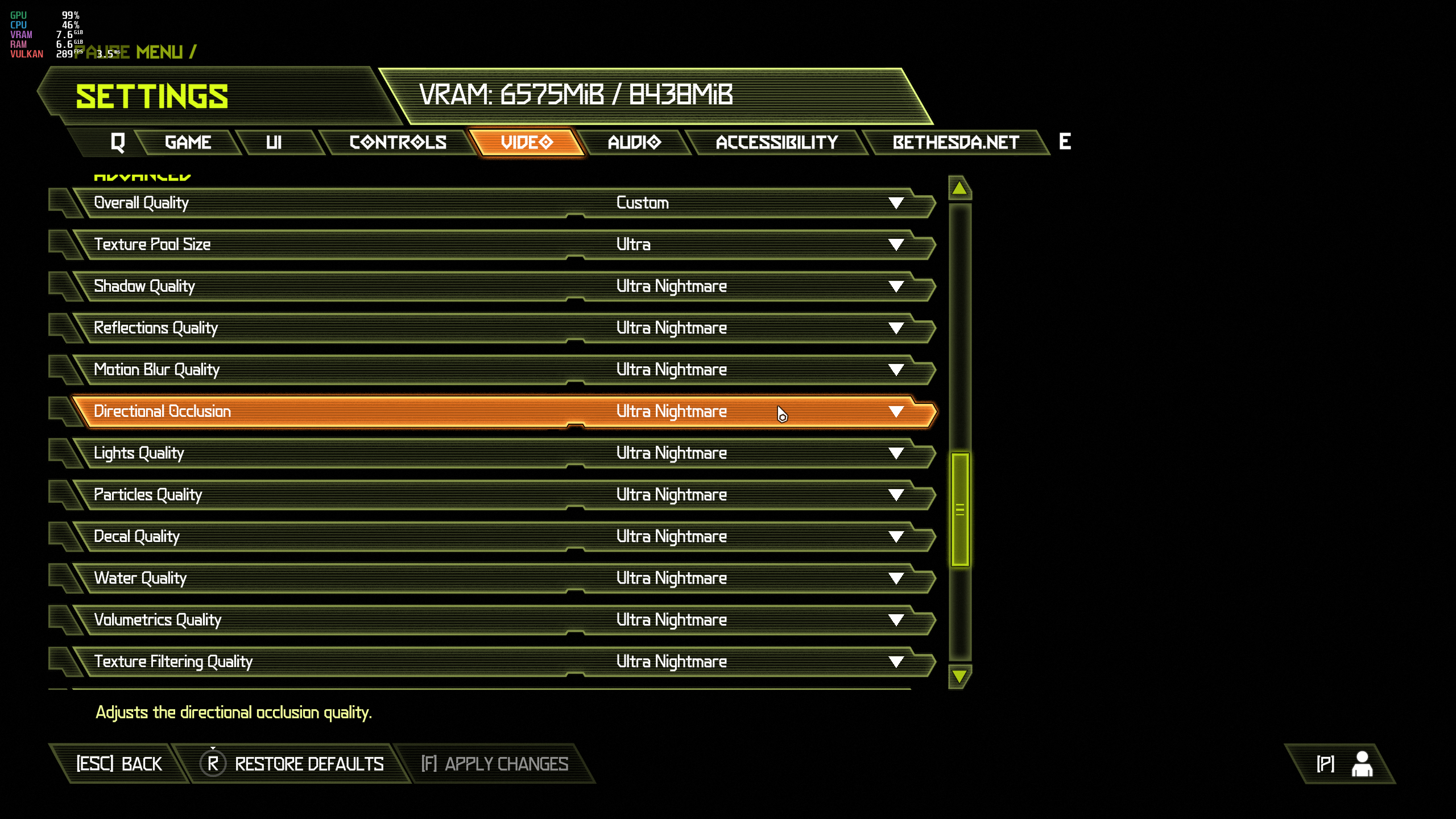
If I use anything other than Ultra it get the below message.
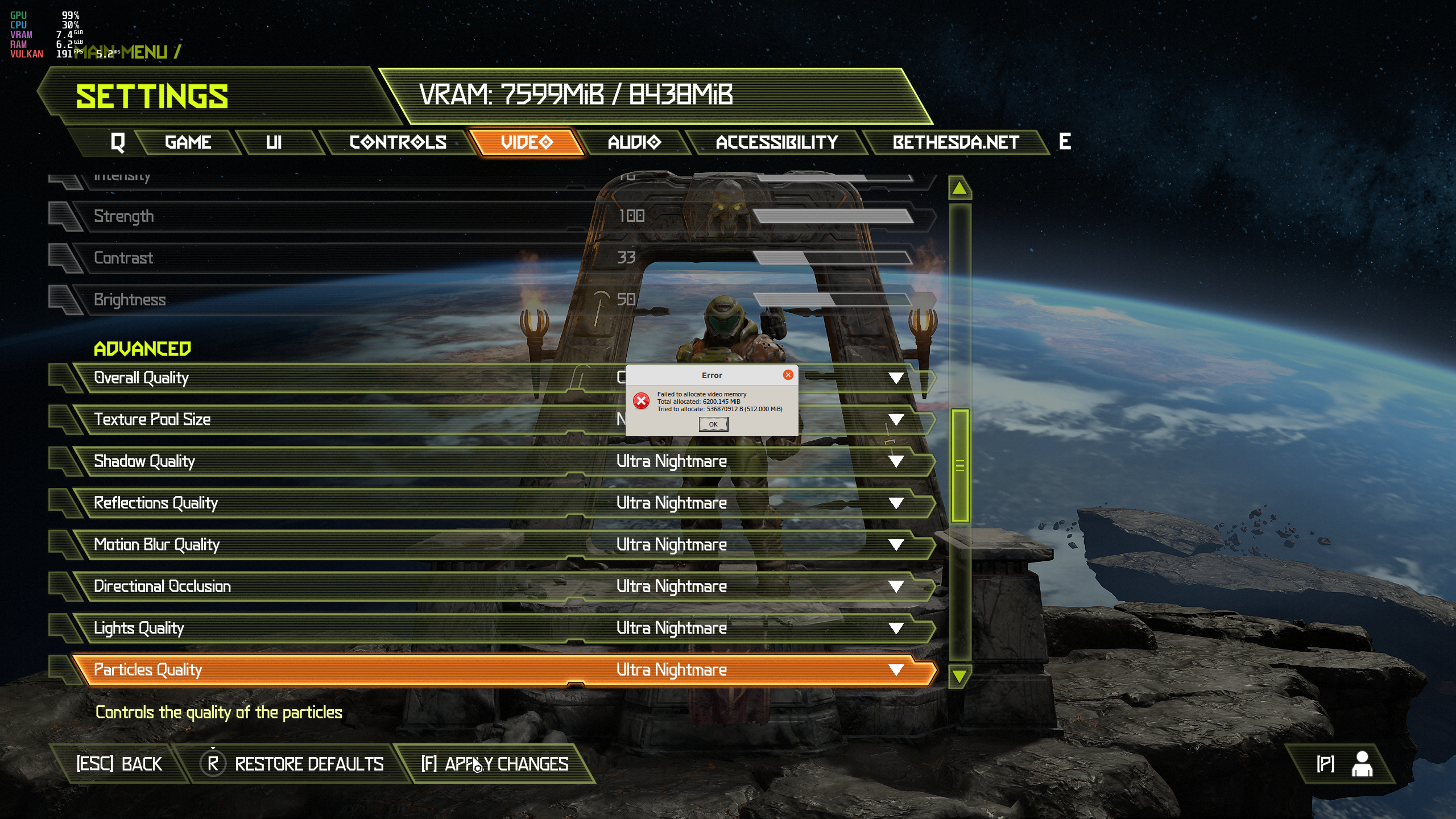
This is with Ray Tracing enabled with a RTX 3060ti using Ubuntu 21.10 with the 495 drivers.
In contrast, the same happens on Windows, except it does not crash, just drops the FPS to 30.
@intelligentgaming this works if you're able to load the game, but for those having 4 GB of VRAM or less, the game won't even start. Thus, the only viable option so far is to downgrade the drivers.
Hi all,
I've been doing some digging on the "Failed to allocate video memory" issue, since I didn't see any answers and I've been going through that myself. Yesterday, I had a thought: maybe we need to take the error message at face value and look at video memory utilization!
I ran nvidia-smiand found that other processes were using a sizable chunk of video memory, around 500-600MB in total. So in my case, when Doom Eternal tried to reserve the 7.3GB it needed to run, the GPU really didn't have available memory for it. I think that also explains why people could get the game to run after a few tries: as video memory usage by other programs went up and down, eventually the game will be able to reserve all the memory it needs.
Here's some of the things I tried (or I want to try):
- Close other programs that are using big chunks of video memory
- Disable hardware acceleration on processes you need to stay open - in my case, Steam and Firefox were eating up memory
- Switch to a lighter desktop environment - I've compared Gnome3 versus LXQt and it frees up a bunch of memory
- Lower the game's texture and shadow quality
- Get a GPU with more memory (if you're rich or lucky)
Tested on Pop!_OS 21.04, on a laptop with an RTX 2080 Super (7,982MB). No idea what the equivalent command is on AMD systems.
@intelligentgaming tracked down the root cause - it's texture pool size. If you are able to get in game (or edit it in a config file, not sure if texture pool is exposed in any .ini or anything), lower the texture pool size and you should be fine.
If you only have 4GB of VRAM, though, there probably isn't much that can be done.
Nice, I missed that message when looking around. I'm still pretty confident on my own findings though, the game's been running with no issues after I cut down on video memory usage from other programs. I guess somebody who's on the verge of getting it running could do both.
Unfortunately I spoke too soon, as I'm having crashes again on the 495 drivers.
Only using the 470 drivers and texture pool to set to ultra seems to allows a playable experience.
I have a laptop with an AMD iGPU and Nvidia dGPU that has 6GB of VRAM but Doom Eternal still can't assign more than 5300 MB. I don't think the issue is regards other applications running because without Doom Eternal running the VRAM usage on the dGPU is just 11 MB.
Also for people that get the "Failed to allocate video memory" and can't get into the game to reduce the VRAM usage add the -safe flag after %command% and it should set it the game quality low enough to launch the game so you can edit the settings.
Also for people that get the "Failed to allocate video memory" and can't get into the game to reduce the VRAM usage add the
-safeflag after%command%and it should set it the game quality low enough to launch the game so you can edit the settings.
Thanks for the tips, sadly, it didn't fix the issue with my 3 GB GPU.
I haven't been able to play since Ubuntu 21.04 :(
AMD Ryzen 3 2200g, just launches into a black screen and either freezes my entire system requiring a reboot or just gets stuck at black screen and process refuses to terminate even with root priveleges
@yupyup0666 Well you don't even remotely meet the minimum requirements for the game (neither in VRAM size or GPU power). When you don't meet a game's minimum requirements, you should basically expect it not to work.
Your only other option would be to try amdvlk, but it's important to note that when you install AMDVLK it makes itself the default and so you'd have to put VK_ICD_FILENAMES=/usr/share/vulkan/icd.d/radeon_i686.json:/usr/share/vulkan/icd.d/radeon_x86_64.json in your /etc/environment.
But for a long time, like a year after launch, vulkan-amdgpu-pro outperformed RADV in Doom Eternal by like literally almost double, and AMDVLK outperformed it by like 60%. RADV eventually mostly caught up, but it's still worth a shot since you don't even meet the minimum requirements.
Replying to https://github.com/ValveSoftware/Proton/issues/3773#issuecomment-1001226928
But it did work, and quite well, and it turns out this was due to an update that broke compat specifically with Ryzen iGPUs.
@yupyup0666
I am not quite sure which kernel is Ubuntu 21 running. I had no luck running DoomEternal with 5.14 versions at all - but 5.10 seemed to work well.
There is/was an odd behaviour where I could not relaunch the game after I suspended and then awoke my machine -which was reproducible- but a full reset would work without issues.
If you can install 5.10 LTS kernel somehow and boot with it - its worth a shot I suppose?
My laptop is a Dell XPS 15 (9500) with a NVIDIA GTX 1650Ti GPU (4GB VRAM).
The game "failed to allocate video memory" with 495 driver series, but I confirm downgrading to 470 fixes it.
Yes, this is a confirmed issue, it's to do with texture pool size. If you have enough VRAM, you don't get the issue. For example, I have an RTX 3090 and I can play Doom Eternal just fine on the 495 drivers, I've never seen the "failed to allocate video memory" error one time. But I have 24GB of VRAM. But what's weird, is at 1440p when I launch the game it only allocates 6GB of VRAM, but people with 8GB are reporting the issue. 12GB GPUs with their texture pool size set to High or lower can play on 495.
If you have 8, 10, or 12GB of VRAM, you can probably launch the game with 470, change your texture pool size to low, then upgrade to 495 and the game will likely launch and work.
This was an issue on Windows as well, but they fixed it with a driver update. We haven't had a 495 driver update since long before then, so hopefully the next update will address the issue (@liam-middlebrook ?)
FWIW, it still doesn't work when you (like me) have e.g. GeForce GTX 1650 Ti Mobile with 4 GB memory onboard. I've set texture pool size to low, upgraded to 495, and getting the same error (but now on loading screen instead of the very beginning):
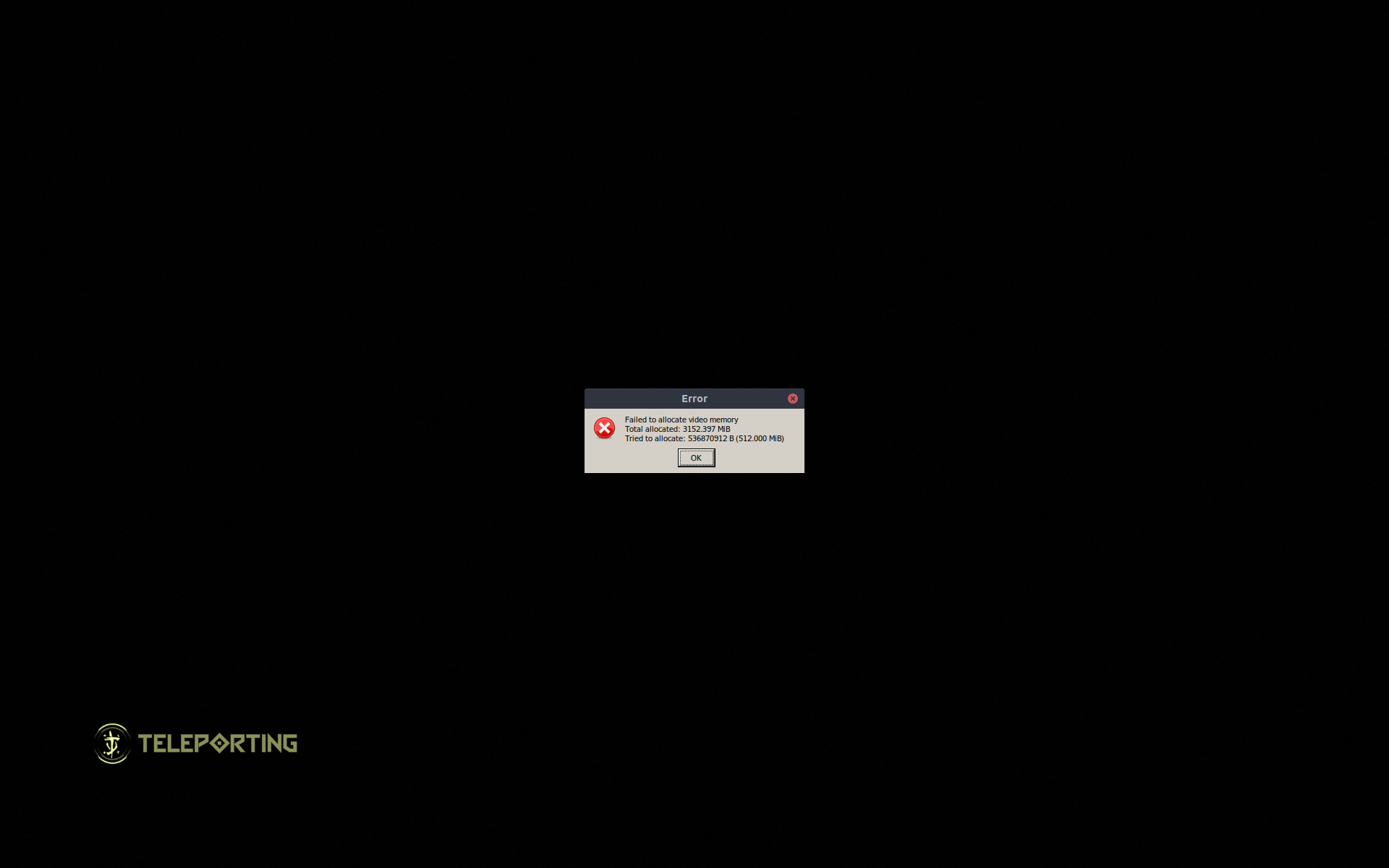
This needs to be reported en masse to Nvidia or it won't get fixed. They released a driver fix for Windows for this issue and the issue is gone (on Windows). Since the game uses Vulkan (and AFAIU the Linux drivers actually share a lot of codebase with the Windows ones), the next 495 release should hopefully include a fix, but people have to actually report it.
Send logs and the output of sudo nvidia-bug-report.sh (it'll be a nvidia-bug-report.log.gz file in your user's home directory) and an explanation of the issue to [email protected], and also report it here at the Nvidia developer forums Linux section. I've seen bugs get fixed through both methods, and Nvidia accepts bug reports through both avenues.
also report it here at the Nvidia developer forums
I've done so: https://forums.developer.nvidia.com/t/doom-eternal-crashes-with-495-46-on-high-vram-usage/199961
I too have same problem on Kubuntu 21.10
I use GTX 1050 which has smaller VRAM size, but it used to work on 470 driver. It was already on lowest setting back then and now it crashes immediately I start up the game.
I hope this issue get patched soon, as I don't think I can downgrade to 470 anymore. I recently installed cuda on my pc and it installed 510 driver, which seems it's required by cuda
Still the same situation with driver 510.47.03.
Doom Eternal minor graphical glitch with certain particles
Issue transferred from https://github.com/ValveSoftware/Proton/issues/5553.
@something12356 posted on 2022-02-08T01:40:54:
Compatibility Report
- Name of the game with compatibility issues: DOOM Eternal
- Steam AppID of the game: 782330
System Information
- GPU: Radeon 6600xt
- Driver/LLVM version: Mesa 21.3.5-1
- Kernel version: linux-zen 5.16.5.zen1-1
- Link to full system information report as Gist: https://gist.github.com/something12356/f35686e129e5c9215b1a3d98ff40abde
- Proton version: 6.3-8
I confirm:
- [ ] that I haven't found an existing compatibility report for this game.
- [ ] that I have checked whether there are updates for my system available.
Symptoms
Some particles, such as the rain drops at the start of UAC Atlantica, and the fire on the boats, are multicoloured when they shouldn't be.
Reproduction
Install DOOM Eternal, select 6.3-8, run DOOM Eternal, might require an AMD GPU?
Here are some screenshots: I know the game is modded in these photos but I can reproduce the issue on an unmodded install as well. https://imgur.com/a/BfOBnhB
Hello @something12356, your system is configured to use AMDVLK. Can you test if the same graphical artifacts happen with mesa/RADV?
I can't figure out how to switch to mesa/RADV, if I do pacman -R amdvlk I get a dependency error saying that steam needs it for vulkan-driver.
I can't figure out how to switch to mesa/RADV
https://wiki.archlinux.org/title/Vulkan#Selecting_Vulkan_driver
Basically AMD_VULKAN_ICD=RADV steam. You will also need to install vulkan-radeon.
Works fine with mesa, thank you.
Works fine with mesa, thank you.
You still need to get rid of amdvlk. It will force itself to be the Vulkan driver by default for every game where you don't specify RADV, and there's no reason to have it.
sudo pacman -S vulkan-radeon lib32-vulkan-radeon && sudo pacman -Rn $(pacman -Qq | grep amdvlk)
vulkan-radeon and lib32-vulkan-radeonalso providevulkan-driverso you will get no such error trying to remove the amdvlk drivers once you have bothvulkan-radeon` drivers.
Yeah I've removed amdvlk now, I'm also getting slightly better performance in games since uninstalling it which is cool.
Still the same situation with driver
510.47.03.
Still have the issue with 510.54 driver
The problem with NVIDIA GPUs related to low VRAM still happens in the latest version of the driver, 510.60.02.
This issue is still not fixed. Nvidia 510.60.02. Most of the time it crashes on the Bethesda screen. Sometimes gets past it but always crashes before getting to the main menu. Is there not a way to limit VRAM?
Tracking note: Dropping the Mesa / RADV labels as the Present from Compute rendering artifact appears to be fixed by https://gitlab.freedesktop.org/mesa/mesa/-/commit/0c550a5fe69271cb01026a3f05d1c918e6552b04 in mesa 21.2.2 and newer.
The game seems to be running again on Nvidia 515.43.04, i'm on a GTX1050 with 2GB of VRAM. I think the performance is not as good as it was with the 470 drivers, but i'm not sure.
515.43.04 has indeed improved the performance and allowed for a much larger VRAM usage. However, the game still tries to use too much VRAM if you go all-out in the settings and crashes on level-load (Failed to allocate video memory) without showing any VRAM-warnings in the settings menu.
That said, the game now runs fine on a 3070 with 8GB of VRAM with everything maxed out besides the texture pool (which should be kept at Ultra).
The game seems to be running again on Nvidia 515.43.04, i'm on a GTX1050 with 2GB of VRAM. I think the performance is not as good as it was with the 470 drivers, but i'm not sure.
I can confirm, it's working again with my 970m :)
Nice to know. I have a RTX 3060 laptop GPU and the problem happens to me. I will wait the driver to be officially available to Ubuntu to test that, but if worked with 2GB with my 6GB VRAM problably will work. :)
Yee-haw! The new driver works wonders! The game runs fine on my machine that crashed on start up before. No more popup window with that VRAM allocation failure message.
My machine has a 1650 in it. This graphics card does not support DLSS or have tensor cores built in, though it is built on the Turing architecture. DLSS is enabled by default. I don't know how that is possible. If anyone has any insight please share.
With NVIDIA 515 series driver, I'm able to go to the settings menu and select options that don't overuse my VRAM. I'm unable to use Ray Tracing, for instance, but that's because it consumes too much VRAM. I also need to put the graphics settings on medium to not consume all the VRAM, but before I even couldn't start the game. I have a NVIDIA Geforce RTX 3060 laptop GPU with 6GB of VRAM, which I found that's not a lot.
515.43.04 has indeed improved the performance and allowed for a much larger VRAM usage. However, the game still tries to use too much VRAM if you go all-out in the settings and crashes on level-load (
Failed to allocate video memory) without showing any VRAM-warnings in the settings menu.That said, the game now runs fine on a 3070 with 8GB of VRAM with everything maxed out besides the texture pool (which should be kept at
Ultra).
I found the exactly same problem. The graphics settings menu has an indicator of how much VRAM do you have and how much VRAM will be used by the current settings, but I think it's not considering the VRAM necessary to load the levels assets, so I have 6GB, but I disabled Ray Tracing (who needs real lighting anyway?) and kept the graphics in medium (but maybe I could get high or even ultra. Didn't test enough).
If you have a 3060, you can use DLSS to lower the amount of VRAM used.
This, depending on the other settings, primarily the texture pool (can be
set all the way to lowest without much impact) and the shadow quality, may
decrease it enough to allow you to re-enable RayTracing, but you may need
to put it all the way down to ultra-performance. Is it worth it, though?
Tastes differ.
On Mon, Jun 6, 2022 at 10:14 PM Marcos Alano @.***>
wrote:
515.43.04 has indeed improved the performance and allowed for a much
larger VRAM usage. However, the game still tries to use too much VRAM if
you go all-out in the settings and crashes on level-load (Failed to
allocate video memory) without showing any VRAM-warnings in the settings
menu.That said, the game now runs fine on a 3070 with 8GB of VRAM with
everything maxed out besides the texture pool (which should be kept at
Ultra).I found the exactly same problem. The graphics settings menu has an
indicator of how much VRAM do you have and how much VRAM will be used by
the current settings, but I think it's not considering the VRAM necessary
to load the levels assets, so I have 6GB, but I disabled Ray Tracing (who
needs real lighting anyway?) and kept the graphics in medium (but maybe I
could get high or even ultra. Didn't test enough).—
Reply to this email directly, view it on GitHub
https://github.com/ValveSoftware/Proton/issues/3773#issuecomment-1147804481,
or unsubscribe
https://github.com/notifications/unsubscribe-auth/AQX4ZGQRHX7ECKZA5QA74A3VNZEZNANCNFSM4MI6DHIA
.
You are receiving this because you commented.Message ID:
@.***>
Surround sound does not work. Game plays in stereo.
Proton-experimental
Linux Mint 21, Kernel 5.17
Nvidia driver 515.65.01
Surround set-up: HDMI cable from GeForce 1080Ti to AVR.
Everything about my system, steam and the game is up-to-date
Full Steam system report
https://gist.github.com/mrmatteastwood/6590914dd0cf7d3fba6a31be4a3b396c
Proton Log:
steam-782330.log
This is the second one today. Tried Dishonored earlier and no surround there either. Both games seem to use wwise, so perhaps wwise and Proton aren't exactly on friendly terms?
Any workaround? Any fix for this? I was really looking forward to playing this game... :-/ Any help would be greatly appreciated.
Doom Eternal barely runs on a machine with a Ryzen 3800X CPU and a GeForce GTX 1050 Ti with 4 GB GDDR5. The distribution is Arch Linux. The Nvidia driver is 515.65.01 (installed from the official distribution packages). The GPU is running in PCI-E x16 v3.0. The Nvidia driver is the one in use, not nouveau. This was confirmed with nvidia-smi.
The graphics options are all set to low or off, the resolution was set to 960x540 with scaling to 50%. The game is barely able to reach 30 fps with these settings. Turning on the in-game performance overlay has revealed that this issue persists across a large range of resolutions. The frames need about 3-5 ms of processing on the CPU side. The GPU seems to not be able to stay under 16.6ms at any resolution. The GPU time is usually in the range ~16 ms and ~35-40ms. It goes to 60 FPS only when looking at some walls which are very close. The time taken by the game's code to run on the CPU is always almost the same. The GPU processing time is almost identical, regardless of the chosen resolution (960x540 @ 50% to 1920x1080 @ 100% scaling). This suggests that it's a GPU driver bug.
I've tried a few things to work around these performance issues:
- gamemode didn't make any difference
- various configuration options for fsync and esync
- linux-lts and nvidia-lts Arch packages, linux and nvidia Arch packages (the latter has better overall performance)
- closing the Steam UI to free up more VRAM didn't help
Other games don't have such problems. Even Elden Ring is playable at 1920x1080.
The Nvidia Linux drivers have very poor quality. Does anyone test these drivers? Do they have QA at all? To those who are looking to buy a GPU to play games on Linux, it's wise to stay away from Nvidia GPUs because of their extremely bad and closed source Linux drivers. Their new drivers still have the closed source blobs and the closed source user space component.
The game has now locked me out after attempting to change the Proton version in steam a few times (experimental, 7.0, latest GE). It states that I must wait 24 hours to be allowed to run the game. This seems to be the DENUVO DRM's fault. I wanted to find out if there's a regression in one of these proton versions.
Running the game on Steam Deck with SteamOS stable 3.3 is a better experience. The game runs at the configured desired frame rate with the medium settings. The game was closed unexpectedly, a shader update was installed and it happily said that it's ready to run again without explaining what happened.
The connection with the Zenimax servers was broken while playing the game. My game was interrupted. I had to confirm that I want it to reconnect. It failed a few times. It allowed me to resume the game after it was connected. This isn't a great experience on the Steam Deck, even though the performance was a lot better than with the Nvidia GPU on the other computer.
Tagging @ColdPie1, who was able to solve surround sound issues back in 2020 and mentioned over in the "No surround support?" thread he might be able to help. Are you still around?
Replying to https://github.com/ValveSoftware/Proton/issues/3773#issuecomment-1214132268
For what it's worth, I have an i7-4790K and GTX 1080 Ti, 32 GB RAM, running from SSD. Getting perfect 60 FPS at all times @ 1440p and all graphics settings maxed out ("Ultra Nightmare").
Re0plying to https://github.com/ValveSoftware/Proton/issues/3773#issuecomment-1213417973
So, I have no idea what happened or if it's something I did, but surround sound works now!
Since I last posted, I have deleted the Proton prefix and switched from Proton-GE (which I was using at first) to Proton Experimental. I am not hearing much from the center speaker, but at the beginning of the game, there's click-clacking of chains in the rears, for instance, and a bunch of other atmospheric sounds. Full 7.1 sound, too.
Doom Eternal crash on open
Issue transferred from https://github.com/ValveSoftware/Proton/issues/6145.
@kolemcrae posted on 2022-09-10T00:08:49:
Compatibility Report
- Name of the game with compatibility issues: Doom Eternal
- Steam AppID of the game: 782330
System Information
- CPU: i7-11370H
- RAM: 16 gigs
- GPU: Integrated Iris. Using Mesa Intel XE Graphics
- GPU driver version: 4.6
- Kernel version: 5.15.0-47-generic
- Proton version: experimental
I confirm:
- [yes ] that I haven't found an existing compatibility report for this game.
- [ yes] that I have checked whether there are updates for my system available.
Symptoms
The game crashes after it shows the Bethesda logo. On first try it got to the ID logo but all tries since only the Bethesda.
I can play Doom 2016 without issue.
I have tried a TON to get this working, so here is the list:
- Numerous versions of proton including GE versions
- turning off various things via launch options
- verifying game files
- uninstalling and reinstalling game
- reainstalling steam
- formatting my hard drive and installing a new operating system (I went from Pop_os 22.04 to Kubuntu 22.04) This step makes me think I have a rare bug or glitch with hardware.
Other games all work fine with proton - Doom 2016 as mentioned, Rocketleague, Fallout 4, etc.
Maybe you can find something I don't see in the log I attached?
I can tell from the log that it crashes in vkCreateComputePipelines() (in host native Mesa code). Given this is Vulkan game this is likely between the game and Linux Vulkan driver (also maybe it misses something on Integrated Intel XE).
Just came to report the exact issue on Intel. Intel Arc A750 dGPU crashes on open during Bethesda logo. Tried Experimental and 7.0-4. Running on the latest mesa commit compiled as of a few days ago, Kernel 6.0.2.
steam-782330_7.0-4.log
steam-782330_experimental.log
Crashes on Intel are a driver bug: https://gitlab.freedesktop.org/mesa/mesa/-/issues/6847
I am getting ~40fps average with all settings low, 1080p resolution, on an RTX 3080, with drivers 515 and 520. I am not maxing out VRAM usage on the card. The in-game performance meters show it's a problem with the GPU.
I am getting ~40fps average with all settings low, 1080p resolution, on an RTX 3080, with drivers 515 and 520. I am not maxing out VRAM usage on the card. The in-game performance meters show it's a GPU bottleneck.
I am getting ~40fps average with all settings low, 1080p resolution, on an RTX 3080, with drivers 515 and 520. I am not maxing out VRAM usage on the card. The in-game performance meters show it's a GPU bottleneck.
What are your CPU, distro, kernel version and desktop environment? Are you using X11 or wayland?
I run into the same issue. Someone suggested that I run my display at 1920x1080 instead of 4K. This was meant to avoid running the game at a different resolution than the desktop. It makes no difference. I've tried this with a monitor which can only go as high as 1920x1080. I see the exact same behaviour with the 515 and the 520 series drivers. This seems to be an nvidia driver bug.
I am getting ~40fps average with all settings low, 1080p resolution, on an RTX 3080, with drivers 515 and 520. I am not maxing out VRAM usage on the card. The in-game performance meters show it's a GPU bottleneck.
@joshua-maros No, they don't. First off, unless your CPU is godawful, you aren't bottlenecking a 3080 at those settings in this game to where you only get 40 fps. Something is wrong, either with your actual hardware, your system configuration, or something else. It's definitely not a driver issue.
What are your CPU, distro, kernel version and desktop environment? Are you using X11 or wayland?
@unclehack none of that should matter, unless they're somehow using the most bizarre combination of system software (like really old XWayland), really old or misconfigured Proton (I highly doubt) and the 520 series drivers?
Yeah, sounds super unlikely to me.
I run into the same issue. Someone suggested that I run my display at 1920x1080 instead of 4K. This was meant to avoid running the game at a different resolution than the desktop. It makes no difference. I've tried this with a monitor which can only go as high as 1920x1080. I see the exact same behaviour with the 515 and the 520 series drivers. This seems to be an nvidia driver bug.
It's not, though. I know tons of Linux gamers with Nvidia cards - and several with 30-series cards - that have been running Doom Eternal for literal years, and this has never been a thing. And I'm one of them. I have a 3090, and it seems as though I was actually the first consumer (non-dev/media/etc) to run a 3090 on Linux, since I had mine installed by half an hour after launch on Sept. 24, 2020, once I got home from Micro Center.
Since that day, I've logged hundreds of hours in Doom Eternal. The moment Ray Tracing and DLSS came to the game I've been using them perfectly fine as well.
I run at 1440p with every single setting set to Ultra Nightmare, and Ray Tracing enabled, with DLSS set to Quality. I average over 200 fps, and my frametimes are as consistent as they get.
When I turn DLSS off, it costs me a negligible hit in performance, I still stay above my 1440p refresh rate of 165Hz. And again, this is all Ultra Nightmare settings with Ray Tracing enabled.
I hadn't played it in about a month so I launched it and played for an hour, I checked the base game, the Ancient Gods Part I and Part II, and it performs exactly as I expected it to.
No one I know with a 30 series card is having these issues, and most of them have had their cards since just a month or two after launch. Actually, Nvidia GPUs have been shown by flightlessmango to run Doom Eternal faster on Linux than on Windows, meanwhile AMD was not faster on Linux.
Y'all have given no real useful information that would help anyone trying to sniff out where the problem is, but it's not some random "there's an Nvidia driver bug that showed up for two people but no one else despite the fact that NV has run Doom Eternal unbelievably well on Linux since it launched" issue.
No one even knows either of yalls distro, any important software versions, whether you're running regular Steam or Flatpak Steam, your launch options, Proton version, CPU/RAM/ReBAR configuration, how your GPUs are setup, or even what damn DE you're on.
Please don't:
- Say information requested by someone doesn't matter, then request that same information
- Assume the information I gave is incorrect because it doesn't match your experience
The performance graphs show that the GPU is being maxed out, even on low settings. I can post a video if you don't believe me. nvidia-smi concurs with this, showing 97% utilization while the game is running.
I am running Ubuntu 22.04 w/ KDE.
Proton versions I've tested are Experimental (as of Nov 8, 2022) and 6.3-8, the game instantly quits on 7.0-4.
I'm using Steam from the official Ubuntu repositories.
No launch options.
CPU is Ryzen 5 3600
RAM is 32GB DDR4 @ 3.6GHz
GPU is RTX 3080, with drivers installed from official Ubuntu repositories.
ReBAR shows 122MB/256MB used while the game is running.
Other games for reference:
- Teardown, 140FPS on max quality
- Firewatch, 100FPS on max quality
- Subnautica: Below Zero, 150FPS on max quality
- Manifold Garden: 270FPS on max quality
Hello @joshua-maros, it might be interesting to keep an eye on PCIe bandwidth utilization in NVIDIA's X config application, but given your hardware, I don't expect it to be unusually high or give much more insight.
It consistently stays around 75%.
Other stats are that it's Gen2, x16 link width, 5.0GB/s speed.
Memory use is 44%.
I'll mention that without the game running, even though I'm running some stuff in the background, GPU utilization and PCIe bandwidth utilization stay at 1%, and memory utilization stays at 12%.
Interestingly, the performance has recently picked up a bit, getting 60-70FPS on low settings in the same area. The only thing I've done as far as I remember is cycle through a few proton versions (but I'm getting the increased performance even using the version I started with.) I have no idea what could be causing this.
Sustained PCIe bandwidth utilization of 75% is very high for a game and high utilization is usually seen when you run out of vram and part of the hot path gets bumped from VRAM to system ram leading to 15-20 fps. I have trouble believing you're running out of vram, but that's what that kind of behavior hints at. I would have expected somewhere around 10-20% utilization in a healthy game, but that varies based on the hardware combination and game engine.
Good to know it's unusual. I share your suspicion considering the memory usage only reaches 44%.
At all low settings, the in-game settings report a requirement of 2942MB while nvidia-smi shows a usage of 3212MB.
Interestingly, it's still using a whopping 62% of the bandwidth on the menu screen.
GPU is RTX 3080
CPU is Ryzen 5 3600
Gen2, x16 link width
My RTX3070 Mobile shows Gen4. Are you sure there is nothing wrong with your BIOS/UEFI settings?
The socket I have it plugged in to is indeed a Gen2 socket. I can move it to a Gen3 and see if that will help.
Edit: So, even though the transfer rate only went from 5GB/s to 8GB/s, bandwidth utilization plummeted to 15% and I am now getting ~250FPS on low settings and all-out maxed settings (with raytracing!) run at 140FPS.
Any ideas why that fixed so much?
Edit 2: The other games I provided as reference show unchanged levels of performance.
Replying to https://github.com/ValveSoftware/Proton/issues/3773#issuecomment-1307569900
It's good that it works just fine for you. Congrats. Enjoy your hardware.
I've posted my configuration in a previous post. I run Steam from the Arch packages on vanilla Arch Linux. The kernel is the main Linux package (not lts or anything custom). The Nvidia driver is the one from the Arch Linux repositories. The Proton version makes no difference. 7.0 and experimental exhibit the same behaviour. Resizable BAR isn't supported on the 10x0 series. The desktop environment is Plasma. The system is fully updated. You can go to https://archlinux.org/packages/ to figure out what versions I'm using. I have to use X11. Wayland wasn't able to log me out. It doesn't seem to work properly with the Nvidia driver. Doom Eternal had the same problems on Wayland.
The issue seems to be partially caused by high VRAM usage for my card with 4 GB of VRAM. Opening Steam before starting the game leaves me with 1.2 GB of allocated VRAM before the game starts. The game's settings screen estimates a value of 2744 MB of VRAM. nvidia-smi was showing only 50-60 MB of free VRAM. I was able to reduce the amount of used VRAM by setting the shadows to low in Doom Eternal. This change and closing Steam before starting the game have reduced the VRAM usage to 3.5 GB.
The game runs at 60 fps in 1600x900 with these settings. The GPU frame times reported by the game don't change even when the game runs at 960x540. This is what suggests problems with Nvidia's driver.
I am getting ~40fps average with all settings low, 1080p resolution, on an RTX 3080, with drivers 515 and 520. I am not maxing out VRAM usage on the card. The in-game performance meters show it's a problem with the GPU.
I just ran into this same issue on 515 and 525 drivers, was directed to this really old thread with a fix: https://forums.developer.nvidia.com/t/low-performance-in-doom-eternal/167162/21
Try setting your launch options to: __GLX_VENDOR_LIBRARY_NAME=bla %command%
__GLX_VENDOR_LIBRARY_NAME=bla %command% also fixed my issue with high gpu usage and around 40fps on a 3070
Nvidia 3070 ti user here (not laptop).
After upgrade from 520 to 525, my fps dropped to 20, and nvtop reports suspicious low nvram usage, seems like 525 somehow enabled offloading into system ram...
unsetting __GLX_VENDOR_LIBRARY_NAME or setting it to whatever other then nvidia fixes the issue. idk why.
e.g: env -u __GLX_VENDOR_LIBRARY_NAME %command%
Hi there, I bought Doom eternal on steam during the christmas sale as I really enjoyed Doom 2016 and it played well on linux using proton. Looking online doom eternal also seems to play well so I thought I would be fine. However on launching the game using steam play and proton experimental I get the error "GPU vendor not recognized" and can go no further. I installed a completely fresh install of mint 21.1 but the problem persists. I tried forcing older versions of proton but still no luck either. System specs are as follows
System:
Kernel: 5.15.0-56-generic x86_64 bits: 64 compiler: gcc v: 11.3.0 Desktop: Cinnamon 5.6.5
tk: GTK 3.24.33 wm: muffin dm: LightDM Distro: Linux Mint 21.1 Vera base: Ubuntu 22.04 jammy
Machine:
Type: Desktop System: ASUS product: N/A v: N/A serial:
Mobo: ASUSTeK model: CROSSHAIR VI HERO v: Rev 1.xx serial:
UEFI: American Megatrends v: 8503 date: 03/16/2022
CPU:
Info: 8-core model: AMD Ryzen 7 2700 bits: 64 type: MT MCP arch: Zen+ rev: 2 cache: L1: 768 KiB
Graphics:
Device-1: AMD Hawaii PRO [Radeon R9 290/390] vendor: Micro-Star MSI driver: radeon v: kernel
pcie: speed: 8 GT/s lanes: 16 ports: active: DP-1,DVI-D-2 empty: DVI-D-1,HDMI-A-1
bus-ID: 0b:00.0 chip-ID: 1002:67b1
Display: x11 server: X.Org v: 1.21.1.3 driver: X: loaded: ati,radeon
unloaded: fbdev,modesetting,vesa gpu: radeon display-ID: :0 screens: 1
Screen-1: 0 s-res: 5120x1440 s-dpi: 96
Monitor-1: DVI-1 mapped: DVI-D-2 pos: right model: Asus PB277 res: 2560x1440 dpi: 109
diag: 685mm (27")
Monitor-2: DisplayPort-0 mapped: DP-1 pos: primary,left model: Asus MG279 res: 2560x1440
dpi: 109 diag: 685mm (27")
OpenGL: renderer: AMD HAWAII (LLVM 13.0.1 DRM 2.50 5.15.0-56-generic) v: 4.5 Mesa 22.0.5
direct render: Yes
I have done a google search but this doesn't seem to be a common issue and there are a lot of out of date threads which may not apply today. Some refer to installing the AMD proprietary drivers but I thought nowadays we were better to use the open source drivers that come in the kernel so I didn't want to break the system doing this. Any help would be much appreciated.
@alanjbeck Doom Eternal requires vulkan support, on your old GPU that is not available by default and you manually have to switch the kernel driver, see https://github.com/ValveSoftware/Proton/wiki/For-AMD-users-having-issues-with-non-OpenGL-games
Thanks very much for the help - the GPU is pretty old now so I might look at a new one as I am starting to get some radeon errors messages during shutdown and suspend. I was holding off as prices were so high but things are getting a bit better now. In the meantime I will have a look at that link to get it working for now..
Your gpu is actually Vulkan compatible but it is not exposed by default on Linux because those old gpu's when ran with amdgpu kernel driver ( both radeon and amdgpu kernel drivers are in the upstream kernel, no extra installation etc is needed ) can have some limitations such as VGA output no longer working.
Amdgpu kernel driver is on by default for Polaris ( RX 4xx series ) and newer, on older models like yours you have to switch using amdgpu kernel driver manually, like how it is instructed in the above link.
After that and a system restart you should see your output from above ( sys info ) should say loaded:amdgpu now.
sudo add-apt-repository ppa:kisak/kisak-mesa && sudo dpkg --add-architecture i386 && sudo apt update && sudo apt upgrade && sudo apt install libgl1-mesa-dri:i386 mesa-vulkan-drivers mesa-vulkan-drivers:i386
Make sure to do this also. It will add a ppa maintained by Kisak that will help you to keep your Mesa up to date and it will install Vulkan icd's ( RADV ) as well.
Thanks very much for the help, I will add that ppa as well. I am looking at GPUs just now but will need to wait for funds to be available and I am keen to play the game when I actually have some time off.
FWIW, the game will most likely run fine on your GPU once you get vulkan working, I don't think you need to upgrade just for that.
I found doom 2016 to run great on this card so hopefully eternal will do so as well - I am not that picky with games so anything north of 40fps is fine for me. Thanks again for the help - I should have come here first rather than spending days google searching..
for some reasons my nvidia gpu is struggling to provide less than 40 fps
i have posted my problem to proton discord server and we couldn't find a solution
other games run with no issues at all, even doom 2016 .
launch options: __NV_PRIME_RENDER_OFFLOAD=1 __GLX_VENDOR_LIBRARY_NAME=nvidia PROTON_LOG=1 mangohud gamemoderun prime-run %command%
image during the game :
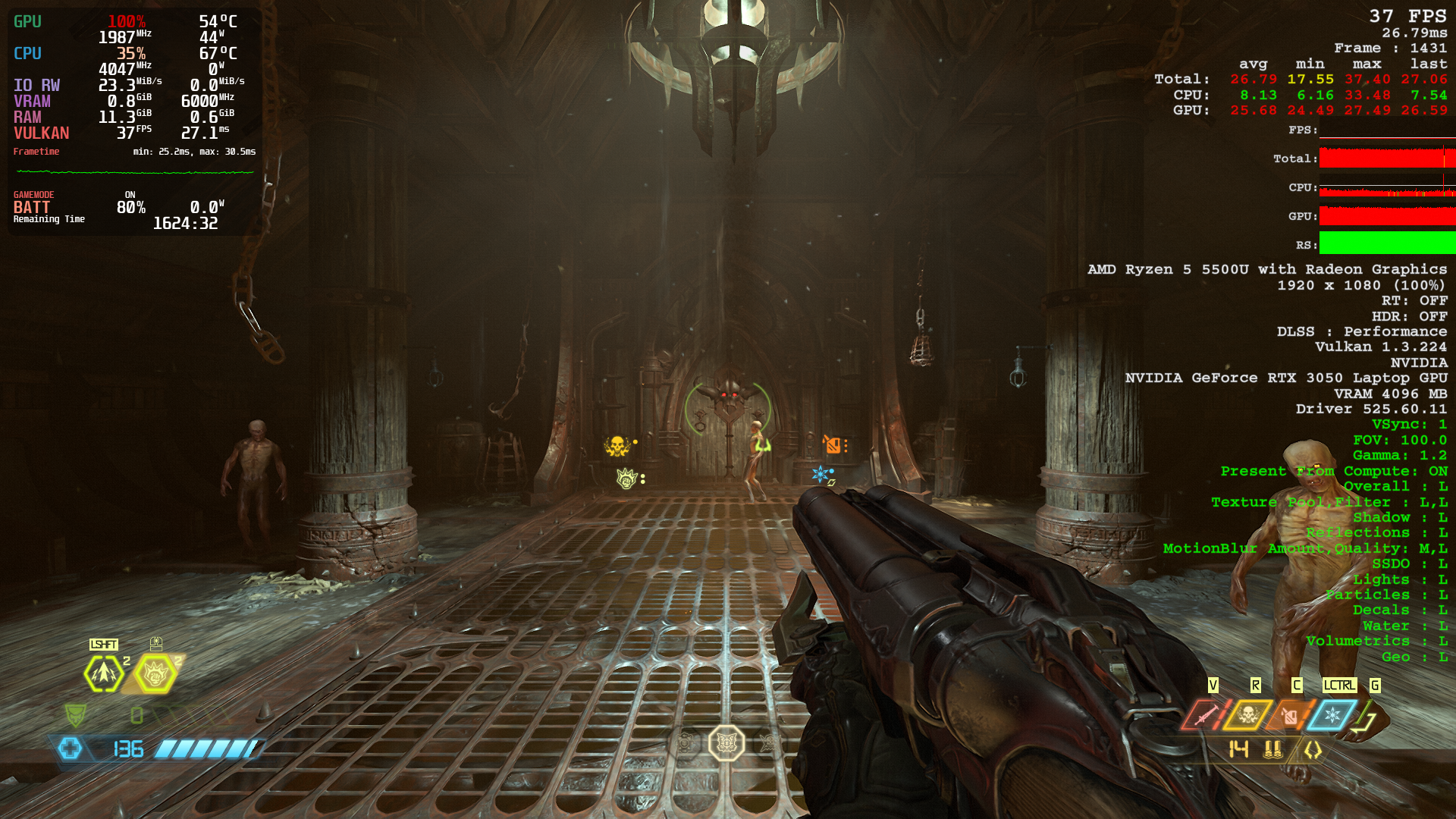
my system :
__GLX_VENDOR_LIBRARY_NAME=bla %command%
__GLX_VENDOR_LIBRARY_NAME=bla %command%
no deference
have you tried making sure thats the only launch option? are your drivers up to date?
Is the game on min or ultra??
have you tried making sure thats the only launch option? are your drivers up to date? Is the game on min or ultra??
Drivers are up to date
Even the kernel
After launching the game with __GLX_VENDOR_LIBRARY_NAME=bla %command%
it works great
I am unsure of what is happening but, I guess that I can use the game with only one launch option
Thanks
__GLX_VENDOR_LIBRARY_NAME=bla
Strange, same FPS drops problem here. Under 30 FPS with default Steam launch option (basically none) and how I played the game over months.. With this launch option the game goes again to +130 FPS.
System: NVIDIA 3070 Ti Laptop GPU.
Pop!_OS 22.04
Kernel: 6.0.12-76060006-generic
Mesa 22.2.0
NVIDIA Driver Version: 525.60.11    CUDA Version: 12.0
BTW; "=bla" is a random string, right?
Thank You.
Replying to https://github.com/ValveSoftware/Proton/issues/3773#issuecomment-1368264038
Yes, you can go with =rocket or =hugeperf if you want as well :)
I'm sorry. I think I rushed to provide results. With that launch option (__GLX_VENDOR_LIBRARY_NAME=blah) the game seemed to work as before, but no.
The game starts at 130-200 FPS and then slowly starts to decay down to around 50-60 FPS. It is true, there is some improvement, especially at the beginning and mouse lag, but after a few minutes it is practically no longer possible to play.
In my case it's like the NVIDIA GPU isn't getting enough power or something like that, because the fans don't spins up to the noisy +4000 RPM either, same with the temperature in general. This only happens with DOOM Eternal as far as I've been able to test.
On the other hand; In Pop!_OS if I start the system in "NVIDIA Graphics" mode the game works without problems (even better than before) but for certain compatibility issues I use the hybrid video mode.
I can't remember exactly when this started happening, if it was after the upgrade to 525 (less likely, I remember playing DE with 525 without problems) or from kernel 6.0.2 to 6.0.12 or just something Steam related.
I don't know the cause of this: I found that launching Doom Eternal from CLI works perfectly (~130 FPS), launching Doom from Steam client starts at 10-15 FPS at game's main menu.
Here is the full log: `steam steam://rungameid/782330
steam.sh[45581]: Running Steam on pop 22.04 64-bit
steam.sh[45581]: STEAM_RUNTIME is enabled automatically
setup.sh[45651]: Steam runtime environment up-to-date!
steam.sh[45581]: Steam client's requirements are satisfied
[2023-01-01 19:21:47] Startup - updater built Dec 15 2022 21:26:49
[2023-01-01 19:21:47] Startup - Steam Client launched with: '/home/ziprasidone/.steam/debian-installation/ubuntu12_32/steam' '-nominidumps' '-nobreakpad' 'steam://rungameid/782330'
Installing breakpad exception handler for appid(steam)/version(1671236931)
[2023-01-01 19:21:47] Loading cached metrics from disk (/home/ziprasidone/.steam/debian-installation/package/steam_client_metrics.bin)
[2023-01-01 19:21:47] Using the following download hosts for Public, Realm steamglobal
[2023-01-01 19:21:47] 1. https://client-update.akamai.steamstatic.com, /, Realm 'steamglobal', weight was 1000, source = 'update_hosts_cached.vdf'
[2023-01-01 19:21:47] 2. https://cdn.cloudflare.steamstatic.com, /client/, Realm 'steamglobal', weight was 1, source = 'update_hosts_cached.vdf'
[2023-01-01 19:21:47] 3. http://media.steampowered.com, /client/, Realm 'steamglobal', weight was 1, source = 'baked in'
Installing breakpad exception handler for appid(steam)/version(1671236931)
[2023-01-01 19:21:47] Verifying installation...
[2023-01-01 19:21:47] Verification complete
Loaded SDL version 2.27.0-p7692409
Gtk-Message: 19:21:47.665: Failed to load module "gail"
Gtk-Message: 19:21:47.665: Failed to load module "atk-bridge"
Gtk-Message: 19:21:47.665: Failed to load module "appmenu-gtk-module"
XRRGetOutputInfo Workaround: initialized with override: 0 real: 0xe577b9c0
XRRGetCrtcInfo Workaround: initialized with override: 0 real: 0xe577a1f0

(steam:45739): Gtk-WARNING **: 19:21:47.667: Unable to locate theme engine in module_path: "adwaita",
/usr/share/themes/Pop-dark/gtk-2.0/main.rc:775: error: unexpected identifier 'direction', expected character '}'

(steam:45739): Gtk-WARNING **: 19:21:47.668: Unable to locate theme engine in module_path: "adwaita",
/usr/share/themes/Pop-dark/gtk-2.0/hacks.rc:28: error: invalid string constant "normal_entry", expected valid string constant
ComputeStartupMode: found registry default startup mode: 0steamwebhelper.sh[45782]: Runtime for steamwebhelper: defaulting to /home/ziprasidone/.steam/debian-installation/ubuntu12_64/steam-runtime-heavy
steamwebhelper.sh[45782]: glibc >= 2.34, partially disabling sandbox until CEF supports clone3()
Installing breakpad exception handler for appid(steam)/version(1671236931)
Could not connect to X session manager: None of the authentication protocols specified are supported
Installing breakpad exception handler for appid(steam)/version(1671236931)
Installing breakpad exception handler for appid(steam)/version(1671236931)
Installing breakpad exception handler for appid(steam)/version(1671236931)
Installing breakpad exception handler for appid(steam)/version(1671236931)
Installing breakpad exception handler for appid(steam)/version(1671236931)
Installing breakpad exception handler for appid(steam)/version(1671236931)
Installing breakpad exception handler for appid(steam)/version(1671236931)
Installing breakpad exception handler for appid(steam)/version(1671236931)
Installing breakpad exception handler for appid(steam)/version(1671236931)
Installing breakpad exception handler for appid(steam)/version(1671236931)
CAppInfoCacheReadFromDiskThread took 31 milliseconds to initialize
Installing breakpad exception handler for appid(steam)/version(1671236931)
Installing breakpad exception handler for appid(steam)/version(1671236931)
Installing breakpad exception handler for appid(steam)/version(1671236931)
Installing breakpad exception handler for appid(steam)/version(1671236931)
Installing breakpad exception handler for appid(steam)/version(1671236931)
Could not connect to X session manager: None of the authentication protocols specified are supported
Could not connect to X session manager: None of the authentication protocols specified are supported
Installing breakpad exception handler for appid(steam)/version(1671236931)

(steam:45739): Gtk-WARNING **: 19:21:48.825: gtk_disable_setlocale() must be called before gtk_init()

(steam:45739): GLib-CRITICAL **: 19:21:48.825: Failed to set scheduler settings: Operation not permitted
Installing breakpad exception handler for appid(steam)/version(1671236931)
Installing breakpad exception handler for appid(steam)/version(1671236931)
local (potentially out of sync) copy of roaming config loaded - 1029 bytes.
Installing breakpad exception handler for appid(steam)/version(1671236931)
Installing breakpad exception handler for appid(steam)/version(1671236931)
roaming config store loaded successfully - 1029 bytes.
migrating temporary roaming config store
Installing breakpad exception handler for appid(steam)/version(1671236931)
BRefreshApplicationsInLibrary 1: 0ms
Fossilize INFO: Setting autogroup scheduling.
Could not connect to X session manager: None of the authentication protocols specified are supported
Could not connect to X session manager: None of the authentication protocols specified are supported
Could not connect to X session manager: None of the authentication protocols specified are supported
Could not connect to X session manager: None of the authentication protocols specified are supported
Could not connect to X session manager: None of the authentication protocols specified are supported
Could not connect to X session manager: None of the authentication protocols specified are supported
Could not connect to X session manager: None of the authentication protocols specified are supported
Could not connect to X session manager: None of the authentication protocols specified are supported
Could not connect to X session manager: None of the authentication protocols specified are supported
Could not connect to X session manager: None of the authentication protocols specified are supported
Could not connect to X session manager: None of the authentication protocols specified are supported
Could not connect to X session manager: None of the authentication protocols specified are supported
Could not connect to X session manager: None of the authentication protocols specified are supported
Could not connect to X session manager: None of the authentication protocols specified are supported
Installing breakpad exception handler for appid(steam)/version(1671236931)
Could not connect to X session manager: None of the authentication protocols specified are supported
Could not connect to X session manager: None of the authentication protocols specified are supported
Could not connect to X session manager: None of the authentication protocols specified are supported
Could not connect to X session manager: None of the authentication protocols specified are supported
Could not connect to X session manager: None of the authentication protocols specified are supported
Could not connect to X session manager: None of the authentication protocols specified are supported
Could not connect to X session manager: None of the authentication protocols specified are supported
Could not connect to X session manager: None of the authentication protocols specified are supported
Could not connect to X session manager: None of the authentication protocols specified are supported
Could not connect to X session manager: None of the authentication protocols specified are supported
Could not connect to X session manager: None of the authentication protocols specified are supported
Could not connect to X session manager: None of the authentication protocols specified are supported
Failed to init SteamVR because it isn't installed
Could not connect to X session manager: None of the authentication protocols specified are supported
Could not connect to X session manager: None of the authentication protocols specified are supported
Could not connect to X session manager: None of the authentication protocols specified are supported
Could not connect to X session manager: None of the authentication protocols specified are supported
Could not connect to X session manager: None of the authentication protocols specified are supported
Could not connect to X session manager: None of the authentication protocols specified are supported
Could not connect to X session manager: None of the authentication protocols specified are supported
Could not connect to X session manager: None of the authentication protocols specified are supported
Could not connect to X session manager: None of the authentication protocols specified are supported
Could not connect to X session manager: None of the authentication protocols specified are supported
Could not connect to X session manager: None of the authentication protocols specified are supported
Could not connect to X session manager: None of the authentication protocols specified are supported
Could not connect to X session manager: None of the authentication protocols specified are supported
Could not connect to X session manager: None of the authentication protocols specified are supported
Could not connect to X session manager: None of the authentication protocols specified are supported
Could not connect to X session manager: None of the authentication protocols specified are supported
Could not connect to X session manager: None of the authentication protocols specified are supported
Could not connect to X session manager: None of the authentication protocols specified are supported
Could not connect to X session manager: None of the authentication protocols specified are supported
Could not connect to X session manager: None of the authentication protocols specified are supported
Could not connect to X session manager: None of the authentication protocols specified are supported
Could not connect to X session manager: None of the authentication protocols specified are supported
ExecCommandLine: "'/home/ziprasidone/.steam/debian-installation/ubuntu12_32/steam' '-nominidumps' '-nobreakpad' 'steam://rungameid/782330'"
ExecuteSteamURL: "steam://rungameid/782330"
System startup time: 4.42 seconds

(steam:45739): LIBDBUSMENU-GLIB-WARNING **: 19:21:52.061: Trying to remove a child that doesn't believe we're it's parent.

(steam:45739): LIBDBUSMENU-GLIB-WARNING **: 19:21:52.061: Trying to remove a child that doesn't believe we're it's parent.

(steam:45739): LIBDBUSMENU-GLIB-WARNING **: 19:21:52.061: Trying to remove a child that doesn't believe we're it's parent.

(steam:45739): LIBDBUSMENU-GLIB-WARNING **: 19:21:52.062: Trying to remove a child that doesn't believe we're it's parent.

(steam:45739): LIBDBUSMENU-GLIB-WARNING **: 19:21:52.062: Trying to remove a child that doesn't believe we're it's parent.

(steam:45739): LIBDBUSMENU-GLIB-WARNING **: 19:21:52.062: Trying to remove a child that doesn't believe we're it's parent.

(steam:45739): LIBDBUSMENU-GLIB-WARNING **: 19:21:52.062: Trying to remove a child that doesn't believe we're it's parent.

(steam:45739): LIBDBUSMENU-GLIB-WARNING **: 19:21:52.062: Trying to remove a child that doesn't believe we're it's parent.

(steam:45739): LIBDBUSMENU-GLIB-WARNING **: 19:21:52.062: Trying to remove a child that doesn't believe we're it's parent.

(steam:45739): LIBDBUSMENU-GLIB-WARNING **: 19:21:52.062: Trying to remove a child that doesn't believe we're it's parent.

(steam:45739): LIBDBUSMENU-GLIB-WARNING **: 19:21:52.062: Trying to remove a child that doesn't believe we're it's parent.

(steam:45739): LIBDBUSMENU-GLIB-WARNING **: 19:21:52.062: Trying to remove a child that doesn't believe we're it's parent.

(steam:45739): LIBDBUSMENU-GLIB-WARNING **: 19:21:52.062: Trying to remove a child that doesn't believe we're it's parent.

(steam:45739): LIBDBUSMENU-GLIB-WARNING **: 19:21:52.062: Trying to remove a child that doesn't believe we're it's parent.

(steam:45739): LIBDBUSMENU-GLIB-WARNING **: 19:21:52.062: Trying to remove a child that doesn't believe we're it's parent.
Could not connect to X session manager: None of the authentication protocols specified are supported
Could not connect to X session manager: None of the authentication protocols specified are supported
Could not connect to X session manager: None of the authentication protocols specified are supported
Could not connect to X session manager: None of the authentication protocols specified are supported
Could not connect to X session manager: None of the authentication protocols specified are supported
GameAction [AppID 782330, ActionID 1] : LaunchApp changed task to ProcessingInstallScript with ""
BuildCompleteAppOverviewChange: 198 apps
RegisterForAppOverview 1: 1ms
RegisterForAppOverview 2: 1ms
fsync: up and running.
wine: RLIMIT_NICE is <= 20, unable to use setpriority safely
GameAction [AppID 782330, ActionID 1] : LaunchApp changed task to SynchronizingCloud with ""
GameAction [AppID 782330, ActionID 1] : LaunchApp changed task to SynchronizingControllerConfig with ""
GameAction [AppID 782330, ActionID 1] : LaunchApp changed task to ProcessingShaderCache with ""
Fossilize INFO: Setting autogroup scheduling.
Installing breakpad exception handler for appid(steam)/version(1671236931)
Installing breakpad exception handler for appid(steam)/version(1671236931)
Fossilize INFO: Setting autogroup scheduling.
GameAction [AppID 782330, ActionID 1] : LaunchApp changed task to SiteLicenseSeatCheckout with ""
GameAction [AppID 782330, ActionID 1] : LaunchApp changed task to CreatingProcess with ""
GameAction [AppID 782330, ActionID 1] : LaunchApp waiting for user response to CreatingProcess ""
GameAction [AppID 782330, ActionID 1] : LaunchApp continues with user response "CreatingProcess"
/bin/sh\0-c\0/home/ziprasidone/.steam/debian-installation/ubuntu12_32/reaper SteamLaunch AppId=782330 -- /home/ziprasidone/.steam/debian-installation/ubuntu12_32/steam-launch-wrapper -- '/home/ziprasidone/.steam/debian-installation/steamapps/common/SteamLinuxRuntime_soldier'/_v2-entry-point --verb=waitforexitandrun -- '/home/ziprasidone/.steam/debian-installation/steamapps/common/Proton - Experimental'/proton waitforexitandrun  '/home/ziprasidone/.steam/debian-installation/steamapps/common/DOOMEternal/idTechLauncher.exe'\0
Game process added : AppID 782330 "/home/ziprasidone/.steam/debian-installation/ubuntu12_32/reaper SteamLaunch AppId=782330 -- /home/ziprasidone/.steam/debian-installation/ubuntu12_32/steam-launch-wrapper -- '/home/ziprasidone/.steam/debian-installation/steamapps/common/SteamLinuxRuntime_soldier'/_v2-entry-point --verb=waitforexitandrun -- '/home/ziprasidone/.steam/debian-installation/steamapps/common/Proton - Experimental'/proton waitforexitandrun  '/home/ziprasidone/.steam/debian-installation/steamapps/common/DOOMEternal/idTechLauncher.exe'", ProcID 46577, IP 0.0.0.0:0
chdir /home/ziprasidone/.steam/debian-installation/steamapps/common/DOOMEternal
ERROR: ld.so: object '/home/ziprasidone/.steam/debian-installation/ubuntu12_32/gameoverlayrenderer.so' from LD_PRELOAD cannot be preloaded (wrong ELF class: ELFCLASS32): ignored.
ERROR: ld.so: object '/home/ziprasidone/.steam/debian-installation/ubuntu12_64/gameoverlayrenderer.so' from LD_PRELOAD cannot be preloaded (wrong ELF class: ELFCLASS64): ignored.
ERROR: ld.so: object '/home/ziprasidone/.steam/debian-installation/ubuntu12_32/gameoverlayrenderer.so' from LD_PRELOAD cannot be preloaded (wrong ELF class: ELFCLASS32): ignored.
GameAction [AppID 782330, ActionID 1] : LaunchApp changed task to WaitingGameWindow with ""
GameAction [AppID 782330, ActionID 1] : LaunchApp changed task to Completed with ""
ERROR: ld.so: object '/home/ziprasidone/.steam/debian-installation/ubuntu12_32/gameoverlayrenderer.so' from LD_PRELOAD cannot be preloaded (wrong ELF class: ELFCLASS32): ignored.
ERROR: ld.so: object '/home/ziprasidone/.steam/debian-installation/ubuntu12_32/gameoverlayrenderer.so' from LD_PRELOAD cannot be preloaded (wrong ELF class: ELFCLASS32): ignored.
ERROR: ld.so: object '/home/ziprasidone/.steam/debian-installation/ubuntu12_32/gameoverlayrenderer.so' from LD_PRELOAD cannot be preloaded (wrong ELF class: ELFCLASS32): ignored.
pid 46582 != 46579, skipping destruction (fork without exec?)
fsync: up and running.
wine: RLIMIT_NICE is <= 20, unable to use setpriority safely
ThreadGetProcessExitCode: no such process 46722
ThreadGetProcessExitCode: no such process 46720
ThreadGetProcessExitCode: no such process 46716
ThreadGetProcessExitCode: no such process 46715
ThreadGetProcessExitCode: no such process 46580
ThreadGetProcessExitCode: no such process 46725
Game process updated : AppID 782330 "/home/ziprasidone/.steam/debian-installation/ubuntu12_32/reaper SteamLaunch AppId=782330 -- /home/ziprasidone/.steam/debian-installation/ubuntu12_32/steam-launch-wrapper -- '/home/ziprasidone/.steam/debian-installation/steamapps/common/SteamLinuxRuntime_soldier'/_v2-entry-point --verb=waitforexitandrun -- '/home/ziprasidone/.steam/debian-installation/steamapps/common/Proton - Experimental'/proton waitforexitandrun  '/home/ziprasidone/.steam/debian-installation/steamapps/common/DOOMEternal/idTechLauncher.exe'", ProcID 46721, IP 0.0.0.0:0
Setting breakpad minidump AppID = 782330
Steam_SetMinidumpSteamID:  Caching Steam ID:  76561197997265556 [API loaded no]
libpng warning: iCCP: known incorrect sRGB profile
Game process updated : AppID 782330 "/home/ziprasidone/.steam/debian-installation/ubuntu12_32/reaper SteamLaunch AppId=782330 -- /home/ziprasidone/.steam/debian-installation/ubuntu12_32/steam-launch-wrapper -- '/home/ziprasidone/.steam/debian-installation/steamapps/common/SteamLinuxRuntime_soldier'/_v2-entry-point --verb=waitforexitandrun -- '/home/ziprasidone/.steam/debian-installation/steamapps/common/Proton - Experimental'/proton waitforexitandrun  '/home/ziprasidone/.steam/debian-installation/steamapps/common/DOOMEternal/idTechLauncher.exe'", ProcID 46807, IP 0.0.0.0:0
Setting breakpad minidump AppID = 782330
Steam_SetMinidumpSteamID:  Caching Steam ID:  76561197997265556 [API loaded no]
Installing breakpad exception handler for appid(steam)/version(1671236931)
Terminal support disabled. Enable with in_terminal
Fossilize INFO: Overriding serialization path: "/home/ziprasidone/.steam/debian-installation/steamapps/shadercache/782330/fozpipelinesv6/steamapprun_pipeline_cache".
Installing breakpad exception handler for appid(steam)/version(1671236931)
Installing breakpad exception handler for appid(gameoverlayui)/version(20221215212704)
Installing breakpad exception handler for appid(gameoverlayui)/version(1.0)
Installing breakpad exception handler for appid(gameoverlayui)/version(1.0)
Installing breakpad exception handler for appid(gameoverlayui)/version(1.0)
Installing breakpad exception handler for appid(steam)/version(1671236931)
[2023-01-01 19:23:48] Background update loop checking for update. . .
[2023-01-01 19:23:48] Checking for available updates...
[2023-01-01 19:23:48] Downloading manifest: https://client-update.akamai.steamstatic.com/steam_client_ubuntu12
[2023-01-01 19:23:48] Manifest download: send request
Installing breakpad exception handler for appid(steam)/version(1671236931)
[2023-01-01 19:23:48] Manifest download: waiting for download to finish
[2023-01-01 19:23:49] Manifest download: finished
[2023-01-01 19:23:49] Download skipped: /steam_client_ubuntu12 version 1671236931, installed version 1671236931, existing pending version 0
[2023-01-01 19:23:49] Nothing to do
Installing breakpad exception handler for appid(steam)/version(1671236931)
Installing breakpad exception handler for appid(steam)/version(1671236931)
ThreadGetProcessExitCode: no such process 46801
ThreadGetProcessExitCode: no such process 46784
ThreadGetProcessExitCode: no such process 46774
ThreadGetProcessExitCode: no such process 46768
ThreadGetProcessExitCode: no such process 46762
ThreadGetProcessExitCode: no such process 46731
ThreadGetProcessExitCode: no such process 46727
ThreadGetProcessExitCode: no such process 46721
ThreadGetProcessExitCode: no such process 46713
pid 46723 != 46722, skipping destruction (fork without exec?)
Game process removed: AppID 782330 "/home/ziprasidone/.steam/debian-installation/ubuntu12_32/reaper SteamLaunch AppId=782330 -- /home/ziprasidone/.steam/debian-installation/ubuntu12_32/steam-launch-wrapper -- '/home/ziprasidone/.steam/debian-installation/steamapps/common/SteamLinuxRuntime_soldier'/_v2-entry-point --verb=waitforexitandrun -- '/home/ziprasidone/.steam/debian-installation/steamapps/common/Proton - Experimental'/proton waitforexitandrun  '/home/ziprasidone/.steam/debian-installation/steamapps/common/DOOMEternal/idTechLauncher.exe'", ProcID 46807
ThreadGetProcessExitCode: no such process 46807
ThreadGetProcessExitCode: no such process 46740
ThreadGetProcessExitCode: no such process 46579
ThreadGetProcessExitCode: no such process 46578
Game 782330 created interface STEAMAPPS_INTERFACE_VERSION006 / Apps
Game 782330 created interface STEAMAPPS_INTERFACE_VERSION008 /
Game 782330 created interface STEAMREMOTESTORAGE_INTERFACE_VERSION014 /
Game 782330 created interface STEAMUSERSTATS_INTERFACE_VERSION011 /
Game 782330 created interface SteamController007 /
Game 782330 created interface SteamController007 / Controller
Game 782330 created interface SteamFriends017 /
Game 782330 created interface SteamInput001 / Controller
Game 782330 created interface SteamUser017 / User
Game 782330 created interface SteamUser020 /
Game 782330 created interface SteamUser020 / User
Game 782330 created interface SteamUtils009 /
Game 782330 created interface SteamUtils009 / Utils
Game 782330 method call count for IClientRemoteStorage::GetFileNameAndSize : 10
Game 782330 method call count for IClientRemoteStorage::GetFileCount : 2
Game 782330 method call count for IClientRemoteStorage::GetFileTimestamp : 2
Game 782330 method call count for IClientRemoteStorage::GetFileSize : 5
Game 782330 method call count for IClientRemoteStorage::FileReadAsyncComplete : 7
Game 782330 method call count for IClientRemoteStorage::FileReadAsync : 7
Game 782330 method call count for IClientUserStats::RequestUserStats : 1
Game 782330 method call count for IClientUserStats::GetAchievement : 51
Game 782330 method call count for IClientUserStats::RequestCurrentStats : 1
Game 782330 method call count for IClientAppManager::GetCurrentLanguage : 2
Game 782330 method call count for IClientAppManager::BIsDlcEnabled : 11
Game 782330 method call count for IClientUtils::RecordSteamInterfaceCreation : 14
Game 782330 method call count for IClientUtils::GetAPICallResult : 14
Game 782330 method call count for IClientUtils::GetAppID : 18
Game 782330 method call count for IClientUtils::GetIPCountry : 1
Game 782330 method call count for IClientFriends::GetFriendPersonaName_Public : 5
Game 782330 method call count for IClientFriends::SetRichPresence : 14
Game 782330 method call count for IClientFriends::RequestUserInformation : 2
Game 782330 method call count for IClientFriends::GetFriendGamePlayed : 3
Game 782330 method call count for IClientFriends::GetFriendByIndex : 3
Game 782330 method call count for IClientFriends::GetFriendCount : 1
Game 782330 method call count for IClientFriends::GetFriendPersonaState : 5
Game 782330 method call count for IClientFriends::GetPersonaName : 16
Game 782330 method call count for IClientUser::BIsSubscribedApp : 11
Game 782330 method call count for IClientUser::GetEncryptedAppTicket : 6
Game 782330 method call count for IClientUser::RequestEncryptedAppTicket : 6
Game 782330 method call count for IClientUser::CancelAuthTicket : 2
Game 782330 method call count for IClientUser::GetAuthSessionTicket : 2
Game 782330 method call count for IClientUser::GetSteamID : 5
Game 782330 method call count for IClientUser::BLoggedOn : 10
Uploaded AppInterfaceStats to Steam

(process:47915): GLib-GObject-CRITICAL **: 19:25:13.152: g_object_unref: assertion 'G_IS_OBJECT (object)' failed
Fossilize INFO: Setting autogroup scheduling.
src/steamexe/main.cpp (254) : Assertion Failed: reaping pid: 47915 -- gameoverlayui

src/steamexe/main.cpp (254) : Assertion Failed: reaping pid: 47915 -- gameoverlayui

Installing breakpad exception handler for appid(steam)/version(1671236931)
assert_20230101192523_36.dmp[48563]: Uploading dump (out-of-process)
/tmp/dumps/assert_20230101192523_36.dmp
Fossilize INFO: Setting autogroup scheduling.
assert_20230101192523_36.dmp[48563]: Finished uploading minidump (out-of-process): success = yes
assert_20230101192523_36.dmp[48563]: response: CrashID=bp-dd304ea9-bbb9-46e9-8320-c76232230101
assert_20230101192523_36.dmp[48563]: file ''/tmp/dumps/assert_20230101192523_36.dmp'', upload yes: ''CrashID=bp-dd304ea9-bbb9-46e9-8320-c76232230101''
Fossilize INFO: Setting autogroup scheduling.
Fossilize INFO: Setting autogroup scheduling.
Fossilize INFO: Setting autogroup scheduling.
Fossilize INFO: Setting autogroup scheduling.
Fossilize INFO: Setting autogroup scheduling.
Fossilize INFO: Setting autogroup scheduling.
Fossilize INFO: Setting autogroup scheduling.
Fossilize INFO: Setting autogroup scheduling.
Fossilize INFO: Setting autogroup scheduling.
Fossilize INFO: Setting autogroup scheduling.
Fossilize INFO: Setting autogroup scheduling.
Could not connect to X session manager: None of the authentication protocols specified are supported
Could not connect to X session manager: None of the authentication protocols specified are supported

(steam:45739): GLib-GObject-CRITICAL **: 19:26:59.418: g_object_unref: assertion 'G_IS_OBJECT (object)' failed

(steam:45739): GLib-GObject-WARNING **: 19:26:59.419: instance with invalid (NULL) class pointer

(steam:45739): GLib-GObject-CRITICAL **: 19:26:59.419: g_signal_handlers_disconnect_matched: assertion 'G_TYPE_CHECK_INSTANCE (instance)' failed

(steam:45739): GLib-GObject-CRITICAL **: 19:26:59.419: g_object_unref: assertion 'G_IS_OBJECT (object)' failed
[2023-01-01 19:26:59] Shutdown
HTH.
Regards
Hey. I have just recently bought the game.
It seems to be always crashing when shooting "Soldier" type of enemy.
Hardware info:
Click to expand
Computer Information:
Manufacturer: ASUSTeK COMPUTER INC.
Model: TUF GAMING X570-PLUS (WI-FI)
Form Factor: Desktop
No Touch Input Detected
Processor Information:
CPU Vendor: AuthenticAMD
CPU Brand: AMD Ryzen 7 3700X 8-Core Processor
CPU Family: 0x17
CPU Model: 0x71
CPU Stepping: 0x0
CPU Type: 0x0
Speed: 4050 Mhz
16 logical processors
8 physical processors
HyperThreading: Supported
FCMOV: Supported
SSE2: Supported
SSE3: Supported
SSSE3: Supported
SSE4a: Supported
SSE41: Supported
SSE42: Supported
AES: Supported
AVX: Supported
AVX2: Supported
AVX512F: Unsupported
AVX512PF: Unsupported
AVX512ER: Unsupported
AVX512CD: Unsupported
AVX512VNNI: Unsupported
SHA: Supported
CMPXCHG16B: Supported
LAHF/SAHF: Supported
PrefetchW: Unsupported
Operating System Version:
"Manjaro Linux" (64 bit)
Kernel Name: Linux
Kernel Version: 6.1.7-1-MANJARO
X Server Vendor: The X.Org Foundation
X Server Release: 12201007
X Window Manager: KWin
Steam Runtime Version: steam-runtime_0.20221019.0
Video Card:
Driver: AMD AMD Radeon RX 5700 XT (navi10, LLVM 15.0.7, DRM 3.49, 6.1.7-1-MANJARO)
Driver Version: 4.6 (Compatibility Profile) Mesa 22.3.3
OpenGL Version: 4.6
Desktop Color Depth: 24 bits per pixel
Monitor Refresh Rate: 164 Hz
VendorID: 0x1002
DeviceID: 0x731f
Revision Not Detected
Number of Monitors: 2
Number of Logical Video Cards: 1
Primary Display Resolution: 2560 x 1440
Desktop Resolution: 4480 x 1440
Primary Display Size: 23.62" x 13.39" (27.13" diag)
60.0cm x 34.0cm (68.9cm diag)
Primary VRAM: 8192 MB
Sound card:
Audio device: ATI R6xx HDMI
Memory:
RAM: 32005 MB
VR Hardware:
VR Headset: None detected
Miscellaneous:
UI Language: English
LANG: en_SI.UTF-8
Total Hard Disk Space Available: 459188 MB
Largest Free Hard Disk Block: 78814 MB
Storage:
Number of SSDs: 4
SSD sizes: 1000G,500G,500G,256G
Number of HDDs: 0
"LD_* scout runtime" information:
{
"can-write-uinput" : true,
"steam-installation" : {
"path" : "/home/even/.local/share/Steam",
"data_path" : "/home/even/.local/share/Steam",
"bin32_path" : "/home/even/.local/share/Steam/ubuntu12_32",
"steamscript_path" : "/usr/lib/steam/steam",
"steamscript_version" : "1.0.0.75",
"issues" : [
"unexpected-steam-uri-handler",
"unexpected-steam-desktop-id"
]
},
"runtime" : {
"path" : "/home/even/.local/share/Steam/ubuntu12_32/steam-runtime",
"version" : "0.20221019.0",
"issues" : [
],
"pinned_libs_32" : {
"list" : [
"pinned_libs_32/done",
"pinned_libs_32/has_pins",
"pinned_libs_32/libGLU.so.1 -> $STEAM_RUNTIME/usr/lib/i386-linux-gnu/libGLU.so.1.3.08004",
"pinned_libs_32/libcurl-gnutls.so.3 -> $STEAM_RUNTIME/usr/lib/i386-linux-gnu/libcurl-gnutls.so.4.2.0",
"pinned_libs_32/libcurl-gnutls.so.4 -> $STEAM_RUNTIME/usr/lib/i386-linux-gnu/libcurl-gnutls.so.4.2.0",
"pinned_libs_32/libcurl.so.3 -> $STEAM_RUNTIME/usr/lib/i386-linux-gnu/libcurl.so.4.2.0",
"pinned_libs_32/libcurl.so.4 -> $STEAM_RUNTIME/usr/lib/i386-linux-gnu/libcurl.so.4.2.0",
"pinned_libs_32/libdbus-1.so.3 -> $STEAM_RUNTIME/lib/i386-linux-gnu/libdbus-1.so.3.5.8",
"pinned_libs_32/libdbusmenu-glib.so.4 -> $STEAM_RUNTIME/usr/lib/i386-linux-gnu/libdbusmenu-glib.so.4.0.13",
"pinned_libs_32/libdbusmenu-gtk.so.4 -> $STEAM_RUNTIME/usr/lib/i386-linux-gnu/libdbusmenu-gtk.so.4.0.13",
"pinned_libs_32/libgtk-x11-2.0.so.0 -> $STEAM_RUNTIME/usr/lib/i386-linux-gnu/libgtk-x11-2.0.so.0.2400.10",
"pinned_libs_32/libudev.so.0 -> $STEAM_RUNTIME/lib/i386-linux-gnu/libudev.so.0.13.0",
"pinned_libs_32/system_libGLU.so.1",
"pinned_libs_32/system_libcurl.so.4",
"pinned_libs_32/system_libudev.so.0"
]
},
"pinned_libs_64" : {
"list" : [
"pinned_libs_64/done",
"pinned_libs_64/has_pins",
"pinned_libs_64/libGLU.so.1 -> $STEAM_RUNTIME/usr/lib/x86_64-linux-gnu/libGLU.so.1.3.08004",
"pinned_libs_64/libcurl-gnutls.so.3 -> $STEAM_RUNTIME/usr/lib/x86_64-linux-gnu/libcurl-gnutls.so.4.2.0",
"pinned_libs_64/libcurl-gnutls.so.4 -> $STEAM_RUNTIME/usr/lib/x86_64-linux-gnu/libcurl-gnutls.so.4.2.0",
"pinned_libs_64/libcurl.so.3 -> $STEAM_RUNTIME/usr/lib/x86_64-linux-gnu/libcurl.so.4.2.0",
"pinned_libs_64/libcurl.so.4 -> $STEAM_RUNTIME/usr/lib/x86_64-linux-gnu/libcurl.so.4.2.0",
"pinned_libs_64/libdbusmenu-glib.so.4 -> $STEAM_RUNTIME/usr/lib/x86_64-linux-gnu/libdbusmenu-glib.so.4.0.13",
"pinned_libs_64/libdbusmenu-gtk.so.4 -> $STEAM_RUNTIME/usr/lib/x86_64-linux-gnu/libdbusmenu-gtk.so.4.0.13",
"pinned_libs_64/libudev.so.0 -> $STEAM_RUNTIME/lib/x86_64-linux-gnu/libudev.so.0.13.0",
"pinned_libs_64/system_libGLU.so.1",
"pinned_libs_64/system_libcurl.so.4",
"pinned_libs_64/system_libdbusmenu-glib.so.4",
"pinned_libs_64/system_libdbusmenu-gtk.so.4",
"pinned_libs_64/system_libudev.so.0"
]
}
},
"os-release" : {
"id" : "manjaro",
"id_like" : [
"arch"
],
"name" : "Manjaro Linux",
"pretty_name" : "Manjaro Linux",
"build_id" : "rolling"
},
"virtualization" : {
"type" : "none"
},
"container" : {
"type" : "none"
},
"driver_environment" : [
"DISPLAY=:1",
"LD_LIBRARY_PATH=/home/even/.local/share/Steam/ubuntu12_32:/home/even/.local/share/Steam/ubuntu12_32/panorama:/home/even/.local/share/Steam/ubuntu12_32/steam-runtime/pinned_libs_32:/home/even/.local/share/Steam/ubuntu12_32/steam-runtime/pinned_libs_64:/usr/lib/libfakeroot:/usr/lib32:/opt/libwebp-0.5.2/lib:/usr/lib/perf:/usr/lib:/home/even/.local/share/Steam/ubuntu12_32/steam-runtime/lib/i386-linux-gnu:/home/even/.local/share/Steam/ubuntu12_32/steam-runtime/usr/lib/i386-linux-gnu:/home/even/.local/share/Steam/ubuntu12_32/steam-runtime/lib/x86_64-linux-gnu:/home/even/.local/share/Steam/ubuntu12_32/steam-runtime/usr/lib/x86_64-linux-gnu:/home/even/.local/share/Steam/ubuntu12_32/steam-runtime/lib:/home/even/.local/share/Steam/ubuntu12_32/steam-runtime/usr/lib",
"SDL_GAMECONTROLLERCONFIG=03000000de280000ff11000001000000,Steam Virtual Gamepad,a:b0,b:b1,back:b6,dpdown:h0.4,dpleft:h0.8,dpright:h0.2,dpup:h0.1,guide:b8,leftshoulder:b4,leftstick:b9,lefttrigger:a2,leftx:a0,lefty:a1,rightshoulder:b5,rightstick:b10,righttrigger:a5,rightx:a3,righty:a4,start:b7,x:b2,y:b3,platform:Linux\n03000000de280000fc11000001000000,Steam Controller,a:b0,b:b1,back:b6,dpdown:b14,dpleft:b15,dpright:b13,dpup:b12,guide:b8,leftshoulder:b4,leftstick:b9,lefttrigger:a2,leftx:a0,lefty:a1,rightshoulder:b5,rightstick:b10,righttrigger:a5,rightx:a3,righty:a4,start:b7,x:b2,y:b3,platform:Linux\n030000005e0400008e02000010010000,X360 Controller,a:b0,b:b1,back:b6,dpdown:h0.4,dpleft:h0.8,dpright:h0.2,dpup:h0.1,guide:b8,leftshoulder:b4,leftstick:b9,lefttrigger:a2,leftx:a0,lefty:a1,rightshoulder:b5,rightstick:b10,righttrigger:a5,rightx:a3,righty:a4,start:b7,x:b2,y:b3,platform:Linux",
"WAYLAND_DISPLAY=wayland-0",
"XDG_RUNTIME_DIR=/run/user/1000"
],
"architectures" : {
"i386-linux-gnu" : {
"can-run" : true,
"libdl-LIB" : "lib32",
"libdl-PLATFORM" : "i686",
"runtime-linker" : {
"path" : "/lib/ld-linux.so.2",
"resolved" : "/usr/lib32/ld-linux.so.2"
},
"library-issues-summary" : [
"cannot-load"
],
"library-details" : {
"libitm.so.1" : {
"messages" : [
"Unable to find the library: /usr/lib32/libitm.so.1: undefined symbol: __gxx_personality_v0"
],
"soname" : null,
"path" : null,
"issues" : [
"cannot-load"
],
"exit-status" : 1
}
},
"graphics-details" : {
"x11/vulkan" : {
"messages" : [
"i386-linux-gnu-check-vulkan: ../mesa-22.3.3/src/vulkan/runtime/vk_device.c:226: vk_device_finish: Assertion `list_is_empty(&device->queues)' failed.",
"timeout: the monitored command dumped core"
],
"renderer" : null,
"version" : null,
"issues" : [
"cannot-load",
"cannot-draw"
],
"exit-status" : -1,
"terminating-signal" : 6,
"terminating-signal-name" : "Aborted",
"devices" : [
]
},
"x11/vdpau" : {
"messages" : [
"Failed to open VDPAU backend libvdpau_nvidia.so: cannot open shared object file: No such file or directory",
"vdp_device_create_x11 (display, screen, &device, &vdp_get_proc_address) failed: 1"
],
"renderer" : null,
"version" : null,
"issues" : [
"cannot-draw"
],
"exit-status" : 1
},
"x11/vaapi" : {
"messages" : [
"libGL: Can't open configuration file /etc/drirc: No such file or directory.",
"libGL: Can't open configuration file /home/even/.drirc: No such file or directory.",
"libGL: Can't open configuration file /etc/drirc: No such file or directory.",
"libGL: Can't open configuration file /home/even/.drirc: No such file or directory.",
"libGL: Can't open configuration file /etc/drirc: No such file or directory.",
"libGL: Can't open configuration file /home/even/.drirc: No such file or directory.",
"/usr/share/libdrm/amdgpu.ids version: 1.0.0",
"Testing H264Main decoding",
"This profile doesn't support the YUV420 format",
"Testing MPEG2Simple decoding",
"i386-linux-gnu-check-va-api: ../mesa-22.3.3/src/gallium/auxiliary/util/u_handle_table.c:226: handle_table_get: Assertion `handle' failed.",
"timeout: the monitored command dumped core"
],
"renderer" : null,
"version" : null,
"issues" : [
"cannot-draw"
],
"exit-status" : -1,
"terminating-signal" : 6,
"terminating-signal-name" : "Aborted"
},
"glx/gl" : {
"messages" : [
"Mesa: User error: GL_INVALID_OPERATION in glEndList"
],
"renderer" : "AMD Radeon RX 5700 XT (navi10, LLVM 15.0.7, DRM 3.49, 6.1.7-1-MANJARO)",
"version" : "4.6 (Compatibility Profile) Mesa 22.3.3",
"library-vendor" : "glvnd"
},
"egl_x11/gl" : {
"renderer" : "AMD Radeon RX 5700 XT (navi10, LLVM 15.0.7, DRM 3.49, 6.1.7-1-MANJARO)",
"version" : "4.6 (Compatibility Profile) Mesa 22.3.3",
"library-vendor" : "glvnd"
},
"egl_x11/glesv2" : {
"renderer" : "AMD Radeon RX 5700 XT (navi10, LLVM 15.0.7, DRM 3.49, 6.1.7-1-MANJARO)",
"version" : "OpenGL ES 3.2 Mesa 22.3.3",
"library-vendor" : "glvnd"
}
},
"dri_drivers" : [
{
"library_path" : "/usr/lib32/dri/crocus_dri.so"
},
{
"library_path" : "/usr/lib32/dri/i915_dri.so"
},
{
"library_path" : "/usr/lib32/dri/iris_dri.so"
},
{
"library_path" : "/usr/lib32/dri/kms_swrast_dri.so"
},
{
"library_path" : "/usr/lib32/dri/nouveau_dri.so"
},
{
"library_path" : "/usr/lib32/dri/r300_dri.so"
},
{
"library_path" : "/usr/lib32/dri/r600_dri.so"
},
{
"library_path" : "/usr/lib32/dri/radeonsi_dri.so"
},
{
"library_path" : "/usr/lib32/dri/swrast_dri.so"
},
{
"library_path" : "/usr/lib32/dri/virtio_gpu_dri.so"
},
{
"library_path" : "/usr/lib32/dri/vmwgfx_dri.so"
},
{
"library_path" : "/usr/lib32/dri/zink_dri.so"
}
],
"va-api_drivers" : [
{
"library_path" : "/usr/lib32/dri/i965_drv_video.so",
"version" : "libva2"
},
{
"library_path" : "/usr/lib32/dri/nouveau_drv_video.so",
"version" : "libva2"
},
{
"library_path" : "/usr/lib32/dri/nvidia_drv_video.so",
"version" : "libva2"
},
{
"library_path" : "/usr/lib32/dri/r600_drv_video.so",
"version" : "libva2"
},
{
"library_path" : "/usr/lib32/dri/radeonsi_drv_video.so",
"version" : "libva2"
},
{
"library_path" : "/usr/lib32/dri/s3g_drv_video.so",
"version" : "libva2"
},
{
"library_path" : "/usr/lib32/dri/vdpau_drv_video.so",
"version" : "libva2"
},
{
"library_path" : "/usr/lib32/dri/virtio_gpu_drv_video.so",
"version" : "libva2"
},
{
"library_path" : "/home/even/.local/share/Steam/ubuntu12_32/steam-runtime/usr/lib/i386-linux-gnu/dri/dummy_drv_video.so",
"version" : "libva1"
}
],
"vdpau_drivers" : [
{
"library_path" : "/usr/lib32/vdpau/libvdpau_nouveau.so",
"library_link" : "libvdpau_nouveau.so.1.0.0"
},
{
"library_path" : "/usr/lib32/vdpau/libvdpau_nouveau.so.1",
"library_link" : "libvdpau_nouveau.so.1.0.0"
},
{
"library_path" : "/usr/lib32/vdpau/libvdpau_r300.so",
"library_link" : "libvdpau_r300.so.1.0.0"
},
{
"library_path" : "/usr/lib32/vdpau/libvdpau_r300.so.1",
"library_link" : "libvdpau_r300.so.1.0.0"
},
{
"library_path" : "/usr/lib32/vdpau/libvdpau_r600.so",
"library_link" : "libvdpau_r600.so.1.0.0"
},
{
"library_path" : "/usr/lib32/vdpau/libvdpau_r600.so.1",
"library_link" : "libvdpau_r600.so.1.0.0"
},
{
"library_path" : "/usr/lib32/vdpau/libvdpau_radeonsi.so",
"library_link" : "libvdpau_radeonsi.so.1.0.0"
},
{
"library_path" : "/usr/lib32/vdpau/libvdpau_radeonsi.so.1",
"library_link" : "libvdpau_radeonsi.so.1.0.0"
},
{
"library_path" : "/usr/lib32/vdpau/libvdpau_trace.so",
"library_link" : "libvdpau_trace.so.1"
},
{
"library_path" : "/usr/lib32/vdpau/libvdpau_trace.so.1",
"library_link" : "libvdpau_trace.so.1.0.0"
},
{
"library_path" : "/usr/lib32/vdpau/libvdpau_virtio_gpu.so",
"library_link" : "libvdpau_virtio_gpu.so.1.0.0"
},
{
"library_path" : "/usr/lib32/vdpau/libvdpau_virtio_gpu.so.1",
"library_link" : "libvdpau_virtio_gpu.so.1.0.0"
}
],
"glx_drivers" : [
{
"library_soname" : "libGLX_indirect.so.0",
"library_path" : "/usr/lib32/libGLX_mesa.so.0.0.0"
},
{
"library_soname" : "libGLX_mesa.so.0",
"library_path" : "/usr/lib32/libGLX_mesa.so.0.0.0"
}
]
},
"x86_64-linux-gnu" : {
"can-run" : true,
"libdl-LIB" : "lib",
"libdl-PLATFORM" : "x86_64",
"runtime-linker" : {
"path" : "/lib64/ld-linux-x86-64.so.2",
"resolved" : "/usr/lib/ld-linux-x86-64.so.2"
},
"library-issues-summary" : [
"cannot-load",
"missing-symbols"
],
"library-details" : {
"libitm.so.1" : {
"messages" : [
"Unable to find the library: /usr/lib/libitm.so.1: undefined symbol: __gxx_personality_v0"
],
"soname" : null,
"path" : null,
"issues" : [
"cannot-load"
],
"exit-status" : 1
},
"libwebp.so.6" : {
"soname" : "libwebp.so.6",
"path" : "/opt/libwebp-0.5.2/lib/libwebp.so.6",
"issues" : [
"missing-symbols"
],
"missing-symbols" : [
"WebPPictureSharpARGBToYUVA",
"WebPPlaneDistortion"
]
}
},
"graphics-details" : {
"x11/vulkan" : {
"messages" : [
"x86_64-linux-gnu-check-vulkan: ../mesa-22.3.3/src/vulkan/runtime/vk_device.c:226: vk_device_finish: Assertion `list_is_empty(&device->queues)' failed.",
"timeout: the monitored command dumped core"
],
"renderer" : null,
"version" : null,
"issues" : [
"cannot-load",
"cannot-draw"
],
"exit-status" : -1,
"terminating-signal" : 6,
"terminating-signal-name" : "Aborted",
"devices" : [
]
},
"x11/vdpau" : {
"messages" : [
"Failed to open VDPAU backend libvdpau_nvidia.so: cannot open shared object file: No such file or directory",
"vdp_device_create_x11 (display, screen, &device, &vdp_get_proc_address) failed: 1"
],
"renderer" : null,
"version" : null,
"issues" : [
"cannot-draw"
],
"exit-status" : 1
},
"x11/vaapi" : {
"messages" : [
"libGL: Can't open configuration file /etc/drirc: No such file or directory.",
"libGL: Can't open configuration file /home/even/.drirc: No such file or directory.",
"libGL: Can't open configuration file /etc/drirc: No such file or directory.",
"libGL: Can't open configuration file /home/even/.drirc: No such file or directory.",
"libGL: Can't open configuration file /etc/drirc: No such file or directory.",
"libGL: Can't open configuration file /home/even/.drirc: No such file or directory.",
"/usr/share/libdrm/amdgpu.ids version: 1.0.0",
"Testing H264Main decoding",
"This profile doesn't support the YUV420 format",
"Testing MPEG2Simple decoding",
"x86_64-linux-gnu-check-va-api: ../mesa-22.3.3/src/gallium/auxiliary/util/u_handle_table.c:226: handle_table_get: Assertion `handle' failed.",
"timeout: the monitored command dumped core"
],
"renderer" : null,
"version" : null,
"issues" : [
"cannot-draw"
],
"exit-status" : -1,
"terminating-signal" : 6,
"terminating-signal-name" : "Aborted"
},
"glx/gl" : {
"messages" : [
"Mesa: User error: GL_INVALID_OPERATION in glEndList"
],
"renderer" : "AMD Radeon RX 5700 XT (navi10, LLVM 15.0.7, DRM 3.49, 6.1.7-1-MANJARO)",
"version" : "4.6 (Compatibility Profile) Mesa 22.3.3",
"library-vendor" : "glvnd"
},
"egl_x11/gl" : {
"renderer" : "AMD Radeon RX 5700 XT (navi10, LLVM 15.0.7, DRM 3.49, 6.1.7-1-MANJARO)",
"version" : "4.6 (Compatibility Profile) Mesa 22.3.3",
"library-vendor" : "glvnd"
},
"egl_x11/glesv2" : {
"renderer" : "AMD Radeon RX 5700 XT (navi10, LLVM 15.0.7, DRM 3.49, 6.1.7-1-MANJARO)",
"version" : "OpenGL ES 3.2 Mesa 22.3.3",
"library-vendor" : "glvnd"
}
},
"dri_drivers" : [
{
"library_path" : "/usr/lib/dri/crocus_dri.so"
},
{
"library_path" : "/usr/lib/dri/d3d12_dri.so"
},
{
"library_path" : "/usr/lib/dri/i915_dri.so"
},
{
"library_path" : "/usr/lib/dri/iris_dri.so"
},
{
"library_path" : "/usr/lib/dri/kms_swrast_dri.so"
},
{
"library_path" : "/usr/lib/dri/nouveau_dri.so"
},
{
"library_path" : "/usr/lib/dri/r300_dri.so"
},
{
"library_path" : "/usr/lib/dri/r600_dri.so"
},
{
"library_path" : "/usr/lib/dri/radeonsi_dri.so"
},
{
"library_path" : "/usr/lib/dri/swrast_dri.so"
},
{
"library_path" : "/usr/lib/dri/virtio_gpu_dri.so"
},
{
"library_path" : "/usr/lib/dri/vmwgfx_dri.so"
},
{
"library_path" : "/usr/lib/dri/zink_dri.so"
}
],
"va-api_drivers" : [
{
"library_path" : "/usr/lib/dri/d3d12_drv_video.so",
"version" : "libva2"
},
{
"library_path" : "/usr/lib/dri/i965_drv_video.so",
"version" : "libva2"
},
{
"library_path" : "/usr/lib/dri/nouveau_drv_video.so",
"version" : "libva2"
},
{
"library_path" : "/usr/lib/dri/nvidia_drv_video.so",
"version" : "libva2"
},
{
"library_path" : "/usr/lib/dri/r600_drv_video.so",
"version" : "libva2"
},
{
"library_path" : "/usr/lib/dri/radeonsi_drv_video.so",
"version" : "libva2"
},
{
"library_path" : "/usr/lib/dri/s3g_drv_video.so",
"version" : "libva2"
},
{
"library_path" : "/usr/lib/dri/vdpau_drv_video.so",
"version" : "libva2"
},
{
"library_path" : "/usr/lib/dri/virtio_gpu_drv_video.so",
"version" : "libva2"
},
{
"library_path" : "/home/even/.local/share/Steam/ubuntu12_32/steam-runtime/usr/lib/x86_64-linux-gnu/dri/dummy_drv_video.so",
"version" : "libva1"
}
],
"vdpau_drivers" : [
{
"library_path" : "/usr/lib/vdpau/libvdpau_trace.so",
"library_link" : "libvdpau_trace.so.1"
},
{
"library_path" : "/usr/lib/vdpau/libvdpau_trace.so.1",
"library_link" : "libvdpau_trace.so.1.0.0"
}
],
"glx_drivers" : [
{
"library_soname" : "libGLX_indirect.so.0",
"library_path" : "/usr/lib/libGLX_mesa.so.0.0.0"
},
{
"library_soname" : "libGLX_mesa.so.0",
"library_path" : "/usr/lib/libGLX_mesa.so.0.0.0"
}
]
}
},
"locale-issues" : [
"default-missing"
],
"locales" : {
"<default>" : {
"error-domain" : "srt-locale-error-quark",
"error-code" : 0,
"error" : "No such file or directory"
},
"C" : {
"resulting-name" : "C",
"charset" : "ANSI_X3.4-1968",
"is_utf8" : false
},
"C.UTF-8" : {
"resulting-name" : "C.UTF-8",
"charset" : "UTF-8",
"is_utf8" : true
},
"en_US.UTF-8" : {
"resulting-name" : "en_US.UTF-8",
"charset" : "UTF-8",
"is_utf8" : true
}
},
"egl" : {
"icds" : [
{
"json_path" : "/usr/share/glvnd/egl_vendor.d/50_mesa.json",
"library_path" : "libEGL_mesa.so.0",
"issues" : [
]
}
],
"external_platforms" : [
]
},
"vulkan" : {
"icds" : [
{
"json_path" : "/usr/share/vulkan/icd.d/radeon_icd.i686.json",
"library_path" : "/usr/lib32/libvulkan_radeon.so",
"api_version" : "1.3.230",
"issues" : [
]
},
{
"json_path" : "/usr/share/vulkan/icd.d/radeon_icd.x86_64.json",
"library_path" : "/usr/lib/libvulkan_radeon.so",
"api_version" : "1.3.230",
"issues" : [
]
},
{
"json_path" : "/usr/share/vulkan/icd.d/intel_icd.i686.json",
"library_path" : "/usr/lib32/libvulkan_intel.so",
"api_version" : "1.3.230",
"issues" : [
]
},
{
"json_path" : "/usr/share/vulkan/icd.d/intel_hasvk_icd.i686.json",
"library_path" : "/usr/lib32/libvulkan_intel_hasvk.so",
"api_version" : "1.3.230",
"issues" : [
]
}
],
"explicit_layers" : [
],
"implicit_layers" : [
{
"json_path" : "/home/even/.local/share/vulkan/implicit_layer.d/steamfossilize_i386.json",
"name" : "VK_LAYER_VALVE_steam_fossilize_32",
"description" : "Steam Pipeline Caching Layer",
"type" : "GLOBAL",
"api_version" : "1.3.207",
"implementation_version" : "1",
"library_path" : "/home/even/.local/share/Steam/ubuntu12_32/libVkLayer_steam_fossilize.so",
"issues" : [
]
},
{
"json_path" : "/home/even/.local/share/vulkan/implicit_layer.d/steamfossilize_x86_64.json",
"name" : "VK_LAYER_VALVE_steam_fossilize_64",
"description" : "Steam Pipeline Caching Layer",
"type" : "GLOBAL",
"api_version" : "1.3.207",
"implementation_version" : "1",
"library_path" : "/home/even/.local/share/Steam/ubuntu12_64/libVkLayer_steam_fossilize.so",
"issues" : [
]
},
{
"json_path" : "/home/even/.local/share/vulkan/implicit_layer.d/steamoverlay_i386.json",
"name" : "VK_LAYER_VALVE_steam_overlay_32",
"description" : "Steam Overlay Layer",
"type" : "GLOBAL",
"api_version" : "1.3.207",
"implementation_version" : "1",
"library_path" : "/home/even/.local/share/Steam/ubuntu12_32/steamoverlayvulkanlayer.so",
"issues" : [
]
},
{
"json_path" : "/home/even/.local/share/vulkan/implicit_layer.d/steamoverlay_x86_64.json",
"name" : "VK_LAYER_VALVE_steam_overlay_64",
"description" : "Steam Overlay Layer",
"type" : "GLOBAL",
"api_version" : "1.3.207",
"implementation_version" : "1",
"library_path" : "/home/even/.local/share/Steam/ubuntu12_64/steamoverlayvulkanlayer.so",
"issues" : [
]
},
{
"json_path" : "/usr/share/vulkan/implicit_layer.d/MangoHud.json",
"name" : "VK_LAYER_MANGOHUD_overlay",
"description" : "Vulkan Hud Overlay",
"type" : "GLOBAL",
"api_version" : "1.3.0",
"implementation_version" : "1",
"library_path" : "/usr/$LIB/mangohud/libMangoHud.so",
"issues" : [
]
},
{
"json_path" : "/usr/share/vulkan/implicit_layer.d/obs_vkcapture_64.json",
"name" : "VK_LAYER_OBS_vkcapture_64",
"description" : "OBS Linux game capture",
"type" : "GLOBAL",
"api_version" : "1.3.221",
"implementation_version" : "1",
"library_path" : "/usr/lib/libVkLayer_obs_vkcapture.so",
"issues" : [
]
},
{
"json_path" : "/usr/share/vulkan/implicit_layer.d/vkBasalt.json",
"name" : "VK_LAYER_VKBASALT_post_processing",
"description" : "a post processing layer",
"type" : "GLOBAL",
"api_version" : "1.3.223",
"implementation_version" : "1",
"library_path" : "libvkbasalt.so",
"issues" : [
"duplicated"
]
},
{
"json_path" : "/usr/share/vulkan/implicit_layer.d/vkBasalt.x86.json",
"name" : "VK_LAYER_VKBASALT_post_processing",
"description" : "a post processing layer",
"type" : "GLOBAL",
"api_version" : "1.3.223",
"implementation_version" : "1",
"library_path" : "libvkbasalt.so",
"issues" : [
"duplicated"
]
}
]
},
"desktop-entries" : [
{
"id" : "lsi-steam.desktop",
"commandline" : "/usr/bin/lsi-steam %U",
"filename" : "/usr/share/applications/lsi-steam.desktop",
"default_steam_uri_handler" : true,
"steam_uri_handler" : true
},
{
"id" : "steam-native.desktop",
"commandline" : "/usr/bin/steam-native %U",
"filename" : "/usr/share/applications/steam-native.desktop",
"default_steam_uri_handler" : false,
"steam_uri_handler" : true
},
{
"id" : "steam.desktop",
"commandline" : "/usr/bin/steam-runtime %U",
"filename" : "/usr/share/applications/steam.desktop",
"default_steam_uri_handler" : false,
"steam_uri_handler" : true
}
],
"xdg-portals" : {
"details" : {
"interfaces" : {
"org.freedesktop.portal.OpenURI" : {
"available" : true,
"version" : 3
},
"org.freedesktop.portal.Email" : {
"available" : true,
"version" : 3
}
},
"backends" : {
"org.freedesktop.impl.portal.desktop.gtk" : {
"available" : false
},
"org.freedesktop.impl.portal.desktop.kde" : {
"available" : true
}
}
},
"issues" : [
]
},
"cpu-features" : {
"x86-64" : true,
"sse3" : true,
"cmpxchg16b" : true
}
}
"scout runtime container" information:
setlocale "en_SI.UTF-8": No such file or directory
pressure-vessel-locale-gen: Missing locale en_SI.UTF-8 (found in $LC_TIME)
pressure-vessel-locale-gen: Generating locale en_SI.UTF-8...
failed to set locale!
[error] cannot open locale definition file `en_SI': No such file or directory
pressure-vessel-locale-gen: Unable to generate locale en_SI.UTF-8: 4
setlocale "en_SI.UTF-8": No such file or directory
pressure-vessel-locale-gen: Warning: en_SI.UTF-8 was generated but does not appear to work!
pressure-vessel-locale-gen: Generating locale en_US.UTF-8...
pressure-vessel-locale-gen: Generated locale en_US.UTF-8 successfully
pressure-vessel-adverb[43966]: W: Container startup will be faster if missing locales are created at OS level
{
"can-write-uinput" : true,
"steam-installation" : {
"path" : "/home/even/.local/share/Steam",
"data_path" : "/home/even/.local/share/Steam",
"bin32_path" : "/home/even/.local/share/Steam/ubuntu12_32",
"steamscript_path" : "/usr/lib/steam/steam",
"steamscript_version" : "1.0.0.75",
"issues" : [
"missing-steam-uri-handler",
"unexpected-steam-uri-handler"
]
},
"runtime" : {
"path" : "/home/even/.local/share/Steam/steamapps/common/SteamLinuxRuntime/var/steam-runtime",
"version" : "0.20221019.0",
"issues" : [
"unexpected-location"
],
"overrides" : {
"list" : [
"overrides/lib/",
"overrides/lib/i386-linux-gnu/",
"overrides/lib/i386-linux-gnu/aliases/",
"overrides/lib/i386-linux-gnu/aliases/libOSMesa.so.6 -> /usr/lib/i386-linux-gnu/libOSMesa.so.8",
"overrides/lib/i386-linux-gnu/aliases/libXaw7.so.7 -> /usr/lib/i386-linux-gnu/libXaw.so.7",
"overrides/lib/i386-linux-gnu/aliases/libbz2.so.1 -> /usr/lib/i386-linux-gnu/libbz2.so.1.0",
"overrides/lib/i386-linux-gnu/aliases/libcurl-gnutls.so.3 -> /usr/lib/i386-linux-gnu/libcurl-gnutls.so.4",
"overrides/lib/i386-linux-gnu/dri/",
"overrides/lib/i386-linux-gnu/dri/crocus_dri.so -> /run/host/usr/lib32/dri/crocus_dri.so",
"overrides/lib/i386-linux-gnu/dri/i915_dri.so -> /run/host/usr/lib32/dri/crocus_dri.so",
"overrides/lib/i386-linux-gnu/dri/i965_drv_video.so -> /run/host/usr/lib32/dri/i965_drv_video.so",
"overrides/lib/i386-linux-gnu/dri/iris_dri.so -> /run/host/usr/lib32/dri/crocus_dri.so",
"overrides/lib/i386-linux-gnu/dri/kms_swrast_dri.so -> /run/host/usr/lib32/dri/crocus_dri.so",
"overrides/lib/i386-linux-gnu/dri/nouveau_dri.so -> /run/host/usr/lib32/dri/crocus_dri.so",
"overrides/lib/i386-linux-gnu/dri/nouveau_drv_video.so -> /run/host/usr/lib32/dri/nouveau_drv_video.so",
"overrides/lib/i386-linux-gnu/dri/nvidia_drv_video.so -> /run/host/usr/lib32/dri/vdpau_drv_video.so",
"overrides/lib/i386-linux-gnu/dri/r300_dri.so -> /run/host/usr/lib32/dri/crocus_dri.so",
"overrides/lib/i386-linux-gnu/dri/r600_dri.so -> /run/host/usr/lib32/dri/crocus_dri.so",
"overrides/lib/i386-linux-gnu/dri/r600_drv_video.so -> /run/host/usr/lib32/dri/nouveau_drv_video.so",
"overrides/lib/i386-linux-gnu/dri/radeonsi_dri.so -> /run/host/usr/lib32/dri/crocus_dri.so",
"overrides/lib/i386-linux-gnu/dri/radeonsi_drv_video.so -> /run/host/usr/lib32/dri/nouveau_drv_video.so",
"overrides/lib/i386-linux-gnu/dri/s3g_drv_video.so -> /run/host/usr/lib32/dri/vdpau_drv_video.so",
"overrides/lib/i386-linux-gnu/dri/swrast_dri.so -> /run/host/usr/lib32/dri/crocus_dri.so",
"overrides/lib/i386-linux-gnu/dri/vdpau_drv_video.so -> /run/host/usr/lib32/dri/vdpau_drv_video.so",
"overrides/lib/i386-linux-gnu/dri/virtio_gpu_dri.so -> /run/host/usr/lib32/dri/crocus_dri.so",
"overrides/lib/i386-linux-gnu/dri/virtio_gpu_drv_video.so -> /run/host/usr/lib32/dri/nouveau_drv_video.so",
"overrides/lib/i386-linux-gnu/dri/vmwgfx_dri.so -> /run/host/usr/lib32/dri/crocus_dri.so",
"overrides/lib/i386-linux-gnu/dri/zink_dri.so -> /run/host/usr/lib32/dri/crocus_dri.so",
"overrides/lib/i386-linux-gnu/libBrokenLocale.so.1 -> /run/host/usr/lib32/libBrokenLocale.so.1",
"overrides/lib/i386-linux-gnu/libEGL.so.1 -> /run/host/usr/lib32/libEGL.so.1.1.0",
"overrides/lib/i386-linux-gnu/libEGL_mesa.so.0 -> /run/host/usr/lib32/libEGL_mesa.so.0.0.0",
"overrides/lib/i386-linux-gnu/libGL.so.1 -> /run/host/usr/lib32/libGL.so.1.7.0",
"overrides/lib/i386-linux-gnu/libGLESv2.so.2 -> /run/host/usr/lib32/libGLESv2.so.2.1.0",
"overrides/lib/i386-linux-gnu/libGLX.so.0 -> /run/host/usr/lib32/libGLX.so.0.0.0",
"overrides/lib/i386-linux-gnu/libGLX_indirect.so.0 -> /run/host/usr/lib32/libGLX_mesa.so.0.0.0",
"overrides/lib/i386-linux-gnu/libGLX_mesa.so.0 -> /run/host/usr/lib32/libGLX_mesa.so.0.0.0",
"overrides/lib/i386-linux-gnu/libGLdispatch.so.0 -> /run/host/usr/lib32/libGLdispatch.so.0.0.0",
"overrides/lib/i386-linux-gnu/libLLVM-15.so -> /run/host/usr/lib32/libLLVM-15.so",
"overrides/lib/i386-linux-gnu/libOpenCL.so.1 -> /run/host/usr/lib32/libOpenCL.so.1.0.0",
"overrides/lib/i386-linux-gnu/libOpenGL.so.0 -> /run/host/usr/lib32/libOpenGL.so.0.0.0",
"overrides/lib/i386-linux-gnu/libX11-xcb.so.1 -> /run/host/usr/lib32/libX11-xcb.so.1.0.0",
"overrides/lib/i386-linux-gnu/libX11.so.6 -> /run/host/usr/lib32/libX11.so.6.4.0",
"overrides/lib/i386-linux-gnu/libXau.so.6 -> /run/host/usr/lib32/libXau.so.6.0.0",
"overrides/lib/i386-linux-gnu/libXdmcp.so.6 -> /run/host/usr/lib32/libXdmcp.so.6.0.0",
"overrides/lib/i386-linux-gnu/libXext.so.6 -> /run/host/usr/lib32/libXext.so.6.4.0",
"overrides/lib/i386-linux-gnu/libXfixes.so.3 -> /run/host/usr/lib32/libXfixes.so.3.1.0",
"overrides/lib/i386-linux-gnu/libXxf86vm.so.1 -> /run/host/usr/lib32/libXxf86vm.so.1.0.0",
"overrides/lib/i386-linux-gnu/libanl.so.1 -> /run/host/usr/lib32/libanl.so.1",
"overrides/lib/i386-linux-gnu/libc.so.6 -> /run/host/usr/lib32/libc.so.6",
"overrides/lib/i386-linux-gnu/libcrypt.so.1 -> /run/host/usr/lib32/libcrypt.so.1.1.0",
"overrides/lib/i386-linux-gnu/libdl.so.2 -> /run/host/usr/lib32/libdl.so.2",
"overrides/lib/i386-linux-gnu/libdrm.so.2 -> /run/host/usr/lib32/libdrm.so.2.4.0",
"overrides/lib/i386-linux-gnu/libdrm_amdgpu.so.1 -> /run/host/usr/lib32/libdrm_amdgpu.so.1.0.0",
"overrides/lib/i386-linux-gnu/libdrm_intel.so.1 -> /run/host/usr/lib32/libdrm_intel.so.1.0.0",
"overrides/lib/i386-linux-gnu/libdrm_nouveau.so.2 -> /run/host/usr/lib32/libdrm_nouveau.so.2.0.0",
"overrides/lib/i386-linux-gnu/libdrm_radeon.so.1 -> /run/host/usr/lib32/libdrm_radeon.so.1.0.1",
"overrides/lib/i386-linux-gnu/libelf.so.1 -> /run/host/usr/lib32/libelf-0.188.so",
"overrides/lib/i386-linux-gnu/libexpat.so.1 -> /run/host/usr/lib32/libexpat.so.1.8.10",
"overrides/lib/i386-linux-gnu/libffi.so.8 -> /run/host/usr/lib32/libffi.so.8.1.2",
"overrides/lib/i386-linux-gnu/libgbm.so.1 -> /run/host/usr/lib32/libgbm.so.1.0.0",
"overrides/lib/i386-linux-gnu/libgcc_s.so.1 -> /run/host/usr/lib32/libgcc_s.so.1",
"overrides/lib/i386-linux-gnu/libglapi.so.0 -> /run/host/usr/lib32/libglapi.so.0.0.0",
"overrides/lib/i386-linux-gnu/libicudata.so.72 -> /run/host/usr/lib32/libicudata.so.72.1",
"overrides/lib/i386-linux-gnu/libicuuc.so.72 -> /run/host/usr/lib32/libicuuc.so.72.1",
"overrides/lib/i386-linux-gnu/libidn2.so.0 -> /run/host/usr/lib32/libidn2.so.0.3.8",
"overrides/lib/i386-linux-gnu/liblzma.so.5 -> /run/host/usr/lib32/liblzma.so.5.4.1",
"overrides/lib/i386-linux-gnu/libm.so.6 -> /run/host/usr/lib32/libm.so.6",
"overrides/lib/i386-linux-gnu/libmemusage.so -> /run/host/usr/lib32/libmemusage.so",
"overrides/lib/i386-linux-gnu/libnsl.so.1 -> /run/host/usr/lib32/libnsl.so.1",
"overrides/lib/i386-linux-gnu/libnss_compat.so.2 -> /run/host/usr/lib32/libnss_compat.so.2",
"overrides/lib/i386-linux-gnu/libnss_db.so.2 -> /run/host/usr/lib32/libnss_db.so.2",
"overrides/lib/i386-linux-gnu/libnss_dns.so.2 -> /run/host/usr/lib32/libnss_dns.so.2",
"overrides/lib/i386-linux-gnu/libnss_files.so.2 -> /run/host/usr/lib32/libnss_files.so.2",
"overrides/lib/i386-linux-gnu/libpciaccess.so.0 -> /run/host/usr/lib32/libpciaccess.so.0.11.1",
"overrides/lib/i386-linux-gnu/libpcprofile.so -> /run/host/usr/lib32/libpcprofile.so",
"overrides/lib/i386-linux-gnu/libpthread.so.0 -> /run/host/usr/lib32/libpthread.so.0",
"overrides/lib/i386-linux-gnu/libresolv.so.2 -> /run/host/usr/lib32/libresolv.so.2",
"overrides/lib/i386-linux-gnu/librt.so.1 -> /run/host/usr/lib32/librt.so.1",
"overrides/lib/i386-linux-gnu/libsensors.so.5 -> /run/host/usr/lib32/libsensors.so.5.0.0",
"overrides/lib/i386-linux-gnu/libstdc++.so.6 -> /run/host/usr/lib32/libstdc++.so.6.0.30",
"overrides/lib/i386-linux-gnu/libthread_db.so.1 -> /run/host/usr/lib32/libthread_db.so.1",
"overrides/lib/i386-linux-gnu/libudev.so.0 -> /run/host/usr/lib32/libudev.so.0.0.9999",
"overrides/lib/i386-linux-gnu/libudev.so.1 -> /run/host/usr/lib32/libudev.so.1.7.5",
"overrides/lib/i386-linux-gnu/libunistring.so.5 -> /run/host/usr/lib32/libunistring.so.5.0.0",
"overrides/lib/i386-linux-gnu/libutil.so.1 -> /run/host/usr/lib32/libutil.so.1",
"overrides/lib/i386-linux-gnu/libva-drm.so.2 -> /run/host/usr/lib32/libva-drm.so.2.1700.0",
"overrides/lib/i386-linux-gnu/libva-glx.so.2 -> /run/host/usr/lib32/libva-glx.so.2.1700.0",
"overrides/lib/i386-linux-gnu/libva-x11.so.2 -> /run/host/usr/lib32/libva-x11.so.2.1700.0",
"overrides/lib/i386-linux-gnu/libva.so.2 -> /run/host/usr/lib32/libva.so.2.1700.0",
"overrides/lib/i386-linux-gnu/libvdpau.so.1 -> /run/host/usr/lib32/libvdpau.so.1.0.0",
"overrides/lib/i386-linux-gnu/libvkbasalt.so -> /run/host/usr/lib32/libvkbasalt.so",
"overrides/lib/i386-linux-gnu/libvulkan.so.1 -> /run/host/usr/lib32/libvulkan.so.1.3.235",
"overrides/lib/i386-linux-gnu/libwayland-client.so.0 -> /run/host/usr/lib32/libwayland-client.so.0.21.0",
"overrides/lib/i386-linux-gnu/libwayland-server.so.0 -> /run/host/usr/lib32/libwayland-server.so.0.21.0",
"overrides/lib/i386-linux-gnu/libxcb-dri2.so.0 -> /run/host/usr/lib32/libxcb-dri2.so.0.0.0",
"overrides/lib/i386-linux-gnu/libxcb-dri3.so.0 -> /run/host/usr/lib32/libxcb-dri3.so.0.1.0",
"overrides/lib/i386-linux-gnu/libxcb-glx.so.0 -> /run/host/usr/lib32/libxcb-glx.so.0.0.0",
"overrides/lib/i386-linux-gnu/libxcb-present.so.0 -> /run/host/usr/lib32/libxcb-present.so.0.0.0",
"overrides/lib/i386-linux-gnu/libxcb-randr.so.0 -> /run/host/usr/lib32/libxcb-randr.so.0.1.0",
"overrides/lib/i386-linux-gnu/libxcb-shm.so.0 -> /run/host/usr/lib32/libxcb-shm.so.0.0.0",
"overrides/lib/i386-linux-gnu/libxcb-sync.so.1 -> /run/host/usr/lib32/libxcb-sync.so.1.0.0",
"overrides/lib/i386-linux-gnu/libxcb-xfixes.so.0 -> /run/host/usr/lib32/libxcb-xfixes.so.0.0.0",
"overrides/lib/i386-linux-gnu/libxcb.so.1 -> /run/host/usr/lib32/libxcb.so.1.1.0",
"overrides/lib/i386-linux-gnu/libxml2.so.2 -> /run/host/usr/lib32/libxml2.so.2.10.3",
"overrides/lib/i386-linux-gnu/libxshmfence.so.1 -> /run/host/usr/lib32/libxshmfence.so.1.0.0",
"overrides/lib/i386-linux-gnu/libz.so.1 -> /run/host/usr/lib32/libz.so.1.2.13",
"overrides/lib/i386-linux-gnu/libzstd.so.1 -> /run/host/usr/lib32/libzstd.so.1.5.2",
"overrides/lib/i386-linux-gnu/vdpau/",
"overrides/lib/i386-linux-gnu/vdpau/libvdpau_nouveau.so -> /run/host/usr/lib32/vdpau/libvdpau_nouveau.so.1.0.0",
"overrides/lib/i386-linux-gnu/vdpau/libvdpau_nouveau.so.1 -> /run/host/usr/lib32/vdpau/libvdpau_nouveau.so.1.0.0",
"overrides/lib/i386-linux-gnu/vdpau/libvdpau_r300.so -> /run/host/usr/lib32/vdpau/libvdpau_nouveau.so.1.0.0",
"overrides/lib/i386-linux-gnu/vdpau/libvdpau_r300.so.1 -> /run/host/usr/lib32/vdpau/libvdpau_nouveau.so.1.0.0",
"overrides/lib/i386-linux-gnu/vdpau/libvdpau_r600.so -> /run/host/usr/lib32/vdpau/libvdpau_nouveau.so.1.0.0",
"overrides/lib/i386-linux-gnu/vdpau/libvdpau_r600.so.1 -> /run/host/usr/lib32/vdpau/libvdpau_nouveau.so.1.0.0",
"overrides/lib/i386-linux-gnu/vdpau/libvdpau_radeonsi.so -> /run/host/usr/lib32/vdpau/libvdpau_nouveau.so.1.0.0",
"overrides/lib/i386-linux-gnu/vdpau/libvdpau_radeonsi.so.1 -> /run/host/usr/lib32/vdpau/libvdpau_nouveau.so.1.0.0",
"overrides/lib/i386-linux-gnu/vdpau/libvdpau_trace.so -> /run/host/usr/lib32/vdpau/libvdpau_trace.so.1.0.0",
"overrides/lib/i386-linux-gnu/vdpau/libvdpau_trace.so.1 -> /run/host/usr/lib32/vdpau/libvdpau_trace.so.1.0.0",
"overrides/lib/i386-linux-gnu/vdpau/libvdpau_virtio_gpu.so -> /run/host/usr/lib32/vdpau/libvdpau_nouveau.so.1.0.0",
"overrides/lib/i386-linux-gnu/vdpau/libvdpau_virtio_gpu.so.1 -> /run/host/usr/lib32/vdpau/libvdpau_nouveau.so.1.0.0",
"overrides/lib/i386-linux-gnu/vulkan/",
"overrides/lib/i386-linux-gnu/vulkan/0/",
"overrides/lib/i386-linux-gnu/vulkan/0/libvulkan_radeon.so -> /run/host/usr/lib32/libvulkan_radeon.so",
"overrides/lib/i386-linux-gnu/vulkan/1/",
"overrides/lib/i386-linux-gnu/vulkan/2/",
"overrides/lib/i386-linux-gnu/vulkan/2/libvulkan_intel.so -> /run/host/usr/lib32/libvulkan_intel.so",
"overrides/lib/i386-linux-gnu/vulkan/3/",
"overrides/lib/i386-linux-gnu/vulkan/3/libvulkan_intel_hasvk.so -> /run/host/usr/lib32/libvulkan_intel_hasvk.so",
"overrides/lib/i386-linux-gnu/vulkan_imp_layer/",
"overrides/lib/i386-linux-gnu/vulkan_imp_layer/0/",
"overrides/lib/i386-linux-gnu/vulkan_imp_layer/0/libVkLayer_steam_fossilize.so -> $HOME/.local/share/Steam/ubuntu12_32/libVkLayer_steam_fossilize.so",
"overrides/lib/i386-linux-gnu/vulkan_imp_layer/1/",
"overrides/lib/i386-linux-gnu/vulkan_imp_layer/2/",
"overrides/lib/i386-linux-gnu/vulkan_imp_layer/2/steamoverlayvulkanlayer.so -> $HOME/.local/share/Steam/ubuntu12_32/steamoverlayvulkanlayer.so",
"overrides/lib/i386-linux-gnu/vulkan_imp_layer/3/",
"overrides/lib/i386-linux-gnu/vulkan_imp_layer/5/",
"overrides/lib/platform-haswell -> x86_64-linux-gnu",
"overrides/lib/platform-i386 -> i386-linux-gnu",
"overrides/lib/platform-i486 -> i386-linux-gnu",
"overrides/lib/platform-i586 -> i386-linux-gnu",
"overrides/lib/platform-i686 -> i386-linux-gnu",
"overrides/lib/platform-x86_64 -> x86_64-linux-gnu",
"overrides/lib/platform-xeon_phi -> x86_64-linux-gnu",
"overrides/lib/x86_64-linux-gnu/",
"overrides/lib/x86_64-linux-gnu/aliases/",
"overrides/lib/x86_64-linux-gnu/aliases/libOSMesa.so.6 -> /usr/lib/x86_64-linux-gnu/libOSMesa.so.8",
"overrides/lib/x86_64-linux-gnu/aliases/libXaw7.so.7 -> /usr/lib/x86_64-linux-gnu/libXaw.so.7",
"overrides/lib/x86_64-linux-gnu/aliases/libbz2.so.1 -> /usr/lib/x86_64-linux-gnu/libbz2.so.1.0",
"overrides/lib/x86_64-linux-gnu/aliases/libcurl-gnutls.so.3 -> /usr/lib/x86_64-linux-gnu/libcurl-gnutls.so.4",
"overrides/lib/x86_64-linux-gnu/dri/",
"overrides/lib/x86_64-linux-gnu/dri/crocus_dri.so -> /run/host/usr/lib/dri/crocus_dri.so",
"overrides/lib/x86_64-linux-gnu/dri/d3d12_dri.so -> /run/host/usr/lib/dri/crocus_dri.so",
"overrides/lib/x86_64-linux-gnu/dri/d3d12_drv_video.so -> /run/host/usr/lib/dri/d3d12_drv_video.so",
"overrides/lib/x86_64-linux-gnu/dri/i915_dri.so -> /run/host/usr/lib/dri/crocus_dri.so",
"overrides/lib/x86_64-linux-gnu/dri/i965_drv_video.so -> /run/host/usr/lib/dri/i965_drv_video.so",
"overrides/lib/x86_64-linux-gnu/dri/iris_dri.so -> /run/host/usr/lib/dri/crocus_dri.so",
"overrides/lib/x86_64-linux-gnu/dri/kms_swrast_dri.so -> /run/host/usr/lib/dri/crocus_dri.so",
"overrides/lib/x86_64-linux-gnu/dri/nouveau_dri.so -> /run/host/usr/lib/dri/crocus_dri.so",
"overrides/lib/x86_64-linux-gnu/dri/nouveau_drv_video.so -> /run/host/usr/lib/dri/d3d12_drv_video.so",
"overrides/lib/x86_64-linux-gnu/dri/nvidia_drv_video.so -> /run/host/usr/lib/dri/vdpau_drv_video.so",
"overrides/lib/x86_64-linux-gnu/dri/r300_dri.so -> /run/host/usr/lib/dri/crocus_dri.so",
"overrides/lib/x86_64-linux-gnu/dri/r600_dri.so -> /run/host/usr/lib/dri/crocus_dri.so",
"overrides/lib/x86_64-linux-gnu/dri/r600_drv_video.so -> /run/host/usr/lib/dri/d3d12_drv_video.so",
"overrides/lib/x86_64-linux-gnu/dri/radeonsi_dri.so -> /run/host/usr/lib/dri/crocus_dri.so",
"overrides/lib/x86_64-linux-gnu/dri/radeonsi_drv_video.so -> /run/host/usr/lib/dri/d3d12_drv_video.so",
"overrides/lib/x86_64-linux-gnu/dri/s3g_drv_video.so -> /run/host/usr/lib/dri/vdpau_drv_video.so",
"overrides/lib/x86_64-linux-gnu/dri/swrast_dri.so -> /run/host/usr/lib/dri/crocus_dri.so",
"overrides/lib/x86_64-linux-gnu/dri/vdpau_drv_video.so -> /run/host/usr/lib/dri/vdpau_drv_video.so",
"overrides/lib/x86_64-linux-gnu/dri/virtio_gpu_dri.so -> /run/host/usr/lib/dri/crocus_dri.so",
"overrides/lib/x86_64-linux-gnu/dri/virtio_gpu_drv_video.so -> /run/host/usr/lib/dri/d3d12_drv_video.so",
"overrides/lib/x86_64-linux-gnu/dri/vmwgfx_dri.so -> /run/host/usr/lib/dri/crocus_dri.so",
"overrides/lib/x86_64-linux-gnu/dri/zink_dri.so -> /run/host/usr/lib/dri/crocus_dri.so",
"overrides/lib/x86_64-linux-gnu/libBrokenLocale.so.1 -> /run/host/usr/lib/libBrokenLocale.so.1",
"overrides/lib/x86_64-linux-gnu/libEGL.so.1 -> /run/host/usr/lib/libEGL.so.1.1.0",
"overrides/lib/x86_64-linux-gnu/libEGL_mesa.so.0 -> /run/host/usr/lib/libEGL_mesa.so.0.0.0",
"overrides/lib/x86_64-linux-gnu/libGL.so.1 -> /run/host/usr/lib/libGL.so.1.7.0",
"overrides/lib/x86_64-linux-gnu/libGLESv2.so.2 -> /run/host/usr/lib/libGLESv2.so.2.1.0",
"overrides/lib/x86_64-linux-gnu/libGLX.so.0 -> /run/host/usr/lib/libGLX.so.0.0.0",
"overrides/lib/x86_64-linux-gnu/libGLX_indirect.so.0 -> /run/host/usr/lib/libGLX_mesa.so.0.0.0",
"overrides/lib/x86_64-linux-gnu/libGLX_mesa.so.0 -> /run/host/usr/lib/libGLX_mesa.so.0.0.0",
"overrides/lib/x86_64-linux-gnu/libGLdispatch.so.0 -> /run/host/usr/lib/libGLdispatch.so.0.0.0",
"overrides/lib/x86_64-linux-gnu/libLLVM-15.so -> /run/host/usr/lib/libLLVM-15.so",
"overrides/lib/x86_64-linux-gnu/libOpenCL.so.1 -> /run/host/usr/lib/libOpenCL.so.1.0.0",
"overrides/lib/x86_64-linux-gnu/libOpenGL.so.0 -> /run/host/usr/lib/libOpenGL.so.0.0.0",
"overrides/lib/x86_64-linux-gnu/libX11-xcb.so.1 -> /run/host/usr/lib/libX11-xcb.so.1.0.0",
"overrides/lib/x86_64-linux-gnu/libX11.so.6 -> /run/host/usr/lib/libX11.so.6.4.0",
"overrides/lib/x86_64-linux-gnu/libXNVCtrl.so.0 -> /run/host/usr/lib/libXNVCtrl.so.0.0.0",
"overrides/lib/x86_64-linux-gnu/libXau.so.6 -> /run/host/usr/lib/libXau.so.6.0.0",
"overrides/lib/x86_64-linux-gnu/libXdmcp.so.6 -> /run/host/usr/lib/libXdmcp.so.6.0.0",
"overrides/lib/x86_64-linux-gnu/libXext.so.6 -> /run/host/usr/lib/libXext.so.6.4.0",
"overrides/lib/x86_64-linux-gnu/libXfixes.so.3 -> /run/host/usr/lib/libXfixes.so.3.1.0",
"overrides/lib/x86_64-linux-gnu/libXxf86vm.so.1 -> /run/host/usr/lib/libXxf86vm.so.1.0.0",
"overrides/lib/x86_64-linux-gnu/libanl.so.1 -> /run/host/usr/lib/libanl.so.1",
"overrides/lib/x86_64-linux-gnu/libc.so.6 -> /run/host/usr/lib/libc.so.6",
"overrides/lib/x86_64-linux-gnu/libcrypt.so.1 -> /run/host/usr/lib/libcrypt.so.1.1.0",
"overrides/lib/x86_64-linux-gnu/libdl.so.2 -> /run/host/usr/lib/libdl.so.2",
"overrides/lib/x86_64-linux-gnu/libdrm.so.2 -> /run/host/usr/lib/libdrm.so.2.4.0",
"overrides/lib/x86_64-linux-gnu/libdrm_amdgpu.so.1 -> /run/host/usr/lib/libdrm_amdgpu.so.1.0.0",
"overrides/lib/x86_64-linux-gnu/libdrm_intel.so.1 -> /run/host/usr/lib/libdrm_intel.so.1.0.0",
"overrides/lib/x86_64-linux-gnu/libdrm_nouveau.so.2 -> /run/host/usr/lib/libdrm_nouveau.so.2.0.0",
"overrides/lib/x86_64-linux-gnu/libdrm_radeon.so.1 -> /run/host/usr/lib/libdrm_radeon.so.1.0.1",
"overrides/lib/x86_64-linux-gnu/libedit.so.0 -> /run/host/usr/lib/libedit.so.0.0.68",
"overrides/lib/x86_64-linux-gnu/libelf.so.1 -> /run/host/usr/lib/libelf-0.188.so",
"overrides/lib/x86_64-linux-gnu/libexpat.so.1 -> /run/host/usr/lib/libexpat.so.1.8.10",
"overrides/lib/x86_64-linux-gnu/libffi.so.8 -> /run/host/usr/lib/libffi.so.8.1.2",
"overrides/lib/x86_64-linux-gnu/libfmt.so.9 -> /run/host/usr/lib/libfmt.so.9.1.0",
"overrides/lib/x86_64-linux-gnu/libgbm.so.1 -> /run/host/usr/lib/libgbm.so.1.0.0",
"overrides/lib/x86_64-linux-gnu/libgcc_s.so.1 -> /run/host/usr/lib/libgcc_s.so.1",
"overrides/lib/x86_64-linux-gnu/libglapi.so.0 -> /run/host/usr/lib/libglapi.so.0.0.0",
"overrides/lib/x86_64-linux-gnu/libicudata.so.72 -> /run/host/usr/lib/libicudata.so.72.1",
"overrides/lib/x86_64-linux-gnu/libicuuc.so.72 -> /run/host/usr/lib/libicuuc.so.72.1",
"overrides/lib/x86_64-linux-gnu/libidn2.so.0 -> /run/host/usr/lib/libidn2.so.0.3.8",
"overrides/lib/x86_64-linux-gnu/liblzma.so.5 -> /run/host/usr/lib/liblzma.so.5.4.1",
"overrides/lib/x86_64-linux-gnu/libm.so.6 -> /run/host/usr/lib/libm.so.6",
"overrides/lib/x86_64-linux-gnu/libmemusage.so -> /run/host/usr/lib/libmemusage.so",
"overrides/lib/x86_64-linux-gnu/libmvec.so.1 -> /run/host/usr/lib/libmvec.so.1",
"overrides/lib/x86_64-linux-gnu/libncursesw.so.6 -> /run/host/usr/lib/libncursesw.so.6.4",
"overrides/lib/x86_64-linux-gnu/libnsl.so.1 -> /run/host/usr/lib/libnsl.so.1",
"overrides/lib/x86_64-linux-gnu/libnss_compat.so.2 -> /run/host/usr/lib/libnss_compat.so.2",
"overrides/lib/x86_64-linux-gnu/libnss_db.so.2 -> /run/host/usr/lib/libnss_db.so.2",
"overrides/lib/x86_64-linux-gnu/libnss_dns.so.2 -> /run/host/usr/lib/libnss_dns.so.2",
"overrides/lib/x86_64-linux-gnu/libnss_files.so.2 -> /run/host/usr/lib/libnss_files.so.2",
"overrides/lib/x86_64-linux-gnu/libpciaccess.so.0 -> /run/host/usr/lib/libpciaccess.so.0.11.1",
"overrides/lib/x86_64-linux-gnu/libpcprofile.so -> /run/host/usr/lib/libpcprofile.so",
"overrides/lib/x86_64-linux-gnu/libpthread.so.0 -> /run/host/usr/lib/libpthread.so.0",
"overrides/lib/x86_64-linux-gnu/libresolv.so.2 -> /run/host/usr/lib/libresolv.so.2",
"overrides/lib/x86_64-linux-gnu/librt.so.1 -> /run/host/usr/lib/librt.so.1",
"overrides/lib/x86_64-linux-gnu/libsensors.so.5 -> /run/host/usr/lib/libsensors.so.5.0.0",
"overrides/lib/x86_64-linux-gnu/libspdlog.so.1.11 -> /run/host/usr/lib/libspdlog.so.1.11.0",
"overrides/lib/x86_64-linux-gnu/libstdc++.so.6 -> /run/host/usr/lib/libstdc++.so.6.0.30",
"overrides/lib/x86_64-linux-gnu/libthread_db.so.1 -> /run/host/usr/lib/libthread_db.so.1",
"overrides/lib/x86_64-linux-gnu/libudev.so.0 -> /run/host/usr/lib/libudev.so.0.0.9999",
"overrides/lib/x86_64-linux-gnu/libudev.so.1 -> /run/host/usr/lib/libudev.so.1.7.5",
"overrides/lib/x86_64-linux-gnu/libunistring.so.5 -> /run/host/usr/lib/libunistring.so.5.0.0",
"overrides/lib/x86_64-linux-gnu/libutil.so.1 -> /run/host/usr/lib/libutil.so.1",
"overrides/lib/x86_64-linux-gnu/libva-drm.so.2 -> /run/host/usr/lib/libva-drm.so.2.1700.0",
"overrides/lib/x86_64-linux-gnu/libva-glx.so.2 -> /run/host/usr/lib/libva-glx.so.2.1700.0",
"overrides/lib/x86_64-linux-gnu/libva-x11.so.2 -> /run/host/usr/lib/libva-x11.so.2.1700.0",
"overrides/lib/x86_64-linux-gnu/libva.so.2 -> /run/host/usr/lib/libva.so.2.1700.0",
"overrides/lib/x86_64-linux-gnu/libvdpau.so.1 -> /run/host/usr/lib/libvdpau.so.1.0.0",
"overrides/lib/x86_64-linux-gnu/libvkbasalt.so -> /run/host/usr/lib/libvkbasalt.so",
"overrides/lib/x86_64-linux-gnu/libvulkan.so.1 -> /run/host/usr/lib/libvulkan.so.1.3.235",
"overrides/lib/x86_64-linux-gnu/libwayland-client.so.0 -> /run/host/usr/lib/libwayland-client.so.0.21.0",
"overrides/lib/x86_64-linux-gnu/libwayland-server.so.0 -> /run/host/usr/lib/libwayland-server.so.0.21.0",
"overrides/lib/x86_64-linux-gnu/libxcb-dri2.so.0 -> /run/host/usr/lib/libxcb-dri2.so.0.0.0",
"overrides/lib/x86_64-linux-gnu/libxcb-dri3.so.0 -> /run/host/usr/lib/libxcb-dri3.so.0.1.0",
"overrides/lib/x86_64-linux-gnu/libxcb-glx.so.0 -> /run/host/usr/lib/libxcb-glx.so.0.0.0",
"overrides/lib/x86_64-linux-gnu/libxcb-present.so.0 -> /run/host/usr/lib/libxcb-present.so.0.0.0",
"overrides/lib/x86_64-linux-gnu/libxcb-randr.so.0 -> /run/host/usr/lib/libxcb-randr.so.0.1.0",
"overrides/lib/x86_64-linux-gnu/libxcb-shm.so.0 -> /run/host/usr/lib/libxcb-shm.so.0.0.0",
"overrides/lib/x86_64-linux-gnu/libxcb-sync.so.1 -> /run/host/usr/lib/libxcb-sync.so.1.0.0",
"overrides/lib/x86_64-linux-gnu/libxcb-xfixes.so.0 -> /run/host/usr/lib/libxcb-xfixes.so.0.0.0",
"overrides/lib/x86_64-linux-gnu/libxcb.so.1 -> /run/host/usr/lib/libxcb.so.1.1.0",
"overrides/lib/x86_64-linux-gnu/libxml2.so.2 -> /run/host/usr/lib/libxml2.so.2.10.3",
"overrides/lib/x86_64-linux-gnu/libxshmfence.so.1 -> /run/host/usr/lib/libxshmfence.so.1.0.0",
"overrides/lib/x86_64-linux-gnu/libz.so.1 -> /run/host/usr/lib/libz.so.1.2.13",
"overrides/lib/x86_64-linux-gnu/libzstd.so.1 -> /run/host/usr/lib/libzstd.so.1.5.2",
"overrides/lib/x86_64-linux-gnu/vdpau/",
"overrides/lib/x86_64-linux-gnu/vdpau/libvdpau_trace.so -> /run/host/usr/lib/vdpau/libvdpau_trace.so.1.0.0",
"overrides/lib/x86_64-linux-gnu/vdpau/libvdpau_trace.so.1 -> /run/host/usr/lib/vdpau/libvdpau_trace.so.1.0.0",
"overrides/lib/x86_64-linux-gnu/vulkan/",
"overrides/lib/x86_64-linux-gnu/vulkan/0/",
"overrides/lib/x86_64-linux-gnu/vulkan/1/",
"overrides/lib/x86_64-linux-gnu/vulkan/1/libvulkan_radeon.so -> /run/host/usr/lib/libvulkan_radeon.so",
"overrides/lib/x86_64-linux-gnu/vulkan/2/",
"overrides/lib/x86_64-linux-gnu/vulkan/3/",
"overrides/lib/x86_64-linux-gnu/vulkan_imp_layer/",
"overrides/lib/x86_64-linux-gnu/vulkan_imp_layer/0/",
"overrides/lib/x86_64-linux-gnu/vulkan_imp_layer/1/",
"overrides/lib/x86_64-linux-gnu/vulkan_imp_layer/1/libVkLayer_steam_fossilize.so -> $HOME/.local/share/Steam/ubuntu12_64/libVkLayer_steam_fossilize.so",
"overrides/lib/x86_64-linux-gnu/vulkan_imp_layer/2/",
"overrides/lib/x86_64-linux-gnu/vulkan_imp_layer/3/",
"overrides/lib/x86_64-linux-gnu/vulkan_imp_layer/3/steamoverlayvulkanlayer.so -> $HOME/.local/share/Steam/ubuntu12_64/steamoverlayvulkanlayer.so",
"overrides/lib/x86_64-linux-gnu/vulkan_imp_layer/4/",
"overrides/lib/x86_64-linux-gnu/vulkan_imp_layer/4/libMangoHud.so -> /run/host/usr/lib/mangohud/libMangoHud.so",
"overrides/lib/x86_64-linux-gnu/vulkan_imp_layer/5/",
"overrides/lib/x86_64-linux-gnu/vulkan_imp_layer/5/libVkLayer_obs_vkcapture.so -> /run/host/usr/lib/libVkLayer_obs_vkcapture.so",
"overrides/share/",
"overrides/share/egl/",
"overrides/share/egl/egl_external_platform.d/",
"overrides/share/glvnd/",
"overrides/share/glvnd/egl_vendor.d/",
"overrides/share/glvnd/egl_vendor.d/0.json -> /run/host/usr/share/glvnd/egl_vendor.d/50_mesa.json",
"overrides/share/vulkan/",
"overrides/share/vulkan/explicit_layer.d/",
"overrides/share/vulkan/icd.d/",
"overrides/share/vulkan/icd.d/0-i386-linux-gnu.json",
"overrides/share/vulkan/icd.d/1-x86_64-linux-gnu.json",
"overrides/share/vulkan/icd.d/2-i386-linux-gnu.json",
"overrides/share/vulkan/icd.d/3-i386-linux-gnu.json",
"overrides/share/vulkan/implicit_layer.d/",
"overrides/share/vulkan/implicit_layer.d/0-i386-linux-gnu.json",
"overrides/share/vulkan/implicit_layer.d/1-x86_64-linux-gnu.json",
"overrides/share/vulkan/implicit_layer.d/2-i386-linux-gnu.json",
"overrides/share/vulkan/implicit_layer.d/3-x86_64-linux-gnu.json",
"overrides/share/vulkan/implicit_layer.d/4-x86_64-linux-gnu.json",
"overrides/share/vulkan/implicit_layer.d/5-x86_64-linux-gnu.json",
"overrides/share/vulkan/implicit_layer.d/6.json -> /run/host/usr/share/vulkan/implicit_layer.d/vkBasalt.json",
"overrides/share/vulkan/implicit_layer.d/7.json -> /run/host/usr/share/vulkan/implicit_layer.d/vkBasalt.x86.json"
]
},
"pinned_libs_32" : {
"list" : [
"pinned_libs_32/libcurl.so.3 -> $HOME/.steam/root/ubuntu12_32/steam-runtime/usr/lib/i386-linux-gnu/libcurl.so.4",
"pinned_libs_32/libcurl.so.4 -> $HOME/.steam/root/ubuntu12_32/steam-runtime/usr/lib/i386-linux-gnu/libcurl.so.4"
]
},
"pinned_libs_64" : {
"list" : [
"pinned_libs_64/libcurl.so.3 -> $HOME/.steam/root/ubuntu12_32/steam-runtime/usr/lib/x86_64-linux-gnu/libcurl.so.4",
"pinned_libs_64/libcurl.so.4 -> $HOME/.steam/root/ubuntu12_32/steam-runtime/usr/lib/x86_64-linux-gnu/libcurl.so.4"
]
}
},
"os-release" : {
"id" : "steamrt",
"id_like" : [
"debian"
],
"name" : "Steam Runtime",
"pretty_name" : "Steam Runtime 2 (soldier)",
"version_id" : "2",
"version_codename" : "soldier",
"build_id" : "0.20230109.1",
"variant_id" : "com.valvesoftware.steamruntime.platform-amd64_i386-soldier",
"variant" : "Platform"
},
"virtualization" : {
"type" : "none"
},
"container" : {
"type" : "pressure-vessel",
"host" : {
"path" : "/run/host",
"os-release" : {
"id" : "manjaro",
"id_like" : [
"arch"
],
"name" : "Manjaro Linux",
"pretty_name" : "Manjaro Linux",
"build_id" : "rolling"
}
}
},
"driver_environment" : [
"DISPLAY=:1",
"LD_LIBRARY_PATH=/home/even/.local/share/Steam/steamapps/common/SteamLinuxRuntime/var/steam-runtime/pinned_libs_32:/home/even/.local/share/Steam/steamapps/common/SteamLinuxRuntime/var/steam-runtime/pinned_libs_64:/usr/lib/pressure-vessel/overrides/lib/x86_64-linux-gnu/aliases:/usr/lib/pressure-vessel/overrides/lib/i386-linux-gnu/aliases:/usr/lib/pressure-vessel/overrides/lib/x86_64-linux-gnu:/usr/lib/pressure-vessel/overrides/lib/i386-linux-gnu:/lib/i386-linux-gnu:/usr/local/lib:/lib/x86_64-linux-gnu:/usr/lib:/usr/lib64:/lib/i386-linux-gnu/sse2:/home/even/.local/share/Steam/steamapps/common/SteamLinuxRuntime/var/steam-runtime/lib/i386-linux-gnu:/home/even/.local/share/Steam/steamapps/common/SteamLinuxRuntime/var/steam-runtime/usr/lib/i386-linux-gnu:/home/even/.local/share/Steam/steamapps/common/SteamLinuxRuntime/var/steam-runtime/lib/x86_64-linux-gnu:/home/even/.local/share/Steam/steamapps/common/SteamLinuxRuntime/var/steam-runtime/usr/lib/x86_64-linux-gnu:/home/even/.local/share/Steam/steamapps/common/SteamLinuxRuntime/var/steam-runtime/lib:/home/even/.local/share/Steam/steamapps/common/SteamLinuxRuntime/var/steam-runtime/usr/lib",
"PULSE_CLIENTCONFIG=/run/pressure-vessel/pulse/config",
"PULSE_SERVER=unix:/run/pressure-vessel/pulse/native",
"SDL_GAMECONTROLLERCONFIG=03000000de280000ff11000001000000,Steam Virtual Gamepad,a:b0,b:b1,back:b6,dpdown:h0.4,dpleft:h0.8,dpright:h0.2,dpup:h0.1,guide:b8,leftshoulder:b4,leftstick:b9,lefttrigger:a2,leftx:a0,lefty:a1,rightshoulder:b5,rightstick:b10,righttrigger:a5,rightx:a3,righty:a4,start:b7,x:b2,y:b3,platform:Linux\n03000000de280000fc11000001000000,Steam Controller,a:b0,b:b1,back:b6,dpdown:b14,dpleft:b15,dpright:b13,dpup:b12,guide:b8,leftshoulder:b4,leftstick:b9,lefttrigger:a2,leftx:a0,lefty:a1,rightshoulder:b5,rightstick:b10,righttrigger:a5,rightx:a3,righty:a4,start:b7,x:b2,y:b3,platform:Linux\n030000005e0400008e02000010010000,X360 Controller,a:b0,b:b1,back:b6,dpdown:h0.4,dpleft:h0.8,dpright:h0.2,dpup:h0.1,guide:b8,leftshoulder:b4,leftstick:b9,lefttrigger:a2,leftx:a0,lefty:a1,rightshoulder:b5,rightstick:b10,righttrigger:a5,rightx:a3,righty:a4,start:b7,x:b2,y:b3,platform:Linux",
"VK_DRIVER_FILES=/usr/lib/pressure-vessel/overrides/share/vulkan/icd.d/0-i386-linux-gnu.json:/usr/lib/pressure-vessel/overrides/share/vulkan/icd.d/1-x86_64-linux-gnu.json:/usr/lib/pressure-vessel/overrides/share/vulkan/icd.d/2-i386-linux-gnu.json:/usr/lib/pressure-vessel/overrides/share/vulkan/icd.d/3-i386-linux-gnu.json",
"VK_ICD_FILENAMES=/usr/lib/pressure-vessel/overrides/share/vulkan/icd.d/0-i386-linux-gnu.json:/usr/lib/pressure-vessel/overrides/share/vulkan/icd.d/1-x86_64-linux-gnu.json:/usr/lib/pressure-vessel/overrides/share/vulkan/icd.d/2-i386-linux-gnu.json:/usr/lib/pressure-vessel/overrides/share/vulkan/icd.d/3-i386-linux-gnu.json",
"WAYLAND_DISPLAY=wayland-0",
"XDG_RUNTIME_DIR=/run/user/1000",
"__EGL_VENDOR_LIBRARY_FILENAMES=/usr/lib/pressure-vessel/overrides/share/glvnd/egl_vendor.d/0.json"
],
"architectures" : {
"i386-linux-gnu" : {
"can-run" : true,
"libdl-LIB" : "lib32",
"libdl-PLATFORM" : "i686",
"runtime-linker" : {
"path" : "/lib/ld-linux.so.2",
"resolved" : "/run/host/usr/lib32/ld-linux.so.2"
},
"library-issues-summary" : [
],
"graphics-details" : {
"x11/vulkan" : {
"messages" : [
"i386-linux-gnu-check-vulkan: ../mesa-22.3.3/src/vulkan/runtime/vk_device.c:226: vk_device_finish: Assertion `list_is_empty(&device->queues)' failed.",
"timeout: the monitored command dumped core"
],
"renderer" : null,
"version" : null,
"issues" : [
"cannot-load",
"cannot-draw"
],
"exit-status" : -1,
"terminating-signal" : 6,
"terminating-signal-name" : "Aborted",
"devices" : [
]
},
"x11/vdpau" : {
"messages" : [
"Failed to open VDPAU backend libvdpau_nvidia.so: cannot open shared object file: No such file or directory",
"vdp_device_create_x11 (display, screen, &device, &vdp_get_proc_address) failed: 1"
],
"renderer" : null,
"version" : null,
"issues" : [
"cannot-draw"
],
"exit-status" : 1
},
"x11/vaapi" : {
"messages" : [
"libva info: VA-API version 1.17.0",
"libva info: Trying to open /usr/lib/pressure-vessel/overrides/lib/x86_64-linux-gnu/dri/radeonsi_drv_video.so",
"libva error: dlopen of /usr/lib/pressure-vessel/overrides/lib/x86_64-linux-gnu/dri/radeonsi_drv_video.so failed: /usr/lib/pressure-vessel/overrides/lib/x86_64-linux-gnu/dri/radeonsi_drv_video.so: wrong ELF class: ELFCLASS64",
"libva info: Trying to open /usr/lib/pressure-vessel/overrides/lib/i386-linux-gnu/dri/radeonsi_drv_video.so",
"libva info: Found init function __vaDriverInit_1_17",
"libGL: Can't open configuration file /etc/drirc: No such file or directory.",
"libGL: Can't open configuration file /home/even/.drirc: No such file or directory.",
"libGL: Can't open configuration file /etc/drirc: No such file or directory.",
"libGL: Can't open configuration file /home/even/.drirc: No such file or directory.",
"libGL: Can't open configuration file /etc/drirc: No such file or directory.",
"libGL: Can't open configuration file /home/even/.drirc: No such file or directory.",
"/usr/share/libdrm/amdgpu.ids version: 1.0.0",
"libva info: va_openDriver() returns 0",
"Testing H264Main decoding",
"This profile doesn't support the YUV420 format",
"Testing MPEG2Simple decoding",
"i386-linux-gnu-check-va-api: ../mesa-22.3.3/src/gallium/auxiliary/util/u_handle_table.c:226: handle_table_get: Assertion `handle' failed.",
"timeout: the monitored command dumped core"
],
"renderer" : null,
"version" : null,
"issues" : [
"cannot-draw"
],
"exit-status" : -1,
"terminating-signal" : 6,
"terminating-signal-name" : "Aborted"
},
"glx/gl" : {
"messages" : [
"Mesa: User error: GL_INVALID_OPERATION in glEndList"
],
"renderer" : "AMD Radeon RX 5700 XT (navi10, LLVM 15.0.7, DRM 3.49, 6.1.7-1-MANJARO)",
"version" : "4.6 (Compatibility Profile) Mesa 22.3.3",
"library-vendor" : "glvnd"
},
"egl_x11/gl" : {
"renderer" : "AMD Radeon RX 5700 XT (navi10, LLVM 15.0.7, DRM 3.49, 6.1.7-1-MANJARO)",
"version" : "4.6 (Compatibility Profile) Mesa 22.3.3",
"library-vendor" : "glvnd"
},
"egl_x11/glesv2" : {
"renderer" : "AMD Radeon RX 5700 XT (navi10, LLVM 15.0.7, DRM 3.49, 6.1.7-1-MANJARO)",
"version" : "OpenGL ES 3.2 Mesa 22.3.3",
"library-vendor" : "glvnd"
}
},
"dri_drivers" : [
{
"library_path" : "/usr/lib/pressure-vessel/overrides/lib/i386-linux-gnu/dri/crocus_dri.so"
},
{
"library_path" : "/usr/lib/pressure-vessel/overrides/lib/i386-linux-gnu/dri/i915_dri.so"
},
{
"library_path" : "/usr/lib/pressure-vessel/overrides/lib/i386-linux-gnu/dri/iris_dri.so"
},
{
"library_path" : "/usr/lib/pressure-vessel/overrides/lib/i386-linux-gnu/dri/kms_swrast_dri.so"
},
{
"library_path" : "/usr/lib/pressure-vessel/overrides/lib/i386-linux-gnu/dri/nouveau_dri.so"
},
{
"library_path" : "/usr/lib/pressure-vessel/overrides/lib/i386-linux-gnu/dri/r300_dri.so"
},
{
"library_path" : "/usr/lib/pressure-vessel/overrides/lib/i386-linux-gnu/dri/r600_dri.so"
},
{
"library_path" : "/usr/lib/pressure-vessel/overrides/lib/i386-linux-gnu/dri/radeonsi_dri.so"
},
{
"library_path" : "/usr/lib/pressure-vessel/overrides/lib/i386-linux-gnu/dri/swrast_dri.so"
},
{
"library_path" : "/usr/lib/pressure-vessel/overrides/lib/i386-linux-gnu/dri/virtio_gpu_dri.so"
},
{
"library_path" : "/usr/lib/pressure-vessel/overrides/lib/i386-linux-gnu/dri/vmwgfx_dri.so"
},
{
"library_path" : "/usr/lib/pressure-vessel/overrides/lib/i386-linux-gnu/dri/zink_dri.so"
},
{
"library_path" : "/run/host/usr/lib32/dri/crocus_dri.so",
"is_extra" : true
},
{
"library_path" : "/run/host/usr/lib32/dri/i915_dri.so",
"is_extra" : true
},
{
"library_path" : "/run/host/usr/lib32/dri/iris_dri.so",
"is_extra" : true
},
{
"library_path" : "/run/host/usr/lib32/dri/kms_swrast_dri.so",
"is_extra" : true
},
{
"library_path" : "/run/host/usr/lib32/dri/nouveau_dri.so",
"is_extra" : true
},
{
"library_path" : "/run/host/usr/lib32/dri/r300_dri.so",
"is_extra" : true
},
{
"library_path" : "/run/host/usr/lib32/dri/r600_dri.so",
"is_extra" : true
},
{
"library_path" : "/run/host/usr/lib32/dri/radeonsi_dri.so",
"is_extra" : true
},
{
"library_path" : "/run/host/usr/lib32/dri/swrast_dri.so",
"is_extra" : true
},
{
"library_path" : "/run/host/usr/lib32/dri/virtio_gpu_dri.so",
"is_extra" : true
},
{
"library_path" : "/run/host/usr/lib32/dri/vmwgfx_dri.so",
"is_extra" : true
},
{
"library_path" : "/run/host/usr/lib32/dri/zink_dri.so",
"is_extra" : true
}
],
"va-api_drivers" : [
{
"library_path" : "/usr/lib/pressure-vessel/overrides/lib/i386-linux-gnu/dri/i965_drv_video.so",
"version" : "libva2"
},
{
"library_path" : "/usr/lib/pressure-vessel/overrides/lib/i386-linux-gnu/dri/nouveau_drv_video.so",
"version" : "libva2"
},
{
"library_path" : "/usr/lib/pressure-vessel/overrides/lib/i386-linux-gnu/dri/nvidia_drv_video.so",
"version" : "libva2"
},
{
"library_path" : "/usr/lib/pressure-vessel/overrides/lib/i386-linux-gnu/dri/r600_drv_video.so",
"version" : "libva2"
},
{
"library_path" : "/usr/lib/pressure-vessel/overrides/lib/i386-linux-gnu/dri/radeonsi_drv_video.so",
"version" : "libva2"
},
{
"library_path" : "/usr/lib/pressure-vessel/overrides/lib/i386-linux-gnu/dri/s3g_drv_video.so",
"version" : "libva2"
},
{
"library_path" : "/usr/lib/pressure-vessel/overrides/lib/i386-linux-gnu/dri/vdpau_drv_video.so",
"version" : "libva2"
},
{
"library_path" : "/usr/lib/pressure-vessel/overrides/lib/i386-linux-gnu/dri/virtio_gpu_drv_video.so",
"version" : "libva2"
},
{
"library_path" : "/run/host/usr/lib32/dri/i965_drv_video.so",
"version" : "libva2",
"is_extra" : true
},
{
"library_path" : "/run/host/usr/lib32/dri/nouveau_drv_video.so",
"version" : "libva2",
"is_extra" : true
},
{
"library_path" : "/run/host/usr/lib32/dri/nvidia_drv_video.so",
"version" : "libva2",
"is_extra" : true
},
{
"library_path" : "/run/host/usr/lib32/dri/r600_drv_video.so",
"version" : "libva2",
"is_extra" : true
},
{
"library_path" : "/run/host/usr/lib32/dri/radeonsi_drv_video.so",
"version" : "libva2",
"is_extra" : true
},
{
"library_path" : "/run/host/usr/lib32/dri/s3g_drv_video.so",
"version" : "libva2",
"is_extra" : true
},
{
"library_path" : "/run/host/usr/lib32/dri/vdpau_drv_video.so",
"version" : "libva2",
"is_extra" : true
},
{
"library_path" : "/run/host/usr/lib32/dri/virtio_gpu_drv_video.so",
"version" : "libva2",
"is_extra" : true
},
{
"library_path" : "/home/even/.local/share/Steam/ubuntu12_32/steam-runtime/usr/lib/i386-linux-gnu/dri/dummy_drv_video.so",
"version" : "libva1",
"is_extra" : true
}
],
"vdpau_drivers" : [
{
"library_path" : "/run/host/usr/lib32/vdpau/libvdpau_nouveau.so",
"library_link" : "libvdpau_nouveau.so.1.0.0",
"is_extra" : true
},
{
"library_path" : "/run/host/usr/lib32/vdpau/libvdpau_nouveau.so.1",
"library_link" : "libvdpau_nouveau.so.1.0.0",
"is_extra" : true
},
{
"library_path" : "/run/host/usr/lib32/vdpau/libvdpau_r300.so",
"library_link" : "libvdpau_r300.so.1.0.0",
"is_extra" : true
},
{
"library_path" : "/run/host/usr/lib32/vdpau/libvdpau_r300.so.1",
"library_link" : "libvdpau_r300.so.1.0.0",
"is_extra" : true
},
{
"library_path" : "/run/host/usr/lib32/vdpau/libvdpau_r600.so",
"library_link" : "libvdpau_r600.so.1.0.0",
"is_extra" : true
},
{
"library_path" : "/run/host/usr/lib32/vdpau/libvdpau_r600.so.1",
"library_link" : "libvdpau_r600.so.1.0.0",
"is_extra" : true
},
{
"library_path" : "/run/host/usr/lib32/vdpau/libvdpau_radeonsi.so",
"library_link" : "libvdpau_radeonsi.so.1.0.0",
"is_extra" : true
},
{
"library_path" : "/run/host/usr/lib32/vdpau/libvdpau_radeonsi.so.1",
"library_link" : "libvdpau_radeonsi.so.1.0.0",
"is_extra" : true
},
{
"library_path" : "/run/host/usr/lib32/vdpau/libvdpau_trace.so",
"library_link" : "libvdpau_trace.so.1",
"is_extra" : true
},
{
"library_path" : "/run/host/usr/lib32/vdpau/libvdpau_trace.so.1",
"library_link" : "libvdpau_trace.so.1.0.0",
"is_extra" : true
},
{
"library_path" : "/run/host/usr/lib32/vdpau/libvdpau_virtio_gpu.so",
"library_link" : "libvdpau_virtio_gpu.so.1.0.0",
"is_extra" : true
},
{
"library_path" : "/run/host/usr/lib32/vdpau/libvdpau_virtio_gpu.so.1",
"library_link" : "libvdpau_virtio_gpu.so.1.0.0",
"is_extra" : true
}
],
"glx_drivers" : [
{
"library_soname" : "libGLX_indirect.so.0",
"library_path" : "/run/host/usr/lib32/libGLX_mesa.so.0.0.0"
},
{
"library_soname" : "libGLX_mesa.so.0",
"library_path" : "/run/host/usr/lib32/libGLX_mesa.so.0.0.0"
}
]
},
"x86_64-linux-gnu" : {
"can-run" : true,
"libdl-LIB" : "lib",
"libdl-PLATFORM" : "x86_64",
"runtime-linker" : {
"path" : "/lib64/ld-linux-x86-64.so.2",
"resolved" : "/run/host/usr/lib/ld-linux-x86-64.so.2"
},
"library-issues-summary" : [
],
"graphics-details" : {
"x11/vulkan" : {
"messages" : [
"x86_64-linux-gnu-check-vulkan: ../mesa-22.3.3/src/vulkan/runtime/vk_device.c:226: vk_device_finish: Assertion `list_is_empty(&device->queues)' failed.",
"timeout: the monitored command dumped core"
],
"renderer" : null,
"version" : null,
"issues" : [
"cannot-load",
"cannot-draw"
],
"exit-status" : -1,
"terminating-signal" : 6,
"terminating-signal-name" : "Aborted",
"devices" : [
]
},
"x11/vdpau" : {
"messages" : [
"Failed to open VDPAU backend libvdpau_nvidia.so: cannot open shared object file: No such file or directory",
"vdp_device_create_x11 (display, screen, &device, &vdp_get_proc_address) failed: 1"
],
"renderer" : null,
"version" : null,
"issues" : [
"cannot-draw"
],
"exit-status" : 1
},
"x11/vaapi" : {
"messages" : [
"libva info: VA-API version 1.17.0",
"libva info: Trying to open /usr/lib/pressure-vessel/overrides/lib/x86_64-linux-gnu/dri/radeonsi_drv_video.so",
"libva info: Found init function __vaDriverInit_1_17",
"libGL: Can't open configuration file /etc/drirc: No such file or directory.",
"libGL: Can't open configuration file /home/even/.drirc: No such file or directory.",
"libGL: Can't open configuration file /etc/drirc: No such file or directory.",
"libGL: Can't open configuration file /home/even/.drirc: No such file or directory.",
"libGL: Can't open configuration file /etc/drirc: No such file or directory.",
"libGL: Can't open configuration file /home/even/.drirc: No such file or directory.",
"/usr/share/libdrm/amdgpu.ids version: 1.0.0",
"libva info: va_openDriver() returns 0",
"Testing H264Main decoding",
"This profile doesn't support the YUV420 format",
"Testing MPEG2Simple decoding",
"x86_64-linux-gnu-check-va-api: ../mesa-22.3.3/src/gallium/auxiliary/util/u_handle_table.c:226: handle_table_get: Assertion `handle' failed.",
"timeout: the monitored command dumped core"
],
"renderer" : null,
"version" : null,
"issues" : [
"cannot-draw"
],
"exit-status" : -1,
"terminating-signal" : 6,
"terminating-signal-name" : "Aborted"
},
"glx/gl" : {
"messages" : [
"Mesa: User error: GL_INVALID_OPERATION in glEndList"
],
"renderer" : "AMD Radeon RX 5700 XT (navi10, LLVM 15.0.7, DRM 3.49, 6.1.7-1-MANJARO)",
"version" : "4.6 (Compatibility Profile) Mesa 22.3.3",
"library-vendor" : "glvnd"
},
"egl_x11/gl" : {
"renderer" : "AMD Radeon RX 5700 XT (navi10, LLVM 15.0.7, DRM 3.49, 6.1.7-1-MANJARO)",
"version" : "4.6 (Compatibility Profile) Mesa 22.3.3",
"library-vendor" : "glvnd"
},
"egl_x11/glesv2" : {
"renderer" : "AMD Radeon RX 5700 XT (navi10, LLVM 15.0.7, DRM 3.49, 6.1.7-1-MANJARO)",
"version" : "OpenGL ES 3.2 Mesa 22.3.3",
"library-vendor" : "glvnd"
}
},
"dri_drivers" : [
{
"library_path" : "/usr/lib/pressure-vessel/overrides/lib/x86_64-linux-gnu/dri/crocus_dri.so"
},
{
"library_path" : "/usr/lib/pressure-vessel/overrides/lib/x86_64-linux-gnu/dri/d3d12_dri.so"
},
{
"library_path" : "/usr/lib/pressure-vessel/overrides/lib/x86_64-linux-gnu/dri/i915_dri.so"
},
{
"library_path" : "/usr/lib/pressure-vessel/overrides/lib/x86_64-linux-gnu/dri/iris_dri.so"
},
{
"library_path" : "/usr/lib/pressure-vessel/overrides/lib/x86_64-linux-gnu/dri/kms_swrast_dri.so"
},
{
"library_path" : "/usr/lib/pressure-vessel/overrides/lib/x86_64-linux-gnu/dri/nouveau_dri.so"
},
{
"library_path" : "/usr/lib/pressure-vessel/overrides/lib/x86_64-linux-gnu/dri/r300_dri.so"
},
{
"library_path" : "/usr/lib/pressure-vessel/overrides/lib/x86_64-linux-gnu/dri/r600_dri.so"
},
{
"library_path" : "/usr/lib/pressure-vessel/overrides/lib/x86_64-linux-gnu/dri/radeonsi_dri.so"
},
{
"library_path" : "/usr/lib/pressure-vessel/overrides/lib/x86_64-linux-gnu/dri/swrast_dri.so"
},
{
"library_path" : "/usr/lib/pressure-vessel/overrides/lib/x86_64-linux-gnu/dri/virtio_gpu_dri.so"
},
{
"library_path" : "/usr/lib/pressure-vessel/overrides/lib/x86_64-linux-gnu/dri/vmwgfx_dri.so"
},
{
"library_path" : "/usr/lib/pressure-vessel/overrides/lib/x86_64-linux-gnu/dri/zink_dri.so"
},
{
"library_path" : "/run/host/usr/lib/dri/crocus_dri.so",
"is_extra" : true
},
{
"library_path" : "/run/host/usr/lib/dri/d3d12_dri.so",
"is_extra" : true
},
{
"library_path" : "/run/host/usr/lib/dri/i915_dri.so",
"is_extra" : true
},
{
"library_path" : "/run/host/usr/lib/dri/iris_dri.so",
"is_extra" : true
},
{
"library_path" : "/run/host/usr/lib/dri/kms_swrast_dri.so",
"is_extra" : true
},
{
"library_path" : "/run/host/usr/lib/dri/nouveau_dri.so",
"is_extra" : true
},
{
"library_path" : "/run/host/usr/lib/dri/r300_dri.so",
"is_extra" : true
},
{
"library_path" : "/run/host/usr/lib/dri/r600_dri.so",
"is_extra" : true
},
{
"library_path" : "/run/host/usr/lib/dri/radeonsi_dri.so",
"is_extra" : true
},
{
"library_path" : "/run/host/usr/lib/dri/swrast_dri.so",
"is_extra" : true
},
{
"library_path" : "/run/host/usr/lib/dri/virtio_gpu_dri.so",
"is_extra" : true
},
{
"library_path" : "/run/host/usr/lib/dri/vmwgfx_dri.so",
"is_extra" : true
},
{
"library_path" : "/run/host/usr/lib/dri/zink_dri.so",
"is_extra" : true
}
],
"va-api_drivers" : [
{
"library_path" : "/usr/lib/pressure-vessel/overrides/lib/x86_64-linux-gnu/dri/d3d12_drv_video.so",
"version" : "libva2"
},
{
"library_path" : "/usr/lib/pressure-vessel/overrides/lib/x86_64-linux-gnu/dri/i965_drv_video.so",
"version" : "libva2"
},
{
"library_path" : "/usr/lib/pressure-vessel/overrides/lib/x86_64-linux-gnu/dri/nouveau_drv_video.so",
"version" : "libva2"
},
{
"library_path" : "/usr/lib/pressure-vessel/overrides/lib/x86_64-linux-gnu/dri/nvidia_drv_video.so",
"version" : "libva2"
},
{
"library_path" : "/usr/lib/pressure-vessel/overrides/lib/x86_64-linux-gnu/dri/r600_drv_video.so",
"version" : "libva2"
},
{
"library_path" : "/usr/lib/pressure-vessel/overrides/lib/x86_64-linux-gnu/dri/radeonsi_drv_video.so",
"version" : "libva2"
},
{
"library_path" : "/usr/lib/pressure-vessel/overrides/lib/x86_64-linux-gnu/dri/s3g_drv_video.so",
"version" : "libva2"
},
{
"library_path" : "/usr/lib/pressure-vessel/overrides/lib/x86_64-linux-gnu/dri/vdpau_drv_video.so",
"version" : "libva2"
},
{
"library_path" : "/usr/lib/pressure-vessel/overrides/lib/x86_64-linux-gnu/dri/virtio_gpu_drv_video.so",
"version" : "libva2"
},
{
"library_path" : "/run/host/usr/lib/dri/d3d12_drv_video.so",
"version" : "libva2",
"is_extra" : true
},
{
"library_path" : "/run/host/usr/lib/dri/i965_drv_video.so",
"version" : "libva2",
"is_extra" : true
},
{
"library_path" : "/run/host/usr/lib/dri/nouveau_drv_video.so",
"version" : "libva2",
"is_extra" : true
},
{
"library_path" : "/run/host/usr/lib/dri/nvidia_drv_video.so",
"version" : "libva2",
"is_extra" : true
},
{
"library_path" : "/run/host/usr/lib/dri/r600_drv_video.so",
"version" : "libva2",
"is_extra" : true
},
{
"library_path" : "/run/host/usr/lib/dri/radeonsi_drv_video.so",
"version" : "libva2",
"is_extra" : true
},
{
"library_path" : "/run/host/usr/lib/dri/s3g_drv_video.so",
"version" : "libva2",
"is_extra" : true
},
{
"library_path" : "/run/host/usr/lib/dri/vdpau_drv_video.so",
"version" : "libva2",
"is_extra" : true
},
{
"library_path" : "/run/host/usr/lib/dri/virtio_gpu_drv_video.so",
"version" : "libva2",
"is_extra" : true
},
{
"library_path" : "/home/even/.local/share/Steam/ubuntu12_32/steam-runtime/usr/lib/x86_64-linux-gnu/dri/dummy_drv_video.so",
"version" : "libva1",
"is_extra" : true
}
],
"vdpau_drivers" : [
{
"library_path" : "/run/host/usr/lib/vdpau/libvdpau_trace.so",
"library_link" : "libvdpau_trace.so.1",
"is_extra" : true
},
{
"library_path" : "/run/host/usr/lib/vdpau/libvdpau_trace.so.1",
"library_link" : "libvdpau_trace.so.1.0.0",
"is_extra" : true
}
],
"glx_drivers" : [
{
"library_soname" : "libGLX_indirect.so.0",
"library_path" : "/run/host/usr/lib/libGLX_mesa.so.0.0.0"
},
{
"library_soname" : "libGLX_mesa.so.0",
"library_path" : "/run/host/usr/lib/libGLX_mesa.so.0.0.0"
}
]
}
},
"locale-issues" : [
"default-missing"
],
"locales" : {
"<default>" : {
"error-domain" : "srt-locale-error-quark",
"error-code" : 0,
"error" : "No such file or directory"
},
"C" : {
"resulting-name" : "C",
"charset" : "ANSI_X3.4-1968",
"is_utf8" : false
},
"C.UTF-8" : {
"resulting-name" : "C.UTF-8",
"charset" : "UTF-8",
"is_utf8" : true
},
"en_US.UTF-8" : {
"resulting-name" : "en_US.UTF-8",
"charset" : "UTF-8",
"is_utf8" : true
}
},
"egl" : {
"icds" : [
{
"json_path" : "/usr/lib/pressure-vessel/overrides/share/glvnd/egl_vendor.d/0.json",
"library_path" : "libEGL_mesa.so.0",
"issues" : [
]
}
],
"external_platforms" : [
]
},
"vulkan" : {
"icds" : [
{
"json_path" : "/usr/lib/pressure-vessel/overrides/share/vulkan/icd.d/0-i386-linux-gnu.json",
"library_path" : "/usr/lib/pressure-vessel/overrides/lib/i386-linux-gnu/vulkan/0/libvulkan_radeon.so",
"api_version" : "1.3.230",
"issues" : [
]
},
{
"json_path" : "/usr/lib/pressure-vessel/overrides/share/vulkan/icd.d/1-x86_64-linux-gnu.json",
"library_path" : "/usr/lib/pressure-vessel/overrides/lib/x86_64-linux-gnu/vulkan/1/libvulkan_radeon.so",
"api_version" : "1.3.230",
"issues" : [
]
},
{
"json_path" : "/usr/lib/pressure-vessel/overrides/share/vulkan/icd.d/2-i386-linux-gnu.json",
"library_path" : "/usr/lib/pressure-vessel/overrides/lib/i386-linux-gnu/vulkan/2/libvulkan_intel.so",
"api_version" : "1.3.230",
"issues" : [
]
},
{
"json_path" : "/usr/lib/pressure-vessel/overrides/share/vulkan/icd.d/3-i386-linux-gnu.json",
"library_path" : "/usr/lib/pressure-vessel/overrides/lib/i386-linux-gnu/vulkan/3/libvulkan_intel_hasvk.so",
"api_version" : "1.3.230",
"issues" : [
]
}
],
"explicit_layers" : [
],
"implicit_layers" : [
{
"json_path" : "/usr/lib/pressure-vessel/overrides/share/vulkan/implicit_layer.d/0-i386-linux-gnu.json",
"name" : "VK_LAYER_VALVE_steam_fossilize_32",
"description" : "Steam Pipeline Caching Layer",
"type" : "GLOBAL",
"api_version" : "1.3.207",
"implementation_version" : "1",
"library_path" : "/usr/lib/pressure-vessel/overrides/lib/i386-linux-gnu/vulkan_imp_layer/0/libVkLayer_steam_fossilize.so",
"issues" : [
]
},
{
"json_path" : "/usr/lib/pressure-vessel/overrides/share/vulkan/implicit_layer.d/1-x86_64-linux-gnu.json",
"name" : "VK_LAYER_VALVE_steam_fossilize_64",
"description" : "Steam Pipeline Caching Layer",
"type" : "GLOBAL",
"api_version" : "1.3.207",
"implementation_version" : "1",
"library_path" : "/usr/lib/pressure-vessel/overrides/lib/x86_64-linux-gnu/vulkan_imp_layer/1/libVkLayer_steam_fossilize.so",
"issues" : [
]
},
{
"json_path" : "/usr/lib/pressure-vessel/overrides/share/vulkan/implicit_layer.d/2-i386-linux-gnu.json",
"name" : "VK_LAYER_VALVE_steam_overlay_32",
"description" : "Steam Overlay Layer",
"type" : "GLOBAL",
"api_version" : "1.3.207",
"implementation_version" : "1",
"library_path" : "/usr/lib/pressure-vessel/overrides/lib/i386-linux-gnu/vulkan_imp_layer/2/steamoverlayvulkanlayer.so",
"issues" : [
]
},
{
"json_path" : "/usr/lib/pressure-vessel/overrides/share/vulkan/implicit_layer.d/3-x86_64-linux-gnu.json",
"name" : "VK_LAYER_VALVE_steam_overlay_64",
"description" : "Steam Overlay Layer",
"type" : "GLOBAL",
"api_version" : "1.3.207",
"implementation_version" : "1",
"library_path" : "/usr/lib/pressure-vessel/overrides/lib/x86_64-linux-gnu/vulkan_imp_layer/3/steamoverlayvulkanlayer.so",
"issues" : [
]
},
{
"json_path" : "/usr/lib/pressure-vessel/overrides/share/vulkan/implicit_layer.d/4-x86_64-linux-gnu.json",
"name" : "VK_LAYER_MANGOHUD_overlay",
"description" : "Vulkan Hud Overlay",
"type" : "GLOBAL",
"api_version" : "1.3.0",
"implementation_version" : "1",
"library_path" : "/usr/lib/pressure-vessel/overrides/lib/x86_64-linux-gnu/vulkan_imp_layer/4/libMangoHud.so",
"issues" : [
]
},
{
"json_path" : "/usr/lib/pressure-vessel/overrides/share/vulkan/implicit_layer.d/5-x86_64-linux-gnu.json",
"name" : "VK_LAYER_OBS_vkcapture_64",
"description" : "OBS Linux game capture",
"type" : "GLOBAL",
"api_version" : "1.3.221",
"implementation_version" : "1",
"library_path" : "/usr/lib/pressure-vessel/overrides/lib/x86_64-linux-gnu/vulkan_imp_layer/5/libVkLayer_obs_vkcapture.so",
"issues" : [
]
},
{
"json_path" : "/usr/lib/pressure-vessel/overrides/share/vulkan/implicit_layer.d/6.json",
"name" : "VK_LAYER_VKBASALT_post_processing",
"description" : "a post processing layer",
"type" : "GLOBAL",
"api_version" : "1.3.223",
"implementation_version" : "1",
"library_path" : "libvkbasalt.so",
"issues" : [
"duplicated"
]
},
{
"json_path" : "/usr/lib/pressure-vessel/overrides/share/vulkan/implicit_layer.d/7.json",
"name" : "VK_LAYER_VKBASALT_post_processing",
"description" : "a post processing layer",
"type" : "GLOBAL",
"api_version" : "1.3.223",
"implementation_version" : "1",
"library_path" : "libvkbasalt.so",
"issues" : [
"duplicated"
]
}
]
},
"desktop-entries" : [
],
"xdg-portals" : {
"details" : {
"interfaces" : {
"org.freedesktop.portal.OpenURI" : {
"available" : true,
"version" : 3
},
"org.freedesktop.portal.Email" : {
"available" : true,
"version" : 3
}
},
"backends" : {
"org.freedesktop.impl.portal.desktop.gtk" : {
"available" : false
},
"org.freedesktop.impl.portal.desktop.kde" : {
"available" : true
}
}
},
"issues" : [
]
},
"cpu-features" : {
"x86-64" : true,
"sse3" : true,
"cmpxchg16b" : true
}
}
"soldier runtime container" information:
setlocale "en_SI.UTF-8": No such file or directory
pressure-vessel-locale-gen: Missing locale en_SI.UTF-8 (found in $LC_TIME)
pressure-vessel-locale-gen: Generating locale en_SI.UTF-8...
failed to set locale!
[error] cannot open locale definition file `en_SI': No such file or directory
pressure-vessel-locale-gen: Unable to generate locale en_SI.UTF-8: 4
setlocale "en_SI.UTF-8": No such file or directory
pressure-vessel-locale-gen: Warning: en_SI.UTF-8 was generated but does not appear to work!
pressure-vessel-locale-gen: Generating locale en_US.UTF-8...
pressure-vessel-locale-gen: Generated locale en_US.UTF-8 successfully
pressure-vessel-adverb[45513]: W: Container startup will be faster if missing locales are created at OS level
{
"can-write-uinput" : true,
"steam-installation" : {
"path" : "/home/even/.local/share/Steam",
"data_path" : "/home/even/.local/share/Steam",
"bin32_path" : "/home/even/.local/share/Steam/ubuntu12_32",
"steamscript_path" : "/usr/lib/steam/steam",
"steamscript_version" : "1.0.0.75",
"issues" : [
"missing-steam-uri-handler",
"unexpected-steam-uri-handler"
]
},
"runtime" : {
"path" : "/",
"version" : "0.20230109.1",
"issues" : [
],
"overrides" : {
"list" : [
"overrides/lib/",
"overrides/lib/i386-linux-gnu/",
"overrides/lib/i386-linux-gnu/aliases/",
"overrides/lib/i386-linux-gnu/aliases/libOSMesa.so.6 -> /usr/lib/i386-linux-gnu/libOSMesa.so.8",
"overrides/lib/i386-linux-gnu/aliases/libXaw7.so.7 -> /usr/lib/i386-linux-gnu/libXaw.so.7",
"overrides/lib/i386-linux-gnu/aliases/libbz2.so.1 -> /usr/lib/i386-linux-gnu/libbz2.so.1.0",
"overrides/lib/i386-linux-gnu/aliases/libcurl-gnutls.so.3 -> /usr/lib/i386-linux-gnu/libcurl-gnutls.so.4",
"overrides/lib/i386-linux-gnu/dri/",
"overrides/lib/i386-linux-gnu/dri/crocus_dri.so -> /run/host/usr/lib32/dri/crocus_dri.so",
"overrides/lib/i386-linux-gnu/dri/i915_dri.so -> /run/host/usr/lib32/dri/crocus_dri.so",
"overrides/lib/i386-linux-gnu/dri/i965_drv_video.so -> /run/host/usr/lib32/dri/i965_drv_video.so",
"overrides/lib/i386-linux-gnu/dri/iris_dri.so -> /run/host/usr/lib32/dri/crocus_dri.so",
"overrides/lib/i386-linux-gnu/dri/kms_swrast_dri.so -> /run/host/usr/lib32/dri/crocus_dri.so",
"overrides/lib/i386-linux-gnu/dri/nouveau_dri.so -> /run/host/usr/lib32/dri/crocus_dri.so",
"overrides/lib/i386-linux-gnu/dri/nouveau_drv_video.so -> /run/host/usr/lib32/dri/nouveau_drv_video.so",
"overrides/lib/i386-linux-gnu/dri/nvidia_drv_video.so -> /run/host/usr/lib32/dri/vdpau_drv_video.so",
"overrides/lib/i386-linux-gnu/dri/r300_dri.so -> /run/host/usr/lib32/dri/crocus_dri.so",
"overrides/lib/i386-linux-gnu/dri/r600_dri.so -> /run/host/usr/lib32/dri/crocus_dri.so",
"overrides/lib/i386-linux-gnu/dri/r600_drv_video.so -> /run/host/usr/lib32/dri/nouveau_drv_video.so",
"overrides/lib/i386-linux-gnu/dri/radeonsi_dri.so -> /run/host/usr/lib32/dri/crocus_dri.so",
"overrides/lib/i386-linux-gnu/dri/radeonsi_drv_video.so -> /run/host/usr/lib32/dri/nouveau_drv_video.so",
"overrides/lib/i386-linux-gnu/dri/s3g_drv_video.so -> /run/host/usr/lib32/dri/vdpau_drv_video.so",
"overrides/lib/i386-linux-gnu/dri/swrast_dri.so -> /run/host/usr/lib32/dri/crocus_dri.so",
"overrides/lib/i386-linux-gnu/dri/vdpau_drv_video.so -> /run/host/usr/lib32/dri/vdpau_drv_video.so",
"overrides/lib/i386-linux-gnu/dri/virtio_gpu_dri.so -> /run/host/usr/lib32/dri/crocus_dri.so",
"overrides/lib/i386-linux-gnu/dri/virtio_gpu_drv_video.so -> /run/host/usr/lib32/dri/nouveau_drv_video.so",
"overrides/lib/i386-linux-gnu/dri/vmwgfx_dri.so -> /run/host/usr/lib32/dri/crocus_dri.so",
"overrides/lib/i386-linux-gnu/dri/zink_dri.so -> /run/host/usr/lib32/dri/crocus_dri.so",
"overrides/lib/i386-linux-gnu/libBrokenLocale.so.1 -> /run/host/usr/lib32/libBrokenLocale.so.1",
"overrides/lib/i386-linux-gnu/libEGL.so.1 -> /run/host/usr/lib32/libEGL.so.1.1.0",
"overrides/lib/i386-linux-gnu/libEGL_mesa.so.0 -> /run/host/usr/lib32/libEGL_mesa.so.0.0.0",
"overrides/lib/i386-linux-gnu/libGL.so.1 -> /run/host/usr/lib32/libGL.so.1.7.0",
"overrides/lib/i386-linux-gnu/libGLESv2.so.2 -> /run/host/usr/lib32/libGLESv2.so.2.1.0",
"overrides/lib/i386-linux-gnu/libGLX.so.0 -> /run/host/usr/lib32/libGLX.so.0.0.0",
"overrides/lib/i386-linux-gnu/libGLX_indirect.so.0 -> /run/host/usr/lib32/libGLX_mesa.so.0.0.0",
"overrides/lib/i386-linux-gnu/libGLX_mesa.so.0 -> /run/host/usr/lib32/libGLX_mesa.so.0.0.0",
"overrides/lib/i386-linux-gnu/libGLdispatch.so.0 -> /run/host/usr/lib32/libGLdispatch.so.0.0.0",
"overrides/lib/i386-linux-gnu/libLLVM-15.so -> /run/host/usr/lib32/libLLVM-15.so",
"overrides/lib/i386-linux-gnu/libOpenCL.so.1 -> /run/host/usr/lib32/libOpenCL.so.1.0.0",
"overrides/lib/i386-linux-gnu/libOpenGL.so.0 -> /run/host/usr/lib32/libOpenGL.so.0.0.0",
"overrides/lib/i386-linux-gnu/libX11-xcb.so.1 -> /run/host/usr/lib32/libX11-xcb.so.1.0.0",
"overrides/lib/i386-linux-gnu/libX11.so.6 -> /run/host/usr/lib32/libX11.so.6.4.0",
"overrides/lib/i386-linux-gnu/libXau.so.6 -> /run/host/usr/lib32/libXau.so.6.0.0",
"overrides/lib/i386-linux-gnu/libXdmcp.so.6 -> /run/host/usr/lib32/libXdmcp.so.6.0.0",
"overrides/lib/i386-linux-gnu/libXext.so.6 -> /run/host/usr/lib32/libXext.so.6.4.0",
"overrides/lib/i386-linux-gnu/libXfixes.so.3 -> /run/host/usr/lib32/libXfixes.so.3.1.0",
"overrides/lib/i386-linux-gnu/libXxf86vm.so.1 -> /run/host/usr/lib32/libXxf86vm.so.1.0.0",
"overrides/lib/i386-linux-gnu/libanl.so.1 -> /run/host/usr/lib32/libanl.so.1",
"overrides/lib/i386-linux-gnu/libc.so.6 -> /run/host/usr/lib32/libc.so.6",
"overrides/lib/i386-linux-gnu/libcrypt.so.1 -> /run/host/usr/lib32/libcrypt.so.1.1.0",
"overrides/lib/i386-linux-gnu/libdl.so.2 -> /run/host/usr/lib32/libdl.so.2",
"overrides/lib/i386-linux-gnu/libdrm.so.2 -> /run/host/usr/lib32/libdrm.so.2.4.0",
"overrides/lib/i386-linux-gnu/libdrm_amdgpu.so.1 -> /run/host/usr/lib32/libdrm_amdgpu.so.1.0.0",
"overrides/lib/i386-linux-gnu/libdrm_intel.so.1 -> /run/host/usr/lib32/libdrm_intel.so.1.0.0",
"overrides/lib/i386-linux-gnu/libdrm_nouveau.so.2 -> /run/host/usr/lib32/libdrm_nouveau.so.2.0.0",
"overrides/lib/i386-linux-gnu/libdrm_radeon.so.1 -> /run/host/usr/lib32/libdrm_radeon.so.1.0.1",
"overrides/lib/i386-linux-gnu/libelf.so.1 -> /run/host/usr/lib32/libelf-0.188.so",
"overrides/lib/i386-linux-gnu/libexpat.so.1 -> /run/host/usr/lib32/libexpat.so.1.8.10",
"overrides/lib/i386-linux-gnu/libffi.so.8 -> /run/host/usr/lib32/libffi.so.8.1.2",
"overrides/lib/i386-linux-gnu/libgbm.so.1 -> /run/host/usr/lib32/libgbm.so.1.0.0",
"overrides/lib/i386-linux-gnu/libgcc_s.so.1 -> /run/host/usr/lib32/libgcc_s.so.1",
"overrides/lib/i386-linux-gnu/libglapi.so.0 -> /run/host/usr/lib32/libglapi.so.0.0.0",
"overrides/lib/i386-linux-gnu/libicudata.so.72 -> /run/host/usr/lib32/libicudata.so.72.1",
"overrides/lib/i386-linux-gnu/libicuuc.so.72 -> /run/host/usr/lib32/libicuuc.so.72.1",
"overrides/lib/i386-linux-gnu/libidn2.so.0 -> /run/host/usr/lib32/libidn2.so.0.3.8",
"overrides/lib/i386-linux-gnu/liblzma.so.5 -> /run/host/usr/lib32/liblzma.so.5.4.1",
"overrides/lib/i386-linux-gnu/libm.so.6 -> /run/host/usr/lib32/libm.so.6",
"overrides/lib/i386-linux-gnu/libmemusage.so -> /run/host/usr/lib32/libmemusage.so",
"overrides/lib/i386-linux-gnu/libnsl.so.1 -> /run/host/usr/lib32/libnsl.so.1",
"overrides/lib/i386-linux-gnu/libnss_compat.so.2 -> /run/host/usr/lib32/libnss_compat.so.2",
"overrides/lib/i386-linux-gnu/libnss_db.so.2 -> /run/host/usr/lib32/libnss_db.so.2",
"overrides/lib/i386-linux-gnu/libnss_dns.so.2 -> /run/host/usr/lib32/libnss_dns.so.2",
"overrides/lib/i386-linux-gnu/libnss_files.so.2 -> /run/host/usr/lib32/libnss_files.so.2",
"overrides/lib/i386-linux-gnu/libpciaccess.so.0 -> /run/host/usr/lib32/libpciaccess.so.0.11.1",
"overrides/lib/i386-linux-gnu/libpcprofile.so -> /run/host/usr/lib32/libpcprofile.so",
"overrides/lib/i386-linux-gnu/libpthread.so.0 -> /run/host/usr/lib32/libpthread.so.0",
"overrides/lib/i386-linux-gnu/libresolv.so.2 -> /run/host/usr/lib32/libresolv.so.2",
"overrides/lib/i386-linux-gnu/librt.so.1 -> /run/host/usr/lib32/librt.so.1",
"overrides/lib/i386-linux-gnu/libsensors.so.5 -> /run/host/usr/lib32/libsensors.so.5.0.0",
"overrides/lib/i386-linux-gnu/libstdc++.so.6 -> /run/host/usr/lib32/libstdc++.so.6.0.30",
"overrides/lib/i386-linux-gnu/libthread_db.so.1 -> /run/host/usr/lib32/libthread_db.so.1",
"overrides/lib/i386-linux-gnu/libudev.so.0 -> /run/host/usr/lib32/libudev.so.0.0.9999",
"overrides/lib/i386-linux-gnu/libudev.so.1 -> /run/host/usr/lib32/libudev.so.1.7.5",
"overrides/lib/i386-linux-gnu/libunistring.so.5 -> /run/host/usr/lib32/libunistring.so.5.0.0",
"overrides/lib/i386-linux-gnu/libutil.so.1 -> /run/host/usr/lib32/libutil.so.1",
"overrides/lib/i386-linux-gnu/libva-drm.so.2 -> /run/host/usr/lib32/libva-drm.so.2.1700.0",
"overrides/lib/i386-linux-gnu/libva-glx.so.2 -> /run/host/usr/lib32/libva-glx.so.2.1700.0",
"overrides/lib/i386-linux-gnu/libva-x11.so.2 -> /run/host/usr/lib32/libva-x11.so.2.1700.0",
"overrides/lib/i386-linux-gnu/libva.so.2 -> /run/host/usr/lib32/libva.so.2.1700.0",
"overrides/lib/i386-linux-gnu/libvdpau.so.1 -> /run/host/usr/lib32/libvdpau.so.1.0.0",
"overrides/lib/i386-linux-gnu/libvkbasalt.so -> /run/host/usr/lib32/libvkbasalt.so",
"overrides/lib/i386-linux-gnu/libvulkan.so.1 -> /run/host/usr/lib32/libvulkan.so.1.3.235",
"overrides/lib/i386-linux-gnu/libwayland-client.so.0 -> /run/host/usr/lib32/libwayland-client.so.0.21.0",
"overrides/lib/i386-linux-gnu/libwayland-server.so.0 -> /run/host/usr/lib32/libwayland-server.so.0.21.0",
"overrides/lib/i386-linux-gnu/libxcb-dri2.so.0 -> /run/host/usr/lib32/libxcb-dri2.so.0.0.0",
"overrides/lib/i386-linux-gnu/libxcb-dri3.so.0 -> /run/host/usr/lib32/libxcb-dri3.so.0.1.0",
"overrides/lib/i386-linux-gnu/libxcb-glx.so.0 -> /run/host/usr/lib32/libxcb-glx.so.0.0.0",
"overrides/lib/i386-linux-gnu/libxcb-present.so.0 -> /run/host/usr/lib32/libxcb-present.so.0.0.0",
"overrides/lib/i386-linux-gnu/libxcb-randr.so.0 -> /run/host/usr/lib32/libxcb-randr.so.0.1.0",
"overrides/lib/i386-linux-gnu/libxcb-shm.so.0 -> /run/host/usr/lib32/libxcb-shm.so.0.0.0",
"overrides/lib/i386-linux-gnu/libxcb-sync.so.1 -> /run/host/usr/lib32/libxcb-sync.so.1.0.0",
"overrides/lib/i386-linux-gnu/libxcb-xfixes.so.0 -> /run/host/usr/lib32/libxcb-xfixes.so.0.0.0",
"overrides/lib/i386-linux-gnu/libxcb.so.1 -> /run/host/usr/lib32/libxcb.so.1.1.0",
"overrides/lib/i386-linux-gnu/libxml2.so.2 -> /run/host/usr/lib32/libxml2.so.2.10.3",
"overrides/lib/i386-linux-gnu/libxshmfence.so.1 -> /run/host/usr/lib32/libxshmfence.so.1.0.0",
"overrides/lib/i386-linux-gnu/libz.so.1 -> /run/host/usr/lib32/libz.so.1.2.13",
"overrides/lib/i386-linux-gnu/libzstd.so.1 -> /run/host/usr/lib32/libzstd.so.1.5.2",
"overrides/lib/i386-linux-gnu/vdpau/",
"overrides/lib/i386-linux-gnu/vdpau/libvdpau_nouveau.so -> /run/host/usr/lib32/vdpau/libvdpau_nouveau.so.1.0.0",
"overrides/lib/i386-linux-gnu/vdpau/libvdpau_nouveau.so.1 -> /run/host/usr/lib32/vdpau/libvdpau_nouveau.so.1.0.0",
"overrides/lib/i386-linux-gnu/vdpau/libvdpau_r300.so -> /run/host/usr/lib32/vdpau/libvdpau_nouveau.so.1.0.0",
"overrides/lib/i386-linux-gnu/vdpau/libvdpau_r300.so.1 -> /run/host/usr/lib32/vdpau/libvdpau_nouveau.so.1.0.0",
"overrides/lib/i386-linux-gnu/vdpau/libvdpau_r600.so -> /run/host/usr/lib32/vdpau/libvdpau_nouveau.so.1.0.0",
"overrides/lib/i386-linux-gnu/vdpau/libvdpau_r600.so.1 -> /run/host/usr/lib32/vdpau/libvdpau_nouveau.so.1.0.0",
"overrides/lib/i386-linux-gnu/vdpau/libvdpau_radeonsi.so -> /run/host/usr/lib32/vdpau/libvdpau_nouveau.so.1.0.0",
"overrides/lib/i386-linux-gnu/vdpau/libvdpau_radeonsi.so.1 -> /run/host/usr/lib32/vdpau/libvdpau_nouveau.so.1.0.0",
"overrides/lib/i386-linux-gnu/vdpau/libvdpau_trace.so -> /run/host/usr/lib32/vdpau/libvdpau_trace.so.1.0.0",
"overrides/lib/i386-linux-gnu/vdpau/libvdpau_trace.so.1 -> /run/host/usr/lib32/vdpau/libvdpau_trace.so.1.0.0",
"overrides/lib/i386-linux-gnu/vdpau/libvdpau_virtio_gpu.so -> /run/host/usr/lib32/vdpau/libvdpau_nouveau.so.1.0.0",
"overrides/lib/i386-linux-gnu/vdpau/libvdpau_virtio_gpu.so.1 -> /run/host/usr/lib32/vdpau/libvdpau_nouveau.so.1.0.0",
"overrides/lib/i386-linux-gnu/vulkan/",
"overrides/lib/i386-linux-gnu/vulkan/0/",
"overrides/lib/i386-linux-gnu/vulkan/0/libvulkan_radeon.so -> /run/host/usr/lib32/libvulkan_radeon.so",
"overrides/lib/i386-linux-gnu/vulkan/1/",
"overrides/lib/i386-linux-gnu/vulkan/2/",
"overrides/lib/i386-linux-gnu/vulkan/2/libvulkan_intel.so -> /run/host/usr/lib32/libvulkan_intel.so",
"overrides/lib/i386-linux-gnu/vulkan/3/",
"overrides/lib/i386-linux-gnu/vulkan/3/libvulkan_intel_hasvk.so -> /run/host/usr/lib32/libvulkan_intel_hasvk.so",
"overrides/lib/i386-linux-gnu/vulkan_imp_layer/",
"overrides/lib/i386-linux-gnu/vulkan_imp_layer/0/",
"overrides/lib/i386-linux-gnu/vulkan_imp_layer/0/libVkLayer_steam_fossilize.so -> $HOME/.local/share/Steam/ubuntu12_32/libVkLayer_steam_fossilize.so",
"overrides/lib/i386-linux-gnu/vulkan_imp_layer/1/",
"overrides/lib/i386-linux-gnu/vulkan_imp_layer/2/",
"overrides/lib/i386-linux-gnu/vulkan_imp_layer/2/steamoverlayvulkanlayer.so -> $HOME/.local/share/Steam/ubuntu12_32/steamoverlayvulkanlayer.so",
"overrides/lib/i386-linux-gnu/vulkan_imp_layer/3/",
"overrides/lib/i386-linux-gnu/vulkan_imp_layer/5/",
"overrides/lib/platform-haswell -> x86_64-linux-gnu",
"overrides/lib/platform-i386 -> i386-linux-gnu",
"overrides/lib/platform-i486 -> i386-linux-gnu",
"overrides/lib/platform-i586 -> i386-linux-gnu",
"overrides/lib/platform-i686 -> i386-linux-gnu",
"overrides/lib/platform-x86_64 -> x86_64-linux-gnu",
"overrides/lib/platform-xeon_phi -> x86_64-linux-gnu",
"overrides/lib/x86_64-linux-gnu/",
"overrides/lib/x86_64-linux-gnu/aliases/",
"overrides/lib/x86_64-linux-gnu/aliases/libOSMesa.so.6 -> /usr/lib/x86_64-linux-gnu/libOSMesa.so.8",
"overrides/lib/x86_64-linux-gnu/aliases/libXaw7.so.7 -> /usr/lib/x86_64-linux-gnu/libXaw.so.7",
"overrides/lib/x86_64-linux-gnu/aliases/libbz2.so.1 -> /usr/lib/x86_64-linux-gnu/libbz2.so.1.0",
"overrides/lib/x86_64-linux-gnu/aliases/libcurl-gnutls.so.3 -> /usr/lib/x86_64-linux-gnu/libcurl-gnutls.so.4",
"overrides/lib/x86_64-linux-gnu/dri/",
"overrides/lib/x86_64-linux-gnu/dri/crocus_dri.so -> /run/host/usr/lib/dri/crocus_dri.so",
"overrides/lib/x86_64-linux-gnu/dri/d3d12_dri.so -> /run/host/usr/lib/dri/crocus_dri.so",
"overrides/lib/x86_64-linux-gnu/dri/d3d12_drv_video.so -> /run/host/usr/lib/dri/d3d12_drv_video.so",
"overrides/lib/x86_64-linux-gnu/dri/i915_dri.so -> /run/host/usr/lib/dri/crocus_dri.so",
"overrides/lib/x86_64-linux-gnu/dri/i965_drv_video.so -> /run/host/usr/lib/dri/i965_drv_video.so",
"overrides/lib/x86_64-linux-gnu/dri/iris_dri.so -> /run/host/usr/lib/dri/crocus_dri.so",
"overrides/lib/x86_64-linux-gnu/dri/kms_swrast_dri.so -> /run/host/usr/lib/dri/crocus_dri.so",
"overrides/lib/x86_64-linux-gnu/dri/nouveau_dri.so -> /run/host/usr/lib/dri/crocus_dri.so",
"overrides/lib/x86_64-linux-gnu/dri/nouveau_drv_video.so -> /run/host/usr/lib/dri/d3d12_drv_video.so",
"overrides/lib/x86_64-linux-gnu/dri/nvidia_drv_video.so -> /run/host/usr/lib/dri/vdpau_drv_video.so",
"overrides/lib/x86_64-linux-gnu/dri/r300_dri.so -> /run/host/usr/lib/dri/crocus_dri.so",
"overrides/lib/x86_64-linux-gnu/dri/r600_dri.so -> /run/host/usr/lib/dri/crocus_dri.so",
"overrides/lib/x86_64-linux-gnu/dri/r600_drv_video.so -> /run/host/usr/lib/dri/d3d12_drv_video.so",
"overrides/lib/x86_64-linux-gnu/dri/radeonsi_dri.so -> /run/host/usr/lib/dri/crocus_dri.so",
"overrides/lib/x86_64-linux-gnu/dri/radeonsi_drv_video.so -> /run/host/usr/lib/dri/d3d12_drv_video.so",
"overrides/lib/x86_64-linux-gnu/dri/s3g_drv_video.so -> /run/host/usr/lib/dri/vdpau_drv_video.so",
"overrides/lib/x86_64-linux-gnu/dri/swrast_dri.so -> /run/host/usr/lib/dri/crocus_dri.so",
"overrides/lib/x86_64-linux-gnu/dri/vdpau_drv_video.so -> /run/host/usr/lib/dri/vdpau_drv_video.so",
"overrides/lib/x86_64-linux-gnu/dri/virtio_gpu_dri.so -> /run/host/usr/lib/dri/crocus_dri.so",
"overrides/lib/x86_64-linux-gnu/dri/virtio_gpu_drv_video.so -> /run/host/usr/lib/dri/d3d12_drv_video.so",
"overrides/lib/x86_64-linux-gnu/dri/vmwgfx_dri.so -> /run/host/usr/lib/dri/crocus_dri.so",
"overrides/lib/x86_64-linux-gnu/dri/zink_dri.so -> /run/host/usr/lib/dri/crocus_dri.so",
"overrides/lib/x86_64-linux-gnu/libBrokenLocale.so.1 -> /run/host/usr/lib/libBrokenLocale.so.1",
"overrides/lib/x86_64-linux-gnu/libEGL.so.1 -> /run/host/usr/lib/libEGL.so.1.1.0",
"overrides/lib/x86_64-linux-gnu/libEGL_mesa.so.0 -> /run/host/usr/lib/libEGL_mesa.so.0.0.0",
"overrides/lib/x86_64-linux-gnu/libGL.so.1 -> /run/host/usr/lib/libGL.so.1.7.0",
"overrides/lib/x86_64-linux-gnu/libGLESv2.so.2 -> /run/host/usr/lib/libGLESv2.so.2.1.0",
"overrides/lib/x86_64-linux-gnu/libGLX.so.0 -> /run/host/usr/lib/libGLX.so.0.0.0",
"overrides/lib/x86_64-linux-gnu/libGLX_indirect.so.0 -> /run/host/usr/lib/libGLX_mesa.so.0.0.0",
"overrides/lib/x86_64-linux-gnu/libGLX_mesa.so.0 -> /run/host/usr/lib/libGLX_mesa.so.0.0.0",
"overrides/lib/x86_64-linux-gnu/libGLdispatch.so.0 -> /run/host/usr/lib/libGLdispatch.so.0.0.0",
"overrides/lib/x86_64-linux-gnu/libLLVM-15.so -> /run/host/usr/lib/libLLVM-15.so",
"overrides/lib/x86_64-linux-gnu/libOpenCL.so.1 -> /run/host/usr/lib/libOpenCL.so.1.0.0",
"overrides/lib/x86_64-linux-gnu/libOpenGL.so.0 -> /run/host/usr/lib/libOpenGL.so.0.0.0",
"overrides/lib/x86_64-linux-gnu/libX11-xcb.so.1 -> /run/host/usr/lib/libX11-xcb.so.1.0.0",
"overrides/lib/x86_64-linux-gnu/libX11.so.6 -> /run/host/usr/lib/libX11.so.6.4.0",
"overrides/lib/x86_64-linux-gnu/libXNVCtrl.so.0 -> /run/host/usr/lib/libXNVCtrl.so.0.0.0",
"overrides/lib/x86_64-linux-gnu/libXau.so.6 -> /run/host/usr/lib/libXau.so.6.0.0",
"overrides/lib/x86_64-linux-gnu/libXdmcp.so.6 -> /run/host/usr/lib/libXdmcp.so.6.0.0",
"overrides/lib/x86_64-linux-gnu/libXext.so.6 -> /run/host/usr/lib/libXext.so.6.4.0",
"overrides/lib/x86_64-linux-gnu/libXfixes.so.3 -> /run/host/usr/lib/libXfixes.so.3.1.0",
"overrides/lib/x86_64-linux-gnu/libXxf86vm.so.1 -> /run/host/usr/lib/libXxf86vm.so.1.0.0",
"overrides/lib/x86_64-linux-gnu/libanl.so.1 -> /run/host/usr/lib/libanl.so.1",
"overrides/lib/x86_64-linux-gnu/libc.so.6 -> /run/host/usr/lib/libc.so.6",
"overrides/lib/x86_64-linux-gnu/libcrypt.so.1 -> /run/host/usr/lib/libcrypt.so.1.1.0",
"overrides/lib/x86_64-linux-gnu/libdl.so.2 -> /run/host/usr/lib/libdl.so.2",
"overrides/lib/x86_64-linux-gnu/libdrm.so.2 -> /run/host/usr/lib/libdrm.so.2.4.0",
"overrides/lib/x86_64-linux-gnu/libdrm_amdgpu.so.1 -> /run/host/usr/lib/libdrm_amdgpu.so.1.0.0",
"overrides/lib/x86_64-linux-gnu/libdrm_intel.so.1 -> /run/host/usr/lib/libdrm_intel.so.1.0.0",
"overrides/lib/x86_64-linux-gnu/libdrm_nouveau.so.2 -> /run/host/usr/lib/libdrm_nouveau.so.2.0.0",
"overrides/lib/x86_64-linux-gnu/libdrm_radeon.so.1 -> /run/host/usr/lib/libdrm_radeon.so.1.0.1",
"overrides/lib/x86_64-linux-gnu/libedit.so.0 -> /run/host/usr/lib/libedit.so.0.0.68",
"overrides/lib/x86_64-linux-gnu/libelf.so.1 -> /run/host/usr/lib/libelf-0.188.so",
"overrides/lib/x86_64-linux-gnu/libexpat.so.1 -> /run/host/usr/lib/libexpat.so.1.8.10",
"overrides/lib/x86_64-linux-gnu/libffi.so.8 -> /run/host/usr/lib/libffi.so.8.1.2",
"overrides/lib/x86_64-linux-gnu/libfmt.so.9 -> /run/host/usr/lib/libfmt.so.9.1.0",
"overrides/lib/x86_64-linux-gnu/libgbm.so.1 -> /run/host/usr/lib/libgbm.so.1.0.0",
"overrides/lib/x86_64-linux-gnu/libgcc_s.so.1 -> /run/host/usr/lib/libgcc_s.so.1",
"overrides/lib/x86_64-linux-gnu/libglapi.so.0 -> /run/host/usr/lib/libglapi.so.0.0.0",
"overrides/lib/x86_64-linux-gnu/libicudata.so.72 -> /run/host/usr/lib/libicudata.so.72.1",
"overrides/lib/x86_64-linux-gnu/libicuuc.so.72 -> /run/host/usr/lib/libicuuc.so.72.1",
"overrides/lib/x86_64-linux-gnu/libidn2.so.0 -> /run/host/usr/lib/libidn2.so.0.3.8",
"overrides/lib/x86_64-linux-gnu/liblzma.so.5 -> /run/host/usr/lib/liblzma.so.5.4.1",
"overrides/lib/x86_64-linux-gnu/libm.so.6 -> /run/host/usr/lib/libm.so.6",
"overrides/lib/x86_64-linux-gnu/libmemusage.so -> /run/host/usr/lib/libmemusage.so",
"overrides/lib/x86_64-linux-gnu/libmvec.so.1 -> /run/host/usr/lib/libmvec.so.1",
"overrides/lib/x86_64-linux-gnu/libncursesw.so.6 -> /run/host/usr/lib/libncursesw.so.6.4",
"overrides/lib/x86_64-linux-gnu/libnsl.so.1 -> /run/host/usr/lib/libnsl.so.1",
"overrides/lib/x86_64-linux-gnu/libnss_compat.so.2 -> /run/host/usr/lib/libnss_compat.so.2",
"overrides/lib/x86_64-linux-gnu/libnss_db.so.2 -> /run/host/usr/lib/libnss_db.so.2",
"overrides/lib/x86_64-linux-gnu/libnss_dns.so.2 -> /run/host/usr/lib/libnss_dns.so.2",
"overrides/lib/x86_64-linux-gnu/libnss_files.so.2 -> /run/host/usr/lib/libnss_files.so.2",
"overrides/lib/x86_64-linux-gnu/libpciaccess.so.0 -> /run/host/usr/lib/libpciaccess.so.0.11.1",
"overrides/lib/x86_64-linux-gnu/libpcprofile.so -> /run/host/usr/lib/libpcprofile.so",
"overrides/lib/x86_64-linux-gnu/libpthread.so.0 -> /run/host/usr/lib/libpthread.so.0",
"overrides/lib/x86_64-linux-gnu/libresolv.so.2 -> /run/host/usr/lib/libresolv.so.2",
"overrides/lib/x86_64-linux-gnu/librt.so.1 -> /run/host/usr/lib/librt.so.1",
"overrides/lib/x86_64-linux-gnu/libsensors.so.5 -> /run/host/usr/lib/libsensors.so.5.0.0",
"overrides/lib/x86_64-linux-gnu/libspdlog.so.1.11 -> /run/host/usr/lib/libspdlog.so.1.11.0",
"overrides/lib/x86_64-linux-gnu/libstdc++.so.6 -> /run/host/usr/lib/libstdc++.so.6.0.30",
"overrides/lib/x86_64-linux-gnu/libthread_db.so.1 -> /run/host/usr/lib/libthread_db.so.1",
"overrides/lib/x86_64-linux-gnu/libudev.so.0 -> /run/host/usr/lib/libudev.so.0.0.9999",
"overrides/lib/x86_64-linux-gnu/libudev.so.1 -> /run/host/usr/lib/libudev.so.1.7.5",
"overrides/lib/x86_64-linux-gnu/libunistring.so.5 -> /run/host/usr/lib/libunistring.so.5.0.0",
"overrides/lib/x86_64-linux-gnu/libutil.so.1 -> /run/host/usr/lib/libutil.so.1",
"overrides/lib/x86_64-linux-gnu/libva-drm.so.2 -> /run/host/usr/lib/libva-drm.so.2.1700.0",
"overrides/lib/x86_64-linux-gnu/libva-glx.so.2 -> /run/host/usr/lib/libva-glx.so.2.1700.0",
"overrides/lib/x86_64-linux-gnu/libva-x11.so.2 -> /run/host/usr/lib/libva-x11.so.2.1700.0",
"overrides/lib/x86_64-linux-gnu/libva.so.2 -> /run/host/usr/lib/libva.so.2.1700.0",
"overrides/lib/x86_64-linux-gnu/libvdpau.so.1 -> /run/host/usr/lib/libvdpau.so.1.0.0",
"overrides/lib/x86_64-linux-gnu/libvkbasalt.so -> /run/host/usr/lib/libvkbasalt.so",
"overrides/lib/x86_64-linux-gnu/libvulkan.so.1 -> /run/host/usr/lib/libvulkan.so.1.3.235",
"overrides/lib/x86_64-linux-gnu/libwayland-client.so.0 -> /run/host/usr/lib/libwayland-client.so.0.21.0",
"overrides/lib/x86_64-linux-gnu/libwayland-server.so.0 -> /run/host/usr/lib/libwayland-server.so.0.21.0",
"overrides/lib/x86_64-linux-gnu/libxcb-dri2.so.0 -> /run/host/usr/lib/libxcb-dri2.so.0.0.0",
"overrides/lib/x86_64-linux-gnu/libxcb-dri3.so.0 -> /run/host/usr/lib/libxcb-dri3.so.0.1.0",
"overrides/lib/x86_64-linux-gnu/libxcb-glx.so.0 -> /run/host/usr/lib/libxcb-glx.so.0.0.0",
"overrides/lib/x86_64-linux-gnu/libxcb-present.so.0 -> /run/host/usr/lib/libxcb-present.so.0.0.0",
"overrides/lib/x86_64-linux-gnu/libxcb-randr.so.0 -> /run/host/usr/lib/libxcb-randr.so.0.1.0",
"overrides/lib/x86_64-linux-gnu/libxcb-shm.so.0 -> /run/host/usr/lib/libxcb-shm.so.0.0.0",
"overrides/lib/x86_64-linux-gnu/libxcb-sync.so.1 -> /run/host/usr/lib/libxcb-sync.so.1.0.0",
"overrides/lib/x86_64-linux-gnu/libxcb-xfixes.so.0 -> /run/host/usr/lib/libxcb-xfixes.so.0.0.0",
"overrides/lib/x86_64-linux-gnu/libxcb.so.1 -> /run/host/usr/lib/libxcb.so.1.1.0",
"overrides/lib/x86_64-linux-gnu/libxml2.so.2 -> /run/host/usr/lib/libxml2.so.2.10.3",
"overrides/lib/x86_64-linux-gnu/libxshmfence.so.1 -> /run/host/usr/lib/libxshmfence.so.1.0.0",
"overrides/lib/x86_64-linux-gnu/libz.so.1 -> /run/host/usr/lib/libz.so.1.2.13",
"overrides/lib/x86_64-linux-gnu/libzstd.so.1 -> /run/host/usr/lib/libzstd.so.1.5.2",
"overrides/lib/x86_64-linux-gnu/vdpau/",
"overrides/lib/x86_64-linux-gnu/vdpau/libvdpau_trace.so -> /run/host/usr/lib/vdpau/libvdpau_trace.so.1.0.0",
"overrides/lib/x86_64-linux-gnu/vdpau/libvdpau_trace.so.1 -> /run/host/usr/lib/vdpau/libvdpau_trace.so.1.0.0",
"overrides/lib/x86_64-linux-gnu/vulkan/",
"overrides/lib/x86_64-linux-gnu/vulkan/0/",
"overrides/lib/x86_64-linux-gnu/vulkan/1/",
"overrides/lib/x86_64-linux-gnu/vulkan/1/libvulkan_radeon.so -> /run/host/usr/lib/libvulkan_radeon.so",
"overrides/lib/x86_64-linux-gnu/vulkan/2/",
"overrides/lib/x86_64-linux-gnu/vulkan/3/",
"overrides/lib/x86_64-linux-gnu/vulkan_imp_layer/",
"overrides/lib/x86_64-linux-gnu/vulkan_imp_layer/0/",
"overrides/lib/x86_64-linux-gnu/vulkan_imp_layer/1/",
"overrides/lib/x86_64-linux-gnu/vulkan_imp_layer/1/libVkLayer_steam_fossilize.so -> $HOME/.local/share/Steam/ubuntu12_64/libVkLayer_steam_fossilize.so",
"overrides/lib/x86_64-linux-gnu/vulkan_imp_layer/2/",
"overrides/lib/x86_64-linux-gnu/vulkan_imp_layer/3/",
"overrides/lib/x86_64-linux-gnu/vulkan_imp_layer/3/steamoverlayvulkanlayer.so -> $HOME/.local/share/Steam/ubuntu12_64/steamoverlayvulkanlayer.so",
"overrides/lib/x86_64-linux-gnu/vulkan_imp_layer/4/",
"overrides/lib/x86_64-linux-gnu/vulkan_imp_layer/4/libMangoHud.so -> /run/host/usr/lib/mangohud/libMangoHud.so",
"overrides/lib/x86_64-linux-gnu/vulkan_imp_layer/5/",
"overrides/lib/x86_64-linux-gnu/vulkan_imp_layer/5/libVkLayer_obs_vkcapture.so -> /run/host/usr/lib/libVkLayer_obs_vkcapture.so",
"overrides/share/",
"overrides/share/egl/",
"overrides/share/egl/egl_external_platform.d/",
"overrides/share/glvnd/",
"overrides/share/glvnd/egl_vendor.d/",
"overrides/share/glvnd/egl_vendor.d/0.json -> /run/host/usr/share/glvnd/egl_vendor.d/50_mesa.json",
"overrides/share/vulkan/",
"overrides/share/vulkan/explicit_layer.d/",
"overrides/share/vulkan/icd.d/",
"overrides/share/vulkan/icd.d/0-i386-linux-gnu.json",
"overrides/share/vulkan/icd.d/1-x86_64-linux-gnu.json",
"overrides/share/vulkan/icd.d/2-i386-linux-gnu.json",
"overrides/share/vulkan/icd.d/3-i386-linux-gnu.json",
"overrides/share/vulkan/implicit_layer.d/",
"overrides/share/vulkan/implicit_layer.d/0-i386-linux-gnu.json",
"overrides/share/vulkan/implicit_layer.d/1-x86_64-linux-gnu.json",
"overrides/share/vulkan/implicit_layer.d/2-i386-linux-gnu.json",
"overrides/share/vulkan/implicit_layer.d/3-x86_64-linux-gnu.json",
"overrides/share/vulkan/implicit_layer.d/4-x86_64-linux-gnu.json",
"overrides/share/vulkan/implicit_layer.d/5-x86_64-linux-gnu.json",
"overrides/share/vulkan/implicit_layer.d/6.json -> /run/host/usr/share/vulkan/implicit_layer.d/vkBasalt.json",
"overrides/share/vulkan/implicit_layer.d/7.json -> /run/host/usr/share/vulkan/implicit_layer.d/vkBasalt.x86.json"
]
}
},
"os-release" : {
"id" : "steamrt",
"id_like" : [
"debian"
],
"name" : "Steam Runtime",
"pretty_name" : "Steam Runtime 2 (soldier)",
"version_id" : "2",
"version_codename" : "soldier",
"build_id" : "0.20230109.1",
"variant_id" : "com.valvesoftware.steamruntime.platform-amd64_i386-soldier",
"variant" : "Platform"
},
"virtualization" : {
"type" : "none"
},
"container" : {
"type" : "pressure-vessel",
"host" : {
"path" : "/run/host",
"os-release" : {
"id" : "manjaro",
"id_like" : [
"arch"
],
"name" : "Manjaro Linux",
"pretty_name" : "Manjaro Linux",
"build_id" : "rolling"
}
}
},
"driver_environment" : [
"DISPLAY=:1",
"LD_LIBRARY_PATH=/usr/lib/pressure-vessel/overrides/lib/x86_64-linux-gnu/aliases:/usr/lib/pressure-vessel/overrides/lib/i386-linux-gnu/aliases",
"PULSE_CLIENTCONFIG=/run/pressure-vessel/pulse/config",
"PULSE_SERVER=unix:/run/pressure-vessel/pulse/native",
"SDL_GAMECONTROLLERCONFIG=03000000de280000ff11000001000000,Steam Virtual Gamepad,a:b0,b:b1,back:b6,dpdown:h0.4,dpleft:h0.8,dpright:h0.2,dpup:h0.1,guide:b8,leftshoulder:b4,leftstick:b9,lefttrigger:a2,leftx:a0,lefty:a1,rightshoulder:b5,rightstick:b10,righttrigger:a5,rightx:a3,righty:a4,start:b7,x:b2,y:b3,platform:Linux\n03000000de280000fc11000001000000,Steam Controller,a:b0,b:b1,back:b6,dpdown:b14,dpleft:b15,dpright:b13,dpup:b12,guide:b8,leftshoulder:b4,leftstick:b9,lefttrigger:a2,leftx:a0,lefty:a1,rightshoulder:b5,rightstick:b10,righttrigger:a5,rightx:a3,righty:a4,start:b7,x:b2,y:b3,platform:Linux\n030000005e0400008e02000010010000,X360 Controller,a:b0,b:b1,back:b6,dpdown:h0.4,dpleft:h0.8,dpright:h0.2,dpup:h0.1,guide:b8,leftshoulder:b4,leftstick:b9,lefttrigger:a2,leftx:a0,lefty:a1,rightshoulder:b5,rightstick:b10,righttrigger:a5,rightx:a3,righty:a4,start:b7,x:b2,y:b3,platform:Linux",
"VK_DRIVER_FILES=/usr/lib/pressure-vessel/overrides/share/vulkan/icd.d/0-i386-linux-gnu.json:/usr/lib/pressure-vessel/overrides/share/vulkan/icd.d/1-x86_64-linux-gnu.json:/usr/lib/pressure-vessel/overrides/share/vulkan/icd.d/2-i386-linux-gnu.json:/usr/lib/pressure-vessel/overrides/share/vulkan/icd.d/3-i386-linux-gnu.json",
"VK_ICD_FILENAMES=/usr/lib/pressure-vessel/overrides/share/vulkan/icd.d/0-i386-linux-gnu.json:/usr/lib/pressure-vessel/overrides/share/vulkan/icd.d/1-x86_64-linux-gnu.json:/usr/lib/pressure-vessel/overrides/share/vulkan/icd.d/2-i386-linux-gnu.json:/usr/lib/pressure-vessel/overrides/share/vulkan/icd.d/3-i386-linux-gnu.json",
"WAYLAND_DISPLAY=wayland-0",
"XDG_RUNTIME_DIR=/run/user/1000",
"__EGL_VENDOR_LIBRARY_FILENAMES=/usr/lib/pressure-vessel/overrides/share/glvnd/egl_vendor.d/0.json"
],
"architectures" : {
"i386-linux-gnu" : {
"can-run" : true,
"libdl-LIB" : "lib32",
"libdl-PLATFORM" : "i686",
"runtime-linker" : {
"path" : "/lib/ld-linux.so.2",
"resolved" : "/run/host/usr/lib32/ld-linux.so.2"
},
"library-issues-summary" : [
],
"graphics-details" : {
"x11/vulkan" : {
"messages" : [
"i386-linux-gnu-check-vulkan: ../mesa-22.3.3/src/vulkan/runtime/vk_device.c:226: vk_device_finish: Assertion `list_is_empty(&device->queues)' failed.",
"timeout: the monitored command dumped core"
],
"renderer" : null,
"version" : null,
"issues" : [
"cannot-load",
"cannot-draw"
],
"exit-status" : -1,
"terminating-signal" : 6,
"terminating-signal-name" : "Aborted",
"devices" : [
]
},
"x11/vdpau" : {
"messages" : [
"Failed to open VDPAU backend libvdpau_nvidia.so: cannot open shared object file: No such file or directory",
"vdp_device_create_x11 (display, screen, &device, &vdp_get_proc_address) failed: 1"
],
"renderer" : null,
"version" : null,
"issues" : [
"cannot-draw"
],
"exit-status" : 1
},
"x11/vaapi" : {
"messages" : [
"libva info: VA-API version 1.17.0",
"libva info: Trying to open /usr/lib/pressure-vessel/overrides/lib/x86_64-linux-gnu/dri/radeonsi_drv_video.so",
"libva error: dlopen of /usr/lib/pressure-vessel/overrides/lib/x86_64-linux-gnu/dri/radeonsi_drv_video.so failed: /usr/lib/pressure-vessel/overrides/lib/x86_64-linux-gnu/dri/radeonsi_drv_video.so: wrong ELF class: ELFCLASS64",
"libva info: Trying to open /usr/lib/pressure-vessel/overrides/lib/i386-linux-gnu/dri/radeonsi_drv_video.so",
"libva info: Found init function __vaDriverInit_1_17",
"libGL: Can't open configuration file /etc/drirc: No such file or directory.",
"libGL: Can't open configuration file /home/even/.drirc: No such file or directory.",
"libGL: Can't open configuration file /etc/drirc: No such file or directory.",
"libGL: Can't open configuration file /home/even/.drirc: No such file or directory.",
"libGL: Can't open configuration file /etc/drirc: No such file or directory.",
"libGL: Can't open configuration file /home/even/.drirc: No such file or directory.",
"/usr/share/libdrm/amdgpu.ids version: 1.0.0",
"libva info: va_openDriver() returns 0",
"Testing H264Main decoding",
"This profile doesn't support the YUV420 format",
"Testing MPEG2Simple decoding",
"i386-linux-gnu-check-va-api: ../mesa-22.3.3/src/gallium/auxiliary/util/u_handle_table.c:226: handle_table_get: Assertion `handle' failed.",
"timeout: the monitored command dumped core"
],
"renderer" : null,
"version" : null,
"issues" : [
"cannot-draw"
],
"exit-status" : -1,
"terminating-signal" : 6,
"terminating-signal-name" : "Aborted"
},
"glx/gl" : {
"messages" : [
"Mesa: User error: GL_INVALID_OPERATION in glEndList"
],
"renderer" : "AMD Radeon RX 5700 XT (navi10, LLVM 15.0.7, DRM 3.49, 6.1.7-1-MANJARO)",
"version" : "4.6 (Compatibility Profile) Mesa 22.3.3",
"library-vendor" : "glvnd"
},
"egl_x11/gl" : {
"renderer" : "AMD Radeon RX 5700 XT (navi10, LLVM 15.0.7, DRM 3.49, 6.1.7-1-MANJARO)",
"version" : "4.6 (Compatibility Profile) Mesa 22.3.3",
"library-vendor" : "glvnd"
},
"egl_x11/glesv2" : {
"renderer" : "AMD Radeon RX 5700 XT (navi10, LLVM 15.0.7, DRM 3.49, 6.1.7-1-MANJARO)",
"version" : "OpenGL ES 3.2 Mesa 22.3.3",
"library-vendor" : "glvnd"
}
},
"dri_drivers" : [
{
"library_path" : "/usr/lib/pressure-vessel/overrides/lib/i386-linux-gnu/dri/crocus_dri.so"
},
{
"library_path" : "/usr/lib/pressure-vessel/overrides/lib/i386-linux-gnu/dri/i915_dri.so"
},
{
"library_path" : "/usr/lib/pressure-vessel/overrides/lib/i386-linux-gnu/dri/iris_dri.so"
},
{
"library_path" : "/usr/lib/pressure-vessel/overrides/lib/i386-linux-gnu/dri/kms_swrast_dri.so"
},
{
"library_path" : "/usr/lib/pressure-vessel/overrides/lib/i386-linux-gnu/dri/nouveau_dri.so"
},
{
"library_path" : "/usr/lib/pressure-vessel/overrides/lib/i386-linux-gnu/dri/r300_dri.so"
},
{
"library_path" : "/usr/lib/pressure-vessel/overrides/lib/i386-linux-gnu/dri/r600_dri.so"
},
{
"library_path" : "/usr/lib/pressure-vessel/overrides/lib/i386-linux-gnu/dri/radeonsi_dri.so"
},
{
"library_path" : "/usr/lib/pressure-vessel/overrides/lib/i386-linux-gnu/dri/swrast_dri.so"
},
{
"library_path" : "/usr/lib/pressure-vessel/overrides/lib/i386-linux-gnu/dri/virtio_gpu_dri.so"
},
{
"library_path" : "/usr/lib/pressure-vessel/overrides/lib/i386-linux-gnu/dri/vmwgfx_dri.so"
},
{
"library_path" : "/usr/lib/pressure-vessel/overrides/lib/i386-linux-gnu/dri/zink_dri.so"
},
{
"library_path" : "/run/host/usr/lib32/dri/crocus_dri.so",
"is_extra" : true
},
{
"library_path" : "/run/host/usr/lib32/dri/i915_dri.so",
"is_extra" : true
},
{
"library_path" : "/run/host/usr/lib32/dri/iris_dri.so",
"is_extra" : true
},
{
"library_path" : "/run/host/usr/lib32/dri/kms_swrast_dri.so",
"is_extra" : true
},
{
"library_path" : "/run/host/usr/lib32/dri/nouveau_dri.so",
"is_extra" : true
},
{
"library_path" : "/run/host/usr/lib32/dri/r300_dri.so",
"is_extra" : true
},
{
"library_path" : "/run/host/usr/lib32/dri/r600_dri.so",
"is_extra" : true
},
{
"library_path" : "/run/host/usr/lib32/dri/radeonsi_dri.so",
"is_extra" : true
},
{
"library_path" : "/run/host/usr/lib32/dri/swrast_dri.so",
"is_extra" : true
},
{
"library_path" : "/run/host/usr/lib32/dri/virtio_gpu_dri.so",
"is_extra" : true
},
{
"library_path" : "/run/host/usr/lib32/dri/vmwgfx_dri.so",
"is_extra" : true
},
{
"library_path" : "/run/host/usr/lib32/dri/zink_dri.so",
"is_extra" : true
}
],
"va-api_drivers" : [
{
"library_path" : "/usr/lib/pressure-vessel/overrides/lib/i386-linux-gnu/dri/i965_drv_video.so",
"version" : "libva2"
},
{
"library_path" : "/usr/lib/pressure-vessel/overrides/lib/i386-linux-gnu/dri/nouveau_drv_video.so",
"version" : "libva2"
},
{
"library_path" : "/usr/lib/pressure-vessel/overrides/lib/i386-linux-gnu/dri/nvidia_drv_video.so",
"version" : "libva2"
},
{
"library_path" : "/usr/lib/pressure-vessel/overrides/lib/i386-linux-gnu/dri/r600_drv_video.so",
"version" : "libva2"
},
{
"library_path" : "/usr/lib/pressure-vessel/overrides/lib/i386-linux-gnu/dri/radeonsi_drv_video.so",
"version" : "libva2"
},
{
"library_path" : "/usr/lib/pressure-vessel/overrides/lib/i386-linux-gnu/dri/s3g_drv_video.so",
"version" : "libva2"
},
{
"library_path" : "/usr/lib/pressure-vessel/overrides/lib/i386-linux-gnu/dri/vdpau_drv_video.so",
"version" : "libva2"
},
{
"library_path" : "/usr/lib/pressure-vessel/overrides/lib/i386-linux-gnu/dri/virtio_gpu_drv_video.so",
"version" : "libva2"
},
{
"library_path" : "/run/host/usr/lib32/dri/i965_drv_video.so",
"version" : "libva2",
"is_extra" : true
},
{
"library_path" : "/run/host/usr/lib32/dri/nouveau_drv_video.so",
"version" : "libva2",
"is_extra" : true
},
{
"library_path" : "/run/host/usr/lib32/dri/nvidia_drv_video.so",
"version" : "libva2",
"is_extra" : true
},
{
"library_path" : "/run/host/usr/lib32/dri/r600_drv_video.so",
"version" : "libva2",
"is_extra" : true
},
{
"library_path" : "/run/host/usr/lib32/dri/radeonsi_drv_video.so",
"version" : "libva2",
"is_extra" : true
},
{
"library_path" : "/run/host/usr/lib32/dri/s3g_drv_video.so",
"version" : "libva2",
"is_extra" : true
},
{
"library_path" : "/run/host/usr/lib32/dri/vdpau_drv_video.so",
"version" : "libva2",
"is_extra" : true
},
{
"library_path" : "/run/host/usr/lib32/dri/virtio_gpu_drv_video.so",
"version" : "libva2",
"is_extra" : true
}
],
"vdpau_drivers" : [
{
"library_path" : "/run/host/usr/lib32/vdpau/libvdpau_nouveau.so",
"library_link" : "libvdpau_nouveau.so.1.0.0",
"is_extra" : true
},
{
"library_path" : "/run/host/usr/lib32/vdpau/libvdpau_nouveau.so.1",
"library_link" : "libvdpau_nouveau.so.1.0.0",
"is_extra" : true
},
{
"library_path" : "/run/host/usr/lib32/vdpau/libvdpau_r300.so",
"library_link" : "libvdpau_r300.so.1.0.0",
"is_extra" : true
},
{
"library_path" : "/run/host/usr/lib32/vdpau/libvdpau_r300.so.1",
"library_link" : "libvdpau_r300.so.1.0.0",
"is_extra" : true
},
{
"library_path" : "/run/host/usr/lib32/vdpau/libvdpau_r600.so",
"library_link" : "libvdpau_r600.so.1.0.0",
"is_extra" : true
},
{
"library_path" : "/run/host/usr/lib32/vdpau/libvdpau_r600.so.1",
"library_link" : "libvdpau_r600.so.1.0.0",
"is_extra" : true
},
{
"library_path" : "/run/host/usr/lib32/vdpau/libvdpau_radeonsi.so",
"library_link" : "libvdpau_radeonsi.so.1.0.0",
"is_extra" : true
},
{
"library_path" : "/run/host/usr/lib32/vdpau/libvdpau_radeonsi.so.1",
"library_link" : "libvdpau_radeonsi.so.1.0.0",
"is_extra" : true
},
{
"library_path" : "/run/host/usr/lib32/vdpau/libvdpau_trace.so",
"library_link" : "libvdpau_trace.so.1",
"is_extra" : true
},
{
"library_path" : "/run/host/usr/lib32/vdpau/libvdpau_trace.so.1",
"library_link" : "libvdpau_trace.so.1.0.0",
"is_extra" : true
},
{
"library_path" : "/run/host/usr/lib32/vdpau/libvdpau_virtio_gpu.so",
"library_link" : "libvdpau_virtio_gpu.so.1.0.0",
"is_extra" : true
},
{
"library_path" : "/run/host/usr/lib32/vdpau/libvdpau_virtio_gpu.so.1",
"library_link" : "libvdpau_virtio_gpu.so.1.0.0",
"is_extra" : true
}
],
"glx_drivers" : [
{
"library_soname" : "libGLX_mesa.so.0",
"library_path" : "/usr/lib/pressure-vessel/overrides/lib/i386-linux-gnu/libGLX_mesa.so.0"
},
{
"library_soname" : "libGLX_indirect.so.0",
"library_path" : "/run/host/usr/lib32/libGLX_mesa.so.0.0.0"
},
{
"library_soname" : "libGLX_mesa.so.0",
"library_path" : "/run/host/usr/lib32/libGLX_mesa.so.0.0.0"
}
]
},
"x86_64-linux-gnu" : {
"can-run" : true,
"libdl-LIB" : "lib",
"libdl-PLATFORM" : "x86_64",
"runtime-linker" : {
"path" : "/lib64/ld-linux-x86-64.so.2",
"resolved" : "/run/host/usr/lib/ld-linux-x86-64.so.2"
},
"library-issues-summary" : [
],
"graphics-details" : {
"x11/vulkan" : {
"messages" : [
"x86_64-linux-gnu-check-vulkan: ../mesa-22.3.3/src/vulkan/runtime/vk_device.c:226: vk_device_finish: Assertion `list_is_empty(&device->queues)' failed.",
"timeout: the monitored command dumped core"
],
"renderer" : null,
"version" : null,
"issues" : [
"cannot-load",
"cannot-draw"
],
"exit-status" : -1,
"terminating-signal" : 6,
"terminating-signal-name" : "Aborted",
"devices" : [
]
},
"x11/vdpau" : {
"messages" : [
"Failed to open VDPAU backend libvdpau_nvidia.so: cannot open shared object file: No such file or directory",
"vdp_device_create_x11 (display, screen, &device, &vdp_get_proc_address) failed: 1"
],
"renderer" : null,
"version" : null,
"issues" : [
"cannot-draw"
],
"exit-status" : 1
},
"x11/vaapi" : {
"messages" : [
"libva info: VA-API version 1.17.0",
"libva info: Trying to open /usr/lib/pressure-vessel/overrides/lib/x86_64-linux-gnu/dri/radeonsi_drv_video.so",
"libva info: Found init function __vaDriverInit_1_17",
"libGL: Can't open configuration file /etc/drirc: No such file or directory.",
"libGL: Can't open configuration file /home/even/.drirc: No such file or directory.",
"libGL: Can't open configuration file /etc/drirc: No such file or directory.",
"libGL: Can't open configuration file /home/even/.drirc: No such file or directory.",
"libGL: Can't open configuration file /etc/drirc: No such file or directory.",
"libGL: Can't open configuration file /home/even/.drirc: No such file or directory.",
"/usr/share/libdrm/amdgpu.ids version: 1.0.0",
"libva info: va_openDriver() returns 0",
"Testing H264Main decoding",
"This profile doesn't support the YUV420 format",
"Testing MPEG2Simple decoding",
"x86_64-linux-gnu-check-va-api: ../mesa-22.3.3/src/gallium/auxiliary/util/u_handle_table.c:226: handle_table_get: Assertion `handle' failed.",
"timeout: the monitored command dumped core"
],
"renderer" : null,
"version" : null,
"issues" : [
"cannot-draw"
],
"exit-status" : -1,
"terminating-signal" : 6,
"terminating-signal-name" : "Aborted"
},
"glx/gl" : {
"messages" : [
"Mesa: User error: GL_INVALID_OPERATION in glEndList"
],
"renderer" : "AMD Radeon RX 5700 XT (navi10, LLVM 15.0.7, DRM 3.49, 6.1.7-1-MANJARO)",
"version" : "4.6 (Compatibility Profile) Mesa 22.3.3",
"library-vendor" : "glvnd"
},
"egl_x11/gl" : {
"renderer" : "AMD Radeon RX 5700 XT (navi10, LLVM 15.0.7, DRM 3.49, 6.1.7-1-MANJARO)",
"version" : "4.6 (Compatibility Profile) Mesa 22.3.3",
"library-vendor" : "glvnd"
},
"egl_x11/glesv2" : {
"renderer" : "AMD Radeon RX 5700 XT (navi10, LLVM 15.0.7, DRM 3.49, 6.1.7-1-MANJARO)",
"version" : "OpenGL ES 3.2 Mesa 22.3.3",
"library-vendor" : "glvnd"
}
},
"dri_drivers" : [
{
"library_path" : "/usr/lib/pressure-vessel/overrides/lib/x86_64-linux-gnu/dri/crocus_dri.so"
},
{
"library_path" : "/usr/lib/pressure-vessel/overrides/lib/x86_64-linux-gnu/dri/d3d12_dri.so"
},
{
"library_path" : "/usr/lib/pressure-vessel/overrides/lib/x86_64-linux-gnu/dri/i915_dri.so"
},
{
"library_path" : "/usr/lib/pressure-vessel/overrides/lib/x86_64-linux-gnu/dri/iris_dri.so"
},
{
"library_path" : "/usr/lib/pressure-vessel/overrides/lib/x86_64-linux-gnu/dri/kms_swrast_dri.so"
},
{
"library_path" : "/usr/lib/pressure-vessel/overrides/lib/x86_64-linux-gnu/dri/nouveau_dri.so"
},
{
"library_path" : "/usr/lib/pressure-vessel/overrides/lib/x86_64-linux-gnu/dri/r300_dri.so"
},
{
"library_path" : "/usr/lib/pressure-vessel/overrides/lib/x86_64-linux-gnu/dri/r600_dri.so"
},
{
"library_path" : "/usr/lib/pressure-vessel/overrides/lib/x86_64-linux-gnu/dri/radeonsi_dri.so"
},
{
"library_path" : "/usr/lib/pressure-vessel/overrides/lib/x86_64-linux-gnu/dri/swrast_dri.so"
},
{
"library_path" : "/usr/lib/pressure-vessel/overrides/lib/x86_64-linux-gnu/dri/virtio_gpu_dri.so"
},
{
"library_path" : "/usr/lib/pressure-vessel/overrides/lib/x86_64-linux-gnu/dri/vmwgfx_dri.so"
},
{
"library_path" : "/usr/lib/pressure-vessel/overrides/lib/x86_64-linux-gnu/dri/zink_dri.so"
},
{
"library_path" : "/run/host/usr/lib/dri/crocus_dri.so",
"is_extra" : true
},
{
"library_path" : "/run/host/usr/lib/dri/d3d12_dri.so",
"is_extra" : true
},
{
"library_path" : "/run/host/usr/lib/dri/i915_dri.so",
"is_extra" : true
},
{
"library_path" : "/run/host/usr/lib/dri/iris_dri.so",
"is_extra" : true
},
{
"library_path" : "/run/host/usr/lib/dri/kms_swrast_dri.so",
"is_extra" : true
},
{
"library_path" : "/run/host/usr/lib/dri/nouveau_dri.so",
"is_extra" : true
},
{
"library_path" : "/run/host/usr/lib/dri/r300_dri.so",
"is_extra" : true
},
{
"library_path" : "/run/host/usr/lib/dri/r600_dri.so",
"is_extra" : true
},
{
"library_path" : "/run/host/usr/lib/dri/radeonsi_dri.so",
"is_extra" : true
},
{
"library_path" : "/run/host/usr/lib/dri/swrast_dri.so",
"is_extra" : true
},
{
"library_path" : "/run/host/usr/lib/dri/virtio_gpu_dri.so",
"is_extra" : true
},
{
"library_path" : "/run/host/usr/lib/dri/vmwgfx_dri.so",
"is_extra" : true
},
{
"library_path" : "/run/host/usr/lib/dri/zink_dri.so",
"is_extra" : true
}
],
"va-api_drivers" : [
{
"library_path" : "/usr/lib/pressure-vessel/overrides/lib/x86_64-linux-gnu/dri/d3d12_drv_video.so",
"version" : "libva2"
},
{
"library_path" : "/usr/lib/pressure-vessel/overrides/lib/x86_64-linux-gnu/dri/i965_drv_video.so",
"version" : "libva2"
},
{
"library_path" : "/usr/lib/pressure-vessel/overrides/lib/x86_64-linux-gnu/dri/nouveau_drv_video.so",
"version" : "libva2"
},
{
"library_path" : "/usr/lib/pressure-vessel/overrides/lib/x86_64-linux-gnu/dri/nvidia_drv_video.so",
"version" : "libva2"
},
{
"library_path" : "/usr/lib/pressure-vessel/overrides/lib/x86_64-linux-gnu/dri/r600_drv_video.so",
"version" : "libva2"
},
{
"library_path" : "/usr/lib/pressure-vessel/overrides/lib/x86_64-linux-gnu/dri/radeonsi_drv_video.so",
"version" : "libva2"
},
{
"library_path" : "/usr/lib/pressure-vessel/overrides/lib/x86_64-linux-gnu/dri/s3g_drv_video.so",
"version" : "libva2"
},
{
"library_path" : "/usr/lib/pressure-vessel/overrides/lib/x86_64-linux-gnu/dri/vdpau_drv_video.so",
"version" : "libva2"
},
{
"library_path" : "/usr/lib/pressure-vessel/overrides/lib/x86_64-linux-gnu/dri/virtio_gpu_drv_video.so",
"version" : "libva2"
},
{
"library_path" : "/run/host/usr/lib/dri/d3d12_drv_video.so",
"version" : "libva2",
"is_extra" : true
},
{
"library_path" : "/run/host/usr/lib/dri/i965_drv_video.so",
"version" : "libva2",
"is_extra" : true
},
{
"library_path" : "/run/host/usr/lib/dri/nouveau_drv_video.so",
"version" : "libva2",
"is_extra" : true
},
{
"library_path" : "/run/host/usr/lib/dri/nvidia_drv_video.so",
"version" : "libva2",
"is_extra" : true
},
{
"library_path" : "/run/host/usr/lib/dri/r600_drv_video.so",
"version" : "libva2",
"is_extra" : true
},
{
"library_path" : "/run/host/usr/lib/dri/radeonsi_drv_video.so",
"version" : "libva2",
"is_extra" : true
},
{
"library_path" : "/run/host/usr/lib/dri/s3g_drv_video.so",
"version" : "libva2",
"is_extra" : true
},
{
"library_path" : "/run/host/usr/lib/dri/vdpau_drv_video.so",
"version" : "libva2",
"is_extra" : true
},
{
"library_path" : "/run/host/usr/lib/dri/virtio_gpu_drv_video.so",
"version" : "libva2",
"is_extra" : true
}
],
"vdpau_drivers" : [
{
"library_path" : "/run/host/usr/lib/vdpau/libvdpau_trace.so",
"library_link" : "libvdpau_trace.so.1",
"is_extra" : true
},
{
"library_path" : "/run/host/usr/lib/vdpau/libvdpau_trace.so.1",
"library_link" : "libvdpau_trace.so.1.0.0",
"is_extra" : true
}
],
"glx_drivers" : [
{
"library_soname" : "libGLX_mesa.so.0",
"library_path" : "/usr/lib/pressure-vessel/overrides/lib/x86_64-linux-gnu/libGLX_mesa.so.0"
},
{
"library_soname" : "libGLX_indirect.so.0",
"library_path" : "/run/host/usr/lib/libGLX_mesa.so.0.0.0"
},
{
"library_soname" : "libGLX_mesa.so.0",
"library_path" : "/run/host/usr/lib/libGLX_mesa.so.0.0.0"
}
]
}
},
"locale-issues" : [
"default-missing"
],
"locales" : {
"<default>" : {
"error-domain" : "srt-locale-error-quark",
"error-code" : 0,
"error" : "No such file or directory"
},
"C" : {
"resulting-name" : "C",
"charset" : "ANSI_X3.4-1968",
"is_utf8" : false
},
"C.UTF-8" : {
"resulting-name" : "C.UTF-8",
"charset" : "UTF-8",
"is_utf8" : true
},
"en_US.UTF-8" : {
"resulting-name" : "en_US.UTF-8",
"charset" : "UTF-8",
"is_utf8" : true
}
},
"egl" : {
"icds" : [
{
"json_path" : "/usr/lib/pressure-vessel/overrides/share/glvnd/egl_vendor.d/0.json",
"library_path" : "libEGL_mesa.so.0",
"issues" : [
]
}
],
"external_platforms" : [
]
},
"vulkan" : {
"icds" : [
{
"json_path" : "/usr/lib/pressure-vessel/overrides/share/vulkan/icd.d/0-i386-linux-gnu.json",
"library_path" : "/usr/lib/pressure-vessel/overrides/lib/i386-linux-gnu/vulkan/0/libvulkan_radeon.so",
"api_version" : "1.3.230",
"issues" : [
]
},
{
"json_path" : "/usr/lib/pressure-vessel/overrides/share/vulkan/icd.d/1-x86_64-linux-gnu.json",
"library_path" : "/usr/lib/pressure-vessel/overrides/lib/x86_64-linux-gnu/vulkan/1/libvulkan_radeon.so",
"api_version" : "1.3.230",
"issues" : [
]
},
{
"json_path" : "/usr/lib/pressure-vessel/overrides/share/vulkan/icd.d/2-i386-linux-gnu.json",
"library_path" : "/usr/lib/pressure-vessel/overrides/lib/i386-linux-gnu/vulkan/2/libvulkan_intel.so",
"api_version" : "1.3.230",
"issues" : [
]
},
{
"json_path" : "/usr/lib/pressure-vessel/overrides/share/vulkan/icd.d/3-i386-linux-gnu.json",
"library_path" : "/usr/lib/pressure-vessel/overrides/lib/i386-linux-gnu/vulkan/3/libvulkan_intel_hasvk.so",
"api_version" : "1.3.230",
"issues" : [
]
}
],
"explicit_layers" : [
],
"implicit_layers" : [
{
"json_path" : "/usr/lib/pressure-vessel/overrides/share/vulkan/implicit_layer.d/0-i386-linux-gnu.json",
"name" : "VK_LAYER_VALVE_steam_fossilize_32",
"description" : "Steam Pipeline Caching Layer",
"type" : "GLOBAL",
"api_version" : "1.3.207",
"implementation_version" : "1",
"library_path" : "/usr/lib/pressure-vessel/overrides/lib/i386-linux-gnu/vulkan_imp_layer/0/libVkLayer_steam_fossilize.so",
"issues" : [
]
},
{
"json_path" : "/usr/lib/pressure-vessel/overrides/share/vulkan/implicit_layer.d/1-x86_64-linux-gnu.json",
"name" : "VK_LAYER_VALVE_steam_fossilize_64",
"description" : "Steam Pipeline Caching Layer",
"type" : "GLOBAL",
"api_version" : "1.3.207",
"implementation_version" : "1",
"library_path" : "/usr/lib/pressure-vessel/overrides/lib/x86_64-linux-gnu/vulkan_imp_layer/1/libVkLayer_steam_fossilize.so",
"issues" : [
]
},
{
"json_path" : "/usr/lib/pressure-vessel/overrides/share/vulkan/implicit_layer.d/2-i386-linux-gnu.json",
"name" : "VK_LAYER_VALVE_steam_overlay_32",
"description" : "Steam Overlay Layer",
"type" : "GLOBAL",
"api_version" : "1.3.207",
"implementation_version" : "1",
"library_path" : "/usr/lib/pressure-vessel/overrides/lib/i386-linux-gnu/vulkan_imp_layer/2/steamoverlayvulkanlayer.so",
"issues" : [
]
},
{
"json_path" : "/usr/lib/pressure-vessel/overrides/share/vulkan/implicit_layer.d/3-x86_64-linux-gnu.json",
"name" : "VK_LAYER_VALVE_steam_overlay_64",
"description" : "Steam Overlay Layer",
"type" : "GLOBAL",
"api_version" : "1.3.207",
"implementation_version" : "1",
"library_path" : "/usr/lib/pressure-vessel/overrides/lib/x86_64-linux-gnu/vulkan_imp_layer/3/steamoverlayvulkanlayer.so",
"issues" : [
]
},
{
"json_path" : "/usr/lib/pressure-vessel/overrides/share/vulkan/implicit_layer.d/4-x86_64-linux-gnu.json",
"name" : "VK_LAYER_MANGOHUD_overlay",
"description" : "Vulkan Hud Overlay",
"type" : "GLOBAL",
"api_version" : "1.3.0",
"implementation_version" : "1",
"library_path" : "/usr/lib/pressure-vessel/overrides/lib/x86_64-linux-gnu/vulkan_imp_layer/4/libMangoHud.so",
"issues" : [
]
},
{
"json_path" : "/usr/lib/pressure-vessel/overrides/share/vulkan/implicit_layer.d/5-x86_64-linux-gnu.json",
"name" : "VK_LAYER_OBS_vkcapture_64",
"description" : "OBS Linux game capture",
"type" : "GLOBAL",
"api_version" : "1.3.221",
"implementation_version" : "1",
"library_path" : "/usr/lib/pressure-vessel/overrides/lib/x86_64-linux-gnu/vulkan_imp_layer/5/libVkLayer_obs_vkcapture.so",
"issues" : [
]
},
{
"json_path" : "/usr/lib/pressure-vessel/overrides/share/vulkan/implicit_layer.d/6.json",
"name" : "VK_LAYER_VKBASALT_post_processing",
"description" : "a post processing layer",
"type" : "GLOBAL",
"api_version" : "1.3.223",
"implementation_version" : "1",
"library_path" : "libvkbasalt.so",
"issues" : [
"duplicated"
]
},
{
"json_path" : "/usr/lib/pressure-vessel/overrides/share/vulkan/implicit_layer.d/7.json",
"name" : "VK_LAYER_VKBASALT_post_processing",
"description" : "a post processing layer",
"type" : "GLOBAL",
"api_version" : "1.3.223",
"implementation_version" : "1",
"library_path" : "libvkbasalt.so",
"issues" : [
"duplicated"
]
}
]
},
"desktop-entries" : [
],
"xdg-portals" : {
"details" : {
"interfaces" : {
"org.freedesktop.portal.OpenURI" : {
"available" : true,
"version" : 3
},
"org.freedesktop.portal.Email" : {
"available" : true,
"version" : 3
}
},
"backends" : {
"org.freedesktop.impl.portal.desktop.gtk" : {
"available" : false
},
"org.freedesktop.impl.portal.desktop.kde" : {
"available" : true
}
}
},
"issues" : [
]
},
"cpu-features" : {
"x86-64" : true,
"sse3" : true,
"cmpxchg16b" : true
}
}
EDIT:
Relevant bits from steam -D output:
4: ../mesa-22.3.3/src/vulkan/runtime/vk_buffer.h:69: vk_buffer_range: Assertion `range + offset <= buffer->size' failed.
gamemodeauto: dlopen failed - libgamemode.so: cannot open shared object file: No such file or directory
[2023-01-30 18:15:21.408] [MANGOHUD] [info] [config.cpp:118] skipping config: '/home/even/.config/MangoHud/wine-dxd1226.conf' [ not found ]
[2023-01-30 18:15:21.408] [MANGOHUD] [info] [config.cpp:118] skipping config: '/home/even/Storage/SteamLibrary/steamapps/common/Proton - Experimental/files/bin/MangoHud.conf' [ not found ]
[2023-01-30 18:15:21.408] [MANGOHUD] [info] [config.cpp:118] skipping config: '/home/even/.config/MangoHud/wine64-preloader.conf' [ not found ]
[2023-01-30 18:15:21.408] [MANGOHUD] [info] [config.cpp:123] parsing config: '/home/even/.config/MangoHud/MangoHud.conf'
sh: 1: glxinfo: not found
Mesa: User error: GL_INVALID_FRAMEBUFFER_OPERATION in glClear(incomplete framebuffer)
gamemodeauto: dlopen failed - libgamemode.so: cannot open shared object file: No such file or directory

(process:51769): GLib-GObject-CRITICAL **: 18:15:23.240: g_object_unref: assertion 'G_IS_OBJECT (object)' failed
gamemodeauto: dlopen failed - libgamemode.so: cannot open shared object file: No such file or directory
gamemodeauto: dlopen failed - libgamemode.so: cannot open shared object file: No such file or directory
gamemodeauto: dlopen failed - libgamemode.so: cannot open shared object file: No such file or directory
gamemodeauto: dlopen failed - libgamemode.so: cannot open shared object file: No such file or directory
gamemodeauto: dlopen failed - libgamemode.so: cannot open shared object file: No such file or directory
gamemodeauto: dlopen failed - libgamemode.so: cannot open shared object file: No such file or directory
gamemodeauto: dlopen failed - libgamemode.so: cannot open shared object file: No such file or directory
gamemodeauto: dlopen failed - libgamemode.so: cannot open shared object file: No such file or directory
ThreadGetProcessExitCode: no such process 49251
ThreadGetProcessExitCode: no such process 49228
ThreadGetProcessExitCode: no such process 49211
ThreadGetProcessExitCode: no such process 49188
ThreadGetProcessExitCode: no such process 49182
ThreadGetProcessExitCode: no such process 49174
ThreadGetProcessExitCode: no such process 49152
ThreadGetProcessExitCode: no such process 49149
ThreadGetProcessExitCode: no such process 49143
ThreadGetProcessExitCode: no such process 49124
gamemodeauto: dlopen failed - libgamemode.so: cannot open shared object file: No such file or directory
pid 49145 != 49144, skipping destruction (fork without exec?)
Game process removed: AppID 782330 "MANGOHUD=1 gamemoderun /home/even/.local/share/Steam/ubuntu12_32/reaper SteamLaunch AppId=782330 -- /home/even/.local/share/Steam/ubuntu12_32/steam-launch-wrapper -- '/home/even/.local/share/Steam/steamapps/common/SteamLinuxRuntime_soldier'/_v2-entry-point --verb=waitforexitandrun -- '/home/even/Storage/SteamLibrary/steamapps/common/Proton - Experimental'/proton waitforexitandrun  '/home/even/Storage/SteamLibrary/steamapps/common/DOOMEternal/idTechLauncher.exe' +com_skipIntroVideo 1 +com_skipKeyPressOnLoadScreens 1 +com_skipSignInManager 1", ProcID 51732
ThreadGetProcessExitCode: no such process 51732
ThreadGetProcessExitCode: no such process 49161
ThreadGetProcessExitCode: no such process 48932
Uploaded AppInterfaceStats to Steam
When the game crashes, these lines get outputted first:
Mesa: User error: GL_INVALID_FRAMEBUFFER_OPERATION in glClear(incomplete framebuffer)
gamemodeauto: dlopen failed - libgamemode.so: cannot open shared object file: No such file or directory```Hello @eVen-gits, it might be worthwhile to also mention that to your video driver vendor.
@kisak-valve my apologies. I am using AMD rx 5700 xt, mesa drivers. It is folded in "Click to expand", it is steam's hardware info output, at least I think so. If there is a way to provide what you specifically need, I'd be happy to provide that.
I've made a capture, it's processing right now. Strangely, during this run, it didn't crash immediately when shooting this type of enemy.
Video available here with console output overlayed over (once it's processed).
More interesting part is this
4: ../mesa-22.3.3/src/vulkan/runtime/vk_buffer.h:69: vk_buffer_range: Assertion `range + offset <= buffer->size' failed.
Can you try this without mangohud? Otherwise, it might not crash with a release build of mesa/radv that has assertions enabled (not sure where you got your build from or why it has assertions enabled if it's the standard dirsto package)
Absolutely. Disabled mangohud, this is the output (perhaps more than what is relevant):
Click to expand
[2023-01-30 19:04:29] Nothing to do
[2023-01-30 19:04:29] Verifying installation...
[2023-01-30 19:04:29] Performing checksum verification of executable files
[2023-01-30 19:04:30] Verification complete
Loaded SDL version 3.0.0-765-gc4db0725e
XRRGetOutputInfo Workaround: initialized with override: 0 real: 0xec5f5db0
XRRGetCrtcInfo Workaround: initialized with override: 0 real: 0xec5f4500
GetWin32Stats: display was not open yet, good
ComputeStartupMode: found registry default startup mode: 0steamwebhelper.sh[74563]: Runtime for steamwebhelper: defaulting to /home/even/.local/share/Steam/ubuntu12_64/steam-runtime-heavy
steamwebhelper.sh[74563]: glibc >= 2.34, partially disabling sandbox until CEF supports clone3()
CAppInfoCacheReadFromDiskThread took 124 milliseconds to initialize
src/clientdll/user.cpp (8138) : Calling GetUserConfigFolder before we know our SteamID
src/clientdll/user.cpp (8138) : Calling GetUserConfigFolder before we know our SteamID
assert_20230130190431_24.dmp[74728]: Uploading dump (out-of-process)
/tmp/dumps/assert_20230130190431_24.dmp
Failed to init SteamVR because it isn't installed

(steam:74498): Gtk-WARNING **: 19:04:31.332: gtk_disable_setlocale() must be called before gtk_init()
/usr/share/themes/Breeze/gtk-2.0/widgets/entry:70: error: unexpected identifier 'direction', expected character '}'

(steam:74498): Gtk-WARNING **: 19:04:31.336: Unable to locate theme engine in module_path: "adwaita",
/usr/share/themes/Breeze/gtk-2.0/widgets/styles:36: error: invalid string constant "combobox_entry", expected valid string constant
assert_20230130190431_24.dmp[74728]: Finished uploading minidump (out-of-process): success = yes
assert_20230130190431_24.dmp[74728]: response: CrashID=bp-0df0e964-019a-4f5b-b673-6378a2230130
assert_20230130190431_24.dmp[74728]: file ''/tmp/dumps/assert_20230130190431_24.dmp'', upload yes: ''CrashID=bp-0df0e964-019a-4f5b-b673-6378a2230130''
local (potentially out of sync) copy of roaming config loaded - 1760 bytes.
roaming config store loaded successfully - 1760 bytes.
migrating temporary roaming config store
BRefreshApplicationsInLibrary 1: 0ms
GetWin32Stats: restoring previous glx context
ExecCommandLine: "'/home/even/.local/share/Steam/ubuntu12_32/steam' '-D'"
System startup time: 3.95 seconds
BuildCompleteAppOverviewChange: 361 apps
RegisterForAppOverview 1: 2ms
RegisterForAppOverview 2: 2ms
BuildCompleteAppOverviewChange: 361 apps
RegisterForAppOverview 1: 3ms
RegisterForAppOverview 2: 3ms
GameAction [AppID 782330, ActionID 1] : LaunchApp changed task to ProcessingInstallScript with ""
setlocale "en_SI.UTF-8": No such file or directory
pressure-vessel-locale-gen: Missing locale en_SI.UTF-8 (found in $LC_TIME)
pressure-vessel-locale-gen: Generating locale en_SI.UTF-8...
[error] cannot open locale definition file `en_SI': No such file or directory
pressure-vessel-locale-gen: Unable to generate locale en_SI.UTF-8: 4
setlocale "en_SI.UTF-8": No such file or directory
pressure-vessel-locale-gen: Warning: en_SI.UTF-8 was generated but does not appear to work!
pressure-vessel-locale-gen: Generating locale en_US.UTF-8...
pressure-vessel-locale-gen: Generated locale en_US.UTF-8 successfully
pressure-vessel-adverb[77313]: W: Container startup will be faster if missing locales are created at OS level
fsync: up and running.
wine: RLIMIT_NICE is <= 20, unable to use setpriority safely
GameAction [AppID 782330, ActionID 1] : LaunchApp changed task to SynchronizingCloud with ""
GameAction [AppID 782330, ActionID 1] : LaunchApp changed task to SynchronizingControllerConfig with ""
GameAction [AppID 782330, ActionID 1] : LaunchApp changed task to SiteLicenseSeatCheckout with ""
GameAction [AppID 782330, ActionID 1] : LaunchApp changed task to CreatingProcess with ""
GameAction [AppID 782330, ActionID 1] : LaunchApp waiting for user response to CreatingProcess ""
GameAction [AppID 782330, ActionID 1] : LaunchApp continues with user response "CreatingProcess"
/bin/sh\0-c\0/home/even/.local/share/Steam/ubuntu12_32/reaper SteamLaunch AppId=782330 -- /home/even/.local/share/Steam/ubuntu12_32/steam-launch-wrapper -- '/home/even/.local/share/Steam/steamapps/common/SteamLinuxRuntime_soldier'/_v2-entry-point --verb=waitforexitandrun -- '/home/even/Storage/SteamLibrary/steamapps/common/Proton - Experimental'/proton waitforexitandrun  '/home/even/Storage/SteamLibrary/steamapps/common/DOOMEternal/idTechLauncher.exe'\0
Game process added : AppID 782330 "/home/even/.local/share/Steam/ubuntu12_32/reaper SteamLaunch AppId=782330 -- /home/even/.local/share/Steam/ubuntu12_32/steam-launch-wrapper -- '/home/even/.local/share/Steam/steamapps/common/SteamLinuxRuntime_soldier'/_v2-entry-point --verb=waitforexitandrun -- '/home/even/Storage/SteamLibrary/steamapps/common/Proton - Experimental'/proton waitforexitandrun  '/home/even/Storage/SteamLibrary/steamapps/common/DOOMEternal/idTechLauncher.exe'", ProcID 77437, IP 0.0.0.0:0
chdir /home/even/Storage/SteamLibrary/steamapps/common/DOOMEternal
ERROR: ld.so: object '/home/even/.local/share/Steam/ubuntu12_32/gameoverlayrenderer.so' from LD_PRELOAD cannot be preloaded (wrong ELF class: ELFCLASS32): ignored.
ERROR: ld.so: object '/home/even/.local/share/Steam/ubuntu12_64/gameoverlayrenderer.so' from LD_PRELOAD cannot be preloaded (wrong ELF class: ELFCLASS64): ignored.
ERROR: ld.so: object '/home/even/.local/share/Steam/ubuntu12_32/gameoverlayrenderer.so' from LD_PRELOAD cannot be preloaded (wrong ELF class: ELFCLASS32): ignored.
ERROR: ld.so: object '/home/even/.local/share/Steam/ubuntu12_32/gameoverlayrenderer.so' from LD_PRELOAD cannot be preloaded (wrong ELF class: ELFCLASS32): ignored.
ERROR: ld.so: object '/home/even/.local/share/Steam/ubuntu12_32/gameoverlayrenderer.so' from LD_PRELOAD cannot be preloaded (wrong ELF class: ELFCLASS32): ignored.
ERROR: ld.so: object '/home/even/.local/share/Steam/ubuntu12_32/gameoverlayrenderer.so' from LD_PRELOAD cannot be preloaded (wrong ELF class: ELFCLASS32): ignored.
pid 77441 != 77438, skipping destruction (fork without exec?)
GameAction [AppID 782330, ActionID 1] : LaunchApp changed task to WaitingGameWindow with ""
GameAction [AppID 782330, ActionID 1] : LaunchApp changed task to Completed with ""
setlocale "en_SI.UTF-8": No such file or directory
pressure-vessel-locale-gen: Missing locale en_SI.UTF-8 (found in $LC_TIME)
pressure-vessel-locale-gen: Generating locale en_SI.UTF-8...
[error] cannot open locale definition file `en_SI': No such file or directory
pressure-vessel-locale-gen: Unable to generate locale en_SI.UTF-8: 4
setlocale "en_SI.UTF-8": No such file or directory
pressure-vessel-locale-gen: Warning: en_SI.UTF-8 was generated but does not appear to work!
pressure-vessel-locale-gen: Generating locale en_US.UTF-8...
pressure-vessel-locale-gen: Generated locale en_US.UTF-8 successfully
pressure-vessel-adverb[77525]: W: Container startup will be faster if missing locales are created at OS level
fsync: up and running.
wine: RLIMIT_NICE is <= 20, unable to use setpriority safely
ThreadGetProcessExitCode: no such process 77573
ThreadGetProcessExitCode: no such process 77571
ThreadGetProcessExitCode: no such process 77570
ThreadGetProcessExitCode: no such process 77569
ThreadGetProcessExitCode: no such process 77439
ThreadGetProcessExitCode: no such process 77576
Game process updated : AppID 782330 "/home/even/.local/share/Steam/ubuntu12_32/reaper SteamLaunch AppId=782330 -- /home/even/.local/share/Steam/ubuntu12_32/steam-launch-wrapper -- '/home/even/.local/share/Steam/steamapps/common/SteamLinuxRuntime_soldier'/_v2-entry-point --verb=waitforexitandrun -- '/home/even/Storage/SteamLibrary/steamapps/common/Proton - Experimental'/proton waitforexitandrun  '/home/even/Storage/SteamLibrary/steamapps/common/DOOMEternal/idTechLauncher.exe'", ProcID 77572, IP 0.0.0.0:0
Setting breakpad minidump AppID = 782330
Steam_SetMinidumpSteamID:  Caching Steam ID:  76561198055517293 [API loaded no]
libpng warning: iCCP: known incorrect sRGB profile
Game process updated : AppID 782330 "/home/even/.local/share/Steam/ubuntu12_32/reaper SteamLaunch AppId=782330 -- /home/even/.local/share/Steam/ubuntu12_32/steam-launch-wrapper -- '/home/even/.local/share/Steam/steamapps/common/SteamLinuxRuntime_soldier'/_v2-entry-point --verb=waitforexitandrun -- '/home/even/Storage/SteamLibrary/steamapps/common/Proton - Experimental'/proton waitforexitandrun  '/home/even/Storage/SteamLibrary/steamapps/common/DOOMEternal/idTechLauncher.exe'", ProcID 77645, IP 0.0.0.0:0
Setting breakpad minidump AppID = 782330
Steam_SetMinidumpSteamID:  Caching Steam ID:  76561198055517293 [API loaded no]
Terminal support disabled. Enable with in_terminal
[2023-01-30 19:06:31] Background update loop checking for update. . .
[2023-01-30 19:06:31] Checking for available updates...
[2023-01-30 19:06:31] Downloading manifest: https://client-update.akamai.steamstatic.com/steam_client_publicbeta_ubuntu12
[2023-01-30 19:06:31] Manifest download: send request
[2023-01-30 19:06:31] Manifest download: waiting for download to finish
[2023-01-30 19:06:31] Manifest download: finished
[2023-01-30 19:06:31] Download skipped by HTTP 304 Not Modified
[2023-01-30 19:06:31] Nothing to do
4: ../mesa-22.3.3/src/vulkan/runtime/vk_buffer.h:69: vk_buffer_range: Assertion `range + offset <= buffer->size' failed.
Mesa: User error: GL_INVALID_FRAMEBUFFER_OPERATION in glClear(incomplete framebuffer)

(process:78087): GLib-GObject-CRITICAL **: 19:07:31.598: g_object_unref: assertion 'G_IS_OBJECT (object)' failed
ThreadGetProcessExitCode: no such process 77645
ThreadGetProcessExitCode: no such process 77638
ThreadGetProcessExitCode: no such process 77623
ThreadGetProcessExitCode: no such process 77615
ThreadGetProcessExitCode: no such process 77609
ThreadGetProcessExitCode: no such process 77603
ThreadGetProcessExitCode: no such process 77581
ThreadGetProcessExitCode: no such process 77578
ThreadGetProcessExitCode: no such process 77572
ThreadGetProcessExitCode: no such process 77568
pid 77574 != 77573, skipping destruction (fork without exec?)
Game process removed: AppID 782330 "/home/even/.local/share/Steam/ubuntu12_32/reaper SteamLaunch AppId=782330 -- /home/even/.local/share/Steam/ubuntu12_32/steam-launch-wrapper -- '/home/even/.local/share/Steam/steamapps/common/SteamLinuxRuntime_soldier'/_v2-entry-point --verb=waitforexitandrun -- '/home/even/Storage/SteamLibrary/steamapps/common/Proton - Experimental'/proton waitforexitandrun  '/home/even/Storage/SteamLibrary/steamapps/common/DOOMEternal/idTechLauncher.exe'", ProcID 78065
ThreadGetProcessExitCode: no such process 78065
ThreadGetProcessExitCode: no such process 77590
ThreadGetProcessExitCode: no such process 77438
Uploaded AppInterfaceStats to Steam

(process:77732): GLib-GObject-CRITICAL **: 19:07:39.816: g_object_unref: assertion 'G_IS_OBJECT (object)' failed
src/steamexe/main.cpp (254) : Assertion Failed: reaping pid: 78087 -- gameoverlayui

src/steamexe/main.cpp (254) : Assertion Failed: reaping pid: 78087 -- gameoverlayui

assert_20230130190741_38.dmp[78161]: Uploading dump (out-of-process)
/tmp/dumps/assert_20230130190741_38.dmp
assert_20230130190741_38.dmp[78161]: Finished uploading minidump (out-of-process): success = yes
assert_20230130190741_38.dmp[78161]: response: CrashID=bp-888bd8c3-6102-44f5-b29c-2aad12230130
assert_20230130190741_38.dmp[78161]: file ''/tmp/dumps/assert_20230130190741_38.dmp'', upload yes: ''CrashID=bp-888bd8c3-6102-44f5-b29c-2aad12230130''
src/steamexe/main.cpp (254) : Assertion Failed: reaping pid: 77732 -- gameoverlayui

src/steamexe/main.cpp (254) : Assertion Failed: reaping pid: 77732 -- gameoverlayui
Ah, as for drivers, I am using "mesa" from repositories, version was 22.3.4-1
I will try with mesa-git AUR - https://aur.archlinux.org/packages/mesa-git
I am also on unstable manjaro branch, if that is of any relevance. https://wiki.manjaro.org/index.php/Switching_Branches
UPDATE: I had a fast crash upon first launch, but after that, I was able to play for an extended period of time, using mesa-git AUR repository.
@eVen-gits yes, this crash will only happen with a debug build of radv that has assertions enabled (don't know why manjaro ships one in the repos, maybe only on the unstable branch) , it does not crash or show any problems on release builds. This is probably a game bug, but works fine in practice. There are a bunch of vulkan validation errors, but I don't think any are particularly related to the assertion/crash:
doom-vvl.zip
This workaround in Game's launch options stop working since Proton 8 released.
LD_PRELOAD="" %command%
Does not work anymore on Experimental (updated today) nor v8.0-1. (Released yesterday)
Without that, the game launches, but at 20-30 FPS over +100 FPS.
Any idea?
Thank You.
Hello @ziprasidone146939277, please add PROTON_LOG=1 %command% to the game's launch options, reproduce your issue, and attach the generated $HOME/steam-$APPID.log to this issue report as a file. (Proton logs compress well if needed.) Also, please copy your system information from Steam (Steam -> Help -> System Information) and put it in a gist, then include a link to the gist in this issue report.
@kisak-valve
Gist: system_info.out
Attached Proton Experimental Log: steam-782330.zip
Launch options: PROTON_LOG=1 LD_PRELOAD="" %command% +com_skipIntroVideo 1
A curious fact is that, if I launch DE from CLI w/ Steam closed: steam steam://rungameid/782330 the game runs well with Proton Experimental and launch options above.
TY.
Anyone else still getting the nvidia vram leak / high vram usage on driver 525.105.17 / 530? VRAM Usage on ultra nightmare on my 3070 instantly has the VRAM usage locked to 7.9/8.0GB with nothing to spare. FPS is meh but other processes slow to a halt and am unable to open anything even marginally GPU accelerated at this point. The settings page says it should only be using around 6 or 7gb so I have no idea what's going on.
Seems others have been having this issue for months too: https://forums.developer.nvidia.com/t/doom-eternal-crashes-with-495-46-on-high-vram-usage/199961/5
AMDVLK v2023.Q2.1 seems to hitting this assertion in Proton 8.0-2/Proton 8 Exp:
Assertion failed: !status, file ../src-wine/dlls/winevulkan/loader_thunks.c, line 3043
However, in Proton 7.0-6 the driver works just fine.
Can you post the full proton log with amdvlk and proton 8?
Can you post the full proton log with amdvlk and proton 8?
I will once I can launch back into the game, switching back and forth between Proton versions has locked me out.
Hello @bluestang2006, please copy your system information from Steam (Steam -> Help -> System Information) and put it in a gist, then include a link to the gist in this issue report.
Can you post the full proton log with amdvlk and proton 8?
@mbriar - Here you go
FWIW, I've tested other games and AMDVLK v2023.Q2.1 works fine on:
Proton 8.0-2: PortalRTX (there is a separate issue where it doesn't launch on Proton 8-Exp)
Proton 8-Exp: - Control
Hello @bluestang2006, please copy your system information from Steam (
Steam->Help->System Information) and put it in a gist, then include a link to the gist in this issue report.
@kisak-valve - Looks like the new beta GUI doesn't allow copy/paste of the System Information but here is an inxi -GSC -xx output of my PC:
For reference, I have both AMDVLK (open-source) and AMDGPU-PRO (proprietary) installed to my /opt folder to prevent the AMD VK Layer from being dumb and ignoring RADV entirely. I manually invoke the driver w/ VK_DRIVER_FILES=/path/to/amd_icd64.json for the AMD driver I want to use.
System:
  Host: bluestang-f36 Kernel: 6.2.14-300.fc38.x86_64 arch: x86_64 bits: 64
    compiler: gcc v: 2.39-9.fc38 Desktop: KDE Plasma v: 5.27.4 tk: Qt v: 5.15.9
    wm: kwin_wayland dm: SDDM Distro: Fedora release 38 (Thirty Eight)
CPU:
  Info: 12-core model: AMD Ryzen 9 5900X bits: 64 type: MT MCP arch: Zen 3+
    rev: 0 cache: L1: 768 KiB L2: 6 MiB L3: 64 MiB
  Speed (MHz): avg: 2200 high: 2203 min/max: 2200/4950 boost: enabled cores:
    1: 2200 2: 2200 3: 2200 4: 2200 5: 2200 6: 2200 7: 2200 8: 2200 9: 2200
    10: 2200 11: 2200 12: 2200 13: 2200 14: 2200 15: 2203 16: 2200 17: 2200
    18: 2200 19: 2200 20: 2200 21: 2200 22: 2200 23: 2200 24: 2200
    bogomips: 177611
  Flags: avx avx2 ht lm nx pae sse sse2 sse3 sse4_1 sse4_2 sse4a ssse3 svm
Graphics:
  Device-1: AMD Navi 21 [Radeon RX 6800/6800 XT / 6900 XT] vendor: ASRock
    driver: amdgpu v: kernel arch: RDNA-2 pcie: speed: 16 GT/s lanes: 16 ports:
    active: DP-2 empty: DP-1,DP-3,HDMI-A-1 bus-ID: 2f:00.0 chip-ID: 1002:73bf
  Device-2: Logitech C920 PRO HD Webcam type: USB
    driver: snd-usb-audio,uvcvideo bus-ID: 1-2.3.2:9 chip-ID: 046d:08e5
  Display: wayland server: X.org v: 1.20.14 with: Xwayland v: 22.1.9
    compositor: kwin_wayland driver: X: loaded: amdgpu
    unloaded: fbdev,modesetting,radeon,vesa dri: radeonsi gpu: amdgpu
    display-ID: 0
  Monitor-1: DP-2 res: 2560x1440 size: N/A
  API: OpenGL v: 4.6 Mesa 23.2.0-devel renderer: AMD Radeon RX 6800 XT
    (navi21 LLVM 16.0.0 DRM 3.49 6.2.14-300.fc38.x86_64) direct-render: Yes
@bluestang2006, thanks, but I was more interested in the overall health of the various render paths of your system. With the Steam client beta, this is now separated out into a second window with the Runtime System Information. I'm going to need to adjust how I ask for this info, but that'll be after the next time the Steam client beta gets promoted to the stable release.
Setting that aside, can you make sure that Proton is given an environment that sets the Vulkan driver to the same same video driver vendor for both 32 bit and 64 bit at the same time? Your example VK_DRIVER_FILES=/path/to/amd_icd64.json would let Proton have access to only 64 bit AMDVLK, and leave the 32 bit Vulkan render path without a driver.
@bluestang2006, thanks, but I was more interested in the overall health of the various render paths of your system. With the Steam client beta, this is now separated out into a second window with the Runtime System Information. I'm going to need to adjust how I ask for this info, but that'll be after the next time the Steam client beta gets promoted to the stable release.
Setting that aside, can you make sure that Proton is given an environment that sets the Vulkan driver to the same same video driver vendor for both 32 bit and 64 bit at the same time? Your example
VK_DRIVER_FILES=/path/to/amd_icd64.jsonwould let Proton have access to only 64 bit AMDVLK, and leave the 32 bit Vulkan render path without a driver.
I do have that too, but I only use it for 32-bit games when its needed. I guess I should probably do it as the default for all games just in case. I do have both the 64-bit and 32-bit binaries installed for all drivers.
@kisak-valve
Gist: system_info.out
Attached Proton Experimental Log: steam-782330.zip
Launch options:
PROTON_LOG=1 LD_PRELOAD="" %command% +com_skipIntroVideo 1A curious fact is that, if I launch DE from CLI w/ Steam closed:
steam steam://rungameid/782330the game runs well with Proton Experimental and launch options above.TY.
@ziprasidone146939277 Could you make sure that this bug is still happening with steam running the way you were using it before instead of via the terminal trick? If you are still seeing the issue, could you temporarily replace your launch options for the game with "PRESSURE_VESSEL_SHELL=instead %command%" and then in the terminal that spawns instead of the game window, get the output of "echo $LD_PRELOAD" with the game running 7.0-6 and 8.0-2?
I'm also seeing the same bug as @ziprasidone146939277 on an RTX 3090 with both the latest 530 and the latest vulkan beta drivers.
It's weird, i never changed any launch options and for almost 3 years now I've gotten over 200 fps at 1440p with RT on Ultra Nightmare. Now I get 30 and for some reason my GPU is limited to like 250W, but ALL other games use the full 366W.
@gardotd426 To clarify - you were using LD_PRELOAD="" and that launch option is no longer working? Or you are seeing a separate performance regression between 7.0 and 8.0? Or you are suddenly locked to 30fps on all Proton versions?
@alasky17 So, I'm not sure what LD_PRELOAD="" is supposed to work around, I was referring to the 30 fps (and 225-250W power draw) issue(s). I was going to try __GLX_LIBRARY_VENDOR_NAME="blah" like was suggested, but I haven't gotten around to it yet. I have never needed LD_PRELOAD="" before in order for the game to work.
It's not an 8.X issue, because unfortunately I'm also experiencing another issue that other people are seeing, which is #6763, which prevents ALL games from actually launching with Proton 8.X (including Proton Experimental Bleeding Edge, Proton TKG, Proton GE, and Proton 8.0). #6763 is brand new though, 8.X Proton games WERE working about a week ago, this is a new issue. My comment there explains in detail the problem (with a gist included). Unfortunately no one from Valve has replied since I added my comment a few days ago.
Or you are suddenly locked to 30fps on all Proton versions?
This ^ is the problem I'm experiencing, though to be clear this is ONLY in Doom Eternal. Before Proton 8.X versions stopped working, Doom Eternal would refuse to go over 250W, which limited my fps to ~30 in-menu, even. It's not some weird frame limitation or anything (and 250W is very low, because again I am running a 3090, my power limit is 366W_.
Notes:
- ALL other Steam games using Proton run at full power with any Proton 7.X version.
- Wine 8.X versions in Lutris (even those built using PROTON'S 8.0 wine tree instead of upstream) DO launch, as opposed to Proton 8.X games in Steam, this issue seems to be Steam-specific (and it rules out some system update breaking anything). Even Proton 8.X builds work for LUTRIS games.
- Doom Eternal has ran perfectly fine for me, until about a month ago. At that point it started the power draw issue. I would get over 200 fps at 1440p ultra nightmare settings with RT enabled.
- Problem persists across multiple kernels and driver versions.
- I've had this GPU (and all my other hardware) since the literal day the 3090 launched, so over 2.5 years now, all of my recent issues are brand new and they only appear in Steam. I'm having two other issues as well, but I haven't reported those yet, one thing at a time.
If you have any other questions let me know, with all these nonsense issues I've ran into make it hard to remember everything.
@gardotd426 I'm confused because I was responding to @ziprasidone146939277 's comment about LD_PRELOAD="" specifically not working, and they did not mention power limiting etc. Please try disabling/uninstalling gamemode and any other customizations - the 30fps limit and the power draw (which are not necessarily cause and effect) sound like effects from some customizations.
From my extensive testing the power draw is indeed causally linked to the
low performance. Prior to the issue Doom Eternal would draw 366W and run at
200 fps. It's also the only game that's limited now to 200ish Watts and
it's the only game that has the perf issue. I can even tell the moment the
splash screens show up if I'm going to see the issue because power never
breaks 250. Before this happened it did.
That said ill still remove gamemode and all other launch options, and I'll
get you a gist with a proton log so you can check it out.
If you read one of ziprasidone's more recent comments, you'll see what im
talking about. I'm replying via email but when i get home around 215 PM
Eastern (US) time I'll post one for you.
On Wed, May 17, 2023, 11:51 AM alasky17 @.***> wrote:
@gardotd426 https://github.com/gardotd426 I'm confused because I was
responding to @ziprasidone146939277
https://github.com/ziprasidone146939277 's comment about LD_PRELOAD=""
specifically not working, and they did not mention power limiting etc.
Please try disabling/uninstalling gamemode and any other customizations -
the 30fps limit and the power draw (which are not necessarily cause and
effect) sound like effects from some customizations.—
Reply to this email directly, view it on GitHub
https://github.com/ValveSoftware/Proton/issues/3773#issuecomment-1551647876,
or unsubscribe
https://github.com/notifications/unsubscribe-auth/AM5Y336TSZDI56Q2UHWYUTDXGTXXRANCNFSM4MI6DHIA
.
You are receiving this because you were mentioned.Message ID:
@.***>
@ziprasidone146939277 Could you make sure that this bug is still happening with steam running the way you were using it before instead of via the terminal trick? If you are still seeing the issue, could you temporarily replace your launch options for the game with "PRESSURE_VESSEL_SHELL=instead %command%" and then in the terminal that spawns instead of the game window, get the output of "echo $LD_PRELOAD" with the game running 7.0-6 and 8.0-2?
@alasky17
Hello and sorry for delay.
Is this what you need? (see the zip attachment: proton.zip) Maybe I am misunderstanding your steps. Note that in this way Doom Eternal never starts (It stucks on the spawned Xterm).
For now, the two "tricks" are:
- Launching from Desktop Shortcut or,
- Launching from CLI. i.e.:
steam steam://rungameid/782330
In both cases, always with Steam Client previously closed.
Launching DE in this way; works well; with proton 7, 8 and even experimental. (Experimental is which I use by default)
And Yes. The problem is still present: if I open Steam Client and then launch Doom Eternal; the game becomes unplayable (30 FPS)
Let me know if You need some other info / test / log / output or whatever You think that could be useful to solve this.
And to clarify (as reported) the trick of the LD_PRELOAD="" (which I saw in a similar thread that I couldn't found now) stop working only with Proton 8 and above. I mean: the "trick" still works with Proton 7.x.
HTH
@ziprasidone146939277 Thank you - that is what I had asked for, and yes - it is expected that with that variable, the terminal will open instead of the game :) Just to clarify - did you take the screenshots of the PRESSURE_VESSEL output when you already had Steam Client running (eg, running "the game" in the way where it would not use LD_PRELOAD correctly)? I just want to clarify that the output was not taken using one of the "tricks" you described :)
Second - could you try disabling the steam overlay for the game and see if that potentially has the same effect as LD_PRELOAD=""?
Hello @alasky17
Just to clarify - did you take the screenshots of the PRESSURE_VESSEL output when you already had Steam Client running
Yes. Steam was previously launched via Desktop Shortcut (not from CLI, no "tricks", etc). The steps were:
- Launch Steam from Desktop shortcut.
- Set in-game options You suggested.
- Then I clicked "Launch" in Doom Eternal. One time with proton 7 and one time with Proton 8.
- Take the screenshots that You and all saw.
(eg, running "the game" in the way where it would not use LD_PRELOAD correctly)?
Could You please explain in more detail this point? I followed the steps just as You suggested.
I just want to clarify that the output was not taken using one of the "tricks" you described :)
I followed your steps as directed. The only options in game were: PRESSURE_VESSEL_SHELL=instead %command% (and +com_skipVideointro 1)
Second - could you try disabling the steam overlay for the game and see if that potentially has the same effect as LD_PRELOAD=""?
Yes.
No changes.
This print screen below is when I launch DE from Steam client (i.e.: from the "Play/Launch" button inside Steam Client; with Steam Client already running and previously launched from its own Desktop Shortcut)
Performance result: ~30 up to ~60 FPS:
Now, look what happens when or if I launch DE from Desktop Shortcut or CLI: (with Steam Client previously closed or without any process Steam related running before)
Just click on this Shortcut:
Performance result: ~250 up to ~300 FPS (with variations but, never under ~150 FPS)
Besides memory curve; take special attention at POW: 29/115W (bad performance) VS. 107/115W. (good performance)
On the other hand; the fans spins down; like I were not playing such a game like Doom Eternal. Which makes sense.
Finally both print screens were taken with same launch options; and both with Proton Experimental (And overlay disabled both times)
I don't how could I explain this behavior more clearly.
HTH,
Regards
@ziprasidone146939277 Thank you for the details. This is a confusing issue (without even counting the fact that we haven't gotten other reports of environment variables not working, and have not been able to reproduce locally).
Another idea came up to try to diagnose what is going wrong with your system - could you try running DOOM Eternal with all of the launch options that used to make it run well (LD_PRELOAD etc) and Proton 8.0, and then run the following in a separate terminal and post the output here? cat /proc/$(pgrep python3)/environ | tr '\0' '\n' Please test this with launching DE both with the steam client and using the desktop shortcut, and upload both output results.
Replying to https://github.com/ValveSoftware/Proton/issues/3773#issuecomment-1557398593
Hello. I am not able to do those test right now. I will tr to do and post those test at UTC-3 more or less (if I have enough time). And I am replying via mail.
Yes. I think that the last 10-15 messages on this thread makes everything quite a bit confusing. What I reported it's not new (keep this in mind).
I've found time ago some workarounds (searching on github; protonDB, etc.) and since then I play in that way.; without further research or reporting anymore. I mean; the LD_PRELOAD workarround worked (launch the game from Steam) until Proton 8 released. And I realized because I use Experimental by default, as I said in older messages. But the neccesity of de LD_PRELOAD="" launching Doom from Steam client, was always a "requirement" to can play well (Proton 7). And now with Proton 8 and Experimental the new Workarraound (for me) it's launch the game from it's own shorcut or from CLI without any "tricks" (LD_PRELOAD; ...NVIDIA=blah, etc). But never from Steam client. I don't use "LD_PRELOAD="" anymore because Proton 8.
I think that it's worth to explain or clarity what does "launching from Steam" and "from CLI or Desktop Shortcut" means when I mention that; because I think that was not clearly explained by me) will try to do that:
Always and in all cases, speaking that this is with everything to steam process's related closed previously, i.e.: from scratch
- Launching/Launch from Steam means: (this is what is not working with the expected FPS)
- I am on the Desktop.
- I open the Steam client from the Steam shortcut and main page appears.
- I click on the desired Game (in this case Doom Eternal)
- I click "Launch" on the selected game (again, Doom Eternal)
- Game opens at 30 FPS; I am not able to play.
- "OK, this does not work" So I close all Steam related software.
Lets call this the "normal" way. (Just for reference)
Launching from the game Desktop shortcut (this works at expected FPS)
- Just click on "Doom Eternal" Desktop shortcut. (Note that this works in my case; but if I am not wrong, users who uses Steam's Flatpak version; does not have the shortcut and I think also that is not easily launch from CLI also, because the flatpak's integration with the OS or jail/isolated env.)
- Launching from CLI: (this works at expected FPS)
- Open a terminal.
steam steam://rungameid/782330
Lets call the last two ones "alternative" ways.
As You can see this is not a critical issue: one way or another; the game finally is playable. At least for me, I don't know for other users. Maybe they are using the "normal" way and that's all; idk. I've already reported the issue in the time; but there is no news yet.
I will do the test You suggested asap.
And finally all of this "noise" its to helps others and to try to make the gaming experience on Linus to be better (helping/reporting to You).
Yesterday I played more than five hours Doom w/o any problems. The only problem its to beat the Master Level Super Gore Nest endurance at ultra-nightmare lol.
Regards!
could you try running DOOM Eternal with all of the launch options that used to make it run well (LD_PRELOAD etc) and Proton 8.0, and then run the following in a separate terminal and post the output here?
cat /proc/$(pgrep python3)/environ | tr '\0' '\n'Please test this with launching DE both with the steam client and using the desktop shortcut, and upload both output results.
Hello @alasky17
-
Note 1: Remember that the purpose of the workaround
LD_PRELOAD=""was to launch DE from Steam client and to get playable FPS with Proton 7. This is what stopped working since Proton 8 was released. And this way is what I called the "normal" way in my last comment. -
Note 2: At this point we could say that this issue more an "aesthetic" thing than any other thing. In comparison with others tinkering. But I am focusing on those users (including me) that maybe they just want "Install and Play" and don't want any kind of tinkering . I don't know, actually.
I mean; I am not sure if You and me are understanding (or focusing) in the problem in the same sense. -
Note 3/CAVEAT: the command You indicated requires elevation, at least on my system. I used
sudo -Eto get de outputs.
Steam/DE configs:
First test
Doom Eternal running (with very playable FPS) from Doom Eternal's shortcut (not from Steam) and proton 8.
~$ sudo -E cat /proc/$(pgrep python3)/environ | tr '\0' '\n'
cat /proc/$(pgrep python3)/environ | tr '\0' '\n'
cat: /proc/3511: Is a directory
cat: 13971/environ: No such file or directory
Then I closed Doom Eternal. Its not running anymore/its closed. And the Steam client instance is still running (the same instance which launched the game previously just before)
~$ sudo -E cat /proc/$(pgrep python3)/environ | tr '\0' '\n'
LANG=en_US.UTF-8
LC_ADDRESS=es_AR.UTF-8
LC_IDENTIFICATION=es_AR.UTF-8
LC_MEASUREMENT=es_AR.UTF-8
LC_MONETARY=es_AR.UTF-8
LC_NAME=es_AR.UTF-8
LC_NUMERIC=es_AR.UTF-8
LC_PAPER=es_AR.UTF-8
LC_TELEPHONE=es_AR.UTF-8
LC_TIME=es_AR.UTF-8
PATH=/usr/local/sbin:/usr/local/bin:/usr/sbin:/usr/bin:/sbin:/bin
XDG_DATA_DIRS=/var/lib/flatpak/exports/share:/usr/local/share/:/usr/share/
HOME=/root
LOGNAME=root
USER=root
SHELL=/bin/sh
INVOCATION_ID=99b0546d02734e599f14b51502359e6b
JOURNAL_STREAM=8:50993
SYSTEMD_EXEC_PID=3511
As far I can understand, this is weird, at least for me.
Second test
If I use the "normal" way; the game never launches. The output of /proc does not changes; except for the PID, etc. The behavior is that the "Id software" icon in the AppNotification tray appears and then a black window spawns and finally everything shuts down; including the black window. Except Steam Client.
Because of this; I added PROTON_LOG=1 in game's launch options and then "launch" the game again; so that, maybe You have more information. I guess that if I just simply say to You "Game does not launched" is not a useful data.
So:
Proton log attached: steam-782330.zip
I hope I explained myself well (My English is bad) and this helps to You or whoever to improve Steam.
@ziprasidone146939277 Your output for the cat /proc command might be no good, because you're using sudo. Which you shouldn't need it. I just ran the same thing on my system and I do not need elevated privileges. I'm not sure why you would. What's the output of groups $USER?
@alasky17 so, turns out it was MangoHud that breaks all Proton 8.X games, and it's gamemode that breaks performance for me in Doom Eternal. Without either, I get the expected fps. Only problem now is that DLSS stops working with the sniper runtime. Do you know if anyone on the team is aware of this? It isn't an Nvidia/Wine/DXVK/DXVK-NVAPI/VKD3D issue, as everything works perfectly with wine 8.X and current DXVK/VKD3D-Proton/DXVK-NVAPI master using Lutris. If it's not been reported I'll go ahead and fill out a report.
The weird thing about gamemode is that it does indeed work in all other games. What's also weird is that MangoHud DID used to work with Proton 8.X until about a month ago. Was Sniper the runtime that's always been used or did it start out using Soldier?
@alasky17 so, it turns out, gamemode was NOT the problem. I have no idea why uninstalling it made it work normally literally once. Nothing else has changed, same driver version and everything. I even deleted the prefix. But sure enough, I try to launch it today (for the first time since I last commented), and it's locked at 235W and only getting about 25-30 fps (when I should get about 200, that's what I was getting the other day).
@alasky17 so, it turns out, gamemode was NOT the problem. I have no idea why uninstalling it made it work normally literally once. Nothing else has changed, same driver version and everything. I even deleted the prefix. But sure enough, I try to launch it today (for the first time since I last commented), and it's locked at 235W and only getting about 25-30 fps (when I should get about 200, that's what I was getting the other day).
Reviewing your replies here you still haven't commented whether you tried:
__GLX_LIBRARY_VENDOR_NAME="blah"
This worked for me and many others on Nvidia.
@Vash63 I was under the impression that the issue you guys were facing wasn't power-limiting.
But regardless, no, it doesn't do anything.
Note the highlighted power data and fps. It should be drawing full power here. And no, it doesn't change when I load into a level either.
I mean. Look at this absolute nonsense. This is an RTX 3090. I used to get over 200 fps on these exact settings. Not only that, but NO other game performs other than how I should expect. Actually, every test I've done seems to indicate that I perform slightly ABOVE expectations in all other games.
Even native Vulkan games like Metro Exodus and Wolfenstein: Youngblood. Hell Wolfenstein Youngblood uses idTech 6 (DE runs idTech 7 but still). I get well over 200 fps in Wolfenstein: Youngblood. I get like 120 fps in CP2077 at 1440p high with some RT enabled and DLSS Quality. I get like 120 fps in Dying Light 2 at 1440p with Ray Traced Sun Shadows and Flashlight and all other settings at their highest w/out RT. There is 100% a bug here. Especially since when I disabled and uninstalled gamemode, it worked as normal exactly once.
@Vash63 @alasky17 I wanted to add that I tried on both 530.41.03 and 525.47.26, no difference. It's really starting to get maddening where this NEVER happened once before until like two months ago, and I have more hours in Doom Eternal than any other game except Titanfall 2, over 200 hours, own both the DLC, etc, so it's not like I'm confused about my performance from before this bug occurred, and it doesn't happen in ANY other game, whether it's natively DX11, natively Vulkan, natively DX12, natively OpenGL, Unreal Engine, idTech, Unity, Source, nothing.
Problem with validation Doom Eternal on Ubuntu Linux 22.04.2 LTS (Jammy Jellyfish) 64-bit
Issue transferred from https://github.com/ValveSoftware/Proton/issues/6833.
@grabarz666pg posted on 2023-06-08T09:49:32:
Hi.
I bought Doom Eternal on Steam. After about 7 hours of gameplay, the game stopped launching and the following message popped up:
support.codefusion.technology/de_d90127jd781/?e=88500006&l=polish
which takes me to the page:
https://support.codefusion.technology/de_d90127jd781/?e=88500006&l=polish
I will add that I have not changed anything in the game or system options. I am running Ubuntu Linux 22.04.2 LTS (Jammy Jellyfish) 64-bit, with kernel 6.3.0-060300-generic x86_64, and graphics: AMD Radeon Vega 8 Graphics (raven, LLVM 15.0.7, DRM 3.52, 6.3.0-060300-generic).
I do not have this problem with Doom (2016).
I will be grateful for any hint.
Paweł,
Poland
Hello @grabarz666pg, that sounds like an issue related to Denuvo Anti-Tamper.
The servers for Denuvo Anti-Tamper hand out five activation tickets per 24 hours, and for some reason you've run out of tickets for today. That hints that the game thinks that it's being run on a different system, or the activation ticket isn't getting cached as intended.
@Vash63 @alasky17 so, I've discovered something EXTREMELY weird. I've figured out how to force my expected performance back, but it makes literally zero sense.
Okay, so. Right now, if I run the game with ZERO modifiers, zero launch options, it is artificially power-limited and locked to less than 30 fps.
If I add gamemoderun %command%, same issue - and yes, the above statement holds true even when I uninstall gamemode completely.
But I noticed that when trying to use gamemoderun %command% while running Steam through the terminal, a bunch of file not found errors show up, seemingly because of something to do with the Sniper runtime or something, saying that libgamemode.so isn't found, even though it's in /usr/lib.
So, I tried it with LD_PRELOAD=/usr/lib/libgamemode.so gamemoderun %command%.
Success. Game runs at 200 fps with Ray Tracing enabled at 1440p and pulls 366W instead of the 200 it was limited at before.
Only problem is that using LD_PRELOAD=/usr/lib/libgamemode.so kills the steam overlay so I can't actually see my fps.
Trying to use LD_PRELOAD=$LD_PRELOAD:/usr/lib/libgamemode.so OR LD_PRELOAD=/usr/lib/libgamemode.so:/home/matt/.steam/root/ubuntu12_64/gameoverlayrenderer.so brings BACK the steam overlay, BUT it also re-breaks performance and forces 200W.
I spent about an hour last night trying all sorts of permutations, and it seems that for some reason, as of about 6 months ago, on my setup, Doom Eternal CANNOT run without being artificially limited unless I force-load libgamemode.so with LD_PRELOAD and I can't add ANYTHING else to LD_PRELOAD.
But now that I found it, I am able to use MangoHud, I found that the problem where MangoHud was breaking all Proton 8.X games was only seen when using MANGOHUD=1, NOT when using mangohud. So, GAMEMODERUNEXEC=mangohud LD_PRELOAD=/usr/lib/libgamemode.so gamemoderun %command% gives me MangoHud and 200+ fps with no artificial power limit.
I need to reiterate here, this issue (artificial power limits) has NEVER shown up in ANY other game except Doom Eternal.
It was NOT a problem on the exact identical hardware up until a few months ago.
Even when I uninstall MangoHud and Gamemode completely from my system, it stays broken.
For some reason, there's some bug in the Nvidia driver, Proton, the Steam Runtime, or the game itself where gamemode enables it to run at the expected performance, but not using gamemode forces it to run at 200W and <30 fps.
Doom Eternal - Steam Proton - Keyboard layout - Can't find dash
Issue transferred from https://github.com/ValveSoftware/Proton/issues/6843.
@DenverJoeJohnson posted on 2023-06-12T22:41:14:
APP ID = 782330
Linux - Ubuntu v20.04
GPU1 = Quadro Pro P5000
GPU2= Quadro Pro P5000
NVida Driver = 530.41.03
When playing Steam - Doom Eternal - I need to jump a large gap. I am only using a keyboard and mouse. Per the video helper guides I need to jump then dash. However I dont have a keyboard mapping for dash.
Any help would be greatly appreciated.
Thanks
Joe
Unable to Play Doom Ernal in Mint Linux 21.1 64-bit (kernel 6.3.7-060307 x86_64)
Issue transferred from https://github.com/ValveSoftware/Proton/issues/6874.
@grabarz666pg posted on 2023-06-25T19:50:53:
Hello.
I bought a new HP Pavilion (Model 14-dv2121nw) with a Intel Core i5-1235U x12 processor and IRIS x (ADL GT2) integrated graphics (also Intel). I installed Linux Mint 21.1 Vera with kernel 6.3.7-060307 (x86_64) on it (updated manually). I am unable to play Doom Eternal on it. After displaying Bethesta logo it crashes to desktop. I tried to rug a game on all versions of Proton, according to the advice:
https://www.youtube.com/watch?v=g3UPxd8iUsU&ab_channel=ChrisTitusTech
where the author successfully launched Doom on the Proton-5.4-GE-2 with the boot options from the video content. This way also doesn't work in my case I also tried all the above methods on kernel 5.15 (default for Mint) and 5.19 - no effect. Mesa drivers are up to date.
I would like to add that on my previous computer – Lenovo IdeaPad S400-14API (AMD Ryzen 3500U and Radeon Vega 8 LLVm graphics, DRM 3.52) with Ubuntu Linux 22.0.4 LTS and kernel 5.15.75 the game was possible.
System Information
System:
  Kernel: 6.3.7-060307-generic x86_64 bits: 64 compiler: N/A
    Desktop: MATE 1.26.0 Distro: Linux Mint 21.1 Vera
    base: Ubuntu 22.04 jammy
Machine:
  Type: Laptop System: HP product: HP Pavilion Laptop 14-dv2xxx
    v: N/A serial: <superuser required>
  Mobo: HP model: 89F3 v: 14.24 serial: <superuser required>
    UEFI: AMI v: F.07 date: 10/14/2022
Battery:
  ID-1: BAT0 charge: 43.8 Wh (100.0%)
    condition: 43.8/43.3 Wh (101.1%) volts: 13.1 min: 11.6
    model: HP Primary status: Full
  Device-1: hidpp_battery_1
    model: Logitech Wireless Mouse M280/320/275
    charge: 55% (should be ignored) status: Discharging
CPU:
  Info: 10-core (2-mt/8-st) model: 12th Gen Intel Core i5-1235U
    bits: 64 type: MST AMCP arch: Alder Lake rev: 4 cache:
    L1: 928 KiB L2: 6.5 MiB L3: 12 MiB
  Speed (MHz): avg: 1572 high: 2500 min/max: 400/4400:3300 cores:
    1: 652 2: 2500 3: 694 4: 2500 5: 614 6: 796 7: 2500 8: 2500
    9: 509 10: 2500 11: 610 12: 2500 bogomips: 59904
  Flags: avx avx2 ht lm nx pae sse sse2 sse3 sse4_1 sse4_2 ssse3 vmx
Graphics:
  Device-1: Intel vendor: Hewlett-Packard driver: i915 v: kernel
    bus-ID: 00:02.0
  Device-2: Cheng Uei Precision Industry (Foxlink) HP Wide Vision
    HD Camera
    type: USB driver: uvcvideo bus-ID: 3-3:3
  Display: x11 server: X.Org v: 1.21.1.4 driver: X:
    loaded: modesetting unloaded: fbdev,vesa gpu: i915
    resolution: 1920x1080~60Hz
  OpenGL: renderer: Mesa Intel Graphics (ADL GT2)
    v: 4.6 Mesa 22.2.5 direct render: Yes
Audio:
  Device-1: Intel Alder Lake PCH-P High Definition Audio
    vendor: Hewlett-Packard driver: sof-audio-pci-intel-tgl
    bus-ID: 00:1f.3
  Sound Server-1: ALSA v: k6.3.7-060307-generic running: yes
  Sound Server-2: PulseAudio v: 15.99.1 running: yes
  Sound Server-3: PipeWire v: 0.3.48 running: yes
Network:
  Device-1: Realtek RTL8822CE 802.11ac PCIe Wireless Network Adapter vendor: Hewlett-Packard driver: rtw_8822ce v: N/A port: 3000
    bus-ID: 01:00.0
  IF: wlo1 state: up mac: <filter>
Bluetooth:
  Device-1: Realtek 802.11ac WLAN Adapter type: USB driver: btusb
    v: 0.8 bus-ID: 3-10:4
  Report: rfkill ID: hci0 rfk-id: 4 state: down
    bt-service: not found rfk-block: hardware: no software: yes
    address: see --recommends
Drives:
  Local Storage: total: 476.94 GiB used: 376.64 GiB (79.0%)
  ID-1: /dev/nvme0n1 vendor: Western Digital
    model: WD PC SN740 SDDPNQD-512G-1006 size: 476.94 GiB
    temp: 34.9 C
Partition:
  ID-1: / size: 36.37 GiB used: 14.63 GiB (40.2%) fs: ext4
    dev: /dev/nvme0n1p2
  ID-2: /boot/efi size: 475.1 MiB used: 6.1 MiB (1.3%) fs: vfat
    dev: /dev/nvme0n1p1
  ID-3: /home size: 431.26 GiB used: 362.01 GiB (83.9%) fs: ext4
    dev: /dev/nvme0n1p3
Swap:
  ID-1: swap-1 type: file size: 1.72 GiB used: 1.72 GiB (99.6%)
    file: /swapfile
Sensors:
  System Temperatures: cpu: 51.0 C mobo: N/A
  Fan Speeds (RPM): cpu: 0 fan-2: 0
Info:
  Processes: 316 Uptime: 3d 1h 41m Memory: 15.29 GiB
  used: 4.68 GiB (30.6%) Init: systemd runlevel: 5 Compilers:
  gcc: 11.3.0 Packages: 2351 Shell: Bash v: 5.1.16 inxi: 3.3.13
Anyone have an idea how to run the game?
I will be very grateful for any advice.
Regards,
Paul from Poland
I tried to rug a game on all versions of Proton, according to the advice:
https://www.youtube.com/watch?v=g3UPxd8iUsU&ab_channel=ChrisTitusTech
where the author successfully launched Doom on the Proton-5.4-GE-2
Just to make sure, have you tried running the game with a newer Proton version? Such as Proton 8.0-2.
Aside from that, you might want to check/attach a Proton log (running with PROTON_LOG=1 in the launch options should create a log file in your home directory).
It is possible that the Mesa drivers for Intel don't implement the required Vulkan features, the log file might make this clearer. From what I understand, Vulkan support for integrated Intel chips (ANV driver) is not quite as good as the support for AMD chips (RADV). There could also be an entirely different issue.
If it is GPU-driver related, Mess 23 might have some improvements (from what I can see you're using Mess 22). Since DOOM Eternal uses Vulkan, I believe there is pretty much direct passthrough to use the system Vulkan, and DXVK isn't required here. So the issue shouldn't be related to DXVK, but there may be improvements with updated Wine versions in newer Proton versions (or other Proton flavours, such as GE-Proton or Proton-tkg) that may fix the issue.
Doom eternal not working on Intel is a driver issue: https://gitlab.freedesktop.org/mesa/mesa/-/issues/7838, https://gitlab.freedesktop.org/mesa/mesa/-/issues/7600, https://gitlab.freedesktop.org/mesa/mesa/-/issues/7721
Doom Eternal crash when launch game using Proton8.0 and experimental - Proton7.0 works fine
Issue transferred from https://github.com/ValveSoftware/Proton/issues/6886.
@Reger95 posted on 2023-06-28T08:40:57:
System Infomation:
CPU: AMD 5800X3D
GPU: AMD 6900 XT
OS: ubuntu 22.04
Similar issues is reported here https://github.com/ValveSoftware/Proton/issues/6782#issuecomment-1564381456.
I did some further research but stuck now.
Doom Eternal fails to launch on the AMD open-source and proprietary drivers with the Proton8.0 and Proton experimental,
and here is a msg get from game launch crash, Assertion failed: !status, file ../src-wine/dlls/winevulkan/loader_thunks.c, line 3043.
What the assertion is point to VkResult WINAPI vkDeferredOperationJoinKHR(VkDevice device, VkDeferredOperationKHR operation).
I tried to dump api from the game using vkconfig, and the last one is also vkDeferredOperationJoinKHR.
The address of vkCreateRayTracingPipelinesKHR is same as vkCreateGraphicsPipelines when I use proton8.0.
The address of every vkCreateWhateverPipelines is different when I use proton7.0. As shown in the picture below.
The reason is probably related to the deferred operation. For raytracing pipeline, it will be used deferred for some reason, and in this condition when using proton 8.0, the deferred operation will can't find the address of original raytracing pipeline because the memory address of this pipeline had been occupied by other type pipelines.
RADV works fine. But I have a look in its source code and I found that the deferred operation isn't implemented completely yet. It will return success directly when using the deferred operation and what you can see it in the source code snip.
// source code snip of RADV
// From /mesa/src/vulkan/runtime/vk_deferred_operation.c
VKAPI_ATTR uint32_t VKAPI_CALL
vk_common_GetDeferredOperationMaxConcurrencyKHR(UNUSED VkDevice device,
                                                UNUSED VkDeferredOperationKHR operation)
{
   return 1;
}
VKAPI_ATTR VkResult VKAPI_CALL
vk_common_GetDeferredOperationResultKHR(UNUSED VkDevice device,
                                        UNUSED VkDeferredOperationKHR operation)
{
   return VK_SUCCESS;
}
VKAPI_ATTR VkResult VKAPI_CALL
vk_common_DeferredOperationJoinKHR(UNUSED VkDevice device,
                                   UNUSED VkDeferredOperationKHR operation)
{
   return VK_SUCCESS;
}
I also found memory allocation of VkRayTracingPipelineCreateInfoKHR things is different in the source code of wine between proton7.0 and proton8.0. This info may be useful.
In proton7.0, when using convert_VkRayTracingPipelineCreateInfoKHR_array_win_to_host the memory will be allocated directly by malloc.
Proton7.0
From /Proton/wine/dlls/winevulkan/vulkan_thunks.c
static inline VkRayTracingPipelineCreateInfoKHR_host *convert_VkRayTracingPipelineCreateInfoKHR_array_win_to_host(const VkRayTracingPipelineCreateInfoKHR *in, uint32_t count)
{
    VkRayTracingPipelineCreateInfoKHR_host *out;
    unsigned int i;
    if (!in || !count) return NULL;
    out = malloc(count * sizeof(*out));
    for (i = 0; i < count; i++)
    {
        out[i].sType = in[i].sType;
        ......
        out[i].basePipelineIndex = in[i].basePipelineIndex;
    }
    return out;
}
In proton8.0, when using convert_VkRayTracingPipelineCreateInfoKHR_array_win64_to_host the memory will be allocated by function conversion_context_alloc.
Proton8.0
From /Proton/wine/dlls/winevulkan/vulkan_thunks.c
static inline const VkRayTracingPipelineCreateInfoKHR *convert_VkRayTracingPipelineCreateInfoKHR_array_win64_to_host(struct conversion_context *ctx, const VkRayTracingPipelineCreateInfoKHR *in, uint32_t count)
{
    VkRayTracingPipelineCreateInfoKHR *out;
    unsigned int i;
    if (!in || !count) return NULL;
    out = conversion_context_alloc(ctx, count * sizeof(*out));
    for (i = 0; i < count; i++)
    {
        convert_VkRayTracingPipelineCreateInfoKHR_win64_to_host(ctx, &in[i], &out[i]);
    }
    return out;
}
I'm stuck here and I don't know what to do next, can anyone have a deeper investigate.
@lukelmy commented on 2023-06-28T09:11:35:
It seems like wine should consider the situation of deferred operations and modify the strategy of address-allocation in this case since same address may obtained from conversion_context_alloc() .
Does this branch fix the Proton 8 issue - https://gitlab.winehq.org/DadSchoorse/wine/-/commits/wv-meme-feature ?
@Reger95 @lukelmy @kisak-valve
Update - the branch works, I tested against Proton-8 BE - 466a78969f8e8acebd0dcb692aec5c8e07d14996 and Doom Eternal is working with AMDVLK again.
@Reger95 the fix has been applied to Proton 8 Experimental [Bleeding Edge] branch. Also thanks to you for posting the debug info, this got the ball rolling to fix the issue.
For the last week or so, the game almost always crashes on launch, when the "Teleporting" text appears on screen. After repeat tries, it's possible to get into the game, where everything seems to work fine, but it's so unstable it's not really worth trying it over and over again. A number of other users have also reported this issue on the ProtonDB page; a common factor seems to be a Radeon GPU
Hello @aquova, the user reports you've mentioned are all https://gitlab.freedesktop.org/drm/amd/-/issues/3343.
DOOM Eternal mod loader fails to download any mods, as well as displaying an error saying "File sync page temporarily disabled".
Protonlog:
steam-782330.log
System info:
https://gist.github.com/Robmike27/8b5554d026ecd8a7e0559b3c274f851c
DOOM Eternal mod loader fails to download any mods, as well as displaying an error saying "File sync page temporarily disabled".
Protonlog: steam-782330.log
System info: https://gist.github.com/Robmike27/8b5554d026ecd8a7e0559b3c274f851c

Bump. Can confirm. File downloads do not work on my end.
pc-mod-preview beta hangs indefinitely on launch for me. No window is showing up, even after minutes. There is no crash in the log and no error as far as I can tell.
Sysinfo: https://gist.github.com/NoXPhasma/306dd756fb1ae36136a4c090ce328c46
Logfile: steam-782330.log
pc-mod-preview works on proton-ge 9-11, however there's a pretty annoying menu bug that only appears in the modded launch mode where menu inputs get repeated twice meaning you can't rebind keys or do difficulty selection from the start. Could just be an issue on ID's end though.
can't comment on the mod tools yet
idstudio seems to black screen, it could be since it doesn't share a prefix with doom eternal but i'm unsure how to get around that in proton since setting WINEPREFIX still runs the setup in the new prefix
log:
steam-2545650.log
idstudio seems to black screen, it could be since it doesn't share a prefix with doom eternal but i'm unsure how to get around that in proton since setting WINEPREFIX still runs the setup in the new prefix
log: steam-2545650.log
Was this before or after it gives you the prompt to make a mod folder? You have to wait like 5 or 10 minutes maybe longer before it says "teleporting" and it launches the folder creator and the doom mod launcher.
Even when setting it to use the same prefix there's a problem getting the launcher and idstudio to be open at the same time due to pressure-vessel waiting for either application to exit first before running the other one. which seems to be a problem? im not sure? since im still new to idstudio, but you can still apparently upload mods through the launcher itself
idstudio seems to black screen, it could be since it doesn't share a prefix with doom eternal but i'm unsure how to get around that in proton since setting WINEPREFIX still runs the setup in the new prefix
log: steam-2545650.logWas this before or after it gives you the prompt to make a mod folder? You have to wait like 5 or 10 minutes maybe longer before it says "teleporting" and it launches the folder creator and the doom mod launcher.
I got it to boot my moving it to my ssd, not sure if the problem @atlrvrse mentioned affects things since I haven't tried any mod development yet but it appears the preview window is bugged and looks all blown out, it also breaks the editor when it grabs the mouse but that may just be a thing with the editor.
oh looks like it hits you with a "mod portal must be running to execute this command" a lot when switching files around. Might need to add a workaround that forces the editor to run like it's in the same game as doom eternal for proton or something.
pc-mod-preview works on proton-ge 9-11, however there's a pretty annoying menu bug that only appears in the modded launch mode where menu inputs get repeated twice meaning you can't rebind keys or do difficulty selection from the start. Could just be an issue on ID's end though.
can't comment on the mod tools yet
The menu bug (which also doubles mouse sensitivity) is fixable by closing the launcher or minimizing it while the game is running, not easy to do on gamescope though since you have to close it just before it boots
Using ProtonGE 9-11 I was able to get the launcher to show up, successfully installed a mod and started the game with it loaded. The performance is terrible though, regardless of if you start with or without mods. Minimizing or closing the launcher after starting the game has no impact. I get hundreds of fps in the non-beta version which drops down to about 20-40 when on the beta branch.
pc-mod-preview beta hangs indefinitely on launch for me. No window is showing up, even after minutes. There is no crash in the log and no error as far as I can tell.
Sysinfo: https://gist.github.com/NoXPhasma/306dd756fb1ae36136a4c090ce328c46 Logfile: steam-782330.log
Kinda similar but it shows me the window but crashes before showing the "teleporting" text. I am using ProtonGE 9-11. I reinstalled the game like 2-3 times at this point but it doesn't work no matter what.
System Specs - https://gist.github.com/that404nerd/06ebd20dc1e5e491d03896bd539d64b2
My issue doesn't look like the others here, but I think I'm not supposed to make a new issue.
Regression: DOOM Eternal shows graphic artifacts during cut scenes and loading screens. Otherwise, the game seems fine. This used to work, though; this is a new problem that wasn't happening a year ago.
Proton Log: steam-782330.log.gz
Proton 8.0, 9.0, 9.0-0.2 Experimental
Mesa 24.1.6
System Info: https://gist.github.com/PorcelainMouse/b797ba01fced6d7265e789b1f98cf3a7
edit: see below, cut scenes are okay, again.
Replying to https://github.com/ValveSoftware/Proton/issues/3773#issuecomment-2308558747
Using the launcher?
Using the launcher?
Uh, is there a launcher? Sorry, I'm honestly not sure what you mean. I launch from Stream. If there is an official launcher for DOOM Eternal, I don' think I've seen it. I didn't disable it, either, AFAIK.
Using the launcher?
Uh, is there a launcher? Sorry, I'm honestly not sure what you mean. I launch from Stream. If there is an official launcher for DOOM Eternal, I don' think I've seen it. I didn't disable it, either, AFAIK.
Yes, it's available as an opt in feature. Here is the guide if you want to enable it: https://idstudio.idsoftware.com/#which-platforms-will-doom-eternal-idstudio-beta-be-available-on
Hmm, interesting. No, I'm not currently using this new launcher. I prefer without the launcher, generally. But, if you think it will help, I guess that's possible. I highly doubt it, though. Think I should try it? The game is not just payable, but runs really well, otherwise. Perhaps I can live with it.
Oh, yeah, I should say that this is just the loading screens, now. I think I fixed something, but forget what, and now the cut scenes are fine, so I'm not missing as much as I originally described.
Hmm, interesting. No, I'm not currently using this new launcher. I prefer without the launcher, generally. But, if you think it will help, I guess that's possible. I highly doubt it, though. Think I should try it? The game is not just payable, but runs really well, otherwise. Perhaps I can live with it.
Oh, yeah, I should say that this is just the loading screens, now. I think I fixed something, but forget what, and now the cut scenes are fine, so I'm not missing as much as I originally described.
That's my issue right now. I am not able launch the game using the launcher. New mods can only be played using the launcher. I just want that to run but was unable to launch the game using it. Can you try launching the game using the new launcher and tell if it's working or not? Thanks!
@that404nerd I'm hoping you ran into the same issue as I ran into when trying to test this. This should be fixed on experimental-bleeding-edge :)
@that404nerd I'm hoping you ran into the same issue as I ran into when trying to test this. This should be fixed on experimental-bleeding-edge :)
I will look into it soon. Thanks for the reply and have a nice day.
Hmm, interesting. No, I'm not currently using this new launcher. I prefer without the launcher, generally. But, if you think it will help, I guess that's possible. I highly doubt it, though. Think I should try it? The game is not just payable, but runs really well, otherwise. Perhaps I can live with it.
Oh, yeah, I should say that this is just the loading screens, now. I think I fixed something, but forget what, and now the cut scenes are fine, so I'm not missing as much as I originally described.
That's my issue right now. I am not able launch the game using the launcher. New mods can only be played using the launcher. I just want that to run but was unable to launch the game using it. Can you try launching the game using the new launcher and tell if it's working or not? Thanks!
@that404nerd I'm hoping you ran into the same issue as I ran into when trying to test this. This should be fixed on experimental-bleeding-edge :)
Also can you please explain why the game was crashing when I was trying to launch it from the official launcher?
So, I tried the launcher, and it hung. In the properties, I 'Beta' to "pc-mod-preview", and Steam downloaded something. When I clicked 'Play', nothing happened, but I could see the launcher process running. I waited a while and nothing ever showed up. I had to 'Stop' it, so it was hung.
So, I tried the launcher, and it hung. In the properties, I 'Beta' to "pc-mod-preview", and Steam downloaded something. When I clicked 'Play', nothing happened, but I could see the launcher process running. I waited a while and nothing ever showed up. I had to 'Stop' it, so it was hung.
That's weird. I was able to run the launcher without problems. I used proton experimental and proton ge and the launcher works. Its the game that doesnt work at all. @alasky17 When is it gonna be fixed BTW? Also please share the reason for the game's crash. Thanks!
@alasky17 any update on the issue?
@that404nerd the game is working fine on my side, launches fine in the default branch for the game, and also launches from the mod branch (though I didn't attempt to actually mod the game). Is the game broken for you in both branches? add PROTON_LOG=1 %command% tot he game's launch parameters and upload the resulting file here, in your home folder look for steam-782330.log
@that404nerd the game is working fine on my side, launches fine in the default branch for the game, and also launches from the mod branch (though I didn't attempt to actually mod the game). Is the game broken for you in both branches? add
PROTON_LOG=1 %command%tot he game's launch parameters and upload the resulting file here, in your home folder look for steam-782330.log
No only the mod branchisnt working for me . And also the log file is like 2-3 gigs in size. That's why I was unable to send it here. Is there a way to fix that? Thanks!
@that404nerd Things are fixed and generally working for us in experimental now ... if you are still seeing a failure, it sounds like it is something different and potentially unique to your system. In order to attempt to diagnose the issue, we will need a log. You can use "xz -T0 steam-782330.log" to compress the log, which might get it small enough to upload?
@that404nerd Things are fixed and generally working for us in experimental now ... if you are still seeing a failure, it sounds like it is something different and potentially unique to your system. In order to attempt to diagnose the issue, we will need a log. You can use "xz -T0 steam-782330.log" to compress the log, which might get it small enough to upload?
I am using the bleeding edge of proton as you mentioned before and still crashes after the bethesda logo. Here is the log file:
steam-782330.log
It's only 11M for some reason so i am not compressing it. Thanks!
Hello @that404nerd, experimental-bleeding-edge-8.0-82496-20240226-p479bb6-wa058f1-d9004c1-v806fd7 is an old build and not the current bleeding edge. Switch beta branches.
Hello @that404nerd,
experimental-bleeding-edge-8.0-82496-20240226-p479bb6-wa058f1-d9004c1-v806fd7is an old build and not the current bleeding edge. Switch beta branches.
Which version should I use exactly? Thanks!
@that404nerd this one
Replying to https://github.com/ValveSoftware/Proton/issues/3773#issuecomment-2379689998
Thanks for the quick reply! I will look into it.
It still crashes. This time it's before the teleporting screen.
@that404nerd Things are fixed and generally working for us in experimental now ... if you are still seeing a failure, it sounds like it is something different and potentially unique to your system. In order to attempt to diagnose the issue, we will need a log. You can use "xz -T0 steam-782330.log" to compress the log, which might get it small enough to upload?
Here is the compressed log file: https://mega.nz/file/lmsWkZIR#lKGV5qa1miAFxhLOjofBYnW734Mi2biDYhhZ_JZj59E
Github doesn't allow me to upload .xz files. Sorry for the inconvenience.
I got an issue with Doom Eternal that I have not been able to figure out with any version of proton and I see it on all the gameplay videos that I see. For this bug, whenever a cutscene changes a camera, there's a brief shot of pure black in between. You can see this bug in almost any gameplay video for Doom Eternal on the deck.
https://m.youtube.com/watch?v=QVzfwR6YvX8&embeds_referring_euri=https%3A%2F%2Fwww.reddit.com%2F
https://youtu.be/L_oo5_fT1po?t=781&si=f5TTWIUYAuXHQMwt
https://youtu.be/L_oo5_fT1po?t=781&si=f5TTWIUYAuXHQMwt
This bug has also been found by other steam deck users.
https://www.reddit.com/r/SteamDeck/comments/1ef9e80/doom_eternal_flashes_of_black/
https://www.reddit.com/r/SteamDeck/comments/15ilyeq/why_does_this_happen_specifically_on_steam_deck/
I have not been able to find any solution for it. Wanted to report it here so maybe someone in the future could look into it. Thanks again!
For some reason, when i install mods through nexus or the official mod app the fps drops from 130-140 to low 50's. I thought it was just the in game metrics but the input lag is a lot more noticable. When i run the same game with the same mods on Windows it works really well on ultra settings (rt off). I reinstalled the game, tried to switch from proton ge to proton experimental but it didn't seem to work. I am running the game with a RTX 3050 in pop os 22.04 LTS. Also the game doesn't stutter but the input lag is lot more noticable as i mentioned above. I ran the game on Windows and Linux without DLSS.
Audio not respecting system sample rate settings
Issue transferred from https://github.com/ValveSoftware/Proton/issues/8752.
@origintopleft posted on 2025-05-31T06:00:07:
Compatibility Report
- Name of the game with compatibility issues: DOOM Eternal
- Steam AppID of the game: 782330
System Information
- GPU: AMD Radeon RX 6700 XT
- Video driver version: AMDGPU from kernel
- Kernel version: 6.14.8-gentoo
- Link to full system information report as Gist: https://gist.github.com/origintopleft/6f0e19cc04437d1ccd4229247298e8d4
- Proton version: Steam-selected default
I confirm:
- [x] that I haven't found an existing compatibility report for this game.
- [x] that I have checked whether there are updates for my system available.
Symptoms
Doom Eternal (and several others) have audio misbehavior when running at sample rates above 44100/48000 Hz (e.g. if you have some sort of high grade DAC). In Doom Eternal's case, this causes the music to play at supersonic speeds. These are application bugs and happen in Windows too; you're expected to go to the OS sound settings and force the sample rate down to 44100Hz.
Previously, it was sufficient to use launch options to manage the sample rate (I'm using PipeWire as my sound server):
pw-metadata -n settings 0 clock.force-rate 44100; gamescope ... -- %command%; pw-metadata -n settings 0 clock.force-rate 0
Recently, that hasn't been enough: pw-top confirms that despite the "global" sample rate being lowered, DOOMEternal.exe is still creating at least one audio channel at my DAC's maximum of 192KHz. This wasn't a problem before, so I reverted to Proton 9.0-4, and the game began obeying the global audio settings again.
Reproduction
- Ensure Steam is auto-selecting Proton version (uncheck "Force the use of a specific Steam compatibility tool")
- Ensure hardware is connected that's capable of going higher than the above sample rates, and selected as default output. (Most motherboard audio chipsets can't; I've been using an audio interface I got for my guitar/XLR mic.)
- Lower sample rate of sound server to 44100
- Launch game
Hello @origintopleft, please explicitly note what version of Proton you're seeing the change in behavior with. Proton version: Steam-selected default isn't a thing with the desktop Steam client. At some point you selected a global default in Steam's settings. You've shared a Proton 9.0 log, so it can't be implied that's both the working and quirky version.
Hello @origintopleft, please explicitly note what version of Proton you're seeing the change in behavior with.
Proton version: Steam-selected defaultisn't a thing with the desktop Steam client. At some point you selected a global default in Steam's settings. You've shared a Proton 9.0 log, so it can't be implied that's both the working and quirky version.
Alright, it's getting weirder.
First, apologies for the initial confusion; for some reason I was under the impression that Doom Eternal was an officially supported title and that came with an implication that Steam had validated the game against some version it selected. But the weird part is, I checked my global default in Steam settings... and it's also Proton 9.0-4.
What's worse is, I distinctly remember that toggling the "specific compatibility tool" on and off was fixing/reproducing the problem reliably while I was writing this report last night... yet I'm trying again this morning and it's not making a difference. So now I have the much less helpful "it only respects the system sample rate sometimes and I don't know why". Still investigating.
If you are using Pipewire and recently updated to 1.4.4, try downgrading to 1.4.2. This fixed several audio-related issues for me.
This is the command I used (may not work on your system, especially if you do not use downgrade):
sudo downgrade libpipewire pipewire gst-plugin-pipewire pipewire-audio pipewire-jack pipewire-pulse pipewire-alsa
Appears to affect 5.1 and 7.1 channels: https://gitlab.freedesktop.org/pipewire/pipewire/-/issues/4722
When playing this with bluetooth headphones, once i get to the main menu (occasionally not until i load in a map) the audio quality drops hard.
The reason for this is that the game is opening an input stream to record from the mic despite me having turned voice chat off.
The solution to this is to go to either pavucontrol or the bluetooth manager and forcing the usage of a higher quality codec, e.g.:
a2dp aac is the highest quality, a2dp sbc-xq is the second highest quality but seems to have lower latency than aac for me (so better suited for gaming, whereas aac is better suited for music or film), the hfp codecs are 16khz and 8khz respectively. the difference being that hfp supports both audio input and output (so it's necessary to use the microphone) whereas a2dp supports only output.
This is fine for phones, but quite unfortunate for pc, wish I had known about it before buying a bluetooth headset, apparently playing high quality audio and using the microphone at the same time is not possible with bluetooth headsets because the hfp protocol only supports low quality codecs (since it's designed for phones, and quality is secondary for phone conversations compared to things like latency...) this is an issue with the game itself and not with proton.
Here to report that the newest update to the game introduces UI bugs on Proton that cause major issues. The fix is to bypass the launcher, and symlink the launcher to the Game's .exe file.
Here's a small recording of the bug:
https://youtu.be/BMqePgAYPL8
@Mulukulum the dropdown issue should be fixed on proton experimental bleeding edge
If i try to continue the campaign, when i press SPACE to continue and load the level the game crashes with "Failed to allocate video memory"
Sometimes i can start the game (campaign) without RT and enable it while playing the level.
I can play normally if RT is off.
Sometimes, if i load a campaign level with DLSS ON, the screen is all black except for some HUD icons.
Disabling and enabling DLSS fixes the problem.
The game works normally on Win 10 with Raytracing AND DLSS ON.
My system info:
Kernel: 6.12.44-3-MANJARO
Desktop: KDE Plasma v: 6.3.6
Distro: Manjaro Linux
GPU: NVIDIA GA104 [GeForce RTX 3070 Lite Hash Rate] driver: nvidia v: 575.64.05
CPU: 6-core model: AMD Ryzen 5 5600X bits: 64 type: MT MCP cache: L2: 3 MiB
Speed (MHz): avg: 4064 min/max: 550/4651
RAM: 16 GiB
- Proton version: experimental
Replying to https://github.com/ValveSoftware/Proton/issues/3773#issuecomment-3282959095
It could be KDE. Personally I had a ton of crashes with Nvidia and KDE (Wayland). I have a 3050 (desktop GPU with 8 gig VRAM) and RT works just fine. I use cachyos and GNOME wayland. And DLSS works fine too. I think I'm using proton experimental as well. Yea so try GNOME and maybe that could fix it.
Edit: I'm using nvidia driver 580.82.09 driver with Gnome 49 and kernel Linux LTS (6.12.49-1-lts)
What could it be that, when I'm playing, or moving around in the main menu, the game image suddenly freezes but the music continues to play? I have to kill the game so I can restart it again. Most of the time, I'm able to play 10 - 60 seconds.
This is on every Proton I've tried. Also Experimental bleeding-edge. Running Ubunty Unity 24.04.3 with nvidia-driver-580 and NVIDIA RTX 500 Ada Generation Laptop GPU .
I've disabled Steam Overlay, VSYNC, set graphics to medium.
Launch options to get the game started:
PROTON_LOG=1 %command% +r_renderAPI 1 +com_skipIntroVideo 1 +r_fullscreen 0 +r_windowedMode 0
Build ID for the app: 20078587
What could it be that, when I'm playing, or moving around in the main menu, the game image suddenly freezes but the music continues to play? I have to kill the game so I can restart it again. Most of the time, I'm able to play 10 - 60 seconds.
Tried doing away with the launch options? Since ur on ubuntu, it could be ur gpu drivers are out of date, if you can figure out a way to update them (think current ver is 580.95), thats worth a try.
For me the game worked out of the box also on a 5000 series.
Tried doing away with the launch options? Since ur on ubuntu, it could be ur gpu drivers are out of date, if you can figure out a way to update them (think current ver is 580.95), thats worth a try.
I'm already on the latest NVIDIA drivers available to me:
Version: 580.65.06-0ubuntu0.24.04.4
Tried running the game with only the option to skip intro videos. Gave the same results. I'm now at the point in the first level where you can get the second mod for the shotgun. I can use the point , but before I can select a mod, the image freezes.
Mmm. Could be it, as 580.82.07 shows in the changelog:
Fixed a regression introduced in 580.65.06 that could cause Vulkan applications to hang on Wayland.
https://www.nvidia.com/en-us/drivers/details/253003/
I can install the latest using https://launchpad.net/~graphics-drivers/+archive/ubuntu/ppa , not sure if I will since my laptop is work critical.
I can install the latest using https://launchpad.net/~graphics-drivers/+archive/ubuntu/ppa , not sure if I will since my laptop is work critical.
Installing a new version of nvidia drivers requires rebuilding the initramfs as well, so don't forget to ensure that's been done, if you're on a laptop, broken nvidia drivers should not be the end of the world since you will have an igpu to fallback on while you fix the nvidia drivers. You also have the option to simply wait, ubuntu will have to eventually update this, but keeping up to date drivers are one of the main reasons I only use rolling release distros, since that is, as you are now experiencing often quite critical for gaming. And I also tend to have fairly recent hardware so it means less wait time for fixes for the hardware I'm on that's not yet supported properly but will be sometime down the line.
I'd say rolling release isn't something you want on a work critical laptop, but it wouldn't really be true. every windows laptop is rolling release after all, so most people are already working under those conditions anyways.
I've got 580.95.05 installed now, same results though.
NB Running now a bit longer with Proton Experimental build 20512711
Image still stalls from time to time, but I can play like 5 minutes.
Could it be the connection with Bethesda? Or can it be that my laptop tries to switch to the simple videocard ?
Also, today I noticed that the image froze while changing my OS volume. Doing this shows a native message indicator. Weird thing though, while doing this again, the image runs again and I'm able to click around. This stays until the message indicator hides. I can repeat this a few times.
I was told to post here for bug reports so here it is..
At first the game wouldn't launch at all, then I found some launch options on protondb.com that made it launch alright the first time from what it seemed(not sure cause I closed the game at "TELEPORTING-loading, basically"), but after the first time it got messed with whatever launch options I used.
So what happens is it will either not launch at all or launch with bad flickering and gets stuck at "checking with bethesda.net". Tried with ge 10.30 and experimental
System info: https://gist.github.com/lpv11/10ca9a53f0d3340154cc739c62352fce
Log file: steam-782330.log
Video: https://streamable.com/4y41mp
EDIT: CORRECTION: Game works fine. It just takes a loong time to check, sign in, and connect to bethesda.net. After that it was a matter of video settings, apparently. Wrong monitor, resolution.
Does someone have the issue where DLSS is available to turn on in the base game but not in the sandbox (modded version).
For some reason when i pause the game and switch to another window the pause screen seems to be rendering on top of all desktops. I have to close it for it to be normal and also i can still control the game just can't see the actual game itself. I'm using borderless windowed mode. I don't use fullscreen because the game window turns into a black screen if i use it.... Happens both in the sandbox and normal mode btw
Details:
- Memory: 16.0 GiB
- Processor: 12th Gen Intel® Core™ i5-12400 × 12
- Graphics: NVIDIA GeForce RTX™ 3050
- OS Name: CachyOS
- GNOME Version: 49
- Windowing System: Wayland
- Kernel Version: Linux 6.19.0-2-cachyos
Regression in experimental - cant enable dlss.
Memory: 64.0 GiB
Processor: AMD Ryzen 9 5900XT 16-Core Processor
Graphics: NVIDIA GeForce RTX™ 4080
OS Name: Ubuntu 26.04 LTS
GNOME Version: 50
Windowing System: Wayland
Kernel Version: Linux 7.0.0-27-generic
Nvidia 610.43.03, 595.84
Hello @pppbb, please add PROTON_LOG=1 %command% to the game's launch options, reproduce the regression, and attach the generated $HOME/steam-$APPID.log to this issue report as a file. (Proton logs compress well if needed.) Also, please copy the contents of Steam Runtime Diagnostics from Steam (Steam -> Help -> Steam Runtime Diagnostics) and put it in a gist, then include a link to the gist in this issue report.
What's the newest Proton version you know doesn't have the regression?
I tried Proton: GE-11-1, 11.0-1, 10.0-4, experimental. Dlss doesnt work with those Protons (but only in Doom Eternal).
Proton 9 doesnt even start.
@kisak-valve
Could you suggest versions i should try?
Edit: i also tried experimental bleeding-edge with no luck.
Update:
I solved the problem by puting files from /lib/nvidia/wine into game system32 directory. Now Doom Eternal works fine with dlss.
Maybe Proton cant find those files (nvngx.dll, _nvngx.dll, nvngx_dlssg.dll)?
for what's wroth, dlss works fine on my end without any sort of manual tweaking. There's a non zero chance that the prefix wasn't created properly the first time around and that just deleting it and trying to play the game again might have been enough to get it working.
...just deleting it and trying to play the game again might have been enough to get it working.
I tried it with no luck - dlss options greyed.
@simifor @kisak-valve
Hi @kisak-valve,
I've reproduced the issue with PROTON_LOG=1 %command% enabled and have attached the following:
steam-782330.log- steam-782330.log- Steam Runtime Diagnostics (gist): https://gist.github.com/darshi1337/941dc101d0de070b6be42c11b4d61a2a
- coredump stack trace
System
- Fedora 44
- KDE Plasma (Wayland)
- Kernel 7.1.5
- Mesa 26.1.5
- Intel Iris Xe Graphics (Alder Lake GT2)
Proton versions tested
- Proton Experimental
- Proton 11.0-1
Both versions exhibit the same behavior.
Issue
The game launches successfully, reaches the id Software logo, and then consistently crashes before the main menu appears.
The Proton log doesn't show any obvious initialization failures.
The coredump consistently shows multiple threads inside the Intel ANV Vulkan driver while Steam Fossilize is compiling Vulkan pipelines, e.g.:
libvulkan_intel.so
  anv_shader_compile
  vk_compile_shaders
  vk_common_CreateComputePipelines
  libVkLayer_steam_fossilize.so
The process then terminates with SIGABRT.
Things I've already tried
- Proton Experimental
- Proton 11.0-1
- Recreating the Proton prefix
- Clearing the shader cache
No change.
Since the crash reproduces across multiple Proton versions and appears to occur inside the Intel ANV Vulkan driver during shader compilation, does this look like something that should be reported to Mesa instead, or is there any additional Proton debugging you'd like me to collect?
Proton versions
proton experimentalx25 2026-08proton 11.0-1x1 2026-08proton 9.0x2 2025-05proton 9.0-4x2 2025-05proton 8.0x5 2024-08proton7.0x1 2023-06proton8.0x1 2023-06proton 8.0-2x3 2023-06proton 5.4-ge-2x2 2023-06proton 7.0-6x1 2023-05proton 6.3-7x1 2021-11proton 6.1-ge-2x2 2021-09proton 6.1x3 2021-07proton 6.12-ge-1x1 2021-07proton 6.3-5x1 2021-07
Launch options
PROTON_LOG=1x21 2026-08WINEPREFIXx3 2024-08PROTON_LOG=1`x2 2023-06MANGOHUD=1`,x1 2023-06MANGOHUDx1 2023-01MANGOHUD=1x1 2023-01SDL_GAMECONTROLLERCONFIG=03000000de280000ff11000001000000,Steamx1 2023-01DXVK_NVAPI_DRIVER_VERSIONx1 2021-11PROTON_ENABLE_NVAPI=1x1 2021-09PROTON_ENABLE_NVAPI=1`x1 2021-09RADV_DEBUG=nodisplaydcc```x1 2021-08RADV_PERFTEST=acox1 2021-07RADV_PERFTEST=llvmx1 2021-07PROTON_NO_ESYNC=1x6 2021-02PROTON_NO_ESYNCx1 2020-10
Launch lines
GAMEMODERUNEXEC=mangohud LD_PRELOAD=/usr/lib/libgamemode.so gamemoderun %command%x1 2023-06LD_PRELOAD=/usr/lib/libgamemode.so gamemoderun %command%x1 2023-06gamemoderun %command%x1 2023-06PRESSURE_VESSEL_SHELL=instead %command%x3 2023-05PROTON_LOG=1 LD_PRELOAD="" %command% +com_skipIntroVideox2 2023-05LD_PRELOAD="" %command%x1 2023-04__GLX_VENDOR_LIBRARY_NAME=bla %command%x5 2022-12__NV_PRIME_RENDER_OFFLOAD=1 __GLX_VENDOR_LIBRARY_NAME=nvidia PROTON_LOG=1 mangohud gamemoderun prime-run %command%x1 2022-12ENVIRONMENT_VARIABLES=foo %command% -game-optionsx1 2021-02%command% +in_terminalx1 2021-02PROTON_LOG=1 %command% PROTON_NO_ESYNC=1x1 2021-02PROTON_NO_ESYNC=1 %command% +in_terminalx1 2020-11PROTON_LOG=1 PROTON_NO_ESYNC=1 %command% +in_terminalx4 2020-05VK_ICD_FILENAMES=/usr/share/vulkan/icd.d/amd_icd64.json:/usr/share/vulkan/icd.d/amd_icd32.json PROTON_LOG=1 PROTON_NO_ESYNC=1 %command% +in_terminalx1 2020-05
Upstream links
- ValveSoftware/Proton/issues/8752x1 2025-05
- ValveSoftware/Proton/issues/6782x1 2023-06
- ValveSoftware/Proton/issues/6886x1 2023-06
- ValveSoftware/Proton/issues/6874x1 2023-06
- ValveSoftware/Proton/issues/6843x1 2023-06
- ValveSoftware/Proton/issues/6833x1 2023-06
- ValveSoftware/Proton/issues/6145x1 2022-09
- ValveSoftware/Proton/issues/1803x1 2022-08
- ValveSoftware/Proton/issues/5553x1 2022-02
- ValveSoftware/Proton/issues/4961x1 2021-10
- ValveSoftware/Proton/issues/5059x1 2021-08
- ValveSoftware/Proton/issues/4872x1 2021-05
- ValveSoftware/Proton/issues/4716x1 2021-04
- ValveSoftware/Proton/issues/4532x1 2021-01
- ValveSoftware/Proton/issues/4468x1 2020-12
DLLs
_nvngx.dllx1 2026-07nvngx.dllx1 2026-07nvngx_dlssg.dllx1 2026-07partywin.dllx4 2021-11partywin7.dllx4 2021-11api-ms-win-core-fibers-l1-1-1.dllx2 2020-10api-ms-win-core-localization-l1-2-1.dllx2 2020-10api-ms-win-core-synch-l1-2-0.dllx2 2020-10dxvk_config.dllx2 2020-10advapi32.dllx1 2020-10avicap32.dllx1 2020-10crypt32.dllx1 2020-10d3d9.dllx1 2020-10devenum.dllx1 2020-10dnsapi.dllx1 2020-10
Due to the early flood of feedback for Doom Eternal while the community figured out how to get this game to run, the discussion for this game has been reset. If you have an interest in the community efforts made to run this game, feel free to read #3654.
Known hard requirements:
Proton 5.0-6 or newer
Mesa 20.0.3 / LLVM 9.0 (AMD only) (or equivilant AMDVLK / AMDGPU-PRO) (RADV/ACO needs 20.1+)
nVidia 440.82 (nVidia only, mildly older drivers may work with degraded performance.)
vulkan-icd-loader 1.2.135 (This is provided by the Steam runtime. Drivers can report support for an older vulkan spec and that is okay.)
Known Quirks:
As of this writing, Denuvo is having a hard time with something in Wine-Staging, and third party Proton builds based on that may hit a 24 hour lockout after 5 runs per day.
~Steam overlay degrades performance when visible.~
Improved Steam Overlay and FPS counter performance for games using Vulkan async compute (such as DOOM Eternal).in the 2020-04-16 Steam client beta update.Alt-Tab may break the game rendering.
Tinkerer guides:
Please do not re-post tinker guides in this issue report. If you have one to share, please put it in a gist and request that the gist be shared in this section.