Grand Theft Auto V
This game does work on wine staging w/o proton, so it may be a wine staging patch proton needs.
Do you installed all the prerequisites to run proton, like vulkan driver? Link here
My graphics driver version is the recommended version there, yes.
its something with proton. wine + dxvk manually works great.
Elementary OS 0.4.1 (Based Ubuntu 16.04)
Mesa 18.0.5
RX 580
Proton 3.7
Tried to Install Corefonts to the default Wineprefix via Winetricks, this seems to work, all Fonts in the Launcher are visible.
Login with Socialclub works, but launcher loads for a infinte time until i manually kill it. Same Thing for Launching GTA Online
GTAV launcher doesn't end/game does not start
Issue transferred from https://github.com/ValveSoftware/Proton/issues/375.
@rkunschke posted on 2018-08-24T10:09:57:
If i use the online mode the launcher says i am logged in but the launcher does not close. After some time time everything crashes.
In offline mode the launcher does not crash but it does not end too. The GTAV .exe launches but it does nothing.
No errors just nothing.
@arzardk commented on 2018-08-24T10:19:03
You need to attach game log file and your system specs via github gist to this issue. You can obtain log file if you running Proton with user settings, which you can find in your /home directory. Path to this folder is something like this /home/arzardk/.steam/steam/steamapps/common/Proton 3.7. In this folder you find file called user_settings.example.py or something similar. Just rename it to user_settings.py and run your game again. You can find log file in your /home directory after that. For system specs just copy-paste your system information from Steam to github gist and paste link here.
@rkunschke commented on 2018-08-24T10:30:05
Okay thnk you:
https://gist.github.com/rkunschke/7dd1b363bd572d8cdb50b53090e16181
Computer Information:
Manufacturer: Unknown
Model: Unknown
Form Factor: Desktop
No Touch Input Detected
Processor Information:
CPU Vendor: GenuineIntel
CPU Brand: Intel(R) Xeon(R) CPU E3-1230 v3 @ 3.30GHz
CPU Family: 0x6
CPU Model: 0x3c
CPU Stepping: 0x3
CPU Type: 0x0
Speed: 3700 Mhz
8 logical processors
4 physical processors
HyperThreading: Supported
FCMOV: Supported
SSE2: Supported
SSE3: Supported
SSSE3: Supported
SSE4a: Unsupported
SSE41: Supported
SSE42: Supported
AES: Supported
AVX: Supported
CMPXCHG16B: Supported
LAHF/SAHF: Supported
PrefetchW: Unsupported
Operating System Version:
Linux 4.x (64 bit)
Kernel Name: Linux
Kernel Version: 4.18.4-zen1-1-zen
X Server Vendor: The X.Org Foundation
X Server Release: 12001000
X Window Manager: KWin
Steam Runtime Version: steam-runtime-beta-release_2018-06-14
Video Card:
Driver: NVIDIA Corporation GeForce GTX 980 Ti/PCIe/SSE2
Driver Version: 4.6.0 NVIDIA 396.54
OpenGL Version: 4.6
Desktop Color Depth: 24 bits per pixel
Monitor Refresh Rate: 59 Hz
VendorID: 0x10de
DeviceID: 0x17c8
Revision Not Detected
Number of Monitors: 2
Number of Logical Video Cards: 1
Primary Display Resolution: 3840 x 2160
Desktop Resolution: 6270 x 2160
Primary Display Size: 20.51" x 11.54" (23.50" diag)
52.1cm x 29.3cm (59.7cm diag)
Primary Bus: PCI Express 16x
Primary VRAM: 6144 MB
Supported MSAA Modes: 2x 4x 8x 16x
Sound card:
Audio device: 20K2
Memory:
RAM: 11954 Mb
Miscellaneous:
UI Language: English
LANG: C
Total Hard Disk Space Available: 225582 Mb
Largest Free Hard Disk Block: 14577 Mb
VR Headset: None detected
Recent Failure Reports:
@vanyasem commented on 2018-08-24T10:38:39
Install corefonts using winetricks to workaround that issue
@vanyasem commented on 2018-08-24T10:39:07
Seems like a duplicate of https://github.com/ValveSoftware/Proton/issues/37
@rkunschke commented on 2018-08-24T10:41:49
Yes it is as you say so. Will installing something with winetricks change it for proton? I don't even have installed wine
I have the same issue with my Nvidia 1070 card. I discovered from logs the crash happens because of missing nvapi64.dll. Disabling the library via winecfg did not help, so I had to resort to changing device id as described in https://github.com/doitsujin/dxvk/wiki/Configuration.
The game launches now and works with a decent frame rate.
This is exactly how I managed to make the game work:
- Created gta_dxvk.conf file:
dxgi.customDeviceId = E366
dxgi.customVendorId = 1002
- Went to the game properties and set launch options:
DXVK_CONFIG_FILE=/path/to/gta_dxvk.conf %command%
By the way, wine-staging has a stub implementation for nvapi and nvapi64. So I guess this is why a lot of people reporting gtav working with wine and dxvk without an issue.
Thanks too this fix the game launches now :) But it did not end loading ("loading story")
It did not hang or crash it just doesn not stop loading. I waited about 15 Minuits. i will try it again and look in the Steamlog and post it.
EDIT:
Lots of DLL Stuff here. Im not very into wine so i do not realy know what to do :/
https://gist.github.com/rkunschke/92482d2d515ea7c1eaafaa13c6d374fa
@CodingKoopa Not tested Proton but can confirm both GTA V and GTA Online function as expected using DX11 on Ubuntu 16.04 LTS (x64) with Wine Staging 3.14 and DXVK 0.70:
Additionally used:
winetricks corefonts directx9 vcrun2012 win7export WINEDLLOVERRIDES="msdmo=b"
Hope that helps.
On Arch GTA V also fails with Proton, but runs with Wine Staging 3.14 and DXVK 0.70 without any additions.
CPU: AMD FX 6300
GPU: AMD RX 460
I can confirm that:
- On Wine Staging 3.14, after running the Winetricks
corefontsandsteamverbs in a clean 64-bit prefix, the game is able to start up, and go in-game. In-game, the world looked too bright, so I changed the graphics backend of the game from Direct3D11 to Direct3D10. Doing so fixed the issue - as this is likely an isolated WineD3D issue, I reverted it back to D3D11 and moved on. - On the same version of Wine, and the same prefix, after installing DXVK 0.70, the game is able to start up, and go in game. The game is slow and the log is spammed with
00fe:err:nvapi:NvAPI_D3D11_SetDepthBoundsTest Failed to get wined3d device handle!, which the configuration suggested by @AlexeyProkhin fixed (it's worth noting that another solution I was advised to try was to disable NVAPI.). - On Proton, after running the
corefontsverb, and using the configuration suggested by @AlexeyProkhin, the game is able to start up, and go in-game. The game's FPS in the low 20s (faster than before), and the log is no longer spammed with the message, presumably due to NVAPI being bypassed.
tl;dr: @AlexeyProkhin's workaround worked for me. Cheers.
@AlexeyProkhin's workaround for proton works here as well
- 396.51.02
- MS fonts installed
I do get some stutters at regular intervals, that I do not get using wine+dxvk on their own.
Had to use @AlexeyProkhin's workaround and install corefonts using WINEPREFIX=/path/to/steam-library/steamapps/compatdata/271590/pfx winetricks corefonts to make the game window appear.
Then the game hung up at "Initializing Social Club..." (after the rockstar logo appeared) and showed Social Club Error (Error: 17) after a while. Afterwards I tried to launch it using Proton 3.7-4 Beta and couldn't get past the Rockstar Logo, the game crashes after 5 seconds. I then switched back to Proton 3.7-3, game still crashing. I validated my game files and as this didn't help I redownloaded and reinstalled GTA, again with the workaround and by installing corefonts using winetricks. But I can't get past the Rockstar Logo anymore.
Anyone with the same problem and maybe with a solution?
The steam log that was created by renaming user_settings.sample.py to user_settings.py in <steam library>/steamapps/common/Proton 3.7 can be found here: https://gist.github.com/jkhsjdhjs/209e2e2436453184a036f63c014baed6
EDIT: Sadly installing dxvk 0.70 didn't change anything.
EDIT2: I'm on Arch Linux 4.18.4 with an i5-7600K and a GTX660 with nvidia 396.54.
Guys, I was able to successfully start gta on my ubuntu. What I did was:
- installed winetricks (as well as wine so I can then add the
corefonts) - installed latest dxvk 0.70 in the "wine vm" where gta is installed (that's usually in
/path/to/library/steamapps/compatdata/271590/pfx) - made sure I was running the latest nvidia 396.* drivers
- made sure I was running Mesa 18.2
- applied @AlexeyProkhin's workaround as well
There are some issues with the game i.e. sometimes the mouse can escape the game container or the game won't actually "exit" when you quit so you have to kill it, but for the better part it's working quite well, considering this is an early beta. I didn't expect it to even start.
Hello. And I have such problem.Corefonts has established through Winetricks, NVIDIA 396.54 drivers

I had an issue where the game wouldn't launch past the Social Club launcher, and the fix provided by @AlexeyProkhin seemed to get it to at least launch, for what I'm assuming is an issue with the Rockstar Social club, the splash screen progresses to the part of where it's supposed to show, but instantly crashes.
Part where it's supposed to show, as in it sometimes crashes at the rockstar logo, or hangs before the loading begins.
After it crashes, it hangs on:

I'm running Arch, and had success getting it to run on wine + dxvk (albeit small bugs with the visuals, but still got it running). I've also tried the extra step from @steve-todorov to no luck. Anybody else experiencing this?
@c1349887 You don't have corefonts installed. Either install the corefonts winetricks package or find another way to get microsoft compatible fonts on your system.
@Lemai-zz Can you provide system information? Which graphics driver do you use?
@Lemai-zz try:
export WINEPREFIX=/path/to/library/steamapps/compatdata/271590/pfx
winetricks --gui
Then select default prefix, install a font and finally corefonts. If that doesn't do the trick - I don't know... :/
People... Provide information if you want help. Just knowing that you run Steam and GTA V isn't enough to troubleshoot...
@d3rrial @c1349887 said he has corefonts installed.
So do I and it's still not going past that social club window. (Using Archlinux, Mesa, Amd GPU)
@Unmoving Then his corefonts installation didn't take. This has all the signs of missing MS fonts.
Can't help for AMD issues, unfortunately, I'm on nvidia and I didn't experience the same problem you have with nvidia yet.
Use
winetricks --force corefonts
to be sure coreonts is intalled in your prefix.
@d3rrial Hey, apologies for not being as thorough as I can be. The packages I have installed are nvidia-396.54-1 along with mesa-18.1.7-1 (if it really matters). I do have corefonts installed, and again running Arch lol.
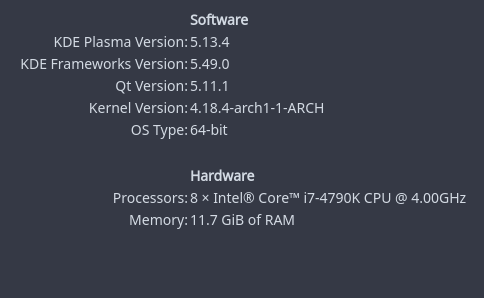
Along with a GTX 770. If there's anything I'm missing, I'm totally willing to provide.
@steve-todorov Unfortunately, that gave no luck for some reason. I'm going to keep troubleshooting myself because this is just weird.
Trying to run GTA V through STEAM with Proton, both main and beta.
Get logged into rockstar online, then it tries to load the game, then rockstar social comes back and tells me the game failed to launch, want to try it in safe mode?
Try safe mode, same thing.
Kind of annoying since I already had it running in a Lutris setup with DXVK 0.70 + WINE 3.13-staging (and earlier versions previously).
- Ubuntu 18.04
- GTX 960 396.54
- XFCE4 + Compiz, 3x1920x1080
- i7 980x
- Asus Xonar DGX
Have you applied the DXVK workaround mentioned above? @BloodyIron
Got GTA V working on Elementary OS 5 (beta)
installed packages: llvm clang and i am pretty sure i had corefonts installed from before
driver: Nvidia 396 (it actually ran on 390 too, but had some framerate issues)
specified custom DXVK config in GTA V startup params as @AlexeyProkhin suggested:
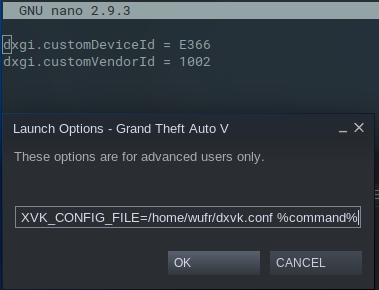

even downscaling works, so i can run on 4K screen with sharp UI etc, while rest is rendered at 1080p
In game i had to use Nvidia PCSS shadows tho, otherwise shadows would be all weirdly rendered, which tanked FPS on my 970 into 30-40s, but it runs stable, played for few hours without crash, until someone sent me message on steam, which minimized the game and that made it crash :D
@vanyasem have just been doing "vanilla" (gui beta opt in) testing methods, no modifications. Been leaving that to Lutris previously.
I have the same problem like @BloodyIron @rrivecatt and @jkhsjdhjs
Rockstar Social Club starts, game window appears (the one with police lights) then crashes after a few seconds. I have applied the gta_dxvk.conf workaround and installed corefonts.
Arch Linux, Gnome Shell 3.28, Nvidia 1050 Ti with 396.54 drivers, 24GB RAM, i5 7300HQ, Proton 3.7.3. I haven't tested it with vanilla Wine/DXVK.
By the way GTA SA and Witcher 3 both run great (mentioning this to let you know my drivers etc. should be ok).
EDIT: wrong driver number, it's actually 396.54
EDIT 2: It's the same on Proton 3.7.4-beta. The only difference is that it starts windowed on 3.7.3 and fullscreen on 3.7.4-beta.
EDIT 3: Adding terminal output:
eventfd: Too many open files wine: Unhandled exception 0x20474343 in thread a0 at address 0x7b44abbc (thread 00a0), starting debugger... eventfd: Too many open files AL lib: (EE) ReleaseThreadCtx: Context 0x7d469a10 current for thread being destroyed, possible leak! Game removed: AppID 271590 "", ProcID 4173 No cached sticky mapping in ActivateActionSet.JS method call WebChat.GetOverlayChatBrowserInfo with 1 arguments JS method call ClientNotifications.DisplayClientNotification with 3 arguments JS method call WebChat.GetOverlayChatBrowserInfo with 1 arguments pid 4004 != 4003, skipping destruction (fork without exec?)
Either configure esync properly as in the readme or disable it. It's not an issue with the game, it's an issue with your configuration @headlesscyborg
Adding PROTON_NO_ESYNC=1 to the launch options fixed it for me.
@jkhsjdhjs well this got my game past crashing at the start, but now I'm stuck on initializing social club lol
anyone else have this issue?
lol i'm an idiot, apologies
@rrivecatt Yes, I had it too, see https://github.com/ValveSoftware/Proton/issues/37#issuecomment-416002074
Try restarting your PC or reinstalling the game, that should fix it. Maybe killing all wine processes is also enough.
I'm trying to test and report the unmodified out of box experience. Should I download and try again, or wait for changes to Proton to roll out?
Hello guys, I fixed the problem with the loading social club screen forcing corefonts install with this https://askubuntu.com/questions/829247/cannot-install-the-package-ttf-mscorefonts-installer
Grand Theft Auto V on Gentoo Linux
Issue transferred from https://github.com/ValveSoftware/Proton/issues/826.
@KostWarCZE posted on 2018-08-28T13:59:16:
DISCLAIMER
I coudn't find any other thread on ValveSoftware/Proton that reports this issue with Grand Theft Auto V
ISSUE
Grand Theft Auto is able to run, but mouse movement is restricted on +- 280° it seems that mouse cursor is restricted by sides of accesable DE. It seems that mouse cursor is moving in background and is stopped by left and right side of a monitor.
Game also freeze every few seconds-minutes on load while driving a car or moving to a location where character wasn't before. freezes on few seconds.
Also Game was able to crash Xorg once i hit a bridge in full sped in Veiron.
INFO
emerge --info - https://paste.pound-python.org/show/1jergtB0ZSBI88eH1PGI/
vulkaninfo - https://paste.pound-python.org/show/DvgUS21HaW0894bFtRnx/
Gentoo Linux kernel 4.17.14 with vulkan USE flag emerged.
Proton - 3.7-4 Beta
system info - https://pastebin.com/jF0WcUuM
let me know what else i can provide not familiar with Proton diagnostics.
STEPS TO REPRODUCE
- Install (emerge) steam
- log-in
- install Grand Theft Auto V.
- Run the game
- game starts
- wait for load.
- move to a location where you wasn't before -> should result in freeze on few seconds.
- Try to turn around with mouse -> should be restricted on +- 280°
Suspect same issue on other distros.
Let me know if i can help :+1:
- DK
@KostWarCZE Same issue here, my cursor moves on my seconds screen then, turning limited to +- 280°.
I fixed it once by hitting Alt + Enter until I'm in fullscreen again.
Also I normally have 60-70FPS, but after a while it drops to 20-30FPS and I didn't find a way to get them back to 60-70 again.
I also just experienced my first rendering issues with GTA:
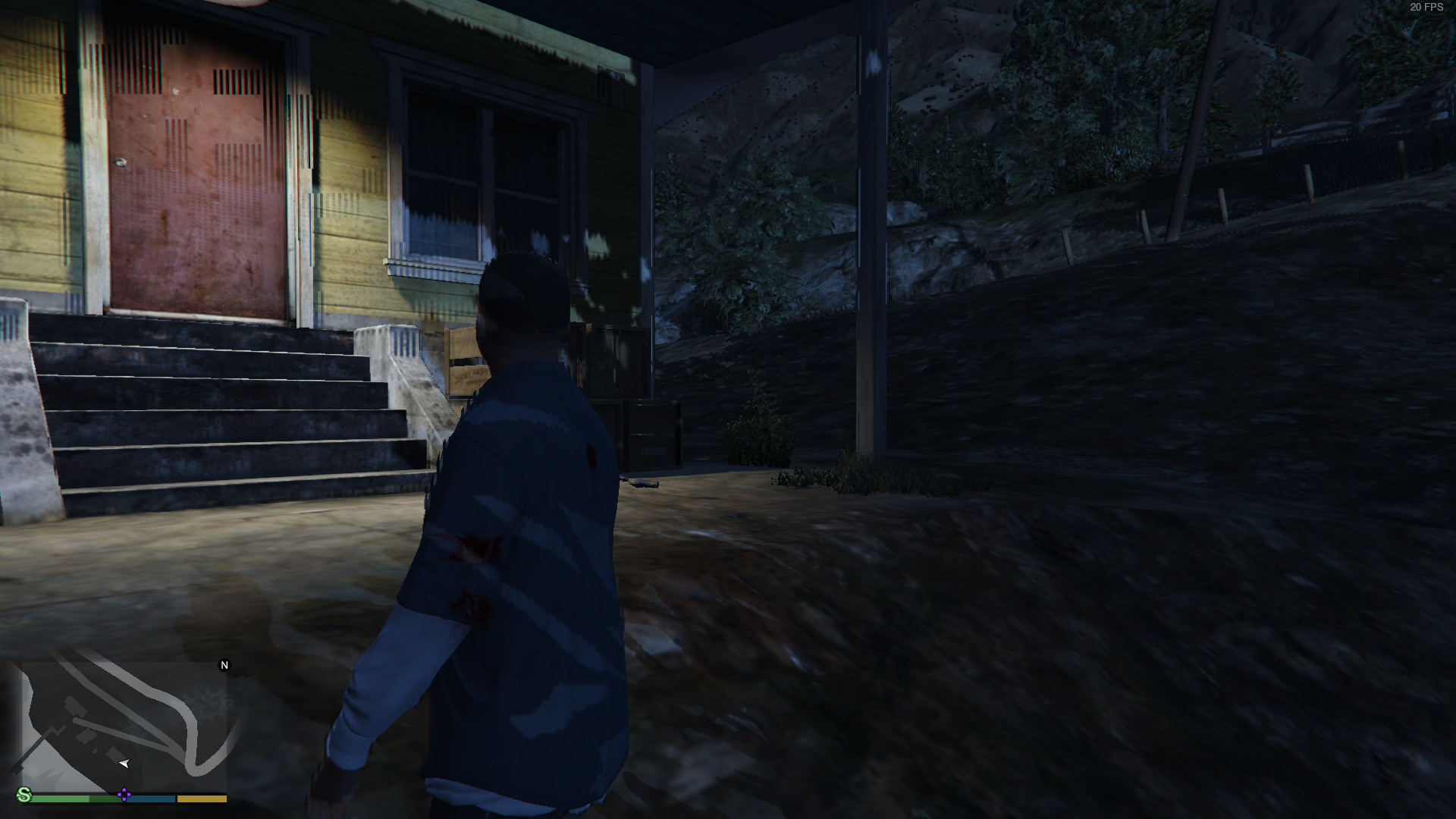
Cool, thought I'm the only one having this problem. Used Lutris to get GTA5 working, had the same problem with the mouse ans the freezes (better: input lags). Used wine13-staging. With esync game crashed after some seconds when showing the intro. The input problems are not related to dxvk, they still exist when you run the game without it
Did you try changing the mouse input source in the game settings around? I initially had the same issue with DXVK (I don't remember which setting it was, I think it was DirectInput) but when I changed it to "Windows" and "RawInput" it worked (though RawInput was extremely jumpy)
Thanks @d3rrial, it was RawInput by default, changing it to Windows fixed it for me!
Also my FPS don't seem to drop anymore, not even when tabbing out!
EDIT: Nevermind, they just dropped after tabbing out and back in...
I really don't know what's causing it.
I also had issues with mouse, when it was awfully jumpy no matter the input type,i had OBS running on other screen and set up to "capture screen", on "window capture" it looked fine... but i guess actual reason may be not getting proper focus on game window and thats why mouse would go outside the window and FPS would be weird at least.
what may have fix that was setting game to fullscreen, not sure if i spammed alt enter a lot, or changed it in game graphics settings tho
@jkhsjdhjs also about rendering issues, on first run, i had to use Nvidia PCSS shadows, otherwise whole world would be covered by some weird bugged shadow. On second run i tried "smoother" and so far it works fine too... so i got my framerate back and running mostly at 60FPS :D
I tried changing the Soft Shadows Option to NVIDIA PCSS, which makes my FPS drop to 40. So I tried to change it to Sharp, but after a longer period (5-10 minutes) of having the game minimized the rendering issues are still appearing and my FPS are at only 20. So those two issues are related.
I then minimized and maximized my game again and somehow managed to get rid of them, with my FPS back at 60. Thank you anyways @wUFr!
tl;dr: the rendering issues are not related to the soft shadow setting but (probably) to minimizing the game for a longer period and also can be fixed somehow. also they occur exactly when my fps are at 20 only
i dont know what do!I tried to verfy integrity of the game.To reinstall it.But i still get error code 9.
!

Grand Theft Auto V - blurry textures
Issue transferred from https://github.com/ValveSoftware/Proton/issues/968.
@headlesscyborg posted on 2018-08-30T10:37:50:
Hi, I play GTA5 using Proton 3.7-3 and it runs great, howewer textures look bad. I'm not sure why, I have AF set to 16x and textures to high.

A few more screens including in-game settings: https://imgur.com/a/iOoQiym
See? The far you look the worse the textures are. It looks like broken anisotropic filtering even though it's set to 16x.
Computer info:
OS: Arch Linux x64 + Gnome Shell 3.28
CPU: i5 7300HQ
GPU: NVIDIA GeForce GTX 1050 Ti [396.54 driver]
RAM: 24GB DDR4 2400MHz
Steam system info: https://pastebin.com/dnWnu34p
I tried disabling AF in the game, forcing AF to 16x in Nvidia settings, setting shader to high but it's exactly the same.
I use default Proton 3.7-3 with only the workaround suggested by @AlexeyProkhin here https://github.com/ValveSoftware/Proton/issues/37#issuecomment-415833819
Grand Theft Auto V - Input causes frame times to spike after a while
Issue transferred from https://github.com/ValveSoftware/Proton/issues/985.
@Clifforus posted on 2018-08-30T13:11:20:
Game runs incredibly well for me except from this one issue. After playing for some time, usually about an hour, suddenly every keyboard input and movement of the mouse will cause the frame time to spike for that frame, resulting in a stuttering unplayable mess. If I don't touch the keyboard and mouse, then performance continues to be smooth. Only way to stop the stuttering is to restart the game.
Specs:
CPU: AMD Ryzen 5 1600
GPU: Sapphire 8GB RX 480 Nitro+
RAM: 16GB Corsair Vengeance LPX DDR4 3200MHz
Motherboard: MSI Tomahawk B350
Boot drive: 250GB Samsung 850 EVO
GTA V installed on: 3TB Toshiba 7200RPM SATA III HDD
OS: Lubuntu 18.04
Kernel: 4.18.5-041805-generic
Mesa version: 18.3.0-devel (padoka PPA)
Proton version: 3.7-4 Beta
Apologies if this isn't enough info, I'm not exactly an expert. Please let me know if there's any logs that might be of use or any other information I can post.
@kisak-valve what's your frame scaling mode at in advanced settings? I had a similar problem, but once you set it off, it does the trick.
@rrivecatt I'm not sure if you're referring to my issue posted above or any of the others that have been merged with this one, but I'll answer anyway just in case.
Frame scaling mode is off. I'm running the game at 2560x1440. Display mode isn't making a difference either.
Mirrors seem to be very weird, very similar to the blocky lighting so they could be related?
https://steamcommunity.com/sharedfiles/filedetails/?id=1498716341
I applied the gta_dxvk.conf fix as mentioned above, but I get a crash after Rockstar Social Club: Unhandled exception: page fault on read access to 0x000001b6 in 64-bit code (0x00007f75f7b2dfe7).
Full log here: https://pastebin.com/zLrnKZZZ
System information:
Wine build: wine-3.7
Platform: x86_64
Version: Windows 7
Host system: Linux
Host version: 4.14.65-gentoo
@john5788 Try a newer wine version. Could play the game with native wine 3-14 (also with 3-13) and DXVK, but needed some fixes. Would recommend to use Lutris to handle this for you.
@justeff I know I can get it to work with Lutris/Wine+DXVK, but I'd like to see this working "natively" from within Steam via Steam Play/Proton. I'm just reporting my findings when I try to launch the game "out-of-the-box" and with a proposed fix by a fellow user.
Ok cool ;)
about blurry textures, i noticed that too... running in 4K with 0.5x scaling (basically 1080p with sharp UI elements) with 16x AF and textures on high.
Could try it without scaling, if that does something... if my 970 wont run away screaming in pain
@AlexeyProkhin Thank you very much for the fix.
Out of curiosity I downloaded wine-staging-3.14-1-x86_64.pkg.tar.xz from the Arch Linux repositories and copied lib/wine/nvapi64.dll.so & lib/wine/.fakedlls/nvapi64.dll to the corresponding dirs in the proton wine prefix.
The game then runs without the need for the fix but the fps is marginally worse.
So atm it's better to pretend to be an AMD card !
Still can't quite believe I can play GTA V @ 5760 x 1080 on Linux. FPS slightly worse than Windows but entirely playable :)
I tried what @gripped suggested and I am able to get the game window to appear for half a second, then crashes again to the Rockstar Social Club launcher.
It looks like something with joystick is causing my problem for crashing:
Backtrace:
=>0 0x00007f0a8c559e4b in libsdl2-2.0.so.0 (+0x36e4b) (0x000000004b7428f0)
  1 0x00007f0a8d1838f4 poll_sdl_device_state+0x123(iface=0x4b742810) [/home/proton/proton/wine/dlls/dinput/joystick_sdl.c:315] in dinput (0x000000004b7428f0)
  2 0x00007f0a8d17a59a JoystickWGenericImpl_Poll+0xf9() in dinput (0x000000000023f9e0)
  3 0x0000000141317e3e in gta5 (+0x1317e3d) (0x000000000023fab0)
  4 0x000000014131969e in gta5 (+0x131969d) (0x000000000023fab0)
  5 0x00000001407da545 in gta5 (+0x7da544) (0x000000000023fab0)
  6 0x00000001407c7a68 in gta5 (+0x7c7a67) (0x000000000023fab0)
  7 0x00000001400147f5 in gta5 (+0x147f4) (0x0000000000000002)
  8 0x000000014156bc9c in gta5 (+0x156bc9b) (0x0000000000000002)
  9 0x00000001400014a8 in gta5 (+0x14a7) (0x000000000023ffd0)
  10 0x0000000141272547 in gta5 (+0x1272546) (0x000000000023ffd0)
  11 0x000000014175d914 in gta5 (+0x175d913) (0x000000000023ffd0)
  12 0x000000007b4777ce start_process+0xfd(entry=0x14175d97c, peb=0x7fffffeaf000) [/home/proton/proton/wine/dlls/kernel32/process.c:1067] in kernel32 (0x000000000023ffd0)
With corefonts installed the game starts, and appears to have decent performance. But the game consistently crashes at the same point ~10 seconds into the first cutscene of the story mode, when one of the characters kicks in a door. PROTON_NO_ESYNC=1 does not appear to make any difference.
Radeon R9 290
Intel i5-6600k
mesa version 1:18.3
@madsbuvi could you try different part of game? I had GTA V crashing on me in first 10 secs when i had unstable RAM overclock, probably not the issue, but you never know :)
I'd need an external save file or something of the sort. I'll install it on windows to make one and let you know.
I do not overclock anything.
Okay. I got past the opening to the first save point on windows, and transferred that save via cloud.
I noticed that the moment into the first cutscene where it crashes is the exact moment where control is given to the player.
Loading the cloud save crashes instantly, which is consistent with player control = crash.
SteamOS and GTA 5, input/focus issues
Issue transferred from https://github.com/ValveSoftware/Proton/issues/1170.
@steamoshza posted on 2018-09-02T10:06:16:
hello at valve!
First of all: thank you so much for your efforts, steam play seams to open totally new possibilities, at least for legacy games!
Also I have tested proton with another game, some half life 2 mod, it runs really very much perfectly fine with steamOS.
GTA 5 however, causes issues - I'd like to help you to the best of my abilities to resolve this, since I really would love to have it.
The issue starts with the fact that I am not using any desktop distro for this, but SteamOS. The latest steamos-beta is installed (mostly for the nvidia drivers and probably mesa), the game detects and runs with DirectX 11, the performance seems to be very good.
I had to install msttcorefonts and manually copy over the fonts via
cp /usr/share/fonts/truetype/msttcorefonts/* /home/steam/.local/share/Steam/steamapps/compatdata/271590/pfx/drive_c/windows/system32/fonts/
.. since you do not provide winetricks to install them and trying to install winetricks from different sources caused dependency problems. without those fonts the launcher simply did not start as it should.
This way I could start it, however, the launcher did not accept any input from the onscreen keyboard. I could resolve this by streaming the game to my PC, where I was able to use the keyboard and CRTL+V the provided CD-key.
After that, the game did start, but stutters frequently, although the FPS appear to be stable when in non-stutter and decent, with all settings maxed out.
The show stopper is this: the steam controller flashes all the time and every input seems to map to the controller AND mouse-keyboard at once.
NOTE: please DO NOT CONFUSE THIS with the usual 'games switch automatically between mouse+keyboard and gamepad, whatever is being used'; I am not touching anything, and the switching occurs all the time, like 10 times per second.
Usually the controller LED should be white, but it keeps flashing like 100/60/100/60 percent all the time - I set the brightness to ~60% as my preference, so this is how I can observe that flashing which typically indicates that the controller is (re-)connecting.
However, there is no overlay info in the bottom right corner telling me that the controller is reconnecting, it's just flashing.
This has to be some focus issue with big picture, because once I press the steam home button, the steam overlay also does not respond! Effectively no buttons are working then, I literally have to restart the system or kill -9 GTA5.exe via SSH to regain control of the host.
There is absolutely no input accepted from this point on.
Anyway, all of this is unplayable because of this, and I do suspect that (especially because the steam overlay fails to respond) this is more or less some focus issue, which you would be able to fix, hopefully.
In short, how to reproduce this: just install GTA 5 on steamOS, you may want to use my workaround to input your CD key and start the game, ...and then immediately select STORY MODE (it will continue with ONLINE MODE otherwise), and you should be able to see for yourselves.
Please tell me if you have the time or resources to dedicate for this issue – I am a dev myself and do see that this may be something not even worth looking into, but keep in mind that there are many people still playing GTA, and at least that focus issue seems fixable to me, regardless what the game seems to do.
Also, before starting I had to apply this: https://github.com/ValveSoftware/Proton/issues/37#issuecomment-415833819
Thank you Valve!
@kisak-valve
well I co not concur with the transfer, since I do not believe that this has specifically to do something with the game.
regardless what it does, totally losing control/focus of steam, the overlay or any input can't be that much related to the game. it is merely an example for which game this happens with.
so my best guess is that this has to do directly with proton or BPM, GTA must not be able to cause such a severely unresponsive system.
Hi, have error "GTA V exited unexpectedly".
Validation of steam files have successfully passed.
System:
linux mint 18
proton 3.7.3
nvidia drivers v384
Hadware:
i7
8gb ram
840m
Will appreciate any help, thanks.
https://gyazo.com/4ad0085d934028ba528d0f240bfc9cd6
@drummerdox have you tried any of the tips that are posted above? If not, try these first and you should probably include more info about your system/os/proton version etc if problem persists
@wUFr Thanks.
Unfortunately after changes from @AlexeyProkhin , I see this error.
"No Directx 10 or 11 adapter or runtime found. Please install latest Directx".
How can I configure direct x adapter ?
It seems like I done have program 'winecfg' is currently not installed.
https://gyazo.com/270fbb02700d162d6dcee17f172b18ec
update
Problem solved after install new nvidia 390 drivers
I tried using the DXVK config and installing corefonts but the game only shows up for a short time and then crashes with this Log:
[2018-09-02 21:42:49.109] [DISPLAY] Game exited with code 0xc0000005
[2018-09-02 21:42:49.110] [ ERROR ] Unable to stat out-file!
[2018-09-02 21:42:49.112] [ ERROR ] ************************************************************************
[2018-09-02 21:42:49.112] [ ERROR ] * Setting error condition
[2018-09-02 21:42:49.114] [ ERROR ] * Category: 1 (ERROR_CATEGORY_LAUNCHER)
[2018-09-02 21:42:49.114] [ ERROR ] * Code: 107 (LAUNCHER_ERR_GAME_CRASHED)
[2018-09-02 21:42:49.114] [ ERROR ] * Extra:
[2018-09-02 21:42:49.115] [ ERROR ] * Localised: Launcher error. Code: 107
[2018-09-02 21:42:49.115] [ ERROR ] ************************************************************************
[2018-09-02 21:42:49.116] [ ERROR ] Unable to read out-file!
[2018-09-02 21:42:49.118] [ ERROR ] ************************************************************************
[2018-09-02 21:42:49.118] [ ERROR ] * Setting error condition
[2018-09-02 21:42:49.120] [ ERROR ] * Category: 5 (ERROR_CATEGORY_EXIT_CODE)
[2018-09-02 21:42:49.120] [ ERROR ] * Code: -1073741819 (c0000005)
[2018-09-02 21:42:49.121] [ ERROR ] * Extra:
[2018-09-02 21:42:49.121] [ ERROR ] * Localised: Grand Theft Auto V exited unexpectedly.
[2018-09-02 21:42:49.121] [ ERROR ] ************************************************************************
[2018-09-02 21:42:49.123] [ ERROR ] Exit code 0xc0000005 indicates a game crash (STATUS_ACCESS_VIOLATION)
[2018-09-02 21:42:49.139] [ ERROR ] Unable to clear in-file and out-file!
[2018-09-02 21:42:51.656] [DISPLAY] Uninitializing.
My Systeminfo:
Kernel: 4.15.0-20-generic x86_64 bits: 64
Desktop: Cinnamon 3.8.8 Distro: Linux Mint 19 Tara
Graphics: Card: NVIDIA GM200 [GeForce GTX 980 Ti]
Display Server: x11 (X.Org 1.19.6 ) driver: nvidia
Resolution: [email protected], [email protected]
OpenGL: renderer: GeForce GTX 980 Ti/PCIe/SSE2
version: 4.6.0 NVIDIA 396.54
and this is my Proton Log: https://pastebin.com/JzrNLdwz
Anyone out there who can help me with this?
@kisak-valve : I have an issue regarding GTA V and steamOS, if you want, I will refile it differently.
Anyway:
When using all the above mentioned work arounds, GTA V works on steamos with steam in big picture mode when using a window manager. When starting GTA V on bare steamos (with the steam dedicated compositor/"window manager"), after the social club login, there is a pink background, and eventually that stops, and then there is a black screen and soft music in the background. It doesn't react to input, so I guess it is crashed halfway.
I got the game started and playable using just the steam beta client and these 4 things I found in this thread -
- I'm on Solus so used this to install corefonts - https://solus-project.com/articles/software/third-party/en/#microsoft-core-fonts
- Created a gta_dxvk.conf file with this text
dxgi.customDeviceId = E366
dxgi.customVendorId = 1002
- Used that file location in the games launch options (right click on game in steam client, select "properties" then "Launch Options"
DXVK_CONFIG_FILE=/home/my_username/gta_dxvk.conf %command%
- Renamed file "user_settings.sample.py" in folder "~/.steam/steam/steamapps/common/Proton\ 3.7/" to "user_settings.py", Edited the settings file and uncommented
"PROTON_NO_ESYNC": "1",
Optional: I enabled DKVK's HUD in this same file
"DXVK_HUD": "devinfo,fps",
I got up to 180FPS in the DXVK HuD results and no crashes although I only played for a short time.
Same as me, but I have a problem with my Steam Controller. This is detected as a Keyboard and if I use sc-controller ( https://github.com/kozec/sc-controller ) emulating a XBOX360 with precission camera, the range of of this camera is limited
@JasonFinestone be aware GTA V will start doing weird sh*t when reaching framerate that high, would try to keep it under 140FPS :D
@wUFr how can I limit the FPS? In the same configuration file user_settings.py?
For me the game crashes about 10 seconds after I start playing.
This is the error I receive:
LLVM ERROR: Cannot select: 0x7f5e79344840: f32 = bitcast 0x7f5e793447d8
  0x7f5e793447d8: v2i32,ch = CopyFromReg 0x7f5e7884b120, Register:v2i32 %26
    0x7f5e79344770: v2i32 = Register %26
In function: main
14865.671:0091:00a7:trace:module:LdrUnloadDll (0x7f5ea66f0000)
14865.671:0091:00a7:trace:module:LdrUnloadDll (L"imm32.dll") - START
14865.671:0091:00a7:trace:module:MODULE_DecRefCount (L"imm32.dll") ldr.LoadCount: 4
14865.671:0091:00a7:trace:module:LdrUnloadDll END
14865.671:0091:00a7:trace:module:LdrUnloadDll (0x7f5ea6690000)
14865.671:0091:00a7:trace:module:LdrUnloadDll (L"iphlpapi.dll") - START
14865.671:0091:00a7:trace:module:LdrUnloadDll END
14865.671:0091:00a7:trace:module:LdrUnloadDll (0x7f5ea6690000)
14865.671:0091:00a7:trace:module:LdrUnloadDll (L"iphlpapi.dll") - START
14865.671:0091:00a7:trace:module:LdrUnloadDll END
14865.671:0091:00a7:trace:module:LdrUnloadDll (0x7f5ea1250000)
14865.671:0091:00a7:trace:module:LdrUnloadDll (L"imagehlp.dll") - START
14865.671:0091:00a7:trace:module:MODULE_DecRefCount (L"imagehlp.dll") ldr.LoadCount: 0
14865.671:0091:00a7:trace:module:MODULE_InitDLL (0x7f5ea1250000 L"imagehlp.dll",PROCESS_DETACH,(nil)) - CALL
14865.671:0091:00a7:trace:module:MODULE_InitDLL (0x7f5ea1250000,PROCESS_DETACH,(nil)) - RETURN 1
14865.671:0091:00a7:trace:module:free_modref  unloading L"C:\\windows\\system32\\imagehlp.dll"
14865.671:0091:00a7:trace:module:LdrUnloadDll END
14865.671:0091:00a7:trace:module:LdrUnloadDll (0x7f5e90010000)
14865.671:0091:00a7:trace:module:LdrUnloadDll (L"hid.dll") - START
14865.671:0091:00a7:trace:module:MODULE_DecRefCount (L"hid.dll") ldr.LoadCount: 0
14865.671:0091:00a7:trace:module:MODULE_InitDLL (0x7f5e90010000 L"hid.dll",PROCESS_DETACH,(nil)) - CALL
14865.671:0091:00a7:trace:module:MODULE_InitDLL (0x7f5e90010000,PROCESS_DETACH,(nil)) - RETURN 1
14865.671:0091:00a7:trace:module:free_modref  unloading L"C:\\windows\\system32\\hid.dll"
14865.671:0091:00a7:trace:module:LdrUnloadDll END
14865.671:0091:00a7:trace:module:LdrUnloadDll (0x7f5e7f850000)
14865.671:0091:00a7:trace:module:LdrUnloadDll (L"setupapi.dll") - START
14865.671:0091:00a7:trace:module:MODULE_DecRefCount (L"setupapi.dll") ldr.LoadCount: 1
14865.671:0091:00a7:trace:module:LdrUnloadDll END
14865.671:0091:00a7:trace:module:LdrUnloadDll (0x7f5ea66f0000)
14865.671:0091:00a7:trace:module:LdrUnloadDll (L"imm32.dll") - START
14865.671:0091:00a7:trace:module:MODULE_DecRefCount (L"imm32.dll") ldr.LoadCount: 3
14865.671:0091:00a7:trace:module:LdrUnloadDll END
14865.671:0091:00a7:trace:module:LdrUnloadDll (0x7f5e7f8c0000)
14865.671:0091:00a7:trace:module:LdrUnloadDll (L"uxtheme.dll") - START
14865.671:0091:00a7:trace:module:MODULE_DecRefCount (L"uxtheme.dll") ldr.LoadCount: 0
14865.671:0091:00a7:trace:module:MODULE_InitDLL (0x7f5e7f8c0000 L"uxtheme.dll",PROCESS_DETACH,(nil)) - CALL
14865.671:0091:00a7:trace:module:MODULE_InitDLL (0x7f5e7f8c0000,PROCESS_DETACH,(nil)) - RETURN 1
14865.671:0091:00a7:trace:module:free_modref  unloading L"C:\\windows\\system32\\uxtheme.dll"
14865.671:0091:00a7:trace:module:LdrUnloadDll END
AL lib: (EE) alc_cleanup: 1 device not closed

.. Then about a 1000 lines that look like this:
14865.730:00c6:00c9:trace:module:MODULE_InitDLL (0x7fe5f4890000,THREAD_DETACH,(nil)) - RETURN 1
14865.735:0008:0090:trace:module:LdrShutdownThread ()
14865.745:0008:0009:fixme:win:AnimateWindow partial stub
14865.784:0008:00ce:trace:module:MODULE_InitDLL (0x7fa188de0000,THREAD_DETACH,(nil)) - RETURN 1

.. finally:
pid 456 != 455, skipping destruction (fork without exec?)
Arch Linux, Proton 3.7-5 beta
AMD RX580, kernel 4.18
I have already fixed the FD limit & toyed with the dxvk conf file, nothing seems to work..
Edit: I use Arch btw
You will need NVIDIA 396.54 or Mesa 18.1.x at a minimum. LLVM7 or above is recommended to play DX11 games without GPU hangs.
-> https://github.com/ValveSoftware/Proton/blob/proton_3.7/PREREQS.md
After installing corefonts with Winetricks to my Proton-Prefix I got it running (before it hanged at startup at Social Club; it looked like this: https://github.com/ValveSoftware/Proton/issues/37#issuecomment-416037816). I played it for some hours in SP without any problems and with FPS between 35-60.
Linux Mint 19
Kernel 4.17.9
AMD FX-8300
AMD rx580 8GB
16GB RAM
Padoka ppa (Mesa dev18.3; LLVM 8.0)
Vulkan-drivers installed
Sadly i cant find any Mesa Package above 18.0.5 for Xenial (16.04), does anyone know when the 18.1.x Series will be released for Xenial?
Hello @Dark-Schnitzel, you could give https://launchpad.net/~oibaf/+archive/ubuntu/graphics-drivers/ a try.
@kisak-valve Thank you very much!
@c1349887: We had exactly the same problem. You need to install the ms corefonts in your system! Under Ubuntu:
sudo apt install ttf-mscorefonts-installer
That's it! We didn't need winetricks or anything else. We just install the ms corefonts and it works. At least under Ubuntu.
The GTA V launcher simply needs the corefonts. Many will not have them installed. Maybe Valve can integrate them into Proton, if they do not exist in the system. Missing ms corefonts will surely cause problems with other windows games as well. Maybe it's a licensing problem. Can't judge it. But technically, it's so trivial.
Maybe it's a licensing problem.
Exactly, see https://github.com/ValveSoftware/Proton/issues/571.
running Proton 3.7.5 beta on Fedora using native Steam libraries, but GTAV and only GTAV is having issues with the mouse identical to those reported by @KostWarCZE, except my restriction is closer to within a 70-degree window... Tried changing the winecfg settings, installing directx11 and xinput, tried running in window, tried changing mouse input method in-game, but no matter what my range of motion is restricted to a tiny window...
- OS: Arch Linux
- Kernel: 4.16.14-1-ck
- CPU: AMD FX-8350
- GPU: AMD Radeon RX 580 + AMD Radeon RX 480
Had problems with missing fonts in launcher, did the winetricks corefonts trick — did not work.
Inspired by @Oliver-1xok I installed the the legacy MS corefonts via pacman:
pacman -S ttf-ms-fonts
Restarted steam, and then it the launcher worked perfectly.
Now the game crashes after the intro, but that's another story.
It looks like my issue that I reported above is different than what anyone else is reporting here.
https://github.com/ValveSoftware/Proton/issues/37#issuecomment-417714957
Since I'm seeing issues with libsdl2, I went ahead and unplugged my keyboard, launched steam, and launched GTA 5 mouse only. I got farther: the splash screen for GTA5 launched where the gunshots and police sirens are heard, but then it crashes after that with this in the terminal repeating:
>>> Adding process 15412 for game ID 271590
eventfd: Too many open files
eventfd: Too many open files
eventfd: Too many open files
esync: write: Bad file descriptor
eventfd: Too many open files
eventfd: Too many open files
esync: write: Bad file descriptor
eventfd: Too many open files
eventfd: Too many open files
esync: write: Bad file descriptor
eventfd: Too many open files
eventfd: Too many open files
esync: write: Bad file descriptor
eventfd: Too many open files
eventfd: Too many open files
I'm using a Corsair Strafe RGB mechanical keyboard. Is there anything you want specific from my system @kisak-valve in regards to this error with libsdl2 and my keyboard?
Gist for libsdl2 error with keyboard connected: https://gist.github.com/john5788/24f0b1e2bb25e943e0328c1f87952ec2
Gist for new error when keyboard is disconnected and libsdl2 does not fail polling for devices and crashes a little bit later. Keyboard is plugged back in after the crash to resume command of the terminal. https://gist.github.com/john5788/f02ba810bb8bf1454c7c582bd4613e14
@john5788 please configure esync properly according to THE DOCS. The issue is not related to the game itself
For the SDL issue, your keyboard is presenting itself as a joystick when it shouldn't be. You may want to adapt https://github.com/denilsonsa/udev-joystick-blacklist to blacklist 1b1c:1b20.
I've managed to get it working with @JasonFinestone 's and
@AlexeyProkhin 's methods on Arch with the latest Nvidia drivers and wine-staging package, in summary this is what I had to do.
Steps for Arch Linux w/ Nividia proprietary driver
- Install wine-staging (
pacman -S wine-staging) - Install the latest Nvidia drivers (
pacman -S nvidia-dkms nvidia-utils lib32-nvidia-utils - Create a GTA DXVK config file [1]
- Set GTA 5 launch option in Steam to
DXVK_CONFIG_FILE=/<PATH_TO_YOUR_CONFIG>/gta_dxvk.conf %command% - Copy
steam/steamapps/common/Proton 3.7/user_settings.sample.pytosteam/steamapps/common/Proton 3.7/user_settings.py - Uncomment
"PROTON_NO_ESYNC": "1"inuser_settings.py - Copy all Windows fonts from a Windows ISO to
/usr/share/fonts/WindowsFontsor installttf-ms-win10from the AUR - Run
fc-cache -vfrto rebuild the font cache
I'm now getting around 60/70 FPS on a GTX 780 with fairly high settings and I no longer need Windows, GTA was the only reason I had it, awesome!
[1] gta_dxvk.conf
dxgi.customDeviceId = E366
dxgi.customVendorId = 1002
You can also use nvidia in place of nvidia-dkms if you don't want the kernel modules to auto build when the kernel changes.
Also I'm not 100% sure but I think steam-native may give a slight FPS boost.
@kisak-valve and @vanyasem
I increased my number of open files limit by using ulimit -n 1048576 in my ~/.bashrc for now. My system is not accepting the values in /etc/security/limits.conf for some reason, but I'll debug that later on my own.
I also was not able to blacklist the Corsair keyboard as a joystick, the udev rules are not matching. For now I am just using a different keyboard to bypass.
I am getting a new error now, here is the gist:
Backtrace:
=>0 0x0000000141275cbc in gta5 (+0x1275cbc) (0x0000000000000000)
  1 0x00000001412797ce in gta5 (+0x12797cd) (0x0000000000000000)
  2 0x000000007bc91d3d call_thread_func+0xbc(entry=0x1412796d0, arg=0x142911818) [/home/proton/proton/wine/dlls/ntdll/signal_x86_64.c:4367] in ntdll (0x000000003acaffd0)
0x0000000141275cbc: movl	$0,0x0000000000000000
https://gist.github.com/john5788/2c004355ada82230a5d9aff7919cbdc6
@kisak-valve
Regarding the SDL issue, I cannot blacklist the keyboard from SDL because it doesn't populate or create a /dev/input/js* device like my Xbox one controller does. The only devices that the Corsair keyboard shows up as are /dev/input/event13 and /dev/input/event14. Removing or chmod 000 these devices does prevent SDL from picking them up, however it also causes my keyboard to not work altogether.
Also, Big Picture Mode does not detect my keyboard as a controller so there's some proper detection in Steam itself somehow. Using sdl-jstest, I get the following results:
$ ./sdl2-jstest --list
Found 3 joystick(s)

Joystick Name:     'Microsoft X-Box One pad (Firmware 2015)'
Joystick GUID:     030000005e040000dd02000003020000
Joystick Number:    0
Number of Axes:     6
Number of Buttons: 11
Number of Hats:     1
Number of Balls:    0
GameController:
  Name:    'XInput Controller'
  Mapping: '(null)'

Joystick Name:     'ckb1: Corsair STRAFE RGB Gaming Keyboard'
Joystick GUID:     030000001c1b0000201b000005020000
Joystick Number:    1
Number of Axes:     0
Number of Buttons: 766
Number of Hats:     0
Number of Balls:    0
GameController:
  not a gamepad

Joystick Name:     'ckb1: Corsair STRAFE RGB Gaming Keyboard'
Joystick GUID:     030000001c1b0000201b000005020000
Joystick Number:    2
Number of Axes:     0
Number of Buttons: 766
Number of Hats:     0
Number of Balls:    1
GameController:
  not a gamepad
Is there a way to perhaps not poll the device in joystick_sdl.c using the same condition that this test program uses to detect that the Corsair is not a real controller? Perhaps something like
SDL_GameController* gamepad = SDL_GameControllerOpen(joy_idx);
if (gamepad)
{
    poll()
}
Or utilize the SDL_IsGameController() function before polling the device?
From looking at the code for joystick_sdl.c, I don't understand why the function crashes at line 343 since the number of hats reported there should be 0.
Yesterday I was able to play GTA V with my proton version being 3.7.5beta, today it is updated to 3.7.6, and it doesn't seem to work anymore. It also doesn't start with Proton 3.7.3, which is the 'stable' version.
My system is Debian 9, with a Ryzen 1500X and Nvidia 1050 ti, with the latest nvidia drivers and llvm 7. I have done the fix to change the DXVK settings, which made it playable before, but not now. Does anyone have any idea? :)
Edit: I was on Nvidia 396.51, updated to 396.54 and it works again!
Disregard my 2nd to last comment about a "new" error appearing. I didn't realize that Proton updated to 3.7.6 and it removed the fix that I applied from https://github.com/ValveSoftware/Proton/issues/37#issuecomment-417685474 . I reapplied the fix and GTA 5 is now working for me, but I still have the SDL issue as mentioned .
Using the steps that nerdyman describe in this post I can play GTAV without problems, except a strange issie that also have in Wine+DXVK. All controls seems to be OK with my Steam Controller, but when I try run (A button) the game start to record a clip. I try to emulate a XBOX controller with sc-controler, but I have the same problem.
@leillo1975
Your are describing exactly what I mentioned before, please see my posting above at https://github.com/ValveSoftware/Proton/issues/37#issuecomment-417925826
is the steam overlay working for you? for me, when pressing the steam home button, the overlay becomes unresponsive.
To install MS-W10 fonts I got a copy of the folder C:\Windows\Fonts from a W10 install. If you don't have a W install (medium), ask a friend to compress the folder and send it via https://framadrop.org/ or another filetransfer service. After that, I went ahead via the copy method on https://wiki.archlinux.org/index.php/Microsoft_fonts#Using_fonts_from_a_Windows_partition. This enabled me to make a Social Club account, but the game got stuck in the loading screen.
Thanks to the fix from @AlexeyProkhin and clear description from @JasonFinestone https://github.com/ValveSoftware/Proton/issues/37#issuecomment-418265244 I'm now able to start and play the game. Although I can't recommend his optional step as the explanations in the tutorial will be barely visible because of the DXVK FPS overlay. The built-in steam overlay works, so why bother?
Another proposal from @gripped https://github.com/ValveSoftware/Proton/issues/37#issuecomment-417685474 seems interesting and I would like to try it out, but I'm not sure where to find
the corresponding dirs in the proton wine prefix
The nvapi files can be found easily when wine-staging (not wine) is installed, but which folders do correspond?
Arch 4.18.6 , Mesa 18.1.8
on
FX8320e , RX480
@kaymio thats seems like a bit overcomplicated, to get needed fonts, you should just run
apt install ttf-mscorefonts-installer
and be fine, i did this before i even installed steam, cuz few years back, steam itself wouldnt run without these
edit: not sure how you install stuff on Arch, but pretty sure this package will be available there as well
@kisak-valve would be good idea setting up repo with list of tutorials, how to make various games working under different distros, at least before Steam can figure it out on their end. So people could just browse it and see whats needed to run lets say GTA (:
This should make Issues for proton itself a bit smaller, if people would follow tutorial first, then report issues if they get any, with game itself.
@wUFr the AUR has ttf-ms-fonts as well as several packages for specific win8 and win10 corefonts.
But this is for the OS usage, no? corefonts installed through winetricks would enable for wine.
I believe wine will use your distro fonts as well, i did not have to install any fonts in wine itself
edit: Found on the internet ... fonts in /usr/share/fonts should be usable directly in Wine
Interesting. I will install those myself, that should be included in FAQ for proton. Or do they plan on including inside of proton? I heard there were copyright issues.
Edit: fc-cache -vfr will regenerate your font cache (verbosely, forced).
@leillo1975 @steamoshza I think this is a known GTA issue that also happens on windows. The game seems to change the control scheme once you have used an input device other than your controller. Try to not touch your mouse or keyboard after starting, that works for me.
well there is no keyboard or mouse, I am using steamOS as a console like env.
but news to that: after starting the game execute in a shell: killall GTAVLauncher.exe
the launcher is not required to keep the game running, interestingly the issue vanishes then. it's just a little bit annoying to login via ssh all the time, just to kill this after the game launches.
as mimattr said setting msdmo to builtin fixes social club problem crashing. I ran winecfg on the game prefix, went to dll overrides and added msdmo, then selected builtin. After that I was able to remove the offline only option and play normally
System Information
- GPU: GTX 970
- Driver/LLVM version: NVIDIA 396.54
- Kernel version: 4.4.0-135-generic
- Link to full system information report as Gist
- Proton version: 3.7-7 Beta
I confirm:
- [ ] that pressing the
Playbutton in the Steam client is sufficient. - [x] that runtime config options
are necessary to run the game:- Dependencies: Install Microsoft's "Core" fonts (e.g.
sudo apt install ttf-mscorefonts-installer)
- Dependencies: Install Microsoft's "Core" fonts (e.g.
- [x] that no workarounds other than the mentioned ones are necessary.
Issues
- [x] I haven't experienced any issues.
- [ ] There are no issues left open for this game.
- [ ] Although I consider the gaming experience equal to Windows there are
remaining issues:
NOTE: May be possible to distribute Google's Croscore fonts within Proton as a Microsoft alternative.
Yep SteamPlay isn't big success at the moment for GTA 5, Playing it via Lutris is only way at the moment with few little tweaks.
I have gotten the game to work with the workarounds however if I tab out and back in the mouse doesn't allow you to move 360 degrees. Windowed mode solves this though.
Also the settings menu doesn't seem to save my settings between restarts but that is probably a bug with the game.
After installing corefonts, using winetricks, it works well. 4K, everything maxed out @ 60 -70 fps except Shader (on normal). If the shader is higher than normal, the game will crash.
If playing for long periods of time, the sound will suddenly lower to half the volume. (Having not checked exactly how long, but feels like around 2 hours). This can be temporarily fixed by turning up the volume of the system. If one keeps playing the sound will at some point die out in the right speaker (rest of the system still works with stereo). This got me curious, so I kept playing and at some point the stereo will work again and both speakers will play.
This has happened the three times I've played (and for that matter tested) the game on Proton 3.7.5-beta.
I have also noticed the camera movement bug, where sometimes the camera wont turn, when the cursor hits the edges of the monitor.
You can install corefonts without winetricks.
package name ttf-mscorefonts-installer
check if it's in your repos
then add DXVK_CONFIG_FILE=/path/to/gta_dxvk.conf %command%
that's how I got it to work.
@c1349887: We had exactly the same problem. You need to install the ms corefonts in your system! Under Ubuntu:
sudo apt install ttf-mscorefonts-installerThat's it! We didn't need winetricks or anything else. We just install the ms corefonts and it works. At least under Ubuntu.
The GTA V launcher simply needs the corefonts. Many will not have them installed. Maybe Valve can integrate them into Proton, if they do not exist in the system. Missing ms corefonts will surely cause problems with other windows games as well. Maybe it's a licensing problem. Can't judge it. But technically, it's so trivial.
Guess they could make an "agreement" when installing games that need it. Then you are the one using it and agreed to use it by their terms and valve are simply distributors of it.
Still having problems with SocialClub launcher stuck on Loading..
Can anyone provide more info how to fix it other then reinstalling the game.. which is also uneffective
as mimattr said setting msdmo to builtin fixes social club problem crashing. I ran winecfg on the game prefix, went to dll overrides and added msdmo, then selected builtin. After that I was able to remove the offline only option and play normally
I'm now getting around 60/70 FPS on a GTX 780 with fairly high settings and I no longer need Windows, GTA was the only reason I had it, awesome!
I'm running Manjaro Linux and I used your method to get GTA 5 working but I'm curious how you have a GTX 780 on fairly high settings with 60/70 fps? I have a GTX 980 ti and on lowest settings I get the same framerate as you. Maybe I don't have something installed that you do or maybe it's Manjaro itself since you use full Arch. If you could maybe help me figure it out I'd appreciate it. Any information you need I'm willing to give.
I found an another problem with the ps4 (ds4) controller. The combo L3+R3 doesn't work on this game. I think that the button R3 is not recognized in the game. L3 works.
I'm on Archlinux 64bit
@IM-OUT-OF-ORDER It might be your desktop environment, I'm just using i3 and disabling compton when the game starts.
You could try disabling whatever compositor you're using.
Also here's a gist of my .nvidia-settings-rc but I don't know if it will help you.
@nerdyman My .nvidia-settings-rc is similar to yours. I use cinnamon and I tried disabling the compositor (or atleast what I can) and oddly enough that made things worse I'm now in the range of 20/40 fps.
The game run fine after installing core fonts and following @AlexeyProkhin instructions. The main issue now is the mouse movement as mentioned by others aswel the mouse movement seems to get restricted to -+280*
I am getting around 45-65 fps on 1080p low on my old gtx 680 ref. Some shuttering and dips do happen.
I've been running the game find on my steamos system (using a real wm! with the steamcompositor it freaks out).
Until yesterdays steam client beta...: Sep 19 2018 22:44:09 . Now I get a no directx 10 or 11 driver found.
How does proton relate to the steam-client?
ah, WM, nvm, read it as VM
Don't embarrass yourself. - please be nice to people, thanks ;)
edit: deleted comment so it wont confuss anyone
I've been running the game find on my steamos system (using a real wm! with the steamcompositor it freaks out).
Until yesterdays steam client beta...: Sep 19 2018 22:44:09 . Now I get a no directx 10 or 11 driver found.
How does proton relate to the steam-client?
Thanks for the downvotes guys, really shows that if it works for you, then others must be stupid.
I've found why GTA V stopped working on NVIDIA:
the newer Proton and steam client did some more shuffling with the vulkan drivers, which probably caused it to select the wrong vulkan drivers.
mesa-vulkan-drivers is a dependency of steamos-packages.
So if you have steamos and nvidia drivers, you have to remove the mesa-vulkan-drivers which also removes steamos-packages (and fortunately only that).
Why? Because the nvidia packages are the only packages that have no vulkan icd files installed.
I will file a bug with steamos brewmaster_beta.
For those that run into the problem where the mouse is locked / unable to look to the right or left:
Setting "keyboard / mouse" -> "mouse input method" in the GTA V settings to windows fixed that one for me.
I also have this Social Club error:
The Social CLub failed to load due to an incomplete installation (code9). Please exit the game and re-install the latest version of the Social Club: https://support.rockstargames.com/hc/articles/204075496
I don't know how to reproduce it.
My system is: Arch Linux (everything updated) with Nvidia driver 396.54.
I tried the mscorefonts and DXVK_CONFIG_FILE fixes.
I also have this Social Club error:
The Social CLub failed to load due to an incomplete installation (code9). Please exit the game and re-install the latest version of the Social Club: https://support.rockstargames.com/hc/articles/204075496I don't know how to reproduce it.
My system is: Arch Linux (everything updated) with Nvidia driver 396.54.I tried the mscorefonts and DXVK_CONFIG_FILE fixes.
I came across this same error and I resolved it by verifying game files in Steam. It triggered a re-installation of Social Club, assuming it was an update to Social Club that caused the problem, and corrected the problem.
I also have this Social Club error:
The Social CLub failed to load due to an incomplete installation (code9). Please exit the game and re-install the latest version of the Social Club: https://support.rockstargames.com/hc/articles/204075496
I don't know how to reproduce it.
My system is: Arch Linux (everything updated) with Nvidia driver 396.54.
I tried the mscorefonts and DXVK_CONFIG_FILE fixes.I came across this same error and I resolved it by verifying game files in Steam. It triggered a re-installation of Social Club, assuming it was an update to Social Club that caused the problem, and corrected the problem.
I just tried verifying game files. It did triggered re-installation of Social Club, but the problem persists.
I also have this Social Club error:
The Social CLub failed to load due to an incomplete installation (code9). Please exit the game and re-install the latest version of the Social Club: https://support.rockstargames.com/hc/articles/204075496
I don't know how to reproduce it.
My system is: Arch Linux (everything updated) with Nvidia driver 396.54.
I tried the mscorefonts and DXVK_CONFIG_FILE fixes.I came across this same error and I resolved it by verifying game files in Steam. It triggered a re-installation of Social Club, assuming it was an update to Social Club that caused the problem, and corrected the problem.
I just tried verifying game files. It did triggered re-installation of Social Club, but the problem persists.
For me this problem was caused by installing a game under proton 3.7.5 (beta) and 3.7.6 (beta) in 3.7.5, 3.7.6 and 3.7.7 (beta) it seems to be working. But verifying didn't help me either, I had to chose a working build and rename game folder in steamapps folder and then uninstall the game, after that name back the GTA 5 folder and press install, it will then properly fix the problem.
This method works. Please try and see if it works on your system as well.
System Information
- GPU: GTX 1060 Ti
- Driver/LLVM version: nvidia 396.54
- Kernel version: 4.15.0-34-generic
- Link to full system information report as Gist: System Report
- Proton version: 3.7-6
- OS: Ubuntu 18.04 LTS
I confirm:
- [ ] that pressing the
Playbutton in the Steam client is sufficient. - [x] that runtime config options are necessary to run the game
sudo apt install ttf-mscorefonts-installer- From the Steam Library interface, right click on the
Grand Theft Audio Vitem in the left menu bar and gotoProperties - Click
SET LUNCH OPTIONS...and then enter this string into the text boxDXVK_CONFIG_FILE=~/dxvk_gta.conf %command%clickOK, clickClose. - Insert the following into the
~/dxvk_gta5.conffile:
dxgi.customDeviceId = E366
dxgi.customVendorId = 1002
Issues
- [ ] I haven't experienced any issues.
- [ ] There are no issues left open for this game.
- [x] Although I consider the gaming experience equal to Windows there are remaining issues:
- After about an hour to two hours into the game, the audio becomes "staticy". It sounds like the audio driver gets a little to much information and it de-syncs the buffer.
@Dygear are you sure these are the only steps required? I have a 1050 (non TI) + same driver and proton versions as you, while following your steps did fix the launcher, the game does not come up for me, after a while the launcher pops up again asking if I would like to launch on safe mode, etc.
@Dygear if you're on Ubuntu, install the low latency kernel (usually available with Ubuntu Studio). I had that issue and after I upgraded it went away.
Funny, I removed @Dygear launch options and tried the beta version of proton and GTA V launched. So I'd say by the time 3.7-7 ships, you're only going to need to install ttf-mscorefonts-installer.
On the downside, performance is inconsistent, I get constant drops from 60 to 1 fps at the beginning, then it somewhat stabilizes at 30-20fps, but I still get freezes every now and then and audio gets out of sync when these stutters happen. (I'd say it's taking a big performance impact in comparison to windows)
Someone said using LLVM7 should fix the constant freezes but I'm using binary drivers from the ppa graphic-drivers.
Alt-tab kills the game with some note about unimplemented directx feature.
Still on the audio, it does start to sound weird after some hours of playtime but only some frequencies seem to trigger the... noisy noise :D
These issues aside, GTA Online plays very well. Unfortunately, you will still meet tryhards blowing your cargo on this version.
today i ran into an issue, where disabling vsync (in game) = ~10FPS; vsync on = 50-60FPS :O
but vsync still not working, framerate gets limited to 60 (shows up to 64 for some weird reason), but once it dips down, i get a lot of tearing :'(
but i could just blame sh!tty nvidia drivers for this one, which seems to stop saving my settings, again
I'm having a different issue than the ones mentioned (Arch Linux & RX580) I installed corefonts and the game launches, but it crashes during the loading screen with the (sirens and rockstar logo). Has anyone had this problem?
@pstngh Had the same problem. "Solved" it by lowering particle effects settings to normal (Radeon RX 580).
The "code 9" Social Club error message on Arch seems to appear only when running Steam with Arch's native runtime libraries. If I run steam-runtime instead, I can get past this error and register the game properly.
@SleepProgger I can't get to the menu though, how did you manage to change that setting?
@pstngh i think social club overlay/window pops up at that moment, that could be the issue.
On Elementary OS Juno, social club overlay works, but i have no visible mouse over it - but it works, just gotta aim blind :D
@pstngh Oops, sry i derped. I had that problem shortly after starting the single player not after starting the game.
You could try playing with the settings in
~/.steam/steam/steamapps/compatdata/271590/pfx/drive_c/users/steamuser/My Documents/Rockstar Games/GTA V/settings.xml, but it in deed sounds more like social club problems to me.
Social club logs are in : ~/steam/steam/steamapps/compatdata/271590/pfx/drive_c/users/steamuser/My Documents/Rockstar Games/Social Club btw.
Hmm thanks for the help guys, unfortunately it's still crashing during loading. Is the dxvk.conf fix needed with AMD gpus?
The following instructions work on Arch Linux with NVIDIA and are very easily reproducible:
- Install ProtonTricks (Available in the AUR as
protontricks-git) - Make sure a clean copy of Grand Theft Auto V is installed.
- Run
protontricks 271590 corefontsto install Microsoft's corefonts package.
(Now WAIT. This process takes several minutes and pauses many times and looks like it's frozen. It's not. Just leave it to finish normally.) - Run
sudo suto gain root privileges. - Run
echo "DefaultLimitNOFILE=1048576" >> /etc/systemd/system.conf - Run
echo "DefaultLimitNOFILE=1048576" >> /etc/systemd/user.conf - Run
sudo systemctl daemon-reexec. - Type
exitto return back to your own user. - Reboot. If you don't reboot this will not work.
Some of these instructions are sourced from the official esync documentation under "systemd distributions".
Finally make sure you have correct drivers using nvidia-smi. At the top-left corner, please make sure your NVIDIA driver version is >396.xx. The current latest NVIDIA drivers available should be 410.57. If you have the correct drivers and you've followed the instructions correctly, you should be able to click Play within Steam and Grand Theft Auto V should launch perfectly. Enjoy and have fun playing. :two_hearts:
If you're not on Arch Linux or Nvidia, these instructions might also work for you. Please tell me if it does!
*Edit: Two people below have reported getting this working using AMD cards!
@pstngh The dxvk.conf fix should not be needed anymore even on NVIDIA gpus. The fix was included in DXVK.
@Snuggle @AsciiWolf thanks I got it running!
last thing, does anyone know how to get 144hz? the only option is 60hz and I can't change it.
@pstngh This is likely a known bug with GNOME's mutter compositor. More details in the issue referenced one message above.
Also no problem, I'm glad you could get it working! Have fun and hopefully my steps above can be done automatically by Steam proton eventually — having Grand Theft Auto V working out of the box without any additional setup would be amazing.
@Snuggle thank you, I can confirm it works also with AMD cards
@pstngh I'm using Archlinux/KDE/SDDM and I it is locked at 60hz, it seems a bug.
Hello to all
I use Nvidia 1070 + Proton 3.7.7 + Manjaro + Snuggle's instruction
All actions are completed.
But just like some, there are problems with friezes after an hour of play. Has anyone been able to solve the problem?
Interesting. I've played through most of the entire story in Steam Proton already and I've never had a freezing issue.
I'm wondering if it's memory related, how much RAM does this machine have @Mario116? Linux tends to freeze and die when you run out of memory and it's usually easiest to just restart, since even switching to TTY is unresponsive.
Here's my neofetch:

It could also be I/O related. I have a slow disk and had constant freezes (along with textures taking a long time to load) even under windows.
I tried to amend the I/O issue by doing a zfs RAID1 on ubuntu, but the freezig persists.
I also saw some discussion about garbage collection stuff and GPU drivers somewhere so maybe that is related.
@Snuggle
CPU: Intel Core i7-4790 @ 8x 4GHz [38.0°C]
GPU: GeForce GTX 1070
RAM: 2058MiB / 15986MiB
Friezes are observed exactly after an hour of play (+/- a few minutes). But this is not connected with RAM, I always have a few gigabytes left. The problem is solved only by restarting the game, after which I again have 1 hour of play without friezes.
@yangm97
I do not think that this is due to HDD, although I have 7200. Friezes are observed only after an hour of play, but not immediately. But I will try to transfer the game to the SSD.
P.S. I apologize for my strange English. I use a google translate. I hope my questions and answers will be understood)
Anyone have issues with the in-game social club menu? If you open it using HOME and click around or close it, the cursor will completely disappear and never come back until the game is restarted. This makes the social club menu useless thus making it very hard to join lobbies from social club friends.
@TheSIlentLink Yes, I see this problem too. Steam overlay mouse doesn't work in general for me either. I've tried enabling/disabling GPU accelerated rendering in web views to see if that affected anything, but nope.
@john5788 Have you tried tabbing out and back in? That fixes the cursor not showing in steam overlay for me and it works correctly for then on.
@TheSIlentLink Yes I have, but I am also running windowed mode. I have some serious lag issues when OBS tries to capture a full screen GTA5 so I get around this by playing in windowed mode.
I can't get self-radio to work, no matter what I try. Has someone succeeded in that yet?
GTA V - very small issue with Proton 3.16-1 beta
Issue transferred from https://github.com/ValveSoftware/Proton/issues/1761.
@fls2018 posted on 2018-10-16T13:08:42:
Using the latest beta version of Proton there appears to be a small but noticeable white dot in the cut scenes, I rolled back to 3.7.8 and the issue disappeared. I have no idea what this might be other than maybe related to the in game cursor.
System Information
- GPU: GTX 1070
- Driver/LLVM version: 396.54.09
- Kernel version: 4.18.12-1
- Proton version: 3.16-1 beta
This is the white dot I'm on about (by the yellow fire hydrant) which is still present in Beta 3.16-3 but rolling back to 3.7.8 it disappears.

Hello everyone,
I did the suggested and created gta_dxvk.conf, however I continue with the same DirectX error (ERR_GXF_D3D_NOD3D1X_4)
I do not know where I'm going wrong.
I have installed on my system the nvidia driver and dxvk-bin from the AUR repository
Distribution: Arch
CPU: Intel i5-7300HQ
GPU: Nvidia GeForce GTX 1050 Mobile
GPU Driver: Proprietary
GPU Driver Version: 396.51
I had an issue where the game wouldn't launch past the Social Club launcher, and the fix provided by @AlexeyProkhin seemed to get it to at least launch, for what I'm assuming is an issue with the Rockstar Social club, the splash screen progresses to the part of where it's supposed to show, but instantly crashes.
Part where it's supposed to show, as in it sometimes crashes at the rockstar logo, or hangs before the loading begins.
After it crashes, it hangs on:
I'm running Arch, and had success getting it to run on wine + dxvk (albeit small bugs with the visuals, but still got it running). I've also tried the extra step from @steve-todorov to no luck. Anybody else experiencing this?
Friend, I have the same problem, did you find the solution?
@mamutal91
- Most common cause of the Social Club launcher loading forever is not having
corefontsinstalled for the game.
(Steps 1 to 3) - Most common cause of the game loading forever while in-game (As in the loading screen with all the artwork and such) is not having the Esync patch applied.
(Steps 4 to 8)
Follow steps 1-3 of these instructions and it should work for you: https://github.com/ValveSoftware/Proton/issues/37#issuecomment-427656559
I've had both of these exact "loading forever" issues before and the above is what fixed them for me.
* Most common cause of the game loading forever while **in-game** (As in the loading screen with all the artwork and such) is not having the Esync patch applied.
After disable ESYNC it worked, thank you!
Grand Theft Auto V (271590) - Offline Mode Not Available
Issue transferred from https://github.com/ValveSoftware/Proton/issues/1832.
@qantourisc posted on 2018-10-27T19:18:42:
Compatibility Report
- Grand Theft Auto V
- 271590
System Information
- GPU: GeForce GTX 650 Ti BOOST
- Driver/LLVM version: nvidia 396.54
- Kernel version: 4.12.12
- Steam system report: https://gist.github.com/qantourisc/7d265339db89925bdd71b0395dfef925
- Proton version: 3.16-3 Beta (and other versions)
- Log file to large to attach, compressed file cannot be uploaded.
I confirm:
- [X] that I haven't found an existing compatibility report for this game.
- [X] that I have checked whether there are updates for my system available.
Symptoms
Unable to "get online" to play online or offline.
"Offline Mode Not Available"
I have made several attempts to get it work: play with wine/proton settings dll overrides, Deleted Social Club files, repaired, corefonts installation, ...
Reproduction
- Install game
- Start game
- Find yourself unable to play due to some form of DRM.
After the latest Steam update, GTA5 works even better: now it is not minimized immediately after starting. :tada:
Just played GTA V for like 30 minutes and it runs so well. I'm on Proton 3.16-3 Beta.
The only issues I've observed thus far is, one coffee table didn't render at all, a character's cigarette smoke clipped through the actor, and one scene the audio didn't sync with the lips.
But otherwise, I'm not seeing any rendering issues. Lip sync looks to be spot on for all scenes but one, everything appears to be rendering correctly, but haven't seen rain just yet. God rays and other lighting looks to be correct. I'm getting average 60fps, sometimes dips down to 40fps, but I can see upwards of 70-90fps+ in some scenes.
So far, I'd consider this completely playable. This is head and shoulders above what I was experiencing before.
I haven't done much with Rockstar Social just yet, but it appears to be picking up my saves just fine, which is seriously awesome! Considering this is a fresh install, getting my old saves makes me <3
Thanks for all the hard work folks! :DD
No problem! I'm happy you are able to play! I think we should keep this thread as quiet as possible just so we don't clutter this too much.
Would it be possible for Valve to apply the patches mentioned here inside the client: https://github.com/ValveSoftware/Proton/issues/37#issuecomment-427656559 They seem to have helped quite a few people getting their game working and I would love the game to work natively out of the box in Proton for everyone. :blush:
@Snuggle Yep, Valve should definitely include corefonts in Proton or implement a way to install them when needed. Many games/game launchers do not work properly because of missing corefonts.
Has anyone tried to move their GTA5 install using Steam? I get this failure when I attempt to move the game to a different library folder:
"Failed to move all files to new library folder (I/O Operation Failed)."
[2018-10-31 15:47:30] AppID 271590 state changed : Fully Installed,Moving Folder,
[2018-10-31 15:47:59] Current download rate: 0.000 Mbps
[2018-10-31 15:48:00] Failed copying file "/home/john5788/.local/share/Steam/steamapps/common/Grand Theft Auto V/update/x64/dlcpacks/mpbattle/dlc.rpf" (3981039616 bytes)
[2018-10-31 15:48:00] Canceled Moving App 271590 : I/O Operation Failed at 3360725046/85773668714 bytes, 200 files (Unknown)
[2018-10-31 15:48:00] AppID 271590 state changed : Fully Installed,
I am otherwise able to move other games, both native and Proton, between my libraries. My destination folder has more than enough space to house the game (over 400GB free)
By the way, wine-staging has a stub implementation for nvapi and nvapi64. So I guess this is why a lot of people reporting gtav working with wine and dxvk without an issue.
Couldn't Valve merge these patches with their fork, instead of implementing a hack to fix a few games which could inadvertently cause issues with more games?
By the way, wine-staging has a stub implementation for nvapi and nvapi64. So I guess this is why a lot of people reporting gtav working with wine and dxvk without an issue.
Couldn't Valve merge these patches with their fork, instead of implementing a hack to fix a few games which could inadvertently cause issues with more games?
The nvapi stub does not work with dxvk very well, it is known to cause issues. I almost sure it is because the nvapi stub calls functions from wined3d which dxvk replaces.
The new Proton 3-16-4 Beta might fix a lot of issues here:
For Direct3D games (both DXVK and wined3d), Nvidia cards are now reported as if they are actually AMD cards. This prevents games from trying to load the Windows-only nvapi library and crashing or giving very bad performance.
Proton now ships with corefonts support. This should fix many games with missing text, or that crash due to missing font support.
By the way, wine-staging has a stub implementation for nvapi and nvapi64. So I guess this is why a lot of people reporting gtav working with wine and dxvk without an issue.
Couldn't Valve merge these patches with their fork, instead of implementing a hack to fix a few games which could inadvertently cause issues with more games?
The nvapi stub does not work with dxvk very well, it is known to cause issues. I almost sure it is because the nvapi stub calls functions from wined3d which dxvk replaces.
What kind of issues? I've never experienced any, having been using this patch to play multiple affected games.
The nvapi stub does not work with dxvk very well, it is known to cause issues. I almost sure it is because the nvapi stub calls functions from wined3d which dxvk replaces.
What kind of issues? I've never experienced any, having been using this patch to play multiple affected games.
Frankly, I do not know exactly. I never used the patch, just briefly looked at it.
This is from dxvk wiki:
Some games may use nvapi.dll or nvapi64.dll when detecting an Nvidia GPU. The wine-staging implementation of these DLLs does not work with DXVK and should be disabled in winecfg, or otherwise games may crash or suffer from visual issues.
Game works very well with some minor issues such as mouse lock-up (while driving a car) and VSync does not limit FPS, but everything else is great.
At first I had infinite loading screen to story mode and ERR_AUD_INIT_1
My solution was here https://github.com/lutris/lutris/wiki/How-to:-Esync
I use Gentoo Linux and it seems they have limit of 4096 for DefaultLimitNOFILE which after changing to 1048576 has solved everything. You can check on your system value of this limit by running ulimit -Hn visit the link to Lutris Wiki for more info how to solve this ;)
By the way, if someone knows how to fix VSync on this, I would be happy to know. I don't see point in playing game with more than 60FPS...
I use:
Proton 3.16-4
nvidia-drivers-410.73
Has anyone gotten refresh rates above 60 Hz to work? I have a 144 Hz monitor that's configured as such, confirmed by xrandr, but GTA V only lets me set to 60 Hz.
Thank you! Somehow I missed that when trying to search for issues with 144 hz with Proton.
On Nov 4, 2018, at 9:11 AM, kisak-valve <[email protected]mailto:[email protected]> wrote:
Hello @LarBobhttps://github.com/LarBob, you're looking for #1623https://github.com/ValveSoftware/Proton/issues/1623.
—
You are receiving this because you were mentioned.
Reply to this email directly, view it on GitHubhttps://github.com/ValveSoftware/Proton/issues/37#issuecomment-435672968, or mute the threadhttps://github.com/notifications/unsubscribe-auth/AFP6KHWYIuZ3mbF7marFHi9s2lo3p__2ks5urvWMgaJpZM4WHAzN.
Hey all,
I've checked everything here and yet I'm still facing the ERR_GXF_D3D_NOD3D1X_4 on openSUSE Tumbleweed.
I did follow the steps laid out to install corefonts and make the edits to systemd conf and user conf.
I'm running the NVIDIA 415 beta drivers.
@SUSEsean ERR_GXF_D3D_NOD3D1X_4 usually means you don't have DXVK enabled or installed.
Hello @SUSEsean, does any vulkan application like vulkaninfo from the vulkan package work?
Corefonts now seems to have been fixed in #571!
Is it possible for Proton to automatically detect and patch the system for esync if the file descriptor limit is too low? If so, GTA V should run out of the box in Steam Proton and it will fix the "infinite loading issue". (Hopefully!)
Edit: Relevant issue: #228.
Wouldn't be a bad idea to try to convince the distros to up the limits.
I'm not a huge fan of Proton fiddling with /etc files.
Hello @SUSEsean, does any vulkan application like
vulkaninfofrom thevulkanpackage work?
I do have vulkan installed, but running vulkan info is spitting this out - Xlib: extension "NV-GLX" missing on display ":0"
So there's definitely an issue with my Vulkan install. Do you guys know if there are issues with Bumblebee and Vulikan?
Either that or my Quadro m1200 doesn't support Vulkan?
@SUSEsean 415 drivers broke many games but it shouldn't cause this error and this GPU should be fine.
I do have vulkan installed, but running vulkan info is spitting this out - Xlib: extension "NV-GLX" missing on display ":0"
It means your drivers aren't installed properly, you can try older drivers or different installation method.
Grand Theft Auto V (271590)
Issue transferred from https://github.com/ValveSoftware/Proton/issues/2006.
@Leon422 posted on 2018-11-20T16:02:43:
Whitelist Request
- Grand Theft Auto V
- Steam AppID of the game: 271590
System Information
- GPU: GTX 1070
- Driver/LLVM version: Nvidia 410.73
- Kernel version: 4.18
- Link to full system information report as Gist: https://gist.github.com/Leon422/15f1906b04e48ab3d03e6b946e008979
- Proton version: 3.16-4 beta
I confirm:
- [X] that pressing the
Playbutton in the Steam client is sufficient. - [ ] that runtime config options
are necessary to run the game. - [X] that no workarounds other than the mentioned ones are necessary.
Issues
- [X] I haven't experienced any issues.
- [X] There are no issues left open for this game.
- [ ] Although I consider the gaming experience equal to Windows there are
remaining issues:
The Proton beta fixes the launcher loop issue. Now everything works, even the online mode. Once this Proton version gets out of beta I don't see why not to whitelist this game.
The game launched in DX10 mode, which worked fine, and I changed it to DX11 mode in the in-game options, which also worked fine.
Hello, is anyone seeing issues with GTA:V and Proton 3.16-4 that would block switching this issue report over to a whitelist request?
As an additional note, my distro is Ubuntu Budgie 18.10. Just in case it matters. :)
I haven't read through most of the more recent comments because this thread got quite huge, but here's my update:
System Information
- GPU: Nvidia GeForce GTX 1050 Ti
- Driver/LLVM version: Nvidia Proprietary Driver 410.73
- Kernel version: 4.18 mod
- Link to full system information report as Gist: https://gist.github.com/CodingKoopa/70589241f4d186ed446fcea7a4daeba7
- Proton version: 3.7-8
Issues
There's still a remaining issue that I consider make the experience unequal to Windows.
- The launcher's cloud save feature, in my experience, will almost always have a save conflict, without me playing the game from any other setup than this one (in the case of testing on Windows, that was only once).

I've recorded a video of launching the game twice. It's long, and hard to follow, but I dunno how else to document this issue. I will add that the game's performance is better than shown here.
Additionally, there are a few of issues that do not hinder the experience but are worth mentioning:
- I have noticed meshes glitching in and out on a few occasions. I don't consider this to be a bad issue, as I feel this is partly due to the low settings I run the game at, and I couldn't cleanly reproduce it.
- Trying to drag the launcher windows will result in the window being moved around very erratically. This is also demonstrated in the video above.
- Sometimes, when alt tabbing back into the game, the character selection wheel (normally activated only when
Altis held) will be stuck, but this corrects itself whenAltis pressed again when the game is in focus.
Fixed Issues
These issues no longer occur on the latest version:
- The startup crash initially detailed in this issue.
- The game used to sometimes not properly capture the mouse when switching windows back to GTAV. I've been unable to reproduce this after switching to a newer Proton version.
All in all, the game is very close to the experience on Windows, the cloud save issue is the only hindrance left I would say.
Hello @CodingKoopa, please add PROTON_LOG=1 %command% to the game's launch options, reproduce the cloud sync issue with Proton 3.16-4, and drag and drop the generated $HOME/steam-$APPID.log into the comment box.
Ubuntu 18.10
Radeon R9 Fury X
mesa 18.2.2, LLVM 7.0.0 (stock mesa from Ubuntu 18.10)
Proton 3.16-4.
Game works perfectly aside from 2 minor issues:
- After 2-3 hours of playing, audio starts crackling. Needs a game restart to fix.
- Occasionally, shadows on flat surfaces create a weird striped, swirling pattern instead of casting a full shadow. Seems to go away on its own after a while.
Also, the shader cache stuttering at the beginning was a lot more severe and lasted a lot longer for this game than most other games.
After 2-3 hours of playing, audio starts crackling. Needs a game restart to fix.
It may be pulseaudio bug which happens pseudorandomly during any audio playback, you can try this workaround: https://wiki.archlinux.org/index.php/PulseAudio/Troubleshooting#Glitches,_skips_or_crackling
After 2-3 hours of playing, audio starts crackling. Needs a game restart to fix.
It may be pulseaudio bug which happens pseudorandomly during any audio playback, you can try this workaround: https://wiki.archlinux.org/index.php/PulseAudio/Troubleshooting#Glitches,_skips_or_crackling
The only time this happens is when playing GTA V, though. Doesn't happen in any other Proton or native games, or while listening to music or watching videos. Is it likely to be a bug in Pulseaudio?
Adding Mesa label for:
2. Occasionally, shadows on flat surfaces create a weird striped, swirling pattern instead of casting a full shadow. Seems to go away on its own after a while.
@meowmeowfuzzyface it depends on the hardware. I noticed it on 2 systems with ASUS X370-PRO and Gigabyte X470 Gaming 7. Sometimes it happens in <30 minutes of audio listening and sometimes I cannot reproduce it for days with music playing for about 9 hours every day.
@meowmeowfuzzyface, can you try to reproduce your shadow issue with RADV_DEBUG=zerovram %command% to the game's launch options?
@meowmeowfuzzyface it depends on the hardware. I noticed it on 2 systems with ASUS X370-PRO and Gigabyte X470 Gaming 7. Sometimes it happens in <30 minutes of audio listening and sometimes I cannot reproduce it for days with music playing for about 9 hours every day.
Well for the record, I have a Gigabyte Z97N-WIFI mobo, but judging by the description I think it's probably not the same bug. The crackling only happens in this one game.
@meowmeowfuzzyface, can you try to reproduce your shadow issue with
RADV_DEBUG=zerovram %command%to the game's launch options?
Okay, I will try. The shadow issue was occurring frequently at first, but I haven't seen it in a while now. I'll see if I can get it again by going to a new area.
- After 2-3 hours of playing, audio starts crackling. Needs a game restart to fix.
@meowmeowfuzzyface I can confirm I see the same problem after exactly 3 hours of gameplay, whether it be shared by GTA online or entirely offline play. Just having GTA running for 3 hours will start crackling audio.
@kisak-valve just tested today on Vega 56 (swapped from nvidia) on clean install of Elementary OS (ubuntu 18.04), with proton 3.16-4 Beta. Game was complaining about not having "directX device", which was fixed by installing these:
sudo add-apt-repository ppa:paulo-miguel-dias/mesa
sudo apt dist-upgrade
sudo apt install mesa-vulkan-drivers mesa-vulkan-drivers:i386
credit goes to: https://steamcommunity.com/app/221410/discussions/0/1736589519991366130/
then game started, but im heaving some framerate issues, every time i would lets say open door, game would go 0FPS for a bit before it (i guess) loaded everything, which is weird since its running of SSD and i did not have such issues when running on Nvidia 970, will try browsing this issue for potential tips/fixes, these freezes appears constantly tho, but opening door to load inside/outside area is the worst
edit: ok looks like frame freezes were caused by shadows set to AMD CHS (guess thats buggy, but would explain why it lagged while going outside building)
also while running with PROTON_NO_ESYNC=1 parameter, cursor was invisible while opening social club using HOME button.
Steam overlay has no cursor, but can be worked-around by opening social club using HOME, then openin steam overlay (this however does not work while running with ESYNC parameter above)
@wUFr I had the stuttering as well on my Fury X with mesa. I believe this is the initial shader cache generation that happens with all DXVK games, but for GTA V it seems to take an hour or two to subside whereas for other games it would be more like 15-20 minutes.
Also, I have tried reproducing the shadow pattern, but even new areas have correct shadows now. Maybe this is also an issue that goes away after the shader cache is generated.
ah ok, will try playing GTA online for a bit and see if it gets better... had 15FPS while loading in skies, went back to 40 after it loaded me into my house, but still had some laggy moments :)
The steam overlay cursor issue is being tracked at #168 and is most likely a game-independent issue.
Hello @CodingKoopa, please add PROTON_LOG=1 %command% to the game's launch options, reproduce the cloud sync issue with Proton 3.16-4, and drag and drop the generated $HOME/steam-$APPID.log into the comment box.
Done. In this case, the game had previously been exited, and should have uploaded the local saves to the cloud. When starting the game, the save file metadata aren't read, and a conflict also occurs.

steam-271590.log
Steam overlay has no cursor, but can be worked-around by opening social club using HOME, then openin steam overlay (this however does not work while running with ESYNC parameter above)
This does remind me of a small nonbreaking issue: in the Social Club interface, the mouse cursor might not appear.
Looks like there's multiple err:winediag:schan_imp_init Failed to load libgnutls, secure connections will not be available. or similar lines in the log. Possibly #162.
can confirm audio issues after few hours of playing as well, and its only in game, music i had paused in background played just fine
another issue that appeared in some custscenes, framerate started going down and down, pause/resume fixed it, but then it slowly started going down again. (as in from lets say 40fps dropping into 10, pause/resume = back to 40 and down)
Other than these issues, game seems to run fine - around 40FPS at 4K at near-max settings on Vega 56
Audio issues after few hours. The graphics settings don't like to stick unless you change something that requires a restart (this is less common now with the 3.16-4.) However I still can't seem to change refresh rate from 60 and I have 165 hz panel (doesn't really bother me because I turned off vsync.)
"The graphics settings don't like to stick unless you change something that requires a restart" this happens on Windows too
"The graphics settings don't like to stick unless you change something that requires a restart" this happens on Windows too
Weird. I never had this problem while on Windows. The weird thing for me is while on Windows different settings "require restart" for instance any change to MSAA at all requires a game restart on Windows while on Linux it does not prompt for a restart. In fact the only thing that "requires a restart" on Linux is texture quality.
Also something I forgot to add to my list of problems is no matter the resolution I get the same frame rate. I can use 720p or 1440p and I get the same 40-100 fps with everything other than grass and MSAA at max with a 1080 ti. I know Nvidia has to be tricked for this game so if that's the reason I can understand. And I've tried turning everything off to see if it's one of the settings causing it to happen and even with everything off framerate is the same no matter the resolution.
I'm having odd issues when trying to use a mouse/keyboard.
The mouse input only seems to be detected when I'm holding down a mouse button - otherwise I can't use the mouse to look around.
Using latest SteamOS beta, client beta, latest proton
about graphics settings not saving, i belive you have to press spacebar to apply them :D never had that issue, neither on windows or linux
I have an issue with Social Club itself.
It starts, says "Loading" for a while then I get the information that I'm in offline mode and therefore cannot play the game.

Installed corefonts by setting my Wineprefix to Proton first (as @jkhsjdhjs posted) - nothing changed.
This is what I get after it is loading for a while:

Can you please help me? Thank you!
about graphics settings not saving, i belive you have to press spacebar to apply them :D never had that issue, neither on windows or linux
Half the time it continuously tells me to press spacebar to apply and the other half it tells me once. No matter if it's continuous or not I leave the menu after pressing space and when I go back to check if it's applied it has not been applied. So everytime I make a change to graphics settings I have to change the texture quality and relaunch the game and then set the texture quality back to desired setting and relaunch again.
On nvidia drivers with a 980-Ti I had a pleasant experience, game worked great out of the box (although the default settings were horrendous, resolution was set to 800x600 and something like that but I jsut had to change that) online also works perfectly fine (though load times can be abysmal there, apparently also common for windows users).
Besides this, the only issue I encountered is that after a few hours of play the sound can start crackling constantly (probably pulseaudio related), restarting the game fixes it though. I have not experienced a single crash.
My experience on my laptop with a 950m was similar, but primusrun did not work (got a directx 10/11 not installed error) so I ran the game with nvidia-xrun instead and it worked exactly as well as on the 980-Ti.
Performance is also stellar, 80-90% of native windows performance reportedly according to benchmarks, and my experience lines up with those numbers it has been a joy to play besides a few more minor issues with the mouse (the mouse cursor/camera movement can be a bit wonky (it has microstutters all over, even if the fps is a steady 60 fps, camera movement feels like it's 30fps), I think I had similar issues on windows though it's probably because the game was designed with controllers in mind, there are no such issues in first person mode.
I had an issue where the game wouldn't launch past the Social Club launcher, and the fix provided by @AlexeyProkhin seemed to get it to at least launch, for what I'm assuming is an issue with the Rockstar Social club, the splash screen progresses to the part of where it's supposed to show, but instantly crashes.
Part where it's supposed to show, as in it sometimes crashes at the rockstar logo, or hangs before the loading begins.
After it crashes, it hangs on:
I'm running Arch, and had success getting it to run on wine + dxvk (albeit small bugs with the visuals, but still got it running). I've also tried the extra step from @steve-todorov to no luck. Anybody else experiencing this?
I have the exact same issue. I have tried collecting logs and this is the best i could come up with. Hope you figure this out as im not nearly smart enough to do it. https://pastebin.com/4NyHeX3V
@TonsOfBricks Have you tried disabling the proton esync feature? Lines 759 to 883 of your log make me think that this could be causing the problem.
To do so, add PROTON_NO_ESYNC=1 %command% to the launch options.
@TonsOfBricks, you'll want to give https://github.com/zfigura/wine/blob/esync/README.esync a read and increase the file limit on your system.
@TonsOfBricks, you'll want to give https://github.com/zfigura/wine/blob/esync/README.esync a read and increase the file limit on your system.
Thanks, now I don't have to use any additional launch options when playing GTA V anymore.
Contributing a success story here, feel free to remove if it adds no value:
I just finished building a new PC and installed a fresh copy of Steam along with the rest of Gentoo. After importing my old Steam library, the only changes I had to do to get GTA5 working in 1 click was to set the Proton version to 3.16-4 Beta and increase my file limits on my system. This was a much better experience than my first time around when Proton was announced and released.
I haven't played 3 hours yet to see if the crackling audio bug still persists, but I'm assuming it's still here if others are seeing it. My weird bug that had my Corsair Strafe RGB keyboard showing up as a joystick with axis under libsdl2 seems to have remedied itself somehow. Either some system dependency got fixed or I'm using libinput instead of evdev that fixed it, I'm not sure.
I was having an issue with GTA 5 for the past couple weeks. After 30-40 minutes of online gameplay, I'd get "Rockstar cannot maintain connection to server". If I ignored this and continued playing, the game would crash within another 10 minutes. Failed fix attempts included: restarts, verify integrity of game files, removing and re-downloading the game, different Proton flags, different Proton versions, deleting and re-downloading prefixes, the libgnutls symlink fixes, BIOS updates/downgrads, and re-installing the OS.
In case someone else runs into this issue, I ended up fixing this by deleting all steam-related files from my user profile (except the steamapps/appmanifest_*.acf files and steamapps/common), then running Steam and letting it re-install itself. So far I've had this game running for ~4 hours without it crashing.
Another success story. I have completed the game (story missions) on Arch Linux without any issues. The only fix I had to apply is File Limit (DefaultLimitNOFILE). No graphical issues with binary NVIDIA drivers and Proton 3.16-4. No issues at all and performance seems to be same like I have played on Windows 10.
My system specs:
Arch Linux
Kernel: 4.19.4
CPU: Intel Core i7-4770K
GPU: GeForce GTX 1080 Ti
GPU Drivers: nvidia 415.22 (changed few minor versions between playing sessions)
If systemd would change default value for DefaultLimitNOFILE to something that GTA V could use, this game could be white-listed I think. I have seen a lot of people run it without any issues.
@adomas187 except it did...
First bumped to 256K https://github.com/systemd/systemd/pull/10244 and then to 512K https://github.com/systemd/systemd/pull/10780.
Debian based distro set it to 1024K so someone would have to try if 512K is enough.
That's great to hear!
So starting with systemd 240 we'll have a default hard limit of 512K.
Last outstanding issue that I've run into:
When the game is running in proton, it seems to be unable to do anything that requires the ability to host a direct connection. In most circumstances this is not noticeable as the game will fall back to using rockstar servers when direct is not available.
However, if you have multiple players behind the same home router, they will experience issues, as the game expects to be able to use p2p functionality between clients on a private network.
Issues include:
- Inability to join an invite-only or friend-only session hosted by either (other players can join fine)
- Inability to join a public (or hosted by another player) session if either player is already in it
- As soon as one connects, the other cannot join, and vice-versa
- this can be worked around consistently by disabling UPnP on the home router
- Inability to join a heist hosted by either (even when started from a public or 3rd-party hosted session)
This was tested and confirmed with 4 accounts at 4 computers at 2 locations. Tested with respective firewalls enabled/disabled.
Here are the logs for 2 computers behind the same router attempting to connect to each other's friend-only sessions: Comp 1 | Comp 2
(This issue does not manifest if one of the computers is Windows [tested W10 build 1709]. It can join or be joined to local friend-only/private sessions as you'd expect)
EDIT: Forgot to mention that this is true with and without the libgnutls symlinks fix.
Also forgot to mention that this has been an issue since I was first able to play GTA 5 with wine-staging + dxvk (March 2018) before proton was even out.
Update 2019 01 03: still an issue with Proton 3.16-6 Beta
Update 2019 03 31: issue still present in Proton 4.2-1
Sometimes, when I alt tab, the game crashes with a dialog saying something about "unimplemented d3x feature". I think this has been discussed somewhere.
When I alt tab out of GTA 5 and back in, when I use my gamepad, pressing A (3 in my gamepad) starts recording and it makes the character runs at the same time, and pressing LT (L2 in my gamepad) inside a car it brings up the weapon crosshair instead of braking and reversing. The problem stays until I restarted the game.
I'm using a generic twin USB gamepad
Bus 001 Device 007: ID 0810:0001 Personal Communication Systems, Inc. Dual PSX Adaptor
and there is another user on reddit: https://www.reddit.com/r/linux_gaming/comments/a6lz2m/gta_v_runs_great_loving_this_so_much/ebx4xtj/ with this same problem as me using a Xbox One controller.
Try pressing the alt key. It seems the game thinks the key is pressed when you alt tab back in.
On 17 Dec 2018, at 11:12, Fëanor [email protected] wrote:
When I alt tab out of GTA 5 and back in, when I use my gamepad, pressing A (3 in my gamepad) starts recording and it makes the character runs at the same time, and pressing LT (L2 in my gamepad) inside a car it brings up the weapon crosshair instead of braking and reversing. The problem stays until I restarted the game.
I'm using a generic twin USB gamepad
Bus 001 Device 007: ID 0810:0001 Personal Communication Systems, Inc. Dual PSX Adaptorand there is another user on reddit: https://www.reddit.com/r/linux_gaming/comments/a6lz2m/gta_v_runs_great_loving_this_so_much/ebx4xtj/ with this same problem as me using a Xbox One controller.
—
You are receiving this because you were mentioned.
Reply to this email directly, view it on GitHub, or mute the thread.
@TheSIlentLink This is behaviour on Windows, too.
@TheSIlentLink This is behaviour on Windows, too.
Yep, this is a game bug, not a Proton issue.
I can confirm that it is not. Works fine on windows.
On Tue, Dec 18, 2018 at 1:22 PM Snuggle [email protected] wrote:
@TheSIlentLink https://github.com/TheSIlentLink This is behaviour on
Windows, too.—
You are receiving this because you were mentioned.
Reply to this email directly, view it on GitHub
https://github.com/ValveSoftware/Proton/issues/37#issuecomment-448171040,
or mute the thread
https://github.com/notifications/unsubscribe-auth/AiYtCN1Nl1I-Iitwczz7ulZIgvJMgzZkks5u6MHqgaJpZM4WHAzN
.
I'm almost certain I experienced it on Windows.
Either way, it's a minor issue at best. Nothing actually happens, the game does the slow-motion thing for a few seconds, and double-tapping the ALT key allows you to continue playing normally.
Yep I haven’t experienced it on Windows either.
On 18 Dec 2018, at 11:22, Nick [email protected] wrote:
I can confirm that it is not. Works fine on windows.
On Tue, Dec 18, 2018 at 1:22 PM Snuggle [email protected] wrote:
@TheSIlentLink https://github.com/TheSIlentLink This is behaviour on
Windows, too.—
You are receiving this because you were mentioned.
Reply to this email directly, view it on GitHub
https://github.com/ValveSoftware/Proton/issues/37#issuecomment-448171040,
or mute the thread
https://github.com/notifications/unsubscribe-auth/AiYtCN1Nl1I-Iitwczz7ulZIgvJMgzZkks5u6MHqgaJpZM4WHAzN
.—
You are receiving this because you were mentioned.
Reply to this email directly, view it on GitHub, or mute the thread.
I can confirm that it is not. Works fine on windows.
Yep I haven’t experienced it on Windows either.
The issue can be reproduced on windows if using mouse/keyboard simultaneously with a gamepad. For instance, try moving mouse when pressing A on the gamepad. I played with a steam controller and constantly triggered the recordings..
@minecraft2048 do you use the big picture mode, by any chance? If so, try disabling the generic/xbox controller support.
Hey guys, i had my game run just fine in the past and had this issue before where i could not get past the Social Club window. I installed corefonts, made the dxvk.conf file and set launch options and still no luck. What made it work for me in the past is changing the value of ""PROTON_USE_WINED3D11" in the user_settings.example.py to 0.
but now even with that value set to 0, the issue i had pops up again. anyone else having this problem?
My Specs:
AMD FX Core 6300
RAM DDR3: 11.7 GB
Nvidia GTX 660

Hello @JellyOsaurus, please copy your system information from steam (Steam -> Help -> System Information) and put it in a gist, then include a link to the gist in this issue report. Also, please add PROTON_LOG=1 %command% to the game's launch options and drag and drop the generated $HOME/steam-$APPID.log into the comment box.
https://gist.github.com/JellyOsaurus/481dbff1b2c8c288d57db070c8caf7f3
The steam-appid.log file is too big? how do you want me to show it? @kisak-valve ?
I wouldn't expect it to be terribly large for something crashing early on, but in any case, the text should compress well in an archive and you can drag and drop the archive into the comment box.
https://www.dropbox.com/s/yd6mepr1o73hfz0/steam-271590.log?dl=0
Here is a dropbox link to the entire log file. @kisak-valve
I switched my corsair strafe RGB keyboard to BIOS mode by holding the f1 key and windows lock key at the same time for 3 seconds.
and i got GTA 5 to run again. I thought this was an issue i should mention with the corsair RGB users.
This game is running great, but I'd like to report one problem I've had with it. Even once GTAV is running, GTAVLauncher.exe completely takes up one core of mine, reducing my performance. Killing the process speeds up the game significantly and has no other effect. I ran perf top on the process and found that the program is using d3d9 for something, which is taking up all of the CPU time.
This game is running great, but I'd like to report one problem I've had with it. Even once GTAV is running, GTAVLauncher.exe completely takes up one core of mine, reducing my performance. Killing the process speeds up the game significantly and has no other effect. I ran perf top on the process and found that the program is using d3d9 for something, which is taking up all of the CPU time.
According to process list, it should actually have an effect: this process is run by python's interpreter from proton launcher script and this is the only way to determine whether the game has finished or not. If you kill this process, the steam will unable to track the game process (and to find out, whether it is launched or not). I don't think it is good, but if it really takes so much of CPU, I think, we should make another issue about that and make the proton script for gta5 track GTA5.exe instead of launcher if it is possible.
Also, killing this process on my machine did not do a thing, I had 75 fps before and I had it after as well. Archlinux, i7 2700k, 1060 gtx. What are you specs? Are you sure that killing exactly this process gives you performance gain?
@vityafx Killing the process doesn't have an effect on you because you have a much better PC. I am always limited by my CPU, so freeing up one core improves my performance. If your CPU isn't being fully utilized, it has headroom for that process to eat CPU cycles. Also, steam tracks the process just fine w/o GTAVLauncher, because steam tracks child processes as well.
has no other effect
Do you lose cloud save functionality though?
Grand Theft Auto V Crash
Issue transferred from https://github.com/ValveSoftware/Proton/issues/2140.
@octinhuh posted on 2018-12-26T01:39:23:
Compatibility Report
- Name of the game with compatibility issues: Grand Theft Auto V
- Steam AppID of the game: 271590
System Information
- GPU: RX 480
- Driver/LLVM version: AMD GPU Pro 18.50
- Kernel version: 4.15.0-43-generic
- Link to full system information report as Gist:
- Proton version: 3.16-6
I confirm:
- [ ] that I haven't found an existing compatibility report for this game.
- [x] that I have checked whether there are updates for my system available.
No Proton Log was created, computer hard locks
Symptoms
Game runs smoothly until certain seemingly scripted events occur, in which case the computer hard locks up; no keyboard/mouse/controller response, still image, but music continues to play. It happens in both story and online mode. In the benchmark, it crashes exactly when the jet flies under the bridge. I have to reset the computer when a crash occurs.
Reproduction
Launch the game
Choose story/online mode or run the graphics benchmark.
Play/wait for a bit
Crash
I've updated Mesa drivers, changed proton versions, tried disabling esync in the launch options, but to no avail. The same symptoms occur no matter what I do. Without a crash log, it is hard to diagnose anything at all.
I'm having a hard time with this, and it looks like this issue hasn't been reported before.
@Guy1524 commented on 2018-12-26T02:25:06
AMDGPU Pro is not supported for proton, see https://github.com/ValveSoftware/Proton/wiki/Requirements
@octinhuh Please uninstall AMDGPU-Pro that driver, it is not recommended for gaming since most game manufacturers rely on mesa, for example: Life is Strange (native) with amdgpu-pro is not playable at all. i had already reported this problem to the amdvlk developers, but they never really said anything about it, so the driver for me remains garbage.
@Guy1524 and @Alexander88207 thank you for steeering me down the right path. I've been using the pro driver for quite a long time now, and this was the only time I've encountered a compatibility problem.
That said, I've uninstalled it, and my issue was resolved.
no problem @octinhuh :)
Does the Self Radio work for anyone? The station does not appear for me in the list of stations.
I've placed the MP3s in $steamlibrary/steamapps/compatdata/271590/pfx/drive_c/users/steamuser/My Documents/Rockstar Games/GTA V/User Music/ and did a quick- and full scan.
It appears to write to /steamapps/compatdata/271590/pfx/drive_c/users/steamuser/Local Settings/Application Data/Rockstar Games/GTA V/User Music/usertracks.db and usertracks.dbs but the files remains empty.
Using Proton 3.16-6 Beta.
Had to use @AlexeyProkhin's workaround and install corefonts using
WINEPREFIX=/path/to/steam-library/steamapps/compatdata/271590/pfx winetricks corefontsto make the game window appear.Then the game hung up at "Initializing Social Club..." (after the rockstar logo appeared) and showed
Social Club Error (Error: 17)after a while. Afterwards I tried to launch it using Proton 3.7-4 Beta and couldn't get past the Rockstar Logo, the game crashes after 5 seconds. I then switched back to Proton 3.7-3, game still crashing. I validated my game files and as this didn't help I redownloaded and reinstalled GTA, again with the workaround and by installing corefonts using winetricks. But I can't get past the Rockstar Logo anymore.Anyone with the same problem and maybe with a solution?
The steam log that was created by renaming
user_settings.sample.pytouser_settings.pyin<steam library>/steamapps/common/Proton 3.7can be found here: https://gist.github.com/jkhsjdhjs/209e2e2436453184a036f63c014baed6EDIT: Sadly installing dxvk 0.70 didn't change anything.
EDIT2: I'm on Arch Linux 4.18.4 with an i5-7600K and a GTX660 with nvidia 396.54.
Did you ever get past this? I am running into the same exact issue on Archlinux -- 4.20.0 and Nvidia 415.25-5.
Thanks
@securitybreach Yes, by increasing the file descriptor limit as described here: https://github.com/zfigura/wine/blob/esync/README.esync#L9-L33
Although Arch Linux is using systemd, increasing the limit in /etc/security/limits.conf did work for me.
Also: systemd increased the hard limit to 512K in release 240, which is currently in testing: https://www.archlinux.org/packages/testing/x86_64/systemd/
Thanks, I will try it again tomorrow (I uninstalled it earlier so I have to redownload it).
https://gist.github.com/fonikz/f2ffed8fe7d3a49fac2a73443587ce6a
No DirectX 10 or 11 adapter or runtime found. Please install latest DirectX runtime or install a compatible DirectX 10 or 11 video card.
I've got corefonts installed, and I'm using the gta_dvxk.conf listed above. I've tried a few other options, but I get this error every single time. I may be doing something wrong, this is the first time I've had to mess with Proton settings.
Since Proton 3.16-4 you don't need to use a gta_dxvk.conf anymore (see https://github.com/ValveSoftware/dxvk/commit/60a03a29599bf1f8c73efdbcf288e91ef261bc58). Besides it doesn't seem like your PC is equipped with an nvidia card in the first place, according to your system information.
Since you're running Ubuntu the file descriptor limit also shouldn't cause any problems for esync.
Can you post the launch options you're currently using? Does the error also occur without any launch options?
That worked, thanks again.
Works like a charm now, thank you. It was indeed loading radeon drivers previously.
This game is running great, but I'd like to report one problem I've had with it. Even once GTAV is running, GTAVLauncher.exe completely takes up one core of mine, reducing my performance. Killing the process speeds up the game significantly and has no other effect. I ran perf top on the process and found that the program is using d3d9 for something, which is taking up all of the CPU time.
Im having the same issue on Fedora 29 KDE with nvidia drivers. Once i run the game, go to options, graphics and run a test im getting around 30FPS, but when game restarts from benchmark into "normal" mode, closing steam process and running the benchmark again im getting around 100FPS. I tried everything so far, its not steam overlay related, compositor or other things. Its GTALauncher.exe eating alot of CPU, but only when steam client is running in background.
what does the command ulimit -Hn say to you?
1048576
I tried with and without esync and it didn't make any difference. Thing that makes the difference is wether steam client is running or not.
I'm having an issue with GTA V when played in Proton. If I tab out (Alt+Tab) and then tab back in, my mouse is not locked to the game. This makes the game unplayable after tabbing in and out.
I have made no modifications to Proton or GTA V files. Proton version is default (3.7-8) EDIT: 3.16-4 works better and the issue is less likely to occur but still occurs under half the time.
I'm having an issue with GTA V when played in Proton. If I tab out (Alt+Tab) and then tab back in, my mouse is not locked to the game. This makes the game unplayable after tabbing in and out.
I have made no modifications to Proton or GTA V files.
Happens to me as well. I get around it by retrying the alt tab a few more times or getting in/out of full screen with alt+enter a couple times.
Change the mouse input to windows in the in game settings.
On 10 Jan 2019, at 08:37, john5788 [email protected] wrote:
I'm having an issue with GTA V when played in Proton. If I tab out (Alt+Tab) and then tab back in, my mouse is not locked to the game. This makes the game unplayable after tabbing in and out.
I have made no modifications to Proton or GTA V files.
Happens to me as well. I get around it by retrying the alt tab a few more times or getting in/out of full screen with alt+enter a couple times.
—
You are receiving this because you were mentioned.
Reply to this email directly, view it on GitHub, or mute the thread.
@TheSIlentLink Thats what i would say too
Trying to run GTA V through STEAM with Proton, both main and beta.
Get logged into rockstar online, then it tries to load the game, then rockstar social comes back and tells me the game failed to launch, want to try it in safe mode?
Try safe mode, same thing.
Kind of annoying since I already had it running in a Lutris setup with DXVK 0.70 + WINE 3.13-staging (and earlier versions previously).
* Ubuntu 18.04
* GTX 960 396.54
* XFCE4 + Compiz, 3x1920x1080
* i7 980x
* Asus Xonar DGX
@BloodyIron Did you ever find a workaround to this issue? I played GTA Online for more than 100 hours via proton, but today it stopped working out of the blue. I reinstalled my game and let proton create a clean wineprefix, didn't restore my old save game, but it's still crashing when loading online.
I updated my system on 9th the last time and played online afterwards, working fine.
Singleplayer is still working btw.
Trying to run GTA V through STEAM with Proton, both main and beta.
Get logged into rockstar online, then it tries to load the game, then rockstar social comes back and tells me the game failed to launch, want to try it in safe mode?
Try safe mode, same thing.
Kind of annoying since I already had it running in a Lutris setup with DXVK 0.70 + WINE 3.13-staging (and earlier versions previously).
- Ubuntu 18.04
- GTX 960 396.54
- XFCE4 + Compiz, 3x1920x1080
- i7 980x
- Asus Xonar DGX
@BloodyIron Did you ever find a workaround to this issue? I played GTA Online for more than 100 hours via proton, but today it stopped working out of the blue. I reinstalled my game and let proton create a clean wineprefix, didn't restore my old save game, but it's still crashing when loading online.
I updated my system on 9th the last time and played online afterwards, working fine.
Singleplayer is still working btw.
I have same issue. 10 hours ago the game works well, but now it doesn't work and crashed on multiplayer loading screen.
[2019-01-11 21:26:09.641] [ ERROR ] GameComm: ReadFile failed.
[2019-01-11 21:26:09.644] [DISPLAY] Game exited with code 0xc0000005
[2019-01-11 21:26:09.644] [ ERROR ] Unable to stat out-file!
[2019-01-11 21:26:09.646] [ ERROR ] ************************************************************************
[2019-01-11 21:26:09.646] [ ERROR ] * Setting error condition
[2019-01-11 21:26:09.646] [ ERROR ] * Category: 1 (ERROR_CATEGORY_LAUNCHER)
[2019-01-11 21:26:09.646] [ ERROR ] * Code: 107 (LAUNCHER_ERR_GAME_CRASHED)
[2019-01-11 21:26:09.646] [ ERROR ] * Extra:
[2019-01-11 21:26:09.646] [ ERROR ] * Localised: Launcher error. Code: 107
[2019-01-11 21:26:09.646] [ ERROR ] ************************************************************************
[2019-01-11 21:26:09.647] [ ERROR ] Unable to read out-file!
[2019-01-11 21:26:09.649] [ ERROR ] ************************************************************************
[2019-01-11 21:26:09.649] [ ERROR ] * Setting error condition
[2019-01-11 21:26:09.649] [ ERROR ] * Category: 5 (ERROR_CATEGORY_EXIT_CODE)
[2019-01-11 21:26:09.649] [ ERROR ] * Code: -1073741819 (c0000005)
[2019-01-11 21:26:09.649] [ ERROR ] * Extra:
[2019-01-11 21:26:09.649] [ ERROR ] * Localised: Grand Theft Auto V exited unexpectedly.
Please click Retry below to enter the game again, or click Safe Mode to launch the game with reduced graphics settings.
If you continue to have problems playing the game, please contact Rockstar Games Customer Service at http://support.rockstargames.com
[2019-01-11 21:26:09.649] [ ERROR ] ************************************************************************
[2019-01-11 21:26:09.651] [ ERROR ] Exit code 0xc0000005 indicates a game crash (STATUS_ACCESS_VIOLATION)
Trying to run GTA V through STEAM with Proton, both main and beta.
Get logged into rockstar online, then it tries to load the game, then rockstar social comes back and tells me the game failed to launch, want to try it in safe mode?
Try safe mode, same thing.
Kind of annoying since I already had it running in a Lutris setup with DXVK 0.70 + WINE 3.13-staging (and earlier versions previously).
- Ubuntu 18.04
- GTX 960 396.54
- XFCE4 + Compiz, 3x1920x1080
- i7 980x
- Asus Xonar DGX
@BloodyIron Did you ever find a workaround to this issue? I played GTA Online for more than 100 hours via proton, but today it stopped working out of the blue. I reinstalled my game and let proton create a clean wineprefix, didn't restore my old save game, but it's still crashing when loading online.
I updated my system on 9th the last time and played online afterwards, working fine.
Singleplayer is still working btw.
@mikraus94
Looks like there might be an issue as I also today was playing GTA:Online without issue, closed it and relaunched and then was met with the same issue... anyone know if the problem actually lies with an update from Proton, Steam, or Rockstar?
The game works fine for me online

The game works fine for me online
Comments like this don't really help; what version of proton are you using? What distro? Hardware Specs, would also help.
@PeashyScript oh sry :)
CPU: FX 8350
GPU: RX 570
Proton: 3.16-6
Distro: Sabayon
GPU Driver: Mesa 18.3.1 with LLVM 7.0.1
Hmmmmm, that makes this whole issue a little odd... Might try GTA online again today and see what happens - maybe even a reinstall of my OS (for what it's worth, I'm using Manjaro).
Sorry my formatting is shoddy, I'm on my mobile and am not too familiar with GitHub.
GTA V (271590): Unhandled exception: page fault on read access
Issue transferred from https://github.com/ValveSoftware/Proton/issues/2211.
@davidjmemmett posted on 2019-01-12T12:09:33:
The game was working fine until yesterday evening. I can't recall if there was a Steam update or a GTA V update, but the game crashes on the loading screen and falls back to the Social Club with a generic error. Please find attached crash log from syslog.
gta_crash_fromsyslog_12jan2019.log
I confirm issue with GTA5 Online - starting from 2019-01-11 crashing after try start Online session (even if it is private session). Single player is working OK.
Unhandled exception: page fault on read access to 0x145e98000 in 64-bit code (0x0000000140a29bc9).
gta5-log1.txt
Tried with Proton 3.7-8, 3.16-6 Beta, wine-staging 3.18 - the same. Game is loading a little bit further with online private session - there is default apartment animation before crash. Probably it is related to some minor change on game network handling, but wine/proton is crashing because of this...
GTA V (271590): Unhandled exception: page fault on read access
Issue transferred from #2211.
@davidjmemmett posted on 2019-01-12T12:09:33:The game was working fine until yesterday evening. I can't recall if there was a Steam update or a GTA V update, but the game crashes on the loading screen and falls back to the Social Club with a generic error. Please find attached crash log from syslog.
gta_crash_fromsyslog_12jan2019.log
maybe an update https://steamdb.info/app/271590/
| Last Record Update | about 16 hours ago (January 11, 2019 – 21:36:18 UTC) |
|---|
GTA V (271590): Unhandled exception: page fault on read access
Issue transferred from #2211.
@davidjmemmett posted on 2019-01-12T12:09:33:
The game was working fine until yesterday evening. I can't recall if there was a Steam update or a GTA V update, but the game crashes on the loading screen and falls back to the Social Club with a generic error. Please find attached crash log from syslog.
gta_crash_fromsyslog_12jan2019.logmaybe an update https://steamdb.info/app/271590/
Last Record Update about 16 hours ago (January 11, 2019 – 21:36:18 UTC)
Maybe, my game was absolutely not working 24 hours ago though and that last update was 16 hours ago, coincidence? Or more likely the culprit?
Forgive me if this is a stupid question, but is this likely to be fixed anytime soon? Or, has GTA:V worked before, then stopped working and then working again? I'm just wanting to get my hopes either dashed right away or remain optimistic lol ^^
@tunanachos i will download the game again and test it maybe i will encounter the same error.
@Alexander88207 not to disappoint you or attempt to stop you trying but I tried this yesterday (redownloading) and unfortunately it didn't work for me.
Keep us posted and good luck
Now i have the same problem, after loading the online mode, the game hangs and crashes.
I confirm issue with GTA5 Online - starting from 2019-01-11 crashing after try start Online session (even if it is private session). Single player is working OK.
Unhandled exception: page fault on read access to 0x145e98000 in 64-bit code (0x0000000140a29bc9).
gta5-log1.txtTried with Proton 3.7-8, 3.16-6 Beta, wine-staging 3.18 - the same. Game is loading a little bit further with online private session - there is default apartment animation before crash. Probably it is related to some minor change on game network handling, but wine/proton is crashing because of this...
Same address for the read as for me... I even got the same appartment animation with invite only session! It also crashes if I try to create a new character when it zooms in on the character.
Hi guys, not sure if this will help you at all (sadly for me, I cannot get it to work still) but it seems updating your Proton to the latest version may help;
https://www.reddit.com/r/linux_gaming/comments/af9qt4/how_many_of_you_are_able_to_launch_and_play/
I asked if others on Linux were able to play and by the looks of it, a good few people are able to play.
Why don't you guys give it a go and let us know what the outcome is, all the best.
edit: I feel that these people might be talking about Singleplayer and not Online as I still cannot launch Online play.
Hi guys, not sure if this will help you at all (sadly for me, I cannot get it to work still) but it seems updating your Proton to the latest version may help;
https://www.reddit.com/r/linux_gaming/comments/af9qt4/how_many_of_you_are_able_to_launch_and_play/
I asked if others on Linux were able to play and by the looks of it, a good few people are able to play.
Why don't you guys give it a go and let us know what the outcome is, all the best.
Can confirm, I've tried to run on the most recent version of proton and I still have the issue. Here's the full stacktrace:
https://mgble.sh/t/0MGBKTZL.txt > Stacktrace from steam
https://mgble.sh/t/QMEOUrzV.txt > From launcher.log
I've also tried to use steam-native. This just closed the game with nothing showing up.
For the record, I have a RTX 2080 on the most recent stable driver version. 410.93, Kernel 4.19 running Manjaro.
GTA V (271590): Unhandled exception: page fault on read access
Issue transferred from #2211.
@davidjmemmett posted on 2019-01-12T12:09:33:The game was working fine until yesterday evening. I can't recall if there was a Steam update or a GTA V update, but the game crashes on the loading screen and falls back to the Social Club with a generic error. Please find attached crash log from syslog.
gta_crash_fromsyslog_12jan2019.log
@kisak-valve Forgive me for not messaging you directly with my query, or if you're not the right person to ask but you seem to be quite knowledgeable on the subject and somewhat of a moderator? So I figured it best to ask you (again, apologies if not).
I was wondering (as I've only been using Proton a little bit and my knowledge of computers/Linux is more than limited) has this happened before? Is this likely to be fixed? Where do we go from here?
I'm assuming/hoping the more knowledgeable contributors to Proton will be able to fix this - but I was wondering what the next steps for us all are and what the future of this game looks like (online play)
Again, if this is a stupid question, please ignore me and understand I don't mean to cause any issue or fuss and am happy to hear from anyone on the topic. Thank-you for your time and efforts.
Hello @tunanachos, I'm a moderator and not a Proton developer, so I can't speak on the technical side of most issues. In general, if someone can isolate the root cause of the issue(s), help wine/proton devs understand it, and ideally propose a fix, then the fix can go to upstream wine and cherry picked to proton from there.
Hello @tunanachos, I'm a moderator and not a Proton developer, so I can't speak on the technical side of most issues. In general, if someone can isolate the root cause of the issue(s), help wine/proton devs understand it, and ideally propose a fix, then the fix can go to upstream wine and cherry picked to proton from there.
Thank-you for your polite and helpful reply. I will keep my eye on the Discord server and this post. Fingers crossed for us all. Thanks again @kisak-valve
I was able to launch just fine previously, selecting "Play GTA Online" from the launch option. This now causes a crash. I've found however that loading into singleplayer from the main menu, then choosing "Go" under Online allows it to load fine. No crashes. Bit of an extra step, but it does work.
Not sure what the actual issue is, but this seems like an asset loading issue. Once the game is initialized it seems to plod along fine.
I was able to launch just fine previously, selecting "Play GTA Online" from the launch option. This now causes a crash. I've found however that loading into singleplayer from the main menu, then choosing "Go" under Online allows it to load fine. No crashes. Bit of an extra step, but it does work.
Not sure what the actual issue is, but this seems like an asset loading issue. Once the game is initialized it seems to plod along fine.
I have just tried this myself (loading into SP first, pausing, going to 'online', selecting 'GO') however it still crashes for me.
Could you tell us a bit more about your computer? What OS you're using etc?
Not to doubt you but you're 100% sure you're playing GTA:Online as of today, with other players, using Linux, without issue?
I'm sorry to sound so skeptical but I've had at least 10 or 15 people (this thread not included) say they are no longer able to join GTA:O while being on Linux in the past few days - you are the first I'm hearing of not having this problem.
Yes, I am absolutely sure I'm on Linux and playing with other players, as
of about 8 pm EST yesterday evening. I'm running Arch Linux with 4.20 Zen
kernel, proton 3.16-6 beta, 415.25 nvidia drivers. Steam is run under
"runtime" option. Im currently busy but in an hour or so i can record a
video for you if you would like further proof of my claim. Using the exact
options you described i am able to load online and play.
The only other thing I can think of is that my launch command is
"PROTON_NOESYNC=1 %command%"
On Sun, Jan 13, 2019, 10:41 Nachos <[email protected] wrote:
I was able to launch just fine previously, selecting "Play GTA Online"
from the launch option. This now causes a crash. I've found however that
loading into singleplayer from the main menu, then choosing "Go" under
Online allows it to load fine. No crashes. Bit of an extra step, but it
does work.Not sure what the actual issue is, but this seems like an asset loading
issue. Once the game is initialized it seems to plod along fine.I have just tried this myself (loading into SP first, pausing, going to
'online', selecting 'GO') however it still crashes for me.Could you tell us a bit more about your computer? What OS you're using etc?
Not to doubt you but you're 100% sure you're playing GTA:Online as of
today, with other players, using Linux, without issue?I'm sorry to sound so skeptical but I've had at least 10 or 15 people (this
thread not included) say they are no longer able to join GTA:O while
being on Linux in the past few days - you are the first I'm hearing of not
having this problem.—
You are receiving this because you commented.
Reply to this email directly, view it on GitHub
https://github.com/ValveSoftware/Proton/issues/37#issuecomment-453839927,
or mute the thread
https://github.com/notifications/unsubscribe-auth/ADcSTiuByjkBHGGb4WCOZG_dSQCqs-5Fks5vC1OugaJpZM4WHAzN
.
Yes, I am absolutely sure I'm on Linux and playing with other players, as of about 8 pm EST yesterday evening. I'm running Arch Linux with 4.20 Zen kernel, proton 3.16-6 beta, 415.25 nvidia drivers. Steam is run under "runtime" option. Im currently busy but in an hour or so i can record a video for you if you would like further proof of my claim. Using the exact options you described i am able to load online and play. The only other thing I can think of is that my launch command is "PROTON_NOESYNC=1 %command%"
Are you using local saves or cloud saves? I've looked into it a little bit and the issue seems to originate from the GTAV.exe binary itself. I'm running Manjaro and don't need to use the PROTON_NOESYNC=1 for it to work. Did you use it before?
I am using cloud saves, and yes ive always needed to disable esync, despite
having my file limits configured properly.
On Sun, Jan 13, 2019, 10:56 Vipesz <[email protected] wrote:
Yes, I am absolutely sure I'm on Linux and playing with other players, as
of about 8 pm EST yesterday evening. I'm running Arch Linux with 4.20 Zen
kernel, proton 3.16-6 beta, 415.25 nvidia drivers. Steam is run under
"runtime" option. Im currently busy but in an hour or so i can record a
video for you if you would like further proof of my claim. Using the exact
options you described i am able to load online and play. The only other
thing I can think of is that my launch command is "PROTON_NOESYNC=1
%command%"Are you using local saves or cloud saves? I've looked into it a little bit
and the issue seems to originate from the GTAV.exe binary itself. I'm
running Manjaro and don't need to use the PROTON_NOESYNC=1 for it to work.
Did you use it before?—
You are receiving this because you commented.
Reply to this email directly, view it on GitHub
https://github.com/ValveSoftware/Proton/issues/37#issuecomment-453841223,
or mute the thread
https://github.com/notifications/unsubscribe-auth/ADcSTu6ODHhnbgBLqcXz7nw-G7plGlWlks5vC1dIgaJpZM4WHAzN
.
Yes, I am absolutely sure I'm on Linux and playing with other players, as of about 8 pm EST yesterday evening. I'm running Arch Linux with 4.20 Zen kernel, proton 3.16-6 beta, 415.25 nvidia drivers. Steam is run under "runtime" option. Im currently busy but in an hour or so i can record a video for you if you would like further proof of my claim. Using the exact options you described i am able to load online and play. The only other thing I can think of is that my launch command is "PROTON_NOESYNC=1 %command%"
…
On Sun, Jan 13, 2019, 10:41 Nachos @.*** wrote: I was able to launch just fine previously, selecting "Play GTA Online" from the launch option. This now causes a crash. I've found however that loading into singleplayer from the main menu, then choosing "Go" under Online allows it to load fine. No crashes. Bit of an extra step, but it does work. Not sure what the actual issue is, but this seems like an asset loading issue. Once the game is initialized it seems to plod along fine. I have just tried this myself (loading into SP first, pausing, going to 'online', selecting 'GO') however it still crashes for me. Could you tell us a bit more about your computer? What OS you're using etc? Not to doubt you but you're 100% sure you're playing GTA:Online as of today, with other players, using Linux, without issue? I'm sorry to sound so skeptical but I've had at least 10 or 15 people (this thread not included) say they are no longer able to join GTA:O while being on Linux in the past few days - you are the first I'm hearing of not having this problem. — You are receiving this because you commented. Reply to this email directly, view it on GitHub <[#37 (comment)](https://github.com/ValveSoftware/Proton/issues/37#issuecomment-453839927)>, or mute the thread https://github.com/notifications/unsubscribe-auth/ADcSTiuByjkBHGGb4WCOZG_dSQCqs-5Fks5vC1OugaJpZM4WHAzN .
@kruesephiikz I'm sorry if my message came off a little insulting, it wasn't my intent and I do believe you now and didn't have any reason to doubt you other than the fact nobody else has been able to launch the online side of GTA for the past 2 or 3 days.
I'm interested in how you're able to get on without issue yet so many others are not.
This is good news though if you are able to get on - as there were murmurs on the internet it may have been an intentional move by Rockstar (as, apparently, anti-cheat software is tricky to make for Linux)
however I found this hard to believe.
Thank-you for your time and reply, hopefully we'll get to the bottom of this soon! All the best.
Not at all. I'm just typing on my phone so I like to keep my messages as
short as possible. I was and am not insulted and you have my apologies if
my shortness caused you to feel insulted. I do not believe this to be a
deliberate move by rockstar, just a simple issue that has cropped up for
reasons as yet unknown. Once. Y bus ride home is finished I'll dig a little
deeper and see if I can find any reason it works fine for me.
On Sun, Jan 13, 2019, 11:03 Nachos <[email protected] wrote:
Yes, I am absolutely sure I'm on Linux and playing with other players, as
of about 8 pm EST yesterday evening. I'm running Arch Linux with 4.20 Zen
kernel, proton 3.16-6 beta, 415.25 nvidia drivers. Steam is run under
"runtime" option. Im currently busy but in an hour or so i can record a
video for you if you would like further proof of my claim. Using the exact
options you described i am able to load online and play. The only other
thing I can think of is that my launch command is "PROTON_NOESYNC=1
%command%"
… <#m_-4593615824278687982_>
On Sun, Jan 13, 2019, 10:41 Nachos @.*** wrote: I was able to launch
just fine previously, selecting "Play GTA Online" from the launch option.
This now causes a crash. I've found however that loading into singleplayer
from the main menu, then choosing "Go" under Online allows it to load fine.
No crashes. Bit of an extra step, but it does work. Not sure what the
actual issue is, but this seems like an asset loading issue. Once the game
is initialized it seems to plod along fine. I have just tried this myself (loading
into SP first, pausing, going to 'online', selecting 'GO') however it
still crashes for me. Could you tell us a bit more about your computer?
What OS you're using etc? Not to doubt you but you're 100% sure you're
playing GTA:Online as of today, with other players, using Linux, without
issue? I'm sorry to sound so skeptical but I've had at least 10 or 15
people (this thread not included) say they are no longer able to join
GTA:O while being on Linux in the past few days - you are the first I'm
hearing of not having this problem. — You are receiving this because you
commented. Reply to this email directly, view it on GitHub <#37 (comment)
https://github.com/ValveSoftware/Proton/issues/37#issuecomment-453839927>,
or mute the thread
https://github.com/notifications/unsubscribe-auth/ADcSTiuByjkBHGGb4WCOZG_dSQCqs-5Fks5vC1OugaJpZM4WHAzN
.@kruesephiikz https://github.com/kruesephiikz I'm sorry if my message
came off a little insulting, it wasn't my intent and I do believe you now
and didn't have any reason to doubt you other than the fact nobody else has
been able to launch the online side of GTA for the past 2 or 3 days.I'm interested in how you're able to get on without issue yet so many
others are not.This is good news though if you are able to get on - as there were murmurs
on the internet it may have been an intentional move by Rockstar (as,
apparently, anti-cheat software is tricky to make for Linux)
however I found this hard to believe.Thank-you for your time and reply, hopefully we'll get to the bottom of
this soon! All the best.—
You are receiving this because you were mentioned.
Reply to this email directly, view it on GitHub
https://github.com/ValveSoftware/Proton/issues/37#issuecomment-453841755,
or mute the thread
https://github.com/notifications/unsubscribe-auth/ADcSTnsl_8oSKfQbJPYCNYSVbFWm7-i0ks5vC1jBgaJpZM4WHAzN
.
Not at all. I'm just typing on my phone so I like to keep my messages as short as possible. I was and am not insulted and you have my apologies if my shortness caused you to feel insulted. I do not believe this to be a deliberate move by rockstar, just a simple issue that has cropped up for reasons as yet unknown. Once. Y bus ride home is finished I'll dig a little deeper and see if I can find any reason it works fine for me.
…
On Sun, Jan 13, 2019, 11:03 Nachos @.*** wrote: Yes, I am absolutely sure I'm on Linux and playing with other players, as of about 8 pm EST yesterday evening. I'm running Arch Linux with 4.20 Zen kernel, proton 3.16-6 beta, 415.25 nvidia drivers. Steam is run under "runtime" option. Im currently busy but in an hour or so i can record a video for you if you would like further proof of my claim. Using the exact options you described i am able to load online and play. The only other thing I can think of is that my launch command is "PROTON_NOESYNC=1 %command%" … <#m_-4593615824278687982_> On Sun, Jan 13, 2019, 10:41 Nachos @.*** wrote: I was able to launch just fine previously, selecting "Play GTA Online" from the launch option. This now causes a crash. I've found however that loading into singleplayer from the main menu, then choosing "Go" under Online allows it to load fine. No crashes. Bit of an extra step, but it does work. Not sure what the actual issue is, but this seems like an asset loading issue. Once the game is initialized it seems to plod along fine. I have just tried this myself (loading into SP first, pausing, going to 'online', selecting 'GO') however it still crashes for me. Could you tell us a bit more about your computer? What OS you're using etc? Not to doubt you but you're 100% sure you're playing GTA:Online as of today, with other players, using Linux, without issue? I'm sorry to sound so skeptical but I've had at least 10 or 15 people (this thread not included) say they are no longer able to join GTA:O while being on Linux in the past few days - you are the first I'm hearing of not having this problem. — You are receiving this because you commented. Reply to this email directly, view it on GitHub <#37 (comment) <[#37 (comment)](https://github.com/ValveSoftware/Proton/issues/37#issuecomment-453839927)>>, or mute the thread https://github.com/notifications/unsubscribe-auth/ADcSTiuByjkBHGGb4WCOZG_dSQCqs-5Fks5vC1OugaJpZM4WHAzN . @kruesephiikz https://github.com/kruesephiikz I'm sorry if my message came off a little insulting, it wasn't my intent and I do believe you now and didn't have any reason to doubt you other than the fact nobody else has been able to launch the online side of GTA for the past 2 or 3 days. I'm interested in how you're able to get on without issue yet so many others are not. This is good news though if you are able to get on - as there were murmurs on the internet it may have been an intentional move by Rockstar (as, apparently, anti-cheat software is tricky to make for Linux) however I found this hard to believe. Thank-you for your time and reply, hopefully we'll get to the bottom of this soon! All the best. — You are receiving this because you were mentioned. Reply to this email directly, view it on GitHub <[#37 (comment)](https://github.com/ValveSoftware/Proton/issues/37#issuecomment-453841755)>, or mute the thread https://github.com/notifications/unsubscribe-auth/ADcSTnsl_8oSKfQbJPYCNYSVbFWm7-i0ks5vC1jBgaJpZM4WHAzN .
Haha, please, no apologies needed! I just wanted to be sure you didn't take my message as curt, rude or insulting.
Please don't feel obliged to rush - I'm very grateful for your time as when it comes to computers and tech I'm utterly useless (have been using Linux for 3+ years and I still don't know much about anything!)
Anyway, to get back to topic; assuming my Proton command is correct ? I have cloud saves enabled but I'm not sure about 'runtime'...
Could you explain to me how I can 'enable' steam to run under this 'runtime' you mentioned? I've Googled it but couldn't find any commands or instructions on how to do so.
Kind regards
Tunanachos.
Two things i've noticed are related to ntdll and wininet.
I'll mess around with a few proton configuration settings to see what I can get...for the record, this is what i'll be using to do this:
env WINEPREFIX="/home/frank/.local/share/Steam/steamapps/common/Proton 3.16 Beta/dist/share/default_pfx" WINEPATH="/home/frank/.local/share/Steam/steamapps/common/Proton 3.16 Beta/dist/bin/wine64" winecfg
Update: I've already noticed a difference.
https://mgble.sh/i/jS63Fwn1.png - Using Beta version
https://mgble.sh/i/O2yX76Cn.png - Using 3.16
Additionally, ntdll and wininet are both causing this crash.
Not at all. I'm just typing on my phone so I like to keep my messages as short as possible. I was and am not insulted and you have my apologies if my shortness caused you to feel insulted. I do not believe this to be a deliberate move by rockstar, just a simple issue that has cropped up for reasons as yet unknown. Once. Y bus ride home is finished I'll dig a little deeper and see if I can find any reason it works fine for me.
…
On Sun, Jan 13, 2019, 11:03 Nachos @.*** wrote: Yes, I am absolutely sure I'm on Linux and playing with other players, as of about 8 pm EST yesterday evening. I'm running Arch Linux with 4.20 Zen kernel, proton 3.16-6 beta, 415.25 nvidia drivers. Steam is run under "runtime" option. Im currently busy but in an hour or so i can record a video for you if you would like further proof of my claim. Using the exact options you described i am able to load online and play. The only other thing I can think of is that my launch command is "PROTON_NOESYNC=1 %command%" … <#m_-4593615824278687982_> On Sun, Jan 13, 2019, 10:41 Nachos @.*** wrote: I was able to launch just fine previously, selecting "Play GTA Online" from the launch option. This now causes a crash. I've found however that loading into singleplayer from the main menu, then choosing "Go" under Online allows it to load fine. No crashes. Bit of an extra step, but it does work. Not sure what the actual issue is, but this seems like an asset loading issue. Once the game is initialized it seems to plod along fine. I have just tried this myself (loading into SP first, pausing, going to 'online', selecting 'GO') however it still crashes for me. Could you tell us a bit more about your computer? What OS you're using etc? Not to doubt you but you're 100% sure you're playing GTA:Online as of today, with other players, using Linux, without issue? I'm sorry to sound so skeptical but I've had at least 10 or 15 people (this thread not included) say they are no longer able to join GTA:O while being on Linux in the past few days - you are the first I'm hearing of not having this problem. — You are receiving this because you commented. Reply to this email directly, view it on GitHub <#37 (comment) <[#37 (comment)](https://github.com/ValveSoftware/Proton/issues/37#issuecomment-453839927)>>, or mute the thread https://github.com/notifications/unsubscribe-auth/ADcSTiuByjkBHGGb4WCOZG_dSQCqs-5Fks5vC1OugaJpZM4WHAzN . @kruesephiikz https://github.com/kruesephiikz I'm sorry if my message came off a little insulting, it wasn't my intent and I do believe you now and didn't have any reason to doubt you other than the fact nobody else has been able to launch the online side of GTA for the past 2 or 3 days. I'm interested in how you're able to get on without issue yet so many others are not. This is good news though if you are able to get on - as there were murmurs on the internet it may have been an intentional move by Rockstar (as, apparently, anti-cheat software is tricky to make for Linux) however I found this hard to believe. Thank-you for your time and reply, hopefully we'll get to the bottom of this soon! All the best. — You are receiving this because you were mentioned. Reply to this email directly, view it on GitHub <[#37 (comment)](https://github.com/ValveSoftware/Proton/issues/37#issuecomment-453841755)>, or mute the thread https://github.com/notifications/unsubscribe-auth/ADcSTnsl_8oSKfQbJPYCNYSVbFWm7-i0ks5vC1jBgaJpZM4WHAzN .Haha, please, no apologies needed! I just wanted to be sure you didn't take my message as curt, rude or insulting.
Please don't feel obliged to rush - I'm very grateful for your time as when it comes to computers and tech I'm utterly useless (have been using Linux for 3+ years and I still don't know much about anything!)
Anyway, to get back to topic; assuming my Proton command is correct ? I have cloud saves enabled but I'm not sure about 'runtime'...
Could you explain to me how I can 'enable' steam to run under this 'runtime' you mentioned? I've Googled it but couldn't find any commands or instructions on how to do so.
Kind regards
Tunanachos.
You can enable steam runtime by running steam from a terminal with STEAM_RUNTIME=1 steam %u
Absolutely wonderful news...I have been able to get this to work, albeit a very short period of time.
https://mgble.sh/i/5xU87UYh.png
I've added a override for the xaudio2_7 library and have found some additional information regarding this issue, which seems to have been a issue before particularly with steam, which can greatly rule out the risk of rockstar intentionally doing this.
After monitoring the game booting up through the steam terminal with STEAM_RUNTIME enabled, I noticed that these two occur before the game is booted up on the launcher. Considering the other libraries were related to networking and that this was also related to networking, I decided to look this up to see what information is available, and adjust it as needed. I found this link.
https://www.reddit.com/r/wine_gaming/comments/9gu1m9/cant_get_gta_v_to_run_via_lutris_r_social_club/
[0918/122832.283:ERROR:main_delegate.cc(726)] Could not load cef_extensions.pak
[0918/122832.359:ERROR:network_change_notifier_win.cc(157)] WSALookupServiceBegin failed with: 8
There's a a whole host of solutions that have popped up, including a issue with steam (having the same problems, including being able to play offline but breaks when you go online)
I tried to run steam in offline mode and running GTA V Online. This resulted in the game not being verified and would not run, but no crash. I'm assuming this has to do with some sort of client verification going on with a bad request that wine cannot handle, particularly with ntdll and wininet.
I'll update as I find more information, however here's what I added:
https://mgble.sh/i/gOo5PNHY.png
Proton 3.16
Hi there @vipesz that is great news (about it being unlikely an intentional move from Rockstar)
I found the command steam STEAM_RUNTIME=1 steam worked. (When I typed in STEAM_RUNTIME=1 steam %u I got an error) https://i.imgur.com/aYf3AMe.png
Aside from that (and forgive my ignorance and stupidity) I'm not too sure what else to do but wait for the smart folk to figure it out.
Thank-you so much for the help and update, fingers crossed & warm, kind regards
tunanachos
Hi there @vipesz that is great news (about it being unlikely an intentional move from Rockstar)
I found the command
steam STEAM_RUNTIME=1 steamworked. (When I typed inSTEAM_RUNTIME=1 steam %uI got an error) https://i.imgur.com/aYf3AMe.pngAside from that (and forgive my ignorance and stupidity) I'm not too sure what else to do but wait for the smart folk to figure it out.
Thank-you so much for the help and update, fingers crossed & warm, kind regards
tunanachos
Steam launch every time with runtime
you can see it if you just enter steam

Oh! So just launching Steam normally will enable runtime? A Reddit user asked if I had it enabled when originally reporting the crash so I assumed it was something to be toggled (thanks for the clarification!)
I'll forward this onto the Proton discord channel :)
@Alexander88207
This is not true. It may be the case for some distros, but on Manjaro it is disabled for me. It depends.
https://mgble.sh/i/neB84hZV.png
@tunanachos Can I get a invite link? You can add me on Discord. Frank#6617
@vipesz Manjaro have their own runtime for steam
@vipesz absolutely, the following link should be an open invite for all;
I'm an idiot. I had forgotten that I'd compiled a drop-in replacement for Proton which contained a bunch of wine fixes. https://github.com/kakra/wine-proton It lives there. Basically you overwrite Proton's pre-bundled files and you've got that to work with.
I know it's a messy, hacky way of doing things, but it's made my gaming experience much smoother. There are thousands of comments to diff, and it's gonna take a while to find out exactly which one even allows me to play, let alone continuing from that point and getting "Play GTA Online" from launch to work again.
Send a search party in a week if you don't hear from me.
I'm about to sleep but will absolutely give this a go tomorrow morning (assuming that I can figure it all out).
So am I right on the assumption that some of the files (for lack of better words) you have in there, something in there is making GTA:online working for you?
as I said I'm about to sleep but would be interested if anyone else can give this a go and see what happens, otherwise I will give it a shot tomorrow morning an update (most likely with another question on how to fix something I've now broken lol!)
Thanks kindly for the update and the link @kruesephiikz once again kind regards, all the best.
Tunanacos
After 20 hours of constantly grinding to try to get this to work, I've finally found a potential and very promising fix.
I tried the above wine-proton patch, which, by itself, did not work. A few modifications had to of been done to get this to work. However, I can confirm that without a doubt rockstar is not blocking Linux users from playing online.
This can be achieved by loading into single player, then going to solo session, load in, find new session.
I'll release the fix and a guide on how to fix this shortly. Stay tuned. Here's some proof:
https://mgble.sh/i/2avvqUXY.png > Loading in on a private session
https://mgble.sh/i/ZCilYt5p.png > Ability to tab out with steam shown
https://mgble.sh/i/8DqMji5k.png > Ability to join public sessions.
Wine build: wine-4.0-rc6
Computer Specifications:
https://mgble.sh/i/HNA6JMJu.png
@Guy1524 did you find any solution to your problem other than killing the process? I think im running into same situation but i can't get it to run again after GTAVLauncher is killed.
After 20 hours of constantly grinding to try to get this to work, I've finally found a potential and very promising fix.
I tried the above wine-proton patch, which, by itself, did not work. A few modifications had to of been done to get this to work. However, I can confirm that without a doubt rockstar is not blocking Linux users from playing online.
This can be achieved by loading into single player, then going to solo session, load in, find new session.
I'll release the fix and a guide on how to fix this shortly. Stay tuned. Here's some proof:
https://mgble.sh/i/2avvqUXY.png > Loading in on a private session
https://mgble.sh/i/ZCilYt5p.png > Ability to tab out with steam shown
https://mgble.sh/i/8DqMji5k.png > Ability to join public sessions.Wine build: wine-4.0-rc6
Computer Specifications:
https://mgble.sh/i/HNA6JMJu.png
@vipesz This is very exciting news! Will update my Reddit posts too.
I'm posting to leave a potential (albeit very hacky) 'fix'
a Reddit user left me a comment here
Saying;
I made an account just to say this, because I care. You can get online using this workaround for now until there is a more permanent solution. Run a trace on GTAV.exe while the game is loading. You'll be able to get online, then you can detach it. Load online from SP.
Start the game, use a task manager to find the PID of GTAV.exe, and use this command:
sudo strace -p #####Where###is the PID. Once you get online justctrl + Cor close the terminal
I haven't tried this, so I don't know if it works - but a few people have claimed this works so I'm putting this out here for anyone itching for an update/fix (like me :smiling_imp: )
All my best,
tunanachos
@kisak-valve I think I've finally isolated the point where the game crashes, would you be able to bring attention to this and see if I'm correct? If not, the full strace can be uploaded.
Also, just wanna make a note here, thank you to everyone on Discord who has been working with Frank and I trying to isolate this.
@tunanachos still crashes for me even with this method unfortunately :(
edit: nevermind, strace was attached to the wrong process! it does work!
I've been having the same issues with online play as others have mentioned; the last time I was able to connect normally was on January 10th. It's worth noting that I tested this on Windows on the 12th and I was experiencing the same issue - loading screen for 3-4 minutes, freeze for a couple of seconds, and then a rockstar social club error message.
Attaching an strace as per https://github.com/ValveSoftware/Proton/issues/37#issuecomment-454572358 does seem to allow me to get online.
After only about twenty minutes of playing, the game completely froze up (the rest of my desktop was frozen up as well, so I couldn't even kill it) forcing me to hard-reboot my computer; now when I launch the game, I have no sound. The sound of gunfire/sirens plays during the initial preloader, but after that there is no sound from the game.
I've been having the same issues with online play as others have mentioned; the last time I was able to connect normally was on January 10th. It's worth noting that I tested this on Windows on the 12th and I was experiencing the same issue - loading screen for 3-4 minutes, freeze for a couple of seconds, and then a rockstar social club error message.
Attaching an
straceas per [#37 (comment)](https://github.com/ValveSoftware/Proton/issues/37#issuecomment-454572358) does seem to allow me to get online.After only about twenty minutes of playing, the game completely froze up (the rest of my desktop was frozen up as well, so I couldn't even kill it) forcing me to hard-reboot my computer; now when I launch the game, I have no sound. The sound of gunfire/sirens plays during the initial preloader, but after that there is no sound from the game.
@hswhite33 Did you kill the strace after loading in? GTAV will slow and lag up (and likely crash) unless you kill the strace. Let us know as I haven't tested it yet.
all the best
tunanachos.
@tunanachos Yes, I killed the strace as soon as I got into the game as it was making the framerate unplayable.
I changed the game's audio settings to disable muting when losing focus which seems to have resolved the sound issue (the game plays a little bit awkwardly with my window manager so I could definitely see this being the cause of that particular issue)
@hswhite33 Just out of curiosity what window manager are you using? I use i3wm and (before this issue) never had much of an issue.
Are you having more luck now with it not crashing? Or is it much the same?
I haven't been able to try GTA yet, but will do soon.
Please report this along with relevant strace output to upstream wine, Proton is not the only fork affected.
@tunanachos
I confirm that strace workaround is working. Thanks a lot!
One line version of this workaround:
- In gnome-terminal run:
until ps -C GTA5.exe >/dev/null; do sleep 1; echo "Waiting for GTA5.exe process..."; done; strace -p $(ps -C GTA5.exe -o pid=)
- Start GTA5 via Steam (could be directly to Online mode)
Command is waiting for GTA5.exe process. When it will be available - strace is launched with proper PID as argument.
At least on my computer strace is not impact performance, so I leave it working. If it is not the case for you - you need stop strace manually.
Please report this along with relevant strace output to upstream wine, Proton is not the only fork affected.
@aurieh
I reported a bug in Wine-Bugzilla:
https://bugs.winehq.org/show_bug.cgi?id=46474
Okay, so my update;
The strace command 'fix' works; I had a little trouble getting the PID but thanks to the above command from @Dannniello I was able to at least find the PID and run and strace on it.
I timed out originally when connecting to online, it then put me in a very laggy singleplayer, then (without prompting it to do so) reconnected me to online mode (where I was able to load in, without issue and have been running around happily for the last 20 minutes) .
In regards to @aurieh post, I would and will if I can be told how to do it, export the results and put it in the right format for the people over at Wine/Proton, sorry to say I'm not much good with techy stuff & I find myself being the messenger rather than the professor :wink:
Will stay subbed to this thread, as I would be interested in finding out more and learning a little maybe - but for now this is a very acceptable-work around as it has worked for me (after a little struggle) and several others.
Thanks to all of you for your time, effort, hours of tinkering and work - this is what makes Linux great to me!
Kind and warmest regards, once again.
-Tunanachos
_(I'd like to leave a brief edit here, I am using voice to text and my mobile so please forgive any formatting or grammatical / spelling errors.
While the 'workaround' does enable you to get back online (which is great) the game still crashes occasionally while tabbing out and changing servers (anything that requires going to a load screen there's a bit of a risk).
as I said I understand this is a workaround and not a fix, and I'm endlessly grateful for the people that provided such information to us - but this does still obviously need a fix)_
In regards to @aurieh post, I would and will if I can be told how to do it, export the results and put it in the right format for the people over at Wine/Proton, sorry to say I'm not much good with techy stuff & I find myself being the messenger rather than the professor wink
-Tunanachos
@tunanachos
Add this to my bug report as a comment:
-> https://bugs.winehq.org/show_bug.cgi?id=46474
But you have to register on the site before (I just did).
Also confirming that running an strace over the process works for getting my game online as well.
Linux Mint 19.1 Tara
i7-8700k processor
32GB DDR4 RAM
NVIDIA GTX1080
@tunanachos
I confirm that strace workaround is working. Thanks a lot!One line version of this workaround:
- In gnome-terminal run:
until ps -C GTA5.exe >/dev/null; do sleep 1; echo "Waiting for GTA5.exe process..."; done; strace -p $(ps -C GTA5.exe -o pid=)
- Start GTA5 via Steam (could be directly to Online mode)
Command is waiting for GTA5.exe process. When it will be available - strace is launched with proper PID as argument.
At least on my computer strace is not impact performance, so I leave it working. If it is not the case for you - you need stop strace manually.
Thanks a lot that fixed it for me.
To increase perfomance just kill strace after gta v online loaded :)
The strace workaround works for me too. I added -o /dev/null to strace to hide its output.
Also I had to run strace as root.
Please report this along with relevant strace output to upstream wine, Proton is not the only fork affected.
@aurieh
I reported a bug in Wine-Bugzilla:
https://bugs.winehq.org/show_bug.cgi?id=46474
My bug report was not accepted in this form:
https://bugs.winehq.org/show_bug.cgi?id=46474
Since I am not going to invest any more support for the ticket now, I have set the ticket to closed/wontfix.
@tunanachos
I confirm that strace workaround is working. Thanks a lot!One line version of this workaround:
- In gnome-terminal run:
until ps -C GTA5.exe >/dev/null; do sleep 1; echo "Waiting for GTA5.exe process..."; done; strace -p $(ps -C GTA5.exe -o pid=)
- Start GTA5 via Steam (could be directly to Online mode)
Command is waiting for GTA5.exe process. When it will be available - strace is launched with proper PID as argument.
At least on my computer strace is not impact performance, so I leave it working. If it is not the case for you - you need stop strace manually.
Thanks a lot, it helped solve the problem. I added sleep 500; killall strace to avoid performance problems. But now the game freezes over a random period of time, only its complete killing helps. Nobody came across this?
ArchLinux x86_64
Linux 4.20.1-arch1-1-ARCH
CPU: AMD FX-8320E Eight-Core
GPU: GeForce GTX 1060 3GB
RAM: 10GB
@CryZFix
Thanks a lot, it helped solve the problem. I addedsleep 500; sudo killall straceto avoid performance problems. But now the game freezes over a random period of time, only its complete killing helps. Nobody came across this?
I haven't had any hard crashes, but I have had softlocks where the game was still interactable, but could not be actually played. Are they hard sudden freezes that left no interactability, or was the game still technically running, but stuck?
I have encountered no hard freezes.
@nggjamie yes, while I was only able to play a short while, shortly after closing the strace command my game also locked up.
Couple of things I'd like to mention; firstly, after resetting my computer and trying again (and letting the command run for maybe 20 minutes while I was joining lobbies and doing other stuff) I had no lock up.
Secondly, this is obviously by no means of fix and more of a workaround for a bug that will need to be addressed either by wine, proton or both.
It is rather buggy playing GTA online with this new strace method, but currently it's all we have.
On the bright side, I'm guessing it's fixable and probably won't take too long for an update, again either from wine, proton or both.
Kind regards,
Tuna
It is rather buggy playing GTA online with this new
stracemethod, but currently it's all we have.
No. If this is the case for you, then this means that there's more to it then initially thought. If you are getting this with it being buggy, please describe a bit more of what exactly happens as your specific strace may be very valuable.
I added
sleep 500; killall straceto avoid performance problems. But now the game freezes over a random period of time, only its complete killing helps.
Does the game crash with a strace for you though? It's supposed to reduce performance.
@KuJo-Ger "Unless you can reproduce the issue with current (4.0-rc6+) plain wine/wine-staging and provide the required basic information [1] this bug will be marked invalid"
This can be reproduced (as it is on my computer) with this version of wine. That is what i'm running.
@vipesz
He could be referring to soft locks, which aren't particularly new to GTA Online+Proton. I've experienced softlocks a number of times while switching sessions under certain circumstances, though they do sometimes clear themselves up, so I believe it may be a Rockstar thing.
I did encounter a new softlock whilst playing earlier and launching a bunker resupply mission. The laptop screen overlay refused to dismiss itself, and I was even able to rejoin a new session. However, the screen remained even with the sound indicating what I was doing was working, and the map appearing. Past that I haven't encountered anything else I would specifically otherwise call a "Freeze" since using the strace method. We'll probably need more time/people to testify toward it being stable before we can definitively call anything an issue with the workaround itself.
@NGGJamie
I can't say that I have had that. The only type of lockup I have ever experienced is when going into my steam menu/overlay for the first time.
@vipesz
Sorry for not being clearer, aside from quite a noticeable performance drop while the strace command is running the only other notifiable issue is it (that is, the game) locking up entirely (but not the OS).
As well as it crashing again on a load screen (but I feel that might be related to the original issue we're talking about).
Generally from what I saw it seem to be running quite well, but I only had about an hour to play today - and only got about half an hour's worth of game time in.
Can probably be of more use and help at the weekend :)
@KuJo-Ger "Unless you can reproduce the issue with current (4.0-rc6+) plain wine/wine-staging and provide the required basic information [1] this bug will be marked invalid"
This can be reproduced (as it is on my computer) with this version of wine. That is what i'm running.
@vipesz
Then write this as a comment in the ticket!
-> https://bugs.winehq.org/show_bug.cgi?id=46474
If you can't open the ticket again (of course you have to register on the bugtracker page) to post it, I'll open the ticket again. That works, as I just tested. All you have to do is let me know.
@KuJo-Ger
Responded. Linked this github as well.
@vipesz
I added
sleep 500; killall straceto avoid performance problems. But now the game freezes over a random period of time, only its complete killing helps.Does the game crash with a strace for you though? It's supposed to reduce performance.
As soon as I kill strace, a random period of time passes and it ceases to give signs of life completely, the background music in the game also stops and the system itself offers a forced close.
While strace is working, everything is in order, but the FPS drops from 90-100 to 20-28.

@vipesz
I added
sleep 500; killall straceto avoid performance problems. But now the game freezes over a random period of time, only its complete killing helps.Does the game crash with a strace for you though? It's supposed to reduce performance.
As soon as I kill strace, a random period of time passes and it ceases to give signs of life completely, the background music in the game also stops and the system itself offers a forced close.
While strace is working, everything is in order, but the FPS drops from 90-100 to 20-28.
Would like to add a +1 to this, maybe it was just bad luck (in fact, GTA:O has frozen before the update from time to time, but rarely)
However, I asked my partner to play last night (on my computer) and GTA:O locked up about 30 - 45 minutes after the strace was killed (while in the in-game cell phone internet browser)
As I said, GTA has locked up before this issue came about - however I'm just passing on what I've been told and experienced.
Sorry for the possibly useless update, I'm trying to be as helpful as best but my time and resources are more than limited.
kind regards
tunanachos
@vipesz
I added
sleep 500; killall straceto avoid performance problems. But now the game freezes over a random period of time, only its complete killing helps.Does the game crash with a strace for you though? It's supposed to reduce performance.
As soon as I kill strace, a random period of time passes and it ceases to give signs of life completely, the background music in the game also stops and the system itself offers a forced close.
While strace is working, everything is in order, but the FPS drops from 90-100 to 20-28.
I'd also like to +1 this. After about an hour or so the game froze. Sound was still going for about 10 minutes and then that stopped also. I tried alt-tabbing out to open system monitor and kill it but it didn't want to let anything be on top of it other than just to see it. Everytime I would try to click on system monitor it went back behind the game. So I ended up having to restart my computer.
@IM-OUT-OF-ORDER @tunanachos
If you can put the straces here when that occurs and the 2,500 lines before that, that would be greatly beneficial. I suggest hastebin or pastebin.
Problem is, once loaded into GTA I'm pretty certain we're all killing strace. I've tried to attached strace again after it froze but got an error (forgive me, it was late and I just closed my computer down, if it happens again I'll take note of it and update this comment)
I'll check out the man page for strace but should I just keep it constantly running and hope for a crash? Because I played a little just keeping strace running and the frame-rate drop was quite significant (understandable lol)
or can I strace a program that's locked up? I'm just unsure of how to get the right info for you.
Once the weekend comes around I should have a little more free time and be more active on Discord once again.
As I said, I will update with anything worthwhile.
Kind regards to all,
tunanachos
I've got a strace from the crash in-game. I've not trimmed the strace, appears to be the last 47293 lines.
The segfault is right at the bottom at line 47268:
--- SIGSEGV {si_signo=SIGSEGV, si_code=SEGV_MAPERR, si_addr=0x200000037} ---
There was nothing in syslog other than the steam client losing track of the PID.
FYI, mid-game it was starting to lag noticeably (frame skipping), so I detached & re-attached strace. About half an hour later it crashed
Crash on launch exception attached
gta_exception_17jan2019.log
It's not trimmed but this is my strace.
My strace file (I managed to record it into text while it crashes) but the problem is, the file is 600MB+ and I struggle to open it, let alone paste it anywhere - is there a command or way to trim this?
My
stracefile (I managed to record it into text while it crashes) but the problem is, the file is 600MB+ and I struggle to open it, let alone paste it anywhere - is there a command or way to trim this?
Does the strace end where the crash occurred? If so, you could do something like tail -n (number of lines) strace.log
That would output the last N lines in the file, and you could redirect that into a file.
Edit: Sorry, my brain turned off for a second. I meant tail
Last night I found out it is not impossible to get a public online session under Proton 3.16-4 without strace.
I was successful starting single player, starting a solo online session, then finding public session with players. In single player mode I made a settings change in the graphics menu that wanted to restart to take effect. I thought, why not try to start a solo session and just reboot the game by forcing a crash? But this time I was in! I could not believe it! First time I searched for a public session I got a solo public session. Searched again and got one with people.
I didn’t play for very long because I wanted to see if I could reproduce it. I have not been able to. Attempting to start a solo session always crashes panning to my apartment, or on the apartment establishing shot.
I can't even start a solo session without strace.
It takes exactly 30 minutes (+/- 1 second) for the game to crash:
Jan 21 19:08:15 polar steam.desktop[3720]: GameAction [AppID 271590, ActionID 1] : LaunchApp changed task to ShowLaunchOption with ""
Jan 21 19:38:14 polar steam.desktop[3720]: AL lib: (EE) ReleaseThreadCtx: Context 0x7e474aa0 current for thread being destroyed, possible leak!
the strace workaround enables you to get onto Online, however the past couple of times I've tried this last week the game will freeze up (seemingly randomly too) sometimes while in the phone menu, doing heists, driving about - not even in 'high-stress' times (i.e, big explosions, lots of cars etc) just randomly.
I was able to play for over 4 hours the other day, however, today and Saturday when I last tried, I kept crashing (3 or 4 times within a half hour)
I was able to get the end of the crash, copied and pasted
absolutely no idea what this means but I hope it helps towards a fix.
GTA V works correctly on Intel HD Graphics integrated graphics using the variable PROTON_USE_WINED3D=1, there is no need for another, unless there is performance difference.
Specifications:
Last version of SteamOS Beta;
Steam Beta;
Proton 3.16-6 Beta;
HD Graphics 530.
@MuriloStrike Does your integrated graphics support Vulkan?
@aaronfranke, according to the Intel site, yes, it supports Vulkan! but I do not know to what extent the existing SteamOS drivers are "good" for this game and Vulkan itself... I spent a few minutes playing to test and the game is performing reasonably well for my hardware, but when I enter a car and accelerates too much, the game crashes and closes emitting a Page Fault when trying to write in memory 0x00000000... I played the same game in Gentoo for a while and I was stable, I do not know if this bug is responsible for SteamOS or some update of the game itself, but I will be reinstalling in Gentoo so that I can perform the necessary tests.
@aaronfranke, according to the Intel site, yes, it supports Vulkan! but I do not know to what extent the existing SteamOS drivers are "good" for this game and Vulkan itself... I spent a few minutes playing to test and the game is performing reasonably well for my hardware, but when I enter a car and accelerates too much, the game crashes and closes emitting a Page Fault when trying to write in memory 0x00000000... I played the same game in Gentoo for a while and I was stable, I do not know if this bug is responsible for SteamOS or some update of the game itself, but I will be reinstalling in Gentoo so that I can perform the necessary tests.
If you set ingame the used DX version 9 it is okay otherwise you should be using Vulkan since the DX10 & DX11 implementation still suck.
DXVK is the way to go and to get good perfomance. You aren't using DXVK since the variable PROTON_USE_WINED3D=1 is used.
@ihkN, so I understand that I'm not using DXVK, but here comes the confusion, if I use the game it crashes when starting. According to Intel, my iGPU supports Vulkan and my drivers are in a supported version, but in GTA V, if I use DXVK, it just does not work.
Interestingly, I think I’ve fixed it (will let you know if it crashes). Whilst you’re in game, check your Graphics settings & switch it to DirectX 11 (mine was set to 10). Game will restart & I’ve been playing for about an hour straight now without an strace running.
Cheers,
David
On 24 Jan 2019, at 22:11, MuriloStrike [email protected] wrote:
@ihkN, so I understand that I'm not using DXVK, but here comes the confusion, if I use the game it crashes when starting. According to Intel, my iGPU supports Vulkan and my drivers are in a supported version, but in GTA V, if I use DXVK, it just does not work.
—
You are receiving this because you were mentioned.
Reply to this email directly, view it on GitHub, or mute the thread.
Interestingly, I think I’ve fixed it (will let you know if it crashes).
Is that the Online crash, or just Intel GPU related crash?
The online crash, though it still crashes at startup unless you strace it.
(I’m using NVIDIA)
Cheers,
David
On 25 Jan 2019, at 09:25, supertin [email protected] wrote:
Interestingly, I think I’ve fixed it (will let you know if it crashes).
Is that the Online crash, or just Intel GPU related crash?
—
You are receiving this because you were mentioned.
Reply to this email directly, view it on GitHub, or mute the thread.
The Game is crasing after the syscalls of ˋntdll.dllˋ. I‘ve looked for similar issues but their workarounds don‘t fix GTA Online. I don‘t even understand why a tracing program helps in that case.
I don’t think if is a dxvk related problem.
@ihkN forgive me for asking, but is this the online crash or the random locking up crash?
On the few times I have played this game since this issue arisen there are two separate issues for me at least,the online connection issue that everyone else seems to be having and the game randomly locking up becoming completely unresponsive. There is no rhyme or reason for the locking up; it happened while I was finishing a heist setup, in the phone menu and wild buying weapons from the ammu-nation.. sometimes after a few minutes others after a few hours very strange...
I too have this issue in GTA online. I can play for extended an time then the game locks up. I'running NVIDIA 415.25 on a 970.
I guess this is a threading deadlocking issue, using strace sets off timing enough that deadlocks appear a lot less frequently. Sound and game world updates still seem to run, I can hear pedestrians and traffic. Might very well be an issue in the graphics stack.
I was able to get two crashes (lock-ups) while strace was running, I'm not sure if they'll be of any use but I saved the last few lines of the terminal output and have uploaded them here;
Hopefully this might help work out what is causing the lock-up
Try this: Instead of using strace, set WINEDLLOVERRIDES=winedbg.exe=d %command% in the launch options. I don't know if this will "fix" it, but it's at least easier than using strace.
"WINEDLLOVERRIDES=winedbg.exe=d %command%" seems to work better than attaching strace.
I just had a near 2 hour run with no noticeable difference in framerate to what I get in single player.
One thing to note - I did get an instant freeze using the above launch command when loading direct to online. I had to go single player, then switch for it to work.
"WINEDLLOVERRIDES=winedbg.exe=d %command%" seems to work better than attaching strace.
I just had a near 2 hour run with no noticeable difference in framerate to what I get in single player.One thing to note - I did get an instant freeze using the above launch command when loading direct to online. I had to go single player, then switch for it to work.
So, was this tested much on Online? As I understand it the two issues with GTA:Online at the moment are the connecting first time to online (strace workaround) and the random crashing/locking up of the process - did you find this helped connecting online? Or prevent it from crashing while online? Or did you only test this on Singleplayer for 2 hours?
I ask, as, as I understand it the main/key issues people seem to be having at the moment is the above mentioned crashes/lockups. Apologies if I'm mistaken.
So, was this tested much on Online? As I understand it the two issues with GTA:Online at the moment are the connecting first time to online (strace workaround) and the random crashing/locking up of the process - did you find this helped connecting online? Or prevent it from crashing while online? Or did you only test this on Singleplayer for 2 hours?
I ask, as, as I understand it the main/key issues people seem to be having at the moment is the above mentioned crashes/lockups. Apologies if I'm mistaken.
At least for me it makes me able to connect to online, like the strace workaround but easier. I don't know if it has any impact on the other crashes/lockups as I have not had any of those before using it either.
The winedbg workaround seems to work better than the strace workaround so far.
Been playing for a few hours in a public session now, no lockups.
Exciting news will give this a go and report back ASAP! 🙂
I was able to play online for about an hour but then had to reset (a hacker put a UFO on my head lol)
I reset and loaded GTA back up (using ’strace’ method to ensure I could load online without the original crash happening) but shortly after GTA locked up as it has been doing..
I'm currently playing again with 'strace' running to hopefully catch the last few lines again if and when it locks up.. wish I had better news
edit: strace output; https://pastebin.com/4kLG46J7
Played using WINEDLLOVERRIDES=winedbg.exe=d %command% instead of strace. No issues during the entirety of the ~4 hours I played Online. Performance seemed to be identical to before the rockstar update.
@lectrode can you confirm my launch options are correct?
As, twice in about half an hour my GTAV has frozen (lock-up) but that has been with strace running.
Cannot understand why this is,my HDD are in good health and I reinstalled GTA the other week..
They are, and why shouldn't they?
As far as I understood your comment you had to reset your game because a hacker put an UFO on your head. But after that you didn't try running GTA V with just winedbg, you always used strace.
BTW: I didn't try loading GTA Online directly, always launched story mode first.
I didn't edit the launch options or change them, both times GTA:O have crashed for me I have had the launch options set to WINEDLLOVERRIDES=winedbg.exe=d %command%
both times killed strace once I launched (only after the lock-up did I keep it running in the hopes of recording anything useful)
@tunanachos You might want to delete the Proton prefix in compatdata and try again. I've had the prefix become corrupted in the past and spent way too long trying to troubleshoot everything else. Also verify integ of game files.
both times killed strace once I launched
This still sounds like you're using strace when starting the game. You shouldn't need this if you're using the launch option.
Thanks, I did launch it twice without strace then after it crashed, ran it with strace to attempt to record anything useful :-)
Will give this a go now, thank-you very much for the clarification and help guys :+1: :smile:
Edit: just a quick update I was able to play last night for an hour and today again for another 30 minutes without it crashing or needing to use any commands to successfully connect online.
Great big kudos for figuring this out everyone.
winedbg workaround worked better but the game still locked up after a while
Odd.. I haven't had a lockup since using the aforementioned command.
Specs? OS? Display manager and WM? Anything to help us help you would be good.
The first time I started GTA V, it could not connect to the Social Club for some reason (Error code: 6000.87), however restarting the game fixed the issue. It seems to run fine now (both offline and online - when using the WINEDLLOVERRIDES workaround), although there are some wine: Unhandled page fault errors in the log. However, I am having one unfortunate issue: Sometimes, when I play GTA V, the whole Steam client crashes on SIGSEGV after some time. GTA V remains working, but Steam client is down at this point.
I am using Fedora 29 (with esync working) with RX 580 and Flatpak version of Steam.
The Bug is a Wine-Bug, as Piotr from Codeweavers commented yet (see comment 13):
-> https://bugs.winehq.org/show_bug.cgi?id=46474#c13
Can't connect to Rockstar Game Social Club, thus can't launch the game. The game is broken now. nwm, it's my ISP blocking Rockstar servers
Sadly, Grand Theft Auto V no longer starts for me on Ubuntu 16.04 with i7 and GTX 1070, I tried NVIDIA 396.54 and NVIDIA 415.27 but it no longer works. It was working fine for me earlier in 2018, I still have the dxvk conf workaround file. Anyone have any suggestions of things I can try?
The Singleplayer should work...
@ipkpjersi have you set the launch command 'WINEDLLOVERRIDES=winedbg.exe=d %command%' ? I haven't played for a couple of days but everything seemed to work for me fine last time.
How would that look wijth already having the dxvk config file workaround as well? I set it to this: DXVK_CONFIG_FILE=~/gta_dxvk.conf WINEDLLOVERRIDES=winedbg.exe=d %command% but that didn't work. I also tried DXVK_CONFIG_FILE=~/gta_dxvk.conf; WINEDLLOVERRIDES=winedbg.exe=d %command% which didn't work either.
Personally I'm unsure of what dxvk work around your talking about, have you tried launching GTA just the command I suggested?
The dxvk conf workaround I am referring to is here: https://github.com/ValveSoftware/Proton/issues/37#issuecomment-415833819 and I have also tried with just WINEDLLOVERRIDES=winedbg.exe=d %command% and it did not help.
FYI: The dxvk workaround isn't required anymore with the latest proton versions.
EDIT: Is ~ even supported in these environment variables? I'd suggest trying it without the dxvk workaround or with /home/<your-username>/gta_dxvk.conf instead.
The dxvk workaround did work for me back when it was required exactly as I had it. Now nothing I can do will let GTA V run anymore, with or without the WINEDLLOVERRIDES=winedbg.exe=d %command% doesn't help. I'm open to any other suggestions, I'd love to have GTA V running again, weird that it worked fine nearly a year ago and now it doesn't. Could there have been a regression? I also tried all of the available Proton versions: 3.16-6 Beta, 3.16-4, 3.7-8 Beta, 3.7-8, nothing works.
Can you add PROTON_LOG=1 to your launch options and show us your ~/steam-271590.log after your game crashed?
I replaced my launch options with PROTON_LOG=1 but it seems like there is no ~/steam-271590.log file created. Seems like there is no steam log file of any kind/name.
Did you use PROTON_LOG=1 or PROTON_LOG=1 %command%? If you used the first one, try the second one.
I tried both, neither of them seem to work. I also checked in ~/.steam/steam/logs but nothing.
Hmm. You could launch steam from the command line and see what's logged there when you start the game. Maybe it's a permission issue.
The only output I get from the command line is this:
Running Steam on ubuntu 16.04 64-bit
STEAM_RUNTIME is enabled automatically
Pins up-to-date!
[2019-02-10 11:45:26] Startup - updater built Feb  8 2019 22:04:58
[2019-02-10 11:45:26] Opted in to client beta 'publicbeta' via beta file
You are in the 'publicbeta' client beta.
[2019-02-10 11:45:26] Verifying installation...
[2019-02-10 11:45:26] Verification complete
edit: I removed the PROTON_LOG=1 and then now I saw this, only once, when trying to run it multiple times:
crypto.cpp (2173) : Assertion Failed: rsaKey.IsValid()
I'm not even sure if that's related.
crypto.cpp (2173) : Assertion Failed: rsaKey.IsValid()
I also think that's probably not related.
Does the file ~/.local/share/Steam/logs/compat_log.txt exist? If so this may contain relevant information.
Nope, the ~/.local/share/Steam and ~/.local/share/steam do not even exist. However, I do think I am making some progress - I just realized I should probably verify integrity of cache, so I did that, it said 149 files were invalid or whatever and now it seems like it is downloading 77GB. Awesome. I feel like this is going to work after it is done downloading.
edit: many hours later after it downloaded all the files, still nothing. Oh well, I'm giving up for now unless anyone else has any ideas.
edit 2: completely redownloaded from scratch, now I see the loading splash screen then after it, nothing:

Anyone got any other ideas?
edit 3: deleted SteamLibrary/steamapps/compatdata SteamLibrary/steamapps/temp SteamLibrary/steamapps/downloading and then it re-installed Social Club and now it starts up again! Singleplayer seems to work, multiplayer crashes. Oh well, getting closer!
Same problem. Singleplayer works great, multiplayer crashes at character creation screen.
Arch Linux
Nvidia Geforce 940mx
nvidia-xrun
Are you two that have multiplayer issues using the WINEDLLOVERRIDES=winedbg.exe=d %command% launch option?
Your issue(s) sounds exactly like what that fixes.
I can confirm that WINEDLLOVERRIDES=winedbg.exe=d %command% fixes GTA V multiplayer, GTA V is now fully working for me again on Ubuntu 16.04 just like it was last year. Thanks again for the help everyone.
For me as well. I'm also using PROTON_NO_ESYNC.
I can confirm that
WINEDLLOVERRIDES=winedbg.exe=d %command%fixes GTA V multiplayer, GTA V is now fully working for me again on Ubuntu 16.04 just like it was last year. Thanks again for the help everyone.
Great to hear.
For me as well. I'm also using PROTON_NO_ESYNC.
Great to hear as well.
Regarding ESYNC, I assume having it enabled cause issues. So, does your system already fulfill and/or have you done the things talked about here that ought to make ESYNC work?
It does not work for everyone, I think, which is why I wonder if you have tried it and it didn't work.
Otherwise, give it a shot, as ESYNC is rather useful for this game.
@albin-engstrom I just added the NO_ESYNC flag because I saw someone saying that disabling esync improves performance. But I'll try today without that flag.
Also, I've noticed better performance with DX10 only. But should I keep on DX11?
@jersobh ESYNC when properly working usually improve performance in CPU heavy games, like GTAV, but if the system isn't set up for it (In the way talked about in the link I posted earlier) or if it doesn't work properly for some other reason it may cause issues or worse performance if enabled.
So making sure the system is set up for it and trying it is wort a shot, but if performance is still worse with it enabled disabling it may be the best option.
As for DX versions. I've seen some mentions of DX10 or DX10.1 working better than DX11. Although no mention of if it's in regards to performance or other issues.
For me, DX11 have better performance. But worse Aliasing/Anti Aliasing.
Which seems to be the case on Windows as well.
Thanks, @albin-engstrom . I'll try each one and post the results here. Also, something that really helped was disabling steam overlay. As some people said, when you receive messages the game can crash, and performance seems to be better without steam overlay.
Yeah, I can confirm that both multiplayer and singleplayer are working for me on Proton 3.16-7 Beta and NVIDIA 415.27.
Works find for me too, Proton 3.16-7 and NVIDIA 415.27 as well.
Grand Theft Auto V Social Club Infinite Loading (271590)
Issue transferred from https://github.com/ValveSoftware/Proton/issues/2343.
@jellz posted on 2019-02-17T03:52:16:
Compatibility Report
- Name of the game with compatibility issues: Grand Theft Auto V
- Steam AppID of the game: 271590
System Information
- GPU: GTX 1070 Max-Q
- Kernel version: 4.20.7-arch1-1-ARCH
- System information report
- Proton version: 3.16-4
I confirm:
- [x] that I have checked whether there are updates for my system available.
I added PROTON_LOG=1 to the launch options; the file was not created
Symptoms
Upon launching, Social Club opens, with a brief loading spinner, then says "Steam failed to initialize. Please exit and try again." Screenshot
If I use the LATEST Proton version 3.16-7 Beta, nothing happens after launching the game.
Reproduction
- Use Proton 3.16-4
- Install GTA 5
- Launch GTA 5
@jellz commented on 2019-02-17T04:22:34:
I think I updated Proton (or something, there was a "Proton" thing queued in Downloads, so I downloaded it) and now it's stuck on Loading
@Alexander88207 commented on 2019-02-17T12:04:28:
Try to reinstall the RGSC by executing the following command : WINEPREFIX=~/.steam/steam/steamapps/compatdata/271590/pfx wine ~/.steam/steam/steamapps/common/Grand Theft Auto V/Installers/Social-Club-Setup.exe
btw your post could get merged by @kisak-valve with #37
@Alexander88207 Your fix worked! But now I have another issue. When I launch the game, it is using Intel graphics instead of NVIDIA. Another game of mine, that runs natively on Linux, is using my NVIDIA GPU when I run optirun <game>. But when I added optirun to the Steam launch options, it failed. I am using Bumblebee and Optimus.
@jellz I think you need to tell proton what vulkan driver should be used maybe try to start the game with VK_ICD_FILENAMES=/usr/share/vulkan/icd.d/nvidia_icd.json %command%
@Alexander88207 Getting an error about not being able to find DirectX
Jesus, yesterday I've tried the whole day and couldn't connect to social club... couldn't play online.
@Alexander88207 Your fix worked! But now I have another issue. When I launch the game, it is using Intel graphics instead of NVIDIA. Another game of mine, that runs natively on Linux, is using my NVIDIA GPU when I run
optirun <game>. But when I addedoptirunto the Steam launch options, it failed. I am using Bumblebee and Optimus.
You need to use PRIME (Ubuntu, Mint) or something like nvidia-xrun. It won't work with bumblebee.
Just so you know, if I use NVIDIA's automatic configuration tool, Xorg fails to start.
@jersobh nvidia-xrun is being weird. If I run nvidia-xrun (I made a config file, it should start i3wm), it says, among other things, /usr/lib/Xorg.wrap: Only console users are allowed to run the X server.
So I tried with sudo, and it says This script must not be run as root...

Could we please turn this thread into having fixes made and get GTA V whitelisted in Proton?
This is becoming a support forum for only tangentially related issues, nvidia-xrun? Intel graphics issues?, and my notifications are being spammed to death.
What bugs specifically are blocking this game from being whitelisted on Ubuntu? The game works perfectly fine for me and I've been playing it online and offline since last year.
Sorry about that but this is kinda related to getting GTA 5 to work properly and maybe useful to people in the future
@jellz oh .. I never had something with optimus.. good luck
I'm frustrated that this has been an issue for over half a year and there's seemingly little progress being made. I would like this game to work completely out of the box on latest version of Ubuntu after a fresh install and then I think looking into debugging individual cases, different window managers and weird setups like Nvidia Optimus. Could we just get this working for the vast majority of people first and have GTA V without any extra steps needed? That would be awesome!
off topic
@snuggle if you're getting too many notifications turn them off or unsubscribe.
As others have said these issues can and will affect other users, working out together and supporting each other is kind of the idea of this thread anyway.
Well, for me the only thing I had to to do on a fresh Kubuntu 18.10 was installing the ms-corefonts. Though if I recall correctly, it would only work after installing them though winetricks and not the ttf-mscorefonts-installer. I know it shouldn't make a difference, but maybe Proton doesn't get the the fonts from the same place as plain old wine.
Currently running the game with maximum settings at 4K and average a little more than 60 fps. I have a Vega 64 and are using padoka stable ppa (mesa 18.3.xx)
I agree with @Snuggle . Let's don't keep this a support thread for every user. Individual issues like the currently discussed is better served elsewhere, as it doesn't really help the discussion much. It gets very hard to find actual solutions and keep track of progress, when you have to filter out non-related issues to the topic.
Edit:
Back then the game would only crash if shader was set to anything above the lowest setting. This doesn't appear to be the case anymore. I wonder if this is the result of TransformFeedback being implemented.
Now though, you shouldn't have to install these, as ms-corefonts come bundled with Proton newer versions of Proton (since 3.16-4).
Hello. We're aware of the GTA5 Online crash, and are working on a fix for it. Unfortunately it wasn't ready for 3.16-7. In the meantime, the WINEDLLOVERRIDES=winedbg.exe=d %command% workaround seems to be working well for most people.
Anyone getting mouse issues? I have it set to windows put the sensitivity keeps changing and from time to time the mouse buttons stop working.
You know what, good luck. I'm not gonna waste more time on this.
For transparency sake, the Optimus comments were marked off topic because they are not game-specific issues and all games using dxvk would be equally affected. Please discuss them separately from this issue report.
For me, GTA V seems to have CPU problems.
First, the game starts fine and I am even having similar performance as on Windows. But after a while, the frames drop to 10FPS due to overheating (CPU reaches 100° C). I did not have these problems on Windows.
So, I reset the graphics settings from High settings to the lowest settings, but I still have the same problem of overheating, although the CPU does not even run at 100% as you can see here:

I am using latest Arch Linux with a Nvidia GTX 960M, proprietary drivers and kernel parameter nvidia-drm modeset=1 and I use nvidia-xrun instead of bumblebee, which works fine in all other games.
I tried to limit FPS with no success, I tried libstrangle, +fps_max 30, different VSync settings and also creating a file commandline.txt in ~/.local/share/Steam/steamapps/common/Grand\ Theft\ Auto\ V/ with the content -refreshrate 30 -framelimit 1, but the FPS always starts off at a constant 60 FPS (until the CPU overheats and the frames drop to 10 FPS).
Does anyone have a similar problem or know how to limit the FPS?
My laptop does not have a general overheating problem, e.g. I can run Rise of the Tomb Raider just fine at high settings, so I suspect there is a GTA specific problem to fix here.
@magnus-gross Any luck without modeset=1 parameter? I can't get mine to work properly with modeset=1 parameter when using nvidia-xrun. The game will sometimes be unable to detect DX10/11 capable hardware thingies or nvidia-xrun will sometimes be unable to initiate the card (in which, if I retry, it will work but the card can't be turned off when I'm done afterwards), basically pretty much unstable. The downside, that I can see, without that parameter is screen tearing, though it was bearable. But then, GTA V works properly on my end. I've tried to play it for a couple hours straight and no problemo.
I'm on KDE neon 5.15 / Ubuntu 18.04 LTS, with GTX 960M as well.
As expected however, my machine was heating up pretty well (as expected of a metal-bodied laptop with just some fans for cooling I guess), however there were no performance sudden drops or anything like that.
@BobbyWibowo Yes, I tried that to no avail.
I have also tried debugging with perf, but the game seems to spend 80% of CPU cycles in a module called Anon, for which I do not have any debug symbols.
GTA 5 crashes when you do GTA Online
Issue transferred from https://github.com/ValveSoftware/Proton/issues/2383.
@coreybruce posted on 2019-03-07T07:52:02:
Compatibility Report
- Game: Grand Theft Auto 5
- Steam AppID of the game: 271590
System Information
- GPU: GTX 1060 6GB
- Driver/LLVM version: Nvidia 418.43
- Kernel version: 4.20.10-111.current
- Link to full system information report
https://gist.github.com/coreybruce/dcd2bec911594c9212d351ac2e7a3f98: - Proton version: 3.16-4
I confirm:
- [x ] that I haven't found an existing compatibility report for this game.
- [x ] that I have checked whether there are updates for my system available.
log is 400mb so I can't upload it on here.
Symptoms
When I go to play GTA online as soon as the character walks onto the mat to make your new character the game crashes making it impossible to play GTA online
Reproduction
just go to GTA online and go create a character, the game will crash.
Just a refresher for anyone newly subscribed to this issue. The problem with GTA5 Online is understood and a fix is being worked on. In the meantime, you can work around this issue by setting WINEDLLOVERRIDES=winedbg.exe=d %command% in the game's Launch Options in Steam.
I am getting the following error when using Proton 3.16-8:
ERROR: ld.so: object '/home/cup/.steam/ubuntu12_32/gameoverlayrenderer.so' from LD_PRELOAD cannot be preloaded (wrong ELF class: ELFCLASS32): ignored.
/bin/sh: 1: /mnt/b369debc-38f8-4201-9a17-78e62b6717a8/cup/SteamLibrary/steamapps/common/Grand Theft Auto V/GTAVLauncher.exe: Exec format error
GameAction [AppID 271590, ActionID 2] : LaunchApp changed task to Completed with ""
I am trying to launch normal GTA 5 (Not online). The game window never shows up after pressing Play in Steam.
I have tried both with and without the WINEDLLOVERRIDES=winedbg.exe=d %command% launch option.
I have also tried both with and without enabling the steam overlay.
$ cat /proc/version
Linux version 4.15.0-46-generic (buildd@lgw01-amd64-038) (gcc version 7.3.0 (Ubuntu 7.3.0-16ubuntu3)) #49-Ubuntu SMP Wed Feb 6 09:33:07 UTC 2019
$ nvidia-smi
Sat Mar 9 17:16:57 2019
+-----------------------------------------------------------------------------+
| NVIDIA-SMI 396.54 Driver Version: 396.54 |
|-------------------------------+----------------------+----------------------+
Hello @uldall, are you using Steam's beta client? If not, please opt into it and retest.
I seem to be getting the same error after switching to Steam's beta client:
GameAction [AppID 271590, ActionID 2] : LaunchApp changed task to ShowLaunchOption with ""
GameAction [AppID 271590, ActionID 2] : LaunchApp waiting for user response to ShowLaunchOption ""
GameAction [AppID 271590, ActionID 2] : LaunchApp continues with user response "0"
GameAction [AppID 271590, ActionID 2] : LaunchApp changed task to ShowCDKey with ""
GameAction [AppID 271590, ActionID 2] : LaunchApp waiting for user response to ShowCDKey ""
GameAction [AppID 271590, ActionID 2] : LaunchApp continues with user response ""
GameAction [AppID 271590, ActionID 2] : LaunchApp changed task to ProcessingInstallScript with ""
installscript_posix.cpp (357) : Assertion Failed: strCommonRedistForeignInstallPath != ""
installscript_posix.cpp (357) : Assertion Failed: strCommonRedistForeignInstallPath != ""
installscript_posix.cpp (357) : Assertion Failed: strCommonRedistForeignInstallPath != ""
installscript_posix.cpp (357) : Assertion Failed: strCommonRedistForeignInstallPath != ""
sh: 1: /home/cup/.steam/legacycompat/iscriptevaluator.exe: Exec format error
installscript_posix.cpp (418) : Assertion Failed: Standalone evaluator returned error code for app 271590
installscript_posix.cpp (418) : Assertion Failed: Standalone evaluator returned error code for app 271590
GameAction [AppID 271590, ActionID 2] : LaunchApp changed task to ProcessingShaderCache with ""
sh: 1: /home/cup/.steam/legacycompat/iscriptevaluator.exe: Exec format error
GameAction [AppID 271590, ActionID 2] : LaunchApp changed task to SiteLicenseSeatCheckout with ""
GameAction [AppID 271590, ActionID 2] : LaunchApp changed task to CreatingProcess with ""
GameAction [AppID 271590, ActionID 2] : LaunchApp waiting for user response to CreatingProcess ""
GameAction [AppID 271590, ActionID 2] : LaunchApp continues with user response "CreatingProcess"
Game update: AppID 271590 "", ProcID 5828, IP 0.0.0.0:0
>>> Adding process 5828 for game ID 271590
GameAction [AppID 271590, ActionID 2] : LaunchApp changed task to WaitingGameWindow with ""
ERROR: ld.so: object '/home/cup/.steam/ubuntu12_32/gameoverlayrenderer.so' from LD_PRELOAD cannot be preloaded (wrong ELF class: ELFCLASS32): ignored.
/bin/sh: 1: /mnt/b369debc-38f8-4201-9a17-78e62b6717a8/cup/SteamLibrary/steamapps/common/Grand Theft Auto V/GTAVLauncher.exe: Exec format error
GameAction [AppID 271590, ActionID 2] : LaunchApp changed task to Completed with ""
>>> Adding process 5829 for game ID 271590
Game removed: AppID 271590 "", ProcID 5828
No cached sticky mapping in ActivateActionSet.
What filesystem is /mnt/b369debc-38f8-4201-9a17-78e62b6717a8 using?
It is using ext4:
$ df -Th | grep "^/dev/sda1"
/dev/sda1      ext4      458G  184G  251G  43% /mnt/b369debc-38f8-4201-9a17-78e62b6717a8
Okay, please go to Steam -> Library dropdown -> Tools and install Proton 3.16 beta from the list. If that doesn't help or it already says installed (and doesn't have a pending update), then add your experience to https://github.com/ValveSoftware/steam-for-linux/issues/5963.
After installing Proton 3.16 beta I can launch the game and see most of the intro video. It then crashed:
ERROR: ld.so: object '/home/cup/.steam/ubuntu12_32/gameoverlayrenderer.so' from LD_PRELOAD cannot be preloaded (wrong ELF class: ELFCLASS32): ignored.
ERROR: ld.so: object '/home/cup/.steam/ubuntu12_32/gameoverlayrenderer.so' from LD_PRELOAD cannot be preloaded (wrong ELF class: ELFCLASS32): ignored.
>>> Adding process 7106 for game ID 271590
>>> Adding process 7109 for game ID 271590
[0309/175654.052:ERROR:main_delegate.cc(726)] Could not load cef_extensions.pak
[0309/175654.108:ERROR:main_delegate.cc(726)] Could not load cef_extensions.pak
Installing breakpad exception handler for appid(gameoverlayui)/version(20190309062640)
Installing breakpad exception handler for appid(gameoverlayui)/version(1.0)
ERROR: ld.so: object '/home/cup/.steam/ubuntu12_32/gameoverlayrenderer.so' from LD_PRELOAD cannot be preloaded (wrong ELF class: ELFCLASS32): ignored.
Installing breakpad exception handler for appid(gameoverlayui)/version(1.0)
>>> Adding process 7160 for game ID 271590
[0309/175700.026370:INFO:crash_reporting.cc(265)] Crash reporting enabled for process: renderer
Installing breakpad exception handler for appid(gameoverlayui)/version(1.0)
JS method call WebChat.GetOverlayChatBrowserInfo with 1 arguments
JS method call WebChat.GetOverlayChatBrowserInfo with 1 arguments
JS method call Storage.SetString with 3 arguments
ERROR: ld.so: object '/home/cup/.steam/ubuntu12_32/gameoverlayrenderer.so' from LD_PRELOAD cannot be preloaded (wrong ELF class: ELFCLASS32): ignored.
>>> Adding process 7186 for game ID 271590
Fossilize INFO: Overriding serialization path: "/mnt/b369debc-38f8-4201-9a17-78e62b6717a8/cup/SteamLibrary/steamapps/shadercache/271590/steamapprun_pipeline_cache".
Game update: AppID 271590 "", ProcID 7186, IP 0.0.0.0:0
Fossilize INFO: Overriding serialization path: "/mnt/b369debc-38f8-4201-9a17-78e62b6717a8/cup/SteamLibrary/steamapps/shadercache/271590/steamapprun_pipeline_cache".
Installing breakpad exception handler for appid(gameoverlayui)/version(20190309062640)
Installing breakpad exception handler for appid(gameoverlayui)/version(1.0)
Installing breakpad exception handler for appid(gameoverlayui)/version(1.0)
[0309/175714.259568:INFO:crash_reporting.cc(265)] Crash reporting enabled for process: renderer
Installing breakpad exception handler for appid(gameoverlayui)/version(1.0)
JS method call WebChat.GetOverlayChatBrowserInfo with 1 arguments
JS method call Storage.SetString with 3 arguments
ERROR: ld.so: object '/home/cup/.steam/ubuntu12_32/gameoverlayrenderer.so' from LD_PRELOAD cannot be preloaded (wrong ELF class: ELFCLASS32): ignored.
>>> Adding process 7301 for game ID 271590
[0309/175716.774:ERROR:main_delegate.cc(726)] Could not load cef_extensions.pak
[0309/175716.837:ERROR:network_change_notifier_win.cc(157)] WSALookupServiceBegin failed with: 8
[0309/175716.843:ERROR:gpu_process_transport_factory.cc(1019)] Lost UI shared context.
ERROR: ld.so: object '/home/cup/.steam/ubuntu12_32/gameoverlayrenderer.so' from LD_PRELOAD cannot be preloaded (wrong ELF class: ELFCLASS32): ignored.
>>> Adding process 7340 for game ID 271590
[0309/175717.017:ERROR:main_delegate.cc(726)] Could not load cef_extensions.pak
ERROR: ld.so: object '/home/cup/.steam/ubuntu12_32/gameoverlayrenderer.so' from LD_PRELOAD cannot be preloaded (wrong ELF class: ELFCLASS32): ignored.
>>> Adding process 7370 for game ID 271590
[0309/175717.628:ERROR:main_delegate.cc(726)] Could not load cef_extensions.pak
eventfd: Too many open files
eventfd: Too many open files
eventfd: Too many open files
eventfd: Too many open files
eventfd: Too many open files
eventfd: Too many open files
eventfd: Too many open files
eventfd: Too many open files
eventfd: Too many open files
eventfd: Too many open files
eventfd: Too many open files
eventfd: Too many open files
eventfd: Too many open files
eventfd: Too many open files
eventfd: Too many open files
eventfd: Too many open files
eventfd: Too many open files
eventfd: Too many open files
eventfd: Too many open files
eventfd: Too many open files
eventfd: Too many open files
eventfd: Too many open files
eventfd: Too many open files
eventfd: Too many open files
eventfd: Too many open files
eventfd: Too many open files
eventfd: Too many open files
eventfd: Too many open files
eventfd: Too many open files
eventfd: Too many open files
wine: Unhandled exception 0x80000003 in thread 5f at address 0x18151217f (thread 005f), starting debugger...
eventfd: Too many open files
eventfd: Too many open files
eventfd: Too many open files
esync: write: Bad file descriptor
eventfd: Too many open files
eventfd: Too many open files
esync: write: Bad file descriptor
eventfd: Too many open files
eventfd: Too many open files
esync: write: Bad file descriptor
eventfd: Too many open files
eventfd: Too many open files
eventfd: Too many open files
[0309/175723.982:ERROR:connection.cc(1947)] Cookie sqlite error 14, errno 0: unable to open database file, sql: UPDATE cookies SET last_access_utc=? WHERE creation_utc=?
[0309/175723.982:ERROR:connection.cc(1947)] Cookie sqlite error 14, errno 0: unable to open database file, sql: DELETE FROM cookies WHERE creation_utc=?
[0309/175723.982:ERROR:connection.cc(1947)] Cookie sqlite error 14, errno 0: unable to open database file, sql: DELETE FROM cookies WHERE creation_utc=?
[0309/175723.982:ERROR:connection.cc(1947)] Cookie sqlite error 14, errno 0: unable to open database file, sql: DELETE FROM cookies WHERE creation_utc=?
[0309/175723.982:ERROR:connection.cc(1947)] Cookie sqlite error 14, errno 0: unable to open database file, sql: DELETE FROM cookies WHERE creation_utc=?
[0309/175723.982:ERROR:connection.cc(1947)] Cookie sqlite error 1555, errno 0: UNIQUE constraint failed: cookies.creation_utc, sql: INSERT INTO cookies (creation_utc, host_key, name, value, encrypted_value, path, expires_utc, secure, httponly, firstpartyonly, last_access_utc, has_expires, persistent, priority) VALUES (?,?,?,?,?,?,?,?,?,?,?,?,?,?)
[0309/175723.982:ERROR:connection.cc(1947)] Cookie sqlite error 14, errno 0: unable to open database file, sql: INSERT INTO cookies (creation_utc, host_key, name, value, encrypted_value, path, expires_utc, secure, httponly, firstpartyonly, last_access_utc, has_expires, persistent, priority) VALUES (?,?,?,?,?,?,?,?,?,?,?,?,?,?)
[0309/175723.982:ERROR:connection.cc(1947)] Cookie sqlite error 14, errno 0: unable to open database file, sql: INSERT INTO cookies (creation_utc, host_key, name, value, encrypted_value, path, expires_utc, secure, httponly, firstpartyonly, last_access_utc, has_expires, persistent, priority) VALUES (?,?,?,?,?,?,?,?,?,?,?,?,?,?)
[0309/175723.982:ERROR:connection.cc(1947)] Cookie sqlite error 14, errno 0: unable to open database file, sql: INSERT INTO cookies (creation_utc, host_key, name, value, encrypted_value, path, expires_utc, secure, httponly, firstpartyonly, last_access_utc, has_expires, persistent, priority) VALUES (?,?,?,?,?,?,?,?,?,?,?,?,?,?)
[0309/175723.982:ERROR:connection.cc(1947)] Cookie sqlite error 14, errno 0: unable to open database file, sql: INSERT INTO cookies (creation_utc, host_key, name, value, encrypted_value, path, expires_utc, secure, httponly, firstpartyonly, last_access_utc, has_expires, persistent, priority) VALUES (?,?,?,?,?,?,?,?,?,?,?,?,?,?)
[0309/175723.982:ERROR:connection.cc(1947)] Cookie sqlite error 14, errno 0: unable to open database file, sql: INSERT INTO cookies (creation_utc, host_key, name, value, encrypted_value, path, expires_utc, secure, httponly, firstpartyonly, last_access_utc, has_expires, persistent, priority) VALUES (?,?,?,?,?,?,?,?,?,?,?,?,?,?)
eventfd: Too many open files
terminate called without an active exception
Unable to read VR Path Registry from C:\users\steamuser\Local Settings\Application Data\openvr\openvrpaths.vrpath
Unable to read VR Path Registry from C:\users\steamuser\Local Settings\Application Data\openvr\openvrpaths.vrpath
Unable to read VR Path Registry from C:\users\steamuser\Local Settings\Application Data\openvr\openvrpaths.vrpath
Unable to read VR Path Registry from C:\users\steamuser\Local Settings\Application Data\openvr\openvrpaths.vrpath
Setting breakpad minidump AppID = 271590
Steam_SetMinidumpSteamID:  Caching Steam ID:  76561197988421769 [API loaded no]
JS method call WebChat.GetOverlayChatBrowserInfo with 1 arguments
JS method call Storage.SetString with 3 arguments
I will try to increase how many open file descriptors I can have on my system.
Edit 1:
I increased the number of file descriptors:
$ ulimit -Hn
1048576
I now get the following error (when the game crashes while running the intro video):
esync: write: Bad file descriptor
eventfd: Too many open files
eventfd: Too many open files
esync: write: Bad file descriptor
eventfd: Too many open files
eventfd: Too many open files
eventfd: Too many open files
eventfd: Too many open files
wine: Unhandled exception 0x80000003 in thread 5f at address 0x18151217f (thread 005f), starting debugger...
eventfd: Too many open files
eventfd: Too many open files
eventfd: Too many open files
eventfd: Too many open files
eventfd: Too many open files
eventfd: Too many open files
wine: Unhandled exception 0x20474343 in thread c7 at address 0x7b44af1c (thread 00c7), starting debugger...
JS method call WebChat.GetOverlayChatBrowserInfo with 1 arguments
JS method call Storage.SetString with 3 arguments
Edit 2:
I added PROTON_NO_ESYNC=1 to the launch options and the game now runs very well!
@magnus-gross Yeah, the issue with modeset=1 appeared to be a mistake on my end. My system now works properly with it too. I'm not getting the same issue as you are however, so I can't give any input from here on out.
@kisak-valve I think the "mesa-drivers" tag can be removed i never had problems with mesa here & and dont see any other one here lately.
Hello @Alexander88207, looking back the "Mesa drivers" label was added for 2. Occasionally, shadows on flat surfaces create a weird striped, swirling pattern instead of casting a full shadow. Seems to go away on its own after a while. https://github.com/ValveSoftware/Proton/issues/37#issuecomment-440715230.
@meowmeowfuzzyface, have you seen that issue since https://github.com/ValveSoftware/Proton/issues/37#issuecomment-440804968?
@kisak-valve I have seen this issue yesterday (AMD RX 580, Mesa 18.3.4), it got away after setting the shadow quality to High in the game settings.
What shadow quality reproduced the issue?
I am not sure, but I think that it was set to Normal quality.
@kisak-valve I have 60-70 hours in game (all single player), and I haven't seen the shadow issue again after the first few hours, even when exploring new areas. However, it was very noticeable when it was happening. It didn't affect gameplay, but it was quite distracting.
I seem to remember it stopped happening around the same time that the shader cache stuttering stopped. Maybe they're related.
Just to be clear, I'm still on the same mesa version (18.2.2).
Not sure if I should post here or not, but my issue is specifically for GTA V Online.
I get "grand theft auto v has exited unexpectedly", when trying to do online.
Oddly enough, temporary fix is : https://old.reddit.com/r/SteamPlay/comments/aewbqi/gta_v_suddenly_not_working_grand_theft_auto_v_has/ee5dsas/
Namely, "You can get online using this workaround for now until there is a more permanent solution. Run a trace on GTAV.exe while the game is loading. You'll be able to get online, then you can detach it. Load online from SP. Start the game, use a task manager to find the PID of GTAV.exe, and use this command: sudo strace -p ##### Where ### is the PID. Once you get online just ctrl + C or close the terminal"
So, hopefully this gets figured out, because running an strace to get online is kind of silly, HAH!
Also when I do get into GTA V Online, I get about 25% of the FPS I normally get in Single Player. SP I get like 120+ FPS, but now I'm getting like 25-30 FPS in GTA V Online. Not sure what's up with that. Same graphical settings.
what specs do you have? because I am not getting anywhere as much of a drop when online, I get 80ish to 100 fps and over and on online it's 70 to 100 fps
Has anyone noticed that the audio will start sounding corrupted if you alt tab from the game and back?
Has anyone noticed that the audio will start sounding corrupted if you alt tab from the game and back?
i cannot confirm that but in most cases when I alt tab the game just crashes.
Ooops forgot to mention specs, sorry!
- Ubuntu 18.10 + Gnome-Shell/Unity-style
- nVidia GTX 960, v418.43
- Ryzen 5 2600
- 16GB DDR4
- Samsung 970 EVO Plus 500GB
@BloodyIron this is a known issue, and yeah it's weird. @aeikum Summarized it well:
Just a refresher for anyone newly subscribed to this issue. The problem with GTA5 Online is >understood and a fix is being worked on. In the meantime, you can work around this issue by setting >WINEDLLOVERRIDES=winedbg.exe=d %command% in the game's Launch Options in Steam.
His comment is from 4 days ago and also links to the bug on the wine bugtracker:
https://bugs.winehq.org/show_bug.cgi?id=46474#c13
Has anyone noticed that the audio will start sounding corrupted if you alt tab from the game and back?
i cannot confirm that but in most cases when I alt tab the game just crashes.
hmm never happens to me when I alt tab
Hmm, alt + tab works fine for me as well.
Has anyone noticed that the audio will start sounding corrupted if you alt tab from the game and back?
This happens for me sometimes, too. The other times I alt + tab the shadow rendering get's a bit messed up or the game crashes. So I always try to avoid tabbing out.
Anybody ever tried modding the game with those ScriptHook thingy? Specifically the one that uses dinput8.dll file thing. I tried to look around but I couldn't find even a single mention of it.
I'm asking cause I couldn't get it to work, for some reason. I had no problem with GTA 4 though.
Anybody ever tried modding the game with those ScriptHook thingy? Specifically the one that uses dinput8.dll file thing. I tried to look around but I couldn't find even a single mention of it.
I'm asking cause I couldn't get it to work, for some reason. I had no problem with GTA 4 though.
Yes. Not only have I got ScriptHookV and .asi scripts working, but I've had success with the LUA plugin hook, the .NET hook (after installing dotnet452 with winetricks), and OpenIV mods (using OpenIV in Wine). There are some mods that will prevent the game from loading, but most mods I've tried have worked perfectly.
Have you added dinput8 as a DLL override in your GTA V prefix?
Have you added dinput8 as a DLL override in your GTA V prefix?
This is embarrassing, but I.. I did not think of doing that at all. Many thanks man, it's finally working now, lmao
It seems that GTA Online still hangs after some time. :-( It happened to me yesterday after some time when playing online and I had to manually reboot the whole machine. There were some amdgpu-related errors in the journal log:
[drm:amdgpu_job_timedout [amdgpu]] *ERROR* ring gfx timeout, signaled seq=6978172, emitted seq=6978174
[drm:amdgpu_dm_atomic_check [amdgpu]] *ERROR* [CRTC:44:crtc-0] hw_done or flip_done timed out
I am using Fedora 29 with kernel 4.20 and Flatpak version of Steam (using Mesa 18.3.2) on Radeon RX 580 GPU, latest Proton version and playing with WINEDLLOVERRIDES=winedbg.exe=d %command% in launch options and esync enabled.
It seems that GTA Online still hangs after some time. :-( It happened to me yesterday after some time when playing online and I had to manually reboot the whole machine. There were some amdgpu-related errors in the journal log:
[drm:amdgpu_job_timedout [amdgpu]] *ERROR* ring gfx timeout, signaled seq=6978172, emitted seq=6978174
[drm:amdgpu_dm_atomic_check [amdgpu]] *ERROR* [CRTC:44:crtc-0] hw_done or flip_done timed out
I am using Fedora 29 with kernel 4.20 and Flatpak version of Steam (using Mesa 18.3.2) on Radeon RX 580 GPU, latest Proton version and playing with
WINEDLLOVERRIDES=winedbg.exe=d %command%in launch options and esync enabled.
ehm i think your problem with the hangs is that this could be a gpu hang i also had this before the online mode stopped working. Can you retest with Mesa 18.3.4?
Can you retest with Mesa 18.3.4?
Unfortunately, I have to wait. Mesa 18.3.4 will be included in the next freedesktop runtime release that will hopefully be in a few weeks.
I would also like to point out I get 1/4 of the FPS in GTA V Online vs Singleplayer. In Singelplayer I can get upwards of 90-120FPS, and GTA V Online I get ~30FPS. Same graphical settings. Not sure what's up with that.
This happens in Windows too.
the .NET hook (after installing dotnet452 with winetricks)
@Clifforus say, have you ever had this issue below?
[21:35:17] [DEBUG] Created script domain 'ScriptDomain_DFCC7220' with v2.10.9.
[21:35:18] [DEBUG] Loading scripts from 'Z:\home\bobby\.steam\steamapps\common\Grand Theft Auto V\scripts' into script domain 'ScriptDomain_DFCC7220' ...
[21:35:18] [INFO] Loading assembly 'ClearScript.dll' ...
[21:35:18] [ERROR] Failed to load assembly 'ClearScript.dll':
System.IO.FileLoadException: The specified user does not have a valid profile.  Unable to load 'ClearScript, Version=5.3.11.0, Culture=neutral, PublicKeyToken=null'.
File name: 'ClearScript, Version=5.3.11.0, Culture=neutral, PublicKeyToken=null' ---> System.IO.FileLoadException: The specified user does not have a valid profile.  Unable to load 'file:///Z:\home\bobby\.steam\steamapps\common\Grand Theft Auto V\scripts\ClearScript.dll'.
File name: 'file:///Z:\home\bobby\.steam\steamapps\common\Grand Theft Auto V\scripts\ClearScript.dll'
...
It's a clean steam compatdata prefix (deleted the directory before relaunching GTA5 once), and I've only installed dotnet452, vcrun2013, and vcrun2015 with protontricks, and I got that issue right after.
I'm always stuck in trying to get the .NET hook working.
@Clifforus say, have you ever had this issue below?
I get that when I install a newer version of .NET framework. Something that I just thought about too, when I installed .NET to the prefix, it was with winetricks, rather than protontricks, and I am pretty sure it was on the previous Proton revision. Perhaps rolling Proton back to 3.16-4 and/or using winetricks will sort the error out? I'll do some investigating later.
Grand Theft Auto 5 doesn't lock mouse after alt tab dual screen
Issue transferred from https://github.com/ValveSoftware/Proton/issues/2422.
@coreybruce posted on 2019-03-15T16:20:06:
Compatibility Report
- Game: Grand Theft Auto 5
- Steam AppID of the game: 271590
System Information
- GPU: GTX 1060 6GB
- Driver/LLVM version: Nvidia 418.43
- Kernel version: 4.19.28-1-MANJARO
- Link to full system information report as Gist:
- Proton version: 3.16-4
I confirm:
- [x] that I haven't found an existing compatibility report for this game.
- [x] that I have checked whether there are updates for my system available.
Symptoms
After alt tabbing the game does not lock the mouse resulting my mouse appearing on my second screen
Reproduction
Alt tab game when using multi monitors
Is everyone else having problems getting custom tracks on "self radio"? I put them in the correct folder, scan but nothing happens? Looked for "self" on the thread but couldn't find it?
Any feedback on if you can or can't would be great.
Hello @tunanachos, you need to keep hitting load more... to get https://github.com/ValveSoftware/Proton/issues/37#issuecomment-430042424 and https://github.com/ValveSoftware/Proton/issues/37#issuecomment-450938239.
(Yes, others are having trouble getting that to work.)
Apologies and thanks @kisak-valve
I can't get self-radio to work, no matter what I try. Has someone succeeded in that yet?
having the same issues, no idea how to get that working yet
GTA 5 Script Hook
Issue transferred from https://github.com/ValveSoftware/Proton/issues/2466.
@IvoAndonov posted on 2019-03-28T12:03:25:
Feature Request
I confirm:
- [X] that I haven't found another request for this feature.
- [X] that I have checked whether there are updates for my system available that
contain this feature already.
Description
Please add the GTA 5's ability to load user made scripts. When I used to play GTA 5 on Windows, it also loaded the custom script ( https://bg.gta5-mods.com/tools/script-hook-v ) I had downloaded for the single player campaign. GTA 5 with Proton doesn't load that script.
Justification [optional]
My game is licensed in Steam, so I use Proton to play it, not Wine.
Risks [optional]
None that I know of. Either way the scripts (which sometimes can be trainers) are mostly meant for single player use.
References [optional]
@IvoAndonov the script hook is being loaded by the customized dinput8.dll, so you need to add a wine dll override for that dll.
You can either use protontricks or just use winecfg directly on the game's compatdata prefix.
I'm using it myself and have had no serious problems (although I've had many difficulties with .net script hook, however someone else in here managed to get it working so who knows).
Quick update on the issue posted here.
This issue still exists in Proton 4.2-1. I've uploaded fresh logs:
| Comp1 | Sysinfo | Proton Logs |
| Comp2 | Sysinfo | Proton Logs |
Steps used to produce the logs:
- Install GTA 5
- Change launch options to
PROTON_LOG=1 WINEDLLOVERRIDES=winedbg.exe=d %command% - Load Story Mode
- Load an Online Friend-Only session
- Once both computers were in this state, both tried (one at a time) to connect to each other
-GTA 5 gives the following on-screen messages:
Alert: Getting GTA Online session details
Alert: Unable to connect to game session.
Since this affects vanilla WINE as well, I also created a WINE bug report.
mouse doesn't capture after alt-tab. ALT key is permanent pressed in game after ALT-TAB.
Only with proton. On wine staging 4.5 it works fine.
GTAV: Stutter at any imput that would move the car/character
Issue transferred from https://github.com/ValveSoftware/Proton/issues/2491.
@Alexmitter posted on 2019-04-02T19:24:57:
Compatibility Report
- Name of the game with compatibility issues: GTAV
- Steam AppID of the game: 271590
System Information
- GPU: Radeon VII
- Driver/LLVM version: AMD Radeon VII (VEGA20, DRM 3.27.0, 5.0.5-050005-generic, LLVM 9.0.0) (0x66af)
- Kernel version: 5.0.5
- Link to full system information report as Gist: https://gist.github.com/Alexmitter/7ba77a3fd276586d15fa91ba95773994
- Proton version: 4.2-1 and 3.16-8
Symptoms
Weird stutter at any car/character movement, that includes standing still with the car but moving the front tires. This issue appears with both Keyboard and Controller. It is very noticeable, FPS drops down to 30 at maxed out settings while being smooth and stable without any stutter while just driving without touching the steering. The issue is also very visible with the lowest settings.
The issue does not appear with Proton 3.7-8 Beta. Everything is smooth using it.
The issue appears in 4.2-1 and also the latest 3.16 Beta, it did not appear in older 3.16 versions.
Here is a video that shows me just standing still with the car and moving the steering, you can clearly see how the the FPS drops every-time I touch the steering and returning to butter smooth if I don't: https://youtu.be/uV6CEKBuN9I
I have the feeling that it is a issue with the recent DXVK updates.
Is anyone having issues with the settings menu? I think it only happens in the graphics settings, but some settings when I change them don't apply properly - they'll appear to have, bit when I try to leave the menu it'll warn about unsaved changes, and some it's impossible to make apply - for instance, FXAA never works. It's a very weird issue... Running Debian Testing with Proton 3.16 Beta iirc, can't check right now, but it also doesn't work on the new 4.2(?) version
@mlugg I can confirm the issue on all proton versions. But it mostly happens when the game is set to full screen, setting it to borderless window allowes you to change the settings and then switch back to full screen.
@mlugg , I have that problem too. Running Mint 18.3 with Proton 4.2-2. The only way to make the game remember the settings is after each "Escape" press "Space" to apply the settings again and instead of hitting escape to go back to playing, just exit the game and then run it again. But this is very annoying.
I've moved over to a Radeon VII graphics card, and I can't load any of the games that I had before. I've installed the amdgpu drivers with no luck on Ubuntu 18.04.
Here is the gist for this ...
https://gist.github.com/Dygear/1294e097aebe085d07bd24ae94164531
I've moved over to a Radeon VII graphics card, and I can't load any of the games that I had before. I've installed the amdgpu drivers with no luck on Ubuntu 18.04.
Here is the gist for this ...
https://gist.github.com/Dygear/1294e097aebe085d07bd24ae94164531
I think that you need at least the Linux 4.20 stable kernel for the Radeon VII btw what mesa version do you have installed now?
You need to update the kernel with UKUU and install padoka stable or unstable PPA, follow a guid online to do so
I am able to play this fine using https://github.com/felixdoerre/primus_vk. I can run this game just with pvkrun %command% as the launch options with no PROTON_* overrides needed.
System Information
- GPU: GeForce GTX 1050 Ti Mobile
- Driver/LLVM version: nvidia 418.56
- Distro version: Arch Linux
- Proton version: 4.2-2
I've moved over to a Radeon VII graphics card, and I can't load any of the games that I had before. I've installed the amdgpu drivers with no luck on Ubuntu 18.04.
Here is the gist for this ...
https://gist.github.com/Dygear/1294e097aebe085d07bd24ae94164531I think that you need at least the Linux 4.20 stable kernel for the Radeon VII btw what mesa version do you have installed now?
Linux Dygear-TR4 5.0.7-050007-generic #201904052141 SMP Fri Apr 5 21:43:20 UTC 2019 x86_64 x86_64 x86_64 GNU/Linux
Extended renderer info (GLX_MESA_query_renderer):
Vendor: X.Org (0x1002)
Device: AMD Radeon VII (VEGA20, DRM 3.27.0, 5.0.7-050007-generic, LLVM 7.0.1) (0x66af)
Version: 18.2.0
Accelerated: yes
Video memory: 16368MB
Unified memory: no
Preferred profile: core (0x1)
Max core profile version: 4.5
Max compat profile version: 4.4
Max GLES1 profile version: 1.1
Max GLES[23] profile version: 3.2
You need to update the kernel with UKUU and install padoka stable or unstable PPA, follow a guid online to do so
I followed the instructions from here before submitting that report and I'm still not having any luck.
https://github.com/ValveSoftware/Proton/wiki/Requirements#amdintel
Is there another guide that I should be using?
After reading through this thread I don't see any other mentions of the issues I'm having.
Viewing the in game fullscreen map will pretty consistently (but not every time) lockup the game and require it to be killed. I also see this while viewing the in game web browser. Otherwise I have played through the whole campaign without problems.
NVIDIA GeForce GTX 780 Ti (nvidia 418.56, kernel 4.19.34), can still trigger with current proton 4.2-2. The log produced is over 700MB and I'm not even sure it includes anything useful
I get that when I install a newer version of .NET framework.
@Clifforus May I know which version of .NET framework that you installed specifically to get it working? If I remember correctly, I started getting the error after installing 4.7.2, but afterwards, even after deleting the compatdata dir of the game, re-doing everything but with 4.5.2, I still got the same error, I think (I did not restart my machine in between the attempts back then, so there might be some other cause).
Trying GTA on linux again, appears to install but there is some weirdness with what I assume is browser related. I can get through the account setup upto where it wants a capatcha. After creating one outside GTA I still can't seem to login as it again asks for a capatcha which in both cases doesn't show up nor do I see attempts to connect to google?
Details

Guessing it's related to cef_extensions.pak which doesn't exist in the prefix:
>>> Adding process 76454 for game ID 271590
Game update: AppID 271590 "", ProcID 76454, IP 0.0.0.0:0
>>> Adding process 76473 for game ID 271590
[0414/203245.825:ERROR:main_delegate.cc(726)] Could not load cef_extensions.pak
[0414/203245.869:ERROR:network_change_notifier_win.cc(157)] WSALookupServiceBegin failed with: 8
[0414/203245.892:ERROR:gpu_process_transport_factory.cc(1019)] Lost UI shared context.
>>> Adding process 76512 for game ID 271590
>>> Adding process 76516 for game ID 271590
[0414/203246.151:ERROR:main_delegate.cc(726)] Could not load cef_extensions.pak
[0414/203246.195:ERROR:main_delegate.cc(726)] Could not load cef_extensions.pak
ALSA lib pcm_direct.c:1809:(_snd_pcm_direct_get_slave_ipc_offset) Invalid type 'asym' for slave PCM

Adjusting buffer size to a multiple of 16
Initialize AES encryption
Load IV and encrypted data
Setting breakpad minidump AppID = 271590
Steam_SetMinidumpSteamID:  Caching Steam ID:  76561deadbeef [API loaded no]
pid 76423 != 76422, skipping destruction (fork without exec?)
Game removed: AppID 271590 "", ProcID 76454
Exiting app 271590
Edit: This was a problem with repatcha.net being unreachable. Though the error with cef_extensions and chrome_elf.dll should still be dealth with ( may break other things, trying to recover my account now)
TLS Tweaks
Magic. These are aparently not present in Windows 7 though it is supported. Certainly not part of any wine install. YMMV.
[HKEY_LOCAL_MACHINE\SYSTEM\CurrentControlSet\Control\SecurityProviders\SCHANNEL\Protocols\TLS 1.1\Client]
"DisabledByDefault"=dword:00000000
"Enabled"=dword:00000001

[HKEY_LOCAL_MACHINE\SYSTEM\CurrentControlSet\Control\SecurityProviders\SCHANNEL\Protocols\TLS 1.1\Server]
"DisabledByDefault"=dword:00000000
"Enabled"=dword:00000001

[HKEY_LOCAL_MACHINE\SYSTEM\CurrentControlSet\Control\SecurityProviders\SCHANNEL\Protocols\TLS 1.2\Client]
"DisabledByDefault"=dword:00000000
"Enabled"=dword:00000001

[HKEY_LOCAL_MACHINE\SYSTEM\CurrentControlSet\Control\SecurityProviders\SCHANNEL\Protocols\TLS 1.2\Server]
"DisabledByDefault"=dword:00000000
"Enabled"=dword:00000001

[HKEY_LOCAL_MACHINE\SYSTEM\CurrentControlSet\Control\SecurityProviders\SCHANNEL\Protocols\TLS 1.1\Client]
"DisabledByDefault"=dword:00000000
"Enabled"=dword:00000001

[HKEY_LOCAL_MACHINE\SYSTEM\CurrentControlSet\Control\SecurityProviders\SCHANNEL\Protocols\TLS 1.1\Server]
"DisabledByDefault"=dword:00000000
"Enabled"=dword:00000001

[HKEY_LOCAL_MACHINE\SYSTEM\CurrentControlSet\Control\SecurityProviders\SCHANNEL\Protocols\TLS 1.2\Client]
"DisabledByDefault"=dword:00000000
"Enabled"=dword:00000001

[HKEY_LOCAL_MACHINE\SYSTEM\CurrentControlSet\Control\SecurityProviders\SCHANNEL\Protocols\TLS 1.2\Server]
"DisabledByDefault"=dword:00000000
"Enabled"=dword:00000001
Proton 4.2.3 prevents this game from running. I suspect there's an issue with the DXVK 1.0.3 provided with Proton. I have been using DXVK 1.0.3 outside steam with wine without issues.
Singleplayer runs fantastic for me with the latest proton. Getting a solid 80-100fps at ultra settings (2x and 4x msaa). Multiplayer still doesn't work, just errors out with the same connection problem message as others are getting.
If anyone still has trouble with it no longer locking the mouse after tabbing out and back in, I found that pressing alt+enter (or win+enter) once or twice forces the game to toggle its fullscreen mode and re-capture the mouse correctly. This solves that problem for me with many other games via Proton as well.
Multiplayer works, you need to add a launch option. I'll have to find what it was and give it to you. Thanks for the top about it not loving the mouse I'll have to try that
For Multiplayer WINEDLLOVERRIDES=winedbg.exe=d %command% and to fix the mouse set the mouse input method in-game to windows
Anyone else having problems in the last day or so? Game runs upto clicking on story mode after that the spinner thing cycles for about 30s and it hangs. Only real error I can find is 107? No idea what it means but I do think it's odd the game worked fine for a few days. Rockstar suppor t want dxdiag output which is impossible. I don' thtink it's steam as I've done a few reinstalls and reverted back to a snapshot I know worked ealier last week.
tl;dr is it possible rockstar bans proton/wine users?
For me the crashes with online and anything related to a webpage were caused by CEF.
Nope, that sounds like a odd issue
@Alexander88207 Hell yeah! It works perfectly now, a solid 80fps at ultra. It runs without a hitch, can't even tell its not a native game!
And if someone gets a gpu hang online with an amd card, this issue gets already tracked here
GTA V - Crash Loop
Issue transferred from https://github.com/ValveSoftware/Proton/issues/2688.
@bitbucket90 posted on 2019-05-14T20:09:58:
Compatibility Report
- GTA V
- 271590
System Information
- GPU: GTX 1080ti
- Driver/LLVM version: nvidia 418.56
- Kernel version: 4.15.0-48-generic
- https://gist.github.com/bitbucket90/86673f9ef3a6f8e3569895ff51b7b066
- Proton version: 4.2.2
I confirm:
- [/] that I haven't found an existing compatibility report for this game. (I have but none that address this and I am able to reproduce on an identical setup)
- [X] that I have checked whether there are updates for my system available.
Symptoms
Game will launch, open windows, then back off and tell me it can retry in safe mode, the log has both methods in it, at any rate it will not launch.
Reproduction
Review above, also log file below:
steam-271590.log.tar.gz
GTA V - Crash Loop
Issue transferred from #2688.
@bitbucket90 posted on 2019-05-14T20:09:58:Compatibility Report
- GTA V
- 271590
System Information
- GPU: GTX 1080ti
- Driver/LLVM version: nvidia 418.56
- Kernel version: 4.15.0-48-generic
- https://gist.github.com/bitbucket90/86673f9ef3a6f8e3569895ff51b7b066
- Proton version: 4.2.2
I confirm:
- [/] that I haven't found an existing compatibility report for this game. (I have but none that address this and I am able to reproduce on an identical setup)
- [x] that I have checked whether there are updates for my system available.
Symptoms
Game will launch, open windows, then back off and tell me it can retry in safe mode, the log has both methods in it, at any rate it will not launch.
Reproduction
Review above, also log file below:
steam-271590.log.tar.gz
My issue - I've found things post here (didnt realize there wer another 400+ comments, however nothing seems to work with my problem, tried the conf work around, I already have esync configured, just cant seem to get it to launch.
@bitbucket90 Did you set the Launch Options (right-click game -> properties -> Set launch option) required for successfully loading Online?
WINEDLLOVERRIDES=winedbg.exe=d %command%
@bitbucket90 Did you set the Launch Options (right-click game -> properties -> Set launch option) required for successfully loading Online?
WINEDLLOVERRIDES=winedbg.exe=d %command%
Im just trying to get to single player, but even the above wont launch the game into multi player. I realized proton via steam updated to latest. Not sure of how to configure on lutris side to test if its the dxvk version as GTA wants me to run playgta.exe or have steam started (neither of which I can do running that way unless I install steam for windows).
This still doesn't launch any more for me either. No idea why. It did work until I contacted support, I can confirm the account isn't banned at least as it worked in a windows vm. Spent hours trying everything I could think of.
This still doesn't launch any more for me either. No idea why. It did work until I contacted support, I can confirm the account isn't banned at least as it worked in a windows vm. Spent hours trying everything I could think of.
@h1z1 i've not seen your issue yet, and is very strange? Is this behind a proxy, i've seen TLS issues when a proxy is at play (outside of gaming).
Given it works for others, It's quite likely a TLS issue, why it worked for a bit though is the mystery. There are a lot of parts to GTA including different versions of CEF. There are other applications which have the same problem (with CEF).
Anyone having an issue with NVIDIA 430.14? Game doesn't get past social club after updating from 430.09. Tried a new prefix/socialclub/gtav settings with no luck.
Launcher log: https://hastebin.com/isovepozah
Update: Fixed after driver reinstall, weird.
What is the current status of GTA Online? Is it still causing the game to slow down and hang/crash after some time?
I can say that i never had a gpu hang again after my distro upgraded gnome to 3.30.
Otherwise it runs like clockwork.
@AsciiWolf Works perfectly for me, sit at 80-100fps (sometimes more) at ultra/4x MSAA. No crashing or hangs for me on my GTX 1070, also no hitching or any input issues. Hard to believe its not native, honestly.
Multiplayer is kind of lackluster without friends though, virtually every random lobby I join is full of hackers doing crazy stuff like changing the world to snow and spawning in weird stuff.
@exezin Interesting. It was regularly slowing down after ~15 minutes of gameplay on my system (with AMD RX 580 GPU).
Might be worth also setting your cpu govenor to performance as well, this removed a lot of hitching in games for me and provided a surprising amount of increased framerate/general performance. But YMMV
cpupower -c all frequency-set -g performance
It's also worth trying this: https://github.com/FeralInteractive/gamemode
Edit; One other thing I forgot to mention. It's probably nothing but I found in Killing Floor 2 after long sessions that it would get choppy with mouse input being stuttery/weird. It seemed to be related to me constantly opening/closing the steam overlay and built in web browser etc, disabling the overlay for KF2 solved that issue for me entirely. Don't know if its related though, just thought it was worth bringing up.
I have been following this issue for a long time, and tried every workaround mentioned here, and never succeeded starting a GTA V game with Steam Play.
I somehow managed to have something half running with Lutris, but with awful performance, and it stopped working at the next update.
I have tried today with Steam Play, fresh game full download/install, Proton version set to 4.2-4, and it works flawlessly.
No graphic bugs, >100fps, no freeze or slowdowns.
So whoever did work on this, thank you.
My config: Arch Linux, kernel 4.19, GTX 980 with 430.14 drivers, Core i7 990X.
Every time I open GTAV-online from a fresh system restart I am only greeted by a black screen with audio. Killing the process then relaunching always fixes this. Anyone experiencing anything similar? There's nothing visible in launcher.log nor socialclub_launcher.log
Ubuntu 19.04
Kernel 5.0.0-15
GTX 980Ti 430.14
Proton 4.2-5 (no modifications to prefix)
I have the same issue as reported above. GTA V single player used to work perfectly before, but just trying it again recently, I find myself in a restart loop: after getting the social launcher, nothing happens for several minutes until it says that it could not start and that you can either retry or start it in safe mode. both options provide no solution whatsoever.
System:
Nvidia 415.x (latest)
GTX970
Ubuntu 16.04
Proton: 4.2.6 (latest at the time of writing).
I tried changing to 3.16 Proton version, but it did not solve the issue either.
Same here, GTA V single player used to work great before the latest stable Steam Client update.
Crash/Error messages: https://gist.github.com/sysms/5c3d3432370955c434dff230591fad97
System Info: https://gist.github.com/sysms/193452d8efbb587bd9980c965d1fef2a
If you need more info, please let me know!
@ekianjo Your Nvidia drivers appear to be pretty outdated, I'm on 430.14?
FWIW launching from steam now hangs after the initial Socialclub login. Running it manually within proton gets further to the Storymode selection. Still hangs for me on entry though.
Update: Removing the shader caches allows it to start from steam again. Once. Steam downloads the cache again on exit and GTA fails to start after. Rinse and repeat.
Details
[root@localhost 271590]# du -hs .
747M	.
[root@localhost 271590]# find .
.
./steam_pipeline_cache.foz
./steamapp_pipeline_cache.foz
./swarm
./swarm/steam_shader_cache
./swarm/steam_shader_cache/bucket_6340596.swarc
./swarm/steam_shader_cache/bucket_6320400.swarc
./swarm/steam_shader_cache/bucket_6776280.swarc
./nvidiav1
./nvidiav1/GLCache
./nvidiav1/GLCache/ec0095e5bc805701f51293b9a2a6f9bb
./nvidiav1/GLCache/ec0095e5bc805701f51293b9a2a6f9bb/177143bd43857c23
./nvidiav1/GLCache/ec0095e5bc805701f51293b9a2a6f9bb/177143bd43857c23/steam_shader_cache.toc
./nvidiav1/GLCache/ec0095e5bc805701f51293b9a2a6f9bb/177143bd43857c23/steamapp_shader_cache0.bin
./nvidiav1/GLCache/ec0095e5bc805701f51293b9a2a6f9bb/177143bd43857c23/steamapp_shader_cache1.bin
./nvidiav1/GLCache/ec0095e5bc805701f51293b9a2a6f9bb/177143bd43857c23/steamapp_shader_cache2.toc
./nvidiav1/GLCache/ec0095e5bc805701f51293b9a2a6f9bb/177143bd43857c23/steamapp_shader_cache1.toc
./nvidiav1/GLCache/ec0095e5bc805701f51293b9a2a6f9bb/177143bd43857c23/steamapp_shader_cache2.bin
./nvidiav1/GLCache/ec0095e5bc805701f51293b9a2a6f9bb/177143bd43857c23/steam_shader_cache.bin
./nvidiav1/GLCache/ec0095e5bc805701f51293b9a2a6f9bb/177143bd43857c23/steamapp_shader_cache0.toc
./DXVK_state_cache
./DXVK_state_cache/GTA5.dxvk-cache
[root@localhost 271590]# find . -type f
./steam_pipeline_cache.foz
./steamapp_pipeline_cache.foz
./swarm/steam_shader_cache/bucket_6340596.swarc
./swarm/steam_shader_cache/bucket_6320400.swarc
./swarm/steam_shader_cache/bucket_6776280.swarc
./nvidiav1/GLCache/ec0095e5bc805701f51293b9a2a6f9bb/177143bd43857c23/steam_shader_cache.toc
./nvidiav1/GLCache/ec0095e5bc805701f51293b9a2a6f9bb/177143bd43857c23/steamapp_shader_cache0.bin
./nvidiav1/GLCache/ec0095e5bc805701f51293b9a2a6f9bb/177143bd43857c23/steamapp_shader_cache1.bin
./nvidiav1/GLCache/ec0095e5bc805701f51293b9a2a6f9bb/177143bd43857c23/steamapp_shader_cache2.toc
./nvidiav1/GLCache/ec0095e5bc805701f51293b9a2a6f9bb/177143bd43857c23/steamapp_shader_cache1.toc
./nvidiav1/GLCache/ec0095e5bc805701f51293b9a2a6f9bb/177143bd43857c23/steamapp_shader_cache2.bin
./nvidiav1/GLCache/ec0095e5bc805701f51293b9a2a6f9bb/177143bd43857c23/steam_shader_cache.bin
./nvidiav1/GLCache/ec0095e5bc805701f51293b9a2a6f9bb/177143bd43857c23/steamapp_shader_cache0.toc
./DXVK_state_cache/GTA5.dxvk-cache
[root@localhost 271590]# find . -type f -exec rm -fv {} \;
removed ‘./steam_pipeline_cache.foz’
removed ‘./steamapp_pipeline_cache.foz’
removed ‘./swarm/steam_shader_cache/bucket_6340596.swarc’
removed ‘./swarm/steam_shader_cache/bucket_6320400.swarc’
removed ‘./swarm/steam_shader_cache/bucket_6776280.swarc’
removed ‘./nvidiav1/GLCache/ec0095e5bc805701f51293b9a2a6f9bb/177143bd43857c23/steam_shader_cache.toc’
removed ‘./nvidiav1/GLCache/ec0095e5bc805701f51293b9a2a6f9bb/177143bd43857c23/steamapp_shader_cache0.bin’
removed ‘./nvidiav1/GLCache/ec0095e5bc805701f51293b9a2a6f9bb/177143bd43857c23/steamapp_shader_cache1.bin’
removed ‘./nvidiav1/GLCache/ec0095e5bc805701f51293b9a2a6f9bb/177143bd43857c23/steamapp_shader_cache2.toc’
removed ‘./nvidiav1/GLCache/ec0095e5bc805701f51293b9a2a6f9bb/177143bd43857c23/steamapp_shader_cache1.toc’
removed ‘./nvidiav1/GLCache/ec0095e5bc805701f51293b9a2a6f9bb/177143bd43857c23/steamapp_shader_cache2.bin’
removed ‘./nvidiav1/GLCache/ec0095e5bc805701f51293b9a2a6f9bb/177143bd43857c23/steam_shader_cache.bin’
removed ‘./nvidiav1/GLCache/ec0095e5bc805701f51293b9a2a6f9bb/177143bd43857c23/steamapp_shader_cache0.toc’
removed ‘./DXVK_state_cache/GTA5.dxvk-cache’
[root@localhost 271590]# ###
Ran GTA .. it froze
[root@localhost 271590]# ### Ran GTA .. it froze
[root@localhost 271590]# find . -type f
./steamapprun_pipeline_cache.7e5b82156b2b4a9f.1.foz
./nvidiav1/GLCache/ec0095e5bc805701f51293b9a2a6f9bb/177143bd43857c23/steamapp_shader_cache0.bin
./nvidiav1/GLCache/ec0095e5bc805701f51293b9a2a6f9bb/177143bd43857c23/steamapp_shader_cache1.bin
./nvidiav1/GLCache/ec0095e5bc805701f51293b9a2a6f9bb/177143bd43857c23/steamapp_shader_cache1.toc
./nvidiav1/GLCache/ec0095e5bc805701f51293b9a2a6f9bb/177143bd43857c23/steamapp_shader_cache0.toc
./DXVK_state_cache/GTA5.dxvk-cache
./steamapprun_pipeline_cache.7e5b82156b2b4a9f.2.foz
[root@localhost 271590]# du -hs .
248K	.
[root@localhost 271590]# ###
GTA is running, sitting at Video settings
[root@localhost 271590]# ### GTA is running, sitting at Video settings
[root@localhost 271590]# ls -al
total 180
drwxrwxr-x   5 vm1 gtavm   4096 Jun 19 14:49 .
drwxrwxr-x. 29 vm1 gtavm   4096 Jun  8 09:12 ..
drwxrwxr-x   2 gtavm gtavm   4096 Jun 19 14:49 DXVK_state_cache
drwxrwxr-x   3 gtavm gtavm   4096 May 19 23:26 nvidiav1
-rw-rw-r--   1 gtavm gtavm  37285 Jun 19 14:49 steamapprun_pipeline_cache.7e5b82156b2b4a9f.1.foz
-rw-rw-r--   1 gtavm gtavm 119331 Jun 19 14:50 steamapprun_pipeline_cache.7e5b82156b2b4a9f.2.foz
drwxrwxr-x   3 gtavm gtavm   4096 Jun 19 09:18 swarm
[root@localhost 271590]# ###
[root@localhost 271590]# ### GTA locked up trying to run benchmark
[root@localhost 271590]# ls -al
total 206948
drwxrwxr-x   5 gtavm gtavm      4096 Jun 19 14:57 .
drwxrwxr-x. 29 gtavm gtavm      4096 Jun  8 09:12 ..
drwxrwxr-x   2 gtavm gtavm      4096 Jun 19 14:49 DXVK_state_cache
drwxrwxr-x   3 gtavm gtavm      4096 May 19 23:26 nvidiav1
-rwxrwxr-x   1 gtavm gtavm    119331 Jun 19 14:57 steamapp_pipeline_cache.foz
-rwxrwxr-x   1 gtavm gtavm 211767516 Jun 19 14:57 steam_pipeline_cache.foz
drwxrwxr-x   3 gtavm gtavm      4096 Jun 19 14:57 swarm
[root@localhost 271590]# du -hs .
441M	.
[root@localhost 271590]# du -hs .
441M	.
[root@localhost 271590]# ### Steam downloaded the cache again on exit
[root@localhost 271590]# ###  Nothing in downloads showing such activity.
Shader log confirms it ran.
[2019-06-19 10:03:17] Got depot manifest 1173095555426686016 (211184631 bytes) for bucket 6776280 (AppID 271590).
[2019-06-19 14:57:19] AppID 271590 exited.
[2019-06-19 14:57:19] Finding NVIDIA cache files, base directory: /home/gtavm/.local/share/Steam/steamapps/shadercache/271590.
For me it helped to set the following start options in the steam game propertys:
WINEDLLOVERRIDES=winedbg.exe=d %command%
Found it in a reddid thread.
My system info:
Intel(R) Core(TM) i5-4570 CPU @ 3.20GHz
Ubuntu 19.04
Proton 4.2-7
GeForce GTX970
nVidia 430.26
Got that active and it still blackscreens on the first launch.
WINEDLLOVERRIDES=winedbg.exe=d %command%
This is AFAIK only useful for playing GTA online.
I tried it, and it does not help with the problem.
The only workaround is currently to delete the shader cache, as described by @h1z1.
I checked the shader cache directory but it was empty on my side. No matter what, I would really like to understand what led me from a working GTAV out of the box to it not launching anymore. is it Proton-related? Is it the Steam client? Is it the Nvidia drivers?
@ekianjo Your Nvidia drivers appear to be pretty outdated, I'm on 430.14?
The thing is, the game worked fine with such drivers a few weeks ago.
Everything works on AMD's side.
Driver: Mesa 19.1
Proton: 4.2-7
Distro: Sabayon
Everything works on NVidia's side for most people. We are talking about a
rare issue here.
On Tue, Jun 25, 2019 at 8:55 PM Alexander Vereeken [email protected]
wrote:
Everything works on AMD's side.
—
You are receiving this because you were mentioned.
Reply to this email directly, view it on GitHub
https://github.com/ValveSoftware/Proton/issues/37?email_source=notifications&email_token=AASYZGCKRFEKQMKMBSYPDBDP4IBUPA5CNFSM4FQ4BTG2YY3PNVWWK3TUL52HS4DFVREXG43VMVBW63LNMVXHJKTDN5WW2ZLOORPWSZGODYP7RQA#issuecomment-505411776,
or mute the thread
https://github.com/notifications/unsubscribe-auth/AASYZGC75S4MRLNKNLMEJN3P4IBUPANCNFSM4FQ4BTGQ
.
--
Raphael
Worst part is I still can't make heads or tails of the logs. I'm willing to pursue this further because I'm a stubborn bastard who can't give up, I don't know if this is the best form for it however.
For me Offline works great but online not so much.
Online didn't work -crash at creating character / login. I found that attaching strace helps
strace -p $(ps -C GTA5.exe -o pid=) when game is running but before going online. It halves my fps but I can kill it after I log in.
Also logging in takes minimum 10-15 minutes on loading screen.
I would appreciate any suggestions for better solution. winedbg.exe as described above has no effect for me - It's crushing back to launcher after 15 minutes of "loading" and prompts for restart - same as if I just run it without any additional "moves"
A better Solution or maybe a fix is already on the way.
I managed to run GTA Online after the Diamond Casino update without any additional launch options. Unfortunately, the following days I couldn't play it because it would crash when GTA:O loaded, and the launcher would ask me to retry or retry in safe mode.
I've tried the winedbg workaround and it fixed the issue. Right now, I can play it with the following launch options:
PROTON_USE_WINED3D=0 WINEDLLOVERRIDES=winedbg.exe=d gamemoderun %command%
System specs:
- Intel i5 3570k
- GTX 970 OC
- 16 GB RAM DDR3
- Arch Linux 5.2.3-arch1-1-ARCH
I'd also like to note that it's still not possible to run the game in refresh rates higher than 60. I have a 144hz monitor and other games run in 144Hz, such as War Thunder (yep, I'm using Proton), Euro Truck Simulator 2 (had to use Proton to play multiplayer mod) and No Man's Sky.
Alexandre to fix the frames I had to turn off other screen in xorg/nwidia
settings and enable freesync/g-sync - there is a good chance your monitors
supports freesync, most of 144hz monitors do.
pon., 29 lip 2019 o 20:54 Alexandre Oliveira [email protected]
napisał(a):
I managed to run GTA Online after the Diamond Casino update without any
additional launch options. Unfortunately, the following days I couldn't
play it because it would crash when GTA:O loaded, and the launcher would
ask me to retry or retry in safe mode.I've tried the winedbg workaround and it fixed the issue. Right now, I
can play it with the following launch options:
PROTON_USE_WINED3D=0 WINEDLLOVERRIDES=winedbg.exe=d gamemoderun %command%System specs:
- Intel i5 3570k
- GTX 970 OC
- 16 GB RAM DDR3
- Arch Linux 5.2.3-arch1-1-ARCH
I'd also like to note that it's still not possible to run the game in
refresh rates higher than 60. I have a 144hz monitor and other games run in
144Hz, such as War Thunder (yep, I'm using Proton), Euro Truck Simulator 2
(had to use Proton to play multiplayer mod) and No Man's Sky.—
You are receiving this because you commented.
Reply to this email directly, view it on GitHub
https://github.com/ValveSoftware/Proton/issues/37?email_source=notifications&email_token=ABSXEL2LHAIMPAJJVKNGRHDQB44G3A5CNFSM4FQ4BTG2YY3PNVWWK3TUL52HS4DFVREXG43VMVBW63LNMVXHJKTDN5WW2ZLOORPWSZGOD3BVMHQ#issuecomment-516118046,
or mute the thread
https://github.com/notifications/unsubscribe-auth/ABSXEL5H32SGM2ZXQ5MZQUTQB44G3ANCNFSM4FQ4BTGQ
.
to fix the frames I had to turn off other screen in xorg/nwidia
settings and enable freesync/g-sync - there is a good chance your monitors
supports freesync, most of 144hz monitors do.
I have 2 monitors and one of them is 60hz. It doesn't interfere with other games and I don't think disabling it is a good fix for the 144hz issue.
Regarding FreeSync, yes, my monitor supports it, but I don't think it's possible to enable it with the current driver. I don't see any options related to enabling G-SYNC when selecting my monitor on Nvidia X Server Settings.
I've tried the new Proton 4.11-1 and I was able to achieve framerates higher than 60 FPS. Game is, overall, smoother than it was before (it had massive FPS drops and lag where there were lots of players on GTA:O), but there are a few issues bugging me.
- I cannot change any graphics settings - I apply them, then when I want to close the menu it asks to apply the settings again, and when I check them after closing and reopening the menu, they were the same setting as before I tried to change them.
- V-Sync is capping my framerate to half of what my monitor supports. I enabled full vsync and on menus, I got about 200 FPS on singleplayer. After closing it, framerate was capped to about 70-80 FPS.
EDIT: Forgot to mention the issue that sometimes I have to do a 270 degree view spin with my mouse so I can rotate my view to the left, otherwise it gets stuck, acting like my mouse cursor got stuck on the edge of the screen, preventing me from continuing rotating my character's head.
@RockyTV
Are you using fsync? Would you mind doing a 4.2-9 vs 4.11-1 benchmark comparison with specs listed? Thanks.
@telans I haven't tried fsync yet. Will do it tomorrow, but I've setup a gist to track the benchmark results. Will run 4.2-9 with both ESYNC on and off, and 4.11-1 with fsync, esync and with both disabled.
I found it weird that the game detects as if I was running Windows XP.
Proton 4.11-1 is causing issues with my Dualshock 4. Once in-game, the camera will constantly pan down and to the right. Pulling the triggers will change the direction of the panning. Reverting to 4.2-9 fixes it. This doesn't happen in any other games I've tried
@Clifforus Does it still happen if you set "Steam input per-game setting" in the game properties to "Forced off"? That resolved some odd issues for me with my 360 pad in the past, worth a shot I suppose.
@Clifforus Does it still happen if you set "Steam input per-game setting" in the game properties to "Forced off"? That resolved some odd issues for me with my 360 pad in the past, worth a shot I suppose.
I already tried that, it just made the controller not work at all. Thanks for the suggestion, though.
Would that not imply that the game isn't using the gamepad directly and rather via the steam input, and thus the issue could be with the steam input setup for the controller? Mine all work fine with steam input forced off.
Would that not imply that the game isn't using the gamepad directly and rather via the steam input, and thus the issue could be with the steam input setup for the controller? Mine all work fine with steam input forced off.
I suppose it could suggest that, but then how does that explain why going back to Proton 4.2-9 makes it work again, and why no other game is presenting this behaviour?
@Clifforus I couldn't reproduce the issue that you are seeing, so I'm wondering if you could gather some information to see if we can debug the issue from afar.
Could you give your system info? You could just copy it from the steam menu Help -> System Information.
Could you also take a log of the ps4 controller failure? Here are the basics for doing this in case you haven't gathered a proton log before:
- Go into .steam/steam/steamapps/common/Proton\ 4.11 and "cp user_settings.sample.py user_settings.py"
- Please edit user_settings.py and add the following extra logging channels: "+hid,+hidp,+hid_report,+plugplay,+rawinput,+dinput,+xinput,+joystick" to the end of the WINEDEBUG line.
- After playing the game and reproducing the error with the ps4 controller, the log will be created in your $HOME folder (/home/your_username/.)
Thank you!
Could you give your system info? You could just copy it from the steam menu Help -> System Information.
https://gist.github.com/Clifforus/ecab097dd1bd86b71c2320dda7064308
I'll also mention that I have a separate install that I set up for testing mesa-aco-git and linux-fsync, and I was experiencing the same issue there.
Could you also take a log of the ps4 controller failure? Here are the basics for doing this in case you haven't gathered a proton log before:
The log that was generated is 1.3GB and I don't know where the best place to upload it is, and if or how I should compress it.
Hello @Clifforus, I suspect your log is full of access violations related to #2927. Can you run something like grep c0000005 steam-271590.log?
If that gives a wall of output, maybe grep c0000005 steam-271590.log | wc -l may be interesting for a general count of how many there are. (I expect there's 2 lines per access violation).
I'm not interested in the actual output from grep, just interested to see if it matches a pattern seen with other Ryzen 3xxx users.
Hello @Clifforus, I suspect your log is full of access violations related to #2927. Can you run something like grep c0000005 steam-271590.log?
It gave no output at all. I also tried a few more things like grep violation steam-271590.log, grep exception steam-271590.log and grep access steam-271590.log which also gave no output. I also took a brief look at the start of the log with less but nothing stood out to me.
@Clifforus one pretty effective way to compress the log is with:
xz -T0 /path/to/file
The 0 is a zero in this case. Hopefully that will make it small enough to upload?
xz -T0 /path/to/file certainly makes it a lot more reasonable, but it is still too large to upload to Github. I've put it on my Google Drive, but I'll upload it elsewhere if need be.
https://drive.google.com/open?id=1-f_CHCl6tjVTvvOWnB8U5mWUYyaLPL2S
@Clifforus thank you! I am able to download it. Hopefully there will be some hint at what is going on there.
grep c000001d steam-271590.log | wc -l on that log gives 86710 unhandled illegal instructions (CPU opcodes that are not understood by your processor). Two lines per event.
grep c000001d steam-271590.log | wc -lon that log gives 86710 unhandled illegal instructions (CPU opcodes that are not understood by your processor). Two lines per event.
Ah, well I guess it is easier to find stuff when you actually know what it is you're looking for! Interesting findings.
- I cannot change any graphics settings - I apply them, then when I want to close the menu it asks to apply the settings again, and when I check them after closing and reopening the menu, they were the same setting as before I tried to change them.
In my case using Windowed Borderless mode fixed this issue. Also, I'm actually getting better performance this way.
I can reproduce this exact same issue described further above:
Grand Theft Auto V - Input causes frame times to spike after a while
Issue transferred from #985.
@Clifforus posted on 2018-08-30T13:11:20:Game runs incredibly well for me except from this one issue. After playing for some time, usually about an hour, suddenly every keyboard input and movement of the mouse will cause the frame time to spike for that frame, resulting in a stuttering unplayable mess. If I don't touch the keyboard and mouse, then performance continues to be smooth. Only way to stop the stuttering is to restart the game.
Specs:
CPU: AMD Ryzen 5 1600
GPU: Sapphire 8GB RX 480 Nitro+
RAM: 16GB Corsair Vengeance LPX DDR4 3200MHz
Motherboard: MSI Tomahawk B350Boot drive: 250GB Samsung 850 EVO
GTA V installed on: 3TB Toshiba 7200RPM SATA III HDDOS: Lubuntu 18.04
Kernel: 4.18.5-041805-generic
Mesa version: 18.3.0-devel (padoka PPA)
Proton version: 3.7-4 BetaApologies if this isn't enough info, I'm not exactly an expert. Please let me know if there's any logs that might be of use or any other information I can post.
Is there any way to fix it already?
I'd appreciate any help as it's been bothering me since the date I installed the game and couldn't be fixed, yet.
I've managed to get my driver working with the fsync kernel (had to install nvidia-dkms).
I tried running the benchmark but it would freeze at random times. The first time it froze when transitioning from the first scene to the second. The second time it froze running the third scene.
There are 80956 occurrences of code c000001d on the log file, and they seem to be happening at the same place:
955.244:0026:002e:trace:seh:call_vectored_handlers calling handler at 0x1805b147c code=c000001d flags=0
955.244:0026:002e:trace:seh:NtRaiseException code=c000001d flags=0 addr=0x18097a03b ip=18097a03b tid=002e
955.244:0026:002e:trace:seh:call_vectored_handlers calling handler at 0x1805b147c code=c000001d flags=0
955.277:0026:002e:trace:seh:NtRaiseException code=c000001d flags=0 addr=0x18097a03b ip=18097a03b tid=002e
955.277:0026:002e:trace:seh:call_vectored_handlers calling handler at 0x1805b147c code=c000001d flags=0
955.277:0026:002e:trace:seh:NtRaiseException code=c000001d flags=0 addr=0x18097a03b ip=18097a03b tid=002e
955.277:0026:002e:trace:seh:call_vectored_handlers calling handler at 0x1805b147c code=c000001d flags=0
955.310:0026:002e:trace:seh:NtRaiseException code=c000001d flags=0 addr=0x18097a03b ip=18097a03b tid=002e
Here's the log produced by Proton
Mirror (will expire in a day)
System info: https://gist.github.com/RockyTV/271ef8e118c9485979bb8dc40eb6fbf4
I can reproduce this exact same issue described further above:
That issue was fixed for me after a Proton update, I can't remember exactly which one. I'd suggest making sure you're on at least Proton 3.16-9 and maybe generating a fresh prefix.
All right, I have the results of my benchmarks.
Max CPU Usage:
- Proton 4.11-1:
- fsync: 50.8%
- esync: 51.2%
- esync and fsync disabled: 44.8%
- Proton 4.2-9:
- esync: 50.2%
- esync disabled: 42.0%
I tried to make something nice to see but the graphing website I used was terrible. You can compare the benchmark results here: https://gist.github.com/RockyTV/2c2c87890bd53add70fddc6e991c5fbc
I used the 5.2.4-arch1-1-fsync kernel for all the benchmarks.


Average FPS:
| Pass 0 | Pass 1 | Pass 2 | Pass 3 | Pass 4 | |
|---|---|---|---|---|---|
| Proton 4.11-1 + fsync | 79.59 | 112.52 | 102.29 | 107.65 | 89.84 |
| Proton 4.11-1 + esync | 81.84 | 109.79 | 103.11 | 106.03 | 89.53 |
| Proton 4.11-1 | 49.33 | 67.03 | 63.37 | 55.75 | 53.20 |
| Proton 4.2-9 + esync | 64.30 | 86.32 | 80.47 | 92.79 | 71.71 |
| Proton 4.2-9 | 50.66 | 66.77 | 66.14 | 71.51 | 51.03 |
Maximum FPS:
| Pass 0 | Pass 1 | Pass 2 | Pass 3 | Pass 4 | |
|---|---|---|---|---|---|
| Proton 4.11-1 + fsync | 131.41 | 166.64 | 177.90 | 174.83 | 226.20 |
| Proton 4.11-1 + esync | 132.95 | 175.51 | 184.48 | 166.77 | 193.31 |
| Proton 4.11-1 | 76.61 | 96.89 | 104.65 | 87.96 | 111.10 |
| Proton 4.2-9 + esync | 109.14 | 165.51 | 181.12 | 206.10 | 176.92 |
| Proton 4.2-9 | 87.82 | 111.63 | 118.88 | 128.25 | 112.79 |
Thanks for that, looks like there's only a couple fps difference with fsync unfortunately. Wow at the improvement from 4.9 to 4.11 with esync though, that's really substantial.
That issue was fixed for me after a Proton update, I can't remember exactly which one. I'd suggest making sure you're on at least Proton 3.16-9 and maybe generating a fresh prefix.
@Clifforus Thanks for the reply. It's not fixed for me yet even though I use Proton 4.2-9. Sorry to ask, but what do you mean by "generating a fresh prefix"?
As in deleting/moving the corresponding /home/{USER}/.steam/steam/steamapps/compatdata/{APP_ID} folder so that the game 'system install' is reverted back to default/clean as of Proton 4.11. This will remove your save/config files if Steam Cloud doesn't sync those, so make a backup of them to re-paste back in after the prefix has been regenerated.
Thanks for the help!
Anyone knowing about an issue that makes the updater close immediately when starting an update?
I have set -noChunkedDownload to get around the updates not working, but now the updater has been crashing for some time now. Reverting back to an old proton version does not help.
What's your socialclub launcher log like?
I don't have one, I don't think. How do I get one?
These two: (within Proton prefix)
docs/rockstar games/gtav/launcher.log
docs/rockstar games/social club/socialclub_launcher.log
Not sure if paths are correct, off the top of my head but should be close enough.
launcher.log
socialclub_launcher.log
Yeah I think it might be looking in the wrong folders. But it worked in the past.
Have you tried verifying game data through steam? Also add the -verify flag like you did with -noChunkedDownload.
Also instead of reverting a previous Proton version, you could try giving a clean prefix a go.
I think I just found the problem. Steam decided to make a new compatiblity data folder. So I don't actually have social club installed.
EDIT: Just made a softlink and it works now.
Any info on how to fix online mode crashing in the loading screen?
For now I have tried it with and without PROTON_NO_ESYNC=1 and with and without WINEDLLOVERRIDES=winedbg.exe=d
I had it working in the past, but don't remember what did it.
WINEDLLOVERRIDES=winedbg.exe=d was for the online mode
and PROTON_NO_ESYNC=1 was for: i dont know i never had problems with esync on, maybe someone have not it configured properly.
As an info for those with a hybrid Nvidia GPU:
I had issues with Vulkan (vulkaninfo exited with an error).
What solved it for me until a reboot is running nvidia-settings as root and switching to the 'Graphics Information' tab. After that everything works fine. At this point I'm not keen to find the underlying error.
My setup:
Ubuntu 18.04, GeForce MX150, driver 430.4, nvidia-prime
WINEDLLOVERRIDES=winedbg.exe=d
This is what fixed my crash to launcher when entering online mode. Thanks so much!
I still need to run strace to get into online mode. https://bugs.winehq.org/show_bug.cgi?id=46474
Anyone figured out how to make mouse cursor visible in social club overlay? I wanted to add some people to friend list but the cursor is not visible when overlay is on
Anyone figured out how to make mouse cursor visible in social club overlay? I wanted to add some people to friend list but the cursor is not visible when overlay is on
Hello @LordJABA ,
Do you have already tried it in window mode?
btw its not hard to see the cursor, just move the cursor around and see what is currently highlighted, thats how i did it everytime.
Does anyone also have to problem that the cameras movement is limited after using alt+tab?
This is a pretty common issue for games on linux in general.
Anyone know how to fix it or work around it?
I kind of need to alt+tab to disable strace once gta online is loaded.
Try setting a virtual dsktop.
Actually I just found a way. You can set the mouse input mode from "raw input" to "Windows".
That did it for me.
This unfortunately didn't fix the issue for me:
As in deleting/moving the corresponding
/home/{USER}/.steam/steam/steamapps/compatdata/{APP_ID}folder so that the game 'system install' is reverted back to default/clean as of Proton 4.11. This will remove your save/config files if Steam Cloud doesn't sync those, so make a backup of them to re-paste back in after the prefix has been regenerated.
After about an hour the game continues lagging.
Actually I just found a way. You can set the mouse input mode from "raw input" to "Windows".
That did it for me.
Where did you set this?
Where did you set this?
In the GTA settings. There is a mouse section and it was at the top.
This might not be directly related, but..
how do you search inside an issue on github?
I cannot find any information on that and we are all probably just repeating ourselves at this point.
The reason I was asking this:
I want to know if you can normally use a controller in GTA on Linux.
For me the Xbox One controller and the PS3 controller don't work in GTA, but do work in for example No Mans's Sky.
Does the controller work in the prefix of GTA?
It should. How would I check that?
@Ishidres Disabling the steam overlay fixed this issue for me with a lot of games on Proton.
@jug007 WINEPREFIX=/path/to/pfx wine control
@Alexander88207 It does work in there. I am using proton rather than the wine distribution packages though.
EDIT: If I run control in proton, the control pad that openes has no gamepad menu. So I would guess that proton was not compiled with that.
EDIT2: I couldn't get GTA V to work in wine and GTA V in Lutris crashed when I press anything on my controller. (lutris stops crashing after installing the xinput dll, but controller still doesn't work)
Actually I just found a way. You can set the mouse input mode from "raw input" to "Windows".
That did it for me.
It's worth noting that this does not fix it permanently. Both options will often give the same "desktop lock" mouse problem, and switching between them seems to fix it. Sometimes one will work quite well with ALT-TAB, and sometimes the other works better.
Also, sometimes simpy ALT-TABbing again to another program, clicking, and going back to GTA will resolve it. Or opening the Steam overlay will sometimes fix it. But again, these are not consistent either. The only fix that works 100% of the time is to go to settings, and toggle the mouse mode.
It works different for me. Alt tabbing even once always causes the locked mouse and it doesn't go away until starting the game again. I don't get the mouse lock at all on the windows setting, but if I alt tabbed once, the mouse will go absolutely mad when pressing right or left click and moving the mouse at the same time. For me this has been 100% consistent.
@supertin the fix for me has always been to toggle fullscreen with alt+enter when the issue occurs, this fixes the same mouse issue for me in a lot of other games (like bad company 2 for example).
I'm also having major issues with the mouse. I have dual monitors as well (same resolution).
Setting it to Windows works until I tab out, at which point the mouse moves extremely fast to the point where it's impossible to aim whenever I'm pressing a mouse button.
Setting it to raw input simply makes the camera stop moving at the edge of the screen or just allows the cursor to move out of the window onto the second monitor.
DirectInput doesn't work properly either in the menus or in-game.
Using an emulated desktop makes the mouse not work at all in the menus, regardless of the input mode that's selected.
I daren't upgrade from 3.16-9 because it works like a charm.
Cheers,
David JM Emmett
On Tue, 6 Aug 2019 at 21:58, Guy1524 [email protected] wrote:
Diddo on the mouse issue
—
You are receiving this because you were mentioned.
Reply to this email directly, view it on GitHub
https://github.com/ValveSoftware/Proton/issues/37?email_source=notifications&email_token=AABUBTOEUO3RFOSRD6SWW5TQDHQX7A5CNFSM4FQ4BTG2YY3PNVWWK3TUL52HS4DFVREXG43VMVBW63LNMVXHJKTDN5WW2ZLOORPWSZGOD3WOIYI#issuecomment-518841441,
or mute the thread
https://github.com/notifications/unsubscribe-auth/AABUBTP7BZYHZEVPISSTQZTQDHQX7ANCNFSM4FQ4BTGQ
.
System Information
- GPU: RTX 2060
- Driver/LLVM version: NVIDIA 430.40
- Kernel version: 5.0.0-23-generic
- Link to full system information report as Gist
- Proton version: 4.11-1
I confirm:
- [x] that I have checked whether there are updates for my system available.
Symptoms
Consistent application exits during launch process when using D9VK.
Reproduction
- Enable
"PROTON_USE_D9VK"within the Proton configuration file (i.e.user_settings.py) - Select the title within your
Libraryusing the Steam client and press thePlaybutton
I'm not sure why you're trying to use D9VK, GTA V doesn't support DirectX 9. Only 10 and above.
I'm not sure why you're trying to use D9VK, GTA V doesn't support DirectX 9. Only 10 and above.
@telans The problem is enabling D9VK breaks GTA V rather than treating DX9 as a fallback to DX10/11. Individual configuration files per-game is not practical when you have a large library. :wink:
I have few issues.
- gtavlauncher.exe loads 1 cpu core to max, if i suspend it i get more fps.
- some kind of caching creates many lag spikes, if i walk around new place for some time it disappears.
- idk is it issue or not, but gtav doesn't use more than 3 cores.
That caching is DXVK's Shadercache building, and that isn't an issue.
My DualShock 4 doesn't work with GTA5 if controlled by Steam. If I disable Steam from controlling my DS4 it works like expected. However for other games I need Steam to control the DS4 otherwise they won't see the input and I don't want to have to turn that feature on and off every time.
Hi, I have issue with GTA V. I got random freeze in game, story mode and in online mode. I'm using Ubuntu 18.04 and AMD Ryzen 3 2200U .
Hello, my installation was broken today after an update: "Unable to locate the Rockstar Games Launcher, please verify your game data." Anyone found a solution?
Hello, my installation was broken today after an update: "Unable to locate the Rockstar Games Launcher, please verify your game data." Anyone found a solution?
Same for me after today's update
It's not working for me either after todays update. It tries to install Rockstar Games launcher, which opens a window that prompts me to select a language, but this program does not respond to keyboard or mouse input and is eventually shown as "not responding" by Gnome.
Killing this program lets the first time setup continue, but then the launcher has not been installed and it shows the same message as @dulex123 is seeing.
I'm getting the same issue, except the language select window that @chris-echoz described appeared and disappeared very quickly. I also tried to pre-empt all this by backing up my social club installation folder and replacing it after the update, but unsurprisingly that didn't work.
@Clifforus I'm also experiencing the same. I guess the application freezing only happened the first couple times. I've now tried running the installer manually with different versions of proton and even in regular Wine, and it seems to pretty consistently appear for a brief moment then disappear. The reason it crashes is not completely consistent, but most of the time it will say:
Unhandled exception: page fault on read access to 0x00000054 in 32-bit code (0x7f74b0c0).
This issue, by the way, is not affecting the older Social Club that was previously used to launch the game, but the Rockstar Games Launcher (https://www.rockstargames.com/newswire/article/61123/Download-The-Rockstar-Games-Launcher), which this update introduces as a requirement.
Experiencing the same as @Clifforus and @chris-echoz
Unable to launch the game after today's update.

I've managed to get somewhere in the installer by using WINEDEBUG=+all in regular wine. Probably just because it slows it down massively and it hasn't so far had time to crash. Hopefully if it completes I can try to copy the necessary files/registry entries to my Proton prefix.
WINEDEBUG=+heap protontricks -c 'wine z:/home/frebib/downloads/Rockstar-Games-Launcher.exe' 271590 seems to be working for me, and isn't nearly as slow as +all
I'm also just installing the launcher straight into my proton prefix, to save the copying.
Edit: Installation succeeded in ~5 minutes
My installation did work and complete in regular Wine, but I'm going to try @frebib's suggestion. This should at least get it installed properly.
@frebib's suggestion seems to work quite well, although I am not in the game yet.
Edit: Got into the Launcher, it wants me to redownload the game though. Didn't want me to buy it again.
Launching through Steam doesn't work, so I'm launching it manually for now
protontricks -c 'wine C:/Program\ Files/Rockstar\ Games/Launcher/Launcher.exe' 271590
I logged in to the launcher but launching the game manually wants me to buy the game again :roll_eyes:
Edit: I can't get it to work. I give up
Running the launcher manually works for me, although it's not detecting my existing installation. Trying to download it through the launcher now.
Edit: Downloading through the launcher didn't seem to download anything at all, as it used zero bandwidth and was stuck at about 66 MB out of 80-something GB.
The launcher also isn't starting anymore after I tried to close it and open it again. It's stuck at this screen:

Same issue here... After an update with "Rockstar Games Launcher", things break.
I'm pessimistic and think it will only work after a new update from someone (Rockstar/Valve/whatever).
Annoyed as hell right now.
Edit: got some new update and same thing, can't start.
Thanks for your reaction Kisak! Will monitor this tread as it is the same issue. Hope it gets fixed soon
Same thing here, broken after the update.
As said before, this probably is an incompatibility with the new rockstar launcher, which now seems to be required to launch the game. If would be nice if there is a way to bypass it
Borked, managed to install launcher via protontricks with methods described above but hanging at the startup window upon launching.
Same here.
The Rockstar Games Launcher now seems to be part of the first-setup routine, but it either crashes as soon as you interact with the window or it is totally unresponsive. The same happens when downloading the installer manually and running it through protontricks.
EDIT: I tried this with Proton 4.2-9 and 4.11-4, as well as GloriousEggroll's Proton 4.15-GE-4 build.
I'm not in a position to test anything right now, but saw this post earlier today:
https://www.youtube.com/channel/UCV6mNrW8CrmWtcxWfQXy11g/community?lb=Ugyqkad_KKdCPYWXAix4AaABCQ
It's about getting old versions running with the new launcher for modded play or speedrunning on a specific version, but might be useful here too.
Just a heads up for everyone reporting "it's not working with latest RGSC launcher": if you want it to be fixed, then include game logs so the developers can take a look at it and find what's going on. That way we can help development and it will surely speed up the fixing process.
Could someone check if there are any dmesg messages when trying to launch/crashing?
There is nothing on my dmesg about the issue
It seems to me as if the underlying issue is that the installer located under Grand Theft Auto V/Installers/Rockstar-Games-Launcher.exe is not executing properly. The installer sometimes crashes, sometimes hangs with 100% load. Upon inspecting the file, its purpose seems to be to install a Service (Launcher.exe, LauncherPatcher.exe, RockstarService.exe, RockstarSteamHelper.exe). Because execution of the installer fails, this service is not found when GTA V tries to start (therefore the Unable to locate the Rockstar Games Launcher message).
I managed to run Rockstar-Games-Launcher.exe in GTA's Proton prefix with PROTON_LOG=1 in order to capture potential errors. I uploaded the result here.
The interesting part starts with this:
297994.926:002f:0030:trace:seh:raise_exception code=c0000005 flags=0 addr=0x7bc72112 ip=7bc72112 tid=0030
297994.926:002f:0030:trace:seh:raise_exception info[0]=00000000
297994.926:002f:0030:trace:seh:raise_exception info[1]=0171c707
There's obviously an exception being thrown, and if Microsoft's reference can be trusted here, its NTSTATUS (code=c0000005) refers to STATUS_ACCESS_VIOLATION, meaning the exception is EXCEPTION_ACCESS_VIOLATION.
According to wine sourcecode, this exception has two parameters, the first one being a flag specifying the access type, so info[0]=00000000 means that it was a read access (EXCEPTION_READ_FAULT = 0).
The second parameter is the access address, so info[1]=0171c707 means that the CPU tried to access data at 0x0171c707, with the instruction trying to do that being at 0x7bc72112.
As to why that happens - no idea.
Also, this does not seem to be a problem exclusive to Proton - it happens under my normal wine installation (modified 4.12) as well.
Let me know if there are more details I could provide.
Unpack Rockstar-Games-Launcher.exe somewhere inside prefix (it's simple zip). Launch wine Launcher.exe. The Iauncher is "installed" now.
Still, doesn't allow playing anyway

steam-271590.zip
Here you go
To note: enabled native vcrun2017
I got the launcher to work.
Extract the content of Rockstar-Games-Launcher.exe as mentioned before if there aren't any files already to:
file-roller <steamlib>/steamapps/common/Grand\ Theft\ Auto\ V/Installers/Rockstar-Games-Launcher.exe --extract-to=<steamlib>/steamapps/compatdata/271590/pfx/drive_c/Program\ Files/Rockstar\ Games/Launcher/
Now you can start the launcher with:
protontricks -c 'wine <steamlib>/steamapps/compatdata/271590/pfx/drive_c/Program\ Files/Rockstar\ Games/Launcher/Launcher.exe' 271590
If there's a spinning outlined R* logo you should be good to go. Maybe I missed some steps here, I've tried various things at this point.
A launcher.log is located at:
<steamlib>/steamapps/compatdata/271590/pfx/drive_c/users/steamuser/My Documents/Rockstar Games/Launcher/
The download it's trying to do is failing so we can give it the downloaded file we already have thanks to steam and remove the partial .swap file:
cp <steamlib>/steamapps/common/Grand\ Theft\ Auto\ V/Installers/Social-Club-Setup.exe <steamlib>/steamapps/compatdata/271590/pfx/drive_c/Program\ Files/Rockstar\ Games/Launcher/Redistributables/SocialClub/
rm <steamlib>/steamapps/compatdata/271590/pfx/drive_c/Program\ Files/Rockstar\ Games/Launcher/Redistributables/SocialClub/Social-Club-Setup.exe.swap
You should now be able to log in and save your login details.

Your profile data will be in the same folder as the logfile. The launcher claims we need to buy GTAV so we have to close the launcher now.
Back in steam I had to add PROTON_USE_WINED3D=1 to the launch commands which gets the launcher to work here. After a really long time looking at the spinning R* outline

the launcher minimizes itself and no new window with GTA is popping up.
[WARNING] [ 229] [gamelaunch] 60 seconds elapsed and still no game window.
Maybe this is because of PROTON_USE_WINED3D=1 but without it I'm only presented with a small black non reactive launcher window when launched from steam.
I' ll write a bug report on the week-end to the wine devs.
I got the launcher to work.
Extract the content ofRockstar-Games-Launcher.exeas mentioned before if there aren't any files already to:file-roller <steamlib>/steamapps/common/Grand\ Theft\ Auto\ V/Installers/Rockstar-Games-Launcher.exe --extract-to=<steamlib>/steamapps/compatdata/271590/pfx/drive_c/Program\ Files/Rockstar\ Games/Launcher/Now you can start the launcher with:
protontricks -c 'wine <steamlib>/steamapps/compatdata/271590/pfx/drive_c/Program\ Files/Rockstar\ Games/Launcher/Launcher.exe' 271590If there's a spinning outlined R* logo you should be good to go. Maybe I missed some steps here, I've tried various things at this point.
Alauncher.logis located at:<steamlib>/steamapps/compatdata/271590/pfx/drive_c/users/steamuser/My Documents/Rockstar Games/Launcher/The download it's trying to do is failing so we can give it the downloaded file we already have thanks to steam and remove the partial
.swapfile:cp <steamlib>/steamapps/common/Grand\ Theft\ Auto\ V/Installers/Social-Club-Setup.exe <steamlib>/steamapps/compatdata/271590/pfx/drive_c/Program\ Files/Rockstar\ Games/Launcher/Redistributables/SocialClub/ rm <steamlib>/steamapps/compatdata/271590/pfx/drive_c/Program\ Files/Rockstar\ Games/Launcher/Redistributables/SocialClub/Social-Club-Setup.exe.swapYou should now be able to log in and save your login details.
Your profile data will be in the same folder as the logfile. The launcher claims we need to buy GTAV so we have to close the launcher now.
Back in steam I had to addPROTON_USE_WINED3D=1to the launch commands which gets the launcher to work here. After a really long time looking at the spinning R* outline
the launcher minimizes itself and no new window with GTA is popping up.[WARNING] [ 229] [gamelaunch] 60 seconds elapsed and still no game window.Maybe this is because of
PROTON_USE_WINED3D=1but without it I'm only presented with a small black non reactive launcher window when launched from steam.
Tried that, the launcher works with wined3d only, but the game won't launch.
With dxvk the launcher won't work at all.
I got the launcher to work.
Extract the content ofRockstar-Games-Launcher.exeas mentioned before if there aren't any files already to:file-roller <steamlib>/steamapps/common/Grand\ Theft\ Auto\ V/Installers/Rockstar-Games-Launcher.exe --extract-to=<steamlib>/steamapps/compatdata/271590/pfx/drive_c/Program\ Files/Rockstar\ Games/Launcher/Now you can start the launcher with:
protontricks -c 'wine <steamlib>/steamapps/compatdata/271590/pfx/drive_c/Program\ Files/Rockstar\ Games/Launcher/Launcher.exe' 271590If there's a spinning outlined R* logo you should be good to go. Maybe I missed some steps here, I've tried various things at this point.
Alauncher.logis located at:<steamlib>/steamapps/compatdata/271590/pfx/drive_c/users/steamuser/My Documents/Rockstar Games/Launcher/The download it's trying to do is failing so we can give it the downloaded file we already have thanks to steam and remove the partial
.swapfile:cp <steamlib>/steamapps/common/Grand\ Theft\ Auto\ V/Installers/Social-Club-Setup.exe <steamlib>/steamapps/compatdata/271590/pfx/drive_c/Program\ Files/Rockstar\ Games/Launcher/Redistributables/SocialClub/ rm <steamlib>/steamapps/compatdata/271590/pfx/drive_c/Program\ Files/Rockstar\ Games/Launcher/Redistributables/SocialClub/Social-Club-Setup.exe.swapYou should now be able to log in and save your login details.
Your profile data will be in the same folder as the logfile. The launcher claims we need to buy GTAV so we have to close the launcher now.
Back in steam I had to addPROTON_USE_WINED3D=1to the launch commands which gets the launcher to work here. After a really long time looking at the spinning R* outline
the launcher minimizes itself and no new window with GTA is popping up.[WARNING] [ 229] [gamelaunch] 60 seconds elapsed and still no game window.Maybe this is because of
PROTON_USE_WINED3D=1but without it I'm only presented with a small black non reactive launcher window when launched from steam.
I managed to start the game using PROTON_USE_WINED3D=1 but other than that I haven't done anything just followed the guide until launching the new launcher with protontricks. I let it run and update, after I logged in there was a pop up with a new launcher update after that it prompted with a restart. After that restart I just looked around in the launcher, and claimed GTA:SA and that's it. I just closed it at that point and launched gta5 through steam.
Seems to work in Lutris with ge-protonified-4.9-x86_64... Shouldn't be that hard to fix in proton
https://www.reddit.com/r/wine_gaming/comments/d5vfcu/rockstar_social_launcher_wont_run/
Thanks to @Lucki and @thrimbor I'm able to get the game "working" again with proton. (Updated with all instructions.)
Here are my steps as I use Steam in flatpak and do not have a normal wine installation.
1/You need protontricks. The current Proton version is 4.11-5. Restart Steam if needed to make sure Proton is updated. Follow the steps here to get protontricks downloaded and working with Steam in flatpak. Follow these steps if you don't use Steam in flatpak.
2/ Note down these paths
gamepath=<full path to GTAV>
wineprefix=<full path to the proton compatdata folder for GTAV>
Example:
gamepath=/home/ocelot/.var/app/com.valvesoftware.Steam/data/Steam/steamapps/common/Grand\ Theft\ Auto\ V/
wineprefix=/home/ocelot/.var/app/com.valvesoftware.Steam/data/Steam/steamapps/compatdata/271590/pfx/drive_c/
3/ Extract the content of Rockstar-Games-Launcher.exe Do note all of the back-slashes
file-roller <gamepath>/Installers/Rockstar-Games-Launcher.exe --extract-to=<wineprefix>/Program\ Files/Rockstar\ Games/Launcher/
4/ Now launch their "crappy" launcher. Replace protontricks-flat with protontricks if you don't use steam in flatpak
protontricks-flat -c 'wine <wineprefix>/Program\ Files/Rockstar\ Games/Launcher/Launcher.exe' 271590. It will attempt to download the Social-Club-Setup.exe but will fail. Allow it to fail then quit the launcher. Copy the Social-Club-Setup.exe from <gamepath>/Installers/Social-Club-Setup.exe into <wineprefix>/Program\ Files/Rockstar\ Games/Launcher/Redistributables/SocialClub/ and delete the Social-Club-Setup.exe.swap in that folder.
5/ Re-launch the launcher with protontricks-flat -c 'wine <wineprefix>/Program\ Files/Rockstar\ Games/Launcher/Launcher.exe' 271590. Don't scan for games. Do your signin and claim their GTA IV San Andreas for all the troubles they made and quit the launcher (click on the X at the upper right).
6/ Now in Steam, right-click on the GTAV game and edit the properties. Fill in the set launch options as PROTON_USE_WINED3D=1 WINEDLLOVERRIDES=winedbg.exe=d %command%
7/ Game should now launch. For me the wined3d will cause the game to redo your graphics settings. Do so then quit the game, do not go into story mode yet.
8/ The new launcher made a new folder called (you guessed it) "Launcher" under <wineprefix>/users/steamuser/My\ Documents/Rockstar\ Games/. In the same folder is the GTA V folder holding your savegames. Copy and replace the Profiles folder from there into the new Launcher folder. This should recover your saves.
cp -r <wineprefix>/users/steamuser/My\ Documents/Rockstar\ Games/GTA\ V/Profiles <wineprefix>/users/steamuser/My\ Documents/Rockstar\ Games/Launcher/Profiles
9/ To get DXVK working again either copy or symlink the following dlls from <wineprefix>/windows/system32/ into the <gamepath>. The dlls can also be extracted from the x64 folder of the official DXVK 1.3.4 release from here.
- d3d10.dll
- d3d10_1.dll
- d3d10core.dll
- d3d11.dll
- dxgi.dll
10/ Now open winecfg with protontricks-flat -c 'wine winecfg' 271590 and manually add in the GTAV.exe under the Application tab by clicking on "Add application". Click Up one level and nagivate through Z: under the dosdevices folder to locate the GTAV.exe. Set windows version to either Windows 7 or Windows 10. While the GTAV.exe is highlighted, change to Libraries tab and type/add in the above dlls names. Edit each to "Natives (Windows)." Press Okay to close the window.
winecfg


11/ Now launch your game. The launcher will use Wine D3D while the game will use DXVK as before. You might need to adjust your graphics settings again.
Both story mode and online mode working again in DXVK


I have a workaround to get it working (and playable).
- Follow what @Lucki said to get the launcher working (note: I extracted the launcher to
drive_c/Program Files (x86)/Rockstar Games/Rockstar Games Launcher/instead) - Add
PROTON_USE_WINED3D=1in Steam to make sure the launcher works (this will make GTA hang on launch, but we'll fix that) - Manually download DXVK 1.3.4 and extract the dll's into your GTA folder
- Run winecfg in GTA's prefix (
WINEPREFIX=/SSDATA/games/steam/steamapps/compatdata/271590/pfx winecfgfor me) - Click "Add application", navigate to your
GTA5.exeon the Z:\ drive and select it - With your new entry selected, go to the "Libraries" tab
- Add override entries for all DXVK dll's (d3d10, d3d10_1, d3d10core, d3d11, dxgi)
- Set all overrides to "Native (Windows)"
- Quit winecfg, run GTA, play :)
Not all steps may be necessary (like downloading a separate copy of DXVK), but this is what I did, and it works.
@thrimbor aren't you then still using Wine D3D and not DXVK?...or did the replacement of the dlls actually meant you are running DXVK but fooling the launcher?
Running the launcher on Lutris with the ge-protonified-4.9 runner and the launcher is stuck on downloading a 1-4GB update.
The launcher.log file keeps getting spammed with stuff like this -> https://pastebin.com/VaY4C8Va
@thrimbor aren't you then still using Wine D3D and not DXVK?...or did the replacement of the dlls actually meant you are running DXVK but fooling the launcher?
No, I'm using DXVK. Or, to be more precise, the launcher uses wined3d (because Steam disabled DXVK), but GTA uses DXVK (because I'm manually overriding the D3D DLLs only for GTA).
No, I'm using DXVK. Or, to be more precise, the launcher uses wined3d (because Steam disabled DXVK), but GTA uses DXVK (because I'm manually overriding the D3D DLLs only for GTA).
Did you replace the dlls in system32 only or also in syswow64? I only use proton so don't have winecfg...Can I just manually copy and replace the dlls?
@Fatmice No, I didn't replace any dll. You'll need to use wincfg to override them for GTA only (I don't know whether Proton includes it, if not, just install wine with your package manager)
@thrimbor Okay I can access winecfg through protontricks
protontricks-flat -c 'wine winecfg' 271590 and overrides the D3D dlls but then the game will not get pass the launcher
3\. Manually download DXVK 1.3.4 and extract the dll's into your GTA folder
Which GTA folder? The game install in steamapps?


@thrimbor Okay I can access winecfg through protontricks
protontricks-flat -c 'wine winecfg' 271590and overrides the D3D dlls but then the game will not get pass the launcher
3\. Manually download DXVK 1.3.4 and extract the dll's into your GTA folderWhich GTA folder? The game install in steamapps?
I confirm that it worked on my Arch Linux.
I downloaded DXVK 1.3.4 from here https://github.com/doitsujin/dxvk/releases and then extracted the dlls of the folder x64 to the same folder on my steam that is located GTA5.exe (/home/helder/.local/share/Steam/steamapps/common/Grand Theft Auto V/)
Then I ran protontricks -c 'wine winecfg' 271590 and add the same native dll overrides as you.
My Steam launch command is:
PROTON_USE_WINED3D=1 WINEDLLOVERRIDES=winedbg.exe=d %command%

Okay thanks to @thrimbor tips, I got mine working with DXVK now. The d3d10.dll, d3d10_1.dll, d3d10core.dll, d3d11.dll, and dxgi.dll can be symlink from the <wineprefix>/windows/system32 into <gamepath> or extracted from the x64 folder in the official DXVK 1.3.4 release here

Both story mode and online mode working again in DXVK
I can't perform step 5 from @thrimbor's steps because my steam installation is on a hidden folder, and winecfg's browser doesn't show hidden files. I also couldn't find an option to make them visible. Is there another way to do this?
@JeffersonCarvalh0 Just write the name of the hidden directory in the filename field and click open, and it should take you into it.
Thanks a lot!
@JeffersonCarvalh0, you can also edit the user.reg file manually and type in the keys carefully

Okay guys, @Lucki + @thrimbor steps worked here too, I'm finally able to play the game again! Thanks!
Isn't it simpler to add bultin directx dll overrides for launcher instead of use PROTON_USE_WINED3D, copy dlls, override dlls for game?
The workaround is working but it might be worth opening an issue over on the dxvk github for the Rockstar Games Launcher not working with it.
The wine bugs will need to be addressed as well. Outside of GTAV the launcher is pretty buggy with downloads, been trying to download San Andreas with it and it keeps getting stuck halfway through.
Can someone post a complete guide (file-roller unpacking of .exe doesnt work for me, it says archive error) :D Or .sh script preferabbly with a couple of path variables :D
Can someone post a complete guide (file-roller unpacking of .exe doesnt work for me, it says archive error) :D Or .sh script preferabbly with a couple of path variables :D
@dulex123 You need p7zip installed to unpack .exe by file-roller.
Can someone post a complete guide (file-roller unpacking of .exe doesnt work for me, it says archive error) :D Or .sh script preferabbly with a couple of path variables :D
@dulex123 You need p7zip installed to unpack .exe by file-roller.
Doesn't just unzip work?
Sorry for an unhelpful and off-topic post regarding support but is there likely going to be an update that will address this issue? Or is this like how we all had to use the
WINEDLLOVERRIDES=winedbg.exe=d %command%
command for a while?
I don't mind, it's just as much as I love and enjoy using Linux I'm an idiot - I've been using it for 5 years and I still haven't a clue what I'm doing 90% of the time; point is, almost always whenever there is a bunch of things to do, something will go wrong and I am unable to find a case matching mine closely enough for me to work out what my issue is alone, leaving me in a sort of limbo of Linux (through my own ignorance).
Again, I'm sorry for the unhelpful post, more of a question for all and any simpletons out there :)
Isn't it simpler to add bultin directx dll overrides for launcher instead of use PROTON_USE_WINED3D, copy dlls, override dlls for game?
@artemyto , No that can not be done. I've tried that with this string
PROTON_USE_WINED3D=1 WINEDLLOVERRIDES="d3d10,d3d10_1,d3d10core,d3d11,dxgi=n;winedbg.exe=d" %command% The launcher will fail to load with that. DXVK must be disabled when starting the launcher and only reenable once it hands off to the GTA V executable.
@tunanachos, the WINEDLLOVERRIDES=winedbg.exe=d disables the wine debugger which some how interferes with the DRM checking when launching into online mode. If you never play online mode, then you don't need that override. It's like this for several other games as well that has DRM checking before going online.
Isn't it simpler to add bultin directx dll overrides for launcher instead of use PROTON_USE_WINED3D, copy dlls, override dlls for game?
@artemyto , No that can not be done. I've tried that with this string
PROTON_USE_WINED3D=1 WINEDLLOVERRIDES="d3d10,d3d10_1,d3d10core,d3d11,dxgi=n;winedbg.exe=d" %command%The launcher will fail to load with that. DXVK must be disabled when starting the launcher and only reenable once it hands off to the GTA V executable.
@Fatmice I mean that:

Without using PROTON_USE_WINED3D, copying dlls and overriding them for the game.
And did that work? The people over DXVK said that the reason for launcher failing in DXVK is due to a bug in wine's D2D implementation that issue illegal D3D10 calls which fail inside DXVK.
https://github.com/doitsujin/dxvk/issues/1196#issuecomment-533116752
And did that work? The people over DXVK said that the reason for launcher failing in DXVK is due to a bug in wine's D2D implementation that issue illegal D3D10 calls which fail inside DXVK.
Yeah, it worked for me. In that case you tell wine to use wined3d for Launcher.exe (builtin overrides), and for other applications to use what is present in Default Settings (dxvk for gta 5 exe in proton if PROTON_USE_WINED3D=1 is not set).
@tunanachos, the
WINEDLLOVERRIDES=winedbg.exe=ddisables the wine debugger which some how interferes with the DRM checking when launching into online mode. If you never play online mode, then you don't need that override. It's like this for several other games as well that has DRM checking before going online.
I admittedly haven't played this game for almost a month, but when I did play it was mostly online. Here's hoping to a easy fix! Thanks for your time and reply.
Yeah, it worked for me. In that case you tell wine to use wined3d for Launcher.exe (builtin overrides), and for other applications to use what is present in Default Settings (dxvk for gta 5 exe in proton if PROTON_USE_WINED3D=1 is not set).
@artemyto That method doesn't work for me at all. I must have PROTON_USE_WINED3D=1 in the set launch options.
I'm getting a failed to update launcher after new update today, big launcher comes up but it just hangs.
Can't verify, haven't changed anything since yesterday and I'm still able to play even with today's update.
I'm getting a failed to update launcher after new update today, big launcher comes up but it just hangs.
I've just installed the launcher and it failed to update the first couple of times I ran it. By the third time it launched and updated properly. I wasn't a fan of the SocialClub app, but this isn't exactly awesome either so far.
I'm getting a failed to update launcher after new update today, big launcher comes up but it just hangs.
Yes it appears the launcher update borked it again. I was playing it just fine then had to do a restart and now it won't get pass the signing in stage.
I'm getting a failed to update launcher after new update today, big launcher comes up but it just hangs.
Same here. I was playing it fine this afternoon, but after an update it is borked again. I'll keep an eye out for this thread. Now booting to windows to play gta :(
it'S interesting because all updates working for me
It appears it borked when it attemps [external] Attempting Steam launch. User is '<steamuser>' Before it will get pass that point
I'm getting a failed to update launcher after new update today, big launcher comes up but it just hangs.
Same here. I was playing it fine this afternoon, but after an update it is borked again. I'll keep an eye out for this thread. Now booting to windows to play gta :(
Same here. Borked again.
I just did a clean of the prefix, the error goes away but it hangs at the big splash.
If someone knows how to patch/build wine/proton, you could try using this and see if it helps:
https://github.com/K0bin/wine/commit/b131e5b55d2bc7ba4b55a20c903be5ed27a9b371.patch
If someone knows how to patch/build wine/proton, you could try using this and see if it helps:
https://github.com/K0bin/wine/commit/b131e5b55d2bc7ba4b55a20c903be5ed27a9b371.patch
I can kick off a build, but I'm not sure when that will be finished.
If someone knows how to patch/build wine/proton, you could try using this and see if it helps:
https://github.com/K0bin/wine/commit/b131e5b55d2bc7ba4b55a20c903be5ed27a9b371.patchI can kick off a build, but I'm not sure when that will be finished.
Unfortunately it doesn't look like it would help
https://github.com/doitsujin/dxvk/issues/1196#issuecomment-533333494
For anyone who wants to build their own proton, try applying these two patches. The first one should fix the launcher installer instantly crashing, and the second one is a fixed version of the Direct2D patch. Also it may be necessary to delete the compatdata/pfx for GTA V so it runs the launcher installer again.
https://github.com/mrpippy/wine/commit/d02247a64df5179dcd59773c11ce77fef944d3c7
https://github.com/mrpippy/wine/commit/9e4533d9fbee086e3d1a9b99c67bc585b8c6aebb
Nice to see that someone fixed my mess.
Apparently with Direct2D issues being sorted out, the launcher also needs GDI interop functionality that DXVK 1.3.4 does not yet support. I just pushed some code to the master branch which implements it: https://github.com/doitsujin/dxvk/commit/e82c87dc523e751b8e889e4d07fdf592ace27986
Managed to patch proton tkg, install & run the launcher with dxvk master... it now gets to the same stage as wined3d but with this error message:

It is likely saying that because it wants to install a service but can't? The service_log is very suspicious
service_log.txt
https://steamcommunity.com/app/271590/discussions/0/1628538005510077799/[/url
Administrative rights on windows is usually associated with adding services or doing things that requires modifying system files. Since we're on wine, that is not possible and likely that is why it just hangs. Anything that writes to ProgramData needs administrative rights on Windows.
The settings changes it is talking about is writing to the file settings_machine.dat under drive_c/ProgramData/Rockstar\ Games/Launcher/settings_machine.dat
The latest Proton 4.11-5 with doitsujin/dxvk@e82c87d (EDIT: actually, I just pulled in the current master branch), mrpippy/wine@d02247a, and mrpippy/wine@9e4533d on top allows the Launcher installation to run through, actually launch the Launcher (press retry if it says "failed to update Launcher") and launch the game.
All without custom flags (apart from the DLLOVERRIDE for the debugger), on a Vulkan-enabled card (RX 570 if that matters). I made a clean wineprefix to be sure, I didn't test running it in my old prefix. Latest game update is installed, at least at this point in time.
Can someone post a complete guide (file-roller unpacking of .exe doesnt work for me, it says archive error) :D Or .sh script preferabbly with a couple of path variables :D
@dulex123 You need p7zip installed to unpack .exe by file-roller.
Doesn't work for me with p7zip installed
you have to use file-roller
The latest Proton 4.11-5 with doitsujin/dxvk@e82c87d (EDIT: actually, I just pulled in the current master branch), mrpippy/wine@d02247a, and mrpippy/wine@9e4533d on top allows the Launcher installation to run through, actually launch the Launcher (press retry if it says "failed to update Launcher") and launch the game.
All without custom flags (apart from the DLLOVERRIDE for the debugger), on a Vulkan-enabled card (RX 570 if that matters). I made a clean wineprefix to be sure, I didn't test running it in my old prefix. Latest game update is installed, at least at this point in time.
Do you have a write-up of the pull and build process?
The latest Proton 4.11-5 with doitsujin/dxvk@e82c87d (EDIT: actually, I just pulled in the current master branch), mrpippy/wine@d02247a, and mrpippy/wine@9e4533d on top allows the Launcher installation to run through, actually launch the Launcher (press retry if it says "failed to update Launcher") and launch the game.
All without custom flags (apart from the DLLOVERRIDE for the debugger), on a Vulkan-enabled card (RX 570 if that matters). I made a clean wineprefix to be sure, I didn't test running it in my old prefix. Latest game update is installed, at least at this point in time.Do you have a write-up of the pull and build process?
I mean, I can try.
First, make sure that VirtualBox, Vagrant, Git and make are set up. Then, clone the master Proton repository and check out the 4.11-5 revision:
git clone -b proton-4.11-5 https://github.com/ValveSoftware/Proton && cd Proton
Then clone all the submodules (this takes quite some time):
git submodule update --init --recursive
Then, apply the patches to wine and pull in the dxvk master branch:
cd wine && git fetch https://github.com/mrpippy/wine gtav && git cherry-pick d02247a64df5179dcd59773c11ce77fef944d3c7 9e4533d9fbee086e3d1a9b99c67bc585b8c6aebb && cd ..
cd dxvk && git pull https://github.com/doitsujin/dxvk master && cd ..
Then we can start the compilation. This will take a long time due to the build system spinning up a VM to set up the compilation environment and due to actually building:
make build_name="Testing" install
You can put anything for "Testing" that's just what shows up in the list of available Proton versions.
If the command fails the first time because it wants to install vagrant-sshfs, allow it and run the command again afterwards. After the command succeeded, a new Proton version will show up after you restarted Steam.
The latest Proton 4.11-5 with doitsujin/dxvk@e82c87d (EDIT: actually, I just pulled in the current master branch), mrpippy/wine@d02247a, and mrpippy/wine@9e4533d on top allows the Launcher installation to run through, actually launch the Launcher (press retry if it says "failed to update Launcher") and launch the game.
All without custom flags (apart from the DLLOVERRIDE for the debugger), on a Vulkan-enabled card (RX 570 if that matters). I made a clean wineprefix to be sure, I didn't test running it in my old prefix. Latest game update is installed, at least at this point in time.Do you have a write-up of the pull and build process?
I mean, I can try.
First, make sure that VirtualBox, Vagrant, Git and make are set up. Then, clone the master Proton repository and check out the 4.11-5 revision:
git clone -b proton-4.11-5 https://github.com/ValveSoftware/Proton && cd ProtonThen clone all the submodules (this takes quite some time):
git submodule update --init --recursiveThen, apply the patches to wine and pull in the dxvk master branch:
cd wine && git fetch https://github.com/mrpippy/wine gtav && git cherry-pick d02247a64df5179dcd59773c11ce77fef944d3c7 9e4533d9fbee086e3d1a9b99c67bc585b8c6aebb && cd ..
cd dxvk && git pull https://github.com/doitsujin/dxvk master && cd ..Then we can start the compilation. This will take a long time due to the build system spinning up a VM to set up the compilation environment and due to actually building:
make build_name="Testing" installYou can put anything for "Testing" that's just what shows up in the list of available Proton versions.
If the command fails the first time because it wants to install vagrant-sshfs, allow it and run the command again afterwards. After the command succeeded, a new Proton version will show up after you restarted Steam.
It appears to really not like QEMU/KVM running at the same time, which I need right now for work. Will try again after work, thank you!
It appears to really not like QEMU/KVM running at the same time, which I need right now for work. Will try again after work, thank you!
Vagrant supports libvirt as well, I just didn't bother mentioning it since it's quite hard to set up in my opinion and I didn't expect that you would already have that set up. Just install the vagrant-libvirt plugin through vagrant plugin install vagrant-libvirt and set the default provider by running export VAGRANT_DEFAULT_PROVIDER=libvirt. Then follow the instructions above and you should be good to go, even while QEMU/KVM is running.
It appears to really not like QEMU/KVM running at the same time, which I need right now for work. Will try again after work, thank you!
Vagrant supports libvirt as well, I just didn't bother mentioning it since it's quite hard to set up in my opinion and I didn't expect that you would already have that set up. Just install the
vagrant-libvirtplugin throughvagrant plugin install vagrant-libvirtand set the default provider by runningexport VAGRANT_DEFAULT_PROVIDER=libvirt. Then follow the instructions above and you should be good to go, even while QEMU/KVM is running.
Interesting.
I've never built something quite like this before; the most esoteric build setups I've used go no further than a fakeroot or the like. I'll give it a go, thank you :)
@timschumi Does your build actually get into game? I personally used the patches on proton-tkg, dxvk works for the launcher now but it doesn't launch the actual game (clean prefix also).
@fls2018 It does. It gets into story mode as well as GTA Online, with default settings (again, apart from the DLLOVERRIDE for the debugger), all in one go (i.e. from clean prefix to playable).
If anyone wants to test the configuration I described above but isn't able to build Proton themselves, I packaged up my build into a dist package. I have never used the dist package target, but as far as I can tell, the "Testing" folder in the archive can just be unpacked into compatiblitytools.d. The proton_dist archive within needs to be unpacked into a Folder called "dist" The proton_dist archive is automatically unpacked as soon as you run proton the first time.
This is how the final tree should approximately look like after the archive has been unpacked (maybe except for the dist.lock and __pycache__ entries):
.steam/steam/compatibilitytools.d/Testing
├── compatibilitytool.vdf
├── dist
│   ├── bin
│   ├── lib
│   ├── lib64
│   ├── share
│   └── version
├── dist.lock
├── filelock.py
├── LICENSE
├── proton
├── proton_3.7_tracked_files
├── __pycache__
│   └── filelock.cpython-37.pyc
├── toolmanifest.vdf
├── user_settings.sample.py
└── version
Finally, here is the link (Please don't do anything weird, this is just a Raspberry Pi on a home internet connection, not a VPS in a datacenter): https://timschumi.ddns.net/download/Proton-Testing-dist.tar.gz (~674MB)
EDIT: The Installer for the Launcher looks a bit weird, but is working enough to click through and get the Launcher installed. Whenever you try to start the game, the Launcher will always say that it failed to update (in most cases, it takes quite a long time to fail though, approximately about 5 minutes, maybe even longer), clicking "confirm" in the error dialog will make it start up fine after another short wait.
I've not been able to reproduce your result. I get stuck at the second splash and stay stuck. This is with a fresh pfx. I've upload your build to my gsuite. Also the installation of the launcher was without hiccups. It never error out.
https://drive.google.com/open?id=1Z15ATquIilDlw1_P8XCxU4kl8LL9masB
Same, unfortunately. Just finished the proton build as you described, now I hang at this installer forever.

By second splash I mean this one
second splash

@silentdis, it suppose to take a bit for the step 1 of 1...
I've followed the build instructions of proton successfully. Now rockstar launcher installs successfully.
Mine hangs at second splash too!
By second splash I mean this one
second splash
@silentdis, it suppose to take a bit for the step 1 of 1...
How long is 'a bit'?
Been sitting here for 15 min now heh
Yeah...not that long. Mine took no more than 1-2 minutes. What it does during that stage is downloading the launcher then extracting it. Then it suppose to launch and ask you to select a language.
right, gonna try just deleting and reinstalling the game i guess. maybe through all my machinations trying to get it working yesterday, i messed something up.
@Fatmice if you manage to fix the "second splash" please help us
My launcher appears to work perfectly with that Proton test build, but my Rockstar Launcher is just like Fatmice's, stuck on that Rockstar logo. Yesterday on Lutris's WINE it did the same thing, so it doesn't seem to be an issue specific to Proton. I'm not exactly a developer or a debugger, but I spotted this in my log:
fixme:bcrypt:BCryptGenRandom ignoring selected algorithm
Earlier in the log, I spotted this as well:
fixme:bcrypt:BCryptOpenAlgorithmProvider algorithm L"DH" not supported
Some kind of network communication bug with the launcher and SSL or something?
Reinstalled the game and even with a new prefix it still hangs at the second splash, this time complaining about administrative rights
Reinstalled the game, used the "Testing" profile as described above, and bam, works! I must have mucked with something when i was trying to get it to work.
This works: https://github.com/ValveSoftware/Proton/issues/37#issuecomment-533696593
My launcher appears to work perfectly with that Proton test build, but my Rockstar Launcher is just like Fatmice's, stuck on that Rockstar logo. Yesterday on Lutris's WINE it did the same thing, so it doesn't seem to be an issue specific to Proton. I'm not exactly a developer or a debugger, but I spotted this in my log:
fixme:bcrypt:BCryptGenRandom ignoring selected algorithmEarlier in the log, I spotted this as well:
fixme:bcrypt:BCryptOpenAlgorithmProvider algorithm L"DH" not supportedSome kind of network communication bug with the launcher and SSL or something?
Where can I find this log file?
Edit: found it, just launch the game with PROTON_LOG=1 appended and the log will be in the home directory
Can't speak for the quality but https://github.com/GloriousEggroll/proton-ge-custom/releases might be an option. I'm sure there are other builds.
Reinstalled the game, used the "Testing" profile as described above, and bam, works! I must have mucked with something when i was trying to get it to work.
This works: [#37 (comment)](https://github.com/ValveSoftware/Proton/issues/37#issuecomment-533696593)
Did you mean the launcher works or the game works?
If the latter can you provide more info i.e. system specs, gpu drivers, where you got the game installed etc?
A lot of us here now have tried the patch proton and not got past the launcher, I really don't want to DL the entire 92 GB again if it doesn't work.
Reinstalled the game, used the "Testing" profile as described above, and bam, works! I must have mucked with something when i was trying to get it to work.
This works: [#37 (comment)](https://github.com/ValveSoftware/Proton/issues/37#issuecomment-533696593)Did you mean the launcher works or the game works?
If the latter can you provide more info i.e. system specs, gpu drivers, where you got the game installed etc?
A lot of us here now have tried the patch proton and not got past the launcher, I really don't want to DL the entire 92 GB again if it doesn't work.
I downloaded the entire game again and it did not worked for me. I am testing with my compiled version of proton with the patches and I also tested with timschumi's version.
Did @timschumi or @silentdis have samba or samba client with winbind installed? The log for the game states ntlm_auth is missing. What does ntlm_auth -V say? Most distribution don't normally come with samba or samba client installed and if the launcher is grabbing files from a samba server then missing ntlm_auth would not allow you to authenticate and grab some needed files from their end...I run with Steam flatpak and can not figure out how to get ntlm_auth to be seen within the sandbox...
I've not been able to reproduce your result. I get stuck at the second splash and stay stuck. This is with a fresh pfx. I've upload your build to my gsuite. Also the installation of the launcher was without hiccups. It never error out.
https://drive.google.com/open?id=1Z15ATquIilDlw1_P8XCxU4kl8LL9masB
@Fatmice would you mind if I put this into my original post as an alternative download?
Regarding the second splash, I don't seem to have any issues there.
Can't speak for the quality but https://github.com/GloriousEggroll/proton-ge-custom/releases might be an option. I'm sure there are other builds.
@h1z1 GloriousEggroll`s Proton builds usually work great for GTA V, but at this point in time, they suffer from the same issues as an unpatched Proton. I would have based by build on the GE version though if I would have been able to get the build system running.
Did you mean the launcher works or the game works?
@fls2018 For me, both work.
If the latter can you provide more info i.e. system specs, gpu drivers, where you got the game installed etc?
I'll just paste my Hardware Info here: https://pastebin.com/HS7ErsRK
The Game itself is installed on a second HDD, which is ext4 formatted.
Did @timschumi or @silentdis have samba or samba client with winbind installed? The log for the game states ntlm_auth is missing. What does
ntlm_auth -Vsay? Most distribution don't normally come with samba or samba client installed and if the launcher is grabbing files from a samba server then missing ntlm_auth would not allow you to authenticate and grab some needed files from their end...I run with Steam flatpak and can not figure out how to get ntlm_auth to be seen within the sandbox...
@Fatmice I do have the samba package installed, and as far as I know, Arch/Manjaro backage all three things (samba, samba-client and winbind) into that one package. ntlm_auth -V returns Version 4.10.6 for me.
@Fatmice would you mind if I put this into my original post as an alternative download?
@timschumi feel free to do so. If you grep your steam-271590.log (must have PROTON_LOG=1 in launch option) do you see err:winediag:SECUR32_initNTLMSP ntlm_auth was not found or is outdated. Make sure that ntlm_auth >= 3.0.25 is in your path. Usually, you can find it in the winbind package of your distribution ? Suppose uninstall your samba/samba-client/winbind, will those errors crop up and would that inturn freeze the launcher at second splash?
@Fatmice With the samba package installed I do not get those warnings in the log. If I uninstall the package, I get those warnings but the Launcher and Game appear to work fine.
I cleared out my prefix as well, installation works fine too.
However, the installer and launcher seemed to boot quite a lot slower than with samba/ntlm_auth installed.
Huh, so there goes that avenue...I'm not sure why yours is working while mine isn't...
@timschumi I just notice that your hardware info stated that your steam runtime was disabled...Does this matter in this case? Mine is enabled.
HW Info
Computer Information: Manufacturer: Unknown Model: Unknown Form Factor: Desktop No Touch Input DetectedProcessor Information:
CPU Vendor: AuthenticAMD
CPU Brand: AMD Ryzen Threadripper 2950X 16-Core Processor
CPU Family: 0x17
CPU Model: 0x8
CPU Stepping: 0x2
CPU Type: 0x0
Speed: 3500 Mhz
32 logical processors
8 physical processors
HyperThreading: Supported
FCMOV: Supported
SSE2: Supported
SSE3: Supported
SSSE3: Supported
SSE4a: Supported
SSE41: Supported
SSE42: Supported
AES: Supported
AVX: Supported
CMPXCHG16B: Supported
LAHF/SAHF: Supported
PrefetchW: Unsupported
Operating System Version:
Description: Freedesktop.org 19.08.1 (Flatpak runtime) (64 bit)
Kernel Name: Linux
Kernel Version: 5.2.15-200.fc30.x86_64
X Server Vendor: Fedora Project
X Server Release: 12005000
X Window Manager: GNOME Shell
Steam Runtime Version: steam-runtime_0.20190711.3
Video Card:
Driver: X.Org Radeon RX Vega (VEGA10, DRM 3.32.0, 5.2.15-200.fc30.x86_64, LLVM 8.0.1)
Driver Version: 4.5 (Compatibility Profile) Mesa 19.1.6
OpenGL Version: 4.5
Desktop Color Depth: 24 bits per pixel
Monitor Refresh Rate: 59 Hz
VendorID: 0x1002
DeviceID: 0x687f
Revision Not Detected
Number of Monitors: 1
Number of Logical Video Cards: 1
Primary Display Resolution: 1920 x 1080
Desktop Resolution: 1920 x 1080
Primary Display Size: 20.87" x 12.20" (24.17" diag)
53.0cm x 31.0cm (61.4cm diag)
Primary VRAM: 8176 MB
Sound card:
Audio device: USB Mixer
Memory:
RAM: 64340 Mb
Miscellaneous:
UI Language: English
LANG: en_US.UTF-8
Total Hard Disk Space Available: 370626 Mb
Largest Free Hard Disk Block: 243603 Mb
VR Headset: None detected
Recent Failure Reports:
@Fatmice Enabled the Steam Runtime (HW Info now shows it as well), cleared the prefix, but game and launcher still work fine. Even samba is still uninstalled.
I can't be bothered to click through 600 hidden comments to see if somebody already posted a log, so does somebody still have a log made with the "Testing" build/configuration that I could try and take a look at?
Also, I'm now downloading GTA V on my Laptop (EDIT: 56G of space is plenty, amirite?) to see if it displays the same behaviour there.
@timschumi I can provide all the logs you want...which logs do you need?
You need 90G of space
@timschumi I can provide all the logs you want...which logs do you need?
The usual steam-271590.log should be fine (although, it's quite big...).
You need 90G of space
;-;
Here you go...enjoy?
https://gist.github.com/Fatmice/b8e1dc7d9f106e11b6abcfd69ce2ce8d
Reinstalled the game, used the "Testing" profile as described above, and bam, works! I must have mucked with something when i was trying to get it to work.
This works: [#37 (comment)](https://github.com/ValveSoftware/Proton/issues/37#issuecomment-533696593)Did you mean the launcher works or the game works?
If the latter can you provide more info i.e. system specs, gpu drivers, where you got the game installed etc?
A lot of us here now have tried the patch proton and not got past the launcher, I really don't want to DL the entire 92 GB again if it doesn't work.
I'm fully in-game, all features available. Online and Story mode. Common hitch of graphics bugging out till I switched to borderless window and, of course, I had to re-setup my graphics settings because of the reinstall.
System:


Game doesn't exit everything when you Alt-F4; you do need to go in and manually kill off executables because the launcher likes to hang around, and Steam can't figure out how to use that. This one-liner gets all Windows Executables for ya:
ls -l /proc/*/exe 2>/dev/null | grep -E 'wine(64)?-preloader|wineserver' | perl -pe 's;^.*/proc/(\d+)/exe.*$;$1;g;' | xargs -n 1 kill
EDIT: short 8ish minute vid of the load in process, and me going out and doing stupid stuff in Paleto Bay, and getting shot in the face: https://construct.tessier-ashpool-sa.net/index.php/s/oi4LAH4JeBeK4M2
Reinstalled the game, used the "Testing" profile as described above, and bam, works! I must have mucked with something when i was trying to get it to work.
This works: [#37 (comment)](https://github.com/ValveSoftware/Proton/issues/37#issuecomment-533696593)Did you mean the launcher works or the game works?
If the latter can you provide more info i.e. system specs, gpu drivers, where you got the game installed etc?
A lot of us here now have tried the patch proton and not got past the launcher, I really don't want to DL the entire 92 GB again if it doesn't work.I'm fully in-game, all features available. Online and Story mode. Common hitch of graphics bugging out till I switched to borderless window and, of course, I had to re-setup my graphics settings because of the reinstall.
System:
Game doesn't exit everything when you Alt-F4; you do need to go in and manually kill off executables because the launcher likes to hang around, and Steam can't figure out how to use that. This one-liner gets all Windows Executables for ya:
ls -l /proc/*/exe 2>/dev/null | grep -E 'wine(64)?-preloader|wineserver' | perl -pe 's;^.*/proc/(\d+)/exe.*$;$1;g;' | xargs -n 1 killEDIT: short 8ish minute vid of the load in process, and me going out and doing stupid stuff in Paleto Bay, and getting shot in the face: https://construct.tessier-ashpool-sa.net/index.php/s/oi4LAH4JeBeK4M2
Well you and timschumi are obviously doing something different which we need to figure out. I notice you are on kubuntu with an older kernel so chances are you might have certain older packages installed as well.
Also you're not using a VPN/Pi-hole or anything like that by any chance?
Snipped https://github.com/ValveSoftware/Proton/issues/37#issuecomment-533832048
Well you and timschumi are obviously doing something different which we need to figure out. I notice you are on kubuntu with an older kernel so chances are you might have certain older packages installed as well.
Also you're not using a VPN/Pi-hole or anything like that by any chance?
Yes, I have a pi-hole in place with a massive blocklist selection.
I want everyone working; that's why I'm stickin' around. Let me know what to run to get you all the logs you need :)
My game with the Testing build of Proton and a fresh prefix had no trouble starting the launcher, but still can't launch the actual game. It complained about administrative rights once, and just sat there. Any time I try to start it, it sits on that second splash screen, and I have to kill all WINE and .exe processes from htop to get it to shut down.
I'm running openSUSE Tumbleweed.
System Information:
My log file:
https://gist.github.com/rwc265/27864152239f8f28fbb081f97453960c
The launcher crashes for me a couple seconds after the launcher has finished the splash screen and opened properly. Used a fresh prefix, tried both with @timschumi's build and with my own build.
Proton log: https://gist.github.com/chris-echoz/b8e2b9915383cf3516b1dced0c7ebb41
System information: https://gist.github.com/chris-echoz/5ac185b964c9ff7ab0a656f864bd17b2
@timschumi and @silentdis , as the game is working for You, can You please post your PROTON_LOG and the list of packages installed on your system so I can compare to mine?
I am running Arch Linux, I think here I have much less packages installed!
Thank You both!
@silentdis, I think the steam-271590.log is probably useful. You just need to add the launch option PROTON_LOG=1. My gist also had other logs that came from various places like in ProgramData and Rockstar Games\Launcher\Launcher.log in My Documents...All of them found in the pfx folder.
@hogfilho
My list of packages can be found here: https://gist.githubusercontent.com/timschumi/dc7095f79487b0aebacf24dac39b2384/raw/a5d49bc579b71f8d7bafa548e211d42902d4be39/package-list.txt
A shortened log file (I threw out everything with "trace:seh", since GitHub gists don't handle 45MB log files very well) is here: https://gist.githubusercontent.com/timschumi/dc7095f79487b0aebacf24dac39b2384/raw/a5d49bc579b71f8d7bafa548e211d42902d4be39/steam-271590-short.log
The longer file is here: https://timschumi.ddns.net/download/steam-271590.log
Update: I now downloaded the game onto my Laptop (which is running a quite unmodified Manjaro compared to my main PC), extracted my Proton build that was linked above and started the game.
Installation went through without hiccups, the Launcher took quite some time to start but ultimately did, and so did the game.
The last thing that I could try to break it is to use a Manjaro installation that I put onto an USB stick, which is probably the cleanest setup that I have available right now. If that works as well I don't even know anymore.
Update: I now downloaded the game onto my Laptop (which is running a quite unmodified Manjaro compared to my main PC), extracted my Proton build that was linked above and started the game.
Installation went through without hiccups, the Launcher took quite some time to start but ultimately did, and so did the game.
The last thing that I could try to break it is to use a Manjaro installation that I put onto an USB stick, which is probably the cleanest setup that I have available right now. If that works as well I don't even know anymore.
Are you using a Pi-Hole too? I seen a thread somewhere of a small number of windows users having to use a VPN to log in, maybe people with a pi-hole have a specific connection blocked that causes issues.
Anyway I think I'm going to try and reinstall the game itself and clear anything related to GTA V.
I compared my steam-271590.log to those of @rwc265, @chris-echoz , and yours @timschumi. Unsurprisingly, since you are able to get pass the second splash and load into the game, your log looked vastly different.
I'm just using diff for comparisons. diff <(grep trace:loaddll /dev/shm/Downloads/timschumi_steam-271590.log | sed 's/\x1B\[[0-9;]\+[A-Za-z]//g' | awk '{gsub(/(.+)trace:/,""); gsub(/at (.+): /,""); print}' | sort -u) <(grep trace:loaddll ~/.var/app/com.valvesoftware.Steam/steam-271590.log | sed 's/\x1B\[[0-9;]\+[A-Za-z]//g' | awk '{gsub(/(.+)trace:/,""); gsub(/at (.+): /,""); print}' | sort -u )
Looking at dlls alone, most of the dlls are comparable except for dlls from WiX toolset (wixstdba.dll), which only @timschumi has. I don't know the significance of that. It's found under windows\Temp...so was it always there on a fresh prefix or was it somehow installed during the initial launcher setup? There's also these
loaddll:load_native_dll Loaded L"C:\\windows\\Temp\\{967EE074-A981-48B3-BB5E-3067A85A8E5A}\\.ba\\wixstdba.dll" native
loaddll:load_native_dll Loaded L"C:\\windows\\temp\\{967EE074-A981-48B3-BB5E-3067A85A8E5A}\\.be\\VC_redist.x86.exe" native
loaddll:load_native_dll Loaded L"C:\\windows\\temp\\{A2B6FF79-0B4E-4DB5-87AE-3F6E4D84B216}\\.cr\\vc_redist.x86.exe" native
loaddll:load_native_dll Loaded L"C:\\windows\\Temp\\{D5530FB0-4CA5-4B15-85C3-128FD742FA1E}\\.ba\\wixstdba.dll" native
loaddll:load_native_dll Loaded L"C:\\windows\\temp\\{D5530FB0-4CA5-4B15-85C3-128FD742FA1E}\\.be\\VC_redist.x64.exe" native
I can't tell which VC redistributables they would be from log alone.
Next, only @timschumi managed to call dlls within the windows\winsxs folder, x86_microsoft.windows.common-controls_6595b64144ccf1df_6.0.2600.2982_none_deadbeef\\comctl32.dll. I also notice Msi.dll get called, but only from @timschumi log so I guess this was the first log during the initial launcher setup?
Two of the logs has err:winediag:WS_getaddrinfo Failed to resolve your host name IP, mine and @rwc265 . Lastly, only mine has copious amounts of err:x11settings:X11DRV_Settings_AddOneMode Maximum modes (8) exceeded
@fls2018, I'm not using Pi-Hole
Update: I now tested installing and running GTA V on my Manjaro USB, and again, everything works fine. I have to admit though that I copied the common/GTAV folder from my preexisting Steam Library.
The only thing I recall doing on that installation is updating it whenever I boot from it (which is probably like every 3 months), installing OpenVPN and installing PhpStorm. I just don't know anymore...
@Fatmice Here is a "definitely-not-first-start"-Log in case you can use it: steam-271590.log. I don't remember if the first log I sent was a clean-prefix one.
@fls2018 I'm not using a Pi-Hole or anything similiar.
I deleted my GTA prefix, and let a new one set itself up. It still froze on the second splash, and this time I didn't even get the administrative rights error. I added WINEDEBUG=-trace to my start options, and let it log before I killed it from htop. The log has less than I thought it would, but is littered with BCrypt and D2D errors.
https://gist.github.com/rwc265/fbab742d4883402e01b0e4dfb4d5a489
EDIT: Just as a note, I'm running my GTA install off a secondary 2TB drive formatted as ext4. Main root partition on my SSD is xfs. Does GTA have a problem with Linux-type partitions?
@hogfilho https://github.com/ValveSoftware/Proton/issues/37#issuecomment-533846195
@Fatmice https://github.com/ValveSoftware/Proton/issues/37#issuecomment-533846200
I've compiled everything into a Nextcloud share, hoping to make it easier.
You'll find:
- Package List (
sudo apt list --installed >> package_list.log) - Screenfetch for basic system info (
screenfetch -vNn >> screenfetch.log) - Log output from adding PROTON_LOG=1 to my launch (from
~/steam-271590.log) - Rockstar's
launcher.log(from~/.steam/steam/steamapps/compatdata/271590/pfx/drive_c/users/steamuser/My Documents/Rockstar Games/Launcher/) - The original video I posted of it launching
- A sheep going BAAAH in your face. Because it's funny, and I think we all need a laugh at this point.
https://construct.tessier-ashpool-sa.net/index.php/s/ar7e4TLHyBHLg4t
I uninstalled the game, made sure to delete the remains of the game directory as well as the prefix.
It now runs flawlessly with my custom proton build (same settings as @timschumi's build)
My build: https://cloud.echoz.io/s/6cBir7nmwCFgi5K
I didn't have to do anything special, but I kept my launch options (WINEDLLOVERRIDES=winedbg.exe=d).
The errs found in @silentdis 's log and @timschumi 's log are very similar. Outside of the ntlm_auth in @timschumi , which is because he removed the samba packages, nothing looks striking. All of us have the "File not found" error (0x2), "Insufficient Buffer" (0x7a), "Overlapped I/O pending" (0x3e5), and "Path not found" (0x3). These errors are found in the ProgramData/Rockstar Games/Launcher/service_log.txt and replicated in the steam-271590.log.
I also searched for all of the dlls load/unload found in the steam-271590.log
grep trace:loaddll /dev/shm/Downloads/silentdis_steam-271590.log | sed 's/\x1B\[[0-9;]\+[A-Za-z]//g' | awk '{gsub(/(.+)trace:/,""); gsub(/at (.+): /,""); print}' | sort -u | awk '{split($0,s,"\\");print gensub(/\" (.+)/,"","g",s[length(s)])}' | while read file; do found=`find ~/.var/app/com.valvesoftware.Steam/data/Steam/steamapps -iname $file -type f -print`; if [ -z "$found" ]; then echo "NOTFOUND:$file"; fi ; done
and again nothing is out of place. So the wine prefix from you two shouldn't be much different from mine or others...
I'd like to chime in and say that I'm not having a lot of luck. I'm using the Testing build above, following most of the suggestions in this thread. I've wiped the prefix and game install, installed from fresh and still nothing. The launcher installs just fine, runs but just loads forever. I don't have time to dig through logs today but I'm running Arch like some others having the same problem, and I'll be willing to bet there is some common problem that we're having.
Thanks to everyone so far for the suggestions and comments
@frebib Did you delete the game directory after uninstalling from Steam? I suspect it was something in there that caused mine to crash, as the only difference between my earlier attempts and my most recent, successful attempts was the fact that i wiped it completely.
Just to rule out an issue with versions of Steam that come with distro-specific repos, I tried the Flatpak version of Steam with a fresh prefix, no luck. Launcher still spins its wheels without doing anything.
EDIT:
All of us have the "File not found" error (0x2), "Insufficient Buffer" (0x7a), "Overlapped I/O pending" (0x3e5), and "Path not found" (0x3).
I took a look at the service_log.txt from my prefix, same errors.
@rwc265 , @fls2018, @frebib, @hogfilho If you check the launcher.log, you will notice that it tried to pass the launch back to steam and there it stays...so my guess is something borked at that stage...but nothing stands out in the steam-271590.log...
@rwc265 I also tried non Flatpak Steam, the ntlm_auth error went away for me but that did nothing to get pass the second splash.
My launcher.log is here:
https://gist.github.com/rwc265/3447ba1506b5d01f4ebdf34ec75baf89
You're right, it just hangs while trying to communicate to Steam, but something caught my eye at the beginning.
System Information
Time of this report: 9/22/2019, 19:01:08
Machine name: ryan-gamingpc
Operating System: Windows XP Professional
Language: English (Regional Setting: English)
System Manufacturer:
System Model:
BIOS:
Processor: AMD Ryzen 5 1600 Six-Core Processor(12 CPUs), ~3200MHz
Memory: 16040MB RAM
Page File: 3434MB used, 22129MB available
Windows Dir: C:\windows
DirectX Version: = "DirectX 9.0c (4.09.0000.0904)
DX Setup Parameters: Not present
DxDiag Version:
My prefix isn't set anywhere close to XP, and a higher version of DirectX is available.
The log is also littered with errors that appear to be about memory and failure to write/read files on the disk.
I also have the errors associated with settings_user.dat but only in the service_log.txt
My launcher.log is much cleaner and don't have any error in there.
https://gist.github.com/Fatmice/b8e1dc7d9f106e11b6abcfd69ce2ce8d
I'm not sure but I don't think the Operating System reported in log matters...I remember it was also the same when it was working.
Hello, the Rockstar's Launcher.exe still hangs here on the second splash.
I've found a temporary fix just to play the game until the launcher issue get resolved.
Step 1 - Disable steam auto updates to GTA 5
Step 2 - Download this alternative launcher here: https://www.gta5-mods.com/tools/no-gtavlauncher
Step 3 - Extract No_GTAVLauncher.exe to the folder where GTA 5 is installed, inside the .steam folder
Step 4 - Rename PlayGTAV.exe to somehting else, then rename No_GTAVLauncher.exe to PlayGTAV.exe
Step 5 - Launch the game from steam
It will skip the Rockstar Launcher and get you into the game.
Working on Arch Linux up to date
Thank you all guys!
Yeah...I've been using that myself to get into story mode. Didn't want to mention it on here as I don't know if you can play online mode with that.
Hello, the Rockstar's Launcher.exe still hangs here on the second splash.
I've found a temporary fix just to play the game until the launcher issue get resolved.Step 1 - Disable steam auto updates to GTA 5
Step 2 - Download this alternative launcher here: https://www.gta5-mods.com/tools/no-gtavlauncher
Step 3 - Extract No_GTAVLauncher.exe to the folder where GTA 5 is installed, inside the .steam folder
Step 4 - Rename PlayGTAV.exe to somehting else, then rename No_GTAVLauncher.exe to PlayGTAV.exe
Step 5 - Launch the game from steamIt will skip the Rockstar Launcher and get you into the game.
Working on Arch Linux up to date
Thank you all guys!
No_GTALauncher.exe IS NOT a fix.
Reason being it actually triggers the anti piracy measures, most notably a game crash that happens if you try to enter a vehicle out of cover and may trigger others as you progress through the game.
I've neglected to mention it due to this reason, as well as the fact we don't want to risk compromising our game accounts or saves using third party hacks to get it working.
Yep...that's why I never mentioned it. It is risky to use. It was made for custom RP servers.
No GTAVLauncher also seems to work for me on Arch Linux. My performance seems to be suffering somewhat though, don't know if that's the launcher or the update. It's a hell of a lot better than nothing though.
EDIT: Can also confirm the entering-vehicle-from-cover crash.
The game stuck at the second splash screen for me also. And I think it is because SocialClubHelper.exe does not start properly. Can someone confirm that there are such processes when GTA5.exe starts on linux? Because I see in my logs (WINEDEBUG=+process) the launcher attempts to start them, but they quickly exit. However on windows three SocialClubHelper.exe run alongside GTA5.exe.
Nope, I was completely wrong. Nothing wrong with SocialClubHelper.exe. I just didn't notice them.
Something else to try is running the GTA benchmark. It shouldn't require an internet connection.
Couple things to note from the more recent logs posted
@rwc265
You're right, it just hangs while trying to communicate to Steam, but something caught my eye at the beginning.
It fails before then and appears to be a bug in their stupid launcher :
 [DISPLAY] [Workr] [idownloader] Completed download of 'https://rgl-prod.ros.rockstargames.com/launcher/11/LauncherServices/App.asmx/GetBuildManifestFullNoAuth?branchAccessToken=BRANCHACCESS token="MfoRwwvwtvZGxIJ1rQABb8TixMyL1fxUvfPwAQuqnLhxNlbgjlMB1SPWttQ2x7u6Ov95J1780H3Vg+GKgVu2UA==",signature="+zr5atmwvzAZzG2zbhQpaNyVa3UwlJyXeCsL+mxVS28="' (status: 0/200)
 [DISPLAY] [Workr] [statuschecker] Title Rockstar Games Launcher: **0.0 KB / 137.74 MB**
 [DISPLAY] [Workr] [selfupdate] Updating launcher...
[ ERROR ] [Main ] [svc] Service pipe has disconnected unexpectedly, restarting!
 [WARNING] [Main ] [svc_transactionqueue] Transaction failed: 4
The launcher pulled a manifest to bootstrap but failed to download the actual installer. Yet it tried to run anyway which of course fails, spewing useless garbage.
Unlike @Fatmice :
 [DISPLAY] [Workr] [launcher] Checking for self-update...
 [DISPLAY] [Workr] [statuschecker] Title Rockstar Games Launcher: 137.74 MB / 137.74 MB
 [DISPLAY] [Workr] [launcher] No self-update, continuing.
 [DISPLAY] [Workr] [launcher] Checking for prerequisite updates...
 [DISPLAY] [Workr] [titleupdater] No prerequisites to install.
 [DISPLAY] [Main ] [gameslibrary] Could not get game library list from disk; assuming no game libraries exist yet.
 [DISPLAY] [Main ] [scuimessage] Sending version info to Social Club UI
[DISPLAY] [Main ] [external] Notifying Social Club UI about external launch...
 [DISPLAY] [Admin] [external] Setting up Steam title...
 [DISPLAY] [Admin] [idownloader] Starting download of 'https://gamedownloads-rockstargames-com.akamaized.net/public/title_metadata.json'
 [DISPLAY] [Admin] [idownloader] Completed download of 'https://gamedownloads-rockstargames-com.akamaized.net/public/title_metadata.json' (status: 0/200)
 [DISPLAY] [Admin] [external] Ready to attempt a launch.
 [DISPLAY] [Main ] [launcher] Presence Event - Signed In```
Curious what IPs you get for rgl-prod.ros.rockstargames.com and gamedownloads-rockstargames-com.akamaized.net ? It appears there are two entirely different manifests. pihole was mentioned but are either of you running steamcache?
FWIW despite the days spent trying, I was never able to get GTA working again. I still think the account is flagged by Rockstar though they'll never admit to it.
While not Proton specific, it appear Lutris is offering a patched Wine version called "lutris-rockstar-4.16-x86_64". This fix appears to enable the Rockstar launcher to work with DXVK and install properly on the first launch of the game. However, the game launch still stalls with the Rockstar logo showing.
Anyone manage to get pass this with the new patched wine?
Interesting .. as per their install:
args: -noChunkedDownload -DX11
Wonder why :)
@h1z1 I'm not using Pi-hole or any DNS filtering. My Rockstar account works fine on my game installation on Windows. Don't know anything about steamcache. The launcher log-in and does its download and update just fine. If you have problem with the launcher updating itself, you can try and manually extract the launcher distributable into the appropriate place and call it through prontontrick.
@Fatmice Indeed I wasn't expecting you did but others might. From what I gathered you copied your install from Windows no?
One of the problems I ran into before was TLS support in wine didn't really work after 1.2 was forced on last September. It broke a LOT of things across the internet especially older applications that had little to no support (compiled against older curl libs for example in Fivem).
@Fatmice Indeed I wasn't expecting you did but others might. From what I gathered you copied your install from Windows no?
No, everything you see in the logs are from my steam installation on Fedora. No files were copied from Windows.
You may have posted it in this thread somewhere already but what version of fedora? Guessing it has a newer version of curl, bcrypt, openssl, etc.
Fedora 30
curl-7.65.3
bcrypt-1.1
openssl-1.1.1c
$ rpm -qa |egrep '^(openssl|curl|bcrypt)-[0-9]'
curl-7.29.0-54.el7.x86_64
openssl-1.0.2k-19.el7.x86_64
bcrypt-1.1-14.el7.x86_64
Good to know. Curl 7.65.3 was released July 19th. Not saying that is the case here but the issues with curl and TLS are fairly well documented. The things it breaks and the error messages (if any), are vague.
I don't think they are the cause though. It appears that the launcher invoked steam again to launch the GTAV.exe executable but it never responded to that invocation. The only way to know what's going on is to attach a debugger to the Launcher process.
I tested Lutris's Rockstar version of WINE, Lutris's WINE log looks just like the Proton log. It still hangs on the second splash although when the launcher launched one time, it said it was installing the Social Club and the VC Redistributables. I didn't see this when launching it through Proton.
4.11-6 just released, launcher appears to be working again.
Edit; Got past the initial parts of the launcher, just have the rockstar logo animation at the moment and it seems to be taking a while, I'll let it run for a bit and see if it progresses.
After updating to 4.11-6, I was able to install the launcher, boot into the game, and go online after creating a new prefix.
@Clifforus any special launch arguments? I've been on the rockstar logo on the launcher for about 25 minutes now.
@Clifforus any special launch arguments? I've been on the rockstar logo on the launcher for about 25 minutes now.
Me too.
Im gonna try to create a new prefix now
@Clifforus any special launch arguments? I've been on the rockstar logo on the launcher for about 25 minutes now.
I have WINEDLLOVERRIDES=winedbg.exe=d for online, also got RADV_DEBUG=zerovram and DXVK_HUD=fps,frametimes,memory but I seriously doubt they're having any effect.

Getting this and then an endless rockstar logo after creating a new prefix.
Edit; Also getting "Unable to make requested settings changes. Please try again, ensuring that administrator rights are granted when requested"
New official proton is just the same patches & dxvk 1.4.
Still need a fix for the endless logo for most people here.
Getting the same thing Sigh It blew away my existing install which means an 80G+ download again.
After updating to 4.11-6, I was able to install the launcher, boot into the game, and go online after creating a new prefix.
@Clifforus, You happen to be running Arch or Ubuntu?
I removed my launch parameters and created a new prefix, and it still just works for me. Dunno what else to tell you guys. I'm on Arch Linux, last updated my system an hour and a half ago, also using mesa-aco-git from Valve's repo. I've attached logs that may be relevant.
Nothing remarkable in the errors in your log...It looks just like those from most of us. I can't speak to the rest of the traces though...Only the proton/wine devs can decipher them.
At least three Archy people have managed to not snag on the second splash so either they have some packages that the rest of us don't or something special about Arch...I would rather the think the former.
If it helps, here's a list of my packages. I'm running openSUSE Tumbleweed, latest updates and my Mesa/XOrg comes from the seperate X11 SUSE repo with more updated Mesa/Drivers (http://download.opensuse.org/repositories/X11:/XOrg/openSUSE_Tumbleweed/)
https://gist.github.com/rwc265/0b78c091295a28afcec57ae599b8b464
At least three Archy people have managed to not snag on the second splash so either they have some packages that the rest of us don't or something special about Arch...I would rather the think the former.
Ubuntu users could try to upgrade to 19.10 to see if this helps.
At least three Archy people have managed to not snag on the second splash so either they have some packages that the rest of us don't or something special about Arch...I would rather the think the former.
I'm on Manjaro and I get the same so it's not Arch.
What's interesting the service log on windows has errors but instead of 'file not found' it says 'Last error: 122 (0x7a): The data area passed to a system call is too small.'
Proton:
service_log.txt
Windows:
service_log.txt
I just tested with a fresh compatdata/prefix and Proton 4.11-6, and had no problems launching and playing the (single player) game. My service_log.txt has a lot of those errors too (Insufficient buffer, file not found, etc.).
Ubuntu 18.04
Ryzen 3600
GeForce GTX 1060 (driver 430.50)
I'm on Manjaro and I get the same so it's not Arch.
Not to be that guy, but Manjaro != Arch. Different repos means different package versions. I had updated my system very soon before Proton 4.11-6 released, so it is possible that some package hit the Arch repos within the last day or two that is making the difference. It will take longer for that package to hit the Manjaro repos, and maybe GTA V will start working for you after an update in the near future. Or something completely different could be going on.
I'm on Arch can't get past the second splash on 4.11-6.
I'm on Arch can't get past the second splash on 4.11-6.
Welp. I guess something completely different is going on then.
I'm going to bed now, but if anyone has any more ideas and needs more information about my system, then I'll be happy to provide tomorrow. Good luck.
I also have two systems (one Ryzen/Radeon VII, one i7/GeForce1080Ti) here. Both do not start the game but are stuck in the launcher indefinitely. Both are running Kubuntu 18.04 LTS with HWE (Kernelversion 5.0.0-29). @mrpippy and @silentdis were able to run the game on Ubuntu which means the do not use KDE. However a lot of people reporting issue here seem to be using KDE, so maby there is an additional issue related to the desktop environment?
I'd like to add after finding out about this, 4.11-6 seems to be working ok for me on 5.3.1-arch1-1-ARCH
The launcher still hangs for me on the second splash with Proton 4.11-6, after reinstalling in a clean prefix. I'm using Debian testing with 5.2.0-17.2-liquorix kernel, on a laptop with integrated graphics. I tried with both Cinnamon and Mate desktop environments.
By the way, has anyone succeeded in downloading GTA San Andreas using the launcher? The download always stalls at some point.
@PaeNx I'm on Gnome which is Fedora's default windows manager. So I don't think it has anything to do with the desktop environment. If I use that mod to bypass the launcher, the game runs just fine, which means something gets lost in translation during the last phase of the launcher execution and passing messages back to steam. The last two lines in the launcher.log said "[external] Ready to attempt launch....[external] Attempting steam launch...."
I've generated a stack trace of the launcher
gtatrace.zip
On the Windows machine, the step after "Attempting steam launch" is to do a cloud save sync if cloud save was enabled.
@exezin @PaeNx @hypertennis @piewhat Could you delete just your prefix (compatdata/271590) - [no need to delete and reinstall the whole game] and take a log of the first launch where you get stuck on the second splash? And give details on your systems (distro, gpu, etc). Also, a screenshot of the fail-state would be helpful :)
You can create a log in your ~ folder by going into ~/.steam/steam/steamapps/common/Proton 4.11 and making a copy of user_settings.sample.py that is names "user_settings.py". This file already has the basic logging channels, and at this point it is unclear which extra channels might give useful info.
I seem to have fallen at the first hurdle, from file-roller

unzip also complains that the file may be a plain executable rather than a self-extracting one
They certainly are not. Both the "executables" in the Installers folder within the game are self-extracting archives.
Self-extracting executable
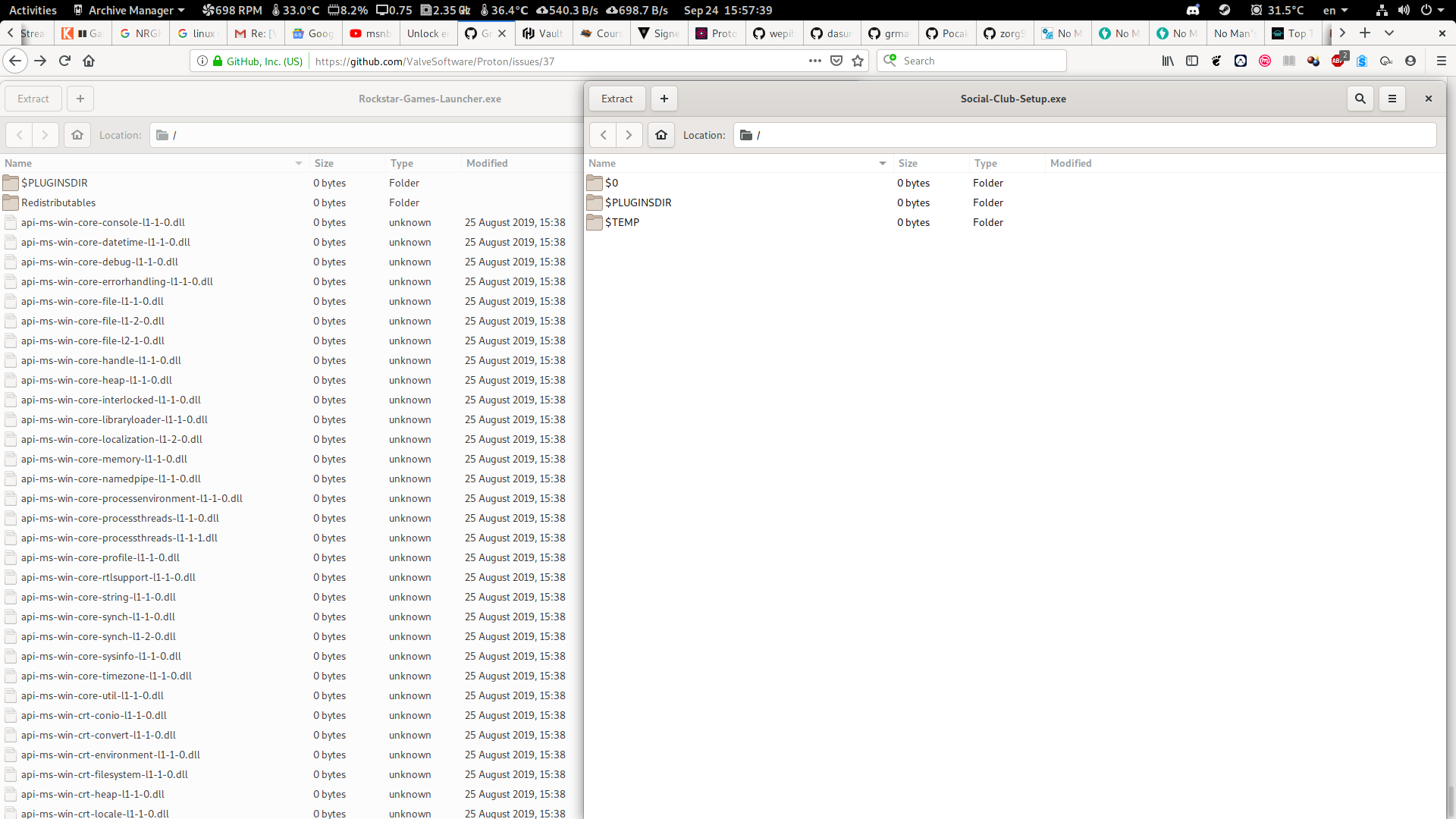
I'm not sure what to make of this then, the windows-esque "an error occurred" and empty stderr aren't very helpful. This is what I ran exactly:
file-roller /mnt/HDD/SteamLibrary/steamapps/common/Grand\ Theft\ Auto\ V/Installers/Rockstar-Games-Launcher.exe --extract-to=/mnt/HDD/SteamLibrary/steamapps/compatdata/271590/pfx/drive_c/Program\ Files/Rockstar\ Games/Launcher/

file-roller /mnt/HDD/SteamLibrary/steamapps/common/Grand\ Theft\ Auto\ V/Installers/Rockstar-Games-Launcher.exe --extract-to=/mnt/HDD/SteamLibrary/steamapps/compatdata/271590/pfx/drive_c/Program\ Files/Rockstar\ Games/Launcher/
@jcarter777 Try opening the executable only. If you can't manage that, then maybe you are missing some libs. File-roller is only a GUI. It needs libs from the various compression algorithms to work right, like bzip, zip, 7z, lzma, etc.
I just installed it using wine and the correct prefix
WINEPREFIX=/home/lukas/.steam/steam/steamapps/compatdata/271590/pfx WINEDEBUG=+heap wine Installers/Rockstar-Games-Launcher.exe
Yes, that should work too.
i can run it with wine but it errors (as expected?)

further info:


I installed from AUR so deps should have been accounted for
I was only able to run/install it with wine using WINEDEBUG=+heap
I was only able to run/install it with wine using
WINEDEBUG=+heap
You need a patched wine to install without +heap, lutris has one called rockstar.
(I hope) I made a breakthrough. Like for many others, the launcher hangs on the second splash screen for me. I looked into logs (+server) and I think one of the threads in Launcher.exe hangs after it calls C:\windows\system32\wbem\wmic.exe. I renamed the file and GTA5.exe finally launched. Only to crash just after the intro videos (because it didn't find wmic.exe, of course! life shouldn't be easy, right?). There is plenty of time during the intro to rename wmic.exe back and after I did just that I was finally able to enter the story mode.
Hopefully tomorrow I will be able to do more testing and try to make a more proper fix. Until then it would be nice to know if that weird procedure actually helps other people.
@jcarter777 Why don't you just use protontricks? If you run the game from steam, it should just setup a prefix that you then can use to manually install the launcher.
After prefix is setup
protontricks -c 'wine <path>/Steam/steamapps/common/Grand\ Theft\ Auto\ V/Installers/Rockstar-Games-Launcher.exe' 271590
@Fatmice im getting /bin/sh: Grand: command not found even when using backslashes or quotes and when moving to the Installers directory and supplying a relative path im getting /bin/sh: Rockstar-Games-Launcher.exe: command not found
(I hope) I made a breakthrough. Like for many others, the launcher hangs on the second splash screen for me. I looked into logs (+server) and I think one of the threads in Launcher.exe hangs after it calls C:\windows\system32\wbem\wmic.exe. I renamed the file and GTA5.exe finally launched.
@AlexeyProkhin Interersting...wmic is important in launching process and modifying process priorities. You can try to disable the intro movie by hex editing the GTA5.exe
You can hex edit the executable in vi under hex mode through :%!xxd
m getting
/bin/sh: Grand: command not foundeven when using backslashes or quotes and when moving to the Installers directory and supplying a relative path im getting/bin/sh: Rockstar-Games-Launcher.exe: command not found
@jcarter777 Can you try and just copy the executable into your home directory then issue the protontricks?...Something is going on that is not passing escapes so move the file to a path without spaces and see.
(jack@arch-desk) {0}
╰───[~] $ protontricks -c Rockstar-Games-Launcher.exe 271590
/bin/sh: Rockstar-Games-Launcher.exe: command not found
Try protontricks -c 'wine Rockstar-Games-Launcher.exe' 271590
oh. crap.

should i go through the dialogue?
Well, you can try. Look for the proper installation under C:\Program Files\Rockstar... of the prefix
I did get to this dialogue previously with steam but it hung on the loading screen after install, is this the correct target dir? sorry for the many questions

@AlexeyProkhin commented:
Until then it would be nice to know if that weird procedure actually helps other people.
I was previously hung at the 2nd splash like other ppl here. I can confirm that renaming C:\windows\system32\wbem\wmic.exe., letting the launcher get to the point where it launches gta 5, then renaming that file back allows GTA5 to run almost without issue.
Noticed issues:
- If GTA5 quits or restarts, the same steps need to be taken to start it again.
- Online appears to fail to join a session (even with the
WINEDLLOVERRIDES=winedbg.exe=d %command%workaround)
Using relatively un-modded Manjaro Xfce with latest updates on Intel+Nvidia hardware.
EDIT: It failed to join online initially, but succeeded after a couple attempts.
@jcarter777 Yes that's the default path.
@AlexeyProkhin Yes, renaming the wmic.exe does seem to let the launcher go on with launching the game.
Can confirm what @AlexeyProkhin said, renaming (or deleting) C:\windows\system32\wbem\wmic.exe resolves the endless launcher hang and the game proceeds to boot up and run normally, nice find!
Edit; Spoke too soon, after the menu background appears I get a loading screen with "Verifying game ownership is taking longer than usual, Please wait..", but its Tuesday so perhaps its down to steam maintenance, will try again in a bit.
Edit 2; Steam is up and I still get the same issue.
Question is why are some people's configs working without deleting it? Is there some sort of codec they have installed?
As I understand, WMIC is for process management and inter-process communication. In this case, between Launcher.exe and GTA V I would think? Maybe they have some kind of process library we don't?
Anyways, renaming WMIC.exe works for me. I notice it says GTA V starts in offline mode. I'm gonna go test and see whether or not I can get around that, or whether or not its a new issue.
EDIT: Can't test anything. "Verifying game ownership is taking longer than usual, Please wait." steamstat.us says they're still down, so probably Tuesday maintenance. Should be back soon.
EDIT 2: Looks like their services are slowly coming back. Everyone get ready to drive through Los Santos :D
EDIT 3: Steamstat.us says all is well again, but GTA still can't get past the ownership screen for me. sigh
Question is why are some people's configs working without deleting it? Is there some sort of codec they have installed?
As I understand, WMIC is for process management and inter-process communication. In this case, between Launcher.exe and GTA V I would think? Maybe they have some kind of process library we don't?
Anyways, renaming WMIC.exe works for me. I notice it says GTA V starts in offline mode. I'm gonna go test and see whether or not I can get around that, or whether or not its a new issue.
EDIT: Can't test anything. "Verifying game ownership is taking longer than usual, Please wait." steamstat.us says they're still down, so probably Tuesday maintenance. Should be back soon.
EDIT 2: Looks like their services are slowly coming back. Everyone get ready to drive through Los Santos :D
Like I said before, my hunch was always on their packages...They have something we don't.
Did anyone tried to decipher the mess in my stack trace of the launcher?
Maybe we should file wine bugs instead of here? I've yet to see any PROTON devs chime in...This is like a self-help KIOSH
I've tried overriding every .exe individually, it appears wmic.exe has to be disabled globally or not at all.
Can you post or point to a log that shows wmic.exe being run? I haven't been able to recreate it.
Can you post or point to a log that shows wmic.exe being run? I haven't been able to recreate it.
Here, only one entry in the log:
87334.330:00ee:00ef:trace:loaddll:load_native_dll Loaded L"C:\\windows\\system32\\wbem\\wmic.exe" at 0x400000: PE builtin
Edit:
Been looking at overrides again, WINEDLLOVERRIDES="winedbg.exe=d;wmic.exe=n" launches it but I get an activation endless screen. Same with just builtin or disabled.
wmic.exe=n,b or wmic.exe=b,nboth hang the launcher as default. All of this applies regardless of setting GTA5.exe or the launcher separate overrides.
The only way to get into game is via the rename trick.
Thank you for the rename trick! It worked here too
Sorry, I left you all hanging. But it was very late yesterday when I posted my previous message.
@lectrode @Fatmice @exezin @rwc265 @hogfilho Thank you for confirming the launcher starts the game after renaming wmic.exe.
@exezin @rwc265 Hopefully, once we figure out why wmic.exe needs to be renamed, it will solve your ownership issue.
@mrpippy Here is wineserver log for a thread that, I think, is hung: https://gist.github.com/AlexeyProkhin/28ab58acd70d4581c7f6798de966905d . The full wineserver log is huge, so I uploaded it on google drive: https://drive.google.com/file/d/17rKniHbBJb3xBKZyTXWOPUplnE2pdjIy/view?usp=sharing
Now, I am far from master of reading wine logs. But it clearly shows wmic being started:
C:\\windows\\System32\\wbem\\wmic.exe path win32_computersystemproduct get uuid"
And at the bottom, I assume, it reads from a pipe connected to stdout of wmic.exe. Twice successfully, and after a third read it waits for more data but never receives it.
I checked wmic.exe from win10 and it returns 2 empty line at the end. So maybe it would be enough to revert this commit: https://github.com/wine-mirror/wine/commit/462897797992ca58a06531f760a209f1658b8eea . Yesterday I tried, but I just couldn't update output from locally built wmic.exe, I was not able to see any changes I made to wmic.exe. The damned program always returned the same data on me. (Well, it was late like I said) So I cannot confirm that adding empty lines would magically fix our issue. But it the first thing I would try ruling out when I would have time.
@Fatmice: Yes this pretty much rules out the window manager as culprit.
@AlexeyProkhin: I just reverted wine-mirror/wine@4628977 and made a proton test build. For me this does not fix the issue unfortunately. If the additional newline in the end is required by the server I'd expect all users to be stuck. But apparently some can start the game without that additional newline.
In the video posted by @silentdis demonstrating a successful GTA launch on Ubuntu 19.04 you can actually see text ("Connecting to Rockstar Games Services") being rendered in the launcher window. On my systems there is no text visible. Maybe the Rockstar-Logo is just an animated background image and there is supposed to be an overlay that is invisible to some users. My current theory is that the launcher is working properly for everyone but at the point where it is apparently stuck, it shows a login dialog, or a start button which is not rendered on some systems but visible on others. On the systems where the overlay is not rendered you only see the animated background.
I already tried to change the compositor rendering backend between OpenGL 2.0,
OpenGL 3.1 and XRender. Unfortunately that did not help either.
@alasky17: Here is the startup log with an empty prefix on one of my systems (Core i7-3770k, GeForce 1080Ti (Driver: 430.26), Ubuntu 18.04.3 LTS, Kernel 5.0.0-29-generic [#31](/issue/ValveSoftware/Proton/31)~18.04.1-Ubuntu SMP).

@alasky17 @AlexeyProkhin
For me removing wmic.exe and putting it back later allows the launcher to continue, but the game now hangs when loading story mode. (It used to work fine before the launcher update.)
Here are the steam log (which seems very similar to those posted by others) and a screenshot:
https://filebin.net/4l5udplughkwvwod/steam-271590.log
https://filebin.net/sbsqx6md4moaw2ve/Screenshot_from_2019-09-25_11-51-57.png
System: Debian Testing (bullseye) with 5.2.0-17.2-liquorix-amd64 kernel
Desktop environment: Cinnamon 4.0.10
Proton: 4.11-6
CPU: Dual Core Intel Core i7-7560U
Graphics: Intel Iris Plus Graphics 640 driver: i915
Any ideas?
@AlexeyProkhin How did you generate your trace? With WINEDEBUG=+all in launch options?
@hypertennis The action of rename/removing wmic.exe must be reverted quickly during the intro movie. No more than 2-3 seconds into the intro movie being played on the screen.
@Fatmice WINEDEBUG=+timestamp,+pid,+tid,+debugstr,+server
@Fatmice I know, I removed the file before launching the game from steam, and put it back during the intro. But it still hangs when loading story mode.
Hard to know why it hangs for you while loading story mode as the trick works for others who thus far could not get pass the hung launcher. Maybe verify your game files? There is also the unapproved launcher bypass mod that you can try (a little further up the thead) to rule out issues with your graphic drivers and game file corruptions.
Also, you don't need Wine3d override for Proton 4.11.6
@PaeNx Yes, I've always found it curious how @silentdis launcher showed the text renderings on the first launcher whereas mine was completely absent. When I looked at the errors in their logs and compare to mine, I didn't notice anything different though...
@Fatmice
Well, the trick works for me in that it allows the launcher to complete, but something else is needed for the game itself. The result is the same with or without Wine3d override. I also verified the game files.
I also tried No_GTAlauncher. Before it complained that I never signed up to Social Club on this machine (probably because I tried it on a fresh install), but now it doesn't as the Rockstar Launcher has been able to finish in a previous trial. In any case it also hangs when loading story mode.
Anyone else having this issue?
@hypertennis If it complains about the Social Club thing, you can manually invoke the launcher and sign-in to Social Club and tick all of the boxes to remember your credentials...There is also the likelyhood that your saves are corrupted.
As I said, it doesn't complain about Social Club anymore since by deleting wmic I was able to use the launcher before. It just hangs when loading story mode.
My saves are not corrupted as this is a new install so I have none, in fact I lost all my saves.
Ah, your problems are probably deeper than just the launcher then. If you lost all of your saves, launching into story mode makes a new save and plays the pre-quel splash then the pre-quel scenario. That could be where you hang... Sorry I'm not able to reproduce your problem. I had no issue replaying the pre-quel, even just now.
@hypertennis by chance are you using fsync? If so, you could try turning it off in usersettings.py. I saw that exact same behavior matching your screenshot and turning fsync off fixed it for me. ALso - is the log you posted of the hang on second launcher splash or of you using the new wmic.exe workaround? Either would be useful, just wondering :)
@piewhat @PaeNx thank you for the logs!!
Thanks @fls2018 @AlexeyProkhin. I see that Launcher.exe contains the string wbem\wmic.exe path win32_computersystemproduct get uuid, but for some reason on my system it never gets launched even when starting from a clean prefix. It would be very helpful if someone could post a log with WINEDEBUG=+timestamp,+pid,+tid,+debugstr,+process,+wmic,+wbemprox.
As for the missing "Connecting to Rockstar Games Services" text, it's because the text is trying to render with the Segoe UI font and Wine is unable to figure out an alternative font. @silentdis probably has Segoe UI (or some suitable alternative) installed on his system.
I also found a workaround for an issue that @lectrode posted about previously where multiplayer doesn't work between PCs on the same local network, more details on that at the Wine bug report
@mrpippy Is that logging with or without wmic renaming?
@mrpippy Here's my log, it was with a clean prefix & no changes to wmic.exe. Running Lubuntu 18.04, Nvidia GTX 1070 with a driver version of 430.40.
@mrpippy Here you go: link.
It would be interesting to see how it differs from a log when GTA5.exe starts. Can someone post it? I mean with:
WINEDEBUG=+timestamp,+pid,+tid,+debugstr,+process,+wmic,+wbemprox
P.S. Btw, as expected, returning empty lines from wmic did not help. No luck.
Thanks for the 'wmic' tip and frebib for improvements.
With a little script I wrote, I'm now able to get in game automatically, without using the 'No GTA Launcher' hack. Entering a vehicle while crouched now works again too.
Hopefully Valve can figure out what the wmic.exe hiccup is:
#!/bin/bash

# Script: gta5fix.sh
# XaeroVincent w/ frebib improvements

# Information:
# You need to change 'wmicPath' to match your Steam's GTA 5 Proton prefix path.

wmicPath="/run/media/vincent/Linux Data/WinSteamGames/steamapps/compatdata/271590/pfx/drive_c/windows/system32/wbem"

mv "$wmicPath"/wmic.exe "$wmicPath"/wmic.exe_bak
steam steam://rungameid/271590 &

while :; do
	sleep 1

	if pidof GTA5.exe; then
		sleep 2
		mv "$wmicPath"/wmic.exe_bak "$wmicPath"/wmic.exe
		exit
	fi
done
Here's are my logs with and without wmic renaming
wmic_steam-271590.log.zip
@XaeroVincent You could equally use pidof GTA5.exe for more accurate detection
Edit: this script works great, thanks! Now I can actually play the game again :D
My adaptation
#!/bin/sh

# Script: gta5fix.sh
#
# Information:
# You may need to change 'wmicPath' to match your Steam's GTA 5 Proton prefix path.

wmicPath="$HOME/.steam/steam/steamapps/compatdata/271590/pfx/drive_c/windows/system32/wbem"

mv "$wmicPath"/wmic.exe "$wmicPath"/wmic.exe_bak
steam steam://rungameid/271590 &

while :; do
	sleep 1

	if pidof GTA5.exe 2>&1 >/dev/null; then
		sleep 2
		mv "$wmicPath"/wmic.exe_bak "$wmicPath"/wmic.exe
		exit
	fi
done
@Fatmice https://github.com/ValveSoftware/Proton/issues/37#issuecomment-534971337
Re: Text rendering.
During my mad scramble to get the game to launch again, I believe I had installed (into the Proton 4.11-5 prefix) the foss_corefonts using protontricks. It should not be affecting the Testing branch I built... but I'm not 100% sure.
This game works without problems using 4.11-6 now.
@Fatmice [#37 (comment)](https://github.com/ValveSoftware/Proton/issues/37#issuecomment-534971337)
Re: Text rendering.During my mad scramble to get the game to launch again, I believe I had installed (into the Proton 4.11-5 prefix) the
foss_corefontsusingprotontricks. It should not be affecting theTestingbranch I built... but I'm not 100% sure.
Or just copy segoeui.ttf from a windows drive and paste in /home/user/.fonts.
Thanks for the improvement suggestion @frebib.
Since I also often use Lutris with Steam for Windows client to test newer builds of Wine Staging before Proton re-bases, I made a variant of the above script that can work with Lutris or a properly patched version of Wine to support the Rockstar Launcher. Lutris + Steam for Windows suffers from the same issue for me when, using the Lutris Rockstar 4.16 runner and the same solution fixes it on my end.
#!/bin/sh

# Script: gta5fixwine.sh
#
# Information:
# Need to use Wine Staging 4.16 w/ Rockstar Launcher patch and newer or Lutris and have Windows Steam with GTA V installed in it.
# Lutris users will need to use the gameid associated with GTA V and found by running 'lutris --list-games'. Mine is 35.
# Need to have DXVK installed or used in Lutris and enabled for the game runner.
# You may need to change 'winePfx' to match your Steam's prefix path.

winePfx="$HOME/.local/share/lutris/runners/winesteam/prefix64"
wmicPath="$winePfx/drive_c/windows/system32/wbem"
steamPath="$winePfx/drive_c/Program Files (x86)/Steam"

mv "$wmicPath"/wmic.exe "$wmicPath"/wmic.exe_bak

# Uncomment these lines if you have a Rockstar Launcher patched wine:
#WINEPREFIX="$winePfx" setup_dxvk install
#WINEPREFIX="$winePfx" wine "$steamPath"/Steam.exe steam://rungameid/271590 &

# Uncomment this line for Lutris:
lutris lutris:rungameid/35 &

while :; do
	sleep 1

	if pidof GTA5.exe; then
		sleep 2
		mv "$wmicPath"/wmic.exe_bak "$wmicPath"/wmic.exe
		exit
	fi
done
Arch Linux 5.3.1-arch1-1-ARCH, GTX 1080ti, nvidia 435.24.02 (nvidia vulkan beta), i7-7700k, Proton 4.11-6
Steam -> Help -> System Information: https://pastebin.com/dMS61PkS
I ran this game with WINEDEBUG=+timestamp,+pid,+tid,+debugstr,+process,+wmic,+wbemprox under both Steam installed from the Arch Linux repository (steam runtime and not native runtime) and also Steam installed via flatpak. In both instances, I deleted the compatdata path/prefix before launching the game from Steam to force it to install the launcher again. Also in both instances, the launcher installed and the game ran in single player successfully. No workarounds were used other than the pre-existing workaround that has been in use for online play since before the new launcher. WINEDLLOVERRIDES=winedbg.exe=d is still needed for online play, but I did not have this option set nor did I attempt to play online when I generated these logs. I did successfully test online play afterwards.
When running it with the Steam installed from the Arch repo, I encountered an error multiple times while waiting for the main menu to load initially: "Unable to make requested settings changes. Please try again, ensuring that administrator rights are granted when requested.". When this occurred, it put the game in windowed mode. I was able to restore fullscreen mode with alt-enter. This did not seem to impact gameplay. This same error did not occur when I ran the game from Steam installed via flatpak. I also noticed that this test gave a much much larger log file compared to the flatpak test.
steam-271590_logs.zip
@Lyle-Tafoya The reason you don't need the workaround is because your wine never called wmic.exe thus you shouldn't need to set the WINEDEBUG line to run the game outside of wanting to get a log. Neither of your logs recorded those events whereas other people will have these lines
35598.372:0033:0039:trace:process:CreateProcessInternalW app (null) cmdline L"C:\\windows\\System32\\wbem\\wmic.exe path win32_computersystemproduct get uuid"
35598.372:0033:0039:trace:process:find_exe_file looking for L"C:\\windows\\System32\\wbem\\wmic.exe"
35598.372:0033:0039:trace:process:find_exe_file Trying native exe L"C:\\windows\\System32\\wbem\\wmic.exe"
35598.372:0033:0039:warn:process:CreateProcessInternalW (L"C:\\windows\\System32\\wbem\\wmic.exe",...): ignoring some flags in 8000000
35598.373:0033:0039:trace:process:CreateProcessInternalW starting L"C:\\windows\\System32\\wbem\\wmic.exe" as Win64 binary (400000-473000, x86_64)
35598.403:011b:011c:trace:process:__wine_kernel_init starting process name=L"C:\\windows\\system32\\wbem\\wmic.exe" argv[0]=L"C:\\windows\\System32\\wbem\\wmic.exe"
35598.532:011b:011c:trace:wmic:query_prop L"win32_computersystemproduct", L"uuid"
There is also no relation to steam running under flatpak or without flatpak, nor with native runtime nor without native runtime...The only explaination that I've come up thus far to explain this idiosyncracy is there is something different with the package configuration on the machines where wine never called wmic. Also, what wmic is doing is asking for the uuid of the windows installation, a unique number that is used to identify you to Rockstar.
If I just run protontricks-flat -c 'wine wmic.exe path win32_computersystemproduct get uuid' 271590 then I would get
wineserver: using server-side synchronization.
0019:err:module:load_so_dll failed to load .so lib "/home/ocelot/.local/share/Steam/steamapps/common/Proton 4.11/dist/bin/../lib64/wine/winebus.sys.so": libudev.so.0: cannot open shared object file: No such file or directory
0019:err:ntoskrnl:ZwLoadDriver failed to create driver L"\\Registry\\Machine\\System\\CurrentControlSet\\Services\\WineBus": c0000142
000d:fixme:service:scmdatabase_autostart_services Auto-start service L"WineBus" failed to start: 1114
0023:err:x11settings:X11DRV_Settings_AddOneMode Maximum modes (8) exceeded
0023:err:x11settings:X11DRV_Settings_AddOneMode Maximum modes (8) exceeded
0023:err:x11settings:X11DRV_Settings_AddOneMode Maximum modes (8) exceeded
0023:err:x11settings:X11DRV_Settings_AddOneMode Maximum modes (8) exceeded
0023:err:x11settings:X11DRV_Settings_AddOneMode Maximum modes (8) exceeded
0023:err:x11settings:X11DRV_Settings_AddOneMode Maximum modes (8) exceeded
0023:err:x11settings:X11DRV_Settings_AddOneMode Maximum modes (8) exceeded
0023:err:x11settings:X11DRV_Settings_AddOneMode Maximum modes (8) exceeded
0023:err:x11settings:X11DRV_Settings_AddOneMode Maximum modes (8) exceeded
0023:err:x11settings:X11DRV_Settings_AddOneMode Maximum modes (8) exceeded
0023:err:x11settings:X11DRV_Settings_AddOneMode Maximum modes (8) exceeded
0023:err:x11settings:X11DRV_Settings_AddOneMode Maximum modes (8) exceeded
0023:err:x11settings:X11DRV_Settings_AddOneMode Maximum modes (8) exceeded
0023:err:x11settings:X11DRV_Settings_AddOneMode Maximum modes (8) exceeded
0023:err:x11settings:X11DRV_Settings_AddOneMode Maximum modes (8) exceeded
0023:err:x11settings:X11DRV_Settings_AddOneMode Maximum modes (8) exceeded
0023:err:x11settings:X11DRV_Settings_AddOneMode Maximum modes (8) exceeded
0023:err:x11settings:X11DRV_Settings_AddOneMode Maximum modes (8) exceeded
0023:err:x11settings:X11DRV_Settings_AddOneMode Maximum modes (8) exceeded
0023:err:x11settings:X11DRV_Settings_AddOneMode Maximum modes (8) exceeded
0009:err:x11settings:X11DRV_Settings_AddOneMode Maximum modes (8) exceeded
0009:err:x11settings:X11DRV_Settings_AddOneMode Maximum modes (8) exceeded
0009:err:x11settings:X11DRV_Settings_AddOneMode Maximum modes (8) exceeded
0009:err:x11settings:X11DRV_Settings_AddOneMode Maximum modes (8) exceeded
0009:err:x11settings:X11DRV_Settings_AddOneMode Maximum modes (8) exceeded
0009:err:x11settings:X11DRV_Settings_AddOneMode Maximum modes (8) exceeded
0009:err:x11settings:X11DRV_Settings_AddOneMode Maximum modes (8) exceeded
0009:err:x11settings:X11DRV_Settings_AddOneMode Maximum modes (8) exceeded
0009:err:x11settings:X11DRV_Settings_AddOneMode Maximum modes (8) exceeded
0009:err:x11settings:X11DRV_Settings_AddOneMode Maximum modes (8) exceeded
0009:err:x11settings:X11DRV_Settings_AddOneMode Maximum modes (8) exceeded
0009:err:x11settings:X11DRV_Settings_AddOneMode Maximum modes (8) exceeded
0009:err:x11settings:X11DRV_Settings_AddOneMode Maximum modes (8) exceeded
0009:err:x11settings:X11DRV_Settings_AddOneMode Maximum modes (8) exceeded
0009:err:x11settings:X11DRV_Settings_AddOneMode Maximum modes (8) exceeded
0009:err:x11settings:X11DRV_Settings_AddOneMode Maximum modes (8) exceeded
0009:err:x11settings:X11DRV_Settings_AddOneMode Maximum modes (8) exceeded
0009:err:x11settings:X11DRV_Settings_AddOneMode Maximum modes (8) exceeded
0009:err:x11settings:X11DRV_Settings_AddOneMode Maximum modes (8) exceeded
0009:err:x11settings:X11DRV_Settings_AddOneMode Maximum modes (8) exceeded
0009:fixme:ole:CoInitializeSecurity (00000000,-1,00000000,00000000,0,3,00000000,0,00000000) - stub!
UUID
deaddead-dead-dead-dead-deaddeaddead
Maybe it doesn't like the deaddead-dead-dead-dead-deaddeaddead output when it was expecting a string of numbers with dashes.
https://docs.microsoft.com/en-us/windows/win32/cimwin32prov/win32-computersystemproduct
On my windows machine, wmic.exe path win32_computersystemproduct get uuid returns 00000000-0000-0000-0000-D8CB8AF33E27
On my machine, executing that same command produces what appears to be a valid uuid instead of "deaddead-dead-dead-dead-deaddeaddead".
Sorry, that was incorrect. In reality, I entered that command with protontricks instead of protontricks-flat. Now I have set up a protontricks-flat alias to interact with prefixes in my flatpak Steam installation and it produces this:
wineserver: using server-side synchronization.
0009:fixme:ole:CoInitializeSecurity (00000000,-1,00000000,00000000,0,3,00000000,0,00000000) - stub!
UUID
deaddead-dead-dead-dead-deaddeaddead
So that does seem to change depending on whether it is the flatpak installation or not.
For the UUID yes, that is expected. However, the successful launch of the Rockstar launcher does not depend on whether steam in running within a flatpak or without. This is reproducible at least on my system, and I presume also on others where wmic is called.
Thanks for everyone's logs, unfortunately I still haven't seen anything indicating why wmic.exe gets run for some people and not for others. (Or what's going wrong with wmic)
I'd appreciate some logs created with WINEDEBUG=+timestamp,+pid,+tid,+debugstr,+process,+wmic,+wbemprox,warn+all,+bcrypt,+relay.
This log will be big (likely several GB), but should compress really well. Also please post your distribution, CPU, and graphics card.
Is anyone with wmic issue tried to drop wmic.exe from, let's say Windows 7, into Proton bottle and see if if helps?
Just in case anyone else runs into this issue:
(This is using the rename wmic workaround to get past the 2nd launcher splash and describes an unrelated issue)
GTA5.exe hung at launch on a 1080 Ti when using Nvidia 430 graphics driver. Launches normally after updating to 435. Computer was running Manjaro linux on kernel 5.2 with latest updates.
@mrpippy
Here is the requested log reproducing the hang at 2nd launcher splash (wmic.exe was left alone). The launcher was left to hang for about 10 minutes before I closed the launcher window, and proceeded to send SIGTERM to one of the Launcher.exe processes (sending SIGTERM to one process resulted in the rest of them ending on their own).
Uncompressed log size is 8.9 GiB
System Specs:
 OS: Manjaro 18.1.0 Juhraya
 Kernel: x86_64 Linux 4.19.69-1-MANJARO
 CPU: Intel Core i7-3770 @ 8x 3.9GHz
 GPU: GeForce GTX 970
 RAM: 4689MiB / 15994MiB

NVIDIA Driver Version: 430.40
CUDA Version: 10.1
To further rule out anything with the nvidia driver, I also reproduced the 2nd splash hang with v435.21 and v418.88.
@XaeroVincent
@AlexeyProkhin
Great, thank you for the gta5fix.sh and the config!
I needed the dxvk configuration, the script and Proton 4.11.6 and everything works.
I do the DXVK_CONFIG_FILE override inside the script.
DXVK_CONFIG_FILE is not required for ages... DXVK reports Nvidia cards as AMD by default.
@AlexeyProkhin Maybe so, but without it, things just jammed with a big black rectangle just before the initial intro police lights animation would start.
I'd appreciate some logs created with
WINEDEBUG=+timestamp,+pid,+tid,+debugstr,+process,+wmic,+wbemprox,warn+all,+bcrypt,+relay.
This log will be big (likely several GB), but should compress really well. Also please post your distribution, CPU, and graphics card.
https://drive.google.com/open?id=1BlxFVexqAglxdS1_fbvd2lkMciJMeVYK
Thanks @lectrode and @Fatmice, I think I'm closing in on the problem. Wine's wmic.exe outputs all its text in UTF-16 but the Windows one outputs ASCII, if the Launcher is trying to parse the output this would definitely cause problems. I've made a Wine patch for wmic.exe that's been modified to output in ASCII and should match the Windows output exactly, I'd really appreciate if some of you could test it out. If it doesn't work (or even if it does), a relay log would be helpful.
https://github.com/mrpippy/wine/commit/e1c3bafed37df7da8fa35f47b7b0674696be04f3
@mrpippy No luck on my end. Log, system info.
So the situation as I can see it.
What seems to happen is that one of the threads starts wmic.exe, pass a pipe to it and starts reading from it. wmic.exe successfully exits but the pipe is left around unclosed (or synchronous read does not return error after pipe closes). So the Launcher's thread is left waiting for more data from already finished wmic.exe. But the question remains what's at fault here: Launcher.exe or wine.
Another good question why wmic.exe starts on some systems and not others. Actually, why the whole thread that eventually starts wmic.exe is not started on some systems at all? It is a thread, by the way, that requests a bunch of stuff about the system like the disks, the processor, the video card and, yes, the computer system product uuid.
@mrpippy I tested a build based on your wmic branch. The launcher still stalled for me as well. I do have a ~300M lines log for you. Do you have some place I can upload it to? The compressed size is ~1.2 GB.
System details are Intel Core i7-3770k, GeForce 1080Ti (Driver: 430.26), Kubuntu 18.04.3 LTS with HWE on 5.0.0-29-generic [#31](/issue/ValveSoftware/Proton/31)~18.04.1-Ubuntu SMP
@PaeNx did you try using xz compression? The format would be
xz -T0 /path/to/file
(zero not o after the T)
So the situation as I can see it.
What seems to happen is that one of the threads starts wmic.exe, pass a pipe to it and starts reading from it. wmic.exe successfully exits but the pipe is left around unclosed (or synchronous read does not return error after pipe closes). So the Launcher's thread is left waiting for more data from already finished wmic.exe. But the question remains what's at fault here: Launcher.exe or wine.
Another good question why wmic.exe starts on some systems and not others. Actually, why the whole thread that eventually starts wmic.exe is not started on some systems at all? It is a thread, by the way, that requests a bunch of stuff about the system like the disks, the processor, the video card and, yes, the computer system product uuid.
@AlexeyProkhin , @mrpippy In the Programs\ FIles/Rockstar\ Games/Launcher folder are a bunch of logs that have 0 size, namely Launcher_d3d10.log, dxdiag_dxgi.log, SocialClubHelper_d3d11.log, SocialClubHelper_dxgi.log, and wmic_dxgi.log. I think these files are empty due to broken pipe from wmic. They should be missing on systems that do not call wmic at all and should be zero sizes on systems that do call wmic.
@alasky17: I did. The 1.2GB are an xz compressed tar file. The original log's size was around 23-24 GB iirc.
@PaeNx If you have a google drive, upload it there then I can make a copy to mine and temporarily host it there.
@Fatmice: Thanks for your kind offer. Unfortunately I do not have have a google drive (I don't use google services, that require an account).
@AlexeyProkhin , @mrpippy In the Programs\ FIles/Rockstar\ Games/Launcher folder are a bunch of logs that have 0 size, namely Launcher_d3d10.log, dxdiag_dxgi.log, SocialClubHelper_d3d11.log, SocialClubHelper_dxgi.log, and wmic_dxgi.log. I think these files are empty due to broken pipe from wmic. They should be missing on systems that do not call wmic at all and should be zero sizes on systems that do call wmic.
This are logs made by dxvk. Totally unrelated.
Not sure if they are made by dxvk. They always get regenerated on my system if I don't rename wmic.exe
@PaeNx wow that is a crazy big log! Ok, I set up a place for you to upload it here: https://www.codeweavers.com/xfer/alasky/misc/
The lock word is 'misc'
@alasky17 tyvm. The upload just finished. Let me know if there is anything more I can do to help.
@mrpippy
What seems to happen is that one of the threads starts wmic.exe, pass a pipe to it and starts reading from it. wmic.exe successfully exits but the pipe is left around unclosed (or synchronous read does not return error after pipe closes). So the Launcher's thread is left waiting for more data from already finished wmic.exe. But the question remains what's at fault here: Launcher.exe or wine.
Yeah that's pretty much my understanding too. Looking through your log, I see the vfwprintf() call that wmic.exe's output_line() makes, but there should be an earlier call by output_header() that I don't see. Regarding the pipes, the Launcher thread does hang on a ReadFile() call from the pipe. Since wmic.exe has quit, the pipe should be closed and the call should return with an error. The Launcher is setting the pipe to non-blocking (which Wine ignores), that could be a problem but shouldn't be since the application has quit.
Another good question why wmic.exe starts on some systems and not others. Actually, why the whole thread that eventually starts wmic.exe is not started on some systems at all? It is a thread, by the way, that requests a bunch of stuff about the system like the disks, the processor, the video card and, yes, the computer system product uuid.
In my logs I think I've identified the thread that would be starting wmic.exe, it prints "Multi-Factor Authentication initialized" to a log. For everyone having trouble, do you have multi-factor enabled on your Steam and/or Social Club accounts?
For me yes, both...However, it never triggers the sign-in again once I've told it to remember the machine. Why would MFA needs to be triggered again...?
I don't think I have MFA enabled for Rockstar. My email address is verified, but that's about it.
Technically, when I sign into a new Steam install for the first time, Steam has me verify my email address, so that probably counts as MFA...
@PaeNx Thank you!
In my logs I think I've identified the thread that would be starting wmic.exe, it prints "Multi-Factor Authentication initialized" to a log. For everyone having trouble, do you have multi-factor enabled on your Steam and/or Social Club accounts?
@mrpippy MFA is enabled for my steam account and disabled for Social Club.
Yeah that's pretty much my understanding too. Looking through your log, I see the
vfwprintf()call that wmic.exe'soutput_line()makes, but there should be an earlier call byoutput_header()that I don't see. Regarding the pipes, the Launcher thread does hang on aReadFile()call from the pipe. Since wmic.exe has quit, the pipe should be closed and the call should return with an error. The Launcher is setting the pipe to non-blocking (which Wine ignores), that could be a problem but shouldn't be since the application has quit.
I'm almost certain Wine's lack of non-blocking support for pipes is causing the issue.
Although wmic.exe had quit, Launcher.exe never closed the write end of the pipe, and Wine was blocking the ReadFile() call.
I've put together a quick patch to fix this and would really appreciate some testing, both with and without the wmic.exe patch I posted last night. Thanks everyone.
https://github.com/mrpippy/wine/commit/a9a93e69b5e5d9cb5aeed6e03ed6adda506ba282
@mrpippy
The game successfully launches with your pipe_nowait patch for me! Both with and without the wmic.exe patch.
Although wmic.exe had quit, Launcher.exe never closed the write end of the pipe, and Wine was blocking the ReadFile() call.
Pretty much it. I can confirm from the logs (with your pipe_nowait patch applied) that Launcher.exe closes the write handle only after the last read.
Also, I almost sure you aware, but there is a large patch set in wine staging for the named pipes. It includes the support for PIPE_NOWAIT and some test cases for it.
I can also confirm that the pipe_nowait fix works for launching GTA without renaming wmic. I'll have to test the wmic patch tomorrow, as compiling proton takes hours (even on a Threadripper 1950X with MAKEFLAGS=-j32, unless I'm doing something wrong, which is entirely possible).
If anyone wants to try pre-compiled 4.11-6 with pipe fix, you can download here.
I can also confirm that the pipe_nowait fix works for launching GTA without renaming wmic. I'll have to test the wmic patch tomorrow, as compiling proton takes hours (even on a Threadripper 1950X with
MAKEFLAGS=-j32, unless I'm doing something wrong, which is entirely possible).If anyone wants to try pre-compiled 4.11-6 with pipe fix, you can download here.
Yep your prebuilt worked for me. Still get an error about 'can't update launcher' on each launch and got one about permissions on 1st launch but the game started and online was fine as well. So thanks :)
@AlexeyProkhin @lectrode @gripped is online works too with pipe_nowait patch?
Tested with both the pipe_nowait and wmic patches (this proton build can be downloaded here). There was no discernible difference between this and the previous (only pipe_nowait patch) build on my system.
On first install, both proton builds throw an error about updating the launcher, then continue like normal, until right before launching the game where they both complain about administrative rights briefly before disappearing. The game successfully launches on both.
They both take roughly 1 min 25 sec to launch the game on first run (not including first-run setup steps). Subsequent runs take about 30 seconds.
Some minor strange issues:
Out of ~25 freshly generated compatdata:
- "failed to update rockstar games launcher (code unknown)..." message showed up on consecutive launches on all but 3.
For those 3, after the first launch (and after setting graphics settings in-game such that the game was restarted), the launcher skipped the initial updating part entirely, and didn't complain about being unable to update. It looks like these ones have a "Launcher.exe.old" in the Launcher folder, and the executable has a different hash, suggesting these ones successfully updated.
- 2 hung on "Connecting to Rockstar Services" and couldn't close properly.
- Another 2 had GTA5.exe hang upon launching
The issues that I ran into seem to be random, and also seem to persist until the compatdata is refreshed, and return when previous compatdata is reintroduced.
Launcher is giving "Oh no!" (#1000) error for me on the latest proton and title update.
Launcher is giving "Oh no!" (#1000) error for me on the latest proton and title update.
There is currently issues with the rockstart gta online service, see: https://support.rockstargames.com/servicestatus
I can't even log into the social club website
@mrpippy: I tested mrpippy/wine@a9a93e6. The fix works perfectly fine. I did a test play session to see if everything is stable. No issues so far.
I get the "failed to update rockstar games launcher (code unknown)..." error when I use fsync but not normally. Can anyone confirm whether you see that error when not using fsync?
Great to hear it's working, thanks everyone for testing it.
Also, I almost sure you aware, but there is a large patch set in wine staging for the named pipes. It includes the support for PIPE_NOWAIT and some test cases for it.
Thanks for the tip, I wasn't aware of that. Unfortunately the patch set hasn't been maintained for a few years and I think Wine's underlying implementation has changed quite a bit since then. I'm working on finishing up my patch from last week.
someone knows why I can't play GTA 5 anymore?
steam-271590.log
someone knows why I can't play GTA 5 anymore?
steam-271590.log
Did it used to work? Are you able to launch other games installed on this external drive?
18980.240:0008:000f:err:winediag:nodrv_CreateWindow Application tried to create a window, but no driver could be loaded.
18980.240:0008:000f:err:winediag:nodrv_CreateWindow The explorer process failed to start.
Setting breakpad minidump AppID = 271590
Steam_SetMinidumpSteamID:  Caching Steam ID:  76561198113254344 [API loaded no]
18980.252:0008:0009:fixme:file:GetLongPathNameW UNC pathname L"\\\\?\\unix\\media\\uriel\\2CDED499DED45D201\\SteamLibrary\\steamapps\\common\\Grand Theft Auto V\\PlayGTAV.exe"
18980.253:0008:0009:err:steam:run_process Failed to create process L"\"\\\\?\\unix\\media\\uriel\\2CDED499DED45D201\\SteamLibrary\\steamapps\\common\\Grand Theft Auto V\\PlayGTAV.exe\" -StraightIntoFreemode": 1115
@mrpippy any update on merging your patch upstream?
someone knows why I can't play GTA 5 anymore?
steam-271590.logDid it used to work? Are you able to launch other games installed on this external drive?
18980.240:0008:000f:err:winediag:nodrv_CreateWindow Application tried to create a window, but no driver could be loaded.
18980.240:0008:000f:err:winediag:nodrv_CreateWindow The explorer process failed to start.
Setting breakpad minidump AppID = 271590
Steam_SetMinidumpSteamID:  Caching Steam ID:  76561198113254344 [API loaded no]
18980.252:0008:0009:fixme:file:GetLongPathNameW UNC pathname L"\\\\?\\unix\\media\\uriel\\2CDED499DED45D201\\SteamLibrary\\steamapps\\common\\Grand Theft Auto V\\PlayGTAV.exe"
18980.253:0008:0009:err:steam:run_process Failed to create process L"\"\\\\?\\unix\\media\\uriel\\2CDED499DED45D201\\SteamLibrary\\steamapps\\common\\Grand Theft Auto V\\PlayGTAV.exe\" -StraightIntoFreemode": 1115
Yes, it used to work, and I just noticed than all my windows games in the external drive no longer work, so I think this is not related to this issue, but if you know how can I fix this problem, tell me please
well, now I know what the problem is, proton creates a link named "c:" but looks like ntfs doesn't suport ":" in names, what changed in proton than used to work in the past on ntfs drive
@PeterMX
Please follow the instructions here for using an ntfs partition. The "compatdata" folder containing all the proton prefixes needs to be on a supported filesystem, like ext4 or btrfs.
https://github.com/ValveSoftware/Proton/wiki/Using-a-NTFS-disk-with-Linux-and-Windows
I can't start the game either, the launcher installer had some weird looking buttons, but it said it worked, then i started the game and the inifinte load showed in a window. Still no fix?
@dragossusi If you don't want to wait, you can use this proton build. It has patches (pipe_nowait, wmic) by @mrpippy that get the launcher working enough to launch the game. He's working on finalizing the patches to get them into the official proton build. Any errors the launcher spits out can be ignored, as the game should still successfully launch.
- Extract the proton build to the following:
~/.steam/root/compatibilitytools.d/
- Restart Steam for it to show up under the available proton builds
- Right-click GTA 5 and select Properties
- Check "Force the use of a specific Steam Play compatibility tool"
- Select "proton-4.11.6_pipe-wmic" from the dropdown
Online still requires WINEDLLOVERRIDES=winedbg.exe=d %command% in the Launch Options.
Optional: Launcher uses "Segoe UI" font. You can look for that in your distribution's package manager or download it here (under Sources).
Just had another update to the game which appears to make the launcher hang at around 100% with the pipe_nowait build.
@davidjmemmett No, outside of the launcher update, which it will say it failed, the pipe_nowait build is working for me. You can temporarily switch back to 4.11-6 to allow the launcher to update if you like, then force close the game and switch back to pipe_nowait. Alternatively, just copy the Social-Club-Setup.exe from within the Installers folder of the game and paste it into the pfx/drives_c/Program\ Files/Rockstar\ Games/Launcher/Redistributables/SocialClub/
Alternatively, you can also use protontricks to update the launcher
PROTON_VERSION=<nameofprotonbuild_settonameincompatibility.d_orleavethevariableunset> protontricks -c 'wine /pfx/drive_c/Program\ Files/Rockstar\ Games/Launcher/Launcher.exe -skipPatcherCheck @args.txt -upgrade -steamAppId=271590' 271590
I’d already run the game using the pipe_nowait build, attempted to launch it using 4.11-6, then switched back to pipe_nowait, but hadn’t launched it thinking it was a pointless excercise. Following your advice, I’ve just launched it using the pipe_nowait build and it’s working, thanks!
Cheers,
David
On 7 Oct 2019, at 20:32, Fatmice [email protected] wrote:
@davidjmemmett No, outside of the launcher update, which it will say it failed, the pipe_nowait build is working for me. You can temporarily switch back to 4.11-6 to allow the launcher to update if you like, then force close the game and switch back to pipe_nowait. Alternatively, just copy the Social-Club-Setup.exe from within the Installers folder of the game and paste it into the pfx/drives_c/Program\ Files/Rockstar\ Games/Launcher/Redistributables/SocialClub/—
You are receiving this because you were mentioned.
Reply to this email directly, view it on GitHub, or mute the thread.
@lectrode Hm, copying the Segoe UI font into the windows/Font folder doesn't seems to make it available to wine. I also copy the fonts to $HOME/.fonts. Does one need to trigger something else for wine to see the fonts and add them to the prefix's registry?
Today's update updated the Launcher from 1.0.3.112 to 1.0.6.132. On my existing install, everything seemed to update fine and I was able to launch the game normally. On a clean prefix though, the Launcher installer crashes. I'm looking into this crash but in the meantime, if you have an existing install/prefix, just keep using it.
Vanilla 4.11-7 still hangs at the 2nd launcher splash for me. Compiled the new proton 4.11-7 update with pipe and wmic patches to get past it.
No notable differences in behavior (from limited testing). Fresh prefix still has recent install issue with new launcher (inability to install). Existing prefix continues to work. The recent "improvements to controller hotplugging" doesn't seem like it applies to GTA 5, unfortunately (tested with PS4 controller).
You can download the build I compiled for testing here. (install info)
@Fatmice I have all of the fonts at that link installed globally on my systems in /usr/share/fonts/TTF/. Maybe they need a "TTF" subfolder? Or a reboot? Not sure why that's not working for you.
*Edited for clarification
@lectrode new launcher also fails to install if you start with fresh prefix
update: Now game works!
update: Game only pass its loading screen sometimes for a while. Now, after changing graphics settings, game won't even start. Stuck on Rockstar Launcher loading. :(
Just tested with 4.11-7_pipe-wmic build and it's not working for me (launcher won't install). I'm gonna try to do these steps.
Distro: Ubuntu 19.10 Beta
Kernel: Liquorix 5.20
GPU: 930m (latest driver installed).
update: Now game works!
update: Game only pass its loading screen sometimes for a while. Now, after changing graphics settings, game won't even start. Stuck on Rockstar Launcher loading. :(Just tested with 4.11-7_pipe-wmic build and it's not working for me (launcher won't install). I'm gonna try to do these steps.
I followed the instructions linked in that post (except point 10, it didn't launch when I did that). I get all the way to loading the Story mode and it seems to load (hard drive activity for a while), but then the loading images change to black and it's stuck at the 'loading story mode' spinner.
The last few entries in ~/steam-271590.log is Edit: Seems like they are unrelated, but it also seems that it's looping on some error, so I'll post the whole file here: https://pastebin.com/Tzxeh2zw
update: Now game works!
update: Game only pass its loading screen sometimes for a while. Now, after changing graphics settings, game won't even start. Stuck on Rockstar Launcher loading. :(
Just tested with 4.11-7_pipe-wmic build and it's not working for me (launcher won't install). I'm gonna try to do these steps.I followed the instructions linked in that post (except point 10, it didn't launch when I did that). I get all the way to loading the Story mode and it seems to load (hard drive activity for a while), but then the loading images change to black and it's stuck at the 'loading story mode' spinner.
The last few entries in ~/steam-271590.log is Edit: Seems like they are unrelated, but it also seems that it's looping on some error, so I'll post the whole file here: https://pastebin.com/Tzxeh2zw
Can you try to change to DirectX 11 in game settings? I can't launch my game anymore. See if this way the game will pass the loading screen stuff.
Edit: I did collected some logs, but the file was getting repetitive as well. Looks like the same thing, but on a different loading.
@lectrode No dice on the fonts for me. No biggy, just annoying as I don't know why doesn't work. I made a $HOME/.fonts folder and put the tffs in there then run sudo fc-cache -f -v and fc-cache -f -v. The Segoe UI fonts showed up under Gnome fonts viewer...I just wish winetricks allows installing of a single font instead of downloading some package...
@Fatmice can you send me your <wineprefix>/drive_c/windows? I think mine is broken after wine winecfg and the adding dll stuff. (launcher wont' even open). :(
Hello @gustavoguzzlima, in general, once you add copyrighted libraries from Microsoft to a wine prefix, it's legally problematic to share the prefix as a whole because it becomes unclear where those proprietary libraries came from.
Hello @gustavoguzzlima, in general, once you add copyrighted libraries from Microsoft to a wine prefix, it's legally problematic to share the prefix as a whole because it becomes unclear where those proprietary libraries came from.
Interesting... I'll just download it again and make a backup of it. Ty anyway.
@gustavoguzzlima What's the problem you're having? You should not need to modify dll anymore
@lectrode, I seem to have sorted my font issues...I needed to make a fresh prefix for the font to show up...
@mrpippy, I was able to get a new fresh prefix going by allowing it to generate the prefix until the point where it complains that it can't find the launcher and crashes out. At that point, I just extract the contents of Rockstar-Games-Launcher.exe into its designated folder in Program\ Files/Rockstars Games/Launcher. From there manually start the launcher from protontricks protontricks-flat -c 'wine /home/ocelot/.var/app/com.valvesoftware.Steam/data/Steam/steamapps/compatdata/271590/pfx/drive_c/Program\ Files/Rockstar\ Games/Launcher/Launcher.exe' 271590 and allowed it to update, do the sign-in, don't scan for games, and quit it (It complained that something crashed or was not allowed during the sign-in but I wasn't too bothered to read what it was...). Then I copied my settings.xml and profiles from my previous prefix into user/steamuser/My\ Documents/Rockstar\ Games/GTA\ V. Finally launch again normally from steam...with Segeo UI fonts rendering now...
What's the problem you're having? You should not need to modify dll anymore
Still unable to find the launcher after download. Still necessary to install manually by protontricks. Did a fresh install just now. Is it supposed to be happening even after the custom proton build? I'm not sure.
Grand Theft Auto V won't start anymore.
Issue transferred from https://github.com/ValveSoftware/Proton/issues/3139.
@Chou128 posted on 2019-10-11T01:43:00:
Compatibility Report
- Name of the game with compatibility issues: Grand Theft Auto V
- Steam AppID of the game: 271590
System Information
- GPU: GTX 1050 TI
- Driver/LLVM version: Nvidia 435.21
- Kernel version: 5.2.20-1
- Link to full system information report as Gist: https://gist.github.com/Chou128/8efb716f3c92a2934ff7cb37a224eb96
- Proton version: 4.11-7
I confirm:
- [x] that I haven't found an existing compatibility report for this game.
- [x] that I have checked whether there are updates for my system available.
Symptoms
After new update to Rockstar Game Launcher, GTA V no longer runs. I receive this error: "Unable to locate the Rockstar Games Launcher, please verify your game data."
Game data is verified, executable exists in proper directory.
Reproduction
Try to start GTA V
What's the problem you're having? You should not need to modify dll anymore
Still unable to find the launcher after download. Still necessary to install manually by protontricks. Did a fresh install just now. Is it supposed to be happening even after the custom proton build? I'm not sure.
@gustavoguzzlima
According to mine and others, yes, the current launcher will need manual extraction initially, only for fresh prefix though. After calling the launcher through protontricks/winetricks, it will register itself correctly in the prefix's registry and from there you should be able to start the game from steam. The launcher self-extraction executable is calling some library that is either incompatible or missing in wine so it failed to extract...
@Fatmice Thank you! I stumbled my way through it, but got the install to work. Now, GTA V is loading again! :+1:
I followed the instructions linked in that post (except point 10, it didn't launch when I did that). I get all the way to loading the Story mode and it seems to load (hard drive activity for a while), but then the loading images change to black and it's stuck at the 'loading story mode' spinner.
Can you try to change to DirectX 11 in game settings? I can't launch my game anymore. See if this way the game will pass the loading screen stuff.
The manual unpacking of the launcher and the protontricks launch of it works fine, I can log in to Rockstar etc.
But I'm still stuck at 'loading story mode' spinner, after selecting Story mode. I've tried with DX10 and 11, with and without the PROTON_USE_WINED3D=1 argument. I even tried to turn off freesync in my xorg settings. I've tried with the other laucnher mentioned here, or on protondb.com. I feel like I've tried everything mentioned here.
Can font trouble cause this? I have the same problem with new and clean prefixes, so they should get copied into it, as far as I can understand.
This is the current log: https://pastebin.com/8vxB0mji
It's ending with looping this:
137.043:0037:004d:fixme:d3d_shader:shader_sm4_read_instruction_modifier Unhandled modifier 0x00155543.
137.043:0037:004d:fixme:d3d_shader:shader_sm4_read_instruction_modifier Unhandled modifier 0x80000202.
Before those looping at the end there is also a few repetitions of this:
137.040:0037:004d:fixme:d3d11:d3d_blend_state_create Color mask 0x8 not supported for render target 4.
137.040:0037:004d:fixme:d3d11:d3d_blend_state_create Color mask 0x8 not supported for render target 5.
137.040:0037:004d:fixme:d3d11:d3d_blend_state_create Color mask 0x8 not supported for render target 6.
137.040:0037:004d:fixme:d3d11:d3d_blend_state_create Color mask 0x8 not supported for render target 7.
Does anyone have any idea?
@MaggNorway Are you using straight 4.11-7 or the custom build with pipe and wmic patches? Font isn't the cause of the problem you're having. There is a shadercache folder under steamapps that contains the shader caches for GTAV that you could try to remove. Have you been successful with playing the game in the past?
@MaggNorway Are you using straight 4.11-7 or the custom build with pipe and wmic patches? Font isn't the cause of the problem you're having. There is a shadercache folder under steamapps that contains the shader caches for GTAV that you could try to remove. Have you been successful with playing the game in the past?
Thanks for your reply. It's 4.11-7 with pipe amd wmic patches. I will try to remove the shader cache folder for GTA and report back.
It worked for a while, until a few days back.
Edit: I removed the shader cache folder for GTA and the problem persists. Stuck at "Loading Story Mode", with a black background after it has cycled through 3-4 images of the characters.
Edit2: Just to check that it's not a save game or something like that that's the problem, I tried running the benchmarks from the graphics menu, and the same thing happens. Stuck on the "Loading Benchmark" spinner.
Does any other games work with proton? Did you recently update any driver? Nvidia driver is known to have funny issues going from one version to another. Also what was the last proton version that worked for you?
Does any other games work with proton? Did you recently update any driver? Nvidia driver is known to have funny issues going from one version to another. Also what was the last proton version that worked for you?
I tested The Witcher 3 now, and it works fine. I've got an RX 570 card from AMD, and stay current with Arch Linux, so I've probably got a pretty fresh mesa and kernel.
I'm not really sure as to what proton version was the last one to work, but I'm pretty sure it was 4.11 something. It stopped working with the "Unable to locate the Rockstar Games Launcher" error that is reported on Protondb 3 days ago.
The RX 570 report on protondb.com is from me, but mesa is already at mesa-19.2.1-1 since then, and the current kernel is linux-zen-5.3.5.zen1-1.
This here is my copies of custom proton builds that's been posted on here recently. You can try them
https://drive.google.com/open?id=10JkQJNZ9JCirEQqYeSK29_5Ol8SCDcMy
My mesa is 19.1.7 on kernel 5.2.18-200. The problem with always updating to the "latest and greatest" is that something is bound to break when you're not looking or least expecting.
This here is my copies of custom proton builds that's been posted on here recently. You can try them
https://drive.google.com/open?id=10JkQJNZ9JCirEQqYeSK29_5Ol8SCDcMy
My mesa is 19.1.7 on kernel 5.2.18-200. The problem with always updating to the "latest and greatest" is that something is bound to break when you're not looking or least expecting.
That did the trick. I reset my system to the last known good date, and it's loading both benchmarks and story mode just fine now! I'm using the 4.11-7 with pipe amd wmic patches, as well as the winecfg from this post https://github.com/ValveSoftware/Proton/issues/37#issuecomment-532857480
If any other Arch users have the same problem, just backup your /etc/pacman.conf and replace it with this https://pastebin.com/FLLGHk5g, then run pacman -Syyuu and reboot.
Thanks for the help @Fatmice !
EDIT: For reference my current Arch mesa package is 19.2.0-2
I made a build of 4.11-7 that has the pipe_nowait patch and also a patch to fix the latest launcher installer crash. The wmic patch is not included, it seemed like that wasn't necessary and I'd like to confirm that. For me, this build is able to run the installer and launcher, and get in-game from a clean prefix.
https://www.codeweavers.com/xfer/bshanks/public/proton_4.11-7-pipe-loader.tar.xz
use key: 'public'
@mrpippy I tried out the build. It was able to go from A to Z but not without some hiccups. During the first launch, the launcher update presented this
error
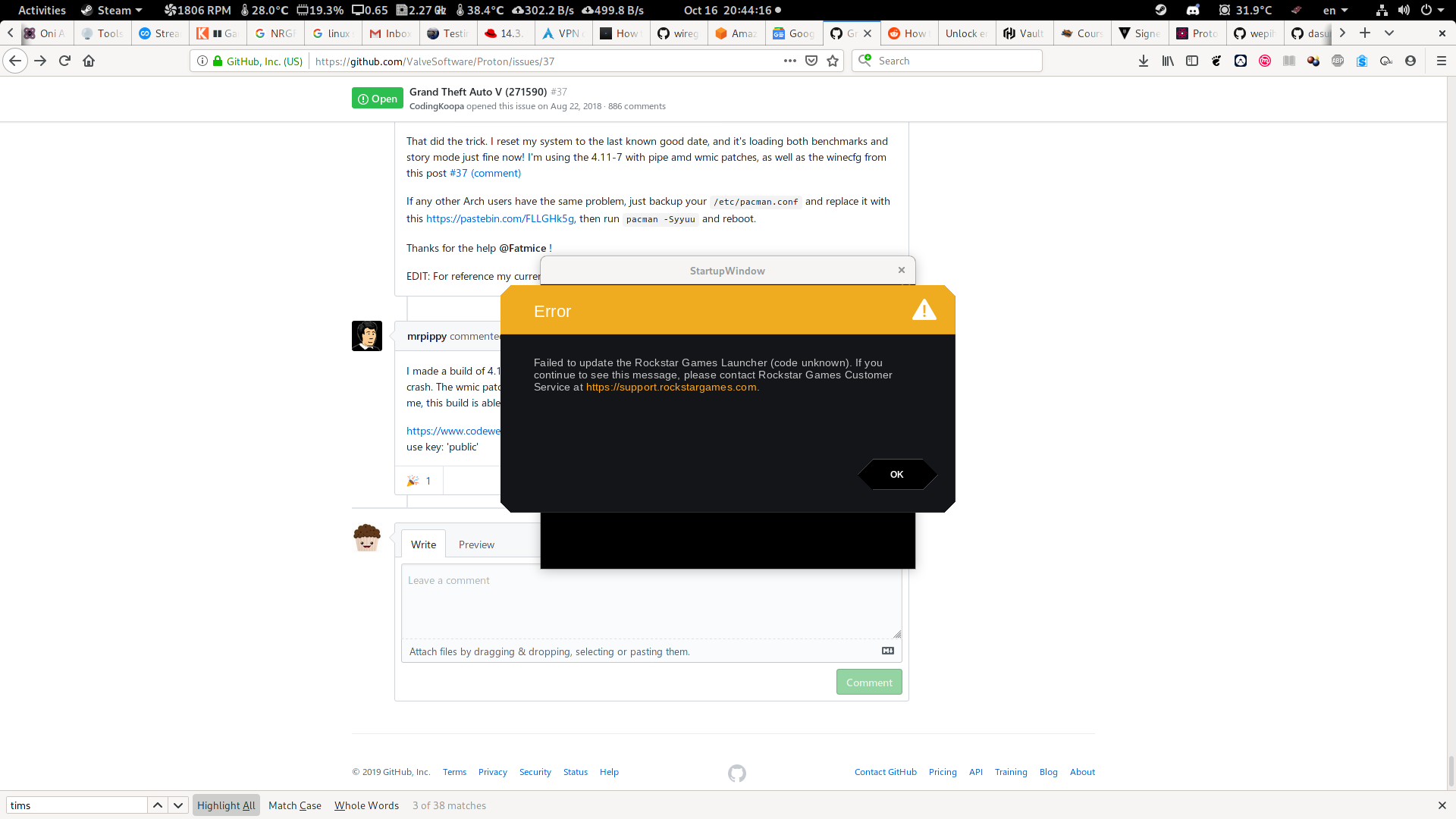
I acknowledged the error and continued. This error is associated with it not recognizing that it had completed the download of Social-Club-Setup.exe under Program\ Files/Launcher/Redistributables/SocialClub. This file remained Social-Club-Setup.exe.swap when it should be renamed to Social-Club-Setup.exe (a few subsequent launches does eventually correct this). I compared the sha512 checksum of the .swap file to the one that resided within the game installation Installers folder and they were both the
same
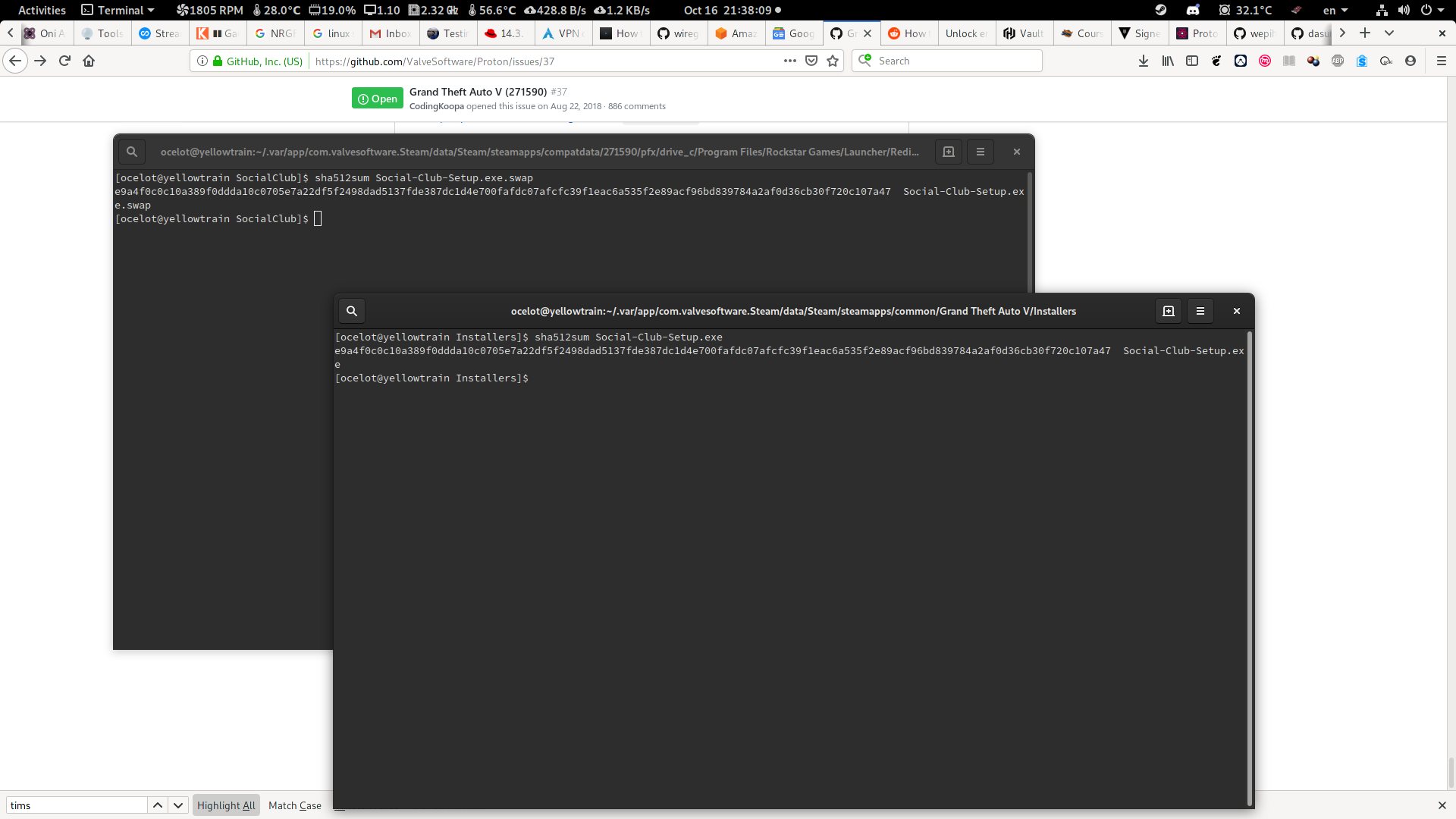
If I were to rename the file myself, then it will get stuck on an endless "Connecting to Rockstar Games Services" upon the next launch from Steam. The best thing to do is to invoke the Launcher directly through protontrick after the renaming, for me protontricks-flat -c 'wine /home/ocelot/.var/app/com.valvesoftware.Steam/data/Steam/steamapps/compatdata/271590/pfx/drive_c/Program\ Files/Rockstar\ Games/Launcher/Launcher.exe' 271590 to get the Launcher to install its Social Club program. After this, the second launch from Steam will still go through the motion of launcher updates, MS redistributable installation, and Social Club software installation, but all of that have been done in the previous step so it simply stepped through them smoothly then launch into the game.
Now, if I had opted not do any of the above, then it required at least three launches, at least for me, before no errors were encounted and without the launcher going through the motion of updating and installing its bloats before launching into the game. This build works fine with the prefix that was generated with the proton-4.11-7_pipe-wmic or older builds though it might go through the motion of "updating" the launcher, at least for me.
I also rehosted the build on my google drive, same link as before.
proton collections
https://drive.google.com/open?id=10JkQJNZ9JCirEQqYeSK29_5Ol8SCDcMy@mrpippy Brendan, have you find something about the downloading issue for people which use RGL without Steam ?
I have also seen the "Failed to update the Rockstar Games Launcher (code unknown)" message (although not every time), I believe it's actually caused by the same bug that makes downloading games unreliable. I did figure out that issue and posted a lot more detail at Wine bug 47843, I'm working on a cleaner patch for that.
Interesting workaround for the Launcher-error:
-> https://www.reddit.com/r/linux_gaming/comments/d880ds/gta_v_better_than_ever_post_new_launcher/f18fxcn/
@KuJo-Ger Yeah, that's known here and not really recommended.
@Fatmice And why isn't that recommended? I would like to try it out in the next few days ...
Hello @KuJo-Ger, https://github.com/ValveSoftware/Proton/issues/37#issuecomment-534040884 sums it up.
Hello @KuJo-Ger, [#37 (comment)](https://github.com/ValveSoftware/Proton/issues/37#issuecomment-534040884) sums it up.
Not only for the reasons I stated there but we shouldn't be cracking games or launchers in order to get them working in wine.
@fls2018 Clearly...the amount of hoops we have to jump through...
@fls2018 @kisak-valve Ok. See here:
-> https://www.reddit.com/r/linux_gaming/comments/d880ds/gta_v_better_than_ever_post_new_launcher/f4zce0l/
I've made another build of 4.11-7 with the pipe_nowait patch, a better patch for the launcher installer crash, and also the fix for unreliable downloads. This should resolve the "Failed to update the Rockstar Games Launcher (code unknown)" error. I'm consistently able to run the installer and launcher and get in-game from a clean prefix.
(the only problem I saw once was the launcher prompted for my Rockstar login, it should get that from Steam).
I'd like to know if anyone experiences any other problems or hangs.
https://www.codeweavers.com/xfer/bshanks/public/proton_4.11-7-pipe-loader-threadpool.tar.xz
use key: 'public'
@mrpippy I tested with fresh prefix. All is go. No errors or popups for logins.
I've made another build of 4.11-7 with the pipe_nowait patch, a better patch for the launcher installer crash, and also the fix for unreliable downloads. This should resolve the "Failed to update the Rockstar Games Launcher (code unknown)" error. I'm consistently able to run the installer and launcher and get in-game from a clean prefix.
(the only problem I saw once was the launcher prompted for my Rockstar login, it should get that from Steam).I'd like to know if anyone experiences any other problems or hangs.
https://www.codeweavers.com/xfer/bshanks/public/proton_4.11-7-pipe-loader-threadpool.tar.xz
use key: 'public'
Works perfect now! Thanks!!! :)
Watch out everyone, if you've been having a fight with the launcher before discovering the pipe-loader-threadpool proton, the service_log.txt file in '/media/Games/Steam/Library/steamapps/compatdata/271590/pfx/drive_c/ProgramData/Rockstar Games/Launcher' (or wherever your prefix is located of course) could be HUGE. I had my computer on for hours after trying GTAV playing around with proton versions and one of them, likely standard proton, caused the rockstar service to go nuts and filled up the SSD with a log file size of 46GB.
@mrpippy do you happen to have the set of patches you used available? I'd like to use them for a lutris build until the changes get merged into wine.
@mrpippy do you happen to have the set of patches you used available? I'd like to use them for a lutris build until the changes get merged into wine.
Sure. The pipe-nowait patch is now upstream and is in 4.18. The loader patch has been sent to wine-devel, and the threadpool patch is attached to the wine bug.
Thanks, that's what I thought and had in my test build but just wanted to verify. Unfortunately with latest git and those patches, it goes in game but crashes after the intro load, before any of the menus render. the launcher itself works fine.
Using the proton_4.11-7-pipe-loader-threadpool.tar.xf, I managed to get past the launcher after a couple of tries, but right after the loading screen to GTA Online, the application just crashes before the menus load in.
EDIT:
Using proton_4.11-7-pipe-loader-threadpool.tar.xf and "WINEDLLOVERRIDES=winedbg.exe=d %command%" Launch options I managed to get online working perfectly fine!
@HikloLime Wine overrride is expected for multiplayer.
I'm using the social club version, not the steam version, via lutris and when i try go online it freezes the game or it closes with a message about the unexpected close, i know this is for steam play/proton but if anyone could help me would be cool
Sure. The pipe-nowait patch is now upstream and is in 4.18. The loader patch has been sent to wine-devel, and the threadpool patch is attached to the wine bug.
Excellent news! So at least Rockstar Launcher required by GTA5 (and probably RDR2) should start work out-of-the-box quite soon:)
I'm curious why this workaround WINEDLLOVERRIDES=winedbg.exe=d %command% cannot be fixed? It requires some deeper changes? In kernel maybe?
It is good that there is so simple workaround, but in fact without it GTA5 Online is unplayable almost from 10 months... In December will be premiere of RDR2 on Steam - it is very likely that online mode will have the same issue (assuming of course that online mode will stay quite similar to GTA5 - without adding "Linux support killers" like EAC/BattlEye DRM). Have access to RDR2 on Linux on premiere out-of-the-box via Proton - it would be great achievement:)
Using the custom built proton_4.11-7-pipe-loader-threadpool I was able to run the launcher properly and get into the game.
I had a problem with cloudsync failing everytime so I had to copy my saves and settings from the previous location manually, and then I was even able to run GTA online.
Using the custom built
proton_4.11-7-pipe-loader-threadpoolI was able to run the launcher properly and get into the game.
I had a problem with cloudsync failing everytime so I had to copy my saves and settings from the previous location manually, and then I was even able to run GTA online.
The same here. But instead I have used the recently released Proton-4.19-GE-1 from Glorius Eggroll:
With Proton-4.19-GE-1 now available it includes updated builds of DXVK, D9VK, FAudio and Vkd3d. On top of that, it's also pulled in patches to help with GTA V and the Rockstar Launcher, a patch to help with Origin client downloads, patches to fix Skyrim SkyUI status effect icons, patches to help Mortal Kombat 11 run (although online matches won't work) and more.
-> https://www.gamingonlinux.com/articles/proton-ge-has-another-new-release-out-with-patches-for-gta-v-and-lots-of-updates.15220
Cloud sync fails, too. The story mode started at the beginning (at the prolog). I too had to copy my current locally stored savegames and settings to new launcher location to go on with my already achieved progress.
@aeikum will you include this fix from wine 4.19 in next proton?
47912 Rockstar Games Launcher installer crashes after disabling WoW64 redirection
@aeikum will you include this fix from wine 4.19 in next proton?
47912 Rockstar Games Launcher installer crashes after disabling WoW64 redirection
Yes that will be in the next version, also the PIPE_NOWAIT fix and the thread pool patch.
@mrpippy Did you tried RdR2 from Rockstar Launcher ? :o
Hello, per "Improvements for the Rockstar Launcher and Grand Theft Auto 5." in the Proton 4.11-8 changelog, please retest this game.
using Protin 4.11.8 I still can't play the game
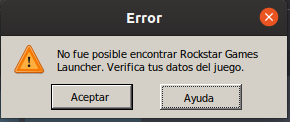
steam-271590.log
EDIT: I reinstalled the game and it's working now
On a fresh compatdata, 4.11-8 appears to get stuck at 2nd splash of RS launcher. No error messages, and it looks like it updates successfully, but stuck at the RS logo (it never prompts whether or not you want to enable cloud saves). behavior is the same now on proton_4.11-7-pipe-loader-threadpool ...maybe another RS update?
steam-271590_20191108_proton4.11-8.zip
Also tested Proton-4.19-GE-1, this one works in getting to game launch from a fresh compatdata
Rockstar has been updating the launcher every day this week to fix RDR2 issues, so far there's only one new issue we've seen:
On a fresh compatdata, after it updates the launcher but before the Cloud Saves dialog, the launcher crashes. But launching the game again from Steam will restart the launcher, you get the Cloud Saves dialog, and then GTA V launches normally. For me, this works with both 4.11-8 and my custom 4.11-7 build.
@lectrode, if you kill the launcher and restart does it always hang at the same place?
@mrpippy Upon further testing, it looks like it consistently successfully launches the 2nd attempt after killing the process with 4.11-8. I thought I had tested doing that, but apparently not. Thank you.
One odd thing I noticed: it hangs with 4.11-8 and your custom 4.11-7 build. It only crashes with the latest Proton-GE build. In all cases it works upon second launch.
single player works fine with proton 4.11-8 but online does not work
it crashes after "joining gta online"
using Protin 4.11.8 I still can't play the game
steam-271590.log
for me it's the internet connection issue it works fine with vpn i don't think it has anything to do with proton
Hello, per "Improvements for the Rockstar Launcher and Grand Theft Auto 5." in the Proton 4.11-8 changelog, please retest this game.
Tested Proton 4.11-8 but unfortunately GTA5 Online still is not working without workaround WINEDLLOVERRIDES=winedbg.exe=d %command%:(
Does the Rockstar Launcher work on Linux now?
Does the Rockstar Launcher work on Linux now?
Yes.
Does the Rockstar Launcher work on Linux now?
Yes.
Without any tweaks? If so, that is a great news, I can't wait to buy Red Dead Redemption 2.
Does the Rockstar Launcher work on Linux now?
Yes.
Without any tweaks? If so, that is a great news, I can't wait to buy Red Dead Redemption 2.
The Launcher works under Proton well enough to launch GTA V from Steam (aside from one hang on first launch). But running separately from Steam, the launcher crashes when launching RDR2. We'll see how it works tomorrow when it's released on Steam, but it's very likely there will be patches needed to support the game and/or launcher
Any issue launching GTA5 with the recent Diamond Casino Heist Update? Mine can launch the game but will forever get stuck loading either the story mode or online mode. Proton 4.11-9
It gets stuck after the 3rd or 4th "splash screen" while loading in both Story and Online mode. This is with Proton 4.11-9 and the following launch options: WINEDLLOVERRIDES=winedbg.exe=d %command%
Removing WINEDLLOVERRIDES=winedbg.exe=d lets the game crash throwing this in the log:
wine: Unhandled page fault on read access to 0x00000000 at address 0x140a1c78f (thread 00e9), starting debugger...
Followed by a bunch of:
01e2:fixme:dbghelp:elf_search_auxv can't find symbol in module
Edit: Also crashes when launching a benchmark! :stuck_out_tongue_closed_eyes:
Edit 2: System in a gist: https://gist.github.com/7HEPOW/9b65da0a8d56aa928762d7c57891925b
Yeah after the latest update now it crashes on the loading screen for me also on the 3rd full picture loading screen.
Personnally, if I use Proton 4.11-9, GTA doesn't even launches, it will just freeze without showing anything, but when i use Proton-GE 4.21-1, i'm in the same case as the two upper, it just crashes
Can you all clear the launch options in Steam, then launch Steam from command line and launch the game once?
This way we'll see if you get the elf_search_auxv error too. It won't show up if you have WINEDLLOVERRIDES=winedbg.exe=d in the launch options which will cause the infinite black screen instead of the game crashing.
@7HEPOW I have cleared the launch options and launched Steam from the command line and I can confirm that there are still a bunch of elf_search_auxv appearing.
Also, this time GTA does not just silently freeze but it actually crashes and the GTA V Launcher shows a warning message that GTA crashed.
Clearing all launch options in Steam then running with proton 4.11-9 causes my game to crash with a bunch of 0201:fixme:dbghelp:elf_search_auxv can't find symbol in module
With 4.11-9 GTA 5 marks as launched and passes the Launcher, but then absolutely nothing shows, it's just freezing, I receive this error:
X connection to :0 broken (explicit kill or server shutdown).
wine: Unhandled page fault on write access to 0x00000000 at address 0x14129b430 (thread 0115), starting debugger...
Yes, the wine: line is the initial fault where the game stops at the black loading screen with the music playing on. If you have WINEDLLOVERRIDES=winedbg.exe=d set in the launch options for the game in order to play online, it simply gets stuck there as that override prevents the wine/proton debugger to run. If you remove the launch option, you should also get the 0201:fixme:dbghelp:elf_search_auxv can't find symbol in module thrown out in the terminal a bunch of times. :slightly_smiling_face:
As far as I understand it, it has to do someting libc or something around libc. Maybe some LD_PRELOAD can fix that easily. There have been other cases before regarding elf_search_auxv on other games, but they have been "magically fixed" recompiling wine or "on the next update". So there's no real lead for me as a non-coder for now. :laughing:
I guess we'll have to wait until somebody with more knowledge can whip something up to prevent that error. :slightly_smiling_face:
Yes, the
wine:line is the initial fault where the game stops at the black loading screen with the music playing on. If you haveWINEDLLOVERRIDES=winedbg.exe=dset in the launch options for the game in order to play online, it simply gets stuck there as that override prevents the wine/proton debugger to run. If you remove the launch option, you should also get the0201:fixme:dbghelp:elf_search_auxv can't find symbol in modulethrown out in the terminal a bunch of times. slightly_smiling_faceAs far as I understand it, it has to do someting libc or something around libc. Maybe some LD_PRELOAD can fix that easily. There have been other cases before regarding
elf_search_auxvon other games, but they have been "magically fixed" recompiling wine or "on the next update". So there's no real lead for me as a non-coder for now. laughingI guess we'll have to wait until somebody with more knowledge can whip something up to prevent that error. slightly_smiling_face
Weird, because i've litterally removed everything, like, it's totally empty, not even a space, and I've only the error I've sent which is weird, but maybe due to the fact I use Linux Steam Integration (on Manjaro KDE) to have the overlay on games
EDIT: I've tried on vanilla Steam without LSI, and there is only a bit of change, instead of showing nothing, it's a whole black screen. The error remains the main I've add thought, no elf thingy
I'm on Manjaro XFCE without LSI and the overlay works fine for me. :)
3 weeks ago it didn't, maybe has it been fixed thought, I should check
Attempting to launch straight into online using Proton-4.21-GE-1 causes the following error:
wine: Unhandled page fault on read access to 0000000000000000 at address 0000000140A1C78F (thread 0106), starting debugger...
Just to sum up. Recent update has borked gameplay.
With WINEDLLOVERRIDES=winedbg.exe=d GTA5.exe just goes <defunct> and consumes cpu on black screen - I didnt notice anything on the stdout though.
Without the overrides it loads to menu just fine, then it hangs during loading Story mode with 0201:fixme:dbghelp:elf_search_auxv can't find symbol in module.
Happens to me on both 4.2 and 4.11.x on clean install as much as on previously working setup.
edit: based on above replies, seems to be WM and distro agnostic.
The same like at @zaskokus at my PC too.
Is it just me or was this a necro bug report that just got updated with the latest debacle? Should we create a new bug? (This problem has nailed me too)
Is it just me or was this a necro bug report that just got updated with the latest debacle? Should we create a new bug? (This problem has nailed me too)
It has been necro-bumped at least two times before, a third time can't hurt. Also, this is one of the first search results you find when searching for GTA V + wine/Proton.
Also, since I was one of the only ones last time where everything still worked out-of-the-box, I guess I'll install GTA V again.
Valve want a single issue for each game, rather than individual issues. I’m guessing because there are more end users reporting issues here than developers and it would cut down on the overall number of unwanted issues to triage.
Cheers,
David
On 13 Dec 2019, at 15:50, jnelson007 [email protected] wrote:
Is it just me or was this a necro bug report that just got updated with the latest debacle? Should we create a new bug? (This problem has nailed me too)—
You are receiving this because you were mentioned.
Reply to this email directly, view it on GitHub, or unsubscribe.
Hello @jnelson007, specifically, we're using one issue report per unofficially supported game title. This is the right place to discuss issues with running GTA5 on Proton.
Many devs who contribute to Proton need to work with at least two other bug trackers and it's just not worth the hassle to have this issue tracker be a duplicate of https://bugs.winehq.org, which is well established in the community. Having one issue report per unofficially supported game title also allows us to widen the scope of feedback for each game to include third party Proton builds and discuss workarounds in general without micromanaging the discussions.
To be clear, if a game is on the whitelist, it's considered supported and we want each individual issue to be tracked separately for those games.
Hey there, guys.
Yea, got that problem as well. What's weird is, as soon as the black screen appears I cannot kill the GTA:V process via KSysGuard anymore. By right-clicking it I can only jump to the parent process, htop however works.
Manjaro 5.4.2-1
If you drop to the terminal and do a "ps -A" you can get the pid then do a "kill -9 <pid_number>"
I can also reproduce the pretty much exact same issue as explained above by @7HEPOW:
It gets stuck after the 3rd or 4th "splash screen" while loading in both Story and Online mode. This is with Proton 4.11-9 and the following launch options: WINEDLLOVERRIDES=winedbg.exe=d %command%
Hey there, guys.
Yea, got that problem as well. What's weird is, as soon as the black screen appears I cannot kill the GTA:V process via KSysGuard anymore. By right-clicking it I can only jump to the parent process, htop however works.Manjaro 5.4.2-1
This happen to me too and for some reason it uses the intel gpu and not the nvidia,i have the prime offload enabled,only in nvidia mode the game uses the nvidia.
Manjaro 5.4.2-1
Just updated Proton to 4.11-10 and interestingly enough the online promotions show up again during the loading screens, but it still crashes with the same elf_search_auxv error.
proton_tkg_4.21.r18.g40d020d6 installed game load normal but breaks on story mod and online start with WINEDLLOVERRIDES=winedbg.exe=d %command%. and without WINEDLLOVERRIDES. we need a patch again
I have similar results for both Story mode and Online in Arch Linux.
Can these "it crashes for me too" comments please stop? That's what the :+1: button is for. Posting these comments without any useful info doesn't contribute to finding a solution, it just spams people's inboxes.
Regarding the issue:
0201:fixme:dbghelp:elf_search_auxv can't find symbol in module seems to just be the aftermath of the actual problem. To observe the actual crash (which happens during the slideshow when loading either story or multiplayer mode), you need to remove WINEDLLOVERRIDES=winedbg.exe=d, and you'll see this:
wine: Unhandled page fault on read access to 0x00000000 at address 0x140a1c78f (thread 00e0), starting debugger...
The crash was identical on both the normal build of Proton 4.11-9 and the debug build (with varying thread IDs ofc).
I unsuccessfully tried to debug the issue by letting Proton dump the debug scripts, using them to attach winedbg to GTA5.exe while it's still in the menu, and then triggering the issue by loading story mode. This seemed to change the behavior though, instead of getting the above error, execution seems to go off the rails completely, with trying to execute stuff like 0x000000014378c523: outb %al,$0xe (which obviously isn't allowed in ring 3 code). It also seemed to smash the stack, so I wasn't able to obtain a stacktrace :(
I also tried WINEDEBUG=+trace to try to observe what the thread does before it crashes. The log output is huge, so I'm not attaching it here. I was able to grep for the crash though, and filtered for all messages that belonged to the ID of the crashing thread. Unfortunately this didn't help much either, it does all kinds of stuff in the beginning (file I/O, winsock-calls), and then a lot of seemingly harmless kernel32 stuff (ReleaseSemaphore, WaitForSingleObject, Sleep, and GetLastError) before suddenly crashing. Here's an excerpt:
00e3:Call KERNEL32.ReleaseSemaphore(00000d0c,00000001,00000000) ret=1415a9440
00e3:Ret KERNEL32.ReleaseSemaphore() retval=00000001 ret=1415a9440
00e3:Call KERNEL32.WaitForSingleObject(00000ca0,00000000) ret=14129ee58
00e3:Ret KERNEL32.WaitForSingleObject() retval=00000000 ret=14129ee58
00e3:Call KERNEL32.ReleaseSemaphore(00000d0c,00000001,00000000) ret=1415a9440
00e3:Ret KERNEL32.ReleaseSemaphore() retval=00000001 ret=1415a9440
00e3:Call KERNEL32.Sleep(0000000a) ret=14159cb5f
00e3:Ret KERNEL32.Sleep() retval=00000000 ret=14159cb5f
00e3:Call KERNEL32.GetLastError() ret=1417943e4
00e3:Ret KERNEL32.GetLastError() retval=00002733 ret=1417943e4
00e3:Call KERNEL32.GetLastError() ret=1417943e4
00e3:Ret KERNEL32.GetLastError() retval=00002733 ret=1417943e4
wine: Unhandled page fault on read access to 0x00000000 at address 0x140a1c78f (thread 00e3), starting debugger...
My third attempt was to set a breakpoint at the address of the crash, but since the debugger seemed to influence the behavior, it didn't trigger.
I didn't try anything further yet, but I'm also pretty much out of ideas now.
Can these "it crashes for me too" comments please stop? That's what the +1 button is for. Posting these comments without any useful info doesn't contribute to finding a solution, it just spams people's inboxes.
I believe the point was to show that it's distro agnostic, something a "thumbs up" wouldn't do. At any rate, I can't put any brainpower into figuring this out tonight. However, you did mention:
but since the debugger seemed to influence the behavior, it didn't trigger.
To be clear, did you make it past the page fault? If so what was the very next debug line if you continued? When did it stop working once you set a breakpoint? You are also listing kernel32 calls, but were other calls made to other parts of the API? I'm particularly interested in ntdll.dll calls.
I might dive in tomorrow. I haven't touched wine code in nearly a decade though.
EDIT: Stubs, fixmes, etc. JUST before the crash would also be of interest...if you have time feel free to post it here, otherwise someone will likely take a look at it before too long (maybe even me, I've been looking to stick my toes back into Wine development, and this may just scratch that itch).
EDIT 2: Curiously enough, I don't get the error below, but I'm not using the Steam version of the game (but I am using Proton to run it).
fixme:dbghelp:elf_search_auxv can't find symbol in module
Ok I tried; "WINEDLLOVERRIDES=winedbg.exe=d %command% -noprecache -norestrictions -nomemrestrict" on the launch commands and did not get the black screen, also the in game tips kept popping up on the loading screen. So this is further than I was getting, but the GTAV.exe was still defunct when I Alt+Tab to my term window and the game never did load. Not sure if this helps, but it was further than I got before. Btw, OS = Ubuntu 18.04, System = Threadripper 1950x, 32GB RAM (No swap), 1.5TB NVMe SSDs (3 drives LVM extended as 1), Geforce RTX 2080 Ti, Nvidia Driver 430 proprietary.
strace dump;
munmap(0x7f778b710000, 262144) = 0
ioctl(734, _IOC(_IOC_READ|_IOC_WRITE, 0x46, 0x29, 0x10), 0x7ffff2440790) = 0
ioctl(734, _IOC(_IOC_READ|_IOC_WRITE, 0x46, 0x29, 0x10), 0x7ffff24408d0) = 0
ioctl(734, _IOC(_IOC_READ|_IOC_WRITE, 0x46, 0x29, 0x10), 0x7ffff24408d0) = 0
ioctl(734, _IOC(_IOC_READ|_IOC_WRITE, 0x46, 0x29, 0x10), 0x7ffff24408d0) = 0
futex(0x7f778d89df80, FUTEX_WAKE_PRIVATE, 1) = 1
futex(0x7f778d89dfa8, FUTEX_WAKE_PRIVATE, 1) = 1
exit(0) = ? <-- defunc
but since the debugger seemed to influence the behavior, it didn't trigger.
To be clear, did you make it past the page fault? If so what was the very next debug line if you continued? When did it stop working once you set a breakpoint? You are also listing kernel32 calls, but were other calls made to other parts of the API? I'm particularly interested in ntdll.dll calls.
No, but the fault seemed to change - it tried to execute garbage with a broken stack. The last piece of log before the crash containing ntdll calls is this:
00e3:Call ws2_32.recvfrom(000011fc,0022f3f0,000003a6,00000000,0022eb90,0022ec30) ret=14137dacc
00e3:Call KERNEL32.GetTickCount() ret=7f6348ceb896
00e3:Ret KERNEL32.GetTickCount() retval=01fd2047 ret=7f6348ceb896
00e3:Call ntdll.wine_server_handle_to_fd(000011fc,00000001,0022e920,0022e900) ret=7f6348ceb945
00e3:Ret ntdll.wine_server_handle_to_fd() retval=00000000 ret=7f6348ceb945
00e3:Call KERNEL32.IsBadWritePtr(0022f3f0,000003a6) ret=7f6348ceba3f
00e3:Ret KERNEL32.IsBadWritePtr() retval=00000000 ret=7f6348ceba3f
00e3:Call ntdll.__wine_locked_recvmsg(000007f6,0022e5a0,00000000) ret=7f6348ce9cb0
00e3:Ret ntdll.__wine_locked_recvmsg() retval=ffffffffffffffff ret=7f6348ce9cb0
v00e3:Call ntdll.wine_server_release_fd(000011fc,000007f6) ret=7f6348cebaa4
00e3:Ret ntdll.wine_server_release_fd() retval=00000000 ret=7f6348cebaa4
00e3:Ret ws2_32.recvfrom() retval=ffffffff ret=14137dacc
00e3:Call ws2_32.WSAGetLastError() ret=14137dadd
00e3:Ret ws2_32.WSAGetLastError() retval=00002733 ret=14137dadd
00e3:Call KERNEL32.GetTickCount() ret=14106c682
00e3:Ret KERNEL32.GetTickCount() retval=01fd2047 ret=14106c682
After that, only the aforementioned kernel32 calls happen.
EDIT: Stubs, fixmes, etc. JUST before the crash would also be of interest...if you have time feel free to post it here, otherwise someone will likely take a look at it before too long (maybe even me, I've been looking to stick my toes back into Wine development, and this may just scratch that itch).
Stubs seem harmless to me:
00e3:fixme:heap:RtlSetHeapInformation 0xaf0000 0 0x22e340 4 stub
00e3:fixme:thread:SetThreadIdealProcessor (0x80): stub
00e3:fixme:wer:WerSetFlags (1) stub!
00e3:fixme:ver:GetCurrentPackageId (0x22d840 (nil)): stub
00e3:fixme:keyboard:X11DRV_ActivateKeyboardLayout 0x4090409, 40000000: semi-stub!
00e3:fixme:thread:SetThreadIdealProcessor (0xe80): stub
But these exact lines appear quite often:
00e3:fixme:bcrypt:BCryptOpenAlgorithmProvider algorithm L"DH" not supported
00e3:Ret bcrypt.BCryptOpenAlgorithmProvider() retval=c0000002 ret=5b616667
I'd post the full log, but it's large and it contains info related to my Steam account, so I'm not comfortable with that.
Has there been any progress made? Really hoping to play with my friend.
Btw I'm running Manjaro with Deepin DE and still have the same issue.
So I don't want to say me too, but me too. Running in Flatpak 1.0.9 on Oracle Linux 7.7, AMD video card, and my distro's built-in open-source driver. So it's either a Proton or GTA5 issue, depending on who you ask.
What I would like to say is that instead of playing, I've learnt what vagrant is, and have a buildslave been vagrant upping a vanilla proton build for the past couple of hours. I've been looking at the proton-ge fork commits and will try building against Wine 5.0 rc1 or master once I know I can build a vanilla build. Again, it's taken a couple hours and counting for this first build, and if something changes in master it'll take me hours or days to be able to honestly say "works for me."
I sometimes ssh in from my laptop and watch the game from gnome-system-monitor. I've noticed that when the soft hang blackscreen occurs that the system monitor forgets disk read write stats, and instead shows N/A. Pic related. Normally those stats continue to be available during gameplay.
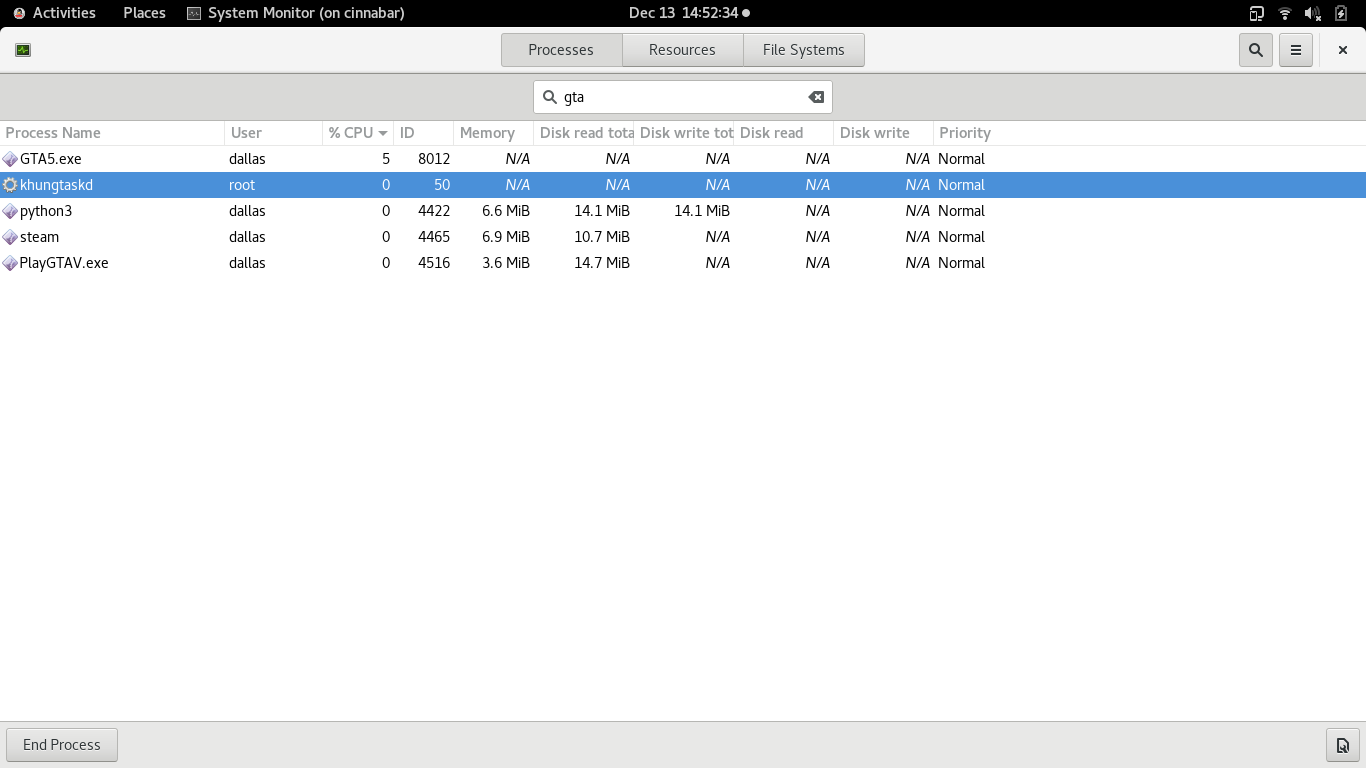
I'm not a developer myself, but I'm guessing that the game is trying to protect some information from being read. It's been known for a long time that the game behaves differently under strace, and that used to be a workaround to get online in and of itself. Makes me wonder what the chiliad mystery type code hunters and related diggers think about the changes.
If someone from rockstar is keeping tabs on the situation, I would like to take this chance to say that although linux users make a measly fraction of a percent of sales, we do tend to be more polite with customer service, and also more likely and willing to learn and help diagnose bugs, which in turn can help your developers, and prevent future bugs on supported platforms. I'm not picky if the game needs a fix or if the environment it's running in needs a fix. I also put my money where my mouth is and like buying a shark card once a year instead of paying the microsoft tax.
tldr; How can I help?
It's most likely NOT a proton issue, as it happens on regular Wine. It's a wine issue and should be reported on the Wine bug tracker. I am currently in the midst of attempting to debug it. I haven't had much time today, and had to resort to full logging which makes things slow. Compounding this is the fact that Rockstar feels the need to have their own launcher.
I'm not suggesting that Rockstar is intentionally subverting Wine support, only speculating if they had implemented a similar DRM mechanism as hypothesized to be used with RDR2, which is also currently broken under Wine.
I'm not suggesting that Rockstar is intentionally subverting Wine support, only speculating if they had implemented a similar DRM mechanism as hypothesized to be used with RDR2, which is also currently broken under Wine.
So maybe when this issue is solved, Red Dead Redemption 2 is also playable?
Hello,
Any news here? I'm using proton 4.11-10 trough steam and I'm getting the infinite loading bug from the casino heist update.
Thanks, Totten98.
@pattmax00 is correct. I spent several hours debugging this issue over the weekend. It is a Wine specific issue that is difficult to troubleshoot due to a number of reasons. Hopefully someone will get to it as my time is a bit limited right now and quite frankly, I'm fed up with Rockstar's lousy code.
in the wine forum opened above, someone writes that he has been playing gta 5 since the casino update on wine-staging only dvd version of gta 5. if I understand it correctly it is a proton or the steam version of gta 5.
00e3:fixme:bcrypt:BCryptOpenAlgorithmProvider algorithm L"DH" not supported
That's Diffie-Hellman key exchange.
AFAIK This is used in the new server auth.
It would explain why fails to load.
I had the same message pop up trying with standard wine 4.21 in Lutris running the Steam version of the game. Though it doesn't really make sense why single player and benchmarking fails too. Who knows!? :laughing:
I also don't think that they specifically nuked Linux users as mentioned before, but implementing a "new" encryption to prevent cheating by manipulating network traffic makes sense. :slightly_smiling_face:
Look's like they've found the issue on the Wine bug report; short of it is that PEB_LDR_DATA length is 0x48 and the game wants 0x58, so it buffer overflows and crashes. They have a patch out for Wine to correct the issue, but that doesn't really help us that are on Steam. I've not found a way to run Steam GTA through Wine. Maybe create a directory under ~/.steam/steam/steamapps/common/ called wine and add symlinks to wine, not sure need to test around with it. If it did work it would require Steam client restart for sure and would probably require the other files (like; filelock.py, user_settings.py, etc.) just like the Proton directories.
Look's like they've found the issue on the Wine bug report; short of it is that PEB_LDR_DATA length is 0x48 and the game wants 0x58, so it buffer overflows and crashes. They have a patch out for Wine to correct the issue, but that doesn't really help us that are on Steam. I've not found a way to run Steam GTA through Wine. Maybe create a directory under ~/.steam/steam/steamapps/common/ called wine and add symlinks to wine, not sure need to test around with it. If it did work it would require Steam client restart for sure and would probably require the other files (like; filelock.py, user_settings.py, etc.) just like the Proton directories.
I'm trying now to compile Proton-GE with the patch given, for now it's unsuccessful, because there are submodules with invalid commits, I fix this, and I come back to tell you if it works fine / share the tar.gz if it does :D
I've created a custom build of Proton 4.11-10 with the patch from the bugtracker, you can grab it here (link removed as there's a proper Proton release out now). Just extract it into your ~/.steam/steam/compatibilitytools.d/ folder and select it for GTA V.
I've already tested it and can confirm that singleplayer is working again.
/edit:
Just tested multiplayer with WINEDLLOVERRIDES=winedbg.exe=d and it works as well.
I'm late then, personnally 4.11-10 didn't work at all and froze at launch, unlike Proton-GE which worked fine, but I'll try yours so
I've created a custom build of Proton 4.11-10 with the patch from the bugtracker, you can grab it here. Just extract it into your
~/.steam/steam/compatibilitytools.d/folder and select it for GTA V.I've already tested it and can confirm that singleplayer is working again.
Test with these setting it works!!! PROTON_FORCE_LARGE_ADDRESS_AWARE=1 PROTON_NO_FSYNC=1 PROTON_NO_ESYNC=1 WINEDLLOVERRIDES=winedbg.exe=d %command% -norestrictions -nomemrestrict -noChunkedDownload -safemode
Will test without safemode next, very well done sir and thank you very much for compiling that bad boy. I hate vagrant and virtual box. I hate most of Oracle's software :)
I tested Online btw, not single player.
The directory to add it to was also; ~/.steam/root/compatibilitytools.d
EDIT: Comfirmed fully playable online with; PROTON_FORCE_LARGE_ADDRESS_AWARE=1 WINEDLLOVERRIDES=winedbg.exe=d %command% -norestrictions -nomemrestrict
This fix seems to work flawlessly. The "PROTON_FORCE_LARGE_ADDRESS_AWARE=1" and "-norestrictions -nomemrestrict" may not be needed, but I find the game runs a hair better with it on my system.
I've created a custom build of Proton 4.11-10 with the patch from the bugtracker, you can grab it here. Just extract it into your
~/.steam/steam/compatibilitytools.d/folder and select it for GTA V.I've already tested it and can confirm that singleplayer is working again.
/edit:
Just tested multiplayer withWINEDLLOVERRIDES=winedbg.exe=dand it works as well.
It works for me. Thanks!
Can also confirm as works for me. Thanks!
I previously tried building vanilla proton, but after either 36 or 48 hours I also had a submodules problem. Hate to hijack, but how long does it usually take to build proton the first time? Asking because I had to use my "cablebox" to virtualbox up vagrant, because my main "workstation" runs kvm virtual machines.
I've created a custom build of Proton 4.11-10 with the patch from the bugtracker, you can grab it here. Just extract it into your
~/.steam/steam/compatibilitytools.d/folder and select it for GTA V.I've already tested it and can confirm that singleplayer is working again.
/edit:
Just tested multiplayer withWINEDLLOVERRIDES=winedbg.exe=dand it works as well.
Confirmed working, single player and online!
Thank you!
GE build with the latest patch and WINEDLLOVERRIDES already added in protonfixes. tested and working here, just install and play, no launch options needed in steam:
https://github.com/GloriousEggroll/proton-ge-custom/releases/tag/4.21-GE-2
I've created a custom build of Proton 4.11-10 with the patch from the bugtracker, you can grab it here. Just extract it into your
~/.steam/steam/compatibilitytools.d/folder and select it for GTA V.I've already tested it and can confirm that singleplayer is working again.
/edit:
Just tested multiplayer withWINEDLLOVERRIDES=winedbg.exe=dand it works as well.
It work perfectly. Thanks you very much.
Totten98.
Can confirm the weirdness where GTA renders a black window but alt-tabbing and holding alt allows it to display. Hitting F1 doesn't appear to fix it?
Can confirm the weirdness where GTA renders a black window but alt-tabbing and holding alt allows it to display. Hitting F1 doesn't appear to fix it?
Is the same problem that Project Cars 2.
Interesting. Disabling the compositor doesn't appear to matter either, though it does delay it. Goes back to black as soon as I move the mouse over it, keyboard navigation still works though it still crashes anyway loading either online, benchmark, etc.
Can confirm the weirdness where GTA renders a black window but alt-tabbing and holding alt allows it to display. Hitting F1 doesn't appear to fix it?
Is this the problem were GTA turns into a complete black screen and the game crashes if you alt+tab? Because it happened for me before the Casino heist update, and it still happens to me.
Great! Proton-4.21-GE-2 works excellent - no other workarounds needed:) It would be great if these changes would be upstreamed to official Proton - it is almost a year when GTA5 Online is not working without workarounds...
Alt+Tab - black screen issue
In my case set "Screen Type:" to "Windowed Borderless" resolved this issue - GTA5 is normally visible for example in Gnome3 overview mode.
Frozen ALT in GTA5 after Alt+Tab issue
After came back to GTA5 with "frozen" ALT - in my case (Fedora+Gnome3) I need press once Alt and it is immediately "unfrozen", so everything back to normal.
The problem is because GTA5 "remembers" that Alt key has been used before changing application. So my other workaround is... do not use Alt key when you want change application. Probably it is system and desktop environment depended but in case of Fedora+Gnome3 - by default Super key (go to overview mode) or Super+Tab (switch applications) could be used instead of Alt+Tab. When I will back to GTA5 (no matter how I will back - it could be via Super or Alt+Tab) - no ALT froozen issue at all...
If you use the controller, in my case the Xbox One S controller: Doing Alt + Tab not just trigger the recording thing but also causes the break/reverse button to also trigger the in car gun pointing.
Hi,
first of all "Thanks for all the hard work! An quick response time to making it upstream!"
I can confirm, it is working ( again ). I had to set DX11 to DX10 , else the game would only give me about 2FPS max.
I can confirm, it is working ( again ). I had to set DX11 to DX10 , else the game would only give me about 2FPS max.
Im also only getting 2fps, starting in 800x600. What launch options did you use to force DX10?
This only happens to me when the video launches, then it's back again to normal, did you try waiting to see in the menus if it's back to normal?
Proton-4.21-GE-2 uses different GPU naming than Proton-4.11-10 - because of it GTA5 will reset its config file ~/.local/share/Steam/steamapps/compatdata/271590/pfx/drive_c/users/steamuser/My Documents/Rockstar Games/GTA V/settings.xml to auto/default (horrible settings like 800x600 resolution).
- Proton-4.11-10:
<VideoCardDescription>NVIDIA GeForce GTX 1070</VideoCardDescription> - Proton-4.21-GE-2:
<VideoCardDescription>GeForce GTX 1070</VideoCardDescription>
In <graphics> section:
<DX_Version value="2" />- means DirectX 11
In <video> section:
<ScreenWidth value="2560" /><ScreenHeight value="1440" /><Windowed value="2" />- means Screen Type: "Windowed Borderless"
I can confirm, it is working ( again ). I had to set DX11 to DX10 , else the game would only give me about 2FPS max.
Im also only getting 2fps, starting in 800x600. What launch options did you use to force DX10?
GTA V resets the graphic-settings quite alot when using/switching different proton versions. So 800*600 should be normal at first launch.
At the GTA V MainMenu:
Settings -> Graphics -> DirectXVersion: DX11
That option gave me 2FPS
Set it to : Settings -> Graphics -> DirectXVersion : DX10
I found the framerate of GTA V to be really terrible in full-screen mode.
On Nvidia, it's possible to restore framerate by disabling Vsync in full-screen mode. Turning off Vsync restored performance in my case with my GTX 1070, including when DirectX 11 is enabled in-game.
To remove screen tearing in full-screen with Vsync turned off, I opened up Nvidia settings and enabled "Force Composition Pipeline".
You can also run this command in terminal:
nvidia-settings -a CurrentMetaMode="nvidia-auto-select +0+0 { ForceCompositionPipeline = On }"
When the game first starts even with Vsync off the performance is poor at the Rockstar video logo but be smooth immediately after that.
Another workaround to fix framerate appears to be to just run the game with "Windowed Borderless" with Vsync enabled and set to native monitor resolution (such as 1920x1080). However Vsync doesn't seem to work in windowed mode, so you'll need to enable Composition Pipeline to remove tearing.
https://github.com/wine-staging/wine-staging/commit/088d7f9ddfc9cf074b65dcc18dc3c650932c29f4
https://bugs.winehq.org/show_bug.cgi?id=48289#c19
Looks like this commit fixes recent crashes on GTA5 so it would be nice to see it in next Proton.
awesome work here! The game indeed works again without any parameters. Thank you all :smile:
Can confirm that Proton-4.21-GE-2 makes the game run, but it's slow as hell (it selected the wrong resolution initially too).
The framerate (animated splash, menu and game) is extremely underwhelming.
Hmm.. Logs
Interesting lines..
0034:fixme:bcrypt:BCryptOpenAlgorithmProvider algorithm L"DH" not supported
$  rpm -q --qf '%{BUILDTIME}\t%{NAME}-%{VERSION}.%{ARCH}\n'  bcrypt
1467317820	bcrypt-1.1.x86_64
$
Can confirm that Proton-4.21-GE-2 makes the game run, but it's slow as hell (it selected the wrong resolution initially too).
The framerate (animated splash, menu and game) is extremely underwhelming.
I haven't tried it with Proton 4.21 GE-2 yet. But have you also set DX11 in the ingame settings?
I once left the game on DX10 after a new installation and wondered why the performance was so bad (about 40-60 fps, depending on the game scene). Since I switched it back to DX11 I have been playing permanently between 110-120 fps).
Hmm.. Logs
Interesting lines..
0034:fixme:bcrypt:BCryptOpenAlgorithmProvider algorithm L"DH" not supported$ rpm -q --qf '%{BUILDTIME}\t%{NAME}-%{VERSION}.%{ARCH}\n' bcrypt 1467317820 bcrypt-1.1.x86_64 $
See above at
-> https://github.com/ValveSoftware/Proton/issues/37#issuecomment-566771324
That´s part of a new server encryption (Diffie-Hellman key exchange) GTA V uses and is the reason why the game crashed recently. There is a fix for that in Wine which is compiled into the above mentioned Proton-4.21-GE-2.
I haven't tried it with Proton 4.21 GE-2 yet. But have you also set DX11 in the ingame settings?
I once left the game on DX10 after a new installation and wondered why the performance was so bad (about 40-60 fps, depending on the game scene). Since I switched it back to DX11 I have been playing permanently between 110-120 fps).
Not sure what changed but after starting the game today (to check on DX settings) it runs great.
Animated splash was still very choppy, but story and online mode work fine!
[edit: except when I started it again just now it was super sluggish again]
Changing the DirectX version did not help at all in improving performances (24FPS) but setting it to borderless window got me back to the performances I used to have (110-120FPS).
Also, launching it through Lutris (with a few optimisation parameters like shader caching and GameMode) helped in getting a more steady framerate (110-120FPS with Lutris against 70-120FPS with Steam).
Changing the DirectX version did not help at all in improving performances (24FPS) but setting it to borderless window got me back to the performances I used to have (110-120FPS).
Seems borderless window did the trick for me.
That´s part of a new server encryption (Diffie-Hellman key exchange) GTA V uses and is the reason why the game crashed recently. There is a fix for that in Wine which is compiled into the above mentioned Proton-4.21-GE-2.
Interesting. That was with 4.21-GE-2 though.
The patched https://github.com/ValveSoftware/Proton/issues/37#issuecomment-566854342 release also suffers from the skippy mouse input after a while. :)
Though it takes longer to happen than the usual 20-30 minutes. I suppose it's because playing GTA with mouse and keyboard, has players not using the mouse as much while driving etc.
Game runs fine in full-screen mode too if you disable Vsync in the settings; Only the beginning Rockstar logo is laggy. Forced composition pipeline fixes the screen tearing with Vsync disabled.
Official Proton 4.11.11 released today:
Fix stuttering mouse cursor issue during longer play sessions.
Update DXVK to v1.5, which now includes D9VK.
GTA5's latest update is now playable.
Restore support for mapped mouse cursor buttons.
-> https://github.com/ValveSoftware/Proton/releases/tag/proton-4.11-11
Just tried it in Story Mode. Works fine. And because I not tried the above mentioned GE-release my game settings weren't reseted. Had from the start FPS up to 140.
I'm getting color wash out with latest Proton update when using DX11. The color looks normal on DX10.1...I should also mention I'm using mesa-aco. Also I still must use WINEDLLOVERRIDES=winedbg.exe=d otherwise online will suddenly crash.
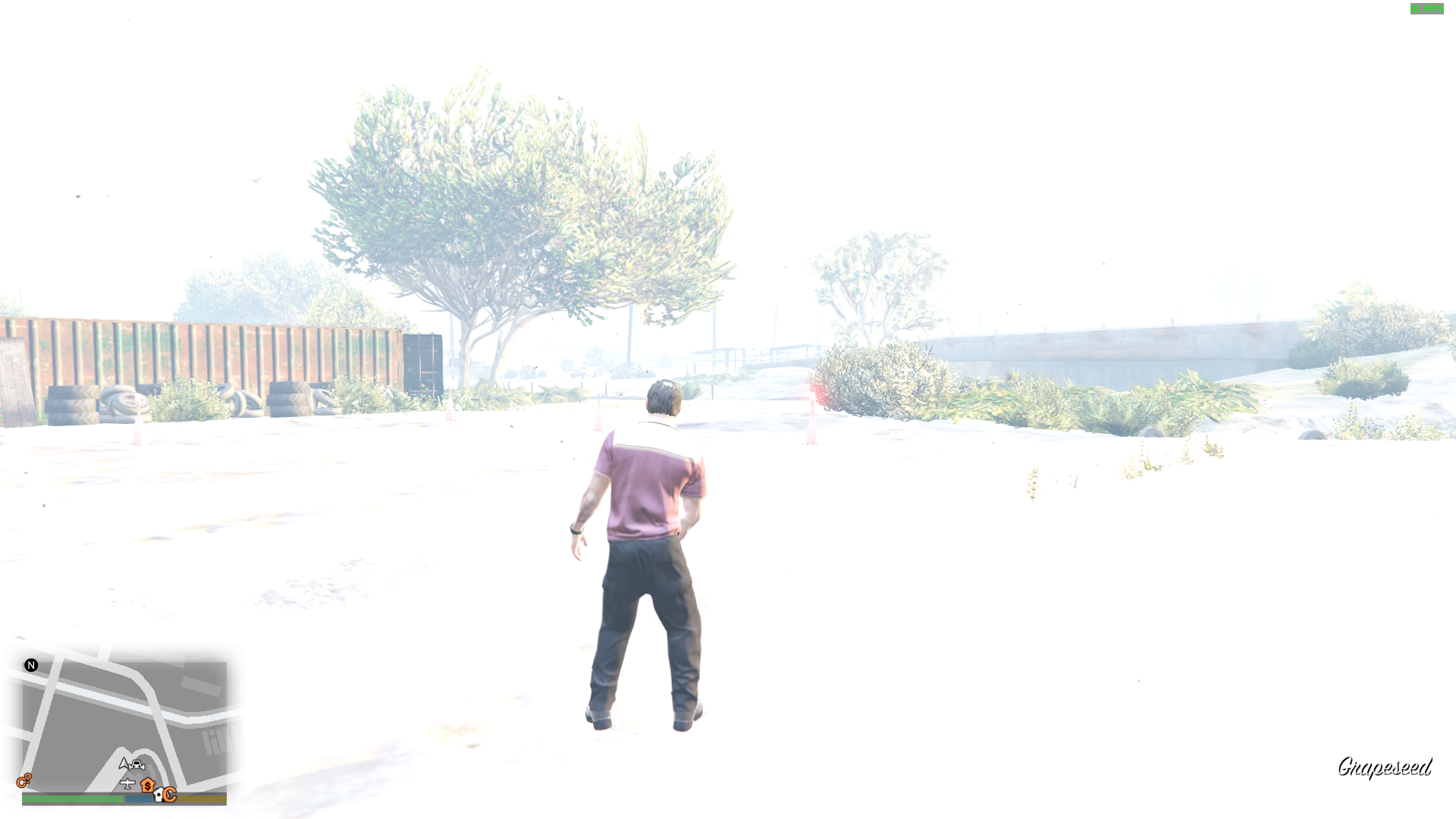
Hello @Fatmice, ~please copy your system information from Steam (Steam -> Help -> System Information) and put it in a gist, then include a link to the gist in this issue report. Also, can you check if RADV/llvm is equally affected?~ it looks like this is a known ACO issue that's already been resolved upstream: https://github.com/daniel-schuermann/mesa/issues/148
I am still having issues getting the launcher to install properly. Tried with latest proton the installation just gets stuck at one point
I am still having issues getting the launcher to install properly. Tried with latest proton the installation just gets stuck at one point
Hmm. Maybe in order to run the game with the official Proton version, the game must have been installed before. In my case it was.
An option to try could be this:
Try the installation while using the GE-Proton-Version (4.21-GE-2). It should have the fix for the Rockstar-Launcher-Installation-Bug. If the game is properly installed with it you can go on using the GE-Proton-Version or switch back to the official Proton-Version.
I'm getting color wash out with latest Proton update when using DX11. The color looks normal on DX10.1...I should also mention I'm using mesa-aco. Also I still must use WINEDLLOVERRIDES=winedbg.exe=d otherwise online will suddenly crash.
If it helps to know, this is more than likely not a recent regression on the part of RS or Proton. I recall this being an issue in with DXVK + DX11 in this game since even before Proton.
@CodingKoopa It didn't happen prior to version 4.11-9. I used to be able to play just fine, even with mesa aco on that version on DX11.
I have tested Proton official version 4.11-11. The story mode is playable, haven't tested the multiplayer yet. However, when I exited the game, wineserver crashed and the game cannot be exited. It stuck waiting for some kind of critical section or threads. Here is the log. The wineserver crashed near the end of the log file. Is there anyone know why it crashed? I also have tested with GE-Proton-Version (4.21-GE-2) and the game can be exited without any problem.
I have tested Proton official version 4.11-11. The story mode is playable, haven't tested the multiplayer yet. However, when I exited the game, wineserver crashed and the game cannot be exited. It stuck waiting for some kind of critical section or threads. Here is the log. The wineserver crashed near the end of the log file. Is there anyone know why it crashed? I also have tested with GE-Proton-Version (4.21-GE-2) and the game can be exited without any problem.
can confirm, using proton 4.11-11 multiplayer works with "WINEDLLOVERRIDES=winedbg.exe=d" perfectly fine i played it few hours
but there is a problem with exiting the game as you said
I assume all of you have AMD cards? I ask because the game works flawlessly for me at 4K on a 1080ti.
EDIT: though I should add that I use the 4.21-GE-2 version.
I assume all of you have AMD cards?
No, I use an NVIDIA RTX 2060 Mobile.
I can also report that the game is running fine with Proton 4.11-11. As with the previous versions of Proton, WINEDLLOVERRIDES=winedbg.exe=d is necessary for multiplayer, as reported by previous comments.
I'm on a 2070S and just made 2 shots for comparison. The highway in front of the casino is probably one of the most driven roads by anyone, so here's 2 screenshots:
The online mode seems to suffer from perfomance issues.
These are the relatively medium settings used: https://gist.github.com/7HEPOW/bbdc5dad13c6dc4b87bbd3009d225c7c
Edit: I can't tell why btw. I know I had it running smoothly rougly a year ago when I still was on my 1050Ti with higher settings compared to now.
Edit 2: Points at Steam overlay FPS counter... ;)
I'm on a 2070S and just made 2 shots for comparison. The highway in front of the casino is probably one of the most driven roads by anyone, so here's 2 screenshots:
The online mode seems to suffer from perfomance issues.
These are the relatively medium settings used: https://gist.github.com/7HEPOW/bbdc5dad13c6dc4b87bbd3009d225c7cEdit: I can't tell why btw. I know I had it running smoothly rougly a year ago when I still was on my 1050Ti with higher settings compared to now.
What are the screenshots showing or not showing?
If you are having issues with built in proton, try the GloriousEggroll version. I have a 1080ti and it has NO issues running the game at 4k with everything maxed except AA (off, not really needed anyway thanks to high ppi) and Post Processing (normal). The only reason AA and Post Processing are disabled is that one of the 3-4 different settings that controls this causes odd stalls in the framerate. With those settings disabled even my 0.1% mins are above 60fps and this is on a Threadripper 1950X (not overclocked).
I assume all of you have AMD cards?
No, I use an NVIDIA RTX 2060 Mobile.
I can also report that the game is running fine with Proton 4.11-11. As with the previous versions of Proton,
WINEDLLOVERRIDES=winedbg.exe=dis necessary for multiplayer, as reported by previous comments.
I should have been more specific, I apologize. I was referring to the folks with the white-out looking effect.
I should have been more clear in my last comment. The overly bright rendering that @Fatmice is seeing is a Freedesktop 19.08 mesa-aco packaging issue which was reported at https://github.com/daniel-schuermann/mesa/issues/148. There is no further investigation to be taken on this because it's a bleeding edge developer repo and the issue is already fixed upstream.
I am still having issues getting the launcher to install properly. Tried with latest proton the installation just gets stuck at one point
Fixed my issues by completely reinstalling the whole game on my system. Now I am dealing with other people issues like game not properly exiting on exit.
Yes I can replicate the issue with the game not shutting down cleanly with the latest Proton release (4.11-11).
I've switched over to Proton-4.21-GE-2 which solves it - plus a few other minor issues like some missing Rockstar Launcher text. V-Sync still seems a bit screwy with either tool - so I have that off.
The installation & activation process worked first time without issue.
As for the game itself it works incredibly well; switched over to the ACO shader compiler by setting this in etc/environment: RADV_PERFTEST=aco
Any sort of micro stuttering has been completely eliminated - the R9 285 was clearly a good buy!
Performance is excellent even on my obsolete hardware, anywhere from 30 -> 100+ fps; can't fault Story Mode at all.
Tried to get a definitive official answer on whether it's safe to play GTA ONLINE or not via Proton; submitted a ticket via Social Club site but I'm still waiting for an answer. I believe it's a 30 day ban followed by a permanent one - quite a severe penalty if it gets it wrong.
Played GTA ONLINE for an hour or two on a borrowed PS3 and quite enjoyed it - unlocked the returning player content too.
Tried to get a definitive official answer on whether it's safe to play GTA ONLINE or not via Proton; submitted a ticket via Social Club site but I'm still waiting for an answer. I believe it's a 30 day ban followed by a permanent one - quite a severe penalty if it gets it wrong.
Many players, including myself, have played for many hours, days and weeks with Proton GTA Online and have not been banned. Therefore - but I won't guarantee this - you can be 99.9% sure that you won't be banned either.
Many players, including myself, have played for many hours, days and weeks with Proton GTA Online and have not been banned. Therefore - but I won't guarantee this - you can be 99.9% sure that you won't be banned either.
That's somewhat reassuring as I've read mixed reports such as this. I've heard the anti-cheat is a bit of a shambles with some players blatantly running around doing all sorts.
On a separate note I can't see any issue with overblown lighting with my R9 285, Mesa 19.3.1 and ACO enabled - took a bunch of screenshots under various conditions. My firmware is taken from the 20191215 release. I can see the linked bug topic has Navi, Polaris & Vega tags.
The white wash issue didn't happen immediately for me, at least. I had to walk around for a bit before the whole scene changed. My ACO is the flatpak version 19.08. I don't know if it's been updated or not.
Tried to get a definitive official answer on whether it's safe to play GTA ONLINE or not via Proton; submitted a ticket via Social Club site but I'm still waiting for an answer. I believe it's a 30 day ban followed by a permanent one - quite a severe penalty if it gets it wrong.
I got 679 (10 hour discount for story mode and testing) hours on record. I'm on a level 220 character in online mode. I have a dxvk.conf file in the game folder. No ban as of yet... :grinning:
I would assume it's safe, but like to hear about the response from your ticket.
Edit: People will report you as a modder for driving a fully upgraded MOC Phantom Custom btw which happens to me quite often... :joy:
Tried to get a definitive official answer on whether it's safe to play GTA ONLINE or not via Proton; submitted a ticket via Social Club site but I'm still waiting for an answer. I believe it's a 30 day ban followed by a permanent one - quite a severe penalty if it gets it wrong.
I got 679 (10 hour discount for story mode and testing) hours on record. I'm on a level 220 character in online mode. I have a dxvk.conf file in the game folder. No ban as of yet...
I would assume it's safe, but like to hear about the response from your ticket.
Yeah, I imagine my hours on Linux are likely approaching yours and no issue at all. I also have not heard of anyone running on Linux and getting banned.
The white wash issue didn't happen immediately for me, at least. I had to walk around for a bit before the whole scene changed. My ACO is the flatpak version 19.08. I don't know if it's been updated or not.
Perhaps I've been a bit quick to dismiss the white wash issue. It took over 5 hours of continuous play to trigger and the symptoms aren't as severe as those other pictures so it might be something slightly different. Michael's phone screen got bleached before going back to normal a few minutes later: https://imgur.com/a/CdxuScT
Trying to replicate I wanted to see if the weather/sun/etc affected the phone screen; I used the in-game phone number cheat 1-999-625-348-7246 (MAKEITRAIN) to change the weather. I also tried hitting ESC numerous times to go back and forth between the action & pause/map. Finally I tried pulling the phone out of my character's pocket multiple times whilst walking in and out of the house.
None of that had any effect.
The trouble now is finding a way to trigger it consistently and quickly with ACO and/or LLVM so I can try and capture a Renderdoc trace; I think it would be next to impossible to fix otherwise.
If a Renderdoc is anything like an apitrace then the file size would be enormous for 5 hours!
EDIT: I've switched over to Mesa 20.0.0-devel (git-3409c06e26) cloned from Dan's fork - Dec 4th - using the following options. I'll see if I notice any strange stuff happening tonight.
I've also deleted any old cache files from ~/.cache and ~/.steam/steam/steamapps/shadercache/
Hey.
I'm able to play Grand Theft Auto V (with some overhead, I think, but that's pretty normal, and also ) normally on Linux, but there's one thing that I'm really confused with: When the game exits, it stays in background (with even the Rockstar Launcher icon appearing in the task bar), instead of just closing normally.
Looking into the ps aux result, I can even find a few [defunct] wine processes, and running killall explorer.exe kills even the Rockstar Launchers (it disappears from the task bar, at least) but Steam continues to recognize the game as Running.
Is there any way to fix this? Does this happen with anyone else?
Info:
- Distribution: Antergos
- CPU: AMD Ryzen 7 1700
- GPU: AMD RX 580 8GB
- GPU Driver: Mesa
- GPU Driver Version: 19.3.1
@fjorgemota
Hey.
I'm able to play Grand Theft Auto V (with some overhead, I think, but that's pretty normal, and also ) normally on Linux, but there's one thing that I'm really confused with: When the game exits, it stays in background (with even the Rockstar Launcher icon appearing in the task bar), instead of just closing normally.
Looking into the
ps auxresult, I can even find a few[defunct]wine processes, and runningkillall explorer.exekills even the Rockstar Launchers (it disappears from the task bar, at least) but Steam continues to recognize the game as Running.Is there any way to fix this? Does this happen with anyone else?
Info:
- Distribution: Antergos
- CPU: AMD Ryzen 7 1700
- GPU: AMD RX 580 8GB
- GPU Driver: Mesa
- GPU Driver Version: 19.3.1
Grab GloriousEggroll's patched Proton release. Proton-4.21-GE-2 the exit works perfectly, and a lot of the font stuff in the loader does, as well. If you prefer, you can build it yourself too.
If you just grab the archive, there's instructions on what directory to drop it into. Then just select it for GTA5 and off you go. You will have to reset your graphics on first load, so do choose 'story mode' on login :)
@silentdis Oh, nice. Thanks!
A DXVK bug was causing the intro movie and menus to be choppy (and also the rest of the game when in fullscreen with vsync on), it's fixed with https://github.com/doitsujin/dxvk/commit/ae01bd8bd40cd8dbcc35dfedbabe9624d31fa72e and should be in the next Proton release.
Just wondering if anyone else sees this message when purchasing a can of soda from any vending machine around the city in Story Mode; doesn't appear to be any side-effects.
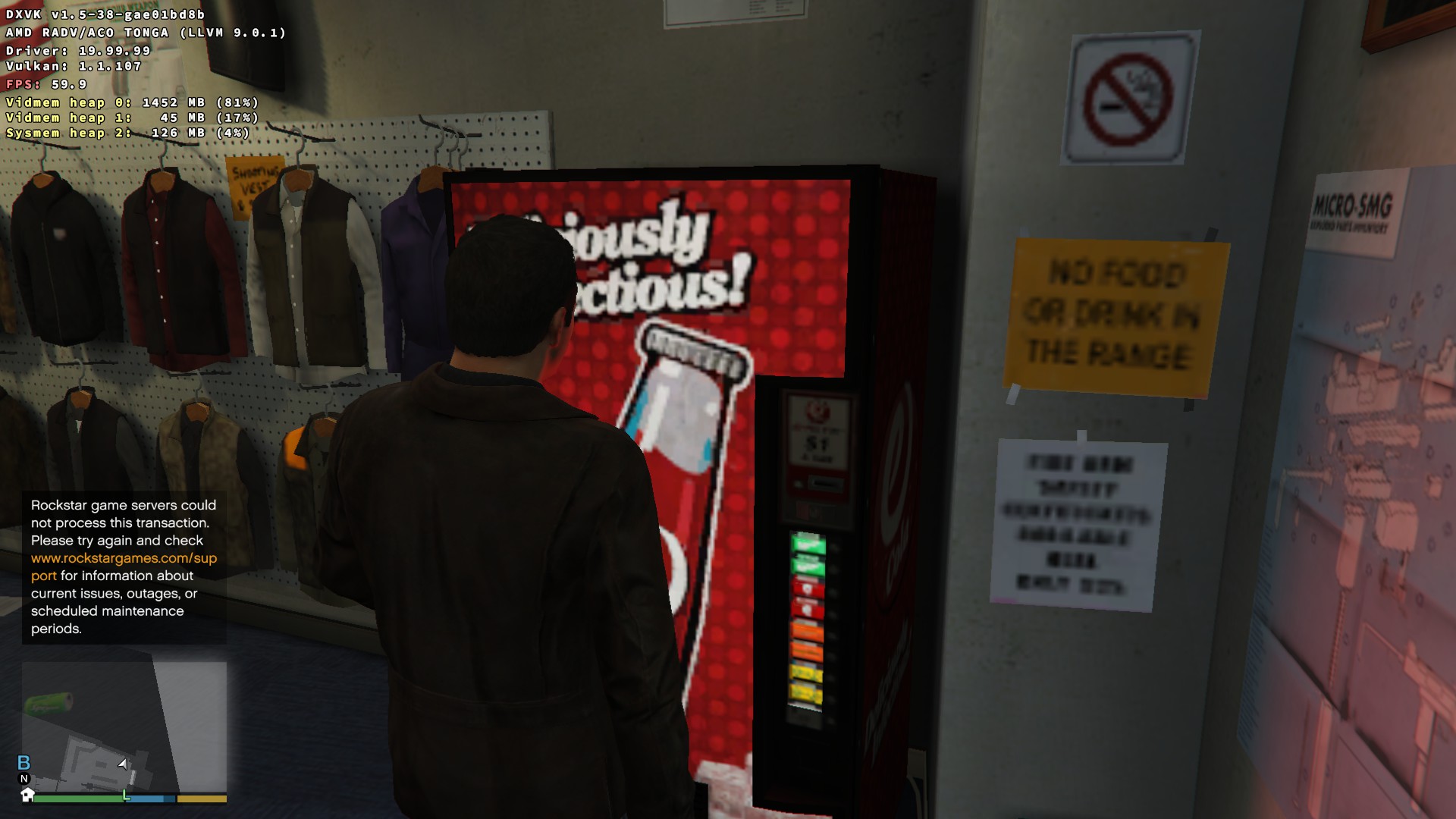
The game keeps track of all sorts of statistics on the Social Club site but it seems an odd thing to record. Perhaps it's just something on my end - like a firewall - the other statistics on the Social Club site are accurate though...
Maybe I'm paranoid but I'm wondering if they've stuck an anti-piracy trigger/check in there? I'm thinking about the drunk camera from GTA IV, the exploding cars, etc.
It seems like a fairly common error for GTA ONLINE when googled.
It's been like that since Doomsday Heist was introduced. It's not related to DXVK or wine. You'd see the same message on Windows when purchasing drinks from vending machines. It only happens in campaign mode. Rockstar doesn't patch the campaign mode as they update the online mode so things get screwy.
Using Proton 4.11-11 GTA V works quite well, it's responsible for me being able to play the offline campaign from start to finish on Ubuntu 19.10.
However, GTA V online is borked as the game will crash every time during the character setup screen.
It doesn't always crash immediately, but it definitely crashes before I can finish creating even the most stock character available.
If it helps: My GPU is an Nvidia 1050 Ti
Did you use WINEDLLOVERRIDES=winedbg.exe=d %command% to the launch parameter? Online mode has always needed that.
I've personally tested that portion of the game and confirm it works fine with both Proton 4.11-11 and the GE versions. (4.21-GE-2 works best with GTA V out of the proton releases I've tested thus far).
Did you use
WINEDLLOVERRIDES=winedbg.exe=d %command%to the launch parameter? Online mode has always needed that.
I wasn't aware of that, and protondb doesn't make it particularly easy to find out. Adding that part (which steam should do on its own btw, especially since it already puts plenty of other stuff there - the launch param line was far from empty after fresh install) makes the online experience work as well. Thanks!
Hmm.. anyone else see this in GTA5_d3d11.log?
warn:  D3D11DXGIDevice::QueryInterface: Unknown interface query
warn:  b39851f7-cc83-4c69-9da7-af28f7b75a02
warn:  D3D11DXGIDevice::QueryInterface: Unknown interface query
warn:  fe5bb97a-d04f-411d-b8f4-4c7a628cc1f2
Can't find any reference to that id shrug
Did you use
WINEDLLOVERRIDES=winedbg.exe=d %command%to the launch parameter? Online mode has always needed that.I wasn't aware of that, and protondb doesn't make it particularly easy to find out. Adding that part (which steam should do on its own btw, especially since it already puts plenty of other stuff there - the launch param line was far from empty after fresh install) makes the online experience work as well. Thanks!
Proton-GE does it by itself, they disabled the Wine debug directly inside the build for GTA 5. Which makes this command useless
Proton-GE does it by itself, they disabled the Wine debug directly inside the build for GTA 5. Which makes this command useless
That is really nice for those using Proton-GE, but hat isn't a default, much like the WINEDLLOVERRIDES cfg flag isn't set by default.
So using Proton-GE is just trading one thing I need to do myself for another, more involved thing.
Hmm.. anyone else see this in GTA5_d3d11.log?
warn:  D3D11DXGIDevice::QueryInterface: Unknown interface query
warn:  b39851f7-cc83-4c69-9da7-af28f7b75a02
warn:  D3D11DXGIDevice::QueryInterface: Unknown interface query
warn:  fe5bb97a-d04f-411d-b8f4-4c7a628cc1f2
Can't find any reference to that id shrug
The only time I've ever seen that issue is if DXVK is not being used.
Hmm.. anyone else see this in GTA5_d3d11.log?
warn:  D3D11DXGIDevice::QueryInterface: Unknown interface query
warn:  b39851f7-cc83-4c69-9da7-af28f7b75a02
warn:  D3D11DXGIDevice::QueryInterface: Unknown interface query
warn:  fe5bb97a-d04f-411d-b8f4-4c7a628cc1f2
Can't find any reference to that id shrug
The only time I've ever seen that issue is if DXVK is not being used.
Hmm.. anyone else see this in GTA5_d3d11.log?
warn:  D3D11DXGIDevice::QueryInterface: Unknown interface query
warn:  b39851f7-cc83-4c69-9da7-af28f7b75a02
warn:  D3D11DXGIDevice::QueryInterface: Unknown interface query
warn:  fe5bb97a-d04f-411d-b8f4-4c7a628cc1f2
Can't find any reference to that id shrug
The only time I've ever seen that issue is if DXVK is not being used.
Did you use
WINEDLLOVERRIDES=winedbg.exe=d %command%to the launch parameter? Online mode has always needed that.I wasn't aware of that, and protondb doesn't make it particularly easy to find out. Adding that part (which steam should do on its own btw, especially since it already puts plenty of other stuff there - the launch param line was far from empty after fresh install) makes the online experience work as well. Thanks!
The easiest way to figure out what to do with a given game is to look at the website for Lutris. If you go to the Lutris Website, do a search for the game, and click on it, you'll see an install link at the top with a drop down arrow to the right. Click the drop down arrow to the right and choose 'View install script'. Understanding that script will give you an idea of what needs to be done to make the game run.
Yes, some of this stuff should be built into Proton, but you have to understand the logistics of supporting for thousands of games for a small percentage (though most definitely a larger percentage than Valve is aware of due to bugs in their metrics and survey system) of the gaming community. Valve is doing an incredible job as it is. I never direct my frustrations or anger at Valve. Rockstar is at fault for not making a Linux port. Not Valve. Valve is simply doing the community a service, one they hope to pay for with a combination of increased revenue from Linux users as well as a guarantee that Microsoft won't lock storefronts like Steam via the Windows store. There is likely a bit of goodwill there as well.
When trying to access the graphics settings ingame my game often stalls, meaning it doesn't completely crash (the window is still open), but I can't do anything else in the game either, I have to kill it and restart it.
Interesting is, that it doesn't seem to crash when I had it minimized at least once before accessing the settings.
Here's the output that is logged when the game stalls (I enter the graphics settings menu shortly before line 8):
https://gist.github.com/jkhsjdhjs/5833e7c7cd73ead91444e2b117cb18af
Does anyone experience the same problem?
When trying to access the graphics settings ingame my game often stalls, meaning it doesn't completely crash (the window is still open), but I can't do anything else in the game either, I have to kill it and restart it.
Interesting is, that it doesn't seem to crash when I had it minimized at least once before accessing the settings.
Here's the output that is logged when the game stalls (I enter the graphics settings menu shortly before line 8):
https://gist.github.com/jkhsjdhjs/5833e7c7cd73ead91444e2b117cb18afDoes anyone experience the same problem?
Yes, I do, mostly it happens at the end of multiplayer missions.
Just an infinite hang, the game isn't even polite enough to crash properly (FTR I don't blame Steam or Proton for this).
So after that I have to clean up all the leftover processes including steam itself, because otherwise a zombie GTA process keeps me from starting the game up again.
It's a heavy approach but the only one that seems to "work":
killall -9 RockstarService GTA5.exe Launcher.exe PlayGTAV.exe explorer.exe plugplay.exe services.exe winedevice.exe steam SteamChildMonit CrBrowserMain CrGpuMain CrRendererMain
Yes, I do, mostly it happens at the end of multiplayer missions.
Just an infinite hang, the game isn't even polite enough to crash properly (FTR I don't blame Steam or Proton for this).
So you also experience infinite hangs, but at the end of multiplayer missions, not when accessing the graphics settings?
So after that I have to clean up all the leftover processes including steam itself, because otherwise a zombie GTA process keeps me from starting the game up again.
It's a heavy approach but the only one that seems to "work":
killall -9 RockstarService GTA5.exe Launcher.exe PlayGTAV.exe explorer.exe plugplay.exe services.exe winedevice.exe steam SteamChildMonit CrBrowserMain CrGpuMain CrRendererMain
Interesting, for me it seems to be enough to just killall -9 GTA5.exe, the other processes will exit shortly after. Using Proton 4.11-12.
So you also experience infinite hangs, but at the end of multiplayer missions, not when accessing the graphics settings?
Correct. And it doesn't always happen. I have a hypothesis that it happens when the host disconnects and the clients and/or servers are too poorly programmed to properly handle it (ok networking code is hard, but come on, and after so many years too...), but I have no way to confirm that.
Interesting, for me it seems to be enough to just killall -9 GTA5.exe, the other processes will exit shortly after. Using Proton 4.11-12.
I built up that list incrementally and did it before Proton 4.11-12 was released. First I noticed that Rockstar's Social Club tray icon remained open in the systray (using KDE here, FTR) and traced that back to explorer.exe. Then I noticed that the game itself wouldn't close properly if closed by e.g. using alt-F4 when I experience such a multiplayer hang, and would keep around some zombie processes (that's plugplay.exe, services.exe and twice winedevice.exe). The only way to exit the game that actually cleans up after itself seems to be via the in-game pause menu screen (something along the lines of Online -> Exit game, I forget the exact wording but it's the way the game is meant to be exited).
(FWIW, the fullscreen option that has become available in Proton 4.11-12 does nothing for me except even more crashiness and lower-than-my-already-contentious framerates, so I quickly turned that off again)
Steam I mostly kill just for good measure. It's difficult to get a clear picture here but I get the sense that if I kill steam, reopen it and then restart GTA V / GTA Online, the game runs more stably than if I elect to skip killing Steam. But again, not really sure if it makes a difference, it just doesn't hurt.
I put many hours into the game every week, albiet with the GloriousEggroll edition and it is Rock solid stable. Note that you can run sudo pkill -kill -f Rockstar and optionally sudo pkill -kill -f system32 to kill all the processes. Running wineserver -k would ideally do it, but in practice it does not.
I have also changed the graphics options without issue, with the only caveat being that many settings require a restart of wine, even though the game does not need to be restarted on Windows. This is likely an NVIDIA thing, however.
This is one case I'd be in favour of submitting metrics to Valve in an effort to compare what is going on (maybe worth a future enhancement to make that an option on crashes?).
Failing that if I could make this a sticky at the top I would:
If GTA works for you PLEASE INCLUDE DETAILS ABOUT YOUR ENVIRONMENT. Mainly
-
Distro - Name and release
lsb_release -a -
Proton - Name and release (if using GE for example)
cat ~/.steam/steamapps/compatdata/271590/version -
- DXVK: Y/N , version
-
Filesystem(s) where steam and GTA are installed
df -h --output=source,target,fstype ~/.steam/steam/steamapps/{compatdata/271590/version,common/Grand\ Theft\ Auto\ V/GTA5.exe}
Nice to compare but no easy way to scrub are
- user.reg and system.reg files from GTA's install prefix (compatdata/271590/pfx/*.reg)
- logfiles from GTA
Because it's seriously still all over the place in terms of what works and why.
Edits: To clarify I'm not interested in where GTA and Steam are installed so much as the filesystem type. Same applies to the registry files though in that case it's more what certificates are installed and lib versions.
This is one case I'd be in favour of submitting metrics to Valve in an effort to compare what is going on (maybe worth a future enhancement to make that an option on crashes?).
Failing that if I could make this a sticky at the top I would:
If GTA works for you PLEASE INCLUDE DETAILS ABOUT YOUR ENVIRONMENT. Mainly
- Distro - Name and release
lsb_release -a- Proton - Name and release (if using GE for example)
cat ~/.steam/steamapps/compatdata/271590/version
- DXVK: Y/N , version
- Filesystem(s) where steam and GTA are installed
df -h --output=source,target,fstype ~/.steam/steam/steamapps/{compatdata/271590/version,common/Grand\ Theft\ Auto\ V/GTA5.exe}Nice to compare but no easy way to scrub are
- user.reg and system.reg files from GTA's install prefix (compatdata/271590/pfx/*.reg)
- logfiles from GTA
Because it's seriously still all over the place in terms of what works and why.
Edits: To clarify I'm not interested in where GTA and Steam are installed so much as the filesystem type. Same applies to the registry files though in that case it's more what certificates are installed and lib versions.
It's not all over the place. There are a few things that come into play:
- The WINE environment needs to be set up properly. This includes disabling the wine debugger (otherwise you can't play online) among other things. You also must either use the latest proton or (preferrably) Proton 4.21GE. Users also need to ensure that their system is set up for ESYNC. Older distros are not properly set up.
- Users of certain AMD GPU users appear to have problems with the ACO compiler, causing washed out effects. NVIDIA users are uneffected.
Some distributions may have distribution specific oddities, but that is outside the scope of either the Valve team and/or Wine team to fix.
And neither of those have to do with the game itself not running which is what some of us are encountering. It's great that it works for you, question is WHY.
As a rule of thumb it probably doesn't hurt to keep the kernel up-to-date - especially for AMDGPU i.e. 5.4.13.
Plus any required firmware for the card if using modern AMD cards (i.e. apt install firmware-amd-graphics) or from here.
Mesa 19.3.x or even the master branch ideally plus LLVM 9.0.1.
Proton GE works better than the standard Proton release at this time.
DXVK master has a nice fix for V-Sync too.
Or you wait for it to trickle down through the normal channels - I'm using Debian Testing.
This is all highly experimental stuff we're doing here. Personally I don't like to add third-party ppa's/repos; I prefer to compile from source. My machine is a potato so there's no reason why it shouldn't work at 2160p on a modern machine - bet it looks great too!
You could try deleting any old Proton prefix for the game - might be some old cruft in there - it will recreate it when you run the game again:
/home/{username}/.steam/debian-installation/steamapps/compatdata/271590/
Might wipe your single player saves/progress unless you use cloud saves! GTA ONLINE & Social Club achievement progress won't be affected.
I've put over a 100 hours in for all the single player achievements and I've dipped my toe into GTA ONLINE @ Rank 15. Generally speaking it's all working very well indeed.
I got a fairly boring response back to my Social Club support ticket - a one line link to the legal agreement. I assume they either don't know of the benefits of Proton (despite me explaining them) or don't care.
Finally my wired XBOX 360 pad is working fine with the xpad kernel driver.
There's only one catch - have to launch the game with the controller already plugged in.
I can't plug it in once I've started the game - it won't dynamically detect it.
Nor can I see a way of toggling between keyboard and controller if both are in - it's one or the other.
I always favour keyboard and mouse anyway so that's non a issue for me; a decent keyboard with N-key rollover would be best for the flying challenges.
Can anyone else replicate this with ACO? Not the light issue - the artifacts on the faces at GTA ONLINE character creation.
Not sure if it's the correct place to report and complain. Since rockstar support say out loud that they are not supporting linux I'll try here.
Distribution is uptodate archlinux. Running gta V trough steam as story mode and online mode without any trouble.
Goal is to export clip. I can record clip, I can even edit it in rockstar editor, but unable to export. Looks like the trouble is the way the URI path is formated.
Here is the error log regarding the trouble:
2407.588:0100:0223:fixme:mfplat:MFCreateSinkWriterFromURL L"C:/users/steamuser/Local Settings/Application Data/Rockstar Games/GTA V/videos/rendered\Video.mp4", 0000000000000000, 0000000060A70CF0, 000000006473FC08.
Notice the backslash vs the slash. The game only propose a name, so I entered "Video".
Hope somebody can help.
It's using encoding API of Media Foundation, path itself is likely fine. We'll probably get to that after decoding functionality is implemented.
Hi, I am having huge memory leak issues with the latest Proton versions. My game crashes after half a hour, because there is so much memory leaking, I hit my 8 GB RAM limit after 30 minutes. This bug wasn't introduced with the latest Proton version, but is there for some time already. I think I first had this problem with either Proton 4.2 or 4.11. Now that we are forced to use a recent Proton version due to the Launcher update, I am no longer able to play GTA without it getting an OOM after some time.
Anyone else with this issue?
When trying to access the graphics settings ingame my game often stalls, meaning it doesn't completely crash (the window is still open), but I can't do anything else in the game either, I have to kill it and restart it.
Interesting is, that it doesn't seem to crash when I had it minimized at least once before accessing the settings.
Here's the output that is logged when the game stalls (I enter the graphics settings menu shortly before line 8):
https://gist.github.com/jkhsjdhjs/5833e7c7cd73ead91444e2b117cb18afDoes anyone experience the same problem?
I'm seeing this EXACT same behavior. It is not present on my laptop which is running the custom "gloriouseggroll" proton version. So this is definitely something going on with 4.11-12.
Additionally, I was actually able to find an error dialogue box.. it was mostly illegible, but says something about looking for a compatible dx11 card then something about dx10 being absent. It sounds like when you try to load the graphics settings menu, the game querys the system about it's hardware and something in the latest proton build freaks out when asked.
Same here.
Also no save game option works for me for some reason.
On Tue, Jan 28, 2020 at 11:09 PM Chris [email protected] wrote:
When trying to access the graphics settings ingame my game often stalls,
meaning it doesn't completely crash (the window is still open), but I can't
do anything else in the game either, I have to kill it and restart it.
Interesting is, that it doesn't seem to crash when I had it minimized at
least once before accessing the settings.
Here's the output that is logged when the game stalls (I enter the
graphics settings menu shortly before line 8):
https://gist.github.com/jkhsjdhjs/5833e7c7cd73ead91444e2b117cb18afDoes anyone experience the same problem?
I'm seeing this EXACT same behavior. It is not present on my laptop which
is running the custom "gloriouseggroll" proton version. So this is
definitely something going on with 4.11-12.
Additionally, I was actually able to find an error dialogue box.. it was
mostly illegible, but says something about looking for a compatible dx11
card then something about dx10 being absent. It sounds like when you try to
load the graphics settings menu, the game querys the system about it's
hardware and something in the latest proton build freaks out when asked.—
You are receiving this because you are subscribed to this thread.
Reply to this email directly, view it on GitHub
https://github.com/ValveSoftware/Proton/issues/37?email_source=notifications&email_token=AAABPUZ7NKNJZUR2MMMIS6TRACGHRA5CNFSM4FQ4BTG2YY3PNVWWK3TUL52HS4DFVREXG43VMVBW63LNMVXHJKTDN5WW2ZLOORPWSZGOEKEW6CQ#issuecomment-579432202,
or unsubscribe
https://github.com/notifications/unsubscribe-auth/AAABPU3LDKWXUOHAXF5CY33RACGHRANCNFSM4FQ4BTGQ
.
Guys, when you post issues like this, you should provide system specs. Logs from DXVK and Proton would be helpful as well, but specs are a must, as is the driver version used.
System Information: https://gist.github.com/jkhsjdhjs/3f1b502f52828c57321d4f0edfc762e0
I posted the relevant parts from the proton log earlier in this comment: https://github.com/ValveSoftware/Proton/issues/37#issuecomment-574906297
For completeness I also added a full proton log from a different run (where the game also crashes when I enter the graphics settings menu): https://gist.github.com/jkhsjdhjs/012b27d9efb33eb6c20cb14e586e5465
@RPINerd I checked again and also noticed a dialog box. I was unable to view it, but its title is ERR_GFX_D3D_NOFEATURELEVEL_2.
@magnus-gross I cannot confirm a memory leak. Have been playing GTA Online for about an hour, the game (and all other related processes like the launcher) used 6.5GB. In total my system was using 11GB, so depending on your WM/DE and other applications you are running, 8GB might not be enough to play GTA.
BTW: The rockstar games launcher was using 750MB of memory, so maybe that's the reason why you started to run out of memory recently.
@jkhsjdhjs Nah, I doubt that my 8 GB are the problem. I use a minimalistic WM (bspwm), so GTA pretty much has all the RAM for itself.
I also had this problem before the Launcher update with only the new Proton versions, while the old Proton versions were working very well (so it must be a Proton regression, not the Launcher update).
Also I am able to play for half a hour before it crashes and when I spawn in Multiplayer I have about 2 gigs of spare RAM. Once I am ingame, the RAM steadily goes up. If I ever have seen a memory leak, this is definitely one.
My specs are:
Distro: Arch Linux
Proton: 4.11-12
Optimus Laptop with GTX 960M run with nvidia-xrun
Nvidia Driver: 440.44
@magnus-gross @jkhsjdhjs Chiming in on the memory leak while I get more spec details for the menu freeze issue..
I do not see memory bloat on either my laptop or my desktop. I do not have exact numbers for the laptop, but on the desktop my memory usage never exceeds 10.5-11GB total
Desktop (in brief)
Manjaro, kernel 5.4 something - i.e. whatever the latest release is
Proton 4.11-12
GTX 1650 Super
Unsure on driver off the top of my head, but just updated 2 days ago
Laptop
Proton 4.21-GE-2
System Information
System:    Host: mango Kernel: 5.4.14-2-MANJARO x86_64 bits: 64 compiler: gcc v: 9.2.0
           Desktop: KDE Plasma 5.17.5 Distro: Manjaro Linux
Machine:   Type: Laptop System: LENOVO product: 80NV v: Lenovo ideapad Y700-15ISK serial: <root required>
           Mobo: LENOVO model: Allsparks 5A v: SDK0J40709 WIN serial: <root required> UEFI: LENOVO v: CDCN53WW
           date: 09/19/2016
CPU:       Topology: Quad Core model: Intel Core i7-6700HQ bits: 64 type: MT MCP arch: Skylake-S rev: 3
           L2 cache: 6144 KiB
           flags: avx avx2 lm nx pae sse sse2 sse3 sse4_1 sse4_2 ssse3 vmx bogomips: 41621
           Speed: 801 MHz min/max: 800/3500 MHz Core speeds (MHz): 1: 800 2: 800 3: 800 4: 800 5: 800 6: 800
           7: 800 8: 800
Graphics:  Device-1: Intel HD Graphics 530 vendor: Lenovo driver: i915 v: kernel bus ID: 00:02.0
           Device-2: NVIDIA GM107M [GeForce GTX 960M] vendor: Lenovo driver: nvidia v: 440.44 bus ID: 01:00.0
           Display: x11 server: X.Org 1.20.7 driver: modesetting,nvidia resolution: 1920x1080~60Hz
           OpenGL: renderer: GeForce GTX 960M/PCIe/SSE2 v: 4.6.0 NVIDIA 440.44 direct render: Yes
Audio:     Device-1: Intel 100 Series/C230 Series Family HD Audio vendor: Lenovo driver: snd_hda_intel
           v: kernel bus ID: 00:1f.3
           Sound Server: ALSA v: k5.4.14-2-MANJARO
Sensors:   System Temperatures: cpu: 32.0 C mobo: N/A gpu: nvidia temp: 41 C
           Fan Speeds (RPM): N/A
Guys, when you post issues like this, you should provide system specs. Logs from DXVK and Proton would be helpful as well, but specs are a must, as is the driver version used.
Okay so for whatever reason, manjaro wasn't updating my desktop drivers for my Nvidia card. However, I manually updated and re-tested to no avail; the menu still hangs and the game completely freezes when trying to scroll to graphics settings.
Proton 4.11-12
inxi -Fx Output
System:    Host: noctis Kernel: 5.4.14-2-MANJARO x86_64 bits: 64 compiler: gcc v: 9.2.0 Desktop: KDE Plasma 5.17.5
           Distro: Manjaro Linux
Machine:   Type: Desktop Mobo: ASRock model: X570M Pro4 serial: <root required> UEFI: American Megatrends v: P2.20
           date: 11/06/2019
Battery:   Device-1: sony_controller_battery_00:1f:e2:ca:0e:cb model: N/A charge: N/A status: Discharging
           Device-2: sony_controller_battery_1c:66:6d:17:41:a7 model: N/A charge: N/A status: Full
CPU:       Topology: 8-Core model: AMD Ryzen 7 3700X bits: 64 type: MT MCP arch: Zen L2 cache: 4096 KiB
           flags: avx avx2 lm nx pae sse sse2 sse3 sse4_1 sse4_2 sse4a ssse3 svm bogomips: 115233
           Speed: 3661 MHz min/max: 2200/3600 MHz Core speeds (MHz): 1: 2935 2: 2141 3: 2098 4: 2125 5: 2199 6: 2199 7: 2192
           8: 2200 9: 2127 10: 2142 11: 2195 12: 2198 13: 2197 14: 2199 15: 3093 16: 2098
Graphics:  Device-1: NVIDIA vendor: eVga.com. driver: nvidia v: 440.44 bus ID: 09:00.0
           Display: x11 server: X.Org 1.20.7 driver: nvidia tty: N/A
           OpenGL: renderer: GeForce GTX 1650 SUPER/PCIe/SSE2 v: 4.6.0 NVIDIA 440.44 direct render: Yes
Audio:     Device-1: NVIDIA vendor: eVga.com. driver: snd_hda_intel v: kernel bus ID: 09:00.1
           Device-2: Advanced Micro Devices [AMD] Starship/Matisse HD Audio vendor: ASRock driver: snd_hda_intel v: kernel
           bus ID: 0b:00.4
           Device-3: Sony Dualshock4 Wireless Adaptor type: USB driver: snd-usb-audio,sony,usbhid bus ID: 7-2:3
           Device-4: Corsair Corsair VOID Wireless Gaming Dongle type: USB driver: hid-generic,snd-usb-audio,usbhid
           bus ID: 7-4:5
           Sound Server: ALSA v: k5.4.14-2-MANJARO
Network:   Device-1: Intel I211 Gigabit Network vendor: ASRock driver: igb v: 5.6.0-k port: f000 bus ID: 05:00.0
           IF: enp5s0 state: up speed: 1000 Mbps duplex: full mac:
           Device-2: Sony Dualshock4 Wireless Adaptor type: USB driver: snd-usb-audio,sony,usbhid bus ID: 7-2:3
Drives:    Local Storage: total: 8.21 TiB used: 2.40 TiB (29.3%)
           ID-1: /dev/nvme0n1 vendor: Samsung model: SSD 970 EVO Plus 500GB size: 465.76 GiB
           ID-2: /dev/nvme1n1 vendor: Intel model: SSDPEKNW010T8 size: 953.87 GiB
           ID-3: /dev/sda vendor: Toshiba model: DT01ABA300 size: 2.73 TiB
           ID-4: /dev/sdb vendor: SanDisk model: SDSSDH31000G size: 931.51 GiB
           ID-5: /dev/sdc vendor: Toshiba model: HDWE140 size: 3.64 TiB
Partition: ID-1: / size: 48.97 GiB used: 30.18 GiB (61.6%) fs: ext4 dev: /dev/nvme0n1p2
           ID-2: /home size: 407.74 GiB used: 322.58 GiB (79.1%) fs: ext4 dev: /dev/nvme0n1p3
Sensors:   System Temperatures: cpu: 41.5 C mobo: 31.5 C gpu: nvidia temp: 31 C
           Fan Speeds (RPM): fan-1: 964 fan-2: 1340 fan-3: 2732 fan-4: 1005 fan-5: 991 fan-6: 3191 fan-7: 0 gpu: nvidia
           fan: 0%
Info:      Processes: 357 Uptime: 8m Memory: 31.29 GiB used: 3.13 GiB (10.0%) Init: systemd Compilers: gcc: 9.2.0 Shell: bash
           v: 5.0.11 inxi: 3.0.37
I don't know what the best way to get the proton log to you is.. the file is 463 MB. Is there a preferred method of providing that? Also are there any other specs you need?
It seems like Proton-5.0-GE-1 isn't cleaning up after the game shuts down - I was kinda hoping that would've been solved by you clever chaps.
Doesn't happen with Proton-4.21-GE-2 so that's a regression isn't it? :'(
The online aspect is working great.
Largest problem is trying to find 3 people who want to have a crack at the Criminal Mastermind challenge. 5 Heists, In order, Same crew, Hard, No Deaths. $10 Million plus other bonuses; potentially over $12 Million. Profile.
Hi there! Has anyone tried using Self Radio? I can't get the game to find tracks (I put mp3s in prefix's Documents/... /User Music (don't remember the full path, got it from PCGamingWiki)). It just hangs on "scanning" for music indefinitely. Anyone else had this issue?
@FanderWasTaken Self Radio does not work because of an unimplemented Media Foundation call (see #1464).
@mrpippy Hi Brendan! In case you're not aware, https://source.winehq.org/git/wine.git/commit/68a01c8c6fcf2e0c493e28cd27f30fcf5f307ed8 has introduced a regression with GTA V preventing the game to go through the activation process right before the main menu shows up.
https://github.com/Tk-Glitch/PKGBUILDS/commit/5263c0a077ad305c647bd77845acc387bb8a77da
Hello @Tk-Glitch, please file an upstream bug report in the winehq bug tracker, because that change has not been integrated into Proton.
Sorry about that @kisak-valve , I decided to try my luck at pinging Brendan here after a talk with @Guy1524 , since this was specifically reproduced in a Proton environment. It'll be a bit more involved and annoying to reproduce in a pure Wine env to get worthy logs to post on winehq. But if there's no way around it, I'll have to bite the bullet.
In case it wasn't clear, the intent of my suggestion was to avoid the new out-of-vanilla-Proton regression from getting buried as other feedback comes in, not rejecting it outright.
@Tk-Glitch Thanks for letting me know, this patch was actually to fix a Rockstar Launcher crash with RDR2, so it's good to find out now that it's causing problems. I just tested the patch on top of Proton 5.0-3, and GTA V (single player) seems to be working fine on my system. For you, the game hangs before the main menu?
Maybe there's something unusual with your system's BIOS info?
The game opens HKEY_LOCAL_MACHINE\Hardware\Description\System\BIOS, and then reads BaseBoardManufacturer, BaseBoardProduct, BIOSVendor, and BIOSVersion. Do those keys all exist and have correct values?
@mrpippy It was first reported to me by one of my users. I ended up reinstalling the game and was able to repro. It just waits on the main menu for a little while without showing the menu items, then switches to the following screen:
And it stays there (left it running for about an hour with no change), with the spinning animation on the bottom right.
I have pinged the user who has reported the issue but didn't yet get an answer. Here's the HKEY_LOCAL_MACHINE\Hardware\Description\System\BIOS content of my testing machine, which results in the hanging described above:
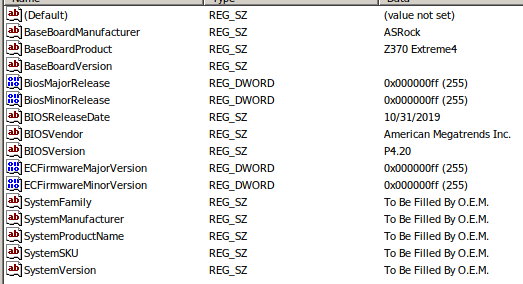
edit: the values seem to be correct.
edit2: Here's a log of it. Not sure which debug channel would be most useful to you here though, so it might actually be worthless.
steam-271590.tar.gz
Hmm I have an ASRock board also, so those registry values are almost identical to mine. Have you tested a new prefix?
I have, multiple times. Sadly no change in behavior.
Darn. Could you post a log with +process,+reg,+wmic,+wbemprox added?
Sure thing!
steam-271590.tar.gz
Thanks, something odd I see in your log is the game trying to run 'whoami.exe' after checking the BIOS keys. Can you post a log with +relay also?
This reminds me a lot of problems we had (on this thread) when the launcher first came out a few months ago, some people were getting hangs in the launcher because it was running wmic.exe and using PIPE_NOWAIT mode, I was able to fix it but never could reproduce it on my own machine.
This is a log with +relay added (6GB extracted): https://drive.google.com/open?id=1qSE2jbQwKR6B1g3WsQc4sDPOeg3XR_Ss
This is odd indeed.. I've had some feedback from the user who has reported the issue, and he got a MSI b450 A Pro motherboard. The "workaround patch" I pushed worked for him as well, if it's of any help at this point. Thank you for looking into it.
Thanks, yep it looks like the missing whoami.exe is causing the hang. Implementing the BIOS registry keys just allowed the code to get farther, and the thread crashes right after failing to launch whoami. I'll add a semi-stub whoami upstream, can you test this one just by copying it into windows\system32 in your prefix?
I can confirm that it totally fixes the issue. Thanks Brendan!
I seem to have strange issue with trees and grass being transparent or glitched. The problem randomly disappears and reappears. See the attached screenshots.
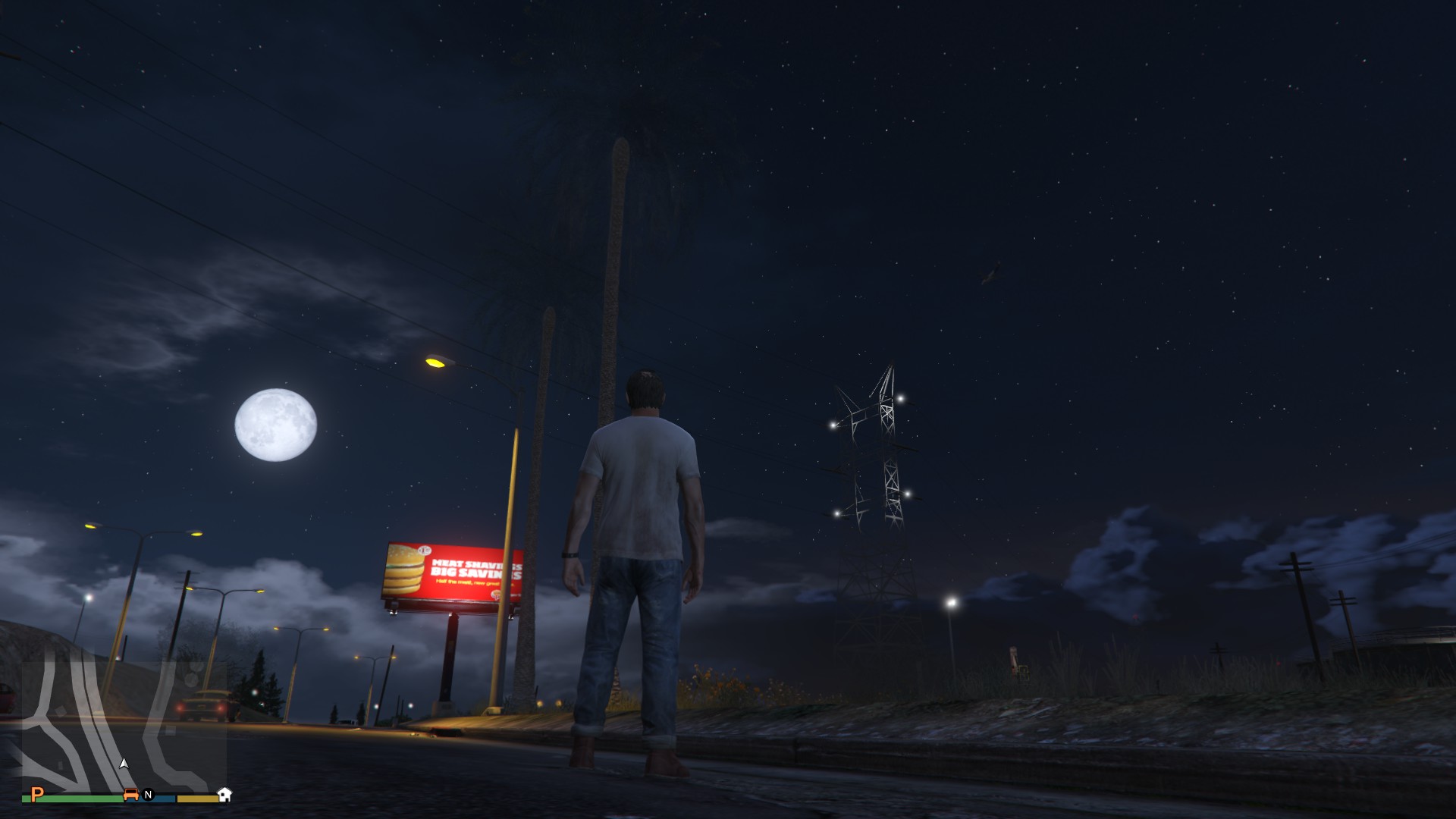
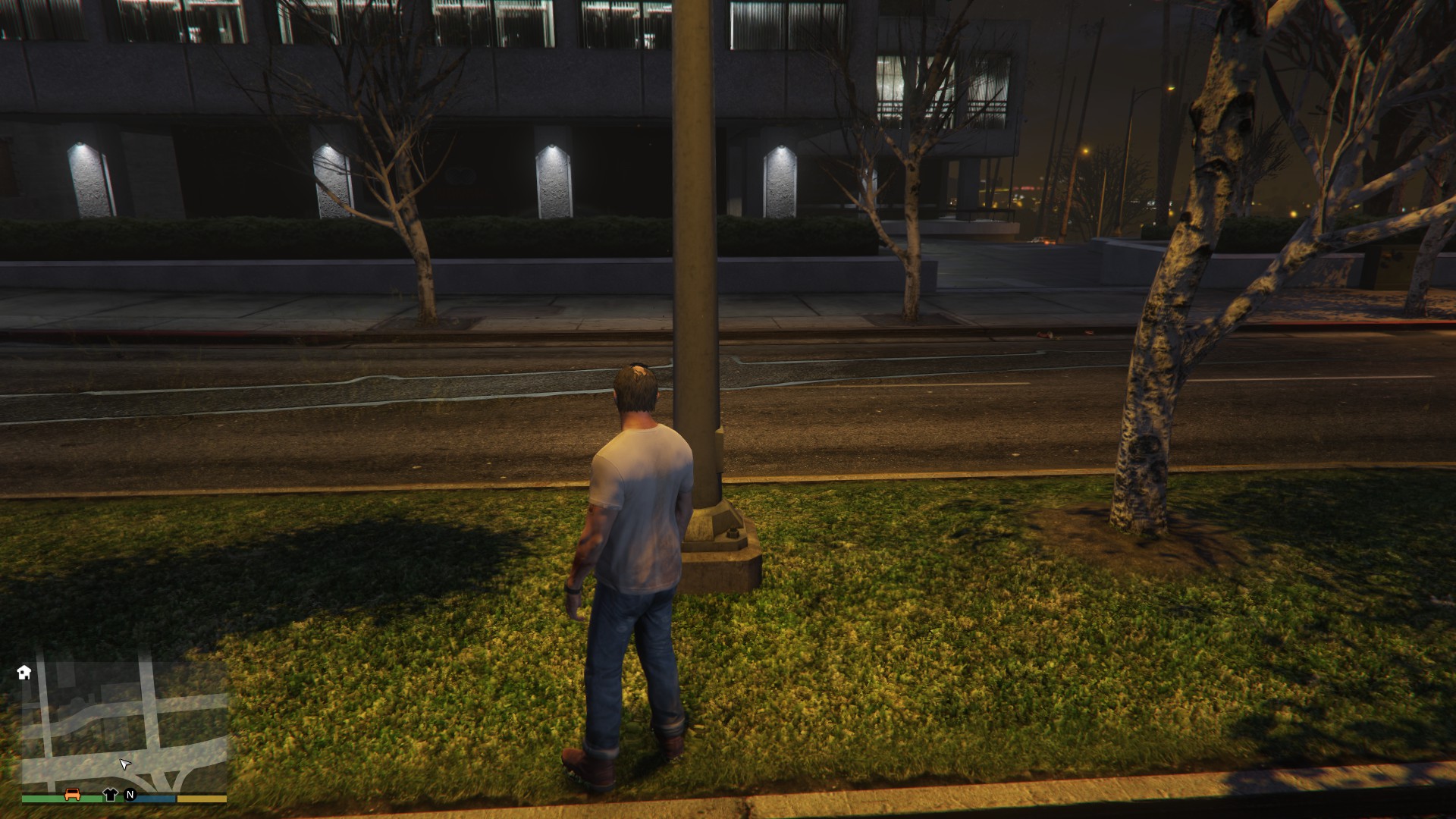
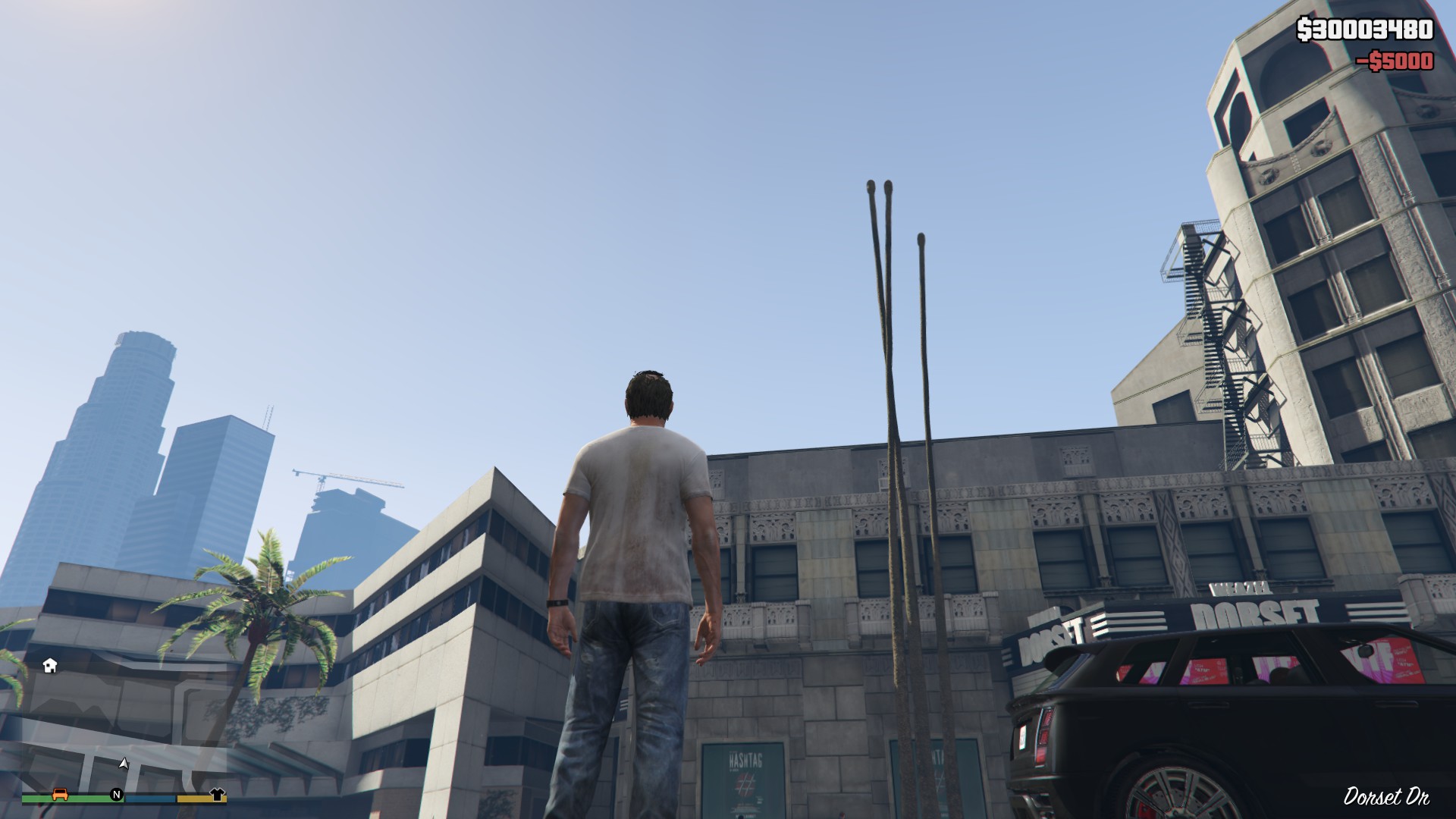

Game graphics settings are set to very high.
I use Proton 5.0-3, kernel 5.5.7 and AMD RX 580 with Mesa 19.3.3.
Do anyone else experience similar issue?
edit: Still the same issue on Proton 5.0-5 with Mesa 20.0.1.
@Tk-Glitch The whoami fix is now upstream at https://github.com/wine-mirror/wine/commit/b36a10596a868e690e32c70f4487c3dc6b9bda7c, thanks again for reporting it
Thank you @mrpippy !
As of Proton 5.0-4, we believe you should no longer need the WINEDLLOVERRIDES hack. However, it will do no harm if you leave it in.
@mrpippy's patch being discussed above has not yet been merged into Proton.
Hi, I am having huge memory leak issues with the latest Proton versions. My game crashes after half a hour, because there is so much memory leaking, I hit my 8 GB RAM limit after 30 minutes. This bug wasn't introduced with the latest Proton version, but is there for some time already. I think I first had this problem with either Proton 4.2 or 4.11. Now that we are forced to use a recent Proton version due to the Launcher update, I am no longer able to play GTA without it getting an OOM after some time.
Anyone else with this issue?
I am having a similar issue, although I don't think that it's caused by memory overflow. After loading into Online I have ~5G total RAM usage, just before crashing it hovers around 6.3G, nothing on swap. Game runs fine, with no major lagspikes and steady FPS. I noticed the crashes happening usually during some interaction (entering a car is the most common scenario). Crashes also happen in Story Mode. I'm playing on version 5.4-GE-1, but any older version has the same issue (versions before 5 have problems with running windowed mode, which is mandatory for me). When playing on official Proton releases from the Steam client (5.0-4, 4.11-13) the game doesn't crash, but hangs indefinitely until I kill it. Tried this fix, but it doesn't change a thing.
Proton log
d3d11 log
If I'm missing any details/logs, please tell me and I'll try to provide them.
System Specs
System:    Host: arch Kernel: 5.5.9-arch1-2 x86_64 bits: 64 compiler: gcc v: 9.3.0 Console: tty 1
        Distro: Arch Linux
Machine:   Type: Desktop Mobo: ASRock model: H110M-DVS R3.0 serial: M80-6B001900095
        UEFI [Legacy]: American Megatrends v: P1.10 date: 09/14/2016
CPU:       Topology: Dual Core model: Intel Pentium G4560 bits: 64 type: MT MCP arch: Kaby Lake rev: 9
        L2 cache: 3072 KiB
        flags: lm nx pae sse sse2 sse3 sse4_1 sse4_2 ssse3 vmx bogomips: 28009
        Speed: 800 MHz min/max: 800/3500 MHz Core speeds (MHz): 1: 800 2: 800 3: 800 4: 800
Graphics:  Device-1: NVIDIA GM107 [GeForce GTX 750 Ti] vendor: ASUSTeK driver: nvidia v: 440.64 bus ID: 01:00.0
        Display: server: X.Org 1.20.7 driver: nvidia unloaded: fbdev,modesetting,vesa tty: N/A
        OpenGL: renderer: GeForce GTX 750 Ti/PCIe/SSE2 v: 4.6.0 NVIDIA 440.64 direct render: Yes
Audio:     Device-1: Intel 100 Series/C230 Series Family HD Audio vendor: ASRock driver: snd_hda_intel v: kernel
        bus ID: 00:1f.3
        Device-2: NVIDIA GM107 High Definition Audio [GeForce 940MX] vendor: ASUSTeK driver: snd_hda_intel
        v: kernel bus ID: 01:00.1
        Device-3: Logitech Webcam C110 type: USB driver: snd-usb-audio,uvcvideo bus ID: 1-2:3
        Device-4: C-Media Blue Snowball type: USB driver: hid-generic,snd-usb-audio,usbhid bus ID: 1-10:6
        Sound Server: ALSA v: k5.5.9-arch1-2
Network:   Device-1: Realtek RTL8111/8168/8411 PCI Express Gigabit Ethernet vendor: ASRock driver: r8169
        v: kernel port: d000 bus ID: 03:00.0
        IF: enp3s0 state: up speed: 100 Mbps duplex: full mac: d0:50:99:72:eb:0c
Drives:    Local Storage: total: 1.59 TiB used: 459.72 GiB (28.2%)
        ID-1: /dev/sda vendor: A-Data model: SU630 size: 223.57 GiB
        ID-2: /dev/sdb vendor: Seagate model: ST500DM002-1BD142 size: 465.76 GiB
        ID-3: /dev/sdc vendor: Toshiba model: MQ01ABD050 size: 465.76 GiB
        ID-4: /dev/sdd vendor: Western Digital model: WD5000AUDX-73H9TY0 size: 465.76 GiB
        ID-5: /dev/sde type: USB vendor: A-Data model: USB Flash Drive size: 7.55 GiB
Partition: ID-1: / size: 29.40 GiB used: 21.06 GiB (71.6%) fs: ext4 dev: /dev/sda3
        ID-2: /home size: 185.40 GiB used: 168.36 GiB (90.8%) fs: ext4 dev: /dev/sda4
        ID-3: swap-1 size: 4.00 GiB used: 111.5 MiB (2.7%) fs: swap dev: /dev/sda2
Sensors:   System Temperatures: cpu: 37.0 C mobo: N/A gpu: nvidia temp: 35 C
        Fan Speeds (RPM): N/A gpu: nvidia fan: 31%
Info:      Processes: 238 Uptime: 5h 04m Memory: 7.74 GiB used: 4.42 GiB (57.2%) Init: systemd Compilers:
        gcc: 9.3.0 Shell: zsh v: 5.8 inxi: 3.0.37
@Stefankar1000 My issue was actually resolved by deleting and starting with a clean wine/Proton prefix.
My GTA now runs again without any memory leaks.
I have the same issue with my Nvidia 1070 card. I discovered from logs the crash happens because of missing nvapi64.dll. Disabling the library via winecfg did not help, so I had to resort to changing device id as described in https://github.com/doitsujin/dxvk/wiki/Configuration.
The game launches now and works with a decent frame rate.This is exactly how I managed to make the game work:
- Created gta_dxvk.conf file:
dxgi.customDeviceId = E366
dxgi.customVendorId = 1002
- Went to the game properties and set launch options:
DXVK_CONFIG_FILE=/path/to/gta_dxvk.conf %command%By the way, wine-staging has a stub implementation for nvapi and nvapi64. So I guess this is why a lot of people reporting gtav working with wine and dxvk without an issue.
how to make this iam so noob
@hemdano Since Proton 3.16-4, this is no longer necessary.
Does anyone else have issues with controller hotswap in GTA V? The game runs really well for me in general, but I have an Xbox 360 controller, and it only works if the game is loaded with it connected. I haven't tested with any other controller or system though, so I'm not sure if it's something specific to my configuration.
Yes I have the same issue.
There are also some other button mapping issues with the x360 controller in GTA online, but they are often specific to some activity e.g. during the Human Labs heist, if I'm the helicopter's gunner, I can only shoot straight, so basically I can't aim at all. And after heists (or heist preps, can't remember atm) sometimes you find yourself sitting down in the heist planner's house. Getting up from that seated position is real nightmare.
Then there's less-annoying-but-still-annoying stuff like if I'm in a vehicle with a speed boost, and I enter the interaction menu and navigate to a submenu, the boost is activated.
And there's one where when I have a rifle or heavy weapon of some kind in my hands, and I enter a vehicle, the weapon tends to get dropped.
Does anyone else have issues with controller hotswap in GTA V? The game runs really well for me in general, but I have an Xbox 360 controller, and it only works if the game is loaded with it connected. I haven't tested with any other controller or system though, so I'm not sure if it's something specific to my configuration.
The game only detect controllers that are plug-in or connected before the game run,that happen in a lot of games as well,thats normal as happen in Windows too.
Does anyone else have issues with controller hotswap in GTA V? The game runs really well for me in general, but I have an Xbox 360 controller, and it only works if the game is loaded with it connected. I haven't tested with any other controller or system though, so I'm not sure if it's something specific to my configuration.
The game only detect controllers that are plug-in or connected before the game run,that happen in a lot of games as well,thats normal as happen in Windows too.
I can confirm that this issue doesn't happen on Windows with GTA V.
Is anyone having problems having problems in online? I'm having constant disconnections where all the players left the room, this is very frustrating especially doing heists, also im having a problem with the rockstar overlay when i press home the mouse disappears after the second time i open it and i have to kinda guess where to click by the highlighting.
This one i'm not sure if this is because of the beta proton but sometimes when i close the game it closes but the game still open in the background and on steam still is ingame.
Is anyone having problems having problems in online? I'm having constant disconnections where all the players left the room, this is very frustrating especially doing heists, also im having a problem with the rockstar overlay when i press home the mouse disappears after the second time i open it and i have to kinda guess where to click by the highlighting.
The overlay issue is normal currently, I usually try to use the game menu instead if possible. As for the online instability - the GTA V multiplayer is a rather fragile, bandwidth-intensive peer-to-peer system. My 6 Mpbs internet connection is just enough to play (maybe that's your issue, too), but large lobbies are unstable for me, and disconnects do occasionally happen in heists (especially when some background stuff tries to update). There are also bugs in the game where other people can't join you unless you restart the game.
This one i'm not sure if this is because of the beta proton but sometimes when i close the game it closes but the game still open in the background and on steam still is ingame.
This also happens on the current stable Proton version. The problem seems to be that the Rockstar launcher doesn't detect that the game quit and keeps running in the background. If that happens, I just use my process monitor to kill the entire "SteamChildMonitor" process subtree.
Does anyone else have issues with controller hotswap in GTA V? The game runs really well for me in general, but I have an Xbox 360 controller, and it only works if the game is loaded with it connected. I haven't tested with any other controller or system though, so I'm not sure if it's something specific to my configuration.
The game only detect controllers that are plug-in or connected before the game run,that happen in a lot of games as well,thats normal as happen in Windows too.
I can confirm that this issue doesn't happen on Windows with GTA V.
Most (all?) games that run under Proton, at least in my experience, don't support hot-swapping. It is probably an issue in wine itself. To be honest I haven't personally looked into it because it's a minor issue in the grand scheme of things.
The overlay issue is normal currently, I usually try to use the game menu instead if possible. As for the online instability - the GTA V multiplayer is a rather fragile, bandwidth-intensive peer-to-peer system. My 6 Mpbs internet connection is just enough to play (maybe that's your issue, too), but large lobbies are unstable for me, and disconnects do occasionally happen in heists (especially when some background stuff tries to update). There are also bugs in the game where other people can't join you unless you restart the game.
I forgot to add that on windows i don't have any disconnections and i have 200mb down and 100mb up, i never have problems with the internet so clearly this is a problem with Proton/Wine
Most (all?) games that run under Proton, at least in my experience, don't support hot-swapping
FYI: GTA 5 is the only game I play in proton that doesn't support hot-swapping the controller. Rocket League, Marble It Up!, and Call of Duty: Advanced Warfare all support (re)connecting the controller after the game has started (I have PS4 controller support enabled in my controller settings in Steam).
For those of you experiencing network issues, please check your /etc/hosts file and comment out the following line (if you have it) by adding a # symbol in front of it:
127.0.1.1 my-computer-name
(where "my-computer-name" is the hostname of your computer).
After you do that, reboot your computer and try GTA 5 again. For me, this not only allows for players behind the same router to connect to each other, but also allows other players to join your session if there are no windows players in the session and prevents the "Rockstar servers are unavailable" and stuck "transaction pending" messages for a couple hours. It doesn't get rid of all network issues, but it at least appears to mitigate some and delay others.
This is a known bug as documented here. It's not a wine/proton bug, but a legacy network configuration to workaround theoretical issues in linux programs from around 2 decades ago and probably shouldn't be set by default anymore...
For those of you experiencing network issues, please check your
/etc/hostsfile and comment out the following line (if you have it) by adding a#symbol in front of it:127.0.1.1 my-computer-name
Well i tried that and stil im constantly disconecting, its impossible to play with someone like this,single player then. . . :(
@NikoBellicRU Just to make sure, did you restart after changing that config file?
You may also want to clear your compat data for the game just in case something in it got messed up somehow.
Just to make sure, did you restart after changing that config file?
Yes i did restart and i know the config worked cause after that in rockstar launcher was my actual ipv4 and not 127.0.1.1 like it was i did not try a new prefix but im not sure if it will help since the game detected that i modified the ip anyways
Most (all?) games that run under Proton, at least in my experience, don't support hot-swapping.
This was true in old versions, but we put a bunch of work into supporting hotplugging for gamepads. It should be working pretty well now. If you know of games where hotplugging doesn't work, please note that on the issue for those games, and feel free to tag me.
Note that some games don't support hotplugging, even on Windows, and there's obviously nothing we can do about that. I'm not sure what the situation is with GTAV in particular.
Hi guys, I have had this issue since I started playing GTA on Linux but occasionally, when I close out of GTA, the game will close but Steam will still report it as running. Pressing the stop button does nothing, the only way I have gotten it to "stop" is by restarting Steam. Quite annoying as it messes with my gameplay hours; while I haven't played more than maybe 20 hours in the last two weeks, Steam says I have "played" 70...any ideas? Running Manjaro w/ Deepin DE on a Xeon X5650 and an RX 570. Thanks!
Hi guys, I have had this issue since I started playing GTA on Linux but occasionally, when I close out of GTA, the game will close but Steam will still report it as running. Pressing the stop button does nothing, the only way I have gotten it to "stop" is by restarting Steam. Quite annoying as it messes with my gameplay hours; while I haven't played more than maybe 20 hours in the last two weeks, Steam says I have "played" 70...any ideas? Running Manjaro w/ Deepin DE on a Xeon X5650 and an RX 570. Thanks!
This happens to me all the time, and when it does, I notice in dmesg there's a segfault in wineserver, and the only way to "stop the game from running" aside from closing Steam is to forcibly kill all .exe processes. A workaround I've come up with is to run WINEPREFIX=/path/to/gtav/prefix wineserver -k instead of quitting the game normally.
The "still running" when exited bug does tend to irritate after a while.
There's a few other quirks like the Graphics Options screen not behaving but the game otherwise works very well.
You've got two choices:
- Continue to use Proton-GE-4.2.1
- Use a little script to clean everything up.
This one was suggested to me the other day in a steam forum post:
#!/bin/sh
killall -9 -r ".*\.exe|.*SocialClub.*|.*Rockstar.*" & kill -9 $(ps aux | grep '.*PlayGTA.*' | awk '{print $2}')
I'm using the stock Proton-next release and it's still happening there :'(
If you want to put yourself into an empty public lobby to avoid all the cheaters which are rampant then this one does the trick:
#!/bin/sh
killall -STOP GTA5.exe
sleep 10
killall -CONT GTA5.exe
I tend to open another console (CTRL+ALT+F1) to have that ready and switch back to the game with CTRL+ALT+F7. They're able to do some pretty nasty things with their cheating tools - everything from forced invites to setting you on fire. This drops you out of the session severing the connection between peers. (as it's all p2p based unfortunately)
Loading times are bearable again just like with a closed session; I'm sure anyone who's played this has come across the cloud loading screen...
If you want to put yourself into an empty public lobby to avoid all the cheaters which are rampant then this one does the trick:
I have also had success with sending the STOP signal from KSysGuard, waiting a little bit (10 seconds does seem to be good, as in that script), and resuming from KSysGuard.
The "still running" when exited bug does tend to irritate after a while.
There's a few other quirks like the Graphics Options screen not behaving but the game otherwise works very well.
You've got two choices:
- Continue to use Proton-GE-4.2.1
- Use a little script to clean everything up.
This one was suggested to me the other day in a steam forum post:#!/bin/sh killall -9 -r ".*\.exe|.*SocialClub.*|.*Rockstar.*" & kill -9 $(ps aux | grep '.*PlayGTA.*' | awk '{print $2}')I'm using the stock Proton-next release and it's still happening there :'(
If you want to put yourself into an empty public lobby to avoid all the cheaters which are rampant then this one does the trick:
#!/bin/sh
killall -STOP GTA5.exe
sleep 10
killall -CONT GTA5.exe
I tend to open another console (CTRL+ALT+F1) to have that ready and switch back to the game with CTRL+ALT+F7. They're able to do some pretty nasty things with their cheating tools - everything from forced invites to setting you on fire. This drops you out of the session severing the connection between peers. (as it's all p2p based unfortunately)
Loading times are bearable again just like with a closed session; I'm sure anyone who's played this has come across the cloud loading screen...
Good to know...hopefully this'll get implemented into the official Proton release sometime.
Anyone else unable to export videos in Linux using the Rockstar editor? It just says unknown error for me - even if I have high quality disabled.
Anyone else unable to export videos in Linux using the Rockstar editor? It just says unknown error for me - even if I have high quality disabled.
Yes, everyone is currently unable to export. Reason: https://github.com/ValveSoftware/Proton/issues/37#issuecomment-577776756
I seem to have strange issue with trees and grass being transparent or glitched. The problem randomly disappears and reappears. See the attached screenshots.
I am still having this issue on latest Proton 5.0-7 with Mesa 20.0.5. However, I have also noticed that sometimes there is also a horizontal line displayed over the transparent tree, as can be seen in this screenshot:
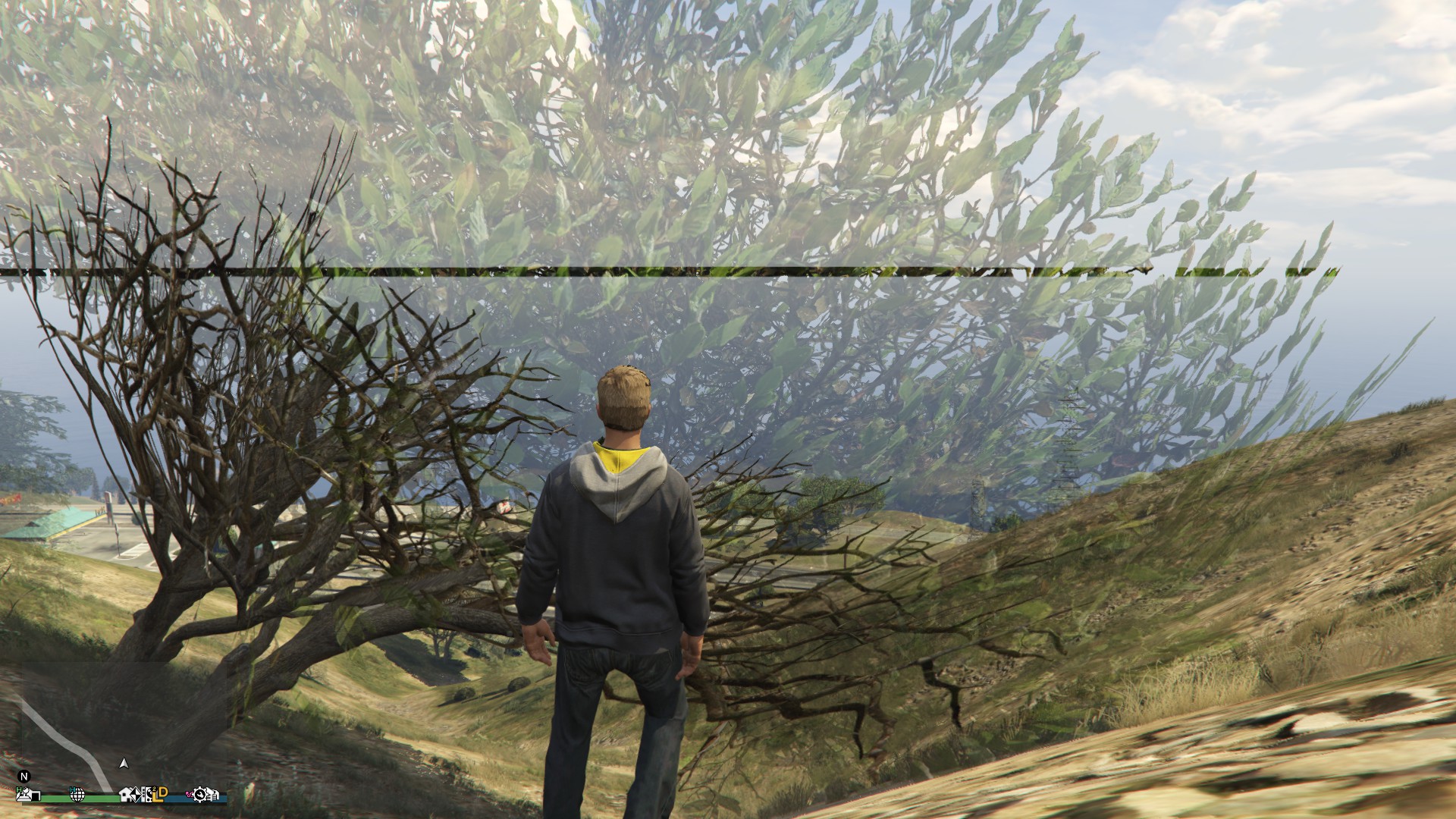
I tried today but I cannot seem to get past the launcher. I get this error first:
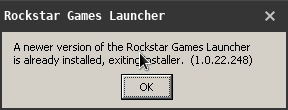
Then this error:
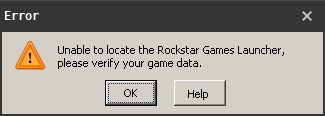
I tried today but I cannot seem to get past the launcher. I get this error first:
Delete the prefix and run again
Guys i'm still new to LINUX and i have followed many steps u mentionned but it still doesn't run can anyone help me please?
Hi! Can someone help me with gta5. I installed epic games launcher using lutris after that installed gta5 but when i klick launch i got error "Failed to connect to the Rockstar Games Library Service. If you continue to see this messegae, please contact Rockstar Games Customer Services." So i dont know what to do.
Using manjaro linux.
intel i5-4460 and nvidia gtx1050ti drivers is up to date.
Hello @kd0034, please use the lutris forums to get help with lutris.
Guys i'm still new to LINUX and i have followed many steps u mentionned but it still doesn't run can anyone help me please?
@houssemguesmi Welcome, can you explain the issue you're experiencing? System information and a Proton log are always appreciated too, thanks.
Hi All, thank you so much for all the info in this thread. I'm running on an Ubuntu machine with an external eGPU using Razer Core, with Steam and GTA5 all successfully installed and working, with a decent 45-60fps, quite playable! My only major struggle was fixing the FPS in the game, which was a result of DXVF deprecating Nvidia drivers older than 390.xx, so it was always stuck playing in my integrated Intel graphics card (Intel NUC Core) until I realized it from the GTA5_d3d11.log in the game directory. I've compiled all the steps into a Readme here: https://github.com/shuvozula/steam-gta5-linux Hope that helps!
Please let me know if there's any edits required or any steps misleading or not working. Thanks!
System Specs:
- Intel NUC Core
- 32GB RAM
- i7 Intel processor + integrated graphics
- Razer Core + Nvidia 1060GTX GB (driver: v390.132 works for me, not 440.82)
- DXVF v1.5.1 (1.7 and later does not work for me b/c of Nvidia driver)
- Wine 5.0.4
- Proton-5.8-GE-2-MF
Setup is waiting indefinitely on "Installing: Rockstar Games Launcher (step 2 of 5)" and never finishes.
Whenever I have problems with the launcher after updates, which is often, I run the following with protontricks (obviously adjust the path to suit )
protontricks -c 'wine /media/raid2/Steam/steamapps/compatdata/271590/pfx/drive_c/Program\ Files/Rockstar\ Games/Launcher/Launcher.exe' 271590
Fixes it most of the time. When it doesn't I delete and reinstall.
Setup is waiting indefinitely on "Installing: Rockstar Games Launcher (step 2 of 5)" and never finishes.
@howels Are you using the latest version of Proton?
Setup is waiting indefinitely on "Installing: Rockstar Games Launcher (step 2 of 5)" and never finishes.
@howels Are you using the latest version of Proton?
Tried on Proton 5.0.7, looks like the install attempted and failed but as it was running with no console output I don't know what the issue was. I removed the compatdata prefix directory and ran again and it works. Having to forcefully kill the launcher after the games closes tho. Right-click in system tray (MATE) to exit leaves the system-tray icon running and steam thinking that the game is still running.
Rockstar Launcher is also taking at least 30 seconds before launching the game and going fullscreen. Using an ok Samsung SSD and 6700K with 64GB RAM and GTA V under proton used to startup quite fast when I was playing a lot 12 months ago.
Swear this was running more reliably 12 months ago... I tried the GloriousEggroll Proton versions 5.6 and 5.8. They appear to render missing text on the launcher but I haven't spent enough time in-game to say much else due to the startup issues.
Hello Everyone,
I am stuck at step 3.
When I enter
protontricks -c 'wine /media/Volume/SteamLibraryLinux/steamapps/compatdata/271590/pfx/drive_c/Program\ Files/Rockstar\ Games/Launcher/Launcher.exe' 271590
into the terminal I allways get the Output
wine: /media/Volume/SteamLibraryLinux/steamapps/compatdata/271590/pfx is not owned by you .
I dont know why. I tried to fix this with Commands I found with Google like
sudo chown user:$user -R /media/Volume/SteamLibraryLinux/steamapps/compatdata/271590/pfx
and it did not work. How do I fix this?
Hello @Tunfisch96, I take it /media/Volume/SteamLibraryLinux is on an NTFS partition, right? Using NTFS with Proton is known to be finicky, you may have some luck trying out https://github.com/ValveSoftware/Proton/wiki/Using-a-NTFS-disk-with-Linux-and-Windows / https://github.com/ValveSoftware/Proton/wiki/Proton-FAQ#none-of-my-games-are-launching--prefix-not-owned-by-you-error.
Thanks that was a simple fix.
I just tried to use Proton 5.0-7 to play GTA V.
Big mistake as it turns out, because Proton 5.0-7 doesn't let me connect.
Then I tried to go back to Proton 4.11-13 (which used to work before trying out Proton 5.0-7, but had some minor issues, hence the attempt to upgrade), but all I get now when starting the game is a popup dialog with the message:
unable to locate the rockstar games launcher, please verify your game data
I also just tried to validate the game (no errors, unsurprisingly) and run it again.
Now I get this:
A newer version of the Rockstar Games Launcher is already installed, exiting installer. (1.0.23.252)
and then the popup with
unable to locate the rockstar games launcher, please verify your game data
And now if I go back to Proton 5.0-7 then I get the same result.
In other words, I can't even get in-game anymore regardless of the Proton version I'm using.
What can I do to fix this?
@jjpe I think I ran into same issue. Looks like switching proton leaves game's wine prefix untouched, which may create compatibility issues.
- Try to remove pfx folder for gtaV (app id 271590, search for it in your steam folder), steam will reinstall RGL / some libs on the next run. Try running with proton 4 or 5 after removal.
- In my case neither of 4 or 5 versions worked (RGL hanged on first run). Though I was able to launch the game doing weird sequence of actions:
- removed pfx folder
- selected proton 4.11
- checked 'run social club after' checkbox after installation (have to say that UI was kinda buggy under proton 4.11, so checkbox wasn't displaying "X" and I'm not sure if I checked or unchecked it)
- after that RGL updated itself, it still was hanging on first run (though differently). But when I switched to proton 5.0-7 after that without removing pfx, it worked.
So:
- try removing game's
pfxfolder; - try playing with proton versions, rockstar social club installation checkboxes, try switching versions with or without removing
pfx.
What ultimately ended up working for me was:
- Put proton back to
4.11-13 - Uninstall the game from steam and proton
- Reinstall the game
- Wait 5 hours (spent sleeping in my case)
It's a brute force approach, but at least there's no need to enter a password for R* social club or some such nonsense like that.
It's impossible to import songs into the "User Radio." I remember someone saying this is a Media Foundation issue, but I can't be sure. I hope this gets fixed.
Hello,
it seems that I can start this game any more with any Proton version (I didn't play in 2 month). I down grated from proton 5.0-8 to 4.11-13 but get the same result. I've tried several Proton version and tricks with no positive results.
Rockstar launcher is installed and start normally but as soon as it tries to load the game it crashes.
Edit: After a new installation this time I get an error message from the RGL (translated) "game files not found please verify your game files"
https://drop.chapril.org/download/bed684973acbbcf0/#LZ78hexFaBTnJ_ps-waktQ - Proton 4.11-13 log
https://drop.chapril.org/download/aac11844f2eaa26e/#OHD0z4fH5oH132H-sKVk3A - Proton 5.0-8 log
Steam computer info.
Informations de l'ordinateur :
    Fabricant : Unknown
    Modèle : Unknown
    Type : Ordinateur de bureau
    Aucun écran tactile détecté

Processeur :
    Fabricant du CPU : GenuineIntel
    Marque du processeur : Intel(R) Core(TM) i7-6700K CPU @ 4.00GHz
    Famille du processeur : 0x6
    Modèle du processeur : 0x5e
    Révision processeur : 0x3
    Type de processeur : 0x0
    Fréquence : 4300 Mhz
    8 processeurs logiques
    4 processeurs physiques
    HyperThreading : Pris en charge
    FCMOV : Pris en charge
    SSE2 : Pris en charge
    SSE3 : Pris en charge
    SSSE3 : Pris en charge
    SSE4a : Non pris en charge
    SSE41 : Pris en charge
    SSE42 : Pris en charge
    AES : Pris en charge
    AVX : Pris en charge
    AVX2 : Non pris en charge
    AVX512F : Non pris en charge
    AVX512PF : Non pris en charge
    AVX512ER : Non pris en charge
    AVX512CD : Non pris en charge
    AVX512VNNI : Non pris en charge
    SHA : Non pris en charge
    CMPXCHG16B : Pris en charge
    LAHF/SAHF : Pris en charge
    PrefetchW : Non pris en charge

Version du système d'exploitation :
    "Ach Linux" (64 bits)
    Nom du noyau : Linux
    Version du noyau : 5.6.15-arch1-1
    Éditeur du serveur X : The X.Org Foundation
    Version du serveur X : 12008000
    Gestionnaire de fenêtres X : Mutter (Muffin)
    Version d'exécution Steam : steam-runtime_0.20200505.0

Carte graphique :
    Pilote : NVIDIA Corporation GeForce GTX 1080/PCIe/SSE2
    Version du pilote : 4.6.0 NVIDIA 440.82
    Version OpenGL : 4.6
    Profondeur de couleur du bureau : 24 bits par pixel
    Taux de rafraîchissement du moniteur : 59 Hz
    ID fabricant : 0x10de
    ID périphérique : 0x1b80
    Révision non détectée
    Nombre de moniteurs : 3
    Nombre de cartes vidéo logiques : 1
    Résolution de l'affichage principal : 2560 x 1440
    Résolution du bureau : 6400 x 1440
    Taille de l'affichage principal : 23.54" x 13.23" (26.97" diag)
 59.8cm x 33.6cm (68.5cm diag)
    Bus principal : PCI Express 16x
    Mémoire vidéo principale : 8192 Mo
    Modes MSAA pris en charge : 2x 4x 8x 16x

Carte son :
    Périphérique audio : Realtek ALC1150

Mémoire :
    RAM : 32058 Mo

Matériel de VR :
    Casque VR : aucun détecté

Divers :
    Langue de l'interface : Français
    LANGUE : fr_FR.UTF-8
    Espace disque total disponible : 921062 Mo
    Plus grand bloc disponible sur le disque dur : 93554 Mo
Self Radio is not working. The usertracks.db and usertracks.dbs files get created but have 0 bytes each.
Also, deleting the "User Music" folder (from My Documents) and hitting Scan in-game creates the fodler again (empty), so the location is correct and the games looks where it should... it just doesn't see the files in it.
I tried creating a "Documents" folder instead of "My Documents" with the same directory structure, same issue.
I tried using the Documents folder from my Linux home, same issue.
I tried creating a Windows shortcut (.lnk file) to a directory containing MP3 files on my Linux home and then also inside the GTA5 prefix, same issue.
I've exhausted all the possibilities I can think of, and now I'm pretty sure this is indeed an issue with this game running with Proton rather than a user error.
I've got a quite strange glitch in my online character, the campaign characters and NPC's are normal:
Changing the appearance options doesn't fix it. I'm on RADV+ACO and mesa-aco-git from AUR.
Hello @ptkato, it'd be a good idea to check if RADV/LLVM is equally affected (please note that the env variable to do this has changed with ACO being enabled by default in mesa git master) and mention the rendering quirk to the mesa devs if it hasn't been already.
Hello @ptkato, it'd be a good idea to check if RADV/LLVM is equally affected (please note that the env variable to do this has changed with ACO being enabled by default in mesa git master) and mention the rendering quirk to the mesa devs if it hasn't been already.
It was indeed an ACO related problem, if anyone else experience that, I sent them a heads-up at the mesa issue tracker on GitLab.
any news on self radio problem?
any news on self radio problem?
Might be really wrong but my guess is it could be related to Windows Media Framework, which I don't think WINE does properly.
any news on self radio problem?
Might be really wrong but my guess is it could be related to Windows Media Framework, which I don't think WINE does properly.
well i tried installing wmp11 using winetricks and i tried proton-ge-custom and none of them worked
I'm not sure whats wrong
So I've been playing GTA for a while now on Arch (and even Manjaro before) but yesterday it stopped working. I finished the Casino Heist, but for some reason me and my heist team were stuck on a white screen. All of us just killed the game because even after ten minutes of waiting we didn't load in. Well, after doing this, I can't launch GTA. It shows the option of online or singleplayer, but when I select one and hit play, it'll try to launch for a bit and then give up and close. Don't see the Rockstar launcher or anything. Both online and singleplayer don't work. Any idea what's happening?
EDIT: Well, it just...unfucked itself. I played a bit of Eve, decided to give GTA another shot and it...just works. Alright, I won't complain lmao
Just to be sure: Did you verify the file integrity with the Steam client? :smile:
Hanging on a load screen is also just part of the "Grand Theft Auto Online Experience" as I call it...
I can do that each time after playing for a couple of hours and it redownloads something between 900MB and 6GB each time...
PS: The same happens to me with Fallout 4 and Borderland 3. Drive is not faulty. Also on Manjaro :smile:
I just tried launching it and it works for me on Arch Linux with Proton-5.8-GE and using Remote Play to stream it to a client that's using also Arch Linux.
Now I know Proton GE is not official, but for me at least there was no change since I last played it a few weeks ago. So I think that the chances that a game update broke it (on official Proton) are pretty small.
I'd do the same as @7HEPOW suggested and verify the cache, maybe even recreatig the prefix directory (or, specifically, the GTA V userdata folders from it) since they might contain corrupted data in their files.
I can run it in story mode but couldn't ever play it online because it crashes when online mode is booting
after install the game in majaro it stucks on vulkan shader
I can run it in story mode but couldn't ever play it online because it crashes when online mode is booting
You have the game on the epic launcher or the Rockstar Launcher? in that case you need to set this DLL Override to able to play online:
winedbg.exe d
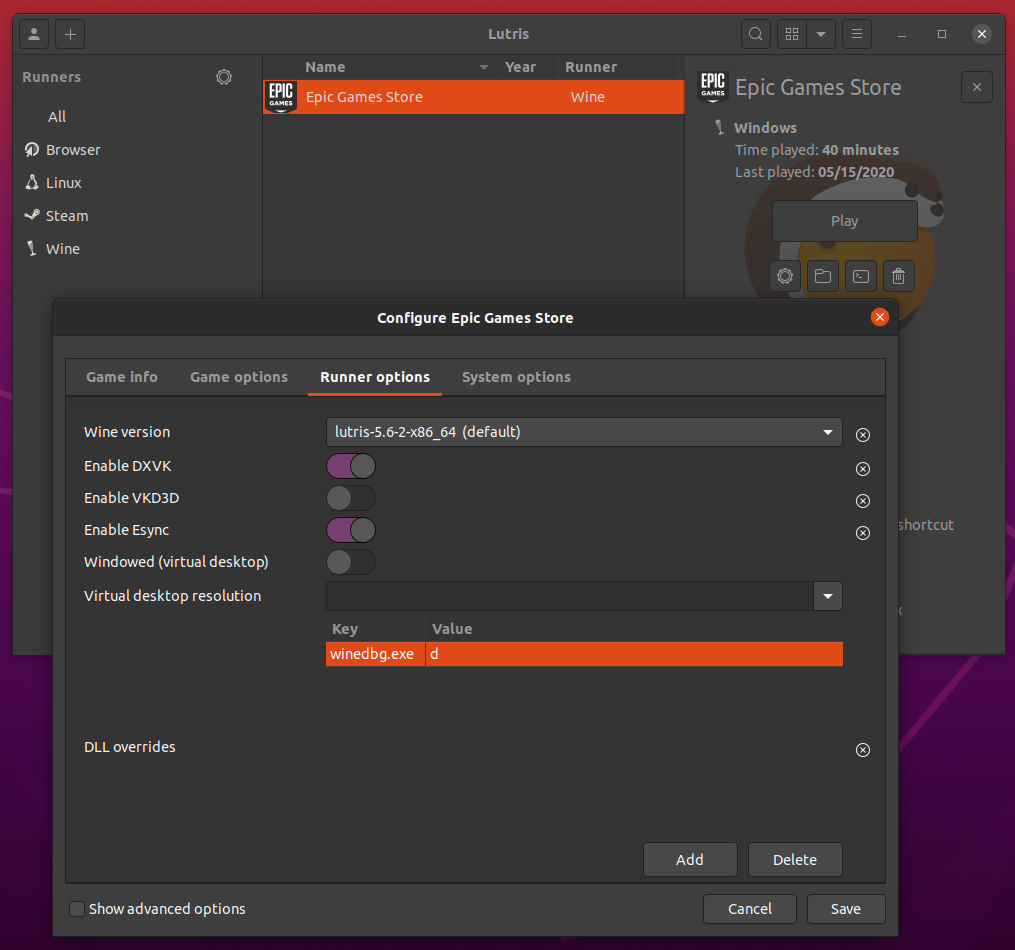
So why do the files break themselves? :laughing:
Over the past 2 weeks I tried to have the game folder as read only, but it manages to break it's files anyway. The game is on an ext4 partition. Read only helps a little, but it seems to be best to copy the game folder multiple times (which takes quite a while) and then just delete the main folder and rename one of the copies to the proper name to restart the game.
Probably the easiest way to check for files to break is watching TV at any available TV. Just leave it running and the game will freeze and crash out after 20 minutes or so.
As mentioned before Fallout 4 and Borderlands 3 do the same after a few hours, so I guess it's more of a problem of Proton itself as the 3 games are from different companies using different engines. :smile:
Here's a zipped proton log file using gamemode (which makes no difference): steam-271590.log.zip
Anyone has problem with GTA 5 since the last update? for some reason mine doesn't launch,it get stuck at installing rockstar games launcher,in the terminal it says
wine: Unhandled page fault on write access to F798644C at address F7B4FC66 (thread 0198), starting debugger...
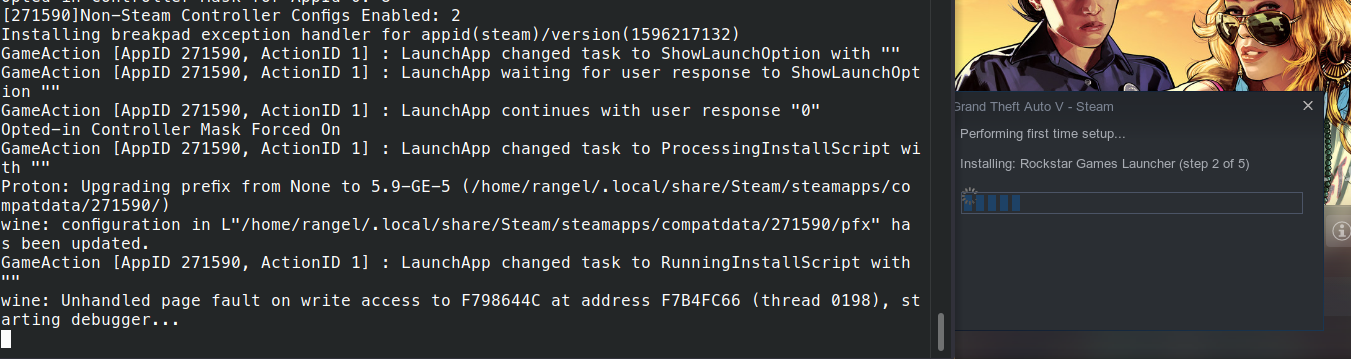
I was using Proton 5.0.9 ,tried changing to Proton-5.9-GE-5-ST and still having the same issues,tried deleting the prefix and same problem.
I'm on Manjaro KDE with a i5 7300HQ,GTX 1050 Ti 440.100 kernel 5.7.9
Had the same problem initially after the summer update. Hitting the Stop button in Steam and relaunching the game did it for me after the third time or so. The game did it again yesterday, but stop and relaunch worked.
I'm on Manjaro XFCE. When switching Proton version the Roc install script is retriggered apparently. I'm running stock 5.0-9 and also tried 5.9-GE-5-ST and 5.11-GE-3-MF before.
Had the same problem initially after the summer update. Hitting the Stop button in Steam and relaunching the game did it for me after the third time or so. The game did it again yesterday, but stop and relaunch worked.
I'm on Manjaro XFCE. When switching Proton version the Roc install script is retriggered apparently. I'm running stock 5.0-9 and also tried 5.9-GE-5-ST and 5.11-GE-3-MF before.
Yes,this workaround work,although i needed to restore the previous prefix with Rockstar Launcher already preinstalled,when steam says installing rockstar launcher,i hit the close button and then kill the rockstar launcher process,then hit play and everything works again,i don't tested changing proton version but at least it works,thanks for the tip.
Morning all,
I hit the issue with Rockstar Game Launcher hanging whilst attempting to update itself. I switched Proton back to Proton-4.21-GE-1-bcrypt and it installed successfully. Switched back to Proton-5.9-GE-2-MF and it launched into online without an issue.
Cheers,
David
Anybody tried modding recently?
I don't know where I did wrong, but after the latest update 1.0.2060.0, I could no longer start the game after doing the necessary steps to enable Script Hook V (protontricks winecfg to set DLL override for dinput8 as native only). The game would close immediately saying "Unable to launch game, please verify your game data". And yes, I've downloaded the latest Script Hook V that was supposed to work for 1.0.2060.0.
It used to work just fine before this update.
Also the game runs just fine if I don't have the DLL override, but of course the mods wouldn't be loaded then. Faced the issue with both 4.21-GE-2 and 5.9-GE-5-ST.
Also I don't know if it's just me, but I seemed to be unable to do a clean install of the game with 5.9-GE-5-ST. Rockstar launcher would get stuck on "Preparing install...". It installed just fine with 4.21-GE-2 though.
(protontricks winecfg to set DLL override for dinput8 as native only)
Ah, that's where the problem lies.. I wasn't supposed to set it as native only but simply the default native,builtin. Anyway, mods work fine now! I'll have to attempt to install dotnet48 verb again for Script Hook .NET tho, but it used to work fine back then anyway.
Also I don't know if it's just me, but I seemed to be unable to do a clean install of the game with 5.9-GE-5-ST.
Still face this issue, but it works fine if I simply installed the game with 4.21-GE-2 first, then use the already installed prefix with 5.9-GE-5-ST (since upgrading don't completely overwrite the prefix).
UPDATE: Again, dotnet48 and Script Hook .NET work fine!
So why do the files break themselves? :laughing:
Just in case, I ran the game from 2 different drives over the past 2 weeks with the same results. So it's very likely that it's not a faulty HDD or 3 in this case. :smile:
GTA 5 stopped working for me yesterday (on 2020-09-20) after no updates or changes that I'm aware of. I have tried Verifying Game Data in Steam, no luck. I've tried various Proton versions (was using 4.11-13 originally) and all have the same result.
I am running the Redux mod and have dinput8.dll set to (native, builtin) and as I said, worked fine until yesterday.
Arch 5.8.10-arch1-1
GTA 5 stopped working for me yesterday (on 2020-09-20) after no updates or changes that I'm aware of. I have tried Verifying Game Data in Steam, no luck. I've tried various Proton versions (was using 4.11-13 originally) and all have the same result.
I am running the Redux mod and have dinput8.dll set to (native, builtin) and as I said, worked fine until yesterday.
Arch 5.8.10-arch1-1
i am also facing this issue after no changes on my end, apparently at random. i have attempted reinstalling the game in several proton versions, on multiple different disks, none of which allowed me to get past the issues seemingly with the rockstar launcher.
I'm also unable to launch the game - I tried launching it with my previously working install, tried re-installing it multiple times, tried multiple versions of Proton including GloriousEggroll custom Proton builds and regular Proton 5.0-9 but nothing works.
My system specs are as follows:
OS: Ubuntu 18.04.5 LTS x86_64
Kernel: 4.15.0-118-generic
Resolution: 1920x1200, 1920x1080
CPU: Intel i7-5960X (16) @ 4.300GHz
GPU: NVIDIA GeForce GTX 1070
Memory: 11484MiB / 32081MiB
Steam Runtime Version: steam-runtime_0.20201005.0
 I want to solve a problem
I am now able to launch the game once again with the new release of Proton 5.13-1.
I am also able to launch the game with the GloriousEggroll custom Proton build version 5.9 8 ST.
5.13-1 is still broken for me, completely. Using the following in my launch command gets me as far as launching, but after modifying settings it has been unstable and now again won't launch at all.
PROTON_USE_WINED3D=1 LD_PRELOAD=/usr/lib/libgamemodeauto.so WINEDLLOVERRIDES=winedbg.exe=d gamemoderun %command%
Not sure what else to do further.
I have problem with Proton 5.13-1 after rockstar launcher finishes loading game not starting and nothing more happens. With Proton-5.9-GE-8-ST everything works fine.
Here's proton log: steam-271590.log
UPD: after deleting ~/.steam/root/steamapps/compatdata/271590 works fine on Proton 5.13-1
Hmm, I'm having the opposite.
- 5.0-9: Can't find Rockstar launcher or "unable to launch game" errors
- 5.13: Unstable, some inputs and settings make it crash or not launch before I even get to load
- 5.9-GE-8-ST: Stable, but gets stuck loading map so effectively still not working.
My log has a ton going on and I'm not knowledgeable enough to parse this.
System info:
- OS: Linux MInt 20
- Kernel: 5.4
- CPU: Ryzen 3600
- GPU: Nvidia 2070 Super
- Driver version: 455.23.04
For me the game often crashes when opening the Graphics menu in Settings. Its easy to reproduce by going back and forth between different Settings menus like Graphics, Display, Camera, and so on until it crashes.
Sometimes it'll just freeze, but more often than not I'll get a popup that says
ERR_GFX_D3D_NOFEATURELEVEL_2.
No DirectX 10 or 11 adapter or runtime found. Please install latest DirectX runtime or install a compatible DirectX 10 or 11 video card.
This is using stock Proton 5.13 from Steam, no mods or anything weird. I'm running this on a GTX 960 with the 455.38 driver. Other than this minor inconvenience, the game plays fantastically.
GTA V Sign In Failed
Issue transferred from https://github.com/ValveSoftware/Proton/issues/4378.
@wildcard-f8 posted on 2020-11-15T03:17:20:

I've tried Proton versons 4.11-13, 5.0-10 and 5.13-2. The game was running fine yesterday but today it won't run. I've tried reinstalling it but I still get this error. I've looked around for a fix and it says to delete the Social Club folder from Documents, but I don't know where to find that in linux.
GTA V Sign In Failed
Issue transferred from #4378.
@wildcard-f8 posted on 2020-11-15T03:17:20:
I've tried Proton versons 4.11-13, 5.0-10 and 5.13-2. The game was running fine yesterday but today it won't run. I've tried reinstalling it but I still get this error. I've looked around for a fix and it says to delete the Social Club folder from Documents, but I don't know where to find that in linux.
I'm getting the same problem. it used to work fine on Proton 4.x but now it is not. If some logs are needed i can provvide them.
EDIT: After a day of troubleshooting i uninstalled completely Proton 5.13 and reinstalled it by pressing the "Play" button of GTA V on steam. After that steam downloaded back proton 5.13 (make sure it completely installs) and the game worked without any problems whatsoever. Hope this can help somebody :D
I played the game online last night just fine with 5.13-2. Not working
even with an empty prefix?
--
Chris
Hi and thanks for your help. Like i wrote on the edit i managed to fix it like this:
i uninstalled completely Proton 5.13 and reinstalled it by pressing the "Play" button of GTA V on steam. After that steam downloaded back proton 5.13 (make sure it completely installs) and the game worked without any problems whatsoever.
Thanks you again :D
Good stuff, didn't see the edit since I was replying through email :)
--
Chris
GTA V Sign In Failed
Issue transferred from #4378.
@wildcard-f8 posted on 2020-11-15T03:17:20:
I've tried Proton versons 4.11-13, 5.0-10 and 5.13-2. The game was running fine yesterday but today it won't run. I've tried reinstalling it but I still get this error. I've looked around for a fix and it says to delete the Social Club folder from Documents, but I don't know where to find that in linux.
Same issue. Reinstalling Proton didn't help, hopefully full game reinstall fixes the problem.
Same issue. Reinstalling Proton didn't help, hopefully full game reinstall fixes the problem.
Whenever I have issues with not getting past the launcher sign in I run the following.
protontricks -c 'wine /media/raid2/Steam/steamapps/compatdata/271590/pfx/drive_c/Program\ Files/Rockstar\ Games/Launcher/Launcher.exe' 271590
Log in. Quit. Then start the game.
Change path to Launcher.exe to match yours (obviously)
Same issue. Reinstalling Proton didn't help, hopefully full game reinstall fixes the problem.
Whenever I have issues with not getting past the launcher sign in I run the following.
protontricks -c 'wine /media/raid2/Steam/steamapps/compatdata/271590/pfx/drive_c/Program\ Files/Rockstar\ Games/Launcher/Launcher.exe' 271590
Log in. Quit. Then start the game.
Change path to Launcher.exe to match yours (obviously)
Hey, it worked! Thank you so much!
For some reason this game performs terribly for me. The game seems to be stuck at about 32-38 fps regardless of settings. Literally the same on potato settings as everything maxed.
My specs:
Nvidia GeForce RTX 3080 FE with 455.45.01 drivers
Ryzen 9 5950X
128 GB RAM
Debian Sid, kernel: 5.9.0-11.3-liquorix-amd64
For some reason this game performs terribly for me. The game seems to be stuck at about 32-38 fps regardless of settings. Literally the same on potato settings as everything maxed.
My specs:
Nvidia GeForce RTX 3080 FE with 455.45.01 drivers
Ryzen 9 5950X
128 GB RAM
Debian Sid, kernel: 5.9.0-11.3-liquorix-amd64
If I recall correctly, GTA5 has a weird bug that causes frame rate drops (to about 30) if the frame rate gets above about 160fps. Check your v-sync setting - if it's off, try turning it on and see if it still runs bad.
On Fri, Dec 04, 2020 at 02:03:21AM -0800, supertin wrote:
If I recall correctly, GTA5 has a weird bug that causes frame rate drops (to about 30) if the frame rate gets above about 160fps. Check your v-sync setting - if it's off, try turning it on and see if it still runs bad.
I've tried pretty much everything I can think of, V-sync on, off, DX10,
DX11, tried turning every graphics option to the lowest one by one, but
nothing really seemed to make much of a difference.
It's odd, since I was able to play this game flawlessly with my old
computer that was significantly less powerful. I'm also able to play
their newer title RDR2 on ultra settings perfectly.
--
Chris
It's anyone able to hotplug a controller during gameplay? I'm not able to do it, GTA V doesn't recognize it
Proton 5.13-3 reintroduced hotplugging and was released 2 days ago as stated in the release notes here: https://github.com/ValveSoftware/Proton/releases/tag/proton-5.13-3
It's anyone able to hotplug a controller during gameplay? I'm not able to do it, GTA V doesn't recognize it
Just tried on Proton 5.13-4, and I am not able to hotplug a controller. However, I don't ever recall being able to do this even on Windows.
It's anyone able to hotplug a controller during gameplay? I'm not able to do it, GTA V doesn't recognize it
Just tried on Proton 5.13-4, and I am not able to hotplug a controller. However, I don't ever recall being able to do this even on Windows.
Yeah, I'm not able to do that either. I know some people who are able to do that on windows and some others that can't do that. I don't get why this does not work... It's a problem because if you move the cable for some reason and the controller gets disconnected you have to restart the whole game and we know what that means...
Totten
It's a problem because if you move the cable for some reason and the controller gets disconnected you have to restart the whole game and we know what that means...
While not ideal, my workaround for the past couple years has been as follows:
- Connect controller to Linux pc via bluetooth
- Connect PS4 controller to USB phone charger plugged into power outlet (not computer)
- Increase automatic shutoff time from 15 min to 60 min (controller settings in steam client)
The point of having the controller plugged into a phone charger instead of the computer is that it will not attempt to use the USB connection for playing the game, but it can still charge. If the USB connection is disrupted, it falls back on battery and stays connected to the pc via bluetooth.
It's been extremely rare that my controller has disconnected from the game with this setup.
It would still be awesome if hot-plugging worked for GTA5 through proton.
GTA V. No Directx Runtime or Device Found. on nVidia
Issue transferred from https://github.com/ValveSoftware/Proton/issues/4473.
@username-murphy posted on 2020-12-16T02:31:08:
Compatibility Report
GTA V
System Information
-GPU: nVidia GTX1050
- Driver/ nVidia 455
- Kernel version: 5.10
- kDE Neon
- Proton version:Expertiment
- Linux Runtime Soldier Beta
- -Steam Client Beta
game currently updating will post log when finished
Symptoms
When trying to access Advanced Graphics Settings this error box appears.
[ No Directx runtime or device found ]
Then the game crashes. I can access this settings tab onces every 5 or so game launches.
That No DirectX device error is happening for me too... Same nvidia driver version, and also running KDE, but on Ubuntu 20.10 and whatever the current default kernel and Proton is right now.
I did get in there the other day, but trying what I thought did it again today doesn't work - probably just got in by pure chance as the above user mentions they can do sometimes.
I can't understand what's happened, can anyone explain please? Dunno why, but I can run and play GTA 5 only with proton 5.0-10, but with 5.9-GE-8-ST, 5.13-4, and 5.21-GE-1 game crush immediately when game window appearing after launcher. But I see reports where ppls are playing GTA5 with this proton versions. I have nvidia 1660 SUPER and 455.28 driver, Steam and Soldier are betas.
Really I just want to understand WHY game crashing with this Protons, but I see nothing horrible wrong in proton log at all. Lots of my games have troubles with 5.13+ protons, so maybe something wrong with my system. But I can't figure it out. So I attached a log, maybe someone can read it and explain to me why it crashing.
steam-271590.log
Hello @Optimus22Prime, looks like an audio issue of some kind. From the log:
ALSA lib pcm_dmix.c:1108:(snd_pcm_dmix_open) unable to open slave
INFO: OpenAudioDevice failed: ALSA: Couldn't open audio device: Устройство или ресурс занято
INFO: Assertion failed: 0 && "Failed to open audio device!"
I suspect that you're a pulseaudio user and there's some kind of issue with pulseaudio connecting from inside the container to the pulseaudio server on the host system similar to https://github.com/ValveSoftware/steam-runtime/issues/318#issuecomment-743479611. If this is true, please open a new issue report in the steam-runtime issue tracker focusing on the audio issue.
Different issue. The fix is update to linux runtime soldier beta. Type
linux runtime soldier into search on steam is client. Then in properties
update linux runtime soldier to beta. There's a python stalling issue. it's
discussed elsewhere in the proton github site.
On Thu, Dec 17, 2020, 3:52 AM Optimus22Prime [email protected]
wrote:
I can't understand what's happened, can anyone explain please? Dunno why,
but I can run and play GTA 5 only with proton 5.0-10, but with 5.9-GE-8-ST,
5.13-4, and 5.21-GE-1 game crush immediately when game window appearing
after launcher. But I see reports where ppls are playing GTA5 with this
proton versions. I have nvidia 1660 SUPER and 455.28 driver, Steam and
Soldier are betas.Really I just want to understand WHY game crashing with this Protons, but
I see nothing horrible wrong in proton log at all. Lots of my games have
troubles with 5.13+ protons, so maybe something wrong with my system. But I
can't figure it out. So I attached a log, maybe someone can read it and
explain to me why it crashing.
steam-271590.log
https://github.com/ValveSoftware/Proton/files/5704514/steam-271590.log—
You are receiving this because you were mentioned.
Reply to this email directly, view it on GitHub
https://github.com/ValveSoftware/Proton/issues/37#issuecomment-746722617,
or unsubscribe
https://github.com/notifications/unsubscribe-auth/AKNK7WMZKMGJI67FWNGZS7LSVDXURANCNFSM4FQ4BTGQ
.
Different issue. The fix is update to linux runtime soldier beta. Type linux runtime soldier into search on steam is client. Then in properties update linux runtime soldier to beta. There's a python stalling issue. it's discussed elsewhere in the proton github site.
Already done
I have nvidia 1660 SUPER and 455.28 driver, Steam and Soldier are betas.
Sorry, just woke up. its 4am here. Couldnt download log on my phone. yeah. its the ALSA issue not the LRS Beta issue.
Hello @Optimus22Prime, looks like an audio issue of some kind. From the log:
ALSA lib pcm_dmix.c:1108:(snd_pcm_dmix_open) unable to open slave
INFO: OpenAudioDevice failed: ALSA: Couldn't open audio device: Устройство или ресурс занято
INFO: Assertion failed: 0 && "Failed to open audio device!"
I suspect that you're a pulseaudio user and there's some kind of issue with pulseaudio connecting from inside the container to the pulseaudio server on the host system similar to ValveSoftware/steam-runtime#318 (comment). If this is true, please open a new issue report in the steam-runtime issue tracker focusing on the audio issue.
Well, I check this again, but I got this info message from every wine build ever, and its never be a problem.
I checked it, definitely ALSA\pulseaudio issue
Is it a custom ALSA/ JACK issue. ? Switching back to pulseaudio fixes it? user DARK on protondb mentions it.
Is it a custom ALSA/ JACK issue. ? Switching back to pulseaudio fixes it? user DARK on protondb mentions it.
No, Im not use JACK or pure ALSA, just usual pulseaudio setup with some trick for HRTF virtual surround. Anyway thanks @kisak-valve , because I finally got right direction to thinking. "protontricks 271590 sound=pulse" fixed issue, GTA are starting now. So its a bug or not? Why proton searching for ALSA by default in pulseaudio system? Also winecfg show me only winpulse driver for audio, so why there is ALSA?
Well, still not understand. Game now loading after "protontricks 271590 sound=pulse", I can hear splashscreens sounds, but there is completely no sounds after. With sound=alsa I got sounds ingame, but its alsa, not pulseaudio. I really not understand how Proton work with pulseaudio, and why sound with pulseaudio working in splash screens, but not from the game
So. Proton 5.0-10 with sound=pulse, sound working. Proton 5.13+ sound=pulse - sound in splash, no sound ingame. sound=alsa all working fine, but conflict with pulseaudio. Is it Proton or Soldier bug?
So I fixed it. Looks like GTA 5 using SDL, so SDL_AUDIODRIVER=pulse in launch parameters fixing it. BTW got pretty nice and stable FPS with 5.21-GE-1.
Are we have any chances to got self radio working in GTA? As I read its use media foundation for scanning and playing user music, so I tested it with latest 5.13-4 and 5.21-GE-1, because I read that Guy1524 has done in officially implementing Media Foundation support into Wine. But self radio not working, music are not scanned in the folder. So I did some trick and install Microsoft implementation with <Link removed by moderator>, but anyway no luck at all.
Hello @Optimus22Prime, the workaround you linked is legally problematic and has been removed.
Hello @Optimus22Prime, the workaround you linked is legally problematic and has been removed.
Sorry for that, but maybe you know the right place for wine implementation of media foundation support reports and requests?
Hi, are there plans to get controller hotplug support working for GTA V?
It's odd because practically every other game I've played through proton supports this but unless my controller is connected before launching the game or if I need to reconnect it during gameplay it just won't detect any inputs from the controller.
My experience using Flatpak Steam, the community Flatpak build of Proton 5.13, and Sway:
- Installation got stuck on "Installing: Rockstar Games Launcher". I killed the install script process which allowed it to proceed. I then extracted the launcher files manually into the Proton prefix as detailed above.
- After running the launcher the UI was broken and I couldn't proceed through accepting the EULA. I installed corefonts using protontricks (also installed via flatpak) but I'm not sure if this step was necessary.
- Eventually I found out that it was a multi-monitor issue. The launcher would not re-render and mouse inputs were ignored unless I moved the launcher window to a Sway workspace on my "top left" monitor. Then I was able to accept the EULA and get in game.
- Mouse input was also only working on my "top left" monitor when running the game in windowed mode. I had to change my monitor in Graphics settings to the monitor I wanted to use before mouse input worked.
Hopefully this helps if others are using a similar setup.
Hi,
I get the blackscreen with sound in background, and after a while it crashes, when launching GTA V (Proton Experimental, Linux Runtime Soldier Beta). On earlier Proton versions that doesn't occure, but then I can't play Online (that dxvk issue, when game isn't using nvidia gpu but instead of that it uses intel, it occures only in Online - it is said that the fix is in getting Protol experimental and Linux Runtime Soldier Beta).
I have nvidia geforce 920MX and my drivers are 455 version.
If anybody could help, I would be grateful
The newest Steam version fixed the problem with the game hanging for a while when connecting a controller but still, once the controller is connected no input is registered by the game.
Rodancoci, Dont know if its related but the controller issue I had with GTA V is that I had to switch controller support in steam settings from xbox 360 to generic( or the other way around). I found this with pdp controllers and my current logitect controller. I also dont get functionality unless I press the Y button but after that its fine. Im using steam client beta- Proton Experimental, LRS-beta Kernel 5.10. (upgrading to Kernel 5.10.2 todayt hopefully), Theres a load of USB fixes in the latest Kernel 5.10.2 aswell. Maybe theres something in there for your issue as a last hope
I have the same situation from ArcyTeo000:
after the R* screen i see a black window with sound.
i have a Intel® Core™ i5-6300HQ CPU @ 2.30GHz × 4 and NVIDIA Corporation GM204M [GeForce GTX 970M] / GeForce GTX 970M/PCIe/SSE2 (Driver version 455)
it worked a few months ago. can anybody help me?
Thank... Clemens
Hi ArcyTeo000
I was able to solve the problem. In the NVidia X Server Setting I set the PRIME profile to "NVIDIA On-Demand". Then it went... :)
Best regards
Clemens
I was able to solve the problem. In the NVidia X Server Setting I set the PRIME profile to "NVIDIA On-Demand". Then it went... :)
I am having the same issues with a black screen, but when I go into my NVidia X Server Settings, I don't see an option for Prime Profiles? If you know what the fix is, please let me know!
I'm still unable to run this game at over 31-32 FPS. None of the settings make any difference. Disabling V-sync from its defautlt value of half brings the menu frame rates up, but in-game it's all the same.
RTX 3080, 5950X, 128G RAM, latest Nvidia drivers. 5120x1440 resolution, but it's the same at 640x480.
Tried wiping prefix, reinstalling game, etc. No special launch options.
I'm still unable to run this game at over 31-32 FPS. None of the settings make any difference. Disabling V-sync from its defautlt value of half brings the menu frame rates up, but in-game it's all the same.
RTX 3080, 5950X, 128G RAM, latest Nvidia drivers. 5120x1440 resolution, but it's the same at 640x480.
Tried wiping prefix, reinstalling game, etc. No special launch options.
This might be with the game it self, as im seeing same kind of behevior (6900XT, 3900X, 16GB RAM, 3440x1440 resolution). Single Player side i can get beyond 100fps, but online i mostly get between 40-60fps with high settings. I did notice my GPU fans does not even spin or ramp up because of the default fan curve and i expect my GPU isn't even used by the game as my PC is cold as hell.. I asked my friend whos on windows side with GTX 1080 with same resolution monitor as i, does he's GPU fans even spin and he said no (FPS between 40-60). Have to confirm though is my gpu even used, but im certain that it's not.
E: Yeah, its used properly apparently.
GTA V terrible performance, Vulkan Shaders do not pre-cache.
Issue transferred from https://github.com/ValveSoftware/steam-for-linux/issues/7610.
@Proliferant posted on 2021-01-17T00:22:48:
Please Note: This is not a complaint about vulkan shaders taking a long time to process. They don't take any time at all, literally, but it seems they don't process at all. Performance is terrible.
Your system information
- Steam client version (build number or date): Built Jan 14, 2021
- Distribution (e.g. Ubuntu): Linux Mint
- Opted into Steam client beta?: Yes
- Have you checked for system updates?: Yes: full update run today including latest Linux Kernel, latest Nvidia drivers, all other available updates. Also downloaded the latest Proton GE (5.21) to try with that. Issue persists. I also uninstalled and reinstalled dxvk in synaptic (I have 3 packages including the 32-bit and 64-bit developer ones)
Please describe your issue in as much detail as possible:
I've been trying to play GTA V, which I had running very well on this machine perhaps 6-8 months ago. I had issues with the launcher which i couldn't then address, even after doing a clean OS install. Recently I retried and managed to get the game to load.
The game loads, but the vulkan shaders do not process beforehand, even after updating the video drivers and trying a newer Proton GE. This seems to be a red flag!
Once in the game, the experience is extremely stuttery. Framerates are less than 10 fps, typically 4-6 fps. In addition there's a massive brightness issue, worse during daylight and bright places in the game, even with the game's brightness setting at its lowest. As you can see from the screenshot most colours are completely overblown.

My video card is a GeForce GTX 850M, driver version is 460.32.03 (issue was there with the past couple going back to 440 as well).
I set the Proton log config option and got an 88Mb file out of it. (this was for loading and exiting with a few seconds of gameplay) Having a quick scan through it for obvious (to me) errors a few stand out:
Early on a few like this come up:
ERROR: ld.so: object '/home/richard/.local/share/Steam/ubuntu12_32/gameoverlayrenderer.so' from LD_PRELOAD cannot be preloaded (wrong ELF class: ELFCLASS32): ignored.
ERROR: ld.so: object '/home/richard/.local/share/Steam/ubuntu12_64/gameoverlayrenderer.so' from LD_PRELOAD cannot be preloaded (wrong ELF class: ELFCLASS64): ignored.
This one's repeated a lot about 15% of the way in, and again towards the end:
11456.245:0268:026c:fixme:dxgi:d3d11_swapchain_Present1 Ignored present parameters 0x21d830.
About 20% of the way I get these, with the numbers in the square brackets going from 2 to 31.
11463.121:03b8:0434:fixme:d3d_shader:print_glsl_info_log 0(23) : warning C7050: "vs_out[14]" might be used before being initialized
Then I get these two lines repeated roughly a gazillion times. Most of the 88Mb log is these two lines on repeat:
11463.504:03b8:0430:fixme:keyboard:X11DRV_ActivateKeyboardLayout flags 40000000 not supported
11463.505:03b8:0430:fixme:keyboard:X11DRV_ActivateKeyboardLayout 0x8090809, 40000000: semi-stub!
occasionally they are interpersed with lines like this:
11482.673:03b8:0430:fixme:d3d11:d3d11_immediate_context_IAGetVertexBuffers Failed to get vertex buffer 31.
11482.673:03b8:0430:fixme:d3d11:d3d11_immediate_context_VSSetShader Dynamic linking is not implemented yet.
11482.673:03b8:0430:fixme:d3d11:d3d11_immediate_context_PSSetShader Dynamic linking is not implemented yet.
11482.673:03b8:0430:fixme:d3d11:d3d11_immediate_context_GSSetShader Dynamic linking is not implemented yet.
This one repeats a fair bit towards the end with two variants (objects 840 and 19):
11555.011:03b8:0434:fixme:d3d:wined3d_debug_callback 0x4b7c4880: "Program undefined behavior warning: The current GL state uses a sampler (32) that has depth comparisons enabled, with a texture object (840) with a non-depth format, by a shader that samples it with a shadow sampler. This will result in undefined behavior.".
Steps for reproducing this issue:
- Be me.
- Try to run GTA V.
- Go into Story Mode or Online.
Any help and advice is much appreciated!
Thanks @username-murphy, I don't pretend to understand all the inner workings of a laptop and linux drivers for GPUs but I've gone through the commands you listed for the details. As there's a lot of data I've put it into txt files and am attaching them.
A couple stood out to me:
vainfo:
libva info: VA-API version 1.7.0
libva info: Trying to open /usr/lib/x86_64-linux-gnu/dri/nvidia_drv_video.so
libva info: va_openDriver() returns -1
vaInitialize failed with error code -1 (unknown libva error),exit
After sudo apt install --reinstall --install-recommends mesa-utils mesa-utils-extra, which went as expected,
dpkg -l mesa:
dpkg-query: no packages found matching mesa
Not sure if those point to something. Otherwise I can't say I'm any good at decoding this info, so appreciate anything you can spot.
dmidecode | more.txt
dpkg -l mesa.txt
glxgears -info.txt
glxinfo | grep "direct rendering".txt
glxinfo | grep OpenGL.txt
glxinfo | grep "OpenGL version".txt
glxinfo | grep rendering.txt
grep -iE 'vdpau | dri driver' _var_log_Xorg.0.log.txt
hwinfo --short.txt
inxi -b.txt
inxi -F.txt
inxi -Fxz.txt
inxi -G.txt
lshw -class display.txt
lshw -short.txt
lspci | grep VGA.txt
lspci -v | egrep -i --color 'vga|3d|2d'.txt
nvidia-smi.txt
sudo lspci -v | grep -i vga.txt
sudo lspci -v | more.txt
sudo lspci -v | most.txt
top.txt
vainfo.txt
vulkaninfo.txt
xdpyinfo.txt
xrandr --verbose | egrep '(HDMI|VGA|DVI)'.txt
@username-murphy Mesa is a dependency to a LOT of other softwares so most of the time you can't just get rid of it.
PROTON WILL ONLY RUN AS GOOD AS THE SYSTEM YOU SETUP.
MESA ON NVIDIA PROP> DRIVER.
For anyone thats interested.
"Mesa is a dependency to a LOT of other softwares "
Like what? OpenCL Open-Source Compute support NVIDIA Tegra embedded graphics? Which use OpenSource NOUVEAU
No its not.
We're talking about the correct installation of the nVidia Proprietory Blob and its verified performance in Valve, STEAM - Proton.
The only way nVidia is installed correctly is by
Setting the correct UEFI BIOS Protocols:NoSecBoot_Ever, NoCSM_Ever, DMA BuFF, IOMMU, PCI-e_64bitBAR, memaper_ if needed, increase paging cache if on 460.32? and others
Blacklisting Nouveau, Setting DRM, Resolution/DPI in Xorg.conf, XX!.conf, GRUB,DM,DE and others
Install, config.and run ACPI, Sensors support, edid,fwup, check your pci-ids and others
Install supporting nvidia and system libs.
Stop Apparmor
Then kill the Display head with " telint 3 '. Then purge ALL Video drivers, Accel, libs and obsolete package configs. Purge it all everything. Dead head allows to purge cleanly. Then install nVidia as root not sudo with all-recommends.
Then finish configuring.
When purging mesa:
If your getting mesa specific dependency issues when purging mesa and the Head is Dead then your nVidia Driver is installed INCORRECTLY. And if its working it will be using frankenlibs. If it works at all.
Nvidia GeForce drivers and Catalyst Proprietary Graphics Drivers REPLACE ALL OF MESA.
VDPAU is implemented in X11 software device drivers... but relies on acceleration features in the hardware GPU.
The nVidia Prop. "Driver" uses VDPAU / NVDECODE / NVENCODE /NVIDIA-UTILS (Name/Package Varies w/ Distro) for Hardware video acceleration / compute API.
note: Dont install NVIDIA-UTILS because you read it here it might be packaged as Vulkan-Utils or something else in you Distro.
Installing Ubuntu Main Repo "nvidia-utils" and Graphics PPA "Vulkan-utils" might cause poor performance or worse.
Mesa, also called Mesa3D and The Mesa 3D Graphics Library.
MESA is an open source software implementation of OpenGL, Vulkan, and other graphics API specifications.
Mesa translates these specifications to vendor-specific graphics hardware drivers.
AMD and INTEL are the main Vendors that fund the Mesa Project.
IF YOU HAVE SOME GL APPS CRASHING ON NVIDIA?
If your X11 starts, but OpenGL applications crash.
You likely have a problem with other libraries in the way, or there are stale symlinks.
Sometimes all it takes is rerunning "ldconfig"
NOTE!:"ldconfig" might create the wrong symlinks.
You'll need to check if the “GLX” and “NV-GLX” extensions are there?
If theyre NOT its most likely a problem loading the glx module,
or its not able implicitly load GLcore.
You should check your X config file and make sure that you are actually loading glx.
If your X config file is correct, Check the X log file for warnings/errors related to GLX.
You'll also need to check that all of the necessary symlinks are in place.
IF YOU HAVE POOR PERFORMACE OR CRASHING?
If nVidia Vulkan fails with ". libGL error: failed to load driver:"?
Maybe launching STEAM?
Its not uncommon for this ERROR to occur after an update.
If the GLX client library is ANYTHING other than GLVND libGL.so.1?
then you'll need to either remove the library that is blocking/ conflicting.
Or adjust the Dynamic Loader Search Path using the LD_LIBRARY_PATH environment variable.
Rememdber "ldconfig" may create the wrong symlinks.
Check If there are other libraries whose "soname" conflicts with the NVIDIA libraries.
MESA BREAKS NVIDIA
An example of a library that often creates conflicts is "/usr/lib/mesa/libGL.so*
(Option 1.)
Your going to need to purge the uneeded conflicting MESA packages and ALL nVidia packages and configs..
Then reinstall the nvidia driver with i386 support to reinstall the nVidia Libs.
" sudo dpkg --add-architecture i386" .
If you absolutely need that conflicting Mesa .Lib?
Then youll need to create an alternate simlink solution.
google it.
NVIDIA: VULKAN ERROR
"Nvidia_-_vulkan_is_not_working_and_can_not_initialize" error
If Vulkan is not working and can not initialize???
Check if you have any other Vulkan driver installed?
It will most likely prevent Nvidia's Vulkan Driver from being detected.
Purge conflicting Mesa and or Vulkan versions.
This can also include wrong versions of Vulkan-tools
NVIDIA PRODUCT WIKI
OFFICIAL NVIDIA INSTALL DOCUMENTAION
- nVidia-460.32.03_Driver
- https://www.nvidia.com/en-us/drivers/unix/
- https://www.nvidia.com/Download/driverResults.aspx/168347/en-us
- https://forums.developer.nvidia.com/c/gpu-unix-graphics/linux/148
- http://us.download.nvidia.com/XFree86/Linux-x86_64/460.32.03/README/index.html
- nVidia-390-Driver
- https://www.nvidia.com/en-us/drivers/unix/
- https://www.nvidia.com/Download/driverResults.aspx/168290/en-us
- https://forums.developer.nvidia.com/c/gpu-unix-graphics/linux/148
- http://us.download.nvidia.com/XFree86/Linux-x86_64/390.141/README/index.html
-
nVidia-340-Driver
-
https://www.nvidia.com/Download/driverResults.aspx/156163/en-us
-
https://forums.developer.nvidia.com/c/gpu-unix-graphics/linux/148
-
http://us.download.nvidia.com/XFree86/Linux-x86_64/340.108/README/index.html
-
nVidia nSights Graphics Utility
-
https://developer.nvidia.com/gameworksdownload#?dn=nvidia-nsight-graphics-2020-6 ?
-
nVidia nSight Systems Utiliy
-
nVidia-Driver: Patch
-
NVENC + NvFBC Optimisation.
-
https://www.freedesktop.org/wiki/Software/PulseAudio/Documentation/
-
https://docs.01.org/clearlinux/latest/tutorials/nvidia.html
Hardware Info....
For anyone who doesnt know how to output system information.
You may have to install htop inxi hwinfo and others
Display info about all hardware.
dmidecode | more
inxi -F
inxi -Fxz
hwinfo --short
lshw -short
inxi -b
htop
Graphics Display.
lshw -class display
inxi -G
GFXCard on Laptop
lspci | grep -i --color 'vga|3d|2d'
using egrep
lspci -v | egrep -i --color 'vga|3d|2d'
sudo lspci -v | more
sudo lspci -v | most
sudo lspci -v | grep -i vga
Video Accel. info
vainfo
glxinfo | grep "direct rendering"
vdpauinfo
grep -iE 'vdpau | dri driver' /var/log/Xorg.0.log
Vulkan
vulkaninfo
vulkaninfo --help or -h
MESA. Test and info.
dpkg -l mesa
OpenGL
glxinfo | grep "OpenGL version"
or
glxinfo | grep 'version'
glxinfo | grep OpenGL
glxinfo | grep rendering
glxgears -info
nVidia.
nvidia-smi
ndivia-xconfig && nvidia-settings
nVidia-PRIME
prime-select intel
prime-select nvidia
prime-select on-demand
prime-select query
GPU name, vendor, video card RAM size
glxinfo -B
Display all CPU info
lscpu
lshw -C cpu
inxi -C
Hello @username-murphy, there's something fundamentally wrong with your perception of multiple video driver vendors existing on the same system and in general, any driver installation method that bypasses the package manager is unmaintainable in the long run. Your comment has been marked off-topic due to the excessive length and potentially hazardous instructions.
This is going off topic, but many packages build against mesa as a reference implementation of OpenGL, including most major desktop environments, and sane package managers will try to pull the entire desktop environment off the system if you try to remove mesa.
In a modern system, libGL.so is provided by libglvnd, which is a vendor-neutral entry point that then hands off to the driver. The conflict you described there doesn't exist anymore.
Game causes this weird black shader and missing textures for me in certain directions/lighting.. Looks like a shader fails to load.
Very hard to explain this issue. Going to need to spend time disabling all graphics and slowly enabling each setting.
Turned everything to normal or off, and now most textures don't load in and lots of things are just bright white boxes etc.. LMAO
must be a AMDGPU MESA thing, 6800xt here.
The dreaded trees missing leaves or leaves turning into green spheres have come back on Proton 5.13-5
Is this a shader problem? I deleted the game's shader cache...Let see if it helps.
I think there is certainly a shader generation issue happening for amd cards. My game has 90% of everything rendering fine except some surfaces or parts of surfaces depending on which angle the sun is at, render as straight WHITE!
I have yet to find a fix, I've tried proton versions to just wine. The game is being launched via Heroic so isn't native steam but that shouldn't matter. Only thing I can think of messing with is changing to Mesa 20.3 instead of Mesa-21-dev.
Need more people with newer AMD cards to test this out to see if this is a JUST ME issue.
Ok resolved my problem and it was indeed related to ACO shader, using the following command solved the issue for me (set in heroic).
RADV_DEBUG=llvm OR RADV_DEBUG=llvm %command% if your using steam.
I do not know where or how to report for ACO compiler bugs but this seems to be maybe compatibility bug related issue vs ACO being broken in any way since most games work fine with it.
After I cleanout the game's shader cache, the trees are back to normal. Have you tried cleaning out your shader cache?
Hello @jarrard, RADV/ACO is part of the mesa project. It may be useful to start at https://docs.mesa3d.org/bugs.html and go from there.
After I cleanout the game's shader cache, the trees are back to normal. Have you tried cleaning out your shader cache?
You mean the file that is generated inside the games exe location? dxvk cache or something. Pretty sure I've deleted that several times.
I did this just to check, and the first area with tress and the caravan section are mostly fine from what I can see. But further on there are similar issues. However mostly the issue presents itself as BLACK instead of WHITE areas this time. (possibly because I had vkbasalt enabled the first time)
After I cleanout the game's shader cache, the trees are back to normal. Have you tried cleaning out your shader cache?
You mean the file that is generated inside the games exe location? dxvk cache or something. Pretty sure I've deleted that several times.
The shader caches are in shadercache folder under the respective steam title id number. That folder is within the steam library folder under common or wherever you stored your steam library(ies).
But further on there are similar issues. However mostly the issue presents itself as BLACK instead of WHITE areas this time. (possibly because I had vkbasalt enabled the first time)
I once also had white washed-out scene rendering, but that was during Proton 3? It no longer happens for me.
I'm testing this outside of steam for the moment so there isn't a ID for this app and pretty sure dxvk defaults to the cache file I mentioned which generates again if you delete it. (and progressively gets larger)
I'm testing this outside of steam for the moment so there isn't a ID for this app and pretty sure dxvk defaults to the cache file I mentioned which generates again if you delete it. (and progressively gets larger)
How much of it? Steam has an option to do background pre-processing of vulkan shaders for games. For me, the shader cache is around 1GB and most of it bulked up using CPU to do the compilation and not GPU. Also, if you are refering to ~/.cache/mesa_shader_cache it is too small to be holding the entire shader cache on my end as it's only about 15MB.
Well I'm just testing the EGS version with heroic and proton atm.
I do have the steam version somewhere but I don't believe I have all the DLC or something. Or maybe I bought direct from Rockstar store, this is so far back when the game launched I can't remember...
I'm really not interested in adding ANOTHER launcher on top, its just silly.
~/.cache/mesa_shader_cache
Yeah I do have these in fact. Can I customize that somehow?
https://docs.mesa3d.org/envvars.html
By default it says it can go to 1GB which surely is good enough?
I'm merely saying that the shader cache for GTA V is around 1 GB when all of those vulkan shaders have been compiled on my system. Whatever is currently held in ~/.cache/mesa_shader_cache just a small active portion from the last run of the game? So if you are looking to "clean house", nuking that location is probbaly not enough and you still have some conflicting remnants elsewhere.
For nVidia users having issues with GTA V or any other title using Proton. The fix is easy. Expect upto a 200 percent performance boost without overlocking. Read the last 2 official nVidia 460 Driver release notes and follow instruction about Vulkan Shader Cache. Then read the official Nvidia driver README. on the additional notes page. Then read your Mboard manual. How does legacy usb,echi,xchi,Thunderbolt,above4GDecoding,CSM, multiplePCIe, CPAT, SWIOTL,intel_vt-d and more impact nvidia. Please refer to official nvidia dev unix driver forum: and ask actual nvidia devs what Mesa libs should be installed??? If you didn't kill X to install nvidia. Then you've installed it wrong.
Game causes this weird black shader and missing textures for me in certain directions/lighting.. Looks like a shader fails to load.
Very hard to explain this issue. Going to need to spend time disabling all graphics and slowly enabling each setting.
Turned everything to normal or off, and now most textures don't load in and lots of things are just bright white boxes etc.. LMAO
must be a AMDGPU MESA thing, 6800xt here.
Same issues here. Switched from 2060 Super to RX6800 and getting not only terrible performance (30fps average) but some parts of the game are rendering incorrectly as thus here:
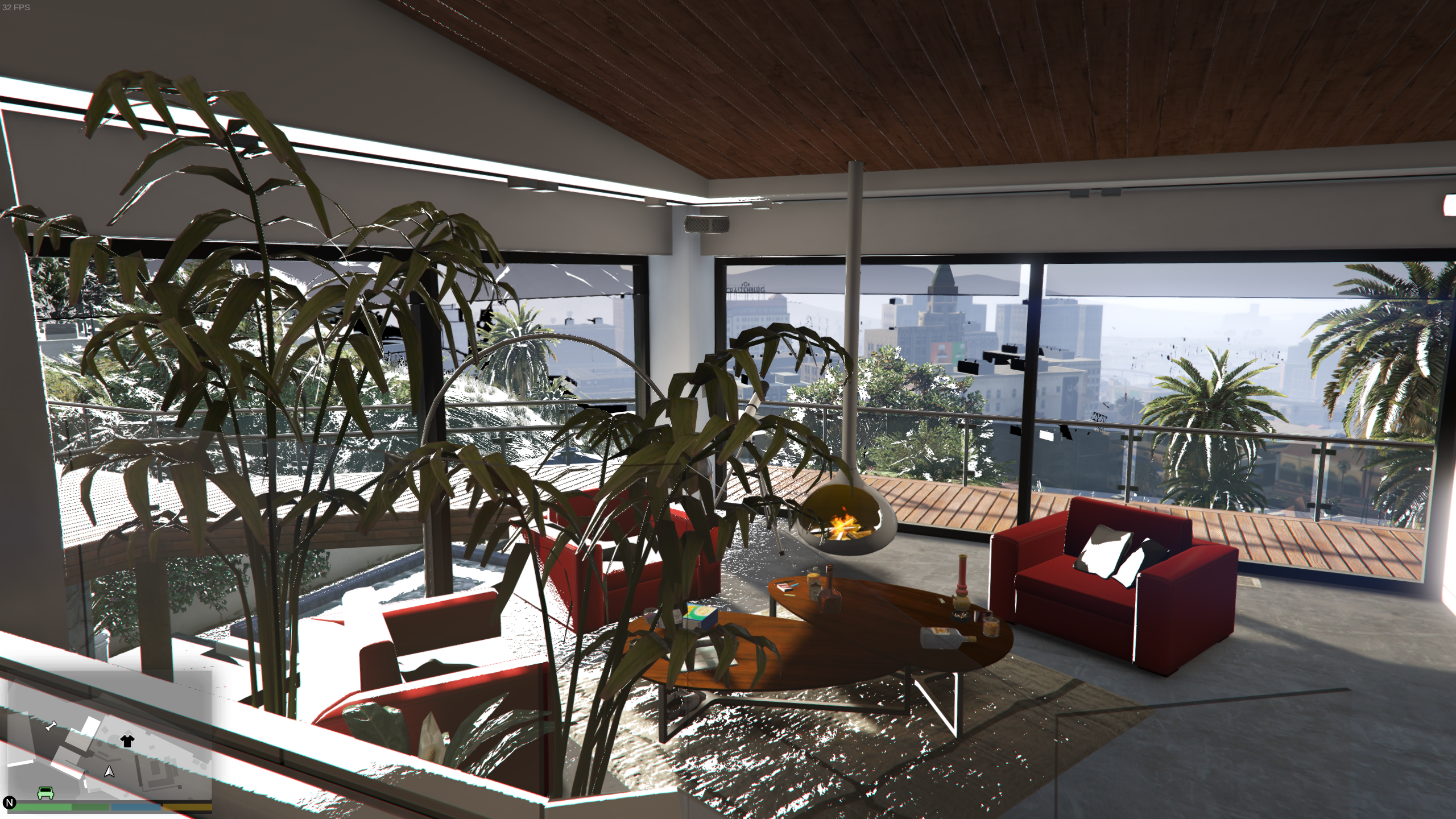
I have older RX550 and RX580 GPUs here and everything seems to work fine (at least with mesa 20.3.3) with great frame rates.
Okay, so I added the RADV flag to the launch settings and the white artifacts are gone. I also deleted the shader cache library. However I am still receiving poor performance 30-40fps with everything maxed out, except depth of field because and the advanced graphics settings all turned off. I turned everything down to the bare minimum and got around 120fps but with a lot of microstutter. This is with esync turned off as well. Proton 5.0-10 is being used as it gave me the best performance with my 2060 Super (about 75-80fps in 1440p). Changing to Proton Experimental didn't make a difference.
I have noticed a performance issue with my 6800xt card at 4k very high ish settings. Under Linux I can see dips down to 36fps but under windows its a solid 60fps or above no matter what!
So there is definitely a performance issue happening on top of the render issue. I remember reading some people saying GTA5 ran on par with windows for them but that certainly hasn't been the case for me.
Anyway about the mesa cache limit of 1gb, you can define larger with a variable which I put in before app launches. But I don't think this graphics issue has anything to do with cache limitations.
my 2060 Super
NVIDIA cards don't use Mesa or Radv, unless your saying you have a AMD card also.
@mynameisnotdave re:2060 super. RADV flags? Nvidia does NOT use any MESA. Install your RTX 2060 as per Official nVidia Unix Driver instruction. Use you Distro recommended nvidia 460.xx.xx+ Package. Also see official nvidia dev linux graphics forum. http://us.download.nvidia.com/XFree86/Linux-x86_64/460.39/README/index.html
Apologies for any confusion. I used to have a 2060 Super and now I have an RX6800. I obviously never used Mesa when I had the 2060 Super.
As commented by @jarrard I solved the black/white surfaces with my 6800xt using RADV_DEBUG=llvm %command% on steam
I also have the same perfomances issues (80fps average without MSAA and 45fps average with this on X8) I'm using proton experimental on latest Manjaro Linux.
MSAA is a performance hog, use FXAA/SMAA/TAA. The last two can be done via reshade or similar.
My Average FPS is 55 based on benchmark. But in game playing that includes significant perf dips.
(I have Blur off, msaa off, most things on high or very high)
The performance issues I had were specific to certain settings / times of day / and locations where you'd look in a direct and performance would halve or more. The same issue happens with KCD and other games and appears to be a general AMD driver issue that can't be fixed.
The problem existed for some games under Windows10 also but have recently been getting better with new AMD windows driver updates.
IMO RDNA2 cards are just not that great for Linux gamers after careful observations and testing between Linux and Windows. If the problem isn't resolved by the time RDNA3 comes around, I may end up going back to a NVIDIA 40 series card. (which also have problems under Linux but overall performance is more consistent!)
Looks like the culprit is MSAA. With this turned off the game runs very smoothly. I'm getting 100-120fps at 1440p, perhaps 5% lows of 70fps. The workaround for something like this is to use vkBasalt for post-processed anti-aliasing that looks better than FXAA.
I'm noticing a pretty substantial fps drop. I haven't played this game in about a month, but after updating to the experimental-5.13-20210311 released today, my fps is dropping hard in populated areas while driving. I've always been able to pull between 55 and 60 anywhere in the game, but now I'm down to like 25 in the city. I've let the Vulkan shaders process entirely before launching the game
Anyone else seeing fps drops?
edit: After restarting Steam and relaunching, my FPS stayed above 53 the whole time, so idk what was up.
My performance has been all over the place, with a 5960x and GTX 1070 my performance is like 70-80 FPS some times, other times it's like 50 and I can't even get to 60, even in the same location in-game. This is like the most variable performance game for me on Linux, feels like every time I launch the game I get different performance lol
edit: Red Dead Redemption 2 performance is all over the place too for me but that's a story for another day lol
Yeah definitely something odd going on with these rockstar games. If you get a area that kills your frame rate, try saving game and loading the exact same area under Windows, often the performance dip or issue doesn't exist under Windows for some reason. Almost like somehow there is more to render under linux... but that's impossible.
This game won't run faster than around 35 FPS at all for me. I have an AMD 5950X, RTX 3080 and 128G of RAM, and it's not really utilizing any of it. It changes a little bit if I change the settings from low to ultra or depending on the area, but not much.
Just be aware that graphical settings don't always apply after you set them and may require a few restart/attempts to get certain settings to toggle on or off.
Just be aware that graphical settings don't always apply after you set them and may require a few restart/attempts to get certain settings to toggle on or off.
I've spent hours trying every setting, restarted the game between, different proton versions, different graphics drivers, all kinds of stuff.
Just make sure you don't use MSAA as it will destroy your fps.
Just make sure you don't use MSAA as it will destroy your fps.
Makes practically no difference here, but I get your point. In-game settings are not related to my problem, though
You could try older versions of proton (you can try protonge also).
I've actually just been using proton via EGS app heroic because that's the release I have. (can't find my original copy).
Rockstar social club task tray icon shows up in it's own window I'm running NixOS which puts Steam in a fake FHS environment that has some conflicts with pressure vessel (they both use bubblewrap) which might be breaking something.
Bug GTAV online
Issue transferred from https://github.com/ValveSoftware/Proton/issues/4698.
@jeremy99981 posted on 2021-03-26T22:20:02:
Hello, I found a bug in proton GE or the online mode of GTA V on the Rockstar launcher unfortunately does not work! Unable to find people, join or other in the online mode
Seems to be unplayable again sigh
I thought it was probably my system- but
Fresh install of Arch and Steam, game doesn't launch with either Proton Experimental, 6.x or 5.x versions
Grand Theft Auto V does not launch
Issue transferred from https://github.com/ValveSoftware/Proton/issues/4737.
@gksudolol posted on 2021-04-04T13:14:12:
Compatibility Report
- Name of the game with compatibility issues: Grand Theft Auto V
- Steam AppID of the game: 271590
System Information
- GPU: GTX 1660
- Driver/LLVM version: nvidia 460.67
- Kernel version: 5.11.11
- Link to full system information report as Gist: https://gist.github.com/gksudolol/c54bfa91c6d2aeeeb76d959ce35ece87
- Proton version: Experimental
I confirm:
- [x] that I haven't found an existing compatibility report for this game.
- [x] that I have checked whether there are updates for my system available.
Symptoms
Upon launching GTA V via Steam, an error dialog pops up showing "Unable to launch game, please verify your game data"
Reproduction
Install Steam from the Arch Linux official repository, opt-in to Steam Beta Update and enable Steam Play in the Steam Settings, select "Proton Experimental" under Run other titles with. Download GTA V and launch the game with no added launch options.
https://www.reddit.com/r/SteamPlay/comments/abv2jn/grand_theft_auto_v_self_radio_help/
just throwing this in here to raise awareness.
Hi @kisak-valve,
A fix for the Navi2 / ACO graphical issues reported above (https://gitlab.freedesktop.org/mesa/mesa/-/issues/4192) has been resolved upstream in both Mesa (https://gitlab.freedesktop.org/mesa/mesa/-/merge_requests/9254) and DXVK (https://github.com/doitsujin/dxvk/commit/cf4ff820be2354efa30aa19a655643b908d6622d).
The issue is apparently resolved by using either solution, but currently the Mesa option is the only one avaiable in a release (21.1 came out yesterday).
@jarrard @mynameisnotdave If either of you have an opportunity, could you confirm if the graphical issues are resolved for you as well?
I have Mesa-dev which is 21.2 I think, so I'll test it with that? (I recompiled it 2 days ago)
Since Fedora 34, my mouse movement is really choppy and keyboard has noticeable delay in GTA V. There was no such issue on Fedora 33 and Linux Mint. I am using Steam from Flatpak with Proton 6.3-3 (the Flatpak-compatible community build from Flathub). Do anyone experience similar problems on Fedora 34?
I did at once stage but can't remember what I did to fix it. Will test GTA5 again sometime soon and see how it goes.
I did notice these areas of slowdown that didn't occur on Windows but were present on Linux, it was hard to test and diagnose.
Since Fedora 34, my mouse movement is really choppy and keyboard has noticeable delay in GTA V. There was no such issue on Fedora 33 and Linux Mint. I am using Steam from Flatpak with Proton 6.3-3 (the Flatpak-compatible community build from Flathub). Do anyone experience similar problems on Fedora 34?
I'm having the exact same problem with the rpmfusion version of steam. So far been unable to fix it.
I've been having issues with this game since I built a new computer. Regardless of graphical settings the game ran at around 20-30 fps.
Last night I solved this by limiting the game to use fewer cores, in my case 6. I have a 5950X with 16c/32t, and the game didn't play well with this. Limiting the game to 6 with these launch options fixed my problem and I'm now able to run the game smoothly at ultra settings:
WINEDLLOVERRIDES=winedbg.exe=d schedtool -a 0,1,2,3,4,5 -e %command%
While I didn't have any performance issues, my game would crash every 10-15 minutes without any indication on a new build (5800X, 6900XT).
The fix by @chris-echoz worked for me too, and I've spent a couple of hours in game without being booted back to the desktop.
you're still unable to join others in GTA online. it puts you in a solo session. any fix to this?
you're still unable to join others in GTA online. it puts you in a solo session. any fix to this?
I cannot confirm this. I just started the game via Steam ...
- into the single player
- from there into the Multi Player
... and am spawned in a session with many other players. See screenshot (Don't be confused. The black bar is an artifact of my screenshot application. It is not present in the game itself.).
My specifications:
Linux Mint 20 @ Kernel 5.8.18
AMD Ryzen 3600
AMD Radeon RX 5700XT
16GB DDR4
AMDGPU with Mesa 21.1.0 (kisak mesa fresh ppa)
Started with Proton Experimental and launch options:
WINEDLLOVERRIDES=winedbg.exe=d %command%
you're still unable to join others in GTA online. it puts you in a solo session. any fix to this?
The only way to get a "solo public" session is to have port 6672 blocked (great for grinding grief free), so it fails to connect to everyone else and starts a new session.
if you network isn't working then you'll fail to connect completely and be dropped back to single player.
so perhaps some other software is already listening on port 6672?
you're still unable to join others in GTA online. it puts you in a solo session. any fix to this?
Which version of Proton are you using? Some releases of Glorious Eggroll had this issue
Proton-6.5-GE-2 and later it's fixed.
Replying to https://github.com/ValveSoftware/Proton/issues/37#issuecomment-843508518
The game did not launch with Proton Experimental.
Replying to https://github.com/ValveSoftware/Proton/issues/37#issuecomment-843749527
I checked in-use ports with sudo lsof -i -P -n | grep LISTEN and no, 6672 is not being used by some other software.
Replying to https://github.com/ValveSoftware/Proton/issues/37#issuecomment-843755849
This fixed the issue for me. I've downloaded Proton-6.8-GE-2 and now GTA Online works fine. Thank you so much.
Since Fedora 34, my mouse movement is really choppy and keyboard has noticeable delay in GTA V. There was no such issue on Fedora 33 and Linux Mint. I am using Steam from Flatpak with Proton 6.3-3 (the Flatpak-compatible community build from Flathub). Do anyone experience similar problems on Fedora 34?
I was able to fix the choppy mouse by switching Vsync off or setting Screen Type from Fullscreen to Windowed Borderless. There is still the same problem with key presses being laggy, but that seems to be a different issue (Wine/Proton bug).
edit: Switching to Proton-6.5-GE-2 also fixed the keyboard issue. :-)
When I do dinput8.dll (from script hook V) substitute in winecfg to native I unable to play anymore, because game forever trying to connect with Rockstar Social Club. So its nice that playing GTA Online is fine, but playing single game with Redux and mods\trainers are broken for me with Proton-6.9-GE-2. When I change dinput8.dll back to builtin game loading to internal splash screen fine, but of course no hook - no mods.
PS. Game loading fine with Proton-6.8-GE-2, so presume something broken in 6.9-GE-2
PS2. When I change proton to 6.9-GE-2 with prefix from 6.8-GE-2 game still loading fine. So presume its something wrong with fresh prefix creation in 6.9-GE-2
@Optimus22Prime injectors like that only act as a proxy, a "fake" dinput8.dll will load the real one from system32, by changing it to native the can't find the real dinput8.dll, what you want is something like WINEDLLOVERRIDES="dinput8=n,b", this works by loading the injector, and then the injector loads the builtin.
The Rockstar Games Launcher just updated for me and I'm getting "Game launch error. Please try again later. Code:7002.1"
Seeing the same thing with GTA IV and RDR2 as well.
Looks like this is only affecting Proton Experimental. Works fine on 6.3-4.
I keep getting nonsense errors like "saving failed' when playing online. All other functions worked except my characters are never saved. Anyone experience this?
Currently getting issues with GTAV that I can't find anywhere else.
I'm using vanilla Arch on i3, with an RX5700XT and a Ryzen 3600.
Install went smoothly and firing up the initial game menu itself went fine. Completed a benchmark run and bumped the settings up. Would continually crash any time 3d rendering was needed after that.
So, I tried various proton versions, default settings... allsorts.
Finally decided to go and get a crash log, so I set my steam launch options and... It worked fine, as if it feared the scrutiny...
Not content, I closed down the game, reopened it, default settings still and the bug reared its ugly head. Attempting to load a benchmark run yielded a crash and a 1.1GB log file.
I can't decipher anything from the logs as I'll honestly say I don't know what I'm looking for, but there seems to be some replicating lines for a solid half of the log.
I'd happily let anyone access the log, but I'm unsure on where I should even put a 1gb log file lol
Here is a small section...
570.834:0b50:0be4:trace:seh:RtlVirtualUnwind type 0 rip 00000000002B0033 rsp 00000000039D8198 570.834:0b50:0be4:trace:seh:dump_unwind_info **** func 6fb8d-70074 570.834:0b50:0be4:trace:seh:dump_unwind_info unwind info at 000000000030C820 flags 1 prolog 0x0 bytes function 00000000002AFB8D-00000000002B0074 570.834:0b50:0be4:trace:seh:dump_unwind_info handler 00000000002B0140 data at 000000000030C828 570.834:0b50:0be4:trace:seh:call_handler handler at 00000000002B0140 returned 1 570.834:0b50:0be4:trace:seh:RtlVirtualUnwind type 1 rip 00000000002B0033 rsp 00000000039D8460 570.834:0b50:0be4:trace:seh:dump_unwind_info **** func 6fb8d-70074 570.834:0b50:0be4:trace:seh:dump_unwind_info unwind info at 000000000030C820 flags 1 prolog 0x0 bytes function 00000000002AFB8D-00000000002B0074 570.834:0b50:0be4:trace:seh:dump_unwind_info handler 00000000002B0140 data at 000000000030C828 570.834:0b50:0be4:trace:seh:call_handler calling handler 00000000002B0140 (rec=00000000039D7F60, frame=00000000039D8460 context=00000000039D74B0, dispatch=00000000039D7380) 570.834:0b50:0be4:trace:seh:RtlVirtualUnwind type 0 rip 00000000002B0033 rsp 00000000039D8198 570.834:0b50:0be4:trace:seh:dump_unwind_info **** func 6fb8d-70074 570.834:0b50:0be4:trace:seh:dump_unwind_info unwind info at 000000000030C820 flags 1 prolog 0x0 bytes function 00000000002AFB8D-00000000002B0074 570.834:0b50:0be4:trace:seh:dump_unwind_info handler 00000000002B0140 data at 000000000030C828 570.834:0b50:0be4:trace:seh:call_handler handler at 00000000002B0140 returned 1 570.834:0b50:0be4:trace:seh:RtlVirtualUnwind type 1 rip 00000000002B0033 rsp 00000000039D8460 570.834:0b50:0be4:trace:seh:dump_unwind_info **** func 6fb8d-70074 570.834:0b50:0be4:trace:seh:dump_unwind_info unwind info at 000000000030C820 flags 1 prolog 0x0 bytes function 00000000002AFB8D-00000000002B0074 570.834:0b50:0be4:trace:seh:dump_unwind_info handler 00000000002B0140 data at 000000000030C828 570.834:0b50:0be4:trace:seh:call_handler calling handler 00000000002B0140 (rec=00000000039D7F60, frame=00000000039D8460 context=00000000039D74B0, dispatch=00000000039D7380) 570.834:0b50:0be4:trace:seh:RtlVirtualUnwind type 0 rip 00000000002B0033 rsp 00000000039D8198 570.834:0b50:0be4:trace:seh:dump_unwind_info **** func 6fb8d-70074 570.834:0b50:0be4:trace:seh:dump_unwind_info unwind info at 000000000030C820 flags 1 prolog 0x0 bytes function 00000000002AFB8D-00000000002B0074 570.834:0b50:0be4:trace:seh:dump_unwind_info handler 00000000002B0140 data at 000000000030C828 570.834:0b50:0be4:trace:seh:call_handler handler at 00000000002B0140 returned 1 570.834:0b50:0be4:trace:seh:RtlVirtualUnwind type 1 rip 00000000002B0033 rsp 00000000039D8460 570.834:0b50:0be4:trace:seh:dump_unwind_info **** func 6fb8d-70074 570.834:0b50:0be4:trace:seh:dump_unwind_info unwind info at 000000000030C820 flags 1 prolog 0x0 bytes function 00000000002AFB8D-00000000002B0074 570.834:0b50:0be4:trace:seh:dump_unwind_info handler 00000000002B0140 data at 000000000030C828 570.834:0b50:0be4:trace:seh:call_handler calling handler 00000000002B0140 (rec=00000000039D7F60, frame=00000000039D8460 context=00000000039D74B0, dispatch=00000000039D7380) 570.834:0b50:0be4:trace:seh:RtlVirtualUnwind type 0 rip 00000000002B0033 rsp 00000000039D8198 570.834:0b50:0be4:trace:seh:dump_unwind_info **** func 6fb8d-70074 570.834:0b50:0be4:trace:seh:dump_unwind_info unwind info at 000000000030C820 flags 1 prolog 0x0 bytes function 00000000002AFB8D-00000000002B0074 570.834:0b50:0be4:trace:seh:dump_unwind_info handler 00000000002B0140 data at 000000000030C828 570.834:0b50:0be4:trace:seh:call_handler handler at 00000000002B0140 returned 1 570.834:0b50:0be4:trace:seh:RtlVirtualUnwind type 1 rip 00000000002B0033 rsp 00000000039D8460 570.834:0b50:0be4:trace:seh:dump_unwind_info **** func 6fb8d-70074
Does the Self Radio work for anyone? The station does not appear for me in the list of stations.
I've placed the MP3s in $steamlibrary/steamapps/compatdata/271590/pfx/drive_c/users/steamuser/My Documents/Rockstar Games/GTA V/User Music/ and did a quick- and full scan.
It appears to write to /steamapps/compatdata/271590/pfx/drive_c/users/steamuser/Local Settings/Application Data/Rockstar Games/GTA V/User Music/usertracks.db and usertracks.dbs but the files remains empty.
Using Proton 3.16-6 Beta.
Self Radio working for me with proton-experimental
GTA V doesn't run or create log files on launching from an external hard drive
Issue transferred from https://github.com/ValveSoftware/Proton/issues/4916.
@murtazakan posted on 2021-06-24T18:07:40:
Proton version: 6.3--4
Game title: GTA V
I'm trying to run GTA V on my Ubuntu 20.04 LTS through one of the EXT4 partition from my 1 TB external hard drive which has other NTFS partition. Game has installed fine but whenever I press play button, it shows game is starting then stops within 1-2 seconds. No logs are generated at all.
Steps I have tried:
- Adding 777 permissions to the folder which has steam backup inside, also changed owner from root to my username. The drive stays mounted at all times automatically.
- Completely exiting steam and launching through terminal also shows nothing of relevance in terminal.
- Tried to execute the PlayGTAV.exe directly from terminal, it gives Rockstart Launcher not found error.
Command I use to print log file is - PROTON_LOG=1 %command% >> logerror.txt
Hello @murtazakan, can you clarify what filesystem you're using with the Steam library folder that GTA V is on? Proton is known to be finicky with NTFS and using a native linux filesystem instead of that is recommended.
Hello @murtazakan, can you clarify what filesystem you're using with the Steam library folder that GTA V is on? Proton is known to be finicky with NTFS and using a native linux filesystem instead of that is recommended.
I have divided the the 1TB partition into 2 parts - 750GB for EXT4 where the Steam library and GTA V is and ~200GB for NTFS which is my Windows backup
Self Radio working for me with proton-experimental
can't confirm.
no luck with either 6.3-5 or proton-experimental.
I've rebuilt my compdata with proton-experimental selected and can confirm it's indeed working now. I've had the same experience with the game crashing if too many files are in the User Music folder. However the base ability to play (at least) Self Radio is working.
Self Radio working for me with proton-experimental
can't confirm.
no luck with either 6.3-5 or proton-experimental.
Work for me with mp3 320kbs inside compatdata/271590/pfx/drive_c/users/steamuser/My Documents/Rockstar Games/GTA V/User Music, but with limitations. Sometimes game die when I select self radio ingame, also game always die at start if I have more then ~600mb of music. I will attach proton log after next game session.
Work for me with mp3 320kbs inside compatdata/271590/pfx/drive_c/users/steamuser/My Documents/Rockstar Games/GTA V/User Music, but with limitations. Sometimes game die when I select self radio ingame, also game always die at start if I have more then ~600mb of music. I will attach proton log after next game session.
I've updated my previous comment. I can confirm the same behavior after rebuilding compdata.
the game is just crashing at load with proton experimental and 6-3
steam-271590.zip
system settings:
https://gist.github.com/kassindornelles/5caad07224907c85a52ccb07bdaa9839
Hello @kassindornelles, it looks like you're using AMDVLK, can you test if the game behaves the same with mesa/RADV?
Hello @kassindornelles, it looks like you're using AMDVLK, can you test if the game behaves the same with mesa/RADV?
woops, i wasn't aware i was using amdvlk, with vulkan-radeon it works better but it crashes in the online mode after some minutes of gameplay.
@kassindornelles Just to be sure, as I have the same problem with crashing: Could you please check the integrity of the game files?
I have the problem of file corruption after a few hours of playing already tested on multiple HDDs (also with multiple games).
I have recently purchased the game in Steam (I already have Rockstar Games Launcher version since 2016 but I wanted to unify my games into Steam). I first moved all my RGL version GTA V into "..../steamapps/common/" and did the first time setup. But when launching the game, Rockstar Games Launcher showed "Unable to launch game, please try reinstalling the game". So I freshly downloaded the game and got it working properly until today. There was no proton update nor any Steam Linux Container update but it had the same error that it showed before :(
I am playing the non-steam version for now via Lutris (using Lutris WINE 6.11 runner) so its definitely a Steam Play problem.
OS:- Arch Linux (Up-to-date)
CPU:- Intel Core i5 7500
GPU:- NVIDIA GeForce GTX 1060 6GB
Drivers:- Proprietary 465.31 Driver
DE:- KDE Plasma 5.22.2
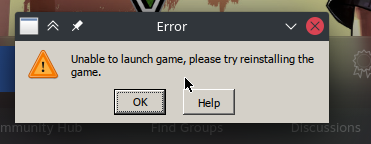
EDIT:- I was having the game in NTFS partition. I moved it to ext4 partition steam library and the game is starting smoothly ever since. I guess Proton doesnt like NTFS :)
@kassindornelles Just to be sure, as I have the same problem with crashing: Could you please check the integrity of the game files?
I have the problem of file corruption after a few hours of playing already tested on multiple HDDs (also with multiple games).
i did that several times, it does not help in this case, sounds like some wine bug, the only thing we can do is wait someone with proper knowledge to debug and fix this
Grand Theft Auto 5
Issue transferred from https://github.com/ValveSoftware/Proton/issues/5001.
@jbmpl posted on 2021-07-23T19:46:51:
When you are in story mode and go to Settings > Graphics the game will crash.
(i dont know if the bug is only for me)
Replying to https://github.com/ValveSoftware/Proton/issues/37#issuecomment-874818714
Had this same issue, it happened because my NTFS partition was mounted with the wrong permissions. After fixing that it was all working correctly again.
Kernel 5.13 doesn't like NTFS atm. At least when it comes to proton and wine.
Its being investigated, maybe fixed sometime...
UPDATE: Kernel 5.13-6 should fix the NTFS issue, be sure to switch to NTFS3 filesystem (faster). Xanmod/Zen kernel spins also have fixes for futex2.
Greetings, I am trying to play GTA V from Steam, using the 6.3-5 version of proton, I can connect to Club Rockstar but then I get an error window saying the following:
ERR_GFX_D3D_SWAPCHAIN_ALLOC_2
No DirectX10 or 11 adapter or runtime found.
Please install latest DIrectX runtime or install a compatible DirectX10 or 11 video card.
I am using
OS: Arch Linux x86_64
Kernel: 5.13.5-arch1-1
CPU: AMD Ryzen 7 2700U with Radeon Vega Mobile Gfx (8) @
GPU: AMD ATI Radeon Vega Series / Radeon Vega Mobile Series
GPU: AMD ATI Radeon RX 560
ls /usr/share/vulkan/icd.d/
shows this
amd_icd32.json amd_icd64.json amd_pro_icd64.json radeon_icd.i686.json radeon_icd.x86_64.json
I'm fairly new to proton, so far every game has worked out of the box, but not GTA V, any guidance will be appreciated
The game is hanging at PlayGTAV.exe for me. The first few times I tried, it would get past the rockstar launcher and social club and then Crash to Desktop before launching the game. After a few tries, those windows have stopped popping up and now it just hangs running PlayGTAV.exe I've deleted compatdata and re-launched with GE6.12, GE6.14, 6.3-5, and Experimental but none of them have produced any different results. The game is installed to my default Steam Library on an ext4 format SSD. The game used to run flawlessly a couple years ago, but I've had it uninstalled for several years.
Ubuntu 20.04.2 LTS
Linux 5.4.0-81-lowlatency
Core i5-3470
GTX 980
--- UPDATE ---
I tried to play other games and realized for some reason they were ALL hanging, restarted Steam, and now I get the rockstar games launcher again, but it crashes to desktop before the game launches. Updated log:
steam-271590.log
--- Second Update ---
I used the No_GTAVLauncher.exe and now it runs PlayGTAV.exe (the no-launcher app) again and hangs, but this time using ~15%CPU. No visible window, it's just crunching numbers in the background. GTA5.exe does launch for a very brief moment and then immediately terminates.
Replying to https://github.com/ValveSoftware/Proton/issues/37#issuecomment-889611882
@mene311 Try uninstalling amdvlk and lib32-amdvlk. It's probably trying to force itself to be used instead of RADV.
I went through the @Fatmice installation method with 6.3-5, and that gets the game running, however using protontricks to override the DLL files to "native" causes the game to not launch (it goes through social club and then launcher crashes). Setting the DLLs to "builtin" allows the game to run, but poorly and there is a large artifact across the horizon. I have tried installing the dvxk DLLs to the compatdata folder and the game folder, but that did not change anything. When I switch to GE6.14, not even the Launcher/Social Club will launch.
@fonikz try setting the overrides to "both". Not sure how to do it with protontricks, but on launch you can use a command like this: WINEDLLOVERRIDES="dxgi=n,b;dinput8=n,b"
Yes!
I did a fresh compatdata install with GE6.14, and didn't mess with protontricks at all, I'm using WINEDLLOVERRIDES="winedbg.exe=d;dxgi=n,b;dinput8=n,b" %command% for my launch options, and the game runs just like it should. Thanks so much @YellowOnion
If you try to export a video you edited on the Rockstar Editor it will throw an error.
EDIT: Also would like to point that since last GTAO update, the game crashes after some minutes, and it's weird because after 2 or 3 crashes, the game will be stable for some hours.
Initial process has exited (return code: 0)wine: Read access denied for device L"\\??\\Z:\\", FS volume label and serial are not available.wine: Unhandled division by zero at address 0000000141471501 (thread 03d4), starting debugger...Caught signal 15passing along signal to PID 110661passing along signal to PID 110667passing along signal to PID 110699passing along signal to PID 110729passing along signal to PID 110750passing along signal to PID 110762passing along signal to PID 111425passing along signal to PID 111446passing along signal to PID 111460passing along signal to PID 111698--terminated processes--Monitored process exited.
An annoying graphical bug in Grand Theft Auto V via steamplay
Issue transferred from https://github.com/ValveSoftware/Proton/issues/5123.
@edvejak posted on 2021-08-28T13:05:42:
Name of the game with compatibility issues: Grand Theft Auto V
Steam AppID of the game: 271590
System Information
- GPU: NVIDIA GeForce GTX 660/PCIe/SSE2
- Driver/LLVM version: NVIDIA 470.63.01
- Kernel version: 5.4.0-81-generic
https://gist.github.com/edvejak/6c24919d49bdfaa5bed0eb13fba92350 - Proton version: 6.3.6
I confirm:
that I haven't found an existing compatibility report for this game.
that I have checked whether there are updates for my system available.
Symptoms
An annoying graphical bug in gta 5 appears immediately at the beginning of the game
Reproduction
Launch GTA V via steamplay
Screenshots
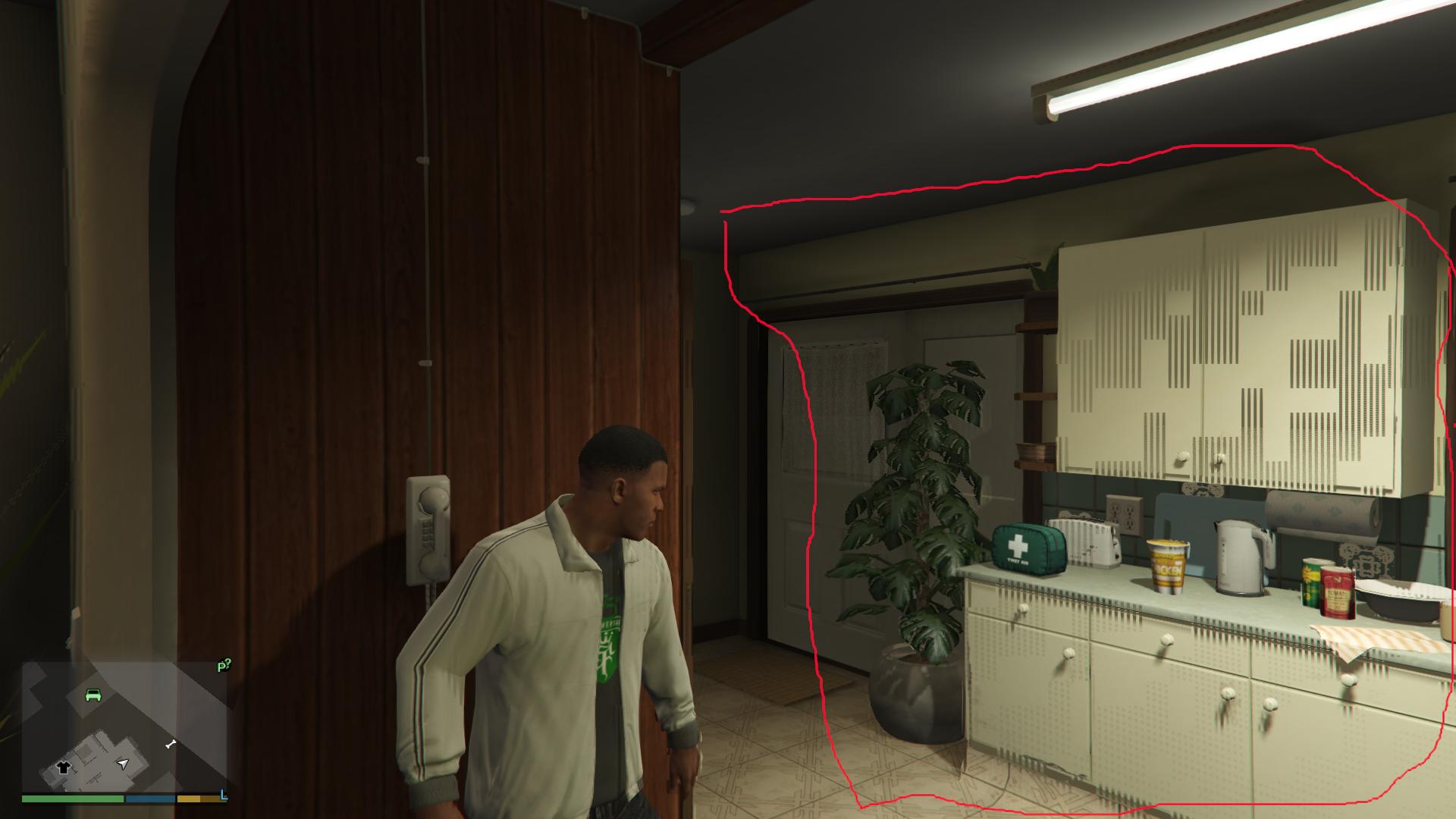
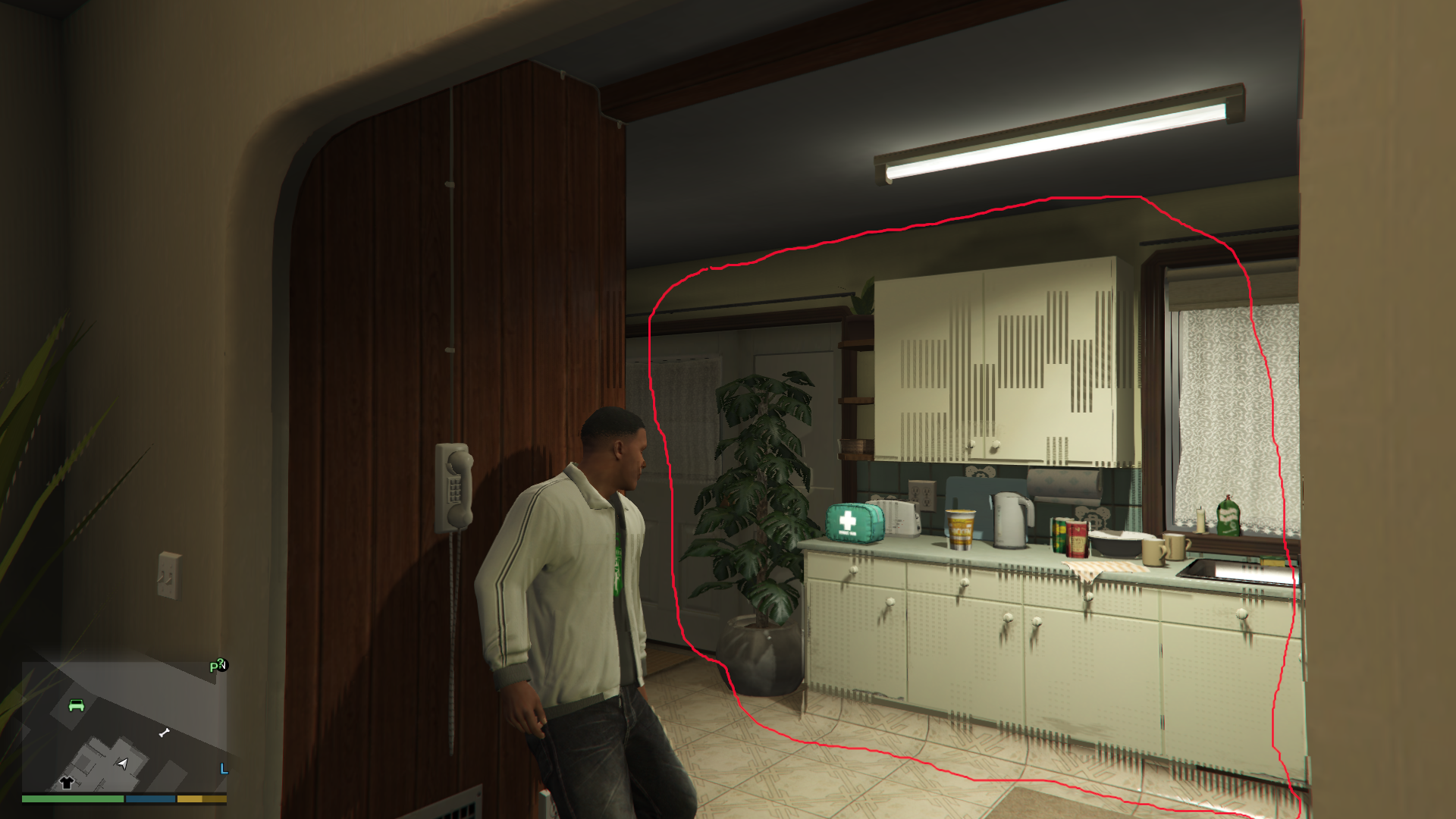
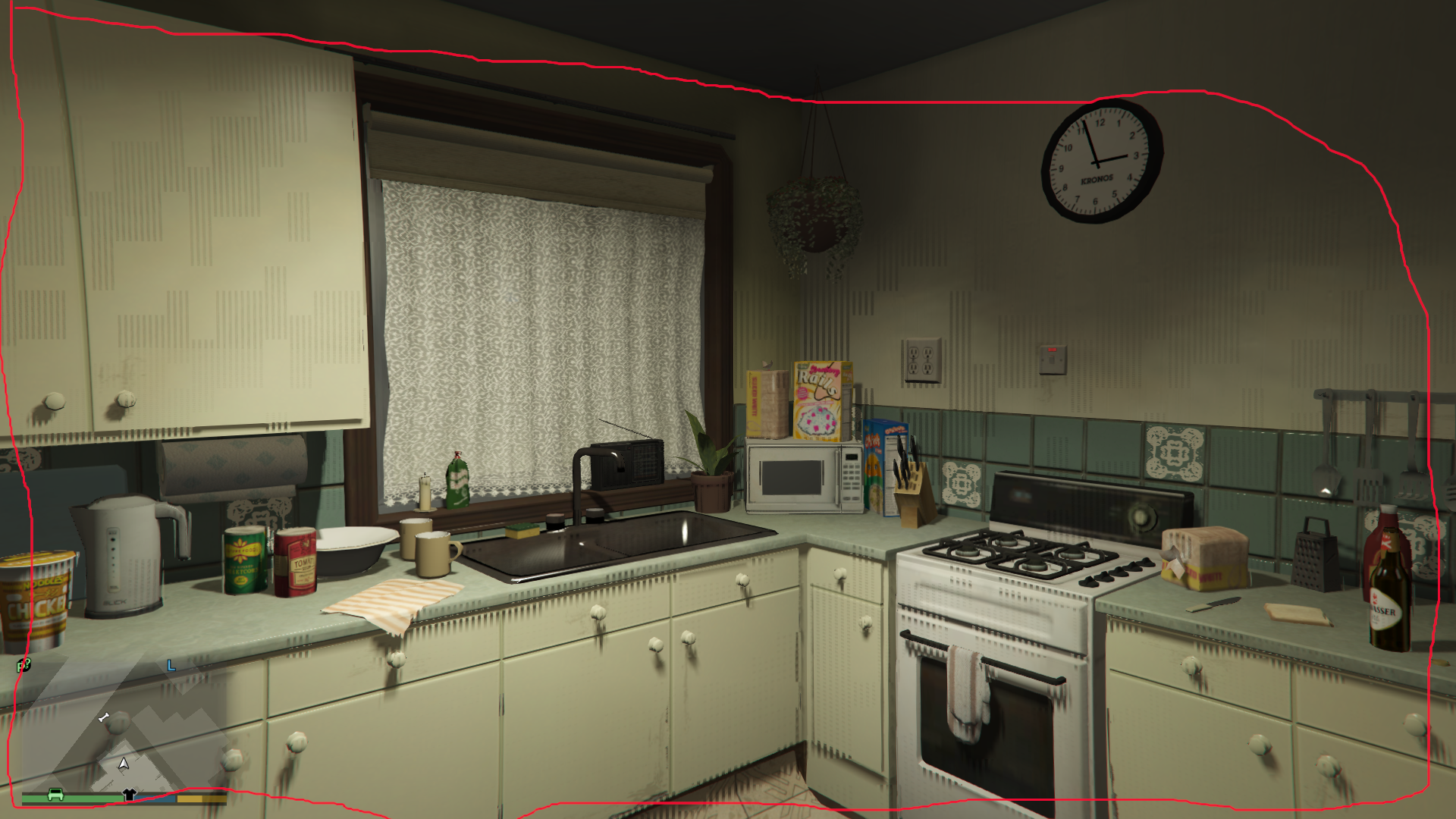
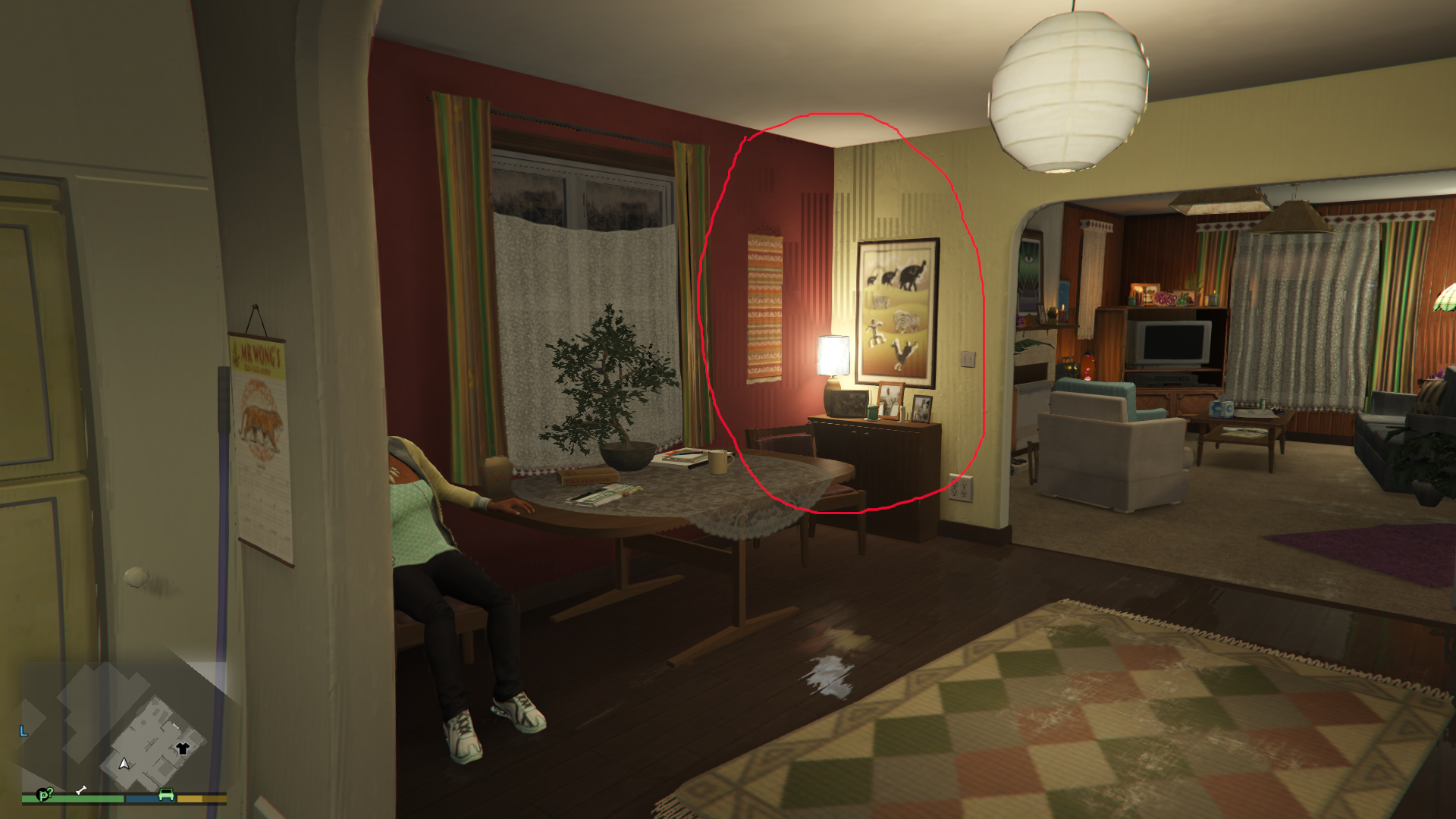
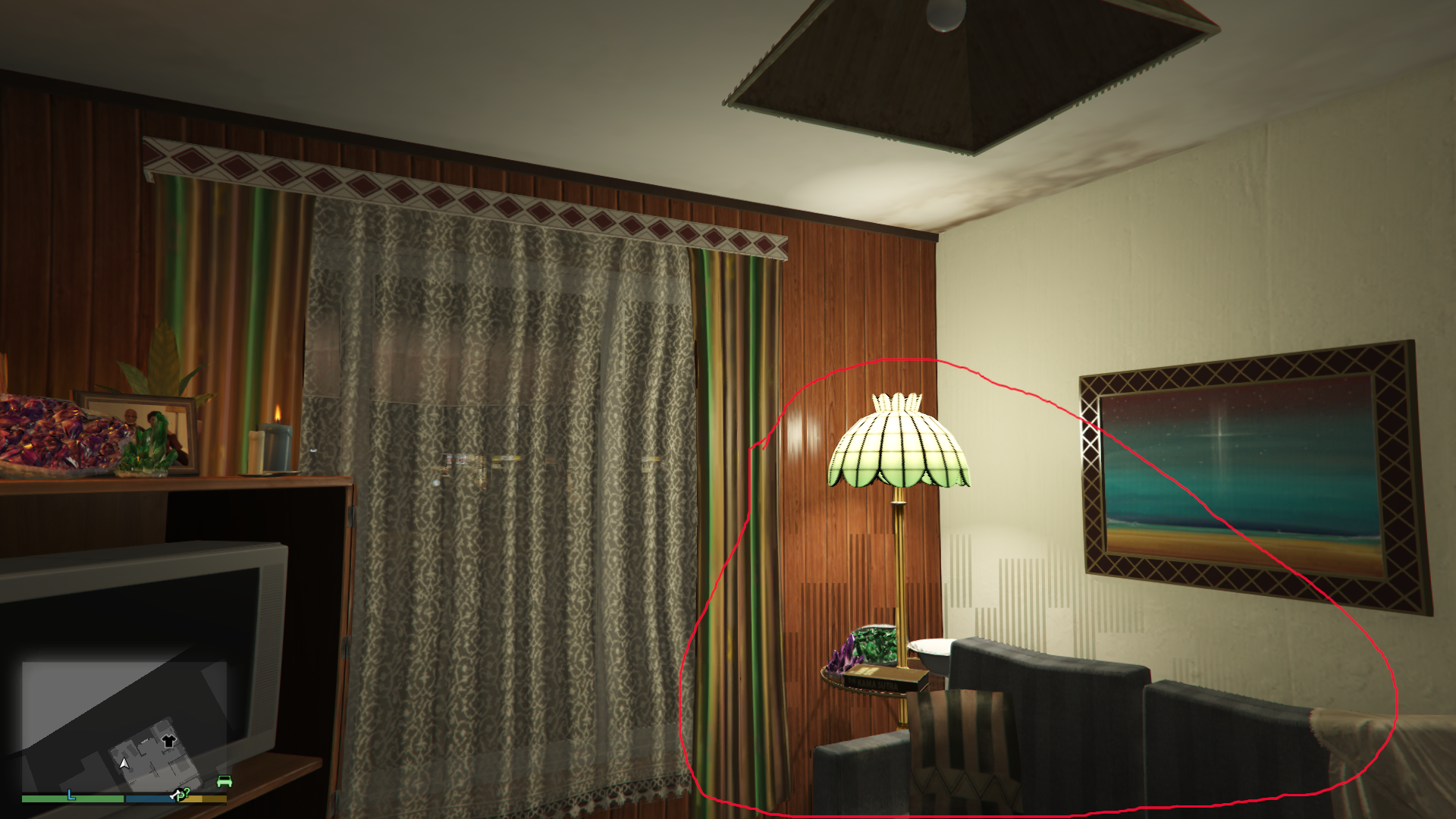
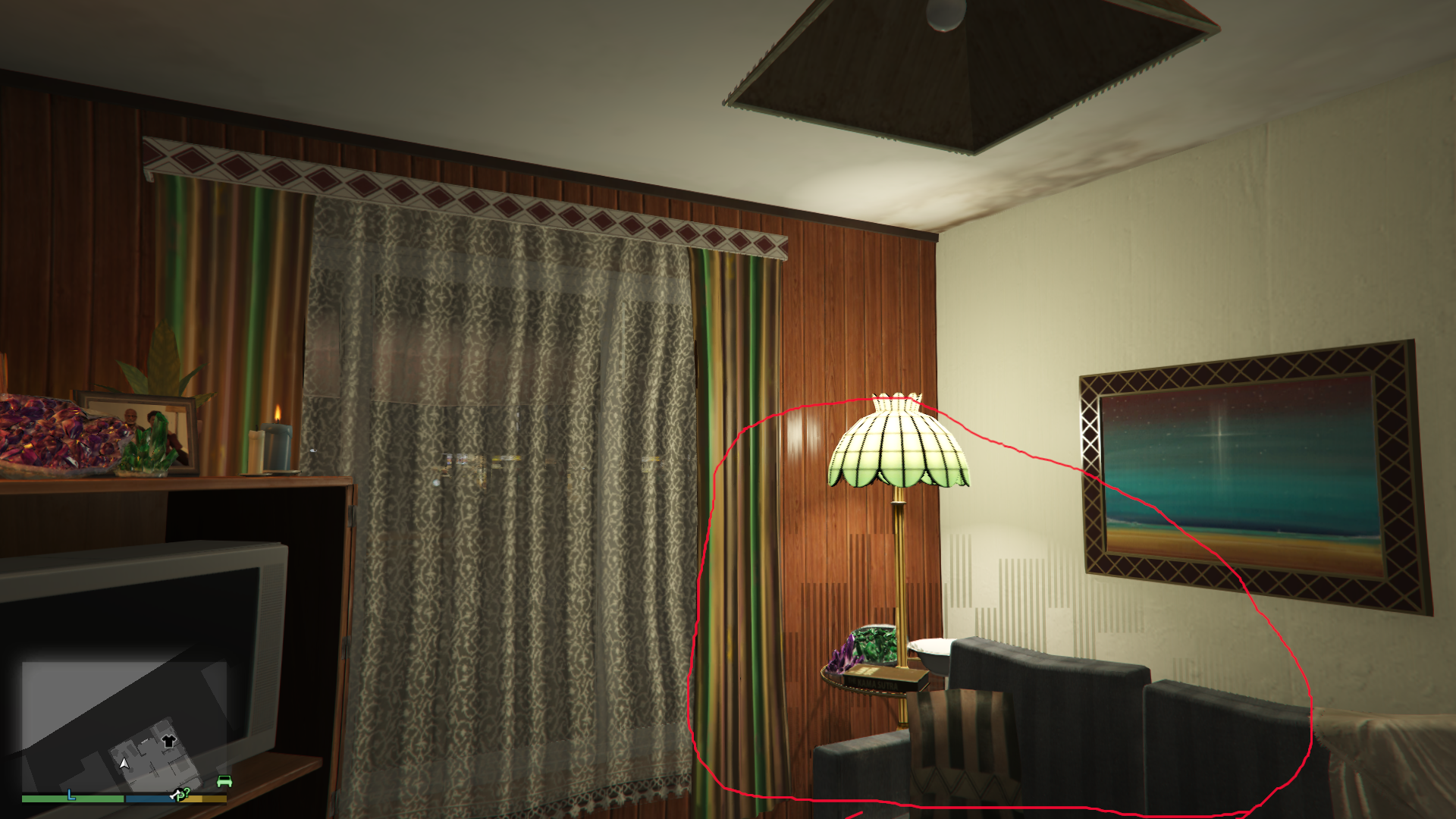
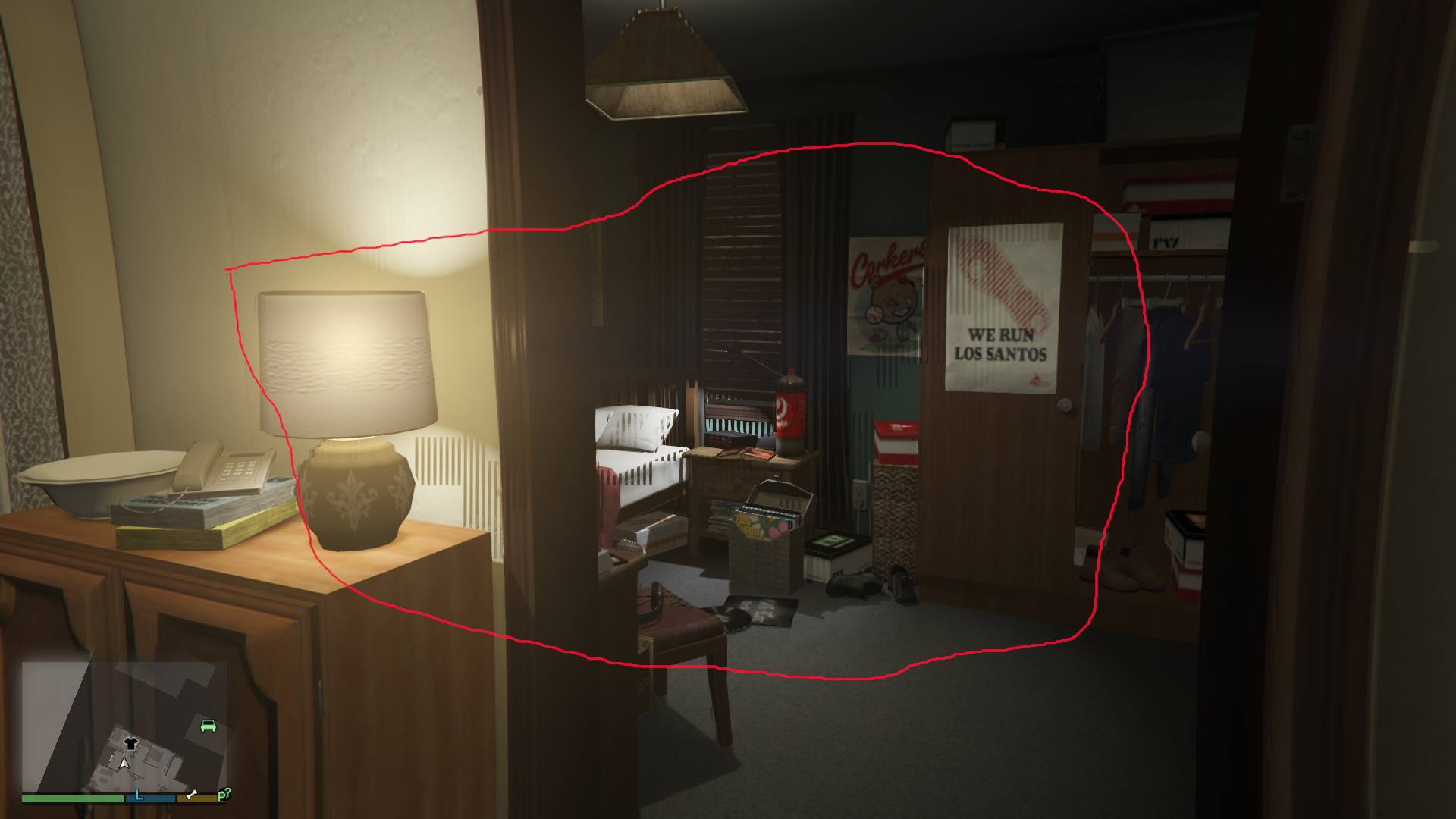
Hi. The reason is my old nvidia card. It is incompatible with dxvk 1.9.1. So I downgraded to dxvk 1.6.1 and now everything is fine. Is it possible to select and save dxvk version when installing / upgrading steam proton?
Hello @edvejak, in general, older DXVK is not supported in new Proton builds. It might be worthwhile to report the DXVK regression on the upstream issue tracker.
dxvk 1.6.1 works great with my nvidia card. Now I can finally see mouse cursor in social club
Is somebody able to launch while in offline mode?
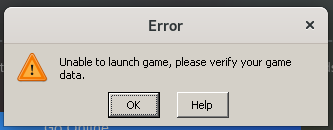
When I have a network connection everything works fine, but it simply wont launch offline which is quite unfortunate.
Is somebody able to launch while in offline mode?
When I have a network connection everything works fine, but it simply wont launch offline which is quite unfortunate.
Try adding this as launch option -scofflineonly for this you have to go to Settings > Grand Theft Auto V > Launch parameters ( on the rockstar launcher)
@Klairm Thanks for the hint, however I did not manage to do this on the rockstar launcher, because it only comes up when the game is running, and while the game is running it does not allow me to change settings. However I managed to set this directly in steam:
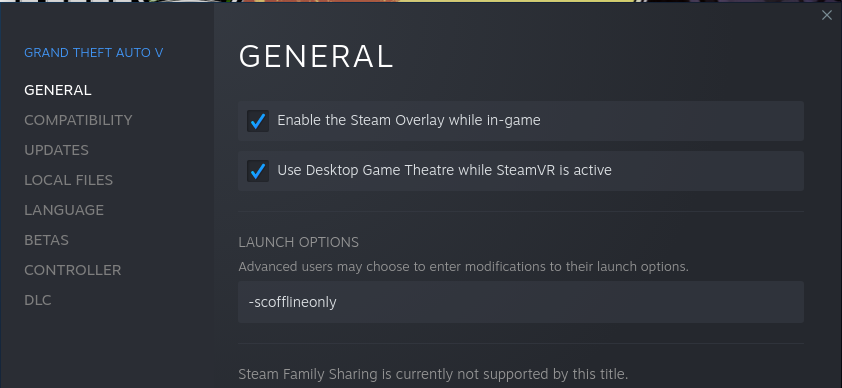
It seems to apply since the game starts in offline mode even when there is a network connection.
However when fresh starting steam without network connection, it does NOT work. It only works when
- the game has already been started before with network connection and steam has not been restarted in-between, or
- the game has been validated upon steam startup (with network connection)
This looks very much like a bug related to Steam/Proton to me.
Hi. Yesterday I've updated vulkan library to 1.2.189 from lunarg ppa for ubuntu bionic and the bug appears again! I downgraded to 1.2.182 and the game now runs without any issue. So the lucky combination for my gtx660 nvidia card are vulkan 1.2.182, dxvk 1.6.1, nvidia driver 470.63.01
Is somebody able to launch while in offline mode?
When I have a network connection everything works fine, but it simply wont launch offline which is quite unfortunate.
This seems indeed to be a wine / proton bug:
wine: Unhandled page fault on execute access to 00000000001872F8 at address 00000000001872F8 (thread 03e4), starting debugger...
@kisak-valve Any debugging instructions?
This seems indeed to be a wine / proton bug:
wine: Unhandled page fault on execute access to 00000000001872F8 at address 00000000001872F8 (thread 03e4), starting debug
I got this issue when I ran the game in an NTFS partition. Didnt get this issue ever since I moved GTA V to an EXT4 partition. GTA V+Proton dont get along in NTFS while normal WINE with Lutris works well for game located in NTFS too.
Replying to https://github.com/ValveSoftware/Proton/issues/37#issuecomment-938866513
@SamPingu So you had exactly that issue only with offline mode? So could you confirm that the game is starting for you with network connection?
I do have a btrfs partition though, no ntfs involved.
Replying to [#37 (comment)](https://github.com/ValveSoftware/Proton/issues/37#issuecomment-938866513)
No not in offline mode. I had my internet connected and "Unable to launch game, please verify your game data." error popped up after any prefix update or just GTA V update.
This seems indeed to be a wine / proton bug:
wine: Unhandled page fault on execute access to 00000000001872F8 at address 00000000001872F8 (thread 03e4), starting debugI got this issue when I ran the game in an NTFS partition. Didnt get this issue ever since I moved GTA V to an EXT4 partition. GTA V+Proton dont get along in NTFS while normal WINE with Lutris works well for game located in NTFS too.
I can't just format my data/backup/partially-game drive to ext4 for GTA. Is there any known workaround?
I'm getting this
wine: Unhandled exception 0x80000003 in thread 404 at address 00000001407F27DF (thread 0404), starting debugger...
with both Proton 6.3 and Proton-GE-6.19. Disabling ESYNC or using -scofflineonly doesn't help, either.
Archlinux, Steam from pacman, not flatpak.
Ryzen 3100/B450/nvidia GTX 1070, driver 470.74.
Always crashes when the damn Rockstar launcher comes up
@itsTyrion ;
Wine, which is also in Proton, often has problems with games installed on an NTFS disk or partition.
There is no workaround here. The game must then be installed on a Linux-typical file system such as ext4.
I can't just format my data/backup/partially-game drive to ext4 for GTA. Is there any known workaround?
@itsTyrion Try mounting the ntfs partition like so in /etc/fstab. This is an old workaround I used to use when I dual-booted windows 4 years ago and had a shared steam library between the two. No idea if it still works. (replace the UUID and mount path with what you have)
UUID=79B28F2A18B215CB /gaming_ntfs ntfs defaults,exec,gid=1000,uid=1000,noatime 0 2
I've long since switched to a linux-only setup using btrfs for everything
GTA 5 will eventually crash
Issue transferred from https://github.com/ValveSoftware/Proton/issues/5300.
@coreybruce posted on 2021-11-10T05:37:07:
Compatibility Report
- Name of the game with compatibility issues: GTA IV
- Steam AppID of the game: 271590
System Information
- Link to full system information report as Gist: https://gist.github.com/coreybruce/dcd2bec911594c9212d351ac2e7a3f98
- Proton version: Experimental
I confirm:
- [x] that I haven't found an existing compatibility report for this game.
- [x] that I have checked whether there are updates for my system available.
https://gitlab.com/coreybruce/gta-iv-log/-/raw/main/steam-271590.log
Symptoms
I have tested it with Proton 6.x.x and Proton Experimental and after a while of game play the game will crash tho wierdly enough all tho it says it's using Proton Experimental if you force it than from one testing for a session it didn't crash.
Reproduction
Run the game using either Proton 6.x.x or Experimental as your global steam play versions and leave the game not forcing a specific version. I did also test Proton-GE 6.19-2 and had the same issue.
Is somebody able to launch while in offline mode?
Please delete the 271590 folder in the .steam/steam/comdata in your home folder to fix this than run the game and it will re do all the proton/wine stuff
Valve needs to add a option in the properties screen under LOCAL FILES to wipe compat install folder or something!
Valve needs to add a option in the properties screen under LOCAL FILES to wipe compat install folder or something!
totally agree
Replying to https://github.com/ValveSoftware/Proton/issues/37#issuecomment-965965908
Also make sure to not use NTFS partition for storing both the game files and the compactdata folder
How to know if the graphic settings are still set to the Highest level after a game's reboot ?
'cause i modify a graphic option to Ultra, reboot the game as asked and the graphic option is reset to lowest level ...
I meant to post this ages ago sorry.
I had created a more professional and coherent guide but I cant find it at the moment.
Grand Theft Auto V
Theres an error when trying to enter into the [ GRAPHICS ] Option in settings.
It says something like " No DirectX Compatible Runtime or Device Found"
Then GTA V freezes and promptly crashes.
Others try to access this setting by starting GTA V in non-online mode or switching to story-mode works sometimes but its usually more miss than hit.
Try this... It works everytime for me.
When you go into ...
- [ settings ] > scroll UP, so that the [ selector highlight ] scrolls over to the bottom of the Options.
- Scroll UP so that you physically boycott the [ Graphics ] setting that causes the crash and get access to the "lower" options
- Now from the very bottom of those options scroll UP to "Advanced Graphics" (?) I think thats it.
- What ever the first Graphics option from the bottom going up is > Select on that.
- Now change your "frame rate scaling" by 1 value. Either way it doesnt matter
- save that value. now change that value back.
- ( Its the option saving that makes the game recognise the card/directx/whateva... not the changing of values ]
- Exit the [ Advanced Graphics ] option.
- Now go into the [ Graphics ] option that freezes with the DirectX options.
- It will now NOT freeze then crash the game.
- You have to do this every time you want to enter those graphics settings options.
- Took me ages to stumble upon this.. it works everytime and is a hell of a lot quicker than the alternative.
I havnt noticed that Ive had any GTA V crashes if I use that hack.
I post full details and logs later.. then delete this comment.
Grand Theft Auto V stopped working after the last update
Issue transferred from https://github.com/ValveSoftware/Proton/issues/5428.
@bkdwt posted on 2021-12-21T05:37:03:
Compatibility Report
- Name of the game with compatibility issues: Grand Theft Auto V
- Steam AppID of the game: 271590
System Information
- GPU: RX 550 2GB
- Driver/LLVM version: Mesa 21.3.2
- Kernel version: 5.15.10-201.fsync.fc35.x86_64
- Link to full system information report as Gist: https://gist.github.com/bkdwt/20775b55f70ba7d78373636a44afab06
- Proton version: 6.3.8
I confirm:
- [ X ] that I haven't found an existing compatibility report for this game.
- [ X ] that I have checked whether there are updates for my system available.
Symptoms
Can't run GTA V because Rockstar Social Launcher can't be installed. I think the last GTA V update has broken the game on Linux (I'm using Fedora 35 with the latest updates installed.)
Reproduction
1- Install GTA V
2- Start
3- RSL error
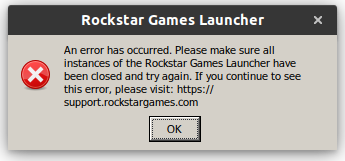
Replying to https://github.com/ValveSoftware/Proton/issues/37#issuecomment-998787414
Hmm try deleting the games proton folder in the Steam folder than go to /Steamapps/compatdata and delete the folder 271590 and try the game again
Well, still the same problem. I can't install Rockstar games launcher.
Well, still the same problem. I can't install Rockstar games launcher.
So you deleted the folder and ran the game again and still have the issue?
Well, still the same problem. I can't install Rockstar games launcher.
So you deleted the folder and ran the game again and still have the issue?
Yep. These people have the same problem:
https://www.reddit.com/r/linux_gaming/comments/rjd819/gta_5_not_launching_on_ubuntu/?ref=share&ref_source=link
https://www.reddit.com/r/linux_gaming/comments/rkgfzr/gta5_steam_ubuntu/
This problem is definitely related to the new GTA update, as about 2 weeks ago I installed it on the same PC, with the same system (Fedora 35) as also on Ubuntu 21.10 and it worked without any problem.
I've got the same issue as @bkdwt.
Tried to reinstall the game and also removing the compatdata folder for GTA V.
Running on:
OS: Ubuntu 20.04.3 LTS
KERNEL: 5.11.0-43-generic
CPU: AMD Ryzen 5 3600X 6-Core
GPU: NVIDIA NVIDIA GeForce RTX 2060GPU
DRIVER: NVIDIA 495.44
RAM: 16 GB
Proton version: 6.3-8 also tried the experimental version but no luck.
Hang on tight folks - should have a working experimental build later today - this is a problem with the latest rockstar update.
Update - fix live in experimental-6.3-20211221 :) There could still be a bug where it complains that you need to verify the integrity of the files after installing the new launcher, but you can just close the window (not the warning window, the whole larger window) and it will proceed with the rest of the install.
Update - fix live in experimental-6.3-20211221 :) There could still be a bug where it complains that you need to verify the integrity of the files after installing the new launcher, but you can just close the window (not the warning window, the whole larger window) and it will proceed with the rest of the install.
Problem solved! Thanks so much!
Switched from Proton 6.3-8 to Experimental 6.3-20211221 and can launch (NOTE 1st time it was only if i select GTA online (not GTA V) - now it works on either option ...)
Problem solved ... Thanks for your help!!
Steam is hanging on installing step 3 / 5 MS redist package.
Using proton experimental makes it bootable again, but it's stuck in an extremely low resolution.
As soon as I try to enter the graphics settings to change that, the game just crashes with some message about DirectX.
That DirectX setting workaround doesn't work anymore. Try changing the
graphics settings using that workaround with Proton 5+ or Proton 6.3-8.
Proton Experimental has the fractional scaling value on by default which
produces the terrible graphics. Use Gloriouss Eggroll Proton 7. The
graphics are much better. note that the workaround doesn't work in GER7
either.
On Tue, 28 Dec 2021, 09:46 Joey Ezechiëls, @.***> wrote:
Using proton experimental makes it bootable again, but it's stuck in an
extremely low resolution.
As soon as I try to enter the graphics settings to change that, the game
just crashes with some message about DirectX.—
Reply to this email directly, view it on GitHub
https://github.com/ValveSoftware/Proton/issues/37#issuecomment-1001801555,
or unsubscribe
https://github.com/notifications/unsubscribe-auth/AWHO5QA6OPKRRINQDNKJ64LUTD3F3ANCNFSM4FQ4BTGQ
.
Triage notifications on the go with GitHub Mobile for iOS
https://apps.apple.com/app/apple-store/id1477376905?ct=notification-email&mt=8&pt=524675
or Android
https://play.google.com/store/apps/details?id=com.github.android&referrer=utm_campaign%3Dnotification-email%26utm_medium%3Demail%26utm_source%3Dgithub.You are receiving this because you commented.Message ID:
@.***>
Out of the box with Proton 6.3-8.
3200 x 1800 res
Graphics settings mostly at high
60 fps
OS: Linux Mint 20.2
KERNEL: 5.13.0-22-generic
CPU: AMD Ryzen 5 3600 6-Core
GPU: AMD Radeon RX 5700 XT (NAVI10, DRM 3.41.0, 5.13.0-22-generic, LLVM 13.0.0)
GPU DRIVER: 4.6 Mesa 21.3.2 - kisak-mesa PPA
RAM: 16 GB
Screenshots


With AMD GPU
On Wed, 29 Dec 2021 at 00:19, KuJo-Ger @.***> wrote:
Out of the box with Proton 6.3-8.
3200 x 1800 res
Graphics settings mostly at high
60 fpsOS: Linux Mint 20.2
KERNEL: 5.13.0-22-generic
CPU: AMD Ryzen 5 3600 6-Core
GPU: AMD Radeon RX 5700 XT (NAVI10, DRM 3.41.0, 5.13.0-22-generic, LLVM
13.0.0)
GPU DRIVER: 4.6 Mesa 21.3.2 - kisak-mesa PPA
RAM: 16 GB[image: GTA-V-settings-01]
https://user-images.githubusercontent.com/43002019/147575410-6b254e72-f0ea-444c-9dde-061e49a36a6b.png
[image: GTAV-02]
https://user-images.githubusercontent.com/43002019/147575455-e81a17a0-1d7c-4831-906d-a2d14aa9992e.png
[image: GTAV-03]
https://user-images.githubusercontent.com/43002019/147575458-0805b888-eb72-4cc9-8f3c-b0c743745d36.png
[image: GTAV-04]
https://user-images.githubusercontent.com/43002019/147575464-e58b966a-a6ce-4c57-9682-f4c89acf7b82.png
[image: GTAV-06]
https://user-images.githubusercontent.com/43002019/147575469-c047dd2b-d045-47b3-b4f7-c3eabd20c182.png—
Reply to this email directly, view it on GitHub
https://github.com/ValveSoftware/Proton/issues/37#issuecomment-1002127728,
or unsubscribe
https://github.com/notifications/unsubscribe-auth/AWHO5QAFYQW44MF54NUIBFDUTHBN3ANCNFSM4FQ4BTGQ
.
Triage notifications on the go with GitHub Mobile for iOS
https://apps.apple.com/app/apple-store/id1477376905?ct=notification-email&mt=8&pt=524675
or Android
https://play.google.com/store/apps/details?id=com.github.android&referrer=utm_campaign%3Dnotification-email%26utm_medium%3Demail%26utm_source%3Dgithub.You are receiving this because you commented.Message ID:
@.***>
Tracking note: Dropping the mesa and radv labels based on the feedback at https://github.com/ValveSoftware/Proton/issues/37#issuecomment-834715048. If anyone's aware of additional video driver issues with this game, please add a new comment with your system information in a gist and attach logs and/or screenshots of the issue as appropriate to show the driver issue.
Rockstar Games Social Club can't connect to the network with Proton 7.0-1
The same happens with Grand Theft Auto IV, so is not possible to play GTA V singleplayer and neither GTA V Online.
Rockstar Games Social Club can't connect to the network with Proton 7.0-1 The same happens with Grand Theft Auto IV, so is not possible to play GTA V singleplayer and neither GTA V Online.
It magically started working today, maybe ISP memes.
When tabbing out of the game into another application, then switching to the game again, i experience major fps drops. It seems tho that the game itself is keeping up (sound is real-time, control input seems to be either real-time or buffered), but somehow frames are not displayed properly. FPS might drop from 60 to ~30, subsequent application switching will only make it worse, never better. After a couple of switches, the game has like 5 FPS and is completely unplayable. This will not affect menu and pause navigation, only in-game rendering. It seems like some frame synchronization is completely out of order and there is no recovery except for a complete restart of the game.
3840 x 2160 res
Graphics settings: mostly high, but does not make any difference
FPS: 60 fps
OS: Manjaro Linux 21.2.3
KERNEL: 5.16.5-1-MANJARO
CPU: AMD Ryzen 7 5700G
GPU: NVIDIA GTX 980
GPU DRIVER: nvidia-dkms 510.47.03-4
RAM: 32 GB
X11 Window Manager
Running via Steam, Proton Experimental (issue on both Proton 6.x as well as 7.x)
Thanks to upper conversation members to the fix the game launches now and also i post this game on my website for the users whose loves to play gta 5 like me.
website URL: https://apkbliss.com/
Game crashes even with the NoLauncher mod and vanilla wine. Looks like an issue specific to my system. I already reinstalled the game and tried several different proton/wine version
gtav.log this is the log file if anyone has an idea what the issue might be.
Replying to https://github.com/ValveSoftware/Proton/issues/37#issuecomment-998787414
I have the same issue about the rockstar launcher error. GTA5 Was working fine until i tried proton7 and go back on proton6.3.
I reinstalled the game and got this issue.
Try a lot of solution, nothing word ! Even deleting the rockstargame laucher, Steam don't seems to install it.
Linux Mint 20.3 , GT1030.
Can confirm i have the same problems. Tried every wine proton version thinkable, but it crashes with the error message saying i have to verify the game data.
I'm curious if any other Nvidia users have noticed any issues playing singleplayer/online since the update from Rockstar on the 26/07?
For me, areas fail to load (your spawn area is fine but leaving this area will often crash the game as well as fail to update textures).
menus are unresponsive, actions like entering vehicles often soft-lock your character in place.
From what I've found by asking around this seems to not be happening to AMD users.
Anyway, if any other Nvidia users can confirm this or not I'd be grateful.
I've reinstalled the game, deleted the pfx folder for GTAV and verified the games cache all to no avail (lastly I'd like to add I downloaded GTAV last week and was playing it most evenings without issue - this has only arisen since the update on Tuesday).
Thanks in advance.
OS: Manjaro (21.3.3 | "Ruah")
Kernel: 5.15.53-1-MANJARO
CPU: i5-7600K @ 3.80GHz
GPU: NVIDIA GeForce GTX 1060 6GB
RAM: 16 GB
GPU DRIVER: Nvidia 515.57
I'm a Nvidia user and have similar issue. My best experience is with Proton Experimental, although sometimes the game hangs and I need to force quit it.
OS: ArchLinux updated
Kernel: 5.18.14-arch1-1
CPU: Intel i7-6700
GPU: NVidia RTX 2700 SUPER
RAM: 32 GB
GPU DRIVER: nvidia 515.57-9
AMD user here, I have also been experiencing issues since the recent update on 26/07.
After a while of playing, new areas will fail to load their higher detail models and textures, with new objects and cutscenes failing to load entirely. Within a minute or two of this, the game freezes completely. The game has also frozen at points without any graphical issues on the screen. I've had the game run for about an hour so far before the issue occurred, but have also had it occur within 5 minutes of loading in.
I've tried reinstalling the game, verifying the games cache, deleting the pfx folder, have tried multiple versions of Proton including experimental and the last two versions of Proton GE. Was working without issue until the recent update.
OS: Linux Mint 20.3 Cinnamon
KERNEL: 5.4.0-122-generic
CPU: AMD Ryzen 5 3600
GPU: AMD RX480
GPU DRIVER: Mesa 22.1.4 - kisak-mesa PPA
RAM: 16 GB
I will do a test and see how I go, got a 1060 6gb Nvidia card in my Desktop and a 1660ti 6gb in a ROG STRIX G15 gaming laptop. I haven't played it in quite a while so I will report back.
I'm an NVIDIA user and it seems to be working well for me, I haven't really had any issues or anything that I'm immediately aware of. I get stable performance in GTA Online, always over 100 FPS (with my older CPU 5960x I used to get only 50-60 FPS in online), no crashing or any other issues. I'm using Proton 7.0-3 if that matters.
My specs:
OS: Xubuntu 22.04 LTS x86_64
Host: X570S AORUS PRO AX -CF
Kernel: 5.15.0-43-generic
Resolution: 1920x1080, 1920x1200
CPU: AMD Ryzen 9 5900X (24) @ 3.700GHz
GPU: NVIDIA GeForce RTX 3070 Ti
GPU Driver: NVIDIA 515.48.07
Memory: 20351MiB / 32000MiB
I'm an NVIDIA user and it seems to be working well for me, I haven't really had any issues or anything that I'm immediately aware of. I get stable performance in GTA Online, always over 100 FPS (with my older CPU 5960x I used to get only 50-60 FPS in online), no crashing or any other issues. I'm using Proton 7.0-3 if that matters.
My specs: OS: Xubuntu 22.04 LTS x86_64 Host: X570S AORUS PRO AX -CF Kernel: 5.15.0-43-generic Resolution: 1920x1080, 1920x1200 CPU: AMD Ryzen 9 5900X (24) @ 3.700GHz GPU: NVIDIA GeForce RTX 3070 Ti GPU Driver: NVIDIA 515.48.07 Memory: 20351MiB / 32000MiB
Can I ask how much you tested GTA? Forgive me for asking but when I originally made my post a few days ago someone in the Proton Discord server tested GTA to see if it worked for them and they said it was fine, only to then later come back and say they were running into the same problems.
When loading into SP or MP the initial starting area is fine, it's only when you travel away from the spawn area do you encounter graphical issues (also, the stability of the interaction and pause menus are 'fickle' at best).
Here is a video of the issue
(note around 0:10 and 0:50 the character struggles to enter/exit vehicle).
For what it's worth I ran the command PROTON_LOG=1 %command% and this was it's output, as previously mentioned my knowledge with Linux/Proton is nonexistent but it looks like something is going crazy towards the end of the log.
If for any reason you can no longer see the link I've uploaded it to my Google Drive, link is here;
https://drive.google.com/file/d/13GDK1jXP_rx7R341jj2dNNyRGuM7HYE-/view?usp=sharing
I'm having these same issues on Steam Deck. Game stops streaming assets after a bit, then freezes.
After a while of playing, new areas will fail to load their higher detail models and textures, with new objects and cutscenes failing to load entirely. Within a minute or two of this, the game freezes completely. The game has also frozen at points without any graphical issues on the screen. I've had the game run for about an hour so far before the issue occurred, but have also had it occur within 5 minutes of loading in.
Replying to https://github.com/ValveSoftware/Proton/issues/37#issuecomment-1200154953
I tested for half an hour yesterday and more than an hour today. No lag or stuttering or freezing, over 90 fps the entire time driving around the whole map etc.
Using Proton 7 I did found a better experience, although I still got the texture bug and game hangs.
I can confirm this issue (Nvidia). The initial loading zone is fine but after driving a few hundred meters the world doesn't load correctly and remains in the low level of detail state. The game then freezes after a short amount of time ~30 seconds. Sound still plays, and it doesn't crash or closes itself, but it's only showing a frozen frame from here on. This happens in singleplayer and in multiplayer and only appeared since the update last week.
The game was perfectly fine last week.
NVIDIA user here, played for a couple hours, ran pretty well to I noticed I get weird pause menu behaviour and framedropping on the map
Grand Theft Auto V - Textures stop loading and game crashes
Issue transferred from https://github.com/ValveSoftware/Proton/issues/6047.
@lukeskn posted on 2022-07-31T11:01:06:
Compatibility Report
- Name of the game with compatibility issues: Grand theft Auto V
- Steam AppID of the game: 271590
This Bug only happens since the summer update a couple of days ago. Before that everything was fine.
System Information
Steam Deck (latest Updates applied)
- Driver/LLVM version: AMD AMD Custom GPU 0405 (vangogh, LLVM 13.0.0, DRM 3.45, 5.13.0-valve21-1-neptune-02209-g2a5bdc1102a0)
- Proton version: Experimental and 7.03
- Entire System Information: https://gist.github.com/lukeskn/548f18a54d5617276e351052c2f2f28a
I confirm:
- [X] that I haven't found an existing compatibility report for this game.
- [X] that I have checked whether there are updates for my system available.
PROTON_LOG=1 %command%`-log to the session:
steam-271590.tar.gz
Symptoms
The game just crashes after about 10 to 120 minutes of playing. The textures stop loading in and after that the game crashes.
This is the first step (textures stop loading): https://imgur.com/a/fnEpHR5 and shortly after that the game crashes completly.
Reproduction
Happens every time i try to play GTA V. With DirectX 10 it seems to happen more frequently but i had it happen w/ the DirectX 11 setting as well.
Additional information from other peoeple
https://www.reddit.com/r/SteamDeck/comments/wa0792/playing_gta_v_on_the_sd_when_this_happens_anyone/
https://www.protondb.com/app/271590
@Spined commented on 2022-07-31T11:05:35:
I have the exact same issue.
AMD user reporting here. Can't confirm the issue, although I am running a Proton version from Glorious Eggroll (GE 7-26).
The only slight issue I have that I get a stutter about every 45 minutes since the update. However, my friend, who plays on Lutris (uses Wine-GE-7.24), does have the same issue as well. Before the update, he was able to barely run it (8 gigs is just barely cutting it, but he had about 1GB of memory left, ALWAYS), but now, his system just crashes, and doesn't respond to REISUB, which leads me to believe there is a nasty memory leak going on.
"Broken" hardware:
CPU: Intel 4th gen i5 (don't remember the model)
RAM: 8GB 1600MHz
GPU: GTX 1050Ti, driver version 515.57
WM/DE: KWin/Plasma
Distro: EndeavourOS
Kernel: 5.18.x
Monitor(s): Single, 1920x1080, 60Hz
In-game settings: Everything set to Normal.
Playtime since the update: 15 minutes, for the reason mentioned above.
Working hardware:
CPU: AMD Ryzen 5 2600
RAM: 32GB 3000MHz
GPU: RX 560 4GB/RX 470 8GB (tested both), Mesa version 22.1.3
WM/DE: sway
Distro: Gentoo Linux
Kernel: 5.18.x
Monitor(s): Dual, 2x 1920x1080, 75Hz, 60Hz
In-game settings: Everything set to High, Very High, or Ultra, with the exception of Grass Quality, which is set to Normal.
Playtime since the update: 30+ hours.
DXVK_ASYNC=1 and WINEFSYNC=1 seems to fix the texture loading bug and crashes.
For me the issues are unfortunately still prevalent.
GTA V (271590) Allways freezes when finishing a race.
Issue transferred from https://github.com/ValveSoftware/Proton/issues/6053.
@Lepidos posted on 2022-08-03T18:45:44:
Compatibility Report
- Steam AppID of the game: 271590
System Information
- RX5600XT
- mesa-22.1.3
- 5.18.14
- Proton version: Experimental
I confirm:
- This is new. I've played hundreds of races before.
Symptoms
Just enter a race and wait for it to finish.
This is what it looks like.
I just tried to reproduce the issue with WINEDEBUG and PROTON_LOG enabled. And the game didn't freeze. But happened 4 times in a row.
I will disable logs and try again. 🤔
DXVK_ASYNC=1 and WINEFSYNC=1 seems to fix the texture loading bug and crashes.
As I know, DXVK_ASYNC only exists on ProtonGE. And the correct argument for FSYNC is PROTON_NO_FSYNC. But it would make sense if the values were 0, cause FSYNC is enabled by default.
Replying to https://github.com/ValveSoftware/Proton/issues/37#issuecomment-1204354077
I can confirm this behavior when you finish a mission. Not happen on every mission.
I can confirm this behavior when you finish a mission. Not happen on every mission.
Thanks.
Seems like latest game update(dlc) is not working properly under wine/proton.
GTA V textures don't load, cause ctd after moving any distance
Issue transferred from https://github.com/ValveSoftware/Proton/issues/6059.
@TheLagginDragon posted on 2022-08-05T06:27:05:
Compatibility Report
- Name of the game with compatibility issues: GRAND THEFT AUTO V
- Steam AppID of the game: 271590
System Information
- GPU: GTX 970 ZOTAC 4GB
- Driver/LLVM version: nvidia 515.57, 515.65.01, 510.73.05 (tried all)
- Kernel version: 10.0-16-amd64
- Link to full system information report as Gist: https://gist.github.com/TheLagginDragon/00be7bafc9467636b418dbb6fcdfa4f2
- Proton version: GE27, experimental proton, proton 7.x, proton 5.x, 4.x, etc
I confirm:
- [ not as far as i can see ] that I haven't found an existing compatibility report for this game.
- [ only for a couple things that dont effect this in any way, updating changed nothing ] that I have checked whether there are updates for my system available.
Symptoms
textures dont load even on lowest settings, texture streaming never occurs after initialization of 3d world and eventually results in a crash.
Reproduction
select proton runner compatibility checkbox, choose any runner
install game
play for less than 5 mins
textures dont stream or load, ctd or freeze shortly afterwards
*shouldnt the simi-stub in the error be 0x4000000 instead of 400000? idk if thats holding up the entire thing, doubtful but just a thought. im no programmer, im just a script kiddi, please advise great linux masters
textures dont load even on lowest settings, texture streaming never occurs after initialization of 3d world and eventually results in a crash.
Can confirm this issue, managed to avoid crash by setting Launch Options %command% -nomemrestrict -norestrictions -percentvidmem 100 -availablevidmem 8192 -reservedApp 0 -managed but the textures and geometry still refuse to load after some time playing.
Edit: Please keep in mind that the -availablevidmem argument takes the maximum video memory of your specific GPU, for my case this is 8192, this value is in MiB and it will change depending on your GPU, I don't know what issues could show up if you set this higher than your actual memory value but just look up what is the maximum available memory in MiB for your GPU and set this up.
Also tried to set a dxvk config file with the options which improved frametimes and overall smoothness of gameplay but it is still unplayable due to the geometry and textures not loading (note that max framerate is my screen refresh rate).
dxgi.maxFrameLatency = 1
d3d9.maxFrameLatency = 1
d3d9.maxAvailableMemory = 8192
dxgi.maxFrameRate = 164
d3d9.maxFrameRate = 164
My hardware:
- CPU: Intel(R) Core(TM) i5-8400 CPU @ 2.80GHz
- Kernel: 5.18.15-arch1-2
- GPU: AMD Radeon RX 580 Series (polaris10, LLVM 14.0.6, DRM 3.46, 5.18.15-arch1-2)
- VRAM: 8192 MiB
- Proton Experimental and GE
I have contacted Rockstar Games support and they are aware of the issue and attempting to resolve it on their end as well. I assume some people in their own office play on proton, but they wouldn't give me more details.
-They have an open ticket in their dev tracker for this exact issue
-They are actively working on this issue (probably because steam deck is a big seller coming up real soon and their devs probably bought one)
Now in my personal uneducated completely unprofessional self taught opinion, their office updated to vcrun2022 and pushed something with the new update that isnt handled yet, again the hang in EVERYONE'S log is keyboardcall 0x40000000 is called 40000000 and therefore a stub and continues to spam that error every time you press a button until the game runs out of memory. i actually dont know what any of that means, but i read like 20 proton.logs and it seems to try to call
84699.178:0148:0230:trace:seh:QueryFullProcessImageNameW NT path: L"\Device\HarddiskVolume2\media\[user]\W\home\[user]\tempsteam2\steamapps\common\Grand Theft Auto V\GTA5.exe"
84699.178:0148:0230:trace:seh:QueryFullProcessImageNameW NT path: L"\Device\HarddiskVolume1\Program Files\Rockstar Games\Social Club\SocialClubHelper.exe"
84699.178:0148:0230:trace:seh:QueryFullProcessImageNameW NT path: L"\Device\HarddiskVolume1\Program Files\Rockstar Games\Social Club\SocialClubHelper.exe"
84699.178:0148:0230:trace:seh:QueryFullProcessImageNameW NT path: L"\Device\HarddiskVolume1\Program Files\Rockstar Games\Social Club\SocialClubHelper.exe"
84699.178:0148:0230:trace:seh:QueryFullProcessImageNameW NT path: L"\Device\HarddiskVolume1\Program Files\Rockstar Games\Social Club\SocialClubHelper.exe"
84699.178:0148:0230:trace:seh:dispatch_exception code=c000001d flags=0 addr=0000000141589C1C ip=0000000141589C1C tid=0230
84699.178:0148:0230:warn:seh:dispatch_exception EXCEPTION_ILLEGAL_INSTRUCTION exception (code=c000001d) raised
84699.178:0148:0230:trace:seh:dispatch_exception rax=0000000011a1f9f8 rbx=0000000000000010 rcx=000000017006a380 rdx=000000000ac14020
84699.178:0148:0230:trace:seh:dispatch_exception rsi=0000000000001000 rdi=0000000000000000 rbp=0000000011a1f990 rsp=0000000011a1f958
84699.178:0148:0230:trace:seh:dispatch_exception r8=0000000000000020 r9=0000000011a1f898 r10=0000000000000004 r11=0000000000000004
84699.178:0148:0230:trace:seh:dispatch_exception r12=0000000000000010 r13=0000000000000000 r14=0000000000b00760 r15=000000014043d738
84699.178:0148:0230:trace:seh:call_vectored_handlers calling handler at 00000001400A0DBF code=c000001d flags=0
84699.178:0148:0230:trace:seh:call_vectored_handlers handler at 00000001400A0DBF returned ffffffff
then
84689.431:0428:048c:fixme:keyboard:NtUserActivateKeyboardLayout flags 40000000 not supported
84689.431:0428:048c:fixme:keyboard:X11DRV_ActivateKeyboardLayout 0x4090409, 40000000: semi-stub!
spams out your console. this is what im basing that on. i might just be derp tho please advise
@Light034 Thanks for this! This seems to be a good workaround for now.
I hope my comment doesn't come across as being critical or negative but the solution suggested by @Light034 doesn't seem to have much of an effect on my GTAV issues (game still crashes shortly after loading in-world and texture issues are still widespread)
Although I'm elated to hear it is somewhat working for you @udekmp fingers crossed for a solution for us all soon enough 🤞
@tunanachos well it's worth mentioning i also added WINEFSYNC=1 %command% before the launch options that Light034 mentioned. I also am using Proton-GE7-26.. Somehow both singleplayer and online are working for me on Arch Linux w/ Mesa drivers (AMD) and Flatpak Steam. I also backed up and deleted the GTA V steam prefix, which is 271590, and I would backup the My Documents > Rockstar Games > GTA V folder so you don't have to re-do your settings and/or saves etc. Restarted my PC and verified files, and it seemed to work.
I am aswell encountering the issue about textures not loading after some time, but no crashes.
Did some testing while monitoring VRAM usage, appears to be a classic case of not setting free memory for me.
Moving into new areas will load those into the VRAM until it's completely full, at which point new textures will stop loading, while those already loaded kept looking good(for example cars/player+npc models)
So depending on how much memory/what settings you play on and how far you move in LS, you have a timed window of playtime with loaded textures.
So far unfortunately none of the ideas here/my own had an effect.
Hello
I tried The game with options :
DXVK_ASYNC=1 WINEFSYNC=1 %command%
DXVK_ASYNC=1 %command%
Nothing Change for me, the game is still crashing and texture/geometry
are not loading.
++
Le lun. 8 août 2022 à 23:08, IMocsy @.***> a écrit :
I am aswell encountering the issue about textures not loading after some
time, but no crashes.Did some testing while monitoring VRAM usage, appears to be a classic case
of not setting free memory for me.
Moving into new areas will load those into the VRAM until it's completely
full, at which point new textures will stop loading, while those already
loaded kept looking good(for example cars/player+npc models)So depending on how much memory/what settings you play on and how far you
move in LS, you have a timed window of playtime with loaded textures.So far unfortunately none of the ideas here/my own had an effect.
—
Reply to this email directly, view it on GitHub
https://github.com/ValveSoftware/Proton/issues/37#issuecomment-1208611784,
or unsubscribe
https://github.com/notifications/unsubscribe-auth/AQL4HTU5GEOKZKRCIMEWWY3VYFZM5ANCNFSM4FQ4BTGQ
.
You are receiving this because you commented.Message ID:
@.***>
still borked, still very much monitoring this thread, bump.
Same Problem, tried all the available suggestions in this thread. Seems to be better in single player, much worse online. Can also confirm that lower texture resolution helps a bit. Still unplayable. I even tried to spawn online on my yacht and just stay there to minimize texture loading but it will still crash after ~5-10 minutes.
I was able to play for 30min without crashes online with this launch options: %command% -nomemrestrict -norestrictions -percentvidmem 100 -availablevidmem 8192 -reservedApp 0 -managed
I was able to play for 30min without crashes online with this launch options:
%command% -nomemrestrict -norestrictions -percentvidmem 100 -availablevidmem 8192 -reservedApp 0 -managed
Tried that, just sat in the casino pool, crash after ~30 minutes.
I got the Rockstar Social Club launcher to work from Steam Play after running the Winetricks
corefontsverb, but the game always crashes for me on startup, regardless of whether I have esync or DXVK disabled. I have tried running the game in the built in safe mode as well. Curiously enough, there have been reports of the game working with Proton for other people.Whenever the game crashes, the launcher catches it, and prompts to try again. This stack trace is printed to the console as well.
Info:
- Distribution: Arch
- CPU: AMD Ryzen 3 1200
- GPU: Nvidia GeForce GTX 1050 Ti
- GPU Driver: Proprietary
- GPU Driver Version: 396.51
I'm completely turned off GTA at this point. This is just the final nail in the coffin. Lets just face it. This game died long before the update killed wine support.
This update didn't kill wine support, it just runs poorly even outside of wine, do some research. Issues happening on Windows, and even more so on PS4 and Xbox One. Some microstutters are also present on the "E&E"* versions of Grand Theft Auto V, however, not as much as the devices have much better I/O bandwidth and graphical horsepower and VRAM to compensate for the lack of optimization in the last update.
It appears to be what looooph said, that the game ceases to work after running out of VRAM (would explain why I have no issues with 8GB of VRAM but my friend with 2GB of VRAM does), despite the fact that this issue is not so drastic on consoles where it seems to work, just, struggle a lot.
Also, this game is reaching 9 years of age at this point, on PC, it's 7. And all of the updates throughout the years have been making it less and less performant. I'd say it'd be a good guess to say that when "E&E" drops on PC, it may even run on Vulkan/DX12 (VKD3D), as the game engine was updated in the "E&E" versions of the game, seemingly being ported from RDR2.
*E&E is in quotes because the game's not particularly expanded nor enhanced.
This update didn't kill wine support, it just runs poorly even outside of wine, do some research. Issues happening on Windows
For me the textures progressively become lower and lower in quality untill the terrain, roads and sand become goo of different colors. At that point, I can freely drive around to enjoy this beauty until I try to switch character, where the camera ascends to clouds very slowly (i.e, it stops at first step for few seconds and then at second step for few seconds...., you get the picture,right?) and get stuck in clouds indefinitely.
I found this Reddit user with a similar problem in Windows (though some people in comments claim they experience this only in online, invite-only sessions):
https://www.reddit.com/r/gtaonline/comments/w9g48q/anyone_else_noticed_the_world_not_properly/
What I forget to mention, also strolled through the logs, seems I aswell encounter the problem @TheLagginDragon encountered. As soon as the textures start getting problematic, the
84689.431:0428:048c:fixmekeyboardNtUserActivateKeyboardLayout flags 40000000 not supported
84689.431:0428:048c:fixmekeyboardX11DRV_ActivateKeyboardLayout 0x4090409, 40000000: semi-stub!
part starts printing like 1,5 million lines per minute
i'm not getting the texture streaming and neither crashes here on Fedora 36 with fedora's steam package, played a 70 min long session of online without a single issue.
my GPU is a RX 560 4 GB, playing on high and very high mostly
crash and texture issue happens on steam deck with the default config for gta v (just install and launch)
Noticed some info in the MS documentation. Might not apply in this case, might not even be of any use.
Keyboard call 0x40000000, according to them, is bit 30, which is supposed to report the previous key state. A bit of certainly useless information is the fact that the 0x4090409 is the English layout. Might help someone more knowledgeable with this stuff to figure it out.
https://docs.microsoft.com/en-us/previous-versions/windows/desktop/legacy/ms644984(v=vs.85)?redirectedfrom=MSDN
Can anyone who is reliably reproducing the disappearing textures issue try it with PROTON_NO_FSYNC=1 %command% launch option?
Can anyone who is reliably reproducing the disappearing textures issue try it with PROTON_NO_FSYNC=1 %command% launch option?
@gofman: For me when I try this I cannot load into single player or online, I get caught in a seemingly infinite loading screen (I waited 10 minutes + both times)
:tired_face:
Can anyone who is reliably reproducing the disappearing textures issue try it with PROTON_NO_FSYNC=1 %command% launch option?
Still unchanged behavior regarding the textures, feels like crashes are more frequent, but that could be a coincidence.
Can anyone who is reliably reproducing the disappearing textures issue try it with PROTON_NO_FSYNC=1 %command% launch option?
Still unchanged behavior regarding the textures, feels like crashes are more frequent, but that could be a coincidence.
Thanks a lot for checking. May I ask you to also try PROTON_NO_FSYNC=1 PROTON_NO_ESYNC=1 %command%? It is not like I forgot the second var at first, those are checks for different potential sync issues (some are common to esync and fsync but not there with server sync, some other are less likely with esync than with both server sync and fsync).
My main problem with debugging this bug so far is while I can reproduce the issue sometimes, it looks totally random for me, reproduction takes a long time and is absolutely not reliable. So if you know some sure way how it can be reproduced (by repeating the same actions, not just playing the game one mission after another and waiting until it reproduce eventually) that would be of great help.
Thanks a lot for checking. May I ask you to also try PROTON_NO_FSYNC=1 PROTON_NO_ESYNC=1 %command%?
This launch option seems to do the trick for me. I have a routine to test for this bug where I drive along a specific route and it usually results in the bug appearing after 5-10 minutes. I did this routine three separate times and could not reproduce the bug even after around 20 minutes. When I switched back to your earlier suggestion (without the ESYNC var) the bug appeared again.
I start my routine at Michael's house where I get into his car and drive up the highway at the west coast for a bit. I then take the second exit and drive until I hit the highway again where I go north. Usually I notice missing details in geometry and textures somewhere in the desert area and it gets worse from there. I can draw a map if it helps, but I'm sure any route that covers a lot of area would work. I'm playing on a Steam Deck using the default Proton compatibility settings btw.
Textures slowly degrade after ~3 minutes and then the game crashes
It looks like a video memory leak, I've never seen a game use so much vram.
Menu:
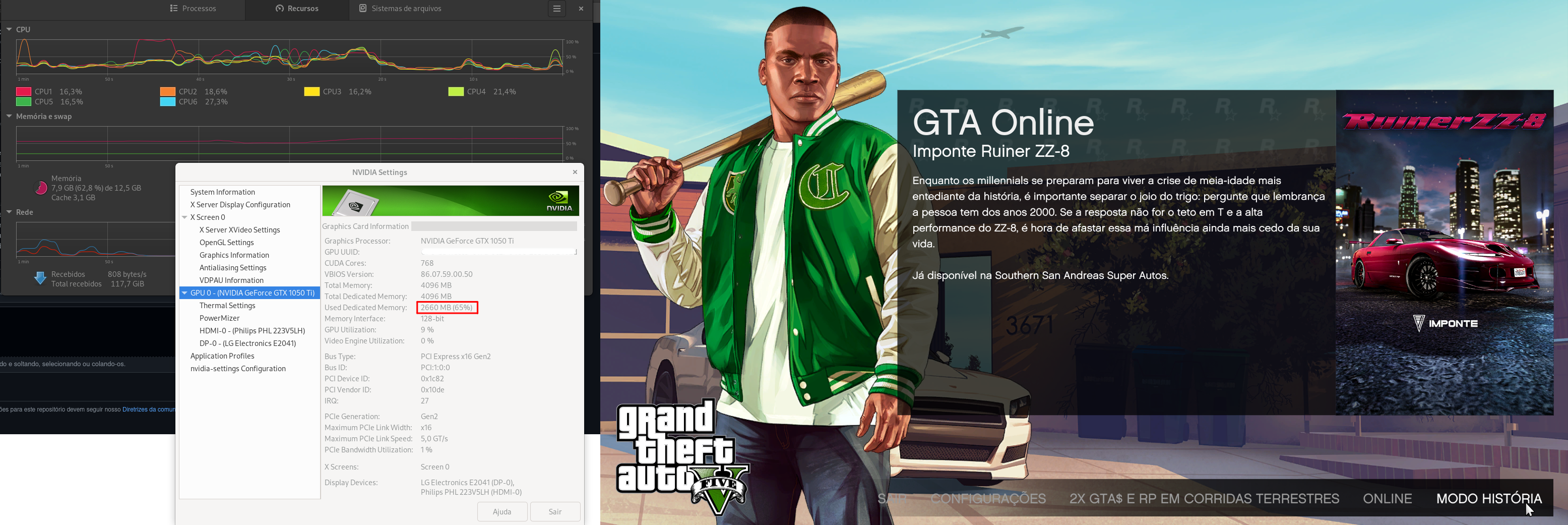
After loading:
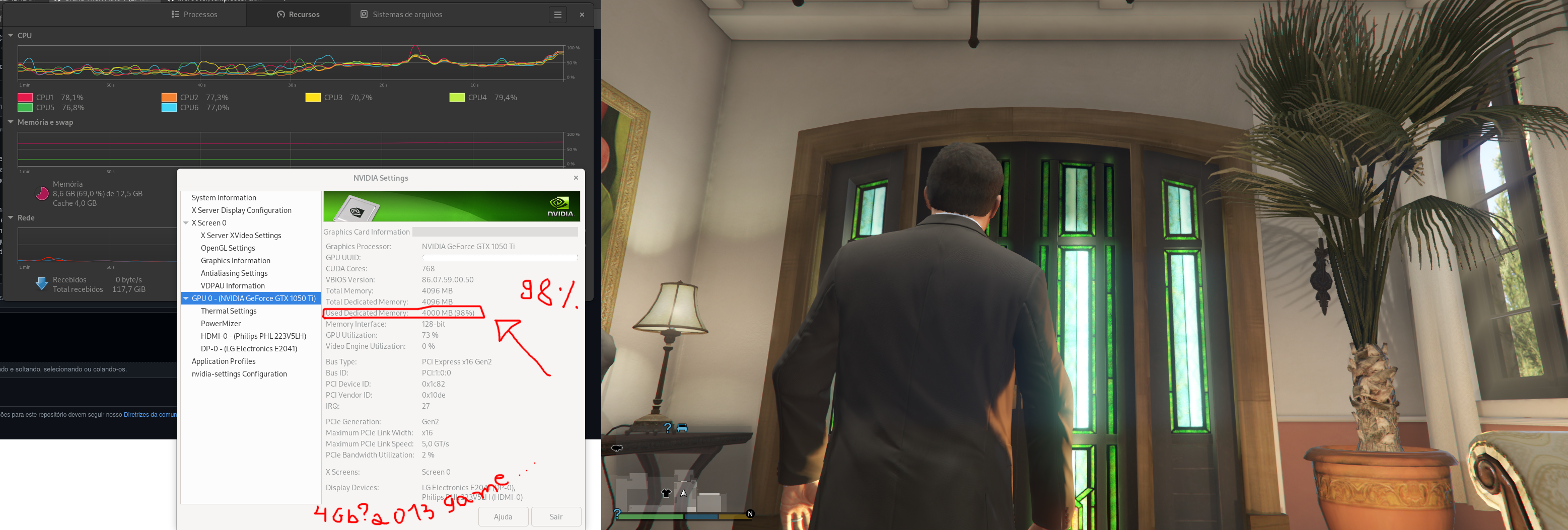
Crash
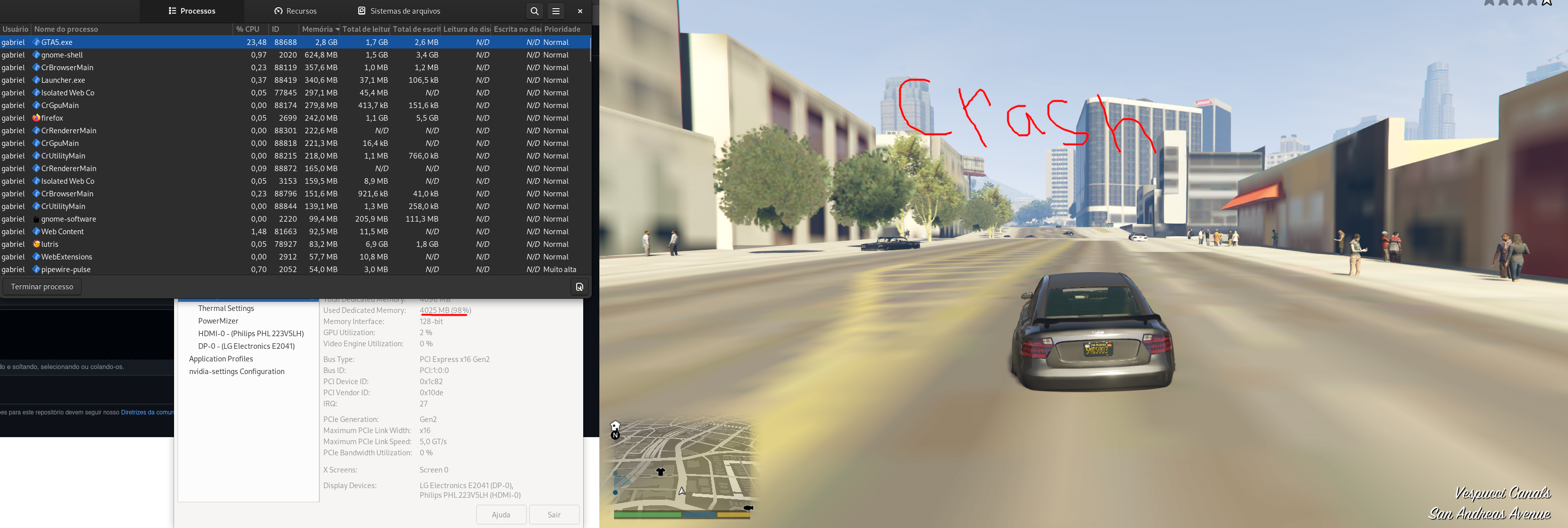
In comparison NFS Heat(2019) uses ~3,5gb.
Replying to https://github.com/ValveSoftware/Proton/issues/37#issuecomment-1225105210
is this a proton bug? it has to be, right? if it was a gta bug wouldn't this happen on windows too? afaik i haven't seen anything about this happening on windows
is this a proton bug? it has to be, right? if it was a gta bug wouldn't this happen on windows too? afaik i haven't seen anything about this happening on windows
Its got to be a Proton/WINE/DXVK bug. Played for 1 hour in Windows and didnt experience any crashes or VRAM filling up or texture details loss.
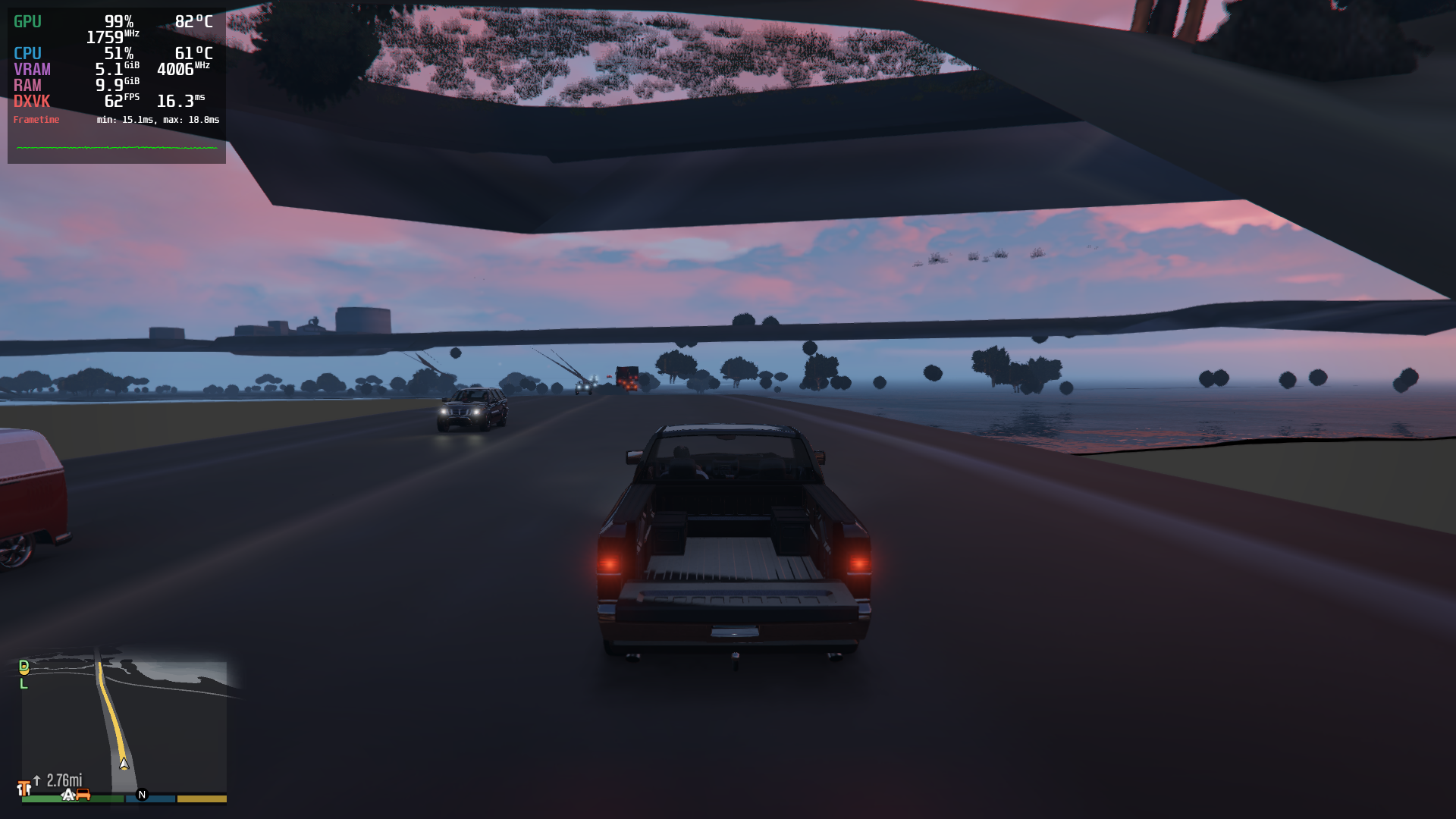
try PROTON_NO_FSYNC=1 PROTON_NO_ESYNC=1 %command%?
@gofman Still the textures progressively worsens in quality as I drive around further from the spawn location and as the picture shows, my VRAM fills up more than what the game used before the update (I have a GTX 1060 6GB), textures disappear completely and crash at some point. This occurred to me after 15-20 minutes of driving as far as I can to reproduce the issue.
But when I switch character after driving around for 3-5 minutes, the game still runs but slowly pans out to clouds and gets soft locked there. I can still quit the game with my close window hotkey normally.
My test route is from the Casino Penthouse to LS Customs and if that ain´t enough to the Arena in the south. Usually the textures fail around LS Customs.
Replying to https://github.com/ValveSoftware/Proton/issues/37#issuecomment-1224279597
Setting PROTON_NO_FSYNC=1 PROTON_NO_ESYNC=1 %command% as the launch options didn't change much for me; I was able to load into online but the second I tried to leave my spawn building the game locked up.
edit: I also tried PROTON_NO_FSYNC=1 PROTON_NO_ESYNC=1 %command%? but the game refused to even launch.
I can reproduce this issue every time on my machine.
If I even make it online, the game will usually lock up after trying to exit my spawn building.
If it somehow works when leaving the spawn building, I just need to drive for 30 seconds for the game to lock up.
Let me know if I can do anything to help troubleshoot it.
FYI, the game was working perfectly fine before
Thanks a lot for checking. May I ask you to also try PROTON_NO_FSYNC=1 PROTON_NO_ESYNC=1 %command%? It is not like I forgot the second var at first, those are checks for different potential sync issues (some are common to esync and fsync but not there with server sync, some other are less likely with esync than with both server sync and fsync).
No problemo. I tried those launch options and also some varieties of it, still the behaviour is unchanged.
Maybe a summarizing it together will help identify the problem:
- Playing on 5.10.135-1-MANJARO with a NVIDIA GeForce GTX 970 on proprietary drivers(4 GB VRAM)
- Using this guideline https://github.com/shuvozula/steam-gta5-linux to run the game on steam
- Hence the launch options include
DXVF_CONFIG_FILE=/home/me/gta_dxvf.conf PROTON_USE_WINED3D=1 WINEDLLOVERRIDES=winedbg.exe=d %command%by default and all the sync-commands have been appended to this. - As compatibility tool, GE-proton 7-29 has been used for all tests.
Reproducable behaviour:
When I start the game up everything loads normally, VRAM usage is mostly "as promised" by the settings. As soon as I start moving around the map, the VRAM fills up gradually until it reaches mostly full (95% and more). Nothing but shutting down GTA will set that memory free again.
- Not exactly always in time with filled VRAM(sometimes game can run 10-15 Minutes after that without problems), but when that point of no return is reached, things start getting buggy:
- Textures are only loaded with their lowest resolution/not at all. Like mentioned, if you reach the lowres-area, you can turn around and go back to highres world, but the game will eventually crash or be unplayable at some point
- Dying/starting finishing missions and switching characters results in endless loading (also when switching the exact issue that the zoomout sequence is much slower)
- Changing the settings to be higher, thus using more VRAM will make the problems appear faster
- Sometimes I experience crashes before VRAM gets full, but that probably has nothing to do with this issue
If I may try help testing in any other way, let me know what to check
Replying to https://github.com/ValveSoftware/Proton/issues/37#issuecomment-1225654689
that guide u linked is out of date and no longer helpful
that guide u linked is out of date and no longer helpful
When I first used it, last update was 1 month ago
Still worked to get past the rockstar-launcher on steam, which was mostly my prior main issue I had with the game
Although I could imagine that maybe some settings there are even responsible for the bugs we experience now.
up until this bug gta worked out of the box with no tweaks for me
Replying to https://github.com/ValveSoftware/Proton/issues/37#issuecomment-1225654689
The person writing that guide obviously didn't know what they were doing.
First, most likely a typo, DXVF does nothing, DXVK does, so the DXVK_CONFIG_FILE did nothing.
Second, WINEDLLOVERRIDES=winedbg.exe=d, as far as I am aware, isn't needed anymore.
Third, they combined PROTON_USE_WINED3D=1 with DXVK arguments???? They are not compatible with each other. WineD3D translates DirectX to OpenGL, whilst DXVK translates DirectX to Vulkan.
Otherwise, your findings look on point to the behavior that's occurring to most people.
Ye, mostly I needed to initially get rid of the launcher-issues on steam.
I followed the rest because I don't know too much about proton, vulkan and especially directx apart from the minimal basics . I'm doing semantic web stuff over here.
But judging by the things @carbonatek mentioned, those launch commands I/the guide linked use should... simply do nothing at all and have no influence on the current issue, right?
Ye, mostly I needed to initially get rid of the launcher-issues on steam. I followed the rest because I don't know too much about proton, vulkan and especially directx apart from the minimal basics . I'm doing semantic web stuff over here.
But judging by the things @carbonatek mentioned, those launch commands I/the guide linked use should... simply do nothing at all and have no influence on the current issue, right?
well no they can make things worse, for example from what i know dxvk performs better than wined3d
The same problem occurs in the Epic Games version...
Replying to https://github.com/ValveSoftware/Proton/issues/37#issuecomment-1225105210
Can anyone try this DXVK build? Extract and copy the x64 DLL files to .steam/steam/steamapps/common/Proton - Experimental/files/lib64/wine/dxvk.
I can't reliably reproduce this issue, only hit it a few times on the Deck while testing and now even that just runs fine, so it's extremely hard to really do anything about this.
Can anyone try this DXVK build? Extract and copy the x64 DLL files to
.steam/steam/steamapps/common/Proton - Experimental/files/lib64/wine/dxvk.I can't reliably reproduce this issue, only hit it a few times on the Deck while testing and now even that just runs fine, so it's extremely hard to really do anything about this.
Tried the build with GE 7-29 (put the dll's in the corresponding folder) still no change. Though I got a great view of the "border" this time
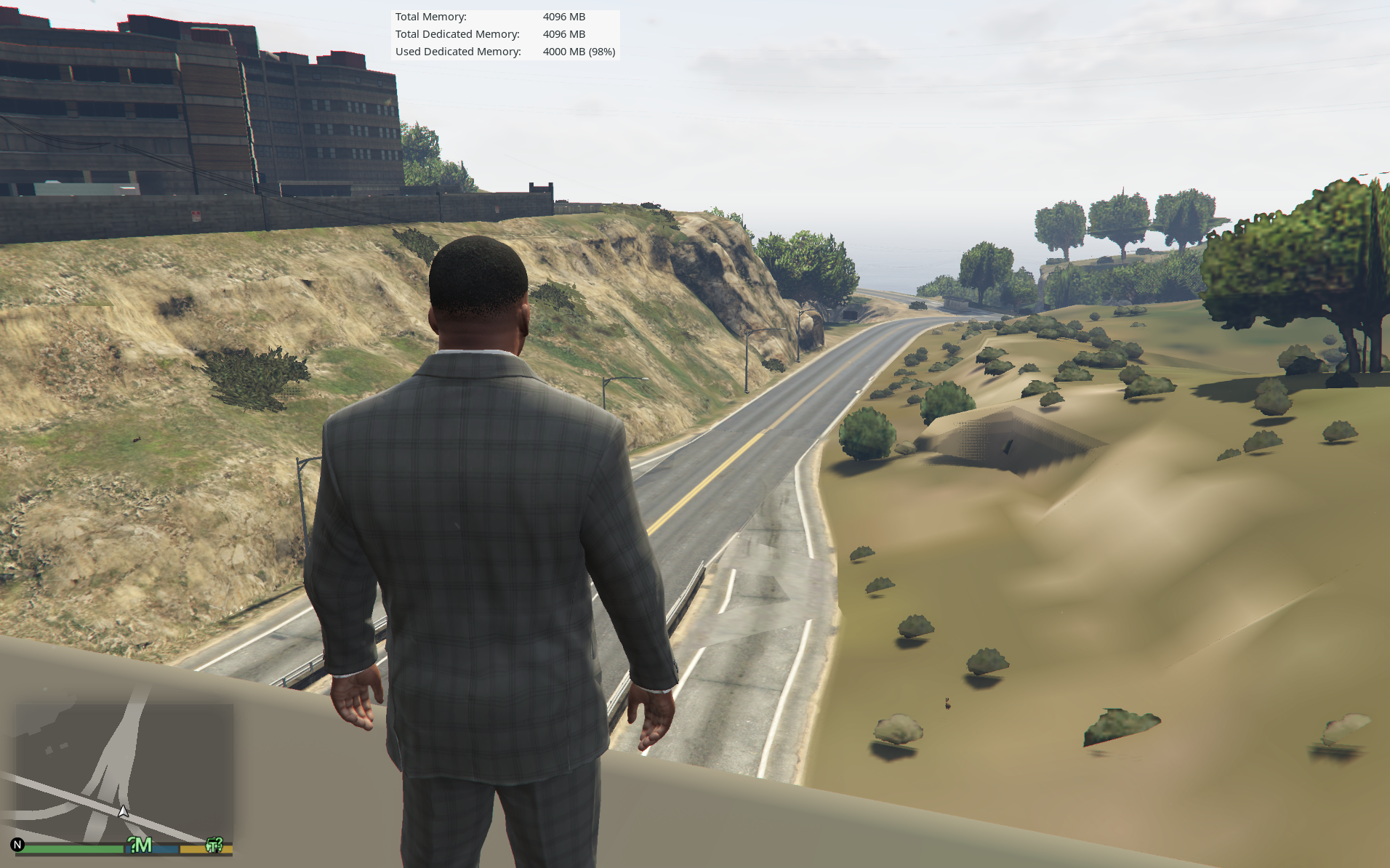
Reducing the graphics quality to a minimum gives a few more minutes of gameplay.
I used the dxvk build (Via Lutris), but it didn't change much...
I made a tentative fix which should be in the just updated Proton Experimental [bleeding-edge] branch. It seems to fix the issue here, but it is so hard to repeatedly reproduce so I am not quite sure. Also, it might happen that similarly looking problem observed on 4GB Nvidia is not necessarily the same problem.
I just tried the bleeding edge branch, sadly it still crashes in online mode after leaving the spawning zone. (~30 seconds)
I have an Nvidia, so it might be that I'm encountering the other problem you've mentioned.
I made a tentative fix which should be in the just updated Proton Experimental [bleeding-edge] branch. It seems to fix the issue here, but it is so hard to repeatedly reproduce so I am not quite sure. Also, it might happen that similarly looking problem observed on 4GB Nvidia is not necessarily the same problem.
Where is the bleeding edge branch? It's not in this repo. I see experimental branches but they were updated 20 days ago.
--
I observed one thing even before all these fixes: RTX 3090 never crashes. Ever. No fix necessary there.
I did detailed comparisons between a system with RTX 2070 Super 8GB and RTX 3090 24GB. I also talked to lots of people with other CPUs and GPUs.
My findings after 40 hours of testing were:
-
The only way to fix it is to have a fuckton of VRAM (RTX 3090 with 24 GB VRAM). That makes the game run perfectly, with zero crashes and zero LOD/texture issues.
-
All other systems have issues loading textures/LOD and then crash, regardless of Steam GTA vs Standalone Rockstar GTA, regardless of Intel vs AMD CPU, regardless of AMD vs NVIDIA GPU, regardless of system package updates or GPU driver versions, regardless of having a ton of system RAM, regardless of FSYNC vs Futex2 vs ESYNC, regardless of DX11 vs DX10, regardless of GE-Proton or GE-Wine version, regardless of ingame settings.
(But setting ingame distance scaling to 0% can reduce the likelihood of crash, but the LOD/texture loading issue still appears at the same time as before, after 3-5 minutes, it just has less risk of crashing at the same time.)
-
The issue affects Windows and console users too (the rendering artifacts are different but it's clearly the exact same bug): https://www.reddit.com/r/gtaonline/comments/w9g48q/anyone_else_noticed_the_world_not_properly/
-
Since Windows users + Steam Deck users are affected, there is a good chance that Rockstar will patch it.
-
However, I will say that the RTX 2070 Super system which crashes within 3-8 minutes on Linux, runs without crashing on Windows. So it is not entirely Rockstar's fault. And I have not seen any artifacts (like in that Reddit video) on my own Windows system. So the bug is rare on Windows. It may be some game engine deadlock/timing issue which hits harder on Linux than Windows.
-
Both of my test systems have 32 and 64 GB system RAM respectively. The crashing system has a RTX 2070 Super 8GB. So we can rule out the amount of system RAM. Both have great amounts. I have compared info with tons of other players and what their systems have. I have compared identical system package versions across the non-crashing and crashing machine. All of this research leaves the GPU VRAM as the only factor in why my RTX3090 system doesn't have any issues (runs perfectly both Steam and Rockstar standalone, with plain ESYNC and DX11 and all settings on max).
-
My test systems are both Fedora 36. I tried kernel-fsync on the crashing system and tried its Valve FSYNC and Futex2 modes, with zero difference. Sync mode doesn't matter!
Where is the bleeding edge branch? It's not in this repo. I see experimental branches but they were updated 20 days ago.
Go to Steam, right click on Proton Experimental > Go to BETAS tab > Set it to 'bleeding-edge'.
- My test systems are both Fedora 36. I tried kernel-fsync on the crashing system and tried its Valve FSYNC and Futex2 modes, with zero difference. Sync mode doesn't matter!
all fsync flavours, as well as esync, have the unavoidable differences with Windows scheduling, so to check this part you should be checking with server sync (PROTON_NO_FSYNC=1 PROTON_NO_ESYNC=1 %command%), not the different fsync flavours which are all the same in this regard.
It might be that issue on Nvidia (or based on some other specific) is different, but anything we could reproduce here so far looks very unlikely (directly) VRAM related and looks like a sync issue.
@SamPingu Thanks! The crashing computer needs it as a package for use with Bottles though, so I can't test that.
@gofman I have like 100 hours without crashing on the RTX 3090 ever since other people started reporting issues. Running with Futex2 kernel on Fedora, and PROTON-GE 7-29 without any sync flags (so it uses the default, Futex2).
I don't doubt that there is a sync issue too. But it really doesn't affect RTX 3090 no matter what. I used NVIDIA driver 515.57 and 515.65.01 with no issues. Used a 1 month outdated system package setup, then updated all packages and it still worked. I used DX10 and DX11. Reduced and maxed out ingame graphics settings etc. No matter what I did, I could never make RTX 3090 crash.
I don't doubt that there is a sync issue too. But it really doesn't affect RTX 3090 no matter what. I used NVIDIA driver 515.57 and 515.65.01 with no issues. Used a 1 month outdated system package setup, then updated all packages and it still worked. I used DX10 and DX11. Reduced and maxed out ingame graphics settings etc. No matter what I did, I could never make RTX 3090 crash.
I also could not ever reproduce the issue on AMD desktop with big enough VRAM (reproduced on Deck only). While there might some distinct issues with Nvidia and / or low VRAM, it is also possible that low VRAM (or other host specifics) triggers the same sync issue more reliably.
I made a tentative fix which should be in the just updated Proton Experimental [bleeding-edge] branch. It seems to fix the issue here, but it is so hard to repeatedly reproduce so I am not quite sure. Also, it might happen that similarly looking problem observed on 4GB Nvidia is not necessarily the same problem.
Hey there @gofman , had time to give bleeding edge a try today (4 GB Nvidia here) and so far it looks promising.
No extra launch options were used.
The VRAM still gets gradually filled up to 99%, but so far I did not experience a texture not loading, also switching characters or getting arrested(just any relocation loading) worked fine, while I usually could recreate the issue within minutes.
I will conduct a longer time test later when I have more time and keep you posted if it wasn't just coincidence.
Only thing, as I usually run things with GEproton, the overall performance of the game was worse(usually I get ~60fps, now it was more like 30-40-ish) though I have no compare data if it's your changes or just running it with Proton Experimental in general, as I never tried GTA with that.
If I can help you guys with more information, just hit me up with what you need to know and thanks for the progress.
The texture problem still exists with the proton experimental bleeding-edge branch. I tested both with and without PROTON_NO_FSYNC=1 and PROTON_NO_ESYNC=1 launch options.
- With the launch options set, the textures got worse and worse until the world became transparent at some places as in the picture.
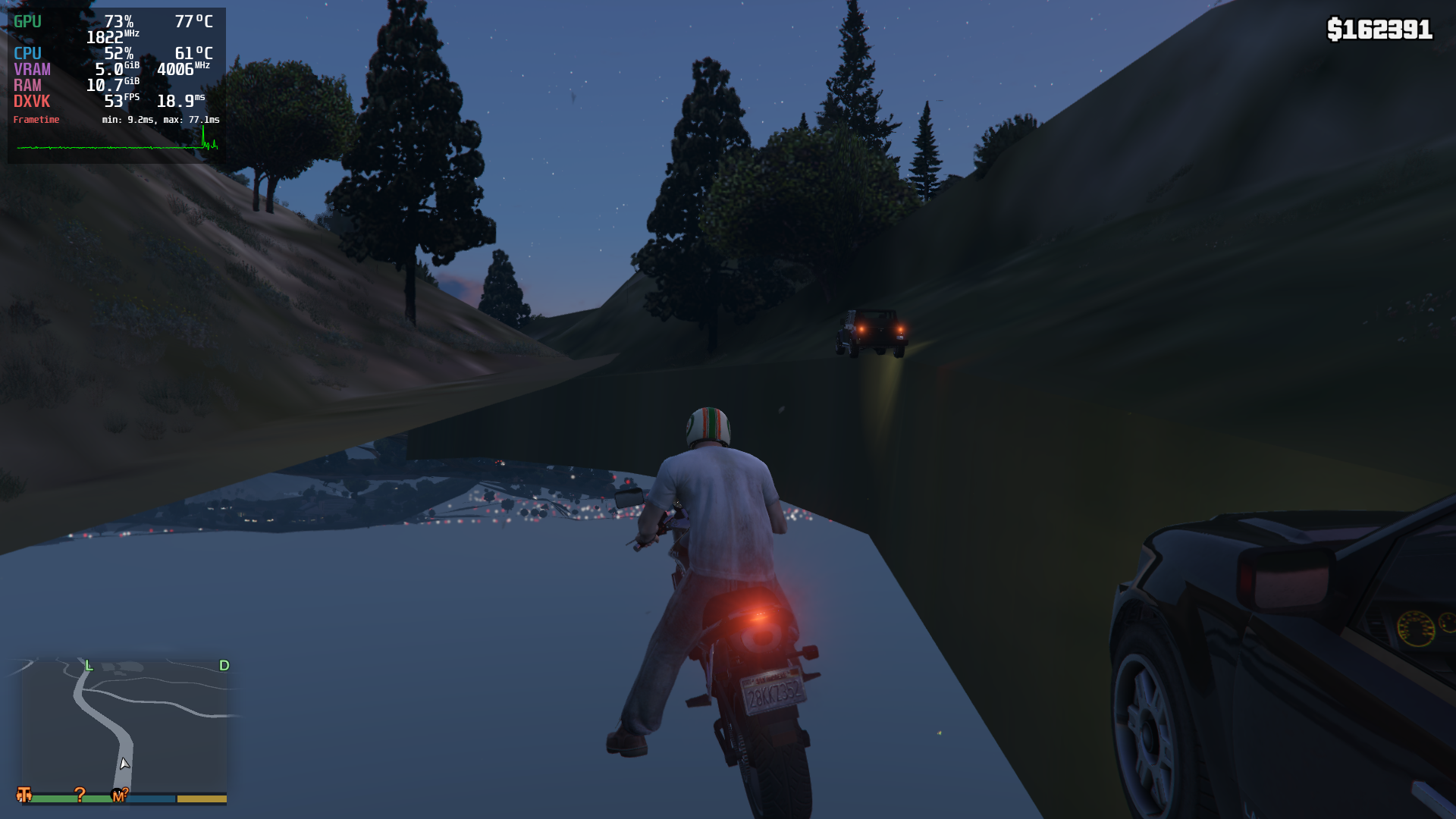
Then I tried switching character in this state. The camera just kept hovering at clouds (soft-lock) and I was able to quit out of the game using my close-window hot key normally.
- Without the launch options set, I got into a vehicle and drove it for 5 seconds and the game just froze. (Tried 2 times and got the same result). The picture below shows the state at which the game froze. (Also see the tunnel textures.)
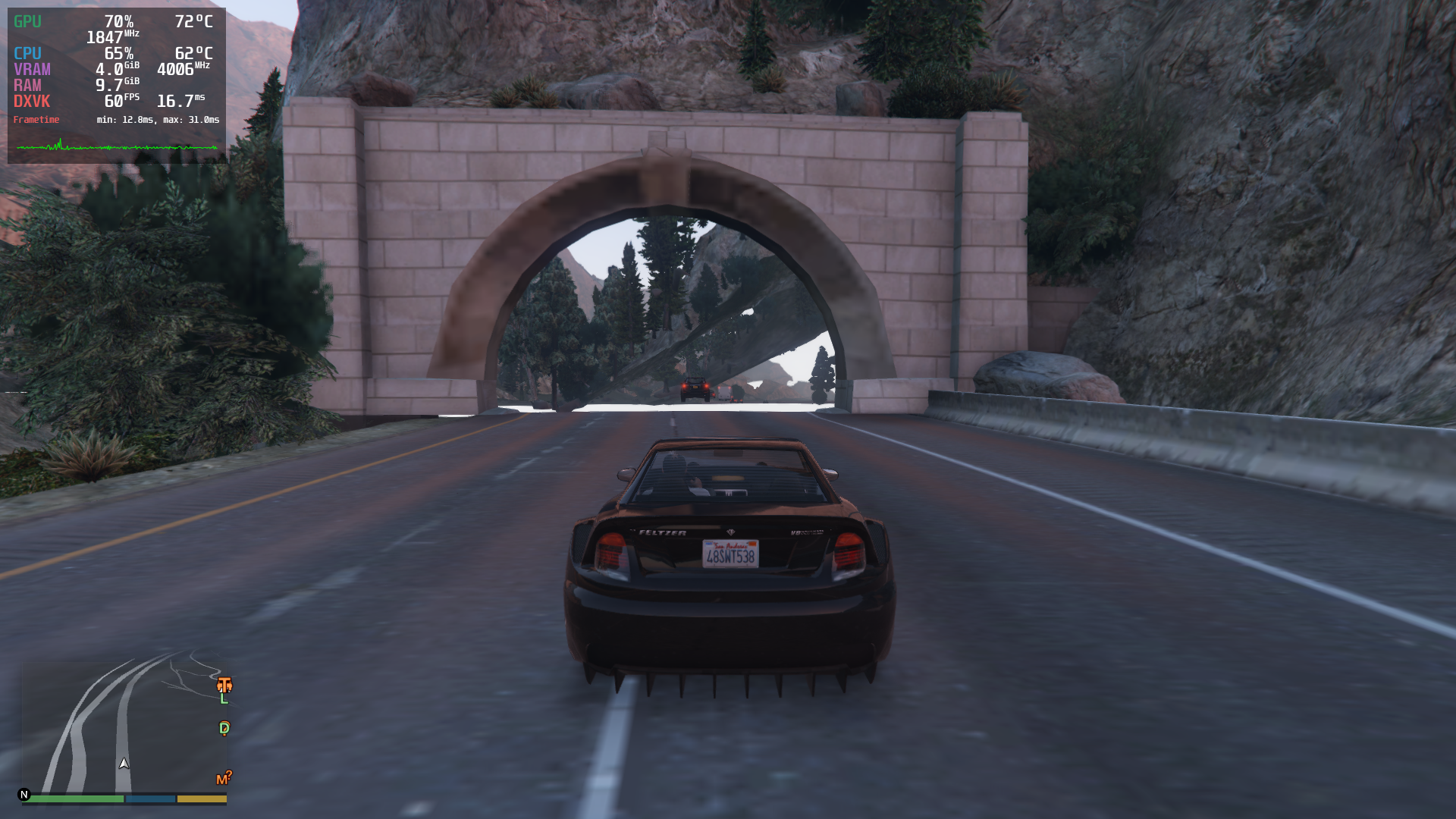
Note: Also the performance in bleeding-edge without any launch options set was worse than stable proton version and bleeding-edge version with NO_ESYNC and NO_FSYNC=1 launch options set.
The texture problem still exists with the proton experimental bleeding-edge branch. I tested both with and without PROTON_NO_FSYNC=1 and PROTON_NO_ESYNC=1 launch options.
Which hardware is that? Can you please attach default log (current bleeding-edge, no launch options)?
I have also noticed that this problem worsens the more often you start GTA after a crash. Usually the first time I try, i get around 10 minutes of playtime, every following attempt is worse, sometimes I cant even load into multiplayer. I even tried reinstalling it completely, suddenly I could fly around half the island before crashing.
(2070 super, 32GB RAM)
@gofman
My hardware specs:-
Intel i5 7500
GeForce GTX 1060 6GB
16GB RAM
Running game of HDD.
I have run the game until it froze (15-20 seconds this time) and attached that Proton Log here. The game froze in this state:
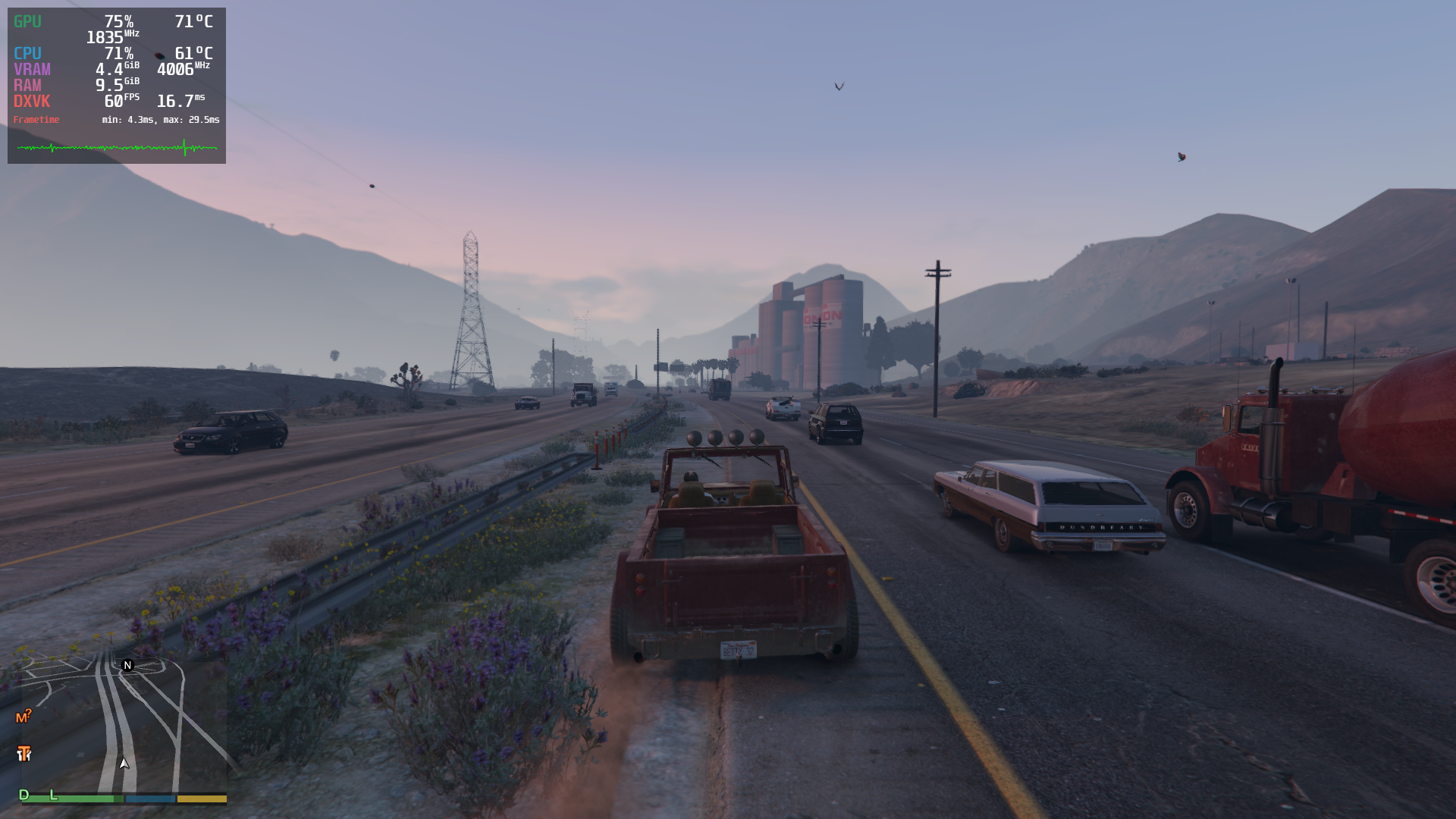
anything in dmesg output?
gamemodeauto: dlopen failed - libgamemode.so: cannot open shared object file: No such file or directory
I'd suggest to remove all the tweaks / tinkers / additional layers whatever non-standard, not to complicate already insane issue. And start from the clean prefix if possible.
I'd suggest to remove all the tweaks / tinkers / additional layers whatever non-standard
Yeah Here it is without any other launch options. The prefix was already new.
steam-271590.log
Also dmesg doesnt show any errors/warnings.
I cannot reproduce the texture bug on a Vega 56 (8GB VRAM), even if I put amdgpu.vramlimit=4096 into the kernel command line and crank up all the settings.
So far I've only seen one confirmation on AMD hardware (aside from Vangogh/Steam Deck) that specifies what card they were using. The rest are Nvidia. Can anyone that reproduced it on AMD hardware post what hardware you're using?
RX 570 4GB
No issues. For almost 1.5 years (with temporary minor breaks) out of the box without any problems. AMD RX 5700 XT (8GB). Proton experimental.
EDIT
Just tried again. Played a more than 1 hour without any problems.
Can any AMD user confirm that this issue is fixed with proton experimental bleeding edge?
I will conduct a longer time test later when I have more time and keep you posted if it wasn't just coincidence.
Unfortunatly, just false hope. Though the timespan from "VRAM is full" to "goodbye textures" feels longer, but might just be the switch from GE to bleeding edge in general, regardless of the changes.
So far I've only seen one confirmation on AMD hardware (aside from Vangogh/Steam Deck) that specifies what card they were using. The rest are Nvidia. Can anyone that reproduced it on AMD hardware post what hardware you're using?
@Frogging101 Yes, in the GloriousEggroll Discord there was an AMD user talking about the texture issue. He said:
Dalgar — 08/21/2022
I’m on AMD, I haven’t had the quick crashes once though, it usually takes an hour or two on my system
In another message he said:
"my 6600xt is 8gb"
In summary: Yes AMD is affected too and will get the "lego world/no textures/crash" too. But perhaps it takes longer (hours) for them to get it.
@Frogging101 Dalgar completed the info with these details:
- What he sees on AMD. He isn't using the experimental "bleeding edge proton" but I have told him about it. This is his results with GE's Proton:

His system details:
- GPU: AMD Radeon RX 6600XT 8GB
- CPU: AMD 1600AF
- System RAM: 16GB
- Storage: SATA SSD
Just tested with Proton experimental bleeding edge and the texture issue is still present with my 4GB AMD RX 570. Interestingly the game did not crash as long as I drove around the same area but as soon as I moved on it would crash.
Also I had the issue that the game wouldn´t even load if I didn´t have a controller attached. It got stuck at the loading screen (entering online). The cursor was frozen and there was no reaction to my ALT + F4 closing attempts although the loading circle was still turning and banners kept switching.
If someone can tell me how to obtain logs I will gladly provide those. What launch option do I need to set?
@Bananaman That's helpful, thanks.
Anyone testing on AMD can also use sudo umr -t to monitor VRAM. You can press v to display VRAM usage (and s, g and t to turn off the other stuff that it shows by default to reduce clutter if you want). There's a PKGBUILD in AUR for it, or you may have to build it manually (it's small, shouldn't be difficult to build): https://gitlab.freedesktop.org/tomstdenis/umr. Mangohud can probably do it too if you're familiar with that.
@Af0x The environment variable would be PROTON_LOG=1 e.g. PROTON_LOG=1 %command%. It will then drop a steam-[appid].log in your home directory.
I was kinda lucky and got the fading textures and the crash within one drift around a corner at the very beginning of my ride. Maybe the attached file helps. I removed all the messages with the following content:
fixme:keyboard:NtUserActivateKeyboardLayout flags 40000000 not supported
fixme:keyboard:X11DRV_ActivateKeyboardLayout 0x4090409, 40000000: semi-stub!
I left the bcrypt messages in on purpose.
steam-271590.log
bycrypt reduced version:
steam-271590-nobcrypt.log
Is it normal to see EXCEPTION_ILLEGAL_INSTRUCTION? I wonder.
5578.359:01c0:01e4:trace:seh:dispatch_exception code=c000001d flags=0 addr=000000014011C0C0 ip=000000014011C0C0 tid=01e4
5578.359:01c0:01e4:warn:seh:dispatch_exception EXCEPTION_ILLEGAL_INSTRUCTION exception (code=c000001d) raised
5578.359:01c0:01e4:trace:seh:dispatch_exception  rax=0000000000f6f548 rbx=00000001400584e0 rcx=000000017006a380 rdx=000000000001d020
5578.359:01c0:01e4:trace:seh:dispatch_exception  rsi=0000000000000000 rdi=0000000140058440 rbp=0000000000f6f4e0 rsp=0000000000f6f4a8
5578.359:01c0:01e4:trace:seh:dispatch_exception   r8=0000000000000020  r9=0000000000f6f3e8 r10=0000000000000001 r11=0000000000000246
5578.359:01c0:01e4:trace:seh:dispatch_exception  r12=0000000140090210 r13=000000000000001c r14=00000000002a1c30 r15=00000000002a1cf8
5578.359:01c0:01e4:trace:seh:call_vectored_handlers calling handler at 0000000140112EE8 code=c000001d flags=0
5578.359:01c0:01e4:trace:seh:call_vectored_handlers handler at 0000000140112EE8 returned ffffffff
(From @Af0x's log above)
Nothing in dmesg, I presume?
Is it normal to see EXCEPTION_ILLEGAL_INSTRUCTION? I wonder.
5578.359:01c0:01e4:trace:seh:dispatch_exception code=c000001d flags=0 addr=000000014011C0C0 ip=000000014011C0C0 tid=01e4
5578.359:01c0:01e4:warn:seh:dispatch_exception EXCEPTION_ILLEGAL_INSTRUCTION exception (code=c000001d) raised
5578.359:01c0:01e4:trace:seh:dispatch_exception  rax=0000000000f6f548 rbx=00000001400584e0 rcx=000000017006a380 rdx=000000000001d020
5578.359:01c0:01e4:trace:seh:dispatch_exception  rsi=0000000000000000 rdi=0000000140058440 rbp=0000000000f6f4e0 rsp=0000000000f6f4a8
5578.359:01c0:01e4:trace:seh:dispatch_exception   r8=0000000000000020  r9=0000000000f6f3e8 r10=0000000000000001 r11=0000000000000246
5578.359:01c0:01e4:trace:seh:dispatch_exception  r12=0000000140090210 r13=000000000000001c r14=00000000002a1c30 r15=00000000002a1cf8
5578.359:01c0:01e4:trace:seh:call_vectored_handlers calling handler at 0000000140112EE8 code=c000001d flags=0
5578.359:01c0:01e4:trace:seh:call_vectored_handlers handler at 0000000140112EE8 returned ffffffff
(From @Af0x's log above) Nothing in dmesg, I presume?
I think it's normal, proton spams that in every game I play
since it looks like nothing caused the crash (to me at least) maybe a dxvk log might help? (with all the debug information and everything)
Nothing in dmesg, I presume?
I don´t think it´s relevant but I attach the output anyway, see:
dmesg.txt
I had one wine related message in the dmesg earlier than the actual logs that I provided but it´s probably not related:
[ 56.252102] traps: wineserver[4376] general protection fault ip:40e4d8 sp:7ffc6a6ed290 error:0 in wineserver[403000+5c000]
I can provide more logs but need kind of guidance what options to set.
Additionally I obtained another log that could be interesting because it was immediately after spawning in the casino. I was not able to leave the building because the door-menu didn´t pop up, Also I coulnd´t open the ifruit-phone and the main menu. Please see the (reduced) log attached.
steam-271590-1.log
I managed to reproduce it once on the Deck. Textures got weird, and the game softlocked when switching characters. But I can't reproduce it again. It's elusive.
From the ProtonDB posts you'd think it would come easily. But if I weren't looking for the bug, I'm not sure I'd run into it after playing for a few hours.
I'm gonna suggest something that MIGHT help to isolate the issue: try GTAV on Windows, using DXVK.
If it works fine on Windows without DXVK, but breaks with it, then the issue is probably found.
If it doesn't solve anything and DXVK on Windows works, then it's probably able to be taken out of the equation.
that being said, DXVK is also unsupported on Windows, so it might not work at all, but it's worth a try
the problem seems to be solved in the latest proton experimental, at least for steam deck, played for over an hour with no problems
Unfortunately very little has changed (for me) in regards to the crashing and texture issues.
here is the output of the command PROTON_LOG=1 %command% (note; the output file is almost 70MB!!?)
I also recorded the crash - I've sped it up and cut loading screens out to save time but as you can see for me the problem hasn't changed much.
YouTube video of issue.
Unfortunately it seems in uploading this video to YouTube the quality has been significantly reduced, so all the textures look horrible but you should hopefully still see the hardlock (I tried uploading the video here on GitHub but it unfortunately exceeds the 10MB limit).
If there is any other information I can provide I'll be happy to. Sorry if this hasn't helped.
:nerd_face:
Replying to https://github.com/ValveSoftware/Proton/issues/37#issuecomment-1225071576
@pyth27 Can you confirm whether the PROTON_NO_FSYNC and PROTON_NO_ESYNC launch options have continued to prevent the bug for you since you last posted? What sort of settings are you running the game at?
Edit: I had asked what hardware but then I saw you said it's the Steam Deck.
Edit 2: For anyone else who is tired of GitHub's terrible design for long threads like this (having to hit the "show hidden items" button 10 times to see the more recent comments), here's a link to the comment on July 28: https://github.com/ValveSoftware/Proton/issues/37#issuecomment-1197996418
@Frogging101
I am playing on a Steam Deck. I wasn't able to reproduce the bug using these launch parameters in a handful of short sessions.
A few days ago I switched to Proton Experimental (without any launch parameters) and so far I still haven't encountered the issue again.
I monitored the VRAM usage with MangoHud and it seems that the crash is not related to a full VRAM. I had only 3.4GiB of 4GB filled and it crashed.
Aside from that I can provoke the gamecrash after the textures failed by simply speeding with a vehicle.
In terms of reproducibility I made a map of my route with the area highlighted in orange where i had the textures fading with a very high probability.
Steps:
- Load into the Casino penthouse.
- Exit the penthouse (first option).
- Get in the vehicle (Benefactor LM87) that is waiting for you at the parking area in front of the Casino.
- Drive the marked route (over the bridge, then left and the next right - textures should fail at this point).
To any Steam Deck or AMD GPU reproducers, what sort of graphics settings are you using?
Please see my settings on this screenshot:
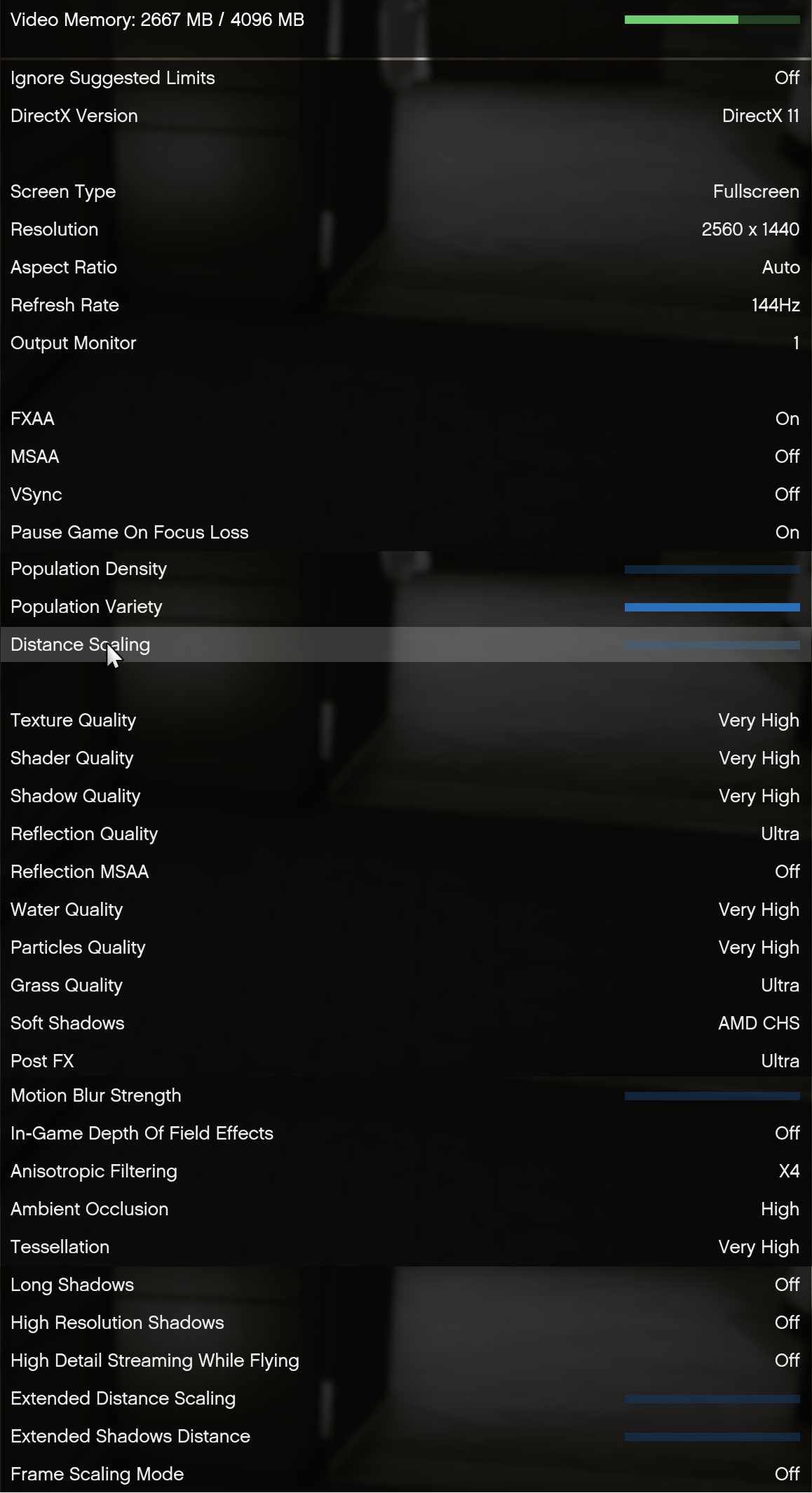
I also tried setting the resolution to 1280x720 with all settings to the lowest possible and the fading textures + crash still occured.
Unfortunately very little has changed (for me) in regards to the crashing and texture issues.
here is the output of the command
PROTON_LOG=1 %command%(note; the output file is almost 70MB!!?)I also recorded the crash - I've sped it up and cut loading screens out to save time but as you can see for me the problem hasn't changed much.
YouTube video of issue.
Unfortunately it seems in uploading this video to YouTube the quality has been significantly reduced, so all the textures look horrible but you should hopefully still see the hardlock (I tried uploading the video here on GitHub but it unfortunately exceeds the 10MB limit).
If there is any other information I can provide I'll be happy to. Sorry if this hasn't helped.
🤓
Could you post your system specs? If you posted them earlier in this thread, they are now automatically hidden by github :/. @Af0x Could you also list your system specs/.
This is also a reminder to anyone else - please post your system specs with every post where you are describing the behavior you get! This thread is long and there is a lot going on - this helps simplify things as the issues appear to be at least somewhat system specific.
As an update, right now noesync,nofsync is set by default in experimental-7.0-20220826 and the original hack that @gofman was asking folks to test on bleeding-edge last week is reverted.
GitHub's comment hiding system is such an incredibly terrible design.
Here's a link to the comment on July 28 so you can expand the rest of the discussion easily: https://github.com/ValveSoftware/Proton/issues/37#issuecomment-1197996418
As an update, right now noesync,nofsync is set by default in experimental-7.0-20220826 and the original hack that @gofman was asking folks to test on bleeding-edge last week is reverted.
What hack was this? I never could find the commit.
Okay so at 1430 comments and 302 contributors let me just say this bug report is officially off the rails now.
is there any mechanism to have sub bug-reports inside a parent bug-report? This is getting very long indeed...
is there any mechanism to have sub bug-reports inside a parent bug-report? This is getting very long indeed...
This was more a policy decision than a legalistic decision. Apparently they want one report per game.
Personally I would make better use of tags.
I mean that's what they are for. But what do I know.
@Af0x Could you also list your system specs/.
i7-3770K, 24GB RAM, AMD RX 570 4GB
GE-Proton7-31 Released
Repository: GloriousEggroll/proton-ge-custom · Tag: GE-Proton7-31 · Commit: 5efc7ec · Released by: GloriousEggroll
FFXIV Launcher fixed (thanks Valve)
*GTA V fixes added (thanks Valve)*
NOSTEAM=1 envvar option available for Guild Wars 2. Use it the same way you do for ffxiv non-steam accounts:
NOSTEAM=1 %command%
dxvk updated to git
vkd3d-proton updated to git
wine updated to latest bleeding edge
patches added for Visual Novel Doukyuusei
https://github.com/GloriousEggroll/proton-ge-custom/releases/tag/GE-Proton7-31
Replying to https://github.com/ValveSoftware/Proton/issues/37#issuecomment-1230769050
GTA V fixes added
This is just the nofsync/noesync change: https://github.com/GloriousEggroll/proton-ge-custom/commit/c7669a78407bbff658706103ed5347bffe5cbd79
I don't think it was definitively concluded that this fixed the problem. The issue has been confused a bit because nvidia and AMD may be experiencing different bugs.
Just dropping a note here that it does not fix the problem
The fixes referenced are:
https://github.com/GloriousEggroll/proton-ge-custom/commit/c7669a78407bbff658706103ed5347bffe5cbd79
and there were 1-2 commits from a few days ago, but neither completely fix the issue.
so something weird, on steam deck the texture bug and crash shows up unless using the current proton experimental, on my friend's laptop however the bug and crash don't show up on standard proton 7 but if he tries experimental or the latest proton-GE GTA refuses to launch saying it can find a card that supports DirectX 10 or 11
Replying to https://github.com/ValveSoftware/Proton/issues/37#issuecomment-1231062499
That might be an issue with his mesa version, to launch the latest version of proton experimental mesa 22 or higher is needed.
Your friend also might also be running an older kernel that doesn't support fsync, so the issue won't be present
Replying to https://github.com/ValveSoftware/Proton/issues/37#issuecomment-1231063744
he's running zorin os 16
Replying to https://github.com/ValveSoftware/Proton/issues/37#issuecomment-1231469273
Yeah, zorin os 16 is extremely out of date and doesn't have an fsync enabled kernel or mesa 22, so that explains it
Replying to [#37 (comment)](https://github.com/ValveSoftware/Proton/issues/37#issuecomment-1231469273)
Yeah, zorin os 16 is extremely out of date and doesn't have an fsync enabled kernel or mesa 22, so that explains it
it's the current version of zorin os
Replying to [#37 (comment)](https://github.com/ValveSoftware/Proton/issues/37#issuecomment-1231469273)
Yeah, zorin os 16 is extremely out of date and doesn't have an fsync enabled kernel or mesa 22, so that explains it
it's the current version of zorin os
zorin os 16 is the latest version though (or 16.1 technically, but they are both based on ubuntu 20.04, which is very out of date these days)
Tested Proton Experimental (Bleding Edge) and didn'*t ancounter any crash. played two IAA missions without a hitch.
Alltough i don't think i've crossed an hour of gameplay and also switched my GPU from a GTX 1660Ti to 3070Ti.
Previously with Proton 6.3 and the 1660Ti i'd encounter the crash at 5-10 mins max.
@gofman (sorry if I remember the name incorrectly, I think you were the author of the bleeding-edge attempt to fix it) @Frogging101 @GloriousEggroll
Saw something fascinating and very important: This exact bug affects PLAYSTATION 4 TOO! It's fine on the person's PLAYSTATION 5. Which fits with the "it's VRAM related" findings from earlier.
Watch the video in that link. It's the exact same "out of memory/not loading world chunks/not loading textures" behavior, with extra flickering. This started happening after the recent update that broke Linux.
And it gets even more interesting: The same bug has also been seen on lots of Windows machines and on other consoles like Xbox: https://www.reddit.com/r/gtaonline/comments/w9g48q/anyone_else_noticed_the_world_not_properly/
This is looking more like a "Valve might want to use its influence to contact Rockstar in case they're unaware of their new engine bug" and less like a "Proton needs a fix".
Replying to https://github.com/ValveSoftware/Proton/issues/37#issuecomment-1233099812
Someone upthread said they contacted Rockstar and was told that Rockstar is aware of it: https://github.com/ValveSoftware/Proton/issues/37#issuecomment-1207132899
I imagine that a significant number of people have also contacted them and did not post online about it, especially if the issue is as widespread as it seems.
Update : Since last update of Proton Experimental.
Problem1 : Texture are now loading , the problem seems to be fixed (invite only session). I can play more than 10 min now.
Problem2: The are still bugs/crash when i go in the game menu or randomly in the game (but not so often than before)
Where can i find the game logs to help you ?
CPU : AMD Ryzen 3 3100
GPU : NVIDIA GT 1030 2GB DDR5 (1920x1080 74hz normal settings) Driver : 515.65.01
RAM : 16GB
Play on steam , proton exmperimental
Linux Mint 21
Kernel : 5.15.0-47
@TuxStory You haven't mentioned what hardware you're using. Could you post it so that your observations can be correlated?
Edit: Thanks for posting your specs.
Can´t confirm, textures still disappearing and subsequent crash as well.
steam-271590.log
Can´t confirm, textures still disappearing and subsequent crash as well. steam-271590.log
If this is the case, and you said you are using an AMD RX 570, then combined with @TuxStory (and others') reports, that would mean noesync and nofsync did not fix the problem on either nvidia or AMD.
I just launched GTA V for the first time in a few days and encountered the "texture bug" after around 30 minutes. Earlier this week I was able to play for around 2 hours without any issues. I am playing on a Steam Deck and have been on the "bleeding edge" branch of Proton Experimental since gofman posted this comment. I'm assuming that gofman's "fix" on that branch has been reverted recently? I will try to go back to the ESYNC/FSYNC launch options and see if it helps.
Replying to https://github.com/ValveSoftware/Proton/issues/37#issuecomment-1235993024
noesync/nofsync options are enabled by default for GTA V with Experimental. Not sure about bleeding-edge (I don't know what gofman tried on that branch). You can see whether they're set if you use PROTON_LOG=1, look at the file it creates in your home directory, and look for "noesync" and "nofsync" in the first 5 lines.
noesync/nofsync options are enabled by default for GTA V with Experimental. Not sure about bleeding-edge (I don't know what gofman tried on that branch). You can see whether they're set if you use PROTON_LOG=1, look at the file it creates in your home directory, and look for "noesync" and "nofsync" in the first 5 lines.
Thank you. Apparently noesync and nofsync are still set in bleeding-edge:
======================
Proton: 1662043158 experimental-bleeding-edge-7.0-23922-20220901-p04e4f1-w8e2c0c-d36f523-vda6127
SteamGameId: 271590
Command: ['/home/deck/.local/share/Steam/steamapps/common/Grand Theft Auto V/PlayGTAV.exe']
Options: {'nofsync', 'noopwr', 'forcelgadd', 'noesync'}
depot: 0.20220804.66
pressure-vessel: 0.20220803.0
scripts: v0.20220803.0-0-gbca628e
soldier: 0.20220803.0 soldier 0.20220803.0
Kernel: Linux 5.13.0-valve21.1-1-neptune-02211-gc54cda5a36f3 #1 SMP PREEMPT Mon, 08 Aug 2022 22:27:56 +0000 x86_64
System WINEDLLOVERRIDES: dxgi=n
======================
Update : Since last update of Proton Experimental. Problem1 : Texture are now loading , the problem seems to be fixed (invite only session). I can play more than 10 min now. Problem2: The are still bugs/crash when i go in the game menu or randomly in the game (but not so often than before)
Where can i find the game logs to help you ? CPU : AMD Ryzen 3 3100 GPU : NVIDIA GT 1030 2GB DDR5 (1920x1080 74hz normal settings) Driver : 515.65.01 RAM : 16GB Play on steam , proton exmperimental Linux Mint 21 Kernel : 5.15.0-47
Update : The game seems to freeze suddenly, often when finishing an objective (Yellow circle) and textuxe drops in this area.
I will activate log next time. Like someone said it before I can play 2 hours without problems, sometimes only 30 mins.
Replying to https://github.com/ValveSoftware/Proton/issues/37#issuecomment-1236820842
Yea, getting random freezes also can confirm.
Also the people on GTA is dicks and blew up my car just to get their rocks off.
Mostly mad about the freezing thing though. 😁
System information
Computer Information:
    Manufacturer:  MSI
    Model:  970A-G46 (MS-7693)
    Form Factor: Desktop
    No Touch Input Detected

Processor Information:
    CPU Vendor:  AuthenticAMD
    CPU Brand:  AMD FX(tm)-4130 Quad-Core Processor
    CPU Family:  0x15
    CPU Model:  0x1
    CPU Stepping:  0x2
    CPU Type:  0x0
    Speed:  3800 Mhz
    4 logical processors
    4 physical processors
    HyperThreading:  Unsupported
    FCMOV:  Supported
    SSE2:  Supported
    SSE3:  Supported
    SSSE3:  Supported
    SSE4a:  Supported
    SSE41:  Supported
    SSE42:  Supported
    AES:  Supported
    AVX:  Supported
    AVX2:  Unsupported
    AVX512F:  Unsupported
    AVX512PF:  Unsupported
    AVX512ER:  Unsupported
    AVX512CD:  Unsupported
    AVX512VNNI:  Unsupported
    SHA:  Unsupported
    CMPXCHG16B:  Supported
    LAHF/SAHF:  Supported
    PrefetchW:  Unsupported

Operating System Version:
    KDE neon User - 5.25 (64 bit)
    Kernel Name:  Linux
    Kernel Version:  5.19.0-1.1-liquorix-amd64
    X Server Vendor:  The X.Org Foundation
    X Server Release:  12013000
    X Window Manager:  KWin
    Steam Runtime Version:  steam-runtime_0.20220802.0

Video Card:
    Driver:  NVIDIA Corporation NVIDIA GeForce GTX 1060 3GB/PCIe/SSE2
    Driver Version:  4.6.0 NVIDIA 515.65.01
    OpenGL Version: 4.6
    Desktop Color Depth: 24 bits per pixel
    Monitor Refresh Rate: 60 Hz
    VendorID:  0x10de
    DeviceID:  0x1c02
    Revision Not Detected
    Number of Monitors:  3
    Number of Logical Video Cards:  1
    Primary Display Resolution:  1920 x 1080
    Desktop Resolution: 5760 x 1080
    Primary Display Size: 27.48" x 15.47" (31.54" diag)
                                            69.8cm x 39.3cm (80.1cm diag)
    Primary Bus: PCI Express 16x
    Primary VRAM: 3072 MB
    Supported MSAA Modes:  2x 4x 8x 16x

Sound card:
    Audio device: %s1

Memory:
    RAM:  15958 MB


VR Hardware:
    VR Headset: None detected

Miscellaneous:
    UI Language:  English
    LANG:  en_US.UTF-8
    Total Hard Disk Space Available:  1876701 MB
    Largest Free Hard Disk Block:  296467 MB
if that's of any help, I have zero problems with the game when I play on Windows (exact same machine, using dual boot)
Hello
I have logs activated. I find a few problems here, but probably not attached with the Texture problem.
I got an mega file of 100MB full of this :
7401.008:0440:04b4:fixme:keyboard:X11DRV_ActivateKeyboardLayout 0x80c080c, 40000000: semi-stub! 7401.008:0440:04b4:fixme:keyboard:NtUserActivateKeyboardLayout flags 40000000 not supported 7401.008:0440:04b4:fixme:keyboard:X11DRV_ActivateKeyboardLayout 0x80c080c, 40000000: semi-stub! 7401.008:0440:04b4:fixme:keyboard:NtUserActivateKeyboardLayout flags 40000000 not supported 7401.008:0440:04b4:fixme:keyboard:X11DRV_ActivateKeyboardLayout 0x80c080c, 40000000: semi-stub!
Why ?
Proton: 1661791084 experimental-7.0-20220829
SteamGameId: 271590
Command: ['/media/USER/WDBlue/Games/Steam/steamapps/common/Grand Theft Auto V/PlayGTAV.exe', '-StraightIntoFreemode']
Options: {'forcelgadd', 'noesync', 'noopwr', 'nofsync'}
depot: 0.20220804.66
pressure-vessel: 0.20220803.0
scripts: v0.20220803.0-0-gbca628e
soldier: 0.20220803.0 soldier 0.20220803.0
Kernel: Linux 5.15.0-47-generic #51-Ubuntu SMP Thu Aug 11 07:51:15 UTC 2022 x86_64
And when the game crash, Texture were OK:
7693.161:0a04:0a08:trace:loaddll:build_module Loaded L"C:\\Program Files\\Rockstar Games\\Launcher\\api-ms-win-core-synch-l1-1-0.dll" at 0000000361450000: builtin
7693.161:0a04:0a08:trace:loaddll:build_module Loaded L"C:\\Program Files\\Rockstar Games\\Launcher\\api-ms-win-core-debug-l1-1-0.dll" at 00000003A2900000: builtin
7693.169:0a04:0a08:trace:loaddll:build_module Loaded L"C:\\Program Files\\Rockstar Games\\Launcher\\api-ms-win-core-processenvironment-l1-1-0.dll" at 00000002E1360000: builtin
7693.169:0a04:0a08:trace:loaddll:build_module Loaded L"C:\\Program Files\\Rockstar Games\\Launcher\\api-ms-win-core-string-l1-1-0.dll" at 0000000226310000: builtin
7693.183:0a04:0a08:trace:loaddll:build_module Loaded L"C:\\Program Files\\Rockstar Games\\Launcher\\api-ms-win-core-localization-l1-2-0.dll" at 0000000353520000: builtin
7693.183:0a04:0a08:trace:loaddll:build_module Loaded L"C:\\Program Files\\Rockstar Games\\Launcher\\api-ms-win-core-datetime-l1-1-0.dll" at 0000000256480000: builtin
7693.184:0a04:0a08:trace:loaddll:build_module Loaded L"C:\\Program Files\\Rockstar Games\\Launcher\\api-ms-win-core-sysinfo-l1-1-0.dll" at 0000000263A00000: builtin
7693.184:0a04:0a08:trace:loaddll:build_module Loaded L"C:\\Program Files\\Rockstar Games\\Launcher\\api-ms-win-core-rtlsupport-l1-1-0.dll" at 000000039CCE0000: builtin
7693.195:0a04:0a08:trace:loaddll:build_module Loaded L"C:\\Program Files\\Rockstar Games\\Launcher\\api-ms-win-core-processthreads-l1-1-1.dll" at 0000000212BB0000: builtin
7693.206:0a04:0a08:trace:loaddll:build_module Loaded L"C:\\Program Files\\Rockstar Games\\Launcher\\api-ms-win-core-console-l1-1-0.dll" at 00000002FA6B0000: builtin
7693.210:0a04:0a08:trace:loaddll:build_module Loaded L"C:\\Program Files\\Rockstar Games\\Launcher\\api-ms-win-core-handle-l1-1-0.dll" at 0000000216730000: builtin
7693.217:0a04:0a08:trace:loaddll:build_module Loaded L"C:\\Program Files\\Rockstar Games\\Launcher\\api-ms-win-core-file-l1-2-0.dll" at 00000001D8E40000: builtin
7693.227:0a04:0a08:trace:loaddll:build_module Loaded L"C:\\Program Files\\Rockstar Games\\Launcher\\api-ms-win-core-namedpipe-l1-1-0.dll" at 000000021B8F0000: builtin
7693.231:0a04:0a08:trace:loaddll:build_module Loaded L"C:\\Program Files\\Rockstar Games\\Launcher\\api-ms-win-core-timezone-l1-1-0.dll" at 0000000306E10000: builtin
7693.233:0a04:0a08:trace:loaddll:build_module Loaded L"C:\\Program Files\\Rockstar Games\\Launcher\\api-ms-win-core-file-l2-1-0.dll" at 00000002D5140000: builtin
7693.233:0a04:0a08:trace:loaddll:build_module Loaded L"C:\\Program Files\\Rockstar Games\\Launcher\\api-ms-win-core-synch-l1-2-0.dll" at 000000030C980000: builtin
7693.245:0a04:0a08:trace:loaddll:build_module Loaded L"C:\\Program Files\\Rockstar Games\\Launcher\\api-ms-win-core-profile-l1-1-0.dll" at 000000033A7C0000: builtin
7693.249:0a04:0a08:trace:loaddll:build_module Loaded L"C:\\Program Files\\Rockstar Games\\Launcher\\api-ms-win-core-memory-l1-1-0.dll" at 000000028D6C0000: builtin
7693.256:0a04:0a08:trace:loaddll:build_module Loaded L"C:\\Program Files\\Rockstar Games\\Launcher\\api-ms-win-core-util-l1-1-0.dll" at 00000001D14B0000: builtin
7693.257:0a04:0a08:trace:loaddll:build_module Loaded L"C:\\Program Files\\Rockstar Games\\Launcher\\api-ms-win-core-interlocked-l1-1-0.dll" at 0000000280CE0000: builtin
7693.257:0a04:0a08:trace:loaddll:build_module Loaded L"C:\\Program Files\\Rockstar Games\\Launcher\\ucrtbase.dll" at 0000000180000000: native
7693.257:0a04:0a08:trace:loaddll:build_module Loaded L"C:\\windows\\system32\\sechost.dll" at 000000032A700000: builtin
7693.257:0a04:0a08:trace:loaddll:build_module Loaded L"C:\\windows\\system32\\advapi32.dll" at 0000000330260000: builtin
7693.277:0a04:0a08:trace:loaddll:build_module Loaded L"C:\\windows\\system32\\win32u.dll" at 0000000375610000: builtin
7693.285:0a04:0a08:trace:loaddll:build_module Loaded L"C:\\windows\\system32\\gdi32.dll" at 000000026B4C0000: builtin
7693.319:0a04:0a08:trace:loaddll:build_module Loaded L"C:\\windows\\system32\\rpcrt4.dll" at 0000000231AE0000: builtin
7693.341:0a04:0a08:trace:loaddll:build_module Loaded L"C:\\windows\\system32\\version.dll" at 00000002F1FA0000: builtin
7693.346:0a04:0a08:trace:loaddll:build_module Loaded L"C:\\windows\\system32\\setupapi.dll" at 000000021A7E0000: builtin
7693.346:0a04:0a08:trace:loaddll:build_module Loaded L"C:\\windows\\system32\\user32.dll" at 000000023D820000: builtin
7693.346:0a04:0a08:trace:loaddll:build_module Loaded L"C:\\windows\\system32\\combase.dll" at 0000000327020000: builtin
7693.346:0a04:0a08:trace:loaddll:build_module Loaded L"C:\\windows\\system32\\ole32.dll" at 00000002E8F10000: builtin
7693.346:0a04:0a08:trace:loaddll:build_module Loaded L"C:\\windows\\system32\\shcore.dll" at 00000003126F0000: builtin
7693.346:0a04:0a08:trace:loaddll:build_module Loaded L"C:\\windows\\system32\\shlwapi.dll" at 00000002E3540000: builtin
7693.346:0a04:0a08:trace:loaddll:build_module Loaded L"C:\\windows\\system32\\SHELL32.dll" at 00000001C69E0000: builtin
7693.350:0a04:0a08:trace:loaddll:build_module Loaded L"C:\\windows\\system32\\api-ms-win-core-fibers-l1-1-1.dll" at 00000001D97A0000: builtin
7693.350:0a04:0a08:trace:loaddll:build_module Loaded L"C:\\windows\\system32\\api-ms-win-core-localization-l1-2-1.dll" at 0000000351680000: builtin
7693.457:0a04:0a08:trace:loaddll:build_module Loaded L"C:\\windows\\system32\\imm32.dll" at 00000003AFD00000: builtin
7693.615:01d0:01d4:trace:loaddll:build_module Loaded L"C:\\windows\\system32\\api-ms-win-appmodel-runtime-l1-1-1.dll" at 000000024DC40000: builtin
7693.615:01d0:01d4:fixme:ver:GetCurrentPackageId (000000000011FEE0 0000000000000000): stub
7693.624:0a04:0a08:trace:loaddll:build_module Loaded L"C:\\windows\\system32\\api-ms-win-appmodel-runtime-l1-1-1.dll" at 000000024DC40000: builtin
7693.624:0a04:0a08:fixme:ver:GetCurrentPackageId (000000000011FEE0 0000000000000000): stub
7693.644:0134:0138:trace:loaddll:free_modref Unloaded module L"C:\\Program Files\\Rockstar Games\\Social Club\\socialclub.dll" : native
7693.652:0134:0138:trace:loaddll:build_module Loaded L"C:\\windows\\system32\\api-ms-win-appmodel-runtime-l1-1-1.dll" at 000000024DC40000: builtin
7693.652:0134:0138:fixme:ver:GetCurrentPackageId (000000000011FEE0 0000000000000000): stub
7693.672:013c:0140:trace:loaddll:build_module Loaded L"C:\\windows\\system32\\api-ms-win-appmodel-runtime-l1-1-2.dll" at 0000000205950000: builtin
7693.672:013c:0140:fixme:kernelbase:AppPolicyGetProcessTerminationMethod FFFFFFFFFFFFFFFA, 000000000011FEB0
pid 6134 != 6133, skipping destruction (fork without exec?)

basically just put tickets in to R* until they fix it, I've been bothering them for about a month now
Can anybody reproduce the freeze issue when running the benchmark? I tried on Deck and PC with several settings and was not able to reproduce. It only happens during actual gameplay on Deck after a while. This will be hard to debug.
The bug does not occur due to large log files. I was able to reproduce it on Deck with logs disabled.
Just updated Proton Experimental [bleeding-edge] branch has some hacks (and server sync override reverted) which may hopefully reduce the probability of the issue.
I think I tracked down the exact scenario how the issue occurs and it is related to in-game synchronization. While that is apparently much less likely to cause problem on Windows I am unfortunately not sure that we can reliably fix that in Proton, simulating the WIndows scheduling timings exactly is unlikely feasible. If the bug is still easily reproducible on some setups with those hacks I suggest to try the following:
- if there are any custom kernels / custom schedulers try using stock ones;
- if there are any custom Vulkan layers or other improvements try without them;
- while in game try closing all the programs which might be using considerable amount of CPU (like Web browser);
- if the system has a lot of cores and hyperthreading enabled, try disabling hyperthreading and / or fake reported CPU count by using WINE_CPU_TOPOLOGY env var in launch options (e. g., WINE_CPU_TOPOLOGY=4:0,1,2,3 or WINE_CPU_TOPOLOGY=6:0,1,2,3,4,5). The list after ':' is the host logical CPU numbers. The trick here (only if hyperthreading is enabled) that you want those numbers to list different CPU cores and not different logical CPUs within the same cores. So, depending on the CPU / host it might be, e. g., WINE_CPU_TOPOLOGY=4:0,2,4,6. You can get an idea of which processor number corresponds to which core by looking at /proc/cpuinfo output (processor: field corresponds to the index in the above lists; 'core id' is physical core). 'lstopo' program can show that graphically ('P# ' numbers inside displayed CPU cores correspong to logical processor numbers (those in the lists)).
Reporting working GTA Online :))))) Thank you so much!!!
Replying to https://github.com/ValveSoftware/Proton/issues/37#issuecomment-1242570089
So really, it sounds like this is something Rockstar should fix, right? They would know better than any of us could what they changed with the update.
FINALLY! Played for an hour using bleeding-edge experimental and didnt get any texture degradation issues or soft locks when switching characters. Thank you everyone who worked on this. Will report if I notice any issues in future.
Replying to https://github.com/ValveSoftware/Proton/issues/37#issuecomment-1242570089
I was able to drive across the whole city with the latest changes whereas before the game freezed after a few intersections.
The issue seems fixed so far for my limited testing or at least a lot less bad. Will give it more playtime later.
Edit: Played for a few hours without problems :+1:
My previous comment because GitHub is hiding: https://github.com/ValveSoftware/Proton/issues/37#issuecomment-1227341570
While there is a noticeable improvement to Online I still crashed after about 5-10 minutes of gameplay.
Using the currant "Proton Experimental" settings in Steam.
I would upload the games log but it is 80MB... with those damn"semi-stub!" lines.... Would like to confirm I'm not using any kernel other than what would come with stock Manjaro etc... (regarding this comment).
(ps -thanks to all the community who continue to work towards this!)
Crashes are unrelated to freezes or missing textures (for sure now), so if the game just right away crashes at some moment, that must be some absolutely different issue (fwiw, I never reproduced any crash at all). If this is a crash the log might be interesting to see along with the system info. The logs are compressed very well, compressing and uploading log somewhere is usually not a problem for logs up to a few GB.
UPDATE:
also, the changes I was referring to are not in “default” Proton Experimental yet, that is in [bleeding edge] branch available to select in Proton Exp properties (betas).
@gofman apologies, I realize now I should have said locked-up, freezes or becomes unresponsive.
Sorry for having to ask but how would I go about testing the bleeding edge Proton on my system if not from the options in Steam? I have Proton Community Updater installed which has been useful from time to time installing GloriousEggroll and has another option for "TKG" packages, would this work or am I miles off?
Forgive me, I wasn't entirely sure what you meant by "Proton Exp properties (betas)" other than the options you find in Properties--> Compatibility - any clarification or help setting this up from you (or anyone) would be most welcome.
Thanks again and sorry once more for not being more concise.
Sorry for having to ask but how would I go about testing the bleeding edge Proton on my system if not from the options in Steam?
Go to your Library, select Games, and check Tools (assuming you didn't change it manually). Then, scroll down to Proton Experimental, right click, select Properties, Betas, and you should be able to pick bleeding-edge.
Thanks, I was able to enable Bleeding-edge using the above method, unfortunately this was incredibly unstable. I locked-up/froze once attempting to open the interaction menu and another time while attempting to load the game itself.
Aside from Steam, GTA was the only desktop program running.
Logs attached
Loading Crash
Gameplay crash
The game now crashes when opening the interaction menu online (while using the latest bleeding-edge version of proton)
Can anyone else confirm?
I have another issue under GNOME 42.4-1 (Fedora 36) running Wayland. When I tab out and back in the game becomes somehow degraded. Optically it isn´t looking appealing anymore and everything feels laggy.
My settings are all maxed out on native resolution (2560x1440), FXAA enabled, no MSAA. Running bleeding edge Proton.
@gofman @Frogging101 @GloriousEggroll I have some huge news:
- I've previously reported that RTX 3090 with 24 GB VRAM had zero issues and never crashed, for WEEKS.
- Well, today it happened. RTX 3090 had this exact issue today. The world turned to low LOD and blurry textures, and a few minutes later the game froze completely.
- So yes, we have all observed that graphics cards with huge VRAM seemed immune, but turns out they are not.
- My NVIDIA driver version is still the exact same.
- I have NOT changed ANYTHING about my Proton or dependencies. I use Steam flatpak, with Steamtinkerlaunch flatpak, and the exact same version of GE's proton as what worked perfectly before. The only thing that MAY have updated is the game itself, or the Steam Soldier Runtime (the dxvk etc support libraries, which I think are in that separate runtime).
So yeah, that settles it. Nobody is immune.
This is moot though. Because Rockstar are the ones who need to fix their sync/timing bug anyway, since this exact bug also affects Windows, PlayStation and Xbox. It's just rarer on those platforms but still happens. I've posted multiple videos of the same bug on those platforms earlier in this ticket, which had Reddit discussions full of people who are affected on non-Linux platforms.
It's good that we know that Rockstar are tracking the bug internally and I hope to god that they figure it out soon.
I think I've found a new (yay?) issue not related to the texture degradation/crash bugs that have been reported. Here's a screenshot of what I'm seeing on my desktop-
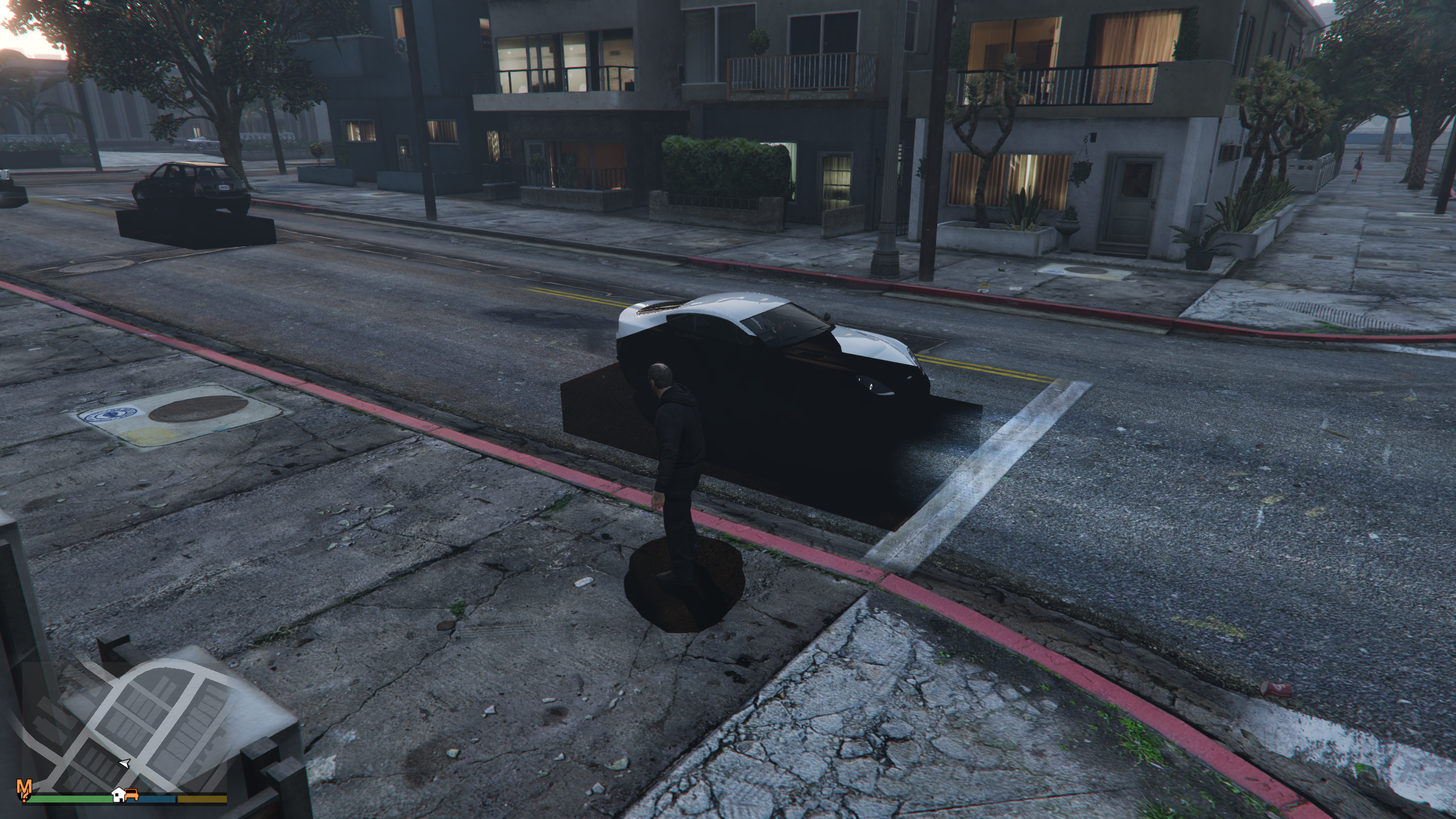
I am not seeing this on Steam Deck, so I'm assuming it has something to do with newer MESA/RADV. Happens in story mode and online to every character and car. I first started noticing it after updating to the following MESA on the 7th.
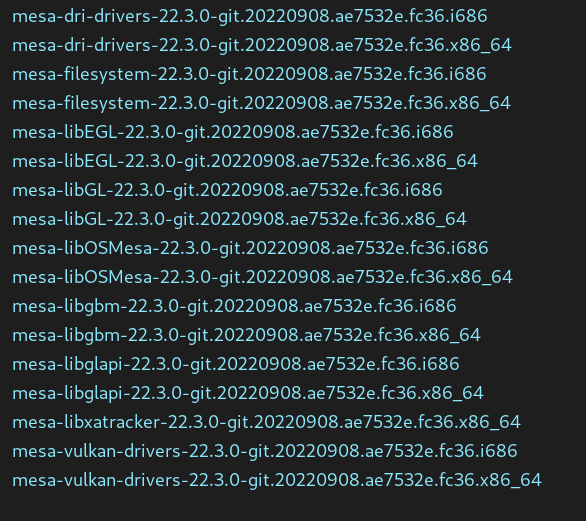
Tested on Proton 7, experimental and latest GE
Current System and log:
https://gist.github.com/EwokExile/fd947b82d8debe63dc647ee11b3165fc
@gofman @Frogging101 @GloriousEggroll I have some huge news:
- I've previously reported that RTX 3090 with 24 GB VRAM had zero issues and never crashed, for WEEKS.
- Well, today it happened. RTX 3090 had this exact issue today. The world turned to low LOD and blurry textures, and a few minutes later the game froze completely.
Regarding freeze / disappearing texture issue, the most interesting thing for us now is whether it still happens often with current Proton Experimental (the latest related changes are there now) or does not happen or happens rarely (how often?).
It's good that we know that Rockstar are tracking the bug internally and I hope to god that they figure it out soon.
I don't know if they are tracking it or not.
Another new issue: when trying to export a project with the Rockstar Editor there is an unknown error.
steam-271590.log
I tried all variations regarding Frame Rate and Bit Rate.
Another new issue: when trying to export a project with the Rockstar Editor there is an unknown error. steam-271590.log I tried all variations regarding Frame Rate and Bit Rate.
This probably needs MF writer maturing:
17567.357:0444:084c:fixme:mfplat:MFCreateSinkWriterFromURL L"C:/users/steamuser/AppData/Local/Rockstar Games/GTA V/videos/rendered\Project 1.mp4", 0000000000000000, 00000000961600D0, 0000
0000B916FDD8.
So I should report this issue to the wine bugtracker?
That won't hurt.
I also have a issue to report, the grefers and modders have no longer made the game worth all the hassle of a 16 year bug report.
Also gas prices are on the mend but I think they could be better.
Replying to https://github.com/ValveSoftware/Proton/issues/37#issuecomment-1247363794
Just to add a bit to this, I rolled back to stable MESA and this issue goes away
Forgive me for asking but am I the only person still unable to play this game? Attempting to open the interaction menu instantly locks-up my game and texture issue / game lock-up is still very prevalent (just as much as it was 2+ months ago).
I ask because it seems most people on ProtonDB/GitHub are reporting satisfactory gameplay, while I've not noticed a change.
If anything, I'm just curious about any update/info about this most recent issue.
Thanks in advance :smiley:
@tunanachos my experience is kind stable latelly.
GPU RTX 2070 SUPER
It would seem that the issue I'm having is potentially a bug (I assume with Proton).
Up until now I've played with the Windowed Borderless settings but changing it from this to Fullscreen has fixed my issue of the game crashing while attempting to open the interaction menu (holding Select for controller and M for keyboard+mouse).
Can anyone else test this out and confirm?
Either way I've just played for an hour without the game crashing/having issue (using GE-Proton7-33)
Thanks!
(n.b the game crashed with a out of memory error when I quit the game).
The RADV issue should be fixed with https://gitlab.freedesktop.org/mesa/mesa/-/commit/bad75ed3f162880270a0593ad8c9b6753a228eb7. Please re-test and confirm, thanks!
Forgive me for asking but am I the only person still unable to play this game? Attempting to open the interaction menu instantly locks-up my game and texture issue / game lock-up is still very prevalent (just as much as it was 2+ months ago).
Tested the last three days and can confirm the texture issues are still a thing, although it feels like they are appearing more randomly, had several 1-2 hours sessions without texture issues, but ran into one like 15 minutes ingame yesterday.
Specs:
GTA5 Steam Version
NVIDIA GM204 [GeForce GTX 970] driver: nvidia v: 515.76
GE-Proton 7-35
wine7.18
mesa-22.1.7-1
No launching options except PROTON_LOG=1 %command%
Logfile is 170mb still mostly 99% these:
41282.622:0434:0498:fixme:keyboard:NtUserActivateKeyboardLayout flags 40000000 not supported
41282.623:0434:0498:fixme:keyboard:X11DRV_ActivateKeyboardLayout 0x4090409, 40000000: semi-stub!
41282.623:0434:0554:fixme:bcrypt:BCryptCreateHash ignoring object buffer
41282.623:0434:0554:fixme:bcrypt:BCryptGenerateSymmetricKey ignoring object buffer
41282.623:0434:0554:fixme:bcrypt:BCryptGenRandom ignoring selected algorithm
41282.623:0434:0554:fixme:bcrypt:BCryptGenerateSymmetricKey ignoring object buffer
Looking only for those flagged with err:
40956.410:0124:0128:err:kerberos:kerberos_LsaApInitializePackage no Kerberos support, expect problems
40956.428:0124:0128:err:ntlm:ntlm_LsaApInitializePackage no NTLM support, expect problems
40956.812:0260:0264:err:kerberos:kerberos_LsaApInitializePackage no Kerberos support, expect problems
40956.817:0260:0264:err:ntlm:ntlm_LsaApInitializePackage no NTLM support, expect problems
40957.762:02c0:02c4:err:kerberos:kerberos_LsaApInitializePackage no Kerberos support, expect problems
40957.772:02c0:02c4:err:ntlm:ntlm_LsaApInitializePackage no NTLM support, expect problems
40957.852:02ec:02f0:err:kerberos:kerberos_LsaApInitializePackage no Kerberos support, expect problems
40957.861:02ec:02f0:err:ntlm:ntlm_LsaApInitializePackage no NTLM support, expect problems
40957.926:0300:0304:err:kerberos:kerberos_LsaApInitializePackage no Kerberos support, expect problems
40957.935:0300:0304:err:ntlm:ntlm_LsaApInitializePackage no NTLM support, expect problems
40958.256:02c0:02c4:err:vulkan:X11DRV_vkCreateWin32SurfaceKHR HACK: Failing surface creation for other process window 0x100d0.
40962.665:03fc:0400:err:kerberos:kerberos_LsaApInitializePackage no Kerberos support, expect problems
40962.671:03fc:0400:err:ntlm:ntlm_LsaApInitializePackage no NTLM support, expect problems
40964.749:0418:041c:err:kerberos:kerberos_LsaApInitializePackage no Kerberos support, expect problems
40964.754:0418:041c:err:ntlm:ntlm_LsaApInitializePackage no NTLM support, expect problems
  0.000:0434:0438:err:module:hacks_init HACK: Simulating sched quantum in fsync.
  0.000:0434:0438:err:module:hacks_init HACK: Simulating sched quantum in NtWaitForAlertByThreadId.
40976.857:02c0:03bc:err:esync:__esync_wait_objects Polling on fd 180 returned 0x20.
40976.858:0300:036c:err:esync:__esync_wait_objects Polling on fd 128 returned 0x20.
40982.117:0434:0438:err:kerberos:kerberos_LsaApInitializePackage no Kerberos support, expect problems
40982.179:0434:0438:err:ntlm:ntlm_LsaApInitializePackage no NTLM support, expect problems
40982.604:0594:0598:err:kerberos:kerberos_LsaApInitializePackage no Kerberos support, expect problems
40982.614:0594:0598:err:ntlm:ntlm_LsaApInitializePackage no NTLM support, expect problems
40983.614:05e8:05ec:err:kerberos:kerberos_LsaApInitializePackage no Kerberos support, expect problems
40983.622:05e8:05ec:err:ntlm:ntlm_LsaApInitializePackage no NTLM support, expect problems
40984.588:0668:066c:err:kerberos:kerberos_LsaApInitializePackage no Kerberos support, expect problems
40984.594:0668:066c:err:ntlm:ntlm_LsaApInitializePackage no NTLM support, expect problems
40984.767:0688:068c:err:kerberos:kerberos_LsaApInitializePackage no Kerberos support, expect problems
40984.776:0688:068c:err:ntlm:ntlm_LsaApInitializePackage no NTLM support, expect problems
41005.579:0894:0898:err:kerberos:kerberos_LsaApInitializePackage no Kerberos support, expect problems
41005.587:0894:0898:err:ntlm:ntlm_LsaApInitializePackage no NTLM support, expect problems
41030.964:0668:06cc:err:esync:__esync_wait_objects Polling on fd 172 returned 0x20.
41031.118:0668:06cc:err:esync:__esync_wait_objects Polling on fd 174 returned 0x20.
41092.426:0668:06cc:err:esync:__esync_wait_objects Polling on fd 207 returned 0x20.
41092.493:0668:06cc:err:esync:__esync_wait_objects Polling on fd 213 returned 0x20.
41103.742:09e8:09ec:err:kerberos:kerberos_LsaApInitializePackage no Kerberos support, expect problems
41103.753:09e8:09ec:err:ntlm:ntlm_LsaApInitializePackage no NTLM support, expect problems
41172.226:0668:06cc:err:esync:__esync_wait_objects Polling on fd 170 returned 0x20.
41172.429:0668:06cc:err:esync:__esync_wait_objects Polling on fd 194 returned 0x20.
Can provide more informations or the full logfile if needed or also do tests with proton-experimental again(last time it made no difference except the game running on lower fps)
Yea same here. Still having issues. Textures loading wrong lod and eventually random crashes and freezups. Some times letting me play much longer than others. Sometimes even the lod even loads correctly for a minute.
But this is Nvidia though. The radian label seems like not the main issue. At least not anymore.
@gofman @Frogging101 @GloriousEggroll I have some huge news:
- I've previously reported that RTX 3090 with 24 GB VRAM had zero issues and never crashed, for WEEKS.
- Well, today it happened. RTX 3090 had this exact issue today. The world turned to low LOD and blurry textures, and a few minutes later the game froze completely.
Regarding freeze / disappearing texture issue, the most interesting thing for us now is whether it still happens often with current Proton Experimental (the latest related changes are there now) or does not happen or happens rarely (how often?).
It's good that we know that Rockstar are tracking the bug internally and I hope to god that they figure it out soon.
I don't know if they are tracking it or not.
Can confirm different card card also Nvidia but same issue and symptoms
This was just last week ge builds proton experimental all the flags + the kitchen sink. Every combination you can emagine. Didn't try the beta proton experimental if that is still a thing. But seems not.
I can attach a log file if anyone cares to see it. Just let me know.
The RADV issue should be fixed with https://gitlab.freedesktop.org/mesa/mesa/-/commit/bad75ed3f162880270a0593ad8c9b6753a228eb7. Please re-test and confirm, thanks!
Sorry for the delay, was a busy week, but yes, the RADV issue seems to be fixed in latest Mesa git
I just installed mesa 22.2.0~kisak1~g from mesa21. Going to give it a go later and see if my nvidia situation improves.
I guess 21 wasn't even technically min requirements from what I just read. Even though that's was the distroprovider was shipping in the PM.
Hello @etoven, PPA builds for groovy ended a long time ago. There's no real connection between the NVIDIA proprietary driver and mesa. It would be surprising for there to be any effect if you're using the proprietary driver.
Hello @etoven, PPA builds for groovy ended a long time ago. There's no real connection between the NVIDIA proprietary driver and mesa. It would be surprising for there to be any effect if you're using the proprietary driver.
I didn't think there was connection either even though Nvidia does seem to have Nvidia mesa whatever it does.
That being said I don't think groovy is outdated because it took my release to the latest number, was 21, now 22.latest forget what it was but looked it up at the time.
At any rate the point is mute because I am unhappy to report the same issues still persist.
That being say proton listed a minimum new messa version so I had to update regardless. Seems that 22 is now the minimum even though I believe 21 is still lts.
Replying to https://github.com/ValveSoftware/Proton/issues/37#issuecomment-1261623578
I can as of yesterday. Driver 515.76 mesa 22 Nvidia 1060
Forgive me for asking but am I the only person still unable to play this game? Attempting to open the interaction menu instantly locks-up my game and texture issue / game lock-up is still very prevalent (just as much as it was 2+ months ago).
I ask because it seems most people on ProtonDB/GitHub are reporting satisfactory gameplay, while I've not noticed a change.
If anything, I'm just curious about any update/info about this most recent issue.
Thanks in advance smiley
No, man. I'm still freezing and missing textures. The whole deal. Tried everything
I tried several times to capture a running trace while the game was running I had it in a video you see can see the trace with the game in real time together but then the game was like I just wont login just keep you at the cloud screen forever. .
Anyways, still LOD's not loading in. Sometimes even falling threw geometry that hasn't loaded.
Here is a prior screengrab from when I got in last.
It does that and eventually the game just completely hangs or freezes up.
Tried nearly every proton/proton ge/ experimental combination and all the flags there is.
Nvidia driver 515.65.01 Nvidia 1060
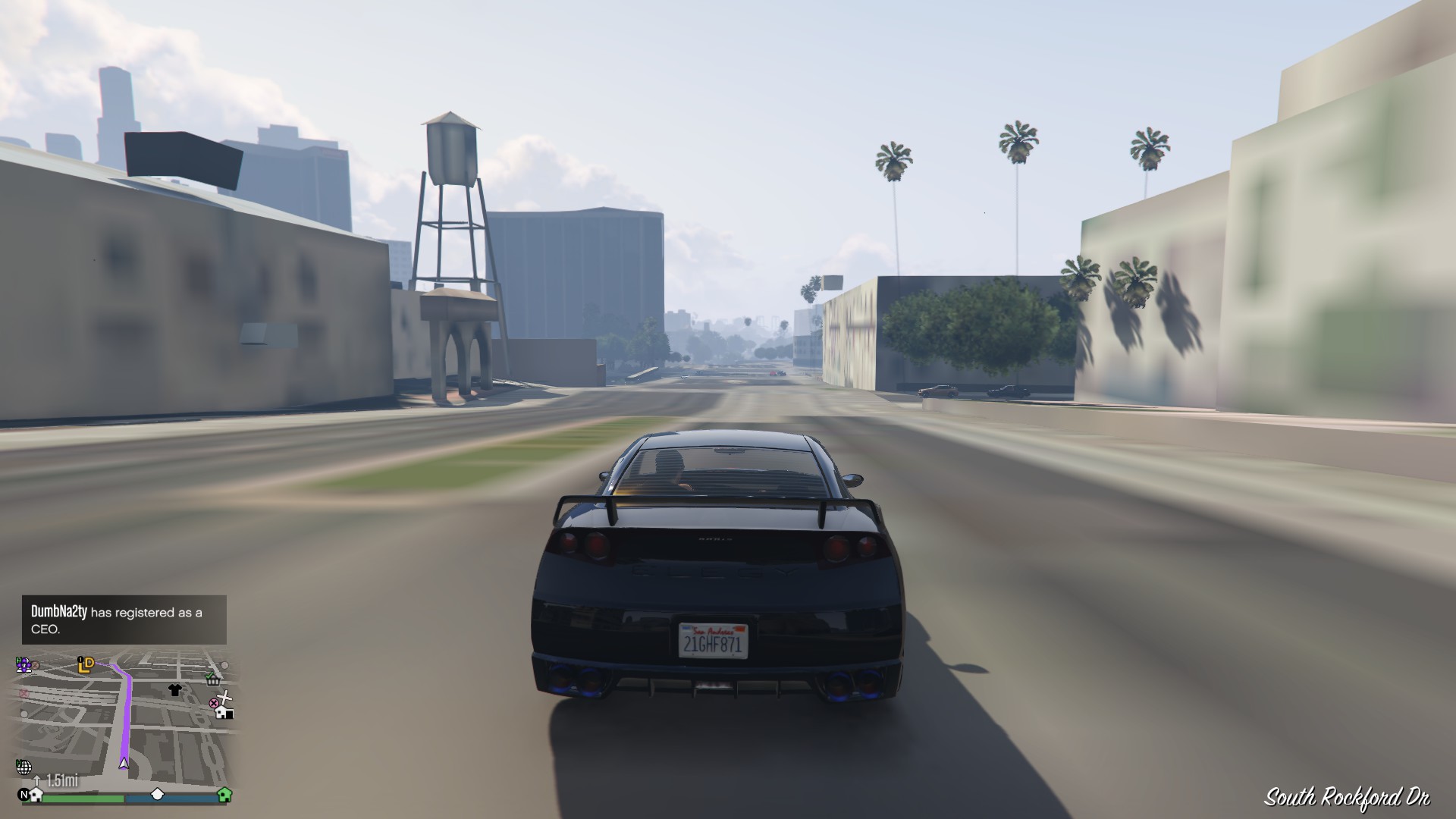
Screenshots
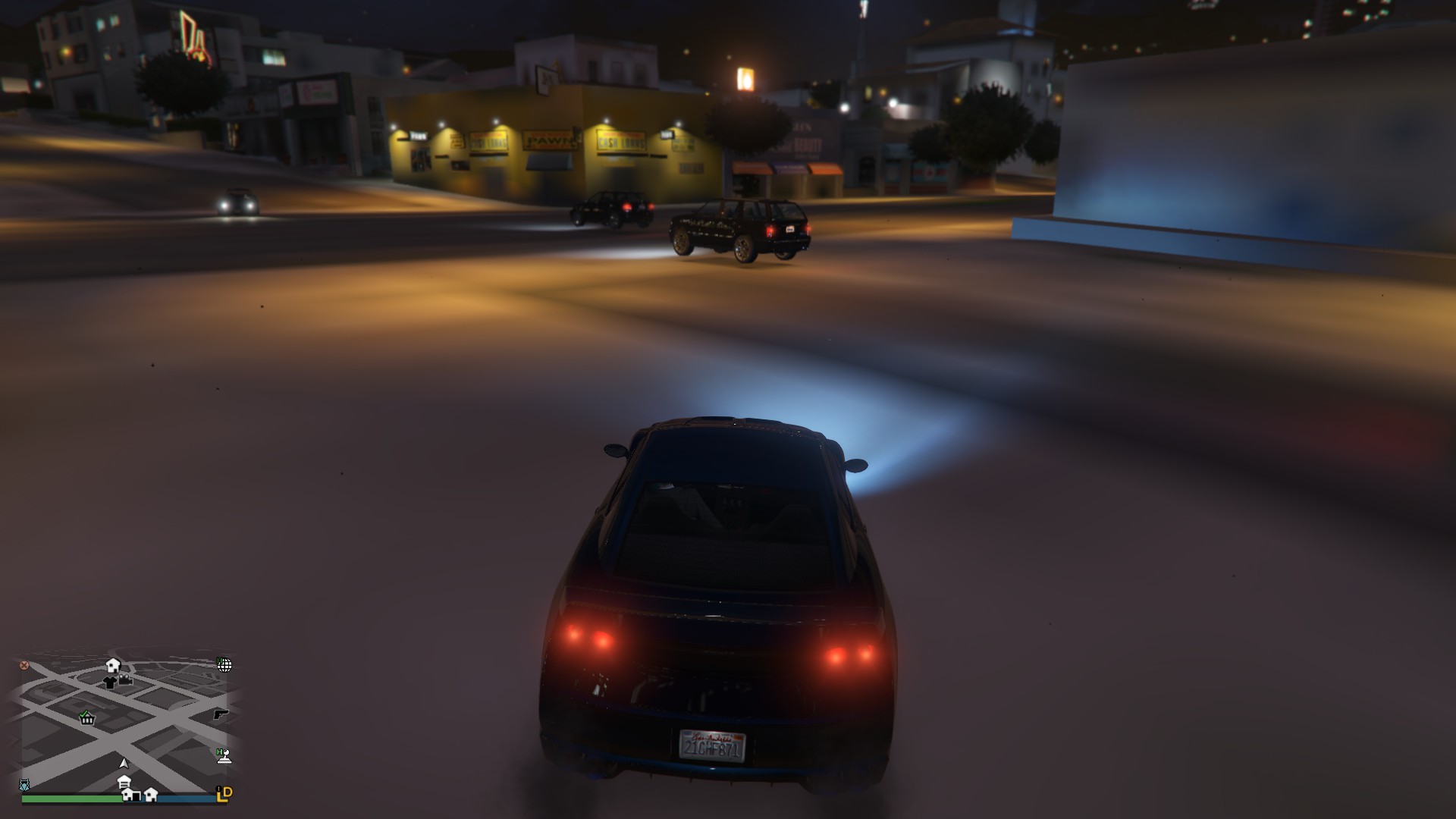
Really hope this gets fixed soon. People skydiving together that looks like a lot of fun. Makes me sad I can't participate.
Are you sure you have latest Proton Experimental enabled?
Replying to https://github.com/ValveSoftware/Proton/issues/37#issuecomment-1260889187
Yea getting a ton of that fix me keyboard things also. Not sure what that is about.
If it's going to generate 170mb of warnings maybe take the warning label off or just fix that one single function. Because it's all coming from that one line of code it seems.
Are you sure you have latest Proton Experimental enabled?
Yea, tried that just now, and all the GE builds 7.35 to 7.37
Are you sure you have latest Proton Experimental enabled?
Do I need to be on the beta branch for that proton experimental?
I can switch to bleeding edge and give it a try.
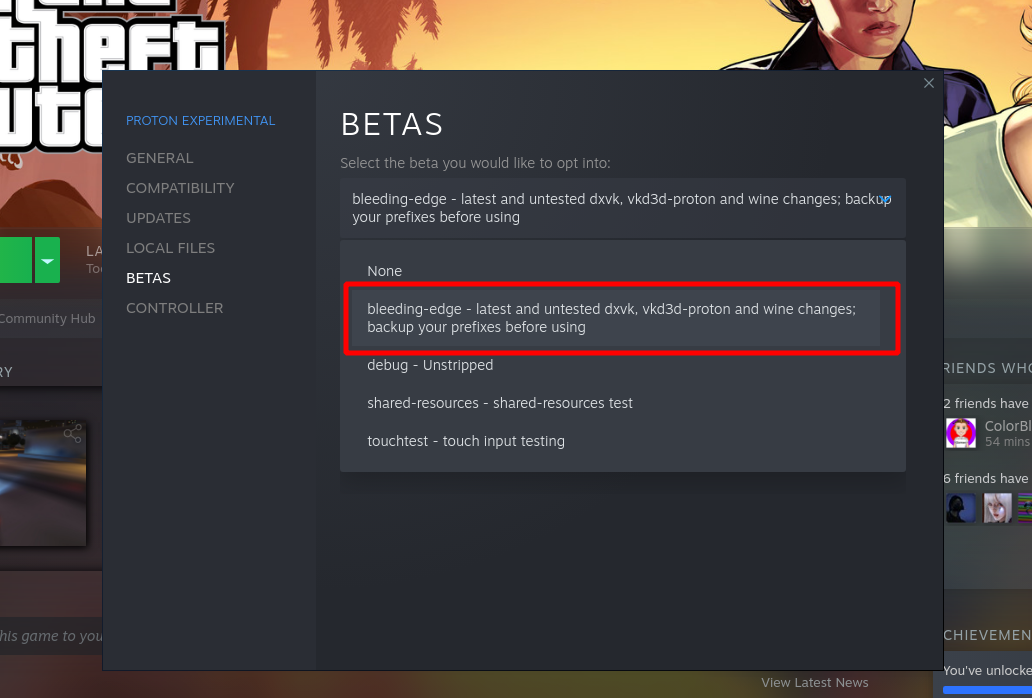
Sigh.. Didn'e
Are you sure you have latest Proton Experimental enabled?
Sigh didn't even get out of the appt.
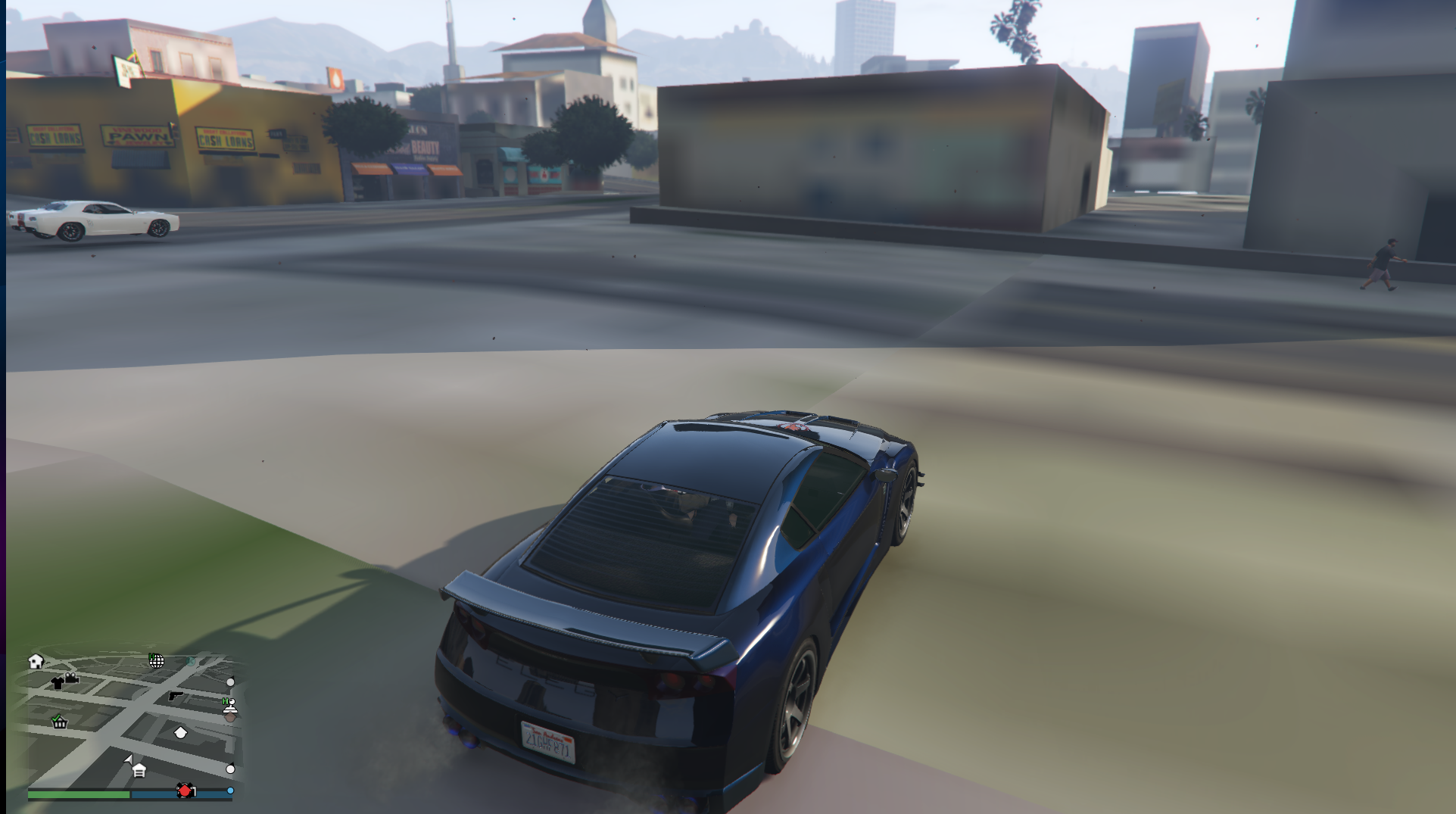
Looking to see at least if the stability is improved....
Edit.. Nope. Just froze up.
Here is the log from just now.
That keyboard things created a 185mb text file BTW. I'm starting to wonder if all those debug lines creates a issue actually running the game.
I also have a issue to report, the grefers and modders have no longer made the game worth all the hastle of a 16 year bug report. :)
Also gas prices are on the mend but I think they could be better.
On 9/15/22 12:30 PM, Af0x @.***> wrote:
Ref: https://bugs.winehq.org/show_bug.cgi?id=53687
https://bugs.winehq.org/show_bug.cgi?id=53687—
Reply to this email directly, view it on GitHub
https://github.com/ValveSoftware/Proton/issues/37#issuecomment-1248341119,
or unsubscribe
https://github.com/notifications/unsubscribe-auth/AB5F5KFTP4AQIDFGIVPJSDLV6NFJ7ANCNFSM4FQ4BTGQ.
You are receiving this because you commented.Message ID:
@.***>
The textures issue is a game bug that has also been seen on Windows and other consoles. Please complain to Rockstar to fix the bug that they introduced into a nearly 10 year old game with that update :D Proton hits the bug more frequently (especially with certain hardware it seems) which is unfortunate.
GTAV was working, I had MXAA up too high and had the Natural Vision Evolved mod installed with terrible fps, changed the mxaa back to off, reloaded the game, and started not loading after clicking story mode. I saw a bunch of ActivateKeyboardLayout warnings, it does that and will fill the log into GB this is large above.
Repeats error in end related to the ActivateKeyBoardLayout, didnt change anything other then the above, localization was likely English as default as I was loaded in the game briefly. With mods and everything working, didnt crash.
Manjaro
5.15
NVIDIA 470 latest
RTX 3090
Game crashes 3-5 minutes after spawning into story mode.
Nobara Linux (Fedora)
5.19.14-201.fsync.fc36.x86_64
AMD Ryzen 3 3200G (4) @ 3.600GHz
Mesa 22.1.7-1.fc36
AMD Radeon Vega 8 Graphics
Hi All,
What is Kerberos being used for here ?
On Mon, Oct 10, 2022 at 2:40 PM Erich Toven @.***>
wrote:
Forgive me for asking but am I the only person still unable to play this
game? Attempting to open the interaction menu instantly locks-up my game
and texture issue / game lock-up is still very prevalent (just as much as
it was 2+ months ago).Tested the last three days and can confirm the texture issues are still a
thing, although it feels like they are appearing more randomly, had several
1-2 hours sessions without texture issues, but ran into one like 15 minutes
ingame yesterday.Specs: GTA5 Steam Version NVIDIA GM204 [GeForce GTX 970] driver: nvidia v:
515.76 GE-Proton 7-35 wine7.18 mesa-22.1.7-1 No launching options except
PROTON_LOG=1 %command%Logfile is 170mb still mostly 99% these:
41282.622:0434:0498:fixme:keyboard:NtUserActivateKeyboardLayout flags 40000000 not supported
41282.623:0434:0498:fixme:keyboard:X11DRV_ActivateKeyboardLayout 0x4090409, 40000000: semi-stub!
41282.623:0434:0554:fixme:bcrypt:BCryptCreateHash ignoring object buffer
41282.623:0434:0554:fixme:bcrypt:BCryptGenerateSymmetricKey ignoring object buffer
41282.623:0434:0554:fixme:bcrypt:BCryptGenRandom ignoring selected algorithm
41282.623:0434:0554:fixme:bcrypt:BCryptGenerateSymmetricKey ignoring object bufferLooking only for those flagged with err:
40956.410:0124:0128:err:kerberos:kerberos_LsaApInitializePackage no Kerberos support, expect problems
40956.428:0124:0128:err:ntlm:ntlm_LsaApInitializePackage no NTLM support, expect problems
40956.812:0260:0264:err:kerberos:kerberos_LsaApInitializePackage no Kerberos support, expect problems
40956.817:0260:0264:err:ntlm:ntlm_LsaApInitializePackage no NTLM support, expect problems
40957.762:02c0:02c4:err:kerberos:kerberos_LsaApInitializePackage no Kerberos support, expect problems
40957.772:02c0:02c4:err:ntlm:ntlm_LsaApInitializePackage no NTLM support, expect problems
40957.852:02ec:02f0:err:kerberos:kerberos_LsaApInitializePackage no Kerberos support, expect problems
40957.861:02ec:02f0:err:ntlm:ntlm_LsaApInitializePackage no NTLM support, expect problems
40957.926:0300:0304:err:kerberos:kerberos_LsaApInitializePackage no Kerberos support, expect problems
40957.935:0300:0304:err:ntlm:ntlm_LsaApInitializePackage no NTLM support, expect problems
40958.256:02c0:02c4:err:vulkan:X11DRV_vkCreateWin32SurfaceKHR HACK: Failing surface creation for other process window 0x100d0.
40962.665:03fc:0400:err:kerberos:kerberos_LsaApInitializePackage no Kerberos support, expect problems
40962.671:03fc:0400:err:ntlm:ntlm_LsaApInitializePackage no NTLM support, expect problems
40964.749:0418:041c:err:kerberos:kerberos_LsaApInitializePackage no Kerberos support, expect problems
40964.754:0418:041c:err:ntlm:ntlm_LsaApInitializePackage no NTLM support, expect problems
0.000:0434:0438:err:module:hacks_init HACK: Simulating sched quantum in fsync.
0.000:0434:0438:err:module:hacks_init HACK: Simulating sched quantum in NtWaitForAlertByThreadId.
40976.857:02c0:03bc:err:esync:__esync_wait_objects Polling on fd 180 returned 0x20.
40976.858:0300:036c:err:esync:__esync_wait_objects Polling on fd 128 returned 0x20.
40982.117:0434:0438:err:kerberos:kerberos_LsaApInitializePackage no Kerberos support, expect problems
40982.179:0434:0438:err:ntlm:ntlm_LsaApInitializePackage no NTLM support, expect problems
40982.604:0594:0598:err:kerberos:kerberos_LsaApInitializePackage no Kerberos support, expect problems
40982.614:0594:0598:err:ntlm:ntlm_LsaApInitializePackage no NTLM support, expect problems
40983.614:05e8:05ec:err:kerberos:kerberos_LsaApInitializePackage no Kerberos support, expect problems
40983.622:05e8:05ec:err:ntlm:ntlm_LsaApInitializePackage no NTLM support, expect problems
40984.588:0668:066c:err:kerberos:kerberos_LsaApInitializePackage no Kerberos support, expect problems
40984.594:0668:066c:err:ntlm:ntlm_LsaApInitializePackage no NTLM support, expect problems
40984.767:0688:068c:err:kerberos:kerberos_LsaApInitializePackage no Kerberos support, expect problems
40984.776:0688:068c:err:ntlm:ntlm_LsaApInitializePackage no NTLM support, expect problems
41005.579:0894:0898:err:kerberos:kerberos_LsaApInitializePackage no Kerberos support, expect problems
41005.587:0894:0898:err:ntlm:ntlm_LsaApInitializePackage no NTLM support, expect problems
41030.964:0668:06cc:err:esync:__esync_wait_objects Polling on fd 172 returned 0x20.
41031.118:0668:06cc:err:esync:__esync_wait_objects Polling on fd 174 returned 0x20.
41092.426:0668:06cc:err:esync:__esync_wait_objects Polling on fd 207 returned 0x20.
41092.493:0668:06cc:err:esync:__esync_wait_objects Polling on fd 213 returned 0x20.
41103.742:09e8:09ec:err:kerberos:kerberos_LsaApInitializePackage no Kerberos support, expect problems
41103.753:09e8:09ec:err:ntlm:ntlm_LsaApInitializePackage no NTLM support, expect problems
41172.226:0668:06cc:err:esync:__esync_wait_objects Polling on fd 170 returned 0x20.
41172.429:0668:06cc:err:esync:__esync_wait_objects Polling on fd 194 returned 0x20.Can provide more informations or the full logfile if needed or also do
tests with proton-experimental again(last time it made no difference except
the game running on lower fps)Yea getting a ton of that fix me keyboard things also. Not sure what that
is about.—
Reply to this email directly, view it on GitHub
https://github.com/ValveSoftware/Proton/issues/37#issuecomment-1273843003,
or unsubscribe
https://github.com/notifications/unsubscribe-auth/AWOIRPS4DIBB6E7A5XQ6Z7DWCSEL5ANCNFSM4FQ4BTGQ
.
You are receiving this because you are subscribed to this thread.Message
ID: @.***>
The textures issue is a game bug that has also been seen on Windows and other consoles. Please complain to Rockstar to fix the bug that they introduced into a nearly 10 year old game with that update :D Proton hits the bug more frequently (especially with certain hardware it seems) which is unfortunate.
It's been persistent for two months. Complaining to rockstar to fix game breaking features seem like a waste of time. There going to do whatever they feel like. Customers be damned.
Replying to https://github.com/ValveSoftware/Proton/issues/37#issuecomment-1278349957
That would be a question for rockstar I think. No idea on that one.
I have the same issue, Sometimes I can play for hours and other times I can only play for 5 minutes and the textures get messed up and the game eventually freezes, I'm on Debian 11 using GE Proton
Hello
Since last update of Proton a few hours ago, after a few minutes if playing I had a memory error message.
The Game freezes and the error window appears & the game shutdown.
Until that everything was fine since 1 or 2 month after the texture issue, this time textures are fine.
GPU : GT 1030
CPU : Ryzen 3 3100
RAM : 16GB
OS : Linux Mint 21
Edit : I made a screenshot of the error window, so the error is still there since yesterday.
This is with my second avatar, i will try with the first one .. who knows ..
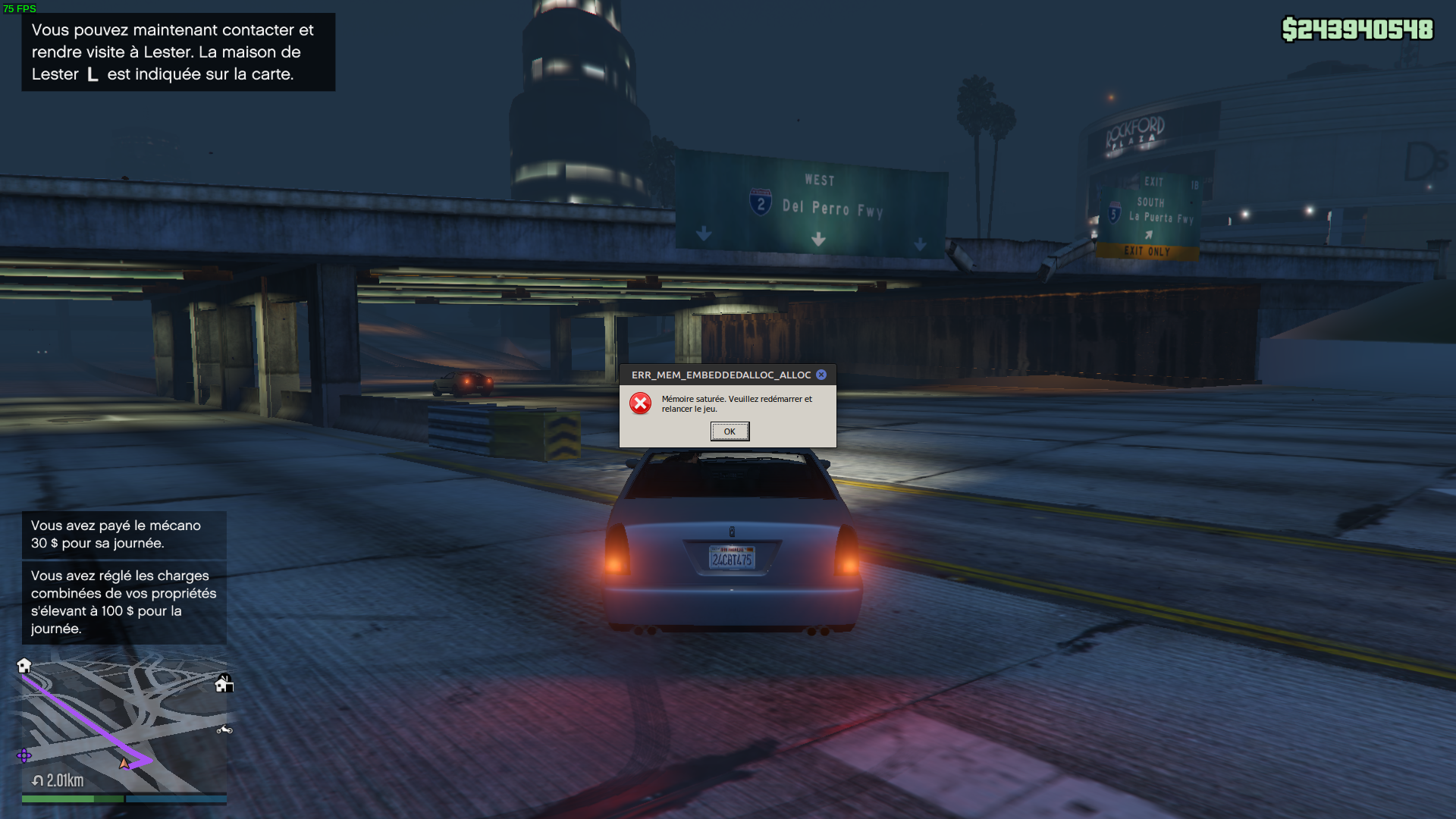
DXVK 2.0 giving me the "No DirectX Graphics Adapter found" error. Had to revert to previous version. (Heroic Launcher, Epic Store Version)
What GPU? If your GPU is older (I think at least Vulkan 1.3 is required?), then it won't function.
GTX 2070 Super
Am 17. November 2022 21:55:07 MEZ schrieb Oro @.***>:
What GPU? If your GPU is older (I think at least Vulkan 1.3 is required?), then it won't function.
--
Reply to this email directly or view it on GitHub:
https://github.com/ValveSoftware/Proton/issues/37#issuecomment-1319188769
You are receiving this because you commented.Message ID: @.***>
NVIDIA driver version? How you're running the game matters too, is it native, or flatpak? If flatpak, a flatpak update after updating to the latest drivers should fix it.
It's all the users on NVidia.. Flatpack has nothing to do with it. It's doing it on native also.
Stop suggesting there's a layer 8 issue please. Someone needs to look at THEIR problem.
After this last update the whole game is a unplaybale mess. Suffering issue after isssue. It's not protons fault however.
Someone at rockstar needs to address it.
Replying to https://github.com/ValveSoftware/Proton/issues/37#issuecomment-416085087
I'll give that a go later when I can fine some time. And report back to the comminuty my experience.
Every time I open the steam overlay the game freezes. Is anyone getting this?
GTX 2070 Super Am 17. November 2022 21:55:07 MEZ schrieb Oro @.***>:
BTW it just started working today, so might have been a uninstall/install DXVK issue.
After a while, a dirx error pops up, and then the game crashes. What is the reason
Running Fedora with Steam Flatpak and all latest updates enabled. Just bought and running the game gives an error "No directx 10 or 11 adapter or Runtime found..."
Is the recent update likely the cause of this?
Running Fedora with Steam Flatpak and all latest updates enabled. Just bought and running the game gives an error "No directx 10 or 11 adapter or Runtime found..."
Is the recent update likely the cause of this?
There shouldn't be any issues with AMD/Intel now, but if you're on NVIDIA, you'll need to make sure your drivers are up-to-date (at least 515, iirc), and run flatpak update.
Just wanted to report something odd, when I first played GTA V on my deck today a few hours ago, I got an average of 40 fps. A few moments ago proton experimental updated and now I’m receiving over 100fps. What exactly changed in DXVK or Wine to have such an amazing impact?
(Though now it seems to freeze trying to create a closed friend online session so can’t win em all I guess)
Alright, it’s more broke than I thought, amazing perf boost but now closing the pause menu, or entering buildings causes a crash.
Grand Theft Auto 5 texture issues making the game freeze and crash after 10-20min of gameplay
Issue transferred from https://github.com/ValveSoftware/Proton/issues/6403.
@linuxuser420 posted on 2022-12-21T21:16:10:
Compatibility Report
- Name of the game with compatibility issues: Grand Theft Auto 5
- Steam AppID of the game: 271590
System Information
- GPU: RX 550
- Driver/LLVM version: 11.0.1
- Kernel version: 5.10.0-19-amd64
- Proton version: GE-Proton7-43
I confirm:
- [ ] that I have found other people's compatibility issues the same as mine.
- [ ] that I have checked whether there are updates for my system available.
gamemoderun DXVK_ASYNC=1 WINE_FULLSCREEN_FSR=1 %command%.
Symptoms
You can play Gta 5 for 10-20 minutes depending on your luck before the textures start not rendering correctly and the game eventually freezes and crashes, i have seen lots of peoples experiencing the same issue
Reproduction
I have the same freezing/no textures issue. Are there any news from Rockstar about it?
No, Rockstar doesn't care about Linux unfortunately
No, Rockstar doesn't care about Linux unfortunately
Correct. I gave up. Same machine. I installed Windows, and now I can play the game. It's a shame because the game was working perfectly for years...
Even if Rockstar never fix it I am certain it will be fixed through DXVK or Proton or Wine upstream or whatever other open-source project.
As long as Rockstar don't keep breaking this game for years to come and as long as they don't add kernel level anticheat, eventually the open-source community will prevail and the game will be fixed and should work fine. I truly believe even Valve will want to help make that true.
I don't know what the problem is. However, the game is still playable for me without any major problems. No freezes, no crashes. I only sometimes have a few artifacts in the northwest of the map above the water (only at that point, actually), but they don't bother me.
All updates by Rockstar, where recently someone always had problems, I could continue to play without problems.
Linux Mint 20 Cinnamon
Kernel 5.15
AMD Ryzen 5 3600
AMD Radeon RX 5700 XT
16GB DDR4
Mesa 22.3.1 (kisak-mesa fresh PPA)
I know that doesn't help here right now. But I just wanted to point out that it's not a general problem.
No, Rockstar doesn't care about Linux unfortunately
IIRC the game is slightly broken on consoles and Windows desktops too, in a similar fashion. The issue just seems to be amplified on Linux.
Currently it is not possible to unlock all achievements under Linux due to this bug/missing feature of Wine:
https://bugs.winehq.org/show_bug.cgi?id=45862
It is not possible to export a project with the Rockstar Editor because of this.
Rockstar Games Launcher using 55+ GB of RAM.
Issue transferred from https://github.com/ValveSoftware/steam-for-linux/issues/9103.
@Krutonium posted on 2023-01-14T08:49:00:
Your system information
- Steam client version (build number or date): December 15, 2022 at 21:27:25
- Distribution (e.g. Ubuntu): NixOS
- Opted into Steam client beta?: [Yes/No] No
- Have you checked for system updates?: [Yes/No] Yes
Please describe your issue in as much detail as possible:
I went to play GTA V, ran the setup, and the setup just ran for ages. Eventually my system started stuttering hard, so I opened System Monitor and well, yeah.
Steps for reproducing this issue:
- Try to install GTA V
- Go to install the Launcher (RS:G Launcher)

- Experience debilitating RAM usage the likes of which will be felt until you kill the process.
Does anyone else have an issue where some lights (like lights coming from TVs, some street lights, etc) slightly flicker. It's not a big problem, but still somewhat annoying.
Controller hotplugging doesn´t seem to work anymore. I use a Xbox 360 Controller, Proton Bleeding Edge and Steam Beta (if that is relevant).
Hello @Af0x, most likely not game specific behavior https://github.com/ValveSoftware/steam-for-linux/issues/9150.
Good job to all the developers that worked on all the fixes for games to work on linux. :pray:
--
fyi. you would think based on the number of posts in this thread, GTA V will not even load up out of the box in linux.
Surprisingly, I was able to complete the training session with "Proton - Experimental" selected and just ms core fonts installed (apt install msttcorefonts -yq). There are quite a few users reporting the same (ref0, ref1). That said, game freezes after ~5min :smiling_face_with_tear: , I've also tried Proton-GE (v7-48), game also freezes within 10min. Of note, during installation, make sure to click "enable cloud saves" when rockstar asks about cloud saves. prior the fresh install attempt, i've tried installing a few times following the few fixes/tweaks in the above thread, and every time during the rockstar launcher installation, i said no to "cloud saves" and it ultimately resulted in the error "An instance of GTA V is already running" after clicking "play".
Spec: Proxmox vm, with gpu passthrough, OS: Ubuntu 20.04, Card 3060ti, ~30fps.
For those that have the gta itch AND do not enjoy tinkering with wine/directx/rockstar-launcher issues, i'd recommend installing Proxmox, and just create a windows vm with gpu passthrough .
i heard gta v now has an RCE, i'd recommend not playing this game, wine/proton will not protect ur system from an RCE as they give full access to the host filesystem via the Z drive
@pangyuteng Nah I don't think there is any RCE (Remote Code Execution) issue.
The thing that's been going on is that some mod menus added a VERY malicious exploit that corrupts your save in the cloud, which bricks your account so you can never log in again (the game spins/loads forever).
I think it started with the mod menu called "North". Several other menus added the exploit.
It allows the modders to click any player in the session and brick their account, destroying all their character data, the money, everything you own, just GONE.
Mutahar covered it in an earlier video. And today he came out with an update on the situation:
https://www.youtube.com/watch?v=IYpftUYRrug
Edit: https://support.rockstargames.com/articles/13577231779475/GTAV-Title-Update-1-66-Notes-PC
[February 1, 2023]
Security
- Implemented a new data protocol in GTA Online to improve the security of network sessions and player-to-player messaging
- Fixed an issue that could result in a player’s GTA Online experience being modified by a third party, including:
- altering GTA$ balance, RP level, Bad Sport status, and other player stats
- manipulation of players being kicked or crashed
Game Stability and Performance
- General stability improvements
Seems like that's the fix for the account bricking, but I can't say for sure, since they are so vague.
Suddenly stopped working for me somehow, played it yesterday and since today it fails. Reinstalling, selecting various proton versions, removing proton things all didn't help. Other Proton game still starts fine. Is anyone else having problems again?
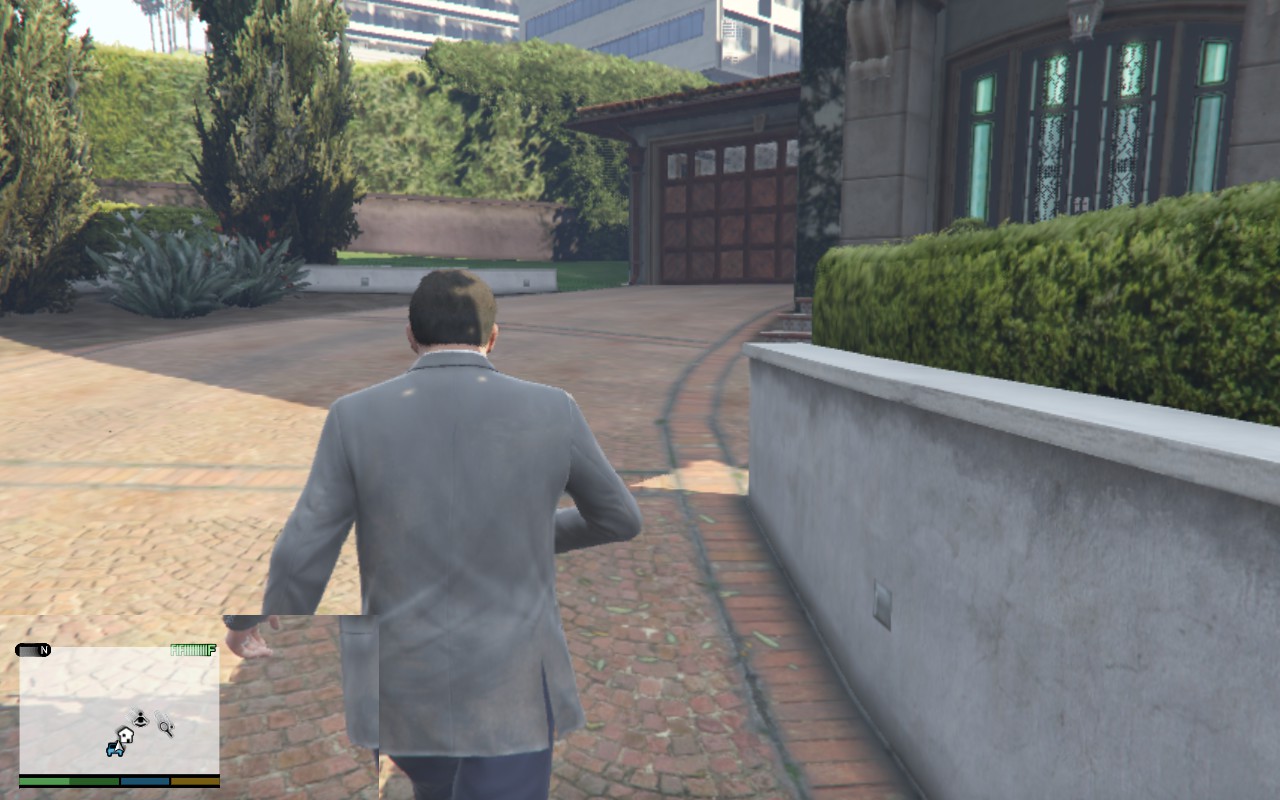
On my Steam Deck (with both Proton 7.0-6 and Experimental Bleeding Edge), the game bugged out after a mission. As shown in the image, the bottom left corner is bugged and the graphics took a heavy hit (i.e. degraded resolution despite being at 1280x800, degraded textures, etc).
I haven't tried on my gaming PC yet, but I'll update you all when I test it on my PC.
UPDATE: I tried on my PC running PopOS 22.04 with Mesa 22.3.5 and it did not have any issues whatsoever. Maybe it's an issue with SteamOS's Mesa 23.1 (since it's pretty much a git build that isn't even stable yet)
UPDATE 2: I reinstalled the game and I don't have this issue anymore. Apparently, a few other people (including Windows users) had this issue until they reinstalled the game.
Proton Experimental (8.0) seems to freeze the game for a while when pressing any button on my keyboard. Works if using Proton 7.0-6. I'd be glad to provide more information if needed :)
Hello @ErikReider, please add PROTON_LOG=1 %command% to the game's launch options, reproduce the game stall, and attach the generated $HOME/steam-$APPID.log to this issue report as a file. (Proton logs compress well if needed.) Also, please copy your system information from Steam (Steam -> Help -> System Information) and put it in a gist, then include a link to the gist in this issue report.
Hello @ErikReider, please add
PROTON_LOG=1 %command%to the game's launch options, reproduce the game stall, and attach the generated $HOME/steam-$APPID.log to this issue report as a file. (Proton logs compress well if needed.) Also, please copy your system information from Steam (Steam->Help->System Information) and put it in a gist, then include a link to the gist in this issue report.
Here's the massive 136mb log:
steam-271590.zip
Also, just pressing a key in the boot video freezes the video for a few seconds
Thanks,
fixme:keyboard:NtUserActivateKeyboardLayout flags 40000000 not supported
fixme:keyboard:X11DRV_ActivateKeyboardLayout 0x4090409, 40000000: semi-stub!

grep "fixme:keyboard:NtUserActivateKeyboardLayout" steam-271590.log | wc -l
725771
grep "fixme:keyboard:X11DRV_ActivateKeyboardLayout" steam-271590.log | wc -l
725771
These look like relevant hot spots.
Proton Experimental (8.0) seems to freeze the game for a while when pressing any button on my keyboard. Works if using Proton 7.0-6. I'd be glad to provide more information if needed :)
I have the exact problem. I just update proton (steam run time sniper & proton experimental) and the game freeze if i touch any button of my keyboard.
I've been getting the same issue where keyboard input freezes the game for a bit, then unfreezes.
This is with using Proton Experimental
I've been getting the same issue where keyboard input freezes the game for a bit, then unfreezes.
This is with using Proton Experimental
I wanted to clarify something, the game freeze every time I touch a key on my keyboard, so I can't play anymore, it's impossible.
Before the update the game blocked 2 seconds at the start of the game at the first key pressed and then we can play.
This is no longer the case. Now it's every time a key is pressed on the keyboard i got a freeze/fps drop.
I went back to Proton 7.0 and it works. (Which wasn't the case a while ago hence my jump to Proton Experimental at that time.) The Game freezes 2 sec and then ok.
I'm using a Logitech K270 with Logitech Unifying reciever , I don't know if it's important in this case.
Replying to https://github.com/ValveSoftware/Proton/issues/37#issuecomment-1517980737
Seems to work now with the latest Proton Experimental update! Thanks you Proton/Wine devs :)
Yes, I got on again the other day as well. And in that small time at least I was good. Thanks valve proton people. Back to terrorizing the folks of la-santos at the peer again.
Replying to https://github.com/ValveSoftware/Proton/issues/37#issuecomment-1382737727
I just now saw all those cores and just cried a little tear.. Thank you.
Hi. I have an issue with the latest version of proton, where the game crashes after the splash screen (sirens and shooting sounds).
In the version that works, 7.35, in the splash screen, I can see the top right social club popups showing that I am logged in.
In the latest versions, this does not happen, and it crashes right after. Did anybody have this issue?
I have seen some mentions of this issue here, but no solutions AFAIK.
@RomeuG I'm not sure which exact versions you are referring to. "The latest version of Proton" - Have you tried both Proton 8.0-2 and Proton Experimental, and do you get the same behavior there? For "the version that works" - is that Proton 7.0-6? Could you get logs (add PROTON_LOG=1 %command% to the launch options, log will be created in ~ folder) of both the game running well on the last working version and the game failing on 8.0-2/Experimental?
Hi @alasky17 !
Yes, your assumption is correct. Version 7.0-6 works, version 8.0-2 does not work.
EDIT: I guess the working log is too big, let me know if you want the file itself. Maybe those 8k lines might be sufficient.
EDIT2: LOG files in next post, but here's the link: https://filebin.net/27m8xjw3m0ccxqly
Hello @RomeuG, please copy your system information from Steam (Steam -> Help -> System Information) and put it in a gist, then include a link to the gist in this issue report. If you're using the Steam client beta, then the Steam Runtime Diagnostics window would have the interesting details instead.
@alasky17 @kisak-valve
Sure, sorry, I messed up while copy/pasting the logs, I uploaded both files, might be easier for you:
https://filebin.net/27m8xjw3m0ccxqly
Here is my current system information: https://gist.github.com/RomeuG/bac8b9cbb5ef5f78f358c8d4fe4e9bce
Can you temporarily disable or uninstall mangohud and see if that has an effect?
@kisak-valve Thanks for the fast response!
I disabled gamemoderun and uninstalled mangohud. The problem persists. Here is the log: https://filebin.net/jck3twwp9z1vl3xq
Can I copy the code to my android, and transfer the file to run this(GTA 5) on my oculus?
GTA5 is just freezing and then closing while attempting to play the loading animation. The sound keeps playing as if the UI is rendering properly
I tried a lot of proton versions. It looks like the same two error lines as above except it doesn't work in any Proton version for me. I even tried Proton GE and that doesn't work so I'm guessing it's a general proton issue.
1813.035:0590:0618:fixme:keyboard:NtUserActivateKeyboardLayout flags 40000000 not supported
1813.035:0590:0618:fixme:keyboard:X11DRV_ActivateKeyboardLayout 0x4090409, 40000000: semi-stub!
steam-271590-proton-7.0-6.log
steam-271590-proton-8.0-2.log
steam-271590-proton-experimental.log
System Information: https://gist.github.com/MrMelon54/d61a5dc7cc5e8b2971dd687d373c0753
EDIT: it seems using protontricks to add this dll override fixed it for me: https://www.protondb.com/app/271590#ebw4GGw70Y
Replying to https://github.com/ValveSoftware/Proton/issues/37#issuecomment-1590244382
same issue, same CPU and same GPU if that narrows it down.
EDIT: it seems using protontricks to add this dll override fixed it for me: https://www.protondb.com/app/271590#ebw4GGw70Y
Replying to [#37 (comment)](https://github.com/ValveSoftware/Proton/issues/37#issuecomment-1590244382)
same issue, same CPU and same GPU if that narrows it down.
what exactly did you do to get it working, I can't get anything to work
@MrMelon54
I happened to be able to start and play the game (online aswell), but the very first time the police siren cutscene did cut off like before. Just the second start was completely normal afterwards with the applied trick i linked.
As of today tho, even when i could past sirens screen, as soon as it would autostart into single player mode (or landing page/online, however you set it) the game crashes silently without any error message whatsoever.
@Lolzen
My game always freezes on the sirens, no matter what launch options or proton version (even proton ge didn't help)
It feels like rockstar is purposefully breaking proton support. Though with the major insurance bug/glitches. Maybe it's a good thing that I can't even run the game?
I plan on getting on later. Assuming I am still good I'll post my complete specs / proton version / addons / kernel and launch commands.
@etoven ok cool thanks
@MrMelon54
As promised these are the factors that got it done as I see it.
-
I am running KDE Neon with e GeForce GTX 1060 3Gig addition
GPU type seems important. -
With Kwin not Wayland.
Wayland should be your first thing your looking at.. If that applies. Don't even bother gaming on wayland your just wasting your time. -
Running the steam beta, but official is also confirmed working for me.
-
AMD Chip - nvidia GPU
If your running the beta make sure your soldier and sniper is also beta.
Took off liquorix kernel. Seemed to be causing issues. And fsync and rsync seem to be built in the stock now. Which was the only real reason I wanted it.
-
Not using ferral gamemode or mango hud on this one.
-
Gamemode seems to be actually making some games slower now.
-
Currently using Proton Experimental
-
No launch options
-
Nvidia driver is 535.54.03 - CUDa 12.2
-
relevant packages libnvidia-common-535, libnvidia-encode-525 libnvidia-decode-535 lib-nvidia-extra-525 nvidia-common, nvidia-cudnn, nvidia-cuda-toolkit, nvidia-profiler, nvidia-settings. nvidia-utils-535 mesa-utils mesa-tools (all PPA versions)
(probably don't need half these for reference only) mesa-utils and mesa-tools though
My game settings.. Big one is reflection MSAA also can try regular MSAA as well - Testing revealed to be the biggest culprit of issues
Other settings:
After that game is running so good I have a blender eevee render running while I play in game. Like particle and cloth sims.. Big render. Render is using like half the GPU on a 3 gig card and the game still looks just absolutely sick.
In game shots:
Hope this helps someone.
I'm running linux mint if this helps.
Not running wayland
Using steam beta, updated soldier and sniper to beta.
Using proton experimental with no launch options
Same nvidia driver
Missing packages: lib-nvidia-extra-525 mesa-tools
Apt isn't finding them?
Game still gets part way into the flashing sirens and then freezes showing the "kill process" dialog.
Update: I tried deleting the settings file for GTAV thinking that it would resolve any issues with configuration, maybe a video setting was too high and causing the crash. But it still crashes so I have no idea whats up.
No dash after lib in lib-nvidia-settings
One other thing I omitted. At one point I did a complete purge and reinstall. And that I think also was a factor. I think the bug from way back did ireparable screwed up the shader cache and some other files
I know it's a pain. But I think its worth the try Completely wipe out the folder using the in app menu and on the drive and go again just for that game.
Looks like I also have to do the dll override I just patched. But running again. Was also getting the siren issue.
What DLL override?
What DLL override?
https://www.protondb.com/app/271590#ebw4GGw70Y
I though maybe it was the controller. Yea that's a regression.
As I understand it it freezes waiting for input. Try that.
Also if still doing it try disabling steam overlay.
Nevermind just did ot again. Appears random. Trying turning off steam overlay and proton 8-2
I do think its that steam input bug again though
I'm struggling to even get through the installer now
Rockstar launcher is showing this error
@MrMelon54 Success I think that fixed it. Use the proton before experiential 8 something and turn of steam overlay.
Only problem is I can't even get through the install process now, so I can't even try that
I'm struggling to even get through the installer now Rockstar launcher is showing this error

You might have a bad install now from earlier on top of the original bug Try repairing your install then my last post. ie verify game files utility
Its raining buckets in gta right now. 4th celebration and it's raining.. Boooo
I think maybe a bunch of forked proton processes were causing issues with the install script. I try again in the morning
I think maybe a bunch of forked proton processes were causing issues with the install script. I try again in the morning
Trying to do fireworks in the rain. The one time I actually could use a modder around to start screwing with the weather
@etoven I looked up the error code in my last screenshot: https://support.rockstargames.com/articles/15714052178579/Social-Club-Audio-Error-Code-7002-1
@etoven I looked up the error code in my last screenshot: https://support.rockstargames.com/articles/15714052178579/Social-Club-Audio-Error-Code-7002-1
It looks like your issue may be more localized and not specifically a proton issue. Based on what this article is saying the code means. If you want to post a proton debug dump however I am happy to provide my thoughts on a fix.
This seems to be a new issues, I've never seen it before. My game would at least launch and get stuck in the loading animation with sirens. Now I can't even install it.
Edit: not sure exactly what I did but it booted up this time and got past the sirens
Edit 2: thanks for your help :)
Edit 3: I have launched the game multiple times in the past 2 weeks and had no issues with it. Except one crash because my graphics settings were too high and it ran out of VRAM, oops.
Edit 4: It no longer works at all, freezing and crashes during the startup sequence.
Game has LOD, prop and texture loading issues, unsure on where to trace it back to.
The game freezes at the point where the issues become incredibly prominent in the first Franklin and Lamar scene in Proton 8.0 and Proton-GE 8.4 (image 4 attached). The freezing is fixed with Proton Experimental, but the issues persist.
If I don't skip the Michael/Therapist cutscene, then LOD and textures the beginning of Franklin and Lamar have the issues. Lamar disappears, the benches disappear, and the cars do too. (images 1 and 2)
Screenshots below are taken with Proton 8.0 for images 1 and 2 and Proton Experimental for the rest. I haven't tested online mode yet.
Image 1: Lamar isn't there. He doesn't respawn, either
Image 2: Ditto.
Image 3: The cat stands on nothing.
Image 4: Around where Proton 8.0 and Proton-GE freeze.
Image 5.
Below I will attach my Proton log and system specs.
Specs:
Intel Core i5-6500
Radeon RX 6600 (amdgpu)
16GB DDR4-3200
Debian 12 "bookworm" using Liquorix 6.4.3-1-liquorix-amd64
Cinnamon 5.6.8 (X11)
Mesa 22.3.6
Steam installed via native (not flatpak) package.
hold on should i have censored the screenshots
I've been having an issue since the last big GTA Online update (mid-June 2023 I think) where the game would crash to desktop after the sirens but before the main menu loaded - I discovered after using a similar fix for a crash I was having every time I went online in RDR2 that running protontricks on the prefix, changing settings, and setting sound driver to ALSA prevented the crash for me.
I've been having an issue since the last big GTA Online update (mid-June 2023 I think) where the game would crash to desktop after the sirens but before the main menu loaded - I discovered after using a similar fix for a crash I was having every time I went online in RDR2 that running protontricks on the prefix, changing settings, and setting sound driver to ALSA prevented the crash for me.
THANK YOU
i couldn't play on Linux for weeks now. i changed the sounddriver to ALSA despite using Pipewire and it finally works again. Before i tried meddling with startup flags, the compdata itself, copying from windows, installing stuff through protontricks and multiple versions of proton. Nothing helped, but this!
Thank you a thousand times.
Hi everyone. my issues appear to be pipewire related as well, however I do get it to run with pipewire (/pulse). It only doesn't work when I have noisetorch loaded. As soon as I unload it, the game works.
I also have a few clues as to what's the technical issue (or so I hope): Whenever it doesn't work the rockstar launcher / social club client logs say it couldn't open a pipe. It therefore prevents it to connect to the game to show the social club overlays. The game then on the sire screen checks if the communication is established and if not it stops the game.
Here are some log parts:
social_club.log
OnChannelError() - rgsc_ipc_148
[00021840] OnChannelError() - rgsc_ipc_148_channel_1
[00021941] Social Club UI - Entering State: 'FAILED'
[00022442] OnChannelConnected - rgsc_gameinst_0 (remoteProcessId 1408)
[00040297] OnChannelError() - rgsc_gameinst_0
ipc.log
[0716/022213:WARNING:ipc_channel_win.cc(153)] failed to create pipe: 2
[0716/022213:WARNING:ipc_channel_win.cc(46)] Unable to create pipe named "rgsc_launcher_0" in client mode.
Hi Guys, I wanted to let you know that GTA 5 is not working properly for me. The launcher doesn't seem to be able to start the game. I've tried a few times, but it just won't launch. Do you have any suggestions on how to fix this issue?
I get the above error on Proton 7, and with Proton 8 & Experimental for the past week or two the launcher gets stuck on "Connecting to Rockstar Games Services" and eventually times out and exits ("The Rockstar Games Launcher timed out loading both its online and offline content"), so the games can't be played.
Steam needs to ban putting the launcher on the launcher, because it causes problems for everything
It is not possible that one has to do such a thing. As if to say I have to download Netflix, to watch Amazon Video, mhaaa
Compatibility Report
- Name of the game with compatibility issues: Grand Theft Auto V
- Steam AppID of the game: 271590
System Information
- GPU: RTX 3070
- Video driver version: nvidia 535.104.05
- Kernel version: 5.15.0-79-generic
- Link to full system information report as Gist
- Proton version: experimental-8.0-20230822
I confirm:
- [x] that I have found an existing compatibility report for this game.
- [x] that I have checked whether there are updates for my system available.
Symptoms
Rockstar Games Social Club launcher shows R* (R star) logo with the white ouline, closes but game doesn't start.
Reproduction
Start Grand Theft Auto V
Steam needs to ban putting the launcher on the launcher, because it causes problems for everything
I totally agree with this, whats the point of having two launchers. Unfortunately Rockstar probably wouldn't like that and potentially leave Steam to get around the nested launcher ban.
I just hope GTA6 has support for Linux, even if it's just Proton with Rockstar's help to ensure compatibility.
Has anyone found a way to fix or bypass the launcher. I noticed that this problem is related to the steam copy. Because with other launchers it goes like Heroic Launcher.
Still a problem here. Tried reinstalling the game and Proton, regenerating the prefix, turning off cloud saves, changing IP, switching to a mobile network, different DNS servers, different Nvidia drivers (535 and 525). GTA5, GTA4, RDR2, same thing.
I've tried several tweaks (different proton versions, experimental, GE) and the only workaround I've found is to set PROTON_USE_WINED3D - however the game runs like c*p without DXVK (poor FPS, missing textures / artifacts).
It seems like it was also broken for Steam Deck users for a while (look at ProtonDB), but has since been fixed.
I've somehow managed to get it running a few times, but it seems random, and really rare - after constantly restarting it, it might start once (every 20 to 50 try?) only to fail again, with no settings changed.
For me PROTON_USE_WINED3D didn't fix it. The launcher times out trying to connect to Rockstar Games Services regardless. Also hasn't worked the few dozen times I've tried it over the past couple weeks.
The launcher can download and install its updates, and I can access the Social Club website in a browser, so its not a general network issue at least.
Same deal with the newest version of Experimental released just now, and ditto for the couple version of GE I tried (8-13 and a few earlier ones).
For me PROTON_USE_WINED3D didn't fix it. The launcher times out trying to connect to Rockstar Games Services regardless. Also hasn't worked the few dozen times I've tried it over the past couple weeks.
The launcher can download and install its updates, and I can access the Social Club website in a browser, so its not a general network issue at least.
Same deal with the newest version of Experimental released just now, and ditto for the couple version of GE I tried (8-13 and a few earlier ones).
See if https://github.com/ValveSoftware/Proton/issues/6260#issuecomment-1382902778 helps
The problem is that now the Rockstar games Launcher, does a check if the Steam process is running. But obviously in the Wine/Proton it is not running. You have to simulate a Steam process inside the Wine.
This is a hypothesis by reading the error that Launcher reports to me, I need to test this hypothesis, I am building some script. If someone can report on ProtonGe this problem, at least they are faster to integrate patches and experiment with solutions
I'm not able to reproduce this error.
GPU: RTX 2070 SUPER
Video driver version: nvidia 535.104.05
Kernel version: 6.4.12-arch1-1
Proton version: experimental
GTA just launch as normal. I did see some tearing, but I'm not able to run the game for long atm.
For me PROTON_USE_WINED3D didn't fix it. The launcher times out trying to connect to Rockstar Games Services regardless. Also hasn't worked the few dozen times I've tried it over the past couple weeks.
The launcher can download and install its updates, and I can access the Social Club website in a browser, so its not a general network issue at least.
Same deal with the newest version of Experimental released just now, and ditto for the couple version of GE I tried (8-13 and a few earlier ones).See if [#6260 (comment)](https://github.com/ValveSoftware/Proton/issues/6260#issuecomment-1382902778) helps
I think there is still a bit of a memory leak. However it seems to run stable if I disable or tone down certain features that push the vram higher. Particulary AA reflections / and Ambient Occlusion.
Steam needs to ban putting the launcher on the launcher, because it causes problems for everything
Good luck on that one...
Replying to https://github.com/ValveSoftware/Proton/issues/37#issuecomment-1642161793
Disabling AA Reflections and Toning down the AO seems to have stabilized that issue for me.
See if [#6260 (comment)](https://github.com/ValveSoftware/Proton/issues/6260#issuecomment-1382902778) helps
Thanks for the tip. No luck unfortunately.
When I first noticed the problem I saw the changelog for the Rockstar launcher say something about improving cloud syncing or whatever, something to do with connectivity. If it's not coincidental then that would line up with connection issues.
I don't have a Windows machine but I might do a fresh install of it to see if this isn't an account issue.
The problem is that now the Rockstar games Launcher, does a check if the Steam process is running. But obviously in the Wine/Proton it is not running. You have to simulate a Steam process inside the Wine.
This is a hypothesis by reading the error that Launcher reports to me, I need to test this hypothesis, I am building some script. If someone can report on ProtonGe this problem, at least they are faster to integrate patches and experiment with solutions
Steam is running if you start the game via Steam (as you are intended to), in the very same wineserver instance where also Rockstar launcher (and GTAV.exe) are run - unless you start it some other way (external launcher, such as Lutris), in which case you should report to the external launcher support, or reproduce the issue without any external launchers. I believe you should not report issues here if you start games without steam.
There seem to be several issues with this game. I've seen the error message you mention (if by that you mean https://github.com/ValveSoftware/Proton/issues/37#issuecomment-1688990705), but I can not reproduce it at will. I've seen it if I reset the wine prefix, and I believe it is caused by dxsetup never finishing. But I can not reproduce this issue, it will fix itself once I restart wineserver (or the whole computer) - usually exiting Steam will also stop wine instances it has started).
I tried running the Windows version of Steam with Wine 8.0, and the Rockstar Launcher worked. It would pop up a Social Club error about not being able to sign in automatically, but after entering credentials manually it would sign in and the game would launch.
So this seems to be an issue with Proton. I don't know whether it's pulling old login settings or whatever from somewhere, but in any case I've deleted the prefix, reinstalled the game, and reinstalled Proton, so not sure that it would still be pulling the data from somewhere locally.
Running Steam with Wine-GE 8.7 (a randomly selected older version) and launching GTA5 from there seems to let the game run OK, without the keyboard freezing bug that vanilla Wine has. Wine-GE 8.15 (currently the newest version) couldn't run Steam to begin with, just crashed with an error.
Trying to use Proton-GE 8.7 with Steam in Linux has the same problem as regular Proton, i.e. the Rockstar launcher doesn't connect.
I wonder to what extent the Proton problem is related to the reaper/pv-bwrap/pressure-vessel processes that Proton seems to leave around. Sometimes I have to kill them manually or running a game from Steam gets stuck on "Launching." Maybe the same mechanic is preventing Social Club from running when the Rockstar launcher tries to spawn it.
I'm also having the launcher issue. Tried to disable the overlay, change proton version, use big picture, and so on, with no success so far.
Does anyone have any idea why it works on Steam Deck though? Everytime I get an issue with GTA, I try on Steam Deck and it works perfectly fine
I'm also having the launcher issue. Tried to disable the overlay, change proton version, use big picture, and so on, with no success so far. Does anyone have any idea why it works on Steam Deck though? Everytime I get an issue with GTA, I try on Steam Deck and it works perfectly fine
Same here. I didn't get the game running (Arch Linux, up to date). I tried all stuff you did but also no success.
To test (I have no Steam Deck) I installed HoloOS (SteamOS fork) on my Deskop and it's working there. You can even use the same prefix.
Maybe one of the system packages breaks the game. I will compare the packages but I can't do it until the weekend.
What's your distribution?
What's your distribution?
Arch too here, didn't had time to investigate further sorry :(
little update, RDR2 works on my side, I thought it was supposed to be broken too as it goes through the launcher too. I'll reinstall GTA V quickly in case anything changed
little update, RDR2 works on my side, I thought it was supposed to be broken too as it goes through the launcher too. I'll reinstall GTA V quickly in case anything changed
Quick note: I just got back from work and did a system update... It's working again.
little update, RDR2 works on my side, I thought it was supposed to be broken too as it goes through the launcher too. I'll reinstall GTA V quickly in case anything changed
Quick note: I just got back from work and did a system update... It's working again.
Which version of Proton did you test it with?
Which version of Proton did you test it with?
GE-Proton 8.12. Not sure if I installed the launcher with it, used this PC last time on Sunday.
Which version of Proton did you test it with?
GE-Proton 8.12. Not sure if I installed the launcher with it, used this PC last time on Sunday.
It also happens to you that processes get stuck when switching from one Proton to another. In my case, I have to manually close all processes each time and then reopen Steam. Why is that? Only Proton 8
It also happens to you that processes get stuck when switching from one Proton to another. In my case, I have to manually close all processes each time and then reopen Steam. Why is that? Only Proton 8
Tested for you. I switched to Proton 8.0-3 and started single player for a minute. Clean exit.
If you want me to test more let me know.
Still doesn't work on my side :( everything is up to date, tested on different versions of proton but still the same issue
Still doesn't work on my side :( everything is up to date, tested on different versions of proton but still the same issue
I can give you a list of the installed lib32 / Multilib packages here if you wanna give it a try.
@bursterburster I thank you for your support, I confirm that it doesn't work for me either, if one day they decide to put in all the bookcases included, it will be the best day of my life haha.
However, there really must be some problem that prevents Proton from working properly, because I tried with Wine 8.16 and Steam Win and it works, while with ProtonWine GE 8.12, it doesn't work and the logs don't show any problems, it's something they added . Moreover, for me Steam Linux, if I change from Proton 8 to Proton 8 GE type and vice versa, blocks the Wine processes, remains blocked and the processes must be eliminated from the Task Manager.
This Proton8 is truly a mess, I hope someone wakes up from Steam and realizes it.
If you can upload a video from opening Steam to starting the game using the Linux terminal, then tell me what OS version you have and also what GLIBC is because I suspect that's where the problem is for something X.
I thank you deeply, but I want to understand this story hahaha.
From the terminal I observe the execution and the "logs"
If you can upload a video from opening Steam to starting the game using the Linux terminal, then tell me what OS version you have and also what GLIBC is because I suspect that's where the problem is for something X. I thank you deeply, but I want to understand this story hahaha.
From the terminal I observe the execution and the "logs"
Like this?
Yet another boring video
Looks as of the other day I'm broken again as well. Good grief. What is this deal. Feels like rockstar is playing shady games with proton users.
Game started randomly freezing.
I managed to get the game to load up using lutris with a wine container and installing steam and the rockstar launcher then loading my game from a symbolically linked folder. No luck directly from the linux steam though.
I managed to get the game to load up using lutris with a wine container and installing steam and the rockstar launcher then loading my game from a symbolically linked folder. No luck directly from the linux steam though.
I'm running from steam just fine. But my stability is lacking. Mostly random freezes.
I've just started the Proton adventure via Steam - It seems that no matter what I try, I end up having GTA V freeze on the into rockstar video.
Running Fedora 39 + Steam from RPMFusion.
Always on this frame of the intro:
# rpm -qa | grep mesa | sort
mesa-dri-drivers-23.2.1-2.fc39.i686
mesa-dri-drivers-23.2.1-2.fc39.x86_64
mesa-filesystem-23.2.1-2.fc39.i686
mesa-filesystem-23.2.1-2.fc39.x86_64
mesa-libEGL-23.2.1-2.fc39.i686
mesa-libEGL-23.2.1-2.fc39.x86_64
mesa-libgbm-23.2.1-2.fc39.i686
mesa-libgbm-23.2.1-2.fc39.x86_64
mesa-libGL-23.2.1-2.fc39.i686
mesa-libGL-23.2.1-2.fc39.x86_64
mesa-libglapi-23.2.1-2.fc39.i686
mesa-libglapi-23.2.1-2.fc39.x86_64
mesa-libGLU-9.0.3-1.fc39.x86_64
mesa-libxatracker-23.2.1-2.fc39.x86_64
mesa-va-drivers-freeworld-23.2.1-2.fc39.x86_64
mesa-vdpau-drivers-freeworld-23.2.1-1.fc39.x86_64
mesa-vulkan-drivers-23.2.1-2.fc39.i686
mesa-vulkan-drivers-23.2.1-2.fc39.x86_64
System is a Ryzen 5950X + 6700XT GPU.
@CRCinAU I'm on Fedora as well. As I posted some time ago at first my issue / fix was noisetorch via pipewire, whenever it was enabled it crashed (launcher couldn't connect to the game for social club connection).
But recently ProtonGE8-16 (or higher I guess) made it work regardless, so give that a try (8-6 still crashes it, so it wasn't fixed via a system update)
But recently ProtonGE8-16 (or higher I guess) made it work regardless, so give that a try (8-6 still crashes it, so it wasn't fixed via a system update)
Thanks for the reply - how does one go about doing this?
I just tried this in Steam with the same result:
Load the GE Version from https://github.com/GloriousEggroll/proton-ge-custom/releases/tag/GE-Proton8-16
Follow the 5 steps from https://github.com/GloriousEggroll/proton-ge-custom#native
if everything is done right the ge files should be directly under /.steam/root/compatibilitytools.d/GE-Proton8-16/ and Steam should show em (after a steam restart)
edit: typo + I can't count ^^
Thanks for the instructions - I tried this and managed to get the music to start playing, but I just get a black screen that eventually exits and I'm back to the main Steam window.... :(
ok ...
game specific:
GTAV will create a log for the game under (steamlibroot)/steamapps/compatdata/271590/pfx/drive_c/users/steamuser/AppData/Local/Rockstar Games/GTAV/CrashLogs/
Launcher: (steamlibroot)/steamapps/compatdata/271590/pfx/drive_c/users/steamuser/Documents/Rockstar Games/Launcher/
Social Club: (steamlibroot)/steamapps/compatdata/271590/pfx/drive_c/users/steamuser/Documents/Rockstar Games/Social Club/
Also for Proton (non-game-specific)
Set
PROTON_LOG=1 %command%
as launch options
This will create a proton log under ~/steam-(gameid).log (steam-271590.log for gta v)
maybe some of those can give you a clue what's going on
sry for edit spam, but gihub doen't like my formating
Ok, so the GTA crashcontext.log gives me:
###### DEBUG INFO ######

============ SYSTEM INFO ============
Game State :
System Time (0h 0m 0s)
Raw System Time (30217415ms)
Frame (0) - Paused (no)
Streaming Requests (0)
  HDD: unlocked, ODD: unlocked
Streaming Memory Occupancy :
  Physical : used(0Mb) - available(0Mb)
  Virtual  : used(0Mb) - available(0Mb)
  External : physical used(0Mb) - virtual used (0Mb)

============ MISC INFO ============
Version : 3028-dev_ng_Live
Player Position (0.000000;0.000000;0.000000)
Camera Position (128000.000000;128000.000000;21600.000000)
Camera Front (0.000000;1.000000;0.000000)
Game Time (12:0)
Wanted Level : 0
IK : 0
Arrest State : None
Player Health : 0.00/0.00
Death State : Alive
System Language : English
Current Mission : None
Current Vehicle : None
Peds: 0/256 (mission: 0, scenario (foot/car) 0/0, ambient: (foot/car) 0/0, other: 0, reusePool: 0) Reused: 0
Cars: 0/300/0 (ambient: 0, mission: 0, parked: 0, reusePool: 0 unknown: 0 deleted: 0 net: 0) (real: 0(0 traffic), dummy: 0, superdummy: 0)
============ NETWORK INFO ============
Network Opening : No
Network Open : No
Network Closing : No
Network Close Pending : No
Network Forcing Crash On Shutdown While Processing : No
Game In Progress : No

============ SCALEFORM INFO ============
Last Movie :
Last ActionScript Method :
Last ActionScript Method Params :
Is Inside ActionScript : no
Active Movies
 - MovieId( 29) Filename(font_lib_efigs_pc)
 - MovieId(  8) Filename(LOADINGSCREEN_STARTUP)

============ SCRIPT THREAD INFO ============
Number of scrThreads : 0
No Active scrThread
============ MOVIE INFO ============
Filename:
GotoFrame:-1

###### END OF DEBUG INFO ######
I've attached the steam log - because it's too big to paste.... I see a few things that could be crashes, but I don't know what a healthy log looks like to compare against :
steam-271590.log.gz
I
I might have to continue later, have a work meeting ;)
Things I found:
err: D3D11VideoDevice::GetVideoDecoderProfileCount: Stub
I don't have that
- mine seems to go the DX12 route
You could try to disable the precompiled shaders just to avoid a corrupt shader cache
- Just to make sure, your game ssd isn't ntfs right?
I tried disabling the precompiled shaders, no change.
The SATA SSD is formatted as BTRFS.
I'm guessing a few things now (well, more than usual ^^) based on the method name - do you have mesa-va-drivers-freeworld installed? for video decoding, also since you mentioned it crashing during a video - fedora split them due to licensing issues a while ago to the freeworld repo - could be that or a diff incomplete gpu driver thing or smth ...
- sometimes those packages are out of sync, not sure about fedora 39 since it's not release officially yet as well.
Also some other people mentioned a crash with that line for different games, but no mention how to fix it.
You can also try to switch to dx12 just because it uses it on my side:
steamapps/compatdata/271590/pfx/drive_c/users/steamuser/Documents/Rockstar Games/GTA V/settings.xml
<DX_Version value="2" />
or add a launch parameter -DX12 apparently but I'm not sure
[2023-10-13 19:03:37.517] [DISPLAY] [Workr] [idownloader] Completed download of 'https://rgl-prod.ros.rockstargames.com/launcher/11/LauncherServices/App.asmx/GetDefaultApps?accessToken=' (status: 0/200)
[2023-10-13 19:03:37.517] [DISPLAY] [Workr] [titlemanager] Title list updated.
[2023-10-13 19:03:37.517] [DISPLAY] [Workr] [launcher] Checking for self-update...
[2023-10-13 19:03:37.519] [DISPLAY] [Workr] [statuschecker] Title Rockstar Games Launcher: No update
[2023-10-13 19:03:37.520] [DISPLAY] [Workr] [launcher] No self-update, continuing.
[2023-10-13 19:03:37.520] [DISPLAY] [Workr] [launcher] Checking for prerequisite updates...
[2023-10-13 19:03:37.595] [DISPLAY] [Workr] [preqmanager] The Social Club version available matches that currently installed (both: 2.2.1.8)
[2023-10-13 19:03:37.595] [DISPLAY] [Workr] [titleupdater] No prerequisites to install.
[2023-10-13 19:05:37.882] [DISPLAY] [Main ] [launcher] Shutdown requested! Forced: false
[2023-10-13 19:05:37.882] [DISPLAY] [Main ] [launcher] Social club UI in fail state... requesting shutdown.
[2023-10-13 19:05:37.882] [ ERROR ] [Main ] [error] ************************************************************************
[2023-10-13 19:05:37.882] [ ERROR ] [Main ] [error] * Setting error condition
[2023-10-13 19:05:37.882] [ ERROR ] [Main ] [error] * Category: 3 (ERROR_CATEGORY_SOCIAL_CLUB)
[2023-10-13 19:05:37.882] [ ERROR ] [Main ] [error] * Code: 17 (SC_INIT_ERR_WEBSITE_FAILED_LOAD)
[2023-10-13 19:05:37.882] [ ERROR ] [Main ] [error] * Extra:
[2023-10-13 19:05:37.882] [ ERROR ] [Main ] [error] * Localised: The Rockstar Games Launcher timed out loading both its online and offline content. Please check your connection and try again later. If you continue to have problems, please contact Rockstar Games Customer Service at https://support.rockstargames.com.
[2023-10-13 19:05:37.882] [ ERROR ] [Main ] [error] ************************************************************************
[2023-10-13 19:05:37.882] [ ERROR ] [Main ] [launcher] Displaying error message: The Rockstar Games Launcher timed out loading both its online and offline content. Please check your connection and try again later. If you continue to have problems, please contact Rockstar Games Customer Service at https://support.rockstargames.com.
[2023-10-13 19:05:37.898] [DISPLAY] [Main ] [launcher] StartShutdown - Now in progress
[2023-10-13 19:05:38.027] [WARNING] [Main ] [launcher] 0 messagebox(es) not shown before shutdown
I'm going crazy with Proton 8 and Gta 5.
If anyone knows why the Launcher log says this now
@AgostinoA this is the channel error I had, and was related to pipewire and noisetorch, (probably because gta accesses the mic right away). try a new protonGE version, or try to switch to alsa or smth or maybe try disabling audio devices you don't need ...
When you launch the game you will see that the social club overlays never show as they should and somewhere around the screen with the spinning save indicators it crashes (depending on timeouts)
do you have mesa-va-drivers-freeworld installed?
Yes, I use the freeworld packages - but I also swapped them back to default for testing - same issue :(
teamapps/compatdata/271590/pfx/drive_c/users/steamuser/Documents/Rockstar Games/GTA V/settings.xml
<DX_Version value="2" />
I checked this, it's set:
<DX_Version value="2" />
I did also try changing the launch options to %command% -dx12 - same issue :(
Interestingly, other games like Satisfactory (another Windows only game) works perfectly - even with the experimental lumen features....
[2023-10-13 19:05:37.882] [ ERROR ] [Main ] [error] * Code: 17 (SC_INIT_ERR_WEBSITE_FAILED_LOAD)
I'm going crazy with Proton 8 and Gta 5.
If anyone knows why the Launcher log says this now
I had the same error and nothing worked except running the Windows version of Steam with Wine-GE 8.7.
GTA 5 proton experimental
Issue transferred from https://github.com/ValveSoftware/Proton/issues/7196.
@budzmasters posted on 2023-10-25T08:30:52:
Steam deck proton experimental having issues with GTA 5
Bad frame drops of 32-40Fps normal setting's
Previously on proton 7-37 was working fine with average of 60+FPS online, but now proton 7-37 isn't working with Rockstar games louncher
Only way how I'm able to play game is with proton experimental
However on experimental I have bad frame drops and screen tearing
Please find time to fix proton compatibility with grand theft auto 5
Some how only GTA 5 and dying light is getting that issue
Maybe it's because of steam os update
I still haven't been able to get GTA V to get past the intro video.....
Still hangs at the exact same spot as:
https://github.com/ValveSoftware/Proton/issues/37#issuecomment-1760572379
I've even tried a commandline.txt with various options... Currently:
-width 1920 -height 1080 -fullscreen -disableHyperthreading -noInGameDOF
I've tried combos of -DX10_1 -DX11 -DX10 etc and using a borderless window at 1920x1080.... Still no joy...
I'm out of ideas....
@CRCinAU still speculation on my side:
you problem manifests with this line:
err:x11drv:update_net_wm_fullscreen_monitors hwnd 0x2013c at (0,0)-(1920,1080) is outside of monitor 0x1 at (0,0)-(800,600)
found the same message on some other games reports,
my best guess right now is memory leak issues and this:
https://github.com/ValveSoftware/Proton/issues/284
https://gitlab.freedesktop.org/mesa/mesa/-/issues/9717
or smth - might be related to your 6700 (mentioned in the above links)
I myself have a 7900xtx and it works, updated to Fedora 39 as well a few days ago, nothing changed for me, some days ago (before my upgrade) it also started to work with experimental for me (no GE version needed). Somewhere it also said it's related to multiple audio input devices ... not sure, but would make sense for my issues since I screwed around with mic noise filtering, adding a virtual mic. The game likes to grab the mic as soon as it can.
If you have more than 1 monitor, might as well disable all but 1 and close other progs + once it fails restart the PC to get rid of leaky processes ... also starting to guess here
If you have more than 1 monitor, might as well disable all but 1 and close other progs + once it fails restart the PC to get rid of leaky processes ... also starting to guess here
Well, damn - this was exactly it....
I have 3 x 1920x1080 screens - I disabled the L + R one and kept the centre screen going - and it ran perfectly....
I never would have thought about trying that - so thanks! :+1: :+1: :+1:
Grand Theft Auto V won't start
Issue transferred from https://github.com/ValveSoftware/Proton/issues/7216.
@Taysy posted on 2023-10-30T17:06:17:
Hello,
I've recently downloaded GTA V onto my Ubuntu 23.10 machine, launching the game opens the Rockstar Launcher, however an error then appears in said launcher stating 'Game executable path not found. Please reinstall the game.' After closing this error, another one appears, stating 'Unable to launch Grand Theft Auto V. If you continue to have problems with the game, please verify the integrity of your game files'. Unfortunately, launching the Rockstar Launcher independently through Wine doesn't seem to work, as it thinks I don't own the game at all, so I can't verify any game files. Verifying through Steam, however, shows no problems with the files. Both of these errors are attached.
So after reinstalling the game again twice more, the same error keeps appearing. This appears using Proton 8.0-4, Proton 7.0-6, even Proton Experimental. So I'm thinking it's either to do with the launcher, the version of Ubuntu I'm using, or my files.
I've looked around to the best of my ability, and I've seen that some people have seen the 'Unable to launch Grand Theft Auto V' error, but nobody seems to have encountered the 'Game executable path not found' error.
I would also like to state another observation, when GTA first starts it executes 'install scripts', however what's irked me is that it's always frozen on DirectX. I'm not sure why this is and I've tried using winetricks to install some DirectX files which hasn't helped at all. It seems restarting my computer seemed to fix that problem, though.
For reference, my kernel version is 6.5, and I've got Wine 8.19 installed.
Any help with this would be appreciated.
New potential issue in the upcoming months, Rockstar games launcher will be removing windows 7, 8, 8.1 support, May affect gameplay (Not sure) currently with proton you will see a warning in the rockstar games launcher (Banner on top) changing it to windows 10 using winecfg seems to remove it however there is still a warning inside of GTA5 (See picture)
I tried disabling the precompiled shaders, no change.
The SATA SSD is formatted as BTRFS.
I need to try that FS irregardless of GTA.. For science
New potential issue in the upcoming months, Rockstar games launcher will be removing windows 7, 8, 8.1 support, May affect gameplay (Not sure) currently with proton you will see a warning in the rockstar games launcher (Banner on top) changing it to windows 10 using winecfg seems to remove it however there is still a warning inside of GTA5 (See picture)

Rockstar can stop supporting windows 8 after they start supporting anything else. 😡
Hello, I got some problems to play GTA5 too, when i launch game, game will crash on the intro rockstar video. just like https://github.com/ValveSoftware/Proton/issues/37#issuecomment-1760572379, but no freeze just crash, and i just have 1 screen.
I am using lutris to launch EpicGame first, and then launch GTA5 in EpicGame. The proton version is lutris-GE-Proton7-43-x86_64. At first the game is in NTFS formated storage drive, and found it will crash then i move it to an EXT4 storage drive, and nothing help...... and i try other proton like GE-Proton7-55 GE-Proton8-23 and always crash at the intro video.
Thank you for your any help!
System info:
Computer Information:
Manufacturer: Notebook
Model: NH5x_7xRCx,RDx
Form Factor: Laptop
No Touch Input Detected
Processor Information:
CPU Vendor: GenuineIntel
CPU Brand: Intel(R) Core(TM) i7-9750H CPU @ 2.60GHz
CPU Family: 0x6
CPU Model: 0x9e
CPU Stepping: 0xa
CPU Type: 0x0
Speed: 4500 MHz
12 logical processors
6 physical processors
Hyper-threading: Supported
FCMOV: Supported
SSE2: Supported
SSE3: Supported
SSSE3: Supported
SSE4a: Unsupported
SSE41: Supported
SSE42: Supported
AES: Supported
AVX: Supported
AVX2: Supported
AVX512F: Unsupported
AVX512PF: Unsupported
AVX512ER: Unsupported
AVX512CD: Unsupported
AVX512VNNI: Unsupported
SHA: Unsupported
CMPXCHG16B: Supported
LAHF/SAHF: Supported
PrefetchW: Unsupported
Operating System Version:
"Arch Linux" (64 bit)
Kernel Name: Linux
Kernel Version: 6.6.6-zen1-1-zen
X Server Vendor: The X.Org Foundation
X Server Release: 12302002
X Window Manager: KWin
Steam Runtime Version: steam-runtime_0.20231024.64411
Video Card:
Driver: Intel Mesa Intel(R) UHD Graphics 630 (CFL GT2)
Driver Version: 4.6 (Compatibility Profile) Mesa 23.2.1-arch1.2
OpenGL Version: 4.6
Desktop Color Depth: 24 bits per pixel
Monitor Refresh Rate: 59 Hz
VendorID: 0x10de
DeviceID: 0x2191
Revision Not Detected
Number of Monitors: 1
Number of Logical Video Cards: 2
Primary Display Resolution: 1920 x 1080
Desktop Resolution: 1920 x 1080
Primary Display Size: 13.39" x 7.48" (15.31" diag), 34.0cm x 19.0cm (38.9cm diag)
Primary VRAM Not Detected
Sound card:
Audio device: Realtek ALC293
Memory:
RAM: 15703 Mb
VR Hardware:
VR Headset: None detected
Miscellaneous:
UI Language: English
LANG: zh_CN.UTF-8
Total Hard Disk Space Available: 140039 MB
Largest Free Hard Disk Block: 29362 MB
Storage:
Number of SSDs: 3
SSD sizes: 2000G,1024G,1000G
Number of HDDs: 0
Number of removable drives: 0
lutris log:
2023-12-13 16:04:39,570: Starting Lutris 0.5.14
2023-12-13 16:04:39,571: Using NVIDIA drivers 545.29.06 for x86_64
2023-12-13 16:04:39,572: GPU: NVIDIA GeForce GTX 1660 Ti
2023-12-13 16:04:39,572: GPU: 8086:3E9B 1558:8550 (i915 drivers)
2023-12-13 16:04:39,572: GPU: 10DE:2191 1558:8550 (nvidia drivers)
Started initial process 78902 from /home/smileyik/.local/share/lutris/runners/wine/lutris-GE-Proton7-43-x86_64/bin/wine /home/smileyik/Games/epic-games-store/drive_c/Program Files (x86)/Epic Games/Launcher/Portal/Binaries/Win32/EpicGamesLauncher.exe -opengl -SkipBuildPatchPrereq
Start monitoring process.
fsync: up and running.
wine: Using setpriority to control niceness in the [-10,10] range
Usage: update-mime-database [-hvVn] MIME-DIR
The databases in [/home/smileyik//.local/share/flatpak/exports/share/applications, /var/lib/flatpak/exports/share/applications, /usr/local/share/applications, /usr/share/applications] could not be updated.
Initial process has exited (return code: 0)
libGL error: glx: failed to create dri3 screen
libGL error: failed to load driver: nouveau
17092.908:0624:0628:info:vkd3d-proton:vkd3d_instance_apply_application_workarounds: Program name: "EpicWebHelper.exe" (hash: f5647a5da29418d6)
17092.908:0624:0628:info:vkd3d-proton:vkd3d_instance_deduce_config_flags_from_environment: shader_cache is used, global_pipeline_cache is enforced.
17092.908:0624:0628:info:vkd3d-proton:vkd3d_config_flags_init_once: VKD3D_CONFIG=''.
17092.915:0624:0628:info:vkd3d-proton:vkd3d_get_vk_version: vkd3d-proton - applicationVersion: 2.11.0.
17092.915:0624:0628:info:vkd3d-proton:vkd3d_instance_init: vkd3d-proton - build: eb4b411734f8de0.
17093.461:0624:0628:info:vkd3d-proton:vkd3d_memory_info_upload_hvv_memory_properties: Topology: Device heaps are split. Assuming small BAR situation. Using HOST_COHERENT only.
17093.463:0624:0628:info:vkd3d-proton:vkd3d_bindless_state_get_bindless_flags: Enabling fast paths for advanced ExecuteIndirect() graphics.
17093.463:0624:0628:info:vkd3d-proton:vkd3d_bindless_state_get_bindless_flags: Device supports VK_EXT_mutable_descriptor_type.
17093.463:0624:0628:info:vkd3d-proton:vkd3d_bindless_state_add_binding: Device supports VK_EXT_descriptor_buffer!
17093.463:0624:0628:info:vkd3d-proton:vkd3d_bindless_state_add_binding: Device supports VK_EXT_descriptor_buffer!
17093.463:0624:0628:info:vkd3d-proton:vkd3d_bindless_state_add_binding: Device supports VK_EXT_descriptor_buffer!
17093.469:0624:0628:info:vkd3d-proton:d3d12_device_caps_init_shader_model: Enabling support for SM 6.6.
17093.469:0624:0628:fixme:vkd3d-proton:d3d12_device_caps_init_feature_options1: TotalLaneCount = 1536, may be inaccurate.
17093.469:0624:0628:info:vkd3d-proton:d3d12_device_determine_ray_tracing_tier: DXR support enabled.
17093.469:0624:0628:info:vkd3d-proton:vkd3d_pipeline_library_init_disk_cache: Remapping VKD3D_SHADER_CACHE to: vkd3d-proton.cache.
17093.469:0624:0628:info:vkd3d-proton:vkd3d_pipeline_library_init_disk_cache: Attempting to load disk cache from: vkd3d-proton.cache.
17093.474:0624:0674:info:vkd3d-proton:vkd3d_pipeline_library_disk_thread_main: Performing async setup of stream archive ...
17093.474:0624:0674:info:vkd3d-proton:vkd3d_pipeline_library_disk_cache_merge: No write cache exists. No need to merge any disk caches.
17093.474:0624:0674:info:vkd3d-proton:vkd3d_pipeline_library_disk_cache_initial_setup: Merging pipeline libraries took 0.402 ms.
17093.474:0624:0674:info:vkd3d-proton:vkd3d_pipeline_library_disk_cache_initial_setup: Failed to map read-only cache: vkd3d-proton.cache.
17093.474:0624:0674:info:vkd3d-proton:vkd3d_pipeline_library_disk_thread_main: Done performing async setup of stream archive.
Monitored process exited.
Exit with return code 0
2023-12-13 16:11:48,297: Game still running (state: running)
2023-12-13 16:11:48,303: Stopping Epic Games Store (wine)
Started initial process 80272 from /home/smileyik/.local/share/lutris/runners/wine/lutris-GE-Proton7-43-x86_64/bin/wine /home/smileyik/Games/epic-games-store/drive_c/Program Files (x86)/Epic Games/Launcher/Portal/Binaries/Win32/EpicGamesLauncher.exe -opengl -SkipBuildPatchPrereq
Start monitoring process.
fsync: up and running.
wine: Using setpriority to control niceness in the [-10,10] range
Usage: update-mime-database [-hvVn] MIME-DIR
The databases in [/home/smileyik//.local/share/flatpak/exports/share/applications, /var/lib/flatpak/exports/share/applications, /usr/local/share/applications, /usr/share/applications] could not be updated.
Initial process has exited (return code: 0)
libGL error: glx: failed to create dri3 screen
libGL error: failed to load driver: nouveau
17524.597:040c:0410:info:vkd3d-proton:vkd3d_instance_apply_application_workarounds: Program name: "EpicWebHelper.exe" (hash: f5647a5da29418d6)
17524.598:040c:0410:info:vkd3d-proton:vkd3d_instance_deduce_config_flags_from_environment: shader_cache is used, global_pipeline_cache is enforced.
17524.598:040c:0410:info:vkd3d-proton:vkd3d_config_flags_init_once: VKD3D_CONFIG=''.
17524.606:040c:0410:info:vkd3d-proton:vkd3d_get_vk_version: vkd3d-proton - applicationVersion: 2.11.0.
17524.606:040c:0410:info:vkd3d-proton:vkd3d_instance_init: vkd3d-proton - build: eb4b411734f8de0.
17524.997:040c:0410:info:vkd3d-proton:vkd3d_memory_info_upload_hvv_memory_properties: Topology: Device heaps are split. Assuming small BAR situation. Using HOST_COHERENT only.
17524.998:040c:0410:info:vkd3d-proton:vkd3d_bindless_state_get_bindless_flags: Enabling fast paths for advanced ExecuteIndirect() graphics.
17524.998:040c:0410:info:vkd3d-proton:vkd3d_bindless_state_get_bindless_flags: Device supports VK_EXT_mutable_descriptor_type.
17524.998:040c:0410:info:vkd3d-proton:vkd3d_bindless_state_add_binding: Device supports VK_EXT_descriptor_buffer!
17524.998:040c:0410:info:vkd3d-proton:vkd3d_bindless_state_add_binding: Device supports VK_EXT_descriptor_buffer!
17524.998:040c:0410:info:vkd3d-proton:vkd3d_bindless_state_add_binding: Device supports VK_EXT_descriptor_buffer!
17525.002:040c:0410:info:vkd3d-proton:d3d12_device_caps_init_shader_model: Enabling support for SM 6.6.
17525.002:040c:0410:fixme:vkd3d-proton:d3d12_device_caps_init_feature_options1: TotalLaneCount = 1536, may be inaccurate.
17525.002:040c:0410:info:vkd3d-proton:d3d12_device_determine_ray_tracing_tier: DXR support enabled.
17525.002:040c:0410:info:vkd3d-proton:vkd3d_pipeline_library_init_disk_cache: Remapping VKD3D_SHADER_CACHE to: vkd3d-proton.cache.
17525.002:040c:0410:info:vkd3d-proton:vkd3d_pipeline_library_init_disk_cache: Attempting to load disk cache from: vkd3d-proton.cache.
17525.005:040c:0458:info:vkd3d-proton:vkd3d_pipeline_library_disk_thread_main: Performing async setup of stream archive ...
17525.005:040c:0458:info:vkd3d-proton:vkd3d_pipeline_library_disk_cache_merge: No write cache exists. No need to merge any disk caches.
17525.005:040c:0458:info:vkd3d-proton:vkd3d_pipeline_library_disk_cache_initial_setup: Merging pipeline libraries took 0.403 ms.
17525.005:040c:0458:info:vkd3d-proton:vkd3d_pipeline_library_disk_cache_initial_setup: Failed to map read-only cache: vkd3d-proton.cache.
17525.005:040c:0458:info:vkd3d-proton:vkd3d_pipeline_library_disk_thread_main: Done performing async setup of stream archive.
wine: Read access denied for device L"\\??\\Z:\\", FS volume label and serial are not available.
libGL error: glx: failed to create dri3 screen
libGL error: failed to load driver: nouveau
wine: Call from 000000007B01263E to unimplemented function winegstreamer.dll.winegstreamer_create_video_decoder, aborting
wine: Read access denied for device L"\\??\\Z:\\", FS volume label and serial are not available.
GTA5 crash log:
14b65019-7633-446b-a76f-543a639fede8.tar.gz
###### DEBUG INFO ######

============ SYSTEM INFO ============
Game State : Game Running
System Time (0h 0m 10s)
Raw System Time (20586684ms)
Frame (5) - Paused (no)
Streaming Requests (0)
  HDD: unlocked, ODD: unlocked
Streaming Memory Occupancy :
  Physical : used(0Mb) - available(252Mb)
  Virtual  : used(0Mb) - available(251Mb)
  External : physical used(0Mb) - virtual used (0Mb)
System Memory :
  Memory Load       : (        56%)
  Physical Total    : (     15703Mb)
  Physical Free     : (      6785Mb)
  PageFile Total    : (     23895Mb)
  PageFile Free     : (      6785Mb)
  Virtual Total     : ( 134217727Mb)
  Virtual Free      : ( 134215616Mb)
  Extended Free     : (         0Mb)

============ MISC INFO ============
Version : 3095-dev_ng_Live
Player Position (0.000000;0.000000;0.000000)
Camera Position (128000.000000;128000.000000;21600.000000)
Camera Front (0.000000;1.000000;0.000000)
Game Time (12:0)
Wanted Level : 0
IK : 0
Arrest State : None
Player Health : 0.00/0.00
Death State : Alive
System Language : ChineseSimplified
Current Mission : None
Current Vehicle : None
Peds: 0/256 (mission: 0, scenario (foot/car) 0/0, ambient: (foot/car) 0/0, other: 0, reusePool: 0) Reused: 0
Cars: 0/300/0 (ambient: 0, mission: 0, parked: 0, reusePool: 0 unknown: 0 deleted: 0 net: 0) (real: 0(0 traffic), dummy: 0, superdummy: 0)
Objects: 0/2300 (Pickup:(0), Doors:(0), Weapons:(0), Parachutes:(0), CarParachutes:(0), Helmets:(0), Projectiles:(0/0/0), OwnedByScript:(0), OwnedByFrag:(0), OwnedByTemp:(0), OwnedByRand:(0), OwnedByGame:(0), BeingDeleted:(0)Dummy Objects: 0/10010
Physics instances (active/total): objects 0/0, cars: 0/0, peds: 0/0, ragdolls: 0/0
============ NETWORK INFO ============
Network Opening : No
Network Open : No
Network Closing : No
Network Close Pending : No
Network Forcing Crash On Shutdown While Processing : No
Game In Progress : No

============ SCALEFORM INFO ============
Last Movie : LOADINGSCREEN_STARTUP
Last ActionScript Method : TIMELINE.SET_DISPLAY_CONFIG
Last ActionScript Method Params : 1280.00, 720.00, 0.02, 0.98, 0.02, 0.98, TRUE, FALSE, TRUE, 1920.00, 1080.00
Is Inside ActionScript : no
Active Movies
 - MovieId( 28) Filename(font_lib_chinesesimp_pc)
 - MovieId(  8) Filename(LOADINGSCREEN_STARTUP)
 - MovieId(  3) Filename(GAME_STREAM)

============ SCRIPT THREAD INFO ============
Number of scrThreads : 0
No Active scrThread
============ MOVIE INFO ============
Filename:
GotoFrame:-1

###### END OF DEBUG INFO ######
For those who have an early crash / exit to desktop, i.e. at the launcher window / Rockstar-outline logo stage - I believe it's a race condition, triggered only if the game is on a fast SSD (i.e. something happens out of sequence since the game loads too fast -> the game crashes to desktop very early in the loading process).
My experience: I used to have an SSD cache, but by removing it the game started working a again. Moving the installation to a fast NVMe SSD, it fails again (reliably). Moving it back to a slow mechanical HDD (not cached by an SSD) it starts again (reliably!)! On my setup this seems 100% reproduceable (of course moving the installation around takes quite some while and is a bit tedious, so it's unlikely I will test again, but I did try a few times on fast and slow media).
Hope this helps some users, though I can see there are multiple seemingly different problems here. It is even possible someone finds the real problem and fixes this for SSD users, too =).
Replying to https://github.com/ValveSoftware/Proton/issues/37#issuecomment-1859276974
Thanks for share your experience, but seem not suits for me. QwQ
Actually, my game used be placed in my HDD, and in few months ago, it is playable. But when i launch game this months, it is crashed at the intro video. So i downloaded game again and place it to my SSD, and has the same issue.
I am don't know why. And i think maybe it is my system problem or something. QwQ
Having an issue now that the Rockstar games launcher dropped support for Windows 7 and 8.1. I tried cleaning the prefix and setting it to win10 using protontricks but the launch starts then eventually gives up.
EDIT: I seem to have got it to work using the launch option PROTON_NO_D3D12=1
How I changed my default Windows for it. My Steam install is on a different location so usually replace /bigstor/Steam with your homedir/.steam
271590 is the APPID for GTAV
WINEPREFIX=/bigstor/Steam/steamapps/compatdata/271590/pfx/ "/bigstor/Steam/steamapps/common/Proton 8.0/dist/bin/wine64"
This pops up the Wine config and by default Win7 is selected, I just picked Win10 and then worked again no problem.
Looks like my problem since last summer of the Rockstar launcher not being able to connect has been fixed by something. I don't have GTA installed to test but the launcher's working with RDR2 at least and I don't think it was for either a week or two ago.
Besides the recent launcher updates etc. the only thing I did myself now was log into Social Club on my browser and twiddle with some seemingly unrelated settings, but I've done this way back already and at that time it had no effect. A while back I also added -static-libstdc++ to the linker options for my MangoHud build, this was mentioned somewhere on GitHub to help with Proton 8's processes getting hung, which it did, but I can't say whether it had an effect on this issue.
I have the latest GTA V on Steam and I'm running into the same issue where the game will not open on launch. Rockstar-Games-Launcher.exe seems to be the culprit.
So I am looking for log files and in My Documents/Rockstar Games/Social Club/ipc.log I open it and find:
WARNING: ipc_channel_win.cc(153)] failed to create pipe: 2
WARNING: ipc_channel_win.cc(46)] Unable to create pipe named "rgsc_gameinst_0" in client mode.
The Social Club seems to have installed properly and indicates part of the problem.
So GTA V is trying to created a network named pipe which could be a backdoor if it is not managed properly. Why not just use the network interface instead of a named pipe?
Rockstar-Games-Launcher.exe likely contains some network interface that is not part of the operating system. So when I launch the game Rockstar-Games-Launcher.exe can't find the named piped from the Social Club. Why would Rockstar Games force customers to go through the launcher?
So I try using the No_GTAVLauncher.exe to bypass the Launcher and I am able to launch the game! However, tha game fails to initialize and gives the error code 15. You can look up error code 15 but it basically says the game won't initialize because of the Launcher.
So looking at the Steam console_log.txt file I find the line that says:
LaunchApp changed task to ShowCDKey with "".
So if the Launcher is just trying to authenticate GTA V again it is not passing the CD Key from Steam to GTA V. This is another useless DRM from Rockstar Games with a potential vulnerability with the named pipe from the Social Club integration.
I paid for the game on Steam and I have the CD Key. You can find the CD Key in settings under manage>CD Key.
I hear the GTA V intro music in the background with error code 15. This is Rockstar Games fault because of the CD Key issue. I ALREADY PAID for GTA V using Steam's DRM!
Somebody from Rockstar Games needs to fix the CD Key integration with Steam!
I paid for GTA V back when they were giving bonus money for new purchases and my CD Key is worth $1,350,000 million in the game! I want my Los Santos money back in the game with the CD key I paid for through Steam!
Rockstar overlay is missing a mouse cursor.
Info:
Distribution: Manjaro Linux x86_64
CPU: Intel i7-4790K (8) @ 4.400GHz
GPU: NVIDIA GeForce GTX 980
GPU Driver: Proprietary
GPU Driver Version: 550.90
Proton Version used: Proton 9.0-1
Rockstar overlay is missing a mouse cursor.
Info: Distribution: Manjaro Linux x86_64 CPU: Intel i7-4790K (8) @ 4.400GHz GPU: NVIDIA GeForce GTX 980 GPU Driver: Proprietary GPU Driver Version: 550.90 Proton Version used: Proton 9.0-1
The mouse cursor disappearing when opening the Rockstar Social Club Overlay has been a bug for years and occurs in both GTA5 and Red Dead Redemption 2. I remember the cursor sometimes showing the first time the overlay was opened but not showing again if the overlay was closed and reopened, but I'm not sure if that was caused by different proton versions or changes to the games themselves. My own personal workaround for this is to use a keyboard shortcut to run another program to show where the cursor should be. There are a few options for this, for example wimp (Where Is My Pointer), xfce4-find-cursor, highlight-pointer
Rockstar overlay is missing a mouse cursor.
Info: Distribution: Manjaro Linux x86_64 CPU: Intel i7-4790K (8) @ 4.400GHz GPU: NVIDIA GeForce GTX 980 GPU Driver: Proprietary GPU Driver Version: 550.90 Proton Version used: Proton 9.0-1
This feels like a it could be rockstar launcher issue not a proton issue given that is highly localized to the same launcher.
And the fact that rockstar launcher.... Is rockstar launcher.
Looks like my problem since last summer of the Rockstar launcher not being able to connect has been fixed by something. I don't have GTA installed to test but the launcher's working with RDR2 at least and I don't think it was for either a week or two ago.
Besides the recent launcher updates etc. the only thing I did myself now was log into Social Club on my browser and twiddle with some seemingly unrelated settings, but I've done this way back already and at that time it had no effect. A while back I also added
-static-libstdc++to the linker options for my MangoHud build, this was mentioned somewhere on GitHub to help with Proton 8's processes getting hung, which it did, but I can't say whether it had an effect on this issue.
I'm still getting random freeze ups and texture streaming issues. GTA has been a bit of a hot mess since rockstar did whatever they did while back ago. Used to be no problems at all.
Looks like the latest update introduced battleye for the online mode, seems like they didn't enable Linux support though for it.
Not only did they refrain from enabling proton support in battleye, they're stating on their FAQ that "Steam Deck does not support BattlEye for GTA Online" - which is misleading at best and a flat-out lie at worst, as battleye supports Steam Deck (and any linux distro running steam) just fine (since 3 years ago), as long as the game developer allows it. They seem to be (intentionally or not) blaming the Steam Deck instead of owning up to their decision to block proton support.
can you use "Proton Battle-Eye Runtime" to play online? (can't check myself, but I used it to play arma 3 and arma reforger)
can you use "Proton Battle-Eye Runtime" to play online? (can't check myself, but I used it to play arma 3 and arma reforger)
Someone from Gta5Modding Reddit already tried, but still not working.
Every year they always come up with a new one to break. Of course, they have nothing to do. It was so good as it was...
can you use "Proton Battle-Eye Runtime" to play online? (can't check myself, but I used it to play arma 3 and arma reforger)
If you want reports of it not working for people, there are plenty of reports here. I highly doubt that all of them simply neglected to install that runtime.
But sure, here's some test results:
For me, I already had that runtime installed, but it had been 1-2 months since the last time I played GTA5, and it complained about activation until I reset the compatdata (deleted steamapps/compatdata/271590, or alternatively, game settings (the gear icon) -> Developer -> Delete Proton Files).
After that it activated, but, even with the Proton BattlEye Runtime installed, integrity of game files verified, and a fresh compatdata (for each version tested), online does not work (Story mode does).
Proton 8.0-5:
- "BattlEye is required to play GTA Online. Please restart Grand Theft Auto V to enable BattlEye" (restarting does nothing)
- Gives option to launch story mode or online
Proton 9.0-3, Experimental, Bleeding edge (latest and untested...), GE-Proton9-13:
- "Login to Rockstar Games to play GTA Online" (seems to be signed in with "offline" mode, and the social tab in-game is blank)
- Notably, these versions skip the selection screen between online and story mode and just load directly into story mode.)
Hmm...I tried reproducing the result I had for 8.0-5 and it's back to throwing an activation error. Seems like the R* launcher was updated to always use offline mode when signing in from Steam Deck (and probably linux in general). Either that or they got tired of seeing my account sign in.
Edit: There was a launcher update. Restored the compatdata I had used to initially test 8.0-5, and the first thing it did was update the launcher (and subsequently throw an activation error). So the latest launcher only works on proton 9.0+, and it restricts you to offline mode.
I've not been playing this game for a long time, but I want to help out anyone who's still attempting to have fun.
Someone has already created an initial bypass for this abomination of an "anti-cheat": YimMenu/YimMenu#3697
Enjoy.
I've not been playing this game for a long time, but I want to help out anyone who's still attempting to have fun.
Someone has already created an initial bypass for this abomination of an "anti-cheat":
Please do not advertise cracks and/or cheats mods/tools. In short all GTA5 "menu mods" are cheats when used in online mode.
It will definitely not help Linux/SteamDeck case when TakeTwo/Rockstar will find in logs plenty of attempts to start GTA5 with cracks by Linux users...
That's not a crack. It doesn't allow you to play the game without buying it.
I'm fully aware the "mod menu" I linked can be used for cheating and I'm not advocating for that. I see it as a solution for problems that shouldn't exist in the first place (invasive anti-cheat, crashes caused by other players, critical bugs that have been present for years...).
Take-Two/Rockstar have been treating the community like absolute garbage for way too long now and in my opinion don't deserve any sympathy.
In conclusion: using a third-party software to FIX the game and make it playable again is morally correct. Should that be required in an ideal world? Of course not, but how can you expect that to happen when they don't even want to admit they're the ones who broke stuff (and instead point the finger at Valve/Steam)?
GTA5 online broken due to BEAC
Issue transferred from https://github.com/ValveSoftware/Proton/issues/8130.
@Krulas posted on 2024-10-01T13:57:13:
Compatibility Report
- Name of the game with compatibility issues:
- Steam AppID of the game: 271590
System Information
- GPU: RTX 2070
- Video driver version: Nvidia 535 proprietary
- Kernel version: Linux 6.8.0-41 generic
- Link to full system information report as Gist: https://gist.github.com/Krulas/df340b59388957decbf48cd081c1da62
- Proton version: 8.0-5 (persists regardless of version)
I confirm:
- [ X] that I haven't found an existing compatibility report for this game.
- [ ] that I have checked whether there are updates for my system available.
Symptoms
Battle Eye Anti cheat prevents connecting to online sessions on any Linux based build.
To reproduce this just try to join an online session. It will fail or forcibly remove you within seconds of logging in. Rockstars FAQ says we need submit a report here: https://support.rockstargames.com/articles/33490543992467/Grand-Theft-Auto-Online-BattlEye-FAQ I personally feel like the issue is that they have not permitted Battle eye to run in Linux under proton. The solution should be to enable Battle eye under Linux.
A few days ago Take-Two sent a DMCA notice against https://github.com/YimMenu/YimMenu and https://github.com/Yimura/GTAV-Classes, all forks included.
They used the source code leak from December 2023 as an excuse, but it's clear the actual reason is BattlEye, more specifically the code that allows to play without it.
The new upstream appears to be https://github.com/Mr-X-GTA/YimMenu, with a well deserved provocative message in the README:
I don't know what the future of this game/franchise will be at this point, but it's great to see motivated developers not giving up so easily.
I don't know what the future of this game/franchise will be at this point
That's an easy answer from my perspective... I get to keep my money, and they get to lose a sale.
I would encourage others to do the same.
Apologies for continuing off topic discussion.
Agreed. If I were Valve, I would put a big warning on the store page.
Hi guys,
I have installed GTA V and the Proton BattlEye Runtime. I can connect to GTA Online but in the first 5 minutes I get kicked with the error attached on this message. Know someone a fix to this problem?
Rockstar has not activated BattlEye support for Proton. The multiplayer therefore no longer works online with Linux and Proton. Only the singleplayer still works.
Hi guys, I have installed GTA V and the Proton BattlEye Runtime. I can connect to GTA Online but in the first 5 minutes I get kicked with the error attached on this message. Know someone a fix to this problem?


That's interesting, it's a different message than I was getting 3 weeks ago when they first added BattleEye, and I was only able to connect for less than 1 minute at that time (I've uninstalled the game since then)
I've not been playing this game for a long time, but I want to help out anyone who's still attempting to have fun.
Someone has already created an initial bypass for this abomination of an "anti-cheat": YimMenu/YimMenu#3697
Enjoy.
I can confirm the above that, funnily enough, the way to get online working is through cheating like with YimMenu. I personally couldn't get that working (I tried via "Remote DLL Injector", and got as far as getting the HUD to show up, but all the keybinds are mapped to the same button.) Other menus should still function, though - I've personally had great success with Stand, as its launcher can easily be opened via protontricks. (Do note that Stand is paid, but if you can get your hands on the launcher the BE bypass should still work regardless of a key.)
Of course, this goes without saying, but I'm hoping that in the near future someone does find a way to get BattlEye / online working without having to use these. Regardless of your stance on mod menus, you should not need to use it just to play the game :)
(Also worth mentioning that you do risk your Rockstar account getting banned with these.)
Is there any progress on it? I have problem on GTA online with Battleye
Still Rockstar has not activated BattlEye support for Proton. The multiplayer therefore still no longer works with Linux and Proton. Only the singleplayer still works. It is completely unsure, if the BattlEye support ever will be activated. Formore it seems, Rockstar tests Anti-Cheat in GTA5 in preparation doing the same in coming GTA6 (my opinion).
Still doesn't work
I contacted their customer service and they told me that it would not be compatible with Linux.
😭 I just bought today cause I wanted to play man, now I just wanna complain about it
Yea they basically just $#&*! all the linux people. I wouldn't hold out any
hope for a fix. Probably not gonna happen.
Time to mark it borked and be done with it. So long and thanks for all the
fish.
On Fri, Mar 7, 2025 at 11:42 PM OxidizedToast @.***>
wrote:
😭 I just bought today cause I wanted to play man, now I just wanna
complain about it—
Reply to this email directly, view it on GitHub
https://github.com/ValveSoftware/Proton/issues/37#issuecomment-2708015438,
or unsubscribe
https://github.com/notifications/unsubscribe-auth/AB5F5KEMIGZB4XPN25ZKK5L2TJYKFAVCNFSM4FQ4BTG2U5DIOJSWCZC7NNSXTN2JONZXKZKDN5WW2ZLOOQ5TENZQHAYDCNJUGM4A
.
You are receiving this because you were mentioned.Message ID:
@.***>
[image: OxidizedToast]OxidizedToast left a comment
(ValveSoftware/Proton#37)
https://github.com/ValveSoftware/Proton/issues/37#issuecomment-2708015438😭 I just bought today cause I wanted to play man, now I just wanna
complain about it—
Reply to this email directly, view it on GitHub
https://github.com/ValveSoftware/Proton/issues/37#issuecomment-2708015438,
or unsubscribe
https://github.com/notifications/unsubscribe-auth/AB5F5KEMIGZB4XPN25ZKK5L2TJYKFAVCNFSM4FQ4BTG2U5DIOJSWCZC7NNSXTN2JONZXKZKDN5WW2ZLOOQ5TENZQHAYDCNJUGM4A
.
You are receiving this because you were mentioned.Message ID:
@.***>
--
Erich Toven
AS, BS, Security+, CIW, CIW WFA
Kind of funny how it was pretty high up the list of most played games on the Steam Deck, then they drop Linux support from online play by adding kernel level anticheat. I'll never understand why companies do that to their games.
then they drop Linux support from online play by adding kernel level anticheat.
Worse... They added a Linux compatible anticheat, but refuse to tick a box to enable it. And it's not even working well on Windows anyway.
Unfortunately the Linux compatible part isn't kernel level so they probably don't want to enable it because of that.
My opinion is that all kernel level anticheat is useless. The best way to validate data (whether for a website, a game server or anything else connected to an external device, especially via the internet) is to validate it on your own machine. Server-side anticheat makes so much more sense anyway.
Yea.. All true.. From a business perspective it makes zero sense.
I'm sure the devs were all saying the same thing but publishers rarely make
intelligent decisions lately it seems.
I'm sure they were the driving voice behind this.
On Sun, Mar 16, 2025 at 6:37 PM supertin @.***> wrote:
then they drop Linux support from online play by adding kernel level
anticheat.Worse... They added a Linux compatible anticheat, but refuse to tick a box
to enable it. And it's not even working well on Windows anyway.—
Reply to this email directly, view it on GitHub
https://github.com/ValveSoftware/Proton/issues/37#issuecomment-2727688752,
or unsubscribe
https://github.com/notifications/unsubscribe-auth/AB5F5KEAJEIGDVPW2NMCOZ32UX4LBAVCNFSM4FQ4BTG2U5DIOJSWCZC7NNSXTN2JONZXKZKDN5WW2ZLOOQ5TENZSG43DQOBXGUZA
.
You are receiving this because you were mentioned.Message ID:
@.***>
[image: supertin]supertin left a comment (ValveSoftware/Proton#37)
https://github.com/ValveSoftware/Proton/issues/37#issuecomment-2727688752then they drop Linux support from online play by adding kernel level
anticheat.Worse... They added a Linux compatible anticheat, but refuse to tick a box
to enable it. And it's not even working well on Windows anyway.—
Reply to this email directly, view it on GitHub
https://github.com/ValveSoftware/Proton/issues/37#issuecomment-2727688752,
or unsubscribe
https://github.com/notifications/unsubscribe-auth/AB5F5KEAJEIGDVPW2NMCOZ32UX4LBAVCNFSM4FQ4BTG2U5DIOJSWCZC7NNSXTN2JONZXKZKDN5WW2ZLOOQ5TENZSG43DQOBXGUZA
.
You are receiving this because you were mentioned.Message ID:
@.***>
--
Erich Toven
AS, BS, Security+, CIW, CIW WFA
Agree if you secure your server you don't have to worry about it. Peer to
peer connection is an absolute insane idea to begin with as well. I
shouldn't be any driving force in anyone's session. That's just nuts we
even did that.
On Sun, Mar 16, 2025 at 6:42 PM Melon @.***> wrote:
Unfortunately the Linux compatible part isn't kernel level so they
probably don't want to enable it because of that.My opinion is that all kernel level anticheat is useless. The best way to
validate data (whether for a website, a game server or anything else
connected to an external device, especially via the internet) is to
validate it on your own machine. Server-side anticheat makes so much more
sense anyway.—
Reply to this email directly, view it on GitHub
https://github.com/ValveSoftware/Proton/issues/37#issuecomment-2727690948,
or unsubscribe
https://github.com/notifications/unsubscribe-auth/AB5F5KE5JYG7LQ4BP6XYTQD2UX46TAVCNFSM4FQ4BTG2U5DIOJSWCZC7NNSXTN2JONZXKZKDN5WW2ZLOOQ5TENZSG43DSMBZGQ4A
.
You are receiving this because you were mentioned.Message ID:
@.***>
[image: mrmelon54]mrmelon54 left a comment (ValveSoftware/Proton#37)
https://github.com/ValveSoftware/Proton/issues/37#issuecomment-2727690948Unfortunately the Linux compatible part isn't kernel level so they
probably don't want to enable it because of that.My opinion is that all kernel level anticheat is useless. The best way to
validate data (whether for a website, a game server or anything else
connected to an external device, especially via the internet) is to
validate it on your own machine. Server-side anticheat makes so much more
sense anyway.—
Reply to this email directly, view it on GitHub
https://github.com/ValveSoftware/Proton/issues/37#issuecomment-2727690948,
or unsubscribe
https://github.com/notifications/unsubscribe-auth/AB5F5KE5JYG7LQ4BP6XYTQD2UX46TAVCNFSM4FQ4BTG2U5DIOJSWCZC7NNSXTN2JONZXKZKDN5WW2ZLOOQ5TENZSG43DSMBZGQ4A
.
You are receiving this because you were mentioned.Message ID:
@.***>
--
Erich Toven
AS, BS, Security+, CIW, CIW WFA
Potentially for companies using third-party kernel level anticheat, there is a finantial reason why they choose anticheat over paying hosting costs for their game.
But some games companies are spending money building their own kernel level anticheat. That makes absolutely no sense at all.
Peer to peer makes sense for reducing latency, but that should be reserved for games running on a LAN network. Giving a random person on the internet your IP is just begging for a DDoS attack.
Potentially for companies using third-party kernel level anticheat, there is a finantial reason why they choose anticheat over paying hosting costs for their game.
But some games companies are spending money building their own kernel level anticheat. That makes absolutely no sense at all.
Peer to peer makes sense for reducing latency, but that should be reserved for games running on a LAN network. Giving a random person on the internet your IP is just begging for a DDoS attack.
I think it's all part of the same larger problem. There's inherently a workplace culture issue somewhere in the chain. Your correct peer to peer has its place and it's a good solution for load balancing.
But clearly they shouldn't do this in a open world game, I suspect laziness or profit or both seems to have been the driving motivation. At the EOD the people are why most games fail.
I am just hoping that GTA6 uses a server-side approach to connections and security. They obviously don't care about GTA5 being playable on Linux, it seems like a lost cause now.
BUG REPORT. Proton Update has broken GTA self radio AND might have broken MP3 playing via WMP in general
Issue transferred from https://github.com/ValveSoftware/Proton/issues/8591.
@Hewillalwaysbeagem posted on 2025-04-04T20:00:14:
This is not a game issue but rather a serious Proton bug report. I have successfully recreated this issue across multiple devices, and system specifications are irrelevant in this case, so I have excluded them.
After a recent update, Proton now crashes when using Grand Theft Auto V’s Self Radio feature. This happens in both the Enhanced Edition and Legacy Edition. I believe this issue is related to MP3 handling and WMP (Windows Media Player's API).
Before: Proton 9.0-4 (Older Version, Working)
On Proton 9.0-4, Self Radio works correctly in GTA 5 Legacy Edition.
- Note: This version of Proton is too old to support DX12, which is required for the Enhanced Edition. However, since the radio system is identical in both versions, it is likely that it would have worked in the Enhanced Edition as well.
In Proton 9.0-4, the game successfully detects music and adds it to the Self Radio channel.
To monitor GTA 5’s interaction with the User Music folder, I used inotifywait, which tracks when a program accesses, writes, or reads files in a specified directory. You can see it in the terminal on the videos I attached
✅ GTA successfully scans and accesses the MP3 files adding it to self radio.,
https://github.com/user-attachments/assets/d1d5a3e0-d852-42f0-999e-e380454cfe15
Steam Log (Not Very Useful, But Included)
Latest Proton Versions (Experimental, Bleeding Edge, Hotfix) – BROKEN
On Proton Experimental, Proton Bleeding Edge, and Proton Hotfix, the game instantly crashes when attempting a full scan for music.
However, when I replace all MP3s with WAV files, the game does not crash but still fails to detect any music (even though GTA 5 supports WAV files, and they worked in Proton 9.0-4).
Before presenting the crash log and video, here are some notes I would like to give:
- The issue affects both Legacy and Enhanced versions of GTA 5 in exactly the same way.
- Both versions crash instantly and interact with files in the same order, as confirmed by inotifywait.
- Proton-GE behaves differently:
- It does not crash.
- The game scans all the files one by one (not as extensively as in Proton 9.0-4, but more than in Experimental).
- After scanning, GTA reports that it found no songs.
❌Game crash when scanning.
https://github.com/user-attachments/assets/d7266350-1eef-4015-848c-bf0ef8ce9999
Crash Log (Proton Experimental)
Conclusion
This does not appear to be a GTA 5 issue. Instead, it seems to be a Serious Proton Issue/Bug
Since older Proton versions work, but the newer versions of proton crash or fail to detect songs, this suggests that a recent change in Proton is causing issues.
Because i believe this is a issue with WMA/codecs I believe this issue can affect other games.
@Hewillalwaysbeagem I'm getting the same crash with enhanced edition with proton experimental when scanning mp3 files, but in legacy edition, with proton 9, while it doesn't crash, the files don't seem to get detected by the game (the self radio option doesn't appear in the radio wheel). I wonder if I'm missing anything.
@Hewillalwaysbeagem I'm getting the same crash with enhanced edition with proton experimental when scanning mp3 files, but in legacy edition, with proton 9, while it doesn't crash, the files don't seem to get detected by the game (the self radio option doesn't appear in the radio wheel). I wonder if I'm missing anything.
make sure there in the right prefix.. if you have installed grand theft auto on another drive the prefix is still going to be stored on the main drive steam is installed on rather than the seperate drive.
Anyways with the legacy edition proton 8 is the best version. you are not missing anything with proton 9. Try proton 8 and then report back to me and do the thing I said about prefixes
@Hewillalwaysbeagem I confirmed the issue with .mp3 files with GTA V Legacy and Enhanced happening on Proton 9 Experimental but not with Proton 9.0-4e. We are looking into this.
I only got GTA V Enhanced to work with Proton 9.0-4 occasionally to test this, but I was able to confirm .mp3 detection was working properly on Proton 9.0-4e.
The reason folks might have problems with audio files being detected in general is the game seemingly requires you to have at least 4 files before they will get detected to play on the radio properly. However the crash will happen if you have even 1 file.
@AJuujarvi Thank you for the reply 🥂
Is there any solution that gets the self radio station working in the enhanced edition of GTA V?
Proton versions
proton 9.0-4x2 2025-04proton 9.0-4ex1 2025-04proton experimentalx65 2025-04proton hotfixx1 2025-04ge-proton9-13x1 2024-09proton 9.0x1 2024-09proton 9.0-1x3 2024-06proton 8.0x2 2024-02ge-proton7-43x2 2023-12ge-proton7-55x1 2023-12ge-proton8-23x1 2023-12proton 7.0-6x6 2023-10proton 8.0-4x1 2023-10ge-proton8-16x1 2023-10proton 8.0-3x1 2023-09
Launch options
WINEPREFIX=/bigstor/Steam/steamapps/compatdata/271590/pfx/x1 2024-02PROTON_NO_D3D12=1`x1 2024-02VKD3D_CONFIG=''x1 2023-12VKD3D_SHADER_CACHEx1 2023-12PROTON_LOG=1x21 2023-10PROTON_USE_WINED3Dx7 2023-09DXVK_ASYNC=1x4 2022-12WINE_FULLSCREEN_FSR=1x1 2022-12WINE_CPU_TOPOLOGYx1 2022-09WINE_CPU_TOPOLOGY=4:0,1,2,3x1 2022-09WINE_CPU_TOPOLOGY=4:0,2,4,6.x1 2022-09WINE_CPU_TOPOLOGY=6:0,1,2,3,4,5).x1 2022-09WINEDLLOVERRIDESx8 2022-09PROTON_LOG=1,x2 2022-09PROTON_NO_ESYNCx5 2022-08
Launch lines
%command% -dx12x1 2023-10gamemoderun DXVK_ASYNC=1 WINE_FULLSCREEN_FSR=1 %command%x1 2022-12NOSTEAM=1 %command%x1 2022-08PROTON_NO_FSYNC=1 PROTON_NO_ESYNC=1 %command%x6 2022-08DXVF_CONFIG_FILE=/home/me/gta_dxvf.conf PROTON_USE_WINED3D=1 WINEDLLOVERRIDES=winedbg.exe=d %command%x1 2022-08PROTON_NO_FSYNC=1 %command%x4 2022-08%command% -nomemrestrict -norestrictions -percentvidmemx3 2022-08DXVK_ASYNC=1 %command%x1 2022-08DXVK_ASYNC=1 WINEFSYNC=1 %command%x1 2022-08WINEFSYNC=1 %command%x1 2022-08WINEDLLOVERRIDES="winedbg.exe=d;dxgi=n,b;dinput8=n,b" %command%x1 2021-08WINEDLLOVERRIDES=winedbg.exe=d %command%x36 2021-05RADV_DEBUG=llvm %command%x2 2021-02PROTON_USE_WINED3D=1 LD_PRELOAD=/usr/lib/libgamemodeauto.so WINEDLLOVERRIDES=winedbg.exe=d gamemoderun %command%x1 2020-10DXVK_CONFIG_FILE=/path/to/gta_dxvk.conf %command%x3 2020-03
Upstream links
- ValveSoftware/Proton/issues/8591x1 2025-04
- ValveSoftware/Proton/issues/8130x1 2024-10
- ValveSoftware/Proton/issues/7216x1 2023-10
- ValveSoftware/Proton/issues/284x1 2023-10
- ValveSoftware/Proton/issues/7196x1 2023-10
- ValveSoftware/Proton/issues/6260x3 2023-09
- ValveSoftware/steam-for-linux/issues/9150x1 2023-02
- ValveSoftware/steam-for-linux/issues/9103x1 2023-01
- show_bug.cgi?id=45862x1 2022-12
- ValveSoftware/Proton/issues/6403x1 2022-12
- show_bug.cgi?id=53687x2 2022-10
- ValveSoftware/Proton/issues/6059x1 2022-08
- ValveSoftware/Proton/issues/6053x1 2022-08
- ValveSoftware/Proton/issues/6047x1 2022-07
- ValveSoftware/Proton/issues/5428x1 2021-12
DLLs
winegstreamer.dllx1 2023-12imm32.dllx2 2022-09setupapi.dllx2 2022-09-ms-win-core-processenvironment-l1-1-0.dllx1 2022-09advapi32.dllx1 2022-09api-ms-win-appmodel-runtime-l1-1-1.dllx1 2022-09api-ms-win-appmodel-runtime-l1-1-2.dllx1 2022-09api-ms-win-core-console-l1-1-0.dllx1 2022-09api-ms-win-core-datetime-l1-1-0.dllx1 2022-09api-ms-win-core-debug-l1-1-0.dllx1 2022-09api-ms-win-core-fibers-l1-1-1.dllx1 2022-09api-ms-win-core-file-l1-2-0.dllx1 2022-09api-ms-win-core-file-l2-1-0.dllx1 2022-09api-ms-win-core-handle-l1-1-0.dllx1 2022-09api-ms-win-core-interlocked-l1-1-0.dllx1 2022-09
Error codes
0x80000003x2 2021-100x80000202x1 2019-100xc0000005x2 2019-01
I got the Rockstar Social Club launcher to work from Steam Play after running the Winetricks
corefontsverb, but the game always crashes for me on startup, regardless of whether I have esync or DXVK disabled. I have tried running the game in the built in safe mode as well. Curiously enough, there have been reports of the game working with Proton for other people.Whenever the game crashes, the launcher catches it, and prompts to try again. This stack trace is printed to the console as well.
Info: