Mafia II: Definitive Edition
System Information
- GPU: GeForce 930MX
- Driver/LLVM version: NVIDIA 440.64
- Kernel version: 5.4.0-29-generic
- Link to full system information report as Gist
- Proton version: 5.0-7
Symptoms
The game doesn't launch.
System Information
- GPU: NVIDIA GeForce 1650GTX
- Driver: NVIDIA 440
- OS: Ubuntu 20.4
- Proton Version: 5.0-7
Logs
No response in Terminal logs
Symptoms
Attempt start after installation
"Preparing to launch..." appears
Message disappears
Game stops as if launch was canceled.
I Confirm...
system is up to date
no existing compatibility report found for this game
the launcher requires dotnet542, but installing it with protontricks doesn't help. you can start directly the game exe though. the game starts, but performance is terrible.
my protondb entry:
"The Launcher.exe looks very broken. There are multiple reports that it is detected as a virus under windows. On Proton it does not even start. Also installing the dotnet452 dependency via winetricks doesn't get it to work - it loops forever then. I replaced the launcher.exe with the run script which is created with PROTON_DUMP_DEBUG_COMMANDS=1 and replaced the DEF_CMD with ... "pc/Mafia II Definitive Edition.exe" and the cd line with ... "pc" (I guess you know what I mean) Suprisingly the script is accepted as main launcher.exe (could come in handy with other games as well)"
@frostworx thank you for the workaround
Setting Frame Rate Limit to Unlimited seems to fix all performance issues for me. I also have Window Mode set to Fullscreen and Vsync off.
my protondb entry:
"The Launcher.exe looks very broken. There are multiple reports that it is detected as a virus under windows. On Proton it does not even start. Also installing the dotnet452 dependency via winetricks doesn't get it to work - it loops forever then. I replaced the launcher.exe with the run script which is created with PROTON_DUMP_DEBUG_COMMANDS=1 and replaced the DEF_CMD with ... "pc/Mafia II Definitive Edition.exe" and the cd line with ... "pc" (I guess you know what I mean) Suprisingly the script is accepted as main launcher.exe (could come in handy with other games as well)"
You are brilliant! It works! I can only add, that you can change ingame language by editing file steamapps/compatdata/1030830/pfx/drive_c/users/steamuser/My Documents/My Games/Mafia II Definitive Edition/Data/profiles/76561198068655673/settings.xml
Thanks @frostworx I have never used the PROTON_DUMP_DEBUG_COMMANDS option before so it took me a while to figure out what you meant :) But after setting that in the launch options and editing the run script it created in /tmp/proton_user, then copying the run script over the top of the Launcher.exe I can run from within steam.
It's even streaming to my steam link properly (which it didn't when I ran the run script manually)
Solution described by @frostworx works but this version of game is one big unplayable mess on my setup compared to classic version even though I did what @killingkind wrote.
thanks @killingkind for the frame rate limit hint! will try this out for sure, but I might really finish playing the classic version instead (all dlcs were added for free also for the classic version, when DE was added btw)
edit: it works great with unlimited frames :)
Thanks @frostworx, took me a while but eventually got it working with your workaround suggestion, encountered no critical issues so far, runs even better than the classic version for me. I enabled full high graphics with unlimited frames once i got it started, per the suggestion of @killingkind. Only bug I've noticed so far is minor flickering with steam from manhole/drain covers.
was i not suppose to replace the exe or am I suppose to leave debug flag I think I found the run script and over wrote the launcher.exe but it didn't launch
@Jhackler You also need to edit the run script so that it starts the game and not the launcher. That means changing line 4 to something like
cd "/home/adamf/.local/share/Steam/SteamApps/common/Mafia II Definitive Edition/pc"
and line 5 to something like
DEF_CMD=("/home/adamf/.local/share/Steam/SteamApps/common/Mafia II Definitive Edition/pc/Mafia II Definitive Edition.exe")
Leave the path up to the "Mafia II Definitive Edition" directory the same, just change the stuff after that.
Also, once the run script is created you don't need to keep the debug flag anymore.
Oh I made the change but deleted the whole directory that's what I messed up lol thanks
I successfully got the game working in Proton 5.0.7 by installing dotnet452 with protontricks and then using protontricks --gui to open winecfg and set the OS version to Windows 10 (Since the script that installs dotnet452 sets the Window's version to Windows 2003).
That's all I had to do to make the game work. The launcher is a little buggy but other than that I didn't really have too many other issues apart from the game having some performance issues which seemed to go away after turning the Post AA setting off and on a few times.
PhysX works with proton-ge. I did not tested other proton forks.
Only bug I've noticed so far is minor flickering with steam from manhole/drain covers.
I've just finished the main campaign and yes the only problem (apart from the launcher and after uncapping the framerate) is minor flickering on what I assume is anything PhysX related like smoke/steam, papers and broken stuff on the ground.
The game crush after start. SteamOS 2.0
System Information
- GPU: GTX 1060
- Driver/LLVM version: nvidia 415.27
- Kernel version: 4.19
- Proton version: 5.0-7
PROTON_LOG
steam-1030830.log
This game appears to have an fsync/esync issue. With fsync/esync on I get about 9-10 FPS and when I turn it off I get around 60fps.
GPU: 1050 Ti
NVIDIA: 440.66.15
Proton: 5.0-9
Kernel: 5.7.2-5-tkg-pds (with fsync patches)
no fsync or esync (PROTON_NO_ESYNC=1 & PROTON_NO_FSYNC=1)
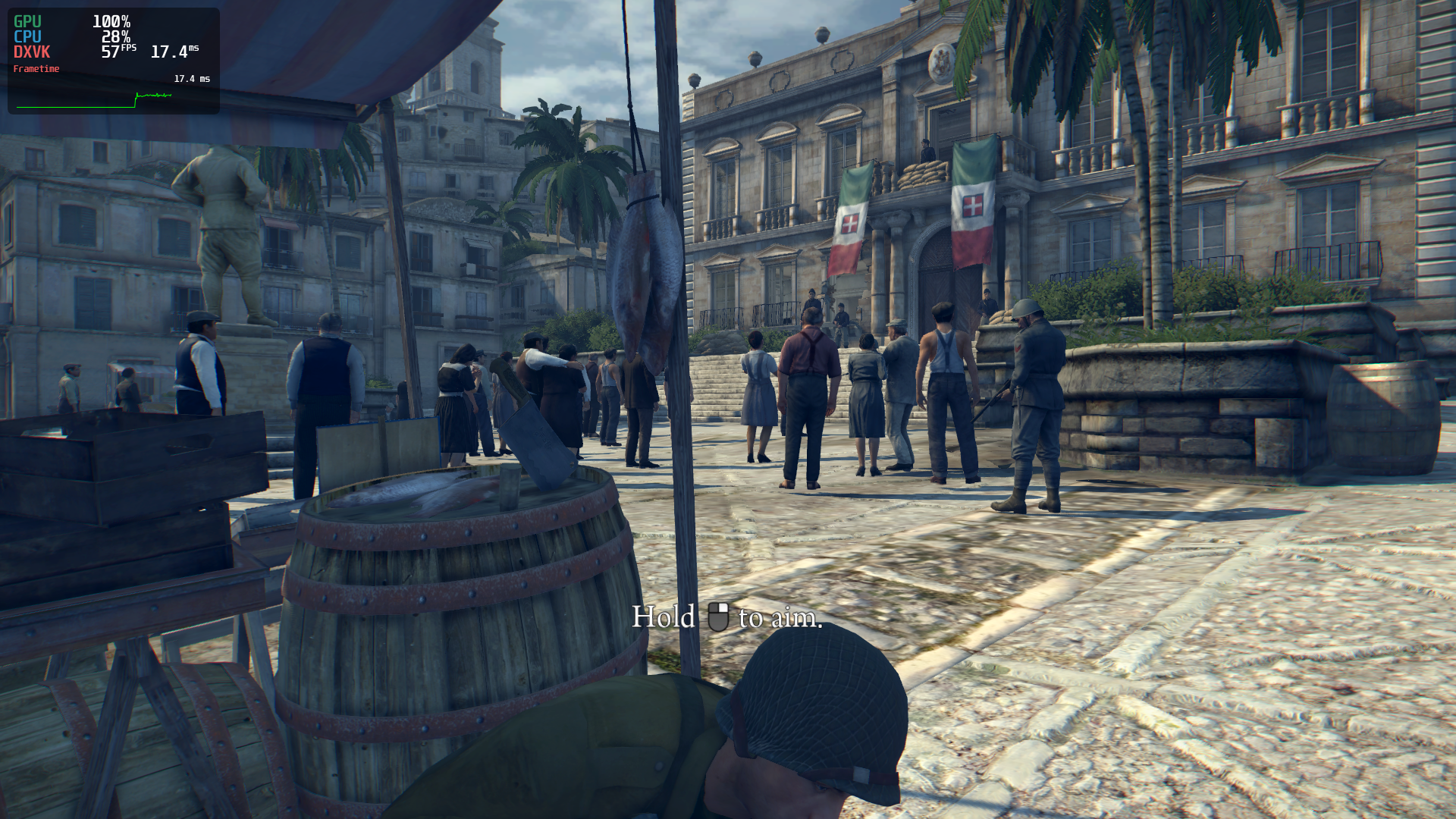
with fsync

Other than bypassing the launcher by using the proton run file to modify which exe is launched -- The game works and plays fine for me.
Update: After following @Notexe's instructions the launcher works fine for me. I couldn't get it to launch with proton 5.0-9 but it did run with 4.11-3. Since there are a lot of crash dialogs associated with rundll32 (common when installing .net), it's probably a good idea to run protontricks and select nocrashdialogs as well or manually add this entry through regedit.
[HKEY_CURRENT_USER\Software\Wine\WineDbg]
"ShowCrashDialog"=dword:00000000
I retried the launcher on 6.3, but I get a crash from an unimplemented function:
wine: Call from 000000007BC2F4D8 to unimplemented function KERNEL32.dll.GetMaximumProcessorGroupCount, aborting
The launcher seems to get a bit further with a stub, but ultimately still crashes.
I have problems with launcher and the game itself.
The first time I run the game the launcher loads, but don't show nothing, only a error message. The second time, the launcher loads, and when you try to change the language options, shows again an error message. The third time, finally I could change language, but when the game starts, everything is on English, and not in Spanish, as I changed before.
I use Proton 7.0-1
Almost 3 years later, the game seems to load correctly, although I had to edit the settings file to put the Spanish language. There is a little stuttering at times but nothing serious. The only thing is that from time to time the game minimizes and goes to the desktop, having to maximize the game window again to continue.
Proton versions
proton 7.0-1x1 2022-03proton 5.0-9x1 2020-06proton 5.0x1 2020-05
Launch options
PROTON_NO_ESYNC=1x1 2020-06PROTON_NO_FSYNC=1)x1 2020-06PROTON_LOGx1 2020-05PROTON_DUMP_DEBUG_COMMANDSx1 2020-05PROTON_DUMP_DEBUG_COMMANDS=1x2 2020-05
DLLs
kernel32.dllx1 2021-04
Compatibility Report
System Information
I confirm:
Symptoms
Game not working
Reproduction