No Man's Sky
There's a fix for it but I don't believe its available right now. Should appear in mesa-dev soon.
https://www.phoronix.com/scan.php?page=news_item&px=RadeonSI-GL-4.5-Compat-Patches
Works flawlessly with an nvdia card though
This game actually has a issue with nvidia cards, it can't allocate vram correctly so you end up with texture and terrain mesh pop in that is quite bad.
If you switch between windows and linux and just pan/walk around you can see this effect quite obviously. Do 180deg turn and the textures slowly load in along with tessellation mesh etc...
this is probably a result of the game unable to detect correct amount of vram for the videocard for some reason and auto assigning quite a low amount instead of utilizing the GPU's full amount.
The warning can be turned off in NMS config but it doesn't fix the issue, no amount of setting fixes it.
Hello,
today it seems now NMS is finally working, in some case...
The white screen is gone and the game is playable. But the ground textures are glitching around.
I use this ppa to get the newest mesa build: https://launchpad.net/~oibaf/+archive/ubuntu/graphics-drivers
They have merged the workarounds that i mentioned before and where discussed in this mesa bug report: https://bugs.freedesktop.org/show_bug.cgi?id=107581
I hope somebody can report back if he have the same issues with the ground textures.
No Man's Sky (App ID:275850) black screen on resolution higher than 1920*1080
Issue transferred from https://github.com/ValveSoftware/Proton/issues/1034.
@Liodinis posted on 2018-08-30T22:52:04:
Ubuntu 18.04.1 LTS
I7 6700K @ 4.00Ghz
Nvidia GTX 1070
Nvidia driver 396.54
Proton 3.7-3
RAM 16Go
SSHD 1To Toshiba H200
Display Acer Predator 24" 2560X1440
"No Man's Sky" doesn't work on resolution higher than 1920*1080.
Launch the game is displaying a black screen, but the game seems to be working, because sounds can be hear in background.
If you put your screen resolution at 1920*1080 or edit the config file TKGRAPHICSSETTINGS.MXML with the native resolution of your screen at the place below :
/home/username/.local/share/Steam/steamapps/common/No Man's Sky/Binaries/SETTINGS
restart the game, and it will become playable.
No Man's Sky [App ID:275850] Crash on nvidia
Issue transferred from https://github.com/ValveSoftware/Proton/issues/1072.
@hitchhiker54 posted on 2018-08-31T13:42:44:
The game plays flawlessly so far except for scanning when an npc base is in view. Tested on Minor Settlement and Observatory type, if the base is in view the game instantly crashes to desktop when in visor view. Player bases, ships, exocraft all seem to be fine. Using gtx980ti, i76700k on Ubuntu 18.04, Nvidia drivers 396.54
[edits additional]
Game version 1.58, issue also reported to Hello Games
sudo lshw results :
https://www.dropbox.com/s/xxu34qjfnjp7f01/specs.txt?dl=0
Ubuntu 16.04, NVIDIA GTX 970, Proton 3.7-5 Beta:
| Test | Result |
|---|---|
| Singleplayer | Working as expected |
| Local Co-op | N/A |
| Online Multiplayer | Working as expected |
| Configuration | ... |
|---|---|
| Input | Steam Controller |
| Display | 1920x1080 |
| Fullscreen | Yes |
| Preset | Medium^ |
| VSync | Off^^ |
| API | OpenGL |
^ Default graphics preset is High
^^ Default VSync setting is On
Tried with Proton 3.7-3.
The game worked flawlessly. With my setup. Attached pastebin shows the specs of my machine and versions of all relevant drivers/software.
My specs: https://pastebin.com/9hQP94N1
Yes it works technically better then on windows for me because on windows I can't remove screen tearing without vsync enable which seems to cost fps. But under linux with vsync off there is no tearing.
I did find the game caches textures a bit slow on NTFS, you can speed it up a bit by using big_writes in the disk drive mount options. Or move it to BTRFS or EXT4 drive.
No Man's Sky seems to actually run smoother on my aging graphics card in Linux! Seems to be working out of the box.
Fedora 28
Core i7-4770
Nvidia GTX 760
Proton 3.7-3
I had the same black screen issues as comment: https://github.com/ValveSoftware/Proton/issues/438#issuecomment-417493922
In the same TKGRAPHICSSETTINGS.MXML file, setting "Borderless" to True will also allow the game to run properly, even if the desktop resolution is higher than the game's resolution. I want to run games at 1920x1080 for any recording/streaming, but my desktop is set to 1920x1200, setting the borderless option allows me to do so.
In Windows have no problem just setting my monitor to 1920x1080 when needed, but in Linux I am having an issue which I suspect is with my DVI cable, that's not letting the system recognize any 16:9 resolutions for this monitor, and I've been unable to add them with xrandr (keep getting a BadMatch error when trying to add it to DVI-I-1.) I've got a DisplayPort cable on order that I'm hoping will open up the full range of resolutions my monitor is capable of. My second monitor connected via HDMI has all of it's modes properly recognized, my main monitor doesn't have an HDMI port or I would have tested it to be sure it's the DVI cable.
Update: It was the DVI cable. DP cable came in last week and all display modes/resolutions are available now.
[ISSUE] No Man`s Sky no sound ( 275850)
Issue transferred from https://github.com/ValveSoftware/Proton/issues/1459.
@Rainakins posted on 2018-09-15T09:23:49:
Compatibility Report
- Name of the game with compatibility issues: No Man`s Sky
- Steam AppID of the game: 275850
System Information
- GPU: GTX 1050ti
- Driver/LLVM version: Nvidia 396.54
- Kernel version: 4.15
- Link to full system information report as Gist:
Computer Information:
Manufacturer: Unknown
Model: Unknown
Form Factor: Desktop
No Touch Input Detected
Processor Information:
CPU Vendor: AuthenticAMD
CPU Brand: AMD Ryzen 5 2600 Six-Core Processor
CPU Family: 0x17
CPU Model: 0x8
CPU Stepping: 0x2
CPU Type: 0x0
Speed: 3400 Mhz
12 logical processors
6 physical processors
HyperThreading: Supported
FCMOV: Supported
SSE2: Supported
SSE3: Supported
SSSE3: Supported
SSE4a: Supported
SSE41: Supported
SSE42: Supported
AES: Supported
AVX: Supported
CMPXCHG16B: Supported
LAHF/SAHF: Supported
PrefetchW: Unsupported
Operating System Version:
Ubuntu 18.04.1 LTS (64 bit)
Kernel Name: Linux
Kernel Version: 4.15.0-34-generic
X Server Vendor: The X.Org Foundation
X Server Release: 11906000
X Window Manager: GNOME Shell
Steam Runtime Version: steam-runtime-beta-release_2018-06-14
Video Card:
Driver: NVIDIA Corporation GeForce GTX 1050 Ti/PCIe/SSE2
Driver Version: 4.6.0 NVIDIA 396.54
OpenGL Version: 4.6
Desktop Color Depth: 24 bits per pixel
Monitor Refresh Rate: 60 Hz
VendorID: 0x10de
DeviceID: 0x1c82
Revision Not Detected
Number of Monitors: 1
Number of Logical Video Cards: 1
Primary Display Resolution: 1920 x 1080
Desktop Resolution: 1920 x 1080
Primary Display Size: 20.08" x 11.30" (23.03" diag)
51.0cm x 28.7cm (58.5cm diag)
Primary Bus: PCI Express 16x
Primary VRAM: 4096 MB
Supported MSAA Modes: 2x 4x 8x 16x
Sound card:
Audio device: Nvidia GPU 80 HDMI/DP
Memory:
RAM: 16052 Mb
Miscellaneous:
UI Language: English
LANG: en_US.UTF-8
Total Hard Disk Space Available: 194192 Mb
Largest Free Hard Disk Block: 107787 Mb
VR Headset: None detected
Recent Failure Reports:
- Proton version: 3.7-6
I confirm:
- [ x ] that I haven't found an existing compatibility report for this game.
- [ x ] that I have checked whether there are updates for my system available.
Symptoms
The sound was working initially for about a week and for some reason yesterday the sound completely stopped working everything else still runs fine and performance is great but the sound simply does not work any longer
Reproduction
for me its easily done by launching the game
For me the game freezes after difficulty selection. I just get a black screen, and GNOME becomes completely unresponsive. The sound for the game continues, however, I am unable to interact with the computer further, and a hard reset is required. I have tried manually changing the game to borderless and windowed modes to no effect.
I'm using an R9 Fury, Mesa 18.3, LLVM 8 from Padoka unstable as recommended by Proton, and kernel 4.18.8.
What does ulimit -aH tell you? could be a limited open files issue which is often associated with load freezes.
output of ulimit -aH
core file size          (blocks, -c) unlimited
data seg size           (kbytes, -d) unlimited
scheduling priority             (-e) 0
file size               (blocks, -f) unlimited
pending signals                 (-i) 63415
max locked memory       (kbytes, -l) 16384
max memory size         (kbytes, -m) unlimited
open files                      (-n) 4096
pipe size            (512 bytes, -p) 8
POSIX message queues     (bytes, -q) 819200
real-time priority              (-r) 0
stack size              (kbytes, -s) unlimited
cpu time               (seconds, -t) unlimited
max user processes              (-u) 63415
virtual memory          (kbytes, -v) unlimited
file locks                      (-x) unlimited
Hello @viggy96, give https://github.com/zfigura/wine/blob/esync/README.esync a read and increase the max open files limit on your system.
@kisak-valve I thought I did it properly before, but apparently not, LOL. However, regardless, No Man's Sky still fails in the same way for me.
output of ulimit -aH
core file size          (blocks, -c) unlimited
data seg size           (kbytes, -d) unlimited
scheduling priority             (-e) 0
file size               (blocks, -f) unlimited
pending signals                 (-i) 63415
max locked memory       (kbytes, -l) 16384
max memory size         (kbytes, -m) unlimited
open files                      (-n) 1048576
pipe size            (512 bytes, -p) 8
POSIX message queues     (bytes, -q) 819200
real-time priority              (-r) 0
stack size              (kbytes, -s) unlimited
cpu time               (seconds, -t) unlimited
max user processes              (-u) 63415
virtual memory          (kbytes, -v) unlimited
file locks                      (-x) unlimited
I still can't seem to get past the black screen on this game. Not sure what could be causing this. I've increased the max open files limit, as above, but still no dice.
Nvidia 396.54.09, Geforce GTX 1050ti, Proton 3.16-1 Beta, Slackware 14.2 multilib. After this morning's update to Proton 3.16-1, I'm getting an error saying No Man's Sky needs at least 1.5 GB of VRAM and that the adapter (blank) is reporting 0. The game loads and plays just fine, if you click through, though. Bug? Or something I need to change?
@viggy96 Are you still having trouble?
Sorry, meant to update. My issues were fixed with 3.16-3.
@SwooshyCueb Yes, I am. I still can't get past the black screen. I've tried editing the game settings file to use borderless mode, as some other have suggested, but still No Man's Sky doesn't work for me.
I'm using an R9 Fury, Mesa 18.3, LLVM 8 from Padoka unstable as recommended by Proton, and kernel 4.18.8.
Only thing I can suggest is don't use experimental drivers and LLVM8, go back to release mesa version 18.2.x and try LLVM 7.0
I know Ubuntu repos are terrible for getting latest stable version drivers sometimes, I use antergos personally.
@viggy96 If you're feeling adventurous, you could give https://launchpad.net/~kisak/+archive/ubuntu/steamvr a try (kernel and xorg-server should not be needed for this), otherwise https://launchpad.net/~paulo-miguel-dias/+archive/ubuntu/pkppa is a relatively safe bet.
@kisak-valve Unfortunately, the stable Padoka PPA does not solve the issue for me. I also tried disabling the Steam overlay, but to no avail. Also, to update, I'm using kernel 4.19 currently. Its a very strange issue, as even the GNOME desktop locks up, and I am forced to hard reset my computer.
Might be a Fury R9 and AMDGPU driver issue perhaps? not many people have the Fury cards anymore.
I have a 1080Ti because 4k and AMD has yet to support 4k gaming at 60fps, once they do then I'll move back to AMD GPU's and be able to experience all the AMD related steamplay bugs people get.
ATM the major issue with NVIDIA cards is the libraries some games attempt to use are incompatible with Wine/Proton, which is why they introduced the spoofing trick recently.
I have an issue with rendering all 3d content in game (all black in loading, white in game). All menus works well.
Changing settings has no effect.
Tested on Ubuntu 18.04 LTS and Solus 3.99 - same result. (On ubuntu also try the latest amdgpu drivers from amd website)
specs:
Radeon RX 580 Series (POLARIS10, DRM 3.26.0, 4.18.16-97.current, LLVM 7.0.0)
AMD® Ryzen 5 1600x six-core processor × 12
7,8 Gb RAM
The drivers off AMD's website are amdgpu-pro
The ones you will want to try are oibaf package on launchpad which should be compatible with any ubuntu based distro (not sure if solus is).
@jarrard solus is ubuntu-based, but it have it's own package system.
I returned to ubuntu 18.04 and tried oibaf repo and it works well now, thanks a lot.
Works on my system (Ubuntu 18.04 with Mesa 19 Git R9 290)
OpenGL vendor string: X.Org
OpenGL renderer string: AMD Radeon R9 200 Series (HAWAII, DRM 3.26.0, 4.18.19-041819-generic, LLVM 7.0.1)
OpenGL core profile version string: 4.5 (Core Profile) Mesa 19.0.0-devel (git-fbf95ce 2018-11-29 bionic-oibaf-ppa)
OpenGL core profile shading language version string: 4.50
OpenGL core profile context flags: (none)
OpenGL core profile profile mask: core profile
OpenGL core profile extensions:
OpenGL version string: 4.5 (Compatibility Profile) Mesa 19.0.0-devel (git-fbf95ce 2018-11-29 bionic-oibaf-ppa)
OpenGL shading language version string: 4.50
OpenGL context flags: (none)
OpenGL profile mask: compatibility profile
OpenGL extensions:
OpenGL ES profile version string: OpenGL ES 3.2 Mesa 19.0.0-devel (git-fbf95ce 2018-11-29 bionic-oibaf-ppa)
OpenGL ES profile shading language version string: OpenGL ES GLSL ES 3.20
OpenGL ES profile extensions:
It has some visual glitches, some trees display white artifacts on the border of the leaves and branches.
Bush-like plants and grass appear and re-appear in front of you as if they disolve due to distance, but they're in front of you.
Other than that 100+ hours playing on Linux!
@AntoChu
@jarrard solus is ubuntu-based, but it have it's own package system.
Solus is not Ubuntu based. It started out that way, but cut ties and started over from scratch, now is it's own thing.
Gentoo w/Mesa 18.3.1 on 4.19.9 kernel, runs like a dream. On my Vega64 it outperforms the Windows OpenGL driver.
Those guys at Mesa kick ASS at OpenGL, and they're making huge Vulkan improvements. These are good times.
Working for me too since mesa 18.3.1 on ArchLinux.
However, I first got some weird glitches, fixed by specifying these launch options for No Man's Sky:
MESA_GL_VERSION_OVERRIDE=4.5COMPAT force_glsl_extensions_warn=true %command%
Everything is running great then on Vega64, just the Tesselation that really impacts performances, even on low, so turning it off really helps.
With proton 3.16-6, if I have STEAM_PREFER_HOST_LIBRARIES set to 0, NMS won't connect to the servers. If I have it set to 1, it will. This a result of the gnutls change? (Slackware 14.2 does ship with 3.6.5.) This worked fine without using host_libraries in 3.15 and below.
I have the same issue as @viggy96 .
Running on Kernel 4.19-4.21 rc, from Mesa 18.3 release to Mesa-GIT, LLVM7 and LLVM8-svn, the game produces a black screen.
Kernel 4.18 and GIT version of mesa based on 18.3 with LLVM-SVN, I had no issues. Pulled 123 hours into the game.
Using a Vega 56. Tried all fixes mentioned. Even gone as far as emptying all my cache, to no avail.
I'm having problems on my Wayland based Fedora 29 system with an ATI Vega64 card. I'm getting a white screen with odd lines that show up as systems are initialized when I first start the game, after I pick a difficulty.
I've verified that yes, indeed, I have 2^20 open files as both a hard and soft limit. I've verified that the steam process is set up that way too.
It was actually quite vexing as the steam installer on my system sets a soft limit of 1024 and a hard limit of 2^18 with a comment about Proton. It took me awhile to track all that through dracut and all kinds of other things.
Update: I tried @Anthony25 's solution and that improved things. But, the ground still isn't visible. Nor is most of the HUD. Also, I get weird artifacts in the background when I switch to the screen that lets you mess with your multitool or make stuff.
It works fine on my laptop with a really anemic Quadro M1200 Mobile. :-/
Steam using Wine standard, so I wonder if there is fixes for this game in staging because that's what I use. Also this game is OpenGL (native) so not directx involved, which is double odd you'd get graphic issues given that its native API.,
Maybe fedora has a bad mesa version?
Here's my version of everything mesa related. :-)
$ rpm -qa '*mesa*'
mesa-vulkan-drivers-18.2.8-1.fc29.x86_64
mesa-libglapi-18.2.8-1.fc29.i686
mesa-libEGL-18.2.8-1.fc29.x86_64
mesa-libGL-devel-18.2.8-1.fc29.x86_64
mesa-vulkan-drivers-18.2.8-1.fc29.i686
mesa-libGLU-9.0.0-16.fc29.x86_64
mesa-libGL-18.2.8-1.fc29.i686
mesa-libgbm-18.2.8-1.fc29.x86_64
mesa-filesystem-18.2.8-1.fc29.i686
mesa-libOpenCL-18.2.8-1.fc29.x86_64
mesa-vdpau-drivers-18.2.8-1.fc29.x86_64
mesa-libxatracker-18.2.8-1.fc29.x86_64
mesa-libGL-18.2.8-1.fc29.x86_64
mesa-libEGL-devel-18.2.8-1.fc29.x86_64
mesa-libglapi-18.2.8-1.fc29.x86_64
mesa-dri-drivers-18.2.8-1.fc29.x86_64
mesa-filesystem-18.2.8-1.fc29.x86_64
mesa-dri-drivers-18.2.8-1.fc29.i686
mesa-khr-devel-18.2.8-1.fc29.x86_64```

That may, or may not tell you what you need to know.I want to report that No Man's Sky does not work (will not open at all) on my Ubuntu 18.04 system with an AMD GPU (RX 550)
using the free driver amdgpu, provided by AMD. I've reinstall steam and the game to confirm this.
Yeah I dunno, seems I can't get the GOG version to run through Steam either on my nvidia gpu. Odd issue.
Lutris works fine.
I discovered that the game requires a vulkan driver to be installed, which is not included in Ubuntu 18.04. I installed the packages mesa-vulkan-drivers & mesa-vulkan-drivers:i386 from Padoka Stable PPA
https://launchpad.net/~paulo-miguel-dias/+archive/ubuntu/pkppa
I am also not experiencing any of the OS issues I experienced when I tried the amdgpu-pro-18.50-708488-ubuntu-18.04 driver. This was recently updated to a new build (725072), and may have fixed issues with the amdgpu-pro driver set (which includes a vulkan driver). But I wasn't going to risk it, since I had major issues.
Fix - use Padoka PPA packages.
Has the game moved to vulkan now? thought it was opengl...
Hmm, I've been using the Padoka PPA for forever, and No Man's Sky has yet to work on my machine. I still get a GNOME desktop lockup, and am forced to hard reset the machine, after selecting a difficulty in the game.
https://www.nomanssky.com/2019/04/vulkan-update/ Apparently there's an engine change to Vulkan. Has anyone tried the experimental branch yet?
Nms now has an experimental vulkan renderer, it may help amd on some of the 3 vulkan drivers (radv, amdvlk,-pro)
No Man's Sky - Vulkan branch (experimental)
Issue transferred from https://github.com/ValveSoftware/Proton/issues/2546.
@Rodhin posted on 2019-04-16T16:35:46:
Compatibility Report
- Name of the game with compatibility issues: No Man's Sky
- Steam AppID of the game: 275850
System Information
- GPU: GTX 980Ti
- Driver/LLVM version: nvidia 418.56
- Kernel version: 4.18
- Link to full system information report as Gist: https://gist.github.com/Rodhin/98698055599b676e3e8c868604cc75cf
- Proton version: 4.2-2
I confirm:
- [x] that I haven't found an existing compatibility report for this game.
- [x] that I have checked whether there are updates for my system available.
Symptoms
Today the game received an experimental branch, they will switch from OpenGL to Vulkan. The OpenGL version runs like a dream, but the Vulkan version barely runs with 2-5 FPS. When the next big update is released for the game they will drop the OpenGL renderer completely.
More info about the Vulkan release and access to the experimental branch:
https://www.nomanssky.com/2019/04/vulkan-update/
Reproduction
Switch to the experimental branch and launch the game.
Moving my response to the correct thread, sorry!
GPU: GTX 1050ti
Driver/LLVM version: nvidia 418.49.04
Kernel version: 4.4.172
Link to full system information report as Gist: https://gist.github.com/garpu/20a8d8928b67f691d56b355c39b4ac28
Proton version: 4.2-2
Same issue, here. Bad fps, and it seems like no settings affect performance. (I reset graphics options to default, around medium, where I was able to play on all high on the OpenGL renderer.)
Log: https://gist.github.com/garpu/bd9d23b1821bbb5f4a6b5f95a9947d02
Also confirming the Vulkan update to No Man's Sky has dropped the performance, it's unplayable now.
System info: https://gist.github.com/LiamDawe/2db6810dfec6b26a81a72580d15a509a
Proton Log file: https://gist.github.com/LiamDawe/9497165b31f4ea96f640b3db109db4ad
I've tried the experimental Vulkan patch with not only Proton 4.2 but the 3.16 beta and an unofficial TKG wine build (although not latest which I will try next) and same result. I've also confirmed performance is not the same as Windows (where there's only a 5 fps drop from OGL).
It appears to be using only one CPU thread (or not using the others well).
Tested the game's experimental vulkan renderer with my amd rx470 and with RADV it crashes my computer in a spectacular way turning everything purple and spamming the tty with "[drm:amdgpu_cs_ioctl [amdgpu]] ERROR Failed to initialize parser 125!", tested it also with AMDGPU-PRO vulkan driver and it worked with a beautiful 60fps near a crashed freighter (haven't tested it further). I don't how well AMDVLK will work, but it will probably work the same way as -pro but with a longer loading screen and stuttering.
I think the vulkan update to Talos Principle was slower then OpenGL when it first came out also, obviously there are further issues for wine compatibility but hopefully the developer and progress it along over time.
I updated video card drivers to the 418.52.03 drivers for Nvidia, and no change.
tried the vulkan renderer again but with latest mesa stable release (19.0.2) and it didn't crash my system but it had very very bad performance at first (5 fps max), but I fixed it by selecting default settings on the graphics menu and fps went to max 60fps
tried the vulkan renderer again but with latest mesa stable release (19.0.2) and it didn't crash my system but it had very very bad performance at first (5 fps max), but I fixed it by selecting default settings on the graphics menu and fps went to max 60fps
Going by reports elsewhere it seems the Nvidia driver has an issue.
Edit: I've made a post here on the Nvidia devtalk forums, if more people with Nvidia cards share your experiences hopefully the issue might get looked at.
That could well be true. Someone here said switching away from the beta Vulkan drivers (on windows) fixed the issue: https://www.reddit.com/r/NoMansSkyTheGame/comments/bdxlls/177_vulkan_performance_thread/
Has anyone tried 418.56?
Looks like there's a thread started on the Nvidia forums, as well: https://devtalk.nvidia.com/default/topic/1050274/linux/no-mans-sky-proton-vulkan-patch-performance-issues-with-nvidia/
That could well be true. Someone here said switching away from the beta Vulkan drivers (on windows) fixed the issue: https://www.reddit.com/r/NoMansSkyTheGame/comments/bdxlls/177_vulkan_performance_thread/
Has anyone tried 418.56?
Looks like there's a thread started on the Nvidia forums, as well: https://devtalk.nvidia.com/default/topic/1050274/linux/no-mans-sky-proton-vulkan-patch-performance-issues-with-nvidia/
I've tried the Vulkan beta drivers on windows, no issues with them. I've also tried 418.56 in Linux which have the same problem as the dev drivers in Linux.
Complete lockup for me, exactly the same way as when the AMDGPU drivers didn’t support OpenGL 4.5. White screen and then complete system hang.
Ubuntu 18.10 with Kernel 5.0.2 generic, Padoka PPA unstable Mesa 19.1 git, LLVM 9
No change with the April 18 update. Allegedly we're supposed to get a message if our drivers aren't supported? I haven't received a message starting it. Assuming it's checking for vulkan extensions? What is implemented in the AMD driver that works that isn't in the Nvidia one? If we can figure that out, we might be able to provide something to the nvidia driver people. (Assuming, also that this isn't an engine bug, which it could be--people on the latest drivers on Windows are having the same issue.)
Someone on the protondb said they got it working decently with amdvlk drivers with a couple of tricks.
- GPU: GTX 970
- Driver/LLVM version: 418.56
- Kernel version: 5.0.7
- Link to full system information report as Gist: https://gist.github.com/RockyTV/76d1c9f5be0ce138cdd3594de56eb5da#file-sysinfo-txt
- Proton version: 4.2-3
- Proton log: https://gist.github.com/RockyTV/76d1c9f5be0ce138cdd3594de56eb5da#file-steam-275850-log
I've tried running it disabling wined3d but it looks like it didn't fallback to DXVK. Any runtime settings doesn't seem to affect the performance - went from a playable 60 FPS state (normal branch) to 10-12 FPS with the experimental branch.
I've tried running it disabling
wined3dbut it looks like it didn't fallback to DXVK. Any runtime settings doesn't seem to affect the performance - went from a playable 60 FPS state (normal branch) to 10-12 FPS with the experimental branch.
Game doesn't use Direct X btw so WineD3D or DXVK are not used at all. It's straight up Vulkan (or OpenGL for current live) so using any D3D related launch commands is pointless.
Edit: New Nvidia driver 418.52.05 released no change.
Small update tried 430.09 same issue.
One thing I keep noticing is this error appearing in the logs:
4306.386:002a:002b:fixme:vulkan:wine_vkCreateCommandPool Support for allocation callbacks not implemented yet
Doesn't load at all with the April 29 update. I'm getting a popup with "Unable to initialize Vulkan (vkEnumerateInstanceExtensionProperties failed.) You may not have a Vulkan driver installed, or an old driver on your machine may be corrupted."
ETA: I've got 418.52.05 installed. No problems with dxvk applications.
I have to confirm. Running the game after April 29 experimental update results in the error dialog (vkEnumerateInstanceExtensionProperties), followed by a black screen (have to kill NMS.exe with SIGKILL to get rid of that black screen). NVidia driver 418.56
vkEnumerateInstanceExtensionProperties here also.
Can anyone confirm whether this happens on AMD?
@fls2018 @volca02 Same 'vkEnumerateInstanceExtensionProperties' issue on AMD, with a Radeon VII, Mesa 19.0.1 stable from Padoka. Kernel 5.0.10.
Has anyone tried with stock WINE or wine-staging? NMS bug or WINE/proton bug?
Vulkan is broken for all 3 amd vulkan drivers (RADV, AMDVLK and -PRO)
EDIT: tried with a custon proton-tkg 4.5 build
The Vulkan loader shipped with the game doesn't work in Wine. You can use WINEDLLOVERRIDES='vulkan-1=b' to workaround the vkEnumerateInstanceExtensionProperties error.
Now it's back to where it was before the April 29 patch. Does sound like Nvidia users on Windows are still having FPS problems, however.
Now it's back to where it was before the April 29 patch. Does sound like Nvidia users on Windows are still having FPS problems, however.
That's down in Nvidia to take a look at, I did make a thread on the devtalk forums but it sunk with no responses.
I've just tried the new update myself with the override, it seems performance has improved somewhat... still half what it should be but in my experience 25-30 fps more at 1440p than I had before the last update.

This is using Nvidia's latest 430 branch driver (non developer one). I was going to switch back to the 418 dev branch to see if it improved also.
Update:
418.52.05 driver + new update = 5 fps
430.09 driver + new update = 40-50 fps on low at 1080p on a GTX 1070.
Now that I switched to the 430.09 driver, everything's as smooth as silk. Some glitches, but they're the same glitches I've seen elsewhere--for instance with planet rings and atmospheres bleeding through into space stations and the Anomaly. I haven't done any formal benchmarks, but it's about on par with OpenGL for me.
I heard the vulkan renderer was considerably slower then opengl atm, can we get actual compare numbers?
Overriding the game's Vulkan loader makes the game show a copy of the framebuffer and then it hangs. System is responsive though. Using amdgpu
Now that I switched to the 430.09 driver, everything's as smooth as silk. Some glitches, but they're the same glitches I've seen elsewhere--for instance with planet rings and atmospheres bleeding through into space stations and the Anomaly. I haven't done any formal benchmarks, but it's about on par with OpenGL for me.
Can you give more detail i.e. system specs, resolution, settings etc?
Reason being while 430.09 is better I'm still only getting half the performance of OGL or Vulkan on Windows. It's definitely not smooth as silk for me, borderline playable perhaps.

If I have terrain tessellation on, it crashes, though, and I was able to use that with OpenGL. I always turn blur off because of motion sickness.
Nvidia 1050ti, i7-2700K, Slackware 14.2 mulitlib.
So using Mesa this latest experimental branch seems to not work.
Enabling AMDVLK for this does work though.
I can reproduce the crash when enabling tesselation.
EDIT: Crash for me seems to be when vsync is on, not tesselation.
If I have terrain tessellation on, it crashes, though, and I was able to use that with OpenGL. I always turn blur off because of motion sickness.
Nvidia 1050ti, i7-2700K, Slackware 14.2 mulitlib.
Can you do nvidia-smi in terminal while playing? I'm noticing NMS.exe is only using 800 mb of VRAM, maybe there's a weird bottleneck in memory allocation.
Pretty solidly at 1712MB. No more, no less, which is odd. I'd expect that number to move one way or the other while playing. 142MB when not playing anything in use, so 1570MB for NMS.
Pretty solidly at 1712MB. No more, no less, which is odd. I'd expect that number to move one way or the other while playing. 142MB when not playing anything in use, so 1570MB for NMS.
This can't be right surely?


The game is using more system memory than GPU memory on my end, on windows at 1440p it uses quite a few GB on GPU memory.
Confirming, NMS.exe only takes about 1022MiB of GPU memory on my nvidia system (GTX 1080, 430.09) when loading in space station and about 1048MiB when on planet.
And with OpenGL?
Keep in mind allocated memory is not the same as actual used memory. Vulkan may just be getting a significantly lower allocation due to specific vulkan api optimisations (only allocates what it needs). OGL is likely to allocation ALLOT more memory.
And with OpenGL?
Keep in mind allocated memory is not the same as actual used memory. Vulkan may just be getting a significantly lower allocation due to specific vulkan api optimisations (only allocates what it needs). OGL is likely to allocation ALLOT more memory.
On Windows in the same Vulkan experimental it's using 4.2 GB, on Linux it caps at 1.2 GB as above there's only 800 MB for NMS.exe. There's definitely some severe bottleneck somewhere, whether memory allocation is the problem or just the symptom there's definitely an issue.
It also might not be quite Linux specific, I read a post on the NMS Steam discussion forums that a windows user had poor performance until they switched their GPU to a different PCI-e slot (I can't test that because of water cooling). I've also seen people having issues with SLI which triggers the 5 fps issue.
Hello everyone. I had recently switched over to Linux Mint 19.1 at the beginning of the year. My rig is equipped with a Phenom II X6 1090T CPU, 16GB DDR3 RAM, a single Red Devil Vega 64 graphics card, and am dual booting Linux Mint and Windows 10. Linux Mint is using the 4.18 kernel.
On the Linux side, I have installed the latest padoka MESA unstable drivers (unstable was chosen due to its support of Vega cards) along with the latest Vulkan drivers. I had recently tried to launch the experimental build of No Man's Sky in order to take advantage of the Vulkan API, but I have received the same "Unable to initialize Vulkan (vkEnumerateInstanceExtensionProperties failed.) You may not have a Vulkan driver installed, or an old driver on your machine may be corrupted." as @garpu @fls2018 and @volca02 received. I attempted to use the override command shown on this thread to bypass NMS's own Vulkan launcher, but it gave me the same exact error message. I had no choice to revert back to the stable build of NMS in Linux. Are there any other solutions available? Or is this an issue that must be patched in newer updates of the experimental branch of NMS?
On Windows 10, I updated the AMD drivers to Adrenalin 19.4.3, and launched the experimental build of NMS. It launched successfully, and noticed a substantial increase in performance and FPS. There is still stuttering around, but that may be due to my CPU bottle necking. At first, I didn't see any performance increase until I went into the graphics options and increased the default FPS limit 30 up to 90, and disabled V-sync.
Any information would greatly be appreciated.
well atm the opengl build should work better then vulkan anyway. There is a memory cap being applied to the vulkan under Linux and until we figure that out, it will probably have performance issues over ogl option.
Latest 430.14 driver no change.
With the May 14th update, tessellation still crashes (Nvidia drivers 430.14). AFAIK, tessellation is still having issues for Windows users, too.
Proton 4.2-4 states "-Improve Vulkan support for the new No Man's Sky Vulkan build."
What this means is no longer need to use wine overrides to set vulkan to builtin.
I see no difference in performance.
If you're on NVIDIA, be on the 430 series, it's much closer to OpenGL levels now in the Vulkan beta and actually playable again.
I seem to be getting a GPU hang in Vulkan on my RX 580 w/ Mesa 19.1.0-rc2 / LLVM 8.0, as soon as the game is finished loading. Can anybody else confirm?
I haven't tried without Esync but I don't think that will make a difference, as the game works fine on OpenGL.
With the new Proton update, the game started to work fine for me again on RADV. (Mesa 19.0.4 / LLVM 8.0.0) on a Radeon VII
Hello @jerbear64, please copy your system information from Steam (Steam -> Help -> System Information) and put it in a gist, then include a link to the gist in this issue report. Also, please add PROTON_LOG=1 %command% to the game's launch options and drag and drop the generated $HOME/steam-$APPID.log into the comment box.
https://gist.github.com/jerbear64/ce4c393c02d467790dbb65e9f115a780
I captured a Proton log last night. This goes up to the GPU hang, so the game was abruptly closed as a result.
steam-275850.log
@jerbear64, if it's not too much hassle, you could try a workaround at https://bugs.freedesktop.org/show_bug.cgi?id=110471#c1.
Not a problem, I already maintain my own Mesa COPR on Fedora. I can apply the workaround tonight and report back.
-------- Original Message --------
On May 15, 2019, 8:56 AM, kisak-valve wrote:
@jerbear64, if it's not too much hassle, you could try a workaround at https://bugs.freedesktop.org/show_bug.cgi?id=110471#c1.
—
You are receiving this because you were mentioned.
Reply to this email directly, view it on GitHub, or mute the thread.
Hello everyone!
The most recent experimental branch update of No man's sky actually allowed nms to launch using Vulkan on Linux Mint 19.1 without using the special command workaround. The game managed to load and I was able to move around... For a short time.
However, the game froze the graphics on both my primary screen and my secondary screen (secondary monitor had my web browser up) after looking around the area where I last saved, even though the sound was still coming from the game. I was unable to get any response from the game nor the pc, and thus had to do a hard reset of my rig.
A step in the right direction for sure, but I froze after a short while of looking around. I switched back to the stable build once more.
Workaround had no effect. Still hangs right after the loading screen.
@TarsusEndri Sounds like a GPU hang, and similar to my symptoms. What's your GPU / driver?
@jerbear64
My gpu is a Powercolor Red Devil RX Vega 64 using the latest MESA-Padoka Unstable drivers (according to the Padoka page, Unstable drivers are needed for use with Vega series cards). Latest Vulkan drivers were also installed.
And that new shader precaching crap that just got added to steam just reduced performance even more...
I won't be trying out vulkan for this game until its out of beta and is final version. Also try deleting your cache files for dxvk and proton
Just for the record, nvidia driver 418.52.07 does not seem to include the fix for the low FPS, it's single-digit FPS on this version of the driver (only 430.* seem to include the improvement).
Just for the record, nvidia driver 418.52.07 does not seem to include the fix for the low FPS, it's single-digit FPS on this version of the driver (only 430.* seem to include the improvement).
I suspected as much, the new Vulkan dev driver is nothing more than the same old branch with a couple of extra extensions. Also as mentioned even 430 while better still needs improvements as there's a memory issue with it.
@jerbear64 My GPU also crashes with Mesa 19.1rc4 (LLVM8) and 19.2-git (LLVM9) on the Vulkan experimental branch, while mesa 19.0.x (LLVM8) works fine. AMDGPU / 290X / Arch Linux rolling.
I can generally replicate the crash though. For me it seems to be when I try to jetpack in to my biodome full of plants. However, confusingly, if I go outside and jetpack on to the outside of the biodome and look in, it doesn't crash. So possibly when inside the glass cuboid that leads to the biodome a shadow or light shader(?) is doing something odd.
I have no DXVK logs or anything. I was only trying mesa 19.1 and 19.2 because VirtualBox has visual corruption on mesa 19.0.5 so thought I'd rather try going newer than older... I'm just throwing my "me too" in to the ring.
Maybe a similar vulkan bug? https://github.com/doitsujin/dxvk/issues/1056
There are no DXVK logs because it's not a DX game. At least it isn't just me, though.
-------- Original Message --------
On Jun 1, 2019, 12:24 PM, HanFox wrote:
@jerbear64 My GPU also crashes with Mesa 19.1rc4 (LLVM8) and 19.2-git (LLVM9) on the Vulkan experimental branch, while mesa 19.0.x (LLVM8) works fine. AMDGPU / 290X / Arch Linux rolling.
I can generally replicate the crash though. For me it seems to be when I try to jetpack in to my biodome full of plants. However, confusingly, if I go outside and jetpack on to the outside of the biodome and look in, it doesn't crash. So possibly when inside the glass cuboid that leads to the biodome a shadow or light shader(?) is doing something odd.
I have no DXVK logs or anything. I was only trying mesa 19.1 and 19.2 because VirtualBox has visual corruption on mesa 19.0.5 so thought I'd rather try going newer than older... I'm just throwing my "me too" in to the ring.
Maybe related? doitsujin/dxvk#1056
—
You are receiving this because you were mentioned.
Reply to this email directly, view it on GitHub, or mute the thread.
Also having the crashing on load problem with the Vulkan version. 980Ti crashing during the loading scene with:
wine_vkCreateCommandPool Support for allocation callbacks not implemented yet, which I believe is the error code.
Running 418.52.10 driver on 5.1.12-arch1-1-ARCH
My RX 480 gets a similar colorful screen then hang and "failed to initialize parser -125" error in dmesg on the experimental branch. OpenGL is slow but works. I am using AMDGPU (Mesa?) 19.1.1 with LLVM 8.0.0.
Interestingly, if you create a brand new save -- not loading an old one -- the game won't crash until the little cutscene intro is over.
My RX 480 gets a similar colorful screen then hang and "failed to initialize parser -125" error in dmesg on the experimental branch. OpenGL is slow but works. I am using AMDGPU (Mesa?) 19.1.1 with LLVM 8.0.0.
Interestingly, if you create a brand new save -- not loading an old one -- the game won't crash until the little cutscene intro is over.
Could you generate a PROTON_LOG=1 with a new save & vulkan?
Cheers
NOTE: First attempt to load did ctd after the starfield travel intro, but loading up second time worked fine, possible hickup in shader cache generation.
Here is my steamplay log on manjaro xfce 1080TI, seems to work but there may be serious performance issues. Gotta test settings more.
How do you switch back to opengl? or does that require a redownload to other non exp version? seems odd if so.
### OK TESTING DONE
Vulkan FPS: ~15-30 fps
OpenGL FPS: ~50-60+ fps
Yep Vulkan borked in this game, this is quite extraordinary since other games that use vulkan often get 1:1 or above parity under Linux and Steamplay (doom/wolf....). No idea whats going on, quite puzzling!
@jarrard be sure to try driver 430.x if you haven't already. 430.34 seems to fix my problems with vulkan performance, more or less (there still are sometimes lower framerate situations on planet surface, though).
I'm using 430.26 atm, will look into getting newer ones sometime.
Can anyone manage to get the game to launch with Proton 4.11? I'm finding it crashes/hangs immediately, 4.2-9 still works. Tried fsync off to see if that was the culprit made on difference.
I'm able to launch the game with 4.11, using the opengl client however since vulkan has a few issues.
Here's my log. Wish I had VR to play with this game.
I found the problem, I had the 418 dev driver installed which usually does launch (but with the 5fps bug) but with 4.11 it hangs.
430 works with 4.11 providing fsync is not used.
Also another thing everyone should note is the Vulkan renderer becomes the main one in a little under two weeks, I'm guessing OpenGL will most likely be binned unless they keep it to support older systems which I doubt.
That's why it's important issues with it get resolved rather than be content with the OGL renderer.
If it's becoming the main renderer you can expect a hell of a lot of updates/fixes for it. Hopefully that'll make it run a little smoother, as I could never get the Vulkan branch to load.
For me the game doesnt even launch on 4.11 but does work totally ok on 4.2-9
@Haxk20 are you using the fsync kernel? if so, try disabling fsync or esync before launching the game.
Will try to do so. Yes compiled 5.3-rc2 with fsycn
Sadly enough disabled fsync and esync but still fails to launch.
And this happens on both openGL and Vulkan.
IDK what just happened but i was trying to kill NMS.exe process since steam was telling me its running but nothing showed up for minutes and i clicked kill the process killed explorer.exe and it just showed up with NMS.exe still running
EDIT: This was just 4.2-9 launching after i changed it. It just took longer to regenrate. 4.11 is still broken.
Seems like 4.11-2 broke it -1 working when using custom build
Just a heads up:
Vulkan build is going live at any time, looking at the patch notes as suspected OpenGL HAS BEEN REMOVED ENTIRELY.
So there is literally no avoiding vulkan now, just hoping they've done some optimizations to their engine so that it works better with the linux drivers although chances are it performs much the same as the experimental.
For anyone on AMD that GPU hangs on the Vulkan branch, if you install ACO the game will function, although it doesn't render 100% accurately. I'll fill out a bug report once Beyond is out as that might change this.
-------- Original Message --------
On Aug 14, 2019, 6:58 AM, fls2018 wrote:
Just a heads up:
Vulkan build is going live at any time, looking at the patch notes as suspected OpenGL HAS BEEN REMOVED ENTIRELY.
So there is literally no avoiding vulkan now, just hoping they've done some optimizations to their engine so that it works better with the linux drivers although chances are it performs much the same as the experimental.
—
You are receiving this because you were mentioned.
Reply to this email directly, view it on GitHub, or mute the thread.
I'm in Australia so we don't get the patch until very last. Last time I tried that vulkan branch, it had major performance issues with nvidia 1080TI.
Nvidia 430 Driver seems to crash as well.
Pop!_OS 19.04
GTX 1070.
Beyond either crashes before loading the menus, or after selecting a save. It seems like Vulkan is the only renderer available.
Right I've managed to get into game, there were a few hangs/crashes at first loading but everything is still the same at least on Nvidia 435.17... low fps still.
Graphics settings have changed somewhat so hard to directly compare but VRAM usage is still low, just about playable on standard settings (lowest) on a 1070.
Think someone from nvidia need to be pinged to take a look at this now it's out.
Loads fine for me, no issues there.
However, the performance is absolutely terrible on my 980ti with Proton 4.9 and 4.11 both tested.
I'll test on my 580, with and without ACO, when I get home from work. Would be interesting to see if the FPS drop is Nvidia specific. I remember some people with Nvidia were saying they had poor performance on the old experimental Vulkan branch as well.
-------- Original Message --------
On Aug 14, 2019, 2:43 PM, Liam Dawe wrote:
Loads fine for me, no issues there.
However, the performance is absolutely terrible on my 980ti with Proton 4.9 and 4.11 both tested.
—
You are receiving this because you were mentioned.
Reply to this email directly, view it on GitHub, or mute the thread.
Running pretty decently for me on a 1050ti with 435.17. It doesn't connect to the online servers, but I've got mulitplayer disabled.
Crash before load menu on Kubuntu 19.04 , 1070 with 430.40 and proton 4.11-2
On Lutris say "vkEnumerateInstanceExtensionProperties failed"
steam-275850.log
Crashes after around 15 seconds of loading a new game for me. Proton 4.11-2.
Steam System Info
steam-275850.log
Crashes right after loading a new or an existing game. Proton 4.11-2, RX 480 with latest stable Mesa.
steam-275850.log
Those on Nvidia, I created an issue on Nvidia's devtalk forums about the performance months ago but it hasn't had any responses. It would be great if others can report the issue there to try and keep this on their radar at least:
As for the crashing, keep in mind every platform (including consoles) is experiencing crashes especially at the nexus. It might be hard to isolate what crashes are down to proton/linux drivers or game bugs.
@fls2018 perhaps you should update the original submisison to show that you no longer have to manually select the vulkan branch? And the title while you're at it, this is just a performance issue with the regular game now.
430.34-54 performance is terrible with Beyond update - on GTX 1080 at ultrawide resolution 2560x1080 I have 20-30 FPS while in inventory or on foot.
418.52.20 I can't even get No Man's Sky to load past the 'Preparing to launch' window. It appears as if the prefix isn't even being updated. With Proton 4.11-2 & Proton-tkg 4.13.r7.gca09e891
This is everything that is in the PROTON_LOG (steam-275850.log)
======================
Proton: 1565123138 proton-4.11-2
SteamGameId: 275850
Command: ["/home/telans/.local/share/Steam/steamapps/common/No Man's Sky/Binaries/NMS.exe"]
Options: set()
======================
418.52.20 I can't even get No Man's Sky to load past the 'Preparing to launch' window. It appears as if the prefix isn't even being updated. With Proton 4.11-2 & Proton-tkg 4.13.r7.gca09e891
For some reason the 418 dev branch doesn't launch NMS anymore with Proton 4.11, you can launch proton 4.2 with them but you'd only get 5 fps.
430 & later are absolutely required for any game play.
I've recently installed this game, after I create a new game it shows the intro, and goes "into the galaxy" for 10-20 seconds and then crash.
steam-275850.log
Has anybody tried the VR mode? I just tried it on my Index but it instantly crashes. I do see a black screen on my monitor for a little bit, but that goes away after a split second.
Yeah it works on 430.34 Nvidia Drivers for me with my 1080TI at 4k, but the FPS is significantly worse then when it was running OpenGL where on the type of semi barren planet I'm on I'd easily get over 60fps, but with Vulkan I'm getting dips down to what must be 10-20fps and rarely see 60fps unless I'm looking directly down/up.
Bit disappointing, must be something real wrong going on for Vulkan to perform this badly!
NOTE for those getting quit to desktop at menu, don't hover over the menu options, holding down to get rid of update message will also click background menu selections (if you hover on them) and cause a problem.
I can also report very poor performance with the new "Beyond" update. In the past, I was able to play very well with the OpenGL renderer, but now that's been removed in favor of Vulkan, the FPS are too low to play.
Proton: 4.12-2
Nvidia Driver: 430.34
GPU: Nvidia RTX 2070
If I were to guess, the poor performance nearly everyone sees could be due to the seemingly abstract 1GB video memory limit that happens with NMS
Could you test this @rstrube with nvidia-smi?
VRAM usage for me is as following,yes it does seem low considering Im on high settings at 4k.
C+G ...ps\common\No Man's Sky\Binaries\NMS.exe 1375-1408MiB
Then again, planet is nothing spectacular, and I have no opengl reference. (OGL probably handles memory and caching differently, so it may not be apples to apples comparison).
Here's the nvidia-smi output.
nvidia-smi
Wed Aug 14 18:32:47 2019
+-----------------------------------------------------------------------------+
| NVIDIA-SMI 430.34       Driver Version: 430.34       CUDA Version: 10.1     |
|-------------------------------+----------------------+----------------------+
| GPU  Name        Persistence-M| Bus-Id        Disp.A | Volatile Uncorr. ECC |
| Fan  Temp  Perf  Pwr:Usage/Cap|         Memory-Usage | GPU-Util  Compute M. |
|===============================+======================+======================|
|   0  GeForce RTX 2070    Off  | 00000000:06:00.0  On |                  N/A |
| 41%   50C    P0    73W / 185W |   1494MiB /  7982MiB |     93%      Default |
+-------------------------------+----------------------+----------------------+

+-----------------------------------------------------------------------------+
| Processes:                                                       GPU Memory |
|  GPU       PID   Type   Process name                             Usage      |
|=============================================================================|
|    0      1407      G   /usr/lib/xorg/Xorg                            39MiB |
|    0      1965      G   /usr/lib/xorg/Xorg                           200MiB |
|    0      2112      G   /usr/bin/gnome-shell                         252MiB |
|    0     27233      G   ...m/debian-installation/ubuntu12_32/steam    31MiB |
|    0     27257      G   ./steamwebhelper                               3MiB |
|    0     29820    C+G   ...ps\common\No Man's Sky\Binaries\NMS.exe   906MiB |
+-----------------------------------------------------------------------------+
Here's a video showing memory usage with open-gl/vulkan on Windows: https://youtu.be/XEC1mEsZ2lU?t=30
Especially since that's only 1080p, 1.3GB for 4k seems extremely low. Peraps the low performance is due to the game swapping out textures very often when VRAM is low?
I dunno, the low performance is persistent not something that happens only when moving.
Can anybody else confirm that the 435.17 beta driver solves the poor Vulkan performance problem?
is there a ubuntu ppa with that driver somewhere? only way I would test it. Its in none of my package managers. (one of the things I miss about ARCH AUR)
Oh found them.
Cool, I was about to post that exact link. It's nice that the PPA already has the latest beta drivers in place.
Unfortunately the 435 driver is not showing in my package list, seems it can't see it on the PPA.. unknown why.
Unfortunately the 435 driver is not showing in my package list, seems it can't see it on the PPA.. unknown why.
Interesting, you should just be able to do a sudo apt install nvidia-driver-435. Do you see that the PPA is checked if you do a sudo apt update?
I'm not seeing Nvidia-435 either, the latest available is Nvidia-430
Strange, it's definitely in the PPA, perhaps it's behind some sort of testing flag?
Edit: Oh shit, it's for 19.10 (Eoan) my bad...
Somebody on the nvidia developer forums posted that 435.17 didn't fix the performance problems. I had high hopes that the latest beta driver would improve things...
I think the main issue is that the game won't even start under most circumstances. It's an issue with Proton AFAIK.
I just installed 435.17 on Arch, and I can get into the game now (couldn't with 418) but no matter if I disable f-sync (always breaks) or e-sync (makes no difference) it crashes before a world generates. Tested creating a new save/loading an old one.
Just to note this is the exact same issue I was having a month or two ago with the 430 drivers and the vulkan-experimental branch.
I think the main issue is that the game won't even start under most circumstances. It's an issue with Proton AFAIK.
Mine will start every time, but performance is unplayable.
it crashes before a world generates.
Be sure to delete your old SHADERCACHE files just to be sure. And make sure it isn't loading mods.
Clean install, with & without prebuilt shadercache, same result. Not sure how it can even be played at all now that open-gl is gone.
Not sure how I can even play at all now that open-gl is gone
Well you can't, but to be honest none of us are going to be playing at 10-20fps, unless you like that sort of thing (laptop users).
What I would suggest is just post your proton log for the time being.
Actually on the topic of being able to revert to Open-GL, it might be possible to manually download the old No Man's Sky binaries & etc through Steam Console.
Here are the manifest lists for NMS: https://steamdb.info/depot/275851/manifests/
I'll give it a try and see how it goes.
I seem to be able to get into the game by running with Proton 4.2-9, on Nvidia 430.40
It crashed when I tried to enter another planet's atmosphere, though I haven't yet retested.
Don't have a log for it, sorry. Forgot to enable it. I'll update this comment if I get the crash on 4.2-9 again.
I'll give it a try and see how it goes.
My guess is that you will need to revert to previous game version and content. IE. No Beyond.
I kinda only wanted to play due the beyond update.
That's what I was getting at, but yeah it's a shame Beyond does not appear to work.
A Week 1 patch might help, as windows users are experiencing in-game crashes, which might be related.
another nvidia user with the 1.5gb usage bug. i know the opengl version used almost all my video memory. was crashing at ultra settings which i was able to run before the update. dropping down the high stopped the immediate crashing but frames are definitely way down.
After the latest micro update (30.7 MB) a few minutes ago, the game appears to run great. It was showing a black screen while the music played before this latest update. I'm getting 60 fps.
Also I forgot, using Proton's Vulkan loader.
System:
Ryzen 5 1600
RX 580 8 Gb
Ubuntu Budgie 19.04
RADV/ACO/LLVM 8
Proton 4.11-2
Vulkan 1.1.101.0-2
What's your vram usage? However, I don't see an update
I received the beyond update almost 24hrs after other people got it. There is a delay system with steams update process, probably related to region. I'm Australian, 3rd rate steam citizen :(
What's your vram usage? However, I don't see an update
I have 4587 MB free VRAM, so 3605 MB used
AMD cards don't seem to have the low VRAM usage issue.
I am also using the experimental beta (Current Content BuildID: 4107029)
Still crashes loading a world with the experimental/30mb update
Running into a fun issue with RADV/ACO on my Radeon VII: the game loads in fine, if glacially slow.. then all terrain is completely missing. Game works fine, plays fine, rocks, plants, ships and buildings are visible. I did verify the game files. Lowering tesselation did not help. Older Proton versions don't start at all.
Nevermind! Same issue on Windows..... :man_shrugging:
edit: Though I do get the same issue as the user below me!
I'm able to run this game with the Beyond update perfectly with Proton 4.2 as well as 4.11.1.
What does not work however is if I try to get it running in VR. It just launches a black window and "loads" eternally. "loads" because IO is exactly zero and the process is a zombie...
If I disable esync then the process doesn't go zombie but instead has about 2-3% CPU load, and does nothing with IO either, and again just a black screen. Trying to use PROTON_LOG=1 doesn't do anything, there does not appear to be any log generated.
Trying VR to start with Proton 4.2 just starts the desktop version, probably because it still has with the old openvr lib.
Edit: should probably mention I'm on Mesa 19.2 ACO
Not working well for me on Radeon Vega 56 + Proton 4.11-2 + RADV/Mesa 19.1.4. Crashes to desktop as soon as the world loads.
I get a little more progress on Mesa 19.2 ACO. The world loads and I get fairly decent performance, but if I open a menu my graphics card hard locks.
Ok it now did generate a log for VR. It got like 60MiB big after not even two minutes... I have uploaded "only" a hundred thousand lines of that so github won't cancel the upload due to it taking too long: https://gist.github.com/Zamundaaa/c4bcc723bcb85f41daf178e1cfdedcf8
Edit: here's a log from a normal (2D) launch: steam-275850.log
with the 30mb update on experimental the 1.5gb memory limit might have gone away. running graphics on medium causes it to go up to 1.9gb video memory usage rougly. running on high loads into the world but the crashes immediately. running graphics on ultra causes crash on loading start system screen.
with the 30mb update on experimental the 1.5gb memory limit might have gone away. running graphics on experimental causes it to go up to 1.9gb video memory usage rougly. running on high loads into the world but the crashes immediately. running graphics on ultra causes crash on loading start system screen.
I managed to load the game with medium settings as well but my VRAM usage was still only around 600mb on a 1080ti.
Games run on mix of enchanced and high settings on 45fps on RX560X which is impressive but the UI renders at 7fps and makes the game basically unplayable.
Games run on mix of enchanced and high settings on 45fps on RX560X which is impressive but the UI renders at 7fps and makes the game basically unplayable.
same. and getting about 35fps on a gtx 1060 6gb. it seems terrain tessellation on anything higher than enchanced caused the game to crash when entering a planet. so far no random crashes but ive only played 45 minutes with these settings. hopfully a new release of proton/nms brings performace back to where it was with opengl.
Seems my game is running ok for me now on my 430.17 drivers / 1080TI, at 4k I get somewhere around 45-50fps which is similar to what opengl gave me. Just matter of enabling 1800p edid now to see if I can tweak things.
I believe it might have been the recent experimental patch that resolved something? not sure exactly. I did switch to Proton 4.2 ran it, noticed it was ok, then switched back to normal 4.11-2
Hmm come to think of it, flying and such is still pretty poor performance, I guess this will probably take several more patches before its decent framerates.
Is your GPU memory usage any better while having the better performance?
Seems my game is running ok for me now on my 430.17 drivers / 1080TI, at 4k I get somewhere around 45-50fps which is similar to what opengl gave me. Just matter of enabling 1800p edid now to see if I can tweak things.
I believe it might have been the recent experimental patch that resolved something? not sure exactly. I did switch to Proton 4.2 ran it, noticed it was ok, then switched back to normal 4.11-2
Hmm come to think of it, flying and such is still pretty poor performance, I guess this will probably take several more patches before its decent framerates.
I'm using 435.17 and already tried the experimental patch and still seeing the same low fps.
Is your GPU memory usage any better while having the better performance?
I'll check sometime later. But honestly it was only better on ground then before, as soon as I took off in my ship I got the 20-30fps issue happening, even in space a bit also. So it still needs some work.
I had 70 FPS in nexus just now, only to have 30 as soon as I hopped in the ship and launched. That is with the current 2.06b patch. Memory usage was still around 900 Mb, so it seems the nexus fit well enough in that limited memory to render fast.
On experimental it now crashes if started for VR. A black window appears shortly and then closes again. The log is short this time. I am sure that that's indeed a Proton issue, and not a problem with NMS, as noone on Windows seems to have this problem. Can't check on my own Windows install though because it's broken...
The log is a lot shorter this time.
steam-275850.log
On experimental it now crashes if started for VR. A black window appears shortly and then closes again.
Also experiencing the same issue as @Zamundaaa using the public branch (tested with Valve Index Headset):
System Information
- GPU: RTX 2060
- Driver/LLVM version: NVIDIA 430.40
- Kernel version: 5.0.0-25-generic
- Link to full system information report as Gist
- Proton version: 4.11-2
- SteamVR version: 1.7.5
Game runs flawlessly on 435.17 (1060 6GB) on arch with KDE and Kwin-lowlatency. Slight stuttering issue when loading (which isn't present on windows) but other than that works great. I don't have the 30fps issue when in space.
Game is using 2.1GB of VRam. Kernel is 5.2.8.arch-1-1. I'm using GE-Proton-4.11-1, if that changes anything on that end. I'm on high settings for everything but textures which sets itself to standard if I go higher than enhanced. Experimental branch.
THIS IS A PROTON BUG, NOT AN NVIDIA BUG
I can confirm the issue is with Proton specifically, as Glorious Eggroll's patch fixes the issue, while the game runs terrible on stock proton. Using GE's proton fork fixes it.
I'll give this a test now.
UPDATE:
Nope still VRAM doesn't budge past 1247MB usage for NMS, this is at 4k and with highish settings.
Moving around on planet is probably somewhere between 30-40fps while flying is easily below 30fps, the performance problem still exists. At least for 1080TI cards on 430.34 driver, It may well be a complexed multitude of issues combining together.
Maybe vulkan performance is just crap for this game, I'm going to need to boot into windows10 to test!
PS. I have yet to experience any of the crashes others are facing, that could be mostly a AMD issue, (running Ryzen3600 with clearcpuid=514 here)
THIS IS A PROTON BUG, NOT AN NVIDIA BUG
I can confirm the issue is with Proton specifically, as Glorious Eggroll's patch fixes the issue, while the game runs terrible on stock proton. Using GE's proton fork fixes it.
This is system specific I believe, not Proton related.
I am using the following:
Kernel: 5.2.8-20-tkg-pds
Nvidia: 435.17; 980Ti
Proton-tkg: 4.14 (all GE patches + more)
Resolution: 1080p
To get the game to load a world where it wouldn't before, I had to delete .steam/steam/steamapps/common/No Man's Sky/Binaries/SETTINGS/TKGRAPHICSSETTINGS.MXML
I have now set all graphics options to high/ultra except for tesselation which remains on Enhanced.
This is my VRAM usage: C+G ...ps\common\No Man's Sky\Binaries\NMS.exe 1191MiB.
No matter where I went in the world/space, it never climbed over 1260MiB. This is odd, because when all graphics options are set to Low (after restart), changing all the options to Ultra (before needed restart to apply texture settings) I saw my VRAM usage go up to ~1600MiB.
It appears applying graphics settings mid-game uses more VRAM than a clean start with my current settings (Ultra textures).
My performance is worse than Open-GL, 35-40fps constant no matter what settings I use.
Perhaps someone else could test this? Apply Low settings, restart, check VRAM, then apply Ultra and see if the VRAM climbs.
1080ti 430.34 Pop_OS Plasma5
Win10 4k High settings
Land: 85 Space: 100+
Linux 4k High settings (Proton-GE)
Land: 25-33 Space: 33
Yeah real sad days for NMS under Linux.
We should be seeing 1:1 or better performance then compared to windows because nvidia's vulkan driver is meant to be the same or better (more updates and fixes), this is why games like Doom and Wolf run great under Linux.
Hmm, strange. TKG said it worked for him as well, and changing it to proton 4.11-2 did the same thing everyone here is describing.
If your running at 1080p it does perform best, but that doesn't mean it's a fix.
Also I deleted my compatdata before testing with proton-GE, just to be sure. (I did not build my own Proton-GE, just used the bin release)
Unfortunately I'm still having the same performance issues with Proton-GE. I've tried completely deleting and rebuilding my prefix as well. Currently running Nvidia 430.34 drivers, so perhaps the 435.17 beta drivers fix the issue in conjunction with Proton-GE?
Unfortunately I'm still having the same performance issues with Proton-GE. I've tried completely deleting and rebuilding my prefix as well. Currently running Nvidia 430.34 drivers, so perhaps the 435.17 beta drivers fix the issue in conjunction with Proton-GE?
Nope, tried GE as well as TKG protons with 435.17 and it's the same.
One difference I did notice with third party protons though is a lot more texture popping & trees weren't rendering leaves even on higher settings... although performance was still the same.
The VRAM issue seems to be specific to Valve's vanilla Proton builds (I tried 4.11-2 and 4.2-9), as Wine-staging (tested using 4.13) and GE patched Proton (according to comments here) work fine in that regard.
The overall performance otherwise is spotty and is probably more system- or driver-specific. But the VRAM issue specifically appears to be vanilla Proton at fault.
The VRAM issue seems to be specific to Valve's vanilla Proton builds (I tried 4.11-2 and 4.2-9), as Wine-staging (tested using 4.13) and GE patched Proton (according to comments here) work fine in that regard.
The overall performance otherwise is spotty and is probably more system- or driver-specific. But the VRAM issue specifically appears to be vanilla Proton at fault.
As shown by multiple people in this thread, including me, this is false. Vanilla Proton is not the cause.
The VRAM issue seems to be specific to Valve's vanilla Proton builds (I tried 4.11-2 and 4.2-9), as Wine-staging (tested using 4.13) and GE patched Proton (according to comments here) work fine in that regard.
I'm not seeing that with third party builds, on Ultra settings at 1440p this game should be eating beyond 4GB like it does in windows. The most I've been able to get it to is around 1.5GB and that's after changing location a number of times.
For anyone on arch, try doing a full system update and check if the game runs properly.
Also, make sure you're on experimental branch
For me the game runs just OK for few days now. On arch Linux using GE
proton and RX560X. Enchanced-High on 40 fps on planet.
On Sat, Aug 17, 2019, 3:27 PM william341 [email protected] wrote:
For anyone on arch, try doing a full system update and check if the game
runs properly.—
You are receiving this because you were mentioned.
Reply to this email directly, view it on GitHub
https://github.com/ValveSoftware/Proton/issues/438?email_source=notifications&email_token=AD7WP7RDZETIXNNIAVRQY4TQE74C7A5CNFSM4FRPXRRKYY3PNVWWK3TUL52HS4DFVREXG43VMVBW63LNMVXHJKTDN5WW2ZLOORPWSZGOD4QLDTQ#issuecomment-522236366,
or mute the thread
https://github.com/notifications/unsubscribe-auth/AD7WP7S373XLFB5F2DWY5RTQE74C7ANCNFSM4FRPXRRA
.
Yes there is a crash bug with AMD cards where if tessellation is set above low it will crash on load up or something. (protondb).
AMD users compare to how it runs under Windows? is 40fps that same as windows?
Haven't tried windows for obvious reasons and I'm not planing on trying it.
When somebody has Acer nitro 5 with RX560X and windows they can try to see
what FPS they get but I think they get slightly more fps maybe.
On Sat, Aug 17, 2019, 3:50 PM jarrard [email protected] wrote:
Yes there is a crash bug with AMD cards where if tessellation is set above
low it will crash on load up or something. (protondb).AMD users compare to how it runs under Windows? is 40fps that same as
windows?—
You are receiving this because you were mentioned.
Reply to this email directly, view it on GitHub
https://github.com/ValveSoftware/Proton/issues/438?email_source=notifications&email_token=AD7WP7UB3GPWL7Y3XTJKTCTQE76ZFA5CNFSM4FRPXRRKYY3PNVWWK3TUL52HS4DFVREXG43VMVBW63LNMVXHJKTDN5WW2ZLOORPWSZGOD4QLWBY#issuecomment-522238727,
or mute the thread
https://github.com/notifications/unsubscribe-auth/AD7WP7T77ZBGIEOQYE6OKXDQE76ZFANCNFSM4FRPXRRA
.
And the tessellation but is impossible for me to reproduce. I can have
tessellation on enchanced and it loads OK but will check again when I come
home.
On Sat, Aug 17, 2019, 3:58 PM No Name [email protected] wrote:
Haven't tried windows for obvious reasons and I'm not planing on trying
it. When somebody has Acer nitro 5 with RX560X and windows they can try to
see what FPS they get but I think they get slightly more fps maybe.On Sat, Aug 17, 2019, 3:50 PM jarrard [email protected] wrote:
Yes there is a crash bug with AMD cards where if tessellation is set
above low it will crash on load up or something. (protondb).AMD users compare to how it runs under Windows? is 40fps that same as
windows?—
You are receiving this because you were mentioned.
Reply to this email directly, view it on GitHub
https://github.com/ValveSoftware/Proton/issues/438?email_source=notifications&email_token=AD7WP7UB3GPWL7Y3XTJKTCTQE76ZFA5CNFSM4FRPXRRKYY3PNVWWK3TUL52HS4DFVREXG43VMVBW63LNMVXHJKTDN5WW2ZLOORPWSZGOD4QLWBY#issuecomment-522238727,
or mute the thread
https://github.com/notifications/unsubscribe-auth/AD7WP7T77ZBGIEOQYE6OKXDQE76ZFANCNFSM4FRPXRRA
.
Someone said above that 560 performance is expected to be 40fps.
Well this is laptop and settings are surely different so if somebody can
try it on RX560 that would be great. I will post SC of graphics settings
when I get home.
On Sat, Aug 17, 2019, 4:07 PM william341 [email protected] wrote:
Someone said above is that 560 performence is expected to be 40fps.
—
You are receiving this because you were mentioned.
Reply to this email directly, view it on GitHub
https://github.com/ValveSoftware/Proton/issues/438?email_source=notifications&email_token=AD7WP7W5J4CSUFPLFLHVZHTQFAA33A5CNFSM4FRPXRRKYY3PNVWWK3TUL52HS4DFVREXG43VMVBW63LNMVXHJKTDN5WW2ZLOORPWSZGOD4QMDQA#issuecomment-522240448,
or mute the thread
https://github.com/notifications/unsubscribe-auth/AD7WP7SJBVYKH2SJQWKVKLDQFAA33ANCNFSM4FRPXRRA
.
After latest game update I'm experiencing heavy FPS drop in all game menus. It is like ~5fps when opening inventory, in dialogs or even game setting menu. Does anyone have this issue or solution?
Yes I did. Use GE build of proton. That fixed it for me
On Sat, Aug 17, 2019, 5:14 PM alsh [email protected] wrote:
After latest game update I'm experiencing heavy FPS drop in all game
menus. It is like ~5fps when opening inventory, in dialogs or even game
setting menu. Does anyone have this issue or solution?—
You are receiving this because you were mentioned.
Reply to this email directly, view it on GitHub
https://github.com/ValveSoftware/Proton/issues/438?email_source=notifications&email_token=AD7WP7QG2WKGZCJKSROBUC3QFAIU5A5CNFSM4FRPXRRKYY3PNVWWK3TUL52HS4DFVREXG43VMVBW63LNMVXHJKTDN5WW2ZLOORPWSZGOD4QNO4Y#issuecomment-522246003,
or mute the thread
https://github.com/notifications/unsubscribe-auth/AD7WP7S7A7JBS2ZNRRN5PKTQFAIU5ANCNFSM4FRPXRRA
.
Tried that but GE build didn't help me either.
Yes I did. Use GE build of proton. That fixed it for me
…
On Sat, Aug 17, 2019, 5:14 PM alsh @.***> wrote: After latest game update I'm experiencing heavy FPS drop in all game menus. It is like ~5fps when opening inventory, in dialogs or even game setting menu. Does anyone have this issue or solution? — You are receiving this because you were mentioned. Reply to this email directly, view it on GitHub <#438?email_source=notifications&email_token=AD7WP7QG2WKGZCJKSROBUC3QFAIU5A5CNFSM4FRPXRRKYY3PNVWWK3TUL52HS4DFVREXG43VMVBW63LNMVXHJKTDN5WW2ZLOORPWSZGOD4QNO4Y#issuecomment-522246003>, or mute the thread https://github.com/notifications/unsubscribe-auth/AD7WP7S7A7JBS2ZNRRN5PKTQFAIU5ANCNFSM4FRPXRRA .
@jarrard I don't have that bug with my rx 580. It was all on High by default, terrain tesselation, too, and it works without a problem. The only thing I have noticed now is that it has hung for a few seconds twice in an hour of playing, but that's probably just one of the few bugs NMS still has right now.
In order to be able to start the game after the Beyond-Update, the value in the game settings for "TerrainTesselation" must be set to "Low". Maybe the solution only works for AMD GPUs.
The setting must be made in the file TKGRAPHICSSETTINGS.MXML. This is located in the folder ~/steam/steamapps/common/No Man's Sky/Binaries/SETTINGS/.
If you open the file with an editor you will find the following line:
Property name="TerrainTessellation" value="TkGraphicsDetailTypes.xml"
The next line after that is:
Property name="GraphicDetail" value="High" /
In this line replace the "High" with a "Low". After that I could at least load my existing save games again. Before I had a crash to desktop after loading the game in the moment where the game starts.
My system:
'AMD Ryzen 5 1600X
AMD Radeon rx580 8GB
16 GB DDR4
Linux MInt 19.2 (Tina) Cinnamon
Padoka Stable PPA (Mesa)
Kernel 5.2.7
Proton 4.11-2
It seems like on my setup that I can only hit 2GB vram.
I get a little more progress on Mesa 19.2 ACO. The world loads and I get fairly decent performance, but if I open a menu my graphics card hard locks.
For issues regarding the radv/ACO driver, please report here https://github.com/daniel-schuermann/mesa/issues/112
Instead of set the Tesselation-Details to "Low" in the local settings i purged the Padoka PPA and installed the ACO-Mesa-Driver from Valve. With this the game runs like a charme. With "High" even in Tesselation. https://steamcommunity.com/app/221410/discussions/0/1640915206474070669/
I can't seem to set the Tesselation-Details vlaue to low. Any manual changes I make to TKGraphicsSettings.xml is replaced with the following;
<Property name="GraphicsDetail" value="TkGraphicsDetailPreset.xml">
		<Property name="TextureQuality" value="TkGraphicsDetailTypes.xml" />
		<Property name="AnimationQuality" value="TkGraphicsDetailTypes.xml" />
		<Property name="ShadowQuality" value="TkGraphicsDetailTypes.xml" />
		<Property name="PostProcessingEffects" value="TkGraphicsDetailTypes.xml" />
		<Property name="VolumetricsQuality" value="TkGraphicsDetailTypes.xml" />
		<Property name="TerrainTessellation" value="TkGraphicsDetailTypes.xml" />
		<Property name="PlanetQuality" value="TkGraphicsDetailTypes.xml" />
		<Property name="BaseQuality" value="TkGraphicsDetailTypes.xml" />
		<Property name="AmbientOcclusion" value="HBAO_Low" />
		<Property name="AnisotropyLevel" value="2" />
		<Property name="AntiAliasing" value="TAA_LOW" />
	</Property>
With any proton and mesa (amdgpu on rx570) I get a crash to desktop 5 seconds after loading into a world or starting a new game.
I can't seem to set the Tesselation-Details vlaue to low. Any manual changes I make to TKGraphicsSettings.xml is replaced with the following;
<Property name="GraphicsDetail" value="TkGraphicsDetailPreset.xml"> <Property name="TextureQuality" value="TkGraphicsDetailTypes.xml" /> <Property name="AnimationQuality" value="TkGraphicsDetailTypes.xml" /> <Property name="ShadowQuality" value="TkGraphicsDetailTypes.xml" /> <Property name="PostProcessingEffects" value="TkGraphicsDetailTypes.xml" /> <Property name="VolumetricsQuality" value="TkGraphicsDetailTypes.xml" /> <Property name="TerrainTessellation" value="TkGraphicsDetailTypes.xml" /> <Property name="PlanetQuality" value="TkGraphicsDetailTypes.xml" /> <Property name="BaseQuality" value="TkGraphicsDetailTypes.xml" /> <Property name="AmbientOcclusion" value="HBAO_Low" /> <Property name="AnisotropyLevel" value="2" /> <Property name="AntiAliasing" value="TAA_LOW" /> </Property>With any proton and mesa (amdgpu on rx570) I get a crash to desktop 5 seconds after loading into a world or starting a new game.
Looks a little weird. Here my corresponding part. In your file some lines are missing:
            <Property name="GraphicsDetail" value="TkGraphicsDetailPreset.xml">
	<Property name="TextureQuality" value="TkGraphicsDetailTypes.xml">
		<Property name="GraphicDetail" value="High" />
	</Property>
	<Property name="AnimationQuality" value="TkGraphicsDetailTypes.xml">
		<Property name="GraphicDetail" value="High" />
	</Property>
	<Property name="ShadowQuality" value="TkGraphicsDetailTypes.xml">
		<Property name="GraphicDetail" value="High" />
	</Property>
	<Property name="PostProcessingEffects" value="TkGraphicsDetailTypes.xml">
		<Property name="GraphicDetail" value="High" />
	</Property>
	<Property name="VolumetricsQuality" value="TkGraphicsDetailTypes.xml">
		<Property name="GraphicDetail" value="High" />
	</Property>
	<Property name="TerrainTessellation" value="TkGraphicsDetailTypes.xml">
		<Property name="GraphicDetail" value="Low" />
	</Property>
	<Property name="PlanetQuality" value="TkGraphicsDetailTypes.xml">
		<Property name="GraphicDetail" value="High" />
	</Property>
	<Property name="BaseQuality" value="TkGraphicsDetailTypes.xml">
		<Property name="GraphicDetail" value="High" />
	</Property>
	<Property name="AmbientOcclusion" value="HBAO_High" />
</Property>
But i would emphasis to use the ACO Driver from Valve. With this I was able to play without setting Tesselation to Low.
The problem is my file is freshly created and the game doesn't let you get into the options to set (and create) the missing entries until you're in a world. There's no options in the main menu.
@mongrol: you can add these properties to your config file, the game should use it.
Edit: my bad, after a backlog I see that your config file is replaced when you init a new game. Maybe you can take a save, like this one: http://gtrainers.com/load/categories/savegames/no_man_39_s_sky_savegame_galactic_center_codex/30-1-0-1441
Then change the graphics from there, and start a new game.
Managed to get some renderdoc captures: https://drive.google.com/file/d/1Q0RUQaWi4L9ZKzZBgjrm3Nx6hAVVnmEW/view
Not working well for me on Radeon Vega 56 + Proton 4.11-2 + RADV/Mesa 19.1.4. Crashes to desktop as soon as the world loads.
I get a little more progress on Mesa 19.2 ACO. The world loads and I get fairly decent performance, but if I open a menu my graphics card hard locks.
I get the exact same problem on mesa-aco with Vega VII, pressing anything that opens the menu hard locks, however I am able to drop to tty and wineserver -k. Adding bug report to mesa-aco repo now. Judging from the log this seems to be gpu specific:
from log:

amdgpu: The CS has been rejected, see dmesg for more information.
vk: error: failed to submit CS 0


$ dmesg
[27979.489949] [drm] recover vram bo from shadow start
[27979.495247] [drm] recover vram bo from shadow done
[27979.495249] [drm] Skip scheduling IBs!
[27979.495249] [drm] Skip scheduling IBs!
[27979.495285] amdgpu 0000:43:00.0: GPU reset(8) succeeded!
[27979.495315] [drm] Skip scheduling IBs!
[27979.495444] [drm] Skip scheduling IBs!
[27979.495447] [drm] Skip scheduling IBs!
[27979.495448] [drm] Skip scheduling IBs!
[27979.495453] [drm] Skip scheduling IBs!
[27979.495611] [drm] Skip scheduling IBs!
[27979.495614] [drm] Skip scheduling IBs!
[27979.495619] [drm] Skip scheduling IBs!
[27979.522575] [drm:amdgpu_cs_ioctl [amdgpu]] *ERROR* Failed to initialize parser -125!
The problem is my file is freshly created and the game doesn't let you get into the options to set (and create) the missing entries until you're in a world. There's no options in the main menu.
Try this:
Just edit the config file and place my line with text Property name="GraphicDetail" value="Low" under the line with text Property name="TerrainTessellation" value="TkGraphicsDetailTypes.xml" and save the config file.
Then change the permissions of the file. Linux Mint right-clicking on the file offers me an option to change the permissons. Set them all to "Read" (only). There should be somethin similiar to this in your distro's file manager.
Then try to start NMS.
I'm not making any promises that it'll work. But maybe this will prevent a new initial version from being created immediately. At least it's worth a try.
The problem is my file is freshly created and the game doesn't let you get into the options to set (and create) the missing entries until you're in a world. There's no options in the main menu.
Try this:
Just edit the config file and place my line with text Property name="GraphicDetail" value="Low" under the line with text Property name="TerrainTessellation" value="TkGraphicsDetailTypes.xml" and save the config file.Then change the permissions of the file. Linux Mint right-clicking on the file offers me an option to change the permissons. Set them all to "Read" (only). There should be somethin similiar to this in your distro's file manager.
Then try to start NMS.
I'm not making any promises that it'll work. But maybe this will prevent a new initial version from being created immediately. At least it's worth a try.
Or do a chattr +i on this file.
chattr +i
Sounds like another good option (not knewn untill now to me).
https://wiki.ubuntuusers.de/chattr/
But even more I would like to recommend to try out the ACO drivers as it has been said here several times. This should at least allow the game to run for a while so that a first configuration file can be created without crashing.
Anyone else getting unacceptably low frame rates as soon as the depth of field effect is used? Happening for me on both ACO and normal Mesa on a 580. GPU immediately goes to 100%.
Yes well NVIDIA users get low FPS when you enter the menus which if I remember correctly enables the DOF effect. But we nvidia users are experiencing different issues, and I'm not 100% sure its all related to low vram usage, certainly that is a factor but I doubt its the whole gist of the issue.
Yeah all the menus enable the DoF effect as well as most of the character conversations.
With my (odd) 2GB max VRAM I have no FPS problems with the menus
menus destroy the fps with radv or radv/aco and causes some artifacts to appear randomly. amdgpu-pro and amdvlk crash when using default settings,
Confirmed. Tesselation set to Low, mesa-avo on amdgpu. Menu's are atrocious and make it unplayable. It seems a bit random though as they were slow but tolerable earlier but now drop everything to about 2fps.
Also there are huge artifacts when you use menu and you are long enough in it.
I'm experiencing weird graphical (shader?) glitches.
Distro: Manjaro Linux
Kernel: 5.2.9-1-MANJARO
GPU: AMD RX580
CPU: AMD FX8350
Vulkan version seems to be 1.1.73
Also running gamemode from feral, though it doesn't seem to change anything
It happens with both llvm and aco, though aco seems to be much more extreme. Short example videos (Gfycat) here (ignore the performance, struggling with recording):
LLVM (00:06.0 - 00:14.0, different glitch at 00:55.0 in the background)
ACO (right from the start, similar (the same?) glitch from above at 00:37.0)
If more information is needed, feel free to ask
It's working fine for me with ACO and I'm on kernel 5.1.21-1 (Manjaro, too). So maybe try that, too? With the same GPU and so on it should probably work the same. Probably.
Alright, tested it quickly with the same kernel version of yours, didn't fix it
What settings are you playing on? I have everything on High. And are you on the experimental branch? I didn't notice anything on the stable branch but I didn't use it for too long.
If there's no difference then that's really mindboggingly weird.
The example videos are all with ultra settings (anti-aliasing down one because TAA causes massive blur) though I've tampered with the settings a lot and nothing changed no matter what combination of settings I chose. Branches the same, no matter if stable or experimental the issue stays.
ok, on Arch, switching back to normal mesa (not even -git from AUR) and resetting settings, still with tesselation low fixes the slow menu. Everything running very fast now.
I'm experiencing weird graphical (shader?) glitches.
Although I suspect it to be the same issue as daniel-schuermann/mesa#112, I'd be glad about a renderdoc capture.
Well it seems like TAA is the culprit somehow. Until now I only had FXAA enabled, once I switched to TAA the same glitches appeared for me. Switching back did not seem to fix it though.
I'm experiencing weird graphical (shader?) glitches.
Although I suspect it to be the same issue as daniel-schuermann/mesa#112, I'd be glad about a renderdoc capture.
Alright.. sorry. Took me a long time to make it all work but here it is:
Done with ACO https://mega.nz/#!Ab513A7B!P4-gcFK1cJ0KrISx1dNeKZAzEA6CRpJV0cdOd_75oPM
Btw I'm using Proton 4.11-2.. forgot to mention that
Well the issue persists now for me. It wasn't there before I turned on TAA. I think before the update I had already set it to FXAA and there was no glitches or anything, now since I had TAA enabled once the glitches won't go away. It may be a coincidence but I think not.
Ok it now did generate a log for VR. It got like 60MiB big after not even two minutes... I have uploaded "only" a hundred thousand lines of that so github won't cancel the upload due to it taking too long: https://gist.github.com/Zamundaaa/c4bcc723bcb85f41daf178e1cfdedcf8
Edit: here's a log from a normal (2D) launch: steam-275850.log
Well I had a look at the log and the most important thing is of course in the end that can't be seen in what I uploaded. The log always is more or less the same size, always very near to 63MB. I've split up the log into multiple files now (probably just maybe the first and the last file is meaningful, the crash comes from a stack overflow):
steam-275850-partaa.txt
steam-275850-partab.txt
steam-275850-partac.txt
steam-275850-partad.txt
steam-275850-partae.txt
steam-275850-partaf.txt
steam-275850-partag.txt
I created a quick mod that replaces most of the DoF fragment shaders with stubs that return nothing but a transparent color. I haven't tested it extensively, but it appears to do the job.

https://www.nexusmods.com/nomanssky/mods/1126
In the game's folder, go to GAMEDATA -> PCBANKS, delete DISABLEMODS.TXT, and create a MODS folder. Download and unzip this mod and put nodof.pak inside there. You should see a notice on startup about the game being modded if done correctly.
It's very possible this will slightly mess up some other graphical effects- again, I didn't do a whole lot of testing, just enough to ensure that the menu and conversations no longer create the depth of field effect.
Alright, tested the mod. Doesn't seem to fix my issue.
That issue is different and unrelated. I have it as well.
-------- Original Message --------
On Aug 19, 2019, 12:40 AM, Furby On Steroid wrote:
Alright, tested the mod. Doesn't seem to fix my issue.
—
You are receiving this because you commented.
Reply to this email directly, view it on GitHub, or mute the thread.
Based on a research of one guy on DXVK discord it would seem the low VRAM usage on NVidia is most probably an application bug - changing vendorid to AMD via vulkan layer fixed the problem for him.
Did that also fix performance or much the same?
It did fix the performance on his system.
Something to try out sometime, like in a few months because my 1080ti is dead, gotta RMA it, and who knows how well that will go.
@volca02 would you mind providing some instructions on how to change the vendorid? I won't be home for the next week to try it myself (have a destkop with manjaro and a gtx 1080 at home) but I suspect Hello Games will not be fixing the application bug unless it affects windows (seems like it does not though).
Since the game is native vulkan and not dx11 the card cannot be spoofed by dxvk like it does for other games.
I'd also like to learn how to change the vendor ID. I double cheked the *.json files in /usr/share/vulkan/icd.d but it doesn't appear to be present in any of the files.
I can now confirm spoofing vendorid will indeed fix the low GPU memory usage on nvidia. I've tried to create a repository with the layer, not sure if it will work for anyone else but it's worth trying: https://github.com/volca02/spoof_vendorid
I can now confirm spoofing vendorid will indeed fix the low GPU memory usage on nvidia. I've tried to create a repository with the layer, not sure if it will work for anyone else but it's worth trying: https://github.com/volca02/spoof_vendorid
Thanks for this. Will try it on my system when I get home. Did this only fix the low GPU memory usage or did it also improve the FPS issues?
it fixed both - the bad FPS problem was caused by the game using normal memory instead of GPU's memory.
With the spoof it crashes instead - is it expecting a specific amount of free VRAM? I have a 1060 3GB
UPDATE: I dropped all the setting to low in the config file, and it loaded as far as the screen going white. Then it crashed completely, and I have [19940.058332] NVRM: Xid (PCI:0000:01:00): 31, Ch 0000007b, intr 10000000. MMU Fault: ENGINE GRAPHICS GPCCLIENT_PE_4 faulted @ 0x1_88551000. Fault is of type FAULT_PDE ACCESS_TYPE_READ in dmesg
The spoof has fixed performance issues for me from limited testing. On medium settings I went from 35-45 FPS to around 100-120 FPS and was also able to start the game with high settings. Using high settings, nvidia-smi returns a memory usage of around 4GB. This is all using a 1080ti with driver 430.40.
Thanks for the fix!
Can you not just use vendorid change with DXVK configuration system?
https://github.com/doitsujin/dxvk/blob/master/dxvk.conf
Oh wait, doesn't use DXVK does it, hmmm.. no wine way of doing this instead of hacking vulkan code?
No, because No Man's Sky is a native Vulkan title, so DXVK isn't used.
-------- Original Message --------
On Aug 19, 2019, 8:28 PM, jarrard wrote:
Can you not just use vendorid change with DXVK configuration system?
https://github.com/doitsujin/dxvk/blob/master/dxvk.conf
—
You are receiving this because you commented.
Reply to this email directly, view it on GitHub, or mute the thread.
Thanks for the fix @volca02 & to zerofault too, got it working and it's utilizing VRAM properly.

Edit: For those struggling to build etc follow rstrube's instructions a few posts below, they are better explained than mine were.
I'm wondering whether Valve can implement something like this layer in the Steam Runtime to load on a per game basis? Might be easier than waiting for wine to add extra vulkan bits or bobs or for Nvidia to come up with something and might be very useful with other windows only vulkan titles.
So is this a Wine issue or Nvidia driver issue in the end?
So is this a Wine issue or Nvidia driver issue in the end?
It's a game developer issue and I doubt they'd change their entire memory allocation strategy when it works fine on Windows, question is who works around it?
NVIDIA under windows is not affected, so I dunno about that.
I can now confirm spoofing vendorid will indeed fix the low GPU memory usage on nvidia. I've tried to create a repository with the layer, not sure if it will work for anyone else but it's worth trying: https://github.com/volca02/spoof_vendorid
This doesn't appear to work with 435.17, or I'm doing something wrong. @fls2018
C+G ...ps\common\No Man's Sky\Binaries\NMS.exe 1097MiB
With high/ultra. Still stuck at ~40fps. 980Ti
git clone https://github.com/volca02/spoof_vendorid
cd spoof_vendorid
cmake .
make
cp libVkLayer_vendorid_layer.so /usr/lib
cp VkLayer_vendorid_layer.json /etc/vulkan/explicit_layer.d/
VK_LAYER_PATH="/etc/vulkan/explicit_layer.d" VK_INSTANCE_LAYERS=VK_LAYER_LUNARG_vendorid_layer %COMMAND%
I can now confirm spoofing vendorid will indeed fix the low GPU memory usage on nvidia. I've tried to create a repository with the layer, not sure if it will work for anyone else but it's worth trying: https://github.com/volca02/spoof_vendorid
This doesn't appear to work with 435.17, or I'm doing something wrong. @fls2018
C+G ...ps\common\No Man's Sky\Binaries\NMS.exe 1097MiB
With high/ultra. Still stuck at ~40fps. 980Ti
git clone https://github.com/volca02/spoof_vendorid
cd spoof_vendorid
cmake .
make
cp libVkLayer_vendorid_layer.so /usr/lib
cp VkLayer_vendorid_layer.json /etc/vulkan/explicit_layer.d/
VK_LAYER_PATH="/etc/vulkan/explicit_layer.d" VK_INSTANCE_LAYERS=VK_LAYER_LUNARG_vendorid_layer %COMMAND%
I placed both libVkLayer_vendorid_layer.so and VkLayer_vendorid_layer.json in the same directory and then changed VK_LAYER_PATH=/some/path/ to the directory path.
Yeah cheers that works, perhaps you should change that fls2018?
EDIT: Going from ~35-40fps with High/Ultra capped at ~1100MiB of VRAM, now with the workaround to ~70fps average with ~3800MiB VRAM usage.
Yeah cheers that works, perhaps you should change that fls2018?
EDIT: Going from ~35-40fps with High/Ultra capped at ~1100MiB of VRAM, now with the workaround to ~70fps average with ~3800MiB VRAM usage.
I installed mine to the system and my nvidia drivers are not distro ones, maybe the issue when you tried my way is the fact some distro drivers install nvidia json files in /usr/share/vulkan rather than etc/vulkan.
Probably best not to install to the system though as I did.
For others that are struggling to build the Vulkan Layer, here are the steps that I used:
First install the neccessary development packages:
sudo apt install cmake cmake-curses-gui libxrandr-dev libxcb1-dev libx11-dev
Configure and build (I disabled wayland and mir support)
git clone https://github.com/volca02/spoof_vendorid
cd spoof_vendorid
ccmake ./ #I disabled wayland and mir support
cmake ./
make
Copy the generated files
mkdir $HOME/vulkan
cp libVkLayer_vendorid_layer.so $HOME/vulkan/
cp VkLayer_vendorid_layer.json $HOME/vulkan/
Then edit your launch options for NMS in Steam, mine look like:
VK_LAYER_PATH=/home/robert/vulkan/ VK_INSTANCE_LAYERS=VK_LAYER_LUNARG_vendorid_layer %COMMAND%
Replace the VK_LAYER_PATH with your own local path.
I forgot the mention that this completely solves my performance problems. Amazing! Thank you so much for sharing this with us.
Hardware: GTX 2070 as eGPU over Thunderbolt 3
I've discovered another issue, while the vulkan layer fixes low memory it doesn't flush it so you eventually run out of memory after about an hour or so if you're travelling between planets & such.
Edit: Clearing NMS settings/prefix/nv shader cache seemed to have fixed it, although VRAM usage is insanely high at 1440p Ultra and it only seems to flush 100MB every now & then.
Performance though despite the odd stutter is excellent, around 5-7 fps difference to windows.
I can now confirm spoofing vendorid will indeed fix the low GPU memory usage on nvidia. I've tried to create a repository with the layer, not sure if it will work for anyone else but it's worth trying: https://github.com/volca02/spoof_vendorid
Excellent find by ZeroFault! This helped my issues with the game crashing at the boot screen to playing it for over 10 hours without a single crash or issue with FPS! Thank you for sharing this!
Info
Proton: 4.11-2
Distro: Fedora
Kernel: 5.2.8-200.fc30.x86_64
RAM: 8GB
GPU Driver: NVIDIA 430.40
GPU: NVIDIA GeForce GTX 970
CPU: Intel Core i7-4790K @ 4.00GHz
Without the patch, NMS uses ~1G vram and runs horribly. After around 10 mins, it will crash with Xid 31 (meaning GPU page fault). I've ran cuda-memtest for 15 mins on stress mode with no problems, basemark gpu vulkan bench runs fine and so do all other GL games that I have. The card is also not overclocked, so I don't think it's a hardware issue.
With the vendorid patch, the game loads normally up until the white screen when the game is fully loaded. The screen then goes completely black apart from 2 UI elements being rendered, the red mission marker and centre white aim dot, and an xid 31 appears in dmesg. Any ideas on what could be causing these xid issues, it doesn't seem like anyone else here has them. I looked through the nvidia forums as well, where people with this error code blamed it on a driver bug, and some DXVK users also get xid 31 with some games. I have no clue at this point.
Info:
Proton 4.11-2
Kubuntu 18.04
Kernel 5.0.0-25-generic
i5 4670k @ 4.3G (tested to be stable)
16GB DDR3 (tested with memtest86)
GTX 1060 3GB (tested with cuda_memtest + other benchmarks)
EDIT: GPU memory graph with patch

Just found something very interesting in the experimental patch notes from yesterday:
Update to Experimental Branch 20/08
Fixed a crash affecting AMD GPUs when creating the pipe state on a framebuffer that has not been created yet.
Fixed a number of threading-related multiplayer matchmaking issues.
Fixed an audio crash when quitting from the initial screen.
Fixed a crash when quitting the game during audio initialisation.
**Fixed Steam VR in Linux.**
Fixed a rare issue where joining a full lobby causes an incorrect player ID.
Fixed an issue where players joining a group can be taken to the wrong system.
Fixed an issue that caused some network games not to appear in the Join game screen.
Fixed an issue that caused the Exocraft Technician to have an incorrect interaction.
Fixed a crash caused by an invalid base index.
Any VR players tested that yet?
Yeah, it still crashes for me.
-------- Original Message --------
On Aug 21, 2019, 9:43 AM, fls2018 wrote:
Just found something very interesting in the experimental patch notes from yesterday:
Update to Experimental Branch 20/08
Fixed a crash affecting AMD GPUs when creating the pipe state on a framebuffer that has not been created yet.
Fixed a number of threading-related multiplayer matchmaking issues.
Fixed an audio crash when quitting from the initial screen.
Fixed a crash when quitting the game during audio initialisation.
Fixed Steam VR in Linux.
Fixed a rare issue where joining a full lobby causes an incorrect player ID.
Fixed an issue where players joining a group can be taken to the wrong system.
Fixed an issue that caused some network games not to appear in the Join game screen.
Fixed an issue that caused the Exocraft Technician to have an incorrect interaction.
Fixed a crash caused by an invalid base index.Any VR players testing that?
—
You are receiving this because you commented.
Reply to this email directly, view it on GitHub, or mute the thread.
It does technically not crash for me now, but it doesn't really start either. So the behaviour I had in the beginning... Black window and nothing else happening. The log seems to be a little shorter but still ends with the same stack overflow exception. Still, very nice to see someone cares :smile:
Here's the log from now:
steam-275850-part#aa.txt
steam-275850-part#ab.txt
steam-275850-part#ac.txt
steam-275850-part#ad.txt
steam-275850-part#ae.txt
steam-275850-part#af.txt
steam-275850-part#ag.txt
Has anyone verified that patch 2.06E fixes the memory issue on Nvidia cards?
Has anyone verified that patch 2.06E fixes the memory issue on Nvidia cards?
Doesn't fix anything on my end. The only way I can get it to use my VRAM efficiently is to use that vulkan workaround
Have anybody found a fix for the loading screen crash yet? (I have tried loading the game with proton 4.11 and 4.2 but no luck..)
GPU Driver: NVIDIA 430.40
GPU: NVIDIA GeForce GTX 960
CPU: Intel Core i5-4460 @ 3.20GHz
Edit:
steam-275850.log
Have anybody found a fix for the loading screen crash yet? (I have tried loading the game with proton 4.11 and 4.2 but no luck..)
Try delete ~/.steam/steam/steamapps/common/No Man's Sky/Binaries/SETTINGS/TKGRAPHICSSETTINGS.MXML
Then reapply the settings in-game. I believe setting tesselation above Enhanced is causing some crashes too
Have anybody found a fix for the loading screen crash yet? (I have tried loading the game with proton 4.11 and 4.2 but no luck..)
Try delete
~/.steam/steam/steamapps/common/No Man's Sky/Binaries/SETTINGS/TKGRAPHICSSETTINGS.MXMLThen reapply the settings in-game. I believe setting tesselation above Enhanced is causing some crashes too
I tried that, but no luck. :(
I have an AMD Radeon rx580 (Linux Mint 19.2; Kernel 5.2.9; Proton 4.11-2) and could only start the game after I replaced the Padoka stable PPA with the experimental ACO driver PPA from Valve. Before that I always had a crash to desktop when the loading screen ended and the game should have started.
After Hello Games released some fixes I wanted to know if I could play with the stable Padoka drivers again. With the experimental ACO driver the screen was frozen 2x times without any input possibilities left. I cannot blame the ACO driver 100%. But I didn't have such a bug before.
As I said, I wanted to return to the stable Padoka-PPA. I uninstalled the ACO driver with PURGE and reinstalled the Padoka-PPA. However, the game crashed again at the same place directly after the loading screen. That's why I changed back to the ACO driver.
This only as info if someone has something similar in mind. Currently the attempt can be saved.
I tried the latest patch and VR finally works! This is awesome!
Horrible performance (to be expected on my 580) and SteamVRs bug with async reprojection doesn't help there - but that's fine. The coming rx 5700XT will probably handle that.
Flying into space however made the game crash. Looked like the exact moment I was "in space", when I could see the asteroids. The window on the desktop froze, it didn't push any more frames to VR and audio kind of sounded like it was repeating the last 5 seconds or so.
steam-275850.log
So I'm gonna have to restrict myself to the planet for now, but even that's still very much amazing.
@Zamundaaa How did you get it to work? Mine still freezes just opening NMS in VR.
EDIT: And it just started working on experimental....
EDIT2: Performance seems totally crap though, and this is on a Radeon VII...
try disabling async reprojection. And go into the video settings, disable the 60fps cap, VSync, reduce the mirror window resolution etc. It's kind of OK for me with lowest settings, but without async reprojection it kind of stutters back and forth when moving the head. And with async reprojection it completely craps out (https://github.com/ValveSoftware/SteamVR-for-Linux/issues/226)
Ah! I shall try all that, thanks!
So, no official patch for nvidia vram allocation ?
On the VKx discord, an nvidia dev said they are trying to get in contact with Hello Games to issue a fix, since it was confirmed to be game's issue.
The issue with the rocks being weird seems to be fixed. From the patchnotes:
Fixed a number of LODding issues on specific plants
And it actually is fixed for me at least.
Hey guys... those on nvidia might want to check WITHOUT the spoof on latest experimental update?
It appears to be working, think HG have officially fixed it.
Just tried the latest, unfortunately no progress for me. I tried launching with texture quality set to enhanced (1st launch in graph) and at ultra (2nd), made no difference. Still at 20-30 fps no matter what.

Hey guys... those on nvidia might want to check WITHOUT the spoof on latest experimental update?
It appears to be working, think HG have officially fixed it.
Works great now for me, without the workaround.
C+G ...ps\common\No Man's Sky\Binaries\NMS.exe 3972MiB
However, on the first launch I did crash and stutter heaps, but the second launch went fine. I think it was probably caching something.
It fixed it for me too. Again, first launch crashes.
However, on the first launch I did crash and stutter heaps, but the second launch went fine. I think it was probably caching something.
This is mostly a sign that the Vulkan Shader Cache is being built.
The latest experimental build also fixed my performance issues. I can now play the game without the spoof! This is fantastic!
Have anybody found a fix for the loading screen crash yet? (I have tried loading the game with proton 4.11 and 4.2 but no luck..)
NMS was crashing right after the starfield loader. Upgrading to mesa 19.2.0~rc1 on Debian fixed the problem.
Performances have improved significantly since last time I tried this game, but the menus are unusable, impossibly slow.
I made a mod to fix that, see https://github.com/ValveSoftware/Proton/issues/438#issuecomment-522352356
seems unfortunate that dof does that. surely there is a reason.
The issue with the rocks being weird seems to be fixed. From the patchnotes:
Fixed a number of LODding issues on specific plants
And it actually is fixed for me at least.
Not fixed for me unfortunately
https://imgur.com/a/Kpm4Dbt
Both with the normal and experimental NMS build
I'm using a polaris GPU and the game crashed in the start or loading screen.
Set <Property name="VsyncEx" value="Triple" /> to <Property name="VsyncEx" value="Off" /> fixed the problem for me.
@FurbyonSteroid I started NMS again to double check and now it was there again for me. It was better than before, but still / again there. Weird.
The game crashes after loading screen with ACO and Tessellation Low on my Picasso 3500U. Loading or creating new save file doesn't work.
steam-275850-newsave.log
steam-275850.log
EDIT: Corrected CPU generation
I tried the latest patch and VR finally works! This is awesome!
@Zamundaaa Confirmed, the experimental branch now appears to work as expected (tested with Valve Index Headset). General performance is still an issue though this is also true on Windows.
System Information
- GPU: RTX 2060
- Driver/LLVM version: NVIDIA 430.40
- Kernel version: 5.0.0-25-generic
- Link to full system information report as Gist
- Proton version: 4.11-2
- SteamVR version: 1.7.9
The game worked great for me (GTX 1080) with the nvidia to amd spoof. After today's update, I removed the spoof and the game still works great.
However I just tried with my HTC Vive and unfortunately the performance is so bad it's unplayable. I tried other tweaks suggested by the windows community but it still does not work. Looking at the VR frame graph, it seems the VR compositor is taking a long time doing something for some reason which makes the game lag.
Other Proton VR Games such as Gorn works fine with expected performance (90 FPS locked with no reprojection).
Other users on windows are reporting 90 FPS performance on no man's sky with setups like mine and VR. I am getting like 30
Anyone else tried VR?
Yes, performance is still bad in VR, when you move your head around. That's on a Radeon VII, where all other games run just fine.
@beniwtv you're probably experiencing https://github.com/ValveSoftware/SteamVR-for-Linux/issues/226, too.
You can disable async reprojection in the browser at http://localhost:8998/dashboard/debugcommands.html
That makes it somewhat playable for me (at lowest settings, but my GPU is crap compared to the RVII). If that works then it would probably be good to add your system report to issue 226. Valve's either hit a wall or they're not putting in much effort to fix it.
@fazo96 it may either be some more issues with NMS+ NVidia or it might be the same bug. Is Async Reprojection now working on Linux at all?
@Zamundaaa I don't think async reprojection is working at all for me on Linux according to the SteamVR settings screen. Only regular reprojection works (and is always triggered in NMS).
Motion smoothing doesn't work either as it's not supported, amusingly it says it's not supported on "older versions of Windows" :smile:
I tried disabling reprojection and confirmed on the SteamVR Settings screen that it was not reprojecting, but the framerate was still so low it was nausea inducing. The game runs at 80-120 FPS in 1440p with max settings when not in VR, with drops to 20-50 for a split second when landing on planets or in other cases.
Unfortunately in VR it performs much much worse even with the lowest settings. Changing settings had effects on visual quality but none on performance.
@Zamundaaa I did try turning it off, and it showed me it's off but that makes absolutely no difference. Turning down all details, VR resolution, etc also don't help.
No matter what settings, this issue persists.
I tried with the SteamVR 1.7 beta today since in the Changelog they mentioned improved performance on Linux.
Performance is MUCH better for me with this version. However, most of the time it still does not run well enough to get out of Reprojection so it is not yet playable for me (I get sick due to the low framerate) but at least it will be for some people.
This is on my HTC Vive with a GTX 1080 with minimum settings and 1.0 supersampling, so the results are still much worse than what is expected on Windows, even though they are a big improvement over SteamVR pre-1.7
I'm getting a crash while playing the game. Reproducible in about 10 minutes of playing.

dmesg output for crash
[97860.884543] NVRM: Xid (PCI:0000:01:00): 13, pid=19181, Graphics Exception: EXTRA_MACRO_DATA
[97860.884546] NVRM: Xid (PCI:0000:01:00): 13, pid=19181, Graphics Exception: ESR 0x404490=0x80000002
[97860.884725] NVRM: Xid (PCI:0000:01:00): 13, pid=19181, Graphics Exception: ChID 003b, Class 0000c197, Offset 00000fb4, Data 00000000
The strange thing was, last week on 4.11-4, I played the game for hours straight without issue. This just popped up today after I updated to 4.11-5. Going back to 4.2-9 will also reproduce this problem.
The crash hard hangs my computer with audio from the game still playing. I usually regain control of the system within a minute or so and I get the above screenshot.
System Information
- GPU: GTX 1080
- Driver/LLVM version: nvidia-drivers-435.21
- Kernel version: 4.19.72-gentoo
I'm also getting a reproducible crash after 10 min of playing.
No "xid" messages in dmesg or popups, however. The game freezes but the audio keeps playing. I have to manually kill NMS.exe. The process usually sits at about 4.2GB at this point.
Tested with the recent Proton versions and GloriousEggroll.
System Information
- RAM: 16 GB
- GPU: RTX 2070 8GB
- Driver/LLVM version: 435.19.03 (tested with 435.21 - same issue)
- Kernel version: 5.2.15-zen (zen-kernel)
- Proton version: 4.15-GE-2-7-g57d3fe8
- Branch: Experimental Branch 12/09 (Patch Notes)
I lucked out on this title. I just played a solid hour or more with no major issues.
Minor things I did notice were slight graphic artifacts. If I had to describe this artifact, it would be like an occasional snow like effect on panels. Other than that I haven't noticed anything else to document.
I didn't collect FPS stats, but It was smooth and seemed to be synced up with my freesync monitor.
System Information
- RAM: 32 GB
- GPU: Radeon RX Vega 64 8GB
- Driver: amdgpu
- Kernel version: 5.2.11-manjaro
- Proton version: 4.11-6
I have artifacts and they are not minor. Almost every 3D model has artifacts: either a blueish or whiteish square or noise. Also trees in the distance have a white outline.
Here are a couple of screenshots:


System Information
- RAM: 16 GB
- GPU: Radeon RX 580 8GB
- Driver: amdgpu (ACO) DRM 3.27.0, LLVM 8.0.0 Mesa 19.3.0-devel
- Kernel version: 5.0.0-29-generic
- Proton version: 4.11-6
@lavadrop Ah, finally some pictures where these artifacts are really visible. Would you be able to provide a renderdoc capture of such situation and link it over here https://github.com/daniel-schuermann/mesa/issues/112 ?
@lavadrop Now that you mention it, I also did have that white outline on the trees from a distance that I forgot to mention. I think I only saw that when I was flying. It seems as they were loading they would start out with that white outline and then turn normal the closer I got to them.
I'll have to look more closer to see if I'm getting that blueish shadow like artifact on the near by models.
@lavadrop Ah, finally some pictures where these artifacts are really visible. Would you be able to provide a renderdoc capture of such situation and link it over here daniel-schuermann/mesa#112 ?
Yeah, sure
I'm getting a crash while playing the game. Reproducible in about 10 minutes of playing.
dmesg output for crash
[97860.884543] NVRM: Xid (PCI:0000:01:00): 13, pid=19181, Graphics Exception: EXTRA_MACRO_DATA
[97860.884546] NVRM: Xid (PCI:0000:01:00): 13, pid=19181, Graphics Exception: ESR 0x404490=0x80000002
[97860.884725] NVRM: Xid (PCI:0000:01:00): 13, pid=19181, Graphics Exception: ChID 003b, Class 0000c197, Offset 00000fb4, Data 00000000
The strange thing was, last week on 4.11-4, I played the game for hours straight without issue. This just popped up today after I updated to 4.11-5. Going back to 4.2-9 will also reproduce this problem.
The crash hard hangs my computer with audio from the game still playing. I usually regain control of the system within a minute or so and I get the above screenshot.
System Information
- GPU: GTX 1080
- Driver/LLVM version: nvidia-drivers-435.21
- Kernel version: 4.19.72-gentoo
I have the same crash 8 times out of 10, any news?
I'm getting a crash while playing the game. Reproducible in about 10 minutes of playing.
steam-275850.log
dmesg output for crash[97860.884543] NVRM: Xid (PCI:0000:01:00): 13, pid=19181, Graphics Exception: EXTRA_MACRO_DATA [97860.884546] NVRM: Xid (PCI:0000:01:00): 13, pid=19181, Graphics Exception: ESR 0x404490=0x80000002 [97860.884725] NVRM: Xid (PCI:0000:01:00): 13, pid=19181, Graphics Exception: ChID 003b, Class 0000c197, Offset 00000fb4, Data 00000000The strange thing was, last week on 4.11-4, I played the game for hours straight without issue. This just popped up today after I updated to 4.11-5. Going back to 4.2-9 will also reproduce this problem.
The crash hard hangs my computer with audio from the game still playing. I usually regain control of the system within a minute or so and I get the above screenshot.System Information
- GPU: GTX 1080
- Driver/LLVM version: nvidia-drivers-435.21
- Kernel version: 4.19.72-gentoo
I have the same crash 8 times out of 10, any news?
I don't get crashes here, that said I did have crashes on the first load of a new update a couple of weeks back due to having the nvidia fps overlay still enabled. I've also experienced a little instability with V-sync.
I have artifacts and they are not minor. Almost every 3D model has artifacts: either a blueish or whiteish square or noise. Also trees in the distance have a white outline.
Here are a couple of screenshots:
System Information
* RAM: 16 GB

* GPU: Radeon RX 580 8GB

* Driver: amdgpu (ACO) DRM 3.27.0, LLVM 8.0.0 Mesa 19.3.0-devel

* Kernel version: 5.0.0-29-generic

* Proton version: 4.11-6
I can confirm those graphical glitches. I have tried the game with and without ACO enabled. So this problem seems not to be related to the compilerbackend. I know that the problem doesn't exist when an nvidiagpu is used. So my guess is that it has something to do with the RADV driver. No man's sky uses vulkan as its native API so dxvk is not causing those glitches.
Systemspecs:
RAM 16GB
GPU: Radeon RX 590
Driver: amdgpu (ACO) DRM 3.27.0, LLVM 8.0.0 Mesa 19.3.0-devel
Kernel: 5.3.5
Proton version: 4.11-6
I struggled with xid 13s for a long time; I tried different drivers, even changing distro to no avail. I did manage to finally fix it by doing the following:
- Backing up my savefiles
- Removing EVERYTHING to do with no mans sky (the proton dir, the shader cache etc)
- Reinstall from steam
- Copying in my savefiles
Hopefully this helps, the issue seems quite touch and go but good luck
I have artifacts and they are not minor. Almost every 3D model has artifacts: either a blueish or whiteish square or noise. Also trees in the distance have a white outline.
Here are a couple of screenshots:
System Information
* RAM: 16 GB

* GPU: Radeon RX 580 8GB

* Driver: amdgpu (ACO) DRM 3.27.0, LLVM 8.0.0 Mesa 19.3.0-devel

* Kernel version: 5.0.0-29-generic

* Proton version: 4.11-6
I can also confirm that this issue exists while running on Arch Linux with Proton 4.11-9. I am using a Vega 56.
I can also confirm that this issue exists while running on Arch Linux with Proton 4.11-9. I am using a Vega 56.
Unfortunately, this is a game bug and would require us to disable some (valid) optimization to work around this issue. It doesn't seem that the developers are spending attention on that anytime soon..
Anyone notice the terrain tessellation is quite slow in this game, You can turn around and watch it slowly grow the tessellation cells on the ground in front of you. Is there any hack us linux users can do to speed it up? (its also a tad slow under Windows I believe)
Anyone notice the terrain tessellation is quite slow in this game, You can turn around and watch it slowly grow the tessellation cells on the ground in front of you. Is there any hack us linux users can do to speed it up? (its also a tad slow under Windows I believe)
Some info about your hardware would be helpful.
When using an AMD GPU I would emhpasize to use Mesa 19.3 and activate the new built-in ACO-Support. When using an Ubuntu or derivate of it (I am using Linux Mint 19.2) the kisak-PPA would be a good choice:
-> https://launchpad.net/~kisak/+archive/ubuntu/kisak-mesa
I just having the latest nvidia drivers with a 1080TI
You can generally let Proton generate a log with "PROTON_LOG=1 %command%"
I can also confirm that this issue exists while running on Arch Linux with Proton 4.11-9. I am using a Vega 56.
Unfortunately, this is a game bug and would require us to disable some (valid) optimization to work around this issue. It doesn't seem that the developers are spending attention on that anytime soon..
Could you elaborate on this? I plan on testing NMS in windows on the same hardware soon.
You can generally let Proton generate a log with "PROTON_LOG=1 %command%"
It's not storing any logs in my home dir, when launching with normal Wine it says VK_ERROR_INITIALIZATION_FAILED
That error means your system is not properly configured to use Vulkan
You can generally let Proton generate a log with "PROTON_LOG=1 %command%"
It's not storing any logs in my home dir, when launching with normal Wine it says VK_ERROR_INITIALIZATION_FAILED
That error means your system is not properly configured to use Vulkan
Have a look at this for the Proton requirements and how to setup Vulkan:
-> https://github.com/ValveSoftware/Proton/wiki/Requirements
A few weeks ago I had d problem to start NMS, too. But instead of a research for the reason for it I simply deleted teh installation and all steam-directories of the game and completely reinstalled the game. From this point ist runs without problems (no pain for me; reinstalled in less then 40 minutes (250 mbit internet connection)).
As said, I don´t know the exact reason. Maybe you`ll give it a try.
This is certainly not a very factual or professional tip. But since your VK installation is correct according to your information, I am not left with a factual or technical tip in case of your error message.
Where exactly are these error logs stored? I'm on Ubuntu 19.10. The game just launches and closes with no black screen on Steam, and when trying the Wine Lutris install it gives me that Vulkan error.
I have not only deleted the log files. I deleted the entire game.
Hello @pattmax00, err:file:init_redirects /media/max/OS/SteamLibrary/steamapps/compatdata/275850/pfx/dosdevices/c:/windows: No such file or directory from the log looks like where things start to go wrong. What filesystem are you using with /media/max/OS?
Proton + NTFS is known to be temperamental and needs to be mounted carefully for Proton to work with it. In particular, we know it needs to be mounted with ntfs-3g as the current user, and without the windows_names mount option. There may be other restrictions involved and you can search for ntfs on this issue tracker to find what others have tried.
I use proton with my NTFS drives all the time without issues. I do have several flags set for the partitions tho. Some of what I have below is probably not needed and does nothing great.
x-gvfs-show,noatime,async,big_writes,inherit,windows_names,uid=1000,gid=1004,rw,user,exec,umask=000 0 0
Also the compatdata folder needs to be symlinked back to the users .steam path, compatdata should never be on ntfs drives.
Has the latest update broken the game for anyone else? The game used to work perfectly for me without any changes, but recently the game just freezes up my desktop. It seems to be using my Intel HD Graphics as well (the window says 'No Mans Sky (Intel HD Graphics)). All my other games are working as normal so I'm confident nothing has gone wrong with my drivers. Also reinstalling didn't work
Specs is an i7-9750H and GTX 1660Ti running on Ubuntu 18.04 (Elementary OS).
Hello @Cybiko, that sounds similar to #3215. Can you check if that's what you encountered?
@kisak-valve It doesn't seem to be, none of the launch commands on there have any effect on my game whatsoever.
It's the Steam Overlay.
ERROR: ld.so: object '~/.local/share/Steam/ubuntu12_32/gameoverlayrenderer.so' from LD_PRELOAD cannot be preloaded (wrong ELF class: ELFCLASS32): ignored.
Unfortunately, this is a game bug and would require us to disable some (valid) optimization to work around this issue. It doesn't seem that the developers are spending attention on that anytime soon..
I wrote a workaround for RADV which seems to resolve the issue no matter which backend (LLVM or ACO) is used: https://gitlab.freedesktop.org/mesa/mesa/-/merge_requests/4047
It will probably be merged today or tomorrow and hopefully removes the small artifacts you encounter in the game. (I haven't tested in-game as I don't own the game, so would be glad if anyone could report back.) We won't backport this workaround to mesa stable as it's a bit too invasive, sorry for that.
I wrote a workaround for RADV which seems to resolve the issue no matter which backend (LLVM or ACO) is used: https://gitlab.freedesktop.org/mesa/mesa/-/merge_requests/4047
It will probably be merged today or tomorrow and hopefully removes the small artifacts you encounter in the game. (I haven't tested in-game as I don't own the game, so would be glad if anyone could report back.) We won't backport this workaround to mesa stable as it's a bit too invasive, sorry for that.
It seems that the artifacts are still present sadly, tested the patch with TKG's PKGBUILD with both LLVM and ACO
@BlazeKl thx for testing. If you are sure, you added the patches (it's 6 patches) correctly, could you check on the reported application name if it's reporting "No Mans Sky"? Because I'm pretty sure I got the artifacts removed in a renderdoc capture, but maybe the workaround doesn't get enabled for some reason.
@daniel-schuermann the application name is "No Man's Sky", tested it again with the correct name and it works great, thanks
When will we get the patch? I am using the oibaf ppa right now. But the artifacts are still visible.
When will we get the patch? I am using the oibaf ppa right now. But the artifacts are still visible.
I merged the series today, so should come in with the next update.
Some users reported issues on the Proton 5.0 series. It may have only affected users that never ran it on older versions of Proton. In any case, we included a fix for No Man's Sky in 5.0-4, so if you had trouble with the game on Proton 5.0, it may be worth retrying now.
Issues as in crashing every 2 hours of play or so?
Is anybody else having problems with NMS + Steam VR. With the latest release, when I start NMS via Steam VR, my VR headset remains black, I can hear music coming from the headset's headphones, and I can see the main menu only on my monitor. It's almost as if the game is being forced into Desktop mode? I can use the mouse and keyboard to navigate the menus, but my VR controllers are not active.
Yeah, I can't get NMS to start in VR mode either
Looks like there is an issue with Proton 5.0-4 initializing OpenVR for certain games. Please see this issue: https://github.com/ValveSoftware/Proton/issues/3652
Proton 5.0-5 fixes the issue with NMS + VR. Yay!
Can confirm, works again :)
Hey there. I recently purchased No Man's Sky and I have not been able to get it to run. When I click the Play button in the Steam Library's interface, the screen goes black for only a second, then the screen returns to the Library UI and the Play button is visible again.
From the logs, it throws the following error when the game exits:
ERROR: ld.so: object '/home/trent/.local/share/Steam/ubuntu12_32/gameoverlayrenderer.so' from LD_PRELOAD cannot be preloaded (wrong ELF class: ELFCLASS32): ignored.
ERROR: ld.so: object '/home/trent/.local/share/Steam/ubuntu12_32/gameoverlayrenderer.so' from LD_PRELOAD cannot be preloaded (wrong ELF class: ELFCLASS32): ignored.
GameAction [AppID 275850, ActionID 2] : LaunchApp changed task to Completed with ""
I searched for this error in several places to see if any users were having the same issue and, while I did find it for some other games, I did not find any information concerning NMS. Any help would be appreciated. Thank you.
Here are the full logs:
https://gist.github.com/trentchilders/5aa2fa1aa8aad586ce6feff0defaa4c2
CPU: AMD Ryzen 5 1600 Six-Core Processor
GPU: Radeon RX 570 Series
the "ERROR: ld.so:..." stuff can safely be ignored. The actual line of importance is:
Z:\home\trent.local\share\Steam\steamapps\common\No Man's Sky\Binaries\NMS.exe: symbol lookup error: /usr/lib/x86_64-linux-gnu/libvulkan_radeon.so: undefined symbol: amdgpu_bo_list_create_raw
It looks like your Vulkan drivers are at fault. What's your distro, is your system up to date and what's the output of "vulkaninfo"?
@Zamundaaa Thanks for your reply! Distro and version:
Distributor ID:	Ubuntu
Description:	Ubuntu 18.04.4 LTS
Release:	18.04
Codename:	bionic
And this is the out but from vulkaninfo:
https://gist.github.com/trentchilders/1eb9d1f3f54ccdd0fe7689122e0301b5
I ran sudo apt-get dist-upgrade to ensure I was up to date, and I got the same "undefined symbol: amdgpu_bo_list_create_raw" error as before.
I would suggest using a newer OS, or at least upgrade your vulkan driver/loader libraries
@trentchilders
what telans said. An upgrade to a newer Ubuntu, Ubuntu 20.04 once it's out or of course straight up another distro would probably do it. Alternatively there's the easier option of some ppas like the padoka ones (stable or unstable, take your pick) that will update your drivers.
Can you run other vulkan applications like vkcube?
@trentchilders
Regarding what @Zamundaaa said I would recommend the PPA of @kisak-valve . I used to use the Padoka PPA as well ... but the PPA is not (anymore) updated as regularly and promptly. Therefore I switched to the kisak-PPA.
The kisak PPA updates the Mesa drivers to the latest version (currently 20.0.3). At the same time you have integrated the ACO support propagated by Valve, if desired (can be turned on or off individually):
-> https://launchpad.net/~kisak/+archive/ubuntu/kisak-mesa
Additionally you should install or update the Vulcan drivers:
sudo apt install mesa-vulkan-drivers mesa-vulkan-drivers:i386
But you can find all this here as well:
https://github.com/ValveSoftware/Proton/wiki/Requirements
@KuJo-Ger Thanks for your post. I added the Kisak PPA and ran the install command you reference and I got this:
mesa-vulkan-drivers is already the newest version (20.1~git2004220730.f1a12d~oibaf~b).
mesa-vulkan-drivers:i386 is already the newest version (20.1~git2004220730.f1a12d~oibaf~b).
And yet still the game won't run. I get the same errors. So, this might lead me down the path that @telans and @Zamundaaa suggested: a new linux distro. Which one do you like to use?
@Zamundaaa I'm not familiar with pkcube. I'll have to look into it and get back to you.
not pkcube, "vkcube". Just run it in the terminal, it should already be installed.
I personally am using Manjaro KDE and NMS is working perfectly like always. For gaming it's usually best to pick a rather up to date distro, the best options would be Arch, Manjaro, Fedora, Solus but the latest Ubuntu should also be enough as long as you don't want to use new hardware like GPUs soon after launch.
Hello @trentchilders, please do not use multiple mesa PPAs at the same time, this is completely untested and may have strange side effects. If you want to test with my PPA, please ppa-purge oibaf's PPA before adding mine, and vice versa if you want to switch back.
@trentchilders
You installed the PPA from oibaf. This is based on the unstable and not yet released Mesa version 20.1 (20.1 ~ git2004220730.f1a12d ~ oibaf ~ b). Currently version 20.0.x is released and stable. This may also be the reason that NMS is not running.
It is always recommended to choose a stable version. Like the one from @kisak-valve .
But as kisak has already explained you have to uninstall other PPAs before you can install its PPA. This is e.g. described on the PPA page of oibaf (see the section under "=== Revert to original drivers ==="):
-> https://launchpad.net/~oibaf/+archives/ubuntu/graphics-drivers
Then follow the steps as described on the Proton page (see section "AMD/Intel"):
-> https://github.com/ValveSoftware/Proton/wiki/Requirements
BTW - I use Linux MInt 19.3 with the kisak PPA. AMD Ryzen 5 3600, AMD Radeon RX 5700 XT.
@KuJo-Ger Got it. Thank you so much. I'm at work right now but can try this when I get home. Yes. I had multiple PPAs for mesa drivers, which was dumb, but I'm still learning about all of this.
@Zamundaaa @telans @kisak-valve Thanks to all of you for replying. I really appreciate it.
No Man's Sky runs very well besides a few stutters during cut scenes. The only problem I'm getting is random crashes during gameplay. I'll try capturing the error log but the mouse disappears in the crash window. I saw something mentioning OpenVR and I don't have a VR headset so it might be trying to find one.
The game has now crashed multiple times on entering space. But besides that, it runs well on my Arch Linux system with a Ryzen 5 3600, 16GB of RAM, and RTX 2060.

I was able to capture the error log
I was able to capture the error log
It's more helpful to use the log provided with the PROTON_LOG=1 %command%
Alright, here's Proton's log.
I found an odd thing with No Man's Sky where the game won't open after like a few minutes. The solution to this is opening a task manager (ex: htop, top, GNOME Task Manager, etc.) and kill the explorer.exe processes and within a few seconds the game will open.
The game doesn't even open with proton 5.0-7. Since the game doesn't open it doesn't even create a log file when using PROTON_LOG=1 %command%
Bug] No Man's Sky LOD fade-in effect corruption
Issue transferred from https://github.com/ValveSoftware/Proton/issues/3902.
@FuzzyQuills posted on 2020-05-23T10:02:34:

Compatibility Report
- Name of the game with compatibility issues: No Man's Sky
- Steam AppID of the game: 275850
System Information
- GPU: RX 570
- Driver/LLVM version: Mesa 19.3.3/LLVM 9.0.1 (using ACO, same issue appears on LLVM, but isn't present on Windows AMD Vulkan driver)
- Kernel version: currently 4.19, kernels 5.3-3.6 tested as well
- Link to full system information report as Gist: https://gist.github.com/FuzzyQuills/294fdb78855e9c9b389194b8cfc1fcc6
- Proton version: 5.0-7
I confirm:
- [ x ] that I haven't found an existing compatibility report for this game.
- [ x ] that I have checked whether there are updates for my system available.
<Log omitted, please see [#3902](/issue/ValveSoftware/Proton/3902)>
Symptoms
While walking around on planets, the LOD fade-in effect is corrupted; parts of trees flash slowly on and off as you approach them, billboarded objects flash a noisy box when transitioning to the actual model, base parts flash orange noise on approach, etc.
Given this happens on both AMDVLK, RADV/LLVM and RADV/ACO but not on Windows, I suspect this could be a shader compiler glitch, but who knows... Haven't seen this reported anywhere at all, with only one reddit comment with a gif showing the artifact as well on a different AMD GPU.
(screenshot showing one instance of the billboard corruption in particular: https://imgur.com/a/zbStQ4T)
Reproduction
Simply launch the game on the above system configuration. (Or for that matter any GPU using the amdgpu driver)
Additional note: I am also not sure where else to report this, so apologies in advance if this is in the wrong place.
Hello @FuzzyQuills, mesa 20.1 has some commits which might help with what you're seeing, specifically https://gitlab.freedesktop.org/mesa/mesa/-/merge_requests/4047. If you're able, please test the game with mesa 20.1.0-rc4 or git master.
Hello @FuzzyQuills, mesa 20.1 has some commits which might help with what you're seeing, specifically https://gitlab.freedesktop.org/mesa/mesa/-/merge_requests/4047. If you're able, please test the game with mesa 20.1.0-rc4 or git master.
I swear that was a fix for something else from a long time ago, but duly noted. Looks like I'll have to work out how to build mesa on Debian...
Edit: actually never mind, looks like it was submitted to experimental two days ago, will try it soon.
Alright, so the fix is definitely working! Some base parts still flicker (namely the corridor ones, the floor has flickering triangles) but it's a lot better. No more orange flashing.
Will test more after I've slept. Appears 20.1 is required for a glitch-free No Man's Sky.
Now that Mesa 20.1 has been released and contains a fix for No Man's Sky, can you confirm that it works fine? Thanks a lot!
I've never seen issues graphically with No Man's Sky, it may be just with the hardware I've got in my desktop or it has to do with using Arch Linux. But as I've commented before, there's gaemplay issues.
Now that Mesa 20.1 has been released and contains a fix for No Man's Sky, can you confirm that it works fine? Thanks a lot!
Currently my No Man's Sky seems fine. The LOD bug definitely is gone.
Since the crossplay patch however some planets are rendering invisible when you're far enough away from them. Since this didn't happen before the patch, this could be the game to blame
I've never seen issues graphically with No Man's Sky, it may be just with the hardware I've got in my desktop or it has to do with using Arch Linux. But as I've commented before, there's gaemplay issues.
What gameplay issues are you getting specifically? (Other than crashes)
The game crashes when leaving a planet.
I sometimes get a momentary freeze when first leaving a planet upon loading my save, but that happens on Windows as well so it's on the game there.
What version of Proton? I'm using 5.0-9 (latest)
I'm using Proton-5.6-GE-1
I'm using Proton-5.6-GE-1
I'm assuming you're launching through Steam? Try forcing specifically 5.0-9 and see if it helps fix it.
I can also give a GE build a go on my end and see if it crashes.
Yes, through Steam. I don't have access to my desktop right now which has the problem.
I played it on my laptop without issues and this seems to possibly be an issue with either having 2 NVidia GPUs (RTX 2060 and GTX 1050ti) or having a Ryzen 5 3600 which both my desktop has.
The game plays well for me, but there is one new issue as a result of their recent update: TLS 1.1 and 1.2 are required:
See 4th bullet at the bottom of the patch notes: https://www.nomanssky.com/2020/06/crossplay-patch-2-53/?cli_action=1592800239.205
It links to this site: https://support.microsoft.com/en-gb/help/3140245/update-to-enable-tls-1-1-and-tls-1-2-as-default-secure-protocols-in-wi
Is there a way to enable these in Proton so that we can keep playing online?
TLS 1.1 has been end of life for two years now and enabling it would not be the smartest idea security wise
The game plays well for me, but there is one new issue as a result of their recent update: TLS 1.1 and 1.2 are required:
See 4th bullet at the bottom of the patch notes: https://www.nomanssky.com/2020/06/crossplay-patch-2-53/?cli_action=1592800239.205
It links to this site: https://support.microsoft.com/en-gb/help/3140245/update-to-enable-tls-1-1-and-tls-1-2-as-default-secure-protocols-in-wi
Is there a way to enable these in Proton so that we can keep playing online?
Pretty sure Proton already uses 1.2 as I had Multiplayer working day one.
Update: deleting the proton prefix and letting it regenerate seems to have fixed multiplayer for me
TLS 1.1 has been end of life for two years now and enabling it would not be the smartest idea security wise
If Proton is using Windows 7 as the base OS version, it's likely it could be using TLS 1.0 instead, but given the crossplay update worked for me when it was launched, I don't think that's the case here.
I could be wrong, as I've done little investigation into the matter (not sure where to start really), but I can say that multiplayer is currently broken for people running Windows 7 and apparently for people running the game via Steam Play. The only way to play online is to play via Windows 10 (for now), I guess.
I could be wrong, as I've done little investigation into the matter (not sure where to start really), but I can say that multiplayer is currently broken for people running Windows 7 and apparently for people running the game via Steam Play. The only way to play online is to play via Windows 10 (for now), I guess.
That's what's strange; it only seemed to break for me after a friend tried adding my friend code; online discovery services and uploading bases seem to work, but matchmaking fails. I have a feeling given what I saw on a Steam Community Forum post that in my case adding his friend code should fix mine.
Will report back if that does work, as it was working two days ago for me. Running latest proton 5.0-9
edit: please see my latest comment
I could be wrong, as I've done little investigation into the matter (not sure where to start really), but I can say that multiplayer is currently broken for people running Windows 7 and apparently for people running the game via Steam Play. The only way to play online is to play via Windows 10 (for now), I guess.
That's what's strange; it only broke for me after a friend tried adding my friend code; online discovery services and uploading bases seem to work, but matchmaking fails. I have a feeling given what I saw on a Steam Community Forum post that in my case adding his friend code should fix mine.
Will report back if that does work, as it was working two days ago for me. Running latest proton 5.0-9
Im not sure this is a Proton issue as much as a NMS issue, when the crossplay update first came out Navi GPU would crash landing on a planet and while its working ok atm its still a known issue regards to Navi. Crossplay is also very wonky atm with bugs to be worked out.
I could be wrong, as I've done little investigation into the matter (not sure where to start really), but I can say that multiplayer is currently broken for people running Windows 7 and apparently for people running the game via Steam Play. The only way to play online is to play via Windows 10 (for now), I guess.
That's what's strange; it only broke for me after a friend tried adding my friend code; online discovery services and uploading bases seem to work, but matchmaking fails. I have a feeling given what I saw on a Steam Community Forum post that in my case adding his friend code should fix mine.
Will report back if that does work, as it was working two days ago for me. Running latest proton 5.0-9Im not sure this is a Proton issue as much as a NMS issue, when the crossplay update first came out Navi GPU would crash landing on a planet and while its working ok atm its still a known issue regards to Navi. Crossplay is also very wonky atm with bugs to be worked out.
I've looked in the proton log and it actually looks like HTTPS in general is completely broken in Proton for some reason; No Man's Sky spams a bunch of "unsupported" messages from the winsock library, and in-game it's saying the matchmaking connection couldn't be made.
New update; finally decided to try downgrading proton, which forced my game's Proton pfx folder to get rebuilt. Soon as I did that multiplayer started working again, which points to an issue with the latest proton and certain prefix setups.
Can someone having issues with multiplayer try deleting the pfx folder for No Man's Sky so it's forced to rebuild it? If that doesn't work, try downloading version 4.11 then force No Man's Sky to use that version. That's what I did to get it to work, and after doing that, switching back to 5.0-9 also started working.
tl;dr: seems forcing a rebuild of the pfx folder fixes multiplayer, but I need to check if it's version-agnostic.
Update: just tested deleting and rebuilding with 5.0-9 and sure enough a fresh prefix from 5.0-9 breaks multiplayer. using 4.11 to build it then switching to 5.0-9 still works. (Tested by saving in the space anomaly and just reloading save after altering my Proton install)
This points to a regression in 5.0-9, maybe the EA Origin fix is related?
I may try comparing .reg files from the two versions, as I also noticed that the winhttp registry entries were missing
Have you tried the latest Proton-GE build, its unofficial but if it fixes issues for anyone then it might be worth looking into which specific patches resolved said issues.
Have you tried the latest Proton-GE build, its unofficial but if it fixes issues for anyone then it might be worth looking into which specific patches resolved said issues.
If there is a way to add it to Steam as a valid Proton install to use, I can try it, I don't have experience using GE builds otherwise
https://github.com/GloriousEggroll/proton-ge-custom/releases archive under Assets, extract it under ~/.steam/root/compatibilitytools.d/ folder (it should be in its own folder). Restart steam, look under NMS proton list.
It's generally good practice to wipe the game pfx folder between changing major proton versions. (from stock steam proton to custom protons like GE)
https://github.com/GloriousEggroll/proton-ge-custom/releases archive under Assets, extract it under ~/.steam/root/compatibilitytools.d/ folder (it should be in its own folder). Restart steam, look under NMS proton list.
It's generally good practice to wipe the game pfx folder between changing major proton versions. (from stock steam proton to custom protons like GE)
what's funny is that the pfx folder was never written over, it was only used by 5.0-9. Then out of the blue a No Man's Sky patch addressing crossplay bugs broke it on Linux on that version of proton.
Currently decompressing Proton-GE, will test now
Ok, so Proton-GE fails as well but if the prefix is generated at ALL by 4.11-13, it works fine with any proton version above it if the prefix is upgraded. I wonder what's messed it up
Edit: aaaand that nuked my saves somehow...
edit2: crisis averted, I had a backup lol
Fixed for me, thanks @FuzzyQuills.
Here are the steps for anyone reading along:
cd ~/.steam/steam/steamapps/commonrm -r "Proton 5.0"- In Steam, go to the Proton 5.0 entry. Right click it and click Properties. Go to the Local Files tab and press "Verify integrity of tool files".
- Let Proton 5.0 redownload, and then open NMS and test.
Profit.
Fixed for me, thanks @FuzzyQuills.
Here are the steps for anyone reading along:
1. `cd ~/.steam/steam/steamapps/common`

2. `rm -r "Proton 5.0"`

3. In Steam, go to the Proton 5.0 entry. Right click it and click Properties. Go to the Local Files tab and press "Verify integrity of tool files".

4. Let Proton 5.0 redownload, and then open NMS and test.
Profit.
Going to try this with mine as well, must be a corrupted Proton dist file causing the bug.
Just a heads up; make sure to find your NMS save inside the prefix and back it up, as deleting the prefix may cause Steam Cloud to wipe your save. Wasn't aware of this until I nearly lost my 3 month old save. (I had a backup from my Windows partition)
Again, seems something is messed up in version 5.0-9, but I'll try this first since it worked for you
Yeah, I noticed the save was in the pfx directory so wanted to avoid deleting it. Reinstalling proton did fix it for me. Let me know your results.
Hello @FuzzyQuills, Proton 5.0 has changed the wineprefix from Windows 7 to Windows 10. What you've described is that the game changes its behavior in a win10 environment. When you run the game with Proton 4.11 to setup the wine prefix, it is set to win7 and it is expected to stay on that setting when you switch to Proton 5.0 for the second run.
Hello @FuzzyQuills, Proton 5.0 has changed the wineprefix from Windows 7 to Windows 10. What you've described is that the game changes its behavior in a win10 environment. When you run the game with Proton 4.11 to setup the wine prefix, it is set to win7 and it is expected to stay on that setting when you switch to Proton 5.0 for the second run.
Well then, so it isn't a proton bug as such, just weird behaviour.
Given some Windows 10 installs for other people were also failing, my guess is that this is actually a bug in No Man's Sky that also triggers on Proton 5. (maybe it incorrectly uses a code path meant for the gamepass version? wouldn't surprise me honestly)
I assume single player works? because NMS works for me but I haven't attempted to try Multiplayer yet.
@jarrard Yes single player is flawless for me. Was just having issues with multiplayer.
Yeah I'll test MP later tonight, however I don't know anyone to test with so hopefully it just lets you connect to any server.
Yeah I'll test MP later tonight, however I don't know anyone to test with so hopefully it just lets you connect to any server.
I think No Man's Sky is actually peer to peer based, so no servers can be picked.
If anyone on your friend's list (Steam or NMS, doesn't matter) plays it, either host a session yourself or get a friend to do so.
If you need a host, soon as my PC is working again (motherboard upgrade mishap nuked my OS drive) I'll volunteer my PC as tribute.
Yeah I'll test MP later tonight, however I don't know anyone to test with so hopefully it just lets you connect to any server.
Just fly into the Anomaly. If you see other people, it works. If you don't see anyone else, it's not.
For RADV users: This game should work perfectly fine with Mesa 20.1.2/ACO and latest game version 2.55. Can you confirm so that we can remove the "RADV" tag?
For RADV users: This game should work perfectly fine with Mesa 20.1.2/ACO and latest game version 2.55. Can you confirm so that we can remove the "RADV" tag?
I'm on 20.1.1/ACO via Debian Experimental, and my game's practically perfect barring some Z-fighting on certain base parts. (Only seems to affect one of my bases as well, others are fine)
What fixed multiplayer for me was just switching to Proton 4 from my existing 5 prefix, then back to 5. Everything worked perfectly at that point. I think Steam also reinstalled the dependencies during this process, which may have something to do with this bug.
What fixed multiplayer for me was just switching to Proton 4 from my existing 5 prefix, then back to 5. Everything worked perfectly at that point. I think Steam also reinstalled the dependencies during this process, which may have something to do with this bug.
That's what I initially did when I encountered the bug, then I tried wiping the wineprefix on both versions to see what they did. (Almost lost my save doing that... lol)

Hadn't played in about 3 months or so and decided to give it another try. Using a fresh install of archlinux, proton, and NMS I kept getting an error message most of the time before I could finish the loading screen. I managed to fix it by installing vulkan-radeon and uninstalling amdvlk. Now the game works perfectly. When either just amdvlk is installed or both amdvlk and vulkan-radeon are installed the above error appears. I have posted a screenshot of the error. I hope that this might help other people using AMD GPUs.
RADV is the most reliable vulkan driver for AMD cards atm, amdvlk (from amd) as you've found out has some issues.
Hadn't played in about 3 months or so and decided to give it another try. Using a fresh install of archlinux, proton, and NMS I kept getting an error message most of the time before I could finish the loading screen. I managed to fix it by installing vulkan-radeon and uninstalling amdvlk. Now the game works perfectly. When either just amdvlk is installed or both amdvlk and vulkan-radeon are installed the above error appears. I have posted a screenshot of the error. I hope that this might help other people using AMD GPUs.
The reason AMDVLK didn't work is actually due to an oversight in the AMDVLK packages; pretty much all of them fail to install the proper vulkan ICDs, you have to install them yourself. (Finding them on the internet isn't difficult thankfully)
With that said Mesa/ACO is way better for No Man's Sky, both performance and graphical artifacts wise. (A bug with LOD fade was fixed in Mesa 20.1, which also includes ACO)
Hadn't played in about 3 months or so and decided to give it another try. Using a fresh install of archlinux, proton, and NMS I kept getting an error message most of the time before I could finish the loading screen. I managed to fix it by installing vulkan-radeon and uninstalling amdvlk. Now the game works perfectly. When either just amdvlk is installed or both amdvlk and vulkan-radeon are installed the above error appears. I have posted a screenshot of the error. I hope that this might help other people using AMD GPUs.The reason AMDVLK didn't work is actually due to an oversight in the AMDVLK packages; pretty much all of them fail to install the proper vulkan ICDs, you have to install them yourself. (Finding them on the internet isn't difficult thankfully)
With that said Mesa/ACO is way better for No Man's Sky, both performance and graphical artifacts wise. (A bug with LOD fade was fixed in Mesa 20.1, which also includes ACO)
I had the amdvlk IDCs installed so I know that wasn't the problem. Must have been a problem with the driver itself. Also I noticed that there is a new version of amdvlk just released so I'm going to test that and see if it fixes the problem. I will report back.
Edit: the new amdvlk works now without crashing. However it seems to have lower FPS than vulkan-radeon provided by mesa.
Yea, soon as RADV had the LOD issue fixed I stopped using AMDVLK altogether due to it performing much worse VS RADV/ACO. (Even LLVM was better than AMDVLK somehow)
No Man's Sky "No connection to matchmaking services" with Proton 5.0-9, works with 4.11-13
Issue transferred from https://github.com/ValveSoftware/Proton/issues/4082.
@JPLeBreton posted on 2020-07-18T16:22:36:
Compatibility Report
- Name of the game with compatibility issues: No Man's Sky
- Steam AppID of the game: 275850
System Information
- GPU:
- Driver/LLVM version: nvidia 440.82
- Kernel version: 5.4.44-1-MANJARO
- Link to full system information report as Gist: https://gist.github.com/JPLeBreton/27ee957c57ea36298312ca3a09eadd70
- Proton version: 5.0-9
I confirm:
- [X] that I haven't found an existing compatibility report for this game.
- [x] that I have checked whether there are updates for my system available.
Symptoms
Can't play multiplayer since the game's Cross Play Update last month. The older release version of Proton, 4.11-13, doesn't seem to have this issue.
Note that I can still connect to the game's "discovery services", ie the server that lets players log and see each other's discovered planets, bases, etc, just fine. I believe that's a whole separate kind of network access.
Reproduction
- Launch the latest version of the game (2.60) with Proton 5.0-9.
- Load a savegame.
- Enter the options menu, and select the "network" section.
- Observe: a box pops up that says "No connection to matchmaking services".
- Quit the game and set it to run using Proton 4.11-13 instead.
- Relaunch the game, load a save and enter the same options menu.
- Observe: networking error doesn't occur as before.
Expected behavior: Multiplayer works with all versions of Proton.
I can confirm the network issue. good thing works like a charm on 4.11-13
@osdamv Did you try my comment? https://github.com/ValveSoftware/Proton/issues/438#issuecomment-648177961
Also guys if you happen to dualboot (I do for games that don't run reliably on proton yet) -- check system clock, if it's skewed even a little bit multiplayer won't work.
Yeah you can set windows clock to UTC which should prevent the time-flip each time you OS jump.
Yeah you can set windows clock to UTC which should prevent the time-flip each time you OS jump.
Or probably the easier method... Set Linux to use local time. timedatectl set-local-rtc 1
@simpleauthority Thanks is working now !
Hello all.
Thanx for amazing job, Proton team.
I have an issue with No man's sky for now. Few days ago i'm tried NMS, got periodically long time hangs. I've updated my system to latest kernel and issues is gone completely.
But today i have the same issue again. Game periodically (every 1-2 min) hangs completely - only sound play. This is true for proton4 and 5 - no any difference. Steam and game reinstall don't help.
My system specs and application logs:
sysinfo.log
steam-275850.log
When game hangs this strings appears:
3447.428:00bc:0138:fixme:winsock:convert_aiflag_w2u Unhandled windows AI_xxx flags 0x100
3448.420:00bc:0138:fixme:winsock:convert_aiflag_w2u Unhandled windows AI_xxx flags 0x100
3449.424:00bc:0138:fixme:winsock:convert_aiflag_w2u Unhandled windows AI_xxx flags 0x100
3450.425:00bc:0138:fixme:winsock:convert_aiflag_w2u Unhandled windows AI_xxx flags 0x100
3450.862:00bc:00c0:err:ntdll:RtlpWaitForCriticalSection section 0xd7f930 "?" wait timed out in thread 00c0, blocked by 0138, retrying (60 sec)
3451.428:00bc:0138:fixme:winsock:convert_aiflag_w2u Unhandled windows AI_xxx flags 0x100
3452.607:00bc:0138:fixme:winsock:convert_aiflag_w2u Unhandled windows AI_xxx flags 0x100
3453.416:00bc:0138:fixme:winsock:convert_aiflag_w2u Unhandled windows AI_xxx flags 0x100
3454.419:00bc:0138:fixme:winsock:convert_aiflag_w2u Unhandled windows AI_xxx flags 0x100
3455.604:00bc:0138:fixme:winsock:convert_aiflag_w2u Unhandled windows AI_xxx flags 0x100
havent been able to start NMS with any version of proton
i used to be able to play..... though it was several months ago
nvidia 1070
nvidia 440.100
linuxmint 19.3 (ubuntu 18.04 LTS)
this window pops up and thats it.
THE GAME HAS ENCOUNTERED AN ERROR AND WILL NOW SHUTDOWN

Token:
62637_0x7DCDDF_76561198095643958
protonlog is 140kb large
343342.359:0070:007c:err:ntoskrnl:ZwLoadDriver failed to create driver L"\\Registry\\Machine\\System\\CurrentControlSet\\Services\\wineusb": c0000142
343342.360:0030:0034:fixme:service:scmdatabase_autostart_services Auto-start service L"wineusb" failed to start: 1114
343342.729:0098:009c:trace:loaddll:load_so_dll Loaded L"C:\\windows\\system32\\user32.dll" at 0x7efddd520000: builtin
Setting breakpad minidump AppID = 275850
Steam_SetMinidumpSteamID:  Caching Steam ID:  76561198095643958 [API loaded no]
343342.765:0020:0024:err:steam:setup_vrpaths got error parsing vrpaths file
343342.884:0098:009c:trace:loaddll:load_native_dll Loaded L"C:\\windows\\system32\\ole32.dll" at 0x65000000: PE builtin
i think this is where it crashes, but im not for sure
343343.841:00bc:00c0:warn:debugstr:OutputDebugStringA "[S_API] SteamAPI_Init(): Loaded 'C:\\Program Files (x86)\\Steam\\steamclient64.dll' OK.\n"
343343.841:00bc:00c0:trace:seh:raise_exception code=40010006 flags=0 addr=0x7b00fc3e ip=7b00fc3e tid=00c0
343343.841:00bc:00c0:trace:seh:raise_exception  info[0]=0000000000000056
343343.841:00bc:00c0:trace:seh:raise_exception  info[1]=000000000021c8d0
343343.841:00bc:00c0:trace:seh:raise_exception  rax=000000000021c450 rbx=00007fffffd9c000 rcx=000000000021c430 rdx=0000000000000000
343343.841:00bc:00c0:trace:seh:raise_exception  rsi=000000000021c530 rdi=000000000021c460 rbp=000000000021c870 rsp=000000000021c410
343343.841:00bc:00c0:trace:seh:raise_exception   r8=0000000000000002  r9=000000000021c520 r10=0000000000000000 r11=0000000000000246
343343.841:00bc:00c0:trace:seh:raise_exception  r12=0000000000d397f0 r13=0000000000000000 r14=000000000021d158 r15=0000000000000001
343343.841:00bc:00c0:trace:seh:RtlVirtualUnwind type 1 rip 7b00fc3e rsp 21c410
343343.841:00bc:00c0:trace:seh:dump_unwind_info **** func fbf0-fc77
343343.841:00bc:00c0:trace:seh:dump_unwind_info unwind info at 0x7b09a340 flags 0 prolog 0x11 bytes function 0x7b00fbf0-0x7b00fc77
343343.841:00bc:00c0:trace:seh:dump_unwind_info     0x11: subq $0xc8,%rsp
343343.841:00bc:00c0:trace:seh:dump_unwind_info     0xa: pushq %rsi
343343.841:00bc:00c0:trace:seh:dump_unwind_info     0x9: pushq %rdi
343343.841:00bc:00c0:trace:seh:dwarf_virtual_unwind function 7b439bb1 base 0x7b439968 cie 0x7b496a90 len 14 id 0 version 1 aug 'zR' code_align 1 data_align -8 retaddr %rip
ive tried .Net version 4.8
im just not sure what i need to install with protontricks to get this to work...
It shouldn't require anything extra to make it work. Try proton-GE, and perhaps GE-5.0 as sometimes when wine updates, things break.
Those who're crashing, have you tried a newer nvidia binary? Seems like 440.100 is crashing for a lot of people. I played using 450.57, and no problems this past week.
It shouldn't require anything extra to make it work. Try proton-GE, and perhaps GE-5.0 as sometimes when wine updates, things break.
negative, i use 4-11, 5.0 and proton-ge-5.9
Those who're crashing, have you tried a newer nvidia binary? Seems like 440.100 is crashing for a lot of people. I played using 450.57, and no problems this past week.
since nvidia 440.x is longterm i was hesitant to update to the new latest 450.x branch
no problems with the update, however it doesnt fix the NMS issue.
every other proton/linux/wine/vulkan WHATEVER game runs perfectly fine
so, its something to do with NMS specifically and whatever custom libraries i have
same error
62637_0x7DCDDF_userid#
SOLVED.
Completely UNINSTALL and wipe everything
reinstall through steam
ACCEPT EULA
for some reason the EULA was causing me a huge problem, although i played this game previously
I was trying this out the other week under Linux on my 1080TI at 4k and I had a few issues, first was vkbasalt or mangohud were causing crashing after 10s or so, mangohud was unable to report the GPU vram or clock setting/usage.
The other issue was I had major performance issues where the frame would keep dropping down to 10-20fps continuously like a wave depending on where I was looking.. was unplayable. Went back to windows, no issues.
Playing this on a 2080 Ti. Uncapped I was getting (an extremely variable) ~100 fps, but with VSync on it was failing to achieve a 60 fps lock, being very stuttery and hovering in the 50s. Dropping the texture resolution right down helped somewhat, but not that much.
Applying the spoofing fix fixed it right up. Stable framerates and much better performance, with everything set as high as it will go. Something about the game's Nvidia-specific code path for texture streaming still just doesn't seem to be working right.
In both cases the game's only using 3-4 GB of VRAM of the 11 GB I have available.
Just installed proton-ge-custom-bin from AUR today and I'm having a graphical issue with the latest drivers. Any fixes?

Not sure if it is a regression but now No Man's Sky is not working in VR here. Sent my Valve Index to RMA, it returned, works with all games (88 VR games) except for No Man's Sky, and it worked perfectly before. Tried with and without the NVIDIA AMD spoofing trick, tried completely uninstalling and purging 275850 compatdata directory and then reinstalling, tried verifying files, trying different NVIDIA drivers, tried different proton versions besides 5.0-9 default, tried both running from the steam client and selecting "Run game in HMD" and from inside SteamVR Home, to no avail. What happens: I call the game, the thumbnail of the game loading in the headset screen appears for a few seconds, but then the game starts in the monitor and of course does not respond to the Index controls. It's like it can't initialize/access VR, but since I completely uninstalled and reinstalled and even verified the files it should be able to use openvr_api.dll or whatever it uses, doesn't make sense.
gist of my configuration: https://gist.github.com/Patola/acbcb1b52ab975f9b02f8e888b325de8 (I have a newer NVIDIA driver now though). Same thing both in Arch and Ubuntu 20.04.1.
Got a post in gamingonlinux mentioning it: https://www.gamingonlinux.com/forum/topic/4619/post_id=
Hello @Patola, err:vrclient:create_win_interface Don't recognize interface name: IVRSystem_022 looks like the line of interest from the log.
Thank you very much @kisak-valve , I will try and search what does that mean and try to come up with solutions to the problem. If I fix it, I will tell here.
So... It is a version of IVR System that SteamVR Linux still doesn't support, is it? It supports IVRSystem up to 021?
@Patola Thanks for reporting. I'll have this fixed in an upcoming Proton release.
Thanks. I tried to fiddle with the vrclient_x64 directory of proton to try and add IVRSystem_022 based on the older ones, it didn't work. Lame attempt, but it was worth the try. I'll wait for the upcoming Proton release.
Ok, it seems Proton 5.13-1 just broke No Man's Sky completely (VR or otherwise)? The PROTON_LOG is attached.
steam-275850.log
@Patola I am able to get in-game and move around on the first planet, so it's at least not completely broken :) Are other games working for you in 5.13, or are all games broken?
VR mode is indeed not fixed. I'm still working on that.
I've only ran a couple games and they worked under 5.13, I will try at least 20 other games today to see if it affects them too.
@aeikum I am terribly sorry. I do not know what changed but after I've tested a dozen games successfully under Proton 5.13-1, I ran No Man's Sky again (non-VR mode) and it ran successfully. It now took a while to compile shaders first, but it ran ok. I do not know why it hasn't run that time. Please disregard my latest steam-275850.log. I even tried the VR version again (didn't work but fell back to the pancake mode) and then ran it back in pancake mode and it worked.
Great! I'm very happy to hear it :)
Did you have a python update? I did, and was having similar issues to you. I relogged, and proton worked again.
Indeed. Yesterday when I had this problem, python-xlib was updated.
I can also confirm that the game runs fine in "pancake" mode on 5.13-1. I'm unfortunately also experiencing problems with running the game in VR mode on my Index.
Please note stuff like Mangohud can cause crashing in certain games such as NMS where once you leave first planet, mangohud (if it even shows on screen) will CTD the game.
I'm getting the same error that @Patola was showing in their log file. I'm on Manjaro with a GeForce GTX 1080 and all software is up to date. I haven't had it working yet before, just tried to install NMS today.
Grateful for any suggestions!
Sorry, I realized I didn't attach my own log file...
steam-275850.log
For RADV users: Do you still have rendering issues with that game and Mesa 20.2.x ? I think we fixed all known issues, so the RADV label could be removed but asking for a confirmation first.
For RADV users: Do you still have rendering issues with that game and Mesa 20.2.x ? I think we fixed all known issues, so the RADV label could be removed but asking for a confirmation first.
Radeon RX 5700 XT; AMDGPU with kisak-mesa fresh ppa (20.2.1 atm) ; Linux Mint 19.3; Kernel 5.8.16
I have no rendering errors. But I'm not sure if I had any because I haven't played for a while. I only play it again with the last DLC.
Maybe others who have reported the mentioned errors can add something.
RX 5700, mesa 20.3-git-2b977a. Resolution scaling causes strange blocky lighting artifacts (ACO and LLVM, this issue has existed for me since resolution scaling was added to NMS), and high resolution textures take a long time to load in (ACO only, I seem to remember seeing a bug report open somewhere about this but I can't find it...). Haven't spotted any other issues, I think they're all fixed.
Image of lighting artifacts:

No Man's Sky
Issue transferred from https://github.com/ValveSoftware/Proton/issues/4342.
@taldarus posted on 2020-11-02T18:17:07:
Compatibility Report
- Name of the game with compatibility issues: No man's sky
- Steam AppID of the game: 275850
`System Information
- GPU: GeForce GTX 970
- Driver/LLVM version: nvidia v: 390.138
- Kernel version: 5.4.0-52-generic x86_64
- Proton version: 3.16, 3.7 are both installed, but I thought I was using 5.13/up to date
I confirm:
- [X] that I haven't found an existing compatibility report for this game.
- [X] that I have checked whether there are updates for my system available.
Log:
Did this got nothing, see the problem.
Symptoms
Run the game and I am getting still getting "SteamAPI_Init failed. No license or steam isn't running."
I wasn't up to date when the error started, I have rebooted and restarted everything multiple times.
Sorry if this is the wrong place. I mostly want to return game atm, but it's for my kids. I searched multiple times and turned up nothing. It feels like a missing file, not a compatibility issue, but steam support drone referred me to here.
Reproduction
It's easy to reproduce :)
I just hit play and it doesn't work. Sorry I can't give you a fancy log, as steamAPI is the problem, so asking it for a log doesn't work.
Hello @taldarus, the nVidia 390 driver series is older than the support cutoff for Proton, please update to a newer driver series. Also, please copy your system information from Steam (Steam -> Help -> System Information) and put it in a gist, then include a link to the gist in this issue report.
Starting with Proton 5.13, Proton now runs on top of Steam Linux Runtime - Soldier which is a container environment setup by Pressure Vessel. Since PROTON_LOG=1 isn't generating a log with Proton 5.13, that hints that you might have encountered an issue with Pressure Vessel. Please completely close Steam, then run Steam from a terminal and check if there are any hints in the terminal spew when trying to run the game. If you're using the Debian modified Steam package, then it might intercept any hints and put it in ~/.steam/error.log.
System Info Real Fast: https://gist.github.com/taldarus/d91b4d730a9d11eb0c186aa0a270f124
Terminal Spew: https://gist.github.com/taldarus/274fad28c4c728c90177bed96c8ec91d
That is a bit confusing, because that looks like I should run in elevated privileges, which I understand to be a traditional no-no. So I will go ahead and do it and see if I get more data.
Post Nvidia Terminal Spew: https://gist.github.com/taldarus/5d8b01c5266c8a2d0f567bc1934609f2
And steam is doing something strange, I saw it try to update itself. So that looks promising. I will tinker for a moment.
Final Edit (Probably):
At this point I have got the problem (it appears that mint 19.3 -> 20 went through a 64bit change that was significant). Starting with Nvidia, I quickly hit all sorts of little bugs, and it eventually led me to updating to 20.x. I have not confirmed it will fix the problem, but the update process has been running for almost two hours now. (2000 packages needed updating O.o)
I remember it wanting to update to 20.0, and I told it to wait. At least I thought it was wait, because it flat out refused to tell me about this update again. If it doesn't fix the problem I will post again. Hopefully the game will work in a bit.
Thanks for the assistance Kisak
Hi @aeikum, I've noticed a new release of Proton-5.0 (5.0-10) and updated Proton and tried running No Man's Sky in VR with this particular version. Crashed at start with a generic dialog window asking me to contact support, even tried completely uninstalling, removing the 275850 compatdata (I don't know why steam does not remove these after uninstall), and then installing it again straight from Proton 5.0. Works perfectly in pancake mode, but crashes with the same generic message.
Was this Proton release supposed to solve the problem with No Man's Sky VR? I say that because having updated openvr compatibility, I thought it would.
In any case, I am attaching the steam log if you guys need it
steam-275850.log
.
Unfortunately no. The game is hitting some new bug, which I have looked into, but was unable to solve. I've filed a bug for it in our internal tracker, but I don't have any estimate on when it will be fixed. (It's passing what is apparently an invalid VkPhysicalDevice handle in to an OpenVR function, which causes the crash. I don't know why it is doing that.)
@aeikum Does the new Proton 5.13-2 RC have any fixes for No Man's Sky in VR mode?
@rstrube No.
Updated to Mesa 20.2.2 from Kisak's PPA mesa-fresh and No Man Sky doesn't render any in game graphics anymore
Initial menus and star field animation render correctly.
However on the game screen everything is black as in no graphics are being rendered other than labels.
The in-game menus also work 100%
I'm using a RX480 8GiB card on Ubuntu 18.04.5
Any other game I have been able to test works fine.
This started happening right after the update to 20.2.2 on the previous version ran 100% fine on my computer.
Updated to Mesa 20.2.2 from Kisak's PPA mesa-fresh and No Man Sky doesn't render any in game graphics anymore
Initial menus and star field animation render correctly.
However on the game screen everything is black as in no graphics are being rendered other than labels.
The in-game menus also work 100%
I'm using a RX480 8GiB card on Ubuntu 18.04.5
Any other game I have been able to test works fine.
This started happening right after the update to 20.2.2 on the previous version ran 100% fine on my computer.
I can confirm this. After updating to Kisak mesa-fresh 20.2.2 from previous 20.2.1 I have the same problems. IOnly a black screen is displayed ingame. The textures are not rendered. Only the screen icons that mark special places or waymarks are still displayed. Also the ingame menus and the star screen in the loading sequence work the same way.
So I removed the PPA and now use the Mesa 20.0.8 which comes with Linux Mint 20 (based on Ubuntu 20.04 LTS) as default and so it works fine again. The only thing I have now is the texture errors that were known in the past.
Specs:
Linux Mint 20
Kernel 5.8.16
AMDGPU
AMD Ryzen 3600
AMD RX 5700 XT
Thanks for bringing the driver snafu to my attention @nentibusarchitectura, and @KuJo-Ger. As of right now the issue is in my set of early backports for mesa, and not currently an upstream mesa issue. I'll see what I can find for the 20.2.3 build.
Update: The offending patch has been identified and will be backed out in the next PPA build.
As of right now, there's no hints that mesa 20.2.3 is going to roll out on schedule, so I've pushed mesa 20.2.2~kisak2 to the build farm which should fix the PPA specific regression. Thanks again for finding the issue.
As of right now, there's no hints that mesa 20.2.3 is going to roll out on schedule, so I've pushed mesa 20.2.2~kisak2 to the build farm which should fix the PPA specific regression. Thanks again for finding the issue.
I have reinstalled your PPA - and the game runs fine again. The textures are rendered correctly again.
@kisak-valve:
You thank us for finding the issue. But we have much more to thank you for providing us with this great PPA!
Hi Kisak,
Can confirm that the newer version on your Mesa-Fresh PPA fixes the issue for me too.
Many thanks for your hard work, it is much appreciated.
Unfortunately no. The game is hitting some new bug, which I have looked into, but was unable to solve. I've filed a bug for it in our internal tracker
@aeikum Also experiencing the same issue as @Patola and @rstrube, perhaps it's worth reaching out to the developers as they seem supportive of Proton given their previous fixes?
@mimattr I'd be happy to reach out to hellogames, but unfortunately I don't have the low level debugging understanding of what's happening. Would it be enough just to say?:
"The game is apparently passing in an invalid VkPhysicalDevice handle in to an OpenVR function"? Perhaps if @aeikum would provide the exact function details I can handle reaching out to hellogames and get things moving.
There's more than that going on. I'm working on it.
I don't know why but all HUD working for me and UI as well but environment totally black.
Hello @stalkerg, are you using git master mesa/RADV? There's a driver regression that has crept into there after 20.3 was branched.
nir/opt_peephole_select: collapse nested IFs if applicable is the suspected mesa commit.
@kisak-valve hello! Yes, I am on master, and game was working fine month ago. (Vega56/RADV/ACO and etc)
Thanks for the link, probably I can revert this patch. Do we have an issue in the mesa bug tracker?
UPDATE:
After revert this optimization the game became work properly, thanks again! I made small patch for that:
--- a/src/compiler/nir/nir_opt_peephole_select.c        2020-12-06 23:32:18.013281743 +0900
+++ b/src/compiler/nir/nir_opt_peephole_select.c        2020-12-06 23:35:11.755267212 +0900
@@ -352,11 +352,6 @@

    nir_if *if_stmt = nir_cf_node_as_if(prev_node);

-   /* first, try to collapse the if */
-   if (nir_opt_collapse_if(if_stmt, shader, limit,
-                           indirect_load_ok, expensive_alu_ok))
-      return true;
-
    if (if_stmt->control == nir_selection_control_dont_flatten)
       return false;
Regarding No Man's Sky on VR again. Both Proton (5.13-3) and SteamVR beta were updated, and there were recent patches to the game, so I tried it again. It seems to have progressed a little, but in the end a thread crashes with a coredump (after waiting for a few minutes, I had to kill the game processes -- there was a black rectangle on my screen, and nothing in the HMD).
steam-275850-proton-5-13-3-and-steamvr-beta-1.15.14.zip
Is there any other way I can help with the problem? More bug reports, different attempts, anything I can do? My friends are all playing this game right now and I can't keep my focus while playing it without VR.
@kisak-valve hello! Yes, I am on master, and game was working fine month ago. (Vega56/RADV/ACO and etc)
Thanks for the link, probably I can revert this patch. Do we have an issue in the mesa bug tracker?
UPDATE:
After revert this optimization the game became work properly, thanks again! I made small patch for that:
Should be resolved as of https://gitlab.freedesktop.org/mesa/mesa/-/merge_requests/8123
Was a nasty one to figure :P The mentioned optimization uncovered a small game bug that all other drivers seem to work around in one way or another. So, now we have another optimization on top that again covers the bug up, but it should be quite stable w.r.t. future changes.
Thanks for the patience!
Proton launches the initial installer script every game launch.
Issue transferred from https://github.com/ValveSoftware/Proton/issues/4509.
@Phalen posted on 2020-12-28T22:08:58:
I have seen this in multiple versions of the proton / steam client as well as games. Currently No Man's Sky is doing it and takes about 5 min to launch due to this.
It does run the game normally afterwords but makes restarting the game arduous especially for those making changes to mods etc.
a followup for 4509 since it got transitioned to here. I used to have no issues in launching the game immediatly took a break for a year and now regardless of proton version tried 4.11 5.0 and 5.13 the launcher system always takes 5 min to run the first time launch/installs of vc run times.
Game plays flawlessly afterwords just takes long time to launch.
Sorry to ask but @aeikum any news/status about the VR issue? I adore this game, but it's not the same thing playing it without VR. :-( Do you think the issue is fixable or should I just drop any expectations?
@Patola You'll be the first to know when I have an update. It's on my list to take another look at, but I don't have any ETA for you.
Thanks.
@Patola Good news! One of our devs (@gofman) finally figured out what was going on (a combination of the game shipping their own Vulkan loader, and simply a game bug giving us uninitialized data) and has put together a fix. It will be in an upcoming Proton version, but you can try it out early if you are interested.
https://www.codeweavers.com/xfer/aeikum/proton/
Access key: proton
Filename: vrclient_nms.tar.gz
Once you've downloaded that, head into your Proton installation (either 5.13 or Experimental is fine), give your user some write permissions on the relevant files, and then extract the files:
cd ~/.steam/steam/steamapps/common/Proton\ 5.13
chmod u+w dist/lib*/wine/vulkan-1.dll
chmod u+w dist/lib*/wine/vrclient*.dll.so
tar -xvvf ~/Downloads/vrclient_nms.tar.gz
It should overwrite four files. Then you can try NMS in VR and hopefully it will be working again!
THANK YOU so much! It worked perfectly! It's the first time I've been able to play the game in my new Radeon RX 6800 XT, it's so vivid!
@Patola Good news! One of our devs (@gofman) finally figured out what was going on (a combination of the game shipping their own Vulkan loader, and simply a game bug giving us uninitialized data) and has put together a fix. It will be in an upcoming Proton version, but you can try it out early if you are interested.
https://www.codeweavers.com/xfer/aeikum/proton/
Access key: proton
Filename: vrclient_nms.tar.gzOnce you've downloaded that, head into your Proton installation (either 5.13 or Experimental is fine), give your user some write permissions on the relevant files, and then extract the files:
cd ~/.steam/steam/steamapps/common/Proton\ 5.13
chmod u+w dist/lib*/wine/vulkan-1.dll
chmod u+w dist/lib*/wine/vrclient*.dll.so
tar -xvvf ~/Downloads/vrclient_nms.tar.gz
It should overwrite four files. Then you can try NMS in VR and hopefully it will be working again!
I've created a gist with scripts, to backup files and extract your file.
https://gist.github.com/walkeralencar/d9b4039b3fb7acef74ea50b4a89ead11
@Patola Good news! One of our devs (@gofman) finally figured out what was going on (a combination of the game shipping their own Vulkan loader, and simply a game bug giving us uninitialized data) and has put together a fix. It will be in an upcoming Proton version, but you can try it out early if you are interested.
https://www.codeweavers.com/xfer/aeikum/proton/
Access key: proton
Filename: vrclient_nms.tar.gz
Once you've downloaded that, head into your Proton installation (either 5.13 or Experimental is fine), give your user some write permissions on the relevant files, and then extract the files:cd ~/.steam/steam/steamapps/common/Proton\ 5.13 chmod u+w dist/lib*/wine/vulkan-1.dll chmod u+w dist/lib*/wine/vrclient*.dll.so tar -xvvf ~/Downloads/vrclient_nms.tar.gzIt should overwrite four files. Then you can try NMS in VR and hopefully it will be working again!
I've created a gist with scripts, to backup files and extract your file.
https://gist.github.com/walkeralencar/d9b4039b3fb7acef74ea50b4a89ead11
Not needed anymore, Proton 5.13-6 is already out. This fix is for No Man's Sky not appearing in VR, do you use VR, Walker?
Nope.
Nope.
To fix your network problems: get NMS back to Proton 5.13-6 and run protontricks 275850 win7. Then network play should work correctly.
The network issue with win10 prefix is likely due to missing DTLS support in secur32 which the game asks for but which is currently missing in Proton.
Vega56+Radv crashed during hyperjump to the new star system. (kernel-level issue)
Should I make a kernel Bugzilla issue or mesa issue?
When you move the mouse slowly down to the right; the speed is a bit lower than, for example, up to the left.
It feels exactly like the “Enhance Pointer Precision” setting in Windows, which is super annoying.
I've tried to disable "Enhance Pointer Precision" with some regedit stuff, but it doesn't seem to work.
It seems like the "Max FPS" option is a bit busted.
If you set it to a high value (like 150) and you only get 60-80fps then the game will run noticably slower (its going to feel like 40 or 30fps despite other programs saying otherwise). Setting it to 60fps will make the game run on that framerate. VSync doesnt seem to help.
Not quite sure if anyone else noticed that.
Another update... The "Expeditions" update and now I can't start No Man's Sky in VR mode anymore. Anyone else with this problem? Tried multiple times, from SteamVR Home to regular steam play -> "Launch No Man's Sky VR in Steam VR Mode" (with SteamVR running, of course). So, here is the steam-275850.log from one of my latest attempts with Proton 5.13-6 (started SteamVR, waited for it to load completely, clicked play on No Man's Sky, selected to start in Steam VR Mode). I also tried later with Proton Experimental and nothing changed.
Asked for a friend with an NVIDIA 2080 Ti to check and he also can't start the game in VR Mode. So... we're again forbidden to enjoy this awesome game on Linux VR. :-(
I can confirm that VR Mode does not start on a 2080ti
It seems to require IVRCompositor_027 which proton does not yet have (it's on 026 yet). So, openVR 1.16.8. Any directions on how to do it myself, if you guys are too busy? :P
Hey @Patola, the new 6.3 build that was just made available should support this interface. We haven't tried NMS with it yet, but hopefully it is working again on the 6.3 branch.
@aeikum do you have any trips on how to disable the Windows feature “Enhance Pointer Precision” for No Man's Sky?
(which is enabled by default)
@aeikum yes, it works perfectly now, thanks, actually it somehow seems smoother than before (not sure due to the game patch or the new proton). I also would like to say thanks to @gofman because the OpenVR 1.16.8 was implemented by him, right?
Does anyone else have issues with playing in multiplayer mode? I can't find other players in the Nexus and it's been like that for ages. Playing on Windows works as expected.
Does anyone else have issues with playing in multiplayer mode? I can't find other players in the Nexus and it's been like that for ages. Playing on Windows works as expected.
GOG or Steam version of game?
Steam. Have reinstalled, use different Proton versions, fiddled around with in-game multiplayer settings, etc.
Does anyone else have issues with playing in multiplayer mode? I can't find other players in the Nexus and it's been like that for ages. Playing on Windows works as expected.
I managed to add a friend but it won't connect. Anyone know whats going on?
Proton TKG 6.7 works!
I'm playing with 5.13 and recently the game blocks during loading phases, even for 10-30 seconds.
For example, new world, or base or textures have to be loaded, the game blocks for very long time, then goes back to 100+ FPS.
I am running from an SATA3 SSD, this didn't use to happen months ago when i was playing it.
Any suggestion? Should I use a more recent version of Proton?
I'm on Ubuntu 20.04, with HWE, using Nvidia 2080 Ti, 460.73.01, 64 GiB RAM and 5950x.
Latest Proton Experimental, Normandy update. Still can't play online multiplayer. :(
Latest Proton Experimental, Normandy update. Still can't play online multiplayer. :(
Same thing here, in No Man's Sky forums it seems people with Windows 7 have the same problem. They need upgrading to TLS 1.1/1.2 or upgrade to Windows 10, it seems. This is the link the windows users have been responding in the forums: https://support.microsoft.com/en-us/topic/update-to-enable-tls-1-1-and-tls-1-2-as-default-secure-protocols-in-winhttp-in-windows-c4bd73d2-31d7-761e-0178-11268bb10392
Latest Proton Experimental, Normandy update. Still can't play online multiplayer. :(
I cannot confirm this. I just started the game via Steam into the Multiplayer. It works.
My specifications:
Linux Mint 20 @ Kernel 5.8.18
AMD Ryzen 3600
AMD Radeon RX 5700XT
16GB DDR4
AMDGPU with Mesa 21.1.1 (kisak mesa fresh ppa)
Started with latest Proton Experimental and no further launch options.
@KuJo-Ger This is slightly different than just selecting multiplayer when starting the game. If you select the multiplayer option, you are prompted to connect to someone. The multiplayer we're referring to is in single player mode (go figure). If you start the game in single player mode then go to the options -> network, you'll see multiplayer as enabled. Typically now you'll also see a warning that the game was unable to connect to the matchmaking servers. This is the mode that allows you to see other players when you go to a common area, or in the Space Anomaly which is the multiplayer hub of the game. There are a few months now that I don't see anyone else in the Space Anomaly.
@KuJo-Ger This is slightly different than just selecting multiplayer when starting the game. If you select the multiplayer option, you are prompted to connect to someone. The multiplayer we're referring to is in single player mode (go figure). If you start the game in single player mode then go to the options -> network, you'll see multiplayer as enabled. Typically now you'll also see a warning that the game was unable to connect to the matchmaking servers. This is the mode that allows you to see other players when you go to a common area, or in the Space Anomaly which is the multiplayer hub of the game. There are a few months now that I don't see anyone else in the Space Anomaly.
Okay, I have done that.
I started the single player, went to the Options -> Network. I don't see any error message there (1st screenshot).
Then I flew into space in singleplayer and called the Anomaly and landed in it. (see the other screenshots)
I see other players there. Also note the radar on the screenshots. So not just the two I photographed directly. There are more. (see the other screenshots)
I then went to "Options" -> "Network" in Anomaly. Again no error message. I also went there to the button "List of players nearby" and got the players shown on the last screenshot.
So it works fine for me.
Screenshots
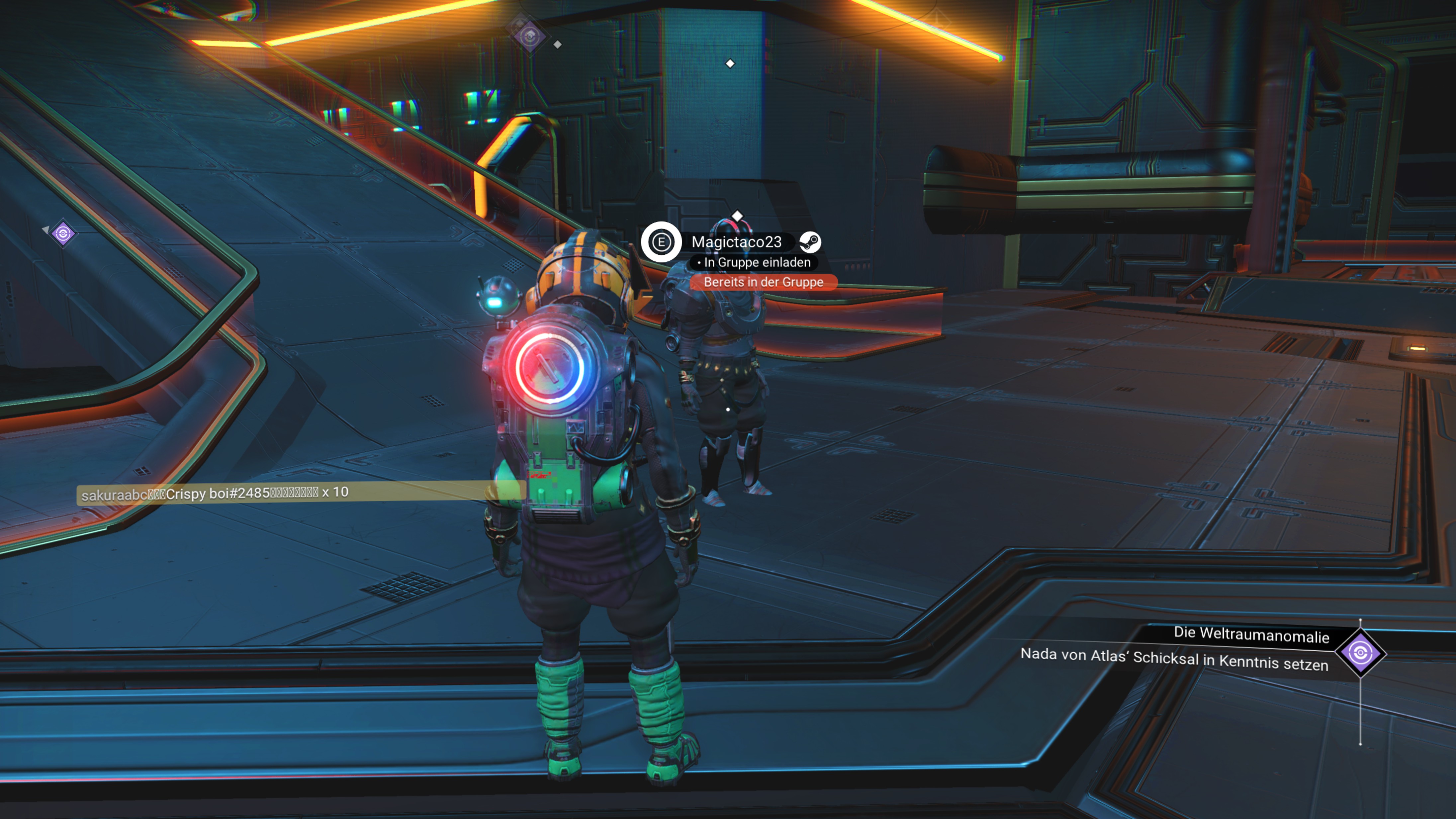

Thanks for the test. It seems I'll have to reinstall my proton or something. I just hope I don't break my user stats, because the file containing the expeditions achievements is not saved in the cloud, according to the steam forums.
Removed No Man's Sky completely (including the compatdata 275850 directory), reinstalled it from scratch with proton experimental, no options on launch options. Same thing happens, it can never connect to matchmaking servers. Everything else works. The only difference might that that I usually run it in VR, but I just ran it in pancake mode now and the same error appears.
I any case, here's my steam log for the issue.
steam-275850.log
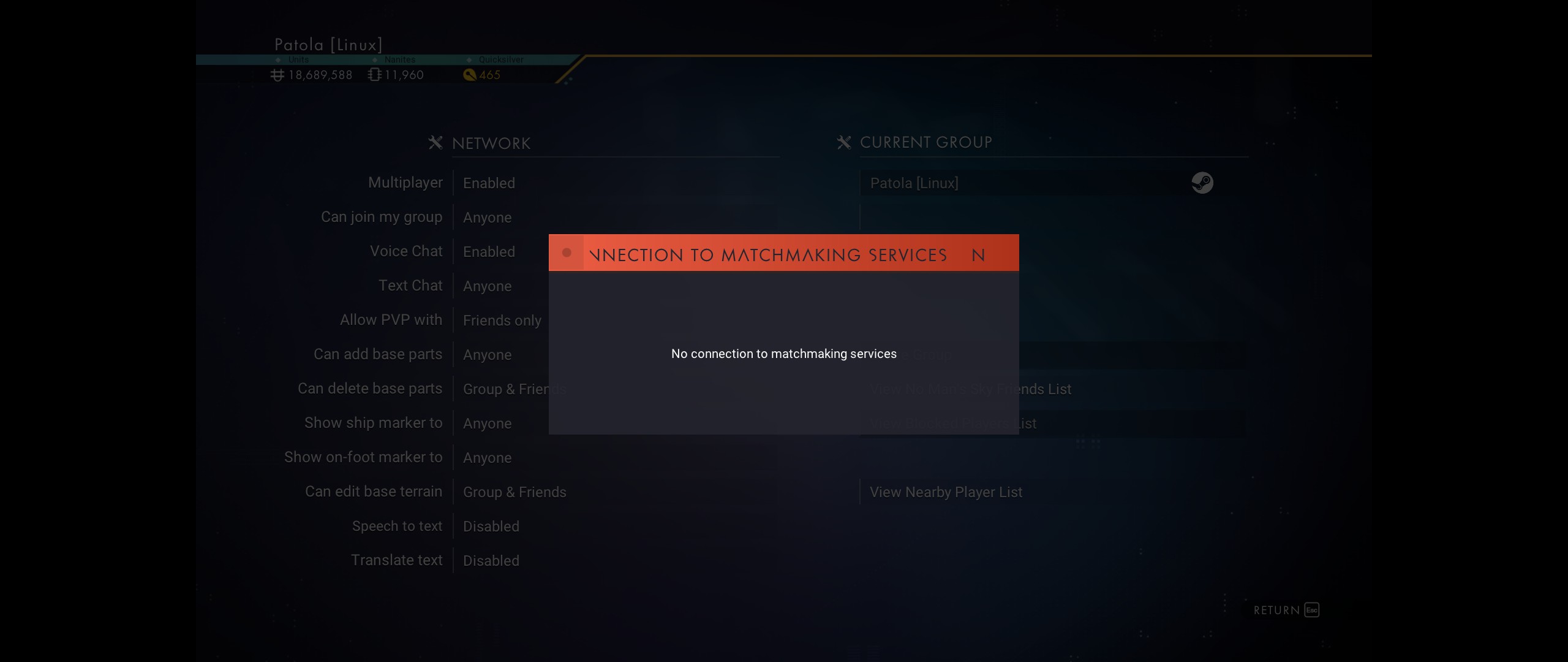
Thanks for the test. It seems I'll have to reinstall my proton or something. I just hope I don't break my user stats, because the file containing the expeditions achievements is not saved in the cloud, according to the steam forums.
You can simply delete all the files in the prefix folder of the game number ID other then those pertaining to the game. I could list them for you but I am not at my Linux PC atm. It's what I do to save config data and saves between prefix wipes.
PS. I think I had this issue before but 100% forgot how I resolved it. (and recently too). Sorry.
Case closed. `protontricks 275850 win7` (with Proton 6.3-4) fixes the inability the connect to matchmaking. Now I can see all the people back in the Space Anomaly and it does not show that error message anymore. The screenshot is in VR but it's the same in pancake mode.
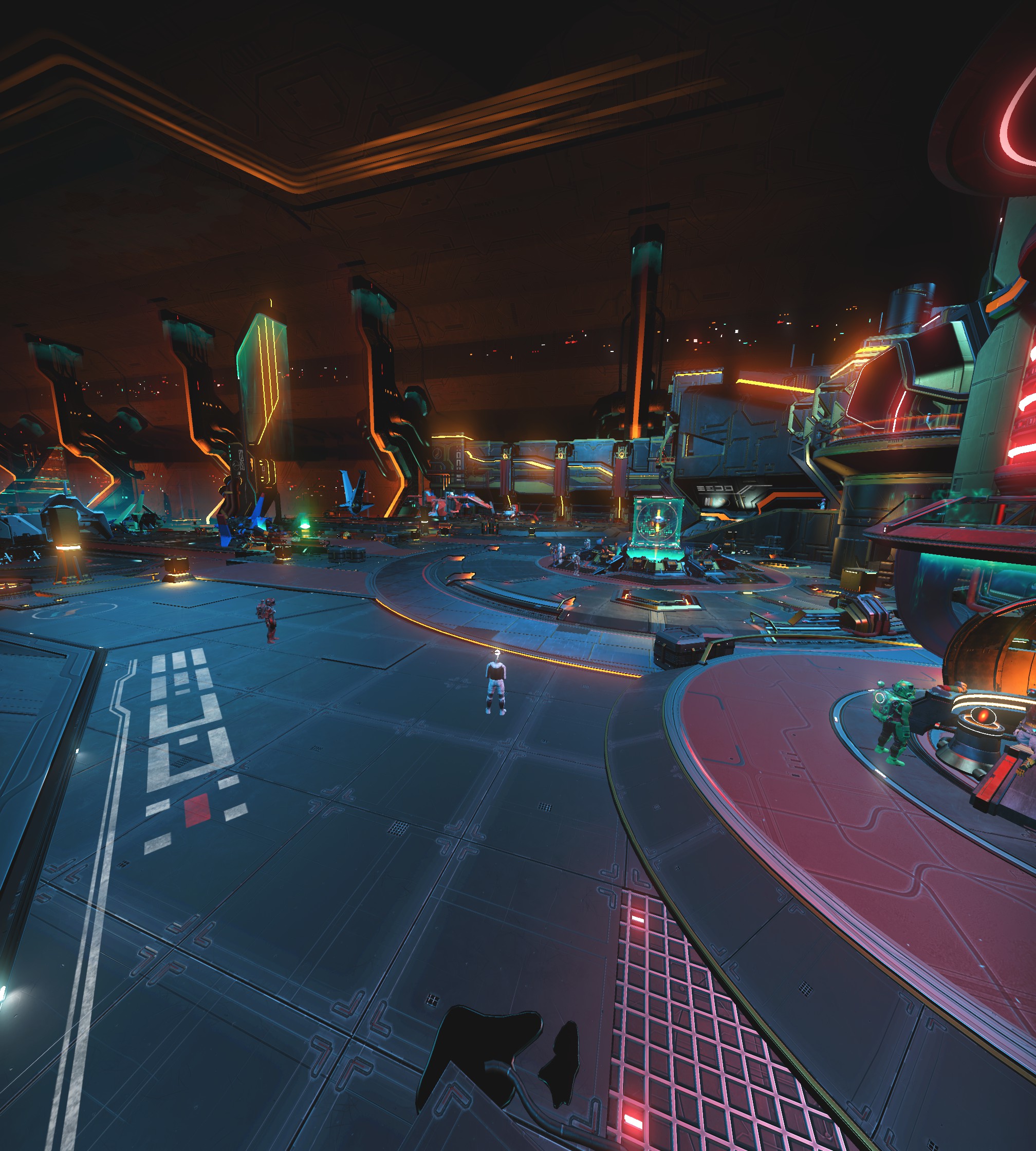
Case closed.
protontricks 275850 win7(with Proton 6.3-4) fixes the inability the connect to matchmaking. Now I can see all the people back in the Space Anomaly and it does not show that error message anymore. The screenshot is in VR but it's the same in pancake mode.
(...)
Thanks for the info.
Around your screenshot link, please paste the following code into your post. This will hide the screenshot and make it visible only when you click on the "Screenshot" text. This makes it easier for other users when scrolling through the thread.
<details><summary>Screenshot</summary><p>
<SCREENSHOT-LINK>
</p></details>
The protontricks... trick... fixed the matchmaking service issue here as well. Proton 6.3-4.
Is it possible to merge the protontricks fix into Proton officially?
I am quite sad. I am unable to make NMS play on my Fedora 34 system. I have tried multiple different Proton versions but t always brings me back to a black screen where I am unable to do anything and it does not load anything. The window is titled "No Man's Sky (Intel HD Graphics" which may be related to an Nvidia issue if I am thinking correctly? Here is a stack trace on the messages I get from launching steam within my terminal:
Log from when I run NMS in my terminal using `steam`
 steam steam://rungameid/275850
Running Steam on fedora 34 64-bit
STEAM_RUNTIME is enabled automatically
Pins up-to-date!
Steam client's requirements are satisfied
WARNING: Using default/fallback debugger launch
/home/cedarprince/.local/share/Steam/ubuntu12_32/steam steam://rungameid/275850
[2021-06-09 19:26:08] Startup - updater built Jun  8 2021 22:23:36
Installing breakpad exception handler for appid(steam)/version(1623193086)
Looks like steam didn't shutdown cleanly, scheduling immediate update check
[2021-06-09 19:26:08] Loading cached metrics from disk (/home/cedarprince/.local/share/Steam/package/steam_client_metrics.bin)
[2021-06-09 19:26:08] Using the following download hosts for Public, Realm steamglobal
[2021-06-09 19:26:08] 1. https://cdn.cloudflare.steamstatic.com, /client/, Realm 'steamglobal', weight was 100, source = 'update_hosts_cached.vdf'
[2021-06-09 19:26:08] 2. https://cdn.akamai.steamstatic.com, /client/, Realm 'steamglobal', weight was 100, source = 'update_hosts_cached.vdf'
[2021-06-09 19:26:08] 3. http://media.steampowered.com, /client/, Realm 'steamglobal', weight was 1, source = 'baked in'
Installing breakpad exception handler for appid(steam)/version(1623193086)
[2021-06-09 19:26:08] Checking for update on startup
[2021-06-09 19:26:08] Checking for available updates...
[2021-06-09 19:26:08] Downloading manifest: https://cdn.cloudflare.steamstatic.com/client/steam_client_ubuntu12
Installing breakpad exception handler for appid(steam)/version(1623193086)
[2021-06-09 19:26:08] Download skipped: /client/steam_client_ubuntu12 version 1623193086, installed version 1623193086, existing pending version 0
[2021-06-09 19:26:08] Nothing to do
[2021-06-09 19:26:08] Verifying installation...
[2021-06-09 19:26:08] Performing checksum verification of executable files
[2021-06-09 19:26:09] Verification complete
Loaded SDL version 2.0.15-6501165
Steam: An X Error occurred
X Error of failed request:  BadAtom (invalid Atom parameter)
Major opcode of failed request:  20 (X_GetProperty)
Atom id in failed request:  0x0
Serial number of failed request:  12
xerror_handler: X failed, continuing
Steam: An X Error occurred
X Error of failed request:  BadAtom (invalid Atom parameter)
Major opcode of failed request:  20 (X_GetProperty)
Atom id in failed request:  0x0
Serial number of failed request:  13
xerror_handler: X failed, continuing
Steam: An X Error occurred
X Error of failed request:  BadAtom (invalid Atom parameter)
Major opcode of failed request:  20 (X_GetProperty)
Atom id in failed request:  0x0
Serial number of failed request:  14
xerror_handler: X failed, continuing
Installing breakpad exception handler for appid(steam)/version(1623193086)
STEAM_RUNTIME_HEAVY: ./steam-runtime-heavy
[0609/192612.684289:INFO:crash_reporting.cc(247)] Crash reporting enabled for process: browser
[0609/192612.723465:WARNING:crash_reporting.cc(286)] Failed to set crash key: UserID with value: 0
[0609/192612.723526:WARNING:crash_reporting.cc(286)] Failed to set crash key: BuildID with value: 1623191035
[0609/192612.723550:WARNING:crash_reporting.cc(286)] Failed to set crash key: SteamUniverse with value: Public
[0609/192612.723553:WARNING:crash_reporting.cc(286)] Failed to set crash key: Vendor with value: Valve
[0609/192612.782467:WARNING:crash_reporting.cc(286)] Failed to set crash key: UserID with value: 0
[0609/192612.782528:WARNING:crash_reporting.cc(286)] Failed to set crash key: BuildID with value: 1623191035
[0609/192612.782535:WARNING:crash_reporting.cc(286)] Failed to set crash key: SteamUniverse with value: Public
[0609/192612.782561:WARNING:crash_reporting.cc(286)] Failed to set crash key: Vendor with value: Valve
[0609/192612.783331:INFO:crash_reporting.cc(247)] Crash reporting enabled for process: gpu-process
[0609/192612.897459:ERROR:sandbox_linux.cc(372)] InitializeSandbox() called with multiple threads in process gpu-process.
[0609/192612.934251:WARNING:crash_reporting.cc(286)] Failed to set crash key: UserID with value: 0
[0609/192612.934302:WARNING:crash_reporting.cc(286)] Failed to set crash key: BuildID with value: 1623191035
[0609/192612.934309:WARNING:crash_reporting.cc(286)] Failed to set crash key: SteamUniverse with value: Public
[0609/192612.934334:WARNING:crash_reporting.cc(286)] Failed to set crash key: Vendor with value: Valve
[0609/192612.935209:INFO:crash_reporting.cc(247)] Crash reporting enabled for process: utility
Installing breakpad exception handler for appid(steam)/version(1623193086)
Installing breakpad exception handler for appid(steam)/version(1623193086)
Installing breakpad exception handler for appid(steam)/version(1623193086)
Installing breakpad exception handler for appid(steam)/version(1623193086)
Installing breakpad exception handler for appid(steam)/version(1623193086)
Installing breakpad exception handler for appid(steam)/version(1623193086)
Installing breakpad exception handler for appid(steam)/version(1623193086)
Installing breakpad exception handler for appid(steam)/version(1623193086)
Installing breakpad exception handler for appid(steam)/version(1623193086)
Installing breakpad exception handler for appid(steam)/version(1623193086)
CAppInfoCacheReadFromDiskThread took 56 milliseconds to initialize
CApplicationManagerPopulateThread took 77 milliseconds to initialize (will have waited on CAppInfoCacheReadFromDiskThread)
Installing breakpad exception handler for appid(steam)/version(1623193086)
Installing breakpad exception handler for appid(steam)/version(1623193086)
Installing breakpad exception handler for appid(steam)/version(1623193086)
Installing breakpad exception handler for appid(steam)/version(1623193086)
Installing breakpad exception handler for appid(steam)/version(1623193086)
Proceed to auto login
Opted-in Controller Mask for AppId 0: 0

(steam:123993): Gtk-WARNING **: 19:26:13.469: gtk_disable_setlocale() must be called before gtk_init()

(steam:123993): Gtk-WARNING **: 19:26:13.472: Unable to locate theme engine in module_path: "adwaita",
/usr/share/themes/Adwaita/gtk-2.0/main.rc:733: error: unexpected identifier 'direction', expected character '}'

(steam:123993): Gtk-WARNING **: 19:26:13.474: Unable to locate theme engine in module_path: "adwaita",
/usr/share/themes/Adwaita/gtk-2.0/hacks.rc:28: error: invalid string constant "normal_entry", expected valid string constant

(steam:123993): Gtk-WARNING **: 19:26:13.475: Unable to locate theme engine in module_path: "adwaita",
/usr/share/themes/Adwaita/gtk-2.0/main.rc:733: error: unexpected identifier 'direction', expected character '}'

(steam:123993): Gtk-WARNING **: 19:26:13.476: Unable to locate theme engine in module_path: "adwaita",
/usr/share/themes/Adwaita/gtk-2.0/hacks.rc:28: error: invalid string constant "normal_entry", expected valid string constant
local (potentially out of sync) copy of roaming config loaded - 747 bytes.
Installing breakpad exception handler for appid(steam)/version(1623193086)
Installing breakpad exception handler for appid(steam)/version(1623193086)
Installing breakpad exception handler for appid(steam)/version(1623193086)
roaming config store loaded successfully - 747 bytes.
migrating temporary roaming config store
BRefreshApplicationsInLibrary 1: 4ms
[0609/192614.527020:INFO:crash_reporting.cc(270)] Crash reporting enabled for process: renderer
[0609/192614.633903:INFO:crash_reporting.cc(270)] Crash reporting enabled for process: renderer
[0609/192614.761727:INFO:crash_reporting.cc(270)] Crash reporting enabled for process: renderer
Installing breakpad exception handler for appid(steam)/version(1623193086)
Failed to init SteamVR because it isn't installed
ExecCommandLine: "'/home/cedarprince/.local/share/Steam/ubuntu12_32/steam' 'steam://rungameid/275850'"
ExecuteSteamURL: "steam://rungameid/275850"
System startup time: 6.09 seconds

(steam:123993): LIBDBUSMENU-GLIB-WARNING **: 19:26:15.279: Trying to remove a child that doesn't believe we're it's parent.

(steam:123993): LIBDBUSMENU-GLIB-WARNING **: 19:26:15.279: Trying to remove a child that doesn't believe we're it's parent.

(steam:123993): LIBDBUSMENU-GLIB-WARNING **: 19:26:15.279: Trying to remove a child that doesn't believe we're it's parent.

(steam:123993): LIBDBUSMENU-GLIB-WARNING **: 19:26:15.279: Trying to remove a child that doesn't believe we're it's parent.

(steam:123993): LIBDBUSMENU-GLIB-WARNING **: 19:26:15.279: Trying to remove a child that doesn't believe we're it's parent.

(steam:123993): LIBDBUSMENU-GLIB-WARNING **: 19:26:15.279: Trying to remove a child that doesn't believe we're it's parent.

(steam:123993): LIBDBUSMENU-GLIB-WARNING **: 19:26:15.279: Trying to remove a child that doesn't believe we're it's parent.

(steam:123993): LIBDBUSMENU-GLIB-WARNING **: 19:26:15.279: Trying to remove a child that doesn't believe we're it's parent.

(steam:123993): LIBDBUSMENU-GLIB-WARNING **: 19:26:15.279: Trying to remove a child that doesn't believe we're it's parent.

(steam:123993): LIBDBUSMENU-GLIB-WARNING **: 19:26:15.279: Trying to remove a child that doesn't believe we're it's parent.

(steam:123993): LIBDBUSMENU-GLIB-WARNING **: 19:26:15.279: Trying to remove a child that doesn't believe we're it's parent.

(steam:123993): LIBDBUSMENU-GLIB-WARNING **: 19:26:15.279: Trying to remove a child that doesn't believe we're it's parent.

(steam:123993): LIBDBUSMENU-GLIB-WARNING **: 19:26:15.279: Trying to remove a child that doesn't believe we're it's parent.

(steam:123993): LIBDBUSMENU-GLIB-WARNING **: 19:26:15.279: Trying to remove a child that doesn't believe we're it's parent.

(steam:123993): LIBDBUSMENU-GLIB-WARNING **: 19:26:15.279: Trying to remove a child that doesn't believe we're it's parent.
[0609/192615.284980:INFO:crash_reporting.cc(270)] Crash reporting enabled for process: renderer
[0609/192615.290924:INFO:crash_reporting.cc(270)] Crash reporting enabled for process: renderer
GameAction [AppID 275850, ActionID 1] : LaunchApp changed task to ProcessingInstallScript with ""
BuildCompleteAppOverviewChange: 101
RegisterForAppOverview 1: 6ms
RegisterForAppOverview 2: 6ms
Fossilize INFO: Setting autogroup scheduling.
esync: up and running.
wine: RLIMIT_NICE is <= 20, unable to use setpriority safely
GameAction [AppID 275850, ActionID 1] : LaunchApp changed task to SynchronizingCloud with ""
GameAction [AppID 275850, ActionID 1] : LaunchApp changed task to ProcessingShaderCache with ""
Fossilize INFO: Setting autogroup scheduling.
Fossilize INFO: Setting autogroup scheduling.
GameAction [AppID 275850, ActionID 1] : LaunchApp changed task to SiteLicenseSeatCheckout with ""
GameAction [AppID 275850, ActionID 1] : LaunchApp changed task to CreatingProcess with ""
GameAction [AppID 275850, ActionID 1] : LaunchApp waiting for user response to CreatingProcess ""
GameAction [AppID 275850, ActionID 1] : LaunchApp continues with user response "CreatingProcess"
Opted-in Controller Mask for AppId 275850: ffff
/bin/sh\0-c\0/home/cedarprince/.local/share/Steam/ubuntu12_32/../ubuntu12_32/reaper SteamLaunch AppId=275850 -- '/home/cedarprince/.local/share/Steam/steamapps/common/SteamLinuxRuntime_soldier'/_v2-entry-point --verb=waitforexitandrun -- '/home/cedarprince/.local/share/Steam/steamapps/common/Proton 6.3'/proton waitforexitandrun  '/home/cedarprince/.local/share/Steam/steamapps/common/No Man'\''s Sky/Binaries/NMS.exe'\0
Game update: AppID 275850 "", ProcID 125311, IP 0.0.0.0:0
ERROR: ld.so: object '/home/cedarprince/.local/share/Steam/ubuntu12_32/gameoverlayrenderer.so' from LD_PRELOAD cannot be preloaded (wrong ELF class: ELFCLASS32): ignored.
Starting app 275850
Installing breakpad exception handler for appid(steam)/version(1623193086)
>>> Adding process 125311 for game ID 275850
GameAction [AppID 275850, ActionID 1] : LaunchApp changed task to WaitingGameWindow with ""
GameAction [AppID 275850, ActionID 1] : LaunchApp changed task to Completed with ""
ERROR: ld.so: object '/home/cedarprince/.local/share/Steam/ubuntu12_64/gameoverlayrenderer.so' from LD_PRELOAD cannot be preloaded (wrong ELF class: ELFCLASS64): ignored.
ERROR: ld.so: object '/home/cedarprince/.local/share/Steam/ubuntu12_32/gameoverlayrenderer.so' from LD_PRELOAD cannot be preloaded (wrong ELF class: ELFCLASS32): ignored.
ERROR: ld.so: object '/home/cedarprince/.local/share/Steam/ubuntu12_32/gameoverlayrenderer.so' from LD_PRELOAD cannot be preloaded (wrong ELF class: ELFCLASS32): ignored.
ERROR: ld.so: object '/home/cedarprince/.local/share/Steam/ubuntu12_32/gameoverlayrenderer.so' from LD_PRELOAD cannot be preloaded (wrong ELF class: ELFCLASS32): ignored.
ERROR: ld.so: object '/home/cedarprince/.local/share/Steam/ubuntu12_32/gameoverlayrenderer.so' from LD_PRELOAD cannot be preloaded (wrong ELF class: ELFCLASS32): ignored.
pid 125316 != 125313, skipping destruction (fork without exec?)
ERROR: ld.so: object '/home/cedarprince/.local/share/Steam/ubuntu12_32/gameoverlayrenderer.so' from LD_PRELOAD cannot be preloaded (wrong ELF class: ELFCLASS32): ignored.
ERROR: ld.so: object '/home/cedarprince/.local/share/Steam/ubuntu12_32/gameoverlayrenderer.so' from LD_PRELOAD cannot be preloaded (wrong ELF class: ELFCLASS32): ignored.
>>> Adding process 125313 for game ID 275850
ERROR: ld.so: object '/home/cedarprince/.local/share/Steam/ubuntu12_32/gameoverlayrenderer.so' from LD_PRELOAD cannot be preloaded (wrong ELF class: ELFCLASS32): ignored.
ERROR: ld.so: object '/home/cedarprince/.local/share/Steam/ubuntu12_32/gameoverlayrenderer.so' from LD_PRELOAD cannot be preloaded (wrong ELF class: ELFCLASS32): ignored.
ERROR: ld.so: object '/home/cedarprince/.local/share/Steam/ubuntu12_32/gameoverlayrenderer.so' from LD_PRELOAD cannot be preloaded (wrong ELF class: ELFCLASS32): ignored.
ERROR: ld.so: object '/home/cedarprince/.local/share/Steam/ubuntu12_32/gameoverlayrenderer.so' from LD_PRELOAD cannot be preloaded (wrong ELF class: ELFCLASS32): ignored.
ERROR: ld.so: object '/home/cedarprince/.local/share/Steam/ubuntu12_32/gameoverlayrenderer.so' from LD_PRELOAD cannot be preloaded (wrong ELF class: ELFCLASS32): ignored.
>>> Adding process 125314 for game ID 275850
>>> Adding process 125315 for game ID 275850
>>> Adding process 125317 for game ID 275850
>>> Adding process 125318 for game ID 275850
>>> Adding process 125319 for game ID 275850
>>> Adding process 125325 for game ID 275850
>>> Adding process 125326 for game ID 275850
Installing breakpad exception handler for appid(steam)/version(1623193086)
ERROR: ld.so: object '/home/cedarprince/.local/share/Steam/ubuntu12_32/gameoverlayrenderer.so' from LD_PRELOAD cannot be preloaded (wrong ELF class: ELFCLASS32): ignored.
>>> Adding process 125653 for game ID 275850
>>> Adding process 125654 for game ID 275850
ERROR: ld.so: object '/home/cedarprince/.local/share/Steam/ubuntu12_32/gameoverlayrenderer.so' from LD_PRELOAD cannot be preloaded (wrong ELF class: ELFCLASS32): ignored.
ERROR: ld.so: object '/home/cedarprince/.local/share/Steam/ubuntu12_32/gameoverlayrenderer.so' from LD_PRELOAD cannot be preloaded (wrong ELF class: ELFCLASS32): ignored.
>>> Adding process 125655 for game ID 275850
>>> Adding process 125656 for game ID 275850
>>> Adding process 125671 for game ID 275850
>>> Adding process 125673 for game ID 275850
>>> Adding process 125674 for game ID 275850
ERROR: ld.so: object '/home/cedarprince/.local/share/Steam/ubuntu12_32/gameoverlayrenderer.so' from LD_PRELOAD cannot be preloaded (wrong ELF class: ELFCLASS32): ignored.
ERROR: ld.so: object '/home/cedarprince/.local/share/Steam/ubuntu12_64/gameoverlayrenderer.so' from LD_PRELOAD cannot be preloaded (wrong ELF class: ELFCLASS64): ignored.
>>> Adding process 125675 for game ID 275850
ERROR: ld.so: object '/home/cedarprince/.local/share/Steam/ubuntu12_64/gameoverlayrenderer.so' from LD_PRELOAD cannot be preloaded (wrong ELF class: ELFCLASS64): ignored.
ERROR: ld.so: object '/home/cedarprince/.local/share/Steam/ubuntu12_32/gameoverlayrenderer.so' from LD_PRELOAD cannot be preloaded (wrong ELF class: ELFCLASS32): ignored.
esync: up and running.
wine: RLIMIT_NICE is <= 20, unable to use setpriority safely
>>> Adding process 125676 for game ID 275850
ERROR: ld.so: object '/home/cedarprince/.local/share/Steam/ubuntu12_32/gameoverlayrenderer.so' from LD_PRELOAD cannot be preloaded (wrong ELF class: ELFCLASS32): ignored.
ERROR: ld.so: object '/home/cedarprince/.local/share/Steam/ubuntu12_32/gameoverlayrenderer.so' from LD_PRELOAD cannot be preloaded (wrong ELF class: ELFCLASS32): ignored.
>>> Adding process 125677 for game ID 275850
>>> Adding process 125680 for game ID 275850
ERROR: ld.so: object '/home/cedarprince/.local/share/Steam/ubuntu12_32/gameoverlayrenderer.so' from LD_PRELOAD cannot be preloaded (wrong ELF class: ELFCLASS32): ignored.
>>> Adding process 125682 for game ID 275850
>>> Adding process 125685 for game ID 275850
ERROR: ld.so: object '/home/cedarprince/.local/share/Steam/ubuntu12_32/gameoverlayrenderer.so' from LD_PRELOAD cannot be preloaded (wrong ELF class: ELFCLASS32): ignored.
>>> Adding process 125693 for game ID 275850
ERROR: ld.so: object '/home/cedarprince/.local/share/Steam/ubuntu12_32/gameoverlayrenderer.so' from LD_PRELOAD cannot be preloaded (wrong ELF class: ELFCLASS32): ignored.
>>> Adding process 125699 for game ID 275850
ERROR: ld.so: object '/home/cedarprince/.local/share/Steam/ubuntu12_32/gameoverlayrenderer.so' from LD_PRELOAD cannot be preloaded (wrong ELF class: ELFCLASS32): ignored.
>>> Adding process 125712 for game ID 275850
ERROR: ld.so: object '/home/cedarprince/.local/share/Steam/ubuntu12_32/gameoverlayrenderer.so' from LD_PRELOAD cannot be preloaded (wrong ELF class: ELFCLASS32): ignored.
>>> Adding process 125721 for game ID 275850
Game update: AppID 275850 "", ProcID 125676, IP 0.0.0.0:0
RecordSteamInterfaceCreation (PID 125676): SteamUtils009 / Utils
Setting breakpad minidump AppID = 275850
RecordSteamInterfaceCreation (PID 125676): SteamUser019 / User
Steam_SetMinidumpSteamID:  Caching Steam ID:  76561199012853698 [API loaded no]
RecordSteamInterfaceCreation (PID 125676): SteamUser019 / User
RecordSteamInterfaceCreation (PID 125676): SteamFriends015 / Friends
RecordSteamInterfaceCreation (PID 125676): SteamUtils009 / Utils
RecordSteamInterfaceCreation (PID 125676): SteamMatchMaking009 / Matchmaking
RecordSteamInterfaceCreation (PID 125676): SteamMatchMakingServers002 / MatchmakingServers
RecordSteamInterfaceCreation (PID 125676): STEAMUSERSTATS_INTERFACE_VERSION011 / UserStats
RecordSteamInterfaceCreation (PID 125676): STEAMAPPS_INTERFACE_VERSION008 / Apps
RecordSteamInterfaceCreation (PID 125676): SteamNetworking005 / Networking
RecordSteamInterfaceCreation (PID 125676): STEAMREMOTESTORAGE_INTERFACE_VERSION014 / RemoteStorage
RecordSteamInterfaceCreation (PID 125676): STEAMSCREENSHOTS_INTERFACE_VERSION003 / Screenshots
RecordSteamInterfaceCreation (PID 125676): STEAMHTTP_INTERFACE_VERSION002 / HTTP
RecordSteamInterfaceCreation (PID 125676): SteamController006 / Controller
RecordSteamInterfaceCreation (PID 125676): STEAMUGC_INTERFACE_VERSION010 / UGC
RecordSteamInterfaceCreation (PID 125676): STEAMAPPLIST_INTERFACE_VERSION001 / AppList
RecordSteamInterfaceCreation (PID 125676): STEAMMUSIC_INTERFACE_VERSION001 / Music
RecordSteamInterfaceCreation (PID 125676): STEAMMUSICREMOTE_INTERFACE_VERSION001 / MusicRemote
RecordSteamInterfaceCreation (PID 125676): STEAMHTMLSURFACE_INTERFACE_VERSION_004 / HTMLSurface
RecordSteamInterfaceCreation (PID 125676): STEAMINVENTORY_INTERFACE_V002 / Inventory
RecordSteamInterfaceCreation (PID 125676): STEAMVIDEO_INTERFACE_V002 / Video
RecordSteamInterfaceCreation (PID 125676): STEAMPARENTALSETTINGS_INTERFACE_VERSION001 / ParentalSettings
ERROR: ld.so: object '/home/cedarprince/.local/share/Steam/ubuntu12_32/gameoverlayrenderer.so' from LD_PRELOAD cannot be preloaded (wrong ELF class: ELFCLASS32): ignored.
>>> Adding process 125762 for game ID 275850
ERROR: ld.so: object '/home/cedarprince/.local/share/Steam/ubuntu12_32/gameoverlayrenderer.so' from LD_PRELOAD cannot be preloaded (wrong ELF class: ELFCLASS32): ignored.
>>> Adding process 125776 for game ID 275850
Game update: AppID 275850 "", ProcID 125776, IP 0.0.0.0:0
RecordSteamInterfaceCreation (PID 125776): SteamUtils007 / Utils
RecordSteamInterfaceCreation (PID 125776): SteamUser017 / User
RecordSteamInterfaceCreation (PID 125776): STEAMAPPTICKET_INTERFACE_VERSION001 /
Game update: AppID 275850 "", ProcID 125776, IP 0.0.0.0:0
RecordSteamInterfaceCreation (PID 125776): SteamUtils009 / Utils
Setting breakpad minidump AppID = 275850
RecordSteamInterfaceCreation (PID 125776): SteamUser020 / User
Steam_SetMinidumpSteamID:  Caching Steam ID:  76561199012853698 [API loaded no]
RecordSteamInterfaceCreation (PID 125776): SteamUtils009 /
RecordSteamInterfaceCreation (PID 125776): SteamUser020 /
RecordSteamInterfaceCreation (PID 125776): SteamFriends017 /
RecordSteamInterfaceCreation (PID 125776): STEAMAPPS_INTERFACE_VERSION008 /
Fossilize INFO: Overriding serialization path: "/home/cedarprince/.local/share/Steam/steamapps/shadercache/275850/fozpipelinesv5/steamapprun_pipeline_cache".
Installing breakpad exception handler for appid(gameoverlayui)/version(20210608222338)
Installing breakpad exception handler for appid(gameoverlayui)/version(1.0)
Installing breakpad exception handler for appid(gameoverlayui)/version(1.0)
RecordSteamInterfaceCreation (PID 125776): SteamUtils009 / Utils
RecordSteamInterfaceCreation (PID 125776): SteamController007 / Controller
RecordSteamInterfaceCreation (PID 125776): SteamInput001 / Controller
[0609/192633.858078:INFO:crash_reporting.cc(270)] Crash reporting enabled for process: renderer
Installing breakpad exception handler for appid(gameoverlayui)/version(1.0)
Installing breakpad exception handler for appid(steam)/version(1623193086)
[0609/192634.031364:ERROR:frame_sink_video_capturer_impl.cc(206)] Invalid resolutions constraints: 0x0 must not be greater than 0x0; and also within media::limits.
Installing breakpad exception handler for appid(steam)/version(1623193086)
Installing breakpad exception handler for appid(steam)/version(1623193086)

(process:125856): GLib-GObject-CRITICAL **: 19:27:10.850: g_object_unref: assertion 'G_IS_OBJECT (object)' failed
pid 125678 != 125677, skipping destruction (fork without exec?)
Game removed: AppID 275850 "", ProcID 125776
Game 275850 created interface STEAMAPPS_INTERFACE_VERSION008 /
Game 275850 created interface STEAMAPPTICKET_INTERFACE_VERSION001 /
Game 275850 created interface SteamController007 / Controller
Game 275850 created interface SteamFriends017 /
Game 275850 created interface SteamInput001 / Controller
Game 275850 created interface SteamUser017 / User
Game 275850 created interface SteamUser020 /
Game 275850 created interface SteamUser020 / User
Game 275850 created interface SteamUtils007 / Utils
Game 275850 created interface SteamUtils009 /
Game 275850 created interface SteamUtils009 / Utils
Game 275850 method call count for IClientAppManager::GetCurrentLanguage : 1
Game 275850 method call count for IClientAppManager::GetActiveBeta : 1
Game 275850 method call count for IClientAppManager::IsAppDlcInstalled : 1
Game 275850 method call count for IClientUtils::RecordSteamInterfaceCreation : 12
Game 275850 method call count for IClientUtils::GetAppID : 16
Game 275850 method call count for IClientUtils::GetServerRealTime : 3
Game 275850 method call count for IClientUtils::GetConnectedUniverse : 1
Game 275850 method call count for IClientFriends::GetPersonaName : 1
Game 275850 method call count for IClientUser::GetAuthSessionTicket : 1
Game 275850 method call count for IClientUser::GetAppOwnershipTicketExtendedData : 1
Game 275850 method call count for IClientUser::GetSteamID : 5
Game 275850 method call count for IClientUser::BLoggedOn : 1
Uploaded AppInterfaceStats to Steam
Exiting app 275850
No cached sticky mapping in ActivateActionSet.Fossilize INFO: Setting autogroup scheduling.
^CFossilize INFO: Setting autogroup scheduling.
Also here is my Steam system Information:
Steam System Information
Computer Information:
Manufacturer: Unknown
Model: Unknown
Form Factor: Laptop
No Touch Input Detected
Processor Information:
CPU Vendor: GenuineIntel
CPU Brand: Intel(R) Core(TM) i7-9750H CPU @ 2.60GHz
CPU Family: 0x6
CPU Model: 0x9e
CPU Stepping: 0xa
CPU Type: 0x0
Speed: 4500 Mhz
12 logical processors
6 physical processors
HyperThreading: Supported
FCMOV: Supported
SSE2: Supported
SSE3: Supported
SSSE3: Supported
SSE4a: Unsupported
SSE41: Supported
SSE42: Supported
AES: Supported
AVX: Supported
AVX2: Unsupported
AVX512F: Unsupported
AVX512PF: Unsupported
AVX512ER: Unsupported
AVX512CD: Unsupported
AVX512VNNI: Unsupported
SHA: Unsupported
CMPXCHG16B: Supported
LAHF/SAHF: Supported
PrefetchW: Unsupported
Operating System Version:
"Fedora release 34 (Thirty Four)" (64 bit)
Kernel Name: Linux
Kernel Version: 5.12.9-200.fc33.x86_64
X Server Vendor: The X.Org Foundation
X Server Release: 12011000
X Window Manager: KWin
Steam Runtime Version: steam-runtime_0.20210518.3
Video Card:
Driver: Intel Mesa Intel(R) UHD Graphics 630 (CFL GT2)
Driver Version: 4.6 (Compatibility Profile) Mesa 21.1.1
OpenGL Version: 4.6
Desktop Color Depth: 24 bits per pixel
Monitor Refresh Rate: 59 Hz
VendorID: 0x8086
DeviceID: 0x3e9b
Revision Not Detected
Number of Monitors: 1
Number of Logical Video Cards: 1
Primary Display Resolution: 1920 x 1080
Desktop Resolution: 1920 x 1080
Primary Display Size: 13.54" x 7.64" (15.51" diag)
34.4cm x 19.4cm (39.4cm diag)
Primary VRAM Not Detected
Sound card:
Audio device: Realtek ALC3266
Memory:
RAM: 15636 Mb
VR Hardware:
VR Headset: None detected
Miscellaneous:
UI Language: English
LANG: en_US.UTF-8
Total Hard Disk Space Available: 400153 Mb
Largest Free Hard Disk Block: 77677 Mb
Storage:
Number of SSDs: 0
SSD sizes: %s1
Number of HDDs: 0
HDD sizes: %s1
"LD_* scout runtime" information:
{
"can-write-uinput" : true,
"steam-installation" : {
"path" : "/home/cedarprince/.local/share/Steam",
"data_path" : "/home/cedarprince/.local/share/Steam",
"bin32_path" : "/home/cedarprince/.local/share/Steam/ubuntu12_32",
"steamscript_path" : "/usr/bin/steam",
"steamscript_version" : "1.0.0.70",
"issues" : [
]
},
"runtime" : {
"path" : "/home/cedarprince/.local/share/Steam/ubuntu12_32/steam-runtime",
"version" : "0.20210518.3",
"issues" : [
],
"pinned_libs_32" : {
"list" : [
" 12196300 4 drwxr-xr-x 2 cedarprince cedarprince 4096 Jun 9 12:13 pinned_libs_32",
" 12196305 4 lrwxrwxrwx 1 cedarprince cedarprince 105 Jun 9 12:13 pinned_libs_32/libGLU.so.1 -> /home/cedarprince/.local/share/Steam/ubuntu12_32/steam-runtime/usr/lib/i386-linux-gnu/libGLU.so.1.3.08004",
" 12196307 4 lrwxrwxrwx 1 cedarprince cedarprince 102 Jun 9 12:13 pinned_libs_32/libcurl.so.4 -> /home/cedarprince/.local/share/Steam/ubuntu12_32/steam-runtime/usr/lib/i386-linux-gnu/libcurl.so.4.2.0",
" 12196302 4 lrwxrwxrwx 1 cedarprince cedarprince 100 Jun 9 12:13 pinned_libs_32/libdbus-1.so.3 -> /home/cedarprince/.local/share/Steam/ubuntu12_32/steam-runtime/lib/i386-linux-gnu/libdbus-1.so.3.5.8",
" 12196310 4 -rw-r--r-- 1 cedarprince cedarprince 50 Jun 9 12:13 pinned_libs_32/system_libvulkan.so.1",
" 12196309 4 lrwxrwxrwx 1 cedarprince cedarprince 106 Jun 9 12:13 pinned_libs_32/libvulkan.so.1 -> /home/cedarprince/.local/share/Steam/ubuntu12_32/steam-runtime/usr/lib/i386-linux-gnu/libvulkan.so.1.2.170",
" 12196326 0 lrwxrwxrwx 1 cedarprince cedarprince 12 Jun 9 12:13 pinned_libs_32/libcurl.so.3 -> libcurl.so.4",
" 12196304 0 -rw-r--r-- 1 cedarprince cedarprince 0 Jun 9 12:13 pinned_libs_32/has_pins",
" 12196312 4 -rw-r--r-- 1 cedarprince cedarprince 62 Jun 9 12:13 pinned_libs_32/system_libgtk-x11-2.0.so.0",
" 12196314 4 -rw-r--r-- 1 cedarprince cedarprince 63 Jun 9 12:13 pinned_libs_32/system_libdbusmenu-glib.so.4",
" 12196308 4 -rw-r--r-- 1 cedarprince cedarprince 44 Jun 9 12:13 pinned_libs_32/system_libcurl.so.4",
" 12196306 4 -rw-r--r-- 1 cedarprince cedarprince 42 Jun 9 12:13 pinned_libs_32/system_libGLU.so.1",
" 12196311 4 lrwxrwxrwx 1 cedarprince cedarprince 113 Jun 9 12:13 pinned_libs_32/libgtk-x11-2.0.so.0 -> /home/cedarprince/.local/share/Steam/ubuntu12_32/steam-runtime/usr/lib/i386-linux-gnu/libgtk-x11-2.0.so.0.2400.10",
" 12196303 4 -rw-r--r-- 1 cedarprince cedarprince 50 Jun 9 12:13 pinned_libs_32/system_libdbus-1.so.3",
" 12196313 4 lrwxrwxrwx 1 cedarprince cedarprince 112 Jun 9 12:13 pinned_libs_32/libdbusmenu-glib.so.4 -> /home/cedarprince/.local/share/Steam/ubuntu12_32/steam-runtime/usr/lib/i386-linux-gnu/libdbusmenu-glib.so.4.0.13"
]
},
"pinned_libs_64" : {
"list" : [
" 12196301 4 drwxr-xr-x 2 cedarprince cedarprince 4096 Jun 9 12:13 pinned_libs_64",
" 12196315 4 lrwxrwxrwx 1 cedarprince cedarprince 107 Jun 9 12:13 pinned_libs_64/libGLU.so.1 -> /home/cedarprince/.local/share/Steam/ubuntu12_32/steam-runtime/usr/lib/x86_64-linux-gnu/libGLU.so.1.3.08004",
" 12196318 4 lrwxrwxrwx 1 cedarprince cedarprince 104 Jun 9 12:13 pinned_libs_64/libcurl.so.4 -> /home/cedarprince/.local/share/Steam/ubuntu12_32/steam-runtime/usr/lib/x86_64-linux-gnu/libcurl.so.4.2.0",
" 12196323 4 -rw-r--r-- 1 cedarprince cedarprince 65 Jun 9 12:13 pinned_libs_64/system_libdbusmenu-gtk.so.4",
" 12196321 4 -rw-r--r-- 1 cedarprince cedarprince 54 Jun 9 12:13 pinned_libs_64/system_libvulkan.so.1",
" 12196320 4 lrwxrwxrwx 1 cedarprince cedarprince 108 Jun 9 12:13 pinned_libs_64/libvulkan.so.1 -> /home/cedarprince/.local/share/Steam/ubuntu12_32/steam-runtime/usr/lib/x86_64-linux-gnu/libvulkan.so.1.2.170",
" 12196327 0 lrwxrwxrwx 1 cedarprince cedarprince 12 Jun 9 12:13 pinned_libs_64/libcurl.so.3 -> libcurl.so.4",
" 12196317 0 -rw-r--r-- 1 cedarprince cedarprince 0 Jun 9 12:13 pinned_libs_64/has_pins",
" 12196325 4 -rw-r--r-- 1 cedarprince cedarprince 67 Jun 9 12:13 pinned_libs_64/system_libdbusmenu-glib.so.4",
" 12196319 4 -rw-r--r-- 1 cedarprince cedarprince 48 Jun 9 12:13 pinned_libs_64/system_libcurl.so.4",
" 12196322 4 lrwxrwxrwx 1 cedarprince cedarprince 113 Jun 9 12:13 pinned_libs_64/libdbusmenu-gtk.so.4 -> /home/cedarprince/.local/share/Steam/ubuntu12_32/steam-runtime/usr/lib/x86_64-linux-gnu/libdbusmenu-gtk.so.4.0.13",
" 12196316 4 -rw-r--r-- 1 cedarprince cedarprince 46 Jun 9 12:13 pinned_libs_64/system_libGLU.so.1",
" 12196324 4 lrwxrwxrwx 1 cedarprince cedarprince 114 Jun 9 12:13 pinned_libs_64/libdbusmenu-glib.so.4 -> /home/cedarprince/.local/share/Steam/ubuntu12_32/steam-runtime/usr/lib/x86_64-linux-gnu/libdbusmenu-glib.so.4.0.13"
]
}
},
"os-release" : {
"id" : "fedora",
"name" : "Fedora",
"pretty_name" : "Fedora 34 (Thirty Four)",
"version_id" : "34",
"version_codename" : ""
},
"container" : {
"type" : "none"
},
"driver_environment" : [
"DISPLAY=:0",
"LD_LIBRARY_PATH=/home/cedarprince/.local/share/Steam/ubuntu12_32:/home/cedarprince/.local/share/Steam/ubuntu12_32/panorama:/home/cedarprince/.local/share/Steam/ubuntu12_32/steam-runtime/pinned_libs_32:/home/cedarprince/.local/share/Steam/ubuntu12_32/steam-runtime/pinned_libs_64:/usr/lib64/R/lib:/usr/lib64//bind9-export:/usr/lib64/dyninst:/usr/lib64/fdk-aac:/usr/local/lib:/usr/lib64/mysql:/usr/lib64/octave/5.2.0:/usr/lib/pipewire-0.3/jack:/usr/lib64/pipewire-0.3/jack:/usr/lib64/qt-3.3/lib:/usr/lib64/qt5-qtwebengine-freeworld:/usr/lib64/tcl8.6:/usr/lib/wine:/usr/lib64/wine:/lib:/lib64:/home/cedarprince/.local/share/Steam/ubuntu12_32/steam-runtime/lib/i386-linux-gnu:/home/cedarprince/.local/share/Steam/ubuntu12_32/steam-runtime/usr/lib/i386-linux-gnu:/home/cedarprince/.local/share/Steam/ubuntu12_32/steam-runtime/lib/x86_64-linux-gnu:/home/cedarprince/.local/share/Steam/ubuntu12_32/steam-runtime/usr/lib/x86_64-linux-gnu:/home/cedarprince/.local/share/Steam/ubuntu12_32/steam-runtime/lib:/home/cedarprince/.local/share/Steam/ubuntu12_32/steam-runtime/usr/lib",
"SDL_GAMECONTROLLERCONFIG=03000000de280000ff11000001000000,Steam Virtual Gamepad,a:b0,b:b1,back:b6,dpdown:h0.4,dpleft:h0.8,dpright:h0.2,dpup:h0.1,guide:b8,leftshoulder:b4,leftstick:b9,lefttrigger:a2,leftx:a0,lefty:a1,rightshoulder:b5,rightstick:b10,righttrigger:a5,rightx:a3,righty:a4,start:b7,x:b2,y:b3,\n03000000de280000fc11000001000000,Steam Controller,a:b0,b:b1,back:b6,dpdown:b14,dpleft:b15,dpright:b13,dpup:b12,guide:b8,leftshoulder:b4,leftstick:b9,lefttrigger:a2,leftx:a0,lefty:a1,rightshoulder:b5,rightstick:b10,righttrigger:a5,rightx:a3,righty:a4,start:b7,x:b2,y:b3,",
"SDL_VIDEO_MINIMIZE_ON_FOCUS_LOSS=0",
"XDG_RUNTIME_DIR=/run/user/1000"
],
"architectures" : {
"i386-linux-gnu" : {
"can-run" : true,
"libdl-LIB" : "lib",
"libdl-PLATFORM" : "i686",
"runtime-linker" : {
"path" : "/lib/ld-linux.so.2",
"resolved" : "/usr/lib/ld-2.33.so"
},
"library-issues-summary" : [
],
"graphics-details" : {
"x11/vulkan" : {
"messages" : [
"WARNING: lavapipe is not a conformant vulkan implementation, testing use only."
],
"renderer" : "Intel(R) UHD Graphics 630 (CFL GT2)",
"version" : "1.2.168 (device 0x8086:0x3e9b) (driver 21.1.1)",
"devices" : [
{
"name" : "Intel(R) UHD Graphics 630 (CFL GT2)",
"api-version" : "1.2.168",
"driver-version" : "21.1.1",
"vendor-id" : "0x8086",
"device-id" : "0x3e9b",
"type" : "integrated-gpu"
},
{
"name" : "llvmpipe (LLVM 12.0.0, 256 bits)",
"api-version" : "1.1.168",
"driver-version" : "0.0.1",
"vendor-id" : "0x10005",
"device-id" : "0",
"type" : "cpu",
"issues" : [
"software-rendering"
]
}
]
},
"x11/vdpau" : {
"messages" : [
"Failed to open VDPAU backend libvdpau_va_gl.so: cannot open shared object file: No such file or directory",
"vdp_device_create_x11 (display, screen, &device, &vdp_get_proc_address) failed: 1"
],
"renderer" : null,
"version" : null,
"issues" : [
"cannot-draw"
],
"exit-status" : 1
},
"x11/vaapi" : {
"messages" : [
"libva info: VA-API version 1.11.0",
"libva info: Trying to open /usr/lib/dri/iHD_drv_video.so",
"libva info: va_openDriver() returns -1",
"libva info: Trying to open /usr/lib/dri/i965_drv_video.so",
"libva info: va_openDriver() returns -1",
"vaInitialize (va_display, &major_version, &minor_version) failed: unknown libva error (-1)"
],
"renderer" : null,
"version" : null,
"issues" : [
"cannot-draw"
],
"exit-status" : 1
},
"glx/gl" : {
"renderer" : "Mesa Intel(R) UHD Graphics 630 (CFL GT2)",
"version" : "4.6 (Compatibility Profile) Mesa 21.1.1",
"library-vendor" : "glvnd"
},
"egl_x11/gl" : {
"renderer" : "Mesa Intel(R) UHD Graphics 630 (CFL GT2)",
"version" : "4.6 (Compatibility Profile) Mesa 21.1.1",
"library-vendor" : "glvnd"
},
"egl_x11/glesv2" : {
"renderer" : "Mesa Intel(R) UHD Graphics 630 (CFL GT2)",
"version" : "OpenGL ES 3.2 Mesa 21.1.1",
"library-vendor" : "glvnd"
}
},
"dri_drivers" : [
{
"library_path" : "/usr/lib/dri/i915_dri.so"
},
{
"library_path" : "/usr/lib/dri/i965_dri.so"
},
{
"library_path" : "/usr/lib/dri/iris_dri.so"
},
{
"library_path" : "/usr/lib/dri/kms_swrast_dri.so"
},
{
"library_path" : "/usr/lib/dri/nouveau_dri.so"
},
{
"library_path" : "/usr/lib/dri/nouveau_vieux_dri.so"
},
{
"library_path" : "/usr/lib/dri/r200_dri.so"
},
{
"library_path" : "/usr/lib/dri/r300_dri.so"
},
{
"library_path" : "/usr/lib/dri/r600_dri.so"
},
{
"library_path" : "/usr/lib/dri/radeon_dri.so"
},
{
"library_path" : "/usr/lib/dri/radeonsi_dri.so"
},
{
"library_path" : "/usr/lib/dri/swrast_dri.so"
},
{
"library_path" : "/usr/lib/dri/virtio_gpu_dri.so"
},
{
"library_path" : "/usr/lib/dri/vmwgfx_dri.so"
},
{
"library_path" : "/usr/lib/dri/zink_dri.so"
}
],
"va-api_drivers" : [
{
"library_path" : "/usr/lib/dri/nouveau_drv_video.so"
},
{
"library_path" : "/usr/lib/dri/r600_drv_video.so"
},
{
"library_path" : "/usr/lib/dri/radeonsi_drv_video.so"
},
{
"library_path" : "/home/cedarprince/.local/share/Steam/ubuntu12_32/steam-runtime/usr/lib/i386-linux-gnu/dri/dummy_drv_video.so"
}
],
"vdpau_drivers" : [
{
"library_path" : "/usr/lib/vdpau/libvdpau_nvidia.so.1",
"library_link" : "libvdpau_nvidia.so.465.31"
}
],
"glx_drivers" : [
{
"library_soname" : "libGLX_mesa.so.0",
"library_path" : "/usr/lib/libGLX_mesa.so.0.0.0"
},
{
"library_soname" : "libGLX_nvidia.so.0",
"library_path" : "/usr/lib/libGLX_nvidia.so.465.31"
}
]
},
"x86_64-linux-gnu" : {
"can-run" : true,
"libdl-LIB" : "lib64",
"libdl-PLATFORM" : "haswell",
"runtime-linker" : {
"path" : "/lib64/ld-linux-x86-64.so.2",
"resolved" : "/usr/lib64/ld-2.33.so"
},
"library-issues-summary" : [
],
"graphics-details" : {
"x11/vulkan" : {
"messages" : [
"WARNING: lavapipe is not a conformant vulkan implementation, testing use only."
],
"renderer" : "Intel(R) UHD Graphics 630 (CFL GT2)",
"version" : "1.2.168 (device 0x8086:0x3e9b) (driver 21.1.1)",
"devices" : [
{
"name" : "Intel(R) UHD Graphics 630 (CFL GT2)",
"api-version" : "1.2.168",
"driver-version" : "21.1.1",
"vendor-id" : "0x8086",
"device-id" : "0x3e9b",
"type" : "integrated-gpu"
},
{
"name" : "llvmpipe (LLVM 12.0.0, 256 bits)",
"api-version" : "1.1.168",
"driver-version" : "0.0.1",
"vendor-id" : "0x10005",
"device-id" : "0",
"type" : "cpu",
"issues" : [
"software-rendering"
]
}
]
},
"x11/vdpau" : {
"messages" : [
"Failed to open VDPAU backend libvdpau_va_gl.so: cannot open shared object file: No such file or directory",
"vdp_device_create_x11 (display, screen, &device, &vdp_get_proc_address) failed: 1"
],
"renderer" : null,
"version" : null,
"issues" : [
"cannot-draw"
],
"exit-status" : 1
},
"x11/vaapi" : {
"messages" : [
"libva info: VA-API version 1.11.0",
"libva info: Trying to open /usr/lib64/dri/iHD_drv_video.so",
"libva info: Found init function __vaDriverInit_1_11",
"libva info: va_openDriver() returns 0",
"vaCreateBuffer (va_display, context, VAPictureParameterBufferType, sizeof (VAPictureParameterBufferH264), 1, &pic_param_h264, &pic_param_buf) failed: invalid VAContextID (5)"
],
"renderer" : null,
"version" : null,
"issues" : [
"cannot-draw"
],
"exit-status" : 1
},
"glx/gl" : {
"renderer" : "Mesa Intel(R) UHD Graphics 630 (CFL GT2)",
"version" : "4.6 (Compatibility Profile) Mesa 21.1.1",
"library-vendor" : "glvnd"
},
"egl_x11/gl" : {
"renderer" : "Mesa Intel(R) UHD Graphics 630 (CFL GT2)",
"version" : "4.6 (Compatibility Profile) Mesa 21.1.1",
"library-vendor" : "glvnd"
},
"egl_x11/glesv2" : {
"renderer" : "Mesa Intel(R) UHD Graphics 630 (CFL GT2)",
"version" : "OpenGL ES 3.2 Mesa 21.1.1",
"library-vendor" : "glvnd"
}
},
"dri_drivers" : [
{
"library_path" : "/usr/lib64/dri/i915_dri.so"
},
{
"library_path" : "/usr/lib64/dri/i965_dri.so"
},
{
"library_path" : "/usr/lib64/dri/iris_dri.so"
},
{
"library_path" : "/usr/lib64/dri/kms_swrast_dri.so"
},
{
"library_path" : "/usr/lib64/dri/nouveau_dri.so"
},
{
"library_path" : "/usr/lib64/dri/nouveau_vieux_dri.so"
},
{
"library_path" : "/usr/lib64/dri/r200_dri.so"
},
{
"library_path" : "/usr/lib64/dri/r300_dri.so"
},
{
"library_path" : "/usr/lib64/dri/r600_dri.so"
},
{
"library_path" : "/usr/lib64/dri/radeon_dri.so"
},
{
"library_path" : "/usr/lib64/dri/radeonsi_dri.so"
},
{
"library_path" : "/usr/lib64/dri/swrast_dri.so"
},
{
"library_path" : "/usr/lib64/dri/virtio_gpu_dri.so"
},
{
"library_path" : "/usr/lib64/dri/vmwgfx_dri.so"
},
{
"library_path" : "/usr/lib64/dri/zink_dri.so"
}
],
"va-api_drivers" : [
{
"library_path" : "/usr/lib64/dri/i965_drv_video.so"
},
{
"library_path" : "/usr/lib64/dri/iHD_drv_video.so"
},
{
"library_path" : "/usr/lib64/dri/nouveau_drv_video.so"
},
{
"library_path" : "/usr/lib64/dri/r600_drv_video.so"
},
{
"library_path" : "/usr/lib64/dri/radeonsi_drv_video.so"
},
{
"library_path" : "/home/cedarprince/.local/share/Steam/ubuntu12_32/steam-runtime/usr/lib/x86_64-linux-gnu/dri/dummy_drv_video.so"
}
],
"vdpau_drivers" : [
{
"library_path" : "/usr/lib64/vdpau/libvdpau_nvidia.so.1",
"library_link" : "libvdpau_nvidia.so.465.31"
}
],
"glx_drivers" : [
{
"library_soname" : "libGLX_mesa.so.0",
"library_path" : "/usr/lib64/libGLX_mesa.so.0.0.0"
},
{
"library_soname" : "libGLX_nvidia.so.0",
"library_path" : "/usr/lib64/libGLX_nvidia.so.465.31"
}
]
}
},
"locale-issues" : [
"i18n-supported-missing",
"i18n-locales-en-us-missing"
],
"locales" : {
"<default>" : {
"resulting-name" : "en_US.UTF-8",
"charset" : "UTF-8",
"is_utf8" : true
},
"C" : {
"resulting-name" : "C",
"charset" : "ANSI_X3.4-1968",
"is_utf8" : false
},
"C.UTF-8" : {
"resulting-name" : "C.UTF-8",
"charset" : "UTF-8",
"is_utf8" : true
},
"en_US.UTF-8" : {
"resulting-name" : "en_US.UTF-8",
"charset" : "UTF-8",
"is_utf8" : true
}
},
"egl" : {
"icds" : [
{
"json_path" : "/usr/share/glvnd/egl_vendor.d/10_nvidia.json",
"library_path" : "libEGL_nvidia.so.0",
"issues" : [
]
},
{
"json_path" : "/usr/share/glvnd/egl_vendor.d/50_mesa.json",
"library_path" : "libEGL_mesa.so.0",
"issues" : [
]
}
]
},
"vulkan" : {
"icds" : [
{
"json_path" : "/usr/share/vulkan/icd.d/lvp_icd.x86_64.json",
"library_path" : "/usr/lib64/libvulkan_lvp.so",
"api_version" : "1.1.168",
"issues" : [
]
},
{
"json_path" : "/usr/share/vulkan/icd.d/nvidia_icd.json",
"library_path" : "libGLX_nvidia.so.0",
"api_version" : "1.2.168",
"issues" : [
]
},
{
"json_path" : "/usr/share/vulkan/icd.d/intel_icd.x86_64.json",
"library_path" : "/usr/lib64/libvulkan_intel.so",
"api_version" : "1.2.168",
"issues" : [
]
},
{
"json_path" : "/usr/share/vulkan/icd.d/radeon_icd.x86_64.json",
"library_path" : "/usr/lib64/libvulkan_radeon.so",
"api_version" : "1.2.168",
"issues" : [
]
},
{
"json_path" : "/usr/share/vulkan/icd.d/intel_icd.i686.json",
"library_path" : "/usr/lib/libvulkan_intel.so",
"api_version" : "1.2.168",
"issues" : [
]
},
{
"json_path" : "/usr/share/vulkan/icd.d/radeon_icd.i686.json",
"library_path" : "/usr/lib/libvulkan_radeon.so",
"api_version" : "1.2.168",
"issues" : [
]
},
{
"json_path" : "/usr/share/vulkan/icd.d/lvp_icd.i686.json",
"library_path" : "/usr/lib/libvulkan_lvp.so",
"api_version" : "1.1.168",
"issues" : [
]
}
],
"explicit_layers" : [
],
"implicit_layers" : [
{
"json_path" : "/usr/share/vulkan/implicit_layer.d/VkLayer_MESA_device_select.json",
"name" : "VK_LAYER_MESA_device_select",
"description" : "Linux device selection layer",
"type" : "GLOBAL",
"api_version" : "1.2.73",
"implementation_version" : "1",
"library_path" : "libVkLayer_MESA_device_select.so",
"issues" : [
]
},
{
"json_path" : "/usr/share/vulkan/implicit_layer.d/nvidia_layers.json",
"name" : "VK_LAYER_NV_optimus",
"description" : "NVIDIA Optimus layer",
"type" : "INSTANCE",
"api_version" : "1.2.168",
"implementation_version" : "1",
"library_path" : "libGLX_nvidia.so.0",
"issues" : [
]
},
{
"json_path" : "/home/cedarprince/.local/share/vulkan/implicit_layer.d/steamfossilize_i386.json",
"name" : "VK_LAYER_VALVE_steam_fossilize_32",
"description" : "Steam Pipeline Caching Layer",
"type" : "GLOBAL",
"api_version" : "1.2.136",
"implementation_version" : "1",
"library_path" : "/home/cedarprince/.local/share/Steam/ubuntu12_32/libVkLayer_steam_fossilize.so",
"issues" : [
]
},
{
"json_path" : "/home/cedarprince/.local/share/vulkan/implicit_layer.d/steamfossilize_x86_64.json",
"name" : "VK_LAYER_VALVE_steam_fossilize_64",
"description" : "Steam Pipeline Caching Layer",
"type" : "GLOBAL",
"api_version" : "1.2.136",
"implementation_version" : "1",
"library_path" : "/home/cedarprince/.local/share/Steam/ubuntu12_64/libVkLayer_steam_fossilize.so",
"issues" : [
]
},
{
"json_path" : "/home/cedarprince/.local/share/vulkan/implicit_layer.d/steamoverlay_i386.json",
"name" : "VK_LAYER_VALVE_steam_overlay_32",
"description" : "Steam Overlay Layer",
"type" : "GLOBAL",
"api_version" : "1.2.136",
"implementation_version" : "1",
"library_path" : "/home/cedarprince/.local/share/Steam/ubuntu12_32/steamoverlayvulkanlayer.so",
"issues" : [
]
},
{
"json_path" : "/home/cedarprince/.local/share/vulkan/implicit_layer.d/steamoverlay_x86_64.json",
"name" : "VK_LAYER_VALVE_steam_overlay_64",
"description" : "Steam Overlay Layer",
"type" : "GLOBAL",
"api_version" : "1.2.136",
"implementation_version" : "1",
"library_path" : "/home/cedarprince/.local/share/Steam/ubuntu12_64/steamoverlayvulkanlayer.so",
"issues" : [
]
}
]
},
"desktop-entries" : [
{
"id" : "steam.desktop",
"commandline" : "/usr/bin/steam %U",
"filename" : "/usr/share/applications/steam.desktop",
"default_steam_uri_handler" : true,
"steam_uri_handler" : true
}
],
"xdg-portals" : {
"details" : {
"interfaces" : {
"org.freedesktop.portal.OpenURI" : {
"available" : true,
"version" : 3
},
"org.freedesktop.portal.Email" : {
"available" : true,
"version" : 3
}
},
"backends" : {
"org.freedesktop.impl.portal.desktop.gtk" : {
"available" : true
},
"org.freedesktop.impl.portal.desktop.kde" : {
"available" : true
}
}
},
"issues" : [
]
},
"cpu-features" : {
"x86-64" : true,
"sse3" : true,
"cmpxchg16b" : true
}
}
"scout runtime container" is not installed.
"soldier runtime container" information:
{
"can-write-uinput" : true,
"steam-installation" : {
"path" : "/home/cedarprince/.local/share/Steam",
"data_path" : "/home/cedarprince/.local/share/Steam",
"bin32_path" : "/home/cedarprince/.local/share/Steam/ubuntu12_32",
"steamscript_path" : "/usr/bin/steam",
"steamscript_version" : "1.0.0.70",
"issues" : [
"missing-steam-uri-handler",
"unexpected-steam-uri-handler"
]
},
"runtime" : {
"path" : "/",
"version" : "0.20210415.0",
"issues" : [
],
"overrides" : {
"list" : [
" 80 0 drwxr-xr-x 4 cedarprince cedarprince 80 Jun 9 19:34 overrides",
" 113 0 drwxr-xr-x 4 cedarprince cedarprince 220 Jun 9 19:34 overrides/lib",
" 246 0 drwxr-xr-x 7 cedarprince cedarprince 2060 Jun 9 19:34 overrides/lib/x86_64-linux-gnu",
" 373 0 drwxr-xr-x 2 cedarprince cedarprince 120 Jun 9 19:34 overrides/lib/x86_64-linux-gnu/aliases",
" 377 0 lrwxrwxrwx 1 cedarprince cedarprince 39 Jun 9 19:34 overrides/lib/x86_64-linux-gnu/aliases/libbz2.so.1 -> /usr/lib/x86_64-linux-gnu/libbz2.so.1.0",
" 376 0 lrwxrwxrwx 1 cedarprince cedarprince 45 Jun 9 19:34 overrides/lib/x86_64-linux-gnu/aliases/libcurl-gnutls.so.3 -> /usr/lib/x86_64-linux-gnu/libcurl-gnutls.so.4",
" 375 0 lrwxrwxrwx 1 cedarprince cedarprince 40 Jun 9 19:34 overrides/lib/x86_64-linux-gnu/aliases/libOSMesa.so.6 -> /usr/lib/x86_64-linux-gnu/libOSMesa.so.8",
" 374 0 lrwxrwxrwx 1 cedarprince cedarprince 37 Jun 9 19:34 overrides/lib/x86_64-linux-gnu/aliases/libXaw7.so.7 -> /usr/lib/x86_64-linux-gnu/libXaw.so.7",
" 372 0 lrwxrwxrwx 1 cedarprince cedarprince 43 Jun 9 19:34 overrides/lib/x86_64-linux-gnu/libEGL_nvidia.so.0 -> /run/host/usr/lib64/libEGL_nvidia.so.465.31",
" 371 0 lrwxrwxrwx 1 cedarprince cedarprince 40 Jun 9 19:34 overrides/lib/x86_64-linux-gnu/libEGL_mesa.so.0 -> /run/host/usr/lib64/libEGL_mesa.so.0.0.0",
" 367 0 drwxr-xr-x 2 cedarprince cedarprince 100 Jun 9 19:34 overrides/lib/x86_64-linux-gnu/vulkan",
" 370 0 lrwxrwxrwx 1 cedarprince cedarprince 36 Jun 9 19:34 overrides/lib/x86_64-linux-gnu/vulkan/libvulkan_lvp.so -> /run/host/usr/lib64/libvulkan_lvp.so",
" 369 0 lrwxrwxrwx 1 cedarprince cedarprince 38 Jun 9 19:34 overrides/lib/x86_64-linux-gnu/vulkan/libvulkan_intel.so -> /run/host/usr/lib64/libvulkan_intel.so",
" 368 0 lrwxrwxrwx 1 cedarprince cedarprince 39 Jun 9 19:34 overrides/lib/x86_64-linux-gnu/vulkan/libvulkan_radeon.so -> /run/host/usr/lib64/libvulkan_radeon.so",
" 366 0 lrwxrwxrwx 1 cedarprince cedarprince 43 Jun 9 19:34 overrides/lib/x86_64-linux-gnu/libGLX_nvidia.so.0 -> /run/host/usr/lib64/libGLX_nvidia.so.465.31",
" 365 0 lrwxrwxrwx 1 cedarprince cedarprince 52 Jun 9 19:34 overrides/lib/x86_64-linux-gnu/libVkLayer_MESA_device_select.so -> /run/host/usr/lib64/libVkLayer_MESA_device_select.so",
" 362 0 drwxr-xr-x 2 cedarprince cedarprince 80 Jun 9 19:34 overrides/lib/x86_64-linux-gnu/vulkan_imp_layer",
" 364 0 lrwxrwxrwx 1 cedarprince cedarprince 78 Jun 9 19:34 overrides/lib/x86_64-linux-gnu/vulkan_imp_layer/libVkLayer_steam_fossilize.so -> /home/cedarprince/.local/share/Steam/ubuntu12_64/libVkLayer_steam_fossilize.so",
" 363 0 lrwxrwxrwx 1 cedarprince cedarprince 75 Jun 9 19:34 overrides/lib/x86_64-linux-gnu/vulkan_imp_layer/steamoverlayvulkanlayer.so -> /home/cedarprince/.local/share/Steam/ubuntu12_64/steamoverlayvulkanlayer.so",
" 360 0 drwxr-xr-x 2 cedarprince cedarprince 60 Jun 9 19:34 overrides/lib/x86_64-linux-gnu/vdpau",
" 361 0 lrwxrwxrwx 1 cedarprince cedarprince 51 Jun 9 19:34 overrides/lib/x86_64-linux-gnu/vdpau/libvdpau_nvidia.so.1 -> /run/host/usr/lib64/vdpau/libvdpau_nvidia.so.465.31",
" 339 0 drwxr-xr-x 2 cedarprince cedarprince 440 Jun 9 19:34 overrides/lib/x86_64-linux-gnu/dri",
" 359 0 lrwxrwxrwx 1 cedarprince cedarprince 35 Jun 9 19:34 overrides/lib/x86_64-linux-gnu/dri/i915_dri.so -> /run/host/usr/lib64/dri/i915_dri.so",
" 358 0 lrwxrwxrwx 1 cedarprince cedarprince 35 Jun 9 19:34 overrides/lib/x86_64-linux-gnu/dri/i965_dri.so -> /run/host/usr/lib64/dri/i965_dri.so",
" 357 0 lrwxrwxrwx 1 cedarprince cedarprince 35 Jun 9 19:34 overrides/lib/x86_64-linux-gnu/dri/iris_dri.so -> /run/host/usr/lib64/dri/iris_dri.so",
" 356 0 lrwxrwxrwx 1 cedarprince cedarprince 41 Jun 9 19:34 overrides/lib/x86_64-linux-gnu/dri/kms_swrast_dri.so -> /run/host/usr/lib64/dri/kms_swrast_dri.so",
" 355 0 lrwxrwxrwx 1 cedarprince cedarprince 38 Jun 9 19:34 overrides/lib/x86_64-linux-gnu/dri/nouveau_dri.so -> /run/host/usr/lib64/dri/nouveau_dri.so",
" 354 0 lrwxrwxrwx 1 cedarprince cedarprince 44 Jun 9 19:34 overrides/lib/x86_64-linux-gnu/dri/nouveau_vieux_dri.so -> /run/host/usr/lib64/dri/nouveau_vieux_dri.so",
" 353 0 lrwxrwxrwx 1 cedarprince cedarprince 35 Jun 9 19:34 overrides/lib/x86_64-linux-gnu/dri/r200_dri.so -> /run/host/usr/lib64/dri/r200_dri.so",
" 352 0 lrwxrwxrwx 1 cedarprince cedarprince 35 Jun 9 19:34 overrides/lib/x86_64-linux-gnu/dri/r300_dri.so -> /run/host/usr/lib64/dri/r300_dri.so",
" 351 0 lrwxrwxrwx 1 cedarprince cedarprince 35 Jun 9 19:34 overrides/lib/x86_64-linux-gnu/dri/r600_dri.so -> /run/host/usr/lib64/dri/r600_dri.so",
" 350 0 lrwxrwxrwx 1 cedarprince cedarprince 37 Jun 9 19:34 overrides/lib/x86_64-linux-gnu/dri/radeon_dri.so -> /run/host/usr/lib64/dri/radeon_dri.so",
" 349 0 lrwxrwxrwx 1 cedarprince cedarprince 39 Jun 9 19:34 overrides/lib/x86_64-linux-gnu/dri/radeonsi_dri.so -> /run/host/usr/lib64/dri/radeonsi_dri.so",
" 348 0 lrwxrwxrwx 1 cedarprince cedarprince 37 Jun 9 19:34 overrides/lib/x86_64-linux-gnu/dri/swrast_dri.so -> /run/host/usr/lib64/dri/swrast_dri.so",
" 347 0 lrwxrwxrwx 1 cedarprince cedarprince 41 Jun 9 19:34 overrides/lib/x86_64-linux-gnu/dri/virtio_gpu_dri.so -> /run/host/usr/lib64/dri/virtio_gpu_dri.so",
" 346 0 lrwxrwxrwx 1 cedarprince cedarprince 37 Jun 9 19:34 overrides/lib/x86_64-linux-gnu/dri/vmwgfx_dri.so -> /run/host/usr/lib64/dri/vmwgfx_dri.so",
" 345 0 lrwxrwxrwx 1 cedarprince cedarprince 35 Jun 9 19:34 overrides/lib/x86_64-linux-gnu/dri/zink_dri.so -> /run/host/usr/lib64/dri/zink_dri.so",
" 344 0 lrwxrwxrwx 1 cedarprince cedarprince 41 Jun 9 19:34 overrides/lib/x86_64-linux-gnu/dri/i965_drv_video.so -> /run/host/usr/lib64/dri/i965_drv_video.so",
" 343 0 lrwxrwxrwx 1 cedarprince cedarprince 40 Jun 9 19:34 overrides/lib/x86_64-linux-gnu/dri/iHD_drv_video.so -> /run/host/usr/lib64/dri/iHD_drv_video.so",
" 342 0 lrwxrwxrwx 1 cedarprince cedarprince 44 Jun 9 19:34 overrides/lib/x86_64-linux-gnu/dri/nouveau_drv_video.so -> /run/host/usr/lib64/dri/nouveau_drv_video.so",
" 341 0 lrwxrwxrwx 1 cedarprince cedarprince 41 Jun 9 19:34 overrides/lib/x86_64-linux-gnu/dri/r600_drv_video.so -> /run/host/usr/lib64/dri/r600_drv_video.so",
" 340 0 lrwxrwxrwx 1 cedarprince cedarprince 45 Jun 9 19:34 overrides/lib/x86_64-linux-gnu/dri/radeonsi_drv_video.so -> /run/host/usr/lib64/dri/radeonsi_drv_video.so",
" 338 0 lrwxrwxrwx 1 cedarprince cedarprince 35 Jun 9 19:34 overrides/lib/x86_64-linux-gnu/libEGL.so.1 -> /run/host/usr/lib64/libEGL.so.1.1.0",
" 337 0 lrwxrwxrwx 1 cedarprince cedarprince 32 Jun 9 19:34 overrides/lib/x86_64-linux-gnu/libm.so.6 -> /run/host/usr/lib64/libm-2.33.so",
" 336 0 lrwxrwxrwx 1 cedarprince cedarprince 32 Jun 9 19:34 overrides/lib/x86_64-linux-gnu/libc.so.6 -> /run/host/usr/lib64/libc-2.33.so",
" 335 0 lrwxrwxrwx 1 cedarprince cedarprince 43 Jun 9 19:34 overrides/lib/x86_64-linux-gnu/libBrokenLocale.so.1 -> /run/host/usr/lib64/libBrokenLocale-2.33.so",
" 334 0 lrwxrwxrwx 1 cedarprince cedarprince 34 Jun 9 19:34 overrides/lib/x86_64-linux-gnu/libanl.so.1 -> /run/host/usr/lib64/libanl-2.33.so",
" 333 0 lrwxrwxrwx 1 cedarprince cedarprince 38 Jun 9 19:34 overrides/lib/x86_64-linux-gnu/libpthread.so.0 -> /run/host/usr/lib64/libpthread-2.33.so",
" 332 0 lrwxrwxrwx 1 cedarprince cedarprince 37 Jun 9 19:34 overrides/lib/x86_64-linux-gnu/libcrypt.so.1 -> /run/host/usr/lib64/libcrypt.so.1.1.0",
" 331 0 lrwxrwxrwx 1 cedarprince cedarprince 33 Jun 9 19:34 overrides/lib/x86_64-linux-gnu/libdl.so.2 -> /run/host/usr/lib64/libdl-2.33.so",
" 330 0 lrwxrwxrwx 1 cedarprince cedarprince 34 Jun 9 19:34 overrides/lib/x86_64-linux-gnu/libmemusage.so -> /run/host/usr/lib64/libmemusage.so",
" 329 0 lrwxrwxrwx 1 cedarprince cedarprince 35 Jun 9 19:34 overrides/lib/x86_64-linux-gnu/libmvec.so.1 -> /run/host/usr/lib64/libmvec-2.33.so",
" 328 0 lrwxrwxrwx 1 cedarprince cedarprince 34 Jun 9 19:34 overrides/lib/x86_64-linux-gnu/libnsl.so.1 -> /run/host/usr/lib64/libnsl-2.33.so",
" 327 0 lrwxrwxrwx 1 cedarprince cedarprince 35 Jun 9 19:34 overrides/lib/x86_64-linux-gnu/libpcprofile.so -> /run/host/usr/lib64/libpcprofile.so",
" 326 0 lrwxrwxrwx 1 cedarprince cedarprince 37 Jun 9 19:34 overrides/lib/x86_64-linux-gnu/libresolv.so.2 -> /run/host/usr/lib64/libresolv-2.33.so",
" 325 0 lrwxrwxrwx 1 cedarprince cedarprince 33 Jun 9 19:34 overrides/lib/x86_64-linux-gnu/librt.so.1 -> /run/host/usr/lib64/librt-2.33.so",
" 324 0 lrwxrwxrwx 1 cedarprince cedarprince 39 Jun 9 19:34 overrides/lib/x86_64-linux-gnu/libthread_db.so.1 -> /run/host/usr/lib64/libthread_db-1.0.so",
" 323 0 lrwxrwxrwx 1 cedarprince cedarprince 35 Jun 9 19:34 overrides/lib/x86_64-linux-gnu/libutil.so.1 -> /run/host/usr/lib64/libutil-2.33.so",
" 322 0 lrwxrwxrwx 1 cedarprince cedarprince 42 Jun 9 19:34 overrides/lib/x86_64-linux-gnu/libGLdispatch.so.0 -> /run/host/usr/lib64/libGLdispatch.so.0.0.0",
" 321 0 lrwxrwxrwx 1 cedarprince cedarprince 44 Jun 9 19:34 overrides/lib/x86_64-linux-gnu/libnvidia-glsi.so.465.31 -> /run/host/usr/lib64/libnvidia-glsi.so.465.31",
" 320 0 lrwxrwxrwx 1 cedarprince cedarprince 35 Jun 9 19:34 overrides/lib/x86_64-linux-gnu/libgbm.so.1 -> /run/host/usr/lib64/libgbm.so.1.0.0",
" 319 0 lrwxrwxrwx 1 cedarprince cedarprince 35 Jun 9 19:34 overrides/lib/x86_64-linux-gnu/libdrm.so.2 -> /run/host/usr/lib64/libdrm.so.2.4.0",
" 318 0 lrwxrwxrwx 1 cedarprince cedarprince 46 Jun 9 19:34 overrides/lib/x86_64-linux-gnu/libwayland-server.so.0 -> /run/host/usr/lib64/libwayland-server.so.0.1.0",
" 317 0 lrwxrwxrwx 1 cedarprince cedarprince 38 Jun 9 19:34 overrides/lib/x86_64-linux-gnu/libexpat.so.1 -> /run/host/usr/lib64/libexpat.so.1.6.12",
" 316 0 lrwxrwxrwx 1 cedarprince cedarprince 37 Jun 9 19:34 overrides/lib/x86_64-linux-gnu/libglapi.so.0 -> /run/host/usr/lib64/libglapi.so.0.0.0",
" 315 0 lrwxrwxrwx 1 cedarprince cedarprince 35 Jun 9 19:34 overrides/lib/x86_64-linux-gnu/libselinux.so.1 -> /run/host/usr/lib64/libselinux.so.1",
" 314 0 lrwxrwxrwx 1 cedarprince cedarprince 40 Jun 9 19:34 overrides/lib/x86_64-linux-gnu/libpcre2-8.so.0 -> /run/host/usr/lib64/libpcre2-8.so.0.10.1",
" 313 0 lrwxrwxrwx 1 cedarprince cedarprince 39 Jun 9 19:34 overrides/lib/x86_64-linux-gnu/libX11-xcb.so.1 -> /run/host/usr/lib64/libX11-xcb.so.1.0.0",
" 312 0 lrwxrwxrwx 1 cedarprince cedarprince 35 Jun 9 19:34 overrides/lib/x86_64-linux-gnu/libxcb.so.1 -> /run/host/usr/lib64/libxcb.so.1.1.0",
" 311 0 lrwxrwxrwx 1 cedarprince cedarprince 35 Jun 9 19:34 overrides/lib/x86_64-linux-gnu/libXau.so.6 -> /run/host/usr/lib64/libXau.so.6.0.0",
" 310 0 lrwxrwxrwx 1 cedarprince cedarprince 40 Jun 9 19:34 overrides/lib/x86_64-linux-gnu/libxcb-dri2.so.0 -> /run/host/usr/lib64/libxcb-dri2.so.0.0.0",
" 309 0 lrwxrwxrwx 1 cedarprince cedarprince 42 Jun 9 19:34 overrides/lib/x86_64-linux-gnu/libxcb-xfixes.so.0 -> /run/host/usr/lib64/libxcb-xfixes.so.0.0.0",
" 308 0 lrwxrwxrwx 1 cedarprince cedarprince 46 Jun 9 19:34 overrides/lib/x86_64-linux-gnu/libwayland-client.so.0 -> /run/host/usr/lib64/libwayland-client.so.0.3.0",
" 307 0 lrwxrwxrwx 1 cedarprince cedarprince 40 Jun 9 19:34 overrides/lib/x86_64-linux-gnu/libxcb-dri3.so.0 -> /run/host/usr/lib64/libxcb-dri3.so.0.0.0",
" 306 0 lrwxrwxrwx 1 cedarprince cedarprince 43 Jun 9 19:34 overrides/lib/x86_64-linux-gnu/libxcb-present.so.0 -> /run/host/usr/lib64/libxcb-present.so.0.0.0",
" 305 0 lrwxrwxrwx 1 cedarprince cedarprince 40 Jun 9 19:34 overrides/lib/x86_64-linux-gnu/libxcb-sync.so.1 -> /run/host/usr/lib64/libxcb-sync.so.1.0.0",
" 304 0 lrwxrwxrwx 1 cedarprince cedarprince 41 Jun 9 19:34 overrides/lib/x86_64-linux-gnu/libxshmfence.so.1 -> /run/host/usr/lib64/libxshmfence.so.1.0.0",
" 303 0 lrwxrwxrwx 1 cedarprince cedarprince 45 Jun 9 19:34 overrides/lib/x86_64-linux-gnu/libgcc_s.so.1 -> /run/host/usr/lib64/libgcc_s-11-20210531.so.1",
" 302 0 lrwxrwxrwx 1 cedarprince cedarprince 34 Jun 9 19:34 overrides/lib/x86_64-linux-gnu/libGL.so.1 -> /run/host/usr/lib64/libGL.so.1.7.0",
" 301 0 lrwxrwxrwx 1 cedarprince cedarprince 35 Jun 9 19:34 overrides/lib/x86_64-linux-gnu/libGLX.so.0 -> /run/host/usr/lib64/libGLX.so.0.0.0",
" 300 0 lrwxrwxrwx 1 cedarprince cedarprince 35 Jun 9 19:34 overrides/lib/x86_64-linux-gnu/libX11.so.6 -> /run/host/usr/lib64/libX11.so.6.4.0",
" 299 0 lrwxrwxrwx 1 cedarprince cedarprince 36 Jun 9 19:34 overrides/lib/x86_64-linux-gnu/libXext.so.6 -> /run/host/usr/lib64/libXext.so.6.4.0",
" 298 0 lrwxrwxrwx 1 cedarprince cedarprince 41 Jun 9 19:34 overrides/lib/x86_64-linux-gnu/libGLESv1_CM.so.1 -> /run/host/usr/lib64/libGLESv1_CM.so.1.2.0",
" 297 0 lrwxrwxrwx 1 cedarprince cedarprince 49 Jun 9 19:34 overrides/lib/x86_64-linux-gnu/libGLESv1_CM_nvidia.so.1 -> /run/host/usr/lib64/libGLESv1_CM_nvidia.so.465.31",
" 296 0 lrwxrwxrwx 1 cedarprince cedarprince 38 Jun 9 19:34 overrides/lib/x86_64-linux-gnu/libGLESv2.so.2 -> /run/host/usr/lib64/libGLESv2.so.2.1.0",
" 295 0 lrwxrwxrwx 1 cedarprince cedarprince 43 Jun 9 19:34 overrides/lib/x86_64-linux-gnu/libnvidia-tls.so.465.31 -> /run/host/usr/lib64/libnvidia-tls.so.465.31",
" 294 0 lrwxrwxrwx 1 cedarprince cedarprince 46 Jun 9 19:34 overrides/lib/x86_64-linux-gnu/libnvidia-glcore.so.465.31 -> /run/host/usr/lib64/libnvidia-glcore.so.465.31",
" 293 0 lrwxrwxrwx 1 cedarprince cedarprince 40 Jun 9 19:34 overrides/lib/x86_64-linux-gnu/libGLX_mesa.so.0 -> /run/host/usr/lib64/libGLX_mesa.so.0.0.0",
" 292 0 lrwxrwxrwx 1 cedarprince cedarprince 39 Jun 9 19:34 overrides/lib/x86_64-linux-gnu/libxcb-glx.so.0 -> /run/host/usr/lib64/libxcb-glx.so.0.0.0",
" 291 0 lrwxrwxrwx 1 cedarprince cedarprince 38 Jun 9 19:34 overrides/lib/x86_64-linux-gnu/libXfixes.so.3 -> /run/host/usr/lib64/libXfixes.so.3.1.0",
" 290 0 lrwxrwxrwx 1 cedarprince cedarprince 39 Jun 9 19:34 overrides/lib/x86_64-linux-gnu/libXxf86vm.so.1 -> /run/host/usr/lib64/libXxf86vm.so.1.0.0",
" 289 0 lrwxrwxrwx 1 cedarprince cedarprince 39 Jun 9 19:34 overrides/lib/x86_64-linux-gnu/libxcb-shm.so.0 -> /run/host/usr/lib64/libxcb-shm.so.0.0.0",
" 288 0 lrwxrwxrwx 1 cedarprince cedarprince 38 Jun 9 19:34 overrides/lib/x86_64-linux-gnu/libOpenGL.so.0 -> /run/host/usr/lib64/libOpenGL.so.0.0.0",
" 287 0 lrwxrwxrwx 1 cedarprince cedarprince 37 Jun 9 19:34 overrides/lib/x86_64-linux-gnu/libvdpau.so.1 -> /run/host/usr/lib64/libvdpau.so.1.0.0",
" 286 0 lrwxrwxrwx 1 cedarprince cedarprince 37 Jun 9 19:34 overrides/lib/x86_64-linux-gnu/libva.so.2 -> /run/host/usr/lib64/libva.so.2.1100.0",
" 285 0 lrwxrwxrwx 1 cedarprince cedarprince 41 Jun 9 19:34 overrides/lib/x86_64-linux-gnu/libva-drm.so.2 -> /run/host/usr/lib64/libva-drm.so.2.1100.0",
" 284 0 lrwxrwxrwx 1 cedarprince cedarprince 41 Jun 9 19:34 overrides/lib/x86_64-linux-gnu/libva-glx.so.2 -> /run/host/usr/lib64/libva-glx.so.2.1100.0",
" 283 0 lrwxrwxrwx 1 cedarprince cedarprince 41 Jun 9 19:34 overrides/lib/x86_64-linux-gnu/libva-x11.so.2 -> /run/host/usr/lib64/libva-x11.so.2.1100.0",
" 282 0 lrwxrwxrwx 1 cedarprince cedarprince 46 Jun 9 19:34 overrides/lib/x86_64-linux-gnu/libGLESv2_nvidia.so.2 -> /run/host/usr/lib64/libGLESv2_nvidia.so.465.31",
" 281 0 lrwxrwxrwx 1 cedarprince cedarprince 37 Jun 9 19:34 overrides/lib/x86_64-linux-gnu/libcuda.so.1 -> /run/host/usr/lib64/libcuda.so.465.31",
" 280 0 lrwxrwxrwx 1 cedarprince cedarprince 43 Jun 9 19:34 overrides/lib/x86_64-linux-gnu/libnvidia-cbl.so.465.31 -> /run/host/usr/lib64/libnvidia-cbl.so.465.31",
" 279 0 lrwxrwxrwx 1 cedarprince cedarprince 43 Jun 9 19:34 overrides/lib/x86_64-linux-gnu/libnvidia-cfg.so.1 -> /run/host/usr/lib64/libnvidia-cfg.so.465.31",
" 278 0 lrwxrwxrwx 1 cedarprince cedarprince 48 Jun 9 19:34 overrides/lib/x86_64-linux-gnu/libnvidia-compiler.so.465.31 -> /run/host/usr/lib64/libnvidia-compiler.so.465.31",
" 277 0 lrwxrwxrwx 1 cedarprince cedarprince 50 Jun 9 19:34 overrides/lib/x86_64-linux-gnu/libnvidia-egl-wayland.so.1 -> /run/host/usr/lib64/libnvidia-egl-wayland.so.1.1.7",
" 276 0 lrwxrwxrwx 1 cedarprince cedarprince 47 Jun 9 19:34 overrides/lib/x86_64-linux-gnu/libnvidia-eglcore.so.465.31 -> /run/host/usr/lib64/libnvidia-eglcore.so.465.31",
" 275 0 lrwxrwxrwx 1 cedarprince cedarprince 46 Jun 9 19:34 overrides/lib/x86_64-linux-gnu/libnvidia-encode.so.1 -> /run/host/usr/lib64/libnvidia-encode.so.465.31",
" 274 0 lrwxrwxrwx 1 cedarprince cedarprince 40 Jun 9 19:34 overrides/lib/x86_64-linux-gnu/libnvcuvid.so.1 -> /run/host/usr/lib64/libnvcuvid.so.465.31",
" 273 0 lrwxrwxrwx 1 cedarprince cedarprince 43 Jun 9 19:34 overrides/lib/x86_64-linux-gnu/libnvidia-fbc.so.1 -> /run/host/usr/lib64/libnvidia-fbc.so.465.31",
" 272 0 lrwxrwxrwx 1 cedarprince cedarprince 49 Jun 9 19:34 overrides/lib/x86_64-linux-gnu/libnvidia-glvkspirv.so.465.31 -> /run/host/usr/lib64/libnvidia-glvkspirv.so.465.31",
" 271 0 lrwxrwxrwx 1 cedarprince cedarprince 43 Jun 9 19:34 overrides/lib/x86_64-linux-gnu/libnvidia-ifr.so.1 -> /run/host/usr/lib64/libnvidia-ifr.so.465.31",
" 270 0 lrwxrwxrwx 1 cedarprince cedarprince 42 Jun 9 19:34 overrides/lib/x86_64-linux-gnu/libnvidia-ml.so.1 -> /run/host/usr/lib64/libnvidia-ml.so.465.31",
" 269 0 lrwxrwxrwx 1 cedarprince cedarprince 46 Jun 9 19:34 overrides/lib/x86_64-linux-gnu/libnvidia-opencl.so.1 -> /run/host/usr/lib64/libnvidia-opencl.so.465.31",
" 268 0 lrwxrwxrwx 1 cedarprince cedarprince 51 Jun 9 19:34 overrides/lib/x86_64-linux-gnu/libnvidia-opticalflow.so.1 -> /run/host/usr/lib64/libnvidia-opticalflow.so.465.31",
" 267 0 lrwxrwxrwx 1 cedarprince cedarprince 54 Jun 9 19:34 overrides/lib/x86_64-linux-gnu/libnvidia-ptxjitcompiler.so.1 -> /run/host/usr/lib64/libnvidia-ptxjitcompiler.so.465.31",
" 266 0 lrwxrwxrwx 1 cedarprince cedarprince 46 Jun 9 19:34 overrides/lib/x86_64-linux-gnu/libnvidia-rtcore.so.465.31 -> /run/host/usr/lib64/libnvidia-rtcore.so.465.31",
" 265 0 lrwxrwxrwx 1 cedarprince cedarprince 38 Jun 9 19:34 overrides/lib/x86_64-linux-gnu/libOpenCL.so.1 -> /run/host/usr/lib64/libOpenCL.so.1.0.0",
" 264 0 lrwxrwxrwx 1 cedarprince cedarprince 33 Jun 9 19:34 overrides/lib/x86_64-linux-gnu/libLLVM-12.so -> /run/host/usr/lib64/libLLVM-12.so",
" 263 0 lrwxrwxrwx 1 cedarprince cedarprince 37 Jun 9 19:34 overrides/lib/x86_64-linux-gnu/libedit.so.0 -> /run/host/usr/lib64/libedit.so.0.0.66",
" 262 0 lrwxrwxrwx 1 cedarprince cedarprince 35 Jun 9 19:34 overrides/lib/x86_64-linux-gnu/libtinfo.so.6 -> /run/host/usr/lib64/libtinfo.so.6.2",
" 261 0 lrwxrwxrwx 1 cedarprince cedarprince 34 Jun 9 19:34 overrides/lib/x86_64-linux-gnu/libz.so.1 -> /run/host/usr/lib64/libz.so.1.2.11",
" 260 0 lrwxrwxrwx 1 cedarprince cedarprince 39 Jun 9 19:34 overrides/lib/x86_64-linux-gnu/libstdc++.so.6 -> /run/host/usr/lib64/libstdc++.so.6.0.29",
" 259 0 lrwxrwxrwx 1 cedarprince cedarprince 41 Jun 9 19:34 overrides/lib/x86_64-linux-gnu/libxcb-randr.so.0 -> /run/host/usr/lib64/libxcb-randr.so.0.1.0",
" 258 0 lrwxrwxrwx 1 cedarprince cedarprince 42 Jun 9 19:34 overrides/lib/x86_64-linux-gnu/libdrm_amdgpu.so.1 -> /run/host/usr/lib64/libdrm_amdgpu.so.1.0.0",
" 257 0 lrwxrwxrwx 1 cedarprince cedarprince 35 Jun 9 19:34 overrides/lib/x86_64-linux-gnu/libelf.so.1 -> /run/host/usr/lib64/libelf-0.185.so",
" 256 0 lrwxrwxrwx 1 cedarprince cedarprince 41 Jun 9 19:34 overrides/lib/x86_64-linux-gnu/libdrm_intel.so.1 -> /run/host/usr/lib64/libdrm_intel.so.1.0.0",
" 255 0 lrwxrwxrwx 1 cedarprince cedarprince 42 Jun 9 19:34 overrides/lib/x86_64-linux-gnu/libpciaccess.so.0 -> /run/host/usr/lib64/libpciaccess.so.0.11.1",
" 254 0 lrwxrwxrwx 1 cedarprince cedarprince 42 Jun 9 19:34 overrides/lib/x86_64-linux-gnu/libdrm_radeon.so.1 -> /run/host/usr/lib64/libdrm_radeon.so.1.0.1",
" 253 0 lrwxrwxrwx 1 cedarprince cedarprince 43 Jun 9 19:34 overrides/lib/x86_64-linux-gnu/libdrm_nouveau.so.2 -> /run/host/usr/lib64/libdrm_nouveau.so.2.0.0",
" 252 0 lrwxrwxrwx 1 cedarprince cedarprince 39 Jun 9 19:34 overrides/lib/x86_64-linux-gnu/libigdgmm.so.11 -> /run/host/usr/lib64/libigdgmm.so.11.3.0",
" 251 0 lrwxrwxrwx 1 cedarprince cedarprince 36 Jun 9 19:34 overrides/lib/x86_64-linux-gnu/libidn2.so.0 -> /run/host/usr/lib64/libidn2.so.0.3.7",
" 250 0 lrwxrwxrwx 1 cedarprince cedarprince 41 Jun 9 19:34 overrides/lib/x86_64-linux-gnu/libunistring.so.2 -> /run/host/usr/lib64/libunistring.so.2.1.0",
" 249 0 lrwxrwxrwx 1 cedarprince cedarprince 41 Jun 9 19:34 overrides/lib/x86_64-linux-gnu/libnss_compat.so.2 -> /run/host/usr/lib64/libnss_compat-2.33.so",
" 248 0 lrwxrwxrwx 1 cedarprince cedarprince 38 Jun 9 19:34 overrides/lib/x86_64-linux-gnu/libnss_dns.so.2 -> /run/host/usr/lib64/libnss_dns-2.33.so",
" 247 0 lrwxrwxrwx 1 cedarprince cedarprince 40 Jun 9 19:34 overrides/lib/x86_64-linux-gnu/libnss_files.so.2 -> /run/host/usr/lib64/libnss_files-2.33.so",
" 245 0 lrwxrwxrwx 1 cedarprince cedarprince 16 Jun 9 19:34 overrides/lib/platform-xeon_phi -> x86_64-linux-gnu",
" 244 0 lrwxrwxrwx 1 cedarprince cedarprince 16 Jun 9 19:34 overrides/lib/platform-haswell -> x86_64-linux-gnu",
" 243 0 lrwxrwxrwx 1 cedarprince cedarprince 16 Jun 9 19:34 overrides/lib/platform-x86_64 -> x86_64-linux-gnu",
" 118 0 drwxr-xr-x 7 cedarprince cedarprince 1960 Jun 9 19:34 overrides/lib/i386-linux-gnu",
" 238 0 drwxr-xr-x 2 cedarprince cedarprince 120 Jun 9 19:34 overrides/lib/i386-linux-gnu/aliases",
" 242 0 lrwxrwxrwx 1 cedarprince cedarprince 37 Jun 9 19:34 overrides/lib/i386-linux-gnu/aliases/libbz2.so.1 -> /usr/lib/i386-linux-gnu/libbz2.so.1.0",
" 241 0 lrwxrwxrwx 1 cedarprince cedarprince 43 Jun 9 19:34 overrides/lib/i386-linux-gnu/aliases/libcurl-gnutls.so.3 -> /usr/lib/i386-linux-gnu/libcurl-gnutls.so.4",
" 240 0 lrwxrwxrwx 1 cedarprince cedarprince 38 Jun 9 19:34 overrides/lib/i386-linux-gnu/aliases/libOSMesa.so.6 -> /usr/lib/i386-linux-gnu/libOSMesa.so.8",
" 239 0 lrwxrwxrwx 1 cedarprince cedarprince 35 Jun 9 19:34 overrides/lib/i386-linux-gnu/aliases/libXaw7.so.7 -> /usr/lib/i386-linux-gnu/libXaw.so.7",
" 237 0 lrwxrwxrwx 1 cedarprince cedarprince 41 Jun 9 19:34 overrides/lib/i386-linux-gnu/libEGL_nvidia.so.0 -> /run/host/usr/lib/libEGL_nvidia.so.465.31",
" 236 0 lrwxrwxrwx 1 cedarprince cedarprince 38 Jun 9 19:34 overrides/lib/i386-linux-gnu/libEGL_mesa.so.0 -> /run/host/usr/lib/libEGL_mesa.so.0.0.0",
" 235 0 lrwxrwxrwx 1 cedarprince cedarprince 41 Jun 9 19:34 overrides/lib/i386-linux-gnu/libGLX_nvidia.so.0 -> /run/host/usr/lib/libGLX_nvidia.so.465.31",
" 231 0 drwxr-xr-x 2 cedarprince cedarprince 100 Jun 9 19:34 overrides/lib/i386-linux-gnu/vulkan",
" 234 0 lrwxrwxrwx 1 cedarprince cedarprince 36 Jun 9 19:34 overrides/lib/i386-linux-gnu/vulkan/libvulkan_intel.so -> /run/host/usr/lib/libvulkan_intel.so",
" 233 0 lrwxrwxrwx 1 cedarprince cedarprince 37 Jun 9 19:34 overrides/lib/i386-linux-gnu/vulkan/libvulkan_radeon.so -> /run/host/usr/lib/libvulkan_radeon.so",
" 232 0 lrwxrwxrwx 1 cedarprince cedarprince 34 Jun 9 19:34 overrides/lib/i386-linux-gnu/vulkan/libvulkan_lvp.so -> /run/host/usr/lib/libvulkan_lvp.so",
" 230 0 lrwxrwxrwx 1 cedarprince cedarprince 50 Jun 9 19:34 overrides/lib/i386-linux-gnu/libVkLayer_MESA_device_select.so -> /run/host/usr/lib/libVkLayer_MESA_device_select.so",
" 227 0 drwxr-xr-x 2 cedarprince cedarprince 80 Jun 9 19:34 overrides/lib/i386-linux-gnu/vulkan_imp_layer",
" 229 0 lrwxrwxrwx 1 cedarprince cedarprince 78 Jun 9 19:34 overrides/lib/i386-linux-gnu/vulkan_imp_layer/libVkLayer_steam_fossilize.so -> /home/cedarprince/.local/share/Steam/ubuntu12_32/libVkLayer_steam_fossilize.so",
" 228 0 lrwxrwxrwx 1 cedarprince cedarprince 75 Jun 9 19:34 overrides/lib/i386-linux-gnu/vulkan_imp_layer/steamoverlayvulkanlayer.so -> /home/cedarprince/.local/share/Steam/ubuntu12_32/steamoverlayvulkanlayer.so",
" 225 0 drwxr-xr-x 2 cedarprince cedarprince 60 Jun 9 19:34 overrides/lib/i386-linux-gnu/vdpau",
" 226 0 lrwxrwxrwx 1 cedarprince cedarprince 49 Jun 9 19:34 overrides/lib/i386-linux-gnu/vdpau/libvdpau_nvidia.so.1 -> /run/host/usr/lib/vdpau/libvdpau_nvidia.so.465.31",
" 206 0 drwxr-xr-x 2 cedarprince cedarprince 400 Jun 9 19:34 overrides/lib/i386-linux-gnu/dri",
" 224 0 lrwxrwxrwx 1 cedarprince cedarprince 33 Jun 9 19:34 overrides/lib/i386-linux-gnu/dri/i915_dri.so -> /run/host/usr/lib/dri/i915_dri.so",
" 223 0 lrwxrwxrwx 1 cedarprince cedarprince 33 Jun 9 19:34 overrides/lib/i386-linux-gnu/dri/i965_dri.so -> /run/host/usr/lib/dri/i965_dri.so",
" 222 0 lrwxrwxrwx 1 cedarprince cedarprince 33 Jun 9 19:34 overrides/lib/i386-linux-gnu/dri/iris_dri.so -> /run/host/usr/lib/dri/iris_dri.so",
" 221 0 lrwxrwxrwx 1 cedarprince cedarprince 39 Jun 9 19:34 overrides/lib/i386-linux-gnu/dri/kms_swrast_dri.so -> /run/host/usr/lib/dri/kms_swrast_dri.so",
" 220 0 lrwxrwxrwx 1 cedarprince cedarprince 36 Jun 9 19:34 overrides/lib/i386-linux-gnu/dri/nouveau_dri.so -> /run/host/usr/lib/dri/nouveau_dri.so",
" 219 0 lrwxrwxrwx 1 cedarprince cedarprince 42 Jun 9 19:34 overrides/lib/i386-linux-gnu/dri/nouveau_vieux_dri.so -> /run/host/usr/lib/dri/nouveau_vieux_dri.so",
" 218 0 lrwxrwxrwx 1 cedarprince cedarprince 33 Jun 9 19:34 overrides/lib/i386-linux-gnu/dri/r200_dri.so -> /run/host/usr/lib/dri/r200_dri.so",
" 217 0 lrwxrwxrwx 1 cedarprince cedarprince 33 Jun 9 19:34 overrides/lib/i386-linux-gnu/dri/r300_dri.so -> /run/host/usr/lib/dri/r300_dri.so",
" 216 0 lrwxrwxrwx 1 cedarprince cedarprince 33 Jun 9 19:34 overrides/lib/i386-linux-gnu/dri/r600_dri.so -> /run/host/usr/lib/dri/r600_dri.so",
" 215 0 lrwxrwxrwx 1 cedarprince cedarprince 35 Jun 9 19:34 overrides/lib/i386-linux-gnu/dri/radeon_dri.so -> /run/host/usr/lib/dri/radeon_dri.so",
" 214 0 lrwxrwxrwx 1 cedarprince cedarprince 37 Jun 9 19:34 overrides/lib/i386-linux-gnu/dri/radeonsi_dri.so -> /run/host/usr/lib/dri/radeonsi_dri.so",
" 213 0 lrwxrwxrwx 1 cedarprince cedarprince 35 Jun 9 19:34 overrides/lib/i386-linux-gnu/dri/swrast_dri.so -> /run/host/usr/lib/dri/swrast_dri.so",
" 212 0 lrwxrwxrwx 1 cedarprince cedarprince 39 Jun 9 19:34 overrides/lib/i386-linux-gnu/dri/virtio_gpu_dri.so -> /run/host/usr/lib/dri/virtio_gpu_dri.so",
" 211 0 lrwxrwxrwx 1 cedarprince cedarprince 35 Jun 9 19:34 overrides/lib/i386-linux-gnu/dri/vmwgfx_dri.so -> /run/host/usr/lib/dri/vmwgfx_dri.so",
" 210 0 lrwxrwxrwx 1 cedarprince cedarprince 33 Jun 9 19:34 overrides/lib/i386-linux-gnu/dri/zink_dri.so -> /run/host/usr/lib/dri/zink_dri.so",
" 209 0 lrwxrwxrwx 1 cedarprince cedarprince 42 Jun 9 19:34 overrides/lib/i386-linux-gnu/dri/nouveau_drv_video.so -> /run/host/usr/lib/dri/nouveau_drv_video.so",
" 208 0 lrwxrwxrwx 1 cedarprince cedarprince 39 Jun 9 19:34 overrides/lib/i386-linux-gnu/dri/r600_drv_video.so -> /run/host/usr/lib/dri/r600_drv_video.so",
" 207 0 lrwxrwxrwx 1 cedarprince cedarprince 43 Jun 9 19:34 overrides/lib/i386-linux-gnu/dri/radeonsi_drv_video.so -> /run/host/usr/lib/dri/radeonsi_drv_video.so",
" 205 0 lrwxrwxrwx 1 cedarprince cedarprince 33 Jun 9 19:34 overrides/lib/i386-linux-gnu/libEGL.so.1 -> /run/host/usr/lib/libEGL.so.1.1.0",
" 204 0 lrwxrwxrwx 1 cedarprince cedarprince 30 Jun 9 19:34 overrides/lib/i386-linux-gnu/libm.so.6 -> /run/host/usr/lib/libm-2.33.so",
" 203 0 lrwxrwxrwx 1 cedarprince cedarprince 30 Jun 9 19:34 overrides/lib/i386-linux-gnu/libc.so.6 -> /run/host/usr/lib/libc-2.33.so",
" 202 0 lrwxrwxrwx 1 cedarprince cedarprince 41 Jun 9 19:34 overrides/lib/i386-linux-gnu/libBrokenLocale.so.1 -> /run/host/usr/lib/libBrokenLocale-2.33.so",
" 201 0 lrwxrwxrwx 1 cedarprince cedarprince 32 Jun 9 19:34 overrides/lib/i386-linux-gnu/libanl.so.1 -> /run/host/usr/lib/libanl-2.33.so",
" 200 0 lrwxrwxrwx 1 cedarprince cedarprince 36 Jun 9 19:34 overrides/lib/i386-linux-gnu/libpthread.so.0 -> /run/host/usr/lib/libpthread-2.33.so",
" 199 0 lrwxrwxrwx 1 cedarprince cedarprince 35 Jun 9 19:34 overrides/lib/i386-linux-gnu/libcrypt.so.1 -> /run/host/usr/lib/libcrypt.so.1.1.0",
" 198 0 lrwxrwxrwx 1 cedarprince cedarprince 31 Jun 9 19:34 overrides/lib/i386-linux-gnu/libdl.so.2 -> /run/host/usr/lib/libdl-2.33.so",
" 197 0 lrwxrwxrwx 1 cedarprince cedarprince 32 Jun 9 19:34 overrides/lib/i386-linux-gnu/libmemusage.so -> /run/host/usr/lib/libmemusage.so",
" 196 0 lrwxrwxrwx 1 cedarprince cedarprince 32 Jun 9 19:34 overrides/lib/i386-linux-gnu/libnsl.so.1 -> /run/host/usr/lib/libnsl-2.33.so",
" 195 0 lrwxrwxrwx 1 cedarprince cedarprince 33 Jun 9 19:34 overrides/lib/i386-linux-gnu/libpcprofile.so -> /run/host/usr/lib/libpcprofile.so",
" 194 0 lrwxrwxrwx 1 cedarprince cedarprince 35 Jun 9 19:34 overrides/lib/i386-linux-gnu/libresolv.so.2 -> /run/host/usr/lib/libresolv-2.33.so",
" 193 0 lrwxrwxrwx 1 cedarprince cedarprince 31 Jun 9 19:34 overrides/lib/i386-linux-gnu/librt.so.1 -> /run/host/usr/lib/librt-2.33.so",
" 192 0 lrwxrwxrwx 1 cedarprince cedarprince 37 Jun 9 19:34 overrides/lib/i386-linux-gnu/libthread_db.so.1 -> /run/host/usr/lib/libthread_db-1.0.so",
" 191 0 lrwxrwxrwx 1 cedarprince cedarprince 33 Jun 9 19:34 overrides/lib/i386-linux-gnu/libutil.so.1 -> /run/host/usr/lib/libutil-2.33.so",
" 190 0 lrwxrwxrwx 1 cedarprince cedarprince 40 Jun 9 19:34 overrides/lib/i386-linux-gnu/libGLdispatch.so.0 -> /run/host/usr/lib/libGLdispatch.so.0.0.0",
" 189 0 lrwxrwxrwx 1 cedarprince cedarprince 42 Jun 9 19:34 overrides/lib/i386-linux-gnu/libnvidia-glsi.so.465.31 -> /run/host/usr/lib/libnvidia-glsi.so.465.31",
" 188 0 lrwxrwxrwx 1 cedarprince cedarprince 33 Jun 9 19:34 overrides/lib/i386-linux-gnu/libgbm.so.1 -> /run/host/usr/lib/libgbm.so.1.0.0",
" 187 0 lrwxrwxrwx 1 cedarprince cedarprince 33 Jun 9 19:34 overrides/lib/i386-linux-gnu/libdrm.so.2 -> /run/host/usr/lib/libdrm.so.2.4.0",
" 186 0 lrwxrwxrwx 1 cedarprince cedarprince 44 Jun 9 19:34 overrides/lib/i386-linux-gnu/libwayland-server.so.0 -> /run/host/usr/lib/libwayland-server.so.0.1.0",
" 185 0 lrwxrwxrwx 1 cedarprince cedarprince 36 Jun 9 19:34 overrides/lib/i386-linux-gnu/libexpat.so.1 -> /run/host/usr/lib/libexpat.so.1.6.12",
" 184 0 lrwxrwxrwx 1 cedarprince cedarprince 35 Jun 9 19:34 overrides/lib/i386-linux-gnu/libglapi.so.0 -> /run/host/usr/lib/libglapi.so.0.0.0",
" 183 0 lrwxrwxrwx 1 cedarprince cedarprince 33 Jun 9 19:34 overrides/lib/i386-linux-gnu/libselinux.so.1 -> /run/host/usr/lib/libselinux.so.1",
" 182 0 lrwxrwxrwx 1 cedarprince cedarprince 38 Jun 9 19:34 overrides/lib/i386-linux-gnu/libpcre2-8.so.0 -> /run/host/usr/lib/libpcre2-8.so.0.10.1",
" 181 0 lrwxrwxrwx 1 cedarprince cedarprince 37 Jun 9 19:34 overrides/lib/i386-linux-gnu/libX11-xcb.so.1 -> /run/host/usr/lib/libX11-xcb.so.1.0.0",
" 180 0 lrwxrwxrwx 1 cedarprince cedarprince 33 Jun 9 19:34 overrides/lib/i386-linux-gnu/libxcb.so.1 -> /run/host/usr/lib/libxcb.so.1.1.0",
" 179 0 lrwxrwxrwx 1 cedarprince cedarprince 33 Jun 9 19:34 overrides/lib/i386-linux-gnu/libXau.so.6 -> /run/host/usr/lib/libXau.so.6.0.0",
" 178 0 lrwxrwxrwx 1 cedarprince cedarprince 38 Jun 9 19:34 overrides/lib/i386-linux-gnu/libxcb-dri2.so.0 -> /run/host/usr/lib/libxcb-dri2.so.0.0.0",
" 177 0 lrwxrwxrwx 1 cedarprince cedarprince 40 Jun 9 19:34 overrides/lib/i386-linux-gnu/libxcb-xfixes.so.0 -> /run/host/usr/lib/libxcb-xfixes.so.0.0.0",
" 176 0 lrwxrwxrwx 1 cedarprince cedarprince 44 Jun 9 19:34 overrides/lib/i386-linux-gnu/libwayland-client.so.0 -> /run/host/usr/lib/libwayland-client.so.0.3.0",
" 175 0 lrwxrwxrwx 1 cedarprince cedarprince 38 Jun 9 19:34 overrides/lib/i386-linux-gnu/libxcb-dri3.so.0 -> /run/host/usr/lib/libxcb-dri3.so.0.0.0",
" 174 0 lrwxrwxrwx 1 cedarprince cedarprince 41 Jun 9 19:34 overrides/lib/i386-linux-gnu/libxcb-present.so.0 -> /run/host/usr/lib/libxcb-present.so.0.0.0",
" 173 0 lrwxrwxrwx 1 cedarprince cedarprince 38 Jun 9 19:34 overrides/lib/i386-linux-gnu/libxcb-sync.so.1 -> /run/host/usr/lib/libxcb-sync.so.1.0.0",
" 172 0 lrwxrwxrwx 1 cedarprince cedarprince 39 Jun 9 19:34 overrides/lib/i386-linux-gnu/libxshmfence.so.1 -> /run/host/usr/lib/libxshmfence.so.1.0.0",
" 171 0 lrwxrwxrwx 1 cedarprince cedarprince 43 Jun 9 19:34 overrides/lib/i386-linux-gnu/libgcc_s.so.1 -> /run/host/usr/lib/libgcc_s-11-20210531.so.1",
" 170 0 lrwxrwxrwx 1 cedarprince cedarprince 32 Jun 9 19:34 overrides/lib/i386-linux-gnu/libGL.so.1 -> /run/host/usr/lib/libGL.so.1.7.0",
" 169 0 lrwxrwxrwx 1 cedarprince cedarprince 33 Jun 9 19:34 overrides/lib/i386-linux-gnu/libGLX.so.0 -> /run/host/usr/lib/libGLX.so.0.0.0",
" 168 0 lrwxrwxrwx 1 cedarprince cedarprince 33 Jun 9 19:34 overrides/lib/i386-linux-gnu/libX11.so.6 -> /run/host/usr/lib/libX11.so.6.4.0",
" 167 0 lrwxrwxrwx 1 cedarprince cedarprince 34 Jun 9 19:34 overrides/lib/i386-linux-gnu/libXext.so.6 -> /run/host/usr/lib/libXext.so.6.4.0",
" 166 0 lrwxrwxrwx 1 cedarprince cedarprince 39 Jun 9 19:34 overrides/lib/i386-linux-gnu/libGLESv1_CM.so.1 -> /run/host/usr/lib/libGLESv1_CM.so.1.2.0",
" 165 0 lrwxrwxrwx 1 cedarprince cedarprince 47 Jun 9 19:34 overrides/lib/i386-linux-gnu/libGLESv1_CM_nvidia.so.1 -> /run/host/usr/lib/libGLESv1_CM_nvidia.so.465.31",
" 164 0 lrwxrwxrwx 1 cedarprince cedarprince 36 Jun 9 19:34 overrides/lib/i386-linux-gnu/libGLESv2.so.2 -> /run/host/usr/lib/libGLESv2.so.2.1.0",
" 163 0 lrwxrwxrwx 1 cedarprince cedarprince 41 Jun 9 19:34 overrides/lib/i386-linux-gnu/libnvidia-tls.so.465.31 -> /run/host/usr/lib/libnvidia-tls.so.465.31",
" 162 0 lrwxrwxrwx 1 cedarprince cedarprince 44 Jun 9 19:34 overrides/lib/i386-linux-gnu/libnvidia-glcore.so.465.31 -> /run/host/usr/lib/libnvidia-glcore.so.465.31",
" 161 0 lrwxrwxrwx 1 cedarprince cedarprince 38 Jun 9 19:34 overrides/lib/i386-linux-gnu/libGLX_mesa.so.0 -> /run/host/usr/lib/libGLX_mesa.so.0.0.0",
" 160 0 lrwxrwxrwx 1 cedarprince cedarprince 37 Jun 9 19:34 overrides/lib/i386-linux-gnu/libxcb-glx.so.0 -> /run/host/usr/lib/libxcb-glx.so.0.0.0",
" 159 0 lrwxrwxrwx 1 cedarprince cedarprince 36 Jun 9 19:34 overrides/lib/i386-linux-gnu/libXfixes.so.3 -> /run/host/usr/lib/libXfixes.so.3.1.0",
" 158 0 lrwxrwxrwx 1 cedarprince cedarprince 37 Jun 9 19:34 overrides/lib/i386-linux-gnu/libXxf86vm.so.1 -> /run/host/usr/lib/libXxf86vm.so.1.0.0",
" 157 0 lrwxrwxrwx 1 cedarprince cedarprince 37 Jun 9 19:34 overrides/lib/i386-linux-gnu/libxcb-shm.so.0 -> /run/host/usr/lib/libxcb-shm.so.0.0.0",
" 156 0 lrwxrwxrwx 1 cedarprince cedarprince 36 Jun 9 19:34 overrides/lib/i386-linux-gnu/libOpenGL.so.0 -> /run/host/usr/lib/libOpenGL.so.0.0.0",
" 155 0 lrwxrwxrwx 1 cedarprince cedarprince 35 Jun 9 19:34 overrides/lib/i386-linux-gnu/libvdpau.so.1 -> /run/host/usr/lib/libvdpau.so.1.0.0",
" 154 0 lrwxrwxrwx 1 cedarprince cedarprince 35 Jun 9 19:34 overrides/lib/i386-linux-gnu/libva.so.2 -> /run/host/usr/lib/libva.so.2.1100.0",
" 153 0 lrwxrwxrwx 1 cedarprince cedarprince 39 Jun 9 19:34 overrides/lib/i386-linux-gnu/libva-drm.so.2 -> /run/host/usr/lib/libva-drm.so.2.1100.0",
" 152 0 lrwxrwxrwx 1 cedarprince cedarprince 39 Jun 9 19:34 overrides/lib/i386-linux-gnu/libva-glx.so.2 -> /run/host/usr/lib/libva-glx.so.2.1100.0",
" 151 0 lrwxrwxrwx 1 cedarprince cedarprince 39 Jun 9 19:34 overrides/lib/i386-linux-gnu/libva-x11.so.2 -> /run/host/usr/lib/libva-x11.so.2.1100.0",
" 150 0 lrwxrwxrwx 1 cedarprince cedarprince 44 Jun 9 19:34 overrides/lib/i386-linux-gnu/libGLESv2_nvidia.so.2 -> /run/host/usr/lib/libGLESv2_nvidia.so.465.31",
" 149 0 lrwxrwxrwx 1 cedarprince cedarprince 35 Jun 9 19:34 overrides/lib/i386-linux-gnu/libcuda.so.1 -> /run/host/usr/lib/libcuda.so.465.31",
" 148 0 lrwxrwxrwx 1 cedarprince cedarprince 46 Jun 9 19:34 overrides/lib/i386-linux-gnu/libnvidia-compiler.so.465.31 -> /run/host/usr/lib/libnvidia-compiler.so.465.31",
" 147 0 lrwxrwxrwx 1 cedarprince cedarprince 48 Jun 9 19:34 overrides/lib/i386-linux-gnu/libnvidia-egl-wayland.so.1 -> /run/host/usr/lib/libnvidia-egl-wayland.so.1.1.7",
" 146 0 lrwxrwxrwx 1 cedarprince cedarprince 45 Jun 9 19:34 overrides/lib/i386-linux-gnu/libnvidia-eglcore.so.465.31 -> /run/host/usr/lib/libnvidia-eglcore.so.465.31",
" 145 0 lrwxrwxrwx 1 cedarprince cedarprince 44 Jun 9 19:34 overrides/lib/i386-linux-gnu/libnvidia-encode.so.1 -> /run/host/usr/lib/libnvidia-encode.so.465.31",
" 144 0 lrwxrwxrwx 1 cedarprince cedarprince 38 Jun 9 19:34 overrides/lib/i386-linux-gnu/libnvcuvid.so.1 -> /run/host/usr/lib/libnvcuvid.so.465.31",
" 143 0 lrwxrwxrwx 1 cedarprince cedarprince 41 Jun 9 19:34 overrides/lib/i386-linux-gnu/libnvidia-fbc.so.1 -> /run/host/usr/lib/libnvidia-fbc.so.465.31",
" 142 0 lrwxrwxrwx 1 cedarprince cedarprince 47 Jun 9 19:34 overrides/lib/i386-linux-gnu/libnvidia-glvkspirv.so.465.31 -> /run/host/usr/lib/libnvidia-glvkspirv.so.465.31",
" 141 0 lrwxrwxrwx 1 cedarprince cedarprince 41 Jun 9 19:34 overrides/lib/i386-linux-gnu/libnvidia-ifr.so.1 -> /run/host/usr/lib/libnvidia-ifr.so.465.31",
" 140 0 lrwxrwxrwx 1 cedarprince cedarprince 40 Jun 9 19:34 overrides/lib/i386-linux-gnu/libnvidia-ml.so.1 -> /run/host/usr/lib/libnvidia-ml.so.465.31",
" 139 0 lrwxrwxrwx 1 cedarprince cedarprince 44 Jun 9 19:34 overrides/lib/i386-linux-gnu/libnvidia-opencl.so.1 -> /run/host/usr/lib/libnvidia-opencl.so.465.31",
" 138 0 lrwxrwxrwx 1 cedarprince cedarprince 49 Jun 9 19:34 overrides/lib/i386-linux-gnu/libnvidia-opticalflow.so.1 -> /run/host/usr/lib/libnvidia-opticalflow.so.465.31",
" 137 0 lrwxrwxrwx 1 cedarprince cedarprince 52 Jun 9 19:34 overrides/lib/i386-linux-gnu/libnvidia-ptxjitcompiler.so.1 -> /run/host/usr/lib/libnvidia-ptxjitcompiler.so.465.31",
" 136 0 lrwxrwxrwx 1 cedarprince cedarprince 36 Jun 9 19:34 overrides/lib/i386-linux-gnu/libOpenCL.so.1 -> /run/host/usr/lib/libOpenCL.so.1.0.0",
" 135 0 lrwxrwxrwx 1 cedarprince cedarprince 32 Jun 9 19:34 overrides/lib/i386-linux-gnu/libz.so.1 -> /run/host/usr/lib/libz.so.1.2.11",
" 134 0 lrwxrwxrwx 1 cedarprince cedarprince 39 Jun 9 19:34 overrides/lib/i386-linux-gnu/libxcb-randr.so.0 -> /run/host/usr/lib/libxcb-randr.so.0.1.0",
" 133 0 lrwxrwxrwx 1 cedarprince cedarprince 37 Jun 9 19:34 overrides/lib/i386-linux-gnu/libstdc++.so.6 -> /run/host/usr/lib/libstdc++.so.6.0.29",
" 132 0 lrwxrwxrwx 1 cedarprince cedarprince 31 Jun 9 19:34 overrides/lib/i386-linux-gnu/libLLVM-12.so -> /run/host/usr/lib/libLLVM-12.so",
" 131 0 lrwxrwxrwx 1 cedarprince cedarprince 35 Jun 9 19:34 overrides/lib/i386-linux-gnu/libedit.so.0 -> /run/host/usr/lib/libedit.so.0.0.66",
" 130 0 lrwxrwxrwx 1 cedarprince cedarprince 33 Jun 9 19:34 overrides/lib/i386-linux-gnu/libtinfo.so.6 -> /run/host/usr/lib/libtinfo.so.6.2",
" 129 0 lrwxrwxrwx 1 cedarprince cedarprince 40 Jun 9 19:34 overrides/lib/i386-linux-gnu/libdrm_amdgpu.so.1 -> /run/host/usr/lib/libdrm_amdgpu.so.1.0.0",
" 128 0 lrwxrwxrwx 1 cedarprince cedarprince 33 Jun 9 19:34 overrides/lib/i386-linux-gnu/libelf.so.1 -> /run/host/usr/lib/libelf-0.185.so",
" 127 0 lrwxrwxrwx 1 cedarprince cedarprince 39 Jun 9 19:34 overrides/lib/i386-linux-gnu/libdrm_intel.so.1 -> /run/host/usr/lib/libdrm_intel.so.1.0.0",
" 126 0 lrwxrwxrwx 1 cedarprince cedarprince 40 Jun 9 19:34 overrides/lib/i386-linux-gnu/libpciaccess.so.0 -> /run/host/usr/lib/libpciaccess.so.0.11.1",
" 125 0 lrwxrwxrwx 1 cedarprince cedarprince 40 Jun 9 19:34 overrides/lib/i386-linux-gnu/libdrm_radeon.so.1 -> /run/host/usr/lib/libdrm_radeon.so.1.0.1",
" 124 0 lrwxrwxrwx 1 cedarprince cedarprince 41 Jun 9 19:34 overrides/lib/i386-linux-gnu/libdrm_nouveau.so.2 -> /run/host/usr/lib/libdrm_nouveau.so.2.0.0",
" 123 0 lrwxrwxrwx 1 cedarprince cedarprince 34 Jun 9 19:34 overrides/lib/i386-linux-gnu/libidn2.so.0 -> /run/host/usr/lib/libidn2.so.0.3.7",
" 122 0 lrwxrwxrwx 1 cedarprince cedarprince 39 Jun 9 19:34 overrides/lib/i386-linux-gnu/libunistring.so.2 -> /run/host/usr/lib/libunistring.so.2.1.0",
" 121 0 lrwxrwxrwx 1 cedarprince cedarprince 39 Jun 9 19:34 overrides/lib/i386-linux-gnu/libnss_compat.so.2 -> /run/host/usr/lib/libnss_compat-2.33.so",
" 120 0 lrwxrwxrwx 1 cedarprince cedarprince 36 Jun 9 19:34 overrides/lib/i386-linux-gnu/libnss_dns.so.2 -> /run/host/usr/lib/libnss_dns-2.33.so",
" 119 0 lrwxrwxrwx 1 cedarprince cedarprince 38 Jun 9 19:34 overrides/lib/i386-linux-gnu/libnss_files.so.2 -> /run/host/usr/lib/libnss_files-2.33.so",
" 117 0 lrwxrwxrwx 1 cedarprince cedarprince 14 Jun 9 19:34 overrides/lib/platform-i686 -> i386-linux-gnu",
" 116 0 lrwxrwxrwx 1 cedarprince cedarprince 14 Jun 9 19:34 overrides/lib/platform-i586 -> i386-linux-gnu",
" 115 0 lrwxrwxrwx 1 cedarprince cedarprince 14 Jun 9 19:34 overrides/lib/platform-i486 -> i386-linux-gnu",
" 114 0 lrwxrwxrwx 1 cedarprince cedarprince 14 Jun 9 19:34 overrides/lib/platform-i386 -> i386-linux-gnu",
" 81 0 drwxr-xr-x 4 cedarprince cedarprince 80 Jun 9 19:34 overrides/share",
" 86 0 drwxr-xr-x 5 cedarprince cedarprince 100 Jun 9 19:34 overrides/share/vulkan",
" 100 0 drwxr-xr-x 2 cedarprince cedarprince 40 Jun 9 19:34 overrides/share/vulkan/explicit_layer.d",
" 89 0 drwxr-xr-x 2 cedarprince cedarprince 160 Jun 9 19:34 overrides/share/vulkan/implicit_layer.d",
" 98 4 -rw------- 0 cedarprince cedarprince 700 Jun 9 19:34 overrides/share/vulkan/implicit_layer.d/2-i386-linux-gnu.json",
" 96 4 -rw------- 0 cedarprince cedarprince 702 Jun 9 19:34 overrides/share/vulkan/implicit_layer.d/3-x86_64-linux-gnu.json",
" 94 4 -rw------- 0 cedarprince cedarprince 512 Jun 9 19:34 overrides/share/vulkan/implicit_layer.d/4-i386-linux-gnu.json",
" 92 4 -rw------- 0 cedarprince cedarprince 514 Jun 9 19:34 overrides/share/vulkan/implicit_layer.d/5-x86_64-linux-gnu.json",
" 2752649 4 -rw-r--r-- 1 nobody nobody 643 May 13 18:12 overrides/share/vulkan/implicit_layer.d/1.json",
" 2761910 4 -rw-r--r-- 1 nobody nobody 472 May 19 14:21 overrides/share/vulkan/implicit_layer.d/0.json",
" 87 0 drwxr-xr-x 2 cedarprince cedarprince 180 Jun 9 19:34 overrides/share/vulkan/icd.d",
" 111 4 -rw------- 0 cedarprince cedarprince 164 Jun 9 19:34 overrides/share/vulkan/icd.d/0-x86_64-linux-gnu.json",
" 109 4 -rw------- 0 cedarprince cedarprince 166 Jun 9 19:34 overrides/share/vulkan/icd.d/2-x86_64-linux-gnu.json",
" 107 4 -rw------- 0 cedarprince cedarprince 167 Jun 9 19:34 overrides/share/vulkan/icd.d/3-x86_64-linux-gnu.json",
" 105 4 -rw------- 0 cedarprince cedarprince 164 Jun 9 19:34 overrides/share/vulkan/icd.d/4-i386-linux-gnu.json",
" 103 4 -rw------- 0 cedarprince cedarprince 165 Jun 9 19:34 overrides/share/vulkan/icd.d/5-i386-linux-gnu.json",
" 101 4 -rw------- 0 cedarprince cedarprince 162 Jun 9 19:34 overrides/share/vulkan/icd.d/6-i386-linux-gnu.json",
" 2752641 4 -rw-r--r-- 1 nobody nobody 140 May 13 18:12 overrides/share/vulkan/icd.d/1.json",
" 82 0 drwxr-xr-x 3 cedarprince cedarprince 60 Jun 9 19:34 overrides/share/glvnd",
" 83 0 drwxr-xr-x 2 cedarprince cedarprince 80 Jun 9 19:34 overrides/share/glvnd/egl_vendor.d",
" 2118184 4 -rw-r--r-- 1 nobody nobody 105 May 19 17:24 overrides/share/glvnd/egl_vendor.d/1.json",
" 2120666 4 -rw-r--r-- 1 nobody nobody 107 Nov 9 2020 overrides/share/glvnd/egl_vendor.d/0.json"
]
}
},
"os-release" : {
"id" : "steamrt",
"id_like" : [
"debian"
],
"name" : "Steam Runtime",
"pretty_name" : "Steam Runtime 2 (soldier)",
"version_id" : "2",
"version_codename" : "soldier",
"build_id" : "0.20210415.0",
"variant_id" : "com.valvesoftware.steamruntime.platform-amd64_i386-soldier",
"variant" : "Platform"
},
"container" : {
"type" : "pressure-vessel",
"host" : {
"path" : "/run/host",
"os-release" : {
"id" : "fedora",
"name" : "Fedora",
"pretty_name" : "Fedora 34 (Thirty Four)",
"version_id" : "34",
"version_codename" : ""
}
}
},
"driver_environment" : [
"DISPLAY=:99.0",
"LD_LIBRARY_PATH=/overrides/lib/x86_64-linux-gnu:/overrides/lib/x86_64-linux-gnu/aliases:/overrides/lib/i386-linux-gnu:/overrides/lib/i386-linux-gnu/aliases",
"PULSE_CLIENTCONFIG=/run/user/1000/pulse/config",
"PULSE_SERVER=unix:/run/user/1000/pulse/native",
"SDL_GAMECONTROLLERCONFIG=03000000de280000ff11000001000000,Steam Virtual Gamepad,a:b0,b:b1,back:b6,dpdown:h0.4,dpleft:h0.8,dpright:h0.2,dpup:h0.1,guide:b8,leftshoulder:b4,leftstick:b9,lefttrigger:a2,leftx:a0,lefty:a1,rightshoulder:b5,rightstick:b10,righttrigger:a5,rightx:a3,righty:a4,start:b7,x:b2,y:b3,\n03000000de280000fc11000001000000,Steam Controller,a:b0,b:b1,back:b6,dpdown:b14,dpleft:b15,dpright:b13,dpup:b12,guide:b8,leftshoulder:b4,leftstick:b9,lefttrigger:a2,leftx:a0,lefty:a1,rightshoulder:b5,rightstick:b10,righttrigger:a5,rightx:a3,righty:a4,start:b7,x:b2,y:b3,",
"SDL_VIDEO_MINIMIZE_ON_FOCUS_LOSS=0",
"VK_ICD_FILENAMES=/overrides/share/vulkan/icd.d/0-x86_64-linux-gnu.json:/overrides/share/vulkan/icd.d/1.json:/overrides/share/vulkan/icd.d/2-x86_64-linux-gnu.json:/overrides/share/vulkan/icd.d/3-x86_64-linux-gnu.json:/overrides/share/vulkan/icd.d/4-i386-linux-gnu.json:/overrides/share/vulkan/icd.d/5-i386-linux-gnu.json:/overrides/share/vulkan/icd.d/6-i386-linux-gnu.json",
"XDG_RUNTIME_DIR=/run/user/1000",
"__EGL_VENDOR_LIBRARY_FILENAMES=/overrides/share/glvnd/egl_vendor.d/0.json:/overrides/share/glvnd/egl_vendor.d/1.json"
],
"architectures" : {
"i386-linux-gnu" : {
"can-run" : true,
"runtime-linker" : {
"path" : "/lib/ld-linux.so.2",
"resolved" : "/usr/lib/i386-linux-gnu/ld-2.28.so"
},
"library-issues-summary" : [
],
"graphics-details" : {
"x11/vulkan" : {
"messages" : [
"WARNING: lavapipe is not a conformant vulkan implementation, testing use only."
],
"renderer" : "Intel(R) UHD Graphics 630 (CFL GT2)",
"version" : "1.2.168 (device 0x8086:0x3e9b) (driver 21.1.1)",
"devices" : [
{
"name" : "Intel(R) UHD Graphics 630 (CFL GT2)",
"api-version" : "1.2.168",
"driver-version" : "21.1.1",
"vendor-id" : "0x8086",
"device-id" : "0x3e9b",
"type" : "integrated-gpu"
},
{
"name" : "llvmpipe (LLVM 12.0.0, 256 bits)",
"api-version" : "1.1.168",
"driver-version" : "0.0.1",
"vendor-id" : "0x10005",
"device-id" : "0",
"type" : "cpu",
"issues" : [
"software-rendering"
]
}
]
},
"x11/vdpau" : {
"messages" : [
"Failed to open VDPAU backend libvdpau_va_gl.so: cannot open shared object file: No such file or directory",
"vdp_device_create_x11 (display, screen, &device, &vdp_get_proc_address) failed: 1"
],
"renderer" : null,
"version" : null,
"issues" : [
"cannot-draw"
],
"exit-status" : 1
},
"x11/vaapi" : {
"messages" : [
"libva info: VA-API version 1.11.0",
"libva info: Trying to open /overrides/lib/x86_64-linux-gnu/dri/iHD_drv_video.so",
"libva error: dlopen of /overrides/lib/x86_64-linux-gnu/dri/iHD_drv_video.so failed: /overrides/lib/x86_64-linux-gnu/dri/iHD_drv_video.so: wrong ELF class: ELFCLASS64",
"libva info: Trying to open /overrides/lib/i386-linux-gnu/dri/iHD_drv_video.so",
"libva info: va_openDriver() returns -1",
"libva info: Trying to open /overrides/lib/x86_64-linux-gnu/dri/i965_drv_video.so",
"libva error: dlopen of /overrides/lib/x86_64-linux-gnu/dri/i965_drv_video.so failed: /overrides/lib/x86_64-linux-gnu/dri/i965_drv_video.so: wrong ELF class: ELFCLASS64",
"libva info: Trying to open /overrides/lib/i386-linux-gnu/dri/i965_drv_video.so",
"libva info: va_openDriver() returns -1",
"vaInitialize (va_display, &major_version, &minor_version) failed: unknown libva error (-1)"
],
"renderer" : null,
"version" : null,
"issues" : [
"cannot-draw"
],
"exit-status" : 1
},
"glx/gl" : {
"renderer" : "Mesa Intel(R) UHD Graphics 630 (CFL GT2)",
"version" : "4.6 (Compatibility Profile) Mesa 21.1.1",
"library-vendor" : "glvnd"
},
"egl_x11/gl" : {
"renderer" : "Mesa Intel(R) UHD Graphics 630 (CFL GT2)",
"version" : "4.6 (Compatibility Profile) Mesa 21.1.1",
"library-vendor" : "glvnd"
},
"egl_x11/glesv2" : {
"renderer" : "Mesa Intel(R) UHD Graphics 630 (CFL GT2)",
"version" : "OpenGL ES 3.2 Mesa 21.1.1",
"library-vendor" : "glvnd"
}
},
"dri_drivers" : [
{
"library_path" : "/overrides/lib/i386-linux-gnu/dri/i915_dri.so"
},
{
"library_path" : "/overrides/lib/i386-linux-gnu/dri/i965_dri.so"
},
{
"library_path" : "/overrides/lib/i386-linux-gnu/dri/iris_dri.so"
},
{
"library_path" : "/overrides/lib/i386-linux-gnu/dri/kms_swrast_dri.so"
},
{
"library_path" : "/overrides/lib/i386-linux-gnu/dri/nouveau_dri.so"
},
{
"library_path" : "/overrides/lib/i386-linux-gnu/dri/nouveau_vieux_dri.so"
},
{
"library_path" : "/overrides/lib/i386-linux-gnu/dri/r200_dri.so"
},
{
"library_path" : "/overrides/lib/i386-linux-gnu/dri/r300_dri.so"
},
{
"library_path" : "/overrides/lib/i386-linux-gnu/dri/r600_dri.so"
},
{
"library_path" : "/overrides/lib/i386-linux-gnu/dri/radeon_dri.so"
},
{
"library_path" : "/overrides/lib/i386-linux-gnu/dri/radeonsi_dri.so"
},
{
"library_path" : "/overrides/lib/i386-linux-gnu/dri/swrast_dri.so"
},
{
"library_path" : "/overrides/lib/i386-linux-gnu/dri/virtio_gpu_dri.so"
},
{
"library_path" : "/overrides/lib/i386-linux-gnu/dri/vmwgfx_dri.so"
},
{
"library_path" : "/overrides/lib/i386-linux-gnu/dri/zink_dri.so"
},
{
"library_path" : "/run/host/usr/lib/dri/i915_dri.so",
"is_extra" : true
},
{
"library_path" : "/run/host/usr/lib/dri/i965_dri.so",
"is_extra" : true
},
{
"library_path" : "/run/host/usr/lib/dri/iris_dri.so",
"is_extra" : true
},
{
"library_path" : "/run/host/usr/lib/dri/kms_swrast_dri.so",
"is_extra" : true
},
{
"library_path" : "/run/host/usr/lib/dri/nouveau_dri.so",
"is_extra" : true
},
{
"library_path" : "/run/host/usr/lib/dri/nouveau_vieux_dri.so",
"is_extra" : true
},
{
"library_path" : "/run/host/usr/lib/dri/r200_dri.so",
"is_extra" : true
},
{
"library_path" : "/run/host/usr/lib/dri/r300_dri.so",
"is_extra" : true
},
{
"library_path" : "/run/host/usr/lib/dri/r600_dri.so",
"is_extra" : true
},
{
"library_path" : "/run/host/usr/lib/dri/radeon_dri.so",
"is_extra" : true
},
{
"library_path" : "/run/host/usr/lib/dri/radeonsi_dri.so",
"is_extra" : true
},
{
"library_path" : "/run/host/usr/lib/dri/swrast_dri.so",
"is_extra" : true
},
{
"library_path" : "/run/host/usr/lib/dri/virtio_gpu_dri.so",
"is_extra" : true
},
{
"library_path" : "/run/host/usr/lib/dri/vmwgfx_dri.so",
"is_extra" : true
},
{
"library_path" : "/run/host/usr/lib/dri/zink_dri.so",
"is_extra" : true
}
],
"va-api_drivers" : [
{
"library_path" : "/overrides/lib/i386-linux-gnu/dri/nouveau_drv_video.so"
},
{
"library_path" : "/overrides/lib/i386-linux-gnu/dri/r600_drv_video.so"
},
{
"library_path" : "/overrides/lib/i386-linux-gnu/dri/radeonsi_drv_video.so"
},
{
"library_path" : "/run/host/usr/lib/dri/nouveau_drv_video.so",
"is_extra" : true
},
{
"library_path" : "/run/host/usr/lib/dri/r600_drv_video.so",
"is_extra" : true
},
{
"library_path" : "/run/host/usr/lib/dri/radeonsi_drv_video.so",
"is_extra" : true
}
],
"vdpau_drivers" : [
{
"library_path" : "/run/host/usr/lib/vdpau/libvdpau_nvidia.so.1",
"library_link" : "libvdpau_nvidia.so.465.31",
"is_extra" : true
}
],
"glx_drivers" : [
{
"library_soname" : "libGLX_mesa.so.0",
"library_path" : "/run/host/usr/lib/libGLX_mesa.so.0.0.0"
},
{
"library_soname" : "libGLX_nvidia.so.0",
"library_path" : "/run/host/usr/lib/libGLX_nvidia.so.465.31"
}
]
},
"x86_64-linux-gnu" : {
"can-run" : true,
"runtime-linker" : {
"path" : "/lib64/ld-linux-x86-64.so.2",
"resolved" : "/usr/lib/x86_64-linux-gnu/ld-2.28.so"
},
"library-issues-summary" : [
],
"graphics-details" : {
"x11/vulkan" : {
"messages" : [
"WARNING: lavapipe is not a conformant vulkan implementation, testing use only."
],
"renderer" : "Intel(R) UHD Graphics 630 (CFL GT2)",
"version" : "1.2.168 (device 0x8086:0x3e9b) (driver 21.1.1)",
"devices" : [
{
"name" : "Intel(R) UHD Graphics 630 (CFL GT2)",
"api-version" : "1.2.168",
"driver-version" : "21.1.1",
"vendor-id" : "0x8086",
"device-id" : "0x3e9b",
"type" : "integrated-gpu"
},
{
"name" : "llvmpipe (LLVM 12.0.0, 256 bits)",
"api-version" : "1.1.168",
"driver-version" : "0.0.1",
"vendor-id" : "0x10005",
"device-id" : "0",
"type" : "cpu",
"issues" : [
"software-rendering"
]
}
]
},
"x11/vdpau" : {
"messages" : [
"Failed to open VDPAU backend libvdpau_va_gl.so: cannot open shared object file: No such file or directory",
"vdp_device_create_x11 (display, screen, &device, &vdp_get_proc_address) failed: 1"
],
"renderer" : null,
"version" : null,
"issues" : [
"cannot-draw"
],
"exit-status" : 1
},
"x11/vaapi" : {
"messages" : [
"libva info: VA-API version 1.11.0",
"libva info: Trying to open /overrides/lib/x86_64-linux-gnu/dri/iHD_drv_video.so",
"libva info: Found init function __vaDriverInit_1_11",
"libva info: va_openDriver() returns 0",
"vaCreateBuffer (va_display, context, VAPictureParameterBufferType, sizeof (VAPictureParameterBufferH264), 1, &pic_param_h264, &pic_param_buf) failed: invalid VAContextID (5)"
],
"renderer" : null,
"version" : null,
"issues" : [
"cannot-draw"
],
"exit-status" : 1
},
"glx/gl" : {
"renderer" : "Mesa Intel(R) UHD Graphics 630 (CFL GT2)",
"version" : "4.6 (Compatibility Profile) Mesa 21.1.1",
"library-vendor" : "glvnd"
},
"egl_x11/gl" : {
"renderer" : "Mesa Intel(R) UHD Graphics 630 (CFL GT2)",
"version" : "4.6 (Compatibility Profile) Mesa 21.1.1",
"library-vendor" : "glvnd"
},
"egl_x11/glesv2" : {
"renderer" : "Mesa Intel(R) UHD Graphics 630 (CFL GT2)",
"version" : "OpenGL ES 3.2 Mesa 21.1.1",
"library-vendor" : "glvnd"
}
},
"dri_drivers" : [
{
"library_path" : "/overrides/lib/x86_64-linux-gnu/dri/i915_dri.so"
},
{
"library_path" : "/overrides/lib/x86_64-linux-gnu/dri/i965_dri.so"
},
{
"library_path" : "/overrides/lib/x86_64-linux-gnu/dri/iris_dri.so"
},
{
"library_path" : "/overrides/lib/x86_64-linux-gnu/dri/kms_swrast_dri.so"
},
{
"library_path" : "/overrides/lib/x86_64-linux-gnu/dri/nouveau_dri.so"
},
{
"library_path" : "/overrides/lib/x86_64-linux-gnu/dri/nouveau_vieux_dri.so"
},
{
"library_path" : "/overrides/lib/x86_64-linux-gnu/dri/r200_dri.so"
},
{
"library_path" : "/overrides/lib/x86_64-linux-gnu/dri/r300_dri.so"
},
{
"library_path" : "/overrides/lib/x86_64-linux-gnu/dri/r600_dri.so"
},
{
"library_path" : "/overrides/lib/x86_64-linux-gnu/dri/radeon_dri.so"
},
{
"library_path" : "/overrides/lib/x86_64-linux-gnu/dri/radeonsi_dri.so"
},
{
"library_path" : "/overrides/lib/x86_64-linux-gnu/dri/swrast_dri.so"
},
{
"library_path" : "/overrides/lib/x86_64-linux-gnu/dri/virtio_gpu_dri.so"
},
{
"library_path" : "/overrides/lib/x86_64-linux-gnu/dri/vmwgfx_dri.so"
},
{
"library_path" : "/overrides/lib/x86_64-linux-gnu/dri/zink_dri.so"
},
{
"library_path" : "/run/host/usr/lib64/dri/i915_dri.so",
"is_extra" : true
},
{
"library_path" : "/run/host/usr/lib64/dri/i965_dri.so",
"is_extra" : true
},
{
"library_path" : "/run/host/usr/lib64/dri/iris_dri.so",
"is_extra" : true
},
{
"library_path" : "/run/host/usr/lib64/dri/kms_swrast_dri.so",
"is_extra" : true
},
{
"library_path" : "/run/host/usr/lib64/dri/nouveau_dri.so",
"is_extra" : true
},
{
"library_path" : "/run/host/usr/lib64/dri/nouveau_vieux_dri.so",
"is_extra" : true
},
{
"library_path" : "/run/host/usr/lib64/dri/r200_dri.so",
"is_extra" : true
},
{
"library_path" : "/run/host/usr/lib64/dri/r300_dri.so",
"is_extra" : true
},
{
"library_path" : "/run/host/usr/lib64/dri/r600_dri.so",
"is_extra" : true
},
{
"library_path" : "/run/host/usr/lib64/dri/radeon_dri.so",
"is_extra" : true
},
{
"library_path" : "/run/host/usr/lib64/dri/radeonsi_dri.so",
"is_extra" : true
},
{
"library_path" : "/run/host/usr/lib64/dri/swrast_dri.so",
"is_extra" : true
},
{
"library_path" : "/run/host/usr/lib64/dri/virtio_gpu_dri.so",
"is_extra" : true
},
{
"library_path" : "/run/host/usr/lib64/dri/vmwgfx_dri.so",
"is_extra" : true
},
{
"library_path" : "/run/host/usr/lib64/dri/zink_dri.so",
"is_extra" : true
}
],
"va-api_drivers" : [
{
"library_path" : "/overrides/lib/x86_64-linux-gnu/dri/i965_drv_video.so"
},
{
"library_path" : "/overrides/lib/x86_64-linux-gnu/dri/iHD_drv_video.so"
},
{
"library_path" : "/overrides/lib/x86_64-linux-gnu/dri/nouveau_drv_video.so"
},
{
"library_path" : "/overrides/lib/x86_64-linux-gnu/dri/r600_drv_video.so"
},
{
"library_path" : "/overrides/lib/x86_64-linux-gnu/dri/radeonsi_drv_video.so"
},
{
"library_path" : "/run/host/usr/lib64/dri/i965_drv_video.so",
"is_extra" : true
},
{
"library_path" : "/run/host/usr/lib64/dri/iHD_drv_video.so",
"is_extra" : true
},
{
"library_path" : "/run/host/usr/lib64/dri/nouveau_drv_video.so",
"is_extra" : true
},
{
"library_path" : "/run/host/usr/lib64/dri/r600_drv_video.so",
"is_extra" : true
},
{
"library_path" : "/run/host/usr/lib64/dri/radeonsi_drv_video.so",
"is_extra" : true
}
],
"vdpau_drivers" : [
{
"library_path" : "/run/host/usr/lib64/vdpau/libvdpau_nvidia.so.1",
"library_link" : "libvdpau_nvidia.so.465.31",
"is_extra" : true
}
],
"glx_drivers" : [
{
"library_soname" : "libGLX_mesa.so.0",
"library_path" : "/run/host/usr/lib64/libGLX_mesa.so.0.0.0"
},
{
"library_soname" : "libGLX_nvidia.so.0",
"library_path" : "/run/host/usr/lib64/libGLX_nvidia.so.465.31"
}
]
}
},
"locale-issues" : [
"i18n-supported-missing",
"i18n-locales-en-us-missing"
],
"locales" : {
"<default>" : {
"resulting-name" : "en_US.UTF-8",
"charset" : "UTF-8",
"is_utf8" : true
},
"C" : {
"resulting-name" : "C",
"charset" : "ANSI_X3.4-1968",
"is_utf8" : false
},
"C.UTF-8" : {
"resulting-name" : "C.UTF-8",
"charset" : "UTF-8",
"is_utf8" : true
},
"en_US.UTF-8" : {
"resulting-name" : "en_US.UTF-8",
"charset" : "UTF-8",
"is_utf8" : true
}
},
"egl" : {
"icds" : [
{
"json_path" : "/overrides/share/glvnd/egl_vendor.d/0.json",
"library_path" : "libEGL_nvidia.so.0",
"issues" : [
]
},
{
"json_path" : "/overrides/share/glvnd/egl_vendor.d/1.json",
"library_path" : "libEGL_mesa.so.0",
"issues" : [
]
}
]
},
"vulkan" : {
"icds" : [
{
"json_path" : "/overrides/share/vulkan/icd.d/0-x86_64-linux-gnu.json",
"library_path" : "/overrides/lib/x86_64-linux-gnu/vulkan/libvulkan_lvp.so",
"api_version" : "1.1.168",
"issues" : [
]
},
{
"json_path" : "/overrides/share/vulkan/icd.d/1.json",
"library_path" : "libGLX_nvidia.so.0",
"api_version" : "1.2.168",
"issues" : [
]
},
{
"json_path" : "/overrides/share/vulkan/icd.d/2-x86_64-linux-gnu.json",
"library_path" : "/overrides/lib/x86_64-linux-gnu/vulkan/libvulkan_intel.so",
"api_version" : "1.2.168",
"issues" : [
]
},
{
"json_path" : "/overrides/share/vulkan/icd.d/3-x86_64-linux-gnu.json",
"library_path" : "/overrides/lib/x86_64-linux-gnu/vulkan/libvulkan_radeon.so",
"api_version" : "1.2.168",
"issues" : [
]
},
{
"json_path" : "/overrides/share/vulkan/icd.d/4-i386-linux-gnu.json",
"library_path" : "/overrides/lib/i386-linux-gnu/vulkan/libvulkan_intel.so",
"api_version" : "1.2.168",
"issues" : [
]
},
{
"json_path" : "/overrides/share/vulkan/icd.d/5-i386-linux-gnu.json",
"library_path" : "/overrides/lib/i386-linux-gnu/vulkan/libvulkan_radeon.so",
"api_version" : "1.2.168",
"issues" : [
]
},
{
"json_path" : "/overrides/share/vulkan/icd.d/6-i386-linux-gnu.json",
"library_path" : "/overrides/lib/i386-linux-gnu/vulkan/libvulkan_lvp.so",
"api_version" : "1.1.168",
"issues" : [
]
}
],
"explicit_layers" : [
],
"implicit_layers" : [
{
"json_path" : "/overrides/share/vulkan/implicit_layer.d/0.json",
"name" : "VK_LAYER_MESA_device_select",
"description" : "Linux device selection layer",
"type" : "GLOBAL",
"api_version" : "1.2.73",
"implementation_version" : "1",
"library_path" : "libVkLayer_MESA_device_select.so",
"issues" : [
]
},
{
"json_path" : "/overrides/share/vulkan/implicit_layer.d/1.json",
"name" : "VK_LAYER_NV_optimus",
"description" : "NVIDIA Optimus layer",
"type" : "INSTANCE",
"api_version" : "1.2.168",
"implementation_version" : "1",
"library_path" : "libGLX_nvidia.so.0",
"issues" : [
]
},
{
"json_path" : "/overrides/share/vulkan/implicit_layer.d/2-i386-linux-gnu.json",
"name" : "VK_LAYER_VALVE_steam_fossilize_32",
"description" : "Steam Pipeline Caching Layer",
"type" : "GLOBAL",
"api_version" : "1.2.136",
"implementation_version" : "1",
"library_path" : "/overrides/lib/i386-linux-gnu/vulkan_imp_layer/libVkLayer_steam_fossilize.so",
"issues" : [
]
},
{
"json_path" : "/overrides/share/vulkan/implicit_layer.d/3-x86_64-linux-gnu.json",
"name" : "VK_LAYER_VALVE_steam_fossilize_64",
"description" : "Steam Pipeline Caching Layer",
"type" : "GLOBAL",
"api_version" : "1.2.136",
"implementation_version" : "1",
"library_path" : "/overrides/lib/x86_64-linux-gnu/vulkan_imp_layer/libVkLayer_steam_fossilize.so",
"issues" : [
]
},
{
"json_path" : "/overrides/share/vulkan/implicit_layer.d/4-i386-linux-gnu.json",
"name" : "VK_LAYER_VALVE_steam_overlay_32",
"description" : "Steam Overlay Layer",
"type" : "GLOBAL",
"api_version" : "1.2.136",
"implementation_version" : "1",
"library_path" : "/overrides/lib/i386-linux-gnu/vulkan_imp_layer/steamoverlayvulkanlayer.so",
"issues" : [
]
},
{
"json_path" : "/overrides/share/vulkan/implicit_layer.d/5-x86_64-linux-gnu.json",
"name" : "VK_LAYER_VALVE_steam_overlay_64",
"description" : "Steam Overlay Layer",
"type" : "GLOBAL",
"api_version" : "1.2.136",
"implementation_version" : "1",
"library_path" : "/overrides/lib/x86_64-linux-gnu/vulkan_imp_layer/steamoverlayvulkanlayer.so",
"issues" : [
]
}
]
},
"desktop-entries" : [
],
"xdg-portals" : {
"details" : {
"interfaces" : {
"org.freedesktop.portal.OpenURI" : {
"available" : true,
"version" : 3
},
"org.freedesktop.portal.Email" : {
"available" : true,
"version" : 3
}
},
"backends" : {
"org.freedesktop.impl.portal.desktop.gtk" : {
"available" : true
},
"org.freedesktop.impl.portal.desktop.kde" : {
"available" : true
}
}
},
"issues" : [
]
},
"cpu-features" : {
"x86-64" : true,
"sse3" : true,
"cmpxchg16b" : true
}
}
Finally, here is my log from launching NMS with log settings to 1 on Proton
Proton Steam Log
======================
Proton: 1620922829 proton-6.3-4
SteamGameId: 275850
Command: ["/home/cedarprince/.local/share/Steam/steamapps/common/No Man's Sky/Binaries/NMS.exe"]
Options: {'forcelgadd'}
SteamLinuxRuntime: v0.20210317.0-0-ge09b2e6
pressure-vessel: 0.20210415.0+srt1 scout 0.20210415.0
soldier: 0.20210415.0 soldier 0.20210415.0
======================
ERROR: ld.so: object '/home/cedarprince/.local/share/Steam/ubuntu12_32/gameoverlayrenderer.so' from LD_PRELOAD cannot be preloaded (wrong ELF class: ELFCLASS32): ignored.
ERROR: ld.so: object '/home/cedarprince/.local/share/Steam/ubuntu12_64/gameoverlayrenderer.so' from LD_PRELOAD cannot be preloaded (wrong ELF class: ELFCLASS64): ignored.
ERROR: ld.so: object '/home/cedarprince/.local/share/Steam/ubuntu12_64/gameoverlayrenderer.so' from LD_PRELOAD cannot be preloaded (wrong ELF class: ELFCLASS64): ignored.
ERROR: ld.so: object '/home/cedarprince/.local/share/Steam/ubuntu12_32/gameoverlayrenderer.so' from LD_PRELOAD cannot be preloaded (wrong ELF class: ELFCLASS32): ignored.
esync: up and running.
wine: RLIMIT_NICE is <= 20, unable to use setpriority safely
ERROR: ld.so: object '/home/cedarprince/.local/share/Steam/ubuntu12_32/gameoverlayrenderer.so' from LD_PRELOAD cannot be preloaded (wrong ELF class: ELFCLASS32): ignored.
1317.207:0028:002c:trace:loaddll:build_module Loaded L"C:\\windows\\system32\\wineboot.exe" at 0000000140000000: builtin
1317.209:0028:002c:trace:loaddll:build_module Loaded L"C:\\windows\\system32\\kernelbase.dll" at 000000007B000000: builtin
1317.209:0028:002c:trace:loaddll:build_module Loaded L"C:\\windows\\system32\\kernel32.dll" at 000000007B600000: builtin
1317.210:0028:002c:trace:seh:check_bpf_jit_enable enabled 0x31.
1317.215:0028:002c:trace:loaddll:build_module Loaded L"C:\\windows\\system32\\ucrtbase.dll" at 00000003AF670000: builtin
1317.216:0028:002c:trace:loaddll:build_module Loaded L"C:\\windows\\system32\\sechost.dll" at 000000032A700000: builtin
1317.216:0028:002c:trace:loaddll:build_module Loaded L"C:\\windows\\system32\\advapi32.dll" at 0000000330260000: builtin
1317.217:0028:002c:trace:loaddll:build_module Loaded L"C:\\windows\\system32\\ws2_32.dll" at 00007EFC51BE0000: builtin
ERROR: ld.so: object '/home/cedarprince/.local/share/Steam/ubuntu12_32/gameoverlayrenderer.so' from LD_PRELOAD cannot be preloaded (wrong ELF class: ELFCLASS32): ignored.
1317.285:0030:0034:trace:loaddll:build_module Loaded L"C:\\windows\\system32\\services.exe" at 0000000140000000: builtin
1317.287:0030:0034:trace:loaddll:build_module Loaded L"C:\\windows\\system32\\kernelbase.dll" at 000000007B000000: builtin
1317.287:0030:0034:trace:loaddll:build_module Loaded L"C:\\windows\\system32\\kernel32.dll" at 000000007B600000: builtin
1317.287:0030:0034:trace:seh:sigsys_handler SIGSYS, rax 0xffff, rip 0x7f9844661e0d.
1317.287:0030:0034:trace:seh:install_bpf Seccomp filters already installed.
1317.290:0030:0034:trace:loaddll:build_module Loaded L"C:\\windows\\system32\\ucrtbase.dll" at 00000003AF670000: builtin
1317.291:0030:0034:trace:loaddll:build_module Loaded L"C:\\windows\\system32\\sechost.dll" at 000000032A700000: builtin
1317.291:0030:0034:trace:loaddll:build_module Loaded L"C:\\windows\\system32\\advapi32.dll" at 0000000330260000: builtin
1317.291:0030:0034:trace:loaddll:build_module Loaded L"C:\\windows\\system32\\rpcrt4.dll" at 0000000231AE0000: builtin
1317.293:0030:0034:trace:loaddll:build_module Loaded L"C:\\windows\\system32\\version.dll" at 00000002F1FA0000: builtin
1317.293:0030:0034:trace:loaddll:build_module Loaded L"C:\\windows\\system32\\setupapi.dll" at 000000021A7E0000: builtin
1317.294:0030:0034:trace:loaddll:build_module Loaded L"C:\\windows\\system32\\userenv.dll" at 0000000388E20000: builtin
ERROR: ld.so: object '/home/cedarprince/.local/share/Steam/ubuntu12_32/gameoverlayrenderer.so' from LD_PRELOAD cannot be preloaded (wrong ELF class: ELFCLASS32): ignored.
1317.358:003c:0040:trace:loaddll:build_module Loaded L"C:\\windows\\system32\\winedevice.exe" at 0000000140000000: builtin
1317.360:003c:0040:trace:loaddll:build_module Loaded L"C:\\windows\\system32\\kernelbase.dll" at 000000007B000000: builtin
1317.360:003c:0040:trace:loaddll:build_module Loaded L"C:\\windows\\system32\\kernel32.dll" at 000000007B600000: builtin
1317.360:003c:0040:trace:seh:sigsys_handler SIGSYS, rax 0xffff, rip 0x7f5273300e0d.
1317.360:003c:0040:trace:seh:install_bpf Seccomp filters already installed.
1317.364:003c:0040:trace:loaddll:build_module Loaded L"C:\\windows\\system32\\ucrtbase.dll" at 00000003AF670000: builtin
1317.364:003c:0040:trace:loaddll:build_module Loaded L"C:\\windows\\system32\\sechost.dll" at 000000032A700000: builtin
1317.364:003c:0040:trace:loaddll:build_module Loaded L"C:\\windows\\system32\\advapi32.dll" at 0000000330260000: builtin
1317.367:003c:0040:trace:loaddll:build_module Loaded L"C:\\windows\\system32\\msvcrt.dll" at 00000001C8DB0000: builtin
1317.367:003c:0040:trace:loaddll:build_module Loaded L"C:\\windows\\system32\\ntoskrnl.exe" at 00000002279A0000: builtin
1317.383:003c:0040:trace:loaddll:build_module Loaded L"C:\\windows\\system32\\rpcrt4.dll" at 0000000231AE0000: builtin
1317.397:003c:0050:trace:seh:NtQueryInformationThread (0xfffffffffffffffe,0,0xe1f870,30,(nil))
1317.422:003c:004c:trace:loaddll:build_module Loaded L"C:\\windows\\system32\\drivers\\mountmgr.sys" at 00007F5263AD0000: builtin
1317.435:003c:004c:trace:loaddll:build_module Loaded L"C:\\windows\\system32\\version.dll" at 00000002F1FA0000: builtin
1317.435:003c:004c:trace:loaddll:build_module Loaded L"C:\\windows\\system32\\setupapi.dll" at 000000021A7E0000: builtin
1317.445:003c:004c:trace:loaddll:build_module Loaded L"C:\\windows\\system32\\iphlpapi.dll" at 00007F5263710000: builtin
1317.445:003c:004c:trace:loaddll:build_module Loaded L"C:\\windows\\system32\\drivers\\ndis.sys" at 00000001DC4B0000: builtin
ERROR: ld.so: object '/home/cedarprince/.local/share/Steam/ubuntu12_32/gameoverlayrenderer.so' from LD_PRELOAD cannot be preloaded (wrong ELF class: ELFCLASS32): ignored.
1317.491:005c:0060:trace:loaddll:build_module Loaded L"C:\\windows\\system32\\plugplay.exe" at 0000000140000000: builtin
1317.493:005c:0060:trace:loaddll:build_module Loaded L"C:\\windows\\system32\\kernelbase.dll" at 000000007B000000: builtin
1317.493:005c:0060:trace:loaddll:build_module Loaded L"C:\\windows\\system32\\kernel32.dll" at 000000007B600000: builtin
1317.493:005c:0060:trace:seh:sigsys_handler SIGSYS, rax 0xffff, rip 0x7f2da2e26e0d.
1317.493:005c:0060:trace:seh:install_bpf Seccomp filters already installed.
1317.497:005c:0060:trace:loaddll:build_module Loaded L"C:\\windows\\system32\\ucrtbase.dll" at 00000003AF670000: builtin
1317.497:005c:0060:trace:loaddll:build_module Loaded L"C:\\windows\\system32\\sechost.dll" at 000000032A700000: builtin
1317.497:005c:0060:trace:loaddll:build_module Loaded L"C:\\windows\\system32\\advapi32.dll" at 0000000330260000: builtin
1317.498:005c:0060:trace:loaddll:build_module Loaded L"C:\\windows\\system32\\rpcrt4.dll" at 0000000231AE0000: builtin
1317.500:005c:0060:trace:loaddll:build_module Loaded L"C:\\windows\\system32\\gdi32.dll" at 000000026B4C0000: builtin
1317.501:005c:0060:trace:loaddll:build_module Loaded L"C:\\windows\\system32\\version.dll" at 00000002F1FA0000: builtin
1317.502:005c:0060:trace:loaddll:build_module Loaded L"C:\\windows\\system32\\setupapi.dll" at 000000021A7E0000: builtin
1317.502:005c:0060:trace:loaddll:build_module Loaded L"C:\\windows\\system32\\user32.dll" at 000000023D820000: builtin
1317.907:005c:0060:fixme:font:get_name_record_codepage encoding 20 not handled, platform 1.
1317.907:005c:0060:fixme:font:get_name_record_codepage encoding 20 not handled, platform 1.
1317.954:005c:0060:trace:loaddll:build_module Loaded L"C:\\windows\\system32\\combase.dll" at 0000000327020000: builtin
1317.954:005c:0060:trace:loaddll:build_module Loaded L"C:\\windows\\system32\\ole32.dll" at 00000002E8F10000: builtin
1317.954:005c:0060:trace:loaddll:build_module Loaded L"C:\\windows\\system32\\imm32.dll" at 00000003AFD00000: builtin
ERROR: ld.so: object '/home/cedarprince/.local/share/Steam/ubuntu12_32/gameoverlayrenderer.so' from LD_PRELOAD cannot be preloaded (wrong ELF class: ELFCLASS32): ignored.
1318.005:0074:0078:trace:loaddll:build_module Loaded L"C:\\windows\\system32\\winedevice.exe" at 0000000140000000: builtin
1318.007:0074:0078:trace:loaddll:build_module Loaded L"C:\\windows\\system32\\kernelbase.dll" at 000000007B000000: builtin
1318.007:0074:0078:trace:loaddll:build_module Loaded L"C:\\windows\\system32\\kernel32.dll" at 000000007B600000: builtin
1318.008:0074:0078:trace:seh:sigsys_handler SIGSYS, rax 0xffff, rip 0x7ff477242e0d.
1318.008:0074:0078:trace:seh:install_bpf Seccomp filters already installed.
1318.011:0074:0078:trace:loaddll:build_module Loaded L"C:\\windows\\system32\\ucrtbase.dll" at 00000003AF670000: builtin
1318.012:0074:0078:trace:loaddll:build_module Loaded L"C:\\windows\\system32\\sechost.dll" at 000000032A700000: builtin
1318.012:0074:0078:trace:loaddll:build_module Loaded L"C:\\windows\\system32\\advapi32.dll" at 0000000330260000: builtin
1318.013:0074:0078:trace:loaddll:build_module Loaded L"C:\\windows\\system32\\msvcrt.dll" at 00000001C8DB0000: builtin
1318.013:0074:0078:trace:loaddll:build_module Loaded L"C:\\windows\\system32\\ntoskrnl.exe" at 00000002279A0000: builtin
1318.024:0074:0078:trace:loaddll:build_module Loaded L"C:\\windows\\system32\\rpcrt4.dll" at 0000000231AE0000: builtin
1318.034:0074:0084:trace:seh:NtQueryInformationThread (0xfffffffffffffffe,0,0xe1f870,30,(nil))
1318.041:0074:0080:trace:loaddll:build_module Loaded L"C:\\windows\\system32\\drivers\\winebus.sys" at 00007FF467A10000: builtin
1318.042:0074:0080:trace:loaddll:build_module Loaded L"C:\\windows\\system32\\version.dll" at 00000002F1FA0000: builtin
1318.042:0074:0080:trace:loaddll:build_module Loaded L"C:\\windows\\system32\\setupapi.dll" at 000000021A7E0000: builtin
1318.047:0074:0080:trace:seh:NtQueryInformationThread (0xfffffffffffffffe,0,0xc0f180,30,(nil))
1318.053:0074:0080:trace:loaddll:build_module Loaded L"C:\\windows\\system32\\hidclass.sys" at 000000031DF10000: builtin
1318.053:0074:0080:trace:loaddll:build_module Loaded L"C:\\windows\\system32\\drivers\\winehid.sys" at 00000003BA2A0000: builtin
1318.056:0074:0080:trace:loaddll:build_module Loaded L"C:\\windows\\system32\\hid.dll" at 00000001F51E0000: builtin
1318.058:0074:0080:trace:loaddll:build_module Loaded L"C:\\windows\\system32\\gdi32.dll" at 000000026B4C0000: builtin
1318.058:0074:0080:trace:loaddll:build_module Loaded L"C:\\windows\\system32\\user32.dll" at 000000023D820000: builtin
1318.093:0074:0080:fixme:font:get_name_record_codepage encoding 20 not handled, platform 1.
1318.093:0074:0080:fixme:font:get_name_record_codepage encoding 20 not handled, platform 1.
1318.112:0074:0080:trace:loaddll:build_module Loaded L"C:\\windows\\system32\\combase.dll" at 0000000327020000: builtin
1318.113:0074:0080:trace:loaddll:build_module Loaded L"C:\\windows\\system32\\ole32.dll" at 00000002E8F10000: builtin
1318.113:0074:0080:trace:loaddll:build_module Loaded L"C:\\windows\\system32\\imm32.dll" at 00000003AFD00000: builtin
1318.116:0074:008c:trace:seh:NtQueryInformationThread (0xfffffffffffffffe,0,0x104f960,30,(nil))
1318.571:0074:0080:trace:loaddll:build_module Loaded L"C:\\windows\\system32\\drivers\\wineusb.sys" at 00007FF465CE0000: builtin
ERROR: ld.so: object '/home/cedarprince/.local/share/Steam/ubuntu12_32/gameoverlayrenderer.so' from LD_PRELOAD cannot be preloaded (wrong ELF class: ELFCLASS32): ignored.
1318.618:00a4:00a8:trace:loaddll:build_module Loaded L"C:\\windows\\system32\\svchost.exe" at 0000000140000000: builtin
1318.619:00a4:00a8:trace:loaddll:build_module Loaded L"C:\\windows\\system32\\kernelbase.dll" at 000000007B000000: builtin
1318.619:00a4:00a8:trace:loaddll:build_module Loaded L"C:\\windows\\system32\\kernel32.dll" at 000000007B600000: builtin
1318.620:00a4:00a8:trace:seh:sigsys_handler SIGSYS, rax 0xffff, rip 0x7faa977c8e0d.
1318.620:00a4:00a8:trace:seh:install_bpf Seccomp filters already installed.
1318.623:00a4:00a8:trace:loaddll:build_module Loaded L"C:\\windows\\system32\\ucrtbase.dll" at 00000003AF670000: builtin
1318.623:00a4:00a8:trace:loaddll:build_module Loaded L"C:\\windows\\system32\\sechost.dll" at 000000032A700000: builtin
1318.623:00a4:00a8:trace:loaddll:build_module Loaded L"C:\\windows\\system32\\advapi32.dll" at 0000000330260000: builtin
1318.636:00a4:00a8:trace:loaddll:build_module Loaded L"C:\\windows\\system32\\wevtsvc.dll" at 00000002EBA70000: builtin
1318.637:00a4:00a8:trace:loaddll:build_module Loaded L"C:\\windows\\system32\\rpcrt4.dll" at 0000000231AE0000: builtin
1318.648:003c:0050:trace:seh:NtQueryInformationThread (0x64,0,0xe1f810,30,(nil))
1318.652:0028:002c:trace:loaddll:build_module Loaded L"C:\\windows\\system32\\gdi32.dll" at 000000026B4C0000: builtin
1318.656:0028:002c:trace:loaddll:build_module Loaded L"C:\\windows\\system32\\rpcrt4.dll" at 0000000231AE0000: builtin
1318.659:0028:002c:trace:loaddll:build_module Loaded L"C:\\windows\\system32\\version.dll" at 00000002F1FA0000: builtin
1318.659:0028:002c:trace:loaddll:build_module Loaded L"C:\\windows\\system32\\setupapi.dll" at 000000021A7E0000: builtin
1318.660:0028:002c:trace:loaddll:build_module Loaded L"C:\\windows\\system32\\user32.dll" at 000000023D820000: builtin
1318.660:0028:002c:trace:loaddll:build_module Loaded L"C:\\windows\\system32\\combase.dll" at 0000000327020000: builtin
1318.660:0028:002c:trace:loaddll:build_module Loaded L"C:\\windows\\system32\\ole32.dll" at 00000002E8F10000: builtin
1318.660:0028:002c:trace:loaddll:build_module Loaded L"C:\\windows\\system32\\shcore.dll" at 00000003126F0000: builtin
1318.660:0028:002c:trace:loaddll:build_module Loaded L"C:\\windows\\system32\\shlwapi.dll" at 00000002E3540000: builtin
1318.660:0028:002c:trace:loaddll:build_module Loaded L"C:\\windows\\system32\\shell32.dll" at 00007EFC50F80000: builtin
1318.697:0028:002c:fixme:font:get_name_record_codepage encoding 20 not handled, platform 1.
1318.697:0028:002c:fixme:font:get_name_record_codepage encoding 20 not handled, platform 1.
1318.734:0028:002c:trace:loaddll:build_module Loaded L"C:\\windows\\system32\\imm32.dll" at 00000003AFD00000: builtin
1318.740:0020:0024:trace:loaddll:build_module Loaded L"C:\\windows\\system32\\steam.exe" at 7E890000: builtin
1318.742:0020:0024:trace:loaddll:build_module Loaded L"C:\\windows\\system32\\kernelbase.dll" at 7B000000: builtin
1318.742:0020:0024:trace:loaddll:build_module Loaded L"C:\\windows\\system32\\kernel32.dll" at 7B600000: builtin
1318.746:0020:0024:trace:loaddll:build_module Loaded L"C:\\windows\\system32\\ucrtbase.dll" at 70B40000: builtin
1318.746:0020:0024:trace:loaddll:build_module Loaded L"C:\\windows\\system32\\sechost.dll" at 6BC00000: builtin
1318.746:0020:0024:trace:loaddll:build_module Loaded L"C:\\windows\\system32\\advapi32.dll" at 61740000: builtin
1318.747:0020:0024:trace:loaddll:build_module Loaded L"C:\\windows\\system32\\gdi32.dll" at 6C9C0000: builtin
1318.748:0020:0024:trace:loaddll:build_module Loaded L"C:\\windows\\system32\\rpcrt4.dll" at 62FC0000: builtin
1318.750:0020:0024:trace:loaddll:build_module Loaded L"C:\\windows\\system32\\version.dll" at 63480000: builtin
1318.751:0020:0024:trace:loaddll:build_module Loaded L"C:\\windows\\system32\\setupapi.dll" at 6BCC0000: builtin
1318.751:0020:0024:trace:loaddll:build_module Loaded L"C:\\windows\\system32\\user32.dll" at 6ED00000: builtin
1318.751:0020:0024:trace:loaddll:build_module Loaded L"C:\\windows\\system32\\combase.dll" at 68500000: builtin
1318.751:0020:0024:trace:loaddll:build_module Loaded L"C:\\windows\\system32\\ole32.dll" at 6A400000: builtin
1318.753:0020:0024:trace:loaddll:build_module Loaded L"C:\\windows\\system32\\shcore.dll" at 63BC0000: builtin
1318.754:0020:0024:trace:loaddll:build_module Loaded L"C:\\windows\\system32\\shlwapi.dll" at 64A40000: builtin
1318.754:0020:0024:trace:loaddll:build_module Loaded L"C:\\windows\\system32\\shell32.dll" at 7DC50000: builtin
1319.356:0020:0024:fixme:font:get_name_record_codepage encoding 20 not handled, platform 1.
1319.356:0020:0024:fixme:font:get_name_record_codepage encoding 20 not handled, platform 1.
1319.388:0020:0024:trace:loaddll:build_module Loaded L"C:\\windows\\system32\\imm32.dll" at 71200000: builtin
1319.402:00bc:00c0:trace:loaddll:build_module Loaded L"C:\\windows\\system32\\explorer.exe" at 0000000140000000: builtin
1319.404:00bc:00c0:trace:loaddll:build_module Loaded L"C:\\windows\\system32\\kernelbase.dll" at 000000007B000000: builtin
1319.404:00bc:00c0:trace:loaddll:build_module Loaded L"C:\\windows\\system32\\kernel32.dll" at 000000007B600000: builtin
1319.404:00bc:00c0:trace:seh:check_bpf_jit_enable enabled 0x31.
1319.408:00bc:00c0:trace:loaddll:build_module Loaded L"C:\\windows\\system32\\ucrtbase.dll" at 00000003AF670000: builtin
1319.409:00bc:00c0:trace:loaddll:build_module Loaded L"C:\\windows\\system32\\sechost.dll" at 000000032A700000: builtin
1319.409:00bc:00c0:trace:loaddll:build_module Loaded L"C:\\windows\\system32\\advapi32.dll" at 0000000330260000: builtin
1319.410:00bc:00c0:trace:loaddll:build_module Loaded L"C:\\windows\\system32\\gdi32.dll" at 000000026B4C0000: builtin
1319.411:00bc:00c0:trace:loaddll:build_module Loaded L"C:\\windows\\system32\\rpcrt4.dll" at 0000000231AE0000: builtin
1319.413:00bc:00c0:trace:loaddll:build_module Loaded L"C:\\windows\\system32\\version.dll" at 00000002F1FA0000: builtin
1319.413:00bc:00c0:trace:loaddll:build_module Loaded L"C:\\windows\\system32\\setupapi.dll" at 000000021A7E0000: builtin
1319.413:00bc:00c0:trace:loaddll:build_module Loaded L"C:\\windows\\system32\\user32.dll" at 000000023D820000: builtin
Setting breakpad minidump AppID = 275850
Steam_SetMinidumpSteamID:  Caching Steam ID:  76561199012853698 [API loaded no]
1319.445:0020:00c4:err:steam:initialize_vr_data Could not load libopenvr_api.so.
1319.445:0020:00c4:trace:seh:NtQueryInformationThread (0xfffffffe,12,0xa1ff1c,4,(nil))
1319.462:00bc:00c0:fixme:font:get_name_record_codepage encoding 20 not handled, platform 1.
1319.462:00bc:00c0:fixme:font:get_name_record_codepage encoding 20 not handled, platform 1.
1319.490:00bc:00c0:trace:loaddll:build_module Loaded L"C:\\windows\\system32\\combase.dll" at 0000000327020000: builtin
1319.491:00bc:00c0:trace:loaddll:build_module Loaded L"C:\\windows\\system32\\ole32.dll" at 00000002E8F10000: builtin
1319.491:00bc:00c0:trace:loaddll:build_module Loaded L"C:\\windows\\system32\\imm32.dll" at 00000003AFD00000: builtin
1319.499:00bc:00c0:trace:loaddll:build_module Loaded L"C:\\windows\\system32\\winex11.drv" at 00007F69CAFA0000: builtin
1319.743:00bc:00c0:trace:loaddll:build_module Loaded L"C:\\windows\\system32\\shcore.dll" at 00000003126F0000: builtin
1319.743:00bc:00c0:trace:loaddll:build_module Loaded L"C:\\windows\\system32\\shlwapi.dll" at 00000002E3540000: builtin
1319.743:00bc:00c0:trace:loaddll:build_module Loaded L"C:\\windows\\system32\\shell32.dll" at 00007F69C0EF0000: builtin
1319.754:00bc:00c0:trace:loaddll:build_module Loaded L"C:\\windows\\system32\\oleaut32.dll" at 00000002739C0000: builtin
1319.755:00bc:00c0:trace:loaddll:build_module Loaded L"C:\\windows\\system32\\actxprxy.dll" at 00000001D0830000: builtin
1319.755:00bc:00c0:trace:seh:dispatch_exception code=6ba flags=0 addr=000000007B01223E ip=000000007B01223E tid=00c0
1319.755:00bc:00c0:warn:seh:dispatch_exception unknown exception (code=6ba) raised
1319.755:00bc:00c0:trace:seh:dispatch_exception  rax=000000007b0121f0 rbx=000000000032e9d8 rcx=000000000032e6f0 rdx=0000000000000000
1319.755:00bc:00c0:trace:seh:dispatch_exception  rsi=000000000000006c rdi=00000000000bf9a0 rbp=0000000040010028 rsp=000000000032e6d0
1319.755:00bc:00c0:trace:seh:dispatch_exception   r8=0000000000000000  r9=0000000000000000 r10=00000000000201a8 r11=000000000032e6d8
1319.755:00bc:00c0:trace:seh:dispatch_exception  r12=000000000032e9d8 r13=00000000000be4e0 r14=00000000000bf180 r15=0000000000000005
1319.755:00bc:00c0:trace:seh:call_vectored_handlers calling handler at 000000007B00C530 code=6ba flags=0
1319.755:00bc:00c0:trace:seh:call_vectored_handlers handler at 000000007B00C530 returned 0
1319.755:00bc:00c0:trace:seh:RtlVirtualUnwind type 1 rip 000000007B01223E rsp 000000000032E6D0
1319.755:00bc:00c0:trace:seh:dump_unwind_info **** func 121f0-12277
1319.755:00bc:00c0:trace:seh:dump_unwind_info unwind info at 000000007B0A3480 flags 0 prolog 0x11 bytes function 000000007B0121F0-000000007B012277
1319.755:00bc:00c0:trace:seh:dump_unwind_info     0x11: subq $0xc8,%rsp
1319.755:00bc:00c0:trace:seh:dump_unwind_info     0xa: pushq %rsi
1319.755:00bc:00c0:trace:seh:dump_unwind_info     0x9: pushq %rdi
1319.755:00bc:00c0:trace:seh:RtlVirtualUnwind type 1 rip 0000000231B22812 rsp 000000000032E7B0
1319.755:00bc:00c0:trace:seh:dump_unwind_info **** func 42800-42847
1319.755:00bc:00c0:trace:seh:dump_unwind_info unwind info at 0000000231B453C0 flags 0 prolog 0x4 bytes function 0000000231B22800-0000000231B22847
1319.755:00bc:00c0:trace:seh:dump_unwind_info     0x4: subq $0x28,%rsp
1319.755:00bc:00c0:trace:seh:RtlVirtualUnwind type 1 rip 0000000231AE9736 rsp 000000000032E7E0
1319.755:00bc:00c0:trace:seh:dump_unwind_info **** func 96b0-9737
1319.755:00bc:00c0:trace:seh:dump_unwind_info unwind info at 0000000231B4332C flags 0 prolog 0x7 bytes function 0000000231AE96B0-0000000231AE9737
1319.755:00bc:00c0:trace:seh:dump_unwind_info     0x7: subq $0x40,%rsp
1319.755:00bc:00c0:trace:seh:dump_unwind_info     0x3: pushq %rbx
1319.755:00bc:00c0:trace:seh:dump_unwind_info     0x2: pushq %rsi
1319.755:00bc:00c0:trace:seh:dump_unwind_info     0x1: pushq %rdi
1319.755:00bc:00c0:trace:seh:RtlVirtualUnwind type 1 rip 0000000327044B50 rsp 000000000032E840
1319.755:00bc:00c0:trace:seh:dump_unwind_info **** func 24a50-24cb1
1319.755:00bc:00c0:trace:seh:dump_unwind_info unwind info at 000000032705A670 flags 0 prolog 0x10 bytes function 0000000327044A50-0000000327044CB1
1319.755:00bc:00c0:trace:seh:dump_unwind_info     0x10: subq $0x338,%rsp
1319.755:00bc:00c0:trace:seh:dump_unwind_info     0x9: pushq %rbx
1319.755:00bc:00c0:trace:seh:dump_unwind_info     0x8: pushq %rsi
1319.755:00bc:00c0:trace:seh:dump_unwind_info     0x7: pushq %rdi
1319.755:00bc:00c0:trace:seh:dump_unwind_info     0x6: pushq %r12
1319.755:00bc:00c0:trace:seh:dump_unwind_info     0x4: pushq %r13
1319.755:00bc:00c0:trace:seh:dump_unwind_info     0x2: pushq %r14
1319.755:00bc:00c0:trace:seh:call_stack_handlers found wine frame 000000000032E8B0 rsp 000000000032EBB0 handler 0000000327043A90
1319.755:00bc:00c0:trace:seh:call_teb_handler calling TEB handler 0000000327043A90 (rec=000000000032E6F0, frame=000000000032E8B0 context=000000000032DC10, dispatch=000000000032DAE0)
1319.755:00bc:00c0:trace:seh:call_teb_handler handler at 0000000327043A90 returned 1
1319.755:00bc:00c0:trace:seh:RtlVirtualUnwind type 1 rip 00000003270397A7 rsp 000000000032EBB0
1319.755:00bc:00c0:trace:seh:dump_unwind_info **** func 196c0-197cd
1319.755:00bc:00c0:trace:seh:dump_unwind_info unwind info at 0000000327059EB0 flags 0 prolog 0xa bytes function 00000003270396C0-00000003270397CD
1319.755:00bc:00c0:trace:seh:dump_unwind_info     0xa: subq $0x178,%rsp
1319.755:00bc:00c0:trace:seh:dump_unwind_info     0x3: pushq %rbx
1319.755:00bc:00c0:trace:seh:dump_unwind_info     0x2: pushq %r12
1319.755:00bc:00c0:trace:seh:call_stack_handlers found wine frame 000000000032EBF0 rsp 000000000032ED40 handler 0000000327045F10
1319.755:00bc:00c0:trace:seh:call_teb_handler calling TEB handler 0000000327045F10 (rec=000000000032E6F0, frame=000000000032EBF0 context=000000000032DC10, dispatch=000000000032DAE0)
1319.755:00bc:00c0:trace:seh:RtlUnwindEx code=6ba flags=2 end_frame=000000000032EBF0 target_ip=0000000327045EAA rip=000000007bc55d52
1319.755:00bc:00c0:trace:seh:RtlUnwindEx  rax=000000003ffe0000 rbx=000000000032e8b0 rcx=000000000032d4e0 rdx=0000000027045eaa
1319.755:00bc:00c0:trace:seh:RtlUnwindEx  rsi=000000000032e1f0 rdi=000000000032dc10 rbp=000000000032cf90 rsp=000000000032ce10
1319.755:00bc:00c0:trace:seh:RtlUnwindEx   r8=000000000032e6f0  r9=0000000027045ee0 r10=000000000032d6d6 r11=0000000000000293
1319.755:00bc:00c0:trace:seh:RtlUnwindEx  r12=000000000032e6f0 r13=000000000032d4e0 r14=000000000032ebf0 r15=000000000032e6f0
1319.755:00bc:00c0:trace:seh:RtlVirtualUnwind type 2 rip 000000007BC55D52 rsp 000000000032CE10
1319.755:00bc:00c0:trace:seh:dump_unwind_info **** func 55d00-5660e
1319.755:00bc:00c0:trace:seh:dump_unwind_info unwind info at 000000007BC7E7B0 flags 0 prolog 0x13 bytes function 000000007BC55D00-000000007BC5660E
1319.755:00bc:00c0:trace:seh:dump_unwind_info     0x13: subq $0x658,%rsp
1319.755:00bc:00c0:trace:seh:dump_unwind_info     0xc: pushq %rbx
1319.755:00bc:00c0:trace:seh:dump_unwind_info     0xb: pushq %rsi
1319.755:00bc:00c0:trace:seh:dump_unwind_info     0xa: pushq %rdi
1319.755:00bc:00c0:trace:seh:dump_unwind_info     0x9: pushq %rbp
1319.755:00bc:00c0:trace:seh:dump_unwind_info     0x8: pushq %r12
1319.755:00bc:00c0:trace:seh:dump_unwind_info     0x6: pushq %r13
1319.755:00bc:00c0:trace:seh:dump_unwind_info     0x4: pushq %r14
1319.755:00bc:00c0:trace:seh:dump_unwind_info     0x2: pushq %r15
1319.755:00bc:00c0:trace:seh:RtlVirtualUnwind type 2 rip 000000007BC5662F rsp 000000000032D4B0
1319.755:00bc:00c0:trace:seh:dump_unwind_info **** func 56610-56638
1319.755:00bc:00c0:trace:seh:dump_unwind_info unwind info at 000000007BC7E7C8 flags 0 prolog 0x7 bytes function 000000007BC56610-000000007BC56638
1319.755:00bc:00c0:trace:seh:dump_unwind_info     0x7: subq $0x508,%rsp
1319.755:00bc:00c0:trace:seh:RtlVirtualUnwind type 2 rip 0000000327045EAA rsp 000000000032D9C0
1319.755:00bc:00c0:trace:seh:dump_unwind_info **** func 25e90-25eac
1319.755:00bc:00c0:trace:seh:dump_unwind_info unwind info at 000000032705A748 flags 0 prolog 0x8 bytes function 0000000327045E90-0000000327045EAC
1319.755:00bc:00c0:trace:seh:dump_unwind_info     frame register rbp offset 0x0(%rsp)
1319.755:00bc:00c0:trace:seh:dump_unwind_info     0x8: subq $0x20,%rsp
1319.755:00bc:00c0:trace:seh:dump_unwind_info     0x4: leaq 0x0(%rsp),rbp
1319.755:00bc:00c0:trace:seh:dump_unwind_info     0x1: pushq %rbp
1319.755:00bc:00c0:trace:seh:RtlVirtualUnwind type 2 rip 0000000327045ED9 rsp 000000000032D9F0
1319.755:00bc:00c0:trace:seh:dump_unwind_info **** func 25eb0-25eda
1319.755:00bc:00c0:trace:seh:dump_unwind_info unwind info at 000000032705A754 flags 0 prolog 0x4 bytes function 0000000327045EB0-0000000327045EDA
1319.755:00bc:00c0:trace:seh:dump_unwind_info     0x4: subq $0x28,%rsp
1319.755:00bc:00c0:trace:seh:RtlVirtualUnwind type 2 rip 0000000327045F64 rsp 000000000032DA20
1319.755:00bc:00c0:trace:seh:dump_unwind_info **** func 25f10-25f65
1319.755:00bc:00c0:trace:seh:dump_unwind_info unwind info at 000000032705A764 flags 0 prolog 0xa bytes function 0000000327045F10-0000000327045F65
1319.755:00bc:00c0:trace:seh:dump_unwind_info     0xa: subq $0x30,%rsp
1319.755:00bc:00c0:trace:seh:dump_unwind_info     0x6: pushq %r12
1319.755:00bc:00c0:trace:seh:dump_unwind_info     0x4: pushq %r13
1319.755:00bc:00c0:trace:seh:dump_unwind_info     0x2: pushq %r14
1319.755:00bc:00c0:trace:seh:RtlVirtualUnwind type 2 rip 000000007BC5528F rsp 000000000032DA70
1319.755:00bc:00c0:trace:seh:dump_unwind_info **** func 54fb0-55501
1319.755:00bc:00c0:trace:seh:dump_unwind_info unwind info at 000000007BC7E76C flags 0 prolog 0x13 bytes function 000000007BC54FB0-000000007BC55501
1319.755:00bc:00c0:trace:seh:dump_unwind_info     0x13: subq $0x678,%rsp
1319.755:00bc:00c0:trace:seh:dump_unwind_info     0xc: pushq %rbx
1319.755:00bc:00c0:trace:seh:dump_unwind_info     0xb: pushq %rsi
1319.755:00bc:00c0:trace:seh:dump_unwind_info     0xa: pushq %rdi
1319.755:00bc:00c0:trace:seh:dump_unwind_info     0x9: pushq %rbp
1319.755:00bc:00c0:trace:seh:dump_unwind_info     0x8: pushq %r12
1319.755:00bc:00c0:trace:seh:dump_unwind_info     0x6: pushq %r13
1319.755:00bc:00c0:trace:seh:dump_unwind_info     0x4: pushq %r14
1319.755:00bc:00c0:trace:seh:dump_unwind_info     0x2: pushq %r15
1319.755:00bc:00c0:trace:seh:RtlVirtualUnwind type 2 rip 000000007BC55817 rsp 000000000032E130
1319.755:00bc:00c0:trace:seh:dump_unwind_info **** func 55510-55a1f
1319.755:00bc:00c0:trace:seh:dump_unwind_info unwind info at 000000007BC7E784 flags 0 prolog 0x10 bytes function 000000007BC55510-000000007BC55A1F
1319.755:00bc:00c0:trace:seh:dump_unwind_info     0x10: subq $0x58,%rsp
1319.755:00bc:00c0:trace:seh:dump_unwind_info     0xc: pushq %rbx
1319.755:00bc:00c0:trace:seh:dump_unwind_info     0xb: pushq %rsi
1319.755:00bc:00c0:trace:seh:dump_unwind_info     0xa: pushq %rdi
1319.755:00bc:00c0:trace:seh:dump_unwind_info     0x9: pushq %rbp
1319.755:00bc:00c0:trace:seh:dump_unwind_info     0x8: pushq %r12
1319.755:00bc:00c0:trace:seh:dump_unwind_info     0x6: pushq %r13
1319.755:00bc:00c0:trace:seh:dump_unwind_info     0x4: pushq %r14
1319.755:00bc:00c0:trace:seh:dump_unwind_info     0x2: pushq %r15
1319.755:00bc:00c0:trace:seh:RtlVirtualUnwind type 2 rip 000000007BC53494 rsp 000000000032E1D0
1319.755:00bc:00c0:trace:seh:dump_unwind_info **** func 5342c-534a1
1319.755:00bc:00c0:trace:seh:dump_unwind_info unwind info at 000000007BC7E6D4 flags 0 prolog 0x7 bytes function 000000007BC5342C-000000007BC534A1
1319.755:00bc:00c0:trace:seh:dump_unwind_info     0x7: subq $0x4f8,%rsp
1319.755:00bc:00c0:trace:seh:RtlVirtualUnwind type 2 rip 000000007B01223E rsp 000000000032E6D0
1319.755:00bc:00c0:trace:seh:dump_unwind_info **** func 121f0-12277
1319.755:00bc:00c0:trace:seh:dump_unwind_info unwind info at 000000007B0A3480 flags 0 prolog 0x11 bytes function 000000007B0121F0-000000007B012277
1319.755:00bc:00c0:trace:seh:dump_unwind_info     0x11: subq $0xc8,%rsp
1319.755:00bc:00c0:trace:seh:dump_unwind_info     0xa: pushq %rsi
1319.755:00bc:00c0:trace:seh:dump_unwind_info     0x9: pushq %rdi
1319.755:00bc:00c0:trace:seh:RtlVirtualUnwind type 2 rip 0000000231B22812 rsp 000000000032E7B0
1319.755:00bc:00c0:trace:seh:dump_unwind_info **** func 42800-42847
1319.755:00bc:00c0:trace:seh:dump_unwind_info unwind info at 0000000231B453C0 flags 0 prolog 0x4 bytes function 0000000231B22800-0000000231B22847
1319.755:00bc:00c0:trace:seh:dump_unwind_info     0x4: subq $0x28,%rsp
1319.755:00bc:00c0:trace:seh:RtlVirtualUnwind type 2 rip 0000000231AE9736 rsp 000000000032E7E0
1319.755:00bc:00c0:trace:seh:dump_unwind_info **** func 96b0-9737
1319.755:00bc:00c0:trace:seh:dump_unwind_info unwind info at 0000000231B4332C flags 0 prolog 0x7 bytes function 0000000231AE96B0-0000000231AE9737
1319.755:00bc:00c0:trace:seh:dump_unwind_info     0x7: subq $0x40,%rsp
1319.755:00bc:00c0:trace:seh:dump_unwind_info     0x3: pushq %rbx
1319.755:00bc:00c0:trace:seh:dump_unwind_info     0x2: pushq %rsi
1319.755:00bc:00c0:trace:seh:dump_unwind_info     0x1: pushq %rdi
1319.755:00bc:00c0:trace:seh:RtlVirtualUnwind type 2 rip 0000000327044B50 rsp 000000000032E840
1319.755:00bc:00c0:trace:seh:dump_unwind_info **** func 24a50-24cb1
1319.755:00bc:00c0:trace:seh:dump_unwind_info unwind info at 000000032705A670 flags 0 prolog 0x10 bytes function 0000000327044A50-0000000327044CB1
1319.755:00bc:00c0:trace:seh:dump_unwind_info     0x10: subq $0x338,%rsp
1319.755:00bc:00c0:trace:seh:dump_unwind_info     0x9: pushq %rbx
1319.755:00bc:00c0:trace:seh:dump_unwind_info     0x8: pushq %rsi
1319.755:00bc:00c0:trace:seh:dump_unwind_info     0x7: pushq %rdi
1319.755:00bc:00c0:trace:seh:dump_unwind_info     0x6: pushq %r12
1319.755:00bc:00c0:trace:seh:dump_unwind_info     0x4: pushq %r13
1319.755:00bc:00c0:trace:seh:dump_unwind_info     0x2: pushq %r14
1319.755:00bc:00c0:trace:seh:RtlUnwindEx found builtin frame 000000000032E8B0 handler 0000000327043A90
1319.755:00bc:00c0:trace:seh:call_teb_unwind_handler calling TEB handler 0000000327043A90 (rec=000000000032E6F0, frame=000000000032E8B0 context=000000000032D4E0, dispatch=000000000032CEA0)
1319.755:00bc:00c0:trace:seh:call_teb_unwind_handler handler at 0000000327043A90 returned 1
1319.755:00bc:00c0:trace:seh:RtlVirtualUnwind type 2 rip 00000003270397A7 rsp 000000000032EBB0
1319.755:00bc:00c0:trace:seh:dump_unwind_info **** func 196c0-197cd
1319.755:00bc:00c0:trace:seh:dump_unwind_info unwind info at 0000000327059EB0 flags 0 prolog 0xa bytes function 00000003270396C0-00000003270397CD
1319.755:00bc:00c0:trace:seh:dump_unwind_info     0xa: subq $0x178,%rsp
1319.755:00bc:00c0:trace:seh:dump_unwind_info     0x3: pushq %rbx
1319.755:00bc:00c0:trace:seh:dump_unwind_info     0x2: pushq %r12
1319.755:00bc:00c0:trace:seh:RtlRestoreContext returning to 0000000327045EAA stack 000000000032EBB0
ERROR: ld.so: object '/home/cedarprince/.local/share/Steam/ubuntu12_32/gameoverlayrenderer.so' from LD_PRELOAD cannot be preloaded (wrong ELF class: ELFCLASS32): ignored.
1319.803:00d4:00d8:trace:loaddll:build_module Loaded L"C:\\windows\\system32\\rpcss.exe" at 0000000140000000: builtin
1319.805:00d4:00d8:trace:loaddll:build_module Loaded L"C:\\windows\\system32\\kernelbase.dll" at 000000007B000000: builtin
1319.805:00d4:00d8:trace:loaddll:build_module Loaded L"C:\\windows\\system32\\kernel32.dll" at 000000007B600000: builtin
1319.805:00d4:00d8:trace:seh:sigsys_handler SIGSYS, rax 0xffff, rip 0x7fa8ff2e3e0d.
1319.805:00d4:00d8:trace:seh:install_bpf Seccomp filters already installed.
1319.810:00d4:00d8:trace:loaddll:build_module Loaded L"C:\\windows\\system32\\ucrtbase.dll" at 00000003AF670000: builtin
1319.810:00d4:00d8:trace:loaddll:build_module Loaded L"C:\\windows\\system32\\sechost.dll" at 000000032A700000: builtin
1319.810:00d4:00d8:trace:loaddll:build_module Loaded L"C:\\windows\\system32\\advapi32.dll" at 0000000330260000: builtin
1319.811:00d4:00d8:trace:loaddll:build_module Loaded L"C:\\windows\\system32\\rpcrt4.dll" at 0000000231AE0000: builtin
1319.812:00dc:00e0:trace:loaddll:build_module Loaded L"C:\\windows\\system32\\explorer.exe" at 0000000140000000: builtin
1319.814:00dc:00e0:trace:loaddll:build_module Loaded L"C:\\windows\\system32\\kernelbase.dll" at 000000007B000000: builtin
1319.814:00dc:00e0:trace:loaddll:build_module Loaded L"C:\\windows\\system32\\kernel32.dll" at 000000007B600000: builtin
1319.814:00dc:00e0:trace:seh:check_bpf_jit_enable enabled 0x31.
1319.818:00dc:00e0:trace:loaddll:build_module Loaded L"C:\\windows\\system32\\ucrtbase.dll" at 00000003AF670000: builtin
1319.818:00dc:00e0:trace:loaddll:build_module Loaded L"C:\\windows\\system32\\sechost.dll" at 000000032A700000: builtin
1319.818:00dc:00e0:trace:loaddll:build_module Loaded L"C:\\windows\\system32\\advapi32.dll" at 0000000330260000: builtin
1319.819:00dc:00e0:trace:loaddll:build_module Loaded L"C:\\windows\\system32\\gdi32.dll" at 000000026B4C0000: builtin
1319.820:00dc:00e0:trace:loaddll:build_module Loaded L"C:\\windows\\system32\\rpcrt4.dll" at 0000000231AE0000: builtin
1319.822:00dc:00e0:trace:loaddll:build_module Loaded L"C:\\windows\\system32\\version.dll" at 00000002F1FA0000: builtin
1319.823:00dc:00e0:trace:loaddll:build_module Loaded L"C:\\windows\\system32\\setupapi.dll" at 000000021A7E0000: builtin
1319.823:00dc:00e0:trace:loaddll:build_module Loaded L"C:\\windows\\system32\\user32.dll" at 000000023D820000: builtin
1319.844:0030:00d0:trace:seh:NtQueryInformationThread (0xfffffffffffffffe,12,0x1a6fe2c,4,(nil))
1319.852:0020:00b8:trace:loaddll:build_module Loaded L"C:\\windows\\system32\\winex11.drv" at F5F60000: builtin
1319.875:00dc:00e0:fixme:font:get_name_record_codepage encoding 20 not handled, platform 1.
1319.875:00dc:00e0:fixme:font:get_name_record_codepage encoding 20 not handled, platform 1.
1319.911:00dc:00e0:trace:loaddll:build_module Loaded L"C:\\windows\\system32\\combase.dll" at 0000000327020000: builtin
1319.911:00dc:00e0:trace:loaddll:build_module Loaded L"C:\\windows\\system32\\ole32.dll" at 00000002E8F10000: builtin
1319.912:00dc:00e0:trace:loaddll:build_module Loaded L"C:\\windows\\system32\\imm32.dll" at 00000003AFD00000: builtin
1319.920:00dc:00e0:trace:loaddll:build_module Loaded L"C:\\windows\\system32\\winex11.drv" at 00007F69B8F80000: builtin
1319.960:00dc:00e0:trace:loaddll:build_module Loaded L"C:\\windows\\system32\\shcore.dll" at 00000003126F0000: builtin
1319.960:00dc:00e0:trace:loaddll:build_module Loaded L"C:\\windows\\system32\\shlwapi.dll" at 00000002E3540000: builtin
1319.960:00dc:00e0:trace:loaddll:build_module Loaded L"C:\\windows\\system32\\shell32.dll" at 00007F69B7920000: builtin
1319.969:00dc:00e0:trace:loaddll:build_module Loaded L"C:\\windows\\system32\\oleaut32.dll" at 00000002739C0000: builtin
1319.969:00dc:00e0:trace:loaddll:build_module Loaded L"C:\\windows\\system32\\actxprxy.dll" at 00000001D0830000: builtin
1319.974:00d4:0108:trace:seh:NtQueryInformationThread (0xfffffffffffffffe,12,0x164fe2c,4,(nil))
ERROR: ld.so: object '/home/cedarprince/.local/share/Steam/ubuntu12_32/gameoverlayrenderer.so' from LD_PRELOAD cannot be preloaded (wrong ELF class: ELFCLASS32): ignored.
1320.064:010c:0110:trace:loaddll:build_module Loaded L"Z:\\home\\cedarprince\\.local\\share\\Steam\\steamapps\\common\\No Man's Sky\\Binaries\\NMS.exe" at 0000000140000000: native
1320.066:010c:0110:trace:loaddll:build_module Loaded L"C:\\windows\\system32\\kernelbase.dll" at 000000007B000000: builtin
1320.066:010c:0110:trace:loaddll:build_module Loaded L"C:\\windows\\system32\\kernel32.dll" at 000000007B600000: builtin
1320.066:010c:0110:trace:seh:check_bpf_jit_enable enabled 0x31.
1320.073:010c:0110:trace:loaddll:build_module Loaded L"C:\\windows\\system32\\ucrtbase.dll" at 00000003AF670000: builtin
1320.073:010c:0110:trace:loaddll:build_module Loaded L"C:\\windows\\system32\\sechost.dll" at 000000032A700000: builtin
1320.073:010c:0110:trace:loaddll:build_module Loaded L"C:\\windows\\system32\\ADVAPI32.dll" at 0000000330260000: builtin
1320.078:010c:0110:trace:loaddll:build_module Loaded L"C:\\windows\\system32\\gdi32.dll" at 000000026B4C0000: builtin
1320.082:010c:0110:trace:loaddll:build_module Loaded L"C:\\windows\\system32\\rpcrt4.dll" at 0000000231AE0000: builtin
1320.084:010c:0110:trace:loaddll:build_module Loaded L"C:\\windows\\system32\\version.dll" at 00000002F1FA0000: builtin
1320.084:010c:0110:trace:loaddll:build_module Loaded L"C:\\windows\\system32\\setupapi.dll" at 000000021A7E0000: builtin
1320.084:010c:0110:trace:loaddll:build_module Loaded L"C:\\windows\\system32\\user32.dll" at 000000023D820000: builtin
1320.084:010c:0110:trace:loaddll:build_module Loaded L"C:\\windows\\system32\\combase.dll" at 0000000327020000: builtin
1320.085:010c:0110:trace:loaddll:build_module Loaded L"C:\\windows\\system32\\ole32.dll" at 00000002E8F10000: builtin
1320.085:010c:0110:trace:loaddll:build_module Loaded L"C:\\windows\\system32\\shcore.dll" at 00000003126F0000: builtin
1320.085:010c:0110:trace:loaddll:build_module Loaded L"C:\\windows\\system32\\shlwapi.dll" at 00000002E3540000: builtin
1320.085:010c:0110:trace:loaddll:build_module Loaded L"C:\\windows\\system32\\SHELL32.dll" at 00007FE685C80000: builtin
1320.085:010c:0110:trace:loaddll:build_module Loaded L"Z:\\home\\cedarprince\\.local\\share\\Steam\\steamapps\\common\\No Man's Sky\\Binaries\\steam_api64.dll" at 000000013B400000: native
1320.088:010c:0110:trace:loaddll:build_module Loaded L"C:\\windows\\system32\\MSVCR120.dll" at 0000000000230000: native
1320.088:010c:0110:trace:loaddll:build_module Loaded L"Z:\\home\\cedarprince\\.local\\share\\Steam\\steamapps\\common\\No Man's Sky\\Binaries\\ProfanityFilter_x64_v120.dll" at 0000000180000000: native
1320.093:010c:0110:trace:loaddll:build_module Loaded L"C:\\windows\\system32\\api-ms-win-crt-runtime-l1-1-0.dll" at 0000000262250000: builtin
1320.093:010c:0110:trace:loaddll:build_module Loaded L"C:\\windows\\system32\\api-ms-win-crt-string-l1-1-0.dll" at 000000033EA00000: builtin
1320.094:010c:0110:trace:loaddll:build_module Loaded L"C:\\windows\\system32\\api-ms-win-crt-heap-l1-1-0.dll" at 000000039B510000: builtin
1320.095:010c:0110:trace:loaddll:build_module Loaded L"C:\\windows\\system32\\api-ms-win-crt-stdio-l1-1-0.dll" at 000000030A2C0000: builtin
1320.096:010c:0110:trace:loaddll:build_module Loaded L"C:\\windows\\system32\\api-ms-win-crt-convert-l1-1-0.dll" at 0000000350A30000: builtin
1320.096:010c:0110:trace:loaddll:build_module Loaded L"C:\\windows\\system32\\VCRUNTIME140.dll" at 0000000000450000: native
1320.097:010c:0110:trace:loaddll:build_module Loaded L"C:\\windows\\system32\\api-ms-win-crt-time-l1-1-0.dll" at 000000028BA60000: builtin
1320.097:010c:0110:trace:loaddll:build_module Loaded L"Z:\\home\\cedarprince\\.local\\share\\Steam\\steamapps\\common\\No Man's Sky\\Binaries\\libSceFios2.dll" at 0000000000320000: native
1320.100:010c:0110:trace:loaddll:build_module Loaded L"C:\\windows\\system32\\oleaut32.dll" at 00000002739C0000: builtin
1320.101:010c:0110:trace:loaddll:build_module Loaded L"C:\\windows\\system32\\ws2_32.dll" at 00007FE6859E0000: builtin
1320.101:010c:0110:trace:loaddll:build_module Loaded L"C:\\windows\\system32\\jsproxy.dll" at 0000000346BA0000: builtin
1320.101:010c:0110:trace:loaddll:build_module Loaded L"C:\\windows\\system32\\WINHTTP.dll" at 0000000358120000: builtin
1320.103:010c:0110:trace:loaddll:build_module Loaded L"C:\\windows\\system32\\msacm32.dll" at 00000001C8B40000: builtin
1320.104:010c:0110:trace:loaddll:build_module Loaded L"C:\\windows\\system32\\WINMM.dll" at 00000003B8F00000: builtin
1320.105:010c:0110:trace:loaddll:build_module Loaded L"C:\\windows\\system32\\XINPUT9_1_0.dll" at 000000021A380000: builtin
1320.106:010c:0110:trace:loaddll:build_module Loaded L"C:\\windows\\system32\\dbghelp.dll" at 00000003BE590000: builtin
1320.108:010c:0110:trace:loaddll:build_module Loaded L"Z:\\home\\cedarprince\\.local\\share\\Steam\\steamapps\\common\\No Man's Sky\\Binaries\\openvr_api.dll" at 0000000000470000: native
1320.112:010c:0110:trace:loaddll:build_module Loaded L"C:\\windows\\system32\\imm32.dll" at 00000003AFD00000: builtin
1320.112:010c:0110:trace:loaddll:build_module Loaded L"C:\\windows\\winsxs\\amd64_microsoft.windows.common-controls_6595b64144ccf1df_6.0.2600.2982_none_deadbeef\\comctl32.dll" at 00000002BB750000: builtin
1320.113:010c:0110:trace:loaddll:build_module Loaded L"C:\\windows\\system32\\winspool.drv" at 00007FE685990000: builtin
1320.113:010c:0110:trace:loaddll:build_module Loaded L"C:\\windows\\system32\\COMDLG32.dll" at 000000031F800000: builtin
1320.116:010c:0110:trace:loaddll:build_module Loaded L"C:\\windows\\system32\\api-ms-win-crt-locale-l1-1-0.dll" at 0000000355100000: builtin
1320.117:010c:0110:trace:loaddll:build_module Loaded L"C:\\windows\\system32\\api-ms-win-crt-math-l1-1-0.dll" at 0000000360A80000: builtin
1320.118:010c:0110:trace:loaddll:build_module Loaded L"C:\\windows\\system32\\api-ms-win-crt-multibyte-l1-1-0.dll" at 00000002FE110000: builtin
1320.118:010c:0110:trace:loaddll:build_module Loaded L"C:\\windows\\system32\\api-ms-win-crt-filesystem-l1-1-0.dll" at 0000000344840000: builtin
1320.119:010c:0110:trace:loaddll:build_module Loaded L"C:\\windows\\system32\\api-ms-win-crt-environment-l1-1-0.dll" at 0000000241850000: builtin
1320.120:010c:0110:trace:loaddll:build_module Loaded L"C:\\windows\\system32\\api-ms-win-crt-utility-l1-1-0.dll" at 00000001CD860000: builtin
1320.120:010c:0110:trace:loaddll:build_module Loaded L"C:\\windows\\system32\\MSVCP140.dll" at 0000000000540000: native
1320.170:010c:0110:fixme:font:get_name_record_codepage encoding 20 not handled, platform 1.
1320.170:010c:0110:fixme:font:get_name_record_codepage encoding 20 not handled, platform 1.
1320.201:010c:0110:trace:loaddll:build_module Loaded L"C:\\windows\\system32\\api-ms-win-core-synch-l1-2-0.dll" at 000000030C980000: builtin
1320.203:010c:0110:trace:loaddll:build_module Loaded L"C:\\windows\\system32\\api-ms-win-core-fibers-l1-1-1.dll" at 00000001D97A0000: builtin
1320.204:010c:0110:trace:loaddll:build_module Loaded L"C:\\windows\\system32\\api-ms-win-core-localization-l1-2-1.dll" at 0000000351680000: builtin
1320.204:010c:0110:trace:seh:NtQueryInformationThread (0xfffffffffffffffe,1,0x22eb70,20,(nil))
1320.208:010c:0110:trace:seh:NtQueryInformationThread (0xfffffffffffffffe,1,0x22eb80,20,(nil))
1320.212:010c:0110:trace:loaddll:build_module Loaded L"C:\\windows\\system32\\winex11.drv" at 00007FE685640000: builtin
1320.236:010c:0110:trace:loaddll:build_module Loaded L"C:\\windows\\system32\\uxtheme.dll" at 00000002F7230000: builtin
1320.238:010c:0110:trace:loaddll:build_module Loaded L"C:\\windows\\system32\\msvcrt.dll" at 00000001C8DB0000: builtin
1320.271:010c:0110:trace:seh:NtSetInformationThread (0xfffffffffffffffe,17,(nil),0)
1320.955:010c:0110:trace:loaddll:build_module Loaded L"C:\\windows\\system32\\lsteamclient.dll" at 00007FE684AE0000: builtin
1320.955:010c:0110:trace:loaddll:build_module Loaded L"C:\\Program Files (x86)\\Steam\\steamclient64.dll" at 0000000138000000: native
1320.955:010c:0110:warn:debugstr:OutputDebugStringA "[S_API] SteamAPI_Init(): Loaded 'C:\\Program Files (x86)\\Steam\\steamclient64.dll' OK.\n"
1320.955:010c:0110:trace:seh:dispatch_exception code=40010006 flags=0 addr=000000007B01223E ip=000000007B01223E tid=0110
1320.955:010c:0110:trace:seh:dispatch_exception  info[0]=0000000000000056
1320.955:010c:0110:trace:seh:dispatch_exception  info[1]=000000000022cbb0
1320.955:010c:0110:warn:seh:dispatch_exception "[S_API] SteamAPI_Init(): Loaded 'C:\\Program Files (x86)\\Steam\\steamclient64.dll' OK.\n"
1320.955:010c:0110:trace:seh:call_vectored_handlers calling handler at 000000007B00C530 code=40010006 flags=0
1320.955:010c:0110:trace:seh:call_vectored_handlers handler at 000000007B00C530 returned 0
1320.955:010c:0110:trace:seh:RtlVirtualUnwind type 1 rip 000000007B01223E rsp 000000000022C7B0
1320.955:010c:0110:trace:seh:dump_unwind_info **** func 121f0-12277
1320.955:010c:0110:trace:seh:dump_unwind_info unwind info at 000000007B0A3480 flags 0 prolog 0x11 bytes function 000000007B0121F0-000000007B012277
1320.955:010c:0110:trace:seh:dump_unwind_info     0x11: subq $0xc8,%rsp
1320.955:010c:0110:trace:seh:dump_unwind_info     0xa: pushq %rsi
1320.955:010c:0110:trace:seh:dump_unwind_info     0x9: pushq %rdi
1320.955:010c:0110:trace:seh:RtlVirtualUnwind type 1 rip 000000007B613B43 rsp 000000000022C890
1320.955:010c:0110:trace:seh:dump_unwind_info **** func 138c0-13db8
1320.955:010c:0110:trace:seh:dump_unwind_info unwind info at 000000007B63C384 flags 0 prolog 0x18 bytes function 000000007B6138C0-000000007B613DB8
1320.955:010c:0110:trace:seh:dump_unwind_info     0x18: subq $0x2a0,%rsp
1320.955:010c:0110:trace:seh:dump_unwind_info     0x11: pushq %rbx
1320.955:010c:0110:trace:seh:dump_unwind_info     0x10: pushq %r12
1320.955:010c:0110:trace:seh:dump_unwind_info     0xe: pushq %r13
1320.955:010c:0110:trace:seh:dump_unwind_info     0xc: pushq %r14
1320.955:010c:0110:trace:seh:dump_unwind_info     0xa: pushq %r15
1320.955:010c:0110:trace:seh:call_stack_handlers found wine frame 000000000022CA00 rsp 000000000022CB60 handler 000000007B632000
1320.955:010c:0110:trace:seh:call_teb_handler calling TEB handler 000000007B632000 (rec=000000000022C7D0, frame=000000000022CA00 context=000000000022BCF0, dispatch=000000000022BBC0)
1320.955:010c:0110:trace:seh:RtlUnwindEx code=40010006 flags=2 end_frame=000000000022CA00 target_ip=000000007B631F9A rip=000000007bc55d52
1320.955:010c:0110:trace:seh:RtlUnwindEx  info[0]=0000000000000056
1320.955:010c:0110:trace:seh:RtlUnwindEx  info[1]=000000000022cbb0
1320.955:010c:0110:trace:seh:RtlUnwindEx  rax=000000003ffe0000 rbx=000000000022ca00 rcx=000000000022b5c0 rdx=000000007b631f9a
1320.955:010c:0110:trace:seh:RtlUnwindEx  rsi=000000000022c2d0 rdi=000000000022bcf0 rbp=000000000022b070 rsp=000000000022aef0
1320.955:010c:0110:trace:seh:RtlUnwindEx   r8=000000000022c7d0  r9=000000007b631fd0 r10=000000000022b7b6 r11=0000000000000246
1320.955:010c:0110:trace:seh:RtlUnwindEx  r12=000000000022c7d0 r13=000000000022b5c0 r14=000000000022ca00 r15=000000000022c7d0
1320.955:010c:0110:trace:seh:RtlVirtualUnwind type 2 rip 000000007BC55D52 rsp 000000000022AEF0
1320.955:010c:0110:trace:seh:dump_unwind_info **** func 55d00-5660e
1320.955:010c:0110:trace:seh:dump_unwind_info unwind info at 000000007BC7E7B0 flags 0 prolog 0x13 bytes function 000000007BC55D00-000000007BC5660E
1320.955:010c:0110:trace:seh:dump_unwind_info     0x13: subq $0x658,%rsp
1320.955:010c:0110:trace:seh:dump_unwind_info     0xc: pushq %rbx
1320.955:010c:0110:trace:seh:dump_unwind_info     0xb: pushq %rsi
1320.955:010c:0110:trace:seh:dump_unwind_info     0xa: pushq %rdi
1320.955:010c:0110:trace:seh:dump_unwind_info     0x9: pushq %rbp
1320.955:010c:0110:trace:seh:dump_unwind_info     0x8: pushq %r12
1320.955:010c:0110:trace:seh:dump_unwind_info     0x6: pushq %r13
1320.955:010c:0110:trace:seh:dump_unwind_info     0x4: pushq %r14
1320.955:010c:0110:trace:seh:dump_unwind_info     0x2: pushq %r15
1320.955:010c:0110:trace:seh:RtlVirtualUnwind type 2 rip 000000007BC5662F rsp 000000000022B590
1320.955:010c:0110:trace:seh:dump_unwind_info **** func 56610-56638
1320.955:010c:0110:trace:seh:dump_unwind_info unwind info at 000000007BC7E7C8 flags 0 prolog 0x7 bytes function 000000007BC56610-000000007BC56638
1320.955:010c:0110:trace:seh:dump_unwind_info     0x7: subq $0x508,%rsp
1320.955:010c:0110:trace:seh:RtlVirtualUnwind type 2 rip 000000007B631F9A rsp 000000000022BAA0
1320.955:010c:0110:trace:seh:dump_unwind_info **** func 31f80-31f9c
1320.955:010c:0110:trace:seh:dump_unwind_info unwind info at 000000007B63D7E0 flags 0 prolog 0x8 bytes function 000000007B631F80-000000007B631F9C
1320.955:010c:0110:trace:seh:dump_unwind_info     frame register rbp offset 0x0(%rsp)
1320.955:010c:0110:trace:seh:dump_unwind_info     0x8: subq $0x20,%rsp
1320.955:010c:0110:trace:seh:dump_unwind_info     0x4: leaq 0x0(%rsp),rbp
1320.955:010c:0110:trace:seh:dump_unwind_info     0x1: pushq %rbp
1320.955:010c:0110:trace:seh:RtlVirtualUnwind type 2 rip 000000007B631FC9 rsp 000000000022BAD0
1320.955:010c:0110:trace:seh:dump_unwind_info **** func 31fa0-31fca
1320.955:010c:0110:trace:seh:dump_unwind_info unwind info at 000000007B63D7EC flags 0 prolog 0x4 bytes function 000000007B631FA0-000000007B631FCA
1320.955:010c:0110:trace:seh:dump_unwind_info     0x4: subq $0x28,%rsp
1320.955:010c:0110:trace:seh:RtlVirtualUnwind type 2 rip 000000007B632054 rsp 000000000022BB00
1320.955:010c:0110:trace:seh:dump_unwind_info **** func 32000-32055
1320.955:010c:0110:trace:seh:dump_unwind_info unwind info at 000000007B63D7FC flags 0 prolog 0xa bytes function 000000007B632000-000000007B632055
1320.955:010c:0110:trace:seh:dump_unwind_info     0xa: subq $0x30,%rsp
1320.955:010c:0110:trace:seh:dump_unwind_info     0x6: pushq %r12
1320.955:010c:0110:trace:seh:dump_unwind_info     0x4: pushq %r13
1320.955:010c:0110:trace:seh:dump_unwind_info     0x2: pushq %r14
1320.955:010c:0110:trace:seh:RtlVirtualUnwind type 2 rip 000000007BC5528F rsp 000000000022BB50
1320.955:010c:0110:trace:seh:dump_unwind_info **** func 54fb0-55501
1320.955:010c:0110:trace:seh:dump_unwind_info unwind info at 000000007BC7E76C flags 0 prolog 0x13 bytes function 000000007BC54FB0-000000007BC55501
1320.955:010c:0110:trace:seh:dump_unwind_info     0x13: subq $0x678,%rsp
1320.955:010c:0110:trace:seh:dump_unwind_info     0xc: pushq %rbx
1320.955:010c:0110:trace:seh:dump_unwind_info     0xb: pushq %rsi
1320.955:010c:0110:trace:seh:dump_unwind_info     0xa: pushq %rdi
1320.955:010c:0110:trace:seh:dump_unwind_info     0x9: pushq %rbp
1320.955:010c:0110:trace:seh:dump_unwind_info     0x8: pushq %r12
1320.955:010c:0110:trace:seh:dump_unwind_info     0x6: pushq %r13
1320.955:010c:0110:trace:seh:dump_unwind_info     0x4: pushq %r14
1320.955:010c:0110:trace:seh:dump_unwind_info     0x2: pushq %r15
1320.955:010c:0110:trace:seh:RtlVirtualUnwind type 2 rip 000000007BC55817 rsp 000000000022C210
1320.955:010c:0110:trace:seh:dump_unwind_info **** func 55510-55a1f
1320.955:010c:0110:trace:seh:dump_unwind_info unwind info at 000000007BC7E784 flags 0 prolog 0x10 bytes function 000000007BC55510-000000007BC55A1F
1320.955:010c:0110:trace:seh:dump_unwind_info     0x10: subq $0x58,%rsp
1320.955:010c:0110:trace:seh:dump_unwind_info     0xc: pushq %rbx
1320.955:010c:0110:trace:seh:dump_unwind_info     0xb: pushq %rsi
1320.955:010c:0110:trace:seh:dump_unwind_info     0xa: pushq %rdi
1320.955:010c:0110:trace:seh:dump_unwind_info     0x9: pushq %rbp
1320.955:010c:0110:trace:seh:dump_unwind_info     0x8: pushq %r12
1320.955:010c:0110:trace:seh:dump_unwind_info     0x6: pushq %r13
1320.955:010c:0110:trace:seh:dump_unwind_info     0x4: pushq %r14
1320.955:010c:0110:trace:seh:dump_unwind_info     0x2: pushq %r15
1320.955:010c:0110:trace:seh:RtlVirtualUnwind type 2 rip 000000007BC53494 rsp 000000000022C2B0
1320.955:010c:0110:trace:seh:dump_unwind_info **** func 5342c-534a1
1320.955:010c:0110:trace:seh:dump_unwind_info unwind info at 000000007BC7E6D4 flags 0 prolog 0x7 bytes function 000000007BC5342C-000000007BC534A1
1320.955:010c:0110:trace:seh:dump_unwind_info     0x7: subq $0x4f8,%rsp
1320.955:010c:0110:trace:seh:RtlVirtualUnwind type 2 rip 000000007B01223E rsp 000000000022C7B0
1320.955:010c:0110:trace:seh:dump_unwind_info **** func 121f0-12277
1320.955:010c:0110:trace:seh:dump_unwind_info unwind info at 000000007B0A3480 flags 0 prolog 0x11 bytes function 000000007B0121F0-000000007B012277
1320.955:010c:0110:trace:seh:dump_unwind_info     0x11: subq $0xc8,%rsp
1320.955:010c:0110:trace:seh:dump_unwind_info     0xa: pushq %rsi
1320.955:010c:0110:trace:seh:dump_unwind_info     0x9: pushq %rdi
1320.955:010c:0110:trace:seh:RtlVirtualUnwind type 2 rip 000000007B613B43 rsp 000000000022C890
1320.955:010c:0110:trace:seh:dump_unwind_info **** func 138c0-13db8
1320.955:010c:0110:trace:seh:dump_unwind_info unwind info at 000000007B63C384 flags 0 prolog 0x18 bytes function 000000007B6138C0-000000007B613DB8
1320.955:010c:0110:trace:seh:dump_unwind_info     0x18: subq $0x2a0,%rsp
1320.955:010c:0110:trace:seh:dump_unwind_info     0x11: pushq %rbx
1320.955:010c:0110:trace:seh:dump_unwind_info     0x10: pushq %r12
1320.955:010c:0110:trace:seh:dump_unwind_info     0xe: pushq %r13
1320.955:010c:0110:trace:seh:dump_unwind_info     0xc: pushq %r14
1320.955:010c:0110:trace:seh:dump_unwind_info     0xa: pushq %r15
1320.955:010c:0110:trace:seh:RtlRestoreContext returning to 000000007B631F9A stack 000000000022C890
1321.624:010c:0110:warn:debugstr:OutputDebugStringA "DbghelpLib: could not load DLL\n"
1321.624:010c:0110:trace:seh:dispatch_exception code=40010006 flags=0 addr=000000007B01223E ip=000000007B01223E tid=0110
1321.624:010c:0110:trace:seh:dispatch_exception  info[0]=0000000000000020
1321.624:010c:0110:trace:seh:dispatch_exception  info[1]=00000000425c2518
1321.624:010c:0110:warn:seh:dispatch_exception "DbghelpLib: could not load DLL\n"
1321.624:010c:0110:trace:seh:call_vectored_handlers calling handler at 000000007B00C530 code=40010006 flags=0
1321.624:010c:0110:trace:seh:call_vectored_handlers handler at 000000007B00C530 returned 0
1321.624:010c:0110:trace:seh:RtlVirtualUnwind type 1 rip 000000007B01223E rsp 000000000022F760
1321.624:010c:0110:trace:seh:dump_unwind_info **** func 121f0-12277
1321.624:010c:0110:trace:seh:dump_unwind_info unwind info at 000000007B0A3480 flags 0 prolog 0x11 bytes function 000000007B0121F0-000000007B012277
1321.624:010c:0110:trace:seh:dump_unwind_info     0x11: subq $0xc8,%rsp
1321.624:010c:0110:trace:seh:dump_unwind_info     0xa: pushq %rsi
1321.624:010c:0110:trace:seh:dump_unwind_info     0x9: pushq %rdi
1321.624:010c:0110:trace:seh:RtlVirtualUnwind type 1 rip 000000007B613B43 rsp 000000000022F840
1321.624:010c:0110:trace:seh:dump_unwind_info **** func 138c0-13db8
1321.624:010c:0110:trace:seh:dump_unwind_info unwind info at 000000007B63C384 flags 0 prolog 0x18 bytes function 000000007B6138C0-000000007B613DB8
1321.624:010c:0110:trace:seh:dump_unwind_info     0x18: subq $0x2a0,%rsp
1321.624:010c:0110:trace:seh:dump_unwind_info     0x11: pushq %rbx
1321.624:010c:0110:trace:seh:dump_unwind_info     0x10: pushq %r12
1321.624:010c:0110:trace:seh:dump_unwind_info     0xe: pushq %r13
1321.624:010c:0110:trace:seh:dump_unwind_info     0xc: pushq %r14
1321.624:010c:0110:trace:seh:dump_unwind_info     0xa: pushq %r15
1321.624:010c:0110:trace:seh:call_stack_handlers found wine frame 000000000022F9B0 rsp 000000000022FB10 handler 000000007B632000
1321.624:010c:0110:trace:seh:call_teb_handler calling TEB handler 000000007B632000 (rec=000000000022F780, frame=000000000022F9B0 context=000000000022ECA0, dispatch=000000000022EB70)
1321.624:010c:0110:trace:seh:RtlUnwindEx code=40010006 flags=2 end_frame=000000000022F9B0 target_ip=000000007B631F9A rip=000000007bc55d52
1321.624:010c:0110:trace:seh:RtlUnwindEx  info[0]=0000000000000020
1321.624:010c:0110:trace:seh:RtlUnwindEx  info[1]=00000000425c2518
1321.624:010c:0110:trace:seh:RtlUnwindEx  rax=000000003ffe0000 rbx=000000000022f9b0 rcx=000000000022e570 rdx=000000007b631f9a
1321.624:010c:0110:trace:seh:RtlUnwindEx  rsi=000000000022f280 rdi=000000000022eca0 rbp=000000000022e020 rsp=000000000022dea0
1321.624:010c:0110:trace:seh:RtlUnwindEx   r8=000000000022f780  r9=000000007b631fd0 r10=000000000022e766 r11=0000000000000246
1321.624:010c:0110:trace:seh:RtlUnwindEx  r12=000000000022f780 r13=000000000022e570 r14=000000000022f9b0 r15=000000000022f780
1321.624:010c:0110:trace:seh:RtlVirtualUnwind type 2 rip 000000007BC55D52 rsp 000000000022DEA0
1321.624:010c:0110:trace:seh:dump_unwind_info **** func 55d00-5660e
1321.624:010c:0110:trace:seh:dump_unwind_info unwind info at 000000007BC7E7B0 flags 0 prolog 0x13 bytes function 000000007BC55D00-000000007BC5660E
1321.624:010c:0110:trace:seh:dump_unwind_info     0x13: subq $0x658,%rsp
1321.624:010c:0110:trace:seh:dump_unwind_info     0xc: pushq %rbx
1321.624:010c:0110:trace:seh:dump_unwind_info     0xb: pushq %rsi
1321.624:010c:0110:trace:seh:dump_unwind_info     0xa: pushq %rdi
1321.624:010c:0110:trace:seh:dump_unwind_info     0x9: pushq %rbp
1321.624:010c:0110:trace:seh:dump_unwind_info     0x8: pushq %r12
1321.624:010c:0110:trace:seh:dump_unwind_info     0x6: pushq %r13
1321.624:010c:0110:trace:seh:dump_unwind_info     0x4: pushq %r14
1321.624:010c:0110:trace:seh:dump_unwind_info     0x2: pushq %r15
1321.624:010c:0110:trace:seh:RtlVirtualUnwind type 2 rip 000000007BC5662F rsp 000000000022E540
1321.624:010c:0110:trace:seh:dump_unwind_info **** func 56610-56638
1321.624:010c:0110:trace:seh:dump_unwind_info unwind info at 000000007BC7E7C8 flags 0 prolog 0x7 bytes function 000000007BC56610-000000007BC56638
1321.624:010c:0110:trace:seh:dump_unwind_info     0x7: subq $0x508,%rsp
1321.624:010c:0110:trace:seh:RtlVirtualUnwind type 2 rip 000000007B631F9A rsp 000000000022EA50
1321.624:010c:0110:trace:seh:dump_unwind_info **** func 31f80-31f9c
1321.624:010c:0110:trace:seh:dump_unwind_info unwind info at 000000007B63D7E0 flags 0 prolog 0x8 bytes function 000000007B631F80-000000007B631F9C
1321.624:010c:0110:trace:seh:dump_unwind_info     frame register rbp offset 0x0(%rsp)
1321.624:010c:0110:trace:seh:dump_unwind_info     0x8: subq $0x20,%rsp
1321.624:010c:0110:trace:seh:dump_unwind_info     0x4: leaq 0x0(%rsp),rbp
1321.624:010c:0110:trace:seh:dump_unwind_info     0x1: pushq %rbp
1321.624:010c:0110:trace:seh:RtlVirtualUnwind type 2 rip 000000007B631FC9 rsp 000000000022EA80
1321.624:010c:0110:trace:seh:dump_unwind_info **** func 31fa0-31fca
1321.624:010c:0110:trace:seh:dump_unwind_info unwind info at 000000007B63D7EC flags 0 prolog 0x4 bytes function 000000007B631FA0-000000007B631FCA
1321.624:010c:0110:trace:seh:dump_unwind_info     0x4: subq $0x28,%rsp
1321.624:010c:0110:trace:seh:RtlVirtualUnwind type 2 rip 000000007B632054 rsp 000000000022EAB0
1321.624:010c:0110:trace:seh:dump_unwind_info **** func 32000-32055
1321.624:010c:0110:trace:seh:dump_unwind_info unwind info at 000000007B63D7FC flags 0 prolog 0xa bytes function 000000007B632000-000000007B632055
1321.624:010c:0110:trace:seh:dump_unwind_info     0xa: subq $0x30,%rsp
1321.624:010c:0110:trace:seh:dump_unwind_info     0x6: pushq %r12
1321.624:010c:0110:trace:seh:dump_unwind_info     0x4: pushq %r13
1321.624:010c:0110:trace:seh:dump_unwind_info     0x2: pushq %r14
1321.624:010c:0110:trace:seh:RtlVirtualUnwind type 2 rip 000000007BC5528F rsp 000000000022EB00
1321.624:010c:0110:trace:seh:dump_unwind_info **** func 54fb0-55501
1321.624:010c:0110:trace:seh:dump_unwind_info unwind info at 000000007BC7E76C flags 0 prolog 0x13 bytes function 000000007BC54FB0-000000007BC55501
1321.624:010c:0110:trace:seh:dump_unwind_info     0x13: subq $0x678,%rsp
1321.624:010c:0110:trace:seh:dump_unwind_info     0xc: pushq %rbx
1321.624:010c:0110:trace:seh:dump_unwind_info     0xb: pushq %rsi
1321.624:010c:0110:trace:seh:dump_unwind_info     0xa: pushq %rdi
1321.624:010c:0110:trace:seh:dump_unwind_info     0x9: pushq %rbp
1321.624:010c:0110:trace:seh:dump_unwind_info     0x8: pushq %r12
1321.624:010c:0110:trace:seh:dump_unwind_info     0x6: pushq %r13
1321.624:010c:0110:trace:seh:dump_unwind_info     0x4: pushq %r14
1321.624:010c:0110:trace:seh:dump_unwind_info     0x2: pushq %r15
1321.624:010c:0110:trace:seh:RtlVirtualUnwind type 2 rip 000000007BC55817 rsp 000000000022F1C0
1321.624:010c:0110:trace:seh:dump_unwind_info **** func 55510-55a1f
1321.624:010c:0110:trace:seh:dump_unwind_info unwind info at 000000007BC7E784 flags 0 prolog 0x10 bytes function 000000007BC55510-000000007BC55A1F
1321.624:010c:0110:trace:seh:dump_unwind_info     0x10: subq $0x58,%rsp
1321.624:010c:0110:trace:seh:dump_unwind_info     0xc: pushq %rbx
1321.624:010c:0110:trace:seh:dump_unwind_info     0xb: pushq %rsi
1321.624:010c:0110:trace:seh:dump_unwind_info     0xa: pushq %rdi
1321.624:010c:0110:trace:seh:dump_unwind_info     0x9: pushq %rbp
1321.624:010c:0110:trace:seh:dump_unwind_info     0x8: pushq %r12
1321.624:010c:0110:trace:seh:dump_unwind_info     0x6: pushq %r13
1321.624:010c:0110:trace:seh:dump_unwind_info     0x4: pushq %r14
1321.624:010c:0110:trace:seh:dump_unwind_info     0x2: pushq %r15
1321.624:010c:0110:trace:seh:RtlVirtualUnwind type 2 rip 000000007BC53494 rsp 000000000022F260
1321.624:010c:0110:trace:seh:dump_unwind_info **** func 5342c-534a1
1321.624:010c:0110:trace:seh:dump_unwind_info unwind info at 000000007BC7E6D4 flags 0 prolog 0x7 bytes function 000000007BC5342C-000000007BC534A1
1321.624:010c:0110:trace:seh:dump_unwind_info     0x7: subq $0x4f8,%rsp
1321.624:010c:0110:trace:seh:RtlVirtualUnwind type 2 rip 000000007B01223E rsp 000000000022F760
1321.624:010c:0110:trace:seh:dump_unwind_info **** func 121f0-12277
1321.624:010c:0110:trace:seh:dump_unwind_info unwind info at 000000007B0A3480 flags 0 prolog 0x11 bytes function 000000007B0121F0-000000007B012277
1321.624:010c:0110:trace:seh:dump_unwind_info     0x11: subq $0xc8,%rsp
1321.624:010c:0110:trace:seh:dump_unwind_info     0xa: pushq %rsi
1321.624:010c:0110:trace:seh:dump_unwind_info     0x9: pushq %rdi
1321.624:010c:0110:trace:seh:RtlVirtualUnwind type 2 rip 000000007B613B43 rsp 000000000022F840
1321.624:010c:0110:trace:seh:dump_unwind_info **** func 138c0-13db8
1321.624:010c:0110:trace:seh:dump_unwind_info unwind info at 000000007B63C384 flags 0 prolog 0x18 bytes function 000000007B6138C0-000000007B613DB8
1321.624:010c:0110:trace:seh:dump_unwind_info     0x18: subq $0x2a0,%rsp
1321.624:010c:0110:trace:seh:dump_unwind_info     0x11: pushq %rbx
1321.624:010c:0110:trace:seh:dump_unwind_info     0x10: pushq %r12
1321.624:010c:0110:trace:seh:dump_unwind_info     0xe: pushq %r13
1321.624:010c:0110:trace:seh:dump_unwind_info     0xc: pushq %r14
1321.624:010c:0110:trace:seh:dump_unwind_info     0xa: pushq %r15
1321.624:010c:0110:trace:seh:RtlRestoreContext returning to 000000007B631F9A stack 000000000022F840
1321.626:010c:0110:warn:debugstr:OutputDebugStringA "[S_API] SteamAPI_Init(): Loaded 'C:\\Program Files (x86)\\Steam\\steamclient64.dll' OK.\n"
1321.626:010c:0110:trace:seh:dispatch_exception code=40010006 flags=0 addr=000000007B01223E ip=000000007B01223E tid=0110
1321.626:010c:0110:trace:seh:dispatch_exception  info[0]=0000000000000056
1321.626:010c:0110:trace:seh:dispatch_exception  info[1]=000000000022ee50
1321.626:010c:0110:warn:seh:dispatch_exception "[S_API] SteamAPI_Init(): Loaded 'C:\\Program Files (x86)\\Steam\\steamclient64.dll' OK.\n"
1321.626:010c:0110:trace:seh:call_vectored_handlers calling handler at 000000007B00C530 code=40010006 flags=0
1321.626:010c:0110:trace:seh:call_vectored_handlers handler at 000000007B00C530 returned 0
1321.626:010c:0110:trace:seh:RtlVirtualUnwind type 1 rip 000000007B01223E rsp 000000000022EA70
1321.626:010c:0110:trace:seh:dump_unwind_info **** func 121f0-12277
1321.626:010c:0110:trace:seh:dump_unwind_info unwind info at 000000007B0A3480 flags 0 prolog 0x11 bytes function 000000007B0121F0-000000007B012277
1321.626:010c:0110:trace:seh:dump_unwind_info     0x11: subq $0xc8,%rsp
1321.626:010c:0110:trace:seh:dump_unwind_info     0xa: pushq %rsi
1321.626:010c:0110:trace:seh:dump_unwind_info     0x9: pushq %rdi
1321.626:010c:0110:trace:seh:RtlVirtualUnwind type 1 rip 000000007B613B43 rsp 000000000022EB50
1321.626:010c:0110:trace:seh:dump_unwind_info **** func 138c0-13db8
1321.626:010c:0110:trace:seh:dump_unwind_info unwind info at 000000007B63C384 flags 0 prolog 0x18 bytes function 000000007B6138C0-000000007B613DB8
1321.626:010c:0110:trace:seh:dump_unwind_info     0x18: subq $0x2a0,%rsp
1321.626:010c:0110:trace:seh:dump_unwind_info     0x11: pushq %rbx
1321.626:010c:0110:trace:seh:dump_unwind_info     0x10: pushq %r12
1321.626:010c:0110:trace:seh:dump_unwind_info     0xe: pushq %r13
1321.626:010c:0110:trace:seh:dump_unwind_info     0xc: pushq %r14
1321.626:010c:0110:trace:seh:dump_unwind_info     0xa: pushq %r15
1321.626:010c:0110:trace:seh:call_stack_handlers found wine frame 000000000022ECC0 rsp 000000000022EE20 handler 000000007B632000
1321.626:010c:0110:trace:seh:call_teb_handler calling TEB handler 000000007B632000 (rec=000000000022EA90, frame=000000000022ECC0 context=000000000022DFB0, dispatch=000000000022DE80)
1321.626:010c:0110:trace:seh:RtlUnwindEx code=40010006 flags=2 end_frame=000000000022ECC0 target_ip=000000007B631F9A rip=000000007bc55d52
1321.626:010c:0110:trace:seh:RtlUnwindEx  info[0]=0000000000000056
1321.626:010c:0110:trace:seh:RtlUnwindEx  info[1]=000000000022ee50
1321.626:010c:0110:trace:seh:RtlUnwindEx  rax=000000003ffe0000 rbx=000000000022ecc0 rcx=000000000022d880 rdx=000000007b631f9a
1321.626:010c:0110:trace:seh:RtlUnwindEx  rsi=000000000022e590 rdi=000000000022dfb0 rbp=000000000022d330 rsp=000000000022d1b0
1321.626:010c:0110:trace:seh:RtlUnwindEx   r8=000000000022ea90  r9=000000007b631fd0 r10=000000000022da76 r11=0000000000000246
1321.626:010c:0110:trace:seh:RtlUnwindEx  r12=000000000022ea90 r13=000000000022d880 r14=000000000022ecc0 r15=000000000022ea90
1321.626:010c:0110:trace:seh:RtlVirtualUnwind type 2 rip 000000007BC55D52 rsp 000000000022D1B0
1321.626:010c:0110:trace:seh:dump_unwind_info **** func 55d00-5660e
1321.626:010c:0110:trace:seh:dump_unwind_info unwind info at 000000007BC7E7B0 flags 0 prolog 0x13 bytes function 000000007BC55D00-000000007BC5660E
1321.626:010c:0110:trace:seh:dump_unwind_info     0x13: subq $0x658,%rsp
1321.626:010c:0110:trace:seh:dump_unwind_info     0xc: pushq %rbx
1321.626:010c:0110:trace:seh:dump_unwind_info     0xb: pushq %rsi
1321.626:010c:0110:trace:seh:dump_unwind_info     0xa: pushq %rdi
1321.626:010c:0110:trace:seh:dump_unwind_info     0x9: pushq %rbp
1321.626:010c:0110:trace:seh:dump_unwind_info     0x8: pushq %r12
1321.626:010c:0110:trace:seh:dump_unwind_info     0x6: pushq %r13
1321.626:010c:0110:trace:seh:dump_unwind_info     0x4: pushq %r14
1321.626:010c:0110:trace:seh:dump_unwind_info     0x2: pushq %r15
1321.626:010c:0110:trace:seh:RtlVirtualUnwind type 2 rip 000000007BC5662F rsp 000000000022D850
1321.626:010c:0110:trace:seh:dump_unwind_info **** func 56610-56638
1321.626:010c:0110:trace:seh:dump_unwind_info unwind info at 000000007BC7E7C8 flags 0 prolog 0x7 bytes function 000000007BC56610-000000007BC56638
1321.626:010c:0110:trace:seh:dump_unwind_info     0x7: subq $0x508,%rsp
1321.626:010c:0110:trace:seh:RtlVirtualUnwind type 2 rip 000000007B631F9A rsp 000000000022DD60
1321.626:010c:0110:trace:seh:dump_unwind_info **** func 31f80-31f9c
1321.626:010c:0110:trace:seh:dump_unwind_info unwind info at 000000007B63D7E0 flags 0 prolog 0x8 bytes function 000000007B631F80-000000007B631F9C
1321.626:010c:0110:trace:seh:dump_unwind_info     frame register rbp offset 0x0(%rsp)
1321.626:010c:0110:trace:seh:dump_unwind_info     0x8: subq $0x20,%rsp
1321.626:010c:0110:trace:seh:dump_unwind_info     0x4: leaq 0x0(%rsp),rbp
1321.626:010c:0110:trace:seh:dump_unwind_info     0x1: pushq %rbp
1321.626:010c:0110:trace:seh:RtlVirtualUnwind type 2 rip 000000007B631FC9 rsp 000000000022DD90
1321.626:010c:0110:trace:seh:dump_unwind_info **** func 31fa0-31fca
1321.626:010c:0110:trace:seh:dump_unwind_info unwind info at 000000007B63D7EC flags 0 prolog 0x4 bytes function 000000007B631FA0-000000007B631FCA
1321.626:010c:0110:trace:seh:dump_unwind_info     0x4: subq $0x28,%rsp
1321.626:010c:0110:trace:seh:RtlVirtualUnwind type 2 rip 000000007B632054 rsp 000000000022DDC0
1321.626:010c:0110:trace:seh:dump_unwind_info **** func 32000-32055
1321.626:010c:0110:trace:seh:dump_unwind_info unwind info at 000000007B63D7FC flags 0 prolog 0xa bytes function 000000007B632000-000000007B632055
1321.626:010c:0110:trace:seh:dump_unwind_info     0xa: subq $0x30,%rsp
1321.626:010c:0110:trace:seh:dump_unwind_info     0x6: pushq %r12
1321.626:010c:0110:trace:seh:dump_unwind_info     0x4: pushq %r13
1321.626:010c:0110:trace:seh:dump_unwind_info     0x2: pushq %r14
1321.626:010c:0110:trace:seh:RtlVirtualUnwind type 2 rip 000000007BC5528F rsp 000000000022DE10
1321.626:010c:0110:trace:seh:dump_unwind_info **** func 54fb0-55501
1321.626:010c:0110:trace:seh:dump_unwind_info unwind info at 000000007BC7E76C flags 0 prolog 0x13 bytes function 000000007BC54FB0-000000007BC55501
1321.626:010c:0110:trace:seh:dump_unwind_info     0x13: subq $0x678,%rsp
1321.626:010c:0110:trace:seh:dump_unwind_info     0xc: pushq %rbx
1321.626:010c:0110:trace:seh:dump_unwind_info     0xb: pushq %rsi
1321.626:010c:0110:trace:seh:dump_unwind_info     0xa: pushq %rdi
1321.626:010c:0110:trace:seh:dump_unwind_info     0x9: pushq %rbp
1321.626:010c:0110:trace:seh:dump_unwind_info     0x8: pushq %r12
1321.626:010c:0110:trace:seh:dump_unwind_info     0x6: pushq %r13
1321.626:010c:0110:trace:seh:dump_unwind_info     0x4: pushq %r14
1321.626:010c:0110:trace:seh:dump_unwind_info     0x2: pushq %r15
1321.626:010c:0110:trace:seh:RtlVirtualUnwind type 2 rip 000000007BC55817 rsp 000000000022E4D0
1321.626:010c:0110:trace:seh:dump_unwind_info **** func 55510-55a1f
1321.626:010c:0110:trace:seh:dump_unwind_info unwind info at 000000007BC7E784 flags 0 prolog 0x10 bytes function 000000007BC55510-000000007BC55A1F
1321.626:010c:0110:trace:seh:dump_unwind_info     0x10: subq $0x58,%rsp
1321.626:010c:0110:trace:seh:dump_unwind_info     0xc: pushq %rbx
1321.626:010c:0110:trace:seh:dump_unwind_info     0xb: pushq %rsi
1321.626:010c:0110:trace:seh:dump_unwind_info     0xa: pushq %rdi
1321.626:010c:0110:trace:seh:dump_unwind_info     0x9: pushq %rbp
1321.626:010c:0110:trace:seh:dump_unwind_info     0x8: pushq %r12
1321.626:010c:0110:trace:seh:dump_unwind_info     0x6: pushq %r13
1321.626:010c:0110:trace:seh:dump_unwind_info     0x4: pushq %r14
1321.626:010c:0110:trace:seh:dump_unwind_info     0x2: pushq %r15
1321.626:010c:0110:trace:seh:RtlVirtualUnwind type 2 rip 000000007BC53494 rsp 000000000022E570
1321.626:010c:0110:trace:seh:dump_unwind_info **** func 5342c-534a1
1321.626:010c:0110:trace:seh:dump_unwind_info unwind info at 000000007BC7E6D4 flags 0 prolog 0x7 bytes function 000000007BC5342C-000000007BC534A1
1321.626:010c:0110:trace:seh:dump_unwind_info     0x7: subq $0x4f8,%rsp
1321.626:010c:0110:trace:seh:RtlVirtualUnwind type 2 rip 000000007B01223E rsp 000000000022EA70
1321.626:010c:0110:trace:seh:dump_unwind_info **** func 121f0-12277
1321.626:010c:0110:trace:seh:dump_unwind_info unwind info at 000000007B0A3480 flags 0 prolog 0x11 bytes function 000000007B0121F0-000000007B012277
1321.626:010c:0110:trace:seh:dump_unwind_info     0x11: subq $0xc8,%rsp
1321.626:010c:0110:trace:seh:dump_unwind_info     0xa: pushq %rsi
1321.626:010c:0110:trace:seh:dump_unwind_info     0x9: pushq %rdi
1321.626:010c:0110:trace:seh:RtlVirtualUnwind type 2 rip 000000007B613B43 rsp 000000000022EB50
1321.626:010c:0110:trace:seh:dump_unwind_info **** func 138c0-13db8
1321.626:010c:0110:trace:seh:dump_unwind_info unwind info at 000000007B63C384 flags 0 prolog 0x18 bytes function 000000007B6138C0-000000007B613DB8
1321.626:010c:0110:trace:seh:dump_unwind_info     0x18: subq $0x2a0,%rsp
1321.626:010c:0110:trace:seh:dump_unwind_info     0x11: pushq %rbx
1321.626:010c:0110:trace:seh:dump_unwind_info     0x10: pushq %r12
1321.626:010c:0110:trace:seh:dump_unwind_info     0xe: pushq %r13
1321.626:010c:0110:trace:seh:dump_unwind_info     0xc: pushq %r14
1321.626:010c:0110:trace:seh:dump_unwind_info     0xa: pushq %r15
1321.626:010c:0110:trace:seh:RtlRestoreContext returning to 000000007B631F9A stack 000000000022EB50
1321.635:010c:0110:trace:loaddll:build_module Loaded L"C:\\Program Files (x86)\\Steam\\gameoverlayrenderer64.dll" at 0000000000E10000: native
1321.642:010c:0110:trace:loaddll:build_module Loaded L"C:\\windows\\system32\\hid.dll" at 00000001F51E0000: builtin
1321.642:010c:0110:trace:loaddll:build_module Loaded L"C:\\windows\\system32\\dinput8.dll" at 00007FE682860000: builtin
1321.643:010c:0110:trace:loaddll:build_module Loaded L"C:\\windows\\system32\\xinput1_4.dll" at 00000003A93B0000: builtin
1321.644:010c:0110:trace:loaddll:build_module Loaded L"C:\\windows\\system32\\dwmapi.dll" at 000000025D740000: builtin
1321.671:010c:0110:fixme:service:I_ScRegisterDeviceNotification Notification filters are not yet implemented.
1322.224:010c:0110:fixme:sync:NtSetTimerResolution (5000,1,0x22fb98), stub!
1322.225:010c:0110:trace:loaddll:build_module Loaded L"Z:\\home\\cedarprince\\.local\\share\\Steam\\steamapps\\common\\No Man's Sky\\Binaries\\vulkan-1.dll" at 00000003785E0000: builtin
1322.226:010c:0110:trace:loaddll:build_module Loaded L"C:\\windows\\system32\\winevulkan.dll" at 00007FE6813E0000: builtin
1323.214:010c:0110:trace:seh:NtSetInformationThread (0x174,3,0x22f96c,4)
1323.215:010c:0110:trace:seh:NtSetInformationThread (0x198,3,0x22f96c,4)
1323.216:010c:0124:trace:seh:dispatch_exception code=406d1388 flags=0 addr=000000007B01223E ip=000000007B01223E tid=0124
1323.216:010c:0124:trace:seh:dispatch_exception  info[0]=0000000000001000
1323.216:010c:0124:trace:seh:dispatch_exception  info[1]=000000000036b0b0
1323.216:010c:0124:trace:seh:dispatch_exception  info[2]=00000000ffffffff
1323.216:010c:0124:warn:seh:dispatch_exception Thread ffffffff renamed to "SceFiosCallback"
1323.216:010c:0124:trace:seh:call_vectored_handlers calling handler at 000000007B00C530 code=406d1388 flags=0
1323.216:010c:0124:trace:seh:call_vectored_handlers handler at 000000007B00C530 returned 0
1323.216:010c:0124:trace:seh:RtlVirtualUnwind type 1 rip 000000007B01223E rsp 0000000066B8FCA0
1323.216:010c:0124:trace:seh:dump_unwind_info **** func 121f0-12277
1323.216:010c:0124:trace:seh:dump_unwind_info unwind info at 000000007B0A3480 flags 0 prolog 0x11 bytes function 000000007B0121F0-000000007B012277
1323.216:010c:0124:trace:seh:dump_unwind_info     0x11: subq $0xc8,%rsp
1323.216:010c:0124:trace:seh:dump_unwind_info     0xa: pushq %rsi
1323.216:010c:0124:trace:seh:dump_unwind_info     0x9: pushq %rdi
1323.216:010c:0124:trace:seh:RtlVirtualUnwind type 1 rip 0000000000350D4A rsp 0000000066B8FD80
1323.216:010c:0124:trace:seh:dump_unwind_info **** func 30d00-30d60
1323.216:010c:0124:trace:seh:dump_unwind_info unwind info at 0000000000366FB4 flags 1 prolog 0xa bytes function 0000000000350D00-0000000000350D60
1323.216:010c:0124:trace:seh:dump_unwind_info     0xa: subq $0x40,%rsp
1323.216:010c:0124:trace:seh:dump_unwind_info     0x6: pushq %rbx
1323.216:010c:0124:trace:seh:dump_unwind_info     handler 000000000035524C data at 0000000000366FC0
1323.216:010c:0124:trace:seh:call_handler calling handler 000000000035524C (rec=0000000066B8FCC0, frame=0000000066B8FD80 context=0000000066B8F1E0, dispatch=0000000066B8F0B0)
1323.216:010c:0124:trace:seh:call_handler handler at 000000000035524C returned 0
1323.216:010c:0128:trace:seh:dispatch_exception code=406d1388 flags=0 addr=000000007B01223E ip=000000007B01223E tid=0128
1323.216:010c:0128:trace:seh:dispatch_exception  info[0]=0000000000001000
1323.216:010c:0128:trace:seh:dispatch_exception  info[1]=000000000036f3c0
1323.216:010c:0128:trace:seh:dispatch_exception  info[2]=00000000ffffffff
1323.216:010c:0128:warn:seh:dispatch_exception Thread ffffffff renamed to "SceFiosIO"
1323.216:010c:0128:trace:seh:call_vectored_handlers calling handler at 000000007B00C530 code=406d1388 flags=0
1323.216:010c:0128:trace:seh:call_vectored_handlers handler at 000000007B00C530 returned 0
1323.216:010c:0128:trace:seh:RtlVirtualUnwind type 1 rip 000000007B01223E rsp 0000000066C9FCA0
1323.216:010c:0128:trace:seh:dump_unwind_info **** func 121f0-12277
1323.216:010c:0128:trace:seh:dump_unwind_info unwind info at 000000007B0A3480 flags 0 prolog 0x11 bytes function 000000007B0121F0-000000007B012277
1323.216:010c:0110:trace:seh:NtSetInformationThread (0x1bc,3,0x22f8dc,4)
1323.216:010c:0128:trace:seh:dump_unwind_info     0x11: subq $0xc8,%rsp
1323.216:010c:0128:trace:seh:dump_unwind_info     0xa: pushq %rsi
1323.216:010c:0128:trace:seh:dump_unwind_info     0x9: pushq %rdi
1323.217:010c:0128:trace:seh:RtlVirtualUnwind type 1 rip 0000000000350D4A rsp 0000000066C9FD80
1323.217:010c:0128:trace:seh:dump_unwind_info **** func 30d00-30d60
1323.217:010c:0128:trace:seh:dump_unwind_info unwind info at 0000000000366FB4 flags 1 prolog 0xa bytes function 0000000000350D00-0000000000350D60
1323.217:010c:0128:trace:seh:dump_unwind_info     0xa: subq $0x40,%rsp
1323.217:010c:0128:trace:seh:dump_unwind_info     0x6: pushq %rbx
1323.217:010c:0128:trace:seh:dump_unwind_info     handler 000000000035524C data at 0000000000366FC0
1323.217:010c:0128:trace:seh:call_handler calling handler 000000000035524C (rec=0000000066C9FCC0, frame=0000000066C9FD80 context=0000000066C9F1E0, dispatch=0000000066C9F0B0)
1323.217:010c:0128:trace:seh:call_handler handler at 000000000035524C returned 0
1323.225:010c:0110:trace:seh:NtSetInformationThread (0x1cc,3,0x22f8dc,4)
1323.226:010c:012c:trace:seh:dispatch_exception code=406d1388 flags=0 addr=000000007B01223E ip=000000007B01223E tid=012c
1323.226:010c:0110:trace:seh:NtSetInformationThread (0x1dc,3,0x22f8dc,4)
1323.226:010c:012c:trace:seh:dispatch_exception  info[0]=0000000000001000
1323.227:010c:012c:trace:seh:dispatch_exception  info[1]=0000000000373f30
1323.227:010c:012c:trace:seh:dispatch_exception  info[2]=00000000ffffffff
1323.227:010c:012c:warn:seh:dispatch_exception Thread ffffffff renamed to "SceFiosZlib0"
1323.227:010c:012c:trace:seh:call_vectored_handlers calling handler at 000000007B00C530 code=406d1388 flags=0
1323.227:010c:012c:trace:seh:call_vectored_handlers handler at 000000007B00C530 returned 0
1323.227:010c:012c:trace:seh:RtlVirtualUnwind type 1 rip 000000007B01223E rsp 0000000066DAFCA0
1323.227:010c:012c:trace:seh:dump_unwind_info **** func 121f0-12277
1323.227:010c:012c:trace:seh:dump_unwind_info unwind info at 000000007B0A3480 flags 0 prolog 0x11 bytes function 000000007B0121F0-000000007B012277
1323.227:010c:012c:trace:seh:dump_unwind_info     0x11: subq $0xc8,%rsp
1323.227:010c:012c:trace:seh:dump_unwind_info     0xa: pushq %rsi
1323.227:010c:012c:trace:seh:dump_unwind_info     0x9: pushq %rdi
1323.227:010c:012c:trace:seh:RtlVirtualUnwind type 1 rip 0000000000350D4A rsp 0000000066DAFD80
1323.227:010c:012c:trace:seh:dump_unwind_info **** func 30d00-30d60
1323.227:010c:012c:trace:seh:dump_unwind_info unwind info at 0000000000366FB4 flags 1 prolog 0xa bytes function 0000000000350D00-0000000000350D60
1323.227:010c:012c:trace:seh:dump_unwind_info     0xa: subq $0x40,%rsp
1323.227:010c:012c:trace:seh:dump_unwind_info     0x6: pushq %rbx
1323.227:010c:012c:trace:seh:dump_unwind_info     handler 000000000035524C data at 0000000000366FC0
1323.227:010c:012c:trace:seh:call_handler calling handler 000000000035524C (rec=0000000066DAFCC0, frame=0000000066DAFD80 context=0000000066DAF1E0, dispatch=0000000066DAF0B0)
1323.227:010c:012c:trace:seh:call_handler handler at 000000000035524C returned 0
1323.227:010c:0130:trace:seh:dispatch_exception code=406d1388 flags=0 addr=000000007B01223E ip=000000007B01223E tid=0130
1323.227:010c:0130:trace:seh:dispatch_exception  info[0]=0000000000001000
1323.227:010c:0130:trace:seh:dispatch_exception  info[1]=0000000000373f70
1323.227:010c:0130:trace:seh:dispatch_exception  info[2]=00000000ffffffff
1323.227:010c:0130:warn:seh:dispatch_exception Thread ffffffff renamed to "SceFiosZlib1"
1323.227:010c:0130:trace:seh:call_vectored_handlers calling handler at 000000007B00C530 code=406d1388 flags=0
1323.227:010c:0130:trace:seh:call_vectored_handlers handler at 000000007B00C530 returned 0
1323.227:010c:0130:trace:seh:RtlVirtualUnwind type 1 rip 000000007B01223E rsp 0000000066EBFCA0
1323.227:010c:0130:trace:seh:dump_unwind_info **** func 121f0-12277
1323.227:010c:0130:trace:seh:dump_unwind_info unwind info at 000000007B0A3480 flags 0 prolog 0x11 bytes function 000000007B0121F0-000000007B012277
1323.227:010c:0130:trace:seh:dump_unwind_info     0x11: subq $0xc8,%rsp
1323.228:010c:0130:trace:seh:dump_unwind_info     0xa: pushq %rsi
1323.228:010c:0130:trace:seh:dump_unwind_info     0x9: pushq %rdi
1323.228:010c:0130:trace:seh:RtlVirtualUnwind type 1 rip 0000000000350D4A rsp 0000000066EBFD80
1323.228:010c:0130:trace:seh:dump_unwind_info **** func 30d00-30d60
1323.228:010c:0130:trace:seh:dump_unwind_info unwind info at 0000000000366FB4 flags 1 prolog 0xa bytes function 0000000000350D00-0000000000350D60
1323.228:010c:0130:trace:seh:dump_unwind_info     0xa: subq $0x40,%rsp
1323.228:010c:0130:trace:seh:dump_unwind_info     0x6: pushq %rbx
1323.228:010c:0130:trace:seh:dump_unwind_info     handler 000000000035524C data at 0000000000366FC0
1323.228:010c:0130:trace:seh:call_handler calling handler 000000000035524C (rec=0000000066EBFCC0, frame=0000000066EBFD80 context=0000000066EBF1E0, dispatch=0000000066EBF0B0)
1323.228:010c:0130:trace:seh:call_handler handler at 000000000035524C returned 0
1323.228:010c:0134:trace:seh:dispatch_exception code=406d1388 flags=0 addr=000000007B01223E ip=000000007B01223E tid=0134
1323.228:010c:0134:trace:seh:dispatch_exception  info[0]=0000000000001000
1323.228:010c:0134:trace:seh:dispatch_exception  info[1]=0000000000373fb0
1323.228:010c:0134:trace:seh:dispatch_exception  info[2]=00000000ffffffff
1323.228:010c:0134:warn:seh:dispatch_exception Thread ffffffff renamed to "SceFiosZlib2"
1323.228:010c:0134:trace:seh:call_vectored_handlers calling handler at 000000007B00C530 code=406d1388 flags=0
1323.228:010c:0134:trace:seh:call_vectored_handlers handler at 000000007B00C530 returned 0
1323.228:010c:0134:trace:seh:RtlVirtualUnwind type 1 rip 000000007B01223E rsp 0000000066FCFCA0
1323.228:010c:0134:trace:seh:dump_unwind_info **** func 121f0-12277
1323.228:010c:0134:trace:seh:dump_unwind_info unwind info at 000000007B0A3480 flags 0 prolog 0x11 bytes function 000000007B0121F0-000000007B012277
1323.228:010c:0134:trace:seh:dump_unwind_info     0x11: subq $0xc8,%rsp
1323.228:010c:0134:trace:seh:dump_unwind_info     0xa: pushq %rsi
1323.228:010c:0134:trace:seh:dump_unwind_info     0x9: pushq %rdi
1323.228:010c:0134:trace:seh:RtlVirtualUnwind type 1 rip 0000000000350D4A rsp 0000000066FCFD80
1323.228:010c:0134:trace:seh:dump_unwind_info **** func 30d00-30d60
1323.228:010c:0134:trace:seh:dump_unwind_info unwind info at 0000000000366FB4 flags 1 prolog 0xa bytes function 0000000000350D00-0000000000350D60
1323.228:010c:0134:trace:seh:dump_unwind_info     0xa: subq $0x40,%rsp
1323.228:010c:0134:trace:seh:dump_unwind_info     0x6: pushq %rbx
1323.228:010c:0134:trace:seh:dump_unwind_info     handler 000000000035524C data at 0000000000366FC0
1323.228:010c:0134:trace:seh:call_handler calling handler 000000000035524C (rec=0000000066FCFCC0, frame=0000000066FCFD80 context=0000000066FCF1E0, dispatch=0000000066FCF0B0)
1323.228:010c:0134:trace:seh:call_handler handler at 000000000035524C returned 0
1323.230:003c:0050:trace:seh:NtQueryInformationThread (0x64,0,0xe1f810,30,(nil))
1323.234:003c:0050:trace:seh:NtQueryInformationThread (0x64,0,0xe1f810,30,(nil))
1324.181:010c:0110:trace:seh:NtSetInformationThread (0x30c,3,0x22fa6c,4)
1324.841:0030:0048:trace:seh:NtQueryInformationThread (0xfffffffffffffffe,12,0xe0fd8c,4,(nil))
1324.843:0030:00e8:trace:seh:NtQueryInformationThread (0xfffffffffffffffe,12,0x1e8fd8c,4,(nil))
1324.973:00d4:0100:trace:seh:NtQueryInformationThread (0xfffffffffffffffe,12,0x143fd8c,4,(nil))
1335.322:010c:0110:fixme:msg:ChangeWindowMessageFilterEx 000000000001006A 233 1 0000000000000000
1335.322:010c:0110:fixme:msg:ChangeWindowMessageFilterEx 000000000001006A 4a 1 0000000000000000
1335.322:010c:0110:fixme:msg:ChangeWindowMessageFilterEx 000000000001006A 49 1 0000000000000000
1335.329:010c:0110:warn:debugstr:OutputDebugStringA "Vulkan Loader Message : /overrides/lib/i386-linux-gnu/vulkan_imp_layer/steamoverlayvulkanlayer.so: wrong ELF class: ELFCLASS32\n"
1335.329:010c:0110:trace:seh:dispatch_exception code=40010006 flags=0 addr=000000007B01223E ip=000000007B01223E tid=0110
1335.329:010c:0110:trace:seh:dispatch_exception  info[0]=0000000000000080
1335.329:010c:0110:trace:seh:dispatch_exception  info[1]=00000000433e2010
1335.329:010c:0110:warn:seh:dispatch_exception "Vulkan Loader Message : /overrides/lib/i386-linux-gnu/vulkan_imp_layer/steamoverlayvulkanlayer.so: wrong ELF class: ELFCLASS32\n"
1335.329:010c:0110:trace:seh:call_vectored_handlers calling handler at 000000007B00C530 code=40010006 flags=0
1335.329:010c:0110:trace:seh:call_vectored_handlers handler at 000000007B00C530 returned 0
1335.329:010c:0110:trace:seh:RtlVirtualUnwind type 1 rip 000000007B01223E rsp 000000000022ACF0
1335.329:010c:0110:trace:seh:dump_unwind_info **** func 121f0-12277
1335.329:010c:0110:trace:seh:dump_unwind_info unwind info at 000000007B0A3480 flags 0 prolog 0x11 bytes function 000000007B0121F0-000000007B012277
1335.329:010c:0110:trace:seh:dump_unwind_info     0x11: subq $0xc8,%rsp
1335.329:010c:0110:trace:seh:dump_unwind_info     0xa: pushq %rsi
1335.329:010c:0110:trace:seh:dump_unwind_info     0x9: pushq %rdi
1335.329:010c:0110:trace:seh:RtlVirtualUnwind type 1 rip 000000007B613B43 rsp 000000000022ADD0
1335.329:010c:0110:trace:seh:dump_unwind_info **** func 138c0-13db8
1335.329:010c:0110:trace:seh:dump_unwind_info unwind info at 000000007B63C384 flags 0 prolog 0x18 bytes function 000000007B6138C0-000000007B613DB8
1335.329:010c:0110:trace:seh:dump_unwind_info     0x18: subq $0x2a0,%rsp
1335.329:010c:0110:trace:seh:dump_unwind_info     0x11: pushq %rbx
1335.329:010c:0110:trace:seh:dump_unwind_info     0x10: pushq %r12
1335.329:010c:0110:trace:seh:dump_unwind_info     0xe: pushq %r13
1335.329:010c:0110:trace:seh:dump_unwind_info     0xc: pushq %r14
1335.329:010c:0110:trace:seh:dump_unwind_info     0xa: pushq %r15
1335.329:010c:0110:trace:seh:call_stack_handlers found wine frame 000000000022AF40 rsp 000000000022B0A0 handler 000000007B632000
1335.329:010c:0110:trace:seh:call_teb_handler calling TEB handler 000000007B632000 (rec=000000000022AD10, frame=000000000022AF40 context=000000000022A230, dispatch=000000000022A100)
1335.329:010c:0110:trace:seh:RtlUnwindEx code=40010006 flags=2 end_frame=000000000022AF40 target_ip=000000007B631F9A rip=000000007bc55d52
1335.329:010c:0110:trace:seh:RtlUnwindEx  info[0]=0000000000000080
1335.329:010c:0110:trace:seh:RtlUnwindEx  info[1]=00000000433e2010
1335.329:010c:0110:trace:seh:RtlUnwindEx  rax=000000003ffe0000 rbx=000000000022af40 rcx=0000000000229b00 rdx=000000007b631f9a
1335.329:010c:0110:trace:seh:RtlUnwindEx  rsi=000000000022a810 rdi=000000000022a230 rbp=00000000002295b0 rsp=0000000000229430
1335.329:010c:0110:trace:seh:RtlUnwindEx   r8=000000000022ad10  r9=000000007b631fd0 r10=0000000000229cf6 r11=0000000000000293
1335.329:010c:0110:trace:seh:RtlUnwindEx  r12=000000000022ad10 r13=0000000000229b00 r14=000000000022af40 r15=000000000022ad10
1335.329:010c:0110:trace:seh:RtlVirtualUnwind type 2 rip 000000007BC55D52 rsp 0000000000229430
1335.329:010c:0110:trace:seh:dump_unwind_info **** func 55d00-5660e
1335.329:010c:0110:trace:seh:dump_unwind_info unwind info at 000000007BC7E7B0 flags 0 prolog 0x13 bytes function 000000007BC55D00-000000007BC5660E
1335.329:010c:0110:trace:seh:dump_unwind_info     0x13: subq $0x658,%rsp
1335.329:010c:0110:trace:seh:dump_unwind_info     0xc: pushq %rbx
1335.329:010c:0110:trace:seh:dump_unwind_info     0xb: pushq %rsi
1335.329:010c:0110:trace:seh:dump_unwind_info     0xa: pushq %rdi
1335.329:010c:0110:trace:seh:dump_unwind_info     0x9: pushq %rbp
1335.329:010c:0110:trace:seh:dump_unwind_info     0x8: pushq %r12
1335.329:010c:0110:trace:seh:dump_unwind_info     0x6: pushq %r13
1335.329:010c:0110:trace:seh:dump_unwind_info     0x4: pushq %r14
1335.329:010c:0110:trace:seh:dump_unwind_info     0x2: pushq %r15
1335.329:010c:0110:trace:seh:RtlVirtualUnwind type 2 rip 000000007BC5662F rsp 0000000000229AD0
1335.329:010c:0110:trace:seh:dump_unwind_info **** func 56610-56638
1335.329:010c:0110:trace:seh:dump_unwind_info unwind info at 000000007BC7E7C8 flags 0 prolog 0x7 bytes function 000000007BC56610-000000007BC56638
1335.329:010c:0110:trace:seh:dump_unwind_info     0x7: subq $0x508,%rsp
1335.329:010c:0110:trace:seh:RtlVirtualUnwind type 2 rip 000000007B631F9A rsp 0000000000229FE0
1335.329:010c:0110:trace:seh:dump_unwind_info **** func 31f80-31f9c
1335.329:010c:0110:trace:seh:dump_unwind_info unwind info at 000000007B63D7E0 flags 0 prolog 0x8 bytes function 000000007B631F80-000000007B631F9C
1335.329:010c:0110:trace:seh:dump_unwind_info     frame register rbp offset 0x0(%rsp)
1335.329:010c:0110:trace:seh:dump_unwind_info     0x8: subq $0x20,%rsp
1335.329:010c:0110:trace:seh:dump_unwind_info     0x4: leaq 0x0(%rsp),rbp
1335.329:010c:0110:trace:seh:dump_unwind_info     0x1: pushq %rbp
1335.329:010c:0110:trace:seh:RtlVirtualUnwind type 2 rip 000000007B631FC9 rsp 000000000022A010
1335.329:010c:0110:trace:seh:dump_unwind_info **** func 31fa0-31fca
1335.329:010c:0110:trace:seh:dump_unwind_info unwind info at 000000007B63D7EC flags 0 prolog 0x4 bytes function 000000007B631FA0-000000007B631FCA
1335.329:010c:0110:trace:seh:dump_unwind_info     0x4: subq $0x28,%rsp
1335.329:010c:0110:trace:seh:RtlVirtualUnwind type 2 rip 000000007B632054 rsp 000000000022A040
1335.329:010c:0110:trace:seh:dump_unwind_info **** func 32000-32055
1335.329:010c:0110:trace:seh:dump_unwind_info unwind info at 000000007B63D7FC flags 0 prolog 0xa bytes function 000000007B632000-000000007B632055
1335.329:010c:0110:trace:seh:dump_unwind_info     0xa: subq $0x30,%rsp
1335.329:010c:0110:trace:seh:dump_unwind_info     0x6: pushq %r12
1335.329:010c:0110:trace:seh:dump_unwind_info     0x4: pushq %r13
1335.329:010c:0110:trace:seh:dump_unwind_info     0x2: pushq %r14
1335.329:010c:0110:trace:seh:RtlVirtualUnwind type 2 rip 000000007BC5528F rsp 000000000022A090
1335.329:010c:0110:trace:seh:dump_unwind_info **** func 54fb0-55501
1335.329:010c:0110:trace:seh:dump_unwind_info unwind info at 000000007BC7E76C flags 0 prolog 0x13 bytes function 000000007BC54FB0-000000007BC55501
1335.329:010c:0110:trace:seh:dump_unwind_info     0x13: subq $0x678,%rsp
1335.329:010c:0110:trace:seh:dump_unwind_info     0xc: pushq %rbx
1335.329:010c:0110:trace:seh:dump_unwind_info     0xb: pushq %rsi
1335.329:010c:0110:trace:seh:dump_unwind_info     0xa: pushq %rdi
1335.329:010c:0110:trace:seh:dump_unwind_info     0x9: pushq %rbp
1335.329:010c:0110:trace:seh:dump_unwind_info     0x8: pushq %r12
1335.329:010c:0110:trace:seh:dump_unwind_info     0x6: pushq %r13
1335.329:010c:0110:trace:seh:dump_unwind_info     0x4: pushq %r14
1335.329:010c:0110:trace:seh:dump_unwind_info     0x2: pushq %r15
1335.329:010c:0110:trace:seh:RtlVirtualUnwind type 2 rip 000000007BC55817 rsp 000000000022A750
1335.329:010c:0110:trace:seh:dump_unwind_info **** func 55510-55a1f
1335.329:010c:0110:trace:seh:dump_unwind_info unwind info at 000000007BC7E784 flags 0 prolog 0x10 bytes function 000000007BC55510-000000007BC55A1F
1335.329:010c:0110:trace:seh:dump_unwind_info     0x10: subq $0x58,%rsp
1335.329:010c:0110:trace:seh:dump_unwind_info     0xc: pushq %rbx
1335.329:010c:0110:trace:seh:dump_unwind_info     0xb: pushq %rsi
1335.329:010c:0110:trace:seh:dump_unwind_info     0xa: pushq %rdi
1335.329:010c:0110:trace:seh:dump_unwind_info     0x9: pushq %rbp
1335.329:010c:0110:trace:seh:dump_unwind_info     0x8: pushq %r12
1335.329:010c:0110:trace:seh:dump_unwind_info     0x6: pushq %r13
1335.329:010c:0110:trace:seh:dump_unwind_info     0x4: pushq %r14
1335.329:010c:0110:trace:seh:dump_unwind_info     0x2: pushq %r15
1335.329:010c:0110:trace:seh:RtlVirtualUnwind type 2 rip 000000007BC53494 rsp 000000000022A7F0
1335.329:010c:0110:trace:seh:dump_unwind_info **** func 5342c-534a1
1335.329:010c:0110:trace:seh:dump_unwind_info unwind info at 000000007BC7E6D4 flags 0 prolog 0x7 bytes function 000000007BC5342C-000000007BC534A1
1335.329:010c:0110:trace:seh:dump_unwind_info     0x7: subq $0x4f8,%rsp
1335.329:010c:0110:trace:seh:RtlVirtualUnwind type 2 rip 000000007B01223E rsp 000000000022ACF0
1335.329:010c:0110:trace:seh:dump_unwind_info **** func 121f0-12277
1335.329:010c:0110:trace:seh:dump_unwind_info unwind info at 000000007B0A3480 flags 0 prolog 0x11 bytes function 000000007B0121F0-000000007B012277
1335.329:010c:0110:trace:seh:dump_unwind_info     0x11: subq $0xc8,%rsp
1335.329:010c:0110:trace:seh:dump_unwind_info     0xa: pushq %rsi
1335.329:010c:0110:trace:seh:dump_unwind_info     0x9: pushq %rdi
1335.329:010c:0110:trace:seh:RtlVirtualUnwind type 2 rip 000000007B613B43 rsp 000000000022ADD0
1335.329:010c:0110:trace:seh:dump_unwind_info **** func 138c0-13db8
1335.329:010c:0110:trace:seh:dump_unwind_info unwind info at 000000007B63C384 flags 0 prolog 0x18 bytes function 000000007B6138C0-000000007B613DB8
1335.329:010c:0110:trace:seh:dump_unwind_info     0x18: subq $0x2a0,%rsp
1335.329:010c:0110:trace:seh:dump_unwind_info     0x11: pushq %rbx
1335.329:010c:0110:trace:seh:dump_unwind_info     0x10: pushq %r12
1335.329:010c:0110:trace:seh:dump_unwind_info     0xe: pushq %r13
1335.329:010c:0110:trace:seh:dump_unwind_info     0xc: pushq %r14
1335.329:010c:0110:trace:seh:dump_unwind_info     0xa: pushq %r15
1335.329:010c:0110:trace:seh:RtlRestoreContext returning to 000000007B631F9A stack 000000000022ADD0
1335.340:010c:0110:warn:debugstr:OutputDebugStringA "Vulkan Loader Message : /overrides/lib/i386-linux-gnu/vulkan_imp_layer/libVkLayer_steam_fossilize.so: wrong ELF class: ELFCLASS32\n"
1335.340:010c:0110:trace:seh:dispatch_exception code=40010006 flags=0 addr=000000007B01223E ip=000000007B01223E tid=0110
1335.340:010c:0110:trace:seh:dispatch_exception  info[0]=0000000000000083
1335.340:010c:0110:trace:seh:dispatch_exception  info[1]=00000000433e2010
1335.340:010c:0110:warn:seh:dispatch_exception "Vulkan Loader Message : /overrides/lib/i386-linux-gnu/vulkan_imp_layer/libVkLayer_steam_fossilize.so: wrong ELF class: ELFCLASS32\n"
1335.340:010c:0110:trace:seh:call_vectored_handlers calling handler at 000000007B00C530 code=40010006 flags=0
1335.340:010c:0110:trace:seh:call_vectored_handlers handler at 000000007B00C530 returned 0
1335.340:010c:0110:trace:seh:RtlVirtualUnwind type 1 rip 000000007B01223E rsp 000000000022ACF0
1335.340:010c:0110:trace:seh:dump_unwind_info **** func 121f0-12277
1335.340:010c:0110:trace:seh:dump_unwind_info unwind info at 000000007B0A3480 flags 0 prolog 0x11 bytes function 000000007B0121F0-000000007B012277
1335.340:010c:0110:trace:seh:dump_unwind_info     0x11: subq $0xc8,%rsp
1335.340:010c:0110:trace:seh:dump_unwind_info     0xa: pushq %rsi
1335.340:010c:0110:trace:seh:dump_unwind_info     0x9: pushq %rdi
1335.340:010c:0110:trace:seh:RtlVirtualUnwind type 1 rip 000000007B613B43 rsp 000000000022ADD0
1335.340:010c:0110:trace:seh:dump_unwind_info **** func 138c0-13db8
1335.340:010c:0110:trace:seh:dump_unwind_info unwind info at 000000007B63C384 flags 0 prolog 0x18 bytes function 000000007B6138C0-000000007B613DB8
1335.340:010c:0110:trace:seh:dump_unwind_info     0x18: subq $0x2a0,%rsp
1335.340:010c:0110:trace:seh:dump_unwind_info     0x11: pushq %rbx
1335.340:010c:0110:trace:seh:dump_unwind_info     0x10: pushq %r12
1335.340:010c:0110:trace:seh:dump_unwind_info     0xe: pushq %r13
1335.340:010c:0110:trace:seh:dump_unwind_info     0xc: pushq %r14
1335.340:010c:0110:trace:seh:dump_unwind_info     0xa: pushq %r15
1335.340:010c:0110:trace:seh:call_stack_handlers found wine frame 000000000022AF40 rsp 000000000022B0A0 handler 000000007B632000
1335.340:010c:0110:trace:seh:call_teb_handler calling TEB handler 000000007B632000 (rec=000000000022AD10, frame=000000000022AF40 context=000000000022A230, dispatch=000000000022A100)
1335.340:010c:0110:trace:seh:RtlUnwindEx code=40010006 flags=2 end_frame=000000000022AF40 target_ip=000000007B631F9A rip=000000007bc55d52
1335.340:010c:0110:trace:seh:RtlUnwindEx  info[0]=0000000000000083
1335.340:010c:0110:trace:seh:RtlUnwindEx  info[1]=00000000433e2010
1335.340:010c:0110:trace:seh:RtlUnwindEx  rax=000000003ffe0000 rbx=000000000022af40 rcx=0000000000229b00 rdx=000000007b631f9a
1335.340:010c:0110:trace:seh:RtlUnwindEx  rsi=000000000022a810 rdi=000000000022a230 rbp=00000000002295b0 rsp=0000000000229430
1335.340:010c:0110:trace:seh:RtlUnwindEx   r8=000000000022ad10  r9=000000007b631fd0 r10=0000000000229cf6 r11=0000000000000293
1335.340:010c:0110:trace:seh:RtlUnwindEx  r12=000000000022ad10 r13=0000000000229b00 r14=000000000022af40 r15=000000000022ad10
1335.340:010c:0110:trace:seh:RtlVirtualUnwind type 2 rip 000000007BC55D52 rsp 0000000000229430
1335.340:010c:0110:trace:seh:dump_unwind_info **** func 55d00-5660e
1335.340:010c:0110:trace:seh:dump_unwind_info unwind info at 000000007BC7E7B0 flags 0 prolog 0x13 bytes function 000000007BC55D00-000000007BC5660E
1335.340:010c:0110:trace:seh:dump_unwind_info     0x13: subq $0x658,%rsp
1335.340:010c:0110:trace:seh:dump_unwind_info     0xc: pushq %rbx
1335.340:010c:0110:trace:seh:dump_unwind_info     0xb: pushq %rsi
1335.340:010c:0110:trace:seh:dump_unwind_info     0xa: pushq %rdi
1335.340:010c:0110:trace:seh:dump_unwind_info     0x9: pushq %rbp
1335.340:010c:0110:trace:seh:dump_unwind_info     0x8: pushq %r12
1335.340:010c:0110:trace:seh:dump_unwind_info     0x6: pushq %r13
1335.340:010c:0110:trace:seh:dump_unwind_info     0x4: pushq %r14
1335.340:010c:0110:trace:seh:dump_unwind_info     0x2: pushq %r15
1335.340:010c:0110:trace:seh:RtlVirtualUnwind type 2 rip 000000007BC5662F rsp 0000000000229AD0
1335.340:010c:0110:trace:seh:dump_unwind_info **** func 56610-56638
1335.340:010c:0110:trace:seh:dump_unwind_info unwind info at 000000007BC7E7C8 flags 0 prolog 0x7 bytes function 000000007BC56610-000000007BC56638
1335.340:010c:0110:trace:seh:dump_unwind_info     0x7: subq $0x508,%rsp
1335.340:010c:0110:trace:seh:RtlVirtualUnwind type 2 rip 000000007B631F9A rsp 0000000000229FE0
1335.340:010c:0110:trace:seh:dump_unwind_info **** func 31f80-31f9c
1335.340:010c:0110:trace:seh:dump_unwind_info unwind info at 000000007B63D7E0 flags 0 prolog 0x8 bytes function 000000007B631F80-000000007B631F9C
1335.340:010c:0110:trace:seh:dump_unwind_info     frame register rbp offset 0x0(%rsp)
1335.340:010c:0110:trace:seh:dump_unwind_info     0x8: subq $0x20,%rsp
1335.340:010c:0110:trace:seh:dump_unwind_info     0x4: leaq 0x0(%rsp),rbp
1335.340:010c:0110:trace:seh:dump_unwind_info     0x1: pushq %rbp
1335.340:010c:0110:trace:seh:RtlVirtualUnwind type 2 rip 000000007B631FC9 rsp 000000000022A010
1335.340:010c:0110:trace:seh:dump_unwind_info **** func 31fa0-31fca
1335.340:010c:0110:trace:seh:dump_unwind_info unwind info at 000000007B63D7EC flags 0 prolog 0x4 bytes function 000000007B631FA0-000000007B631FCA
1335.340:010c:0110:trace:seh:dump_unwind_info     0x4: subq $0x28,%rsp
1335.340:010c:0110:trace:seh:RtlVirtualUnwind type 2 rip 000000007B632054 rsp 000000000022A040
1335.340:010c:0110:trace:seh:dump_unwind_info **** func 32000-32055
1335.340:010c:0110:trace:seh:dump_unwind_info unwind info at 000000007B63D7FC flags 0 prolog 0xa bytes function 000000007B632000-000000007B632055
1335.340:010c:0110:trace:seh:dump_unwind_info     0xa: subq $0x30,%rsp
1335.340:010c:0110:trace:seh:dump_unwind_info     0x6: pushq %r12
1335.340:010c:0110:trace:seh:dump_unwind_info     0x4: pushq %r13
1335.340:010c:0110:trace:seh:dump_unwind_info     0x2: pushq %r14
1335.340:010c:0110:trace:seh:RtlVirtualUnwind type 2 rip 000000007BC5528F rsp 000000000022A090
1335.340:010c:0110:trace:seh:dump_unwind_info **** func 54fb0-55501
1335.340:010c:0110:trace:seh:dump_unwind_info unwind info at 000000007BC7E76C flags 0 prolog 0x13 bytes function 000000007BC54FB0-000000007BC55501
1335.340:010c:0110:trace:seh:dump_unwind_info     0x13: subq $0x678,%rsp
1335.340:010c:0110:trace:seh:dump_unwind_info     0xc: pushq %rbx
1335.340:010c:0110:trace:seh:dump_unwind_info     0xb: pushq %rsi
1335.340:010c:0110:trace:seh:dump_unwind_info     0xa: pushq %rdi
1335.340:010c:0110:trace:seh:dump_unwind_info     0x9: pushq %rbp
1335.340:010c:0110:trace:seh:dump_unwind_info     0x8: pushq %r12
1335.340:010c:0110:trace:seh:dump_unwind_info     0x6: pushq %r13
1335.340:010c:0110:trace:seh:dump_unwind_info     0x4: pushq %r14
1335.340:010c:0110:trace:seh:dump_unwind_info     0x2: pushq %r15
1335.340:010c:0110:trace:seh:RtlVirtualUnwind type 2 rip 000000007BC55817 rsp 000000000022A750
1335.340:010c:0110:trace:seh:dump_unwind_info **** func 55510-55a1f
1335.340:010c:0110:trace:seh:dump_unwind_info unwind info at 000000007BC7E784 flags 0 prolog 0x10 bytes function 000000007BC55510-000000007BC55A1F
1335.340:010c:0110:trace:seh:dump_unwind_info     0x10: subq $0x58,%rsp
1335.340:010c:0110:trace:seh:dump_unwind_info     0xc: pushq %rbx
1335.340:010c:0110:trace:seh:dump_unwind_info     0xb: pushq %rsi
1335.340:010c:0110:trace:seh:dump_unwind_info     0xa: pushq %rdi
1335.340:010c:0110:trace:seh:dump_unwind_info     0x9: pushq %rbp
1335.340:010c:0110:trace:seh:dump_unwind_info     0x8: pushq %r12
1335.340:010c:0110:trace:seh:dump_unwind_info     0x6: pushq %r13
1335.340:010c:0110:trace:seh:dump_unwind_info     0x4: pushq %r14
1335.340:010c:0110:trace:seh:dump_unwind_info     0x2: pushq %r15
1335.340:010c:0110:trace:seh:RtlVirtualUnwind type 2 rip 000000007BC53494 rsp 000000000022A7F0
1335.340:010c:0110:trace:seh:dump_unwind_info **** func 5342c-534a1
1335.340:010c:0110:trace:seh:dump_unwind_info unwind info at 000000007BC7E6D4 flags 0 prolog 0x7 bytes function 000000007BC5342C-000000007BC534A1
1335.340:010c:0110:trace:seh:dump_unwind_info     0x7: subq $0x4f8,%rsp
1335.340:010c:0110:trace:seh:RtlVirtualUnwind type 2 rip 000000007B01223E rsp 000000000022ACF0
1335.340:010c:0110:trace:seh:dump_unwind_info **** func 121f0-12277
1335.340:010c:0110:trace:seh:dump_unwind_info unwind info at 000000007B0A3480 flags 0 prolog 0x11 bytes function 000000007B0121F0-000000007B012277
1335.340:010c:0110:trace:seh:dump_unwind_info     0x11: subq $0xc8,%rsp
1335.340:010c:0110:trace:seh:dump_unwind_info     0xa: pushq %rsi
1335.340:010c:0110:trace:seh:dump_unwind_info     0x9: pushq %rdi
1335.340:010c:0110:trace:seh:RtlVirtualUnwind type 2 rip 000000007B613B43 rsp 000000000022ADD0
1335.340:010c:0110:trace:seh:dump_unwind_info **** func 138c0-13db8
1335.340:010c:0110:trace:seh:dump_unwind_info unwind info at 000000007B63C384 flags 0 prolog 0x18 bytes function 000000007B6138C0-000000007B613DB8
1335.340:010c:0110:trace:seh:dump_unwind_info     0x18: subq $0x2a0,%rsp
1335.340:010c:0110:trace:seh:dump_unwind_info     0x11: pushq %rbx
1335.340:010c:0110:trace:seh:dump_unwind_info     0x10: pushq %r12
1335.340:010c:0110:trace:seh:dump_unwind_info     0xe: pushq %r13
1335.340:010c:0110:trace:seh:dump_unwind_info     0xc: pushq %r14
1335.340:010c:0110:trace:seh:dump_unwind_info     0xa: pushq %r15
1335.340:010c:0110:trace:seh:RtlRestoreContext returning to 000000007B631F9A stack 000000000022ADD0
Fossilize INFO: Overriding serialization path: "/home/cedarprince/.local/share/Steam/steamapps/shadercache/275850/fozpipelinesv5/steamapprun_pipeline_cache".
1335.382:010c:0110:trace:loaddll:build_module Loaded L"C:\\windows\\system32\\msasn1.dll" at 00000003B5000000: builtin
1335.386:010c:0110:trace:loaddll:build_module Loaded L"C:\\windows\\system32\\bcrypt.dll" at 00000002D4D40000: builtin
1335.386:010c:0110:trace:loaddll:build_module Loaded L"C:\\windows\\system32\\crypt32.dll" at 00000001DD3F0000: builtin
1335.386:010c:0110:trace:loaddll:build_module Loaded L"C:\\windows\\system32\\cryptnet.dll" at 00000002D1070000: builtin
1335.395:010c:0110:fixme:ntdll:NtQuerySystemInformation info_class SYSTEM_PERFORMANCE_INFORMATION
1335.402:010c:0110:fixme:win:FlashWindowEx 000000000022ECC0 - semi-stub
1335.431:010c:0110:trace:seh:NtSetInformationThread (0xfffffffffffffffe,3,0x22fb7c,4)
1335.432:010c:0110:trace:seh:NtSetInformationThread (0xfffffffffffffffe,3,0x22fb7c,4)
1335.754:010c:0110:trace:seh:NtSetInformationThread (0x43c,3,0x22e61c,4)
1335.755:010c:0110:trace:seh:NtSetInformationThread (0x444,3,0x22e61c,4)
1335.755:010c:0110:trace:seh:NtSetInformationThread (0x44c,3,0x22e61c,4)
1335.756:010c:0110:trace:seh:NtSetInformationThread (0x454,3,0x22e61c,4)
1335.756:010c:0110:trace:seh:NtSetInformationThread (0x45c,3,0x22e61c,4)
1335.757:010c:0110:trace:seh:NtSetInformationThread (0x464,3,0x22e61c,4)
1335.757:010c:0110:trace:seh:NtSetInformationThread (0x46c,3,0x22e61c,4)
1335.758:010c:0110:trace:seh:NtSetInformationThread (0x474,3,0x22e61c,4)
1335.758:010c:0110:trace:seh:NtSetInformationThread (0x47c,3,0x22e61c,4)
1335.758:010c:0110:trace:seh:NtSetInformationThread (0x484,3,0x22e61c,4)
1335.759:010c:0110:trace:seh:NtSetInformationThread (0x48c,3,0x22e61c,4)
1335.759:010c:0110:trace:seh:NtSetInformationThread (0x494,3,0x22e61c,4)
1335.760:010c:0110:trace:seh:NtSetInformationThread (0x49c,3,0x22e61c,4)
1335.760:010c:0110:trace:seh:NtSetInformationThread (0x4a4,3,0x22e61c,4)
1335.760:010c:0110:trace:seh:NtSetInformationThread (0x4ac,3,0x22e61c,4)
1335.761:010c:0110:trace:seh:NtSetInformationThread (0x4b4,3,0x22e61c,4)
1336.765:010c:0110:trace:loaddll:build_module Loaded L"C:\\windows\\system32\\IPHLPAPI.DLL" at 00007FE5B1950000: builtin
1336.765:010c:0110:trace:loaddll:build_module Loaded L"Z:\\home\\cedarprince\\.local\\share\\Steam\\steamapps\\common\\No Man's Sky\\Binaries\\PartyWin7.dll" at 000000007BF20000: native
1336.765:010c:0110:fixme:ntdll:EtwEventRegister ({4fea5d20-9853-424d-8ce9-bd8ed5d584f8}, 000000007BF210D0, 000000007C3AB038, 000000007C3AB058) stub.
1336.766:010c:0110:fixme:ntdll:EtwEventSetInformation (deadbeef, 2, 000000007C351D0B, 52) stub
1336.766:010c:0110:fixme:ntdll:EtwRegisterTraceGuidsW (000000007BF8CFB0, 000000007C3B9970, {b895a8ee-76c9-4fb5-af4b-6beb6b4e05a0}, 1, 000000000022E210, (null), (null), 000000007C3B9978): stub
1336.766:010c:0110:fixme:ntdll:EtwRegisterTraceGuidsW   register trace class {b895a8ee-76c9-4fb5-af4b-6beb6b4e05a0}
1336.766:010c:0110:fixme:ntdll:EtwRegisterTraceGuidsW (000000007BF8CFB0, 000000007C3B9998, {00000000-0000-0000-0000-000000000001}, 1, 000000000022E210, (null), (null), 000000007C3B99A0): stub
1336.766:010c:0110:fixme:ntdll:EtwRegisterTraceGuidsW   register trace class {00000000-0000-0000-0000-000000000001}
1336.766:010c:0110:fixme:ntdll:EtwRegisterTraceGuidsW (000000007BF8CFB0, 000000007C3B99C0, {4e8f98a2-3dc0-4dd8-bb6f-7335068650a5}, 1, 000000000022E210, (null), (null), 000000007C3B99C8): stub
1336.766:010c:0110:fixme:ntdll:EtwRegisterTraceGuidsW   register trace class {4e8f98a2-3dc0-4dd8-bb6f-7335068650a5}
1336.768:010c:0110:fixme:ntdll:EtwEventRegister ({d72a5df2-1372-45e2-a080-c81221d484d0}, 000000007BF210D0, 000000007C3AB080, 000000007C3AB0A0) stub.
1336.769:010c:0110:fixme:ntdll:EtwEventSetInformation (deadbeef, 2, 000000007C351D50, 59) stub
1457.122:005c:0120:trace:seh:NtQueryInformationThread (0xfffffffffffffffe,12,0x145fe2c,4,(nil))
1458.128:00d4:00fc:trace:seh:NtQueryInformationThread (0xfffffffffffffffe,12,0x122fe2c,4,(nil))
1459.137:00d4:00f4:trace:seh:NtQueryInformationThread (0xfffffffffffffffe,12,0xe0fe2c,4,(nil))
1459.137:0030:00ac:trace:seh:NtQueryInformationThread (0xfffffffffffffffe,12,0x185fe2c,4,(nil))
1459.138:00d4:00f8:trace:seh:NtQueryInformationThread (0xfffffffffffffffe,12,0x101fe2c,4,(nil))
1459.138:0074:00a0:trace:seh:NtQueryInformationThread (0xfffffffffffffffe,12,0x167fe2c,4,(nil))
1459.142:0030:0044:trace:seh:NtQueryInformationThread (0xfffffffffffffffe,12,0xbffe2c,4,(nil))
1459.142:0030:0054:trace:seh:NtQueryInformationThread (0xfffffffffffffffe,12,0x101fe2c,4,(nil))
1459.143:005c:0090:trace:seh:NtQueryInformationThread (0xfffffffffffffffe,12,0x103fe2c,4,(nil))
1459.144:0074:0084:err:rpc:I_RpcReceive we got fault packet with status 0x1c010003
1459.144:0074:0084:trace:seh:dispatch_exception code=6b5 flags=0 addr=000000007B01223E ip=000000007B01223E tid=0084
1459.144:0074:0084:warn:seh:dispatch_exception unknown exception (code=6b5) raised
1459.144:0074:0084:trace:seh:dispatch_exception  rax=000000007b0121f0 rbx=0000000000e1f578 rcx=0000000000e1f2a0 rdx=0000000000000000
1459.144:0074:0084:trace:seh:dispatch_exception  rsi=00000000000000cc rdi=00000000000000be rbp=0000000000000050 rsp=0000000000e1f280
1459.144:0074:0084:trace:seh:dispatch_exception   r8=0000000000000000  r9=0000000000000000 r10=000000000002c368 r11=0000000000e1f238
1459.144:0074:0084:trace:seh:dispatch_exception  r12=0000000000e1f578 r13=000000000002d4f0 r14=0000000000000000 r15=000000000002d4f0
1459.144:0074:0084:trace:seh:call_vectored_handlers calling handler at 00000002279AD540 code=6b5 flags=0
1459.144:0074:0084:trace:seh:call_vectored_handlers handler at 00000002279AD540 returned 0
1459.144:0074:0084:trace:seh:call_vectored_handlers calling handler at 000000007B00C530 code=6b5 flags=0
1459.144:0074:0084:trace:seh:call_vectored_handlers handler at 000000007B00C530 returned 0
1459.144:0074:0084:trace:seh:RtlVirtualUnwind type 1 rip 000000007B01223E rsp 0000000000E1F280
1459.144:0074:0084:trace:seh:dump_unwind_info **** func 121f0-12277
1459.144:0074:0084:trace:seh:dump_unwind_info unwind info at 000000007B0A3480 flags 0 prolog 0x11 bytes function 000000007B0121F0-000000007B012277
1459.144:0074:0084:trace:seh:dump_unwind_info     0x11: subq $0xc8,%rsp
1459.144:0074:0084:trace:seh:dump_unwind_info     0xa: pushq %rsi
1459.144:0074:0084:trace:seh:dump_unwind_info     0x9: pushq %rdi
1459.144:0074:0084:trace:seh:RtlVirtualUnwind type 1 rip 0000000231B22812 rsp 0000000000E1F360
1459.144:0074:0084:trace:seh:dump_unwind_info **** func 42800-42847
1459.144:0074:0084:trace:seh:dump_unwind_info unwind info at 0000000231B453C0 flags 0 prolog 0x4 bytes function 0000000231B22800-0000000231B22847
1459.144:0074:0084:trace:seh:dump_unwind_info     0x4: subq $0x28,%rsp
1459.144:0074:0084:trace:seh:RtlVirtualUnwind type 1 rip 0000000231AE98A4 rsp 0000000000E1F390
1459.144:0074:0084:trace:seh:dump_unwind_info **** func 97b0-98a5
1459.144:0074:0084:trace:seh:dump_unwind_info unwind info at 0000000231B43340 flags 0 prolog 0x6 bytes function 0000000231AE97B0-0000000231AE98A5
1459.144:0074:0084:trace:seh:dump_unwind_info     0x6: subq $0x38,%rsp
1459.144:0074:0084:trace:seh:dump_unwind_info     0x2: pushq %rbx
1459.144:0074:0084:trace:seh:dump_unwind_info     0x1: pushq %rsi
1459.144:0074:0084:trace:seh:RtlVirtualUnwind type 1 rip 00000002279C2EAE rsp 0000000000E1F3E0
1459.144:0074:0084:trace:seh:dump_unwind_info **** func 22cf0-22f10
1459.144:0074:0084:trace:seh:dump_unwind_info unwind info at 00000002279D4EC0 flags 0 prolog 0xe bytes function 00000002279C2CF0-00000002279C2F10
1459.144:0074:0084:trace:seh:dump_unwind_info     0xe: subq $0x330,%rsp
1459.144:0074:0084:trace:seh:dump_unwind_info     0x7: pushq %rbx
1459.144:0074:0084:trace:seh:dump_unwind_info     0x6: pushq %rsi
1459.144:0074:0084:trace:seh:dump_unwind_info     0x5: pushq %rdi
1459.144:0074:0084:trace:seh:dump_unwind_info     0x4: pushq %r12
1459.144:0074:0084:trace:seh:dump_unwind_info     0x2: pushq %r13
1459.144:0074:0084:trace:seh:call_stack_handlers found wine frame 0000000000E1F450 rsp 0000000000E1F740 handler 00000002279C27B0
1459.144:0074:0084:trace:seh:call_teb_handler calling TEB handler 00000002279C27B0 (rec=0000000000E1F2A0, frame=0000000000E1F450 context=0000000000E1E7C0, dispatch=0000000000E1E690)
1459.144:0074:0084:trace:seh:call_teb_handler handler at 00000002279C27B0 returned 1
1459.144:0074:0084:trace:seh:RtlVirtualUnwind type 1 rip 00000002279BAD65 rsp 0000000000E1F740
1459.144:0074:0084:trace:seh:dump_unwind_info **** func 1ac90-1ad76
1459.144:0074:0084:trace:seh:dump_unwind_info unwind info at 00000002279D4A70 flags 0 prolog 0x8 bytes function 00000002279BAC90-00000002279BAD76
1459.144:0074:0084:trace:seh:dump_unwind_info     0x8: subq $0x160,%rsp
1459.144:0074:0084:trace:seh:dump_unwind_info     0x1: pushq %rbx
1459.145:0074:0084:trace:seh:call_stack_handlers found wine frame 0000000000E1F770 rsp 0000000000E1F8B0 handler 00000002279C40A0
1459.145:0074:0084:trace:seh:call_teb_handler calling TEB handler 00000002279C40A0 (rec=0000000000E1F2A0, frame=0000000000E1F770 context=0000000000E1E7C0, dispatch=0000000000E1E690)
1459.145:0074:0084:trace:seh:RtlUnwindEx code=6b5 flags=2 end_frame=0000000000E1F770 target_ip=00000002279C403A rip=000000007bc55d52
1459.145:0074:0084:trace:seh:RtlUnwindEx  rax=000000003ffc0000 rbx=0000000000e1f450 rcx=0000000000e1e090 rdx=00000000279c403a
1459.145:0074:0084:trace:seh:RtlUnwindEx  rsi=0000000000e1eda0 rdi=0000000000e1e7c0 rbp=0000000000e1db40 rsp=0000000000e1d9c0
1459.145:0074:0084:trace:seh:RtlUnwindEx   r8=0000000000e1f2a0  r9=00000000279c4070 r10=0000000000e1e470 r11=0000000000026590
1459.145:0074:0084:trace:seh:RtlUnwindEx  r12=0000000000e1f2a0 r13=0000000000e1e090 r14=0000000000e1f770 r15=0000000000e1f2a0
1459.145:0074:0084:trace:seh:RtlVirtualUnwind type 2 rip 000000007BC55D52 rsp 0000000000E1D9C0
1459.145:0074:0084:trace:seh:dump_unwind_info **** func 55d00-5660e
1459.145:0074:0084:trace:seh:dump_unwind_info unwind info at 000000007BC7E7B0 flags 0 prolog 0x13 bytes function 000000007BC55D00-000000007BC5660E
1459.145:0074:0084:trace:seh:dump_unwind_info     0x13: subq $0x658,%rsp
1459.145:0074:0084:trace:seh:dump_unwind_info     0xc: pushq %rbx
1459.145:0074:0084:trace:seh:dump_unwind_info     0xb: pushq %rsi
1459.145:0074:0084:trace:seh:dump_unwind_info     0xa: pushq %rdi
1459.145:0074:0084:trace:seh:dump_unwind_info     0x9: pushq %rbp
1459.145:0074:0084:trace:seh:dump_unwind_info     0x8: pushq %r12
1459.145:0074:0084:trace:seh:dump_unwind_info     0x6: pushq %r13
1459.145:0074:0084:trace:seh:dump_unwind_info     0x4: pushq %r14
1459.145:0074:0084:trace:seh:dump_unwind_info     0x2: pushq %r15
1459.145:0074:0084:trace:seh:RtlVirtualUnwind type 2 rip 000000007BC5662F rsp 0000000000E1E060
1459.145:0074:0084:trace:seh:dump_unwind_info **** func 56610-56638
1459.145:0074:0084:trace:seh:dump_unwind_info unwind info at 000000007BC7E7C8 flags 0 prolog 0x7 bytes function 000000007BC56610-000000007BC56638
1459.145:0074:0084:trace:seh:dump_unwind_info     0x7: subq $0x508,%rsp
1459.145:0074:0084:trace:seh:RtlVirtualUnwind type 2 rip 00000002279C403A rsp 0000000000E1E570
1459.145:0074:0084:trace:seh:dump_unwind_info **** func 24020-2403c
1459.145:0074:0084:trace:seh:dump_unwind_info unwind info at 00000002279D4F68 flags 0 prolog 0x8 bytes function 00000002279C4020-00000002279C403C
1459.145:0074:0084:trace:seh:dump_unwind_info     frame register rbp offset 0x0(%rsp)
1459.145:0074:0084:trace:seh:dump_unwind_info     0x8: subq $0x20,%rsp
1459.145:0074:0084:trace:seh:dump_unwind_info     0x4: leaq 0x0(%rsp),rbp
1459.145:0074:0084:trace:seh:dump_unwind_info     0x1: pushq %rbp
1459.145:0074:0084:trace:seh:RtlVirtualUnwind type 2 rip 00000002279C4069 rsp 0000000000E1E5A0
1459.145:0074:0084:trace:seh:dump_unwind_info **** func 24040-2406a
1459.145:0074:0084:trace:seh:dump_unwind_info unwind info at 00000002279D4F74 flags 0 prolog 0x4 bytes function 00000002279C4040-00000002279C406A
1459.145:0074:0084:trace:seh:dump_unwind_info     0x4: subq $0x28,%rsp
1459.145:0074:0084:trace:seh:RtlVirtualUnwind type 2 rip 00000002279C40F4 rsp 0000000000E1E5D0
1459.145:0074:0084:trace:seh:dump_unwind_info **** func 240a0-240f5
1459.145:0074:0084:trace:seh:dump_unwind_info unwind info at 00000002279D4F84 flags 0 prolog 0xa bytes function 00000002279C40A0-00000002279C40F5
1459.145:0074:0084:trace:seh:dump_unwind_info     0xa: subq $0x30,%rsp
1459.145:0074:0084:trace:seh:dump_unwind_info     0x6: pushq %r12
1459.145:0074:0084:trace:seh:dump_unwind_info     0x4: pushq %r13
1459.145:0074:0084:trace:seh:dump_unwind_info     0x2: pushq %r14
1459.145:0074:0084:trace:seh:RtlVirtualUnwind type 2 rip 000000007BC5528F rsp 0000000000E1E620
1459.145:0074:0084:trace:seh:dump_unwind_info **** func 54fb0-55501
1459.145:0074:0084:trace:seh:dump_unwind_info unwind info at 000000007BC7E76C flags 0 prolog 0x13 bytes function 000000007BC54FB0-000000007BC55501
1459.145:0074:0084:trace:seh:dump_unwind_info     0x13: subq $0x678,%rsp
1459.145:0074:0084:trace:seh:dump_unwind_info     0xc: pushq %rbx
1459.145:0074:0084:trace:seh:dump_unwind_info     0xb: pushq %rsi
1459.145:0074:0084:trace:seh:dump_unwind_info     0xa: pushq %rdi
1459.145:0074:0084:trace:seh:dump_unwind_info     0x9: pushq %rbp
1459.145:0074:0084:trace:seh:dump_unwind_info     0x8: pushq %r12
1459.145:0074:0084:trace:seh:dump_unwind_info     0x6: pushq %r13
1459.145:0074:0084:trace:seh:dump_unwind_info     0x4: pushq %r14
1459.145:0074:0084:trace:seh:dump_unwind_info     0x2: pushq %r15
1459.145:0074:0084:trace:seh:RtlVirtualUnwind type 2 rip 000000007BC55817 rsp 0000000000E1ECE0
1459.145:0074:0084:trace:seh:dump_unwind_info **** func 55510-55a1f
1459.145:0074:0084:trace:seh:dump_unwind_info unwind info at 000000007BC7E784 flags 0 prolog 0x10 bytes function 000000007BC55510-000000007BC55A1F
1459.145:0074:0084:trace:seh:dump_unwind_info     0x10: subq $0x58,%rsp
1459.145:0074:0084:trace:seh:dump_unwind_info     0xc: pushq %rbx
1459.145:0074:0084:trace:seh:dump_unwind_info     0xb: pushq %rsi
1459.145:0074:0084:trace:seh:dump_unwind_info     0xa: pushq %rdi
1459.146:0074:0084:trace:seh:dump_unwind_info     0x9: pushq %rbp
1459.146:0074:0084:trace:seh:dump_unwind_info     0x8: pushq %r12
1459.146:0074:0084:trace:seh:dump_unwind_info     0x6: pushq %r13
1459.146:0074:0084:trace:seh:dump_unwind_info     0x4: pushq %r14
1459.146:0074:0084:trace:seh:dump_unwind_info     0x2: pushq %r15
1459.146:0074:0084:trace:seh:RtlVirtualUnwind type 2 rip 000000007BC53494 rsp 0000000000E1ED80
1459.146:0074:0084:trace:seh:dump_unwind_info **** func 5342c-534a1
1459.146:0074:0084:trace:seh:dump_unwind_info unwind info at 000000007BC7E6D4 flags 0 prolog 0x7 bytes function 000000007BC5342C-000000007BC534A1
1459.146:0074:0084:trace:seh:dump_unwind_info     0x7: subq $0x4f8,%rsp
1459.146:0074:0084:trace:seh:RtlVirtualUnwind type 2 rip 000000007B01223E rsp 0000000000E1F280
1459.146:0074:0084:trace:seh:dump_unwind_info **** func 121f0-12277
1459.146:0074:0084:trace:seh:dump_unwind_info unwind info at 000000007B0A3480 flags 0 prolog 0x11 bytes function 000000007B0121F0-000000007B012277
1459.146:0074:0084:trace:seh:dump_unwind_info     0x11: subq $0xc8,%rsp
1459.146:0074:0084:trace:seh:dump_unwind_info     0xa: pushq %rsi
1459.146:0074:0084:trace:seh:dump_unwind_info     0x9: pushq %rdi
1459.146:0074:0084:trace:seh:RtlVirtualUnwind type 2 rip 0000000231B22812 rsp 0000000000E1F360
1459.146:0074:0084:trace:seh:dump_unwind_info **** func 42800-42847
1459.146:0074:0084:trace:seh:dump_unwind_info unwind info at 0000000231B453C0 flags 0 prolog 0x4 bytes function 0000000231B22800-0000000231B22847
1459.146:0074:0084:trace:seh:dump_unwind_info     0x4: subq $0x28,%rsp
1459.146:0074:0084:trace:seh:RtlVirtualUnwind type 2 rip 0000000231AE98A4 rsp 0000000000E1F390
1459.146:0074:0084:trace:seh:dump_unwind_info **** func 97b0-98a5
1459.146:0074:0084:trace:seh:dump_unwind_info unwind info at 0000000231B43340 flags 0 prolog 0x6 bytes function 0000000231AE97B0-0000000231AE98A5
1459.146:0074:0084:trace:seh:dump_unwind_info     0x6: subq $0x38,%rsp
1459.146:0074:0084:trace:seh:dump_unwind_info     0x2: pushq %rbx
1459.146:0074:0084:trace:seh:dump_unwind_info     0x1: pushq %rsi
1459.146:0074:0084:trace:seh:RtlVirtualUnwind type 2 rip 00000002279C2EAE rsp 0000000000E1F3E0
1459.146:0074:0084:trace:seh:dump_unwind_info **** func 22cf0-22f10
1459.146:0074:0084:trace:seh:dump_unwind_info unwind info at 00000002279D4EC0 flags 0 prolog 0xe bytes function 00000002279C2CF0-00000002279C2F10
1459.146:0074:0084:trace:seh:dump_unwind_info     0xe: subq $0x330,%rsp
1459.146:0074:0084:trace:seh:dump_unwind_info     0x7: pushq %rbx
1459.146:0074:0084:trace:seh:dump_unwind_info     0x6: pushq %rsi
1459.146:0074:0084:trace:seh:dump_unwind_info     0x5: pushq %rdi
1459.146:0074:0084:trace:seh:dump_unwind_info     0x4: pushq %r12
1459.146:0074:0084:trace:seh:dump_unwind_info     0x2: pushq %r13
1459.146:0074:0084:trace:seh:RtlUnwindEx found builtin frame 0000000000E1F450 handler 00000002279C27B0
1459.146:0074:0084:trace:seh:call_teb_unwind_handler calling TEB handler 00000002279C27B0 (rec=0000000000E1F2A0, frame=0000000000E1F450 context=0000000000E1E090, dispatch=0000000000E1DA50)
1459.146:00d4:00f0:trace:seh:NtQueryInformationThread (0xfffffffffffffffe,12,0xbffe2c,4,(nil))
1459.146:0074:0084:trace:seh:call_teb_unwind_handler handler at 00000002279C27B0 returned 1
1459.146:0074:0084:trace:seh:RtlVirtualUnwind type 2 rip 00000002279BAD65 rsp 0000000000E1F740
1459.146:0074:0084:trace:seh:dump_unwind_info **** func 1ac90-1ad76
1459.146:0074:0084:trace:seh:dump_unwind_info unwind info at 00000002279D4A70 flags 0 prolog 0x8 bytes function 00000002279BAC90-00000002279BAD76
1459.146:0074:0084:trace:seh:dump_unwind_info     0x8: subq $0x160,%rsp
1459.146:0074:0084:trace:seh:dump_unwind_info     0x1: pushq %rbx
1459.146:0074:0084:trace:seh:RtlRestoreContext returning to 00000002279C403A stack 0000000000E1F740
1459.247:0030:01a4:trace:seh:NtQueryInformationThread (0xfffffffffffffffe,12,0x1e8fe2c,4,(nil))
1459.247:0030:00e4:trace:seh:NtQueryInformationThread (0xfffffffffffffffe,12,0x1c7fe2c,4,(nil))
pid 133557 != 133556, skipping destruction (fork without exec?)
Any thoughts on what is happening?
Happy to provide more information as needed! Thank you!
Hello, the nVidia 470.42.01 driver release notes includes "Fixed a bug that could cause games running with DXVK to crash with Xid 31 (MMU Fault) errors when using NVIDIA Pascal GPUs." This driver release may help with the stability of this game. Please note that this looks like a generation specific fix for nVidia 10x0 cards only.
No Man's Sky Steam: Intel iGPU
Issue transferred from https://github.com/ValveSoftware/Proton/issues/5013.
@theno2soco posted on 2021-07-26T11:26:52:
Compatibility Report
- Name of the game with compatibility issues: No Man's Sky
- Steam AppID of the game: 275850
System Information
- GPU: Intel® UHD Graphics 750
- Driver/LLVM version: 3.1 Mesa 21.0.3 - kisak-mesa PPA
- Kernel Version: 5.11.0-051100-generic
- Link to full system information report as Gist: https://gist.github.com/theno2soco/261049db03d575b5aab2a21fa37360f0
- Proton version: 6.3-5
I confirm:
- [x ] that I haven't found an existing compatibility report for this game.
- [x] that I have checked whether there are updates for my system available.
Symptoms
Vulkan Driver for llvmpipe (LLVM 12.0.0, 256 bits only supports Vulkan version 0.0.1
Reproduction:
Pressing play gives immediate error and game ends.
Hello @theno2soco, looking at your system information, your system is not configured to use your GPU at all. Instead, llvmpipe and lavapipe are being used for software rendering on the CPU, which is not ideal at all. It looks like all the needed drivers are installed, but something is broken or misconfigured system-wide.
From your system information:
            "vulkan: No DRI3 support detected - required for presentation",
            "Note: you can probably enable DRI3 in your Xorg config"
[...]
            "libGL: screen 0 does not appear to be DRI2 capable",
These hint that something major has been disabled. Blind guess, maybe the system was booted with modeset=0 as a kernel option?
This game does not support integrated GPU's. While the crash might be related to a defective vulkandriver setup the game won't probably run even on Windows with this hardware. It would help to take a look at the requirements on the steam storepage before even buying the game. This title clearly needs a deticated GPU to work.
Please examine the latest output from steam as it appears to answer the previous kisak-valve comments.
Btw, the NMS game did run on Ubuntu 20.04 and also on Windows 10. Windows 10 was nearly fast enough to play, 20.04 was slower and 21.04 broke it totally.
Please examine the latest output from steam as it appears to answer the previous kisak-valve comments.
The file confirms what kisak wrote. In the file, a little further down, there is the following text:
      "graphics-details" : {
        "x11/vulkan" : {
          "messages" : [
            "MESA-INTEL: warning: Performance support disabled, consider sysctl dev.i915.perf_stream_paranoid=0",
            "WARNING: lavapipe is not a conformant vulkan implementation, testing use only."
          ],
          "renderer" : "Intel(R) Graphics (RKL GT1)",
          "version" : "1.2.168 (device 0x8086:0x4c8a) (driver 21.1.5)",
          "devices" : [
            {
              "name" : "Intel(R) Graphics (RKL GT1)",
              "api-version" : "1.2.168",
              "driver-version" : "21.1.5",
              "vendor-id" : "0x8086",
              "device-id" : "0x4c8a",
              "type" : "integrated-gpu"
            },
            {
              "name" : "llvmpipe (LLVM 12.0.1, 256 bits)",
              "api-version" : "1.1.168",
              "driver-version" : "0.0.1",
              "vendor-id" : "0x10005",
              "device-id" : "0",
              "type" : "cpu",
              "issues" : [
                "software-rendering"
              ]
            }
          ]
        },
No Vulkan driver is used, but lavapipe. Therefore, it is not rendered on the hardware, but via software.
In addition, you use a graphics card integrated on the CPU and not a dedicated one. The game does not work with.
But if you have a dedicated graphics card, then your system is not configured properly because your system uses the GPU integrated on the CPU.
@KuJo-Ger, I think you've misread that section. In the previous system information, only lavapipe was available as a vulkan render path. The section you've highlighted says that the Intel GPU is now available along with lavapipe and the GPU side of the Intel chip is the default, which is an improvement. That does count as having a Vulkan-capable GPU available.
That said, it does sound like the game is not tested (by the game's devs) against Intel-only systems.
It is my intention to obtain a dedicated GPU when prices allow. But the game did play on 20.04 until I messed it up by using 21.04 and had to revert to 20.04. I currently use GeForce NOW to stream until I can justify the GPU prices.
I am hoping that it will work seamlessly if I choose AMD and 'should' be ok with Nvidea
I am hoping that it will work seamlessly if I choose AMD and 'should' be ok with Nvidea
With an AMD card you will surely have it easier:
https://boilingsteam.com/from-nvidia-to-amd-the-promised-land-on-linux/
I just got an update of mesa and dri from ubuntu, installed it and tried NMS via Steam. It did load without error but took ages to get to the single/multi player choice and the curser took ages to move. I'm sure it's not using the integrated gpu yet.
Hoping to get some feedback from intel-gpu /documentation on github
EDIT: This problem went from intermittent to constant once the Frontiers update came out, so I couldn't launch the game at all. But now I was finally getting an error message--it couldn't find /usr/lib/libpcre.so.1. So I included that file in the LD_PRELOAD environment variable for when I launch Steam, and now it actually works! Problem solved. Very odd that this issue and its fix persist even in Steam runtime and not just native.
Also, before I fixed it, I did try moving it to my main drive and Steam library--that didn't change any behavior.
Very strange issue intermittent happening for me, happens regardless of any settings whatsoever from Steam/native runtime, to any launch options I know of, to which proton version I'm using (both GE and not GE, from 4.11 all the way to 6.15). Updating my system (including mesa and such) didn't change anything. And validating NMS' files didn't help either.
Arch Linux, R9 Fury GPU, Ryzen 2700X CPU. I've been playing NMS for months. I took a break about 2 months ago, and have been trying to get back in now, and that's when this issue has popped up.
This seems to be a wider proton bug given its behavior, but it's only happening with NMS as far as I can tell, so I'm reporting it here. But I can't even begin to imagine what NMS has to do with this issue or why it's only happening with NMS. I DO play NMS on a separate drive (the solid state drive), but it's not NTFS--it's standard ext4. That's currently the only thing that differentiates it from all my other proton games.
Almost every single time I try to launch the game, it instantly stops running with no error. Even in the terminal, no errors whatsoever, not even a segfault. In fact, it seems like proton doesn't even run, let alone the game itself, because no matter what I do with launch options I cannot get any proton logs to dump anywhere.
When I tried deleting the compatdata prefix in order to make a new one from scratch, something interesting happened--proton wouldn't make a new one. The game would "create" the prefix (like 1% of it) by copying the save files from the cloud, then pretend to launch, then stop again like always. To be sure I tried disabling cloud saves and clearing that folder and trying again, and it just didn't get made at all.
Finally what I had to do was restart Steam, and suddenly once I did that, proton made the prefix, and even launched the game with no problems for good measure. So I thought that was it, that's fixed.
Then I quit Steam and opened it again. Now suddenly the game was once again refusing to launch just like before. So I quit and repoened Steam one last time. And then it worked, and is now running.
If I had to pin this behavior down, what I would say it looks most like is, specifically for NMS and no other game, as of sometime between a couple months ago and 8 days ago, proton is randomly refusing to run at all, with no errors or terminal output, until Steam restarts. But restarting Steam doesn't always fix it--only sometimes.
No Man's Sky (275850) Crashes etc. at random points
Issue transferred from https://github.com/ValveSoftware/Proton/issues/5133.
@Srogozins posted on 2021-09-01T22:57:14:
Compatibility Report
- Name of the game with compatibility issues: No Man's Sky
- Steam AppID of the game: 275850
System Information
- GPU: AMD ATI Radeon RX 5600 OEM/5600 XT / 5700/5700 XT
- Driver/LLVM version: 4.6 (Compatibility Profile) Mesa 21.1.4
- Kernel version: 5.12.12
- Link to full system information report as Gist: https://gist.github.com/Srogozins/61515238c382e3edc3f82f13533a212b
steam-275850.log
dmesg.log
https://gist.github.com/Srogozins/5d7485fec382b77a5551e5bc77c85b3b - Proton version: 5.0-10
I confirm:
- [ x] that I haven't found an existing compatibility report for this game.
- [ x] that I have checked whether there are updates for my system available.
Symptoms
After some in-game, ranging from a few minutes to hours the game would often freeze, with visual artifacts appearing on the screen in and out of game/crash/crash the X-server/freeze the system to the point of needing to kill the X-server/cause the computer to reboot. Seems to occur during any sort of activity.
Reproduction
Play the game for a few hours.
That log has mention of MangoHud which I've found with NMS can create stability issues (along with vkbasalt tool).
Best to test with those things disabled.
@jacekcw I actually tried it without MangoHud yesterday soon after submitting here and still got same crash after an hour or so.
I noticed some textures seem to never load or take minutes to load.
See Images: https://imgur.com/a/ipbIiUE
My system specs:
Ryzen 5800X
Radeon RX VEGA 64
64 DDR4 Memory @ 3600
Just commenting that I'm still having to add the win7 winetrick/protontrick to get multiplayer to work.
Is there any possibility to integrate the protontricks fix to upstream Proton? Having multiplayer not working out of the box is a bad user experience.
I assume that because this is a compatibility report, I should not create another one, but just comment here? Not sure what the point of checking that I have not seen a compatibility report for this game when creating a compatibility report.
When I try to play No Man's Sky, it doesn't start. Here are my system specs:
OS: Ubuntu 20.04.3 LTS
KERNEL: 5.11.0-37-generic
CPU: AMD Ryzen 5 3600XT 6-Core
GPU: AMD Radeon RX 580 (POLARIS10, DRM 3.40.0, 5.11.0-37-generic, LLVM 12.0.1)
GPU DRIVER: 4.6 Mesa 21.2.3 - kisak-mesa PPA
RAM: 16 GB
My Proton logs only give this:
Proton: 1633030452 proton-6.3-7
SteamGameId: 275850
Command: ["/home/tim/.steam/debian-installation/steamapps/common/No Man's Sky/Binaries/NMS.exe"]
Options: {'enablenvapi', 'forcelgadd'}
depot: 0.20210907.26
pressure-vessel: 0.20210906.2
scripts: v0.20210818.0-0-gc6be089
soldier: 0.20210906.1 soldier 0.20210906.1
When I start steam with the terminal, it always gives this and no other outputs:
Running Steam on ubuntu 20.04 64-bit
STEAM_RUNTIME is enabled automatically
Steam runtime environment up-to-date!
Steam client's requirements are satisfied
WARNING: Using default/fallback debugger launch
/home/tim/.steam/debian-installation/ubuntu12_32/steam -nominidumps -nobreakpad
You can try to uninstall Soldier Runtime and then reinstall it, making sure it points to the .steam path on your linux drive.
Thanks @jarrard , I can uninstall the Soldier Runtime using Steam. How do I make sure it points to the .steam path on my linux drive? Is there a way to configure that when installing it?
Just make sure you select your primary steam library drive which will be your user steam folder location.
When I install the Soldier Runtime using Steam, I do not see an option to select the primary steam library drive, but when I go to the Steam Settings>Downloads and click on STEAM LIBRARY FOLDERS it seems to indicate that they are all in the Local Drive (/)
I was able to resolve it by using Proton 4.11-13. Thanks for helping to point me in a better direction.
I've tested running the game with different Vulkan ICDs and apparently only with AMDVLK there is little to no crashes.
In case someone else has issue with NMS not detecting nvidia card (I had black screen with intel hd in title). This one forcing steam to use dedicated GPU. This option is available by right clicking steam icon but only console variant worked for me.
__NV_PRIME_RENDER_OFFLOAD=1 __VK_LAYER_NV_optimus=NVIDIA_only steam
I use proton GE on mine with No Man's Sky to take advantage of the Fullscreen FSR patch, and no crashes here.
OS: Arch Linux
KERNEL: linux-tkg-pds 5.14
CPU: AMD Ryzen 5 2600
GPU: AMD Radeon RX 570 8GB (POLARIS10, DRM 3.42.0, LLVM 12.0.1)
GPU DRIVER: Mesa 21.3.0-devel (provided by mesa-git from AUR)
RAM: 16 GB DDR4-2133MHz
Desktop Environment is either sway or an openbox session both run from tty.
Hope this helps people.
No man's sky crashes after trying to start a game
Issue transferred from https://github.com/ValveSoftware/Proton/issues/5322.
@arkindal posted on 2021-11-15T20:23:08:
Compatibility Report
- Name of the game with compatibility issues: No man's sky
- Steam AppID of the game: 275850
System Information
- GPU: AMD ATI Radeon RX 5600 OEM/5600 XT / 5700/5700 XT
- Driver/LLVM version: Mesa
- Kernel version: Linux 5.15.2-arch1-1 x86_64
- Link to full system information report as Gist
- Proton version: 4.11-13 (but tried multiple versions)
I confirm:
- [X] that I haven't found an existing compatibility report for this game.
- [X] that I have checked whether there are updates for my system available.
Symptoms
I can't play, the game boots fine but when I try to actually start playing it crashes.
Reproduction
Boot game
Click on play game OR multiplayer
Load a save file OR start a new one
The loading screen animation starts, it's very slow and extremely blurry, it shows it struggles to load the animation properly
Eventually an error screen pops out with this reference token: 79372_0x1E20A19_ST76561198032370916
Extra non required things
I don't know if this can be of any help, but here's the output I get from the terminal if I start steam from it and try to start the game.
https://pastebin.com/YdRZAhry
I've been trying to fix this problem for days now, I looked in many forums and chats, including and not limited to the proton discord server. I also tried multiple versions of proton, the problem changes ever so slightly but the end result is always the same.
The different outcomes I can get are that the loading screen animation doesn't even try to start and the game crashes right away or that the game doesn't even start at all.
Hello @arkindal, from your system information, it looks like you're using AMDVLK. Can you check if running the game with mesa/radv has the same issue?
Hello @kisak-valve and thanks for the answer, I would be happy to try but I must confess I don't quite know how, could you perhaps help me out and direct me to a guide?
My understanding is that if AMDVLK is installed on the system, then VK_LAYER_AMD_switchable_graphics will force it over other drivers. This vulkan layer should listen to AMD_VULKAN_ICD and you could try setting the game's launch options to AMD_VULKAN_ICD=RADV %command% or uninstall the AMDVLK packages with your package manager.
@kisak-valve you beautiful glorious bastard. Adding "AMD_VULKAN_ICD=RADV %command%" in the launch options did the trick. If you're ever in Italy I'll buy you a beer or ten.
These launch options solved the problem for me, as well. Is there also a fix for AMDVLK? I guess the game will run faster with AMDVLK, right? I'm curious, because initially the game started fine without special launch options. However it crashed. And from the next start on there was always the error/crash as soon as I choose "Play Game" -> "Normal". Uninstall/Install did not solve the issue. I guess there are some "broken" files left in proton's runtime / cache or vulkan shader cache directory.
These launch options solved the problem for me, as well. Is there also a fix for AMDVLK? I guess the game will run faster with AMDVLK, right? I'm curious, because initially the game started fine without special launch options. However it crashed. And from the next start on there was always the error/crash as soon as I choose "Play Game" -> "Normal". Uninstall/Install did not solve the issue. I guess there are some "broken" files left in proton's runtime / cache or vulkan shader cache directory.
You'd be surprised; AMDVLK at least for me is typically slower than RADV in No Man's Sky. Tested on an RX 570.
In addition, I found it stuttered really badly with AMDVLK, presumably because ADMVLK uses the LLVM compiler still.
I could be wrong at this point though, all I know is that Splitgate on AMDVLK was a stuttery mess vs RADV when I recently had to use it as a workaround for a crash. (That bug has since been patched in upstream Mesa)
"AMD_VULKAN_ICD=RADV %command%" forces the game to use MESA RADV instead of AMDVLK. This is neccesary because AMDVLK is used as the default Vulkandriver for all games/applications once it is installed .
Since AMDVLK is inferior in performance and compatibiliy in most cases it should not be used. While AMDVLK is AMD's official opensource Vulkandriver it isn't supported by any Game or gamingplattform on linux. All that support and development done by Valve and other big contributors goes out to MESA RADV.
AMD should quit AMDVLK and add official support for MESA RADV instead just like they do for MESA RadeonSi. There is no need for two opensource drivers for one purpose in my opinion.
The game runs really well, aside from the fact that textures can take a very long time to load properly, and I get the super-low-res washed out version of them for quite a while. Is this something others have experienced? Something I can do about it?
No Man's Sky (275850)
Issue transferred from https://github.com/ValveSoftware/Proton/issues/5409.
@Bloodis94 posted on 2021-12-14T22:09:28:
Compatibility Report
- Name of the game with compatibility issues: No Man's Sky
- Steam AppID of the game: 275850
System Information
- GPU: GTX 1080 AMP!
- Driver/LLVM version: 495.44
- Kernel version: 5.13
- Link to full system information report as Gist:https://gist.github.com/Bloodis94/3fe34ebfad674e004d1cd14baa9f2fb5
- Proton version: Proton 6.3-8
- [x] KVM
I confirm:
- [x] that I haven't found an existing compatibility report for this game.
- [x] that I have checked whether there are updates for my system available.
Symptoms
Installing with both Proton 6.3-8 and Proton-6.21-GE-2 make the games run but without multiplayer. To make the multiplayer work i had to enable Win 7 prefix as suggested on the protondb page (https://www.protondb.com/app/275850) using protontricks.
The report where i find the solution:
Using the custom version of Proton, I was able to run the game out of the box without issues. When I tried to play on multiplayer, it was unable to connect. After some research I found I had to set the prefix of the game in Proton to win7. So here’s some assistance on how to set these things up: To download and install ProtonGE, use this: https://github.com/Termuellinator/Proton-Community-Updater (Be sure to download the Proton Golden Egg version, or ProtonGE.) To download and set up ProtonTricks, use this article: https://simpler-website.pages.dev/html/2021/1/protontricks To set the game’s prefix to win7, use this command: “protontricks 275850 win7” This will allow multiplayer to work.
Reproduction
Install using the latest Proton version and try to connect to a friend in multiplayer.
Hello, have you tried to use Teleporter? In my case the game just crashes after multiple seconds of warping. The same for Proton 6.3-8, Experimental and 7.0rc2-GE-1.
System Information
- GPU: RTX 3070
- Driver/LLVM version: 495.44
- Kernel version: 5.15.7-1-MANJARO
- Proton version: 6.3-8
In my case all the warp worked, the only problem was that i was forced to play offline.
In my case, the game just straight up freezes now after loading a save if I'm playing on anything higher than version 4.11-13...
It didn't used to until one of the recent updates.
Have not tried a recent GE build yet.
Hey @FuzzyQuills one question, given that my hardware is exactly like yours, only difference I'm running elementary OS latest.
How many FPS you get in game and with which settings? I get around 60 in Enhanced and there's loads of stuttering.
Maybe unrelated but I've seen my GPU clocks drop down to the minimum every so often and that produces the frametimes to spike up.
Hey, @Eldhrimer. Do you have GAMEMODERUN enabled?
Out of the box with Proton 6.3-8.
2480 x 1620 res
Graphics settings mostly at high
60 fps
OS: Linux Mint 20.2
KERNEL: 5.13.0-22-generic
CPU: AMD Ryzen 5 3600 6-Core
GPU: AMD Radeon RX 5700 XT (NAVI10, DRM 3.41.0, 5.13.0-22-generic, LLVM 13.0.0)
GPU DRIVER: 4.6 Mesa 21.3.2 - kisak-mesa PPA
RAM: 16 GB
After a recent update, the game is refusing to start, simply rendering a black window and never getting to the game's main menu.
Proton: 1640652672 7.0rc3-GE-1
This is not an official Proton release. Still starts here with Proton Experimental and Proton 6.3-8.
free(): invalid pointer in @KPull's log might be #5442.
Yes, you are right, sorry. I have switched to an officially supported Proton version but the same thing still happens: Blank window comes up but nothing gets rendered. Just for your information, Steam still detects the game as "running" and the only way for me to close the application is by clicking on the "Stop" button on Steam.
Tell me if you need more information.
Hello @KPull, please copy your system information from Steam (Steam -> Help -> System Information) and put it in a gist, then include a link to the gist in this issue report.
@kisak-valve Attached system information in the linked gist.
https://gist.github.com/KPull/cf8123b4d49b9187f5c86f6433ad5860#file-gistfile1-txt-L295-L312 is showing your problem. Arch's AMDVLK package is known to be broken. https://bugs.archlinux.org/task/73176
Downgrade the AMDVLK system package until it's resolved or switch to mesa/RADV.
@kisak-valve That looked to be indeed the issue. I've downgraded amdvlk and it's working now. Thank you very much and thanks for your work on Proton. :+1:
@kisak-valve That looked to be indeed the issue. I've downgraded
amdvlkand it's working now. Thank you very much and thanks for your work on Proton. 👍
Just use MESA RADV for your AMD GPU. AMDVLK might be AMD's official opensource Vulkandriver but is not supported by Valve or any game development team. All the support goes out to MESA RADV. Using MESA will also result in better performance and compatibillity.
Guys, can you look at my problem please? https://github.com/ValveSoftware/Proton/issues/438#issuecomment-1001089187
Guys, can you look at my problem please? [#438 (comment)](https://github.com/ValveSoftware/Proton/issues/438#issuecomment-1001089187)
Had that happening as well, downgrading to Proton 4.11 fixed that though
No Man's Sky - Win7 and online problem
Issue transferred from https://github.com/ValveSoftware/Proton/issues/5496.
@RSerejo posted on 2022-01-15T13:50:48:
<Blank compatibility report template omitted>
The game needs to run in windows 7 mode for the mulltplayer to work, but then the game doesn't work, for that I need to put "taskset -c 1-12 %command%" for the game to run, it seems to be some old problem with "mf" and even so the online is not working.
taskset -c 1-12 %command%
Is this limiting it to 12threads?
Hello @RSerejo, the workaround you linked (and by extension its issue tracker) is legally problematic and has been removed.
Anybody else having a lot of stuttering with the latest update? Using Proton 7 and Experimental doesn't solve it.
Kernel v5.16.4
16GB 3200 RAM
RX 5700XT - Mesa 22.0
Hi! Since latest update NMS is crashing any time I tried to open the base editing menu (pressing Z). Both in previous saves as well in a new game.
It throws this token to report 83585_0x1FE406E_ST76561198084022634
Running in an all AMD PC, ryzen 5 2600 radeon RX570 4GB. Using Steam Flatpak, elementary OS 6.1 fully uptdated. Kernel 5.13.0-30 generic.
Various versions Proton and ProtonGE tested.
Any clues? Base building is what I love the most from the game lol.
@Eldhrimer send the compatibility report with all data from the template (the gist with system info, the attached proton log, and other data) and people might be able to help you better.
EDIT: I didn't notice the notes of some users on protondb, but switching to experimental Proton does resolves this issue.
I have the same issue as @Eldhrimer and checking protondb we are not alone, here is a full report:
System Information
- GPU: Nvidia GTX 1060M 6G
- Driver/LLVM version: NVIDIA 510.54
- Kernel version: 5.16.10
- Link to full system information report: https://gist.github.com/wereii/3b21a75d47c09e81241a40131ede88b3
- Proton version:
1638789187 proton-6.3-8c - Proton log steam-275850.log.gz, also here: https://termbin.com/4cmf (~700KB)
Symptoms
Game crashes upon pressing Z (build menu)
This game has encountered and error and will now shutdown
...
83585_0x1FE406E_ST76561198086847995
Reproduction
- Enter singleplayer
- Press Z
NMS has been crashing frequently since a combination of bunch of updates: NVIDIA, Steam and Proton and mainly, on my case, Pipewire. Since last year I can't even use a Teleporter without crashing, but with Proton 7.0-1 (with Proton-GE is a bit better), I just got to play after more than 6 crashes and at first it wouldn't even open the game. Some crashes were even without moving the char and almost all of the above are true for me.
NMS is a problematic game even when I started playing it on 2019 on Windows on my other laptop, so I find it very hard to report problems for it, and as Pipewire has been a hell for me makes it also a bit hard to report, but as The Elder Scrolls Online just crashes when Pipewire (which is sometimes once a day) crashes Steam (tested a fair bit with Pulseaudio), I decide to add here.
I am also using repos from the Nobara Project, from GloriousEggRoll. But even with that, the issues persist.
OS: Fedora release 35 (Thirty Five) x86_64
Host: 82CF Lenovo Legion 5 15IMH05H
Kernel: 5.16.10-201.fsync.fc35.x86_64
Resolution: 1920x1080, 1920x1080
DE: GNOME 41.4
WM: Mutter
CPU: Intel i7-10750H (12)
GPU: NVIDIA GeForce RTX 2060 Mobile
Memory: 16GB
Nvidia drivers: Driver Version: 510.54-1 (from Negativo17 repos)
And I am not using hybrid GPU mode, changed it in the UEFI.
@wereii Apparently the build menu crash is a regression of Proton GE. I've tried using Proton Experimental and doesn't crash anymore. Check that the version you are using is not from GE or update to 7.0-1 or Experimental and tell us!
Frequently crashes now since latest update, 95% when using a portal. basically unplayable now sadly
log at https://termbin.com/7s01
Getting the same
Are you experiencing any issues with RADV and this game nowadays?
Are you experiencing any issues with RADV and this game nowadays?
Last time I played on my RX 570, no. Multiplayer's working fine as well.
FSR also works beautifully, wholly recommend turning that and TAA on if your GPU's a bit weak haha
No Man's Sky - 275850 - Extreme Sound cracking with proton-experimental post 7.0-3
Issue transferred from https://github.com/ValveSoftware/Proton/issues/5997.
@bk201doesntexist posted on 2022-07-15T09:01:47:
Compatibility Report
- Name of the game with compatibility issues: No Man's Sky
- Steam AppID of the game: 275850
System Information
- GPU: Nvidia 1070 ti
- Driver/LLVM version: nvidia 515.57
- Kernel version: 5.8.11
- Link to full system information report as Gist: https://gist.githubusercontent.com/bk201doesntexist/83bdbd4ee5a91dfd491ee6eb7992d9e6/raw/2ada46741f7ad0d96522accf9b06bf9554e32857/gistfile1.txt
- Proton version: 7.0-3, Proton-Experimental
I confirm:
- [] that I haven't found an existing compatibility report for this game.
- [X] that I have checked whether there are updates for my system available.
Symptoms
Extreme sound cracking is present after the two latest proton-experimental updates. This started happening last week 03-09/07/2022.
Extreme sound cracking is NOT present in Proton 7.0-3 release.
Reproduction
Tested with multiple sound cards, even though none of them ever presented issues.
PulseAudio/Pipewire settings were reviewed, nothing out of place was found.
When different proton versions were selected for testing, the proton prefix was always deleted to ensure a clean start.
I also rebuilt proton-experimental from source, pointing it at 5206e22eaa1bd48427188c5cce3c1843b1351542, and sound cracking was fixed.
There was one compatibility report opened for appid 275850, but has nothing to do with this issue. Please let me know if there's anything else required, and I'll try to provide it.
@bk201doesntexist I uploaded 3 builds for you to try here with lock code "proton": https://www.codeweavers.com/xfer/alasky/proton-test/
These are all redist versions, so you can test them easily by:
- Create folder ~/.steam/steam/compatibilitytools.d if you don't have that folder yet.
- Drop the tar files in that folder and untar (leave within their folders).
- Reboot Steam. The Proton version should all show up as available options from the drop-down list of versions.
Could you try all 3 builds and let me know which (if any) have the audio cracking?
PulseAudio may still have some crackling issues in some games while PipeWire doesn't, so I'd suggest also trying pipewire. Don't forget to get the pipewire-pulse and alsa modules/addons.
The LOD issues are back. At least on my RX 580, since YouTube videos from Steam Deck show no such artifacts.
The issue returned since the patch before the Endurance update, the Leviathan Expedition.
AMD RX 580, Mesa 22.1.3, LLVM 14.0.5, DRM 3.46, Kernel 5.18.11-1
Steam client Jul 21 2022, Steam version 1658440720
https://user-images.githubusercontent.com/6760790/180662167-7ece23cc-5cf2-4772-956b-918ecca416f7.MOV
Replying to https://github.com/ValveSoftware/Proton/issues/438#issuecomment-1189496018
Hi, sorry for the late reply, been busy with RL.
Trying to open that link you pasted i get:
"Sorry, but the directory you are currently trying to access is locked. You either need to login to our website to access it. Or enter the key provided to you in the field below."
Hello @bk201doesntexist, reread the comment you replied to. Lock code is provided.
No Man's Sky (275850)
Issue transferred from https://github.com/ValveSoftware/Proton/issues/6315.
@ArcAngelM666 posted on 2022-11-13T19:06:10:
Compatibility Report
- Name of the game with compatibility issues: No Man's Sky
- Steam AppID of the game: 275850
System Information
- GPU: RTX 2070 SUPER
- Driver/LLVM version: Mesa 22.2.0-1 / nvidia-driver 515.48.07-1
- Kernel version: linux-image-6.0.0-3-amd64 / 6.0.7-1
- Link to full system information report as Gist: https://gist.github.com/ArcAngelM666/dddf4fad6d7dd92d16390fc9e1859b76
- Proton version: 7.0-4 / Experimental / GE-Proton7-41
I confirm:
- [ x] that I haven't found an existing compatibility report for this game.
- [ x] that I have checked whether there are updates for my system available.
Symptoms
The game crashes during start, no matter which which Proton version I choose. (On my Laptop but with an older AMD 2700U/Vega10 it works, same Debian version)
Reproduction
Just start the game
Replying to https://github.com/ValveSoftware/Proton/issues/438#issuecomment-1312841209
Looks suspiciously like dual GPU shenanigans to me, going to peer in the proton log.
Edit: doesn't actually look like anything crashes, the game just closes. I'm not seeing any unhandled pages faults or anything else suspicious.
Something to try on the affected system, just in case it's fsync causing this; put this in your launch options:
PROTON_LOG=1 PROTON_NO_FSYNC=1 %command%
Even with PROTON_NO_FSYNC=1 added it still makes no difference, same result on all 3 mentioned/used Proton versions.
What I see is that it starts a window with a black background and that message popup appears:
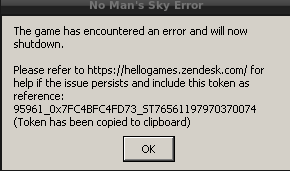
and the game log says:
~/mnt/spiele2/SteamLinux/steamapps/common/No Man's Sky/GAMEDATA$ cat FullLog.txt
Vulkan Loader Message : terminator_CreateDevice: Failed in ICD libGLX_nvidia.so.0 vkCreateDevice call
Vulkan Loader Message : vkCreateDevice:  Failed to create device chain.
I also disable as usually in other games 2 of my 3 displays (just having the primary display running only) to have GSYNC enabled, as well as killing xcompmgr + scaling_governor -> performance.
Also I cannot find any hints to possible console commands for the game to maybe play around with different settings as fullscreen, or max window but borderless, or window only, or something like minimal graphic settings at the beginning before the game starts.
Other games like e.g. Horizon Zero Dawn, Witcher 3, Prey, etc pp are running flawlessly...
I thought weeks ago as long as Debian's latest nvidia-driver package was stuck on 470.xx.xx that could be the reason but after upgrading to 515, NMS still does not start. And my 2070 S is the one and only GPU in my system, that 5900X doesn't have an internal GPU. I'm running out of ideas where to look or what to try to get closer to the root cause.
steam-275850.log
-.-
Replying to [#438 (comment)](https://github.com/ValveSoftware/Proton/issues/438#issuecomment-1312841209)
Looks suspiciously like dual GPU shenanigans to me, going to peer in the proton log.
Has nothing to do with dual GPUs, as it crashes in the exact same way on the Steam Deck as well.
Have you tried resetting your proton prefix at all?
The game works fine here on Arch with a Radeon GPU, my only guess is that Debian's messing with something.
Have you tried resetting your proton prefix at all? The game works fine here on Arch with a Radeon GPU, my only guess is that Debian's messing with something.
Yup, multiple times, and deleted shader caches.
But you might be onto something, i've tried about 6 different Proton versions and forks since last night and the same thing happens on all of them. So at least in the case of Steam Deck, it might be distro related.
FWIW, SD also runs on Arch. The recent beta updated the distro too, so maybe the drivers are weirdly broken shrug
Replying to https://github.com/ValveSoftware/Proton/issues/438#issuecomment-1315649690
I can't remember if the game still launches on it or not but here's something worth a try:
- wipe prefix again, then select Proton 4.11-13
- Launch the game. If it works, go to step 3
- Switch to any other Proton (preferably 7.0-4 or whichever is latest) then launch again.
- If it works now, then chances are the crash is caused by the prefix defaulting to Windows 10. 4.11 defaults to Win7.
A while back I'd been on 4.11 for ages because multiplayer would break otherwise. Later found out it was due to the prefix needing to be set to Windows 7 to work. Just a hunch I have, idk if it would fix it otherwise.
Tried, NMS spits out an error saying it no longer supports win 7/8.1 (so i guess now the opposite is true) and i can't click on the OK button for... reasons :D
Interestingly, after deleting the prefix again, behavior is now different - game runs, loads the save, and as soon as it goes past the stars loading screen, as it drops into your saved state, it dies with an error (similar to the one @ArcAngelM666 got).
Some kind of a driver issue after all mayhaps?
Fwiw that Win 7 / old Proton is not needed for a long time already, the missing bits were added to Proton some time ago and that is supposed to work without setting any old versions (unless it regressed quite lately, but doesn't look much likely).
If the prefix was used for such hacks I'd suggest to just delete it and start from the clean one with an up to date Proton (better to save a backup of prefix though if there might be some unique saves).
Fwiw that Win 7 / old Proton is not needed for a long time already, the missing bits were added to Proton some time ago and that is supposed to work without setting any old versions (unless it regressed quite lately, but doesn't look much likely).
If the prefix was used for such hacks I'd suggest to just delete it and start from the clean one with an up to date Proton (better to save a backup of prefix though if there might be some unique saves).
Good to know, wasn't sure if that had been fixed so I'm glad it works now.
Tried, NMS spits out an error saying it no longer supports win 7/8.1 (so i guess now the opposite is true) and i can't click on the OK button for... reasons :D
Interestingly, after deleting the prefix again, behavior is now different - game runs, loads the save, and as soon as it goes past the stars loading screen, as it drops into your saved state, it dies with an error (similar to the one @ArcAngelM666 got).
Some kind of a driver issue after all mayhaps?
That is interesting. Progress at least.
I just realised as well I'm on Mesa-git but I remember the game working before I installed that.
Nvm, the error i'm getting now is not proton related or driver related at all - looks like the save got corrupted in the proton/prefix shuffle somehow. New game works fine, my save is borked.
Edit: Installing on windows machine now to see if the save is truly broken or if it's somehow proton/driver specific still.
Okay, this is weird, the same save works fine on windows.
So might be a specific shader in the location i'm in that crashes the game i guess?
@orcinus From your log original log, it is crashing in native Vulkan code. Is it possible to attach save file here (not sure if it is loadable for another user)? Also, 'PROTON_LOG=+vulkan %command%' log (uncut, compressed). I won't be able to look right away but if this info is available maybe someone will look at that at some moment. Ideally, from AMD machine (or, even better, Deck, if you are reproducing it there anyway).
Hello @orcinus, just in case you and @ArcAngelM666 have subtly different issues, please add PROTON_LOG=+vulkan %command% to the game's launch options and attach the generated $HOME/steam-$APPID.log to this issue report as a file. (Proton logs compress well if needed.) Also, please copy your system information from Steam (Steam -> Help -> System Information) and put it in a gist, then include a link to the gist in this issue report.
@orcinus oh yeah, sorry, I looked at another log and didn't find yours. Yet the rest stays valid: the mention PROTON_LOG=+vulkan plus a save file (if possible) could be helpful.
Will do, later tonight when off work!
Okay, this is weird, the same save works fine on windows. So might be a specific shader in the location i'm in that crashes the game i guess?
When you get the chance, I wouldn't mind testing if that save works here too! Might be a very specific situation making Linux Vulkan drivers crash that my NMS save has never hit before.
@kisak-valve here's the log: https://www.dropbox.com/s/tbu94lp5axb17vb/steam-275850.log.gz?dl=0
There's no System Information summary on Steam Deck.
@FuzzyQuills will upload the save in a bit.
sorry for the delay .. well, a lot of extension checks are being made, my 2070 S is also recognized, but then, still it fails somehow to create an instance (PROTON_LOG=+vulkan):
steam-275850.log
Hey! Had the game crash after completing a warp, and now that savefile always crashes on load, even in multiplayer in a different location. Not sure if that's entirely Proton-related, but the game's log has nothing about it. Using either Proton Experimental or GE-Proton7-41
PROTON_LOG=+vulkan:
nms-log.tar.gz
Steam system info:
steaminfo.txt
Savefile:
nms-save.zip
Edit: Checked that on a Windows machine, the savefile works. Saved it there in a known alright location, but still crashes in Proton even after that
Edit: Also doesn't crash on a Linux box with NVidia GPU
Experiencing the same issue as @xolophreny and @orcinus (on AMD hardware/Steam Deck.) Happy to provide dumps/logs/etc but looks like there's already lots of crash data here. Main save (80 hrs) is where it occurs, new games work fine.
Well, got a new save with the same thing - completed The Blighted expedition, and shortly after that it too started crashing on load on this AMDGPU-equipped laptop, while working fine on another NVidia box both on Windows and Linux.
Experiencing the same issue as @xolophreny and @orcinus (on AMD hardware/Steam Deck.) Happy to provide dumps/logs/etc but looks like there's already lots of crash data here. Main save (80 hrs) is where it occurs, new games work fine.
Was about to say, if it affects Steam Deck, it's an officially compatible game last I checked (one of the game updates details official Steam Deck support) so Hello Games could also look into this.
Might be worth submitting a ticket to their zendesk if Proton itself isn't to blame.
Might be worth submitting a ticket to their zendesk if Proton itself isn't to blame.
The problem is - it started immediately after one of the major Steam OS updates (3.4 i believe).
I have no direct causation proof to provide, but correlation is pretty strong - i was playing NMS immediately before the update, and it was borked immediately after the update.
It might not be a Proton issue, though - maybe it's some kind of a vulcan/mesa problem.
@orcinus SteamOS 3.4 is only on the "preview" branch right now. Are you on the Stable system update channel or Preview?
SteamOS 3.4 is only on the "preview" branch right now. Are you on the Stable system update channel or Preview?
Preview.
@orcinus Could you try downgrading to the stable branch and check if the issue still happens?
@alasky17 Downgrading didn't work for me.
@dougestey Thank you for trying that! For some reason, I have been unable to get the save that @xolophreny first uploaded to crash, either on AMD desktop or on the Steam deck. Since you are on the deck, could you please also upload your crashing save file? They are located in /home/deck/.steam/steam/steamapps/compatdata/275850/pfx/drive_c/users/steamuser/Application Data/HelloGames/NMS/
Did you manage to get mine to crash?
@orcinus I apologize for not seeing your save earlier, thank you for pinging me :) I tested it, and I did manage to get it to crash (yay!) but only on the Preview channel. Could you try downgrading to Stable to confirm if this fixes the crash?
Also for @dougestey When you downgrade to stable, you will need to 1) reboot the deck 2) look for updates 3) apply the update 4) reboot again. Just changing the drop-down menu is not sufficient.
Also for @dougestey When you downgrade to stable, you will need to 1) reboot the deck 2) look for updates 3) apply the update 4) reboot again. Just changing the drop-down menu is not sufficient.
@alasky17 Ah! Hot tip. I actually downgraded this time, and it boots the save successfully. Makes me wonder if this is a Proton issue at all.
Yeah, works on old (well, stable) release, does not on 3.4.
So probably not proton.
@dougestey @orcinus @xolophreny Indeed - a dev took a look, and it turns out that this is a regression due to a Mesa change: radv: report the marketing name as part of the device name which changed the GPU name reported in VkPhysicalDeviceProperties in deviceName[]. We've made the devs aware of this and are hoping that some kind of change to fix the game will happen soon. In the meantime, downgrading from Preview to Stable on the deck is probably the easiest option. On desktop, I would imagine you can compile mesa without that commit.
It was also found that adding "<option name="radv_report_apu_as_dgpu" value="true" />" to the list of No Man's Sky workarounds in the "<application name="No Man's Sky" application_name_match="No Man's Sky">" section, right after (or before) "<option name="radv_lower_discard_to_demote" value="true" />" in 00-radv-defaults.conf (or copying and adding to ~/.drirc file) helps. I'm not officially suggesting for you to try that though ;)
@alasky17 Thanks for the good news! Can I ask where would one find this list of NMS workarounds, if one ends up unofficially trying that? Neither 00-radv-defaults.conf nor ~/.drirc ring a bell
On Vega56 seems like everything works fine.
Hello @xolophreny, mesa has a list of application specific workarounds that are provided in a default install of the video driver. You can see this at https://gitlab.freedesktop.org/mesa/mesa/-/blob/main/src/util/00-mesa-defaults.conf. In mesa 22.1, RADV split their section of that into a separate file (https://gitlab.freedesktop.org/mesa/mesa/-/commit/53ca85ac2a1acf1476c4b494f5fdfa2cc39c644c) and you can see it at https://gitlab.freedesktop.org/mesa/mesa/-/blob/main/src/util/00-radv-defaults.conf#L116-118. On your system, it's usually found in /usr/share/drirc.d/.
@xolophreny @dougestey @orcinus The variable got added to the steam play manifest (https://steamdb.info/app/891390/) and all of your game saves should now work without any workaround :) I also don't think there is any harm in leaving any workaround you added in place, but if you want to remove it, should now be safe to do so :D
@alasky17 Thank you so much for your help & insight with this 🙏 I was wondering if it was safe to upgrade to the new 3.4 stable release, but I suppose this takes care of it?
@dougestey As long as you don't also play Forza Horizon 5, it should be safe :) (afaik that one is only fixed on the beta or preview branch, not on the stable branch yet). If you do find other regressions after upgrading, please report them on the appropriate game issue so we can investigate :D
Replying to https://github.com/ValveSoftware/Proton/issues/438#issuecomment-1312964504
Hi folks,
I got it running since yesterday caused by a "weird" circumstance. Debian has updated their nvidia-driver (experimental) package 2 days ago to 525.60.13-1. But the installation failed bcs of missing dependencies, so I tried to revert it back to 520.56.06 but APT made my life not easy. So I ended up to completely purge all nvidia driver packages, and re-installed them (520.56.06).
AND.... that did it! The game runs now like a charm... (also Doom Eternal works now what was also not working before)
I assume the driver is leaving some artifacts behind (no real cleanup I guess) after updating it for a long time w/o any re-installing, since Version 420 or so .. and purging all the traces turn it back into a working game machine :-)
My questions to the experienced developer here is: what artifacts or package could have been the reason for that? Any ideas? Stores the driver something which has prevented NMS to create an instance?
I do not want every time to purge and re-install the driver if I'd know what "artifacts" or settings created by the driver can be simply removed. Glues are really appreciated :-)
here my latest log for comparison to the older one (newer one cut to the heading 5000 lines):
steam-275850_20221117.log
steam-275850_20230207.log
This time I have used GE-Proton7-48 and Kernel 6.1.8 but this should not be the actual reason to get it running
Since the Waypoint (4.0) update, this dialog box pops up after launching the game and all the game's multiplayer features are disabled:
"Windows 7/8.1 are no longer supported. Multiplayer features will be disabled. If on Win10+ please ensure NMS.exe (and steam.exe) is not running in Compatibility Mode."
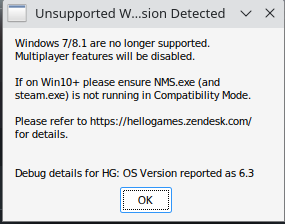
I did check the default Wine prefix and the game's Wine prefix and it does look like the Windows version is set to Windows 10.
Update: It turns out I was incorrectly setting the Wine prefix for the game. After running the following command, I switched the Windows version from "Windows Vista" to "Windows 10" and this has resolved the issue:
WINEPREFIX=~/.steam/steam/steamapps/compatdata/275850/pfx/ ~/.steam/steam/steamapps/common/Proton\ 7.0/dist/bin/wine winecfg
You might need to replace "Proton 7.0" in the command above with your version of Proton.
Today's Fractal update makes the game unplayable for me. It crashes on the main menu after moving the cursor.
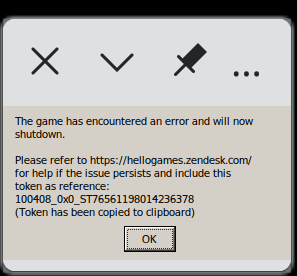
Same
Replying to https://github.com/ValveSoftware/Proton/issues/438#issuecomment-1440790409
I also have this issue, but the game crashes a second after I use gamepad controller. If I use keyboard and mouse and do not touch the controller game works as expected.
Replying to https://github.com/ValveSoftware/Proton/issues/438#issuecomment-1440790409
I have just tested game startup on my end and it launches fine. Going to test with a gamepad connected.
In the meantime, what is your system specs and distro?
EDIT: Yep, looks like a regression in gamepad input, soon as I started using the controller it crashed here as well.
EDIT 2: Looking in the patch notes, it looks like this update added gyro controls, I wonder if this is related at all. Disregard this comment, it's reportedly for Consoles (PS4/5 and Nintendo Switch) only.
As of the Fractal update, VR mode is not working: the game falls over with error code 100536_0x198D39 and, if Proton logging is enabled, I find the following in the log:
775506.262:0110:0114:err:vrclient:create_win_interface Don't recognize interface name: IVROverlay_026
775506.262:0110:0114:err:vrclient:ivrclientcore_get_generic_interface Failed to create win object IVROverlay_026.
@kisak-valve tells me (via IRC) that vrclient_x64's newest OpenVR spec is 1.16.8, which is IVROverlay_025. So this would need to be updated (or Hello Games to drop back to 025) for the game to work.
(No problems in pancake mode.)
Hi folks - we are currently looking into the controller crash, and we will be investigating the new VR failure soon as well. Thank y'all for the reports :D
Hi folks - we are currently looking into the controller crash, and we will be investigating the new VR failure soon as well. Thank y'all for the reports :D
Is... is this a Hello Games developer? 😲
Hi everyone, in regards to the Controller crashes, it should be working now in Proton Experimental on the Bleeding Edge Branch. Please let us know if you have any other issues.
Hi everyone, in regards to the Controller crashes, it should be working now in Proton Experimental on the Bleeding Edge Branch. Please let us know if you have any other issues.
I can confirm that Bleeding Edge fixes the issue for me, controller works in the game now. Thank you for the update.
Hi folks - we are currently looking into the controller crash, and we will be investigating the new VR failure soon as well. Thank y'all for the reports :D
Is... is this a Hello Games developer? 😲
If so, common hello games W
VR mode may hopefully work again in the just updated Experimental [bleeding-edge].
It's… partly working. The main menu looks fine and HUD elements are appearing normally, and the 3D part is being rendered but not clipped correctly; it's not playable in this state. (Using an original Vive headset.)
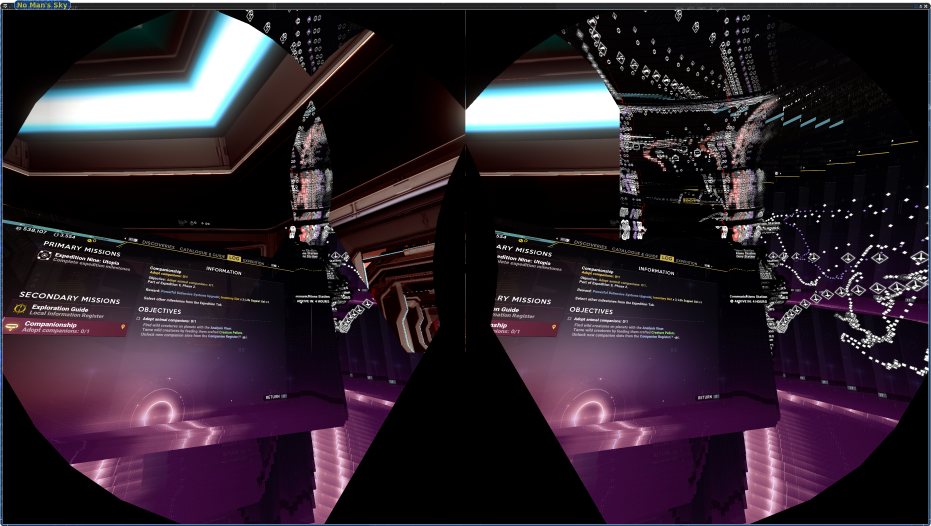
Could you please provide a log from 'PROTON_LOG=+vrclient %command%'?
I've changed my No Man's Sky proton to be Proton Experimental and changed Proton Experimental beta branch to be bleeding edge. I can now play it in VR normally. I don't see the artifacts @dsalt provided on my screen. Would it be useful if I also sent the result ot PROTON_LOG=+vrclient to compare?
Thanks, but no, I don't think this extra log will help.
@dsalt Weird... I checked that with HTC Vive specifically and could not reproduce the issue. Can you please link full system info. And also maybe try with Steam VR beta if you are on Steam VR stable?
OS: Devuan chimaera, with llvm pulled in from daedalus (so using newer libc6 etc.)
CPU: Ryzen 3600
GPU: RX 6600 XT
Kernel: 6.1.12
Driver: Mesa 23.0.0-rc5+ (2b8579c7ab2)
Displays: left 1080p 60Hz secondary; right 1080p 144Hz (Freesync) primary
Desktop: Xfce
Already using SteamVR beta.
Hi everyone, in regards to the Controller crashes, it should be working now in Proton Experimental on the Bleeding Edge Branch. Please let us know if you have any other issues.
Thank you. Also if you have a DualSense, haptic feedback and adaptive triggers work WIRELESSLY over Bluetooth 5.2.
Yup, they just work. Thank you! You are awesome.
After the latest patch NMS does not start anymore in VR mode due to:
12507.513:0128:012c:err:vrclient:create_win_interface Don't recognize interface name: IVROverlay_026
12507.513:0128:012c:err:vrclient:ivrclientcore_get_generic_interface Failed to create win object IVROverlay_026.
@farmboy0, see above (https://github.com/ValveSoftware/Proton/issues/438#issuecomment-1444250735)
@dsalt Thanks, I can confirm the game works again with Proton Experimental bleeding-edge.
OS: Devuan chimaera, with llvm pulled in from daedalus (so using newer libc6 etc.) CPU: Ryzen 3600 GPU: RX 6600 XT Kernel: 6.1.12 Driver: Mesa 23.0.0-rc5+ (2b8579c7ab2) Displays: left 1080p 60Hz secondary; right 1080p 144Hz (Freesync) primary Desktop: Xfce
Also given I am not reproducing with exactly HTC Vive, maybe worth trying with less experimental setup (Mesa 23.0.0-rc5+ (2b8579c7ab2): maybe try stock one, not git and without custom patches). Looks unlikely Proton VR related.
- Fixed a crash that could occur when playing with a controller on Linux OS.
Do other people have an issue of the game crashing when trying to activate the flowing cape on your character?
Do other people have an issue of the game crashing when trying to activate the flowing cape on your character?
OS, Kernel and dmesg if possible.
Also hardware specs.
I have a cape on my character and the game works fine here.
The game crashes for me in the first space station. Turning down the graphics settings delays the crash for a bit, but eventually the game crashes anyway. In addition, the graphics at the space station look off. It's like everything is covered in mist, except for the floor.
Edit: should mention that AFAICT the game works flawlessly up to this point.
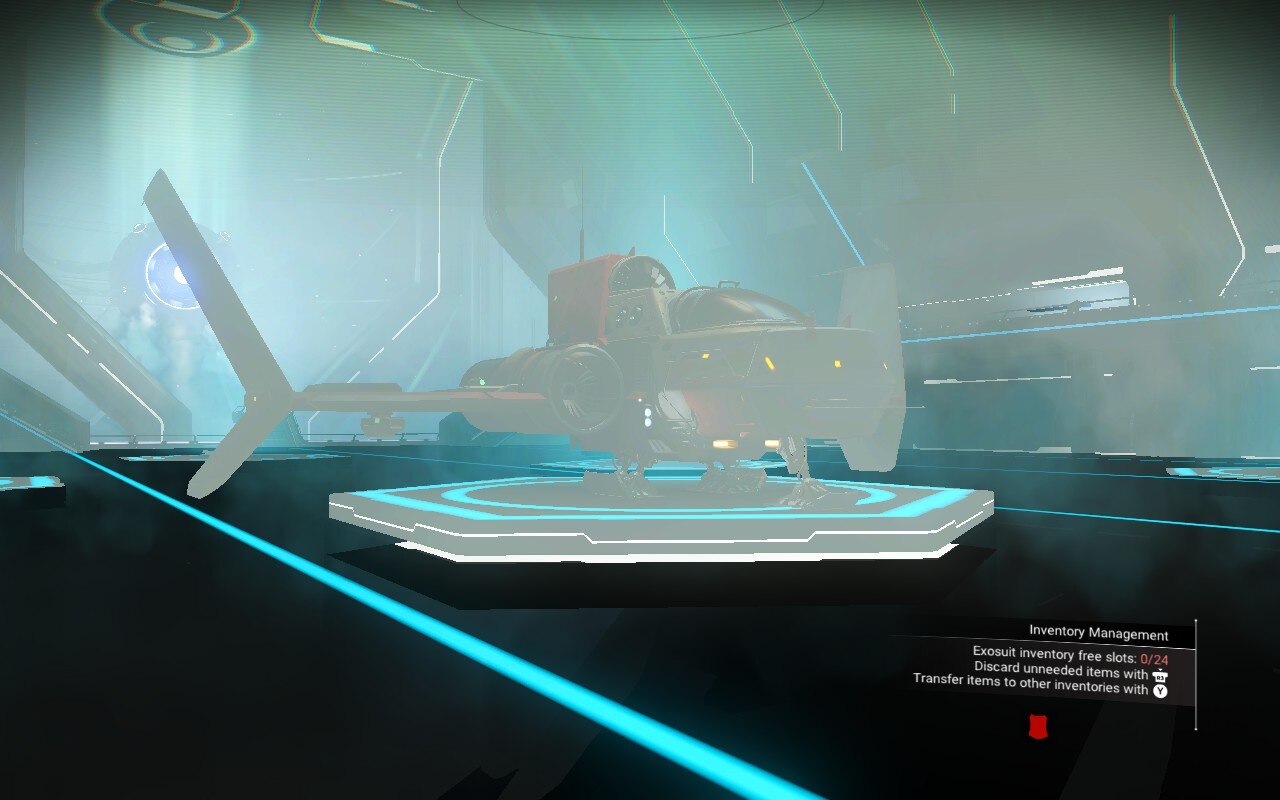
Testing on the Steam Deck, the crash does not happen, but the strange graphics are present on the Deck as well.
My desktop PC:
Fedora Workstation 38
Gnome 44.1-1.fc38
Wayland
Kernel 6.2.14-300.fc38.x86_64
Mesa 23.0.3-3.fc38
AMD 6800 XT
AMD 5800X3D
Proton experimental (also tested 7.0-6 but it made no difference)
Journal output from my Desktop when the crash happens
touko 08 02:30:01 <snip>.home steam.desktop[14870]: GameAction [AppID 275850, ActionID 13] : LaunchApp waiting for user response to ShowLaunchOption ""
touko 08 02:30:02 <snip>.home steam[14870]: g_main_context_push_thread_default: assertion 'acquired_context' failed
touko 08 02:30:02 <snip>.home steam[14870]: g_main_context_pop_thread_default: assertion 'g_queue_peek_head (stack) == context' failed
touko 08 02:30:04 <snip>.home steam.desktop[14870]: GameAction [AppID 275850, ActionID 13] : LaunchApp continues with user response "0"
touko 08 02:30:04 <snip>.home steam.desktop[14870]: GameAction [AppID 275850, ActionID 13] : LaunchApp changed task to ProcessingInstallScript with ""
touko 08 02:30:05 <snip>.home steam.desktop[69514]: fsync: up and running.
touko 08 02:30:05 <snip>.home steam.desktop[69514]: wine: RLIMIT_NICE is <= 20, unable to use setpriority safely
touko 08 02:30:06 <snip>.home steam.desktop[14870]: GameAction [AppID 275850, ActionID 13] : LaunchApp changed task to SynchronizingCloud with ""
touko 08 02:30:07 <snip>.home steam.desktop[14870]: GameAction [AppID 275850, ActionID 13] : LaunchApp changed task to SynchronizingControllerConfig with ""
touko 08 02:30:07 <snip>.home steam.desktop[14870]: GameAction [AppID 275850, ActionID 13] : LaunchApp changed task to SiteLicenseSeatCheckout with ""
touko 08 02:30:07 <snip>.home steam.desktop[14870]: GameAction [AppID 275850, ActionID 13] : LaunchApp changed task to CreatingProcess with ""
touko 08 02:30:07 <snip>.home steam.desktop[14870]: GameAction [AppID 275850, ActionID 13] : LaunchApp waiting for user response to CreatingProcess ""
touko 08 02:30:07 <snip>.home steam.desktop[14870]: GameAction [AppID 275850, ActionID 13] : LaunchApp continues with user response "CreatingProcess"
touko 08 02:30:07 <snip>.home steam.desktop[14870]: /bin/sh\0-c\0gamemoderun /home/<snip>/.local/share/Steam/ubuntu12_32/reaper SteamLaunch AppId=275850 -- /home/<snip>/.local/share/Steam/ubuntu12_32/steam-launch-wrapper -- '/home/<snip>/.local/share/Steam/steamapps/common/SteamLinuxRuntime_sniper'/_v2-entry-point --verb=waitforexitandrun -- '/home/<snip>/.local/share/Steam/steamapps/common/Proton - Experimental'/proton waitforexitandrun  '/home/<snip>/.local/share/Steam/steamapps/common/No Man'\''s Sky/Binaries/NMS.exe'\0
touko 08 02:30:07 <snip>.home steam.desktop[14870]: Game process added : AppID 275850 "gamemoderun /home/<snip>/.local/share/Steam/ubuntu12_32/reaper SteamLaunch AppId=275850 -- /home/<snip>/.local/share/Steam/ubuntu12_32/steam-launch-wrapper -- '/home/<snip>/.local/share/Steam/steamapps/common/SteamLinuxRuntime_sniper'/_v2-entry-point --verb=waitforexitandrun -- '/home/<snip>/.local/share/Steam/steamapps/common/Proton - Experimental'/proton waitforexitandrun  '/home/<snip>/.local/share/Steam/steamapps/common/No Man'\''s Sky/Binaries/NMS.exe'", ProcID 69592, IP 0.0.0.0:0
touko 08 02:30:07 <snip>.home steam.desktop[69592]: ERROR: ld.so: object '/home/<snip>/.local/share/Steam/ubuntu12_32/gameoverlayrenderer.so' from LD_PRELOAD cannot be preloaded (wrong ELF class: ELFCLASS32): ignored.
touko 08 02:30:07 <snip>.home steam.desktop[69592]: ERROR: ld.so: object '/home/<snip>/.local/share/Steam/ubuntu12_32/gameoverlayrenderer.so' from LD_PRELOAD cannot be preloaded (wrong ELF class: ELFCLASS32): ignored.
touko 08 02:30:07 <snip>.home steam.desktop[69592]: ERROR: ld.so: object '/home/<snip>/.local/share/Steam/ubuntu12_32/gameoverlayrenderer.so' from LD_PRELOAD cannot be preloaded (wrong ELF class: ELFCLASS32): ignored.
touko 08 02:30:07 <snip>.home pkexec[69593]: pam_unix(polkit-1:session): session opened for user root(uid=0) by (uid=1000)
touko 08 02:30:07 <snip>.home audit[69593]: USER_START pid=69593 uid=1000 auid=1000 ses=3 subj=unconfined_u:unconfined_r:unconfined_t:s0-s0:c0.c1023 msg='op=PAM:session_open grantors=pam_keyinit,pam_limits,pam_systemd,pam_unix acct="root" exe="/usr/bin/pkexec" hostname=? addr=? terminal=? res=success'
touko 08 02:30:07 <snip>.home pkexec[69593]: <snip>: Executing command [USER=root] [TTY=unknown] [CWD=/home/<snip>] [COMMAND=/usr/libexec/cpugovctl set performance]
touko 08 02:30:07 <snip>.home steam.desktop[14870]: GameAction [AppID 275850, ActionID 13] : LaunchApp changed task to WaitingGameWindow with ""
touko 08 02:30:07 <snip>.home steam.desktop[14870]: GameAction [AppID 275850, ActionID 13] : LaunchApp changed task to Completed with ""
touko 08 02:30:07 <snip>.home steam[14870]: Trying to remove a child that doesn't believe we're it's parent.
touko 08 02:30:07 <snip>.home steam[14870]: Trying to remove a child that doesn't believe we're it's parent.
touko 08 02:30:07 <snip>.home steam[14870]: Trying to remove a child that doesn't believe we're it's parent.
touko 08 02:30:07 <snip>.home steam[14870]: Trying to remove a child that doesn't believe we're it's parent.
touko 08 02:30:07 <snip>.home steam[14870]: Trying to remove a child that doesn't believe we're it's parent.
touko 08 02:30:07 <snip>.home steam[14870]: Trying to remove a child that doesn't believe we're it's parent.
touko 08 02:30:07 <snip>.home steam[14870]: Trying to remove a child that doesn't believe we're it's parent.
touko 08 02:30:07 <snip>.home steam[14870]: Trying to remove a child that doesn't believe we're it's parent.
touko 08 02:30:07 <snip>.home steam[14870]: Trying to remove a child that doesn't believe we're it's parent.
touko 08 02:30:07 <snip>.home steam[14870]: Trying to remove a child that doesn't believe we're it's parent.
touko 08 02:30:07 <snip>.home steam[14870]: Trying to remove a child that doesn't believe we're it's parent.
touko 08 02:30:07 <snip>.home steam[14870]: Trying to remove a child that doesn't believe we're it's parent.
touko 08 02:30:07 <snip>.home steam[14870]: Trying to remove a child that doesn't believe we're it's parent.
touko 08 02:30:07 <snip>.home steam[14870]: Trying to remove a child that doesn't believe we're it's parent.
touko 08 02:30:07 <snip>.home steam[14870]: Trying to remove a child that doesn't believe we're it's parent.
touko 08 02:30:07 <snip>.home steam[14870]: Trying to remove a child that doesn't believe we're it's parent.
touko 08 02:30:07 <snip>.home gamemoded[29415]: ERROR: Failed to open file for read /sys/class/powercap/intel-rapl/intel-rapl:0/intel-rapl:0:0/energy_uj
touko 08 02:30:07 <snip>.home gamemoded[29415]: ERROR: Skipping ioprio on client [69592,69592]: ioprio was (0) but we expected (4)
touko 08 02:30:07 <snip>.home steam.desktop[69592]: ERROR: ld.so: object '/home/<snip>/.local/share/Steam/ubuntu12_64/gameoverlayrenderer.so' from LD_PRELOAD cannot be preloaded (wrong ELF class: ELFCLASS64): ignored.
touko 08 02:30:07 <snip>.home gamemoded[29415]: ERROR: Addition requested for already known client 69592 [/usr/bin/env].
touko 08 02:30:07 <snip>.home steam.desktop[69592]: gamemodeauto:
touko 08 02:30:07 <snip>.home steam.desktop[69604]: ERROR: ld.so: object '/home/<snip>/.local/share/Steam/ubuntu12_32/gameoverlayrenderer.so' from LD_PRELOAD cannot be preloaded (wrong ELF class: ELFCLASS32): ignored.
touko 08 02:30:07 <snip>.home steam.desktop[14870]: WARNING: discarding _NET_WM_PID 5 as invalid for X11 window - use specialized XCB_X11_TO_PID function!
touko 08 02:30:07 <snip>.home systemd[3813]: Started dbus-:[email protected].
touko 08 02:30:07 <snip>.home gamemoded[29415]: ERROR: Skipping ioprio on client [69604,69604]: ioprio was (0) but we expected (4)
touko 08 02:30:07 <snip>.home steam.desktop[69604]: ERROR: ld.so: object '/home/<snip>/.local/share/Steam/ubuntu12_32/gameoverlayrenderer.so' from LD_PRELOAD cannot be preloaded (wrong ELF class: ELFCLASS32): ignored.
touko 08 02:30:07 <snip>.home gamemoded[29415]: ERROR: Addition requested for already known client 69604 [/home/<snip>/.local/share/Steam/ubuntu12_32/steam-launch-wrapper].
touko 08 02:30:07 <snip>.home steam.desktop[69604]: gamemodeauto:
touko 08 02:30:07 <snip>.home steam.desktop[69605]: ERROR: ld.so: object '/home/<snip>/.local/share/Steam/ubuntu12_32/gameoverlayrenderer.so' from LD_PRELOAD cannot be preloaded (wrong ELF class: ELFCLASS32): ignored.
touko 08 02:30:07 <snip>.home gamemoded[29415]: ERROR: Skipping ioprio on client [69605,69605]: ioprio was (0) but we expected (4)
touko 08 02:30:08 <snip>.home gamemoded[29415]: ERROR: Skipping ioprio on client [69719,69719]: ioprio was (0) but we expected (4)
touko 08 02:30:08 <snip>.home gamemoded[29415]: ERROR: Skipping ioprio on client [69721,69721]: ioprio was (0) but we expected (4)
touko 08 02:30:08 <snip>.home steam.desktop[69751]: gamemodeauto: dlopen failed - libgamemode.so: cannot open shared object file: No such file or directory
touko 08 02:30:08 <snip>.home steam.desktop[69751]: gamemodeauto: dlopen failed - libgamemode.so: cannot open shared object file: No such file or directory
touko 08 02:30:08 <snip>.home steam.desktop[69751]: gamemodeauto: dlopen failed - libgamemode.so: cannot open shared object file: No such file or directory
touko 08 02:30:08 <snip>.home steam.desktop[69752]: gamemodeauto: dlopen failed - libgamemode.so: cannot open shared object file: No such file or directory
touko 08 02:30:08 <snip>.home steam.desktop[69752]: gamemodeauto: dlopen failed - libgamemode.so: cannot open shared object file: No such file or directory
touko 08 02:30:08 <snip>.home steam.desktop[69753]: gamemodeauto: dlopen failed - libgamemode.so: cannot open shared object file: No such file or directory
touko 08 02:30:08 <snip>.home steam.desktop[69753]: gamemodeauto: dlopen failed - libgamemode.so: cannot open shared object file: No such file or directory
touko 08 02:30:08 <snip>.home steam.desktop[69753]: gamemodeauto: dlopen failed - libgamemode.so: cannot open shared object file: No such file or directory
touko 08 02:30:08 <snip>.home steam.desktop[69754]: gamemodeauto: dlopen failed - libgamemode.so: cannot open shared object file: No such file or directory
touko 08 02:30:08 <snip>.home steam.desktop[69755]: fsync: up and running.
touko 08 02:30:08 <snip>.home steam.desktop[69755]: wine: RLIMIT_NICE is <= 20, unable to use setpriority safely
touko 08 02:30:08 <snip>.home steam.desktop[69757]: gamemodeauto: dlopen failed - libgamemode.so: cannot open shared object file: No such file or directory
touko 08 02:30:08 <snip>.home steam.desktop[69759]: gamemodeauto: dlopen failed - libgamemode.so: cannot open shared object file: No such file or directory
touko 08 02:30:08 <snip>.home steam.desktop[69762]: gamemodeauto: dlopen failed - libgamemode.so: cannot open shared object file: No such file or directory
touko 08 02:30:08 <snip>.home steam.desktop[69772]: gamemodeauto: dlopen failed - libgamemode.so: cannot open shared object file: No such file or directory
touko 08 02:30:08 <snip>.home steam.desktop[14870]: ThreadGetProcessExitCode: no such process 69754
touko 08 02:30:08 <snip>.home steam.desktop[14870]: ThreadGetProcessExitCode: no such process 69752
touko 08 02:30:08 <snip>.home steam.desktop[14870]: ThreadGetProcessExitCode: no such process 69605
touko 08 02:30:08 <snip>.home steam.desktop[69786]: gamemodeauto: dlopen failed - libgamemode.so: cannot open shared object file: No such file or directory
touko 08 02:30:08 <snip>.home steam.desktop[69792]: gamemodeauto: dlopen failed - libgamemode.so: cannot open shared object file: No such file or directory
touko 08 02:30:08 <snip>.home steam.desktop[69757]: gamemodeauto: dlopen failed - libgamemode.so: cannot open shared object file: No such file or directory
touko 08 02:30:08 <snip>.home steam.desktop[69799]: gamemodeauto: dlopen failed - libgamemode.so: cannot open shared object file: No such file or directory
touko 08 02:30:08 <snip>.home steam.desktop[69806]: gamemodeauto: dlopen failed - libgamemode.so: cannot open shared object file: No such file or directory
touko 08 02:30:08 <snip>.home steam.desktop[69816]: gamemodeauto: dlopen failed - libgamemode.so: cannot open shared object file: No such file or directory
touko 08 02:30:09 <snip>.home steam.desktop[14870]: Game process updated : AppID 275850 "gamemoderun /home/<snip>/.local/share/Steam/ubuntu12_32/reaper SteamLaunch AppId=275850 -- /home/<snip>/.local/share/Steam/ubuntu12_32/steam-launch-wrapper -- '/home/<snip>/.local/share/Steam/steamapps/common/SteamLinuxRuntime_sniper'/_v2-entry-point --verb=waitforexitandrun -- '/home/<snip>/.local/share/Steam/steamapps/common/Proton - Experimental'/proton waitforexitandrun  '/home/<snip>/.local/share/Steam/steamapps/common/No Man'\''s Sky/Binaries/NMS.exe'", ProcID 69753, IP 0.0.0.0:0
touko 08 02:30:09 <snip>.home steam.desktop[69753]: Setting breakpad minidump AppID = 275850
touko 08 02:30:09 <snip>.home steam.desktop[69753]: Steam_SetMinidumpSteamID:  Caching Steam ID:  76561198014442993 [API loaded no]
touko 08 02:30:09 <snip>.home steam.desktop[14870]: ThreadGetProcessExitCode: no such process 69757
touko 08 02:30:09 <snip>.home steam.desktop[69829]: gamemodeauto: dlopen failed - libgamemode.so: cannot open shared object file: No such file or directory
touko 08 02:30:09 <snip>.home steam.desktop[14870]: Game process updated : AppID 275850 "gamemoderun /home/<snip>/.local/share/Steam/ubuntu12_32/reaper SteamLaunch AppId=275850 -- /home/<snip>/.local/share/Steam/ubuntu12_32/steam-launch-wrapper -- '/home/<snip>/.local/share/Steam/steamapps/common/SteamLinuxRuntime_sniper'/_v2-entry-point --verb=waitforexitandrun -- '/home/<snip>/.local/share/Steam/steamapps/common/Proton - Experimental'/proton waitforexitandrun  '/home/<snip>/.local/share/Steam/steamapps/common/No Man'\''s Sky/Binaries/NMS.exe'", ProcID 69829, IP 0.0.0.0:0
touko 08 02:30:09 <snip>.home steam.desktop[14870]: Game process updated : AppID 275850 "gamemoderun /home/<snip>/.local/share/Steam/ubuntu12_32/reaper SteamLaunch AppId=275850 -- /home/<snip>/.local/share/Steam/ubuntu12_32/steam-launch-wrapper -- '/home/<snip>/.local/share/Steam/steamapps/common/SteamLinuxRuntime_sniper'/_v2-entry-point --verb=waitforexitandrun -- '/home/<snip>/.local/share/Steam/steamapps/common/Proton - Experimental'/proton waitforexitandrun  '/home/<snip>/.local/share/Steam/steamapps/common/No Man'\''s Sky/Binaries/NMS.exe'", ProcID 69829, IP 0.0.0.0:0
touko 08 02:30:09 <snip>.home steam.desktop[69829]: Setting breakpad minidump AppID = 275850
touko 08 02:30:09 <snip>.home steam.desktop[69829]: SteamInternal_SetMinidumpSteamID:  Caching Steam ID:  76561198014442993 [API loaded no]
touko 08 02:30:12 <snip>.home steam[14870]: g_main_context_push_thread_default: assertion 'acquired_context' failed
touko 08 02:30:12 <snip>.home steam[14870]: g_main_context_pop_thread_default: assertion 'g_queue_peek_head (stack) == context' failed
touko 08 02:30:12 <snip>.home steam.desktop[69829]: Fossilize INFO: Overriding serialization path: "/home/<snip>/.local/share/Steam/steamapps/shadercache/275850/fozpipelinesv6/steamapprun_pipeline_cache".
touko 08 02:30:12 <snip>.home gnome-shell[4001]: Window manager warning: Window 0x7e00005 sets an MWM hint indicating it isn't resizable, but sets min size 1 x 1 and max size 2147483647 x 2147483647; this doesn't make much sense.
touko 08 02:30:12 <snip>.home steam.desktop[69893]: 05/08 02:30:12 Init: Installing breakpad exception handler for appid(gameoverlayui)/version(20230505180301)/tid(69893)
touko 08 02:30:12 <snip>.home steam.desktop[69893]: 05/08 02:30:12 Init: Installing breakpad exception handler for appid(gameoverlayui)/version(1.0)/tid(69893)
touko 08 02:30:13 <snip>.home steam.desktop[69829]: Timed out waiting for game mapping!
touko 08 02:30:22 <snip>.home steam[14870]: g_main_context_push_thread_default: assertion 'acquired_context' failed
touko 08 02:30:22 <snip>.home steam[14870]: g_main_context_pop_thread_default: assertion 'g_queue_peek_head (stack) == context' failed
touko 08 02:30:32 <snip>.home steam[14870]: g_main_context_push_thread_default: assertion 'acquired_context' failed
touko 08 02:30:32 <snip>.home steam[14870]: g_main_context_pop_thread_default: assertion 'g_queue_peek_head (stack) == context' failed
touko 08 02:30:35 <snip>.home gnome-shell[4001]: Window manager warning: Window 0x7e00005 sets an MWM hint indicating it isn't resizable, but sets min size 1 x 1 and max size 2147483647 x 2147483647; this doesn't make much sense.
touko 08 02:30:42 <snip>.home steam[14870]: g_main_context_push_thread_default: assertion 'acquired_context' failed
touko 08 02:30:42 <snip>.home steam[14870]: g_main_context_pop_thread_default: assertion 'g_queue_peek_head (stack) == context' failed
touko 08 02:30:52 <snip>.home steam[14870]: g_main_context_push_thread_default: assertion 'acquired_context' failed
touko 08 02:30:52 <snip>.home steam[14870]: g_main_context_pop_thread_default: assertion 'g_queue_peek_head (stack) == context' failed
touko 08 02:31:02 <snip>.home steam[14870]: g_main_context_push_thread_default: assertion 'acquired_context' failed
touko 08 02:31:02 <snip>.home steam[14870]: g_main_context_pop_thread_default: assertion 'g_queue_peek_head (stack) == context' failed
touko 08 02:31:12 <snip>.home steam[14870]: g_main_context_push_thread_default: assertion 'acquired_context' failed
touko 08 02:31:12 <snip>.home steam[14870]: g_main_context_pop_thread_default: assertion 'g_queue_peek_head (stack) == context' failed
touko 08 02:31:22 <snip>.home steam[14870]: g_main_context_push_thread_default: assertion 'acquired_context' failed
touko 08 02:31:22 <snip>.home steam[14870]: g_main_context_pop_thread_default: assertion 'g_queue_peek_head (stack) == context' failed
touko 08 02:31:32 <snip>.home steam[14870]: g_main_context_push_thread_default: assertion 'acquired_context' failed
touko 08 02:31:32 <snip>.home steam[14870]: g_main_context_pop_thread_default: assertion 'g_queue_peek_head (stack) == context' failed
touko 08 02:31:35 <snip>.home steam.desktop[69816]: gamemodeauto: dlopen failed - libgamemode.so: cannot open shared object file: No such file or directory
touko 08 02:31:35 <snip>.home steam.desktop[69799]: gamemodeauto: dlopen failed - libgamemode.so: cannot open shared object file: No such file or directory
touko 08 02:31:35 <snip>.home steam.desktop[69762]: gamemodeauto: dlopen failed - libgamemode.so: cannot open shared object file: No such file or directory
touko 08 02:31:35 <snip>.home steam.desktop[69753]: gamemodeauto: dlopen failed - libgamemode.so: cannot open shared object file: No such file or directory
touko 08 02:31:35 <snip>.home steam.desktop[69786]: gamemodeauto: dlopen failed - libgamemode.so: cannot open shared object file: No such file or directory
touko 08 02:31:35 <snip>.home steam.desktop[69806]: gamemodeauto: dlopen failed - libgamemode.so: cannot open shared object file: No such file or directory
touko 08 02:31:35 <snip>.home steam.desktop[69759]: gamemodeauto: dlopen failed - libgamemode.so: cannot open shared object file: No such file or directory
touko 08 02:31:35 <snip>.home steam.desktop[69751]: gamemodeauto: dlopen failed - libgamemode.so: cannot open shared object file: No such file or directory
touko 08 02:31:35 <snip>.home steam.desktop[14870]: ThreadGetProcessExitCode: no such process 69806
touko 08 02:31:35 <snip>.home steam.desktop[14870]: ThreadGetProcessExitCode: no such process 69792
touko 08 02:31:35 <snip>.home steam.desktop[14870]: ThreadGetProcessExitCode: no such process 69786
touko 08 02:31:35 <snip>.home steam.desktop[14870]: ThreadGetProcessExitCode: no such process 69762
touko 08 02:31:35 <snip>.home steam.desktop[14870]: ThreadGetProcessExitCode: no such process 69759
touko 08 02:31:35 <snip>.home steam.desktop[14870]: ThreadGetProcessExitCode: no such process 69753
touko 08 02:31:35 <snip>.home steam.desktop[14870]: ThreadGetProcessExitCode: no such process 69751
touko 08 02:31:35 <snip>.home steam.desktop[69755]: gamemodeauto: dlopen failed - libgamemode.so: cannot open shared object file: No such file or directory
touko 08 02:31:35 <snip>.home steam.desktop[69755]: pid 69755 != 69754, skipping destruction (fork without exec?)
touko 08 02:31:36 <snip>.home steam.desktop[14870]: Game process removed: AppID 275850 "gamemoderun /home/<snip>/.local/share/Steam/ubuntu12_32/reaper SteamLaunch AppId=275850 -- /home/<snip>/.local/share/Steam/ubuntu12_32/steam-launch-wrapper -- '/home/<snip>/.local/share/Steam/steamapps/common/SteamLinuxRuntime_sniper'/_v2-entry-point --verb=waitforexitandrun -- '/home/<snip>/.local/share/Steam/steamapps/common/Proton - Experimental'/proton waitforexitandrun  '/home/<snip>/.local/share/Steam/steamapps/common/No Man'\''s Sky/Binaries/NMS.exe'", ProcID 69829
touko 08 02:31:36 <snip>.home steam.desktop[14870]: ThreadGetProcessExitCode: no such process 69829
touko 08 02:31:36 <snip>.home steam.desktop[14870]: ThreadGetProcessExitCode: no such process 69772
touko 08 02:31:36 <snip>.home steam.desktop[14870]: ThreadGetProcessExitCode: no such process 69604
touko 08 02:31:36 <snip>.home steam.desktop[14870]: Game 275850 created interface STEAMAPPS_INTERFACE_VERSION008 /
touko 08 02:31:36 <snip>.home steam.desktop[14870]: Game 275850 created interface STEAMAPPTICKET_INTERFACE_VERSION001 /
touko 08 02:31:36 <snip>.home steam.desktop[14870]: Game 275850 created interface STEAMREMOTESTORAGE_INTERFACE_VERSION016 /
touko 08 02:31:36 <snip>.home steam.desktop[14870]: Game 275850 created interface STEAMUSERSTATS_INTERFACE_VERSION012 /
touko 08 02:31:36 <snip>.home steam.desktop[14870]: Game 275850 created interface SteamController008 /
touko 08 02:31:36 <snip>.home steam.desktop[14870]: Game 275850 created interface SteamFriends017 /
touko 08 02:31:36 <snip>.home steam.desktop[14870]: Game 275850 created interface SteamInput006 /
touko 08 02:31:36 <snip>.home steam.desktop[14870]: Game 275850 created interface SteamMatchMaking009 /
touko 08 02:31:36 <snip>.home steam.desktop[14870]: Game 275850 created interface SteamUser017 / User
touko 08 02:31:36 <snip>.home steam.desktop[14870]: Game 275850 created interface SteamUser021 /
touko 08 02:31:36 <snip>.home steam.desktop[14870]: Game 275850 created interface SteamUser021 / User
touko 08 02:31:36 <snip>.home steam.desktop[14870]: Game 275850 created interface SteamUtils007 / Utils
touko 08 02:31:36 <snip>.home steam.desktop[14870]: Game 275850 created interface SteamUtils010 /
touko 08 02:31:36 <snip>.home steam.desktop[14870]: Game 275850 method call count for IClientControllerSerialized::BCheckGameDirectoryAndReloadConfigIfNecessary : 1
touko 08 02:31:36 <snip>.home steam.desktop[14870]: Game 275850 method call count for IClientControllerSerialized::HasGameMapping : 11
touko 08 02:31:36 <snip>.home steam.desktop[14870]: Game 275850 method call count for IClientControllerSerialized::GetAnalogActionHandle : 21
touko 08 02:31:36 <snip>.home steam.desktop[14870]: Game 275850 method call count for IClientControllerSerialized::GetDigitalActionHandle : 191
touko 08 02:31:36 <snip>.home steam.desktop[14870]: Game 275850 method call count for IClientControllerSerialized::GetActionSetHandle : 14
touko 08 02:31:36 <snip>.home steam.desktop[14870]: Game 275850 method call count for IClientRemoteStorage::FileShare : 1
touko 08 02:31:36 <snip>.home steam.desktop[14870]: Game 275850 method call count for IClientRemoteStorage::FileDelete : 1
touko 08 02:31:36 <snip>.home steam.desktop[14870]: Game 275850 method call count for IClientRemoteStorage::FileWriteAsync : 1
touko 08 02:31:36 <snip>.home steam.desktop[14870]: Game 275850 method call count for IClientUserStats::AttachLeaderboardUGC : 1
touko 08 02:31:36 <snip>.home steam.desktop[14870]: Game 275850 method call count for IClientUserStats::UploadLeaderboardScore : 1
touko 08 02:31:36 <snip>.home steam.desktop[14870]: Game 275850 method call count for IClientUserStats::FindOrCreateLeaderboard : 1
touko 08 02:31:36 <snip>.home steam.desktop[14870]: Game 275850 method call count for IClientUserStats::GetAchievement : 2
touko 08 02:31:36 <snip>.home steam.desktop[14870]: Game 275850 method call count for IClientUserStats::RequestCurrentStats : 1
touko 08 02:31:36 <snip>.home steam.desktop[14870]: Game 275850 method call count for IClientAppManager::GetCurrentLanguage : 2
touko 08 02:31:36 <snip>.home steam.desktop[14870]: Game 275850 method call count for IClientAppManager::GetActiveBeta : 2
touko 08 02:31:36 <snip>.home steam.desktop[14870]: Game 275850 method call count for IClientAppManager::IsAppDlcInstalled : 1
touko 08 02:31:36 <snip>.home steam.desktop[14870]: Game 275850 method call count for IClientAppManager::GetAppContentInfo : 1
touko 08 02:31:36 <snip>.home steam.desktop[14870]: Game 275850 method call count for IClientMatchmaking::SetLobbyData : 1
touko 08 02:31:36 <snip>.home steam.desktop[14870]: Game 275850 method call count for IClientMatchmaking::CreateLobby : 1
touko 08 02:31:36 <snip>.home steam.desktop[14870]: Game 275850 method call count for IClientUtils::RecordSteamInterfaceCreation : 16
touko 08 02:31:36 <snip>.home steam.desktop[14870]: Game 275850 method call count for IClientUtils::GetAPICallResult : 6
touko 08 02:31:36 <snip>.home steam.desktop[14870]: Game 275850 method call count for IClientUtils::GetAppID : 25
touko 08 02:31:36 <snip>.home steam.desktop[14870]: Game 275850 method call count for IClientUtils::GetServerRealTime : 7344
touko 08 02:31:36 <snip>.home steam.desktop[14870]: Game 275850 method call count for IClientFriends::SetRichPresence : 5
touko 08 02:31:36 <snip>.home steam.desktop[14870]: Game 275850 method call count for IClientFriends::GetFriendByIndex : 28
touko 08 02:31:36 <snip>.home steam.desktop[14870]: Game 275850 method call count for IClientFriends::GetFriendCount : 2
touko 08 02:31:36 <snip>.home steam.desktop[14870]: Game 275850 method call count for IClientFriends::GetPersonaName : 1
touko 08 02:31:36 <snip>.home steam.desktop[14870]: Game 275850 method call count for IClientUser::GetAuthSessionTicket : 2
touko 08 02:31:36 <snip>.home steam.desktop[14870]: Game 275850 method call count for IClientUser::GetAppOwnershipTicketExtendedData : 1
touko 08 02:31:36 <snip>.home steam.desktop[14870]: Game 275850 method call count for IClientUser::GetSteamID : 5
touko 08 02:31:36 <snip>.home steam.desktop[14870]: Game 275850 method call count for IClientUser::BLoggedOn : 1
touko 08 02:31:36 <snip>.home steam.desktop[14870]: Uploaded AppInterfaceStats to Steam
touko 08 02:31:38 <snip>.home gameoverlayui[69893]: g_object_unref: assertion 'G_IS_OBJECT (object)' failed
touko 08 02:31:40 <snip>.home pkexec[70098]: pam_unix(polkit-1:session): session opened for user root(uid=0) by (uid=1000)
touko 08 02:31:40 <snip>.home audit[70098]: USER_START pid=70098 uid=1000 auid=1000 ses=3 subj=unconfined_u:unconfined_r:unconfined_t:s0-s0:c0.c1023 msg='op=PAM:session_open grantors=pam_keyinit,pam_limits,pam_systemd,pam_unix acct="root" exe="/usr/bin/pkexec" hostname=? addr=? terminal=? res=success'
touko 08 02:31:40 <snip>.home pkexec[70098]: <snip>: Executing command [USER=root] [TTY=unknown] [CWD=/home/<snip>] [COMMAND=/usr/libexec/cpugovctl set schedutil]
touko 08 02:31:40 <snip>.home gamemoded[29415]: ERROR: Could not inspect tasks for client [69604]! Skipping ioprio optimisation.
touko 08 02:31:42 <snip>.home steam[14870]: g_main_context_push_thread_default: assertion 'acquired_context' failed
touko 08 02:31:42 <snip>.home steam[14870]: g_main_context_pop_thread_default: assertion 'g_queue_peek_head (stack) == context' failed
Hello @euclip, it should be noted that the first space station you arrive at is in a randomly selected star system, and occasionally some star systems behave differently for whatever reason. Can you note the graphics settings you were using when you saw the rendering artifact?
Can you note the graphics settings you were using when you saw the rendering artifact?
Sure.
Desktop
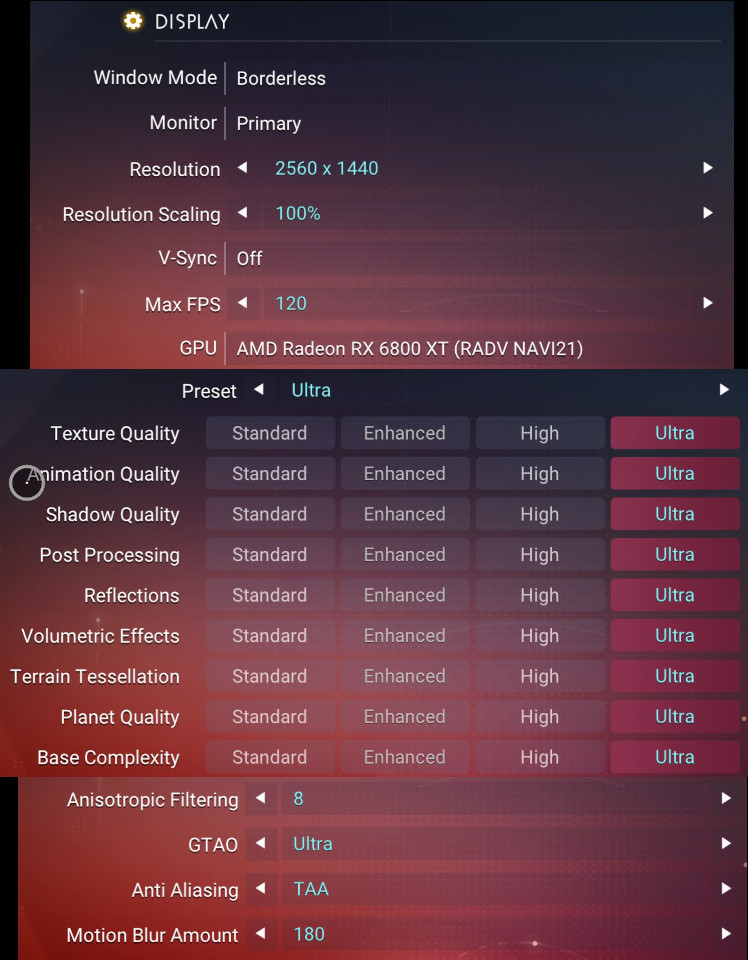
Steam Deck
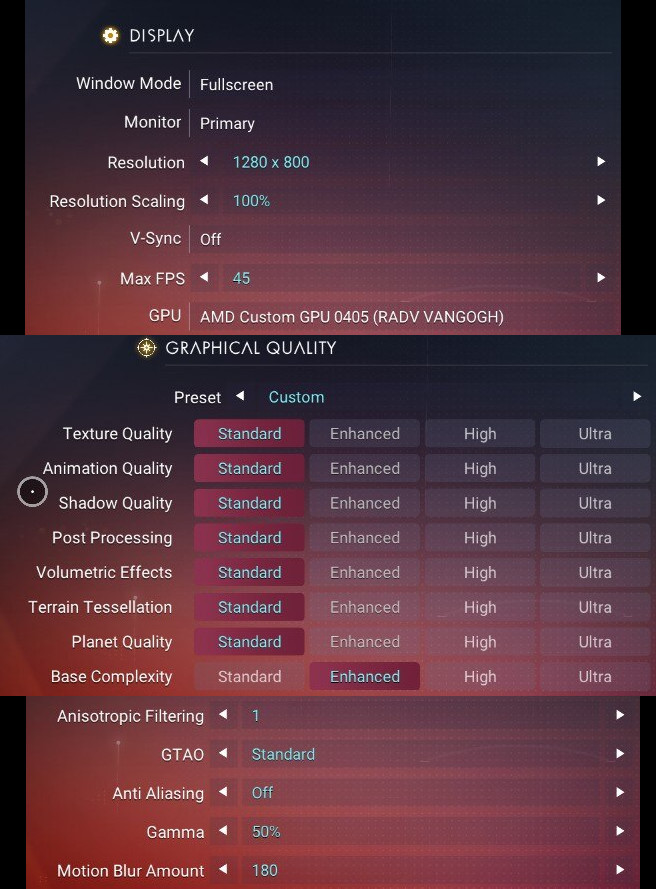
@kisak-valve I think I should make an issue for Mesa, but just for information on Vega10 (Vega56), I have GPU hung if I enable FSR2, constant. Maybe I can fix it by myself but have no time now to debug kernel and mesa.
I started a new game and, curiously, experienced no issues this time, not on my desktop and not on my Deck. I would say it seems like a bug in the game itself, but the fact that the old save still crashes on my desktop but not on my Deck suggests there might be more to it than that. I don't know what it could be though.
Is it possible for you to share the save game?
I don't really know whether they're tied to my account or not, but here are the files: https://gofile.io/d/0eVCYQ
@euclip Okay i got to test this on both Linux and Windows now.
I believe it's a game bug as the foggy issue is present with the native game and i can also get it to crash by running around (tho seemed a bit easier on Linux radv, but might be a coincidence). I have sent a bug report to the devs.
@euclip Okay i got to test this on both Linux and Windows now. I believe it's a game bug as the foggy issue is present with the native game and i can also get it to crash by running around (tho seemed a bit easier on Linux radv, but might be a coincidence). I have sent a bug report to the devs.
Fwiw I don't get this issue with my save; might try the save above with my system.
Fwiw I don't get this issue with my save
Since the game is semi random/procedural the issue sems to have been tied to the location in the save above.
I think the crash might have been fixed in the latest game update as just when trying again now i wasn't able to reproduce. The visual "white foggy issue" is still present tho.
It's very weird that I also got the white foggy issue on windows (same hardware, dual boot) after using a save game saved on linux
Maybe it's a bug that's OS independent?
I have been getting random GPU driver crashes since the last patch.
White screen when loading a save, then the x session crashes completely and the computer is sent to the user log in screen.
I have been able to play if I press "Delete Proton Files" from the new steamui but it still isn't infallible. Tested with Proton 7, 8 and experimental.
dmesg output:
[ 1780.133780] amdgpu 0000:07:00.0: amdgpu: GPU fault detected: 147 0x03980401 for process NMS.exe pid 5073 thread NMS.exe pid 5073
[ 1780.133784] amdgpu 0000:07:00.0: amdgpu:   VM_CONTEXT1_PROTECTION_FAULT_ADDR   0x08B4A534
[ 1780.133786] amdgpu 0000:07:00.0: amdgpu:   VM_CONTEXT1_PROTECTION_FAULT_STATUS 0x0E004001
[ 1780.133787] amdgpu 0000:07:00.0: amdgpu: VM fault (0x01, vmid 7, pasid 32795) at page 146056500, read from 'TC1' (0x54433100) (4)
[ 1790.342669] [drm:amdgpu_job_timedout [amdgpu]] *ERROR* ring gfx timeout, signaled seq=266582, emitted seq=266584
[ 1790.342972] [drm:amdgpu_job_timedout [amdgpu]] *ERROR* Process information: process NMS.exe pid 5073 thread NMS.exe pid 5073
[ 1790.798106] amdgpu: cp is busy, skip halt cp
[ 1791.058901] amdgpu: rlc is busy, skip halt rlc
Steam Runtime Diagnostics: https://gist.github.com/lavadrop/2295103919919355d26c5e9ce5c6f1ca
Hello @lavadrop, please copy the contents of Steam Runtime Diagnostics from Steam (Steam -> Help -> Steam Runtime Diagnostics) and put it in a gist, then include a link to the gist in this issue report.
I just updated my report @kisak-valve
@lavadrop Are you still having crash issues? I tried playing a bit on my rdna3 GPU with the same mesa version but haven't encountered a issue yet.
It appears to have been resolved @Blisto91 , I'm on Mesa 23.1.5 and it didn't crash the x server for a couple of hours. However haptic feedback/adaptive triggers are still not working either via USB nor Bluetooth.
Steam Cloud has seemingly stopped uploading my save since the latest update, and I'm not sure if it's a Steam issue, a No Man's Sky issue, or something else. See here for details: https://github.com/ValveSoftware/steam-for-linux/issues/10014
Linking that report here just in case other people have been seeing this (it would be good to be able to rule out or rule in it starting with Thursday's update).
Not sure if it belongs here, but after yesterdays update of NMS and SteamVR, it has become unplayable in VR - constant stuttering :cry:
I just got a full system freeze on my new RX 7800 XT:
nms_amdgpu_error_26-09-2023.txt
My latest save consistently crashes my graphical session.
nms_amdgpu_error_27-09-2023.log
I just got a full system freeze on my new RX 7800 XT: nms_amdgpu_error_26-09-2023.txt
If that were a full system freeze, I would expect no logs (unless remotely logging via netconsole).
My latest save consistently crashes my graphical session. nms_amdgpu_error_27-09-2023.log
Sounds like that save file would be useful for debugging purposes. This should be reported elsewhere.
Sounds like that save file would be useful for debugging purposes. This should be reported elsewhere.
Just opened a new report in the Mesa project tracker. https://gitlab.freedesktop.org/mesa/mesa/-/issues/9900
Nvm, hardware issue, using a pigtail power connector instead of using two power cables.
On VR, now using SteamVR 2, No Man's Sky is not registering the trigger, so I can't even select anything on the first screen. And when I call the overlay to check the steamvr input, again the enormous lag on the controller windows is there, so much that I can't see or change the bindings.
using Mesa 23.2.1 on Arch, RX 7900 XTX, Ryzen 7 7800X3D, Valve Index with Knuckles and 3 base stations.
The constant micro stuttering is still present (maybe bad reprojection?), tried SteamVR 2.0 and the current beta (2.0.9). I am using Proton Experimental (not sure about version; I have also tried Proton GE 8-15, same behaviour). Pretty much the same issue in both SteamVR versions (one seemed to have slightly bigger "lag"). Compared to the previous working version, there are now black and white artifacts on edges of "screens" (it follows lens shape, I guess it should have been solid black color). I also saw "Error 303" from SteamVR, but it didn't seem to change anything (it was behaving same without the reported error). It seems related to NMS, because I tried few other games and there are no issues. It is quite frustrating, because it used to work fairly well, so I started playing with a friend and now we can't continue... :disappointed:
I'm getting "No connection to matchmaking service". I am seemingly unable to try 5.11 in current year (it hangs on a white screen after the star fly through loading screen thing).
Any suggestions?
After Omega* update I see a massive memory leak. Game freezes after ~15-25 seconds when my 16GB RAM is filled. I have RX6600 with RADV driver.
- Before Omega update I used Fedora 39 Workstation + rpm Steam, now I use Fedora 39 Silverblue + Flatpak Steam, so maybe my OS or Flatpak cause issue, I'm not sure and sadly I don't have access to F39 Workstation anymore. Anyone here with Flatpak Steam and working NMS?
UPDATE:
After switch to Gnome (Xorg) NMS works fine, so probably it's not Omega or Steam issue, but Gnome.
I'm getting "No connection to matchmaking service".
Check whether an HTTP proxy is in use and, if so, disable it. Your desktop environment may handle it, but the following test should work while the game's running:
perl -e 's/\0/\n/g' /proc/$(pidof NMS.exe)/environ | grep http_proxy
If that outputs some text beginning with http_proxy=, set the game's launch command to unset http_proxy; %command% (adjust accordingly if you've already set a custom launch command).
Ok so im having an issue in VR mode with latest update (and the private exprerimental branch - both are the same)
in menus, the game is rendering correctly in the Left Eye, while the right eye is flickering red or blank (it seems to alternate)
once i get in game, (i tried creative sandbox to test) it was no longer rendering only in the left eye, the right eye was working correctly, however while i was getting a picture in the left eye, it was now also flickering red.
Specs
NMS: Latest release OR latest experimental release (Beta code 3xperimental)
SteamVR Beta Client: 2.7.2
Hyprland 0.41.2
AMD Mesa Driver - AMD RX 7900XTX
AMD Ryzen 7 5800X
Kernel 6.9.7-arch1-1
Proton: Experimental
Game always crashed at launch if installed on a disk using btrfs with mount options noauto,user,rw,relatime,ssd,space_cache=v2,exec,x-systemd.automount.
Moving it to a ext4 partition solved the issue.
Posting this in case anyone is running into that problem as it took me quite a bit of troubleshooting until I figured that out.
I'm seeing a similar issue to @Da-Boom - flat mode works perfectly,VR mode is broken. It looks like all 2D surfaces (HUD, menus, text etc) are constantly flickering between transparent and all red instead of showing what they're supposed to. Happens mostly in the right eye but also in the left eye while in game. 3D elements (the game world) are seemingly rendering correctly for both eyes, the problem is mostly with 2D surfaces
Specs:
Arch Linux, kernel 6.9.10
Steam Beta client
Oculus Quest 3 + ALVR v20.9.1
SwayWM 1.9
RADV
Ryzen 7 5700G
Radeon 6700XT
Proton Experimental
Tested with SteamVR 2.6.2 and Beta 2.7.3
The red VR flickering issue seems to be resolved as of SteamVR Beta 2.7.4, NMS Experimental 25/07, and latest proton experimental
Hi guys I don't know where to post concerning new No Man's Sky issues but I'm trying to pin down a graphical artifact I'm experiencing that seems to be related to terrain tesselation/LOD and Vulkan/Proton. If I can describe with some detail -- the ground textures failing to load in and almost always present in a grid-like form, but only randomly, and not always to the same degree. Sometimes the textures will successfully pop-in on approach, but other times fail to load completely and they just appear as codified matrix-like blocks. This presents itself without fail on all planets but is not visible in non-vegetation parts of the game. I tried manipulating in-game tesselation, LOD, and texture settings between restarts with no change.
proton-debug-appid-275850.log
nvidia-smi_output.txt
Steam Flatpak
Proton Experimental (also tried Proton 9.0-3 w/ same results)
Arch Linux 6.10.10-arch1-1
nvidia-beta-dkms 560.35.03-1
mesa 1:24.2.3-1 (idk if this is relevant)
glibc: 2.40+r16+gaa533d58ff-2
Nvidia Geforce 3080Ti
Wayland 1.23.1-1
In the Proton debug log I'm drawn to the multiple lines with
16899.505:011c:0174:warn:debugstr:OutputDebugStringA "FIOS: Decompression failed with error -4/0xfffffffc"
and another:
16908.974:011c:0174:warn:debugstr:OutputDebugStringA " for chunk: chunk 5038:{ type:SCE_FIOS_CHUNK_TYPE_FH_READ, scheduled:1, completed:1, executing:0, prepared:1, parents:{4199}, children:{5044}, priority:0, h:0x000180A2, path:\"PCBANKS\\NMSARC.TEXMISC.PAK\", offset:3293688745, LBA:0xAF5A16930621124A, reqCount:65084 }\n" but don't really know what they mean.
EDIT: this appears(?) to be fixed as of current setup
Proton 9.0-3
Arch Linux 6.11.3
nvidia-dkms proprietary 560.35.03-6
mesa: 24.2.4-1
wayland: 1.23.1-1
With proton experimental they added DLSS Frame Generation.
I just want to point out it results in a BLACK SCREEN for this game.
You need the following variable to enable scheduling however.
WINE_DISABLE_HARDWARE_SCHEDULING=0 %command%
Be nice if DLSS FG worked some day, no idea what the issue is.
Hello @jarrard, please add PROTON_LOG=1 %command% to the game's launch options, reproduce the black screen, and attach the generated $HOME/steam-$APPID.log to this issue report as a file. (Proton logs compress well if needed.) Also, please copy the contents of Steam Runtime Diagnostics from Steam (Steam -> Help -> Steam Runtime Diagnostics) and put it in a gist, then include a link to the gist in this issue report.
Here is my GIST
The log is this steam-275850.log
To me I find it interesting that it has this line said a few times.
xxx:info:dxvk-nvapi:<-NvAPI_DRS_FindApplicationByName (NMS.exe): Executable not found
Not sure why that is happening.
I had to force exit the process in end of cause which probably caused the tail errors.
@jarrard We added that HARDWARE_SCHEDULING override you avoided for No Man's Sky as the default due to this bug. Unfortunate indeed :(
With proton experimental they added DLSS Frame Generation. I just want to point out it results in a BLACK SCREEN for this game.
You need the following variable to enable scheduling however. WINE_DISABLE_HARDWARE_SCHEDULING=0 %command%
Be nice if DLSS FG worked some day, no idea what the issue is.
I have the same problem with Dragons Dogma 2, I can enable the DLSS FG but when enable it, I get a blackscreen, only can see the menu when pause the game, but cant play by the blackscreen, what should i do ?
The game is crashing for me after a few minutes playing usually around 10-20mins. Here is my steam diagnostics info, and log of the game: steam-275850.log.
I'm on EndeavourOS and recently opened the game, graphics are on Ultra
I haven't gotten it to crash ons table or experimental, I see that you are using GE proton which is a third party project, please test on one of the official releases and see if the issue happens there. Might also be a good idea to verify the integrity of the game's files as I see some decompression errors in your log, but hard to tell if that's the cause or a symptom
I've tested it on multiple proton versions, including experimental and the default one, the problem still persists.
I disabled AMDs fidelity thingy and turned the graphics to High instead of Ultra, thinking that it might be related to AMD drivers. And also switched between linux-lts and linux-zen kernel versions. That didn't help.
I installed the game yesterday, so I didn't check for integrity problems. Just run the integrity check and found 7 damaged files. Let's see if that fixes it. Now that I remember, I think I had to force reboot my PC mid-download, that might be it. Fingers crossed
No Man's Sky had a new update, Worlds Part II. This broke VR for the game.
The game works ok in pancake mode. When in VR, it seems to initialize VR (it goes dark on the SteamVR interface), then it starts loading forever with a song in the background, and never loads the game.
Tried VR using a Meta Quest 3 via ALVR. This proton log is from that attempt. Also tried using WiVRn, same symptom.
I had to force-exit the game by going into the SteamVR overview and clicking on "exit game".
The proton log is attached.
@Patola Thank you for the report - we are investigating this and I can repro exactly what you described :)
@Patola experimental-bleeding-edge should now have a fix (thank you @gofman !!). I tested it a bit and it was working for me - please let me know if you run into any trouble :)
Thank you! Yes, the fix is working 100%!!!! That was FAST!
VR issue: After trying the experimental build of No Man Sky and trying different Proton versions including Experimental bleeding edge I could not get the right joystick to work using WiVrn.
I don't know if the issue comes from the game or from proton.
Attached image shows that the joystick works for clicking and up/down but not turning.
I am currently playing No Man's Sky in VR using ALVR. For playing it using WiVRn you have to update to the latest version in the tree, this problem of turning not working is from an earlier build. However, the current state of these controls is that even a light flick of the joystick turns you 180°.
I would suggest using envision to run WiVRn, because it always gets the latest version on the repository. For such an actively changing application that's necessary. And it also supports adding patches, like my patch that allows Metro Awakening to work with it.
The game seems to no longer launch with Proton 10. Are you experiencing this issue as well?
Hello @fxzxmicah, please add PROTON_LOG=1 %command% to the game's launch options, reproduce the regression, and attach the generated $HOME/steam-$APPID.log to this issue report as a file. (Proton logs compress well if needed.) Also, please copy the contents of Steam Runtime Diagnostics from Steam (Steam -> Help -> Steam Runtime Diagnostics) and put it in a gist, then include a link to the gist in this issue report.
I am using a non-standard build and not the usual steam→proton→game setup, so I may not be able to provide logs. I am only asking here whether anyone using the standard proton build has encountered this issue; if not, it indicates this is merely a downstream problem and should not be raised here.
The game seems to no longer launch with Proton 10. Are you experiencing this issue as well?
The game launches for me on the latest Proton 10
When you move the mouse slowly down to the right; the speed is a bit lower than, for example, up to the left. It feels exactly like the “Enhance Pointer Precision” setting in Windows, which is super annoying. I've tried to disable "Enhance Pointer Precision" with some regedit stuff, but it doesn't seem to work.
I also get this. Can't play
Trying to run the game since latest update, it has been consuming absurd amounts of memory, up to 9 GB of memory before it even reaches the title screen. Once in-game, it quickly reaches 10 GB. I only have 16 GB, so the game ends up getting killed pretty quickly by earlyoom (which I have since it's better than my system becoming sluggish and unusable)
I am on Kubuntu 24.04, with an Nvidia RTX 3050M
I linked PINCE and stopped the game near the end of the initial buildup of memory and the first symbol in the stack was thunk64_vkCreateDescriptorPool with the game executing code from the Nvidia driver I'm using
(using 535 as other drivers have a tendency to freeze and do not fix this issue)
Maybe the massive amount of memory consumption is from the game interfacing with Vulkan?
Also, reducing my settings did not fix the issue. My VRAM is barely used when the memory spike occurs.
I hoped this would've been fixed by consequent Proton versions but no luck.
There are two issues for me:
- No Man's Sky displays a black screen when I use XESS with my Radeon RX 7800 XT. I don't have another GPU to test with.
- I use this workaround to correct the bugged/missing multichannel audio when streaming via Steam Link from my Linux host to my Apple TV in my living room connected to a Denon AVR: https://github.com/ValveSoftware/steam-for-linux/issues/6150#issuecomment-2733518573
This works for all my other games like Death Stranding, Stray, Final Fantasy XIV, etc BUT it fails with No Man's Sky. There's no audio at all being sent to the stream but the Host plays Stereo audio (with the "Play Audio on Host" toggle disabled).
Here's a log for my issue as well.
Under Arch Linux with latest RADV driver, AMD RX 6700 XT graphics card, Proton Experimental,
when I go into graphics settings and set the frame scaler to “Intel XeSS” and press “Apply”, the game crashes immediately. Sometimes, this also causes the graphics driver to enter an unstable state and my desktop (Plasma Wayland) transforms into a blocky colorful mess.
FSR 2 works fine.
Under Arch Linux with latest RADV driver, AMD RX 6700 XT graphics card, Proton Experimental, when I go into graphics settings and set the frame scaler to “Intel XeSS” and press “Apply”, the game crashes immediately. Sometimes, this also causes the graphics driver to enter an unstable state and my desktop (Plasma Wayland) transforms into a blocky colorful mess.
Sounds like a driver problem or a kernel problem. Exactly which version of Mesa and which of Linux? Also, confirmation of older versions working properly (the more recent the better) would help.
Does the blocky mess require a reboot, a restart of Wayland or mere switching to a text console and back to fix?
@Firepal Hi there. This is being tracked at https://gitlab.freedesktop.org/mesa/mesa/-/issues/13325
Thanks @Blisto91 I should've checked there...
@dsalt Kernel is 6.17.1-1-cachyos. As for mesa I think it's 25.2.4-1. I'm not sure how long ago this has been occurring for, but I don't think I ever saw XeSS working in No Man's Sky. People on Steam forums have noticed this on Steam Deck as well.
In any case, one current hypothesis in that mesa issue is that No Man's Sky (or XeSS itself?) performs a memory operation disallowed by Vulkan's spec, and most drivers just say "all good 👍 "? I don't know Vulkan...
No Man's Sky (In VR) stuttering issues when moving head
Issue transferred from https://github.com/ValveSoftware/Proton/issues/9123.
@kenthinson posted on 2025-10-21T15:08:51:
Compatibility Report
- Name of the game with compatibility issues: No Man's Sky
- Steam AppID of the game: 275850
System Information
- GPU: RTX 5090
- Video driver version: 580.95.05
- Kernel version: 6.12.48+deb13-amd64
- Link to full system information report as Gist: https://gist.github.com/kenthinson/987b11d06fc934b83ddabf21f134b9ea
- Proton version: Experimental
I confirm:
- [X] that I haven't found an existing compatibility report for this game.
- [X] that I have checked whether there are updates for my system available.
Symptoms
When playing the game in VR mode looking around with your head causes stuttering. Moving forward and back with the stick is smooth. Panning left / right with the joystick seems smoother then looking with head but still has some stutter.
Reproduction
I am using a Pico4 connected to my PC using the ALVR streamer app (v20.14.1). Other games work flawlessly without issues. Examples beat saber, VRChat, Fallout 4 VR, Half-Life Alyx. I have also tried the game on windows using ALVR streamer and it has no stuttering issues on windows. So I am pretty sure this comes down to a proton compatibility issue.
When running the game my GPU is only utilizing about 80% so it has headroom. So it's not stuttering because of constrained resources. Also the game runs smooth if I play in Desktop mode on Linux. I also tried turning the graphics down to low setting and setting the render resolution to 50% just to make sure I have lots of headroom but the stuttering continues. Again works flawless on windows same computer so really don't think it's a low resource issue.
Please let me know if you need any other testing done. Thanks!
@kenthinson is your No Man's Sky still launching in VR? I've tried with ALVR, Steam Link (both with SteamVR beta 2.13.5) and WiVRn and it doesn't start in VR, only in the screen, even when I force the OpenXR runtime to be SteamVR. Which SteamVR are you using?
In any case, here are my logs regarding SteamVR not starting in VR. The first one is using the regular PROTON_LOG=1 %command% and the second one is using PROTON_LOG=+openxr,+vrclient,+file %command%
steam-275850-openxr.zip
steam-275850-normal.log
the gist with my configuration is here: https://gist.github.com/Patola/5fe378d352e770f69e1075996ecf8318
Reverted back to SteamVR stable and No Man's Sky doesn't start in VR with it either. Tried Proton 10.0 beta 2 and Proton Experimental bleeding edge and also no VR. Other OpenVR games start normally in VR, like Kittypocalypse and Dick Wilde 2 in Steam Link, ALVR and WiVRn.
Hello @Patola, please retest with Proton Experimental for err:vrclient:create_win_interface Don't recognize interface name: IVRSystem_023 -> https://github.com/ValveSoftware/Proton/commit/83833c67eb763f55b8919a5f1500fc0e9e5c472c.
@kisak-valve thanks. It worked now. That was it.
@Patola Yes mine starts in VR but only if I used proton Experimental not any other version of proton.
EDIT: I see you got that working already. Do you have weird lag issues as well on your end?
@Patola Yes mine starts in VR but only if I used proton Experimental not any other version of proton.
EDIT: I see you got that working already. Do you have weird lag issues as well on your end?
Yes, at the moment it's only proton experimental because these new openvr bindings are only compiled into it. Maybe we'll soon have it on GE-Proton or maybe the next proton 10 beta, I don't know.
I'm also using it via WiVRn with some no man's sky fixes (details on this gameplay video), as it wouldn't start with either steam link or ALVR. And although I don't know if you are using a wireless or cable VR headset, WiVRn is by far the most efficient VR streaming software for Linux, I don't feel any lag at all when playing No Man's Sky.
How did you play No Man's Sky? What headset do you use, which software to get it working?
@Patola You can scroll back just a few posts to see my issue that was transferred here by kisak-valve it has my system config in there. I just noticed I did a typo on the GPU it's 3090 not 5090. But other then that all details are correct in that post.
I'm also using it via WiVRn with some no man's sky fixes (details on this gameplay video), as it wouldn't start with either steam link or ALVR. And although I don't know if you are using a wireless or cable VR headset, WiVRn is by far the most efficient VR streaming software for Linux, I don't feel any lag at all when playing No Man's Sky.
Pico 4 with ALVR wireless. I did not need to modify anything the game just launches without changes.
I don't think it's a efficiency thing. As all other VR games I have tried work fine and my system shows it has lots of headroom. I'll look into WiVRn maybe it's a compatibility issue with ALVR not a resourced issue.
What GPU vendor are you using Patola? Maybe it's a AMD vs NVIDIA issue.
How did you play No Man's Sky? What headset do you use, which software to get it working?
EDIT: I tried out WiVRn. It works with VRChat but no man's sky will only launch to desktop mode not VR mode. Proton Experimental
EDIT2: So I looked at your video. So you are using a custom branch of xrizer not the main release? Did you compile it yourself?
Pico 4 with ALVR wireless. I did not need to modify anything the game just launches without changes.
I don't think it's a efficiency thing. As all other VR games I have tried work fine and my system shows it has lots of headroom. I'll look into WiVRn maybe it's a compatibility issue with ALVR not a resourced issue.
What GPU vendor are you using Patola? Maybe it's a AMD vs NVIDIA issue.
AMD, RX 7900 XTX. You can see my system information here: https://gist.github.com/Patola/e56c58f70d70e30c6accf3e71b352a18
EDIT: I tried out WiVRn. It works with VRChat but no man's sky will only launch to desktop mode not VR mode. Proton Experimental
EDIT2: So I looked at your video. So you are using a custom branch of xrizer not the main release? Did you compile it yourself?
I contribute to WiVRn so I use to use various branches and versions of the software. So I launch it through a program called envision, which allows you to create many different versions and switch amongst them easily. And it also allows adding plugins (for example, for wlxoverlay-s which I use for managing my screen) and a lot of other stuff. I highly recommend using envision if you do not develop anything.
Besides the youtube channel where I host my video, where I test at least one VR game daily with WiVRn, ALVR and Steam Link, I also have a steam curator: https://store.steampowered.com/curator/45753882-VR-Linux/ -- I usually link to reports on db.vronlinux.org if they exist + a gameplay video.
BTW: for VRChat, you'll want to use the specialized proton for called Proton GE RTSP. It's practically made for VRChat and fixes all issues. "RTSP" is part of the name.
Hi, I'm coming from that ^^^ issue. Proton Experimental doesn't work for me for No Man's Sky, only SteamVR 12.3.7. My system info is here: https://github.com/ValveSoftware/SteamVR-for-Linux/issues/847#issue-3681803257
I do come bearing some possible good news around the stuttering/ghosting seen in ALVR (I call it reprojection overshoot, which is a symptom of the issue). Note that this is only applicable to the SteamVR compositor -- if both WiVRn and ALVR are stuttering on your machine, then this is not your issue. It works in WiVRn because it uses its own compositor: Monado.
This might happen with a lot of VR titles, but not all - No Man's Sky has this issue reliably for example, but some time in the last year or two VRChat stopped having this issue, at least for me.
Related ALVR Issue with links to a bunch of other issues with bits of info: https://github.com/alvr-org/ALVR/issues/2537
Fix ghosting/stuttering in ALVR (AKA reprojection overshoot)
- Run this command in a terminal:
sudo setcap "cap_sys_nice=eip" ~/.steam/steam/steamapps/common/SteamVR/bin/linux64/vrcompositor-launcher - Enable
Linux async computein ALVR (This can be found in theExtratab). You can leaveLinux async reprojectionalone, it doesn't seem to make a difference for me.
[!NOTE]
What does the command in step 1 do? It allowsvrcompositor-launcherto set thenicevalue of threads (more or less) when not run as root. This is denied by default in most situations to help ensure stable system performance. If every process could setnicevalues, when a process runs at max it could cause your system to hang until it stops, which might be never. It does not reduce the security of your system and only that one binary,vrcompositor-launcher, is getting the extra privileges. Valve may apply step 2 automatically in future updates anyway, if that's how they want to fix it.
What's the cause?
The root cause as I best understand it is the compositor tries to create a realtime queue for reprojection and fails, so it falls back to a regular compute queue. This is an issue because reprojection is of the utmost criticality, being the most time-sensitive even among all the other time-sensitive things needed for VR. I think this occurs for both NVIDIA and AMD.
What's happening when I see the ghosting?
When your system can't hit the headset's high refresh rate, it uses a trick called reprojection to make things look smoother for you and hopefully reduce nausea. It creates a new frame that looks like the current frame, but re-rendered to account for where your head is looking. This is why if you don't turn your head with this issue, it doesn't look too bad - the reprojection ends up being pretty close to what the next frame looks like. But it needs to do this extremely rapidly for it to help you feel like your framerate isn't so low. SteamVR asks for this system to be run in the highest priority (realtime) but through a permissions issue, the system sets a regular priority.
With a regular priority queue, when SteamVR does reprojection it's not fast, it's relatively slow. Since it's so slow, it doesn't render correctly and the result is a brief image with too much rotation applied (overshoot), which is then replaced by a true rendered frame showing less rotation. That's why the ghosting is so annoying, it's not frame drops - those would make it feel like the headset is "dragging" behind where you're looking. This is like drunk goggles, overshooting predicted rotation, then the right amount of rotation shown on the true, rendered frames.
Why does async compute fix this?
I think it's mostly a side effect. I don't think the fix above actually corrects this issue, but what it does is allow threads to run more in parallel (asychronously), if they can. So the reprojection thread that must be run as fast as possible waits less on other things because when it can be run, it is. But it still is not actually created as a critically high priority thread as best I can tell.
steam-275850.log
have been trying to figure out why no mans sky wont launch for me either.
fedora 43 nvidia 3060, i5 12400f 32gigs ram
i can play all other vr games i own and i mean every single one
this is a no mans sky problem only. i launch from wivrn and also pc and it only appears on desktop and not in my hmd. sound plays and i can load in but vr just wouldnt work
never posted in these kinds of threads so if you need more info just lemme know please
@bobsbigbeanus the current version of SteamVR doesn't work but the previous one does. You can go into Steam -> Library -> SteamVR, then right click -> Properties, then go to Betas and select "Previous version" to get it working again.
@bobsbigbeanus the current version of SteamVR doesn't work but the previous one does. You can go into Steam -> Library -> SteamVR, then right click -> Properties, then go to Betas and select "Previous version" to get it working again.
i said i use wivrn
oh sorry, I thought you meant to compare
oh sorry, I thought you meant to compare
no sir
Compatibility Report
- Name of the game with compatibility issues: No Man's Sky
System Information
- GPU:RTX 2060 6GB NVK
- Video driver version: Mesa 26.1.0 git
- Kernel version: 6.18.8
- Link to full system information report as [Gist]https://gist.github.com/pollux78/0cc678c4474d328a989a0589f5e557a4
- Proton version: Proton Experimental
- LOG: steam-275850.log
Symptoms
Game crashes after a couple of seconds of trying to load the game and it shows a outdated driver window aswell
Reproduction
- Use latest mesa git not nvidia proprietary driver
- Try and play No Man's Sky
- Watch it Crash a couple seconds after launching
No Man's Sky crashes on launch with _invoke_watson on RDNA4; regression between Mesa 25.0.7 and 25.3+ and any Proton version
Summary
No Man’s Sky launches successfully on the same RX 9060 XT hardware with Mesa 25.0.7, but crashes on newer Mesa versions (25.3.3 and 26.0.1) across multiple Proton versions.
The visible crash point under Proton/Wine is an _invoke_watson abort, but the regression appears correlated with newer Mesa/RADV on RDNA4.
This may be:
- a Mesa/RADV regression that triggers a game assert/failure path, and/or
- a Proton/Wine limitation in handling that failure path once triggered.
This issue is reproducible on the same hardware and disappears when reverting only Mesa to 25.0.7 regardless of Linux kernel or Proton version used.
Expected Behavior
Game should launch to the main menu.
Actual Behavior
Game crashes during startup after graphics/middleware initialization and an error pop-up window appears.
System Information (current broken environment)
- GPU: AMD Radeon RX 9060 XT (RDNA4, Navi 44)
- Driver: Mesa RADV 26.0.1 (also tested 25.3.3)
- Kernel: 6.19.9-1-liquorix-amd64
- Distro: MX Linux 25.1 (Debian Trixie)
- Desktop: XFCE (X11)
- CPU: AMD Ryzen 7 9800X3D
- RAM: 32 GB
Full system info attached.
Known Working Environment (same GPU)
No Man’s Sky launches successfully on the same RX 9060 XT hardware with:
- Distro: MX Linux 23.6 (Debian Bookworm)
- Kernel: 6.18.16-2-liquorix-amd64
- Mesa: 25.0.7
Potentially confirms a regression window on the same hardware.
Also Tested
Broken on same GPU
- Mesa 25.3.3
- Mesa 26.0.1
- Multiple Proton versions (see below)
Working comparison system
A second system with:
- GPU: RX 7900 XT (RDNA3)
- Mesa 25.3.5
- Multiple Proton versions
No Man’s Sky works correctly there.
This suggests the issue may be specific to RDNA4 and newer Mesa/RADV behavior.
Proton Versions Tested
- Proton 7
- Proton 8
- Proton 9
- Proton Experimental
- Proton Experimental (Bleeding Edge)
- Proton Hotfix (latest)
- Proton-GE 10-32
- Proton-GE 10-33
- Proton-GE 10-34
All produce the same crash behavior in the broken environment.
Issue Description
In the broken environment, Steam shows No Man’s Sky as "running" briefly from the Game page, the display may flicker as if a window/swapchain is being created but not always, and then the game exits with a pop-up error window.
This is reproducible across all Proton versions tested with Mesa 25.3.3 and 26.0.1.
Other games and graphics applications work correctly on the same machine, including:
- native games
- Proton DX11 games
- Proton DX12 games
- Vulkan/OpenGL benchmarks
- OBS and other graphical applications
So this does not appear to be a general system or graphics stack failure.
Key Log Evidence
The crashes consistently include:
wine: Call ... to unimplemented function api-ms-win-crt-runtime-l1-1-0.dll._invoke_watson, aborting EXCEPTION_ACCESS_VIOLATION
Prior to the crash:
Streamline:: Init Success! cTkStorageTemp (PC) unable to load file ... DISABLEMODS
This appears to indicate the game initializes graphics and middleware successfully before failing.
Minidump Analysis
A crash .dmp file generated by the game shows:
- Exception code:
0x80000100(Wine stub exception) - Crash address:
0x6fffffbfd167
Note:
The game dump does not include symbol information, so function-level stack traces are not available.
However, the exception and behavior match the Proton log output exactly and aligns with the Proton log behavior where the game calls _invoke_watson (Windows CRT crash/assert handler), resulting in an abort followed by an access violation.
This suggests:
The game is hitting an internal failure/assert path and attempting to invoke the Windows crash handler, which Proton/Wine cannot fully handle.
Reproduction Steps
- Use a system with:
- RDNA4 GPU (RX 9060 XT)
- Mesa 25.3.3 or 26.0.1
- Install No Man’s Sky
- Launch with any Proton version
- Game attempts to start
- Immediate crash
What I Tried
- Clean prefix (multiple times)
- Multiple Proton versions (7, 8, 9, Experimental, Bleeding Edge, GE, Hotfix)
- Installed VC++ runtimes via protontricks (
vcrun2022) - Disabled Xalia
- Disabled NVAPI / Streamline (DLL removal tests)
- Tested with wined3d
- Tested different kernels (6.15+ to 6.19+)
- Tested different Mesa versions (25.3.3 and 26.0.1)
- Tested Flatpak Steam (different Mesa runtime)
- Verified game files
- Tested multiple other Proton games (native, DX11, DX12) → all work
- Tested Vulkan/OpenGL benchmarks → all work
None of the above changed the crash behavior.
Observations
- Vulkan and DXVK initialize successfully
- Streamline initializes successfully
- Game crashes immediately after early initialization
- Crash occurs during Wine CRT handling (
_invoke_watson) - System is otherwise stable and all other Proton/native games work
- Same hardware works with Mesa 25.0.7
- Same hardware fails with Mesa 25.3.3 / 26.0.1
- Other games and graphics applications are stable
Regression Notes
This appears to be a regression affecting RX 9060 XT / RDNA4 between Mesa 25.0.7 and newer Mesa versions tested (25.3.3 and 26.0.1).
I'll be filing both here and with Mesa and Hello Games.
For Proton maintainers:
- The observable failure point is the
_invoke_watsonabort path under Proton/Wine.
For Mesa maintainers:
- I have not been able to test that this specifically may have been fixed in Mesa 26.0.3+
- The strongest regression signal is that the same GPU and game work on Mesa 25.0.7 and fail on newer Mesa versions regardless of Proton version.
Attachments
quick-system-info_20260323.txt
Hello @SwampRabbit, please do not spam pages of effectively useless AI analysis. Setting that aside, video driver regressions should be reported to and evaluated by your video driver vendor.
@kisak-valve It is not spam, it also is not useless AI analysis. I literally spent days testing and debugging this issue, plus putting that all together.
I even put that this is mostly likely a Mesa/RADV regression with RDNA4 GPUs, but it also manifests itself across all versions of Proton specifically with this game. Regardless where the actual issue lies, it is useful information here as well.
I'm not some random vibe AI schmuck trying to waste peoples' time. I'm a former package manager for MX Linux, who specifically worked on their Advanced Hardware Support version when it was first started, with a personal focus on gaming support. I only stopped doing any FOSS work cause I had family and work obligations.
I just jumped back in to doing graphical stack work and this directly impacted me, so I figured I'd actually put it here because well, I didn't find anything when searching for a resolution. The only thing I found was people complaining, giving up, or providing random incorrect information as to the actual problem.
You could have taken a minute before jumping to conclusions and degrading my attempt at contribution.
I have legit commits and pull requests merged across multiple Distros and applications (here and GitLab) from 2020-2023 (all before the rise of our AI overlords).
But, it is good to know that spending the time on putting all that together in a logical and proper manner, then spending time on the markdown formatting is just going get something flagged as useless AI analysis spam.
I'd rather just go back to my rabbit hole and not bother trying to help. :weary:
I've been getting this error since the Remnant update, anyone else has experienced this? and, if so, if you found a way to fix it?
In general, everything looks this dark and has that kind of shadow, with GTAO enabled at any setting. If I turn it off, the shadows disappear, but everything stays really dark, in indoors or when it starts to get dark, it's very hard to see even with the flashlight on.
I'd really appreciate it if someone could help me with this
I've already tried the default Proton versions on Steam, as well as Proton-GE 10-34 and Proton cachyos-10.0-20260407-slr
The log does not show any errors or further information on this
General Specs
CachyOS ( 6.19.12-1-cachyos )
CPU: AMD Ryzen 7 5700G
GPU: AMD Radeon RX 5600 XT ( Mesa 26.0.4-arch2.2 )
24 GB RAM
No Man's Sky, hardware scheduling
Issue transferred from https://github.com/ValveSoftware/Proton/issues/9845.
@jaxenol posted on 2026-06-01T23:54:00:
Compatibility Report
- Name of the game with compatibility issues: No Man's Sky
- Steam AppID of the game: 275850
System Information
-
GPU: NVIDIA GeForce RTX 5080
-
Video driver version: NVIDIA 610.43.02 (Open Kernel Module)
-
Kernel version: Reproduced on both CachyOS mainline 7.x and CachyOS LTS 6.18.x kernels
-
Link to full system information report as Gist: System Information
-
Proton version:
- Proton Experimental
- Proton 10
Symptoms
No Man's Sky crashes while loading a save or within a few seconds of entering gameplay whenever Wine hardware scheduling is enabled.
Stable launch options:
PROTON_ENABLE_NVAPI=1 PROTON_HIDE_NVIDIA_GPU=0 %command%
Crashing launch options:
WINE_DISABLE_HARDWARE_SCHEDULING=0 PROTON_ENABLE_NVAPI=1 PROTON_HIDE_NVIDIA_GPU=0 %command%
The crash occurs even when:
- DLSS is disabled
- Frame Generation is disabled
- MangoHud is not running
- GameMode is not running
- Gamescope is not being used
Observed crash codes:
169265_0xDF44-HANG_ST76561197998349220
169265_0xD682-HANG_ST76561197998349220
Additional observations:
- NVAPI works correctly without hardware scheduling.
- DLSS Super Resolution works correctly.
- No NVRM Xid events are reported in kernel logs.
- No GPU reset or device-lost event is observed.
Control test:
Using the same launch options, Hogwarts Legacy successfully runs with DLSS Frame Generation enabled for at least 10 minutes without instability:
WINE_DISABLE_HARDWARE_SCHEDULING=0 PROTON_ENABLE_NVAPI=1 PROTON_HIDE_NVIDIA_GPU=0 %command%
This suggests that Wine hardware scheduling, NVAPI, and NVIDIA Frame Generation function on this system generally, and that the issue is specific to No Man's Sky.
Reproduction
- Install No Man's Sky.
- Use any of the tested Proton versions.
- Set launch options:
WINE_DISABLE_HARDWARE_SCHEDULING=0 PROTON_ENABLE_NVAPI=1 PROTON_HIDE_NVIDIA_GPU=0 %command%
- Start the game.
- Load an existing save.
- Wait several seconds or perform normal gameplay.
Expected result:
- Game remains stable and Frame Generation can be used.
Actual result:
- Game crashes with a HANG error shortly after loading into gameplay.
Attachments
Attached:
- steam-275850.log generated with:
PROTON_LOG=1 WINEDEBUG=+timestamp,+pid,+tid,+seh,+unwind,+threadname,+debugstr,+loaddll DXVK_LOG_LEVEL=debug DXVK_NVAPI_LOG_LEVEL=debug WINE_DISABLE_HARDWARE_SCHEDULING=0 PROTON_ENABLE_NVAPI=1 PROTON_HIDE_NVIDIA_GPU=0 %command%
- Kernel log excerpt showing no NVRM Xid events.
- Steam System Information report.
System Information
- GPU: AMD Radeon RX 7600 (radeonsi, navi33, ACO, DRM 3.64, 6.18.38_1)
- Video driver version: Mesa 26.1.5
- Kernel version: 6.18.38
- Link to full system information report as Gist: https://gist.github.com/RunningDroid/0becdcff3974da083386628b801deb53
- Proton version: 11.0 & Experimental
Symptoms
Taking a screenshot with the in-game controls causes a crash. Steam gets a copy of the screenshot, but the quests that ask for a screenshot cannot be fufilled.
Reproduction
- [optional] take a quest that asks for a picture of something
- use camera mode to take a screenshot
@RunningDroid does it crash for you if you don't have a photo quest? because on my end it isn't crashing, but I don't have a related quest. Can you share your save file
@simifor It does crash if I don't have a photo quest, I just didn't notice until I took my first photo quest.
I think this is the right file:
save.zip
@RunningDroid so turns out NMS save files are locked per steam account, I think I can workaround it but I think I also need accountdata.hg though might be easier to attach the whole thing. Having said this, the fact it happens to you even without the quest makes me think I'm not going to be able to repro with your save either.
Something that may or may not give more information is PROTON_LOG=+steamclient given that the game interacts with steam itself
Here's the whole save directory, just in case you can reproduce:
And the proton log with PROTON_LOG=steamclient:
@RunningDroid I was able to run your save file, but no crash on my end and unfortunately I see no smoking gun in your log. However, something I missed before and that should be addressed (though it isn't necessarily to blame for your NMS issue) is this WARNING: Low /proc/sys/vm/max_map_count: 1000000 will prevent some games from working you should change this value. You can change it for the current session by running this in your terminal sudo sysctl --write vm.max_map_count=1048576, it'd be worth trying the game after that to see if it happens to be that.
If you want it to apply automatically each boot from that point you can make a text file in 1/etc/sysctl.d/, for example you can make a file called /etc/sysctl.d/99-sysctl.confthat simply containsvm.max_map_count=1048576`
That fixes my issue.
I already had a file in /etc/sysctl.d/ bumping vm.max_map_count from the default up to 1,000,000 because I'd heard that some games have an issue with the default value, but I hadn't caught that the recommended value got bumped up
Replying to https://github.com/ValveSoftware/Proton/issues/438#issuecomment-4241425527
I've started having this issue very very recently i suppose, since i only noticed it today, and since i play pretty much everyday, i'm pretty sure i would have noticed it a long time ago.
linux-cachyos-7.1.8, cachyos-znver4/mesa-26.2.0, amd 7700x and 9070xt, 32GB ram
happens with disabled mods, disabled shader cache, disabled optiscaler, using xess antialias in game, proton-ge (i'll have to try valve's experimental anyway)
- does not happen with same kernel version and cachyos-znver4/mesa-26.1.7, see image:
edit 2:
- tested with proton 11.0-2 and mesa 26.2.1, issue is present
- tested with proton 11.0-2 and mesa 26.1.8, issue is not present
Proton versions
proton 11.0-2x1 2026-08proton experimentalx33 2026-06proton hotfixx1 2026-03proton 10.0x1 2025-10proton 9.0-3x1 2024-09proton 7.0x1 2023-02ge-proton7-48x1 2023-02ge-proton7-41x2 2022-11proton 4.11-13x3 2022-11proton 7.0-3x1 2022-07proton 7.0-1x1 2022-02proton 6.3-8cx1 2022-02proton 4.11x9 2021-12proton 6.3-8x4 2021-12proton 6.21-ge-2x1 2021-12
Launch options
PROTON_LOG=steamclient`:x1 2026-07PROTON_LOG=+steamclientx1 2026-07PROTON_LOG=1x12 2026-06WINE_DISABLE_HARDWARE_SCHEDULING=0x3 2026-06DXVK_LOG_LEVEL=debugx1 2026-06DXVK_NVAPI_LOG_LEVEL=debugx1 2026-06PROTON_ENABLE_NVAPI=1x1 2026-06PROTON_HIDE_NVIDIA_GPU=0x1 2026-06WINEDEBUG=+timestamp,+pid,+tid,+seh,+unwind,+threadname,+debugstr,+loaddllx1 2026-06PROTON_LOG=+openxr,+vrclient,+filex1 2025-10PROTON_LOG=+vrclientx2 2023-02WINEPREFIX=~/.steam/steam/steamapps/compatdata/275850/pfx/x1 2023-02PROTON_LOG=+vulkan`:x1 2022-11PROTON_LOG=+vulkan):x1 2022-11PROTON_LOG=+vulkanx3 2022-11
Launch lines
PROTON_ENABLE_NVAPI=1 PROTON_HIDE_NVIDIA_GPU=0 %command%x1 2026-06PROTON_LOG=1 WINEDEBUG=+timestamp,+pid,+tid,+seh,+unwind,+threadname,+debugstr,+loaddll DXVK_LOG_LEVEL=debug DXVK_NVAPI_LOG_LEVEL=debug WINE_DISABLE_HARDWARE_SCHEDULING=0 PROTON_ENABLE_NVAPI=1 PROTON_x1 2026-06WINE_DISABLE_HARDWARE_SCHEDULING=0 PROTON_ENABLE_NVAPI=1 PROTON_HIDE_NVIDIA_GPU=0 %command%x1 2026-06WINE_DISABLE_HARDWARE_SCHEDULING=0 %command%x2 2024-11PROTON_LOG=1 PROTON_NO_FSYNC=1 %command%x1 2022-11AMD_VULKAN_ICD=RADV %command%x3 2021-11MESA_GL_VERSION_OVERRIDE=4.5COMPAT force_glsl_extensions_warn=true %command%x1 2018-12
Upstream links
- ValveSoftware/Proton/issues/9845x1 2026-06
- ValveSoftware/Proton/issues/9123x1 2025-10
- ValveSoftware/steam-for-linux/issues/6150x1 2025-09
- ValveSoftware/steam-for-linux/issues/10014x1 2023-08
- ValveSoftware/Proton/issues/6315x1 2022-11
- ValveSoftware/Proton/issues/5997x1 2022-07
- ValveSoftware/Proton/issues/5496x1 2022-01
- ValveSoftware/Proton/issues/5409x1 2021-12
- ValveSoftware/Proton/issues/5322x1 2021-11
- ValveSoftware/Proton/issues/5133x1 2021-09
- ValveSoftware/Proton/issues/5013x1 2021-07
- ValveSoftware/Proton/issues/4509x1 2020-12
- ValveSoftware/Proton/issues/4342x1 2020-11
- ValveSoftware/Proton/issues/4082x1 2020-07
- ValveSoftware/Proton/issues/3902x1 2020-05
DLLs
api-ms-win-crt-runtime-l1-1-0.dllx2 2026-03vulkan-1.dllx4 2021-06ole32.dllx2 2021-06openvr_api.dllx2 2021-06steamclient64.dllx2 2021-06user32.dllx2 2021-06actxprxy.dllx1 2021-06advapi32.dllx1 2021-06api-ms-win-core-fibers-l1-1-1.dllx1 2021-06api-ms-win-core-localization-l1-2-1.dllx1 2021-06api-ms-win-core-synch-l1-2-0.dllx1 2021-06api-ms-win-crt-convert-l1-1-0.dllx1 2021-06api-ms-win-crt-environment-l1-1-0.dllx1 2021-06api-ms-win-crt-filesystem-l1-1-0.dllx1 2021-06api-ms-win-crt-heap-l1-1-0.dllx1 2021-06
Error codes
0x80000100x1 2026-030x80000002x3 2019-09
Just to document it:
Rendering in No Man's Sky don't work at this moment with amdgpu or radeonsi driver correctly.
It seems to be a mix on crappy shader code and some issues with mesa.
But there is a bug ticket on mesa's bugzilla:
https://bugs.freedesktop.org/show_bug.cgi?id=107581