Cyberpunk 2077
just tried running on manjaro linux + proton 5.0, my gfx card is 1080 (not TI)
the game does not run, it's just a black box
gonna try on proton 5.13 now
https://github.com/ValveSoftware/Proton/wiki/Changelog#513-4 notes that the game currently needs Proton 5.13-4 or newer and mesa git. That implies that Proton builds older than today will not work and there's more issues to be worked out between the game, vkd3d-proton, and the nVidia proprietary driver. Proton Experimental is recommended, as it contains performance improvements and bug fixes for this game.
From @Plagman posted at https://github.com/ValveSoftware/Proton/issues/4450#issuecomment-742229069:
There's a couple of known sound issues by now:

    No enemy gunshot sounds
    No car radio
    No background NPC dialogue
Audio fix available for testing in Proton experimental-5.13-shmem-20201214.
Proton Experimental experimental-5.13-20201218c known audio quirks:
- Low volume from some audio sources like TVs.
- Audio crackling that can be manipulated with
PULSE_LATENCY_MSEC, possibly due to pulseaudio's server being overloaded from mixing 14 audio channels. Configuring pulseaudio to useresample-method = speex-float-1may speed up the server. - Spacial sound effects may be missing. https://github.com/ValveSoftware/Proton/issues/4450#issuecomment-752667795
- Can not hear the dialog of some background NPCs. https://github.com/ValveSoftware/Proton/issues/4450#issuecomment-752699226
Audio fix available for testing in Proton experimental-5.13-20210115. https://github.com/ValveSoftware/Proton/issues/4450#issuecomment-761057300
NVIDIA proprietary drivers older than 455.xx will have graphics artifacts and all current NVIDIA drivers are generally expected to crash and freeze. The game will not currently run stably on NVIDIA, we don't advise to attempt to run it, and if you do please do not report additional issues about this known problem.
Some distros allow you to multi-slot a point release of mesa and mesa git. In that situation, the game can pick up the older version of mesa/radv and have a hard time. Also, AMDVLK (v-2020.Q4.5) and AMDGPU-PRO (20.45) is not expected to work with the game right now. Having them installed might cause the game to fail to start.
Updating mesa is not needed or beneficial if you use the nVidia proprietary driver. They are completely unrelated driver stacks.
~The game might crash on pre-AVX CPUs.~ Triaged by game update 1.05.

after clicking "sign up" the console shows
2020-12-10 01:38:47.575 [Information][ (0)] [TID 768][red-launcher]: Skipping sending event 'view_focused' because it's disabled (view 'login').
and this happens
not sure if it's linux specific
I managed to succesfully go into the main menu on Proton 5.13.4, redownloading the game now to play in Polish :D
Any luck with changing the PROTON_HIDE_NVIDIA_GPU env variable?
Radeon RX 5600XT, Proton 5.13-4, Manjaro, linux 5.9.12

On 5.21-GE the game has artifacts.
Hello @ruslang02, what version of mesa are you using? Anything older than mesa git from a couple days ago is older than should be used with this game.
With mesa-git 21.0(compiled 1 hour ago) proton 5.13-4 and rx 470:
- after mesa-git steam shows only black pages
- I'm able to start Cyberpunk 2077 launcher through taskbar.
- game starts, shows CD PROJECT RED logo, music plays, then black screens and then it crashes my GPU drivers, because all screens show wierd rainbow lines.
Log from steam-native(arch linux):
cyberpunk_2077.log
Doesn't really look like much, seems like mesa bug.
EDIT: Normal mesa from repo 20.3.4 does exactly the same. At least steam works properly.
Just tried the game for a few minutes. Seems to work fine on Arch + Radeon VII. Had to install mesa-git and vulkan-radeon-git. Before that, ingame screen and characters in character creation were all completely black.
Performance could be better tho, but still able to play with 60FPS.
I was able to play through for 30 minutes or so, on 5.13-4 Proton, Nvidia driver 455.45.01, Ubuntu 20.04 with kernel 5.4.0-56-generic. I had to drop the settings to low to get a reasonable framerate, but I'm also on a GTX980M so that's not really surprising.
If you're on NVidia and getting a black screen, try dropping the settings some.
I was also able to play briefly before I needed to step away, Fedora 33, Proton Experimental
kernel 5.9.12-200.fc33.x86
2070 super driver version: 455.45.01
mesa 20.2.3
framerate was around 30 fps but everything maxed, will report back later with more detail.
Getting crashes after about 30 minutes of play +-. Journal shows the following, someone mentioned might be related to VRAM? Will check.
kernel: NVRM: GPU at PCI:0000:0a:00: GPU-9436b076-8c43-5f1e-da15-4e783ada041b
kernel: NVRM: GPU Board Serial Number:
kernel: NVRM: Xid (PCI:0000:0a:00): 31, pid=8003, Ch 000000be, intr 00000000. MMU Fault: ENGINE GRAPHICS GPCCLIENT_T1_0 faulted @ 0x1_91c80000. Fault is of type FAULT_PTE ACCESS_TYPE_VIRT_READ
There I don't have the invisible skin issue, I did not find any issue beside the fact the game does not detect my low end specs and tend to choose the High graphic level, have to tune it to low or so to have a better performance.
I did not installed mesa-git, just all updated from the Arch repo
Steam Client Beta (In Steam > Settings > Account > I choose Steam Beta Update)
Proton 5.13-4
Nvidia 455.45.01-6
extra/mesa 20.3.0-3
OS: Arch Linux x86_64
Kernel: 5.9.13-arch1-1
Uptime: 1 hour, 6 mins
Packages: 1015 (pacman)
Shell: bash 5.1.0
Resolution: 1920x1080
DE: Cinnamon 4.8.2
WM: Mutter (Muffin)
WM Theme: Mojave-dark (Mojave-dark)
Theme: Mojave-dark [GTK2/3]
Icons: McMojave-circle [GTK2/3]
Terminal: guake
CPU: Intel i7-4770K (8) @ 3.900GHz
GPU: NVIDIA GeForce GTX 980
GPU: NVIDIA GeForce GTX 980
Memory: 2538MiB / 15942MiB`
Screenshots


I have a GTX 970, Ubuntu 20.10, kernel 5.8.0-31-generic, nVidia driver 450.80.02, Proton 5.13-4. Game crashes on startup, after displaying the CD Projekt Red logo, and goes to a black screen
Bump, running Manjaro Linux, Proton 5.13-4 and latest mesa drivers (5700XT), running into Artifacting crash after launching game from launcher.
Getting the following crash log after clicking "play" from the launcher using proton 5.13-4
Registered crash info file...
InternalVersion: 3.0.3214677  P4CL: 4155897  Stream: //R6.Root/R6.Patch0Hotfix2
!!!CRASHED!!!
Error Reason: Assert
Expression: commonFileLoaded
Message: Failed to load in-game config file from 'Z:\home\steamsteam\debian-installation\steamapps\common\Cyberpunk 2077\r6\config\settings\options.json'
File: e:\r6.patch0hotfix2\dev\src\common\redconfig\src\ingameconfigreader.cpp
Line: 449

"uptimeSeconds":0
"stopThreadID":139
"exceptionCode":0x80000003`
"processID":138
"Engine/CommitFailedErrorCode@1#TID=0":"0"
"Configuration/Name@2#TID=0":"FINAL"
"Configuration/Name2@3#TID=0":"FINAL"
"Game/Patch@7#TID=0":"1.03"
"Engine/OOM@4#TID=0":"false"
"GlobalMode/IsClosing@5#TID=0":"false"
"GlobalMode/IsGame@6#TID=0":"false"
"Jobs/InitParam/MaxLatentJobs@8#TID=0":"131072"
"Jobs/InitParam/MaxCriticalPathJobs@9#TID=0":"65536"
"Jobs/InitParam/MaxImmediateJobs@10#TID=0":"2048"
"Jobs/InitParam/WorkerThreadStackSizeKB@11#TID=0":"1024"
"Jobs/InitParam/MaxThreads@12#TID=0":"27"
"Jobs/InitParam/AllJobsCriticalPath@14#TID=0":"false"
"Jobs/InitParam/UseJobDebugger@13#TID=0":"false"
"Jobs/Dispatcher/NumDispatcherThreads@15#TID=0":"3"
"Jobs/Dispatcher/MaxHWConcurrency@16#TID=0":"4"
"##CrashDump##/DumpCrashDataSeconds":"0"
Was able to locate an options.json in ~/.steam/debian-installation/steamapps/common/Cyberpunk 2077/r6/config/settings but I'm struggling with where to put it 😅
Journalctl after cdp logo and black screen:
gru 10 02:52:53 greyhill kernel: amdgpu 0000:08:00.0: amdgpu: GPU fault detected: 146 0x0000480c for process Cyberpunk2077.e pid 5602 thread Cyberpunk2:cs0 pid 5643
gru 10 02:52:53 greyhill kernel: amdgpu 0000:08:00.0: amdgpu:   VM_CONTEXT1_PROTECTION_FAULT_ADDR   0x00000000
gru 10 02:52:53 greyhill kernel: amdgpu 0000:08:00.0: amdgpu:   VM_CONTEXT1_PROTECTION_FAULT_STATUS 0x0604800C
gru 10 02:52:53 greyhill kernel: amdgpu 0000:08:00.0: amdgpu: VM fault (0x0c, vmid 3, pasid 32786) at page 0, read from 'TC4' (0x54433400) (72)
gru 10 02:52:58 greyhill kernel: [drm:amdgpu_dm_atomic_commit_tail [amdgpu]] *ERROR* Waiting for fences timed out!
gru 10 02:53:04 greyhill kernel: [drm:amdgpu_dm_atomic_commit_tail [amdgpu]] *ERROR* Waiting for fences timed out!
gru 10 02:53:04 greyhill kernel: [drm:amdgpu_dm_atomic_commit_tail [amdgpu]] *ERROR* Waiting for fences timed out!
gru 10 02:53:04 greyhill kernel: [drm:amdgpu_job_timedout [amdgpu]] *ERROR* ring gfx timeout, signaled seq=97333, emitted seq=97336
gru 10 02:53:04 greyhill kernel: [drm:amdgpu_job_timedout [amdgpu]] *ERROR* Process information: process Cyberpunk2077.e pid 5602 thread Cyberpunk2:cs0 pid 5643
gru 10 02:53:04 greyhill kernel: amdgpu 0000:08:00.0: amdgpu: GPU reset begin!
gru 10 02:53:08 greyhill kernel: amdgpu 0000:08:00.0: amdgpu: failed to suspend display audio
gru 10 02:53:08 greyhill kernel: amdgpu: cp is busy, skip halt cp
gru 10 02:53:08 greyhill kernel: amdgpu: rlc is busy, skip halt rlc
gru 10 02:53:08 greyhill kernel: amdgpu 0000:08:00.0: amdgpu: GPU BACO reset
gru 10 02:53:09 greyhill kernel: amdgpu 0000:08:00.0: amdgpu: GPU reset succeeded, trying to resume
gru 10 02:53:09 greyhill kernel: [drm] PCIE GART of 256M enabled (table at 0x000000F400300000).
gru 10 02:53:09 greyhill kernel: [drm] VRAM is lost due to GPU reset!
gru 10 02:53:09 greyhill kernel: [drm:amdgpu_cs_ioctl [amdgpu]] *ERROR* Failed to initialize parser -125!
gru 10 02:53:09 greyhill kernel: amdgpu 0000:08:00.0: [drm:amdgpu_ring_test_helper [amdgpu]] *ERROR* ring comp_1.2.1 test failed (-110)
gru 10 02:53:09 greyhill kernel: [drm:amdgpu_cs_ioctl [amdgpu]] *ERROR* Failed to initialize parser -125!
gru 10 02:53:09 greyhill kernel: [drm] UVD and UVD ENC initialized successfully.
gru 10 02:53:09 greyhill kernel: [drm:amdgpu_cs_ioctl [amdgpu]] *ERROR* Failed to initialize parser -125!
gru 10 02:53:09 greyhill kernel: [drm] VCE initialized successfully.
gru 10 02:53:09 greyhill kernel: [drm] recover vram bo from shadow start
gru 10 02:53:09 greyhill kernel: [drm] recover vram bo from shadow done
For all NVIDIA Debian / Ubuntu users. the latest NVIDIA drivers are required, 455 as it includes extensions necessary for its correct functionality.
Ubuntu PPA:
sudo add-apt-repository ppa:graphics-drivers/ppa
sudo apt-get update
sudo apt-get install nvidia-driver-455
Bump, running Manjaro Linux, Proton 5.13-4 and latest mesa drivers (5700XT), running into Artifacting crash after launching game from launcher.
Same problem, same drivers, same card, only difference is I'm on base Arch not Manjaro.
I'm stuck on "Preparing to launch..." with my 6800XT and mesa-git, can't even get in-game.

Anyone having audio issues? I get static noise that can be fixed with PULSE_LATENCY_MSEC=60 but I can't hear gunshots, club music nor NPCs talking.
Debian Testing
kernel 5.9.0-4-amd64
steam proton 5.13-4
OpenGL ES 3.2 Mesa 20.2.3
LLVM 11.0.0
RX580
- All models are black on the character creation screen
- Game begins with all overlay (text choices, minimap) working but completely black / dark rendering. Everything is mired in black / darkness.
attempted to use proton-experimental, no change.
attempted to use all low video settings, no change.
attempted to use all ultra video settings, no change.
attempted to try different vsync, no change.
Read above someone else had this issue too but they run Arch and grabbed mesa-git and vulkan-radeon-git both of which isn't available on Debian without manual intervention which I don't want to do.
There are two alternative drivers, amdpro and amdvlk that can be used, will report back on results after switching.
I can boot the game and walk around. Some issues are that I can't hear npcs and it shows controller icons only, even though I am using the keyboard to move. 20fps on low graphics settings.
Arch 5.4.81-1-lts
Nvidia 455.45.01 GTX1070
Proton 5.13-4
I'm in game and playing, hasn't crashed yet. No invisible/blacked out models issues or artifacting. Though horrible FPS at any graphics setting. About to test in windows for comparison, though I've heard it's just as bad. So probably needs Dev updates.
No launch options
Running Pure Arch Linux
- Proton: 5.13-4
- Kernel: 5.9.13-zen1-1-zen
- CPU: AMD Ryzen 7 3800X 8-Core Processor
- RAM: 32084 Mb
- GPU
- Driver: NVIDIA Corporation GeForce RTX 2070 SUPER/PCIe/SSE2
- Driver Version: 4.6.0 NVIDIA 455.45.01
- OpenGL Version: 4.6
- Mesa: 20.3.0-3
Settings
- Resolution: 3840x1600
- High: 20 FPS (30 FPS in Windows, 60+ FPS w/ DLSS Quality Windows)
- Medium - 25-30 FPS (35-40 FPS Windows 70+ FPS w/ DLSS Quality Windows)
** Updating with windows comparison for my dual boot just for reference of performance between Windows/Linux-Proton
game runs but the performance is extremely bad.
on low 30 - 35 fps
1920x1080
Proton 5.13-14
Distro:Manjaro Linux
Kernel:5.9.12-1-MANJARO
RAM:24 GB
GPU Driver:NVIDIA 455.45.01
GPU:NVIDIA GeForce GTX 1070
CPU:Intel Core i5-7600K @ 3.80GHz
@cabal19421 I see same behavior in pop_os 20.10, running kernel 5.9.10 and proton 5.13-4. Using a 5700xt.
I cannot hear any NPC conversations. The problems with black textures were solved by installing mesa-git. Performance seems to be good, but I have only played for a few minutes.
Arch Linux
Radeon RX 5700
Proton experimental
iWeaker4you's advice works, game runs with the 455 driver. One thing I noticed is that the game freezes for me when my VRAM usage hits 100%, so I just put my textures setting to low
As with others (with nvidia), game runs but poor performance. Audio crackling, adding PULSE_LATENCY_MSEC=40 helped. Missing audio, especially in the club scene (voices + music). Sometimes when I start the game the launcher just shows a black box and does nothing, retrying usually works. I have had several hard freezes that I have to SIGKILL to recover from.
Linux Mint 20
Kernel 5.8.0-31
Nvidia GTX 1070 Driver: 455.38
Intel i7-6700k
16g ram
Arch Linux
Kernel 5.9.13-arch1-1
Steam proton 5.13-14
LLVM 11.0.0-4
Mesa-git 21.0.0_devel.132197.3f0da800eb4-1
i3 9100F
RX 580 8GB
16GB RAM
- Game doesn't open. After I click the "play" button on the CDPR launcher, I get a black box, then the CDPR logo appears for a few seconds. After that, the game goes fullscreen and it seems like my video bufffer overflows. I get pink lines all over my screen and the video driver crashes. Maybe the game is identifying my RX580 as something else and over-allocating the VRAM?

Here's the log:
steam-1091500.log
I'm essentially having the same problem as @fatino described
I also tested with mesa 20.3.0-3, and the same thing happens
Spent a little bit of time over lunch looking into this as I have some time next week to commit to it.
Having some issues with a black screen after character creation, and this is the root cause. By turning everything to low I was able to limit VRAM usage below what is available and I can now get the game running between 20 and 40FPS. Keep in mind I'm temporarily using a 1650S.
I noticed is that the game freezes for me when my VRAM usage hits 100%
Seems the game doesn't understand the GPU I'm using and tries to over-allocate, and this actually makes a bit of sense with a couple of other titles I've seen before.
For all NVIDIA Debian / Ubuntu users. the latest NVIDIA drivers are required, 455 as it includes extensions necessary for its correct functionality.
Ubuntu PPA:
sudo add-apt-repository ppa:graphics-drivers/ppa
sudo apt-get update
sudo apt-get install nvidia-driver-455
Better use Experimental package on Debian than installing Nvidia drivers through a PPA (https://packages.debian.org/fr/experimental/nvidia-driver).
Performance seems pretty good and about what I'd expect on Windows.
5700XT, mesa-git, Proton 5.13-4, Arch. I get around 35-50 FPS on high at 1440p. I'm also experiencing lack of NPC voices and missing music in the club in the opener.
I installed Mesa 21.0 and Proton 5.13-4, running Arch Linux and a 5700xt.
Game launches, but after the first splash screen my GPU crashes and hard locks on some beautiful artifacts, similar to what @RafaelAmauri and @fatino are reporting.
Edit: Adding journalctl log
journalctl.log
Is anybody else not hearing any radio music while in vehicles / in the bedroom? I'm using Proton Experimental, although the same thing happened in 5.13-4.
There's a couple of known sound issues by now:
- No enemy gunshot sounds
- No car radio
- No background NPC dialogue
Can people still getting a GPU hang on the initial menu despite running AMD + mesa-git paste the output of the 'vulkaninfo' command? (vulkan-tools package on Arch)
worked fine for me off my GTX 960 After upgrading the nvidia driver from 450 to 455 and putting the graphics on the lowest possible. I haven't played far enough in the game to confirm that Plagman said for sound issues. Most likely same here though.
@Plagman here is the output of vulkaninfo
vulkaninfo.txt
@Skivet You need to at least remove amdvlk, as it's causing your hang issue. I'm not sure how to remove llvmpipe but you probably want to do that as well.
@Skivet Try removing vulkan-mesa in addition to amdvlk. vulkaninfo should only show one device, like this:
plagman@redcore:~/src/mesa$ vulkaninfo 2>/dev/null| grep deviceID
deviceID       = 0x731f
vulkaninfo.txt
I removed vulkan-mesa and amdvlk, I'll try launching again.
➜  ~ vulkaninfo 2>/dev/null| grep deviceID
        deviceID       = 0x731f
and just like that, it runs! Thanks @Plagman!
@Skivet Try removing vulkan-mesa in addition to amdvlk. vulkaninfo should only show one device, like this:
plagman@redcore:~/src/mesa$ vulkaninfo 2>/dev/null| grep deviceID
deviceID       = 0x731f
Hey! I did this and the game now works! I can confirm I'm no longer getting the pink artifacts on my screen.
Seems like amdvlk was indeed in the way of mesa-git. Thanks, @Plagman !
Mesa 21 Git + Proton Experimental on Arch. Seems to be running well!
HUGE thanks and congratulations to everyone involved on getting this achievement. Cyberpunk 2077 on Linux on Day1. Who would even imagine this a few years ago!
Now I'm just curious about the performance hit... Hoping someday we get the Vulkan renderer option on PC...

using glorious eggroll 5.21 launcher crashes open crash window then game launches ... potentially a feature.
fps is fine on a 1050Ti on any setting, untill i finish character creation.
the loading happens i hear water, then i lock up screen looking at my hands
no issues with textures during char gen tried several options graphically fullscreen, windowed, fake full, vsync, and high low and medium graphic settings which may render an extra frame or two
arch atm, using nvidia and vulkan... all current arch repo double checked as of this post
other proton versions tested were GE 5.09 , 5.13 and down the list some yet i see 5.13 req
cant get past launcher with 1660ti driver ver. 455.38, kernel 5.9.13-xanmod2 Pop_OS 20.10. I also tried rolling back to xanmod lts and generic ubuntu lts kernelsl with no joy on 5.21GE, 5.09GE, 5.13-4, and experimental proton.
One thing I noticed is my ppa is not allowing me to update to nvidia driver 455.45.01.
> sudo apt install nvidia-driver-455 Reading package lists... Done Building dependency tree Reading state information... Done nvidia-driver-455 is already the newest version (455.38-1pop0~1605144088~20.10~3cf77da). 0 upgraded, 0 newly installed, 0 to remove and 0 not upgraded.
Is 455.45.01 required? Most everyone I see on here is using that.
EDIT: 455.45.01 may support the 16xx series but not the mobile chips which is what I use (except for the 1650 for some reason)
Is 455.45.01 required?
I had nothing but black screens until I upgraded to 455 series
I'm having a few annoying issues with controllers. If using the steam controller as a mouse for the window environment, when the launcher starts the mouse cursor will freeze, forcing you to turn on and off the controller, sometimes several times until you press the play button. When using XB1 wireless controller, sometimes when returning in-game from a hard freeze, the right controller stick axis will be stuck in a certain direction not allowing you to look, I found that turning my steam controller on and looking around will unstick the look, not sure if this is 100% workaround, otherwise I was forced to exit and relaunch the game, sometimes running into the same issue multiple times.
I've been experiencing hard application freezes throughout the time I've played on NV 4.55, when it freezes I'm forced to send a signal 9 to stop it. The kernel log appears to be throwing this error each time it happens:
NVRM: Xid (PCI:0000:02:00): 31, pid=35035, Ch 0000003e, intr 10000000. MMU Fault: ENGINE GRAPHICS GPCCLIENT_T1_9 faulted @ 0x1_80730000. Fault is of type FAULT_PTE ACCESS_TYPE_READ
Running the game on NVIDIA is currently known to crash the GPU. It's currently only stable on AMD Mesa drivers that support the VK_VALVE_mutable_descriptor_type extension.
looks to be working out the box with proton 5.13-4 and Mesa-git.
the only thing having any issues is I am missing the music from radios and stuff.
Anyone have any suggestions?
I spoke too soon. Game crashes a lot even at lowest graphical settings and HDD slow mode turned on. (and yes I'm on the 455 driver) :(
Running the game on NVIDIA is currently known to crash the GPU. It's currently only stable on AMD Mesa drivers that support the VK_VALVE_mutable_descriptor_type extension.
Ok will await driver update.
Also I don't know if this is one of the known audio issues but when I went to a bar in the game where npcs were dancing there was no music. Could be a bug with the actual game though not sure.
I spoke too soon. Game crashes a lot even at lowest graphical settings and HDD slow mode turned on. :(
Running the game on NVIDIA is currently known to crash the GPU. It's currently only stable on AMD Mesa drivers that support the VK_VALVE_mutable_descriptor_type extension.
Ok will await driver update.
for me it also crashed on low after 10 minutes of gameplay
here is the nvidia forum maybe they can help
https://forums.developer.nvidia.com/c/gpu-unix-graphics/linux/148
Arch Linux
Kernel: 5.9.13-arch1-1
Radeon 5700 XT
Ryzen 9 3900X
RAM: 64 GB
Using proton 5.13-4 and latest Mesa-git, the game doesn't even open.
Arch Linux
Kernel: 5.9.13-arch1-1
Radeon 5700 XT
Ryzen 9 3900X
RAM: 64 GBUsing proton 5.13-4 and latest Mesa-git, the game doesn't even open.
can afford this build
cant afford windows key
I get the same error as @devis350 on ubuntu 20.04 and ubuntu 20.10 with a 5700XT, Proton 5.13-4 and latest mesa-git, game won't start.
[0000000000000180:] EXCEPTION handling: System.NotImplementedException: Managed.TextFormatting.FullTextLine.GetRunMetrics for MS.Internal.Text.TextSpanModifier
Wondering if there is a way to run the game direct bypassing the launcher?
EDIT:
I got it running on my 5700xt ubuntu 20.04 using these steps from comments (particularly @slapin) further down:
- Build and install mesa-git
- Switch game to use proton-experimental (although 5.13-4 is probably fine)
- Deleting steamapps/compatdata/1091500 (this forced something to rebuild)
- Not sure it's needed but set my launch options to: WINEDLLOVERRIDES="xaudio2_7=n,b" PULSE_LATENCY_MSEC=90 %command% --launcher-skip
- Forced off Steam controller configuration (although I want to re-enable it somehow for mapping) to use my xbox one controller.
Ambient sounds are missing but so far it all looks and plays fine.
Ubuntu 20.04.1 LTS (64 bit)
Kernel Version: 5.4.0-56-generic
CPU Brand: Intel(R) Core(TM) i7-10750H CPU @ 2.60GHz
Driver: NVIDIA Corporation GeForce RTX 2070 with Max-Q Design/PCIe/SSE2
Driver Version: 4.6.0 NVIDIA 455.45.01
Primary VRAM: 8192 MB
RAM: 31809 Mb
Despite all the positives by other Nvidia users here, the game doesn't even start for me.
This is the crash output I get in the /steam/steamapps/common/Cyberpunk 2077/Cyberpunk2077.exe-20201210-104030-1000-1004.txt
Registered crash info file...
InternalVersion: 3.0.3214677  P4CL: 4155897  Stream: //R6.Root/R6.Patch0Hotfix2
!!!CRASHED!!!
Error Reason: Unhandled exception
Expression: EXCEPTION_ACCESS_VIOLATION (0xC0000005)
Message: The thread attempted to read inaccessible data at 0x0.
File: <Unknown>
Line: 0
"uptimeSeconds":1
"stopThreadID":1004
"exceptionCode":0xC0000005
"processID":1000
"Engine/CommitFailedErrorCode@1#TID=0":"0"
"Configuration/Name@2#TID=0":"FINAL"
"Configuration/Name2@3#TID=0":"FINAL"
"Game/Patch@7#TID=0":"1.03"
"Engine/OOM@4#TID=0":"false"
"GlobalMode/IsClosing@5#TID=0":"false"
"GlobalMode/IsGame@17#TID=0":"true"
"Jobs/InitParam/MaxLatentJobs@8#TID=0":"131072"
"Jobs/InitParam/MaxCriticalPathJobs@9#TID=0":"65536"
"Jobs/InitParam/MaxImmediateJobs@10#TID=0":"2048"
"Jobs/InitParam/WorkerThreadStackSizeKB@11#TID=0":"1024"
"Jobs/InitParam/MaxThreads@12#TID=0":"27"
"Jobs/InitParam/AllJobsCriticalPath@14#TID=0":"false"
"Jobs/InitParam/UseJobDebugger@13#TID=0":"false"
"Jobs/Dispatcher/NumDispatcherThreads@15#TID=0":"11"
"Jobs/Dispatcher/MaxHWConcurrency@16#TID=0":"12"
"Gpu/Device/Name@56#TID=0":"NVIDIA GeForce RTX 2070"
"Gpu/Device/Vendor@57#TID=0":"AMD"
"Gpu/Device/DriverVersion@58#TID=0":"<UNKNOWN VERSION>"
"Gpu/Device/TotalMemoryMB@55#TID=0":"8192"
"Gpu/Device/UsedMemoryMB@59#TID=0":"0"
"Engine/InitParams/InteropStartingPort@18#TID=0":"0"
"Engine/InitParams/RenderPreset@19#TID=0":"1"
"Engine/InitParams/QualityLevelName@20#TID=0":"None"
"Engine/InitParams/TextureQualityLevelName@21#TID=0":"High"
"Engine/InitParams/WatchdogTimeoutSecondsOverride@22#TID=0":"0"
"Engine/InitParams/ScriptsSilentCompilation@23#TID=0":"false"
"Engine/InitParams/ScriptsSilentValidation@24#TID=0":"false"
"Engine/InitParams/TweakDBSilentValidation@25#TID=0":"false"
"Engine/InitParams/PvdDumpToFile@26#TID=0":"false"
"Engine/InitParams/ProfilerEnabled@27#TID=0":"false"
"Engine/InitParams/ShowVersionWatermark@28#TID=0":"true"
"Engine/InitParams/WindowCaption@29#TID=0":""
"Engine/PC/SystemName@30#TID=0":"Windows 8.1 Pro"
"Engine/PC/SystemVersion@31#TID=0":"6.2.9200"
"Engine/SafeInit@48#TID=0":"AsyncMaterialCompiler"
"Engine/IsHeadless@33#TID=0":"false"
"Engine/VersionWatermark@32#TID=0":"3.0.3214677  P4CL: 4155897  Stream: //R6.Root/R6.Patch0Hotfix2  Dec  9 2020 00:35:01  (FINAL) Total memory: 4294967295 bytes "
"Engine/Scripts/PrimaryBlobModifiedDate@40#TID=0":"132520523540598135"
"Engine/Scripts/FallbackBlobModifiedDate@41#TID=0":"0"
"Engine/Scripts/BlobPathUsed@42#TID=0":"Loaded"
"Engine/Scripts/ShouldCompileScripts@39#TID=0":"true"
"Engine/Scripts/Loaded@43#TID=0":"true"
"##CrashDump##/DumpCrashDataSeconds":"0"
Managed to hack together mesa-git on my Debian system and get it running... I'm having the same NPC/Radio audio problem that everyone else is having, using Proton 5.13-4. Other than that, everything else seems to work. Graphics are a little weird and grainy but that's probably just a thing in the game.
Managed to hack together mesa-git on my Debian system and get it running... I'm having the same NPC/Radio audio problem that everyone else is having, using Proton 5.13-4. Other than that, everything else seems to work. Graphics are a little weird and grainy but that's probably just a thing in the game.
What are your specs?
Oibaf's PPA on Ubuntu 20.04, Proton 5.13-4 - game running pretty good on AMD 5700XT, NPC/Radio problems tho' as others stated
Anyone managed to get the game running with a RDNA2 card?
└─╼ uname -r
5.9.13-arch1-1
└─╼ vulkaninfo > vkinfo.txt
ERROR: [Loader Message] Code 0 : /usr/lib32/libvulkan_radeon.so: wrong ELF class: ELFCLASS32
ERROR: [Loader Message] Code 0 : /usr/lib32/libvulkan_intel.so: wrong ELF class: ELFCLASS32
WARNING: radv is not a conformant vulkan implementation, testing use only.
skipping config: /usr/bin/MangoHud.conf [ not found ]
skipping config: /home/yrostaqi/.config/MangoHud/vulkaninfo.conf [ not found ]
parsing config: /home/yrostaqi/.config/MangoHud/MangoHud.conf [ ok ]
GOG version of the game works with Proton 5.13-4 too. Had to install mesa-git and compile vkd3d-proton from git.
Screenshot

@Kron4ek what did you do to make it work? Lutris script or did you launch the GOG install directly from Steam?
Managed to hack together mesa-git on my Debian system and get it running... I'm having the same NPC/Radio audio problem that everyone else is having, using Proton 5.13-4. Other than that, everything else seems to work. Graphics are a little weird and grainy but that's probably just a thing in the game.
What are your specs?
Ryzen 7 3700X (8-core/16-thread), Radeon RX 580, 16GB of ram
Debian Testing; I downloaded the official mesa-git through git, apt source'd the mesa sources and copied over the debian/ dir to the real git clone. dpkg-buildpackage -b -uc -us and got some packages made. I do not recommend doing it this way, I did it because I was impatient. Your Mesa packages will be locally-made and thus apt will try to upgrade them to the official repository copies. dpkg-buildpackage does not change the version, so it will be "20.2.3" even though it's Mesa 21 code. Hopefully someone will chime in with a better method because I sure as hell am not an expert. Best way to tell if it works is by running vulkaninfo | grep VK_VALVE_mutable_descriptor_type to see if it appears.
NPC/Radio problems tho' as others stated
I think this might be a bug in the game. I'm perusing the Steam community forums and others have said they are having the same issue on Windows, but something about plugging in headphones or using speakers fixes the problem. Obviously, on Linux we have Pulseaudio which is a whole other ball of wax. I'm guessing the same problem is manifesting but we're not able to come up with a similar fix with the way audio devices are reported. Of course, we shouldn't stop looking for a fix. Anyway, here's some links to Steam discussions:
https://steamcommunity.com/app/1091500/discussions/7/2988665684325376149/
https://steamcommunity.com/app/1091500/discussions/7/2988665684325327870/
https://steamcommunity.com/app/1091500/discussions/7/2988665684325732632/
Oh, and if you open your scanner (tab), NPC audio works, albeit distorted from the scanner's effect.
what did you do to make it work? Lutris script or did you launch the GOG install directly from Steam?
I used self-compiled Proton 5.13-4 build and ran the game exe directly with Proton's wine binary:
proton-5.13-4/bin/wine Cyberpunk2077.exe
And i installed vkd3d-proton-git to prefix before that.
what did you do to make it work? Lutris script or did you launch the GOG install directly from Steam?
I used self-compiled Proton 5.13-4 build and run the game exe directly with wine binary:
proton-5.13-4/bin/wine Cyberpunk2077.exe
You're using a Radeon graphics card, I assume?
@plockator Yes, Radeon RX 560.
Hi all,
Ubuntu 20.04 + Vega Frontier Edition 16GB & latest mesa-git via PPA: https://launchpad.net/~oibaf/+archive/ubuntu/graphics-drivers
Added PULSE_LATENCY_MSEC=30 to fix crackled audio.
I was able to customize my character and start the game. In the garage setting up your car, there's severe graphical corruption of stretched out quads/triangles over the screen so not too playable especially when you go outside. Framerate seemed ok 30-45fps feels like, it has a bit of latency to it but maybe that's normal? It's on default settings of 'high'.
I went back into the game to screenshot the glitch, but now it works fine! No idea but I'm happy :+1:
It didn't run on proton 5.13-4 but I tested Proton 5.21-GE-1 and it runs. Missing some audio as others have noted (Enemy gunfire, Radio, etc.) and the lighting flickers constantly but overall the game is playable.
GPU: AMD Radeon RX 580
CPU: i9-9900
OS: Arch linux (5.9.13-arch1-1)
Drivers: Mesa-git
Ryzen 1600/16Gb/RX560 4Gb on Manjaro unstable/Plasma wayland. Kernel 5.9.13 with mesa-git-tkg from chaotic-aur
Around 30-50 FPS with vsync on medium settings, but have periodical black texture-flickering.
Edit: I wasn't on the latest of the latest mesa-git. After being on the most recent mesa-git everything works properly now.
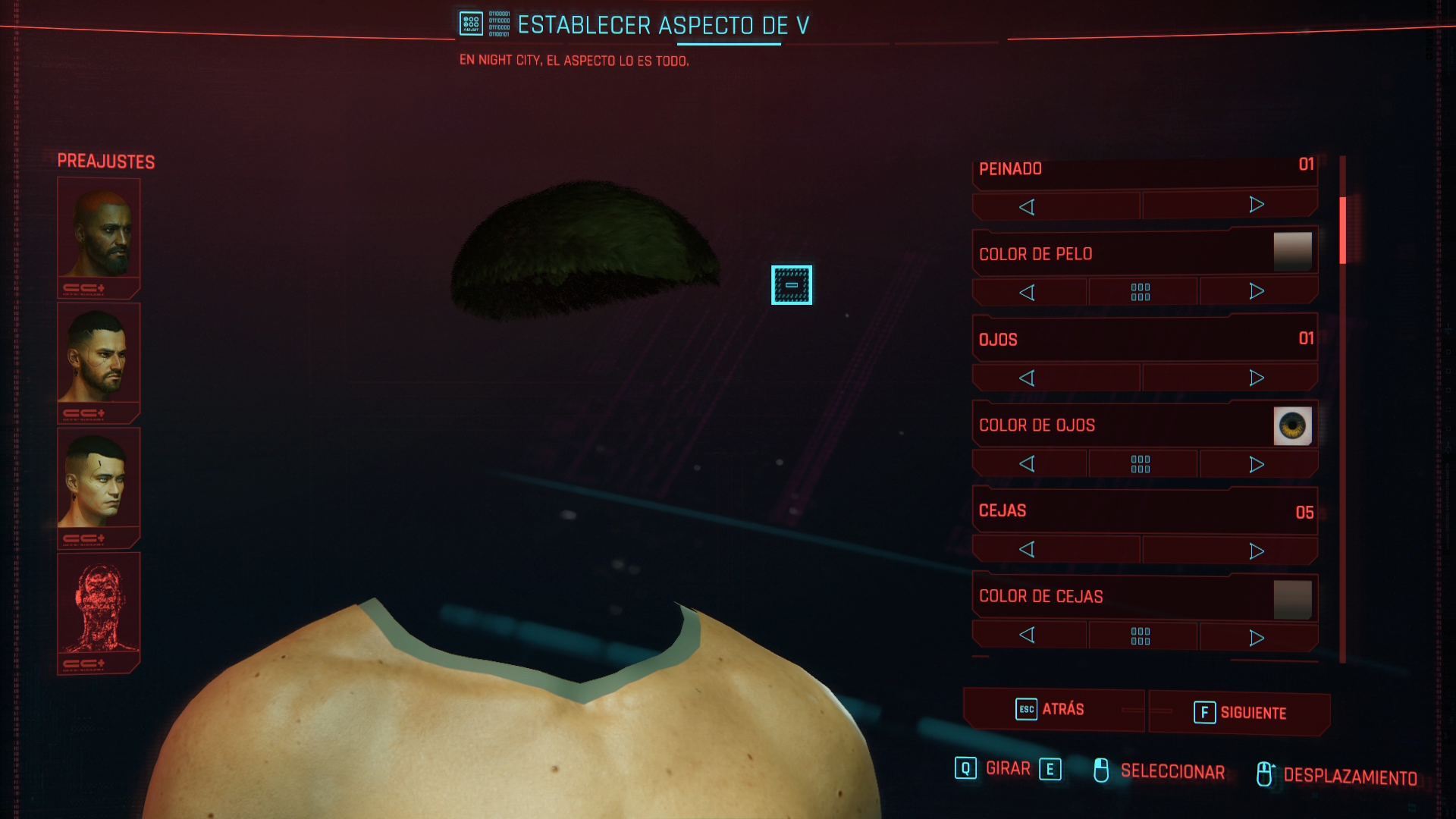
I have black characters during character creation. Have not went into the game since I need this fixed first.

I am on the latest mesa-git and latest proton. Tried lowering graphics and stuff but no success. AMD 5700 XT. Kernel 5.9.13.
@Skivet Try removing vulkan-mesa in addition to amdvlk. vulkaninfo should only show one device, like this:
plagman@redcore:~/src/mesa$ vulkaninfo 2>/dev/null| grep deviceID
deviceID       = 0x731f
I love you, thanks!!! Removed amdvlk and it works.
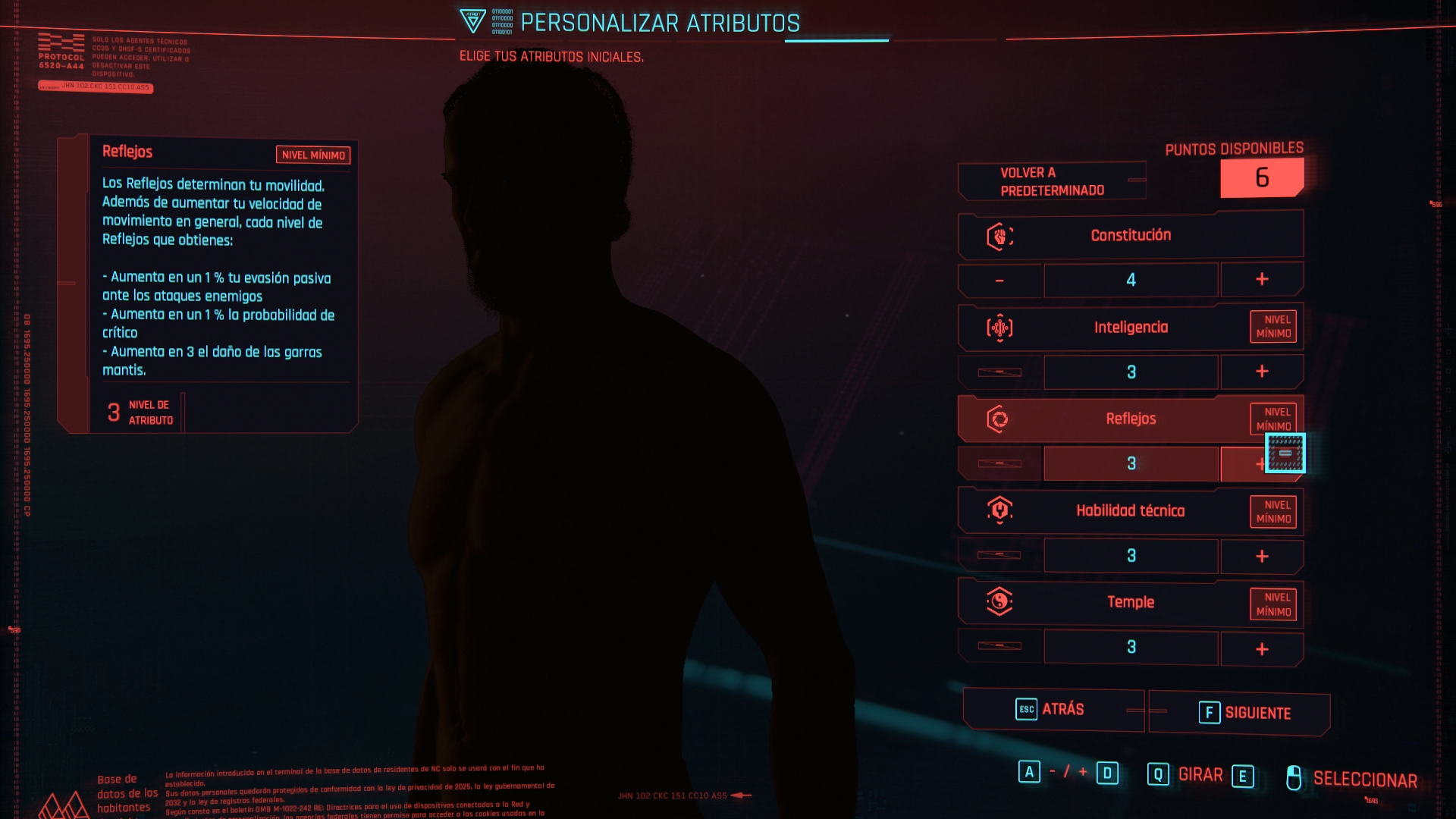
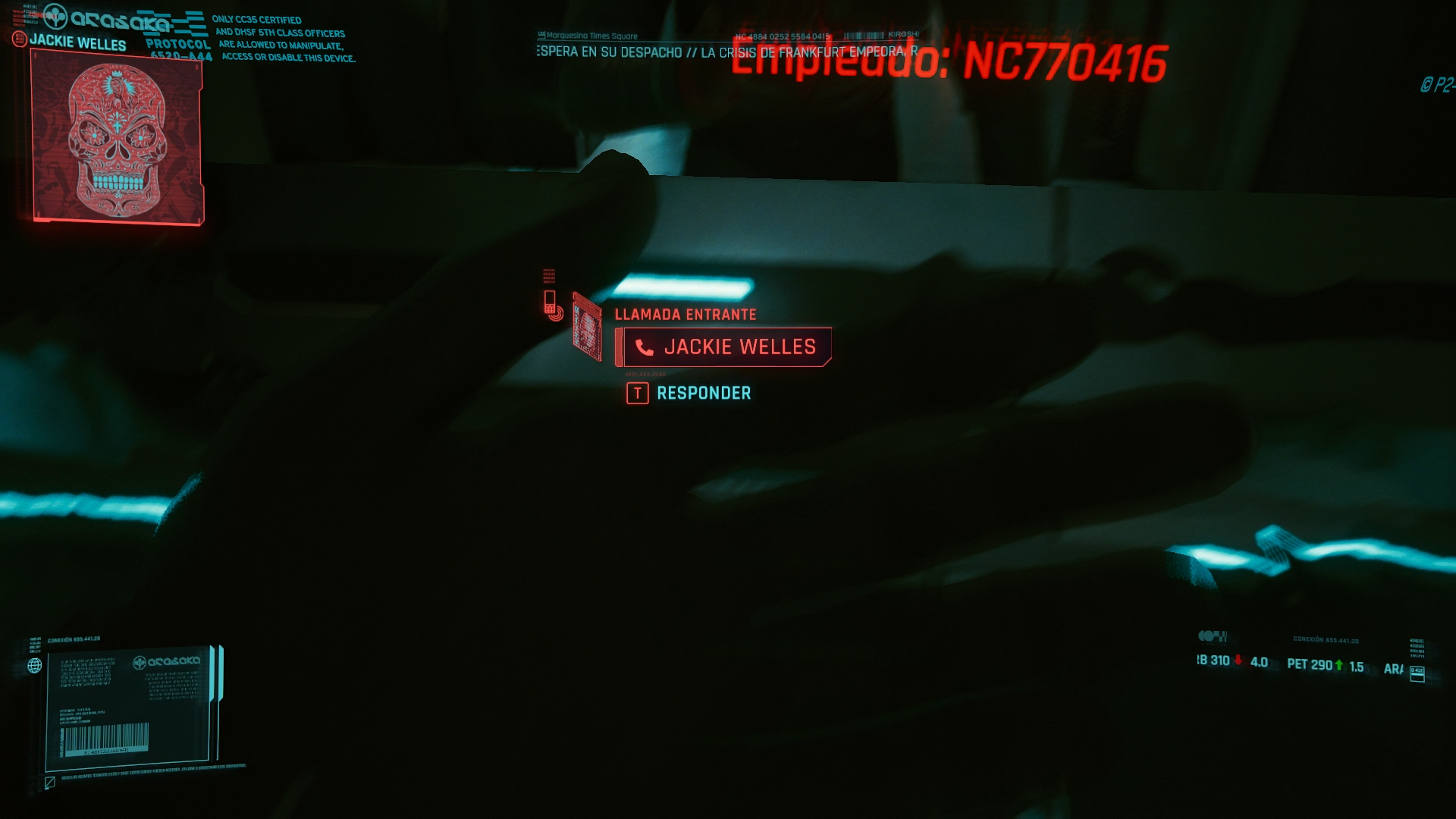
I have graphic problems too.
With proton 5.13 the faces doesn' appear.
With proton 5.21 the light is broken and the hair renders bad
- NVIDIA 2060
Screenshots
Linux - Ubuntu 20.04
Hardware info:
system_info.txt
I have graphic problems too.
With proton 5.13 the faces doesn' appear.
With proton 5.21 the light is broken and the hair renders bad
Linux - Ubuntu 20.04
Hardware info:
system_info.txt
you need to use 5.13-4 and have the latest nvidia driver 455.45.01
I have graphic problems too.
With proton 5.13 the faces doesn' appear.
With proton 5.21 the light is broken and the hair renders badLinux - Ubuntu 20.04
Hardware info:
system_info.txtyou need to use 5.13-4 and have the latest nvidia driver 455.45.01
This is crazy I use both and the game doesn't even start for me. :confused:
I have graphic problems too.
With proton 5.13 the faces doesn' appear.
With proton 5.21 the light is broken and the hair renders badLinux - Ubuntu 20.04
Hardware info:
system_info.txtyou need to use 5.13-4 and have the latest nvidia driver 455.45.01
Thanks man, you made my day!! :)
I confirm that now I can see the faces and seems playable
- (I have a weird feel about graphics (a lot of dots on textures) but that's another history)
Cyberpunk 2077 works on Proton 5.13-4 on Ubuntu 20.10, freezes sometimes. GTX 1650 4GB.
Missing textures in the character creator. Can be seen in the video.
https://youtu.be/CpOwopjS04Q?t=114
Cyberpunk 2077 works on Proton 5.13-4 on Ubuntu 20.10, freezes sometimes. GTX 1650 4GB.
Missing textures in the character creator. Can be seen in the video.
https://youtu.be/CpOwopjS04Q?t=114
what kernel are u using by chance? and is it a mobile 1650 chip?
Cyberpunk 2077 works on Proton 5.13-4 on Ubuntu 20.10, freezes sometimes. GTX 1650 4GB.
Missing textures in the character creator. Can be seen in the video.
https://youtu.be/CpOwopjS04Q?t=114what kernel are u using by chance? and is it a mobile 1650 chip?
- kernel temporarily I cannot check.
- It is a stacionarty computer with GTX 1650 4GB 75W. it is not a mobile version.
- Textures only fade away when I start modifying the face. in the standard default face everything looks ok.
- Memory DDR4 32GB, Ryzen 1700, SSD storage for the game Cyberpunk 2077.
Cyberpunk 2077 works on Proton 5.13-4 on Ubuntu 20.10, freezes sometimes. GTX 1650 4GB.
Missing textures in the character creator. Can be seen in the video.
https://youtu.be/CpOwopjS04Q?t=114what kernel are u using by chance? and is it a mobile 1650 chip?
- kernel temporarily I cannot check.
hmm the kernel part is mostly what im interested in after reading this post: https://www.reddit.com/r/pop_os/comments/kabd59/cyberpunk_works/
apparently 455.45.01 ISN'T neccessary.. and they installed mesa on a nvidia system which is weird but at this point i'm willing to try it to get this dang game to work
apparently 455.45.01 ISN'T neccessary.. and they installed mesa on a nvidia system which is weird but at this point i'm willing to try it to get this dang game to work
Yeah I feel the same. So mesa isn't required when using Nvidia graphics card?
apparently 455.45.01 ISN'T neccessary.. and they installed mesa on a nvidia system which is weird but at this point i'm willing to try it to get this dang game to work
Yeah I feel the same. So mesa isn't required on when using Nvidia graphics card?
no its for amd gpus. it seems sketchy to install it on a nvidia system so i'd like to test kernels first. gonna try using 5.1.8 by itself first (even though he said 5.18?) and then try with mesa from pop os repo if that fails. hopefully nothing breaks.
Keep us posted!
kernel 5.1.8 alone did not work. going to try to install mesa. not really quite sure how he went about this though...
Do you really think he meant 5.1.8? That'd be a really old kernel, no?
Regarding the audio issues, this seems to be the Windows fix: https://www.naguide.com/cyberpunk-2077-how-to-fix-audio-issues/ (in case anyone knows what the equivalent for us would be)
Do you really think he meant 5.1.8? That'd be a really old kernel, no?
thats what i thought too. i asked him that in the reddit thread as well. kinda just guessing until he clarifies..
while i can't get the game to proceed after the launcher it no longer crashes immediately with mesa installed from ppa:oibaf/graphics-drivers. doesn't seem to be conflicting with nvidia though. gonna try out a few more kernels and see what happens.
For cracking sound problem, here the fix.
WINEDLLOVERRIDES="xaudio2_7=n,b" PULSE_LATENCY_MSEC=90 %command%
WINEDLLOVERRIDES="xaudio2_7=n,b" PULSE_LATENCY_MSEC=90 %command%
No change here.
Cyberpunk 2077 works on Proton 5.13-4 on Ubuntu 20.10, freezes sometimes. GTX 1650 4GB.
Missing textures in the character creator. Can be seen in the video.
https://youtu.be/CpOwopjS04Q?t=114what kernel are u using by chance? and is it a mobile 1650 chip?
@typeitout

u managed to get it working with 450.80.02? interesting.. gonna try that out.
WINEDLLOVERRIDES="xaudio2_7=n,b" PULSE_LATENCY_MSEC=90 %command%
No change here.
I think his suggestion only applies to the crackling issues, not the missing sound issues.
u managed to get it working with 450.80.02? interesting.. gonna try that out.
No luck using Kernel 5.8.18 and 450.80.02 ... :confused:
Hello @stuffinator, can you check if temporarily disabling lavapipe with something like sudo mv /usr/share/vulkan/icd.d/lvp_icd.x86_64.json /usr/share/vulkan/icd.d/lvp_icd.x86_64.json.disabled has an effect?
I'm on Ubuntu Bionic 18.04, and had to do the following to get Cyberpunk to launch with my Nvidia GTX 1660 on Steam:
- Use Proton 5.13-4
- Remove
libgtk3-nocsd(andlibgtk3-nocsd0:i386to be safe) per https://github.com/ValveSoftware/Proton/issues/4278#issuecomment-715843927 - Upgrade kernel from 4.15.0-112-generic to 5.4.0-54-generic (installing all of
linux-headers-5.4.0-54-generic,linux-image-5.4.0-54-generic,linux-modules-5.4.0-54-generic, andlinux-modules-extra-5.4.0-54-genericso my keyboard&networking didn't break) - Upgrade to the 455.45.01 Nvidia driver
I'm not sure if every step there is required, but that's what I've done so far. Hopefully that is of use to someone.
Whatever you do it will not work correctly on Nvidia cards, because of missing Vulkan extension. It will be with missing objects and allot of crashes if start at all, just don't try it is pointless.
Having problems even getting the launcher to open. It's weird since everyone else in my situation seems to be okay.
Mesa Package
$ rpm -qa | grep mesa
mesa-dri-drivers-debuginfo-19.2.8-1.fc31.i686
mesa-debuginfo-19.2.8-1.fc31.x86_64
mesa-libGLw-devel-8.0.0-20.fc33.x86_64
mesa-libEGL-debuginfo-19.2.8-1.fc31.i686
mesa-debugsource-19.2.8-1.fc31.x86_64
mesa-libgbm-debuginfo-19.2.8-1.fc31.i686
mesa-debuginfo-19.2.8-1.fc31.i686
mesa-libglapi-debuginfo-19.2.8-1.fc31.i686
mesa-libGLw-8.0.0-20.fc33.x86_64
mesa-libGLU-devel-9.0.1-3.fc33.x86_64
mesa-debugsource-19.2.8-1.fc31.i686
mesa-libGLU-9.0.1-3.fc33.x86_64
mesa-libgbm-21.0.0-0.3.20201210.10.5998a65.fc33.x86_64
mesa-libglapi-21.0.0-0.3.20201210.10.5998a65.fc33.x86_64
mesa-filesystem-21.0.0-0.3.20201210.10.5998a65.fc33.x86_64
mesa-libEGL-21.0.0-0.3.20201210.10.5998a65.fc33.x86_64
mesa-libGL-21.0.0-0.3.20201210.10.5998a65.fc33.x86_64
mesa-filesystem-21.0.0-0.3.20201210.10.5998a65.fc33.i686
mesa-libGL-devel-21.0.0-0.3.20201210.10.5998a65.fc33.x86_64
mesa-libEGL-devel-21.0.0-0.3.20201210.10.5998a65.fc33.x86_64
mesa-dri-drivers-21.0.0-0.3.20201210.10.5998a65.fc33.x86_64
mesa-vdpau-drivers-21.0.0-0.3.20201210.10.5998a65.fc33.x86_64
mesa-libOpenCL-21.0.0-0.3.20201210.10.5998a65.fc33.x86_64
mesa-vulkan-drivers-21.0.0-0.3.20201210.10.5998a65.fc33.x86_64
mesa-libxatracker-21.0.0-0.3.20201210.10.5998a65.fc33.x86_64
mesa-libglapi-21.0.0-0.3.20201210.10.5998a65.fc33.i686
mesa-libgbm-21.0.0-0.3.20201210.10.5998a65.fc33.i686
mesa-libEGL-21.0.0-0.3.20201210.10.5998a65.fc33.i686
mesa-libEGL-devel-21.0.0-0.3.20201210.10.5998a65.fc33.i686
mesa-dri-drivers-21.0.0-0.3.20201210.10.5998a65.fc33.i686
mesa-libGL-21.0.0-0.3.20201210.10.5998a65.fc33.i686
mesa-vulkan-drivers-21.0.0-0.3.20201210.10.5998a65.fc33.i686
$ uname -a
Linux ben-workstation 5.9.12-200.fc33.x86_64 #1 SMP Wed Dec 2 15:16:37 UTC 2020 x86_64 x86_64 x86_64 GNU/Linux

$ cat /etc/redhat-release
Fedora release 33 (Thirty Three)

$ vulkaninfo 2>/dev/null| grep deviceID
	deviceID       = 0x67df

$ vulkaninfo 2>/dev/null| grep Mesa
VK_LAYER_MESA_overlay (Mesa Overlay layer) Vulkan version 1.1.73, layer version 1:
	driverInfo         = Mesa 21.0.0-devel (ACO)
	driverInfo                                           = Mesa 21.0.0-devel (ACO)
Using the built in proton 5.13.4 directly from steam client.
What I see:
Older versions of proton seem to be able to launch the launcher but the brand new version immediately exits. I can't find any error logs, no segfaults, just an instant close. Watching the process list shows the process start and immediately exit.
Does anyone have any suggestions to debug? I tried adding the env var to the launch config options in steam but only the old version of proton seems to get it to output anything
About ~60fps with rx 470 on 720p all low, anything higher it drops below 60fps. Not many visual bugs TBH.
Sound is what makes it kinda unplayable, you don't hear enemies at all, radio doesn't work and can't hear environmental NPCs.
You can only hear yourself and people you are talking to.
Also mesa-git broke my steam and all pages are black I'm only able to start Cyberpunk from taskbar.
Game works for me on Ubuntu 20.04 Kernel: 5.9.12-050912-generic Mesa 21.0.0-devel (git-3f0da80 2020-12-10 focal-oibaf-ppa) on Radeon RX 5700 XT. But there is a huge sound issue, missing almost all npc voices, music from radio, TV sound, shooting etc. And sadly in result this sound issue make game unplayable.
The sound issue seems to stem from some kinda surround sound mixing to stereo. People have been working around it by turning off spatial sound in Windows.
Works nearly flawlessly for me. ~40fps with default settings. I hear no radio or background NPC conversations, and the sound crackles. Otherwise it ran flawlessly out of the box.
Output of neofetch:
OS: Manjaro Linux x86_64
Kernel: 5.9.11-3-MANJARO
Uptime: 1 hour, 34 mins
Packages: 1971 (pacman)
Shell: bash 5.0.18
Resolution: 2560x1440
WM: i3
Theme: Breath-Dark [GTK3]
Icons: breeze-dark [GTK3]
Terminal: kitty
Terminal Font: IBM Plex for powerline 16.0
CPU: Intel i7-9700K (8) @ 4.900GHz
GPU: NVIDIA GeForce RTX 2080
Memory: 7088MiB / 32025MiB
@75AngryDucks The crackling could be fixed by using PULSE_LATENCY_MSEC=90 as a launch option.
The missing sound has no fix as far as I know, but seems to be an issue for some on Windows as well, with known fixes.
So perhaps there is an equivalent fix we can do, but so far no one has found one as far as I'm aware.
When you say it works flawlessly otherwise, does the game not crash a lot? As far as I know it crashes every 5-20 minutes or so when using Nvidia, for everyone.
@albin-engstrom I'll try that next time I launch.
I've been playing for a little less than an hour, with no crashes. The only glitches are the sound issues.
When trying to run on Steam, the game doesn't even launch. I am using Proton 5.13-4 and have installed the latest Mesa from their repo https://gitlab.freedesktop.org/mesa/mesa/-/tree/master . When running vulcaninfo, I am seeing the following in stderr.
ERROR: [Loader Message] Code 0 : /usr/lib/i386-linux-gnu/libvulkan_radeon.so: wrong ELF class: ELFCLASS32
ERROR: [Loader Message] Code 0 : /usr/lib/i386-linux-gnu/libvulkan_intel.so: wrong ELF class: ELFCLASS32
WARNING: lavapipe is not a conformant vulkan implementation, testing use only.
When I grep for the device ids in vulcaninfo I see 3 results.
    deviceID       = 0x731f
    deviceID       = 0x0000
    deviceID       = 0x731f
One of them is the latest RADV, the duplicate is an older RADV I am not sure how to get rid of, and the other one is llvmpipe. According to an earlier comment, there should only be one device here, but I am not sure how to fix that or if that is even the problem for me. Anyone else had a similar issue and can provide assistance?
neofetch output:
OS: Ubuntu 20.04.1 LTS x86_64
Host: MS-7C35 1.0
Kernel: 5.4.0-54-generic
Uptime: 13 hours, 31 mins
Packages: 3195 (dpkg), 6 (snap)
Shell: bash 5.0.17
Resolution: 1920x1080, 1920x1080
DE: Plasma
WM: KWin
WM Theme: Phoenix
Theme: Phoenix [Plasma], Breeze [GTK2/3]
Icons: Breeze Phoenix Dark [Plasma], Breeze Phoenix Dark [GTK2/3]
Terminal: konsole
CPU: AMD Ryzen 9 3900X (24) @ 3.800GHz
GPU: AMD ATI Radeon RX 5600 OEM/5600 XT / 5700/5700 XT
Memory: 8468MiB / 32125MiB
I've been able to get 5 times to the splash/log/GOG account screen with Proton 5.13-4 and with Proton-Ge 5.9-GE-ST. But can't open the game it closes and it takes an eternity to open that screen (Not inside the game yet) and judging by the 69 min counted by Steam, it got stuck at background. With SteamPlay and no force version, it downloads and install VCRedist every time I open it.
I am on Fedora 33 Kernel 5.9.11 NVIDIA GTX 1050 with driver 455.45.01. I also try on kernel 5.9.11-fsync and 5.9.12 that just installed, but as I am not sure if it will be really playable on my config. As reference I am also not able to play Death Stranding (says that my GTX 1050 is not compatible) which was working kind of 1 1/2 or two before. To check I opened No Man's Sky, Alien Isolation, Homesick, they are working
I can't test too much longer to not lose the right to refund.
[Edit]
Tried Death Stranding again after trying CP2077 and is taking also a longer time than it should be and also journalctl -f keeps showing:
dez 10 14:25:06 tars Cyberpunk 2077.desktop[275830]: Traceback (most recent call last):
dez 10 14:25:06 tars Cyberpunk 2077.desktop[275830]:   File "/mnt/480GB/Games/steamapps/common/Proton 5.0/proton", line 709, in <module>
dez 10 14:25:06 tars Cyberpunk 2077.desktop[275830]:     g_session.run()
dez 10 14:25:06 tars Cyberpunk 2077.desktop[275830]:   File "/mnt/480GB/Games/steamapps/common/Proton 5.0/proton", line 677, in run
dez 10 14:25:06 tars Cyberpunk 2077.desktop[275830]:     self.run_proc([g_proton.wine_bin, "steam"] + sys.argv[2:] + self.cmdlineappend)
dez 10 14:25:06 tars Cyberpunk 2077.desktop[275830]:   File "/mnt/480GB/Games/steamapps/common/Proton 5.0/proton", line 669, in run_proc
dez 10 14:25:06 tars Cyberpunk 2077.desktop[275830]:     subprocess.call(args, env=local_env, stderr=self.log_file, stdout=self.log_file)
dez 10 14:25:06 tars Cyberpunk 2077.desktop[275830]:   File "/usr/lib64/python3.9/subprocess.py", line 351, in call
dez 10 14:25:06 tars Cyberpunk 2077.desktop[275830]:     return p.wait(timeout=timeout)
dez 10 14:25:06 tars Cyberpunk 2077.desktop[275830]:   File "/usr/lib64/python3.9/subprocess.py", line 1185, in wait
dez 10 14:25:06 tars Cyberpunk 2077.desktop[275830]:     return self._wait(timeout=timeout)
dez 10 14:25:06 tars Cyberpunk 2077.desktop[275830]:   File "/usr/lib64/python3.9/subprocess.py", line 1915, in _wait
dez 10 14:25:06 tars Cyberpunk 2077.desktop[275830]:     (pid, sts) = self._try_wait(0)
dez 10 14:25:06 tars Cyberpunk 2077.desktop[275830]:   File "/usr/lib64/python3.9/subprocess.py", line 1873, in _try_wait
dez 10 14:25:06 tars Cyberpunk 2077.desktop[275830]:     (pid, sts) = os.waitpid(self.pid, wait_flags)
dez 10 14:25:06 tars Cyberpunk 2077.desktop[275830]: KeyboardInterrupt
dez 10 14:25:06 tars gamemoded[9894]: ERROR: Removal requested for unknown process [275849].
dez 10 14:25:06 tars Cyberpunk 2077.desktop[275849]: gamemodeauto:
dez 10 14:25:06 tars Cyberpunk 2077.desktop[275849]: pid 275849 != 275848, skipping destruction (fork without exec?)
dez 10 14:25:06 tars Cyberpunk 2077.desktop[268807]: Game removed: AppID 1249200 "", ProcID 275829
dez 10 14:25:06 tars Cyberpunk 2077.desktop[268807]: Uploaded AppInterfaceStats to Steam
dez 10 14:25:06 tars Cyberpunk 2077.desktop[268807]: Exiting app 1249200
Even with the game and trying to open another game. MangoHud is not even enabled for it.
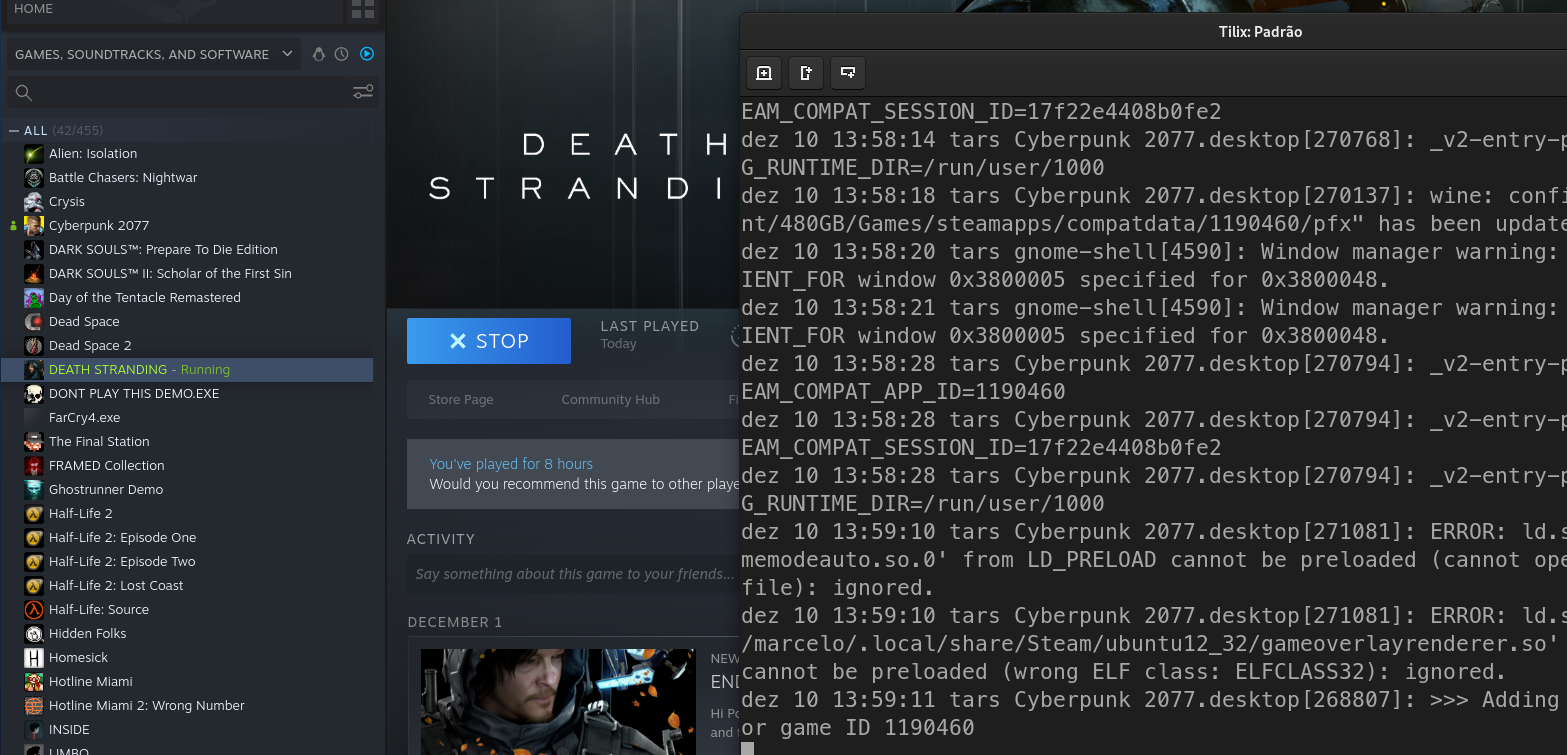
Ghostrunner Demo used to work very well, but is not and is also taking an extreme amount of time to open. I'll analyse further.
[Edit]
In the log, while trying Ghostrunner, there were some SELinux warnings/errors. I follow the own selinux warning advice and issued touch /.autorelabel and rebooted my machine (now kernel 5.9.12) and ran it with Proton 5.0-10, it ran with the defaults settings with no problems. After I changed to 5.13-4 and Experimental, both get stuck an it takes about 10min from I the time a click it to the time it closes itself.
In the log I catch this two lines showing the wrong version and after some SELinux blocking access to some files:
Proton: Upgrading prefix from 5.0-1 to 5.13-1 (/mnt/480GB/Games/steamapps/compatdata/1249200/)
dez 10 16:47:45 tars steam.desktop[10870]: esync: up and running.
...
SELinux /mnt/480GB/Games/steamapps/common/Proton 5.13/dist/bin/wine64-preloader
Cyberpunk still taking an eternity trying to get to the signinh screen, which is not reached with 5.13-4 and is jut getting to the siging screen and crashing after clicking Play.
@75AngryDucks About an hour in the game world actually playing, or does that count character creation as well?
The character creation seems stable, it's in the game world the crashes happen.
ERROR: [Loader Message] Code 0 : /usr/lib/i386-linux-gnu/libvulkan_radeon.so: wrong ELF class: ELFCLASS32
ERROR: [Loader Message] Code 0 : /usr/lib/i386-linux-gnu/libvulkan_intel.so: wrong ELF class: ELFCLASS32Got the same errors in my vulkaninfo. I'm on manjaro with a different kernel, but I'm also using Plasma / KWin.
Same on mine, however I think it's not a problem, x86-64 arch is fine to have that error, it's just that it probably bundles i386 libraries too for some reason
Crashes graphics with RX5700 and mesa-git after logo
As far as the PULSE_LATENCY_MSEC=90, from what I know you want the latency just high enough to get rid of the crackling but as low as possible otherwise. I had 90%+ reduction at 40.
For anyone whom experiencing hanging at CDPR logo at the beginning:
At least on my end cause of the hang is usage Mangohud with mangohud %command instead of MANGOHUD=1 %command%
Launcher of the game seems to be using OpenGL which mangohud command shows up on it with saying it is on GL , with MANGOHUD=1 you only enable Vulkan layer which is what game needs anyway since it is on Vkd3d-proton.
I can repro this all the time on my end , might worth to give it a try.
@albin-engstrom 72 minutes total playtime now, probably more than an hour post-character creation. No crashes, only minor crackles and missing background music/conversations. I'm honestly really surprised it works this well for me running an NVIDIA day one.
EDIT: Just experienced my first freeze, triggered by activating a mirror.
In my case it simply crashes sometimes showing launcher window.
System Information
Computer Information:
    Manufacturer:  Unknown
    Model:  Unknown
    Form Factor: Desktop
    No Touch Input Detected

Processor Information:
    CPU Vendor:  GenuineIntel
    CPU Brand:         Intel(R) Core(TM) i7-2600K CPU @ 3.40GHz
    CPU Family:  0x6
    CPU Model:  0x2a
    CPU Stepping:  0x7
    CPU Type:  0x0
    Speed:  3800 Mhz
    8 logical processors
    4 physical processors
    HyperThreading:  Supported
    FCMOV:  Supported
    SSE2:  Supported
    SSE3:  Supported
    SSSE3:  Supported
    SSE4a:  Unsupported
    SSE41:  Supported
    SSE42:  Supported
    AES:  Supported
    AVX:  Supported
    AVX2:  Unsupported
    AVX512F:  Unsupported
    AVX512PF:  Unsupported
    AVX512ER:  Unsupported
    AVX512CD:  Unsupported
    AVX512VNNI:  Unsupported
    SHA:  Unsupported
    CMPXCHG16B:  Supported
    LAHF/SAHF:  Supported
    PrefetchW:  Unsupported

Operating System Version:
    Debian GNU/Linux bullseye/sid (64 bit)
    Kernel Name:  Linux
    Kernel Version:  5.8.0-1-amd64
    X Server Vendor:  The X.Org Foundation
    X Server Release:  12008000
    X Window Manager:  Metacity (Marco)
    Steam Runtime Version:  steam-runtime_0.20201203.1

Video Card:
    Driver:  NVIDIA Corporation GeForce GTX 1060 6GB/PCIe/SSE2
    Driver Version:  4.6.0 NVIDIA 455.45.01
    OpenGL Version: 4.6
    Desktop Color Depth: 24 bits per pixel
    Monitor Refresh Rate: 59 Hz
    VendorID:  0x10de
    DeviceID:  0x1c03
    Revision Not Detected
    Number of Monitors:  2
    Number of Logical Video Cards:  1
    Primary Display Resolution:  2560 x 1440
    Desktop Resolution: 5120 x 1440
    Primary Display Size: 23.50" x 13.23" (26.97" diag)
                                            59.7cm x 33.6cm (68.5cm diag)
    Primary Bus: PCI Express 16x
    Primary VRAM: 6144 MB
    Supported MSAA Modes:  2x 4x 8x 16x

Sound card:
    Audio device: Realtek ALC889

Memory:
    RAM:  15998 Mb

VR Hardware:
    VR Headset: None detected

Miscellaneous:
    UI Language:  English
    LANG:  ru_RU.UTF-8
    Total Hard Disk Space Available:  7502572 Mb
    Largest Free Hard Disk Block:  61563 Mb
Game works great for me (minus some graphical glitches). However when I start the mission "The Heist" and get in the car the game always crashes at some point during the journey.
I found some logs but not sure if they're the cause of the issue or if they're a sympton of the crash.
If anybody can suggest a good way to get decent logs out please let me know and I'll post them here.
OS: Ubuntu 20.04.1 LTS x86_64
Host: Z390 AORUS ULTRA
Kernel: 5.4.0-56-generic
Resolution: 3440x1440
DE: GNOME
WM: Mutter
CPU: Intel i9-9900K (16) @ 5.000GHz
GPU: NVIDIA GeForce RTX 2080 Ti Rev.
Memory: 3949MiB / 32046MiB
Nvidia Drivers: nvidia-driver-455
Proton: 5.13-4
Game always crashes here:
Some more info on my case:
System:
- Arch Linux
AMD 1700 @ 3.6Ghz
AMD RX5700XT Undervolted @ 1900Mhz
16 GB RAM
Mesa GIT
- The launcher well, launches, but I can't sign in from it.
- I booted a Windows 10 with the game
On ultra with a minor tweak getting almost 60 FPS on Windows 10. Getting 54 FPS on Linux. (I would say it's impressive the performance we are getting for a DX12 title). BUT the framepacing is WAY WORSE. So this almost 60 FPS feel really choppy on Linux and quite nice on Windows.
I'm not complaining, just providing some info for people who may come here. Hoping this framepacing issues could get fixed though.
@75AngryDucks Okay, that is an unusually long time before a crash/freeze as far as I'm aware. But it may possibly be entirely down to luck, the crashes seem mostly random. Things that trigger it once might not the next time, and sometimes it happens without one doing anything specific.
It's close enough in time to likely be about the same level of stability all Nvidia users are dealing with.
Still stuck on the "Preparing to launch" window on my RX 6800XT, with nothing coming up, I saw someone being able to run it with my same config in the Arch forum but still no luck for me.
System info:
https://gist.github.com/yoyossef/26c1eac92100d7097b36fc7e8465998b
Logs:
steam-1091500.log
Vulkaninfo:
vkinfo.txt
└─╼ vulkaninfo 2>/dev/null| grep deviceID
        deviceID       = 0x73bf
It's a shot in the dark, but maybe somebody could help me like the others. All I get is a black screen on launch.
Ubuntu 20.04
AMD 7970
GOG release of the game
Proton 5.13-4 compiled from Git with "make redist"
ppa:oibaf/graphics-drivers to install Mesa 21.0
vulkaninfo.txt
vulkaninfo 2>/dev/null| grep deviceID deviceID = 0x6798
Result of ~/proton-5.13-4/bin$ ./wine ~/Games/Cyberpunk2077/bin/x64/Cyberpunk2077.exe
protonlog.txt
When added as an external game from the Steam client it refuses to try and even launch the game. I have to fix the path besides setting the Proton version to 5.13-4 manually and it just doesn't even try to launch. Thus I compiled Proton myself and ran the wine executable manually. Others are mentioning they needed vkd3d-proton, but in my logs it shows I already have it, probably because I did --recurse-submodules while cloning.
Getting the same error as @dodgyville now which incidentally pops up here as well: https://github.com/ValveSoftware/Proton/issues/4422
In my case it simply crashes sometimes showing launcher window.
System Information
For me it shows the launcher every time at least, but crashes when I try to actually play.
Has anyone come up with any adjustments to Pulseaudio configuration that fix the audio problems? I tried adjusting various options in /etc/pulse/daemon.conf with no success. Windows users are disabling Windows Spatial Sound settings to fix it. The game seems to want 7.1 surround sound but most people do not have this.
@megatog615
Has anyone come up with any adjustments to Pulseaudio configuration that fix the audio problems? I tried adjusting various options in /etc/pulse/daemon.conf with no success. Windows users are disabling Windows Spatial Sound settings to fix it.
You can try the this launch option, seems to clear up the crackling (not sure if it'll help with the 7.1 tho): WINEDLLOVERRIDES="xaudio2_7=n,b" PULSE_LATENCY_MSEC=90 %command%
OS: EndeavourOS (Arch-derivative)
GPU: RTX 2080 Ti
Nvidia Driver: 455.45.01
RAM: 32GBs
HDD Speed: 7200 RPM
(Steam Release)
Game runs and plays fine for me but it frequently freezes at different intervals and 4K (mostly) high performance on my 2080 Ti has been pretty garbage. Doing that keeps it around 30 frames.
Can get ~50FPS at 1440p but ONLY if I use a setting to reduce texture rending even further than that...
Has anyone come up with any adjustments to Pulseaudio configuration that fix the audio problems? I tried adjusting various options in /etc/pulse/daemon.conf with no success. Windows users are disabling Windows Spatial Sound settings to fix it.
You can try the this launch option, seems to clear up the crackling (not sure if it'll help with the 7.1 tho):
WINEDLLOVERRIDES="xaudio2_7=n,b" PULSE_LATENCY_MSEC=90 %command%
There is almost no audio crackling for me. I just want to hear the whole game. The game is so close to being playable.
@megatog615 As far as I know there is no known fix for the missing sound, but hopefully the fix for Windows can lead someone in the right direction to find something equivalent to do on Linux.
@megatog615
From above, I think that's a known issue that Valve are looking at
https://github.com/ValveSoftware/Proton/wiki/Changelog#513-4 notes that the game currently needs Proton 5.13-4 or newer and mesa git. That implies that Proton builds older than today will not work and there's more issues to be worked out between the game, vkd3d-proton, and the nVidia proprietary driver.
From @Plagman posted at [#4450 (comment)](https://github.com/ValveSoftware/Proton/issues/4450#issuecomment-742229069):
There's a couple of known sound issues by now:

    No enemy gunshot sounds
    No car radio
    No background NPC dialogue
I think I found the location in my syslog that's the reason for the crash ... a call to an unimplemented function, directly after the process for the game is created. Mayby someone with more experience could look into it? Maybe this helps some dev to debug the startup crashes?!
(the important stuff is at the beginning of the log, I think)
Edit: it could also be this error (also mentioned earlier in this issue):
Unhandled Exception: System.NotImplementedException: Managed.TextFormatting.FullTextLine.GetRunMetrics for MS.Internal.Text.TextSpanModifier
Collapsed, because long
Dec 10 20:00:13 xx-xxx budgie-panel.desktop[11112]: >>> Adding process 15674 for game ID 1091500
Dec 10 20:00:13 xx-xxx budgie-panel.desktop[11112]: >>> Adding process 15689 for game ID 1091500
Dec 10 20:00:14 xx-xxx budgie-panel.desktop[11112]: Game update: AppID 1091500 "", ProcID 15657, IP 0.0.0.0:0
Dec 10 20:00:14 xx-xxx budgie-panel.desktop[11112]: RecordSteamInterfaceCreation (PID 15657): SteamUtils010 /
Dec 10 20:00:14 xx-xxx budgie-panel.desktop[11112]: RecordSteamInterfaceCreation (PID 15657): SteamUser021 / User
Dec 10 20:00:14 xx-xxx budgie-panel.desktop[11112]: RecordSteamInterfaceCreation (PID 15657): SteamUser021 /
Dec 10 20:00:14 xx-xxx budgie-panel.desktop[11112]: RecordSteamInterfaceCreation (PID 15657): STEAMUSERSTATS_INTERFACE_VERSION012 /
Dec 10 20:00:14 xx-xxx budgie-panel.desktop[15657]: wine: Call from 000000007BC2F798 to unimplemented function #005.�3�H��[���������������H��8#017��I�P H��t#034�[#015](/issue/ValveSoftware/Proton/015)�]�, aborting Dec 10 20:00:14 xx-xxx budgie-panel.desktop[15657]: wine: Unimplemented function [#005](/issue/ValveSoftware/Proton/005).�3�H��[���������������H��8#017��I�P H��t#034�#015�]� called at address 000000007BC2F798 (thread 041c), starting debugger...
Dec 10 20:00:15 xx-xxx budgie-panel.desktop[15761]: ERROR: ld.so: object '/home/xx/.local/share/Steam/ubuntu12_32/gameoverlayrenderer.so' from LD_PRELOAD cannot be preloaded (wrong ELF class: ELFCLASS32): ignored.
Dec 10 20:00:15 xx-xxx budgie-panel.desktop[11112]: >>> Adding process 15761 for game ID 1091500
Dec 10 20:00:15 xx-xxx budgie-panel.desktop[15761]: Unhandled exception: unimplemented function #005.�3�H��`[���������������H��8#017��I�P H��t#034�#015�]� called in 64-bit code (0x000000007bc2f798).
Dec 10 20:00:15 xx-xxx budgie-panel.desktop[15761]: Register dump:
Dec 10 20:00:15 xx-xxx budgie-panel.desktop[15761]: rip:000000007bc2f798 rsp:000000000031c820 rbp:0000000000000000 eflags:00000202 ( - -- I - - - )
Dec 10 20:00:15 xx-xxx budgie-panel.desktop[15761]: rax:0000000180000100 rbx:000000000031c840 rcx:000000000031c840 rdx:0000000142a80479
Dec 10 20:00:15 xx-xxx budgie-panel.desktop[15761]: rsi:00000001437bc71a rdi:00000001437ba168 r8:0000000000000000 r9:00000000c0000005 r10:0000000000000002
Dec 10 20:00:15 xx-xxx budgie-panel.desktop[15761]: r11:0000000002a803c0 r12:0000000000000000 r13:000000000031c9a0 r14:000000013fff8000 r15:0000000142a80380
Dec 10 20:00:15 xx-xxx budgie-panel.desktop[15761]: Stack dump:
Dec 10 20:00:15 xx-xxx budgie-panel.desktop[15761]: 0x000000000031c820: 000000000031c840 0000000142a7f89f
Dec 10 20:00:15 xx-xxx budgie-panel.desktop[15761]: 0x000000000031c830: 000000000031c920 0000000000000000
Dec 10 20:00:15 xx-xxx budgie-panel.desktop[15761]: 0x000000000031c840: 0000000180000100 0000000000000000
Dec 10 20:00:15 xx-xxx budgie-panel.desktop[15761]: 0x000000000031c850: 000000007bc2f798 0000000100000002
Dec 10 20:00:15 xx-xxx budgie-panel.desktop[15761]: 0x000000000031c860: 000000000031cf80 0000000142a80479
Dec 10 20:00:15 xx-xxx budgie-panel.desktop[15761]: 0x000000000031c870: 0000000000000400 000000014304ade0
Dec 10 20:00:15 xx-xxx budgie-panel.desktop[15761]: 0x000000000031c880: 0000000000000418 0000000000000260
Dec 10 20:00:15 xx-xxx budgie-panel.desktop[15761]: 0x000000000031c890: 00000000000296e0 0000000142a7fbca
Dec 10 20:00:15 xx-xxx budgie-panel.desktop[15761]: 0x000000000031c8a0: 000000000031c9b0 000000000031c990
Dec 10 20:00:15 xx-xxx budgie-panel.desktop[15761]: 0x000000000031c8b0: 000000007e4c6400 00007f9486df9f39
Dec 10 20:00:15 xx-xxx budgie-panel.desktop[15761]: 0x000000000031c8c0: 000000013fff8000 000000000031cf80
Dec 10 20:00:15 xx-xxx budgie-panel.desktop[15761]: 0x000000000031c8d0: 000000007bc6e9e0 0000000000000000
Dec 10 20:00:15 xx-xxx budgie-panel.desktop[15761]: Backtrace:
Dec 10 20:00:15 xx-xxx budgie-panel.desktop[15761]: =>0 0x000000007bc2f798 EntryPoint+0xffffffffffffffff() in ntdll (0x0000000000000000)
Dec 10 20:00:15 xx-xxx budgie-panel.desktop[15761]: 1 0x0000000142a80479 EntryPoint+0x1028d539c() in cyberpunk2077 (0x0000000000000000)
Dec 10 20:00:15 xx-xxx budgie-panel.desktop[15761]: 2 0x000000007bc2890e EntryPoint+0xffffffffffffffff() in ntdll (0x0000000000000000)
Dec 10 20:00:15 xx-xxx budgie-panel.desktop[15761]: 3 0x000000007bc5f80a EntryPoint+0xffffffffffffffff() in ntdll (0x000000007bc7f8d0)
Dec 10 20:00:15 xx-xxx budgie-panel.desktop[15761]: 4 0x000000007bc5d998 EntryPoint+0xffffffffffffffff() in ntdll (0x000000000031d0a0)
Dec 10 20:00:15 xx-xxx budgie-panel.desktop[15761]: 5 0x0000000031b3396a EntryPoint+0xffffffffffffffff() in d3d12 (0x000000000031d1c0)
Dec 10 20:00:15 xx-xxx budgie-panel.desktop[15761]: 6 0x0000000031b336fb EntryPoint+0xffffffffffffffff() in d3d12 (0x0000000000000000)
Dec 10 20:00:15 xx-xxx budgie-panel.desktop[15761]: 7 0x0000000031b344ce EntryPoint+0xffffffffffffffff() in d3d12 (0x0000000000000001)
Dec 10 20:00:15 xx-xxx budgie-panel.desktop[15761]: 8 0x0000000031b35362 EntryPoint+0xffffffffffffffff() in d3d12 (0x0000000000000001)
Dec 10 20:00:15 xx-xxx budgie-panel.desktop[15761]: 9 0x0000000031b35454 EntryPoint+0xffffffffffffffff() in d3d12 (0x000000000294a340)
Dec 10 20:00:15 xx-xxx budgie-panel.desktop[15761]: 10 0x0000000031b35dac EntryPoint+0xffffffffffffffff() in d3d12 (0x000000000294a340)
Dec 10 20:00:15 xx-xxx budgie-panel.desktop[15761]: 11 0x0000000142b9b84f EntryPoint+0x1029f0772() in cyberpunk2077 (0x000000000031db80)
Dec 10 20:00:15 xx-xxx budgie-panel.desktop[15761]: 12 0x000000014260a50a EntryPoint+0x10245f42d() in cyberpunk2077 (0x000000000031ef29)
Dec 10 20:00:15 xx-xxx budgie-panel.desktop[15761]: 13 0x0000000140a9bc77 EntryPoint+0x1008f0b9a() in cyberpunk2077 (0x000000000031f090)
Dec 10 20:00:15 xx-xxx budgie-panel.desktop[15761]: 14 0x0000000141656787 EntryPoint+0x1014ab6aa() in cyberpunk2077 (0x000000000031f2e9)
Dec 10 20:00:15 xx-xxx budgie-panel.desktop[15761]: 15 0x000000014288832b EntryPoint+0x1026dd24e() in cyberpunk2077 (0x000000000031f2e9)
Dec 10 20:00:15 xx-xxx budgie-panel.desktop[15761]: 16 0x0000000140a98649 EntryPoint+0x1008ed56c() in cyberpunk2077 (0x000000000031f450)
Dec 10 20:00:15 xx-xxx budgie-panel.desktop[15761]: 17 0x0000000140a950c1 EntryPoint+0x1008e9fe4() in cyberpunk2077 (0x000000000031f640)
Dec 10 20:00:15 xx-xxx budgie-panel.desktop[15761]: 18 0x0000000140a93a62 EntryPoint+0x1008e8985() in cyberpunk2077 (0x000000000031ffd0)
Dec 10 20:00:15 xx-xxx budgie-panel.desktop[15761]: 19 0x00000001401aa93b EntryPoint+0xfffff85e() in cyberpunk2077 (0x000000000031ffd0)
Dec 10 20:00:15 xx-xxx budgie-panel.desktop[15761]: 20 0x00000001401aa9a1 EntryPoint+0xfffff8c4() in cyberpunk2077 (0x000000000031ffd0)
Dec 10 20:00:15 xx-xxx budgie-panel.desktop[15761]: 21 0x00000001401ab06e EntryPoint+0xffffff91() in cyberpunk2077 (0x000000000031ffd0)
Dec 10 20:00:15 xx-xxx budgie-panel.desktop[15761]: 22 0x000000007b64ae76 in kernel32 (+0x3ae75) (0x000000000031ffd0)
Dec 10 20:00:15 xx-xxx budgie-panel.desktop[15761]: 0x000000007bc2f798 EntryPoint+0xffffffffffffffff in ntdll: jmp#0110x000000007bc2f790 EntryPoint+0xffffffffffffffff
Dec 10 20:00:15 xx-xxx budgie-panel.desktop[15761]: Modules:
Dec 10 20:00:15 xx-xxx budgie-panel.desktop[15761]: Module#011Address#011#011#011#011#011Debug info#011Name (89 modules)
Dec 10 20:00:15 xx-xxx budgie-panel.desktop[15761]: PE#011 320000- 4f4000#011Deferred icuuc
Dec 10 20:00:15 xx-xxx budgie-panel.desktop[15761]: PE#011 500000- 503000#011Deferred icudt
Dec 10 20:00:15 xx-xxx budgie-panel.desktop[15761]: PE#011 510000- 5a9000#011Deferred msvcp140
Dec 10 20:00:15 xx-xxx budgie-panel.desktop[15761]: PE#011 5b0000- 5c7000#011Deferred vcruntime140
Dec 10 20:00:15 xx-xxx budgie-panel.desktop[15761]: PE#011 5d0000- 12ae000#011Deferred galaxy64
Dec 10 20:00:15 xx-xxx budgie-panel.desktop[15761]: PE#011 12b0000- 132d000#011Deferred bink2w64
Dec 10 20:00:15 xx-xxx budgie-panel.desktop[15761]: PE#011 1330000- 13ea000#011Deferred winmm
Dec 10 20:00:15 xx-xxx budgie-panel.desktop[15761]: PE#011 13f0000- 15e9000#011Deferred physx3common_x64
Dec 10 20:00:15 xx-xxx budgie-panel.desktop[15761]: PE#011 15f0000- 167f000#011Deferred physx3characterkinematic_x64
Dec 10 20:00:15 xx-xxx budgie-panel.desktop[15761]: PE#011 1680000- 170b000#011Deferred pxfoundation_x64
Dec 10 20:00:15 xx-xxx budgie-panel.desktop[15761]: PE#011 1710000- 17b5000#011Deferred physx3cooking_x64
Dec 10 20:00:15 xx-xxx budgie-panel.desktop[15761]: PE#011 17c0000- 1a43000#011Deferred physx3_x64
Dec 10 20:00:15 xx-xxx budgie-panel.desktop[15761]: PE#011 1a50000- 1c51000#011Deferred nrd
Dec 10 20:00:15 xx-xxx budgie-panel.desktop[15761]: PE#011 1c60000- 1c7e000#011Deferred redlexer_native
Dec 10 20:00:15 xx-xxx budgie-panel.desktop[15761]: PE#011 1c90000- 1f57000#011Deferred d3d11
Dec 10 20:00:15 xx-xxx budgie-panel.desktop[15761]: PE#011 1f60000- 1fcb000#011Deferred libcurl
Dec 10 20:00:15 xx-xxx budgie-panel.desktop[15761]: PE#011 1fd0000- 1ffd000#011Deferred amd_ags_x64
Dec 10 20:00:15 xx-xxx budgie-panel.desktop[15761]: PE#011 2000000- 2133000#011Deferred oo2ext_7_win64
Dec 10 20:00:15 xx-xxx budgie-panel.desktop[15761]: PE#011 30070000- 30079000#011Deferred gameservicessteam
Dec 10 20:00:15 xx-xxx budgie-panel.desktop[15761]: PE#011 30080000- 30268000#011Deferred gameoverlayrenderer64
Dec 10 20:00:15 xx-xxx budgie-panel.desktop[15761]: PE#011 31b30000- 31d0e000#011Export d3d12
Dec 10 20:00:15 xx-xxx budgie-panel.desktop[15761]: PE#011 61540000- 61548000#011Deferred api-ms-win-crt-locale-l1-1-0
Dec 10 20:00:15 xx-xxx budgie-panel.desktop[15761]: PE#011 61900000- 6192b000#011Deferred sechost
Dec 10 20:00:15 xx-xxx budgie-panel.desktop[15761]: PE#011 61f80000- 61f8a000#011Deferred normaliz
Dec 10 20:00:15 xx-xxx budgie-panel.desktop[15761]: PE#011 620c0000- 620c8000#011Deferred api-ms-win-crt-filesystem-l1-1-0
Dec 10 20:00:15 xx-xxx budgie-panel.desktop[15761]: PE#011 63140000- 63149000#011Deferred api-ms-win-crt-runtime-l1-1-0
Dec 10 20:00:15 xx-xxx budgie-panel.desktop[15761]: PE#011 63800000- 63808000#011Deferred api-ms-win-crt-heap-l1-1-0
Dec 10 20:00:15 xx-xxx budgie-panel.desktop[15761]: PE#011 638c0000- 638ce000#011Deferred dwmapi
Dec 10 20:00:15 xx-xxx budgie-panel.desktop[15761]: PE#011 64940000- 64959000#011Deferred shcore
Dec 10 20:00:15 xx-xxx budgie-panel.desktop[15761]: PE#011 64b80000- 64b8f000#011Deferred hid
Dec 10 20:00:15 xx-xxx budgie-panel.desktop[15761]: PE#011 64d40000- 64d4f000#011Deferred vulkan-1
Dec 10 20:00:15 xx-xxx budgie-panel.desktop[15761]: PE#011 65000000- 65143000#011Deferred ole32
Dec 10 20:00:15 xx-xxx budgie-panel.desktop[15761]: PE#011 65600000- 6561e000#011Deferred xinput1_3
Dec 10 20:00:15 xx-xxx budgie-panel.desktop[15761]: PE#011 65680000- 65688000#011Deferred api-ms-win-core-sysinfo-l1-2-1
Dec 10 20:00:15 xx-xxx budgie-panel.desktop[15761]: PE#011 65780000- 6578e000#011Deferred version
Dec 10 20:00:15 xx-xxx budgie-panel.desktop[15761]: PE#011 66200000- 663e3000#011Deferred dbghelp
Dec 10 20:00:15 xx-xxx budgie-panel.desktop[15761]: PE#011 66440000- 66461000#011Deferred msacm32
Dec 10 20:00:15 xx-xxx budgie-panel.desktop[15761]: PE#011 66800000- 6680d000#011Deferred mswsock
Dec 10 20:00:15 xx-xxx budgie-panel.desktop[15761]: PE#011 67740000- 67779000#011Deferred wbemprox
Dec 10 20:00:15 xx-xxx budgie-panel.desktop[15761]: PE#011 688c0000- 688cd000#011Deferred powrprof
Dec 10 20:00:15 xx-xxx budgie-panel.desktop[15761]: PE#011 68a40000- 68a94000#011Deferred shlwapi
Dec 10 20:00:15 xx-xxx budgie-panel.desktop[15761]: PE#011 68ac0000- 68ac7000#011Deferred api-ms-win-crt-time-l1-1-0
Dec 10 20:00:15 xx-xxx budgie-panel.desktop[15761]: PE#011 69040000- 6916a000#011Deferred dxvk_config
Dec 10 20:00:15 xx-xxx budgie-panel.desktop[15761]: PE#011 69380000- 69389000#011Deferred api-ms-win-crt-stdio-l1-1-0
Dec 10 20:00:15 xx-xxx budgie-panel.desktop[15761]: PE#011 69b80000- 69b87000#011Deferred api-ms-win-crt-environment-l1-1-0
Dec 10 20:00:15 xx-xxx budgie-panel.desktop[15761]: PE#011 6a100000- 6a231000#011Deferred oleaut32
Dec 10 20:00:15 xx-xxx budgie-panel.desktop[15761]: PE#011 6a4c0000- 6a4c8000#011Deferred api-ms-win-crt-utility-l1-1-0
Dec 10 20:00:15 xx-xxx budgie-panel.desktop[15761]: PE#011 6a700000- 6a77f000#011Deferred setupapi
Dec 10 20:00:15 xx-xxx budgie-panel.desktop[15761]: PE#011 6b2c0000- 6b340000#011Deferred wininet
Dec 10 20:00:15 xx-xxx budgie-panel.desktop[15761]: PE#011 6b880000- 6b887000#011Deferred api-ms-win-core-fibers-l1-1-1
Dec 10 20:00:15 xx-xxx budgie-panel.desktop[15761]: PE#011 6bec0000- 6bed9000#011Deferred imm32
Dec 10 20:00:15 xx-xxx budgie-panel.desktop[15761]: PE#011 6c100000- 6c108000#011Deferred api-ms-win-appmodel-runtime-l1-1-2
Dec 10 20:00:15 xx-xxx budgie-panel.desktop[15761]: PE#011 6c600000- 6c607000#011Deferred api-ms-win-security-systemfunctions-l1-1-0
Dec 10 20:00:15 xx-xxx budgie-panel.desktop[15761]: PE#011 6d580000- 6d589000#011Deferred api-ms-win-crt-convert-l1-1-0
Dec 10 20:00:15 xx-xxx budgie-panel.desktop[15761]: PE#011 6d9c0000- 6d9e0000#011Deferred mpr
Dec 10 20:00:15 xx-xxx budgie-panel.desktop[15761]: PE#011 6dc00000- 6dc08000#011Deferred api-ms-win-appmodel-runtime-l1-1-1
Dec 10 20:00:15 xx-xxx budgie-panel.desktop[15761]: PE#011 6dd80000- 6dd89000#011Deferred api-ms-win-crt-string-l1-1-0
Dec 10 20:00:15 xx-xxx budgie-panel.desktop[15761]: PE#011 6e340000- 6e348000#011Deferred api-ms-win-core-synch-l1-2-0
Dec 10 20:00:15 xx-xxx budgie-panel.desktop[15761]: PE#011 6e6c0000- 6e6c8000#011Deferred api-ms-win-core-localization-l1-2-1
Dec 10 20:00:15 xx-xxx budgie-panel.desktop[15761]: PE#011 6fbc0000- 6fc46000#011Deferred rpcrt4
Dec 10 20:00:15 xx-xxx budgie-panel.desktop[15761]: PE#011 70580000- 7058a000#011Deferred api-ms-win-crt-math-l1-1-0
Dec 10 20:00:15 xx-xxx budgie-panel.desktop[15761]: PE#011 7a850000- 7a854000#011Deferred opengl32
Dec 10 20:00:15 xx-xxx budgie-panel.desktop[15761]: PE#011 7b000000- 7b0d1000#011Deferred kernelbase
Dec 10 20:00:15 xx-xxx budgie-panel.desktop[15761]: PE#011 7b610000- 7b7cd000#011Export kernel32
Dec 10 20:00:15 xx-xxx budgie-panel.desktop[15761]: PE#011 7bc00000- 7bca5000#011Export ntdll
Dec 10 20:00:15 xx-xxx budgie-panel.desktop[15761]: PE#011 138000000- 13938d000#011Deferred steamclient64
Dec 10 20:00:15 xx-xxx budgie-panel.desktop[15761]: PE#011 13b400000- 13b444000#011Deferred steam_api64
Dec 10 20:00:15 xx-xxx budgie-panel.desktop[15761]: PE#011 140000000- 144f75000#011Export cyberpunk2077
Dec 10 20:00:15 xx-xxx budgie-panel.desktop[15761]: PE#011 180000000- 180288000#011Deferred icuin
Dec 10 20:00:15 xx-xxx budgie-panel.desktop[15761]: PE#011 7f948ce50000- 7f948ce53000#011Deferred kerberos
Dec 10 20:00:15 xx-xxx budgie-panel.desktop[15761]: PE#011 7f948ce70000- 7f948ce74000#011Deferred dnsapi
Dec 10 20:00:15 xx-xxx budgie-panel.desktop[15761]: PE#011 7f948ce90000- 7f948ce93000#011Deferred netapi32
Dec 10 20:00:15 xx-xxx budgie-panel.desktop[15761]: PE#011 7f948cee0000- 7f948cee3000#011Deferred secur32
Dec 10 20:00:15 xx-xxx budgie-panel.desktop[15761]: PE#011 7f948dff0000- 7f948dffb000#011Deferred winspool
Dec 10 20:00:15 xx-xxx budgie-panel.desktop[15761]: PE#011 7f94908c0000- 7f94908c4000#011Deferred winex11
Dec 10 20:00:15 xx-xxx budgie-panel.desktop[15761]: PE#011 7f9491640000- 7f949165b000#011Deferred wldap32
Dec 10 20:00:15 xx-xxx budgie-panel.desktop[15761]: PE#011 7f9491690000- 7f9491694000#011Deferred winevulkan
Dec 10 20:00:15 xx-xxx budgie-panel.desktop[15761]: PE#011 7f9491700000- 7f9491704000#011Deferred msvcrt
Dec 10 20:00:15 xx-xxx budgie-panel.desktop[15761]: PE#011 7f94917f0000- 7f94917f4000#011Deferred wined3d
Dec 10 20:00:15 xx-xxx budgie-panel.desktop[15761]: PE#011 7f94919a0000- 7f94919a4000#011Deferred dxgi
Dec 10 20:00:15 xx-xxx budgie-panel.desktop[15761]: PE#011 7f9491a00000- 7f9491a04000#011Deferred iphlpapi
Dec 10 20:00:15 xx-xxx budgie-panel.desktop[15761]: PE#011 7f9491a30000- 7f9491a74000#011Deferred crypt32
Dec 10 20:00:15 xx-xxx budgie-panel.desktop[15761]: PE#011 7f9491b50000- 7f9492426000#011Deferred shell32
Dec 10 20:00:15 xx-xxx budgie-panel.desktop[15761]: PE#011 7f9492580000- 7f9492584000#011Deferred bcrypt
Dec 10 20:00:15 xx-xxx budgie-panel.desktop[15761]: PE#011 7f94925b0000- 7f94925b4000#011Deferred ws2_32
Dec 10 20:00:15 xx-xxx budgie-panel.desktop[15761]: PE#011 7f9492600000- 7f9492607000#011Deferred gdi32
Dec 10 20:00:15 xx-xxx budgie-panel.desktop[15761]: PE#011 7f94927c0000- 7f94927c4000#011Deferred ucrtbase
Dec 10 20:00:15 xx-xxx budgie-panel.desktop[15761]: PE#011 7f94928e0000- 7f94928e4000#011Deferred advapi32
Dec 10 20:00:15 xx-xxx budgie-panel.desktop[15761]: PE#011 7f9492a60000- 7f9492b42000#011Deferred user32
Dec 10 20:00:15 xx-xxx budgie-panel.desktop[15761]: Threads:
Dec 10 20:00:15 xx-xxx budgie-panel.desktop[15761]: process tid prio (all id:s are in hex)
Dec 10 20:00:15 xx-xxx budgie-panel.desktop[15761]: 00000020 steam.exe
Dec 10 20:00:15 xx-xxx budgie-panel.desktop[15761]: #01100000024 0
Dec 10 20:00:15 xx-xxx budgie-panel.desktop[15761]: #011000000a4 0
Dec 10 20:00:15 xx-xxx budgie-panel.desktop[15761]: 00000030 services.exe
Dec 10 20:00:15 xx-xxx budgie-panel.desktop[15761]: #01100000034 0
Dec 10 20:00:15 xx-xxx budgie-panel.desktop[15761]: #01100000038 0
Dec 10 20:00:15 xx-xxx budgie-panel.desktop[15761]: #01100000044 0
Dec 10 20:00:15 xx-xxx budgie-panel.desktop[15761]: #01100000060 0
Dec 10 20:00:15 xx-xxx budgie-panel.desktop[15761]: #0110000006c 0
Dec 10 20:00:15 xx-xxx budgie-panel.desktop[15761]: #01100000090 0
Dec 10 20:00:15 xx-xxx budgie-panel.desktop[15761]: #0110000009c 0
Dec 10 20:00:15 xx-xxx budgie-panel.desktop[15761]: 0000003c plugplay.exe
Dec 10 20:00:15 xx-xxx budgie-panel.desktop[15761]: #01100000040 0
Dec 10 20:00:15 xx-xxx budgie-panel.desktop[15761]: #0110000004c 0
Dec 10 20:00:15 xx-xxx budgie-panel.desktop[15761]: #01100000050 0
Dec 10 20:00:15 xx-xxx budgie-panel.desktop[15761]: #01100000054 0
Dec 10 20:00:15 xx-xxx budgie-panel.desktop[15761]: #01100000074 0
Dec 10 20:00:15 xx-xxx budgie-panel.desktop[15761]: #01100000078 0
Dec 10 20:00:15 xx-xxx budgie-panel.desktop[15761]: #0110000015c 0
Dec 10 20:00:15 xx-xxx budgie-panel.desktop[15761]: 00000058 winedevice.exe
Dec 10 20:00:15 xx-xxx budgie-panel.desktop[15761]: #0110000005c 0
Dec 10 20:00:15 xx-xxx budgie-panel.desktop[15761]: #01100000064 0
Dec 10 20:00:15 xx-xxx budgie-panel.desktop[15761]: #01100000068 0
Dec 10 20:00:15 xx-xxx budgie-panel.desktop[15761]: #01100000070 0
Dec 10 20:00:15 xx-xxx budgie-panel.desktop[15761]: #0110000007c 0
Dec 10 20:00:15 xx-xxx budgie-panel.desktop[15761]: #01100000080 0
Dec 10 20:00:15 xx-xxx budgie-panel.desktop[15761]: #01100000084 0
Dec 10 20:00:15 xx-xxx budgie-panel.desktop[15761]: 00000088 winedevice.exe
Dec 10 20:00:15 xx-xxx budgie-panel.desktop[15761]: #0110000008c 0
Dec 10 20:00:15 xx-xxx budgie-panel.desktop[15761]: #01100000094 0
Dec 10 20:00:15 xx-xxx budgie-panel.desktop[15761]: #01100000098 0
Dec 10 20:00:15 xx-xxx budgie-panel.desktop[15761]: #011000000a0 0
Dec 10 20:00:15 xx-xxx budgie-panel.desktop[15761]: 000000a8 explorer.exe
Dec 10 20:00:15 xx-xxx budgie-panel.desktop[15761]: #011000000ac 0
Dec 10 20:00:15 xx-xxx budgie-panel.desktop[15761]: #011000000b0 0
Dec 10 20:00:15 xx-xxx budgie-panel.desktop[15761]: #011000000bc 0
Dec 10 20:00:15 xx-xxx budgie-panel.desktop[15761]: #011000000c0 0
Dec 10 20:00:15 xx-xxx budgie-panel.desktop[15761]: 000000e0 REDlauncher.exe
Dec 10 20:00:15 xx-xxx budgie-panel.desktop[15761]: #011000000e4 0
Dec 10 20:00:15 xx-xxx budgie-panel.desktop[15761]: #011000000e8 0
Dec 10 20:00:15 xx-xxx budgie-panel.desktop[15761]: #011000000ec 0
Dec 10 20:00:15 xx-xxx budgie-panel.desktop[15761]: #011000000f0 0
Dec 10 20:00:15 xx-xxx budgie-panel.desktop[15761]: #011000000f4 0
Dec 10 20:00:15 xx-xxx budgie-panel.desktop[15761]: #011000000f8 0
Dec 10 20:00:15 xx-xxx budgie-panel.desktop[15761]: #011000000fc 0
Dec 10 20:00:15 xx-xxx budgie-panel.desktop[15761]: #01100000100 0
Dec 10 20:00:15 xx-xxx budgie-panel.desktop[15761]: #01100000104 0
Dec 10 20:00:15 xx-xxx budgie-panel.desktop[15761]: #01100000118 0
Dec 10 20:00:15 xx-xxx budgie-panel.desktop[15761]: #0110000011c 0
Dec 10 20:00:15 xx-xxx budgie-panel.desktop[15761]: #01100000124 -2
Dec 10 20:00:15 xx-xxx budgie-panel.desktop[15761]: #01100000128 0
Dec 10 20:00:15 xx-xxx budgie-panel.desktop[15761]: #0110000012c 0
Dec 10 20:00:15 xx-xxx budgie-panel.desktop[15761]: #01100000134 0
Dec 10 20:00:15 xx-xxx budgie-panel.desktop[15761]: #01100000138 0
Dec 10 20:00:15 xx-xxx budgie-panel.desktop[15761]: #0110000013c 0
Dec 10 20:00:15 xx-xxx budgie-panel.desktop[15761]: #01100000140 0
Dec 10 20:00:15 xx-xxx budgie-panel.desktop[15761]: #01100000148 1
Dec 10 20:00:15 xx-xxx budgie-panel.desktop[15761]: #0110000014c 0
Dec 10 20:00:15 xx-xxx budgie-panel.desktop[15761]: #01100000150 0
Dec 10 20:00:15 xx-xxx budgie-panel.desktop[15761]: #01100000154 0
Dec 10 20:00:15 xx-xxx budgie-panel.desktop[15761]: #01100000158 0
Dec 10 20:00:15 xx-xxx budgie-panel.desktop[15761]: #01100000160 0
Dec 10 20:00:15 xx-xxx budgie-panel.desktop[15761]: #01100000164 0
Dec 10 20:00:15 xx-xxx budgie-panel.desktop[15761]: #01100000168 1
Dec 10 20:00:15 xx-xxx budgie-panel.desktop[15761]: #0110000016c 0
Dec 10 20:00:15 xx-xxx budgie-panel.desktop[15761]: #01100000170 0
Dec 10 20:00:15 xx-xxx budgie-panel.desktop[15761]: #01100000178 0
Dec 10 20:00:15 xx-xxx budgie-panel.desktop[15761]: #0110000017c 0
Dec 10 20:00:15 xx-xxx budgie-panel.desktop[15761]: #01100000180 0
Dec 10 20:00:15 xx-xxx budgie-panel.desktop[15761]: #01100000184 0
Dec 10 20:00:15 xx-xxx budgie-panel.desktop[15761]: #01100000188 0
Dec 10 20:00:15 xx-xxx budgie-panel.desktop[15761]: #0110000018c 0
Dec 10 20:00:15 xx-xxx budgie-panel.desktop[15761]: #01100000190 0
Dec 10 20:00:15 xx-xxx budgie-panel.desktop[15761]: #011000001a4 0
Dec 10 20:00:15 xx-xxx budgie-panel.desktop[15761]: #011000001a8 0
Dec 10 20:00:15 xx-xxx budgie-panel.desktop[15761]: #011000001ac 0
Dec 10 20:00:15 xx-xxx budgie-panel.desktop[15761]: #011000001c4 0
Dec 10 20:00:15 xx-xxx budgie-panel.desktop[15761]: #011000001c8 0
Dec 10 20:00:15 xx-xxx budgie-panel.desktop[15761]: #011000001cc 0
Dec 10 20:00:15 xx-xxx budgie-panel.desktop[15761]: #011000001d0 0
Dec 10 20:00:15 xx-xxx budgie-panel.desktop[15761]: #011000001d4 0
Dec 10 20:00:15 xx-xxx budgie-panel.desktop[15761]: #011000001d8 0
Dec 10 20:00:15 xx-xxx budgie-panel.desktop[15761]: #011000001dc 0
Dec 10 20:00:15 xx-xxx budgie-panel.desktop[15761]: #01100000208 -2
Dec 10 20:00:15 xx-xxx budgie-panel.desktop[15761]: #01100000284 0
Dec 10 20:00:15 xx-xxx budgie-panel.desktop[15761]: #01100000330 -2
Dec 10 20:00:15 xx-xxx budgie-panel.desktop[15761]: #01100000334 0
Dec 10 20:00:15 xx-xxx budgie-panel.desktop[15761]: #01100000338 0
Dec 10 20:00:15 xx-xxx budgie-panel.desktop[15761]: #01100000420 0
Dec 10 20:00:15 xx-xxx budgie-panel.desktop[15761]: 00000198 QtWebEngineProcess.exe
Dec 10 20:00:15 xx-xxx budgie-panel.desktop[15761]: #0110000019c 0
Dec 10 20:00:15 xx-xxx budgie-panel.desktop[15761]: #011000001e0 0
Dec 10 20:00:15 xx-xxx budgie-panel.desktop[15761]: #011000001e4 0
Dec 10 20:00:15 xx-xxx budgie-panel.desktop[15761]: #011000001e8 0
Dec 10 20:00:15 xx-xxx budgie-panel.desktop[15761]: #011000001ec -2
Dec 10 20:00:15 xx-xxx budgie-panel.desktop[15761]: #011000001f0 0
Dec 10 20:00:15 xx-xxx budgie-panel.desktop[15761]: #011000001f4 0
Dec 10 20:00:15 xx-xxx budgie-panel.desktop[15761]: #011000001f8 0
Dec 10 20:00:15 xx-xxx budgie-panel.desktop[15761]: #01100000204 0
Dec 10 20:00:15 xx-xxx budgie-panel.desktop[15761]: #0110000020c 0
Dec 10 20:00:15 xx-xxx budgie-panel.desktop[15761]: #01100000210 0
Dec 10 20:00:15 xx-xxx budgie-panel.desktop[15761]: #0110000026c 0
Dec 10 20:00:15 xx-xxx budgie-panel.desktop[15761]: #0110000031c 0
Dec 10 20:00:15 xx-xxx budgie-panel.desktop[15761]: 000001b8 QtWebEngineProcess.exe
Dec 10 20:00:15 xx-xxx budgie-panel.desktop[15761]: #011000001bc 0
Dec 10 20:00:15 xx-xxx budgie-panel.desktop[15761]: #01100000224 0
Dec 10 20:00:15 xx-xxx budgie-panel.desktop[15761]: #01100000228 0
Dec 10 20:00:15 xx-xxx budgie-panel.desktop[15761]: #0110000022c -2
Dec 10 20:00:15 xx-xxx budgie-panel.desktop[15761]: #01100000230 1
Dec 10 20:00:15 xx-xxx budgie-panel.desktop[15761]: #01100000234 0
Dec 10 20:00:15 xx-xxx budgie-panel.desktop[15761]: #01100000238 0
Dec 10 20:00:15 xx-xxx budgie-panel.desktop[15761]: #0110000023c 0
Dec 10 20:00:15 xx-xxx budgie-panel.desktop[15761]: #01100000240 1
Dec 10 20:00:15 xx-xxx budgie-panel.desktop[15761]: #01100000244 0
Dec 10 20:00:15 xx-xxx budgie-panel.desktop[15761]: #01100000248 0
Dec 10 20:00:15 xx-xxx budgie-panel.desktop[15761]: #0110000024c 0
Dec 10 20:00:15 xx-xxx budgie-panel.desktop[15761]: #01100000250 0
Dec 10 20:00:15 xx-xxx budgie-panel.desktop[15761]: #01100000254 0
Dec 10 20:00:15 xx-xxx budgie-panel.desktop[15761]: #01100000258 -2
Dec 10 20:00:15 xx-xxx budgie-panel.desktop[15761]: #01100000264 0
Dec 10 20:00:15 xx-xxx budgie-panel.desktop[15761]: #01100000270 0
Dec 10 20:00:15 xx-xxx budgie-panel.desktop[15761]: #01100000274 1
Dec 10 20:00:15 xx-xxx budgie-panel.desktop[15761]: #01100000278 1
Dec 10 20:00:15 xx-xxx budgie-panel.desktop[15761]: #0110000027c 1
Dec 10 20:00:15 xx-xxx budgie-panel.desktop[15761]: #01100000630 0
Dec 10 20:00:15 xx-xxx budgie-panel.desktop[15761]: 00000418 (D) S:\common\Cyberpunk 2077\bin\x64\Cyberpunk2077.exe
Dec 10 20:00:15 xx-xxx budgie-panel.desktop[15761]: #0110000041c 0 <==
Dec 10 20:00:15 xx-xxx budgie-panel.desktop[15761]: #01100000468 0
Dec 10 20:00:15 xx-xxx budgie-panel.desktop[15761]: #0110000046c 0
Dec 10 20:00:15 xx-xxx budgie-panel.desktop[15761]: #01100000470 0
Dec 10 20:00:15 xx-xxx budgie-panel.desktop[15761]: #01100000474 0
Dec 10 20:00:15 xx-xxx budgie-panel.desktop[15761]: #01100000478 0
Dec 10 20:00:15 xx-xxx budgie-panel.desktop[15761]: #0110000047c 0
Dec 10 20:00:15 xx-xxx budgie-panel.desktop[15761]: #01100000480 0
Dec 10 20:00:15 xx-xxx budgie-panel.desktop[15761]: #01100000484 0
Dec 10 20:00:15 xx-xxx budgie-panel.desktop[15761]: #01100000488 0
Dec 10 20:00:15 xx-xxx budgie-panel.desktop[15761]: #0110000048c 0
Dec 10 20:00:15 xx-xxx budgie-panel.desktop[15761]: #01100000490 0
Dec 10 20:00:15 xx-xxx budgie-panel.desktop[15761]: #01100000494 0
Dec 10 20:00:15 xx-xxx budgie-panel.desktop[15761]: #011000004d4 1
Dec 10 20:00:15 xx-xxx budgie-panel.desktop[15761]: #011000004d8 0
Dec 10 20:00:15 xx-xxx budgie-panel.desktop[15761]: #011000004dc 1
Dec 10 20:00:15 xx-xxx budgie-panel.desktop[15761]: #0110000051c 0
Dec 10 20:00:15 xx-xxx budgie-panel.desktop[15761]: #0110000052c 0
Dec 10 20:00:15 xx-xxx budgie-panel.desktop[15761]: #01100000548 0
Dec 10 20:00:15 xx-xxx budgie-panel.desktop[15761]: #0110000054c 0
Dec 10 20:00:15 xx-xxx budgie-panel.desktop[15761]: #01100000550 0
Dec 10 20:00:15 xx-xxx budgie-panel.desktop[15761]: #01100000554 0
Dec 10 20:00:15 xx-xxx budgie-panel.desktop[15761]: #01100000558 0
Dec 10 20:00:15 xx-xxx budgie-panel.desktop[15761]: #0110000055c 0
Dec 10 20:00:15 xx-xxx budgie-panel.desktop[15761]: #01100000560 0
Dec 10 20:00:15 xx-xxx budgie-panel.desktop[15761]: #01100000564 0
Dec 10 20:00:15 xx-xxx budgie-panel.desktop[15761]: #01100000568 0
Dec 10 20:00:15 xx-xxx budgie-panel.desktop[15761]: #01100000588 0
Dec 10 20:00:15 xx-xxx budgie-panel.desktop[15761]: 0000045c REDEngineErrorReporter.exe
Dec 10 20:00:15 xx-xxx budgie-panel.desktop[15761]: #01100000460 0
Dec 10 20:00:15 xx-xxx budgie-panel.desktop[15761]: 00000498 wineconsole.exe
Dec 10 20:00:15 xx-xxx budgie-panel.desktop[15761]: #0110000049c 0
Dec 10 20:00:15 xx-xxx budgie-panel.desktop[15761]: System information:
Dec 10 20:00:15 xx-xxx budgie-panel.desktop[15761]: Wine build: wine-5.13-716-g7f9f4285c2d
Dec 10 20:00:15 xx-xxx budgie-panel.desktop[15761]: Platform: x86_64
Dec 10 20:00:15 xx-xxx budgie-panel.desktop[15761]: Version: Windows 7
Dec 10 20:00:15 xx-xxx budgie-panel.desktop[15761]: Host system: Linux
Dec 10 20:00:15 xx-xxx budgie-panel.desktop[15761]: Host version: 5.8.18-050818-generic
Dec 10 20:00:16 xx-xxx budgie-panel.desktop[15805]: ERROR: ld.so: object '/home/xx/.local/share/Steam/ubuntu12_32/gameoverlayrenderer.so' from LD_PRELOAD cannot be preloaded (wrong ELF class: ELFCLASS32): ignored.
Dec 10 20:00:16 xx-xxx budgie-panel.desktop[11112]: >>> Adding process 15805 for game ID 1091500
Dec 10 20:00:17 xx-xxx budgie-panel.desktop[11906]: 2020-12-10 20:00:17.905 [Information][ (0)] [TID 228][red-launcher]: Game launch skipped because a successful launch has already happened in the last 6s.
Dec 10 20:00:17 xx-xxx budgie-panel.desktop[11906]: 2020-12-10 20:00:17.907 [Information][ (0)] [TID 1056][red-launcher]: Skipping sending event 'play_button_clicked' because it's disabled.
Dec 10 20:00:18 xx-xxx budgie-panel.desktop[15805]: MESA-INTEL: warning: Performance support disabled, consider sysctl dev.i915.perf_stream_paranoid=0
Dec 10 20:00:18 xx-xxx budgie-panel.desktop[11906]: 2020-12-10 20:00:18.552 [Information][ (0)] [TID 228][red-launcher]: No update is ready to be applied.
Dec 10 20:00:18 xx-xxx budgie-panel.desktop[11906]: 2020-12-10 20:00:18.638 [Information][ (0)] [TID 228][red-launcher]: Destroying AuthenticatedHttpClient.
Dec 10 20:00:18 xx-xxx budgie-panel.desktop[11906]: 2020-12-10 20:00:18.639 [Information][ (0)] [TID 228][red-launcher]: Shutting down SSL manager.
Dec 10 20:00:18 xx-xxx budgie-panel.desktop[11906]: Unable to read VR Path Registry from C:\users\steamuser\Local Settings\Application Data\openvr\openvrpaths.vrpath
Dec 10 20:00:18 xx-xxx budgie-panel.desktop[11906]: Unable to read VR Path Registry from C:\users\steamuser\Local Settings\Application Data\openvr\openvrpaths.vrpath
Dec 10 20:00:19 xx-xxx budgie-panel.desktop[15805]: Fossilize INFO: Overriding serialization path: "/home/xx/.local/share/Steam/steamapps/shadercache/1091500/fozpipelinesv4/steamapprun_pipeline_cache".
Dec 10 20:00:19 xx-xxx budgie-panel.desktop[15805]: Unhandled Exception:
Dec 10 20:00:19 xx-xxx budgie-panel.desktop[15805]: System.NotImplementedException: Managed.TextFormatting.FullTextLine.GetRunMetrics for MS.Internal.Text.TextSpanModifier
Dec 10 20:00:19 xx-xxx budgie-panel.desktop[15805]: at Managed.TextFormatting.TextMetrics+FullTextLine.GetRunMetrics (Managed.TextFormatting.FullTextState textState, System.Windows.Media.TextFormatting.TextRun textRun, System.Windows.Media.TextFormatting.CharacterBufferRange chars) [0x00101] in :0
Dec 10 20:00:19 xx-xxx budgie-panel.desktop[15805]: at Managed.TextFormatting.TextMetrics+FullTextLine.GetLineMetrics (Managed.TextFormatting.FullTextState fullText, System.Int32 cpFirst, System.Int32 lineLength, System.Int32 formatWidth, System.Int32 finiteFormatWidth, System.Int32 paragraphWidth, Managed.TextFormatting.LineFlags lineFlags, Managed.TextFormatting.FormattedTextSymbols collapsingSymbol) [0x000b5] in :0
Dec 10 20:00:19 xx-xxx budgie-panel.desktop[15805]: at Managed.TextFormatting.TextMetrics+FullTextLine.FormatLine (Managed.TextFormatting.FullTextState fullText, System.Int32 cpFirst, System.Int32 lineLength, System.Int32 formatWidth, System.Int32 finiteFormatWidth, System.Int32 paragraphWidth, Managed.TextFormatting.LineFlags lineFlags, Managed.TextFormatting.FormattedTextSymbols collapsingSymbol) [0x0006d] in :0
Dec 10 20:00:19 xx-xxx budgie-panel.desktop[15805]: at Managed.TextFormatting.TextMetrics+FullTextLine..ctor (Managed.TextFormatting.FormatSettings settings, System.Int32 cpFirst, System.Int32 lineLength, System.Int32 paragraphWidth, Managed.TextFormatting.LineFlags lineFlags) [0x0006a] in :0
Dec 10 20:00:19 xx-xxx budgie-panel.desktop[15805]: at Managed.TextFormatting.TextFormatterImp.FormatLineInternal (System.Windows.Media.TextFormatting.TextSource textSource, System.Int32 firstCharIndex, System.Int32 lineLength, System.Double paragraphWidth, System.Windows.Media.TextFormatting.TextParagraphProperties paragraphProperties, System.Windows.Media.TextFormatting.TextLineBreak previousLineBreak, System.Windows.Media.TextFormatting.TextRunCache textRunCache) [0x00068] in :0
Dec 10 20:00:19 xx-xxx budgie-panel.desktop[15805]: at Managed.TextFormatting.TextFormatterImp.FormatLine (System.Windows.Media.TextFormatting.TextSource textSource, System.Int32 firstCharIndex, System.Double paragraphWidth, System.Windows.Media.TextFormatting.TextParagraphProperties paragraphProperties, System.Windows.Media.TextFormatting.TextLineBreak previousLineBreak, System.Windows.Media.TextFormatting.TextRunCache textRunCache) [0x00001] in :0
Dec 10 20:00:19 xx-xxx budgie-panel.desktop[15805]: at MS.Internal.Text.Line.Format (System.Int32 dcp, System.Double width, System.Windows.Media.TextFormatting.TextParagraphProperties lineProperties, System.Windows.Media.TextFormatting.TextLineBreak textLineBreak, System.Windows.Media.TextFormatting.TextRunCache textRunCache, System.Boolean showParagraphEllipsis) [0x00032] in <251e6bab7bce4da9b7717a1245189e5a>:0
Dec 10 20:00:19 xx-xxx budgie-panel.desktop[15805]: at System.Windows.Controls.TextBlock.MeasureOverride (System.Windows.Size constraint) [0x0024f] in <251e6bab7bce4da9b7717a1245189e5a>:0
Dec 10 20:00:19 xx-xxx budgie-panel.desktop[15805]: at System.Windows.FrameworkElement.MeasureCore (System.Windows.Size availableSize) [0x002ab] in <251e6bab7bce4da9b7717a1245189e5a>:0
Dec 10 20:00:19 xx-xxx budgie-panel.desktop[15805]: at System.Windows.UIElement.Measure (System.Windows.Size availableSize) [0x001d1] in :0
Dec 10 20:00:19 xx-xxx budgie-panel.desktop[15805]: at System.Windows.Controls.StackPanel.StackMeasureHelper (System.Windows.Controls.IStackMeasure measureElement, System.Windows.Controls.IStackMeasureScrollData scrollData, System.Windows.Size constraint) [0x0012e] in <251e6bab7bce4da9b7717a1245189e5a>:0
Dec 10 20:00:19 xx-xxx budgie-panel.desktop[15805]: at System.Windows.Controls.StackPanel.MeasureOverride (System.Windows.Size constraint) [0x00038] in <251e6bab7bce4da9b7717a1245189e5a>:0
Dec 10 20:00:19 xx-xxx budgie-panel.desktop[15805]: at System.Windows.FrameworkElement.MeasureCore (System.Windows.Size availableSize) [0x002ab] in <251e6bab7bce4da9b7717a1245189e5a>:0
Dec 10 20:00:19 xx-xxx budgie-panel.desktop[15805]: at System.Windows.UIElement.Measure (System.Windows.Size availableSize) [0x001d1] in :0
Dec 10 20:00:19 xx-xxx budgie-panel.desktop[15805]: at MS.Internal.Helper.MeasureElementWithSingleChild (System.Windows.UIElement element, System.Windows.Size constraint) [0x00023] in <251e6bab7bce4da9b7717a1245189e5a>:0
Dec 10 20:00:19 xx-xxx budgie-panel.desktop[15805]: at System.Windows.Controls.ContentPresenter.MeasureOverride (System.Windows.Size constraint) [0x00001] in <251e6bab7bce4da9b7717a1245189e5a>:0
Dec 10 20:00:19 xx-xxx budgie-panel.desktop[15805]: at System.Windows.FrameworkElement.MeasureCore (System.Windows.Size availableSize) [0x002ab] in <251e6bab7bce4da9b7717a1245189e5a>:0
Dec 10 20:00:19 xx-xxx budgie-panel.desktop[15805]: at System.Windows.UIElement.Measure (System.Windows.Size availableSize) [0x001d1] in :0
Dec 10 20:00:19 xx-xxx budgie-panel.desktop[15805]: at System.Windows.Controls.Border.MeasureOverride (System.Windows.Size constraint) [0x00115] in <251e6bab7bce4da9b7717a1245189e5a>:0
Dec 10 20:00:19 xx-xxx budgie-panel.desktop[15805]: at System.Windows.FrameworkElement.MeasureCore (System.Windows.Size availableSize) [0x002ab] in <251e6bab7bce4da9b7717a1245189e5a>:0
Dec 10 20:00:19 xx-xxx budgie-panel.desktop[15805]: at System.Windows.UIElement.Measure (System.Windows.Size availableSize) [0x001d1] in :0
Dec 10 20:00:19 xx-xxx budgie-panel.desktop[15805]: at System.Windows.Controls.Control.MeasureOverride (System.Windows.Size constraint) [0x00027] in <251e6bab7bce4da9b7717a1245189e5a>:0
Dec 10 20:00:19 xx-xxx budgie-panel.desktop[15805]: at System.Windows.FrameworkElement.MeasureCore (System.Windows.Size availableSize) [0x002ab] in <251e6bab7bce4da9b7717a1245189e5a>:0
Dec 10 20:00:19 xx-xxx budgie-panel.desktop[15805]: at System.Windows.UIElement.Measure (System.Windows.Size availableSize) [0x001d1] in :0
Dec 10 20:00:19 xx-xxx budgie-panel.desktop[15805]: at MS.Internal.Helper.MeasureElementWithSingleChild (System.Windows.UIElement element, System.Windows.Size constraint) [0x00023] in <251e6bab7bce4da9b7717a1245189e5a>:0
Dec 10 20:00:19 xx-xxx budgie-panel.desktop[15805]: at System.Windows.Controls.ContentPresenter.MeasureOverride (System.Windows.Size constraint) [0x00001] in <251e6bab7bce4da9b7717a1245189e5a>:0
Dec 10 20:00:19 xx-xxx budgie-panel.desktop[15805]: at System.Windows.FrameworkElement.MeasureCore (System.Windows.Size availableSize) [0x002ab] in <251e6bab7bce4da9b7717a1245189e5a>:0
Dec 10 20:00:19 xx-xxx budgie-panel.desktop[15805]: at System.Windows.UIElement.Measure (System.Windows.Size availableSize) [0x001d1] in :0
Dec 10 20:00:19 xx-xxx budgie-panel.desktop[15805]: at System.Windows.ContextLayoutManager.UpdateLayout () [0x0023d] in :0
Dec 10 20:00:19 xx-xxx budgie-panel.desktop[15805]: at System.Windows.UIElement.UpdateLayout () [0x0000c] in :0
Dec 10 20:00:19 xx-xxx budgie-panel.desktop[15805]: at System.Windows.Interop.HwndSource.SetLayoutSize () [0x0031e] in :0
Dec 10 20:00:19 xx-xxx budgie-panel.desktop[15805]: at System.Windows.Interop.HwndSource.set_RootVisualInternal (System.Windows.Media.Visual value) [0x00156] in :0
Dec 10 20:00:19 xx-xxx budgie-panel.desktop[15805]: at System.Windows.Interop.HwndSource.set_RootVisual (System.Windows.Media.Visual value) [0x00009] in :0
Dec 10 20:00:19 xx-xxx budgie-panel.desktop[15805]: at System.Windows.Window+SourceWindowHelper.set_RootVisual (System.Windows.Media.Visual value) [0x00001] in <251e6bab7bce4da9b7717a1245189e5a>:0
Dec 10 20:00:19 xx-xxx budgie-panel.desktop[15805]: at System.Windows.Window.SetRootVisual () [0x00016] in <251e6bab7bce4da9b7717a1245189e5a>:0
Dec 10 20:00:19 xx-xxx budgie-panel.desktop[15805]: at System.Windows.Window.SetRootVisualAndUpdateSTC () [0x00001] in <251e6bab7bce4da9b7717a1245189e5a>:0
Dec 10 20:00:19 xx-xxx budgie-panel.desktop[15805]: at System.Windows.Window.SetupInitialState (System.Double requestedTop, System.Double requestedLeft, System.Double requestedWidth, System.Double requestedHeight) [0x003cc] in <251e6bab7bce4da9b7717a1245189e5a>:0
Dec 10 20:00:19 xx-xxx budgie-panel.desktop[15805]: at System.Windows.Window.CreateSourceWindow (System.Boolean duringShow) [0x00186] in <251e6bab7bce4da9b7717a1245189e5a>:0
Dec 10 20:00:19 xx-xxx budgie-panel.desktop[15805]: at System.Windows.Window.CreateSourceWindowDuringShow () [0x00001] in <251e6bab7bce4da9b7717a1245189e5a>:0
Dec 10 20:00:19 xx-xxx budgie-panel.desktop[15805]: at System.Windows.Window.SafeCreateWindowDuringShow () [0x0000c] in <251e6bab7bce4da9b7717a1245189e5a>:0
Dec 10 20:00:19 xx-xxx budgie-panel.desktop[15805]: at System.Windows.Window.ShowHelper (System.Object booleanBox) [0x00057] in <251e6bab7bce4da9b7717a1245189e5a>:0
Dec 10 20:00:19 xx-xxx budgie-panel.desktop[15805]: at System.Windows.Window.Show () [0x00025] in <251e6bab7bce4da9b7717a1245189e5a>:0
Dec 10 20:00:19 xx-xxx budgie-panel.desktop[15805]: at Redbug.Reporter.CP2077.App.App_OnStartup (System.Object sender, System.Windows.StartupEventArgs e) [0x001ac] in <29887211bd504f51a060b948727f208f>:0
Dec 10 20:00:19 xx-xxx budgie-panel.desktop[15805]: at System.Windows.Application.OnStartup (System.Windows.StartupEventArgs e) [0x00027] in <251e6bab7bce4da9b7717a1245189e5a>:0
Dec 10 20:00:19 xx-xxx budgie-panel.desktop[15805]: at System.Windows.Application.<.ctor>b__1_0 (System.Object unused) [0x00014] in <251e6bab7bce4da9b7717a1245189e5a>:0
Dec 10 20:00:19 xx-xxx budgie-panel.desktop[15805]: at System.Windows.Threading.ExceptionWrapper.InternalRealCall (System.Delegate callback, System.Object args, System.Int32 numArgs) [0x000c6] in <98e8558d9113410bbb3b4c428ae8d5ce>:0
Dec 10 20:00:19 xx-xxx budgie-panel.desktop[15805]: at System.Windows.Threading.ExceptionWrapper.TryCatchWhen (System.Object source, System.Delegate callback, System.Object args, System.Int32 numArgs, System.Delegate catchHandler) [0x00004] in <98e8558d9113410bbb3b4c428ae8d5ce>:0
Dec 10 20:00:19 xx-xxx budgie-panel.desktop[15805]: at System.Windows.Threading.Dispatcher.WrappedInvoke (System.Delegate callback, System.Object args, System.Int32 numArgs, System.Delegate catchHandler) [0x00001] in <98e8558d9113410bbb3b4c428ae8d5ce>:0
Dec 10 20:00:19 xx-xxx budgie-panel.desktop[15805]: at System.Windows.Threading.DispatcherOperation.InvokeImpl () [0x00099] in <98e8558d9113410bbb3b4c428ae8d5ce>:0
Dec 10 20:00:19 xx-xxx budgie-panel.desktop[15805]: at System.Windows.Threading.DispatcherOperation.InvokeInSecurityContext (System.Object state) [0x00008] in <98e8558d9113410bbb3b4c428ae8d5ce>:0
Dec 10 20:00:19 xx-xxx budgie-panel.desktop[15805]: at MS.Internal.CulturePreservingExecutionContext.CallbackWrapper (System.Object obj) [0x0001d] in <98e8558d9113410bbb3b4c428ae8d5ce>:0
Dec 10 20:00:19 xx-xxx budgie-panel.desktop[15805]: at System.Threading.ExecutionContext.RunInternal (System.Threading.ExecutionContext executionContext, System.Threading.ContextCallback callback, System.Object state, System.Boolean preserveSyncCtx) [0x00071] in <7713cb95b33244ed9608bf0b23fbdce9>:0
Dec 10 20:00:19 xx-xxx budgie-panel.desktop[15805]: at System.Threading.ExecutionContext.Run (System.Threading.ExecutionContext executionContext, System.Threading.ContextCallback callback, System.Object state, System.Boolean preserveSyncCtx) [0x00000] in <7713cb95b33244ed9608bf0b23fbdce9>:0
Dec 10 20:00:19 xx-xxx budgie-panel.desktop[15805]: at System.Threading.ExecutionContext.Run (System.Threading.ExecutionContext executionContext, System.Threading.ContextCallback callback, System.Object state) [0x0002b] in <7713cb95b33244ed9608bf0b23fbdce9>:0
Dec 10 20:00:19 xx-xxx budgie-panel.desktop[15805]: at MS.Internal.CulturePreservingExecutionContext.Run (MS.Internal.CulturePreservingExecutionContext executionContext, System.Threading.ContextCallback callback, System.Object state) [0x00047] in <98e8558d9113410bbb3b4c428ae8d5ce>:0
Dec 10 20:00:19 xx-xxx budgie-panel.desktop[15805]: at System.Windows.Threading.DispatcherOperation.Invoke () [0x00016] in <98e8558d9113410bbb3b4c428ae8d5ce>:0
Dec 10 20:00:19 xx-xxx budgie-panel.desktop[15805]: at System.Windows.Threading.Dispatcher.ProcessQueue () [0x00114] in <98e8558d9113410bbb3b4c428ae8d5ce>:0
Dec 10 20:00:19 xx-xxx budgie-panel.desktop[15805]: at System.Windows.Threading.Dispatcher.WndProcHook (System.IntPtr hwnd, System.Int32 msg, System.IntPtr wParam, System.IntPtr lParam, System.Boolean& handled) [0x00061] in <98e8558d9113410bbb3b4c428ae8d5ce>:0
Dec 10 20:00:19 xx-xxx budgie-panel.desktop[15805]: at MS.Win32.HwndWrapper.WndProc (System.IntPtr hwnd, System.Int32 msg, System.IntPtr wParam, System.IntPtr lParam, System.Boolean& handled) [0x0003a] in <98e8558d9113410bbb3b4c428ae8d5ce>:0
Dec 10 20:00:19 xx-xxx budgie-panel.desktop[15805]: at MS.Win32.HwndSubclass.DispatcherCallbackOperation (System.Object o) [0x00042] in <98e8558d9113410bbb3b4c428ae8d5ce>:0
Dec 10 20:00:19 xx-xxx budgie-panel.desktop[15805]: at System.Windows.Threading.ExceptionWrapper.InternalRealCall (System.Delegate callback, System.Object args, System.Int32 numArgs) [0x000c6] in <98e8558d9113410bbb3b4c428ae8d5ce>:0
Dec 10 20:00:19 xx-xxx budgie-panel.desktop[15805]: at System.Windows.Threading.ExceptionWrapper.TryCatchWhen (System.Object source, System.Delegate callback, System.Object args, System.Int32 numArgs, System.Delegate catchHandler) [0x00004] in <98e8558d9113410bbb3b4c428ae8d5ce>:0
Dec 10 20:00:19 xx-xxx budgie-panel.desktop[15805]: at System.Windows.Threading.Dispatcher.WrappedInvoke (System.Delegate callback, System.Object args, System.Int32 numArgs, System.Delegate catchHandler) [0x00001] in <98e8558d9113410bbb3b4c428ae8d5ce>:0
Dec 10 20:00:19 xx-xxx budgie-panel.desktop[15805]: at System.Windows.Threading.Dispatcher.LegacyInvokeImpl (System.Windows.Threading.DispatcherPriority priority, System.TimeSpan timeout, System.Delegate method, System.Object args, System.Int32 numArgs) [0x000fc] in <98e8558d9113410bbb3b4c428ae8d5ce>:0
Dec 10 20:00:19 xx-xxx budgie-panel.desktop[15805]: at System.Windows.Threading.Dispatcher.Invoke (System.Windows.Threading.DispatcherPriority priority, System.Delegate method, System.Object arg) [0x00011] in <98e8558d9113410bbb3b4c428ae8d5ce>:0
Dec 10 20:00:19 xx-xxx budgie-panel.desktop[15805]: at MS.Win32.HwndSubclass.SubclassWndProc (System.IntPtr hwnd, System.Int32 msg, System.IntPtr wParam, System.IntPtr lParam) [0x00154] in <98e8558d9113410bbb3b4c428ae8d5ce>:0
Dec 10 20:00:19 xx-xxx budgie-panel.desktop[15805]: at (wrapper native-to-managed) MS.Win32.HwndSubclass.SubclassWndProc(intptr,int,intptr,intptr)
Dec 10 20:00:19 xx-xxx budgie-panel.desktop[15805]: at (wrapper managed-to-native) MS.Win32.UnsafeNativeMethods.DispatchMessage(System.Windows.Interop.MSG&)
Dec 10 20:00:19 xx-xxx budgie-panel.desktop[15805]: at System.Windows.Threading.Dispatcher.TranslateAndDispatchMessage (System.Windows.Interop.MSG& msg) [0x0001a] in <98e8558d9113410bbb3b4c428ae8d5ce>:0
Dec 10 20:00:19 xx-xxx budgie-panel.desktop[15805]: at System.Windows.Threading.Dispatcher.PushFrameImpl (System.Windows.Threading.DispatcherFrame frame) [0x0004c] in <98e8558d9113410bbb3b4c428ae8d5ce>:0
Dec 10 20:00:19 xx-xxx budgie-panel.desktop[15805]: at System.Windows.Threading.Dispatcher.PushFrame (System.Windows.Threading.DispatcherFrame frame) [0x00077] in <98e8558d9113410bbb3b4c428ae8d5ce>:0
Dec 10 20:00:19 xx-xxx budgie-panel.desktop[15805]: at System.Windows.Threading.Dispatcher.Run () [0x00006] in <98e8558d9113410bbb3b4c428ae8d5ce>:0
Dec 10 20:00:19 xx-xxx budgie-panel.desktop[15805]: at System.Windows.Application.RunDispatcher (System.Object ignore) [0x00023] in <251e6bab7bce4da9b7717a1245189e5a>:0
Dec 10 20:00:19 xx-xxx budgie-panel.desktop[15805]: at System.Windows.Application.RunInternal (System.Windows.Window window) [0x0010d] in <251e6bab7bce4da9b7717a1245189e5a>:0
Dec 10 20:00:19 xx-xxx budgie-panel.desktop[15805]: at System.Windows.Application.Run (System.Windows.Window window) [0x00008] in <251e6bab7bce4da9b7717a1245189e5a>:0
Dec 10 20:00:19 xx-xxx budgie-panel.desktop[15805]: at System.Windows.Application.Run () [0x00009] in <251e6bab7bce4da9b7717a1245189e5a>:0
Dec 10 20:00:19 xx-xxx budgie-panel.desktop[15805]: at Redbug.Reporter.CP2077.App.Main () [0x0000b] in <29887211bd504f51a060b948727f208f>:0
Dec 10 20:00:19 xx-xxx budgie-panel.desktop[15805]: [ERROR] FATAL UNHANDLED EXCEPTION: System.NotImplementedException: Managed.TextFormatting.FullTextLine.GetRunMetrics for MS.Internal.Text.TextSpanModifier
Dec 10 20:00:19 xx-xxx budgie-panel.desktop[15805]: at Managed.TextFormatting.TextMetrics+FullTextLine.GetRunMetrics (Managed.TextFormatting.FullTextState textState, System.Windows.Media.TextFormatting.TextRun textRun, System.Windows.Media.TextFormatting.CharacterBufferRange chars) [0x00101] in :0
Dec 10 20:00:19 xx-xxx budgie-panel.desktop[15805]: at Managed.TextFormatting.TextMetrics+FullTextLine.GetLineMetrics (Managed.TextFormatting.FullTextState fullText, System.Int32 cpFirst, System.Int32 lineLength, System.Int32 formatWidth, System.Int32 finiteFormatWidth, System.Int32 paragraphWidth, Managed.TextFormatting.LineFlags lineFlags, Managed.TextFormatting.FormattedTextSymbols collapsingSymbol) [0x000b5] in :0
Dec 10 20:00:19 xx-xxx budgie-panel.desktop[15805]: at Managed.TextFormatting.TextMetrics+FullTextLine.FormatLine (Managed.TextFormatting.FullTextState fullText, System.Int32 cpFirst, System.Int32 lineLength, System.Int32 formatWidth, System.Int32 finiteFormatWidth, System.Int32 paragraphWidth, Managed.TextFormatting.LineFlags lineFlags, Managed.TextFormatting.FormattedTextSymbols collapsingSymbol) [0x0006d] in :0
Dec 10 20:00:19 xx-xxx budgie-panel.desktop[15805]: at Managed.TextFormatting.TextMetrics+FullTextLine..ctor (Managed.TextFormatting.FormatSettings settings, System.Int32 cpFirst, System.Int32 lineLength, System.Int32 paragraphWidth, Managed.TextFormatting.LineFlags lineFlags) [0x0006a] in :0
Dec 10 20:00:19 xx-xxx budgie-panel.desktop[15805]: at Managed.TextFormatting.TextFormatterImp.FormatLineInternal (System.Windows.Media.TextFormatting.TextSource textSource, System.Int32 firstCharIndex, System.Int32 lineLength, System.Double paragraphWidth, System.Windows.Media.TextFormatting.TextParagraphProperties paragraphProperties, System.Windows.Media.TextFormatting.TextLineBreak previousLineBreak, System.Windows.Media.TextFormatting.TextRunCache textRunCache) [0x00068] in :0
Dec 10 20:00:19 xx-xxx budgie-panel.desktop[15805]: at Managed.TextFormatting.TextFormatterImp.FormatLine (System.Windows.Media.TextFormatting.TextSource textSource, System.Int32 firstCharIndex, System.Double paragraphWidth, System.Windows.Media.TextFormatting.TextParagraphProperties paragraphProperties, System.Windows.Media.TextFormatting.TextLineBreak previousLineBreak, System.Windows.Media.TextFormatting.TextRunCache textRunCache) [0x00001] in :0
Dec 10 20:00:19 xx-xxx budgie-panel.desktop[15805]: at MS.Internal.Text.Line.Format (System.Int32 dcp, System.Double width, System.Windows.Media.TextFormatting.TextParagraphProperties lineProperties, System.Windows.Media.TextFormatting.TextLineBreak textLineBreak, System.Windows.Media.TextFormatting.TextRunCache textRunCache, System.Boolean showParagraphEllipsis) [0x00032] in <251e6bab7bce4da9b7717a1245189e5a>:0
Dec 10 20:00:19 xx-xxx budgie-panel.desktop[15805]: at System.Windows.Controls.TextBlock.MeasureOverride (System.Windows.Size constraint) [0x0024f] in <251e6bab7bce4da9b7717a1245189e5a>:0
Dec 10 20:00:19 xx-xxx budgie-panel.desktop[15805]: at System.Windows.FrameworkElement.MeasureCore (System.Windows.Size availableSize) [0x002ab] in <251e6bab7bce4da9b7717a1245189e5a>:0
Dec 10 20:00:19 xx-xxx budgie-panel.desktop[15805]: at System.Windows.UIElement.Measure (System.Windows.Size availableSize) [0x001d1] in :0
Dec 10 20:00:19 xx-xxx budgie-panel.desktop[15805]: at System.Windows.Controls.StackPanel.StackMeasureHelper (System.Windows.Controls.IStackMeasure measureElement, System.Windows.Controls.IStackMeasureScrollData scrollData, System.Windows.Size constraint) [0x0012e] in <251e6bab7bce4da9b7717a1245189e5a>:0
Dec 10 20:00:19 xx-xxx budgie-panel.desktop[15805]: at System.Windows.Controls.StackPanel.MeasureOverride (System.Windows.Size constraint) [0x00038] in <251e6bab7bce4da9b7717a1245189e5a>:0
Dec 10 20:00:19 xx-xxx budgie-panel.desktop[15805]: at System.Windows.FrameworkElement.MeasureCore (System.Windows.Size availableSize) [0x002ab] in <251e6bab7bce4da9b7717a1245189e5a>:0
Dec 10 20:00:19 xx-xxx budgie-panel.desktop[15805]: at System.Windows.UIElement.Measure (System.Windows.Size availableSize) [0x001d1] in :0
Dec 10 20:00:19 xx-xxx budgie-panel.desktop[15805]: at MS.Internal.Helper.MeasureElementWithSingleChild (System.Windows.UIElement element, System.Windows.Size constraint) [0x00023] in <251e6bab7bce4da9b7717a1245189e5a>:0
Dec 10 20:00:19 xx-xxx budgie-panel.desktop[15805]: at System.Windows.Controls.ContentPresenter.MeasureOverride (System.Windows.Size constraint) [0x00001] in <251e6bab7bce4da9b7717a1245189e5a>:0
Dec 10 20:00:19 xx-xxx budgie-panel.desktop[15805]: at System.Windows.FrameworkElement.MeasureCore (System.Windows.Size availableSize) [0x002ab] in <251e6bab7bce4da9b7717a1245189e5a>:0
Dec 10 20:00:19 xx-xxx budgie-panel.desktop[15805]: at System.Windows.UIElement.Measure (System.Windows.Size availableSize) [0x001d1] in :0
Dec 10 20:00:19 xx-xxx budgie-panel.desktop[15805]: at System.Windows.Controls.Border.MeasureOverride (System.Windows.Size constraint) [0x00115] in <251e6bab7bce4da9b7717a1245189e5a>:0
Dec 10 20:00:19 xx-xxx budgie-panel.desktop[15805]: at System.Windows.FrameworkElement.MeasureCore (System.Windows.Size availableSize) [0x002ab] in <251e6bab7bce4da9b7717a1245189e5a>:0
Dec 10 20:00:19 xx-xxx budgie-panel.desktop[15805]: at System.Windows.UIElement.Measure (System.Windows.Size availableSize) [0x001d1] in :0
Dec 10 20:00:19 xx-xxx budgie-panel.desktop[15805]: at System.Windows.Controls.Control.MeasureOverride (System.Windows.Size constraint) [0x00027] in <251e6bab7bce4da9b7717a1245189e5a>:0
Dec 10 20:00:19 xx-xxx budgie-panel.desktop[15805]: at System.Windows.FrameworkElement.MeasureCore (System.Windows.Size availableSize) [0x002ab] in <251e6bab7bce4da9b7717a1245189e5a>:0
Dec 10 20:00:19 xx-xxx budgie-panel.desktop[15805]: at System.Windows.UIElement.Measure (System.Windows.Size availableSize) [0x001d1] in :0
Dec 10 20:00:19 xx-xxx budgie-panel.desktop[15805]: at MS.Internal.Helper.MeasureElementWithSingleChild (System.Windows.UIElement element, System.Windows.Size constraint) [0x00023] in <251e6bab7bce4da9b7717a1245189e5a>:0
Dec 10 20:00:19 xx-xxx budgie-panel.desktop[15805]: at System.Windows.Controls.ContentPresenter.MeasureOverride (System.Windows.Size constraint) [0x00001] in <251e6bab7bce4da9b7717a1245189e5a>:0
Dec 10 20:00:19 xx-xxx budgie-panel.desktop[15805]: at System.Windows.FrameworkElement.MeasureCore (System.Windows.Size availableSize) [0x002ab] in <251e6bab7bce4da9b7717a1245189e5a>:0
Dec 10 20:00:19 xx-xxx budgie-panel.desktop[15805]: at System.Windows.UIElement.Measure (System.Windows.Size availableSize) [0x001d1] in :0
Dec 10 20:00:19 xx-xxx budgie-panel.desktop[15805]: at System.Windows.ContextLayoutManager.UpdateLayout () [0x0023d] in :0
Dec 10 20:00:19 xx-xxx budgie-panel.desktop[15805]: at System.Windows.UIElement.UpdateLayout () [0x0000c] in :0
Dec 10 20:00:19 xx-xxx budgie-panel.desktop[15805]: at System.Windows.Interop.HwndSource.SetLayoutSize () [0x0031e] in :0
Dec 10 20:00:19 xx-xxx budgie-panel.desktop[15805]: at System.Windows.Interop.HwndSource.set_RootVisualInternal (System.Windows.Media.Visual value) [0x00156] in :0
Dec 10 20:00:19 xx-xxx budgie-panel.desktop[15805]: at System.Windows.Interop.HwndSource.set_RootVisual (System.Windows.Media.Visual value) [0x00009] in :0
Dec 10 20:00:19 xx-xxx budgie-panel.desktop[15805]: at System.Windows.Window+SourceWindowHelper.set_RootVisual (System.Windows.Media.Visual value) [0x00001] in <251e6bab7bce4da9b7717a1245189e5a>:0
Dec 10 20:00:19 xx-xxx budgie-panel.desktop[15805]: at System.Windows.Window.SetRootVisual () [0x00016] in <251e6bab7bce4da9b7717a1245189e5a>:0
Dec 10 20:00:19 xx-xxx budgie-panel.desktop[15805]: at System.Windows.Window.SetRootVisualAndUpdateSTC () [0x00001] in <251e6bab7bce4da9b7717a1245189e5a>:0
Dec 10 20:00:19 xx-xxx budgie-panel.desktop[15805]: at System.Windows.Window.SetupInitialState (System.Double requestedTop, System.Double requestedLeft, System.Double requestedWidth, System.Double requestedHeight) [0x003cc] in <251e6bab7bce4da9b7717a1245189e5a>:0
Dec 10 20:00:19 xx-xxx budgie-panel.desktop[15805]: at System.Windows.Window.CreateSourceWindow (System.Boolean duringShow) [0x00186] in <251e6bab7bce4da9b7717a1245189e5a>:0
Dec 10 20:00:19 xx-xxx budgie-panel.desktop[15805]: at System.Windows.Window.CreateSourceWindowDuringShow () [0x00001] in <251e6bab7bce4da9b7717a1245189e5a>:0
Dec 10 20:00:19 xx-xxx budgie-panel.desktop[15805]: at System.Windows.Window.SafeCreateWindowDuringShow () [0x0000c] in <251e6bab7bce4da9b7717a1245189e5a>:0
Dec 10 20:00:19 xx-xxx budgie-panel.desktop[15805]: at System.Windows.Window.ShowHelper (System.Object booleanBox) [0x00057] in <251e6bab7bce4da9b7717a1245189e5a>:0
Dec 10 20:00:19 xx-xxx budgie-panel.desktop[15805]: at System.Windows.Window.Show () [0x00025] in <251e6bab7bce4da9b7717a1245189e5a>:0
Dec 10 20:00:19 xx-xxx budgie-panel.desktop[15805]: at Redbug.Reporter.CP2077.App.App_OnStartup (System.Object sender, System.Windows.StartupEventArgs e) [0x001ac] in <29887211bd504f51a060b948727f208f>:0
Dec 10 20:00:19 xx-xxx budgie-panel.desktop[15805]: at System.Windows.Application.OnStartup (System.Windows.StartupEventArgs e) [0x00027] in <251e6bab7bce4da9b7717a1245189e5a>:0
Dec 10 20:00:19 xx-xxx budgie-panel.desktop[15805]: at System.Windows.Application.<.ctor>b__1_0 (System.Object unused) [0x00014] in <251e6bab7bce4da9b7717a1245189e5a>:0
Dec 10 20:00:19 xx-xxx budgie-panel.desktop[15805]: at System.Windows.Threading.ExceptionWrapper.InternalRealCall (System.Delegate callback, System.Object args, System.Int32 numArgs) [0x000c6] in <98e8558d9113410bbb3b4c428ae8d5ce>:0
Dec 10 20:00:19 xx-xxx budgie-panel.desktop[15805]: at System.Windows.Threading.ExceptionWrapper.TryCatchWhen (System.Object source, System.Delegate callback, System.Object args, System.Int32 numArgs, System.Delegate catchHandler) [0x00004] in <98e8558d9113410bbb3b4c428ae8d5ce>:0
Dec 10 20:00:19 xx-xxx budgie-panel.desktop[15805]: at System.Windows.Threading.Dispatcher.WrappedInvoke (System.Delegate callback, System.Object args, System.Int32 numArgs, System.Delegate catchHandler) [0x00001] in <98e8558d9113410bbb3b4c428ae8d5ce>:0
Dec 10 20:00:19 xx-xxx budgie-panel.desktop[15805]: at System.Windows.Threading.DispatcherOperation.InvokeImpl () [0x00099] in <98e8558d9113410bbb3b4c428ae8d5ce>:0
Dec 10 20:00:19 xx-xxx budgie-panel.desktop[15805]: at System.Windows.Threading.DispatcherOperation.InvokeInSecurityContext (System.Object state) [0x00008] in <98e8558d9113410bbb3b4c428ae8d5ce>:0
Dec 10 20:00:19 xx-xxx budgie-panel.desktop[15805]: at MS.Internal.CulturePreservingExecutionContext.CallbackWrapper (System.Object obj) [0x0001d] in <98e8558d9113410bbb3b4c428ae8d5ce>:0
Dec 10 20:00:19 xx-xxx budgie-panel.desktop[15805]: at System.Threading.ExecutionContext.RunInternal (System.Threading.ExecutionContext executionContext, System.Threading.ContextCallback callback, System.Object state, System.Boolean preserveSyncCtx) [0x00071] in <7713cb95b33244ed9608bf0b23fbdce9>:0
Dec 10 20:00:19 xx-xxx budgie-panel.desktop[15805]: at System.Threading.ExecutionContext.Run (System.Threading.ExecutionContext executionContext, System.Threading.ContextCallback callback, System.Object state, System.Boolean preserveSyncCtx) [0x00000] in <7713cb95b33244ed9608bf0b23fbdce9>:0
Dec 10 20:00:19 xx-xxx budgie-panel.desktop[15805]: at System.Threading.ExecutionContext.Run (System.Threading.ExecutionContext executionContext, System.Threading.ContextCallback callback, System.Object state) [0x0002b] in <7713cb95b33244ed9608bf0b23fbdce9>:0
Dec 10 20:00:19 xx-xxx budgie-panel.desktop[15805]: at MS.Internal.CulturePreservingExecutionContext.Run (MS.Internal.CulturePreservingExecutionContext executionContext, System.Threading.ContextCallback callback, System.Object state) [0x00047] in <98e8558d9113410bbb3b4c428ae8d5ce>:0
Dec 10 20:00:19 xx-xxx budgie-panel.desktop[15805]: at System.Windows.Threading.DispatcherOperation.Invoke () [0x00016] in <98e8558d9113410bbb3b4c428ae8d5ce>:0
Dec 10 20:00:19 xx-xxx budgie-panel.desktop[15805]: at System.Windows.Threading.Dispatcher.ProcessQueue () [0x00114] in <98e8558d9113410bbb3b4c428ae8d5ce>:0
Dec 10 20:00:19 xx-xxx budgie-panel.desktop[15805]: at System.Windows.Threading.Dispatcher.WndProcHook (System.IntPtr hwnd, System.Int32 msg, System.IntPtr wParam, System.IntPtr lParam, System.Boolean& handled) [0x00061] in <98e8558d9113410bbb3b4c428ae8d5ce>:0
Dec 10 20:00:19 xx-xxx budgie-panel.desktop[15805]: at MS.Win32.HwndWrapper.WndProc (System.IntPtr hwnd, System.Int32 msg, System.IntPtr wParam, System.IntPtr lParam, System.Boolean& handled) [0x0003a] in <98e8558d9113410bbb3b4c428ae8d5ce>:0
Dec 10 20:00:19 xx-xxx budgie-panel.desktop[15805]: at MS.Win32.HwndSubclass.DispatcherCallbackOperation (System.Object o) [0x00042] in <98e8558d9113410bbb3b4c428ae8d5ce>:0
Dec 10 20:00:19 xx-xxx budgie-panel.desktop[15805]: at System.Windows.Threading.ExceptionWrapper.InternalRealCall (System.Delegate callback, System.Object args, System.Int32 numArgs) [0x000c6] in <98e8558d9113410bbb3b4c428ae8d5ce>:0
Dec 10 20:00:19 xx-xxx budgie-panel.desktop[15805]: at System.Windows.Threading.ExceptionWrapper.TryCatchWhen (System.Object source, System.Delegate callback, System.Object args, System.Int32 numArgs, System.Delegate catchHandler) [0x00004] in <98e8558d9113410bbb3b4c428ae8d5ce>:0
Dec 10 20:00:19 xx-xxx budgie-panel.desktop[15805]: at System.Windows.Threading.Dispatcher.WrappedInvoke (System.Delegate callback, System.Object args, System.Int32 numArgs, System.Delegate catchHandler) [0x00001] in <98e8558d9113410bbb3b4c428ae8d5ce>:0
Dec 10 20:00:19 xx-xxx budgie-panel.desktop[15805]: at System.Windows.Threading.Dispatcher.LegacyInvokeImpl (System.Windows.Threading.DispatcherPriority priority, System.TimeSpan timeout, System.Delegate method, System.Object args, System.Int32 numArgs) [0x000fc] in <98e8558d9113410bbb3b4c428ae8d5ce>:0
Dec 10 20:00:19 xx-xxx budgie-panel.desktop[15805]: at System.Windows.Threading.Dispatcher.Invoke (System.Windows.Threading.DispatcherPriority priority, System.Delegate method, System.Object arg) [0x00011] in <98e8558d9113410bbb3b4c428ae8d5ce>:0
Dec 10 20:00:19 xx-xxx budgie-panel.desktop[15805]: at MS.Win32.HwndSubclass.SubclassWndProc (System.IntPtr hwnd, System.Int32 msg, System.IntPtr wParam, System.IntPtr lParam) [0x00154] in <98e8558d9113410bbb3b4c428ae8d5ce>:0
Dec 10 20:00:19 xx-xxx budgie-panel.desktop[15805]: at (wrapper native-to-managed) MS.Win32.HwndSubclass.SubclassWndProc(intptr,int,intptr,intptr)
Dec 10 20:00:19 xx-xxx budgie-panel.desktop[15805]: at (wrapper managed-to-native) MS.Win32.UnsafeNativeMethods.DispatchMessage(System.Windows.Interop.MSG&)
Dec 10 20:00:19 xx-xxx budgie-panel.desktop[15805]: at System.Windows.Threading.Dispatcher.TranslateAndDispatchMessage (System.Windows.Interop.MSG& msg) [0x0001a] in <98e8558d9113410bbb3b4c428ae8d5ce>:0
Dec 10 20:00:19 xx-xxx budgie-panel.desktop[15805]: at System.Windows.Threading.Dispatcher.PushFrameImpl (System.Windows.Threading.DispatcherFrame frame) [0x0004c] in <98e8558d9113410bbb3b4c428ae8d5ce>:0
Dec 10 20:00:19 xx-xxx budgie-panel.desktop[15805]: at System.Windows.Threading.Dispatcher.PushFrame (System.Windows.Threading.DispatcherFrame frame) [0x00077] in <98e8558d9113410bbb3b4c428ae8d5ce>:0
Dec 10 20:00:19 xx-xxx budgie-panel.desktop[15805]: at System.Windows.Threading.Dispatcher.Run () [0x00006] in <98e8558d9113410bbb3b4c428ae8d5ce>:0
Dec 10 20:00:19 xx-xxx budgie-panel.desktop[15805]: at System.Windows.Application.RunDispatcher (System.Object ignore) [0x00023] in <251e6bab7bce4da9b7717a1245189e5a>:0
Dec 10 20:00:19 xx-xxx budgie-panel.desktop[15805]: at System.Windows.Application.RunInternal (System.Windows.Window window) [0x0010d] in <251e6bab7bce4da9b7717a1245189e5a>:0
Dec 10 20:00:19 xx-xxx budgie-panel.desktop[15805]: at System.Windows.Application.Run (System.Windows.Window window) [0x00008] in <251e6bab7bce4da9b7717a1245189e5a>:0
Dec 10 20:00:19 xx-xxx budgie-panel.desktop[15805]: at System.Windows.Application.Run () [0x00009] in <251e6bab7bce4da9b7717a1245189e5a>:0
Dec 10 20:00:23 xx-xxx budgie-panel.desktop[11848]: pid 11848 != 11847, skipping destruction (fork without exec?)
Dec 10 20:00:23 xx-xxx budgie-panel.desktop[11112]: Game removed: AppID 1091500 "", ProcID 15657
Dec 10 20:00:23 xx-xxx budgie-panel.desktop[11112]: Game 1091500 created interface STEAMUSERSTATS_INTERFACE_VERSION012 /
Dec 10 20:00:23 xx-xxx budgie-panel.desktop[11112]: Game 1091500 created interface SteamUser021 /
Dec 10 20:00:23 xx-xxx budgie-panel.desktop[11112]: Game 1091500 created interface SteamUser021 / User
Dec 10 20:00:23 xx-xxx budgie-panel.desktop[11112]: Game 1091500 created interface SteamUtils010 /
Dec 10 20:00:23 xx-xxx budgie-panel.desktop[11112]: Game 1091500 method call count for IClientUser::BLoggedOn : 2
Dec 10 20:00:23 xx-xxx budgie-panel.desktop[11112]: Game 1091500 method call count for IClientUser::GetSteamID : 1
Dec 10 20:00:23 xx-xxx budgie-panel.desktop[11112]: Game 1091500 method call count for IClientUtils::GetAppID : 5
Dec 10 20:00:23 xx-xxx budgie-panel.desktop[11112]: Game 1091500 method call count for IClientUtils::RecordSteamInterfaceCreation : 4
Dec 10 20:00:23 xx-xxx budgie-panel.desktop[11112]: Game 1091500 method call count for IClientUserStats::RequestCurrentStats : 1
Dec 10 20:00:23 xx-xxx budgie-panel.desktop[11112]: Uploaded AppInterfaceStats to Steam
Dec 10 20:00:23 xx-xxx budgie-panel.desktop[11112]: Exiting app 1091500
Same problem here, missing NPC voices, no noise from enemy gunshots. If anyone has any ideas on how to fix this, I'm willing to test pretty much anything!
Is there anyone who got it working on Ubuntu 20.04 and on Steam? For those that did, what are the exact steps you did to install the Mesa-git drivers?
I am still not able to launch the game from steam. It appears to crash as soon as it starts with no useful logs whatsoever. This was the same behavior ever since I upgraded to Proton 5.13-4. This behavior never changed when I tried using Proton experimental and when I installed the Mesa-git drivers. I just want to verify that I followed the right steps to install the right drivers.
For cracking sound problem, here the fix.
WINEDLLOVERRIDES="xaudio2_7=n,b" PULSE_LATENCY_MSEC=90 %command%
Pulse latency solves cracking sound! yeeey! Still we need to wait for two things in my opinion;
1 - Ambient sounds working
2 - Better performance xD
Character creation and first level (nomad - garage) seems to somewhat work, but I was expecting a lot more from 2080ti (20-25 fps on high 4k). In other games first thing I disable is anti-aliasing (usually not needed on 4k), but I don't see any AA option in settings.
It's not possible to disable AA in Cyberpunk 2077? 😶
Hello @juliansangillo, for Ubuntu, you can get updated mesa drivers from a graphics PPA like oibaf or kisak-mesa.
Same crash happens with AMDGPU-PRO
I'm running a 980ti and I see high beam usage. Till a point it fills up and the game crashes. I use low preset and the issue still persists.
Played almost 8hrs so far without a crash on Arch Linux with a Radeon VII and mesa-git drivers installed.
Thank you very much for your hard work on day 1 support for linux!
No idea, if this helps (for missing audio f.e) but maybe interesting anyway - the default executable REDprelauncher.exe
is 32bit and the actual game exe bin/x64/Cyberpunk2077.exe is 64bit. Starting directly the gameexe instead of the "launcher" seems to work fine.
Also tried to get the game to run in VR with Side-by-Side Depth3D Shader with ReShade - Reshade loads fine, but the Shader itself leads to corrupted gfx and seems to hang forever - maybe mesa-git related - so probably later.
Played almost 8hrs so far without a crash on Arch Linux with a Radeon VII and mesa-git drivers installed.
Thank you very much for your hard work on day 1 support for linux!
No idea, if this helps (for missing audio f.e) but maybe interesting anyway - the default executable REDprelauncher.exe
is 32bit and the actual game exe bin/x64/Cyberpunk2077.exe is 64bit. Starting directly the gameexe instead of the "launcher" seems to work fine.
Also tried to get the game to run in VR with Side-by-Side Depth3D Shader with ReShade - Reshade loads fine, but the Shader itself leads to corrupted gfx and seems to hang forever - maybe mesa-git related - so probably later.
You mean that running the game directly solved the missing audio?
Any clue what a line for the Launch Options would look like if I wanted to skip the launcher?
Played almost 8hrs so far without a crash on Arch Linux with a Radeon VII and mesa-git drivers installed.
Thank you very much for your hard work on day 1 support for linux!
No idea, if this helps (for missing audio f.e) but maybe interesting anyway - the default executable REDprelauncher.exe
is 32bit and the actual game exe bin/x64/Cyberpunk2077.exe is 64bit. Starting directly the gameexe instead of the "launcher" seems to work fine.
Also tried to get the game to run in VR with Side-by-Side Depth3D Shader with ReShade - Reshade loads fine, but the Shader itself leads to corrupted gfx and seems to hang forever - maybe mesa-git related - so probably later.
Could you please elaborate how you managed to start the Cyberpunk2077.exe directly?
Any clue what a line for the Launch Options would look like if I wanted to skip the launcher?
Damn boy.... asking the right questions xD
Tried running it 'directly' with STEAM_COMPAT_DATA_PATH=./steamapps/compatdata/1091500 WINEPREFIX=./steamapps/compatdata/1091500/pfx ./steamapps/common/Proton\ 5.13/proton run ./steamapps/common/Cyberpunk\ 2077/bin/x64/Cyberpunk2077.exe - still the missing audio issue prevails
@frostworx did you do anything differently? keen to try
@kisak-valve I installed the mesa git drivers from the PPA kisak-mesa this time and verified with vulcaninfo 2> /dev/null | grep Mesa .
VK_LAYER_MESA_overlay (Mesa Overlay layer) Vulkan version 1.1.73, layer version 1:
driverInfo = Mesa 20.3.0 - kisak-mesa PPA (ACO)
driverInfo = Mesa 20.3.0 - kisak-mesa PPA (ACO)
I am still seeing the issue where the game won't even launch from steam. I don't know if this is related to the issue others are seeing where it crashes after the logo, as I don't even make it that far when running it on Steam.
It's not possible to disable AA in Cyberpunk 2077? no_mouth
No, it's not, see https://www.pcgamingwiki.com/wiki/Cyberpunk_2077#Video
Played almost 8hrs so far without a crash on Arch Linux with a Radeon VII and mesa-git drivers installed.
Thank you very much for your hard work on day 1 support for linux!
No idea, if this helps (for missing audio f.e) but maybe interesting anyway - the default executable REDprelauncher.exe
is 32bit and the actual game exe bin/x64/Cyberpunk2077.exe is 64bit. Starting directly the gameexe instead of the "launcher" seems to work fine.
Also tried to get the game to run in VR with Side-by-Side Depth3D Shader with ReShade - Reshade loads fine, but the Shader itself leads to corrupted gfx and seems to hang forever - maybe mesa-git related - so probably later.You mean that running the game directly solved the missing audio?
Haven't tested it yet, it was just an idea - maybe this could work in combination with installing xact or something similar.
To change the exe I used my steamtinkerlaunch
Tried running it 'directly' with
STEAM_COMPAT_DATA_PATH=./steamapps/compatdata/1091500 WINEPREFIX=./steamapps/compatdata/1091500/pfx ./steamapps/common/Proton\ 5.13/proton run ./steamapps/common/Cyberpunk\ 2077/bin/x64/Cyberpunk2077.exe- still the missing audio issue prevails
Where did you put the string and tried to run it "directly"? Would like to try to reproduce.
@plockator Just fire up a terminal
Change the command according to where your directory is. Default is ~/.steam/steam/steamapps/ if i'm not mistaken
@imrvelj
Thanks, didn't think it'd be that easy. But sadly it didn't help much. Game didn't start. Cyberpunk2077.exe was sleeping after several seconds.
Also tried running it directly, but still audio doesn't work.
If you curious you can add PROTON_DUMP_DEBUG_COMMANDS=1 %command% as launch option, run the game. In /tmp/proton_* there will be "run" script that you can modify. Change it, chmod +x it and run it.
Played almost 8hrs so far without a crash on Arch Linux with a Radeon VII and mesa-git drivers installed.
Thank you very much for your hard work on day 1 support for linux!
No idea, if this helps (for missing audio f.e) but maybe interesting anyway - the default executable REDprelauncher.exe
is 32bit and the actual game exe bin/x64/Cyberpunk2077.exe is 64bit. Starting directly the gameexe instead of the "launcher" seems to work fine.
Also tried to get the game to run in VR with Side-by-Side Depth3D Shader with ReShade - Reshade loads fine, but the Shader itself leads to corrupted gfx and seems to hang forever - maybe mesa-git related - so probably later.You mean that running the game directly solved the missing audio?
Haven't tested it yet, it was just an idea - maybe this could work in combination with installing xact or something similar.
To change the exe I used my steamtinkerlaunch
What is your sound hardware?
If someone has a problem with Logitech mouse and keyboard not working in the initial menu - removing and inserting back the unified receiver in its USB fixes it.
I've been playing with building mesa from git instead of relying on a package, so I can keep the stable version for the rest of the system. For those who the launcher wont boot, make sure you have mesa for 32bits installed on your system. And if you are overriding VK_ICD_FILENAMES, include the JSON.
Kinda annoyed because of the sounds missing. Is there any issue tracker for this? I'm guessing on wine or maybe internally in the Proton team?
I think I found the location in my syslog that's the reason for the crash ... a call to an unimplemented function, directly after the process for the game is created. Mayby someone with more experience could look into it? Maybe this helps some dev to debug the startup crashes?!
(the important stuff is at the beginning of the log, I think)Edit: it could also be this error (also mentioned earlier in this issue):
Unhandled Exception: System.NotImplementedException: Managed.TextFormatting.FullTextLine.GetRunMetrics for MS.Internal.Text.TextSpanModifier
Collapsed, because long
Any luck running the game? I'm having the exact same issue and didn't find any fix yet...
Any clue what a line for the Launch Options would look like if I wanted to skip the launcher?
Damn boy.... asking the right questions xD
Adding --launcher-skip does the trick for me. Source: https://steamah.com/cyberpunk-2077-how-to-skip-launcher/
Here are my current launch options:
WINEDLLOVERRIDES="xaudio2_7=n,b" PULSE_LATENCY_MSEC=90 %command% --launcher-skip
Also, specs:
OS: Manjaro Linux x86_64
Host: Blade 1.04
Kernel: 5.9.11-3-MANJARO
Resolution: 1920x1080
DE: Cinnamon 4.8.0
WM: Mutter (Muffin)
CPU: Intel i7-8750H (12) @ 4.100GHz
GPU: NVIDIA GeForce GTX 1070 Mobile
GPU: Intel UHD Graphics 630
Memory: 15911MiB
$ pacman -Q mesa
mesa-git 21.0.0_devel.132215.5d833f433af-1
$ pacman -Q linux59-nvidia-455xx
linux59-nvidia-455xx 455.45.01-4
Still having audio problems with Radio, Ambience, NPC Voices, Gunshots, etc.
Why are we overriding xaudio2_7?
Why are we overriding xaudio2_7?
As far as I know it's not necessary but someone suggested it and it caught on.
I might have found a way to work around, or at least improve upon, the frequent crashing on Nvidia.
I disabled Esync and Fsync, by adding these launch options PROTON_NO_ESYNC=1 PROTON_NO_FSYNC=1
I had 5 crashes in my first hour of play, at most 15 minutes without one, with those disabled I've played another hour without any crashes. Could be sheer random chance, but it seems promising.
As far as I understand it, the crashes are due to the proprietary Nvidia driver not supporting this Vulkan extension yet: VK_VALVE_mutable_descriptor_type
I don't really understand what it does, but my (also limited) understanding of Esync and Fsync suggests that "mutable descriptor" might be related to them. So perhaps disabling them removes the situation where the extension is needed for avoiding the crash, that's mostly a guess though.
What I do know it that it seems to help, due to limited testing I say that somewhat tentatively.
I also didn't notice any notable performance decrease, but I wasn't paying close attention to that so there might have been a small one.
Skipping the launcher didn't fix the sound issues for me
On Thu, Dec 10, 2020, 4:58 PM Albin Engström [email protected]
wrote:
I might have found a way to work around, or at least improve upon, the
frequent crashing on Nvidia.
I disabled Esync and Fsync, by adding these launch options PROTON_NO_ESYNC=1
PROTON_NO_FSYNC=1I had 5 crashes in my first hour of play, at most 15 minutes without one,
with those disabled I've played another hour without any crashes. Could be
sheer random chance, but it seems promising.As far as I understand it, the crashes are due to the proprietary Nvidia
driver not supporting this Vulkan extension yet:
VK_VALVE_mutable_descriptor_type
https://www.khronos.org/registry/vulkan/specs/1.2-extensions/man/html/VK_VALVE_mutable_descriptor_type.htmlI don't really understand what it does, but my (also limited)
understanding of Esync and Fsync suggests that "mutable descriptor" might
be related to them. So perhaps disabling them removes the situation where
the extension is needed for avoiding the crash, that's mostly a guess
though.What I do know it that it seems to help, due to limited testing I say that
somewhat tentatively.
I also didn't notice any notable performance decrease, but I wasn't paying
close attention so there might have been a small one.—
You are receiving this because you are subscribed to this thread.
Reply to this email directly, view it on GitHub
https://github.com/ValveSoftware/Proton/issues/4450#issuecomment-742826034,
or unsubscribe
https://github.com/notifications/unsubscribe-auth/AH52BU5TUVXBQORGT7ODYJDSUFAB3ANCNFSM4UUIEDXA
.
Lot's of people seems to be able to solve sound issues in Windows following this guide:
Lot's of people seems to be able to solve sound issues in Windows following this guide:
I think that emulating 7.1 to stereo in pulseaudio would work, but I haven't found a way to do so.
It looks like the game is using spatial sound when it should output stereo. If windows users are having problems, we can hope for a patch from CDP RED or quick hack from valve/someone.
EDIT: If someone has 7.1 system working on Linux he could probably confirm that.
Lot's of people seems to be able to solve sound issues in Windows following this guide:
https://steamah.com/cyberpunk-2077-how-to-fix-audio-issues/I think that emulating 7.1 to stereo in pulseaudio would work, but I haven't found a way to do so.
It looks like the game is using spatial sound when it should output stereo. If windows users are having problems, we can hope for a patch from CDP RED or quick hack from valve/someone.EDIT: If someone has 7.1 system working on Linux he could probably confirm that.
I also believe that's a good way to go!
Lot's of people seems to be able to solve sound issues in Windows following this guide:
https://steamah.com/cyberpunk-2077-how-to-fix-audio-issues/I think that emulating 7.1 to stereo in pulseaudio would work, but I haven't found a way to do so.
It looks like the game is using spatial sound when it should output stereo. If windows users are having problems, we can hope for a patch from CDP RED or quick hack from valve/someone.EDIT: If someone has 7.1 system working on Linux he could probably confirm that.
I just tried this with HDMI 7.1 Surround with pavucontrol and it didn't fix the audio issues
I might have found a way to work around, or at least improve upon, the frequent crashing on Nvidia.
I disabled Esync and Fsync, by adding these launch optionsPROTON_NO_ESYNC=1 PROTON_NO_FSYNC=1
...
I haven't had much luck with a 1080ti, still appears to be crashing as frequent as before
My understanding was that pulse audio already downmixes by default but I
could be wrong!
On Thu, Dec 10, 2020, 5:27 PM ThisNekoGuy [email protected] wrote:
Lot's of people seems to be able to solve sound issues in Windows
following this guide:
https://steamah.com/cyberpunk-2077-how-to-fix-audio-issues/I think that emulating 7.1 to stereo in pulseaudio would work, but I
haven't found a way to do so.
It looks like the game is using spatial sound when it should output
stereo. If windows users are having problems, we can hope for a patch from
CDP RED or quick hack from valve/someone.EDIT: If someone has 7.1 system working on Linux he could probably confirm
that.I just tried this with HDMI 7.1 Surround with pavucontrol and it didn't
fix the audio issues—
You are receiving this because you are subscribed to this thread.
Reply to this email directly, view it on GitHub
https://github.com/ValveSoftware/Proton/issues/4450#issuecomment-742839514,
or unsubscribe
https://github.com/notifications/unsubscribe-auth/AH52BU3ZOXHT3EKOAYEI5XTSUFDM5ANCNFSM4UUIEDXA
.
I might have found a way to work around, or at least improve upon, the frequent crashing on Nvidia.
I disabled Esync and Fsync, by adding these launch optionsPROTON_NO_ESYNC=1 PROTON_NO_FSYNC=1
Any update on this?
Gentoo, NVIDIA Vulkan beta 455.46.02, Valve Proton 5.13-4, I'm seeing
[ 7011.736368] NVRM: Xid (PCI:0000:01:00): 31, pid=38362, Ch 0000004b, intr 00000000.
 MMU Fault: ENGINE GRAPHICS GPCCLIENT_T1_0 faulted @ 0x2_3d320000.
 Fault is of type FAULT_PTE ACCESS_TYPE_VIRT_READ
and then the game freezes. Performance with vsync on is quite laggy, vsync off with limited frame rate (below monitor refresh) works quite well without too much tearing.
Also, I usually need to launch the game twice: First try it launches and silently quits (or crashes), second try it usually works.
I hope we can get some better stability soon. Great work so far, game launched almost fine out of the box, no work-arounds needed.
@xioren I have played for about 30 minutes more without crashes, not enough to be certain but it solidifies it a bit.
Lot's of people seems to be able to solve sound issues in Windows following this guide:
https://steamah.com/cyberpunk-2077-how-to-fix-audio-issues/I think that emulating 7.1 to stereo in pulseaudio would work, but I haven't found a way to do so.
It looks like the game is using spatial sound when it should output stereo. If windows users are having problems, we can hope for a patch from CDP RED or quick hack from valve/someone.EDIT: If someone has 7.1 system working on Linux he could probably confirm that.
Well, didn't work. I managed to create virtual sink but no luck.
Lot's of people seems to be able to solve sound issues in Windows following this guide:
https://steamah.com/cyberpunk-2077-how-to-fix-audio-issues/I think that emulating 7.1 to stereo in pulseaudio would work, but I haven't found a way to do so.
It looks like the game is using spatial sound when it should output stereo. If windows users are having problems, we can hope for a patch from CDP RED or quick hack from valve/someone.
EDIT: If someone has 7.1 system working on Linux he could probably confirm that.Well, didn't work. I managed to create virtual sink but no luck.
That's sad... think we will need to wait for CDPR to release the patch... Also, during this time i created a new character and this time started on the Corporation Path, and damn.... that is bug has hell... i saw lots of bugs that did not happen when i played as Nomad, there was NPC textures not loading(Elevator time), doors not opening and such... happen to anyone?
Specs info:
OS: Fedora 33
Proton experimental
Mesa-21-devel
Ryzen 5 2600
RX 580 8Gb
I haven't had much luck with a 1080ti, still appears to be crashing as frequent as before
@AnEthernetCable That's unfortunate, I now have about 1.5 hours of playtime without a single crash since disabling them.
Either I'm just lucky and will crash sooner or later, or there is something else that is also playing into it.
I'm using the 455.46.02 driver and a custom 5.9.13-98-tkg-pds kernel, I think those are the likeliest factors to matter if I'm not just having random luck.
@gcsillaz I had a few minor glitches like that as well, but I think it's not linux-specific (e.g. npc's clipping through elevator doors).
@fatino
Did you happen to mess around with "module-virtual-surround-sink" when you were creating the sink?
@fatino
Did you happen to mess around with "module-virtual-surround-sink" when you were creating the sink?
First I tried module-remap-sink. After you posted I tried module-virtual-surround-sink, but still doesnt work.
The difference is that in the first one I had to choose middle for either left or right. The second method evens out sound more. But still doesn't work for Cyberpunk
Anyone try Pulseaudio at 7.1(virtual or otherwise) with a graphical EQ running on each channel to see if there's anything coming out?
Unfortunately I've bought the retail version, which contained a GOG key and not a Steam key as expected. So I've installed it with latest lutris, but could not get it to work. I therefore added the game to Steam and use Proton 5.13-4 to run it. Mesa is from the oibaf ppa and I've compiled the latest vkd3d and installed it into the games prefix. So just you know where I come from.
Besides the audio issue pretty much everyone seems to have, it works really well on 1080p. All maxed out at 50-60fps, which is sufficient. I'm on an AMD RX5700XT and AMD 5900X btw. (System information)
But, in the second story quest with the fixer, the game now crashes always at the same spot - when you get out of the car and turn to the left street. If you don't look into the direction of the left street, all is fine. But as soon as you do, it will crash the computer - strange green artefacts, sometimes recovers to login screen, sometimes needs a forced reboot.
I can provide a save game, if anyone can use that to look into that.
Edit:
Here's the save game to reproduce the crash: AutoSave-0.zip. Turn right, turn left, park car. Follow your companion for a few steps, as soon as you turn to the left street, it will crash. :(
The game will reliably freeze for me after about 20-30 minutes of gameplay. I've tried a few launch options including PROTON_USE_WINED3D with no success. I think it's freezing during scene transitions.
OS: Arch Linux
GPU: Nvidia 1080Ti
Drivers: nvidia-dkms 455.45.01-01
Kernel: 5.9.13
@garrappachc @plockator I had the same issue as you. I installed wine-staging then moved my steamapps/compatdata/1091500 to a bkp and rerun the game.
I have my suspicions that the missing sound is any ambient sound, rather than just radio and npc conversations. Doors open completely silently, enemy guns don't make noise, no footsteps, etc. I don't know how much of that is new info, but I don't think it's just limited to the music and npc voicelines.
For those of you on Nvidia GPUs experiencing freezing & crashing, disabling "Allow Flipping" in the OpenGL Settings tab of nvidia-settings seems to have worked on my end.
Would running WINEPREFIX="/YourPathTo/steamapps/compatdata/1091500/pfx" WINEPATH="/YourPathTo/steamapps/common/Proton 5.13/dist/bin/wine64" winecfg
and then changing the sound settings from Stereo to 5.1 7.1 or any other setting there help anyone with the audio?
@jvetulani I just tried, but it made no difference, unfortunately.
For those of you on Nvidia GPUs experiencing freezing & crashing, disabling "Allow Flipping" in the OpenGL Settings tab of
nvidia-settingsseems to have worked on my end.
This does not appear to have an impact for me, if anything creates more crashes.
I got the textures to load... I however crashed while trying to load in after character creation. Maybe my graphics card can't handle it? I'm running a RX Vega 64 (I know that is old) I fixed the black textures by doing the following on archlinux.
enabling the mesa-git repo and installing the following and the lib32 versions as well.
mesa-git, vulkan-mesa-layer-git, vulkan-radeon-git
Don't forget to reboot after installing everything.
The second time that I tried the game loaded. Must have been a fluke. I had to lower the graphics settings though even Medium settings are low FPS.
Anyone else have crackling audio issues?
Finally got my issues fixed by deleting steamapps/compatdata/1091500
Also got only one total freeze so far - when "looking into the mirror".
@slapin
ARE YOU KIDDING ME!? This worked and I have no idea why. THANK YOU!
I don't want to clog up the thread but omg that worked for me. It runs! Seems solid. Ambient sounds missing but subtitles are fine. Xbox One controller setup a little complicated. Well done everyone and thanks to wine/proton devs!
Anyone else have crackling audio issues?
@codymikol try adding the following to your launch options: WINEDLLOVERRIDES="xaudio2_7=n,b" PULSE_LATENCY_MSEC=40 %command%
Finally got my issues fixed by deleting steamapps/compatdata/1091500
Also got only one total freeze so far - when "looking into the mirror".
Deleting the Proton prefix fixed the game's behavior?? What???
@slapin with an AMD card or Nvidia? Not to mention which proton version and launch options?
@slapin
Did that fix the missing audio?
edit: I just tried and I still have missing audio (enemy guns, random npc voices, etc)
Game does not launch via Steam using an RX 570 with the AMDGPU-PRO 20.45 driver + Ryzen 1600AF with Proton 5.13-4 and oibaf Mesa PPA, using Ubuntu 20.04.1 LTS.
Steam launch options: VK_ICD_FILENAMES=/usr/share/vulkan/icd.d/radeon_icd.x86_64.json:/usr/share/vulkan/icd.d/radeon_icd.i686.json PROTON_USE_VKD3D=1 %command%
Anyone else using the AMDGPU-PRO driver by any chance? Not using the open-source amdgpu driver due to hardware compatibility issues with a DisplayLink docking station I use.
Finally got my issues fixed by deleting steamapps/compatdata/1091500
Also got only one total freeze so far - when "looking into the mirror".
This fixed me up somehow, I updated to Ubuntu 20 and it wouldn’t even start. This fixed it, it looks like it forced dependencies to reinstall. My audio is way better as well.
Finally got my issues fixed by deleting steamapps/compatdata/1091500
Also got only one total freeze so far - when "looking into the mirror".Deleting the Proton prefix fixed the game's behavior?? What???
It forced some redistributable files to be reinstalled
Finally got my issues fixed by deleting steamapps/compatdata/1091500
Also got only one total freeze so far - when "looking into the mirror".Deleting the Proton prefix fixed the game's behavior?? What???
It forced some redistributable files to be reinstalled
Wouldn't that also nuke saves and the GOG launcher installed in it too though?
Finally got my issues fixed by deleting steamapps/compatdata/1091500
Also got only one total freeze so far - when "looking into the mirror".Deleting the Proton prefix fixed the game's behavior?? What???
It forced some redistributable files to be reinstalled
Wouldn't that also nuke saves and the GOG launcher installed in it too though?
didn't for me.
[Hey y'all, I've got a bug that seems to be unique to my playthrough. I'm not able to pinpoint why it's happening, but essentially my game crashes during the Nomad playthrough after shaking hands with the Iguana on my shoulder and the cutscene is about to play. I can hear the audio going but it gets chopped up and the screen never turns from black. Eventually my graphics drivers die and I'm forced to restart my computer.
System Information
> OS: Manjaro Linux x86_64 > Kernel: 5.10.0-1-MANJARO > DE: GNOME 3.38.1 > WM: Mutter > CPU: Intel i5-4460 > GPU: AMD Radeon RX 480
I've created a proton log for my game as well and the full text of it can be found here
steam-1091500.log
I really can't find anywhere else this bug has been duplicated, I don't think it's related to the avx issues because my CPU is supposed to have AVX instructions. BTW worth noting that I have mesa-git installed as well.
Edit: Some of the gems of this log that I can't find anything for on the internet are the following lines that seem to repeat infinitely
216:warn:d3d12_command_list_OMSetRenderTargets: RTV descriptor 1 is not initialized.
Fossilize ERROR: Pipeline layout handle 0x000000007e052dd0 is not registered. It has either not been recorded, or it failed to be recorded earlier.
232:warn:d3d12_command_list_DiscardResource: Not supported for queue type 2.
240:warn:d3d12_pipeline_state_init_graphics: Unused input element 5.
Finally got my issues fixed by deleting steamapps/compatdata/1091500
Also got only one total freeze so far - when "looking into the mirror".This fixed me up somehow, I updated to Ubuntu 20 and it wouldn’t even start. This fixed it, it looks like it forced dependencies to reinstall. My audio is way better as well.
I thought it was a troll at first and with so many saying it worked I had to try it just to be sure. This did absolutely nothing but reset my options to defaults. Good thing I made a backup first.
Just tried the game for a few minutes. Seems to work fine on Arch + Radeon VII. Had to install mesa-git and vulkan-radeon-git. Before that, ingame screen and characters in character creation were all completely black.
Performance could be better tho, but still able to play with 60FPS.
Expanding on this, using Arch (kernel 5.9.13), I only had to install mesa-git to get the skin textures to load. I'll report back if this changes otherwise.
My system specs:
screenfetch
                   -`
                  .o+`                 tempest@hyperion
                 `ooo/                 OS: Arch Linux
                `+oooo:                Kernel: x86_64 Linux 5.9.13-arch1-1
               `+oooooo:               Uptime: 25m
               -+oooooo+:              Packages: 939
             `/:-:++oooo+:             Shell: bash 5.1.0
            `/++++/+++++++:            Resolution: 1920x1080
           `/++++++++++++++:           DE: KDE 5.76.0 / Plasma 5.20.4
          `/+++ooooooooooooo/`         WM: KWin
         ./ooosssso++osssssso+`        GTK Theme: Breeze [GTK2/3]
        .oossssso-````/ossssss+`       Icon Theme: breeze-dark
       -osssssso.      :ssssssso.      Disk: 807G / 2.9T (28%)
      :osssssss/        osssso+++.     CPU: AMD Ryzen 9 3900X 12-Core @ 24x 3.8GHz
     /ossssssss/        +ssssooo/-     GPU: Radeon RX 580 Series (POLARIS10, DRM 3.39.0, 5.9.13-arch1-1, LLVM 11.0.0)
   `/ossssso+/:-        -:/+osssso+-   RAM: 6424MiB / 32119MiB
  `+sso+:-`                 `.-/+oso:
 `++:.                           `-/+/
 .`                                 `/
@garrappachc @plockator I had the same issue as you. I installed wine-staging then moved my
steamapps/compatdata/1091500to a bkp and rerun the game.
Where did you install wine-staging to? I already have it and moving / deleting the folder steamapps/compatdata/1091500 doesn't work for me sadly. The Cyberpunk process starts and then sleeps eternally a few seconds later.
Finally got my issues fixed by deleting steamapps/compatdata/1091500
Is this the only thing you did? It didn't work for me.
@garrappachc @plockator I had the same issue as you. I installed wine-staging then moved my
steamapps/compatdata/1091500to a bkp and rerun the game.Where did you install wine-staging to? I already have it and moving / deleting the folder
steamapps/compatdata/1091500doesn't work for me sadly. The Cyberpunk process starts and then sleeps eternally a few seconds later.
I also have the sleeping exe issue
Finally got my issues fixed by deleting steamapps/compatdata/1091500
Also got only one total freeze so far - when "looking into the mirror".This fixed me up somehow, I updated to Ubuntu 20 and it wouldn’t even start. This fixed it, it looks like it forced dependencies to reinstall. My audio is way better as well.
I thought it was a troll at first and with so many saying it worked I had to try it just to be sure. This did absolutely nothing but reset my options to defaults. Good thing I made a backup first.
In my case the game wouldn't even start, that got it to load. Still experiencing occasional crashes though.
I also have the sleeping exe issue
@typeitout could you please check if the last lines in your syslog are similar to mine?
Here they are:
Dec 11 08:57:25 xx.XXX budgie-panel.desktop[35157]: >>> Adding process 36706 for game ID 1091500
Dec 11 08:57:25 xx.XXX budgie-panel.desktop[35157]: >>> Adding process 36714 for game ID 1091500
Dec 11 08:57:26 xx.XXX budgie-panel.desktop[35157]: Game update: AppID 1091500 "", ProcID 36704, IP 0.0.0.0:0
Dec 11 08:57:27 xx.XXX budgie-panel.desktop[35157]: RecordSteamInterfaceCreation (PID 36704): SteamUtils010 /
Dec 11 08:57:27 xx.XXX budgie-panel.desktop[35157]: RecordSteamInterfaceCreation (PID 36704): SteamUser021 / User
Dec 11 08:57:27 xx.XXX budgie-panel.desktop[35157]: RecordSteamInterfaceCreation (PID 36704): SteamUser021 /
Dec 11 08:57:27 xx.XXX budgie-panel.desktop[35157]: RecordSteamInterfaceCreation (PID 36704): STEAMUSERSTATS_INTERFACE_VERSION012 /
Dec 11 08:57:27 xx.XXX budgie-panel.desktop[36704]: MESA-INTEL: warning: Performance support disabled, consider sysctl dev.i915.perf_stream_paranoid=0
Dec 11 08:57:27 xx.XXX budgie-panel.desktop[36704]: Fossilize INFO: Overriding serialization path: "/home/xx/.local/share/Steam/steamapps/shadercache/1091500/fozpipelinesv4/steamapprun_pipeline_cache".
Dec 11 08:57:27 xx.XXX budgie-panel.desktop[36704]: MESA-INTEL: warning: Performance support disabled, consider sysctl dev.i915.perf_stream_paranoid=0
Dec 11 08:57:27 xx.XXX budgie-panel.desktop[36704]: Fossilize INFO: Overriding serialization path: "/home/xx/.local/share/Steam/steamapps/shadercache/1091500/fozpipelinesv4/steamapprun_pipeline_cache".
Dec 11 08:57:27 xx.XXX budgie-panel.desktop[36706]: wine: Unhandled page fault on read access to 0000000000008664 at address 000000007BC60FE0 (thread 00e0), starting debugger...
Dec 11 08:57:27 xx.XXX budgie-panel.desktop[36766]: ERROR: ld.so: object '/home/xx/.local/share/Steam/ubuntu12_32/gameoverlayrenderer.so' from LD_PRELOAD cannot be preloaded (wrong ELF class: ELFCLASS32): ignored.
Dec 11 08:57:27 xx.XXX budgie-panel.desktop[35157]: >>> Adding process 36766 for game ID 1091500
What stands out to me is this line: wine: Unhandled page fault on read access to 0000000000008664 at address 000000007BC60FE0 (thread 00e0)
Right after that output the process goes to sleep and never comes back.
Does anyone here have an idea regarding that issue?
I've discovered a graphics glitch with the "Heist" mission when I try to enter Konpeki Plaza. The entire screen turns black, but the level can still be viewed through the Optical Scanner.
mesa-git: 21.0.0_devel.132215.5d833f433af-1
nvidia-455xx: 455.45.01-4
proton: 5.13-4
Current launch options:
PROTON_NO_ESYNC=1 PROTON_NO_FSYNC=1 WINEDLLOVERRIDES="xaudio2_7=n,b" PULSE_LATENCY_MSEC=90 %command% --launcher-skip
I'm going to try just using %command% --launcher-skip to see if it makes any difference.
Edit:
Using %command% --launcher-skip didn't change Konpeki Plaza. I tried loading a save in the car and it quickly crashed.
What stands out to me is this line:
wine: Unhandled page fault on read access to 0000000000008664 at address 000000007BC60FE0 (thread 00e0)
This seems to be the issue, it's reproducible, no matter the launch options, doesn't matter if I pick Proton 5.13-4 or Proton-Experimental. It's this damn page fault every single time wine: Unhandled page fault on read access to 0000000000008664 at address 000000007BC60FE0
I'm out of luck it seems.
Edit: Maybe not completely. I found this thread https://www.phoronix.com/forums/forum/phoronix/latest-phoronix-articles/1225044-cyberpunk-2077-can-run-on-linux-with-steam-play-s-proton-5-13-4?p=1225256#post1225256 which proposes to install "vkd3-proton 2.0+" and "changing the Windows version to 10". However I'm unsure how to do this with Steam ...
All of my stability issues were resolved by setting my launch options to this:
PROTON_NO_ESYNC=1 PROTON_NO_FSYNC=1 %command% --launcher-skip
Of note, I'm still having the missing audio which everybody has described - but it's as stable as The Witcher 3 now.
What stands out to me is this line:
wine: Unhandled page fault on read access to 0000000000008664 at address 000000007BC60FE0 (thread 00e0)This seems to be the issue, it's reproducible, no matter the launch options, doesn't matter if I pick Proton 5.13-4 or Proton-Experimental. It's this damn page fault every single time
wine: Unhandled page fault on read access to 0000000000008664 at address 000000007BC60FE0I'm out of luck it seems.
Edit: Maybe not completely. I found this thread https://www.phoronix.com/forums/forum/phoronix/latest-phoronix-articles/1225044-cyberpunk-2077-can-run-on-linux-with-steam-play-s-proton-5-13-4?p=1225256#post1225256 which proposes to install "vkd3-proton 2.0+" and "changing the Windows version to 10". However I'm unsure how to do this with Steam ...
I think you can achieve this with protontricks.
https://github.com/Matoking/protontricks
Reporting in with the same audio issues. mesa-git Void Linux. Had similar audio popping in Ghostrunner with DX12, likely unrelated since completely different engines.
I think you can achieve this with protontricks.
https://github.com/Matoking/protontricks
Thanks for the tip, altough I don't know how to change vkd3d with protontricks.
There's a couple of known sound issues by now:
* No enemy gunshot sounds

* No car radio

* No background NPC dialogue
Can people still getting a GPU hang on the initial menu despite running AMD + mesa-git paste the output of the 'vulkaninfo' command? (vulkan-tools package on Arch)
These are the only issues I'm having.
What made the difference for me launching from Steam was changing my library over to Tools, finding the steam runtime soldier and changing the beta selection on that one to client_beta and restarting/reloading.
Running on RX 6800 XT with oibaf PPA, kernel 5.10, and Proton 5.13-4 @ 3440x1440 and getting "decent" framerates on high settings.
Only issue that I have had after a few hours of play is noticing that some sounds were not playing. Seems to be the case with others as well.
@fubarhouse Are you on Nvidia?
If so, then it's good to hear it works for someone else as well.
Then we have 2 people for which it seems to work around the crash issues, and 1 without any change.
So disabling them seems to do something, but there may be something else that is also a factor in the crashes.
@albin-engstrom yeah I'm using a 1650S at the moment...
I'm waiting on something bigger which should be here within the next week.
Would also be curious to know if anybody has dialog options cut off if they're too long - seems like an issue common to all RED Engine games - TW3 and CP2077 are definitely doing this - though it's not a deal-breaker.
This sounds like off topic but @fubarhouse can I know how much performance you're getting on 1650s? I seem to have some fps instability issue.
@fubarhouse Good to know. Thanks.
Hopefully some more people with Nvidia and crashing issues will test it, but with a sample size of 3 people and 2 it worked for it does seem like the chances are decent it will resolve the crashes for someone that has them.
Idk if this is normal, but my VRAM usage is really low. It's at 700 MB when using High / Medium settings and High texture quality. Maybe there's an issue with VRAM allocation that is causing all of this lag and stutter (by moving assets from the SSD and ram to VRAM)
@kaungmyatlwin it varies... it's playable most of the time but sometimes hardly.
Low detail, low preset, 1920x1080.
Examples...
- market town - ~20fps
- meeting dex - 2 - 10fps - this was agonizing...
- incident when heading back to the apartment - can't recall but it was bad... ~10fps maybe.
- when there's fewer people around - 20 - 40fps
- maelstrom mission - 20 - 40 fps.
On the whole it performs well enough to keep me happy for a few days, though I'll be doing another run with all the bells and whistles not before long.
If it helps, I'm using a Ryzen 3600 w/ Arch Linux and the latest kernel.
I think you can achieve this with protontricks.
https://github.com/Matoking/protontricksThanks for the tip, altough I don't know how to change vkd3d with protontricks.
@nrobinson2000 I've successfully built vkd3d-proton from https://github.com/HansKristian-Work/vkd3d-proton and put the resulting d3d12.dll's in their respecting folder in the Cyberpunk 2077 prefix at 'steamapps/compatdata/1091500' but every time I try to run the game, my d3d12.dll's get overwritten and the wine: Unhandled page fault on read access to 0000000000008664 at address 000000007BC60FE0 still occurs. How could I fix that?
@plockator Steam's Proton already uses vkd3d-proton, more precisely 5.13-4 version uses vkd3d-proton built from this commit (which is new enough to run the game). And it sets Windows version to "Windows 10" by default.
but every time I try to run the game, my d3d12.dll's get overwritten
You can work around this by replacing d3d12.dll in steamapps/common/Proton 5.13/dist/lib64/wine/vkd3d-proton. But, most likely, your issue is not related to vkd3d.
@garrappachc @plockator I had the same issue as you. I installed wine-staging then moved my
steamapps/compatdata/1091500to a bkp and rerun the game.
Didn't do anything with wine, but removing that folder worked as a charm. The game runs smooth and stable, you're my savior, thanks!
@plockator Steam's Proton already uses vkd3d-proton, more precisely 5.13-4 version uses vkd3d-proton built from this commit (which is new enough to run the game). And it sets Windows version to "Windows 10" by default.
but every time I try to run the game, my d3d12.dll's get overwritten
You can work around this by replacing d3d12.dll in steamapps/common/Proton 5.13/dist/lib64/wine/vkd3d-proton. But, most likely, your issue is not related to vkd3d.
Thanks a lot. That makes it a bit clearer. Still I don't understand why I continue to get this wine: Unhandled page fault on read access to 0000000000008664 at address 000000007BC60FE0 error.
no progress with sound problems?
@IDeathByte No, unfortunately, a bunch of various ideas have been tested by me and others but none that work so far.
Considering it's a game bug with a fix on Windows one would think there is something similar we could do, but who knows, perhaps not.
If we can't find a solution then hopefully the game gets patched to fix it soon.
What made the difference for me launching from Steam was changing my library over to Tools, finding the steam runtime soldier and changing the beta selection on that one to client_beta and restarting/reloading.
Running on RX 6800 XT with oibaf PPA, kernel 5.10, and Proton 5.13-4 @ 3440x1440 and getting "decent" framerates on high settings.
Only issue that I have had after a few hours of play is noticing that some sounds were not playing. Seems to be the case with others as well.
@edbgon I have a 6800 XT and I'm stuck at the "Preparing to launch..." little window indefinitely, was that your issue as well?
Getting freezing after 5 mins if I limit my fps to 30 I can play for 30 mins instead and I have like 40k lines of logs but most of them say
running latest arch kernel and latest nvidia drivers RTX2080TI with ryzen3700 (updated today)
"256:warn:d3d12_command_list_DiscardResource: Not supported for queue type 2.
256:warn:d3d12_command_list_DiscardResource: Not supported for queue type 2.
256:warn:d3d12_command_list_DiscardResource: Not supported for queue type 2.
256:warn:d3d12_command_list_DiscardResource: Not supported for queue type 2.
256:warn:d3d12_command_list_DiscardResource: Not supported for queue type 2.
252:warn:d3d12_command_list_OMSetRenderTargets: RTV descriptor 1 is not initialized.
252:warn:d3d12_command_list_OMSetRenderTargets: RTV descriptor 1 is not initialized."
edit: fixed link
steam-1091500.log
here is pastebin of log
EDIT: freezing tends to be whenever it wants to... fps setting unrealted "272:warn:d3d12_command_list_IASetIndexBuffer: Got NULL index buffer view, indexed draw calls will be dropped" in log new log from this morning
steam-1091500.log
@plockator I also had this exact same issue. If you look at the backtrace from winedbg you will see it is related to a call on ntdll.
I suspected that this library might be outdated in some way that cyberpunk is trying to call a function that is not there, or maybe is in other address.
I saw the same post you mention on phoronix and at first I also tried the vulkan-proton without success. After that I saw he was using wine-staging and I didn't had wine staging on my system, I had the stable version. So I try installing wine-staging without success.
Then I thought that recreating steamapps/compatdata/1091500 could work as it will recreate the wine structure. Glad it did.
I can't get the game to run at all, pressing play causes the steam 'preparing to launch box' to appear for a few seconds, then that disappears and a few seconds later steam stops recognising me as playing the game - I don't get any other window appearing.
I've got a Radeon VII and a Ryzen 7 2700 X. I've tried proton 5.13-4 and 5.21-GE-1 and both have the same result. I'm using latest oibaf drivers (Mesa 21.0.0-devel (git-574429f 2020-12-11 focal-oibaf-ppa)) and latest of Ubuntu 20.04.
I've tried a few of the fixes in here such as changing launch options and using the client-beta of the steam Linux runtime but none of them appear to have changed anything. Log is here:
steam-1091500.log
Anyone got any ideas
Edit: adding --launcher-skip after %command% allowed me to get to the main menu - haven't tested beyond this.
I saw the same post you mention on phoronix and at first I also tried the vulkan-proton without success. After that I saw he was using wine-staging and I didn't had wine staging on my system, I had the stable version. So I try installing wine-staging without success.
Then I thought that recreatingsteamapps/compatdata/1091500could work as it will recreate the wine structure. Glad it did.
@lucmaga Thanks for getting back to me about this and happy it works for you now. I've already checked and I already have wine-staging installed, at least if I try to sudo apt install wine-staging I always get that it is already the latest version wine-staging (6.0~rc1~focal)., so it doesn't seem to help in my case. :confused:
And I already tried removing steamapps/compatdata/1091500 several times, but the error keeps persisting.
@plockator Have you tried changing the windows version to windows 10? I remember to do this also.
The guy from the phoronix post also did this.
Yes I did, that also didn't help. AND @Kron4ek mentioned that this wouldn't be needed in "our" environment, because the prefix for Cyberpunk already has Win10 set and it wouldn't change anything.
The game currently crashes after the first cutscene on CPUs without AVX instructions support, just info for those who have CPU without AVX, like i do. I guess the problem will be fixed in future versions of the game. But there is a fixed exe already (on nexusmods, for example), which you can use to avoid the crash.
@plockator one way to fix it is to disable DXVK entirely as it does not have anything to do with this game. You can do this by setting PROTON_USE_WINED3D=1 %command% in the launch options.
A user called "KermitTheFroger" on the ProtonDB page seems to claim to have a fix for the missing audio.
The relevant parts of the report:
To get npc audio working, add "--launcher-skip" after %command% to skip the game launcher
Audio:Missing
Fixed by adding "--launcher-skip" after %command%
However, it does not work for me and I've seen several people have used that setting for other reasons and I have seen none say the audio works. That is the only person I've seen saying they've managed to fix it.
But if we assume the claim is true there might be another factor that along with that setting does fix the audio.
I'm going to redo some of my earlier failed attempted fixes with that setting now applied to see if it makes a difference.
But it would be good if others test it too.
@plockator one way to fix it is to disable DXVK entirely as it does not have anything to do with this game. You can do this by setting
PROTON_USE_WINED3D=1 %command%in the launch options.
@ruslang02 Thanks for the proposal, I tried it but to no avail, it still crashes with the same wine error.
A user called "KermitTheFroger" on the ProtonDB page seems to claim to have a fix for the missing audio.
The relevant parts of the report:
To get npc audio working, add "--launcher-skip" after %command% to skip the game launcher
Audio:Missing
Fixed by adding "--launcher-skip" after %command%However, it does not work for me and I've seen several people have used that setting for other reasons and I have seen none say the audio works. That is the only person I've seen saying they've managed to fix it.
But if we assume the claim is true there might be another factor that along with that setting does fix the audio.
I'm going to redo some of my earlier failed attempted fixes with that setting now applied to see if it makes a difference.
But it would be good if others test it too.
--launcher-skip does not fix the missing audio issue, wouldn't make any sense anyway. Hopefully someone can reach out to that user and ask if they tweaked anything else that might explain how they got it working.
Yeah, it would indeed be odd if that would help. I'm mostly grasping at straws and that's the only indication of a working fix I've seen.
I wonder if they really did get it working or are mistaken somehow, and if it does work why they think that did it.
This thread is also about the missing audio, thought I'd share the link with you in case there are any updates in there
A user called "KermitTheFroger" on the ProtonDB page seems to claim to have a fix for the missing audio.
The relevant parts of the report:
To get npc audio working, add "--launcher-skip" after %command% to skip the game launcher
Audio:Missing
Fixed by adding "--launcher-skip" after %command%However, it does not work for me and I've seen several people have used that setting for other reasons and I have seen none say the audio works. That is the only person I've seen saying they've managed to fix it.
But if we assume the claim is true there might be another factor that along with that setting does fix the audio.
I'm going to redo some of my earlier failed attempted fixes with that setting now applied to see if it makes a difference.
But it would be good if others test it too.
Yea, that's me. I should remove that post. Thought that it was working but it didn't...
EDIT: Created a new post with the correct info and linked to this issue. I wasn't able to remove the old post so this should be good enough 😄
A user called "KermitTheFroger" on the ProtonDB page seems to claim to have a fix for the missing audio.
The relevant parts of the report:To get npc audio working, add "--launcher-skip" after %command% to skip the game launcher
Audio:Missing
Fixed by adding "--launcher-skip" after %command%However, it does not work for me and I've seen several people have used that setting for other reasons and I have seen none say the audio works. That is the only person I've seen saying they've managed to fix it.
But if we assume the claim is true there might be another factor that along with that setting does fix the audio.
I'm going to redo some of my earlier failed attempted fixes with that setting now applied to see if it makes a difference.
But it would be good if others test it too.Yea, that's me. I should remove that post. Thought that it was working but it didn't...
EDIT: Created a new post with the correct info and linked to this issue. I wasn't able to remove the old post so this should be good enough smile
Hey thanks for getting back to us, very unfortunate to hear that you didn't actually fix this :/
@plockator one way to fix it is to disable DXVK entirely as it does not have anything to do with this game. You can do this by setting
PROTON_USE_WINED3D=1 %command%in the launch options.
The game was not launching but this did it for me. To anyone out there seeing an error on the lines of
unable to read VR Path Registry
i tryed launch game by Steam runtime and native clients - no difference.
as i understand, problem have not all users. as i think difference can be in pulseaudio packages.
now i try change backend for prefix to alsa - no result
i just want to add that if i use pulseeffect i see this:
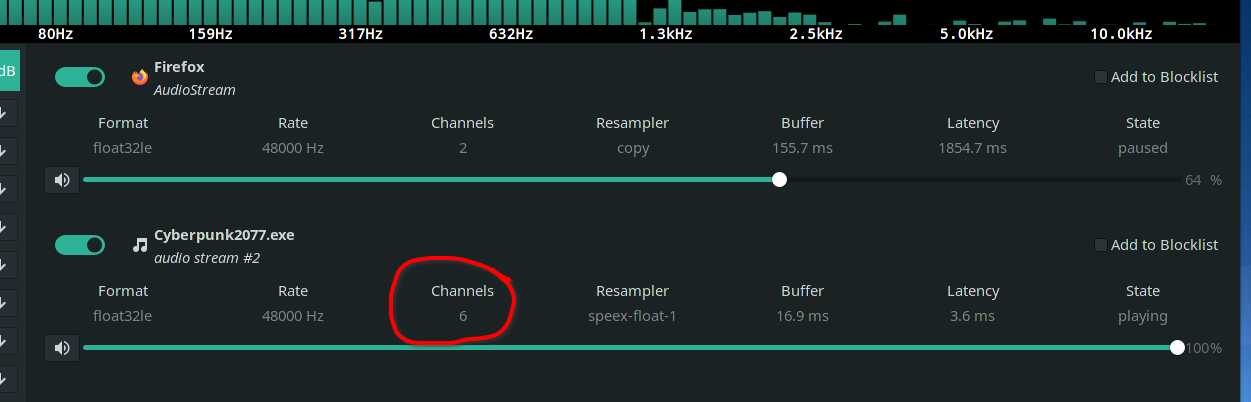
i only have 2.1 (2 channels) speakers. been looking into a way to force all channels to use only 2 but with no luck.
This is regarding the missing audio
OS: Linux / Arch
GPU: Nvidia GeForce GTX 1060
Driver/LLVM version: 455.45.01
Kernel version: 5.9.13-arch1-1
Proton version: Proton 5.13-4
RE: crashes, they seem to happen whenever the game would have to load up a bunch of new assets. For example when I'm out in the city if I stay in one small area, I'm good for an indefinite amount of time. If I travel more than about ~300 meters, it crashes reliably.
At one point while testing this last night I had a save and a destination about ~550m away marked and I crashed at almost exactly the same spot each time I tried to walk or drive toward that destination. Saving right before the area that I crashed in, then loading that save after the crash, allowed me to progress. So saving/loading frequently is a workaround, though not a great one.
I experienced similar problems traveling to other parts of the map, and once while opening up the inventory screen after gathering a bunch of loot from dead gangsters. I also got one crash between the conversation at the bar and the ensuing montage. After reloading the game the montage played (I guess it autosaved right before the montage).
I guess that something is going wrong with loading/unloading textures, LOD models, or something along those lines. None of the above tweaks impact the crashes. In any situation I can consistently reproduce them they happen no matter which changes are applied (I iterated through numerous combinations with the reliable crash above). I'd guess the reports of increased/decreased frequency with different settings are coincidental to player activity.
Re: missing audio, I fiddled with audio settings in pulse, winecfg to no avail. Also tried manually installing faudio, which did not help. There doesn't seem to be any way to reproduce the fix that windows users are applying from within wine or pulse.
I recall the Witcher 3 had a similar problem, and that it was fixed: https://www.gamingonlinux.com/articles/wine-222-is-out-with-input-improvements-xaudio-improvements-and-a-fix-for-the-witcher-3.10767
Can anyone confirm whether this problem recurs in Witcher 3 with latest proton by any chance? Maybe it's a regression?
Will fiddle more tonight after work/over the weekend and report back if I get any results.
RE: crashes, they seem to happen whenever the game would have to load up a bunch of new assets. For example when I'm out in the city if I stay in one small area, I'm good for an indefinite amount of time. If I travel more than about ~300 meters, it crashes reliably.
I had similar experience - I was crashing almost on the same spot every time. After removing VSYNC completely, I managed to pass it and got much further on. Didn't have time to play more and see if this would completely remove crashes.
I noticed following Kernel Message when one of these crashes occured (NVIDIA GPU, Driver 455.45.01; Kernel 5.9.12)
[ 1268.730623] NVRM: Xid (PCI:0000:09:00): 31, pid=6837, Ch 000000ae, intr 00000000. MMU Fault: ENGINE GRAPHICS GPCCLIENT_T1_0 faulted @ 0x2_45670000. Fault is of type FAULT_PTE ACCESS_TYPE_VIRT_READ
@MagZu I only have two channels, and I have the missing audio problems as well:

@MagZu I only have two channels, and I have the missing audio problems as well:
hm that sucks then :/
@m0ellemeister I have the same issue:
NVRM: Xid (PCI:0000:01:00): 31, pid=6683, Ch 00000046, intr 00000000. MMU Fault: ENGINE GRAPHICS GPCCLIENT_T1_0 faulted @ 0x2_5e400000. Fault is of type FAULT_PDE ACCESS_TYPE_VIRT_READ
Launch options: PROTON_LOG=1 PROTON_NO_ESYNC=1 PROTON_NO_FSYNC=1 WINEDLLOVERRIDES="xaudio2_7=n,b" PULSE_LATENCY_MSEC=90 %command% --launcher-skip
Proton log: steam-1091500.log
RE: crashes, they seem to happen whenever the game would have to load up a bunch of new assets. For example when I'm out in the city if I stay in one small area, I'm good for an indefinite amount of time. If I travel more than about ~300 meters, it crashes reliably.
I had similar experience - I was crashing almost on the same spot every time. After removing VSYNC completely, I managed to pass it and got much further on. Didn't have time to play more and see if this would completely remove crashes.
Disableing VSYINC completely doesn't help at my side.
tried switching to pipewire to see if that could fix this audio issue but im afraid it didnt work.
i just want to add that if i use pulseeffect i see this:
i only have 2.1 (2 channels) speakers. been looking into a way to force all channels to use only 2 but with no luck.
This is regarding the missing audio
This means you have a 5.1 profile slected in pavucontrol->configuration and under output devices you picked a port for this profile which points to some different setup like headphones or front connectors only. I have a similar setup: 7.1 -> headphones
This is not a pulseaudio issue, pulseaudio does a downmix by default. The problem is somewhere in wine or the game.
i just want to add that if i use pulseeffect i see this:
i only have 2.1 (2 channels) speakers. been looking into a way to force all channels to use only 2 but with no luck.
This is regarding the missing audioThis means you have a 5.1 profile slected in pavucontrol->configuration and under output devices you picked a port for this profile which points to some different setup like headphones or front connectors only. I have a similar setup: 7.1 -> headphones
This is not a pulseaudio issue, pulseaudio does a downmix by default. The problem is somewhere in wine or the game.
thing is i didnt have a 5.1 profile selected. i had a 2.1 profile selected and it still said 6 channels on cyberpunk. but i were playing around with sound settings so it might have done something wierd.
Ping me when it successfully runs on RX5700
I get the same error as @devis350 on ubuntu 20.04 and ubuntu 20.10 with a 5700XT, Proton 5.13-4 and latest mesa-git, game won't start.
[0000000000000180:] EXCEPTION handling: System.NotImplementedException: Managed.TextFormatting.FullTextLine.GetRunMetrics for MS.Internal.Text.TextSpanModifierWondering if there is a way to run the game direct bypassing the launcher?
EDIT:
I got it running on my 5700xt ubuntu 20.04 using these steps from comments (particularly @slapin) further down:* Build and install mesa-git * Switch game to use proton-experimental (although 5.13-4 is probably fine) * Deleting steamapps/compatdata/1091500 (this forced something to rebuild) * Not sure it's needed but set my launch options to: WINEDLLOVERRIDES="xaudio2_7=n,b" PULSE_LATENCY_MSEC=90 %command% --launcher-skip * Forced off Steam controller configuration (although I want to re-enable it somehow for mapping) to use my xbox one controller.Ambient sounds are missing but so far it all looks and plays fine.
Just wanted to confirm that blowing away the compatdata path worked well for me with my RX580 on Ubuntu 20.10 (with oibaf mesa drivers), after hitting this TextSpanModifier error. That seemed to be all I needed to do for the game to work. Proton 5.13-4 worked fine for me.
Thx for the pointers @dodgyville
Looking at the various fixes people have for Windows, it seems like the game might not handle some sample rates (one fix seems to be to force 96000, and the others seem to might change that by accident).
I don't think it is possible to change that in wine, but it might be possible to change the default in pulseaudio?
Ping me when it successfully runs on RX5700
@xDShot It works on my 5700XT. Try mesa-git with the latest Proton 5.13-4
Game works great for me (minus some graphical glitches). However when I start the mission "The Heist" and get in the car the game always crashes at some point during the journey.
I found some logs but not sure if they're the cause of the issue or if they're a sympton of the crash.
If anybody can suggest a good way to get decent logs out please let me know and I'll post them here.
OS: Ubuntu 20.04.1 LTS x86_64
Host: Z390 AORUS ULTRA
Kernel: 5.4.0-56-generic
Resolution: 3440x1440
DE: GNOME
WM: Mutter
CPU: Intel i9-9900K (16) @ 5.000GHz
GPU: NVIDIA GeForce RTX 2080 Ti Rev.
Memory: 3949MiB / 32046MiB
Nvidia Drivers: nvidia-driver-455
Proton: 5.13-4Game always crashes here:
I had the same issue and got past it by setting proton 5.13-4 to the beta branch known as "Next"
I've discovered a graphics glitch with the "Heist" mission when I try to enter Konpeki Plaza. The entire screen turns black, but the level can still be viewed through the Optical Scanner.
mesa-git: 21.0.0_devel.132215.5d833f433af-1
nvidia-455xx: 455.45.01-4
proton: 5.13-4Current launch options:
PROTON_NO_ESYNC=1 PROTON_NO_FSYNC=1 WINEDLLOVERRIDES="xaudio2_7=n,b" PULSE_LATENCY_MSEC=90 %command% --launcher-skipI'm going to try just using
%command% --launcher-skipto see if it makes any difference.Edit:
Using%command% --launcher-skipdidn't change Konpeki Plaza. I tried loading a save in the car and it quickly crashed.
Use the scanner to get in to the elevator at the elevator the glitch is no longer there any area before is still glitched
Looking at the various fixes people have for Windows, it seems like the game might not handle some sample rates (one fix seems to be to force 96000, and the others seem to might change that by accident).
I don't think it is possible to change that in wine, but it might be possible to change the default in pulseaudio?
@sandsmark I've tried with different sample rates by changing /etc/pulseaudio/daemon.conf, sadly no improvements.
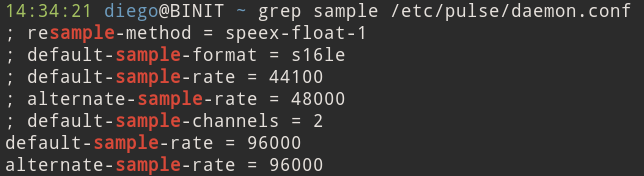
I'm experiencing a bug that causes the 3D rendering to go black in certain areas of the game. UI elements are still present and the game is "playable". Also, V's scanner still works and renders correctly, providing the only means to navigate other than using the minimap UI. Konpeki Plaza is one of the areas affected. It also happened somewhere in Watson and at Dez's place post-Konpeki Plaza mission.
Proton: Latest Experimental from Steam
Nvidia Driver: Nvidia 455.45.01-6
OS: Arch Linux x86_64
Host: MS-7A34 1.0
Kernel: 5.9.13-arch1-1
Uptime: 1 day, 52 mins
Packages: 1108 (pacman)
Shell: bash 5.1.0
Resolution: 1440x2560, 2560x1440
DE: GNOME 3.38.2
WM: Mutter
WM Theme: Adwaita
Theme: Adwaita [GTK2/3]
Icons: Adwaita [GTK2/3]
Terminal: alacritty
Terminal Font: Fira Code
CPU: AMD Ryzen 7 1700X (16) @ 3.427GHz
GPU: NVIDIA GeForce GTX 1080 Ti
Memory: 6234MiB / 32120MiB
@TamimSha try NVIDIA Driver Version 455.45.01. That fixed the "dark screen" for me.
I've discovered a graphics glitch with the "Heist" mission when I try to enter Konpeki Plaza. The entire screen turns black, but the level can still be viewed through the Optical Scanner.
https://imgur.com/a/ahfeIbS
mesa-git: 21.0.0_devel.132215.5d833f433af-1
nvidia-455xx: 455.45.01-4
proton: 5.13-4
Current launch options:PROTON_NO_ESYNC=1 PROTON_NO_FSYNC=1 WINEDLLOVERRIDES="xaudio2_7=n,b" PULSE_LATENCY_MSEC=90 %command% --launcher-skipI'm going to try just using
%command% --launcher-skipto see if it makes any difference.
Edit:
Using%command% --launcher-skipdidn't change Konpeki Plaza. I tried loading a save in the car and it quickly crashed.Use the scanner to get in to the elevator at the elevator the glitch is no longer there any area before is still glitched
Thank you @lorddickfist I will try that.
I've discovered a graphics glitch with the "Heist" mission when I try to enter Konpeki Plaza. The entire screen turns black, but the level can still be viewed through the Optical Scanner.
https://imgur.com/a/ahfeIbS
mesa-git: 21.0.0_devel.132215.5d833f433af-1
nvidia-455xx: 455.45.01-4
proton: 5.13-4
Current launch options:PROTON_NO_ESYNC=1 PROTON_NO_FSYNC=1 WINEDLLOVERRIDES="xaudio2_7=n,b" PULSE_LATENCY_MSEC=90 %command% --launcher-skipI'm going to try just using
%command% --launcher-skipto see if it makes any difference.
Edit:
Using%command% --launcher-skipdidn't change Konpeki Plaza. I tried loading a save in the car and it quickly crashed.Use the scanner to get in to the elevator at the elevator the glitch is no longer there any area before is still glitched
Thank you @lorddickfist I will try that.
@nrobinson2000 Heads up I progressed further after the intro and it came back
@sandsmark I've tried with different sample rates by changing /etc/pulseaudio/daemon.conf, sadly no improvements.
Did the same, but when running pacmd list-sink-inputs I see that cyberpunk2077.exe only has one connection, with sample spec: float32le 2ch 48000Hz. Might be that the samples for NPC voices etc. are in another format than the rest, and the playback therefore fails.
edit: has anyone unpacked the assets and checked the audio files? I'm assuming it's some wwise crap.
edit 2: wildly shooting from the hip, but since workarounds for Windows also seem to be related to number of channels, this kind of looks vaguely related (winepulse supports a maximum of 2 channels for a pcm stream, which sounds like the kind of sample playback that is missing): https://github.com/wine-mirror/wine/blob/master/dlls/winepulse.drv/mmdevdrv.c#L1936-L1938
edit 3: my cat stole my gaming chair, but another thing to test is to try to use the wine OSS output (using padsp) or ALSA one, I don't think they have the same limitations.
Heist mission:
https://github.com/ValveSoftware/Proton/issues/4450?_pjax=%23js-repo-pjax-container#issuecomment-743325615
However when I start the mission "The Heist" and get in the car the game always crashes at some point during the journey.
I am stuck at this mission. It always crashes (sooner or later on the journey). I don't know how (and I don't prefeer) to change the proton version by myself, so I hope it will be a new version soon (hope very very soon) to solve that.
@sandsmark found this while googling: https://github.com/rfuzzo/CP77Tools
Apparently, it's used to extract the .archive files that are used in the game
@sandsmark I've tried with different sample rates by changing /etc/pulseaudio/daemon.conf, sadly no improvements.
Did the same, but when running
pacmd list-sink-inputsI see that cyberpunk2077.exe only has one connection, withsample spec: float32le 2ch 48000Hz. Might be that the samples for NPC voices etc. are in another format than the rest, and the playback therefore fails.
This is interesting becaues floating-point samples on > 2 channels was the cause of the audio bugs in witcher 3. But maybe a red herring.
Re: wwise, don't we have wwise support in Faudio? Isn't it built in to recent wine releases? :thinking:
@stuffinator just not starting?
@ErikReider sounds silly, but could you please create a clone of system partition image and upload for inspection? I blown my head figuring why graphics driver falling.
RX6800 with mesa-git and Proton 5.13-4 starts and runs FPS very similar to Windows. Unfortunatly quite a few sound cues are missing.
@xDShot what mesa version are you using? Do you have amdvlk installed? try adding this to the launch options: VK_ICD_FILENAMES=/usr/share/vulkan/icd.d/radeon_icd.i686.json:/usr/share/vulkan/icd.d/radeon_icd.x86_64.json
Ping me when it successfully runs on RX5700
@xDShot It works on my 5700XT. Try mesa-git with the latest Proton 5.13-4
@ErikReider Not working for me with 5700 XT, mesa-git and latest Proton. :(
Do you have amdvlk installed? I removed it and now it works like a charm, besides the missing sounds...
Tried solving the missing audio by changing to OSS/Alsa (results in no sound in the game), by plugging in my 5.1 speakers, by installing xact and xact_64 into the prefix, by adding an override for xaudio2_7, nothing helped there.
Hello @xDShot, asking for someone else's system partition is an unreasonable request and most likely a security hazard for the other user.
Instead, please add PROTON_LOG=1 %command% to the game's launch options and attach the generated $HOME/steam-$APPID.log to this issue report as a file. (Proton logs compress well if needed.) Also, please copy your system information from Steam (Steam -> Help -> System Information) and put it in a gist, then include a link to the gist in this issue report.
Use the scanner to get in to the elevator at the elevator the glitch is no longer there any area before is still glitched
Thank you @lorddickfist I will try that.
@nrobinson2000 Heads up I progressed further after the intro and it came back
I just completed the entire escape/combat sequence from Konpeki Plaza using the optical scanner. :laughing: The glitch seems to be over for now.
Might be that the samples for NPC voices etc. are in another format than the rest, and the playback therefore fails.
Not trying to throw you off or anything, but if you hold tab(enter scanner mode) and talk to people you can hear what they say.
Might be that the samples for NPC voices etc. are in another format than the rest, and the playback therefore fails.
Not trying to throw you off or anything, but if you hold tab(enter scanner mode) and talk to people you can hear what they say.
True, I didn't realize that. Very dim compared to the other sounds, but still audible.
Problem solved by removing amdvlk package, then why VK_ICD_FILENAMES=/usr/share/vulkan/icd.d/radeon_icd.x86_64.json:/usr/share/vulkan/icd.d/radeon_icd.i686.json doesn't work
@stuffinator try to do what @kisak-valve said: https://github.com/ValveSoftware/Proton/issues/4450#issuecomment-743380229
Update re: nvidia drivers - while messing with it over lunch I found that upgrading from 455.45.01 -> 455.46.02 reduced the crashing problems. The places where I would have reliably crashed under .45 now cause horrendous stutter instead. It still crashes eventually, but I seem to be able to drive around the initial district without too many problems.
Upgrading on arch was not easy - the nvidia-vulkan packages in AUR kept spitting errors, so I used the official installer from nvidia instead. Which entailed manually removing all nvidia-* packages and then installing from terminal in single-user mode. This might be a problem specific to me. I had a lot of old cruft in there.
Hopefully this helps others a little. Still recommend saving frequently.
@nphyx Where did you get Version 455.46.02? I can't find it here: http://download.nvidia.com/XFree86/Linux-x86_64/
@nphyx Where did you get Version 455.46.02? I can't find it here: http://download.nvidia.com/XFree86/Linux-x86_64
Here:
thx @bundyo I'll give it a shot
Man with all the reports of people getting it to run, there seems to be a quirk in my system I think. Guess I'll have to wait and hope for the announced Patch 1.04 to work for me finally. :confused:
@kisak-valve
Instead, please add
PROTON_LOG=1 %command%to the game's launch options and attach the generated $HOME/steam-$APPID.log to this issue report as a file. (Proton logs compress well if needed.) Also, please copy your system information from Steam (Steam->Help->System Information) and put it in a gist, then include a link to the gist in this issue report.
Would it help if I did that too, for my issue?
@stuffinator What launch options are you running with?
I installed the ubuntu nvidia 455.45.01 drivers (running pop os) with no real change. Still stuck after launcher. Essentially I have the same issue as @stuffinator
Giving up for now. :(
Having the same problem as @Sojiro84 regarding textures. My graphics card is old but still seems to run most everything at full spec without a problem :/
steam@steam:~$ vulkaninfo 2>/dev/null| grep Mesa
VK_LAYER_MESA_overlay (Mesa Overlay layer) Vulkan version 1.1.73, layer version 1:
	driverInfo         = Mesa 20.2.3 (ACO)
	driverInfo         = Mesa 20.2.3 (ACO)
	driverInfo         = Mesa 20.3.0 (ACO)
	driverInfo         = Mesa 20.3.0 (ACOsteam@steam:~$ glxinfo | grep OpenGL
OpenGL vendor string: AMD
OpenGL renderer string: AMD Radeon R9 200 Series (HAWAII, DRM 3.39.0, 5.9.0-4-amd64, LLVM 11.0.0)
OpenGL core profile version string: 4.6 (Core Profile) Mesa 20.3.0
OpenGL core profile shading language version string: 4.60
OpenGL core profile context flags: (none)
OpenGL core profile profile mask: core profile
OpenGL core profile extensions:
OpenGL version string: 4.6 (Compatibility Profile) Mesa 20.3.0
OpenGL shading language version string: 4.60
OpenGL context flags: (none)
OpenGL profile mask: compatibility profile
OpenGL extensions:
OpenGL ES profile version string: OpenGL ES 3.2 Mesa 20.3.0
OpenGL ES profile shading language version string: OpenGL ES GLSL ES 3.20
OpenGL ES profile extensions:
)
driverInfo         = Mesa 20.3.0 (LLVM 11.0.0)
steam@steam:~$ inxi -G
Graphics:  Device-1: Advanced Micro Devices [AMD/ATI] Hawaii XT / Grenada XT [Radeon R9 290X/390X] driver: amdgpu
           v: kernel
           Display: wayland server: X.Org 1.20.10 driver: amdgpu,ati unloaded: fbdev,modesetting,vesa
           resolution: 1920x1080~144Hz
           OpenGL: renderer: AMD Radeon R9 200 Series (HAWAII DRM 3.39.0 5.9.0-4-amd64 LLVM 11.0.0) v: 4.6 Mesa 20.3.0
Lots of log spam regarding "GPU fault detected" when logging with journalctl -f: journalctl.log
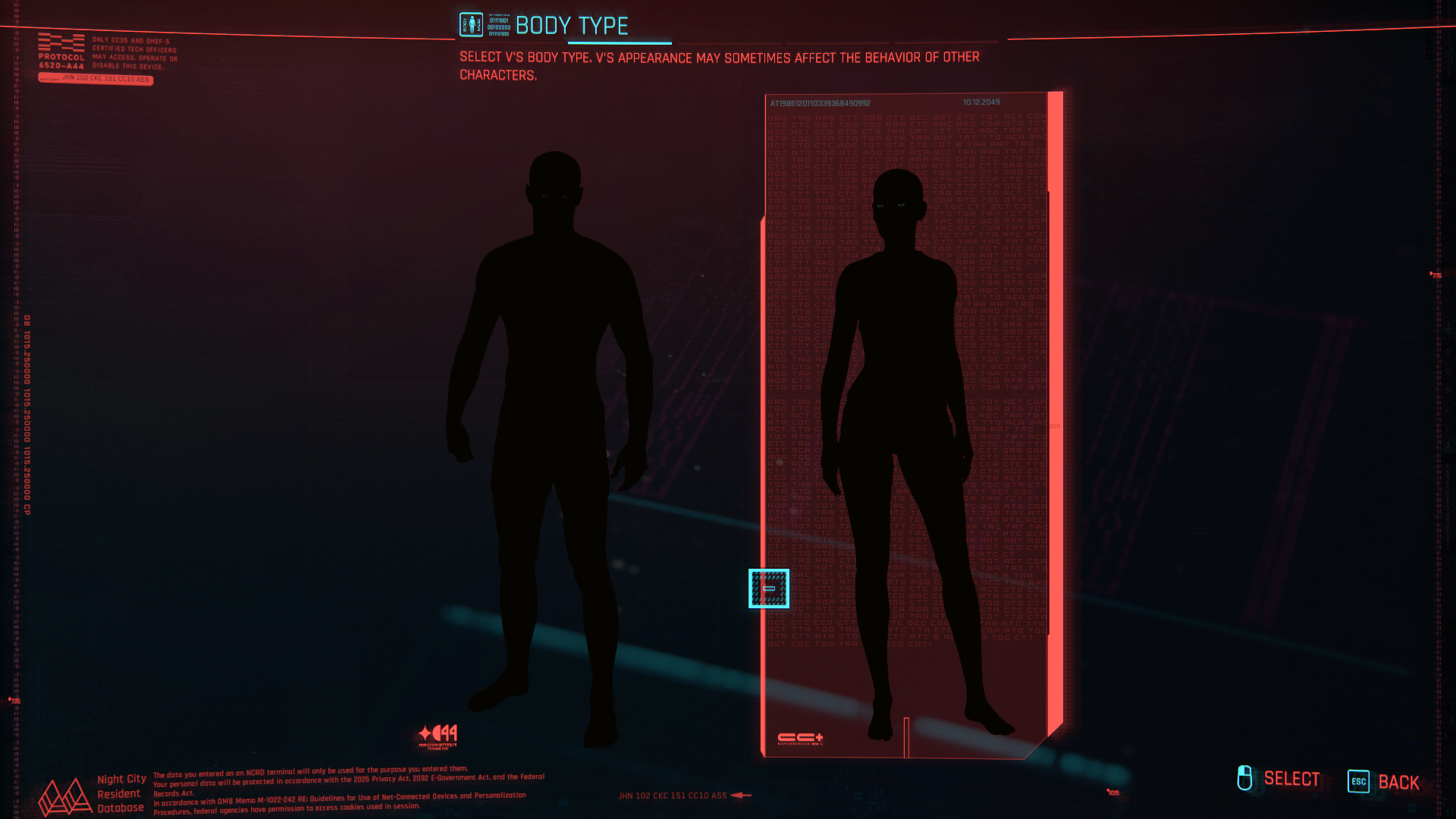
Hello @typeitout, maybe these lines from your log are a hint:
948:info:vkd3d_get_vk_version: vkd3d-proton - applicationVersion: 2.0.0.
948:info:vkd3d_instance_init: vkd3d-proton - build: e2185df7de871cd.
INTEL-MESA: warning: Performance support disabled, consider sysctl dev.i915.perf_stream_paranoid=0
[...]
948:err:vkd3d_bindless_state_init: Insufficient descriptor indexing support.
Blind guess that the game is trying to run off the Intel chipset instead of the nVidia chipset. Maybe try temporarily disabling mesa/ANV with something like sudo mv /usr/share/vulkan/icd.d/intel_icd.x86_64.json /usr/share/vulkan/icd.d/intel_icd.x86_64.json.disabled and see if it has an effect. (https://github.com/ValveSoftware/steam-runtime/issues/312)
@kisak-valve
That worked! Thank you so much!
Hello @udev, mesa 20.3.0 is too old for this game. Conditions may improve with mesa 20.3.1, but for now mesa git from the last couple days is needed.
Thanks @kisak-valve, and sorry to be a complete noob, but what exactly is "mesa git" and where do I find it? 🙂
I followed the steps here to compile and install 20.3 and I'd like to try it out to see if it will get me over the hump.
Thanks @kisak-valve, and sorry to be a complete noob, but what exactly is "mesa git" and where do I find it? slightly_smiling_face
I followed the steps here to compile and install 20.3 and I'd like to try it out to see if it will get me over the hump.
It's essentially the most up to date version of mesa which isn't 100% stable
A new update has been released for cyberpunk, downloading now, will report if anything has changed
A new update has been released for cyberpunk, downloading now, will report if anything has changed
As soon as I saw this my steam started updating, will edit if this fixes my issues 🤞
Thanks, @ErikReider. How do I get it, if you don't mind my asking? 🙃
link to the changelog: https://forums.cdprojektred.com/index.php?threads/hotfix-1-04.11044004/
Nothing, same sound issue
Thanks, @ErikReider. How do I get it, if you don't mind my asking? upside_down_face
Hi udev, what distro are you running? If you're running an arch-based derivative like Arch Linux or Manjaro then the command yay -S mesa-git lib32-mesa-git should get you going after it compiles for an hour. Make sure to say yes to everything these two packages remove, as long as you're doing it through yay you're safe.
Thanks for the info, @NatBF. I'm currently on Debian Bullseye
Linux steam 5.9.0-4-amd64 #1 SMP Debian 5.9.11-1 (2020-11-27) x86_64 GNU/Linux
Has anyone come across issues with rendering the environment in general?
Some places in the map are complete black spots once you enter them.
Videos and 2 cases to report, with findings on it showing 3D when scanning, and not showing 3D when NOT scanning.
https://twitter.com/rlaPHOENiX/status/1337164109352198144
Other issues I've faced:
- General background noise not working (all the ones already reported like gun noises, door noises, radio, npc e.t.c)
- The Delamain robot face not showing on the screen when I closed and restarted checkpoint to just as entering the car for the ride to konpeki plaze
OS: Arch Linux x86_64
Kernel: 5.9.13-arch1-1
Uptime: 1 day, 18 hours, 3 mins
Packages: 1797 (pacman)
Shell: bash 5.1.0
Resolution: 3840x1080
DE: Plasma 5.20.4
WM: KWin
WM Theme: breeze
Theme: Breeze Dark [Plasma], Breeze [GTK2/3]
Icons: breeze-dark [Plasma], breeze-dark [GTK2/3]
Terminal: alacritty
CPU: Intel i7-8700K (12) @ 4.700GHz
GPU: NVIDIA GeForce GTX 1080 Ti
GPU: NVIDIA GeForce RTX 2080 Ti Rev. A
Memory: 9979MiB / 48107MiB
Game: Steam
Version: 1.04 (also occurred on 1.03)
Proton: 5.13-4, also tested "Proton Experimental"
@udev, in general, mesa development takes place on freedesktop's gitlab at https://gitlab.freedesktop.org/mesa/mesa/ You should be able to git clone or download from there, but it won't include distro packaging which would come from https://salsa.debian.org/xorg-team/lib/mesa/commits/debian-experimental/debian and then might need to have some adjustment if build options have changed since the last release to reach Debian experimental.
@udev try this: https://xorg-team.pages.debian.net/xorg/howto/build-mesa.html
Haven't tried it myself but should do the trick 😄
(Sorry if off topic at this point. Just trying to figure out how to install mesa-git to see if it helps with textures not properly loading)
@ErikReider thanks for that one. Is the meson build process not the most current? I'm new at this 🙃
@kisak-valve Thank you. I was not aware of the salsa bits. I actually cloned and built using meson from the 20.3 and staging/20.3 branches. That repo appears to mirror the freedesktop repo. I'll do some more investigation. Appreciate your help.
Just downloaded the 1.04 hotpatch and still seeing the same issue during "The Heist" mission in the car on the way to the hotel.
Flip disabled, vsync/gsync disabled.
Still get this issue: NVRM: Xid (PCI:0000:01:00): 31, pid=15243, Ch 0000004e, intr 00000000. MMU Fault: ENGINE GRAPHICS GPCCLIENT_T1_6 faulted @ 0x2_a6ba0000. Fault is of type FAULT_PDE ACCESS_TYPE_VIRT_READ
I did find this thread relating to the issue on Nvidia's forums https://forums.developer.nvidia.com/t/will-the-fault-pde-access-type-read-bug-in-the-nvidia-driver-ever-be-fixed/79362 which says it's on their internal bug tracker as 2432712.
Perhaps somebody at Valve could enquire about the issue and see if there is any sort of offical response? <3
Hello @typeitout, maybe these lines from your log are a hint:
948:info:vkd3d_get_vk_version: vkd3d-proton - applicationVersion: 2.0.0.
948:info:vkd3d_instance_init: vkd3d-proton - build: e2185df7de871cd.
INTEL-MESA: warning: Performance support disabled, consider sysctl dev.i915.perf_stream_paranoid=0
[...]
948:err:vkd3d_bindless_state_init: Insufficient descriptor indexing support.
Blind guess that the game is trying to run off the Intel chipset instead of the nVidia chipset. Maybe try temporarily disabling mesa/ANV with something like
sudo mv /usr/share/vulkan/icd.d/intel_icd.x86_64.json /usr/share/vulkan/icd.d/intel_icd.x86_64.json.disabledand see if it has an effect. (ValveSoftware/steam-runtime#312)
Thanks @kisak-valve, I was able to boot the game. This fixed the problem. I had similar issues on 5.13 (before 5.13-3) on games, where the Intel chipset was picked up and used DXVK_FILTER_DEVICE_NAME, but that didn't solve the problem this time (and I actually don't need to use that launch flag anymore on those other games since 5.13-3).
EDIT: Though, the game is unstable and there are sound issues. Also textures have a "ghost" effect when the camera moves. As in they draw over each other.
I've got it to start. For everyone with Nvidia GPU and still getting the error: wine: Unhandled page fault on read access to 0000000000008664
Try with PROTON_HIDE_NVIDIA_GPU=1 in the launcher options. That finally worked, for me at least. Could've sworn I've tried it earlier, but that finally did the try. I've installed oibaf's PPA before, so I have the latest mesa stuff, maybe that's needed too, if hiding Nvidia GPU, I don't know.
Mangohud is not working for me though, overall performance good so far. Must see further if I've also got the missing audio issues, will report back.
Btw.: Patch 1.04. didn't do much in terms of being able to play at all, still works only if hiding Nvidia GPU.
I've got it to start. For everyone with Nvidia GPU and still getting the error:
wine: Unhandled page fault on read access to 0000000000008664
Try withPROTON_HIDE_NVIDIA_GPU=1in the launcher options. That finally worked, for me at least. Could've sworn I've tried it earlier, but that finally did the try. I've installed oibaf's PPA before, so I have the latest mesa stuff, maybe that's needed too, if hiding Nvidia GPU, I don't know.Mangohud is not working for me though, overall performance good so far. Must see further if I've also got the missing audio issues, will report back.
Btw.: Patch 1.04. didn't do much in terms of being able to play at all, still works only if hiding Nvidia GPU.
I haven't needed to do any messing around with environment variables. Are you using wine directly or proton? I have the latest wine-staging installed rather than wine. Maybe it helps just having wine-staging installed?
I'm using Proton 5.13-4 but also have wine-staging installed. But if it's working for you that's fine, just didn't for me all the time until now.
Also want to point out that DXVK_HUD doesn't work.
Also want to point out that DXVK_HUD doesn't work.
Mangohud too (at least for me)
I can confirm that patch 1.04 does nothing to fix the sound issues in
Linux. Back to Windows!
On Fri, Dec 11, 2020, 5:08 PM ThisNekoGuy [email protected] wrote:
Also want to point out that DXVK_HUD doesn't work.
—
You are receiving this because you are subscribed to this thread.
Reply to this email directly, view it on GitHub
https://github.com/ValveSoftware/Proton/issues/4450#issuecomment-743452302,
or unsubscribe
https://github.com/notifications/unsubscribe-auth/AH52BU32NYWYUJXNX5K65SDSUKJ6LANCNFSM4UUIEDXA
.
Also want to point out that DXVK_HUD doesn't work.
I don't think DXVK is used. DXVK is for D3D9, D3D10 and D3D11. I believe Cyberpunk 2077 uses D3D12 but I could be wrong
Also want to point out that DXVK_HUD doesn't work.
Mangohud too (at least for me)
Well, it is working for me. I had to reinstall a couple of weeks ago though.
Heh, managed to play for about an hour with 1.04. Finally froze inside the inventory, when I clicked on Stats. :rofl:
Heh, managed to play for about an hour with 1.04. Finally froze inside the inventory, when I clicked on Stats. rofl
Yeah the game tends to freeze at random, and reports so far I've seen state 20~ mins, 30~ mins, and 60 mins. Though I personally got < 10 mins once
@rlaPHOENiX You are correct, DXVK isn't used here. Vkd3d-proton is.
I'll have a substantial amount of time to test next week so if anybody wants just @ me and I'll do what I can to test stuff.
Patch 1.04 did not fix the missing audio issues.
@jvetulani Yeah, there is nothing audio-related in the patch notes and my testing have the issue remaining. Hopefully it'll be fixed at some point though as it is a bug on Windows as well, albeit just for some users.
There seems to be some stability improvements though, so hopefully it reduces the crashes on proton as well.
I have the game installed on Windows and Endeavour OS and I'm only experiencing the missing audio on Linux. Both are recently updated to 1.04.
Can anyone give feedback on GTX cards? I have a 1070 Ti and I'm not sure if I should buy the game and start tinkering
@rebelmuffin : with such an nvidia card, and assuming you follow all steps (proton 5.13-4, or wine-staging + vkd3d-proton branch 2.1 from git - I believe the later is right now being merged with master) expect the game to be playable but with GPU crashes regularly, until either 1. CDPR fixes their reliance on an undefined behaviour that is fortunately offset by AMD drivers having the VK_VALVE_mutable_descriptor_type extension or 2. nvidia releases an updated driver with the same extension, providing the same side effect (personally I'd bet on the second one). Also, you'll suffer from the same bug as everyone, including AMD users: many ambient sounds missing, which tends to put a dent into the atmosphere, and apparently the 1.04 patch doesn't fix that yet.
A bit unrelated, but if any other Linux user decides he wants to play the game through a remote desktop system on a LAN (such as through a local machine running Windows with OpenNX, Nomachine, or Parsec) until it's fully playable on Linux: you will almost certainly notice that both mouse and keyboard don't respond as soon as you launch the game from your Linux system inside the remote desktop window. That is not an issue with your setup, that is another bug in the game itself; one that a truly impressive user on reddit managed to identify through decompilation and reduce to a change of four bytes in the Cyberpunk2077.exe file: see here. Yes, it works. And not only does it work for such remote control software, it also allows many disabled people to play the game through similar software, which is why I thought it was worth mentioning.
@rebelmuffin I get the same issues everybody else does - crashes and missing audio - on my 1060 Ti. If you're willing to put up with random crashes every 15 minutes - 1 hour or so, and you don't mind the unsettling quiet or getting shot in the back without hearing the gunfire, go for it. Otherwise wait for CDPR or nvidia to patch the GPU issue and for CDPR to drop a fix for the audio problems (which also affect windows, but they have a workaround).
Following up with some more testing this evening on the new 1.04 hotfix. After a few crashes and checking dmesg, I see a variety of errors coming from GPU but the main one coinciding with the crash is this:
Xid (PCI:0000:01:00): 31, pid=291362, Ch 0000004e, intr 10000000. MMU Fault: ENGINE GRAPHICS GPCCLIENT_T1_8 faulted @ 0x2_0db70000. Fault is of type FAULT_PTE ACCESS_TYPE_READ
Sometimes it's FAULT_PDE instead of PTE. Not sure if that means anything, but Google suggests a long-standing driver bug in nvidia with no suggested tweaks/workarounds. It eventually got fixed for several other games. DXVK dev punted in related github issues.
https://github.com/HansKristian-Work/vkd3d-proton/blob/master/CHANGELOG.md#21
"The game will start and run on NVIDIA, but just like what happens without the extension on AMD, the GPU will randomly hang, making the game effectively unplayable. A game update to fix this bug would likely make the game playable on NVIDIA as well."
I couldn't in any way open the game from inside Steam. I managed to open it via command line with:
__NV_PRIME_RENDER_OFFLOAD=1 __VK_LAYER_NV_optimus=NVIDIA_only __GLX_VENDOR_LIBRARY_NAME=nvidia gamemoderun STEAM_COMPAT_DATA_PATH=/mnt/480GB/Games/steamapps/compatdata/1091500 WINEPREFIX=/mnt/480GB/Games/steamapps/compatdata/1091500/pfx /mnt/480GB/Games/steamapps/common/Proton\ 5.13/proton run /mnt/480GB/Games/steamapps/common/Cyberpunk\ 2077/bin/x64/Cyberpunk2077.exe
With all tests Steam is counting 3.6 hours of a game not played. I just got it working with that line and it had and abysmal performance with my little GTX 1050 mobile. 11, 20 FPS sometimes 28 (at 720p) if kept standing still. Sad but I won't be able to play it.
About sound bug:
Sound is always output in 7.1 format even when headphones or 2.1 speakers are connected. You can check it here: Control Panel - Sound - Speakers (select from the list) - Properties - Levels - Play Control (Balance) - and you will see a list of all channels.
- I wonder if emulating a surround sound device using
module-virtual-surround-sinkpa module can help. - Is 7.1 even supported by wine?
Anyone with a real surround sound setup - do you also experience this bug of no npc/radio audio?
@derlaft
I have a 5.1 setup and I'm also experiencing it - the sound works in the back speakers - I can hear some ambient sounds there, but there's no sound in the front speaker.
Just bumping to show interest. I'm running a 5700xt with Mesa git. Runs pretty much flawlessly for the exception of missing audio. It does seem like it could be exporting to multiple channels but I have no proof of it. Just a hunch.
BUMB.... I've got a 5700xt. Lots of missing audio like everybody else. ^^^^^^^^^^^^^^^^^^^^^
@derlaft
I have a 5.1 setup and I'm also experiencing it - the sound works in the back speakers - I can hear some ambient sounds there, but there's no sound in the front speaker.
Can you verify that you can hear the npc voices in the back because ambient sounds
can confused with some sounds
@Fuzzypyro Yeah, I'm running a 5700xt as well and the game runs pretty much the same as when I run it on Windows, the missing audio is the only thing that is making me boot into Windoze to play it. I tried running it through my TV via HDMI audio, but it's still doing the same thing.
tryed to make virtual-surround device like here https://www.reddit.com/r/linux/comments/1oe55t/help_pulseaudio_modulevirtualsurroundsink/
also no npc voices
tryed to make virtual-surround device like here https://www.reddit.com/r/linux/comments/1oe55t/help_pulseaudio_modulevirtualsurroundsink/
also no npc voices
welp that was my next attempt
It would be amazing if this works!
tryed to make virtual-surround device like here https://www.reddit.com/r/linux/comments/1oe55t/help_pulseaudio_modulevirtualsurroundsink/
That's 5.1 by default. I am trying to set up 7.1 by following these guides:
- https://www.reddit.com/r/VFIO/comments/k3u36r/psa_you_can_get_hesuvi_on_your_vfio_with/
- https://gist.github.com/kode54/2519179722432fc00be57ffb5155715f
So far no success:
Dec 12 05:49:34 nyanbox pulseaudio[726413]: Failed to parse module arguments.
Dec 12 05:49:34 nyanbox pulseaudio[726413]: Failed to load module "module-virtual-surround-sink" (argument: "sink_name="HeSuVi 7.1" sink_master="alsa_output.pci-0000_09_00.4.analog-stereo" hrir_left=/home/user/hrir/atmos_L.wav hrir_right=/home/user/hrir/atmos_R.wav"): initialization failed.
My current ~/.config/pulse/default.pa:
#!/usr/bin/pulseaudio -nF

.include /etc/pulse/default.pa

# if you to try this, modify master= with your sink
# you can list all the sinks using `pacmd list-sinks`
# you will also need .wav files (and adjust the file path)
# for 5.1:
# * https://stuff.salscheider-online.de/hrir_kemar.tar.gz
# * https://stuff.salscheider-online.de/hrir_listen.tar.gz
# for 7.1:
# See https://gist.github.com/kode54/2519179722432fc00be57ffb5155715f

# this works, but only for 5.1
#load-module module-virtual-surround-sink sink_name=vsurround hrir=/home/user/hrir/hrir_kemar/hrir-kemar.wav sink_properties=device.description=VirtualSurround master=alsa_output.pci-0000_09_00.4.analog-stereo

# this does not work for some reason
load-module module-virtual-surround-sink sink_name="HeSuVi 7.1" sink_master="alsa_output.pci-0000_09_00.4.analog-stereo" hrir_left=/home/user/hrir/atmos_L.wav hrir_right=/home/user/hrir/atmos_R.wav channel_map=front-left,front-right,rear-left,rear-right,front-center,lfe
Update! I could make virtual 7.1 to work. Unfortunately my game is still downloading, so I am not be able to say if that helps at all :/
You will need:
pulseaudio-git(apparently these changes are not yet released)- Extract
.wavfiles. They were generated using the guide. - the config file
~/.config/pulse/default.pa:
#!/usr/bin/pulseaudio -nF

.include /etc/pulse/default.pa

# if you to try this, modify master= with your sink
# you can list all the sinks using `pacmd list-sinks`
# also use a correct path for .wav files

load-module module-virtual-surround-sink sink_name="HeSuVi 7.1" sink_master="alsa_output.pci-0000_09_00.4.analog-stereo" hrir_left=/home/user/hrir/atmos_L.wav hrir_right=/home/user/hrir/atmos_R.wav
Please let me know if you have any luck with this setup.
winecfg recognizes this virtual sink only as a 5.1 device, so probably it is not supported at all.
UPDATE: did not work for me, no NPC sounds. Maybe something else is missing.
Game crashes every 5mins for me :-1:
Im running the 1.4 update also.
I see this in the lutris logs:
220:fixme:vkd3d_create_texture_srv: Ignoring plane slice 1.
220:fixme:vkd3d_create_texture_srv: Ignoring plane slice 1.
220:fixme:vkd3d_create_texture_srv: Ignoring plane slice 1.
220:fixme:vkd3d_set_view_swizzle_for_format: Alpha swizzle is not supported.
System Information
[System]
OS: Manjaro Linux 20.2 Nibia
Arch: x86_64
Kernel: 5.9.11-3-MANJARO
Desktop: GNOME
Display Server: x11
[CPU]
Vendor: GenuineIntel
Model: Intel(R) Core(TM) i9-9900K CPU @ 3.60GHz
Physical cores: 8
Logical cores: 16
[Memory]
RAM: 62.8 GB
Swap: 0.5 GB
[Graphics]
Vendor: NVIDIA Corporation
OpenGL Renderer: GeForce RTX 2060 SUPER/PCIe/SSE2
OpenGL Version: 4.6.0 NVIDIA 455.45.01
OpenGL Core: 4.6.0 NVIDIA 455.45.01
OpenGL ES: OpenGL ES 3.2 NVIDIA 455.45.01
Vulkan: Supported
@derlaft
Am I supposed to turn atmos.tar.gz into a L .wav and R .wav with hesuvi_convert.c? The second instruction is unclear to me, but I'd love to test this before I have to go to bed.
Am I supposed to turn atmos.tar.gz into a L .wav and R .wav with hesuvi_convert.c?
No, these files are already the output of hesuvi_convert.c. You don't need to run it by yourself. Just extract atmos.tar.gz somewhere.
@derlaft
Alrighty. I tried extracting already and attempted once more after a re-download, but continue to see: gzip: stdin: not in gzip format. Is tar the right tool for this?
Additionally, pulseaudio-git doesn't wanna install because I run everything through jack (I mostly do audio work and pulseaudio-jack doesn't have an alternative on Jan Steffens' repo). I will most likely have to build my whole audio stack to test this at this point. I have to sleep early, so this will have to wait until tomorrow for me to do this.
Hoping for some positive news after work tomorrow, so that's something to look forward to.
Alrighty. I tried extracting already and attempted once more after a re-download, but continue to see: gzip: stdin: not in gzip format. Is tar the right tool for this?
Just tried - the file is ok:
wget [Link removed by moderator]
tar xvf atmos.tar.gz
Additionally, pulseaudio-git doesn't wanna install
I also had some problems with installing it because of some conflicts, PKGBUILD could have some improvements, yes.
Anybody noticed differences in performance in v1.04?
I haven't had the chance to check yet.
@derlaft
Oh wow, I used the wrong flags. Should've just RTFM'd. I actually used the heftig repo for pulseaudio-git to save time, but even that will require some work on my system.
Please let me know if you have any luck with this setup.
Just tried it - no NPC voices unfortunately.
I actually was more successful than most here, it appears.
I have the audio bugs others are having.
I do have a more-than-occasional crash.
Having said that, I was able to play the first couple hours of the game, up to the hotel job!
At the hotel, upon walking into the lobby, was when I first saw it, the whole screen went black. HUD elements still in place, and if I tap scan (hacking), it brings up the feature, and I can see again. As soon as I tap scan again, I'm returned to pitch black.
I managed to use the minimap, figuring it would just be the volumetric lighting effect in use, and got into the elevator with Jackie... and I was gifted with vision again.
Got through the stuff in the room, and started the raid on the penthouse. Right after that pivitol moment, the hotel is put on lockdown, and everything is bathed in red volumetric light... which... yep. No more vision. I can't see when I got outside, but manged to key through the little quicktime event.
Sadly, I can't continue from here. The hotel is in red light of some sort, and whatever the effect is causes the whole screen to black out entirely for the duration. Scan mode still works, and I can see with that... but obviously can't fight with it up.
I'd almost liken it to an 'overlay in use' type situation; so I tried disabling compositing and nightmode stuff, to no avail.
Kubuntu 20.04 Fully up-to-date
Proton 5.13-4
Nvidia 1070 455.x driver line
32GiB memory
Everything cranked to LOW/OFF in game, trying to troubleshoot this. Have tried on low/mid/high texture packs, same issue.
I just deleted ~/.steam/steam/steamapps/compatdata/1091500, and verified game data, same issue.
If someone could point me at log files, I'll happily attach them.
@fubarhouse Runs perfectly for me in version 1.04 except for the missing NPC audio and gunshot sounds.
EndeavourOS
Proton 5.13-4
mesa-git
Radeon RX 5700XT
Ryzen 5 2600X
32 GB RAM
getting 50-60 fps on 1440p med settings, 90-110 fps on 1080p.
@fubarhouse Runs perfectly for me in version 1.04 except for the missing NPC audio and gunshot sounds.
EndeavourOS
Proton 5.13-4
mesa-git
Radeon RX 5700XT
Ryzen 5 2600X
32 GB RAM
getting 50-60 fps on 1440p med settings, 90-110 fps on 1080p.
I get the feeling it's getting to be more stable on proton than any other platform! Runs splendidly for me too!
Just need the sound issue to be fixed.
@fubarhouse Yeah, I did a mission where I couldn't hear any gunshot sounds but my own and it was pretty weird experience to say the least lol
There's been discussion on missing sounds possibly correlating to the 7.1 surround. Have you guys realised there's Headset preset? I wonder if setting to that helps
There's been discussion on missing sounds possibly correlating to the 7.1 surround. Have you guys realised there's Headset preset? I wonder if setting to that helps
I tried all of the presets and nothing changed.
@typeitout
It does not. Appears to be audio EQ presets.
There's been discussion on missing sounds possibly correlating to the 7.1 surround. Have you guys realised there's Headset preset? I wonder if setting to that helps
I've tried switching between 5.1, 7.1, simple speakers, and headset. Doesn't seem to make a difference.
It appears to be on a 'separate audio channel' type of deal that's setup in DX12, and I'm gonna assume it's also going through some sorta weird filter set that DX12 offers that isn't ported/available yet.
There's been discussion on missing sounds possibly correlating to the 7.1 surround. Have you guys realised there's Headset preset? I wonder if setting to that helps
Yeah none of the presets work, HDMI out doesn't work, and apparently emulating 7.1 or 5.1 doesn't work either.
I forgot to mention earlier that I am also using a usb audio interface in duplex mode with integrated audio disabled and all other outputs disabled. And still having the same issues. If it's an issue with multichannel it would more than likely be an issue further up than pulseaudio. An uneducated guess would maybe be an issue with Faudio? I've seen earlier in the thread that it could be an issue with different audio formats but that seems unlikely to me as conversations between 2 npcs will be silent unless they start talking while you are staring them directly. Once it transfers to the next person if you aren't looking directly at them they will stay silent even after you turn to them.
For whatever reason uninstalling mesa-vulkan-drivers got character models showing up in create a character.
Hmmm, since the most recent game update I'm now seeing a slight grain effect when I move the camera. (AMD) Anyone else got this?
Frame rate seems to be pretty much the same as before.
Yes, even when I have film grain turned off. It looks kinda trippy when I move the camera.
Hmmm, since the most recent game update I'm now seeing a slight grain effect when I move the camera. (AMD) Anyone else got this?
Frame rate seems to be pretty much the same as before.
Yeah, I'm wondering if this is on Windows, too? I assume it's a side-effect of the temporal anti-aliasing they don't let you turn off.
@megatog615 Seems so: https://steamcommunity.com/app/1091500/discussions/7/2988665684334096986/
I asked Joshua Ashton (One of the main vkd3d-proton developers) if disabling esync and fsync could potentially have an impact on the Nvidia crashes which it seems to do for some, and he said this:
Disabling ESYNC/FSYNC could help stop the race condition but that's only a side effect of things running slower (or rather, the extra synchronization needed).
Root causing it: It's just a coincidence that this prevents you running into the race condition as often.
So it can reduce the frequency of crashes, but it does not fix or fully avoid them.
I asked Joshua Ashton (One of the main vkd3d-proton developers) if disabling esync and fsync could potentially have an impact on the Nvidia crashes which it seems to do for some, and he said this:
Disabling ESYNC/FSYNC could help stop the race condition but that's only a side effect of things running slower (or rather, the extra synchronization needed).
Root causing it: It's just a coincidence that this prevents you running into the race condition as often.
So it can reduce the frequency of crashes, but it does not fix or fully avoid them.
In my case this has completely eliminated crashes!
It seems so for me too, although I've only played for about 2 hours since disabling them. In that time I would have expected around 10 crashes before, so it's a notable improvement for me. Although there may be a bit of random luck as well.
I have the same issue as @Skivet had a bit further up.
Fedora 33
CPU: AMD Ryzen 7 2700X
RAM: 32GB
GPU: Vega 64
Kernel: 5.9.13-200.fc33.x86_64
Installed mesa git from https://copr.fedorainfracloud.org/coprs/xxmitsu/mesa-git/
Game starts and sometimes shows the first Loading Screen, but most of the time it only shows black.
After a few seconds the driver crashes and I see colourful artefacts. Have to reboot after that.
Just tested another game to make sure if mesa-git even works and the game runs fine.
vulkaninfo 2>/dev/null |grep deviceID
        deviceID       = 0x687f
rpm -qa |grep mesa
mesa-libGLU-9.0.1-3.fc33.x86_64
mesa-libglapi-21.0.0-0.3.20201212.05.d7911f9.fc33.x86_64
mesa-libgbm-21.0.0-0.3.20201212.05.d7911f9.fc33.x86_64
mesa-libEGL-21.0.0-0.3.20201212.05.d7911f9.fc33.x86_64
mesa-filesystem-21.0.0-0.3.20201212.05.d7911f9.fc33.i686
mesa-filesystem-21.0.0-0.3.20201212.05.d7911f9.fc33.x86_64
mesa-dri-drivers-21.0.0-0.3.20201212.05.d7911f9.fc33.x86_64
mesa-libEGL-devel-21.0.0-0.3.20201212.05.d7911f9.fc33.x86_64
mesa-libGL-21.0.0-0.3.20201212.05.d7911f9.fc33.x86_64
mesa-libOSMesa-21.0.0-0.3.20201212.05.d7911f9.fc33.x86_64
mesa-vulkan-drivers-21.0.0-0.3.20201212.05.d7911f9.fc33.x86_64
mesa-libglapi-21.0.0-0.3.20201212.05.d7911f9.fc33.i686
mesa-libgbm-21.0.0-0.3.20201212.05.d7911f9.fc33.i686
mesa-libEGL-21.0.0-0.3.20201212.05.d7911f9.fc33.i686
mesa-dri-drivers-21.0.0-0.3.20201212.05.d7911f9.fc33.i686
mesa-libGL-21.0.0-0.3.20201212.05.d7911f9.fc33.i686
mesa-vulkan-drivers-21.0.0-0.3.20201212.05.d7911f9.fc33.i686
Complete vulkaninfo output.
vulkaninfo.txt
Last seconds in the journal.
journalctl.txt
Edit:
After completely reinstalling the game it now works. I still have the audio issues. But graphics seems to work.
|Before reinstalling the game I tried to .local/share/Steam/steamapps/compatdata/1091500, that didn´t help.
I also checked integrity of the game files which also didn´t change anything.
`-------
I am still stuck on "The Heist" mission. I made some logs to share and a video (always crashes inside the car):
Log:
steam-1091500.log
Video:
https://www.youtube.com/watch?v=LDLsOKiwZng
@stuffinator Have you tried running with --launcher-skip?
If you are using ubuntu enable wayland.
I am still stuck on "The Heist" mission. I made some logs to share and a video (always crashes inside the car):
Log:
steam-1091500.log
Video:
https://www.youtube.com/watch?v=LDLsOKiwZng
I'm having this same issue too. I've tried various combinations of the launch commands listed in this thread and rolled back to the pop os 455.38 nvidia driver from the ubuntu 455.45 with no change. I also tried the proton-experimental version.
Someone earlier posted that they had a similar issue to this fixed by using the beta branch of proton 5.13-4. I don't quite know if he meant he built it and moved it into the compatabiltytools.d folder like a GE proton or if he did another method.
https://github.com/ValveSoftware/Proton/issues/4450#issuecomment-743325615
EDIT: https://www.reddit.com/r/linux_gaming/comments/fumjq0/psa_how_to_opt_into_the_proton_506_rc/ set it to next via steam client.
EDIT2: this ^ process did not fix the crash in the taxi.. i tried it with and without launch options.
EDIT3: log attached of a run with 5.13-4(next) with launch options PROTON_LOG=1 PROTON_NO_ESYNC=1 PROTON_NO_FSYNC=1 WINEDLLOVERRIDES="xaudio2_7=n,b" PULSE_LATENCY_MSEC=90 %command% --launcher-skip
steam-1091500.log
I can play the game alright but the performance just makes it unplayable, anything over Low preset pushes the FPS down to 15-20. Does anyone have any ideas on how to get better performance?
I am using GTX 1070 Ti with a i7 7700K and my settings are all on lowest plus %50 resolution scale which gives around 50-60 FPS
Can anybody verify with a 7.1 surround sound headset that game audio works? With this issue we are trying to find out why half the audio is missing form the game.
Can anybody verify with a 7.1 surround sound headset that game audio works? With this issue we are trying to find out why half the audio is missing form the game.
I can tell that I have 7.1 headphones and I have audio, but I can't tell you if sounds well as you ask :S
@hollowsaibot any radio? Do you hear NPC's when talking to them?
@hollowsaibot any radio? Do you hear NPC's when talking to them?
yes, I can hear them. Mostly Ubuntu 20.04 by default, Alsa, etc. Request anything you want. If I can check. In the thread there is my hardware in one comment and a video/bug as example on another
So confirmed it works if you have surround sound. Now to try and find a way to downmix it back to stereo.
Hello @derlaft, @Settyness, while I don't have an issue with the audio conversion script you were tinkering with, please do not redistribute converted game content. It's sketchy if that's a copyright issue or not and since the experiment didn't work out anyway, also a pointless legal hazard.
@hollowsaibot any radio? Do you hear NPC's when talking to them?
yes, I can hear them. Mostly Ubuntu 20.04 by default, Alsa, etc. Request anything you want. If I can check. In the thread there is my hardware in one comment and a video/bug as example on another
Nah, what was your play time? If you hear radio in the car it's working if not, sorry. You can hear npcs, only the main ones.
you can try starting as nomad,you quickly get into a car that way. If music doesn't play it doesn't work.
I have the HyperX Cloud II headset, it has 7.1 surround sound and I still can't hear any the NPC voice, radio or enemy bullets.
Hmm. Maby it doesn't work than. Directly talking to NPCs work but ambient NPC talking doesn't.
Valve, please fix
@hollowsaibot any radio? Do you hear NPC's when talking to them?
yes, I can hear them. Mostly Ubuntu 20.04 by default, Alsa, etc. Request anything you want. If I can check. In the thread there is my hardware in one comment and a video/bug as example on another
Nah, what was your play time? If you hear radio in the car it's working if not, sorry. You can hear npcs, only the main ones.
you can try starting as nomad,you quickly get into a car that way. If music doesn't play it doesn't work.
Oka, then I must agree with you. For example the radio didn't work, and I don't remember listening the enemy weapons, so it provably works bad. The main characters yes at least by the moment.
Hello @derlaft, @Settyness, while I don't have an issue with the audio conversion script you were tinkering with, please do not redistribute converted game content
Hello @kisak-valve. This is not converted game content, this is something converted from HeSuVi files. I had a feeling that these are free to distribute, because the software source code is available, but the license is nowhere to be specified. Anyways, I can now see that you deleted the link.
Running the GOG version of the game, through Proton 5.13 version of wine.
- Arch 5.9.13-arch1-1
- CPU: Intel i7-7700K
- GPU: NVIDIA GeForce GTX 1080 (455.45.1)
- AUR mesa-git (makepkg -si)
- git clone, build and setup dxvk + vkd3d-proton
I do have issues:
- The previously mentioned audio issues (gunshots, radio, bar music, surrounding NPC chatter etc)
- Somewhat frequent crashes (2-3 times / hour)
Noticed following kernel output during last 2 crashes:
Dec 12 15:15:59 ... kernel: NVRM: Xid (PCI:0000:01:00): 31, pid=422882, Ch 00000043, intr 10000000. MMU Fault: ENGINE GRAPHICS     GPCCLIENT_T1_3 faulted @ 0x2_60600000. Fault is of type FAULT_PDE ACCESS_TYPE_READ
Dec 12 15:27:30 ... kernel: NVRM: Xid (PCI:0000:01:00): 31, pid=451087, Ch 00000033, intr 10000000. MMU Fault: ENGINE GRAPHICS     GPCCLIENT_T1_7 faulted @ 0x1_f1ac0000. Fault is of type FAULT_PTE ACCESS_TYPE_READ
Previous crashes also had the following output:
Dec 11 21:39:35 ... kernel: NVRM: Xid (PCI:0000:01:00): 13, pid=4456521, Graphics Exception: ESR 0x51e224=0x80000009 0x51e228=0x3c180001 0x51e22c=0x1d95900 0x51e234=0xac801fc0
Dec 11 21:39:35 ... kernel: NVRM: Xid (PCI:0000:01:00): 13, pid=505178, Graphics Exception: ChID 0033, Class 0000c1c0, Offset 000002bc, Data 00000003
(<repeated 40 times>)
I haven't tried arch. Some people have said it works others have had driver issues.
I haven't tried arch. Some people have said it works others have had driver issues.
It works ... quite well ... (except the crashes and audio issues, that so many others are experiencing)
@derlaft, thanks for clarifying that it doesn't involve game content, but equally unclear if it's a hazard we need to avoid.
Has anybody tried looking in the game's config file? Maby there is a option to force stereo.
Has anybody tried looking in the game's config file? Maby there is a option to force stereo.
I have ... nothing pops out as relevant ... unfortunately
Has anybody tried looking in the game's config file? Maby there is a option to force stereo.
in config only profile-switching in json file
"group_name": "/audio/dynamicrange", "options": [ { "name": "SpeakerSetup", "type": "string_list", "is_dynamic": false, "value": "Headphones", "index": 1, "default_index": 0, "values": [ "StudioReference", "Headphones", "TVSpeakers", "SmallSpeakers", "BoostLow", "BoostHigh" ] }
@derlaft, thanks for clarifying that it doesn't involve game content, but equally unclear if it's a hazard we need to avoid.
Sure. ~Since the instruction was completely deleted~ Aww, thanks for undeleting them. I have reuploaded it here anyways: https://der.ttyh.ru/blag/post/pulseaudio-71/. No questionable files are attached.
This might be useful: maybe someone else manages to make this work. After all, such a workaround solution works under Windows. Also might be useful for debugging 5.1/7.1 sound while developing/debugging wine components.
Just checked in compatdata that there isn't an option. You can only chenge what you see in the settings menu
Can confirm the missing audio on npcs / tv / radio / gunshots as well.
Tested with optical out, stereo out, hdmi out -> tv, 5.1 analog surround out. with and without pulseeffects
Besides that working like a charm /w mesa-git
Arch linux | 5.9.13 | Ryzen 3600 | RX 480 (amdgpu)
Can someone with a surround system test it again but after changing the proton/wine settings to surround as well? I think it's set to stereo by default.
It can be changed by running this:
WINEPREFIX="/*your*/*home*/.local/share/Steam/steamapps/compatdata/1091500/pfx"_ WINEPATH="/*your*/*home*/.local/share/Steam/steamapps/common/Proton 5.13/dist/bin/wine64" winecfg
And changing the speaker setup in the Audio tab.
People have tried changing that when using a stereo system to no avail, but perhaps it might work if someone has an actual surround system.
Can someone with a surround system test it again but after changing the proton/wine settings to surround as well? I think it's set to stereo by default.
I did that (with a virtual 5.1) - no luck. Unfortunately it's impossible to select 7.1 there. Some reports with a real audio hardware this setting changed are still welcome. But I think it automatically selects 5.1 for appropriate devices by default.
I just found out that NPC dialogs are actually there when you turn on the scanner with Tab button. Not exactly the solution, but interesting nonetheless
In addition to missing sounds and somewhat frequent crashes, I also had an issue after getting a little ways into the story where the screen would go black but the HUD and sounds still worked. It was very strange because it is based on where the character is standing. Takes place in a hotel and there is an invisible line down the middle of the lobby where if you stand in front of it, the screen is black but you can walk back and forth across the line restoring and losing vision. Pressing Tab to use the scanner (in-game mechanic) briefly shows the screen rendered correctly. I tried cranking the gamma but the screen is just black. After watching a Youtube video of the level, I don't notice any visual effects turning on in the locations that the screen goes black. Managed to complete the level and have not run into the issue in other levels/locations yet.
Ubuntu 20.04
GTX1080
Latest Nvidia drivers
Proton 5.13-4
I just found out that NPC dialogs are actually there when you turn on AR device with
Tabbutton. Not exactly the solution, but interesting nonetheless
Yeah I noticed that too, might be something to do with the effect they apply to the audio, maybe adding the effect happens on a different channel?
Not sure, it VKD3D/Mesa/KDE bug, but i have periodical graphic glitches with performance drop on multiscreen config. On both screens (with game ang desktop) starts glitches with black pipelines, and stops after few time or when i return to main menu/desktop. Looks like overload graphic adapter memory.
Manjaro unstable/ Plasma 5.20.4 wayland/ Mesa-git/ Proton 5.13-4 and 6.0rc1-tkg/ VKD3D boxed and git versions. I not tested it with another DX12 games
UPD: with one display hawe glitches too
I may have found something regarding constant crashing on nvidia. Just tested this for about 1 hour so far, but no crashes (yet).
Would like someone else to confirm / deny. I added the following to the xorg.conf under "Screen" section:
Option "metamodes" "{ForceCompositionPipeline=On, ForceFullCompositionPipeline=On}"
You may have to trick a little bit if you already have some metamodes in your config.
Edit: Got more stable, but crashed later (see later comment below)
I may have found something regarding constant crashing on nvidia. Just tested this for about 1 hour so far, but no crashes (yet).
Would like someone else to confirm / deny. I added the following to thexorg.confunder "Screen" section:Option "metamodes" "{ForceCompositionPipeline=On, ForceFullCompositionPipeline=On}"You may have to trick a little bit if you already have some metamodes in your config.
I suppose you can also set this via nvidia-settings under X Server Display Configuration -> Advanced FWIW
small update, don't know if it helps anyone but i guess every info might be usefull:
surround sound works, however does not fix the missing audio problem
steps so far:
(https://www.reddit.com/r/wine_gaming/comments/jyzfw5/surround_sound/)
`
export WINEPREFIX="/home//.local/share/Steam/steamapps/compatdata/1091500/pfx"
export WINEPATH="/home//.local/share/Steam/steamapps/common/Proton - Experimental/dist/bin/wine64"
winetricks xact xact_x64
wincfg
`
change audio to surround 5.1 pulseaudio
when roaming NC the background noise i.e. mumbling people in front of a club or static background noise from the streets move around correctly
Can someone with a surround system test it again but after changing the proton/wine settings to surround as well? I think it's set to stereo by default.
It can be changed by running this:
WINEPREFIX="/*your*/*home*/.local/share/Steam/steamapps/compatdata/1091500/pfx"_ WINEPATH="/*your*/*home*/.local/share/Steam/steamapps/common/Proton 5.13/dist/bin/wine64" winecfg
And changing the speaker setup in the Audio tab.People have tried changing that when using a stereo system to no avail, but perhaps it might work if someone has an actual surround system.
I have already tried this, but my surround sound system is bluetooth. It did not work in that case. Same results as @dreadkopp. Not sure if I was getting the background ambient chatter before that change, but it hasn't solved the main problem.
Edit: regarding 1.04:
- did not solve any standing issues
- i now seem to consistently crash when activating fast travel kiosks (but not while opening my map, fwiw). this was a problem before but now it's constant
- i now have a weird graphical artifact where people's faces subtly shift around while talking, and similarly some background objects seem to shift around. Like a mild hallucinogenic trip. Reminds me of ambien. Not sure if this is the patch or some combination of graphics tweaks, but it's unsettling.
I just found out that NPC dialogs are actually there when you turn on the scanner with
Tabbutton. Not exactly the solution, but interesting nonetheless
Without knowing anything about how the game is actually coded, my guess would be that this could be an issue with positional 3D audio, or special audio effects. The game wants to play the audio coming from a given direction or with special effects applied, and relies on some underlying function to determine what volume it should play at for each channel. However, the underlying function is a stub or not working correctly, so it always returns 0, giving us 0-volume audio for all these sources. It's likely not using this routine for all audio, since we do hear a lot of ambient noise- Probably stuff the developers don't think needs to be passed through the same effect, same for personal gunshots, main character voice, caller voice and the voices of NPC's you're actively engaging- Not to mention radio.
anyone tried /wo pulseaudio but alsa as audiodriver ?
i tryed with alsa and hdmi speakers. same result
I may have found something regarding constant crashing on nvidia. Just tested this for about 1 hour so far, but no crashes (yet).
Would like someone else to confirm / deny. I added the following to thexorg.confunder "Screen" section:Option "metamodes" "{ForceCompositionPipeline=On, ForceFullCompositionPipeline=On}"You may have to trick a little bit if you already have some metamodes in your config.
@ygaeon unfortunately it didn't work for me (crashed after 5mins of playing)
Crashes were not a big problem at first but it seems that they get more frequent when traversing NC. It got way worse after a few hours
For what it's worth I installed Windows to check and I had no missing audio issues; no workaround needed. So it doesn't seem to be hardware related. Also the performance is night and day. I was getting ~40-50 fps on medium with proton but get well over 60 on ultra with windows. I imagine part of that has to do with the game ready Nvidia driver that was released for Cyberpunk on Windows that doesn't yet exist on Linux.
I'm going to guess some API in wine is missing to play the sounds :(
On Sat, Dec 12, 2020, 12:41 PM xioren [email protected] wrote:
For what it's worth I installed Windows to check and I had no missing
audio issues; no workaround needed. So it doesn't seem to be hardware
related.—
You are receiving this because you are subscribed to this thread.
Reply to this email directly, view it on GitHub
https://github.com/ValveSoftware/Proton/issues/4450#issuecomment-743789976,
or unsubscribe
https://github.com/notifications/unsubscribe-auth/AH52BUYPMNLTW6DAIWKTZXDSUOTOFANCNFSM4UUIEDXA
.
Hmm, after the last update, the game no longer starts (not that it was playable before, but at least it started). Errors look a bit weird:
���o���, abortingom 000000007BC2F798 to unimplemented function .���3���H������`[���������������������������������������������H������8������I���P H������t���
���o��� called at address 000000007BC2F798 (thread 00d0), starting debugger...
...
«o╫ called in 64-bit code (0x000000007bc2f798).└Hâ─`[├╠╠╠╠╠╠╠╠╠╠╠╠╠╠Hâ∞8╢┬IïP Hà╥tï
Before the update, it was running with Proton 5.13-4. I have verified integrity of game files and everything was ok.
BTW it seems there is a way to disable anti-aliasing. So if you hate the looks (slight blurry effect) or you want to try squeezing some fps (probably not much, from what I read TAA is not very demanding), you can try it: https://www.pcgamingwiki.com/wiki/Cyberpunk_2077#Anti-aliasing_.28AA.29
Got a different-than-usual crash just now, fwiw:
[ 3575.292279] NVRM: GPU at PCI:0000:01:00: GPU-79308abb-d31c-0bf4-1d56-857e9a3625ff
[ 3575.292283] NVRM: Xid (PCI:0000:01:00): 13, pid=3814, NVRM: Graphics TEX Exception on (GPC 0, TPC 0):     TEX LAYOUT
[ 3575.292292] NVRM: Xid (PCI:0000:01:00): 13, pid=3814, Graphics Exception: ESR 0x504224=0x80000009 0x504228=0x3c180001 0x50422c=0x1f9c818 0x504234=0xe40c1fc0
[ 3575.292305] NVRM: Xid (PCI:0000:01:00): 13, pid=3814, NVRM: Graphics TEX Exception on (GPC 0, TPC 0):     TEX LAYOUT
[ 3575.292312] NVRM: Xid (PCI:0000:01:00): 13, pid=3814, Graphics Exception: ESR 0x504224=0x80000009 0x504228=0x3c180001 0x50422c=0x1f9c818 0x504234=0xe40c1fc0
[ 3575.292326] NVRM: Xid (PCI:0000:01:00): 13, pid=3814, NVRM: Graphics TEX Exception on (GPC 0, TPC 1):     TEX LAYOUT
[ 3575.292333] NVRM: Xid (PCI:0000:01:00): 13, pid=3814, Graphics Exception: ESR 0x504a24=0x80000009 0x504a28=0x3c180001 0x504a2c=0x1f9c818 0x504a34=0xe40c1fc0
[ 3575.292345] NVRM: Xid (PCI:0000:01:00): 13, pid=3814, NVRM: Graphics TEX Exception on (GPC 0, TPC 1):     TEX LAYOUT
[ 3575.292352] NVRM: Xid (PCI:0000:01:00): 13, pid=3814, Graphics Exception: ESR 0x504a24=0x80000009 0x504a28=0x3c180001 0x504a2c=0x1f9c818 0x504a34=0xe40c1fc0
[ 3575.292366] NVRM: Xid (PCI:0000:01:00): 13, pid=3814, NVRM: Graphics TEX Exception on (GPC 0, TPC 2):     TEX LAYOUT
[ 3575.292374] NVRM: Xid (PCI:0000:01:00): 13, pid=3814, Graphics Exception: ESR 0x505224=0x80000009 0x505228=0x3c180001 0x50522c=0x1f9c818 0x505234=0xe40c1fc0
[ 3575.292386] NVRM: Xid (PCI:0000:01:00): 13, pid=3814, NVRM: Graphics TEX Exception on (GPC 0, TPC 2):     TEX LAYOUT
[ 3575.292393] NVRM: Xid (PCI:0000:01:00): 13, pid=3814, Graphics Exception: ESR 0x505224=0x80000009 0x505228=0x3c180001 0x50522c=0x1f9c818 0x505234=0xe40c1fc0
[ 3575.292407] NVRM: Xid (PCI:0000:01:00): 13, pid=3814, NVRM: Graphics TEX Exception on (GPC 0, TPC 3):     TEX LAYOUT
[ 3575.292414] NVRM: Xid (PCI:0000:01:00): 13, pid=3814, Graphics Exception: ESR 0x505a24=0x80000009 0x505a28=0x3c180001 0x505a2c=0x1f9c818 0x505a34=0xe40c1fc0
[ 3575.292426] NVRM: Xid (PCI:0000:01:00): 13, pid=3814, NVRM: Graphics TEX Exception on (GPC 0, TPC 3):     TEX LAYOUT
[ 3575.292433] NVRM: Xid (PCI:0000:01:00): 13, pid=3814, Graphics Exception: ESR 0x505a24=0x80000009 0x505a28=0x3c180001 0x505a2c=0x1f9c818 0x505a34=0xe40c1fc0
[ 3575.292445] NVRM: Xid (PCI:0000:01:00): 13, pid=3814, NVRM: Graphics TEX Exception on (GPC 0, TPC 4):     TEX LAYOUT
[ 3575.292452] NVRM: Xid (PCI:0000:01:00): 13, pid=3814, Graphics Exception: ESR 0x506224=0x80000009 0x506228=0x3c180001 0x50622c=0x1f9c818 0x506234=0xe40c1fc0
[ 3575.292460] NVRM: Xid (PCI:0000:01:00): 13, pid=3814, NVRM: Graphics TEX Exception on (GPC 0, TPC 4):     TEX LAYOUT
[ 3575.292467] NVRM: Xid (PCI:0000:01:00): 13, pid=3814, Graphics Exception: ESR 0x506224=0x80000009 0x506228=0x3c180001 0x50622c=0x1f9c818 0x506234=0xe40c1fc0
[ 3575.292478] NVRM: Xid (PCI:0000:01:00): 13, pid=3814, NVRM: Graphics TEX Exception on (GPC 1, TPC 0):     TEX LAYOUT
[ 3575.292486] NVRM: Xid (PCI:0000:01:00): 13, pid=3814, Graphics Exception: ESR 0x50c224=0x80000009 0x50c228=0x3c180001 0x50c22c=0x1f9c818 0x50c234=0xe40c1fc0
[ 3575.292493] NVRM: Xid (PCI:0000:01:00): 13, pid=3814, NVRM: Graphics TEX Exception on (GPC 1, TPC 0):     TEX LAYOUT
[ 3575.292500] NVRM: Xid (PCI:0000:01:00): 13, pid=3814, Graphics Exception: ESR 0x50c224=0x80000009 0x50c228=0x3c180001 0x50c22c=0x1f9c818 0x50c234=0xe40c1fc0
[ 3575.292510] NVRM: Xid (PCI:0000:01:00): 13, pid=3814, NVRM: Graphics TEX Exception on (GPC 1, TPC 1):     TEX LAYOUT
[ 3575.292517] NVRM: Xid (PCI:0000:01:00): 13, pid=3814, Graphics Exception: ESR 0x50ca24=0x80000009 0x50ca28=0x3c180001 0x50ca2c=0x1f9c818 0x50ca34=0xe40c1fc0
[ 3575.292524] NVRM: Xid (PCI:0000:01:00): 13, pid=3814, NVRM: Graphics TEX Exception on (GPC 1, TPC 1):     TEX LAYOUT
[ 3575.292531] NVRM: Xid (PCI:0000:01:00): 13, pid=3814, Graphics Exception: ESR 0x50ca24=0x80000009 0x50ca28=0x3c180001 0x50ca2c=0x1f9c818 0x50ca34=0xe40c1fc0
[ 3575.292541] NVRM: Xid (PCI:0000:01:00): 13, pid=3814, NVRM: Graphics TEX Exception on (GPC 1, TPC 2):     TEX LAYOUT
[ 3575.292548] NVRM: Xid (PCI:0000:01:00): 13, pid=3814, Graphics Exception: ESR 0x50d224=0x80000009 0x50d228=0x3c180001 0x50d22c=0x1f9c818 0x50d234=0xe40c1fc0
[ 3575.292556] NVRM: Xid (PCI:0000:01:00): 13, pid=3814, NVRM: Graphics TEX Exception on (GPC 1, TPC 2):     TEX LAYOUT
[ 3575.292563] NVRM: Xid (PCI:0000:01:00): 13, pid=3814, Graphics Exception: ESR 0x50d224=0x80000009 0x50d228=0x3c180001 0x50d22c=0x1f9c818 0x50d234=0xe40c1fc0
[ 3575.292573] NVRM: Xid (PCI:0000:01:00): 13, pid=3814, NVRM: Graphics TEX Exception on (GPC 1, TPC 3):     TEX LAYOUT
[ 3575.292580] NVRM: Xid (PCI:0000:01:00): 13, pid=3814, Graphics Exception: ESR 0x50da24=0x80000009 0x50da28=0x3c180001 0x50da2c=0x1f9c818 0x50da34=0xe40c1fc0
[ 3575.292587] NVRM: Xid (PCI:0000:01:00): 13, pid=3814, NVRM: Graphics TEX Exception on (GPC 1, TPC 3):     TEX LAYOUT
[ 3575.292594] NVRM: Xid (PCI:0000:01:00): 13, pid=3814, Graphics Exception: ESR 0x50da24=0x80000009 0x50da28=0x3c180001 0x50da2c=0x1f9c818 0x50da34=0xe40c1fc0
[ 3575.292604] NVRM: Xid (PCI:0000:01:00): 13, pid=3814, NVRM: Graphics TEX Exception on (GPC 1, TPC 4):     TEX LAYOUT
[ 3575.292611] NVRM: Xid (PCI:0000:01:00): 13, pid=3814, Graphics Exception: ESR 0x50e224=0x80000009 0x50e228=0x3c180001 0x50e22c=0x1f9c818 0x50e234=0xe40c1fc0
[ 3575.292619] NVRM: Xid (PCI:0000:01:00): 13, pid=3814, NVRM: Graphics TEX Exception on (GPC 1, TPC 4):     TEX LAYOUT
[ 3575.292626] NVRM: Xid (PCI:0000:01:00): 13, pid=3814, Graphics Exception: ESR 0x50e224=0x80000009 0x50e228=0x3c180001 0x50e22c=0x1f9c818 0x50e234=0xe40c1fc0
[ 3575.293165] NVRM: Xid (PCI:0000:01:00): 13, pid=9837, Graphics Exception: ChID 003e, Class 0000c1c0, Offset 000002bc, Data 00000003
[ 3596.525116] GpuWatchdog[8082]: segfault at 0 ip 00007fd52a5a529d sp 00007fd51f4b74b0 error 6 in libcef.so[7fd52681f000+69a4000]
[ 3596.525121] Code: 00 79 09 48 8b 7d a0 e8 21 80 c1 02 41 8b 85 00 01 00 00 85 c0 0f 84 ab 00 00 00 49 8b 45 00 4c 89 ef be 01 00 00 00 ff 50 58 <c7> 04 25 00 00 00 00 37 13 00 00 c6 05 c1 a5 37 03 01 80 bd 7f ff
Hmm, after the last update, the game no longer starts (not that it was playable before, but at least it started). Errors look a bit weird:
���o���, abortingom 000000007BC2F798 to unimplemented function .���3���H������`[���������������������������������������������H������8������I���P H������t���
���o��� called at address 000000007BC2F798 (thread 00d0), starting debugger...
...
«o╫ called in 64-bit code (0x000000007bc2f798).└Hâ─`[├╠╠╠╠╠╠╠╠╠╠╠╠╠╠Hâ∞8╢┬IïP Hà╥tï
Before the update, it was running with Proton 5.13-4. I have verified integrity of game files and everything was ok.
BTW it seems there is a way to disable anti-aliasing. So if you hate the looks (slight blurry effect) or you want to try squeezing some fps (probably not much, from what I read TAA is not very demanding), you can try it: https://www.pcgamingwiki.com/wiki/Cyberpunk_2077#Anti-aliasing_.28AA.29
@mnn Have you tried to remove the wine prefix?
Can't progress past car ride in The Heist, consistently crashing during it.
Manjaro Linux
CPU: AMD Ryzen 5 2600
GPU: GeForce GTX 1070 Ti
Kernel: 5.9.11-3-MANJARO
GPU Driver: NVIDIA 455.45.01
Also saw this in kernel log
12/12/20 1:17 PM NVRM Xid (PCI:0000:06:00): 31, pid=13533, Ch 0000005e, intr 10000000. MMU Fault: ENGINE GRAPHICS GPCCLIENT_T1_9 faulted @ 0x1_af8c0000. Fault is of type FAULT_PTE ACCESS_TYPE_READ
None of the workarounds have worked to get past this scene, so far.
Can't progress past car ride in The Heist, consistently crashing during it.
Manjaro Linux
CPU: AMD Ryzen 5 2600
GPU: GeForce GTX 1070 Ti
Kernel: 5.9.11-3-MANJARO
GPU Driver: NVIDIA 455.45.01Also saw this in kernel log
12/12/20 1:17 PM NVRM Xid (PCI:0000:06:00): 31, pid=13533, Ch 0000005e, intr 10000000. MMU Fault: ENGINE GRAPHICS GPCCLIENT_T1_9 faulted @ 0x1_af8c0000. Fault is of type FAULT_PTE ACCESS_TYPE_READNone of the workarounds have worked to get past this scene, so far.
Same here, always crash during this ride. I have seen people reference the same and get through it by opening the menu every 20 secs or so to let the world load in, but have not tried it myself yet.
@mnn Have you tried to remove the wine prefix?
@ErikReider Thanks, that solved the start crash. (I was a bit afraid I would lose save, so I just moved the folder, but it looks like saves are stored elsewhere, maybe in the cloud?)
@mnn glad that it helped. Steam stores saves of games that support the feature :)
I have to issue:
sysctl kernel.unprivileged_userns_clone=1
to be able to start the game at all. After that it runs well tho, no crashes at all. Except for the audio thing. May be it helps with your crashes as well. Just an idea.
I have to issue:
sysctl kernel.unprivileged_userns_clone=1
to be able to start the game at all. After that it runs well tho, no crashes at all. Except for the audio thing. May be it helps with your crashes as well. Just an idea.
@ntropy83 I could be wrong but doesn't that command open your system to known kernel exploits?
I may have found something regarding constant crashing on nvidia. Just tested this for about 1 hour so far, but no crashes (yet).
Would like someone else to confirm / deny. I added the following to thexorg.confunder "Screen" section:Option "metamodes" "{ForceCompositionPipeline=On, ForceFullCompositionPipeline=On}"You may have to trick a little bit if you already have some metamodes in your config.
Unfortunately I'm now experiencing a crash during the car ride of "The Heist", like many of you have already reported.
I may have found something regarding constant crashing on nvidia. Just tested this for about 1 hour so far, but no crashes (yet).
Would like someone else to confirm / deny. I added the following to thexorg.confunder "Screen" section:Option "metamodes" "{ForceCompositionPipeline=On, ForceFullCompositionPipeline=On}"You may have to trick a little bit if you already have some metamodes in your config.
ReferenceUnfortunately I'm now experiencing a crash during the car ride of "The Heist", like many of you have already reported.
Are you using nvidia gpu? If so have you ran PROTON_HIDE_NVIDIA_GPU=1 in launch options? EDIT: Try deleting the game specific wine prefix first (saves should be backed in cloud but I recommend moving saves to another folder first)
source: this is what fixed it for me.
I may have found something regarding constant crashing on nvidia. Just tested this for about 1 hour so far, but no crashes (yet).
Would like someone else to confirm / deny. I added the following to thexorg.confunder "Screen" section:Option "metamodes" "{ForceCompositionPipeline=On, ForceFullCompositionPipeline=On}"You may have to trick a little bit if you already have some metamodes in your config.
ReferenceUnfortunately I'm now experiencing a crash during the car ride of "The Heist", like many of you have already reported.
Are you using nvidia gpu? If so have you ran PROTON_HIDE_NVIDIA_GPU=1 in launch options? EDIT: Try deleting the game specific wine prefix first (saves should be backed in cloud but I recommend moving saves to another folder first)
source: this is what fixed it for me.
Thanks, but I'm running the GOG version and have my own wine prefix setup. Been working "ok" up until "The Heist".
I found a similar issue reported at DXVK that had similar error logs as I see.
I've reported an issue over there as well.
https://github.com/doitsujin/dxvk/issues/1853
I found a similar issue reported at DXVK that had similar error logs as I see.
I've reported an issue over there as well.
doitsujin/dxvk#1853
this crash on win7-dx12 translation mode?
I just managed to get through "The Heist" car ride by using this AVX Fix mod, not exactly sure what it does, but I'm guessing AVX has something to do with why everyone crashes in the car ride. (if this has already been found/discussed, I apologize, but there's like 400 comments in this issue and I couldn't see a mention of it)
I have to issue:
sysctl kernel.unprivileged_userns_clone=1
to be able to start the game at all. After that it runs well tho, no crashes at all. Except for the audio thing. May be it helps with your crashes as well. Just an idea.@ntropy83 I could be wrong but doesn't that command open your system to known kernel exploits?
I figured it out: I am running the latest xanmod kernel and there this hardening is enabled by default. If I launch with the standard Manjaro kernel 5.9-11 the game launches without disabling the hardening. Thts because it is disabled by default, if I enable it, game wont launch as well.
So this prolly plays no role in the crashings, cause seems like its disabled on standard kernel.
I am past the heist now in Act 2, no crashings so far. Only said audio issues.
Some Gameplay on the Vega 64 in 2k: https://www.youtube.com/watch?v=DmUl3naMdIA
I just managed to get through "The Heist" car ride by using this AVX Fix mod, not exactly sure what it does, but I'm guessing AVX has something to do with why everyone crashes in the car ride. (if this has already been found/discussed, I apologize, but there's like 400 comments in this issue and I couldn't see a mention of it)
I've cleared my cache and replaced the Cyberpunk2077.exe but the game still hangs randomly at some point during the car ride in "The Heist".
I am also getting the already mentioned kernel error
NVRM: Xid (PCI:0000:01:00): 31, pid=14249, Ch 00000066, intr 10000000. MMU Fault: ENGINE GRAPHICS GPCCLIENT_T1_1 faulted @ 0x1_e2740000. Fault is of type FAULT_PTE ACCESS_TYPE_READ
My Specs:
Archlinux with 5.9.13-arch1-1 Kernel, i7-6700K, Nvidia GeForce GTX 1070 Mobile on 455.45.01 driver.
I just managed to get through "The Heist" car ride by using this AVX Fix mod, not exactly sure what it does, but I'm guessing AVX has something to do with why everyone crashes in the car ride. (if this has already been found/discussed, I apologize, but there's like 400 comments in this issue and I couldn't see a mention of it)
I wouldn't trust such a source... patched executables just from upstream (in this case CDPR).
Hello @ntropy83, you are able to use that kernel without needing to set that kernel option, but to do that, you need the bubblewrap-suid package to be installed on Arch/Manjaro (from https://github.com/ValveSoftware/steam-runtime/issues/297#issuecomment-722331070).
I just managed to get through "The Heist" car ride by using this AVX Fix mod, not exactly sure what it does, but I'm guessing AVX has something to do with why everyone crashes in the car ride. (if this has already been found/discussed, I apologize, but there's like 400 comments in this issue and I couldn't see a mention of it)
Can anyone confirm this (and prove it ideally) ?
I just managed to get through "The Heist" car ride by using this AVX Fix mod, not exactly sure what it does, but I'm guessing AVX has something to do with why everyone crashes in the car ride. (if this has already been found/discussed, I apologize, but there's like 400 comments in this issue and I couldn't see a mention of it)
I wouldn't trust such a source... patched executables just from upstream (in this case CDPR).
Agreed, wouldn't install an .exe from an unknown source. Could contain all sorts of malware.
The game runs fine for me, up to the point when I get to night city, when it suddenly drops to 1-2 fps. After that, it works fine in the training area, but gets back to 1fps when going back to the car
Any idea why could this happen?
Specs:
-Arch linux
-Ryzen 9 3900x
-RX570
I just managed to get through "The Heist" car ride by using this AVX Fix mod, not exactly sure what it does, but I'm guessing AVX has something to do with why everyone crashes in the car ride. (if this has already been found/discussed, I apologize, but there's like 400 comments in this issue and I couldn't see a mention of it)
I wouldn't trust such a source... patched executables just from upstream (in this case CDPR).
Agreed, wouldn't install an .exe from an unknown source. Could contain all sorts of malware.
Also comments on the original patched exe the poster at the Nexus link references saying it doesn't help getting past the crash in the car during The Heist, so that may just be a game bug anyway.
- i now have a weird graphical artifact where people's faces subtly shift around while talking, and similarly some background objects seem to shift around. Like a mild hallucinogenic trip. Reminds me of ambien. Not sure if this is the patch or some combination of graphics tweaks, but it's unsettling.
Indeed, this happening for me as well. And some sounds are still missing.
6 core 2nd gen ryzen, amd 8gb amd graphics card. Manjaro. Running pretty smooth at 60 fps on ultra.
Still have missing audio but I found that a mentioned steam launch option "PULSE_LATENCY_MSEC=60" without quotes fixed the crackling audio completely.
I also have observations to add that support the idea of a missing function call in the vkd3d code(which i think is where the relevant audio code would be). Missing sounds so far: Objects falling and general physics sounds like breaking glass that happen more than a few feet from the player. Civilians talking while not scanning them. Radios, tvs, machinery that isn't plot related. Enemy gunfire. Friendly gunfire. Grenades exploding(pins pull). Hacks have pass/faill sounds locally, but the remote effects have no sound. No actual songs have played. Only a bass/technobeat durring combat or stealth that I want to call mood music.
Could anyone out there describe in what ways directx 12 is supposed to handle these kinds of sounds that is radically different than previous versions? Bc if it isn't we may be able to scalp some code from the dx11 or earlier implementation and use it as a stopgap until the dx12 features get properly addressed? I half know what im talking about here, has anyone contacted the maintainers of the current vkd3d development?
Im sorta new to programming and don't have my pc(or my mind) set up for making my own patch. But i will if i have to.
As a small aside: this thread is the most cyberpunk thread out there right now. Running windows games on linux using open source, largely reverse engineered code to play a game about hacking, corporate greed and the desire for freedom. It almost feels wrong to play on windows and I think it would also feel wrong if they released a native linux version. Not that I would complain if they did, hah.
@Killroystyx CDPR should have made a Linux version, how can you have a Cyberpunk game without running it on Linux, come on! Haha
Anyway keep us updated on a patch if it has to come to that.
@Killroystyx CDPR should have made a Linux version, how can you have a Cyberpunk game without running it on Linux, come on! Haha
They did do this... for Stadia. They just don't want to be bothered to support desktop Linux. Most likely due to Witcher 2.
Can we split this into a "crash" thread and a "no audio" thread since the original issue listed is fixed by mesa-git? I'm not having any issues besides audio, and this thread is becoming too cumbersome. It's partly how the GItHub UI works, I have to sit there and load all of the replies just to see something 8 hours ago to follow closely.
@Killroystyx I absolutely agree, I keep getting replies of visual crashes and I'm all good on that front, the game runs just as well as it does on Windoze for me. It's just this darn audio, although the scanning thing works for NPCs but that's just ridiculous having to walk around like the Terminator scanning everyone
@Killroystyx CDPR should have made a Linux version, how can you have a Cyberpunk game without running it on Linux, come on! Haha
They did do this... for Stadia. They just don't want to be bothered to support desktop Linux. Most likely due to Witcher 2.
Can we split this into a "crash" thread and a "no audio" thread since the original issue listed is fixed by
mesa-git? I'm not having any issues besides audio, and this thread is becoming too cumbersome. It's partly how the GItHub UI works, I have to sit there and load all of the replies just to see something 8 hours ago to follow closely.
I'm totally for splitting this. The majority of players I have seen here that are running amd graphics, Mesa-git and latest proton don't seem to have issues with crashes or performance myself included. The spatial audio issue seems to be the biggest issue for this group. Crashes seem to be mostly tied to those who are using nvidia, lutris, etc. 
Someone more active give us a link to help divert people off of this thread and we can regroup there
Cyberpunk 2077 / Proton issue.
Issue transferred from https://github.com/ValveSoftware/steam-for-linux/issues/7540.
@siliconjesus posted on 2020-12-12T23:18:21:
Your system information
- Steam client version (build number or date): Dec 11, 2020 at 00:39:58
- Distribution (e.g. Ubuntu): Fedora
- Opted into Steam client beta?: Yes
- Have you checked for system updates?: Yes
Please describe your issue in as much detail as possible:
Cyberpunk 2077 locks hard on mission "The Heist" and I'm unable to proceed. The game has locked up on other missions, but I was able to quit the game (xkill) then restart and restore. I lock up at different parts of the dialog between V and Jackie (and the Limo Service) - but I can't get past it to the next save point. Logfile attached (12.9MB).
steam-1091500.log
Steps for reproducing this issue:
- Get into Limo at the beginning of "The Heist" mission
- Go through dialog options like usual, the game will lock either during one of the conversations or when you arrive at the destination.
Hello @Settyness, we're using one issue report per unofficially supported game title. This is the right place for all discussion related to Cyberpunk 2077 when run with Proton.
The bug with wobbly face animations is now fixed in Proton Experimental. Restarting Steam and the game should let it apply automatically.
Please do not report further issues about crashes and freezes on NVIDIA GPUs on various repositories. It's currently known to be unstable.
@Plagman
Proton experimental doesn't work for me. Game won't launch at all unless its using 5.13-4
@Killroystyx try removing the prefix
@ErikReider thanks! But now the audio crackles again. Maybe a little sharper and more responsive visually, but not too dramatically for my system.
@Killroystyx launch the game with PULSE_LATENCY_MSEC=60 %command%. That fixed audio crackling for me and many others apparently
ehh can't get through "the Heist" car drive. still wont install windows!
EDIT: people who've managed to fix "the Heist" please reach out! drop a comment or something :D
@rebelmuffin thanks, but that's the line i removed to get the experimental proton to work. Its either smooth visuals with crackles(using experimental) or no crackles and some slight blurring/visual smoothing artifacts(using 5.13-4 + PULSE_LATENCY_MSEC=60).
What I'm most interested in is where in the code proton deals with directx 12 audio. I browsed the dx11 code and audio has it's own clearly labeled submodules. I can mostly follow it to as far as where it deals with passing audio sources to a filter(although I'm still way to green at this to be sure until i start compiling and breaking things). The dx12 code looses me. It just looks like a lot of low level cpu optimizations or someting beyond me like that and i can't find anything at looks like audio code.
I would love some direction on how to better bug hunt this type of thing, but not if its from someone actually fixing this issue. Take what info i can give and dont let me distract you lol.
@Killroystyx Direct3D has been a mess since its first release, what did you expect?
Also it's very weird, are you sure it's because of that option?
@rebelmuffin yes. It was the only change.
And well i guess i expected the open source implementation to be written in a readable way or else why bother with source code and just go back to writing binary by hand? Is it too much to ask for filenames to reflect the contents of the file?
@Killroystyx
Perhaps try skipping the launcher as well? My full launch option is: WINEDLLOVERRIDES="xaudio2_7=n,b" PULSE_LATENCY_MSEC=60 %command% --launcher-skip and Proton Experimental has worked for me since the aforementioned post.
Oh yeah, I also have --launcher-skip lol
@Settyness I hadn't mentioned it but I have also been using the no launcher option since none of the online features work for me either. But removing it never seemed to affect stability for me in any noticeable way. I tried that other option before the last update out of desperation but im not really sure what it does. Should i be looking through xaudio code to understand how dx12 handles this?
@Killroystyx Honestly forgot it had that until now. It was a vain attempt to getting audio to play properly. It has worked with some games in the past (Skyrim IIRC).
I thought --launcher-skip could be relevant, because without it, the game only launches 50% of the time for me, and will appear as a crash through Steam.
@Settyness That full line you use also lets me use the experimental branch. Visuals and audio both good!
Well, the missing ones are still missing. But this is progress.
Now to play more and see if i crash on the heist too...
Did anyone find a way to improve the game performance?
Did anyone found a way to improve the game performance?
@renanpvaz, There is one potential patch on AMD: https://www.pcgamingwiki.com/wiki/Cyberpunk_2077#SMT_Enable_for_AMD_processors https://www.reddit.com/r/Amd/comments/kbp0np/cyberpunk_2077_seems_to_ignore_smt_and_mostly/gfjf1vo/
@derlaft Wow, what a neat trick. My CPU shot up in usage with all cores/thread utilized. I would get dips in the mid 40s before, but now it's much more noticeably stable. Didn't even know this game used SMT, just assumed it would probably be better to disable.
For reference, I'm using a R7 3700X and RX 5700XT.
A solution to audio? https://www.nexusmods.com/cyberpunk2077/mods/81
There is already a mod ding community and a mod that allows you to directly edit the game's exe options. Might be able to force stereo
There is already a mod ding community and a mod that allows you to directly edit the game's exe options. Might be able to force stereo
I've already checked, no audio-related options. I've tried to disable lip sync and something - no luck. But it might be worthwhile checking all the potential tweaks - maybe something unrelated to audio fixes it.
Well im not one of the ones who crash on the heist.
Im skeptical a mod will reliably fix this linux issue. My bet is still on an issue somewhere in the directx12 audio pipeline to proton. It has the flavor of a linux bug, not a cyberpunk or Windows bug. Just my hunch at this point though.
Im not an expert, but what I'm going to try after some sleep is to ser up my proton drivers to output debug logs, then search that output for sound errors and warnings and then work from there? It has been a few years since I've programmed. Should be fun.
Im skeptical a mod will reliably fix this linux issue. My bet is still on an issue somewhere in the directx12 audio pipeline to proton. It has the flavor of a linux bug, not a cyberpunk or Windows bug. Just my hunch at this point though.
It happens for Windows users, but they at least have the ability to turn off and change the feature that the game uses to make it work. We have no such way to adjust it.
@megatog615 Ahh right. That. Well it's also possible it gets fixed first with the linux drivers if its an issue in directx12. Otherwise modding is the only option besides waiting for an official fix from on high. Or im too sleepy to think about it right. Gotta get off the phone, hah.
Does everyone else on Linux have no NPC audio? If so, I take it there is no work around other than waiting to see if patch 1.05 fixes it?
@hashwagon
Does everyone else on Linux have no NPC audio? If so, I take it there is no work around other than waiting to see if patch 1.05 fixes it?
Correct. NPC audio, car radio, and some NPC gunfire is missing in-game. It's not you. It appears to be a Linux-only bug from what I've been able to gather thus far, but I could be wrong about that.
Focus, right now, is the glitching out and/or crash issues - especially at The Heist.
I'm wondering... can anybody using stadia replicate the issue asdociated to the kissing audio?
Sounds like the sound is outputting to the wrong sink actually...
The problem seems to exist under Windows as well: https://steamah.com/cyberpunk-2077-how-to-fix-audio-issues/
Hello. Finally got it working, no more textures problem.
Thanks to all the posts and help in this thread 👍🎉
Here is my setup:
~ >>> neofetch                                                                                                                                                                            [1]
██████████████████  ████████   brice@bigpower
██████████████████  ████████   --------------
██████████████████  ████████   OS: Manjaro Linux x86_64
██████████████████  ████████   Kernel: 5.9.11-3-MANJARO
████████            ████████   Uptime: 4 mins
████████  ████████  ████████   Packages: 1546 (pacman), 22 (flatpak)
████████  ████████  ████████   Shell: zsh 5.8
████████  ████████  ████████   Resolution: 3840x2160
████████  ████████  ████████   DE: GNOME 3.38.1
████████  ████████  ████████   WM: Mutter
████████  ████████  ████████   WM Theme: Adwaita
████████  ████████  ████████   Theme: Adwaita-dark [GTK2/3]
████████  ████████  ████████   Icons: Papirus-Dark [GTK2/3]
████████  ████████  ████████   Terminal: gnome-terminal
                               CPU: AMD Ryzen 9 3900X (24) @ 3.800GHz
                               GPU: AMD ATI Radeon RX Vega 56/64
                               Memory: 3639MiB / 64251MiB
Installed packages:
- Proton 5.3-14 (within Steams)
- mesa-git (from AUR, the one from Community didn't do the job apparently...)
Startup command line: WINEDLLOVERRIDES="xaudio2_7=n,b" PULSE_LATENCY_MSEC=90 VK_ICD_FILENAMES=/usr/share/vulkan/icd.d/radeon_icd.x86_64.json mangohud %command%
Screenshots
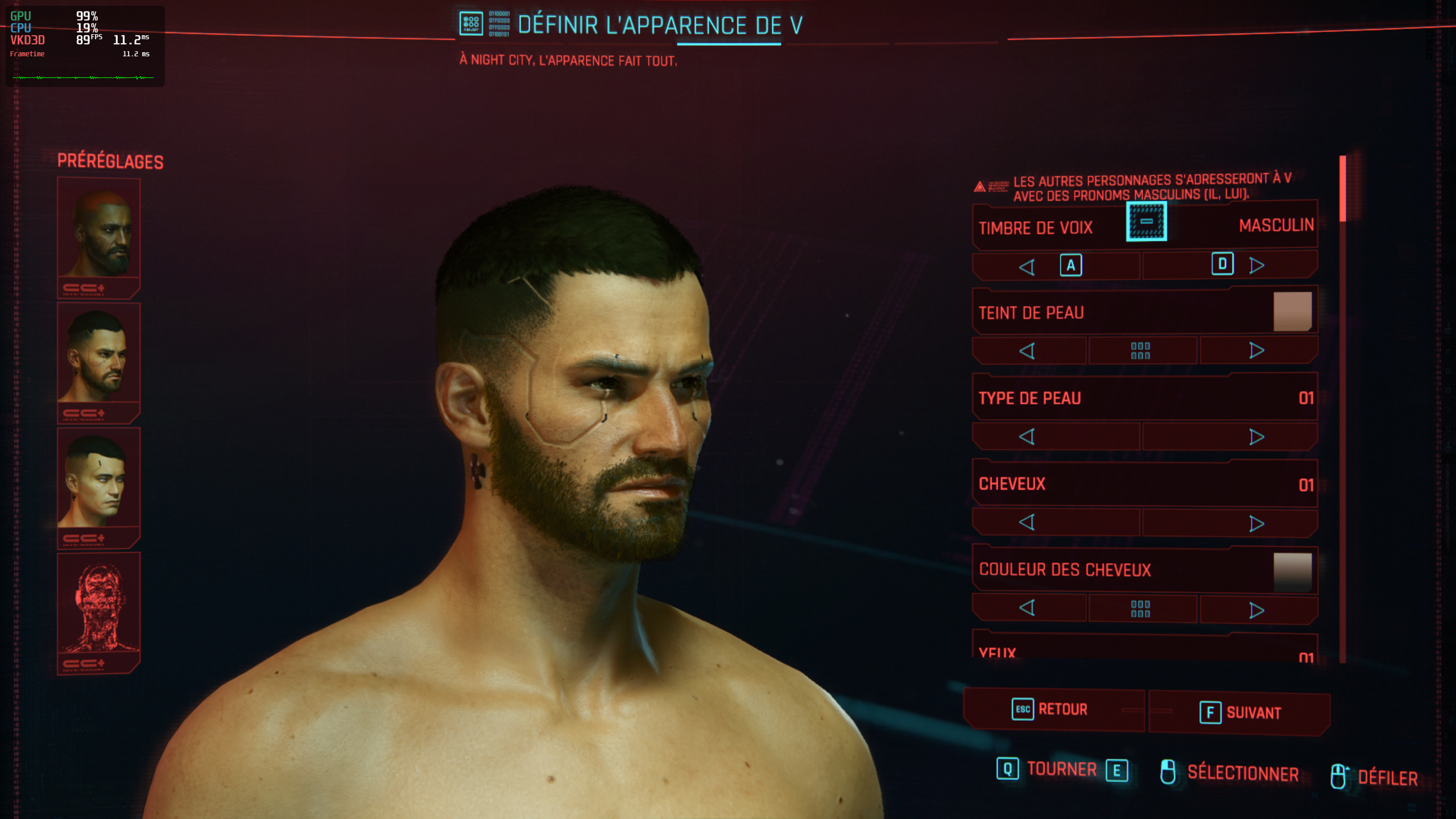
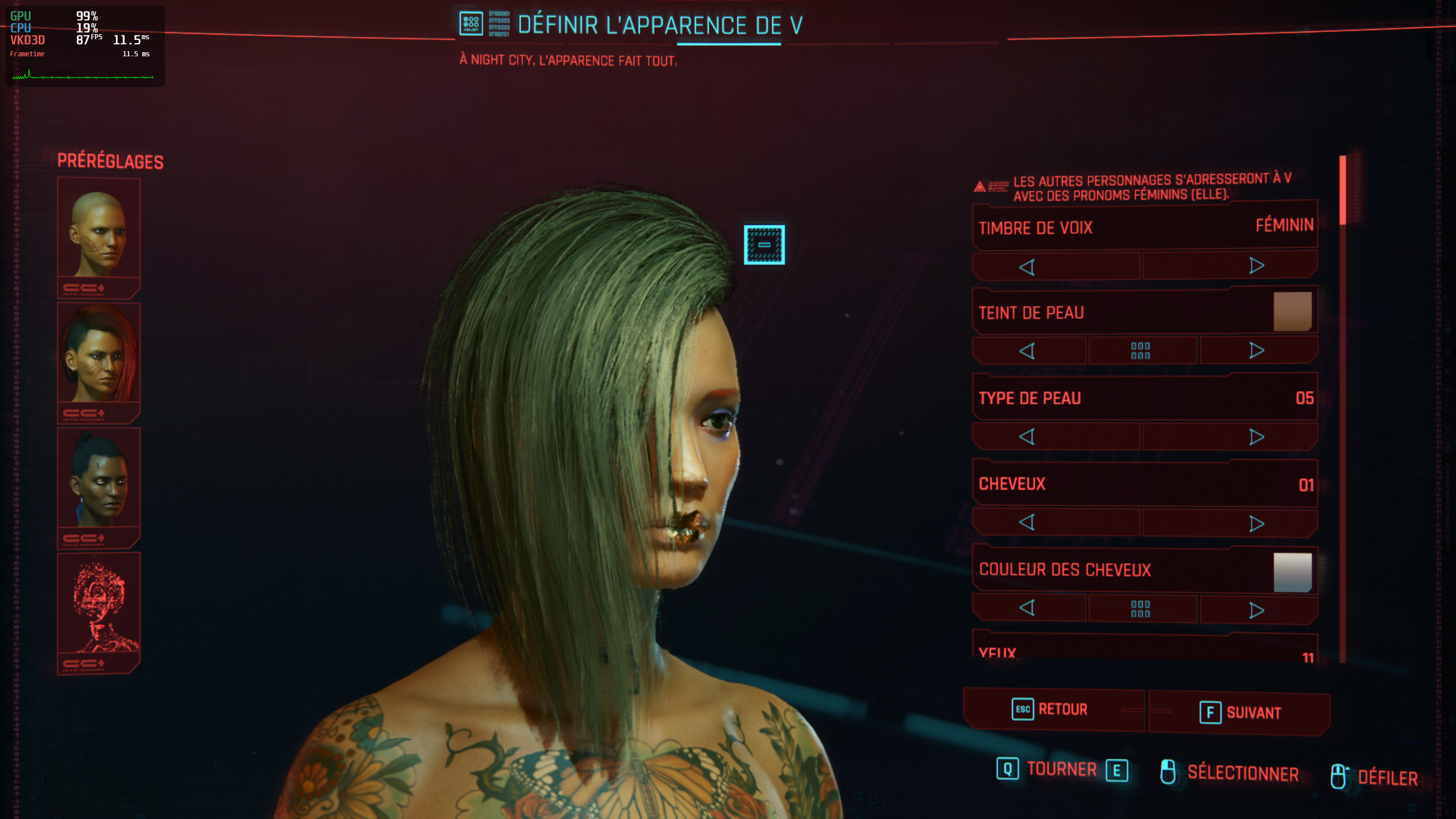
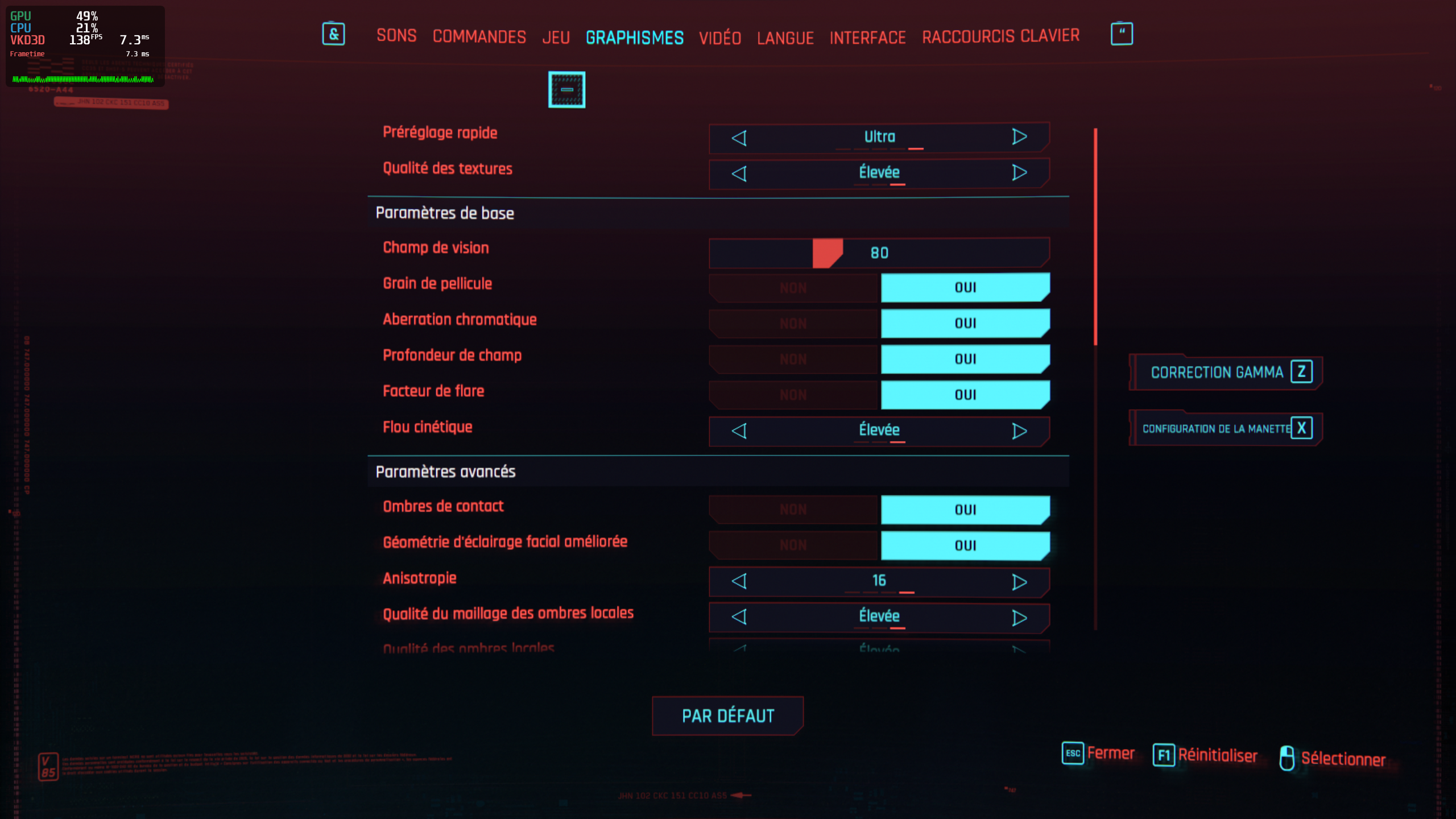
Even if no controller is plugged, cyberpunk still asks for Y X and other gamepad keys and I'm forced to play with it. Any fixes? Is it a known bug?
Even if no controller is plugged, cyberpunk still asks for Y X and other gamepad keys and I'm forced to play with it. Any fixes? Is it a known bug?
I have not experienced this... The default keyboard keybinds come up for me.
Even if no controller is plugged, cyberpunk still asks for Y X and other gamepad keys and I'm forced to play with it. Any fixes? Is it a known bug?
I get this issue if I use my controller to drive. The button prompts are permanently for the controller after that and the Map controls no longer allow me to float the mouse with the cursor.
@HadetTheUndying have you tried the game in Windows? Could be a game bug
Any new discoveries for getting past the heist mission crash? I managed to get all the way to the end of the car ride without a crash by opening the pause menu for around 30 seconds every 5 or so seconds to let stuff load in. I don't know if theres something specific about getting out the car that would cause a crash but it seems to be that way.
tail.log
Besides that, the new proton experimental improved performance and I no longer have the weird ghosting effect on graphics. I can play for a good 30-60 min between crashes. Audio still missing, of course.
Pop_OS! 20.10
5.9.13-xanmod2 (rolled back after noticing degraded performance with 5.9.14-xanmod1)
mobile 1660ti driver ver. 455.45.01 (forced ubuntu version instead of pop os)
Intel i7-9750H
Any new discoveries for getting past the heist mission crash? I managed to get all the way to the end of the car ride without a crash by opening the pause menu for around 30 seconds every 5 or so seconds to let stuff load in. I don't know if theres something specific about getting out the car that would cause a crash but it seems to be that way.
tail.logBesides that, the new proton experimental improved performance and I no longer have the weird ghosting effect on graphics. I can play for a good 30-60 min between crashes. Audio still missing, of course.
Pop_OS! 20.10
5.9.13-xanmod2 (rolled back after noticing degraded performance with 5.9.14-xanmod1)
mobile 1660ti driver ver. 455.45.01 (forced ubuntu version instead of pop os)
Intel i7-9750H
@typeitout are you running on a hdd? There's a setting for people running hdds. Idk if it would cause the crashing but worth a try 😁
@ErikReider no i have an nvme ssd. i tried that setting earlier on a whim and it didnt change anything. however, that was before the proton-experimental was updated. Here's a log from my last attempt a few minutes ago. I personally don't know what any of it means :(
steam-1091500.log
I get this issue if I use my controller to drive. The button prompts are permanently for the controller after that and the Map controls no longer allow me to float the mouse with the cursor.
This is a bug in the game.
Waaait. I can hear NPCs. My launch options are: MANGOHUD=1 gamemoderun %command% --launcher-skip with the latest proton experiment.
Edit: I heard two NPCs talk but when I pressed "F" to make them talk, they were silent
Edit 2: So when NPCs talk to you, it works but when you interact with them, it doesn't
I'm now thinking there might be a missing audio codec - the videos have proven to be encoded via BINK and the library generally included for codecs is no longer included in the ffmpeg package. Will give it a try tomorrow and report back.
Waaait. I can hear NPCs. My launch options are:
MANGOHUD=1 gamemoderun %command% --launcher-skipwith the latest proton experiment set to "Next" beta.Edit: I heard two NPCs talk but when I pressed "F" to make them talk, they were silent
Edit 2: So when NPCs talk to you, it works but when you interact with them, it doesn't
These Launch options lead the game to not start at all. But I have to admit that I don't know what you mean with "latest proton experiment set to next beta". I only find Proton experimental. Where is the other option?
Waaait. I can hear NPCs. My launch options are:
MANGOHUD=1 gamemoderun %command% --launcher-skipwith the latest proton experiment set to "Next" beta.
Edit: I heard two NPCs talk but when I pressed "F" to make them talk, they were silent
Edit 2: So when NPCs talk to you, it works but when you interact with them, it doesn'tThese Launch options lead the game to not start at all. But I have to admit that I don't know what you mean with "latest proton experiment set to next beta". I only find Proton experimental. Where is the other option?
Make sure you have gamemode installed, or else - yes, the command would be expected to fail.
You can get it here - I had to install it too as I thought I already had it.
@LuFlo My bad, the Proton Experimental doesn't have a "Next" beta. But I am running the game with Proton Experimental with the latest patch
Thanks for the comments. I managed to start with gamemode, but no luck for me. I'm currently in Lizzys Bar and there is no talking or music...
i extracted the audio_1_general.archive and audio_2_soundbanks.archive to take a look and i see the sound files are .wem format
not sure what kind of audio codec is being used inside of those files but googling i find .wem format is wwise. found another game that were using wwise where they used mfplat. i attempted to install that into cyberpunk 2077 but sadly didnt do anything to the missing audio
Do you also guys cant select radio station during riding car? Sound its not working but I cant even confirm selection of radio station. (works correct on Win10)
Do you also guys cant select radio station during riding car? Sound its not working but I cant even confirm selection of radio station. (works correct on Win10)
Same here.
Can anyone confirm that patch 1.04 (from CD PROJEKT RED) for the game does not start correctly? I tried running it this morning with mesa 20.3.0-3, mesa-git, Proton 5.13-4 and Proton-Experimental in all possible combinations on Arch. The patch seems to be unplayable.
The release version of the game still works with both Proton versions and mesa-git fixes the rendering issues (only UI works, the rest is a mixture of depth buffer and global illumination).
I think that's an issue with Proton. The processes seem to start properly and nothing crashes but no window opens. I updated via GOG Galaxy 2.0 on Win10 and copied the patched version back to Arch (for the people who want to reproduce - unsure if you can get the patch on Linux somehow).
@TheJackiMonster 1.04 works fine here. Both with 5.13-4 and Experimental. I did not update anything else. I'm on a Manjaro system.
Can anyone confirm that patch 1.04 (from CD PROJEKT RED) for the game does not start correctly? I tried running it this morning with mesa 20.3.0-3, mesa-git, Proton 5.13-4 and Proton-Experimental in all possible combinations on Arch. The patch seems to be unplayable.
The release version of the game still works with both Proton versions and mesa-git fixes the rendering issues (only UI works, the rest is a mixture of depth buffer and global illumination).
I think that's an issue with Proton. The processes seem to start properly and nothing crashes but no window opens. I updated via GOG Galaxy 2.0 on Win10 and copied the patched version back to Arch (for the people who want to reproduce - unsure if you can get the patch on Linux somehow).
Works fine on Ubuntu 20.04 with both Proton versions. (only this sound issue.. ehhh)
@TheJackiMonster Why didn't you just download it through Lutris?
@ErikReider I downloaded through Minigalaxy but during release and I thought patching only is faster.
@TheJackiMonster sounds like that could be the problem...
@ErikReider I will download the whole game again and confirm if it works then.
Found something about installing xact to get wwise audio to work
Edit 1: sadly winetricks xact didn't work...
I'm wondering... can anybody using stadia replicate the issue asdociated to the kissing audio?
Sounds like the sound is outputting to the wrong sink actually...
@fubarhouse I have stadia as well, Stadia does not have missing audio and I have stereo speakers. Using chromium to play stadia not the Chromecast
https://www.nexusmods.com/cyberpunk2077/mods/82?tab=description
Signature of AVX bug is as follows:
Game crashes at and beyond these locations:
Take a seat for Corpo
Exit bar for Street Kid
After cutscene for arrival at city for Nomad

You can do this mod yourself trivially. Simply use a hex editor on the Cyberpunk2077.exe,
and replace "55 48 81 ec a0 00 00 00 0f 29 70 e8" with "c3 48 81 ec a0 00 00 00 0f 29 70 e8".
This simply turns the bad AVX call into a return.
DISCLAIMER: May be breaking things under the hood, but seems stable.
Probably solves the problem with hangs on Nvidia. I haven't been able to get any hangs yet. Checking.
https://www.nexusmods.com/cyberpunk2077/mods/82?tab=description
Signature of AVX bug is as follows:
Game crashes at and beyond these locations:
Take a seat for Corpo
Exit bar for Street Kid
After cutscene for arrival at city for Nomad

You can do this mod yourself trivially. Simply use a hex editor on the Cyberpunk2077.exe,
and replace "55 48 81 ec a0 00 00 00 0f 29 70 e8" with "c3 48 81 ec a0 00 00 00 0f 29 70 e8".
This simply turns the bad AVX call into a return.
DISCLAIMER: May be breaking things under the hood, but seems stable.
Probably solves the problem with hangs on Nvidia. I haven't been able to get any hangs yet. Checking.
Still crashing during the car ride in "The Heist".
Im running cyberpunk 2077 on Ubuntu 20.04 with Nvidia quaddro m5000 with no issues
@srgtlord Do you not have the problem with missing sounds/music?
https://www.nexusmods.com/cyberpunk2077/mods/82?tab=description
Probably solves the problem with hangs on Nvidia. I haven't been able to get any hangs yet. Checking.
Still crashing during the car ride in "The Heist".
Confirmed, still crashing...
Furthest I've gotten over the dozens of times I've tried is when V actually is half-way exiting the car.
Furthest I've gotten over the dozens of times I've tried is when V actually is half-way exiting the car.
I mean random hangs that I used to have a lot of. If it hangs in the same place every time, it probably won't help.
So the patch 1.04 as GOG version won't work with Proton. I've tried a new installation via Lutris but the windows still won't show up. Minigalaxy also installs the 1.03 version everytime.
The patch 1.04 from Steam however works fine with Proton Experimental except sound issues and other minor things I didn't notice much.
I know that it is offtopic here, but when reading about all the game issues, I wonder why Valve chose the "Proton way" instead of helping CD Projekt Red releasing a native Linux version of Cyberpunk 2077 that they already have - it was made for Stadia, but it seems to work fine on a standard Linux desktop. Unfortunately, they released it only for Stadia.
So the patch 1.04 as GOG version won't work with Proton. I've tried a new installation via Lutris but the windows still won't show up. Minigalaxy also installs the 1.03 version everytime.
The patch 1.04 from Steam however works fine with Proton Experimental except sound issues and other minor things I didn't notice much.
I don't know about minigalaxy issues, but for what it's worth the windows version of GOG Galaxy worked fine for me when downloading and installing the GOG version of the game, as well as updating it to 1.04, using wine-staging 5.22. After that I just had to dance around some of the known issues of Proton 5.13 which is currently bugged when used with non-steam games using the normal "proton" executable. Applying the patch found here I could use proton to run the GOG version of the game just fine.
but it seems to work fine on a standard Linux desktop
As he clarified this post was about Division 2, not Cyberpunk 2077. But, yeah, most likely Cyberpunk 2077 from Stadia would work fine too, if it would be ever released.
Screenshot
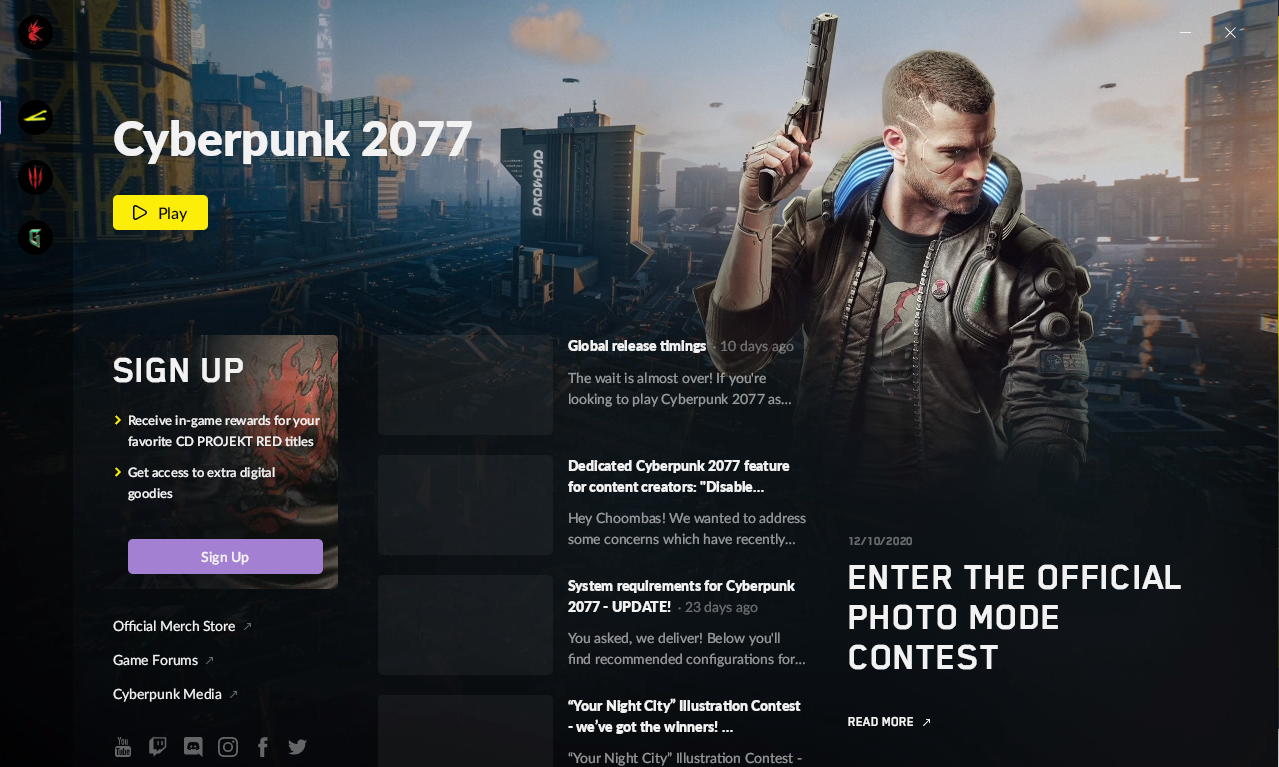
Run with:
STEAM_RUNTIME=1 steam
Launch options:
PROTON_LOG=1 %command%
When I click play, the game crashed. NVIDIA GeForce RTX 2080 Ti with nvidia-drivers: 455.45.01
With Steam Beta Update choosed.
Both Proton 5.13-4 and Experimental tried.
System Information
nvidia-drivers: 455.45.01-r1
mesa: 20.3.0
OS: Gentoo Base System release 2.7 x86_64
Kernel: 5.9.14-gentoo-x86_64
Shell: zsh 5.8
Resolution: 1920x1080
DE: GNOME
WM: Mutter
WM Theme: Adwaita
Theme: Obsidian-2 [GTK2/3]
Icons: Obsidian [GTK2/3]
Terminal: tilix
CPU: AMD Ryzen 9 3900X (24) @ 3.800GHz
GPU: NVIDIA GeForce RTX 2080 Ti Rev. A
Memory: 4429MiB / 64330MiB
It shows:
>>> Adding process 108568 for game ID 1091500
>>> Adding process 108582 for game ID 1091500
Game update: AppID 1091500 "", ProcID 108551, IP 0.0.0.0:0
RecordSteamInterfaceCreation (PID 108551): SteamUtils010 /
RecordSteamInterfaceCreation (PID 108551): SteamUser021 / User
RecordSteamInterfaceCreation (PID 108551): SteamUser021 /
RecordSteamInterfaceCreation (PID 108551): STEAMUSERSTATS_INTERFACE_VERSION012 /
>>> Adding process 108664 for game ID 1091500
>>> Adding process 108714 for game ID 1091500
Game removed: AppID 1091500 "", ProcID 108551
Game 1091500 created interface STEAMUSERSTATS_INTERFACE_VERSION012 /
Game 1091500 created interface SteamUser021 /
Game 1091500 created interface SteamUser021 / User
Game 1091500 created interface SteamUtils010 /
Game 1091500 method call count for IClientUser::BLoggedOn : 2
Game 1091500 method call count for IClientUser::GetSteamID : 1
Game 1091500 method call count for IClientUtils::GetAppID : 5
Game 1091500 method call count for IClientUtils::RecordSteamInterfaceCreation : 4
Game 1091500 method call count for IClientUserStats::RequestCurrentStats : 1
Uploaded AppInterfaceStats to Steam
Exiting app 1091500
No cached sticky mapping in ActivateActionSet.
The log of Proton:
steam-1091500.log
It can't work with nvidia.
@vowstar it's working (with the exceptions of the audio bugs and general glitches described in this thread) for me with the following specs:
Nvidia 2080ti
Intel I9 9900k
Ubuntu 20.04
Nvidia drivers 455.45.1
Proton experimental (via steam)
I wouldn't give up hope yet, try some of the other suggested fixes in this thread such as disabling gl flip (didn't help me) and the proton envs:
PROTON_NO_ESYNC=1 PROTON_NO_FSYNC=1
Good luck!
Hello @vowstar, you log has Unhandled exception: unimplemented function ^E.�3�H��`[���������������H��8^O��I�P H��t^\�^M�o� called in 64-bit code (0x000000007bc2f798). which has been mentioned a handful of times before in this compatibility report. If I recall correctly, players who have seen this worked around it by moving/removing their wine prefix (/home/vowstar/.local/share/Steam/steamapps/compatdata/1091500).
Hello @vowstar, you log has
Unhandled exception: unimplemented function ^E.�3�H��`[���������������H��8^O��I�P H��t^\�^M�o� called in 64-bit code (0x000000007bc2f798).which has been mentioned a handful of times before in this compatibility report. If I recall correctly, players who have seen this worked around it by moving/removing their wine prefix (/home/vowstar/.local/share/Steam/steamapps/compatdata/1091500).
Thank you! It works! You have made my day.
By remove /home/vowstar/.local/share/Steam/steamapps/compatdata/1091500, when I click play, all things going well.
https://www.nexusmods.com/cyberpunk2077/mods/82?tab=description
Probably solves the problem with hangs on Nvidia. I haven't been able to get any hangs yet. Checking.Still crashing during the car ride in "The Heist".
Confirmed, still crashing...
Furthest I've gotten over the dozens of times I've tried is when V actually is half-way exiting the car.
I passed "The Heist" crash by turning down graphics and pausing frequently during the car ride. Don't ask me why that worked. I still get random crashes with this mod. Hard to tell if the frequency went down. (Nvidia 1080)
It can't work with nvidia.
I definitely starts and runs with nvidia, but you will experience random freezes during the game. Please don't spread misinformation.
@RafeMcAtee okay, i tried the heist car ride about 20 times and crashed every time... Just did as you suggested and paused the game every 5 seconds or so during the journey and it worked first time... Wtf 😂
Can anybody else test this and see if this works for them?
(No mods, proton experimental)
@jaxwilko didn't work for me. I ran proton experimental, with the launch options:
PULSE_LATENCY_MSEC=60 %command% --launcher-skip
Not only did it not work, but it froze immediately after unpausing. I've heard people saying it's due to a high volume of objects being loaded into the world during the ride, any way to force a reduction?
I just completed the heist issue and I didn't crash at all. The game hasn't crashed for me at all yet.
It could possibly be an issue with Nvidia GPUs as the lastest version of proton specifically mentions cyberpunk 2077 compatability with AMD gpus using Mesa Git. I'm using gamemoderun MANGOHUD=1 %command% --launcher-skip and a 5700xt with no issues so far. This is with out mods and proton stable latest
I just completed the heist issue and I didn't crash at all. The game hasn't crashed for me at all yet.
It could possibly be an issue with Nvidia GPUs as the lastest version of proton specifically mentions cyberpunk 2077 compatability with AMD gpus using Mesa Git. I'm using gamemoderun MANGOHUD=1 %command% --launcher-skip and a 5700xt with no issues so far. This is with out mods and proton stable latest
Given the amount of reports on random freezes and crashes here I'm still inclined to say, you're just lucky and yet to experience a crash. I've had a close to three hour long stable gameplay until a crash happened.
Sorry to bear bad news but only saying this to avoid giving people false hope.
Recommended music for The Heist on Nvidia GPU's: Everything Black by Unlike Pluto
If you make it past The Heist and Dex in the dark, I haven't run into any other glitched levels yet.
Everything is stable as hell, but there's one part of the car ride in the heist that is consistently freezing. Guess I won't be progressing until this is sorted... either that or maybe there's a save game available somewhere...
@fubarhouse boot into Windows and get past the ride, click F5 to quick save and then reboot back into Linux :)
@ErikReider that would require having Windows... which I do not.
If I can be bothered I'll install it this week but I really don't want to.
Edit: I removed the steam compatdata folder for the game and it cruised through without any problems.
I do not know if it was the pausing itself or a combination of factors, but this methodology worked for me to pass The Heist yesterday as well.
nvidia 2060 mobile, 455.45 driver, proton experimental branch
I dropped the resolution and field of view to the lowest settings (1024x768 and 70 degrees fov iirc)
During the car ride, I had my character look down and to the left as much as possible, this was to avoid rendering whatever was causing the crash. I also used the inventory menu to pause rapidly and inch my way through the scene.
After getting through the car ride, most of the inside of the hotel was black and I could only see using the scanner, so there went my sneaky sneaky. Was not easy to navigate but I managed to finish the prologue. Haven't needed to inch through anything else and I've now reduced crowd size as well.
While not totally stable, it is absolutely playable if you manage to tweak things right and be cognizant about when shit is getting gpu heavy.
No clue if it means anything, and probably not. But when pausing I waited for my fans to spin down before unpausing. I was pretty frustrated after fighting it for a couple hours so I just took my time and made it through.
The last major thorn in my side has been the missing pieces of audio. I attempted the xact fix for wine specified https://www.reddit.com/r/linux_gaming/comments/99i4se/skyrim_on_linux_steam_play_no_voiceno_music_audio/ but it seems like it actually made me lose another audio stream or two so idk.
If anyone has ideas for the audio issues I will love you forever.
Long story short, minimize unnecessary gpu stuff like things that are far away or small details. Be aware of whats being rendered to try and compensate manually.
One comment ago...
Tried this earlier today and it didn't work...
Everything is stable as hell, but there's one part of the car ride in the heist that is consistently freezing. Guess I won't be progressing until this is sorted... either that or maybe there's a save game available somewhere...
Are you using the next branch of proton 5.13-4
Everything is stable as hell, but there's one part of the car ride in the heist that is consistently freezing. Guess I won't be progressing until this is sorted... either that or maybe there's a save game available somewhere...
Are you using the next branch of proton 5.13-4
Yeah - it works great with 5.13-4, Experimental and proton-ge-custom (if you rebuild from source). Turns out something was wrong and removing the compatdata for the game and reverifying the files fixed the issue. :)
@XDshot
Problem solved by removing amdvlk package, then why
VK_ICD_FILENAMES=/usr/share/vulkan/icd.d/radeon_icd.x86_64.json:/usr/share/vulkan/icd.d/radeon_icd.i686.jsondoesn't work
Super late reply to a super obscure problem, but, I found the same behavior. I think it's because Proton 5.13 and up still does not yet work with that environment variable (among some others), as detailed in #4289
I have no idea why 5.13 and up broke so many things for so many users. I still can't get any version of proton newer than 5.11 to run on any non-Steam games, period.
I do not know if it was the pausing itself or a combination of factors, but this methodology worked for me to pass The Heist yesterday as well.
nvidia 2060 mobile, 455.45 driver, proton experimental branch
I dropped the resolution and field of view to the lowest settings (1024x768 and 70 degrees fov iirc)During the car ride, I had my character look down and to the left as much as possible, this was to avoid rendering whatever was causing the crash. I also used the inventory menu to pause rapidly and inch my way through the scene.
After getting through the car ride, most of the inside of the hotel was black and I could only see using the scanner, so there went my sneaky sneaky. Was not easy to navigate but I managed to finish the prologue. Haven't needed to inch through anything else and I've now reduced crowd size as well.
While not totally stable, it is absolutely playable if you manage to tweak things right and be cognizant about when shit is getting gpu heavy.
No clue if it means anything, and probably not. But when pausing I waited for my fans to spin down before unpausing. I was pretty frustrated after fighting it for a couple hours so I just took my time and made it through.
The last major thorn in my side has been the missing pieces of audio. I attempted the xact fix for wine specified https://www.reddit.com/r/linux_gaming/comments/99i4se/skyrim_on_linux_steam_play_no_voiceno_music_audio/ but it seems like it actually made me lose another audio stream or two so idk.
If anyone has ideas for the audio issues I will love you forever.
Long story short, minimize unnecessary gpu stuff like things that are far away or small details. Be aware of whats being rendered to try and compensate manually.
Unfortunately I don't think solving the audio issues are gonna be quite as simple as we think. I think there's probably some DirectSound issues that need to be solved in Wine/Proton for this to work. Things that don't have any sort of API translation implemented yet. I hope I'm wrong and it's something super simple. DX12 is a god damn nightmare, and while I'm impressed by vkd3d-proton the code readability compared to DXVK is night and day.
I can confirm that the audio works fine on Stadia and Geforce Now(Though i think Geforce Now is a Windows VM)
The comment just before this one...
Yeah geforce now is a windows enterprise VM I think with some custom nvidia software sprinkled on top. I don't know why they don't release a vulkan mode. Red engine, like unity, allows them to easily port the game to other platforms. It should just be a setting in Red engine to enable vulkan then optomise it a bit. In every game I have tried vulkan has always been more stable and more efficient even on Windows and with Vulkan RT it should be used instead of DX in the future because fuck DX12
@RafeMcAtee okay, i tried the heist car ride about 20 times and crashed every time... Just did as you suggested and paused the game every 5 seconds or so during the journey and it worked first time... Wtf
Can anybody else test this and see if this works for them?
(No mods, proton experimental)
Yes, it works. Not 100% reliably. But it worked for me on the second try. Pay attention to where you are when the crash happens (look out the windows) and try to pause for about 15 seconds right before the crash.
I could not find any solution for the screen blackout during the ensuing mission though. Including using the hack on nexus that lets you toggle hidden graphics settings by editing the game's binary. I played through the whole thing blind, using the scanner to peek at the environment every once in a while. Protip: if you can tag enemies and then use a tech weapon to shoot them through cover it gets a lot easier. Same issue occurs in the no-tell hotel. There must be some kind of special "hotel shader effect" or something :<
@nphyx yeah the hotel is a pain while being blind 😂. I have a feeling that pausing regularly may just give the game extra time to release no longer needed memory and load in the new stuff.
FYI I've played maybe 4-5 hours after the hotel and have had no issues (not even any crashes which were happening frequently prior).
Hopefully that shader doesn't make a return 😂
I can't continue...
The black box issue is making progression on the heist mission impossible...
On a positive note, the sound issues are going to get looked at...
https://forums.cdprojektred.com/index.php?threads/sound-issues.11040671/
Not sure if it's helpful but I noticed under pavucontrol that Cyberpunk is listed as Cyberpunk 2077: audio stream #2
Also I can't get the game to run no matter what I try using Proton 5.13-4 or experimental but I am able to play using Proton-5.21-GE-1.
On a positive note, the sound issues are going to get looked at...
https://forums.cdprojektred.com/index.php?threads/sound-issues.11040671/
Where does it say they're looking into it?
On WIndows they appearantly can fix this issue with this Programm called HeSuVi. Has Anyone tried that out or is familiar with it? What does it do and can we do something similar on Linux?
From that sound thread on official forums:
Had the exact same issues: No music in Lizzy's Bar, no dialogue from NPC's.
The problem was fixed by NOT choosing "Continue" when I launched the game.
Instead, I manually loaded a savegame.
Tried it and it didn't work for me :disappointed: (random NPCs are still quiet)
From that sound thread on official forums:
Had the exact same issues: No music in Lizzy's Bar, no dialogue from NPC's.
The problem was fixed by NOT choosing "Continue" when I launched the game.
Instead, I manually loaded a savegame.Tried it and it didn't work for me disappointed (random NPCs are still quiet)
Yeah, I have also tried that. I have seen that TK-Glitch has released a new build Proton 6.0-RC2, but sadly it didn't make a differents.
Wow, we have a fun one here. This is on an NVidia RTX 2070 Super. This is at the Relic stealing mission. When walking towards the secuirity scanner, everything goes black, and it stays black, even going through and up the elevator.
On WIndows they appearantly can fix this issue with this Programm called HeSuVi. Has Anyone tried that out or is familiar with it? What does it do and can we do something similar on Linux?
@TheChriZ, From what I get, HeSuVi emulates a 7.1 sounds setup with stereo hardware. I've tried to do that with puleaudio: no luck, the bug is still present. You can find my messages earlier in the thread.
Not sure if it's helpful but I noticed under pavucontrol that Cyberpunk is listed as
Cyberpunk 2077: audio stream #2Also I can't get the game to run no matter what I try using Proton 5.13-4 or experimental but I am able to play using Proton-5.21-GE-1.
@Zephranoid
Tow things.
This pretty much confirms my suspicion that this is Unimplemented API in Wine since we're missing an audio stream. I don't know how to progress from there someone more knowledgeable than I am is going to have to figure that out.
Two
You're able to alt+tab? How? I cannot alt+tab in gnome.
Screenshot
PULSE_LATENCY_MSEC=60 gamemoderun %command% --launcher-skip
Settings in the screenshots. https://ibb.co/bJ0Z315 https://ibb.co/M75Ndt4 https://ibb.co/p3mMvqw
Cyberpunk 2077\bin\x64
1.Rename Cyberpunk2077.exe to Cyberpunk2077.exe.bak
2. Use a hex editor on the Cyberpunk2077.exe.
3. Replace "75 30 33 C9 B8 01 00 00 00 0F A2 8B C8 C1 F9 08" with "EB 30 33 C9 B8 01 00 00 00 0F A2 8B C8 C1 F9 08".
4. Replace "55 48 81 ec a0 00 00 00 0f 29 70 e8" with "c3 48 81 ec a0 00 00 00 0f 29 70 e8".
This turns the bad AVX call into a return and increase perfomance for AMD processors.
DISCLAIMER: May be breaking things under the hood, but seems stable.
You're able to alt+tab? How? I cannot alt+tab in gnome
@HadetTheUndying Alt-tab works if you are in fullscreen mode. Does not work in borderless/windowed.
PULSE_LATENCY_MSEC=60 gamemoderun %command% --launcher-skip
Settings in the screenshots. https://ibb.co/bJ0Z315 https://ibb.co/M75Ndt4 https://ibb.co/p3mMvqw
Cyberpunk 2077\bin\x64
1.Rename Cyberpunk2077.exe to Cyberpunk2077.exe.bak
2. Use a hex editor on the Cyberpunk2077.exe.
3. Replace "75 30 33 C9 B8 01 00 00 00 0F A2 8B C8 C1 F9 08" with "EB 30 33 C9 B8 01 00 00 00 0F A2 8B C8 C1 F9 08".
4. Replace "55 48 81 ec a0 00 00 00 0f 29 70 e8" with "c3 48 81 ec a0 00 00 00 0f 29 70 e8".This turns the bad AVX call into a return and increase perfomance for AMD processors.
DISCLAIMER: May be breaking things under the hood, but seems stable.
Isn't that exactly what the AVX Fix mod on the Nexus does?
https://www.nexusmods.com/cyberpunk2077/mods/34
PULSE_LATENCY_MSEC=60 gamemoderun %command% --launcher-skip
Settings in the screenshots. https://ibb.co/bJ0Z315 https://ibb.co/M75Ndt4 https://ibb.co/p3mMvqw
Cyberpunk 2077\bin\x64
1.Rename Cyberpunk2077.exe to Cyberpunk2077.exe.bak
2. Use a hex editor on the Cyberpunk2077.exe.
3. Replace "75 30 33 C9 B8 01 00 00 00 0F A2 8B C8 C1 F9 08" with "EB 30 33 C9 B8 01 00 00 00 0F A2 8B C8 C1 F9 08".
4. Replace "55 48 81 ec a0 00 00 00 0f 29 70 e8" with "c3 48 81 ec a0 00 00 00 0f 29 70 e8".This turns the bad AVX call into a return and increase perfomance for AMD processors.
DISCLAIMER: May be breaking things under the hood, but seems stable.
Not needed, just use this much easier https://github.com/yamashi/PerformanceOverhaulCyberpunk
PULSE_LATENCY_MSEC=60 gamemoderun %command% --launcher-skip
Settings in the screenshots. https://ibb.co/bJ0Z315 https://ibb.co/M75Ndt4 https://ibb.co/p3mMvqw
Cyberpunk 2077\bin\x64
1.Rename Cyberpunk2077.exe to Cyberpunk2077.exe.bak
2. Use a hex editor on the Cyberpunk2077.exe.
3. Replace "75 30 33 C9 B8 01 00 00 00 0F A2 8B C8 C1 F9 08" with "EB 30 33 C9 B8 01 00 00 00 0F A2 8B C8 C1 F9 08".
4. Replace "55 48 81 ec a0 00 00 00 0f 29 70 e8" with "c3 48 81 ec a0 00 00 00 0f 29 70 e8".This turns the bad AVX call into a return and increase perfomance for AMD processors.
DISCLAIMER: May be breaking things under the hood, but seems stable.
@keytoit
That Hex Code is wrong and could cause some serious issues. It should be EB 30 33 C9 B8 01 00 00 00 0F A2 8B C8 C1 F9 0
Not needed, just use this much easier https://github.com/yamashi/PerformanceOverhaulCyberpunk
Man, it's really telling if the community needs to fix stuff like this. Thanks for linking that.
Isn't that exactly what the AVX Fix mod on the Nexus does?
Here is the second fix for AMD processors.
Not needed, just use this much easier
I do not use Linux for that, so that thoughtlessly replacing EXE files, instead of actions that take one minute.
That Hex Code is wrong and could cause some serious issues.
The link is the correct string, the same as mine.
Arch Linux 5.9.14-arch1-1
Plasma 5.20.4
All packages updated as of 12/14/20 with latest mesa
AMD Radeon RX 5700xt (XFX Thicc III)
AMD Ryzen 7 1700x
16GB DDR4 3200
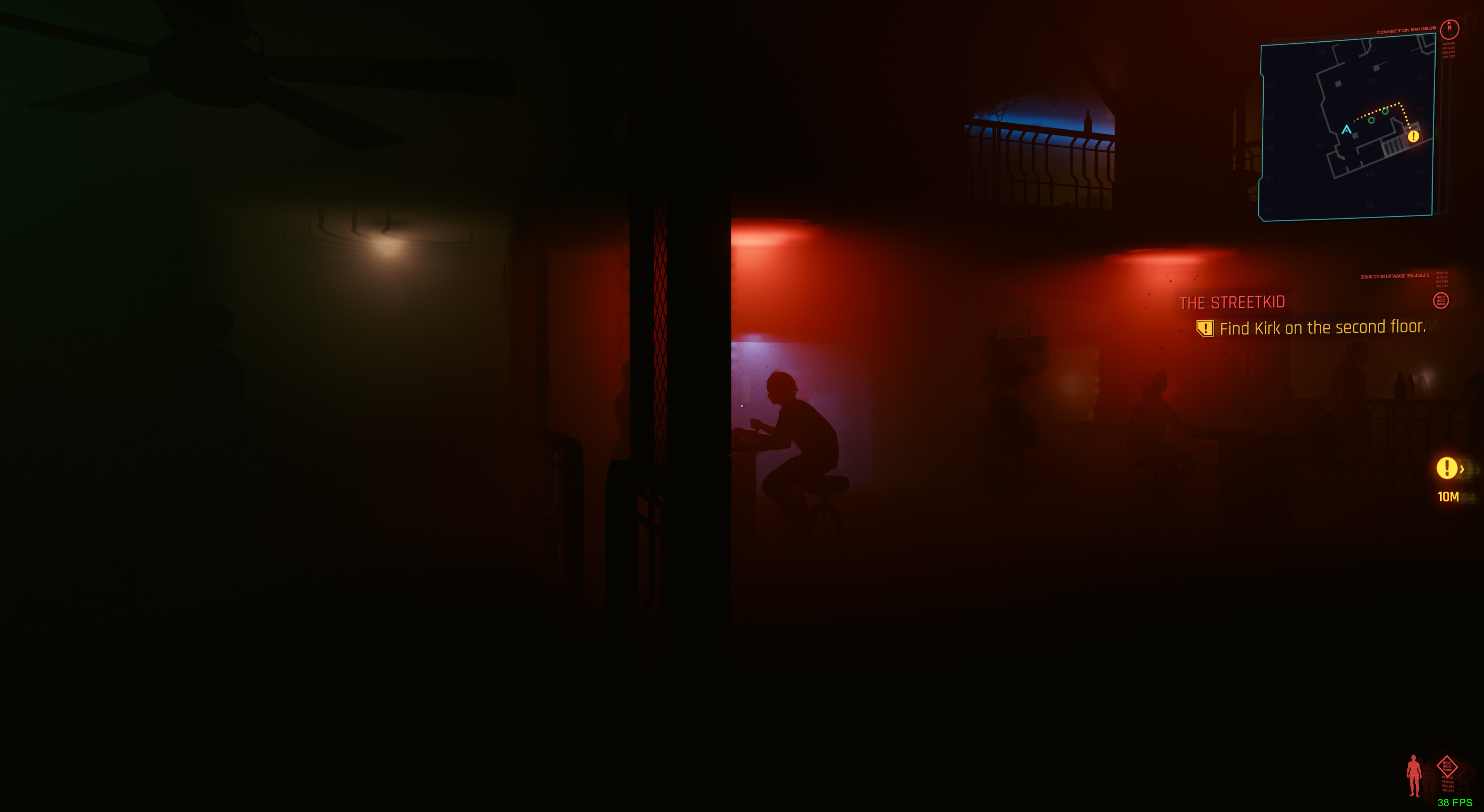
@Semperverus I think, you'll need to use mesa-git from AUR instead of mesa. This should fix these visual issues.
Some interesting details on CDPR's timeline for updates:
https://twitter.com/cyberpunkgame/status/1338390123373801472?s=21
Found this issue in vkd3d-proton repo, there's a black screen and missing audio too
Not needed, just use this much easier https://github.com/yamashi/PerformanceOverhaulCyberpunk
Man, it's really telling if the community needs to fix stuff like this. Thanks for linking that.
ummm how do I use that? :D
ummm how do I use that? :D
RTFM :wink: https://github.com/yamashi/PerformanceOverhaulCyberpunk/wiki
About an hour ago the internal QA branch got updated on Steam. Can be seen here.
While nothing is certain that would suggest a new patch has reached what is likely the final step of QA testing through Steam, so chances are decent it'll be released relatively soon.
While the next console patch are said to come within 7 days the console patches likely are larger as they need to go through certification before release. So smaller more frequent patches for Windows are probable.
As the missing sound is a fairly common issue on Windows as well I'm hopeful in it being prioritized, and hopefully fixed in a way that works for us too.
My fingers are crossed it'll be fixed in this patch, while there are other issues that's the one stopping me from even bothering properly playing at all. I'm mostly firing it up to test things so far and have only played the very start. Amassing 6 hours according to Steam.
My nightmares are freezes, if they are fixed then I will enjoy game much better. I can do without sound if that is too hard to fix, but freezes on nvidia are quite annoying...
I'm considering buying an AMD GPU just to get rid of my Nvidia one. It's been giving me issues ever since I installed linux
My nightmares are freezes, if they are fixed then I will enjoy game much better. I can do without sound if that is too hard to fix, but freezes on nvidia are quite annoying...
I also experienced a lot of freezes during The Ripperdoc - especially upon leaving the car and walking towards the alley. Only fix was save spamming and turning down graphics (don't know if that made a difference) until the player character left the area again.
Everything after that particular mission has been smooth sailing so far.
Thing is, I'm running AMD with mesa-git instead of Nvidia.
Unfortunately I don't think solving the audio issues are gonna be quite as simple as we think. I think there's probably some DirectSound issues that need to be solved in Wine/Proton for this to work. Things that don't have any sort of API translation implemented yet. I hope I'm wrong and it's something super simple. DX12 is a god damn nightmare, and while I'm impressed by
vkd3d-protonthe code readability compared toDXVKis night and day.I can confirm that the audio works fine on Stadia and Geforce Now(Though i think Geforce Now is a Windows VM)
I'm not sure if it means much, but all NPC voices play back when you use your scanner, and when you're looking at them through hacked surveillance cameras. Is it possible that the voices are stored a second time in a different audio format? They sound a bit different (intentionally), but I'm not sure if that's caused by realtime filter, or by loading different sound files.
@RafeMcAtee okay, i tried the heist car ride about 20 times and crashed every time... Just did as you suggested and paused the game every 5 seconds or so during the journey and it worked first time... Wtf
Can anybody else test this and see if this works for them?
(No mods, proton experimental)Yes, it works. Not 100% reliably. But it worked for me on the second try. Pay attention to where you are when the crash happens (look out the windows) and try to pause for about 15 seconds right before the crash.
I could not find any solution for the screen blackout during the ensuing mission though. Including using the hack on nexus that lets you toggle hidden graphics settings by editing the game's binary. I played through the whole thing blind, using the scanner to peek at the environment every once in a while. Protip: if you can tag enemies and then use a tech weapon to shoot them through cover it gets a lot easier. Same issue occurs in the no-tell hotel. There must be some kind of special "hotel shader effect" or something :<
doesn't work for me, tried 3 times already ;/ crashes the second I turn pause menu off
nvidia 1080
manjaro
video-nvidia-455xx 2020.10.04 false PCI
Replacing pulseadio with Pipewire-pulse removes for me the audio cracking , but still missing music and NPC voices.
Server Name: PulseAudio (on PipeWire 0.3.17)
doesn't work for me, tried 3 times already ;/ crashes the second I turn pause menu off
Doesn't work for me either. Tried even lowest details, resolution and fps (limit = 10), looking at floor/ceiling, gamemode, latest/experimental/GE proton. It always crashes. Not at exactly same place or dialog sentence ingame, or same memory address. I have never got past t-bug call (that's rare, only 2 times from like 20 I got to that point; never even got to the getting out of car animation like others mentioned in this issue).
pro 14 10:52:47 xxx kernel: NVRM: Xid (PCI:0000:10:00): 31, pid=301858, Ch 0000003e, intr 00000000. MMU Fault: ENGINE GRAPHICS GPCCLIENT_T1_0 faulted @ 0x2_7c800000. Fault is of type FAULT_PDE ACCESS_TYPE_VIRT_READ
pro 14 10:56:52 xxx kernel: NVRM: Xid (PCI:0000:10:00): 31, pid=348953, Ch 00000046, intr 00000000. MMU Fault: ENGINE GRAPHICS GPCCLIENT_T1_0 faulted @ 0x2_b5290000. Fault is of type FAULT_PDE ACCESS_TYPE_VIRT_READ
pro 14 11:01:17 xxx kernel: NVRM: Xid (PCI:0000:10:00): 31, pid=354427, Ch 00000046, intr 00000000. MMU Fault: ENGINE GRAPHICS GPCCLIENT_T1_0 faulted @ 0x2_09e40000. Fault is of type FAULT_PDE ACCESS_TYPE_VIRT_READ
pro 14 11:09:59 xxx kernel: NVRM: Xid (PCI:0000:10:00): 31, pid=367172, Ch 00000046, intr 00000000. MMU Fault: ENGINE GRAPHICS GPCCLIENT_T1_0 faulted @ 0x1_88be0000. Fault is of type FAULT_PTE ACCESS_TYPE_VIRT_READ
pro 14 11:33:05 xxx kernel: NVRM: Xid (PCI:0000:10:00): 31, pid=383974, Ch 00000046, intr 00000000. MMU Fault: ENGINE GRAPHICS GPCCLIENT_T1_0 faulted @ 0x1_bb2e0000. Fault is of type FAULT_PDE ACCESS_TYPE_VIRT_READ
pro 14 11:39:28 xxx kernel: NVRM: Xid (PCI:0000:10:00): 31, pid=396764, Ch 00000046, intr 00000000. MMU Fault: ENGINE GRAPHICS GPCCLIENT_T1_1 faulted @ 0x2_a6d10000. Fault is of type FAULT_PDE ACCESS_TYPE_VIRT_READ
pro 14 11:44:30 xxx kernel: NVRM: Xid (PCI:0000:10:00): 31, pid=403913, Ch 00000046, intr 00000000. MMU Fault: ENGINE GRAPHICS GPCCLIENT_T1_0 faulted @ 0x1_f4df0000. Fault is of type FAULT_PDE ACCESS_TYPE_VIRT_READ
pro 14 12:14:44 xxx kernel: NVRM: Xid (PCI:0000:10:00): 31, pid=462879, Ch 0000003e, intr 00000000. MMU Fault: ENGINE GRAPHICS GPCCLIENT_T1_0 faulted @ 0x2_67610000. Fault is of type FAULT_PTE ACCESS_TYPE_VIRT_READ
pro 14 13:26:51 xxx kernel: NVRM: Xid (PCI:0000:10:00): 31, pid=550799, Ch 00000056, intr 00000000. MMU Fault: ENGINE GRAPHICS GPCCLIENT_T1_0 faulted @ 0x2_a2f90000. Fault is of type FAULT_PTE ACCESS_TYPE_VIRT_READ
pro 14 14:42:49 xxx kernel: NVRM: Xid (PCI:0000:10:00): 31, pid=640340, Ch 00000056, intr 00000000. MMU Fault: ENGINE GRAPHICS GPCCLIENT_T1_0 faulted @ 0x2_0e010000. Fault is of type FAULT_PTE ACCESS_TYPE_VIRT_READ
I found this error reported in PoE where other user claimed it's fault of drivers and/or hardware (IMO hw is unlikely in our case).
game 1.04, Manjaro, NVidia 2080ti, drivers 455.45.01, kernel 5.9.11-3 (vanilla)
doesn't work for me, tried 3 times already ;/ crashes the second I turn pause menu off
...
game 1.04, Manjaro, NVidia 2080ti, drivers 455.45.01, kernel 5.9.11-3 (vanilla)
Unsure if this is helpful or not, but our setups seem similar.
I was only able to make it through by being extremely patient.
I would only unpause for maybe a second or two, then pause and let my fans all spin down to 'idle'
This did make some dialogue in the car ride difficult, but my only goal was getting through and saving.
Hopefully there are some patches in the works that make this unnecessary though, because it's a massive pita
There is this post on the cyberpunk 2077 subreddit, where OP found a configuration file, which seems to limit both RAM and VRAM usage to ~1.6GB and 3GB respectively. By changing the values in this config file, they claim to improve the performance of the game a lot.
While this does not seem to work on my computer, it might be worth a try to change the config files yourself. Some people report that this fix only works when running the game as an administrator, though I'm not even sure if that is an option when running games with proton. I also tried skipping the launcher, but this also didn't seem to have any effect.
Maybe one of you guys is able to do something with this information.
There is this post on the cyberpunk 2077 subreddit, where OP found a configuration file, which seems to limit both RAM and VRAM usage to ~1.6GB and 3GB respectively. By changing the values in this config file, they claim to improve the performance of the game a lot.
While this does not seem to work on my computer, it might be worth a try to change the config files yourself. Some people report that this fix only works when running the game as an administrator, though I'm not even sure if that is an option when running games with proton. I also tried skipping the launcher, but this also didn't seem to have any effect.
Maybe one of you guys is able to do something with this information.
Just tried it ... can't say I noticed any performance increases ...
Still crashing in "The Heist" car though ... :'-(
I saw and tried those edits too, no notable difference in fps, perhaps smoother but I didn't test much.
But I'm already at 98%+ GPU usage most of the time which is better than most games even if that power may not be as efficiently used as it could be. So I'm not bottlenecked by anything but GPU power and I wouldn't expect changes like that to have much of an effect, there might be some benefit though, and perhaps more notable for others.
Worth noting is also that those fixes have already been added to the performance overhaul mod talked about earlier, that person is quickly making that the go-to mod for all low-level performance-related fixes.
Opening post of this compatibility report
I dont like that they are trying to scare people with nvidia cards off, it worked fine since launchday with nvidia cards too, its just the sound bug where sound is missing for music and some npcs:s but amd has the same problem.
I too don't thing the config edit does something. I am 99% gpu as well with 30 - 40 fps on the Vega 64 in 2k high settings. This is what is about to be expected and I have the same performance in Starcitizen. Only have those audio issues, besides that it's perfect.
@sciroccogti82 It crashes frequently and randomly on Nvidia cards, with the only known way of improving it to some extent (disabling esync and fsync) not doing much for most people.
I too don't thing the config edit does something. I am 99% gpu as well with 30 - 40 fps on the Vega 64 in 2k high settings. This is what is about to be expected and I have the same performance in Starcitizen. Only have those audio issues, besides that it's perfect.
I haven't had the chance to test yet, but that post is by someone running Windows. They note that to have an effect, the game needs to be run as a windows admin. Maybe we just have to run it under root? Rather sketch, but the question at least exists whether there needs to be an extra step under Linux.
@netizen-837549 Would we just have to change the launch setting to sudo %command%? I'm willing to give it a try once I know how.
Hello @netizen-837549, there's no scenario where running a game as root on Linux is beneficial or supported.
Should I buy it right now or wait?
@netizen-837549 There's no situation where running Windows applications as administrator is acceptable either, it's a really big pet peeve of mine. If that becomes the "solution", then it indicates an issue with file permissions.
@VitoScalettaMafia If you're ready to maybe troubleshoot and deal with no radio, no random npc dialog and no enemy gun shot sound
I found that the game, or at least the launcher, seem to think it's running on Windows 8, even when Proton is definitely set to Windows 10. This is a part of the launcher's output when starting the game:
2020-12-14 20:05:40.817 [Information][ (0)] [TID 260][red-prelauncher]: Operating system: Windows 8 6.2 (Build 9200) (IA32)
2020-12-14 20:05:40.818 [Information][ (0)] [TID 260][red-prelauncher]: Platform identification: win8 64-bit, WINE 5.13
I don't know if this matters in any way, but considering only 7 and 10 are officially supported the game thinking it's on 8 could perhaps be an issue.
@albin-engstrom even with the ´--launcher-skip` option?
I attempted memory pool adjustment as outlined https://www.reddit.com/r/cyberpunkgame/comments/kccabx/hey_cd_projekt_red_i_think_you_shipped_the_wrong/
no sudo or su is necessary, in my case the files are user owned. previous commenters are correct about file permissions.
First attempt I set available VRAM to max (6GB for me), this appeared to increase rate of freezing (froze twice in an area that was previously okay to render). I didn't have a whole lot of time to fight with it, so I actually lowered it from the original 3GB to 2.5GB.
I have not done much testing since that last change, but it seemed more stable (no freezes).
I would like to mess around with these values more, but every time it freezes I have to reboot or else I can't relaunch Cyberpunk. Does anybody know how to clean up the processes left behind? If I can just kill a few things after each crash rather than restarting it will greatly improve my ability to test changes rapidly.
I have attempted restarting my X server, which gets me to desktop but I can't launch the game.
ps -aux shows some things still hanging around after a quit or crash, steam seems to detect something as well because the green play button in the library turns into a spinning loading wheel.
I tried killing some processes but couldn't figure out what steam was detecting, and some processes were automatically restarted by steam. If anyone knows how to clean things up so I don't have to waste time going through reboots I'm all ears.
@netizen-837549 The detail where you have to reboot between instances sounds like a reset bug, which those experienced in VFIO are well acquainted with. That would be technically a hardware problem in that case, though not necessarily unsolveable.
What GPU are you using? I most likely won't have any answers for you either way, but I expect that whoever does will need to know.
@ErikReider This is with that option (Edit: And I now tested without it, same result), the option just skips showing the launcher and the need to press "Play" the launcher exe is still started and does it's thing it seems.
The output even mentions that it's skipping the launcher due to the command line option:
2020-12-14 20:26:27.793 [Information][ (0)] [TID 260][red-prelauncher]: Skipping REDlauncher due to commandline options.
I found that the game, or at least the launcher, seem to think it's running on Windows 8, even when Proton is definitely set to Windows 10.
Confirmed, same thing on my machine
I wonder if adding the .exe's to the "Application settings" list in winecfg would do anything
Nope, it doesn't work. When I change default setting to Windows 7 it's detected correctly though. But the game obviously doesn't work
Yeah, I added overrides for REDlauncher.exe and REDprelauncher.exe and it still reports Windows 8.
And changing the global setting to 7 is correctly detected for me too.
Changed all 6 .exe's to "Windows 10" and still says 2020-12-14 20:59:25.168 [Information][ (0)] [TID 208][red-prelauncher]: Operating system: Windows 8 6.2 (Build 9200) (IA32)
When running the command below, it doesn't even mention the Windows version int the ~/cyber.txt file
WINEPREFIX=/media/nvme960Evo/Steam\ Library/steamapps/compatdata/1091500/pfx/ /media/nvme960Evo/Steam\ Library/steamapps/common/Proton\ -\ Experimental/dist/bin/wine64 bin/x64/Cyberpunk2077.exe &> ~/cyber.txt
It's the launcher that creates that output I think, so if the game exe is started directly it may not be created.
Yeah. No luck with the audio when launching the game by the exe
Same audio issues for me.
apparently this is also on Windows: https://forums.cdprojektred.com/index.php?threads/sound-issues.11040671/
Windows fix here (Enable spatial sound and disable some sound enhancements) : https://steamah.com/cyberpunk-2077-how-to-fix-audio-issues/
@guustflater Yeah, sadly this doesn't work (if we did everything correctly)...
@guustflater Yeah, sadly this doesn't work (if we did everything correctly)...
Too bad, well hope it's high on the list to fix with a patch. Glad enough that I'm able to play Cyberpunk already, actually expected that it would take over a year
Same audio issues for me.
apparently this is also on Windows: https://forums.cdprojektred.com/index.php?threads/sound-issues.11040671/Windows fix here (Enable spatial sound and disable some sound enhancements) : https://steamah.com/cyberpunk-2077-how-to-fix-audio-issues/
as i understand, this solution create virtual soundcard. on some strange reasons, some native cards not supported by game =\
i tryed my main bluetooth headbhones/hdmi/dp audio/motherboard soundcard/xonar dx... no succes
If I'm not mistaken, someone commented about using Pipewire instead of PulseAudio. Has anyone else tried this?
If I'm not mistaken, someone commented about using Pipewire instead of PulseAudio. Has anyone else tried this?
Another option to discover is apulse :}
https://github.com/ValveSoftware/Proton/issues/4450#issuecomment-744447810 mentions it could eliminate crackling audio, which is a less significant audio issue.
also tryed https://wiki.archlinux.org/index.php/PulseAudio/Examples#Binaural_Headphones
no result. but as i understand this working with stereo sound and separate it to 5.1/7.1, when virtual-surround-sink gets multichannel sources and try to emulate surround on stereo
also tryed https://wiki.archlinux.org/index.php/PulseAudio/Examples#Binaural_Headphones
no result. but as i understand this working with stereo sound and separate it to 5.1/7.1, when virtual-surround-sink gets multichannel sources and try to emulate surround on stereo
Can confirm that the binaural workaround doesn't help. Someone told me that the game is using Dolby Atmos and therefore might also not work with standard 7.1 surround.
Need someone to test that, though. Working with pulseaudio isn't fun.
Also module-virtual-surround-sink doesn't help.
@microwav3s Confirmed

One comment ago...
Alright. Then that might be something worth looking into if the devs don't fix the issue themselves.
Just found this thread about surround sound. I don't really know if it's relevant or not but could be useful
https://steamcommunity.com/app/221410/discussions/0/3491891042511808249/
Just found this thread about surround sound. I don't really know if it's relevant or not but could be useful
https://steamcommunity.com/app/221410/discussions/0/3491891042511808249/
Nothing new in this thread, all stuff we've already tried.
So I tried proton-ge-custom 5.21 and look, red-prelauncher detects Windows version correctly:
2020-12-15 00:52:06.260 [Information][ (0)] [TID 276][red-prelauncher]: Operating system: Windows 10 10.0 (Build 17763) (IA32)
2020-12-15 00:52:06.261 [Information][ (0)] [TID 276][red-prelauncher]: Platform identification: win10 64-bit, WINE 5.21
NPCs still aren't very talkative though :(
I'll recompile GE and report back after some testing.
Edit: they still need a release anyways... Linux 5.10 and nvidia drivers could really help here.
The game seems to try to activate ISpatialAudioClient, which is unimplemented in wine: err:mmdevapi:MMDevice_Activate Invalid/unknown iid {bbf8e066-aaaa-49be-9a4d-fd2a858ea27f}.
I doubt any kind of "tricking the game" will get the sound working and you better wait if/when it is actually implemented.
https://github.com/ValveSoftware/Proton/wiki/Changelog#available-in-proton-experimental
Implemented the Spatial Audio sound API, fixing Cyberpunk 2077 world sounds.
Just need the black boxes and crashing to be fixed and I'll be happy 🙂
Will check it out now!
I was just downloading the new release! :)
Holy shit, it's working
Can someone confirm that the audio issue is now fixed entierely in Proton Experimental?
edit. Wow, nice job, Valve. May have to start a new game now that I can enjoy the atmosphere in full.
Seems somebody is watching this thread 🙂
Just switched back to Proton Experimental, NPC sounds and SFX are there!
Can't wait to try it when I get home! Won't have to keep booting in to Windows just to play one game hahaha
Progress! Now we just need to fix NVIDIA crashes, or wait on them to release new drivers. I can't wait!
:D

It's working for me too.
I guess sleep can wait.
Yeah, also confirming - using Proton Experimental now solves the missing audio issues.
Edited, someone else posted the same info I had, sorry
I downloaded it but I couldn't try it because I'm still stuck in "The Heist" ride 🤦🏻♂️
So this is not a fix or even a workaround, but I was close to uninstalling the game due to frequent freezes on my RTX2080.
I closely followed every piece of advice I could possibly find on dealing with the random crashes.
Eventually I did 3 things that helped immensely (that is bumping mean time between crashes from 10 minutes to 90 minutes apart).
- My rig is a dual cpu (2 intel xeons), so I affinitized the game process to cores and memory banks closer to the CPU that my GPU is connected to.
- Switched from some absurdly high resolution to 1920x1080
- Changed Image Settings to 'High Performance' in NVIDIA X Sever settings
Now the hangs are very rare, however performance still leaves a lot to wish for. Steam shows 13-15 fps regardless of my video settings (not sure if I should trust it even).
Just wanted to add a note about sound fixes.
I just installed the new Proton experimental, sounds exist, I'll give it that much.
They exist but are high pitched and garbled. All the NPCs sound like the chipmunks over a shitty HAM radio.
Just wanted to add a note about sound fixes.
I just installed the new Proton experimental, sounds exist, I'll give it that much.
They exist but are high pitched and garbled. All the NPCs sound like the chipmunks over a shitty HAM radio.
The update downloaded just as I was trying out this solution:
https://www.reddit.com/r/X1ExtremeGen2Related/comments/ejca3q/dolby_atmos_with_x1_extreme_gen_2_x1e2/?utm_medium=android_app&utm_source=share
Was really confused if it's something I did or if it's the update. But I can hear music and NPC's now but there's some noise to the sound.
Just wanted to add a note about sound fixes.
I just installed the new Proton experimental, sounds exist, I'll give it that much.
They exist but are high pitched and garbled. All the NPCs sound like the chipmunks over a shitty HAM radio.
Mhm, other people here are reporting it's working wihout any mention of weird effects. Maybe it's an issue specific to your setup?
It works okay for me, but the game runs about 3 times slower than with 21-ge I ran before.
@bitcharmer How would I affinitize my game process? I'm assuming the heist still won't work, as it freezes in the same place on the route every time.
It could be worth driving the route manually, either pre- or post-Heist, and seeing if the freeze happens then as well.
The game is creating 2 streams in pulse for me, one is only the music which is garbled and the other is the rest of the audio which is fine.
Just wanted to add a note about sound fixes.
I just installed the new Proton experimental, sounds exist, I'll give it that much.
They exist but are high pitched and garbled. All the NPCs sound like the chipmunks over a shitty HAM radio.Mhm, other people here are reporting it's working wihout any mention of weird effects. Maybe it's an issue specific to your setup?
removing PULSE_LATENCY_MSEC=90 fixed the crackling
The car radio works fine now, it's loud enough, the random NPC's still seem quieter than the other characters, radio in the apartment is way quieter than the one in the car - no idea if that's what it's supposed to be like? Is it like that on Windows too?
Wait is audio fixed? I was going to do a steam refund because of the audio issue. How can I fix the audio?
I confirm Experimental fixed the world sounds.
The second stream for me for those sounds is using 12 channels however. Could explain why some people are having issues with it?
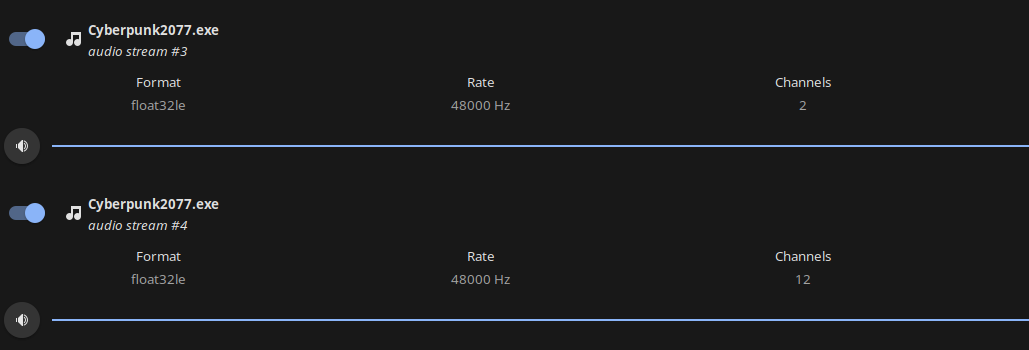
Wait is audio fixed? I was going to do a steam refund because of the audio issue. How can I fix the audio?
Use Proton Experimental.
I am but no change. Do I need to do something else? One comment said to follow this guide: https://www.reddit.com/r/X1ExtremeGen2Related/comments/ejca3q/dolby_atmos_with_x1_extreme_gen_2_x1e2/?utm_medium=android_app&utm_source=share and install pulseeffects
@bitcharmer How would I affinitize my game process?
I just use numactl as it allows you to control both: cpu and memory affinity.
To pass the problematic mission I had to upload my save games to the cloud and then use Geforce NOW to pass it. Then save, sync saves with my local PC and I was ready to go.
Geforce NOW is free for 1-hour long gaming sessions, so it's more than enough.
The second stream is the voice stream, and it's crackling as hell. Tried to mute it, definitely the voice.
I just use numactl as it allows you to control both: cpu and memory affinity.
To pass the problematic mission I had to upload my save games to the cloud and then use Geforce NOW to pass it. Then save, sync saves with my local PC and I was ready to go.
Geforce NOW is free for 1-hour long gaming sessions, so it's more than enough.
Respect, real effort!
Oh I see, Proton Experimental got an update 6 minutes ago! Trying it now!
Respect to the devs !
- vkd3d-proton got 853 added lines of code
- wine got 3479 added lines of code (spatialaudio alone 948 lines)
While we've been hammering >600 comments here, they've been hard at work at solving this through their code.
Please give us a way to show our gratitude ... coffee, cake ...? :-)
Can confirm that the environmental audio is working for me with the just-released Proton Experimental. It's still crackling a bit, but this is great progress. Thanks to whoever figured it out.
How do I install Proton Experimental?
Opt for beta in general settings than change the runner inside the game
https://support.steampowered.com/kb_article.php?ref=7021-eiah-8669#:~:text=With Steam running%2C click on,Change..." button.
Or you can just right click on the game > Check force use of compataility tool then > Proton Experimental
I only see proton next not experimental.
Ok, I found it, it is under cyberpunk not under proton.
Hmm. Even with trusty ol' PULSE_LATENCY_MSEC=60 dosn't fix the NPC crackeling. It's a massive improvement though.
Open source software is truely amazing!
RX2070S, Tried without NO ESYNC/NO FSYNC. Seems like it is more stable? Played 30 minutes without freezes
Crackling does not get better with whatever latency, can get worse )
Hmm. Even with trusty ol' PULSE_LATENCY_MSEC=60 dosn't fix the NPC crackeling. It's a massive improvement though.
Open source software is truely amazing!
I just tested out Proton Experimental with the PULSE_LATENCY_MSEC=60 launch parameter. I went to a club. The audio was quiet and pretty crackily.
I relaunched without the PULSE_LATENCY_MSEC=60 parameter and audio was clear! Yay!!! Still seemed pretty quiet compared to my PS4 version, but still a massive improvement over no environmental sound at all! Excellent!
Proton Experimental doesn't launch for me.
Here is my proton log:
steam-1091500.log
Proton Experimental doesn't launch for me.
Here is my proton log:
steam-1091500.log
Try removing any LD_PRELOAD launch parameter you have set in Steam for Cyberpunk. In fact, just use --launcher-skip and nothing else. Maybe disable Steam overlay for CP as well. I'm just taking an educated guess from your log.
My goodness, the audio is working perfectly now! Thank you so much to the developers for your hard work. Time to disappear for a few weeks.
I also can confirm that the audio is crackling, regardless if I use PULSE_LATENCY_MSEC or not. But still, at least I can hear the NPCs now :)
Latest steam solider + proton experimental fixed my audio :) it was crackling but setting env PULSE_LATENCY_MSEC=40 mostly fixed it (I had 60 before, it did not work). Still stutters when I get a framerate hiccup, but that's to be expected.
Those of you having the problem maybe try tweaking this value until it's livable?
Where is the fix for audio exactly? Wine-staging for instance seems to have some audio missing altogether (like some NPC voices). Do I need some master branch of faudio for it?
Where is the fix for audio exactly? Wine-staging for instance seems to have some audio missing altogether (like some NPC voices).
Via steam, proton/steam play: right click "Cyberpunk 2077" -> properties..., tick "force the use of a specific Steam Play compatibility tool", select "proton experimental". Set launch options:
PULSE_LATENCY_MSEC=40 %command% --launcher-skip
If you're running outside of steam you'll have to install proton via package manager or else download and build it yourself, then use it instead of your usual wine binary.
I'm asking what part of Wine has the fix, since I'm not using Proton itself, I'm using Wine-staging. So I'm trying to figure out which commit fixed the issue.
Proton Experimental doesn't launch for me.
Here is my proton log:
steam-1091500.logTry removing any LD_PRELOAD launch parameter you have set in Steam for Cyberpunk. In fact, just use --launcher-skip and nothing else. Maybe disable Steam overlay for CP as well. I'm just taking an educated guess from your log.
Didn't help, I know it runs using proton-tkg-6.0r2.
Hello @shmerl, most likely the SpatialAudio commit in https://github.com/ValveSoftware/wine/commits/experimental_5.13, but there might be other changes involved as well.
Thanks for the pointer! I'll just try building experimental_5.13 branch.
Will these patches be added to upstream Wine later, or they can't be upstreamed?
I can confirm that I now hear the spatial audio (using Proton Experimental that was released about 3 hours ago).
Prior to this update I didn't have the spatial audio but no crackling sound. This have introduced some crackling sounds (not all of the sounds though, so I'm guessing it's the spatial sound sounds. :-)
I've not tested the pulse latency thing yet.
Also, it all seems more stable. Didn't have a crash (yet).
Running the GOG version of the game (1.4), through Proton Experimental (20201214)
- Arch 5.9.13-arch1-1
- CPU: Intel i7-7700K
- GPU: NVIDIA GeForce GTX 1080 (455.45.1)
- AUR mesa-git (21.0.0_devel.132248.b5485128135-1) (makepkg -si)
- git clone, build and setup dxvk + vkd3d-proton
Thanks again @aeikum for your hard work.. xoxo
I can also confirm the voices and radio and such are working now as well but I seem to be having quite a large dip in performance as well as crackling. This is with and without launch parameter(PULSE_LATENCY_MSEC=XX) as well as setting between 10 and 60 in increments of 10.
I cannot hear spatial audio, even on proton experimental. Could I have done something wrong? I was on proton experimental yesterday and it didn't show any sign of update today. Is there any way to force an update?
I cannot hear spatial audio, even on proton experimental. Could I have done something wrong? I was on proton experimental yesterday and it didn't show any sign of update today. Is there any way to force an update?
You can try restarting Steam - if your client hasn't seen the update yet, it might after.
Audio with latest proton experimental and pulse latency is definitly better, but not ideal. I still can't hear some of the gunshots and volume levels are definitly "wierd". I don't have windows to compare to... but definitly playable now! I finally can listen to the music in the car :D
Nvidia 2070/ Two hours without freezes, bearable level of sound popping. Sure it froze, else i won't go sleep )
For me I didn't have crackling in game, however when the game is open I had crackling in every other audio source such as discord... To fix the crackling I edited /etc/pulse/daemon.conf as root and added the following the the last line then I rebooted.
default-sample-rate = 48000
No more sound issues for me. Hope that this helps others.
For me I didn't have crackling in game, however when the game is open I had crackling in every other audio source such as discord... To fix the crackling I edited /etc/pulse/daemon.conf as root and added the following the the last line then I rebooted.
default-sample-rate = 48000
No more sound issues for me. Hope that this helps others.
@l33tlinuxh4x0r , your NPCs talking and your radio is playing?
NPCs are talking I will test the radio... Proton Experimental fixed this.
EDIT: Radio works as do the NPC voices... No crackling.
@l33tlinuxh4x0r , thank you. I just added Proton Experimental and launched into a game that now has NPC voices and radio! Zero signs of static audio and the game seems stable. I'll update this post otherwise.
[tempest@hyperion ~]$ screenfetch
                   -`
                  .o+`                 tempest@hyperion
                 `ooo/                 OS: Arch Linux
                `+oooo:                Kernel: x86_64 Linux 5.9.13-arch1-1
               `+oooooo:               Uptime: 1d 5h 2m
               -+oooooo+:              Packages: 943
             `/:-:++oooo+:             Shell: bash 5.1.0
            `/++++/+++++++:            Resolution: 1920x1080
           `/++++++++++++++:           DE: KDE 5.76.0 / Plasma 5.20.4
          `/+++ooooooooooooo/`         WM: KWin
         ./ooosssso++osssssso+`        GTK Theme: Breeze [GTK2/3]
        .oossssso-````/ossssss+`       Icon Theme: breeze-dark
       -osssssso.      :ssssssso.      Disk: 843G / 2.9T (29%)
      :osssssss/        osssso+++.     CPU: AMD Ryzen 9 3900X 12-Core @ 24x 3.8GHz
     /ossssssss/        +ssssooo/-     GPU: Radeon RX 580 Series (POLARIS10, DRM 3.39.0, 5.9.13-arch1-1, LLVM 11.0.0)
   `/ossssso+/:-        -:/+osssso+-   RAM: 7258MiB / 32119MiB
  `+sso+:-`                 `.-/+oso:
 `++:.                           `-/+/
 .`                                 `/
For me I didn't have crackling in game, however when the game is open I had crackling in every other audio source such as discord... To fix the crackling I edited /etc/pulse/daemon.conf as root and added the following the the last line then I rebooted.
default-sample-rate = 48000No more sound issues for me. Hope that this helps others.
Worked wonders, thanks for sharing!
Only bug that I still have is that in windowed fullscreen mode I can't alt tab out. I can try but the game still has full control. If I switch to fullscreen mode I can alt tab, but then the game minimizes when I alt tab. Most games I can alt tab and they will relinquish control and yet they will stay open. Once this is fixed I don't think that there will be any other proton/linux related bugs for this game currently.
EDIT: I'm using gnome and willing to try any fixes that anyone might have.
can confirm - all work pretty fine with proton experimental :)
i have minor graphical glitches under Plasma wayland session, but glitches on 2 displays in one time, and i think it Mesa or Kwin bug
Spatial Audio fixes in Proton Experimental have the game perfectly playable for me on mesa-git now. Now if only my GPU would quit crashing. Gotta love the RX Vega cards' stability.
Spatial Audio fixes in Proton Experimental have the game perfectly playable for me on
mesa-gitnow. Now if only my GPU would quit crashing. Gotta love the RX Vega cards' stability.
I have a RX Vega 64 with mesa-git and it is working fine now with proton experimental. I'm not experiencing any stability issues.
I'm running proton experimental and the game runs smooth, still getting minor crackling in NPC voices and radio, tried
PULSE_LATENCY_MSEC=40 %command% --launcher-skip but nothing has worked, even changing MSEC to 60, 90 or completely omitting that line, otherwise game runs flawless
Only bug that I still have is that in windowed fullscreen mode I can't alt tab out. I can try but the game still has full control. If I switch to fullscreen mode I can alt tab, but then the game minimizes when I alt tab. Most games I can alt tab and they will relinquish control and yet they will stay open.
@l33tlinuxh4x0r: this can be almost certainly worked around by enabling the "Emulate a virtual desktop" wine feature, as the game is unlikely to even be able to tell you've alt tabbed under these conditions. As for how one would enable that option in a Proton prefix I'm not sure, but I suspect using the winecfg of a vanilla wine release on that prefix would work. So would changing the relevant registry key directly in the prefix.
Only bug that I still have is that in windowed fullscreen mode I can't alt tab out. I can try but the game still has full control. If I switch to fullscreen mode I can alt tab, but then the game minimizes when I alt tab. Most games I can alt tab and they will relinquish control and yet they will stay open.
@l33tlinuxh4x0r: this can be almost certainly worked around by enabling the "Emulate a virtual desktop" wine feature, as the game is unlikely to even be able to tell you've alt tabbed under these conditions. As for how one would enable that option in a Proton prefix I'm not sure, but I suspect using the winecfg of a vanilla wine release on that prefix would work. So would changing the relevant registry key directly in the prefix.
IIRC that actually makes a virtual desktop and the game would run inside of that... That is even worse than having the game minimize on alt tab.
I'm running proton experimental and the game runs smooth, still getting minor crackling in NPC voices and radio, tried
PULSE_LATENCY_MSEC=40 %command% --launcher-skipbut nothing has worked, even changing MSEC to 60, 90 or completely omitting that line, otherwise game runs flawless
I got this problem too, I am pretty sure it is pulseaudio related...
I GOT IT!!! I just switched my output device from analog to digital and the distortion/crackling is now gone.
I GOT IT!!! I just switched my output device from analog to digital and the distortion/crackling is now gone.
protontricks --gui
Change the pulse to ALSA in Cyberpunk 2077.
Here's hoping we can solve the crashes and fix the black boxes... I can't get past the heist cause of the damn black box mission...
Runs great otherwise, just need my 3080 to hurry up and get here...
I GOT IT!!! I just switched my output device from analog to digital and the distortion/crackling is now gone.
I only have 3.5 mm aux for audio, are you using a digital out?
Ok, what the heck, switched to my Bluetooth adapter/wireless headphones and all audio crackling is gone, unless the audio sensitivity is lower on these and I'm not picking it up as much like on my Kraken headset.
Ok, what the heck, switched to my Bluetooth adapter/wireless headphones and all audio crackling is gone, unless the audio sensitivity is lower on these and I'm not picking it up as much like on my Kraken headset.
I use an external audio interface (focusrite scarlette solo) and it has an analog and a digital mode.
I GOT IT!!! I just switched my output device from analog to digital and the distortion/crackling is now gone.
protontricks --gui
Change the pulse to ALSA in Cyberpunk 2077.
You might want to use this method so are not using pulseaudio so you can use the Kraken
I use an external audio interface (focusrite scarlette solo) and it has an analog and a digital mode.
I forgot I have one of those too, mounted to my desk, completely neglected
Ok, what the heck, switched to my Bluetooth adapter/wireless headphones and all audio crackling is gone, unless the audio sensitivity is lower on these and I'm not picking it up as much like on my Kraken headset.
maybe reason its bluetooth protocol native latency compensation?
i use sennheiser HD 4.40bt with https://github.com/EHfive/pulseaudio-modules-bt and haven`t audio-cracks. I use custom options for SBC codec
This was working really well for me yesterday, and then tonight when I tried to play there was a short "update" pop-up that displayed and now the graphics performance on Linux has halved.
System:
- Arch tested with linux "amd-staging-drm-next" (82811178dacd6530cb2702e97e9c25f253c61a6b)
- Also tested with 5.10.0-rc6-1-mainline
- Radeon RM 5600M
- AMD Ryzen 7 4800H
- mesa-git, vkd3d-git
- Tested w/ Proton 5.13-4 and Proton experimental
- Applied the performance fixes for Ryzen patching Cyberpunk2077.exe binary discussed here: https://www.protondb.com/app/1091500#plWEmsePzx
- Steam beta
This had been working since shortly after launch, and then all of a sudden tonight some update or change either in Proton occurred.
Also I have a Vega 10 iGPU in this laptop, and I have a wrapper that's supposed to force the use of the 5600m through a vulkan layer as well as DRI_PRIME=1.
The following also spams to my console while running steam, as well. I do not recall if this happened or not before, so I am not certain if it is indicative of cause:
Fossilize ERROR: Pipeline layout handle 0x000000007db95730 is not registered. It has either not been recorded, or it failed to be recorded earlier.
Also I have some other errors like this that may or may not be related:
1412:err:vkd3d_dxil_log_caFossilize ERROR: Pipeline layout handle 0x000000007e2b6850 is not registered. It has either not been recorded, or it failed to be recorded earlier.
llback: dxFossilize ERROR: Pipeline layout handle 0x000000007e2b6bb0 is not registered. It has either not been recorded, or it failed to be recorded earlier.
il-spirv: Raw 16-bit load-Fossilize ERROR: Pipeline layout handle 0x000000007e2b6850 is not registered. It has either not been recorded, or it failed to be recorded earlier.
store was used, whFossilize ERROR: Pipeline layout handle 0x000000007e2b6850 is not registered. It has either not been recorded, or it failed to be recorded earlier.
ich must be implemented Fossilize ERROR: Pipeline layout handle 0x000000007e2b6850 is not registered. It has either not been recorded, or it failed to be recorded earlier.
with SSBO or BDA.
1412:err:vkd3d_dxil_log_callback: dxil-spirv: Failed to convert function.
Fossilize ERROR: Cannot copy unknown pNext sType: 1000351002.
Fossilize ERROR: Failed to record descriptor set layout.
Fossilize ERROR: Cannot copy unknown pNext sType: 1000351002.
Fossilize ERROR: Failed to record descriptor set layout.
Fossilize ERROR: Descriptor set layout handle 0x000000007e834600 is not registered. It has either not been recorded, or it failed to be recorded earlier.
Fossilize ERROR: Descriptor set layout handle 0x000000007e834600 is not registered. It has either not been recorded, or it failed to be recorded earlier.
If I disable the "Shader Pre-cache" feature in steam, then I do not get the messages spammed to the console, but the performance slow-down still persists just the same.
Prior to whatever change happened, this was running really well at around 50-70fps on Medium detail with Static FidelityFX CAS at 75% scaling. Now I can barely get 25-30 consistently out of the game, no matter what I do.
Is this happening with Proton Experimental? It works for me several times slower than Proton 5.21-ge-1.
Looking at System Monitor, it seems like AMD CPU patch is not working there - my CPU usage stays at about 30%.
Ok, what the heck, switched to my Bluetooth adapter/wireless headphones and all audio crackling is gone, unless the audio sensitivity is lower on these and I'm not picking it up as much like on my Kraken headset.
maybe reason its bluetooth protocol native latency compensation?
i use sennheiser HD 4.40bt with https://github.com/EHfive/pulseaudio-modules-bt and haven`t audio-cracks. I use custom options for SBC codec
Bluetooth is completely digital thats why your audio is fine.
Spatial Audio fixes in Proton Experimental have the game perfectly playable for me on
mesa-gitnow. Now if only my GPU would quit crashing. Gotta love the RX Vega cards' stability.
Not sure exactly what type of crash you're having but try forcing high perf: https://wiki.archlinux.org/index.php/AMDGPU#System_freeze_or_crash_when_gaming_on_Vega_cards
Game start working as it should after last Proton Experimental with radio and NPC dialogues. I have ~35FPS on Lowest and ~25 FPS on Ultra (without Contact Shadows, motion blur, Anisotropic filtering on 1 and RTX features of course) some tearing sound occasionally. I had the problem with black overlay in "The Heist" hotels. No major crashes on map, maybe one or two in 5 hrs and was able to play for 36 hrs according to Steam. After game crash I just Alt+Tab to steam and stop the game. Game could be restarted after that without issues.
My Specs:
Ubuntu 20.10
GTX1080Ti 11GB VRAM Driver: 455.45.01
Intel Core i7-7800X
32GB RAM
System on M.2 SSD NVMe
Monitor Resolution 2560x1080
Using Latest Proton Experimental.
For me game won't start with proton older then 5.13-4 and without latest graphic card driver.
Modifications:
In Steam: PULSE_LATENCY_MSEC=60 %command% --launcher-skip
And modification in xorg.conf "Screen" section (as was mention in that thread):
Option "metamodes" "{ForceCompositionPipeline=On, ForceFullCompositionPipeline=On}"
I think that game performance improved dramatically after I change graphic settings after patch 1.04. Maybe the game had to reload or overwrite old graphic settings.
There are still crashes related with game that occurs on Windows, for example Cab crash in "the Heist" quest. I recommend to save before entering the car. It solve problem for me. If more crashes accrues alongside the quest try lower graphic settings cause game sometimes crashes in transitions.
Sometimes game starts with very low performance (~5 FPS) but restarting the game resolves the problem.
Thank you for marking the game playable on Linux, foremost the Proton team! Keep the good work!
Are the missing sounds fully fixed now with the latest Proton Experimental, did someone compare with working sounds in Windows to see if they are really all there now?
Does anyone know if the crash handler works correctly? Like if I have a crash with Proton, does it report back the info?
With new Proton Experimental now I have sound fully working but sadly performance is dramaticly bad. Even on the lowest settings there are drops to 20 fps on RX 5700 XT.
With new Proton Experimental now I have sound fully working but sadly performance is dramaticly bad. Even on the lowest settings there are drops to 20 fps on RX 5700 XT.
What is your setup? I have a RX 5700 XT and can play on medium settings at 1440p with relatively smooth 50-60fps most of the time with Proton Experimental.
Any arch nvidia users tried using nvidia-vulkan? It's a higher version than the standard repo drivers (455.46.02)
https://aur.archlinux.org/packages/nvidia-vulkan/
Any arch nvidia users tried using nvidia-vulkan? It's a higher version than the standard repo drivers (455.46.02)
https://aur.archlinux.org/packages/nvidia-vulkan/
Linux 5.10 has landed so nvidia drivers aren't far away... I think it won't be long before things improve.
I'll give that one a try tomorrow though just for curiosity's sake.
With new Proton Experimental now I have sound fully working but sadly performance is dramaticly bad. Even on the lowest settings there are drops to 20 fps on RX 5700 XT.
What is your setup? I have a RX 5700 XT and can play on medium settings at 1440p with relatively smooth 50-60fps most of the time with Proton Experimental.
OS: Ubuntu 20.04.1 LTS x86_64
Kernel: 5.10.0-051000-generic
Resolution: 2560x1440
CPU: AMD Ryzen 5 2600 (12) @ 3.400GHZ
GPU: AMD ATI Radeon RX 5700 XT - Mesa 20.3.0 - kisak-mesa PPA
Memory: 2682MiB / 24054MiB
I have also Win 10 on this machine and it runs around 40-45 FPS on Ultra settings. So difference is huge. :-(
Is this happening with Proton Experimental? It works for me several times slower than Proton 5.21-ge-1.
Yes same behavior happens with Proton Experimental and Proton 5.13-4. Also tried installing Proton 5.21-ge-1, and yeah that is even worse for CP2077.
@tosziro You can try enabling dynamic CAS and target a framerate which your GPU can hold quite stable for the most time. So you get native quality mostly but in moments your framerate would drop (fast movement and rotations), your resolution will be reduced temporarily.
I use this with an RX 5700 to target 30fps on 1440p and it runs pretty smooth. But I would still recommend setting the lower resolution for CAS at 70%~80% at best to not look at pure garbage. ^^'
Are the missing sounds fully fixed now with the latest Proton Experimental, did someone compare with working sounds in Windows to see if they are really all there now?
I've check a little and the missing audio seems to be completely fixed now. But in return the crackling got worse. :see_no_evil:
With new Proton Experimental now I have sound fully working but sadly performance is dramaticly bad. Even on the lowest settings there are drops to 20 fps on RX 5700 XT.
What is your setup? I have a RX 5700 XT and can play on medium settings at 1440p with relatively smooth 50-60fps most of the time with Proton Experimental.
OS: Ubuntu 20.04.1 LTS x86_64
Kernel: 5.10.0-051000-generic
Resolution: 2560x1440
CPU: AMD Ryzen 5 2600 (12) @ 3.400GHZ
GPU: AMD ATI Radeon RX 5700 XT - Mesa 20.3.0 - kisak-mesa PPA
Memory: 2682MiB / 24054MiBI have also Win 10 on this machine and it runs around 40-45 FPS on Ultra settings. So difference is huge. :-(
You should upgrade to mesa 21.0 git-version
I know that Nvidia is not that supported now on Proton, but I found a new bug when using Proton Experimental.
The game completely crashes when I try to open the Map.
Someone else is experimenting that?
As of today's Proton Experimental, NPC voices and radio are working, but all audio is crackling again despite PULSE_LATENCY_MSEC=60 being set. Have tried other values to no effect
Edit: Just tried pipewire-pulse and it made no difference (previously it removed crackling instead of pulse audio latency change)
Is this happening with Proton Experimental? It works for me several times slower than Proton 5.21-ge-1.
Yes same behavior happens with Proton Experimental and Proton 5.13-4. Also tried installing Proton 5.21-ge-1, and yeah that is even worse for CP2077.
I figured it out: For some reason, the vulkan overlay I had been using successfully for months to force vulkan to use the dGPU instead of the iGPU is no longer working for this game. Furthermore, I have to make sure the DRI_PRIME=1 is set in the launch options for the game. So basically performance was bad because it was running on my Vega-based iGPU.
After doing this, the game works again for me on Proton Experimental and Proton 5.13-4 with:
DRI_PRIME=1 %command%
FPS is around 50-70 on my 5600M with medium settings, so long as I also use the Static FidelityFX CAS feature.
I should be able to just apply the necessary environment variables inside of steam so they're used by the games that need them.
Any arch nvidia users tried using nvidia-vulkan? It's a higher version than the standard repo drivers (455.46.02)
https://aur.archlinux.org/packages/nvidia-vulkan/
@mute55 @fubarhouse installed it yesterday, trying it out right now.
On my first run with proton 5.13-4 it crashed as always (yesterday) which is why i didn't report it, but I'm testing it right now with the new experimental proton, and until now (~45mins) no crashes at all. not sure yet if it's a coincidence, I'll keep you updated.
GTX 1060 6gb, ryzen 5 1600, kernel 5.8.18-1-MANJARO, AUR package (nvidia-vulkan-dkms)
Sound works fine with proton experimental, other than a bit of cracking from time to time.
Are the missing sounds fully fixed now with the latest Proton Experimental, did someone compare with working sounds in Windows to see if they are really all there now?
Where is this doubt coming from? I have PS4 version which is why I noticed the missing sounds in the first place. They are fixed. I have no crackling. I have used analog out to my desktop speakers and optical (digital) out to my Steelseries mixamp.
FWIW, all sample rates are commented out in both of my daemon.conf pulse files (/etc/pulse and ~/.config/pulse). My home dir version has daemonize = yes while my etc dir version has that commented out.
My FPS with an RX 580 on High settings sticks in the 30-40 range and feels smooth. It doesn't feel like my PS4 is getting any better than that and it looks better on PC.
Any arch nvidia users tried using nvidia-vulkan? It's a higher version than the standard repo drivers (455.46.02)
https://aur.archlinux.org/packages/nvidia-vulkan/
I was on 455.46.02 since before Cyberpunk was released, and it has been crashing at the same frequency as everyone else has been reporting ( approx. every 30minutes to 2 hours)
I'm not on Arch though (Gentoo), but I'm pretty sure it's irrelevant
If you still have audio crackling try changing resample-method to resample-method = speex-float-1 in your pulseaudio config (global config at /etc/pulse/daemon.conf) and restarting pulseaudio using pulseaudio -k. This may reduce audio quality generally but I haven't noticed, and there are lots of other resample methods you could try (listed with pulseaudio --dump-resample-methods), but this worked for getting rid of crackling audio for me with default-sample-rate = 48000.
resample-method = speex-float-1
Thank you, that fixed it for me!
resample-method = speex-float-1
This does help with the problem (significantly) but some crackling remains. I've also noticed that there are (still? - need to check again without this tweak) missing enemy weapons fire sounds
I've managed to make the audio crackling disappear completely (at least it sounds like it after 20 min of testing).
I have an audio device so I use Jack with the PulseAudio bridge and when I set the sample rate to 48000 in the Jack settings (through Cadence or qjackctl), the crackling is gone.
Experimental fixed audio for me but performance has taken a bit of a dive.
@tosziro You can try enabling dynamic CAS and target a framerate which your GPU can hold quite stable for the most time. So you get native quality mostly but in moments your framerate would drop (fast movement and rotations), your resolution will be reduced temporarily.
I use this with an RX 5700 to target 30fps on 1440p and it runs pretty smooth. But I would still recommend setting the lower resolution for CAS at 70%~80% at best to not look at pure garbage. ^^'
Thanks, this helped a bit :-)
still can't get through "the heist", I'm on nvidia 1080 ;/ do I need to force the proton experimental update somehow? I don't think it updated for me
Anyone else getting grainy visuals as you move about - only lasts a fraction of second? Seems particularly prevalent when going through scanners.
NVIDIA just released beta driver version 460.27.04. I don't see anything about VK_VALVE_mutable_descriptor_type in the release notes though:
https://www.nvidia.com/download/driverResults.aspx/167671/en-us
Can anyone test with the new drivers and see any improvements? I won't be able to test until later today.
Wanted to test out Proton Experimental but I can't get past the Steam window "Preparing to launch Cyperpunk 2077 .."
Wanted to test out Proton Experimental but I can't get past the Steam window "Preparing to launch Cyperpunk 2077 .."
Try deleting the prefix
NVIDIA just released beta driver version 460.27.04. I don't see anything about VK_VALVE_mutable_descriptor_type in the release notes though:
https://www.nvidia.com/download/driverResults.aspx/167671/en-us
Can anyone test with the new drivers and see any improvements? I won't be able to test until later today.
Tonight I'll try it out. I'll report back.
I've been testing this game, it seems to run well, but recently i've been getting strange trails and artifacts when I move. it's like a motion effect but it lingers for far too long (on both experimental and 5.13-4)
Anyone else getting grainy visuals as you move about - only lasts a fraction of second? Seems particularly prevalent when going through scanners.
There is. Minimized by Ultra setting "Screen Space Reflection" and AMD Fidelityfx CAS 95%.
Just a quick question which may be offtopic but my PC sometimes freezes when playing games (not just Cyberpunk).
dec 15 18:27:22 Erik-Manjaro kernel: [drm:amdgpu_job_timedout [amdgpu]] *ERROR* Process information: process Cyberpunk2077.e pid 1599589 thread Cyberpunk2:cs0 pid 1599664
dec 15 18:27:22 Erik-Manjaro kernel: [drm:amdgpu_job_timedout [amdgpu]] *ERROR* ring gfx_0.0.0 timeout, signaled seq=14729529, emitted seq=14729531
dec 15 18:27:22 Erik-Manjaro kernel: [drm:amdgpu_dm_atomic_commit_tail [amdgpu]] *ERROR* Waiting for fences timed out!
The GPU reset succeeds but results in a frozen i3 and splotchy random colored pixels on the screen
Kernel: 5.9.11-3-MANJARO
CPU: Ryzen 1700
GPU: 5700XT
MESA: Mesa 21.0.0-devel
Edit:
More messages
[34580.376731] amdgpu 0000:0c:00.0: [drm:amdgpu_ring_test_helper [amdgpu]] *ERROR* ring kiq_2.1.0 test failed (-110)
[34580.376788] [drm:gfx_v10_0_hw_fini [amdgpu]] *ERROR* KGQ disable failed
[34580.612145] amdgpu 0000:0c:00.0: [drm:amdgpu_ring_test_helper [amdgpu]] *ERROR* ring kiq_2.1.0 test failed (-110)
[34580.612201] [drm:gfx_v10_0_hw_fini [amdgpu]] *ERROR* KCQ disable failed
[34580.847658] [drm:gfx_v10_0_hw_fini [amdgpu]] *ERROR* failed to halt cp gfx
[34580.877318] [drm] free PSP TMR buffer
[34580.918423] amdgpu 0000:0c:00.0: amdgpu: GPU BACO reset
[34581.227428] [drm:amdgpu_dm_atomic_commit_tail [amdgpu]] *ERROR* Waiting for fences timed out!
NVIDIA just released beta driver version 460.27.04. I don't see anything about VK_VALVE_mutable_descriptor_type in the release notes though:
https://www.nvidia.com/download/driverResults.aspx/167671/en-us
Can anyone test with the new drivers and see any improvements? I won't be able to test until later today.
I installed the 460.27.04 drivers and ran through the car ride in "The Heist" and crashed still, unfortunately.
OS: Gentoo
KERNEL: 5.10.1-xanmod1
CPU: Intel Core i7-7700K @ 4.20GHz
GPU: NVIDIA GeForce GTX 1080 Ti
GPU DRIVER: NVIDIA 460.27.04
RAM: 64 GB
Relevant dmesg:
[ 305.047707] NVRM: Xid (PCI:0000:01:00): 31, pid=6150, Ch 0000005e, intr 10000000. MMU Fault: ENGINE GRAPHICS GPCCLIENT_T1_9 faulted @ 0x2_c3ec0000. Fault is of type FAULT_PTE ACCESS_TYPE_READ
I tried it with 460.27.04, screen is still black in the hotel.
Fingers crossed the AUR gets updated nvidia-beta drivers soon so I can get involved with testing. Manually updating the PKGINFO isn't helping me here because of a blob patch ☹️
Fedora 33
AMD Ryzen 7 2700X
Vega 64
32GB RAM
I had almost the same error messages already when I first tried Cyberpunk. After reinstalling it it worked without a problem. Now I wanted to try Proton Experimental and get the same Crash in AMDGPU. Completly reinstalling the game didn´t work this time. Switching back to Protont 5.13-4 worked and the game was playable again.
Here are the errors I found in the log.
Dec 15 21:11:35 fedora.localdomain kernel: [drm] Initialized amdgpu 3.39.0 20150101 for 0000:11:00.0 on minor 0
Dec 15 20:11:36 fedora.localdomain kernel: snd_hda_intel 0000:11:00.1: bound 0000:11:00.0 (ops amdgpu_dm_audio_component_bind_ops [amdgpu])
Dec 15 21:06:05 fedora.localdomain kernel: [drm:amdgpu_dm_atomic_commit_tail [amdgpu]] *ERROR* Waiting for fences timed out!
Dec 15 21:06:05 fedora.localdomain kernel: [drm:amdgpu_job_timedout [amdgpu]] *ERROR* ring gfx timeout, signaled seq=610551, emitted seq=610553
Dec 15 21:06:05 fedora.localdomain kernel: [drm:amdgpu_job_timedout [amdgpu]] *ERROR* Process information: process Cyberpunk2077.e pid 15526 thread Cyberpunk2:cs0 pid 15541
Dec 15 21:06:05 fedora.localdomain kernel: amdgpu 0000:11:00.0: amdgpu: GPU reset begin!
Dec 15 21:06:05 fedora.localdomain kernel: amdgpu 0000:11:00.0: amdgpu: GPU BACO reset
Dec 15 21:06:06 fedora.localdomain kernel: amdgpu 0000:11:00.0: amdgpu: GPU reset succeeded, trying to resume
@aduernberger I crash in Cyberpunk (proton experimental) and in phasmophobia (5.21 GE) which are the only games that I've been playing recently. I think that it started when I installed Mesa-git
If someone wants to test the PerformanceOverhaulCyberpunk plugin in Proton, check out this new and quite short Proton guide:
https://github.com/yamashi/PerformanceOverhaulCyberpunk/blob/master/PROTON.md
@bundyo Lovely, I recently realized that mod didn't seem to work and the "version" dll override was the last step I hadn't figured out myself.
@ErikReider
Just tried Ghostrunner in DX12(Proton Experimental) and X4 foundations(native vulkan) and they work like always.
Cyberpunk with 5.13-4 also works but the first time I had to reinstall the complete game to get it to run.
So right now it seems to only be a problem with Cyberpunk and Proton Experimental.
Welp I got it to start a few times after I added PROTON_LOG=1 to the launch options. The second start always failed.
I attached the Proton Log of one of my failed starts.
steam-1091500.log
Edit: It seems to reliably start with the Launch Option "PROTON_NO_ESYNC=1"
NVIDIA just released beta driver version 460.27.04. I don't see anything about VK_VALVE_mutable_descriptor_type in the release notes though:
https://www.nvidia.com/download/driverResults.aspx/167671/en-us
Can anyone test with the new drivers and see any improvements? I won't be able to test until later today.Tonight I'll try it out. I'll report back.
I started a new game (Street Kid). I had crashes during the ride with Padre an during the ride with Dexter DeShawn. After loading the save game, the game crashed again during the ride, but at another point. Between these two rides I had no crashes, but the game was paused for about an hour after the first mission (saving the women in "Japan"). I don't know if this might have had some influence of the behavior.
I play the GOG Version using Proton-Experimental, esync disabled.
@aduernberger the game works, all games that should do but my system just hangs. I'm trying the 5.10 tkg kernel (whenever it decides not to error out while compiling)
Hello @ErikReider, if possible, can you bisect the regression with the other game that doesn't have as strict requirements for a very new mesa build and report your findings to the mesa/radv developers?
@kisak-valve sure. So I'll need to install the driver and run a few games and report my findings? I've Doom eternal running afk as we speak with the new 5.10 kernel
Just wanted to share the biggest perf improvement I've got so far (tldr: switching to kernel 5.9.14-xanmod1 resulted in 60% improved fps)
CPU: 2 x Xeon E5-2680 v3
RAM: 64 GB 2133 MHz DDR4
OS: Ubuntu 20.04
GPU: RTX2080
Driver: NVIDIA 460.27.04
Proton Experimental
Settings: high
Resolution: 2560x1440
Results:
Kernel 5.4.0: 25fps
Kernel 5.9.14-xanmod1: 40fps
This is probably due to fsync.
Hope this helps.
Fedora 33
AMD Ryzen 7 2700X
Vega 64
32GB RAMI had almost the same error messages already when I first tried Cyberpunk. After reinstalling it it worked without a problem. Now I wanted to try Proton Experimental and get the same Crash in AMDGPU. Completly reinstalling the game didn´t work this time. Switching back to Protont 5.13-4 worked and the game was playable again.
Here are the errors I found in the log.
Dec 15 21:11:35 fedora.localdomain kernel: [drm] Initialized amdgpu 3.39.0 20150101 for 0000:11:00.0 on minor 0
Dec 15 20:11:36 fedora.localdomain kernel: snd_hda_intel 0000:11:00.1: bound 0000:11:00.0 (ops amdgpu_dm_audio_component_bind_ops [amdgpu])
Dec 15 21:06:05 fedora.localdomain kernel: [drm:amdgpu_dm_atomic_commit_tail [amdgpu]] *ERROR* Waiting for fences timed out!
Dec 15 21:06:05 fedora.localdomain kernel: [drm:amdgpu_job_timedout [amdgpu]] *ERROR* ring gfx timeout, signaled seq=610551, emitted seq=610553
Dec 15 21:06:05 fedora.localdomain kernel: [drm:amdgpu_job_timedout [amdgpu]] *ERROR* Process information: process Cyberpunk2077.e pid 15526 thread Cyberpunk2:cs0 pid 15541
Dec 15 21:06:05 fedora.localdomain kernel: amdgpu 0000:11:00.0: amdgpu: GPU reset begin!
Dec 15 21:06:05 fedora.localdomain kernel: amdgpu 0000:11:00.0: amdgpu: GPU BACO reset
Dec 15 21:06:06 fedora.localdomain kernel: amdgpu 0000:11:00.0: amdgpu: GPU reset succeeded, trying to resume
I get this as well. I think it's Vega card specific. Causes my whole screen to artifact. It's likely a regression since i've gotten it multiple times before. With other games. It's a lot more consistent with Cyberpunk though. Probably every other game launch at times
[76454.420843] [drm:amdgpu_job_timedout [amdgpu]] *ERROR* Process information: process Cyberpunk2077.e pid 31300 thread Cyberpunk2:cs0 pid 31315
Just wanted to share the biggest perf improvement I've got so far (tldr: switching to kernel 5.9.14-xanmod1 resulted in 60% improved fps)
CPU: 2 x Xeon E5-2680 v3
RAM: 64 GB 2133 MHz DDR4
OS: Ubuntu 20.04
GPU: RTX2080
Driver: NVIDIA 460.27.04
Proton Experimental
Settings: high
Resolution: 2560x1440Results:
Kernel 5.4.0: 25fps
Kernel 5.9.14-xanmod1: 40fpsThis is probably due to fsync.
Hope this helps.
I'm skeptical of the fsync guess as I run 5.9.13-arch1-1 and get 40 FPS with an RX 580 on High settings. My understanding was fsync created a smooth experience not higher FPS. I sometimes run lqx kernel and I don't think I've noticed higher FPS in any game. Glad you got such a huge boost but my guess is it's something else.
I'm skeptical of the fsync guess as I run 5.9.13-arch1-1 and get 40 FPS with an RX 580 on High settings. My understanding was fsync created a smooth experience not higher FPS. I sometimes run lqx kernel and I don't think I've noticed higher FPS in any game. Glad you got such a huge boost but my guess is it's something else.
Thanks for shedding more light on the issue. Maybe it's time I considered buying an AMD GPU...
Switched to proton-experimental getting freezing again last relevant line in log before force closing
4856.739:00e0:00f8:err:ntdll:RtlpWaitForCriticalSection section 000000158E3F6110 "?" wait timed out in thread 00f8, blocked by 00e4, retrying (60 sec)
then i had to force close it
Beta driver did not improve anything visible. 5.10 kernel, 460 driver. Reverted back to 5.9.11. On 455 game can run 20-30 min at a time. Manjaro
Switched to proton-experimental getting freezing again last relevant line in log before force closing
4856.739:00e0:00f8:err:ntdll:RtlpWaitForCriticalSection section 000000158E3F6110 "?" wait timed out in thread 00f8, blocked by 00e4, retrying (60 sec)
This is probably due to using either esync or fsync. There have been no changes to either of these in Proton Experimental as far as I know, so it may be a side effect of another performance improvement and you actually had this problem before. A different kernel version may change the situation here, raising file descriptor limits may also improve that. There's an issue about fsync issues where you may want to report this.
@bitcharmer For me, fsync does not impact the performance noticeably compared to esync, but either compared to neither does.
With both disabled I get almost half the fps compared to using esync or fsync, which is a similar impact you had, so perhaps it was esync that for some reason didn't work before for you and with the new kernel esync or fsync is used and you see an improvemnet.
Running the latest vulkan dev beta driver: 455.46.2
i see this in the lutris logs
288:fixme:d3d12_command_list_update_dynamic_state: Binding VBO with stride 9, but required alignment is 4.
324:fixme:d3d12_command_list_update_dynamic_state: Binding VBO with stride 9, but required alignment is 4.
I've just had 3 hours uninterrupted! Evelyn msision and some side missions.
Music and voices are clear! Valve did something since yesterday?
Nvidia 2070s, AMD 3900x
Manjaro, 5.9.11 kernel, 455.46 drivers
Important? Set Texture quality to medium (before loading game, first start)
Set quality to Medium - somehow it looks better than high and ultra.
Set crowd to medium. High crowd density looks ugly.
Shadows are often broken, low rez. So keep as low as you want.
Gives 60-75 FPS, fights are perfectly playable.
use gamemoderun
set gpu to performance mode, freesync mode. Disable vsync in the game
PROTON_NO_FSYNC=1
MANGOHUD=1 PROTON_NO_ESYNC=0 PROTON_NO_FSYNC=1 gamemoderun %command% --launcher-skip
I hope it will help someone )
Oh yes, devs. I've got such freezes when used Reshade in linux with Dishonored 2. Maybe it is connected somehow? Shaders issue?
Also i trashed the memory_pool_budgets.csv settings are wrong, but for the clear picture the file contents if something will work. I upped all memory pools. I have 64gb of memory.
https://pastebin.com/TxnPJSL4
@genius-ua but does that help with The Heist mission? Because otherwise
game is fine and playable for me.
On Wed, Dec 16, 2020 at 1:23 PM genius-ua [email protected] wrote:
I've just had 3 hours uninterrupted! Evelyn msision and some side missions.
Nvidia 2070s, AMD 3900x
Manjaro, 5.9.11 kernel, 455.46 drivers
Important? Set Texture quality to medium (before loading game, first start)
Set quality to Medium - somehow it looks better than high and ultra.
Set crowd to medium. High crowd density looks ugly.
Shadows are often broken, low rez. So keep as low as you want.
Gives 60-75 FPS, fights are perfectly playable.
use gamemoderun
set gpu to performance mode, freesync mode. Disable vsync in the game
PROTON_NO_FSYNC=1I hope it will help someone )
—
You are receiving this because you were mentioned.
Reply to this email directly, view it on GitHub
https://github.com/ValveSoftware/Proton/issues/4450#issuecomment-746045745,
or unsubscribe
https://github.com/notifications/unsubscribe-auth/AAABPU247E5CNMOSQFX5E73SVCDBZANCNFSM4UUIEDXA
.
@genius-ua but does that help with The Heist mission? Because otherwise game is fine and playable for me.
Some guy described in the thread he passed all broken parts using the saves on the Nvidia Geforce Now service. Pretty good idea
Send me the save file i'll check!
I wonder where these saves are stored, I think that could be useful thing to check...
@genius-ua but does that help with The Heist mission? Because otherwise game is fine and playable for me.
…
On Wed, Dec 16, 2020 at 1:23 PM genius-ua @.***> wrote: I've just had 3 hours uninterrupted! Evelyn msision and some side missions. Nvidia 2070s, AMD 3900x Manjaro, 5.9.11 kernel, 455.46 drivers Important? Set Texture quality to medium (before loading game, first start) Set quality to Medium - somehow it looks better than high and ultra. Set crowd to medium. High crowd density looks ugly. Shadows are often broken, low rez. So keep as low as you want. Gives 60-75 FPS, fights are perfectly playable. use gamemoderun set gpu to performance mode, freesync mode. Disable vsync in the game PROTON_NO_FSYNC=1 I hope it will help someone ) — You are receiving this because you were mentioned. Reply to this email directly, view it on GitHub <[#4450 (comment)](https://github.com/ValveSoftware/Proton/issues/4450#issuecomment-746045745)>, or unsubscribe https://github.com/notifications/unsubscribe-auth/AAABPU247E5CNMOSQFX5E73SVCDBZANCNFSM4UUIEDXA .
For me the Heist freezes the game while riding in the Johny Cab, before arriving at Arasaka - is that the same place as for everyone else? Or is that just Nvidia shenanigans?
@slapin "$STEAM_LIBRARY/steamapps/compatdata/1091500/pfx/drive_c/users/steamuser/Saved Games"
Maybe the game id can be different but you can search in compatdata for any "CD Projekt Red" folder to find it.
Ok guys this is super silly. Nvidia 1080 gpu + manjaro here, I managed to get through "the heist" mission by capping max FPS at 10 xD Seems to have given some assets time to load. Try it yourself, didn't even have to spam esc, worked the first time. CDR hire me!
save file -
ManualSave-22.tar.gz
Ok guys this is super silly. Nvidia 1080 gpu + manjaro here, I managed to get through "the heist" mission by capping max FPS at 10 xD Seems to have given some assets time to load. Try it yourself, didn't even have to spam esc, worked the first time. CDR hire me!
There's a Slow HDD mode that can be activated in the title screen settings. Wondering if that might not also do the trick.
@Niedzwiedzw did you happen to experience the black box problem?
It's where you can enter a specific zone and everything is black - the only way to see anything is to use your scanner and this inhibits basically everything you can do - it's especially intrusive after you've recovered the asset in the mission.
Ok guys this is super silly. Nvidia 1080 gpu + manjaro here, I managed to get through "the heist" mission by capping max FPS at 10 xD Seems to have given some assets time to load. Try it yourself, didn't even have to spam esc, worked the first time. CDR hire me!
I tried this and didn't work for me. Even tried lowest resolution + 10fps cap. In the end I used a relative's PC with Windows to get past the crash zone.
I am experiencing the surrounding darkness bug, so far it's irritating, but manageable (haven't finished the mission yet though). Reminds me a very similar (shader?) bug in Shadow Warrior 2.
It looks like these crashes vary highly between users, some are able to work around the issue, but in some cases it doesn't seem to be possible. Just a thought - I have a quite fast m.2 ssd, maybe that's the problem (it could lead to a higher chance of "winning" the race condition)?
Ok guys this is super silly. Nvidia 1080 gpu + manjaro here, I managed to get through "the heist" mission by capping max FPS at 10 xD Seems to have given some assets time to load. Try it yourself, didn't even have to spam esc, worked the first time. CDR hire me!
I tried this and didn't work for me. Even tried lowest resolution + 10fps cap. In the end I used a relative's PC with Windows to get past the crash zone.
I am experiencing the surrounding darkness bug, so far it's irritating, but manageable (haven't finished the mission yet though). Reminds me a very similar (shader?) bug in Shadow Warrior 2.
It looks like these crashes vary highly between users, some are able to work around the issue, but in some cases it doesn't seem to be possible. Just a thought - I have a quite fast m.2 ssd, maybe that's the problem (it could lead to a higher chance of "winning" the race condition)?
hmm I have a "slow hdd" option on too,.maybe its related
my launch options:
WINEDLLOVERRIDES="xaudio2_7=n,b" PULSE_LATENCY_MSEC=60 MANGOHUD=1 PROTON_NO_ESYNC=0 PROTON_NO_FSYNC=1 gamemoderun %command% --launcher-skip
EDIT:
actually the freezes happened agaon in the ending of "the heist" mission and just lowering the fps didnt work by itself, but combination of "ESC spamming" + "10 FPS MODE" seems to work best, much better than just esc spamming (was able to get through the tricky parts of the whole mission that way)
In Proton Experimental you don't need pulse settings any more. Today it worked flawlessly. Probably another cool proton update
Seems like people on all platforms and hardware have problem with the Heist mission
Seems like people on all platforms and hardware have problem with the Heist mission
Yeah this seems to be one of the bugs that the CDPR devs need to address in the game itself.
Not sure if this solves the issue on Linux: https://www.reddit.com/r/cyberpunkgame/comments/kau3xg/ps4_the_heist_job_car_scene_crash_fix/
Proton-experimental works fine, NPC and radio sound working. Tested on Arch Linux Kernel 5.9.14 Radeon RX570 with mesa-git
looks like "the heist" issue and black area issue are multiplatform
Seems like people on all platforms and hardware have problem with the Heist mission
Interesting, I finished mission without any issue. Im on AMD.
I mean it is not only on PC https://forums.cdprojektred.com/index.php?threads/the-heist-crashing-issue.11041814/
(that's after the hotel, not before)
I did not experience a crash at The Heist on PS4 but I have in other areas multiple times that felt like the HDD couldn't keep up. But that's just a guess based on the belated texture loading. To get through those crash spots, I move around slowly and make sure not to run or change my view very quickly.
I have not experienced any crashes on PC but haven't played as long of sessions. On PC, the OS is on nvme and the game is on RAID0 SSD.
@slapin The Heist - remedy:
I used mangohud gui: goverlay
Setup vulkan custom sync: 10 fps
Escaped to menu every 5 sec before entering Plaza and few times in plasa, when you pass metal detector and finish checking in, enter the room - it's safe i guess.
Lobby is black as other users reported
I used vision to orient and map to navigate. Near the elevator visibility returns. Looks like it is lighting/shadowmap bug.
So it's possible or i am lucky :)
Saves from other system have the same name even if you rename the folder. Find it by Save 7 and a screenshot.
heist.tar.gz
Tried second time without escaping - it freeze. It may be luck. Two time froze, one time pass. Can't test any more because it's unskippable cutscene! Have a job to do
You can try with escape every 5 sec only, especially when T-bug calls
The Heist worked twice: 10 fps + esc every 5 sec (or when mangohud shows IO RW reading files)
Variants without fps lock or without esc freezed.
I have not experienced any crashes on PC but haven't played as long of sessions. On PC, the OS is on nvme and the game is on RAID0 SSD.
I use dual nvme 7gb/s read.
I load game twice on the first run. Mostly it freeze on the first minute on animation. I changed no fsync/ no esync settings combo.
Pretty sure it helped, because the last variant was solid. Play times > 3 hours.
With default fsync/esync in freeze randomly sometimes after 10 minutes.
So after The Heist is anyone else crashing after you get back to Dex and that whole scene plays out after you exit the bathroom and get the "Cyberpunk 2077" title screen? After the title fades I get a small rotating box like looking down a hallway for a second, then a freeze.
So after The Heist is anyone else crashing after you get back to Dex and that whole scene plays out after you exit the bathroom and get the "Cyberpunk 2077" title screen? After the title fades I get a small rotating box like looking down a hallway for a second, then a freeze.
yes I had it the same, try capping FPS ad 10 and spamming ESC (literally spamming, like smash it 4 times a second or something)
@CalvinTrop Yes, it was freezing for me too. I just tried the pause-resume every few seconds and in this instance it worked for me.
yes I had it the same, try capping FPS ad 10 and spamming ESC (literally spamming, like smash it 4 times a second or something)
The Heist: I did not spam esc. I watched MANGOHUD for spikes in IO RW, i have mostly 0 there. Pressed right after RW event. Other time i did 5 sec wait, esc, 1 sec wait
The esc method helped in me another places. When i see a new area opening i make pause with esc for few sec. After this everything ok for a long time.
Quick restart for i3wm: in dmenu pkill -9 .exe, than call dmenu and wait, sound stops, xkill. May need to repeat the whole process in some cases.
It's interesting as most of the open world stuff (non-campaign) works really well. I can't expect much performance with a 1650S but it'll be awesome when the replacement gets here... Having said that I'm confident it could be much more playable in a few months on this card.
The only thing that troubles me is the stability when doing quests, and the darkness bug (specifically in the heist) - which will invalidate itself in time I think.
A lot of stability fixes are expected (rumoured) to land soon - which will be the last patch for this year. So I am rather hopeful the wait won't be very long.
Just wanna note. Even though audio has been "fixed" it wasn't fixed fully. Still some audio is either too quiet or you can't hear it at all.
For example quest with River where you watch TV. At first it sounds fine. After choice prompt you almost can't hear the TV guy talking even though it's main focus.
Also some gunshots from certain angles can't be heard.
There's a new Nvidia Vulkan beta driver release, but it does not seem to include the VK_VALVE_mutable_descriptor_type extension so I don't expect the Nvidia crashes to be avoided. It does say it fixes another crash though, but it's seemingly unrelated to this game far as I can tell.
Still, I'll install and test it to see how it goes.
Edit: I had a crash after about 10 minutes, so they are still present. Performance is about the same at a glance but the frametimes were a bit more even than they were before installing the new drivers. But that could very well be due to the system restart after installing them and may not have anything to do with the drivers themselves.
Game was running OK for me until yesterday. Now after launching, the game menu is missing all text, and attempting to continue from last save turns the screen black indefinitely, doesn't even bring up the loading screen. It doesn't seem to crash, and I can alt+tab out to kill it easily enough, its just hung. Same behavior with Proton 5.13.4 and with Experimental.
I tried deleting the game and prefix, then reinstalling, but no change. I'm not currently using any of the performance hacks/mods going around.
System is Arch with kernel 5.9.14-zen1-1-zen and mesa-git, on a Ryzen 3700X and Radeon 5700XT. KDE Plasma on Xorg if that matters.
Logs: https://gist.github.com/MrDrMcCoy/4229d47edc8373503c48892f1ee569de
System info: https://gist.github.com/MrDrMcCoy/f38f4ebff5581985ac149252f67811f0
Hello @MrDrMcCoy, are you sure that the game is using mesa/RADV and not AMDVLK? I think Driver: 2.0.170 and Vulkan: 1.2.162 in the log is telling us that it used AMDVLK which is not expected to work. Maybe try temporarily disabling it with something like sudo mv /usr/share/vulkan/icd.d/amd_icd64.json /usr/share/vulkan/icd.d/amd_icd64.json.disabled and retest.
Yesterday NPCs sounded very crackly and significantly high pitched among other audio issues (This issue appears to be described in #4450) however that appears to have stopped happening today E: I got lucky that launch, that problem is back.
Playable in Proton Experimental today but game stops rendering(crashes) during certain rendered cutscenes at the exact same spot every time with the below appearing in dmesg output:
[20507.927985] NVRM: Xid (PCI:0000:09:00): 31, pid=409790, Ch 0000001e, intr 00000000. MMU Fault: ENGINE GRAPHICS GPCCLIENT_T1_0 faulted @ 0x2_401c0000. Fault is of type FAULT_PTE ACCESS_TYPE_VIRT_READ
Archlinux 5.9.13 ; Nvidia 455.45.01 ; Ryzen 9 3900X ; RTX 2080 Ti ; 32G DDR4
[20507.927985] NVRM: Xid (PCI:0000:09:00): 31, pid=409790, Ch 0000001e, intr 00000000. MMU Fault: ENGINE GRAPHICS GPCCLIENT_T1_0 faulted @ 0x2_401c0000. Fault is of type FAULT_PTE ACCESS_TYPE_VIRT_READ
This is known because the NVIDIA driver is yet missing a needed Vulkan extension. You'll have to wait until a driver update supports the extension.
Ah. Thanks for the informative reply.
Anyone know why I would get ntquery issues? I already verified the prefix integrity, and recreated it.
here is what is in the log before I freezed and force closed.
37829.182:003c:0184:trace:seh:NtQueryInformationThread (0xfffffffffffffffe,12,0x116fda0,4,(nil))
37830.194:0058:0084:trace:seh:NtQueryInformationThread (0xfffffffffffffffe,12,0x138fda0,4,(nil))
37830.195:003c:0074:trace:seh:NtQueryInformationThread (0xfffffffffffffffe,12,0xd4fda0,4,(nil))
37830.196:0088:0098:trace:seh:NtQueryInformationThread (0xfffffffffffffffe,12,0xb4fda0,4,(nil))
37830.298:0030:01e8:trace:seh:NtQueryInformationThread (0xfffffffffffffffe,12,0x19cfda0,4,(nil))
37830.298:0030:0090:trace:seh:NtQueryInformationThread (0xfffffffffffffffe,12,0x118fda0,4,(nil))
even compared prefix to other prefix with win32 files
Mesa 20.3.1 was released yesterday it looks like. It is not released into the Arch repo as of this moment.
https://gitlab.freedesktop.org/mesa/mesa/-/blob/20.3/docs/relnotes/20.3.1.rst
I don't understand well enough whether my mesa-git (5998a654) version made it into that patch release or not. I'd rather not stay on mesa-git for one game, so I'm trying to figure out when I can go back to regular releases.
If what makes mesa-git work with CP is considered a "feature," then it probably didn't get into that patch release and I'd have to wait for a 20.4.x... hopefully I don't have to wait for a major release since that's not even planned according to their calendar.
Mesa 20.3.1 was released yesterday it looks like. It is not released into the Arch repo as of this moment.
https://gitlab.freedesktop.org/mesa/mesa/-/blob/20.3/docs/relnotes/20.3.1.rstI don't understand well enough whether my mesa-git (5998a654) version made it into that patch release or not. I'd rather not stay on mesa-git for one game, so I'm trying to figure out when I can go back to regular releases.
If what makes mesa-git work with CP is considered a "feature," then it probably didn't get into that patch release and I'd have to wait for a 20.4.x... hopefully I don't have to wait for a major release since that's not even planned according to their calendar.
You can always compile mesa-git on a local directory and load the game just with that mesa, and keep your system and the rest of the games with regular stable mesa. Is what I do at least.
Sadly, even though this fixes some of the audio issues(we can hear radio, other gunshots), not all sounds work. There are still some sounds missing. Some that I noticed:
- level of audio in TV changed to almost not audible after the dialogue prompt: https://youtu.be/Z5BNlu9QDew?t=47 (here's how it should be, in my case after dialogue prompt and my answer, TV got really quiet
- some gunshots are still missing from wierd angles
- sometimes combat sound doesn't play
- smashing someones head into the ground in cutscences doesn't play audio
- many more small situations
I'm writing it here now, because everyone got excited and I guess didn't notice that there are still some sounds missing.
If you want me to record proof, or help test hit me up.
I've found a video with somebody on windows getting significantly better performance than me...
I'm getting up to about 20 FPS at times on low... this guy gets great performance with my card on the same card and settings.
Can anybody comment as to poor performance and what might be able to be done about it?
Again, low settings 1080 with the same card on proton is hardly playable. Maybe there's something I can do? I'm guessing it may be related to vram allocation...
Sadly, even though this fixes some of the audio issues(we can hear radio, other gunshots), not all sounds work. There are still some sounds missing. Some that I noticed:
* level of audio in TV changed to almost not audible after the dialogue prompt: https://youtu.be/Z5BNlu9QDew?t=47 (here's how it should be, in my case after dialogue prompt and my answer, TV got really quiet

* some gunshots are still missing from wierd angles

* sometimes combat sound doesn't play

* smashing someones head into the ground in cutscences doesn't play audio

* many more small situations
  I'm writing it here now, because everyone got excited and I guess didn't notice that there are still some sounds missing.
  If you want me to record proof, or help test hit me up.
I've been meaning to make a report on this as well, but I didn't have a way to compare side-by-side. I did notice that a lot of radios were almost impossible to hear just two steps away, even with no other ambient sounds around, that didn't seem right to me. Likewise, if you're watching TV in your flat, the TV is very quiet compared to other environmental sounds, such as the clothes-rubbing-against-sofa noises when you sit down or get up.
Got Mesa21 kernel510 on arch manjaro here but when I add the non steam exe to steam and after fixing the launch lines, the Cyberpunk2077.e process hangs at 194mb into memory.... I'm going to take a guess that steam doesn't install stuff correctly if its not native steam app...
@fubarhouse
I experienced the same. 40-50 fps on medium with a gtx 1070 with proton and >60 on ultra with Windows. No idea why this is the case.
Got Mesa21 kernel510 on arch manjaro here but when I add the non steam exe to steam and after fixing the launch lines, the Cyberpunk2077.e process hangs at 194mb into memory.... I'm going to take a guess that steam doesn't install stuff correctly if its not native steam app...
I have GOG version added to steam - all works without problem.
I use manjaro too.
Maybe try temporarily disabling it with something like sudo mv /usr/share/vulkan/icd.d/amd_icd64.json /usr/share/vulkan/icd.d/amd_icd64.json.disabled and retest.
@kisak-valve That got me back up and running! Thanks!
Hey, folks, I seem to have completely boned my wine prefix for this game. I was trying to get the performance overhaul working using the proton instructions (https://github.com/yamashi/PerformanceOverhaulCyberpunk/blob/master/PROTON.md) but wine tricks was failing to install the vcrun2019 package. I continued mucking about with the prefix trying to get it to work, but now I have the game in a completely unworkable state. Even deleting the prefix and uninstalling the game doesn't fix it now. I think Proton Experimental is failing to set up the prefix for whatever reason. Here's a log from trying to start up the game:
steam-1091500.log
Looks like a lot of missing DLL files, but I'm so out of my depth here and I don't know how to fix it.
I should note: Proton Experimental successfully installs and runs other games. I did something that made it not work with Cyberpunk only.
I haven't seen it explicitly mentioned, but is it expected to get around half of Windows performance on Nvidia?
I have a 3900x/1080ti and I'm getting ~45 fps in Windows at 1440p and only ~24 fps in Linux.
Using Proton experimental, patched .exe with the AMD fix and driver version 455.45.01.
Hmm, nothing I try seems to work, the exe just stalls.
Got it working, had to manually copy d3d12 2.1 into folders etc...
Runs pretty playable, maybe on par with win10.
I use FinityCAS dynamic 70 - 100, and with vsync 60, this helps performance and solves stutters. I also have cascaded shadows set to low-medium and volumetric fog to medium which are two heavy fps hitters.
6800XT / 3600 / 32GB RAM / Arch5.10 system.
I haven't seen it explicitly mentioned, but is it expected to get around half of Windows performance on Nvidia?
I have a 3900x/1080ti and I'm getting ~45 fps in Windows at 1440p and only ~24 fps in Linux.
Using Proton experimental, patched .exe with the AMD fix and driver version
455.45.01.
VKD3D runs almost half performance on 10x0 class H/W - looks like a performance regression on Nvidia drivers side.
Apparently for 20x0/30x0 class hardware the performance is all there.
I haven't seen it explicitly mentioned, but is it expected to get around half of Windows performance on Nvidia?
I have a 3900x/1080ti and I'm getting ~45 fps in Windows at 1440p and only ~24 fps in Linux.
Using Proton experimental, patched .exe with the AMD fix and driver version
455.45.01.VKD3D runs almost half performance on 10x0 class H/W - looks like a performance regression on Nvidia drivers side.
Apparently for 20x0/30x0 class hardware the performance is all there.
Not really good, but I'm secretly happy I won't be having that problem when my 3080 arrives in the next week. Thanks for sharing that info!
Hey, folks, I seem to have completely boned my wine prefix for this game. I was trying to get the performance overhaul working using the proton instructions (https://github.com/yamashi/PerformanceOverhaulCyberpunk/blob/master/PROTON.md) but wine tricks was failing to install the
vcrun2019package. I continued mucking about with the prefix trying to get it to work, but now I have the game in a completely unworkable state. Even deleting the prefix and uninstalling the game doesn't fix it now. I think Proton Experimental is failing to set up the prefix for whatever reason. Here's a log from trying to start up the game:
steam-1091500.logLooks like a lot of missing DLL files, but I'm so out of my depth here and I don't know how to fix it.
I should note: Proton Experimental successfully installs and runs other games. I did something that made it not work with Cyberpunk only.
How did you try to install it and how did you delete the prefix afterwards?
You can always compile mesa-git on a local directory and load the game just with that mesa, and keep your system and the rest of the games with regular stable mesa. Is what I do at least.
@alosarjos Thank you for the tip! I was able to build mesa-git from source and I got it working on some games like American Truck Simulator, but for Cyberpunk 2077, I can't enable it and it's probably due to Proton Experimental Or the Steam Runtime Soldier thingy. I have set the launch command as follows:
VK_ICD_FILENAMES=/dir-to-my-compiled-mesa/share/vulkan/icd.d/radeon_icd.x86_64.json mangohud %command% --launcher-skip
Do you have any tips on how to make it work on CP2077?
I haven't seen it explicitly mentioned, but is it expected to get around half of Windows performance on Nvidia?
I have a 3900x/1080ti and I'm getting ~45 fps in Windows at 1440p and only ~24 fps in Linux.
Using Proton experimental, patched .exe with the AMD fix and driver version455.45.01.VKD3D runs almost half performance on 10x0 class H/W - looks like a performance regression on Nvidia drivers side.
Apparently for 20x0/30x0 class hardware the performance is all there.
I don't think is the same performance, I have a 2060 and I'm getting half FPS, maybe 60% compared to windows. But what I really miss is DLSS, it makes a huge difference in performance.
Another VKD3D game I'm playing is AC Valhalla and on Windows, I have 50+ fps on 3440x1440 on High. On Linux, I need to lower the res to 70% and put it on medium to get the same FPS.
You can always compile mesa-git on a local directory and load the game just with that mesa, and keep your system and the rest of the games with regular stable mesa. Is what I do at least.
@alosarjos Thank you for the tip! I was able to build mesa-git from source and I got it working on some games like American Truck Simulator, but for Cyberpunk 2077, I can't enable it and it's probably due to Proton Experimental Or the Steam Runtime Soldier thingy. I have set the launch command as follows:
VK_ICD_FILENAMES=/dir-to-my-compiled-mesa/share/vulkan/icd.d/radeon_icd.x86_64.json mangohud %command% --launcher-skip
Do you have any tips on how to make it work on CP2077?
Hmmmm. Looks good to me and there shouldn't be any difference on using it on CP or any other game. Maybe you can try appending the 32 bits of mesa (Just append : and the route to 32 bits radeon icd json). If you don't want to compile by yourself the system one could do the trick.
If it still fails, maybe we can help with the log
@alosarjos I tried appending the 32bit radeon icd from my system, but it didn't change the behavior. The game starts just fine, but from Mangohud I can see, that the driver version for RADV is 20.99.99 (aka mesa-git, which is installed via package-manager).
The behavior is tied to the proton-version. I tried with American Truck Simulator between proton 5.0-10 and proton 5.13-4 and with proton 5.0-10 I can use my own compiled mesa (20.3), but with 5.13-4 it always defaults to 20.99.99 (aka mesa-git).
@alosarjos I tried appending the 32bit radeon icd from my system, but it didn't change the behavior. The game starts just fine, but from Mangohud I can see, that the driver version for RADV is 20.99.99 (aka mesa-git, which is installed via package-manager).
The behavior is tied to the proton-version. I tried with American Truck Simulator between proton 5.0-10 and proton 5.13-4 and with proton 5.0-10 I can use my own compiled mesa (20.3), but with 5.13-4 it always defaults to 20.99.99 (aka mesa-git).
Oh, that's interesting... I would rather recommend having stable installed system wide and use git just for gaming, but anyways...
Just in case, you are using beta branch for steam client and the Steam Linux runtime, right?
Just in case, you are using beta branch for steam client and the Steam Linux runtime, right?
Yes, both are beta. I would also like to switch back to regular mesa and use the git-version for special cases. Changing back to regular mesa can be such a dependency-hell sometimes.
Just in case, you are using beta branch for steam client and the Steam Linux runtime, right?
Yes, both are beta. I would also like to switch back to regular mesa and use the git-version for special cases. Changing back to regular mesa can be such a dependency-hell sometimes.
You can remove packages without removing the dependants using some flags. It's what I did because I also tried back in the day using system wide mesa-git. The process is quite easy.
Hello @wallcarpet40, noted in #4289, Pressure Vessel does not currently handle passing VK_ICD_FILENAMES into the container environment for Proton to use.
Hello @wallcarpet40, noted in #4289, Pressure Vessel does not currently handle passing VK_ICD_FILENAMES into the container environment for Proton to use.
Ah, that explains it! Thanks!
I don't know if it was mentioned here before but one thing that improved the stability of the game for me was by removing the cache folder regularly:
I mean the folder that stays in: PREFIX/drive_c/users/steamuser/Local Settings/Application Data/Cd Projekt Red/ CyberPunk 2077/cache.
Yesterday the game was crashing every 10 minutes, then I removed this folder after reading some mentions on the CyberPunk2077 Reddit, and I just played for more than 2 hours without any crash. And I'm using Nvidia by the way.
So I appreciate it if anyone else can try this and check if the crashes are gone.
@flavioislima I'll give it a shot.
On a related note, removing the Nvidia cache (.cache/nvidia or .nv/) improved some frametime unevenness issues that had emerged. But I didn't test enough after doing that to see if stability had improved, it did crash once though.
Perhaps deleting the cache you suggested improves things further.
I wouldn't expect either to completely fix the crashes, but perhaps the crashes cause some part of the caches to get corrupted which cause issues that lead to more instability. That's just speculation though.
Edit: It's still crashing, if it crashes less is hard to say yet. But the game does seem to run smoother.
@flavioislima I'll give it a shot.
On a related note, removing the Nvidia cache (.cache/nvidia or .nv/) improved some frametime unevenness issues that had emerged. But I didn't test enough after doing that to see if stability had improved, it did crash once though.
Perhaps deleting the cache you suggested improves things further.
I wouldn't expect either to completely fix the crashes, but perhaps the crashes cause some part of the caches to get corrupted which cause issues that lead to more instability. That's just speculation though.
Edit: It's still crashing, if it crashes less is hard to say yet. But the game does seem to run smoother.
With the latest beta driver NVidia upped the GL/VK caches to 1GB, but only if there was no cache for the app already in the ~/.nv folder (it was mentioned in the release notes). Also the folder is now moved, but dunno where, as that info was in the readme, which I didn't read. :)
@flavioislima I'll give it a shot.
On a related note, removing the Nvidia cache (.cache/nvidia or .nv/) improved some frametime unevenness issues that had emerged. But I didn't test enough after doing that to see if stability had improved, it did crash once though.
Perhaps deleting the cache you suggested improves things further.
I wouldn't expect either to completely fix the crashes, but perhaps the crashes cause some part of the caches to get corrupted which cause issues that lead to more instability. That's just speculation though.
Edit: It's still crashing, if it crashes less is hard to say yet. But the game does seem to run smoother.
Yeah. I was playing with textures on minimum, now I changed to high and the crashes are back. Removing the folder didn't work. So, I don't know, hard to say 😞
@flavioislima I'll give it a shot.
On a related note, removing the Nvidia cache (.cache/nvidia or .nv/) improved some frametime unevenness issues that had emerged. But I didn't test enough after doing that to see if stability had improved, it did crash once though.
Perhaps deleting the cache you suggested improves things further.
I wouldn't expect either to completely fix the crashes, but perhaps the crashes cause some part of the caches to get corrupted which cause issues that lead to more instability. That's just speculation though.
Edit: It's still crashing, if it crashes less is hard to say yet. But the game does seem to run smoother.With the latest beta driver NVidia upped the GL/VK caches to 1GB, but only if there was no cache for the app already in the ~/.nv folder (it was mentioned in the release notes). Also the folder is now moved, but dunno where, as that info was in the readme, which I didn't read. :)
Tried the new drivers and still got crashes. The thing is that is hard to know if this is because of wine or because of the game itself that is still unstable.
The game is unstable with NVidia, there is no doubt, even on Windows, but the crashes there are not nearly as much as in Linux.
Here are some pieces of info I've got from the PerformanceOverhaulCyberpunk plugin about some of its options, that may also help for specific setups (and of course if you use it):
https://github.com/yamashi/PerformanceOverhaulCyberpunk/issues/96
https://github.com/yamashi/PerformanceOverhaulCyberpunk/issues/121
@bundyo
With the latest beta driver NVidia upped the GL/VK caches to 1GB, but only if there was no cache for the app already in the ~/.nv folder (it was mentioned in the release notes). Also the folder is now moved, but dunno where, as that info was in the readme, which I didn't read. :)
Yeah, the new Nvidia cache is in ~/.cache/nvidia, hence why I mentioned removing the cache from it or ~/.nv/.
Here are some pieces of info I've got from the PerformanceOverhaulCyberpunk plugin about some of its options, that may also help for specific setups (and of course if you use it):
yamashi/PerformanceOverhaulCyberpunk#96
yamashi/PerformanceOverhaulCyberpunk#121
My results with disabling the SMT fix are talked about in more detail in that issue, in short: On a 3900X enabled/disabled have the same performance but disabled have much more even frametimes.
I haven't seen it explicitly mentioned, but is it expected to get around half of Windows performance on Nvidia?
I have a 3900x/1080ti and I'm getting ~45 fps in Windows at 1440p and only ~24 fps in Linux.
Using Proton experimental, patched .exe with the AMD fix and driver version455.45.01.VKD3D runs almost half performance on 10x0 class H/W - looks like a performance regression on Nvidia drivers side.
Apparently for 20x0/30x0 class hardware the performance is all there.I don't think is the same performance, I have a 2060 and I'm getting half FPS, maybe 60% compared to windows. But what I really miss is DLSS, it makes a huge difference in performance.
Another VKD3D game I'm playing is AC Valhalla and on Windows, I have 50+ fps on 3440x1440 on High. On Linux, I need to lower the res to 70% and put it on medium to get the same FPS.
Yeah DLSS would be a gamechanger for linux gaming, really wish they would port it to vulkan.
the game works just fine on my rig:
ubuntu 20
1060 3gb
ryzen 7 2700
16gb 3000mh
using proton experimental
@ArturVRSampaio but what about The Heist mission?
I haven't seen it explicitly mentioned, but is it expected to get around half of Windows performance on Nvidia?
I have a 3900x/1080ti and I'm getting ~45 fps in Windows at 1440p and only ~24 fps in Linux.
Using Proton experimental, patched .exe with the AMD fix and driver version455.45.01.VKD3D runs almost half performance on 10x0 class H/W - looks like a performance regression on Nvidia drivers side.
Apparently for 20x0/30x0 class hardware the performance is all there.
It is not a regression. Nvidia Pascal performance was never good on vkd3d to begin with. Turing is a bit better , Ampere is also better than Turing generally.
On AMD gpu side it is much much better , as in it usually hovers around 90 percent performance of what you would get on Windows.
Closed source nature of Nvidia drivers makes finding problems much more harder. Nvidia has to step in with identifying what is wrong. Their profiler tools doesn't even work fully on Pascal series so that makes issue worse since no direct way to tell what is wrong/what should have been done instead of current method.
@ArturVRSampaio but what about The Heist mission?
CDPR will have to fix this. 1.04 fixed a lot of problems, and 1.05 is still expected this year with at least two major patches coming first quarter of 2021... You're in the same boat as me and all I can recommend is to be patient.
Hey, folks, I seem to have completely boned my wine prefix for this game. I was trying to get the performance overhaul working using the proton instructions (https://github.com/yamashi/PerformanceOverhaulCyberpunk/blob/master/PROTON.md) but wine tricks was failing to install the
vcrun2019package. I continued mucking about with the prefix trying to get it to work, but now I have the game in a completely unworkable state. Even deleting the prefix and uninstalling the game doesn't fix it now. I think Proton Experimental is failing to set up the prefix for whatever reason. Here's a log from trying to start up the game:
steam-1091500.log
Looks like a lot of missing DLL files, but I'm so out of my depth here and I don't know how to fix it.
I should note: Proton Experimental successfully installs and runs other games. I did something that made it not work with Cyberpunk only.How did you try to install it and how did you delete the prefix afterwards?
I installed it through Steam like normal. Put 40 hours into it before I screwed it up. To delete the prefix, I have been deleting the 1091500 folder in compdata. The First Time setup process after I delete the prefix and launch the game through Steam goes by way too fast so I think that's the process that's screwing up.
EDIT: Right after typing this comment, I deleted the prefix again, Launched the game through Steam, and it successfully launched. No idea why it suddenly works now.
EDIT AGAIN: Somehow in all this mess, My Steam Cloud saves for Cyberpunk got wiped. Now I have to start over I guess.
EDIT: Right after typing this comment, I deleted the prefix again, Launched the game through Steam, and it successfully launched. No idea why it suddenly works now.
New Proton Experimental build since at least yesterday. For me, the game stopped working just after I updated to:
- Proton: 1608325607 experimental-5.13-20201218c
Trying the delete-recreate cycle atm.
have you guys with nvidia cards tried PROTON_HIDE_NVIDIA_GPU=1 ?
I should mention I can only run the game via lutris it seams.
Steam will just fail to launch game. (exe halts on 194mb loaded into memory) Lutris boots directly into game no problems, and yes I'm using proton_experimental in lutris and doing manual vkd3d.
Most other games seem fine under steam proton.
Patch 1.05 is incoming shortly.
https://twitter.com/cyberpunkgame/status/1340096121578917891?s=21
Claiming to include a lot of crash fixes! 🤞
Fingers crossed the crash fixed include the Nvidia crashes and the other crashes we've been experiencing.
I would have hoped for some more performance improvements than the ones already known/achieved through tweaks, but nonetheless good to have official info and implementations of them.
The crash fixes could potentially be a game changer depending on what crashes they are for, beyond that nothing to get particularly exited about, but overall it seems like a solid early patch with lots of smaller fixes.
Also worth noting is that they really put in some effort to get it out before the weekend, it's approaching 3 in the morning for most of their developers (they are in my timezone). I hope they get some rest after this.
The AVX removal is nice at least, as well as the modding community news. Hopefully that and the stability changes will at least improve performance.
Have we had any audio fixes?
Has anyone been able to get the game to use more than 3GB of ram? CDPR confirmed the pools file is useless.
have you guys with nvidia cards tried PROTON_HIDE_NVIDIA_GPU=1 ?
I should mention I can only run the game via lutris it seams.
Steam will just fail to launch game. (exe halts on 194mb loaded into memory) Lutris boots directly into game no problems, and yes I'm using proton_experimental in lutris and doing manual vkd3d.Most other games seem fine under steam proton.
Hide Gpu only fixes the black areas for me
have you guys with nvidia cards tried PROTON_HIDE_NVIDIA_GPU=1 ?
I should mention I can only run the game via lutris it seams.
Steam will just fail to launch game. (exe halts on 194mb loaded into memory) Lutris boots directly into game no problems, and yes I'm using proton_experimental in lutris and doing manual vkd3d.
Most other games seem fine under steam proton.
Hide Gpu only fixes the black areas for me
Interesting to know, it might allow me to actually make it through the Heist! Time to restart my playthrough after the patch comes in, the GPU should get here in time!
The stars are beginning to align and 2020 is swiftly coming to a close!
Has anyone been able to get the game to use more than 3GB of ram? CDPR confirmed the pools file is useless.
nope. i tied edit configs manualy, and patchset from previous posts, but for me game currently use 3-3.2gb ram
also note from here https://www.cyberpunk.net/en/news/37166/hotfix-1-05
Removed the memory_pool_budgets.csv file. which was not connected with the final version of the game and had no influence on it (it was a leftover file used during the development to estimate memory usage. It had no effect on how much memory was actually allocated). Perceived performance increase after editing the file may have been related to restarting the game.
I can launch and play on nvidia ( drivers: 455.45.01 )with Steam with Proton and Proton-GE flatpak. (Proton 5.13-4 and Proton 5.21 GE ST respectivly)
I get some crashes during gameplay either
Proton 5.13-4
272:err:vkd3d_dxil_log_callback: dxil-spirv: Raw 16-bit load-store was used, which must be implemented with SSBO or BDA.
272:err:vkd3d_dxil_log_callback: dxil-spirv: Failed to convert function.
or
Proton 5.21 GE ST
[ERROR]: Declaring LUT, but it must be constant.
[ERROR]: Failed to convert function.
Will attempt to use the vulkan beta nvidia drivers; only leaving this comment as a reference since there is only one other comment on the dxil-spirv error and that one was on an amd gpu.
Anyone got a fix for the sound issues? I notice there is half the sound fx missing and some other oddities, surely there is a known fix?
I know proton-experimental has a audio fix, but I want to know what it is exactly so I can apply it to more updated proton builds. That experimental is using a old wine build, prefer to use 5.21 or later.
Anyone got a fix for the sound issues? I notice there is half the sound fx missing and some other oddities, surely there is a known fix?
I know proton-experimental has a audio fix, but I want to know what it is exactly so I can apply it to more updated proton builds. That experimental is using a old wine build, prefer to use 5.21 or later.
Just use latest Proton Experimental.
Trying to get the game to run using proton experimental with no luck can anyone help me out?
System Specs:
Kernal: 5.9.14-arch1-1
Mesa: mesa-git
Logs:
Steam: steam.log
Proton: steam-1091500.log
1.05 is out for several hours now, did someone test it?
1.05 is out for several hours now, did someone test it?
I wasn't aware it was out on PC?
Are you able to test it?
It isn't announcement was about xbox/playstation release with pc patch coming soon.
Yeah, sorry, my mistake.
@jarrard this commit from proton-experimental fixes the sound issues.
Ok cool, in theory if we copy that dll into other proton versions it should/maybe fix the audio problem?
I tested this and it does indeed appear to work, but more testing is required to be absolutely sure all sound is intact.
Since Proton Experimental implemented the spatial audio features, I have crackling audio, even audio skips when scene changes occur (e.g. during the cut scene after the prologue mission).
Also, it won't load at all after said cut scene: The game freezes on a black screen, audio is still playing. Flipping the "fast HDD mode" option doesn't matter. Previously, I was able to get into the car scene and the game would freeze shortly after entering the fighting tutorial mission. I'm not sure if this is related to a Proton update, or to a game update, because I wasn't able to run the game for a few days.
I'm eagerly waiting for more great updates from the Proton devs, keep up the good work and fast pace. Also, I hope NVIDIA guys jump in and join the discussion to get the GPU exception fixed.
Has the spacial audio implementation changed? Ever since the change a few days ago, I've been hearing audio crackling and some sound still don't work. I haven't played the game in a few days so I don't really know if the newer proton version has fixed this issue. Anyone else still experiencing this?
I solved all my crackling issues by setting my sound interface to 48000Hz and 256 buffer. I think the buffer size was the silver bullet for me.
setting my sound interface to 48000Hz and 256 buffer
I have
default-sample-format = s24le
default-sample-rate = 48000
Which setting do you use for the buffer size?
You guys could try to apply this to steam wide by below command to launch steam.
env PULSE_LATENCY_MSEC=90 steam
or just PULSE_LATENCY_MSEC=90 %command%
I'm using jack for handling the interface itself, it's just a setting in the cadence gui. For pulseaudio i'm not sure but it should be possible.
So i'm running it like this:
pulseaudio -> jack -> interface
I've set:
pulseaudio to 48000Hz
jack to 48000Hz
jack to 256 bit buffer size
You should not have to do it like this, it's just the way i've been running things for a while for various reasons. I'm sure pulseaudio has a setting for buffer size.
Also, i'm sure the correct buffer size will vary depending on your sound interface. But 256 i think should be a pretty safe starting point, try raising it further until the crackling disappears otherwise.
I don't use jack here, I never liked the idea of having another layer of indirection between an application and the audio hardware. It should just work with pulseaudio alone, even without using PULSE_LATENCY_MSEC (which may confuse Wine, I think there was some recommendation to no longer use it with latest Proton updates).
Pulseaudio has at least these which affect buffer sizes:
; default-fragments = 4
; default-fragment-size-msec = 25
But usually fiddling with those only made audio problems worse while fixing just one game. I think the final solution needs to be applied to wine itself.
I got audio working completely now. Actually you need to avoid pulseaudio, it just messes everything up. I use an Asus Essence STX II, a true 8 channel 192khz card. But I stick to the big headphone connector only, so it is a stereo/headphone setup.
First you really need the Proton Experimental version. Then use winetricks in the prefix of the game and switch to alsa (... winetricks sound=alsa). After that I switched the audio devices in wine/proton to a stereo config using winecfg. In the game I run the studio audio option. I now can hear the normal ingame music for the first time, every single radio, tv and person talking.
I don't have a specific alsa config. I just the run the default the distribution Arch provides (autoconfigured by the kernel).
When I use winetricks sound=alsa the second audio and therefore some sounds
are missing again.
wgottwalt [email protected] schrieb am Sa., 19. Dez. 2020, 13:55:
I got audio working completely now. Actually you need to avoid pulseaudio,
it just messes everything up. I use an Asus Essence STX II, a true 8
channel 192khz card. But I stick to the big headphone connector only, so it
is a stereo/headphone setup.
First you really need the Proton Experimental version. Then use winetricks
in the prefix of the game and switch to alsa (... winetricks sound=alsa).
After that I switched the audio devices in wine/proton to a stereo config
using winecfg. In the game I run the studio audio option. I now can hear
the normal ingame music for the first time, every single radio, tv and
person talking.
I don't have a specific alsa config. I just the run the default the
distribution Arch provides (autoconfigured by the kernel).—
You are receiving this because you were mentioned.
Reply to this email directly, view it on GitHub
https://github.com/ValveSoftware/Proton/issues/4450#issuecomment-748470968,
or unsubscribe
https://github.com/notifications/unsubscribe-auth/AGCNHVPLUWUGVFD4DQSAXLTSVSPEVANCNFSM4UUIEDXA
.
Anyone got a fix for the sound issues? I notice there is half the sound fx missing and some other oddities, surely there is a known fix?
I know proton-experimental has a audio fix, but I want to know what it is exactly so I can apply it to more updated proton builds. That experimental is using a old wine build, prefer to use 5.21 or later.Just use latest Proton Experimental.
Does not work for me. Any sound beside supposed central channel is missing still.
And did you really use the Proton Experimental build?
I had crackling sound issues, turns out it was the xaudio override (WINEDLLOVERRIDES="xaudio2_7=n,b") from before the sound patch. removing this and just using PULSE_LATENCY_MSEC solved it
And did you really use the Proton Experimental build?
Yes, Proton Experimental, Steam Beta, tried checking winetricks on both alsa and pulse...
1.05 is out for several hours now, did someone test it?
I wasn't aware it was out on PC?
Are you able to test it?
Not out on Steam yet so i assume PC not yet. Release announcement said PC soon to follow.
These are apparently PC specific fixes.
PC-specific
- [AMD SMT] Optimized default core/thread utilization for 4-core and 6-core AMD Ryzen(tm) processors. 8-core, 12-core and 16-core processors remain unchanged and behaving as intended. This change was implemented in cooperation with AMD and based on tests on both sides indicating that performance improvement occurs only on CPUs with 6 cores and less.
- Fixed an issue with the way Raw Input is collected.
- Removed the use of AVX instruction set thus fixing crashes occurring at the end of the Prologue on processors not supporting AVX.
- Removed debug console to prevent functions that could lead to crashes or blocked quests. This doesn't mean we don't want to support the modding community. Stay tuned for more info on that.
- Ray traced reflections should no longer seem too bright in comparison to the environment.
- Fixed an issue with Steam Overlay crash on game shutdown.
- Removed the memory_pool_budgets.csv file. which was not connected with the final version of the game and had no influence on it (it was a leftover file used during the development to estimate memory usage. It had no effect on how much memory was actually allocated). Perceived performance increase after editing the file may have been related to restarting the game.
I had crackling sound issues, turns out it was the xaudio override from before the sound patch. removing this and just using PULSE_LATENCY_MSEC solved it
I'm still experiencing crackling though :/
Crackling was fixed for me by dropping PULSE_LATENCY_MSEC very low compared to the numbers I've seen here.
4 seemingly removed it entirely, 10 still had rare crackling and I haven't tested numbers in between.
As far as I understand it, in a general sound quality sense, it's a number you'd ideally want as low as possible without creating new issues, and that value varies from system to system. Even if at some point the latency get so low a human won't notice the difference. So there shouldn't be any reason to not go as low as possible that the system can handle and hope it removes the crackling.
have you guys with nvidia cards tried PROTON_HIDE_NVIDIA_GPU=1 ?
Hide Gpu only fixes the black areas for me
Interesting to know, it might allow me to actually make it through the Heist! Time to restart my playthrough after the patch comes in, the GPU should get here in time!
doesn't work for me on game version 1.04 Geforce 1070 driver 455.38
my launch settings: WINEDLLOVERRIDES="xaudio2_7=n,b" PULSE_LATENCY_MSEC=4 MANGOHUD=1 PROTON_NO_ESYNC=1 PROTON_NO_FSYNC=1 PROTON_HIDE_NVIDIA_GPU=1 gamemoderun %command% --launcher-skip
@lorddickfist could You share your settings so we can try to replicate how You resolved black issue in hotel?
Really your launch options aren't much different.
PULSE_LATENCY_MSEC=60 PROTON_HIDE_NVIDIA_GPU=1 PROTON_NO_ESYNC=1 PROTON_NO_FSYNC=1 PROTON_LOG=1 %command% --launcher-skip
I am running nvidia 455.45.01 tho doubt that it matters
1.05 is live on PC.
https://twitter.com/cyberpunkgame/status/1340426167443189762?s=21
Still crashing in the car on the way to The Heist for me. Crashes happening occasionally otherwise but this is a persistent crash during the car ride
Fedora on Steam, Nvidia 455.46.02
have you guys with nvidia cards tried PROTON_HIDE_NVIDIA_GPU=1 ?
Hide Gpu only fixes the black areas for me
Interesting to know, it might allow me to actually make it through the Heist! Time to restart my playthrough after the patch comes in, the GPU should get here in time!
doesn't work for me on game version 1.04 Geforce 1070 driver 455.38
my launch settings: WINEDLLOVERRIDES="xaudio2_7=n,b" PULSE_LATENCY_MSEC=4 MANGOHUD=1 PROTON_NO_ESYNC=1 PROTON_NO_FSYNC=1 PROTON_HIDE_NVIDIA_GPU=1 gamemoderun %command% --launcher-skip
xaudio2_7=n,b should no longer be needed, fsync/esync should not hurt game, if your kernel supports them they will be used. Mangohud can cause crashes in some games. Be sure to test without all these lines also.
Also still crashing both on The Heist and randomly throughout the game with 1.05, latest nvidia beta drivers (460.27.04)
I played like 30 minutes and it seems to me that 1.05 doesn't really fix anything performance or bug related? There are still bugs, exploits and huge performance issues. I'm not even sure what that patch was at this point
For (some?) AMD GPUs (at least), you may also want to do the following to turn off the frequency/power auto-throttling on the GPU, which at least for me resolves some of the "uneven frame rate" and stuttering problems. This forces the GPU to run constantly with the highest clock settings on, and doesn't back them off when the GPU becomes idle:
echo high | sudo tee /sys/class/drm/card0/device/power_dpm_force_performance_level
Still crashing in the car on the way to The Heist for me. Crashes happening occasionally otherwise but this is a persistent crash during the car ride
Fedora on Steam, Nvidia 455.46.02
Same with ubuntu 20.04 Nvidia 455.45.01 driver.
Screen freeze on the road to no tell motel.
@rebelmuffin Like their statement said, they fixed mostly visual bugs. Multiple of the listed visual fixes applied to scenes I encountered yesterday in 1.04. Therefore I wouldn't say the patch is fully useless. But the crashes and performance are more likely difficult to fix. It will probably take until February to apply both, hopefully the patch in January will fix most crashes...
Back to RDR2 then I guess
Game crashes sporadically on nvidia (particularly while a vehicle passenger, so nomad was a bad choice from a stability standpoint apparently) but it is playable by quicksaving.
glxinfo | rg OpenGL 6.2s Sun 20 Dec 2020 01:01:41 AM UTC
OpenGL vendor string: NVIDIA Corporation
OpenGL renderer string: GeForce GTX 1070/PCIe/SSE2
OpenGL core profile version string: 4.6.0 NVIDIA 455.45.01
video clips
https://user-images.githubusercontent.com/303897/102702815-a50cb600-422c-11eb-8024-ee46d3ee8dc3.mp4
https://user-images.githubusercontent.com/303897/102702817-a63de300-422c-11eb-8b37-f97efa2fea8e.mp4
Using NixOS unstable (21.03-pre) and Steam/Proton flatpak on linux latest (5.10.1):
Linux fabian-tower 5.10.1 #1-NixOS SMP Mon Dec 14 18:33:01 UTC 2020 x86_64 GNU/Linux
Name                              Application ID                                           Version       Branch      Installation
Steam                             com.valvesoftware.Steam                                  1.0.0.68      stable      system
Proton (community build)          com.valvesoftware.Steam.CompatibilityTool.Proton         5.13-4        stable      system
During "The Heist" everything turns black for me, I have to keep holding down tab to see anything. Makes combat extremely difficult. Anyone else had this issue?
Tried so far: PROTON_HIDE_NVIDIA_GPU=1, switching to proton 5.13-4, changing graphics settings (tried low and ultra), clearing shader cache, verifying game files. No luck.
I also have this issue are there any fixes? (black screen)
During "The Heist" everything turns black for me, I have to keep holding down tab to see anything. Makes combat extremely difficult. Anyone else had this issue?
Tried so far: PROTON_HIDE_NVIDIA_GPU=1, switching to proton 5.13-4, changing graphics settings (tried low and ultra), clearing shader cache, verifying game files. No luck.
I am also been getting this. I have tried different nvidia driver versions, all kinds of quality settings, proton versions, clearing the shader cache, env variables and looking for tips online but also no luck. I was hoping 1.05 would fix it, but no. R7-3800x & rtx2060, linux 5.10 with fsync patch.
Just trying to be patient now as this section is just too annoying. Any ideas would also be appreciated.
Well it crashes consistently on the Heist for me. 2080 Super with latest NVIDIA drivers on Arch.
Well it crashes consistently on the Heist for me. 2080 Super with latest NVIDIA drivers on Arch.
Do you have access to ray tracing on Proton?
I'm just curious.
vkd3d has not implemented ray tracing or dlss yet as far as I know.
vkd3d has not implemented ray tracing or dlss yet as far as I know.
It was my impression ray tracing recently was added, but DLSS still needs a... standard.
Nonetheless I could be mistaken and the question answered - thanks.
During "The Heist" everything turns black for me, I have to keep holding down tab to see anything. Makes combat extremely difficult. Anyone else had this issue?
Tried so far: PROTON_HIDE_NVIDIA_GPU=1, switching to proton 5.13-4, changing graphics settings (tried low and ultra), clearing shader cache, verifying game files. No luck.I am also been getting this. I have tried different nvidia driver versions, all kinds of quality settings, proton versions, clearing the shader cache, env variables and looking for tips online but also no luck. I was hoping 1.05 would fix it, but no. R7-3800x & rtx2060, linux 5.10 with fsync patch.
Just trying to be patient now as this section is just too annoying. Any ideas would also be appreciated.
These ideas should be obvious by this point:
- Sell your Nvidia card to some Windows gamer and get an AMD card. The CP situation on Linux isn't ideal for AMD either, but it's a lot better. At least it works.
- Be patient and wait for Nvidia to maybe fix the problem in their driver. Since their development process is less transparent, the waiting game kinda sucks.
- Refund the game if you're still within a return window. Buy it later.
For (some?) AMD GPUs (at least), you may also want to do the following to turn off the frequency/power auto-throttling on the GPU, which at least for me resolves some of the "uneven frame rate" and stuttering problems. This forces the GPU to run constantly with the highest clock settings on, and doesn't back them off when the GPU becomes idle:
echo high | sudo tee /sys/class/drm/card0/device/power_dpm_force_performance_level
That's really help me. Thanks! I use another way - set high settings in radeon_profile (and little boost-up my gpu) + manual cooler control
RX560 14CU
During "The Heist" everything turns black for me, I have to keep holding down tab to see anything. Makes combat extremely difficult. Anyone else had this issue?
Tried so far: PROTON_HIDE_NVIDIA_GPU=1, switching to proton 5.13-4, changing graphics settings (tried low and ultra), clearing shader cache, verifying game files. No luck.I am also been getting this. I have tried different nvidia driver versions, all kinds of quality settings, proton versions, clearing the shader cache, env variables and looking for tips online but also no luck. I was hoping 1.05 would fix it, but no. R7-3800x & rtx2060, linux 5.10 with fsync patch.
Just trying to be patient now as this section is just too annoying. Any ideas would also be appreciated.These ideas should be obvious by this point:
- Sell your Nvidia card to some Windows gamer and get an AMD card. The CP situation on Linux isn't ideal for AMD either, but it's a lot better. At least it works.
- Be patient and wait for Nvidia to maybe fix the problem in their driver. Since their development process is less transparent, the waiting game kinda sucks.
- Refund the game if you're still within a return window. Buy it later.
Yeah that's what I did getting a 6800 xt monday then selling my 2080.. rip Novideo hello AYYMD
Alt tabbing does not work and then inputs stop working. The only thing that works is alt-F4 to kill it.
Alt tabbing does not work and then inputs stop working. The only thing that works is alt-F4 to kill it.
@sangoku116 Try fullscreen mode. I get the same problem as you with fullscreen-windowed. Plain fullscreen fixed it.
Alt tabbing does not work and then inputs stop working. The only thing that works is alt-F4 to kill it.
@sangoku116 Try fullscreen mode. I get the same problem as you with fullscreen-windowed. Plain fullscreen fixed it.
I have this issue in fullscreen not windowed borderless.
$ uname -a
Linux carbon 5.4.81 #1-NixOS SMP Wed Dec 2 07:49:57 UTC 2020 x86_64 GNU/Linux

$ lshw -short -C cpu -C memory
H/W path            Device  Class       Description
===================================================
/0/0                        memory      62GiB System memory
/0/1                        processor   AMD Ryzen 9 3900X 12-Core Processor

$ glxinfo | grep Device
    Device: Radeon RX Vega (VEGA10, DRM 3.35.0, 5.4.81, LLVM 10.0.1) (0x687f)
Built mesa from 2ffae5a439bff248fdf5ed77dfbdf98059b4069a.
I'm using non drm version from gog.
The game runs smoooth. Playing on ultra with FidelityFX scaling to enable at least 30 fps. No problems during The Heist.
Fixed audio issues by forcing pulseaudio to 48kHz and disabling jack for playing the game so pulse takes control of my audio device.
Starting the game without any env variables being set. Sometimes with MangoHud. Played on 1.04, didn't try 1.05 yet.
Well.. for me now on 1.05 crash happens in The Heist much later now, just after T-Bug call. But still I can't pass it as it happens anyway if I go to ESC menu, and on one of the returns from menu I get freeze. The video is GTX1060.
Yeah game works great on 6800XT, I set the FidelityFX thing to 75-100, and also lower cascaded shadows and volumetric fog and for the most part its 60fps at 4k.
The game has some memory leak issues atm even on windows where it can slow down after a while of playing which is a bit annoying, so you may need to restart the game after a hour or so.
Yeah game works great on 6800XT, I set the FidelityFX thing to 75-100, and also lower cascaded shadows and volumetric fog and for the most part its 60fps at 4k.
The game has some memory leak issues atm even on windows where it can slow down after a while of playing which is a bit annoying, so you may need to restart the game after a hour or so.
Which drivers are you using? AMD or opensource? Kernel version? Any 3rd party ppa?
Usually I can play for 3-4 hours until freeze on i7 2600k/GTX1060/16GB
RAM/HDD unless that
is The Heist, where it crashes without any way to avoid it.
On Sun, Dec 20, 2020 at 4:25 PM Emanem [email protected] wrote:
Yeah game works great on 6800XT, I set the FidelityFX thing to 75-100, and
also lower cascaded shadows and volumetric fog and for the most part its
60fps at 4k.The game has some memory leak issues atm even on windows where it can slow
down after a while of playing which is a bit annoying, so you may need to
restart the game after a hour or so.Which drivers are you using? AMD or opensource? Kernel version? Any 3rd
party ppa?—
You are receiving this because you were mentioned.
Reply to this email directly, view it on GitHub
https://github.com/ValveSoftware/Proton/issues/4450#issuecomment-748607519,
or unsubscribe
https://github.com/notifications/unsubscribe-auth/AAABPU2CEY6MIR6U6CLKHULSVX3ODANCNFSM4UUIEDXA
.
Well, after trying 1.05, I noticed that I no longer see the NVIDIA GPU exceptions logged to dmesg (I attribute that to having updated to NVIDIA 455.46.04) but the game freezes nevertheless. I managed to get a little further by skipping the cut scenes I've already seen. I was able to make it through tutorial objective 1 and 2 before the game froze again.
I also retried using vsync=60, and while the game doesn't slow down as it did before, framerate is very choppy and uneven with it. The game usually freezes after video settings changed. Since no GPU exception is logged to dmesg any longer, I'm not sure if this is an NVIDIA problem or related to some Proton component.
Game crashes sporadically on nvidia (particularly while a vehicle passenger, so nomad was a bad choice from a stability standpoint apparently) but it is playable by quicksaving.
glxinfo | rg OpenGL 6.2s Sun 20 Dec 2020 01:01:41 AM UTC OpenGL vendor string: NVIDIA Corporation OpenGL renderer string: GeForce GTX 1070/PCIe/SSE2 OpenGL core profile version string: 4.6.0 NVIDIA 455.45.01video clips
Using NixOS unstable (21.03-pre) and Steam/Proton flatpak on linux latest (5.10.1):
Linux fabian-tower 5.10.1 #1-NixOS SMP Mon Dec 14 18:33:01 UTC 2020 x86_64 GNU/Linux
Name                              Application ID                                           Version       Branch      Installation
Steam                             com.valvesoftware.Steam                                  1.0.0.68      stable      system
Proton (community build)          com.valvesoftware.Steam.CompatibilityTool.Proton         5.13-4        stable      system
You can t save in this travel for the Motel.
opensource? Kernel version? Any 3rd party ppa?
radv afaik, kernel xanmod-manjaro 5.10. I'm running Manjaro+Plasma desktop atm. Also Mesa21
Well, windows people don't have freezes so it looks like it is some vkd3d quirk which breaks nvidia support, and they have long history of bugs with NVIDIA, so unless vkd3d is fixed nothing will progress and no point in waiting for game to be fixed. For now it seems both dxvk and vkd3d consider NVIDIA users second class citizen, mainly because NVIDIA drivers are closed blobs and it is harder to see what is going on, so it requires more effort.
@NatBF
[Hey y'all, I've got a bug that seems to be unique to my playthrough. I'm not able to pinpoint why it's happening, but essentially my game crashes during the Nomad playthrough after shaking hands with the Iguana on my shoulder and the cutscene is about to play. I can hear the audio going but it gets chopped up and the screen never turns from black. Eventually my graphics drivers die and I'm forced to restart my computer.
System InformationOS: Manjaro Linux x86_64 > Kernel: 5.10.0-1-MANJARO > DE: GNOME 3.38.1 > WM: Mutter > CPU: Intel i5-4460 > GPU: AMD Radeon RX 480
I've created a proton log for my game as well and the full text of it can be found here
steam-1091500.logI really can't find anywhere else this bug has been duplicated, I don't think it's related to the avx issues because my CPU is supposed to have AVX instructions. BTW worth noting that I have mesa-git installed as well.
Edit: Some of the gems of this log that I can't find anything for on the internet are the following lines that seem to repeat infinitely
216:warn:d3d12_command_list_OMSetRenderTargets: RTV descriptor 1 is not initialized.
Fossilize ERROR: Pipeline layout handle 0x000000007e052dd0 is not registered. It has either not been recorded, or it failed to be recorded earlier.
232:warn:d3d12_command_list_DiscardResource: Not supported for queue type 2.
240:warn:d3d12_pipeline_state_init_graphics: Unused input element 5.
I'm having this issue as well. Just started playing for the first time on 1.05, AMD CPU (Ryzen 2700X), AMD GPU (R9 Fury), Arch Linux, newest versions of mesa-git and everything. I'm on Proton Experimental since half the audio will be missing otherwise. It otherwise runs like a total dream--everything but the mirror has very smooth performance on max settings, even though my hardware is 3-5 years old! But then this "crash".
Has anyone figured this one out? I can't continue the game since it more or less crashes here every time. And what's interesting is the audio crackle doesn't only affect the game--my entire system, if any other audio is playing (such as a Discord call) crackles with it, until I forcibly close the game. Which is distinct from the normal audio crackle some people (including me) get, that is fixed with PULSE_LATENCY_MSEC=<whatever works for you>, since that does NOT affect other programs, only Cyberpunk. It's also very weird, because from what I can hear, it's probably the exact same cutscene that plays before the main menu, which my computer can handle just fine.
From what I've heard, this bug isn't exclusive to Linux. But it's rare enough that I've only found a few people including you who've had it. Also from what I've heard, it's caused by the "AVX issue", which was supposedly fixed in 1.05. But I am experiencing it in 1.05 right now.
Well, windows people don't have freezes so it looks like it is some vkd3d quirk which breaks nvidia support, and they have long history of bugs with NVIDIA, so unless vkd3d is fixed nothing will progress and no point in waiting for game to be fixed. For now it seems both dxvk and vkd3d consider NVIDIA users second class citizen, mainly because NVIDIA drivers are closed blobs and it is harder to see what is going on, so it requires more effort.
Why you're blaming the devs behind dxvk/vkd3d instead of nvidia is beyond me
I guess that can be read like this, sorry, covid ate my brain, well, I did
not intend to blame anyone, I'm just not happy being the hostage of
situation where everyon (legitimately) trying to teach NVidia but I'm
getting the ricochet fire. I just hope that if NVIDIA won't be
able/interested enough to resolve this authors of the Open Source products
will have enough will to work this around on their side.
On Sun, Dec 20, 2020 at 9:29 PM Putrefalcis [email protected]
wrote:
Well, windows people don't have freezes so it looks like it is some vkd3d
quirk which breaks nvidia support, and they have long history of bugs with
NVIDIA, so unless vkd3d is fixed nothing will progress and no point in
waiting for game to be fixed. For now it seems both dxvk and vkd3d consider
NVIDIA users second class citizen, mainly because NVIDIA drivers are closed
blobs and it is harder to see what is going on, so it requires more effort.Why you're blaming the devs behind dxvk/vkd3d instead of nvidia is beyond
me—
You are receiving this because you were mentioned.
Reply to this email directly, view it on GitHub
https://github.com/ValveSoftware/Proton/issues/4450#issuecomment-748643480,
or unsubscribe
https://github.com/notifications/unsubscribe-auth/AAABPU3C3UIU6IRA77NXNLLSVY7AHANCNFSM4UUIEDXA
.
No worries :)
As far as I know, the easiest way to get rid of crashes would be for nvidia to implement VK_VALVE_mutable_descriptor (though it's only a workaround). I don't know if there's much of anything that can be done on our end, since Cyberpunk breaks the DX12 API, more info here: https://github.com/HansKristian-Work/vkd3d-proton/commit/49ed5beb6325c4e418a63618b1c35f22ac2928c7
Thanks for reference.
I think here's no one to blame in the first place. I'm running on NVIDIA, and with latest updates (game and drivers), the GPU exception is gone but the freezes are still there. So there's more to it than just implementing an extension. If Hans is correct, Cyberpunk uses DX12 in a way that relies on undefined behavior - and that can always break: It may break when MS updates their DX12 version (with is closed source, too, btw), and it may be impossible to imitate that expected behavior in vkd3d.
So what to do about it?
The error should be detected and drivers should be able to handle it. Seems to be done in mesa and NVIDIA, I no longer see the GPU exception.
The game should not freeze for whatever reason it freezes when relying on undefined behavior. This needs to be addressed by the guys who made the engine - that's probably CDPR.
The freezes may also come from wine and its interactions with vkd3d. I'm pretty sure there are still locking bugs in all components. This needs to be investigated by Valve, the wine devs, and the vkd3d devs. Such behavior is a pita to debug, and it's even harder unless we'd knew there were no freezing bugs in the game engine itself. Currently, we cannot know that.
So this is also not the place to theorize about bug resolution using closed vs open software. Everything concerning this game and its dependencies is closed source originally. So one could argue "if the game engine would be open source, the bug could be fixed more easily" - now what? Not buying this game? - And yes, sure, probably it could be fixed then. But it's that simple: The game is not open source, neither is DX12 to check for crazy undefined behavior to replicate, and the NVIDIA driver is just one small piece of that.
When you say you no longer see the GPU exception, do you mean this?
[292348.551384] NVRM: Xid (PCI:0000:01:00): 31, pid=179196, Ch 0000005e, intr 10000000. MMU Fault: ENGINE GRAPHICS GPCCLIENT_T1_7 faulted @ 0x1_77ad0000. Fault is of type FAULT_PTE ACCESS_TYPE_READ
I'm still getting these error messages in dmesg with the latest beta nvidia drivers (460.27.04) and 1.05 when the game freezes
When you say you no longer see the GPU exception, do you mean this?
[292348.551384] NVRM: Xid (PCI:0000:01:00): 31, pid=179196, Ch 0000005e, intr 10000000. MMU Fault: ENGINE GRAPHICS GPCCLIENT_T1_7 faulted @ 0x1_77ad0000. Fault is of type FAULT_PTE ACCESS_TYPE_READI'm still getting these error messages in dmesg with the latest beta nvidia drivers (460.27.04) and 1.05 when the game freezes
Yes that one but driver 455.46.04 Vulkan beta which is usually the better choice still for DXVK/vkd3d titles.
I managed to get threw the heist mission but it crashes after dex kills me
I managed to get threw the heist mission but it crashes after
Pretty big spoiler to post in a thread where people are trying to sort an issue leading up to exactly this point in the game.
Mods, can we get this thread cleaned up so people can see useful data? Or maybe pin all fixes to the top? This is quickly turning into a Linux cyberpunk gathering hub rather than a support ticket.
I managed to get threw the heist mission but it crashes after
Pretty big spoiler to post in a thread where people are trying to sort an issue leading up to exactly this point in the game.
bruh its not like i could put a spoiler
ok it seems after updating and loading a new kernel i manage to get past that part (Entire mission is still all black)
@ArturVRSampaio but what about The Heist mission?
sorry about the delay in my responce.
about the heist, i had 2 problems with it.
first the game almost every time crashes when on the back of the car... it seems to happen because of the map loading, so what i did was: go to the building where the mission occurred, than tp to the mission start
the second problem was the black screen, about that, i cant do much, just use the tab to see and do the mission on stealth
PRO TIP: PRESS CAPSLOCK TO STAY WITH THE BATMAN VISION ON
Game crashes sporadically on nvidia (particularly while a vehicle passenger, so nomad was a bad choice from a stability standpoint apparently) but it is playable by quicksaving.
I had zero problems with that mission, it just completely worked. It froze the first time for me when I entered the VR tutorial. So I think this boils down to timing behavior of different systems and different settings. If I should guess, I'd say there's some locking missing or going wrong in vkd3d or wine. OTOH, the game engine may behave differently than on Windows due to relying on undefined state, finally leading to a deadlock.
We probably should test more vkd3d titles to get the kinks out. Officially, vkd3d does support only a handful games yet. It's probably easier to find the bugs concerning Cyberpunk by stabilizing other vkd3d titles first. Given that situation, it is amazing how far the vkd3d devs have gotten: Cyberpunk runs more or less fine out of the box: I've seen no graphical glitches, performance isn't too bad, it's just the freezing bug. And TBH: Cyberpunk is not the first game I see freezing under Proton, so it's likely to find bugs elsewhere and not only in vkd3d. That said, I can at least confirm that AC:Odyssey is freezing more often with Proton Experimental, so maybe the improved Proton performance just uncovers more deadlock bugs.
I prefer to drink Coor’s light, keeps my nvidia drivers from crashing. If I have any problems I just recompile my kernel because I’m on Gentoo. Hell sometimes I recompile just to keep my room warm. I wonder if recompiling pulse audio will fix my issues. What do you guys think? I hope my wife remembers to order jalapeños on my burger. So good.
Pretty big spoiler
This was in the official trailers and at the beginning of the game :)
I am experiencing 30-40fps at times in areas, might need to tweak graphics settings some more. Hopefully vkd3d will get some performance improvements as time goes on, its already come quite far since cp2077 has released.
With the new hotfix plus running on proton experimental with the 455 nvidia driver it now doesn't crash on me that quickly anymore. I actually stopped from game difficulty lol. Still looking forward to the next nvidia driver but glad to see that the fixes seem to be helping the nvidia unix driver as well. :slightly_smiling_face:
Hopefully vkd3d will get some performance improvements as time goes on, its already come quite far since cp2077 has released.
Heh, vkd3d has not had any updates since the launch of CP2077, and looking at the git commits I think maybe they've gone on their holiday break.
Hey @codeman101, there are two newer drivers you could try the Nvidia Beta Drivers (460.27.02) and the Nvidia Vulkan Beta drivers (455.46.02).
In my experience the vulkan beta one is slightly more stable but with way more graphical glitches and the nvidia beta driver isn't noticeably different from the Nvidia stable one (455.45.01) on my 10 series card (1070)
Nvidia Vulkan Beta (455.46.02)
455.46.04
It still crashes.
Nvidia Vulkan Beta (455.46.02)
455.46.04
It still crashes.
Crashes are well documented in this thread. We are going to have to wait for fixes upstream for this to be resolved - I'm guessing we should be waiting for formalised support for nvidia cards because technically nvidia cards are unsupported via proton at the moment. Perhaps folks not looking for such problems should be deferring to a supported platform, or wait for upcoming patches - I do not feel there's much benefit in moving to any other platform at this point.
I would recommend waiting for the supposedly big patches in January and February.
In large, Cyberpunk 2077 works on proton remarkably well besides a couple of issues. I personally can't wait for all of the fixes and updates to come. Though, I might add some testing notes here after I get my 3080. It seems there's a lot of 1xxx and 20xx tests here but there's quite a lack of current generation nvidia gpu tests.
What is the difference between the Nvidia Beta Driver and the Nvidia Vulkan Beta Driver?
Also from what I've experienced with my 2080 - the crashes seem wholly related to driving fast almost like the textures are being loaded in too quickly; fps limit seems to allow you to get through certain events when this occurs. Only other issue I had were the black screen during the heist, I managed to shoot my way through it by writing a script to hold down tab for 2 seconds, release and repeat.
What is the difference between the Nvidia Beta Driver and the Nvidia Vulkan Beta Driver?
As I understand, The Vulkan Beta Driver is a regular driver with fresh Vulkan extensions.
I managed to shoot my way through it by writing a script to hold down tab for 2 seconds, release and repeat.
You seem to have more hacking skills than your character level allows... Is this cheating? :-D
But yes, the Vulkan beta is mostly new Vulkan extensions. When looking at the versioning, it seems to be branched off from the main driver just before release tagging and it doesn't back-port some bug fixes or may lag behind the main branch version a little bit. It will usually be rebased to the newer branch for more serious bug fixes or new hardware support, at least this is how it looks to me. You can probably see it as the fast lane for new Vulkan extensions in their experimental phase before they enter the beta and stable branches after more testing. Extensions needed for DXVK/vkd3d are usually added quite fast to the Vulkan beta (within a few days sometimes).
Hey @codeman101, there are two newer drivers you could try the Nvidia Beta Drivers (460.27.02) and the Nvidia Vulkan Beta drivers (455.46.02).
In my experience the vulkan beta one is slightly more stable but with way more graphical glitches and the nvidia beta driver isn't noticeably different from the Nvidia stable one (455.45.01) on my 10 series card (1070)
Thanks for the info. I'll hold out for the stable driver. I'll running a GTX 960 so I need as much patching as possible. lol. Fortunately I have a lot of patience. I just heard about the CDPR news and as a dev myself I feel bad for the devs over there. Hope they fix everything with those patches in the next two months but I know it'll take time to get everything fixed.
past the heist mission there isnt really any thing game breaking. Every few hours the game crashes idk why it just does. I think that might be effecting windows too maybe someone can check. Pretty much all areas entered after the heist mission remain big black blobs after. Ill keep you all posted.
past the heist mission there isnt really any thing game breaking. Every few hours the game crashes idk why it just does. I think that might be effecting windows too maybe someone can check. Pretty much all areas entered after the heist mission remain big black blobs after. Ill keep you all posted.
Any chance you can share a save game for those of us that can't make it past that mission?
Good to know though, Linux seems to be the most stable platform at the moment. You don't ever hear about problems with Stadia - or at least I haven't.
I'm really excited to say that Arch released mesa 20.3.1. I had no idea whether that version included the git master branch fixes that made Cyberpunk work, but I tested it out a second ago and it worked! What was unplayable for me on mesa 20.3.0 was pretty much everything was black. It was like I was in a cave and the world didn't really exist. mesa-git had fixed that issue. But now I can run stable release! YES!
pacman -Ss mesa | grep installed
extra/glu 9.0.1-2 [installed]
extra/mesa 20.3.1-1 [installed]
extra/mesa-demos 8.4.0-4 [installed]
extra/vulkan-mesa-layers 20.3.1-1 [installed]
extra/vulkan-radeon 20.3.1-1 [installed]
multilib/lib32-glu 9.0.1-1 [installed]
multilib/lib32-mesa 20.3.1-1 [installed]
multilib/lib32-vulkan-radeon 20.3.1-1 [installed]
I'm really excited to say that Arch released mesa 20.3.1. I had no idea whether that version included the git master branch fixes that made Cyberpunk work, but I tested it out a second ago and it worked! What was unplayable for me on mesa 20.3.0 was pretty much everything was black. It was like I was in a cave and the world didn't really exist. mesa-git had fixed that issue. But now I can run stable release! YES!
While that version also worked for me, it was quite crashy for me. Pretty much always after some driving around, it froze my machine. Went back to mesa-git on which the game just doesn't crash for me. Performance seems also slightly better for me on mesa-git.
I'm really excited to say that Arch released mesa 20.3.1. I had no idea whether that version included the git master branch fixes that made Cyberpunk work, but I tested it out a second ago and it worked! What was unplayable for me on mesa 20.3.0 was pretty much everything was black. It was like I was in a cave and the world didn't really exist. mesa-git had fixed that issue. But now I can run stable release! YES!
Keep in mind that Mesa 20.3.1 lacks VK_VALVE_mutable_descriptor_type extension support (it's only present in mesa-git for now), so the game will crash eventually. But, nevertheless, it's good that the game renders correctly now with Mesa stable branch.
I'm wondering about that missing sounds issue you guys had.
I got a Realtek codec and on Windows, enabling/disabling Spatial sound has absolutely no effect (even after restarting the Audio Service).
What fixes this for me and many other users with a similar issue, is unchecking "Disable all enhancements" (also "Disable All Sound Effects" in Realtek Audio Control/Console), and if that checkbox is inaccessible, then it can be toggled using registry editing, and the easiest way to do that is using "FX Configurator" included with "APO Driver" package.
Spatial sound is (and was) disabled for me at all times, as it has no effect on CP2077's missing sounds here.
https://forums.cdprojektred.com/index.php?threads/sound-issues.11040671/post-12510353
Has anyone fixed the crackling audio?
Has anyone fixed the crackling audio?
PULSE_LATENCY_MSEC=60
@lorddickfist PULSE_LATENCY_MSEC fixed it for me, but for some reason I needed to set it really low. To a point where it would break audio completely in some other games. 4 removes crackling entirely for me, 10 still had some but less than 40.
@lorddickfist
PULSE_LATENCY_MSECfixed it for me, but for some reason I needed to set it really low. To a point where it would break audio completely in some other games. 4 removes it completely for me.
thanks I had it set to 60 I will try 4
@albin-engstrom I set it to 4 and most audio isn't crackly but other npcs like regina sometimes is robotic or audio is missing.
Should I try 10?
I think it makes sense to put it at just below the frame time so it stays in sync with the fps better. That would be 16.66ms, so I've set it to 10ms and increased the buffers (fragments) from 4 to 8 instead:
# /etc/pulse/daemon.conf
default-fragments = 8
default-fragment-size-msec = 10
Maybe also change the sample rate (same file):
avoid-resampling = true
default-sample-format = s24le
default-sample-rate = 48000
alternate-sample-rate = 44100
Now, do reboot and do not use PULSE_LATENCY_MSEC any more. For me, this seems compatible with all games and Cyberpunk is much better (not fixed but much improved with only very rare crackling sounds). The values make about 80ms of latency.
If audio is still distorted, try increasing the fragments slightly.
You may also want to make sure that rtkit is installed which enables pulseaudio to use realtime priority. The package name may differ for your distro, maybe it's called realtime-kit. And it may need some more system settings adjustments, see your distro documentation for the packages how to properly configure realtime priority (rtkit and pulseaudio docs).
default-sample-rate = 48000
This is not quite the right decision. 48000 by default makes sound files recorded in 44000 flatter and drier. I checked that it can and will work for a gamer, for a music lover this is a bad decision.
@lorddickfist Too low will break audio as well, and what value that happens in varies from system to system. So you can raise it to any values you want and see if there's a sweet spot without new issues from being too low and without crackling for being too high.
From a pure sound quality/accuracy point of view you'd want it as low as it possibly can be without issues. Even if humans probably can't notice a difference in this range. But based on that I'd suggest you start low and work your way up until, hopefully, you find that sweet spot.
This is not quite the right decision. 48000 by default makes sound files recorded in 44000 flatter and drier. I checked that it can and will work for a gamer, for a music lover this is a bad decision.
That's why I added the alternate sample rate and "avoid-resampling". Also, it's good enough for a try. Everybody can decide for themselves if they prefer 44100 only or allow both rates. Upsampling should be less of a problem for sound quality, so it should be okay but one can always swap both values or even try a higher quality resampler (which uses more CPU so it may increase crackling):
resample-method = speex-float-5
YMMV.
What's a bit odd to me is when the game was 1.04 and I was running mesa-git, I did not have to use PULSE_LATENCY_MSEC and the audio was fine. The game as of today is 1.06 and I am running mesa 20.3.1 and I experience the audio distortion. I guess I will go down the road of finding a sweet spot for PULSE_LATENCY_MSEC in Cyberpunk. Bummer.
EDIT: Alright, I tried PULSE_LATENCY_MSEC=5 and it seems to have fixed it. Easy workaround. I just wasn't in the mood to do a bunch of trial and error today, so glad it seems OK on first try.
EDIT2: Thinking about some other comments, if the Pulse latency thing is related to frame timing, then perhaps I wouldn't need to set Pulse latency if I went back to mesa-git if that gives me smoother rendering. I feel like I have to drag my mouse a lot more than I did on mesa-git but couldn't remember for certain. sigh I'll probably have to try mesa-git again to satisfy my curiosity.
I don't know if this was already mentioned but I'm pretty sure those audio issues are on Windows as well. I don't have a Windows rig to test but I watched an hour long youtube video of cutscenes from the game which was most likely taken from Windows or a console and noticed the documented audio issues so I'm pretty sure it's something CDPR needs to fix.
Anyone notice the video does not play when you do the voodoo boys (go to the chapel) quest? the one where you jack-in to their personal BBS (at end of mission)?
There is a video there that does not play under Linux, I noticed this the other night when I watched a twitch streamer playing that sequence and noticed it pops up a video montage, but under Linux you just get to see Brigitte's face for a minute....
Still can't figure out how to tab out even with the new update and game set to fullscreen.
I'm stuck on the mission 'Chippin' In' can't get through the cut scenes without it locking up, even when lowering the settings to low and setting an fps cap of 10.
Hi all. Can nvidia people try something for me - specifically if you are not able to get past the first Heist car ride with Jackie/Del. Try loading an earlier save game, then just drive to Kopeki Plaza by yourself. In theory it should crash right as you approach the entrance.
Please confirm for me if this happens for you too.
@screwylightbulb yep, when I try to drive up to it the game freezes just like it does when in the Johnny Cab with Jackie.
No spoilers in my post. I'm about 90% through with the game and I can confirm you can not finish it with an Nvidia graphics card through one of the "good" endings. I'm using an RTX 2060 Super and I get the same FAULT_PTE ACCESS_TYPE_VIRT_READ issue everyone else does (in dmesg) during a sequence in the Afterlife bar after Johnny wants you to meet with Rogue (2nd time). I'm using Proton Experimental and nvidia-driver-455.
This comment is for everyone who made it past the Heist in the dark, reloaded many times to get past the freezes in the cars, etc. You hit an unskippable sequence at the end that reproducibly and consistently crashes the game.
@noproto at least there is some consistency in the game lol
Working on getting integrating some debugging tools into vkd3d right now, hoping those will at least be able to figure out which shaders are causing crashes.
Also, I was able to hack around the no-tell motel going black by looking at a renderdoc capture and patching out the specific shader with theVKD3D_SHADER_OVERRIDE envvar in vkd3d, if that's a fix people care about.
@noproto if you are about 90% through, will it be possible for you to list other locations or sequences that crash, are black or have other problems? That would be very helpful, I guess there is not much info on that as most nVidia players didn't get to Act 2 for obvious reasons.
Working on getting integrating some debugging tools into vkd3d right now, hoping those will at least be able to figure out which shaders are causing crashes.
Also, I was able to hack around the no-tell motel going black by looking at a renderdoc capture and patching out the specific shader with the
VKD3D_SHADER_OVERRIDEenvvar in vkd3d, if that's a fix people care about.
Can you post the shader override for the black screen?
Also, would you like some save games that reliably crash at certain points to test with?
@screwylightbulb
Save files would be great for everyone I think, so definitely worth sharing.
https://drive.google.com/drive/folders/10wEfGw33biG-s6GQEIqQz0-eTUtjAajW?usp=sharing
Patch isn't great and will make the scenes where it's used brighter. Works by just making it return it's input. Actual issue seems to stem from a different compute shader doing some lighting, so better fixes will work on that. (Mine differs at on lines 398, 400 and 402 from the original shader, see the comments in the src file for what i changed.)
I put everything there, including the renderdoc captures I took. Worth noting that the shader hash changes depending on your settings, so that can be an issue. (not sure if it depends on your system, but also maybe be a concern but it survived restarting the game). I took the captures on low everything at 1024x768.
For reference:
OS: Ubuntu 20.10, running Cyberpunk 2077 via the steam flatpak image.
Proton from theproton_5.13-nextbranch, commit hash54ab99b94782d3b80b44929ccba546f75d9e6fc2
CPU: Ryzen 2700x
GPU: NVIDIA 1660 Super, driver: 455.45.01
Edit: Forgot to mention, this was taken on patch 1.05, not 1.06.
No spoilers in my post. I'm about 90% through with the game and I can confirm you can not finish it with an Nvidia graphics card through one of the "good" endings. I'm using an RTX 2060 Super and I get the same FAULT_PTE ACCESS_TYPE_VIRT_READ issue everyone else does (in dmesg) during a sequence in the Afterlife bar after Johnny wants you to meet with Rogue (2nd time). I'm using Proton Experimental and nvidia-driver-455.
This comment is for everyone who made it past the Heist in the dark, reloaded many times to get past the freezes in the cars, etc. You hit an unskippable sequence at the end that reproducibly and consistently crashes the game.
My partner is also near the end. Can you say exactly where yours crashes? Maybe in a pastebin to avoid spoilers. ;)
No spoilers in my post. I'm about 90% through with the game and I can confirm you can not finish it with an Nvidia graphics card through one of the "good" endings. I'm using an RTX 2060 Super and I get the same FAULT_PTE ACCESS_TYPE_VIRT_READ issue everyone else does (in dmesg) during a sequence in the Afterlife bar after Johnny wants you to meet with Rogue (2nd time). I'm using Proton Experimental and nvidia-driver-455.
This comment is for everyone who made it past the Heist in the dark, reloaded many times to get past the freezes in the cars, etc. You hit an unskippable sequence at the end that reproducibly and consistently crashes the game.My partner is also near the end. Can you say exactly where yours crashes? Maybe in a pastebin to avoid spoilers. ;)
Spoiler including location: https://pastebin.com/6A7xiFqU
@noproto if you are about 90% through, will it be possible for you to list other locations or sequences that crash, are black or have other problems? That would be very helpful, I guess there is not much info on that as most nVidia players didn't get to Act 2 for obvious reasons.
Again, no spoilers below:
Honestly, The Heist is the worst mission, and then the following meetup includes another car ride and dark scenes that crash. The game crashes every 30 minutes or so on Nvidia which is still technically playable, but making it through that part around The Heist by tapping tab (especially if you're playing on hard) can be difficult. Every other crash can be avoided by either not accompanying companions in cars (like after the braindance in one particular scene) or by just going through the same car ride a few times until it actually works. I haven't needed to try more than 3 times. But I haven't been able to make it past the crash at the end, seems unavoidable if you want a good ending. Also, there is sometimes a bug in the game itself (not Proton) where you have to man a turret in a helicopter (base64 of location: QXJhc2FrYSBUb3dlcg==). Anyway you can clear out the enemies but nothing will happen. It took about 3 attempts for the game to register you finished that part.
TL;DR: Avoid car rides at all times. Make it through The Heist in the dark. Then enjoy the rest of the game and side quests until the end which cannot be completed.
How do you make it through the Heist in the dark?
How do you make it through the Heist in the dark?
Tap tab repeatedly, or you can use caps lock to keep it on. It's bright in the hotel room. Tag enemies.
@noproto her reply https://pastebin.com/QFbmKuHM
@noproto her reply https://pastebin.com/QFbmKuHM
Good to know and thanks for sharing. It looks like the end result is the same, no finishing the game until the patch is out. Until then, maybe we should just do a bunch of side quests.
For me, this seems compatible with all games and Cyberpunk is much better (not fixed but much improved with only very rare crackling sounds).
Apparently, this doesn't really fix the distortion. As soon as I get into graphically more demanding scenes, I get a clearly audible distortion with such small buffers instead of just "some" crackling.
Hi all. Can nvidia people try something for me - specifically if you are not able to get past the first Heist car ride with Jackie/Del. Try loading an earlier save game, then just drive to Kopeki Plaza by yourself. In theory it should crash right as you approach the entrance.
Please confirm for me if this happens for you too.
Yeah, you can drive, walk, or get there within the quest. It crashes at the same point, but if you manage to get past that you've got to tend with the darkness bug. The random crashes and darkness bug are literally the only issues or bugs I've ever had in the game. It's freaking rock solid on Linux via Proton.
@fubarhouse Yeah, I have played all the way up to just before the point of no return mission. The reason I asked this is to determine a reliable and reproducible point of failure that can be accessed quickly, for debugging purposes.
Also "random crashes" and "freaking rock solid" are on opposite ends of the scale. :D
To fix System.NotImplementedException: Managed.TextFormatting.FullTextLine.GetRunMetrics for MS.Internal.Text.TextSpanModifier, I set the version to win10.
Using the proprietary NVIDIA beta drivers version 460.27.04 and PROTON_HIDE_NVIDIA_GPU=1 (VoidLinux), the game runs fine without crackling audio. No crashes after two hours.
Even with latest BETA Nvidia drivers, still crashes in the endgame mission.
OS: Ubuntu 20.10
KERNEL: 5.8.0-25-generic
CPU: AMD EPYC 7282 16-Core
GPU: NVIDIA TITAN RTX
GPU DRIVER: NVIDIA 455.46.04
RAM: 129 GB
To fix
System.NotImplementedException: Managed.TextFormatting.FullTextLine.GetRunMetrics for MS.Internal.Text.TextSpanModifier, I set the version towin10.Using the proprietary NVIDIA beta drivers
version 460.27.04andPROTON_HIDE_NVIDIA_GPU=1(VoidLinux), the game runs fine without crackling audio. No crashes after two hours.
Nope, still crashes. You just got lucky with those 2 hours of gameplay
To fix
System.NotImplementedException: Managed.TextFormatting.FullTextLine.GetRunMetrics for MS.Internal.Text.TextSpanModifier, I set the version towin10.
Using the proprietary NVIDIA beta driversversion 460.27.04andPROTON_HIDE_NVIDIA_GPU=1(VoidLinux), the game runs fine without crackling audio. No crashes after two hours.Nope, still crashes. You just got lucky with those 2 hours of gameplay
yep. First crash after 2 hours and 24 Minutes. Since then it crashed twice. :/
Has anybody on Nvidia managed to get though the car ride in the Chippin' In missions?
Crashes every time for me just after using the lighter.
To fix
System.NotImplementedException: Managed.TextFormatting.FullTextLine.GetRunMetrics for MS.Internal.Text.TextSpanModifier, I set the version towin10.
Using the proprietary NVIDIA beta driversversion 460.27.04andPROTON_HIDE_NVIDIA_GPU=1(VoidLinux), the game runs fine without crackling audio. No crashes after two hours.Nope, still crashes. You just got lucky with those 2 hours of gameplay
yep. First crash after 2 hours and 24 Minutes. Since then it crashed twice. :/
FWIW, I am mainly still playing Cyberpunk 2077 on PS4 and my play sessions often end with the game crashing and me deciding that I've been playing enough. Doesn't help anyone here, no, but shows that the game is unstable even on a platform supported by the publisher. I kid you not that I also heard some short-lived audio distortion on PS4, although it was only one time and I'm 30+ hours in.
11 hours with crashes every 20-30 minutes. Totally randomly. Game is great but between the distorted audio (already tried everything described in this ticket) and the constant CTD's I may just wait for a definitive fix. So as other people stated here, this is most likely something that CDPR has to deal with it.
-Ubuntu 20.04 - 455.45.1 driver
-Ryzen 3600
-Nvidia 1660ti
-16gb RAM
The CTD are nvidia driver crashes so something nvidia has to fix. Personally I will sell my Strix 1070 and get a 5700 XT or 6700 XT when the GPU supply issue gets mitigated regardless.
The random crashes on Nvidia are due to a game bug, the game relies on undefined DX12 behavior that the VK_VALVE_mutable_descriptor_type Vulkan extension accidentally avoid.
So it's something Nvidia can possibly fix by implementing the extension. But I don't know if it's certain it would, considering AMD's implementation of the extension only fixes it accidentally the fix might not be inherent in the extension itself.
So while a workaround can come from Nvidia's end a proper fix would come from CDPR. Although since the bug does not, as far as I know, cause crashes on Windows that may not be likely. So Nvidia may be our best hope.
@albin-engstrom
Any more specific infomration on what the undefined behavior is / where this is used / what causes the crash?
Nvidia may be our best hope.
Well, there was this note in the last Steam update:
"Disabled shader processing on NVIDIA while driver issues are being looked into"
From this I'm taking that they are looking into it. Probably not until the new year though.
"Disabled shader processing on NVIDIA while driver issues are being looked into"
This is totally unrelated and comes from here: https://github.com/ValveSoftware/Fossilize/issues/84
@toluschr
I don't know very much more, but here's the most official info I know of and effectively the extent of my knowledge.
From vkd3d-proton's changelog, the "extension" mentioned is VK_VALVE_mutable_descriptor_type:
As of game version 1.03, this requires the latest Mesa Git build.
The game has some fatal bugs where it relies on undefined behavior with descriptor management
which this extension works around by accident.
The game will start and run on NVIDIA, but just like what happens without the extension on AMD,
the GPU will randomly hang, making the game effectively unplayable.
A game update to fix this bug would likely make the game playable on NVIDIA as well.
Game version 1.04 changed some behavior, and support for this game will likely fluctuate over time as future patches come in.
And this is from Joshua Ashton (one of vkd3d-proton's main developers) explaining it some more on reddit:
there is a race condition which causes it to use the wrong descriptor type which will cause a GPU hang on Nvidia.
And here's his answer after me asking him if disabling ESYNC/FSYNC, which seemed to make the crashes happen less for some, could possibly have an effect or if it was just random chance that it seemed to make crashes happen less often in a few cases:
Disabling ESYNC/FSYNC could help stop the race condition but that's only a side effect of things running slower (or rather, the extra synchronization needed).
Root causing it: It's just a coincidence that this prevents you running into the race condition as often.
Any update on Proton fixing the missing audio issues with this title?
Any update on Proton fixing the missing audio issues with this title?
Are you running Proton Experimental? That has fixed missing audio for most.
Any update on Proton fixing the missing audio issues with this title?
Don't get me wrong mate, but there are tens of reports on audio issues and how to mitigate them but it seems yours is just another post that ignores all of them. There's nearly a thousand replies in this thread a good deal of which talks about these problems. Could you please at least read those before you post?
I am not sure what xnfra means, but even in Proton Experimental not all audio is fixed. A lot of "TV"s, recordings and some NPCs (even when standing directly in front of them) still have the missing audio problem or the volume is so low, I can't understand what they are saying. From what I read this bug doesn't occur on Windows.
I am not sure what xnfra means, but even in Proton Experimental not all audio is fixed. A lot of "TV"s, recordings and some NPCs (even when standing directly in front of them) still have the missing audio problem or the volume is so low, I can't understand what they are saying. From what I read this bug doesn't occur on Windows.
I feel like this thread should be entirely locked. There is nothing new here except for comments from people who don't bother to read what has been already discussed.
At this point we are at the mercy of CDPR and NVIDIA.
I am not sure what xnfra means, but even in Proton Experimental not all audio is fixed. A lot of "TV"s, recordings and some NPCs (even when standing directly in front of them) still have the missing audio problem or the volume is so low, I can't understand what they are saying. From what I read this bug doesn't occur on Windows.
I feel like this thread should be entirely locked. There is nothing new here except for comments from people who don't bother to read what has been already discussed.
At this point we are at the mercy of CDPR and NVIDIA.
How so? I thought the sound issue (probably just volume) is a bug in Proton, because on Windows it supposedly works. Well, unless Linux NVidia GPU drivers are somehow responsible for sound, but I didn't think so nor read it here. I have been following this thread from the beginning (release), but maybe I missed something?
I am not sure what xnfra means, but even in Proton Experimental not all audio is fixed. A lot of "TV"s, recordings and some NPCs (even when standing directly in front of them) still have the missing audio problem or the volume is so low, I can't understand what they are saying. From what I read this bug doesn't occur on Windows.
I feel like this thread should be entirely locked. There is nothing new here except for comments from people who don't bother to read what has been already discussed.
At this point we are at the mercy of CDPR and NVIDIA.How so? I thought the sound issue (probably just volume) is a bug in Proton, because on Windows it supposedly works. Well, unless Linux NVidia GPU drivers are somehow responsible for sound, but I didn't think so nor read it here. I have been following this thread from the beginning (release), but maybe I missed something?
Than please add something constructive to this thread.
In the spirit of adding value here, I found something today which could be useful. I haven't yet tested it though...
Apparently there's something that can help with the darkness bug of the heist mission - to disable screen space reflections. It does not indicate it solves the problem however it might be enough to prevent progress from being hindered in my case. Given I'm considering getting an SSD with windows more and more just to get around the descriptor issue and the heist mission.
Given I'm rocking a 1650S currently, I would need to double back to check if it's disabled. I would assume most people would have it on - or at least set quite low.
The Heist mission went completely dark the moment I entered the hotel, but UI was fine, and every so often textures would pop. My solution was to turn on my Kiroshi Optical Scanner (TAB or CAPS LOCK by default) and this way I actually got a rendered image which leads me to believe that this is not a texture problem, rather it is a lighting problem (this and the fact that Screen Space Reflections need to be disabled)
I would however agree that our work here is basically done - except for Vulkan support for the descriptor module - googling it generally allows you to find more interesting information on it - I'm not a game dev so I don't know better. I code professionally though so I can get around alright.
I am not sure what xnfra means, but even in Proton Experimental not all audio is fixed. A lot of "TV"s, recordings and some NPCs (even when standing directly in front of them) still have the missing audio problem or the volume is so low, I can't understand what they are saying. From what I read this bug doesn't occur on Windows.
I feel like this thread should be entirely locked. There is nothing new here except for comments from people who don't bother to read what has been already discussed.
At this point we are at the mercy of CDPR and NVIDIA.How so? I thought the sound issue (probably just volume) is a bug in Proton, because on Windows it supposedly works. Well, unless Linux NVidia GPU drivers are somehow responsible for sound, but I didn't think so nor read it here. I have been following this thread from the beginning (release), but maybe I missed something?
Than please add something constructive to this thread.
What are you, @bitcharmer, adding? I pointed out that your statement: "At this point we are at the mercy of CDPR and NVIDIA." doesn't seem correct, since I am using Proton Experimental (first audio fix solved only some issues) and still have some audio issues. It's doubtful CDPR will fix it, if it runs on Windows alright. And I don't know if NVidia GPU driver may be responsible for broken volume of some audio sources, but since you didn't answer I presume it is not. So conclusion is, it is most likely a bug (or unfinished implementation) in Pronton and your claim, that only CDPR and NVidia can help, is untrue...
Apparently there's something that can help with the darkness bug of the heist mission - to disable screen space reflections.
I am pretty sure I played that mission on lowest details and still experienced that bug. So either lowest settings don't disable that option or maybe more is at play, like driver version or GPU series? I am using 455.45.01 and 2080ti.
Edit: At that time I though lowest settings would net me more FPS, it wasn't actually a correct assumption. Now I play on 4k with few options on medium (rest lowest) and FPS is virtually same, 30-40. Not stellar, but fairly playable.
Edit2: The sound issue with Proton Experimental isn't mentioned in the first post nor in the status comment mentioned there. It might be a good idea to add it to at least one of the mentioned places, so users don't have to report it again, because now it looks like all sound issues should be fixed in Proton Experimental, so people will keep reporting it.
Hello @mnn, got a recommendation on how to concisely describe the current audio quirks with the game and Proton Experimental experimental-5.13-20201218c for the current status comment?
Hello @mnn, got a recommendation on how to concisely describe the current audio quirks with the game and Proton Experimental experimental-5.13-20201218c for the current status comment?
Not @mnn, but I personally get crackling & low volume radio and background voices that gets better (but never completely goes away) by playing with PULSE_LATENCY_MSEC. It also seems to get worse the longer I play. Swapped between a 1080ti and 6900 xt and it's the exact same. (all on Experimental)
Hi @kisak-valve, I am afraid I don't know how to describe it concisely, since it's so similar to the previous audio issues. Proton Experimental fixed weapons sounds (maybe all?) and majority of NPCs for me (those on streets, non-story ones; only occasionally volume is too low even when standing in front of them).
Warning: Spoilers
I remember that in the second Delamain quest chain when you head to HQ, the Del on big screen was very quiet. But I am not sure if in all instances (I think you go there during the chain quest several times)..
Another time was when Takemura was watching news about Arasaka in a diner, there was no sound from TV, but he seemed to react to the news. I think it's early in his quest chain (shortly after Dex is killed).
I am not sure (I don't have easy access to Windows), but voiceovers on first loading screen (the news when loading a game from main menu) sound quite quiet to me, but it might be intentional. Could anybody try comparing that to Windows?
I am sorry, I don't know precise occurrences, I probably should have written a few down just as I encountered them to report them later. :disappointed:
I personally get crackling & low volume radio and background voices that gets better (but never completely goes away) by playing with PULSE_LATENCY_MSEC
I don't hear any crackling. But now you mentioned it, I remembered sometimes (maybe 30% of rides?) I can't hear radio in a car (just silence and swapping to other few channels doesn't do anything). I should try put back the PULSE_LATENCY_MSEC and see if it helps.
It also seems to get worse the longer I play.
Hmm, didn't notice that, I should pay more attention next time I am playing.
Swapped between a 1080ti and 6900 xt and it's the exact same.
Thank you for testing, this looks to me like a confirmation that the "second" sound issue is not related to wonky NVidia drivers.
Here's another sound issue: I recently watched a few Youtube videos up to the point to which I played (to not spoil myself, and I watched for different platforms, hell, PS4 seems really buggy). I think I noticed some "sound effects" completely missing from my game (in the sense of effects applied to sound, not missing sounds). In the Nomad branch, there's the Garage scene at the start, and in the videos I watched a spatial sound effect (my best description would be "metallic reverb") was applied to the NPC voices. I don't remember hearing those in my game: The voices were there but I think no effects were applied.
Maybe the missing spatial sound effects (reverb, echo, whatever) are part of the equation why some people report completely missing sounds, or dull sounds, to too low volume for some sounds?
Can anybody confirm? (maybe just confirm with a "+1" emote instead of replying to keep the noise low in this thread)
(using Proton Experimental)
You should mention whether this is on Proton Experimental (which supports spatial audio) or not.
I've noticed the missing audio with some dialogue from NPC's in the street and yesterday in the Afterlife club before starting "The heist" some NPC's inside the club were muted. Confirmed
Crackling audio gets worse when you start playing for longer period of time. Confirmed.
Low volume dialogue & missing fx's such crashing props when driving the car for example. Confirmed
All this with Proton Experimental
edit: tested with the different audio profiles included in the game and there are no improvements related to this.
EDIT 2: so I decided to try with my external sound card (a cheap Steinberg UR 22mk2) and the sound was crystal clear, no crackling at all and no missing dialogue. I test it in 2 sessions, one of ~ 20min and another of ~ 35-40 before the game freezes and crashed. I know there are other people who did the same with good results. I will continue testing using this external sound card but for now it seems that the game doesn't play well with the onboard internal sound card at all in my case I been using the one from the motherboard MSI B450M Mortar Max
Also worth testing these audio issues with the various audio profile settings in the game.
so I decided to try with my external sound card (a cheap Steinberg UR 22mk2) and the sound was crystal clear
In this case you may want to try with tsched=0 (defaults to 1):
https://www.freedesktop.org/wiki/Software/PulseAudio/Documentation/User/Modules/#module-alsa-sink
With a post from proton database i have no more crashes.
PROTON_NO_ESYNC=1 PROTON_NO_FSYNC=1 E_LATENCY_MSEC=60 %command% --launcher-skip

I used a User.ini config from this tutorial: https://pastebin.com/THAmqbsA
@yedprior,
Could you please post an update after your next 10 hours of play-time, and perhaps a report on your progress/experience in the Heist mission? It'd be better to gauge more problematic scenarios and play-times.
Thanks for sharing though.
@yedprior Can you confirm that the E_LATENCY_MSEC=60 argument is correct and is not supposed to be PULSE_LATENCY_MSEC=60?
Also: I am running on arch with mesa-git, latest stable nvidia drivers, tried both proton-experimental and proton-tkg-git, and the game reliably crashes in any vehicle coversation (Corpo AV, start of Heist) and also when opening the map and sometimes inventory screen. I found that while updating (building) mesa-git and llvm from AUR, and I tried to play Cyberpunk, the game did not crash nearly as much. GPU usage was at ~40% while CPU was ~100% the entire time. It was a terrible, stuttery experience, but for some reason the game did not crash.
Proton-tkg-git (https://github.com/Frogging-Family/wine-tkg-git/tree/master/proton-tkg) seems to have fixed the alt-tab issue, un-capturing the mouse so I can click on things on my second monitor.
I will test the user.ini this evening and report back if it fixes anything. If it works, my guess is that it reduces frequency of problematic calls that cause the race condition discussed earlier with the nvidia driver and game engine.
so I decided to try with my external sound card (a cheap Steinberg UR 22mk2) and the sound was crystal clear
In this case you may want to try with
tsched=0(defaults to 1):
https://www.freedesktop.org/wiki/Software/PulseAudio/Documentation/User/Modules/#module-alsa-sink
ok so after some days testing with load-module module-udev-detect tsched=0 my first impressions are that the crackling sounds start to kick in sooner than later now. Before with defaults pulseaudio settings (tsched=1) everything just went smooth with just random distortion from time to time, but most of the time the audio rendered clear. It would be good if someone else can also experiment with this. Thank you for the hint.
With a post from proton database i have no more crashes.
PROTON_NO_ESYNC=1 PROTON_NO_FSYNC=1 E_LATENCY_MSEC=60 %command% --launcher-skip

I used a User.ini config from this tutorial: https://pastebin.com/THAmqbsA
I just finished an uninterrupted 2-hour gameplay with the user.ini settings.
The E_LATENCY is an obvious copy-paste mistake. Also ran without PROTON_NO_ESYNC=1 PROTON_NO_FSYNC=1 as these never helped me and they only had detrimental impact on fps.
Using proton experimental, nvidia 460.27.04 driver, kernel 5.9.14-xanmod1 on Ubuntu 20.04, RTX 2080.
Typically I got a crash every 20 minutes so if this is not just a lucky streak, the user.ini settings seem to do the trick.
@bitcharmer have you managed to play through the heist mission with this configuration in place?
It's a pretty reliable way to crash the game in a few different ways. Always interested to see more data.
@bitcharmer have you managed to play through the heist mission with this configuration in place?
It's a pretty reliable way to crash the game in a few different ways. Always interested to see more data.
Sorry mate, I did not. I'm way past that point in the game. And to preemptively answer your next question - to progress through the Heist I used Geforce NOW (you have 1 hour of free gameplay each time you log in)
With a post from proton database i have no more crashes.
PROTON_NO_ESYNC=1 PROTON_NO_FSYNC=1 E_LATENCY_MSEC=60 %command% --launcher-skip I used a User.ini config from this tutorial: https://pastebin.com/THAmqbsAI just finished an uninterrupted 2-hour gameplay with the user.ini settings.
The E_LATENCY is an obvious copy-paste mistake. Also ran without PROTON_NO_ESYNC=1 PROTON_NO_FSYNC=1 as these never helped me and they only had detrimental impact on fps.
Using proton experimental, nvidia 460.27.04 driver, kernel 5.9.14-xanmod1 on Ubuntu 20.04, RTX 2080.
Typically I got a crash every 20 minutes so if this is not just a lucky streak, the user.ini settings seem to do the trick.
I am willing to try those "ez optimizer" .ini settings as well but could you please try to explain better what exactly should I modify In order to do it? because you have "his max boost settings are" and "balanced settings", etc. you have to decide which ones to use and delete the other when creating the file? and also, those settings override the ones present already in-game? thanks
And yes, my game is crashing randomly every 20-25 minutes so..
Also came across this one - which should mean the crashes in Proton will be resolved.
https://www.phoronix.com/scan.php?page=news_item&px=VK_VALVE_mutable_descriptor
Only thing is, we will need to wait for it to materialize.
I'm going back into hiding, I've nothing more to add :)
I am willing to try those "ez optimizer" .ini settings as well but could you please try to explain better what exactly should I modify In order to do it? because you have "his max boost settings are" and "balanced settings", etc. you have to decide which ones to use and delete the other when creating the file? and also, those settings override the ones present already in-game? thanks
And yes, my game is crashing randomly every 20-25 minutes so..
You choose only one set of settings and put it in your user.ini file
Also came across this one - which should mean the crashes in Proton will be resolved.
https://www.phoronix.com/scan.php?page=news_item&px=VK_VALVE_mutable_descriptorOnly thing is, we will need to wait for it to materialize.
I'm going back into hiding, I've nothing more to add :)
Thanks, good to know something's in the works already.
Having said that I'm still quite disappointed that I've spent a substantial amount of money on my GPU and even a year later there's no ray tracing or even DLSS available to us, Linux users. This is my last purchase from nvidia.
@bitcharmer.
This will be completely off-topic, but...
- What about Quake 2 RTX which is supported via Vulkan? source
- Driver support for Vulkan via nvidia drivers? source
- What about driver support for DLSS 2.x which is actually present? source
There's no longer any need for nvidia to provide this as it is natively supported with vulkan. Not to say nvidia can't do better, but from here it's not an obligation to drive adoption. From here, it's up to the developers of games and proton to translate it. I'm looking forward to broader support for DXRT because it means this functionality will become available much more on linux.
RTX is what... 3 years old now? Any disruptive technology takes 5 years to mature normally. If you want to buy AMD that's fine, but ray tracing is still an area of... contention(?) on their architecture as well.
@fubarhouse
Not an expert on GPUs so I humbly accept what you're saying. Thanks for shedding more light on this.
So my understanding is that for us to have ray tracing we need to wait for DXRT implementation in proton, right?
Also, if DLSS is available, why is it disabled in cyberpunk running in proton. Is this proton's fault?
@bitcharmer as I understand, developers of games will need to provide support to their applications. It simply won't just work... With proton however, DXVK will need to translate it so that we can use it as if it were running on windows.
My point was... a lot of progress has been made recently so be patient. If you really want these things, you should be using windows because the adoption isn't there on linux yet regardless of your hardware.
There's no longer any need for nvidia to provide this as it is natively supported with vulkan.
And NVidia support Vulkan so well that 9 months later Alyx (a Vulkan Linux-native game) is still unplayable on 2080ti, even on 90Hz and lowest settings while an AMD card costing half the price can run it smoothly...
-qualityLevel=ConsoleEarlyNextGenQuality
On the RTX 2060, FPS has grown significantly with this launch setting. Checking.
It seems to preload the preset with some hidden settings. When you enter the game, the FPS really falls. You need to go to the settings and apply your own. FPS becomes higher without FidelityFX 85% than with it.
The screenshot shows the hardest place for a video card in the initial locations. In other locations, more than 60 fps.
https://ibb.co/nR7Hx7h
https://ibb.co/dbZLZdd
On 2070 this setting halves my FPS from 60 on initial video screens to about 30. ConsoleEarlyNextGen brings it down only to ~42.
You can find the full list here:
https://www.tomshardware.com/news/how-to-unlock-cyberpunk-2077-cinematic-rtx-mode
On 2070 this setting halves my FPS from 60 on initial video screens to about 30. ConsoleEarlyNextGen brings it down only to ~42.
Turn on adaptive vsync with MangoHUD.
Since my vsync is totally off, this would probably just won't go over my current fps. Turning off CAS got me just a couple fps over 30.
Since my vsync is totally off, this would probably just won't go over my current fps. Turning off CAS got me just a couple fps over 30.
It seems to preload the preset with some hidden settings. When you enter the game, the FPS really falls. You need to go to the settings and apply your own. FPS becomes higher without FidelityFX 85% than with it.
Except when your original settings are lower than the hidden ones. :)
Except when your original settings are lower than the hidden ones. :)
The screenshot shows the hardest place for a video card in the initial locations. In other locations, more than 60 fps.
https://ibb.co/nR7Hx7h
https://ibb.co/dbZLZdd
Forgot to mention that I'm on 4k. ;)
With a post from proton database i have no more crashes.
PROTON_NO_ESYNC=1 PROTON_NO_FSYNC=1 E_LATENCY_MSEC=60 %command% --launcher-skip I used a User.ini config from this tutorial: https://pastebin.com/THAmqbsAI just finished an uninterrupted 2-hour gameplay with the user.ini settings.
The E_LATENCY is an obvious copy-paste mistake. Also ran without PROTON_NO_ESYNC=1 PROTON_NO_FSYNC=1 as these never helped me and they only had detrimental impact on fps.
Using proton experimental, nvidia 460.27.04 driver, kernel 5.9.14-xanmod1 on Ubuntu 20.04, RTX 2080.
Typically I got a crash every 20 minutes so if this is not just a lucky streak, the user.ini settings seem to do the trick.
Can confirm. Managed to play on an RTX 2070 Super past 2 areas that previously had reproducible garuanteed crashes. Looking at the ini file I am guessing this has to do with disabling of async processing, since the crashes are caused by a race condition that's not properly handled.
With a post from proton database i have no more crashes.
PROTON_NO_ESYNC=1 PROTON_NO_FSYNC=1 E_LATENCY_MSEC=60 %command% --launcher-skip

I used a User.ini config from this tutorial: https://pastebin.com/THAmqbsA
I've spent some time testing this out with the "Max Boost" config set. The game for me stutters periodically but seems to recover after several seconds. I am able to reliably open the map without crashes, but not the inventory screen, which still sometimes crashes. All other game menus (crafting, backback, journal, etc) didn't crash both before and after applying the user.ini settings. Definitely makes the game playable again.
"Balanced" settings gave me a crash just driving around in Northside, but the menus seem to work without crashing. Maybe something about either volumetric fog/clouds or one of the screen space items triggers the crashes.
System info for reference: RTX 2060, mesa-git, nvidia 455.45.01, linux 5.10.4, proton-tkg-git
Anyone else with Mesa-git and a 5700XT (or any Navi card) experiencing GPU resets while playing? I'm trying to capture the API calls with gfxreconstruct but I can't get it working 😕
@ErikReider If you mean those system wide freezes... I think my GPU doesn't reset properly. ^^' Yes, they happen sometimes with my RX 5700. But it's like 5 of those in the last 40 hours playing.
@TheJackiMonster Mesa master? Sometimes freezes when just starting the game but with Mesa 20.3.1 it works just fine (until it fails to reset my gpu after 1 hour of playtime)
@ErikReider Yes, I use the mesa-git package from AUR and Proton Experimental since first day. But maybe we use a different commit. Updating llvm-minimal-git failed the last few times, so I couldn't patch mesa-git for some time.
@TheJackiMonster I just built it from master and install it to a different directory just in case it's super unstable
Could someone point me to a good explanation of the whole zoo of drivers/software layers/products involved?
I'm a software engineer from outside of the field still struggling to understand how these all work together.
There's:
- Proton (modified WINE) - probably the only thing I understand from the stack apart from device drivers
- Vulkan
- DXVK
- VKD3D
- Mesa
And probably a few others I skipped.
@ErikReider Yes. I confirm I'm on NAVI and have regular system-wide freezes in CP2077.
@bitcharmer So proton = wine. DXVK use vulkan to translate directx call inside wine. VKD3D is specific for directx12 and mesa are the open source amd driver
@bitcharmer
Proton: Modified Wine indeed, translates Windows calls.
Vulkan: A graphics API, like DirectX or OpenGL.
DXVK: Translates DX9, 10 and 11 to Vulkan. Used with Wine/Proton to handle that part of the required translating.
VKD3D: Translates DX12 to Vulkan. Used instead of DXVK to fill the same role for DX12.
Mesa: An open source part of the graphics driver stack. Most drivers use it instead of handling what it does themselves.
The various Radeon/AMD drivers use it, as does the Intel driver and the open source Nvidia driver. The proprietary Nvidia driver does not.
@albin-engstrom
This was exactly what I was looking for. Concise and clear. Thank you.
Hey all. Been playing with minimal issues(just the game engine glitches, no crashes or audio issues) for a week or so since my issues were fixed. Now the game won't even start. Wondering if anyone else has had this happen?
@Killroystyx have you tried to create a new prefix?
@Killroystyx "Not starting" happened to me when I was changing proton builds/versions. Not sure if that problem occurs only when changing official proton to some custom proton (and visa versa), or if it can happen when changing official proton versions (maybe because of an automatic update?).
You can try deleting wine prefix (make sure you have backed up saves or have enabled cloud sync).
Device-1: NVIDIA TU106 [GeForce RTX 2060 Rev. A] driver: nvidia v: 460.32.03
Cyberpunk 2077 still crashes.
-qualityLevel=ConsoleEarlyNextGen
-qualityLevel=ConsoleEarlyNextGenQuality
Reduces rendering resolution to 1600x900.
Was able to finish the game using 460.32.03
Crashes in "delamain" taxi every time on nvidia 460.27.04, is it ok on 460.32.03?
It was stated several times that the new ex-beta and now stable driver 460 doesn't help with the crashes on CP2077. I can confirm that the "Ez gamer" User.ini "tweak" also doesn't help much with that. Crashes still happens randomly.
I'm on 460.32.03 and my game still crashes (hangs) after some minutes playing.
However my Hardware is quite old (i7 3970x@4,5GHz and Geforce 1080Ti) so probably newer cards may allow longer "session" without running into the hanging.
Crashes in "delamain" taxi every time on nvidia 460.27.04, is it ok on 460.32.03?
Go on protondb page for cyberpunk and see a post which talk about to create 'User.ini' file.
No more crashes for all the game after that.
@yedprior
Can you link the post and explain in more detail, please?
@yedprior
For me creation of user.ini did not make a difference - still crashes on The Heist mission on taxi ride.
@pakro
However while I use even older system i7 2600k/GTX1060 I get long uninterrupted sessions of 2-3 hours since 1.06.
@yedprior
For me creation of user.ini did not make a difference - still crashes on The Heist mission on taxi ride.
@pakro
However while I use even older system i7 2600k/GTX1060 I get long uninterrupted sessions of 2-3 hours since 1.06.
@slapin i loaded previous save and did the travel in Delamain fine.
If really you crash you can swap to map regulary, i remember i did that for pass the delamain travel to the hotel.
And i did the travel with my car from the hotel to the start point of the mission for pre load .
i510400 and nvidia1080
So I just ordered the new AMD to play this game. I can't neither complete the travel in the Delamain taxi because it crashes all the time and opening the map every 3 seconds didn't did improvement.
Just received newest Proton Experimental. Tested to see if audio changes affect me, and while I think there is a difference in crackling patterns, it is still present.
In regards to the aforementioned ini tweaks possibly fixing/reducing crashes, if it is indeed the disabling of async compute that is the key factor, then what GPU people have might matter. As cards can have support for it, emulate it or not support it. And those that support it can implement that support differently.
In terms of performance, disabling it should also decrease performance with cards that support it. But possibly help performance with card that doesn't support it.
From what I gather, GCN cards and newer on AMD's side should support it, which means the 7000 series and newer.
On the Nvidia side 10xx cards and newer should support it, some 9xx cards emulate it and older does not support it.
So depending on one's GPU it's possible it fixes some crashes for some and not for others. That is if async compute is indeed the key factor, which we are not certain about.
But even if it isn't, some using the ini might benefit in terms of performance by enabling it again.
Crashes still happens with the .ini, for some it's less frequent, for others it doesn't make that much difference. Anyway, crashes are still present.
When i first have put the user.ini, it didn't work - only after backing up and removing the UserSettings.json under <steamprefix>/drive_c/users/steamuser/Local Settings/Application Data/CD Projekt Red/Cyberpunk 2077/ - i suspect my previous configuration changes clashed with it, or it didn't update with the ones in user.ini.
Now it crashes every few (3-5) hours, which is much better considering that it crashed every half hour or so - definitely playable for me.
Additionally, i've tried out The Heist, and it didn't crash for me while in the car. Unfortunately, there's still the 'black box' problem in the hotel - played it through with the scanner on.
My current user.ini:
[Developer/FeatureToggles]
Antialiasing = True
Bloom = True
CharacterLightBlockers = False
CharacterRimEnhancement = False
CharacterSubsurfaceScattering = True
ChromaticAberration = True
ConstrastAdaptiveSharpening = True
ContactShadows = True
DepthOfField = True
DistantFog = False
DistantGI = False
DistantShadows = True
DistantVolFog = False
DynamicDecals = True
FilmGrain = True
GlobalIllumination = True
Hair = True
ImageBasedFlares = True
LocalShadows = True
MotionBlur = False
RainMap = True
RuntimeTangentUpdate = False
ScreenSpaceHeatHaze = False
ScreenSpacePlanarReflection = False
ScreenSpaceRain = False
ScreenSpaceReflection = False
ScreenSpaceUnderwater = False
SSAO = True
VolumetricClouds = False
VolumetricFog = False
Weather = True

[Rendering/AsyncCompute]
BuildDepthChain = False
DynamicTexture = False
Enable = False
FlattenNormals = False
LutGeneration = False
RaytraceASBuild = False
SSAO = False

[Rendering/FrostedGlass]
GlassUseMipChain = True

[Rendering]
RainMapProxySorting = True
UseExperimentalVolFog = False
UseSkinningLOD = True

[Rendering/Shadows]
CascadeFitToWorstCase = True
CascadeUseBackfacesAsCullingPlanes = True
About the sound - i didn't have much of the crackling at first, but as somebody already mentioned, some of the background sounds were still either very quiet or not there at all (i'm not talking about the ones before the proton-experimental fix, but different ones - i could still hear the people around talking and gunshots etc) - you can check this by going into the Afterlife - you should hear some music playing.
As somebody mentioned already as a fix, i switched the sound output to alsa over protontricks (it's still going through pulseaudio), afterwards all of the rest of the sounds were there, but i had a lot of the crackling as a result. After some fiddling with the pulseaudio configuration, the crackling is still there, but not as much as it was.
/etc/pulse/daemon.conf file:
resample-method = speex-float-1
avoid-resampling = false
enable-remixing = yes
remixing-use-all-sink-channels = yes
Changing to tsched=0 and/or setting the latency to 30 or 60 actually made it worse (and in some configuration changes it actually worked in that removed the crackling, but the background sounds were quiet again).
GeForce GTX 1060 6GB | AMD Ryzen 5 1600 | Nvidia-Vulkan driver 455.46.04
@TsPG128 Thank you so much! I passed The Heist mission! (this might be major strike of luck though as I had not tried several times to make sure, but before it was stable crash after T-Bug call).
@TsPG128 Using your solution I was too able to pass the taxi drive of the heist mission without crashing (Before it crashed every time).
And yes, you need to backup/remove UserSettings.json because it is generated again after running the game with the user.ini (Also I named it lowercase "user.ini" not uppercase "User.ini" like its mentioned in the guide, not sure if it matters).
So yeah, it works, huge thanks and hope it works for everyone else :D
My GPU is 2070 super and driver version is 460.27.04
Sound crackling seem to be completely gone for me with the latest Proton patches that support thread priorities. But it seems to slow down some other games.
Update: When I previously wrote that I no longer see the NVIDIA GPU exception in dmesg, I'll have to revisit that now. Actually, this error may still occur (Proton Experimental as of today, 455.46.04):
[77119.390702] NVRM: GPU at PCI:0000:01:00: GPU-2a29877e-3d43-ef88-b9ba-346757578386
[77119.390704] NVRM: GPU Board Serial Number:
[77119.390707] NVRM: Xid (PCI:0000:01:00): 31, pid=1540010, Ch 0000006e, intr 00000000. MMU Fault: ENGINE GRAPHICS GPCCLIENT_T1_0 faulted @ 0x1_e7f80000. Fault is of type FAULT_PDE ACCESS_TYPE_VIRT_READ
It just happens to show much less frequently.
However, the game still freezes a lot and that seems to be mostly related to graphic quality settings. It works quite well with quality preset medium, texture quality low. Raising the texture quality seems to show the problem much more often.
So I'd say there are at least two different problems, one that results from the errors show in dmesg, and at least another which seems to be a deadlock problem in the game engine itself or within Proton, or probably some combination of both components.
However, the game still freezes a lot and that seems to be mostly related to graphic quality settings. It works quite well with quality preset medium, texture quality low. Raising the texture quality seems to show the problem much more often.
@kakra This would explain why the removal of the usersettings json actually helps with the problem (by resetting the settings to medium), however, i customized my graphic settings after removal of the json, with some options - including the texture quality - set to high (though some other settings turned off completely), and it still didn't crash as nearly as often as before...
I'm wondering if the combination of turned off async compute + turning off a specific setting other than the texture quality is actually helping our problem (though it still crashes, but every few hours).
Still, i'm eagerly waiting for nvidia to include the mutable descriptor types extension that hopefully helps with the deadlocks.
This would explain why the removal of the usersettings json actually helps with the problem
@TsPG128 Yes, I'm suspecting something similar. Since I can currently reproduce the issues quite reliably, and my CPU is quite old (i7-3770K) while the problems seem to depend a lot on performance, I'll try disabling the async compute settings next using the ini files. Let's see if this improves anything - "async" always raises an eyebrow on possible deadlocks. It may not fix the problems but if it drastically changes likeliness of deadlocks, it at least tells us where to look next more specifically for possible deadlocks (code that depends on the async compute codepaths).
I don't think that NVIDIA implementing mutable descriptor types would magically fix that much - otherwise we would probably already see it implemented in the driver. The issue is more complicated because it's not the extension itself that is needed but it's the RED engine that uses this in a wrong way and just depends on undefined behavior. It's thus just a side-effect, and side effects by undefined behavior can never be implemented reliably (especially not in "emulation" layers like Wine and vkd3d). It may just continue to deadlock even with that extension implemented. So we'd need fixes on both sides, and CDPR should probably fix their stuff first so wine devs can work on debugging under "well defined behavior" conditions.
I don't usually check dmesg for every crash but in the past, with 450.80.02 and 455.45.01, every time I checked there was an nVidia error there, but it looks like with 460.27.04 some crashes happens without a driver error.
I got as far as the hiest mission with my NVidia 2070 with multiple crashes on the way, but got stuck with the black screen in the hotel. Wandering around in the hotel showed that it is a location based issue, there are some spots in the hotel that the black box disappears, and turning on camera mode shows your surroundings.
Tried upgrading my drivers to 460.32.03, but they seem to have left it more unstable and is now unplayable.
Can anyone explain what is happening for NVidia cards? Is anyone working on this what are the blockers?
It's interesting that No-Tell Motel is always black inside too: before, during and after the small part of the Heist mission that happens there. I wonder how is this related to these locations being early main quest ones but that's probably not important for fixing this.
I also tried to check Konpeki Plaza but it seems like it's inaccessible both before and after the Heist. It doesn't 100% crash when going to the big closed gate, but subjectively it crashes quite often in that area.
but subjectively it crashes quite often in that area.
For me there are other areas where the game crashes (freezes) much more often than average, for example the beach on Pacifica. There's like 10% chance it freezes every time I am looking vaguely towards the city and use anything which "zooms" (use scope or sometimes just a scanner; I suspect there is a correlation between zoom amount and freeze chance).
Tried upgrading my drivers to 460.32.03, but they seem to have left it more unstable and is now unplayable.
I had a lot of new instability issues after upgrading to my 3080 - worked perfect on my 1650S though...
Seemed to work for a while but gradually degraded significantly. Switched the 3080 to the PCIE 4.0 x16 and got a black screen. I figured in my case my riser cable would be the problem because I do in fact use one...
Turns out I've removed the riser cable and all of my stability issues are gone - will need to source one which allows for a higher throughput.
Might be useful to others here - more information here:
https://hardwarecanucks.com/video-cards/theres-a-problem-with-riser-cables/
Anybody having problems on AMD graphics with latest mesa git and latest Proton experimental?
Now I cannot get past intro screen as it randomly crashes.
The red text in intro screen is weirdly red as really red and most of the time when I manage to get to the main menu all buttons have missing text.
I am using Lutris with Proton Experimental setup as additional runner and it worked perfectly fine before.
Here are last entries from log:
376:err:d3d12_command_queue_execute: Failed to submit queue(s), vr -13.
wine: Unhandled page fault on read access to 0000000000008664 at address 000000007BC62DD0 (thread 00fc), starting debugger...
@asdf-qwert I'm having similar issues, I'm running Arch and did a pacman -Syu today (that's a full system upgrade).
vulkan-radeon, mesa and amdvlk got updated (20.3.2-2, 2.3.2-2 and 2021.Q1.1-1 respectively).
I've restarted the game a few times. The first time around I got to the start menu, but no text showed up—so I quit out of the game. The second time around everything looked fine, so I switched workspace from the game (to say "just restart the game and it seems to work fine"), then the game crashed at the main menu. The third time around, I didn't get past the splash screen before the game froze. Let's see if fourth time's the charm.
EDIT: The fourth time was not the charm, ended up with no main-menu text again.
Shortly after the text appeared, the game crashed.
EDIT 2: The game seems to start properly on Proton 5.13-4 (but you cannot load into a save).
The error I get in the logs before the game crashes is the same as @asdf-qwert
wine: Unhandled page fault on read access to 0000000000008664 at address 000000007BC62F80 (thread 00f8), starting debugger...
@TsPG128 Yes, I'm suspecting something similar.
I tested the user.ini settings. It seems to make things even worse for me. But looking at all the strange glitches in the game this looks like the engine is in desperate need of some proper locking: When loading a game at a scene with an NPC instantly talking, I see a subtitle (despite I turned them off) - and that subtitle never vanishes, it just stays there in the scenery. Similarly, Jackie sometimes seems to hold a gun in his hand but I don't see it. And some objects even duplicate, e.g. the chopsticks early when we meet up with Jackie at the Asia snack bar stay statically in the air where they instantiated and Jackie has a second pair he uses for eating. I think there are a lot more of such glitches.
Also, physics go crazy every now and then with things bouncing around the room that I barely touched. This reminds me of the Creation engine with unlocked FPS... ;-)
Such glitches usually mean there's something very wrong with locking in the engine, some assets do not load, some duplicate, and some others are just "forgotten" by the engine and stay in the scenery and are never removed. With such glitches, something has to go wrong, and that's the engine completely deadlocking eventually at the next best chance. These glitches can also be observed in Windows, and I think Proton only amplifies those bugs due to slightly different locking semantics and different scheduling.
I think a lot of these just come down to the "no loading screen" approach and many bugs hide in the asset and scenery streamer of the engine. Anyone found settings to "tune" this?
Maybe limiting FPS helps?
Maybe limiting FPS helps?
Limiting 40 and 50 fps in game settings does not help.
I've noticed that limiting the FPS to around 160 reduces the chance of it resetting my GPU. The FPS spikes to around 1000 fps in menus and crashes the driver (Mesa master)
@mausworks exactly what I am experiencing.
Is there a way to revert to previous version of Proton Experimental?
RX 580 with Mesa 21.0.0-devel (git-4ee6d68) on Kubuntu 20.10 and 5.10.6 kernel btw.
I've encountered the same issues reported by both @asdf-qwert and @mausworks. Game was running with minor issues and since last weekend it started to crash with
wine: Unhandled page fault on read access to 0000000000008664 at address 000000007BC62F80 (thread 00e8), starting debugger...
As a bonus, there are no more text in the screen (for instance, main menu options).
Running
- ArchLinux with kernel 5.10.6-zen1-1-zen (tried zen, standard and lts) but tried also 5.10.5 and 5.9.14.
- AMD GPU RX 580. Tried with both radeon (release 20.3.2-2) and amdvlk (release 2021.Q1.1) Vulkan implementations.
- Running mesa 20.3.2-2.
- Running via Steam with Proton Experimental (tried 5.13.4 as well).
I'm not sure, but I think that Steam app downloaded an updated Proton Experimental. I've searched how to downgrade Proton Experimental with no success.
@mausworks @asdf-qwert @PabloCamp0s try building tkg here https://github.com/Frogging-Family/wine-tkg-git/tree/master/proton-tkg i have had good luck with it and pretty easy to build on arch (just takes awhile)
@alexdaversa You weren't wrong when you wrote that it takes a while to compile 😂. Mine is still compiling
Many thanks, @alexdaversa. After building Proton TKG, the game is working again.
Edit: Working indeed, but with lots of in game freezes. Do you know if there are any logs to work with?
I have tried downgrading the Proton Experimental to previous version from December according to this guide hovewer the problem still persists so I do not know if I have done something wrong or the problem is elsewhere.
Version file inside Proton Experimental folder is saying 1608325607 experimental-5.13-20201218c vs the latest 1610032450 experimental-5.13-20210107 so I guess the downgrade is correct and maybe the problem is with latest Mesa (git).
https://steamdb.info/depot/1493711/history/?changeid=M:8047129994075731945
./depotdownloader -app 1493710 -depot 1493711 -manifest 8047129994075731945 -username xxx -password xxx
@asdf-qwert Indeed latest mesa was the problem. I've just upgraded all mesa stuff as well as vulkan radeon to 20.3.3-1 (available in ArchLinux testing repo) and it seems that everything is working again.
I'll update this comment if I encounter any other issue with mesa 20.3.3-1.
I actually thought about waiting for the release of mesa 21.0.0 and more patches to continue playing but I was curious if the game really works with mesa 20.3.2-2 on Arch ( 5.10.6-arch1-1 ). I have an RX 5700, updated Proton Experimental and the game surprisingly started normally, I got into main menu and even ingame with everything rendering correctly.
But I do get terrible performance drops now depending on the area of the city I'm looking at. This wasn't the case using mesa-git most of my time playing. I'm used to get around 30 fps locked on 1440p with my setup. Now I get up to 48 fps in some areas but they drop down to 3 or 11 from just turning my character to look at specific parts of the city.
So I think it's actually running better than before in many ways but these drops are still an issue. I can't tell though if they relate to mesa, Proton or CP itself. The last time I played was on patch 1.04.
Limiting 40 and 50 fps in game settings does not help.
@keytoit Yeah, I tried differently yesterday and enabled the dynamic resolution feature with a target refresh rate of 45 fps and a range of 50% to 100% using 1440p screen resolution, vsync off, fps limiter off. This seems to work quite well: I could play over 1 hour and finish 2 or 3 missions. When it locked up this time, it was due to the GPU exception. I'll probably test again today.
Hello. We have just pushed an update to Proton Experimental to fix more issues with world audio in Cyberpunk 2077. We are hopeful that this will resolve the crackling or missing world audio some users found.
Hello. We have just pushed an update to Proton Experimental to fix more issues with world audio in Cyberpunk 2077. We are hopeful that this will resolve the crackling or missing world audio some users found.
As much as I appreciate the contents of this message, you provide no source and I have no idea which channels I can obtain the new experimental proton version from.
If you are already using Proton Experimental (which you already should if you care about background sounds) it will just be autoupdated.
Hello. We have just pushed an update to Proton Experimental to fix more issues with world audio in Cyberpunk 2077. We are hopeful that this will resolve the crackling or missing world audio some users found.
Fantastic! Tested for ~1 hour and everything sounded just loud and clear, no crackling! Thanks a lot for the effort from all of you involved! This is a very very important fix.
Interesting, with PULSE_LATENCY_MSEC=15 the sound is much better than it was on the previous Proton Experimental, but if I remove this var I still have a lot of crackling, even on the radio during game loading.
Interesting, with
PULSE_LATENCY_MSEC=15the sound is much better than it was on the previous Proton Experimental, but if I remove this var I still have a lot of crackling, even on the radio during game loading.
The patch in experimental fixes constant audio crackling related to the sampling frequency PulseAudio decides to pick up for a stream attached to default sink. It did not affect everyone and may not have been triggered every single time. It was happening only to the spacial audio during the game play (car radio, some chatter in the background, advertisements, bullets) and was very noticeable and unpleasant.
I think what you may are describing is different. It sounds like performance related audio underflow.
I have a few questions if you don't mind. Is what I have describe above the thing you still experience or is it only occasional crackle here and there? Do you notice any graphical lag accompanying it? What hardware (CPU and GPU) are you using? If you have time can you share logs with WINEDEBUG=+pulse,+mmdevapi both with and without PULE_LATENCY_MSEC=15? Can you describe the experience with and without the PULSE_LATENCY_MSEC in a bit more detail? Thanks in advance!
I'm still having lots of crackling even after updating Proton Experimental.
The patch in experimental fixes constant audio crackling related to the sampling frequency PulseAudio decides to pick up for a stream attached to default sink. It did not affect everyone and may not have been triggered every single time. It was happening only to the spacial audio during the game play (car radio, some chatter in the background, advertisements, bullets) and was very noticeable and unpleasant.
I think what you may are describing is different. It sounds like performance related audio underflow.
I have a few questions if you don't mind. Is what I have describe above the thing you still experience or is it only occasional crackle here and there?
I can run any possible trials later today, I'll describe now what I experienced previously.
So, after seeing the announcement about crackling fix and updating Proton I removed PULSE_LATENCY_MSEC and loaded the game. I was hearing crackling constantly in the music and radio while the game and then the save were loading. My first loaded save was on the beach near the rollercoaster, so not many background sounds, yet I was hearing crackling rarely but constantly. Then I tried loading some save on city streets, and it was I think the same, I can describe this as unplayable.
Then I reloaded the game restoring PULSE_LATENCY_MSEC=15 and all crackling I've heard was maybe 1-2 times per hour, and probably related to heavier load, I can describe this as negligible.
Do you notice any graphical lag accompanying it?
No, as it was happening constantly.
What hardware (CPU and GPU) are you using?
GTX1070, i5-7400.
While I was running the game with mangohud I realized something while looking at frametime graph, the FPS itself is ok-ish(even though not that great) but there are very frequent hitches that make the game very hard to play and completely destroy the feel.
Here's a screenshot of the graph:
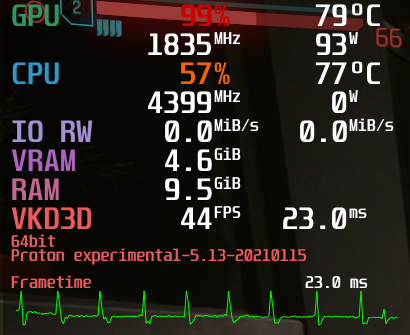
Regarding the audio crackling issue, I am not having any of the crackling issues even though I'm not using any specific launch arguments.
I'm using Arch Linux with 5.10.7-zen1-1 with a GTX 1070 Ti (Driver Version: 460.32.03) and Intel i7 7700K. Game is running on medium settings and medium texture quality with 1920x1080 resolution.
@TheJackiMonster
But I do get terrible performance drops now depending on the area of the city I'm looking at.
I'm having the same issue. I've completed the game despite this, it seems completely arbitrary when it actually happens. First I thought it was when looking at Nigh City from afar (e.g. the Badlands), but this seems to not be the case because sometimes it happens when I look away from the city into the desert. I've tried to pin down if its a certain effect or something, but to no avail. I've also tried playing around with graphics settings, but no cigarr.
It also sometimes happens after the game crashes (and I have to do a hard reset). The game could've been running fine until the point of crashing, but when I load into a save, suddenly I'm down to 11 FPS, in the same area it was previously running fine.
I'll just wait for mesa 21 I guess.
@alexdaversa
Just tried proton-tkg. Still experiencing the same problem, no start menu text, then game crashes.
EDIT: @PabloCamp0s did you have any success with mesa and vulkan-radeon 20.3.3-1? For me it made no difference, still experiencing the same symptoms.
If you have time can you share logs with
WINEDEBUG=+pulse,+mmdevapiboth with and withoutPULE_LATENCY_MSEC=15?
I'm attaching both. Note that the good one has only 10 "Underflow" messages while the bad one has 1500+.
@mausworks I have tried also mesa 20.3.2 with Proton 5.13 and Proton Experimental and everytime the same error as yours.
Can't get past loading screen as the game crashes.
For anyone still experiencing audio issues, try running the game on Windows. I actually experienced more crackling on Windows than on Linux with the latest proton experimental so it could just be the game being buggy
Played around 5-6 hours with the lastest patch and the audio was totally fixed for me. (crackling). No regressions at all. Of course the game keeps performing poorly and the random CTD's are still present but that's something that CDProjekt must fix from now on. Game is buggy without matter on what platform are you playing it.
I have fixed the problem with crashes during the loading screens and that is using this prefix:
VK_ICD_FILENAMES=/usr/share/vulkan/icd.d/radeon_icd.i686.json:/usr/share/vulkan/icd.d/radeon_icd.x86_64.json
I was getting started with RDR2 and lots of comments on protondb were saying to run steam with this and it worked.
Tried it also for Cyberpunk and voila.
Is there some way for applications to use these ICD files as default so I don't have to specify it everytime?
Running Kubuntu 20.10
EDIT: Noticed that I have amdvlk installed. Removed it and now everything is working correctly :facepalm:
@asdf-qwert can confirm that this works with the steam version!
My current launch options:
PULE_LATENCY_MSEC=60 VK_ICD_FILENAMES=/usr/share/vulkan/icd.d/radeon_icd.i686.json:/usr/share/vulkan/icd.d/radeon_icd.x86_64.json gamemoderun %command% --launcher-skip
I was getting started with RDR2 [...]
What made you want to try this for CP77? Just curious!
@asdf-qwert does not work for the cutscene crash in Chippin'In mission
I have patched the game to 1.1 now. I have still the same performance issues depending on areas getting rendered. I hope these will be fixed when upgrading to mesa 21.x.x. So I will wait for its release in February then.
However I can confirm that it's still possible to run the game using mesa 20.3.3-1 on Arch with newest Proton Experimental. Performance seems pretty similar to patch 1.0.7 of the game but I assume they focused on bug fixes rather than improvements. I could be wrong though because I didn't test much.
@TheJackiMonster i can confirm that running Mesa master fixed that issue. At least for me
Patch notes for v1.1 patch:
"Addressed the game startup crashes related to loading cache on NVIDIA graphics cards."
Hmmm...
What made you want to try this for CP77? Just curious!
@mausworks Well CP77 wasnt working for me anymore and RDR2 was on sale for 40 eur so I gave it a shot and it is a great game too.
"Addressed the game startup crashes related to loading cache on NVIDIA graphics cards."
Hmmm...
Still crashes with the same symptoms.
******** Can all nVidia Linux Desktop OS Users please Read The Manual and the nVidia 460 Driver Release by nVidia. ********
This will significantly improve the Stability, Performance and User Experience of your Linux OS / PROTON Gaming .
A significant non-zero number of Proton issues are reported by Users who it seemingly appears have nVidia Cards that are incorrectly configured, untested and unsurprisingly provide piss poor performance.
I would believe the portions to be near equal in relation with this phenomena to the AMD Linux demographic.
I cannot see any reason why anyone Gaming with Proton Linux on personnel equipment would not be using nVidia-460 w/ Kernel 5.8+.
Things to look out for when reading the README in the link below:
- Pure UEFI-BIOS?, NO Secureboot?, NO CSM?, NO SWIOTLB?, CPU-PAT [ENABLED]?, PCI-e 64Bit Bar Support [ENABLED]?.
- Check that “GLX” and “NV-GLX” extensions are present? Symlinking is CORRECT?
- Are Correct Libraries being used? Confirm that theres no Cache Aliasing?
- Is eCHI / xHCI handover disabled? This can be a HUGE! cause of instability.
- Unified Back Buffer [ENABLED] ?: RTX and Quadro Only
- Are the recent changes in the Default OpenGL / Vulkan Shader Disk Caches, Location change and Size expansion being utilized?
- The User has to enable this! From 128MB to 1024MB
- What do the nVidia-Settings booleans do?. Theres working examples in the README
- Are the nVidia recommended number of " Allocated Video Surfaces" being used by NVIDIA VDPAU?
- fwupd and pcutils-update run? ACPI and i2C [ENABLED]?, Sane VDPAU Mutlithreading [ ENABLED ]
- Incorrect DPI / Resolution overdriving Monitor? (GPU), UnOfficial / Unsupported Protocols by nVidia? (Non-Linux Approved)
- " https://www.nvidia.com/Download/driverResults.aspx/168347/en-us "
- " http://us.download.nvidia.com/XFree86/Linux-x86_64/460.32.03/README/index.html "
...and for the newer nVidia Card Linux Proton Gamers. nVidia has "Unofficial" Non-approved Kernel module(s) in the nVidia repositories.
These in-Beta Modules require installing the Driver the exact correct hardway from their site and also requires installing CUDA. It provides true parralell Ray tracing and compute for Desktop graphics.
For the rest of us theres an unofficial beta patch / module by a nVidia Dev on GITHUB. If you dare!
If you read all of that and ended up here... Then your probably not the Droids I was looking for.
(looks like some unrelated spam)
@ErikReider Thanks. I tried mesa-git again and it really fixes those performance drops. The game also seems somewhat smoother even though the average framerate is much higher. But it could improve the frametime variance. I think, I also gonna try the linux-zen kernel now looking for improvements but I assume it's limited by GPU performance. ^^'
patch 1.1 is out have anybody tried on nvidia?
Trying out the linux-zen kernel ended up in getting a kernel panic during launch of Cyberpunk. So using mainline kernel with mesa-git seems the best option currently.
Edit: By the way I'm on Arch using GNOME with Wayland and the Mesa driver works because of an RX 5700 non-XT. (No nvidia related problems here. Also nothing desktop environment related as far as I can tell.)
patch 1.1 is out have anybody tried on nvidia?
Yes, no noticeable changes.
Trying out the linux-zen kernel ended up in getting a kernel panic during launch of Cyberpunk. So using mainline kernel with mesa-git seems the best option currently.
Arent you using nVidia, Gnome on ARCH Linux? Going off your GH Page.
Whats with Mesa-Git?
nVidia uses zero Mesa. It is a completely seperate Graphics Stack.
Other than whats indicated by your GitHub page I cant see your Full System Specs, Proton/ System Logs or Outputs?
Makes it impossible to pin your issue on anything let alone VALVE STEAM PROTON?
If using nVidia. nVidia-Driver-460 must be used with PROTON.
Why?
https://www.nvidia.com/Download/driverResults.aspx/168347/en-us
Vulkan Disk Shader Cache size increase from 128mb to a maximum 1024mb.
What impact would this have on Proton performance?
note:
The previous Driver and Driver Configs need to be completely removed, purged first.
note:
Vulkan Disk Shader Cache size and location changes need to be confirmed or enabled manually.
nVidia uses zero Mesa.
There was an installed GL Libs and applications issue but starting with nVidia-360-Drivers the GLVND library was included by nvidia to resolve this issue.
However it is possible for the incorrect simlinking to occur if Mesa is installed.
This causes the nVidia driver to deliver terrible performance.
Proton Performance: nVidia with Mesa Issues
The X-server and all running GL processes MUST be stopped and confirmed "KILL'd", at the install of the nVidia Driver.
If this isnt done it will (more than likely) lead to multiple issues and poor Driver performance or Driver failure.
https://www.khronos.org/opengl/wiki/Getting_Started#Linux
Getting back to the Zen Linux Kernel / Proton / Kernel Panic...
When using Proton w/ Linux ZEN Kernel you experienced:
" kernel panic during launch of Cyberpunk".
If your are using nVidia and if these issues listed below are present and resolved,
how would they affect PROTON Performance ?
- The nVidia Driver does support SWIOTLB. If present will likely result in Kernel Panic when under resource load.
- If 64bit DMA BUFFER support isnt enabled? The DEFAULT allowed acces is a Max 4G of RAM at legacy rom 32bit.
If you are using PROTON / nVidia and having issues strongly I recommend checking out the links below and reading the READMEs.
https://forums.developer.nvidia.com/c/gpu-unix-graphics/linux/148/l/latest
http://us.download.nvidia.com/XFree86/Linux-x86_64/460.32.03/README/index.html
What was the cause of that?
There are some issues with Gnome and nVidia as well.
GoodLuck
patch 1.1 is out have anybody tried on nvidia?
FPS is acceptable on my 1070ti, but much more crashes (every 10 mins). Non playable at all. Waiting for 1.2 / new nvidia drivers / proton
The game hangs after CD Project Red logo, in the loading screen. I'm using Proton Experimental, Nvidia GTX-1060 (450 driver) on Ubuntu 20.04. Some weeks ago, on Christmas I can play the game as you can see in this video:
The game hangs after CD Project Red logo, in the loading screen. I'm using Proton Experimental, Nvidia GTX-1060 (450 driver) on Ubuntu 20.04. Some weeks ago, on Christmas I can play the game as you can see in this video:
Ubuntu 20.04. Ryzen 3600x - MSI 1660ti Gaming here with 460.32.03 drivers. working just fine despite the CTD's every 30-40 minutes. Try by updating your drivers
I' m not using 460 because a rfactor2 driver regression
https://github.com/ValveSoftware/Proton/issues/245#issuecomment-757020531
On the nvidia website. Read the Driver release and the driver manual. Its in the readme tab on the additional information. With out over locking you could get a 200%+! Performance boost! 1. Example: if 64bit DMA buffer support isn't enable then the Graphics stack is only allowed to access a max! Of 4g. at legacy 32biit... Regardless if you've actually got 64G. And the system won't let be half speed with 4 G it'll be worse because 32bit takes longer to clear than 64bit. CPAT,UBB, CSM, 64bit bar support? Xhci, bad simlinks because you didn't kill the head at driver install. Using mesa gl instead of nvidia. Multithreading. VDPAU needs to be set to nvidia recommended. D460. Vulkan cache from 128 to 1024mb!. The User has to enable this. Nvidia Driver doesn't support SWIOTL. And will crash. Increase ability in GPU IOMMU cache ? It's all nvidia recommended standards they just can't ship with
With this enabled.. re: CP. Kill AVX512? Play windowed. I won't say anything about keylase or how to get RTX to feature Enablement for GTX and installing the nvidia aux bus Kernel module by nvidia.
Anyone else experimenting huge drops in gpu usage when looking in different directions? Mesa master improved the fps but it's still horrible. It goes down to 30 fps from 70
Yes, changing the quality settings has no effect whatsoever for me. I think looking at steam or smoke effects does this, at least where I experienced it.
@bundyo yeah. Even when lowering all settings to the lowest value... Try driving to the badlands and look towards the city. That's the worst situation that I've experienced. Seems to be extremely cpu bound
Hmm, I'm with 5900X - one would think it should be enough...
@bundyo I have a 5800X and that should also be enough😂
CyberEngineTweaks definitely helps with this (though doesn't remove it completely). Check out the Proton install guide: https://github.com/yamashi/CyberEngineTweaks/blob/master/PROTON.md
Just to mention - this is for Mesa and Radeon video. NVidia users might not see such improvements. :)
@bundyo Wow! That really improved my fps! I went from 30-70 to a constant 60-80
Btw, latest GE Proton (6.1) fixes the slower than Experimental bug, so one can use that as well.
@bundyo tried it and found that too but all of the audio crackling fixes weren't implemented so I'm sticking with experimental until it gets patched
After upgrading to Mesa 21, some RC, I now also consistently get approximately 50-60 FPS on Ultra and 4K. Definitely playable now.
FWIW CyberEngineTweaks "Disable Async Compute" doesn't make any difference on my 1070.
FWIW CyberEngineTweaks "Disable Async Compute" doesn't make any difference on my 1070.
I was just wondering about that. Thanks for confirming it. Too bad! We are still at mercy of Nvidia/CDPR
(I've meant FPS as it's quite clear that it wouldn't help against crashes)
I'm getting the error stated in this comment no matter which version of proton I try (tried 5.13-5, 5.21-GE-1 and 6.1-GE-1). Could it be due to a failed download? Or is something else going on?
My setup:
Ryzen 5 5600X
16Gb RAM
Radeon RX 6900 XT
Game installed on SSD
ArchLinux fully updated as for today with linux-zen kernel
Btw, latest GE Proton (6.1) fixes the slower than Experimental bug, so one can use that as well.
I tryed the Heist mission just now with proton Experimental and GE 6.1 and the "car travel" get fixed with the GE. I guess then that it is a audio dependencies problem.
The black area in the hotel is still there, but i guess that's for nvidia or mesa or something else problem
I don't know anything at all...
This is just a guess ... I'm totally clueless about all this unix like stuff .. but I went to a Psychic... and she said that the spirits told her that...... regarding CyberPunk 2077.... .... .... Are you ready for it..?...... She said that PROTON isn't the issue..!!!!
The issue ISNT PROTON.... Is what she straight up said.
This Psychic reckons PROTON, MESA, VULKAN all of that stuff is doing some solid heavy lifting for a truly criminally SH#Tly made, money scam of a game. Then to make matters worse... The Majority of Linux users on these Forums haven't even proven the functionality or performance of their System / Hardware Acceleration with the easiest and quickest of tests. Nvidia performance on Linux is Phenomenal but you need a PhD to set it up as per Nvidia instruction. AMD use AMDGPU , latest firmware, new initramfs, functioning UDEV, Correct HWVA, 24bit depth. Small swap w ssd, no dynamic power management, kernel parameters set...and Cyberpunk is as faulty as a Windows 10PC. I'm putting it out there we start a Kickstarter for a Grand Theft Auto V CyberPunk transform MOD. Cyberpunk is a Criminal Scam. You can post to forums or contact the relevant Gov. Branch to initiate criminal proceedings. Flame away!
Hello @username-murphy, you've repeatedly made barely relevant comments on this issue tracker. They are unconstructive feedback for Proton. Consider this a warning that if you continue doing this, I'm going to need to step in as a moderator.
If you have system-wide configuration issues with the nVidia driver, that feedback should be given to the video driver vendor, not here. This issue tracker is not intended to be a general-purpose forum.
Hi! Kisak,
Your absolutely right.
Thanks for setting me straight.
It's true, I didn't read the Proton Issue Tracker Posting Guidelines. Sorry.
Quick question?
So how do you track PROTON code performance issues without mandatory logs,
output and system specs?
"If you have system-wide configuration issues or issues with your Graphics
Driver, that feedback should be given to the Video Driver Vendor, Official
Distro Bug tracker or Distro Support Forum, not here.
The Proton Issue Tracker is not intended to be a general-purpose support
forum."
Maybe you could Pin the above to the "Issues" landing page along with
minimum mandatory posting requirements.
See if it makes a difference.
Btw my gear runs by the book.
Ever since I started reading it.
Take care Kisak
Love yr work
On Sun, Feb 7, 2021, 9:42 AM kisak-valve [email protected] wrote:
Hello @username-murphy https://github.com/username-murphy, you've
repeatedly made barely relevant comments on this issue tracker. They are
unconstructive feedback for Proton. Consider this a warning that if you
continue doing this, I'm going to need to step in as a moderator."If you have system-wide configuration issues with the nVidia driver, that
feedback should be given to the video driver vendor, not here. This issue
tracker is not intended to be a general-purpose forum."
—
You are receiving this because you were mentioned.
Reply to this email directly, view it on GitHub
https://github.com/ValveSoftware/Proton/issues/4450#issuecomment-774560908,
or unsubscribe
https://github.com/notifications/unsubscribe-auth/AKNK7WI53KKFE73KBBEMKCDS5XHXBANCNFSM4UUIEDXA
.
I'm getting the error stated in this comment no matter which version of proton I try (tried 5.13-5, 5.21-GE-1 and 6.1-GE-1). Could it be due to a failed download? Or is something else going on?
My setup:
Ryzen 5 5600X
16Gb RAM
Radeon RX 6900 XT
Game installed on SSDArchLinux fully updated as for today with linux-zen kernel
Have you tried Proton Experimental? That's been the only version of Proton that works reliably for me. FWIW, my setup is very similar to yours with the following differences, and I have had multi-hour play sessions without crashing.
- Ryzen 7 4800H
- 64GB RAM
- Radeon RX 5600M
Also curious if you were to delete the referenced config file (or rename it to a backup), if it would work...
Replying to https://github.com/ValveSoftware/Proton/issues/4450#issuecomment-776181021
After A LOT of googling around I found a fix that was in front of my eyes the whole time... This game is so badly coded that it cant handle folders with leading dots (but can with intermediate dots). I may have gotten the clue of the vague error message /home/gamerlocal/share/steam-buddy/content/Cyberpunk 2077/. So I moved the installation folder from /home/gamer/.local/share/steam-buddy/content/Cyberpunk 2077/ to /home/gamer/GOG/content/Cyberpunk 2077/ (yes its the GOG version installed with wyvern and innoextract). Then change the folder names accordingly in the Steam shortcut and the game "works". I mean it launchs and plays mostly fine, I got a crash when arriving at NC and stopped playing cos I prefer wasting my time at DiRT 4.
[rant]
I mean, the game works fine: 4K TV with High graphics settings give me 60 FPS inside buildings and 5 outside... sigh... its so poorly optimized that I guess it renders the entire city to insane levels, so insane you can't see it, but it will make sure it will render each grass foil.
[/rant]
That said, this piece of software doesn make Proton the true credit it deserves. All here Steam developers made the missing piece for all games to eventually work in more platforms than just Windows. You are the best. Please keep it up and try to promote Linux as a true gaming platform (it certainly is) for major developers.
@Samsagax I'm with 6800 and running it on 4K Ultra with around 50-60fps constant. Check my comment about CyberEngineTweaks up there and make sure you run Mesa 21.
@Samsagax Indeed, we had to write a special workaround just for that bug: https://github.com/ValveSoftware/Proton/commit/4c0f01e2dc63687a4b01232fa491ee3e75921e14 It won't work for external games though, as you found.
Well, after some digging around I was able to play "decently" (Ultra settings, 4k at 40 to 60 FPS consistently) after using Proton 6.1-GE-2 and mesa 21 as @bundyo suggested (but not using CET yet). Had to bypass the Steam Runtime, though as per this bug.
With vkd3d-proton 2.2 on Nvidia, it stopped crashing after loading and moving the camera. Checking.
With latest Proton Experimental, I can get into the inventory again now without the game freezing but the game eventually still locks up at some random points, I didn't see a GPU exception logged to dmesg, tho. FPS are reduced a little compared to previous vkd3d version used in experimental, and it feels a little stuttery.
NVIDIA 455.50.07 Vulkan beta
Proton Experimental
Proton Experimental doesn't have vkd3d 2.2 yet. You need to copy the files manually.
I have:
OS: Manjaro
KERNEL: 5.10.15-1
CPU: AMD Ryzen 5 3600
GPU: GeForce RTX 2060
GPU DRIVER: NVIDIA 460.39
Proton Experimental doesn't have vkd3d 2.2 yet
Oh, that explains things. I saw that Experimental was rebased lately (the wine subproject), I actually didn't look if the main Proton project references any new wine or vkd3d commits - I just looked: vkd3d 2.2 is not included. Let's hope Valve bumps this soon as I'd like to experiment with the thread priority patches a little more.
Did anyone try the game with 460.56 drivers on NVIDIA? Looks like it will take some time for me to get benchmarking soon
Did anyone try the game with 460.56 drivers on NVIDIA? Looks like it will take some time for me to get benchmarking soon
Based on the Nvidia ChangeLog - I doubt anything new will happen... But I guess it's worth a try
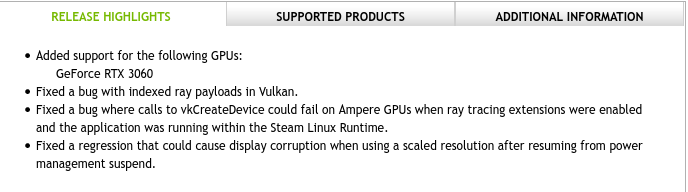
I didn't check for crashes but the performance is the same and No-Tell Motel is still black inside.
I didn't check for crashes but the performance is the same and No-Tell Motel is still black inside.
For me seems to be more stable as I am not crashing at the start of the heist mission, but ya I get the black screen issue inside the building of the heist.
System Info:
OS: Pop!_OS 20.10
Kernel: 5.10.21-xanmod1
Driver: 460.56
CPU: Intel i7-8700K (12) @ 4.700GHz
GPU: NVIDIA GeForce RTX 2080
For me it's not more stable, it still can crash in a minute after loading.
This game is a total mess, after more than 3 months of being released.. I will give it one last chance this week with the 1.2 update and after that I am done.
Thanks all of you for the effort in trying to make this happen.
I've just noticed that PULSE_LATENCY_MSEC=15 which I still set for the game is only needed to avoid crackling when I use my BT headphones, and when I use wired speakers this setting cause crackling and removing it removes crackling.
The black screen issue inside the HEIST mission is still there in v. 1.2 - sadly T_T
I don't know if anybody else noticed (or if it even happens for anybody else) but if you climb on top of the no tell motel you get the same black box issue as you do in the heist mission, not seen it anywhere other than those 2 places in game though
Or just go inside it.
Or just go inside it.
Well yeah, just thought it was interesting that the area it affects seems not to just be inside the building but extends way up into the sky
Great news: with 1.2 I completed both The Heist and Chippin' In rides without crashing.
Anyone else seeing weird controller mappings with 1.2, like the left bumper also switching weapons (LB emits Y) or the start button throwing a grenade (but also opening the menu)? I've already disabled Steam Input, and other games don't show this problem. (Proton Experimental)
Anyone else seeing weird controller mappings with 1.2, like the left bumper also switching weapons (LB emits Y) or the start button throwing a grenade (but also opening the menu)? I've already disabled Steam Input, and other games don't show this problem. (Proton Experimental)
The game uses xinput for controller handling. I haven't noticed the behavior you describe. I've tested with Xbox Series X controller (1914 with updated firmware) over USB and X360 Wireless on the newest experimental.
The only thing that comes to my mind is SDL, which is used for non-HID controllers, would have incorrect mapping for your hardware, but then you would see that with other games as well...
Can you reproduce this reliably? What controllers are you using? Which driver and version/kernel? On what hardware? Can you run some xinput test program through Proton to see if inputs are reported correctly?
Yes, I can reproduce reliably. Other games (also xinput games) behave just fine. Before the Cyberpunk 1.2 patch, it was fine, too. So something changed in the game. I'm using the Xbox One S or Xbox Elite 2 controller (but only one is connected at the same time) over Bluetooth with xpadneo (that's the driver I'm developing and maintaining), my driver dev-version supports hidraw access for users now, so SDL_JOYSTICK_HIDAPI may come into play here?
But well, other games are not affected (all tested with latest Proton Experimental). The controller is a HID device through xpadneo, it exposes are firmware version which is not part of the SDL controller db, so SDL falls back to a standard mapping which xpadneo fits perfectly.
I think it may actually boil down to rawhid, as the button bits in the HID reports are sent as in the original Windows connection mode of the controller (10 buttons) instead of in the Linux mode (15 or 16 buttons with sparse bitmap).
From that perspective it looks like Cyberpunk may actually see two controllers, one with correct mappings, and one with broken mappings, because when I press LB, I get both LB and Y in the game (it switches weapon and activates quick scan). The axes seem okay, only buttons are affected.
Linux HID mapping of the controller is buttons A,B,C,X,Y,Z,LB,RB,... (where it actually has no C or Z button of course) while Windows mapping is A,B,X,Y,LB,RB in the button bitmap (which xpadneo uses) - so LB would really take position of Y. But then again: Why does the game see both the correct and incorrect mapping then?
Yes, I can reproduce reliably. Other games (also xinput games) behave just fine. Before the Cyberpunk 1.2 patch, it was fine, too. So something changed in the game. I'm using the Xbox One S or Xbox Elite 2 controller (but only one is connected at the same time) over Bluetooth with xpadneo (that's the driver I'm developing and maintaining), my driver dev-version supports hidraw access for users now, so SDL_JOYSTICK_HIDAPI may come into play here?
But well, other games are not affected (all tested with latest Proton Experimental). The controller is a HID device through xpadneo, it exposes are firmware version which is not part of the SDL controller db, so SDL falls back to a standard mapping which xpadneo fits perfectly.
If having two xinput controllers is indeed the culprit, the games that work may just pick up and use the first one in order of enumeration, while CP2077 may just take all inputs from all controllers?
Creating HID device for xbox controllers on Linux side may indeed be the problem here. Winebus.sys is responsible for controllers. bus_udev.c picks up everything (-ish) with rawhid that we can access. bus_sdl.c uses SDL to pick up everything else and creates a faux HID/xinput devices on the Wine/Windows side.
This worked as xbox controllers are not HID devices and xpad wasn't trying to provide that faux HID. Looks like that is changing with xpadneo (is this going to be upstreamed?) and the assumptions may need to get revised.
Are you using the current master of xpadneo or do you have some custom patches applied?
Logs with WINEDEBUG=+xinput,+plugplay,+dinput,+hid,+rawinput should tell us more on how the devices are discovered and handled by the game on your setup.
Ok so i decided to play finally today with the new 1.2 patch, and yeah, the game still freezes randomly with my Nvidia GPU. Good stuff, time to move on for me.
Discussion moved to https://github.com/ValveSoftware/Proton/issues/4707
Creating HID device for xbox controllers on Linux side may indeed be the problem here. Winebus.sys is responsible for controllers.
bus_udev.cpicks up everything (-ish) with rawhid that we can access.bus_sdl.cuses SDL to pick up everything else and creates a faux HID/xinput devices on the Wine/Windows side.
Actually, ALL Bluetooth-connected Xbox controllers are HID devices. But what's new in xpadneo is that there's now a udev rule in master which allows access to the rawhid device for the current seat user. So if winebus.sys picks up /dev/hidraw*, and SDL picks up /dev/input/event*, we are seeing two devices which are actually the same hardware.
If button mapping for the rawhid device is wrong, we need to fix this: The winebus.sys driver seems to make wrong assumptions about what the HID descriptor tells it: xpadneo shows 12 buttons in the HID descriptor (10 default buttons + Guide + Share). But it seems to expect a sparse map of 15 bits for 11 or 12 buttons. It's difficult to make such assumptions because we have at least two Xbox Controller models with conflicting bit positions for a button. Could you point me to the code that interprets the hidraw reports for Xbox controllers? I'd like to look at whether we could fix that properly at the xpadneo level, or if we need to improve the wine code. Wine seems to be the only user of rawhid so far, it seems. So it's a good opportunity to get that right now.
This worked as xbox controllers are not HID devices and xpad wasn't trying to provide that faux HID. Looks like that is changing with xpadneo (is this going to be upstreamed?) and the assumptions may need to get revised.
This is a udev thing, not a xpadneo thing. Actually, different input devices allow seat user access to their rawhid device. (https://github.com/atar-axis/xpadneo/commit/eee6d5b8f6ca9b022267cadd2c477e2a0d9660e3)
Duplicate devices would need to be filtered by looking at the udev parent device path: If it is the same, you are looking at the same hardware to rawhid and evdev.
Are you using the current master of xpadneo or do you have some custom patches applied?
I'm using my patch queue in https://github.com/atar-axis/xpadneo/compare/master...kakra:queue/for-0.10 - but for the hidraw case it's identical with current master. Since I'm maintaining and programming that driver, I'm using master + some patches in testing (queue).
There's currently no plan to upstream the driver in its current form but we may try to port fixes over to the kernel. There's a sister project xone (from the xow author) which makes similar efforts but that's not a HID device. It instead works on creating a GIP bus in the kernel for GIP devices (controllers, headsets etc).
Maybe move to a new issue?
Ok so i decided to play finally today with the new 1.2 patch, and yeah, the game still freezes randomly with my Nvidia GPU. Good stuff, time to move on for me.
Which version of vkd3d are you using?
Ok so i decided to play finally today with the new 1.2 patch, and yeah, the game still freezes randomly with my Nvidia GPU. Good stuff, time to move on for me.
Which version of vkd3d are you using?
I don't have vkd3d installed on my system, I am running Proton Experimental. ( the only build of proton that I have with vk is an old 4.11 version:
~/.steam/steam/steamapps/common/Proton 4.11/dist/lib$ ls |grep vk
libvkd3d-shader.so
libvkd3d-shader.so.1
libvkd3d-shader.so.1.0.0
libvkd3d.so
libvkd3d.so.1
libvkd3d.so.1.1.0
libvkd3d-utils.so
libvkd3d-utils.so.1
libvkd3d-utils.so.1.0.1
Does it still have those NVRM errors in dmesg?
Ok so i decided to play finally today with the new 1.2 patch, and yeah, the game still freezes randomly with my Nvidia GPU. Good stuff, time to move on for me.
Which version of vkd3d are you using?
I don't have vkd3d installed on my system, I am running Proton Experimental. ( the only build of proton that I have with vk is an old 4.11 version:
Proton Experimental still uses vkd3d 2.1. I believe it was 2.2 that introduced a bunch of memory handling reworks that has helped a lot with stability on Cyberpunk 2077. So I'd suggest manually updating your Proton Experimental to use the 2.2 release version of vkd3d. Or wait for vkd3d to be updated in the Proton releases on steam. :)
Or alternatively and probably easiest, install a custom proton that does have the updated library in it, such as the 4-hours-ago released Proton-6.5-GE-1
Does it still have those NVRM errors in dmesg?
Yeah It could be but I didn't find anything "relevant" from my knowledge in dmesg (maybe my fault). Anyway, the CTD's are still there since the beginning.
Ok so i decided to play finally today with the new 1.2 patch, and yeah, the game still freezes randomly with my Nvidia GPU. Good stuff, time to move on for me.
Which version of vkd3d are you using?
I don't have vkd3d installed on my system, I am running Proton Experimental. ( the only build of proton that I have with vk is an old 4.11 version:
Proton Experimental still uses vkd3d 2.1. I believe it was 2.2 that introduced a bunch of memory handling reworks that has helped a lot with stability on Cyberpunk 2077. So I'd suggest manually updating your Proton Experimental to use the 2.2 release version of vkd3d. Or wait for vkd3d to be updated in the Proton releases on steam. :)
Or alternatively and probably easiest, install a custom proton that does have the updated library in it, such as the 4-hours-ago released Proton-6.5-GE-1
Thanks for the answer.
I may give it a try with the "GE" version, but AFAIK it has the same issues so I am starting to think we are at mercy of Nvidia/CDPR at this point.
Edit: Confirmed by me, game freezes with latest Proton-6.5-GE-1.
Or alternatively and probably easiest, install a custom proton that does have the updated library in it, such as the 4-hours-ago released Proton-6.5-GE-1
Well, both GE and Tk seem to have disabled the fullscreen hacks which introduces a lot of tearing for me so I'm avoiding them. I'm even not sure why it is disabled, or why it couldn't be made a runtime option via env var.
@kakra When doing major Proton upgrades, the fullscreen hack alone takes me several full workdays to rebase, and then several more days between myself and QA to shake out the new bugs. I don't blame GE/Tk/etc for not wanting to do all that work every two weeks when they pull in new upstream Wine :)
the fullscreen hack alone takes me several full workdays to rebase
Ah okay... Now that you mention that, I remember it is quite entangled with the Vulkan stuff, that has always been difficult back when I did my own rebases. And I'm sure that hasn't become less complex by now...
I am having a much stabler time with the 1.2 update. Initially I was getting crashes after a few minutes, but then switched to the proton experimental build from I think an older ge build and since it has been rock solid. Previously in pre 1.2 near arasaka tower I would always get a crash trying to get a tarrot card and it would lock up, but now no problem. Played for about 4 hours last night without a crash.
AMD 3800x
RTX 2060
NVidia vulkan driver 455.50.10
Linux pf 5.11 kernel
Replying to https://github.com/ValveSoftware/Proton/issues/4450#issuecomment-810313517
AMD 3600
GTX 1660TI
Nvidia 460.67
Kernel 5.8.0-48
ubuntu 20.04
The game runs "well" the issue I am experiencing now after 40 hours of gameplay (70% on this PC since Launch and 30% on GF Now) it's more frequently since I just started the mission "Old friends" and what pisses me off is that it's totally random. I will keep trying today with the "GE" Proton Compatibility and see if I manage at least to find a "workaround"
No Tell Motel makes me wanna weep with that darkness.
I'd say contrary to common opinion 1.2 increases stability much and I
had no crashes with The Heist anymore, but Darkness Is Still There.
On Wed, Mar 31, 2021 at 6:11 PM Sean @.***> wrote:
No Tell Motel makes me wanna weep with that darkness.
—
You are receiving this because you were mentioned.
Reply to this email directly, view it on GitHub, or unsubscribe.
Note that darkness is alleviated by enabling the persistent scan mode (Caps Lock), though it seems to interfere with dialogs. I wouldn't recommend doing The Heist with it but it should be fine for 3 or so Motel quests.
FYI: Proton 6.3-1 / Proton Experimental introduced this very strange bug for me where my mouse would snap to the top of the screen when I would press keys sometimes, basically making the game unplayable. Switching to 5.13-6 fixed this for me.
Hello @KevinNThomas, please add PROTON_LOG=1 %command% to the game's launch options, reproduce the regression, and attach the generated $HOME/steam-$APPID.log to this issue report as a file. (Proton logs compress well if needed.) Also, please copy your system information from Steam (Steam -> Help -> System Information) and put it in a gist, then include a link to the gist in this issue report.
Hello @kisak-valve, I have attached the proton log to this comment. I simply started the game using Proton 6.3-1, loaded a save file, and walked around for about 30 seconds and the behavior was happening (my mouse constantly snapping to the top of the screen). Here is the gist with my system information.
(P.S the only post on the internet I could find about this issue is here: https://forums.cdprojektred.com/index.php?threads/mouse-cursor-moving-to-the-top-of-the-screen.11040764/)
Since patch 1.2, every time I access the Inventory the game crashes. This happens also when starting a new game once I choose a life path. Other than this the game runs fine. Edit: Also happens when accessing Character > Stats.
The error can be seen in the system journal:
https://gist.github.com/smissaertj/c895e0c00945348ba3f5eb453950f5b6
Edit: Reported to https://github.com/HansKristian-Work/vkd3d-proton/issues/607#issuecomment-817151336
Looks like the nVidia crashes are really gone, or almost gone, at least for me.
The GPU exceptions really seem to be gone but the game still crashes when VRAM is almost fully used. This seems to be an issue with all games that use vkd3d as far as I tried. Games that support both dx12 and dx11 run just fine with dx11 but seem to crash on VRAM memory allocation errors in dx12 mode (at least for those that show an error message box instead of just crashing back to desktop). On the bright side, vkd3d performance is very good now with 2.2 in all games I tested and seems on par or even better than dx11 mode.
With Proton 6.3-1 and Proton Experimental game freezes most of the time during splash movies, once time game freezed after splash movies, during splash when we can press 'space bar' to continue. With proton log enabled I see a lot of following errors:
err:vkd3d_wait_for_gpu_timeline_semaphores: Failed to wait for Vulkan timeline semaphores, vr -4.
I see this problem on 2 PC:
- Ubuntu 20.10 + kisak fresh PPA + Radeon RX 580 8GB + stock kernel 5.8
- Ubuntu 20.04 + kisak fresh PPA + Radeon RX 5600XT 6GB + kernel 5.11.11
With Proton 5.13-6 all works fine.
Replying to https://github.com/ValveSoftware/Proton/issues/4450#issuecomment-813528569
I'm getting this as well, with this log snipped from dmesg, (mixed here with some other logs for timing purposes).`
- Mesa 21.0.1, and tried all 21.0.0-rcX versions as well since those were known-good before the Proton and 1.2 game update(s)
- Linux 5.12-rc4 w/ fsync patches - game has worked on this kernel previously
- Proton - 6.3-1, Experimental, and the 6.5-GE-1 releases all exhibit this behavior
- GPUs - 5700XT and/or 6900XT (NAVI10 / Sienna Cichlid)
I'm unsure if changes in Proton upstream to VKD3D or the 1.2 update for the game started this issue, but that's the cause of that vkd3d_wait_for_gpu_timeline_semaphores error you're seeing @nadrolinux.
I was just enjoying running the game w/ Proton Experimental, so unfortunately I can't just go back and try the old version of Proton to see which of the two (between the 1.2 update and Proton Experimental updates) caused the issue, but hopefully this is at least somewhat useful information.
EDIT - Found a stopgap
While 5.13-6 still crashes for me (for a different reason), the experimental_5.13 "beta" branch of Proton Experimental from Steam still works for me, so that may help track this down!
@smissaertj @kakra @nadrolinux @mcoffin I think the best place to report vkd3d regressions/bugs is directly to @HansKristian-Work here: https://github.com/HansKristian-Work/vkd3d-proton/issues
@smissaertj I'm also experiencing GPU crashes when opening the inventory...
With 6.3-2 the sound environment sounds are broke again. Radios don't work and NPC voices are silent.
With Proton 6.3-1 and Proton Experimental game freezes most of the time during splash movies
yep same here on rx5700+mesa21, as per suggestion from @mcoffin I've switched back to 5.13 and it's working again
Hi there. Just registered to give feedback and hope it helps...
I bought/tried Cyberpunk for the first time two days ago. (Steam)
With latest Proton 6.3-2 / Proton Experimental or 6.5-GE-3 Cyberpunk won't even start.
Screen becomes black and system freezes. Only kill commands helps here.
Only a very few times between switching and trying the Proton versions, the CDPR logo appeared and sound was heard but then after seconds black freeze came back before the main menu.
Like @mcoffin and @regulator-g its working for me only with Proton 5.13-6 and start parameter --launcher-skip.
After about 2 hours playtime results with 'high' settings are about 30-40 FPS.
My System:
- Ubuntu 20.04.2
- Kernel-Version: 5.8.0-48-generic
- AMD Radeon RX 5700 XT
- AMD Ryzen 5 3600
- Mesa 21.0.2 (kisak-mesa fresh)
As I am new here please let me know if I can help somehow (e.g. testing, logs, etc.)
@s-m-a-s-h i get around 60-80fps on my 5700xt with high-ish settings. I'm running proton experimental, Mesa-git, 5.11 tkg kernel with undead pds.
I've found that manually setting the GPU clocks to the max removes some of the stuttering
I'm running proton experimental, Mesa-git, 5.11 tkg kernel with undead pds.
@ErikReider
Thanks for this information. You mean the stuff from frogging-family, right?
But I'm unfortunately that experienced with things like changing kernels.
I am more like a "experienced user" :sweat_smile: and not afraid to test according any how-to or tutorials.
@s-m-a-s-h yeah, I'm using the frogging-family kernel. You shouldn't need that kernel to get decent performance though. I've tried 5.9 - 5.11 kernels with no performance issues. You should try using a newer kernel 😃
Anyone having font issues after new 1.21 hotfix?
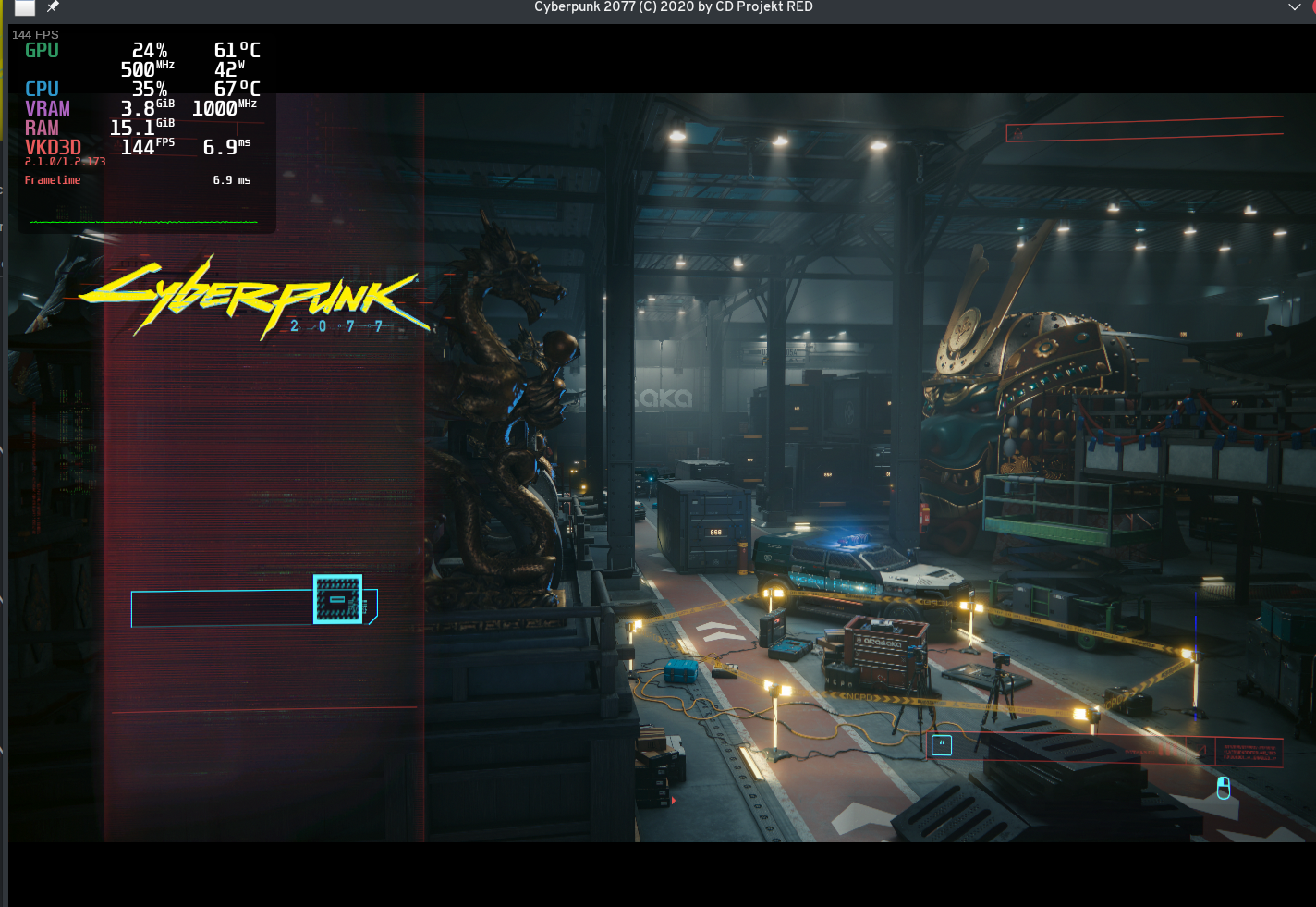
The font sometimes takes several minutes for me to load but that was already with previous versions...
Cyberpunk 2077 freezes after a few seconds
Issue transferred from https://github.com/ValveSoftware/Proton/issues/4757.
@platyple posted on 2021-04-15T17:24:06:
Compatibility Report
- Name of the game with compatibility issues: Cyberpunk 2077
- Steam AppID of the game: 1091500
System Information
- GPU: RX 5600 XT
- Driver/LLVM version: Mesa 21.0.2
- Kernel version: 5.11.13
- Link to full system information report as Gist: https://gist.github.com/platyple/70c1a15633e5de0ee1c4721c618c525e
- Proton version: Proton Experimental
I confirm:
- [x] that I haven't found an existing compatibility report for this game.
- [x] that I have checked whether there are updates for my system available.
Symptoms
Cyberpunk 2077 starts just fine, the text in the Main Menu is invisible and upon loading into the game, it black screens and freezes after a couple seconds.
Reproduction
Unfortunately this seems specific to my hardware, the issue persists across Proton versions, reinstalling OSes, different distros as well as reinstalling the game and deleting the compatdata folder.
I'm gonna test my current install on different hardware when I get around to it, in the interrim perhaps someone better versed in Proton's logs can find something in the logs.
@s-m-a-s-h yeah, I'm using the frogging-family kernel. You shouldn't need that kernel to get decent performance though. I've tried 5.9 - 5.11 kernels with no performance issues. You should try using a newer kernel smiley
Okay, I tried the newer Kernel 5.11. Game has Hotfix 1.21. Unfortunately both didn't change much.
At first I tried Proton 6.3 and 6.5-2 GE and thought the game would start, because all Logos appeared.
But then during the intro video freezes and sound continues. Afterwards the process of the game hangs.
The only "good" thing is that I can ALT-TAB to steam now and stop the game more comfortably. :smirk:
Game runs still fine with Proton 5.13-6.
Here I couldn't see any improvement with the FPS. It is still 40 FPS AVG with high settings.
I now using AMD FidelityFX CAS (static with 85%. This gives a small boost to get 50 FPS AVG.
Kernel 5.10.29, NVIDIA 455.50.10, Proton Experimental as of 2021-04-18, Cyberpunk patch 1.21:
The game seems to run perfectly stable for me now. But now I'm experiencing the lights-out problem when entering the Arasaka Plaza building: As soon as I go near the entrance to the lobby, the scenery turns pitch black, going back and everything will be visible again.
Any clues on that?
Both the Konpeki Plaza and the No-Tell Motel are black on nVidia since the release, the only workaround is turning on the scanner (e.g. with Caps Lock).
Both the Konpeki Plaza and the No-Tell Motel are black on nVidia since the release
Oh yeah, "Konpeki" that was. And yes, it's probably black since the beginning but it was the first time I could play multiple hours without the game crashing or freezes which is a big plus. Maybe I load a previous saved game and play some side quests until someone "sheds some light" on this. ;-) Walking around with the scanner on feels somewhat immersion breaking.
@screwylightbulb
Save files would be great for everyone I think, so definitely worth sharing.
https://drive.google.com/drive/folders/10wEfGw33biG-s6GQEIqQz0-eTUtjAajW?usp=sharing
Patch isn't great and will make the scenes where it's used brighter. Works by just making it return it's input. Actual issue seems to stem from a different compute shader doing some lighting, so better fixes will work on that. (Mine differs at on lines 398, 400 and 402 from the original shader, see the comments in the src file for what i changed.)
I put everything there, including the renderdoc captures I took. Worth noting that the shader hash changes depending on your settings, so that can be an issue. (not sure if it depends on your system, but also maybe be a concern but it survived restarting the game). I took the captures on low everything at 1024x768.
For reference:
OS: Ubuntu 20.10, running Cyberpunk 2077 via the steam flatpak image.
Proton from theproton_5.13-nextbranch, commit hash54ab99b94782d3b80b44929ccba546f75d9e6fc2
CPU: Ryzen 2700x
GPU: NVIDIA 1660 Super, driver: 455.45.01Edit: Forgot to mention, this was taken on patch 1.05, not 1.06.
Is it possible to get this updated? On 1.21 this workaround no longer works. Or a pointer to a howto to regenerate it or both.
until someone "sheds some light" on this. ;-)
There's a report in the forums, and I'd say it's a Windows user which also has the black scenery bug: https://forums.cdprojektred.com/index.php?threads/graphic-bug-i-can-only-see-with-scanner-enabled.11078987/
So I'm guessing there's some DX12 feature unimplemented.
I started playing this on geforce now. I wanted to mention that for those experiencing audio issues it may not be proton's fault. Even after all the patching that CDPR has done. I've still noticed that even on a geforce now windows rig the audio can still be choppy at times and a bit out of sync during dialogue moments.
@platyple Have you tried playing the game with Proton 5.13? My setup is similar to yours and I also experience the freeze right after starting the game when using Proton 6 or Experimental. But the game runs flawlessly on Proton 5.13-6
Yep, it freezes once i load into the game
[Regression] [Proton Experimental] Mouse cursor visible in Cyberpunk 2077
Issue transferred from https://github.com/ValveSoftware/Proton/issues/4789.
@piquan posted on 2021-04-30T12:40:15:
Compatibility Report
- Name of the game with compatibility issues: Cyberpunk 2077
- Steam AppID of the game: 1091500
System Information
- GPU: RTX 3090
- Driver/LLVM version: Nvidia 460.73.01
- Kernel version: 5.10.0-6-amd64 (Debian Bullseye)
- Link to full system information report as Gist: https://gist.github.com/piquan/315b5a32b2a4e2b3f482b64383659f03
- Proton version: experimental-6.3-20210429
I confirm:
- [X] that I haven't found an existing compatibility report for this game.
- Elaboration: Not for this issue! I know that CP2077 with Nvidia is considered "iffy", but this seems unrelated to the known issues.
- [X] that I have checked whether there are updates for my system available.
Proton log attached
steam-1091500.log
Symptoms
Mouse cursor visible in the middle of the screen. Cursor is arrow-shaped, and apparently rendered post-scaling: even though my resolution in the game is set to 2880x1620 (display is 3840x2160), the cursor is quite tiny, yet with sharp definition.
The cursor stays in the center of the screen, with its hotspot right where an interaction cursor or weapon crosshair appears, while the game's UI cursor (a [-] look) moves normally.
Reproduction
Happens every time I launch the game with the current version of Proton Experimental (experimental-6.3-20210429). Tried several combos of rebooting, turning off or forcing on WM compositing (I'm using KDE's default WM, KWin), etc, but the problem was persistent. I switched to the default Proton (5.13-6) and the problem stopped.
@platyple Have you tried playing the game with Proton 5.13? My setup is similar to yours and I also experience the freeze right after starting the game when using Proton 6 or Experimental. But the game runs flawlessly on Proton 5.13-6
Can confirm switching to 5.13-6 fixed the crashing. Thanks!
Cyberpunk 2077 doesn't work for me anymore. Proton 6.3.3 and Proton Experimental yields to same result.
With DXVK dxgi it starts but looks like this.
WINEDLLOVERRIDES=dxgi=n
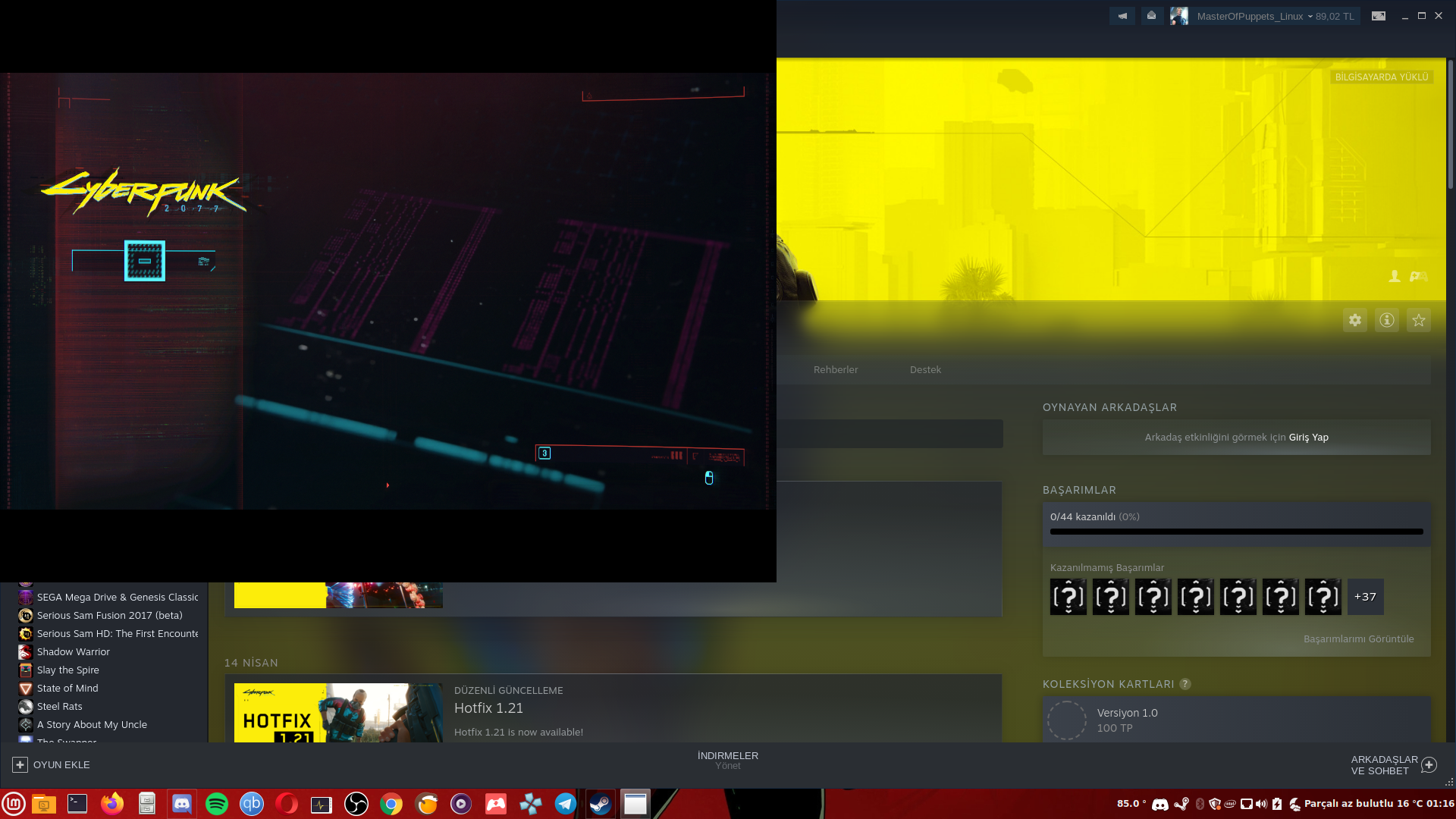
Edit: That menu elements not being there issue is gone after a restart.
Conclusion is; on a Prime system (igpu+dgpu) DXVK's dxgi is needed in order to get game running, default dxgi (Wine's) causes a crash at boot.
Made a quick test with brand new Proton-6.8-GE-1.
There was also an update with kisak-mesa fresh (Mesa 21.1.0 installed now)
I am still working with: 5.8.0-50-generic [#56](/issue/ValveSoftware/Proton/56)~20.04.1-Ubuntu
Postive results after playing some Minutes:
Smooth and without any problems on high 40-55 FPS and ultra 35-45 FPS
Will need to make more testing, but for now it means a pretty good performance improvement. :+1:
(Compared to my first comment: https://github.com/ValveSoftware/Proton/issues/4450#issuecomment-817283540)
At least for me. Hope for you, too! :beers:
I get a black screen and after that the prompt to force stop or wait
System info : https://gist.github.com/mritunjaymusale/a55fa5cc9c5e3128416ac16047c9e4f4
crash log :
steam-1091500.log
I have installed mesa-git 21.2.0 and deleted the prefix and let it recreate a fresh one with Proton-6.8-GE-1, You will need a fresh prefix with this Proton version, watch GE's Youtube Video about that. Now the game launches fine and seems far more stable, no more crashes when paused or alt-tabbed out. What does annoy me is that in borderless windowed mode I can't alt-tab out of the game, it keeps locking the mouse. So I have to use fullscreen mode and it takes a couple of alt-tabs to get back into the game, but at least it does not crash or freeze anymore.
OS: Manjaro Cinnamon
Kernel: 5.12.1-2
CPU: AMD Ryzen 5 3600X
GPU: AMD RX 5700 XT
Im running the game pretty good 50-80+ FPS only pretty high settings. The only problem i have now the game crashes when i enter my inventory. As long as i dont enter my inventory i can play fine and do missions and side missions. I can buy/sell from my inventory. but Wehen i got to my inventory it crashes my game/OS
Proton version: Any version. Normal and GE.
Ubuntu: 21.04
CPU: Ryzen 3700x
Device: AMD Radeon RX 6800 XT (SIENNA_CICHLID, DRM 3.40.0, 5.11.0-16-generic, LLVM 11.0.1, Mesa 20.3.4)
The only problem i have now the game crashes when i enter my inventory.
I have seen this myself on my nvidia hardware as well.
I found that the game immediately crashes when it fills vram and that lowering the texture quality not only stopped any random crashes I was experiencing but ended up stopping this particular crash as well (for whatever reason).
I have had crashes on the fast travel screen but I haven't screwed about with those all that much. Maybe they're actually related in some way?
Replying to https://github.com/ValveSoftware/Proton/issues/4450#issuecomment-842534206
i did put everything on low instead of ultra/ high and inventory now works. It never gave a problem before. my RX6800 XT should have enough vram same as my PC should more than enough.
Replying to https://github.com/ValveSoftware/Proton/issues/4450#issuecomment-837210210
@s-m-a-s-h Have you been able to use CyberEngineTweaks with Proton-6.8-GE? I'm unable to launch the game after installing vcrun2019 and the version.dll override. Without those the game runs fine but mods aren't working.
Have you been able to use CyberEngineTweaks with Proton-6.8-GE? I'm unable to launch the game after installing vcrun2019 and the version.dll override. Without those the game runs fine but mods aren't working.
I have been having the same issue for quite a while now.
Replying to [#4450 (comment)](https://github.com/ValveSoftware/Proton/issues/4450#issuecomment-837210210)
@s-m-a-s-h Have you been able to use CyberEngineTweaks with Proton-6.8-GE? I'm unable to launch the game after installing vcrun2019 and the version.dll override. Without those the game runs fine but mods aren't working.
No. I don't use CyberEngineTweaks nor any mods. I am playing vanilla.
BTW:
Proton-6.9-GE-1 works like a charm as well for me. :+1:
Replying to https://github.com/ValveSoftware/Proton/issues/4450#issuecomment-846449199
@llamasking I got it working with Proton-6.9-GE-1! Just skip the step of installing vcrun2019 and only install the version override.
@aeikum vkd3d-master has a fix for black illumination inside buildings. Can we get this into experimental for testing? Would be great :-)
Replying to [#4450 (comment)](https://github.com/ValveSoftware/Proton/issues/4450#issuecomment-842534206)
i did put everything on low instead of ultra/ high and inventory now works. It never gave a problem before. my RX6800 XT should have enough vram same as my PC should more than enough.
Thank you! I confirm this works and I can finally play again.
@aeikum vkd3d-master has a fix for black illumination inside buildings. Can we get this into experimental for testing? Would be great :-)
I can confirm that Proton 6.9 GE-2 (which already has this fix) successfully fixed No Tell Motel and Konpeki Plaza. But with GE the frame pacing of CP77 is absolutely abysmal with a lot of major stutters every few seconds. I'm waiting for Experimental to get the fix. It's actually fixed by this commit which is in the dxil-spirv submodule of vkd3d.
Latest Proton Experimental fixes the "lights-out mode" in Konpeki and No-Tell but now I'm seeing overexposure of some lights which seems to appear randomly (and out of nowhere, there's even no light source) and cannot be easily reproduced.
Replying to [#4450 (comment)](https://github.com/ValveSoftware/Proton/issues/4450#issuecomment-842534206)
I've just spent a 'fun' evening after updating my system trying to figure out what started causing this issue for me. I'm using an AMD gfx card and after updating I started getting OS crashes (looks like VRAM corruption tbh) when opening the inventory, as described by others above.
In my case it turned out to be an upgrade to the mesa packages which were the cause weirdly. Upgrading from mesa-git 21.1.0 to mesa 21.1.2 caused the crash when opening the inventory. Thankfully I still had the old packages in the pacman cache so I was able to easily downgrade with
sudo pacman -U /var/cache/pacman/pkg/mesa-git-21.1.0_devel.133588.766538f83cb-1-x86_64.pkg.tar.zst /var/cache/pacman/pkg/lib32-mesa-git-21.1.0_devel.133588.766538f83cb-1-x86_64.pkg.tar.zst --assume-installed lib32-elfutils
Just in case you get stuck with dependency issues, I had to install old dependencies for the above first with:
sudo pacman -U /var/cache/pacman/pkg/llvm-libs-11.0.1-1-x86_64.pkg.tar.zst /var/cache/pacman/pkg/lib32-llvm-11.0.1-1-x86_64.pkg.tar.zst
I'm not sure if this is related to the nvidia issue, but I thought I'd post it in case it helps someone.
EDIT: Looks like there may be a mesa regression, bug logged here: https://gitlab.freedesktop.org/mesa/mesa/-/issues/4593
Hello @sizeak, your stable reference is newer than the issue reported in mesa#4593. https://gitlab.freedesktop.org/mesa/mesa/-/issues/4823 might be a closer to your experience, but there's no mention of that issue being investigated as a video driver regression.
Proton-experimental has stopped working. Attempt to start quickly stops before getting into the launcher.
16780.867:0124:0128:err:vulkan:wine_vk_init Failed to load Wine graphics driver supporting Vulkan. info: Required Vulkan extension VK_KHR_surface not supported 16780.869:0124:0128:trace:seh:raise (22) 16780.870:0124:0128:trace:seh:NtSetInformationThread (0xfffffffe,10,0xd7de30,4) terminate called after throwing an instance of 'dxvk::DxvkError'
Kernel version 5.12.11
Mesa git-HEAD
Radeon RX Vega 56/64
Some other games have stopped starting with Proton Experimental as well and are crashing in Wine-6.10.
steam-1091500.log
Also newer log with additional options for logging.
steam-1091500.log
Update: with newer Proton (DXVK 1.9 I believe) does not crash any more.
Hello, the nVidia 470.42.01 driver release notes includes "Fixed a bug that could cause games running with DXVK to crash with Xid 31 (MMU Fault) errors when using NVIDIA Pascal GPUs." This driver release may help with the stability of this game.
Please note that this looks like a generation specific fix for nVidia 10x0 cards only and there may be other active issue issues with running this game on nVidia hardware. Proton 6.3-5 RC and Proton Experimental should have the previously mentioned vkd3d-proton fix.
The famous nVidia crash was fixed in the game patch 1.2 in late March anyway, and it wasn't specific to Pascal AFAIK.
At least on my hardware, 470 has introduced some incredibly bad memory-related issues. Downgrading back to 465 fixes them.
Whereas on 465, the game was using around 5GB of memory on the main menu, it uses around 10 when on 470. When in game, 465 would use around 6GB respectively while 470 fills my memory (16GB) and crashes before it even finishes loading.
I have tested with Sea of Thieves and everything is around what I'd expect in that game, so I believe this issue is either exclusive to Cyberpunk or DX12.
I get a black screen and after that the prompt to
force stoporwait
System info : https://gist.github.com/mritunjaymusale/a55fa5cc9c5e3128416ac16047c9e4f4
crash log :
steam-1091500.log
Now it works on Proton 5.13-6 but not on newer versions and experimental versions of proton (also clicking links from within launcher also crashes)
Hello @mritunjaymusale, sounds like you've encountered https://gitlab.freedesktop.org/mesa/mesa/-/issues/4593. It might be interesting to retest with a bleeding edge build of mesa from a PPA like Oibaf or wait until https://gitlab.freedesktop.org/mesa/mesa/-/commit/50233d0daa3ca444a1f1caf6e9eab1144d28530d is backported to mesa 21.1.4 (not yet released) and test with a mesa point release PPA.
Hello @mritunjaymusale, sounds like you've encountered https://gitlab.freedesktop.org/mesa/mesa/-/issues/4593. It might be interesting to retest with a bleeding edge build of mesa from a PPA like Oibaf or wait until https://gitlab.freedesktop.org/mesa/mesa/-/commit/50233d0daa3ca444a1f1caf6e9eab1144d28530d is backported to mesa 21.1.4 (not yet released) and test with a mesa point release PPA.
@kisak-valve thank you for the hint I did have Oibaf repo added it just wasn't enabled by default, after enabling it and apt upgrade everything seems to work fine
Any recommendation how to configure audio for CP2077 when running Pipewire + pulse plugin? I get major audio crackling, no matter what PULSE_LATENCY_MSEC is used. I tried 40, 15 - it's still bad.
I get major audio crackling, ...
I think this was better when the threading priority patches were included in Proton Experimental. It looks like only a subset of these patches has been carried over after a rebase of Proton Experimental, at least I found the crackling came back after an update, and at a first glance, I could no longer find all the thread priority patches: At least the realtime patch seems to be missing.
BTW, I'm only having slight audio crackling in CP77, usually only occasionally for a few seconds. May be related to streaming game engine data from HDD. You could try adjusting the texture streaming mode in the graphics settings to the conservative setting (increases loading times).
Update:
Last version was experimental-wine-5.13-20210217 which had the RTkit-variant of the patches. It looks like it didn't really use realtime priorities but at least it used RTkit to overcome ulimit constraints. Let's try adjusting ulimits instead:
# /etc/security/limits.d/99-games.conf
@games - rtprio 90
@games - nice   -20
Add your user to the games group, then reboot.
OTOH, systems using autogroup scheduling may not benefit from this at all because niceness is only used to prioritize threads within the group of processes - that is, it helps the wine processes itself sorting their priorities out properly but the whole group of wine processes is scheduled normally by the kernel as a single entity. To adjust the whole process group, the process/session leader needs to write a group niceness to /proc/self/autogroup to give it any advantage above other processes in the system.
It's probably more easy if wine-proton could just use realtime process priority for some threads like audio, it should break out of the autogroup semantics. Unfortunately, mapping Windows priorities to Linux priorities is not very straight forward: While the overall concept is quite similar and can be mapped to nice values quite easily, Windows has a concept of priority classes for processes, and priority values for threads. Linux doesn't have priority classes for processes but it has scheduling classes for threads. But their semantics don't quite match what Windows does. Some games use AVRT to manage their CPU bandwidth for audio threads but this is not implemented at all in wine. Linux provides similar functions using cgroups and assigning CPU bandwidth shares but the concept is very different.
TL;DR Currently, wine-proton doesn't implement Windows priority classes at all. I once developed a set of patches back in Proton 3.7 (rebased to wine 3.16) which implemented that by mapping it to scheduling classes, and also had a hack to give threads realtime priority when asked via AVRT but I had to stop working on it due to personal live quality issues. Meanwhile, Proton has advanced so much, that I didn't find the time yet to catch up but I may look into it again at some point in time. If someone else wants to:
- https://github.com/kakra/wine-proton/commits/rebase/proton_3.16
- Especially around commit https://github.com/kakra/wine-proton/commit/a88f958a1cdba0adab63e622f153bffda710d1ca
- Also the MMCSS commits for AVRT priority hacks
- Priority and classes table: https://github.com/kakra/wine-proton/blob/rebase/proton_3.16/docs/server/scheduler/priority-table.rst
- With wine-implemented xaudio, AVRT is probably less of an issue as wine-xaudio doesn't need it
- Kernels with auto-group scheduling have scheduling characteristics which do not work properly with this system-wide
Will this setting in /etc/security/limits.d/99-games.conf work only with those rtk patches or it would help regular Wine too?
Also, is there some way to temporary set those limits just for the duration of the game without making it constant global user setting?
UPDATE:
Looks like it's doable with prlimit.
sudo prlimit --pid <pid> --rtprio=90:90
Looks like for nice it should be 40 to get -20.
The actual ceiling for the nice value is calculated as 20 - rlim_cur
only with those rtk patches or it would help regular Wine too?
Regular wine: no, but wine with staging patchset should work if it includes the priority patches.
Do these settings help your problem?
BTW: These days, distributions usually ship a auto-group scheduling kernel. Setting such high limits is thus usually a non-issue and affects only the containing process group instead of the whole system. It shouldn't hurt to allow this for your user. If you're using a kernel with MuQSS (CK, maybe others), there will be no auto-grouping.
I should probably get back into gamemode development and adapt my niceness patches there to properly work with autogroup.
OK, tried latest Wine staging which has this patch and set (for pid of Cyberpunk2077.exe after starting the game):
sudo prlimit --pid <pid> --rtprio=90:90
sudo prlimit --pid <pid> --nice=40:40
cat /proc/<pid>/limits
...
Max nice priority         40                   40
Max realtime priority     90                   90
...
I still get crackling.
@shmerl Does your pipewire run with high priorities?
I swapped pulseaudio for pipewire because I got generally better results in games with it. CP77 is one of the exceptions which introduced some audio crackling instead while most other games do not crackle at all with it.
I didn't really change pipewire configs - runs as default. How do I raise priority for it?
First, you could look at schedtool $(pgrep -w pipewire). If it has nice < 0 for some threads, it should be fine.
Yeah, I have this:
PID  1310: PRIO   0, POLICY 1073741824 <UNKNOWN>, NICE -11, AFFINITY 0xffffff
PID  1315: PRIO  20, POLICY 1073741826 <UNKNOWN>, NICE   0, AFFINITY 0xffffff
PID  1311: PRIO   0, POLICY 1073741824 <UNKNOWN>, NICE -11, AFFINITY 0xffffff
PID  1316: PRIO  20, POLICY 1073741826 <UNKNOWN>, NICE   0, AFFINITY 0xffffff
PID  1312: PRIO   0, POLICY 1073741824 <UNKNOWN>, NICE -11, AFFINITY 0xffffff
PID  1317: PRIO  20, POLICY 1073741826 <UNKNOWN>, NICE   0, AFFINITY 0xffffff
I just found that it may need some more configuration: https://gitlab.freedesktop.org/pipewire/pipewire/-/issues/685
But I'll have to head out for now, will try this evening.
@kakra: did you have a chance to look into it? That thread seems to be focused on Jack use case.
Started seeing the hard crash (AMDGPU ring timeout) on startup at CDPR logo again after yesterdays system update (mesa 21.1.3 -> mesa 21.1.4). It happens all the time right now... Reproduciable on multiple Proton versions.
Started seeing the hard crash (AMDGPU ring timeout) on startup at CDPR logo again after yesterdays system update (mesa 21.1.3 -> mesa 21.1.4). It happens all the time right now... Reproduciable on multiple Proton versions.
Have you tried to limit the fps?
Have you tried to limit the fps?
No, not yet. Didn't hear of this solution before. What method of fps limit - mangohud/Vsync ingame/... ?
Downgrading to mesa 21.1.3 immediatly fixes the issue. -> will report it once mesa bugtracker is up again.
@Mershl I experienced this issue a while ago when the game first launched back in December. My game would crash when reaching high fps but this has been fixed since then. I used the in-game limiter but the mangohud limiter worked too. It's always worth a try :)
@ErikReider Reported to upstream mesa. FPS limit was unfortunetly not a success.
Unfortunatly it seems the game is still/again plagued by audio crackling. Tested with PULSE_LATENCY_MSEC 15, 40 and 60 on Fedora 34 (using pipewire) without success.
@Mershl Too bad that it didn't work. I'm also experiencing some audio crackling on pipewire but it's also an issue when I try playing the game on Windows 😂
OK, I just tried running the game with Proton-GE without any priority tweaks (instead of Wine-staging) - and the crackling is gone! So it's clearly doable with some changes to Wine / libraries itself.
I'm using Pipewire + pulse plugin, stock configuration.
@GloriousEggroll: Do you have any suggestion why Proton-GE avoids audio crackling for CP2077 but it happens let's say in Wine-staging and some other versions of Proton?
@GloriousEggroll: Do you have any suggestion why Proton-GE avoids audio crackling for CP2077 but it happens let's say in Wine-staging and some other versions of Proton?
Maybe some improved compatibility with pipewire in one of the bundled libraries? There's a lot of libraries bundled, so I think it makes more sense to compare the versions of faudio, gstreamer, etc.
@shmerl
did you have a chance to look into it? That thread seems to be focused on Jack use case.
I've looked into it: If schedtool says PRIO 20, the thread is running under static priority (aka realtime/fifo). With the latest updates to Proton Experimental and pipewire, I no longer hear any cracklings except very rare ones during HDD activity (which may actually be an issue coming from running on btrfs).
Looking at journalctl -et rtkit-daemon shows that rtkit successfully permitted pipewire realtime priority.
But it also doesn't look like Proton itself (or wineserver in particular) asks rtkit for realtime priority. It looks like those patches were dropped from Proton Experimental, it solely relies on ulimits configuration to get higher nice priorities, no threads are ever made realtime by wineserver, neither is wineserver priority itself raised which can be important according to some very old discussion about the staging patchsets for wineserver priority.
Maybe @rbernon knows something more about it. There was also some discussion at https://github.com/ValveSoftware/wine/commit/287781d90fff4b22dbed805b2a879ffa5ccbeafa
Actually, I'm using a wrapper script to run games: https://gist.github.com/kakra/2f1b366f8760ad74667264688e42bbf6
This has a systemd slice to give games a bigger CPU and IO share, also possibly higher memory guarantee but YMMV (it may have bad side effects, that's why it's commented out). To use it, adjust to your needs and run games with gamemode %command%.
@GloriousEggroll: Do you have any suggestion why Proton-GE avoids audio crackling for CP2077 but it happens let's say in Wine-staging and some other versions of Proton?
winepulse was converted to a PE with a bunch of changes, which broke the patchset that staging used to apply. The patches in staging were then disabled until they can be rebased, which is proving to be rather difficult. My proton build reverts the PE changes and re-enables the staging patchset:
Since the patches are disabled in staging, and don't exist in standard proton, the assumption is that those staging patches are needed to fix the audio issues.
The patches in staging were then disabled until they can be rebased, which is proving to be rather difficult.
I see, thanks for clarifying!
Just leaving this here in case anyone wants to follow it:
Non-Trival to rebase
Just leaving this here in case anyone wants to follow it:
Non-Trival to rebase
* https://github.com/wine-staging/wine-staging/blob/master/patches/winepulse-PulseAudio_Support/definition
That comment was made before the rest of the pulseaudio commits were upstreamed. I'm part of the wine-staging team. I speak with them directly on a daily basis. Since you really felt the necessity to quote an outdated note in the repository, here's the actual discussion:
<removed for privacy> — Yesterday at 12:45 AM
Ill pushed the rebase patchset now. (Fixed the first one).  The second is a complete mind bender.

<removed for privacy> — Yesterday at 12:46 AM
Yeah, I looked at those. Those are going to be hard.
I think it needs some things to get restructured. Which is about the point where I look at it and say, "okay, for the amount of effort this will take, how sure are we that this is the right thing to do upstream?"
I would ask that you please be more mindful of the maintainers. Honestly if I had not brought this issue up yesterday it would not even have had immediate eyes on it for a WIP rebase to happen sooner.
Thanks for bringing it up. Though the comment looks relevant still, i.e. it's not trivial to rebase. I basically pointed out what you yourself said above about it.
I would ask that you please be more mindful of the maintainers.
I'm pretty sure that was not the intention here. I'd rather see it as a starting pointer for other devs who want to get into it. @shmerl was probably only sharing their research, I think that's justified given this is a rather public forum and not a developer forum as the wine mailing lists.
@GloriousEggroll There's probably a lot of pressure but I'm sure most of us appreciate your work a lot. I don't see any intention from @shmerl to put any pressure here, just a great interest in getting this fixed somehow by someone.
Just my 2 cents, moderators may hide this as off-topic.
I would ask that you please be more mindful of the maintainers.
I'm pretty sure that was not the intention here. I'd rather see it as a starting pointer for other devs who want to get into it. @shmerl was probably only sharing their research, I think that's justified given this is a rather public forum and not a developer forum as the wine mailing lists.
@GloriousEggroll There's probably a lot of pressure but I'm sure most of us appreciate your work a lot. I don't see any intention from @shmerl to put any pressure here, just a great interest in getting this fixed somehow by someone.
Just my 2 cents, moderators may hide this as off-topic.
There was absolutely no reason for him to specifically quote
Non-Trival to rebase
Other than to point the finger against my previous statement:
The patches in staging were then disabled until they can be rebased, which is proving to be rather difficult
It basically equals your previous comment, so I was confirming it. Not sure what else you are reading into it, no one disputes that it's hard or that there is interest in fixing it.
Though if you think some comment is outdated in the code itself, then may be better to fix it to avoid confusion.
Annnd I'll admit I definitely misunderstood. My sincere apologies. I reversed the meaning of trivial and non-trivial, so to me it seemed like you were saying I was wrong. My own fault for misunderstanding the meaning.
Cyberpunk 2077 Chinese Simpiled REDprelauncher garbled
Issue transferred from https://github.com/ValveSoftware/Proton/issues/4985.
@zhairuiyao15 posted on 2021-07-20T01:55:43:
Hi,
Proton Experimental:
[zhairuiyao@localhost Proton - Experimental]$ ./files/bin/wine64 --version
wine-6.3
Cyberpunk 2077 V1.23

Workaround:

Thanks,
Ray Zhai
Hi @kisak-valve
Thanks for transferring!
Cyberpunk 2077 Chinese Simpiled REDprelauncher garbled
More operating system information: ArchLinux and KDE.
Thanks,
Ray Zhai
Cyberpunk 2077 break in loading screen
Issue transferred from https://github.com/ValveSoftware/Proton/issues/4992.
@C0MODIN posted on 2021-07-22T15:14:15:
Compatibility Report
- Name of the game with compatibility issues: Cyberpunk 2077
- Steam AppID of the game: 1091500
System Information
- GPU: GTX 1070
- Driver/LLVM version: nvidia 470.57.02
- Kernel version: 5.13.4-arch1-1
- Proton version: 6.3-5
I confirm:
- [x] that I haven't found an existing compatibility report for this game.
- [x] that I have checked whether there are updates for my system available.
Symptoms
My archlinux had a nvidia update in driver, then the game broke in loading screen.
Reproduction
- Launch game with proton 6.3-5 and this parameter [PROTON_LOG=1 PROTON_NO_ESYNC=1 PROTON_NO_FSYNC=1 %command% --launcher-skip]
- Select "Continue game"
Result: Game broke in loading screen.
Relating to the above report, I have had similar issues with Nvidia 470.42.01 when it came out (https://github.com/ValveSoftware/Proton/issues/4450#issuecomment-868822192) and it seems they still persist in 470.57.02. This was not an issue with Nvidia 465 and downgrading back to that version resolve these issues.
What happens on my system is that the game uses much more memory than expected, with mangohud reporting 14GB of memory and 2GB of vram before even getting to the main menu. If I attempt to load into the game itself, both go even higher until I run out of memory and/or the game crashes outright.
In the attached log, I ran out of memory and the kernel killed the process before even getting to the main menu.
You do not use Cyber Engine Tweaks for Cyberpunk by any chance @llamasking? I've seen similar issues while this mod is active - extreme memory usage, which end up in an out of memory. Disabling the mod solved the issue immediately.
You do not use Cyber Engine Tweaks for Cyberpunk by any chance @llamasking? I've seen similar issues while this mod is active - extreme memory usage, which end up in an out of memory. Disabling the mod solved the issue immediately.
I do, however the issue still happens on a fresh prefix where CET is inactive. The same still happens even if I remove all mods.
The last two comments talk about it: https://www.protondb.com/app/1091500
Edit 28/07/2021: seems to run fine again
To any Arch user with AMD GPU that runs mesa-git from the unofficial user repository and is experiencing random freezes / crashes during gameplay in recent versions: The last version that worked for me without any (or with very rare) crashes was 21.2.0_devel.142244.97c19ac3588-1. I kept a copy around. Maybe it is useful to someone.
To install it run
sudo pacman -U mesa-git-1:21.2.0_devel.142244.97c19ac3588-1-x86_64.pkg.tar.zst lib32-vulkan-radeon-git-1:21.2.0_devel.142244.97c19ac3588-1-x86_64.pkg.tar.zst lib32-mesa-git-1:21.2.0_devel.142244.97c19ac3588-1-x86_64.pkg.tar.zst vulkan-radeon-git-1:21.2.0_devel.142244.97c19ac3588-1-x86_64.pkg.tar.zst
Worked fine and stable a half year ago, now it's unplayable on Arch/Manjaro, because it crashes on a save load - every time.
Under the hood, the steam output of the crash looks like that:
(process:33524): GLib-GObject-CRITICAL **: 22:17:21.079: g_object_unref: assertion 'G_IS_OBJECT (object)' failed
pid 33379 != 33378, skipping destruction (fork without exec?)
Game removed: AppID 1091500 "", ProcID 33443
Game 1091500 created interface STEAMAPPS_INTERFACE_VERSION008 /
Game 1091500 created interface STEAMUSERSTATS_INTERFACE_VERSION012 /
Game 1091500 created interface SteamController007 /
Game 1091500 created interface SteamFriends017 /
Game 1091500 created interface SteamInput001 /
Game 1091500 created interface SteamUser021 /
Game 1091500 created interface SteamUser021 / User
Game 1091500 created interface SteamUtils010 /
Game 1091500 method call count for IClientUserStats::RequestCurrentStats : 1
Game 1091500 method call count for IClientAppManager::GetCurrentLanguage : 1
Game 1091500 method call count for IClientUtils::RecordSteamInterfaceCreation : 9
Game 1091500 method call count for IClientUtils::GetAppID : 11
Game 1091500 method call count for IClientFriends::SetRichPresence : 2
Game 1091500 method call count for IClientUser::GetSteamID : 1
Game 1091500 method call count for IClientUser::BLoggedOn : 2
Uploaded AppInterfaceStats to Steam
Exiting app 1091500
I tried every Proton version I could, experimented with commands, no change, always ends the same. Comparing to the past where I had almost no crashes (maybe one for a few days!), this is a serious regression. Probably Nvidia drivers are at fault.
I found one suggestion that fixed the audio crackling for me! Switching Wine audio driver from Pulse to ALSA fixed it. I suppose it still goes through either Pulse ALSA plugin or Pipewire ALSA plugin? Not sure, my backend is Pipewire anyway, but crackling can be avoided this way!
To switch I did this (in the prefix):
winetricks settings sound=alsa
It's not possible to minimize the game while it's in Borderless or Exclusive Fullscreen mode. The window will always stay on top. Forcing it on a different workspace and then switching leads to heavy desktop stutters and drop of inputs while working on a different workspace (seems the game is continously requesting focus?).
While in Windowed mode the window of the game will always stay on top of all others windows. I've not seen this behaviour with any other Proton game so far.
Tested on Gnome 40.3. Xorg and Wayland. Proton 6.3-5 and Proton Exp.
It's not possible to minimize the game while it's in Borderless or Exclusive Fullscreen mode. The window will always stay on top. Forcing it on a different workspace and then switching leads to heavy desktop stutters and drop of inputs while working on a different workspace (seems the game is continously requesting focus?).
I'm personally running BSPWM and have experienced similar things. When the game is being displayed, if I change my focus to a different window, it'll "flash" on and off of that window several times a second.
Unlike your experience (very likely simply down to differences between Gnome and BSPWM), if I move the game to a different desktop, or simply switch to another that isn't being displayed on my screens, this stops.
Replying to https://github.com/ValveSoftware/Proton/issues/4450#issuecomment-899857035
Cyberpunk is far from the only game that does this to me. The only thing I've found that helps is to suspend the app with Nyrna before alt-tabbing.
While in Windowed mode the window of the game will always stay on top of all others windows. I've not seen this behaviour with any other Proton game so far.
I have problems like these a lot with Proton :/
and I don't play Cyberpunk.
Cyberpunk is far from the only game that does this to me. The only thing I've found that helps is to suspend the app with Nyrna before alt-tabbing.
FWIW, I can say that on mesa-21.2.0, and xorg-1.20.13, with a pretty vanilla i3 setup, I do not experience any alt-tabbing issues as of yesterday (20210816).
If I switch workspaces and interact with another window while running the game on Xwayland with sway-1.6.1 (wlroots-0.14), then the game's renderer will freeze and require it to be restarted, but this is highly likely an Xwayland issue moreso than the game itself or Proton.
In the i3 case, I am not using a compositor, so maybe disable compositing and see if that yields any results?
Relating to the above report, I have had similar issues with Nvidia 470.42.01 when it came out ([#4450 (comment)](https://github.com/ValveSoftware/Proton/issues/4450#issuecomment-868822192)) and it seems they still persist in 470.57.02. This was not an issue with Nvidia 465 and downgrading back to that version resolve these issues.
What happens on my system is that the game uses much more memory than expected, with mangohud reporting 14GB of memory and 2GB of vram before even getting to the main menu. If I attempt to load into the game itself, both go even higher until I run out of memory and/or the game crashes outright.
In the attached log, I ran out of memory and the kernel killed the process before even getting to the main menu.
At least is something
The latest Proton update seems to have reset the graphics settings of the game - and it went to "Ultra" by default. Switch it back to high with dynamic CAS, and now all is fine again. Otherwise it would crash at the loading screen.
For me, it didn't change to "Ultra" but the textures were set to high, so I changed it again to low, and finally the game didn't crash at the save load. Thanks @kakra.
However, after few minutes of standing and looking around, the game still crashed, but now the lack of RAM memory doesn't seem to be an issue anymore (previously it looked like a memory leak, the RAM usage was going up and up and up till the process was killed by the system), at least at the first glance.
Two gamepad connected, the wrong gamepad rumbles
Issue transferred from https://github.com/ValveSoftware/Proton/issues/5117.
@kakra posted on 2021-08-25T13:15:16:
I've played Cyberpunk 2077 a few days ago and had both my gamepads attached:
- Xbox One S controller via USB cable (using the kernel xpad driver)
- Xbox Series X/S controller via Bluetooth BLE (using the xpadneo driver)
- Steam Input is disabled for the game
I was playing with the wireless gamepad from the couch when I noticed it doesn't rumble at all BUT the wired gamepad on my desk did rumble instead.
I did disconnect the wired gamepad but the wireless gamepad still would not rumble. It required a restart of the game to make it rumble properly.
Expected results: Either the gamepad I'm playing with should rumble, or none should rumble, because gamepads not held by any hand tend to rumble down the desk.
@ivyl commented on 2021-08-25T15:11:45:
This is a game's bug. CP2077 always rumbles the first controller (in the enumeration order) but accepts input from all the devices. It behaves the same way on Windows, I've just checked.
Replying to https://github.com/ValveSoftware/Proton/issues/4450#issuecomment-885341850
Nvidia 470.74 released today. Running it, it seems the memory issues have been solved.
https://www.nvidia.com/download/driverResults.aspx/180483/en
I have an issue with activating DLSS on Cyberpunk 2077.
Here is my log file to troubleshoot it.
I have this specs on my build :
Ubuntu 20.04
Kernel 5.4.0-88-generic
RTX 2080 Super
Proprietary Driver Nvidia 470.74
Proton experimental
Launch option : PROTON_ENABLE_NVAPI=1 %command%
DLSS seems to be working on my RTX 3060. The options are there and I can switch DLSS profiles. Just make sure that you have scrolled all the way down in the graphics settings as the menu behaves weirdly when reaching an end of a section.
Have you tried to disable the nvapi hack? I just have DXVK_CONFIG_FILE=/home/ivyl/dxvk-no-nvapihack.conf prepended to game's command line (in addition to PROTON_ENABLE_NVAPI=1) and the file has dxgi.nvapiHack = False in it.
ivyl, I have tried it now and that doesn't work, the game don't let me to change the DLSS profile and it's still turned off.
I am open to any test to get it worked.
Thanks
@ivyl I don't think nvapi hack is the problem here, the log contains the following fragment that indicates it should be correctly disabled:
info:  Game: Cyberpunk2077.exe
info:  DXVK: v1.9.2
info:  Found config file: dxvk.conf
info:  Effective configuration:
info:    dxgi.nvapiHack = False
Maybe Ubuntu 20.04 packages with NV driver don't include NVNGX libraries for Wine? https://packages.ubuntu.com/search?suite=focal&arch=amd64&searchon=contents&keywords=nvngx.dll returns no results, which is quite unsettling.
So Nvidia doesn't provide some libraries for one of most used linux distribution, that's sound strange...
Is that a way to validate if NVNGX libraries are include or not in my installation?
Hello @Saancreed, there's some website issue with package contents at packages.ubuntu.com. https://ubuntu.pkgs.org/20.04/ubuntu-updates-restricted-amd64/libnvidia-gl-470_470.63.01-0ubuntu0.20.04.2_amd64.deb.html looks sane. libnvidia-gl-470_470.74-0ubuntu0.20.04.1_amd64.deb at https://launchpad.net/~graphics-drivers/+archive/ubuntu/ppa/+packages also contains nvngx.dll.
Well, not sure about this but the package says
/usr/lib/x86_64-linux-gnu/nvidia/wine/nvngx.dll
while I think games and scripts usually look for
/usr/lib64/nvidia/wine/nvngx.dll
Maybe that's the problem?
@kisak-valve Ah, good to know. Still, that package from restricted repo provides only /usr/lib/x86_64-linux-gnu/nvidia/wine/nvngx.dll but there is no _nvngx.dll in there (and that second dll can be found in both Arch Linux package and official driver release in .run installer format from Nvidia). Maybe DLSS doesn't work because it cannot be found?
@kakra I believe Proton's runner script should deal with discovery of nvngx dlls even if they are in some other location (and then copy them to prefix's System32 directory).
@Saancreed I just looked:
    # Follow any symlinks to the actual file
    libglx_nvidia_realpath = os.path.realpath(libglx_nvidia_path)

    # Go to the relative path ./nvidia/wine from our library
    nvidia_wine_dir = os.path.join(os.path.dirname(libglx_nvidia_realpath), "nvidia", "wine")

    # Check that nvngx.dll exists here, or fail
    if os.path.exists(os.path.join(nvidia_wine_dir, "nvngx.dll")):
        return nvidia_wine_dir
Looks good: It first figures out where the symlink of the libGLX_nvidia.so points to, then walks to nvidia/wine relative to it. It just copies the nvngx.dll then - which I think was the only DLL in earlier versions of the driver. Maybe it needs both now and the one only shadows the other?
@kakra This function just finds the directory, after that here both libraries are copied.
So it looks fine on that side - unless you don't find those DLLs in your prefix...
Right, but that's up to @XenoNico to check, on my system DLSS 2.x works fine with both libraries present (in Death Stranding at least) and my GPU isn't even an RTX one.
Good to know it should work with non-RTX cards... Then I'll try again soon.
Well, it's not like it should work, only that it somehow does on my GTX 1660 Ti Mobile (obviously still has to be a Turing GPU at least). But I don't really feel FPS improvement, only some minor differences in final image plus ghosting when objects are on the move. Oh, and DLSS overlay is visible if enabled, but that's pretty much it.
Also we are straying off the topic, so maybe let's not continue that.
The probleme is resolved by the help of Saancreed, by just adding the file _nvngx.dll from the .run Nvidia driver in the folder /usr/lib/x86_64-linux-gnu/nvidia/wine/ and changing the right with chmod 755. Thanks for your help!
FYI: Proton 6.3-1 / Proton Experimental introduced this very strange bug for me where my mouse would snap to the top of the screen when I would press keys sometimes, basically making the game unplayable. Switching to 5.13-6 fixed this for me.
Any news on this issue? I do have the same problem (and the same fix helps) - I tested most of the newer Proton versions and none helped (up to Proton 6.3-7 and current Proton Experimental).
If you need more logs than provided in https://github.com/ValveSoftware/Proton/issues/4450#issuecomment-812950305 I'd try to supply them.
@LuzipherMcLeod Cyberpunk has a quirk where it accepts all connected devices as game input devices. If you connected some other devices (joysticks, gamepads) or use controller emulation software (Steam Input, anti-micro), try disabling those first.
@kakra I don't have anything besides my Mouse (Roccat Leadr) and Keyboard (Corsair K95 Platinum) connected. And as mentioned, it doesn't happen with Proton 5.13-6 at all, just versions after that (so it's not purely the games fault, I think).
Hello @LuzipherMcLeod, your keyboard could be a bad actor which also appears as a joystick. It might be worthwhile to test with the udev blacklist lines for 1b1c:1b2d at https://github.com/denilsonsa/udev-joystick-blacklist/pull/48/commits/b53e7055bb4fb625aac34e0687ad7daa72e6c216 or maybe https://github.com/denilsonsa/udev-joystick-blacklist/pull/48/commits/6eb846c12377f2725fe434176c6ad32686d11af7
it doesn't happen with Proton 5.13-6
That version used SDL differently (if at all). It may still be a game bug for that it gets into some awkward state but it shouldn't happen in the first place. I think the joystick blacklist could work. You could also try something like:
SDL_GAMECONTROLLER_IGNORE_DEVICES=0x044F/0xB10A,0x044F/0xB687
what I need to use with all games except Elite Dangerous, otherwise games would detect my HOTAS as a gamepad which creates phantom input.
For your case that would be
SDL_GAMECONTROLLER_IGNORE_DEVICES=0x1B1C/0x1B2D
probably - if that's the ID it presents to the kernel. You can look at lsusb to find the ID (and convert it to upper case with 0x and /).
Hello @LuzipherMcLeod, your keyboard could be a bad actor which also appears as a joystick. It might be worthwhile to test with the udev blacklist lines for 1b1c:1b2d at denilsonsa/udev-joystick-blacklist@b53e705 or maybe denilsonsa/udev-joystick-blacklist@6eb846c
So both of those didn't work (I put the relevant two lines for the K95 into a file named 51-these-are-not-joysticks.rules into the folder /etc/udev/rules.d, owned by root and made executable and rebooted).
it doesn't happen with Proton 5.13-6
That version used SDL differently (if at all). It may still be a game bug for that it gets into some awkward state but it shouldn't happen in the first place. I think the joystick blacklist could work. You could also try something like:
SDL_GAMECONTROLLER_IGNORE_DEVICES=0x044F/0xB10A,0x044F/0xB687what I need to use with all games except Elite Dangerous, otherwise games would detect my HOTAS as a gamepad which creates phantom input.
For your case that would be
SDL_GAMECONTROLLER_IGNORE_DEVICES=0x1B1C/0x1B2Dprobably - if that's the ID it presents to the kernel. You can look at
lsusbto find the ID (and convert it to upper case with0xand/).
But that did work (could copy the "your case" line without changes). I'm a bit puzzled, because I'd guess the udev-method should work at a "lower" level, removing those devices. But as the SDL_GAMECONTROLLER_IGNORE_DEVICES works, I'm happy :-)
Thanks to both of you, @kakra and @kisak-valve !
FWIW, SDL ignores most udev rules and tries to use devices it thinks are gaming input directly in raw mode, bypassing drivers and udev. You could check if your rules apply if you used SDL_JOYSTICK_HIDAPI=0 instead which should make SDL going the normal udev/kernel/driver route.
FWIW, SDL ignores most udev rules and tries to use devices it thinks are gaming input directly in raw mode, bypassing drivers and udev. You could check if your rules apply if you used
SDL_JOYSTICK_HIDAPI=0instead which should make SDL going the normal udev/kernel/driver route.
Hm, nope, SDL_JOYSTICK_HIDAPI=0 doesn't work for me either (together with the udev rule that removes the devices).
By the way: I think there is a typo in the patch for the permission-based disablement of the devices ( https://github.com/denilsonsa/udev-joystick-blacklist/commit/b53e7055bb4fb625aac34e0687ad7daa72e6c216 ). It specifies ATTRS{idProduct}=="2d1b", but lsusb displays it the other way round: Bus 003 Device 005: ID 1b1c:1b2d Corsair K95 RGB Platinum Keyboard [RGP0056]. Additionally it's correct on the other patch for the removal-of-devices-rule.
It specifies
ATTRS{idProduct}=="2d1b", but lsusb displays it the other way round:
This can happen if someone takes the IDs from SDL apps: SDL uses byte-reversed order for the IDs. udev requires the normal order, the way that lsusb lists it.
Hm, nope,
SDL_JOYSTICK_HIDAPI=0doesn't work for me either
How did it "work" in the first place when you confirmed it working?
Hm, nope,
SDL_JOYSTICK_HIDAPI=0doesn't work for me eitherHow did it "work" in the first place when you confirmed it working?
Uhm, I don't think I understand the question. The only thing that worked (and I'm pretty sure it does, just played an hour on Proton Experimental) is putting SDL_GAMECONTROLLER_IGNORE_DEVICES=0x1B1C/0x1B2D into the launch options. All my attempts with udev rules and SDL_JOYSTICK_HIDAPI=0 did not help with the issue.
The only thing that worked
nvm, I confused myself. ;-)
Cyberpunk 2077 started crashing for me after game version 1.31. Runs well for 15-20 minutes, then crashes when opening any UI (inventory / main menu / quest log).
Reproduciable on Proton 6.3-7 and Proton Experimental.
Proton 6.3-7 log: steam-1091500.zip
Proton experimental log: steam-1091500-experimental.zip
Edit: The crashes were caused by mangohud. The game reliably crashes after 15-20 minutes while mangohud is running. After disabling mangohud the crash never appeared once again.
For me the game only works with Proton 5.13-6
With 6.3-8 I get a crash and the wine debugger starts
wine_crash.log
Debian unstable with Geforce 1660 Super and NVidia drivers 470.86-1
I completely removed the Proton-/Wineprefix after switching the version.
Also Proton 6.21-GE-2 which should work according to protondb.com fails for me.
Hello @fezie, please add PROTON_LOG=1 %command% to the game's launch options, reproduce the crash with Proton 6.3-8, and attach the generated $HOME/steam-$APPID.log to this issue report as a file. (Proton logs compress well if needed.) Also, please copy your system information from Steam (Steam -> Help -> System Information) and put it in a gist, then include a link to the gist in this issue report.
For me the game only works with Proton 5.13-6 With 6.3-8 I get a crash and the wine debugger starts wine_crash.log
Debian unstable with Geforce 1660 Super and NVidia drivers 470.86-1 I completely removed the Proton-/Wineprefix after switching the version. Also Proton 6.21-GE-2 which should work according to protondb.com fails for me.
Try running “ nvidia-modprobe -u -c=0”. I had a problem where the nvidia-uvm driver is not making the device nodes it needs in /dev/. I use the nvidia-all driver on arch from “ https://github.com/Frogging-Family/nvidia-all/commits/master” and it has a udev rule and I think an auto load for the module.
Try running “ nvidia-modprobe -u -c=0”.
Did that before trying again and getting the logs. But that doestn't fix it.
So here the log + hw info:
https://gist.github.com/fezie/84def928ac1ede3b3586b824cbb851f6
Thanks @fezie, there's a VKD3D-Proton <-> nVidia driver issue of some kind happening.
As a side note, https://gist.github.com/fezie/84def928ac1ede3b3586b824cbb851f6#file-gistfile1-txt-L374-L382 is bad, but unrelated to the issue you're seeing with this game. Libpng12 and libpng16 are ABI incompatible and shouldn't be symlinked together. You should look into what package the package manager thinks owns /usr/lib/i386-linux-gnu/libpng12.so.0 and remove it.
@fezie can you check if /dev/nvidia-uvm is being created and if it has correct permissions?
That's how it looks on my working system with 1650:
$ ls -lah /dev/nvidia-uvm
crw-rw-rw- 1 root root 510, 0 Nov 29 18:56 /dev/nvidia-uvm

$ file /dev/nvidia-uvm
/dev/nvidia-uvm: character special (510/0)

$ lsmod | grep nvidia_uvm
nvidia_uvm           2551808  0
nvidia              35389440  1340 nvidia_uvm,nvidia_modeset
If it doesn't exist and nvidia-modprobe -u -c=0 doesn't help you can try mknod -m 666 /dev/nvidia-uvm c 510 0
It has a different device number, but permissions look the same:
# ls -lha /dev/nvidia-uvm
crw-rw-rw- 1 root root 239, 0 29. Nov 10:29 /dev/nvidia-uvm
# file /dev/nvidia-uvm
/dev/nvidia-uvm: character special (239/0)
@fezie, this indeed looks correct. The number may be different and the value that should be used can be checked via grep nvidia-uvm /proc/devices. lsmod | grep nvidia_uvm could also shed some light.
@fezie, this indeed looks correct. The number may be different and the value that should be used can be checked via
grep nvidia-uvm /proc/devices.lsmod | grep nvidia_uvmcould also shed some light.
Device number is correct:
$ grep nvidia-uvm /proc/devices
239 nvidia-uvm
$  lsmod | grep nvidia_uvm
nvidia_uvm           1183744  0
nvidia              35360768  697 nvidia_uvm,nvidia_modeset
After some thought this should not matter - you are running non RTX GPU and even without UVM we should be fine(?).
My last guess is that llvmpipe (Mesa's software vulkan implementation) is reported first and vkd3d proton defaults to it somehow (because of nvapi hack?)
Can you try to run the game again with VKD3D_VULKAN_DEVICE=1 %command% but using the number reported via vulkaninfo for your Nvidia GPU? If this help can you attach a log with WINEDEBUG=+x11drv,+xrandr?
Can you also try Proton Experimental? It has some changes that should assign LUIDs to all devices there that should help with GPU selection.
After some thought this should not matter - you are running non RTX GPU and even without UVM we should be fine(?).
My last guess is that llvmpipe (Mesa's software vulkan implementation) is reported first and vkd3d proton defaults to it somehow (because of nvapi hack?)
Can you try to run the game again with
VKD3D_VULKAN_DEVICE=1 %command%but using the number reported viavulkaninfofor your Nvidia GPU? If this help can you attach a log withWINEDEBUG=+x11drv,+xrandr?
I don't get from vulkaninfo if 0 or 1 is correct. But neither works anyway.
VK_LAYER_MESA_device_select (Linux device selection layer) Vulkan version 1.2.73, layer version 1:
        Layer Extensions: count = 0
        Devices: count = 2
                GPU id = 0 (NVIDIA GeForce GTX 1660 SUPER)
                Layer-Device Extensions: count = 0

                GPU id = 1 (llvmpipe (LLVM 12.0.1, 256 bits))
                Layer-Device Extensions: count = 0
[...]
Device Groups:
==============
Group 0:
        Properties:
                physicalDevices: count = 1
                        llvmpipe (LLVM 12.0.1, 256 bits) (ID: 0)
                subsetAllocation = 0

        Present Capabilities:
                llvmpipe (LLVM 12.0.1, 256 bits) (ID: 0):
                        Can present images from the following devices: count = 1
                                llvmpipe (LLVM 12.0.1, 256 bits) (ID: 0)
                Present modes: count = 1
                        DEVICE_GROUP_PRESENT_MODE_LOCAL_BIT_KHR

Group 1:
        Properties:
                physicalDevices: count = 1
                        NVIDIA GeForce GTX 1660 SUPER (ID: 0)
                subsetAllocation = 0

        Present Capabilities:
                NVIDIA GeForce GTX 1660 SUPER (ID: 0):
                        Can present images from the following devices: count = 1
                                NVIDIA GeForce GTX 1660 SUPER (ID: 0)
                Present modes: count = 1
                        DEVICE_GROUP_PRESENT_MODE_LOCAL_BIT_KHR
First 0 is the Geforce and then the 1???
Can you also try Proton Experimental? It has some changes that should assign LUIDs to all devices there that should help with GPU selection.
It doenst't work either
Here are the logs both with experimental and 6.3-8
One with VKD3D_VULKAN_DEVICE=1 and the with 0
proton-experimental.log
proton-exp-dev0.log
proton-6.13-8-dev0.log
proton-6.13-8-dev1.log
Ok I removed the mesa-vulkan-drivers Package. This removes the llvmpipe from vulkaninfo
But doestn't fix the start of Cyberpunk with newer Proton versions
@fezie I am running out of ideas. Since you have mentioned that games work for you with 5.13 I assume that standalone vkcube also works? Are you using flatpak version of Steam or something that could be considered non-standard?
Can you download the DLL from https://www.codeweavers.com/xfer/ahiler/vkd3d-proton-debug/ (pass: vkd3d) and put it in $STEAM_LIBRARY/steamapps/common/Cyberpunk 2077/bin/x64/? It's a debug build of the same version of vkd3d that Proton ships with. It has trace logging force-enabled and should tell us more about what's going on during the initialization via the Proton log.
Then I also have https://www.codeweavers.com/xfer/ahiler/vkd3d-proton-no-binary-import/ (pass: vkd3d) which has the possibly-problematic Nvidia extensions disabled.
@fezie I am running out of ideas. Since you have mentioned that games work for you with 5.13 I assume that standalone
vkcubealso works? Are you using flatpak version of Steam or something that could be considered non-standard?
vkcube works.
I use the steam beta package from https://repo.steampowered.com/steam/
Can you download the DLL from https://www.codeweavers.com/xfer/ahiler/vkd3d-proton-debug/ (pass: vkd3d) and put it in
$STEAM_LIBRARY/steamapps/common/Cyberpunk 2077/bin/x64/? It's a debug build of the same version of vkd3d that Proton ships with. It has trace logging force-enabled and should tell us more about what's going on during the initialization via the Proton log.Then I also have https://www.codeweavers.com/xfer/ahiler/vkd3d-proton-no-binary-import/ (pass: vkd3d) which has the possibly-problematic Nvidia extensions disabled.
Both of your links require a key to download them.
Both of your links require a key to download them.
it's "vkd3d", as mentioned in the parentheses besides the links
Here's the new log with the debug d3d12.dll:
steam-1091500.log
With the second one, it finally runs. But I only get 2-3 FPS.
Whereas with Proton 5.13-6 I often have around ~50 FPS.
Both with graphic settings set to low
I'm experiencing similar issues on Fedora 35 with all the latest updates.
I have an NVIDIA 2070 Super and the 495.44 driver.
Also I should mention that for me the game doesn't start on any proton versions I've tried not even on Proton-GE, Proton-experimental and Proton 5.13-6
@fezie this should be fixed for you in Experimental, let me know if you still experience any problems.
@ivyl yes, it works fine now
@ivyl with the latest proton experimental the game starts for me but the FPS is really low any ideas ?
@the-mentor is it a regression? Does the performance use to be better? What Proton version used to work better? What hardware do you have (copy your system information from Steam -> Help -> System Information and put it in a gist)? Make sure that you don't have PROTON_LOG set.
@ivyl the game didn't boot before on any proton version I tried so I don't think its a regression.
I verified I don't have any launch options set.
When I'm in the menus everything seems nice and fast but in-game i have about 2-5 FPS or so it seems.
https://gist.github.com/the-mentor/ef2501202c59521555f2dc1085177628
@the-mentor I get sensible FPS with today's experimental with both Nvidia drivers 495.44 and 470.86 on my RTX 3060 and i5-4690K. ~50-60 FPS with 1440p on medium details. The CPU is so slow that the game seems to be CPU-bound for me.
I am on linux-zen 5.15.5 but I've also tried with fsync disabled.
I don't see anything suspicious in your system configuration. Few things to try out to aid troubleshooting:
- Please make sure that you don't have any leftover d3d12.dll in your game directory. The DLLs I've linked in the one of comments above have tracing force-enabled and the sheer amount of log messages, even when piped into the void, will make the game slow.
- Try to restart game after changing in-game graphics presets.
- Can you check if the game is CPU or GPU bound? SSH in and check
htopvsnvtopwhile the game is running. - Try
perf topto see where the time goes. - Can you try downgrading your GPU drivers to 470.86?
@ivyl thanks for all your help !!
looks like it was the d3d12.dll I forgot lying around from all the experiments.
Once i've removed it everything went back to full speed.
Compatibility Report
Name of the game with compatibility issues: Cyberpunk 2077
Steam AppID of the game: 1091500
System Information
Distro: kDE-NEON
PPA: Kisak_PPA(s), Canonical-X-Staging_PPA, Canonical-Proposed_PPA, UDC_PPA, Graphics PPA
Repos: Ubuntu Proposed and Backports enabled.
Repos: kDE-NEON_User_LTS_ stable.
GPU: nVidia GTX 1050 (2G_vRAM)
MBoard: Asus A88X-Plus w/ 16G_RAM @ DDR3. PCI-e 2 bottleneck because of A10_Trinity_APU
Driver/LLVM version: nVidia 495 from Launchpad Graphics PPA
Kernel version: 5.13.0-23 - generic w/ extra nvidia sig,object and modules packages
Proton version: 6.3-8_Experimental Bleeding Edge w/ Steam Client Beta w/ Runtime linux/sniper/soldier - [client-beta ]
Link to full system information report as Gist:
Gist. Sys. Report
https://gist.github.com/username-murphy/cecc0bf365612034a71fc2ccc8aa1484
Note!!!:
Enjoyable playable.
Game on LOWEST settings.
- Proton Experimental Bleeding Edge
- Delete Cyberpunk /SteamLibrary/steamapps/compatdata/1091500/
- nVidia GTX 1050 (2G_vRAM) @ 1024x768
No Proton Launch Options Used. Other than Proton log=1
Symptoms:
The first time I launched I got error [Cyberpunk has flatlined ]
I deleted the Cyberpunk compat folder and had ZERO issues bar occasionally distorted or crackling audio.
( Or is that that how the music is supposed to sound.. Im not down with FutureCyberIndustrialTrapHouseGrind music )
The sheer fact that this game runs at all on this hardware without any proton launch options is amazing.
And that it is enjoyably playable.
Pure Sourcery!
If I could squeeze abit more juice from my lemon rig with the right proton launch options to get
a smooth 1280 x 720 I would consider the purchase of CyberPunk money well spent.
Included is the Cyberpunk_Steam_log or as I call it [ ReadingTheManual ]
For what its worth I have (for the last 1 1/2 years at least ) blacklisted, removed and purged by using apt-pin :
- mesa-vulkan-drivers / mesa-vulkan-drivers:i386
- mesa-vdpau-drivers / mesa-vdpau-drivers:i386
- mesa-va-drivers / mesa-va-drivers:i386 and snapd.
- ubuntu-drivers-common
- Snapd does something at boot that blocks nvidias correct memory allocation.
- I also comment out [ /usr/lib/udev/rules.d/40-vm-hotadd.rules ] because of a similar reason.
-
- update:
- Now playing CyberPunk at 1280x720. I'm trying to get 30fps. In game fps at 23fps.
- intro is perfect graphics, perfect audio at 55fps
- When it prompts [ PRESS (?button) to continue. Gamepad is dead.
- Press spacebar. Game indicates ([ breaching ]
- Gamepad now has expected functionality again.
- [ CYBERPUNK LAUNCH SCREEN ] has perfect audio and graphics at 11FPS
- The Load video [ news radio] is ar 27 fps
- ingame audio is great. in game fps is 23fps.
- When quiting game. Cyberpunk doesnt stop running in the Steam Client.
- [ PULSE_LATENCY_MSEC=15 WINEDLLOVERRIDES=”xaudio2_7=n,b” %command% ] makes the audio horrendous
- With [ PROTON_NO_D310=1 ] the game wont launch
QUESTION: Is the formating of this launch option correct ?
- [ PROTON_LOG=1 PROTON_HIDE_NVIDIA_GPU=1 PROTON_ENABLE_NVAPI=0 PROTON_NO_ESYNC=0 PROTON_NO_FSYNC=0 PROTON_FORCE_LARGE_ADDRESS_AWARE=1 PROTON_HEAP_DELAY_FREE=1 PROTON_USE_WINED3D=0 PROTON_USE_WINED3D12=0 PROTON_NO_D3D12=0 PROTON_USE_WINED3D11=0 PROTON_NO_D3D11=0 PROTON_NO_D3D10=0 PROTON_NO_XIM=0 WINE_FULLSCREEN_FSR=0 WINE_FULLSCREEN_INTEGER_SCALING=0 %command% -adapter 1 -vulkan -USEALLAVAILABLECORES -cpuLoadRebalancing -ignorepipelinecache ]
The switches after the %command% ? is that correct?
Starting the game in steam, the launcher window appaers for a brief few milliserconds as a black window, then closes.
Tried with a few proton 6.3-8, proton experimental and proton GE 7.RC6, logs:
proton7.rc6.GEsteam-1091500.log
proton638-steam-1091500.log
proton-experimental-steam-1091500.log
Anyone with ideas whats happening?
NEVERMIND! Found the issue. MangoHUD. Not sure yet why its causing games to crash, and why not all of them, but its MangoHUD.
@flightlessmango
Updating on the audio issues above. With latest Pipewire (0.3.44) and Wine-staging 7.1 those audio crackling issues are gone even when running with default pulseaudio config of the prefix without those disabled staging pulse patches. So looks like either Wine itself or Pipewire fixed something about this.
Compatibility Report
Name of the game with compatibility issues: Cyberpunk 2077
Steam AppID of the game: 1091500
System Information
OS: Manjaro Linux
KERNEL: 5.16.5-1-MANJARO
CPU: Intel Core i7-8700K @ 3.70GHz
GPU: AMD Radeon RX 6900 XT (SIENNA_CICHLID, DRM 3.44.0, 5.16.5-1-MANJARO, LLVM 13.0.0)
GPU DRIVER: 4.6 Mesa 21.3.5
RAM: 32 GB
Proton version: 1642614452 experimental-6.3-20220119
Issue
- very low FPS (<30 FPS)
- on "Low" settings (and higher) and "Low" Details (and higher)
- on 1080p (and higher up to 1440p/144Hz)
- tried a lot of different environment parameters and launch options detailled in Protondb
- tried Proton 6.3-8 and Proton GE 7.1_GE_2-1
I'm trying to pinpoint the actual issue here, since I'm not sure where to even start without reinstalling both hardware and OS.
Other games I tested ran fine (eg. DOOM Eternal at > 400FPS on Nightmare settings, RDR2 on custom (high to ultra) settings at around 130FPS, etc.)
Here are some screenshots I while the game was running. I noticed when starting the game, the RAM usage went from around 6GB to over 20GB steadily to the point of starting to swap.
I also noticed the GPU is mostly idling and even when setting the GPU frequency to "Performance Fixed -> High", the activity often dropped to 0% ..
The second screenshot (note the FPS counter) is on all ingame settings = "Low" and resolution to 1080p.
I also attached the log while running PROTON_LOG=1 %command% --launcher-skip -skipStartScreen
Can someone point me in the right direction? Any help is very much appreciated, since it's driving me crazy - on protondb the game is currently listed as Platinum and users with a slower gpu/cpu experienced very good results.
Please let me know if you need more info and how to get them, if required.
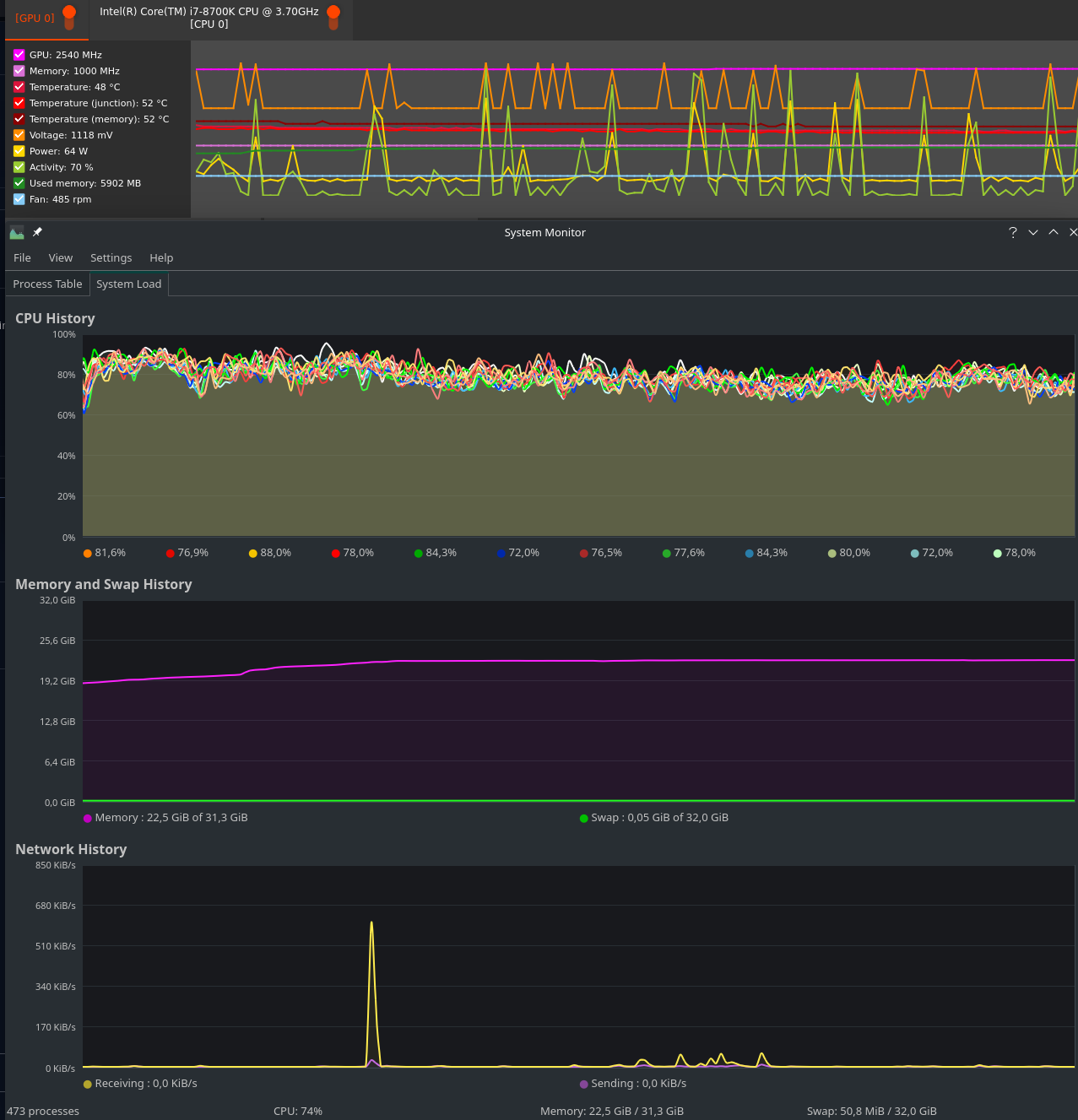
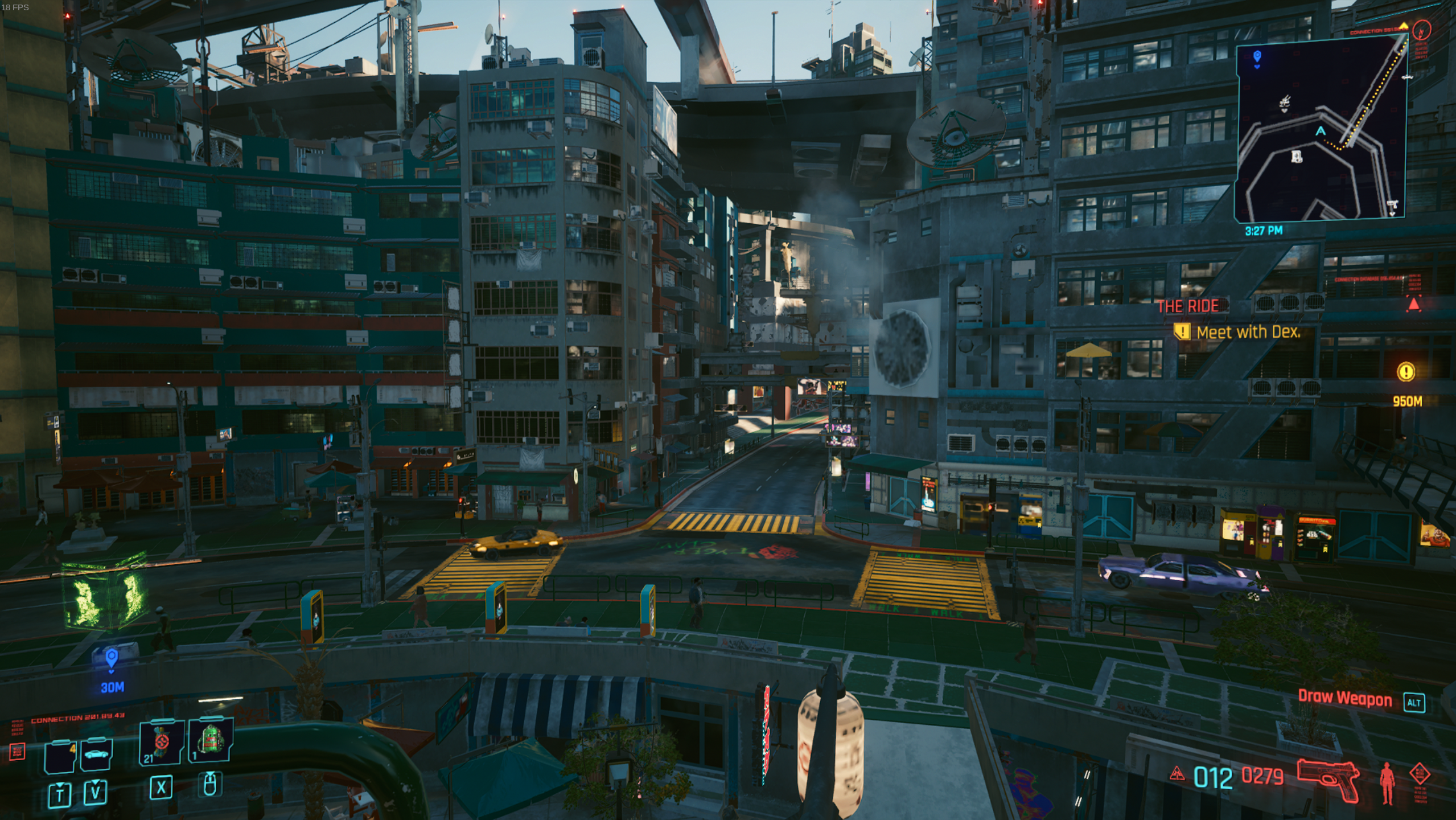
Log: (8.7 MiB)
steam-1091500_2.log
Hello @TheTee82, info: Driver: 2.0.213 in your log tells us that the game is using AMDVLK. Can you test if the same behavior happens with mesa/RADV?
@kisak-valve
in your log tells us that the game is using AMDVLK. Can you test if the same behavior happens with mesa/RADV?
Oh, wow! It works perfectly now when using VK_ICD_FILENAMES=/usr/share/vulkan/icd.d/radeon_icd.x86_64.json %command% as launch parameter/env variable.
Getting about 90 FPS on Ultra 1440p now with RADV.
info:  AMD RADV SIENNA_CICHLID:
info:    Driver: 21.3.5
info:    Vulkan: 1.2.195
Really sorry, if this triggered some facepalming - until recently, I always used an nvidia gpu but due to their business practices, I switched to AMD just a month ago. And I guess, I'll have to get used to using different drivers for different applications.
Thank you very much! You made my day!
And I guess, I'll have to get used to using different drivers for different applications.
tbh by now RADV (mesa) is the right choice 99% of the time. The exceptions are Compute and very-rare edge cases (which became less and less in the last 2 years).
@TheTee82 Export AMD_VULKAN_ICD=RADV into your .pam_environment or /etc/environment file to always use the RADV driver instead of AMDVLK
@ErikReider
Export AMD_VULKAN_ICD=RADV into your .pam_environment
Done and thank you very much! I guess this should also take care of performance issues I had with a couple of other games :blush:
After patch 1.5 (released today) Cyberpunk crashes on start for me.
PROTON_LOG=1 %command% --launcher-skip -skipStartScreen
proton log
======================
Proton: 1644817768 7.2-GE-2
SteamGameId: 1091500
Command: ['/mnt/steam/library/steamapps/common/Cyberpunk 2077/REDprelauncher.exe', '--launcher-skip', '-skipStartScreen']
Options: {'vkd3dbindlesstb', 'gamedrive', 'forcelgadd'}
depot: 0.20220131.43
pressure-vessel: 0.20220131.0
scripts: v0.20211029.0-0-g2d89be4
soldier: 0.20220131.0 soldier 0.20220131.0
Kernel: Linux 5.13.0-28-generic [#31](/issue/ValveSoftware/Proton/31)-Ubuntu SMP Thu Jan 13 17:41:06 UTC 2022 x86_64
======================
esync: up and running.


2022-02-15 18:53:24.613 [Information][ (0)] [TID 272][red-prelauncher]: Log started. Application version: 2.4.1.108 (2022-02-03 14:44).
2022-02-15 18:53:24.613 [Information][ (0)] [TID 272][red-prelauncher]: Operating system: Windows 10 10.0 (Build 19043) (IA32)
2022-02-15 18:53:24.613 [Information][ (0)] [TID 272][red-prelauncher]: Platform identification: win10 64-bit, WINE 7.2
2022-02-15 18:53:24.614 [Information][ (0)] [TID 272][red-prelauncher]: Current working directory: 'S:/common/Cyberpunk 2077', filesystem: 'NTFS'.
1641.391:010c:0110:trace:seh:signal (22, 00425DA0)
2022-02-15 18:53:24.614 [Information][ (0)] [TID 272][red-prelauncher]: Reading the launcher game configuration file 'S:/common/Cyberpunk 2077\launcher-configuration.json'.
2022-02-15 18:53:24.615 [Information][ (0)] [TID 272][red-prelauncher]: Reading the launcher language configuration file 'S:/common/Cyberpunk 2077\launcher-language.json'.
2022-02-15 18:53:24.615 [Information][ (0)] [TID 272][red-prelauncher]: The launcher language configuration file doesn't exist.
2022-02-15 18:53:24.615 [Error][ (0)] [TID 272][red-prelauncher]: The launcher language configuration file did not have any contents.
2022-02-15 18:53:24.615 [Information][ (0)] [TID 272][red-prelauncher]: Skipping REDlauncher due to commandline options.
2022-02-15 18:53:24.615 [Information][ (0)] [TID 272][red-prelauncher]: Requested to launch the game.
2022-02-15 18:53:24.645 [Information][ (0)] [TID 272][red-prelauncher]: The game was launched under PID 280.


1641.858:0118:011c:fixme:wbemprox:client_security_SetBlanket 00000002419C1DE0, 000000000036F1D0, 10, 0, (null), 3, 3, 0000000000000000, 0x00000000
1641.858:0118:011c:fixme:wbemprox:client_security_Release 00000002419C1DE0
info:  Game: Cyberpunk2077.exe
info:  DXVK: v1.9.4-async
info:  Built-in extension providers:
info:    Win32 WSI
info:    OpenVR
info:    OpenXR
1641.860:0118:011c:trace:loaddll:build_module Loaded L"C:\\windows\\system32\\wineopenxr.dll" at 00007FB398800000: builtin
warn:  OpenXR: Unable to get required Vulkan instance extensions size
info:  Enabled instance extensions:
info:    VK_KHR_get_surface_capabilities2
info:    VK_KHR_surface
info:    VK_KHR_win32_surface
warn:  Skipping CPU adapter: llvmpipe (LLVM 12.0.1, 256 bits)
warn:  OpenXR: Unable to get required Vulkan Device extensions size
1641.897:0118:011c:trace:loaddll:free_modref Unloaded module L"C:\\windows\\system32\\wineopenxr.dll" : builtin
info:  NVIDIA GeForce RTX 3070 Ti:
info:    Driver: 510.47.3
info:    Vulkan: 1.3.194
info:    Memory Heap[0]:
info:      Size: 8192 MiB
info:      Flags: 0x1
info:      Memory Type[7]: Property Flags = 0x1
info:      Memory Type[10]: Property Flags = 0x7
info:    Memory Heap[1]:
info:      Size: 48153 MiB
info:      Flags: 0x0
info:      Memory Type[0]: Property Flags = 0x0
info:      Memory Type[1]: Property Flags = 0x0
info:      Memory Type[2]: Property Flags = 0x0
info:      Memory Type[3]: Property Flags = 0x0
info:      Memory Type[4]: Property Flags = 0x0
info:      Memory Type[5]: Property Flags = 0x0
info:      Memory Type[6]: Property Flags = 0x0
info:      Memory Type[8]: Property Flags = 0x6
info:      Memory Type[9]: Property Flags = 0xe
info:  DXGI: NvAPI workaround enabled, reporting AMD GPU

1642.462:0118:011c:trace:loaddll:build_module Loaded L"C:\\windows\\system32\\d3d12.dll" at 000000035E4E0000: native
1642.464:0118:011c:trace:loaddll:build_module Loaded L"S:\\common\\Cyberpunk 2077\\bin\\x64\\GFSDK_Aftermath_Lib.x64.dll" at 000000007A5C0000: native
warn:  CreateDXGIFactory2: Ignoring flags
info:  Game: Cyberpunk2077.exe
info:  DXVK: v1.9.4-async
info:  Built-in extension providers:
info:    Win32 WSI
info:    OpenVR
info:    OpenXR
1642.476:0118:011c:trace:loaddll:build_module Loaded L"C:\\windows\\system32\\wineopenxr.dll" at 00007FB3987B0000: builtin
info:  Enabled instance extensions:
info:    VK_KHR_get_surface_capabilities2
info:    VK_KHR_surface
info:    VK_KHR_win32_surface
warn:  Skipping CPU adapter: llvmpipe (LLVM 12.0.1, 256 bits)
info:  NVIDIA GeForce RTX 3070 Ti:
info:    Driver: 510.47.3
info:    Vulkan: 1.3.194
info:    Memory Heap[0]:
info:      Size: 8192 MiB
info:      Flags: 0x1
info:      Memory Type[7]: Property Flags = 0x1
info:      Memory Type[10]: Property Flags = 0x7
info:    Memory Heap[1]:
info:      Size: 48153 MiB
info:      Flags: 0x0
info:      Memory Type[0]: Property Flags = 0x0
info:      Memory Type[1]: Property Flags = 0x0
info:      Memory Type[2]: Property Flags = 0x0
info:      Memory Type[3]: Property Flags = 0x0
info:      Memory Type[4]: Property Flags = 0x0
info:      Memory Type[5]: Property Flags = 0x0
info:      Memory Type[6]: Property Flags = 0x0
info:      Memory Type[8]: Property Flags = 0x6
info:      Memory Type[9]: Property Flags = 0xe
info:  DXGI: NvAPI workaround enabled, reporting AMD GPU
info:  DXGI: NvAPI workaround enabled, reporting AMD GPU


info:  Game: Cyberpunk2077.exe
info:  DXVK: v1.9.4-async
info:  Built-in extension providers:
info:    Win32 WSI
info:    OpenVR
info:    OpenXR
info:  Enabled instance extensions:
info:    VK_KHR_get_surface_capabilities2
info:    VK_KHR_surface
info:    VK_KHR_win32_surface
warn:  Skipping CPU adapter: llvmpipe (LLVM 12.0.1, 256 bits)
info:  NVIDIA GeForce RTX 3070 Ti:
info:    Driver: 510.47.3
info:    Vulkan: 1.3.194
info:    Memory Heap[0]:
info:      Size: 8192 MiB
info:      Flags: 0x1
info:      Memory Type[7]: Property Flags = 0x1
info:      Memory Type[10]: Property Flags = 0x7
info:    Memory Heap[1]:
info:      Size: 48153 MiB
info:      Flags: 0x0
info:      Memory Type[0]: Property Flags = 0x0
info:      Memory Type[1]: Property Flags = 0x0
info:      Memory Type[2]: Property Flags = 0x0
info:      Memory Type[3]: Property Flags = 0x0
info:      Memory Type[4]: Property Flags = 0x0
info:      Memory Type[5]: Property Flags = 0x0
info:      Memory Type[6]: Property Flags = 0x0
info:      Memory Type[8]: Property Flags = 0x6
info:      Memory Type[9]: Property Flags = 0xe
info:  DXGI: NvAPI workaround enabled, reporting AMD GPU


1661.904:0204:0208:trace:seh:RtlGrowFunctionTable 00000000008EFB30, 94
1661.904:0204:0208:trace:seh:RtlGrowFunctionTable 00000000008EFB30, 95
1661.904:0204:0208:trace:seh:RtlGrowFunctionTable 00000000008EFB30, 96
1661.904:0204:0208:trace:seh:RtlGrowFunctionTable 00000000008EFB30, 97
1661.905:0204:0208:trace:seh:RtlGrowFunctionTable 00000000008EFB30, 98
1661.905:0204:0208:trace:seh:RtlGrowFunctionTable 00000000008EFB30, 99
1661.905:0204:0208:trace:seh:RtlGrowFunctionTable 00000000008EFB30, 100
1661.905:0204:0208:trace:seh:RtlGrowFunctionTable 00000000008EFB30, 101
1661.905:0204:0208:trace:seh:RtlGrowFunctionTable 00000000008EFB30, 102
Register dump:
 rip:000000017005f645 rsp:000000000021f190 rbp:0000000000ae0007 eflags:00010206 (  R- --  I   - -P- )
1661.905:0204:0208:trace:seh:RtlGrowFunctionTable 00000000008EFB30, 103
 rax:0000000000000001 rbx:00000003de6d02c0 rcx:0000000000000040 rdx:0000000000000000
 rsi:0000000000000000 rdi:0000000000000000  r8:0000000000000000  r9:0000000000000000 r10:00000000e611314a
 r11:00000001430c94c2 r12:0000000000000000 r13:000000000021ff10 r14:000000000021f2d8 r15:0000000000000000
Stack dump:
1661.905:0204:0208:trace:seh:RtlGrowFunctionTable 00000000008EFB30, 104
1661.905:0204:0208:trace:seh:RtlGrowFunctionTable 00000000008EFB30, 105
1661.905:0204:0208:trace:seh:RtlGrowFunctionTable 00000000008EFB30, 106
1661.905:0204:0208:trace:seh:RtlGrowFunctionTable 00000000008EFB30, 107
0x000000000021f190:  00000001402d9d01 0000000142e64f10
1661.905:0204:0208:trace:seh:RtlGrowFunctionTable 00000000008EFB30, 108
0x000000000021f1a0:  000000000021f170 0000000000000000
0x000000000021f1b0:  00000003de6d02c0 0000000142ecab6e
1661.905:0204:0208:trace:seh:RtlGrowFunctionTable 00000000008EFB30, 109
0x000000000021f1c0:  0000000000000000 00000003e2ce6200
0x000000000021f1d0:  639f6a9400000000 00000003e0bb1b80
0x000000000021f1e0:  0000000000000000 0000000142e63d7c
0x000000000021f1f0:  000000000021f170 00000003de6d02c0
0x000000000021f200:  00000000e611314a 0000000000000000
0x000000000021f210:  0000000000000000 00000003e2ce6200
1661.906:0204:0208:trace:seh:RtlGrowFunctionTable 00000000008EFB30, 110
0x000000000021f220:  000000000021f980 0000000142c497eb
1661.906:0204:0208:trace:seh:RtlGrowFunctionTable 00000000008EFB30, 111
0x000000000021f230:  0000000000000400 000000000021f330
1661.906:0204:0208:trace:seh:RtlGrowFunctionTable 00000000008EFB30, 112
0x000000000021f240:  00000001439fabc0 0000000000000002
Backtrace:
=>0 0x000000017005f645 A_SHAFinal+0x3d425() in ntdll (0x0000000000ae0007)
  1 0x0000000142ecab6e ??1CAkRegisteredObj@@UEAA@XZ+0x17c5e() in cyberpunk2077 (0x0000000000ae0007)
  2 0x0000000142e63d7c EntryPoint+0x45f6c8() in cyberpunk2077 (0x0000000000ae0007)
1661.906:0204:0208:trace:seh:RtlGrowFunctionTable 00000000008EFB30, 113
  3 0x0000000142c497eb EntryPoint+0x245137() in cyberpunk2077 (0x000000000021f330)
  4 0x0000000140723581 ?Bytes@WriteBytesCount@AK@@UEBAPEAEXZ+0x58e681() in cyberpunk2077 (0x000000000021f599)
  5 0x0000000140a6e981 ?Bytes@WriteBytesCount@AK@@UEBAPEAEXZ+0x8d9a81() in cyberpunk2077 (0x000000000021f740)
1661.906:0204:0208:trace:seh:RtlGrowFunctionTable 00000000008EFB30, 114
  6 0x000000014298ee84 ?Bytes@WriteBytesCount@AK@@UEBAPEAEXZ+0x27f9f84() in cyberpunk2077 (0x000000000021f740)
  7 0x0000000140a6bffa ?Bytes@WriteBytesCount@AK@@UEBAPEAEXZ+0x8d70fa() in cyberpunk2077 (0x000000000021f870)
  8 0x0000000140a68703 ?Bytes@WriteBytesCount@AK@@UEBAPEAEXZ+0x8d3803() in cyberpunk2077 (0x000000000021fa50)
  9 0x0000000140a671e2 ?Bytes@WriteBytesCount@AK@@UEBAPEAEXZ+0x8d22e2() in cyberpunk2077 (0x0000000000000000)
  10 0x0000000140191c20 in cyberpunk2077 (+0x191c20) (0x0000000000000000)
  11 0x0000000140191c81 in cyberpunk2077 (+0x191c81) (0x0000000000000000)
  12 0x0000000142a04646 ?Bytes@WriteBytesCount@AK@@UEBAPEAEXZ+0x286f746() in cyberpunk2077 (0x0000000000000000)
  13 0x000000007b62c8c9 ActivateActCtx+0x21535() in kernel32 (0x0000000000000000)
1661.906:0204:0208:trace:seh:RtlGrowFunctionTable 00000000008EFB30, 115
  14 0x000000017005fd57 A_SHAFinal+0x3db37() in ntdll (0x0000000000000000)
1661.906:0204:0208:trace:seh:RtlGrowFunctionTable 00000000008EFB30, 116
1661.906:0204:0208:trace:seh:RtlGrowFunctionTable 00000000008EFB30, 117
1661.906:0204:0208:trace:seh:RtlGrowFunctionTable 00000000008EFB30, 118
1661.906:0204:0208:trace:seh:RtlGrowFunctionTable 00000000008EFB30, 119
1661.906:0204:0208:trace:seh:RtlGrowFunctionTable 00000000008EFB30, 120
0x000000017005f645 ntdll+0x5f645: cmpq  $0,0x0000000000000020(%rcx)
Modules:
1661.906:0204:0208:trace:seh:RtlGrowFunctionTable 00000000008EFB30, 121
1661.906:0204:0208:trace:seh:RtlGrowFunctionTable 00000000008EFB30, 122
1661.906:0204:0208:trace:seh:RtlGrowFunctionTable 00000000008EFB30, 123
1661.906:0204:0208:trace:seh:RtlGrowFunctionTable 00000000008EFB30, 124
1661.906:0204:0208:trace:seh:RtlGrowFunctionTable 00000000008EFB30, 125
1661.906:0204:0208:trace:seh:RtlGrowFunctionTable 00000000008EFB30, 126
1661.906:0204:0208:trace:seh:RtlGrowFunctionTable 00000000008EFB30, 127
1661.906:0204:0208:trace:seh:RtlGrowFunctionTable 00000000008EFB30, 128
1661.906:0204:0208:trace:seh:RtlGrowFunctionTable 00000000008EFB30, 129
Module  Address                                 Debug info      Name (95 modules)
PE      0000000000750000-0000000000769000       Deferred        vcruntime140
PE      0000000000770000-00000000009f8000       Deferred        icuin
PE      0000000000a00000-0000000000bd4000       Deferred        icuuc
PE      0000000000be0000-0000000000be3000       Deferred        icudt
PE      0000000000bf0000-0000000000c82000       Deferred        msvcp140
PE      0000000000c90000-000000000197e000       Deferred        galaxy64
PE      0000000001980000-00000000019fd000       Deferred        bink2w64
1661.906:0204:0208:trace:seh:RtlGrowFunctionTable 00000000008EFB30, 130
PE      0000000001a00000-0000000001bf9000       Deferred        physx3common_x64
PE      0000000001c00000-0000000001c8f000       Deferred        physx3characterkinematic_x64
PE      0000000001c90000-0000000001d1c000       Deferred        pxfoundation_x64
1661.906:0204:0208:trace:seh:RtlGrowFunctionTable 00000000008EFB30, 131
PE      0000000001d20000-0000000001dc5000       Deferred        physx3cooking_x64
PE      0000000001dd0000-0000000002051000       Deferred        physx3_x64
PE      0000000002060000-000000000207b000       Deferred        redlexer_native
PE      0000000002090000-00000000020bd000       Deferred        amd_ags_x64
PE      00000000020c0000-00000000021f3000       Deferred        oo2ext_7_win64
PE      0000000067de0000-0000000067de9000       Deferred        gameservicessteam
PE      000000007a3e0000-000000007a5bd000       Deferred        gameoverlayrenderer64
PE      000000007a5c0000-000000007a705000       Deferred        gfsdk_aftermath_lib.x64
PE      000000007b000000-000000007b0db000       Deferred        kernelbase
PE      000000007b600000-000000007b816000       Export          kernel32
PE      0000000138000000-00000001394e6000       Deferred        steamclient64
PE      000000013b400000-000000013b444000       Deferred        steam_api64
PE      0000000140000000-0000000145229000       Export          cyberpunk2077
PE      0000000170000000-00000001700a3000       Export          ntdll
PE      0000000180000000-000000018006b000       Deferred        libcurl
1661.906:0204:0208:trace:seh:RtlGrowFunctionTable 00000000008EBED0, 143
PE      00000001c4ee0000-00000001c4f10000       Deferred        winspool
After patch 1.5 (released today) Cyberpunk crashes on start for me.
PROTON_LOG=1 %command% --launcher-skip -skipStartScreenproton log
Patch 1.5 works for me (AMDGPU). Maybe an installed mod is incompatible with 1.5?
No mods installed. But I just realized (as your answer appeared) Proton-7.0rc2-GE-1 seems to work (in main menu right now).
Still getting those errors in the log
01cc:warn:d3d12_fence_signal_event: Failed to release semaphore. Application likely forgot to wait for presentation event.
0184:warn:d3d12_command_list_IASetIndexBuffer: Got NULL index buffer view, indexed draw calls will be dropped.
0164:warn:d3d12_command_list_OMSetRenderTargets: RTV descriptor 1 is not initialized.
0184:warn:d3d12_command_list_IASetIndexBuffer: Got NULL index buffer view, indexed draw calls will be dropped.
016c:warn:d3d12_command_list_OMSetRenderTargets: RTV descriptor 1 is not initialized.
016c:warn:d3d12_command_list_OMSetRenderTargets: RTV descriptor 1 is not initialized.
01cc:warn:d3d12_fence_signal_event: Failed to release semaphore. Application likely forgot to wait for presentation event.
While these dont:
- Proton Experimental
- Proton 6.3-8
- Proton-7.0rc6-GE-1
- Proton-7.1-GE-1
- Proton-7.2-GE-2
@Mershl What proton are you using
Confirm crashing using any version, including Proton-7.0rc2-GE-1
Started after the third launch and run perfectly (Proton Experimental)
Seems like another NVidia problem? Just tested again
Works for me on latest proton experimental with a GTX 1060 and the following launch options:
%command% --launcher-skip -skipStartScreen
Edit: the player character now looks in the sky every few seconds, requiring me to manually move the camera down again. No mods installed.
Edit: I can't get it to open a second time without crashing.
Hmm, still got crashes, GTX 1070ti, latest driver: 510.47.03, Manjaro with 5.16 onboard. This patch has looks like "patch" for proton-users, making the game unplayable
Anybody care to explain what these lines mean and how to fix it?
$ grep -i nvapi steam-109*
info:  DXGI: NvAPI workaround enabled, reporting AMD GPU
info:  DXGI: NvAPI workaround enabled, reporting AMD GPU
info:  DXGI: NvAPI workaround enabled, reporting AMD GPU
info:  DXGI: NvAPI workaround enabled, reporting AMD GPU
info:  DXGI: NvAPI workaround enabled, reporting AMD GPU
info:  DXGI: NvAPI workaround enabled, reporting AMD GPU
Running a 3070 TI
Linux mwpc55 5.13.0-28-generic [#31](/issue/ValveSoftware/Proton/31)-Ubuntu SMP Thu Jan 13 17:41:06 UTC 2022 x86_64 x86_64 x86_64 GNU/Linux
| NVIDIA-SMI 510.47.03    Driver Version: 510.47.03    CUDA Version: 11.6     |
Crashes on Proton Experimental for me too.
HW-Info:
System:
  Host: stumpftopf-pc Kernel: 5.16.7-1-MANJARO x86_64 bits: 64
    Desktop: Xfce 4.16.0 Distro: Manjaro Linux
CPU:
  Info: 8-core AMD Ryzen 7 2700X [MT MCP] speed (MHz): avg: 1986
    min/max: 2200/3700
Graphics:
  Device-1: AMD Ellesmere [Radeon RX 470/480/570/570X/580/580X/590]
    driver: amdgpu v: kernel
  Device-2: Logitech Webcam C270 type: USB driver: snd-usb-audio,uvcvideo
  Device-3: Realtek RTL2838 DVB-T type: USB driver: N/A
  Display: x11 server: X.Org 1.21.1.3 driver: loaded: amdgpu resolution:
    1: 2560x1440~100Hz 2: 2560x1440~100Hz
  OpenGL: renderer: AMD Radeon RX 590 Series (POLARIS10 DRM 3.44.0
    5.16.7-1-MANJARO LLVM 13.0.0)
    v: 4.6 Mesa 21.3.5
Drives:
  Local Storage: total: 1.59 TiB used: 1.12 TiB (70.7%)
Info:
  Processes: 471 Uptime: 12h 38m Memory: 15.61 GiB used: 4.75 GiB (30.4%)
  Shell: Zsh inxi: 3.3.12
This is my Protonlog:
steam-1091500.log
Not sure why, but for me it seems to be a lot more likely to actually start (3 out of 4 times) once firefox is opened (~25 Windows, lots of tabs, 3 YT Videos loaded but not playing, 1 twitch stream playing) vs when only steam is running (1 out of ... many times)
Some windows users have problems with starting the game too. It seems to be connected with sound system. Maybe we have the same problem. CD PR as always. Their QA department is testing new cannons and skins for apartments
Similar to what @kellerkindt is experiencing, I can successfully launch the game, but only when I have a YouTube video playing in the background. If there is no video, or it is not playing, the game will crash before it even initializes the game window. This has a 100% success rate.
With that being said, even when I have a YouTube video playing in the background and the game window initializes, it still hangs on the first frame of the CD Projekt Red splash screen.
@tizzir Try to skip the splash screen with:
%command% --launcher-skip -skipStartScreen
@tizzir Try to skip the splash screen with:
%command% --launcher-skip -skipStartScreen
Thanks for the suggestion!
It seems like something with my install of the game was borked. I reinstalled the game and it's working now.
I suspect a full reinstall might not have been necessary, as I can replicate a similar pre-menu crash if I have any of the raytracing effects enabled (which I did before the 1.5 update.) Deleting the game's per-user settings directory (<prefix>/drive_c/users/steamuser/AppData/Local/CD Projekt Red) allows the game to load properly on the next run (as long as a video is playing in the background 😛)
Seems like another NVidia problem? Just tested again
No, crashes the same on my AMD RX 6800 XT with amdgpu/RADV 21.3.6
I noticed something interesting. After fresh system reboot the game starts fine. After exiting it and trying it a second time it crashes like this:
wine: Unhandled exception 0x80000003 in thread 108 at address 0000000140005D32 (thread 0108), starting debugger...
I'm using wine-staging + vkd3d-proton for the reference. RX 6800 XT.
Really weird bug. Video playing in background has no effect on it.
Oh, I now notice something else. KDE is showing that Cyberpunk2077.exe is using the microphone! 😯
My games is also not working since the 1.5 patch.
I've tried all of the suggestions in this thread, but nothing has worked even once and I keep getting the "flatlined" message with no window appearing.
Game is freshly installed today about 2-3 hours ago, re-installed twice.
And I've tested all of the Proton versions, including Proton-7.1-GE-1 and Proton-7.2-GE-2.
With that being said, even when I have a YouTube video playing in the background and the game window initializes, it still hangs on the first frame of the CD Projekt Red splash screen.
This worked for me. With Youtube playing, I can start the game, create a character and play normally.
I can successfully launch the game, but only when I have a YouTube video playing in the background.
For me also works by joining a voice chanel on discord.
Other problem i saw is the crackling audio when V shoot. make double jump or other especific actions
With that being said, even when I have a YouTube video playing in the background and the game window initializes, it still hangs on the first frame of the CD Projekt Red splash screen.
This worked for me. With Youtube playing, I can start the game, create a character and play normally.
Compatibility Report
- Name of the game with compatibility issues: Cyberpunk 2077
- Steam AppID of the game: 1091500
System Information
- GPU: RTX 3070
- Driver/LLVM version: nvidia 510.47.03
- Kernel version: 5.4.0-99-generic
- Link to full system information report as Gist
- Proton version: 7.0-1
I confirm:
- [x] that I have found an existing compatibility report for this game.
- [x] that I have checked whether there are updates for my system available.
Symptoms
Game crashed on start after updating to Patch 1.5 and Proton 7.0.
Deleting/Renaming the game's prefix below SteamLibrary/steamapps/compatdata/1091500 helped.
Game has to be quit manually with the Stop button if the Launcher is used, but closes fine with launch parameter --launcher-skip
With PROTON_ENABLE_NVAPI=1 VKD3D_CONFIG=dxr %command% --launcher-skip the ray tracing checkbox itself can be activated, but when using any of the ray tracing features (reflections, shadows, lighting) the game crashes.
The logfile above is recorded with the mentioned launch options, but neither DLSS nor ray tracing activated while doing a benchmark run.
Cyberpunk 2077 Patch 1.5 Won't run using Proton
Issue transferred from https://github.com/ValveSoftware/Proton/issues/5576.
@DashCruft posted on 2022-02-16T05:31:36:
Compatibility Report
- Name of the game with compatibility issues: Cyberpunk 2077
- Steam AppID of the game: 1091500
System Information
- GPU: RTX 2060
- Driver/LLVM version: Latest Nvidia Driver (510.54)
- Kernel version: Latest Zen Kernel (5.16.9-zen1-1-zen)
- Proton version: Proton Experimental and any other Proton Version
I confirm:
- that I have checked whether there are updates for my system available.
Symptoms
Game seems to be hanging after launch. Nothing pops up other then the report the bug to CDKProjectRED.
Cyberpunk 2077 ran totally fine before the today's patch, 1.5 meaning that the new patch has broken the compatibility.
Proton Log here: steam-1091500.log
Reproduction
- Download Cyberpunk 2077
- Run it.
@LiamDawe commented on 2022-02-16T08:47:21:
Worked fine here last night with NVIDIA 2080Ti on 510.54 too. Also runs fine this morning with Proton 7.
@chapstikk commented on 2022-02-16T09:03:57:
same issue on amd with 6700 xt
@kurobeats commented on 2022-02-16T09:12:42:
Worked for a few hours and after a reboot, stopped launching, the following error from debugging might assist:
wine: Read access denied for device L"\\\\??\\\\E:\\\\", FS volume label and serial are not available.
Same error for Proton versions 6.3-8, 7.0-1 and Experimental.
@ipr commented on 2022-02-16T11:56:49:
Worked for a few hours and after a reboot, stopped launching, the following error from debugging might assist:
wine: Read access denied for device L"\\\\??\\\\E:\\\\", FS volume label and serial are not available.Same error for Proton versions 6.3-8, 7.0-1 and Experimental.
No, that is pointless. There are many "drives" mapped to different directories, they are not even used but scan finds them and label and serial are useless.
@ipr commented on 2022-02-16T11:58:10:
I am guessing something in the D3D12 code is not supported now since my logs have plenty of this:
0488:warn:d3d12_pipeline_library_load_pipeline: Pipeline "-671166324" does not exist.
@ipr commented on 2022-02-16T12:02:02:
Some Windows users are reporting problems regarding some audio software called "Nahimic" being a problem. I don't see anything like that in Cyberpunk files so it must be something else they've installed?
On Proton 7.0 the launcher is flickering strangely while trying to input login information to it making it hard to enter any information. This did not happen with old Cyberpunk (pre-1.5) with old Proton (6.3).
On Proton 7.0 the is a crash in A_SHAFinal(), so broken hash-function or error using it?
@TheRiisager commented on 2022-02-16T12:25:14:
I have the same issue. It started, and ran, without issue immediately after the 1.5 update, but after a system restart it no longer works.
System:
GPU: RX 5700XT
Driver: Mesa 21.3.6
Kernel: 5.16.8
Distro: Fedora Workstation 35
I've tried Proton 6.3-8, 7.0-1, 7.1-GE-2, and 7.2-GE-2.
I'm using --launcher-skip -skipStartScreen flags in steam launch options.
steam-1091500.log
@haui97 commented on 2022-02-16T13:51:46:
I also have this issue. Game started and ran fine after the 1.5 update, but stopped working after a system restart.
System:
GPU: RX 6600XT
Driver: Mesa 21.3.6
Kernel: 5.16.9
Distro: Garuda Linux
@j-rav commented on 2022-02-16T13:51:54:
Removing and reinstalling the full game fixed it for me (since the patch is about 50Gb it's barely any difference).
But it reintroduced a bug I already had a year ago: Looking into specific directions in the game lead to huge framerate drops, but it is no shader compilation since GPU and CPU load as well drop to idle mode (AMD 5800X, 6900 XT, Manjaro 5.16 kernel, tested in various Proton versions including GE).
Another (maybe related?) bug: After 5 min of playing the game is using almost exactly 20 GB of RAM and keeps that amount of memory for the rest of the time.
I have no issues at all with Proton 7.0. Is this an Nvidia issue? I'm running the latest Mesa devel on my 6800XT
Removing and reinstalling the full game fixed it for me (since the patch is about 50Gb it's barely any difference).
Does it still work for you after a system restart? Because I did also a full install including the patch but the game still stopped starting after a reboot.
I have 6700 XT and the game crashes at startup (worked fine before patch 1.5).
Tried several Proton versions (6.3-8, 7.0-1, 7.2-GE-2) and even reinstalled whole game but without success.
Deleting/Renaming the game's prefix SteamLibrary/steamapps/compatdata/1091500 fixed it for me
ps. I'm using Proton-7.2-GE-2
edit: adding my pc specs
from steam - system information
Computer Information:
    Manufacturer:  ASUSTeK COMPUTER INC.
    Model:  PRIME B350M-A
    Form Factor: Desktop
    No Touch Input Detected

Processor Information:
    CPU Vendor:  AuthenticAMD
    CPU Brand:  AMD Ryzen 3 2200G with Radeon Vega Graphics

Operating System Version:
    Fedora Linux 35 (Workstation Edition) (64 bit)
    Kernel Name:  Linux
    Kernel Version:  5.16.8-200.fc35.x86_64
    X Server Vendor:  The X.Org Foundation
    X Server Release:  12101004
    X Window Manager:  GNOME Shell
    Steam Runtime Version:  steam-runtime_0.20220119.0

Video Card:
    Driver:  AMD AMD Radeon RX 570 Series (POLARIS10, DRM 3.44.0, 5.16.8-200.fc35.x86_64, LLVM 13.0.0)
    Driver Version:  4.6 (Compatibility Profile) Mesa 21.3.6
    OpenGL Version: 4.6
    Desktop Color Depth: 24 bits per pixel
    Monitor Refresh Rate: 59 Hz
    VendorID:  0x1002
    DeviceID:  0x67df
    Revision Not Detected
    Number of Monitors:  1
    Number of Logical Video Cards:  1
    Primary Display Resolution:  1920 x 1080
    Desktop Resolution: 1920 x 1080
    Primary Display Size: 20.87" x 11.81" (23.98" diag)
                                            53.0cm x 30.0cm (60.9cm diag)
    Primary VRAM: 8192 MB

Sound card:
    Audio device: ATI R6xx HDMI

Memory:
    RAM:  15982 MB
Deleting/Renaming the game's prefix SteamLibrary/steamapps/compatdata/1091500 fixed it for me
ps. I'm using Proton-7.2-GE-2
Tried deleting compadata 1091500 but still the same crash at startup.
Kubuntu 21.10
Kernel 5.16.9
Mesa 22.0.0~rc2
But it reintroduced a bug I already had a year ago: Looking into specific directions in the game lead to huge framerate drops, but it is no shader compilation since GPU and CPU load as well drop to idle mode (AMD 5800X, 6900 XT, Manjaro 5.16 kernel, tested in various Proton versions including GE).
The framerate drop in certain directions sounds like you have old version of Mesa installed. With newer Mesa versions this problem should not appear (21.3 should be fine, for example).
Are you using Mesa or AMD's own drivers? If so, which version?
Deleting/Renaming the game's prefix SteamLibrary/steamapps/compatdata/1091500 fixed it for me
ps. I'm using Proton-7.2-GE-2Tried deleting compadata 1091500 but still the same crash at startup. Kubuntu 20.10 Kernel 5.16.9 Mesa 22.0.0~rc2
Mesa 22.0-rc has some issues, for example with Batman Arkham Knight it causes more stuttering than there is with 21.3.5. I suggest using 21.3 for now.
It does not fix problem with Cyberpunk 1.5 though, that is something else.
There is also some werid log from launcher probably in
Steam/steamapps/compatdata/1091500/pfx/drive_c/users/steamuser/Local Settings/Application Data/Programs/CD Projekt Red/REDlauncher/logs/
2022-02-16 17:45:58.347 [Information][ (0)] [TID 280][red-prelauncher]: Log started. Application version: 2.4.1.108 (2022-02-03 14:44).
2022-02-16 17:45:58.347 [Information][ (0)] [TID 280][red-prelauncher]: Operating system: Windows 8 6.2 (Build 9200) (IA32)
2022-02-16 17:45:58.347 [Information][ (0)] [TID 280][red-prelauncher]: Platform identification: win10 64-bit, WINE 7.0
2022-02-16 17:45:58.348 [Information][ (0)] [TID 280][red-prelauncher]: Current working directory: 'S:/common/Cyberpunk 2077', filesystem: 'NTFS'.
2022-02-16 17:45:58.348 [Information][ (0)] [TID 280][red-prelauncher]: Reading the launcher game configuration file 'S:/common/Cyberpunk 2077\launcher-configuration.json'.
2022-02-16 17:45:58.349 [Information][ (0)] [TID 280][red-prelauncher]: Reading the launcher language configuration file 'S:/common/Cyberpunk 2077\launcher-language.json'.
2022-02-16 17:45:58.349 [Information][ (0)] [TID 280][red-prelauncher]: The launcher language configuration file doesn't exist.
2022-02-16 17:45:58.349 [Error][ (0)] [TID 280][red-prelauncher]: The launcher language configuration file did not have any contents.
2022-02-16 17:45:58.349 [Information][ (0)] [TID 280][red-prelauncher]: Skipping REDlauncher due to commandline options.
2022-02-16 17:45:58.349 [Information][ (0)] [TID 280][red-prelauncher]: Requested to launch the game.
2022-02-16 17:45:58.490 [Information][ (0)] [TID 280][red-prelauncher]: The game was launched under PID 288.
2022-02-16 17:45:58.490 [Fatal][ (0)] [TID 280][red-prelauncher]: Certificate file not found at 'C:/users/steamuser/AppData/Local/Programs/CD Projekt Red/REDlauncher\/resources/certificates.pem'.
2022-02-16 17:45:58.639 [Warning][ (0)] [TID 280][red-prelauncher]: Failed to send launcher skipped event: Error Message: Certificate file not found. This is an essential component. Please reinstall the application.
		Stack Trace
9: UNK - 0x4721b3
8: UNK - 0x47226c
7: UNK - 0x4118f2
6: UNK - 0x410ecc
5: UNK - 0x4126cd
4: UNK - 0x4b34a2
3: BaseThreadInitThunk - 0x7b62dda0
2: RtlUserThreadStart - 0x7bc5c737
1: RtlCreateUserThread - 0x7bc5cee0
0: UNK - 0x0
		-----
I can successfully launch the game, but only when I have a YouTube video playing in the background.
i can't believe that worked. thank you!
i seems to work with any kind of video stream (e.g. netflix on a second monitor). must be the weirdest bug / fix i ever encountered.
I can confirm the same behaviour other people had in this discussion: Patch 1.5 can work just if I play an audio and video stream in the background. I had the chance to prepare a couple of traces:
As far as I understood, a similar issue has been experienced by lots of Windows users who have a third-party audio software service such as the Nahimic Audio Software up and running in their system.
The trick of having a video or audio stream in the background does not work for me.
Are you using a fresh install of the game, skipping the launcher or start screen, or some other flags?
And what Proton version is this working on? (edit: I see from the log that it's proton-7.0-1)
The trick of having a video or audio stream in the background does not work for me.
Doesn't work for me either. The only thing that works is starting the game after fresh reboot. Really weird bug.
I can successfully launch the game, but only when I have a YouTube video playing in the background.
It works!
Possible explanation here -- https://www.reddit.com/r/cyberpunkgame/comments/su6n9q/ive_debugged_the_patch_15_crash_on_startup_heres/ -- with the statement that this is not a wine/proton bug, so no fix from Valve would be required, this should be solved on the game's side. CD Projekt Red said they're investigating that.
I can successfully launch the game, but only when I have a YouTube video playing in the background.
i can't believe that worked. thank you!
i seems to work with any kind of video stream (e.g. netflix on a second monitor). must be the weirdest bug / fix i ever encountered.
Wierd enough it works for me too. Thank you all!
I can successfully launch the game, but only when I have a YouTube video playing in the background.
i can't believe that worked. thank you!
i seems to work with any kind of video stream (e.g. netflix on a second monitor). must be the weirdest bug / fix i ever encountered.
What in the world. It actually worked. I can't believe it 💀
I just can't get it to work. Did a fresh install, deleted the prefix und rebuild it using different Proton versions( 7.0, Experimental, 7.1-GE-2, 7.2-GE-2). Reboot and launch the game. Play Youtube Video in the background. I did remove launch options and I can get to the GOG Launcher, Login and click start and afterwards the game crashes with the same error message.
OS: Manjaro Cinnamon
GPU: RX 5700 XT
CPU: Ryzen 5 3600X
MESA 21.3.5-1
I just can't get it to work. Did a fresh install, deleted the prefix und rebuild it using different Proton versions( 7.0, Experimental, 7.1-GE-2, 7.2-GE-2). Reboot and launch the game. Play Youtube Video in the background. I did remove launch options and I can get to the GOG Launcher, Login and click start and afterwards the game crashes with the same error message.
OS: Manjaro Cinnamon GPU: RX 5700 XT CPU: Ryzen 5 3600X MESA 21.3.5-1
If You don't provide the proton log it's not that useful. Please launch the game with PROTON_LOG=1 %command% and once the game crashes, copy the log from Your home directory. You can also use --launcher-skip to see if that helps.
I see this in the wine log if it helps anything:
01b0:fixme:pulse:pulse_channel_map_to_channel_mask Unhandled channel aux0
01b0:fixme:pulse:pulse_channel_map_to_channel_mask Unhandled channel aux1
0114:fixme:graphics:ShutdownBlockReasonCreate (000000000002006A, L"Generating error report"): stub
0114:fixme:dbghelp:MiniDumpWriteDump NIY MiniDumpWithDataSegs
wine: Unhandled exception 0x80000003 in thread 114 at address 0000000140005D32 (thread 0114), starting debugger...
If You don't provide the proton log it's not that useful. Please launch the game with
PROTON_LOG=1 %command%and once the game crashes, copy the log from Your home directory. You can also use--launcher-skipto see if that helps.
Yes, I have used --launcher-skip.
Here is the proton log:
steam-1091500.log
Quick Bug Report:
Cyberpunk seems to be crashing on full screen mode, when trying to switch to the other apps. The borderless fullscreen works really fine, but the full screen option seems to be bugged due to the fact of me pressing the start button, then clicking the game icon from taskbar. It causes a complete hang in Cyberpunk 2077.
Distro: ArcoLinux
DE: KDE Plasma
Kernel: 5.16.9-zen1-1-zen
Proton Version: I used Proton Experimental and 7
I was able to launch the game once after the patch 1.5 update, but now it won't launch anymore.
Tried to delete old prefix, and used both 6.3-8 and 7.0.
Cyberpunk2077.exe-20220218-062922-1500-1504.txt
System info:
Operating System: Kubuntu 21.10
KDE Plasma Version: 5.24.1
KDE Frameworks Version: 5.91.0
Qt Version: 5.15.2
Kernel Version: 5.15.15-76051515-generic (64-bit)
Graphics Platform: X11
Processors: 24 × AMD Ryzen 9 5900X 12-Core Processor
Memory: 62.7 GiB of RAM
Graphics Processor: AMD Radeon RX 6900 XT
I just bought the game after the 1.5 update and haven't had any issues launching the game/getting into the game.
But when I play with mouse/keyboard, my mouse teleports randomly. The only pattern I could find when pressing a key quickly without holding it. I haven't found any related issue so I'm not sure how to fix this. Playing with Controller works perfectly.
I have tried verifying game files integrity, other proton version and using another mouse but nothing worked.
Any help would be really appreciated :)
Disabling the built-in sound card in bios helped me. I use sound via hdmi.
After another (10 gb) update this morning, game started, but only once. So, problem is still here
The 10GB patch seems to be mostly localization fixes.
Feeling a tad miffed at CD Projekt over their recent patches.
The 1.5 patch initially caused problems, but after removing the proton prefix for cyberpunk, it ran without issue.
Now, after today's patch, it won't launch at all without something like youtube making sound in the background.
Not a good time for CD Projekt to be pulling hijinks with the launch of the Steam Deck around the corner.
Feeling a tad miffed at CD Projekt over their recent patches. The 1.5 patch initially caused problems, but after removing the proton prefix for cyberpunk, it ran without issue. Now, after today's patch, it won't launch at all without something like youtube making sound in the background. Not a good time for CD Projekt to be pulling hijinks with the launch of the Steam Deck around the corner.
I'm pretty sure it's patching issue. I had similiar issues with other games.
On first run with Patch 1.5 and Proton Experimental it crashed for me.
Then I tried the Youtube trick and it worked.
And now I don't have any problems at all starting Cyberpunk. Even without Youtube.
Up2date Proton Experimental
Debian sid
Geforce 1660 Super with Nvidia drivers 510.47.03 from Debian experimental
I use pipewire with pulseaudio emulation
Maybe that's why I don't need this "sound fix" with Youtube?
I'm having a different issue. My sound does this horrible thing triggered by some game sounds where it does a nasty-sounding stuttery garbled feedback loop.
One suggestion was to edit the Pipewire config to set alsa_headroom to 1024 from 0, but this does not seem to have an effect for me. I tried switching back to pulse, then back to pipewire. I tried pipewire-media-session and wireplumber both.
My partner is on Manjaro same as me and she does not have the same problem with this game, so might still be something that can be configured away.
EDIT: It's not happening any more and I have no idea why. I did nothing to fix anything.
Feeling a tad miffed at CD Projekt over their recent patches. The 1.5 patch initially caused problems, but after removing the proton prefix for cyberpunk, it ran without issue. Now, after today's patch, it won't launch at all without something like youtube making sound in the background. Not a good time for CD Projekt to be pulling hijinks with the launch of the Steam Deck around the corner.
I'm pretty sure it's patching issue. I had similiar issues with other games.
Funnily enough, today's Experimental proton patch solved the issue. Seems it was dated from Friday, but I only seemed to receive it today. Is that what I get for using Australian Steam servers, or is it something else?
Funnily enough, today's Experimental proton patch solved the issue. Seems it was dated from Friday, but I only seemed to receive it today. Is that what I get for using Australian Steam servers, or is it something else?
Do you have a link to that specific commit? I'm curious what the fix was.
Funnily enough, today's Experimental proton patch solved the issue. Seems it was dated from Friday, but I only seemed to receive it today. Is that what I get for using Australian Steam servers, or is it something else?
Do you have a link to that specific commit? I'm curious what the fix was.
Check the latest changelog here: https://github.com/ValveSoftware/Proton/wiki/Changelog
Check the latest changelog here: https://github.com/ValveSoftware/Proton/wiki/Changelog
I don't see anything related there. And I'm interested in a specific code commit.
Anyone got CET working since the patch? The version dll override doesn't do its thing
Anyone got CET working since the patch? The
versiondll override doesn't do its thing
Nope, somehow it stopped working. You can report it to the developers may be: https://github.com/yamashi/CyberEngineTweaks/issues
Btw, I noticed GOG secretly pushed a hotfix update without showing it on their site. Just tried it, and the crash is still there so they didn't fix it.
Might do so but none of the devs are using proton themselves and they do not officially support Linux.
I just looked over the CET logs and it says everything loads up fine but it cannot start ImGui (the CET overlay where the console and settings go). I have multiple cyber_engine_tweaks.log files containing these two lines over and over:
[2022-02-20 10:53:25 UTC+01:00] [error] [Initialize] D3D12::Initialize() - failed to initialize ImGui!
[2022-02-20 10:53:25 UTC+01:00] [error] [InitializeImGui] D3D12::InitializeImGui() - ImGui_ImplDX12_CreateDeviceObjects call failed!
Just leaving this here for the hivemind
The mod itself just got a recent update to to v2 for 1.5 patch. I'm going to try it shortly.
Latest proton experimental works nicely, until the game freezes at seemingly random points. Closing it via steam causes the steam interface to also break (green and purple colours), fedora 35, tried latest Mesa also on amd 5700 xt
My latest system logs are
Journal ctl at moment of freeze
logitech-hidpp-device 0003:046D:4023.0005: HID++ 2.0 device connected.

[drm:amdgpu_job_timedout [amdgpu]] *ERROR* ring gfx_0.0.0 timeout, signaled seq=237283, emitted seq=237286

[drm:amdgpu_job_timedout [amdgpu]] *ERROR* Process information: process GameThread pid 6054 thread GameThread pid 6147

kernel: amdgpu 0000:03:00.0: amdgpu: GPU reset begin!

kernel: amdgpu 0000:03:00.0: [drm:amdgpu_ring_test_helper [amdgpu]] *ERROR* ring kiq_2.1.0 test failed (-110)

kernel: [drm:gfx_v10_0_hw_fini [amdgpu]] *ERROR* KGQ disable failed

kernel: amdgpu 0000:03:00.0: [drm:amdgpu_ring_test_helper [amdgpu]] *ERROR* ring kiq_2.1.0 test failed (-110)

kernel: [drm:gfx_v10_0_hw_fini [amdgpu]] *ERROR* KCQ disable failed

kernel: Asynchronous wait on fence 0000:00:02.0:gnome-shell[1519]:138c4 timed out (hint:intel_atomic_commit_ready [i915])

kernel: Asynchronous wait on fence dma_fence_chain:unbound:1 timed out (hint:submit_notify [i915])

[drm:gfx_v10_0_hw_fini [amdgpu]] *ERROR* failed to halt cp gfx
ImGui_ImplDX12_CreateDeviceObjects
Where is this function from? It doesn't seem to be a standard one. I also see this in the log.
ImGui_ImplDX12_CreateDeviceObjects
Where is this function from? It doesn't seem to be a standard one. I also see this in the log.
Well, apparently it's not working anymore. It would be best if developers of the plugin would test it themselves.
After Proton 7.0 (and also after Proton Experimental switched to 7.0 as a base), I can no longer start the game. Using --launcher-skip successfully works around this so the problem seems to be in the launcher itself - at least for me. Video/audio playback trickery wasn't needed.
For me even with hotfix update for 1.5 same symptoms persist. After fresh reboot the game works fine. Trying it again - crash on startup. I don't even have a launcher (GOG version).
I just can't get the game to start. I recently just switched from pulseaudio to pipewire hoping it would help, but it makes no difference.
steam-1091500.log
Cyberpunk2077.exe-20220220-155240-328-332.txt
This is the crash report.
Latest proton experimental works nicely, until the game freezes at seemingly random points. Closing it via steam causes the steam interface to also break (green and purple colours), fedora 35, tried latest Mesa also on amd 5700 xt
My latest system logs are
Journal ctl at moment of freeze
logitech-hidpp-device 0003:046D:4023.0005: HID++ 2.0 device connected.


[drm:amdgpu_job_timedout [amdgpu]] *ERROR* ring gfx_0.0.0 timeout, signaled seq=237283, emitted seq=237286


[drm:amdgpu_job_timedout [amdgpu]] *ERROR* Process information: process GameThread pid 6054 thread GameThread pid 6147


kernel: amdgpu 0000:03:00.0: amdgpu: GPU reset begin!


kernel: amdgpu 0000:03:00.0: [drm:amdgpu_ring_test_helper [amdgpu]] *ERROR* ring kiq_2.1.0 test failed (-110)


kernel: [drm:gfx_v10_0_hw_fini [amdgpu]] *ERROR* KGQ disable failed


kernel: amdgpu 0000:03:00.0: [drm:amdgpu_ring_test_helper [amdgpu]] *ERROR* ring kiq_2.1.0 test failed (-110)


kernel: [drm:gfx_v10_0_hw_fini [amdgpu]] *ERROR* KCQ disable failed


kernel: Asynchronous wait on fence 0000:00:02.0:gnome-shell[1519]:138c4 timed out (hint:intel_atomic_commit_ready [i915])


kernel: Asynchronous wait on fence dma_fence_chain:unbound:1 timed out (hint:submit_notify [i915])


[drm:gfx_v10_0_hw_fini [amdgpu]] *ERROR* failed to halt cp gfx
I have a similar issue - but mine just insanely drop in FPS at some points that I have to restart the whole game.
I use Nvidia btw
Hello.
I am running Cyberpunk with an AMD Ryzen 9 3900 X CPU and AMD RX 5700XT GPU, and most of the time, but not always, I am getting low CPU and GPU usage, resulting in very poor performance (30-40 FPS), should I post a new issue?
I've tried disabling esync and fsync (running on kernel 5.16.10), to no avail.
My CPU governor is set to performance.
On Windows on the same PC, the game runs fine.
Sometimes, rebooting will fix the issue for some time, but it comes back quickly.
Using Proton 7.0-1. I've tried several older versions, all have the same issue.
Hello @Scrashdown, we're using one issue report per officially supported game title. This is the right place for all feedback related to Cyberpunk 2077.
Cyberpunk 2077 do not work after patch 1.5
Issue transferred from https://github.com/ValveSoftware/Proton/issues/5595.
@3DRaven posted on 2022-02-20T21:25:04:
Compatibility Report
- Name of the game with compatibility issues: Cyberpunk 2077
- Steam AppID of the game: 1091500
System Information
- GPU: NVIDIA GeForce RTX 3080 Laptop GPU/PCIe/SSE2
- Driver/LLVM version: 4.6.0 NVIDIA 510.47.03
- Kernel version: 5.13.0-30-generic
- Link to full system information report as Gist: What is it?
- Proton version: 7.0-1
I confirm:
- [-] that I haven't found an existing compatibility report for this game.
i found https://www.protondb.com/app/1091500 - [+] that I have checked whether there are updates for my system available.
Symptoms
After patch 1.5 game not start at all.
Reproduction
- Install game
- update to patch 1.5
- Just start it
For those having troubles loading Cyber Engine Tweaks with 1.5, installing native d3dcompiler_47 override helps it! Somehow it worked fine with 1.31 without it.
What's the status of d3dcompiler_47 in Wine, is it still not properly implemented?
For those who want to dive into CET issues, it's related to usage of D3DCompile which isn't marked as stub now:
https://source.winehq.org/git/wine.git/blob/HEAD:/dlls/d3dcompiler_47/d3dcompiler_47.spec#l2
And this gui library used by Cyber Engine Tweaks is doing this: https://github.com/ocornut/imgui/blob/master/backends/imgui_impl_dx12.cpp#L579
        if (FAILED(D3DCompile(pixelShader, strlen(pixelShader), NULL, NULL, NULL, "main", "ps_5_0", 0, 0, &pixelShaderBlob, NULL)))
        {
            vertexShaderBlob->Release();
            return false; // NB: Pass ID3D10Blob* pErrorBlob to D3DCompile() to get error showing in (const char*)pErrorBlob->GetBufferPointer(). Make sure to Release() the blob!
        }
And it's somehow failing?
@kisak-valve: is D3DCompile not implemented fully yet?
Oh, I see it now:
     if (SUCCEEDED(hr))
     {
         FIXME("HLSL shader compilation is not yet implemented.\n");
         hr = E_NOTIMPL;
     }
https://source.winehq.org/git/wine.git/blob/HEAD:/dlls/d3dcompiler_43/compiler.c#l765
That's unfortunate.
Opened issue if anyone wants to track this: https://bugs.winehq.org/show_bug.cgi?id=51713
I just can't get the game to start. I recently just switched from pulseaudio to pipewire hoping it would help, but it makes no difference. steam-1091500.log
Hi @TheChriZ
Your crash seems to be different from the one described on reddit.
It looks like the game crashes in a a function 0x142f9f900 that tries to do roughly this:
CoCreateInstance(MMDeviceEnumerator, ..., &enumerator);
enumerator->EnumAudioEndpoints(eRender, 1, &collection);
collection->GetCount(&count);
for (int i = 0; i < count; i++)
{
    collection->Item(i, &device);
    device->OpenPropertyStore(&property_store);
    if (S_OK == property_store->GetValue(PKEY_AudioEndpoint_PhysicalSpeakers, &prop_variant)
        && prop_variant.ulVal == SPEAKER_FRONT_LEFT | SPEAKER_FRONT_RIGHT | SPEAKER_BACK_LEFT | SPEAKER_BACK_RIGHT)
    {
        property_store->GetValue(PKEY_AudioEndpoint_Association, &prop_variant);
        internal_wcsstr(prop_variant.pwszVal, L"VID_");
        // ...
    }
}
That internal_wcsstr() (aka 0x142a07fb8) seems to be called with NULL and chokes when it tries to de-reference it.
Looks like the code assumes that PKEY_AudioEndpoint_Association is always there (return code is not checked) if we have all four front/back * left/right speakers.
Can you provide me with proton logs with WINEDEBUG=+pid,+tid,+seh,+loaddll,+mmdevapi,+reg prepended to the launch options?
Do you have audio setup that fits this description? Can you try switching your audio setup to stereo mode to see if this helps?
Thanks in advance!
No matter what I'm doing I can't get past the flatlined screen, done pretty much everything I can think of with running different proton versions, and different launcher params
Cyberpunk2077.exe-20220221-172437-336-340.txt
steam-1091500.log
Hello @Scrashdown, we're using one issue report per officially supported game title. This is the right place for all feedback related to Cyberpunk 2077.
Great, thanks. I can provide logs and more detailed specs if needed, let me know.
Do you have audio setup that fits this description? Can you try switching your audio setup to stereo mode to see if this helps?
THANK YOU SO MUCH!! Yes, I have a usb audio interface with 4 outputs. I only use two speakers when gaming, so I switched to stereo mode in protontricks. Now the game starts and plays as it has before 1.5 :D
I have regular headphones attached to an amp+DAC that's connected to S/PDIF on the motherboard (classic stereo). The game still crashes on startup after second launch.
Hm, digging into more detailed Wine logs, I see this:
00f4:01a4:trace:loaddll:build_module Loaded L"C:\\windows\\system32\\winepulse.drv" at 0000000236370000: builtin
00f4:01a4:fixme:pulse:pulse_channel_map_to_channel_mask Unhandled channel aux0
00f4:01a4:fixme:pulse:pulse_channel_map_to_channel_mask Unhandled channel aux1
00f4:00f8:trace:seh:dispatch_exception code=c0000005 flags=0 addr=000000017005A995 ip=000000017005A995 tid=00f8
00f4:00f8:warn:seh:dispatch_exception EXCEPTION_ACCESS_VIOLATION exception (code=c0000005) raised
00f4:00f8:trace:seh:dispatch_exception  rax=0000000000000001 rbx=00000003df5302c0 rcx=0000000000000040 rdx=0000000000000000
00f4:00f8:trace:seh:dispatch_exception  rsi=0000000000000000 rdi=0000000000000000 rbp=0000000000ae0007 rsp=000000000021f050
00f4:00f8:trace:seh:dispatch_exception   r8=0000000000000000  r9=0000000000000000 r10=00000000e611314a r11=00000001430ca662
00f4:00f8:trace:seh:dispatch_exception  r12=0000000000000000 r13=000000000021fdd0 r14=000000000021f198 r15=0000000000000000
00f4:00f8:trace:seh:call_vectored_handlers calling handler at 000000035E6384C0 code=c0000005 flags=0
00f4:00f8:trace:seh:call_vectored_handlers handler at 000000035E6384C0 returned 0
00f4:00f8:trace:seh:call_vectored_handlers calling handler at 000000035918B7B0 code=c0000005 flags=0
00f4:00f8:trace:seh:call_vectored_handlers handler at 000000035918B7B0 returned 0
00f4:00f8:trace:seh:call_vectored_handlers calling handler at 00000002EDF9FDA0 code=c0000005 flags=0
00f4:00f8:trace:seh:call_vectored_handlers handler at 00000002EDF9FDA0 returned 0
00f4:00f8:trace:seh:call_vectored_handlers calling handler at 0000000142B3E3B0 code=c0000005 flags=0
0104:0108:fixme:graphics:ShutdownBlockReasonCreate (000000000002006A, L"Generating error report"): stub
What is that Unhandled channel aux0?
Switching the prefix to alsa audio didn't fix it, but the crash happens also around audio logic:
00f4:01a4:trace:reg:NtOpenKeyEx (0x34,L"Software\\Wine\\Drivers\\winealsa.drv",2000000,0x7c3febb8)
00f4:01a4:trace:reg:NtOpenKeyEx <- 0x340
00f4:01a4:trace:reg:RegQueryValueExW (0000000000000340,L"ALSAOutputDevices",0000000000000000,000000007C3FEBB0,000000007C3FEC00,000000007C3FEBAC=512)
00f4:01a4:trace:reg:NtQueryValueKey (0x340,L"ALSAOutputDevices",2,0x7c3fe9c0,256)
00f4:00f8:trace:seh:dispatch_exception code=c0000005 flags=0 addr=000000017005A995 ip=000000017005A995 tid=00f8
00f4:00f8:warn:seh:dispatch_exception EXCEPTION_ACCESS_VIOLATION exception (code=c0000005) raised
00f4:00f8:trace:seh:dispatch_exception  rax=0000000000000001 rbx=00000003df7302c0 rcx=0000000000000040 rdx=0000000000000000
00f4:00f8:trace:seh:dispatch_exception  rsi=0000000000000000 rdi=0000000000000000 rbp=0000000000ae0007 rsp=000000000021f050
00f4:00f8:trace:seh:dispatch_exception   r8=0000000000000000  r9=0000000000000000 r10=00000000e611314a r11=00000001430ca662
00f4:00f8:trace:seh:dispatch_exception  r12=0000000000000000 r13=000000000021fdd0 r14=000000000021f198 r15=0000000000000000
00f4:00f8:trace:seh:call_vectored_handlers calling handler at 000000035E6384C0 code=c0000005 flags=0
00f4:00f8:trace:seh:call_vectored_handlers handler at 000000035E6384C0 returned 0
00f4:00f8:trace:seh:call_vectored_handlers calling handler at 000000035918B7B0 code=c0000005 flags=0
00f4:00f8:trace:seh:call_vectored_handlers handler at 000000035918B7B0 returned 0
00f4:00f8:trace:seh:call_vectored_handlers calling handler at 00000002EDF9FDA0 code=c0000005 flags=0
00f4:00f8:trace:seh:call_vectored_handlers handler at 00000002EDF9FDA0 returned 0
00f4:00f8:trace:seh:call_vectored_handlers calling handler at 0000000142B3E3B0 code=c0000005 flags=0
0104:0108:fixme:graphics:ShutdownBlockReasonCreate (000000000003005C, L"Generating error report"): stub
Could be something fishy is going on with pipewire?
pactl info if anything:
Server String: /run/user/1000/pulse/native
Library Protocol Version: 35
Server Protocol Version: 35
Is Local: yes
Client Index: 1617
Tile Size: 65472
...
Server Name: PulseAudio (on PipeWire 0.3.47)
Server Version: 15.0.0
Default Sample Specification: float32le 2ch 48000Hz
Default Channel Map: front-left,front-right
Default Sink: alsa_output.pci-0000_11_00.4.iec958-stereo
Default Source: alsa_input.usb-046d_C922_Pro_Stream_Webcam_D7C1577F-02.analog-stereo
That iec958-stereo is the S/PDIF stereo output.
Reporting my current experiences with latest patch.
I am running the GOG version of Cyberpunk 2077 1.5 + hotfix with https://github.com/yamashi/CyberEngineTweaks/releases/tag/v1.19.1 (thanks @shmerl for the d3dcompiler_47 workaround) on Proton 7.0-1 from https://github.com/Kron4ek/Wine-Builds/releases/tag/7.0-1-proton and vkd3d compile from source https://github.com/HansKristian-Work/vkd3d-proton/commit/edbf49aad4467fad39d4a08fce8941d177b4a299.
Currently I am experience 2 problems.
- The crash at start due to audio failures that everyone else seems to be experiencing.
I am able to consistently workaround it by leaving Gnome's sound settings page open while I open the game
- Random slowdowns (half to third of FPS drop) when opening Map or Crafting page or looking at a Mirror. Requires game restart to solve.
@shmerl can you attach the full Proton logs? The snippets you've pasted miss a lot of important information like addresses of loaded DLLs, backtraces and unwinds, which proton version you are using so I can co-relate addresses to the actual code, etc.
Also do you have problems with an unmodified version of the game or does it only happen with Cyber Engine Tweaks?
I'll look into making more detailed logs. Though I used same method you described: WINEDEBUG=+pid,+tid,+seh,+loaddll,+mmdevapi,+reg. Do I need to add anything else?
The hang happens without Cyber Engine Tweaks too, so I don't think it's related.
@HeavenVolkoff Thanks for the tip! I run KDE but leaving the Audio tab of the System Settings open also works. I can´t believe this actually works, but that´s what you get with race conditions.
I've looked a bit more into the race condition. To summarize with up to date memory addresses, function_0x142ed15d0 sets global_0x142ed15d0 using the value returned from function_0x142ecb170
The latter function calls:
CoCreateInstance(&CLSID_MMDeviceEnumerator, ..., &IID_IMMDeviceEnumerator, ...);
Which loads mmdevapi.dll and winepulse.drv for the first time. On my system this call takes ~20ms if PulseAudio is not idle (e.g. music playing in the background) or ~250ms if PulseAudio is idle.
If it takes the longer 250ms it doesn't initialize global_0x142ed15d0 in time for another thread to use it via this call chain:
AK::SoundEngine::AddOutput() -> function_0x142ecb90f(global_0x142ed15d0, ...) -> EnterCriticalSection(first_param + 0x40).
Depending on a system it may behave a bit differently and can crash more or less reliably.
@shmerl from your crash log it looks like you are suffering from this exact crash.
I'm curious why my game very reliably starts fine after fresh reboot, but running it second and all other subsequent times produces a crash. I'm one Pipewire PulseAudio for the reference.
I make sure all lingering Wine related processes are cleaned out when testing this, so it can't be that.
I'm curious why my game very reliably starts fine after fresh reboot, but running it second and all other subsequent times produces a crash. I'm one Pipewire PulseAudio for the reference.
I make sure all lingering Wine related processes are cleaned out when testing this, so it can't be that.
Yeah, that's my experience exactly. Starts fine after a fresh boot, but not afterwards. Running Manjaro Gnome, proton experimental, bleeding edge.
A wild guess - race conditions could be affecting threads that wait on some I/O loading, and on subsequent runs the data is already in filesystem cache so it loads much faster. But who knows.
One way to test it is to clean filesystem cache before running the game.
I'm also starting the game from HDD, so my loading times are higher than let's say for those who start it from SSD and might have different I/O timing.
And yes! Just confirmed it. Cleaning filesystem cache makes the game run for me just like after fresh reboot.
Try this as root:
sync; echo 1 > /proc/sys/vm/drop_caches
As above, it might not help those on SSDs I suspect.
I'd imagine, if you could temporarily slow down an SSD somehow (limit I/O rate) it might provide a workaround. I have no idea if there is a method for that, but if it's possible, it could help in theory.
Hm, this can be useful: https://www.kernel.org/doc/Documentation/cgroup-v1/blkio-controller.txt
Anyone with the game on SSD, feel free to try this blkio-controller throttling method in combination with purging filesystem cache.
@ivyl: Do you think there is a point to report this race condition to CDPR? They did cooperate with Valve in the past in some fashion.
And yes! Just confirmed it. Cleaning filesystem cache makes the game run for me just like after fresh reboot.
@shmerl I can verify this works for me.
I presume this is also a race condition? I have
cbpk2077-crashed_but_suceeded_after_drop_cache.log.
It has logs for two runs. The first run crashed and the second ran fine after dropping cache. The backtrace at line 557 shows the following
Backtrace:
=>0 0x000000017005e405 A_SHAFinal+0x3c305() in ntdll (0x0000000000ae0007)
  1 0x0000000142ecb92e ??1CAkRegisteredObj@@UEAA@XZ+0x17c5e() in cyberpunk2077 (0x0000000000ae0007)
  2 0x0000000142e64b0c EntryPoint+0x45f6f8() in cyberpunk2077 (0x0000000000ae0007)
  3 0x0000000142c4a54b EntryPoint+0x245137() in cyberpunk2077 (0x000000000021f1f0)
  4 0x0000000140723851 ?Bytes@WriteBytesCount@AK@@UEBAPEAEXZ+0x58e8d1() in cyberpunk2077 (0x000000000021f459)
  5 0x0000000140a6ec61 ?Bytes@WriteBytesCount@AK@@UEBAPEAEXZ+0x8d9ce1() in cyberpunk2077 (0x000000000021f600)
  6 0x000000014298fbe4 ?Bytes@WriteBytesCount@AK@@UEBAPEAEXZ+0x27fac64() in cyberpunk2077 (0x000000000021f600)
  7 0x0000000140a6c2da ?Bytes@WriteBytesCount@AK@@UEBAPEAEXZ+0x8d735a() in cyberpunk2077 (0x000000000021f730)
  8 0x0000000140a689e3 ?Bytes@WriteBytesCount@AK@@UEBAPEAEXZ+0x8d3a63() in cyberpunk2077 (0x000000000021f910)
  9 0x0000000140a674c2 ?Bytes@WriteBytesCount@AK@@UEBAPEAEXZ+0x8d2542() in cyberpunk2077 (0x0000000000000000)
@ThunderMikey: This backtrace looks like something different. The common race condition discussed above is related to audio thread being too slow and another thread crashing becasue it doesn't wait for it. My assumption is that the one that's crashing is delayed by data being loaded from the drive for the first time, that's why audio thread finishes in time and that buggy thread passes. But after the first time, that data is in RAM (filesystem cache) so on second run that buggy thread doesn't wait as long and tries stuff before the audio thread is ready, resulting in a crash.
The actual crash in your log is shown as:
wine: Unhandled page fault on execute access to 00000000 at address 00000000 (thread 01cc), starting debugger...
Unhandled exception: page fault on execute access to 0x00000000 in 32-bit code (0x00000000).
And to confirm, is your game loading from HDD or from SSD?
@shmerl Thanks for your comments. I'll do more study on it. And my game was loaded from SSD
And my game was loaded from SSD
Interesting. Is it NVMe or SATA one? Looks like even for some SSDs that difference in I/O time could be enough to prevent the crash.
- Random slowdowns (half to third of FPS drop) when opening Map or Crafting page or looking at a Mirror. Requires game restart to solve.
THIS! It's very annoying and its likely not related to the game engineering at all (wild guess).
In windows, it works buttery smooth for me.
Also, when a call occurs, the GPU usage drops until the call is over. Once its over, it goes back to the full gpu load (normal routine)
Interesting. Is it NVMe or SATA one? Looks like even for some SSDs that difference in I/O time could be enough to prevent the crash.
NVMe user here.
By your method, the game still crashes on start like always. Playing audio fixes it as usual. It's a problem that RED team has recongnized and its likely to be fixed in the upcoming patch/s.
Playing audio fixes it as usual.
Playing audio doesn't fix it for me.
NVMe user here. By your method, the game still crashes on start like always.
I'd expect that. NVMe is very fast, so you are comparing time of reading from RAM (with cache) to time of reading from NVMe (without cache). So that likely is not enough to prevent the race condition. The difference with HDD vs RAM on the other hand is much bigger so it helps. May be on SATA SSDs it could work as well. Limiting I/O rate like that method I linked above can work even on NVMe I'd guess.
It's a problem that RED team has recongnized and its likely to be fixed in the upcoming patch/s.
Yeah, I hope they'll fix it. I'm surprised their hotfix didn't do it.
Playing audio doesn't fix it for me.
Are you using pulseaudio?
Yeah, I hope they'll fix it. I'm surprised their hotfix didn't do it.
No patch notes either. No updated version in pause menu either. Carious what it even did lol
Are you using pulseaudio?
Pulse over Pipewire.
Some more observations from my experience.... Same issue with the crashes on launch after the 1.5 update. Nothing I tried seemed to fix it [audio playing, different proton versions etc...].
I'm using:
- Solus Linux
- Ryzen 5 2600X
- 32GB Mem
- 512GB NVMe [game + steam + proton installed on this drive]
- RX580 with Mesa 22.0.0-devel (git-cd39180cfa)
- Pulseaudio [playing audio isn't required to start the game]
- launch options "%command% --launcher-skip -skipStartScreen"
What eventually did was manually removing the proton prefix [by default at ~/.local/share/Steam/steamapps/compatdata/1091500], AND also disabling steamcloud and removing all local save data directories I could find. In all honesty I'm not 100% sure on what exactly helped with the last point, as steamcloud + proton + wherever the heck the game wants to store save data results in things being strewn all over the place.
It's not so much the save games, but perhaps some lingering configuration file from pre 1.5 doesn't play nice on startup? Starting with a fresh prefix and fresh copy of game data seems to get things going again.
If you want to test that on nvme, try the following:
lsblk
...
nvme0n1     259:0...
Find your nvme in the above and note the device number: 259:0 (major:minor).
Then do this (using correct device number instead of 259:0 obviously):
mkdir -p $HOME/mnt/blkio
cd $HOME/mnt
sudo mount -t cgroup -o blkio none blkio
echo "259:0 10485760" | sudo tee blkio/blkio.throttle.read_bps_device > /dev/null
sudo sync
echo 1 | sudo tee /proc/sys/vm/drop_caches > /dev/null
This should limit reading rate on your SSD to 10 MB/s and drop filesystem cache.
Try starting the game (play around with rate limit as needed). Once it passes the bug, remove the limit (not sure how exactly, may be set some very large value, or there could be some value that means no limit may be 0).
Info on blkio from here: https://www.kernel.org/doc/Documentation/cgroup-v1/blkio-controller.txt
Some more observations from my experience.... Same issue with the crashes on launch after the 1.5 update. Nothing I tried seemed to fix it [audio playing, different proton versions etc...].
Bug is in the game so anything you do will not change it.
At best you change the likelihood of the bug appearing since it seems to be a race condition (timing of things happening).
For instance, looking in the mirror and leaving shower seem to be sure ways to crash it even if it doesn't crash while standing in the apartment.
I'm having this issue, as well. Note to people saying that the game is just buggy: This is new, and not related to any in-game bugs, audio or otherwise.
I am using Ubuntu Jammy with the KDE Plasma window manager on XOrg and Pipewire for audio. My kernel is custom, baed on Linux-Next (5.17) with some additions from various other custom kernels such as CachyOS, Arch, ClearLinux, Zen, Ubuntu, Xanmod, and the latest amdgpu updates, and tested heavily against Deus Ex: Mankind Divided and CS:GO for low latency operations. Additionally I am using the latest Oibaf Mesa drivers.
Everything works smoothly until I try Cyberpunk 2077 5.15.
I have been able to find a workaround, in my case.
First of all, I cannot use my custom kernel to run this game. Rolling back to Ubuntu's bog-standard 5.15 kernel on Ubuntu Jammy, with exactly zero additional kernel command line parameters other than "quiet splash" is part of the workaround I must take.
Additionally, XOrg does not work for me. Running the game under Wayland does, however, work.
The problem people are experiencing seems to be that Cyberpunk is not allowed enough time to initialize the audio interface. Running anything which opens the interface before running the game is the secret. The audio level from pavucontrol is enough to keep the audio "hot" while the game loads, without bogging down the system.
The version of Proton I use (Experimental, 6.0, GE, etc) seems to be inconsequential.
Finally, I run CET and the d3dcompiler_47 package must be installed or there is no menu for it.
My Steam command line looks as follows:
pavucontrol & %command% --launcher-skip
So, ultimately, I have to use a vanilla kernel, Wayland + PulseAudio, a program to keep the audio awake, and a launcher command.
There has to be something else that can be done, it's a bit much and honestly I wonder if SteamDeck is working.
This isn't new. Sounds like the same audio related bug everyone above is having.
I have had success with one method. Kill pulseaudio, let it start up again, start steam, run Cyberpunk. Seems to have worked.
Tested with restarting pipewire-pulse:
systemctl --user restart pipewire-pulse
That doesn't really help.
Tested with restarting pipewire-pulse:
systemctl --user restart pipewire-pulseThat doesn't really help.
My setup doesn't include pipewire (to my knowledge) and my method was just doing "killall pulseaudio", and letting the process respawn.
I'm fully aware that this may be a false positive. I closed steam, killed pulseaudio, then restarted steam after that. I do get a bit of a random experience with cyberpunk though, so it's hard to tell for sure what works and what doesn't.
In case anyone needs - with latest Wine-staging (7.3), using pavucontrol workaround started working for me to launch the game.
A restart of the game was only possible after i
echo 1 | sudo tee /proc/sys/vm/drop_caches > /dev/null
and started a yt video during startup. Just playing music didn't work, neither did not flushing the cache work.
EDIT: oh and using Proton Experimental. I tried others, but they didn't work
A hotfix update came out today on Steam: https://twitter.com/CyberpunkGame/status/1498270784543940610
I was affected by this issue and I have an NVME drive so none of the workarounds worked for me. I didn't test the one that involves slowing down the read speed of the drive.
However after the hotfix (the patch was only a few MB) the game launches successfully!
I'm still unable to launch the game, even after the hotfix.
I started suspecting that the game data might be corrupt, so I re-installed the game but I still have the same issue.
I also hopped into Windows and installed the game, and I made sure to play a bit.
I then copied the game over to my Linux drive from the Windows drive, but it still flatlines.
Following this issue for a while as I had this freezing problem (which stopped), the game plays perfectly for me now (and before the hotfix) without any workarounds so I'll just put here what I'm using:
hardware: 16 cores i7, 64GB ram, AMD 5700 xt
OS: fedora 35 with vanilla kernel on wayland, played with both stock and latest mesa drivers
Fsync or Esync: tried both, haven't noticed a difference
disk: Game is on an M2, Os is on a different SSD
I'm using a ds4 which I connect before or after launching the game, doesn't make a difference.
Sound is connected over hdmi or USB headphones, no difference in experience.
Proton:
Using proton experimental
I have no launch arguments, I just hit play, the launcher starts, I play without an account, game starts.
Just tested the latest hotfix 2 for 1.5 from GOG, and the audio race condition bug is gone. It broke Cyber Engine Tweaks again though, but that's a separate issue.
Latest release for it works with the hotfix: https://github.com/yamashi/CyberEngineTweaks/releases/tag/v1.19.2
Can confirm the update has solved the crashing. It was a very quick update too 👍🏼
The game is crashing a few seconds after starting (when the cyberpunk logo shows), any idea on what is causing this? I tried from experimental to 6.3-8 and all crashed the same way, the ge version also didn't work. Here is a log steam-1091500.log I'm using arch zen with kde, audio I tried both PulseAudio and pipewire
Hello @kira-senpai, info: Driver: 2.0.216 in your Proton log hints that you're using AMDVLK. Can you check if the same behavior happens with mesa/RADV?
Hi @kisak-valve , it worked thx for the help
I've heard similar reports from people using the Zen kernel. I, myself was
using a selection of patches which included these, and I had the same
problem. I will try compiling my kernel without these patches and see if
somehow Zen just breaks the game.
On Tue, Mar 1, 2022, 11:44 Tsar @.***> wrote:
The game is crashing a few seconds after starting (when the cyberpunk logo
shows), any idea on what is causing this? I tried from experimental to
6.3-8 and all crashed the same way, the ge version also didn't work. Here
is a log steam-1091500.log
https://github.com/ValveSoftware/Proton/files/8163276/steam-1091500.log
I'm using arch zen with kde, audio I tried both PulseAudio and pipewire—
Reply to this email directly, view it on GitHub
https://github.com/ValveSoftware/Proton/issues/4450#issuecomment-1055639056,
or unsubscribe
https://github.com/notifications/unsubscribe-auth/ABZY6D4HE4JUGDKTWSO6GYTU5ZCQJANCNFSM4UUIEDXA
.
Triage notifications on the go with GitHub Mobile for iOS
https://apps.apple.com/app/apple-store/id1477376905?ct=notification-email&mt=8&pt=524675
or Android
https://play.google.com/store/apps/details?id=com.github.android&referrer=utm_campaign%3Dnotification-email%26utm_medium%3Demail%26utm_source%3Dgithub.You are receiving this because you commented.Message ID:
@.***>
After the 1.5 update the game couldn't start, it was always crashing. The latest patch fixed it, and now it works fine on Proton Experimental.
Operating System: Manjaro Linux
KDE Plasma Version: 5.24.2
KDE Frameworks Version: 5.91.0
Qt Version: 5.15.2
Kernel Version: 5.16.11-2-MANJARO (64-bit)
Graphics Platform: X11
Processors: 8 × Intel® Core™ i7-6700HQ CPU @ 2.60GHz
Memory: 7.6 GiB of RAM
Graphics Processor: Nvidia GTX 970M
So, surprise surprise, my Cyberpunk 2077 still doesn't work.
I even freshly installed Ubuntu and Cyberpunk 2077, just to be sure there wasn't some weird setting messing things up.
I've tried PROTON_LOG=1 %command% but it does not output a log (but works for other games).
I guess it's because I own the game on GOG, and only launching it via Steam.
Anyways, as the game flatlines I decided to have a peek at the 'stacktrace.txt' file that the game generates by clicking the "What does this report contain?"-link which opens a file browser, and this is what 'stacktrace.txt' contains:
Error reason: Assert
Expression: commonFileLoaded
Message: Failed to load in-game config file from 'Z:\home\hezkorewine\drive_c\Games\Cyberpunk2077\r6\config\settings\options.json'
File: E:\R6.Release\dev\src\common\redConfig\src\inGameConfigReader.cpp(450)
UPDATE / SOLVED
Turns out the issue is the . in the location I've placed Cyberpunk 2077.
I had it in /home/hezkore/.wine/drive_c/Games/, so moving the game to /home/hezkore/Games/GOG/ solved the issue.
After patch 1.5, have crash if see on mirror and sometimes when open city map.
Try proton: 7.0.1, experimental, proton-GE-7.1
GPU: Radeon RX Vega 64, Mesa 21.3.6
Linux core: 5.16.11
Replying to https://github.com/ValveSoftware/Proton/issues/4450#issuecomment-1046324491
I installed d3dcompiler_47 to the wine prefix with the game by command
env WINEPREFIX=~/.steam/steam/steamapps/compatdata/1091500/pfx/ winetricks
It do not work for me, game still crashes
Replying to [#4450 (comment)](https://github.com/ValveSoftware/Proton/issues/4450#issuecomment-1046324491)
I installed d3dcompiler_47 to the wine prefix with the game by command
env WINEPREFIX=~/.steam/steam/steamapps/compatdata/1091500/pfx/ winetricks
It do not work for me, game still crashes
Another variant of start. I used environment variables to setup proton as command line launcher
export W="~/.steam/steam/steamapps/common/Proton 7.0/dist" export WINEVERPATH=$W export PATH=$W/bin:$PATH export WINESERVER=$W/bin/wineserver export WINELOADER=$W/bin/wine export WINEDLLPATH=$W/lib/wine/fakedlls export LD_LIBRARY_PATH="$W/lib:$LD_LIBRARY_PATH" export WINEPREFIX=~/.steam/steam/steamapps/compatdata/1091500/pfx
And on next step
~/.steam/steam/steamapps/common/Proton\ 7.0/dist/bin/wine ./Cyberpunk2077.exe
Saved log in attachement
Cyberpunk-proton.log
Game crashed
Just ran into a new bug where game saves are failing.
Should look like:
A few look like:

And the rest is are just empty folders.
Not sure if it's a proton bug or (probably more likely) a CDPR bug
The game works really well for the most part. But every time I enter a menu (or the map, for example) FPS drop from around 50 to around 15, and it doesn't recover until I close and reopen the game.
Using Proton Experimental (same thing on 7), AMD 5500xt, Ubuntu 21.10.
The game works really well for the most part. But every time I enter a menu (or the map, for example) FPS drop from around 50 to around 15, and it doesn't recover until I close and reopen the game.
Using Proton Experimental (same thing on 7), AMD 5500xt, Ubuntu 21.10.
I can confirm this.
It only happens in specific times for me. Not always 🤔
I suspect it may trigger the game to allocate more VRAM that available,
thrashing to system RAM (I have de 4gb version of the 5500xt) and tanking
performance.
Maybe some VRAM overhead of Proton that the game doesn't takes into account?
On Sat, Mar 5, 2022, 15:36 Porya @.***> wrote:
The game works really well for the most part. But every time I enter a
menu (or the map, for example) FPS drop from around 50 to around 15, and it
doesn't recover until I close and reopen the game.Using Proton Experimental (same thing on 7), AMD 5500xt, Ubuntu 21.10.
I can confirm this.
It only happens in specific times too. Not always 🤔—
Reply to this email directly, view it on GitHub
https://github.com/ValveSoftware/Proton/issues/4450#issuecomment-1059812282,
or unsubscribe
https://github.com/notifications/unsubscribe-auth/ACHI3VY2F6K3BEZ3UMVLMFTU6OSSFANCNFSM4UUIEDXA
.
Triage notifications on the go with GitHub Mobile for iOS
https://apps.apple.com/app/apple-store/id1477376905?ct=notification-email&mt=8&pt=524675
or Android
https://play.google.com/store/apps/details?id=com.github.android&referrer=utm_campaign%3Dnotification-email%26utm_medium%3Demail%26utm_source%3Dgithub.You are receiving this because you commented.Message ID:
@.***>
4 GB VRAM is not enough for the game.
It helps turning texture and shadow quality down. But yes, modern games probably need a lot more than 4 GB of VRAM. Even 6 GB (as I have) is hardly enough because the desktop environment itself takes 1.5 - 2 GB of it already, and Linux drivers don't support suspending desktop VRAM allocations as DirectX seems to support. So you'll always need more VRAM in Linux than the native Windows recommendations.
I mean, it plays really well until entering a menu. Even in long sessions.
I don't expect 4K, high settings and 60fps, of course.
The minimum requirement is 3 gb, but I understand it may be a limitation of
linux/proton that more Vram is needed. But it can also be a bug, thus I
report it here. Are we sure it is not?
I play other Vram intensive games like RDR2 or Doom Eternal and they work
as well as in Windows.
El dom, 6 mar 2022 a la(s) 17:34, Kai Krakow @.***)
escribió:
It helps turning texture and shadow quality down. But yes, modern games
probably need a lot more than 4 GB of VRAM. Even 6 GB (as I have) is hardly
enough because the desktop environment itself takes 1.5 - 2 GB of it
already, and Linux drivers don't support suspending desktop VRAM
allocations as DirectX seems to support. So you'll always need more VRAM in
Linux than the native Windows recommendations.—
Reply to this email directly, view it on GitHub
https://github.com/ValveSoftware/Proton/issues/4450#issuecomment-1060034342,
or unsubscribe
https://github.com/notifications/unsubscribe-auth/ACHI3VZZWLBONN6DVFHPSWDU6UJG3ANCNFSM4UUIEDXA
.
Triage notifications on the go with GitHub Mobile for iOS
https://apps.apple.com/app/apple-store/id1477376905?ct=notification-email&mt=8&pt=524675
or Android
https://play.google.com/store/apps/details?id=com.github.android&referrer=utm_campaign%3Dnotification-email%26utm_medium%3Demail%26utm_source%3Dgithub.You are receiving this because you commented.Message ID:
@.***>
--
Nicolás Abel Carbone
Doctor en Física - Becario Posdoctoral
CIFICEN-CONICET-UNCPBA
Research Gate https://www.researchgate.net/profile/Nicolas_Carbone
epsilon.h https://epsilonh.com.ar
Bionirs http://bionirs.com
Mi horario de trabajo puede no coincidir con el suyo. Salvo que así lo
indique el mail, por favor no se sienta obligado a responder este mensaje
fuera de su horario de trabajo habitual.
My working hours may not be your working hours. Unless otherwise specified
in the mail, please do not feel obligated to reply outside of your normal
work schedule.
The minimum requirement is 3 gb
That doesn't account for Linux. I'd say to have good experience with the game you need 8 GB VRAM minimum. CP2077 in particular is quite VRAM demanding. People with 4 GB report problems with it all the time.
What you can do is observe VRAM utilization when the game runs to see how much is used.
And it's a general recommendation - if you want to play modern games, 4 GB VRAM is not enough already.
FYI: with latest Wine staging, the game fails to start like this:
0100:err:module:LdrInitializeThunk "comctl32.dll" failed to initialize, aborting
0100:err:module:LdrInitializeThunk Initializing dlls for L"C:\\cyberpunk_2077\\bin\\x64\\Cyberpunk2077.exe" failed, status c0000005
It starts with regular Wine, so it's some regression in staging.
Since 1.5 there's crash when you look into mirror in V's apartment. Going to inventory and selecting top to change crashes the game. Starting a new game and selecting female character crashes the game. Once game crashed before entering main menu as well.
It's quite random if you can run it or not.
Proton 7.0, Mesa 22.0, kernel 5.17.1
I got it into new game with a new character for a few seconds before it crashed. (Proton experimental)
Logs show a lot of these lines:
0510:warn:d3d12_command_list_OMSetRenderTargets: RTV descriptor 1 is not initialized.
06a4:warn:d3d12_fence_signal_event: Failed to release semaphore. Application likely forgot to wait for presentation event.
the error "Failed to release semaphore. Application likely forgot to wait for presentation event." seems to be getting constantly spammed in the log file. I'm not sure if thats a good sign or bad a sign.
But for some reason, my game blinks instantly after when picking up objects from the ground. Its literally like a blink. It goes away when no picking up occurs. (sometimes during gameplay it occurs as well)
Log when that occurs:
01ec:warn:d3d12_fence_signal_event: Failed to release semaphore. Application likely forgot to wait for presentation event.
0174:warn:d3d12_command_list_OMSetRenderTargets: RTV descriptor 1 is not initialized.
0148:warn:d3d12_command_list_OMSetRenderTargets: RTV descriptor 1 is not initialized.
0148:warn:d3d12_command_list_OMSetRenderTargets: RTV descriptor 1 is not initialized.
01ec:warn:d3d12_fence_signal_event: Failed to release semaphore. Application likely forgot to wait for presentation event.
0178:warn:d3d12_command_list_OMSetRenderTargets: RTV descriptor 1 is not initialized.
0148:warn:d3d12_command_list_OMSetRenderTargets: RTV descriptor 1 is not initialized.
0148:warn:d3d12_command_list_OMSetRenderTargets: RTV descriptor 1 is not initialized.
01ec:warn:d3d12_fence_signal_event: Failed to release semaphore. Application likely forgot to wait for presentation event.
018c:warn:d3d12_resource_validate_create_info: Ignoring optimized clear value.
maybe this?
10742.343:0124:0130:fixme:oleacc:find_class_data unhandled window class: L"[#32769](/issue/ValveSoftware/Proton/32769)"
01ec:warn:d3d12_fence_signal_event: Failed to release semaphore. Application likely forgot to wait for presentation event.
0148:fixme:d3d12_swapchain_resize_buffers: Ignoring flags 0x840.
0148:fixme:d3d12_swapchain_SetHDRMetaData: iface 0000000109ac0050, type 0, size 0, metadata 0000000000000000 semi-stub!0148:fixme:d3d12_swapchain_SetColorSpace1: iface 0000000109ac0050, colour_space 0 semi-stub!
017c:warn:select_vk_format: Failed to find Vulkan swapchain format for DXGI_FORMAT_R8G8B8A8_UNORM.
017c:warn:d3d12_swapchain_create_vulkan_swapchain: Swapchain dimensions 2560x1440 are not supported (1-1 x 1-1).
No Shared Fences
Issue transferred from https://github.com/ValveSoftware/Proton/issues/5801.
@dwekiweujsawoeopaoiwdisejredfksei posted on 2022-04-28T02:16:15:
Compatibility Report
- Name of the game with compatibility issues: Cyberpunk2077 w/ Realmod VR
- Steam AppID of the game: 1091500
System Information
- GPU: RX6900XT
- Driver/LLVM version: AMD AMD Radeon RX 6900 XT (SIENNA_CICHLID, DRM 3.44.0, 5.17.4-200.fc35.x86_64, LLVM 13.0.0)
- Kernel version: 5.17.4-200.fc35.x86_64
- Link to full system information report as Gist: https://gist.github.com/dwekiweujsawoeopaoiwdisejredfksei/700454654547ee4eb7dc318f99316edc
- Proton version: 1638789187 proton-6.3-8c
I confirm:
- [X] that I haven't found an existing compatibility report for this game.
- [X] that I have checked whether there are updates for my system available.
Symptoms
Game opens, then crashes a few seconds after the logo shows
Reproduction
Tried on multiple versions of proton across 6, 7, GE and have tried with launch commands, and as shown here, without, even tried launching the game first and then launching VR once the game was playing in desktop mode, same outcome
@dwekiweujsawoeopaoiwdisejredfksei
The fence share issue might (not sure) get fixed by https://github.com/doitsujin/dxvk/pull/2608 and https://github.com/HansKristian-Work/vkd3d-proton/pull/1070
I've also noticed whenever I open the menu or certain UI elements show up(like a phone call) the game freezes up and then crashes using proton experimental and mesa 22.0.2-1. This happens very randomly, sometimes it works and sometimes it crashes every single time.
Do you know if it gives an error in the proton log?
Does disabling fsync and or esync help?
Haven't followed this issue much 👀
This is what the Terminal is giving me when the game crashes.
test.txt
I've made it to the first "flashback" where I get consistantly kicked out and am now stuck at. I run the game through Steam, bought it on GOG but even with Lutris or Heroic Games launcher it does the same thing.
Cyberpunk 2077 wont launch
Issue transferred from https://github.com/ValveSoftware/Proton/issues/5859.
@hamburgerghini1 posted on 2022-05-24T13:21:53:
My system information https://gist.github.com/hamburgerghini1/9477487397119aed4b7ed60bab3f24e0
And proton log https://gist.github.com/hamburgerghini1/93cdb8ee6d6426d04e6235a472a8a4fe
I have tried with different proton versions but it wont launch.
I had the same issue. Seems like updating to the latest NVIDIA-Driver mitigated it.
Patch 1.6 seems to have broken the game.
The game launches but after showing The Cyberpunk effect, it goes blank and crashes.
UPDATE: Re-Installing the whole game fixed everything. Frame-time feels more consistent throughout gameplay as well in the new patch.
Anyone else getting this on start since the update?
REDScript compilation failed. The game will start, but none of the scripts will take effect. This is caused by an encoding error: Invalid instruction code: 163.
This is on a fresh install, and reproducible with regular Proton, experimental, and Glorious Eggroll.
The game starts fine after that. But I wonder if something will break at some point.
In case anyone needs, update 1.6 works without issues with stock Wine 7.16 + vkd3d-proton (tested GOG version).
RedScript error sounds like mods related issue.
I don’t recall having ever installed a mod, but it may be. After uninstalling the game there were some leftover files:
├── CrashReporter_d3d9.log
├── CrashReporter_dxgi.log
├── Cyberpunk2077_d3d11.log
├── Cyberpunk2077_dxgi.log
├── Cyberpunk2077_dxvk_config.log
├── Cyberpunk2077.exe-20201210-142309-904-908.txt
├── Cyberpunk2077.exe-20210112-152313-232-236.txt
├── engine
│   ├── config
│   │   ├── base
│   │   │   └── scripts.ini
│   │   └── platform
│   │       └── pc
│   │           └── User.ini
│   └── tools
│       └── scc.exe
├── r6
│   ├── cache
│   │   ├── final.redscripts.bk
│   │   ├── redscript.log
│   │   └── redscript.ts
│   └── scripts
│       ├── flib
│       │   ├── Crafting-MaxAmmo.reds
│       │   ├── DialerMenu-ByName.reds
│       │   ├── IconicItems-PreventRemoval.reds
│       │   ├── Messages-CustomSort.reds
│       │   ├── Quests-CustomSort.reds
│       │   ├── Quests-VehiclePreview.reds
│       │   ├── RipperDoc-OnlyCountUnowned.reds
│       │   ├── RPGManager-ModSlots.reds
│       │   ├── Shards-CustomSort.reds
│       │   ├── shared
│       │   │   ├── CodexUtils.reds
│       │   │   ├── JournalManager.reds
│       │   │   ├── MessengerUtils.reds
│       │   │   ├── SortingUtils.reds
│       │   │   └── VirtualNestedList.reds
│       │   └── Vendor-FastSell.reds
│       └── redscript.toml
├── vkd3d-proton.cache
└── vkd3d-proton.cache.write
So I removed them and re-installed, and all is well now. Thanks!
I wonder if it had anything to do with the fact that I had not installed the game since 1.31.
Definitely looks like a mod: https://www.nexusmods.com/cyberpunk2077/mods/2729
Ever since the 1.6 updates I have strange artifacting on almost all reflective surfaces, as if the textures aren't being culled properly. Issue only appeared after the 1.6 update, ran with no graphical issues in 1.5 on standard proton. Tried a variety of presets and custom settings, couldn't get the issue to go away. Also appears to tank the frame rate any time one or more is on screen.
Tried both proton and proton experimental, issue persisted. Did a file integrity check, and it persisted.
EDIT: Just tried deleting the shader cache and letting it rebuild, issue persists.
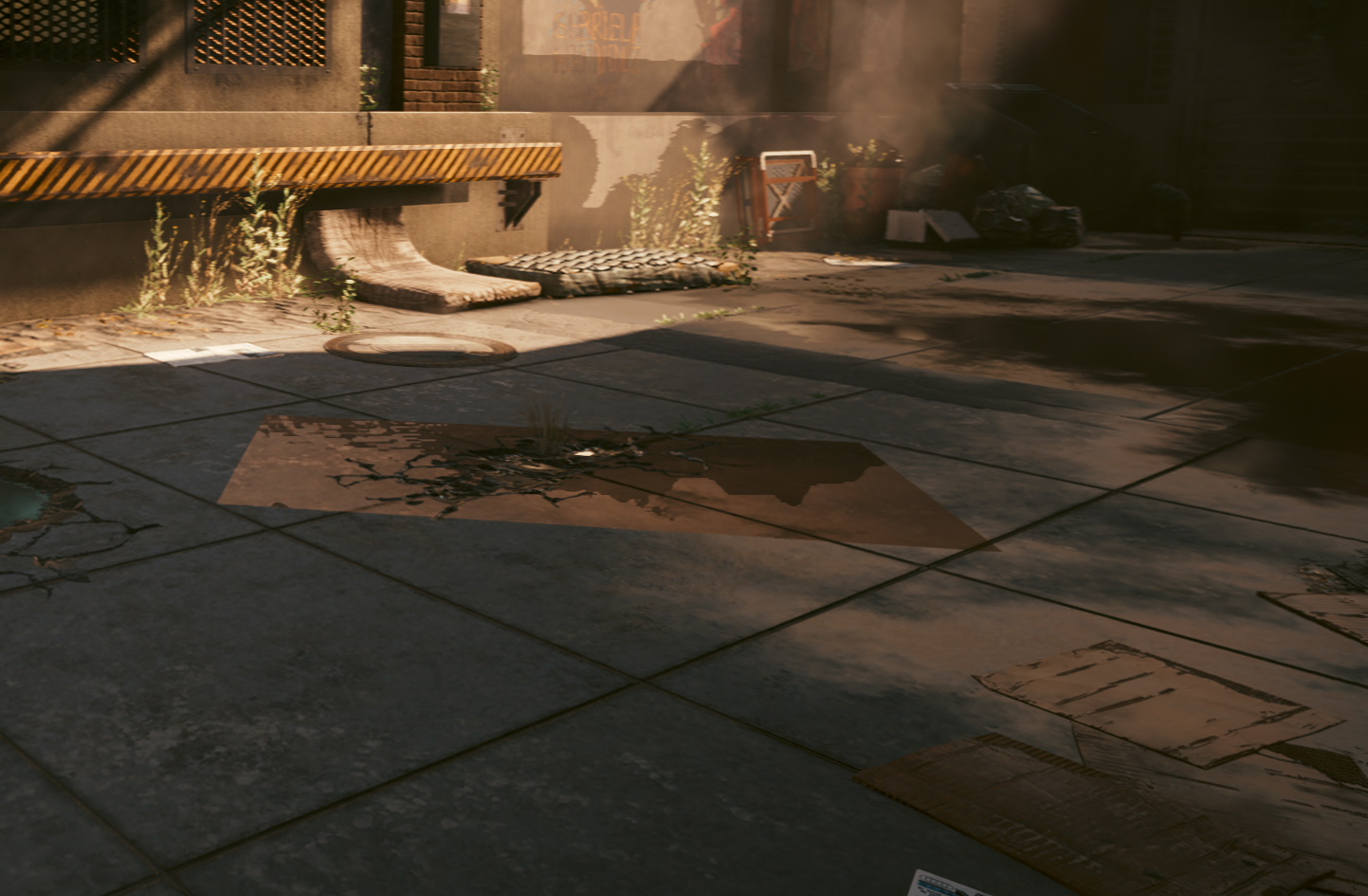
System Info
System Info: Computer Information: Manufacturer: Micro-Star International Co., Ltd. Model: B550-A PRO (MS-7C56) Form Factor: Desktop No Touch Input DetectedProcessor Information:
CPU Vendor: AuthenticAMD
CPU Brand: AMD Ryzen 7 3700X 8-Core Processor
CPU Family: 0x17
CPU Model: 0x71
CPU Stepping: 0x0
CPU Type: 0x0
Speed: 4426 Mhz
16 logical processors
8 physical processors
HyperThreading: Supported
FCMOV: Supported
SSE2: Supported
SSE3: Supported
SSSE3: Supported
SSE4a: Supported
SSE41: Supported
SSE42: Supported
AES: Supported
AVX: Supported
AVX2: Supported
AVX512F: Unsupported
AVX512PF: Unsupported
AVX512ER: Unsupported
AVX512CD: Unsupported
AVX512VNNI: Unsupported
SHA: Supported
CMPXCHG16B: Supported
LAHF/SAHF: Supported
PrefetchW: Unsupported
Operating System Version:
Nobara Linux 36 (Thirty Six) (64 bit)
Kernel Name: Linux
Kernel Version: 5.19.7-203.fsync.fc36.x86_64
X Server Vendor: The X.Org Foundation
X Server Release: 12201003
X Window Manager: GNOME Shell
Steam Runtime Version: steam-runtime_0.20220802.0
Video Card:
Driver: AMD AMD Radeon RX 6900 XT (navi21, LLVM 14.0.5, DRM 3.47, 5.19.7-203.fsync.fc36.x86_64)
Driver Version: 4.6 (Compatibility Profile) Mesa 22.3.0-devel
OpenGL Version: 4.6
Desktop Color Depth: 24 bits per pixel
Monitor Refresh Rate: 143 Hz
VendorID: 0x1002
DeviceID: 0x73bf
Revision Not Detected
Number of Monitors: 1
Number of Logical Video Cards: 1
Primary Display Resolution: 2560 x 1440
Desktop Resolution: 2560 x 1440
Primary Display Size: 23.62" x 13.39" (27.13" diag)
60.0cm x 34.0cm (68.9cm diag)
Primary VRAM: 16384 MB
Sound card:
Audio device: USB Mixer
Memory:
RAM: 32020 MB
VR Hardware:
VR Headset: None detected
Miscellaneous:
UI Language: English
LANG: en_US.UTF-8
Total Hard Disk Space Available: 953568 MB
Largest Free Hard Disk Block: 738297 MB
Storage:
Number of SSDs: 0
Number of HDDs: 0
Ever since the 1.6 updates I have strange artifacting on almost all reflective surfaces, as if the textures aren't being culled properly. Issue only appeared after the 1.6 update, ran with no graphical issues in 1.5 on standard proton. Tried a variety of presets and custom settings, couldn't get the issue to go away. Also appears to tank the frame rate any time one or more is on screen.
I can confirm this as well. Some surfaces are broken with the new 1.6 game update. (video attached below)
I've tested a fresh prefix and also deleted the shader cache, still an issue. This is a vanilla version of the game btw, I dont play with mods and dont have any custom launch commands.
Running Proton Experimental [Bleeding-Edge] Build 9490207
My system info:
https://gist.github.com/EmptyVisual/de3a6fdd546537e98607c4f29b8e253c
Radeon 6900 XT - Mesa 22.3.0-devel
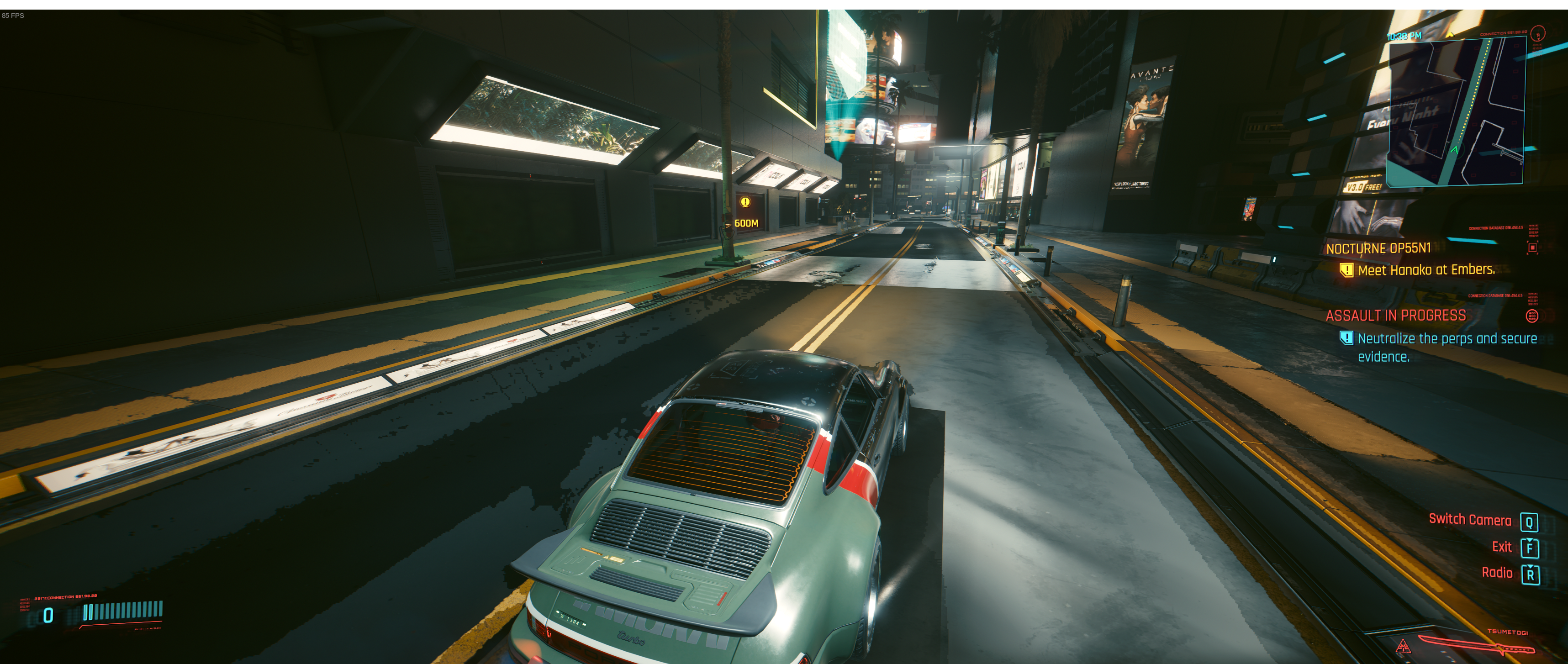
https://user-images.githubusercontent.com/4710051/189483246-54f09ab8-2c1b-4587-8f85-de3031e7649b.mp4
For me, the issue is not as huge as the other people, but in the distance similar artifacts are visible while driving.
Proton Bleeding Edge
RX 6700XT
I recommend reporting a mesa bug about reflections.
RX6800 (mesa 22.1.7) renders very antsy shadows when Contact Shadows is enabled. Preset Ultra. I think I've seen this before the update as well, just always disabled the option as it seemed buggy.
Is this normal?
https://streamable.com/g38wzq
Everywhere you drive/go you see these blocky reflection textures. There's something serious going on in terms of rendering reflections (or maybe shadows)..
Also during huge crowds like in the video, the GPU usage drops to 80% or 70% even sometimes (This issue doesn't occur on windows in my knowledge)
No problem for me. POP!_OS 22.04
RTX 3060 TI 8GB - 515.65.01
Ryzen 5800X3D
32GB RAM
Proton - stable
Graphics - Ultra
But one think is not working in-game:
FPS cap - set to 60 or any does not work.
To cap FPS to 60, i need vsync on, but the game feels laggy with it.
@DashCruft Could you post your system info? I'm having this issue, along with one other person in this thread, and both have the same GPU, I'm wondering if that trend will continue.
@DashCruft Could you post your system info? I'm having this issue, along with one other person in this thread, and both have the same GPU, I'm wondering if that trend will continue.
I use an RX 6700XT and the rest of the info can be seen in the overlay.
After going through experimental (which for some reason was the version of proton it defaulted to) as well as all the Proton-GE versions I had installed up to 7-35, I was finally able to get update 1.6 of the game loaded with Proton 7-04. Not sure if there is something in the bleeding edge versions of Proton that causes the game to crash that is not in Proton 7-04. May be something worth looking at, but I don't know.
I am getting micro stutters and slow downs during game play and loading screen videos but guessing that may be down to shaders?
OS: Garuda Linux
Kernel: 5.19.9-zen1-1-zen
DE: Plasma 5.25.5
CPU: AMD Ryzen 9 3950X (32) @ 3.5GHz
GPU: AMD ATI Radeon RX 6900 XT
GPU: NVIDIA GeForce RTX 2080 Ti Rev. A
Memory: 13.72GiB / 62.72GiB
@DashCruft Could you post your system info? I'm having this issue, along with one other person in this thread, and both have the same GPU, I'm wondering if that trend will continue.
I use an RX 6700XT and the rest of the info can be seen in the overlay.
2 is a coincidence, 4 is starting to be a trend. Everyone having this issue (including me) have a RX 6000 series card. I think the person before was right, this is probably a mesa issue. I wasn't having issues on any other games so I doubted it, but I booted up GTA last night and the shadows and reflections were messed up in a similar way.
There's some issues in regards of the shadow currently in Deathloop and reverting a commit fixes it. Not trying to be out of topic but a certain shader layer for shadows had been modified in mesa, therefore it means with the commit it also have ruined the shadow of other games (maybe reflections with it too)
Okay, well it's clear it's probably not proton at this point, best to put this info where it belongs:
https://gitlab.freedesktop.org/mesa/mesa/-/issues/7319
Just reporting in to say that I'm having this shadow issue too, only when running latest mesa (from a copr), mesa 22.2 didnt have it
AMD RX6600XT
The shadow issue with RADV should be fixed with https://gitlab.freedesktop.org/mesa/mesa/-/commit/bad75ed3f162880270a0593ad8c9b6753a228eb7. Please re-test and confirm, thanks!
The problem seems to be gone/alleviated with that fix. Tested with this copr https://copr.fedorainfracloud.org/coprs/xxmitsu/mesa-git/
Cyberpunk 2077 (1091500) quest: life during wartime [bug - cannot kill last 2 drones]
Issue transferred from https://github.com/ValveSoftware/Proton/issues/6199.
@deathxxx123 posted on 2022-09-30T07:41:39:
Compatibility Report
- Name of the game with compatibility issues: Cyberpunk 2077
- Steam AppID of the game: 1091500
System Information
OS: Pop!_OS Linux 22.04 - kernel 5.19.0-76051900-generic
Mobo: Gigabyte X570S AORUS ELITE AX
CPU: AMD Ryzen 7 5800X3D
CPU Cooler: Noctua NH-D15 chromax.black
GPU: ASUS TUF GeForce RTX 3060 Ti - driver 515.65.01
RAM: Crucial Ballistix RGB 32 GB DDR4
- Proton version: Stable and Experimental
I confirm:
- [x] that I haven't found an existing compatibility report for this game.
- [x] that I have checked whether there are updates for my system available.
Symptoms
Just cannot kill last 2 drones. It force me to get back in SUV and cannot shoot last 2 drones.
It's right about there in quest: https://youtu.be/Umr58NWVzAU?t=119
And there is right way to proceed with quest i expect: https://www.youtube.com/watch?v=cNtL8F5_9RM&t=130s
Reproduction
Just play the game...
@deathxxx123 commented on 2022-09-30T07:45:46:
I'm not sure if this is game bug or proton bug. But anyone else in youtube can kill this drones, the game gives them enough time.
But gives me about 2 seconds time or sometimes no time to kill them.
@deathxxx123 commented on 2022-09-30T07:57:17:
It's happen exactly the same in Steam Deck with same save. Just cannot proceed and stuck in quest.
@deathxxx123 commented on 2022-09-30T08:01:20:
I expect it's a game bug with some skill tree master i unlock. When someone detect me, i automatically get time slow and maybe that causes the bug with last 2 drones. Slow time forces me to get back in SUV .... i will reset my skill points and will test again without it.
So i try it from Win 11, same bug. Only way to resolve it, was to load game earlier in this quest and now it gives me enough time to kill last 2 drones. So that is a game bug.
Crashes on the title screen on my end.
I've tried:
- Other kernels.
- Other driver versions (mesa instead of mesa-git).
- Different proton versions (ge, exprerimental, and regular proton versions)
- Reinstalling the game.
- Running it with and without parameters.
- Running it selecting a different GPU.
I've been able to play it before so IDK if the culprit is an update or what.
CPU: Ryzen 5950X
GPU: AMD 6700XT
OS: Arch (sway)
More: See gist
Hello @Zeioth, looking at your system information. AMDGPU-Pro is installed and apparently broken (https://gist.github.com/Zeioth/b765eaba57c2d836a450fe4512f94ba0#file-gistfile1-txt-L2668-L2687). Please retest with running the game with mesa/RADV.
Thank you @kisak-valve! I'm gonna try with that. In the meanwhile this is the log when I run the game (crashes):
https://gist.github.com/Zeioth/a8e5bb1bbbcefa3381fd8beef8cbe05e
mangohud DXVK_ASYNC=1 DXVK_FILTER_DEVICE_NAME="AMD Radeon RX 6700 XT (RADV NAVI22)" RADV_PERFTEST=rt VKD3D_FEATURE_LEVEL=12_2 VKD3D_CONFIG=dxr11 should also be removed from the game's launch options until you've established a working reference point.
Without arguments: Same crash
https://gist.github.com/Zeioth/cac5e4351fb05d21b0b728010656bf9d
Ok I've:
- Uninstalled steam
- Deleted ~/.steam and ~/.local/share/steam
- Reinstalled steam and Cyberpunk
And I'm experiencing the same issue so there's definitely something going on there.
I can play every other game just fine.
EDIT: I've also tried with a different desktop environment. No luck. I'm not sure what else could be provoking a page fault when running the exe.
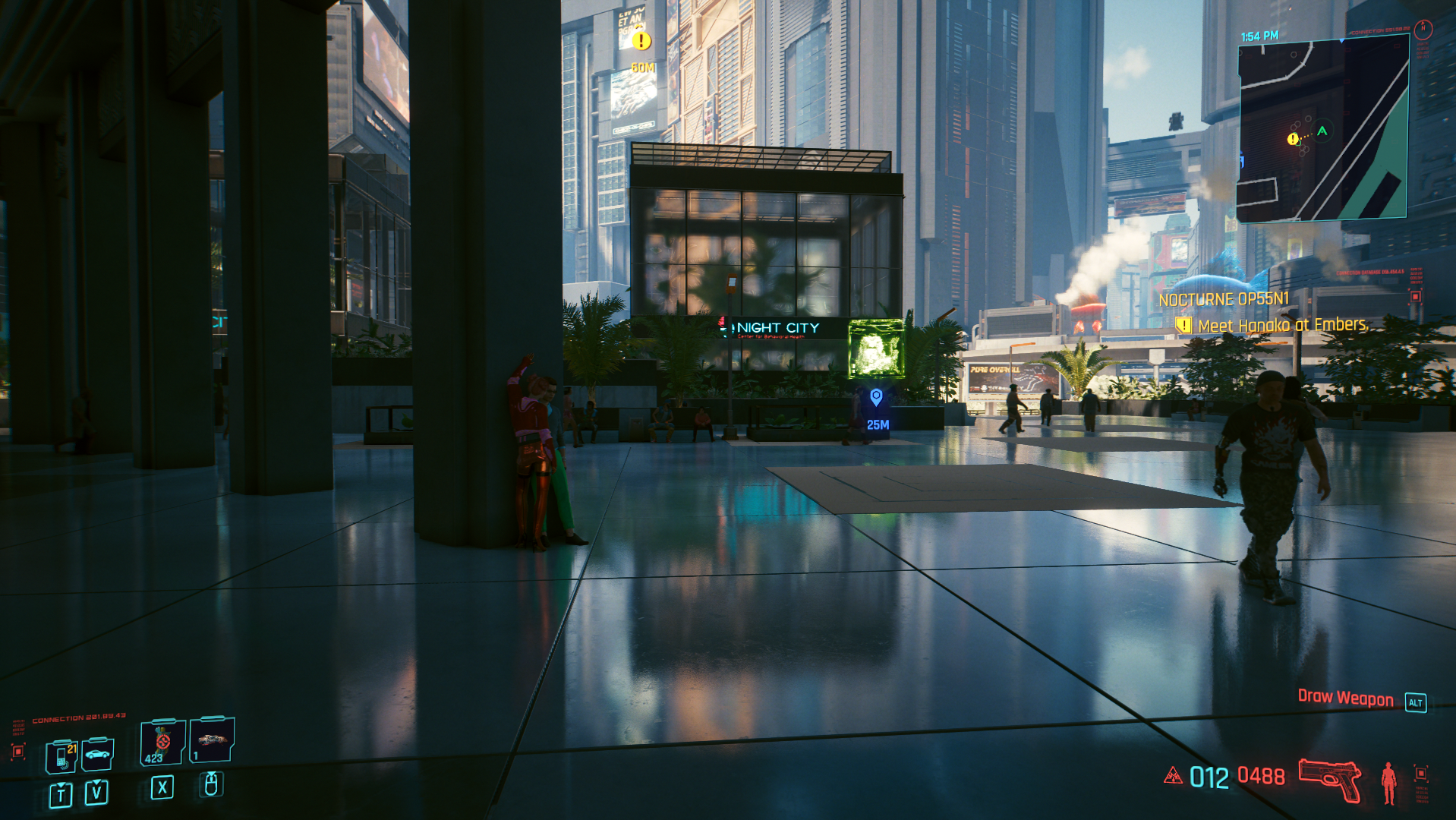
It's runnig perfectly fine for me. I'm on Nvidia.
https://gist.github.com/deathxxx123/ec8dc50176bb48955ea894d64d396937
Cyberpunk 2077 mouse cursor jumping
Issue transferred from https://github.com/ValveSoftware/steam-for-linux/issues/8888.
@TheSchmutzy posted on 2022-11-04T10:46:26:
Your system information
- Steam client version (build number or date): 1666144119
- Distribution (e.g. Ubuntu): Ubuntu 22.04.1 LTS (64 bit)
- Opted into Steam client beta?: [Yes/No] No
- Have you checked for system updates?: [Yes/No] Yes
Please describe your issue in as much detail as possible:
While playing Cyberpunk 2077, even in menu, mouse cursor jumps every 20-30 seconds to the bottom right corner of the screen
Steps for reproducing this issue:
- Start game
- Wait 20-30 seconds
- Unable to play with mouse cursor jumping to corner of the screen every 20-30 seconds
It is not my mouse, it happens even when I unplug it, I have tried 3 different versions of Proton, updated my system and GPU drivers, this does not happen with any other game, just with cyberpunk 2077
thanks @kisak-valve sorry for posting in wrong section.
If anybody has an idea how to fix this, pls halp
It is not my mouse, it happens even when I unplug it, I have tried 3 different versions of Proton, updated my system and GPU drivers, this does not happen with any other game, just with cyberpunk 2077
Do you have RGB software installed or a gamepad connected? Try turning off Steam Input for that game... (I think it's called Xbox/Switch/whatever controller support)
It is not my mouse, it happens even when I unplug it, I have tried 3 different versions of Proton, updated my system and GPU drivers, this does not happen with any other game, just with cyberpunk 2077
Do you have RGB software installed or a gamepad connected? Try turning off Steam Input for that game... (I think it's called Xbox/Switch/whatever controller support)
nothing other then keyboard and mouse connected, no RGB software installed and I tried to disable enable just about any controller settings, including steam input
The mouse jumping kept happening in other games as well (Doom Eternal) so it could not have been just cyberpunk.
After struggling without success for days I reinstalled the OS for newest Xubuntu and the issue is gone...do not ask me why or how
Hey little update: I've isolated the issue. It was due to a recent update in the mesa drivers. I've been able to play by changing to AMDVLK. You can read more here.
EDIT: Also cyberpunk is not downloading the shader cache correctly with either mesa or amdvlk. It downloads a 13kb file that does nothing.
The game crashes with the newest kernel (or at least combination of kernel + Mesa main). It works fine with 6.0.8 but crashes with 6.1.0-rc4 with such message in dmesg:
[ 131.516991] [drm:amdgpu_cs_ioctl [amdgpu]] *ERROR* Failed to process the buffer list -14!
The game crashes with the newest kernel (or at least combination of kernel + Mesa main). It works fine with 6.0.8 but crashes with 6.1.0-rc4 with such message in dmesg:
[ 131.516991] [drm:amdgpu_cs_ioctl [amdgpu]] *ERROR* Failed to process the buffer list -14!* https://gitlab.freedesktop.org/mesa/mesa/-/issues/7683 * https://gitlab.freedesktop.org/drm/amd/-/issues/2202
I think I hit this as well, and VKD3D_CONFIG=host_import_fallback worked around it. Does that help? If it helps for more people, I can add that as a workaround. I've seen that kernel issue in Plague Tale: Requiem as well and we applied that workaround there.
I'll give it a test, but shouldn't gang submit help with that, or it means the kernel has some bug?
I'll give it a test, but shouldn't gang submit help with that, or it means the kernel has some bug?
If it's the same issue that I ran into, it's a kernel bug where if any device has imported host memory, and there are concurrent calls to vkQueueSubmit in different VkDevices. Maybe there's a separate regression in 6.1. I also reproduced this on 6.1.
Gang submit should only be relevant for mesh shaders I think?
I thought gang submit is more general concept that allows more robust concurrent queues submissions? But may be it's not directly related to the above issue.
Mesh shaders just have a hard dependency on it.
There is a patch workaround for the kernel for now:
I can confirm that VKD3D_CONFIG=host_import_fallback helps with the crash. Not sure if enabling it as a default for the game is a good idea, since it just masks the kernel problem.
I can confirm that
VKD3D_CONFIG=host_import_fallbackhelps with the crash. Not sure if enabling it as a default for the game is a good idea, since it just masks the kernel problem.
If it only happens on bleeding 6.1 kernel, it might be okay to leave it for now, but if we're eventually run down with bug reports about the game not working anymore, there isn't much we can do but to apply a workaround.
Would there be some way to force the reverse if default will change? It would be good to periodically test if the kernel fixed the bug or not.
The mouse jumping kept happening in other games as well (Doom Eternal) so it could not have been just cyberpunk. After struggling without success for days I reinstalled the OS for newest Xubuntu and the issue is gone...do not ask me why or how
For me this happens during IO in-game if the GPU is slightly undersized for the game. But it doesn't happen right at the beginning but rather when I have some hours of playing time in a session. So this is probably related to some resource leakage. But whatever it is, the mouse pointer should not start jumping around unpredictably, that's probably something that needs to be fixed in the input stack regardless of a resource problem (and it's probably a timing issue affecting movement prediction).
OTOH, with the new graphics card (RTX 3060 12GB), the problem is gone. Games now render above 60fps and there's no such issue anymore. This only applied to mouse input (overshooting during movement), gamepad input was still fine (except frame time spikes also accumulated over time). My system hasn't been reinstalled in over 10 years, still for me it was fixed by just swapping to a newer GPU.
I suspect that uneven input timing creates mouse overshooting, reinstalling your system may have fixed IO just enough to get back consistent input timing. You could try reducing graphics quality to see if that also fixes the problem - should it occur again.
An update on the 6.1.x hang:
Another update:
- Confirmed to work: 'proton 7.0-5' + '6.1.0-rc8-272-tkg-cfs' and 'kernel 6.0.12-arch1-1'
- Currently the game crashes on proton-experimental with every kernel I've tried.
https://gitlab.freedesktop.org/mesa/mesa/-/issues/7683#note_1684124
EDIT: The kernel bug seems to have been fixed.
Issue isolated: Cyberpunk fails to run on proton-experimental wthen ENABLE_VKBASALT=1.
Possible cause: The new implementation of VKD3D swap chain. VKD3D_CONFIG=swapchain_legacy allow running the game when ENABLE_VKBASALT=1 is present. The issues is either on vkbasalt, or VKD3D swap chain.
All bugs I reported should have been solved by now. Thank you all ❤️
Cyberpunk 2077 4k Multi-Monitor Fullscreen displayed on wrong monitor
Issue transferred from https://github.com/ValveSoftware/Proton/issues/6478.
@coolcatco888 posted on 2023-01-24T22:12:17:
Compatibility Report
- Name of the game with compatibility issues: Cyberpunk 2077
- Steam AppID of the game: 1091500
- Launch Args: MANGOHUD=1 PROTON_LOG=1 VKD3D_CONFIG=dxr,dxr11 VKD3D_FEATURE_LEVEL=12_1 AMD_VULKAN_ICD=AMDVLK gamemoderun %command% -vulkan -USEALLAVAILABLECORES -high cpuLoadRebalance
System Information
- GPU: AMD Radeon RX 6900 XT ASRock Phantom Gaming D OC
- Driver/LLVM version: LLVM 15.0.6 DRM 3.48
- Kernel version: 6.012-x64v3-xanmod
- Proton version: Proton Experimental [bleeding-edge] Build ID: 10394609
- OS: Ubuntu 22.04 LTS
- Desktop Environment: GNOME 3
- Display Server: Wayland
I confirm:
- [Y] that I haven't found an existing compatibility report for this game.
- [Y] that I have checked whether there are updates for my system available.
Symptoms
When launching Cyberpunk 2077 in fullscreen in a multi-monitor setup, it picks the left-most monitor.
My setup from left to right:
Samsung Monitor, ASUS 4K Gaming Monitor, Dell FHD Monitor
It displays it on the Samsung Monitor when it should display on the ASUS 4K Gaming Monitor. This does not happen on previous versions of Proton.
Reproduction
- Have a multi-monitor setup (3 monitors) and use the middle monitor for gaming
- Launch Cyberpunk with latest bleeding-edge Proton Experimental
- Note that when Cyberpunk is launched in fullscreen, it displays it on the left-most monitor when it should pick the middle one. (there is no way to make it display on the middle one.)
- See screenshot for details.

Here is my steam log:
steam-1091500.log
Hello @coolcatco888, I recall there being a similar note somewhere else. https://gitlab.gnome.org/GNOME/mutter/-/issues/1407 might interest you.
Extremely low fps in Cyberpunk 2077 and Elden Ring
Issue transferred from https://github.com/ValveSoftware/Proton/issues/6683.
@pjc5712 posted on 2023-04-14T13:29:49:
I am using Ubuntu with an rx7900xtx (unique setup), a core i7 10700, and the 6.2.10-x64v4-xanmod1 kernel, using KDE as my desktop environment.
In Elden Ring, and also Cyberpunk 2077, I get what feels like less than 5 fps even on the lowest graphics settings. I don't care as much about getting Cyberpunk 2077 fixed because I got it on sale to test out the new graphics, and I can boot into Windows the few times I want to play it. However, I actually wanted to play Elden Ring.
When I run it, eldenring.exe takes a little over 50% of my cpu, and checking the cores, I see that several of them are at almost 100% utilization. It was only using 4.2 gigs of my ram though (lowest settings). However, it runs fine in the menus. In Cyberpunk it lags through the entire opening sequence while launching the game, and through all the menus too.
Let me know what I should do to get more information to solve the problem! I bet there's a lot of commands to figure out what drivers I'm using, maybe run Cyberpunk in the command line, stuff like that. I won't be able to test it in Elden Ring though, since I am getting a refund.
Hello @pjc5712, please add PROTON_LOG=1 %command% to the game's launch options and attach the generated $HOME/steam-$APPID.log to this issue report as a file. (Proton logs compress well if needed.) Also, please copy your system information from Steam (Steam -> Help -> System Information) and put it in a gist, then include a link to the gist in this issue report.
@pjc5712 It might be the case of running with AMD_VULKAN_ICD=RADV. Cyberpunk was unplayable to me with AMDVLK.
I ran it with the command arguments PROTON_LOG=1 %command% --intro-skip -skipStartScreen --launcher-skip, the extra stuff was needed to get it to run when I've played it in the past, and here's the gist.
Then I read caueb's post, and ran it with AMD_VULKAN_ICD=RADV %command% --intro-skip -skipStartScreen --launcher-skip, and it worked first try! Time to buy Elden Ring again! Thank you guys! Hopefully people can make that setting the default for Cyberpunk so it'll work first try for everyone else.
P.S. I was using GE-Proton7-55. I didn't test it on anything else, though it would probably be the same
Looking at your system information, that scopes your issue to the AMDGPU-Pro instead of Proton in general. It might be worthwhile to report your findings to your video driver vendor.
As for setting as a default, no, that's just forcing a driver vendor arms race to perpetuate further. You've chosen to have AMDGPU-Pro installed on your system.
Ok, that makes sense. I'll try removing the amdgpu-pro driver to use regular amdgpu instead. I had assumed that amdgpu-pro was better just because it had pro in the name XD. Maybe it's just better for professional workloads like rendering instead of playing videogames. I'm not really sure how I would show my findings to amdgpu-pro though. I'll try using regular amdgpu later.
From: kisak-valve @.>
Sent: Friday, April 14, 2023 12:05 PM
To: ValveSoftware/Proton @.>
Cc: Canfield, Paul James @.>; Mention @.>
Subject: Re: [ValveSoftware/Proton] Cyberpunk 2077 (1091500) (#4450)
You don't often get email from @.*** Learn why this is importanthttps://aka.ms/LearnAboutSenderIdentification
Looking at your system information, that scopes your issue to the AMDGPU-Pro instead of Proton in general. It might be worthwhile to report your findings to your video driver vendor.
—
Reply to this email directly, view it on GitHubhttps://github.com/ValveSoftware/Proton/issues/4450#issuecomment-1508892379, or unsubscribehttps://github.com/notifications/unsubscribe-auth/AWQE7PHDS6WYKOSQLCXR2KLXBFYU5ANCNFSM4UUIEDXA.
You are receiving this because you were mentioned.Message ID: @.***>
The namings can be a bit confusing since they are pretty generic.
amdgpu is the kernel driver that is shipped in the Linux kernel that enables user space drivers to support API's such as OpenGL or Vulkan (the old amd kernel driver had the lovely generic name of radeon and didn't support Vulkan).
The 3 primary Vulkan user space drivers which utilize amdgpu (which are the ones we usually talk about when you install or update a GPU driver) for amd are:
amdgpu-pro which is AMD's own proprietary driver.
amdvlk which is AMD's own open source driver.
radv which is the open source community driver that is part of the mesa project. AMD does not contribute to this.
radv is the one Valve contributes to themselves and is in general the recommended gaming driver to be used along with dxvk and vkd3d-proton games.
As a extra tidbit mesa also ships their own OpenGL user space driver called radeonsi, not to be confused with the old radeon kernel driver. AMD themselves contribute to this along with the mesa community.
The above is even pretty simplified hehe.
That's awesome!! That's why I didn't see a difference using amdgpu vs. amdgpu-pro while I had the setting AMD_VULKAN_ICD=RADV turned on. I gotta try AMD_VULKAN_ICD=AMDVLK now, and maybe some others
Cyberpunk 2077 nonresponsive when started
Issue transferred from https://github.com/ValveSoftware/Proton/issues/6695.
@Johwesh posted on 2023-04-18T12:32:07:
Compatibility Report
- Name of the game with compatibility issues: Cyberpunk 2077
- Steam AppID of the game: 1091500
System Information
-
GPU: Intel arc a750
-
Driver/LLVM version: 4.6 (Compatibility Profile) Mesa 23.0.2
-
Kernel version: 6.2.10-arch1-1
-
Computer Information: https://gist.github.com/Johwesh/b44138e6ae4c1fa8adb975de35b11b9b
-
Log file: steam-1091500.log
-
Proton version: 7.0-6, 8.0-1, experimental
I confirm:
- [x] that I haven't found an existing compatibility report for this game.
- [x] that I have checked whether there are updates for my system available.
Symptoms
Issue arose after 1.62 update. When starting the game, the cd projekt red launcher comes up as it's supposed to. However, when the game itself starts, it starts on a nonresponsive black screen. No sound, no input appears to register.
Reproduction
Tried reinstalling the game, as well as running with proton 7, 8, and experimental. The same issue arises in all scenarios.
So far, there's no issue with other games ran through proton (tested Fallout 3 and Borderlands 2).
Hello @Johwesh, https://github.com/HansKristian-Work/vkd3d-proton/issues/1519 and https://gitlab.freedesktop.org/mesa/mesa/-/issues/8860 looks related.
Hello @Johwesh, HansKristian-Work/vkd3d-proton#1519 and https://gitlab.freedesktop.org/mesa/mesa/-/issues/8860 looks related.
Apologies for starting a duplicate thread. That does indeed look like the issue that I'm seeing.
Does anyone experience GPU hang in the latest version of the game when ray tracing is enabled with RDNA 3 card and Mesa main? Just trying to figure out if it's a problem on my end or a general issue.
Reported it here.
Yes it's a known radv issue. On rdna3 at least.
Haven't tried in a while tho
It kind of was an issue a while ago, then it started working and got broken again. But I also changed by GPU in between so can't say it ever worked with this one. That's why I'm asking for recent reports.
I'm currently having regular crashes, during gameplay as well as in loading screens, and the game has long times of no chance to save, so that's annoying. The game just stops, although sound continues to play, but it seems no sound for further scenes is started. The window stays blank/black, I can switch back to it, and waiting doesn't change the outcome.
I've played Cyberpunk before and didn't have the same problems. While the hardware hasn't changed, drivers and kernel got regular updates.
A log I just captured doesn't look like it has a smoking gun, it kinda fizzles out. The last line was added only when I stopped game using the Steam library STOP button.
I'm using Proton Experimental, I can maybe switch to a more stable version and try again. Might do that tomorrow.
Edit 1: With a little more analysis, some people already reported on ProtonDB that starting with version 1.62, crashes occur frequently. By watching my journalctl I can see that the game core dumps, which presents as the whole system kind of freezing for a few seconds when the game stops working. If the dump is something that would be helpful, I could see if I can upload it to somewhere.
After some more looking around, it seems that this issue on the NVidia developer forums describes the problem I am having. Leaving a terminal with journalctl -f running during the crash shows these messages:
[ 1243.631777] NVRM: GPU at PCI:0000:01:00: GPU-4dab7fc5-927c-2242-fbe8-b8655f657b70
[ 1243.631780] NVRM: Xid (PCI:0000:01:00): 109, pid=3012, name=re4.exe, Ch 0000007e, errorString CTX SWITCH TIMEOUT, Info 0x1c03d
Code copied from the issue, my numbers are different, but the messages (CTX SWITCH TIMEOUT) is the same.
Edit 2: With todays update of the NVidia drivers from the 5.30 series to the 5.35 series the crash does not occur anymore.
The game won't start for me since Proton 8 (tested with 8-1 and many times with exp b-e).
I tested with many different configs, but the result is always the same: EXCEPTION_ACCESS_VIOLATION (0xC0000005)
I copied the game folder to a Windows install and there it works.
System Info
steam-1091500.log
Cyberpunk2077.exe-20230612-231726-312-316.txt
Edit:
First log was without runtime. But they look pretty identical.
steam-1091500.log
Edit 2:
Okay, this is just cursed.
I created a new pfx with exp be 7, then upgraded it with exp be 8 and now it works again... somehow at least.
Now the game crashes shortly after loading any save with:
NVRM: Xid (PCI:0000:01:00): 31, pid=54638, name=GameThread, Ch 000000b1, intr 00000000. MMU Fault: ENGINE GRAPHICS GPCCLIENT_GCC faulted @ 0xffffc200_00000000. Fault is of type FAULT_PDE ACCESS_TYPE_VIRT_READ
steam-1091500.log
EXCEPTION_ACCESS_VIOLATION
Do you have cyber engine tweaks enabled?
Normally yes, but i tested it without and its the same.
Since you didn't install it properly, check that your prefix has all the needed dll overrides if any. I think for CET you need version override (native,builtin).
It doesn't have anything to do with CET. I have tried with CET + overrides and without CET - overrides.
Is this a known issue that Ray Tracing and DLSS can't be enabled at the same time? I experienced this one and saw some people have it too but not here, on different websites or Reddit. Trying to find anything related to this specific problem but i can't find it in this issue. If i want to use DLSS it is already enabled through NVAPI parameter in Proton 8.0, but if i enable Ray Tracing(it doesn't matter that enabling other Ray Tracing settings such as sun shadows) game just crash. Then it crash at startup until Ray Tracing or DLSS is disabled from game settings files, in compatibility folder. If i need to use Ray Tracing, i need to disable NVAPI through commandline, otherwise it isn't work.
Second problem is that the game just crashes randomly. Gameplay time doesn't matter. I couldn't find a reason for that but i saw someone says it happens when a system scale freeze happens. Sometimes i got that one, probably fTPM problem on my AMD CPU. But not every game crashes during that freezes. I played so many games in my setup and only Cyberpunk 2077 crashes at first freeze, Conan: Exiles crashes at maybe second or third freeze, other games just freeze for a few seconds and then come back without problem.
Also i'm experiencing black launcher issue for a few days, and i don't know how can i solve it. It just opens and it is complete black. Tried to find buttons, i tought maybe it was some kind of dark overlay but no, nothing works. I didn't tried that disabling launcher and going through game directly but that's not the case since i'm using REDmod mods and i need that launcher for compiling. All i can say is it began with Fedora update, probable related to GNOME library updates, but i'm not sure of it. If anything i can do, or provide to solve it, please someone let me know.
Edit, 20 June: CP77 sometimes opens even without -modded parameter. I don't know why it is pass launcher by itself. If the game starts with that, randomly, it crashes after loading screen.
I think i need to provide hardware information before getting yelled for that:
CPU: AMD Ryzen 5 3600
GPU: NVIDIA RTX 3060
RAM: 32GB 3200MHz
OS: Fedora 38, GNOME, Wayland(Yes, with NVIDIA. No, it works for me. Shot or miss i guess)
Proton Version: 8.0-2
Is this a known issue that Ray Tracing and DLSS can't be enabled at the same time?
For me, DLSS and raytracing work at the same time (also in other games like Control). But I didn't enable very high raytracing settings, only basic settings so that reflections work (which is the most appealing feature of raytracing). Maybe the quality settings have an impact here?
Cyberpunk 2077 (1091500) freezes on intro with the Proton experimental bleeding-edge 2023-06-15
Issue transferred from https://github.com/ValveSoftware/Proton/issues/6850.
@Faalagorn posted on 2023-06-15T20:02:38:
Seems like Cyberpunk 2077 freezes continuously when playing the intro videos with the latest Proton-experimental bleeding-edge. Music plays, but the game become unresponsive. It can be killed. It worked with the bleeding-edge yesterday and downgrading to regular Proton experimental fixed the issue for me.
I launch the game with --launcher-skip -skipStartScreen parameters.
I didn't test any other games with that Proton version.
System Information
- GPU: RX 580
- Driver/LLVM version: Mesa 23.1.2/15.0.7
- Kernel version: 6.3.8-zen1
- Link to full system information report as Gist: https://gist.github.com/Faalagorn/065141e9978d0d5ffa734ac1178c21a3
- Proton version: Proton experimental bleeding-edge 2023-06-15
@smo0z i am currently on the same boat, arch linux, nvidia, zfs, zen kernel.
did you have any luck with the access violation?
@nicman23
As I wrote in my last edit:
I had to create a new pfx with Proton 7, then upgrade it with Proton 8 and the access violation was gone.
But since game version 1.62 it will crash shortly after loading a save with Xid 31 on nvidia.
@smo0z seems that if i disable raytracing it just works on later wine/ proton
@nicman23
As I wrote in my last edit: I had to create a new pfx with Proton 7, then upgrade it with Proton 8 and the access violation was gone. But since game version 1.62 it will crash shortly after loading a save with Xid 31 on nvidia.
I didn't try creating a new prefix, but switching to the last Proton experimental-blleding-edge-7 and then to Proton experimental-bleeding-edge-8.0-47165-20230616 still seems to result in the same (game freezing shortly after intro, with only the music playing and having to kill it).
Proton experimental-8.0-20230606 (stable) works fine.
(keep in mind it's not Nvidia, just the AMD RX 580, no RayTracing enabled)
1.63 update still crashing every few mins on linux :(
OS: Garuda Linux x86_64
Kernel: 6.3.8-zen1-1-zen
CPU: Intel(R) Core(TM) i9-9900K (16) @ 5 GHz
GPU: NVIDIA GeForce RTX 4070 12GB
lutris-wrapper: Cyberpunk 2077
Started initial process 3655280 from gamemoderun PROTON_ENABLE_NVAPI=1 PROTON_HIDE_NVIDIA_GPU=0 VKD3D_CONFIG=dxr11,dxr VKD3D_FEATURE_LEVEL=12_2 SDL_JOYSTICK_HIDAPI=0 /home/home/.local/share/lutris/runners/wine/GE-Proton8-3/bin/wine /home/home/Games/cyberpunk-2077/drive_c/Games/Cyberpunk 2077/bin/x64/Cyberpunk2077.exe
Start monitoring process.
gamemodeauto:
fsync: up and running.
wine: Using setpriority to control niceness in the [-11,11] range
ChromaSDKPlugin failed to load!

File 'C:\Games\Cyberpunk 2077\bin\x64\sl.interposer.dll' is signed by NVIDIA and the signature was verified.
File 'C:\Games\Cyberpunk 2077\bin\x64\/sl.common.dll' is signed by NVIDIA and the signature was verified.
File 'C:\Games\Cyberpunk 2077\bin\x64\/sl.dlss.dll' is signed by NVIDIA and the signature was verified.
File 'C:\Games\Cyberpunk 2077\bin\x64\/sl.dlss_g.dll' is signed by NVIDIA and the signature was verified.
File 'C:\Games\Cyberpunk 2077\bin\x64\/sl.nis.dll' is signed by NVIDIA and the signature was verified.
File 'C:\Games\Cyberpunk 2077\bin\x64\/sl.reflex.dll' is signed by NVIDIA and the signature was verified.
152935.785:0118:011c:info:vkd3d-proton:vkd3d_instance_apply_application_workarounds: Program name: "Cyberpunk2077.exe"
152935.785:0118:011c:info:vkd3d-proton:vkd3d_instance_apply_application_workarounds: Detected game Cyberpunk2077.exe, adding config 0x40000000, removing masks 0x0.
152935.785:0118:011c:info:vkd3d-proton:vkd3d_instance_deduce_config_flags_from_environment: shader_cache is used, global_pipeline_cache is enforced.
152935.785:0118:011c:info:vkd3d-proton:vkd3d_config_flags_init_once: VKD3D_CONFIG='dxr11,dxr'.
152935.786:0118:011c:info:vkd3d-proton:vkd3d_get_vk_version: vkd3d-proton - applicationVersion: 2.9.0.
152935.786:0118:011c:info:vkd3d-proton:vkd3d_instance_init: vkd3d-proton - build: 6365efeba253807.
152936.041:0118:011c:info:vkd3d-proton:vkd3d_memory_info_upload_hvv_memory_properties: Topology: Device heaps are split. Assuming small BAR situation. Using HOST_COHERENT only.
152936.042:0118:011c:info:vkd3d-proton:vkd3d_bindless_state_get_bindless_flags: Device supports VK_EXT_mutable_descriptor_type.
152936.042:0118:011c:info:vkd3d-proton:vkd3d_bindless_state_add_binding: Device supports VK_EXT_descriptor_buffer!
152936.042:0118:011c:info:vkd3d-proton:vkd3d_bindless_state_add_binding: Device supports VK_EXT_descriptor_buffer!
152936.042:0118:011c:info:vkd3d-proton:vkd3d_bindless_state_add_binding: Device supports VK_EXT_descriptor_buffer!
152936.043:0118:011c:info:vkd3d-proton:d3d12_device_caps_init_shader_model: Enabling support for SM 6.6.
152936.043:0118:011c:fixme:vkd3d-proton:d3d12_device_caps_init_feature_options1: TotalLaneCount = 4416, may be inaccurate.
152936.043:0118:011c:info:vkd3d-proton:d3d12_device_determine_ray_tracing_tier: DXR support enabled.
152936.043:0118:011c:info:vkd3d-proton:d3d12_device_determine_ray_tracing_tier: DXR 1.1 support enabled.
152936.043:0118:011c:info:vkd3d-proton:vkd3d_pipeline_library_init_disk_cache: Remapping VKD3D_SHADER_CACHE to: vkd3d-proton.cache.
152936.043:0118:011c:info:vkd3d-proton:vkd3d_pipeline_library_init_disk_cache: Attempting to load disk cache from: vkd3d-proton.cache.
152936.043:0118:01c4:info:vkd3d-proton:vkd3d_pipeline_library_disk_thread_main: Performing async setup of stream archive ...
152936.043:0118:01c4:info:vkd3d-proton:vkd3d_pipeline_library_disk_cache_merge: No write cache exists. No need to merge any disk caches.
152936.043:0118:01c4:info:vkd3d-proton:vkd3d_pipeline_library_disk_cache_initial_setup: Merging pipeline libraries took 0.126 ms.
152936.043:0118:01c4:info:vkd3d-proton:vkd3d_pipeline_library_disk_cache_initial_setup: Mapping read-only cache took 0.106 ms.
152936.043:0118:01c4:info:vkd3d-proton:d3d12_pipeline_library_read_blob_stream_format: Device teardown request received, stopping parse early.
152936.043:0118:01c4:info:vkd3d-proton:vkd3d_pipeline_library_disk_cache_initial_setup: Parsing stream archive took 0.004 ms.
152936.043:0118:01c4:info:vkd3d-proton:vkd3d_pipeline_library_disk_thread_main: Done performing async setup of stream archive.
152936.071:0118:011c:info:vkd3d-proton:vkd3d_get_vk_version: vkd3d-proton - applicationVersion: 2.9.0.
152936.071:0118:011c:info:vkd3d-proton:vkd3d_instance_init: vkd3d-proton - build: 6365efeba253807.
152936.241:0118:011c:info:vkd3d-proton:vkd3d_memory_info_upload_hvv_memory_properties: Topology: Device heaps are split. Assuming small BAR situation. Using HOST_COHERENT only.
152936.242:0118:011c:info:vkd3d-proton:vkd3d_bindless_state_get_bindless_flags: Device supports VK_EXT_mutable_descriptor_type.
152936.242:0118:011c:info:vkd3d-proton:vkd3d_bindless_state_add_binding: Device supports VK_EXT_descriptor_buffer!
152936.242:0118:011c:info:vkd3d-proton:vkd3d_bindless_state_add_binding: Device supports VK_EXT_descriptor_buffer!
152936.242:0118:011c:info:vkd3d-proton:vkd3d_bindless_state_add_binding: Device supports VK_EXT_descriptor_buffer!
152936.243:0118:011c:info:vkd3d-proton:d3d12_device_caps_init_shader_model: Enabling support for SM 6.6.
152936.243:0118:011c:fixme:vkd3d-proton:d3d12_device_caps_init_feature_options1: TotalLaneCount = 4416, may be inaccurate.
152936.243:0118:011c:info:vkd3d-proton:d3d12_device_determine_ray_tracing_tier: DXR support enabled.
152936.243:0118:011c:info:vkd3d-proton:d3d12_device_determine_ray_tracing_tier: DXR 1.1 support enabled.
152936.243:0118:011c:info:vkd3d-proton:vkd3d_pipeline_library_init_disk_cache: Remapping VKD3D_SHADER_CACHE to: vkd3d-proton.cache.
152936.243:0118:011c:info:vkd3d-proton:vkd3d_pipeline_library_init_disk_cache: Attempting to load disk cache from: vkd3d-proton.cache.
152936.244:0118:01cc:info:vkd3d-proton:vkd3d_pipeline_library_disk_thread_main: Performing async setup of stream archive ...
152936.244:0118:01cc:info:vkd3d-proton:vkd3d_pipeline_library_disk_cache_merge: No write cache exists. No need to merge any disk caches.
152936.244:0118:01cc:info:vkd3d-proton:vkd3d_pipeline_library_disk_cache_initial_setup: Merging pipeline libraries took 0.114 ms.
152936.244:0118:01cc:info:vkd3d-proton:vkd3d_pipeline_library_disk_cache_initial_setup: Mapping read-only cache took 0.138 ms.
152936.246:0118:01cc:info:vkd3d-proton:vkd3d_pipeline_library_disk_cache_initial_setup: Parsing stream archive took 1.613 ms.
152936.246:0118:01cc:info:vkd3d-proton:vkd3d_pipeline_library_disk_thread_main: Done performing async setup of stream archive.
152936.682:0118:01cc:info:vkd3d-proton:vkd3d_pipeline_library_disk_thread_main: Pipeline cache marked dirty. Flush is scheduled.
152937.739:0118:01cc:info:vkd3d-proton:vkd3d_pipeline_library_disk_thread_main: Flushing disk cache (wakeup counter since last flush = 40). It seems like application has stopped creating new PSOs for the time being.
152937.899:0118:01cc:info:vkd3d-proton:vkd3d_pipeline_library_disk_thread_main: Pipeline cache marked dirty. Flush is scheduled.
152939.971:0118:01cc:info:vkd3d-proton:vkd3d_pipeline_library_disk_thread_main: Flushing disk cache (wakeup counter since last flush = 4). It seems like application has stopped creating new PSOs for the time being.
152940.678:0118:01cc:info:vkd3d-proton:vkd3d_pipeline_library_disk_thread_main: Pipeline cache marked dirty. Flush is scheduled.
152942.457:0118:01cc:info:vkd3d-proton:vkd3d_pipeline_library_disk_thread_main: Flushing disk cache (wakeup counter since last flush = 5). It seems like application has stopped creating new PSOs for the time being.
152942.934:0118:01cc:info:vkd3d-proton:vkd3d_pipeline_library_disk_thread_main: Pipeline cache marked dirty. Flush is scheduled.
152945.798:0118:01cc:info:vkd3d-proton:vkd3d_pipeline_library_disk_thread_main: Flushing disk cache (wakeup counter since last flush = 9). It seems like application has stopped creating new PSOs for the time being.
152946.670:0118:01cc:info:vkd3d-proton:vkd3d_pipeline_library_disk_thread_main: Pipeline cache marked dirty. Flush is scheduled.
152948.426:0118:01cc:info:vkd3d-proton:vkd3d_pipeline_library_disk_thread_main: Flushing disk cache (wakeup counter since last flush = 3). It seems like application has stopped creating new PSOs for the time being.
152948.889:0118:01cc:info:vkd3d-proton:vkd3d_pipeline_library_disk_thread_main: Pipeline cache marked dirty. Flush is scheduled.
152949.889:0118:01cc:info:vkd3d-proton:vkd3d_pipeline_library_disk_thread_main: Flushing disk cache (wakeup counter since last flush = 2). It seems like application has stopped creating new PSOs for the time being.
152952.321:0118:0150:info:vkd3d-proton:d3d12_state_object_init: Promoting COLLECTION to RAYTRACING_PIPELINE as workaround.
152952.321:0118:0174:info:vkd3d-proton:d3d12_state_object_init: Promoting COLLECTION to RAYTRACING_PIPELINE as workaround.
152952.321:0118:0160:info:vkd3d-proton:d3d12_state_object_init: Promoting COLLECTION to RAYTRACING_PIPELINE as workaround.
152952.321:0118:0154:info:vkd3d-proton:d3d12_state_object_init: Promoting COLLECTION to RAYTRACING_PIPELINE as workaround.
152952.338:0118:011c:info:vkd3d-proton:dxgi_vk_swap_chain_init: Creating swapchain (3440 x 1440), BufferCount = 3.
152952.338:0118:011c:info:vkd3d-proton:dxgi_vk_swap_chain_init_sync_objects: Enabling frame latency handles.
152954.151:0118:01d4:info:vkd3d-proton:dxgi_vk_swap_chain_recreate_swapchain_in_present_task: Got 4 swapchain images.
152954.218:0118:01d4:info:vkd3d-proton:dxgi_vk_swap_chain_recreate_swapchain_in_present_task: Got 4 swapchain images.
152956.131:0118:01d0:err:vkd3d-proton:vkd3d_waiting_event_signal: Failed to signal event, hr #80004005.
152956.145:0118:01d0:err:vkd3d-proton:vkd3d_waiting_event_signal: Failed to signal event, hr #80004005.
152956.162:0118:01d0:err:vkd3d-proton:vkd3d_waiting_event_signal: Failed to signal event, hr #80004005.
152956.180:0118:01d0:err:vkd3d-proton:vkd3d_waiting_event_signal: Failed to signal event, hr #80004005.
152956.189:0118:01cc:info:vkd3d-proton:vkd3d_pipeline_library_disk_thread_main: Pipeline cache marked dirty. Flush is scheduled.
152956.196:0118:01d0:err:vkd3d-proton:vkd3d_waiting_event_signal: Failed to signal event, hr #80004005.
152956.215:0118:01d0:err:vkd3d-proton:vkd3d_waiting_event_signal: Failed to signal event, hr #80004005.
152956.233:0118:01d0:err:vkd3d-proton:vkd3d_waiting_event_signal: Failed to signal event, hr #80004005.
152956.246:0118:01d0:err:vkd3d-proton:vkd3d_waiting_event_signal: Failed to signal event, hr #80004005.
152956.266:0118:01d0:err:vkd3d-proton:vkd3d_waiting_event_signal: Failed to signal event, hr #80004005.
152956.281:0118:01d0:err:vkd3d-proton:vkd3d_waiting_event_signal: Failed to signal event, hr #80004005.
152956.294:0118:01d0:err:vkd3d-proton:vkd3d_waiting_event_signal: Failed to signal event, hr #80004005.
152956.311:0118:01d0:err:vkd3d-proton:vkd3d_waiting_event_signal: Failed to signal event, hr #80004005.
152956.329:0118:01d0:err:vkd3d-proton:vkd3d_waiting_event_signal: Failed to signal event, hr #80004005.
152956.345:0118:01d0:err:vkd3d-proton:vkd3d_waiting_event_signal: Failed to signal event, hr #80004005.
152956.361:0118:01d0:err:vkd3d-proton:vkd3d_waiting_event_signal: Failed to signal event, hr #80004005.
152956.378:0118:01d0:err:vkd3d-proton:vkd3d_waiting_event_signal: Failed to signal event, hr #80004005.
152956.394:0118:01d0:err:vkd3d-proton:vkd3d_waiting_event_signal: Failed to signal event, hr #80004005.
153183.978:0118:01d0:err:vkd3d-proton:vkd3d_waiting_event_signal: Failed to signal event, hr #80004005.
gamemodeauto:
Monitored process exited.
Initial process has exited (return code: 15)
Exit with return code 15
That Failed to signal event message spamming the log was reported here.
The game works fine with AMD for me though.
Seems it works, now with proton experimental-bleedig-edge-8.0-45799-20230621 and Patch 1.63, at least it's not crashing in the menu now :)
The game works fine with AMD for me though.
The irony of a game , pushing tens of gigabytes of updates just for showcasing the latest nvidia eye candy at the cost of breaking it , running better on AMD .
CDPR care about Windows. Do they even test it themselves on Linux? So it's just a dice roll whether some update will break things or not. At least Mesa developers are usually focused on Linux gaming bugs, so I expect AMD to be in general good shape.
Works fine for me on proton experimental from within steam, although with (very) high CPU usage.
CPU: AMD Ryzen 7950X
GPU: 7900XT (20G)
Kernel: 6.2.0-1005-lowlatency #5-Ubuntu
Low latency kernel, so PREEMPT is enabled.
The game launches to an audioless black screen for me since the 1.62 update. No main menu, nothing. Doesn't even load the icon for the game to my taskbar. The application idles as a black screen until quit via Steam, which triggers an Unresponsive Program warning requesting Termination. Alt+F4 results in similar behavior.
CPU: Intel i9-9900K
GPU: NVIDIA GeForce GTX 1080
Driver: 535.54.03
Graphics Platform: X11
Kernel: 6.3.9-arch1-1
Tested now on their 1.63 patch with Proton Experimental, 8.0-2, 7.0-6, and 6.3-8. Nothing works.
Game file integrity is validated.
I use gamemoderun %command% --launcher-skip --intro-skip -skipStartScreen launch options normally. Using bare options or adding PROTON_HIDE_NVIDIA_GPU=0 does not solve the issue either.
latest game version also gives a black screen for me with latest proton. same with proton 5.13 will spin for a while without opening a window then crash without error after around 30 seconds
CPU: i9-12900K
GPU: GTX 3080
driver: xorg-x11-drv-nvidia-cuda-3:515.65.01-1
uname: Linux fedora 5.19.6-200.fc36.x86_64 1 SMP PREEMPT_DYNAMIC
Same here with Arch and 1080Ti (535.54.03).
It's working for me now with NVIDIA beta 525.47.27.
It's working for me now with NVIDIA beta 525.47.27.
@mozo78 sorry, am I to understand that downgrading from the main (535) branch to the LTS (525) branch solved the launch issue for you?
It's not a downgrade. 525.47.27 Beta is the newer driver.
It's not a downgrade. 525.47.27 Beta is the newer driver.
It isn't working like that. It is a downgrade. 525.47.27 isn't never than 535.x even it is came after 535.x.
If you say so.
@incomingstick At least GE-proton7-55 (only one I still have installed) seems to work.
@incomingstick At least GE-proton7-55 (only one I still have installed) seems to work.
@jackun do you also use a GTX 1080?
@incomingstick Radeon 6800XT but similar crashes. Proton Experimental shows "...has flatlined" dialogbox, 8.0-2 is just black screen (iirc, null pointer crash in "redrenderengine" or something).
e: and now it launches with 8.0-2 too, cool-cool-cool :roll_eyes:
Unfortunately, with experimental and 8.0-2 I have the same behavior as before. No crash pop-ups or anything. The game launches to black, no audio. With both Proton versions the game opens, minimizes and then re-opens a few moments in, but continues to just be an audioless black screen. The game icon does not load to the task bar either, just the KDE generic icon is used.
CPU: Intel i9-9900K
GPU: NVIDIA GeForce GTX 1080
Driver: 535.54.03
Graphics Platform: X11 and Wayland both
Kernel: 6.4.2-arch1-1
Proton: Experimental, 8.0-2, 7.0-6, and 6.3-8
See my previous comment for additional details.
Use the newer beta driver 525.47.27.
There's a newer driver 525.47.31 and the game's working fine with it. Yes, it's newer than 535.x:
https://www.reddit.com/r/linux_gaming/comments/14xho05/nvidia_vulkan_beta_driver_5254731_released/
@mozo78 I saw that thread just last night and thought of you. Unfortunately haven't had the time to futz around with switching NVIDIA drivers. They make understanding their driver branch numbers a challenge.
Yes it is. I hate to be downvoted when I'm right.
I am having problems with the game start screen or game launcher, I know it can be avoided with a variable in proton, I am currently using the nvidia vulkan drivers in their latest version 525.47.31
Proton bleeding edge, steam beta client.
-
Proton log: https://gist.github.com/AceroRomano/bdc1c05f62f5b71c4e1247950b913529
-
Proton variables: PROTON_LOG=1 PROTON_ENABLE_NVAPI=1 PROTON_ENABLE_NGX_UPDATER=1 VKD3D_CONFIG=dxr11 VKD3D_FEATURE_LEVEL=12_2 mangohud gamemoderun %command%
-
System Specs: https://gist.github.com/AceroRomano/1f0d35abe22973138418f862924fd7e8
I also have graphic errors with the same drivers 525.47.31, I attach a video and the log.
-
Proton log: https://gist.github.com/AceroRomano/12bfd795e89c1a8a11a36eb73b8cf7af
-
Proton variables: PROTON_LOG=1 PROTON_ENABLE_NVAPI=1 PROTON_ENABLE_NGX_UPDATER=1 VKD3D_CONFIG=dxr11 VKD3D_FEATURE_LEVEL=12_2 mangohud gamemoderun %command% --launcher-skip
-
Video: https://youtu.be/Rkh4c7Rqv-w
-
System specs: Ryzen 5800x, Nvidia rtx 3070, manjaro linux, kernel 6.4.3-1-MANJARO
The game freezes after 5 to 20 min of gameplay .
This problem started happening in patch 1.62 and still occuring in 1.63.
The sound continues to play ... I don't know if it's on a loop , but last session , I had the radio on in the car , and it still kept playing a bit of the song after the freeze.
This problem never happened before 1.62.
I tried every settings , raytracing on/off , DLSS on/off , turning off steam cloud , nothing works.
System information
- GPU: RTX 2060
- Driver: 535.54.03
- Wine version: 8.12
-Proton version : Proton 8.0-2
Logs :
The crash happens roughly on this part :
01bc:err:d3d12_command_queue_execute: Failed to submit queue(s), vr -4.
01bc:err:d3d12_command_queue_signal: Failed to submit signal operation, vr -4.
01bc:err:d3d12_command_queue_signal: Failed to submit signal operation, vr -4.
01bc:err:vkd3d_queue_flush_waiters: Failed to submit queue(s), vr -4.
01bc:err:d3d12_command_queue_signal: Failed to submit signal operation, vr -4.
01bc:err:vkd3d_queue_flush_waiters: Failed to submit queue(s), vr -4.
01bc:err:d3d12_command_queue_execute: Failed to submit queue(s), vr -4.
01bc:err:d3d12_command_queue_signal: Failed to submit signal operation, vr -4.
01bc:err:d3d12_command_queue_signal: Failed to submit signal operation, vr -4.
01bc:err:d3d12_command_queue_execute: Failed to submit queue(s), vr -4.
01bc:err:d3d12_command_queue_signal: Failed to submit signal operation, vr -4.
01bc:err:d3d12_command_queue_signal: Failed to submit signal operation, vr -4.
01bc:err:d3d12_command_queue_execute: Failed to submit queue(s), vr -4.
01bc:err:d3d12_command_queue_signal: Failed to submit signal operation, vr -4.
01bc:err:d3d12_command_queue_signal: Failed to submit signal operation, vr -4.
0234:warn:vkd3d_native_sync_handle_release: Failed to release semaphore (#12a).
0234:warn:dxgi_vk_swap_chain_wait_worker: Failed to increment swapchain semaphore. Did application forget to acquire?
1587.755:0104:0118:fixme:oleacc:find_class_data unhandled window class: L"#32769"
1587.755:0104:0118:fixme:uiautomation:uia_get_providers_for_hwnd Override provider callback currently unimplemented.
1587.755:0104:0118:fixme:uiautomation:msaa_provider_GetPropertyValue Unimplemented propertyId 30024
1587.759:0104:0118:fixme:uiautomation:uia_element_GetCurrentPropertyValueEx Default property values currently unimplemented
1587.759:0104:0118:fixme:uiautomation:uia_element_GetCurrentPropertyValueEx Default property values currently unimplemented
1587.759:0104:0118:fixme:uiautomation:msaa_provider_GetPatternProvider Unimplemented patternId 10002
1587.759:0104:0118:fixme:uiautomation:nc_provider_GetPatternProvider 00000000003A0580, 10002, 00000000025FECB0: stub
1587.759:0104:0118:fixme:uiautomation:base_hwnd_provider_GetPatternProvider 00000000003A04F0, 10002, 00000000025FECB0: stub
So I have finally had a chance to test it on the 525xx drivers (525.116.04 to be exact) and that does seem to resolve the issues. (Thanks @mozo78)
The current nvidia driver in Arch Linux Extras was recently updated to 535.86.05 which did not fix my issues, nor did the latest Proton 8.0-3 (which makes sense, seeing as Proton Experimental doesn't work and is what I use by default). I also tried it against the latest Proton-GE-Custom as a long shot, but no fix there either.
Hopefully whatever is in the latest 525xx driver that fixes this issue makes it into the mainline driver soon.
@incomingstick
Welcome :)
how are people getting the nvidia beta version 525xx? https://www.nvidia.com/en-us/drivers/unix/ lists the latest beta version as 535.43.02, which i tried and got the same black screen issue
@spacerainbow000 do you use Arch Linux? You can replace the normal NVIDIA drivers from these packages.
The official link from NVIDIA for the AUR driver (525.116.04) is here: https://www.nvidia.com/Download/driverResults.aspx/204837/en-us/
The "newest" driver (525.47.34) from the Reddit post linked above is from here: https://developer.nvidia.com/vulkan-driver
NVIDIA driver version numbers make 0 sense. I have been using the AUR 525xx drivers for a little under a week now and have had no issues with Cyberpunk 2077.
ow are people getting the nvidia beta version 525xx? https://www.nvidia.com/en-us/drivers/unix/ lists the latest beta version as 535.43.02, which i tried and got the same black screen issue
You have to install them manually or if you're lucky and you're using Arch Linux, you can use Tk-Glitch - a very easy approach:
https://github.com/Frogging-Family/nvidia-all
git clone https://github.com/Frogging-Family/nvidia-all.git
cd nvidia-all
makepkg -si
Then follow the prompts.
i am using fedora; i was being stupid and not scrolling down on https://developer.nvidia.com/vulkan-driver . fedora has a package for vulkan beta drivers here https://rpmfusion.org/Howto/NVIDIA#Vulkan_Beta but the install instructions don't actually work, it seems they havent been updated since fedora 30. anyway i installed the correct driver this time via runfile:
+-----------------------------------------------------------------------------+
| NVIDIA-SMI 525.47.34    Driver Version: 525.47.34    CUDA Version: 12.0     |
|-------------------------------+----------------------+----------------------+
| GPU  Name        Persistence-M| Bus-Id        Disp.A | Volatile Uncorr. ECC |
| Fan  Temp  Perf  Pwr:Usage/Cap|         Memory-Usage | GPU-Util  Compute M. |
|                               |                      |               MIG M. |
|===============================+======================+======================|
|   0  NVIDIA GeForce ...  Off  | 00000000:01:00.0  On |                  N/A |
|  0%   34C    P8    18W / 370W |    983MiB / 10240MiB |      6%      Default |
|                               |                      |                  N/A |
+-------------------------------+----------------------+----------------------+

+-----------------------------------------------------------------------------+
| Processes:                                                                  |
|  GPU   GI   CI        PID   Type   Process name                  GPU Memory |
|        ID   ID                                                   Usage      |
|=============================================================================|
|    0   N/A  N/A      2485      G   /usr/libexec/Xorg                 598MiB |
|    0   N/A  N/A      2687      G   /usr/bin/gnome-shell              165MiB |
|    0   N/A  N/A      4088      G   ...e/Steam/ubuntu12_32/steam        6MiB |
|    0   N/A  N/A      4107      G   ...buntu12_64/steamwebhelper       16MiB |
|    0   N/A  N/A      6966      G   ...Dlauncher\REDlauncher.exe       46MiB |
|    0   N/A  N/A      7116      G   /usr/lib64/firefox/firefox        143MiB |
+-----------------------------------------------------------------------------+
and am still having the same issue on Linux fedora 6.4.6-200.fc38.x86_64 #1 SMP PREEMPT_DYNAMIC Mon Jul 24 20:51:12 UTC 2023 x86_64 GNU/Linux with proton 8.0-3 and proton experimental. proton 6.3-8 successfully starts the launcher, but actually running the game produces a crash report, which i am unable to locate in the wine virtual C drive
I tested the mainline 535.98 driver, as it was just updated in Extra, however it still appears to be broken.
Do we know what is in the 525xx drivers that 535 is missing and ultimately causing this issue?
For me the RedLauncher now crashes with Proton 7.0-6, 8.0-3 and Experimental
Proton 6.3-8 works
I don't know when it exactly broke. I didn't start it for a long time.
System is Debian unstable with NVidia drivers 525.125.06-1
While I don't have the Steam version of the game, today I reinstalled the GOG version via Lutris. This is on fully updated Nobara 38, set to use Lutris runtime but "prefer system libraries". I was able to play through the whole prologue (about an hour) without issues and later in the day started up the game again, jumped on a car, and let it drive me around for 2 hours without freezing. Graphics was set to the Ray Tracing Ultra preset, so almost all bells and whistles. The game is updated to 1.63.
- GPU: RTX 4070 Ti
- Driver/LLVM version: 535.98
- Kernel version: 6.4.10
- Wine runner: lutris-GE-Proton8-14-x86_64
I tried running the launcher directly within the wineprefix environment and it gave me an error related to a missing dll file:
test.log
I found the missing dll file, msvproc.dll, inside the Windows 10 Media Feature Pack Update; but I don't know how to install it; maybe the devs would know?
Otherwise the game works well on proton experimental with the following command for my specs:
DXVK_ASYNC=1 PROTON_ENABLE_NVAPI=1 PROTON_HIDE_NVIDIA_GPU=0 VKD3D_FEATURE_LEVEL=12_2 VKD3D_CONFIG=dxr %command% -dx12 --launcher-skip -modded -skipStartScreen
- OS: Nobara release 37
- Kernel Version: 6.4.10-202.fsync.fc37.x86_64
- GPU: NVIDIA GeForce RTX 4070
- GPU Driver Version: NVIDIA 535.104
Found a performance regression on the latest Proton Experimental.
I noticed a huge drop in performance moving from Proton-GE 8.1 to Proton-GE 8.2-8.14 (I tested all of them). I encountered the same drop in performance moving from Proton 7.0-6 to Proton 8.03 / Exp Bleeding Edge. In the benchmark with the Proton GE 8.2 I loose 70% of performance.
When I check the power consumption on the GPU while having the issue, it looks like it is locked (around 40% of its total power). Same for the FPS, looks like the FPS are set to 72 ( for whatever reason). I don´t have Vsync nor composition pipeline enabled system wide. No FPS lock / no Vsync in game but the game act like there is one somehow.
What I tried to do:
- Switch distro
- Switch kernels
- Switch drivers (Vulkan beta, 530, 525)
- Disable monitors
- Switch resolutions
- Switch window modes (border less / full)
- Disable rebar (VKD3D_CONFIG=no_upload_hvv %command%)
- Disable NVAPI
- Disable gamemode
- Switch proton (Here the performance changes)
To resume, same system settings / game wide, but different benchmark results based on proton version:
- 7.06 / Proton GE 8.1 : Performance OK
- Proton 8.03 / Proton Bleeding Edge : Performance capped at 40% or 72 FPS
Here is my config details:
- OS: Arch / openSUSE TW
- Kernel Version: 6.5.3_tkg_bore_eevdf
- GPU: NVIDIA GeForce RTX 4090
- GPU Driver Version: NVIDIA 535.104.05
Happy to share more info to solve this.
Thanks for reading.
@A1RM4X I have another swap for you to try, to narrow things down further :) Could you try swapping vkd3d-proton from Proton 7.0-6 into Proton 8.0-3?
cp -rf ~/.steam/steam/steamapps/common/Proton 7.0/dist/lib/wine/vkd3d-proton/* ~/.steam/steam/steamapps/common/Proton 8.0/dist/lib/wine/vkd3d-proton/.
cp -rf ~/.steam/steam/steamapps/common/Proton 7.0/dist/lib64/wine/vkd3d-proton/* ~/.steam/steam/steamapps/common/Proton 8.0/dist/lib64/wine/vkd3d-proton/.
@alasky17 Just did it, the game does not launch after copying the vkd3d-proton folders from 7 to 8.
I click on the game in steam, then I have a short blackscreen and then nothing. The game seems "launched" but I have nothing on screen.
Hope this helps.
2.0 Update is detecting mouse/keyboard as controller for Proton/Linux users. Only shows Controller UI hints, rather than the M/KB hints. Quite a few reports here: https://steamcommunity.com/app/1091500/discussions/0/3878218563597689894/
EDIT: happening to Windows users too, so not specific to Linux. CDPR Support are aware of the issue.
Not sure if this is related to the new update at all, but my game is consistently freezing after 30 minutes to an hour of play. Checking through the proton log, this error message is spammed throughout, although if it means anything I'm not 100% sure:
6219.359:0138:01d8:warn:vkd3d-proton:vkd3d_native_sync_handle_release: Failed to release semaphore (#12a).
6219.359:0138:01d8:err:vkd3d-proton:vkd3d_waiting_event_signal: Failed to signal event, hr #80004005.
This is what the log produced at the end, presumably causing the freeze:
6232.923:0108:0118:fixme:oleacc:find_class_data unhandled window class: L"[#32769](/issue/ValveSoftware/Proton/32769)"
6232.923:0108:0118:fixme:uiautomation:uia_get_providers_for_hwnd Override provider callback currently unimplemented.
6232.923:0108:0118:fixme:uiautomation:msaa_provider_GetPropertyValue Unimplemented propertyId 30024
6232.929:0108:0118:fixme:uiautomation:uia_element_GetCurrentPropertyValueEx Default property values currently unimplemented
6232.929:0108:0118:fixme:uiautomation:uia_element_GetCurrentPropertyValueEx Default property values currently unimplemented
6232.929:0108:0118:fixme:uiautomation:msaa_provider_GetPatternProvider Unimplemented patternId 10002
6232.929:0108:0118:fixme:uiautomation:nc_provider_GetPatternProvider 00000000008F7E10, 10002, 0000000001B4EC90: stub
6232.929:0108:0118:fixme:uiautomation:base_hwnd_provider_GetPatternProvider 00000000008F7D80, 10002, 0000000001B4EC90: stub
6240.864:0140:0144:fixme:kernelbase:AppPolicyGetProcessTerminationMethod FFFFFFFFFFFFFFFA, 000000000021FEB0
6240.872:00e0:02f4:warn:threadname:NtSetInformationThread Thread renamed to L"wine_threadpool_worker"
6241.352:0030:02f8:warn:threadname:NtSetInformationThread Thread renamed to L"wine_threadpool_worker"
6241.353:0030:02fc:warn:threadname:NtSetInformationThread Thread renamed to L"wine_threadpool_worker"
6241.354:0030:0300:warn:threadname:NtSetInformationThread Thread renamed to L"wine_threadpool_worker"
6241.354:0030:0304:warn:threadname:NtSetInformationThread Thread renamed to L"wine_threadpool_worker"
6241.355:0030:0308:warn:threadname:NtSetInformationThread Thread renamed to L"wine_threadpool_worker"
pid 6165 != 6164, skipping destruction (fork without exec?)
I'm on Linux Mint 21.2, with a Ryzen 9 7900 CPU and an RTX 2070 Super, using the 535.86.05 NVIDIA driver. Any help would be greatly appreciated, this is pretty much the only issue I've had with the game thus far (aside from the controller UI mentioned above).
Try with older/newer VKD3D version.
@drwhut Hi there. Can you post a full proton log?
Try with older/newer VKD3D version.
Can try, although I'll need to look up how to do this. Most I've done is change the Proton version via Steam (for reference, I've tried using Proton 7, 8, and Experimental, and all have the same issue).
Hi there. Can you post a full proton log?
Can do, although I booted the game again so the file has been overwritten. I'll post a full log when it happens again.
Here is the log in zip form, otherwise GitHub wouldn't upload it: steam-1091500.log.zip
@drwhut Thank you. Would you also be able to check dmesg from a system boot when the issue occured? Interested if it shows any Xid lines.
Yeah there's a few Xid lines, I can't confirm if they occurred during the crashes though:
[10245.411165] NVRM: Xid (PCI:0000:01:00): 31, pid=11535, name=GameThread, Ch 00000037, intr 00000000. MMU Fault: ENGINE GRAPHICS GPCCLIENT_GCC faulted @ 0xffffc6a0_00000000. Fault is of type FAULT_PDE ACCESS_TYPE_VIRT_READ
There's also this section that sticks out like a sore thumb, again, unsure if this is related to the crashes, although it does look pretty bad:
[10300.216356] wlp8s0: deauthenticating from 64:66:24:52:46:a1 by local choice (Reason: 3=DEAUTH_LEAVING)
[10301.154499] snd_hda_codec_hdmi hdaudioC0D0: HDMI: invalid ELD data byte 56
[10301.319674] PM: suspend entry (deep)
[10301.355154] Filesystems sync: 0.035 seconds
[10301.356377] Freezing user space processes
[10301.357925] Freezing user space processes completed (elapsed 0.001 seconds)
[10301.357927] OOM killer disabled.
[10301.357927] Freezing remaining freezable tasks
[10301.358987] Freezing remaining freezable tasks completed (elapsed 0.001 seconds)
[10301.359012] printk: Suspending console(s) (use no_console_suspend to debug)
[10301.385514] amdgpu 0000:0c:00.0: amdgpu: free PSP TMR buffer
[10301.399891] sd 0:0:0:0: [sda] Synchronizing SCSI cache
[10301.399989] sd 0:0:0:0: [sda] Stopping disk
[10301.604302] ACPI: PM: Preparing to enter system sleep state S3
[10302.147977] ACPI: PM: Saving platform NVS memory
[10302.148307] Disabling non-boot CPUs ...
[10302.150593] smpboot: CPU 1 is now offline
[10302.153557] smpboot: CPU 2 is now offline
[10302.156212] smpboot: CPU 3 is now offline
[10302.158742] smpboot: CPU 4 is now offline
[10302.161136] smpboot: CPU 5 is now offline
[10302.163479] smpboot: CPU 6 is now offline
[10302.166207] smpboot: CPU 7 is now offline
[10302.168702] smpboot: CPU 8 is now offline
[10302.171400] smpboot: CPU 9 is now offline
[10302.173956] smpboot: CPU 10 is now offline
[10302.176644] smpboot: CPU 11 is now offline
[10302.179101] smpboot: CPU 12 is now offline
[10302.179951] Spectre V2 : Update user space SMT mitigation: STIBP off
[10302.181536] smpboot: CPU 13 is now offline
[10302.183863] smpboot: CPU 14 is now offline
[10302.186176] smpboot: CPU 15 is now offline
[10302.188561] smpboot: CPU 16 is now offline
[10302.190940] smpboot: CPU 17 is now offline
[10302.193889] smpboot: CPU 18 is now offline
[10302.197698] smpboot: CPU 19 is now offline
[10302.199780] smpboot: CPU 20 is now offline
[10302.201903] smpboot: CPU 21 is now offline
[10302.204652] smpboot: CPU 22 is now offline
[10302.207088] smpboot: CPU 23 is now offline
[10302.208120] ACPI: PM: Low-level resume complete
[10302.208142] ACPI: PM: Restoring platform NVS memory
[10302.282239] AMD-Vi: Virtual APIC enabled
[10302.684104] AMD-Vi: Virtual APIC enabled
[10302.684115] LVT offset 0 assigned for vector 0x400
[10302.684644] Enabling non-boot CPUs ...
[10302.684780] x86: Booting SMP configuration:
[10302.684780] smpboot: Booting Node 0 Processor 1 APIC 0x2
[10302.685145] microcode: CPU1: patch_level=0x0a601203
[10302.687326] ACPI: \_SB_.PLTF.C002: Found 3 idle states
[10302.687556] CPU1 is up
[10302.687693] smpboot: Booting Node 0 Processor 2 APIC 0x4
[10302.687802] microcode: CPU2: patch_level=0x0a601203
[10302.689974] ACPI: \_SB_.PLTF.C004: Found 3 idle states
[10302.690126] CPU2 is up
[10302.690240] smpboot: Booting Node 0 Processor 3 APIC 0x6
[10302.690345] microcode: CPU3: patch_level=0x0a601203
[10302.692647] ACPI: \_SB_.PLTF.C006: Found 3 idle states
[10302.692798] CPU3 is up
[10302.692911] smpboot: Booting Node 0 Processor 4 APIC 0x8
[10302.693019] microcode: CPU4: patch_level=0x0a601203
[10302.695180] ACPI: \_SB_.PLTF.C008: Found 3 idle states
[10302.695344] CPU4 is up
[10302.695455] smpboot: Booting Node 0 Processor 5 APIC 0xa
[10302.695560] microcode: CPU5: patch_level=0x0a601203
[10302.697727] ACPI: \_SB_.PLTF.C00A: Found 3 idle states
[10302.697898] CPU5 is up
[10302.698007] smpboot: Booting Node 0 Processor 6 APIC 0x10
[10302.698128] microcode: CPU6: patch_level=0x0a601203
[10302.700314] ACPI: \_SB_.PLTF.C00C: Found 3 idle states
[10302.700610] CPU6 is up
[10302.700713] smpboot: Booting Node 0 Processor 7 APIC 0x12
[10302.700837] microcode: CPU7: patch_level=0x0a601203
[10302.703018] ACPI: \_SB_.PLTF.C00E: Found 3 idle states
[10302.703286] CPU7 is up
[10302.703385] smpboot: Booting Node 0 Processor 8 APIC 0x14
[10302.703509] microcode: CPU8: patch_level=0x0a601203
[10302.705690] ACPI: \_SB_.PLTF.C010: Found 3 idle states
[10302.705968] CPU8 is up
[10302.706070] smpboot: Booting Node 0 Processor 9 APIC 0x16
[10302.706194] microcode: CPU9: patch_level=0x0a601203
[10302.708376] ACPI: \_SB_.PLTF.C012: Found 3 idle states
[10302.708670] CPU9 is up
[10302.708780] smpboot: Booting Node 0 Processor 10 APIC 0x18
[10302.708903] microcode: CPU10: patch_level=0x0a601203
[10302.711084] ACPI: \_SB_.PLTF.C014: Found 3 idle states
[10302.711398] CPU10 is up
[10302.711551] smpboot: Booting Node 0 Processor 11 APIC 0x1a
[10302.711674] microcode: CPU11: patch_level=0x0a601203
[10302.713855] ACPI: \_SB_.PLTF.C016: Found 3 idle states
[10302.714186] CPU11 is up
[10302.714342] smpboot: Booting Node 0 Processor 12 APIC 0x1
[10302.714636] microcode: CPU12: patch_level=0x0a601203
[10302.716793] ACPI: \_SB_.PLTF.C001: Found 3 idle states
[10302.717307] Spectre V2 : Update user space SMT mitigation: STIBP always-on
[10302.717312] CPU12 is up
[10302.717466] smpboot: Booting Node 0 Processor 13 APIC 0x3
[10302.717578] microcode: CPU13: patch_level=0x0a601203
[10302.719590] Spurious APIC interrupt (vector 0xFF) on CPU#13, should never happen.
[10302.719742] ACPI: \_SB_.PLTF.C003: Found 3 idle states
[10302.720236] CPU13 is up
[10302.720365] smpboot: Booting Node 0 Processor 14 APIC 0x5
[10302.720490] microcode: CPU14: patch_level=0x0a601203
[10302.722502] Spurious APIC interrupt (vector 0xFF) on CPU#14, should never happen.
[10302.722646] ACPI: \_SB_.PLTF.C005: Found 3 idle states
[10302.723083] CPU14 is up
[10302.723209] smpboot: Booting Node 0 Processor 15 APIC 0x7
[10302.723337] microcode: CPU15: patch_level=0x0a601203
[10302.725350] Spurious APIC interrupt (vector 0xFF) on CPU#15, should never happen.
[10302.725495] ACPI: \_SB_.PLTF.C007: Found 3 idle states
[10302.725959] CPU15 is up
[10302.726088] smpboot: Booting Node 0 Processor 16 APIC 0x9
[10302.726217] microcode: CPU16: patch_level=0x0a601203
[10302.728229] Spurious APIC interrupt (vector 0xFF) on CPU#16, should never happen.
[10302.728379] ACPI: \_SB_.PLTF.C009: Found 3 idle states
[10302.728881] CPU16 is up
[10302.729015] smpboot: Booting Node 0 Processor 17 APIC 0xb
[10302.729141] microcode: CPU17: patch_level=0x0a601203
[10302.731152] Spurious APIC interrupt (vector 0xFF) on CPU#17, should never happen.
[10302.731314] ACPI: \_SB_.PLTF.C00B: Found 3 idle states
[10302.731873] CPU17 is up
[10302.731997] smpboot: Booting Node 0 Processor 18 APIC 0x11
[10302.732124] microcode: CPU18: patch_level=0x0a601203
[10302.734133] Spurious APIC interrupt (vector 0xFF) on CPU#18, should never happen.
[10302.734275] ACPI: \_SB_.PLTF.C00D: Found 3 idle states
[10302.735030] CPU18 is up
[10302.735125] smpboot: Booting Node 0 Processor 19 APIC 0x13
[10302.735258] microcode: CPU19: patch_level=0x0a601203
[10302.737272] Spurious APIC interrupt (vector 0xFF) on CPU#19, should never happen.
[10302.737430] ACPI: \_SB_.PLTF.C00F: Found 3 idle states
[10302.738026] CPU19 is up
[10302.738122] smpboot: Booting Node 0 Processor 20 APIC 0x15
[10302.738262] microcode: CPU20: patch_level=0x0a601203
[10302.740276] Spurious APIC interrupt (vector 0xFF) on CPU#20, should never happen.
[10302.740436] ACPI: \_SB_.PLTF.C011: Found 3 idle states
[10302.741070] CPU20 is up
[10302.741162] smpboot: Booting Node 0 Processor 21 APIC 0x17
[10302.741288] microcode: CPU21: patch_level=0x0a601203
[10302.743301] Spurious APIC interrupt (vector 0xFF) on CPU#21, should never happen.
[10302.743462] ACPI: \_SB_.PLTF.C013: Found 3 idle states
[10302.744154] CPU21 is up
[10302.744252] smpboot: Booting Node 0 Processor 22 APIC 0x19
[10302.744404] microcode: CPU22: patch_level=0x0a601203
[10302.746417] Spurious APIC interrupt (vector 0xFF) on CPU#22, should never happen.
[10302.746594] ACPI: \_SB_.PLTF.C015: Found 3 idle states
[10302.747325] CPU22 is up
[10302.747416] smpboot: Booting Node 0 Processor 23 APIC 0x1b
[10302.747563] microcode: CPU23: patch_level=0x0a601203
[10302.749577] Spurious APIC interrupt (vector 0xFF) on CPU#23, should never happen.
[10302.749752] ACPI: \_SB_.PLTF.C017: Found 3 idle states
[10302.750531] CPU23 is up
[10302.752754] ACPI: PM: Waking up from system sleep state S3
[10302.755361] xhci_hcd 0000:09:00.0: xHC error in resume, USBSTS 0x401, Reinit
[10302.755364] usb usb3: root hub lost power or was reset
[10302.755365] usb usb4: root hub lost power or was reset
[10302.755481] sd 0:0:0:0: [sda] Starting disk
[10302.755716] [drm] PCIE GART of 1024M enabled (table at 0x000000F41FC00000).
[10302.755729] [drm] PSP is resuming...
[10302.765619] xhci_hcd 0000:01:00.2: xHC error in resume, USBSTS 0x401, Reinit
[10302.765621] usb usb1: root hub lost power or was reset
[10302.765622] usb usb2: root hub lost power or was reset
[10302.777113] [drm] reserve 0xa00000 from 0xf41e000000 for PSP TMR
[10302.814185] nvme nvme0: Shutdown timeout set to 10 seconds
[10302.817002] nvme nvme0: 8/0/0 default/read/poll queues
[10302.817582] nvme nvme0: Ignoring bogus Namespace Identifiers
[10302.842423] amdgpu 0000:0c:00.0: amdgpu: RAS: optional ras ta ucode is not available
[10302.848305] amdgpu 0000:0c:00.0: amdgpu: RAP: optional rap ta ucode is not available
[10302.848306] amdgpu 0000:0c:00.0: amdgpu: SECUREDISPLAY: securedisplay ta ucode is not available
[10302.848308] amdgpu 0000:0c:00.0: amdgpu: SMU is resuming...
[10302.848310] amdgpu 0000:0c:00.0: amdgpu: smu driver if version = 0x00000004, smu fw if version = 0x00000005, smu fw program = 0, smu fw version = 0x00544fda (84.79.218)
[10302.848311] amdgpu 0000:0c:00.0: amdgpu: SMU driver if version not matched
[10302.849889] amdgpu 0000:0c:00.0: amdgpu: SMU is resumed successfully!
[10302.850550] [drm] DMUB hardware initialized: version=0x05000500
[10302.851172] [drm] kiq ring mec 2 pipe 1 q 0
[10302.853213] [drm] VCN decode and encode initialized successfully(under DPG Mode).
[10302.853686] [drm] JPEG decode initialized successfully.
[10302.853694] amdgpu 0000:0c:00.0: amdgpu: ring gfx_0.0.0 uses VM inv eng 0 on hub 0
[10302.853695] amdgpu 0000:0c:00.0: amdgpu: ring comp_1.0.0 uses VM inv eng 1 on hub 0
[10302.853695] amdgpu 0000:0c:00.0: amdgpu: ring comp_1.1.0 uses VM inv eng 4 on hub 0
[10302.853696] amdgpu 0000:0c:00.0: amdgpu: ring comp_1.2.0 uses VM inv eng 5 on hub 0
[10302.853696] amdgpu 0000:0c:00.0: amdgpu: ring comp_1.3.0 uses VM inv eng 6 on hub 0
[10302.853696] amdgpu 0000:0c:00.0: amdgpu: ring comp_1.0.1 uses VM inv eng 7 on hub 0
[10302.853697] amdgpu 0000:0c:00.0: amdgpu: ring comp_1.1.1 uses VM inv eng 8 on hub 0
[10302.853697] amdgpu 0000:0c:00.0: amdgpu: ring comp_1.2.1 uses VM inv eng 9 on hub 0
[10302.853697] amdgpu 0000:0c:00.0: amdgpu: ring comp_1.3.1 uses VM inv eng 10 on hub 0
[10302.853698] amdgpu 0000:0c:00.0: amdgpu: ring kiq_2.1.0 uses VM inv eng 11 on hub 0
[10302.853698] amdgpu 0000:0c:00.0: amdgpu: ring sdma0 uses VM inv eng 12 on hub 0
[10302.853698] amdgpu 0000:0c:00.0: amdgpu: ring vcn_dec_0 uses VM inv eng 0 on hub 1
[10302.853699] amdgpu 0000:0c:00.0: amdgpu: ring vcn_enc_0.0 uses VM inv eng 1 on hub 1
[10302.853700] amdgpu 0000:0c:00.0: amdgpu: ring vcn_enc_0.1 uses VM inv eng 4 on hub 1
[10302.853700] amdgpu 0000:0c:00.0: amdgpu: ring jpeg_dec uses VM inv eng 5 on hub 1
[10302.856224] amdgpu 0000:0c:00.0: [drm] Cannot find any crtc or sizes
[10303.068882] ata4: SATA link down (SStatus 0 SControl 300)
[10303.068900] ata2: SATA link down (SStatus 0 SControl 300)
[10303.068915] ata3: SATA link down (SStatus 0 SControl 300)
[10303.177131] usb 3-12: reset high-speed USB device number 7 using xhci_hcd
[10303.228446] ata1: SATA link up 6.0 Gbps (SStatus 133 SControl 300)
[10303.229168] ata1.00: supports DRM functions and may not be fully accessible
[10303.229816] ata1.00: NCQ Send/Recv Log not supported
[10303.231158] ata1.00: supports DRM functions and may not be fully accessible
[10303.231490] ata1.00: NCQ Send/Recv Log not supported
[10303.232717] ata1.00: configured for UDMA/133
[10303.605075] usb 3-8: reset high-speed USB device number 4 using xhci_hcd
[10304.020290] usb 3-10: reset full-speed USB device number 5 using xhci_hcd
[10304.516302] usb 3-7: reset full-speed USB device number 3 using xhci_hcd
[10305.004275] usb 3-11: reset high-speed USB device number 6 using xhci_hcd
[10305.424264] usb 3-6: reset high-speed USB device number 2 using xhci_hcd
[10307.104982] OOM killer enabled.
[10307.104983] Restarting tasks ... done.
[10307.106799] random: crng reseeded on system resumption
[10307.106823] PM: suspend exit
[10307.252920] Bluetooth: hci0: Device setup in 144519 usecs
[10307.252924] Bluetooth: hci0: HCI Enhanced Setup Synchronous Connection command is advertised, but not supported.
[10307.542659] Bluetooth: hci0: AOSP extensions version v1.00
[10307.542662] Bluetooth: hci0: AOSP quality report is supported
[10307.542701] Bluetooth: MGMT ver 1.22
[10311.327163] wlp8s0: authenticate with 64:66:24:52:46:a1
[10311.347196] wlp8s0: send auth to 64:66:24:52:46:a1 (try 1/3)
[10311.349206] wlp8s0: authenticated
[10311.356144] wlp8s0: associate with 64:66:24:52:46:a1 (try 1/3)
[10311.358668] wlp8s0: RX AssocResp from 64:66:24:52:46:a1 (capab=0x11 status=0 aid=2)
[10311.384176] wlp8s0: associated
[10311.394583] wlp8s0: Limiting TX power to 23 (23 - 0) dBm as advertised by 64:66:24:52:46:a1
[10314.450681] IPv6: ADDRCONF(NETDEV_CHANGE): wlp8s0: link becomes ready
EDIT: Just experienced another freeze, I checked dmesg again and the only error that came up was the Xid one, same message as before but with another memory address.
I was able to play more than 20 hours before patch 1.62. After this patch, it was all problems. I don't think it's Proton's problem.
Here, had to remove every mods, launch options and use Proton 7.0-6 (before the 2.0 update I was able to play with the GE-Proton 8.15 and the rest)
While I don't have the Steam version of the game, today I reinstalled the GOG version via Lutris. This is on fully updated Nobara 38, set to use Lutris runtime but "prefer system libraries". I was able to play through the whole prologue (about an hour) without issues and later in the day started up the game again, jumped on a car, and let it drive me around for 2 hours without freezing. Graphics was set to the Ray Tracing Ultra preset, so almost all bells and whistles. The game is updated to 1.63.
* GPU: RTX 4070 Ti
* Driver/LLVM version: 535.98
* Kernel version: 6.4.10
* Wine runner: lutris-GE-Proton8-14-x86_64
I've now put 6.5 hours into 2.0 with a fresh save. So far had one freeze, last session was 3 hours without any stability issues. I am getting Xid errors in dmesg, but I checked before and after and this had appeared without the game freezing:
[71011.226693] NVRM: Xid (PCI:0000:07:00): 31, pid=122281, name=GameThread, Ch 0000007f, intr 00000000. MMU Fault: ENGINE GRAPHICS GPCCLIENT_GCC faulted @ 0x1190_00001000. Fault is of type FAULT_PDE ACCESS_TYPE_VIRT_READ
Also getting the controller prompts thing. Toggle crouch is also not working, which might be related.
Performance is alright for the most part, some spots have very low GPU utilization and drop below 60 fps. Typically it sits at or near 100% to render about 90 fps, but it's taking 60-70% of a 5800X3D to get there. I'm using DF optimized settings, so mostly High with some alterations.
I am getting a very annoying black blocky artifact though, haven't seen anyone else bring that up. It's similar to the black artifacts reported with DLSS Ray Reconstruction and LOD changes, but these are unrelated to ray tracing and DLSS. They happen when not using any upscaling and with all ray tracing off, but DLSS really aggravates the effect. Both FSR and XeSS mask it to a large degree.
- Nvidia: 535.104.05
- Kernel: 6.5.3
- Runner: lutris-GE-Proton8-15-x86_64
Also getting the controller prompts thing. Toggle crouch is also not working, which might be related.
This seems to be a universal bug caused by 2.0 across all distributions (steam, gog, etc) and operating systems, meaning even windows users are dealing with that one. Hell I can't crouch at ALL.
Not sure if this is related to the new update at all, but my game is consistently freezing after 30 minutes to an hour of play. Checking through the proton log, this error message is spammed throughout, although if it means anything I'm not 100% sure:
6219.359:0138:01d8:warn:vkd3d-proton:vkd3d_native_sync_handle_release: Failed to release semaphore (#12a).
6219.359:0138:01d8:err:vkd3d-proton:vkd3d_waiting_event_signal: Failed to signal event, hr #80004005.
Also encountering this issue. Can't even get past the opening since I keep freezing within 10 or so minutes, having froze twice on the cutscene after the intro mission. Similar log output and everything.
Also here's some nice quality dmesg for ya:
[ 1359.448597] NVRM: GPU at PCI:0000:09:00: GPU-f6bd0e6e-66a0-7191-7b6a-f4f722e2d46b
[ 1359.448602] NVRM: Xid (PCI:0000:09:00): 31, pid=6545, name=GameThread, Ch 00000086, intr 00000000. MMU Fault: ENGINE GRAPHICS GPCCLIENT_GCC faulted @ 0x2c60_00000000. Fault is of type FAULT_PDE ACCESS_TYPE_VIRT_READ
[ 2063.687341] NVRM: Xid (PCI:0000:09:00): 31, pid=7960, name=GameThread, Ch 00000086, intr 00000000. MMU Fault: ENGINE GRAPHICS GPCCLIENT_GCC faulted @ 0x1480_00000000. Fault is of type FAULT_PDE ACCESS_TYPE_VIRT_READ
[ 5771.723951] NVRM: Xid (PCI:0000:09:00): 31, pid=455542, name=GameThread, Ch 000000b7, intr 00000000. MMU Fault: ENGINE GRAPHICS GPCCLIENT_GCC faulted @ 0x2230_00000000. Fault is of type FAULT_PDE ACCESS_TYPE_VIRT_READ
A workaround for the issue of controller prompts has emerged.
https://steamcommunity.com/app/1091500/discussions/7/3878218563598783920/?ctp=9#c3878218563605539303
I can confirm that the perl approach works.
Although the Toggle Crouch issue remains.
Still, this with rebinding hold crouch makes the controls much more playable.
Edit:
The above link now contains an updated solution that seem to be a full fix instead of a workaround.
Meaning that instead of only fixing the prompts the game now fully understands it's using a mouse and keyboard and all buttons work again.
Steam Overlay disabled for Cyberpunk 2077, cannot enable. Cyberpunk 2077 also gets only Xbox contr in Linux, normal KBM in Windows
Issue transferred from https://github.com/ValveSoftware/steam-for-linux/issues/10087.
@NLBen posted on 2023-09-24T15:02:03:
Your system information
- Steam client version (build number or date): 1695334486
- Distribution (e.g. Ubuntu): Ubuntu 22.04 LTS
- Opted into Steam client beta?: Yes
- Have you checked for system updates?: Yes
- Steam Logs: - done and attached -
- GPU: AMD RX 6600 XT
Please describe your issue in as much detail as possible:
- Steam Overlay does attempt to launch for some reason with Cyberpunk 2077, but the setting for it is turned off and it's greyed out (cannot enable)
- Not sure if linked, but Cyberpunk 2077 in Windows can be played with KB+M in Windows (Windows version has issues of its own though...), but in Linux (despite both Steam and my system telling me (correctly) there's no controller attached) CP2077 thinks I am playing with a controller. I made a note of it to CD Project Red and they're aware, but not sure anymore if it might be a problem with Steam. (Edit: I did disable SteamInput by the way)
Steps for reproducing this issue:
- Start Cyberpunk 2077 with the latest patch
- Run into problems
@kisak-valve
Kisak, can you delete that one? The hex edit solved the controller issue, and I just found out that for some reason I had the Overlay turned off in the global settings. I thought I had it on, but apparently turned it off for some reason. Keeping an eye on it just in case.
I have been unable to play since 2.0 dropped. I cannot get past the CD Projekt Red logo, as the game freezes without displaying any error, as soon as the logo appears.
Operating System: Arch Linux
Kernel Version: 6.5.4-zen2-1-zen (64-bit)
Processors: 16 × Intel® Core™ i9-9900K CPU @ 3.60GHz
Memory: 31.3 GiB of RAM
Graphics Processor: NVIDIA GeForce GTX 1080
NVIDIA Driver Version: 535.113.01
Graphics Platform: Wayland
KDE Plasma Version: 5.27.8
KDE Frameworks Version: 5.110.0
Qt Version: 5.15.10
My gut tells me the 525 beta drivers will maybe work, but I have not had the chance to test that yet.
Hi, I see that I now have driver 535.104.05 installed.
https://www.nvidia.com/download/driverResults.aspx/210649/en-us/
And I think it looks stable. Before it was playing a few minutes and it freezes, I could hear the sound but the image was blocked.
I will continue to test it.
Hi,
here on Endeavour/Arch 6.1.55-1-lts with Nvidia's 535.113.01 on RTX2060S. Still running into these:
NVRM: Xid (PCI:0000:2d:00): 31, pid=12643, name=GameThread, Ch 00000046, intr 00000000. MMU Fault: ENGINE GRAPHICS GPCCLIENT_GCC faulted @ 0xffffbb40_00000000. Fault is of type FAULT_PDE ACCESS_TYPE_VIRT_READ
Tried different Proton versions; e.g. 7.0-6, Experimental, GE 8-15, …
Most of the time I can play just a minute, sometimes I can play an hour or so, cannot really tell about the circumstances that have an influence. OTT the game runs really well – at least as long as it runs :)
It crashes immediately after the logo videos for me now after updating the game with the expansion.
Not much info in the logs so far:
05c8:fixme:graphics:ShutdownBlockReasonCreate (00000000000500A0, L"Generating error report"): stub
05c8:fixme:dbghelp:MiniDumpWriteDump NIY MiniDumpWithDataSegs
I'll dig into it with debugger later when I'll have time.
I seem to be having an issue with stuttering performance. According to the proton logs, there seems to be some sort of sync error in vkd3d. Linking the vkd3d issue in case it's relevant here: https://github.com/HansKristian-Work/vkd3d-proton/issues/1712
Delete or disable GameServicesGOG.dll, may be a fix. Everyone said that the GOG launcher fixed it, meaning the DRM free platform effectively DRM'd its own game, what a world.
Delete or disable GameServicesGOG.dll, thats the fix.
Lol, that's hilarious and thanks for the tip, it indeed fixes it!
What weirdness do you see? I managed to load a save so far.
Fix works fine, its just all my saves I made when I got the game to boot with the DLLS still present are null and void, sad but not too much lost progress, hope the fix helps!
I wonder if it's also crashing on Windows when game is started without Galaxy. In such case they might fix this mess in the next update.
Hm, I think I downloaded the expansion, but I can't actually start it. How are you supposed to do it? Clicking expansion entry in the start menu offers to "pre-order" it. It's completely weird.
May be playing the expansion also depends on working Galaxy? That would be super annoying.
Hm, I think I downloaded the expansion, but I can't actually start it. How are you supposed to do it? Clicking expansion entry in the start menu offers to "pre-order" it. It's completely weird.
May be playing the expansion also depends on working Galaxy? That would be super annoying.
If it did, that would be a tad controversial since all GOG games are DRM free. As for the expansion you have to play through a chunk of the game or start a new file leveled up for it.
Ah, I see. So you can't just start the expansion as a new game? I can try loading some of my old end game saves to test.
Ah, I see. So you can't just start the expansion as a new game? I can try loading some of my old end game saves to test.
You actually should be able to from what I've read, if the expansion is installed once you get to the main title and options screen it should say phantom liberty at the top under the cyberpunk logo.
Well, I see this:
Clicking this Phantom Liberty banner opens this:
I can't really start anything from there. The expansion is on the drive and all (called ep1).
I assume some update is missing (may be some registry entry). I simply pulled the update with lgogdownloader.
Yeah, you don't have it installed, but you are on update 2.0 which is sufficient. Could always manually grab it from their site but that's 10 files to download.
Well, I have these in the game directory: archive/pc/ep1/
audio_1_general.archive
ep1_1_nightcity.archive
ep1_1_nightcity_gi.archive
ep1_1_nightcity_terrain.archive
ep1_2_gamedata.archive
lang_ar_text.archive
lang_cs_text.archive
lang_de_text.archive
lang_en_text.archive
lang_en_voice.archive
lang_es-es_text.archive
lang_es-mx_text.archive
lang_fr_text.archive
lang_hu_text.archive
lang_it_text.archive
lang_ja_text.archive
lang_ko_text.archive
lang_pl_text.archive
lang_pt_text.archive
lang_ru_text.archive
lang_th_text.archive
lang_tr_text.archive
lang_ua_text.archive
lang_zh-cn_text.archive
lang_zh-tw_text.archive
And also goggame-1256837418.info
{
    "buildId": "56896837368890911",
    "clientId": "53652320436400298",
    "gameId": "1256837418",
    "language": "English",
    "languages": [
        "en-US"
    ],
    "name": "Cyberpunk 2077 - EP1",
    "osBitness": [
        "64"
    ],
    "playTasks": [],
    "rootGameId": "1423049311",
    "version": 1
}
So it seems to be "installed", but the game isn't picking it up.
I assume some configuration is missing. I'll try running their installers for a test. There are just a couple of files for 2.0 to expansion.
I'm having a weird regression with Proton 8/Experimental.
Whenever I have a Type-C (DP Alt Mode) monitor connected, even if it's the only one, performance drops from ~110 fps to ~75 fps at the same scene. This is also reduces overall CPU and GPU usage.
And no, it's not a refresh rate, kernel or Wayland issue.
I tested Starfield and Saints Row as DirectX 12 titles and they work as expected.
Using Proton 7 solves my issue with Cyberpunk 2077.
My GPU is AMD 6950 XT, Mesa 23.1.8, Arch Linux, also tested via Flatpak, Mesa 23.1.7.
Here are the logs, including one without the monitor.
I'm having a weird performance issue.
My GPU (Radeon 7900XTX) runs at 50-60% with about 120W used (out of the 330W TDP). While this seemed like a CPU bottleneck, none of my ryzen 9 5900x CPU cores exceeded 50-60% utilization.
Proton 7 improved the situation quite a bit (in closed areas the GPU got used almost fully and the FPS doubled), but it wasn't much better in the open space.
I'm running on Arch 6.5.4 with KDE and X11. What other debugging info should I provide?
I'm having a weird performance issue. My GPU (Radeon 7900XTX) runs at 50-60% with about 120W used (out of the 330W TDP). While this seemed like a CPU bottleneck, none of my ryzen 9 5900x CPU cores exceeded 50-60% utilization.
Proton 7 improved the situation quite a bit (in closed areas the GPU got used almost fully and the FPS doubled), but it wasn't much better in the open space.
I'm running on Arch 6.5.4 with KDE and X11. What other debugging info should I provide?
CP has now a "AMD use SMT" setting on the gameplay tab.
Try on instead of auto
I'm having a weird performance issue. My GPU (Radeon 7900XTX) runs at 50-60% with about 120W used (out of the 330W TDP). While this seemed like a CPU bottleneck, none of my ryzen 9 5900x CPU cores exceeded 50-60% utilization.
Proton 7 improved the situation quite a bit (in closed areas the GPU got used almost fully and the FPS doubled), but it wasn't much better in the open space.
I'm running on Arch 6.5.4 with KDE and X11. What other debugging info should I provide?CP has now a "AMD use SMT" setting on the gameplay tab. Try on instead of auto
Setting it to ON rather than to OFF seems to even make things worse:
Proton 7 - SMT ON - avg. benchmark FPS -> 125
Proton 7 - SMT OFF - avg.benchmark FPS -> 167
Proton 8/Experimental SMT ON - avg. benchmark FPS -> 88
Proton 8/Experimental SMT OFF - avg. benchmark FPS -> 122
However, with Proton 7 & SMT OFF, the framerates heavily vary on the condition:
- At the start of the benchmark (the part inside the bar) the GPU runs at 100% and renders about 230FPS
- In the middle of the benchmark when the camera enters the city area, the FPS drops to about 100FPS and the GPU usage is about 75%
NVRM: Xid (PCI:0000:2d:00): 31, pid=12643, name=GameThread, Ch 00000046, intr 00000000. MMU Fault: ENGINE GRAPHICS GPCCLIENT_GCC faulted @ 0xffffbb40_00000000. Fault is of type FAULT_PDE ACCESS_TYPE_VIRT_READ
Still running into these freezes every so often. From what I've noticed, they tend to happen when talking to NPCs where the main character is unable to move, although I have also had 1-2 freezes out in the open world as well.
I've tried looking up the error online, and it seems this issue has cropped up before in various different version of the NVIDIA driver - but what's weird is that CP2077 is the only game in which I have this issue, so I'm not sure if it's an issue with the NVIDIA driver or with the game itself. Is there any way in which I can help debug the issue at all? Would like to try and help solve it before playing the new expansion if at all possible!
Replying to https://github.com/ValveSoftware/Proton/issues/4450#issuecomment-1736017139
CPU bottleneck might occur even if it doesn't reach 100% on a single core, I'm not sure why you have those results in open areas, might be a hardware misconfiguration, but otherwise I think we share the same issue with Proton 8/Experimental.
CPU bottleneck might occur even if it doesn't reach 100% on a single core
If it were a CPU bottleneck, I don't see why it would perform significantly better on Proton 7.
I am able to launch the game past the CDPR Logo and play the game! The resolve for me was switch from my default of Proton Experimental to Proton 7.0-6. It will run using the current mainline Unix driver (535.113.01), however, as everyone has been experiencing, the issue only displaying controller inputs exists. This is, again, on a RTX 1080. Here is a link to a reddit thread on the controller issue. And here is a link to the Steam thread that has detail on the hexedit fix.
I'm also experiencing the regression with Proton 8/Experimental with my frame rate seemingly limited around 63 fps (ranges from 57-68 peak) regardless of graphics settings. I tested both on version 2.0 and on the "beta" branch old version 1.63. Under both versions at 1440p Ultra, and 768p low, I get the same frame rate. Same issue with GE 8.15, and GE 8.16 doesn't even start (only tested GE8.16 on CPv2.0). I normally use Wayland, but also tried on X11 with the same results.
Using Proton 7.0-6 I get ~114 fps on the benchmark on 1440p Ultra which is around where it should be.
PROCESSOR: AMD Ryzen 9 5950X 16-Core @ 3.40GHz
GRAPHICS: AMD Radeon RX 6900 XT 16GB
MOTHERBOARD: ASUS ROG CROSSHAIR VIII DARK HERO
BIOS Version: 4501
MEMORY: 128GB
OPERATING SYSTEM: Arch rolling
Kernel: 6.5.4-arch2-1 (x86_64)
OpenGL: 4.6 Mesa 23.1.8-arch1.1 (LLVM 16.0.6 DRM 3.54)
Desktop: KDE Plasma 5.27.8
Display Server: X Server 1.21.1.8 + Wayland
@incomingstick i get stuck with the logo when i have raytracing on and use proton 7.06.
@static-glitch i tried to recreate this and can't reproduce it. i get about the same framerates with 7.06 as with 8 experimental.
PROCESSOR: AMD Ryzen 7 5800X3D 8-Core Processor
GRAPHICS: AMD Radeon RX 6900 XT 16GB
MOTHERBOARD: ASROCK X570 PG Velocita
MEMORY: 32GB
OPERATING SYSTEM: Arch rolling
Kernel: 6.5.4-201.fsync.fc38.x86_64 (64-bit)
OpenGL: 4.6 Mesa 23.1.8-arch1.1 (LLVM 16.0.6 DRM 3.54)
Desktop: KDE Plasma 5.27.8
@incomingstick i get stuck with the logo when i have raytracing on and use proton 7.06.
@StBoom its likely because you are on an AMD card, and I am on an NVIDIA. My RTX 1080 cannot do ray tracing.
That said, for those with my card, I have been playing flawlessly all night given my previous comment. No crashes or freezes, and exactly the performance I would expect for my settings. There is clearly some regression in Proton Experimental from 7.0-6 at play here.
Some good new regarding the Xid 31 crashes.
Nvidia is aware, has noticed it in several games, and people are working on it. Or at least was.
Performance regression with Cyberpunk 2077 2.0 with Proton 8 compared to Proton 7.
Proton 8.x, Experimental and GE-Proton 8 caps the framerate ~75fps no matter the graphics settings/resolution.
Proton 7.06, GE-Proton 7-55 on the other hand has uncapped framerate and the game performs as expected including raytracing.
AMD 7900 XT + Mesa 23.1.8 + RADV
I'll share my setup. 4080 with an AMD 5900x. I get roughly the same performance with both at 4k and 1080p at about 63fps. GPU load is at around 75% at 4k and 35% at 1080p(tested at same area, other areas may be higher). Driver is 535.43.09(Vulkan beta) with linux 6.5. Tried with Proton 7,8, GE8 and Experimental with same results.
I've only experienced 1 crash with 2.0 and that was right(a couple minute) after I created a a new game. Loaded the auto save and no crashes with over 8 hours of play.
I'll share my setup. 4080 with an AMD 5900x. I get roughly the same performance with both at 4k and 1080p at about 63fps. GPU load is at around 75% at 4k and 35% at 1080p(tested at same area, other areas may be higher). Driver is 535.43.09(Vulkan beta) with linux 6.5. Tried with Proton 7,8, GE8 and Experimental with same results.
I've only experienced 1 crash with 2.0 and that was right(a couple minute) after I created a a new game. Loaded the auto save and no crashes with over 8 hours of play.
Did you try comparing the FPS between proton 7 and 8 on 1080p? 35% GPU util is suspiciously low.
Did you try comparing the FPS between proton 7 and 8 on 1080p? 35% GPU util is suspiciously low.
For crying out loud. So I tried testing again as I couldn't remember 100%, but before I did I had rebooted my computer and turned off steam overlay(which doesn't seem to matter). I tested and both get 120fps, but I usually put my comp asleep at night or when I leave. So I tested putting it to sleep and waking it up(waiting a minute). Then I get an unstable 105fps vs the 120 stable at the same save and looking the same direction. Not sure what a multihour sleep might do, yet. All at 1080p. Getting about 70% utilization now as well.
With the knowledge that the Xid 31 crashes has been seen in multiple games recently I pondered that it might be a driver regression. So I started trying various older drivers.
With too old ones the system didn't boot or the game didn't start, but I seem to have found one that might be stable: 510.108.03. I've now played for 153 minutes without a crash, around 40 was the longest I managed before and usually it crashed much sooner.
The drawback is that DLSS doesn't work with that driver, still, stability is more important than performance.
I also tried 525.125.06, which wasn't stable. I wonder, and will test, if there's one between them that is stable and has DLSS.
Edit:
I found none. 515.105.01 (the latest of the 515 branch and has DLSS) is unstable. It's possible one driver on the branch is stable but the first (515.48.07) and one in the middle (515.86.01) did not boot.
So, a summary of my tests: 510.108.03 seem to be the best option. It seemingly does not have the Xid 31 crash, but does not support DLSS.
Compatibility Report
- Name of the game with compatibility issues: Cyberpunk 2077
- Steam AppID of the game: 1091500
System Information
- GPU: Nvidia RTX 2080 Ti
- Video driver version: 535.113.01 (Open-GPU Kernel Module)
- Kernel version: 6.4.12-tkg-gentoo-gcc-zen2
- Link to full system information report: Gist
- Proton version: 8.0-3c
I confirm:
- [x] that I have checked whether there are updates for my system available.
Symptoms
Launching the game after the most recent update results in the launcher loading as a black screen:
Reproduction
- Install the game (I had it uninstalled, so this is a clean install)
- Click the Steam Launch button
As @albin-engstrom discusses here, I have verified similar observations.
https://github.com/ValveSoftware/Proton/issues/4450#issuecomment-1737455134
I have downgraded nvidia to 510.108.03-3 from 525.125.06-2 (debian) and I am able to pass a reliable crash point that previously happened with the Xid error everyone keeps discussing.
Hypothesis: The crash trigger is an in-game call from someone - I think. My test case is a corpo start - it seems you can't leave the early starting area, because a call comes in from your boss, which triggers the crash for me. This has been a 100% reproduction here. Downgrading to 510 definitely seems to fix the problem. Hypothesis is that something about DLSS (not available in 510) is interacting badly with the in-game call element?
Anyway, I'm going to try a longer game session now, once I've fixed up the kernel mess I just made myself. Heh. Hope this helps a bit.
Edit: I have just played all the way to act 2 from the start of the game without a crash. The driver is the key, without a doubt. I'll try the upgrade and see how long it lasts tomorrow.
Edit 2: Fixing the kernel mess is not good. The 510.108.03 driver doesn't compile against 6.4 or 6.5 debian kernels due to missing symbols and stuff. I've been looking for patches but nothing obvious jumps out. I prefer to use the debian nvidia packaging, because untangling a custom kernel module is quite the headache.
@ThisNekoGuy Try Proton 7.0-6. I would be curious to know if that solves it for you too.
I have downgraded nvidia to 510.108.03-3 from 525.125.06-2 (debian) and I am able to pass a reliable crash point that previously happened with the Xid error everyone keeps discussing.
Hypothesis: The crash trigger is an in-game call from someone - I think. My test case is a corpo start - it seems you can't leave the early starting area, because a call comes in from your boss, which triggers the crash for me. This has been a 100% reproduction here. Downgrading to 510 definitely seems to fix the problem. Hypothesis is that something about DLSS (not available in 510) is interacting badly with the in-game call element?
Interesting. While I'm not having any crashes on 535.104.05, those calls tank performance really hard for some inexplicable reason. I'm also not using DLSS though since it makes a visual glitch (black blocky thing when some objects change LOD) I'm experiencing way worse, so I've opted for FSR instead.
Ok, so I put my system to sleep for about 2 hours and went from 120 fps to 63 fps at the same location at 1080p. Not sure what is going on here, but most surely this is an nvidia driver issue.
@ThisNekoGuy Try Proton 7.0-6. I would be curious to know if that solves it for you too.
Had actually just uninstalled the game because of the Corpo-start Nvidia freeze/crash (got past the launcher by using --launcher-skip); I had just decided that having the game crash/freeze nearly immediately after starting a new game and spending as much time as I did on creating a character, that I'd rather just continue to wait for this hell-hole of a game I got at launch to finally be decently playable
@static-glitch i tried to recreate this and can't reproduce it. i get about the same framerates with 7.06 as with 8 experimental.
@StBoom
Sometime after my post, I had an update to kernel 6.5.5 and also tried the zen kernel 6.5.5, and have installed and tested both. Now my "frame limit" is at about 100 fps, still regardless of settings/resolution, on Proton 8. Significantly better, but still clearly an issue. Switching to Proton 7 still gets back to 115 on 1440p Ultra, and 200+ on low settings/resolution.
I still have Ubuntu 22.04 LTS installed on another partition and I'll give that a test later when I have time.
Still no big difference for me on 6.5.5/zen/lts. The CPU/GPU utilization is way better on Proton 7.
Copy pasting my comment from Nvidia forums:
I’ll add my 2 cents on this issue.
I’m getting the same Xid crash/freeze which semi hangs your PC and you need to kill the game manually:
Sep 28 17:59:31 arch kernel: NVRM: Xid (PCI:0000:06:00): 31, pid=22958, name=GameThread, Ch 0000009e, intr 00000000. MMU Fault: ENGINE GRAPHICS GPCCLIENT_GCC faulted @ 0xffff9ba0_00000000. Fault is of type FAULT_PDE ACCESS_TY>
Sep 28 17:59:31 arch kernel: NVRM: GPU at PCI:0000:06:00: GPU-deee3779-d1c5-f87a-57bd-d32a0cfa687a
I can’t reproduce this crash at all: sometimes its 1 minute of gameplay sometimes its 1hour, but i never managed to get a session going over 1hour 30 minutes without a crash. Switching to 6.1.55-1-lts kernel seemed to make the quick 1 minute crashes disappear, but just today I tried playing on the 6.5.5-zen1-1-zen and managed to get a 50 minute session while on a previous zen kernel I was getting very quick 1 minute crashes. The crashes are very random: sometimes it happens when driving, sometimes in a dialogue cut scene, sometimes just standing around doing nothing. The people mentioning getting the crash consistently when they get a phone call - I never had a crash when receiving a phone call myself.
At this point I’m just very confused and all the proton switches, launch options don’t seem to do anything, besides the kernel switch seemingly making the crashes less frequent.
Specs:
DLSS off and switched to FidelityFX which may or may not help, I recall this helping but it might just be random coincidence.
Proton version: GE-Proton8-16
Launch options: gamemoderun mangohud %command% --launcher-skip -dx12
OS: Arch Linux x86_64
Kernel: 6.5.5-zen1-1-zen
CPU: AMD Ryzen 5 3600
GPU: NVIDIA GeForce RTX 2060
GPU Driver: NVIDIA 535.113.01
Memory: 31.25GiB
DE: Plasma 5.27.8 with xorg
I’ll add my 2 cents on this issue. I’m getting the same Xid crash/freeze which semi hangs your PC and you need to kill the game manually:
Sep 28 17:59:31 arch kernel: NVRM: Xid (PCI:0000:06:00): 31, pid=22958, name=GameThread, Ch 0000009e, intr 00000000. MMU Fault: ENGINE GRAPHICS GPCCLIENT_GCC faulted @ 0xffff9ba0_00000000. Fault is of type FAULT_PDE ACCESS_TY>
Sep 28 17:59:31 arch kernel: NVRM: GPU at PCI:0000:06:00: GPU-deee3779-d1c5-f87a-57bd-d32a0cfa687a
Fairly certain at this point it's a regression in the NVIDIA driver, maybe something to do with DLSS? I've manually downgraded to the 510.108.03 driver as per the comments above, and I have not had a single crash since. Had the exact same symptoms as yourself, would seemingly crash at random, and it could happen a minute into gameplay or 6 hours. Switching Proton versions did not seem to help at all, maybe except for GE's 8-15 version which seemed to help maybe a bit, or at least it felt like crashes took longer to happen, but that might just be coincidence.
I tested the new Nvidia Vulkan beta driver (535.43.10) and the Xid 31 crash is still there.
I also ran benchmarks to test the performance loss suspected I had with 510.108.03 compared to the newer drivers.
It's about -9%.
So while 510.108.03 is stable it lacks DLSS and has a performance loss even if not using DLSS, unfortunate, but stability is nice.
I've also tried to use multiple older drivers, as DLSS support predates 510.108.03, to see if one has it and is stable but I didn't mange to get any to properly boot.
One thing doing the benchmarks made me realize, I've done several benchmarks with unstable drivers and never had a crash during it.
Maybe a coincidence, but perhaps whatever it is that triggers the crash isn't happening in the benchmark.
One thing doing the benchmarks made me realize, I've done several benchmarks with unstable drivers and never had a crash during it. Maybe a coincidence, but perhaps whatever it is that triggers the crash isn't happening in the benchmark.
The Xid crash is very hard to catch and i wouldn't put much hope in this. Before I tried anything I would crash in the benchmark all the time, but now I never crash in it. I never changed driver version I only dabbled in kernel version,proton version, launch options and ingame settings. Something among that fixed the benchmark crashes, but I have no clue what it is at this point - too many variables.
@StBoom @furfy re: https://github.com/ValveSoftware/Proton/issues/4450#issuecomment-1738219495 and https://github.com/ValveSoftware/Proton/issues/4450#issuecomment-1736464577
I also tried on my (K)Ubuntu install on 6.2.0-32-generic, 768p low gets ~137 on Proton 8/Experimental, but gets 194 on Proton 7. Tested on Cyberpunk v2 and v1.63. There's obviously quite a few software differences between my Ubuntu setup (been installed and upgraded since 18.04, and GNOME originally, but switched to KDE, so it's very lived in and I couldn't recall all the tweaks I've done if my life depended on it) and my Arch setup (installed 2-3 weeks ago), but my Ubuntu install is "frame limited" at 135ish vs Arch at 100.
OPERATING SYSTEM: Ubuntu 22.04
Kernel: 6.2.0-32-generic (x86_64)
OpenGL: 4.6 Mesa 23.1.7 kisak-mesa PPA (LLVM 15.0.7 DRM 3.49)
Desktop: KDE Plasma 5.25.5
Display Server: X Server 1.21.1.4 + Wayland
And I still can't get past CD Project Red Logo...
And I still can't get past CD Project Red Logo...
If you are using the GOG version try the solution from this thread:
- Go to: <...>\Cyberpunk 2077\r6\publishing\x64
- Create a copy of the “GOG” subfolder next to the original one.
- Rename the copy of the “GOG” folder to “null”
- Go to: <...>\Cyberpunk 2077\bin\x64
and delete the: GameServicesGOG.dll"
It have to be like that, right?
Thanks for the help but it's still doesn't work.
And I still can't get past CD Project Red Logo...
I think you can solve it in the following way, in the path: /home/user/.cache/ you must create a folder called Cyberpunk.
Then you go to your Steam library, right click on the game, properties, general and in the launch parameters section you put the following
PROTON_ENABLE_NVAPI=0 __GL_SHADER_DISK_CACHE_PATH=/home/user/.cache/Cyberpunk DXVK_STATE_CACHE_PATH=/home/user/.cache/Cyberpunk %command% --launcher-skip --intro-skip
You would have to remove the cache generated by openGL before each launch of the game.
Note that user refers to your operating system user folder.
Unforunately it doesn't help. I'm starting the game with Proton 8.0-3. May be I have to use another version?
I am able to launch the game past the CDPR Logo and play the game! The resolve for me was switch from my default of Proton Experimental to Proton 7.0-6. It will run using the current mainline Unix driver (535.113.01), however, as everyone has been experiencing, the issue only displaying controller inputs exists. This is, again, on a RTX 1080. Here is a link to a reddit thread on the controller issue. And here is a link to the Steam thread that has detail on the hexedit fix.
@incomingstick i get stuck with the logo when i have raytracing on and use proton 7.06.
@StBoom its likely because you are on an AMD card, and I am on an NVIDIA. My RTX 1080 cannot do ray tracing.
That said, for those with my card, I have been playing flawlessly all night given my previous comment. No crashes or freezes, and exactly the performance I would expect for my settings. There is clearly some regression in Proton Experimental from 7.0-6 at play here.
Unforunately it doesn't help. I'm starting the game with Proton 8.0-3. May be I have to use another version?
@mozo78 Try 7.0-6
Unforunately it doesn't help. I'm starting the game with Proton 8.0-3. May be I have to use another version?
I use proton 7.0-6 although I also tested with Experimental Proton.
Yes, the game now starts. Thank you!!!
Does anybody happen to know the state of DLSS 3.x features such as Ray Reconstruction and Frame Generation?
Does anybody happen to know the state of DLSS 3.x features such as Ray Reconstruction and Frame Generation?
Neither currently work on linux. Would probably require NVidia implementing it on vkd3d for it to ever work. You can contribute to thread(s) on nvidia's linux forum in the meantime to request it.
For those with GOG version crashing on startup without Galaxy, there is a workaround:
- Delete / rename or disable
bin/x64/GameServicesGOG.dll - Make a copy of
r6/publishing/x64/GOGdirectory asr6/publishing/x64/null
That should be enough to prevent the crash and to play the expansion. Source.
@fubarhouse @jeisom Ray Reconstruction does work, support for it has been merged into vkd3d-proton and dxvk-nvapi over a month ago. But for now you will need to lie to the game about driver version using DXVK_NVAPI_DRIVER_VERSION=53742 environment variable, until Linux driver version is bumped to 545 series which would automatically satisfy game's version ≥ 537.02 check and of course you need Linux driver that supports dlssd (which, I believe, is 535.104.05 or greater).
NVIDIA - for those who can't get it working. Use a driver without DLSS.
Use driver version 510 or below. Ubuntu doesn't have 510 in the repos so I went with 490. Works flawlessly, no crashes, nothing. 30 hours straight so far.
This talk of spoofing the driver version to enable Ray Reconstruction made me wonder if the same could be done for DLSS and the 510.108.03 driver, as some older drivers have DLSS and it doesn't for one reason or another.
So far the lack of DLSS and lack of Xid 31 crashes is only a correlation, we don't know if it's actually related and the regression could be separate and just happen to have happened around the same time.
So I used this launch option: DXVK_NVAPI_DRIVER_VERSION=53742, started the game, and lo and behold; DLSS was available and functional.
I've now played with it for about 45 minutes without crashes, not enough time to entirely rule out random chance but enough for me to be cautiously optimistic that 510.108.03 with a spoofed driver version might be stable and allow DLSS.
Edit: I've played 6 hours without Xid 31 crashes now.
@Saancreed Thanks for the info. I was unaware.
Played a bit with it on, but the RayRecon has a lot of noise. It look a lot better with it turned off. The only area it was probably better was refections, but people and building were much worse. Also were "waves" in areas like walls. I do get a few fps better with it on. DLSS ultra performance at 4k display res.
See Mitch's face. Cropped screenshot with and without it on. Looks worse in motion.
If folks suspect that DLSS might be the issue, you can put PROTON_ENABLE_NVAPI=0 %command% as a launch option. If disabling NVAPI alone fixes crashing etc, please report back with your driver version, system specs, etc :)
If folks suspect that DLSS might be the issue, you can put PROTON_ENABLE_NVAPI=0 %command% as a launch option. If disabling NVAPI alone fixes crashing etc, please report back with your driver version, system specs, etc :)
This does not fix it, even this disabling via variable still loads it somehow since it crashes it with Xid. The only way I was able to get it to work was to go use a 510 or before driver that has no DLSS baked in at all.
Edit: It is a known bug, and it's not Linux-specific: [BUG] - PATCH 2.0 APPLIES A CHROMA EFFECT TO SKIN WITH RTX
Is this a known problem with ray-traced reflections on Nvidia? It seems to happen only in certain light conditions and I played quite a bit before noticing it (but it is also 100% reproducible at certain places, at least during daytime).
The top image shows how the skin of the NPCs looks metallic. Turning the ray-traced reflections off fixes the problem. I'm seeing this both on 535.113.01 and 535.43.10 with Proton Experimental. Latest vkd3d from Git makes no difference.
Apologies if this has already been discussed -- GitHub issues aren't the most convenient to sift through, sadly.
A trick I tried today: adding DXVK_NVAPI_DRIVER_VERSION=51099 to the launch string, with a 530.x driver installed. It didn't work. I was wondering if it might trick the game into not loading the broken DLSS. It didn't.
Edit: examining the crash report, it looks like it doesn't really spoof the game very much:
From a crash report the other day (no version string): "Gpu/Device/DriverVersion@124#TID=0":"Nvidia v 53041 [r525_v0.0]
From a crash report just now: "Gpu/Device/DriverVersion@174#TID=0":"Nvidia v 51099 [r525_v0.0]"
I don't have a crash report from the real 510.108 version sadly, because it never crashed. I suspect that r525 would be actually different.
As I have found, DLSS doesn't seem to be the issue, as through the inverse of that spoof DLSS works and is stable on 510.108.03.
I have 6 hours with DLSS enabled and no Xid 31 crashes, so I'm fairly certain it's stable on my system, but no one else has confirmed as of yet.
for those who are moving to a lower proton version to fix the current logos crash issues(if the file fix described by @shmerl doesn't work) the highest working version i have tested for GE-based wine is Wine-GE-Proton7-37 as the crashes happen at 38. the equivalent for proton based(this is an estimate as i only have GOG version and not steam version, and i do not know if getting stuck on logos is just a GOG thing as some of the issues seem to be separate from the galaxy problem but have the same visible symptoms) should be 7-49 though you may have to go a version lower
for those who are moving to a lower proton version to fix the current logos crash issues
The latest 2.01 patch fixes the GOG DRM crash at the logo splash screens. Now you just have to wait at the Breaching screen for 12 seconds for it to try and fail to contact Galaxy. Disabling the dll fixes that still. Also still need to be offline to access the DLC and rewards as they require the game to be loaded through Galaxy when the dll is intact. "DRM-Free" HA.
Downgrading to Proton 7 was to bypass the significant performance regression in Proton 8, not to bypass the DRM. GE-Proton 7-55 works perfectly.
the reason i tried the lower versions is even though i tried the disabling fix(adding the null folder and deleting/renaming gameservices) i would still get stuck on the logos with a swizzle error. moving to a lower version seems to have fixed that for me.
info:
game: 2.0 GOG
dxvk: 2.3
d3d-proton: 2.10
graphics: 980ti
Distro: manjaro
My issue with Proton Experimental is gone, as of 2023/10/11.
I no longer have low CPU/GPU utilization on AMD GPU with Type-C monitor enabled.
Not sure if that's because of the update, but I'm not complaining!
A workaround have been added for this specific performance regression while we wait for a more proper fix to be available in Proton.
Thanks for the reports by the way.
Proton Experimental does improve the fps in Cyberpunk again thank you, however it now causes a repeatable and unrecoverable driver crash when raytracing's enabled on RADV/Mesa 23.1.8 that doesn't occur on Proton 7/8.
FYI: Xid 31 sadly still occurring on Cyberpunk 2.0.1. Keyboard/controller mixup is fixed…
Started getting a nasty crash today, EXCEPTION_ACCESS_VIOLATION exception (code=c0000005).
I saw this mentioned on the Steam forums from a Linux user who plugged in their DualSense controller over USB, and I did the exact same before this crash started. While they resolved their issue by unplugging the device, that hasn't worked for me.
Proton Experimental log attached.
steam-1091500.log
The game works on Proton 7 though, log attached here.
steam-1091500-7.log
EDIT: I think what's going on is that the game just introduced native DualSense support. Disabling Steam Input and playing the game on Proton 7.0, the game launches fine and gamepad input works as expected with DualSense glyphs. Trying the same with Proton 8.0 or an 8.0-based Experimental results in the crash seen in the log above.
@TacoDeBoss Could you try the "bleeding-edge" branch of Proton Experimental? It is available as a beta branch for the Proton Experimental tool :)
545.23.06 seems to have finally fixed that Xid 31 error, at least I am playing for 2 hours straight! :tada:
Also this bug I had is gone! :tada: :tada:
Yep can confirm. But if it crashes again delete GLcache.
It took Nvidia 1Year to fix (not greatly) this bug xD
The latest bleeding-edge/GE-Proton8-21 both fix the raytracing crash as well as bring the fps fix by the looks of it.
545.23.06 seems to have finally fixed that Xid 31 error, at least I am playing for 2 hours straight! 🎉
Was going to test this but...
Don't understand why, but using Proton-8 renders the launcher as a black window (didn't used to happen with Proton 7 back when the game launched, as far as I can remember) and using Proton 7 now still renders it as a black window...
Using Experimental instead renders the launcher completely transparent as though it isn't drawn at all (it's in my taskbar but doesn't actually seem to appear?).
OS: Gentoo
GPU: Nvidia 2080 Ti
GPU Driver: 545.23.06
NOTE: This black/transparent window issue does occur on previous Nvidia drivers as well, so I'm not sure exactly what the cause of this is.
NOTE: This black/transparent window issue does occur on previous Nvidia drivers as well, so I'm not sure exactly what the cause of this is.
The issue is the REDlauncher is a broken mess on Linux. Just add --launcher-skip to the game arguments to go straight to the game.
@fubarhouse @jeisom Ray Reconstruction does work, support for it has been merged into vkd3d-proton and dxvk-nvapi over a month ago. But for now you will need to lie to the game about driver version using
DXVK_NVAPI_DRIVER_VERSION=53742environment variable, until Linux driver version is bumped to 545 series which would automatically satisfy game'sversion ≥ 537.02check and of course you need Linux driver that supports dlssd (which, I believe, is 535.104.05 or greater).
On 545 drivers I have been able to get ray reconstruction to not be grayed out exactly once. And I'm on a 3090, and the game detects that I'm on a 3090, and shows my correct driver version in the benchmark results. I've launched the game about 20 times with 7 different launchers (originally trying to figure out why all Proton and lutris-GE builds (I'm using the GOG version) have a GIGANTIC performance regression, but using vanilla system-installed Wine-Staging 8.18, along with wine-tkg-git-8.10 and 8.12 give me a 75% increase in fps. But during that process I noticed that ray reconstruction was always grayed out, except for ONE time, when I was able to enable it.
@Blisto91
A workaround have been added for this specific performance regression while we wait for a more proper fix to be available in Proton. Thanks for the reports by the way.
I don't know where the workaround was implemented, but using Proton Experimental the performance regression is still very much there.
Using the following Proton/Wine versions on the GOG version of v2.01 of the game:
- lutris-GE-Proton8-{10,13,18,20,21}
- Proton Experimental
- Proton 8.0
My GPU (RTX 3090, 545 drivers) will never exceed 60% usage and will never draw more than like 220W (instead of the expected 340-350. Benchmark results give me an fps score of about 75-85.
When using the following Wine versions:
- Vanilla Wine Staging 8.18
- wine-tkg-git-8.10
- wine-tkg-git-8.12
I get full GPU utilization (99%), full GPU power draw (350W+), and most importantly, my average fps scores in the benchmark with those builds never dropped below 130 fps, averaging about 142.
These are with the EXACT same settings literally just exiting the game, changing which wine/Proton version to use, and relaunching. ALL are using the exact same builds of vkd3d-proton, dxvk, and dxvk-nvapi, and all of those are compiled from the most recent commits on the master branch, so they are the most up-to-date builds possible.
Since GE uses Proton patches in his wine GE builds, and the ONLY builds that show the giant regression are Proton Experimental, Proton 8, (Proton 7 also shows a regression but it's unplayable at 17 fps), and lutris-GE wine builds, the issue has to be within Proton, and it's then being pulled in by GE and affecting his builds too.
This occurs regardless of kernel. And again, VANILLA system-installed Wine-Staging 8.18 gives me 50% more fps (and even more fps than I got back in 1.6, about a 15% increase), and wine-tkg builds do the same. So, this isn't a driver issue, or a vkd3d-proton/dxvk-nvapi/whatever else issue. If it were, it would affect those builds too and not STRICTLY Proton and Proton-derived wine builds.
Oh and this regression is literally exclusive to Cyberpunk, as well. Dying Light 2, Doom Eternal, Jedi Survivor, Metro Exodus, literally everything else runs exactly as it always has, and all of those games (except Survivor) are owned on Steam and I use Proton.
I get random system freezes with all the log ending with
warn:threadname:NtSetInformationThread Thread renamed to L"wine_threadpool_worker"
Any what this could be?
Don't understand why, but using Proton-8 renders the launcher as a black window (didn't used to happen with Proton 7 back when the game launched, as far as I can remember) and using Proton 7 now still renders it as a black window...
Using Experimental instead renders the launcher completely transparent as though it isn't drawn at all (it's in my taskbar but doesn't actually seem to appear?).
The issue is the REDlauncher is a broken mess on Linux. Just add
--launcher-skipto the game arguments to go straight to the game.
If I try running the game with Proton-8 or Proton-Eperimental it renders REDLauncher just fine, but launching the game results in a crash after displaying first logo (the one with bird).
Launching with Proton-7 however, renders REDLauncher as black window, but with using --launcher-skip, the game runs properly. However, the issue is with game not detecting being logged into a launcher, thus none of online functions work.
I guess launcher data for being logged in, in Proton-8 is separate from Proton-7.
Hello @smowtenshi, please add PROTON_LOG=1 %command% to the game's launch options, reproduce the regression, and attach the generated $HOME/steam-$APPID.log to this issue report as a file. (Proton logs compress well if needed.) Also, please copy your system information from Steam (Steam -> Help -> System Information) and the contents of Steam Runtime Diagnostics from Steam (Steam -> Help -> Steam Runtime Diagnostics) and put them in a gist, then include a link to the gist in this issue report.
Nvidia driver 545 here.
I confirm the skip launcher was long workaround to play the game, until proton-experimental.
So:
With Proton-experimental: we have launcher readable and is able to start game from there - no problem. I was able to play long sessions and get online rewards - in one word: all are working good.
With: Proton-8: Laucher are bugged and not visible correctly and cannot click anywhere in it, so needed skip-laucher to play game.
EDIT:
If kisak want some info to compare, just let me know.
Hello @smowtenshi, please add
PROTON_LOG=1 %command%to the game's launch options, reproduce the regression, and attach the generated $HOME/steam-$APPID.log to this issue report as a file. (Proton logs compress well if needed.) Also, please copy your system information from Steam (Steam->Help->System Information) and the contents of Steam Runtime Diagnostics from Steam (Steam->Help->Steam Runtime Diagnostics) and put them in a gist, then include a link to the gist in this issue report.
Alright, here's the gist.
For some reason I actually wasn't able to get REDLauncher to work today, even in Proton 8. It displayed black window, just like with Proton 7.
Here's log with Proton 7.0-6: steam-1091500_p7_01.log. I only got small, black window and so I closed it after a while.
Here are two logs with Proton 8.0-4:
- steam-1091500_p8_01.log - after randomly clicking on the bigger black window, game launched to my surprise, but it hanged on the
(bird) CD PROJEKT REDlogo - steam-1091500_p8_02.log - I only got black window and was unable to do anything.
And with Proton Experimental, well, many things happened. Here are logs:
- steam-1091500_pE_01.log - I actually got launcher window with login option, but cursor just disappeared when I moved my mouse over it;
- steam-1091500_pE_02.log - nothing but small, black window;
- steam-1091500_pE_03.log - after a while I tried running Experimental again, and surprisingly it showed me login options AND I was able to interact with it, but unfortunately I clicked "Continue without an account", so then I couldn't go back to log in (clicking onto "Register" in menu just displayed small black window). And even though I launched the game, it crashed onto first logo again.
Here is my proton_log witch Proton-Experimental, all running good with launcher visible.
Start game and after loading i quit from menu.
https://gist.github.com/deathxxx123/cfa9e549b99b4f0a7a08dd39444645ee
EDIT: I try also ProtonGe-8.25 and all working good also.
Replying to https://github.com/ValveSoftware/Proton/issues/4450#issuecomment-1777718113
+1 on performance regression. RTX 4090 with 545 driver. Similar FPS. I was wondering why GPU utilization was low and fps way below Windows numbers regardless of settings. Tried different desktop environments and even distros. Good to hear it's specific to this game. I just wanted to play some Cyberpunk!
Replying to [#4450 (comment)](https://github.com/ValveSoftware/Proton/issues/4450#issuecomment-1777718113)
+1 on performance regression. RTX 4090 with 545 driver. Similar FPS. I was wondering why GPU utilization was low and fps way below Windows numbers regardless of settings. Tried different desktop environments and even distros. Good to hear it's specific to this game. I just wanted to play some Cyberpunk!
Like I said, using TKG builds of Proton gives full utilization and performance. It's just GE and official Proton that are affected.
I have a regresion on performance.
Proton experimental bleeding edge with symbols, steam beta and runtime beta.
Ryzen 5800x, 32 GB ram, RTX 3070, nvidia vulkan dev drivers 535.43.16, manjaro linux.
Proton log:
steam-1091500.log
Proton runtime log:
steamruntime.log
Update:
Path tracing not working, game hangs.
nvidia vulkan drivers 535.43.19
Do anybody made it to work on proton higher than proton 7.0-6 steam nvidia and passed logo silent crash ?
Do anybody made it to work on proton higher than proton 7.0-6 steam nvidia and passed logo silent crash ?
Yes.
Do anybody made it to work on proton higher than proton 7.0-6 steam nvidia and passed logo silent crash ?
For me it doesn't freeze after the logo only with Proton 7.0-6. Every other Proton version freezes the game.
I've just installed update 2.1 and now enabling ray tracing makes the game freezing after loading a save file and rotating the camera for a few seconds. In dmesg I can see lots of GCVM_L2_PROTECTION_FAULT_STATUS. So amdgpu seems to be crashing. My card is a rx 7900 xt. Are other amd users having problems with ray tracing too? The game seems fine with it disabled.
An update on my end, with 2.1 out now, I am able to make it to the main menu using Proton Experimental on my GTX 1080 again. I am able to see, and log into, the launcher, and I no longer freeze at the CD Projekt Red logo. However, the game freezes trying to Continue my game. The loading bar gets to around 50% before visually freezing (the Steam FPS counter also freezes), and it does not continue the News Caster voice lines, past the initial first voice line. Interestingly, the ambient audio does continue to play in the background.
Reverting to Proton 7.0-6 still allows me to fully make it into my game and continue playing.
Only Proton 7 is working for me on CP2077 2.1. I also had to add VKD3D_CONFIG=-dxr (Notice the minus) otherwise I'd just get a black screen for a minute and then the RED crash reporter would pop up. I think I only had DLAA enabled, and not RT, but I am unsure. Only error from RED CrashReporter was Out of memory, but the gpu only used about 15% to 20% for full system vram and I had 50GB of system memory free as well.
Every other Proton version never even opened a window, black screen or crash reporter.
Was working fine last night with 2.0.x.
NVidia 4080 (Vulkan beta 535.43.19)
Note this was very little testing in game.
Do anybody made it to work on proton higher than proton 7.0-6 steam nvidia and passed logo silent crash ?
For me it doesn't freeze after the logo only with Proton 7.0-6. Every other Proton version freezes the game.
Hmmm, taking my words back - with 2.1 both GE-Proton8-25 and Proton experimental are working fine.
Dualsense support appears to have been borked in non proton variants of wine, when launching a game the trackpad stops working as a mouse in wayland, and steam input can no longer see the controller as existing. Exiting wine does not fix this and requires you to unplug the controller, unsure what proton does better.
Do anybody made it to work on proton higher than proton 7.0-6 steam nvidia and passed logo silent crash ?
Nope. On every proton version, I get a freeze on the CDPR logo.
Do anybody made it to work on proton higher than proton 7.0-6 steam nvidia and passed logo silent crash ?
Nope. On every proton version, I get a freeze on the CDPR logo.
For me is working on proton experimental bleeding edge
I've just installed update
2.1and now enabling ray tracing makes the game freezing after loading a save file and rotating the camera for a few seconds. In dmesg I can see lots ofGCVM_L2_PROTECTION_FAULT_STATUS. So amdgpu seems to be crashing. My card is arx 7900 xt. Are other amd users having problems with ray tracing too? The game seems fine with it disabled.
Same here with an RX 7800 XT
Same here with an RX 7800 XT
@JulienDlq things seems to have improved after upgrading to the 6.6.5 kernel. No freezes during a quick test while it was easy to see the freezing before.
Same here with an RX 7800 XT
@JulienDlq things seems to have improved after upgrading to the
6.6.5kernel. No freezes during a quick test while it was easy to see the freezing before.
I'm already using 6.6.5 kernel on my Gentoo… :sob:
@JulienDlq things seems to have improved after upgrading to the
6.6.5kernel. No freezes during a quick test while it was easy to see the freezing before.I'm already using
6.6.5kernel on my Gentoo… 😭
Do you use a non-default scheduler like PDS, BMQ, BORE? If yes, try with standard EEVDF.
Cyberpunk 2077 Freezes
Issue transferred from https://github.com/ValveSoftware/Proton/issues/7336.
@fubarhouse posted on 2023-12-12T12:02:59:
I've been getting frequent screen freezes that lock the entire system up for a while - it is definitely new since the 2.0 release...
I can't close the application once it freezes up, I have to force a manual reboot. From what I've experienced this issue is isolated to one of my two Arch-bases systems - this one is the laptop.
I've tried on a lot of Proton versions, as well as using gamescope.
I'm currently using GEProton8.25 with the launch options: PROTON_LOG=1 %command% --launcher-skip.
Here's what I can report via logs - please let me know if I can provide more information...
2955.694:0140:01a0:warn:vkd3d-proton:d3d12_command_list_QueryInterface: {5b2662fb-eb28-4aec-819e-1c1b4de060f6} not implemented, returning E_NOINTERFACE.
2955.700:0140:024c:warn:vkd3d-proton:vkd3d_native_sync_handle_release: Failed to release semaphore (#12a).
2955.700:0140:024c:err:vkd3d-proton:vkd3d_waiting_event_signal: Failed to signal event, hr #80004005.
I dont know, if its the same bug, but it sounds similiar to mine. But I want to add that my controller looses connection at the same moment (XBOX 360 Controller). I was not able (yet) to check, if its the cause or the effect of the bug.
Cyberpunk 2077 crashed after latest updates.
Issue transferred from https://github.com/ValveSoftware/steam-for-linux/issues/10323.
@ericools posted on 2023-12-28T06:17:42:
Your system information
- Steam client version (build number or date): 1702079146
- Distribution (e.g. Ubuntu): Mint 21.2 Cinnamon
- Opted into Steam client beta?: No
- Have you checked for system updates?: Yes
- Steam Logs: [generate by running this command in a terminal
tar -zcvf ~/Desktop/steam-logs.tar.gz ~/.steam/steam/logs] - GPU: Nvidia
Please describe your issue in as much detail as possible:
Cyberpunk 2077 does not start up. It crashes at the screen with all the red logos. I payed the game all the way through with no issues last year, but I have since added Phantom Liberty and downloaded the latest patch and this appears to have broken it.
Steps for reproducing this issue:
- Click Play
- Wait for it to crash
Same as the above.
It works with 7.0.6 but 8+ or experimental just freezes at logo.
There should be better regression tests before releasing newer versions
@Vasil3333 @incomingstick and anyone else who is seeing a failure on 8.0-x and the game works fine on 7.0-6. Could you get 2 logs - the success on 7.0-x vs the failure on experimental-8.0-bleeding-edge? (You will need to select the beta branch for bleeding edge in the Proton Experimental tool). You can use PROTON_LOG=1 %command% Please also copy your system information from Steam (Steam -> Help -> System Information and Steam -> Help -> Steam Runtime Diagnostics) and put each in a gist, then include a link to the gists in this issue report.
Could you also try disabling nvapi with PROTON_ENABLE_NVAPI=0 %command% to see if that helps?
Also, please try unplugging any special peripherals (including specialty mice or keyboards) and removing any launch options such as gamemode. This problem seems specific to something on certain systems :/
Went to generate the log and found that my game now starts up fine on experimental.
I switched now my graphic card to a Geforce 4060 Ti 16GB VRAM and now the launcher doestn't work with 7.0-6
and with proton experimental bleeding edge launcher works. But as soon as I press Play it exits instead of starting. And steam doestn't say anymore that I'm playing the game
Here's the gist:
https://gist.github.com/fezie/cc2ae961b9bce996afe14df611ab449d
Launcher crashes after start immediately.
Demonstration:
Screencast from 2024-01-13 13-39-41.webm
Proton log:
steam-1091500.log
In the proton log I noticed this message:
XIO:  fatal IO error 12 (Cannot allocate memory) on X server ":0"
      after 4465 requests (4465 known processed) with 7 events remaining.
Cyberpunk 2077 freezes pc
Issue transferred from https://github.com/ValveSoftware/Proton/issues/7416.
@coolst3r posted on 2024-01-16T23:37:51:
Compatibility Report
- Name of the game with compatibility issues: cyberpunk 2077
- Steam AppID of the game:
System Information
- GPU: NVIDIA GeForce RTX 3060 Lite Hash Rate
- GPU: AMD ATI Radeon RX 6400/6500 XT/6500M
- nvidea latest and amd latest
- Kernel: 6.6.10-arch
- CPU: AMD Ryzen 5 5500 (12) @ 3.800GHz
- Link to full system information report as Gist:
- Proton version:
I confirm:
- [x] that I haven't found an existing compatibility report for this game.
- [x] that I have checked whether there are updates for my system available.
Symptoms
complete pc freeze
Reproduction
launch game
This application failed to start because no Qt platform plugin could be initialised. Reinstalling the application may fix this problem. found this 2
fixed by using proton version 7 and --launcher-skip on amd nvidea hybrid proprietary nvidea and open source amd amd as primary
nuveo nvidea drivers dont work with cyberpunk it seems
if you enable ray-tracing it breaks game on experimental
my weird crash problem seems to have to do with the nvidia drivers.
Installed now 545.29.06 directly from nvidia.com and now CP works fine. Even with RT Ultra
Using Proton experimental
I have a long lasting problem with Cyberpunk 2077, where after the first intro cutscene (the logo) the game will just turn into a black screen, while heavily utilising my graphics card and CPU. No amount of waiting has done anything at this point.
I have a 1080 Ti with Nvidia driver version 545.29.06 although this problem has been occurring for far longer than this driver version has been released.
Interestingly the game works just fine when using Windows 10 and even on my Laptop (which is also Linux).
I've tried every version of Proton from Experimental to 6.3-8 and the GE version, but nothing changed the behaviour.
Is there anything else I can provide like logs? Because when I looked into the Proton logs it didn't look like anything significant...
Cyberpunk 2077 on RTX 4070 Ti Super Failed to enumerate physical devices
Issue transferred from https://github.com/ValveSoftware/Proton/issues/7450.
@jpVm5jYYRE1VIKL posted on 2024-01-27T17:39:34:
Compatibility Report
- Name of the game with compatibility issues: Cyberpunk 2077
- Steam AppID of the game: 1091500
System Information
- GPU: RTX 4070 Ti Super
- Video driver version: nvidia 545.29.06-2
- Kernel version: 6.6.10-1-MANJARO
- Link to full system information report as Gist:
- Proton version:
I confirm:
- [*] that I haven't found an existing compatibility report for this game.
- [*] that I have checked whether there are updates for my system available.
Symptoms
Game silently crash on fresh installed system
757.678:0150:0154:trace:loaddll:build_module Loaded L"C:\\\windows\\\\system32\\\\setupapi.dll" at 6AEC0000: builtin
757.678:0150:0154:trace:loaddll:build_module Loaded L"C:\\\windows\\\\system32\\\\winevulkan.dll" at 6FA80000: builtin
info:  Vulkan: Found vkGetInstanceProcAddr in winevulkan.dll @ 0x6fa92610
info:  Built-in extension providers:
info:    Win32 WSI
info:    OpenVR
info:    OpenXR
info:  Enabled instance extensions:
info:    VK_EXT_surface_maintenance1
info:    VK_KHR_get_surface_capabilities2
info:    VK_KHR_surface
info:    VK_KHR_win32_surface
ATTENTION: default value of option vk_x11_override_min_image_count overridden by environment.
ATTENTION: default value of option vk_x11_override_min_image_count overridden by environment.
ATTENTION: default value of option vk_x11_override_min_image_count overridden by environment.
757.678:0150:0154:err:vulkan:wine_vk_instance_load_physical_devices Failed to enumerate physical devices, res=-3
757.678:0150:0154:err:vulkan:wine_vkCreateInstance Failed to load physical devices, res=-3
757.678:0150:0154:trace:seh:raise (22)
757.687:0150:0154:warn:seh:OutputDebugStringW L"Shutdown handler: cleanup.\
"
757.687:0150:0154:trace:seh:dispatch_exception code=4001000a flags=0 addr=7B042328 ip=7b042328
757.687:0150:0154:trace:seh:dispatch_exception  info[0]=0000001c
757.687:0150:0154:trace:seh:dispatch_exception  info[1]=02bb73a8
757.687:0150:0154:trace:seh:dispatch_exception  info[2]=0000001c
757.687:0150:0154:trace:seh:dispatch_exception  info[3]=018639e0
757.687:0150:0154:warn:seh:dispatch_exception L"Shutdown handler: cleanup.\
"
757.687:0150:0154:trace:seh:call_vectored_handlers calling handler at 01AAD310 code=4001000a flags=0
757.687:0150:0154:trace:seh:call_vectored_handlers handler at 01AAD310 returned 0
757.687:0150:0154:trace:seh:call_vectored_handlers calling handler at 6A55C410 code=4001000a flags=0
757.687:0150:0154:trace:seh:call_vectored_handlers handler at 6A55C410 returned 0
757.687:0150:0154:trace:seh:call_vectored_handlers calling handler at 6F41CFB0 code=4001000a flags=0
757.687:0150:0154:trace:seh:call_vectored_handlers handler at 6F41CFB0 returned 0
757.687:0150:0154:trace:seh:call_stack_handlers calling handler at 7B075C40 code=4001000a flags=0
757.687:0150:0154:trace:seh:__regs_RtlUnwind code=4001000a flags=2
757.687:0150:0154:trace:seh:__regs_RtlUnwind eax=00000000 ebx=00000000 ecx=4001000a edx=00bce278 esi=00bce228 edi=00bce278
757.687:0150:0154:trace:seh:__regs_RtlUnwind ebp=00bcdc28 esp=00bcdc20 eip=7b00b416 cs=0023 ds=002b fs=0063 gs=006b flags=00000202
757.687:0150:0154:trace:seh:__regs_RtlUnwind calling handler at 7BC5F670 code=4001000a flags=2
757.687:0150:0154:trace:seh:__regs_RtlUnwind handler at 7BC5F670 returned 1
757.687:0150:0154:warn:seh:OutputDebugStringA "Shutdown handler: cleanup.\
"
757.687:0150:0154:trace:seh:dispatch_exception code=40010006 flags=0 addr=7B04211F ip=7b04211f
757.687:0150:0154:trace:seh:dispatch_exception  info[0]=0000001c
757.687:0150:0154:trace:seh:dispatch_exception  info[1]=018639e0
757.687:0150:0154:warn:seh:dispatch_exception "Shutdown handler: cleanup.\
"
757.687:0150:0154:trace:seh:call_vectored_handlers calling handler at 01AAD310 code=40010006 flags=0
757.687:0150:0154:trace:seh:call_vectored_handlers handler at 01AAD310 returned 0
757.687:0150:0154:trace:seh:call_vectored_handlers calling handler at 6A55C410 code=40010006 flags=0
757.687:0150:0154:trace:seh:call_vectored_handlers handler at 6A55C410 returned 0
757.687:0150:0154:trace:seh:call_vectored_handlers calling handler at 6F41CFB0 code=40010006 flags=0
757.687:0150:0154:trace:seh:call_vectored_handlers handler at 6F41CFB0 returned 0
757.687:0150:0154:trace:seh:call_stack_handlers calling handler at 7B075C40 code=40010006 flags=0
757.687:0150:0154:trace:seh:__regs_RtlUnwind code=40010006 flags=2
757.687:0150:0154:trace:seh:__regs_RtlUnwind eax=00000000 ebx=00000000 ecx=40010006 edx=00bce158 esi=00bce108 edi=00bce158
757.687:0150:0154:trace:seh:__regs_RtlUnwind ebp=00bcdb18 esp=00bcdb10 eip=7b00b416 cs=0023 ds=002b fs=0063 gs=006b flags=00000202
757.687:0150:0154:trace:seh:__regs_RtlUnwind calling handler at 7BC5F670 code=40010006 flags=2
757.687:0150:0154:trace:seh:__regs_RtlUnwind handler at 7BC5F670 returned 1
terminate called after throwing an instance of 'dxvk::DxvkError'
757.706:0030:019c:warn:threadname:NtSetInformationThread Thread renamed to L"wine_threadpool_worker"
757.706:0030:01a0:warn:threadname:NtSetInformationThread Thread renamed to L"wine_threadpool_worker"
757.706:0030:01a4:warn:threadname:NtSetInformationThread Thread renamed to L"wine_threadpool_worker"
pid 4486 != 4485, skipping destruction (fork without exec?)
Reproduction
- Buy RTX 4070 Ti Super
- Install steam and download CPunk 2077
- Start
Hello @jpVm5jYYRE1VIKL, DXVK failing to initialize is usually due to a broken or incomplete video driver install. I'd check if the lib32-nvidia-utils system package is installed, and if adding that doesn't help, then please copy the contents of Steam Runtime Diagnostics from Steam (Steam -> Help -> Steam Runtime Diagnostics) and put it in a gist, then include a link to the gist in this issue report.
@kisak-valve thanks your advice fixed issue. It start now but only issue that i have 10fps .
Cyberpunk 2077 ctd
Issue transferred from https://github.com/ValveSoftware/Proton/issues/7489.
@alber-MnTn posted on 2024-02-10T08:44:38:
Compatibility Report
- Name of the game with compatibility issues: Cyberpunk 2077
- Steam AppID of the game: 1091500
System Information
- GPU: AMD Radeon RX 7900XTX
- Video driver version: Mesa 23.3.5-arch1.1
- Kernel version: 6.7.4-arch1-1
- Link to full system information report as Gist
- Proton version: Experimental/8.0-5
- steam-1091500.log
I confirm:
- [X] that I haven't found an existing compatibility report for this game.
- [X] that I have checked whether there are updates for my system available.
Symptoms
The game CTDs in apparently random situations, with no warning nor error message. I say "apparently random" because sometimes it can be avoided, but during some main mission quests, the game crashes when I move the camera to certain points on the scene (sometimes the target)
The game worked perfectly for several days, I guess some update (weather in game or system) messed something up
Reproduction
I include a save game file. If I move towards the camionet, I get the CTD
ManualSave-1.zip
Hello @alber-MnTn, your system is configured to run the game with AMDVLK. Can you test how it behaves with mesa/RADV?
Hello @alber-MnTn, your system is configured to run the game with AMDVLK. Can you test how it behaves with mesa/RADV?
Yes, sure, that did it! hadn't noticed that earlier. Thank you, @kisak-valve !
Edit: This is a known issue being worked on I've just found out, reverting from the Main branch 3.6 to the Stable branch 3.5 will fix it in the meantime if you are facing this issue and on 3.6 :)
Cyberpunk using the Proton 9 Beta 1 release suffers from a black screen with audio on my LCD Deck. Reverting back to Proton 8.0-5 resolves this issue. Using the 3.6 OS version from the main channel.
Attempted:
- Launching via desktop and game mode. Desktop gives four quadrants, the bottom left and top right showing the desktop. The top left and bottom right are black. Game audio still plays, controls responding. Game mode is a full black screen.
- Disabling and enabling frame limiters.
- Disabling and enabling V-Sync.
- Disabling and enabling locked GPU clock.
- Switching game config between Windowed, Windowed Borderless, and Fullscreen.
Attempted changes were done in a few ways... Using the Quick Access Menu, editing the games config file, and editing in-game using Proton 8.0-5 before switching to Proton 9.
Log file:
steam-1091500.log
@Gamertech @static-glitch And anyone who was seeing better perf on 7.0-x compared to 8.0-x last year until it was fixed last October. Could you test Proton 9.0-beta or experimental-9 with vs without DXVK_CONFIG="dxgi.useMonitorFallback=False" %command% in the launch options and compare the performance? We are hoping that optimization in Proton 9.0 means that we can remove the hack from 8.0 without negatively impacting perf.
Sure.
Ran the benchmark both with and without, got margin of error level of difference between the two.
LGTM
TL;DR is with or without the DXVK launch option, Proton 8, 9-beta, and Experimental all perform about the same and Proton 7 is now the weak performer.
I compared Proton 7, 8, Experimental, and 9-beta (didn't see Experimental-9 in beta options of experimental or 9-beta), with and without the DXVK launch option.
I don't know if it's the current kernel, Mesa, or something they updated in CP2077, but Proton 7 had a notable drop in performance on the CPU front, based on the drops being the higher frame rate runs. There was also some odd variation on a few of the Proton 7 runs which lead to some of the tests being run 15 times.
Game is also freezing on startup on Fedora Linux for me. Proton Experimental.
diagnostics.json
steam-1091500.log
System info
- GPU Intel ARC A770
- Mesa 24.0.4
- EndeavourOS kernel verison 6.8.2-arch2-1
I'm experiencing odd issue.
I'm running game with following launch options gamemoderun %command% --launcher-skip --intro-skip
Game runs for couple of minutes then crashes.
Whenever I try to capture logs PROTON_LOG=1 gamemoderun %command% --launcher-skip --intro-skip
Game runs fine without crashing I was able to play multiple sessions lasting hours this way (in that time 100s of GB of logs are being created)
I observed this behaviour on multiple versions of proton from v8 - expermiental and GE8 and GE9
I have audio crackling in crowded scenes and especially when driving a car.
System
- GPU: NVIDIA AD106M [GeForce RTX 4070 Max-Q / Mobile]
- Driver version: 550.67
- Distro: Arch Linux, Kernel 6.8.2-arch2-1
- Audio system: pipewire, pipewire-pulse
- Launcher: Heroic
- Proton: Proton-GE-Proton9-2
- Cyberpunk: 2.12
Symptoms
Unbearable audio crackling when driving a car. Riding a bike is ok-ish and just walking around works fine 99%.
What I tried:
pw-metadata -n settings 0 clock.force-quantum 50and various other valuesWINEDLLOVERRIDES="xaudio2_7=n,b"PULSE_LATENCY_MSEC=90and various other values- Change the wine audio backend from pulse to ALSA with
winetricks/protontricks - Change output type from Analog to Digital
- Setting pipewire default sample rate to 96000 or 48000
Since this is breaking the game experience, I appreciate any pointers / help to get this fixed.
Game is also freezing on startup on Fedora Linux for me. Proton Experimental. diagnostics.json steam-1091500.log
Can confirm that with Proton Experimental I also have the freeze on startup, game works fine on Proton 9.0(Beta)
Hello @kodatarule, please add PROTON_LOG=1 %command% to the game's launch options, reproduce the freeze, and attach the generated $HOME/steam-$APPID.log to this issue report as a file. (Proton logs compress well if needed.) Also, please copy your system information from Steam (Steam -> Help -> System Information) and the contents of Steam Runtime Diagnostics from Steam (Steam -> Help -> Steam Runtime Diagnostics) and put them in a gist, then include a link to the gist in this issue report.
Hi Kisak, log has been attached and here is the gist https://gist.github.com/kodatarule/6cf33b60e96a611b6d320d7fe860788d
steam-1091500.log
Hello, for a few days now my game usually freezes or crashes immediately after the splash screen. Sometimes I am able to start playing, but it crashes or freezes within a few seconds. Sometimes it freezes with a black screen at startup, but I can still hear the game's sounds.
Proton log: https://kdrive.infomaniak.com/app/share/356870/076002fe-483b-4e6f-8282-355985dfbe0e (it is 100 MB so I could not attach it here on Github)
Steam info: https://gist.github.com/Scrashdown/ea766bd5512baaf3fb7ca74b7e081165
I've tried Proton 9, Proton Experimental. I've also tried reverting to the current LTS kernel.
Command: PROTON_LOG=1 gamemoderun mangohud %command%
EDIT:
I changed the command to PROTON_LOG=1 %command% --launcher-skip --intro-skip and the game doesn't even start now. However the log file becomes much shorter:
steam-1091500.log
Hello @Scrashdown, can you check if https://gitlab.freedesktop.org/drm/amd/-/issues/3343 is relevant to your system? A quick test would be to reboot into an older kernel and see how the game behaves. (6.6.30 does not count as older in this case.)
Hello @Scrashdown, can you check if https://gitlab.freedesktop.org/drm/amd/-/issues/3343 is relevant to your system? A quick test would be to reboot into an older kernel and see how the game behaves. (6.6.30 does not count as older in this case.)
Thanks for letting me know about this bug. With kernel 6.1.90-lts, the game starts and I am able to play for a while. However I still get a crash after a few minutes, though I suspect this is more of a thermal (my CPU reaches 82 C) or power supply issue (might be a bit underpowered).
Hi everyone. On my system with a 32-thread CPU (Ryzen 7945 HX) the game performance is relatively poor, it gives me around 50 FPS on any graphics settings, even on the lowest, and both CPU and GPU are severely underloaded.
I found out that overriding CPU topology to 16 threads via WINE_CPU_TOPOLOGY=16:0,1,2,3,4,5,6,7,8,9,10,11,12,13,14,15 doubled the performance, now i get around 100 FPS and the GPU is almost fully utilised now. Hope this helps someone.
I didn't need it with Ryzen 9 7950X, but that also depends on your SMT settings in the game. It should be set to auto.
@shmerl Thanks, this SMT setting in the game was enabled and was causing a massive performance hit. Disabling it or setting it to auto improves the performance same way as overriding CPU topology on my system.
Let's talk about cyberpunk on the steam deck.
Current version of Cyberpunk (version 2.12) is affected by a bug that makes massive audio crackling
with ugly distortions when fighting/driving or even during cutscenes dialogs. Sometimes it even
induces some fps drops. You can find dozens of topics about this issue everywhere.
Affected systems: Windows, XBox, Linux, SteamOS. I do not know if developers will ever fix this,
but this bug is making the game impossible to play.
I tried a lot of « fixs », found here and there, nothing worked.
Until I found a topic that suggests to unplug every gamepad/controller from the system.
But, how to do it on the steam deck ? You will need a deck docking station to play cyberpunk
in desktop mode with keyboard/mouse.
- connect your steam deck on the docking station with keyboard/mouse
- switch to desktop mode
- open a Konsole, and set a password to the steamdeck user by running :
$ passwd
- open your ~/.bashrc with an editor
- append the following bash function at the bottom of your ~/.bashrc :
toggle-steam-controller() {
	local -r USBHIDDIR='/sys/bus/usb/drivers/usbhid'
	for x in 0 1 2; do
		# device path here is from steam deck OLED, may vary depending on your system
		local USBDEVICE="3-3:1.${x}"
		local ACTION='bind'
		if [ -L "${USBHIDDIR}/${USBDEVICE}" ]; then
			ACTION='unbind'
		fi
		local my_command='echo "'${USBDEVICE}'" > '${USBHIDDIR}'/'${ACTION}
		#printf "$my_command\n"
		sudo bash -c "${my_command}"
	done
	printf "${ACTION}ing steam controller done\n"
}
- reboot and switch to desktop mode again (or run: $ source .bashrc)
- in desktop mode, open a Konsole, and run :
$ toggle-steam-controller
Output :
$ toggle-steam-controller
[sudo] password for deck:
unbinding steam controller done
Output of kernel's dmesg :
[ 606.645498] hid-steam 0003:28DE:1205.0003: Steam Controller 'FYZZ35000C7B' disconnected
You can now play cyberpunk. No more sound crackling/distortions. That's magical.
- Once you played cyberpunk, if you want to re-enable the steam controller, run again :
$ toggle-steam-controller
Output :
$ toggle-steam-controller
[sudo] password for deck:
binding steam controller done
Output of kernel's dmesg :
[ 707.130102] hid-steam 0003:28DE:1205.000C: Steam Controller 'FYZZ35000C7B' connected
I know that's not a proton/steam/deck bug, but every linux user may come here when
dealing with this problem while trying to play cyberpunk.
@kodatarule Are you still seeing a freeze on experimental? If so, could you get a new log?
No audio whatsoever
Issue transferred from https://github.com/ValveSoftware/Proton/issues/7965.
@GitBingus posted on 2024-08-05T16:01:06:
Compatibility Report
- Name of the game with compatibility issues: Cyberpunk 2077
- Steam AppID of the game: 1091500
System Information
- GPU: RTX 2060 6GB
- Video driver version: 555.58.02
- Kernel version: 6.8.0-39-generic
- Link to full system information report as Gist:
- Proton version: GE-Proton9-10
I confirm:
- [x] that I haven't found an existing compatibility report for this game.
- [x] that I have checked whether there are updates for my system available.
steam-13822821710669283328.log
Symptoms
When I launch the game, absolutely no audio is played. I have tried changing the Wine audio backend from Pulse to ALSA and OCC with no change, as well as other audio output devices. I downloaded the game with Heroic Game Launcher on an EXT4 Hard Drive via GOG. I then added the game to Steam so I can use Proton-GE easier. Here are my runtime commands:
gamemoderun mangohud PROTON_LOG=1 PROTON_FORCE_NVAPI=1 WINEDLLOVERRIDES="xaudio2_7=n,b" PULSE_LATENCY_MSEC=60 %command%
When I launch the game, it should play the intro track, but I hear nothing, as well as, well, anything when I actually play the game.
Reproduction
WINEDLLOVERRIDES="xaudio2_7=n,b" PULSE_LATENCY_MSEC=60 %command%
You should not longer use these overrides. And I'd recommend using pipewire instead of pulseaudio which may eliminate audio crackles altogether.
Replying to https://github.com/ValveSoftware/Proton/issues/4450#issuecomment-2102205563
Can confirm this.
Replying to https://github.com/ValveSoftware/Proton/issues/4450#issuecomment-2030559290
This is happening to me too... with the same GPU
@fbievan yeah in my case it's not the same GPU but another Intel GPU build-into a Intel CPU.
I can play for a minute or 5 minutes, then it crashes.
Replying to https://github.com/ValveSoftware/Proton/issues/4450#issuecomment-2030559290
Is there further debugging to be done here, anyone up to try to solve this very annoying issue.
My guess is that the log reduces the execution speed so a race condition isn't happening inside the GPU driver.
If this is a wine issue or a GPU driver issue or something in between isn't really clear just from the symptoms.
Have you tried playing Witcher 3 in Dx12 mode? As it's the same engine it may be able to trigger the same bug - it's not running on my weaker hardware in Dx12 mode at any playable speed.
Apart from that, yes you can try this:
https://gitlab.winehq.org/wine/wine/-/wikis/Commands/winedbg
And this, on various log levels, to see if a less verbose log level may still trigger the bug, but also shows the issue:
https://gitlab.winehq.org/wine/wine/-/wikis/Debug-Channels
Apart from that you could try to lower the settings, to get the maximum execution speed of the engine - and maybe still trigger the bug with logging on.
My guess is that the log reduces the execution speed so a race condition isn't happening inside the GPU driver.
This is probably true
Have you tried playing Witcher 3 in Dx12 mode? As it's the same engine it may be able to trigger the same bug - it's not running on my weaker hardware in Dx12 mode at any playable speed.
If i try and play Witcher 3 In DX12 Mode, it freezes on load
steam-292030.log
This is the log related to that, it does not crash, even or progress upon the black screen after loading with PROTON_LOG, I should note also, that performance is subpar, even with DX11
Apart from that, yes you can try this:
https://gitlab.winehq.org/wine/wine/-/wikis/Commands/winedbg
Using Wine debug, it refuses to crash, this could be a more space efficient way of preventing the crash, without fixing it.
And this, on various log levels, to see if a less verbose log level may still trigger the bug, but also shows the issue:
I'll try these later...
Apart from that you could try to lower the settings, to get the maximum execution speed of the engine - and maybe still trigger the bug with logging on.
This doesn't seem to work.
after trying again, with gdb with this method.... the issue has completely disappeared, even without any PROTON_LOG, gdb, or anything else....
I cannot further replicate the issue.... even after rebooting
Great, I should try this solution 😬
For the record, the problem (and the workaround) described in https://github.com/ValveSoftware/Proton/issues/4450#issuecomment-2147894404 are reproducible with Cyberpunk version 2.13.
For the record, the problem (and the workaround) described in [#4450 (comment)](https://github.com/ValveSoftware/Proton/issues/4450#issuecomment-2147894404) are reproducible with Cyberpunk version 2.13.
You can also fix the issue by disabling controller vibration in the game's settings.
For the record, the problem (and the workaround) described in [#4450 (comment)](https://github.com/ValveSoftware/Proton/issues/4450#issuecomment-2147894404) are reproducible with Cyberpunk version 2.13.
You can also fix the issue by disabling controller vibration in the game's settings.
That's the first thing I tried months ago when I played Cyberpunk for the first time, and, this change nothing.
For the record, the problem (and the workaround) described in [#4450 (comment)](https://github.com/ValveSoftware/Proton/issues/4450#issuecomment-2147894404) are reproducible with Cyberpunk version 2.13.
You can also fix the issue by disabling controller vibration in the game's settings.
That's the first thing I tried months ago when I played Cyberpunk for the first time, and, this change nothing.
Interesting. It fixed the issue for me just yesterday.
Steam app 1091500 playing window not shown after using workspace switcher in Ubuntu
Issue transferred from https://github.com/ValveSoftware/steam-for-linux/issues/11288.
@CaptainMorgan12 posted on 2024-09-23T04:12:35:
Environment:
Ubuntu 24.10 beta Ubuntu Oracular Oriole (development branch), Apple Inc. MacPro7,1, Intel® Xeon® W-3223 × 16, AMD Radeon™ 2 x Radeon RX 6800 XT, Custom kernel for the MacPro Linux 6.11.0-1-t2-noble (so the fans work), Wayland 1.36-1, Mutter 47.0-1ubuntu2, mesa-vulkan-drivers 24.3~git2409221842.fd11bb~oibaf~n, Steam Version: 1726604483, Proton 9.0-3, Cyberpunk 2077 (or any other steam game), Display 3840x2160, Fraction Scaling On 150%, Refresh Rate 144Hz (Fixed).
Maybe Related:
#8218
Steps to repeat:
- launch game with proton compatibility mode cyberpunk 2077 in my case
- launch option "-fullscreen"
- observe game launches in fullscreen window
- use workspace switcher and switch to a workspace to the left or right of the steam app window that is running the game
- switch back to the steam app window
Observe steam app window shown in workspace switcher, but shows nothing once switched to the steam app window.
Workaround:
- launch option -windowed
- launch option -fullscreen and do not switch to another window using workspace switcher
With the smaller windowed steam app window when switching work spaces and then back to the steam app window it does not disappear. However, this is not an ideal window configuration since I would like to play using my entire screen.
System Report:
Steam_System_Report.txt
Runtime Diagnostics:
Steam Runtime Diagnostic.txt
Also in the above bug report the same happens with Proton Experimental and i am pretty sure any other proton version (i sampled few with the same result), i will collect logs as suggested above next.
Runtime diagnostics with logging turned on in launch options:
Steam_Runtime-Diagnostics_with_logging.txt
this includes launching game and switching workspaces, then observing the steam app game window not showing when selecting the workspace. I doesn't appear to actually show much more in the log though regarding the game.
Never mind here is the logfile:
steam-1091500.zip
There are a bunch of display related entries not sure if these are relevant:
Unhandled exception: page fault on read access to 0x70bf8228 in wow64 32-bit code (0x0050c3cf). 1991.985:03e4:040c:fixme:system:NtUserQueryDisplayConfig flags 0x2, paths_count 0x6d69e418, paths 0x7df94be0, modes_count 0x6d69e41c, modes 0x7d2ef840, topology_id (nil) semi-stub 1991.986:03e4:0518:warn:vkd3d-proton:vkd3d_native_sync_handle_release: Failed to release semaphore (#12a). 1991.986:03e4:0518:warn:vkd3d-proton:dxgi_vk_swap_chain_wait_worker: Failed to increment swapchain semaphore. Did application forget to acquire? 1991.985:03e4:0424:fixme:system:NtUserQueryDisplayConfig flags 0x2, paths_count 0x6dddf218, paths 0x1085bcd80, modes_count 0x6dddf21c, modes 0x7ee4f4d0, topology_id (nil) semi-stub 1991.993:03e4:0404:fixme:system:NtUserQueryDisplayConfig flags 0x2, paths_count 0x6d29e418, paths 0x7daa1430, modes_count 0x6d29e41c, modes 0x7da4eda0, topology_id (nil) semi-stub 1991.993:03e4:0518:warn:vkd3d-proton:vkd3d_native_sync_handle_release: Failed to release semaphore (#12a). 1991.993:03e4:0518:warn:vkd3d-proton:dxgi_vk_swap_chain_wait_worker: Failed to increment swapchain semaphore. Did application forget to acquire? 1991.993:03e4:040c:fixme:system:NtUserQueryDisplayConfig flags 0x2, paths_count 0x6d69f218, paths 0x7df94be0, modes_count 0x6d69f21c, modes 0x7d2ef3c0, topology_id (nil) semi-stub
Regression Cyberpunk 2077 with Proton experimental
Issue transferred from https://github.com/ValveSoftware/Proton/issues/8228.
@dominikzogg posted on 2024-11-09T23:30:56:
I normaly use Proton Experimental for all my games in Steam. But i had to downgrade to 9.x stable in Cyberpunk 2077, cause with experimental the CPU and GPU use lowered and the 1% lows where very bad.
CPU: Intel i9 13900K (without any stability issues)
RAM 64GB - 3600Mhz
GPU: AMD 7900XTX
Regression, With raytracing on medium, system hang and frezze.
RX 7900 XT, Ryzen 7800x3d, 32 GB ram, Arch linux, kernel 6.1, kde plasma 6.2.3, proton experimental bleeding edge debug.
proton log:
steam-1091500-copy.log
One issue i have just noticed is some audio crackling that happens
AUDIO WARNING
https://github.com/user-attachments/assets/d03c9eff-a8c0-4826-ac75-587a4cd445d8
Here is a proton log
steam-1091500.log
The other thing is this crackling doesnt go away until i restart my pc, relaunching the game doesnt fix the problem
Ryzen 7600, RX 6700 10GB, Endeavouros
EDIT: i think i found the issue, my 8bitdo wireless dongle was causing this problem, after unplugging it the audio crackling disappears
The dongle im talking about
https://github.com/user-attachments/assets/b1a776a2-4009-4105-b213-0d400f2a06ef
EDIT AGAIN 15/6/2025: Does not happen anymore!
Playing the GOG version of Cyberpunk 2077 crashes randomly about 5 - 30 minutes in game. Screen freezes for a few seconds, than goes black for a few seconds, than it reappears for a few seconds and the game crashes to desktop, which resets itself (mostly).
I've already tried following workarounds: disable GOG-overlay (rename GameServicesGOG.dll) even though I don't use the Galaxy Launcher, update vkd3d-proton, turn on V-Sync in game, using different Proton/Wine versions (also linking game to steam), using different launchers (Steam, Heroic & Bottles), run with VKD3D_DEBUG=none, switching between Wayland & X11.
Software information
Cyberpunk 2077 2.2 (GOG) - all settings maxed, no Ray- /Pathtracing, FPS-Limiter set to 60 fps
System information
OS: Solus 4.6 KDE (Wayland)
Kernel 6.12.5-311.current (64-bit)
GPU: AMD Ryzen 9 7900 12-Core Processor
Driver: amdgpu, Vulkan: 1.3.290, Mesa 24.3.3
Wine version: Proton 9.0-4 / Proton 8 (also Wine-GE / Proton-GE / Wine 10.0rc2)
VKD3D-Proton version: 2.13 & 2.14
Log files
Proton logfile with multiple vkd3d-proton errors:
steam-0.log
I've attach the VKD3D.log (using VKD3D_DEBUG = err) with Version VKD3D-Proton 2.14, it keeps spamming multiple errors:
vk3d.log
After the crash, the terminal show these lines:
after.crash.txt
I've also created an issue on vkd3d-proton github regarding the error spamming but I'm not quite sure about whether it is caused by vkd3d-proton since I've played another DX12 game in the past without an issue.
For me it was also suddenly crashing in steam i switched off the beta channel and moved to Proton 8 compatibility and the crashing disappeared. Since i had installed a newer kernel i am now again running it with proton 9 and no crashes.
For me it was also suddenly crashing in steam i switched off the beta channel and moved to Proton 8 compatibility and the crashing disappeared. Since i had installed a newer kernel i am now again running it with proton 9 and no crashes.
Excellent! I can also confirm that Proton 8 does not crash with nvidia, whereas proton 9 does. There is definitely a regression that was introduced in Proton 9/Experimental and GE.
Cyberpunk 2077 broken frame presentation with v-sync off.
Issue transferred from https://github.com/ValveSoftware/Proton/issues/8446.
@BL2468 posted on 2025-02-08T20:57:21:
Compatibility Report
- Name of the game with compatibility issues: Cyberpunk 2077
- Steam AppID of the game: 1091500
System Information
- GPU: RX7800XT
- Video driver version: Mesa 24.3.4
- Kernel version: 6.13.1
- Link to full system information report as Gist:
- Proton version: 9.0-4
I confirm:
- [ y] that I haven't found an existing compatibility report for this game.
- [ y] that I have checked whether there are updates for my system available.
steam-1091500.log (https://github.com/user-attachments/files/18722131/steam-1091500.log)
Symptoms
Bad frame presentation with v-sync off, which causes constant visual stutter despite high fps and perfect frame times (reported by mangohud) This does not happen on older proton versions.
Reproduction
Use proton version >8.0-5
Cyberpunk 2077 (1091500)
Issue transferred from https://github.com/ValveSoftware/Proton/issues/8620.
@GyomeiHimejima9906 posted on 2025-04-19T21:14:39:
Compatibility Report
- Name of the game with compatibility issues: Cyberpunk 2077
- Steam AppID of the game: 1091500
System Information
- GPU: RTX3060
- Video driver version: 4.6.0 NVIDIA 570.133.07
- Kernel version: 6.12
- Link to full system information report as Gist: https://gist.github.com/GyomeiHimejima9906/05b4264cdedd8f64a316a12c15299082
- Proton version: experimental
I confirm:
- [x] that I haven't found an existing compatibility report for this game.
- [x] that I have checked whether there are updates for my system available.
Symptoms
1: my monitor is recunuzed as 1280x720 uinstead 1980x1080
2: cause system freeze and controller problems, like it is disconected in game, but it is connected and not recunuzed
Reproduction
download cyberpunk
start to play
open video settings
start playing
I'm kind of jealous of those of you who have a driver crash. At least that's something to debug.
Mine creates a window, and I can hear the intro playing in the background, but the window is permanently black; no visuals whatsoever. It doesn't respond to keyboard/mouse input either. Nor does it show a logo, with or without command-line flags.
This worked perfectly on NixOS, so I suppose it's something that Fedora (and Arch?) are doing different... but I installed the flatpak build of Steam specifically so that wouldn't happen!
And after saying that, a thought occurred to me.
My desktop PC is, technically, multi-GPU. It has a 4090, and also a radeon integrated in the CPU. Nothing is connected to the latter, but the driver was still loaded, and the steam log mentioned radeon a lot.
One thing NixOS does differently? You need to explicitly list what GPU drivers you want to load.
So I stuck blacklist amdgpu in /etc/modprobe.d/amdpgu-blacklist.conf, rebooted, and now CP2077 works just fine.
I noticed an issue when trying to use mods that have overlays like cyber engine tweaks or reshade under proton 10/experimental, it causes aiming to snap randomly, under proton 9 there is no issues
Proton Experimental
https://github.com/user-attachments/assets/1adfffaf-baa9-4784-b143-b7ef2d547622
Proton 9
https://github.com/user-attachments/assets/60d70fa5-1766-4130-a5bb-dd8ec774c137
This is on Cachyos, Kernel 6.14.5, Mesa 25.0.5, RX 6700 10GB
@BL2468 Are you still encountering your issue (stutter/frame presentation w V-Sync off? We tested here and weren't able to repro the issue. It could potentially be Hyprland-related? We did find that performance in general was much improved with Proton 10, so you might want to try that and see if it improves things at all.
No, I'm not sure exactly what fixed it (because I stopped playing it for a
while), but when I played again, it run perfectly fine when tested on
proton 9.
All I can remember doing in that time frame that could be related is
clearing caches and maybe a hyprland & mesa update.
Also, you are correct, proton 10 is even smoother.
On Wed, 21 May 2025, 16:22 SHumphrey88, @.***> wrote:
SHumphrey88 left a comment (ValveSoftware/Proton#4450)
https://github.com/ValveSoftware/Proton/issues/4450#issuecomment-2898357873@BL2468 https://github.com/BL2468 Are you still encountering your issue
(stutter/frame presentation w V-Sync off? We tested here and weren't able
to repro the issue. It could potentially be Hyprland-related? We did find
that performance in general was much improved with Proton 10, so you might
want to try that and see if it improves things at all.—
Reply to this email directly, view it on GitHub
https://github.com/ValveSoftware/Proton/issues/4450#issuecomment-2898357873,
or unsubscribe
https://github.com/notifications/unsubscribe-auth/AXSGKUWD4RWBQG25PUWBK6327SK3TAVCNFSM4UUIEDXKU5DIOJSWCZC7NNSXTN2JONZXKZKDN5WW2ZLOOQ5TEOBZHAZTKNZYG4ZQ
.
You are receiving this because you were mentioned.Message ID:
@.***>
after having stopped playing for a while, the game refuses to launch past the Cyberpunk logo video, even after a complete reinstall. i have tried a removal of all of the remaining mod files, clearing launch arguments, and testing multiple Proton versions (Experimental, 10 beta, GE10-8)
it seems to be a problem on the rise as indicated by a few reports on ProtonDB- both users and I are running AMD cards with Debian.
i'm running Debian 12 while these reports say Debian 13, however the Mesa version seems about the same (25.0.x)
https://www.protondb.com/app/1091500#mTKHc0PXer
https://www.protondb.com/app/1091500#RXF-H33FmU
here's a Proton log file- i used Proton-GE, but it's the same result as standard Proton
steam-1091500.log
and my system specs:
- Intel Core i5-6500
- 32GB DDR4-3200
- AMD Radeon RX 6600
(radeonsi, navi23, LLVM 15.0.6, DRM 3.63)using Mesa AMDGPU - Debian 12 "bookworm" (w/ backported Mesa, Liquorix kernel
6.15.6-1-liquorix-amd64) - Mesa
25.0.4-1~bpo12+1 steam-runtime_1.0.20250519.130917- Cinnamon 5.6.8, Mutter (Muffin) on Xorg
- OS and game installed on separate SSDs
Replying to https://github.com/ValveSoftware/Proton/issues/4450#issuecomment-3070096406
not fixed with Cyberpunk patch 2.3 in mainline Proton. also not fixed using Proton-GE 10-9 and using the new PROTON_USE_NTSYNC env variable- my kernel is ntsync patched, ensured that /dev/ntsync existed
was able to launch the game, get to the main menu, and play for a while with these launch options:
PROTON_USE_NTSYNC=1 PROTON_USE_WOW64=1 %command% --launcher-skip
Hi, for some reason my game install stopped working. After a reinstall and multiple proton switches, it still didn't work.
My Setup:
- AMD 9950X3D
- AMD 7800XT
- Archlinux
- Plasma
- Wayland
For some reason, the game starts when PROTON_LOG=1 is used.
I could reduce the logging down to WINEDEBUG="+seh" for the game to start.
I have no idea why logging would make the game start.
Other games work fine.
Replying to https://github.com/ValveSoftware/Proton/issues/4450#issuecomment-3288917409
I'd like to add my own input here, I've just been struck by what seems to be the same bug. Running KDE Plasma (GNOME doesn't make a difference) under Wayland, and no proton version will get it to launch. Unless I use the PROTON_LOG=1 option, which results in a 15 gig file in my /home folder by the time I load a save game.
I'm running a
Ryzen 9800X3D
Radeon 9070XT
with Plasma and Wayland.
I'm running Manjaro, and as they're a little further behind in updates than Arch, it's starting to make me wonder if some update's involved.
The game DOES run if I use the latest Proton-TKG. Not my first choice as I can't use the FSR4 upgrade, but it at least runs. Choosing XESS upscaling causes an immediate crash though. This hit me as of today, I think, the 12th of October, as I distinctly recall running it just fine yesterday.
Alt+Tabbing strangely gives me a 20+Fps boost in Cyberpunk
Issue transferred from https://github.com/ValveSoftware/Proton/issues/9142.
@twigcipher42 posted on 2025-10-26T19:54:37:
Compatibility Report
- Name of the game with compatibility issues: Cyberpunk 2077
- Steam AppID of the game: 1091500
System Information
- GPU: NVidia 2080ti
- Video driver version: Driver Version: 580.95.05
- Kernel version: Linux archlinux 6.17.5-arch1-1
- Link to full system information report as Gist:
- Proton version: Proton 9
I confirm:
- [ yes] that I haven't found an existing compatibility report for this game.
- [ yes] that I have checked whether there are updates for my system available.
Symptoms
Everytime I launch the game, it starts with lower FPS than expected. Then, after I alt+tab one time, and tab back in, I get a permanent 20+fps boost for the rest of the session.
Reproduction
Launch cyberpunk
Load save
Stand still, 50fps
Alt+Tab
Tab back into the game
75+Fps and the boost lasts for the entire session
100% Reproducable everytime I play the game. I have to do this everytime I play the game or it runs worse.
Here is a long and detailed Reddit post including Video about the issue
https://www.reddit.com/r/linux_gaming/comments/1og5dee/comment/nlj2r4e/?context=1
THINGS I HAVE TRIED AND RULED OUT:
-using Proton 9 / Experimenta/ Proton GE
-Window manager doesn't matter. Happens on Plasma X11 Compositing off, Openbox, Labwc. Same behaviour
-Windowed mode gives permanent 20fps loss, only game in Fullscreen + alt+tab, gives 20fps Boost
-Not Wayland , X11, or Desktop Environment issue
-Doesn't have anything to do with hardware overheating or anything like that
-Tried messing with CPU Governor, Performance, Balance, etc. Doesn't matter
-Can't reproduce the issue in other games like Resident Evil 4 Chainsaw Demo, might just be Cyberpunk
-Its not just an overlay bug, its genuinely smoother
-Same reporting in Mangohud and Steam Overlay
-Turning off VRR on monitor doesn't matter
Pretty stumped at this point. MIght just be a more fundamental driver/vulkan/dxvk issue that only affects 2000 RTX series Nvidia cards?. I asked Chatgpt about it, and it said, this, does anyone know if this is plausible or accurate?
Chatgpt:
What’s happening is that Cyberpunk 2077, when launched through Proton using VKD3D on Linux with an NVIDIA GPU, initially creates its DirectX 12 swapchain in a composited or vsynced state, which VKD3D translates into Vulkan’s VK_PRESENT_MODE_FIFO_KHR. This mode queues frames and synchronizes them with the compositor, introducing latency and lowering performance — that’s why your framerate starts around 50 FPS. When you Alt+Tab out of the game and back in, the window loses and regains focus, forcing VKD3D to tear down and recreate the swapchain. On this recreation, the driver (and sometimes VKD3D itself) switches from FIFO mode to VK_PRESENT_MODE_IMMEDIATE_KHR, which bypasses the compositor and sends frames directly to the display, effectively enabling “true” exclusive fullscreen. That change instantly boosts GPU throughput and raises FPS to around 75+, where it then remains stable for the rest of the session.
Alt+Tabbing strangely gives me a 20+Fps boost in Cyberpunk..............
I found the Culprit behind the cause of this issue.
I installed Linux Mint, to see what happens there
To my surprise, Upon first launching the game, the issue was not present! It started up with high FPS, and Alt+tabbing didn't give me the boost (For instance, I would load to my save and be at 70+fps instead of 50 without having to Alt+Tab)
BUT.... As I started tweaking the Graphics settings, enabling features, THEN THE PROBLEM CAME BACK!
After tracking down exactly what setting causes this problem, I found it:
"DLSS Ray Reconstruction"
Turning this setting ON is the Culprit to this weird Alt+Tab bug. As soon as I disable it, upon launching the game I get the proper FPS, no more Alt+Tab boost. But with this feature ON, I have to Alt+Tab at least one time after launching the game, to get my proper FPS for the rest of the session.
And now back on my main Arch drive, I can confirm the same behavior and "DLSS Ray Reconstruction" Enabled is the culprit.
There is some bug with this feature which makes it so you have to Alt+Tab at least once, or else you lose 20fps for the session.
Cyberpunk 2077 freezes (1091500)
Issue transferred from https://github.com/ValveSoftware/Proton/issues/9157.
@Riotvan81 posted on 2025-10-29T10:20:55:
System Information
- GPU: RX-9070XT
- Video driver version: Mesa 25.2.5
- Kernel version: 6.17.5-2-cachyos
- Proton version: Experimental 1:10.0.20251023
- PS5 Dual sense controller
https://gist.github.com/Riotvan81/25cf63d81a2047d8f34a3d31efdacdce
On the latest experimental disabling steam input freezes the game as soon as a button or thumbstick is used.
Enabling steam input or rolling back to the previous experimental(1:10.0.20251017) or earlier resolves the issue.
Tried on other games that i have with native support and they are not affected. Mechwarrior 5: Clans and Hogwarts Legacy.
@Riotvan81 I have been unable to reproduce the DualSense issue. There are a couple things to try:
- It's possible your prefix could be broken, and we may want to investigate the broken prefix if that's the case. Try backing up your prefix, then clearing it. (By default, prefix location is
~/.steam/steam/steamapps/compatdata/1091500/) - The CachyOS patchset has some hid changes. Can you you try with a more vanilla kernel?
@Riotvan81 I have been unable to reproduce the DualSense issue. There are a couple things to try:
- It's possible your prefix could be broken, and we may want to investigate the broken prefix if that's the case. Try backing up your prefix, then clearing it. (By default, prefix location is
~/.steam/steam/steamapps/compatdata/1091500/)- The CachyOS patchset has some hid changes. Can you you try with a more vanilla kernel?
Right, seems like the problem was a broken prefix. Tried with the stock arch kernel and it made no difference. Swapping the old prefix in and out recreates the problem every time.
Right, seems like the problem was a broken prefix. Tried with the stock arch kernel and it made no difference. Swapping the old prefix in and out recreates the problem every time.
Nice! We had fixed some issues with prefix upgrades before sending out the recent haptics changes, but I'm worried I may have missed something. Could you upload the broken prefix for us to investigate further? Should compress down down fairly well, but if it's too large, the most important files for investigation are the .reg files in the pfx subdirectory.
Additional questions to narrow down the investigation on our end:
- Do you remember what Proton version you were previously using before current experimental? Can you reproduce the issue by switching from that version to the experimental?
- Do you know if you've ever used old version of the DualSense haptics patches? i.e. in a downstream Proton version like GE or the beta branch on Steam?
Replying to https://github.com/ValveSoftware/Proton/issues/4450#issuecomment-3473600047
The prefix is well over 2G and only compresses to 1.8G, i can try putting them on my proton drive but it's kinda big. Here are the reg files but let me know if you want the big one:
I have tried the GE(10-21) version once chasing down another issue(unrelated and my own stupidity). Otherwise i've been using the proton-cachyos releases which are based on experimental(20251017 and one from september). But as mentioned above i did try vanilla experimental as wel which showed the same issues.
Perhaps it's just a busted prefix but have a look and let me know :)
Replying to [#4450 (comment)](https://github.com/ValveSoftware/Proton/issues/4450#issuecomment-3473600047)
Perhaps it's just a busted prefix but have a look and let me know :)
Looks like there's some leftovers from the old haptics work in the reg files. It wasn't available in any public release, but probably snuck into GE or proton-cachyos.
Thank you for your help investigating @Riotvan81 :)
That's great! Glad to help :)
I don't know if it's useful to report this here or in a separate issue, but I'll start here.
Today, I suddenly found I could not run the game after I'd swear I didn't update anything. I tried Proton Experimental, Proton 10-3 and GE-Proton10-25 and all failed in the same way with an access violation while enumerating Vulkan Instance extensions.
But I tried using Proton-Experimental Bleeding-Edge and then everything worked again. That's great, but it really doesn't make sense how it stopped working. If it was a Proton-Experimental regression in the 2025-11-26 release, why did the other Proton versions stop working?
the launcher is very luggy and launch cyberpunk 2 times, and cyberpunk blocs when die and respawn
Not sure about proper place for reporting – here or vkd3d-proton bugtracker:
Shadows and hair artifacts
- Ultra RT settings preset
- FSR 2.1
- Proton experimental-10.0-20251222
- vkd3d-proton: 3.0.0/1.4.318
- Mesa 25.2.7
- AMD RX 9060 XT 16GB
Linux screenshot:
Windows screenshot (no artifacts):
Cyberpunk 2077 (1091500) Mod Organizer 2 won't open the game after installing mods with their respective Winedlloverrides
Issue transferred from https://github.com/ValveSoftware/Proton/issues/9508.
@Narcrop posted on 2026-02-16T21:56:07:
Compatibility Report
- Name of the game with compatibility issues: Cyberpunk 2077 (Mod Organizer 2)
- Steam AppID of the game: 1091500
System Information
- GPU: AMD Radeon RX 580 2048SP
- Video driver version: Mesa 25.3.5-arch1.1
- Kernel version: Linux 6.18.9-arch1-2
- Proton version: Proton: 1770737294 experimental-10.0-20260210
steam-13855171773709942784.log
I confirm:
- [x] that I haven't found an existing compatibility report for this game.
- [x] that I have checked whether there are updates for my system available.
- [x] It's not a problem with the mods, since the game runs normally when I run them with older versions of Proton.
Symptoms
Mod Organizer 2 won't open the game after installing mods with their respective WINEDLLOVERRIDES, where as it previously opened normally.
Reproduction
Install Cyberpunk in /mnt/ssd/Games/MO2 Cyberpunk 2077.
Set up steam runtime with: Proton Experimental
set the launch configurations: WINEDLLOVERRIDES="winmm=n,b;version=n,b;audioware=n,b;ArchiveXL=n,b;TweakXL=n,b;Codeware=n,b;mod_settings=n,b;input_loader=n,b" %command% (These are the mod DLLs that I had always used until now, when they started failing in new Proton updates.)
Launch via ModOrganizer.exe in steam and then launch the game inside Mod Organizer 2.
Clarifications
It's not a problem with the mods, since the game runs normally when I run them with older versions of Proton. However, when I noticed this started happening, I decided to report it so it doesn't become a recurring issue with Proton. This is my first time reporting a problem, so I hope you understand and can fix it. Thank you.
@narcrop Hello! I wanted to take a look at this, however I do not know what mods you are using. I am able to get Cyberpunk 2077 working just fine without running any mods, which indicates it is one of the mods that is having trouble on Proton Experimental. Could you please list what mods you are using so that I can test this?
@AJuujarvi The problem isn't with the mods themselves, because I was able to run them after installing them by dragging them into the game folder. However, using "Mod Organizer 2" as I did in previous versions of Proton is no longer possible; there are errors when opening the game through Mod Organizer 2. Nevertheless, here is the list of mods I use:
I always used this guide to use mods:
https://wiki.redmodding.org/cyberpunk-2077-modding/for-mod-users/users-modding-cyberpunk-2077/modding-on-linux
Following this Mod Organizer 2 guide, I always install CET and Red4Ext manually, and the other mods via Mod Organizer:
https://wiki.redmodding.org/cyberpunk-2077-modding/for-mod-users/users-modding-cyberpunk-2077/getting-started/mo2-mod-organizer-2
You don't need to have all those mods installed. I think that by installing the most important core mods, the ones found in the top files of Nexus Mods, you'll realize that the game doesn't start when using Mod Organizer 2.
These are said core mods(It doesn't include Cyber Engine Tweaks and Red4ext, but obviously they are always installed, otherwise you basically can't mod the game):
"Codeware"
"redscript"
"RedData"
"RedHttpClient"
"ArchiveXL"
"TweakXL"
"Input Loader"
"Mod Settings"
"Cyberware-EX"
"Equipment-EX"
"Native Settings UI"
"Native Settings UI Side Menu Add-on"
"Native Interactions Framework"
"Audioware"
"Photomode NPCs Extended"
"PhotoMode-EX"
"Photo Mode Unlocker 2.3 XL"
"Browser Extension"
"Deceptious Quest Core"
"Deceptious Quest Core Utilities and Settings"
"Appearance Menu Mod"
"ACU - Character Preset Manager"
"Night City Interactions - Core"
"The Community Palette Project"
As I mentioned in previous versions (I can't say exactly which one, since everything was working and I wasn't worried), everything worked fine. But at least since the version I reported, I can no longer play with mods using Mod Organizer 2 as before to manage and organize everything. I wouldn't want this error to persist in future versions of Proton. Currently, I'm using an older version (in this case, GE-Proton, to be able to choose a more specific version) to run the game with mods through Mod Organizer 2. I hope you can reproduce the problem and fix it.
@Narcrop I am having issues getting the game to boot on any version of Proton when running multiple mods. I've tried 9.0-4f, 10.0-4, and experimental-10.0-20260210 with redscript and Codeware both enabled and it will error out with a compilation error. I'll add the rest of the mods, and once I get to "ACU - Character Preset Manager" it will refuse to even do an error message and fails to boot the game even on older Proton versions.
Does modding work when you used Proton 10.0-4? You said it worked with older versions of Proton, were you using Proton 10.0-4 Stable to compare or just based on your experiences with it set to Proton Experimental? I need comparisons with official Proton builds.
Given I am having issues even booting the game on older Proton builds, I will need you to disable the mods in your mod manager and let me know if the game works without any mods enabled. If so, that means the problem is running the mods via the mod manager, and it can be a specific mod. If running with no mods via the mod manager works fine, I will need you to enable mods until you find it having trouble booting. Looking in your logs, it is erroring around where "ACU - Character Preset Manager" is being loaded so it is likely this mod is having a problem in Proton.
Additionally, does the priority of the mods in the manager matter? That was not noted, but it feels like it may be important.
@AJuujarvi I just tested loading my entire mod list using Mod Organizer 2 with Proton 10.0-4, and after using protontricks to install d3d3compiler_47 and vcrun2022, the mods loaded correctly and the game ran smoothly. This isn't the case with the current Proton Experimental. Regarding whether the loading order of the mods matters, it is necessary for some more complex mods, but for the core or base mods I mentioned, since they don't conflict with each other, a specific order isn't necessary. It's also crucial that you manually install (by dragging them to the game's root folder) Cyber Engine Tweaks and Red4Ext to avoid compilation errors. And remember that in the Steam launch parameters, you must add the overrides to load the mods correctly: "WINEDLLOVERRIDES="winmm,version=n,b" %command%"
@Narcrop I did install CET and Red4Ext manually, and ran those launch parameters. I also installed d3dcompiler_47 and vcrun2022. Unfortunately for me the mods are having trouble, specifically redscript and codeware having compilation issues when ran at the same time. I'll need your help narrowing this down if you are able to as I cannot get mods to work at all except when manually installed like CET and Red4Ext which do indicate they are running when the game boots.
Please download this Experimental build. Password is "Narcrop". It's the Experimental build from before your reported failing one, Experimetnal 10.0-20260127. I am assuming you used Cyberpunk 2077 with that build at some point, hoping I am right there. You can extract the contents to ~/.local/.steam/steam/compatibilitytools.d
You may need to create the compatibilitytools.d directory.
Also for my peace of mind, can you try on the latest Proton Experimental your entire mod list enabled except for "ACU - Character Preset Manager" please? In your log it reads
2553.234:03f4:03f8:trace:loaddll:build_module Loaded L"Z:\\mnt\\ssd\\Games\\MO2 Cyberpunk 2077\\mods\\ACU - Character Preset Manager\\red4ext\\plugins\\ACU\\acu_rs.dll" at 00006FFFE1440000: native
2553.236:03f4:03f8:err:seh:NtRaiseException Unhandled exception code c0000409 flags 1 addr 0x6fffe14736e5
and if we can slim it down to a specific mod that is having problems with the newer Proton for you this can help a lot for diagnosing the problem.
here are the logs with the "ACU - Character Preset Manager" disabled, that didn't work either, it won't open
steam-13477535653222678528.log
Regarding the experimental Proton build you asked me to test, I can't download it for security reasons; I can only help you by testing with the official versions.
It should be noted that @AJuujarvi is known to be part of CodeWeavers, and for general support while troubleshooting, test builds of Proton hosted via https://www.codeweavers.com/xfer/... is considered a reputable auxiliary source.
Cyberpunk 2077 (1091500): Immediate crash on launch with gamedrive option when compatdata is on NTFS (kernel 6.18 ntfs3 regression)
Issue transferred from https://github.com/ValveSoftware/Proton/issues/9562.
@DrBiscuits posted on 2026-03-11T14:40:54:
Compatibility Report
- Name of the game with compatibility issues: Cyberpunk 2077
- Steam AppID of the game: 1091500
System Information
- GPU: NVIDIA GeForce RTX 3080
- Video driver version: nvidia 580.126.18
- Kernel version: 6.18
- Link to full system information report as Gist:
- Proton version: Proton Experimental (experimental-10.0-20260227)
I confirm:
- [X] that I haven't found an existing compatibility report for this game.
- [X] that I have checked whether there are updates for my system available.
Symptoms
Game crashes immediately on launch. Steam briefly shows the game as running
(Play button changes to Stop) then returns to Play within a few seconds. No
game window appears.
The root cause is a regression in the kernel 6.18 ntfs3 driver that breaks
Proton's gamedrive compatibility option when the Wine prefix (compatdata/)
is stored on an NTFS partition. The following error appears in Steam's console
log:
File ".../Proton - Experimental/proton", line 301, in setup_dir_drive
OSError: [Errno 22] Invalid argument: '<compat_data_path>/pfx/dosdevices/s:'
Root cause: The gamedrive option causes Proton to manage a dosdevices/s:
symlink that maps the S: drive letter to the game's Steam library. On NTFS,
symlinks are stored as files with an IntxLNK magic header. In kernel 6.17
and earlier, ntfs3 exposed these to userspace as proper Linux symlinks —
os.path.islink() returned True and os.readlink() worked correctly. In
kernel 6.18, ntfs3 exposes them as regular files, so os.path.islink()
returns False and os.readlink() raises EINVAL.
Proton's setup_dir_drive() calls os.path.lexists() (which still returns
True) and then unconditionally calls os.readlink(), which now raises
EINVAL and crashes the Proton process before the game starts.
This only affects games that have gamedrive in their Proton compat options
(visible in compatdata/<APPID>/config_info). Games without this flag never
call setup_game_dir_drive() and are unaffected.
Reproduction
- Install Cyberpunk 2077 (or any game with
gamedrivein its compat options)
to a Steam library on an NTFS partition mounted via thentfs3kernel driver. - Ensure the game's Wine prefix (
compatdata/<APPID>/) is also on the NTFS
partition (the default when the game library is on NTFS). - Update to kernel 6.18.
- Launch the game via Steam with Proton Experimental.
Workaround: Move the Wine prefix off the NTFS partition to a native Linux
filesystem and point Proton to it via the STEAM_COMPAT_DATA_PATH launch
option:
# Copy prefix to a native filesystem location
cp -a <ntfs_library>/steamapps/compatdata/<APPID>/ <ext4_path>/compatdata/<APPID>/

# The IntxLNK s: file copies as a plain file — recreate it as a proper symlink
rm <ext4_path>/compatdata/<APPID>/pfx/dosdevices/s:
ln -s <ntfs_library>/steamapps <ext4_path>/compatdata/<APPID>/pfx/dosdevices/s:
Then set the game's Steam launch option to:
STEAM_COMPAT_DATA_PATH=<ext4_path>/compatdata/<APPID> %command%
Suggested fix: In setup_dir_drive(), catch EINVAL from os.readlink()
and treat it the same as the file not existing (i.e. remove and recreate), or
check os.path.islink() before calling os.readlink().
Hello @DrBiscuits, if there's a kernel regression, that should reported to and evaluated by the maintainers of that subsystem of the kernel. The general recommendation for Proton is to use Linux native filesystems with the Steam library folders you use with it.
Hello @DrBiscuits, if there's a kernel regression, that should reported to and evaluated by the maintainers of that subsystem of the kernel. The general recommendation for Proton is to use Linux native filesystems with the Steam library folders you use with it.
@kisak-valve Isn't this rather about a potentially broken symlink which Proton should just handle properly and recreate? After all, the prefix doesn't run on NTFS, it has been copied from NTFS to ext4. Copying prefixes from any file system could make the symlinks invalid...
I could understand your reasoning if the prefix is stored on NTFS, but this user explicitly stated that they migrated it over to a Linux-native file system.
OTOH, having prefixes or game libraries on non-posix filesystems is probably not a supported configuration anyways. But maybe Proton should just silently fix what a user accidentally broke, and ensuring that the device symlinks are pristine is probably an easy one. Proton already does similar things for %APPDATA% and its various Windows version semantics.
However, reading it again, it seems like the original intention was to have the prefix on NTFS, and not to properly migrate it...
Proton 10.0-4 and Experimental will not run a non-VR title while a VR server is running
Issue transferred from https://github.com/ValveSoftware/Proton/issues/9635.
@TirantRex posted on 2026-04-01T03:02:08:
Tested Game: Cyberpunk 2077
Tested Proton Version: 10.0-4, Experimental, various 3rd party versions
My computer starts up an OpenXR server on boot (Wivrn using xrizer). Ever since last night, while this server is running, regular non-VR titles will refuse to launch until the server is killed. This happens regardless of Proton version, if the game was launched through Steam, or even if Steam is running.
The log below shows what happens when trying to launch Cyberpunk while the VR server is running (using regular Proton 10.0-4). The compatdata folder for Cyberpunk was deleted prior to running. The last line is me hitting the "Stop" button in steam.
Obviously I imagine this is for playing non-VR games in a VR space, but this is very inconvenient for normal users. This PC is portable and I occasionally take it to others homes as a sort of portable VR arcade with no monitor so having this VR server is an easy way to connect to it without any other peripherals.
Edit: I solved my issue by doing a clean reinstall.
I upgraded the firmware-amd-graphics to debian-backports (20260309-1~bpo13+1). Since then, I can't start the game. I don't know if it's due to the firmware of something else though. This is weird, but most likely the result of the hundreds of warnings before hand.
:0138:0170:warn:seh:handle_syscall_fault backtrace: --- Exception 0xc0000005 at 0x7f7903b3f16a: /usr/lib/pressure-vessel/overrides/lib/x86_64-linux-gnu/libvulkan_radeon.so + 0x13f16a.
- Proton log: steam-1091500.log
- Steam runtime: https://gist.github.com/xrogaan/03a4854e924380e1da16cf9dcd4fd703
My other games run just fine. I would love to have a wiser individual take a gander at the logs and ponder on the actual issue.
Don't fully work with 3840 x 2560 (3:2) 4K+ Huawei Mateview 28 monitor
System Information
- GPU: AMD Radeon RX 6800
- Video driver version: Mesa 25.2.8-0ubuntu0.24.04.1
- Kernel version: 6.17.0-14-generic
- Link to full system information report as Gist: https://gist.github.com/DanielYang59/7e6ccffb8986af7cebf3126c75b921e0
- Proton version: 10.0-4
[!NOTE]
I could help testing other proton versions, let me know if this would be helpful.
Symptoms
I have a Huawei Mateview 28 which has a weird 3:2 ratio at 3840 * 2560 @ 60Hz (via DP cable). I noticed some games don't fully work in "full screen", more details below.
- Cyberpunk 2077 (1091500):
- 3840 * 2560 (3:2): not really 3:2, slightly taller than 3840 x 2160 but with boarder to the top and bottom of the screen)
- 3840 * 2160 (4K): works fine in windows (boardless) modes, image stretched vertically in fullscreen mode
Repeatable null dereference in VKD3D-Proton d3d12_device_Evict
I have diagnosed a repeatable Cyberpunk 2077 crash under Proton to a NULL entry passed to ID3D12Device::Evict.
This occurs with the heavily modded PunkCity modlist. Vanilla Cyberpunk has remained stable, so the invalid object entry may be caused by the game’s modded rendering/resource state. However, VKD3D-Proton currently turns that invalid input into an immediate native access violation.
System
- Distribution: Manjaro Linux
- GPU: NVIDIA RTX 4070 Ti SUPER, 16 GB
- NVIDIA driver: 610.43.03
- Kernel: 7.1.3-1-MANJARO
- Cyberpunk 2077 Steam AppID: 1091500
- Proton versions where the crash occurred:
- GE-Proton 10-14
- Proton Experimental
- Proton 10.0-4
- Reproduced with VKD3D-Proton 2.14.1, 3.0.0 and a locally built 3.0.1
Native crash
With an unmodified VKD3D-Proton 3.0.1 build from commit:
3b10bd7a7ec6a73
Wine recorded:
Exception 0xc0000005
EXCEPTION_ACCESS_VIOLATION
addr=00006FFFCE03B69C
The loaded d3d12core.dll base was:
0x6FFFCE030000
Therefore the faulting RVA was:
d3d12core.dll + 0xB69C
addr2line mapped this to:
ID3D12Pageable_QueryInterface
d3d12_device_Evict
libs/vkd3d/device.c
The faulting assembly was effectively:
mov rcx, [objects + index * 8]
mov rax, [rcx]                 ; crashes because rcx == NULL
call [rax]                     ; QueryInterface
At the exception:
RCX = 0x0
read address = 0x0
The relevant VKD3D-Proton code calls ID3D12Pageable_QueryInterface(objects[i], ...) without checking whether objects[i] is NULL:
https://github.com/HansKristian-Work/vkd3d-proton/blob/3b10bd7a7ec6a73/libs/vkd3d/device.c
Diagnostic workaround
I built a local 3.0.1 version which stores the array entry once and skips it when NULL:
ID3D12Pageable *object;

object = objects[i];
if (!object)
{
    ERR("NULL pageable object at index %u of %u; skipping.\n",
            i, object_count);
    continue;
}
Both QueryInterface calls then use object instead of reading objects[i] again.
The guard intercepted the following calls during normal gameplay:
NULL pageable object at index 13 of 143
NULL pageable object at index 2 of 7
NULL pageable object at index 4 of 7
NULL pageable object at index 0 of 3
NULL pageable object at index 2 of 3
Before adding the guard, these calls caused the repeated access violation in d3d12_device_Evict. With the guard, the game continued without a crash or visible rendering corruption during the tested session.
Interpretation
The application appears to be passing invalid input by including NULL entries in the ID3D12Pageable array. Since this currently reproduces only with the PunkCity modlist, I am not claiming that unmodified Cyberpunk generates the invalid array.
The VKD3D-Proton robustness issue is that d3d12_device_Evict dereferences the NULL COM interface instead of rejecting or ignoring the invalid call.
Possible handling options could include:
- returning
E_INVALIDARGfor the call; - warning and skipping NULL entries;
- adding parameter validation before entering the residency loop.
I can provide the focused Wine exception excerpt, source mapping, corrected diagnostic patch, and complete logs on request.
Proton versions
proton experimentalx274 2026-07proton 10.0-4x4 2026-07proton 2.14x2 2026-07proton 3.0x1 2026-07ge-proton10-25x1 2025-11proton 9.0-4x1 2025-01proton 9.0-3x1 2024-09ge-proton9-10x1 2024-08proton 9.0x2 2024-04ge-proton9-2x1 2024-04proton 8.0-5x1 2024-02proton 7.0-6x18 2023-12ge-proton8-25x1 2023-12proton 8.0-4x1 2023-11proton 8.0x4 2023-10
Launch options
STEAM_COMPAT_DATA_PATHx1 2026-03STEAM_COMPAT_DATA_PATH=<ext4_path>/compatdata/<APPID>x1 2026-03WINEDLLOVERRIDES="winmm,version=n,b"x1 2026-02WINEDLLOVERRIDESx1 2026-02WINEDLLOVERRIDES="winmm=n,b;version=n,b;audioware=n,b;ArchiveXL=n,b;TweakXL=n,b;Codeware=n,b;mod_settings=n,b;input_loader=n,b"x1 2026-02PROTON_LOG=1x31 2025-10WINEDEBUG="+seh"x1 2025-09PROTON_USE_NTSYNCx1 2025-07PROTON_USE_NTSYNC=1x1 2025-07PROTON_USE_WOW64=1x1 2025-07VKD3D_DEBUGx1 2025-01VKD3D_DEBUG=none,x1 2025-01PROTON_LOGx3 2024-09WINEDLLOVERRIDES="xaudio2_7=n,b"x25 2024-08PROTON_FORCE_NVAPI=1x1 2024-08
Launch lines
STEAM_COMPAT_DATA_PATH=<ext4_path>/compatdata/<APPID> %command%x1 2026-03WINEDLLOVERRIDES="winmm,version=n,b" %command%x1 2026-02WINEDLLOVERRIDES="winmm=n,b;version=n,b;audioware=n,b;ArchiveXL=n,b;TweakXL=n,b;Codeware=n,b;mod_settings=n,b;input_loader=n,b" %command%x1 2026-02PROTON_USE_NTSYNC=1 PROTON_USE_WOW64=1 %command% --launcher-skipx1 2025-07WINEDLLOVERRIDES="xaudio2_7=n,b" PULSE_LATENCY_MSEC=60 %command%x1 2024-08gamemoderun mangohud PROTON_LOG=1 PROTON_FORCE_NVAPI=1 WINEDLLOVERRIDES="xaudio2_7=n,b" PULSE_LATENCY_MSEC=60 %command%x1 2024-08gamemoderun %command% --launcher-skip --intro-skipx1 2024-04DXVK_CONFIG="dxgi.useMonitorFallback=False" %command%x1 2024-02PROTON_ENABLE_NVAPI=0 %command%x3 2024-01PROTON_ENABLE_NVAPI=0 __GL_SHADER_DISK_CACHE_PATH=/home/user/.cache/Cyberpunk DXVK_STATE_CACHE_PATH=/home/user/.cache/Cyberpunk %command% --launcher-skip --intro-skipx1 2023-10gamemoderun mangohud %command% --launcher-skip -dx12x1 2023-09VKD3D_CONFIG=no_upload_hvv %command%x1 2023-09DXVK_ASYNC=1 PROTON_ENABLE_NVAPI=1 PROTON_HIDE_NVIDIA_GPU=0 VKD3D_FEATURE_LEVEL=12_2 VKD3D_CONFIG=dxr %command% -dx12 --launcher-skip -modded -skipStartScreenx1 2023-09PROTON_LOG=1 PROTON_ENABLE_NVAPI=1 PROTON_ENABLE_NGX_UPDATER=1 VKD3D_CONFIG=dxr11 VKD3D_FEATURE_LEVEL=12_2 mangohud gamemoderun %command%x1 2023-07PROTON_LOG=1 PROTON_ENABLE_NVAPI=1 PROTON_ENABLE_NGX_UPDATER=1 VKD3D_CONFIG=dxr11 VKD3D_FEATURE_LEVEL=12_2 mangohud gamemoderun %command% --launcher-skipx1 2023-07
Upstream links
- ValveSoftware/Proton/issues/9729x1 2026-05
- ValveSoftware/Proton/issues/9635x1 2026-04
- ValveSoftware/Proton/issues/9562x1 2026-03
- ValveSoftware/Proton/issues/9508x1 2026-02
- ValveSoftware/Proton/issues/9157x1 2025-10
- ValveSoftware/Proton/issues/9142x1 2025-10
- ValveSoftware/Proton/issues/8620x1 2025-04
- ValveSoftware/Proton/issues/8446x1 2025-02
- HansKristian-Work/vkd3d-proton/issues/2259x1 2025-01
- ValveSoftware/Proton/issues/8228x1 2024-11
- ValveSoftware/steam-for-linux/issues/11288x1 2024-09
- ValveSoftware/Proton/issues/7965x1 2024-08
- ValveSoftware/Proton/issues/7489x1 2024-02
- ValveSoftware/Proton/issues/7450x1 2024-01
- ValveSoftware/Proton/issues/7416x1 2024-01
DLLs
d3d12core.dllx1 2026-07acu_rs.dllx1 2026-02gameservicesgog.dllx5 2025-01setupapi.dllx1 2024-01winevulkan.dllx1 2024-01msvproc.dllx1 2023-09common.dllx1 2023-06dlss.dllx1 2023-06dlss_g.dllx1 2023-06interposer.dllx1 2023-06nis.dllx1 2023-06reflex.dllx1 2023-06comctl32.dllx1 2022-03mmdevapi.dllx1 2022-02d3d12.dllx7 2022-02
Error codes
0xc0000005x4 2026-070x80000003x3 2022-020x80000009x2 2020-12
NOTE FROM PROTON TEAM: The game will not currently run stably on NVIDIA, we don't advise to attempt to run it; if you do, please do NOT report additional issues about this known problem. Please see this comment for more details about current status and known issues.
Compatibility Report
System Information
I confirm:
Symptoms
Avatar's face does not render.
Reproduction
steam-1091500.log
Screenshots