Serious Sam 2017 Editor
Hello @kodatarule, fixme:vulkan:X11DRV_vkCreateWin32SurfaceKHR Application requires child window rendering, which is not implemented yet! in the log points towards https://bugs.winehq.org/show_bug.cgi?id=45277.
I tried with Proton GE even when it is implemented it just says access violation I can give 2nd log of that if you are interested and thanks for the fast reply.
I tried with Proton GE even when it is implemented it just says access violation I can give 2nd log of that if you are interested and thanks for the fast reply.
Well it would be helpful if you send the 2nd log
Yeah that makes sense :D well here it is this is the log when I use Proton 5.21 GE 1. The app just spits error The application malfunctioned and it will now close and the log indicates for some access violation.
steam-564380.log
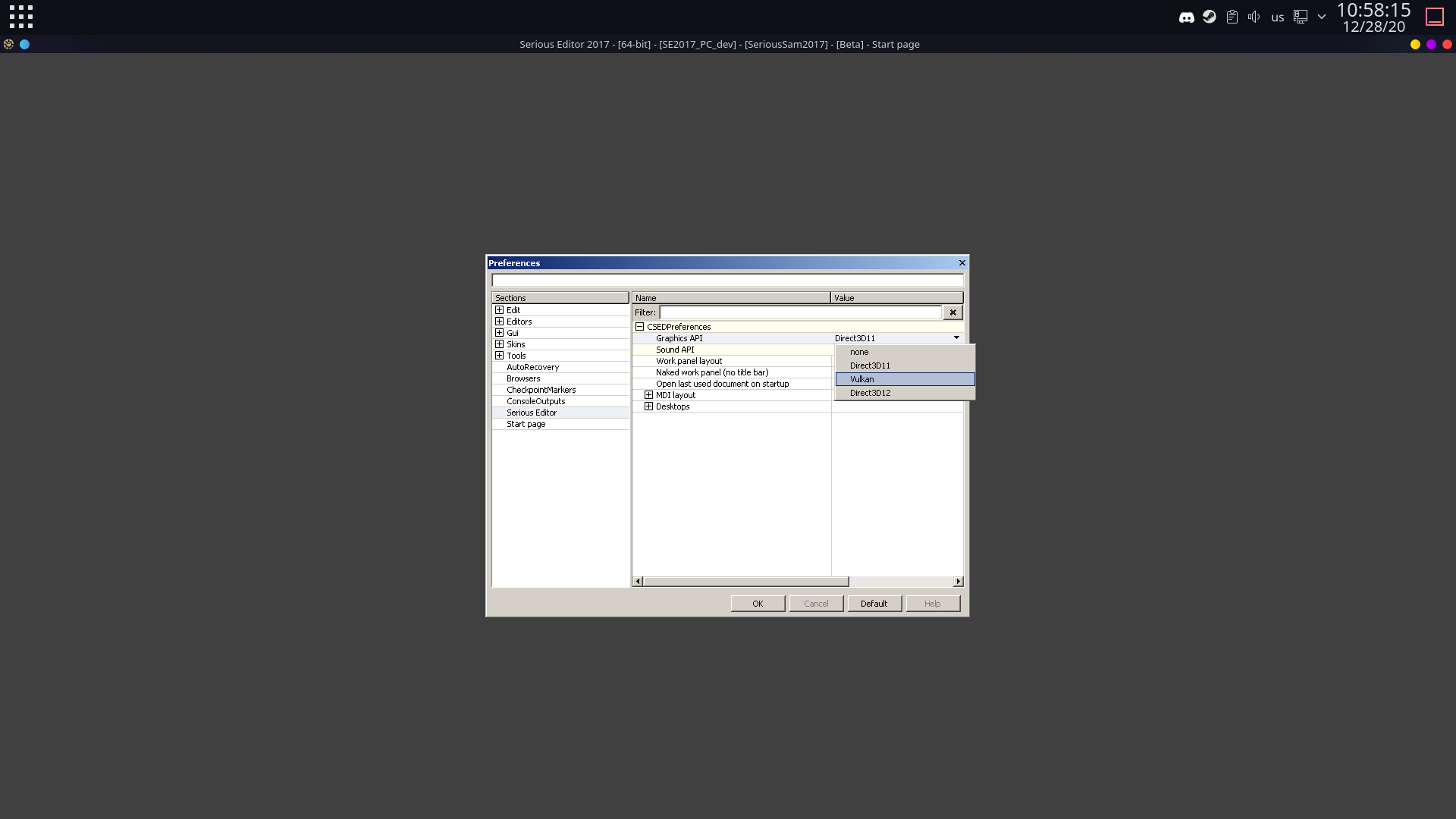
Upon further testing I changed the renderer to the native vulkan using proton experimental and then I switched to proton 6.0rc4 tkg that uses the system wide wine tkg 6.0rc4 and it just auto closed. Here is the log and I think the error it points to is this:
X Error of failed request: BadWindow (invalid Window parameter)
Major opcode of failed request: 12 (X_ConfigureWindow)
Resource id in failed request: 0x64000ab
Serial number of failed request: 370
Current serial number in output stream: 373
steam-564380.log
Proton versions
proton experimentalx2 2020-12proton 5.21x1 2020-12
Upstream links
- show_bug.cgi?id=45277x1 2020-12
Compatibility Report
System Information
I confirm:
steam-564380.log
Symptoms:
Gray screen
Reproduction
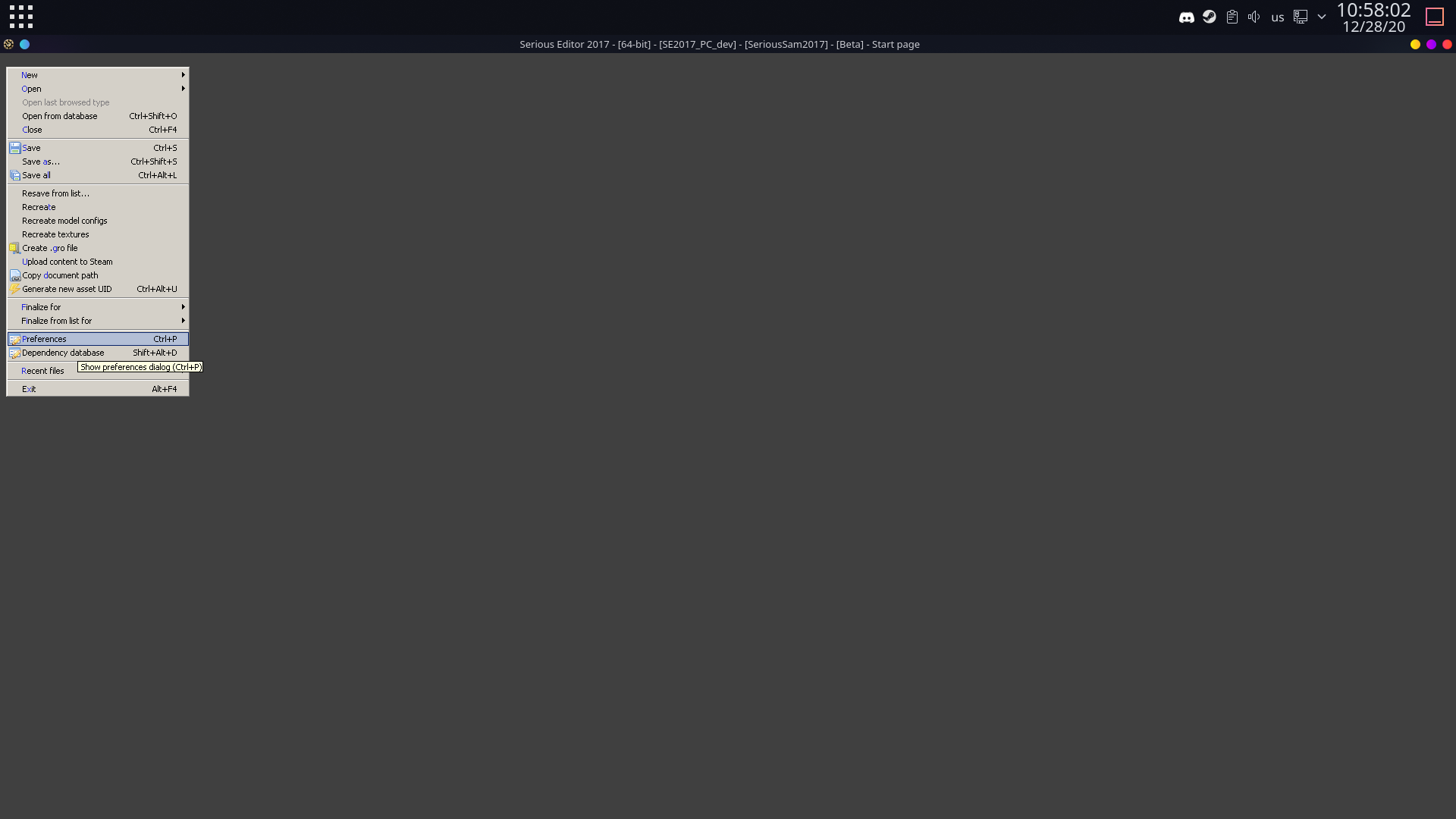
Simply launch the editor tool with Proton Experimental(if you try any other version it would give out access violation so there is something in proton experimental that no other proton has). The app will launch just fine and if you click top left for file or any other you'll see that it's indeed working and functional you can even load a level just fine and start a simulation, but it's just that the GUI interface is gray screen.