OUTRIDERS
is the EAC still an issue?
is the EAC still an issue?
yes
With the Worldslayer Expansion it seems that the game no longer uses EAC. Atleast I was able to play the game without any EAC hacks.
DX11 Mode:
The game crashes often at login. When the login was successful, the game itself runs smoothly.
DX12 Mode:
With DX12 I was not able to login. There are sometimes also crashes and blackscreens when I start the game.
Cutscenes:
The pre-rendered cutscenes are not working.
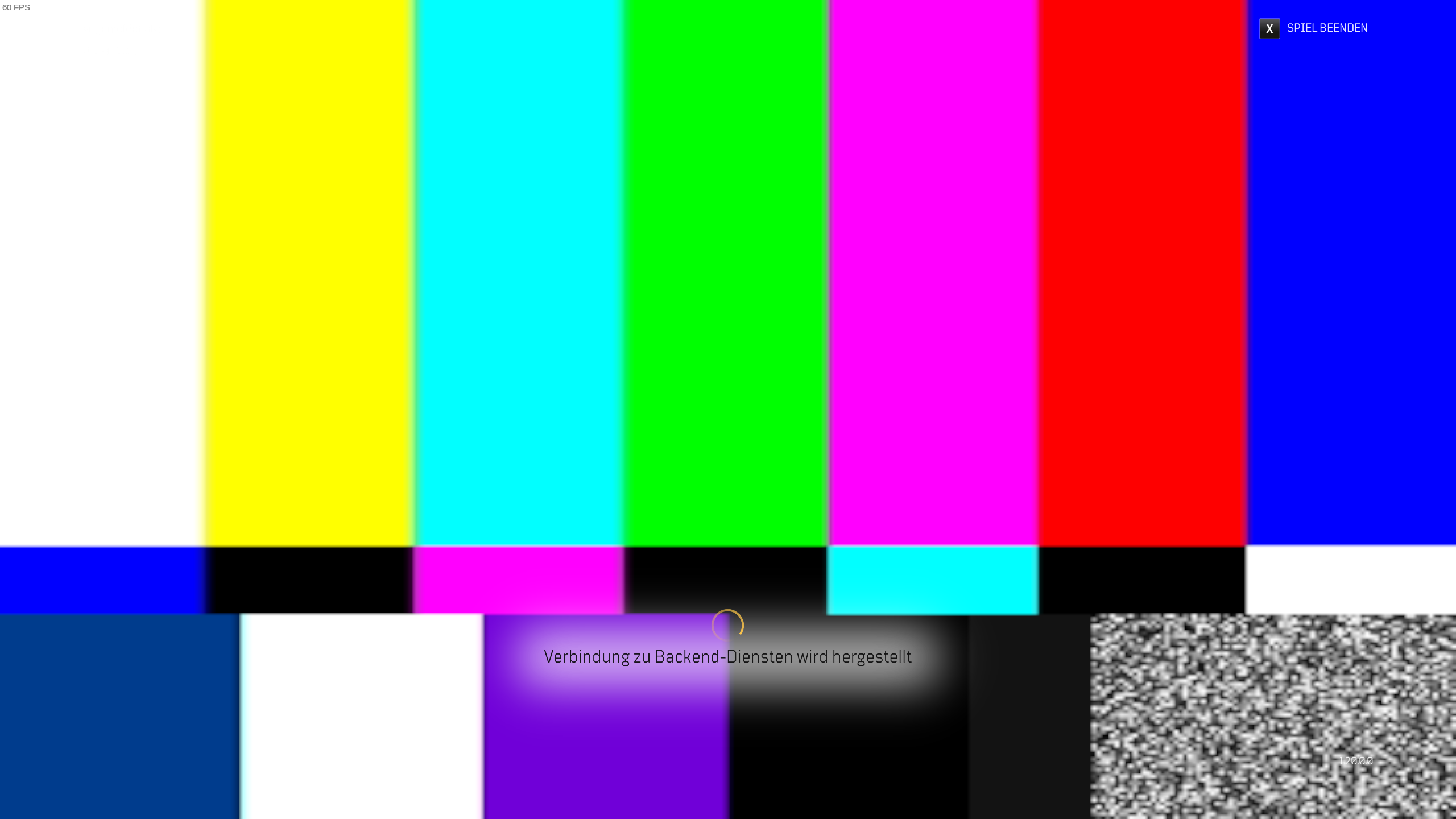
- The new login screen shows a maintenance screen.
- The intro movie when you start a fresh game shows a blackscreen. Audio is working. Before Worldslayer, this video showed a maintenance screen.
- Ingame cutscenes are working
System Information as gist.
Logfiles:
Blackscreen at DX12
Blackscreen and crash in DX12
Crash at login (DX12)
Crash at login (DX11)
Successful login (DX11), started new game for pre-rendered movie (prologue)
Maintenace picture instead of login screen:
On a Steam Deck, the game is now "Playable" but it gives me a black screen (even MangoHud is frozen) when loading it up. This is on the Preview branch.
I tried leaving it a long time but just black screen stays and that's the log above.
Then i switched to Steam Deck Stable branch and the same issue, here's a log for that too just in case it's different:
Also tried Proton Experimental, same problem.
Edit: after a second reboot on Steam Deck Stable...it suddenly works? Confusing.
I had the same issue just 2 minutes ago with the Outriders demo. Tried to start it 3 times and gave up. Apparently it has not been fixed yet.
I had the same issue just 2 minutes ago with the Outriders demo. Tried to start it 3 times and gave up. Apparently it has not been fixed yet.
the main game works for me just fine at least on SteamDeck (on 7.0-5 and experimental-bleeding) , I think the issue with the DEMO is that they haven't bother to update it, at least the anti-cheat part which was the main issue before
https://steamdb.info/app/1435990/history/
you could try the old workaround ...aka Install Apex Legends, then copy "easyanticheat_x64.so" -file provided by Apex Legends into Outriders
I finally got around to trying the workaround with easyanticheat_x64.so. After copying it to the EAC folder, the original error disappeared, only to be replaced by
Easy Anti-Cheat Hash Catalogue not found
I couldn't find a workaround for that one...
I finally got around to trying the workaround with
easyanticheat_x64.so. After copying it to the EAC folder, the original error disappeared, only to be replaced byEasy Anti-Cheat Hash Catalogue not found
I couldn't find a workaround for that one...
Have the same issue with the demo version of the game. I think the main game might have EAC removed?
I finally got around to trying the workaround with
easyanticheat_x64.so. After copying it to the EAC folder, the original error disappeared, only to be replaced byEasy Anti-Cheat Hash Catalogue not found
I couldn't find a workaround for that one...
Have the same issue with the demo version of the game. I think the main game might have EAC removed?
yeah EAC got removed on the main game with an update when the wordslayer expansion was released (not mandatory to have). But the demo isn't updated so workaround might or might not work anymore ...apparently it doesn't anymore
I still get the same EAC error with the demo. Others report that the game works: https://www.protondb.com/app/680420
OUTRIDERS (680420) - Black screen at menu
Issue transferred from https://github.com/ValveSoftware/Proton/issues/9634.
@KenSharp posted on 2026-03-31T19:14:46:
Compatibility Report
- Name of the game with compatibility issues: OUTRIDERS
- Steam AppID of the game: 680420
System Information
- GPU: Nvidia Quadro K5000
- Video driver version: Nvidia 470.256.02
- Kernel version: 6.8.0-106-generic
- Link to full system information report as Gist: https://gist.github.com/KenSharp/bbd42a18faf3803eadeeb9f679896351
- Proton version: 9.0
I confirm:
- [x] that I haven't found an existing compatibility report for this game.
- [x] that I have checked whether there are updates for my system available.
Symptoms
Following the intro video, OUTRIDERS plays the music but there is nothing but black screen.
Using OLD versions of Proton gives me a screen with an invisible character, but performance is very poor.
Reproduction
- Disable DXVK as it breaks everything.
PROTON_USE_WINED3D=1 %command% - Set DX11 mode (DX12 crashes)
- Launch
Add PROTON_DXVK_D3D8=1 makes no difference.
Hello @KenSharp, it should be noted that using PROTON_USE_WINED3D=1 is known to come with a significant performance penalty and is not considered supported. Any rendering issues you encounter with that would need to be reproduced with vanilla wine and reported to the upstream wine project.
Seen as we're using one bug per unsupported game, which makes little sense:
DX12 mode crashes and the Unity bug report dialog is shown.
DXVK enabled claims my GPU doesn't support DX12, always. Every time.
Testing in Wine is my next step. With DXVK gone a lot of problems are resolved in Wine, from experience.
Proton versions
proton experimentalx1 2022-07
Launch options
PROTON_USE_WINED3D=1`x1 2026-03PROTON_DXVK_D3D8=1`x1 2026-03PROTON_USE_WINED3D=1x1 2026-03
Launch lines
PROTON_USE_WINED3D=1 %command%x1 2026-03
Upstream links
- ValveSoftware/Proton/issues/9634x1 2026-03
Compatibility Report
System Information
I confirm:
steam-680420.log
Symptoms
The game crashed after EAC error message:

Reproduction
Always.