Resident Evil Village Gameplay Demo
Hello @DomiStyle, it looks like VKD3D needs to mature some more.

But, shouldn't the demo just work starting at 2021-05-01 17:00h (5:00PM)?
https://store.steampowered.com/app/1541780/Resident_Evil_Village_Gameplay_Demo/

@kisak-valve Good to know, will skip the full game on launch then and wait until VKD3D is ready.
@msmafra Apparently you should still be able to launch the game and see an error message until the demo starts.
CPU: Intel Core i5-7300HQ
GPU: NVIDIA GeForce GTX 1050
NVIDIA Driver Version: 465.24.02
RAM: 16GB
OS: Fedora 34 ThirtyFour
Kernel: x86_64 Linux 5.11.16
Proton version: Proton Experimental & Proton 6.3-2
and also: Proton-5.21-GE-1 Proton-5.9-GE-7-ST Proton-6.0-GE-1 Proton-6.1-GE-1 Proton-6.1-GE-2 Proton-6.4-GE-1 Proton-6.5-GE-1 and Proton-6.5-GE-2
vulkan-headers/vulkan-loader version: 1.2.162.0
mesa-vulkan-drivers version: 21.0.3
Some results were black screen window or no window whatsoever, but shown as running.
SteamOS

Same. I hope the demo will work until the end of availability.
Same. I hope the demo will work until the end of availability.
I hope so too but I doubt they will make it in 7 days
It's not possible to switch back to DX11 with the ini file?
I hope so too but I doubt they will make it in 7 days
Windows/console users: afraid they won't be able to complete the demo in 60 minutes.
Linux users: afraid they won't be able to play the demo for 9 days.
It's not possible to switch back to DX11 with the ini file?
I tried already but the game just switches back on launch and then crashes.
Changing the game prefix to Windows 7 works?
Update:
Changing prefix to Windows 7 didn't work.
It seems the game is DX12 exclusive.
How to reset the demo timer (For debugging purposes):

@alosarjos I don’t understand why it’s here? If the game does not start and the timer does not tick.
In addition, SAM seems to be not quite a legal software for Steam, and it is better to use a library that blocks the timer than spoil the steam profile statistics.
@rejedai Just thought It could be useful.
How to reset the demo timer (For debugging purposes):
I hope this wasn't posted on the Steam website lol if yes it wasn't the smartest move.
fwiw it starts with vkd3d-proton master showing the initial "this is not a finished product" warning screen but then crashes immediately with media foundation issues it seems like
fwiw it starts with vkd3d-proton master showing the initial "this is not a finished product" warning screen but then crashes immediately with media foundation issues it seems like
Have you tried proton-ge? There mf is included.
Capcom have implemented denuvo in the demo? Why publishers can't understand that people who can't buy the game won't buy despite such protections. It would be better to save money on protection and not add microtransactions.
Nevertheless, they at least remove the protection in their games after some time, unlike EA, in addition to the protection that forces to download their launcher, which causes a huge number of problems. As a person who uses big picture and a gamepad on the TV, I experience a strong butthert because of this.
Steam has long needed to introduce a policy restricting the use of third-party launchers.
Both the demo and the full game have an issue rendering faces when using amdvlk, at least on vega 64.
5.11.11-144-tkg-upds
amdvlk-2021.Q2.2-1 lib32-amdvlk-2021.Q2.2-1
mesa-tkg-git-21.1.0.138319.19ed21fba9b (built the release tag version)
Other than video playback this looks like the last graphics issue to make the game fully playable, once we can figure out how to manually set the highest graphics settings in the ini file.
Note that RADV has a shader problem that I think is already getting fixed upstream so I'm not going to post pictures of it in this post.

Note also that during the opening cutscene of the full game the video might be lagging behind the audio. This might be a real problem and not just the game slowing down, but hard to say without a working graphics menu.
Note the picture above is from this demo, but in the full game you can see the face rendering issue immediately when you start a new game FYI.
@BillFleming how did you get it running?
I tried out different configs to run the actual game. Now I get another problem. Anyone else get this? Seems like Denuvo is blocking me now (possibly the "5 different PC within a day machine activation limit")...
https://support.codefusion.technology/rev22_d9o4r7f2/?e=88500006&l=english

https://github.com/Frogging-Family/wine-tkg-git/releases/tag/6.7.r17.g50d26744
This build is known to work with RE8 demo, and hopefully will also work just as good with RE8 final.
Josh and I tested that and it doesn't work yet, but TKG has already put out a new one that we haven't tested.
What did work was self-compiling vkd3d-proton using dxvk-tools, then manually replace the dx12 dlls in proton experimental and also replace the mfplat dll in proton experimental with a modified one, but unlike the demo the full game seems to run in slow mo for some people. I recommend the rest of yall wait a few hours and test things on the demo first so you don't hit the denovo limit.
In addition both radv and amdvlk have different bugs either launching the game or rendering bugs. There are some patches surfacing but I won't be able to test for a few hours. You WILL need these patched latest drivers to run the game properly with whatever proton gets released that works.
So if you want to play this game on proton this weekend I suggest switching to arch and do a full system update in the meantime while they figure it all out.
I just tested with "Proton-tkg 6.7.r17.g50d26744 for RE8" and it works well:

But it looks like I can't access the display configuration menu:

It also crashed at the end of the level when your time is displayed.
Edit:
With the demo "The Village", it didn't crash after this screen:

it launches a video when you press "A". I suspect it crashed the first time because of Mangohud but this time, I disabled it.
Log (maybe there is something interesting about the display configuration menu):
steam-1541780.log
My configuration:
CPU: AMD Ryzen 3600
GPU: AMD RX 580
Driver: Mesa 21.0.3
OS: Arch
Kernel: Linux Zen 5.12.1
@an-aessid Ordinarily, Denuvo will check for an authentication token, and if one isn't found, send an activation request to the server for a new one. The tokens are supposed to be stored for a while, but some custom Proton builds will delete it after the game closes for whatever reason, so you'll be locked out after opening and closing the game 5 times in a 24-hour period.
@NerosTie could you provide your config.ini. I tested the demo, but my settings are quit bad by default.
proton-tkg: https://github.com/Frogging-Family/wine-tkg-git/tree/6.8.r0.g0f00e37c
CPU: i7-8750H
GPU: RTX 2060 Mobile
OS: Arch
@jcyrax
config.tar.gz
Looks like there was a Proton Experimental update because the game starts without problems, the only thing which looks weird are the low graphics on the walls.
Screenshots
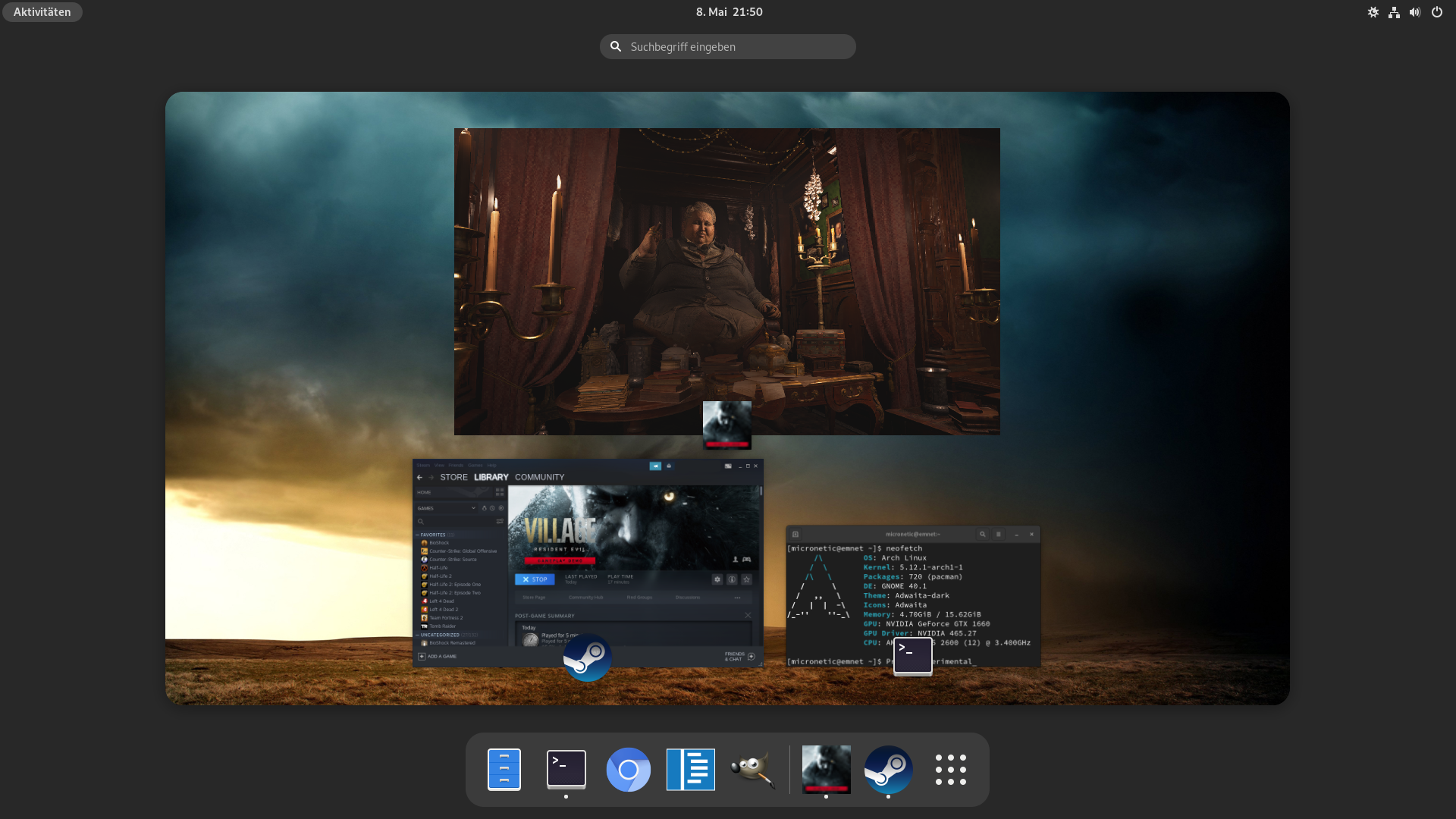
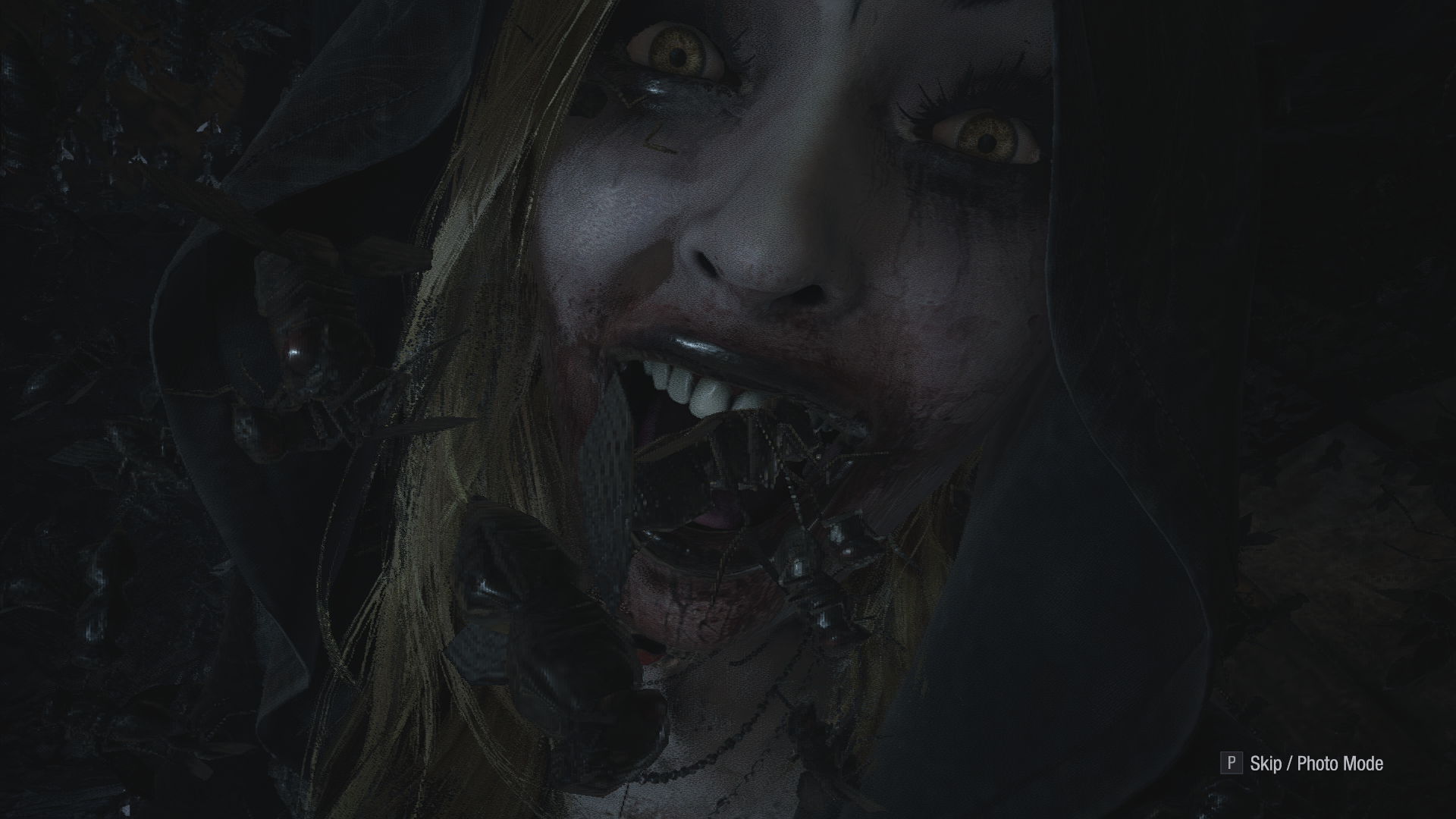
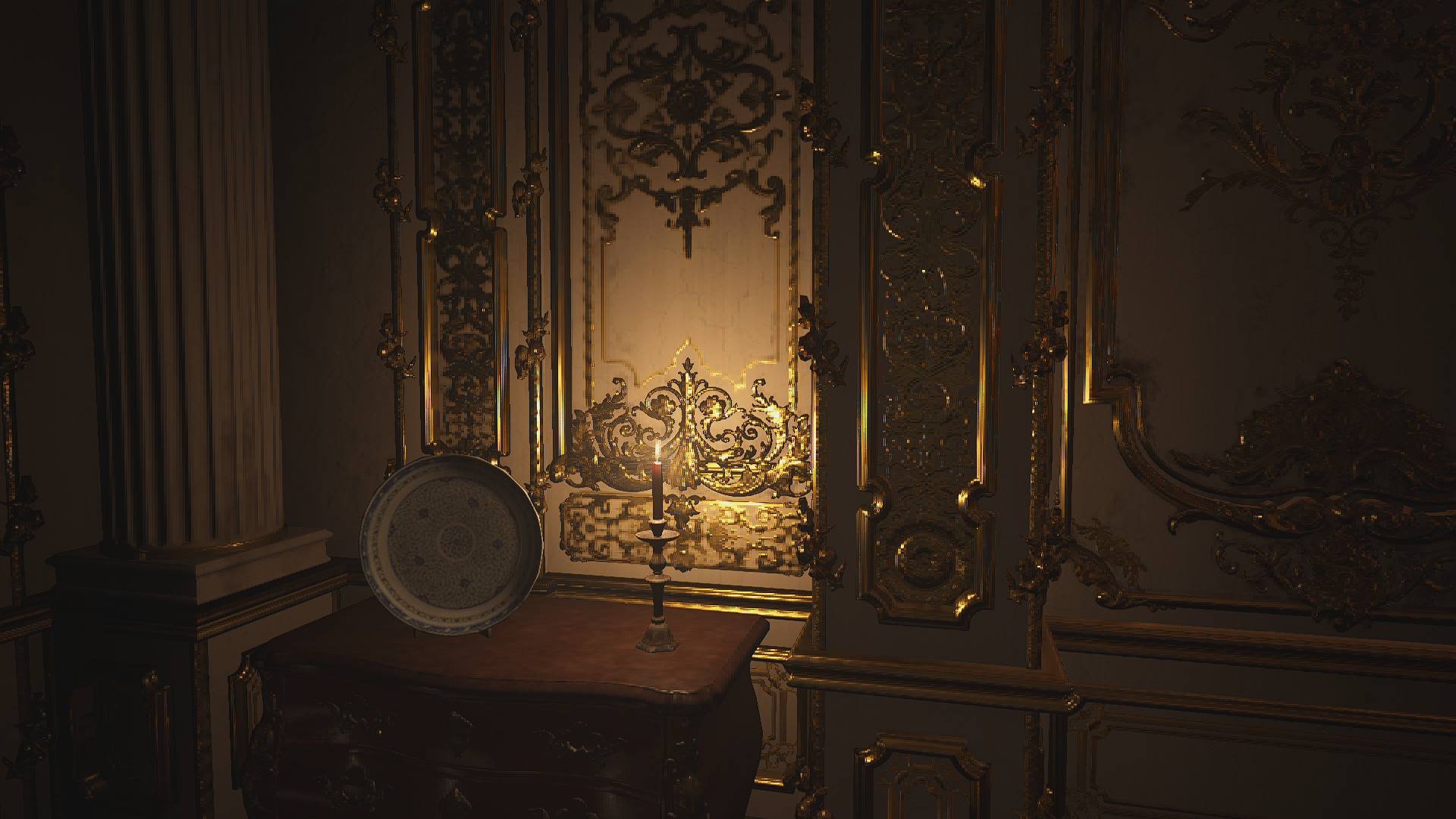
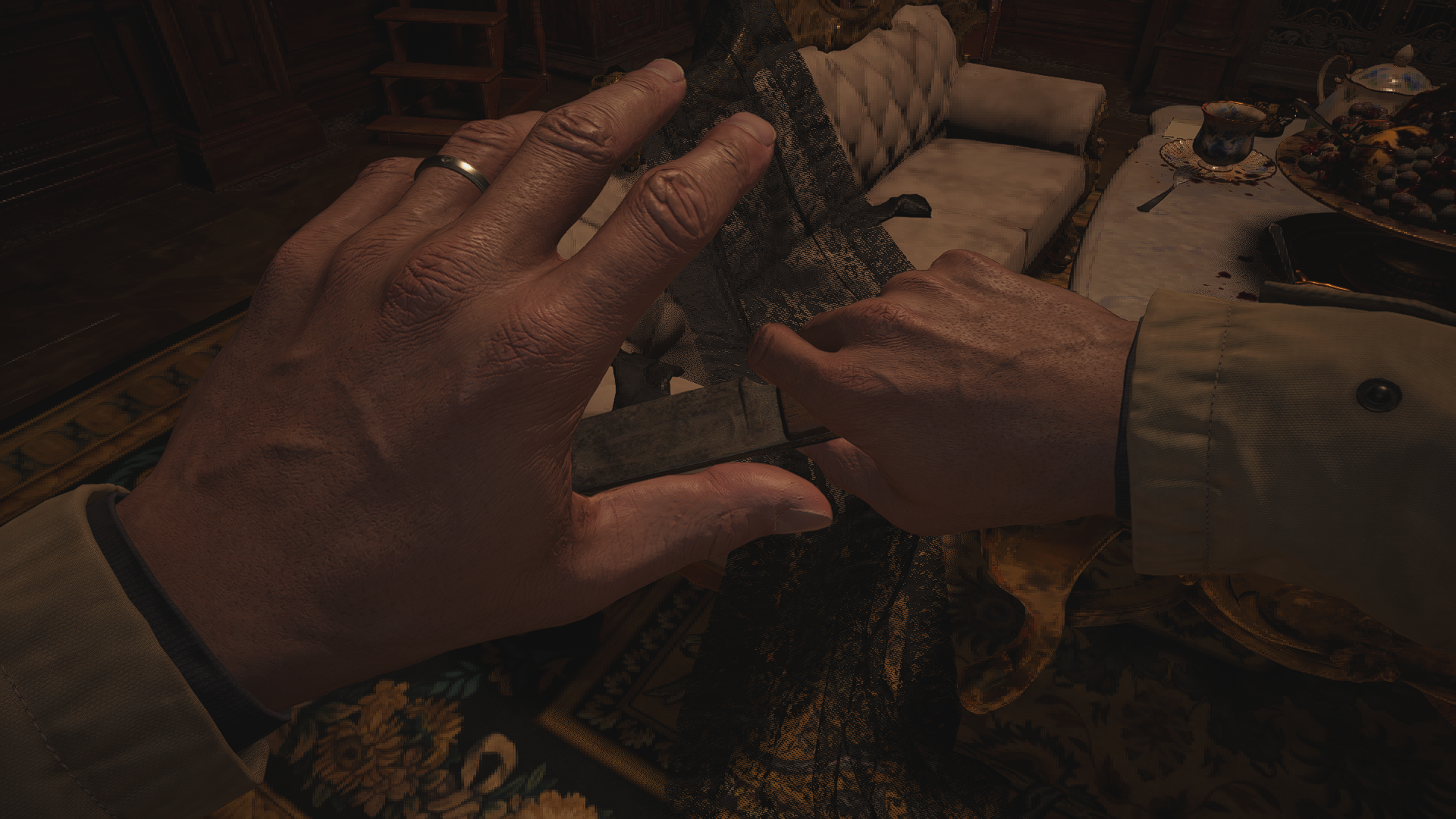
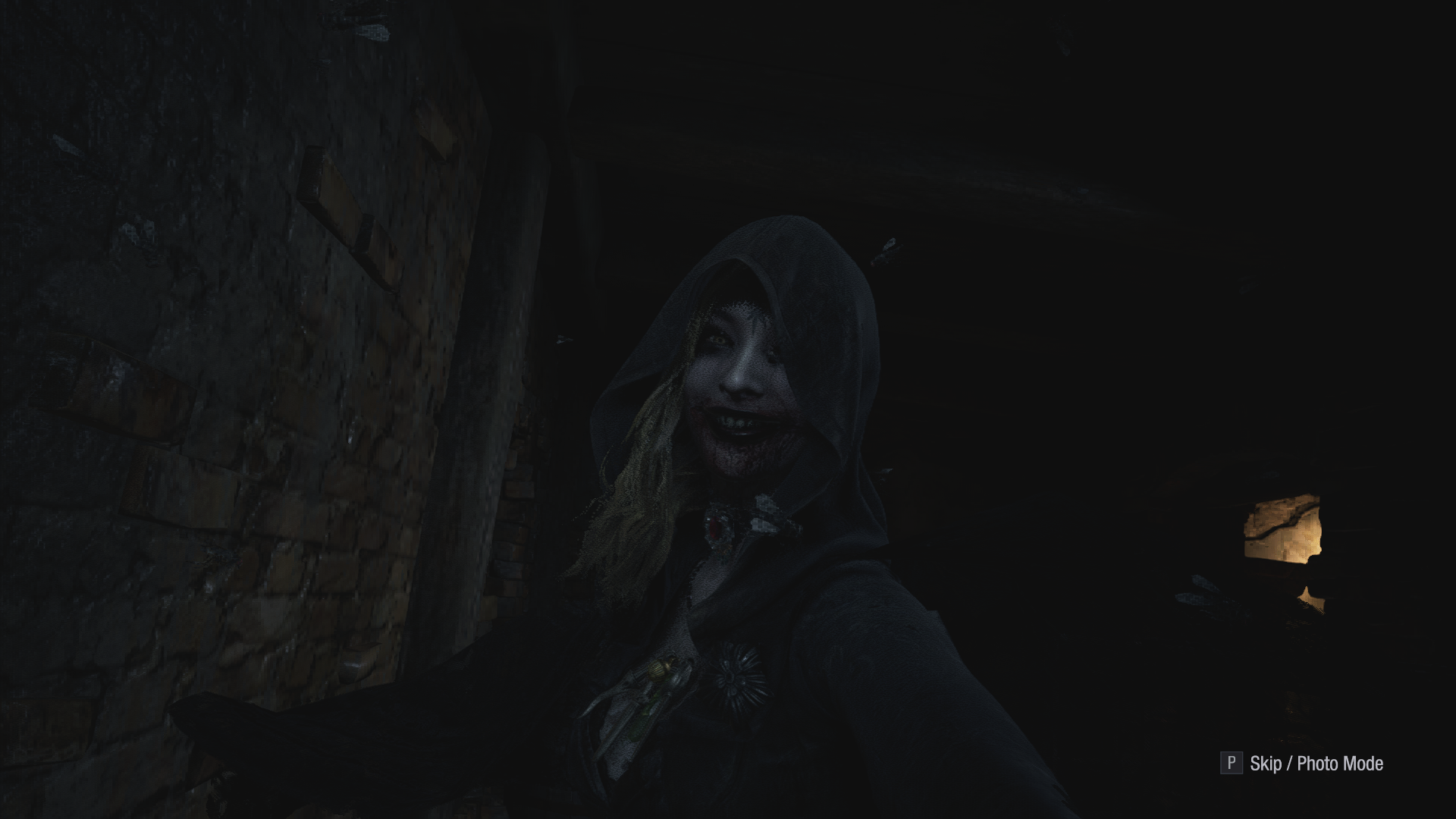
@Micronetic I believe the low-resolution textures you're seeing are a result of the variable rate shading setting. This is a setting designed to increase performance on high pixel-density displays by rendering less important aspects of the view at a lower resolution. More info on RE8's implementation of VRS can be found here You should be able to turn the setting off and significantly increase the detail on the screen (at the cost of performance) with the following line in your config.ini file:
VRSSetting=Off
By turning VRS off, textures and geometry should look sharp, just as you would expect them to be.

@Micronetic I believe the low-resolution textures you're seeing are a result of the variable rate shading setting. This is a setting designed to increase performance on high pixel-density displays by rendering less important aspects of the view at a lower resolution. More info on RE8's implementation of VRS can be found here You should be able to turn the setting off and significantly increase the detail on the screen (at the cost of performance) with the following line in your
config.inifile:VRSSetting=OffBy turning VRS off, textures and geometry should look sharp, just as you would expect them to be.
Oh wow, this is great, thank you very much!
Proton versions
proton experimentalx4 2021-05proton 6.3-2x2 2021-05proton 5.21-ge-1x1 2021-05proton 5.9-ge-7x1 2021-05proton 6.0-ge-1x1 2021-05proton 6.1-ge-1x1 2021-05proton 6.1-ge-2x1 2021-05proton 6.4-ge-1x1 2021-05proton 6.5-ge-1x1 2021-05proton 6.5-ge-2x1 2021-05
Compatibility Report
System Information
I confirm:
steam-1541780.log
Symptoms
Game window opens, shows a blackscreen and crashes.
Reproduction
Start the demo.