workaround:
install linux native dosbox, replace raptor.conf with:
RAPTOR.CONF.txt
(edit where needed, for example I'm starting rap.exe directly, to get music to work I had to run setup.exe once)
start the game with:
dosbox -conf "~/.steam/steam/steamapps/common/Raptor Call of the Shadows/Raptor - Call of the Shadows/RAPTOR.CONF"
Nothing extracted yet.
Compatibility Report
System Information
I confirm:
steam-358360.log
If I start steam from commandline I notice the below lines:
Symptoms
Dosbox starts but only shows a blinking black screen, no text in dosbox.
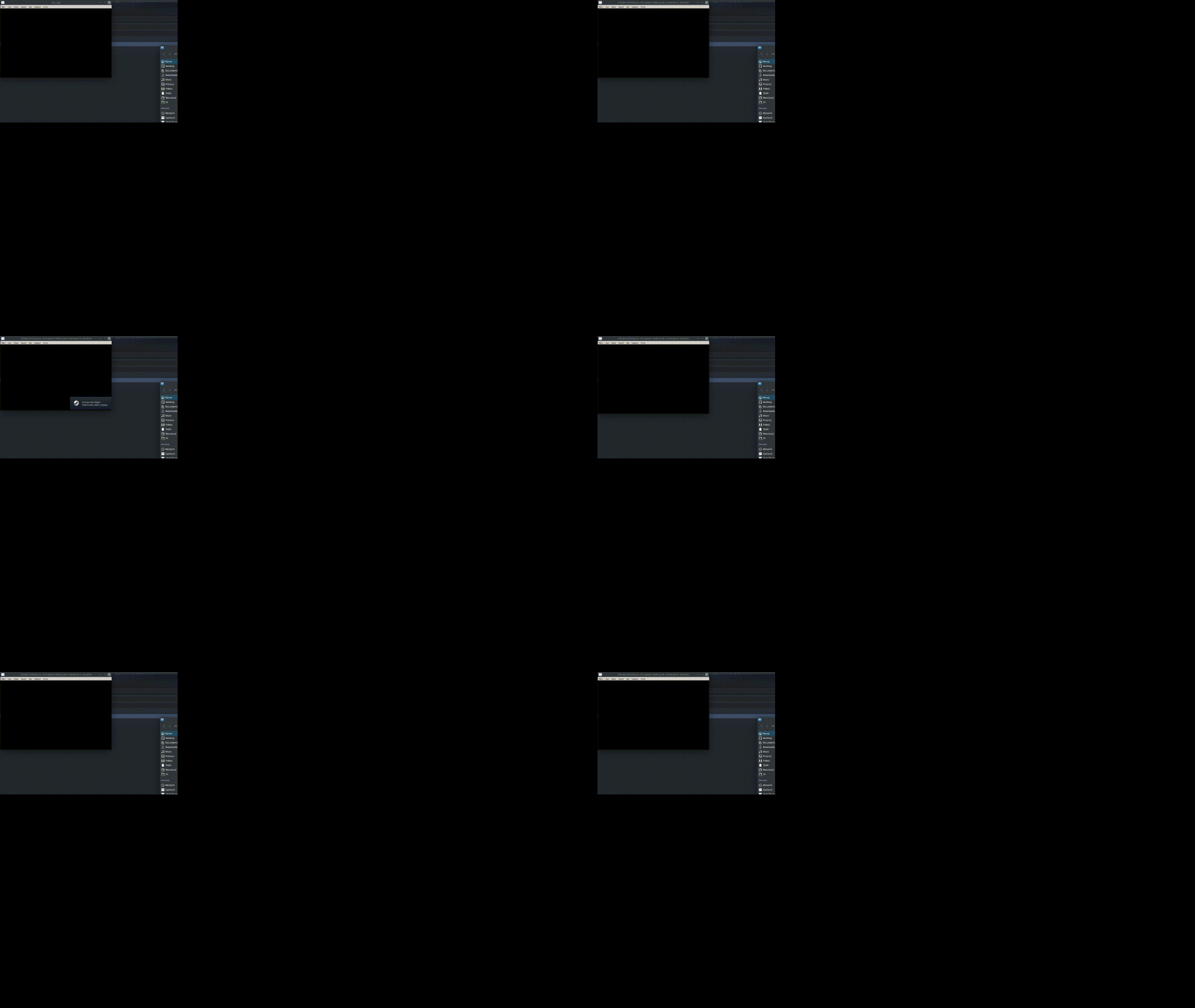
Short recording showing this:
Reproduction
Install raptor, start raptor through proton as for some reason it's not using linux dosbox, dosbox starts but only shows a blinking black screen.
Likely an issue with the videoplayer? Searching on the error messages shows some workarounds by removing video files, not sure how for raptor as video files seem to be packed.
Tried disabling Steam overlay.
Tried the suggestions to the conf file in: https://steamcommunity.com/sharedfiles/filedetails/?id=701564226