Euro Truck Simulator 2
That's very odd, for me I just set it to use experimental even a couple of months ago and still use it that way - it works absolutely fine. Have you tried with Proton-GE then go back to official Proton?(Although I always used official)
EDIT: Another suggestion is to try with the AMDGPU-PRO vulkan driver it is possible to have a regression on mesa(I'm unsure of that however, but when I used AMD gpu there were such problems)
Screenshots
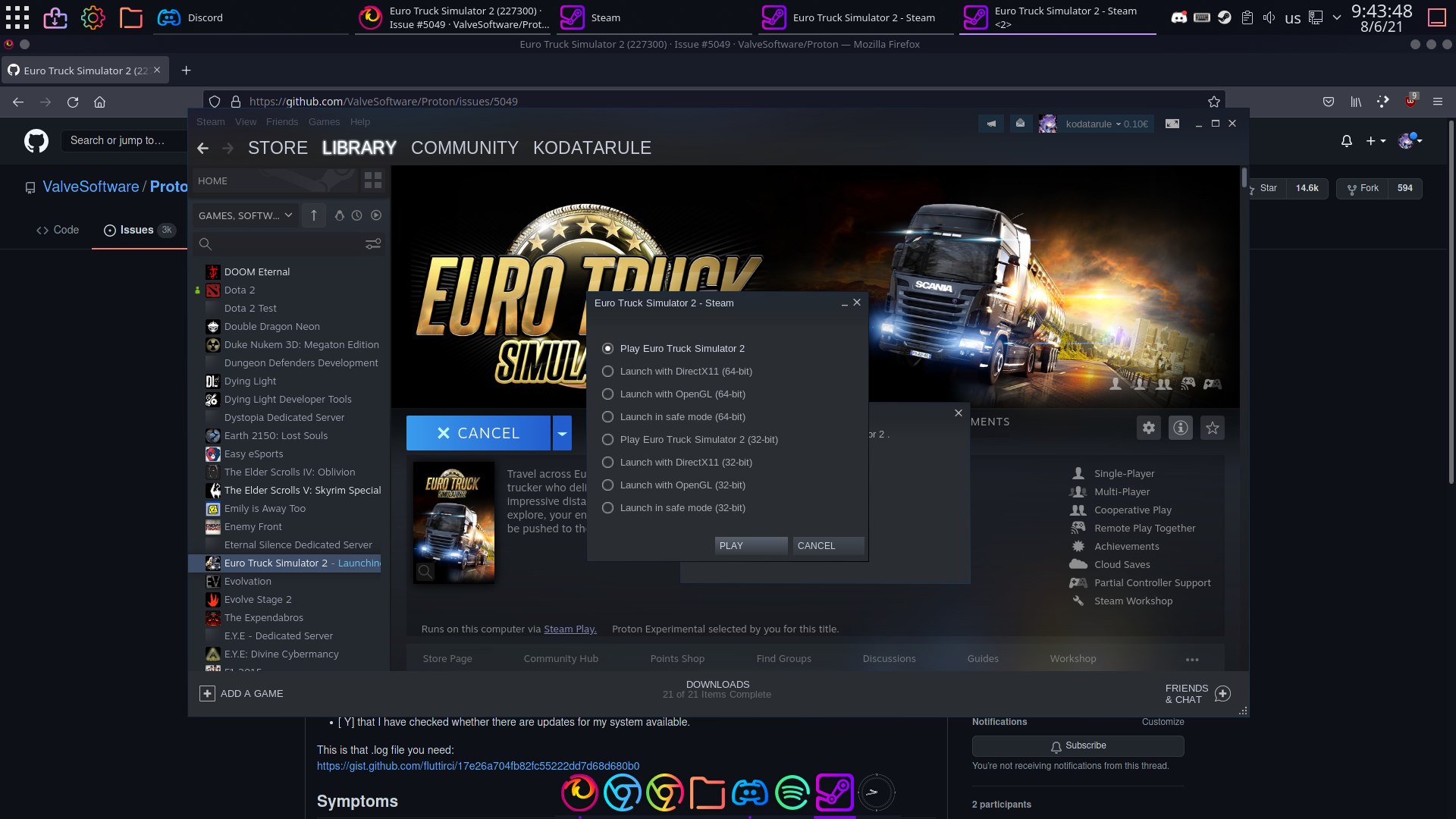


Yes I am using standart amdgpu driver. Perhaps amdgpu PRO will solve this. Gonna try later.
amdgpu pro is basically indifferent to amdgpu, the amdgpu drivers are built into the kernel and provide good performance as it is, not like nouveau for nvidia
Symlinks for game config files are overwritten
Issue transferred from https://github.com/ValveSoftware/Proton/issues/5556.
@kallestrop posted on 2022-02-08T06:40:03:
- Proton version 6.3-8
- Tested with Euro Truck Simulator 2 (227300) running with Proton
- Game library is located on a etx4 formated SSD
- OS: Debian 11 Bullseye
When creating a symbolic link for a game config file located in /home/user/.local/share/Steam/steamapps/compatdata/227300/pfx/drive_c/users/steamuser/Documents/Euro Truck Simulator 2/profiles/56616E696C6C61, the link will always be overwritten after changes are applied in game config menu.
How to reproduce:
- Navigate to profile folder - in my case:
~/.local/share/Steam/steamapps/compatdata/227300/pfx/drive_c/users/steamuser/Documents/Euro Truck Simulator 2/profiles/56616E696C6C61 - rename
controls.siitocontrols.reference - create symbolic link
ln -s controls.reference controls.sii
user@bullseye:ls controls.*
-rw-r--r--  1 user users  35K  8. Feb 07:00 controls.reference
lrwxrwxrwx  1 user users   18  8. Feb 07:25 controls.sii -> controls.reference
Now start the game and apply changes to a keybinding. After that, symlink is overwritten:
user@bullseye:ls controls.*
-rw-r--r-- 1 user users 35K  8. Feb 07:00 controls.reference
-rw-r--r-- 1 user users 35K  8. Feb 07:26 controls.sii
Hello, Since the 9.0-4 I had poor performance. I can't have more than more 40 fps. And the fps fluctuate a lot between 20 and 40 fps. In the menu it is the same.
I have no issue with 9.0-3. It was running perfectly between 50 and 75 fps and I had 75 stable fps in menu.
Hello @Unknownledge, please add PROTON_LOG=1 %command% to the game's launch options, reproduce the regression, and attach the generated $HOME/steam-$APPID.log to this issue report as a file. (Proton logs compress well if needed.) Also, please copy the contents of Steam Runtime Diagnostics from Steam (Steam -> Help -> Steam Runtime Diagnostics) and put it in a gist, then include a link to the gist in this issue report.
Euro Truck Simulator 2 Windows version with TruckersMP (Multiplayer)
Issue transferred from https://github.com/ValveSoftware/Proton/issues/8539.
@ZzEdovec posted on 2025-03-18T23:36:03:
Compatibility Report
- Name of the game with compatibility issues: Euro Truck Simulator 2 running with truckersmp
- Steam AppID of the game: 227300
System Information
- GPU: NVIDIA GTX 1660 Super
- Video driver version: nvidia 570.124.04
- Kernel version: Linux Zen 6.13.7
- Link to full system information report as Gist:
- Proton version: 9.0-4, Experimental, HotFix (but it works on Proton 8 and for a month or two ago on Experimental, if I'm not mistaken)
- Full system info: https://gist.github.com/ZzEdovec/02fe348d9ccf693afa715ae0997b6386
- Proton log: https://gist.github.com/ZzEdovec/b0004f22ac0ec73c39b6cfcfbee74623
- Runtime Diagnostics: https://gist.github.com/ZzEdovec/ff3eab2038be55a7c127f250952b1a86
I confirm:
- [☑️] that I haven't found an existing compatibility report for this game.
- [☑️] that I have checked whether there are updates for my system available.
Symptoms
When running through the truckersmp-cli or the official TruckersMP launcher added to Steam as a third-party game, ETS 2 crashes with this error:
<error> Unhandled exception: EXCEPTION_ACCESS_VIOLATION 0x00006ffffa9d14c4. Module: Z:\mnt\\sda1\\SteamLibrary\\steamapps\\common\\Euro Truck Simulator 2\\bin\\win_x64\\dstorage.dll
Reproduction
Enable Proton for Euro Truck Simulator 2 to download the Windows version instead of the native
And then there are two methods
- Run truckersmp-cli with these arguments:
truckersmp-cli --proton-appid 1493710 --gamedir /path/to/steam_ets2 -n steam_account_name -r dx11 ustart ets2mp - The game is in “running” status in Steam for a few seconds and then crashes. The error log will be generated inside the prefix (
~/.local/share/truckersmp-cli/Euro Truck Simulator 2/pfx) indrive_c/users/steamuser/Documents/ETS2MP/Logswhere it says there is an error related to dstorage.dll.
- Download, install (with Wine) official TruckersMP launcher for Windows, add the main executable file of the launcher (located inside the Wine prefix in which it was installed, on the path
drive_c/users/user/AppData/Local/TruckersMP) as a third-party game to Steam and enable Proton for it, start, click “Play” in TruckersMP launcher and... for a few seconds Euro Truck Simulator 2 in Steam is in the status “running”, then crashes. The error log appears in the same path as in the first method, but in some prefix in~/.steam/steam/steamapps/compatdata
@alasky17 Regarding the mouse issue / regression (wheel causes the issue)
Tested in SwayWM (wlroots0.18 0.18.2-1, sway 1:1.10.1-3) and openSuse (Plasma 6.3.5)
Mouse works under Proton 10.0-1 (beta) and Experimental (06.06.2025).
When using Proton Experimental bleeding-edge (06.06.2025) with a new prefix ETS2 detects all the controllers and I get popups for each, the first being:
Cursor Control
A new unknown input controller was found
Thrustmaster T500 RS Gear Shift
Do you wish to use it to control the mouse cursor in user interface screens?
Waring - this usually works well with gamepads or joysticks, but steering wheels and pedals are not suitable for mouse cursor control!
[Use as mouse] [Ignore]"
At this point I am unable to move the mouse cursor with either mouse (2 wireless but tested wired mode).
Can be fixed by pressing a button/moving the wheel on the Thrustmaster T300RS wheel but might reappear on following popups (but again fixable by pressing a button). Doing so might select an option / move the cursor to one.
Unplugging the wheel before starting the game also fixes the issue.
(Disabling the T500 RS Gear Shift makes the problem occur on the screen for another input).
Having Oversteer active makes no difference.
After the first time setup the problem seems to be gone.
@Pengukov Thank you for the report and ping! We'll look into this one :)
Euro Truck Simulator 2 - American Truck Simulator
Issue transferred from https://github.com/ValveSoftware/Proton/issues/8787.
@PachecoGamer posted on 2025-06-09T21:46:59:
Compatibility Report
- Name of the game with compatibility issues: Euro Truck Simulator 2 / American Truck Simulator
- Steam AppID of the game: ETS 2 ( 227300) ATS ( 270880 )
System Information
- GPU: RTX 3060 Ti
- Video driver version: nvidia 575.57.08
- Kernel version: 6.14.10
- Link to full system information report as Gist: https://gist.github.com/PachecoGamer/c806e26c1d86ffb1d7cc8385353bf515
- Proton version: 10.0.1
I confirm:
- [x ] that I haven't found an existing compatibility report for this game.
- [ x] that I have checked whether there are updates for my system available.
Symptoms
The Force Feedback on the G27/g29 steering wheel does not work in Proton version 10.0.1. However, in version 9.0.4 it works perfectly.
Reproduction
Open the game. Go to control settings and try to configure the steering wheel with force feedback
Hello @PachecoGamer, please add PROTON_LOG=1 %command% to the game's launch options, reproduce the regression, and attach the generated $HOME/steam-$APPID.log to this issue report as a file. (Proton logs compress well if needed.)
@PachecoGamer - could you also please try Proton - Experimental? If you use the oversteer app you might have problems, but if you don't use oversteer, it would be interesting to know if force feedback is already fixed for you there :)
Proton versions
proton 10.0-1x1 2025-06proton experimentalx1 2025-06
Launch options
PROTON_LOG=1x2 2025-06
Upstream links
- ValveSoftware/Proton/issues/8787x1 2025-06
- ValveSoftware/Proton/issues/8539x1 2025-03
- ValveSoftware/Proton/issues/5556x1 2022-02
- ValveSoftware/Proton/issues/4817x1 2021-08
DLLs
dstorage.dllx1 2025-03
Compatibility Report
System Information
I confirm: TO THESE.
This is that .log file you need:
https://gist.github.com/fluttirci/17e26a704fb82fc55222dd7d68d680b0
Symptoms
It won't run, the play button turns to stop, it keeps that way for a long while, more than 20 minutes. It won't open.
Reproduction
Linux version just works, but whenever I force compatibility, it won't work. I had the same problem 2 months ago, but that time it was pop os. Now archlinux. Here this one: https://github.com/ValveSoftware/Proton/issues/4817
That fix doesn't work for me now though.