MIR4
@kisak-valve I tried it with Experimental Proton and it's open infinitely with the black screen and the game pointer does not appear, from the logs is it possible to know if it is a problem that there is already some work in progress?, is there anything else i can do?
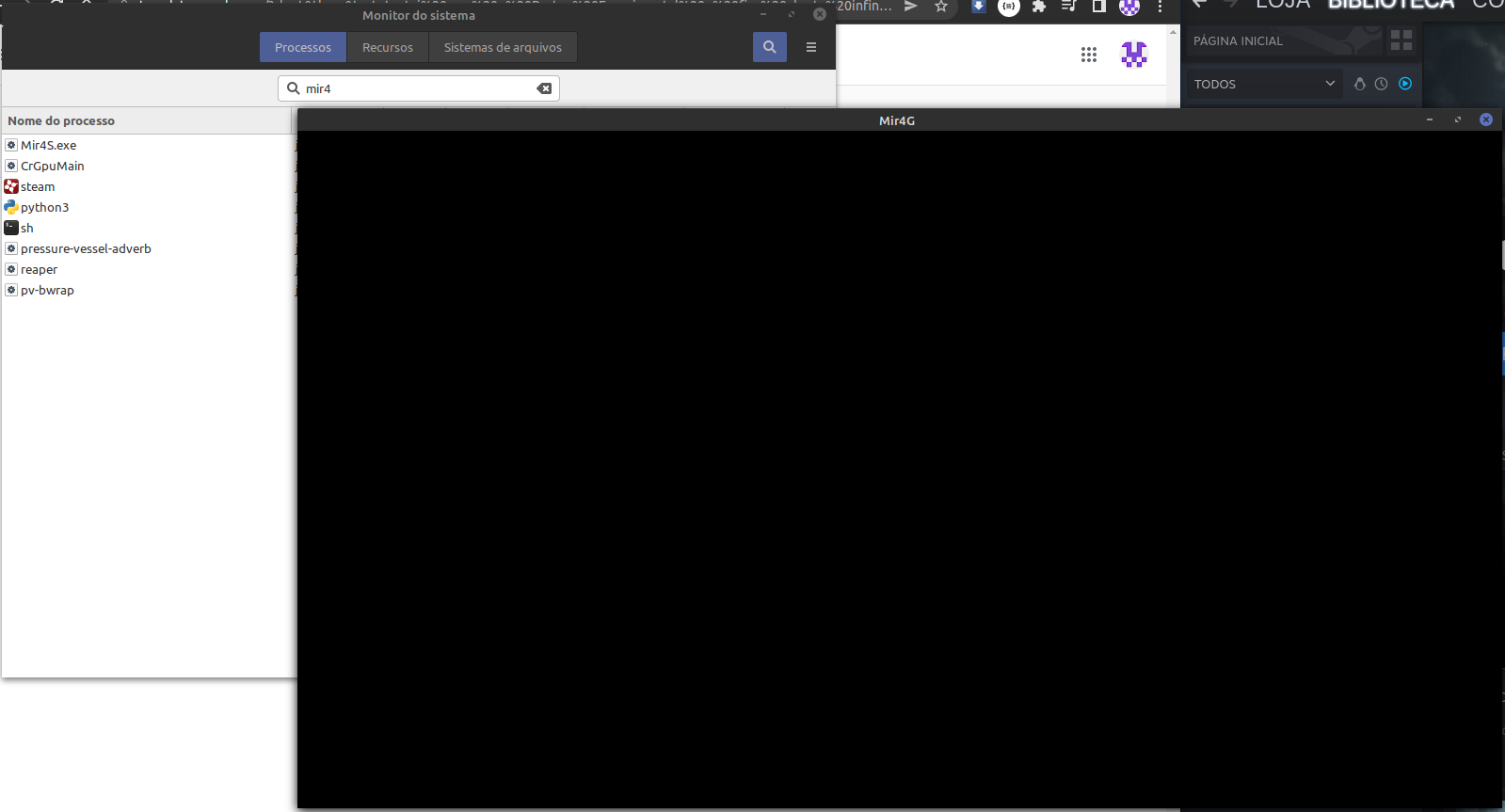
I'm guessing that we're seeing https://bugs.winehq.org/show_bug.cgi?id=44985 here.
Maybe try setting the game's launch options to WINEDLLOVERRIDES=libglesv2=d %command% and see if that works around the issue?
unfortunately have the same behavior :(
steam-1623660.log
I want to test this solution, would it be possible to install corefonts in proton?
I installed protontricks and ran the command protontricks 1623660 corefonts, after that I tested without and with the WINEDLLOVERRIDES=libglesv2=d %command% but it still has the same problem
I tried this solution by replacing the files provided, it doesn't work.
steam-1623660.log
I tried to install protontricks 1623660 wmp11 but the log error continues
winegstreamer error: decodebin0: Your GStreamer installation is missing a plug-in.
winegstreamer error: decodebin0: ../src-gst_base/gst/playback/gstdecodebin2.c(4719): gst_decode_bin_expose (): /GstBin:bin0/GstDecodeBin:decodebin0:
no suitable plugins found:
Missing decoder: MPEG-4 AAC (audio/mpeg, mpegversion=(int)4, framed=(boolean)true, stream-format=(string)raw, level=(string)2, base-profile=(string)lc, profile=(string)lc, codec_data=(buffer)1210, rate=(int)44100, channels=(int)2)
Missing decoder: H.264 (Main Profile) (video/x-h264, stream-format=(string)avc, alignment=(string)au, level=(string)4.1, profile=(string)main, codec_data=(buffer)014d4029ffe10019674d4029965280a00b7494040405000003000100000300328401000568e9093520, width=(int)1280, height=(int)720, framerate=(fraction)25/1, pixel-aspect-ratio=(fraction)1/1)
I tried running with Proton-7.0rc2-GE-1 and the problem with GStreamer was fixed, when opening the game the video is displayed correctly with the audio but after that the game close
steam-1623660.log
trying to run with Proton-7.0rc2-GE-1 + PROTON_USE_WINED3D=1 it seems that another problem arises
steam-1623660.log
103649.778:010c:0264:err:d3d:wined3d_debug_callback 0x1c050050: "GL_INVALID_ENUM error generated. Invalid buffer format.".
in the new version Proton 7.0-1, the game opens up to the menu where the "start game" button (or start download) is presented, but after a while when clicking the button or not it closes unexpectedly
steam-1623660.log
MIR4 (1623660)
Issue transferred from https://github.com/ValveSoftware/Proton/issues/5648.
@M4rQu1Nh0S posted on 2022-03-05T18:28:51:
The game open but not respond anymore while patch download.
steam-1623660.log
MIR4 issue (Non-Steam Launcher)
Issue transferred from https://github.com/ValveSoftware/Proton/issues/6261.
@M4rQu1Nh0S posted on 2022-10-22T19:50:39:
Compatibility Report
- Name of the game with compatibility issues: MIR4
System Information
- GPU: Nvidia GTX 1050ti 4GB
- Driver/LLVM version: nvidia 510.85.02
- Kernel version: 5.19.0-21-generic
- Link to full system information report as Gist: https://gist.github.com/M4rQu1Nh0S/517f861361a08f627f3a9fb13698cedf
- Proton version: 1665575168 experimental-7.0-20221012
I confirm:
- [x] that I haven't found an existing compatibility report for this game.
- [x] that I have checked whether there are updates for my system available.
Symptoms
The game crashes with Proton running as Windows 10 Mode. with error in log:
Backtrace: =>0 0x000000025d7419eb DwmIsCompositionEnabled+0x5b() in dwmapi (0x000000000335c050) 0x000000025d7419eb dwmapi+0x19eb: movl\t%eax,(%rbx)
But running the game with Proton as Windows XP work, but chromium embedded framework (CEF) not work in Windows XP mode and i can't login.
Reproduction
Install the game from official launcher (https://live-dl.mir4global.com/global-launcher/Mir4Launcher_Install.exe)
Open the launcher and execute game 1.
MIR4 steam version freezes after some seconds after open the game.
Fixing the issue DwmIsCompositionEnabled can at last makes the MIR4 funtional.
Related threads
- MIR4protonclosed same game
- Add a proton prefix using newly completed Wine WOW64 modeprotonopen same upstream bug
- Black Desert Online crashesdxvkclosed same upstream bug
Proton versions
proton 7.0-1x1 2022-03
Launch options
PROTON_USE_WINED3D=1x1 2021-12WINEDLLOVERRIDES=libglesv2=dx2 2021-12
Launch lines
WINEDLLOVERRIDES=libglesv2=d %command%x2 2021-12
Upstream links
- ValveSoftware/Proton/issues/6261x1 2022-10
- ValveSoftware/Proton/issues/5648x1 2022-03
- show_bug.cgi?id=44985x2 2021-12
- show_bug.cgi?id=50212x1 2021-12
Compatibility Report
System Information
I confirm:
steam-1623660.log
Symptoms
starts with black screen(the game pointer and steam overlay appears) and closes after some time
Reproduction
Open the game