Creatures Docking Station
It seems whatever new updates applied to my system broke the game forever from starting
I am unable to pinpoint whether the cause is from Pop!_OS or Steam Runtime or Proton
Applying the registries does not fix the problem
The only thing I changed is the Launch Options or it will stuck with the 16 bit problem
This looks like Wine C++ Runtime error. Clicking Cancel a few times will lead to the second screenshot. Any options from there on just won't start the game.
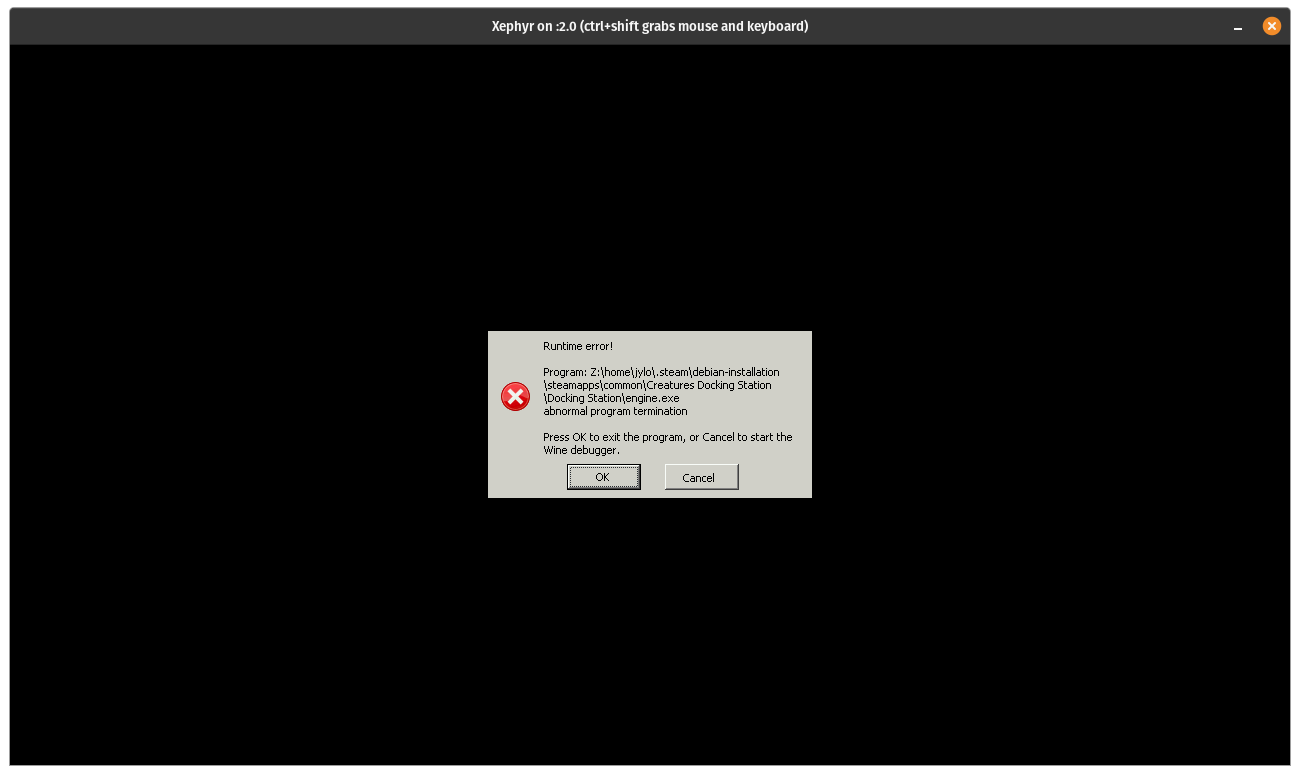
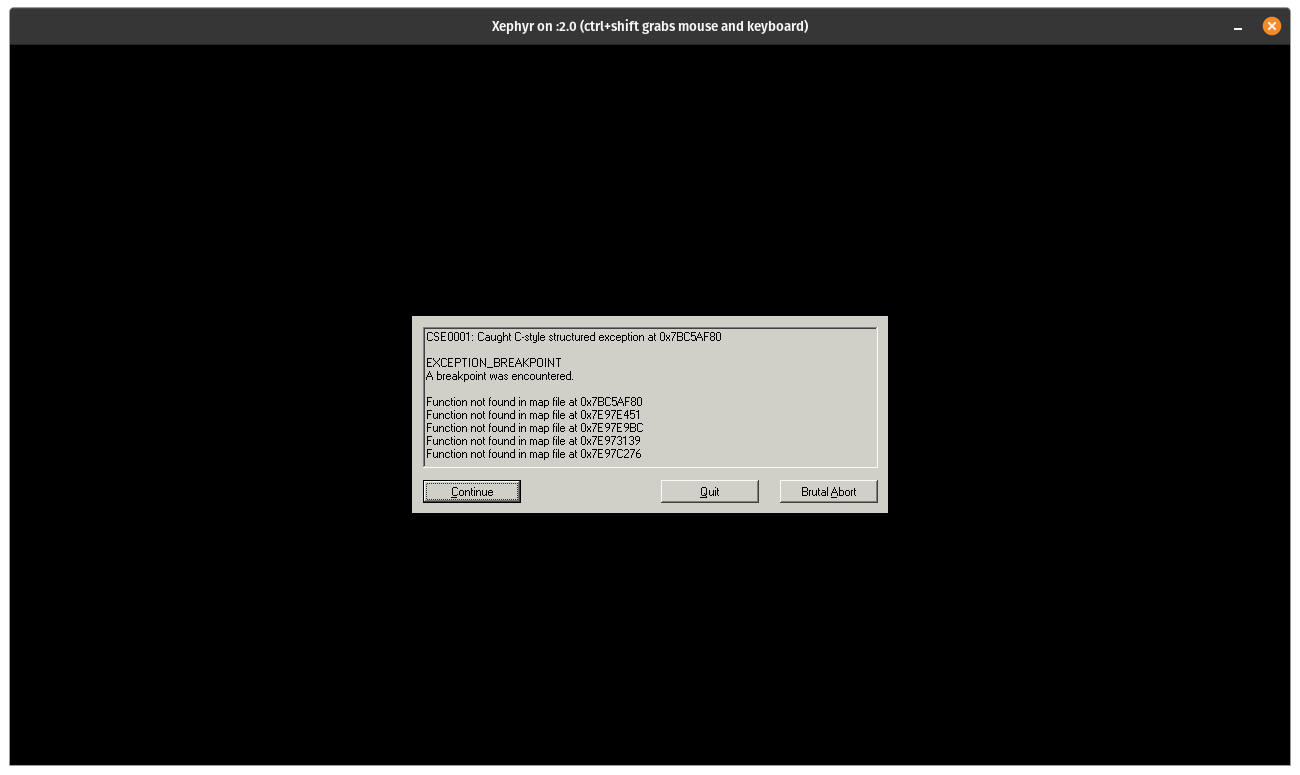
Log captured using: Xephyr :2 -ac -resizeable -screen 1280x720x16 & env DISPLAY=:2 PROTON_LOG=1 %command%
steam-1659050.log
Hello @truboxl, fixme:d3d:wined3d_guess_card No card selector available for card vendor 0000 (using GL_RENDERER "llvmpipe (LLVM 13.0.0, 256 bits)"). looks like the line of interest from your log. Llvmpipe is mesa's faster software, and if Proton is trying to use that, then there's a good chance that it has given up on trying to use GPU hardware. Please copy your system information from Steam (Steam -> Help -> System Information) and put it in a gist, then include a link to the gist in this issue report.
Thanks @kisak-valve
That seems to be the cause. I am using https://launchpad.net/~kisak/+archive/ubuntu/kisak-mesa. Rolling back to Pop!_OS / Ubuntu default drivers able to boot the game up.
https://gist.github.com/truboxl/35e5ff9545c4815b498bf7453277041c
Looking at your system information, it looks like your video driver is healthy. The hints suggest that there's a subtle regression in mesa that should be reported to the mesa devs to ponder.
Related threads
- Creatures Docking Stationprotonclosed same game
Proton versions
proton experimentalx1 2021-12
Launch options
PROTON_LOG=1x1 2022-01
Launch lines
DISPLAY=:2 PROTON_LOG=1 %command%x1 2022-01DISPLAY=:2 %command%x1 2021-12
Compatibility Report
System Information
I confirm:
Symptoms
Unable to launch the game. Getting the error:
"The game can not continue: Please change your display settings to be 'High Color (16 bit)'"
Reproduction
Simply launch the game and choose "Play Creatures Docking Station"
Notes
There simply no easy way to set 16bit color depth in Linux.
Wine suggest we have to fiddle with
/etc/X11/xorg.conf.d/or/etc/X11/xorg.confand set something along the lines ofDefaultDepth 16. But that will cause Steam not to start. See https://wiki.winehq.org/FAQAnother method is to use Xephyr. See https://wiki.winehq.org/256_Color_Mode
So far adding this line to Launch Options works for me:
Additionally need to add these registries to
steamapps/compatdata/1659050/pfx/user.regor useprotontricksto disable window decoration and window manager control
since there is no window manager running in Xephyr.
Running
mutteror another WM in Xephyr seems to mess things up for me.Going full screen and then back to windowed screen seems to break the game however. Audio still running though.
Alt+Entersometimes fixes the problem.