Hello @Meanmelter, the workaround you linked in your compatibility report is legally problematic and has been removed.
Hello,
Just wanted to report that the new Proton Experimental update has granted me the ability to so far play this game without any real issues. Has been about 4 hours so far - Only issue I even see is minor: I think there is supposed to be a small loop/video played on a loading screen when selecting a mission but it's like 3-4 seconds long of just a black screen before going into the equipment/mission setup page.
I haven't heard other reports on this game yet but if they are having issues feel free to post here, maybe I can help since I got it working.
In Steam Deck Game Mode, the game seems very close to Playable. I'm using save data that has been cloud-synced from Windows. I'm using SteamOS Preview along with Proton Experimental.
Once upon a time this had the same 57-58FPS issue as other Warriors games, but it's been fixed in the 2023-03 Proton Experimental update. Prior to this update, it could be worked around in this Warriors game (and possibly only this Warriors game) by setting Vsync to "invalid" in the game and removing the frame rate limiter from the OS.
The only issue I've come across so far is that video sequences suffer from the same frame delivery issues as #6006.
Specifically, in videos, while Gamescope reports 60FPS only about half of the frames appear to be delivered to the screen. Additionally, those delivered frames appear to get delivered in the wrong order, i.e. you're rapidly going back and forth in time.
The good news news is that, unlike #6006, this only appears to apply to video sequences. Gameplay and menus are unaffected.
Trying to change settings within the game (changing windowing mode, frame rate limiter) and the OS (removing frame rate cap, allowing tearing) don't appear to help with the issue. Likewise, using Developer > Delete Proton files hasn't helped.
Running the game in Desktop Mode, the video sequences no longer deliver frames out of order but still appear to be dropping frames or have uneven frame delivery. These issues do not appear on Windows. In #6006 it's posited this might be a Gamescope/Wayland issue.
proton experimentalx3 2023-04
Compatibility Report
System Information
I confirm:
steam-1591530.log
Symptoms
The game installs and launches with no issue. I can even load an initial menu! See screenshot below:
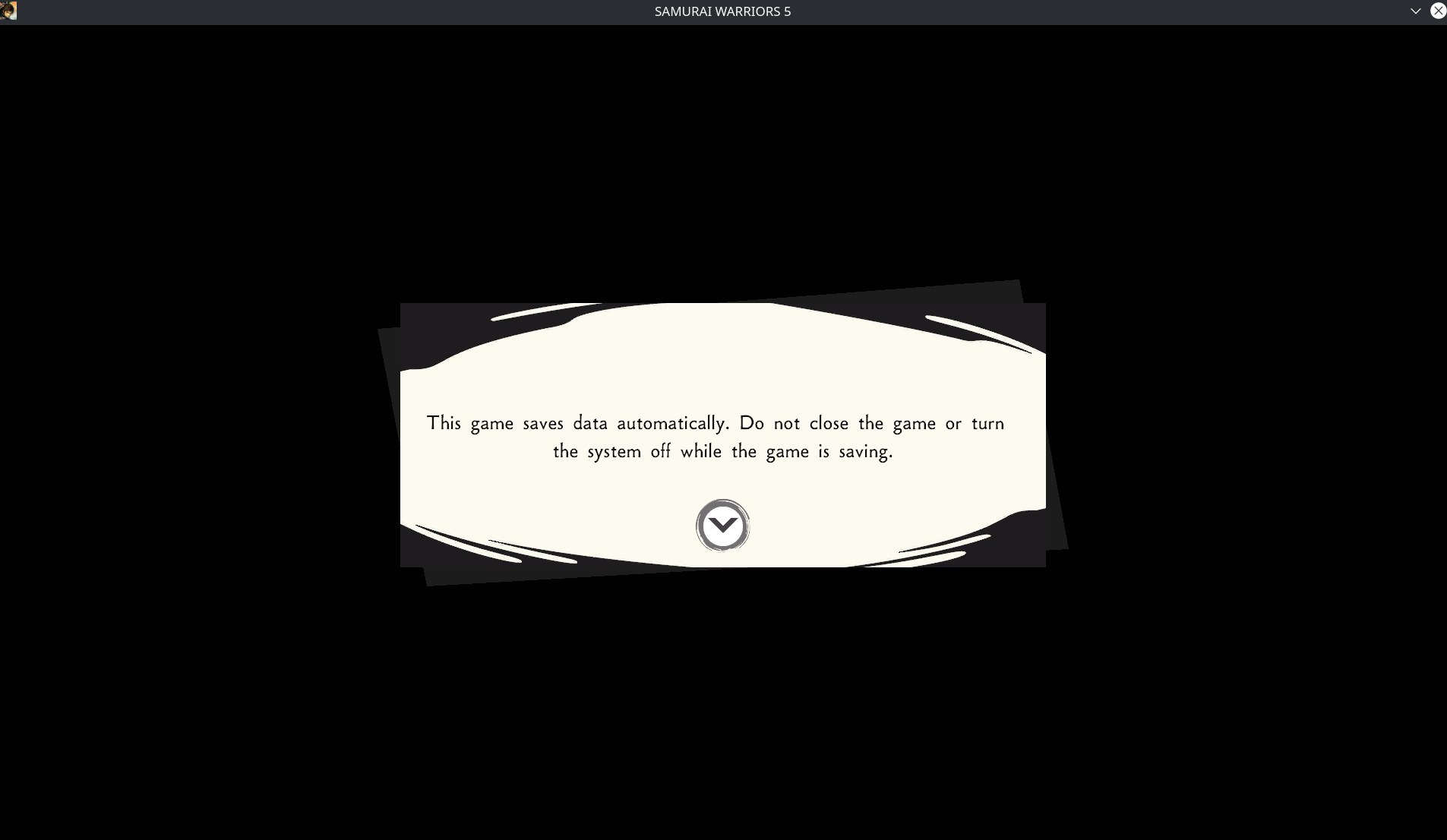
After hitting any key, it goes to a black screen forever - I suspect it may be trying to play some kind of video.
I had installed Media Foundation workaround and while no video plays after that initial prompt, it seems I load into some kind of second menu, as my mouse clicks generate a sound effect sometimes yet the screen remains black.
Reproduction
Install the game
Set Proton compatibility to 6.3-8 or Experimental
Launch the game
<Workaround removed by moderator>Using a controller after the initial menu that loads seems to let you select SEVERAL options but none of them I can tell actually fix the black screen issue.