Velvet Assassin
Okay, after some digging I found a fix.
Kudos to the some of the commenters over at ProtonDB, who found this method to fix it.
Since the game is from 2009, the game uses an older version of Nvidia PhysX. This version is not compatible with the one included in "Steamworks Shared/_CommonRedist".
To fix it, I had to reinstall the game.
Then I'd make sure that before I launched the game, I renamed the "PhysX" folder located in
this location "/home/username/.steam/steam/steamapps/common/Steamworks Shared/_CommonRedist"
Then when I started the game, steam would use the Nvidia PhysX provided by the game, instead of the one included with steam.
Edit: Unfortunately this fix is more of a ban-aid, since it will only work as long as the folder is renamed.
As soon as you change the name back to "PhysX" the game will give the same critical error.
Not sure how feasible this is to fix, unless we specify some older games to use certain legacy version of PhysX under install.
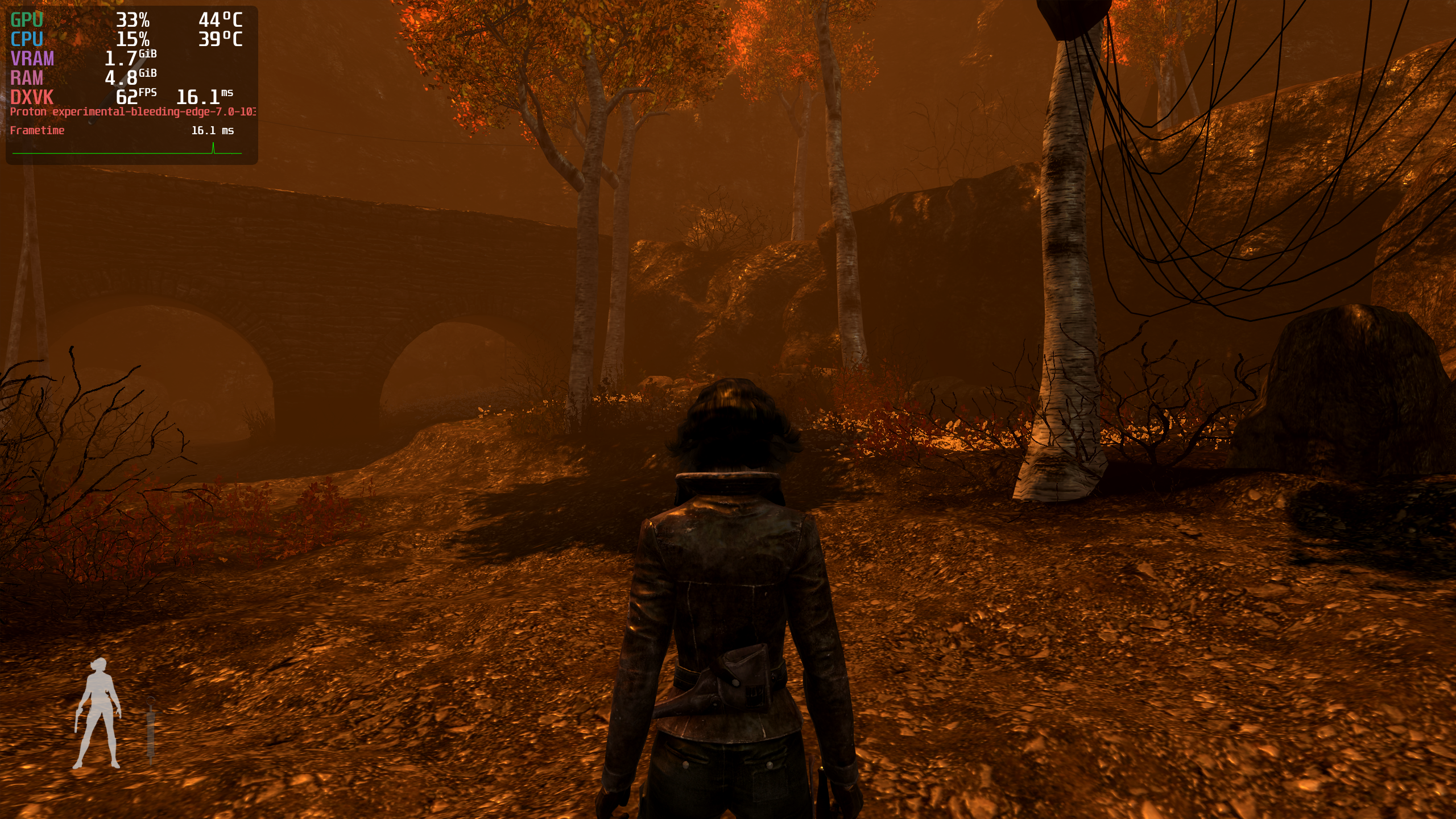
Replying to https://github.com/ValveSoftware/Proton/issues/5624#issuecomment-1052152414
Amazing! I check it out. I could never play this game even when I used to dual boot Windows for that purpose It never worked on Windows for me, nor on Proton.
Proton versions
proton experimentalx1 2022-02
Compatibility Report
System Information
I confirm:
steam-16720.log
Symptoms
Start the game, first thing that pops up is a launcher to configure settings.
When you hit play in the launcher, the game will try to start but will give an
critical error.
If you try to continue or ignore it, the game still wont start and the window stays inactive.
Reproduction