Name of the game with compatibility issues: RUMBLE
Steam AppID of the game: 890550
System Information
Distro: Garuda Linux
GPU: RTX 2080 super
Driver version: proprietary 520.56.06
Kernel version: 6.0.2-zen1-1-zen
Proton version: GE, Experimental (Bleeding edge as of 26/10/2022)
SteamVR version: beta (as of 26/10/2022), 1.24, linux_v1.14
VR HMD: quest 2 (with alvr 18, nightly and git)
I confirm:
that I haven't found an existing compatibility report for this game.
that I have checked whether there are updates for my system available.
Symptoms
Game is stuck on splash (after the steamvr "now playing" box) for 5+ minutes and never loads (proton experimental)
With proton-GE the whole of steamvr crashes after a minute or so in the splash
Game never loads on the desktop screen as well
With steamvr closed the game opens in flatscreen and warns that no openxr runtime has been detected
Reproduction
Start SteamVR
Start RUMBLE
See error
What I've tried
Different proton versions
Different steamvr versions
Different ALVR versions
The game worked fine with alvr stable on the same pc and quest 2 on windows, so I don't know if a proton, steamvr or alvr thing. Other vr games have worked with proton after i've tried, such as h3vr and blade & sorcery
Compatibility Report
Name of the game with compatibility issues: RUMBLE
Steam AppID of the game: 890550
System Information
Distro: Garuda Linux
GPU: RTX 2080 super
Driver version: proprietary 520.56.06
Kernel version: 6.0.2-zen1-1-zen
Proton version: GE, Experimental (Bleeding edge as of 26/10/2022)
SteamVR version: beta (as of 26/10/2022), 1.24, linux_v1.14
VR HMD: quest 2 (with alvr 18, nightly and git)
I confirm:
that I haven't found an existing compatibility report for this game.
that I have checked whether there are updates for my system available.
Symptoms
Game is stuck on splash (after the steamvr "now playing" box) for 5+ minutes and never loads (proton experimental)
With proton-GE the whole of steamvr crashes after a minute or so in the splash
Game never loads on the desktop screen as well
With steamvr closed the game opens in flatscreen and warns that no openxr runtime has been detected
Reproduction
Start SteamVR
Start RUMBLE
See error
What I've tried
Different proton versions
Different steamvr versions
Different ALVR versions
Logs
log with steamvr:
steam-890550.log
Screenshots
with steamvr rinning

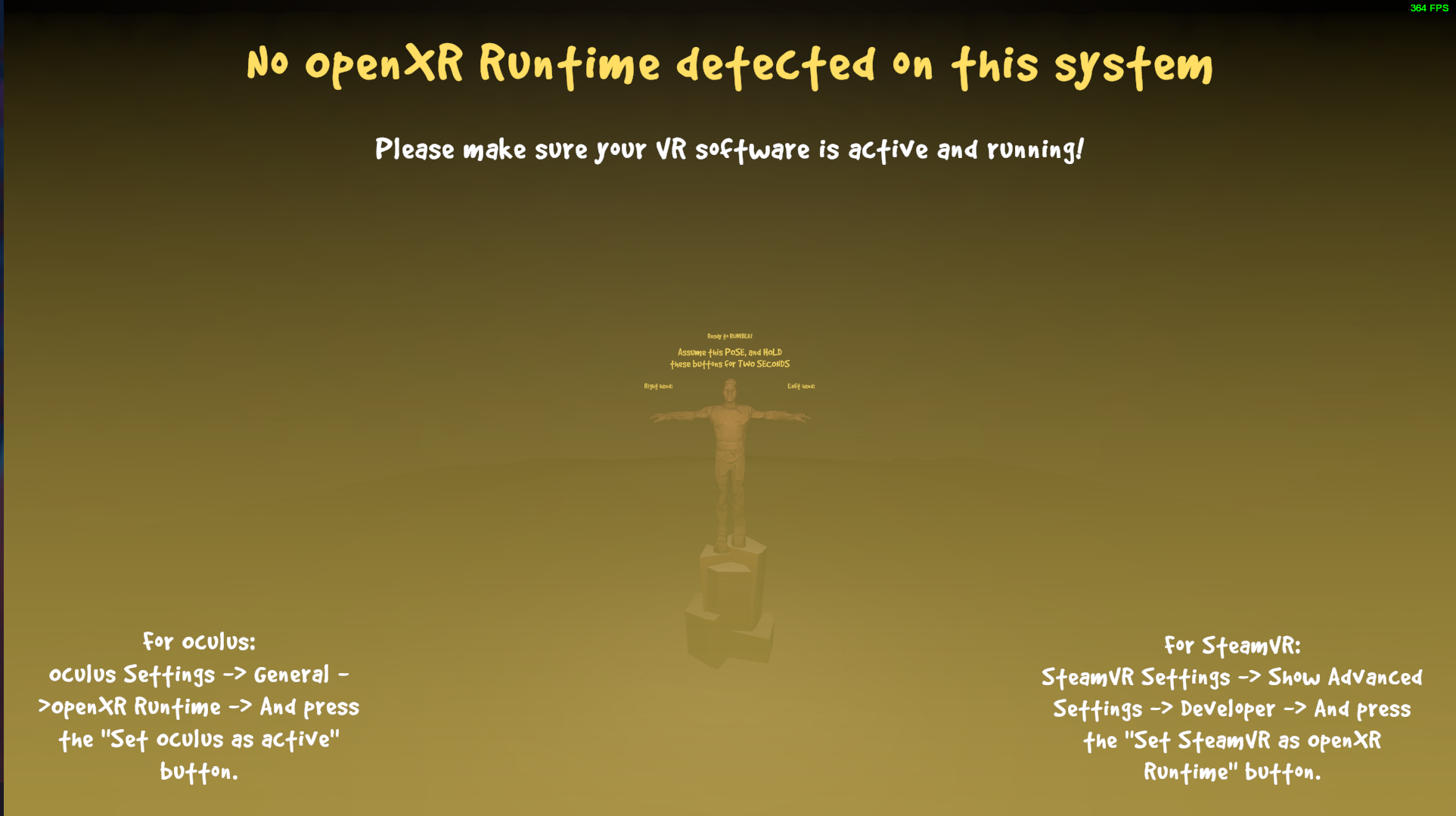
without steamvr running
Note
The game worked fine with alvr stable on the same pc and quest 2 on windows, so I don't know if a proton, steamvr or alvr thing. Other vr games have worked with proton after i've tried, such as h3vr and blade & sorcery