The Dark Pictures Anthology: The Devil in Me
System Information
- GPU: AMD RX 5700
- Driver/LLVM version: Mesa 22.2.3/LLVM 15.0.0
- Kernel version: 6.0.8-300.fc37.x86_64
- Link to full system information system_info.txt
- Proton version: proton-7.0-5-rc5, experimental-bleeding-edge-7.0-29283-20221118
I confirm:
- [x] that I haven't found an existing compatibility report for this game.
- [x] that I have checked whether there are updates for my system available.
The game launches for me and I'm able to get into gameplay without issues on my setup, tried both DX11 and DX12.
Screenshot of game running:
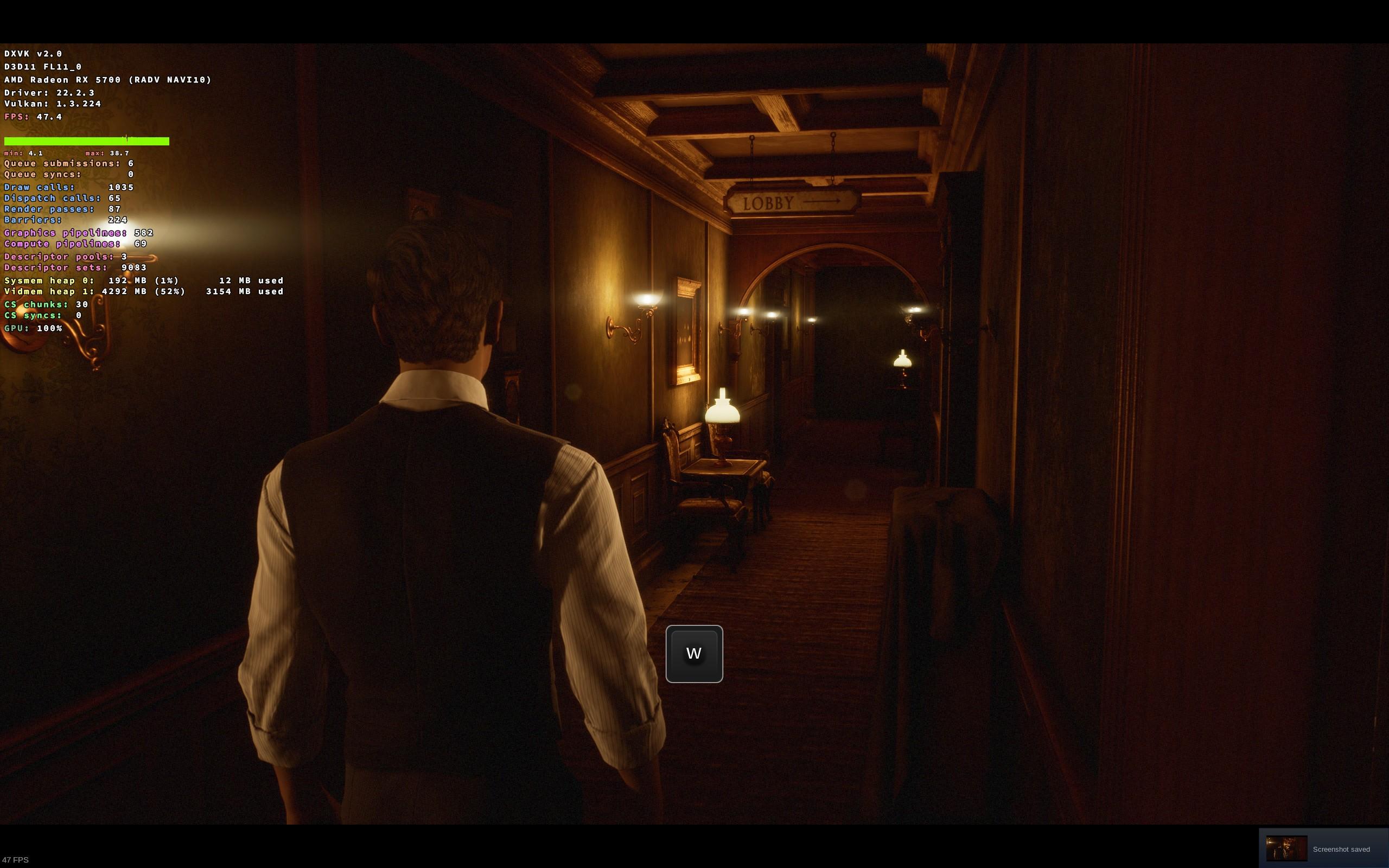
Tested Bleeding Edge Experimental, Proton RC and default Proton.
Logs of successfull test runs:
steam-1567020- proton-7.0-4.log
steam-1567020-experimental-bleeding-edge-7.0-dx12.log
steam-1567020-experimental-bleeding-edge-7.0.log
steam-1567020-proton-7.0-5-rc5.log
Integrity of game files successfully validated but the game still crash.

I'll tell you how to reproduce the problem.
- Choose "Proton Experimental" in the game compatibility tab.
- Remove the game bottle
rm -rf "$HOME/.steam/steam/steamapps/compatdata/1567020" - Remove Proton Experimental
rm -rf "$HOME/.steam/steam/steamapps/common/Proton - Experimental" - Verify integrity of game files in the game local files tab.
- Try launch the game.
I expected that all removed files on step 3 would be reinstalled. But something gone wrong.
Workaround - verify integrity of stable proton 7.0.4 and relaunch game with stable proton.
"Proton Hotfix" is also affected by this issue.
Proton versions
proton 7.0x1 2022-11proton experimentalx1 2022-11proton hotfixx1 2022-11proton 7.0-4x1 2022-11proton 7.0-5x1 2022-11
Compatibility Report
System Information
I confirm:
steam-1567020.log
Symptoms
The game crashes immediately after launch.
Reproduction
Always