[ ] that I haven't found an existing compatibility report for this game.
[ ] that I have checked whether there are updates for my system available.
Symptoms
The game simply does not start.
I press play in the first screenshot, then press play on second screenshot. And the game closes.
I reported this to Steam support, but their answer was:
"Currently, Divinity: Original Sin 2 isn't supported with Steam Play so you're likely to encounter difficulties with the title playing it in this way.
You may want to submit all issues or bugs occurring when using this new feature, to the Valve - Proton Github bug database using a GitHub account. This database is regularly reviewed by the Valve development team."
Hello @mantvius, we're using one issue report per unofficially supported game title. Please use #413 to give feedback how this game is currently behaving with Proton for you.
Compatibility Report
System Information
NVIDIA Corporation GP107M [GeForce GTX 1050 Ti Mobile] (rev a1)
I confirm:
Symptoms
The game simply does not start.
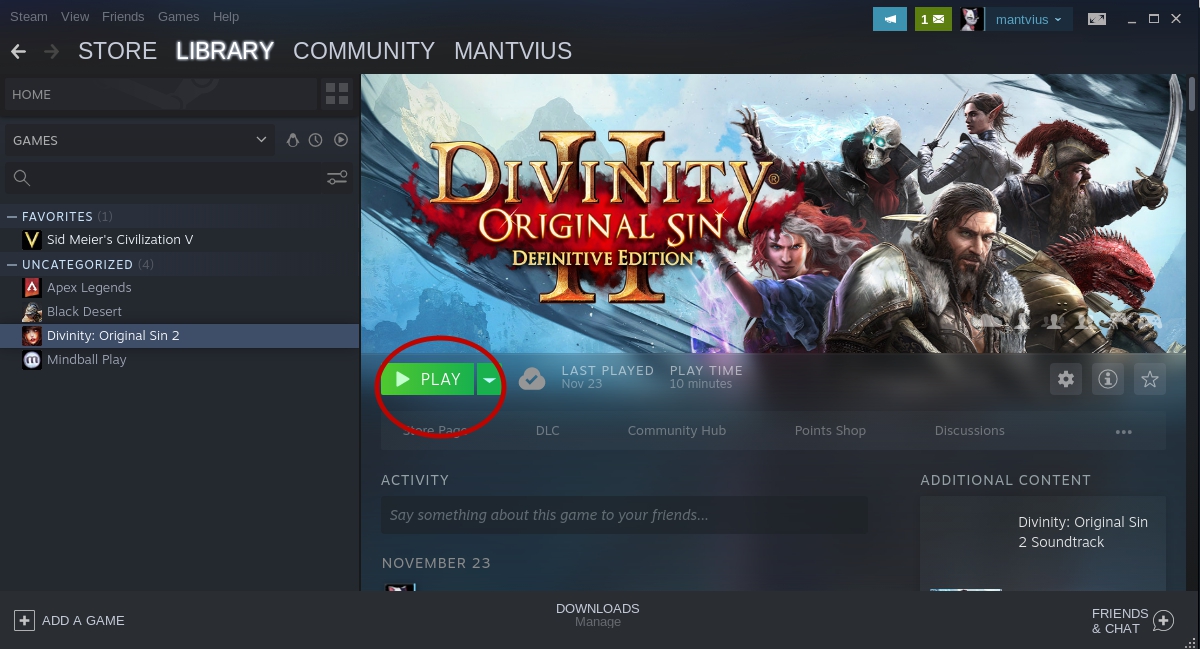
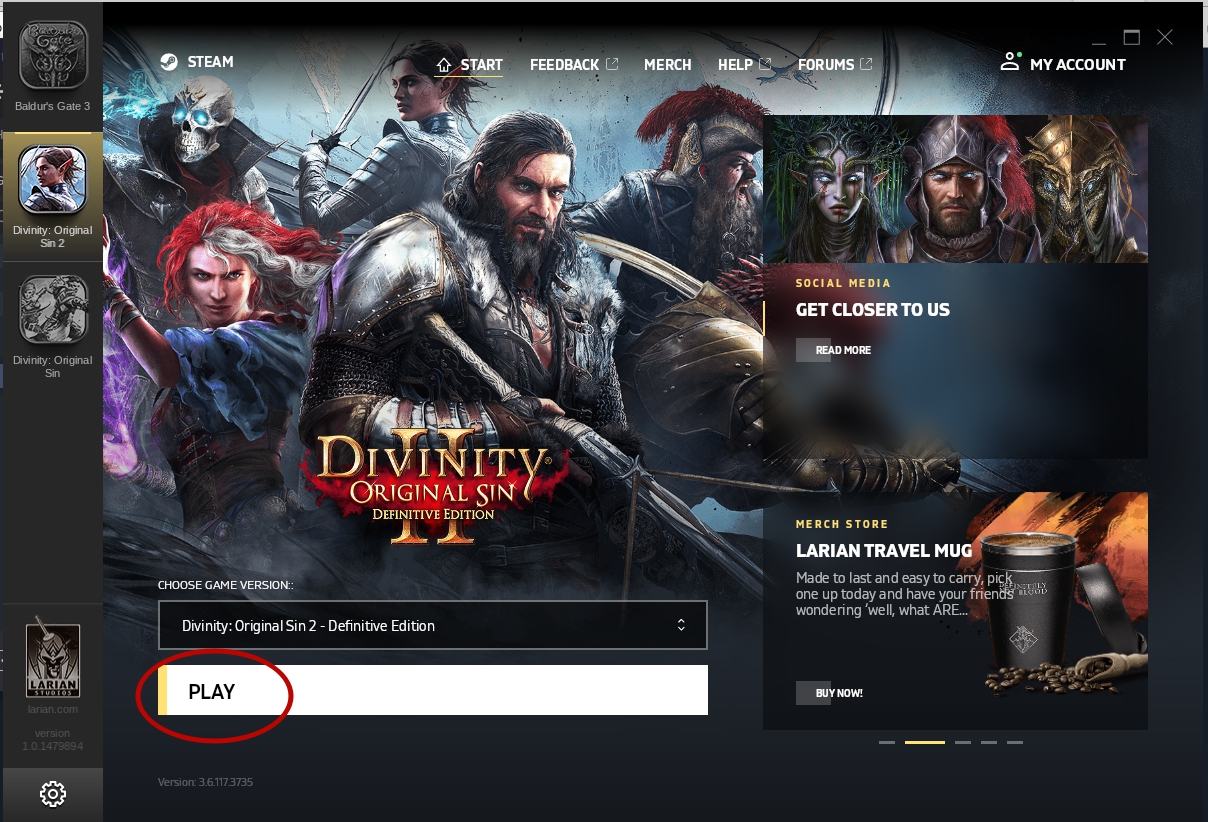
I press play in the first screenshot, then press play on second screenshot. And the game closes.
I reported this to Steam support, but their answer was:
"Currently, Divinity: Original Sin 2 isn't supported with Steam Play so you're likely to encounter difficulties with the title playing it in this way.
You may want to submit all issues or bugs occurring when using this new feature, to the Valve - Proton Github bug database using a GitHub account. This database is regularly reviewed by the Valve development team."
Reproduction