SAMURAI MAIDEN
I'd like to also report that the game has crashing issues, on both my Steam Deck and my main PC.
Here's my system info: https://gist.github.com/KingKrouch/2fc7195bef128b721566ef4c80802dc3
Here's my logs (Using Proton Experimental): steam-1952250.log
System Information
- GPU: AMD Radeon 6900XT
- Driver/LLVM version: Mesa 23.0-dev/15.0.6
- Kernel version: 6.1-rc8
- Link to full system information report as gist
- Proton version: experimental-7.0-20221208
Symptoms
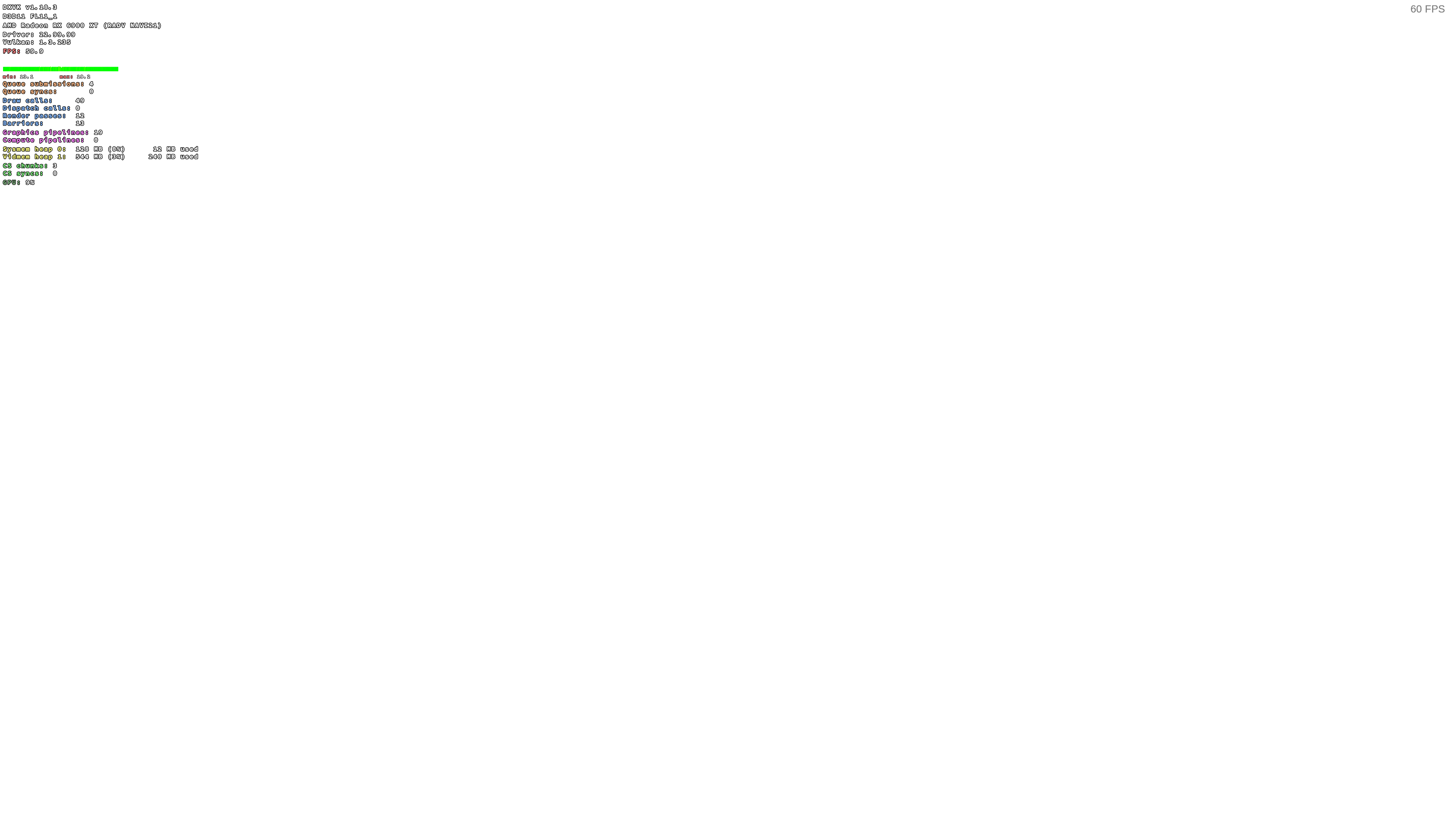
After all splash screens I see only white screen.
Reproduction
Always.
The white screen is linked to Media Foundation support
You can bypass white screen by installing Media Foundation -- not explained here to be compliant with Proton rules.
Then you should be access the main menu in-game.
Remaining issue is that some videos are not played by game.
So I suppose the official solution: Valve should transcode the game videos in free format?
I can confirm, I can get past the white screen after installing media foundation
Proton versions
proton experimentalx2 2022-12proton 7.0-5x1 2022-12
Launch options
PROTON_USE_WINED3D=1x1 2022-12
Launch lines
PROTON_USE_WINED3D=1 %command%x1 2022-12
Compatibility Report
System Information
I confirm:
Symptoms and Reproduction
The game stays on white screen after displaying the company logos. It does not show the main menu. I have tried it on both Proton 7.0-5 and Proton Experimental. I have also tried running with launch options
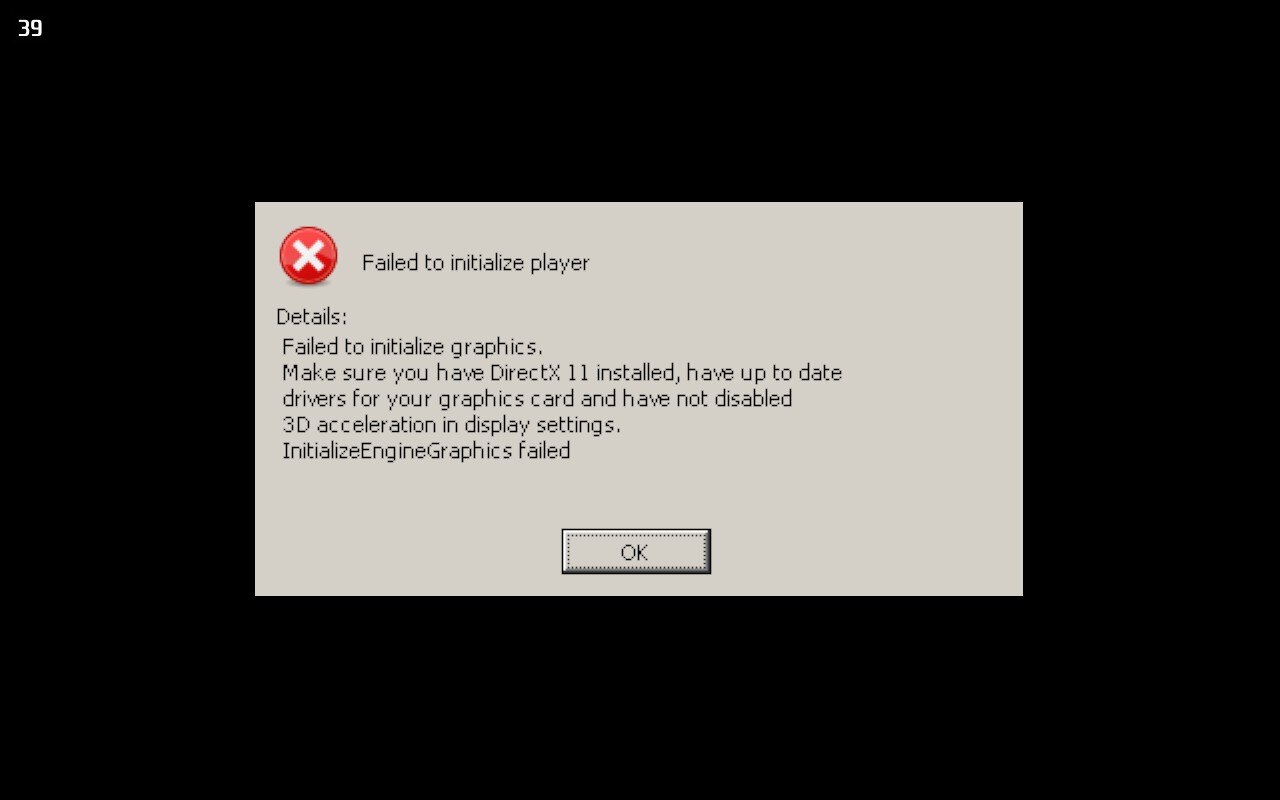
PROTON_USE_WINED3D=1 %command%it gets whitescreen on desktop mode but If I run on gamemode it gives an error: failing to initialize player.steam-1952250-proton-experimental.log
steam-1952250-proton-experimental-wined3d-gamemode.log
steam-1952250-proton-7.0-5.log