G String
Further information after reading the latest patch notes and testing the game on a Windows dual boot: the crashing issue is a known bug that may happen to some computers, it is resolved when adding "+novid" (with the quotation marks on my case) to the launch options. What remains as Proton compatibility issues are the lack of sounds and an issue with displaying fonts within the generic Source engine menus (Options, Chapter Select, Saves, etc.) where certain lines of the letters are not rendered as they do in Windows.
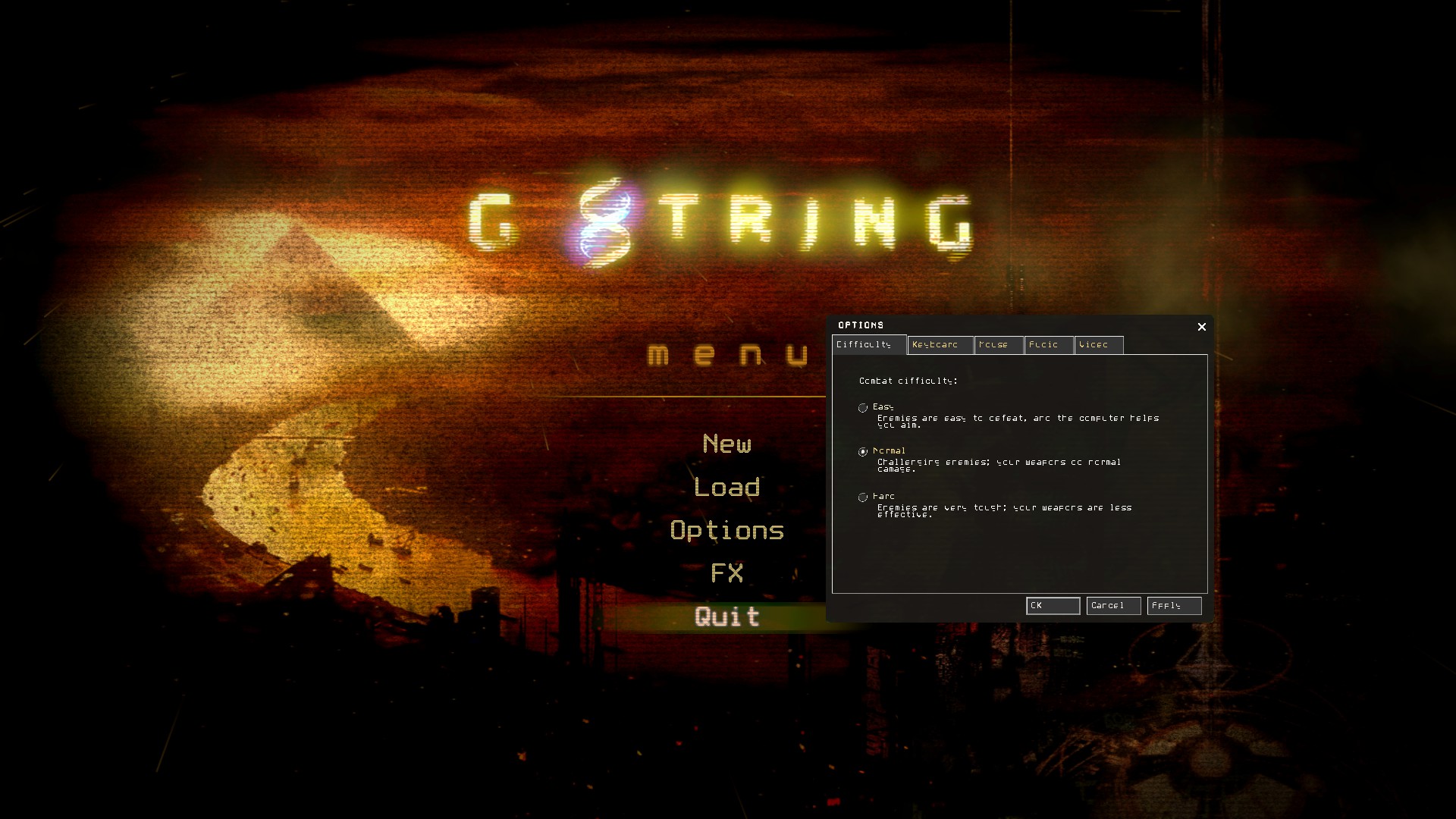
The lack of sound is a bug that affects some Windows players as well. You can get around it by opening gstringv2_dir.vpk with GCFScape, then extracting the sound folder to steamapps/common/G String/gstringv2 (and replacing the sound subfolder if it exists).
Proton versions
proton experimentalx1 2022-12
Compatibility Report
System Information
I confirm:
Proton Log
Symptoms
No audio after start-up video and crashes after two minutes.
Reproduction
Boot, select new game and start at the first chapter, it will consistently crash during the initial cut scene.