Waifu Fighter
Proton is probably unable to decode the game's images? so maybe that's why it is crashing?
I'm not a Wine expert or anybody else but considering there are 4 errors like these in the log. It could be the issue.
Somebody correct me if I'm wrong

EDIT: I just wanted to point this out if it's any help
- Wincohax
@Wincohax Indeed you seem to be on the right track.
However, a google search of image_png_rep.cc indicates that it is a part of chromium code. (So maybe it is not a problem with Proton?)
From what I see in the game files, this game is a RPG Maker MV Game. Games using this engine are web based. Hence the chromium errors.
The problem might be nw. I ran winedbg_run and gdb_run and both points to nw.dll as the culprit.
gdb_run_output.txt
winedbg_run_output.txt
Note: I have no experience in debugging, so I might be wrong here.
You were right. nw.dll is the issue here. (or probably some chromium-related thing).
I was able to run the game using the native build of NW.js (normal, not SDK (haven't tried)) https://nwjs.io/
(how did I discover this? https://f95zone.to/threads/playing-on-linux-tutorials-tools-and-help.19523/post-7168786 (NSFW))
I dragged and dropped (replacing in the process) the contents of NW.js into the local game files, executed "nw" and now the game is perfectly working.
- Wincohax
I'm not sure whether this is the appropriate place for this. The developers have recently updated the game with Linux binaries, but when I choose "Steam Linux Runtime" in the compatability tab, Steam deletes everything.
Switching back to Proton (Any Version, even Proton-GE) makes steam download the windows version again.
I checked steamdb.com and the Linux depot is there.
Screenshots
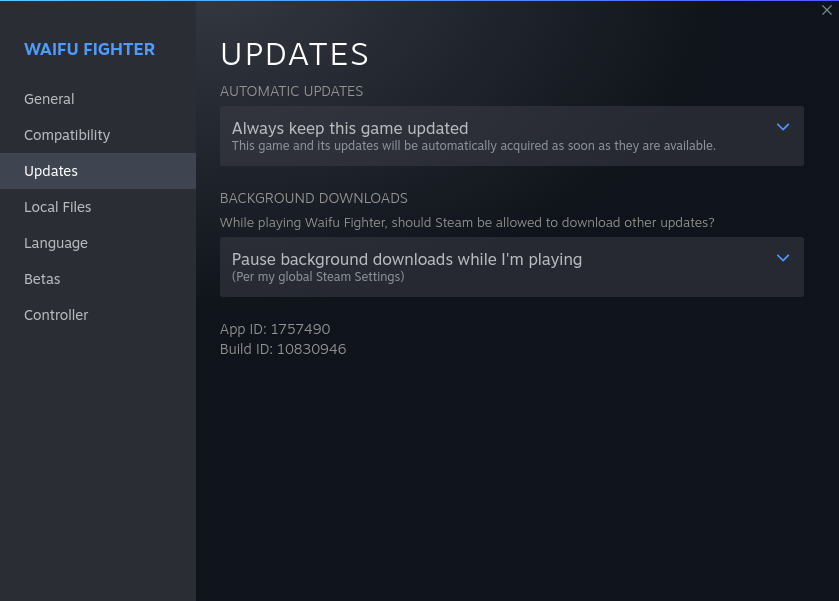
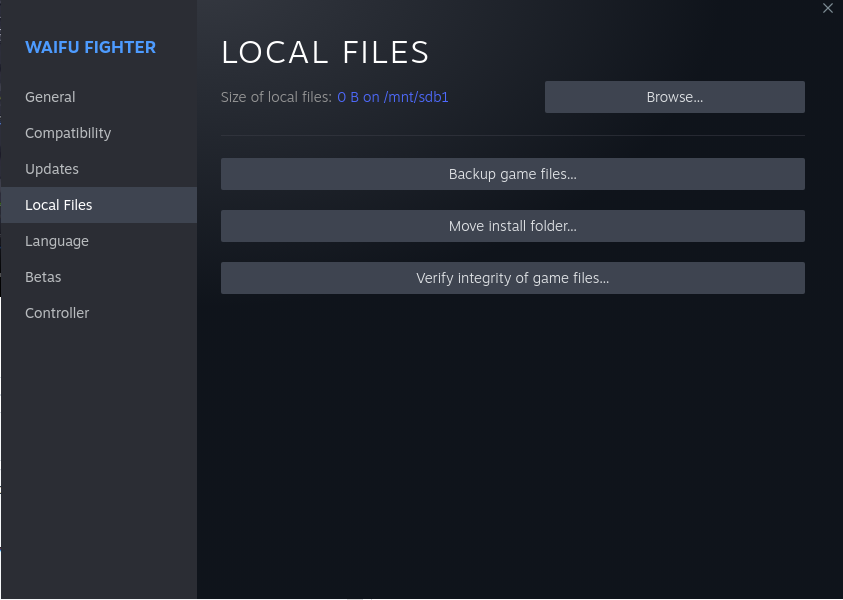
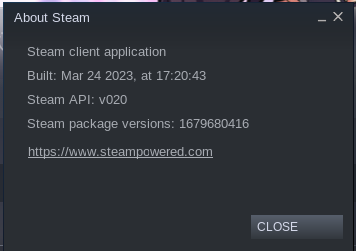
Hello @n00btube3D, issues with the Linux native variant of the game should be reported directly to the game's dev(s).
That said, it looks like depot 1757492 is marked as Steam Deck only, so there's no content for the Steam for Linux client to use on a desktop install.
DLLs
nw.dllx2 2023-01
Compatibility Report
System Information
I confirm:
steam-1757490.log
Symptoms
Crashes after starting.
Reproduction
Start the Game