Grotesque Tactics: Evil Heroes
Hello @Dimchkin, these look like some lines of interest from your log:
[0000013c:] EXCEPTION handling: System.TypeInitializationException: The type initializer for 'CSharpFramework.EditorManager' threw an exception.

Unhandled Exception:
System.TypeInitializationException: The type initializer for 'CSharpFramework.EditorManager' threw an exception. ---> System.TypeLoadException: Could not load type of field 'CSharpFramework.Layout.LayoutManager:_containerForm' (2) due to: Could not load file or assembly 'DockPanel, Version=7.6.24.19040, Culture=neutral, PublicKeyToken=null' or one of its dependencies.
   --- End of inner exception stack trace ---
  at SilentManaged.ManagedModule.InitManagedModule () [0x00074] in <1611c07b96b54eee9704fed8550ae749>:0
  at ConfigTool.frmConfig..ctor () [0x0008a] in <66bfc23941254a729bb917f928733eae>:0
  at (wrapper remoting-invoke-with-check) ConfigTool.frmConfig..ctor()
  at ConfigTool.Program.Main () [0x0000a] in <66bfc23941254a729bb917f928733eae>:0
[ERROR] FATAL UNHANDLED EXCEPTION: System.TypeInitializationException: The type initializer for 'CSharpFramework.EditorManager' threw an exception. ---> System.TypeLoadException: Could not load type of field 'CSharpFramework.Layout.LayoutManager:_containerForm' (2) due to: Could not load file or assembly 'DockPanel, Version=7.6.24.19040, Culture=neutral, PublicKeyToken=null' or one of its dependencies.
   --- End of inner exception stack trace ---
  at SilentManaged.ManagedModule.InitManagedModule () [0x00074] in <1611c07b96b54eee9704fed8550ae749>:0
  at ConfigTool.frmConfig..ctor () [0x0008a] in <66bfc23941254a729bb917f928733eae>:0
  at (wrapper remoting-invoke-with-check) ConfigTool.frmConfig..ctor()
@kisak-valve
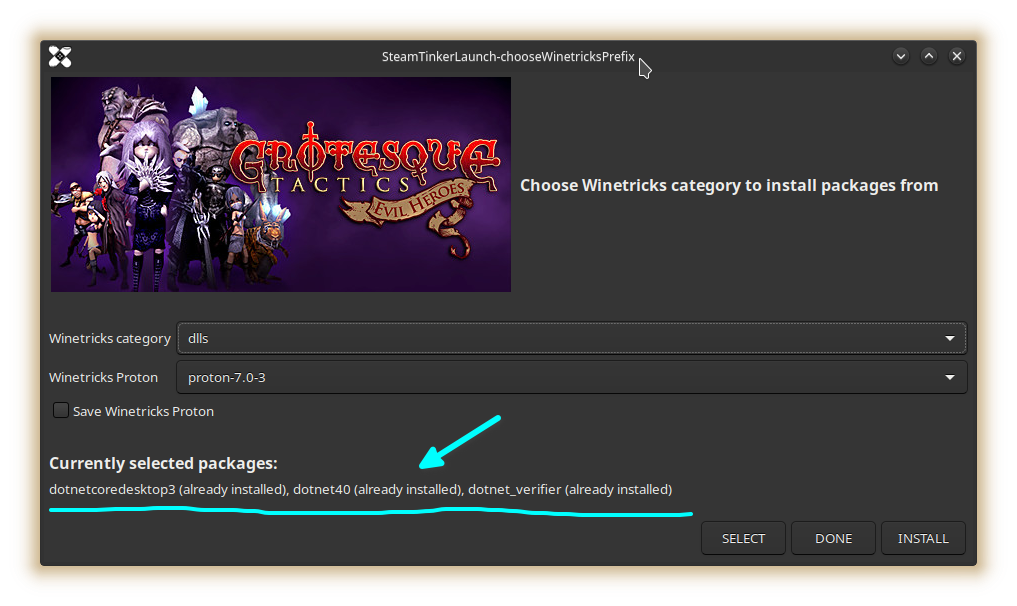
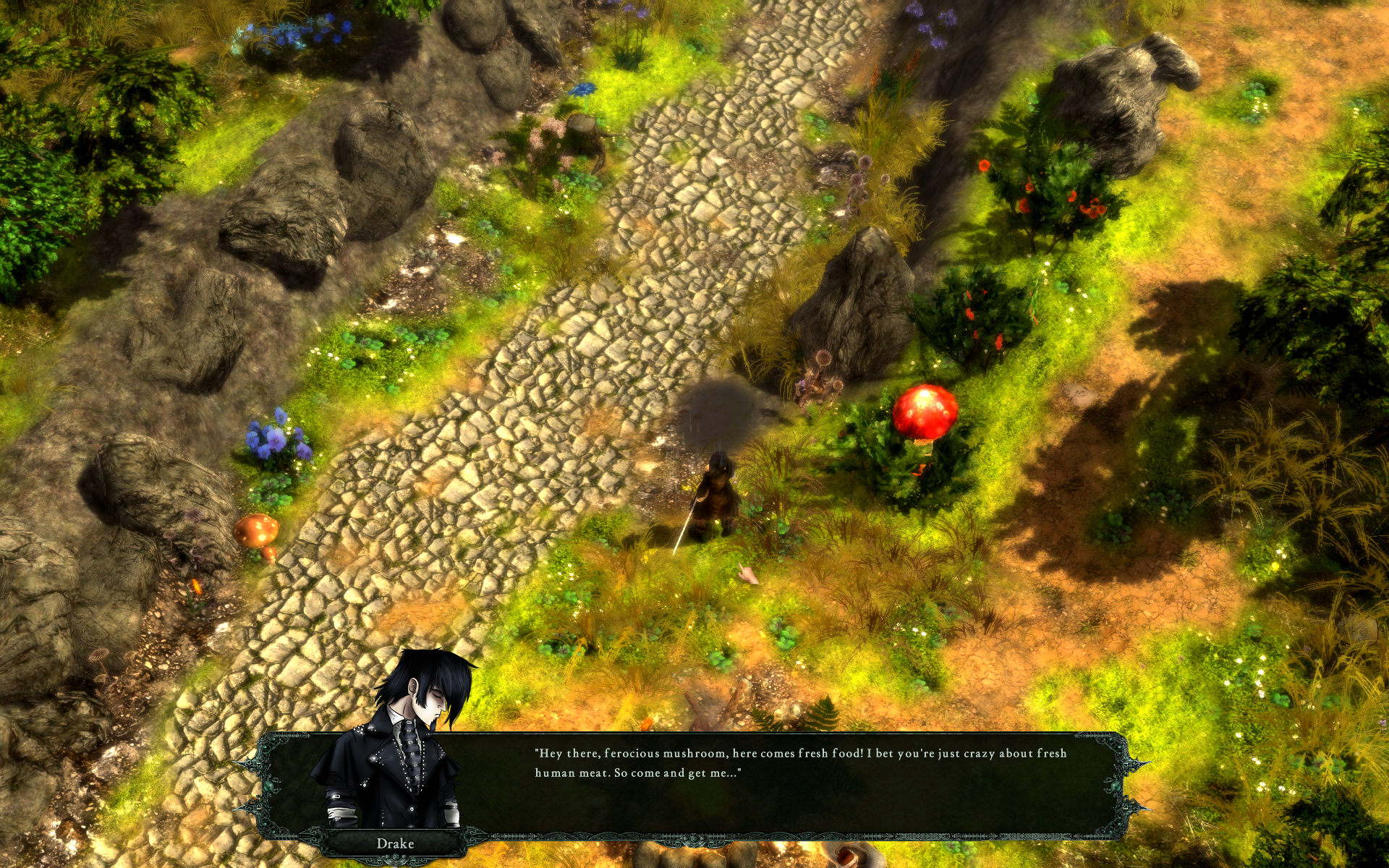
Hi! Thanks for heads up! Since you added .NET tag to this entry, I've tried steamtinkerlaunch to add some dotnet packages (some probably overabundant), but nonetheless.. the game now works!
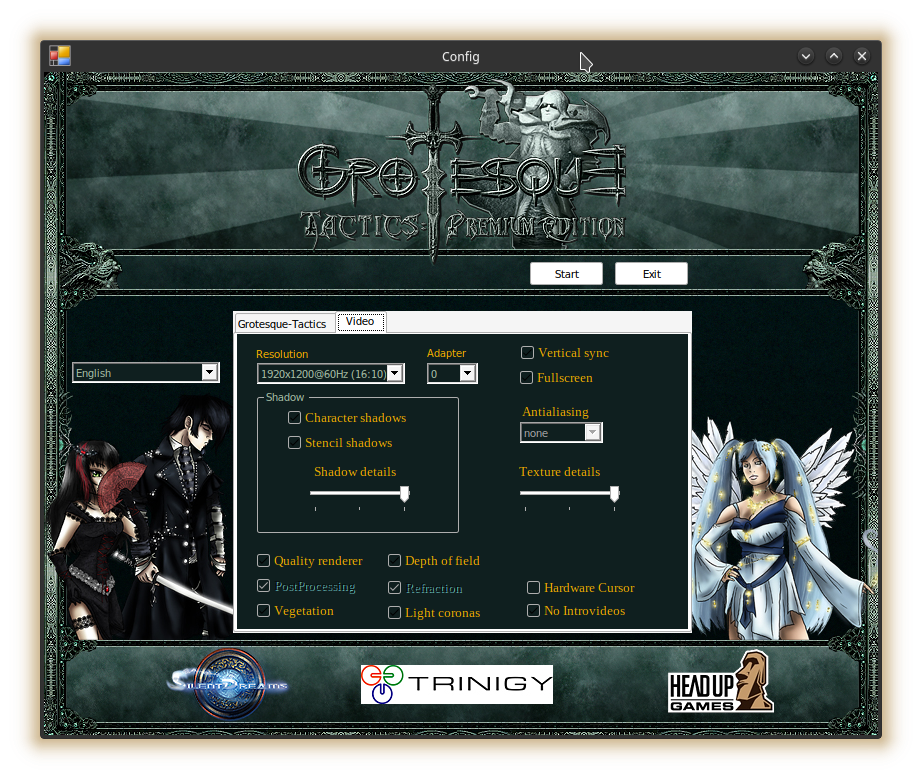
Intro video is not playing (can also be skipped in config), but the game works.
@Dimchkin
for cutscenes and intro video try proton-GE it fixed that issue for me in most games
@josef256 Sure, thanks. In this case GE didn't helped unfortunately.
Oh, I had this on my backlog list. Is the steamtinkerlaunch mandatory for it to work right now?
Hope valve can fix this as ive never used steamtinkerlaunch
@ffrasisti Pretty sure not mandatory. I've simply used steamtinkerlaunch for the convenience of GUI :slightly_smiling_face:
The main idea is installing dotnet package (dotnet40 was enough for my case) for the game's Winetricks prefix.
DockPanel doesn't exist in .NET Framework on Windows so this is likely another instance of https://github.com/mono/mono/issues/15767, and might be possible for Proton to work around a similar way.
Nothing extracted yet.
Compatibility Report
System Information
I confirm:
Proton log: steam-46450.log
Symptoms
After installation game doesn't run. Launch process stops without any error prompts.
Reproduction
Launch a game with any Proton version (including Proton-GE)