Z
Hello @TwoD, please copy your system information from steam (Steam -> Help -> System Information) and put it in a gist, then include a link to the gist in this issue report.
Here's the one from work, can put one up from home too later today:
https://gist.github.com/TwoD/2ce04773e5c97f437714c6a49e269315
Please add the appid of this game to the end of the title.
Works fine for me.
Specs https://gist.github.com/kenjara/b9aae11a5124fca193bbb6c7e5615ee8
Distro: Linux Mint 19.1 Tessa (64 bit)
GPU: Vega 56
Driver/LLVM version: Mesa 19.1.0-devel/9.0.0
Kernel version: 5.1.1-050101-lowlatency
Proton version: 4.2-3
The game works fine, except that in windowed mode minimizing the window, and then trying to bring it up does not work properly. When you bring up the game window again it is tiny and can't be resized. Pictured below:
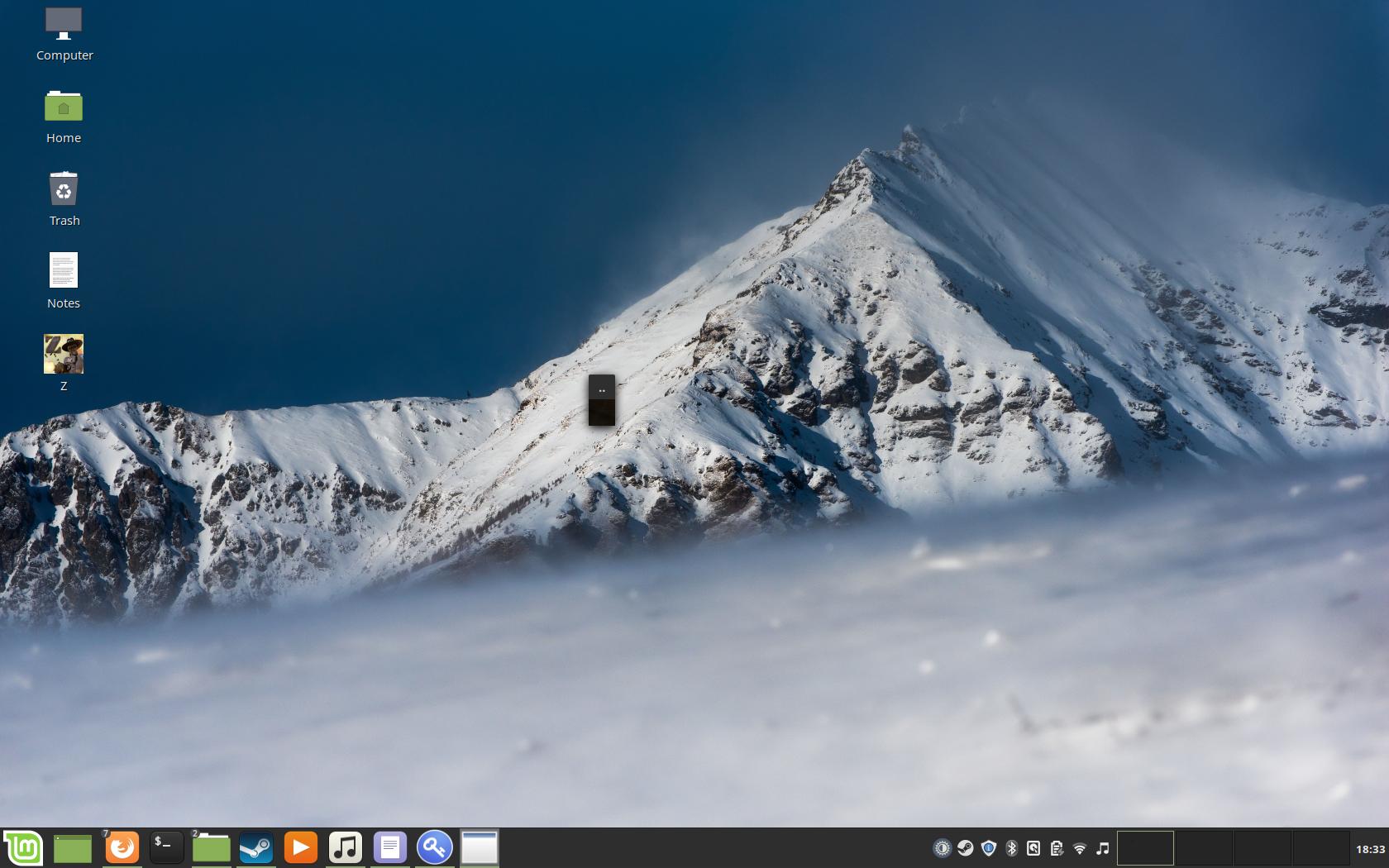
(the black box titled ".." is the games window, the game continues to run with sound and video just in a tiny window)
steam-275530_proton-3.7-8.log
steam-275530_proton-3.16-9.log
steam-275530_proton-4.2-3.log
system_info.txt
Same problem occured on all proton versions I tested.
Reproduction
- Start the game in windowed mode
- Minimize games window
- Try to bring up games window
Nothing extracted yet.
Runs great on Arch Linux with native runtime and with the Steam runtime. :)
Installed dependencies as it should, videos work, gameplay works, resolution changes and fullscreen/windowed mode all work.
The menus are a bit large at 2560x1440 but they do scale correctly and fill up the screen.
System Info
Second System Info