Zombie Army Trilogy
Mouse Control is lost
Issue transferred from https://github.com/ValveSoftware/Proton/issues/2636.
@holzbit posted on 2019-05-04T13:20:35:
Compatibility Report
- Name of the game with compatibility issues:
- Steam AppID of the game: 301640 ( Zombie Army Trilogy )
System Information
- GPU: NVIDIA GeForce GTX 1070 Ti
- Driver/LLVM version: NVIDIA 418.56
- Kernel version: 4.15.0-48-generic
- Proton version: 4.2-3
- Ubuntu 18.04
I confirm:
- [ X ] that I haven't found an existing compatibility report for this game.
- [ X ] that I have checked whether there are updates for my system available.
Symptoms
Mouse control is lost after returning to the game menus / restarting after dying ingame. This does only happen if the graphics are running in flipping-mode.
Reproduction
Enable flipping/g-sync in the nvidia graphics driver. Ensure flipping is active (turn off 2nd monitor, watch indicator). Start random multiplayer game. Get overrun by zombies.
@kisak-valve commented on 2019-05-04T13:38:55:
Previously mentioned at https://github.com/ValveSoftware/Proton/issues/168#issuecomment-440107101, possibly not a game-specific issue.
@holzbit commented on 2019-05-04T14:52:50:
Not sure if this is same issue. https://github.com/ValveSoftware/Proton/issues/168 talks about an invisible cursor while mouse input still works, but in this case all mouse input seems to be lost. The menus are only usable with the keyboard, and when back in action it is no more possible to move the camera around using the mouse.
Hello @holzbit, please add PROTON_LOG=1 %command% to the game's launch options, reproduce the issue, and drag and drop the generated $HOME/steam-$APPID.log into the comment box.
Hello @holzbit, please add
PROTON_LOG=1 %command%to the game's launch options, reproduce the issue, and drag and drop the generated $HOME/steam-$APPID.log into the comment box.
Log attached:
steam-301640.zip
Still happening. I can start the game, join to a game and play nice, but if I enter to the menu or die, the mouse dissapear and I can't move the camera anymore:
Proton:4.2-9
Distro:Manjaro Linux
Kernel:5.1.16-1-MANJARO
RAM:16 GB
GPU Driver:NVIDIA 430.26 (cuda 10.1.168-4, nvidia-utils 1:430.26-1)
GPU:NVIDIA GeForce GTX 1050 Ti
CPU:AMD A8-3870 APU with Radeon HD Graphics
Any workaround?
I tried to play wth flipping and "sync to VBlank" in off, without the second monitor, and the same issue happened.
A friend of mine, solved that (temporarily) with alt-tab + winkey + click in Zombie-window (in Gnome), but that doesn't work in my case.
I plugged in a PS4 joystick and that works without problem.
The launcher looks strange for me (with every Proton version):
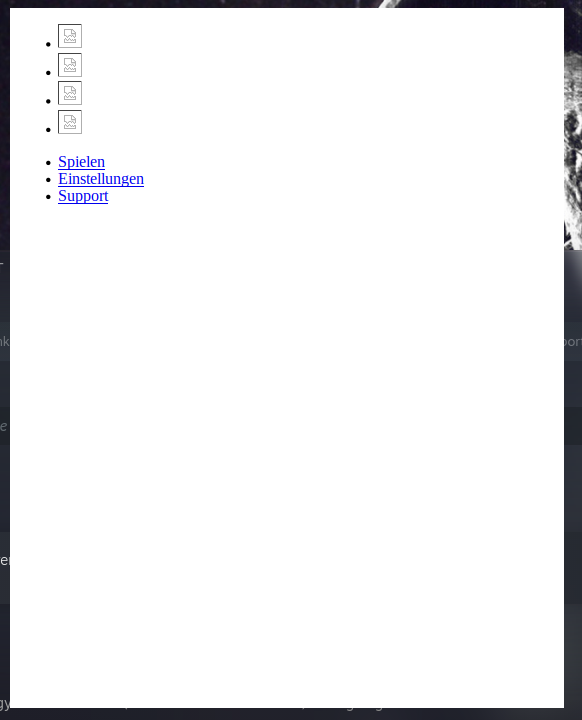
(Spielen = Play, Einstellungen = Settings)
Proton log:
steam-301640.log
Something broken with latest build Proton Experimental, after upgrade the game launcher disappearing immediately after appear.
steam-301640-experimental-6.3-20210625.log
Unhandled exception: page fault on read access to 0x00000000 in 32-bit code (0x6ffa2e08).
Demonstration: https://youtu.be/ftYUCtc45h8
Stable Proton 6.3-5 working as expected.
steam-301640-proton-6.3-5.log
Something broken with latest build Proton Experimental, after upgrade the game launcher disappearing immediately after appear.
This regression should be fixed in today's Experimental update, could you confirm?
This regression should be fixed in today's Experimental update, could you confirm?
yes, after update the game started working again
steam-301640.log
The only thing that interferes with playing is that switch between windows "Alt + Tab" in full screen mode causes loses control in game.
Proton versions
proton experimentalx2 2021-06proton 6.3-5x1 2021-06proton 3.7-4x1 2018-08
Launch options
PROTON_LOG=1x2 2019-05
Upstream links
- ValveSoftware/Proton/issues/168x1 2019-05
- ValveSoftware/Proton/issues/2636x1 2019-05
Distro: Manjaro XFCE 17.1.12
GPU: GTX 1060, Nvidia proprietary driver 396.54
Resolution: 1920x1080
RAM: 8GB
Proton 3.7-4 Beta
All is fine and Xbox Controller work !
MP WORK