OpenGL not composed correctly (weird squares) on amdgpu
The first was the dashboard. The second is EVERSPACE. The third is Zaccaria Pinball.
This is a problem with radv which has been recently fixed in master:
https://patchwork.freedesktop.org/patch/221793/
Grabbing the latest tip should fix that issue for vega.
Let me know if the above fixes the issue for you, or whether we are looking at a different issue.
Now: Dashboard works, OpenGL applications work. But bring the dashboard when using an OpenGL application causes the same issue on the application and you have to restart it.
I will take a screenshot tomorrow.
Here is Zaccaria Pinball in the intro room. What you should see in front should be a big logo. We can only see dots of it. Yesterday I got it to work where nearly all was shown, and only a corner was broken.
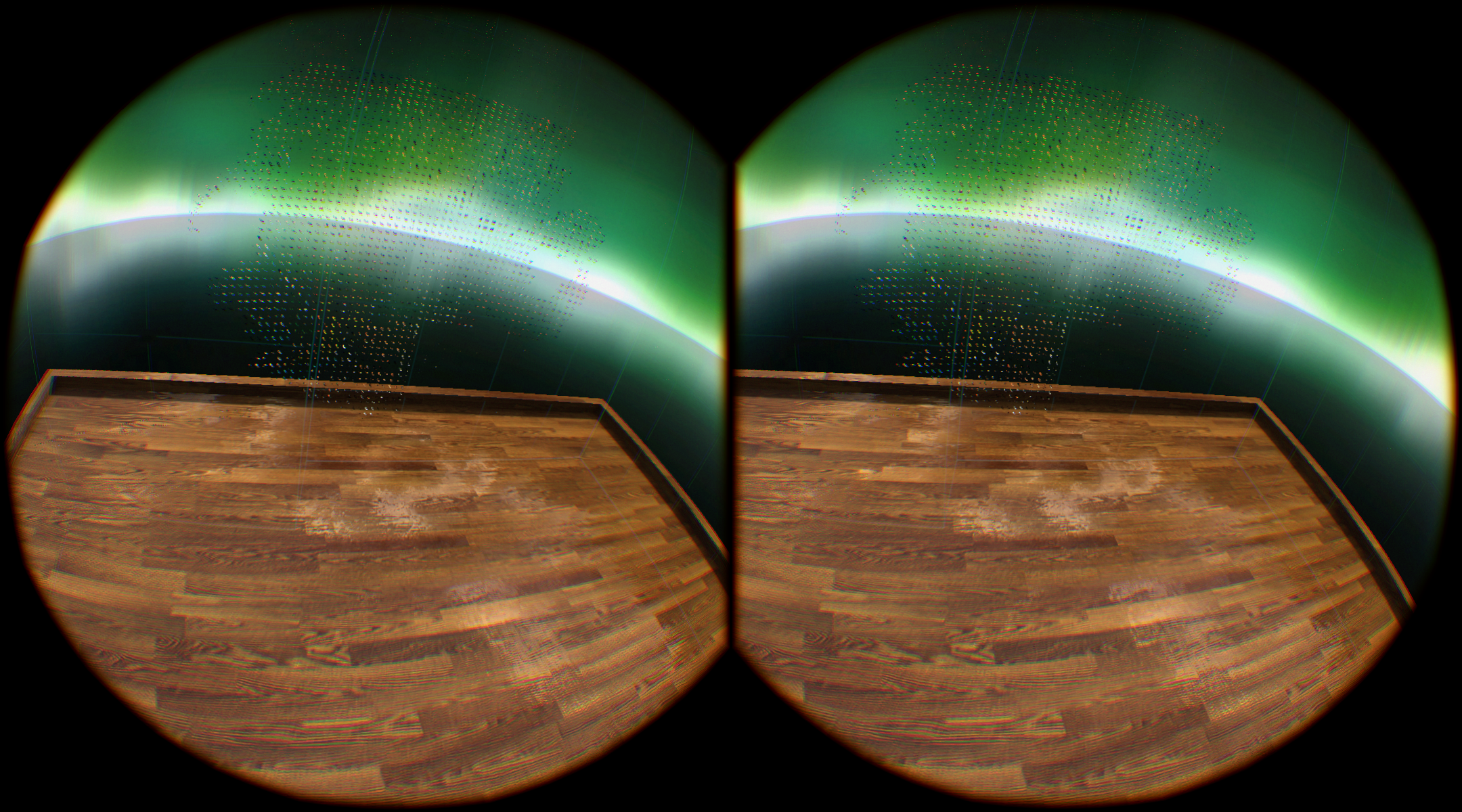
If you open the dashboard, then disaster. Same after closing it. The game has to be restarted.
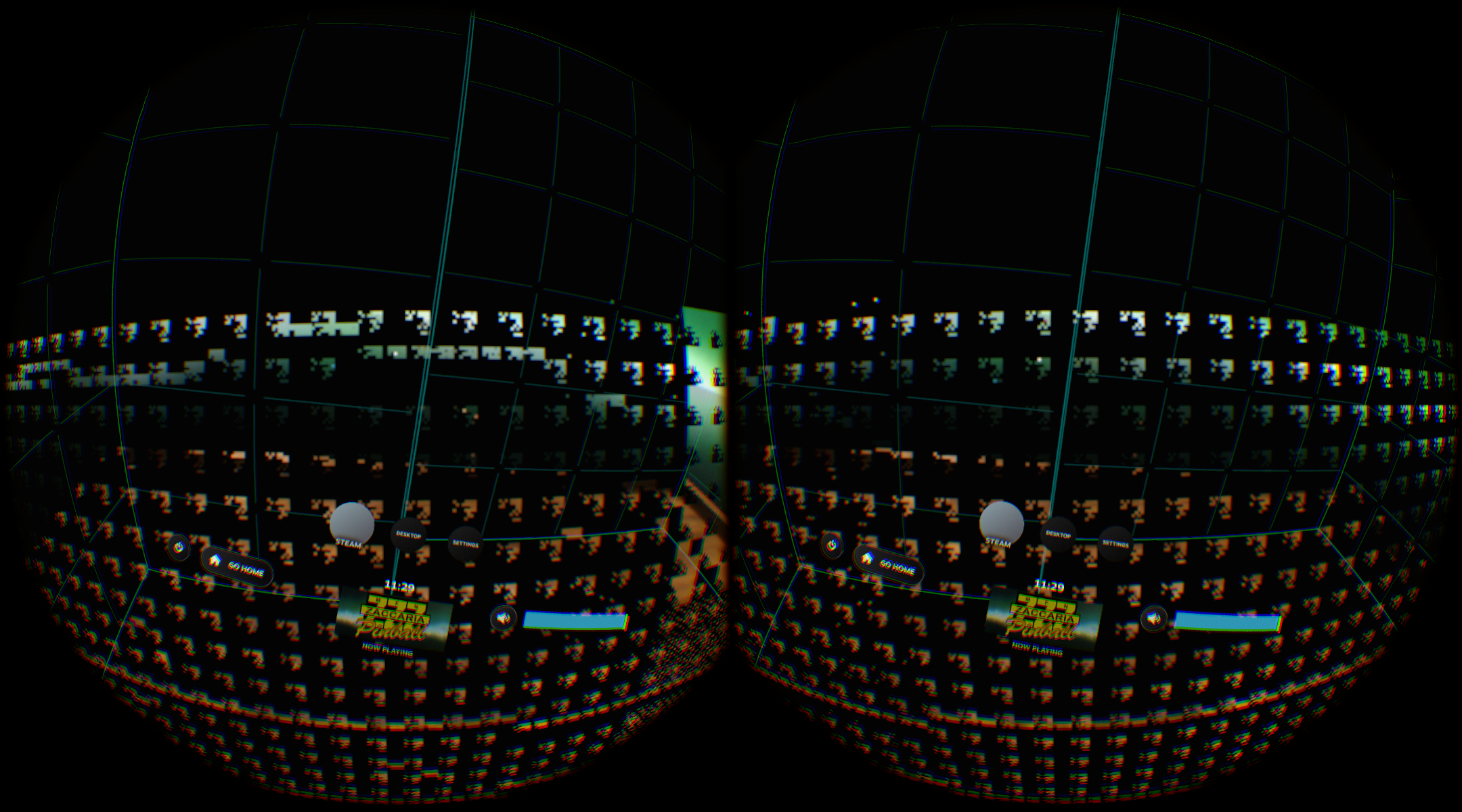
If you do not get in the dashboard and click randomly on the menu, you might get into the game.
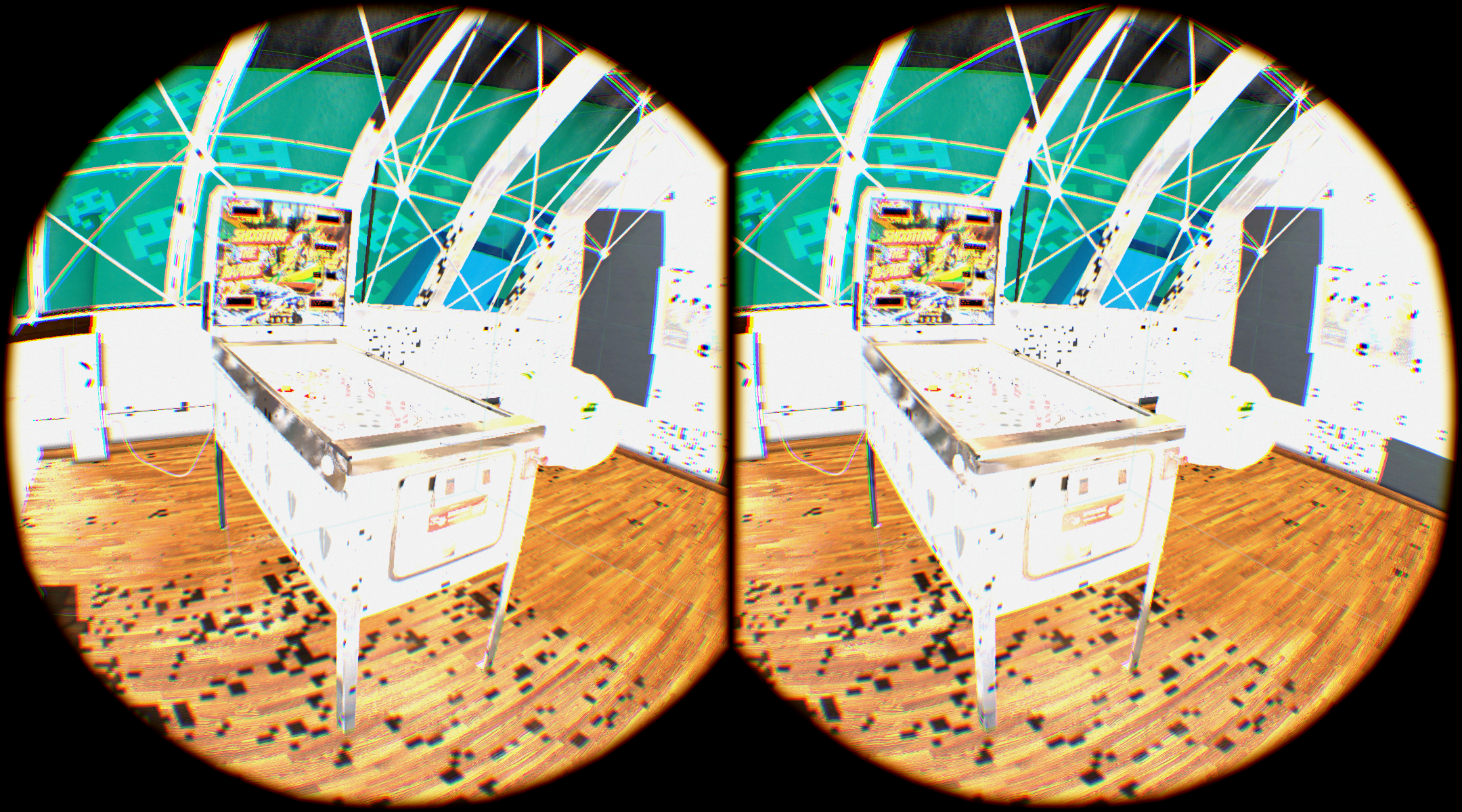
Note that textures seem missing. And there are weird squares.
Again in game, if you open the dashboard, disater:
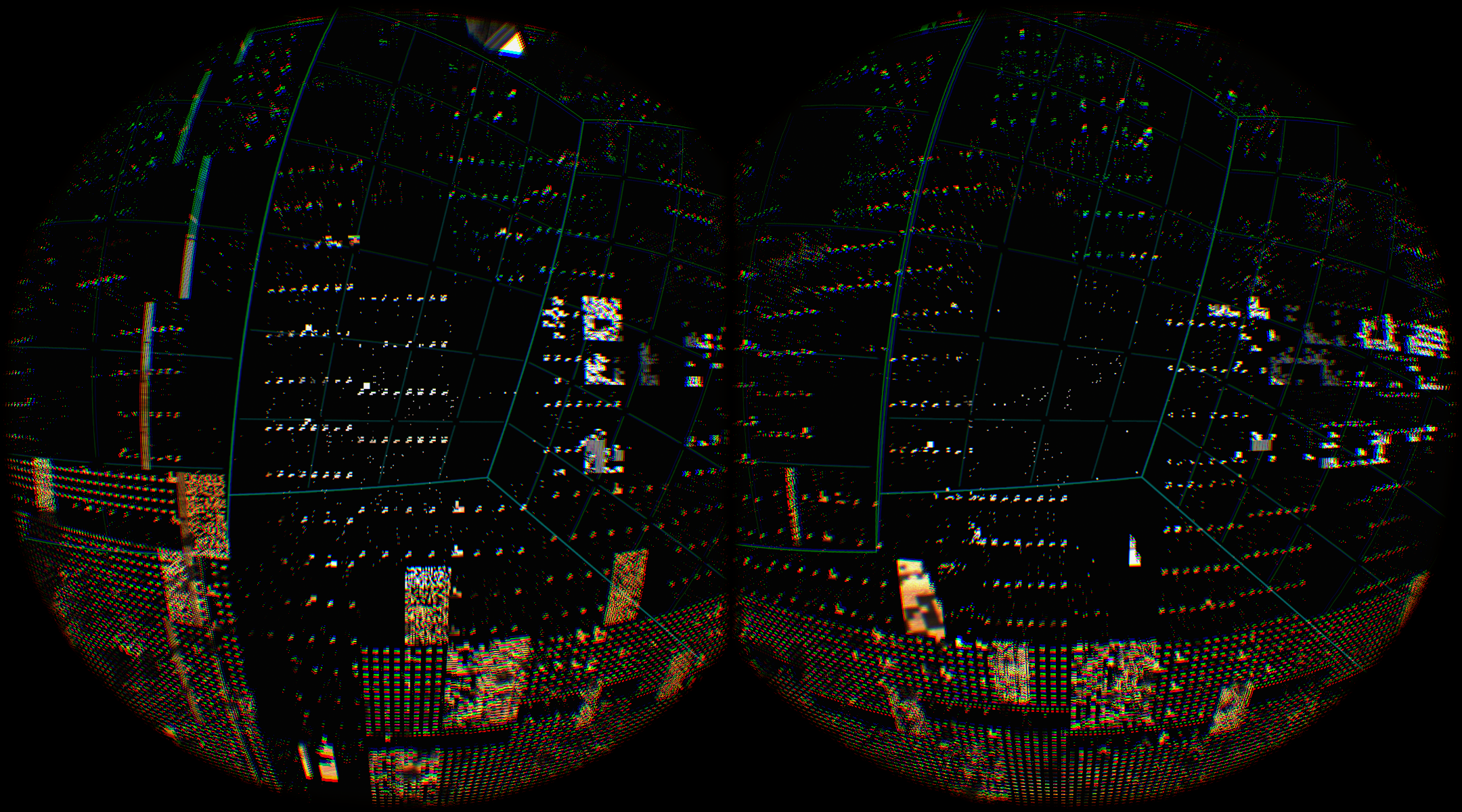
You know, I never put these two together but that looks an awfully lot like what I hit. Unfortunately I don't have screenshots of games but one I did take before rebooting:
https://user-images.githubusercontent.com/17220053/46580113-b0c58680-c9ec-11e8-9648-3226ef9d44e8.png
1080TI. Started after a bit of testing with CrazyJustice, assumed it was related to that. Some games like TF2 were fine.
I have not seen this issue for a while. I am now using Mesa 18.3 branch. I think it can be closed.
Closing per the last comment.
Nothing extracted yet.
Your system information
Please describe your issue in as much detail as possible:
With AMD GPU (Vega 64), any OpenGL surface composed onto the vrcompositor ends up with a lot of weird squares. This includes both OpenGL VR application and OpenGL VR layers (like the dashboard).
Vulkan applications work great.
I have tested in on both Debian and Gentoo. Though Gentoo tend to have noisy squares on both sides, and Debian has one eye with repetitive patterns.
Here as some pictures:
Note: Mesa 18.0.3 does not work well with SteamVR, room setup and tutorial do not run. I have a minor 1 line patch to disable debug assertions where it should not be enabled. I will send this patch to Mesa. But this should not affect this issue.