SteamVR window invisible if started by app or hardware button
This exact thing now also happens when starting VR with the Button on the Vive.
This also happens if SteamVR restarts itself.
This now happened to me starting SteamVR from Steam normally... And was then greeted by this sight.

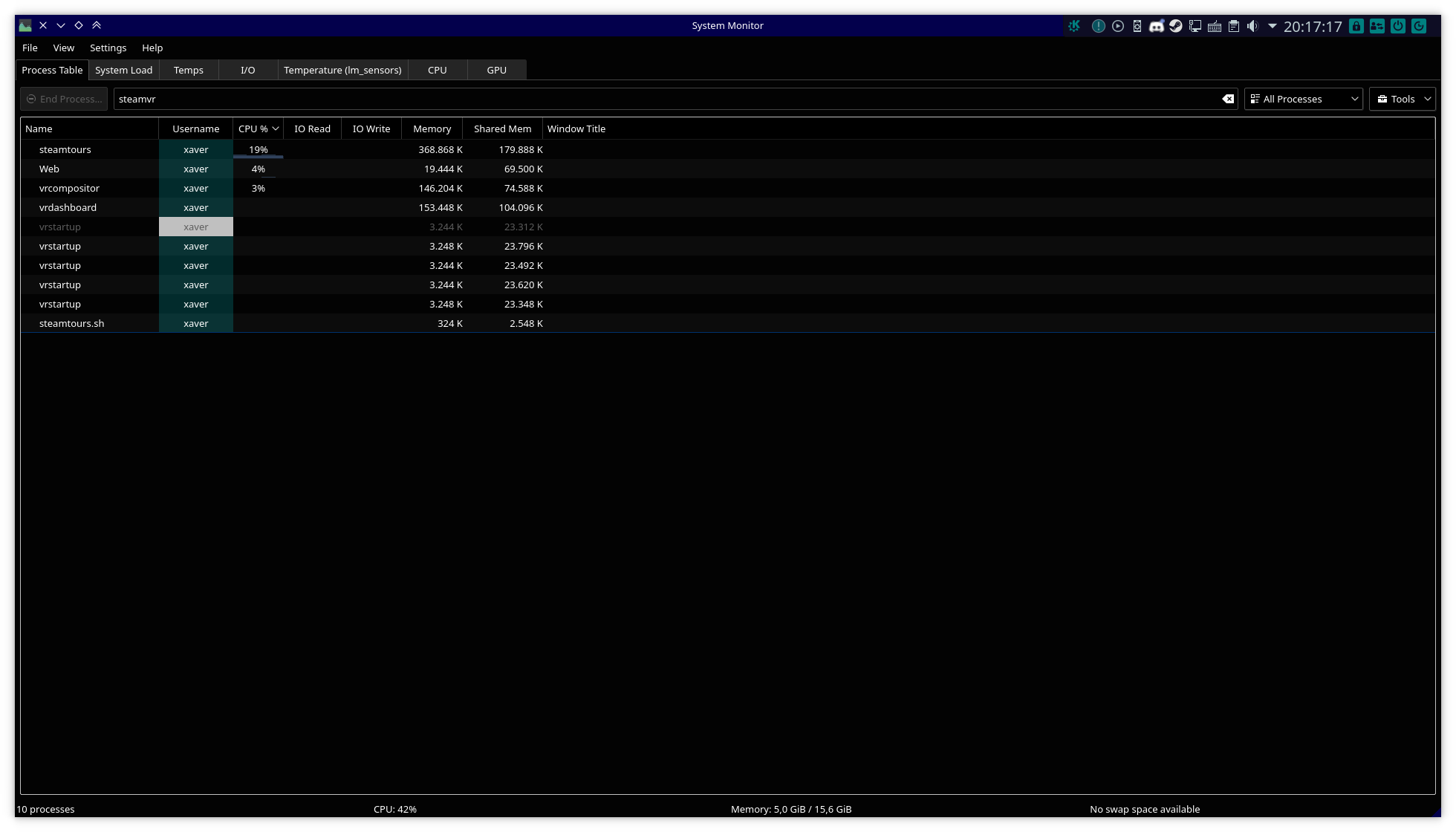
The vrstartup processes exited slowly, one after the other, but still no window or dashboard that doesn't disappear instantly.
SteamVR only starts for me when starting it directly from the library. Any app or any other button that is supposed to start it don't work for me. Linux Mint 19.1 (Ubuntu 18.04) here.
Aand it's back with 1.7.15 (maybe before already). No window after restart.
I'm not sure if this has been resolved because of newest system updates or because of 1.8.14, either way, it's fixed :smile:
It's back again.
I'm not quite sure if the hardware buttons actually would do this (#266) but in the past it's always been that way, so I renamed this issue to reflect that.
This seems like it could be due to system updates or something though, as it changes quite often...
Seems to be fixed :+1:
Aaand invisible vrmonitor window again with 1.10.15.
If I try starting SteamVR from the controllers or the headset button, it starts loading and then closes.
In the log, it says:
/home/zuriel/.local/share/Steam/steamapps/common/SteamVR/bin/linux64/vrcompositor: symbol lookup error: /home/zuriel/.local/share/Steam/steamapps/common/SteamVR/bin/linux64/vrcompositor: undefined symbol: VRControlPanel
/home/zuriel/.local/share/Steam/steamapps/common/SteamVR/bin/linux64/vrmonitor: symbol lookup error: /home/zuriel/.local/share/Steam/steamapps/common/SteamVR/bin/linux64/vrmonitor: undefined symbol: VRControlPanel
Is it starting SteamVR outside of the Steam runtime and not finding some of the libraries it needs or something? This is on SteamVR beta 1.11.3.
With SteamVR 1.11.5 (could've been longer, I just only noticed it now) if I start SteamVR from an app there also is no overlays. The frame time graph I enabled before isn't there and the dashboard also doesn't work.
Edit: just tried it again with Blade&Sorcery and the dashboard does work now, so it's not consistent. The frame time graph still doesn't show up though.
Nothing extracted yet.
Your system information
The SteamVR status window is invisible and, more important, it seems to be disconnected from Steam. Meaning that the Steam and the Desktop buttons are missing from the dashboard. The last time the dashboard also wouldn't stay open more than a fraction of a second. Exiting VR in this situation only works by killing all the SteamVR processes (it would probably work over the dashboard, if that would work in itself.)