[BUG] Steam and Desktop view corrupted
Hello @Zamundaaa, two things to check, if you completely close Steam and SteamVR, then run RADV_PERFTEST=llvm steam from a terminal, does that have an effect? Separately, do you have GPU accelerated rendering in web views enabled or disabled in Steam's settings (Steam -> Settings -> Interface) and does switching it have an effect?
Thanks for the quick response.
I just switched back to Mesa 19.2.1 and the bug is there, too, but it only happens every few times I put the window on the other screens. So it's not ACO. I'm not even sure if ACO even does anything at all on my 5700 XT yet.
The steam and desktop view in SteamVR work fine with Mesa 19.2.1 though.
I have GPU accelerated rendering enabled. Disabling it makes the issue go away. I'll have to retest the situation in SteamVR though.
As I noticed I haven't added a screenshot of the actual problem, here's what it looks like in VR:
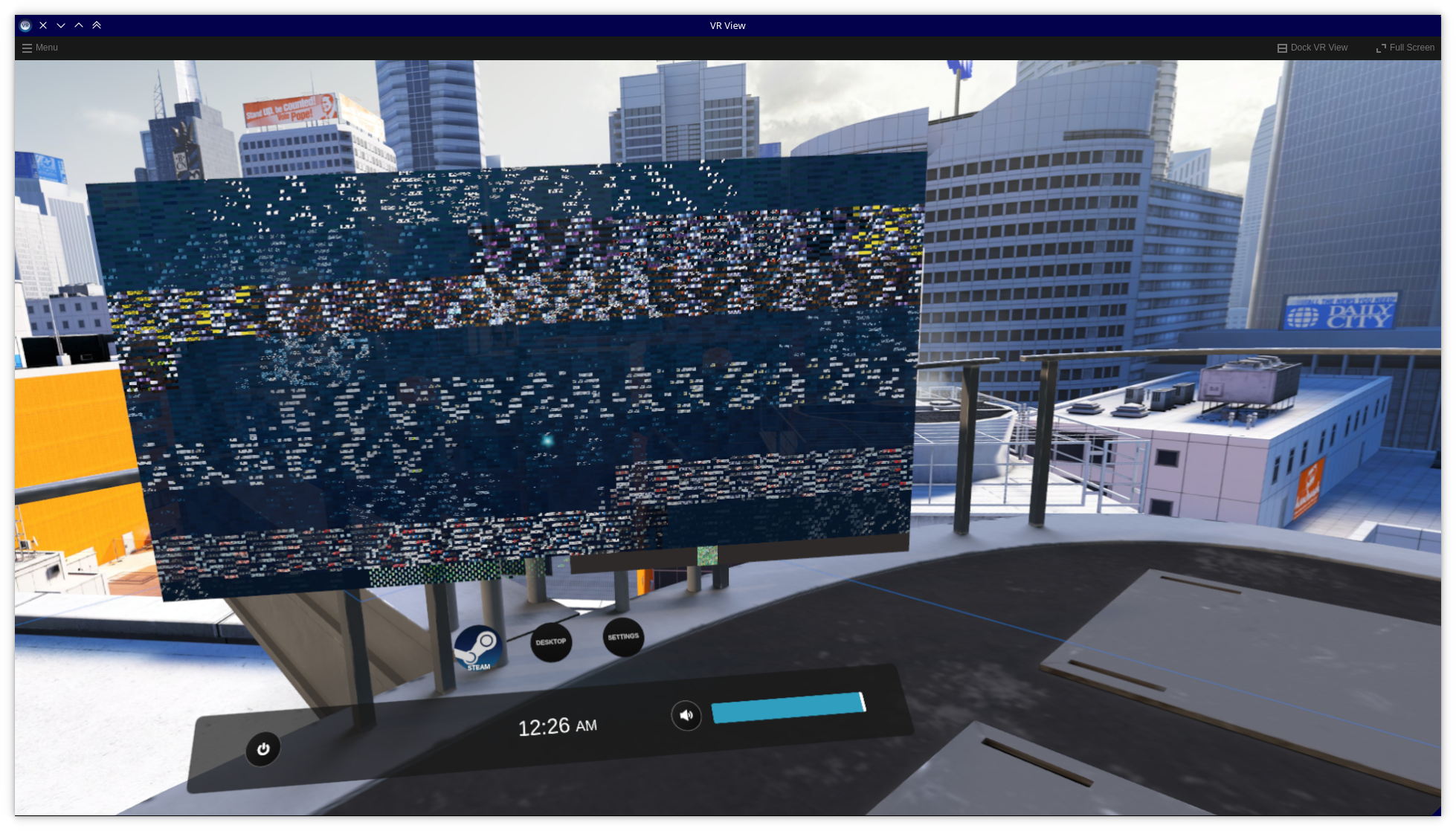
If I point at where UI elements would usually be then the texture changes in some places but it never stops looking scrambled.
I reinstalled my system, keeping the home partition (and thus all Steam and SteamVR configs). Same packages as yesterday (mesa and vulkan git from the lcarlier repo) and now the Steam and Desktop tabs look like they're supposed to. As noone else seemed to have such a problem I'll just close this.
I have this problem, and reinstalling didn't work.
Launch options
RADV_PERFTEST=llvmx1 2019-10
System Information (please complete the following information):
When using mesa-aco-git the Steam and Desktop view are corrupted / apparently display some GPU memory or something. It's probably connected that if I move the Steam window from my main display to the left or right one, resizing Steam in the process, the library (nothing else) gets weird as well. It's still reactive but the textures seem shifted:
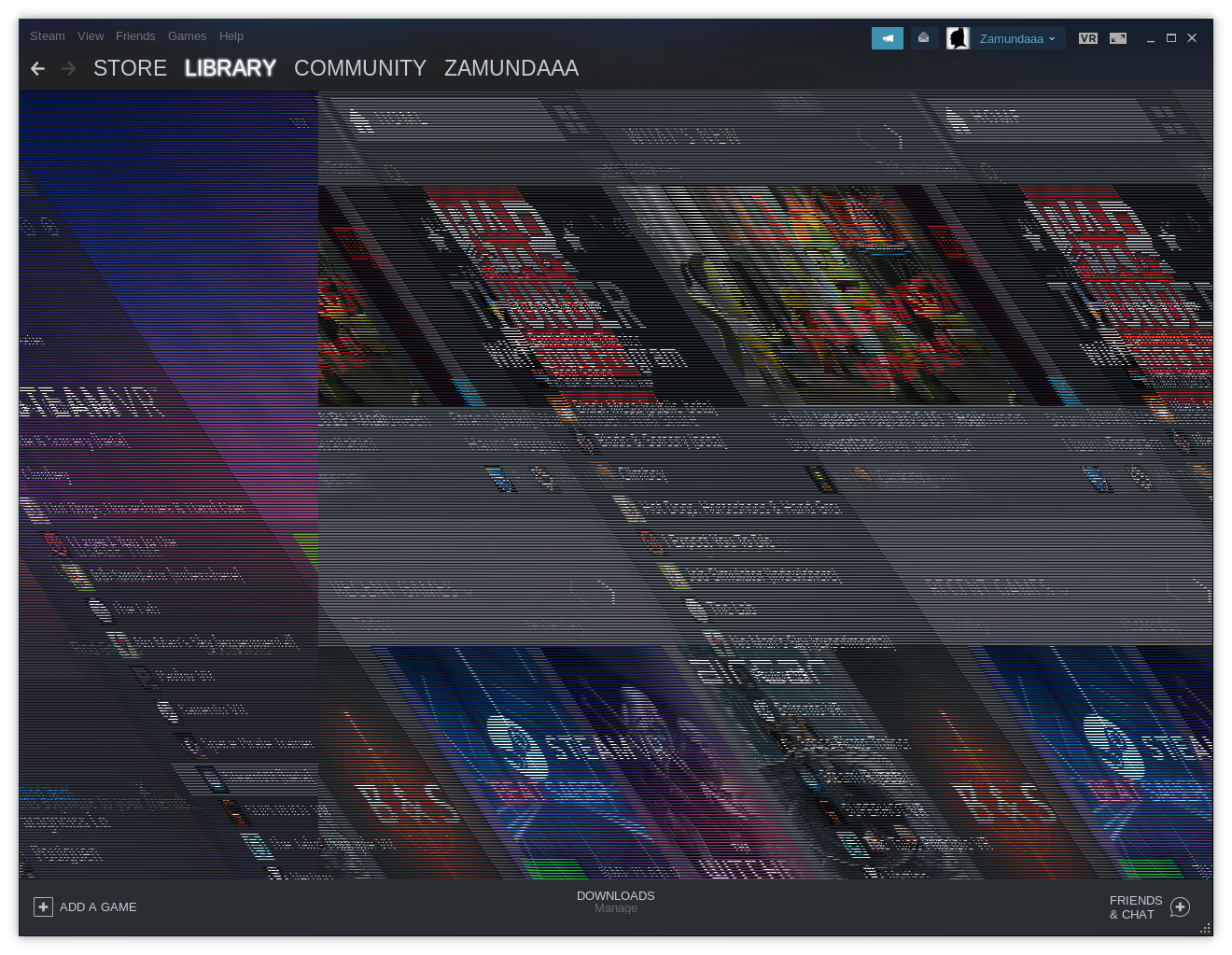
Resizing it makes it look fine again. That is, until I shift it to the main screen and back. I'll create a seperate issue on the Steam for Linux issue tracker as well.
If some logs or something would help, let me know which ones you need.
Note: Commenters who are also experiencing this issue are encouraged to include the "System Information" section in their replies.