GPU Vendor: "AMD Radeon RX 6800 XT" GPU Driver: "8388829"
SteamVR only works correctly on radv, not amdvlk or amdgpu-pro.
@ChristophHaag that would explain a bit, I don't know what was default with Arch rolling at install but I wouldn't mind a pointer where I can read up on how to cleaning out everything else so it's only RADV.
I was experimenting to see if I could get OpenCL/HIP/ROCm support working in blender since they were stating that it was supported now...
Okay, I wish there was a warning at launch that would warn about this.
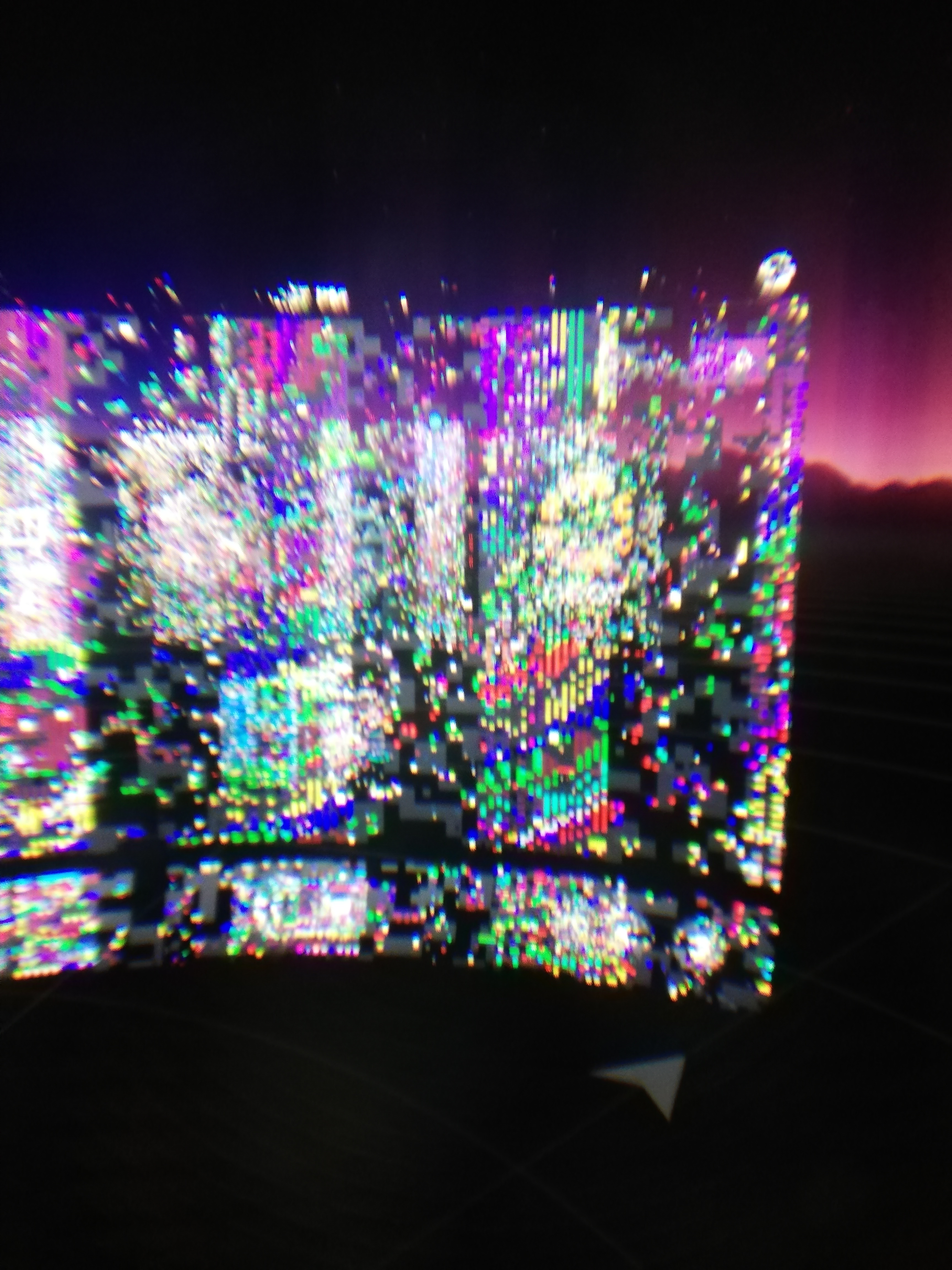
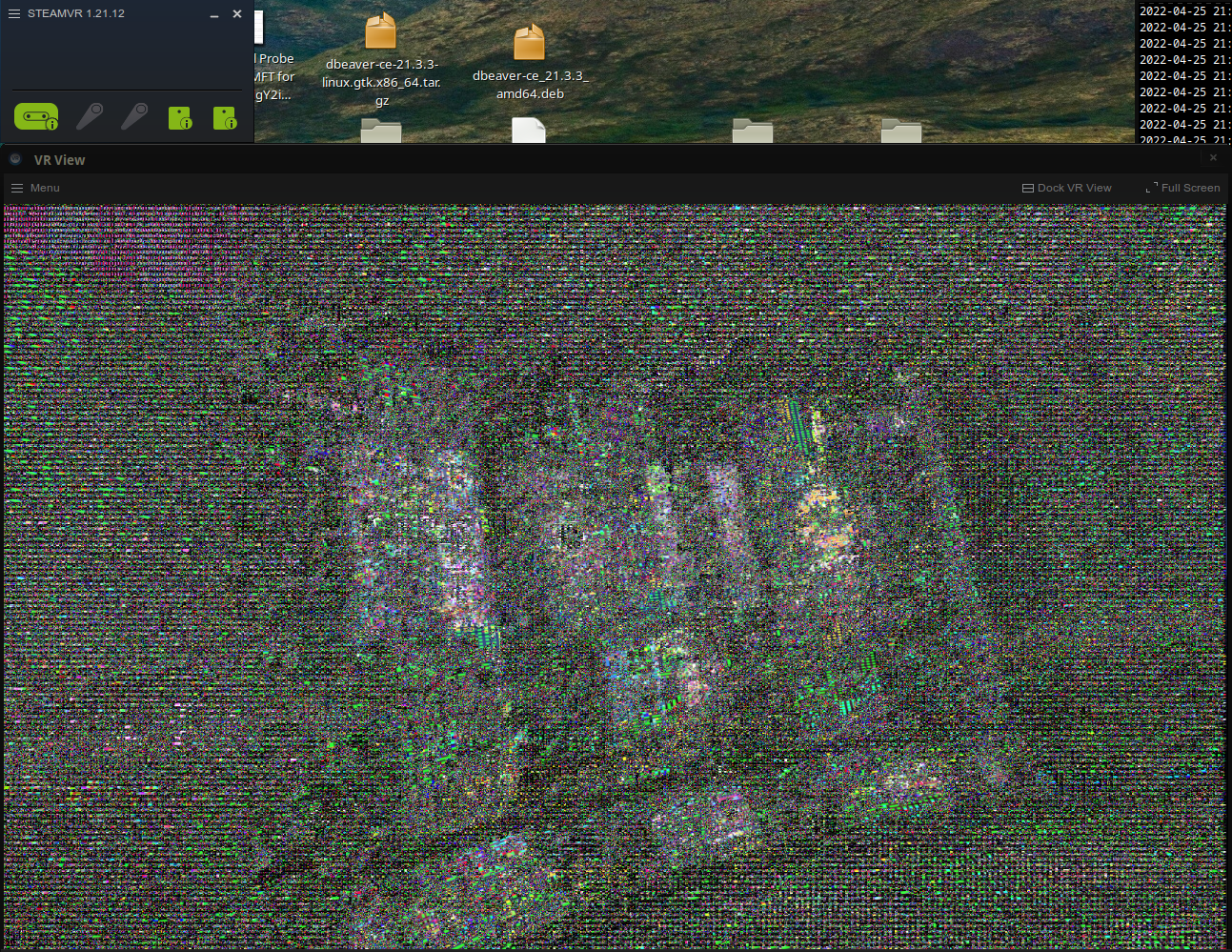
After following [this] since I'm on arch linux, it seems at least most of the corruption is gone, BUT the right eye is still getting a bright halo around the view area.
On the vive pro, I can't remove the lsense (See [this] iFixIt teardown) because it is mounted directly to the screen so I can't get a good look at what sort of distortion that is present around the right eye.
Hello @panmarco83, sounds like you've encountered https://github.com/ValveSoftware/SteamVR-for-Linux/issues/480. Try setting SteamVR's launch options to RADV_DEBUG=zerovram %command% as a workaround.
@kisak-valve that worked, thank you !
There are still a few quirks that are annoying, like the fact that the base stations still can't be controlled by steamvr itself and that a "thirdparty" program/app/script (steam_utils) is needed to control them but that is outside the scope of this bug report.
On the other hand, I haven't tried the room-setup program again, but I have a feeling it will still SegFault again unless it was specifically because of the RADV driver not being used.
As well as after managing to switch to RADV, I tried to run a few programs and games but most would launch, get to the first 3D/VR frame, then crash out. very odd.
BUT for some reason, the first one I tried was VRChat, and it ran for about 1 minute until it crashed.
Confusing ..
Okay, It looks like mostly everything works right now so thanks @kisak-valve and @ChristophHaag for the help :smiley:
Bug description
To Reproduce
Steps to reproduce the behavior:
Expected behavior
System Information (please complete the following information):
Screenshots
Nr. 1
Nr. 2
Additional context
Note: Commenters who are also experiencing this issue are encouraged to include the "System Information" section in their replies.