I am experiencing a similar crash when launching games via Steam VR Home, via the overlay or by pressing "View All" in the overlay.
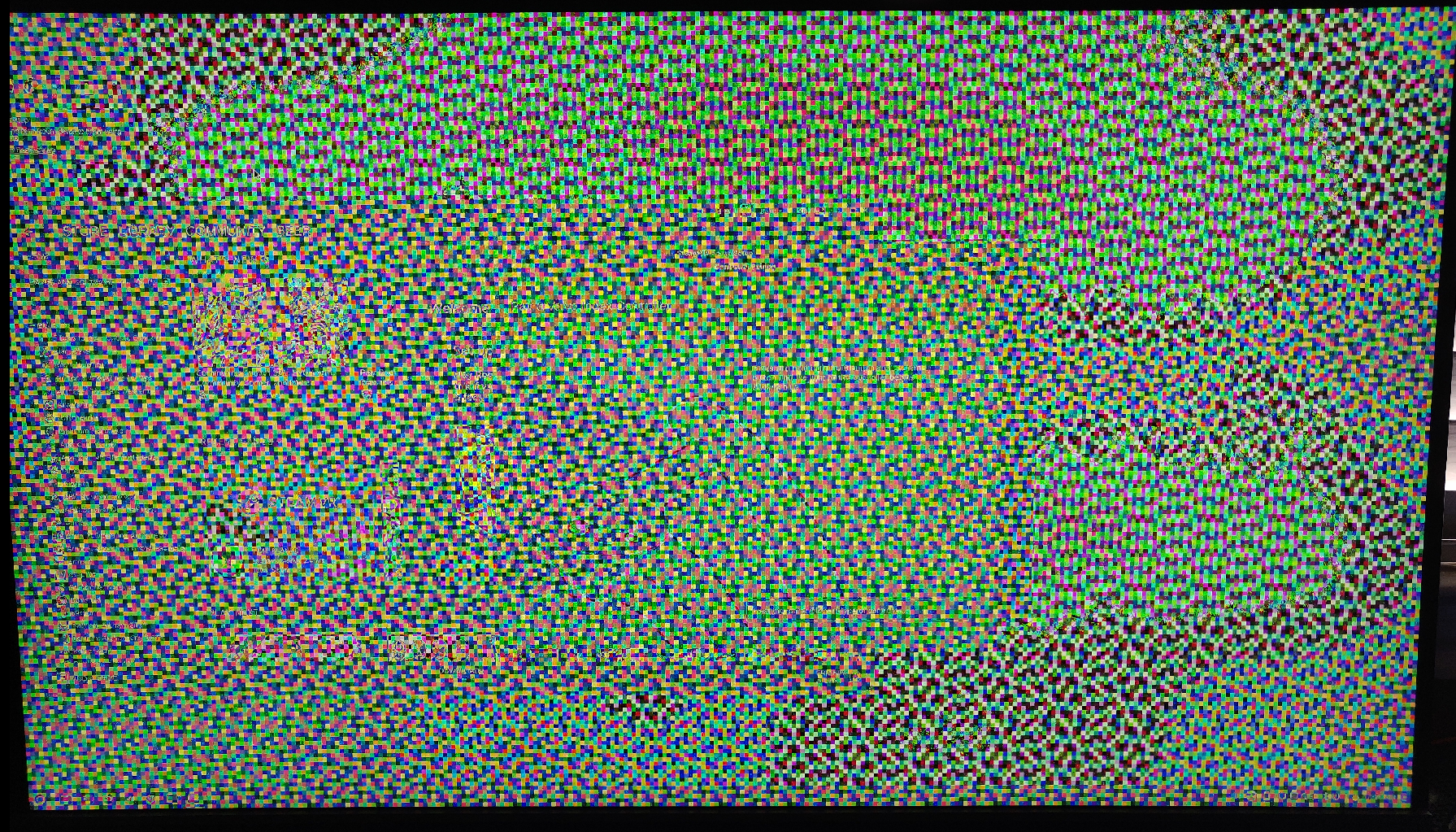
I get the following popup briefly before all my monitors look similar to OPs image & I have to restart my PC:
The file or folder /home/username/.local/share/Steam/steamapps/common/SteamVR/bin/vrwebhelper/linux64/"steam://open/bigpicture/games?backstack_token=system.dashboard.quicklaunch" does not exist
Can confirm that while https://github.com/ValveSoftware/SteamVR-for-Linux/issues/469 fixes some GPU issues, it does not fix this one for me.
Same issue since mesa update to 22.0.5 version
I've tested at some kernel versions:
linux-5.4.195-gentoo
linux-5.10.117-gentoo
linux-5.18.10-gentoo
linux-5.18.11-gentoo
and mesa versions 22.0.5^t ~22.1.2^t ~22.1.3
VERY stable bug.
In Xorg its totally crush gpu driver
on Wayland i have 307 steamvr error code and segfault on vrcompositor
[23746.211908] vrcompositor[112826]: segfault at 10 ip 00007f8239af2da0 sp 00007ffd421c1218 error 4 in libc.so.6[7f8239a90000+16b000]
mesa ver 21.. is work
Mother: MAG B550 TORPEDO (MS-7C91)
AMD Ryzen 7 2700 Eight-Core Processor 32gb RAM
AMD Radeon RX 5500 XT (navi14, LLVM 14.0.4, DRM 3.46, 5.18.10-gentoo-x86_64) Mesa 22.0.5 8192 GPURAM
"Gentoo Base System release 2.8" x64 5.18.10-gentoo-x86_64
steam-runtime_0.20220601.1
VR device HTC Vive
temporary solution: run steamvr, take a crash. go to tty terminal, kill user session, relogin, enjoy vr until next reboot.
Waiting for resolve this mesa bug - https://gitlab.freedesktop.org/drm/amd/-/issues/1980
Can confirm this works but (index) controllers are unable to connect now for some reason. Re-pairing won't help and connecting while being connected to a charging cable only allows them to hold connection for a few seconds.
update for templorary solution:
run steamvr, immediately close them, run again, enjoy vr until next reboot.
Nothing extracted yet.
Describe the bug
Graphics driver crash (presumably) when starting VR. I don't know for sure if this is a driver crash, but I assume that's what it is. This occurs every time I try to launch VR (see Additional Context) .. and it also happens when I pair an Index controller.
Let me know if there are other logs I should attach.
To Reproduce
Steps to reproduce the behavior:
OR (when I was still able to start VR)
Expected behavior
Anything but this
System Information (please complete the following information):
Screenshots
Additional context
I've had this issue on and off for about 2 years now, but it has historically been more random and not necessarily caused by starting SteamVR. Recently, it has started occurring every time I try to launch VR.
Before this problem started happening every time I start SteamVR, I noticed that pairing my Index controller would cause this graphics crash to happen. I don't know why pairing would cause that, but it did, three times in a row.
I've verified file integrity for the SteamVR package
Note: Commenters who are also experiencing this issue are encouraged to include the "System Information" section in their replies.