Steam client: Tooltips may leave behind artifacts on screen that are always on top.
steamclosed
reviewedSteam client
The next client will have a fix for this.
Did the Feb. 1 release fix this?
Yes, the methods of reproduction I stated no longer work for me and I had no other occurrences of that error as well after Feb 1.
I know this is old, but this looks like exactly what I've been experiencing multiple times (even across user sessions) today
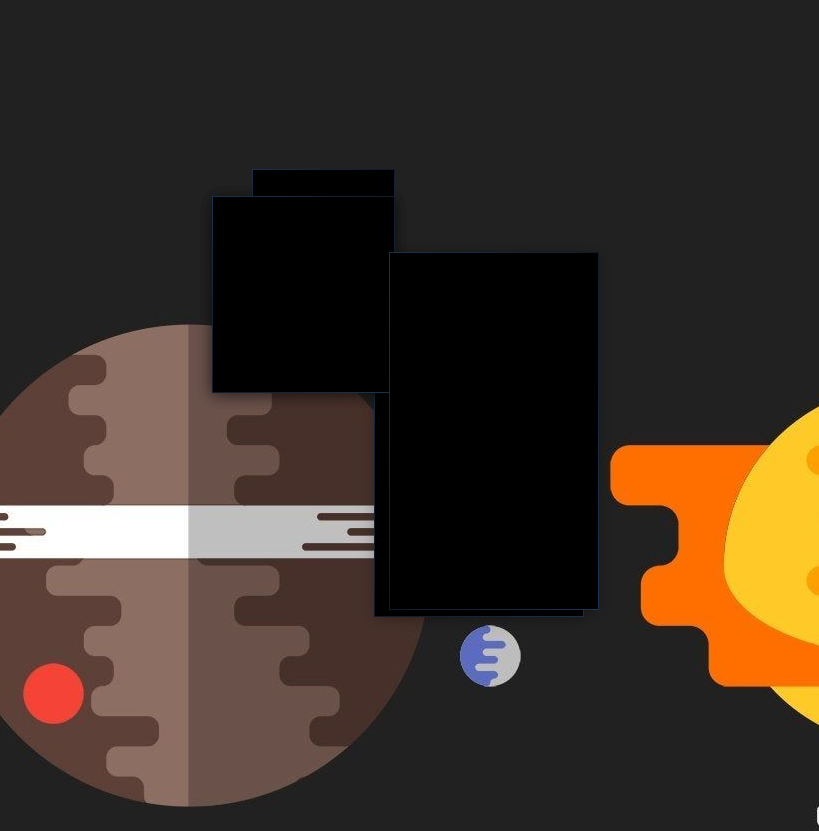
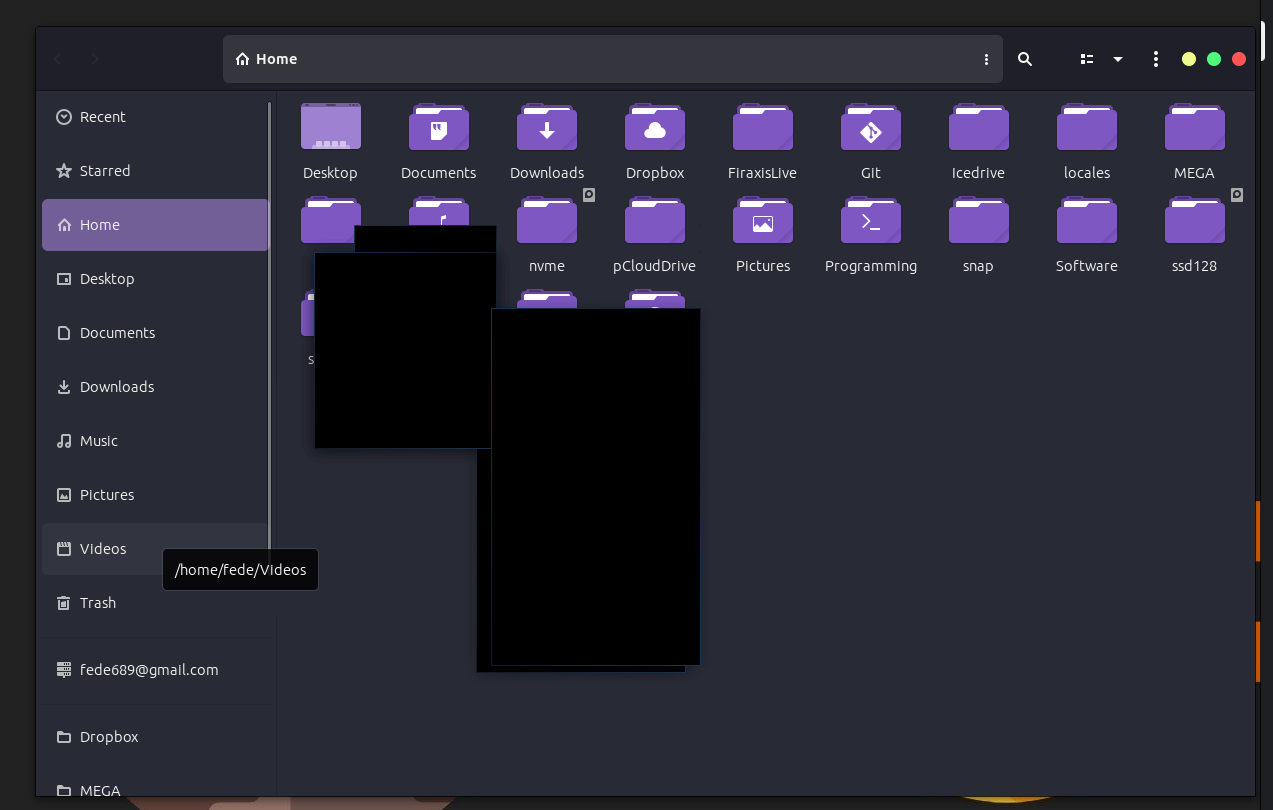
For me it happened when right clicking into context menus in the friends list, but not in Library, for example.
System Info:
OS: Ubuntu 23.04 Lunar Lobster on XOrg (1:7.7+23ubuntu2)
Kernel: 6.2.0-20
GPU: AMD Radeon RX 6700 XT
Driver: OpenGL Mesa 23.0.2
Edit: Left clicking in friends list also causes that tooltip to leave an artifact, and cannot close friends list from the close button.
Nothing extracted yet.
See the odd looking frame around the Shank 2 bug report in the image?
This is an artifact spawned by the tooltips inside the Steam client, it will be always on top and actually focus the client when clicked on which means on top of looking ugly it will make the screen region it covers unusable.
I have found 2 ways to reproduce this issue.
1st:
EDIT: Actually not anywhere but the right click context menu inside the browser under any community tab (friends, game hub, etc.) and the store. END_EDIT
Right click anywhere inside the client so that the context menu comes up, instead of closing it by left clicking outside the menu or selecting an option right click outside. This leaves behind outlines of the menu which behave as described above.
Spawning another right click context menu and removes the artifact.
2nd: Within the client browse to any Community hub discussions page and hover the mouse over a topic so that the summary tooltip is displayed and almost immediately pull the cursor out again without triggering any other tooltip to display. This is not a 100% reliable way spawn such an artifact but will do so quite often. Again, displaying another summary will remove the artifact.
Having a proper tooltip of one kind doesn't remove the artifact spawned by the other kind.
I'm running Unity as my DE.
System info:
Processor Information:
Vendor: AuthenticAMD
Speed: 3000 Mhz
4 logical processors
4 physical processors
HyperThreading: Unsupported
FCMOV: Supported
SSE2: Supported
SSE3: Supported
SSSE3: Supported
SSE4a: Supported
SSE41: Unsupported
SSE42: Unsupported
Network Information:
Network Speed:
Operating System Version:
Ubuntu 12.10 (64 bit)
Kernel Name: Linux
Kernel Version: 3.5.0-23-generic
X Server vendor: The X.Org Foundation
X Server release: 11300000
Video Card:
Driver: NVIDIA Corporation GeForce GTX 650 Ti/PCIe/SSE2
Sound card:
Audio device: Realtek ALC888
Memory:
RAM: 6978 Mb
Miscellaneous:
UI Language: English
LANG: de_DE.UTF-8
Microphone: Not set
Total Hard Disk Space Available: 196860 Mb
Largest Free Hard Disk Block: 63423 Mb
Installed software:
Recent Failure Reports: