Feature Request: Add target monitor on big picture mode Linux client
Even if you get big picture mode running on the correct screen you may find games wanting to open on either the primary or leftmost display. Here's my script to launch big picture mode. You may find it useful.
Thank you for your script! I will test it later, in the meantime could you elaborate what this script does please? For instance how do I do to go back when I want to use my primary display? Thanks
First I must turn on the TV, then run the script.
It disables my screensaver, then enables the tv output and makes it the primary and leftmost screen.
Then because all my windows have now moved to the left by 1920 pixels, it moves all windows 1920 pixels to the right. It sets a few SDL environment variables that probably fixed some game I don't play anymore, and then runs Steam in big picture mode.
In BP mode each time I have to manually set the audio output to the HDMI because even though it's playing through it, it'll tell games the wrong output unless BP mode's audio screen shows the right output.
It seems to forget which device I'm using as a mic too.
When Steam exits, windows are moved left again and the tv output disabled.
You may need to modify the xrandr commands as your screen outputs may be named differently. Run arandr to get the names you need.
So while it's running you can still go back to your desk and use your pc as normal, your tv is just another screen attached to the left.
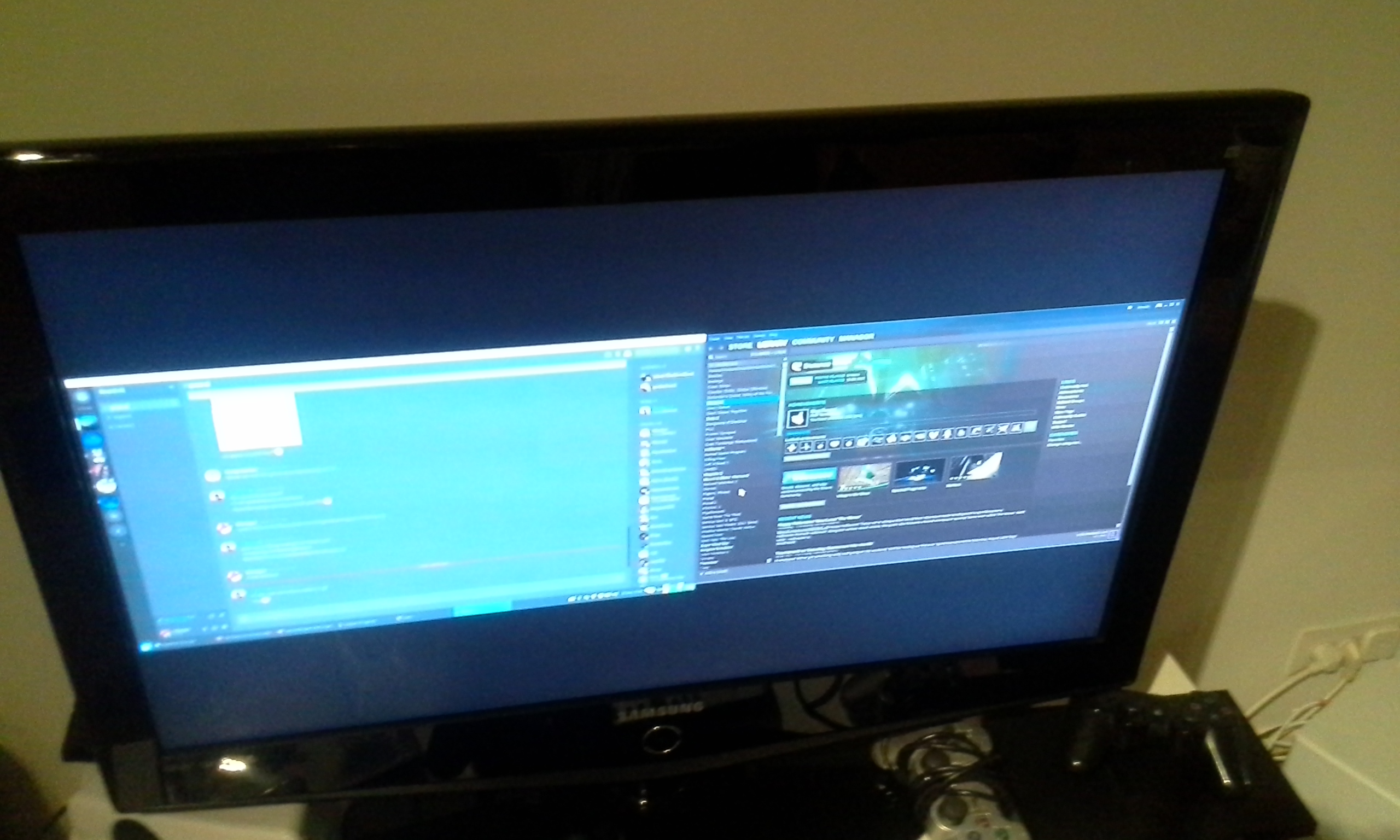
It's been a year Valve. Time to bump this as on multimonitor setups the screen doesn't focus on either of the screens
Nothing extracted yet.
Your system information
Please describe your issue in as much detail as possible:
I expect to be able to play my games using my TV through the hdmi port. I know in windows there is a target monitor option inside the display option in big picture mode (see here: http://s29.postimg.org/vw7tz89w7/Untitled.jpg) but that option is not present in the linux client.
Steps for reproducing this issue: