Hello @ibrokemypie, your screenshots hint that the 32 bit opengl driver being used isn't quite sane as there's no textures rendered. Can you check if other 32 bit opengl applications work as expected?
From the archlinux wiki:
Steam makes heavy usage of the Arial font. A decent Arial font to use is ttf-liberation or the fonts provided by Steam. Asian languages require wqy-zenhei to display properly.
There's also a section about fonts in the troubleshooting guide: https://wiki.archlinux.org/index.php/Steam/Troubleshooting#Text_is_corrupt_or_missing
I hope this helps.
@kisak-valve it indeed seemed to be my end at fault, had mismatched mesa and llvm versions, sorting that out has fixed it, thanks!
Nothing extracted yet.
Your system information
Please describe your issue in as much detail as possible:
I believe this started recently after updating xorg-server and mesa.
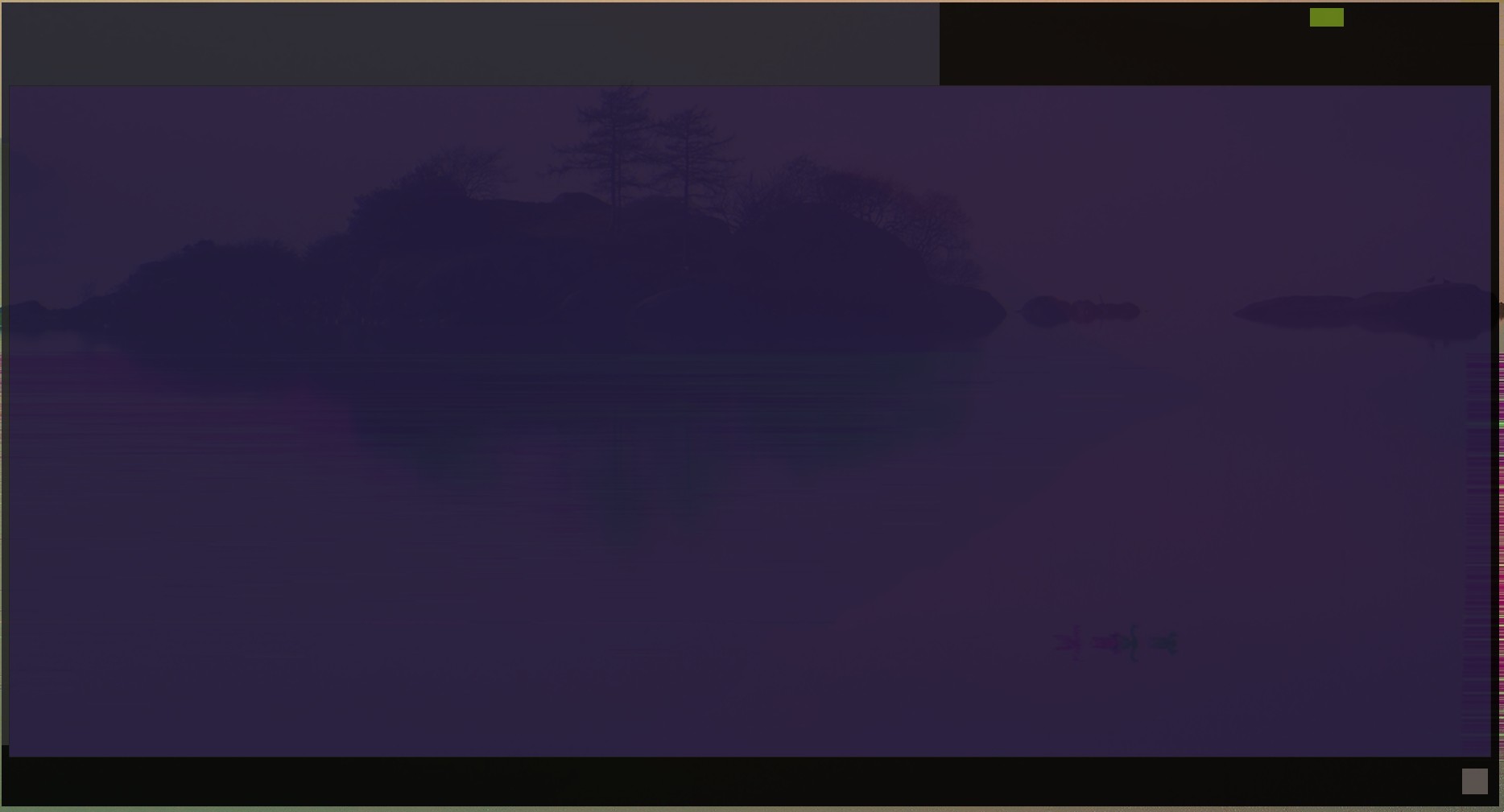

I have all the fonts needed installed, and all fonts anyone has ever mentioned in the issues too.
When steam starts there is simply no text, whatsoever.
Main steam window:
Steam preferences window:
Friends list window:
This issue more or less makes the steam client unusable.
Steps for reproducing this issue: