[First Run] License agreement does not run in Big Picture UI
This is a stupid idea, but a possible workaround would be to add the LD_PRELOAD gunk (and maybe the STEAM_GAME atom?) to zenity so that the window will show up in steamcompmgr. It's about as gorgeous as you would expect...
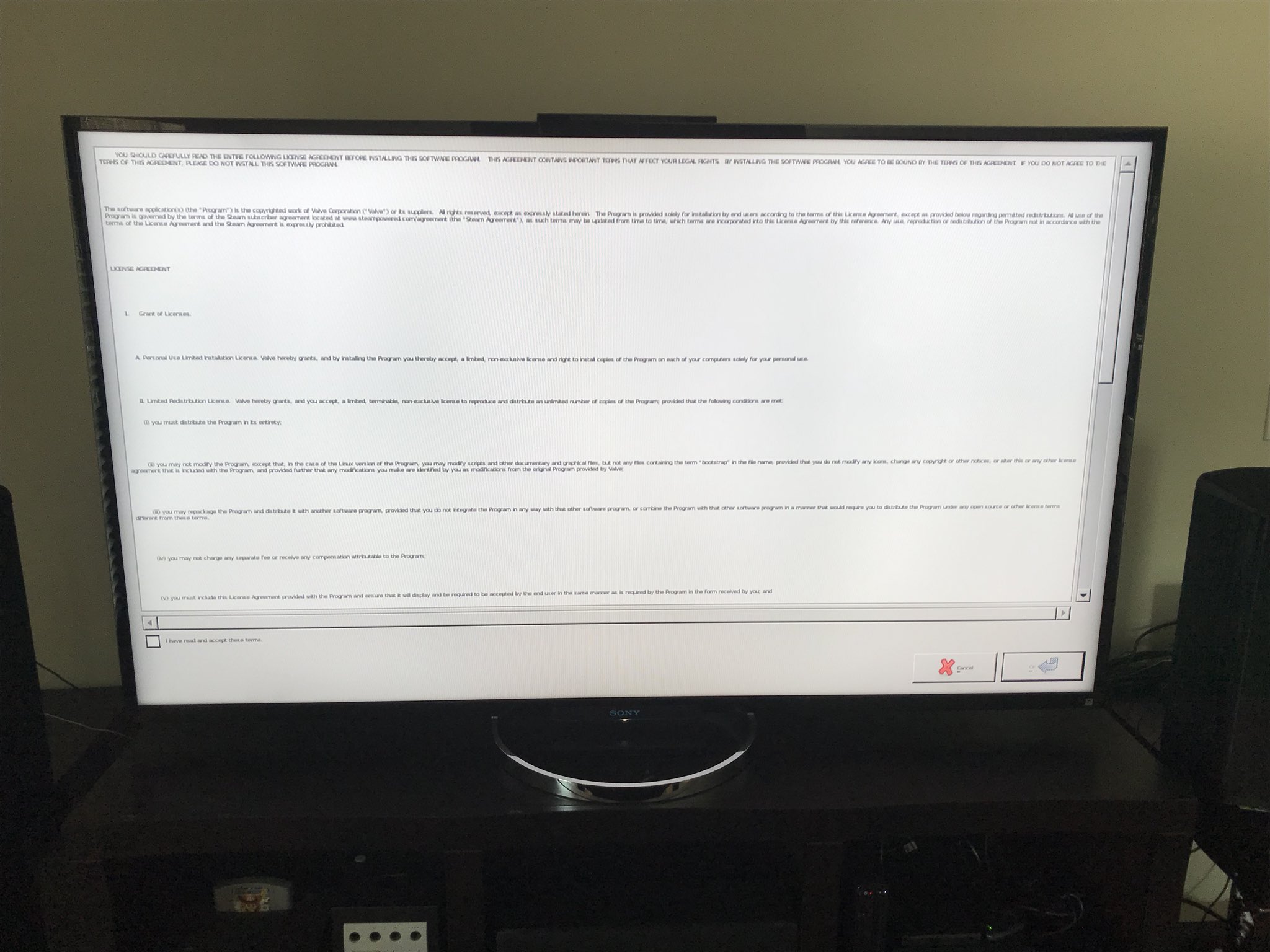
... but it's better than a black screen!
Bumping this to CC @alkazar. Think we can fix this in your steamcompmgr branch? Updated repro steps if you need them:
@flibitijibibo (that was hard) I will take a look. I would have expected the -steamos option to take care of this though. Is this still a problem?
I believe it still is, yes. I think we need special treatment for zenity for this to work, at least.
@flibitijibibo I think this issue is fixed. I recently did an Arch based steamcompmgr only install with the -steamos option and was presented with the license agreement inside big picture with no problems. The whole thing worked very well! I was using my fork of steamcompmgr but I dont think that was what did it.
This is indeed fixed by the latest update!
Nothing extracted yet.
Your system information
Please describe your issue in as much detail as possible:
When installing
steamos-sessionon Fedora, the initial run of Steam will pop up either azenitywindow or anxtermsession to provide the license agreement for Steam. However, for some reason steamcompmgr does not like either of these windows, so you just get a black screen until you kill the process and it eventually bails on the session entirely.This is kind of a steamcompmgr bug, but as it turns out the official SteamOS UX places the license agreement in Big Picture itself, using the CEF browser. It would be nice to have the
-tenfootor-steamosflag skip the license agreement code in the shell script and use Big Picture for the agreement instead, both improving the user experience and working around this pretty obscure bug.Steps for reproducing this issue:
In contrast...