Steam Link + native Steam Overlay + DXVK = Black screen
OK, some new data after some testing:
- I can reproduce it with the Steam Link Android app
- It only happens with games that are fullscreen, windowed fullscreen or a maximized window. If I start the game with a non-maximized window, then maximize it from the PC, it works (but it's quite inconvenient). It doesn't work if changing it to fullscreen, though.
Hello,
I confirm I had the same issue with Hitman 2 and Steam Link Android on Nvidia Shield.
Windowed mode solved the issue.
Hi. After my issue #6656 was closed, I tested the workarounds given here.
Unfortunately, it doesn't help to disable the Steam overlay or switch to window mode when using Remote Play Together. I tried all not working game/proton/vulkan combinations mentioned in my previous issue.
I've tested 2 games with DXVK - Katamari Damacy Reroll and Sky Rogue (with Proton and dx11 being force enabled) and found that those games will show a black screen or stuck frame on stream when Proton 4.11 is used. Retested them with Proton 4.2-9 and both games works fine.
Still have this issue (black frame or stuck first frame) when the host runs a game with Proton 6.3-5 and the game renders using vulkan (DXVK)
I can confirm that this issue seems to be related to fullscreen. If I run games in windowed mode, this doesn't happen. Notable exception: Shadow of the tomb raider results in a black screen when playing over Steam Link no matter if fullscreen or windowed mode is used.
For me Steam Link works for games, including native and in windowed mode but in the Big Picture mode it shows black screen.
It looks like Steam would only stream the active game window.
Here's how it looks like
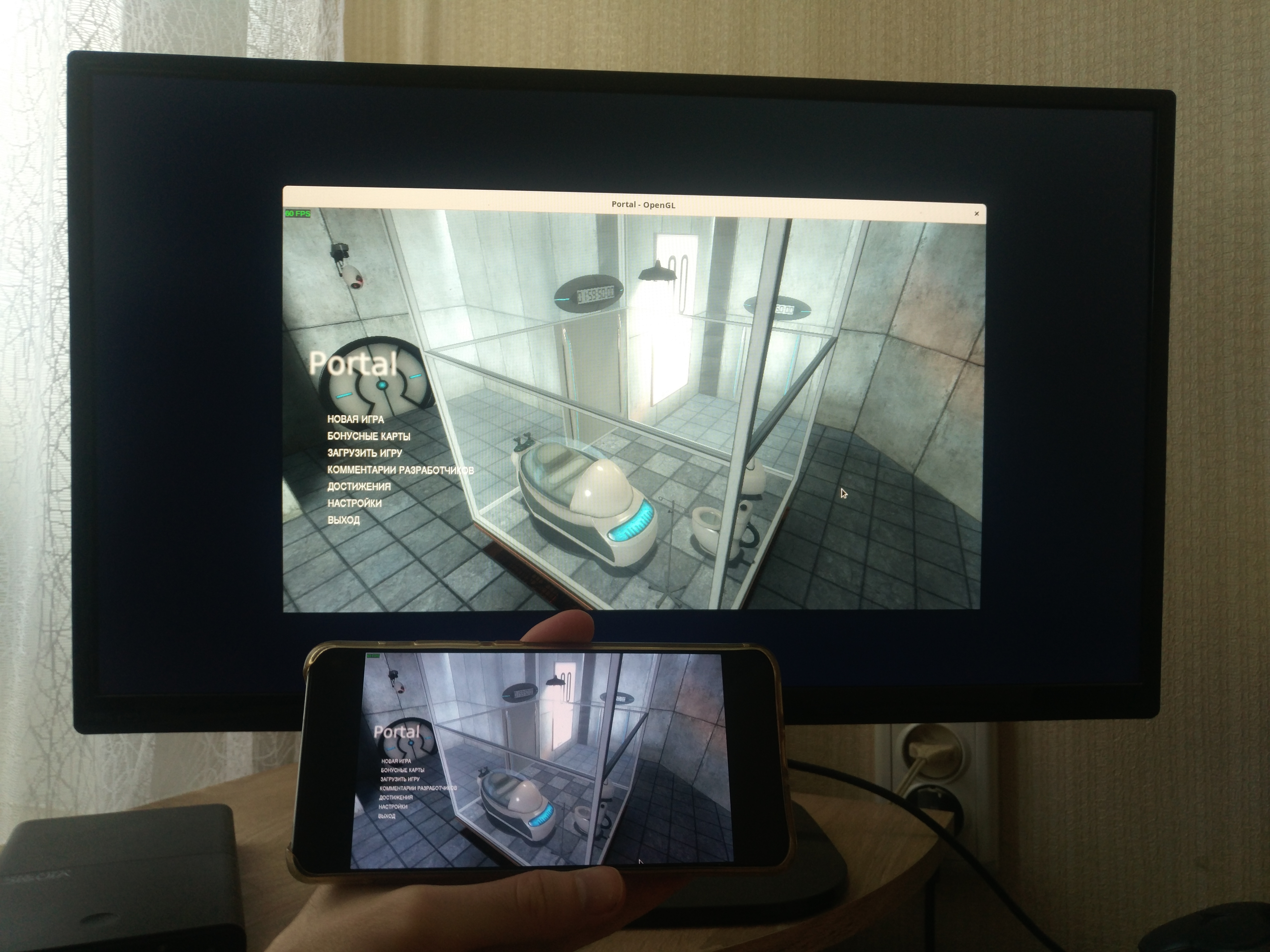
Yes, this is why running in windowed mode is an okay workaround (except for SOTR). Unfortunately some games just reset the setting and always start in fullscreen.
You should try to run them with gamescope.
I have also been experiencing this for months.
As host using manjaro, pipewire, wayland, proton 6.3-8 and proton experimental.
with AMD 5700xt, mesa drivers
The screen is black, but some inputs might go through. For example in Mount&Blade:Bannerlord it's possible to hit the big 'Play' button and start the game and also navigate the menus, but screen remains black. No difference with windowed, borderless windowed or fullscreen.
It Takes Two works if the game window starts on top, but has a black screen if origin opens popups on top of the game window. (after closing all the extra windows Origin pops up, it works again, but that is pretty hard to do with a black screen).
Native games like Portal2 and Wasteland3 seem to just work with this setup.
I have this problem too. I have resorted to using an ipad next to my machine to troubleshoot it.
So far, I have learned that if another window (like KDE's system settings or nvidia-settings) partially covers the game window, the game streams just fine. If I alt tab back to the game, I see the frame right after the Plasma panel with my system tray and task manager disappears. It then remains stuck on that frame. I have been testing with the game Destroy All Humans!.
Here is my system configuration:
Linux 5.16.14-gentoo-x86_64
Nvidia 510.54 driver
KDE 5.23.5
xorg-server 21.1.3
144Hz 4K screen
200% resolution scaling set in Plasma's settings
Native games like Plague Inc: Evolved and Broforce work fine. What is really annoying is that the inputs and audio work fine. It is just the screen that is initially a black screen with my cursor on it. Alt-tabbing to a running chromium web browser works fine and causes the steam link client to show my entire desktop, but alt-tabing back to the game causes it to get stuck and keep encoding the same frame. That is sometimes the web browser and other times the game with either the alt-tab menu or the KDE panel with the task bar, depending on how fast I alt-tab :/
After talking to frodosnuts on reddit about this issue, I found that changing my screen resolution to 1080p makes the issue go away. I am not sure if using a non-1080p screen resolution is the root cause for other people here, so I opened #8554 regarding this.
I imagine it would be helpful to valve if other people here would report their screen resolutions and whether or not forcing a 1080p screen resolution helps.
Proton versions
proton 6.3-8x1 2021-11proton experimentalx1 2021-11proton 6.3-5x1 2021-08proton 4.11x1 2019-11proton 4.2-9x1 2019-11
Upstream links
- show_bug.cgi?id=44514x1 2018-09
- doitsujin/dxvk/issues/649x1 2018-09
(I already opened this as an issue with DXVK https://github.com/doitsujin/dxvk/issues/649, but Phillip doesn't think DXVK is to blame here)
Setup
I'm trying to launch a Windows game (Elder Scrolls Online) through Proton, and play it on my Steam Link
Steam Link + Steam Overlay + wined3d = "works" (missing textures due to https://bugs.winehq.org/show_bug.cgi?id=44514 )
Steam Link + DXVK = works
Steam Overlay + DXVK = works
Steam Link + Steam Overlay + DXVK = Black screen on the Steam Link (on the PC it works normally)
This behaviour has always been like this for DXVK. But DXVK used not to work at all with the Steam Overlay, so I thought that was the issue. But now that DXVK works with the Steam Overlay, I tried again and it's still there.
I'm not sure which log files would be helpful here, since it looks like the issue is at the Vulkan level, but I'll provide everything I can.
System information
GPU: Vega 56
Driver: Mesa 18.2.99