The clipboard issue is resolved, I copied the full URL from playartifact.com but should've copied only the id part. Now I can import decks without problems. Still, those two decks didn't appear after the tutorial automatically.
Nothing extracted yet.
Your system information
Please describe your issue in as much detail as possible:
My load deck menu is broken. I don't see the decks and I can't import them. From what I saw on YouTube that dialog should look like this:
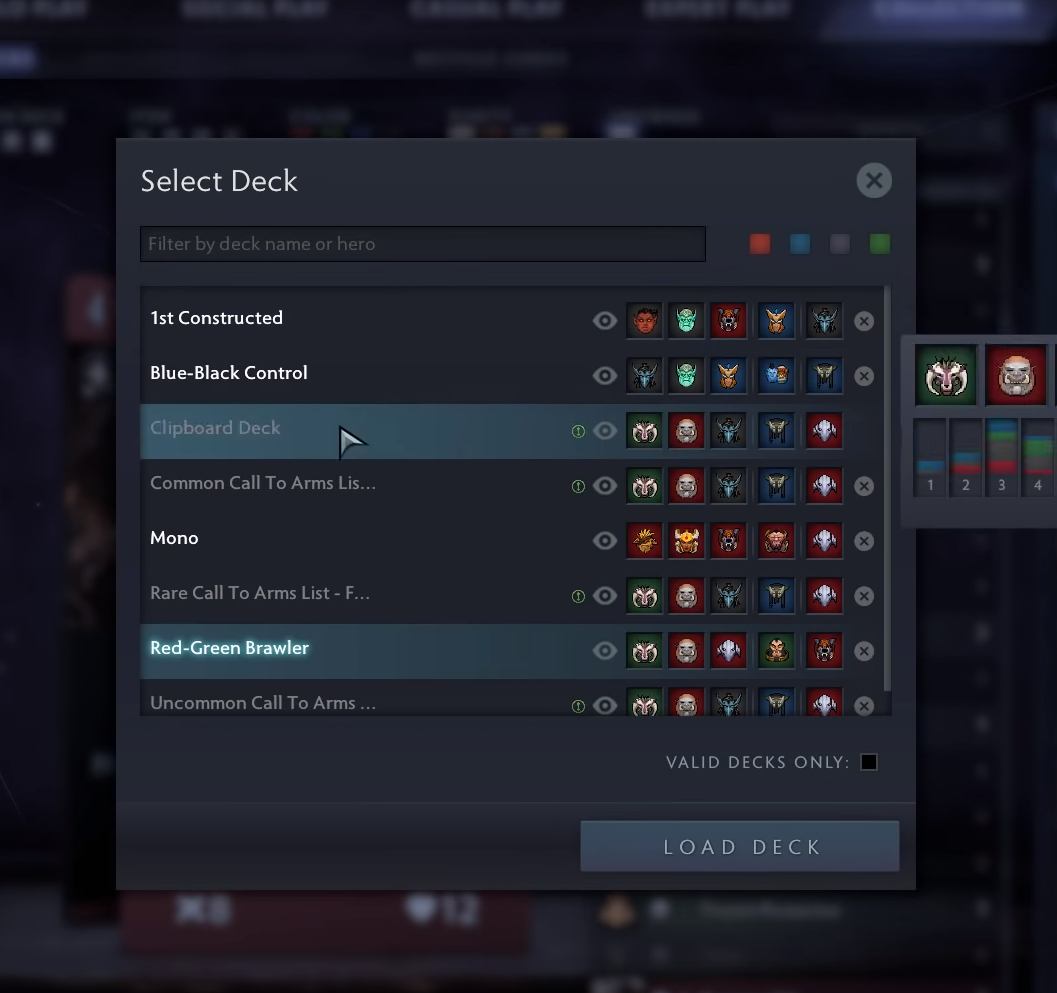
Mine is completely empty so I don't see the preconstructed decks (Red-Green and Blue-Black), I can't import a deck from clipboard (because there's no such menu item) etc.
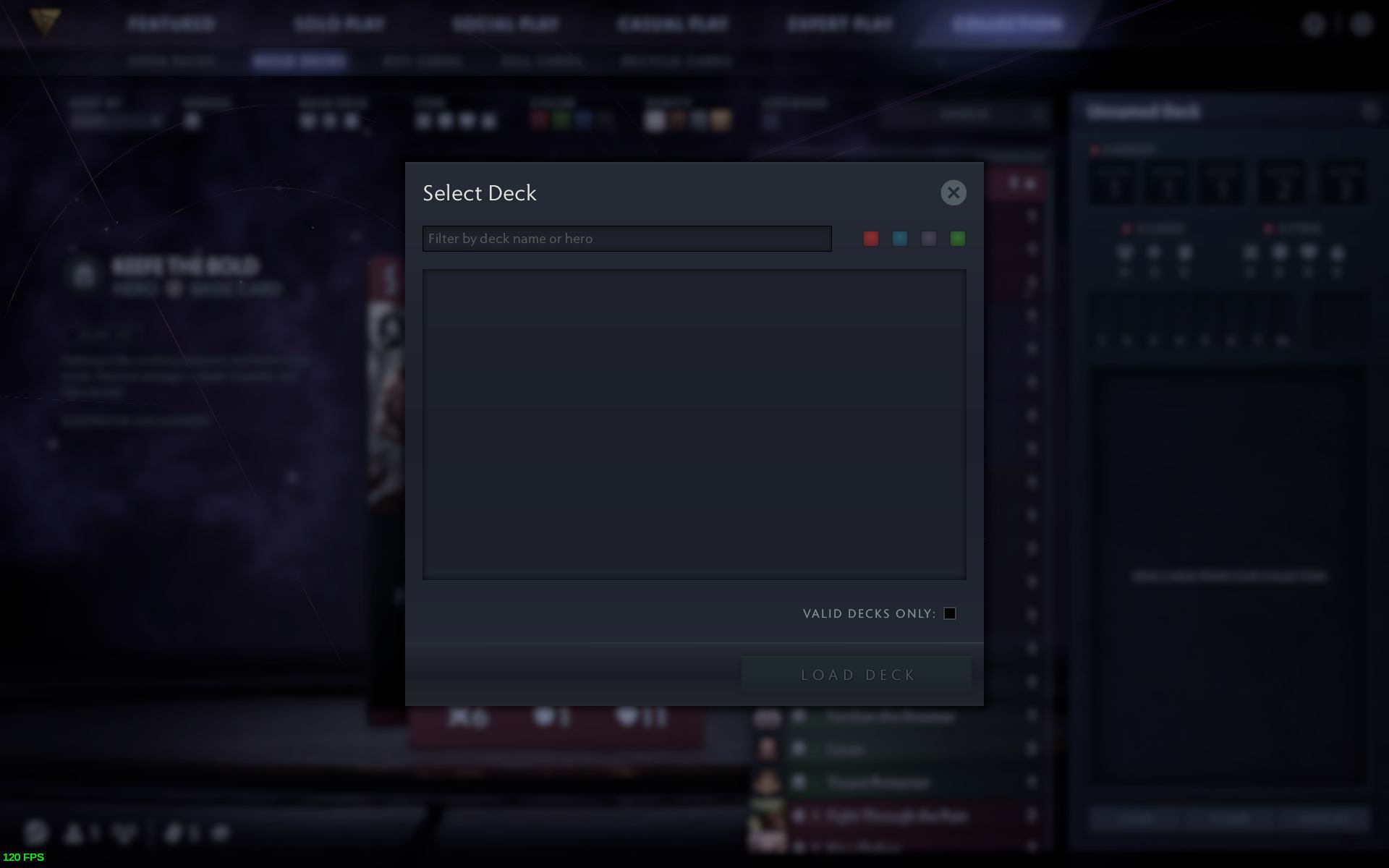
All I can do is create new decks manually and save them, then I see them in that dialog. I also see some Call to Arms and bot decks in the solo play versus a bot, that's the only place where this list is populated.

I tried this on at least three different PCs, all of them run Debian testing (GPUs are GTX 770, GTX 1070 and Intel i5-7400 with Mesa), on all of them the load menu is empty. I installed Steam and the game from scratch to be sure but it didn't help. I suspect it's a server-side issue, i.e. on Valve servers or something is wrong with my account, my SteamID is 76561197997159127. I already asked Steam Support and they told me to post my issue here as I'm on Debian and not on Ubuntu (I don't think that could be the problem as the rest of the game works fine but whatever).
Steps for reproducing this issue: